# 30 Second Productions — full text
> Done-for-you marketing for small businesses. Rated 4.9/5 from 13,500+ clients.
> Over 16,000 videos delivered since 2012. Short index: https://www.30secondproductions.com/llms.txt
## About
- Company: 30 Second Productions (legal name 30 Second Explainer Videos Ltd.)
- Founded: 2012
- Based in: Room 701, 25-27 Des Voeux Road, Central, Hong Kong. Serves businesses worldwide.
- Founder: Matt Skelcher
- Rating: 4.9/5 from 13,500+ clients
- Work delivered: 16,000+ videos
- Client reviews: Clutch https://clutch.co/profile/30-second-explainer-videos and Trustpilot https://www.trustpilot.com/review/www.30secondexplainervideos.com
- Contact: jade@30secondproductions.com
## Services and prices
Prices as shown on each page. The page is the source of truth.
- [AI SEO](https://www.30secondproductions.com/ai-seo): We set up your website so ChatGPT, Claude & Google AI can find, understand and recommend your business. Done in 48 hours. Price: $349 one-time (regular $497). Optional done-for-you install: $79 one-time.
- [Press release coverage](https://www.30secondproductions.com/press-coverage): We write a press release about your business and publish it across 200+ news sites, including NBC, Fox and CBS affiliates, in 48 hours. You approve the draft first. Price: $349 one-time.
- [Explainer videos](https://www.30secondproductions.com/explainer-promo): A custom animated explainer video. We write the script, record the voiceover and animate it. Delivered in 7 days. Price: 30-second video $297 one-time (regular $497). 60-second video $497 (regular $797).
- [Whiteboard animation videos](https://www.30secondproductions.com/whiteboard-promo): A hand-drawn style whiteboard video with script and voiceover included. Price: 30-second video $197 one-time (regular $297). 60-second video $347 (regular $597). Free subtitled version + square cut with every video.
- [Premium videos](https://www.30secondproductions.com/premium-videos): High-end custom 2D animation for brands that want something unique. Starts with a discovery call. Price: From $1,299.
- [Song ads](https://www.30secondproductions.com/song-ads): A short animated video ad with a song written about your business and every word on screen. Ready in 72 hours. Price: 1 ad $97 one-time. 5 ads a month $297/month. 10 ads a month $520/month.
- [Premium song ads](https://www.30secondproductions.com/premium-song-ads): One 2+ minute animated video ad with a song written about your business, using our professional song copywriting format, and every word on screen. Ready in 72 hours. Price: $349 one-time pre-launch price (normally $497).
- [Ad Pack: 3 video ads](https://www.30secondproductions.com/ad-pack): Any 3 video ads for your business: song, claymation or Yapper ads (1 Yapper per order). We write and make them. You check each storyboard, and each ad is ready about 72 hours after you say yes. Price: $297 one-time, $197 in sales.
- [Song ads Hong Kong](https://www.30secondproductions.com/zh-hk/song-ads): Cantonese /zh-hk/song-ads, English /en-hk/song-ads. The same song ad for Hong Kong businesses, sung in Cantonese (or English). Ready in 72 hours. Price: HK$788 one-time.
- [Holiday Song Club](https://www.30secondproductions.com/holiday-songs): A new animated holiday song video about your business before every big holiday, 13 a year. Price: $47 today, then $47/month (was $97). Cancel anytime.
- [Holiday Song Club Hong Kong (Cantonese)](https://www.30secondproductions.com/zh-hk/holiday-songs): The Holiday Song Club for Hong Kong businesses: a new song about your business, written and sung in Cantonese (English on request), made into a vertical music video ending on your logo, 12 songs a year. English page: /en-hk/holiday-songs. Price: HK$188 first month, then HK$388/month. Cancel anytime.
- [Holiday Video Club](https://www.30secondproductions.com/holiday-videos): A 3D animated holiday video with your logo and brand colors for each holiday, delivered within 48 hours. Price: $6.95 first month, then $47/month. Cancel anytime.
- [Social media management](https://www.30secondproductions.com/social-growth): 12 custom-designed social media posts made and published for you every month. Price: $97/month. Cancel anytime.
- [Blog writing](https://www.30secondproductions.com/blog-growth): SEO blog posts researched, written and published for you, built to rank on Google and get cited by AI. Price: $97/month for 4 posts.
- [Google review removal](https://www.30secondproductions.com/review-removal): We check each bad review against Google's own rules and file to remove the ones that break them. Free check first. No removal, no fee. Price: $299 per removed review; $279 each for 2-4; $249 each for 5 or more. Charged only after the review comes down.
- [AI Visibility Tracker](https://www.30secondproductions.com/ai-visibility): We ask ChatGPT and Google AI real customer questions about a business like yours and show you who they name. Price: Free check, then $49/month to track it every week.
## Free tools
- [Free AI SEO audit](https://www.30secondproductions.com/free-seo-audit): See if ChatGPT, Claude & Google AI can find your business. Price: Free.
- [Free AI ranking audit](https://www.30secondproductions.com/ai-ranking-audit): Check whether your website shows up on ChatGPT. Price: Free.
- [Free Google review scan](https://www.30secondproductions.com/review-scan): Scan your business for bad Google reviews that break Google's rules. Price: Free.
- [Price calculator](https://www.30secondproductions.com/price-calculator): Instant video pricing without a sales call. Price: Free.
# Articles (292)
## Facebook Video Ad Without a Website? Yes. Change the Ending
URL: https://www.30secondproductions.com/news/ugc-ads/facebook-video-ad-without-a-website
Topic: UGC & Ad Creative
Updated: 2026-11-27
Most owners wait on the website before they run an ad. But the website isn't what decides if anyone taps. The last five seconds are.
Yes, you can run a Facebook video ad without a website: Meta's lead ads can send people to an instant form, a chat in Messenger, Instagram or WhatsApp, or a phone call. On TikTok, a Lead Generation ad can open an Instant Form or a chat in TikTok Direct Messages. What changes is your video's ending.
[[HIGHLIGHT: No website doesn't stop the ad. It changes the last five seconds.]]
That ending is what we write. 30 Second Ad Club is the done-for-you video ad team from 30 Second Productions: you approve the script and storyboard, and our team makes and checks the ad.
We use AI, and people check every ad. Plans start at $149 a month, you can start free with no card, and you or your ad person runs the ads.
Here's a song ad we made for a power washing company. The singer is AI.
[[VIDEO:song-client-power-wash]]
[Get an ad like this with an ending built for your form](/ad-factory?utm_source=blog&utm_medium=inline&utm_campaign=facebook-video-ad-without-a-website).

## Your website used to do this job
A website explains things after the click. A form or a chat has no scroll. It just asks.
So the video has to do the explaining before the tap. Most ads end on "Learn more." Learn more where, exactly?
Our rule of thumb: the last five seconds say what to tap, what happens next, and who replies.
Nobody fills in a form they didn't see coming.
[[COMPARE: Same ad, two endings | Ending built for a website | "Learn more" and a web address; The site answers the questions; A vague ending is fine | Ending built for a form or chat | "Tap Get quote" or "Tap Send message"; The video answers the questions; Says what the form asks and who replies]]
**[Try our ad team free →](/ad-factory?utm_source=blog&utm_medium=inline&utm_campaign=ad-factory-cta-order)** Get a free image ad and a free video script and storyboard for your business. You approve every step. No card needed.
## Can I run a Facebook video ad without a website?
Yes. Meta's [About lead ads page](https://www.facebook.com/business/help/1481110642181372) lists three kinds of lead ads: calling, instant form and click to message.
A lead ad is an ad built to collect a customer's details. Meta's words, as of November 2026:
- **Calling:** call ads get leads "by encouraging people to call you to learn more about your products or services, place an order, schedule an appointment and more."
- **Instant form** (a short form that opens inside Facebook or Instagram): "Instant forms can help you generate and qualify leads by asking people to fill in a form."
- **Click to message** (the button opens a chat with your business): these ads send "people that click on your ads directly into conversations with your business in Messenger, Instagram or WhatsApp."
WhatsApp Business's [click-to-WhatsApp page](https://whatsappbusiness.com/products/create-ads-that-click-to-whatsapp/) says to "create a Facebook or Instagram ad that opens a WhatsApp chat with your business."
And chat ads can carry video. [Meta for Developers](https://developers.facebook.com/docs/marketing-api/ad-creative/messaging-ads) says messaging ads "support messages with an image, a video, a carousel, or a slideshow."
Meta's pages never use the words "without a website." That's our reading of where these ads send people.
## Can I run a TikTok ad without a website?
Yes. TikTok says a lead ad's button can open an Instant Form or send people to a chat.
[TikTok's lead generation page](https://ads.tiktok.com/help/article/lead-generation-objective) (checked November 2026) says a tap on the call to action (CTA) button can "open an instant form where people can learn about your business, leave their contact information" and more. Or "it can redirect people to TikTok Direct Messages and popular instant messaging apps."
TikTok's [Instant Form setup page](https://ads.tiktok.com/help/article/set-up-lead-generation-with-instant-form) opens with: "If you don't have a website lead form or are looking to create a native experience for your potential customers." The setup, in TikTok's order:
1. Pick the Lead generation objective.
2. Pick Instant Form as the optimization location.
3. Attach the form under Destination.
We didn't find a call option on TikTok's lead pages, so we won't promise you one.
## Form, chat or call: the whole menu on one table
[[FLOW: What happens after the tap | They watch your video | They tap Get quote | A form opens inside the app | You call them back]]
| Route | What the viewer taps | Where the lead lands | What you set up |
|---|---|---|---|
| Meta instant form | The ad's button | A form inside Facebook or Instagram | Your questions; a privacy link Meta marks "(optional)" |
| Meta click to message | The ad's button | A chat in Messenger, Instagram or WhatsApp | A message template, such as Automated chat |
| Meta calling | The call button | A phone call to you | A call ad or call add-on |
| TikTok Instant Form | The ad's CTA button | A form inside TikTok | A privacy policy URL and a Final Page |
| TikTok Direct Messages | The ad's CTA button | A chat in TikTok or a messaging app | A Lead generation campaign |
| 30 Second Ad Club | Works with all five | We make the video and write its ending for the tap you picked | You approve the script and storyboard |
### What do I need to set up before the ad runs?
[Meta's requirements page](https://www.facebook.com/business/help/1019886738092553) lists "A link to the Privacy Policy for your business (optional)." Its [privacy page](https://www.facebook.com/business/help/1247534515288168) adds: "Your Privacy Policy cannot link directly to a PDF file, image or direct download."
[TikTok's build page](https://ads.tiktok.com/help/article/build-instant-form) says: "You need a privacy policy URL link for your organization." It also says "A Final Page is required for all forms."
## Three endings, one for each tap
[[PILL: We wrote these. No results behind them.]]
Here's a 30-second script for a made-up roofer whose ad opens a form.
**The roofer (form ending)**
> *Found a shingle on the lawn this morning?*
>
> That's your roof telling you something.
> One more storm and that small gap lets the rain in.
> [Your Name] Roofing works all over [Your Town].
> We climb up, take photos and show you what we find.
> Photos on your phone before we leave the driveway.
> No pressure, and no mystery bill.
> Tap Get quote below.
> It's three quick questions: name, number, address.
> We'll call you back the same day.
On screen: your star rating and town. Button: Get quote.
For script length, see [how many words fit in a 30-second ad script](/news/ugc-ads/how-many-words-is-a-30-second-ad-script).
**The dentist (chat ending)**
> *That tooth has been talking to you all week.*
>
> Tap Send message and tell us what hurts.
> Our front desk replies with the next open chair.
**The plumber (call ending, Meta only)**
> *Is that drip getting louder?*
>
> Tap to call [Your Name] Plumbing.
> A plumber picks up, not a phone menu.
More on matching words to buttons in our [Facebook ad call to action button guide](/news/ugc-ads/facebook-ad-call-to-action-button).
A chat ending suits a talking presenter. Here's a Yapper ad set in a home studio. The presenter is AI.
[[VIDEO:yapper-studio]]
[Get a talking ad that ends on your chat button](/ad-factory?utm_source=blog&utm_medium=inline&utm_campaign=facebook-video-ad-without-a-website).
## Who answers when somebody taps?
You do, or someone on your team. Meta or TikTok collects the details, and the follow-up is yours.
For chat leads, Meta's [messaging leads page](https://www.facebook.com/business/help/734075733714274) recommends "Automated chat to collect and qualify leads with less effort."
Our rule of thumb: reply the same day. A form nobody answers is a website with no phone number.
[[HIGHLIGHT: If your ending says "we'll call you today", somebody has to call today.]]
[[IMAGE: /images/song-ads/email/ready.jpg | A finished ad on a phone. The shop is the only storefront it needs.]]
**[See the ads our team makes →](/ad-factory?utm_source=blog&utm_medium=inline&utm_campaign=ad-factory-cta-examples#examples)** Song ads, talking presenter ads, claymation and more.
## Who makes a video that ends on a form?
Anyone can. Getting a stranger to hand over their number in five seconds is the hard part.
| Option | Cost to make | Who does the work |
|---|---|---|
| Film it yourself | Your time | You write, film, edit and add the ending |
| AI video tool | A monthly fee | You write the prompts and fix the result |
| Marketplace gig | Varies by seller | You brief and chase. In our view, quality is often uneven, with lots of back and forth |
| 30 Second Ad Club | Plans from $149 a month | Our team writes, storyboards, makes and checks it. You approve |
Each Ad Club video ad gets a script writer, a storyboard artist, a video maker and a quality checker, and a project manager watches it before it reaches you.
Most ads are ready in about 24 hours of a complete, approved brief.
## The short version
[[HIGHLIGHT: Your ad is the homepage now. Make the last five seconds count.]]
A Facebook video ad without a website works when the ending is written for the tap. For a busy owner, our done-for-you team is the best option: you approve the script, and Ad Club hands you a checked ad. No ad can promise leads or sales, ours included. But nobody will tap your button wondering what comes next.
## The easy way to get the ending right
1. Tell us your offer and where the tap goes: form, chat or call.
2. Approve the script and storyboard.
3. Get a finished, checked ad, ready for you or your ad person to run.
[[BUTTON: Start free with Ad Club → | /ad-factory?utm_source=blog&utm_medium=button&utm_campaign=facebook-video-ad-without-a-website | One free image ad and one free video script and storyboard. No card needed.]]
## Frequently asked questions
### Where do my Facebook lead form answers go?
Meta's [About lead ads page](https://www.facebook.com/business/help/1481110642181372) says you can download your lead form answers "directly from Ads Manager or Leads Centre in Meta Business Suite, or connect to a CRM system." A CRM is software that keeps your customer list.
### Can I change a TikTok Instant Form after it goes live?
No. TikTok's build page says "you cannot edit the form after you click Complete," and "There is no option to delete your Instant Form after creating it."
### Will Ad Club run my lead ads for me?
No. 30 Second Ad Club makes and checks the video. You, or whoever runs your ads, sets up the form, the chat and the budget.
Want finished ads without learning an AI tool? **[Make your free image ad with Ad Club](/ad-factory?utm_source=blog&utm_medium=inline&utm_campaign=ad-factory-cta-both)**, plus a free video script and storyboard. Plans from $149 a month, cancel any time.
---
## Related Reading
- [How to A/B Test Video Ads on Facebook and TikTok](/news/ugc-ads/how-to-a-b-test-video-ads-on-facebook): How to A/B test video ads on Facebook and TikTok, from each platform's own…
- [Video Ad Thumbnail: Pick Your Cover on Facebook and TikTok](/news/ugc-ads/video-ad-thumbnail): Who picks your video ad thumbnail on Facebook and TikTok, how to change it…
- [How Many Video Ads Should I Run at Once? Facebook vs TikTok](/news/ugc-ads/how-many-video-ads-should-i-run-at-once): How many video ads should I run at once? Run 3 to 5 really different ads per…
- [Facebook Ad Character Limit (and TikTok's): What to Write](/news/ugc-ads/facebook-ad-character-limit): The Facebook ad character limit, from Meta: 27 for a Feed headline, 50-150…
- [Ad Club →](/ad-factory): A done-for-you ad team. You approve the script and storyboard; we make and check every ad. Plans from $149 a month.
---
## UGC vs Animated Product Ads: Which Should You Test First?
URL: https://www.30secondproductions.com/news/ugc-ads/ugc-vs-animated-product-ads
Topic: UGC & Ad Creative
Updated: 2026-11-27
Here's something the ad guides rarely mention: neither Meta nor TikTok says which style of product ad wins.
So don't treat UGC vs animated product ads as a contest.
Every product ad has one of two problems: nobody believes it, or nobody notices it.
Test UGC-style ads first if buyers need to trust that your product works on someone like them. Test animated product ads first if your product is easy to believe but easy to scroll past, or hard to film. Then test the other style in the same month, with the same offer.
You don't have to pick a side to start.
At 30 Second Ad Club, the done-for-you ad team from 30 Second Productions, one monthly plan covers both styles.
You tell us about your product and offer, approve the script and storyboard, and our team makes and checks every ad.
[[HIGHLIGHT: A face fixes a believing problem. A cartoon fixes a noticing problem. Know which one you have.]]
Here's the UGC look without a creator: a Yapper ad, with an AI presenter in a home studio.
[[VIDEO:yapper-studio]]
[Get UGC-style and animated ads for your store](/ad-factory?utm_source=blog&utm_medium=inline&utm_campaign=ugc-vs-animated-product-ads).
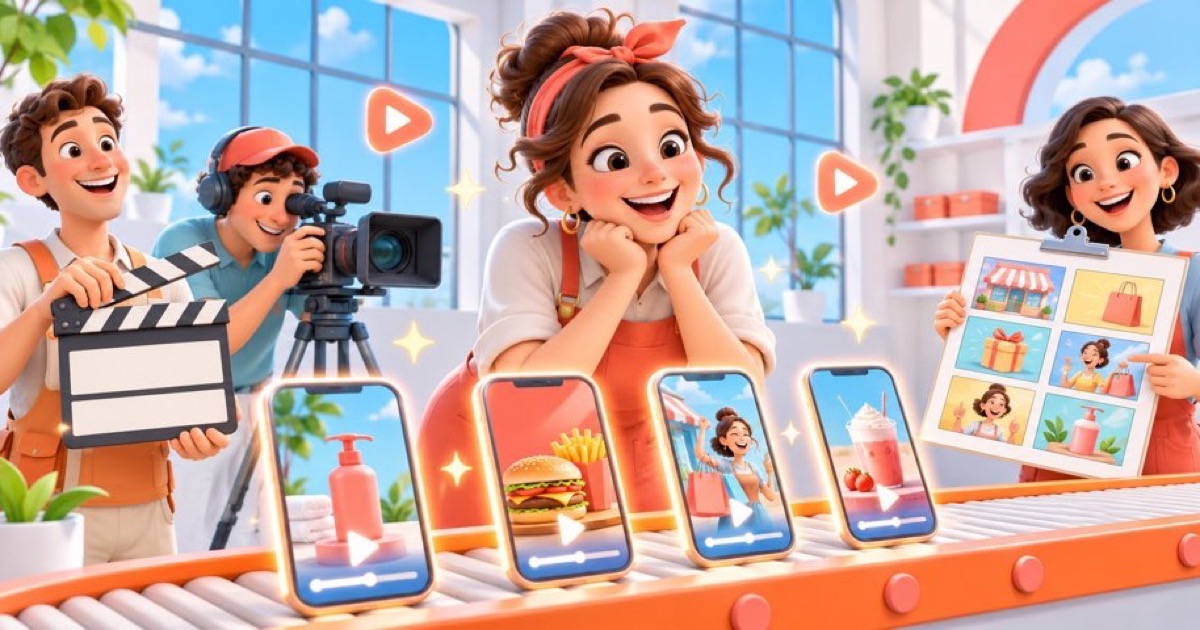
## Nobody believes it, or nobody notices it
A UGC ad is an ad that looks like a regular person filmed it on their phone (UGC stands for user-generated content).
An animated product ad is an ad where your product shows up as a cartoon, a clay model or moving graphics, often with a song on top.
A believing problem sounds like this: "Will this work on my frizzy hair?"
That buyer wants a face, a hand and a real bathroom sink.
A noticing problem sounds like nothing at all.
Your product is fine, the price is fair, and the thumb keeps moving.
[Knowlify](https://knowlify.com/articles/animated-ads-vs-ugc-ads), a company that sells animated ads, puts it plainly: "Neither wins by format alone; it depends on the proof buyers need."
Even the company that sells animation won't call a winner.
Here's the other style: a sample song ad for a made-up olive oil brand.
[[VIDEO:song-ad-olive-oil]]
[Get an animated song ad for your product](/ad-factory?utm_source=blog&utm_medium=inline&utm_campaign=ugc-vs-animated-product-ads).
**[Try our ad team free →](/ad-factory?utm_source=blog&utm_medium=inline&utm_campaign=ad-factory-cta-order)** Get a free image ad and a free video script and storyboard for your business. You approve every step. No card needed.
## Which products should start with a UGC-style ad?
Products that touch the body, the home or the daily routine should usually start with a UGC-style ad. The buyer wants to know if it works for someone like them.
[Zeely](https://zeely.ai/blog/ugc-ads-vs-traditional-ads/), which sells an AI ad tool, puts beauty, wellness, fashion, home, fitness and products with a clear use case on the UGC side.
Knowlify says to test UGC first when the sale depends on human context, routines or objections.
An objection is the reason a buyer gives for not buying: "Too pricey." "Won't fit."
Our own rule of thumb on price: the more a wrong buy would sting, the more the buyer wants to see a person use it first.
A cheap phone case is a shrug.
A pricey face cream is a gamble with your own face.
You don't even need a creator for a UGC-style ad.
Our Yapper ads use an AI presenter who looks real, and a person on our team checks every ad.
[[IMAGE: /images/song-ads/email/yapper-ugc.jpg | The UGC look: a real shop, one phone, a person talking.]]
## When should the cartoon go first?
Animation should go first when buyers already trust the product but nobody stops for it, or when it's hard to film well. Nobody needs proof that a dish rack holds dishes.
They need a reason to stop.
Knowlify says to test animation first when the product is abstract, technical, software-based or hard to film.
Our own examples are simpler: a phone charger, a plain white supplement bottle, or a bag of coffee that looks like every other bag of coffee.
Premium is the exception.
A clay cartoon of a fine watch is a joke you didn't mean to tell.
Premium products want motion, not a mascot. That's a B-roll product ad: clean shots of the real thing.
Here's our rule of thumb, as one table.
| Your product | Its usual problem | Test first | Ad Club style |
|---|---|---|---|
| Pricey skin, hair or body product | Believing | UGC-style | Yapper |
| Cheap or look-alike (charger, coffee bag) | Noticing | Animated | Song or claymation |
| Fine or premium (watch, jewelry) | Needs to look polished | Product motion | B-roll product ad |
| Both problems (the plant pot below) | Both | Test both in one month | Yapper and song |
[[IMAGE: /images/ad-factory/email/plan-2.jpg | Shop scene, song or presenter: three ways to show the same store.]]
## What do Meta and TikTok say about each style?
Neither Meta's nor TikTok's own ad pages say one style beats the other, as of November 2026. Both care more about the first few seconds than the look.
[TikTok's creative best practices page](https://ads.tiktok.com/resources/help/article/creative-best-practices?lang=en) tells advertisers to "go for a DIY or not overly polished style" so ads fit in.
That leans UGC.
But [TikTok's ad creative guide](https://ads.tiktok.com/business/en/guides/what-is-ad-creative-guide) asks for ads that "feel native, short, authentic, and testable," and doesn't mention animation at all.
[Meta's tailored campaigns page](https://www.facebook.com/business/ads/automation/tailored-campaigns) says videos should "include key messaging or branding within the first three seconds," in 4:5 for Feed or 9:16 for Stories and Reels.
[[STAT: 34.5% | As of November 2026, Meta's [Reels ads page](https://www.facebook.com/business/ads/facebook-instagram-reels-ads) says its own analysis found 9:16 video ads with audio had 34.5% lower cost per result than image ads.]]
Read that one carefully: it compares video with images, not cartoons with creators.
So whichever style you test, make it 9:16 for Reels (4:5 for Feed), with sound, and put the point up front.
## One plant pot, two ads
Here's one made-up product, sold both ways.
We wrote these for this post, so they aren't real ads and have no results behind them.
Picture a self-watering plant pot, which has a believing problem (does it work?) and a noticing problem (it's a pot).
**The UGC-style ad**
> *Killed four basil plants this year? Meet the pot for number five.*
>
> "Water sits underneath.
> The plant drinks when it wants.
> Fill it, then get on with your week.
> Forget to water? It won't mind."
On screen: the presenter, the pot and the water line. Offer: [your bundle]. Button: Shop now.
**The animated song ad**
> *Your plants are thirsty. You're on vacation.*
>
> Off to the beach, the fern stays home,
> no one to water, it's on its own.
> [Your Brand] keeps a drink below,
> come back to green and watch it grow.
On screen: a cartoon fern sipping from its pot, every sung word in captions. Offer: [your code]. Button: Shop now.
Same pot, same offer, same button.
Only the style changes, and that's the whole test.
Here's a claymation ad, the one we made for our own song ad service.
[[VIDEO:clay-song-ads]]
[Get a clay or song ad made for your product](/ad-factory?utm_source=blog&utm_medium=inline&utm_campaign=ugc-vs-animated-product-ads).
## UGC vs animated product ads: what each costs and takes
As of November 2026, one UGC-style video from a creator costs about $99 to $500+, per Billo's and Shopify's own pages. Ad spend is separate.
| Way to get it | Style | Cost (from their page) | Time to make | Who does the work |
|---|---|---|---|---|
| Film it yourself | UGC | Your time | Your weekend | You plan, film and edit |
| [Billo](https://billo.app/blog/how-billo-pricing-works/) | UGC creator | From $99 a video, raw; product and shipping extra | Not listed | You brief, ship and review |
| A creator you hire | UGC creator | [$100-$150 low end, $300-$500+ high end](https://www.shopify.com/blog/ugc-ads), per Shopify | Not listed | You find, brief and ship |
| [Creatify](https://creatify.ai/pricing) Standard | AI presenter tool | $15 a month ($10 billed yearly) | Up to you | You write and build each ad |
| Freelance AI or animated ad ([Dribbble listings](https://dribbble.com/services/search/commercial-advertising-video)) | Animated or AI | $130 to $950 an ad, per listing | Varies | You brief and review |
| [LYFE Marketing](https://www.lyfemarketing.com/services/short-video-advertising-services/pricing/) | Short video ads | $500 a month for 2 vertical videos | Not listed | Their team |
| 30 Second Ad Club | Both: Yapper, song, claymation, B-roll | From $149 a month, about 5 short videos | Most in about 24 hours of an approved brief | Our team; you approve |
In our view, marketplace gigs are often uneven in quality, take a lot of back and forth, and don't give you a professional marketing team.
Almost every row sells one style.
To test both, you'd hire two different people and get them to match.
[[COMPARE: Testing both styles | Hiring each style separately | A creator for the UGC ad; Someone else for the animation; Two briefs and two bills | With Ad Club | One team makes both; One brief; One monthly plan]]
**[See the ads our team makes →](/ad-factory?utm_source=blog&utm_medium=inline&utm_campaign=ad-factory-cta-examples#examples)** Song ads, talking presenter ads, claymation and more.
## Test both styles in one month
The fairest way to settle UGC vs animated product ads is to run both in the same month, on the same product, and let your orders decide.
### Step 1: Pick one product and one offer
Choose a product that already sells a little, plus one offer such as free shipping. A product nobody wants tells you nothing about style.
### Step 2: Make two or three ads in each style
Zeely suggests a 7-day test with 2 traditional ads and 3 UGC-style ads. We'd make two or three of each, so one weak hook doesn't sink a whole style.
### Step 3: Change only the style
Knowlify says a fair test keeps the audience, offer, button and landing page the same, and changes only the format.
### Step 4: Judge on orders, then refresh
Count orders, not likes, because likes don't pack boxes. TikTok's help page says to refresh creative when results keep declining.
For the set-up itself, see our guide to [A/B testing video ads on Facebook and TikTok](/news/ugc-ads/how-to-a-b-test-video-ads-on-facebook).
## The easy way to test both styles
Ad Club is a monthly done-for-you ad team for your store, and it beats hiring each style separately for three reasons:
1. **Both styles, one team.** A script writer, storyboard artist, video maker and quality checker work on every video ad.
2. **You only approve.** You approve the script and storyboard, and you never write a prompt or learn an app.
3. **Fast, and fixed free.** Most ads are ready in about 24 hours of a complete, approved brief, and if we made the mistake, we fix it free.
Plans start at $149 a month for about 5 short videos, and you can cancel any time.
You can start free with no card: one free image ad (with a small watermark) and one free video script and storyboard (the finished video needs a plan or credits).
[[FLOW: What happens with Ad Club | Tell us your product and offer | We write the script and storyboard | You approve both | We make and check the ads]]
[[HIGHLIGHT: Don't guess which style your buyers want. Make both and let the orders tell you.]]
[[BUTTON: Start free with Ad Club → | /ad-factory?utm_source=blog&utm_medium=button&utm_campaign=ugc-vs-animated-product-ads | Free image ad plus a free script and storyboard. No card needed.]]
## Frequently asked questions
### Can I make a UGC ad without filming anyone?
Yes. An Ad Club Yapper ad uses a real-looking AI presenter, and our team writes, makes and checks it, so nobody on your side goes on camera.
### Should I test UGC or animated ads first?
Start with the style that fixes your ad's problem: UGC-style if buyers need to believe it, animated if buyers scroll past it. Then test the other style in the same month.
### Does Ad Club run the ads for me?
No. Ad Club makes the ads, and you (or whoever runs your ads) put them live and set the budget.
## The pick for a busy store owner
For a busy store owner, our done-for-you team is the best pick: one team makes both styles, and your whole job is to approve.
No ad can promise sales, ours included.
But by the end of the month, you'll have real numbers on both styles instead of a guess.
Want finished ads without learning an AI tool? **[Make your free image ad with Ad Club](/ad-factory?utm_source=blog&utm_medium=inline&utm_campaign=ad-factory-cta-both)**, plus a free video script and storyboard. Plans from $149 a month, cancel any time.
---
## Related Reading
- [Video Ads Without Filming: The Camera Was the Easy Part](/news/ugc-ads/video-ads-without-filming): Yes, you can get video ads without filming. See every no-camera option for…
- [Song Video Ad Cost: 4 Routes, Song and Video Added Up](/news/ugc-ads/song-video-ad-cost): What a song video ad costs by route: studio plus animator, freelancers, DIY…
- [How Long Should a UGC Ad Be? Why We Pick 30 Seconds](/news/ugc-ads/how-long-should-a-ugc-ad-be): How long should a UGC ad be? About 30 seconds. See what TikTok and Meta say,…
- [How to A/B Test Video Ads on Facebook and TikTok](/news/ugc-ads/how-to-a-b-test-video-ads-on-facebook): How to A/B test video ads on Facebook and TikTok, from each platform's own…
- [Ad Club →](/ad-factory): A done-for-you ad team. You approve the script and storyboard; we make and check every ad. Plans from $149 a month.
---
## Do TikTok Ads Need Sound? Yes. Silent Ones Fail Review
URL: https://www.30secondproductions.com/news/ugc-ads/do-tiktok-ads-need-sound
Topic: UGC & Ad Creative
Updated: 2026-11-27
Facebook will run your video ad with no sound at all. [Meta's video ads guide](https://www.facebook.com/business/ads-guide/update/video) lists video sound as "Optional, but recommended."
Upload that same silent file to TikTok, and it can bounce.
So, do TikTok ads need sound? Yes.
As of November 2026, TikTok's ad policy says the ad must contain audio, and the sound can't be unclear or muffled. TikTok's review page says an ad with no audio or sound would fail review, even though Meta lists sound as optional. So build one ad with a clear voice and words on screen.
[[HIGHLIGHT: Facebook lists sound as optional. TikTok says a silent ad would fail review.]]
That's the ad we make. A Yapper ad is a 30-second vertical video where a presenter talks to camera about your business, with the words on screen.
The presenter is AI, not a real person, though she looks and sounds real. Real people at 30 Second Productions write and check every video.
You fill in a 2-minute form, approve the words and the scenes, and it's ready in 72 hours, for $197. Here's one of ours, with our AI presenter in a home studio.
[[VIDEO:yapper-studio]]
[Get a talking ad like this for your business](/yapper-ads?utm_source=blog&utm_medium=inline&utm_campaign=do-tiktok-ads-need-sound).

## What does TikTok's ad policy say about audio?
Its ad format policy says the ad must contain audio, and the sound can't be unclear or muffled.
[[PILL: Quoted from TikTok's own pages]]
TikTok's [Ad format and functionality policy](https://ads.tiktok.com/help/article/tiktok-ads-policy-ad-format-and-functionality) (the page says "Last updated: April 2026"; we read it on November 27, 2026) says: "The ad must contain audio and it must not be of poor quality, such as having unclear or muffled sound."
The same page adds: "Additionally, spoken language (audio) within the ad content should ideally be clear, comprehensible and natural for the target market."
It sets a length too: "The duration of the ad must be a minimum of 5 seconds, and a maximum of 60 seconds."
And TikTok's [Best practices for ad reviews](https://ads.tiktok.com/help/article/ad-review-checklist) page puts it in one line: "Clear audio is required for video ads."
A silent TikTok ad is a mime at a rock concert. Talented, maybe. Wrong room.
**[Get a talking video ad made for your business for $197 →](/yapper-ads?utm_source=blog&utm_medium=inline&utm_campaign=yapper-cta-order)** A real-looking presenter sells for you. We write the words and make the video. You just say yes.
## What happens to a silent TikTok ad?
TikTok says a silent ad would fail review. Its [Common Reasons Ads Fail Review](https://ads.tiktok.com/help/article?aid=14060) page says "ads with the following video/images and audio quality issues would fail review," and first on the list is "The video does not have any audio or sound."
The same list includes "The audio quality is so poor that it is difficult to understand".
If an ad misses the policy's requirements, TikTok says "your ad may be rejected, receive fewer impressions, or your ad's cost-per-impression may increase."
Cost-per-impression is what you pay each time your ad is shown.
The silent ad is easy to spot. The muffled one sneaks up on you.
Picture a roofer filming in his truck with the fan on. His phone mostly hears the fan.
[[IMAGE: /images/song-ads/email/yapper-ugc.jpg | Filming in your shop? Your phone hears the room as well as you.]]
## Do TikTok ads need sound if Facebook doesn't?
Meta treats sound as a nice extra. On its [video ads guide](https://www.facebook.com/business/ads-guide/update/video) (read November 2026), sound and captions are both "Optional, but recommended," and a video can run from "1 second to 241 minutes."
Same ad, two rulebooks.
| | Sound | Words on screen | Length |
|---|---|---|---|
| TikTok | "The ad must contain audio" (policy, April 2026) | "Use captions or text overlays," per its creative best practices page | 5 to 60 seconds |
| Meta (Facebook and Instagram) | "Optional, but recommended" | "Optional, but recommended" | 1 second to 241 minutes |
| 30 Second Ad Club Yapper ad | An AI presenter's voice in every ad | Words on screen in every ad | 30 seconds |
Because sound is optional there, Facebook ads get built to work on mute. More on that in our guide on [whether Facebook video ads need captions](/news/ugc-ads/do-facebook-video-ads-need-captions).
The trap is an ad built only for Facebook: music, big words, nobody talking. Fine there. Then it goes to TikTok.
[[COMPARE: The same 30-second ad, two ways | Built for Facebook only | No voice, or no sound at all; The words carry the whole message; Fine on Meta, where sound is optional; Would fail TikTok's review if it has no audio | Built for both | A clear voice from the first second; Words on screen for muted phones; Music under the voice, not over it; Has the audio TikTok's policy asks for]]
## Does a voice-over count as sound on TikTok?
TikTok's ad policy asks for "audio" and names no type. Its own wording even talks about "spoken language (audio)."
A voice-over is a voice talking over the pictures. TikTok's [Evolution of Sound blog post](https://ads.tiktok.com/business/en-US/blog/evolution-of-sound-volume-1) (December 2021) says: "Narration allows users to follow the happenings of a video or add in relevant voiceover."
[[STAT: 88% | of TikTok users say sound is vital to the TikTok experience, per TikTok's [Evolution of Sound post](https://ads.tiktok.com/business/en-US/blog/evolution-of-sound-volume-1) (2021).]]
On TikTok, the sound is half the ad. Don't hand in half.
## The volume-up, volume-down check
One talking ad can work on both apps if it passes two tests: sound up, then mute. Check these:
- **Say what you sell in the first 3 seconds.** TikTok's [creative best practices page](https://ads.tiktok.com/help/article/creative-best-practices) says to "Introduce your content proposition in the first 3 seconds for better recall and awareness." Out loud.
- **Words on screen.** The same page says "We recommend displaying 5-10 words per second when using text."
- **No muffled room sound.** A phone mic picks up fans, traffic and a busy shop. Film somewhere quiet.
- **Music under the voice, not over it.** If the song wins, the message loses.
- **5 to 60 seconds, tall.** TikTok's page lists "orienting vertically at 9:16" as a basic.
[[FLOW: The two-pass check | Turn the sound up and watch | Can you hear every word? | Mute it and watch again | Can you read every word?]]
Here's a short script built to pass both. We wrote it for this post, so it isn't a real ad.
> *Your tooth hurts. Your dentist is booked till March.*
>
> Hi, I'm with [Your Practice] here in [Your Town].
> We keep spots open every day for tooth pain.
> Call before noon, get seen today.
> Tap the button to book.
On screen: every word as captions, plus your town. No music over the voice.
Here's another of ours. Watch it with sound, then on mute.
[[VIDEO:yapper-song-ads]]
[Get your own talking ad, made for TikTok and Facebook](/yapper-ads?utm_source=blog&utm_medium=inline&utm_campaign=do-tiktok-ads-need-sound).
**[Watch our Yapper ads →](/yapper-ads?utm_source=blog&utm_medium=inline&utm_campaign=yapper-cta-examples)** Click any video to watch with sound.
## Why does a talking ad pass both tests?
A talking ad has a voice by design. Add words on screen and it works with the sound up or down.
That's every Yapper ad: our AI presenter speaks the script, the words sit on screen, and it comes vertical for TikTok, Facebook and Instagram.
You could film it yourself. Then you're also the sound person, the caption writer and the editor, and the fan is still on.
You could try an AI video app. With a tool, you do the work: the script, the prompts, the edit.
Or you could hire a gig seller from a marketplace. In our view, quality is often uneven, it takes a lot of back and forth, and you aren't dealing with a professional marketing team.
For a busy owner, our done-for-you team is the best pick. We write the words, make the video and check it, and you approve. You own the ad, so use it anywhere.
Every order also comes with your own Ad Club account, where you can order more ads from our team.
[[HIGHLIGHT: No ad can promise calls or sales, ours included. Ours just won't be silent.]]
## The short version
So, do TikTok ads need sound? Yes. TikTok's review page says clear audio is required for video ads, while Facebook lets an ad go quiet.
So don't make two ads. Make one that talks clearly and shows the words, for TikTok's volume-up test and Facebook's mute test.
If you're busy, I'd still hand it to our done-for-you team. You approve. We write, make and check it.
## The easy way to do all of this
1. You fill in a 2-minute form and send your logo.
2. We write the words and show you a picture for each part. You say yes or ask for changes.
3. Your 30-second ad is ready in 72 hours, with an AI presenter's voice and words on screen.
[[BUTTON: Get your Yapper ad made → | /yapper-ads?utm_source=blog&utm_medium=button&utm_campaign=do-tiktok-ads-need-sound | $197 one time. Ready in 72 hours. Money back if you're not happy within 30 days.]]
## Frequently asked questions
### Can a TikTok ad use only music and no voice?
TikTok's policy asks for "audio" and doesn't say it must be a voice. Its creative best practices page lists "using sound/ music" as a basic. For which songs a business can use, see our post on [trending TikTok sounds in a business ad](/news/ugc-ads/trending-tiktok-sounds-in-a-business-ad).
### Do TikTok ads need captions if they have sound?
TikTok's creative best practices page says "Use captions or text overlays to provide context to your ad."
### Is the presenter in a Yapper ad a real person?
No. The presenter in a Yapper ad is made with AI, and real people at 30 Second Productions write and check every video. TikTok [says](https://newsroom.tiktok.com/en-us/new-labels-for-disclosing-ai-generated-content) (September 2023) its synthetic media policy "requires people to label AI-generated content that contains realistic images, audio or video."
### Do you run the TikTok ad for me?
No. 30 Second Productions makes the ad. You or your ad person puts it live on TikTok or Facebook and sets the budget.
Want an ad that talks for you? **[Get your Yapper ad for $197](/yapper-ads?utm_source=blog&utm_medium=inline&utm_campaign=yapper-cta-both)**: your words, your logo, made for you in 72 hours, with a money-back guarantee.
---
## Related Reading
- [Do I Need a TikTok Account to Run TikTok Ads? Yes, Since 2026](/news/ugc-ads/do-i-need-a-tiktok-account-to-run-tiktok-ads): Do I need a TikTok account to run TikTok ads? Yes, for almost all new…
- [Do I Have to Label AI Ads? TikTok and Facebook Rules (2026)](/news/ugc-ads/do-i-have-to-label-ai-ads): Do I have to label AI ads? TikTok gives you a toggle and Meta says it labels…
- [Do Talking Head Video Ads Work? What TikTok's Own Data Says](/news/ugc-ads/do-talking-head-video-ads-work): Do talking head video ads work? Yes, when the face has words on screen.…
- [15 Second Ad Script: A Beat Table and 3 Talking Ads](/news/ugc-ads/15-second-ad-script): How many words fit a 15 second ad script? About 35-45. Get the beat-by-beat…
- [Yapper Ads for $197 →](/yapper-ads): A 30-second talking video ad with a real-looking AI presenter, made for you in 72 hours.
---
## Done for You Song Ad: Who Writes, Sings and Animates It
URL: https://www.30secondproductions.com/news/ugc-ads/done-for-you-song-ad
Topic: UGC & Ad Creative
Updated: 2026-11-27
Look for someone to make you a song ad and you'll find lots of help. Most of it is half the job.
A jingle studio sends you an MP3. An AI app hands you the controls. Either way, the ad is still yours to finish.
So is there anyone who does the whole thing?
Yes. A done for you song ad service writes the song, has a singer sing it, animates it and finishes it, ready to post. 30 Second Ad Club does all four jobs from a 5-minute form, with an AI singer, and hands you a finished ad in 72 hours.
We're the done-for-you ad team from 30 Second Productions. One song ad is $97, and you never touch an AI tool.
[[HIGHLIGHT: An MP3 is not an ad. It's homework.]]
Here's one we made for a bathroom remodeler.
[[VIDEO:song-client-bath]]
[Get a song ad like this for your business](/song-ads?utm_source=blog&utm_medium=inline&utm_campaign=done-for-you-song-ad).
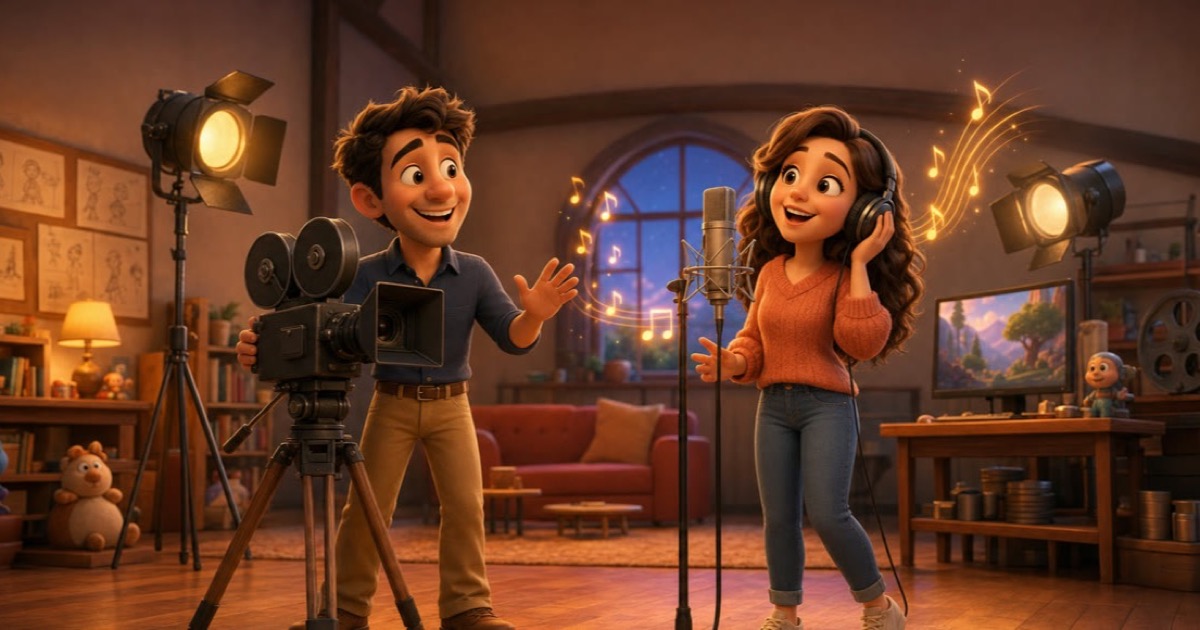
## Four jobs hide inside one ad
A song ad is a short video ad where your message is sung, with every word on screen. Getting one made takes four separate jobs.
- **Write it.** The hook, the story and the offer, in lines that rhyme and fit a tune.
- **Sing it.** A voice and a backing track in a style that suits you.
- **Animate it.** Pictures that move with the words.
- **Finish it.** Everything that turns a music video into an ad you can post.
Most sellers do one or two of these well. That's fine.
It means you're now the project manager for the rest.
Nobody opens a plumbing business to manage a songwriter.
**[Get a musical video ad made for your business for $97 →](/song-ads?utm_source=blog&utm_medium=inline&utm_campaign=song-ads-cta-order)** A catchy song about your business, turned into a 3D animated video ad. Done for you in 72 hours.
## Where does the work land back on your desk?
[[PILL: Count the hand-offs]]
Right after the song, usually. Most sellers make audio, not an ad, so the video is left to you.
Here's who does which job.
| Option | Cost to make | Jobs they do | What's left for you |
|---|---|---|---|
| Jingle studio | [$800-$2,500](https://violetrecording.com/how-much-does-a-jingle-cost/) for a sung jingle, per Violet Recording (2026) | Write, sing | Animate and finish |
| Budget jingle shop | [$89-$397](https://jvf.com/product/signature-sound-creation-custom-jingles-brand-audio/) for an MP3, per JVF's page (November 2026) | Write, music (vocals not stated) | Animate and finish |
| Jingle agency | Quoted after a call, [6-month minimum](https://killerspots.com/?p=6301), per Killerspots | Jingles plus ad running | Sign up for 6 months first |
| AI apps, DIY | App fees plus your time | Make the music or the video, if you drive them | Writing, re-rolling, joining it all up and finishing |
| Marketplace gig | Varies by seller | Depends on the seller | In our view, lots of back and forth |
| 30 Second Ad Club | $97 for one song ad | All four | Approve it and run it |
A marketplace gig can work. In our view, though, quality is often low, and you're hiring one seller, not a marketing team.
The DIY row looks cheap until you count the hours.
As of November 2026, [Social Media Examiner's guide to AI music](https://www.socialmediaexaminer.com/ai-music-for-business-how-to-get-started/) walks through ChatGPT for the lyrics, Suno for the music and CapCut to edit. Its example song took 20-22 tries in Suno.
[[STAT: 2 hours | Social Media Examiner puts one AI song at about 2 hours of work, before you make any video.]]
The same guide says the tools often add instruments you didn't ask for. So you asked for a banjo and got a brass band.
And the song is only half the ad. For the pictures, [Beverly Boy Productions says](https://beverlyboy.com/how-much-does-it-cost/how-much-does-animated-business-video-cost/) animated business video runs about $1,000 to $5,000 per minute, and 3D closer to $7,500 or more per finished minute (2025).
We add up every route in our guide to [what a song video ad costs, song and video together](/news/ugc-ads/song-video-ad-cost).
[[COMPARE: The same song ad, two ways | You and an AI app | You write the lyrics; You re-roll the song until it fits; You build the video and captions; You add your logo and offer | Done for you | We write the song; An AI singer sings it in your style; We animate the whole video; We finish it, ready to post]]
## What does a done for you song ad cover?
All four jobs, finished into a video you can post. You shouldn't have to open a single app.
Ours includes:
- **The song.** We write a catchy song about your business, or use your own words.
- **The singer.** A pro-sounding AI singer, in the style you pick.
- **The video.** A 3D cartoon music video built around the song.
- **The plan.** A hook in the first 3 seconds, the story in the middle, then the offer and a clear next step.
- **The finish.** Every word on screen, and your logo, offer and button on the last frame.
The size matters too. As of November 2026, [Meta's Reels ads page](https://www.facebook.com/business/ads/facebook-instagram-reels-ads) says Reels use the 9:16 vertical ratio and play with sound on by default.
Our song ads come vertical, so they fit.
Not everyone has the sound on. According to [TikTok's Creative Center](https://ads.tiktok.com/business/creativecenter/quicktok/online/Power_Creative_Elements/pc/en), the presence of captions gave a +58% lift in recall in a 2021 small-business study by Lumen.
So the song still lands on mute.
Here's one we made for a party magician.
[[VIDEO:song-client-magician]]
[See what a song ad could do for yours](/song-ads?utm_source=blog&utm_medium=inline&utm_campaign=done-for-you-song-ad).
## What do I need to send?
A few lines about your business, the offer you want in the ad, your logo and a music style you like. It all goes in a 5-minute form.
That's a lot less than a studio brief. [Violet Recording](https://violetrecording.com/how-much-does-a-jingle-cost/) tells clients to cover where the jingle runs, the lengths, the tagline, the mood and two or three reference tracks.
[JVF's questionnaire](https://jvf.com/product/signature-sound-creation-custom-jingles-brand-audio/) asks about your audience, brand personality, music taste, words to include and where the audio will be used.
Good questions. You'll still be answering them at 11pm.
Here's what a few plain lines can turn into. We wrote this one for this post, so it isn't a real ad and has no results behind it.
Picture a mobile dog groomer who sends us three plain lines: we come to you, no driving across town, first groom 20% off.
> *Your dog just rolled in something. Again.*
>
> Muddy paws all down the hall,
> no time to drive across town at all.
> [Your Name] pulls up right outside,
> one clean pup and a happy ride.
On screen: First groom 20% off. Button: Book now.
Want to try writing your own lines first? Our [free jingle lyric template](/news/ugc-ads/how-to-write-a-jingle) shows how.
## How long does a song ad take, from form to finished?
Three days, not three weeks. Violet Recording (2026) says a jingle with a session vocalist usually takes one to three weeks, and that's only the audio.
[[FLOW: What happens after you order | You fill in a 5-minute form | We write the song | An AI singer sings it | We animate it | You approve it in Ad Club]]
### Step 1: Fill in the 5-minute form
Tell us what you do, who you help, your offer and the style of music you want. Add your logo and any lines you'd love in the song.
### Step 2: We write your song
Our team turns your few lines into verses that rhyme, fit the tune and land on your offer.
[[IMAGE: /images/song-ads/email/writing-your-song.jpg | We write the song, so you don't have to rhyme "plumbing" with anything.]]
### Step 3: An AI singer sings it
A pro-sounding AI singer sings your song in the style you picked. It's AI, and we'll always say so.
### Step 4: We animate it and add your words
We build the 3D cartoon around your song, scene by scene. Then we add the finishing touches from your form.
### Step 5: Approve it in your Ad Club account
Ad Club is your account with us, where our team makes your ads and you approve them. If something's off, you get 1 round of remakes.
[[IMAGE: /images/song-ads/email/review.jpg | Your only job: watch it and say yes.]]
Here's one we made for a plumber.
[[VIDEO:song-ad-plumber]]
[Get your own song ad made](/song-ads?utm_source=blog&utm_medium=inline&utm_campaign=done-for-you-song-ad).
**[Hear the song ads we have made →](/song-ads?utm_source=blog&utm_medium=inline&utm_campaign=song-ads-cta-examples#examples)** Click any video to watch with sound.
## Who should hire someone else instead?
Skip a song ad if you need radio audio, want a human voice or love doing it yourself. Here's where to go instead:
- **You need audio for radio or TV.** A jingle studio is built for that.
- **You want a real human voice.** Our singer is AI.
- **You love tinkering.** An app is cheaper if you enjoy the fiddling.
And one warning for everyone: no song fixes a weak offer.
[[HIGHLIGHT: A catchy song can't fix a bad offer. It helps more people hear it.]]
So sort the offer first. Then sing it.
## The easy way: four jobs, one form
Here's all you do to get a song ad:
1. You fill in a 5-minute form.
2. We do all four jobs: write, sing, animate and finish.
3. You approve it in Ad Club and post it.
[[HIGHLIGHT: You own the finished ad. Use it in any ad, on your website, anywhere.]]
[[BUTTON: Get your song ad made → | /song-ads?utm_source=blog&utm_medium=button&utm_campaign=done-for-you-song-ad | Ready in 72 hours after a 5-minute form. Money-back guarantee.]]
## Frequently asked questions
### Is the singer a real person?
No. The singer in our Song Ads is a pro-sounding AI singer, in the style you pick. Our team writes the song and makes the video.
### Do you run the ads for me?
No. 30 Second Ad Club makes the ad, and you or whoever handles your ads puts it live on Facebook, Instagram or TikTok and sets the budget.
### What if I don't like my song ad?
Every song ad comes with 1 round of remakes. If you're still not happy within 30 days, email us for a full refund.
### How much does a done for you song ad cost?
One song ad from 30 Second Ad Club costs $97, ready in 72 hours. A longer 2-minute song is $47 more at checkout.
### Who owns the finished ad?
You do. You can use your song ad in any ad, on your website or anywhere else you like.
## The short version
A song ad is four jobs: write it, sing it, animate it, finish it.
A studio does two and hands back an MP3. An app does bits of it and hands you the controls.
So count the hand-offs before you count the dollars.
For a busy owner, our done-for-you team is the best pick. You send a few lines and your logo, and we hand back a finished ad to approve. No tool to learn and no tune to re-roll.
No ad can promise sales, ours included. But yours will be finished, and you won't have managed a single songwriter.
Ready for an ad people remember? **[Get your song ad for $97](/song-ads?utm_source=blog&utm_medium=inline&utm_campaign=song-ads-cta-both)**, written, sung and animated for you in 72 hours, with a money-back guarantee.
---
## Related Reading
- [What Is a Song Ad? Who It Suits and What It Costs](/news/ugc-ads/what-is-a-song-ad): A song ad is a short sung video ad about your business, with every word on…
- [Is There an AI Claymation Ad Service That Does It for You?](/news/ugc-ads/ai-claymation-ad-service): Is there an AI claymation ad service that makes the ad for you? Yes: Ad Club…
- [Best Jingle Companies for Small Business: Real Prices](/news/ugc-ads/best-jingle-companies-for-small-business): The best jingle companies for small business, with each price and wait from…
- [Song Ad Maker Options for Small Business: Who to Hire in 2026](/news/ugc-ads/song-ad-maker): Looking for a song ad maker? Compare studios, freelancers, AI apps, AI ad…
- [Song Ads from $97 →](/song-ads): A catchy song about your business, turned into a 3D animated video ad in 72 hours.
---
## Who Makes AI Spokesperson Ads for Small Businesses?
URL: https://www.30secondproductions.com/news/ugc-ads/ai-spokesperson-ads-for-small-business
Topic: UGC & Ad Creative
Updated: 2026-11-26
Three kinds of makers sell AI spokesperson ads for small businesses: AI apps like Creatify, Arcads and MakeUGC, gig sellers on Fiverr, and done-for-you teams. 30 Second Ad Club, the done-for-you ad team from 30 Second Productions, makes a finished 30-second Yapper ad with an AI spokesperson for [$197 one-time](/yapper-ads?utm_source=blog&utm_medium=inline&utm_campaign=ai-spokesperson-ads-for-small-business) (the page shows $349 crossed out), written, made and checked for you.
Here's the odd part. The spokesperson used to be the pricey bit: an actor, a crew and a studio for the day. Now [Arcads](https://www.arcads.ai/) offers a library of 1,000+ AI actors on a monthly plan.
[[HIGHLIGHT: A spokesperson speaks for you. A fake customer fibs for you. Only hire the first one.]]
We call ours Yapper ads. Here's one we made, with our AI presenter in a home studio.
[[VIDEO:yapper-studio]]
[Get an AI spokesperson ad like this for your business](/yapper-ads?utm_source=blog&utm_medium=inline&utm_campaign=ai-spokesperson-ads-for-small-business).
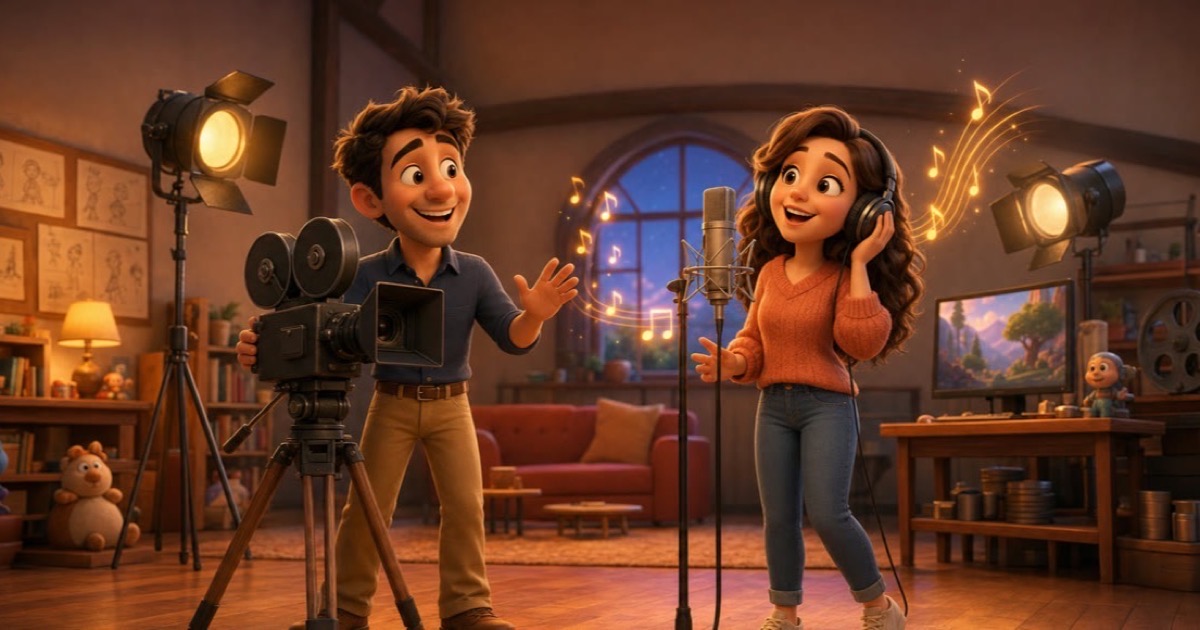
## What is an AI spokesperson ad?
It's a video ad where a presenter made with AI speaks for your business, looking into the camera like a friend telling a friend. She looks and sounds real. She isn't a person.
[AI Digital's guide to AI avatar ads](https://www.aidigital.com/blog/ai-avatar-video-ads) (read Nov 2026) says these presenters deliver scripted brand messages. Look at the word scripted. Someone still writes what she says.
The word "spokesperson" matters too. A spokesperson talks for your business, out in the open: "Here's what [Your Name] Plumbing does." A fake customer pretends she bought from you: "I called them and they saved my weekend."
The first is an ad. The second is a made-up review.
Ours works the first way: made with AI, checked by real people, never posing as your customer.
**[Get a talking video ad made for your business for $197 →](/yapper-ads?utm_source=blog&utm_medium=inline&utm_campaign=yapper-cta-order)** A real-looking presenter sells for you. We write the words and make the video. You just say yes.
## Who makes AI spokesperson ads for small business?
Three kinds of makers sell these ads: AI apps, gig sellers and done-for-you teams. The difference is who does the work.
**AI apps.** Creatify, Arcads and MakeUGC hand you the tools. The app makes the video. You make the ad.
[Creatify's pricing page](https://creatify.ai/pricing) says small fixes like captions and trims are free, but regenerating the video, avatar, voice or script uses credits. Every "try that again" comes out of your plan.
Arcads works on credits too, per [its FAQ](https://intercom.help/arcads/en/articles/17350051-arcads-faq). Our [Arcads vs MakeUGC comparison](/news/ugc-ads/arcads-vs-makeugc) breaks the credits down.
**Gig sellers.** On Fiverr, a freelancer makes the ad for you. In our view, gig quality is often uneven, it takes a lot of back and forth, and you aren't dealing with a marketing team. You end up running the job yourself, one message at a time.
**Done-for-you teams.** A team writes the words, makes the video and checks it. You approve. Creatify and [MakeUGC](https://www.makeugc.ai/pricing) both sell a managed option, but they're built for volume: Creatify Studio is set up for 25-100+ videos a month with no price shown, and MakeUGC's managed Enterprise plan is contact sales.
For one good ad, that's a lot of meetings.
[[HIGHLIGHT: An app gives you a face. A team gives you an ad.]]
[[COMPARE: One spokesperson ad, two ways | You, in an app | Pick a face from the library; Write the script yourself; Re-do it and spend more credits; Edit, export and check it | Ad Club does it | Fill in a 2-minute form; Read our script and change anything; Say yes to a picture for each part; Get the finished, checked ad]]
[[IMAGE: /images/song-ads/email/yapper-ugc.jpg | The old way: a woman filming a shop owner on one phone, with a lot of takes.]]
## How much does an AI spokesperson ad cost?
[[PILL: List prices, November 26, 2026]]
It runs from a monthly app plan, where you do the work, to one flat price for a finished ad. Here are the list prices each maker's own page showed on November 26, 2026. Sales come and go, so we left them out.
| Who makes it | Price (from its own page) | Who writes and edits | Best for |
|---|---|---|---|
| Creatify (app) | Standard plan [$15 a month](https://creatify.ai/pricing) (55 credits) | You | Owners who want lots of ads and have evenings to learn an app |
| Arcads (app) | Credit plans; no public dollar price ([its FAQ](https://intercom.help/arcads/en/articles/17350051-arcads-faq)) | You | Marketers testing many ads a week |
| MakeUGC (app) | From [$59 a month](https://www.makeugc.ai/pricing) (billed monthly); yearly plans were on sale at $29.50 a month when we checked in Nov 2026 | You | Online stores testing UGC-style ads |
| Fiverr gig seller | Each seller sets the price | They make it; you brief and chase changes | Owners happy to manage a long message thread |
| 30 Second Ad Club Yapper ad | $197 one-time for a finished 30-second ad | We write and make it; you approve | A busy owner who wants a finished ad, not a new hobby |
One thing the table hides: the money to run the ad on Facebook or TikTok is separate for everyone, us included.
Every Yapper order comes with your own Ad Club account for ordering more ads later.
## What should you ask before you buy one?
Ask any maker these five questions before you pay.
- **Who writes the words?** With an app, you do. With us, we write them (or use yours), and you change anything.
- **What does a re-do cost?** Apps charge credits. A gig depends on the seller. Our Yapper ads include 1 round of changes.
- **Who checks it before you see it?** Look for a wrong phone number, an odd hand, a typo on screen. Real people check every video we make.
- **Will viewers think she's a real customer?** Keep her a spokesperson, never a fake buyer.
- **Who owns it?** With us, you do. Use it in any ad, on your website, anywhere.
If the answer to all five is "you," you didn't hire a maker. You bought homework.
Meta labels some AI-made ads and TikTok asks you to label realistic AI content, per [Meta's newsroom](https://about.fb.com/news/2025/02/gen-ai-transparency-metas-ads-products/) (2025, updated 2026) and [TikTok's](https://newsroom.tiktok.com/en-us/new-labels-for-disclosing-ai-generated-content) (2023). Our guide [Do I have to label AI ads?](/news/ugc-ads/do-i-have-to-label-ai-ads) covers what each one says.
Still weighing human creators against AI? Read the [best way to get AI UGC ads](/news/ugc-ads/best-way-to-get-ai-ugc-ads).
## Two spokesperson scripts you can steal
We wrote these for this post, so they aren't real ads and have no results behind them. Swap in your own details. She speaks for the business, never as a customer.
**The plumber**
> *Your water heater picked tonight to quit. Of course it did.*
>
> Cold shower, cold coffee, and a puddle by the wall.
> [Your Name] Plumbing sends a plumber to [Your Town] the same day.
> You get the price before any work starts.
> Tap below to book. We'll text you when we're on the way.
On screen: your star rating and your town. Button: Book now.
**The HVAC company**
> *Your AC quit on the hottest day of the year. Of course it did.*
>
> The house is ninety degrees and the dog won't leave the tile.
> [Your Name] Heating & Air has techs in [Your Town] today.
> We'll tell you straight what it needs.
> Tap below to book a visit that works for you.
On screen: your star rating and your service area. Button: Book now.
Every Yapper ad follows that plan: a hook in the first 3 seconds, the problem and the fix in the middle, the next step at the end. Here's another one we made with the same AI presenter.
[[VIDEO:yapper-song-ads]]
**[Watch our Yapper ads →](/yapper-ads?utm_source=blog&utm_medium=inline&utm_campaign=yapper-cta-examples)** Click any video to watch with sound.
## When is an AI spokesperson the wrong pick?
An AI spokesperson is the wrong pick when your own face is what people trust. Skip it if:
- **Your face is the brand.** If folks know you from the yard signs, film yourself.
- **You need Spanish or a choice of presenter.** Ours are English only, with one presenter, for now.
- **Your offer is weak.** A good talker can't save a bad deal.
## The easy way to do all of this
1. Fill in a 2-minute form and send your logo.
2. Read our words and say yes to a picture for each part, or ask for changes.
3. Get your finished ad 72 hours after you say yes.
It comes vertical for Facebook, Instagram and TikTok, with words on screen and your logo at the end.
[[BUTTON: Get your AI spokesperson ad made → | /yapper-ads?utm_source=blog&utm_medium=button&utm_campaign=ai-spokesperson-ads-for-small-business | Ready in 72 hours after you say yes. Not happy within 30 days? Full refund.]]
## Frequently asked questions
### What does an AI spokesperson ad cost?
A 30 Second Ad Club Yapper ad is $197 one-time for a finished 30-second ad. AI apps start at about $15 a month (Creatify's Standard plan) or $59 a month (MakeUGC), but you write and re-do everything yourself. Fiverr sellers set their own prices.
### Is the AI spokesperson a real person?
No. The presenter in our Yapper ads is made with AI. She looks and sounds real, but she isn't a person and she isn't your customer. Real people on our team write and check every video.
### Can I use my own script?
Yes. Send your words and we'll use them, or we'll write them. Either way, you read the script first and change anything.
### Do you run the ads for me?
No. 30 Second Ad Club makes the ad, and you own it. You, or whoever handles your ads, puts it live and sets the budget.
## The short version
Anyone can rent an AI face now. That's not the hard part anymore.
The hard part is the words, the re-dos and the checking. With an app, that's you, after work. With a done-for-you team, it's someone else's job.
For a busy owner, our team is the best pick: a 2-minute form, two yeses and a finished, checked AI spokesperson ad for $197 one-time, with a full refund if you're not happy within 30 days.
No ad can promise calls or sales, ours included. But you'll have a spokesperson who never asks for a day rate.
Want an ad that talks for you? **[Get your Yapper ad for $197](/yapper-ads?utm_source=blog&utm_medium=inline&utm_campaign=yapper-cta-both)**: your words, your logo, made for you in 72 hours, with a money-back guarantee.
---
## Related Reading
- [Is There a Done-for-You Alternative to Arcads or MakeUGC?](/news/ugc-ads/done-for-you-alternative-to-arcads): Looking for a done-for-you alternative to Arcads or MakeUGC? See what the…
- [Who Can Make an AI UGC Ad for My Business for Me?](/news/ugc-ads/make-an-ai-ugc-ad-for-me): Who can make an AI UGC ad for me? See who does the work with apps, gigs and…
- [Video Ads Without Filming: The Camera Was the Easy Part](/news/ugc-ads/video-ads-without-filming): Yes, you can get video ads without filming. See every no-camera option for…
- [Cheapest UGC Ad for a Local Business: The Real Total Cost](/news/ugc-ads/cheapest-ugc-ad-for-local-business): The cheapest UGC ad on paper is rarely the cheapest. See phone, app, gig,…
- [Yapper Ads for $197 →](/yapper-ads): A 30-second talking video ad with a real-looking AI presenter, made for you in 72 hours.
---
## Who Can Make a Claymation Ad for My Small Business?
URL: https://www.30secondproductions.com/news/ugc-ads/who-can-make-a-claymation-ad-for-my-small-business
Topic: UGC & Ad Creative
Updated: 2026-11-26
Ask "who can make a claymation ad for my small business?" and you'll get three kinds of answer: a stop-motion studio, a freelance gig seller, or a done-for-you clay ad team. We're the third kind: 30 Second Ad Club, from 30 Second Productions, makes a [30-second clay ad for $97](/claymation-ads-97) one-time, often half price in our holiday sales.
Here's the odd thing about clay. The clay itself is cheap.
What you pay for is time: theirs, and yours.
Here's a sample clay ad we made for a made-up plumber.
[[VIDEO:clay-plumber]]
[Get a clay ad like this for your business](/claymation-ads-97?utm_source=blog&utm_medium=inline&utm_campaign=who-can-make-a-claymation-ad-for-my-small-business).
[[HIGHLIGHT: Every clay maker says yes. The real difference is the price, the wait and how much homework lands on you.]]

## Who can make a claymation ad for my small business?
Three kinds of makers can make a claymation ad: a stop-motion studio that shapes and films real clay, a freelance gig seller, or a done-for-you clay ad team like 30 Second Ad Club. Studios cost the most and take weeks, and gig prices and quality vary by seller. We make one about a day after you approve the scenes.
A claymation ad is a short video ad where every character and set looks like it's made of modeling clay.
Think of it like a job on your house. There's the big contractor, the guy from the classifieds, and the crew that hands you the keys when it's done.
Most quotes skip one cost: your own evenings.
**[Get a claymation ad made for your business →](/claymation-ads-97?utm_source=blog&utm_medium=inline&utm_campaign=claymation-cta-order)** We write your story, make every scene out of clay and add a calm, friendly voice. You approve every word and every scene.
## The stop-motion studio: real clay, real wait
A stop-motion studio builds clay figures and sets by hand, then films them one frame at a time. It's beautiful work, and it's priced by the minute.
[Beverly Boy Productions, a video production company, says](https://beverlyboy.com/how-much-does-it-cost/how-much-does-stop-motion-animation-cost/) stop-motion rates run from about $1,000 to upwards of $10,000 per finished minute (2026).
Your ad is 30 seconds, but nobody builds half a set.
The wait is the other cost. Beverly Boy's site also says (seen Nov 2026) that [studios finish only a few minutes of stop motion a week](https://beverlyboy.com/?p=93442), and a change means shooting that part again.
[Vimeo's blog tells how a directing duo](https://vimeo.com/blog/post/how-wriggles-robins-made-a-stop-motion-animation-film-in-three-weeks) made a 45-second stop-motion film in about three weeks (seen Nov 2026).
So if your sale ends Friday, the studio isn't your crew.
## The gig seller: a grab bag with a chat window
A gig seller is one person on a site like Fiverr, Upwork or Contra who makes clay videos for hire. Each seller sets the price.
Some quote by the hour. Beverly Boy says one freelance stop-motion animator may charge $25 an hour.
Others post no price at all. One [stop-motion listing on Contra](https://contra.com/s/PAoXcFMQ-custom-stop-motion-video-with-handcrafted-figures) says "Contact for pricing" and shows a one-week turnaround.
Some gig sellers shape real clay, and others make a "clay style" look with AI. Both can be fine, but you should know which one you're buying.
[[HIGHLIGHT: If a maker can't tell you whether it's real clay or AI, that's your answer.]]
In our view, gig work in general is a gamble: quality is uneven, there's a lot of back and forth, and you're not working with a marketing team.
You write the brief and chase the changes. You even check the spelling of your own phone number.
## The done-for-you clay team (that's us)
A done-for-you clay ad team writes, makes and checks the whole ad for you. Your job is to say yes or ask for changes.
We'll be plain about how: our clay ads are made with AI tools for the clay pictures, the movement and the voice. Our team checks every video before you see it.
We write the script, or use your words, then make a clay picture for each line. You approve every word and every scene, with 2 free rounds of scene changes.
Your ad is ready about 24 hours after you approve the scenes. Every word is on screen, and your logo and offer sit on the last scene.
[[COMPARE: Same clay ad, two ways | Hiring a gig seller | You write the brief; Real clay or AI? You have to ask; Back and forth over messages; You check every line yourself | Hiring our clay team | A 2-minute form; Made with AI tools, said plainly; You approve the script and scenes; Our team checks it before you see it]]
Here's another clay ad our team made.
[[VIDEO:clay-ai-seo]]
[See what a clay ad could look like for your business](/claymation-ads-97?utm_source=blog&utm_medium=inline&utm_campaign=who-can-make-a-claymation-ad-for-my-small-business).
## How do the options compare on price and time in 2026?
| Who makes it | Price | Time | Your work | Best for |
|---|---|---|---|---|
| Stop-motion studio | [$1,000 to $10,000+ per finished minute](https://beverlyboy.com/how-much-does-it-cost/how-much-does-stop-motion-animation-cost/) (Beverly Boy, 2026) | Weeks; a fast case was 3 weeks for 45 seconds | Brief, calls, notes each round | Real hand-made clay, big budget |
| Freelance gig seller (Fiverr, Upwork, Contra) | Each seller sets the price | Depends on the seller | Brief, then back and forth | Owners who like managing a freelancer |
| General animation studio (not clay) | [$1,500 to $3,000](https://www.b2w.tv/blog/30-second-commercial-cost) for a small-business 30-second ad (B2W, 2026) | Weeks | Brief and review rounds | A 2D or 3D cartoon look |
| AI clay tool, do it yourself | [Morphic Basic $19 a month](https://morphic.com/resources/videos/claymation-videos) (Morphic, Nov 2026) | Your own evenings | All of it | People who enjoy editing |
| 30 Second Ad Club | $97 one-time for a 30-second clay ad (often half price in our holiday sales) | About 24 hours after you approve the scenes | 2-minute form, then approve | Busy owners who want it done |
With a tool, you write the prompts, fix the clips and add the words yourself. Our [guide to AI claymation video generators](/news/ugc-ads/best-ai-claymation-video-generator) tests the tools, and our [claymation ad cost guide](/news/ugc-ads/claymation-ad-cost) covers every way to pay.
**[Watch the claymation ads we have made →](/claymation-ads-97?utm_source=blog&utm_medium=inline&utm_campaign=claymation-cta-examples)** Tap one to watch it with sound.
## What do you have to hand over?
You hand over five things: your business name, your town, one offer, one next step and your logo. That's the whole kit, whoever you hire.
[[IMAGE: /images/song-ads/email/review.jpg | Your part of the job: watch it, then say yes or ask for a change.]]
Pick one offer, not three. A clay ad has room for one idea and one button.
Here's a short clay ad script we wrote for this post, so it's not a real ad. Picture a bakery called Rosie's.
Scene 1: a tiny clay loaf puffs up in the oven, like it's proud of itself.
> *Your mornings just got a little warmer.*
>
> Fresh at 6 a.m., warm by 7.
> Rosie's Bakery, on Main Street.
> Order a birthday cake by Friday, and the cupcakes are on us.
Last scene: your logo, the offer and "Order online."
Here's one more clay ad from our team.
[[VIDEO:clay-song-ads]]
[Get a clay ad made about your business](/claymation-ads-97?utm_source=blog&utm_medium=inline&utm_campaign=who-can-make-a-claymation-ad-for-my-small-business).
## The easy way to get one made
Here's how it works with our team:
1. Fill in a 2-minute form about your business and your offer.
2. We write the script and make a clay picture for each line with AI tools. You approve every word and scene.
3. Your 30-second vertical clay ad is ready about 24 hours later. You own it, and you can order more from your Ad Club dashboard.
We make the ad. We don't run it, and no ad can promise sales.
[[BUTTON: Get your clay ad made → | /claymation-ads-97?utm_source=blog&utm_medium=button&utm_campaign=who-can-make-a-claymation-ad-for-my-small-business | $97 one-time, often half price in our holiday sales. Not happy within 30 days? Full refund.]]
## Frequently asked questions
### Is a claymation ad good for a local business like a bakery or a plumber?
It can be, if your offer fits in one friendly line, like a birthday cake deal or a free quote. Every character in our clay ads is clay and no real people appear, so pick another style if you want your own face on screen.
### Can AI make a claymation ad that looks like real clay?
AI tools can make a clay look, but it isn't real hand-made stop motion. Our clay ads are made with AI tools, and our team checks every video before you get it.
### Do I own the claymation ad once it is made?
With 30 Second Ad Club, yes: use the video in any ad, on your website or anywhere else. With a studio or gig seller, ask before you pay.
### How long does it take to make a 30-second claymation ad?
With 30 Second Ad Club, your ad is ready about 24 hours after you approve the scenes. A stop-motion studio takes longer: Vimeo's blog tells of a 45-second stop-motion film that took about three weeks. A gig seller's time depends on the seller.
### Does 30 Second Ad Club run the ad for me?
No. We make the ad, and you or whoever handles your ads puts it live on Facebook, Instagram or TikTok.
## The short version
A studio shapes real clay, beautifully, at per-minute prices and a weeks-long wait. A gig seller is a gamble, and you do the managing.
Or you hand it to a team.
For a busy owner, our done-for-you clay team is the best pick. You fill in a short form, approve the script and scenes, and get a finished, checked clay ad about a day later.
No prompts, no editing, no chasing a freelancer at 11 p.m. It won't be hand-made stop motion, and we'll never pretend it is.
Want a clay ad people stop to watch? **[Get your claymation ad](/claymation-ads-97?utm_source=blog&utm_medium=inline&utm_campaign=claymation-cta-both)**, written and made for you, ready about a day after you approve your scenes. Love it or your money back.
---
## Related Reading
- [Who Can Make a Jingle for My Business? 5 Options, Priced](/news/ugc-ads/who-can-make-a-jingle-for-my-business): Who can make a jingle for my business? Compare a studio, gig site, AI app,…
- [Best Clay Animation Company for Small Business: How to Pick](/news/ugc-ads/best-clay-animation-company-for-small-business): Looking for the best clay animation company for small business ads? Six…
- [What Type of Video Ad Is Best for My Business? Pick by Job](/news/ugc-ads/what-type-of-video-ad-is-best): What type of video ad is best for your business? Pick by the job it has to…
- [How to Get a Clay Video Ad Without a Studio in 2026](/news/ugc-ads/clay-video-ad-without-a-studio): Want a clay video ad without a studio? Why studios cost so much, four ways…
- [Claymation Ads →](/claymation-ads-97): A 30-second clay video ad about your business, made for you. You approve every scene.
---
## Cheapest UGC Ad for a Local Business: The Real Total Cost
URL: https://www.30secondproductions.com/news/ugc-ads/cheapest-ugc-ad-for-local-business
Topic: UGC & Ad Creative
Updated: 2026-11-26
The cheapest way to get a UGC style ad for a local business is to film it on your own phone, but that's only free if your time is. If you'd rather not make it yourself, a done-for-you Yapper ad from 30 Second Ad Club, the ad team at 30 Second Productions, is [$197 one-time for a 30-second ad](/yapper-ads?utm_source=blog&utm_medium=inline&utm_campaign=cheapest-ugc-ad-for-local-business) (the page shows $349 crossed out), and your only job is to approve it.
Why not just pick the lowest price? Because the cheapest UGC ad on paper is rarely the cheapest one by the time it's done.
A UGC (user-generated content) style ad is a short video that looks like a regular person talking to their phone about a business. Nobody buys the look. They buy the ad that's live by Friday.
Here's the short answer: your phone costs $0 and your evenings. Creatify's Standard plan is $15 a month and you still write and edit, while a Billo creator starts at $99 for 15 seconds. A done-for-you Yapper ad is $197 one-time, and your only job is to approve it.
[[HIGHLIGHT: Count the hours, not the sticker. That's where the real price of a cheap ad hides.]]

## The sticker price is the cheapest part
Every UGC route has four costs: the fee, your hours, the clips you throw away and the add-ons. The sticker shows only the first one.
Take the AI apps. [invideo's own guide to AI UGC ad cost](https://invideo.io/blog/ai-ugc-ad-cost/) (2026) puts one ad at about 2 hours of work. It also says about half the clips you make get thrown out on a typical ad, and up to 85% on harder ones.
[[STAT: About 50% | Share of AI clips thrown out on a typical ad, per invideo's 2026 cost guide.]]
That's the seller's own math: about $125 and 2 hours for one ad on [invideo's tool](https://invideo.io/blog/ai-ugc-ad-cost/). Add 2 hours of your own billable time, and that "cheap" ad isn't cheap anymore. If the seller admits it, believe it.
**[Get a talking video ad made for your business for $197 →](/yapper-ads?utm_source=blog&utm_medium=inline&utm_campaign=yapper-cta-order)** A real-looking presenter sells for you. We write the words and make the video. You just say yes.
## What does each route really cost a local business?
Each route costs a different mix of cash and your own time. The prices below are what each company's own page showed on November 26, 2026.
| Route | What you pay | Hidden extra | Best for |
|---|---|---|---|
| Your phone | $0 in cash | Your evenings and the retakes | Owners who are happy on camera |
| Fiverr gig | Each seller sets the price | Back and forth | Owners with time to manage a seller |
| Creatify app | [Standard plan $15 a month (55 credits)](https://creatify.ai/pricing) | You write and edit, plus clips you throw away | Owners who like to tinker and want many versions |
| MakeUGC app | [From $59 a month (billed monthly)](https://www.makeugc.ai/pricing); yearly plans were on sale at $29.50 a month when we checked in Nov 2026 | You write and edit, plus clips you throw away | Owners willing to learn an app |
| Arcads app | Credit plans; no public dollar price ([Arcads FAQ](https://intercom.help/arcads/en/articles/17350051-arcads-faq)) | You write and edit, plus clips you throw away | Marketers testing lots of hooks |
| Real creator via Billo | [From $99 for a 15-second video](https://billo.app/pricing/) | Your product and shipping | Products a person can hold up |
| 30 Second Ad Club | $197 one-time for a 30-second ad ($349 crossed out on our page) | None, you own the ad | Busy owners who want it done for them |
## Your phone is free. Your Tuesday isn't.
A phone video is the right answer for some owners. If you like the camera and your customers know your face, film it.
"Free" means you write 30 seconds of words, shoot it ten times, then add captions so it works with the sound off.
A plumber can do all that. But the evening you spend on take nine is an evening you're not quoting jobs.
[[IMAGE: /images/song-ads/email/yapper-ugc.jpg | The old way: a friend films a smiling shop owner on her phone, and he hopes take one works.]]
## Why is a $15 app not a $15 ad?
The app sells you a tool, and you still do the job. With Creatify, MakeUGC or Arcads, you pick the actor, write or prompt the words, fix what comes out wrong and edit the rest. For a wider look at apps, creators and teams, see our guide to the [best way to get AI UGC ads in 2026](/news/ugc-ads/best-way-to-get-ai-ugc-ads).
An AI UGC app is software that makes a talking video from a script, using an AI person instead of a real one. It's a gym membership. It works if you go.
The credits add another layer. [Arcads' FAQ](https://intercom.help/arcads/en/articles/17350051-arcads-faq) lists its plans in credits, says one talking-actor video uses 800 of them, and its 72-hour trial needs a card.
That's a fine setup for a marketer making fifty hooks. A dentist making one ad doesn't need fifty hooks.
[[COMPARE: The same 30-second ad, two ways | Make it in an app | Learn the app; Write the script; Redo the clips that miss; Edit and add captions | Order it from Ad Club | Fill in a 2-minute form; Read and approve the words; Say yes to a picture for each part; Get the finished ad in 72 hours]]
Ad Club is our done-for-you ad team from 30 Second Productions.
Here's a Yapper ad, our 30-second ad with a talking presenter, made in a home studio.
[[VIDEO:yapper-studio]]
[See more of our Yapper ads](/yapper-ads?utm_source=blog&utm_medium=inline&utm_campaign=cheapest-ugc-ad-for-local-business).
## Gigs and creators: cheap until the add-ons show up
Gigs and creators look cheap, then the extras arrive. On Fiverr, each seller sets the price.
In our view, marketplace gigs are a gamble. Quality is uneven, there's a lot of back and forth, and you're not working with a marketing team. You're managing a stranger.
Real creators have a different catch. [Billo](https://billo.app/pricing/) starts at $99 for a 15-second video, not counting your product or shipping it. Fine for a candle shop. A stretch for a roofer.
Hire a creator directly and there's often a fee to use the video in ads. [Billo's 2026 rates guide](https://billo.app/blog/ugc-rates/) puts it at 15-30% of the base fee for every 30 days. For the full breakdown of creator fees, see our guide to [how much a UGC video costs in 2026](/news/ugc-ads/how-much-does-ugc-video-cost-2026).
[[HIGHLIGHT: A creator video you have to rent month after month is not a cheap ad. With Ad Club, you own the ad and can use it anywhere.]]
**[Watch our Yapper ads →](/yapper-ads?utm_source=blog&utm_medium=inline&utm_campaign=yapper-cta-examples)** Click any video to watch with sound.
## What should a local UGC ad say?
A local UGC ad should say one problem, one fix, your town and one offer. Local beats clever. "Drain cleaning in Tulsa" beats "plumbing solutions" every time.
We wrote these three for this post. They aren't real ads and have no results behind them. Swap in your name, town and offer.
**The plumber**
> *Your sink's been gurgling for a week. That's not a mood. It's a clog.*
>
> Don't wait till it backs up on a Sunday.
> [Your Name] is right here in [Your Town].
> They show up when they say, and they clean up after.
> Book this week and the drain check is free.
On screen: your town and star rating. Button: Book now.
**The dentist**
> *Still saying "next month" about that cleaning?*
>
> Here's your sign.
> [Your Practice] has Saturday times.
> New patients get a cleaning and X-rays for one flat price.
> They're right on [Your Street].
On screen: your hours and street. Button: Book online.
**The salon**
> *If your hair has a mind of its own, here's a fix.*
>
> Tired of salons that don't listen?
> At [Your Salon], they ask what you want first.
> First visit? Your blowout is on the house.
> Downtown [Your Town], two minutes from the square.
On screen: a before and after. Button: Book a seat.
Each one follows the plan every Yapper ad uses: a hook in the first 3 seconds, the problem and the fix in the middle, then the next step.
One honest note. Our presenter is made with AI. She looks and sounds real, but she is not a real customer, and real people write and check every video.
That's why the scripts above talk to the viewer like a friend giving a tip. None of them pretend to be a customer review.
Here's another one, with the same AI presenter talking straight to the camera.
[[VIDEO:yapper-song-ads]]
[Get a talking ad like this for your shop](/yapper-ads?utm_source=blog&utm_medium=inline&utm_campaign=cheapest-ugc-ad-for-local-business).
## Where the cheapest UGC ad really comes from
For a busy owner, the cheapest route is a done-for-you ad with one price and no tool to learn. Here's what we do:
1. **We write the words**, or use yours. You read them and change anything.
2. **We show you a picture for each part.** You say yes or ask for changes, and 1 round of changes is included.
3. **We make the finished ad in 72 hours**, vertical for Facebook, Instagram and TikTok, with your logo at the end.
You own the ad, and every order comes with your own Ad Club account to order more.
[[BUTTON: Get your Yapper ad made → | /yapper-ads?utm_source=blog&utm_medium=button&utm_campaign=cheapest-ugc-ad-for-local-business | Ready in 72 hours after you say yes. Money-back guarantee within 30 days.]]
## Frequently asked questions
### Can I make a UGC ad for free?
Yes, you can film a UGC ad on your phone for $0 in cash. You'll still spend time writing, filming, editing and adding captions. Creatify's free plan, per its pricing page in November 2026, also makes up to 2 video ads a month, with a watermark.
### Do I pay extra to use a creator's video in ads?
Often, yes, when you hire a creator directly. Billo's 2026 rates guide says paid-ads usage adds 15-30% of the base fee for every 30 days. With a Yapper ad from 30 Second Ad Club, you own the ad and can use it anywhere.
### Is the presenter in a Yapper ad a real customer?
No. The presenter in a Yapper ad is made with AI. She looks and sounds real, but she is not a real person or a real customer, and our team writes and checks every video.
### Do you run the ads for me?
No. 30 Second Ad Club makes the ad. You, or whoever runs your ads, puts it live and sets the budget.
## The short version
The cheapest UGC ad is the one that's finished, not the one with the smallest sticker.
Your phone costs your evenings. An app costs a fee plus hours. A creator can cost a fee to keep using the video.
For a busy owner, our done-for-you team is the best pick: a finished 30-second ad for $197 one-time.
No ad can promise you calls, ours included. But you'll have a finished ad in the feed while the shop next door is still on take nine.
Want an ad that talks for you? **[Get your Yapper ad for $197](/yapper-ads?utm_source=blog&utm_medium=inline&utm_campaign=yapper-cta-both)**: your words, your logo, made for you in 72 hours, with a money-back guarantee.
---
## Related Reading
- [Who Can Make an AI UGC Ad for My Business for Me?](/news/ugc-ads/make-an-ai-ugc-ad-for-me): Who can make an AI UGC ad for me? See who does the work with apps, gigs and…
- [How Long Should a UGC Ad Be? Why We Pick 30 Seconds](/news/ugc-ads/how-long-should-a-ugc-ad-be): How long should a UGC ad be? About 30 seconds. See what TikTok and Meta say,…
- [Arcads vs MakeUGC: Real Prices, Credits and When to Skip Both](/news/ugc-ads/arcads-vs-makeugc): Arcads vs MakeUGC for a small business: MakeUGC fits most owners, with…
- [Best Way to Get AI UGC Ads in 2026: Apps, Creators or Teams](/news/ugc-ads/best-way-to-get-ai-ugc-ads): Compare 3 ways to get AI UGC ads: human creators, AI apps like Arcads and…
- [Yapper Ads for $197 →](/yapper-ads): A 30-second talking video ad with a real-looking AI presenter, made for you in 72 hours.
---
## What's the Cheapest Way to Get a Claymation Commercial?
URL: https://www.30secondproductions.com/news/ugc-ads/cheapest-claymation-commercial
Topic: UGC & Ad Creative
Updated: 2026-11-26
The cheapest way to get a claymation commercial you'd run is a done-for-you team: [30 Second Ad Club](/claymation-ads-97), the ad team from 30 Second Productions, makes one 30-second clay ad for $97 one-time, often half price in our holiday sales. AI tools look cheaper at $10 a month, but you do all the work, and [stop motion studios](https://beverlyboy.com/how-much-does-it-cost/how-much-does-stop-motion-animation-cost/) start at about $1,000 per finished minute.
So the cheapest claymation commercial isn't the lowest number on a tag. It's the lowest total for an ad you'd be happy to put your name on.
[[HIGHLIGHT: Cheap is the price on the tag plus your evenings. Count both.]]
Ad Club is a done-for-you ad team. We write the script and make the clay scenes with AI tools, not hand-made clay, and our team checks every video.
Here's a sample we made for a made-up plumber.
[[VIDEO:clay-plumber]]
[Get a clay ad like this for your business](/claymation-ads-97?utm_source=blog&utm_medium=inline&utm_campaign=cheapest-claymation-commercial).
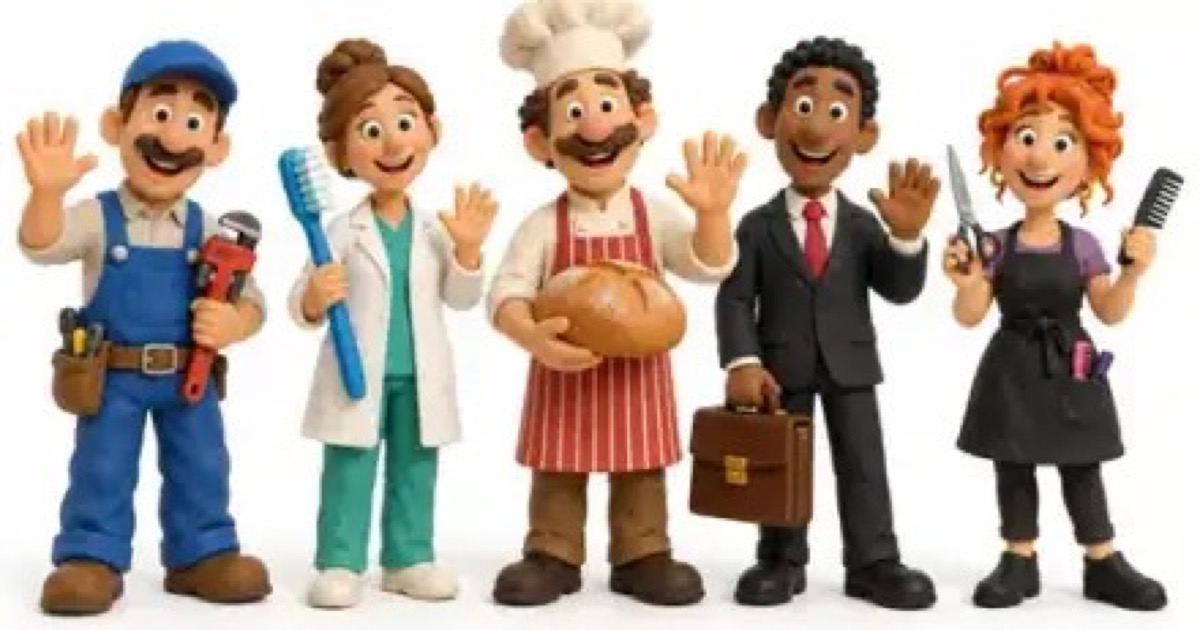
## What's the cheapest claymation commercial worth running?
A done-for-you clay ad, for most small businesses, because a team writes it, checks it and hands it over finished. Tools cost less on paper. Studios cost far more.
| Route | Price, seen November 26, 2026 | Who does the work | Best for |
|---|---|---|---|
| DIY AI clay tool | [Pika](https://pika.art/pricing) Starter $10 a month, so about $20 for one 30-second ad by our math | You: script, scenes, voice, edit and checking | Tech-handy owners with spare evenings |
| Fiverr claymation gig | Each seller sets the price. Fiverr adds a 5.5% fee plus $3.50 on orders under $200, [per Website Planet](https://www.websiteplanet.com/blog/best-stop-motion-ad-creators) | One seller, with you running the brief | Tiny budgets and owners with time for messages |
| Animation studio | Basic tier $1,500 to $3,000 for a 30-second animated spot, [per B2W](https://www.b2w.tv/blog/30-second-commercial-cost); no clay price listed | The studio | Bigger budgets and TV |
| Stop motion studio (real clay) | About $1,000 to $10,000+ per finished minute, [per Beverly Boy](https://beverlyboy.com/how-much-does-it-cost/how-much-does-stop-motion-animation-cost/) | The studio's crew | Brands where hand-made craft is the point |
| 30 Second Ad Club | $97 one-time for one 30-second clay ad | Our team, with AI tools; you approve | Busy owners who want a finished ad (our pick) |
Every price in detail is in our [claymation ad cost guide](/news/ugc-ads/claymation-ad-cost).
**[Get a claymation ad made for your business →](/claymation-ads-97?utm_source=blog&utm_medium=inline&utm_campaign=claymation-cta-order)** We write your story, make every scene out of clay and add a calm, friendly voice. You approve every word and every scene.
## Every cheap route has a second bill
You pay the second bill in time, not cash. [Knowlify](https://knowlify.com/articles/cheapest-way-to-get-professional-ai-commercial-made) (2026), which sells AI video itself, says a self-serve plan "leaves the script, scenes, voice, edit and review to you."
On that bill:
- **Your hours.** Writing, prompting, editing and checking.
- **Re-tries.** Clips that come out wrong still cost credits.
- **Voice and words.** A silent clip with no words on screen isn't an ad yet.
- **The wrong size.** Ask for a vertical video for phones, or you may pay again to fix it.
Say you run a plumbing company. Every evening you spend prompting a clay wrench is an evening you could have spent on a paid job.
[[COMPARE: One clay ad, two ways | The cheap tag | A low monthly plan; You write and prompt; You re-make the bad clips; You add the voice and edit | Done for you | One price, one ad; We write the script; Our team checks every video; You approve it and post it]]
## How much does a $10 AI plan cost for one ad?
More than $10, because one 30-second clay video takes more credits than the cheapest plan gives you.
[Pika's pricing page](https://pika.art/pricing) (seen November 26, 2026) gives the Starter plan 600 credits a month. It says a 5-second 720p clip uses about 122 credits, and credits don't roll over.
Thirty seconds is six clips, about 732 credits by our math. That's more than a month's credits, before you re-make the clip where the clay dog has five legs.
So one ad needs at least two months of Starter, $20, before a single re-try (our math).
[[STAT: 600 | Credits on Pika's $10 Starter plan each month. By our math a 30-second ad needs about 732, based on [Pika's pricing page](https://pika.art/pricing).]]
[Runway](https://runway.com/pricing) Standard is $15 a month for about 52 seconds of video, so one 30-second ad leaves little room for re-tries (our math, seen November 26, 2026).
[Pika's](https://pika.art/pricing) Free plan has no commercial license, so it can't make your ad.
And a tool only makes the pictures. The script, voice, words on screen and edit are still yours. Our [guide to AI claymation video generators](/news/ugc-ads/best-ai-claymation-video-generator) compares the tools if you want to try one.
## Are cheap claymation gigs worth it?
They can be, if you have time to manage one. In our view, though, gig quality is uneven, it takes a lot of back and forth, and you're working with one seller, not a marketing team.
Fiverr's gig pages wouldn't open for us on November 26, 2026, so we won't quote a seller's price. Each seller sets their own. [Website Planet](https://www.websiteplanet.com/blog/best-stop-motion-ad-creators) says Fiverr adds a buyer fee of 5.5% plus $3.50 on orders under $200.
Ask one thing before you pay: is it real clay or AI? One Fiverr clay gig we opened on November 3, 2026 listed its method as image to video, made with an AI engine.
That's fine, ours uses AI too. Know what you're buying.
[[HIGHLIGHT: A gig sells you a clip. An ad needs a hook, an offer and a next step. Ask who writes those, and how many changes you get.]]
Here's another clay ad our team made, with every word on screen.
[[VIDEO:clay-ai-seo]]
## When is real clay worth the money?
Real hand-made claymation is worth it when the craft is the point of the ad, and you have the budget and time to wait.
[Beverly Boy Productions](https://beverlyboy.com/how-much-does-it-cost/how-much-does-stop-motion-animation-cost/) puts stop motion at about $1,000 to more than $10,000 per finished minute, in a guide updated July 2026.
[Yans Media](https://www.yansmedia.com/blog/cheap-animation-studios), an animation studio, says (seen November 26, 2026) one minute of custom video takes roughly 250 to 400 production hours. Real clay adds sets and puppets on top, in our view.
[[HIGHLIGHT: Real clay is priced in hours of someone's hands. AI clay is priced in credits, plus your evenings if you make it yourself.]]
Ours isn't hand-made stop motion. It's made with AI tools that give the clay look. If you need real thumbprints in real clay, hire a studio.
[[IMAGE: /images/song-ads/email/claymation-welcome.jpg | A clay baker opens a box with a new video ad inside.]]
**[Watch the claymation ads we have made →](/claymation-ads-97?utm_source=blog&utm_medium=inline&utm_campaign=claymation-cta-examples)** Tap one to watch it with sound.
## Run the good-enough test before you pay anyone
A cheap claymation ad is good enough to run when it passes five checks:
- The problem shows up in the first few seconds.
- It says one offer, in plain words.
- Every word is on screen, so it works with the sound off.
- It ends on your logo and what to do next.
- It's vertical, so it fills a phone.
Here's a short one we wrote for this post. It isn't a real ad and has no results behind it.
> *Your tooth picked tonight to start talking.*
>
> A clay tooth knocks on a clay door.
> "Open up, it's [Your Dental Office]."
> Same-week visits in [Your Town].
> Tap to book.
If a cheap option can't pass these checks, it isn't cheap. It's money spent on a clip you'll never post.
## The easy way to get a clay ad that's ready to run
That's our job. Every clay ad comes vertical, with every word on screen and your logo and offer on the last scene. It's made in your own Ad Club dashboard, where you can order more any time.
1. You fill in a 2-minute form.
2. We write the script and make a clay picture for each line. You approve every word and scene, with 2 free rounds of changes.
3. Your 30-second clay ad is ready about 24 hours after you approve the scenes.
[[BUTTON: Get your clay ad made → | /claymation-ads-97?utm_source=blog&utm_medium=button&utm_campaign=cheapest-claymation-commercial | $97 one time, often half price in our holiday sales. Money back if you're not happy within 30 days.]]
## Frequently asked questions
### Is a 30 Second Ad Club clay ad real clay?
No. A 30 Second Ad Club clay ad is made with AI tools for the clay pictures, movement and voice, and our team checks every video.
### How long does a claymation commercial take?
A 30 Second Ad Club clay ad is ready about 24 hours after you approve the scenes. For complex stop motion, [Red Shark Digital](https://www.redsharkdigital.com/faqs/how-much-does-stop-motion-cost) says it can take weeks or months.
### Do I own the claymation ad?
Yes. You own the video, so you can use it in any ad, on your website or anywhere else.
### How much does a claymation commercial cost?
A 30 Second Ad Club clay ad costs $97 one-time, often half price in our holiday sales. For hand-made stop motion, [Beverly Boy Productions](https://beverlyboy.com/how-much-does-it-cost/how-much-does-stop-motion-animation-cost/) puts studios at about $1,000 to $10,000 or more per finished minute. We make the ad. We do not run it for you.
## The short version
The cheapest claymation commercial is the one you pay for once and then post.
A tool is cheap until you count your evenings. A gig is cheap until the fifth message. A studio is beautiful, and priced like it.
For a busy owner, our done-for-you team is the best pick: we write, make and check it, and you approve. No ad can promise calls or sales, ours included. But you'll have a finished clay ad to run, not a folder of half-made clips.
Want a clay ad people stop to watch? **[Get your claymation ad](/claymation-ads-97?utm_source=blog&utm_medium=inline&utm_campaign=claymation-cta-both)**, written and made for you, ready about a day after you approve your scenes. Love it or your money back.
---
## Related Reading
- [Claymation Ad Cost: Real 2026 Prices for 5 Ways to Get One](/news/ugc-ads/claymation-ad-cost): Claymation ad cost in 2026: about $16 a month in AI tools, $97 done for you,…
- [Best AI Claymation Video Generator in 2026: 8 Tools Compared](/news/ugc-ads/best-ai-claymation-video-generator): Which AI claymation video generator should you use? Real prices for 8 tools,…
- [AI Video Ad Agency or AI Video Tool? An Honest 2026 Guide](/news/ugc-ads/ai-video-ad-agency-vs-ai-video-tools): AI video ad agency or DIY tool? Compare real 2026 prices for HeyGen,…
- [Best AI Video Ad Generator for Small Business: 7 Ranked (2026)](/news/ugc-ads/best-ai-video-ad-generator): Looking for the best AI video ad generator? See 7 tools ranked with real…
- [Claymation Ads →](/claymation-ads-97): A 30-second clay video ad about your business, made for you. You approve every scene.
---
## Best Clay Animation Company for Small Business: How to Pick
URL: https://www.30secondproductions.com/news/ugc-ads/best-clay-animation-company-for-small-business
Topic: UGC & Ad Creative
Updated: 2026-11-26
The best clay animation company for small business ads is the one that hands you a finished 30-second ad you can run this week, not a short film. For most owners, that's [30 Second Ad Club](/claymation-ads-97?utm_source=blog&utm_medium=inline&utm_campaign=claymation-cta-order), the done-for-you ad team from 30 Second Productions, at $97 one-time for a 30-second clay ad, often half price in our holiday sales.
Big stop-motion studios are the right pick for big-budget brand films. Gig sites can work for a tiny test, if you don't mind steering it yourself.
Here's the funny part. Most "best animation studio" lists online are written by studios, and the author's own company sits at the top. [Yum Yum Videos](https://www.yumyumvideos.com/blog/best-small-animation-studios/) even admits its list isn't neutral.
[[HIGHLIGHT: You don't need the best clay studio in the world. You need the one built for a job your size.]]

## Why the "best studio" lists won't help you
Those lists judge showreels. That's a fair test for a big brand. It's the wrong test for a roofer who needs one Facebook ad by Friday.
Look at what they leave out. [Broadcast2World's list](https://www.b2w.tv/blog/best-commercial-video-production-companies) ranks its own company first, and it's the only one that shows a price. The rest say "On request" or "See site."
[Moonb's roundup](https://www.moonb.io/blog/animation-agency) of 16 studios also starts with its own company, and only one studio on it shows a price. On the Yum Yum list, the words "clay" and "stop motion" don't appear at all.
So skip the rankings and run your own test. It's six questions.
**[Get a claymation ad made for your business →](/claymation-ads-97?utm_source=blog&utm_medium=inline&utm_campaign=claymation-cta-order)** We write your story, make every scene out of clay and add a calm, friendly voice. You approve every word and every scene.
## Six questions to ask any clay animation company
A good company answers each one in a line. If you get a long email back instead, that tells you something too.
- **What's the full price for one 30-second ad?** One number, not a per-minute rate.
- **How fast do I get it?** Days, weeks or months.
- **Who writes the script?** If it's you, you just became the copywriter.
- **How many rounds of changes do I get?** And what each extra one costs.
- **Will it come in the size I need?** Vertical, for phone feeds like Reels and TikTok.
- **Who owns the video when it's done?** You want it in your ads, on your site, anywhere.
Then ask one more: is it real clay, or made with AI? Both can look great. You should know which one you're paying for.
## Who is the best clay animation company for small business owners?
It depends on your budget and your deadline. Here's who each kind of company is built for, with prices only as each page showed them in November 2026.
| Option | Price, as listed | Your work | Best for |
|---|---|---|---|
| Big stop-motion studio, like [Bix Pix](https://www.bixpix.com) in Burbank, California, or [Aardman](https://www.aardman.com) | No public price. You contact them | Brief, meetings, reviews | Brand films and big campaigns |
| Freelance stop-motion animator or small studio | About $1,000 to $10,000+ per finished minute, per [Beverly Boy Productions](https://beverlyboy.com/how-much-does-it-cost/how-much-does-stop-motion-animation-cost/) (2026). One freelancer may charge $25 an hour | Brief, reviews, and paying for reshoots if things change | Real hand-made clay on a budget in the low thousands |
| Clay gig on a marketplace like Fiverr | Each seller sets the price | Write the brief, then lots of back and forth | A tiny one-off test |
| AI clay tool, like [Morphic](https://morphic.com/resources/videos/claymation-videos) | Basic plan $19 a month | Prompts, fixes and editing, all yours | Owners who like to tinker |
| 30 Second Ad Club | $97 one-time for a 30-second ad | A 2-minute form, then you approve | A busy owner who wants a finished ad |
Real stop motion is slow, careful work, and it's priced that way. A 30-second ad would be about half the [per-minute rate](https://beverlyboy.com/how-much-does-it-cost/how-much-does-stop-motion-animation-cost/), by our math, not theirs.
[[STAT: $50,000 | Beverly Boy Productions (2026) says some industry estimates put stop motion closer to $50,000 per finished minute.]]
For more on price, see our guide to [claymation ad cost in 2026](/news/ugc-ads/claymation-ad-cost).
## Is a big studio worth it for a small business?
A big stop-motion studio is worth it when you need a brand film you'll run for years and have the budget for hand-made puppets and sets. For one Facebook ad, it's usually more studio than you need.
The craft is real. Bix Pix, in Burbank, California, calls its work "hand made stop motion." Aardman makes film, TV, commercials and branded content. Moonb names Passion Pictures for handmade launch and holiday spots.
Here's the catch. Moonb warns that with physical puppets and sets, late script changes get costly. Beverly Boy says the same about reshoots once a set is taken down.
That hurts a small business, because your offer changes. The spring tune-up special becomes the fall furnace check, and nobody wants to pay to rebuild a clay furnace.
[[HIGHLIGHT: A big studio is the right call for a national launch. It's the wrong call for "20% off this month."]]
## Ask this before you pay: real clay or AI?
A cheap clay ad today is often made with AI, and not every seller says so up front. When we looked at clay gigs in November 2026, one listed an AI video engine as its method. Another said every object was real, with no AI. So ask before you pay.
Ours is AI, and we say so plainly. 30 Second Ad Club makes clay ads with AI tools for the clay pictures, the movement and the voice, and our team checks every video before it reaches you. It isn't hand-made stop motion, and we won't pretend it is.
The upside: there's no set to tear down, so changing a scene is a change, not a reshoot. Rather do it yourself? See our test of the [best AI claymation video generators](/news/ugc-ads/best-ai-claymation-video-generator).
Gigs are a different trade-off. In our view, quality is uneven, there's a lot of back and forth, and you're dealing with one freelancer, not a marketing team.
[[COMPARE: One clay ad, two ways | A marketplace gig | You write the brief; Changes capped by the package; Real clay or AI? You have to ask; One freelancer to chase | 30 Second Ad Club | We write the script; 2 free rounds of scene changes; Plainly AI, checked by our team; A done-for-you ad team]]
**[Watch the claymation ads we have made →](/claymation-ads-97?utm_source=blog&utm_medium=inline&utm_campaign=claymation-cta-examples)** Tap one to watch it with sound.
## How Ad Club answers the six questions
- **Price:** $97, one-time, for a 30-second ad. One number.
- **Speed:** your Ad Club ad is ready about 24 hours after you approve the scenes.
- **Script:** Ad Club writes it, or uses your words.
- **Changes:** you approve every word and every scene first, with 2 free rounds of changes to the scenes.
- **Size:** vertical for social media ads, with every word on screen so it works with the sound off.
- **Ownership:** you own the video. Use it in any ad, on your website, anywhere.
Your logo and offer go on the last scene. And if you're not happy within 30 days, you get a full refund. It all happens in your own Ad Club dashboard, where you can order more ads any time.
[[FLOW: What happens when you order | Fill in a 2-minute form | Approve every word of the script | Approve every clay scene | Your finished ad, about 24 hours later]]
Here's a sample we made for a made-up plumber.
[[VIDEO:clay-plumber]]
[Get a clay ad like this for your business](/claymation-ads-97?utm_source=blog&utm_medium=inline&utm_campaign=claymation-cta-examples).
[[IMAGE: /images/song-ads/email/review.jpg | A cartoon man with popcorn gives a thumbs up at a play button. You watch it first, and nothing gets made until you approve the scenes.]]
And here's another clay ad our team made, start to finish.
[[VIDEO:clay-ai-seo]]
[See what yours could look like](/claymation-ads-97?utm_source=blog&utm_medium=inline&utm_campaign=claymation-cta-examples).
## The short version
The best clay animation company for small business ads isn't the one with the fanciest reel. It's the one with short, clear answers to six plain questions.
[[HIGHLIGHT: Ask all six questions. The company with the shortest, clearest answers wins.]]
For a big brand film, hire a stop-motion studio. For a busy owner who wants a finished clay ad without writing a brief or chasing a freelancer, our done-for-you team is the best pick.
No ad can promise leads or sales, ours included. But a clay ad looks different from the ads around it.
## The easy way to get your clay ad
1. Tell us about your business in a 2-minute form.
2. Approve the script and every clay scene.
3. Get your finished ad, checked by our team, about 24 hours later.
[[BUTTON: Get your clay ad made → | /claymation-ads-97?utm_source=blog&utm_medium=button&utm_campaign=best-clay-animation-company-for-small-business | $97 one-time for 30 seconds. You own the video. Money back within 30 days.]]
## Frequently asked questions
### How long does a clay animation ad take to make?
A clay animation ad from 30 Second Ad Club is ready about 24 hours after you approve the scenes. Studios quote weeks, not days. [Yum Yum Videos](https://www.yumyumvideos.com/blog/best-small-animation-studios/) lists 6 to 8 weeks for its own animated videos (2026).
### Is Aardman a good fit for a small business ad?
Aardman is a fit for a big brand film, not usually for one small business ad. Aardman's site shows no public price, so you contact them, and Moonb warns that late script changes cost more with physical puppets and sets.
### Can a small business afford real stop motion?
Some can. Beverly Boy Productions says one freelance animator may charge $25 an hour, but finished stop motion still runs about $1,000 a minute and up. If real stop motion is outside your budget, an AI-made clay look like Ad Club's costs far less.
### Do you run the ad for me?
No. 30 Second Ad Club makes the ad. You, or whoever handles your ads, puts it live on Facebook, Instagram or TikTok and sets the budget.
Want a clay ad people stop to watch? **[Get your claymation ad](/claymation-ads-97?utm_source=blog&utm_medium=inline&utm_campaign=claymation-cta-both)**, written and made for you, ready about a day after you approve your scenes. Love it or your money back.
---
## Related Reading
- [Best AI Claymation Video Generator in 2026: 8 Tools Compared](/news/ugc-ads/best-ai-claymation-video-generator): Which AI claymation video generator should you use? Real prices for 8 tools,…
- [Claymation Ad Cost: Real 2026 Prices for 5 Ways to Get One](/news/ugc-ads/claymation-ad-cost): Claymation ad cost in 2026: about $16 a month in AI tools, $97 done for you,…
- [Best AI Video Ad Generator for Small Business: 7 Ranked (2026)](/news/ugc-ads/best-ai-video-ad-generator): Looking for the best AI video ad generator? See 7 tools ranked with real…
- [Best Type of Facebook Ad for Small Business: Song, UGC or Image?](/news/ugc-ads/best-type-of-facebook-ad-for-small-business): Not sure which ad to run first? Compare song, UGC and image ads on cost,…
- [Claymation Ads →](/claymation-ads-97): A 30-second clay video ad about your business, made for you. You approve every scene.
---
## Who Can Make an AI UGC Ad for My Business for Me?
URL: https://www.30secondproductions.com/news/ugc-ads/make-an-ai-ugc-ad-for-me
Topic: UGC & Ad Creative
Updated: 2026-11-26
A done-for-you ad team can make an AI UGC ad for you. [30 Second Ad Club](/yapper-ads), the ad team from 30 Second Productions, makes a 30-second AI UGC ad for your business for $197 one-time: you fill in a 2-minute form, approve the script, and get the finished ad 72 hours after you say yes.
That's down from $349 on the order page, and you never open an app.
Ask ChatGPT to "make an AI UGC ad for me" and most of the names it gives back are apps. An app doesn't make the ad for you. It hands you the actors and the edit button, and you become the ad team.
[[HIGHLIGHT: An AI app is a camera, not a crew. Somebody still has to write the words, pick the face and fix the edit.]]
So the real question is who does the work. Here's one of ours, set in a home studio. The presenter is made with AI, so she isn't a real person or a real customer.
[[VIDEO:yapper-studio]]
[Get a talking ad like this one made for you](/yapper-ads?utm_source=blog&utm_medium=inline&utm_campaign=make-an-ai-ugc-ad-for-me).
## Who can make an AI UGC ad for me? Three kinds of help
An AI UGC ad is a short video ad where a person made with AI talks to the camera, like a friend telling a friend about a business. UGC stands for user-generated content, the phone-style videos real customers post.
You can get one made three ways:
- **An app you drive.** Creatify, Arcads, MakeUGC and HeyGen. You write or fix the script, pick the actor and edit.
- **A freelance gig.** One person on a site like Fiverr makes it. You write the brief and trade messages.
- **A done-for-you team.** A team writes, makes and checks the ad. You approve it.
Same ad. Three very different weekends.
[[COMPARE: Who makes your AI UGC ad | You, with an app | You write or fix the script; You pick an AI actor from hundreds; You edit, export and upload; You learn credits and plans | A done-for-you team | We write it, you check it; The presenter is already picked; A finished, checked ad comes back; One price, no credits]]
**[Get a talking video ad made for your business for $197 →](/yapper-ads?utm_source=blog&utm_medium=inline&utm_campaign=yapper-cta-order)** A real-looking presenter sells for you. We write the words and make the video. You just say yes.
## Apps: you're the ad team now
[[PILL: Fair to the apps: they do what they say]]
The apps are real tools, and some are very good. But read their own pages and you'll see who's doing the work.
[Arcads](https://www.arcads.ai/) (checked November 2026) offers 1,000+ AI actors, or you can create your own, and you make and edit ads in its studio. [Creatify's pricing page](https://creatify.ai/pricing) (checked November 2026) lists 300 AI actors on its Standard plan. HeyGen's [pricing page](https://www.heygen.com/pricing) (checked November 2026) shows a Creator plan at $29 a month.
Arcads sells credits, not dollars: one talking video uses 800 of the 8,000 credits a month on Starter, per [its FAQ](https://intercom.help/arcads/en/articles/17350051-arcads-faq).
If you fix furnaces for a living, it's a second job with no paycheck.
Some apps do sell a team. Creatify Studio says a creative team handles scripting and production, with no price shown and a demo to book. [MakeUGC's Enterprise plan](https://www.makeugc.ai/pricing) says "a strategist runs production for you," at a custom price.
Creatify Studio is built for 25-100+ videos a month, and MakeUGC's team comes only on a custom Enterprise plan. Neither is set up for a dentist who needs one good ad.
## Gigs: one freelancer and a lot of messages
A gig is a small job you buy from a freelancer on a marketplace like Fiverr. Lots of sellers there list AI UGC video ads, and each seller sets the price.
An AI UGC gig is still made with AI tools. The only change is who clicks the buttons. You still write the brief, check the draft and ask for changes.
[[IMAGE: /images/song-ads/email/yapper-ugc.jpg | One person films, one person talks. With an app or a gig, one of them is usually you.]]
In our view, gig quality is uneven, and there's a lot of back and forth. You're working with one person, not a marketing team.
Gigs can make sense for a tiny test when you have time to manage it. Otherwise, you hired help and got a pen pal.
## A done-for-you team: you approve, we make it
A done-for-you ad team is a group that writes, makes and checks your ad, so your only jobs are telling them about the business and saying yes. That's what Ad Club is: the done-for-you ad team from 30 Second Productions.
[[FLOW: What you do with Ad Club | Fill in a 2-minute form and add your logo | Read the script and change anything | Say yes to a picture for each part | Get your finished ad in 72 hours]]
We write the words, or use yours. Every ad follows one plan: a hook in the first 3 seconds, the problem and the fix in the middle, and the next step at the end.
Words go on screen, so it works with the sound off. Your logo goes at the end, and the ad comes vertical for Facebook, Instagram and TikTok. Real people write and check every video, and one round of changes is included.
Here's another of ours. The same AI presenter talks straight to the camera about one offer.
[[VIDEO:yapper-song-ads]]
[Watch more Yapper ads and order yours](/yapper-ads?utm_source=blog&utm_medium=inline&utm_campaign=make-an-ai-ugc-ad-for-me).
## How much does it cost to have someone make an AI UGC ad?
It runs from about $15 a month for an app, where you do the work, to $5,000 a month and up for an agency. A one-time done-for-you ad sits in between. The money to run the ad on Facebook or TikTok is separate.
| Option | Who does the work | Price (its own page, checked Nov 2026) | Best for |
|---|---|---|---|
| [Creatify](https://creatify.ai/pricing) | You, in the app | Standard plan $15 a month (55 credits) | Marketers who'll drive an app |
| [Arcads](https://intercom.help/arcads/en/articles/17350051-arcads-faq) | You, in Arcads Studio | Credit plans; no public dollar price | Ad buyers testing many scripts |
| [MakeUGC](https://www.makeugc.ai/pricing) | You, in the app | From $59 a month (billed monthly); yearly plans were on sale at $29.50 a month when we checked in Nov 2026 | Owners who like trying new tools |
| Fiverr gigs | One freelancer, plus your briefs and notes | Each seller sets the price | A tiny test on a tiny budget |
| [Knowlify](https://knowlify.com/ai-ugc-ads) | Its team | From $5,000 a month | Brands that want a weekly flow of ads |
| 30 Second Ad Club | Our team writes and makes it; you approve | $197 one-time for a 30-second Yapper ad | A busy owner who wants it done |
App prices change often. Check each page before you buy.
[[HIGHLIGHT: With an app, the price is the cheap part. The real cost is your evenings.]]
For what human creators charge, see our [UGC video cost guide](/news/ugc-ads/how-much-does-ugc-video-cost-2026). Which method makes the best ad is its own question, answered in our guide to [the best way to get AI UGC ads](/news/ugc-ads/best-way-to-get-ai-ugc-ads).
## Is the presenter in an AI UGC ad a real person?
No. The presenter in an AI UGC ad is made with AI, even when she looks and sounds real. Ours is too: she isn't a real person or a real customer, and our ads never pretend she bought from you.
So let her talk like a friend explaining your business, not a customer reviewing it. [Meta's 2026 update says](https://about.fb.com/news/2025/02/gen-ai-transparency-metas-ads-products/) ads made with outside AI tools can get an "AI info" label in the About this ad menu.
[[HIGHLIGHT: An AI presenter can explain your business. She can't review it.]]
**[Watch our Yapper ads →](/yapper-ads?utm_source=blog&utm_medium=inline&utm_campaign=yapper-cta-examples)** Click any video to watch with sound.
## What should you send so the ad comes out right?
Send three things: your best offer, your customer's own words, and the one next step you want. Plus your logo.
- **Your offer.** "Free estimate this week" beats "quality service."
- **Your customer's own words.** "My AC died in July" beats "HVAC solutions."
- **One next step.** Call, book or visit. Pick one.
Say you run a roofing company in Ohio. Your hook might be: *"That brown spot on your ceiling? It's not going away."* We'd write the rest, you'd read it, and you'd change anything that doesn't sound like you.
Two limits, plainly: you can't pick a different presenter yet, and our ads are English only for now.
## The easy way to do all of this
1. Tell us about your business in a 2-minute form and send your logo.
2. Read the script we write, change anything, and say yes to the pictures.
3. Get your finished, checked ad 72 hours later, yours to use anywhere.
[[BUTTON: Get your talking ad made → | /yapper-ads?utm_source=blog&utm_medium=button&utm_campaign=make-an-ai-ugc-ad-for-me | Ready 72 hours after you say yes. Money-back guarantee for 30 days.]]
## Frequently asked questions
### Can I hire someone to make an AI UGC ad for my small business?
Yes. You can hire a freelancer on a gig site, an agency, or a done-for-you team like 30 Second Ad Club. With Ad Club, you fill in a 2-minute form, approve the script and get the ad 72 hours after you say yes.
### How long does it take to get an AI UGC ad made for me?
With 30 Second Ad Club, the ad is ready 72 hours after you approve it. With an app, it depends on how fast you write and edit. With a gig, it depends on the seller and how many rounds of changes you need.
### Do you run the ads for me?
No. We make the ad, and you own it. You, or whoever handles your ads, puts it on Facebook, Instagram or TikTok and sets the budget.
### Can ChatGPT or Claude write my AI UGC ad script?
ChatGPT and Claude can draft a script, but you still have to check it, fix it and turn it into a video. With Ad Club, our team writes the words, and real people check every video before you get it.
## The short version
"Make an AI UGC ad for me" has three answers. An app makes you the ad team. A gig makes you the project manager. A done-for-you team makes you the person who says yes.
For a busy owner, that last one is the best pick. You tell us about the business, approve the words and get a finished ad you own, with a money-back guarantee. Every order also comes with your own Ad Club account for the next one.
No ad can promise sales, ours included. But you'll get your evenings back.
Want an ad that talks for you? **[Get your Yapper ad for $197](/yapper-ads?utm_source=blog&utm_medium=inline&utm_campaign=yapper-cta-both)**: your words, your logo, made for you in 72 hours, with a money-back guarantee.
---
## Related Reading
- [Is a Video Ad Subscription Worth It for Your Business?](/news/ugc-ads/video-ad-subscription): Is a video ad subscription worth it? Prices run from $15 to $15,000 a month.…
- [Boosted Post vs Ads Manager on Facebook: Which Gets Calls?](/news/ugc-ads/boosted-post-vs-ads-manager): Boosted post vs Ads Manager on Facebook: boosting buys reach and likes, Ads…
- [Facebook Ad Call to Action Button: Pick the Right One](/news/ugc-ads/facebook-ad-call-to-action-button): Which Facebook ad call to action button fits your goal? See which objective…
- [Facebook Ad Character Limit (and TikTok's): What to Write](/news/ugc-ads/facebook-ad-character-limit): The Facebook ad character limit, from Meta: 27 for a Feed headline, 50-150…
- [Yapper Ads for $197 →](/yapper-ads): A 30-second talking video ad with a real-looking AI presenter, made for you in 72 hours.
---
## Is There a Done-for-You Alternative to Arcads or MakeUGC?
URL: https://www.30secondproductions.com/news/ugc-ads/done-for-you-alternative-to-arcads
Topic: UGC & Ad Creative
Updated: 2026-11-26
Yes. At 30 Second Ad Club, the done-for-you ad team from 30 Second Productions, we make a 30-second [Yapper ad](/yapper-ads) for $197 one-time (the page shows $349 crossed out): we write it, build it and check it, and you approve it.
That's the done-for-you alternative to Arcads or MakeUGC. Those apps don't make your ad. They rent you an actor, and you do the rest.
The managed options that show a price start in the thousands of dollars.
Our presenter is made with AI. She looks and sounds real, but she isn't a real customer, and we never pretend she is.
[[HIGHLIGHT: An app gives you an actor. A team gives you an ad.]]
Here's a Yapper ad we made, with our AI presenter in a home studio.
[[VIDEO:yapper-studio]]
[Get a talking ad like this made for your business](/yapper-ads?utm_source=blog&utm_medium=inline&utm_campaign=done-for-you-alternative-to-arcads).
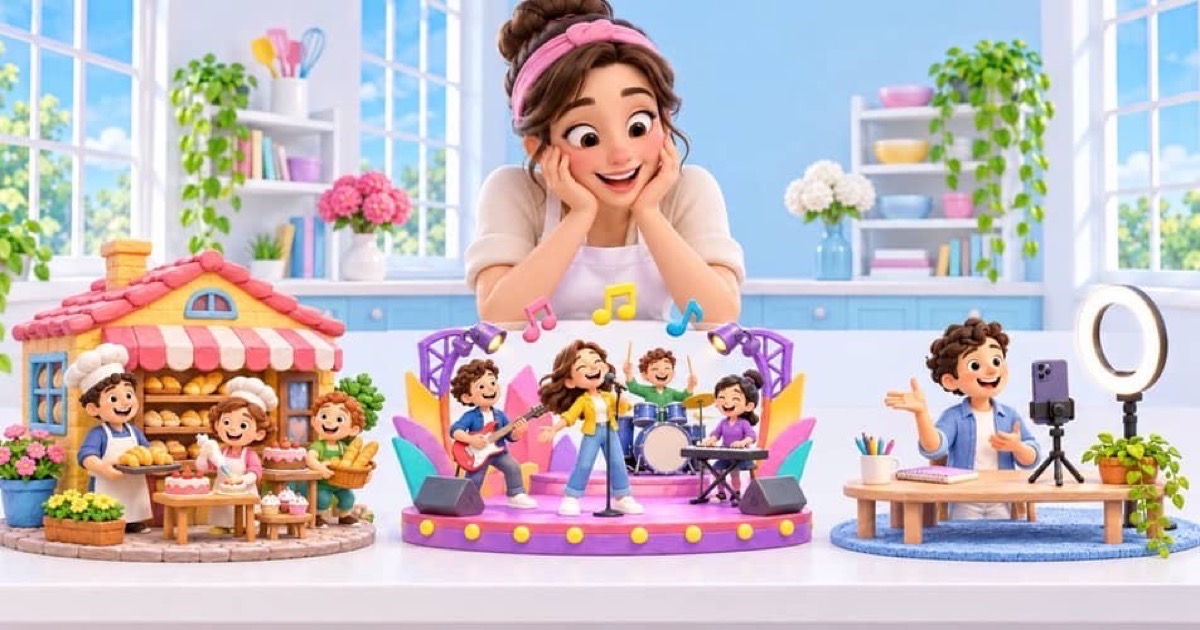
## What do Arcads and MakeUGC sell?
Arcads and MakeUGC sell self-serve software for making AI UGC ads. An AI UGC ad is a video ad where an AI-made person talks to the camera, like a customer filming on a phone.
[Arcads](https://www.arcads.ai/) offers a library of 1,000+ AI actors, or you can make your own AI avatar.
You pick the actor and write how you want each line said.
[MakeUGC](https://www.makeugc.ai/) calls itself "An AI video generator for ads."
You type a prompt, paste a script or let its AI write one from your product page. Then you pick an actor and tweak the video in its editor.
Both are good apps. Both hand you the steering wheel.
We already put the two side by side, credits and trials included, in our [Arcads vs MakeUGC comparison](/news/ugc-ads/arcads-vs-makeugc). This post asks a different question: who does the driving?
**[Get a talking video ad made for your business for $197 →](/yapper-ads?utm_source=blog&utm_medium=inline&utm_campaign=yapper-cta-order)** A real-looking presenter sells for you. We write the words and make the video. You just say yes.
## The actor is the easy part
With an AI UGC app, the actor is ready in minutes. The ad around the actor is still your job.
Here's what stays on your plate:
- **The script.** What the actor says in the first 3 seconds, and every line after.
- **The pick.** Which of 1,000+ faces fits a dental office in Ohio?
- **The fixes.** An odd word, the wrong stress on your town's name, a line that runs long.
- **The captions and logo.** Words on screen, so the ad still works with the sound off.
- **The check.** Does it say anything you can't back up?
None of that is hard. It eats an evening you don't have.
[[COMPARE: Who does the work | With an AI UGC app | You write the script; You pick the actor; You edit and add captions; You check every line | With Ad Club | We write it, or use your words; Our AI presenter is ready to go; We add words on screen and your logo; Real people check every video]]
Here's what it looks like with us instead.
[[FLOW: What happens when you order | Fill in the 2-minute form | We write the script and scenes | You say yes | Your ad arrives in 72 hours]]
## Do Arcads or MakeUGC have a done-for-you option?
MakeUGC does, as an Enterprise plan, and Creatify does with Creatify Studio, but neither shows a price (checked Nov 2026). We found no managed plan on Arcads' pages: its plans are sold in credits with no dollar price.
The [Arcads help center](https://intercom.help/arcads/en/articles/17350051-arcads-faq) lists plans in credits only.
On the [MakeUGC pricing page](https://www.makeugc.ai/pricing), the Enterprise plan says "Managed by MakeUGC: a strategist runs production for you." The price is custom, and you contact sales.
[Creatify](https://creatify.ai/pricing) sells Creatify Studio, where its team handles strategy, scripting and production for 25 to 100+ videos a month. There's no price, just a demo to book.
Outside the apps, managed UGC is priced for brands with a big ad budget.
[Insense](https://insense.pro/services/ready-to-go-ugc-videos) shows sample prices from $3,500 for 8 video ads made by real creators. Every package needs a 3-month commitment.
[Knowlify](https://knowlify.com/ai-ugc-ads) makes done-for-you AI UGC ads, and its page says plans start at $5,000 a month.
[[STAT: $5,000 | That's where Knowlify's done-for-you AI UGC plans start each month, per its own page (November 2026).]]
That's fine if you sell protein powder in 40 states. It's a lot if you fix roofs in one county.
[[HIGHLIGHT: Done-for-you AI UGC exists. Most of it is built for brands with a marketing department.]]
## Which done-for-you alternative to Arcads fits a small business?
For a small business that wants one finished talking ad without a contract, a single done-for-you order fits best. Here's how the options line up, with prices from each company's own page as we checked them in November 2026.
| Option | Price (own page, Nov 2026) | Who does the work | Best for |
|---|---|---|---|
| Arcads | Credit plans; no public dollar price | You | Marketers who test lots of ads and like tools |
| MakeUGC | From $59 a month (billed monthly); yearly plans were on sale at $29.50 a month when we checked in Nov 2026. Enterprise: custom | You (Enterprise: their strategist) | Cheap volume testing |
| Creatify | Standard plan $15 a month (55 credits). Studio: book a demo | You (Studio: their team) | Owners who want cheap self-serve credits |
| Fiverr gigs | Each seller sets the price | The seller, with your brief and edits | Owners happy to manage a freelancer |
| Insense | Sample $3,500 for 8 ads, 3-month commitment | Their team and real creators | Brands that want real people on camera |
| Knowlify | From $5,000 a month | Their team | Brands with a big monthly ad budget |
| 30 Second Ad Club Yapper ad | $197 one-time (page shows $349 crossed out) | Our team; you approve | Busy owners who want one finished ad |
For one finished ad without a contract, our Yapper ad is the pick. To be fair to the apps: if you make dozens of ads a month, an app may cost less per ad. You pay with your time instead.
## What about hiring a Fiverr seller?
A Fiverr seller is a freelancer who sells AI UGC videos as a gig, and each seller sets the price. That's closer to done for you than an app.
In our view, though, marketplace gigs are a gamble. Quality is often uneven, there's a lot of back and forth, and you aren't dealing with a professional marketing team.
You still write the brief. You still chase the fixes.
We list the other ways to buy in our [guide to getting AI UGC ads](/news/ugc-ads/best-way-to-get-ai-ugc-ads).
**[Watch our Yapper ads →](/yapper-ads?utm_source=blog&utm_medium=inline&utm_campaign=yapper-cta-examples)** Click any video to watch with sound.
## When an app is the better buy
An app beats a done-for-you team in a few cases. We'd rather say so now than sell you the wrong thing.
- **You test dozens of ads a week.** Apps are built for volume.
- **You want to pick the face.** You can't choose a different presenter with us yet.
- **You need another language.** Our Yapper ads are English only for now.
- **You like editing.** Some owners enjoy it. No shame there.
Here's another Yapper ad, with our AI presenter talking straight to the camera.
[[VIDEO:yapper-song-ads]]
[See what a Yapper ad could say for your business](/yapper-ads?utm_source=blog&utm_medium=inline&utm_campaign=done-for-you-alternative-to-arcads).
## The easy way to get a talking ad made
A Yapper ad is a 30-second video ad where our AI presenter talks to the camera about your business, like a friend telling a friend. It beats an app for a busy owner for one reason: you get the finished ad, not the homework.
1. **Tell us about your business.** A 2-minute form, plus your logo.
2. **Approve the plan.** We write the words or use yours, and show a picture for each part. You say yes or ask for changes, with one round of changes included.
3. **Get the finished ad.** It's ready in 72 hours after you say yes, sized for Facebook, Instagram and TikTok.
You own the ad, so use it in any ad, on your website, anywhere. Not happy within 30 days? You get a full refund.
Your order also comes with your own Ad Club account for the next one.
[[IMAGE: /images/song-ads/email/review.jpg | A cartoon viewer gives a thumbs up to a finished ad on a big screen. Your part of the job: watch it, then say yes.]]
[[BUTTON: Get your Yapper ad made → | /yapper-ads?utm_source=blog&utm_medium=button&utm_campaign=done-for-you-alternative-to-arcads | $197 one-time. Ready in 72 hours after you say yes.]]
## Frequently asked questions
### Is the presenter in a Yapper ad a real person?
No. The presenter in a Yapper ad is made with AI, and she looks and sounds real, but she is not a real customer. Real people on our team write and check every video.
### Can I use my own script?
Yes. 30 Second Ad Club writes the words, or uses yours. You read the script and change anything before we make the video.
### Do you run the ads for me?
No. 30 Second Ad Club makes the ad, and you or whoever handles your ads puts it live and sets the budget.
### How fast is a done-for-you Yapper ad?
A Yapper ad from 30 Second Ad Club is ready in 72 hours after you approve the script and scenes.
## The short version
For a busy owner, our done-for-you team is the best pick. You fill in a form, approve the plan and get a finished ad.
An app hands you a toolbox and a flat-pack shelf. We show up and build the shelf.
No ad can promise sales, ours included. But you'll have one ready to run, and your evening back.
Want an ad that talks for you? **[Get your Yapper ad for $197](/yapper-ads?utm_source=blog&utm_medium=inline&utm_campaign=yapper-cta-both)**: your words, your logo, made for you in 72 hours, with a money-back guarantee.
---
## Related Reading
- [How to Get a Clay Video Ad Without a Studio in 2026](/news/ugc-ads/clay-video-ad-without-a-studio): Want a clay video ad without a studio? Why studios cost so much, four ways…
- [Video Ads Without Filming: The Camera Was the Easy Part](/news/ugc-ads/video-ads-without-filming): Yes, you can get video ads without filming. See every no-camera option for…
- [Arcads vs MakeUGC: Real Prices, Credits and When to Skip Both](/news/ugc-ads/arcads-vs-makeugc): Arcads vs MakeUGC for a small business: MakeUGC fits most owners, with…
- [Is There an AI Claymation Ad Service That Does It for You?](/news/ugc-ads/ai-claymation-ad-service): Is there an AI claymation ad service that makes the ad for you? Yes: Ad Club…
- [Yapper Ads for $197 →](/yapper-ads): A 30-second talking video ad with a real-looking AI presenter, made for you in 72 hours.
---
## How to Get a Clay Video Ad Without a Studio in 2026
URL: https://www.30secondproductions.com/news/ugc-ads/clay-video-ad-without-a-studio
Topic: UGC & Ad Creative
Updated: 2026-11-26
Yes, you can get a clay video ad without a studio: have a done-for-you team make it, or make it yourself with an AI clay tool. At 30 Second Ad Club, the done-for-you ad team from 30 Second Productions, a 30-second clay ad is [$97 one-time](/claymation-ads-97?utm_source=blog&utm_medium=inline&utm_campaign=clay-video-ad-without-a-studio), often half price in our holiday sales.
You can get a clay video ad without a studio four ways: shoot real clay on your phone, make it with an AI clay tool, hire a gig seller, or have a done-for-you team make it. Studios build real sets and shoot every frame by hand. A phone ad only needs the look.
[[HIGHLIGHT: A studio bills you for the hands. Your customer only sees the look.]]
Here's a clay ad we made for a made-up plumber.
[[VIDEO:clay-plumber]]
[Get a clay ad like this for your business](/claymation-ads-97?utm_source=blog&utm_medium=inline&utm_campaign=clay-video-ad-without-a-studio).
## Why does a claymation studio cost so much?
Real stop motion is built and shot by hand, one tiny move at a time, so the hours add up. Stop motion is a way of making film where you move a real object a little, take a picture, and do it again.
As of Nov 2026, [Adobe's claymation guide](https://www.adobe.com/creativecloud/animation/discover/claymation) says to aim for 12 to 24 frames a second. Each frame is a person nudging a clay arm and taking a picture. Adobe says filming even a short can take many hours.
That's a lot of thumbs for one wave hello.
[[STAT: $1,000-$10,000+ | That's what production companies usually charge per finished minute of stop motion, according to [Beverly Boy Productions](https://beverlyboy.com/how-much-does-it-cost/how-much-does-stop-motion-animation-cost/) (2026).]]
Changes hurt too. Beverly Boy says reshoots cost more once the set is taken down. Want a red van, not a blue one? Somebody rebuilds the street.
Hand-made stop motion is beautiful. It's slow and costly for honest reasons.
[[COMPARE: Same clay ad, two ways | Animation studio | Real sets built by hand; Priced per finished minute; Many hours of shooting; A change can mean a reshoot | 30 Second Ad Club | Made with AI tools, checked by our team; One fixed price per ad; Ready about 24 hours after you approve the scenes; 2 free rounds of changes to the scenes]]
**[Get a claymation ad made for your business →](/claymation-ads-97?utm_source=blog&utm_medium=inline&utm_campaign=claymation-cta-order)** We write your story, make every scene out of clay and add a calm, friendly voice. You approve every word and every scene.
## How can you get a clay video ad without a studio?
The first three swap the studio bill for your time. The fourth doesn't.
**1. Real clay, your phone.** You build the figures and shoot every frame. It costs little in cash and a lot in evenings.
**2. An AI clay tool.** You type prompts, make stills, turn them into clips, then add a voice, captions and music. It's a clay look made by a computer, not real clay moved by hand, and [Opus Pro](https://www.opus.pro/blog/claymation-ai) warns the texture can change from clip to clip. Our list of the [best AI claymation video generators](/news/ugc-ads/best-ai-claymation-video-generator) compares eight of them.
**3. A gig seller.** You post a brief on a marketplace like Fiverr and pick a seller. In our view, gig quality is often uneven, it takes a lot of back and forth, and you're dealing with one person, not a marketing team.
**4. A done-for-you team.** You tell us about your business. We write the script, make a clay picture for each line, and a calm, friendly voice reads it. You approve every word and every scene.
We make it with AI tools, and our team checks every video before you see it.
| Way to get it | Price (Nov 2026) | Who does the work | What you need | Best for |
|---|---|---|---|---|
| Animation studio | About $1,000 to $10,000+ per finished minute, per [Beverly Boy](https://beverlyboy.com/how-much-does-it-cost/how-much-does-stop-motion-animation-cost/) | The studio, over many hours of shooting | A big budget and weeks | A brand film with a big budget and time to wait |
| Freelance frame-by-frame animator | $150 to $1,000 a day, per [Twine](https://www.twine.net/blog/frame-by-frame-animation-complete-guide) | The animator, with you directing | A clear brief and time to direct | A one-off art piece you want to steer closely |
| Fiverr clay gig sellers | Each seller sets the price | One seller, plus your briefs and notes | Briefs and rounds of notes | A small test, if you have time to manage it |
| AI clay tool ([Runway](https://runway.com/pricing), [Pika](https://pika.art/pricing), [Morphic](https://morphic.com/resources/videos/claymation-videos)) | Plans from $10 to $19 a month | You: prompts, clips, voice, captions, retries | Prompts, retries, a voice, captions, an editor | Owners who like to tinker |
| 30 Second Ad Club | $97 one-time for a 30-second clay ad | Our team. You approve | A 2-minute form | A busy owner who wants a finished ad |
The tool prices look small, but they buy credits, not ads (our [claymation ad cost guide](/news/ugc-ads/claymation-ad-cost) does the full math). Runway's pricing page said in Nov 2026 that its Gen-4.5 video uses 12 credits a second, so a few retries eat the month fast.
[[HIGHLIGHT: A tool skips the studio. It doesn't skip the work.]]
## What should a no-studio clay ad say?
A clay ad works best as a tiny story with one problem and one happy ending. The clay look buys you a few seconds of "wait, what's this?" Don't spend them on a list of services.
We wrote this for a made-up dog groomer, so it has no results behind it. Swap in your name, town and offer.
**The dog groomer**
> *He found the only puddle on the block.*
>
> Biscuit is muddy. Biscuit wants the couch.
> [Your Name] Grooming washes, trims and fluffs.
> He comes home soft, clean and ready for hugs.
> Book his bath this week in [Your Town].
Last scene: your logo and your offer. Every word sits on screen, so it works with the sound off.
Here's another clay ad from our team.
[[VIDEO:clay-song-ads]]
[Get a clay ad made for your business](/claymation-ads-97?utm_source=blog&utm_medium=inline&utm_campaign=clay-video-ad-without-a-studio).
## Who should skip the clay look?
Skip the clay look if your ad has to feel serious, urgent or technical. Opus Pro says the warm clay tone can clash with finance, urgent ads and business software.
A 24-hour emergency line may want something plainer.
Clay shines when the job is friendly and a bit messy: plumbers, groomers, bakeries, kids' dentists, roofers, gyms.
[[HIGHLIGHT: If your customer smiles at a clay version of their problem, clay is a good fit.]]
**[Watch the claymation ads we have made →](/claymation-ads-97?utm_source=blog&utm_medium=inline&utm_campaign=claymation-cta-examples)** Tap one to watch it with sound.
## The easy way to get your clay ad
No studio, no clay, no AI app. Here's all you do with 30 Second Ad Club:
1. **Fill in a 2-minute form** about your business and your offer.
2. **Approve the script and the clay scenes.** You get 2 free rounds of changes to the scenes.
3. **Get your finished ad** about 24 hours later, vertical and ready for social media ads.
[[IMAGE: /images/song-ads/email/claymation-welcome.jpg | A clay baker opens a box with a new video ad inside.]]
You own the video, so use it in any ad, on your website, anywhere. It's made in your own Ad Club dashboard, where you can order more ads any time.
[[BUTTON: Get your clay ad made → | /claymation-ads-97?utm_source=blog&utm_medium=button&utm_campaign=clay-video-ad-without-a-studio | $97 one-time, often half price in our holiday sales. Not happy within 30 days? Full refund.]]
## Frequently asked questions
### How can I get a clay video ad without hiring a studio?
Have a done-for-you team make it, or make it yourself with an AI clay tool. 30 Second Ad Club, from 30 Second Productions, makes a 30-second clay ad for $97 one-time, often half price in our holiday sales. You fill in a 2-minute form and approve every scene.
### Do I need clay, a camera or an AI app?
Not with a done-for-you team. With 30 Second Ad Club you fill in a 2-minute form and approve the script and scenes. We make the video with AI tools and check it.
### Can I make a claymation ad myself with my phone?
Yes. You need clay, lights, a tripod and patience, since Adobe suggests 12 to 24 frames for every second of video. It's fun, but slow for a busy owner.
### Can I change the scenes before the video is made?
Yes. You approve every word and every scene first, with 2 free rounds of changes to the scenes.
### Do you run the ads for me?
No. 30 Second Ad Club makes the ad. You, or whoever handles your ads, puts it live and sets the budget.
## The short version
Studios charge for hands. Your ad only needs the look.
You could shoot it frame by frame, wrestle an AI tool, or manage a gig seller through rounds of notes. Each one swaps the studio bill for your time.
For a busy owner, our done-for-you team is the best pick. You fill in a short form, approve every scene, and get a finished clay ad our team has checked. No ad can promise sales, ours included.
Want a clay ad people stop to watch? **[Get your claymation ad](/claymation-ads-97?utm_source=blog&utm_medium=inline&utm_campaign=claymation-cta-both)**, written and made for you, ready about a day after you approve your scenes. Love it or your money back.
---
## Related Reading
- [Video Ads Without Filming: The Camera Was the Easy Part](/news/ugc-ads/video-ads-without-filming): Yes, you can get video ads without filming. See every no-camera option for…
- [Is There an AI Claymation Ad Service That Does It for You?](/news/ugc-ads/ai-claymation-ad-service): Is there an AI claymation ad service that makes the ad for you? Yes: Ad Club…
- [Is a Video Ad Subscription Worth It for Your Business?](/news/ugc-ads/video-ad-subscription): Is a video ad subscription worth it? Prices run from $15 to $15,000 a month.…
- [Best AI Claymation Video Generator in 2026: 8 Tools Compared](/news/ugc-ads/best-ai-claymation-video-generator): Which AI claymation video generator should you use? Real prices for 8 tools,…
- [Claymation Ads →](/claymation-ads-97): A 30-second clay video ad about your business, made for you. You approve every scene.
---
## Where to Get a Talking Presenter Video Ad Without an Actor
URL: https://www.30secondproductions.com/news/ugc-ads/talking-presenter-video-ad-without-actor
Topic: UGC & Ad Creative
Updated: 2026-11-26
You can get a talking presenter video ad without an actor from an AI app like Creatify, Arcads or MakeUGC, from a Fiverr seller, or from a team that makes it for you. At 30 Second Ad Club, the done-for-you ad team from 30 Second Productions, we make a 30-second [Yapper ad](/yapper-ads?utm_source=blog&utm_medium=inline&utm_campaign=talking-presenter-video-ad-without-actor) with an AI presenter for $197 one time (the page shows $349 crossed out).
Now ask the question nobody asks. What were you paying the actor for?
Not the face. Faces are free now. You were paying for someone who could read your words and sound like they meant them.
With an AI presenter, that part doesn't come from the presenter. It comes from the script.
[[HIGHLIGHT: You weren't paying the actor for a face. You were paying for someone who sounds like they mean it. With AI, that comes from the words.]]

## What does it cost to hire an actor for a video ad?
A real actor is the priciest way to get someone to sound like they mean it.
[[STAT: $500-$5,000 | a day is what standard commercial actors typically earn, per [Acting Magazine (2025)](https://actingmagazine.com/2025/03/how-much-do-actors-cost-to-hire/).]]
The same article says residuals can come on top, and an agent takes 10% to 20%. And that's only the face. You still need someone behind the camera, a place to film and someone to edit.
Time adds up too. [invideo](https://info.invideo.io/ai-tool-generate-ad-with-ai-actor-spokesperson), which sells an AI video tool, puts a normal shoot at 2 to 5 weeks for casting, filming and editing.
A good actor fixes weak lines on the fly. A flat script, read by a pro, can still sound fine.
An AI presenter won't rescue your script. She says exactly what you wrote.
**[Get a talking video ad made for your business for $197 →](/yapper-ads?utm_source=blog&utm_medium=inline&utm_campaign=yapper-cta-order)** A real-looking presenter sells for you. We write the words and make the video. You just say yes.
## The app fires the actor and hires you
An AI presenter is a person on screen made with AI who talks to the camera and looks and sounds real. The big apps all offer one.
[Arcads](https://www.arcads.ai/) says it has a library of 1,000+ AI actors. Its [FAQ](https://intercom.help/arcads/en/articles/17350051-arcads-faq) (checked November 26, 2026) says one talking-actor video uses 800 credits, plans are sold in credits, and the 72-hour trial needs a card.
[Creatify](https://creatify.ai/pricing), [MakeUGC](https://www.makeugc.ai/pricing) and [HeyGen](https://www.heygen.com/pricing) work much the same way. You pick a presenter, write or paste a script, edit the video and spend credits or a monthly plan.
So the job the actor did, making the words land, is now yours. You're the writer, the director and the editor.
Creatify and MakeUGC also offer a team that does it for you. Creatify Studio is built for 25 to 100+ videos a month and shows no price. MakeUGC's managed option sits in its custom Enterprise plan.
[[COMPARE: Skipping the actor, two ways | With an AI app | You write the script; You pick the AI presenter; You fix the edit and captions; You pay monthly | With 30 Second Ad Club | We write the words, or use yours; You approve the words and scenes; We add words on screen and your logo; One flat price, one time]]
If you're stuck between two of the apps, our [Arcads vs MakeUGC breakdown](/news/ugc-ads/arcads-vs-makeugc) covers their credits in detail.
## Where can I get a talking presenter video ad without an actor?
Three routes work: an AI app, a Fiverr seller, or a done-for-you team like 30 Second Ad Club. Prices below are in US dollars, from each company's own page, seen on November 26, 2026. Arcads and Fiverr show no dollar price.
| Option | Price | Your work | Best for |
|---|---|---|---|
| Real actor shoot | $500-$5,000 a day for the actor alone | Cast, plan the shoot, direct, edit | Big brands with a real budget |
| Creatify app | Standard plan $15 a month (55 credits). Free plan has a watermark | Write the script, pick a presenter, edit | Marketers who want to make lots of ads themselves |
| Arcads app | Credit plans; no public dollar price. Trial needs a card | Write the script, pick a presenter, edit | Ad buyers who test many hooks and don't mind a tool |
| MakeUGC app | From $59 a month (billed monthly); yearly plans were on sale at $29.50 a month when we checked in Nov 2026 | Write the script, pick a presenter, edit | Online stores making many clips |
| HeyGen app | Free plan (3 videos a month, up to 1 minute, watermark). Creator $29 a month, or $24 a month paid yearly | Write the script, pick a presenter, edit | Owners who want to make simple talking videos themselves |
| Fiverr gig | Each seller sets the price | Write a brief, then back and forth | Owners who enjoy managing a freelancer |
| 30 Second Ad Club (Yapper ad) | $197 one time for a 30-second ad | 2-minute form, then approve the words and scenes | Busy owners who want a finished ad, not a new tool |
With marketplace gigs, in our view, quality is often uneven, there's lots of back and forth, and you aren't dealing with a marketing team. You're managing a stranger.
For the wider price picture, including human creators, see our guide to [how much a UGC video costs in 2026](/news/ugc-ads/how-much-does-ugc-video-cost-2026).
Here's one of our Yapper ads, made with our AI presenter in a home studio setting.
[[VIDEO:yapper-studio]]
[Get a talking ad like this made for you](/yapper-ads?utm_source=blog&utm_medium=inline&utm_campaign=talking-presenter-video-ad-without-actor).
## Do AI presenter ads look fake?
An AI presenter ad looks fake when the words sound written, not spoken, or the presenter pretends to be someone she isn't. The face is rarely the giveaway now. The script usually is.
Before any AI presenter ad goes live, check five things:
- **The mouth matches the words.** Watch it once, looking only at the lips. If it looks like a dubbed kung fu movie, send it back.
- **Hands and face look right.** Look for odd fingers, jumpy skin or a flicker at the edges.
- **The words sound like talking.** Read the script out loud. If you'd never say it to a friend, cut it.
- **The room fits the job.** A dentist's ad shouldn't look like a gym.
- **She never says she's your customer.** The presenter can tell people about you. She can't claim she's used you.
[[HIGHLIGHT: An AI presenter can tell people about your business. She can't pretend she's been your customer.]]
The platforms flag AI too. [Meta said in February 2025](https://about.fb.com/news/2025/02/gen-ai-transparency-metas-ads-products/) ads made or edited with outside AI tools can get an "AI info" label in the About this ad menu. [TikTok said in September 2023](https://newsroom.tiktok.com/en-us/new-labels-for-disclosing-ai-generated-content) its policy requires people to label AI-generated content with realistic images, audio or video.
**[Watch our Yapper ads →](/yapper-ads?utm_source=blog&utm_medium=inline&utm_campaign=yapper-cta-examples)** Click any video to watch with sound.
## A short presenter script for a dentist
This is where "sounds like she means it" gets made. We wrote this one for this post. It isn't a real ad and has no results behind it. Swap in your name, your town, your rating and your real offer.
> *You don't hate the dentist. You hate the waiting room.*
>
> Forty minutes, an old magazine,
> and a chair that smells like nerves.
> At [Your Practice] in [Your Town], we book you on time
> and tell you the price before we start.
> [Your rating] stars from [Your Town] families,
> and nobody's reading last year's magazines.
> New patients, tap below and pick a time that works.
On screen: every word, for the sound-off crowd, and your logo. Button: Book now.
No "top-quality care" in there. Nobody means it, so nobody believes it.
Here's another Yapper ad we made, with our AI presenter talking to the camera.
[[VIDEO:yapper-song-ads]]
[See what yours could look like](/yapper-ads?utm_source=blog&utm_medium=inline&utm_campaign=talking-presenter-video-ad-without-actor).
## The easy way to get one made
[[FLOW: What you do | Fill in a 2-minute form | Approve the words | Approve a picture for each part | Get your ad 72 hours later]]
Here's what our team does for you:
1. **We write the words**, or use yours. You read them and change anything.
2. **We make the ad** with our AI presenter, words on screen and your logo at the end, sized for Facebook, Instagram and TikTok.
3. **Real people write and check every video**, and one round of changes is included.
[[IMAGE: /images/song-ads/email/review.jpg | You watch it first. Thumbs up, or ask for changes.]]
[[BUTTON: Get your Yapper ad made → | /yapper-ads?utm_source=blog&utm_medium=button&utm_campaign=talking-presenter-video-ad-without-actor | Ready in 72 hours after you say yes. Money back if you're not happy within 30 days.]]
## Frequently asked questions
### Is the presenter in a Yapper ad a real person?
No. The presenter in a 30 Second Ad Club Yapper ad is made with AI. She looks and sounds real, but she isn't a real person or a real customer. Real people write and check every video.
### How much does a talking presenter video ad cost from 30 Second Ad Club?
$197 one time for a 30-second Yapper ad. The page shows $349 crossed out. One round of changes is included, and you can ask for your money back within 30 days.
### Do you run the ads for me?
No. 30 Second Ad Club makes the ad. You, or whoever runs your ads, puts it live on Facebook, Instagram or TikTok and sets the budget.
### Can I use the ad on my website too?
Yes. You own the ad, so you can use it in any ad, on your website or anywhere else.
### Can I pick a different presenter?
Not yet. Every Yapper ad uses the same AI presenter for now, and ads are in English only.
## The short version
You don't need an actor for a talking presenter video ad anymore. The face is solved.
What still matters is the thing you used to pay the actor for: words that sound like someone means them. With an app, you write those. With a gig, you hope a stranger does. With a shoot, you pay a day rate for it.
For a busy owner, our done-for-you team is the best pick. We write the words to sound spoken, make the ad and check it. You fill in a short form, approve the words and scenes, and get a finished ad in 72 hours. Every order also comes with your own Ad Club account, where you can order more ads.
No ad can promise calls or sales, ours included. But you'll have one that talks to your customer like a friend, with no actor and no app.
**[Get your Yapper ad for $197](/yapper-ads?utm_source=blog&utm_medium=inline&utm_campaign=talking-presenter-video-ad-without-actor&utm_content=both)**, written, made and checked for you.
Want an ad that talks for you? **[Get your Yapper ad for $197](/yapper-ads?utm_source=blog&utm_medium=inline&utm_campaign=yapper-cta-both)**: your words, your logo, made for you in 72 hours, with a money-back guarantee.
---
## Related Reading
- [15 Second Ad Script: A Beat Table and 3 Talking Ads](/news/ugc-ads/15-second-ad-script): How many words fit a 15 second ad script? About 35-45. Get the beat-by-beat…
- [Should I Turn Off Advantage+ Creative Enhancements on Video?](/news/ugc-ads/should-i-turn-off-advantage-creative-enhancements): Should I turn off Advantage+ creative enhancements on a talking ad? Keep,…
- [Do Talking Head Video Ads Work? What TikTok's Own Data Says](/news/ugc-ads/do-talking-head-video-ads-work): Do talking head video ads work? Yes, when the face has words on screen.…
- [What to Say in the First 3 Seconds of a Video Ad](/news/ugc-ads/first-3-seconds-of-a-video-ad): What to say in the first 3 seconds of a video ad: what TikTok and Meta's own…
- [Yapper Ads for $197 →](/yapper-ads): A 30-second talking video ad with a real-looking AI presenter, made for you in 72 hours.
---
## Is There an AI Claymation Ad Service That Does It for You?
URL: https://www.30secondproductions.com/news/ugc-ads/ai-claymation-ad-service
Topic: UGC & Ad Creative
Updated: 2026-11-26
Yes, there is. 30 Second Productions makes AI claymation ads for you through Ad Club, our done-for-you ad team, at [$97 one-time for a 30-second clay ad](/claymation-ads-97), and it's often half price in our holiday sales.
Here's the odd part. Search for an AI claymation ad service and a lot of what comes back is an app that hands you the clay and wishes you luck.
[[HIGHLIGHT: An app sells you a clay machine. A service sells you the ad.]]
An AI claymation ad service writes, makes and checks a clay-style video ad for you, so you never touch a prompt. 30 Second Ad Club makes a 30-second AI clay ad with the script, storyboard, voice and on-screen words, and you approve it before it's made. Apps, Fiverr gigs and stop-motion studios are the other routes.
Here's one we made for a made-up plumber.
[[VIDEO:clay-plumber]]
[Get a clay ad like this for your business](/claymation-ads-97?utm_source=blog&utm_medium=inline&utm_campaign=ai-claymation-ad-service).

## App or service: who's holding the clay?
With an AI clay app, you hold the clay. You're the writer, the director and the editor, and the app does the drawing.
Some of these apps are good. [Morphic](https://morphic.com/resources/videos/claymation-videos) sums itself up as "Direct stop-motion clay in your browser." You write a prompt, add a voice with its Speech tool, add music and put it all together on a Canvas. Its Basic plan is $19 a month, per its page in November 2026.
[ChatCut's Claymotion](https://chatcut.io/apps/claymation-video-maker) turns your topic or script into a narrated clay-style video. You pick the length and the narrator, then check it in stages. Its page says video needs a paid plan and credits, starting at $21 a month, per its page in November 2026.
And one try may not be enough. [Opus](https://www.opus.pro/blog/claymation-ai) tells its users to "Generate 3-5 variations" and compare them, because the clay texture changes from one try to the next.
Some newer tools go further. [Novoads](https://novoads.ai/en/blog/animated-ads) says it makes the ad and you run it, but you still check each scene yourself.
That's fine if you like to tinker. It's a lot if you fix sinks for a living. We compared eight of these apps in our guide to the [best AI claymation video generator](/news/ugc-ads/best-ai-claymation-video-generator), if you want the DIY road.
[[COMPARE: The same clay ad, two ways | AI clay app | You write the prompts; You fix the voice and timing; You make 3-5 tries and pick one; You add the words and your logo | Done for you | We write the script; We set the voice and timing; Our team checks every video; Words and logo are already on]]
**[Get a claymation ad made for your business →](/claymation-ads-97?utm_source=blog&utm_medium=inline&utm_campaign=claymation-cta-order)** We write your story, make every scene out of clay and add a calm, friendly voice. You approve every word and every scene.
## What should an AI claymation ad service do for you?
[[PILL: The checklist apps skip]]
An AI claymation ad service should hand you a finished ad you can post, not a box of parts. Here's what "made for you" should cover:
- **The script.** Written for you, or built from your own words.
- **A storyboard.** A picture of each scene, so you see it before the video is made.
- **The voice.** Picked and recorded for you.
- **Words on screen.** So the ad works with the sound off.
- **The right size.** Vertical, ready for social media ads.
- **Your logo and offer.** On the last scene, where the ad asks for the next step.
- **Changes.** A set number of rounds, said up front.
- **A human check.** Someone looks at it before you do.
If a seller can't tick most of these, you're buying a clip, not an ad.
[[HIGHLIGHT: If you still have to write it, fix it or resize it, it isn't done for you.]]
Ours ticks every box on that list, changes included.
Here's another clay ad we made, with a different story and scenes.
[[VIDEO:clay-ai-seo]]
[See what yours could look like](/claymation-ads-97?utm_source=blog&utm_medium=inline&utm_campaign=ai-claymation-ad-service).
## Is AI claymation the same as real stop motion?
No. Real stop motion is clay figures moved by hand and filmed one frame at a time. AI claymation is a video that looks like clay, made with AI tools instead of a studio.
[Beverly Boy Productions](https://beverlyboy.com/how-much-does-it-cost/how-much-does-stop-motion-animation-cost/) says stop motion rates run from about $1,000 to upwards of $10,000 per finished minute (2026).
[[STAT: $1,000+ | That's where a finished minute of studio stop motion starts, per Beverly Boy Productions (2026).]]
That's a lot of thumbprints for one plumber's ad.
So here's the plain truth about ours. We make the clay pictures, the movement and the voice with AI tools, and our team checks every video before it reaches you. Every character is clay, and no real people appear.
It looks like a little clay movie. It isn't hand-made, and we won't pretend it is.
If your brand needs real thumbprints in real clay, and you have the budget, hire a studio. If you need a fun ad you can run this month, you don't. For every price route, see our [claymation ad cost guide](/news/ugc-ads/claymation-ad-cost).
## Five ways to get a clay ad, side by side
Here's how the routes stack up for a US owner, with prices from the pages we opened in November 2026.
| Option | Price (where we found it, Nov 2026) | Who does the work | Best for |
|---|---|---|---|
| AI clay app (Morphic) | Free plan; [Basic $19/month](https://morphic.com/resources/videos/claymation-videos) | You: prompts, voice, music, edit | Owners who like to tinker |
| AI clay app (ChatCut Claymotion) | [Starter $21/month](https://chatcut.io/apps/claymation-video-maker); video needs credits | You: script, picks, checks | DIY fans who want previews |
| Fiverr claymation gig | Each seller sets the price | One freelancer, after your brief | A one-off clip, if you brief well |
| Stop-motion studio | About $1,000 to $10,000+ per finished minute ([Beverly Boy](https://beverlyboy.com/how-much-does-it-cost/how-much-does-stop-motion-animation-cost/), 2026) | The studio | Big brands that want hand-made clay |
| 30 Second Ad Club | $97 one-time for a 30-second ad | Our team; you approve. AI clay, not hand-made | Busy owners who want it done |
You own the ad when it's done. Use it in any ad, on your website, anywhere.
## Hiring a gig seller? Ask these four things first
A Fiverr gig can work if you know exactly what you want and have time to brief it. An ad team is the better pick when you'd rather approve than manage.
On Fiverr, each seller sets the price, so we won't guess one.
In our view, gigs in general are hit and miss. Quality is uneven, there's a lot of back and forth, and you're dealing with one freelancer, not a marketing team.
If you go that way, ask four things before you pay:
- Is it made with AI, or by hand?
- Who writes the script?
- Are the words on screen, in a vertical size?
- How many rounds of changes do I get?
[[HIGHLIGHT: A cheap clip you have to chase isn't cheap. You just pay for it in evenings.]]
**[Watch the claymation ads we have made →](/claymation-ads-97?utm_source=blog&utm_medium=inline&utm_campaign=claymation-cta-examples)** Tap one to watch it with sound.
## What happens after you order
[[FLOW: From form to finished clay ad | Fill in a 2-minute form | We write the script and storyboard | You approve every word and scene | Your clay ad, about 24 hours later]]
Your whole job is to say yes or ask for a change. No prompts, no editing, no app to learn.
[[IMAGE: /images/song-ads/email/review.jpg | Your whole job: watch it, then thumbs up or ask for a change.]]
It all happens in your own Ad Club dashboard, where you can order more ads any time. We make the ad. You, or whoever runs your ads, puts it live.
Here's one more of ours, so you can hear a different voice and pace.
[[VIDEO:clay-song-ads]]
[Start your clay ad with a 2-minute form](/claymation-ads-97?utm_source=blog&utm_medium=inline&utm_campaign=ai-claymation-ad-service).
## The easy way to get your clay ad
1. **We write it.** Your script, from your words or ours.
2. **We make it.** Clay scenes, a calm, friendly voice and every word on screen.
3. **You approve it.** Every word and every scene, with 2 free rounds of changes.
[[BUTTON: Get your clay ad made → | /claymation-ads-97?utm_source=blog&utm_medium=button&utm_campaign=ai-claymation-ad-service | Ready about 24 hours after you approve the scenes. Money back if you're not happy within 30 days.]]
## Frequently asked questions
### What do I need to send you?
Just a 2-minute form about your business. If you want your own words in the script, add them there, and 30 Second Ad Club builds the ad from them.
### Do I own the clay ad?
Yes. You own the video, so you can use it in any ad, on your website or anywhere else.
### How much does an AI claymation ad cost from 30 Second Ad Club?
It's $97 one-time for a 30-second clay ad, and it's often half price in our holiday sales.
### How long does a done-for-you clay ad take?
About 24 hours after you approve the scenes. Starting takes a 2-minute form.
### Do you run the ads for me?
No. 30 Second Ad Club makes the ad. You, or whoever handles your ads, puts it live on Facebook or TikTok and sets the budget.
### Can I get a longer clay ad?
Yes. A 60-second version is an add-on you can pick at checkout.
## The short version
Yes, there's a service that makes AI claymation ads for you. A lot of what you'll find is an app.
An app gives you a clay machine and eats your evenings. A gig gives you one freelancer and a lot of messages. A studio gives you real clay at a real-clay price.
For a busy owner, our done-for-you team at 30 Second Productions is the best pick. We write it, make it and check it, and you approve it.
No ad can promise sales, ours included. But you'll have a clay ad without learning an app.
Want a clay ad people stop to watch? **[Get your claymation ad](/claymation-ads-97?utm_source=blog&utm_medium=inline&utm_campaign=claymation-cta-both)**, written and made for you, ready about a day after you approve your scenes. Love it or your money back.
---
## Related Reading
- [Run Instagram Ads Without an Instagram Account: Meta's Rule](/news/ugc-ads/run-instagram-ads-without-instagram-account): Can you run Instagram ads without an Instagram account? Yes, with a Facebook…
- [Video Ads Without Filming: The Camera Was the Easy Part](/news/ugc-ads/video-ads-without-filming): Yes, you can get video ads without filming. See every no-camera option for…
- [Best AI Claymation Video Generator in 2026: 8 Tools Compared](/news/ugc-ads/best-ai-claymation-video-generator): Which AI claymation video generator should you use? Real prices for 8 tools,…
- [Claymation Ad Cost: Real 2026 Prices for 5 Ways to Get One](/news/ugc-ads/claymation-ad-cost): Claymation ad cost in 2026: about $16 a month in AI tools, $97 done for you,…
- [Claymation Ads →](/claymation-ads-97): A 30-second clay video ad about your business, made for you. You approve every scene.
---
## How to A/B Test Video Ads on Facebook and TikTok
URL: https://www.30secondproductions.com/news/ugc-ads/how-to-a-b-test-video-ads-on-facebook
Topic: UGC & Ad Creative
Updated: 2026-11-26
[Meta's own help page](https://www.facebook.com/business/help/1738164643098669) warns against the obvious way to test ads: run ad A for a week, switch it off, run ad B, and eyeball which did better.
So here's how to A/B test video ads on Facebook, and on TikTok too.
Use the built-in tool (the A/B test in Meta Ads Manager, or split testing on TikTok), which splits your audience so each person sees only one version. Load two finished videos that differ in one thing and give them the same budget. Run the test for at least 7 days, then keep the winner.
[[HIGHLIGHT: Both tools are built in. The hard part is having two ads worth testing.]]
That's the part we do. 30 Second Ad Club is the done-for-you video ad team from 30 Second Productions.
You approve the script and storyboard, and our team makes two versions of the same ad and checks both. We use AI, and people check every ad.
Plans start at $149 a month, and Pro is about 5 short videos, so one month covers a test. Start free, with no card. We make the ads; you or your ad person runs the test.
Here's a song ad we made that tells a plumber's story, sung by an AI singer.
[[VIDEO:song-ad-plumber]]
[Get two ads like this made for your test](/ad-factory?utm_source=blog&utm_medium=inline&utm_campaign=ad-factory-ab-test).

## Why not just switch one ad off and the other on?
Switching ads off and on by hand isn't a fair test, and Meta says so. As of November 2026, Meta's [About A/B testing page](https://www.facebook.com/business/help/1738164643098669) says: "We do not recommend testing informally, such as by turning ad sets or campaigns on and off manually. Informal testing can lead to inefficient ad delivery and unreliable test results."
Say you're a plumber, and ad A ran in a cold snap while ad B ran in the sun. Did the ad win, or the weather?
[[COMPARE: Same two ads, two ways to test | Switching ads off and on | Ads run in different weeks; You pick the winner by gut; Meta says results can be unreliable | The built-in test | Both ads run at the same time; The tool names the winner; Meta's own way to test]]
A light switch is great in a kitchen. It's a lousy lab.
**[Try our ad team free →](/ad-factory?utm_source=blog&utm_medium=inline&utm_campaign=ad-factory-cta-order)** Get a free image ad and a free video script and storyboard for your business. You approve every step. No card needed.
## What do the Facebook and TikTok test tools do?
Both tools split your audience in two and name a winner. An A/B test is a test of two versions of an ad where only one thing changes.
Meta's page says to "use the same budget for both versions." TikTok's [About Split Testing page](https://ads.tiktok.com/help/article/split-testing) splits your audience "into two equal groups, with each group seeing only one ad group."
| | Meta (Facebook) | TikTok | 30 Second Ad Club |
|---|---|---|---|
| The tool | A/B test, in Ads Manager | Split testing, in TikTok Ads Manager | Not a tool. We make the two ads |
| What you can test | [Creative, Audience, Placements, Custom](https://www.facebook.com/business/help/1597318281091985) | [Targeting, Creative Assets and more](https://ads.tiktok.com/help/article/split-testing-variables) | Two hooks, styles or offers |
| How a winner is shown | [Lower cost per result](https://www.facebook.com/business/help/166313650471318), plus a confidence percentage | Picks a winner only if results are "statistically significant" | You keep the winner |
| How long it takes | At least 7 days (1-30 allowed) | At least 7 days | Most ads ready in about 24 hours of a complete, approved brief |
[[STAT: 90% | TikTok's split testing page, as of November 2026, says the tool runs "an accurate A/B test with a 90% confidence rate."]]
Meta shows a confidence percentage too, but doesn't name a fixed bar. [Jon Loomer's 2025 walkthrough](https://www.jonloomer.com/how-to-create-an-a-b-test-in-meta-experiments/) of Meta's Experiments tool says you can pick "at least two variations and up to five." For two videos, the Ads Manager button is the short road.
## How to A/B test video ads on Facebook in 5 steps
The same five steps work on TikTok. Only the buttons change.
### Step 1: Get two finished videos of the same angle
Start with two ads you'd happily run alone: same offer, same angle, one clear difference. Test a good ad against a rushed one and you'll learn the rushed one is rushed.
### Step 2: Change one thing only
Meta's [best practices page](https://www.facebook.com/business/help/290009911394576) says: "Test only one variable in your A/B test." TikTok's variables page says: "You can only select one variable for each split test."
### Step 3: Set it up in the test tool
On Facebook, Meta's [create page](https://www.facebook.com/business/help/355670925639619) says to click A/B test in the Ads Manager toolbar, pick "Make a copy of this ad" or "Select two existing ads," choose how to determine a winner, set dates and publish.
On TikTok, the [create a split test page](https://ads.tiktok.com/help/article/create-split-test) says to click Create in the Campaign tab, turn on the Create a split test toggle, pick the variable and key metric, and click Complete.
### Step 4: Leave it alone for at least 7 days
[Meta says](https://www.facebook.com/business/help/290009911394576): "For the most reliable results, run tests for at least seven days." [TikTok says](https://ads.tiktok.com/help/article/create-split-test): "Set the test schedule dates to at least 7 days."
Don't pull the plug because ad B had a slow Tuesday.
### Step 5: Keep the winner and line up the next challenger
Keep the winner running, and TikTok says you can carry on with it "with just one click." Our rule of thumb: put a fresh challenger against it next month. Our guide on [how often to change your ads](/news/ugc-ads/how-often-should-i-change-my-ads) covers when to swap.
[[FLOW: Your two-video test | Two finished videos | One difference | Same budget, no overlap | At least 7 days | Keep the winner]]
## What should be different between the two videos?
[[PILL: Our rule of thumb, not Meta's or TikTok's]]
Change the thing a viewer notices first. Our three picks:
- **Two hooks.** Same video, a new opening. TikTok's Creative Assets option names "the initial 'hooks' (the opening 2-3 seconds) of your video ads."
- **Two styles.** Same script and offer, made as a song ad and as a clay cartoon.
- **Two offers.** Same video, a different deal at the end, such as a free quote against a same-day visit.
Skip the button color. Nobody books a dentist because the button turned green.
Here's a two-hook pair for a made-up plumber. We wrote it for this post, so it has no results behind it.
> *Version A: Hear that drip? That's your money leaving.*
>
> *Version B: That noise from your water heater isn't normal.*
>
> [Your Name] Plumbing can come out today.
> You get the price before we touch a thing.
> Book online or call [your number].
If B wins, you know the hook did it. For more openers, see our [UGC video ad scripts that convert](/news/ugc-ads/ugc-video-ad-scripts-that-convert).
Testing style? Here's a clay sample we made for a made-up plumber, to set beside a song version.
[[VIDEO:clay-plumber]]
[Get a clay version made for your test](/ad-factory?utm_source=blog&utm_medium=inline&utm_campaign=ad-factory-ab-test).
## How do I know which ad won?
On Facebook, the winning version has the lower cost per result for the goal you picked, such as cost per click. Meta's winner page adds a confidence percentage, the "chance of similar results if your test was repeated," and sends a notification and an email.
Meta adds that a winner can still cost more if a test ran too short or got too few results.
TikTok "selects and verifies a winning ad group only if the results are statistically significant." Statistically significant means the gap is big enough that it's probably not luck.
So what if nobody wins? Our take: the two ads were too alike, or the test got too few results.
[[HIGHLIGHT: A draw isn't a waste. It often means your two ads were twins. Make the next pair look nothing alike.]]
[[IMAGE: /images/song-ads/email/review.jpg | Popcorn ready. Watch both versions before either one goes live.]]
**[See the ads our team makes →](/ad-factory?utm_source=blog&utm_medium=inline&utm_campaign=ad-factory-cta-examples#examples)** Song ads, talking presenter ads, claymation and more.
## Where do two good test videos come from?
Every test needs two finished ads, and somebody has to make them.
| Option | Cost to make | Who does the work |
|---|---|---|
| Film both yourself | Your time | You plan, film and edit two ads |
| AI video tool | A monthly fee | You write the prompts and fix both |
| Marketplace gig | Varies by seller | You brief and chase. In our view, quality is often uneven |
| 30 Second Ad Club | Plans from $149 a month | Our team writes, storyboards, makes and checks both. You approve |
Each Ad Club ad gets a script writer, a storyboard artist, a video maker and a quality checker, and a project manager watches it before it reaches you. You never write a prompt or open an editing app.
## The short version
One change, same budget, seven days, keep the winner.
[[HIGHLIGHT: The test tool is the referee. Your ads are the fighters. Bring two good ones.]]
For a busy owner, our done-for-you team is the best option: you approve, and Ad Club hands you two checked ads worth testing. No ad can promise leads or sales, ours included. But your next test will be a fair fight.
## The easy way to get two ads worth testing
1. Tell us your offer and the one thing you want to test.
2. Approve both scripts and storyboards.
3. Get two finished, checked ads on any plan, ready to load into your test.
[[BUTTON: Start free with Ad Club → | /ad-factory?utm_source=blog&utm_medium=button&utm_campaign=how-to-a-b-test-video-ads-on-facebook | One free image ad and one free video script and storyboard. No card needed.]]
## Frequently asked questions
### How much should I spend on a Facebook A/B test?
Meta gives no dollar figure. Its [best practices page](https://www.facebook.com/business/help/290009911394576) says the budget should "produce enough results to confidently determine a winning strategy."
### Can I split test two videos on TikTok?
Yes. TikTok's Creative Assets variable covers videos and their opening 2-3 second hooks.
### Will Ad Club set up the A/B test for me?
No. 30 Second Ad Club makes and checks the two ads, and you approve the scripts and storyboards. You, or whoever runs your ads, sets up the test and the budget.
Want finished ads without learning an AI tool? **[Make your free image ad with Ad Club](/ad-factory?utm_source=blog&utm_medium=inline&utm_campaign=ad-factory-cta-both)**, plus a free video script and storyboard. Plans from $149 a month, cancel any time.
---
## Related Reading
- [How Many Video Ads Should I Run at Once? Facebook vs TikTok](/news/ugc-ads/how-many-video-ads-should-i-run-at-once): How many video ads should I run at once? Run 3 to 5 really different ads per…
- [Video Ad Thumbnail: Pick Your Cover on Facebook and TikTok](/news/ugc-ads/video-ad-thumbnail): Who picks your video ad thumbnail on Facebook and TikTok, how to change it…
- [Facebook Ad Character Limit (and TikTok's): What to Write](/news/ugc-ads/facebook-ad-character-limit): The Facebook ad character limit, from Meta: 27 for a Feed headline, 50-150…
- [How Often Should I Change My Ads? What Meta and TikTok Say](/news/ugc-ads/how-often-should-i-change-my-ads): How often should I change my ads? Not on a set date. See the Meta and TikTok…
- [Ad Club →](/ad-factory): A done-for-you ad team. You approve the script and storyboard; we make and check every ad. Plans from $149 a month.
---
## Video Ads Without Filming: The Camera Was the Easy Part
URL: https://www.30secondproductions.com/news/ugc-ads/video-ads-without-filming
Topic: UGC & Ad Creative
Updated: 2026-11-26
The product photo already on your Shopify page can be a moving video ad by lunch.
So yes, you can get video ads without filming anything. You can turn your product photos into a B-roll product ad, an AI presenter ad, a song ad or an animated ad. Tools like Photoroom and CapCut skip the camera, but you still write, build and check the ad, and a done-for-you team skips that work too.
At 30 Second Ad Club, the done-for-you ad team from 30 Second Productions, you send us your photos, your product link and your offer, and our team does the rest. You approve the script and the scenes, and you never touch an AI tool.
The camera was never the hard part of a video ad. It was the easiest part to blame.
[[HIGHLIGHT: Every tool skips the camera. Only a team skips the work.]]
Watch a song ad we made for a made-up olive oil brand.
[[VIDEO:song-ad-olive-oil]]
[Get ads like this for your store, with no camera and no editing](/ad-factory?utm_source=blog&utm_medium=inline&utm_campaign=video-ads-without-filming).
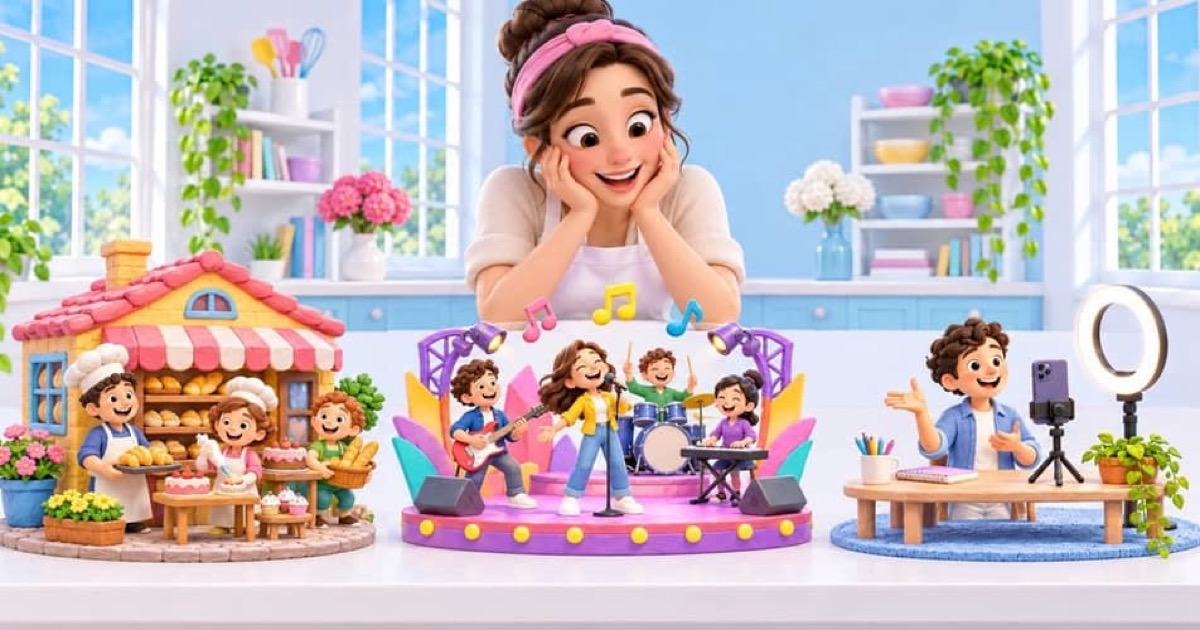
## Four ads you can make with no camera
All four need nothing but your photos and a good idea.
- **B-roll product ad.** Your product, close up and moving: the lid twists, the box opens, the label turns to the light. Best when the product looks good and sells itself.
- **AI presenter ad.** A real-looking AI person talks to the camera about your product, like a friend who tried it, so nobody on your team goes on camera. Best when buyers have a question you need to answer.
- **Song ad.** A short, catchy song about your product, sung by an AI singer. Best when you sell something fun and want your name stuck in heads.
- **Animated ad.** Your product as a cartoon or a clay model. Best when the real thing is small, plain-looking or hard to shoot. Nobody expects a clay jar of jam in their feed.
Our guide to [video ads for Shopify stores](/news/ugc-ads/video-ads-for-shopify-stores) matches the style to the product and covers how long each ad should run.
We call our presenter ads Yapper ads. The presenter is AI, and a person on our team checks every ad before you see it. Here's a Yapper ad, with an AI presenter in a home studio.
[[VIDEO:yapper-studio]]
[Get an AI presenter ad for your product](/ad-factory?utm_source=blog&utm_medium=inline&utm_campaign=video-ads-without-filming).
**[Try our ad team free →](/ad-factory?utm_source=blog&utm_medium=inline&utm_campaign=ad-factory-cta-order)** Get a free image ad and a free video script and storyboard for your business. You approve every step. No card needed.
## Can AI make a video ad from product photos?
Yes, AI can make a video ad from product photos, and several tools now do it. What's left is writing the ad, checking every clip and fixing the bad ones.
Here's what the tools say on their own pages:
- [Photoroom's Video Ad Maker](https://www.photoroom.com/tools/video-generator/ad-maker) takes up to 6 photos, can pull them from your Shopify store, and makes ads of 5, 8 or 10 seconds in 9:16 or 16:9. [Its guide](https://www.photoroom.com/blog/how-to-make-product-video-ads-with-ai) says video needs a Max or Ultra plan.
- [Google's Product Studio for Shopify](https://support.google.com/merchants/answer/14959761) makes product videos too. Google's help page calls it experimental, open only to stores in Australia, Canada, India, Japan, the UK and the US, and warns it may sometimes be inaccurate.
- [TikTok's Symphony Creative Studio](https://ads.tiktok.com/help/article/how-to-animate-an-image-to-video-with-symphony-creative-studio) turns an image of your product into a video.
Now read the small print. Photoroom's guide tells you to edit the script so every claim is true, check your logo and packaging text before you publish, and expect a few tries. [CapCut's guide](https://www.capcut.com/resource/create-ai-video-ads-from-product-images) gives you a list to check too: the product, the packaging, the colors, the claims and the music.
That's fair advice. It's also a job. The AI doesn't know your lid is meant to be green.
TikTok's own tool labels what it makes. Its Symphony help page says, "An AI-generated label is added to all exported videos per TikTok ad policy." It adds that all generated content goes through more checks before it can run on TikTok.
[[COMPARE: Who does the job | With an AI tool | You write the script; You learn the app; You check every clip for a melted label; You redo try four | With Ad Club | Our script writer writes it; Nothing to learn; Our quality checker checks it; If we made the mistake, we fix it free]]
## What do you need to send instead of footage?
To get a video ad made without filming, you send four things, and you already have three. Your product photos are already doing unpaid overtime on your store page.
- **Photos from a few angles.** Front, back, close-up on the label, and one in use if you have it.
- **The product link.** It holds your price, your sizes and the words you already wrote.
- **Your offer.** Free shipping, a bundle, a code. One offer per ad.
- **The doubt.** The one thing that makes a buyer stop before they click buy. Does it fit? Is it worth it? Will it leak?
That last one is our own rule of thumb, not a platform rule. A good ad answers one doubt and gets out of the way.
[[FLOW: What happens with Ad Club | Send photos, link and offer | We write the script and storyboard | You approve both | We make and check the ad | You get a finished ad]]
[[IMAGE: /images/song-ads/email/review.jpg | Your part of the job: watch it, then give it a thumbs up.]]
## Three no-camera ads for made-up products
We wrote these for made-up products, so there are no results behind them. Swap in your own product, proof and offer.
**The water bottle (B-roll product ad)**
> *Go on. Throw it in your bag upside down.*
>
> Laptop, charger, one clean shirt,
> nothing wet and nothing hurt.
> [Your Brand] seals tight, cap and all,
> drop it, shake it, watch it fall.
On screen: the bottle flipped, shaken and dropped in a packed bag, then the dry laptop. Offer: [your bundle]. Button: Shop now.
**The dog leash (AI presenter ad)**
> *My dog has dragged me into a hedge. Twice.*
>
> "This is the leash I switched to.
> Soft grip, clips on in a second,
> and it comes in [your colors].
> The hedge and I are friends again."
On screen: the AI presenter holding the leash, then your product photos. Offer: [your offer]. Button: Shop now.
**The wool socks (song ad)**
> *Cold toes. Again.*
>
> Kitchen tiles at half past six,
> the kind of cold no rug can fix.
> [Your Brand] wool, soft and thick,
> warm feet fast, and that's the trick.
On screen: every sung word, over your socks. Offer: [your code] for your first pair. Button: Shop now.
Same plan each time: a hook up front, the product doing its thing, then one offer and one button.
Run two of these side by side and keep the one that sells. How many should you run at once? Our guide to [how many ads an ecommerce store should run](/news/ugc-ads/how-many-ads-should-an-ecommerce-store-run) gives our answer.
**[See the ads our team makes →](/ad-factory?utm_source=blog&utm_medium=inline&utm_campaign=ad-factory-cta-examples#examples)** Song ads, talking presenter ads, claymation and more.
## What do video ads without filming cost?
As of November 2026, video ads without filming cost from under a dollar a month for a Shopify app to $500 a month for an agency, based on each provider's own page. The money you pay Meta or TikTok to run the ad is separate.
| Way to get it made | Cost (from their page) | Who does the work |
|---|---|---|
| Film it yourself | Your time | You plan, shoot and edit |
| [AI Product Video](https://apps.shopify.com/ai-product-video) (Shopify app) | From $0.99 a month for 10 clips up to 15 seconds | You pick photos and check each clip |
| [Photoroom](https://www.photoroom.com/blog/how-to-make-product-video-ads-with-ai) | Needs a Max or Ultra plan (its guide lists no price) | You upload, review and retry |
| [Creatify](https://creatify.ai/pricing) | Standard $15 a month ($10 a month billed yearly), 55 credits | You write and build each ad |
| [HeyGen](https://www.heygen.com/pricing) | Creator $29 a month | You write the script and edit |
| Marketplace gig | Varies by seller | You brief, then go back and forth |
| [LYFE Marketing](https://www.lyfemarketing.com/services/short-video-advertising-services/pricing/) | $500 a month for 2 vertical videos | Their team |
| 30 Second Ad Club | From $149 a month, about 5 short videos | Our team; you approve |
The Shopify app launched on May 11, 2026, and had no reviews yet in November 2026. Creatify also sells a done-for-you Studio service, with no price listed.
Marketplace gigs can look cheap. In our view, the quality is often uneven, there's a lot of back and forth, and you aren't dealing with a professional marketing team.
And "your time" isn't free either.
[[STAT: $36.10 | That's the 2025 median hourly pay for film and video editors and camera operators, according to the [US Bureau of Labor Statistics](https://www.bls.gov/ooh/media-and-communication/film-and-video-editors-and-camera-operators.htm).]]
Every hour you spend nudging an AI clip is an hour you're not packing orders.
## Who makes the ad if you don't film?
Ad Club is a monthly done-for-you ad team for your store. Here's why it beats doing it yourself with a tool:
1. **People plan it.** A script writer and a storyboard artist turn your photos and offer into a plan you approve.
2. **People check it.** A video maker builds it, a quality checker checks it, and a project manager watches it before it reaches you.
3. **It comes back fast and right.** Most ads are ready in about 24 hours of a complete, approved brief. If we made the mistake, we fix it free.
Plans start at $149 a month, and unused credits roll over for 60 days. You can start free with no card: one free image ad (with a small watermark) and one free video script and storyboard. The finished video needs a plan or credits.
[[HIGHLIGHT: You never write a prompt, edit a clip or learn an app. You approve, and we do the rest.]]
[[BUTTON: Start free with Ad Club → | /ad-factory?utm_source=blog&utm_medium=button&utm_campaign=video-ads-without-filming | Free image ad plus a free script and storyboard. No card needed.]]
## Frequently asked questions
### Can I make a video ad with just one product photo?
Yes. TikTok's Symphony tool, for one, can turn a single product image into a video. Send a few angles if you have them.
### Will AI change how my product looks in the ad?
Yes, AI can change how a product looks. Google warns its tool may sometimes be inaccurate, and Photoroom tells you to check logos and packaging. At Ad Club, a quality checker on our team checks every ad before you see it.
### How long does it take to get video ads made for my store?
Most Ad Club ads are ready in about 24 hours of a complete, approved brief. With a tool, the clips come fast, but the checking and fixing are yours.
### Do you run the ads for me?
No. Ad Club makes the ads and you, or whoever runs your ads, puts them live and sets the budget.
## The short version
You can get video ads for your store without filming a thing. The camera was the easy part.
The job is what's left. Someone still writes the script, checks the label and fixes try four. With a tool, that someone is you.
For a busy store owner, our done-for-you team is the best pick. Your whole job is a yes or a no.
No ad can promise sales, ours included. But you'll have ads ready to run, instead of a weekend of clips to fix.
Want finished ads without learning an AI tool? **[Make your free image ad with Ad Club](/ad-factory?utm_source=blog&utm_medium=inline&utm_campaign=ad-factory-cta-both)**, plus a free video script and storyboard. Plans from $149 a month, cancel any time.
---
## Related Reading
- [AI Video Ad Agency or AI Video Tool? An Honest 2026 Guide](/news/ugc-ads/ai-video-ad-agency-vs-ai-video-tools): AI video ad agency or DIY tool? Compare real 2026 prices for HeyGen,…
- [Is a Video Ad Subscription Worth It for Your Business?](/news/ugc-ads/video-ad-subscription): Is a video ad subscription worth it? Prices run from $15 to $15,000 a month.…
- [Song Video Ad Cost: 4 Routes, Song and Video Added Up](/news/ugc-ads/song-video-ad-cost): What a song video ad costs by route: studio plus animator, freelancers, DIY…
- [Best AI Video Ad Generator for Small Business: 7 Ranked (2026)](/news/ugc-ads/best-ai-video-ad-generator): Looking for the best AI video ad generator? See 7 tools ranked with real…
- [Ad Club →](/ad-factory): A done-for-you ad team. You approve the script and storyboard; we make and check every ad. Plans from $149 a month.
---
## Facebook Ad Personal Attributes Rule: 8 Hooks Rewritten
URL: https://www.30secondproductions.com/news/ugc-ads/facebook-ad-personal-attributes
Topic: UGC & Ad Creative
Updated: 2026-11-26
"Do you need a plumber?" is a fine way to start a Facebook ad. "Do you have diabetes?" isn't.
Both start with "Do you." Both end with a question mark.
The difference is what the question is about.
Often, no. Meta's Facebook ad personal attributes rule says ads "must not contain content that asserts or implies personal attributes," such as age, health, vulnerable financial status or religion. Meta's own page marks "Are you bankrupt?" and "Do you have diabetes?" as not allowed. Ask about the job or the service instead, and "you" is fine.
[[HIGHLIGHT: The pipe can have a problem. The person can't.]]
A Yapper ad from 30 Second Ad Club, the done-for-you ad team from 30 Second Productions, is a 30-second video where a presenter talks to the camera about your business. She's made with AI, not a real person, though she looks and sounds real. Real people write and check every video.
We write the hook. You read every word and change anything before we make it. It's ready in 72 hours after you say yes, for $197.
Here's one of ours, set in a home studio.
[[VIDEO:yapper-studio]]
[Get a talking ad with the hook written for you](/yapper-ads?utm_source=blog&utm_medium=inline&utm_campaign=facebook-ad-personal-attributes).

## What does Meta's Facebook ad personal attributes rule say?
Meta's rule says ads "must not contain content that asserts or implies personal attributes." Its list covers race, ethnicity, religion, beliefs, age, sexual orientation or practices, gender identity, disability, physical or mental health (including medical conditions), vulnerable financial status, voting status, membership in a trade union, criminal record or name.
That's from Meta's [Privacy violations and personal attributes page](https://transparency.meta.com/policies/ad-standards/objectionable-content/privacy-violations-personal-attributes/), read on November 26, 2026. Its change log shows June 26, 2024. Pages like this change, so check before you launch.
Meta's reason: "Ads that make assumptions about people could be perceived as intrusive, unsettling or inaccurate." Instead, "ads should focus on the benefits of the product or service being advertised."
Nobody wants an ad that seems to know their blood sugar.
The same page says ads can "Use 'you/your' language without a personal attribute." So "you" isn't banned. "You" next to an age, a health problem or a money problem is the trouble.
**[Get a talking video ad made for your business for $197 →](/yapper-ads?utm_source=blog&utm_medium=inline&utm_campaign=yapper-cta-order)** A real-looking presenter sells for you. We write the words and make the video. You just say yes.
## Which Facebook ad lines does Meta allow, and which not?
[[PILL: Quoted from Meta's page, November 2026]]
Meta's own examples. Not allowed:
- "Do you have diabetes?"
- "Depression getting you down? Get help now."
- "Are you bankrupt? Take a look at our services."
- "Ready to upgrade your skin to look younger?"
Allowed:
- "Depression counselling"
- "New diabetes treatment available"
- "Meet seniors"
- "Have a driving licence?"
Look at that last one. It's a question. It even says "have." Meta still allows it.
So the question mark isn't the problem. The diabetes is.
Now the sneaky pair. Meta lists "Meet seniors" as allowed and "Meet other seniors" as not allowed. Its general guidance also marks "Using the word 'you/your/other' to reference a personal attribute" as not allowed.
[[HIGHLIGHT: One word, "other," is the whole gap between a line Meta allows and one it doesn't.]]
## Can I ask "Are you struggling with back pain?"
Treat it as a no. Meta's page doesn't name back pain.
But its list includes "physical or mental health (including medical conditions)," and its not-allowed "Depression getting you down?" has the same shape. That's our reading, not Meta's.
[Jon Loomer, a Facebook ads trainer](https://www.jonloomer.com/can-we-use-the-words-you-and-your-in-facebook-ads-copy/), says framing copy as a question doesn't make it safe.
Loomer also gives "Do you need a plumber?" as a normal use of "you." That's the whole trick.
Needing a plumber is about the house. Having diabetes is about the person.
[[COMPARE: The same chiropractor hook, two ways | About the viewer | "Struggling with back pain?"; Says what's wrong with them; Seems "aware of someone's personal attributes"; Same shape as Meta's "Depression getting you down?" | About the service | "Back pain care in [Town]."; Says what you offer; Sounds like the sign on your door; Same shape as Meta's "Depression counselling"]]
## How do I rewrite 8 risky hooks for a local trade?
We wrote these for this post. They aren't real ads and have no results. Each rewrite names the service, the way Meta's allowed lines do. Meta hasn't checked these, and only Meta decides what runs.
| Trade | Risky hook (about the viewer) | Rewrite (about the service) |
|---|---|---|
| Chiropractor | *Struggling with back pain?* | *Back pain care in [Town]. Same-week visits.* |
| Plumber | *Behind on bills? Don't let that leak wait.* | *Leak repairs with monthly payments. Ask us.* |
| Dentist | *Missing a tooth?* | *Dental implants at [Practice]. Free first look.* |
| Med spa | *Ready to look 10 years younger?* | *Skin treatments at [Spa]. Booking now.* |
| Counselor | *Anxious all the time?* | *Anxiety counseling, with evening times.* |
| Gym | *Need to lose weight?* | *Beginner strength class, Monday nights.* |
| Handyman | *Are you over 65?* | *Senior discount on every job.* |
| Bankruptcy attorney | *Drowning in debt?* | *Bankruptcy help from a local attorney. Free first call.* |
[[HIGHLIGHT: Meta doesn't mind if your water heater is old. Just don't tell the viewer they are.]]
Here's a full talking ad that stays on the job. We wrote it too; swap in your name and town.
> *Water heater banging like it wants out?*
>
> Hi, I'm with [Your Name] Plumbing in [Your Town].
> A banging tank won't fix itself.
> Send us a photo of the label.
> We'll send you a price the same day.
> If it's time for a new one,
> ask about monthly payments.
> Tap the button and send that photo.
On screen: captions, your star rating and town. Button: Send message.
It talks to the viewer and says nothing about who they are. For more openers, see [what to say in the first 3 seconds of a video ad](/news/ugc-ads/first-3-seconds-of-a-video-ad).
Here's another Yapper ad we made.
[[VIDEO:yapper-song-ads]]
## Do the words spoken in a video ad count too?
Meta's personal attributes page says nothing specific about spoken words in a video. So this is our advice, not Meta's: check the script the same way you'd check the text.
In our Yapper ads it's one check anyway, since every spoken word is on screen as captions. Before any line goes in, ask:
- Does it say something about the viewer, like their age, health, money, beliefs or record?
- Is "you" or "your" right next to one of those?
- Does it put "other" in front of a group, as in "other seniors"?
Any yes? Rewrite the line so it names the service.
[[FLOW: What every hook goes through | Write it about the job | Ask the three questions | Read it out loud | Then we make it]]
**[Watch our Yapper ads →](/yapper-ads?utm_source=blog&utm_medium=inline&utm_campaign=yapper-cta-examples)** Click any video to watch with sound.
## Who checks your hook before Meta sees it?
Someone has to read every word before Meta does. The question is who.
| Way to get it | Cost to make | Who writes the hook | Who checks it |
|---|---|---|---|
| Film it yourself | Your time | You | You |
| Marketplace gig | Varies by seller | A seller, from your brief | You, often after a lot of back and forth |
| AI video app like HeyGen | Creator plan $29 a month, per [HeyGen's pricing page](https://www.heygen.com/pricing) (November 2026) | You write the script | You |
| 30 Second Ad Club Yapper ad | $197 one time | Our team | Our team, then you check every word |
In our view, marketplace gig quality is often uneven, and there's no marketing team behind it. Writing your own? Our [15 second ad script guide](/news/ugc-ads/15-second-ad-script) has a beat-by-beat plan.
## Let us write the hook. You check every word.
Knowing the rule is easy. Remembering it at 9pm after a day of jobs is hard. That's our job.
One round of changes is included, your logo goes at the end, and you own the finished ad. Every order also comes with your own Ad Club account for ordering more.
1. You fill in a 2-minute form and send your logo.
2. We write the script and show you a picture for each part. You say yes or ask for changes.
3. Your vertical ad for Facebook, Instagram and TikTok is ready in 72 hours after your yes.
[[IMAGE: /images/song-ads/email/review.jpg | You watch it first. Thumbs up, or ask for changes.]]
[[BUTTON: Get your Yapper ad made → | /yapper-ads?utm_source=blog&utm_medium=button&utm_campaign=facebook-ad-personal-attributes | Ready in 72 hours after you say yes. Money back if you're not happy within 30 days.]]
## Frequently asked questions
### Can a Facebook ad open with a question about the viewer?
Often not. Meta's page marks "Do you have diabetes?" as not allowed and "Have a driving licence?" as allowed. Ask about the job, not the viewer.
### Can my Facebook ad mention seniors or teens?
Meta's personal attributes page says ads can "Contain passing reference to a personal attribute. This includes gender, age groups or age ranges." It lists "A service for teens" and "Meet seniors" as allowed, and "Meet other seniors" as not allowed.
### Is the presenter in a Yapper ad a real person?
No. The Yapper presenter is made with AI and looks and sounds real. Real people at 30 Second Productions write and check every video.
### Do you run the ads for me?
No. We make the ad and you own it. You, or whoever handles your ads, puts it live on Facebook.
## The short version
That's the Facebook ad personal attributes rule in one line: ask about the job, not the person.
You could write the hook, check it against Meta's page, film it and caption it yourself. For a busy owner, our done-for-you team is the best pick: we write the hook and hand you a finished ad, with no tool to learn.
No ad can promise calls or sales, ours included, and only Meta decides what it approves. But yours won't open by guessing who your customer is.
Want an ad that talks for you? **[Get your Yapper ad for $197](/yapper-ads?utm_source=blog&utm_medium=inline&utm_campaign=yapper-cta-both)**: your words, your logo, made for you in 72 hours, with a money-back guarantee.
---
## Related Reading
- [15 Second Ad Script: A Beat Table and 3 Talking Ads](/news/ugc-ads/15-second-ad-script): How many words fit a 15 second ad script? About 35-45. Get the beat-by-beat…
- [Should I Turn Off Advantage+ Creative Enhancements on Video?](/news/ugc-ads/should-i-turn-off-advantage-creative-enhancements): Should I turn off Advantage+ creative enhancements on a talking ad? Keep,…
- [Do I Have to Label AI Ads? TikTok and Facebook Rules (2026)](/news/ugc-ads/do-i-have-to-label-ai-ads): Do I have to label AI ads? TikTok gives you a toggle and Meta says it labels…
- [Do I Need a TikTok Account to Run TikTok Ads? Yes, Since 2026](/news/ugc-ads/do-i-need-a-tiktok-account-to-run-tiktok-ads): Do I need a TikTok account to run TikTok ads? Yes, for almost all new…
- [Yapper Ads for $197 →](/yapper-ads): A 30-second talking video ad with a real-looking AI presenter, made for you in 72 hours.
---
## How Fast Can I Get a Jingle Made? The Whole Clock, Compared
URL: https://www.30secondproductions.com/news/ugc-ads/how-fast-can-i-get-a-jingle-made
Topic: UGC & Ad Creative
Updated: 2026-11-26
Ask a jingle studio how fast it works and you'll get an honest answer. It's an answer to the wrong question.
Their clock starts after a phone call and stops at a sound file. Yours starts the day you ask, "How fast can I get a jingle made?" and stops when an ad is running on Facebook.
A short audio jingle can arrive in a day to 4 business days from a gig site or low-cost shop, and a studio jingle with a singer takes one to three weeks. Those are sound files; the video is still to come. A finished Song Ad from 30 Second Ad Club, song and video together, is ready in 72 hours.
[[HIGHLIGHT: A jingle quote times the song. You need the time to a finished ad.]]
That's the clock that matters, and it's the one we work to. 30 Second Ad Club is the done-for-you ad team from 30 Second Productions. A Song Ad is our short video ad where your message is sung, with every word on screen.
We write a catchy song about your business, an AI singer sings it, and we turn it into a 3D cartoon video ad. You fill in a 5-minute form. It's $97, and it's ready in 72 hours.
Here's one we made for a plumber.
[[VIDEO:song-ad-plumber]]
[Get a finished song ad like this in 72 hours](/song-ads?utm_source=blog&utm_medium=inline&utm_campaign=how-fast-can-i-get-a-jingle-made).
## Every quote starts the clock late
[[PILL: Read where the clock starts]]
A jingle turnaround is the time between two steps, and each company picks its own steps. Most start counting after you've done some work, and stop before you have an ad.
[Killerspots](https://killerspots.com/audio-production/jingle-production/), a jingle studio, says you'll hear a first presentation 7 to 10 days after your creative call. First you have to book the call. And a first presentation is a first listen, not the final song.
[JVF](https://jvf.com/product/signature-sound-creation-custom-jingles-brand-audio/) promises delivery in up to 4 business days. The clock starts at your completed questionnaire. Order on a Friday and the weekend doesn't count.
Every studio is a pizza place quoting you the time in the oven. You still don't have a pizza.
**[Get a musical video ad made for your business for $97 →](/song-ads?utm_source=blog&utm_medium=inline&utm_campaign=song-ads-cta-order)** A catchy song about your business, turned into a 3D animated video ad. Done for you in 72 hours.
## How fast can I get a jingle made, route by route?
The time it takes to get a jingle depends on who makes it and what you hold at the end. This table shows each route's time from its own page, as of November 2026.
| Route | Time on its page | When the clock starts | What you get | Still to do |
|---|---|---|---|---|
| [Killerspots](https://killerspots.com/audio-production/jingle-production/) (studio) | First presentation in 7 to 10 days; rush offered, no rush time listed | After a free creative call | Audio files, unlimited changes | Changes, then the video |
| [Violet Recording](https://violetrecording.com/how-much-does-a-jingle-cost/) guide (2026) | A few working days to a week with no live singer; 1 to 3 weeks with a session singer | When the work begins | Audio | The video |
| [JVF](https://jvf.com/product/signature-sound-creation-custom-jingles-brand-audio/) | Up to 4 business days | When JVF has your completed questionnaire | An MP3, one round of changes | The video |
| [Suno](https://suno.com/pricing) (AI app) | No time listed | When you sit down to do it | Songs you make yourself; the free plan has no downloads | The words, picking a take, the video |
| Marketplace gig | [Some listings](https://www.peopleperhour.com/hourlie/create-a-short-up-to-20-seconds-audio-jingle-from-given-text/1093795): next day for a short clip | Varies by seller | Audio; in our view, quality is often low, with lots of back and forth | Managing the seller, then the video |
| 30 Second Ad Club Song Ads | 72 hours | After a 5-minute form | A finished 3D cartoon video ad, AI singer, every word on screen | Approve it |
Read down the last column. Every row but one ends with "the video."
## What makes a jingle take weeks?
A jingle takes weeks when people have to be booked. A session singer, a studio slot and a translator each wait on someone's calendar.
Each booking adds a wait, and more languages add more: [Violet Recording's guide](https://violetrecording.com/how-much-does-a-jingle-cost/) (2026) says a jingle in several languages takes several weeks. The JAM jingle house warns on its [production page](https://www.jingles.com/jam/radioids/prodproc.html), "At certain times of the year our sessions are booked weeks in advance." Its advice is to order well before any deadline.
Changes add time too. Killerspots offers unlimited revisions, which is generous.
It also means the finish line moves every time someone says "one more thing."
[[HIGHLIGHT: Unlimited changes are great for the song. They're rough on a deadline.]]
And a rush costs extra. Violet says tight timelines raise the quote, and Killerspots lists no rush time or fee.
Short on days? Ask for both numbers first.
## Does a jingle quote include the video?
A jingle is audio, so before it can run as a Facebook or TikTok ad, someone has to make a video for it. On most quotes, that someone is you, or a second company with its own wait.
On a phone, the picture does a lot of the work. [TikTok for Business](https://ads.tiktok.com/business/en-US/blog/creative-that-drives-conversions) reported (2021) that vertical 9:16 videos saw a 91% lift in conversion, and on-screen text that shows the offer saw an 80% lift.
[[STAT: 91% | lift in conversion for vertical 9:16 videos on TikTok, per [TikTok for Business](https://ads.tiktok.com/business/en-US/blog/creative-that-drives-conversions) (2021).]]
Meta's [Reels ads page](https://www.facebook.com/business/ads/facebook-instagram-reels-ads) (checked November 2026) says Reels play with the sound on by default. So your song gets a real chance to be heard. And for anyone scrolling with the sound off, the words still need to be on screen.
That something has a price. [Beverly Boy Productions](https://beverlyboy.com/how-much-does-it-cost/how-much-does-animated-business-video-cost/) (2025) puts animated business video at about $1,000 to $5,000 per minute. That's a second bill, on top of a second wait.
[[COMPARE: The same week, two ways | Jingle, then video | Book a call, wait for a draft; Ask for changes, wait again; Get a sound file; Find someone to make the video | Ad Club Song Ad | Fill in a 5-minute form; We write the song and make the video; Every word already on screen; Watch it in 72 hours and approve]]
Here's one we made for a yard cleanup company.
[[VIDEO:song-client-yard]]
[Get the song and the video together](/song-ads?utm_source=blog&utm_medium=inline&utm_campaign=how-fast-can-i-get-a-jingle-made).
**[Hear the song ads we have made →](/song-ads?utm_source=blog&utm_medium=inline&utm_campaign=song-ads-cta-examples#examples)** Click any video to watch with sound.
## Can you get a jingle made before a holiday sale?
Yes, if you count back from the day the ad has to be running, not the day of the sale.
### Step 1: Pick the day the ad must go live
Your go-live day is when people start planning for the holiday, not the sale day itself. Leave room before the rush.
### Step 2: Get your facts ready
Write down your offer, the date it ends, your town and your logo. Every route moves faster when the answers are ready on day one.
### Step 3: Count back the whole clock
Add up every wait, from the first call to the finished video. Say your holiday ad must go live on a Monday.
A studio jingle with a hired singer needs one to three weeks for the audio, per Violet's guide, and then the video. Start about a month out to be safe.
A Song Ad from us is ready 72 hours after the form, then it needs your yes. Send the form the week before and you're covered.
### Step 4: Leave a few spare days
Our Song Ads include one round of remakes. Keep a few days free to use it.
[[FLOW: A holiday ad, counted back | Pick the go-live day | Fill in the 5-minute form | Watch your ad in 72 hours | Approve it and put it live]]
We wrote these two holiday song ads for this post, so they aren't real ads and have no results behind them. Swap in your own name, offer and dates.
**The bakery**
> *The table's booked. Is the pie?*
>
> Flour on the counter, the oven on high,
> [Your Name] is baking your holiday pie.
> Order by Friday, we'll box it with care,
> pick it up warm with time to spare.
On screen: your town and pickup days. Offer: order by [date] and the cookies are on us. Button: Order now.
**The plumber**
> *Twelve guests. One toilet. Feeling lucky?*
>
> The in-laws land on Christmas Eve,
> your pipes have a trick up their sleeve.
> Call [Your Name] before the doorbell rings,
> we'll fix the drips and the gurgly things.
On screen: your star rating and town. Offer: book a check this week and the drain clean is free. Button: Book now.
Want to write your own lines? Our guide on [how to write a jingle](/news/ugc-ads/how-to-write-a-jingle) has a free lyric template.
Here's one we made about a baker.
[[VIDEO:song-ad-baker]]
[Get your holiday song ad made in 72 hours](/song-ads?utm_source=blog&utm_medium=inline&utm_campaign=how-fast-can-i-get-a-jingle-made).
## When is the slow jingle route worth the wait?
The slow route is worth it when you'll use the song for years, in lots of places, with a human voice.
A tune you keep can keep working. [Durham University](https://dur.ac.uk/research/current/thought-leadership/2024/10/how-advertising-jingles-influence-our-buying-choices-and-why-we-can-still-sing-them-decades-later/) noted (2024) that several of the ten jingles UK adults know best are three or four decades old.
Book a studio and wait if:
- **You want a real human singer.** Our singer is AI, and we say so.
- **You run radio.** We make vertical video ads for social, not radio spots.
- **You need several languages.** Violet's guide says that takes several weeks.
But a jingle you'll still love in 2040 won't help a sale that starts in ten days. It costs more too, and our guide to [how much a jingle costs in 2026](/news/ugc-ads/how-much-does-a-jingle-cost) has the numbers.
## The fast way to get it done
Every route on this page can get you a song. Only one hands you the ad.
For a busy owner, our done-for-you team is the best pick. There's no app to learn and no second company to chase. You fill in one form, we do the rest, and you own the ad.
No ad can promise calls or sales, ours included. But yours can be running while the other quotes are still booking a call.
1. You tell us about your business in a 5-minute form.
2. We write the song and make the 3D cartoon video, with every word on screen and your logo at the end.
3. You watch it in 72 hours, then approve it or ask for one round of remakes.
[[IMAGE: /images/song-ads/email/ready.jpg | A finished 3D cartoon song ad, ready to watch and approve in 72 hours.]]
[[BUTTON: Get your song ad made → | /song-ads?utm_source=blog&utm_medium=button&utm_campaign=how-fast-can-i-get-a-jingle-made | $97 one time. Ready in 72 hours. Money back if you're not happy within 30 days.]]
## Frequently asked questions
### How long does a studio jingle take?
With a booked singer, one to three weeks for the audio, per Violet Recording's 2026 guide. Killerspots says you hear a first presentation 7 to 10 days after your creative call. Either way you get a sound file, and the video is still to come.
### Can I get a jingle in 24 hours?
Sometimes, as audio only. [Some marketplace gigs](https://www.peopleperhour.com/hourlie/create-a-short-up-to-20-seconds-audio-jingle-from-given-text/1093795) advertise next-day short jingles. A finished video ad takes longer: a 30 Second Ad Club Song Ad is ready 72 hours after a 5-minute form.
### Can I get a jingle made in a week?
Yes, as audio. A low-cost shop like JVF quotes up to 4 business days, and Violet Recording's 2026 guide puts a simple jingle with no live singer at a few working days to a week. A 30 Second Ad Club Song Ad, video included, is ready 72 hours after a 5-minute form.
### Is the singer in a Song Ad a real person?
No. The singing voice in our Song Ads is AI, in the style you pick. Our team writes the song and makes the video, and you approve it.
### Do you run the ads for me?
No. 30 Second Ad Club makes the ad. You, or whoever runs your ads, puts it live and sets the budget.
Ready for an ad people remember? **[Get your song ad for $97](/song-ads?utm_source=blog&utm_medium=inline&utm_campaign=song-ads-cta-both)**, written, sung and animated for you in 72 hours, with a money-back guarantee.
---
## Related Reading
- [Best Jingle Companies for Small Business: Real Prices](/news/ugc-ads/best-jingle-companies-for-small-business): The best jingle companies for small business, with each price and wait from…
- [Song Video Ad Cost: 4 Routes, Song and Video Added Up](/news/ugc-ads/song-video-ad-cost): What a song video ad costs by route: studio plus animator, freelancers, DIY…
- [Custom Jingle for Small Business: What You Get and What to Ask](/news/ugc-ads/custom-jingle-for-small-business): Buying a custom jingle for small business? Learn which files to get, 12…
- [Who Can Make a Jingle for My Business? 5 Options, Priced](/news/ugc-ads/who-can-make-a-jingle-for-my-business): Who can make a jingle for my business? Compare a studio, gig site, AI app,…
- [Song Ads from $97 →](/song-ads): A catchy song about your business, turned into a 3D animated video ad in 72 hours.
---
## 15 Second Ad Script: A Beat Table and 3 Talking Ads
URL: https://www.30secondproductions.com/news/ugc-ads/15-second-ad-script
Topic: UGC & Ad Creative
Updated: 2026-11-25
A lot of 15-second ads are really 30-second ads read at auction speed. The owner wrote everything, then cut the pauses instead of the ideas. Here's the short answer.
A 15 second ad script holds about 35 to 45 spoken words and four beats: the hook (0-3 seconds), the problem (3-7), the fix (7-12) and the next step (12-15). It does one job: one problem, one fix, one thing to do next.
[[HIGHLIGHT: Fifteen seconds is one sentence with a button on the end. If your script needs the word "and" twice, it's two ads.]]
A Yapper ad from 30 Second Ad Club, the done-for-you ad team from 30 Second Productions, is a talking video ad where a presenter speaks to the camera about your business. She's made with AI, not a real person, though she looks and sounds real.
We don't sell a 15-second version. Ours run 30 seconds, for $197, and they follow the same four beats with more room to breathe. We write the script, and it's ready in 72 hours after you say yes.
Here's one of ours, filmed in a home studio.
[[VIDEO:yapper-studio]]
[Get a talking ad with the script written for you](/yapper-ads?utm_source=blog&utm_medium=inline&utm_campaign=15-second-ad-script).

## What should a 15 second ad script say?
Your slogan and your founding year can sit this one out. So can your second service.
TikTok's [Creative best practices page](https://ads.tiktok.com/help/article/creative-best-practices) (read November 2026) says: "Introduce your content proposition in the first 3 seconds for better recall and awareness." The same page says "Prioritize your hook in the first 6 seconds."
In a 15-second ad, second 6 is almost halfway. So the hook and the point have to be the same line.
At the end, TikTok asks you to "Guide your audience on what to think, feel, or do with a strong CTA." CTA means call to action, the one thing you want people to do.
[iSpot.tv, a TV ad measurement company](https://www.ispot.tv/hub/5-best-practices-to-ensure-success-with-15-second-video-ads/), says 15-second ads should "stick to one or two messages at most." We'd go with one.
[[COMPARE: A roofer's 15 seconds, two ways | Everything in | Name, slogan and four services; About 60 words, read fast; No time for the problem; Ends on "Call us today" | Four beats | One problem, said like a customer; About 38 words, normal pace; Problem, fix, then the button; Name and button on screen]]
**[Get a talking video ad made for your business for $197 →](/yapper-ads?utm_source=blog&utm_medium=inline&utm_campaign=yapper-cta-order)** A real-looking presenter sells for you. We write the words and make the video. You just say yes.
## How many words fit in each beat?
[[PILL: Our rule of thumb, not a platform rule]]
At about 2.5 to 3 spoken words a second, 15 seconds holds 35 to 45 words. Here's how we split them.
| Beat | Seconds | Spoken words | Caption on screen |
|---|---|---|---|
| Hook | 0-3 | 7-9 | The problem in 3-4 words |
| Problem | 3-7 | 10-12 | Your business name |
| Fix | 7-12 | 12-15 | What you do, in a few words |
| Next step | 12-15 | 6-9 | The button, word for word |
| Total | 15 | 35-45 | Four lines, one button |
TikTok's best practices page puts on-screen text at "5-10 words per second" at most. That's a reading limit, not a target. One short line per beat stays well under it.
[Killerspots' guide to writing a radio script](https://killerspots.com/blog/how-to-write-a-radio-ad-script) says "A 15-second spot fits roughly 40." [VoiceCrafters, a voice-over agency](https://www.voicecrafters.com/blog/how-long-should-a-tv-commercial-be/), says 15 seconds is "enough for roughly 30 to 40 words."
The two guides differ because people talk at different speeds. And in our experience, the first and last half second of an ad is usually silence.
So aim for the low end. Nobody ever turned off an ad because it sounded relaxed. We made the same case for longer ads in [how many words fit in a 30 second ad script](/news/ugc-ads/how-many-words-is-a-30-second-ad-script).
[[FLOW: What the viewer does in 15 seconds | Stops on the hook | Nods at the problem | Hears your fix | Taps the button]]
## Three 15-second scripts for local trades
We wrote these for this post, so they aren't real ads and have no results behind them. Swap in your name, your town and your true details.
The presenter talks like a friend who knows a good plumber, never like a fake customer.
**The plumber (41 words)**
> *That toilet's been running all night. You heard it.*
>
> Every flush wastes water, and the hiss is keeping you awake.
> [Your Name] Plumbing has [same-day visits] across [Your Town], so it's quiet by tonight.
> Tap the button to book your visit.
Hook 9 · Problem 11 · Fix 14 · Next step 7 = 41.
Captions: "Running all night?" · "[Your Name] Plumbing" · "[Same-day visits]" · "Book now". Button: Book now.
**The house cleaner (37 words)**
> *Guests on Friday, and the bathroom isn't ready.*
>
> Work runs late all week, and nobody wants to scrub tonight.
> [Your Name] Cleaning does the whole house while you're at work, [this week].
> Tap to get your price today.
Hook 8 · Problem 11 · Fix 12 · Next step 6 = 37.
Captions: "Guests on Friday?" · "[Your Name] Cleaning" · "Whole house, while you work" · "Get your price". Button: Get quote.
**The dental office (37 words)**
> *That checkup reminder is three months old.*
>
> Weekdays are packed, and taking time off work is a pain.
> [Your Name] Dental has [Saturday] slots, and booking online takes a minute.
> Tap Book Now and pick your time.
Hook 7 · Problem 11 · Fix 12 · Next step 7 = 37.
Captions: "Still putting it off?" · "[Your Name] Dental" · "[Saturday] slots, book online" · "Book now". Button: Book now.
[[HIGHLIGHT: Sell the booking, not the teeth. Fifteen seconds has no room for promises, only for an easier time slot.]]
None of them start with your name. For the opening line, see [what to say in the first 3 seconds of a video ad](/news/ugc-ads/first-3-seconds-of-a-video-ad).
Here's our AI presenter again.
[[VIDEO:yapper-song-ads]]
## When is 15 seconds too short?
Fifteen seconds is too short when your offer is new and needs explaining, when you have two things to say, or when people need proof before they'll call. A burst pipe sells itself. A new service plan doesn't.
TikTok's [ad format policy](https://ads.tiktok.com/help/article/tiktok-ads-policy-ad-format-and-functionality) says "The duration of the ad must be a minimum of 5 seconds, and a maximum of 60 seconds."
Our test: read your script to someone who doesn't know your business. If they ask "So what is it?", you need 30 seconds.
| Option | Length | Room for | Who writes it | Cost to make |
|---|---|---|---|---|
| Your own phone video | 15 seconds | One problem, one fix | You | Your time |
| Billo creator | 15 seconds | One message | You brief the creator | From $99, per [Billo's pricing](https://billo.app/pricing/) (November 2026) |
| Your own longer cut | 30 seconds | Problem, fix, proof | You | Your time |
| 30 Second Ad Club Yapper ad | 30 seconds | Hook, problem, fix, next step | Our team, you approve | $197 one time |
Our garage door script was 31 words at 15 seconds, then grew to 30 and 60 in [how long a UGC ad should be](/news/ugc-ads/how-long-should-a-ugc-ad-be).
**[Watch our Yapper ads →](/yapper-ads?utm_source=blog&utm_medium=inline&utm_campaign=yapper-cta-examples)** Click any video to watch with sound.
## The easy way: let us write it
Writing 37 words is easy. Cutting your favorite 20 is the hard part, and it's easier when they aren't yours.
That's our job. You can change any word (one round of changes included), the words show on screen with your logo at the end, and you own the finished ad. Every order also comes with your own Ad Club account, where you can order more ads from our team.
1. You fill in a 2-minute form and send your logo.
2. We write the script and show you a picture for each part. You say yes or ask for changes.
3. Your 30-second ad, vertical for Facebook, Instagram and TikTok, is ready in 72 hours.
[[IMAGE: /images/song-ads/email/yapper-ugc.jpg | One person, one phone, one point. Every beat has a job.]]
[[BUTTON: Get your Yapper ad made → | /yapper-ads?utm_source=blog&utm_medium=button&utm_campaign=15-second-ad-script | $197 one time. Ready in 72 hours. Money back if you're not happy within 30 days.]]
## Frequently asked questions
### Do 15-second ads need captions?
Yes, plan for captions. Meta's [video ad guide](https://www.facebook.com/business/ads-guide/video) calls captions "Optional, but recommended," while a [November 2024 Meta post](https://developers.facebook.com/blog/post/2024/11/07/unlock-the-power-of-reel-ads/) says "Over 75% of Reels views on Instagram are sound on."
### Can I cut a 30-second ad down to 15 seconds?
Often, yes. Keep the hook, the problem, the fix and the next step, and cut everything that explains. If the ad stops making sense, it needed the 30 seconds.
### Is the presenter in a Yapper ad a real person?
No. The presenter in a Yapper ad is made with AI and looks and sounds real. Real people at 30 Second Productions write and check every video.
## The short version
A 15 second ad script is one job in four beats: hook, problem, fix, next step. About 35 to 45 words, with the low end winning.
You could write, time, film and caption it yourself. For a busy owner, our done-for-you team is the best pick: we write the script, make the ad and hand you a finished, checked video to approve.
No ad can promise calls or sales, ours included. But yours won't waste a second.
Want an ad that talks for you? **[Get your Yapper ad for $197](/yapper-ads?utm_source=blog&utm_medium=inline&utm_campaign=yapper-cta-both)**: your words, your logo, made for you in 72 hours, with a money-back guarantee.
---
## Related Reading
- [Do Talking Head Video Ads Work? What TikTok's Own Data Says](/news/ugc-ads/do-talking-head-video-ads-work): Do talking head video ads work? Yes, when the face has words on screen.…
- [Do I Have to Label AI Ads? TikTok and Facebook Rules (2026)](/news/ugc-ads/do-i-have-to-label-ai-ads): Do I have to label AI ads? TikTok gives you a toggle and Meta says it labels…
- [What to Say in the First 3 Seconds of a Video Ad](/news/ugc-ads/first-3-seconds-of-a-video-ad): What to say in the first 3 seconds of a video ad: what TikTok and Meta's own…
- [How Long Should a UGC Ad Be? Why We Pick 30 Seconds](/news/ugc-ads/how-long-should-a-ugc-ad-be): How long should a UGC ad be? About 30 seconds. See what TikTok and Meta say,…
- [Yapper Ads for $197 →](/yapper-ads): A 30-second talking video ad with a real-looking AI presenter, made for you in 72 hours.
---
## How Many Ads Should an Ecommerce Store Run? 4 Ideas a Month
URL: https://www.30secondproductions.com/news/ugc-ads/how-many-ads-should-an-ecommerce-store-run
Topic: UGC & Ad Creative
Updated: 2026-11-25
You can upload 12 ads to Meta and, by Meta's own guide, still be running one idea. [Its December 2025 guide](https://business.meta.com/news/demystifying-creative-diversification/) says that when ads "look or feel alike, these are seen as variations of the same creative."
So how many ads should an ecommerce store run? Our rule of thumb for a small store: make at least 4 new ad ideas a month, in at least 2 styles, and keep 2 to 5 live at a time. Neither Meta nor TikTok publishes a monthly number.
[[HIGHLIGHT: Count reasons to buy, not files. Twelve colors of one ad is still one reason.]]
Making 4 different ads a month while you pack the orders is the hard part. That's what 30 Second Ad Club is for.
Ad Club, from 30 Second Productions, is a done-for-you ad team: you approve the script and storyboard, AI tools do the heavy lifting, and a person checks every ad.
It beats doing it yourself because our team brings the ideas. A tool waits for you to think of something. Plans start at $149 a month, and you can start free with no card.
Here's a sample song ad our team made for a made-up olive oil brand.
[[VIDEO:song-ad-olive-oil]]
[Get ads like this for your store](/ad-factory?utm_source=blog&utm_medium=inline&utm_campaign=ad-factory-how-many-ads-ecommerce).
## New idea or new paint job?
A new idea gives a shopper a new reason to buy. A paint job changes how the same reason looks.
Meta's guide (December 2025) says "similarity is about a lack of visual diversity," and happens "when ad images are visually too alike, even if technically different assets."
So the red version, the blue one and the one with the bigger price sticker can land in one pile. Your account says 12. Meta's pile says one.
Say you sell a leak-proof travel mug. We made these up for this post, so they're examples, not real ads:
- **The demo:** the mug goes upside down in a work bag next to a dry laptop. A B-roll product ad.
- **The face:** an AI presenter tells the coffee story. A Yapper ad (below).
- **The song:** a short tune about a bumpy commute, starring the mug.
- **The cartoon:** a clay mug survives a dropped bag, a happy dog and a bus stop.
> *I've ruined two laptops with coffee.*
>
> This mug rode in my bag upside down. All day.
> Laptop's fine. Notebook's dry.
> Leak-proof, still hot at lunch, fits the cup holder.
On screen: the dry laptop. Button: Shop now.
Four ideas, four doubts answered: does it leak, would someone like me use it, will I remember it, is it fun? A new font, color or price sticker is paint.
[[COMPARE: Same month, two ways | 12 versions of one ad | One photo in 4 colors; One line in 3 fonts; Seen as variations of one creative; All get tired together | 4 different ideas (an Ad Club month) | A demo, a face, a song, a cartoon; Each answers a new doubt; Less likely to be lumped together; One rests while another runs]]
Paint still has a job. TikTok's [creative effectiveness page](https://ads.tiktok.com/business/en/blog/creative-effectiveness) (May 2025) says "iterating upon a central concept can give brands the volume they need for a prolonged campaign."
So make new ideas first, then new versions of the ones that work.
**[Try our ad team free →](/ad-factory?utm_source=blog&utm_medium=inline&utm_campaign=ad-factory-cta-order)** Get a free image ad and a free video script and storyboard for your business. You approve every step. No card needed.
## Why won't Meta or TikTok give you a number?
Neither platform publishes a "make X ads a month" rule. Their pages talk about variety and timing.
TikTok's [creative pipeline guide](https://ads.tiktok.com/business/en-GB/blog/creative-pipeline-campaign-performance) (August 2026) asks for "at least 6 creative videos" when you start a new Smart+ campaign. Then it says to "continue introducing fresh assets rather than waiting for performance to decline."
TikTok's May 2025 page also says: "High frequency cannot save poorly performing ads." In plain words, showing a weak ad more often won't fix it. A new idea might.
Meta will mix your pieces for you. Its [Advantage+ shopping page](https://www.facebook.com/business/ads/meta-advantage/advantage-plus-shopping-ads) says it can "automatically test your creative (up to 150 creative combinations)."
[[STAT: 150 | Meta says Advantage+ shopping can test up to 150 creative combinations of the pieces you give it.]]
But 150 mixes of the same few photos and headlines are still one idea with fresh paint.
[[HIGHLIGHT: Meta can shuffle your pieces. It can't think up a new reason to buy your mug.]]
## So how many ads should an ecommerce store run?
[[PILL: Our rule of thumb, not a platform rule]]
For a small store, our floor is 4 new ideas a month, in at least 2 styles, with 2 to 5 ads [live at once on Facebook or TikTok](/news/ugc-ads/how-many-video-ads-should-i-run-at-once).
For a local service business, our [monthly plan for changing Facebook ads](/news/ugc-ads/how-often-should-i-change-my-facebook-ads) says one new idea a month. In our view, a store selling online has more products and reaches more people, so its floor is 4.
Here's what agencies and tool makers report (their numbers, not platform facts).
| Who says it | What they count | Small-store number |
|---|---|---|
| [MHI Media, via Segwise](https://segwise.ai/blog/how-many-ads-produce-monthly) | New concepts a month, under $5k a month in ad spend | 4 to 8 |
| [Motion's 2026 benchmarks](https://runneth.com/library/research/creative-benchmarks-2026/testing-volume-by-tier) | Creatives tested, accounts under $10k a month | 2.8 a week (about 12 a month, our math) |
| [Metricool](https://metricool.com/how-many-ads-should-you-run/) (November 2026) | Ads per ad set at $10-$30 a day | 2 to 3 live |
| 30 Second Ad Club (our rule of thumb) | New ideas a month for a small store | 4, in at least 2 styles |
Our 4 is the bottom of MHI Media's range. Motion's smallest accounts test about 12 a month, so treat 4 as the floor for an owner who approves every ad, and make more if you can.
Spending more? MHI Media's next tier, $5k to $20k a month in ad spend, is 8 to 15 new concepts. A store at that level needs more than our floor, which is what the Growth plan is for.
## What are your 4 new ideas each month?
[[PILL: Our plan, month after month]]
Fill the same four slots every month. For month one, use our [first month of video ads for a Shopify store](/news/ugc-ads/video-ads-for-shopify-stores).
| Slot | What it is | Mug example |
|---|---|---|
| 1. New angle | A doubt about your best seller you haven't answered yet | Fits the car cup holder |
| 2. New style | A style you haven't run, like a song or a Yapper ad | The commute song |
| 3. New opening | A new face or first line on last month's winner | Same leak demo, new first line |
| 4. Second product or season | Another product, or the next holiday | The gift-box mug for December |
| The bench | One spare, on 30 Second Ad Club Pro | The 5th short video |
Slot 3 is TikTok's "central concept" idea at work. The rest are new reasons to buy.
Here's a song ad our team made: a baker's story.
[[VIDEO:song-ad-baker]]
[Get a song ad for your best seller](/ad-factory?utm_source=blog&utm_medium=inline&utm_campaign=ad-factory-how-many-ads-ecommerce).
## Why keep one ad on the bench?
The bench is a finished, approved ad that isn't live yet. TikTok's [Smart Creative help page](https://ads.tiktok.com/resources/help/article/smart-creative) describes swapping tired videos for new ones from a waiting list. You can do the same by hand.
[[FLOW: How an idea moves through your account | Bench: made, approved, waiting | Testing: live next to your leader | Running: it earned its spot | Retired: costs creep up, the bench goes in]]
[[HIGHLIGHT: A tired ad with no backup just keeps spending. Keep one finished ad waiting.]]
[[IMAGE: /images/ad-factory/email/plan-3.jpg | One row of shops through spring, summer, autumn and winter, with a new reason to stop by each season.]]
**[See the ads our team makes →](/ad-factory?utm_source=blog&utm_medium=inline&utm_campaign=ad-factory-cta-examples#examples)** Song ads, talking presenter ads, claymation and more.
## What does a month of new ideas cost to make?
Making 4 new ideas a month costs anything from your evenings to $800 or more. Your Meta or TikTok budget is separate.
| Way to get 4 made | Cost for 4 a month | Who brings the ideas | Your work |
|---|---|---|---|
| Your phone | Your time | You | Plan, film and edit all 4 |
| AI video tool | [$15 a month on Creatify Standard](https://creatify.ai/pricing) (2026) | You | Write and prompt every one, pick takes, fix |
| Freelance listing | From $800: 4 at [from $200 a video ad](https://dribbble.com/services/search/commercial-advertising-video) on one Dribbble listing (2026, our math) | Depends on the seller | Brief and chase each one |
| Agency | [$800 a month for 4 vertical videos](https://www.lyfemarketing.com/services/short-video-advertising-services/pricing/) on LYFE Marketing's Better Plan (2026) | The agency | Approve (LYFE's plans include ad optimization) |
| 30 Second Ad Club | $149 a month on Pro, about 5 short videos or 3 song ads | Our script writer | Approve the script and storyboard |
A tool is cheap because you're the creative team. Gig sites in general mean lots of back and forth, and in our view the quality is often uneven.
Pro covers our floor of 4 with one for the bench (or about 3 song ads). Unused credits roll over for 60 days, and every plan adds 1 free holiday video a month.
## The short version
Four new reasons to buy a month, in at least 2 styles, 2 to 5 live, one on the bench.
The number is easy. Making 4 truly different ideas every month is the job.
For a busy store owner, our done-for-you team is the best option. We bring the ideas and make them. You approve.
No ad comes with a promise of sales, and nobody honest offers one. But next month's ads won't be this month's in a new color.
## The easy way to do all of this
1. **Tell us about your product.** Our script writer turns it into a new idea, and you approve the script.
2. **Approve the storyboard.** Then a video maker builds the ad and a quality checker goes over it.
3. **Get it back, ready to upload.** A project manager watches it first, and most ads are ready in about 24 hours of a complete, approved brief.
[[BUTTON: Get your store's new ideas made → | /ad-factory?utm_source=blog&utm_medium=button&utm_campaign=how-many-ads-should-an-ecommerce-store-run | Start free with an image ad and a video script and storyboard. No card needed.]]
## Frequently asked questions
### Do different colors count as a new ad on Facebook?
Not really. Meta says ads that "look or feel alike" are "seen as variations of the same creative." Change the idea, face, style or opening.
### How many ads should an ecommerce store run each month?
Our rule of thumb: 4 new ideas a month as the floor for a small store. TikTok's own guide says to keep "introducing fresh assets rather than waiting for performance to decline."
### Does Ad Club run my ads for me?
No. 30 Second Ad Club makes the ads and checks them. You or your ads person uploads them and sets the budget.
Want finished ads without learning an AI tool? **[Make your free image ad with Ad Club](/ad-factory?utm_source=blog&utm_medium=inline&utm_campaign=ad-factory-cta-both)**, plus a free video script and storyboard. Plans from $149 a month, cancel any time.
---
## Related Reading
- [Best Video Ads for Ecommerce: Match the Ad to the Product](/news/ugc-ads/best-video-ads-for-ecommerce): Find the best video ads for ecommerce by matching the style to your buyer's…
- [Video Ads for Shopify Stores: Show What Photos Can't](/news/ugc-ads/video-ads-for-shopify-stores): Video ads for Shopify stores work when they show what your product photos…
- [How Many Video Ads Should I Run at Once? Facebook vs TikTok](/news/ugc-ads/how-many-video-ads-should-i-run-at-once): How many video ads should I run at once? Run 3 to 5 really different ads per…
- [How Often Should I Change My Ads? What Meta and TikTok Say](/news/ugc-ads/how-often-should-i-change-my-ads): How often should I change my ads? Not on a set date. See the Meta and TikTok…
- [Ad Club →](/ad-factory): A done-for-you ad team. You approve the script and storyboard; we make and check every ad. Plans from $149 a month.
---
## How Long Should a YouTube Ad Be? 6, 15 or 30 Seconds
URL: https://www.30secondproductions.com/news/ugc-ads/how-long-should-a-youtube-ad-be
Topic: UGC & Ad Creative
Updated: 2026-11-25
Google has three help pages on YouTube ad length, and they don't agree on the ads people can't skip.
So how long should a YouTube ad be? Make one script and cut it three ways: 6 seconds for bumper ads, 15 for standard non-skippable ads, and about 30 for skippable ads and Shorts. That's our rule of thumb, not Google's.
Whatever the length, make your point before second 5, because Google says that's when viewers can skip.
[[HIGHLIGHT: Google's pages disagree on almost every number but one. Five seconds. Build the whole ad around those five.]]
Rather not cut three ads yourself? [30 Second Ad Club](/ad-factory?utm_source=blog&utm_medium=inline&utm_campaign=ad-factory-cta-order) is the done-for-you video ad team from 30 Second Productions.
Our team writes the script and draws the storyboard, you approve them, and we make and check the ad. We use AI, and people check every ad.
Here's one we made for a power washing company.
[[VIDEO:song-client-power-wash]]
[Get an ad like this for your business](/ad-factory?utm_source=blog&utm_medium=inline&utm_campaign=ad-factory-cta-order).
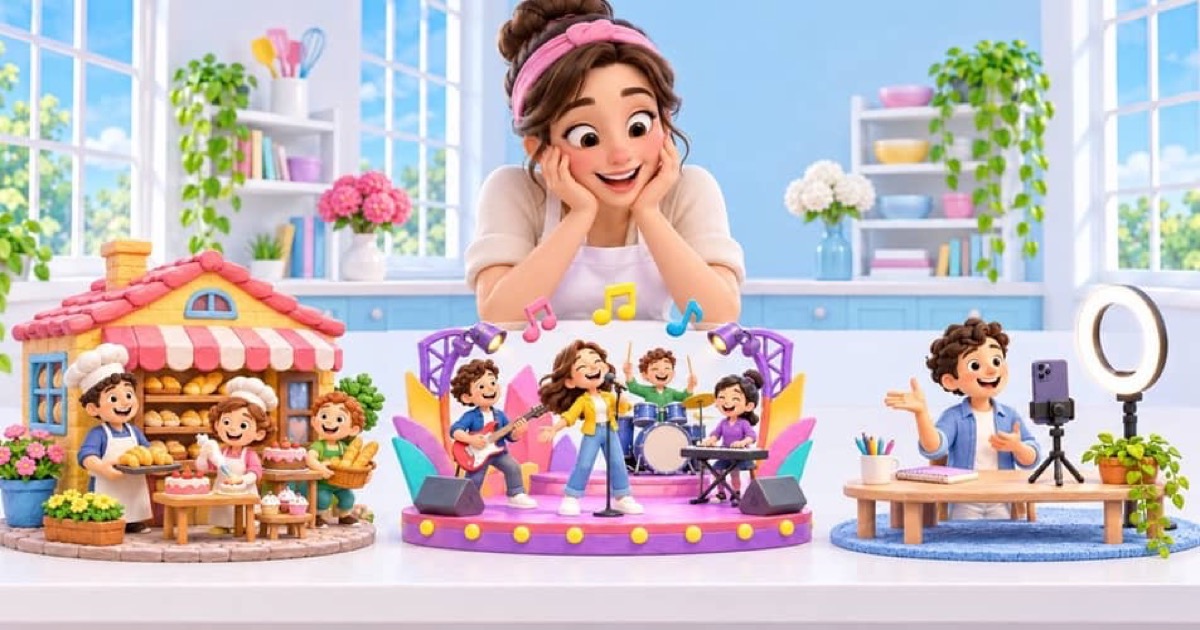
## What do Google's own pages say about length?
Google's pages say skippable and in-feed ads have no maximum length, bumper ads run 6 seconds, standard non-skippable ads run 7 to 15 seconds, and Shorts ads should stay under 60 seconds. We read every page below on November 25, 2026.
An in-stream ad plays before, during or after someone else's video. A bumper is a short ad you can't skip. Connected TV (CTV) means YouTube on a TV set.
| Format | Google's limit | Can people skip it? | Our pick, not Google's |
|---|---|---|---|
| [Skippable in-stream](https://support.google.com/google-ads/answer/2375464) | "No max length," under 3 minutes recommended | Yes, after 5 seconds | 30 seconds |
| [In-feed](https://support.google.com/google-ads/answer/2375464) | "No max length" | People click to watch it | 30 seconds |
| [Bumper](https://support.google.com/google-ads/answer/11462260) | Up to 6 seconds | No | 6 seconds |
| [Standard non-skippable](https://support.google.com/google-ads/answer/11462260) | 7 to 15 seconds | No | 15 seconds |
| [Non-skippable on CTV](https://support.google.com/google-ads/answer/11462260) | 16 to 30 seconds, TV only | No | 30 seconds, sideways |
| [Shorts](https://support.google.com/google-ads/answer/16041697) | Up to 3 minutes, but only the first 60 seconds play in the feed | [YouTube Help](https://support.google.com/youtube/answer/2467968) calls them "immediately swipeable" | 15 to 30 seconds, vertical |
| 30 Second Ad Club (not a format) | Set by you, in the script you approve | Depends on where it runs | The length you ask for |
Three minutes is allowed. So is a three-hour dinner party with your accountant. Neither is a good idea.
**[Try our ad team free →](/ad-factory?utm_source=blog&utm_medium=inline&utm_campaign=ad-factory-cta-order)** Get a free image ad and a free video script and storyboard for your business. You approve every step. No card needed.
## Why do Google's pages give three answers on YouTube ad length?
Google's formats page lists non-skippable ads at "15-60 seconds (depending on the campaign subtype)."
Google's [non-skippable page](https://support.google.com/google-ads/answer/11462260) lists "Standard non-skippable: Videos between 7 to 15 seconds long," plus a CTV version of 16 to 30 seconds. It adds that "30-second video assets must be horizontal."
[YouTube's help page for creators](https://support.google.com/youtube/answer/2467968) says non-skippable ads are "15 or 20 seconds in length, depending on regional standards. On TVs only, may be 30 seconds."
[[HIGHLIGHT: Our reading: a 15-second cut fits the standard non-skippable length on all three pages. Only the TV-only slot wants longer.]]
## So how long should a YouTube ad be?
Three lengths from one script. One long ad can't cover YouTube, because the slots that can't be skipped won't take it.
[[COMPARE: Same idea, two ways | One long ad for everything | Too long for bumper slots; Too long for standard non-skippable; Offer waits until second 25 | Three cuts from one script | 6 seconds fits bumpers; 15 seconds fits non-skippable; Name and problem up front]]
## Five seconds YouTube hands you for free
Everyone who sees a skippable ad sees its first five seconds.
[[STAT: 5 | [Google says](https://support.google.com/google-ads/answer/2375464) viewers can skip a skippable in-stream ad after 5 seconds.]]
With CPV (cost per view) bidding on skippable in-stream ads, Google says "you pay when a viewer watches 30 seconds of your video, or the entire duration of the video if it's shorter than 30 seconds, or interacts with your video, whichever comes first."
Our reading of that wording: someone who skips at second 5 without clicking isn't a paid view. They still saw your opening. Free little billboard.
That's CPV only. The same page says "With Target CPM, Target CPA, and Maximize conversions bidding, you pay based on impressions."
At about 2.5 spoken words a second, our rule of thumb, five seconds holds roughly 12 words. "Cold shower again? [Your Name] Plumbing here." is 7. Room to spare.
## One plumber script at 6, 15 and 30 seconds
[[PILL: We wrote this one. Swap in your own true details.]]
The plumber is made up, so there are no results behind it. Start long, then cut anything that isn't the problem, your name or the button.
**The 30-second cut, about 62 words**
> *Cold shower again?*
>
> [Your Name] Plumbing here. Nobody should start the day like that.
> If the hot water quits halfway through, your water heater may be the reason.
> We come out, check it and give you a price before we touch a thing.
> Repair or replace, it's your call.
> Then it's long, hot showers again.
> Book online or call [your number] today.
**The 15-second cut, about 29 words**
> *Cold shower again?*
>
> [Your Name] Plumbing here. Nobody should start the day like that.
> We check your water heater and give you a price up front.
> Book online today.
**The 6-second cut, 8 words**
> *Cold shower again?*
>
> [Your Name] Plumbing. Book online.
Put "Hot water back, price up front" on screen in the 6-second cut. It has no time for small talk. Neither does anyone standing in a cold shower.
Every cut opens with the same two lines, so a skipper and a stayer hear the same message.
Here's a clay ad we made for a made-up plumber. It runs 27 seconds, about the length of the 30-second cut above.
[[VIDEO:clay-plumber]]
[Get your YouTube ad made](/ad-factory?utm_source=blog&utm_medium=inline&utm_campaign=ad-factory-cta-order).
## Which cut goes where?
The 6-second cut runs as a bumper, the 15 as standard non-skippable, and the 30 as skippable, Shorts or TV. Google's non-skippable page says "If ad is ≤:06, it will run as a Bumper."
Three things to watch:
- **Shorts wants vertical.** Google says "Vertical video assets are recommended for Shorts ads." Our [YouTube Shorts ad size guide](/news/ugc-ads/youtube-shorts-ad-size) has the specs.
- **Shorts counts a view sooner.** Google's [formats page](https://support.google.com/google-ads/answer/2375464) counts a Shorts CPV view when a viewer "Watches 10 seconds or until the end of the video, whichever comes first." Get your point in well before that.
- **The TV version wants sideways.** Google's non-skippable page says the 30-second CTV ad must be horizontal.
A vertical cut can often run on [Facebook, Instagram and TikTok too](/news/ugc-ads/same-video-ad-facebook-instagram-tiktok). If your ad is a song, see [how long a jingle should be](/news/ugc-ads/how-long-should-a-jingle-be).
[[IMAGE: /images/song-ads/email/in-production.jpg | One at the camera, one at the mic. Three cuts start as one script.]]
**[See the ads our team makes →](/ad-factory?utm_source=blog&utm_medium=inline&utm_campaign=ad-factory-cta-examples#examples)** Song ads, talking presenter ads, claymation and more.
## Who should make your three cuts?
You can. Picture it: one script, three edits and three checks, usually on the evening you meant to do your invoices.
| Who makes it | Cost, November 2026 | Making 6, 15 and 30-second cuts |
|---|---|---|
| You, in CapCut | [CapCut](https://www.capcut.com/pricing) lists a free plan, and Pro at GBP 21.99 a month as a reference price | You re-edit three times and check each one |
| You, in an AI tool like Creatify | [Creatify](https://creatify.ai/pricing) Pro costs $55 a month | Three prompts, then three rounds of fixing what the AI got wrong |
| A marketplace gig | Set by each seller | Three briefs and, in our view, uneven work and a lot of messages |
| 30 Second Ad Club | Plans from $149 a month | The length you ask for, in the script and storyboard you approve. Most ads are ready in about 24 hours of a complete, approved brief |
## The short version
How long should a YouTube ad be? Six, 15 and 30 seconds, all from one script, with your name and the problem up front.
[[HIGHLIGHT: The skip button is the most honest critic you'll ever meet. Write for it.]]
For a busy owner, our done-for-you team is the best option: you approve the script and storyboard, and Ad Club makes and checks every ad.
No ad can promise views or sales, ours included. But yours will be the right length for where it runs.
## The easy way to get your YouTube ad
1. Tell us about your business and your offer.
2. Approve the script and storyboard before we make it.
3. Get your finished ad, checked by our team.
[[BUTTON: Start free with Ad Club → | /ad-factory?utm_source=blog&utm_medium=button&utm_campaign=how-long-should-a-youtube-ad-be | One free image ad and one free video script and storyboard. No card needed.]]
## Frequently asked questions
### How long is a YouTube bumper ad?
A YouTube bumper ad runs up to 6 seconds and can't be skipped. Google's [formats page](https://support.google.com/google-ads/answer/2375464) lists "6 seconds (>=5 seconds minimum)."
### How long is a non-skippable YouTube ad?
Google's [non-skippable page](https://support.google.com/google-ads/answer/11462260) lists standard non-skippable ads at 7 to 15 seconds, with a 16 to 30 second version on TVs only. Google's formats page lists 15 to 60 seconds, so 15 seconds is the safe pick (our rule of thumb).
### How long should a YouTube Shorts ad be?
A YouTube Shorts ad should run under 60 seconds, as Google's [Shorts page](https://support.google.com/google-ads/answer/16041697) recommends. Our pick is a vertical cut of 15 to 30 seconds.
### Do you put the ad on YouTube for me?
No. 30 Second Ad Club makes the ad and checks it. You or your ad person puts it live on YouTube and sets the budget.
Want finished ads without learning an AI tool? **[Make your free image ad with Ad Club](/ad-factory?utm_source=blog&utm_medium=inline&utm_campaign=ad-factory-cta-both)**, plus a free video script and storyboard. Plans from $149 a month, cancel any time.
---
## Related Reading
- [How Long Should a Facebook Video Ad Be? Limits by Placement](/news/ugc-ads/how-long-should-a-facebook-video-ad-be): How long should a Facebook video ad be? Our rule is 30 seconds plus a…
- [How Long Should a UGC Ad Be? Why We Pick 30 Seconds](/news/ugc-ads/how-long-should-a-ugc-ad-be): How long should a UGC ad be? About 30 seconds. See what TikTok and Meta say,…
- [How Long Should a Jingle Be? Social Ad Limits by Platform](/news/ugc-ads/how-long-should-a-jingle-be): How long should a jingle be for a video ad? Aim for 15 to 30 seconds, then…
- [How Many Video Ads Should I Run at Once? Facebook vs TikTok](/news/ugc-ads/how-many-video-ads-should-i-run-at-once): How many video ads should I run at once? Run 3 to 5 really different ads per…
- [Ad Club →](/ad-factory): A done-for-you ad team. You approve the script and storyboard; we make and check every ad. Plans from $149 a month.
---
## Song Video Ad Cost: 4 Routes, Song and Video Added Up
URL: https://www.30secondproductions.com/news/ugc-ads/song-video-ad-cost
Topic: UGC & Ad Creative
Updated: 2026-11-25
Ask a jingle studio for a price and you get a price for a song. Ask an animator and you get a price for a cartoon. Nobody quotes you one finished ad you can put on Facebook.
You'd never price a bathroom on the tub alone. So here's the full song video ad cost, every trade added in.
A 30-second song video ad costs about $1,700 to $8,000 when you hire a jingle studio and an animator, by our sum of their published prices. Hiring a freelancer for each half is about $1,200 to $4,600 for a 1-minute ad, by our sum.
DIY apps run about $26 a month, plus your evenings. A done-for-you Song Ad from us is $97.
[[HIGHLIGHT: Every price you find online is one trade's quote. The ad needs all the trades, plus someone to hold the job together.]]
We do the whole job. 30 Second Ad Club is the done-for-you ad team from 30 Second Productions. For a Song Ad, we write a catchy song about your business, an AI singer sings it, and we turn it into a 3D cartoon video ad with every word on screen.
Here's one we made for a home remodeling company.
[[VIDEO:song-client-remodeler]]
[Get a finished song ad like this for your business](/song-ads?utm_source=blog&utm_medium=inline&utm_campaign=song-video-ad-cost).

## How much does a song video ad cost, all in?
[[PILL: Song, picture and edit, added up]]
A song video ad is a short video where your message is sung over moving pictures, with the words on screen. Its cost depends on how many trades you hire: two companies, two freelancers, two apps and your evenings, or one team.
This table adds up the song and the video for each route, from published prices, checked November 2026 (Advids is from its 2025 survey).
| Route | One finished ad | Wait | Who does the work | What you end up with |
|---|---|---|---|---|
| Jingle studio + animator | About $1,700 to $8,000 for 30 seconds (our sum, see Route 1) | 1 to 3 weeks for a sung song, then the animation | You brief and manage two companies | A human singer and custom animation |
| A freelancer for each half | About $1,200 to $4,600 for a 1-minute ad (our sum) | Varies by freelancer | You manage two people and join the parts | Depends on the two people |
| Marketplace gig | Varies by seller | Varies by seller | A brief, then a lot of back and forth | In our view, quality is often low and uneven |
| AI song app + editor | About $26 a month in apps | As fast as you work | You do every part | Whatever you can make yourself |
| 30 Second Ad Club Song Ad | $97 for one ad, $297 a month for 5, $520 a month for 10 | 72 hours after a 5-minute form | You fill in a form, then approve | A finished 3D cartoon song ad, AI singer, words on screen |
Look down the "Who does the work" column. That's where the real bill hides.
**[Get a musical video ad made for your business for $97 →](/song-ads?utm_source=blog&utm_medium=inline&utm_campaign=song-ads-cta-order)** A catchy song about your business, turned into a 3D animated video ad. Done for you in 72 hours.
## Route 1: a jingle studio, then an animator (about $1,700 to $8,000)
This is the bathroom job with a separate plumber, tiler and electrician. You're the one who gets them in the same room.
[Violet Recording's 2026 guide](https://violetrecording.com/how-much-does-a-jingle-cost/) puts a produced jingle with a pro singer at $800 to $2,500. That buys the song, a licence and one or two shorter cuts, but no video.
[[STAT: $800-$2,500 | is what [Violet Recording](https://violetrecording.com/how-much-does-a-jingle-cost/) says a sung jingle with a pro vocalist costs (2026). Nobody has drawn a single frame yet.]]
So you call an animator. [Advids](https://advids.co/pricing/how-much-animated-ad-video-creation-cost) lists a 30-second animated ad at $900 to $5,500, from its own 2025 survey of clients and agencies.
Add the two and one 30-second ad lands around $1,700 to $8,000. That's our arithmetic, not anyone's quote. Other price guides land a bit lower or higher, but the point holds: it's thousands, and it's two bills.
The clock adds up too. Violet says a jingle with a session singer takes one to three weeks, and only then does the animator start.
It suits a brand that wants a real human voice for years. For the song half alone, see [how much a jingle costs in 2026](/news/ugc-ads/how-much-does-a-jingle-cost).
## Route 2: hire a freelancer for each half (about $1,200 to $4,600)
Freelancers cost less. You become the project manager.
[Evolve's 2026 guide](https://evolveamz.com/custom-jingle-cost-pricing-2026/) puts a freelance composer at $500 to $2,500 per jingle. Advids puts a one-minute freelance video at $700 to $2,100. Lay that cartoon over a freelance song and you're at about $1,200 to $4,600 by our sum, before anyone has fixed a typo.
A 30-second job may cost less; no source says how much.
Cheaper song shops exist. [JVF](https://jvf.com/product/signature-sound-creation-custom-jingles-brand-audio/) lists custom jingles at $89 to $397, sent as an MP3. You still need the picture.
Marketplace gigs are the cheapest-looking option, and the most back and forth.
[[HIGHLIGHT: Two freelancers means two briefs, two rounds of changes and one person stuck in the middle. That person is you.]]
## Route 3: an AI song app plus an editor (about $26 a month)
DIY is the cheapest money and the most expensive evenings.
[Suno's pricing page](https://suno.com/pricing) shows, in November 2026, its Pro plan at $8 a month if you pay $96 for the year, with commercial use and 20 downloads a month. Unused credits don't carry over, and the free plan allows no commercial use.
Then you need the video. [Canva Pro](https://www.canva.com/pricing/) is US$18 per person a month. That's about $26 a month for the two apps, on Suno's yearly plan.
The money is the easy part. The apps leave the rest to you:
- **The words.** You write the lyrics, then rewrite them to fit.
- **The take.** Every AI take is different, so you listen again and again.
- **The pictures.** A song with nothing to watch is a radio ad on a phone.
- **The timing.** Every word on screen, matched to the beat, by hand.
Advids puts DIY animation software at $40 to $220 a month. Cheap, but nobody pays you for the hours. Our guide to [animated video ad cost](/news/ugc-ads/animated-video-ad-cost) covers the picture side.
Fun if you like tinkering. Not if you'd rather fix a boiler than a caption.
Here's one we made for a power washing company.
[[VIDEO:song-client-power-wash]]
[Skip the editing and get one made for you](/song-ads?utm_source=blog&utm_medium=inline&utm_campaign=song-video-ad-cost).
## Route 4: one team does the whole job (under $100)
This is the general contractor. One price, one wait, one person to call.
[[COMPARE: The same ad, two ways | Hire it in parts | A song from one company; A cartoon from another; Captions and edit left to you; Two bills and two waits | One team does it all | Song, cartoon and edit together; Words already on screen; Your logo and offer at the end; One bill, one person to call]]
That's our Song Ads. We can use your own words, and you pick the singing style. Every ad follows one plan: a hook in the first 3 seconds, the story in the middle, then your offer and next step.
The singer is AI, and we say so up front.
[[FLOW: What happens when you order | Fill in a 5-minute form | We write your song | An AI singer sings it and we animate it | You approve your finished ad]]
You get one round of remakes, and you own the ad. Every order comes with an Ad Club account, where our team makes your ads and you approve them.
Here's one we made about a family's first home.
[[VIDEO:song-client-new-home]]
[Hear what your song ad could sound like](/song-ads?utm_source=blog&utm_medium=inline&utm_campaign=song-video-ad-cost).
**[Hear the song ads we have made →](/song-ads?utm_source=blog&utm_medium=inline&utm_campaign=song-ads-cta-examples#examples)** Click any video to watch with sound.
## What does a song video ad cost when you need more than one?
Ten ads on Route 1 come to about $17,000 to $80,000, by our sum from the same Violet and Advids prices. Our Scale plan is 10 new song ads a month for $520 a month, and the more ads a month, the less each one costs.
One ad is a guess. Nobody judges a plumber on one job, and nobody should judge an ad that way either.
Every price above is for one job. Ad number two means a new quote, a new brief and a new wait.
[[HIGHLIGHT: The first ad tells you what works. The second ad's price decides whether you can afford to find out.]]
## What's on the bill that nobody quotes?
These are the small jobs that turn a song and a cartoon into an ad. Ask about each one:
- **Words on screen.** Not everyone scrolls with the sound on. Who adds the captions?
- **The tall cut.** Phone ads are vertical. Is it made that way, or squashed later?
- **The last frame.** Your logo, your offer and a button. Who designs it?
- **Changes.** How many rounds, and what does the next one cost?
- **Your hours.** Every "can you move that word" email. Your time has a price too.
Ours include the first three. Your hours come down to one form and one yes.
[[IMAGE: /images/song-ads/email/in-production.jpg | A cartoon team making a song video ad, the song and the pictures under one roof.]]
## The easy way to do all of this
A studio, two freelancers or a pair of apps each hands you a piece. Someone still has to build the ad.
For a busy owner, our done-for-you team is the best option. We write the song, an AI singer sings it, and we hand you a finished video ad to approve. No app to learn, no second company to hire, and you own the ad.
No ad can promise calls or sales, ours included. But you'll pay for the whole job, not one trade's quote.
1. You tell us about your business in a short form.
2. We write the song and build the cartoon, words on screen and your logo at the end.
3. You watch it, then say yes or ask for one round of remakes.
[[BUTTON: Get your song ad made → | /song-ads?utm_source=blog&utm_medium=button&utm_campaign=song-video-ad-cost | $97 one time. Ready in 72 hours. Money back if you're not happy within 30 days.]]
## Frequently asked questions
### Can I get a song video ad for under $100?
Yes, two ways. DIY apps cost about $26 a month on yearly plans, but you do every part. A 30 Second Ad Club Song Ad costs less than $100 one time, made for you in 72 hours.
### How long does a song video ad take to make?
A studio jingle with a session singer takes one to three weeks, says [Violet Recording](https://violetrecording.com/how-much-does-a-jingle-cost/), before any animation. A 30 Second Ad Club Song Ad is ready 72 hours after a 5-minute form.
### Is the singer in a song ad a real person?
No. The singing voice in our song ads is AI, in the style you pick. Our team writes the song and makes the video, and you approve it.
### Do you run the ads for me?
No. 30 Second Ad Club makes the ad. You, or whoever runs your ads, puts it live and pays for the ad spend.
Ready for an ad people remember? **[Get your song ad for $97](/song-ads?utm_source=blog&utm_medium=inline&utm_campaign=song-ads-cta-both)**, written, sung and animated for you in 72 hours, with a money-back guarantee.
---
## Related Reading
- [Best Jingle Companies for Small Business: Real Prices](/news/ugc-ads/best-jingle-companies-for-small-business): The best jingle companies for small business, with each price and wait from…
- [Animated Video Ad Cost vs a Song Ad: Where Your Money Goes](/news/ugc-ads/animated-video-ad-cost): Animated video ad cost for a 30-second social ad: published 2D and 3D studio…
- [Is a Video Ad Subscription Worth It for Your Business?](/news/ugc-ads/video-ad-subscription): Is a video ad subscription worth it? Prices run from $15 to $15,000 a month.…
- [What Is a Song Ad? Who It Suits and What It Costs](/news/ugc-ads/what-is-a-song-ad): A song ad is a short sung video ad about your business, with every word on…
- [Song Ads from $97 →](/song-ads): A catchy song about your business, turned into a 3D animated video ad in 72 hours.
---
## What to Say in the First 3 Seconds of a Video Ad
URL: https://www.30secondproductions.com/news/ugc-ads/first-3-seconds-of-a-video-ad
Topic: UGC & Ad Creative
Updated: 2026-11-24
TikTok tells advertisers to say their point in the first 3 seconds. At normal talking speed, that's about seven words.
"Hi there, we're [Your Name] Plumbing, proudly serving [Your Town]" runs about ten. Window gone, and you haven't said why anyone should care.
The first 3 seconds of a video ad should say the customer's problem, in their own words, in about 7 or 8 words. TikTok's help page (June 2025) asks for your point by second 3 and your hook by second 6.
[[HIGHLIGHT: Say their problem, not your name. Nobody opens TikTok hoping to meet a plumber.]]
A Yapper ad from 30 Second Productions is a 30-second vertical video of a presenter talking to camera about your business. She's made with AI, not a real person, though she looks and sounds real.
We write every word, first line included, and real people check every video. It's ready in 72 hours after you say yes. Here's one of ours, set in a home studio.
[[VIDEO:yapper-studio]]
[Get a talking ad with the opening line written for you](/yapper-ads?utm_source=blog&utm_medium=inline&utm_campaign=yapper-first-3-seconds).

## What do TikTok and Meta say about the first 3 seconds?
TikTok and Meta both want your main point inside the first 3 seconds. TikTok gives you until second 6 for the hook, the part that makes people stay.
TikTok's [Creative best practices page](https://ads.tiktok.com/help/article/creative-best-practices?lang=en) (last updated June 2025) says: "Introduce your content proposition in the first 3 seconds for better recall and awareness." The same page says: "Prioritize your hook in the first 6 seconds."
An older TikTok guide, the [9 Creative Tips PDF](https://ads.tiktok.com/business/library/Auction_Ads_Creative_Tips.pdf), has no printed date, and the file was made in 2020. It says "over 63% of all videos with the highest click-through rate (CTR) highlight their key message or product within the first 3 seconds." Click-through rate is the share of people who tap your ad.
Meta's [Tailored campaigns page](https://www.facebook.com/business/ads/automation/tailored-campaigns) (undated, read November 2026) says videos "should capture attention and include key messaging or branding within the first three seconds."
[[STAT: Up to 47% | of a video campaign's value came in the first three seconds, per Meta's research with Nielsen on [an undated Meta page](https://www.facebook.com/business/news/updated-features-for-video-ads).]]
TikTok allows 6 seconds for the hook. We land ours in 3.
By second 7, they're watching a dog fall off a sofa.
**[Get a talking video ad made for your business for $197 →](/yapper-ads?utm_source=blog&utm_medium=inline&utm_campaign=yapper-cta-order)** A real-looking presenter sells for you. We write the words and make the video. You just say yes.
## Seven words, and none of them are your name
A 3-second opening line holds about 7 or 8 spoken words, at our pace of 75 words per 30 seconds. Here's [how many words fit in a 30 second ad script](/news/ugc-ads/how-many-words-is-a-30-second-ad-script).
Seven words is a text message, not a speech.
Opening with your name feels polite. On a phone, it's the sound of an ad starting, and thumbs know that sound.
[[COMPARE: The same plumber, two openings | Name first | "Hi there, we're [Your Name] Plumbing, proudly serving [Your Town]"; About 10 words, past 3 seconds; Who you are, not why to care; Sounds like every ad | Problem first | "Your water heater is older than your car."; 8 words, inside 3 seconds; Why to care, right away; Sounds like a friend]]
And use your customer's words. Nobody says "water heater replacement services." They say "the shower went cold again."
[[HIGHLIGHT: If your customer wouldn't say it out loud, your presenter shouldn't either.]]
## Ten lines for the first 3 seconds of a video ad
We wrote these for this post, so they aren't real ads and have no results behind them.
**Plumber**
> *Your shower only runs hot for two minutes.*
>
> *Third cold shower this week. It's not you.*
On screen with the first line: [Your Name] Plumbing · [Your Town]. The voice says the problem, the screen says who you are.
**Dentist**
> *Still chewing on one side of your mouth?*
>
> *You smile with your mouth closed in photos.*
**Roofer**
> *That brown stain on your ceiling is growing.*
>
> *Bucket in the attic again after that storm?*
**Cleaner**
> *Guests Saturday. Your bathroom has other plans.*
>
> *Spent last weekend cleaning? Skip the next one.*
**Lawyer**
> *Got a letter you're scared to open?*
>
> *Hurt at work. Now the paperwork won't stop.*
No names, no "we." Each line is the moment the customer has had enough.
What comes after the first line is a different job, covered in our guide to [UGC video ad scripts that convert](/news/ugc-ads/ugc-video-ad-scripts-that-convert).
Here's another of our Yapper ads, built on the same plan.
[[VIDEO:yapper-song-ads]]
[Get a Yapper ad that opens on your customer's problem](/yapper-ads?utm_source=blog&utm_medium=inline&utm_campaign=yapper-first-3-seconds).
## How do you test an opening line in 3 seconds?
You test an opening line by counting it, timing it, reading it on mute and showing it to a stranger. It takes a phone and five minutes.
[[FLOW: The 3-second test | Count the words | Time it out loud | Read it on mute | Show a stranger | Swap only the first line]]
### Step 1: Count the words
Count the spoken words: eight or fewer passes. At nine, cut "very" or your company name first.
### Step 2: Say it to a stopwatch
Say the line at normal speed with your phone's stopwatch running. Past 3 seconds is too long.
### Step 3: Read it on mute
Turn the sound off and read only the words on screen. If the line still makes sense, it passes. TikTok's help page recommends "displaying 5-10 words per second when using text," so a 7-word line fits easily.
### Step 4: Show a stranger the first 3 seconds
Play only the opening for someone who doesn't know your business. Ask, "What's this about?"
If they name the problem, it passes. If they say "an ad," try again.
[[IMAGE: /images/song-ads/email/change.jpg | Write the line down, count it, then cut what you can.]]
### Step 5: Swap only the first line
Once the ad is live, test one new opening at a time. [Sovran, an ad vendor](https://sovran.ai/blog/first-3-seconds-video-ad), advises in an April 2026 post to change only the opening and keep everything else the same.
A strong line still scrolled past? The ad may look like every other ad, a cause named in [why your ads get scrolled past](/news/ugc-ads/why-your-ads-get-scrolled-past).
**[Watch our Yapper ads →](/yapper-ads?utm_source=blog&utm_medium=inline&utm_campaign=yapper-cta-examples)** Click any video to watch with sound.
## Who should write your first seven words?
Whoever writes your first line has to know your customer and hate extra words. Here's who can, and the cost to make the ad.
| Who writes it | Cost to make | Your work | The catch |
|---|---|---|---|
| You, on your phone | Your time | Write, film, caption, edit | Easy to open with your name |
| Billo creator | From $99 for 15 seconds, per [Billo's pricing](https://billo.app/pricing/) (November 2026) | Brief, pick a creator | Longer videos and add-ons cost more |
| AI video app | HeyGen Creator, $29 a month, per [HeyGen's pricing](https://www.heygen.com/pricing) (November 2026) | Write every word, make the video | The first line is still on you |
| Marketplace gig | Varies by seller | Brief, then back and forth | In our view, quality is often uneven |
| 30 Second Ad Club Yapper ad | $197 for one 30-second ad | 2-minute form, then approve | AI presenter, one for now, English only |
The last row wins for a busy owner because the first line is our job, not yours. Every Yapper ad opens with a hook in the first 3 seconds, with words on screen.
You can change any word (one round of changes included), and you own the ad. Every order also comes with your own Ad Club account, where you can order more ads from our team.
## The short version
Your first line gets about seven words. Spend them on the customer's problem, said the way they'd say it at the kitchen table.
You could write and test ten openers yourself. For a busy owner, our done-for-you team is the best pick: we write every line, make the video and hand you a finished, checked ad to approve.
[[HIGHLIGHT: No ad can promise calls or sales, ours included. But yours won't waste its first 3 seconds.]]
## The easy way to get your first line written
1. You fill in a 2-minute form and send your logo.
2. We write the words and show you a picture for each part. You say yes or ask for changes.
3. Your 30-second ad, with an AI presenter and words on screen, is ready in 72 hours.
[[IMAGE: /images/song-ads/email/review.jpg | You read the words, check the pictures and say yes. That's your whole job.]]
[[BUTTON: Get your Yapper ad made → | /yapper-ads?utm_source=blog&utm_medium=button&utm_campaign=first-3-seconds-of-a-video-ad | $197 one time. Ready in 72 hours. Money back if you're not happy within 30 days.]]
## Frequently asked questions
### Should I say my business name in the first 3 seconds?
Show your business name on screen, but don't spend spoken words on it. Meta's Tailored campaigns page asks for "key messaging or branding" in the first three seconds.
### What is a good hook rate for a video ad?
Above 25.44% beats Billo's own Meta average for the first half of 2026 (method not shared). [Billo, a video ad company](https://billo.app/blog/hook-rate-to-hold-rate), defines hook rate as the share of times your ad is shown that turn into a 3-second play on Meta.
### Is the presenter in a Yapper ad a real person?
No. The presenter in a Yapper ad is made with AI. She isn't a customer or a paid creator. Real people at 30 Second Productions write and check every video.
Want an ad that talks for you? **[Get your Yapper ad for $197](/yapper-ads?utm_source=blog&utm_medium=inline&utm_campaign=yapper-cta-both)**: your words, your logo, made for you in 72 hours, with a money-back guarantee.
---
## Related Reading
- [Do Talking Head Video Ads Work? What TikTok's Own Data Says](/news/ugc-ads/do-talking-head-video-ads-work): Do talking head video ads work? Yes, when the face has words on screen.…
- [How Long Should a UGC Ad Be? Why We Pick 30 Seconds](/news/ugc-ads/how-long-should-a-ugc-ad-be): How long should a UGC ad be? About 30 seconds. See what TikTok and Meta say,…
- [Do I Have to Label AI Ads? TikTok and Facebook Rules (2026)](/news/ugc-ads/do-i-have-to-label-ai-ads): Do I have to label AI ads? TikTok gives you a toggle and Meta says it labels…
- [Do I Need a TikTok Account to Run TikTok Ads? Yes, Since 2026](/news/ugc-ads/do-i-need-a-tiktok-account-to-run-tiktok-ads): Do I need a TikTok account to run TikTok ads? Yes, for almost all new…
- [Yapper Ads for $197 →](/yapper-ads): A 30-second talking video ad with a real-looking AI presenter, made for you in 72 hours.
---
## Run Instagram Ads Without an Instagram Account: Meta's Rule
URL: https://www.30secondproductions.com/news/ugc-ads/run-instagram-ads-without-instagram-account
Topic: UGC & Ad Creative
Updated: 2026-11-24
Here's a strange one. If you have no Instagram account, Meta makes one for you. You just can't log in to it.
That's how you can run Instagram ads without Instagram account setup, passwords or posts.
No, you don't need an Instagram account to run Instagram ads. Meta's help pages say your Facebook Page can be the voice of your Instagram ads, and that you must have a Facebook Page. Meta's developer page says your ad then shows your Page's name and picture, but you can't post or comment from that Instagram profile.
That last part is the catch. Your Instagram side can't talk back, so the ad has to say everything by itself.
That's the job our 30-second Claymation Ad was built for.
We write it, make every scene in clay with AI tools, and our team checks it before you see it. You approve every word and every scene, for $97, often half price in our holiday sales.
Here's a sample we made for a made-up plumber.
[[VIDEO:clay-plumber]]
[Get a clay ad like this for your business](/claymation-ads-97?utm_source=blog&utm_medium=inline&utm_campaign=run-instagram-ads-without-instagram-account).
[[HIGHLIGHT: No Instagram account is fine. No Facebook Page is not: Meta says you must have one to run ads on Instagram.]]

## What does Meta say about Instagram ads with no Instagram account?
Meta says yes, as long as you have a Facebook Page. We checked both Meta Business Help Center pages on November 24, 2026.
On its page about [running ads on Instagram with your Facebook Page](https://www.facebook.com/business/help/272348126756182), Meta says:
> "You can run ads on Instagram without an Instagram account by using your Facebook Page as the voice of your Instagram ads. Create the ad in Meta Ads Manager and select your Facebook Page in the Identity section."
On its page about [creating Instagram ads in Meta Ads Manager](https://www.facebook.com/business/help/1634705703469129), Meta adds the one rule you can't skip:
> "If you don't have an Instagram account, you'll need to use your business' Facebook Page as the voice of your Instagram ads. You must have a Facebook Page to run ads on Instagram."
Meta Ads Manager is Meta's tool for making ads that run on Facebook and Instagram. The Identity section is where you pick who the ad is from.
That's the yes. Here's the catch.
**[Get a claymation ad made for your business →](/claymation-ads-97?utm_source=blog&utm_medium=inline&utm_campaign=claymation-cta-order)** We write your story, make every scene out of clay and add a calm, friendly voice. You approve every word and every scene.
## Meta makes you a ghost account
So who shows up on Instagram as the advertiser? Not nobody.
[Meta's developer page on Instagram accounts with Pages](https://developers.facebook.com/documentation/ads-commerce/instagram/ads-api/guides/pages-ig-account) (Meta's technical guide for its ads system, opened November 24, 2026) says that when you run ads for a Facebook Page, Meta creates a "shadow" Instagram account to run them. It calls this a Page-backed Instagram account, or PBIA. The rules are plain:
- It "has the same name and profile picture as the related page." Change your Page picture and Meta updates it.
- "You cannot login to this Instagram account to manage posts."
- "You cannot add post or comment with this PBIA profile."
- Each Page gets just one: "each page can only have one PBIA."
Think of it as a cardboard cutout of your business. It looks like you. It can't say a word.
[[HIGHLIGHT: The account can't post, can't reply and can't log in. So the ad has to do all the talking.]]
[[COMPARE: Same Page, two ads | An ad that leans on a profile | A photo and a caption that need the profile to explain them; "See our page for details"; Nobody there to answer a comment; The offer buried in the text | An ad that talks for itself | Every word on screen, sound on or off; Who you are and what you fix, up front; Your logo and offer on the last scene; One clear next step]]
## Instagram account or Page only: which do you need?
If you only want your ad live on Instagram, Meta says a Facebook Page is enough. An Instagram account adds a profile you can run yourself.
Here's the side-by-side for ads made in Meta Ads Manager, from the Meta pages linked above.
| | With an Instagram account | Facebook Page only |
|---|---|---|
| Facebook Page needed in Ads Manager? | Yes, per Meta | Yes, per Meta |
| Who the ad is from | The Instagram account you connect | Your Page's name and picture |
| Log in and post on Instagram | Yes | No, per Meta's developer page |
| Comment as the business on Instagram | Yes, from the Instagram account | No, per Meta's developer page |
| Where you make the ad | Meta Ads Manager | Meta Ads Manager |
| A 30 Second Ad Club clay ad | Runs here | Runs here |
For a plumber who wants the phone to ring, the right column gets the ad out the door. For a salon that lives on Instagram, the left column is worth setting up.
## How to pick your Facebook Page as the voice in Ads Manager
Meta's help page on [running ads with your Facebook Page](https://www.facebook.com/business/help/272348126756182) lays out where to click. Screens move around, so match these to what you see.
### Step 1: Go to Ad creation
Start a new ad in Meta Ads Manager. Meta says, "You'll create Instagram ads in the same way as you create Facebook ads."
### Step 2: Pick an objective that supports Instagram
At the campaign level, choose an objective that supports Instagram. Meta lists Awareness, Engagement, Traffic (only for a website or app), Leads, App promotion and Sales.
### Step 3: Check your budget, audience and placements
At the ad set level, review your Budget, Audience and Placements, then click Next. Meta says, "It's recommended that you run your ads on Facebook and Instagram at the same time."
### Step 4: Pick your Page in the Identity section
At the ad level, connect your Facebook Page in the Identity section. Meta says that below Instagram account, the Page you connected "has automatically been selected to be the voice of your ads on Instagram."
### Step 5: Check the Instagram preview
Meta says to make sure your Instagram Ad preview appears before you place your order. In Meta's words, the preview "confirms that your ad will be eligible to run on Instagram."
No preview? Meta says to check that your objective supports Instagram and that Instagram is in your placements.
[[FLOW: Your ad, Page only | Ad creation in Ads Manager | Objective and placements | Identity: your Facebook Page | Instagram preview shows up]]
New to Ads Manager? Our guide to [boosted posts vs Ads Manager](/news/ugc-ads/boosted-post-vs-ads-manager) shows the difference, and our [Instagram Reels ad size guide](/news/ugc-ads/instagram-reels-ad-size) covers the video shape.
## Should you make an Instagram account anyway?
Make one if you want to answer people on Instagram as yourself. Meta's developer page says the Page-backed account can't post or comment, so that job needs a real account.
Skip it for now if you don't. Meta's help page says that to add an Instagram account later, you click Connect account.
An Instagram account you never post on is just a very small, very empty shop window.
A Page-backed one at least doesn't pretend.
**[Watch the claymation ads we have made →](/claymation-ads-97?utm_source=blog&utm_medium=inline&utm_campaign=claymation-cta-examples)** Tap one to watch it with sound.
## One clay ad, both apps
Meta recommends running on Facebook and Instagram at the same time. Good news for a busy owner: one ad, one Page, two apps.
Our clay ads put every word on screen, so they work with the sound off. Your logo and offer sit on the last scene, in the vertical size social ads use.
And because it's clay, nobody mistakes it for the tenth van photo they've scrolled past that day.
[[IMAGE: /claymation-ads/examples/pipe-pals.jpg | A scene from our made-up plumber ad, with the words right on screen.]]
Real stop motion costs a lot more. [Beverly Boy Productions says](https://beverlyboy.com/how-much-does-it-cost/how-much-does-stop-motion-animation-cost/) stop motion rates generally run from about $1,000 to upwards of $10,000 per finished minute (updated July 2026).
Ours is made with AI tools and checked by our team. It isn't hand-made stop motion, and it isn't priced like it.
Here's a clay ad we made for one of our own services.
[[VIDEO:clay-ai-seo]]
[See what a clay ad could look like for your business](/claymation-ads-97?utm_source=blog&utm_medium=inline&utm_campaign=run-instagram-ads-without-instagram-account).
30 Second Ad Club is our done-for-you ad team: you tell us about your business, and we make the ad. Your ad is made in your own Ad Club dashboard, where you can order more any time.
## Let us make the ad that does the talking
Meta handles the account. Here's how we handle the ad:
1. Fill in a 2-minute form about your business.
2. We write the script and make a clay scene for each line with AI tools, and our team checks it. You approve every word and every scene, with 2 free rounds of scene changes.
3. Your 30-second vertical ad is ready about 24 hours after you approve. You own it. Upload it in Ads Manager under your Page.
We make the ad. We don't run it, and no ad can promise sales.
[[BUTTON: Get your clay ad made → | /claymation-ads-97?utm_source=blog&utm_medium=button&utm_campaign=run-instagram-ads-without-instagram-account | $97, often half price in our holiday sales. Not happy within 30 days? Full refund.]]
## Frequently asked questions
### Do I need a Facebook Page to run Instagram ads?
Yes, in Meta Ads Manager. Meta's help page says, "You must have a Facebook Page to run ads on Instagram." An Instagram account is optional there.
### Why do some guides say I need an Instagram account?
Those guides cover the promote button inside the Instagram app. [Lilach Bullock's guide](https://www.lilachbullock.com/how-to-run-ads-on-instagram/) (read as of October 2026) says "Personal Instagram accounts can't run ads," and that the in-app option only shows on professional accounts. This post covers Ads Manager, where Meta says your Facebook Page can stand in.
### Can I reply to comments on my Instagram ad without an Instagram account?
Not from Instagram. Meta's developer page says the Page-backed Instagram account can't post or comment. If replying there matters to you, connect an Instagram account.
### Is your claymation ad real stop motion?
No. Our claymation ads are made with AI tools for the clay pictures, movement and voice, and our team checks every video before you get it. Every character is clay, and no real people appear.
## The short version
You can run Instagram ads without an Instagram account. You can't run them in Ads Manager without a Facebook Page. Meta lends your Page an Instagram face that can't talk.
So the ad has to.
You could write it, shoot it and edit it on a Sunday night. For a busy owner, our done-for-you team is the best pick: you fill in a short form, approve the script and scenes, and get a finished clay ad that runs on both apps from the Page you already have.
Want a clay ad people stop to watch? **[Get your claymation ad](/claymation-ads-97?utm_source=blog&utm_medium=inline&utm_campaign=claymation-cta-both)**, written and made for you, ready about a day after you approve your scenes. Love it or your money back.
---
## Related Reading
- [Instagram Reels Ad Size 2026: Meta's Specs and Safe Zone](/news/ugc-ads/instagram-reels-ad-size): Instagram Reels ad size, from Meta: 9:16 at 1440 x 2560. See Reels, Stories…
- [Best AI Claymation Video Generator in 2026: 8 Tools Compared](/news/ugc-ads/best-ai-claymation-video-generator): Which AI claymation video generator should you use? Real prices for 8 tools,…
- [Best Jingle Companies for Small Business: Real Prices](/news/ugc-ads/best-jingle-companies-for-small-business): The best jingle companies for small business, with each price and wait from…
- [Claymation Ad Cost: Real 2026 Prices for 5 Ways to Get One](/news/ugc-ads/claymation-ad-cost): Claymation ad cost in 2026: about $16 a month in AI tools, $97 done for you,…
- [Claymation Ads →](/claymation-ads-97): A 30-second clay video ad about your business, made for you. You approve every scene.
---
## How Much to Spend on Ad Creative: The Bill Nobody Plans
URL: https://www.30secondproductions.com/news/ugc-ads/how-much-to-spend-on-ad-creative
Topic: UGC & Ad Creative
Updated: 2026-11-24
Almost every guide to ad budgets is about the money you pay Facebook. Almost none tells you what the ad itself should cost to make.
That's the second bill, and hardly anyone plans for it. Here's how much to spend on ad creative, the making part.
Our rule of thumb: for every $4 you pay Facebook to show your ads, put about $1 into making them, and get at least two fresh ads a month. At $20 a day, that's about $600 a month to Facebook and about $150 to make the ads.
[[HIGHLIGHT: Our rule of thumb: $1 to make your ads for every $4 you pay to show them.]]
That second bill is the one 30 Second Ad Club covers. Ad Club is the done-for-you ad team from 30 Second Productions: you tell us about your business and approve the script and storyboard, and our team makes the ad and checks it.
Plans start at $149 a month, for about 5 short videos. You get one free image ad (with a small watermark) and one free video script and storyboard, with no card.
Here's a song ad we made that tells a plumber's story.
[[VIDEO:song-ad-plumber]]
[Get fresh ads like this every month](/ad-factory?utm_source=blog&utm_medium=inline&utm_campaign=how-much-to-spend-on-ad-creative).
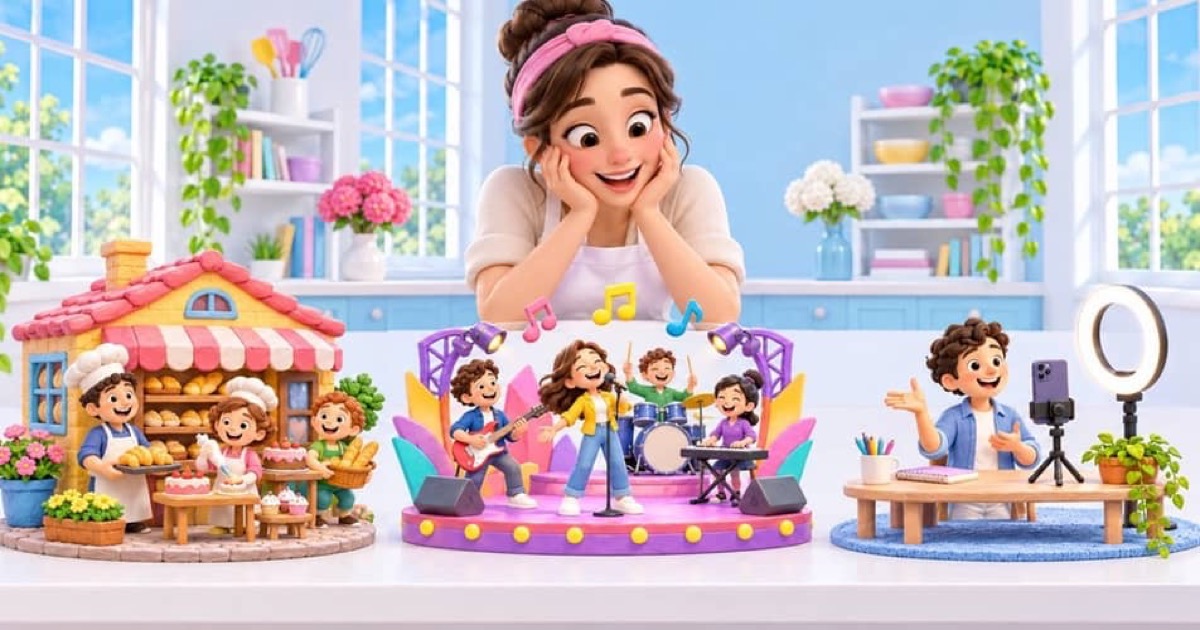
## What is the difference between ad spend and ad creative?
Ad spend is the money you pay Facebook or TikTok to show your ad to people. Ad creative is the ad itself: the video, the picture and the words.
Think of a billboard. You rent the board, and somebody still has to paint it.
Facebook is the board. It isn't the painter.
The board is the bill most owners already know. [Meta's ads pricing page](https://www.facebook.com/business/ads/pricing) recommends starting with at least USD 5 and running an ad for at least seven days so it can learn (checked November 2026; [more on the Facebook ads minimum budget](/news/ugc-ads/facebook-ads-minimum-budget)).
The paint is the bill nobody plans. That's the rest of this post.
**[Try our ad team free →](/ad-factory?utm_source=blog&utm_medium=inline&utm_campaign=ad-factory-cta-order)** Get a free image ad and a free video script and storyboard for your business. You approve every step. No card needed.
## Why does an ad need a making budget at all?
An ad needs a making budget because ads wear out, and a tired ad costs as much to show as a fresh one.
[TikTok's video advertising guide](https://ads.tiktok.com/business/en/guides/video-advertising-guide) says to refresh your creatives every 2 to 4 weeks, or sooner if clicks or views drop off (checked November 2026). It also says to keep 20-30% of your monthly budget for testing new versions.
[[STAT: 2-4 weeks | TikTok's video advertising guide says to refresh your ads every 2 to 4 weeks.]]
A fresh ad every 2 to 4 weeks is one or two new ads a month, every month. We plan for two, so a new ad is always waiting.
Running the same ad for three months is like handing the same flyer to the same street every week.
A tired ad still costs you every day it runs. It stops earning it.
And that testing money needs something to test. You can't test a new version that nobody made.
Want the signs that an ad is tired? Our post on [how often to change your ads](/news/ugc-ads/how-often-should-i-change-my-ads) walks through what Meta and TikTok show you.
## How much to spend on ad creative at $5, $20 or $50 a day
[[PILL: Our rule of thumb, not a platform rule]]
Spend about $1 making ads for every $4 you spend showing them. Here's what that looks like at three Facebook daily budgets, using a 30-day month.
| Daily ad budget | About a month to Facebook | About a month to make ads (our rule) | What that can buy |
|---|---|---|---|
| $5 | $150 | About $40 | Your phone and a free editing app |
| $20 | $600 | About $150 | Ad Club's starting plan, about 5 short videos |
| $50 | $1,500 | About $375 | Ad Club's Growth plan at $249, about 10 short videos |
Say you're a plumber spending $20 a day on Facebook. That's about $600 a month to Facebook.
Our rule puts about $150 a month into making ads. That's enough for two fresh ads, plus a few spares to test.
Now the honest bit. At $5 a day, a monthly plan is more than our rule allows.
Film a short phone video, keep it simple, and put the rest into showing it. Come back when the budget grows.
Why a quarter, when other guides go lower? [Zeely](https://zeely.ai/blog/how-much-should-a-small-business-spend-on-ads/) (July 2025), for one, says to add 10-20% on top of ad spend for making and managing ads.
In our view, a small budget still needs a fresh ad or two every month, whatever it spends. So the making share is bigger when the budget is small, and it shrinks as the budget grows.
The rule also stops scaling. Past about $50 a day, you don't need to keep adding a quarter, because the number of new ads you need doesn't grow as fast as the spend.
[[IMAGE: /images/ad-factory/email/plan-1.jpg | A fresh ad, wheeled right up to the shop door.]]
## What does each way of making ads cost?
Making ads can cost nothing but your time, or thousands of dollars a month. These prices come from each company's own page, checked November 2026. The last column puts our $150 example to work.
| Way to get ads | Example | Price | Your part | What about $150 a month gets you |
|---|---|---|---|---|
| Editing app | [Canva](https://www.canva.com/pricing/) | Free, or Pro at $144 a year | All of it | A year of Pro, and you make every ad |
| AI video tool | [Creatify](https://creatify.ai/pricing) | From $15 a month for 55 credits | Write, pick and fix | The $15 plan: about 11 short avatar videos you make yourself |
| AI presenter tool | [HeyGen](https://www.heygen.com/pricing) | Creator plan $29 a month | Write and edit | The Creator plan, and you script and edit |
| UGC creator platform | [Billo](https://billo.app/pricing/) | From $99 for a 15-second video | Brief and review | One 15-second video |
| Marketplace gig | Freelance sites | Varies by seller | Brief, then a lot of back and forth | Hard to say; it varies by seller |
| Agency plan | [LYFE Marketing](https://www.lyfemarketing.com/services/short-video-advertising-services/pricing/) | $500 a month for 2 vertical videos, ad budget paid separately | Approve | Not enough, since the plan starts at $500 |
| Done-for-you ad team | 30 Second Ad Club | From $149 a month | Approve | The starting plan: about 5 short videos made for you |
Marketplace gigs can look cheap. In our view, quality is often uneven, there's a lot of back and forth, and you're not dealing with a professional marketing team.
At the far end, [Superside](https://www.superside.com/pricing) starts at $15,000 a month on a yearly term, plus a $1,000 monthly software fee. That isn't a making budget. That's a payroll.
Same plumber, different style: here's a sample clay ad our team made.
[[VIDEO:clay-plumber]]
[Get a clay ad in your monthly plan](/ad-factory?utm_source=blog&utm_medium=inline&utm_campaign=how-much-to-spend-on-ad-creative).
**[See the ads our team makes →](/ad-factory?utm_source=blog&utm_medium=inline&utm_campaign=ad-factory-cta-examples#examples)** Song ads, talking presenter ads, claymation and more.
## Your hours are part of the making bill
An ad you make yourself isn't free. You pay for it in hours instead of dollars.
The [U.S. Bureau of Labor Statistics](https://www.bls.gov/ooh/media-and-communication/film-and-video-editors-and-camera-operators.htm) puts the 2025 median pay for film and video editors and camera operators at $36.10 an hour. That's what the job you'd be doing at 10pm pays someone else.
With an AI tool, you pick the idea, write the words, choose the AI actor and fix the odd hand. Then you do it all again in two weeks.
[[HIGHLIGHT: If you make the ads yourself, you're paying the making bill in hours.]]
[[COMPARE: Two ads a month, two ways | With an AI tool | You think up the idea; You write the script; You pick the actor and edit; You spot what looks wrong | With 30 Second Ad Club | You tell us about your business; Our team writes the script and storyboard; You approve before we make it; A quality checker and a project manager check it]]
Every Ad Club video ad has a script writer, a storyboard artist, a video maker and a quality checker. A project manager watches it before it goes to you.
We use AI to make the ads, and people check every one. Most are ready in about 24 hours of a complete, approved brief.
Here's a Yapper ad, where an AI presenter talks to camera, filmed in a home studio.
[[VIDEO:yapper-studio]]
[Get a talking presenter ad in your plan](/ad-factory?utm_source=blog&utm_medium=inline&utm_campaign=how-much-to-spend-on-ad-creative).
## The easy way to cover the making bill
Keep paying the platform to show your ads. Hand the making bill to a team.
1. **Tell us about your business** and the offer you want to push.
2. **Approve the script and storyboard.** Nothing gets made until you say yes.
3. **Get finished, checked ads every month.** You put them live, because we make the ads and don't run them.
[[BUTTON: Make your free image ad → | /ad-factory?utm_source=blog&utm_medium=button&utm_campaign=how-much-to-spend-on-ad-creative | Free image ad plus a free script and storyboard. No card needed. Cancel any time.]]
## Frequently asked questions
### Is the cost of making an ad part of my Facebook ad budget?
No. A Facebook ad budget is what you pay Meta to show the ad. Making the ad is a separate cost, paid to whoever makes it or paid in your own time.
### What percentage of an ad budget should go to creative?
Guides don't agree, and most give no source. [Founder Reports](https://founderreports.com/?p=4784) (checked November 2026) says 5-10% with AI tools and 15-25% with a freelancer, without saying where those numbers come from. Our own rule of thumb is $1 to make ads for every $4 spent showing them: 20% of the total, or a quarter of what you pay the platform.
### Is it cheaper to make ads with an AI tool or hire someone?
An AI tool costs fewer dollars, from $15 a month on Creatify's page (checked November 2026), but you do the work. A done-for-you team costs more dollars and less of your time, because you only approve.
### Does Ad Club pay for or run my ads?
No. Ad Club makes the ads. You, or whoever handles your ads, put them live and pay Facebook or TikTok.
## The short version
The platform bill shows your ad. The making bill keeps a fresh one in the queue.
So how much to spend on ad creative? Our rule of thumb is $1 making ads for every $4 you spend showing them, with at least two fresh ads a month.
You can make the ads yourself and pay in hours. For a busy owner, our done-for-you team is the best pick: you approve the script and storyboard, and we hand you a finished, checked ad.
No ad can promise calls or sales, ours included. But you'll have a fresh one ready when the old one gets tired.
Want finished ads without learning an AI tool? **[Make your free image ad with Ad Club](/ad-factory?utm_source=blog&utm_medium=inline&utm_campaign=ad-factory-cta-both)**, plus a free video script and storyboard. Plans from $149 a month, cancel any time.
---
## Related Reading
- [How Often Should I Change My Facebook Ads? A Monthly Plan](/news/ugc-ads/how-often-should-i-change-my-facebook-ads): How often should I change my Facebook ads? A monthly plan for a local…
- [Is a Video Ad Subscription Worth It for Your Business?](/news/ugc-ads/video-ad-subscription): Is a video ad subscription worth it? Prices run from $15 to $15,000 a month.…
- [Boosted Post vs Ads Manager on Facebook: Which Gets Calls?](/news/ugc-ads/boosted-post-vs-ads-manager): Boosted post vs Ads Manager on Facebook: boosting buys reach and likes, Ads…
- [Facebook Ad Call to Action Button: Pick the Right One](/news/ugc-ads/facebook-ad-call-to-action-button): Which Facebook ad call to action button fits your goal? See which objective…
- [Ad Club →](/ad-factory): A done-for-you ad team. You approve the script and storyboard; we make and check every ad. Plans from $149 a month.
---
## Best Jingle Companies for Small Business: Real Prices
URL: https://www.30secondproductions.com/news/ugc-ads/best-jingle-companies-for-small-business
Topic: UGC & Ad Creative
Updated: 2026-11-24
A jingle company sells you a song. What lands in your inbox is a sound file.
That's fine for radio. But your customers are on Facebook and TikTok, scrolling with their thumbs, and audio alone gives them nothing to look at.
The best jingle companies for small business in 2026 are JVF for a fast, cheap track ($89 to $397, up to 4 business days), Write Me a Jingle for a full studio jingle (from about $2,500, 2 to 3 weeks) and Killerspots for a big bundle (price on request). Each jingle package hands you audio. For social ads, you still need the video.
[[HIGHLIGHT: A jingle on its own is half an ad. On a phone, people need something to watch.]]
That's the half we fill. 30 Second Ad Club is the done-for-you ad team from 30 Second Productions. For a Song Ad, we write a catchy song about your business, an AI singer sings it, and we turn it into a 3D cartoon video ad with every word on screen.
It's $97, ready in 72 hours after a 5-minute form. Here's one we made for a bathroom remodeler.
[[VIDEO:song-client-bath]]
[Get the song and the video for your business](/song-ads?utm_source=blog&utm_medium=inline&utm_campaign=song-ads-jingle-companies).

## What are the best jingle companies for small business right now?
[[PILL: Prices from each company's own page]]
The best jingle company for a small business is the one that fits your budget, your deadline and where the song will play. This table lists each option's price and wait from its own page, as of November 2026.
| Option | Price (own page) | Wait | What you get | Best for |
|---|---|---|---|---|
| [JVF Signature Sound Creation](https://jvf.com/product/signature-sound-creation-custom-jingles-brand-audio/) | $89 to $397, three tiers | Up to 4 business days | A 15 to 60 second MP3, one round of changes | A small budget and a close deadline |
| [Write Me a Jingle](https://writemeajingle.com/) | Starts around $2,500 | 2 to 3 weeks | Words, tune, pro singers, several versions | A classic studio jingle with real voices |
| [Killerspots](https://killerspots.com/home-services-jingles/) | Price on request, after a free call | First draft 7 to 10 days after the call (per its jingle page) | Audio files, from a 12-second sign-off to 18 to 27 files (video is a separate service) | A brand that runs ads in lots of places |
| [Violet Recording](https://violetrecording.com/how-much-does-a-jingle-cost/) | No own price; its guide puts sung jingles at $800 to $2,500 | About 1 to 3 weeks with a singer, per its guide | Helps you find a producer | Owners who want a human producer matched to them |
| [Suno](https://suno.com/pricing) (AI app) | Free plan has no downloads; Pro is $10 a month | As fast as you work | Songs you make yourself | Owners who like to tinker |
| Marketplace gig | Varies by seller | Varies by seller | In our view, quality is often low, with lots of back and forth | A cheap experiment, if you have time to manage it |
| 30 Second Ad Club Song Ads | $97 for one ad | 72 hours after a 5-minute form | A song with an AI singer, plus a finished 3D cartoon video ad | Busy owners who want the song and the video in one go |
Now read down the "What you get" column. Apart from the last row, it's all sound.
**[Get a musical video ad made for your business for $97 →](/song-ads?utm_source=blog&utm_medium=inline&utm_campaign=song-ads-cta-order)** A catchy song about your business, turned into a 3D animated video ad. Done for you in 72 hours.
## Read the table like a plumber
Write Me a Jingle's page says its jingles "start around $2,500." That's the floor, not the quote.
Killerspots builds bundles of up to 27 files. A plumber with one Facebook ad doesn't need 27 files. He needs one that works.
Suno is for the tinkerer. You write the words (here's [how to write a jingle](/news/ugc-ads/how-to-write-a-jingle)), pick a take and then make the video yourself.
### Is an $89 jingle good enough for a small business?
An $89 jingle from JVF gets you a 15 to 60 second track with one round of changes, and its page says extra lengths and styles cost more. It can be a fine song. You still need the video.
## Why do so many jingle companies hide the price?
Some jingle companies show no price. Killerspots' pages list none and say the price comes after a free creative call.
That's not shady. But you can't compare quotes on a Tuesday night.
The "best of" lists don't help either. A [Gitnux top 10](https://gitnux.org/service/jingle-production/) gives no price for any of them, and says it's co-funded by the vendors it rates.
And read the fine print on the prices you do find. The Dallas jingle house [PAMS](https://www.jingles.com/pams/personal.html) shows $375 for a 15-second cut, but that page is for personal, non-commercial cuts. Business buyers get sent to a sales rep.
[[HIGHLIGHT: If a jingle price looks too good, check who it's for. Some aren't for businesses at all.]]
For the full spread of studio prices, see our guide to [how much a jingle costs in 2026](/news/ugc-ads/how-much-does-a-jingle-cost).
## You bought the song. Where's the ad?
A jingle is audio only, so before it can run as a Facebook or TikTok ad, someone has to make a video for it. That someone is usually you.
On social, the picture does a lot of the work. A jingle has no words on screen.
Meta's [Reels ads page](https://www.facebook.com/business/ads/facebook-instagram-reels-ads) (checked November 2026) says Reels play with the sound on by default. So your song gets heard. It needs something worth watching while it plays.
That video costs money too. [Beverly Boy Productions](https://beverlyboy.com/how-much-does-it-cost/how-much-does-animated-business-video-cost/) puts animated business video at about $1,000 to $5,000 per minute (updated 2025). Next to that, the song starts to look like the cheap part.
[[COMPARE: The same jingle, two ways | Jingle company | A sound file in your inbox; You find someone to make the video; You add the words on screen; Two bills and two waits | Ad Club Song Ad | The song and the video together; Our team makes the 3D cartoon ad; Every word already on screen; One price, one wait]]
[[FLOW: What happens when you order | Fill in a 5-minute form | We write your song | An AI singer sings it, we animate it | You approve your ad]]
Here's one we made for a door and closet company.
[[VIDEO:song-client-doors]]
[Get a song ad like this for your business](/song-ads?utm_source=blog&utm_medium=inline&utm_campaign=song-ads-jingle-companies).
**[Hear the song ads we have made →](/song-ads?utm_source=blog&utm_medium=inline&utm_campaign=song-ads-cta-examples#examples)** Click any video to watch with sound.
## How long does a jingle take to make?
A custom jingle takes from a few days to a few weeks. JVF says up to 4 business days after its questionnaire, Write Me a Jingle says 2 to 3 weeks, and Violet Recording's guide says about one to three weeks with a session singer.
Then the song arrives, and the video job begins.
[[IMAGE: /images/song-ads/email/writing-your-song.jpg | The song is the start. The ad still needs pictures and words on screen.]]
Ours come back with the video already done.
## When is a jingle company the right call?
A jingle company is the right call when you'll use the song for years, in lots of places, with real human singers.
A tune you keep can pay you back. [System1 reports](https://system1group.com/blog/are-jingles-the-missing-super-bowl-ad-effectiveness-asset) (2026) that jingles and sonic devices both rank in the top three kinds of brand asset for helping people know whose ad it is.
[[STAT: 21% | of 2025 Super Bowl viewers couldn't recall the advertiser, [System1](https://system1group.com/blog/are-jingles-the-missing-super-bowl-ad-effectiveness-asset) found (2026).]]
So hire a studio if:
- **You want a human voice.** Our singer is AI, and we say so.
- **You need lots of lengths and formats.** That's what bundles like Killerspots' are for.
- **You run radio.** We make vertical video ads for social, not radio spots.
If your ads play on drive-time radio, a studio is your friend. If they play between a cat video and your cousin's wedding, start with the video.
Here's one more of ours, for a party magician.
[[VIDEO:song-client-magician]]
[Hear what your song could sound like](/song-ads?utm_source=blog&utm_medium=inline&utm_campaign=song-ads-jingle-companies).
## The easy way to do all of this
Cheap, quick, fancy or DIY: you can find all four. What you can't find is the ad. Every jingle package here hands you sound. The video is a second job, and usually a second bill.
On a phone, a song with nothing to watch is a radio ad nobody's listening to.
For a busy owner, our done-for-you team is the best pick. We write the song, an AI singer sings it, and we hand you a finished video ad to approve. No app to learn, no second company to hire, and you own the ad.
No ad can promise calls or sales, ours included. But yours will have something to watch.
1. You tell us about your business.
2. We write the song and make the video, words on screen and your logo at the end.
3. You watch it and say yes, or ask for one round of changes.
[[IMAGE: /images/song-ads/email/review.jpg | You watch it, then say yes or ask for a change.]]
[[BUTTON: Get your song ad made → | /song-ads?utm_source=blog&utm_medium=button&utm_campaign=best-jingle-companies-for-small-business | $97 one time. Ready in 72 hours. Money back if you're not happy within 30 days.]]
## Frequently asked questions
### What is the cheapest jingle company with a price on its page?
Of the companies here, JVF lists the lowest price for a made-for-you jingle: $89 to $397 across three tiers. Suno's Pro plan is $10 a month, but Suno is an app, so you make the song yourself.
### Do jingle companies make the video too?
Not in the jingle packages listed here: JVF, Write Me a Jingle and Suno give you audio. Some agencies, such as Killerspots, also sell video as a separate service, so ask for a video price before you pay.
### Is the singer in a 30 Second Ad Club song ad a real person?
No. The singing voice in our song ads is AI, in the style you pick. Our team writes the song and makes the video, and you approve it.
### Do you run the ads for me?
No. 30 Second Ad Club makes the ad. You, or whoever runs your ads, puts it live and sets the budget.
Ready for an ad people remember? **[Get your song ad for $97](/song-ads?utm_source=blog&utm_medium=inline&utm_campaign=song-ads-cta-both)**, written, sung and animated for you in 72 hours, with a money-back guarantee.
---
## Related Reading
- [Custom Jingle for Small Business: What You Get and What to Ask](/news/ugc-ads/custom-jingle-for-small-business): Buying a custom jingle for small business? Learn which files to get, 12…
- [Best Jingles of All Time: 7 Lessons a Small Business Can Steal](/news/ugc-ads/best-jingles-of-all-time): The best jingles of all time, from Nationwide to Kit Kat, and the 7 habits…
- [Best Type of Facebook Ad for Small Business: Song, UGC or Image?](/news/ugc-ads/best-type-of-facebook-ad-for-small-business): Not sure which ad to run first? Compare song, UGC and image ads on cost,…
- [How Much Does a Jingle Cost in 2026? Real Studio Prices](/news/ugc-ads/how-much-does-a-jingle-cost): How much does a jingle cost? Real 2026 prices from AI tools, freelancers,…
- [Song Ads from $97 →](/song-ads): A catchy song about your business, turned into a 3D animated video ad in 72 hours.
---
## Is a Video Ad Subscription Worth It for Your Business?
URL: https://www.30secondproductions.com/news/ugc-ads/video-ad-subscription
Topic: UGC & Ad Creative
Updated: 2026-11-23
You can pay $15 a month for a video ad subscription. You can also pay $15,000. [Creatify](https://www.creatify.ai/pricing) lists the first, and [Superside](https://www.superside.com/pricing) starts at the second (checked November 2026).
A video ad subscription is worth it for a small business when it hands you new, finished ads every month that you actually run, and you don't have to make them yourself. Many plans miss in one of two ways: you end up doing the work, or the price is built for a big brand.
[[HIGHLIGHT: The price doesn't tell you if it's worth it. Who does the work does.]]
That gap is where 30 Second Ad Club sits, the done-for-you ad team from 30 Second Productions. You approve the script and storyboard, and our team makes and checks the ad.
Plans start at $149 a month. Your first image ad and your first video script and storyboard are free, with no card.
Here's a client ad we made for a home remodeling company.
[[VIDEO:song-client-remodeler]]
[Get fresh ads like this every month](/ad-factory?utm_source=blog&utm_medium=inline&utm_campaign=ad-factory-video-ad-subscription).
## What does a video ad subscription actually buy?
Three different things get sold under that one name. To tell them apart, ask who makes the ad.
### Credits: you're the whole crew
A credit plan is AI software you pay for monthly. Each video you make spends credits.
Creatify's Standard plan is $15 a month, or $10 a month billed yearly, for 55 credits. Its Business plan is $195. A free plan gives 10 watermarked credits a month.
It's cheap because you're the labor. You pick the idea, write the words, choose the AI actor and fix the odd hand.
The software doesn't know your customers. You do.
For a full look at the tools, see our [guide to AI video ad agencies vs AI video tools](/news/ugc-ads/ai-video-ad-agency-vs-ai-video-tools).
### "Unlimited" editing: a queue with a nice name
An unlimited editing plan lets you send as many video jobs as you like for one monthly fee. The catch comes from [Tasty Edits](https://www.tastyedits.com/what-is-an-unlimited-video-editing-service/) (checked November 2026), which sells this kind of plan: the jobs get edited one after another.
Its guide puts these plans at about $600 to $5,000 a month. It says a $900 plan realistically covers about four 10-minute YouTube videos a month.
Even the seller's own math is built for a different job.
[[HIGHLIGHT: Unlimited is the ticket line at the deli. Take all the tickets you want. You still get served one at a time.]]
And it's editing. Somebody still has to film the footage, and for a small business, that's usually you.
[[COMPARE: The same month of ads, two ways | An "unlimited" editing plan | Jobs edited one after another; You still film the footage; About $600 to $5,000 a month; Priced around long YouTube edits | 30 Second Ad Club | Our team makes the ad and checks it; Nobody asks you to film anything; You approve the script and storyboard; Most ads ready in about 24 hours]]
### Agency retainers: a team, at team prices
A retainer is a monthly fee for an agency's people. [LYFE Marketing's](https://www.lyfemarketing.com/services/short-video-advertising-services/pricing/) short video plans start at $500 a month for 2 vertical videos. $800 gets you 4, and $1,400 is a custom plan.
Those plans include ad optimization (tuning the ads once they run) and no long-term contracts. Ad spend is extra.
At the top of the ladder, Superside starts at a $15,000 monthly minimum on a yearly term, with a $1,000 monthly software fee.
For a roofer, it isn't a subscription. It's a second mortgage.
**[Try our ad team free →](/ad-factory?utm_source=blog&utm_medium=inline&utm_campaign=ad-factory-cta-order)** Get a free image ad and a free video script and storyboard for your business. You approve every step. No card needed.
## How much does each kind cost, side by side?
[[PILL: Prices from each company's own page]]
Monthly ad plans run from free to $15,000 or more a month. Prices are from each company's own page, November 2026.
| Kind of plan | Example | Price a month | What you get | Who does the work | Commitment and rollover |
|---|---|---|---|---|---|
| Credit tool | Creatify | $15 list ($10 billed yearly) to $195 | Credits to make videos yourself | You | Monthly; credits roll over one extra month |
| "Unlimited" editing | Tasty Edits' guide | About $600 to $5,000 | Your footage edited, one job at a time | You film, they edit | Not stated in the guide |
| Agency retainer | LYFE Marketing | $500 to $1,400 | 2 or 4 videos (top plan custom), plus ad optimization | Their team | No long-term contracts |
| Big creative team | Superside | From $15,000, with a $1,000 software fee | A full design team | Their team | Yearly term |
| Done-for-you ad team | 30 Second Ad Club | $149 to $397 | About 5 to 17 short videos | Our team; you approve | Cancel any time; credits roll over 60 days |
[[HIGHLIGHT: The "Who does the work" column is the real price tag.]]
Here's a sample claymation ad we made for a made-up plumber.
[[VIDEO:clay-plumber]]
[Get a different style of ad each month](/ad-factory?utm_source=blog&utm_medium=inline&utm_campaign=ad-factory-video-ad-subscription).
## Is a monthly video ad plan worth it for you? The gym membership test
A monthly ad plan is like a gym membership. It's great value for the people who go.
Before you compare prices, ask three things (our rule of thumb):
1. **Do you have somewhere to run new ads?** A fresh ad is only worth paying for if you'll put ad money behind it.
2. **Can someone say yes fast?** Someone must approve a script in minutes, not weeks.
3. **Would you rather not be the crew?** If you don't love filming and editing, the cheap rung isn't cheap. It costs your evenings.
Pass all three and a monthly plan usually makes sense, because ads wear out.
Meta's [creative fatigue page for developers](https://developers.facebook.com/documentation/ads-commerce/marketing-api/ads-webhooks/creative-fatigue) puts it plainly: "Fatigue rises as an audience sees the same creative repeatedly, which usually shows up as a falling click-through rate and a rising cost per action."
For when to swap ads, see [what Meta and TikTok say about changing your ads](/news/ugc-ads/how-often-should-i-change-my-ads).
## Who should skip a monthly plan?
Skip a monthly video ad plan if new ads won't go live every month, because ads that sit in a folder earn nothing. Keep your money if:
- **You don't run paid ads and don't plan to.** One good video may be all you need.
- **You want someone to run your ads and your budget too.** We make ads. We don't run them. A retainer that includes ad optimization fits better, at a higher price.
- **You love being on camera and have time to edit.** A credit tool and your phone are the cheapest way in.
If one of those is you, Ad Club isn't the right buy. Better you know now than in month three.
**[See the ads our team makes →](/ad-factory?utm_source=blog&utm_medium=inline&utm_campaign=ad-factory-cta-examples#examples)** Song ads, talking presenter ads, claymation and more.
## Where does 30 Second Ad Club fit on the ladder?
30 Second Ad Club costs less than an agency retainer, and you still don't do the work. LYFE's starting plan is 2 videos for $500.
Ad Club's Pro plan is about 5 short videos a month, or 3 song ads, for less than a third of that. And unlike a credit tool, you're not the crew.
[[IMAGE: /images/song-ads/email/ad-factory.jpg | Script, storyboard, camera, checks: the whole crew is ours, not yours.]]
A script writer, a storyboard artist, a video maker and a quality checker work on every video ad. A project manager watches it before it comes to you.
We use AI, and people check every ad. Most ads are ready in about 24 hours of a complete, approved brief.
[[FLOW: What happens in a month at Ad Club | You tell us about your business and offer | We write the script and draw the storyboard | You approve both | We make the ad and check it | Your finished ad arrives]]
Each ad can be a different style: song, Yapper (a real-looking AI presenter talks to camera), claymation, B-roll product or image.
[[IMAGE: /images/ad-factory/email/plan-2.jpg | A clay bakery, a song stage, a presenter at a ring light: one plan, many styles.]]
Unused credits roll over for 60 days. That's the gym that keeps your missed sessions for later.
Every plan also gets 1 free holiday video a month. You can cancel any time, and if we made the mistake, we fix it free.
Say you run a dental office. We wrote this ad for this post, so it isn't a real ad and has no results behind it.
**A Yapper ad (the presenter is AI)**
> *That tooth you're chewing around? It's not getting better.*
>
> It doesn't heal on its own.
> It just gets more expensive.
> [Your Practice] in [Your Town] has same-week visits.
> Come in before it turns into a weekend.
Offer: free exam for new patients this month. Button: Book now.
Next month, the same message comes back as a song or a clay ad.
Here's a Yapper ad, with an AI presenter, filmed in a home studio.
[[VIDEO:yapper-studio]]
[Get your first script and storyboard free](/ad-factory?utm_source=blog&utm_medium=inline&utm_campaign=ad-factory-video-ad-subscription).
## The easy way to get fresh ads every month
1. **You tell us about your business and your offer.** No app to learn, no prompts to write.
2. **You approve the script and storyboard.** Nothing gets made until you say yes.
3. **Our team makes and checks the ad.** A new one each month, in whatever style you pick.
[[BUTTON: Get your free script and storyboard → | /ad-factory?utm_source=blog&utm_medium=button&utm_campaign=video-ad-subscription | Free image ad and video script, no card. Cancel any time.]]
## Frequently asked questions
### Does a video ad subscription include ad spend?
A monthly video ad plan usually doesn't include ad spend. LYFE Marketing's page lists ad spend as separate from its plans. 30 Second Ad Club makes the ads but doesn't run them, so the budget you pay Facebook or TikTok is yours to set.
### How many new video ads does a small business need a month?
No platform page we found gives one number of new video ads a month for everyone. Our rule of thumb for a local business: add one truly new ad a month, and sooner if Meta's Ads Manager flags creative fatigue.
### Can I try a video ad subscription before I pay?
Some monthly ad plans let you try before you pay. Creatify has a free plan with 10 watermarked credits a month. 30 Second Ad Club gives each business one free image ad (with a small watermark) and one free video script and storyboard, with no card.
## The short version
Every monthly ad plan sells the same promise. What changes is who does the work.
Credits make you the crew. Unlimited editing puts you in a queue. Retainers price you like a big brand.
For a busy owner who wants fresh ads every month, our done-for-you team is the best pick. You approve, we make and check the ad, and you never open an editing app.
No ad can promise sales, ours included. But you won't be the one filming on a Sunday night.
Want finished ads without learning an AI tool? **[Make your free image ad with Ad Club](/ad-factory?utm_source=blog&utm_medium=inline&utm_campaign=ad-factory-cta-both)**, plus a free video script and storyboard. Plans from $149 a month, cancel any time.
---
## Related Reading
- [How Often Should I Change My Facebook Ads? A Monthly Plan](/news/ugc-ads/how-often-should-i-change-my-facebook-ads): How often should I change my Facebook ads? A monthly plan for a local…
- [How Many Video Ads Should I Run at Once? Facebook vs TikTok](/news/ugc-ads/how-many-video-ads-should-i-run-at-once): How many video ads should I run at once? Run 3 to 5 really different ads per…
- [Video Ad Thumbnail: Pick Your Cover on Facebook and TikTok](/news/ugc-ads/video-ad-thumbnail): Who picks your video ad thumbnail on Facebook and TikTok, how to change it…
- [Boosted Post vs Ads Manager on Facebook: Which Gets Calls?](/news/ugc-ads/boosted-post-vs-ads-manager): Boosted post vs Ads Manager on Facebook: boosting buys reach and likes, Ads…
- [Ad Club →](/ad-factory): A done-for-you ad team. You approve the script and storyboard; we make and check every ad. Plans from $149 a month.
---
## Video Ads for Shopify Stores: Show What Photos Can't
URL: https://www.30secondproductions.com/news/ugc-ads/video-ads-for-shopify-stores
Topic: UGC & Ad Creative
Updated: 2026-11-23
Shopify has written a lot about video ads. It never tells you which ad to make for your product, and it gives you two different lengths.
Here's the short answer. The best video ads for Shopify stores show the one thing your product photos can't: the smell, how it works, how it feels or why it's fun.
Pick the style that shows that thing. Put it in the first 3 seconds, and test a few versions in your first month.
[[HIGHLIGHT: Find the one thing your photos can't show. Then make an ad that shows it in 3 seconds.]]
That's a lot of ads for one person who also packs the orders.
So hand it off. 30 Second Ad Club, from 30 Second Productions, is a monthly ad team that does it for you. You say yes to the script and storyboard, AI tools do the heavy lifting, and a person checks every ad.
Plans cost from $149 a month, and you can try a free image ad first with no card.
Here's a song ad our team made about a pizza place. Food is the hardest thing to sell through a screen.
[[VIDEO:song-ad-pizza]]
[Get ads like this for your store](/ad-factory?utm_source=blog&utm_medium=inline&utm_campaign=ad-factory-video-ads-for-shopify-stores).
## FIRST: start on your own product page
Open your best seller's page on Shopify. Find what's missing.
Nobody ever smelled a candle through a phone. A photo of a phone stand can't show it holding on when you bump the table. A jar of serum looks like every other jar of serum.
That gap is your video ad's job.
[[HIGHLIGHT: Not a prettier photo. The thing the photo can't do.]]
Shopify gets part of the way there. Its [vertical video guide](https://www.shopify.com/blog/vertical-video) (August 2026) says the format "can be particularly useful for zooming in on product details."
But a close-up can't show a phone stand surviving an elbow.
[[COMPARE: The same product page, two ways | A photo only | A candle jar you can't smell; A phone stand sitting still; A jar of serum like every other jar | A video that shows it | The flame catching in the first 3 seconds; An elbow hits the table and the phone stays; Two drops, then no smudge on the screen]]
So finish this line for your product: "If they could only ____, they'd buy it." See it work. Feel it. Get the joke.
That blank picks your ad.
**[Try our ad team free →](/ad-factory?utm_source=blog&utm_medium=inline&utm_campaign=ad-factory-cta-order)** Get a free image ad and a free video script and storyboard for your business. You approve every step. No card needed.
## Which video ad fits which product?
Match the ad style to the one thing your product photo can't show.
[Shopify's UGC ads guide](https://www.shopify.com/blog/ugc-ads) (July 2026) names four kinds of video: testimonials, product demos, unboxings and lifestyle clips. It never says which product gets which.
Our [guide to the best video ads for ecommerce](/news/ugc-ads/best-video-ads-for-ecommerce) sorts styles by the shopper's doubt. This map sorts them by what the photo is missing. It's our view, not a Shopify rule.
| Your product | What a photo can't show | Ad style that shows it | At 30 Second Ad Club |
|---|---|---|---|
| Candles, coffee, sauces, snacks | Smell and taste | A song that makes the name stick | Song ad |
| Phone gear, kitchen tools, gadgets | How it works and how big it is | Close-up demo, no one talking | B-roll product ad |
| Skincare, haircare, wearables | How it feels and who it's for | A person showing it on camera | Yapper (an AI presenter) |
| Toys, gifts, odd new ideas | Why it's fun, or what it even is | An animated story | Claymation |
B-roll means shots of the product itself, with nobody speaking.
For food and candles, a catchy line does the work the photo can't. Nobody hums a photo.
A presenter is great at saying "this is for you." Our advice: let the person talk, then cut to close-ups of the product on its own.
[[IMAGE: /images/ad-factory/email/plan-2.jpg | A clay bakery, a sung stage show and a presenter at a ring light: three ways to show what a photo can't.]]
Animation is the cheat code for toys and gifts. Nobody asks if a clay rabbit is real.
Here's a sample claymation ad of ours for an invented plumber. Picture your product in that world.
[[VIDEO:clay-plumber]]
[Get a clay ad made for your product with Ad Club](/ad-factory?utm_source=blog&utm_medium=inline&utm_campaign=ad-factory-video-ads-for-shopify-stores).
## Three made-up products, three ads
We wrote these three for this post. The brands are invented, so nothing here has been tested. Put your own product in.
### The candle: a song ad
> *Your living room smells like Tuesday.*
>
> Shoes by the door and last night's fries,
> the whole place smells like a sad surprise.
> Strike a match on Fig and Ember,
> one deep breath, and you'll remember.
On screen: the flame catching, then the jar label up close. Offer (use your real one): two candles ship free. Button: Shop now.
### The phone stand: a close-up demo
> *Bump the table. Go on.*
>
> 0-3 seconds: a phone clicks onto the SnapPerch, one hand. Text: "One click."
> 3-7 seconds: it turns sideways for a recipe video. Text: "Any angle."
> 7-11 seconds: an elbow knocks the table. The phone stays. Text: "Didn't budge."
> 11-15 seconds: the stand sits in a palm. Text: "Fits in a pocket."
Offer (use your real offer): buy two, one for the car. Button: Shop now.
### The serum: a presenter ad
> *Watch me touch my phone right after this.*
>
> This is Puddlefern Serum. Two drops, rub it in.
> Now the screen. No smudge.
> It sinks in, so your makeup goes on next.
> Sticky serums? Not this one. Tap the link.
On screen: the presenter, then a cut to the bottle and the drop up close. Button: Shop now.
Here's one of our Yapper ads, where an AI presenter speaks straight to the lens from a home studio.
[[VIDEO:yapper-studio]]
[Have our team write a presenter ad for your best seller](/ad-factory?utm_source=blog&utm_medium=inline&utm_campaign=ad-factory-video-ads-for-shopify-stores).
## How long should video ads for Shopify stores be?
Make a 15-second cut and a 30-second cut of the same ad. That's our view. Shopify gives two numbers on two pages.
[[STAT: 15 seconds | [Shopify's Facebook ad sizes guide](https://www.shopify.com/blog/facebook-ad-sizes) (November 2026) says "Facebook doesn't recommend going longer than 15 seconds on average."]]
Its vertical video guide, written for all vertical video and not just ads, says "Keep video length 30 seconds." Its UGC page and its TikTok video size page give no length.
Both cuts open the same way. TikTok's [help page on creative tips](https://ads.tiktok.com/resources/help/article/creative-best-practices), last updated June 2025, tells advertisers: "Introduce your content proposition in the first 3 seconds for better recall and awareness."
[[HIGHLIGHT: Those first 3 seconds are where the blank goes: the flame catching, the elbow hitting the table.]]
[[FLOW: What the shopper does | Scrolls past your ad | Sees what the photo can't show, in 3 seconds | Watches the rest | Taps through to your product page]]
[Meta's Reels ads page](https://developers.facebook.com/documentation/ads-commerce/marketing-api/creative/reels-ads) (page undated, checked November 2026) says "Keep the bottom 35% of your 9:16 creative free of text, logos, and other key elements." Your price tag doesn't go down there.
Our guide to [how long a Facebook video ad should be](/news/ugc-ads/how-long-should-a-facebook-video-ad-be) breaks length down by placement.
**[See the ads our team makes →](/ad-factory?utm_source=blog&utm_medium=inline&utm_campaign=ad-factory-cta-examples#examples)** Song ads, talking presenter ads, claymation and more.
## What should your first month of video ads for Shopify stores look like?
[[PILL: Our plan, not a platform rule]]
Our plan for a small store: test three hooks, keep the winner, then start on product two.
### Step 1: Week 1, write three hooks
Fill in "If they could only ____" three ways for your best seller. Each answer opens one ad.
Shopify's UGC guide says to "Test multiple creators using different hooks in various formats." Same idea.
### Step 2: Week 2, launch three videos and one image ad
Make one video for each of your three hooks, then add one image ad of the same product.
Why the image ad? MHI Media, an ad agency, [reports from its own data](https://mhigrowthengine.com/blog/best-ad-creative-strategy-shopify-stores/) (November 2026) a median cost per sale of $58.66 for image ads and $63.15 for video ads. It doesn't explain its method, so treat that as unverified.
### Step 3: Week 3, see which blank sold
Check which ad brought orders, not just clicks. The winner tells you what your photos were missing. Turn off the weakest.
### Step 4: Week 4, new hook on the winner, new blank on product two
Give the winner a fresh opening. Then make one ad for your second product.
That's five new videos: three in week 2, a new hook in week 4 and one for product two. That's roughly what Ad Club's Pro plan gives you each month (about 5 short videos), and credits you don't use carry over for 60 days.
## Who should make your store's ads?
For a busy store owner, our team. You approve the script and storyboard, and we write, make and check the ad.
| Option | Who does the work | What you do |
|---|---|---|
| You, on your phone | You | Film, edit and caption it all |
| AI video app | You, with the app | Type prompts, choose takes, redo the bad ones |
| Marketplace gig | A freelancer | Brief, then trade fixes for days. We find quality uneven |
| UGC creators | Creators you find | Find them, brief them, mail them product |
| 30 Second Ad Club | Our team | Say yes to a script and a storyboard |
An app gives you a camera and a to-do list. It can't tell you what your photo is missing.
That's where our script writer starts.
## So which ad do you make first?
Make the one that shows what your product page can't. That's the whole trick with video ads for Shopify stores.
Finding the blank is the easy part. Making ads that fill it, every month, is the job.
If you run a store and you're short on time, the best pick is a done-for-you team like ours. We write the hook, make the ad and check it, and you just approve.
No ad comes with a promise of sales, and ours don't either. But your ads will finally show what your photos can't.
Want finished ads without learning an AI tool? **[Make your free image ad with Ad Club](/ad-factory?utm_source=blog&utm_medium=inline&utm_campaign=ad-factory-cta-both)**, plus a free video script and storyboard. Plans from $149 a month, cancel any time.
## The easy way to do all of this
[[IMAGE: /images/song-ads/email/ad-factory.jpg | Clapperboard, camera, storyboard and a line of finished phone ads.]]
1. **Our script writer finds the blank.** You tell us about your product, and you approve the script.
2. **A storyboard artist plans the shots and a video maker builds the ad.** You approve the storyboard first.
3. **A quality checker goes over it.** Then a project manager watches the finished video before you see it.
Once your brief is complete and approved, most ads are back in about 24 hours.
[[BUTTON: Get your store's ads made → | /ad-factory?utm_source=blog&utm_medium=button&utm_campaign=video-ads-for-shopify-stores | Plans from $149 a month. Start free with an image ad, no card needed.]]
## Frequently asked questions
### What size should a Shopify video ad be?
Shopify's Facebook ad sizes guide lists 4:5 for feed videos and 9:16 for Stories and Reels. Shopify's [TikTok video size page](https://www.shopify.com/blog/tiktok-video-size) says "TikTok recommends a 9:16 aspect ratio."
### What's the best video ad for a candle or food store?
In our view, a song ad. A photo can't share a smell or a taste, so a catchy line makes the name stick instead. Show the product up close in the first 3 seconds.
### Do Shopify video ads need captions?
Yes, add them. Shopify's [guide to making videos](https://www.shopify.com/blog/how-to-make-videos) (2023) says "social videos are often watched with the sound off," and [Meta's Ads Guide](https://www.facebook.com/business/ads-guide/video) calls captions "optional, though recommended."
### Does 30 Second Ad Club run my Shopify ads for me?
No. 30 Second Ad Club makes the ads and hands them over. You or your ads person uploads them and picks the budget.
---
## Related Reading
- [Best Video Ads for Ecommerce: Match the Ad to the Product](/news/ugc-ads/best-video-ads-for-ecommerce): Find the best video ads for ecommerce by matching the style to your buyer's…
- [How Many Video Ads Should I Run at Once? Facebook vs TikTok](/news/ugc-ads/how-many-video-ads-should-i-run-at-once): How many video ads should I run at once? Run 3 to 5 really different ads per…
- [Video Ad Thumbnail: Pick Your Cover on Facebook and TikTok](/news/ugc-ads/video-ad-thumbnail): Who picks your video ad thumbnail on Facebook and TikTok, how to change it…
- [How Often Should I Change My Ads? What Meta and TikTok Say](/news/ugc-ads/how-often-should-i-change-my-ads): How often should I change my ads? Not on a set date. See the Meta and TikTok…
- [Ad Club →](/ad-factory): A done-for-you ad team. You approve the script and storyboard; we make and check every ad. Plans from $149 a month.
---
## Do Talking Head Video Ads Work? What TikTok's Own Data Says
URL: https://www.30secondproductions.com/news/ugc-ads/do-talking-head-video-ads-work
Topic: UGC & Ad Creative
Updated: 2026-11-23
TikTok tells advertisers to put people in their ads. Then, on another page, the same company says [quick demos with captions often outperform talking-head promos](https://ads.tiktok.com/business/en/guides/video-advertising-guide).
Both are true. The gap between them is the whole story.
So, do talking head video ads work? Yes, with one catch.
A talking head video ad works when the person looks into the lens, says the point in the first 3 seconds and has words on screen. TikTok's own pages tie faces and eye contact to its better ads. But outside tests are mixed, and the one loss came to an ad made of moving words.
[[HIGHLIGHT: The face isn't the trick. What the face does is.]]
That's the exact ad we make. A Yapper ad from 30 Second Productions is a 30-second vertical video of a presenter talking straight to camera about your business.
The presenter is AI, not a real person, though she looks and sounds real. Real people write and check every video.
You fill in a 2-minute form, approve the words and the scenes, and it's ready in 72 hours, for $197. Here's one of ours, set in a home studio.
[[VIDEO:yapper-studio]]
[Get a talking ad like this for your business](/yapper-ads?utm_source=blog&utm_medium=inline&utm_campaign=yapper-talking-head).
## What does TikTok's own data say about talking to camera?
TikTok's own pages say faces talking straight to the viewer show up in its better ads. None of its numbers say a talking head beats other ads by a set amount.
Its [Creative best practices page](https://ads.tiktok.com/help/article/creative-best-practices?lang=en) (last updated June 2025) says: "We recommend featuring people such as creators, employees, or customers to capture attention and increase engagement."
Its [video advertising guide](https://ads.tiktok.com/business/en/guides/video-advertising-guide) (as of November 2026) goes further: "Speak directly to the camera like you're talking to a friend."
The only hard number sits in TikTok's [9 Creative Tips PDF for auction ads](https://ads.tiktok.com/business/library/Auction_Ads_Creative_Tips.pdf), which has no date printed on it. Tip 7 is "break the fourth wall," meaning creators talk to the viewer, "often looking the audience straight in the eyes."
[[STAT: 33% | of the auction ads with the highest view-through rate break the fourth wall, says TikTok's [9 Creative Tips PDF](https://ads.tiktok.com/business/library/Auction_Ads_Creative_Tips.pdf). View-through rate is how many people keep watching your ad.]]
Read that number slowly. It doesn't say talking ads do 33% better. It says one in three of TikTok's best ads has someone looking right at you.
The other two in three got there another way. Eye contact helps. It isn't the whole job.
**[Get a talking video ad made for your business for $197 →](/yapper-ads?utm_source=blog&utm_medium=inline&utm_campaign=yapper-cta-order)** A real-looking presenter sells for you. We write the words and make the video. You just say yes.
## Do talking head video ads work better than image ads?
In the few public tests, a talking head beat a still image once, tied once and lost once to an ad made of moving words. Each is one advertiser's result, not a rule.
- **The big win.** In [NextAfter's experiment #19628](https://www.nextafter.com/?p=16896), run in January 2020, a Facebook webinar ad used a talking head video with subtitles. It turned 1.4% of people into sign-ups, against 0.58% for a still image, at 96.6% confidence.
- **The tie.** A second NextAfter test, [experiment #19603](https://www.nextafter.com/?p=16899), ran on the same dates across all audiences. The video got 0.55% against 0.43%, but NextAfter calls the result not valid because too few people saw it.
- **The loss.** In a [DigitalMarketer test from October 2015](https://www.digitalmarketer.com/blog/facebook-video-ad-leads/), a talking head video of about 48 seconds went up against an ad made of animated text and pictures. The talking head cost $2.80 per lead. The text ad cost $2.37, and it won in all three audiences.
DigitalMarketer's team says they expected the talking head to win. It didn't.
## Why did the moving words win?
DigitalMarketer's own best guess is sound. Its team points out that Facebook videos start with the sound off, so the moving text grabbed eyes that a silent face couldn't.
On mute, a face with no words on screen is just someone mouthing at you in an elevator.
Now look at the win. NextAfter's talking head had subtitles.
And TikTok's counterpoint wasn't "demos beat faces." It was "quick demos with captions." The words on screen keep turning up on the winning side.
[[HIGHLIGHT: The lesson isn't "skip the face." It's "don't make the face do all the work."]]
[[COMPARE: The same talking head, two ways | Face, no words on screen | Starts on mute, says nothing; Point lands only if the sound is on; Someone mouthing at you in an elevator; Easy to scroll past | Face, words on screen | Works with the sound off; Hook in the first 3 seconds; Problem and fix in the middle; Like the subtitled ad that won NextAfter's test]]
Our guess: length played a part too, since that losing video ran about 48 seconds. Here's [how long a UGC ad should be](/news/ugc-ads/how-long-should-a-ugc-ad-be), and why we land on 30.
## Five things TikTok asks of a face on camera
[[PILL: Every line below is from TikTok's own pages]]
- **Shoot it tall.** TikTok's 9 Creative Tips PDF (undated) says "TikToks shot vertically have an average 25% higher 6-second watch-through rate." That means 9:16, the full phone screen.
- **Look into the lens.** Talk to one person, like a friend.
- **Say the point in 3 seconds.** The same PDF says "over 63% of all videos with the highest click-through rate (CTR) highlight their key message or product within the first 3 seconds." Click-through rate is the share of people who tap your ad.
- **Put the words on screen.** TikTok's help page says "Use captions or text overlays to provide context to your ad." Its PDF says 40% of the auction ads with the highest view-through rate use text overlays.
- **End with one clear ask.** Tip 9 says "Keep your call-to-action short and snappy and use personal, direct language."
Nobody opens TikTok hoping for a commercial. So don't sound like one.
[[IMAGE: /images/song-ads/email/yapper-ugc.jpg | Filming it yourself works. You just do every step, captions included.]]
**[Watch our Yapper ads →](/yapper-ads?utm_source=blog&utm_medium=inline&utm_campaign=yapper-cta-examples)** Click any video to watch with sound.
## A 30-second talking script for a plumber
We wrote this one for this post, so it isn't a real ad and has no results behind it. Swap in your own name and town.
> *That drip you stopped hearing? Your water bill still hears it.*
>
> Hi, I'm with [Your Name] Plumbing here in [Your Town].
> Most of us live with a leak for months,
> because calling a plumber feels like a whole thing.
> It isn't.
> Send us a photo. We send you a price.
> We fix it on a day that suits you.
> Tap the button and send the photo.
On screen: every word as captions, plus your star rating and town. Button: Send message.
That's about 65 words, which leaves room to breathe. For the math, see [how many words fit in a 30 second ad script](/news/ugc-ads/how-many-words-is-a-30-second-ad-script).
[[FLOW: What the viewer does | Stops on a face looking at them | Reads the words on mute | Sees the fix | Taps the button]]
Here's another one of ours, built on the same plan: hook, problem and fix, next step.
[[VIDEO:yapper-song-ads]]
[Get your own talking ad written and made for you](/yapper-ads?utm_source=blog&utm_medium=inline&utm_campaign=yapper-talking-head).
## What does a talking head video ad cost to make?
A talking head video ad costs anything from your own time to a done-for-you ad from a team like ours. The money to run it is separate.
| Way to get it | Cost to make | Your work | The catch |
|---|---|---|---|
| Film it yourself | Your time and a phone. TikTok's [2025 small business playbook](https://ads.tiktok.com/business/library/TikTok_SMB_Creative_Playbook_2025.pdf) says "720P+" is fine | Write, film, caption, edit | You do every step, including the captions |
| Billo creator | From $99 for 15 seconds from a regular creator, per [Billo's pricing page](https://billo.app/pricing/) (November 2026) | Write a brief, pick a creator | Billo says longer videos, Premium creators and add-ons like captions cost more |
| Marketplace gig | Varies by seller | Brief, then a lot of back and forth | In our view, quality is often uneven |
| 30 Second Ad Club Yapper ad | $197 for one 30-second ad | 2-minute form, then approve the words and scenes | The presenter is AI, one presenter for now, English only |
The last row wins for a busy owner because it already follows TikTok's checklist. Every Yapper ad has a hook in the first 3 seconds, the problem and the fix in the middle, and the next step at the end, with words on screen so it works on mute.
You don't film, caption or edit a thing, and you own the ad. Every order also comes with your own Ad Club account, where you can order more ads from our team.
One honest limit. If people need to see your product working, a quick demo with captions may beat any face, as TikTok's guide says.
## Let the face talk and the words sell
A face gets them to stop. The words on screen get them to tap. Leave the words off and a few lines of moving text can beat you.
You could write, film and caption it yourself, over a few evenings. For a busy owner, our done-for-you team is the better pick: we write the words, make the video and hand you a finished, checked ad to approve, with no app to learn.
[[HIGHLIGHT: No ad can promise calls or sales, ours included. But you'll have one that talks to your customer like a friend.]]
## The easy way to do all of this
1. You fill in a 2-minute form and send your logo.
2. We write the words and show you a picture for each part. You say yes or ask for changes.
3. Your 30-second ad is ready in 72 hours, with words on screen and an AI presenter talking to camera.
[[IMAGE: /images/song-ads/email/in-production.jpg | Our team writes it, makes it and checks it. You just approve.]]
[[BUTTON: Get your Yapper ad made → | /yapper-ads?utm_source=blog&utm_medium=button&utm_campaign=do-talking-head-video-ads-work | $197 one time. Ready in 72 hours. Money back if you're not happy within 30 days.]]
Want an ad that talks for you? **[Get your Yapper ad for $197](/yapper-ads?utm_source=blog&utm_medium=inline&utm_campaign=yapper-cta-both)**: your words, your logo, made for you in 72 hours, with a money-back guarantee.
## Frequently asked questions
### Is the presenter in a Yapper ad a real person?
No. The presenter in a Yapper ad is made with AI. She looks and sounds real, but she isn't a customer or a paid creator. Real people at 30 Second Productions write and check every video.
### Do talking head ads work on Facebook too, or only TikTok?
TikTok's numbers only cover TikTok. The NextAfter and DigitalMarketer tests ran on Facebook. In both, the ad that won had words on screen.
### Do you run the ads for me?
No. 30 Second Productions makes the ad. You or your ad person puts it live and sets the budget.
---
## Related Reading
- [Do I Have to Label AI Ads? TikTok and Facebook Rules (2026)](/news/ugc-ads/do-i-have-to-label-ai-ads): Do I have to label AI ads? TikTok gives you a toggle and Meta says it labels…
- [How Long Should a UGC Ad Be? Why We Pick 30 Seconds](/news/ugc-ads/how-long-should-a-ugc-ad-be): How long should a UGC ad be? About 30 seconds. See what TikTok and Meta say,…
- [Do I Need a TikTok Account to Run TikTok Ads? Yes, Since 2026](/news/ugc-ads/do-i-need-a-tiktok-account-to-run-tiktok-ads): Do I need a TikTok account to run TikTok ads? Yes, for almost all new…
- [How Many Video Ads Should I Run at Once? Facebook vs TikTok](/news/ugc-ads/how-many-video-ads-should-i-run-at-once): How many video ads should I run at once? Run 3 to 5 really different ads per…
- [Yapper Ads for $197 →](/yapper-ads): A 30-second talking video ad with a real-looking AI presenter, made for you in 72 hours.
---
## What Type of Video Ad Is Best for My Business? Pick by Job
URL: https://www.30secondproductions.com/news/ugc-ads/what-type-of-video-ad-is-best
Topic: UGC & Ad Creative
Updated: 2026-11-23
Ask ten marketers what type of video ad is best and you'll get ten answers. Funny thing: each one is the style that person sells.
We sell one too, so read this with one eyebrow up. Even [Knowlify, an animation company](https://knowlify.com/articles/animated-ads-vs-ugc-ads), says so (2026): "Neither wins by format alone."
So what type of video ad is best for my business? It depends on what you sell and the job the ad has to do.
A presenter on camera fits a sale that needs trust. Product close-ups fit online stores. A song fits when people need to remember your name.
[[HIGHLIGHT: No style wins by itself. Pick the job first, then the style.]]
Want a shortcut? [Run the free 30-second scan](/which-video-ad). It checks your website and shows the video ad we'd recommend for your business, with examples.
Fair warning: it's our tool, and it recommends the style we make, a song ad.
A song ad is a short video where your message is sung, with every word on screen. At 30 Second Ad Club, the done-for-you ad team from 30 Second Productions, we write a catchy song about your business, an AI singer sings it, and we turn it into a 3D cartoon ad.
Here's one we made, a plumber's story.
[[VIDEO:song-ad-plumber]]
Want one about your business? [Get your song ad](/song-ads?utm_source=blog&utm_medium=inline&utm_campaign=song-ads-what-type-of-video-ad).
## Pick the job before you pick the style
Nobody walks onto a truck lot and asks which truck is best. They say what they're hauling.
Most video ad guides sort ads by where they play: YouTube, TikTok, streaming TV. That's the parking lot, not the truck.
Your ad has one of four jobs:
- **Make the phone ring.** The plumber, the roofer, the dentist with empty chairs on Tuesday.
- **Sell something online.** A store with a cart and a checkout.
- **Get remembered.** You're one of twelve lawyers in town, and nobody can tell you apart.
- **Launch something.** A new shop, a new menu, a new service.
Pick one, then judge the ad on that job alone. [Shootsta](https://shootsta.com/blog/video-advertising-for-business-formats-that-work) (2026) warns that judging an awareness ad on its conversion rate will make it look weak.
That's like firing the sign painter because the sign didn't fix the leak.
**[Get a musical video ad made for your business for $97 →](/song-ads?utm_source=blog&utm_medium=inline&utm_campaign=song-ads-cta-order)** A catchy song about your business, turned into a 3D animated video ad. Done for you in 72 hours.
## Five video ad styles, side by side
Here are the five styles a small business is most likely to run, and where each one trips.
| Style | Best for | Watch out |
|---|---|---|
| Presenter talking to camera | Sales that need trust: dentists, lawyers, med spas | A stiff presenter reads as an ad in the first second |
| Product close-ups with a voice | Online stores with a product that looks good up close | Nobody wants a close-up of a tax return |
| 2D cartoon | Ideas that are hard to film, like software or insurance | Turns into a lesson if the story drags |
| Claymation | Standing out in a feed full of real faces | Charm won't save a vague offer |
| Song ad (what 30 Second Ad Club makes) | Local services that need their name remembered | The singer is AI. A weak offer, sung, is still weak |
Whatever you pick, make it a bit funny. [HubSpot](https://blog.hubspot.com/marketing/short-form-video-lead-generation) (2025) says humor makes short videos more memorable and helps a brand stand apart.
## What type of video ad is best for each goal?
Match the style to the job: a face or a song for calls, close-ups for online sales, a song for being remembered, and something odd-looking for a launch.
- **Calls:** a presenter or a song ad. Both say who you are, what you fix and what to do next, fast.
- **Online sales:** product close-ups. [Influencer Marketing Hub](https://influencermarketinghub.com/video-advertising/video-ads) (2026) pairs ecommerce sales with shoppable video, the kind people can buy from.
- **Being remembered:** a song ad. More on why in a second.
- **Launching something:** a cartoon, clay or song ad. Something new deserves an ad that looks new.
Yes, we put "song ad" in three of four lines. Here's why.
## Why does a song help most with the remember-me job?
[[PILL: The part most guides skip]]
Most ads get forgotten. Even the big ones.
[[STAT: 21% | of 2025 Super Bowl viewers couldn't recall the advertiser, [System1](https://system1group.com/blog/are-jingles-the-missing-super-bowl-ad-effectiveness-asset) found (2026). Those ads cost millions, and a fifth of the room forgot who paid.]]
The same System1 post puts jingles in the top three brand assets for helping people know whose ad it is.
[[STAT: 1.9x | the brand fluency of a standard visual logo: that's what jingles scored in a 2026 System1 analysis of more than 1,250 Effie-entered campaigns, as [MassiveMusic, a sonic-branding agency, reports](https://massivemusic.com/soundboard/everyones-talking-about-jingles).]]
Brand fluency means how fast people know whose ad it is.
Make the tune your own, too. [TikTok's Creative Center](https://ads.tiktok.com/business/creativecenter/quicktok/online/Power_Creative_Elements/pc/en) reports that custom music got 34% higher brand recognition than music people already knew, in a 2021 study.
[[COMPARE: The same dentist, two ways | A plain face ad | Looks like the other eleven dentists; Name said once, then gone; Says little with the sound off; Easy to scroll past | Your own song ad | Your name sung in the chorus; A tune made just for you; Every word on screen; A 3D cartoon that looks new]]
Here's one we made, a baker's story.
[[VIDEO:song-ad-baker]]
[Hear what yours could sound like](/song-ads?utm_source=blog&utm_medium=inline&utm_campaign=song-ads-what-type-of-video-ad).
Here's one for a dentist. We wrote it for this post, so it isn't a real ad and has no results behind it.
> *Twelve dentists in town. Which one do you remember?*
>
> Popcorn seed and a crack you feel,
> you chew on one side every meal.
> [Your Name] Dental, two streets from you,
> new patients welcome, we'll fit you in too.
On screen: your town and your star rating. Offer: new patient exam this month. Button: Book now.
And here's one we made for a power washing company.
[[VIDEO:song-client-power-wash]]
[Get one with your name in the chorus](/song-ads?utm_source=blog&utm_medium=inline&utm_campaign=song-ads-what-type-of-video-ad).
## Do video ads need sound?
Video ads need to work with the sound on and with it off.
In an older post, from before Reels, [Meta](https://www.facebook.com/business/news/updated-features-for-video-ads) said one study found 41% of videos were basically meaningless without sound. Its own tests found captions raised view time by 12% on average.
Today, [Meta's Reels ads page](https://www.facebook.com/business/ads/facebook-instagram-reels-ads) says Reels default to sound-on. So put the words on screen.
TikTok's Creative Center also reports that captions alone lifted recall by 58%, in a 2021 study.
[[HIGHLIGHT: A presenter with no captions is a mime. A song ad with every word on screen works both ways.]]
## How much does each style cost to make?
Making a video ad costs anything from one evening of yours to thousands of dollars. Ad spend is separate.
| Way to get it made | Cost to make | Your work | What you get |
|---|---|---|---|
| Your phone | Your time | Plan, shoot, edit | A real-life video, as good as your editing |
| Animation studio | [$1,000-$5,000 per minute](https://beverlyboy.com/how-much-does-it-cost/how-much-does-animated-business-video-cost/) for most styles, per Beverly Boy Productions (2025) | Brief, then reviews | A custom cartoon |
| Jingle studio | [$800-$2,500](https://violetrecording.com/how-much-does-a-jingle-cost/) for a sung jingle, per Violet Recording (2026) | Brief, then notes each round | A sound file, no video |
| Marketplace gig | Varies by seller | Brief, then a lot of back and forth | In our view, quality is often uneven |
| 30 Second Ad Club song ad | $97 for one ad | 5-minute form, then approve | A finished 3D cartoon ad in 72 hours |
Your order comes with an Ad Club account, where our team makes the ad and you approve it. You own the ad, and you or your ad person puts it live.
[[FLOW: What happens when you order | Fill in a 5-minute form | We write your song | An AI singer sings it, we animate it | You approve it | Your 3D ad, ready in 72 hours]]
More on music prices in our guide to [what a jingle costs](/news/ugc-ads/how-much-does-a-jingle-cost).
**[Hear the song ads we have made →](/song-ads?utm_source=blog&utm_medium=inline&utm_campaign=song-ads-cta-examples#examples)** Click any video to watch with sound.
## How do you know which style is working?
A style is working when it does its one job at a cost you can live with.
[[HIGHLIGHT: Count calls for a calls ad and sales for a store ad. Likes don't fix leaks.]]
### Step 1: Run two or three styles against one offer
Same offer, same budget, same town. Only the style changes.
### Step 2: Give it enough days and dollars
[TikTok's video ad guide](https://ads.tiktok.com/business/en/guides/video-advertising-guide) (2025) suggests testing at $20-$30 a day per ad group for 2-3 weeks. It also requires at least $50 a day per campaign. Then refresh your ads every 2-4 weeks.
### Step 3: Keep the winner, try a new rival
Ask every new caller where they saw you. The style that brings the calls stays. Next month, it fights a new one.
Our guide to the [best type of Facebook ad for small business](/news/ugc-ads/best-type-of-facebook-ad-for-small-business) walks through a three-way test on Meta.
Not sure where to start? [Run the free 30-second scan](/which-video-ad) and see the video ad we'd recommend for your business. (Spoiler: it's a song ad.)
## The easy way to do all of this
The best video ad is the one built for its job. You could script, film and edit it yourself, on the night you meant to do your books.
For a busy owner, our done-for-you team is the best pick. No ad can promise calls or sales, ours included. But you'll have one people can hum.
[[IMAGE: /images/song-ads/email/writing-your-song.jpg | We write a song about your business, so you don't have to.]]
1. You fill in a 5-minute form about your business.
2. We write the song, an AI singer sings it, and we animate it in 3D.
3. You approve it, and it's ready in 72 hours.
[[BUTTON: Get your song ad made → | /song-ads?utm_source=blog&utm_medium=button&utm_campaign=what-type-of-video-ad-is-best | $97 for one ad. Money back if you're not happy within 30 days.]]
Ready for an ad people remember? **[Get your song ad for $97](/song-ads?utm_source=blog&utm_medium=inline&utm_campaign=song-ads-cta-both)**, written, sung and animated for you in 72 hours, with a money-back guarantee.
## Frequently asked questions
### How long should a video ad be?
On TikTok, In-Feed ads can run up to 60 seconds, and [TikTok's 2025 video ad guide](https://ads.tiktok.com/business/en/guides/video-advertising-guide) says 21-34 seconds performs best.
### Is the singer in a song ad a real person?
No. The singing voice in 30 Second Ad Club song ads is AI, in the style you pick. Our team writes the song and makes the video, and you approve it.
### Is the free video ad scan neutral?
No, it isn't neutral. You type in your website and an email to save your result. The result shows a song ad as your best match, with an example of how one could look, plus other styles you could pick instead.
### Do you run the ads for me?
No. 30 Second Ad Club makes the ad. You, or whoever handles your ads, puts it live and sets the budget.
---
## Related Reading
- [Who Can Make a Jingle for My Business? 5 Options, Priced](/news/ugc-ads/who-can-make-a-jingle-for-my-business): Who can make a jingle for my business? Compare a studio, gig site, AI app,…
- [Facebook Ads for Contractors: Stop Selling the Kitchen](/news/ugc-ads/facebook-ads-for-contractors): Most Facebook ads for contractors show the finished kitchen. Open on the…
- [Facebook Ads Minimum Budget: What Meta's Page Really Says](/news/ugc-ads/facebook-ads-minimum-budget): Meta's budget pages don't list $1 a day. See what they do say about the…
- [How to Create a Song Ad That Actually Works](/news/ugc-ads/how-to-create-a-song-ad-that-actually-works): Most ads get scrolled past. Here is how to build a song ad line by line, and…
- [Song Ads from $97 →](/song-ads): A catchy song about your business, turned into a 3D animated video ad in 72 hours.
---
## How Often Should I Change My Facebook Ads? A Monthly Plan
URL: https://www.30secondproductions.com/news/ugc-ads/how-often-should-i-change-my-facebook-ads
Topic: UGC & Ad Creative
Updated: 2026-11-20
Ask four experts "how often should I change my Facebook ads?" and you'll get four answers. [Madgicx](https://madgicx.com/blog/facebook-creative-refresh) (2025) says 7 to 21 days, [Segwise](https://segwise.ai/blog/how-often-refresh-ad-creatives) (2026) 2 to 4 weeks, [Hawke Media](https://hawkemedia.com/insights/ad-fatigue-creative-refresh-timer/) (2026) three to six weeks, and [Jon Loomer](https://pubcast.jonloomer.com/videos/how-often-should-you-update-facebook-ad-creative/) says there's no set number.
They're all counting days. But an ad doesn't wear out in days. It wears out in faces.
Our rule of thumb: add one new ad with a truly different idea every month, next to the one that's working, and add it sooner if Meta's Ads Manager flags Creative fatigue. Don't switch off a winner just because the month changed. A new color or headline is a tweak, not a new ad.
The hard part is having a new idea every month while you run a business. An AI tool hands you a blank screen. We hand you the next idea.
That's what 30 Second Ad Club is for. Ad Club is the done-for-you ad team from 30 Second Productions.
You approve the script and storyboard. Our team makes and checks the ad, most in about 24 hours of a complete, approved brief. Plans start at $149 a month, and you can start free with no card.
Here's a client ad we made for a yard cleanup company.
[[VIDEO:song-client-yard]]
[Get a fresh ad like this every month](/ad-factory?utm_source=blog&utm_medium=inline&utm_campaign=ad-factory-how-often-change-facebook-ads).

## Why does every guide give a different number?
Most of these guides are written for big budgets. Jon Loomer names three things that set the pace: your budget, the size of your audience and how many ads you run.
Hawke Media says four times the daily budget uses up an audience in about a quarter of the time. A big brand has a whole country of faces to get through. A landscaper has his side of town.
So the same people see his ad again and again. The first time, it's an ad. By the fifth, it's wallpaper.
**[Try our ad team free →](/ad-factory?utm_source=blog&utm_medium=inline&utm_campaign=ad-factory-cta-order)** Get a free image ad and a free video script and storyboard for your business. You approve every step. No card needed.
## Meta's two labels, and the catch
According to [novoads.ai](https://novoads.ai/en/blog/creative-fatigue), which quotes Meta's Help Center, Ads Manager can mark an ad Creative limited when each result costs more than on your past ads but less than double, and Creative fatigue at double or more.
One catch, as [adsuploader.com](https://adsuploader.com/blog/facebook-ad-fatigue) (May 2026) reports it: the labels only show for ad sets with one ad. Once two ads share an ad set, you watch the numbers yourself.
For every Meta and TikTok signal, plus the learning phase, see [our guide to Meta and TikTok signals](/news/ugc-ads/how-often-should-i-change-my-ads).
As novoads.ai reports it, Meta's advice is a new image or video that's clearly different from the old one. Not the same ad in blue.
## A new headline is not a new ad
An ad that looks too much like the old one may go to the same people, so a small tweak may not help. [Madgicx's glossary](https://madgicx.com/glossary/creative-refresh) credits that point to Meta's guidance on creative differences.
Changing the headline is like changing your shirt and hoping the neighbors think you're new in town.
A new idea changes something big: the problem, the style or the first 3 seconds.
Say you run a landscaping company. Here are three months of ideas. We wrote them for this post, so they aren't real ads and have no results behind them.
**Month 1: a song ad**
> *The leaves won. Again.*
>
> Rake on Saturday, rake on Sunday,
> wind blows it back by Monday.
> Call [Your Name], we'll clear it all.
> Get your weekend back this fall.
Offer: gutters cleared free with any fall cleanup. Button: Get quote.
**Month 2: a claymation ad**
> *Your lawn has filed a complaint.*
>
> A clay lawn sits up and folds its arms.
> Bald patches. A dandelion wearing a tiny crown.
> "I deserve better. Call [Your Name]."
Offer: a free lawn check this month. Button: Book now.
Here's a sample claymation ad for a made-up plumber.
[[VIDEO:clay-plumber]]
[Get a different style of ad every month](/ad-factory?utm_source=blog&utm_medium=inline&utm_campaign=ad-factory-how-often-change-facebook-ads).
**Month 3: a Yapper ad (an AI presenter talks to camera)**
> *Be honest. When did you last see your back fence?*
>
> "It's in there somewhere. Behind the hedge.
> Send [Your Name] one photo of your yard.
> You'll get a price by text."
Offer: photo quote, same day. Button: Send message.
Here's a Yapper ad, filmed in a home studio.
[[VIDEO:yapper-studio]]
[Get your next ad idea from our team](/ad-factory?utm_source=blog&utm_medium=inline&utm_campaign=ad-factory-how-often-change-facebook-ads).
## What will you see in Ads Manager when an ad gets tired?
A tired ad shows up as the same people seeing it more and clicking it less. Frequency is the average number of times each person has seen your ad. Click-through rate (CTR) is the share of people who see it and click.
These numbers are other people's rules of thumb, not Meta's:
- **Same faces, again and again:** frequency near 2.5 for people new to you. That's the line [Madgicx](https://madgicx.com/blog/facebook-creative-refresh) and Hawke Media both use.
- **Fewer clicks than week one:** Madgicx worries at a 20% drop. Hawke worries at 70% of launch CTR.
- **Cost per job creeping up:** [Hawke Media](https://hawkemedia.com/insights/ad-fatigue-creative-refresh-timer/) says this shows up last, after the ad has usually been slipping for 2 to 3 weeks.
Hawke reads them together. High frequency plus fewer clicks means people are bored of the ad. Fewer clicks at low frequency means the ad isn't landing. That's a script problem, not a calendar one.
Madgicx says to act when 2 or 3 signs show up together. One bad day is just weather.
## How do I plan a new Facebook ad each month?
Our routine, not Meta's.
### Step 1: Approve next month's idea in week three
Order the next ad before you need it. Waiting until the old ad dies is like buying sunscreen once you're already pink.
### Step 2: Add it in week one, next to the winner
Put the new idea live and leave the working ad where it is.
### Step 3: Look once a week, after three days
Madgicx says to give new creative 72 hours. Then, as Jon Loomer suggests, judge results in 7-day chunks. In Ads Manager, add the Frequency and CTR columns once, and they stay.
### Step 4: Take the old ad off when the signs say so
Switch it off when its clicks keep sliding and frequency keeps climbing. In an older, undated post, Corey Waldron of LumenAd told [Pathlabs](https://www.pathlabs.com/blog/creative-fatigue): "You should not have a creative run longer than three months."
**[See the ads our team makes →](/ad-factory?utm_source=blog&utm_medium=inline&utm_campaign=ad-factory-cta-examples#examples)** Song ads, talking presenter ads, claymation and more.
## How often should I change my Facebook ads on a small budget?
On a small budget, adding a new idea about once a month still makes sense for a local business. A smaller budget reaches fewer people a day, but your town has a fixed number of faces, and the same ones keep seeing you.
Segwise, citing Socium Media, puts its 2 to 4 weeks at what it calls meaningful spend. You'll last longer, but a small town has fewer people to burn.
## Who brings the new idea every month?
A new ad every month can come from you, an AI tool, a marketplace gig, an agency or a done-for-you team like 30 Second Ad Club. The difference is who thinks up the idea and who does the work.
| Option | Who brings the new idea | Cost to make | Who does the work |
|---|---|---|---|
| Your phone | You | Your time | You plan, film and edit |
| AI video tool | You | [Creatify](https://creatify.ai/pricing) Standard: $15 a month for about 11 short avatar videos | You write prompts and edit |
| Marketplace gig | Usually you | Varies by seller | You brief and chase changes; in our view, quality is uneven |
| Ad agency | Their team | [LYFE Marketing](https://www.lyfemarketing.com/services/short-video-advertising-services/pricing/): $500 a month for 2 vertical videos | Their team, and they run the ads |
| 30 Second Ad Club | Our team | Plans from $149 a month (Pro: about 5 short videos) | Our team; you approve the script and storyboard |
Every Ad Club video gets a script writer, storyboard artist, video maker and quality checker. Unused credits roll over for 60 days. Cancel any time.
## Frequently asked questions
### How many new Facebook ads should I make a month?
Our rule of thumb is at least one truly new idea a month, added next to the ad that's working. Add one sooner if your clicks slide and frequency climbs.
### How do I know when my Facebook ad is tired?
Many guides use frequency near 2.5 plus falling clicks as the sign. Ads Manager may also flag Creative limited or Creative fatigue.
### Does Ad Club put my new ad live on Facebook?
No. 30 Second Ad Club makes the ads. You, or whoever handles your ads, puts them live and sets the budget.
## The short version
Ads wear out in faces, not days. The calendar says when to add the next idea. The signs say when the old ad comes off.
You could come up with twelve new ideas a year, then film and edit each one. Most owners mean to. Then it's March.
For a busy owner, our done-for-you team is the best pick. We make and check the ad, and next month's idea is already on the way.
No ad can promise sales, ours included. But your neighbors will finally see something new.
Want finished ads without learning an AI tool? **[Make your free image ad with Ad Club](/ad-factory?utm_source=blog&utm_medium=inline&utm_campaign=ad-factory-cta-both)**, plus a free video script and storyboard. Plans from $149 a month, cancel any time.
---
## Related Reading
- [How Often Should I Change My Ads? What Meta and TikTok Say](/news/ugc-ads/how-often-should-i-change-my-ads): How often should I change my ads? Not on a set date. See the Meta and TikTok…
- [How Many Video Ads Should I Run at Once? Facebook vs TikTok](/news/ugc-ads/how-many-video-ads-should-i-run-at-once): How many video ads should I run at once? Run 3 to 5 really different ads per…
- [Boosted Post vs Ads Manager on Facebook: Which Gets Calls?](/news/ugc-ads/boosted-post-vs-ads-manager): Boosted post vs Ads Manager on Facebook: boosting buys reach and likes, Ads…
- [Facebook Ad Character Limit (and TikTok's): What to Write](/news/ugc-ads/facebook-ad-character-limit): The Facebook ad character limit, from Meta: 27 for a Feed headline, 50-150…
- [Ad Club →](/ad-factory): A done-for-you ad team. You approve the script and storyboard; we make and check every ad. Plans from $149 a month.
---
## Best Video Ads for Ecommerce: Match the Ad to the Product
URL: https://www.30secondproductions.com/news/ugc-ads/best-video-ads-for-ecommerce
Topic: UGC & Ad Creative
Updated: 2026-11-20
In a shop, nobody buys a frying pan without picking it up. They feel the weight. They wiggle the handle.
Online, they can't touch a thing. Your video ad has to be their hands.
The best video ads for ecommerce show the product doing its job in the first 3 seconds, in the style that answers your buyer's one doubt. A close-up demo answers "does it work," a person talking to camera answers "is it for me" and a song that sticks answers "why yours." Then keep making new ones, because every ad wears out.
Most stores run out of steam on that last part.
30 Second Ad Club is a done-for-you ad team from 30 Second Productions. You tell us about your product and approve the script and storyboard. Our team makes the ad with AI tools, and people check every one before it reaches you. Plans start at $149 a month, and you can start free with no card.
Here's a sample song ad we made for a made-up olive oil brand.
[[VIDEO:song-ad-olive-oil]]
Want ads like this for your store? [Try Ad Club free](/ad-factory?utm_source=blog&utm_medium=inline&utm_campaign=ad-factory-best-video-ads-for-ecommerce).
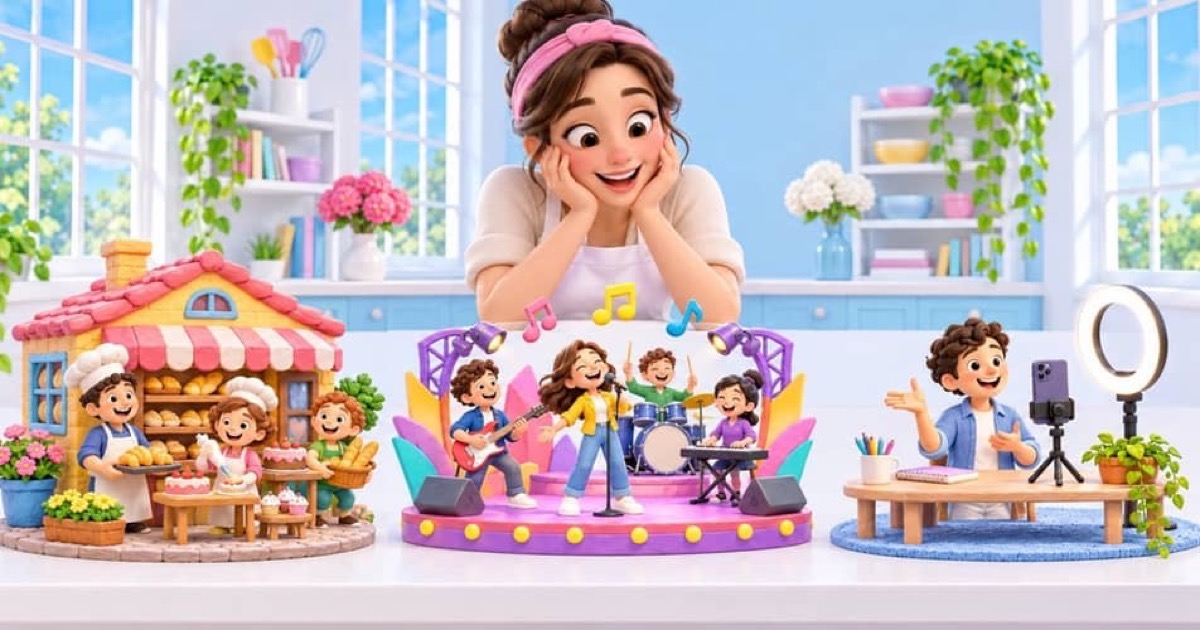
## The best video ads for ecommerce answer one doubt
Every shopper who scrolls past your product has one doubt. Find it, and the style picks itself.
| The shopper's doubt | Style that answers it | What it shows | Good fit for (our view) | At 30 Second Ad Club |
|---|---|---|---|---|
| "Does it actually work?" | Product demo | The product doing its job, up close | Gadgets, beauty, kitchen, cleaning | B-roll product ad |
| "Is it for someone like me?" | UGC-style presenter | A person talking to camera, phone-video look | Skincare, pet gear, anything with a "before" | Yapper (an AI presenter) |
| "Why yours and not the cheap one?" | Song ad | Your brand name sung, every word on screen | Food, gifts, products that look like their rivals | Song ad |
| "Wait, what is that?" | Animation | A made-up world built around the product | New ideas, things that are hard to film | Claymation |
B-roll is footage of the product with no one talking. UGC-style means it looks like a customer filmed it on a phone.
A song can't prove a blender works. A close-up can't make anyone hum your name.
**[Try our ad team free →](/ad-factory?utm_source=blog&utm_medium=inline&utm_campaign=ad-factory-cta-order)** Get a free image ad and a free video script and storyboard for your business. You approve every step. No card needed.
## What are other online stores running right now?
Mostly close-ups. [Omniconvert's analysis of the eCommerceBenchmark Ad Library](https://www.omniconvert.com/blog/most-copied-video-ad/) (2026) counted how many brands ran each video format on Meta and Google across 9 industries. The product demo close-up was the most copied format in most of them.
In beauty, 293 brands ran demo close-ups and 136 ran cinematic B-roll. Fashion flips it: 584 brands ran B-roll and 527 ran demos.
The catch: those numbers count who runs a format, not who sells with it, and about 3 in 4 ads weren't sorted into a format. It's a list of who copied whom. For classic demos to study, [Vidico's roundup](https://vidico.com/news/best-ecommerce-video-ads/) lists Blendtec among its picks.
The same report found testimonial reels, unboxings and side-by-side comparisons were rare. Rare isn't proof they'd work. It does mean few stores are standing there yet.
No outside data covers song ads or claymation for stores, so this is our view: in a feed full of close-ups, a sung brand name sounds like nothing else.
## Two product ads, written for you to steal
We wrote these for two made-up products. They aren't real ads and have no results behind them. Swap in your own product and proof.
### The song ad: Back Porch Hot Sauce
> *Your eggs are bored.*
>
> Eggs at seven, plain and pale,
> tacos tasting like old mail.
> One shake of Back Porch, red and slow,
> now Back Porch steals the breakfast show.
On screen: the bottle tipping over a fried egg, close up, then the label. Offer (example, put your real one here): the three-bottle pack ships free. Button: Shop now.
### The presenter ad: the DryDeck dog bowl
> *My kitchen floor used to be a swamp.*
>
> My lab drinks like he's bobbing for apples,
> water on the tiles and in my socks.
> This is the DryDeck bowl. Watch him go.
> The lip catches the splash. My socks stay dry.
> If your dog's a slob too, tap the link.
On screen: the bowl, a wet floor, then a dry one. Offer (example): a second bowl at half price. Button: Shop now.
Here's a Yapper ad: an AI presenter talking to camera in a home-studio setting.
[[VIDEO:yapper-studio]]
Want a presenter ad for your product? [Get a free script and storyboard for it](/ad-factory?utm_source=blog&utm_medium=inline&utm_campaign=ad-factory-best-video-ads-for-ecommerce).
The hot sauce can't prove taste through a screen, so it gets stuck in your head instead. The bowl solves a mess every dog owner knows, so a person points at it.
## What do TikTok and Meta ask for?
TikTok wants 9:16 vertical video and Facebook Feed takes 4:5, with the point made fast. [TikTok's creative best practices page](https://ads.tiktok.com/resources/help/article/creative-best-practices) (updated June 2025) recommends "orienting vertically at 9:16" with "at least 720P resolution." It says to "introduce your content proposition in the first 3 seconds" and to keep the hook in the first 6.
For the Facebook Feed, [Meta's Ads Guide](https://www.facebook.com/business/ads-guide/video) (checked November 2026) lists a 4:5 video at 1440 x 1800 pixels. It gives 50-150 characters for primary text and 27 for the headline.
How long? [First Pier](https://www.firstpier.com/resources/best-ads-for-ecommerce) (2026) calls thirty seconds "a reasonable ceiling for a product video ad." For every placement, see our guide to [Facebook video ad size](/news/ugc-ads/facebook-video-ad-size).
**[See the ads our team makes →](/ad-factory?utm_source=blog&utm_medium=inline&utm_campaign=ad-factory-cta-examples#examples)** Song ads, talking presenter ads, claymation and more.
## How many new ads does a store need each month?
Our rule of thumb: a few new ads every month, in at least two styles. That's our view, not a platform rule.
TikTok's best practices page suggests "between 3-5 different creatives per ad group." And [TikTok's Creative Codes guide](https://ads.tiktok.com/business/en-US/blog/creative-best-practices-top-performing-ads) (checked November 2026) says "even the best ads will experience creative fatigue at some point," so refresh "often."
### Step 1: Launch 3-5 ads
Start with 3-5 ads in different styles: a demo, a presenter, a song.
### Step 2: Swap out the tired one
Each month, replace the ad that has worn out.
### Step 3: Test one new style
Run one new style against your best ad. TikTok says to test "big differences," so change the style, not the font.
The Ad Club Pro plan comes with about 5 short videos a month, enough for that plan. No plan can promise sales. Our guide on [how often to change your ads](/news/ugc-ads/how-often-should-i-change-my-ads) goes deeper.
## What does it cost to get product video ads made?
Anywhere from your own time to thousands a month. Ad spend is extra.
| Option | Cost to make (from its page, Nov 2026) | Who does the work |
|---|---|---|
| Your phone | Your time | You plan, film and edit |
| [Creatify](https://creatify.ai/pricing) (AI app) | Standard $10 a month billed yearly, 55 credits | You write, pick and fix |
| [MakeUGC](https://www.makeugc.ai/pricing) (AI app) | Starter $29.50 a month billed yearly in its Black Friday sale (regular $59 a month), 500 credits | You write, pick and fix |
| Marketplace gig | Varies by seller | You brief, then lots of back and forth. In our view, quality is often uneven |
| [LYFE Marketing](https://www.lyfemarketing.com/services/short-video-advertising-services/pricing/) (agency) | $500 a month for 2 vertical videos | Their team |
| [Vidico](https://vidico.com/news/best-ecommerce-video-ads/) (agency) | Starts at $5,000 a month | Their team |
| 30 Second Ad Club | From $149 a month, about 5 short videos | You approve; our team makes and checks |
An AI app is cheap because you're the ad team.
Ours use AI too. The difference is who does the work.
Each video has a script writer, a storyboard artist, a video maker and a quality checker. A project manager watches it before it reaches you. Most ads are ready in about 24 hours of a complete, approved brief.
## Frequently asked questions
### What type of video ad is best for a Shopify store?
Match the style to the doubt: a close-up demo for gadgets and kitchen tools, a person on camera for skincare and pet gear, and a song for food and gifts that look like their rivals. Then test two.
### How long should an ecommerce video ad be?
Up to about thirty seconds, and make the point in the first 3. TikTok's help page says to hook viewers within 6. First Pier calls thirty seconds a reasonable ceiling.
### Does 30 Second Ad Club run the ads for me?
No. 30 Second Ad Club makes the ads. You, or whoever runs your ads, puts them live and sets the budget.
### Are Yapper ad presenters real people?
No. The Yapper presenter is AI, and so is the singer in a song ad. We say plainly that AI is used, and you approve the script before we make it.
## The short version
Your shopper can't pick the product up, so the best video ads for ecommerce do it for them. Find the doubt, answer it, then keep fresh ads coming.
You could do all that yourself with an app, at night, after packing orders. For a busy store owner, our done-for-you team is the best pick. You approve a script and a storyboard, and finished, checked ads show up.
No ad can promise sales, ours included. But you won't be stuck running the same tired one for six months.
Want finished ads without learning an AI tool? **[Make your free image ad with Ad Club](/ad-factory?utm_source=blog&utm_medium=inline&utm_campaign=ad-factory-cta-both)**, plus a free video script and storyboard. Plans from $149 a month, cancel any time.
---
## Related Reading
- [How Many Video Ads Should I Run at Once? Facebook vs TikTok](/news/ugc-ads/how-many-video-ads-should-i-run-at-once): How many video ads should I run at once? Run 3 to 5 really different ads per…
- [How Often Should I Change My Ads? What Meta and TikTok Say](/news/ugc-ads/how-often-should-i-change-my-ads): How often should I change my ads? Not on a set date. See the Meta and TikTok…
- [Video Ad Thumbnail: Pick Your Cover on Facebook and TikTok](/news/ugc-ads/video-ad-thumbnail): Who picks your video ad thumbnail on Facebook and TikTok, how to change it…
- [Facebook Ad Call to Action Button: Pick the Right One](/news/ugc-ads/facebook-ad-call-to-action-button): Which Facebook ad call to action button fits your goal? See which objective…
- [Ad Club →](/ad-factory): A done-for-you ad team. You approve the script and storyboard; we make and check every ad. Plans from $149 a month.
---
## Boosted Post vs Ads Manager on Facebook: Which Gets Calls?
URL: https://www.30secondproductions.com/news/ugc-ads/boosted-post-vs-ads-manager
Topic: UGC & Ad Creative
Updated: 2026-11-20
Boosting a post doesn't buy a cheaper, lighter ad. It makes a real ad, in the same auction and with the same billing as Ads Manager, says [Relevant Audience](https://www.relevantaudience.com/facebook-ads/what-is-a-boosted-post/) (October 2026). So boosted post vs Ads Manager comes down to what you ask Facebook for.
Boosting is for quick reach and likes on a post you already have. Ads Manager is for calls, leads and sales, because it lets you ask Facebook for those, test videos side by side and see what worked. If the phone matters more than the likes, use Ads Manager.
A Yapper ad is a 30-second talking video ad where a real-looking presenter talks to the camera like a friend telling a friend about your business. The presenter is AI, not a real person. Real people write and check every video.
At 30 Second Ad Club, the done-for-you ad team from 30 Second Productions, we write the words, you approve each part, and it's ready 72 hours after you say yes. One ad is $197, with a money-back guarantee.
Why not film it yourself? You could, between jobs. But the first 3 seconds are the hook, and that's the part we write for you: a hook up front, the problem and the fix in the middle, the next step at the end. It works with boosting or Ads Manager.
Here's a Yapper ad we made for one of our own services.
[[VIDEO:yapper-song-ads]]
[Get a talking ad like this for your business](/yapper-ads?utm_source=blog&utm_medium=inline&utm_campaign=yapper-boosted-post-vs-ads-manager).
## Facebook only finds what you ask for
Facebook is a good dog. Throw a ball and it brings back the ball, not the slippers you secretly wanted.
Boosting only has a few balls to throw. On Instagram, Relevant Audience says boosting offers goals like profile visits, website visits and messages. On Facebook you pick one, or let the system pick for you. Ads Manager adds goals built for leads and purchases.
Relevant Audience warns that engagement goals find people who like posts, not always people who buy. [Later](https://later.com/blog/boosting-on-meta-organic-paid-analytics/) (August 2026) says it more gently: "A boosted audience tends to be a more passive one."
Likes don't fix leaks.
A dentist doesn't need a pile of hearts under her post. She needs the chair filled on Tuesday.
Later calls boosting "the express lane" and Ads Manager "the control room." The express lane is great, if all you came for was milk.
**[Get a talking video ad made for your business for $197 →](/yapper-ads?utm_source=blog&utm_medium=inline&utm_campaign=yapper-cta-order)** A real-looking presenter sells for you. We write the words and make the video. You just say yes.
## Boosted post vs Ads Manager: what's actually different?
A boosted post is a post from your Facebook Page that you pay to show to more people. Ads Manager is Meta's full tool for building ads, where you set the goal, audience, placements and budget yourself.
Meta has its own help page on [the difference between boosted posts and Meta ads](https://www.facebook.com/business/help/317083072148603). The side-by-side below comes from Relevant Audience (October 2026) and [Reporting Ninja](https://www.reportingninja.com/blog/boosting-facebook-posts-vs-facebook-ads-manager) (January 2024), plus where our ad fits.
| Feature | Boosted post | Ads Manager | Yapper ad from 30 Second Ad Club |
|---|---|---|---|
| Where it starts | A post already on your Page | A new ad you build | A finished video file we make for you |
| Goals | A short list (profile visits, website visits, messages on Instagram), or let the system pick | Adds leads and purchases | Built to ask for the call or booking: next step at the end |
| Who sees it | Location, age, gender, interests, or a suggested audience | Adds exclusions and Lookalike audiences (people like your customers) | You or your ad person pick the audience |
| Where it shows | You can't choose | You choose | Vertical, with words on screen for sound off |
| Testing | No built-in A/B test | Test several videos in one campaign | A second Yapper ad gives you something to test against |
| Change it later | Audience, budget and days, not the video | You can change the video | 1 round of changes before it's done |
| Best for | More eyes on a post that's already working | Calls, leads and sales | Owners with no time to make the video |
The row that bites is "change it later." Relevant Audience says that once a boosted post is reviewed, you can change the audience, budget and length. You can't change the text, images or video.
So if the video is weak, you're stuck paying to show it.
## Is boosting a post a waste of money?
Boosting a post isn't a waste of money if you want more eyes on a post that's already doing well. It's a poor buy if you want the phone to ring. Later says boosting works best on posts that already do well without paid help, and Reporting Ninja (January 2024) says you can start from "as low as $5 per day."
The waste comes from boosting the wrong post. A post with three likes, two from family, won't get better because you paid for it.
And lots of small boosts each get too few results for Facebook to learn who buys, says Relevant Audience. Ten drips, no flow.
Likes are applause. You can't pay a plumber with applause.
## Which one should a plumber or dentist pick?
A plumber or dentist who wants calls or bookings should use Ads Manager with a leads goal and one 30-second talking video. Boosting only makes sense for a post that's already getting attention, when you want more people in town to see it.
Say you run a plumbing company. You want calls from people a short drive away.
Say you run a dental practice, and a video you posted is getting shared. Fine, put a little money behind it for reach. Then build your new-patient ad in Ads Manager.
We wrote these two talking ads for this post. They aren't real ads and have no results behind them. Swap in your own name, town and offer.
**The plumber**
> *If your water heater sounds like a drum kit, watch this.*
>
> That banging isn't "just old age."
> It's telling you something. Usually something expensive.
> [Your Name] Plumbing comes out the same day in [Your Town].
> We'll tell you straight: fix it, or replace it.
On screen: your star rating and your town. Button: Call now.
**The dentist**
> *Haven't seen a dentist in a while? You're not in trouble.*
>
> Nobody here is going to lecture you.
> New patients at [Your Practice] start with a check-up and a clean.
> Evening slots, so you don't miss work.
> Tap below and pick a time.
On screen: your practice name and town. Button: Book now.
Here's one of ours, set in a home studio.
[[VIDEO:yapper-studio]]
**[Watch our Yapper ads →](/yapper-ads?utm_source=blog&utm_medium=inline&utm_campaign=yapper-cta-examples)** Click any video to watch with sound.
## Run the same talking ad either way
One video file works for both routes. Boosting is steps 1 and 2. For Ads Manager, do step 1, then steps 3 to 6.
### Step 1: Post the video with one clear line
Add one short line that says who it's for. Our guide to the [Facebook ad character limit](/news/ugc-ads/facebook-ad-character-limit) covers how much text shows, and [how long a Facebook video ad should be](/news/ugc-ads/how-long-should-a-facebook-video-ad-be) covers length.
### Step 2: Pick a goal, an audience, a budget and the days
Pick messages or website visits, not engagement, if you want people to get in touch.
### Step 3: Start a campaign with a leads goal
A campaign is the top level in Ads Manager, where you pick the goal. Pick leads for calls or forms, then set your area.
### Step 4: Use your post or upload the file
Meta has a help page on [creating ads from existing posts in Ads Manager](https://www.facebook.com/business/help/374756690038600). Or upload the video file fresh.
### Step 5: Put a second video next to it
Put two talking ads side by side with the same budget, each with a different hook, and keep the one that brings more calls. Our guide on [how many video ads to run at once](/news/ugc-ads/how-many-video-ads-should-i-run-at-once) covers the rest.
### Step 6: Count calls, not likes
The Meta Pixel is a bit of code on your website that tells Meta when someone books or buys. Relevant Audience says Ads Manager tracks results with it, while boosting has limited tracking. Ask every caller where they saw you, too.
## Frequently asked questions
### Can I change a boosted video after it goes live?
No. Relevant Audience (October 2026) says only the audience, budget and length can change after review. To use a new video, post it and start again.
### Do boosted posts cost more than Ads Manager ads?
Not in the auction. Boosted posts and Ads Manager ads go through the same auction and billing, per Relevant Audience (October 2026). A boosted post can start at $5 a day (Reporting Ninja, January 2024), and it is still a real ad. You just get fewer goals to pick from.
### Is the presenter in a Yapper ad a real person?
No. The Yapper presenter is made with AI and looks and sounds real. Real people at 30 Second Productions write and check every video, and you approve each part.
### Will you run the ad for me?
No. We make the ad, and you own it. You, or whoever runs your ads, puts it live, by boosting or in Ads Manager, and sets the budget.
## The short version
Facebook gives you what you ask for. Boosting asks for attention. Ads Manager can ask for calls. If you want the phone to ring, ask for the phone.
The harder part is the video, because no button can fix a dull one.
You could write, film and edit it yourself, between jobs. For a busy owner, our done-for-you team is the best pick. We write it, make it and check it, and you approve a finished ad, with no app to learn.
No ad can promise calls, ours included. But for $197, you'll be paying to show something worth watching.
Want an ad that talks for you? **[Get your Yapper ad for $197](/yapper-ads?utm_source=blog&utm_medium=inline&utm_campaign=yapper-cta-both)**: your words, your logo, made for you in 72 hours, with a money-back guarantee.
---
## Related Reading
- [How Many Video Ads Should I Run at Once? Facebook vs TikTok](/news/ugc-ads/how-many-video-ads-should-i-run-at-once): How many video ads should I run at once? Run 3 to 5 really different ads per…
- [Facebook Ad Character Limit (and TikTok's): What to Write](/news/ugc-ads/facebook-ad-character-limit): The Facebook ad character limit, from Meta: 27 for a Feed headline, 50-150…
- [Video Ad Thumbnail: Pick Your Cover on Facebook and TikTok](/news/ugc-ads/video-ad-thumbnail): Who picks your video ad thumbnail on Facebook and TikTok, how to change it…
- [Facebook Ad Call to Action Button: Pick the Right One](/news/ugc-ads/facebook-ad-call-to-action-button): Which Facebook ad call to action button fits your goal? See which objective…
- [Yapper Ads for $197 →](/yapper-ads): A 30-second talking video ad with a real-looking AI presenter, made for you in 72 hours.
---
## Who Can Make a Jingle for My Business? 5 Options, Priced
URL: https://www.30secondproductions.com/news/ugc-ads/who-can-make-a-jingle-for-my-business
Topic: UGC & Ad Creative
Updated: 2026-11-20
Almost anyone can make you a jingle now: a studio, a stranger on a gig site, an app on your phone, even the guy who plays guitar at the brewery on Thursdays.
So who can make a jingle for my business? Picking one is less like choosing music and more like hiring for a job on your house. The quote is never the whole bill.
Five kinds of maker can do it: a jingle studio, a freelancer on a gig site, an AI song app you run yourself, a local musician, or a done-for-you song ad team. A studio guide puts studio jingles at [$300 to $2,500](https://violetrecording.com/how-much-does-a-jingle-cost/). Suno's paid plans start around [$8-$10 a month](https://suno.com/pricing). Our done-for-you song ad is $97, video included.
We're the last one on that list. At 30 Second Ad Club, the done-for-you ad team from 30 Second Productions, we write a catchy song about your business, an AI singer sings it, and we turn it into a 3D cartoon video ad. You fill in a 5-minute form, and it's ready in 72 hours.
Here's one we made for a plumber.
[[VIDEO:song-ad-plumber]]
[Get a song ad like this about your business](/song-ads?utm_source=blog&utm_medium=inline&utm_campaign=song-ads-who-can-make-a-jingle).
## Who can make a jingle for my business? Think of it as hiring a crew
A jingle is an ad people hum while they do the dishes.
Each crew answers three questions its own way: what it costs, how long it takes, and what your job is while they work. Most quotes skip that last one, and it's the one you pay for in evenings.
Ask what you get back. Most of these crews hand you a sound file, and a sound file isn't an ad. It needs pictures, words on screen and an ending with your offer before it can run on Facebook or TikTok.
**[Get a musical video ad made for your business for $97 →](/song-ads?utm_source=blog&utm_medium=inline&utm_campaign=song-ads-cta-order)** A catchy song about your business, turned into a 3D animated video ad. Done for you in 72 hours.
## The big firm: a jingle studio
A jingle studio is the full-service contractor. You get great work, a real singer if you pay for one, and a homework list.
[Violet Recording, a studio, says](https://violetrecording.com/how-much-does-a-jingle-cost/) an in-the-box jingle (virtual instruments, no live singer) typically costs $300 to $800 in 2026. One with a professional singer runs $800 to $2,500 and takes one to three weeks.
[Killerspots](https://killerspots.com/home-services-jingles/) posts no prices. It quotes after a free creative call and shows a first version 7 to 10 days later.
Your part is a call, a brief, two or three songs you like, demo approval, picking a singer and notes each round. Violet adds that extra rounds of changes are "usually billable." Our guide to [what a custom jingle should include](/news/ugc-ads/custom-jingle-for-small-business) has the questions to ask first.
Your hours: a handful, spread over a few weeks.
## The classifieds: gig sites and jingle shops
A gig site is the number on a flyer at the laundromat. Cheap and quick, if you get lucky.
[JVF lists its custom jingles at $89 to $397](https://jvf.com/product/signature-sound-creation-custom-jingles-brand-audio/) across three tiers, with one round of changes and MP3 files within 4 business days of its questionnaire. That's a fair deal for a song file.
On a gig site, you're hiring one person you've never met, by their reviews. Some are great. Some send a tune that would suit a mattress sale.
You write the brief and chase the changes. In our view, that back and forth is the real cost, and you're still not working with a marketing team.
Your hours: the brief, then however long the back and forth takes.
## The hardware store: AI song apps
An AI song app is the tool rental aisle. The tools are cheap. The labor is you.
[Suno's pricing page](https://suno.com/pricing) shows a free plan marked "No commercial rights" and a Pro plan at about $8-$10 a month, as of November 2026. For paid plans it says you can "use your songs commercially." It points to [Suno's terms](https://suno.com/terms) for the limits, so read those yourself.
Then the work starts. You write or fix the words, make take after take, then build the video yourself, with words on screen and an end card.
Some owners love that. For most, it's a lost Sunday.
## The guy your cousin knows: a local musician
A local musician is the friend-of-a-friend contractor. Could be brilliant. There's no price list.
None of the pages we read give a set price for a local musician's jingle. [Clutch, an agency directory, lists](https://clutch.co/audio-production/pricing) an average of $100 to $149 an hour for US music production as of November 2026. [Foxi Music reports](https://www.foximusic.com/blog/advertising-jingles-licensing-costs-tips/) (2026) that people on audio forums put a typical local or regional jingle package at $2,000 to $3,500.
Your job is biggest here: find the person, brief them, maybe book a studio, chase the files. Get the price, the date and the number of changes written down first. Friends of friends stay friends that way.
## The turnkey crew: a done-for-you song ad
A turnkey crew does the whole job, and you check it at the end. That's us, and the job ends with a finished ad, not a file.
We write the song, or use your words, and the singer is AI, not a person. We animate it as a 3D cartoon with every word on screen, ending on your logo, offer and button. You get 1 round of remakes and you own the ad. Not happy within 30 days? Full refund.
Every order comes with an Ad Club account, where our team makes your ads and you approve them. We don't run the ads, though. You or your ad person puts it live. If you already know you want a finished video, our [song ad maker guide](/news/ugc-ads/song-ad-maker) compares the video tools too.
Here's one we made for a power washing company.
[[VIDEO:song-client-power-wash]]
[Hear what your business could sound like](/song-ads?utm_source=blog&utm_medium=inline&utm_campaign=song-ads-who-can-make-a-jingle).
**[Hear the song ads we have made →](/song-ads?utm_source=blog&utm_medium=inline&utm_campaign=song-ads-cta-examples#examples)** Click any video to watch with sound.
## What does each route cost, in money and evenings?
A jingle runs from about $8 a month for an app to $2,500 for a studio song with a singer, and more for a local package, as of November 2026.
| Who makes it | Price | Time | Your job | What you usually get |
|---|---|---|---|---|
| Jingle studio | [$300-$2,500](https://violetrecording.com/how-much-does-a-jingle-cost/) (Violet Recording) | A few days to 3 weeks | Call, brief, notes each round | A sound file |
| Gig site or jingle shop | [JVF: $89-$397](https://jvf.com/product/signature-sound-creation-custom-jingles-brand-audio/). Gigs vary | Up to 4 business days (JVF) | Brief, then back and forth | A sound file |
| AI song app | [Suno Pro: about $8-$10 a month](https://suno.com/pricing) | Your own pace | All of it | A sound file |
| Local musician | No price list. [Clutch: $100-$149 an hour](https://clutch.co/audio-production/pricing) | Ask them | Find, brief, chase | A sound file |
| 30 Second Ad Club Song Ads | $97 for one ad | 72 hours | 5-minute form, then approve | A finished video ad |
Now add the part no quote shows. Say a studio job takes you a call, a brief, picking songs and two rounds of notes, and call it 5 hours. That's our guess, not a study.
If an hour of your time is worth $50, that's $250 on top of the quote, and you still need a video. For studio prices by length and singer, see our [jingle cost guide](/news/ugc-ads/how-much-does-a-jingle-cost).
## Whoever you hire, bring a hook
A hook is the first line, the one that stops a thumb mid-scroll. Every crew does better work when you bring one. We wrote this one for this post, so it's not a real ad.
> *First a drip. Then a bucket. Then a second bucket.*
>
> Rain on the roof and the bucket's out,
> plink in the hallway, there's no doubt.
> [Your Name] Roofing climbs up today,
> one free roof check, the drip goes away.
On screen: insured (if you are), and your town. Offer: free roof check. Button: Get quote. Here's a roofer song ad we made.
[[VIDEO:song-ad-roofer]]
[Get one made for your trade](/song-ads?utm_source=blog&utm_medium=inline&utm_campaign=song-ads-who-can-make-a-jingle).
## Which crew should a busy owner hire?
A busy owner should hire a done-for-you song ad team. You get an ad ready to run, and your whole job is a form and a yes.
The others fit some owners:
- **Studio:** one tune for years, radio included, and the budget for it.
- **AI song app:** you like tinkering and have Sundays free.
- **Local musician:** you want a local name and don't mind running the job.
- **Gig site:** you only need a song file.
Skip a song if your offer is weak or you don't want an AI voice on your brand.
## Frequently asked questions
### Who can make a jingle for my business this week?
A done-for-you song ad team gets you a finished ad fast. Ours is ready in 72 hours after a 5-minute form. [JVF](https://jvf.com/product/signature-sound-creation-custom-jingles-brand-audio/) delivers audio within 4 business days, and [Violet Recording](https://violetrecording.com/how-much-does-a-jingle-cost/) says studio jingles take a few days to three weeks.
### What if I don't like my song ad?
You get 1 round of remakes on every 30 Second Ad Club song ad. If you're still not happy within 30 days, email us for a full refund.
### Is the singer in your song ads a real person?
No. The singing voice in 30 Second Ad Club song ads is AI, in the style you pick. Our team writes the song and makes the video, and you approve it.
## The short version
So, who can make a jingle for my business? Five crews can, and most of them hand you a sound file plus a few evenings of work.
For a busy owner, our done-for-you team is the best pick: we write it, an AI singer sings it, we animate it, and you approve. No ad can promise sales, ours included. You get a finished ad in 72 hours, you own it, and if you're not happy within 30 days you get your money back.
Ready for an ad people remember? **[Get your song ad for $97](/song-ads?utm_source=blog&utm_medium=inline&utm_campaign=song-ads-cta-both)**, written, sung and animated for you in 72 hours, with a money-back guarantee.
---
## Related Reading
- [Song Ad Maker Options for Small Business: Who to Hire in 2026](/news/ugc-ads/song-ad-maker): Looking for a song ad maker? Compare studios, freelancers, AI apps, AI ad…
- [How to Create a Song Ad That Actually Works](/news/ugc-ads/how-to-create-a-song-ad-that-actually-works): Most ads get scrolled past. Here is how to build a song ad line by line, and…
- [Why Your Ads Get Scrolled Past (And How to Fix It)](/news/ugc-ads/why-your-ads-get-scrolled-past): Every ad people scroll past is money you paid for nothing. Here are the 2…
- [Custom Jingle for Small Business: What You Get and What to Ask](/news/ugc-ads/custom-jingle-for-small-business): Buying a custom jingle for small business? Learn which files to get, 12…
- [Song Ads from $97 →](/song-ads): A catchy song about your business, turned into a 3D animated video ad in 72 hours.
---
## Should I Turn Off Advantage+ Creative Enhancements on Video?
URL: https://www.30secondproductions.com/news/ugc-ads/should-i-turn-off-advantage-creative-enhancements
Topic: UGC & Ad Creative
Updated: 2026-11-19
Meta keeps a team of little helpers that can touch up your ad before anyone sees it. Some may start work without being asked, and Meta says so on its own help page.
Should I turn off Advantage+ creative enhancements on a talking video ad? Our view: check every one, and turn off the ones that touch the voice or the words. That means Translations (AI), Video subtitles (AI) when your words are already on screen, and Text improvements (AI) if it covers them. Keep the rest only if the preview looks right.
Or start with an ad that needs less help. A Yapper ad from 30 Second Ad Club (30 Second Productions) is a 30-second talking video ad with an AI presenter. Real people write and check every one, and it arrives finished with her voice, words on screen and your logo, so there's little left for Meta to add. It's $197 one-time.
Here's our Yapper ad for the Holiday Song Club.
[[VIDEO:yapper-holiday-songs]]
Want one about your business? [Get your Yapper ad](/yapper-ads?utm_source=blog&utm_medium=inline&utm_campaign=yapper-video).

## Meta's helpers are built for unfinished ads
Meta's [About Advantage+ creative page](https://www.facebook.com/business/help/297506218282224) (checked November 2026) says: "Some enhancements may be turned on by default, but you can turn them off at any time." It adds that the media and text you upload "may be adjusted", while keeping "the core message of your campaign."
That's a fair deal for a bare photo of a sofa.
A talking ad isn't a bare picture. It's 30 seconds of someone saying your exact words. The words are the ad. So is the voice.
Meta's helpers are the keen uncle at a wedding. Great at moving chairs. Keep him away from the microphone.
**[Get a talking video ad made for your business for $197 →](/yapper-ads?utm_source=blog&utm_medium=inline&utm_campaign=yapper-cta-order)** A real-looking presenter sells for you. We write the words and make the video. You just say yes.
## Should I turn off Advantage+ creative enhancements on a talking ad?
Turn off the ones that touch the voice or the words, check the ones that change the picture, and skip the image-only ones. Here are 10 of Meta's names with Meta's own notes; the calls are our view, not Meta's.
| Enhancement (Meta's name) | What Meta's page says (Nov 2026) | Our call for a talking ad | In a 30 Second Ad Club Yapper ad |
|---|---|---|---|
| Translations (AI) | "Voice translations are available for single video ads with voiceover" | Turn off. You can't check a language you don't speak | English only for now |
| Video subtitles (AI) | Subtitles "based on the audio", for "single video ads with English voiceovers" in Instagram Reels | Turn off if your words are already on screen | Words already on screen |
| Text improvements (AI) | Shows phrases from your ad copy "on or around your ad creative" | Check. Turn off if it covers your words or her face | Words already on screen |
| Video touch-ups (AI) | Crops or expands video "to fit a 9:16 or 4:5 aspect ratio" | Check. Keep only if every preview shows her whole face | Made vertical already |
| Add video effects (AI) | "higher contrast ratios and more vibrant colours" | Check. Turn off if her skin or your logo looks wrong | Checked by real people |
| Enhance CTA (AI) | Can swap your link sticker for "one of our pre-written CTAs", in Stories | Check. Keep if the button matches what she asks for | Next step said at the end |
| Add music (AI) | Meta's note lists "single image and carousel ads" | Image ads, per Meta. Hear music in a video preview? Turn it off | Arrives with her voice in |
| Add animation (AI), Visual touch-ups (AI), Add overlays (AI) | Notes say "only available for single-image ads", "static single-image ads" and "single image ads" | Image ads only, per Meta. Nothing to do on a video | Not needed |
Quotes are from Meta's UK page. Sizes by placement: our [Facebook video ad size guide](/news/ugc-ads/facebook-video-ad-size).
## Leave her voice alone
The voice is where a talking ad lives or dies. Here's one we wrote for this post (not a real ad).
**The plumber**
> *Your water heater isn't dead. Maybe.*
>
> Hi, I'm with [Your Name] Plumbing in [Your Town].
> No hot water this morning? Before you buy a new tank, let us look.
> We'll tell you straight if it needs a part or a new one.
> Tap Book now and pick a time today.
On screen: every word, your logo at the end. Button: Book now.
Now run Meta's helpers over it.
Translations (AI) can put her voice into another language. Jon Loomer leaves it on, but in [his list of enhancements](https://www.jonloomer.com/meta-ads-creative-enhancements/) he says it "does require some trust that the translation is applied correctly." In our view, that's a lot of trust.
Video subtitles (AI) writes words from the audio, so with yours already on screen, you get every line twice ([more on captions here](/news/ugc-ads/do-facebook-video-ads-need-captions)). Text improvements (AI) can drop your ad copy right on top of what she's saying.
Our call on music: if you hear a track under her in a preview, switch it off. Nobody needs a beat under a plumber ([which tracks you can use](/news/ugc-ads/music-for-facebook-ads)).
Here's our Yapper ad filmed in a home studio.
[[VIDEO:yapper-studio]]
[Get one for your business](/yapper-ads?utm_source=blog&utm_medium=inline&utm_campaign=yapper-video).
## How do I check Advantage+ previews and switch enhancements off?
Open the ad in Meta Ads Manager, look at every Advantage+ creative preview and switch off anything that touches the voice or the words. Meta's help page has no numbered list, so Steps 1-4 follow Jon Loomer's [walkthrough](https://www.jonloomer.com/advantage-plus-creative-enhancements/) (checked November 2026) and are his view.
### Step 1: Upload the whole ad
Video and words go in before you look at any preview, so you see the real ad.
### Step 2: Open the Advantage+ creative section
Scroll to Advantage+ Creative and click Edit to preview the enhancements.
### Step 3: Flip through every preview
The first preview is your original. Click through the rest for each placement, watching the presenter's face, your words and your logo.
### Step 4: Switch off what touches the voice or words
Loomer says an "All Optimizations" slider turns everything off at once, or you can go one by one. Our view: one by one, using the table above.
### Step 5: Check again right before you publish
[JumpFly](https://www.jumpfly.com/blog/metas-advantage-settings-why-they-keep-reappearing-and-how-to-stay-in-control/) says, in its view, that replacing the creative, duplicating an ad or editing it may make some enhancements show as selected again. A wrong word in front of your whole town costs more than a look.
**[Watch our Yapper ads →](/yapper-ads?utm_source=blog&utm_medium=inline&utm_campaign=yapper-cta-examples)** Click any video to watch with sound.
## Will an enhancement put an AI info label on my ad?
Meta labels ads made with some of its own AI features. Its [AI info help page](https://www.facebook.com/business/help/1010479435004531) (checked November 2026) says: "We will automatically apply an AI info label when you use features such as Background Generation, Image Generation or Add Animation to create or significantly edit an image or video."
Meta adds that "you will see a message during the ad creation process" first, so read that screen. Our presenter is made with AI; here's [what Meta's and TikTok's own pages say about AI ads](/news/ugc-ads/do-i-have-to-label-ai-ads).
## What's left for Meta to finish?
The more finished the upload, the less Meta has to change.
| Option | Cost to make | Who adds voice, words and end card | Left for Meta | Your work |
|---|---|---|---|---|
| Your phone | Your time | You | Plenty | Write, film, edit |
| AI avatar app | HeyGen Creator: $29 a month, per [HeyGen](https://www.heygen.com/pricing) (Nov 2026) | You, in the app | Whatever you didn't finish | Write, prompt, edit, check |
| Marketplace gig | Varies by seller | The seller | Depends what comes back | Lots of back and forth; in our view, quality is often uneven |
| 30 Second Ad Club Yapper ad | $197 one-time | Our team | Little to nothing | 2-minute form, say yes, then check Meta's preview |
We write the words or use yours. You approve a picture for each part, with 1 round of changes included, and it's ready 72 hours after you say yes. You own the ad, but we don't run ads, so you or your ad person puts it live. Every order comes with your own Ad Club account for your next one.
Here's our Yapper ad for Song Ads.
[[VIDEO:yapper-song-ads]]
Want one too? [Get your Yapper ad](/yapper-ads?utm_source=blog&utm_medium=inline&utm_campaign=yapper-video).
## Frequently asked questions
### Does turning enhancements off hurt my results?
Nobody can say. [AdLibrary](https://adlibrary.com/posts/advantage-plus-creative-changes) (checked November 2026) writes: "There's no published Meta figure isolating what disabling a single creative enhancement costs in performance." Their view: test one change at a time.
### Is the Yapper presenter a real person?
No. She's made with AI and looks and sounds real, and real people at 30 Second Productions write and check every video.
### Are Advantage+ creative enhancements on by default?
Some can be. Meta's [About Advantage+ creative page](https://www.facebook.com/business/help/297506218282224) (checked November 2026) says: "Some enhancements may be turned on by default, but you can turn them off at any time."
## The short version
Meta's helpers finish unfinished ads, and a talking ad is already finished. Our call: let Meta fit the picture to the screen if the preview looks right, and keep it away from her voice and her words.
You could write it, film it and add the words yourself. For a busy owner, our done-for-you Yapper ad is the best pick: real people write and check it, it arrives finished, and your jobs are saying yes and a quick look at Meta's preview.
No ad can promise sales or views, ours included. But yours will say what you meant.
Want an ad that talks for you? **[Get your Yapper ad for $197](/yapper-ads?utm_source=blog&utm_medium=inline&utm_campaign=yapper-cta-both)**: your words, your logo, made for you in 72 hours, with a money-back guarantee.
---
## Related Reading
- [How Long Should a UGC Ad Be? Why We Pick 30 Seconds](/news/ugc-ads/how-long-should-a-ugc-ad-be): How long should a UGC ad be? About 30 seconds. See what TikTok and Meta say,…
- [Do I Have to Label AI Ads? TikTok and Facebook Rules (2026)](/news/ugc-ads/do-i-have-to-label-ai-ads): Do I have to label AI ads? TikTok gives you a toggle and Meta says it labels…
- [Do I Need a TikTok Account to Run TikTok Ads? Yes, Since 2026](/news/ugc-ads/do-i-need-a-tiktok-account-to-run-tiktok-ads): Do I need a TikTok account to run TikTok ads? Yes, for almost all new…
- [How Many Words Is a 30 Second Ad Script? Why 75 Beats 90](/news/ugc-ads/how-many-words-is-a-30-second-ad-script): How many words is a 30 second ad script? About 75 spoken words. See 15 and…
- [Yapper Ads for $197 →](/yapper-ads): A 30-second talking video ad with a real-looking AI presenter, made for you in 72 hours.
---
## Facebook Ad Call to Action Button: Pick the Right One
URL: https://www.30secondproductions.com/news/ugc-ads/facebook-ad-call-to-action-button
Topic: UGC & Ad Creative
Updated: 2026-11-19
Most owners pick the button last. The video is done, the budget is set, and there's one dropdown left. So they grab "Learn more" and hit publish.
On Facebook, the button you want might not even be on the list.
Pick the Facebook ad call to action button that names the one thing you want people to do: call, book, get a quote, send a message or order. Check that your campaign objective offers that button. Then make the last 3 seconds of your video say the same words.
One ask, said three times. Out loud, on screen, on the button.
30 Second Ad Club is a done-for-you ad team from 30 Second Productions.
You approve the script and storyboard. Our team writes the last line around the one thing you want people to do, then makes the ad with AI tools and checks it. Most ads are ready in about 24 hours of an approved brief.
Start free, with no card. Plans start at $149 a month. We make the ads; you, or whoever runs your ads, puts them live.
Here's a song ad we made about a plumber.
[[VIDEO:song-ad-plumber]]
Want ads like this, ending on your button? [Try Ad Club free](/ad-factory?utm_source=blog&utm_medium=inline&utm_campaign=ad-factory-facebook-ad-call-to-action-button).

## Why isn't "Call now" on my button list?
"Call now" only shows up for some campaign objectives. [Meta's page of call-to-action buttons](https://www.facebook.com/business/help/410873986524407) (checked November 2026) says: "The list of call-to-action buttons that you can choose from differs for each campaign objective."
A campaign objective is the goal you pick when you start a Meta campaign. Meta's page lists six: Awareness, Traffic, Engagement, Leads, App promotion and Sales.
Here's where that page ticks "Call now":
- **Awareness:** yes.
- **Traffic:** only when the conversion location is Calls.
- **Engagement:** only "On your ad".
- **Leads and Sales:** no.
Picture a plumber who picks Leads. He goes looking for "Call now." It isn't there.
So pick the action first, then the objective that offers it.
**[Try our ad team free →](/ad-factory?utm_source=blog&utm_medium=inline&utm_campaign=ad-factory-cta-order)** Get a free image ad and a free video script and storyboard for your business. You approve every step. No card needed.
## Which Facebook ad call to action button fits your goal?
Match the button to the job you want done. Button names are spelled as on Meta's page. The last column is our own rule of thumb, not Meta's.
| Your goal | Button (Meta's name) | Objectives where Meta's page ticks it (App promotion left out) | Last 3 seconds of the video (our rule of thumb) |
|---|---|---|---|
| The phone rings | Call now | Awareness, Traffic (Calls only), Engagement (On your ad only) | "Call us now." Number on screen. |
| A booked visit | Book now | Traffic, Engagement, Leads, Sales | "Book your visit today." |
| A price request | Get quote | Awareness, Traffic, Leads, Sales | "Want a price? Get a quote." |
| A question in your inbox | Send message | Awareness, Traffic (Messenger only), Engagement, Leads (Calls) | "Not sure? Send us a message." |
| An order tonight | Order now | Awareness, Traffic, Leads (Calls), Sales | "Hungry? Order now." |
| Someone not ready yet | Learn more | Awareness, Traffic, Leads, Sales | "See how it works." |
Our view on Learn more: it's the button for people who aren't ready. If your customer is ready, ask for the real thing.
"Learn more" on an emergency plumber ad is a fire alarm that says "find out about fire."
## Make the last 3 seconds say the button
The button sits under the video in small type. Your ending is big, loud and right in their face.
Our rule of thumb: the last spoken line, the end card and the button all use the same verb. Call, call, Call now. Book, book, Book now.
The common miss is a mixed ending: the voice says "Visit our website," the end card shows a phone number, and the button says Learn more.
That's three asks. Which means none.
A good ending does three small jobs:
- **Say it.** One short line, verb first.
- **Show it.** The same words on screen, big, for people watching with the sound off. See our guide to [whether Facebook video ads need captions](/news/ugc-ads/do-facebook-video-ads-need-captions).
- **Hold it.** Keep the last frame still for about 3 seconds (our rule of thumb).
Leave room for it: see [how many words fit in a 30-second ad script](/news/ugc-ads/how-many-words-is-a-30-second-ad-script).
Here's a Yapper ad we made for our own Song Ads. The presenter is AI.
[[VIDEO:yapper-song-ads]]
Rather approve a script than write one? [Start free with Ad Club](/ad-factory?utm_source=blog&utm_medium=inline&utm_campaign=ad-factory-facebook-ad-call-to-action-button).
## Five end cards that match the button
We wrote these. They aren't real ads and have no results.
The italic line opens the ad; the last two lines are the end card. Swap in your name and town.
**The plumber**
> *Water where it shouldn't be?*
>
> We pick up the phone.
> Call [Your Name] now.
Button: Call now.
**The dentist**
> *That tooth won't fix itself.*
>
> Chairs open this week in [Your Town].
> Book your visit today.
Button: Book now.
**The roofer**
> *Found a shingle on the lawn?*
>
> We'll come up and look.
> Get your free quote today.
Button: Get quote.
**The med spa**
> *Got a question you'd rather not ask out loud?*
>
> Ask us in private.
> Send us a message.
Button: Send message.
**The pizza place**
> *Friday. No cooking. You earned it.*
>
> Hot from the oven on [Your Street].
> Order now.
Button: Order now.
## What does TikTok do with the button?
On TikTok, the system may pick the words on your button. [TikTok's help page on CTA buttons](https://ads.tiktok.com/help/article/dynamic-recommended-cta-tiktok-ads-manager) (updated November 2025, checked November 2026) says: "A call-to-action (CTA) button is the part of the ad that urges someone to take an action after watching an ad."
The page lists three kinds:
- **Dynamic CTA:** "Select several CTA texts from a pool on TTAM and the system will deliver to accounts based on systematic optimization."
- **AIGC CTA:** "AI also helps generate CTA text based on your landing page."
- **Text CTA:** "Fixed text."
TTAM is TikTok Ads Manager. That page lists Dynamic CTA and AIGC CTA for performance ads. Our reading: you choose the pool, the system chooses which words show. So the part you fully control is the video.
[TikTok's creative best practices page](https://ads.tiktok.com/help/article/creative-best-practices) says to "end with a clear call-to-action." Your last line is that call to action.
**[See the ads our team makes →](/ad-factory?utm_source=blog&utm_medium=inline&utm_campaign=ad-factory-cta-examples#examples)** Song ads, talking presenter ads, claymation and more.
## Does the button even matter?
One blog tested it. In a [2018 AdEspresso test](https://adespresso.com/blog/best-cta-facebook-ads/), four copies of one image ad offered the same free ebook, with $250 behind each.
The ad with no button cost $12.50 a lead. The one with "Download" cost $5.10.
AdEspresso's take: "Any choice of CTA button worked better than having none at all."
That's one blog's view, from one old test of an image ad. AdEspresso itself says the best button depends on the offer. We read it simply: have a button, and make the video agree with it.
Our rule of thumb for testing: copy the ad, change only the button and the last line, and give both the same budget. Judge them on cost per call or booking, not clicks.
## Who writes an ending that matches the button?
| Option | Who writes the last line | Who checks it matches the button | Your work |
|---|---|---|---|
| Your phone | You | You | Write, film, edit, pick the button |
| AI video app | You, in a prompt | You | Learn the app, write prompts, fix the edit |
| Marketplace gig | The seller, from your brief | You | Brief, then back and forth; in our view quality is often uneven |
| 30 Second Ad Club | Our team | Our quality checker, then you approve the script | Tell us your goal, approve the script and storyboard |
With an app, you're the writer, the editor and the checker. With 30 Second Ad Club, you're the approver.
Here's a song ad we made for a bathroom remodeler client.
[[VIDEO:song-client-bath]]
Want one for your trade? [Try Ad Club free, no card](/ad-factory?utm_source=blog&utm_medium=inline&utm_campaign=ad-factory-facebook-ad-call-to-action-button).
## Frequently asked questions
### Why can't I find Call now in Facebook Ads Manager?
Meta's page of call-to-action buttons (checked November 2026) does not tick Call now under Leads or Sales. Pick Awareness, Traffic with Calls, or Engagement "On your ad" instead.
### What is the best Facebook ad call to action button for a video?
Meta's page doesn't name a best button. Our rule of thumb: pick the one that matches the single thing you want people to do, then make the video's last line say the same verb.
### Can I write my own button text on TikTok?
TikTok's CTA page (updated November 2025) lists a Text CTA as "Fixed text." For performance ads it lists Dynamic CTA and AIGC CTA, where the system picks the words. Check Ads Manager for your ad type.
### Does 30 Second Ad Club run my Facebook ads for me?
No. 30 Second Ad Club makes and checks the ads. You, or whoever handles your ads, puts them live and picks the button.
## The short version
Pick the action, check the objective, then make the video say it.
You could write that ending yourself after a full day on the job. For a busy owner, our done-for-you team is the best option.
Tell us the one action you want and approve the script and storyboard. Our team writes the script, makes the ad and checks it. Start free, no card needed.
No ad can promise calls or sales, ours included. But yours will ask for one thing, clearly, three times.
Want finished ads without learning an AI tool? **[Make your free image ad with Ad Club](/ad-factory?utm_source=blog&utm_medium=inline&utm_campaign=ad-factory-cta-both)**, plus a free video script and storyboard. Plans from $149 a month, cancel any time.
---
## Related Reading
- [Video Ad Thumbnail: Pick Your Cover on Facebook and TikTok](/news/ugc-ads/video-ad-thumbnail): Who picks your video ad thumbnail on Facebook and TikTok, how to change it…
- [Facebook Ad Character Limit (and TikTok's): What to Write](/news/ugc-ads/facebook-ad-character-limit): The Facebook ad character limit, from Meta: 27 for a Feed headline, 50-150…
- [How Many Video Ads Should I Run at Once? Facebook vs TikTok](/news/ugc-ads/how-many-video-ads-should-i-run-at-once): How many video ads should I run at once? Run 3 to 5 really different ads per…
- [How Often Should I Change My Ads? What Meta and TikTok Say](/news/ugc-ads/how-often-should-i-change-my-ads): How often should I change my ads? Not on a set date. See the Meta and TikTok…
- [Ad Club →](/ad-factory): A done-for-you ad team. You approve the script and storyboard; we make and check every ad. Plans from $149 a month.
---
## YouTube Shorts Ad Size: Google's Specs, Length and Setup
URL: https://www.30secondproductions.com/news/ugc-ads/youtube-shorts-ad-size
Topic: UGC & Ad Creative
Updated: 2026-11-18
Google will let your YouTube Shorts ad run for 3 minutes. Shorts will only play the first 60 seconds of it.
The YouTube Shorts ad size is vertical 9:16, and Google recommends 1080 x 1920 pixels. Keep it under 60 seconds, since only the first 60 seconds play in the Shorts feed. The video has to be uploaded to YouTube first, as public or unlisted.
The size takes one line. The real job is what goes in the box.
[Google's own page](https://support.google.com/google-ads/answer/16041697?hl=en) asks for vertical video, with the sound on, that blends in with the Shorts around it. A sideways TV ad with blurry bars doesn't blend in. It looks like a guy in a suit at a pool party.
We'd sing it.
30 Second Ad Club is the done-for-you ad team from 30 Second Productions. For a song ad, we write a catchy song about your business, an AI singer sings it, and we turn it into a 3D cartoon video. It comes vertical 9:16, the shape Google says Shorts wants, with every word on screen.
You fill in a 5-minute form, then approve the script and the scenes. You never write a prompt or edit a frame. It's $97 and ready in 72 hours.
Here's one we made for a bathroom remodeler.
[[VIDEO:song-client-bath]]
Want one about your business? [Get your song ad](/song-ads?utm_source=blog&utm_medium=inline&utm_campaign=song-ads-youtube-shorts).

## The YouTube Shorts ad size, line by line
Every number below is from Google Ads Help, read November 2026. Google edits these pages without dates, so check before you export.
| What | Google's answer | Source |
|---|---|---|
| Shape | Vertical 9:16, "best suited for the Shorts format" | [Google Ads Help: Shorts ads](https://support.google.com/google-ads/answer/16041697?hl=en) |
| Pixels | 1080 x 1920, marked "Recommended for YouTube Shorts" | [Google Ads Help: Demand Gen specs](https://support.google.com/google-ads/answer/13704860?hl=en) |
| Longest | Up to 3 minutes, but only the first 60 seconds play in the Shorts feed | [Google Ads Help: Shorts ads](https://support.google.com/google-ads/answer/16041697?hl=en) |
| Length by campaign | 6-60 seconds for Video reach, 10-60 seconds for Performance Max, App and Video action. Demand Gen allows 5 seconds | [Shorts ads](https://support.google.com/google-ads/answer/16041697?hl=en) + [Demand Gen specs](https://support.google.com/google-ads/answer/13704860?hl=en) |
| File | MPG (MPEG-2 or MPEG-4), up to 256 GB | [Google Ads Help: Demand Gen specs](https://support.google.com/google-ads/answer/13704860?hl=en) |
| Where it lives | Uploaded to YouTube, public or unlisted | [Google Ads Help: Shorts ads](https://support.google.com/google-ads/answer/16041697?hl=en) |
| Description | 90 characters | [Google Ads Help: Shorts ads](https://support.google.com/google-ads/answer/16041697?hl=en) |
| Headline | 40 characters, recommended for the button card | [Google Ads Help: Shorts ads](https://support.google.com/google-ads/answer/16041697?hl=en) |
Yes, 256 GB. Your phone will run out of room long before Google does.
Some spec sheets online still say 1280 x 720 or a 15-second cap. Google's own pages don't.
The rows people miss are the last two. A Shorts ad shows your channel name and a short description, and Google says text past one line on a phone gets cut off. Write it like a text to a busy friend.
**[Get a musical video ad made for your business for $97 →](/song-ads?utm_source=blog&utm_medium=inline&utm_campaign=song-ads-cta-order)** A catchy song about your business, turned into a 3D animated video ad. Done for you in 72 hours.
## What happens if your ad is sideways?
A sideways 16:9 ad still runs on Shorts, but [Google says](https://support.google.com/google-ads/answer/16041697?hl=en) it will "serve with blurred top and bottoms." Your ad becomes a thin strip across the middle of the screen, with fuzz above and below.
Nobody turns their phone sideways for an ad. They swipe.
Google's Shorts page also says vertical videos "deliver better performance compared to landscape assets," and that vertical videos are prioritized for Shorts ads in brand campaigns.
If all you have is a sideways ad, Google offers a tool called Video Enhancement that makes vertical versions from it. It's a patch, not an ad made to stand up tall.
## Is 60 seconds the limit for a Shorts ad?
No, but plan for 60. Past 50 seconds, [Google says](https://support.google.com/google-ads/answer/16041697?hl=en) an overlay invites viewers to watch the rest on YouTube's watch page.
Google's tips go shorter still: 10 to 30 second vertical videos for action-oriented ads.
Then there's the button. Google says the call-to-action button (the one that sends people to you) shows up 3 seconds in for Performance Max, App and Demand Gen campaigns, and at 10 seconds for Video view and Video reach campaigns.
So in some campaigns, your button is on screen by second 3. Your name should be too.
YouTube's bumper and skippable ads have their own rules, in [how long a jingle should be on each platform](/news/ugc-ads/how-long-should-a-jingle-be). And to see how YouTube tallies the views you pay for, read [what counts as a view on YouTube, Facebook, Instagram and TikTok](/news/explainer-videos/what-counts-as-a-view-youtube-facebook-instagram-tiktok).
## Google asks for sound. Give it a song.
Here's the line most spec guides skip. [Google's Shorts ads page](https://support.google.com/google-ads/answer/16041697?hl=en) says to use sound, "music, voiceover, or both," which it says "has been shown to increase conversions by over 20%." In the same tip, it says to consider text overlays.
Music, a voice, words on screen. That's a song ad.
The song works for people with the sound on. The words work for people with it off.
Here's a hook we wrote for this post, for a plumber. It isn't a real ad and has no results behind it.
**The plumber**
> *That drip has kept time all week.*
>
> Drip, drip, tapping in the night,
> [Your Name]'s on the way to fix it right.
> One call, one visit, done by noon,
> your kitchen sink stops singing out of tune.
On screen: your town and your star rating. Offer: free leak check this week. Button: Call now.
Here's our song ad telling a plumber's story.
[[VIDEO:song-ad-plumber]]
Want your trade sung like that? [Get your song ad](/song-ads?utm_source=blog&utm_medium=inline&utm_campaign=song-ads-youtube-shorts).
**[Hear the song ads we have made →](/song-ads?utm_source=blog&utm_medium=inline&utm_campaign=song-ads-cta-examples#examples)** Click any video to watch with sound.
## Get your ad onto Shorts in 3 steps
### Step 1: Upload it to YouTube
[Google says](https://support.google.com/google-ads/answer/16041697?hl=en) a Shorts ad video must be on YouTube, set to public or unlisted. Pick public if you want the share button to work, since Google says it only works on public videos.
### Step 2: Pick the video in Google Ads
Add the video to a campaign that can show on Shorts, such as Demand Gen or Performance Max. Want it on Shorts only? Use Demand Gen. Google says its Creative Preferences setting can tie a video to one format.
### Step 3: Check the preview before you publish
Watch it the way a stranger would. Is your name or offer on screen in the first 3 seconds? Are your words clear of the channel name, the description and the buttons down the right side?
Google gives no safe-zone numbers in writing. Its [video ad specs page](https://support.google.com/google-ads/answer/13547298) offers a see-through vertical template to lay over your video instead, a point [First Pier](https://www.firstpier.com/resources/youtube-ads) also makes. [Adkit](https://adkit.so/tools/safe-zones/youtube) says that template leaves a clear area from 288 pixels below the top to 672 above the bottom of a 1080 x 1920 frame. Google's template is general, not Shorts-only, so check your preview too.
## Phone, studio or done for you: what does it cost?
A Shorts ad costs from your own time to $2,500 for the song alone at a studio. Running it on Google costs extra.
| Way to get it made | Cost to make | Your work | What you end up with |
|---|---|---|---|
| Film it on your phone | Your time | Plan, shoot, edit, add the words | A real-life vertical video |
| Google's Video Enhancement | No price listed on Google's page | Learn the tool, pick the edits | Vertical versions of a sideways video you already have |
| Jingle studio | [$800-$2,500](https://violetrecording.com/how-much-does-a-jingle-cost/) for a sung jingle, per Violet Recording (2026) | Brief and reviews | Audio files of the song, per Violet's list. The video is still on you |
| 30 Second Ad Club song ad | $97 for one ad | 5-minute form, then approve the script and scenes | A finished vertical 3D cartoon ad in 72 hours |
For a busy owner, the last row wins, and not only on price. The other three hand you a part: a clip, a tool or a tune. We hand you the whole ad, already the shape Shorts wants, with the music, the voice and the words built in.
You own it, so use it in any ad you run.
## Frequently asked questions
### Can a YouTube Shorts ad be square?
Yes. Google's Demand Gen specs list square 1:1 video at 1080 x 1080, and the Shorts ads page says square and horizontal assets are supported.
### Can a YouTube Shorts ad be a picture instead of a video?
Yes, in Demand Gen campaigns. Google's [Demand Gen specs](https://support.google.com/google-ads/answer/13704860?hl=en) list a vertical 9:16 image at 1080 x 1920, at least 600 x 1067, marked "Recommended for YouTube Shorts." A picture can't sing, though.
### Is the singer in your song ads a real person?
No. The singing voice in our song ads is AI, in the style you pick. Our team writes the song and makes the video. You approve it.
### Do you put the ad on YouTube for me?
No. 30 Second Ad Club makes the ad and hands you the finished file. You, or whoever handles your ads, uploads it and runs it.
## The short version
Vertical 9:16, 1080 x 1920, under 60 seconds, uploaded to YouTube. That's the YouTube Shorts ad size, and it fits on a sticky note.
What goes in the box decides whether anyone stops swiping.
You could make it yourself. Or our done-for-you team hands you a finished ad to approve, while you run your business.
No ad can promise views or sales, ours included. But yours will be the right shape, and it'll be singing.
Ready for an ad people remember? **[Get your song ad for $97](/song-ads?utm_source=blog&utm_medium=inline&utm_campaign=song-ads-cta-both)**, written, sung and animated for you in 72 hours, with a money-back guarantee.
---
## Related Reading
- [TikTok Ad Size 2026: The Specs, Straight From TikTok](/news/ugc-ads/tiktok-ad-size): TikTok ad size made simple: vertical 9:16, at least 540 x 960 pixels. See…
- [Facebook Video Ad Size 2026: Pixels and Ratio by Placement](/news/ugc-ads/facebook-video-ad-size): The right Facebook video ad size is two files: 4:5 for Feed, 9:16 for Reels…
- [Same Video Ad on Facebook, Instagram and TikTok: One File](/news/ugc-ads/same-video-ad-facebook-instagram-tiktok): Run the same video ad on Facebook and TikTok? Yes: one 9:16 file covers…
- [Instagram Reels Ad Size 2026: Meta's Specs and Safe Zone](/news/ugc-ads/instagram-reels-ad-size): Instagram Reels ad size, from Meta: 9:16 at 1440 x 2560. See Reels, Stories…
- [Song Ads from $97 →](/song-ads): A catchy song about your business, turned into a 3D animated video ad in 72 hours.
---
## Facebook Ad Radius Targeting: How Small Can You Go?
URL: https://www.30secondproductions.com/news/ugc-ads/facebook-ad-radius-targeting
Topic: UGC & Ad Creative
Updated: 2026-11-18
Most guides say the smallest circle you can draw around a Facebook ad is 1 mile. Meta's own page says you can go smaller.
With Facebook ad radius targeting, [Meta's Marketing API Basic Targeting page](https://developers.facebook.com/docs/marketing-api/audiences/reference/basic-targeting) says a radius around a city runs "from 10 to 50 miles or 17 to 80 kilometers." Drop a pin on an address instead and it runs "from .63 to 50 miles, or 1 to 80 kilometers." A pin on your shop is how you go small.
That's a circle about a mile and a quarter across. Your neighborhood, not your county.
Which leaves a funny problem. You've drawn a circle around your own neighborhood, and the ad inside it says "Fast, friendly service. Call today." That ad would work the same in Ohio or in Oslo.
So make the ad as local as the circle.
At 30 Second Ad Club, the done-for-you ad team from 30 Second Productions, we write a 30-second clay ad about your business. Tell us your town on the 2-minute form, and we write it into the script and put it on screen. You just approve the script and the scenes. It's made with AI tools and checked by our team, and it's $97, often half price in our holiday sales.
Here's a sample we made for a made-up plumber.
[[VIDEO:clay-plumber]]
Want one about your business? [Get your clay ad](/claymation-ads-97?utm_source=blog&utm_medium=inline&utm_campaign=claymation-ads-facebook-ad-radius-targeting)

## How small can Facebook ad radius targeting go?
Around a pin, .63 miles. Around a city picked by name, 10 miles. Here's [Meta's developer page](https://developers.facebook.com/docs/marketing-api/audiences/reference/basic-targeting) word for word, checked November 2026.
| What the circle goes around | Smallest radius | Largest radius | Meta's words |
|---|---|---|---|
| A city you pick by name | 10 miles (17 km) | 50 miles (80 km) | "from 10 to 50 miles or 17 to 80 kilometers" |
| A custom location: an address or a pin you drop | .63 miles (1 km) | 50 miles (80 km) | "from .63 to 50 miles, or 1 to 80 kilometers" |
Who counts as inside? Meta's page lists two location types, "home" and "recent," and says that pair "is the only option available."
Notice what the table means for "just my town." Type your town's name and the circle starts at 10 miles. In a small town, that can take in the next two towns, the highway and a lot of cows. Put a pin on your shop instead, and the circle can shrink to about a mile and a quarter across.
So where does 1 mile come from? Other guides. [Bigeye's 2026 guide to Meta targeting](https://www.bigeyeagency.com/insights/geographic-targeting-for-meta-ads-guide-2026) says a dropped pin can have a radius "anywhere between 1 mile and 50 miles." [Jon Loomer](https://www.jonloomer.com/facebook-location-targeting/), first written in 2018 and updated in 2025, says you can go "down to a one-mile radius of a pin drop."
Meta's page is the source to trust. If Ads Manager shows something else on the day, go with the screen in front of you.
**[Get a claymation ad made for your business →](/claymation-ads-97?utm_source=blog&utm_medium=inline&utm_campaign=claymation-cta-order)** We write your story, make every scene out of clay and add a calm, friendly voice. You approve every word and every scene.
## A tiny circle needs an ad that knows where it is
Here's the twist. [Bigeye's 2026 guide](https://www.bigeyeagency.com/insights/geographic-targeting-for-meta-ads-guide-2026) says that with Advantage+, Meta's automatic ad setup, Meta "no longer treats a 5-mile radius as a hard wall, but as a preference signal." That's Bigeye's view, not a Meta page. So the ad has to do some of the fencing.
The fix is to say the place. Name the town. Name the street everyone knows, the school, the bridge. Bigeye suggests neighborhood lines like "Serving Lincoln Park homeowners" in the ad itself.
Here's a clay ad we wrote for this post, for a made-up plumber with a 2-mile pin on the shop.
> *Water under the sink in [Your Town]?*
>
> A clay homeowner stands in a puddle, holding a very small bucket.
> A clay van rolls past the [Your Town] sign.
> The plumber fixes the pipe. The homeowner puts the bucket away.
> Last scene: your logo, "Serving [Your Town] and [Next Town]," and your offer.
Offer on screen: free leak check this week. Button: Call now.
Same idea, other trades, also written for this post:
- **Dentist:** *Just moved to [Your Town]? Your new dentist is on [Your Street].*
- **Bakery:** *[Your Street] smells like cinnamon at 7 a.m. That's us.*
Put the town on screen as well as in the voice, so it reads with the sound off (more in our guide to [whether Facebook video ads need captions](/news/ugc-ads/do-facebook-video-ads-need-captions)). Building trades? Our guide to [Facebook ads for contractors](/news/ugc-ads/facebook-ads-for-contractors) covers them.
Here's our own clay ad for our AI SEO service.
[[VIDEO:clay-ai-seo]]
Want your town in one? [Get your clay ad](/claymation-ads-97?utm_source=blog&utm_medium=inline&utm_campaign=claymation-ads-facebook-ad-radius-targeting)
## How do you set a radius around your shop?
You set the radius where you choose your ad's location in Meta Ads Manager. Meta's help page for this screen is [How to choose locations for your ad](https://www.facebook.com/business/help/365561350785642).
### Step 1: Drop a pin on your shop
Type your shop's address, or drop a pin right where your van parks. That's what lets the circle go below 10 miles.
### Step 2: Set the radius to the area you serve
Pick the distance you'd really drive for a job. Start with your true service area, not the smallest number the screen allows. Half your circle is a lake? [Bigeye](https://www.bigeyeagency.com/insights/geographic-targeting-for-meta-ads-guide-2026) points to the Exclude option to "block certain ZIP codes, cities, or regions."
### Step 3: Check the audience estimate
Check the estimate in Ads Manager before you publish. If it looks tiny, widen the circle a little or add a second pin on the other town you serve.
### Step 4: Match the ad to the circle
Make sure the town in your ad is the town inside your circle. Two pins in two towns? Make one version of the ad for each town.
**[Watch the claymation ads we have made →](/claymation-ads-97?utm_source=blog&utm_medium=inline&utm_campaign=claymation-cta-examples)** Tap one to watch it with sound.
## Who makes the ad for your circle?
Drawing the circle takes two minutes. The ad inside it is the real job.
| Way to get it made | Cost to make | Your work | How local it gets |
|---|---|---|---|
| Film it on your phone | Your time | Plan, shoot, edit | Real streets, if you film them |
| An AI clay tool you drive, such as [Morphic](https://morphic.com/resources/videos/claymation-videos) | $19 a month on Basic, billed $228 a year (November 2026) | Write prompts, make scenes, fix the odd ones, edit | Whatever you manage to type in |
| A marketplace gig | Varies by seller | Brief, then a lot of back and forth | Whatever you manage to brief; in our view, quality is often uneven |
| A stop-motion studio | [$1,000 to over $10,000 per finished minute](https://beverlyboy.com/how-much-does-it-cost/how-much-does-stop-motion-animation-cost/), per Beverly Boy Productions (2026) | Brief, calls, reviews | As local as your brief, at studio prices |
| 30 Second Ad Club claymation ad | $97 one-time | 2-minute form, then approve the script and scenes | Your town and service area in the script and on screen |
With a gig, you're dealing with one seller and a chat box, not a professional marketing team.
Here's how ours is made. We write the script, or use your words, and make a clay picture for each line. The pictures, movement and voice are made with AI tools, and our team checks every video before it reaches you.
It isn't hand-made stop motion, and we won't pretend it is. It's ready about 24 hours after you approve the scenes, and you own it.
Here's our own clay ad for our song ad service.
[[VIDEO:clay-song-ads]]
Want your service area on screen? [Get your clay ad](/claymation-ads-97?utm_source=blog&utm_medium=inline&utm_campaign=claymation-ads-facebook-ad-radius-targeting)
## Frequently asked questions
### Can I target just my town on Facebook?
Yes. Type your town's name for a circle of 10 miles or more, or drop a pin on your shop to go down to .63 miles, about a mile and a quarter across.
### What happens if my circle crosses a border?
Jon Loomer's guide (2018, updated 2025) says that if a dropped pin's circle crosses into another country, that country is not included in your audience. That's his guide, not Meta's, so check the map in Ads Manager before you publish.
### Is your claymation ad real stop motion?
No. Our claymation ads are made with AI tools for the clay pictures, movement and voice. Our team checks every video, and you approve every word and every scene first.
### Do you run the ads for me?
No. We make the ad in your own Ad Club dashboard, and you own it. You, or whoever runs your ads, sets the pin, the radius and the budget.
## The short version
Facebook ad radius targeting lets you draw a circle about a mile and a quarter across. Use a pin on your shop, not your town's name, if you want to go small.
Then make the ad as local as the circle. You could write, film and edit it yourself, on the one evening you weren't fixing a sink. For a busy owner, our done-for-you team is the best option: you fill in a 2-minute form, approve the script and scenes, and get a finished clay ad with your town in it for $97.
The people inside your circle will know it's about their street. No ad can promise calls or sales, ours included, but that's a better start than an ad that could be from Oslo.
Want a clay ad people stop to watch? **[Get your claymation ad](/claymation-ads-97?utm_source=blog&utm_medium=inline&utm_campaign=claymation-cta-both)**, written and made for you, ready about a day after you approve your scenes. Love it or your money back.
---
## Related Reading
- [Video Ad Thumbnail: Pick Your Cover on Facebook and TikTok](/news/ugc-ads/video-ad-thumbnail): Who picks your video ad thumbnail on Facebook and TikTok, how to change it…
- [Facebook Ad Character Limit (and TikTok's): What to Write](/news/ugc-ads/facebook-ad-character-limit): The Facebook ad character limit, from Meta: 27 for a Feed headline, 50-150…
- [Facebook Video Ad Size 2026: Pixels and Ratio by Placement](/news/ugc-ads/facebook-video-ad-size): The right Facebook video ad size is two files: 4:5 for Feed, 9:16 for Reels…
- [How Many Video Ads Should I Run at Once? Facebook vs TikTok](/news/ugc-ads/how-many-video-ads-should-i-run-at-once): How many video ads should I run at once? Run 3 to 5 really different ads per…
- [Claymation Ads →](/claymation-ads-97): A 30-second clay video ad about your business, made for you. You approve every scene.
---
## Video Ad Thumbnail: Pick Your Cover on Facebook and TikTok
URL: https://www.30secondproductions.com/news/ugc-ads/video-ad-thumbnail
Topic: UGC & Ad Creative
Updated: 2026-11-17
If you don't pick a cover for your Facebook video ad, Meta picks one for you. Up to three, in fact, all pulled from your own video. That's handy if your video is full of good frames. It's less handy if it's full of your thumb.
Here's the short answer. Pick your video ad thumbnail yourself, and make it one clear frame: a face, your product or your offer. If you don't choose one, [Meta's help page](https://en-gb.facebook.com/business/help/1439592126314666) says your ad uses frames Meta picks from your video. In Meta Ads Manager and TikTok Ads Manager you can choose a frame or upload your own image.
Notice the catch. Whether Meta picks or you pick, the cover almost always comes out of the video. So the best cover starts with a video that has a good one in it.
That's where clay helps. A claymation ad from 30 Second Ad Club, the done-for-you ad team from 30 Second Productions, is a 30-second ad built from bright, clear clay pictures, one per line. We write it and make it with AI tools, our team checks it, and you approve every word and every scene. It's $97 one-time, often half price in our holiday sales.
Here's a sample we made for a made-up plumber.
[[VIDEO:clay-plumber]]
Want your own clay plumber, or dentist, or baker? [Get your claymation ad](/claymation-ads-97?utm_source=blog&utm_medium=inline&utm_campaign=claymation-ads-video-ad-thumbnail)

## Who picks your video ad thumbnail if you don't?
On Facebook and Instagram, Meta does. Meta's page says your ad "defaults to this dynamic option if you don't upload or choose a thumbnail image," and that option lets Meta "choose up to three thumbnail images for you and deliver the best one to each user."
A thumbnail is, in Meta's words, "the still image that people see before a video starts and after it ends." Think of it as the sign over the shop door. People see it before they decide to come in.
TikTok asks you to choose. Its [How to create an ad page](https://ads.tiktok.com/resources/help/article/ad-set-up) says: "Choose a thumbnail for your video. You can upload your own custom cover photo or choose from the pre-selected images from your video." The page doesn't say what happens if you skip it.
Here's what each platform's own page says, checked November 2026.
| Platform | Who picks by default | How to change it | What the page recommends |
|---|---|---|---|
| Facebook (Meta Ads Manager) | Meta picks up to three frames from your video | Media section, Edit video, Thumbnail, then Manual to choose a frame or Upload | Same aspect ratio as the video; your brand logo or product in the image |
| Instagram (Meta Ads Manager) | Not stated on Meta's thumbnail page | Not stated on Meta's thumbnail page | Not stated |
| TikTok (TikTok Ads Manager) | Not stated on the page | Upload a custom cover photo or choose a pre-selected image from your video | Nothing beyond that line |
Meta's page doesn't mention Reels or Instagram, so neither will we. For the shape and spacing, our guides to [Facebook video ad size](/news/ugc-ads/facebook-video-ad-size) and the [Instagram Reels safe zone](/news/ugc-ads/instagram-reels-ad-size) already cover it.
**[Get a claymation ad made for your business →](/claymation-ads-97?utm_source=blog&utm_medium=inline&utm_campaign=claymation-cta-order)** We write your story, make every scene out of clay and add a calm, friendly voice. You approve every word and every scene.
## Every cover comes out of your video
Look at those choices again. Automatic picks frames from your video. Manual picks frames from your video. TikTok's "pre-selected images" are from your video.
Now picture the phone video most owners shoot. A blink. A blur where the camera swung round. Half a van.
Meta's robot is quick, but it can only shop in the store you built.
Upload is the way out, but Meta adds a rule: "If you use your own, make sure that the image relates to your video." And a glossy photo still has to be taken by someone, which puts you back to square one.
How much does the cover matter, though? Less than the video itself, in the one real test we found.
In 2019, [AdEspresso](https://adespresso.com/blog/facebook-video-thumbnail-impact-experiment/) tested four covers on the same video, on Facebook's desktop feed. A photo of the founder's face did best. But the authors said the results weren't statistically significant, and that the video itself mattered more than the cover.
So the cover is the sign. The video is the shop. Nobody walks back out because the sign was a little crooked. They walk out because the shop was a mess.
Their advice still holds, though: choose on purpose, don't leave it to a random frame. That's easy when every frame is worth choosing.
## Who makes the frame worth picking?
You have four ways to get a video with a strong cover in it. The difference is who does the work.
| Who makes the cover-worthy frame | Your work | What you pick the cover from |
|---|---|---|
| You, filming it yourself | Plan, shoot, edit, then scrub for a clean frame | Real footage, blinks and all |
| An AI clay tool you drive, such as [Morphic](https://morphic.com/resources/videos/claymation-videos) ($19 a month on Basic, November 2026) | Write prompts, make scenes, fix the odd ones, edit | Whatever scenes you managed to make |
| A marketplace gig | Brief, then a lot of back and forth | Whatever the seller sends; in our view quality is often low and uneven |
| 30 Second Ad Club claymation ad | 2-minute form, then approve the script and scenes | Every scene, each one a bright, clear clay still you've already approved |
With a gig, you're also not dealing with a professional marketing team. You're dealing with one seller and a chat box.
Here's how ours is made. We write the script, or use your words.
We make a clay picture for each line as a storyboard, and a calm, friendly voice reads it. The clay pictures, movement and voice are made with AI tools, and our team checks every video before it reaches you. It isn't hand-made stop motion, and we won't pretend it is.
The best bit for covers: you approved every scene before we made the video. So you've already seen every possible cover, and you liked all of them.
Here's our own ad for our AI SEO service.
[[VIDEO:clay-ai-seo]]
Every one of those frames could be your cover. [Get your claymation ad](/claymation-ads-97?utm_source=blog&utm_medium=inline&utm_campaign=claymation-ads-video-ad-thumbnail)
## What are three safe covers for a clay ad?
Pick the character's face, the product or the offer scene. Meta recommends you "feature your brand logo or product in the thumbnail image." Two of these three picks do exactly that. The third is a face, the kind of cover that did best in the AdEspresso test.
**1. The character's face.** Pick the scene where the clay character looks right at you.
- Plumber: the clay homeowner, wide-eyed, holding a bucket under a dripping ceiling.
- Dentist: a clay kid grinning, one tooth missing, holding a toothbrush like a sword.
- Bakery: the clay baker with flour on her nose, holding out a tray.
**2. The product.** Pick the scene where the thing you sell is big and centered.
- Plumber: a shiny new water heater, with a little clay plumber giving a thumbs up.
- Dentist: a bright, clean clay smile, close up.
- Bakery: a tray of cinnamon rolls, still steaming.
**3. The offer scene.** Every one of our clay ads ends on your logo and your offer, so this frame is built to be a cover.
- Plumber: "Free drain check this week" next to your logo.
- Dentist: "New patients welcome, book online" next to your logo.
- Bakery: "Buy 6, get 1 free on Saturdays" next to your logo.
We wrote these examples for this post, so swap in your own offer. Not sure which? Use one now and save the others for your next ad. With a clay ad, even Meta's automatic pick is drawing from frames you approved.
Here's our own ad for our song ad service.
[[VIDEO:clay-song-ads]]
Pick your three covers from your own ad. [Get your claymation ad](/claymation-ads-97?utm_source=blog&utm_medium=inline&utm_campaign=claymation-ads-video-ad-thumbnail)
**[Watch the claymation ads we have made →](/claymation-ads-97?utm_source=blog&utm_medium=inline&utm_campaign=claymation-cta-examples)** Tap one to watch it with sound.
## How do you set the cover in Ads Manager?
### Step 1: Pause on your three picks
Watch your finished ad and pause on the face, the product and the offer scene. Pick the one that says your business fastest.
### Step 2: Set it in Meta Ads Manager
In Meta Ads Manager: Media section, Edit video, Thumbnail, Manual, pick your frame, Save and continue.
### Step 3: Set it in TikTok Ads Manager
In TikTok Ads Manager: right after you upload the video, choose one of the pre-selected images or upload your own cover.
### Step 4: Check it before you publish
Meta recommends a thumbnail "with the same aspect ratio as your original video" so it doesn't look stretched. If you uploaded your own, Meta's page says to "make sure that the image relates to your video."
## Frequently asked questions
### What should my video ad thumbnail be?
Pick one clear frame from your video: a face, your product or your offer. Meta's page recommends featuring your brand logo or product in the thumbnail image and keeping the same aspect ratio as your video. If you upload your own image, Meta says to make sure it relates to your video.
### Can I change the thumbnail on an ad that's already running?
Meta's thumbnail page doesn't cover live ads. [Graphed](https://graphed.com/blog/how-to-change-facebook-ad-thumbnail), a reporting-tool blog, suggests duplicating the ad, changing the cover on the copy and turning the old one off. That's Graphed's advice, not Meta's.
### Is it better to let Meta pick the thumbnail?
Meta's page says the automatic option shows its picks to "the people we think are most likely to respond." AdEspresso's authors advise choosing on purpose. In our view, if one frame clearly shows your product or offer, pick it yourself.
### Is your claymation ad real stop motion?
No. Our claymation ads are made with AI tools for the clay pictures, movement and voice. Our team checks every video, and you approve every word and every scene first.
### Do you run the ads for me?
No. We make the ad in your own Ad Club dashboard, and you own it. You, or whoever runs your ads, puts it live and picks the cover.
## The cover is easy. The frames are the hard part.
Picking a video ad thumbnail takes a minute. What's hard is having a video where those frames exist. You could film, scrub and squint at blurry stills on a Sunday night.
Or you could fill in a 2-minute form, approve the script and scenes, and have a finished clay ad about 24 hours later, with every frame one you've already said yes to. For a busy owner, that's the best option.
No cover can promise calls or sales, and no ad can either, ours included. But you'll never have to use a picture of your elbow again.
Want a clay ad people stop to watch? **[Get your claymation ad](/claymation-ads-97?utm_source=blog&utm_medium=inline&utm_campaign=claymation-cta-both)**, written and made for you, ready about a day after you approve your scenes. Love it or your money back.
---
## Related Reading
- [How Many Video Ads Should I Run at Once? Facebook vs TikTok](/news/ugc-ads/how-many-video-ads-should-i-run-at-once): How many video ads should I run at once? Run 3 to 5 really different ads per…
- [Facebook Ad Character Limit (and TikTok's): What to Write](/news/ugc-ads/facebook-ad-character-limit): The Facebook ad character limit, from Meta: 27 for a Feed headline, 50-150…
- [How Often Should I Change My Ads? What Meta and TikTok Say](/news/ugc-ads/how-often-should-i-change-my-ads): How often should I change my ads? Not on a set date. See the Meta and TikTok…
- [Same Video Ad on Facebook, Instagram and TikTok: One File](/news/ugc-ads/same-video-ad-facebook-instagram-tiktok): Run the same video ad on Facebook and TikTok? Yes: one 9:16 file covers…
- [Claymation Ads →](/claymation-ads-97): A 30-second clay video ad about your business, made for you. You approve every scene.
---
## Do Facebook Video Ads Need Captions? The Sound-Off Test
URL: https://www.30secondproductions.com/news/ugc-ads/do-facebook-video-ads-need-captions
Topic: UGC & Ad Creative
Updated: 2026-11-17
Meta's spec page for Facebook Feed video ads has a funny little line on it. Next to captions, it says "Optional, but recommended." Next to sound, it says [the exact same thing](https://www.facebook.com/business/ads-guide/update/video).
So by Meta's own page, sound is no more required than captions. If your whole pitch lives in the voiceover, anyone scrolling on mute gets a silent movie about a stranger.
So do Facebook video ads need captions? No. Meta lists them as optional but recommended, and TikTok says to use captions or text overlays to give your ad context. Neither one forces you. The real rule is bigger than captions: build every ad so it makes sense with the sound off.
Some guides go further. [WASK](https://www.wask.co/digital-advertising/facebook-video-ads) says "Every video ad must include captions." Meta's own spec page doesn't say that.
That's how we'd build yours. 30 Second Ad Club is the done-for-you ad team from 30 Second Productions. You tell us about your business, approve the script and storyboard, and our team makes the ad and checks it.
Your first script and storyboard are free, no card. We make the ads; you run them.
Our Claymation Ads put every word on screen, so they work with the sound off. Here's a claymation sample we made for a made-up plumber.
[[VIDEO:clay-plumber]]
[Get a free script and storyboard for your business](/ad-factory), no card needed.
## Do Facebook video ads need captions in Feed, Reels or TikTok?
None of the three makes you add them. Meta's Feed and Reels spec pages both list captions as "Optional, but recommended," and TikTok's guide recommends captions or text overlays without requiring them (all read November 2026).
| Platform | Required or recommended? | How to add | Where captions can get covered |
|---|---|---|---|
| Facebook Feed | "Video captions: Optional, but recommended" ([Meta](https://www.facebook.com/business/ads-guide/update/video)) | Upload a .srt file or generate them in Meta Ads Manager | Check the mobile preview (our tip) |
| Instagram Reels | "Video captions: Optional, but recommended" ([Meta](https://www.facebook.com/business/ads-guide/update/video/instagram-reels)) | Same Ads Manager captions tool | The bottom 35%, the top 14% and 6% on each side, per Meta's Reels page |
| TikTok | "Use captions or text overlays to provide context to your ad" ([TikTok](https://ads.tiktok.com/help/article/creative-best-practices)) | Captions or text on the video | Check the preview (our tip) |
Now look at sound. On the [Instagram Reels spec page](https://www.facebook.com/business/ads-guide/update/video/instagram-reels), Meta calls sound "Optional, but strongly recommended." TikTok's page lists "using sound/ music" among the basics.
So nobody is asking for a silent ad. They want an ad that works both ways. Sound for the people who tap. Words for everyone else.
**[Try our ad team free →](/ad-factory?utm_source=blog&utm_medium=inline&utm_campaign=ad-factory-cta-order)** Get a free image ad and a free video script and storyboard for your business. You approve every step. No card needed.
## Burned in, uploaded or automatic: which captions should you use?
For most small businesses, burned-in captions are the simplest choice. Burned-in captions are words that are part of the video picture itself, so they show up anywhere the file goes.
Meta gives you two other ways, both inside Ads Manager, on its [add captions help page](https://www.facebook.com/business/help/1675722002698686):
- **Upload a file.** You upload a SubRip (.srt) file, which is a plain text file of your captions with timings. The name has to follow Meta's format, like "ice_cream_ad.en_US.srt," or Meta says it won't upload.
- **Let Meta write them.** Meta says it will "automatically create captions for you to review." It also says "Automated captions are only available in English and can only be used on Facebook and Instagram."
Review means review. Auto captions don't know your street names, your own last name or what a PEX fitting is (a kind of plumbing pipe joint). They'll guess.
One more catch. Meta says captions are "added to the video and not the ad." If you use the same video in five ads, all five show the same captions, and an edit in one shows in all of them.
Text overlays are the other tool: headline words you place yourself, like your offer or your town. Meta says they're "designed to help people understand key messages when they view a video in a sound-off environment such as in the mobile Feed" ([text overlay help page](https://www.facebook.com/business/help/922396998136442)). Captions repeat what's said. Overlays sell.
Here's why we'd still burn the words in. One file then works on Facebook, Instagram and TikTok, and you see exactly what every viewer sees. Just don't stack two sets. [Vidpros, a video agency, points out](https://vidpros.com/facebook-video-ads/) that Advantage+ auto-captioning (a Meta setting that adds captions for you) can double up on captions already in the video, so switch it off for those versions.
## Where do captions go on a Reels ad?
Meta's [Reels spec page](https://www.facebook.com/business/ads-guide/update/video/instagram-reels) says: "Consider leaving at least 14% of the top, 35% of the bottom and 6% on each side of your asset free from text, logos or other important creative elements."
Old-school subtitles sit at the bottom of the screen. On a Reels ad, that's the worst seat in the house.
In our experience, that bottom strip is where the app stacks your ad text, your page name and the button. Put captions there and you've written a great line nobody can read.
Our rule of thumb: keep captions in the middle of the screen, a little below the face or the product. We go through every zone in our [Instagram Reels ad size and safe zone guide](/news/ugc-ads/instagram-reels-ad-size).
Here's a vertical 9:16 Yapper ad we made for our own Song Ads. Yapper is our style where a real-looking AI presenter talks to the camera.
[[VIDEO:yapper-song-ads]]
[Start your first ad free with Ad Club](/ad-factory).
## What should the captions on a plumber or dentist ad say?
With the sound off, the captions are the ad, so they should say what you fix, where you work and what to do next. Put the problem in the first line.
Keep the pace easy to read. TikTok's guide says, "We recommend displaying 5-10 words per second when using text." Our own rule of thumb is one short line on screen at a time.
We wrote these two for this post. They aren't real ads and have no results behind them. Swap in your name, your town and your real offer.
**The plumber**
> *Water under the sink again?*
>
> That drip won't fix itself.
> [Your Name] Plumbing, same day in [Your Town].
> Call before it reaches the floor.
On screen at the end: your phone number and star rating. Button: Call now.
**The dentist**
> *Scared of the dentist? So are we.*
>
> We go slow. We explain every step.
> [Your Practice], right here in [Your Town].
> New patients can book online tonight.
On screen at the end: your rating and your new patient offer. Button: Book now.
Picture them with the sound off. You still know who it is, what they do and what to tap. That's the job.
Here's a song ad we made about a plumber's story.
[[VIDEO:song-ad-plumber]]
[Tell us about your business and see your script free](/ad-factory).
**[See the ads our team makes →](/ad-factory?utm_source=blog&utm_medium=inline&utm_campaign=ad-factory-cta-examples#examples)** Song ads, talking presenter ads, claymation and more.
## The 5-step sound-off test
Run this on any ad before it goes live. All you need is a phone and a couple of minutes.
### Step 1: Mute your phone and watch the preview
Open the ad preview on your phone with the sound off.
### Step 2: Stop at 3 seconds
Pause at the 3-second mark. If you can't say what the business is and who it's for, the hook needs words on screen.
### Step 3: Check the safe zone
Look at the bottom third and the edges of a Reels or TikTok version. Move any caption, price or logo that sits under the buttons.
### Step 4: Read every caption word for word
Check names, street names, prices and phone numbers. These are the words a machine is most likely to guess.
### Step 5: Hand it to someone on mute
Show the muted ad to someone who doesn't know your business. Ask what you sell and what to do next, and fix the words if they can't say.
## Who should add the captions?
The captions aren't the hard part. The words are, and somebody has to write them so the ad works with the sound off.
| Option | Who does the work | What you get | Watch out for |
|---|---|---|---|
| Ads Manager auto captions | You | Captions on Facebook and Instagram, in English | Review every word, and edits show in every ad that uses the video |
| A caption app | You | Burned-in captions you style yourself | Another app to learn, and you still write the ad |
| Marketplace gig | A freelancer you brief | Varies by seller | In our view, quality is often low and uneven, with lots of back and forth and no marketing team behind it |
| 30 Second Ad Club | Our team: script writer, storyboard artist, video maker and quality checker | A finished, checked ad you approve | Plans from $149 a month after a free script and storyboard; we make the ads, you run them |
For a busy owner, the last row wins. You approve the script and the storyboard before we make anything, so you see every word before it's in the ad. A project manager watches each video before it reaches you, and most ads are ready in about 24 hours of a complete, approved brief.
Running the same ad on all three apps? Our guide to [one video ad for Facebook, Instagram and TikTok](/news/ugc-ads/same-video-ad-facebook-instagram-tiktok) covers the file side.
## Frequently asked questions
### Can Facebook make automatic captions in Spanish?
No. Meta's help page says "Automated captions are only available in English and can only be used on Facebook and Instagram." For Spanish, upload your own .srt file with the right language and country code, or burn the captions into the video.
### Do TikTok ads need captions?
TikTok doesn't require captions. Its creative best practices page says "Use captions or text overlays to provide context to your ad," and lists sound or music among the basics.
### What's the difference between captions and text overlays?
Captions show the words people say in the video. Text overlays add extra words, like a headline or an offer, and Meta says they help people get key messages with the sound off.
### Can I use the same captions on Facebook and TikTok?
Only if they're burned into the video. Meta's help page says its automated captions "can only be used on Facebook and Instagram." Captions that are part of the video picture travel with the file to any app.
## The short version
Do Facebook video ads need captions? No. Both recommend them, and Meta lists sound the same way. So build for both.
Burn the words into the video. Keep them out of the bottom 35% on Reels. Then run the 5-step test on mute.
You could write, caption and check every ad yourself. But you'd be doing it at 10pm after a full day of jobs. For a busy owner, our done-for-you team is the best option: you approve the script and storyboard, and we hand you a finished, checked ad.
No ad can promise leads or sales, ours included. But yours will make sense to the people who never tap the speaker.
Want finished ads without learning an AI tool? **[Make your free image ad with Ad Club](/ad-factory?utm_source=blog&utm_medium=inline&utm_campaign=ad-factory-cta-both)**, plus a free video script and storyboard. Plans from $149 a month, cancel any time.
---
## Related Reading
- [Same Video Ad on Facebook, Instagram and TikTok: One File](/news/ugc-ads/same-video-ad-facebook-instagram-tiktok): Run the same video ad on Facebook and TikTok? Yes: one 9:16 file covers…
- [How Many Video Ads Should I Run at Once? Facebook vs TikTok](/news/ugc-ads/how-many-video-ads-should-i-run-at-once): How many video ads should I run at once? Run 3 to 5 really different ads per…
- [Do I Have to Label AI Ads? TikTok and Facebook Rules (2026)](/news/ugc-ads/do-i-have-to-label-ai-ads): Do I have to label AI ads? TikTok gives you a toggle and Meta says it labels…
- [Music for Facebook Ads: What's Allowed and What Gets Remembered](/news/ugc-ads/music-for-facebook-ads): Music for Facebook ads, explained: why trending songs get ads muted, what…
- [Ad Club →](/ad-factory): A done-for-you ad team. You approve the script and storyboard; we make and check every ad. Plans from $149 a month.
---
## Do I Need a TikTok Account to Run TikTok Ads? Yes, Since 2026
URL: https://www.30secondproductions.com/news/ugc-ads/do-i-need-a-tiktok-account-to-run-tiktok-ads
Topic: UGC & Ad Creative
Updated: 2026-11-16
Until 2026, you could run a TikTok ad without ever opening TikTok. You typed in a business name, uploaded a logo, and the ad went out under that. No profile, no app, no dancing.
TikTok is phasing that out.
Do I need a TikTok account to run TikTok ads? Yes, for almost every new campaign. [TikTok's own help page](https://ads.tiktok.com/help/article/about-changes-coming-to-custom-identity) says: "Starting January 2026, all new campaigns must be linked to a TikTok account." A few campaign types are exempt, and the Business Account is free.
So the account is the easy part. The hard part is the ad that now runs under your real name. That's the bit we make.
A Yapper ad is a 30-second video where a presenter talks to the camera like a friend telling a friend about your business. Our team at 30 Second Ad Club, part of 30 Second Productions, writes it and makes it for $97 one-time. The presenter is made with AI. She looks and sounds real, and real people write and check every video.
Here's one of ours: our AI presenter in a home studio.
[[VIDEO:yapper-studio]]
Want this presenter talking about your business? [Get your Yapper ad](/yapper-ads?utm_source=blog&utm_medium=inline&utm_campaign=yapper-ads-tiktok-account).

## The made-up name is on its way out
Custom Identity is TikTok's name for running an ad with a made-up display name and profile picture instead of a real account. TikTok's [About changes coming to Custom Identity page](https://ads.tiktok.com/help/article/about-changes-coming-to-custom-identity) (last updated March 2026) says TikTok "is phasing out the use of Custom Identity for advertising."
On January 7, 2026, [Social Media Today reported](https://www.socialmediatoday.com/news/tiktoks-phasing-out-its-custom-identity-option-for-advertisers/809002/) that "all TikTok advertisers will then need to be creating ads via a verified TikTok profile." So any guide still saying "no account needed" is working from the old rules.
Some still are. A [glossary page from 2Point Agency](https://www.2pointagency.com/glossary/can-i-advertise-on-tiktok-without-a-personal-account-discover-your-options-here/), dated March 19, 2026, answers whether you can advertise without a personal account with "The short answer is yes." [Foreplay's guide](https://foreplay.co/post/do-you-need-a-tiktok-account-to-run-ads) shows no date and says "The short answer is no; you don't need a personal TikTok account to run ads on the platform." Both are about a personal account, and neither mentions the January 2026 linking rule.
Old advice doesn't come with a sell-by date. It just goes quietly wrong, like the phone book in your van.
The exempt list, from TikTok's March page: "Branded Mission", "Sales - TikTok Shop", "Use Smart Creative to create ads" switched on, manual campaigns using a catalog, and Pangle/Global App Bundle only placements. If none of that means anything to you, plan on linking an account.
The same page says what still works: "You can still add your own ad creatives, use posts from your linked TikTok account, or use authorized creator posts to run ads."
Before 2026, a bad ad could hide behind a made-up name. Now, for almost every new campaign, it wears yours.
**[Get a talking video ad made for your business for $97 →](/yapper-ads?utm_source=blog&utm_medium=inline&utm_campaign=yapper-cta-order)** A real-looking presenter sells for you. We write the words and make the video. You just say yes.
## Do I need followers before I run TikTok ads?
No follower count or posting rule appears on any TikTok page we read in November 2026. TikTok's [Business Account page](https://ads.tiktok.com/business/en/solutions/business-account) says "Set up your free Business Account," with no rules about who can.
You don't need 10,000 fans. You need a login you won't forget.
Your ads don't have to clutter your profile, either. TikTok's March page suggests you toggle "Show through ads only" in Ads Manager "to prevent new ad creatives" from showing on your organic profile. That's the normal page people see when they tap your name.
And they will tap it. A clear picture and one line about what you do is worth two minutes.
## Where are you starting from?
You're probably in one of these five spots. Here's what TikTok's pages say for each, as of November 2026.
| Your situation | What TikTok's page says | What to do |
|---|---|---|
| No TikTok at all | "Set up your free Business Account" | Get the app, sign up, switch |
| A personal account full of family videos | The account you link must be upgraded to a TikTok Business Account ([Identity page](https://ads.tiktok.com/help/article/identity), April 2026) | Switch it, or make a new one for the business |
| An old account nobody touches | No posting rule on the pages we read | Log in, switch, link |
| An agency runs your ads | Accounts linked with "Connect Account" can't be shared with teammates or agencies | Link through TikTok Business Center |
| An account, but no ad | "You can still add your own ad creatives" | Make one, or have 30 Second Ad Club make a Yapper ad for $97 |
Our two cents: a new account keeps your kid's birthday party off the page your customers tap through to.
## How do I set up a TikTok account for ads?
You make a free TikTok Business Account, link it to TikTok Ads Manager, then add your ad. These steps come from TikTok's own pages, checked in November 2026. Menus move, so check the linked page if a button wanders off.
1. **Get TikTok and sign up.** [TikTok's January 2026 blog post](https://ads.tiktok.com/business/en/blog/custom-identity-transition) says you can "easily create a TikTok account through a smartphone or the web interface, then convert it to a Business Account."
2. **Switch to a free Business Account.** On your profile, open the top-right menu, then "go to Settings and privacy then click Manage account and select Switch to Business Account." Pick your business category.
3. **Link it to TikTok Ads Manager.** TikTok recommends TikTok Business Center: link the account there, then to your Ads Manager account. TikTok's [Business Center linking page](https://ads.tiktok.com/resources/help/article/how-to-link-a-tiktok-account-for-ad-delivery-to-ad-accounts-in-tiktok) (October 2026) says you need Admin access, and some advertisers may be restricted from linking an account that isn't verified. The quick way is "Connect Account" in the Ads Creative section while you build a campaign, but only you can use an account linked that way.
4. **Turn on "Show through ads only."**
5. **Check Identity, then add your ad.** "The Identity setting on TikTok Ads Manager lets you choose how you present your business in your ads." It also decides whether you can upload or must use a Spark Ad (see below). If you can't see it, TikTok's Identity page says it isn't available to you at this time and to contact your TikTok representative.
Step 5 is where you find out whose name sits on the ad. Spoiler: almost always yours.
Using an AI presenter, like ours? TikTok gives you an AI-generated content toggle, covered in [do I have to label AI ads](/news/ugc-ads/do-i-have-to-label-ai-ads).
Here's our AI presenter in an ad for our Song Ads.
[[VIDEO:yapper-song-ads]]
Want one like this running under your name on TikTok? [Get your Yapper ad](/yapper-ads?utm_source=blog&utm_medium=inline&utm_campaign=yapper-ads-tiktok-account).
**[Watch our Yapper ads →](/yapper-ads?utm_source=blog&utm_medium=inline&utm_campaign=yapper-cta-examples)** Click any video to watch with sound.
## Upload it, or post it first?
A talking ad can reach TikTok as a video you upload or as a Spark Ad. A Spark Ad is a TikTok format that runs a normal TikTok post as an ad. TikTok's [About Spark Ads page](https://ads.tiktok.com/help/article/spark-ads?lang=en) (June 2026) says its display name and text "cannot be edited during the ad creation process." They come from the post.
TikTok's pages don't quite line up. The March page says you can add your own creatives with a linked account. The April Identity page says turning Identity on limits you to Spark Ads, and calls Custom Identity the only way to publish non-Spark ads.
Two TikTok pages, two answers. Welcome to advertising.
| Way to run it | What TikTok's page says | With a Yapper ad file |
|---|---|---|
| Upload your own video | "You can still add your own ad creatives" (March 2026) | Upload the vertical file we hand you, if your Identity setting allows it |
| Spark Ad from your own post | Spark Ads can use "your own TikTok account's posts" (June 2026) | Post the file on your account, then use that post |
| Spark Ad from a creator's post | Only "with their authorization" (June 2026) | Not needed, since you own the ad |
We can't tell you which page your Ads Manager follows today, so check Identity when you build the ad. If uploading doesn't work, post the video on your account and run it as a Spark Ad (our [TikTok ad size guide](/news/ugc-ads/tiktok-ad-size) has the sizes, and [the TikTok ads minimum budget post](/news/ugc-ads/tiktok-ads-minimum-budget) covers spend).
## The account is free. The ad wearing your name isn't.
Almost every new campaign now has to be linked to your real account. A stiff, mumbled ad isn't some stranger's problem any more. It's the first thing a customer learns about you.
30 Second Ad Club is the done-for-you ad team from 30 Second Productions. You fill in a 2-minute form and send your logo. We write the words, or use yours, and you can change anything. We show you a picture for each part, with one round of changes included.
It's ready in 72 hours after you say yes, vertical for Facebook, Instagram and TikTok, with words on screen and your logo at the end. You own it, and every order comes with your own Ad Club account for ordering more.
We don't set up your TikTok account or run your ads. You, or whoever runs your ads, puts it live. One honest limit: you can't pick a different presenter yet, and it's English only for now.
Here's our presenter selling our Holiday Song Club.
[[VIDEO:yapper-holiday-songs]]
Rather have us make the one people see when they tap your name? [Get your Yapper ad](/yapper-ads?utm_source=blog&utm_medium=inline&utm_campaign=yapper-ads-tiktok-account).
## Frequently asked questions
### Can I use my stylist's or employee's TikTok post as the ad?
Yes, as a Spark Ad, if they say yes. TikTok's Spark Ads page (June 2026) says you can use organic posts made by other creators "with their authorization," and you can set how long that authorization lasts.
### Can I run TikTok ads without a personal TikTok account?
Yes, but not without any account. TikTok's help page (March 2026) says new campaigns must be linked to a TikTok account, and its Identity page (April 2026) says that account must be upgraded to a TikTok Business Account, which is free. A few campaign types are exempt.
### Why can't I see Identity in TikTok Ads Manager?
TikTok's Identity page (April 2026) says that if you don't see Identity, it isn't available to you at this time. It tells you to contact your TikTok representative.
### Is TikTok's exempt list permanent?
TikTok's March 2026 page says those campaign types are "currently not impacted by this change." It gives no end date, so check the page before you plan around it.
## So, do I need a TikTok account to run TikTok ads?
The account is the quick part. The ad is the slow part.
You could write a script, find someone to say it and edit it on a Sunday night. For a busy owner, our done-for-you team is the best option: we write it, make it and hand you a finished ad to approve, with no app to learn.
No ad can promise calls or sales, ours included. But you'll have one you're happy to put your real name on, with a 30-day money-back guarantee.
Want an ad that talks for you? **[Get your Yapper ad for $97](/yapper-ads?utm_source=blog&utm_medium=inline&utm_campaign=yapper-cta-both)**: your words, your logo, made for you in 72 hours, with a money-back guarantee.
---
## Related Reading
- [Do I Have to Label AI Ads? TikTok and Facebook Rules (2026)](/news/ugc-ads/do-i-have-to-label-ai-ads): Do I have to label AI ads? TikTok gives you a toggle and Meta says it labels…
- [TikTok Ads Minimum Budget: Just Over $20 a Day](/news/ugc-ads/tiktok-ads-minimum-budget): The TikTok ads minimum budget is just over $20 a day per ad group. See…
- [How to Make a TikTok Ad With a Song, Start to Finish](/news/ugc-ads/tiktok-ad-with-a-song): Make a TikTok ad with a song in 8 steps: where legal music comes from, 9:16…
- [Can I Use Trending TikTok Sounds in a Business Ad?](/news/ugc-ads/trending-tiktok-sounds-in-a-business-ad): Can you use trending TikTok sounds in a business ad? Usually not. See what…
- [Yapper Ads for $97 →](/yapper-ads): A 30-second talking video ad with a real-looking AI presenter, made for you in 72 hours.
---
## Facebook Ads Minimum Budget: What Meta's Page Really Says
URL: https://www.30secondproductions.com/news/ugc-ads/facebook-ads-minimum-budget
Topic: UGC & Ad Creative
Updated: 2026-11-16
Ask around about the minimum budget for Facebook ads and you'll hear "$1 a day" again and again. Now open [Meta's page on minimum budgets](https://www.facebook.com/business/help/203183363050448) and look for that dollar. It isn't there.
There's no single Facebook ads minimum budget on Meta's own pages (checked November 2026). Meta says the floor depends on your currency, what you optimize for and your bid strategy, and Ads Manager warns you when you go under. Meta's starter tip is to begin with at least USD 5 and run for more than six days.
So the floor is low. Think of it as a call-out fee. It gets the van to the driveway. It doesn't fix the leak.
On $5 or $10 a day, Meta can put your ad in front of people. It can't make them care. The video does the heavy lifting, so make it one they remember.
We'd sing it.
A song ad is a short video where your message is sung, with every word on screen. At 30 Second Ad Club, the done-for-you ad team from 30 Second Productions, we write a catchy song about your business. An AI singer sings it, and we turn it into a 3D cartoon ad, vertical and ready for social media ads. You fill in a 5-minute form, and it's ready in 72 hours for $97 one-time, with a money-back guarantee.
Why a song? A phone photo and "call us today" get scrolled past, and on a small budget every skip is money gone.
Here's a song ad telling a plumber's story.
[[VIDEO:song-ad-plumber]]
Want one about your business? [Get your song ad](/song-ads?utm_source=blog&utm_medium=inline&utm_campaign=song-ads-facebook-ads-minimum-budget).

## What does Meta say the Facebook ads minimum budget is?
Meta gives rules, not one price. Its [minimum budgets page](https://www.facebook.com/business/help/203183363050448) says the floor depends on your "business vertical, budget type, buying type, bid strategy, optimisation, currency and schedule."
That's seven moving parts. No honest blog can turn that into one number for you.
| What you're setting | What Meta's page says | In dollars |
|---|---|---|
| A cost per result goal | Daily budget "at least five times" the goal ([minimum budgets page](https://www.facebook.com/business/help/203183363050448)) | A $5 goal needs at least $25 a day (Meta's example) |
| A lifetime budget | A five-day ad needs "five times the daily minimum budget" ([Budget is too low page](https://www.facebook.com/business/help/1870791083202806)) | Daily minimum x days |
| Your first ad | "start with at least USD 5 for your budget" and "a duration over six days" ([pricing page](https://www.facebook.com/business/ads/pricing)) | $5 or more, run 7 days or more (our reading) |
A cost per result goal is the price you'd like to pay per result, such as a lead. It's optional. Worked example with Meta's numbers: a USD 5 goal needs at least USD 25 a day, so a 7-day run needs at least USD 175 (our arithmetic).
Go under the floor and, per Meta's "Budget is too low" page, Ads Manager tells you: "To avoid zero results, your budget must be at least" your minimum. It's the rare bill that tells you the price first.
**[Get a musical video ad made for your business for $97 →](/song-ads?utm_source=blog&utm_medium=inline&utm_campaign=song-ads-cta-order)** A catchy song about your business, turned into a 3D animated video ad. Done for you in 72 hours.
## So where does "$1 a day" come from?
The $1 a day figure comes from other blogs, not from the Meta pages we opened in November 2026. [WebFX](https://www.webfx.com/social-media/how-much-should-i-spend-on-facebook-ads.html) lists a $1 a day minimum, and [Stackmatix](https://www.stackmatix.com/blog/how-much-to-run-ads-on-facebook) even credits Meta for it.
Meta's [learning phase page](https://www.facebook.com/business/help/112167992830700) says: "Use realistic budgets. If you set a very small or inflated budget, the delivery system has an inaccurate indicator."
The learning phase is when Meta is still working out who to show your ad to. It usually ends, Meta says, "after about 50 results in the week after the ad set's last significant edit."
Do the sum. Say, as a made-up example, each lead costs you $20. Fifty a week is $1,000, about $143 a day (our arithmetic, not a real cost).
Most local budgets won't get near that, so Ads Manager may show "Learning limited." In our view, that's fine. Count booked jobs, not Ads Manager's mood.
## Will Facebook spend more than my daily budget?
Facebook can spend more than your daily budget on some days, but not over a week. Meta's [daily budget page](https://www.facebook.com/business/help/190490051321426) says a day's spend won't be more than 175% of your daily budget, and a week's won't be more than 7 times it.
By our arithmetic, a $10 budget could hit $17.50 on a busy day, but the week won't go over $70.
It's like a plumber who works late on Tuesday but never bills more than the weekly quote.
## What does $5, $10 or $20 a day add up to?
This part is our view and our arithmetic, not Meta's. A budget is like fuel in the van. It tells you how far you can drive, not who'll open the door.
- **$5 a day:** $35 a week, $150 a month. Clears Meta's starter tip, with room to test one offer, like a pizza place's weekend special.
- **$10 a day:** $70 a week, $300 a month. If one water heater swap is worth more than $300 to you, one new customer covers the month.
- **$20 a day:** $140 a week, $600 a month. Room for a dentist's new-patient offer.
Whichever you pick, the pricing page says to set a budget "over the course of at least seven days." So don't judge it on day two.
Here's a song ad telling a pizza place's story.
[[VIDEO:song-ad-pizza]]
Want one for your weekend special? [Get your song ad](/song-ads?utm_source=blog&utm_medium=inline&utm_campaign=song-ads-facebook-ads-minimum-budget).
**[Hear the song ads we have made →](/song-ads?utm_source=blog&utm_medium=inline&utm_campaign=song-ads-cta-examples#examples)** Click any video to watch with sound.
## Your budget buys the seat. The ad has to earn it.
Run one good ad, not five rushed ones. The learning phase page backs this up: "Avoid high ad volumes. When you create many ads and ad sets, the delivery system learns less about each ad and ad set." Our guide on [how many video ads to run at once](/news/ugc-ads/how-many-video-ads-should-i-run-at-once) covers when to add more.
Then make it stick. [MassiveMusic, a sonic branding agency, reported in 2026](https://massivemusic.com/soundboard/everyones-talking-about-jingles) that a System1 analysis of more than 1,250 Effie-entered campaigns gave jingles 1.9 times the brand fluency of a standard visual logo. Brand fluency means how fast people know whose ad it is.
On a small budget, you want people who remember your name when the tooth starts hurting.
Here's what a dentist's could sound like. We wrote these lines for this post, so it isn't a real ad.
> *Chewing on one side again?*
>
> Coffee stings and ice cream hurts,
> one side chewing, now it's worse.
> Call [Your Name], we'll ease the ache,
> and you'll be back to birthday cake.
On screen: your logo. Offer: your new-patient deal. Button: Book now.
That hook has to land before the thumb moves, and our guide on [how long a Facebook video ad should be](/news/ugc-ads/how-long-should-a-facebook-video-ad-be) covers how much time you get.
## What does the ad cost to make, on top of the budget?
The ad is a separate bill from your Facebook budget: a few of your evenings, $800 to $2,500 for a studio jingle that's only sound, or $97 for a finished song ad from us.
| Way to get the ad | Cost to make | Your work | What you get |
|---|---|---|---|
| Your phone | Your time | Plan, shoot, edit, caption | A real-life clip |
| Jingle studio | [$800-$2,500](https://violetrecording.com/how-much-does-a-jingle-cost/) for a sung jingle, per Violet Recording (2026) | Brief and reviews | A sung jingle, sound only |
| 30 Second Ad Club song ad | $97 one-time | 5-minute form, then approve | A finished 3D cartoon song ad in 72 hours |
Ours is the only row that ends with a finished video you didn't make yourself. You approve it, never learn an AI tool, and own the ad. Our guide to the [best type of Facebook ad for small business](/news/ugc-ads/best-type-of-facebook-ad-for-small-business) compares it with UGC and image ads.
A song ad is the wrong buy if your offer is weak or your reviews are thin, and a catchy song won't fix either. Skip it, too, if you don't want an AI voice on your brand.
Here's one we made for a bathroom remodeler.
[[VIDEO:song-client-bath]]
Want one with your name in the chorus? [Get your song ad](/song-ads?utm_source=blog&utm_medium=inline&utm_campaign=song-ads-facebook-ads-minimum-budget).
## Frequently asked questions
### Is the Facebook minimum the same in every country?
No. Meta's minimum budgets page uses US dollars and says "Minimum budgets may vary by country and objective." If you go under the floor for your currency, Ads Manager alerts you.
### Can I run Facebook ads for $1 a day?
The Meta pages we opened in November 2026 don't promise $1 a day. That figure comes from other blogs. Ads Manager warns you if your budget is under your account's minimum, and Meta's starter tip is at least USD 5 for more than six days.
### Do you run my Facebook ads for me?
No. We make the ad. You, or whoever runs your ads, put it live and set the budget.
## The budget is the easy part
Meta's starter tip of at least USD 5 is about the price of a sandwich. Whatever the Facebook ads minimum budget turns out to be for your account, the money was never the hard part.
The hard part is a video worth paying to show. You could write, film and edit one yourself, on nights you'd rather be off the clock. For a busy owner, our done-for-you team is the best option: you fill in a short form, and we hand you a finished song ad to approve.
No ad can promise calls or sales, ours included. But your budget will be paying to show something worth humming.
Ready for an ad people remember? **[Get your song ad for $97](/song-ads?utm_source=blog&utm_medium=inline&utm_campaign=song-ads-cta-both)**, written, sung and animated for you in 72 hours, with a money-back guarantee.
---
## Related Reading
- [TikTok Ads Minimum Budget: Just Over $20 a Day](/news/ugc-ads/tiktok-ads-minimum-budget): The TikTok ads minimum budget is just over $20 a day per ad group. See…
- [Facebook Ads for Contractors: Stop Selling the Kitchen](/news/ugc-ads/facebook-ads-for-contractors): Most Facebook ads for contractors show the finished kitchen. Open on the…
- [12 Facebook Video Ad Ideas With Music for Small Businesses](/news/ugc-ads/facebook-video-ad-ideas): 12 Facebook video ad ideas with music, sorted by goal: new customers, a deal…
- [Best Type of Facebook Ad for Small Business: Song, UGC or Image?](/news/ugc-ads/best-type-of-facebook-ad-for-small-business): Not sure which ad to run first? Compare song, UGC and image ads on cost,…
- [Song Ads from $97 →](/song-ads): A catchy song about your business, turned into a 3D animated video ad in 72 hours.
---
## TikTok Ads Minimum Budget: Just Over $20 a Day
URL: https://www.30secondproductions.com/news/ugc-ads/tiktok-ads-minimum-budget
Topic: UGC & Ad Creative
Updated: 2026-11-13
Ask around about the TikTok ads minimum budget and you'll hear $500.
TikTok's help page, [About budgets for ads](https://ads.tiktok.com/help/article/budget?lang=en), says something much smaller.
The TikTok ads minimum budget is just over $20 a day per ad group, per TikTok's own help page (July 2026). If you also set a campaign budget, it must be over $50. A lifetime ad group budget must be at least the number of days times the daily minimum, so a 31-day run needs at least $620.
That's the cover charge. It gets you on the stage.
It doesn't get anyone to watch. At $20 a day, you're paying TikTok to put your video in front of strangers. If the video's dull, you're paying to be skipped.
So bring a video people stop for. We'd sing it.
A song ad is a short video where your message is sung, with every word on screen. At 30 Second Ad Club, the done-for-you ad team from 30 Second Productions, we write a catchy song about your business. An AI singer sings it, and we turn it into a tall 3D cartoon ad, ready for TikTok.
You fill in a 5-minute form. It's ready in 72 hours, for $97 one-time, with a money-back guarantee.
Here's a song ad we made telling a plumber's story.
[[VIDEO:song-ad-plumber]]
Want one about your business? [Get your song ad](/song-ads?utm_source=blog&utm_medium=inline&utm_campaign=song-ads-tiktok-ads-minimum-budget).

## The TikTok ads minimum budget, in one table
TikTok sets a floor for daily budgets and a formula for lifetime ones. An ad group is the part of a campaign that holds your videos, who sees them and what you spend. A daily budget is what TikTok calls "the average amount you're willing to spend" each day. A lifetime budget is one total for the whole run, and [TikTok's lifetime budget page](https://ads.tiktok.com/help/article/about-lifetime-budgets) (July 2026) says it "won't always be allocated the same way each day."
| Budget | TikTok's rule | In dollars |
|---|---|---|
| Campaign, daily | "Budget must exceed $50" | More than $50 a day, if you set one |
| Campaign, lifetime | "Budget must exceed $50" | More than $50 in total, if you set one |
| Ad group, daily | "Budget must exceed $20" | More than $20 a day |
| Ad group, lifetime | Total days x minimum daily budget | 7 days: $140. 30 days: $600. 31 days: $620 |
The 31-day figure is TikTok's own example. The 7-day and 30-day ones are our math, using TikTok's formula.
You don't have to set a campaign budget at all. TikTok's [Budget and Bidding FAQ](https://ads.tiktok.com/help/article/budget-and-bidding-faq) (August 2026) says "the simplest way to set your campaign's budget is to No Limit," which leaves the spending to your ad group.
So the cover charge is less than filling up the van.
Two more lines on TikTok's About budgets page are worth reading before you press Publish:
- You "cannot switch between budget types once a campaign or ad group is live." You can still change the amount.
- If you set a campaign budget too, it shouldn't be lower than the ad group budget, "because this can cause delivery issues."
**[Get a musical video ad made for your business for $97 →](/song-ads?utm_source=blog&utm_medium=inline&utm_campaign=song-ads-cta-order)** A catchy song about your business, turned into a 3D animated video ad. Done for you in 72 hours.
## Do I need $500 to start TikTok ads?
No. We couldn't find a TikTok page that says $500, and TikTok's own floor is just over $20 a day per ad group. [AdManage](https://admanage.ai/blog/tiktok-ads-cost) (updated November 2026) calls it "the $500 Myth." Even [Tlinky](https://tlinky.com/tiktok-ads-minimum-budget/), which warns that the minimum rarely gets results on its own, gives the same $50 and $20 floors as TikTok.
Plenty of pages have opinions. One page sets the rule, and it's TikTok's.
TikTok does nudge higher in one spot. Its [For Business budgeting page](https://ads.tiktok.com/business/en-US/how-it-works/budgeting) (checked November 2026) recommends a "$30 minimum daily ad group budget for North America and EMEA brands" on web conversion campaigns, and $20 for APAC brands. EMEA is Europe, the Middle East and Africa. APAC is Asia-Pacific.
That $30 is a recommendation, not the floor.
## The $20 buys the stage. The video has to earn it.
At a small budget, the video is the thing you're paying to show. TikTok can't make a dull ad interesting. It can only hand it to more thumbs that keep scrolling.
So what makes a thumb stop? TikTok has published two clues.
In a [2021 Kantar study TikTok shared](https://ads.tiktok.com/business/en-US/blog/kantar-report-how-brands-are-making-noise-and-driving-impact-with-sound-on-tiktok), 73% of people asked said they would "stop and look" at TikTok ads with audio. And [TikTok's 2021 creative tips](https://ads.tiktok.com/business/en-US/blog/creative-that-drives-conversions) say that for online shops, videos with captions or on-screen text that clearly shows an offer saw an 80% lift in conversion.
Sound that makes them stop. Words that still work with the sound off.
That's a song ad.
Here's what one could sound like for a plumber. We wrote these lines for this post, so it isn't a real ad.
> *Hear that? Drip. Drip. Drip.*
>
> Drip at midnight, drip at three,
> that tap sings louder than the TV.
> Call [Your Name], we're on the way,
> and that midnight drip won't get to stay.
On screen: your town and your star rating. Button: Call now.
Here's a real one we made for a power washing company.
[[VIDEO:song-client-power-wash]]
Want one about your business? [Get your song ad](/song-ads?utm_source=blog&utm_medium=inline&utm_campaign=song-ads-tiktok-ads-minimum-budget).
## How do I spend my first month on about $20 a day?
One ad group, one or two good videos and a little patience. This plan is our suggestion, not TikTok's. It's built for an owner who wants to learn something without betting the truck.
### Step 1: Make one ad group with a daily budget
TikTok's wording is "must exceed $20," so we'd type $21 to be safe. Pick a daily budget. TikTok's own tip is to "Start with a daily budget."
### Step 2: Load one or two videos
One good video beats five rushed ones on a small budget. Our guide on [how many video ads to run at once](/news/ugc-ads/how-many-video-ads-should-i-run-at-once) covers when to add more.
### Step 3: Leave it alone for a week
Don't judge on day two. Pick a date seven days out and look then.
### Step 4: Count calls, not likes
Likes don't fix leaks. Ask every new caller where they found you.
### Step 5: Raise it slowly
[TikTok's budget recommendation page](https://ads.tiktok.com/help/article/budget-recommendation) (July 2026) says to raise a budget by no more than 40% at a time during the learning phase, 30% after, and not more often than every two days. The learning phase is the stretch when TikTok is still working out who to show your ad to.
About $21 a day for 30 days comes to $630, paid to TikTok. That's our arithmetic, and it's separate from what the video costs to make.
**[Hear the song ads we have made →](/song-ads?utm_source=blog&utm_medium=inline&utm_campaign=song-ads-cta-examples#examples)** Click any video to watch with sound.
## What does the video cost, on top of the ad budget?
The video is a separate bill from your TikTok ad budget. It can cost you your evenings, or $800 to $2,500 and up for a studio jingle that's only the sound.
| Way to get the video | Cost to make | Your work | What you get |
|---|---|---|---|
| Film it on your phone | Your time | Plan, shoot, edit, caption | A real-life clip |
| Jingle studio | [$800-$2,500](https://violetrecording.com/how-much-does-a-jingle-cost/) for a sung jingle, per Violet Recording (2026) | Brief and reviews | A sung jingle, sound only |
| 30 Second Ad Club song ad | $97 one-time | 5-minute form, then approve | A finished 3D cartoon song ad in 72 hours |
Want to make the song yourself? Our guide to [making a TikTok ad with a song](/news/ugc-ads/tiktok-ad-with-a-song) walks through it, and our [TikTok ad size guide](/news/ugc-ads/tiktok-ad-size) has the exact shape.
Every order comes with an Ad Club account, where our team makes your ads and you approve them. You never learn an AI tool, and you own the ad. We make it. You, or whoever runs your ads, put it live on TikTok and set the budget.
A song ad is the wrong buy if your offer is weak or your reviews are thin. A catchy song won't fix either one. Skip it, too, if you don't want an AI voice on your brand.
Here's one more, telling a roofer's story.
[[VIDEO:song-ad-roofer]]
Want one with your name in the chorus? [Get your song ad](/song-ads?utm_source=blog&utm_medium=inline&utm_campaign=song-ads-tiktok-ads-minimum-budget).
## Frequently asked questions
### What happens when a TikTok lifetime budget runs out?
Ad delivery stops. TikTok's lifetime budget page (July 2026) says it "will be paused until more budget is added."
### Is the minimum different if I don't pay in US dollars?
TikTok's budget page lists its limits in US dollars. AdManage (updated November 2026) says to check the amount TikTok Ads Manager shows for your own currency. [Delante](https://delante.co/how-much-do-tiktok-ads-cost/) (December 2025), writing for Poland, lists 80 PLN a day per ad group.
### Is the singer in a song ad a real person?
No. The singing voice in our song ads is AI, in the style you pick. Our team writes the song and makes the video, and you approve it.
## The floor is cheap. The show isn't.
You could write a song, film it, caption it and edit it yourself. That's a lot of evenings, and you've got jobs to get to. For a busy owner, our done-for-you team is the best option: you fill in a short form, and we hand you a finished song ad to approve.
No ad can promise calls or sales, ours included. But you'll have one worth paying TikTok to show.
Ready for an ad people remember? **[Get your song ad for $97](/song-ads?utm_source=blog&utm_medium=inline&utm_campaign=song-ads-cta-both)**, written, sung and animated for you in 72 hours, with a money-back guarantee.
---
## Related Reading
- [How to Make a TikTok Ad With a Song, Start to Finish](/news/ugc-ads/tiktok-ad-with-a-song): Make a TikTok ad with a song in 8 steps: where legal music comes from, 9:16…
- [Can I Use Trending TikTok Sounds in a Business Ad?](/news/ugc-ads/trending-tiktok-sounds-in-a-business-ad): Can you use trending TikTok sounds in a business ad? Usually not. See what…
- [What Is a Song Ad? Who It Suits and What It Costs](/news/ugc-ads/what-is-a-song-ad): A song ad is a short sung video ad about your business, with every word on…
- [How Many Video Ads Should I Run at Once? Facebook vs TikTok](/news/ugc-ads/how-many-video-ads-should-i-run-at-once): How many video ads should I run at once? Run 3 to 5 really different ads per…
- [Song Ads from $97 →](/song-ads): A catchy song about your business, turned into a 3D animated video ad in 72 hours.
---
## Facebook Ad Character Limit (and TikTok's): What to Write
URL: https://www.30secondproductions.com/news/ugc-ads/facebook-ad-character-limit
Topic: UGC & Ad Creative
Updated: 2026-11-13
Meta's own guide suggests 27 characters for a Facebook Feed headline. That's shorter than this sentence.
Here's the Facebook ad character limit, from Meta itself. For a Feed video ad, [Meta's Ads Guide](https://www.facebook.com/business/ads-guide/update/video) recommends 50-150 characters of primary text and a 27-character headline. [Instagram Reels](https://www.facebook.com/business/ads-guide/update/video/instagram-reels) gets 44 characters. TikTok suggests keeping in-feed captions within 100 ([TopView ads](https://ads.tiktok.com/help/article/tiktok-reservation-topview) cap ad text at 100, emojis count as 2). Other placements differ, so check the preview in Ads Manager.
The boxes are small because the video is the main event. Nobody reads the caption of a video they've already scrolled past. So write the shortest words you can, and put the real message inside the video.
That's how 30 Second Ad Club, the done-for-you ad team from 30 Second Productions, works. You tell us about your business and approve the script and storyboard. Our team writes the script, makes the ad and checks it. You can start free with no card.
Here's a song ad we made that tells a plumber's story, sung by an AI singer.
[[VIDEO:song-ad-plumber]]
[Get a video ad like this made for you](/ad-factory?utm_source=blog&utm_medium=inline&utm_campaign=ad-factory-character-limit).
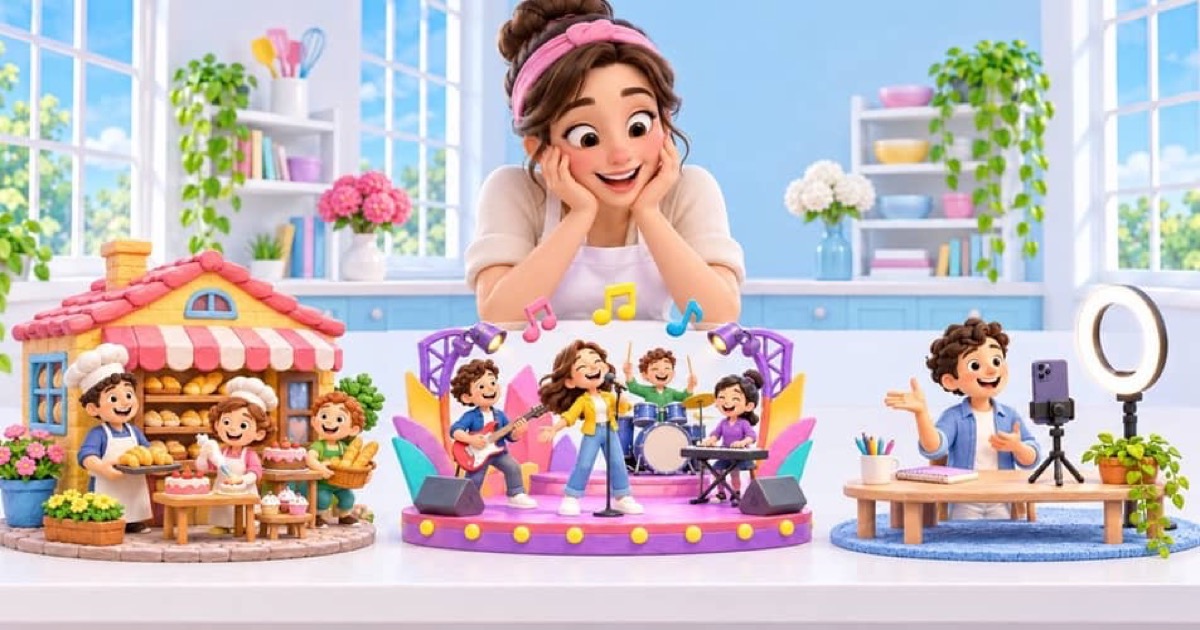
## What's the Facebook ad character limit for each box?
Each text box has its own number, and the number changes with where your ad shows. Here's every one, straight from the platforms' own pages (checked November 2026).
Primary text is the words that sit with your video, above it in Facebook Feed. The headline is the bold line next to the button.
| Where it shows | Text box | What the platform's page says | When it runs long |
|---|---|---|---|
| Facebook Feed video | Primary text | 50-150 characters, per [Meta](https://www.facebook.com/business/ads-guide/update/video) | Check the preview in Ads Manager |
| Facebook Feed video | Headline | 27 characters, per [Meta](https://www.facebook.com/business/ads-guide/update/video) | On some goals it doesn't show on phones at all (see below) |
| Instagram Reels video | Primary text | 44 characters, per [Meta](https://www.facebook.com/business/ads-guide/update/video/instagram-reels). No headline spec on the page | Check the preview in Ads Manager |
| Instagram Feed video | Primary text | 125 characters, per [Meta](https://www.facebook.com/business/ads-guide/update/video/instagram-feed). No headline spec on the page | Check the preview in Ads Manager |
| TikTok TopView (the ad you see when the app opens) | Ad text | "Max 100 characters," and emojis take 2, per [TikTok's TopView specs](https://ads.tiktok.com/help/article/tiktok-reservation-topview) | Stay under the max |
| TikTok in-feed | Caption | TikTok suggests keeping captions within 100 characters in English; Spark Ads captions pulled from a post can run to 150, per [TikTok's reservation in-feed specs](https://ads.tiktok.com/help/article?aid=10002745) | After 4 lines, a "See more" message covers the rest |
| 30 Second Ad Club video | Words inside the video | Our rule: few enough to read with the sound off | No "See more": the words are part of the picture |
A Spark Ad is a TikTok ad made from a normal post, so it keeps that post's caption.
One more catch on Meta's Feed page. If you pick the Awareness objective, or certain performance goals, Meta says the headline, description and button won't display on mobile Facebook Feed. Your 27 perfect characters can just vanish.
For the video itself, our guides to [Facebook video ad size](/news/ugc-ads/facebook-video-ad-size), [Instagram Reels ad size](/news/ugc-ads/instagram-reels-ad-size) and [TikTok ad size](/news/ugc-ads/tiktok-ad-size) have the specs.
**[Try our ad team free →](/ad-factory?utm_source=blog&utm_medium=inline&utm_campaign=ad-factory-cta-order)** Get a free image ad and a free video script and storyboard for your business. You approve every step. No card needed.
## So where does 125 come from?
On Facebook Feed, 125 is common advice from marketers, not Meta's number. But Meta's own [Instagram Feed video page](https://www.facebook.com/business/ads-guide/update/video/instagram-feed) does list 125 characters of primary text, which is probably where a lot of that advice started.
[Jon Loomer](https://www.jonloomer.com/facebook-ad-dimensions-and-character-limits/), who writes about Meta ads, lists 125 characters for primary text and 25 for most headlines (40 on some carousel spots). His page was last changed in March 2025.
Meta's own page calls its numbers "Text recommendations." [SocialRails](https://socialrails.com/blog/facebook-ad-character-limits) (updated July 2026) adds that Ads Manager cuts long text short rather than turning it down. That part is their finding, so trust the preview.
TikTok adds its own rules for counting. Its [in-feed specs page](https://ads.tiktok.com/help/article?aid=10002745) says punctuation counts as characters. Its TopView page says each emoji takes up 2, so that little smiley costs you double.
And on TikTok's [Auction In-Feed Ads page](https://ads.tiktok.com/help/article/tiktok-auction-in-feed-ads), captions on ads that aren't Spark Ads don't support clickable links, @ symbols or hashtags. Save your web address for the button.
## Write the 27-character version first
Start with the smallest box. Say it in 27 characters, and every other box is easy.
We wrote these for this post, so they're examples, not real ads, with no results behind them. Counts include spaces and punctuation.
Say you're a plumber.
**Facebook Feed headline (27 characters)**
> Same-day plumber. Call now.
**Facebook Feed primary text (128 characters)**
> That drip won't fix itself, and it gets louder at 2 a.m. We come out today and tell you the price before we start. Tap Call now.
**Instagram Reels primary text (41 characters)**
> Drip keeping you up? We can fix it today.
**TikTok caption (93 characters)**
> Kitchen tap dripping since Tuesday? Same-day plumber, and you hear the price before we start.
Now say you're a dentist.
**Facebook Feed headline (24 characters)**
> New patients, same week.
**Instagram Reels primary text (39 characters)**
> Chipped a tooth? We'll fit you in fast.
Notice what's missing: no service list, no row of emojis. Each box holds one thought, so pick the one your customer is already thinking.
Nobody stands in a flooded kitchen thinking, "I need a full-service plumbing solution." They think, "Make it stop."
Here's that plumber idea in a different style, a claymation sample we made for a made-up plumber.
[[VIDEO:clay-plumber]]
[Get a clay ad like this made for you](/ad-factory?utm_source=blog&utm_medium=inline&utm_campaign=ad-factory-character-limit).
## The caption never stopped anyone's thumb
On a phone, the video fills most of the screen. Your 27 characters sit next to it like a name tag on a moving truck.
The eye goes to the thing that moves. The words get read only if the video earns it.
So put the message in the video itself. Words on screen work with the sound off, and no "See more" can hide them.
Then lift your headline straight from the video's first line. If the video says "Drip keeping you up?", so does the ad text.
The video is the hard part, so that's the part we take off your plate. In Ad Club, a script writer writes it, a storyboard artist plans the scenes and a video maker makes it. A quality checker checks it, and a project manager watches it before it reaches you.
Here's a Yapper ad of ours, with an AI presenter talking to camera in a home studio.
[[VIDEO:yapper-studio]]
[Get a Yapper ad made for your business](/ad-factory?utm_source=blog&utm_medium=inline&utm_campaign=ad-factory-character-limit).
**[See the ads our team makes →](/ad-factory?utm_source=blog&utm_medium=inline&utm_campaign=ad-factory-cta-examples#examples)** Song ads, talking presenter ads, claymation and more.
## Who should write the words in your ad?
| Option | Who writes the script and on-screen words | Your work | Cost to make |
|---|---|---|---|
| Your phone | You | Write, film, edit and count characters | Your time |
| AI video tool, such as [Creatify](https://creatify.ai/pricing) | You, with the app | Write, pick, edit and fix | Standard plan $15 a month, or $10 a month billed yearly (checked November 2026) |
| Marketplace gig | A seller you brief | Brief, chase and check | Varies by seller. In our view, quality is often uneven |
| 30 Second Ad Club | Our script writer, with a quality checker | Approve the script and storyboard | Base plan $97 a month for about 3 short videos. Start free, no card |
Doing it yourself is free, if your evenings are.
Ad Club wins for a busy owner for one reason. The words and the video are somebody else's job, and they're checked before you see them. Most ads are ready in about 24 hours of a complete, approved brief.
## Frequently asked questions
### How many characters can a Facebook ad headline have?
Meta's Ads Guide page for Feed video ads lists a headline of 27 characters and primary text of 50-150 characters. For the Awareness objective, and some performance goals, Meta says the headline does not display on mobile Facebook Feed.
### How many characters can an Instagram Reels ad caption have?
Meta's Ads Guide page for Instagram Reels video ads lists primary text of 44 characters, with no headline spec.
### Do emojis count as characters in TikTok ads?
Yes, on TopView ads. TikTok's TopView specs page says emojis occupy a 2-character space. Its in-feed specs page says punctuation counts as characters too.
### What happens if my TikTok ad caption is too long?
TikTok's in-feed specs page says a caption shows a maximum of 4 lines. Past 4 lines, a "See more" message covers the rest of the text.
### Does Ad Club run my Facebook or TikTok ads for me?
No. 30 Second Ad Club makes the ad, and you approve the script and storyboard. You, or whoever handles your ads, puts it live and sets the budget.
## The short version
The Facebook ad character limit, in one line: 27 for a Feed headline, 50-150 for primary text, 44 on Instagram Reels, and about 100 on TikTok. Write the smallest one first, then let the video do the talking.
For a busy owner, our done-for-you team is the best option. We write the script, make the ad and check it. You approve.
No ad can promise leads or sales, ours included. But you'll never cram a sales pitch into 27 characters again.
Want finished ads without learning an AI tool? **[Make your free image ad with Ad Club](/ad-factory?utm_source=blog&utm_medium=inline&utm_campaign=ad-factory-cta-both)**, plus a free video script and storyboard. Plans from $97 a month, cancel any time.
---
## Related Reading
- [How Many Video Ads Should I Run at Once? Facebook vs TikTok](/news/ugc-ads/how-many-video-ads-should-i-run-at-once): How many video ads should I run at once? Run 3 to 5 really different ads per…
- [How Often Should I Change My Ads? What Meta and TikTok Say](/news/ugc-ads/how-often-should-i-change-my-ads): How often should I change my ads? Not on a set date. See the Meta and TikTok…
- [Do I Have to Label AI Ads? TikTok and Facebook Rules (2026)](/news/ugc-ads/do-i-have-to-label-ai-ads): Do I have to label AI ads? TikTok gives you a toggle and Meta says it labels…
- [Same Video Ad on Facebook, Instagram and TikTok: One File](/news/ugc-ads/same-video-ad-facebook-instagram-tiktok): Run the same video ad on Facebook and TikTok? Yes: one 9:16 file covers…
- [Ad Club →](/ad-factory): A done-for-you ad team. You approve the script and storyboard; we make and check every ad. Plans from $97 a month.
---
## How Often Should I Change My Ads? What Meta and TikTok Say
URL: https://www.30secondproductions.com/news/ugc-ads/how-often-should-i-change-my-ads
Topic: UGC & Ad Creative
Updated: 2026-11-12
Meta and TikTok both have help pages about tired ads. We read them. Neither one says how many weeks an ad lasts.
So, how often should I change my ads? Not on a set date.
Change an ad when the platform's signals say it's tired, such as Meta's Creative fatigue label or a steady slide in your TikTok results. Have the next ad made and waiting before that day comes. The signal tells you when. The waiting ad makes it painless.
Ads go stale like bread, not like a parking meter. The hard part is having a fresh loaf in the cupboard.
That's the job of 30 Second Ad Club, the done-for-you ad team from 30 Second Productions. You approve the script and storyboard, and our team makes and checks the ad. Most ads are ready in about 24 hours of a complete, approved brief. Plans start at $97 a month, and you can start free with no card.
Here's a song ad we made that tells a roofer's story, sung by an AI singer.
[[VIDEO:song-ad-roofer]]
[Get your next ad made with Ad Club](/ad-factory?utm_source=blog&utm_medium=inline&utm_campaign=ad-factory-how-often-change-ads).

## The calendar is the wrong clock
Meta's page on [creative fatigue in Ads Manager](https://www.facebook.com/business/help/1346816142327858) (checked November 2026) says creative fatigue "occurs when an audience has seen the same creative too many times." It looks at how often people have seen your ad and what each result now costs, not how long it has run.
The page does mention 7 days, but only as a warning before you publish. That's a heads-up, not a schedule.
TikTok's [creative best practices page](https://ads.tiktok.com/resources/help/article/creative-best-practices) (checked November 2026) recommends "refreshing your ad group creatives when delivery results exhibit a consistently declining trend, or when daily new users are low." Again, no number of days.
Plenty of blogs say Meta wants a new ad every week or two. We couldn't find that on any of Meta's current help pages.
The week counts come from marketers, and they don't agree. Jon Loomer, who writes about Meta ads, says in [his post on creative fatigue](https://www.jonloomer.com/creative-fatigue-meta-ads/): "You don't need to refresh your ads every few weeks."
The agency Coinis goes the other way. Frequency is how many times, on average, each person has seen your ad. [Coinis's rotation guide](https://coinis.com/how-to/rotate-facebook-ad-creatives) (checked November 2026) says to refresh "when it hits 3 or every 10-14 days." That's Coinis's rule of thumb, not Meta's.
We side with the signals. No customer ever said, "I'd have called you, but that ad was 15 days old."
**[Try our ad team free →](/ad-factory?utm_source=blog&utm_medium=inline&utm_campaign=ad-factory-cta-order)** Get a free image ad and a free video script and storyboard for your business. You approve every step. No card needed.
## Which signals do Meta and TikTok show you?
Meta shows a status in the Delivery column of Ads Manager, and TikTok asks you to watch your delivery results over time. Cost per result is what you pay, on average, for each lead, call or sale you asked for.
An ad set is a group of ads that share one budget and one audience on Meta; TikTok calls it an ad group. In the table, anything marked "our call" is ours, not the platform's.
| Signal | Where to see it | What to do |
|---|---|---|
| Learning | Meta Ads Manager, Delivery column | Meta says "Wait to edit your ad set until it's out of the learning phase." |
| Creative limited | Meta Ads Manager, Delivery column | Meta's label for cost per result above your past ads, but under twice as much. Our call: get the next ad made now. |
| Creative fatigue | Meta Ads Manager, Delivery column | Meta's label for cost per result twice your past ads or more. Meta suggests a new ad that is "materially different from the original creative." |
| Last significant edit | Meta Ads Manager, its own column | Meta says it "shows when you last made a change that could reset the learning phase." If it's missing, Meta says to add it under Columns. Our call: check it first. |
| Results keep sliding, or daily new users are low | TikTok Ads Manager reporting | TikTok says to refresh and "add new creatives to an existing ad group." |
One catch. Meta's page says the labels are "only available for ad sets with one creative," apart from a few types such as dynamic creative. Run three ads in one ad set and you may never see Creative fatigue. Then you watch cost per result yourself, the way TikTok asks you to.
Spotting a tired ad and fixing it is a job of its own, and our guide to [fixing Facebook ad fatigue](/news/ugc-ads/how-to-fix-facebook-ad-fatigue) covers it. This post sticks to timing.
## Does adding a new ad reset the learning phase?
On Meta, yes. Meta's page on [significant edits](https://www.facebook.com/business/help/316478108955072) (checked November 2026) lists "Adding a new ad to your ad set" and "Any change to ad creative" as edits that send an ad set back into learning.
The learning phase is the stretch when Meta is still working out who to show your ads to. Meta's [learning phase page](https://www.facebook.com/business/help/112167992830700) says this usually ends "after about 50 results in the week after the ad set's last significant edit."
Meta's fatigue page lists "Create another ad" among its recommendations.
So Meta's fatigue page suggests a new ad, and its significant-edits page counts a new ad as a significant edit. Both are true. The learning page adds that "you shouldn't try to avoid the learning phase completely."
Every change is a small restart. Opening the oven every five minutes doesn't bake the cake any faster.
## A simple change day (our routine, not Meta's)
Neither platform hands you a routine, so here's ours. Each change can restart learning, so we make changes on one day and then leave the ad set alone.
### Step 1: Pick one day a week to look
Put it in the calendar like a supplier call. Look only at three things: Learning and Creative fatigue in Meta's Delivery column, and your TikTok results.
### Step 2: Check for Learning first
If the Delivery column says Learning, close the laptop. Meta says to wait to edit until the ad set is out of the learning phase.
### Step 3: Add one new ad when a signal says so
If Meta shows Creative fatigue, or your TikTok results keep sliding, add one new ad to the same ad set or ad group. Change the hook, the style or the offer, not the button color.
### Step 4: Leave the old ad on
Meta notes that keeping the original ad active "may maximise results," so we don't switch it off the same day. With two ads in the set, Meta's label goes quiet. From now on, check cost per result yourself, the way TikTok asks you to.
### Step 5: Order the next ad before you log off
The moment a fresh ad goes live, ask for the one after it. Then next change day takes five minutes, not your Sunday.
Say you're a plumber, and Meta shows Creative limited on your song ad. Here's that ad and what the next one might be. We wrote both for this post, so they're examples, not real ads.
**The one that's running: a song ad**
> *That drip's been talking all night long.*
>
> Tap, tap, tap, the kitchen sink,
> it's louder than you'd ever think.
> [Your Name] comes round, the wrench goes in.
> Now the only sound's the kettle again.
Offer: same-day visits in [Your Town]. Button: Call now.
**The next one: a Yapper ad, with an AI presenter talking to camera**
> *Quick question. When did you last look under your sink?*
>
> Most leaks start small. A drip, a damp cupboard, a funny smell.
> By the time the floor goes soft, it's a bigger bill.
Offer: free leak check with any repair. Button: Book now.
Here's a Yapper ad of ours, with an AI presenter in a home studio.
[[VIDEO:yapper-studio]]
[Get a Yapper ad as your next ad](/ad-factory?utm_source=blog&utm_medium=inline&utm_campaign=ad-factory-how-often-change-ads).
**[See the ads our team makes →](/ad-factory?utm_source=blog&utm_medium=inline&utm_campaign=ad-factory-cta-examples#examples)** Song ads, talking presenter ads, claymation and more.
## How often should I change my ads if nothing looks wrong?
You don't have to change a working ad at all. Swapping a winner because it's the first of the month restarts learning for nothing.
But keep the next one ready. TikTok's page puts it simply: "Having a consistent supply of creatives to refresh is one way to keep your campaigns going."
Our rule of thumb, not a platform's: always have one fresh ad finished and waiting. On the Base plan, that's about 3 short videos a month to keep on the shelf, so one is always waiting when a signal calls for it. Unused Ad Club credits roll over for 60 days, so a quiet month isn't wasted.
The worst time to order a new ad is the day you need it. That's buying a spare tire on the hard shoulder.
The next ad can be a whole new look. Here's a claymation sample we made for a made-up plumber.
[[VIDEO:clay-plumber]]
[Keep a clay ad like this ready for change day](/ad-factory?utm_source=blog&utm_medium=inline&utm_campaign=ad-factory-how-often-change-ads).
## Who keeps the next ad ready?
You, an app, a gig seller or a team. Here's what each one asks of you.
| Option | Who makes the next ad | Your work | Ready when you need it? |
|---|---|---|---|
| Your phone | You | Plan, film and edit | Only if you find a free evening |
| AI video tool, such as [Creatify](https://creatify.ai/pricing) (free plan with a watermark; paid from $15 a month, checked Nov 2026) | You, with the app | Write, pick, edit and fix | As fast as you work |
| Marketplace gig | A seller you brief | Brief, chase and check | Depends on the seller. In our view, quality is often uneven |
| 30 Second Ad Club | Our script writer, storyboard artist, video maker and quality checker | Approve the script and storyboard | Most ads in about 24 hours of an approved brief. Base is $97 a month for about 3 short videos |
A phone is free until you count your evenings.
Ad Club wins for one reason: the next ad is somebody else's job. A project manager watches every ad before it reaches you, and the styles change from ad to ad: song, Yapper, claymation, product footage and image. We make the ads; we don't run them.
## Frequently asked questions
### Should I turn off my old Facebook ad when I add a new one?
Not right away. Meta's creative fatigue page says keeping your original ad active instead of pausing or turning it off may maximize results. Let both run, and check your results again before you decide.
### How many ads should be in one TikTok ad group?
TikTok's creative best practices page says "We suggest between 3-5 different creatives per ad group." It also says creatives with big differences work better, especially when testing. Our guide on [how many video ads to run at once](/news/ugc-ads/how-many-video-ads-should-i-run-at-once) covers Facebook too.
### Does Ad Club run my ads for me?
No. 30 Second Ad Club makes the ads, and you approve the script and storyboard. You, or whoever handles your ads, puts each one live and sets the budget.
## The short version
Let the signal pick the day. Let somebody else make the ad.
For a busy owner, our done-for-you team is the best option. You approve, and we make and check the next ad, so it's waiting when the signal comes. No ad can promise leads or sales, ours included. But you'll never stand there on change day with nothing to change.
Want finished ads without learning an AI tool? **[Make your free image ad with Ad Club](/ad-factory?utm_source=blog&utm_medium=inline&utm_campaign=ad-factory-cta-both)**, plus a free video script and storyboard. Plans from $97 a month, cancel any time.
---
## Related Reading
- [How Many Video Ads Should I Run at Once? Facebook vs TikTok](/news/ugc-ads/how-many-video-ads-should-i-run-at-once): How many video ads should I run at once? Run 3 to 5 really different ads per…
- [Do I Have to Label AI Ads? TikTok and Facebook Rules (2026)](/news/ugc-ads/do-i-have-to-label-ai-ads): Do I have to label AI ads? TikTok gives you a toggle and Meta says it labels…
- [Facebook Ads for Contractors: Stop Selling the Kitchen](/news/ugc-ads/facebook-ads-for-contractors): Most Facebook ads for contractors show the finished kitchen. Open on the…
- [How Long Should a Facebook Video Ad Be? Limits by Placement](/news/ugc-ads/how-long-should-a-facebook-video-ad-be): How long should a Facebook video ad be? Our rule is 30 seconds plus a…
- [Ad Club →](/ad-factory): A done-for-you ad team. You approve the script and storyboard; we make and check every ad. Plans from $97 a month.
---
## How Many Words Is a 30 Second Ad Script? Why 75 Beats 90
URL: https://www.30secondproductions.com/news/ugc-ads/how-many-words-is-a-30-second-ad-script
Topic: UGC & Ad Creative
Updated: 2026-11-12
A worksheet the BBC wrote for school kids back in 2008 has the neatest rule in this whole topic. [Most people speak at three words a second](https://news.bbc.co.uk/2/hi/school_report/6180944.stm), it says, so a 30-second news report holds about 90 words.
The math is right. For an ad, it's a trap.
So how many words is a 30 second ad script? About 75 spoken words. [Voice123's guide to commercial scripts](https://voice123.com/blog/marketing-trends-tactics/commercial-scripts/) says about 75 for a normal read, 65 for a slow one and 85 for a brisk one. Compared with the BBC's flat-out 90, the spare seconds go to pauses, your name said clearly and the logo at the end.
Or skip the counting.
A Yapper ad is a 30-second video where a presenter talks to the camera like a friend telling a friend about your business. At 30 Second Ad Club, the done-for-you ad team from 30 Second Productions, we write the words to time and make the ad for $197. The presenter is made with AI. She looks and sounds real, and real people write and check every video.
Here's one of ours: our AI presenter selling our Holiday Song Club.
[[VIDEO:yapper-holiday-songs]]
Want one about your business? [Get your Yapper ad](/yapper-ads?utm_source=blog&utm_medium=inline&utm_campaign=yapper-ads-30-second-script-words).

## Ninety words fit. Seventy-five sell.
The BBC number is a rule of thumb for speech, written for news, where a reader can run flat out.
An ad has other jobs. It has to pause after the hook, say your name slowly enough to stick and leave a beat for your logo.
Voice123 names one more thief. It warns that music cues and sound effects "will take away time from the commercial voice over." [Voicebros](https://voicebros.com/en/blog/how-to-write-a-commercial-voice-over-script) puts it another way: "65-75 words is ideal; leave 10% headroom for emphasis and pauses."
Then there's the reader. [Killerspots, a radio ad studio](https://killerspots.com/blog/radio-script-timer-how-long-is-a-30-second-script), puts a normal read at roughly 2.5 words a second, closer to 3 when it's energetic and about 2.2 when it's slow. Do the math on those speeds and the same 30 seconds holds anywhere from 66 to 90 words.
Not everyone agrees. [AdMakeAI's video ad script examples](https://admakeai.com/blog/video-ad-script-examples), from an AI ad-tool site, say a 30-second script needs 90 to 110 words. It counted the burned-in captions on 14 Meta ads still running on October 10, 2026, and got a median of 3.1 caption words a second, about 93 in 30 seconds.
Those are caption counts, not speech, and the page says it didn't transcribe the audio. For one person talking to the camera, we'd still write 75.
Write 90 for a talking ad and it can sound like the small print they rush through at the end of a car commercial. Write 75 and it sounds like a person.
**[Get a talking video ad made for your business for $197 →](/yapper-ads?utm_source=blog&utm_medium=inline&utm_campaign=yapper-cta-order)** A real-looking presenter sells for you. We write the words and make the video. You just say yes.
## How many words is a 15 or 60-second ad script?
A 15-second ad holds about 35 spoken words, and a 60-second ad holds about 140. The guides, checked in November 2026:
| Ad length | [Voicebros](https://voicebros.com/en/blog/how-to-write-a-commercial-voice-over-script) | Killerspots | Voice123 | 30 Second Ad Club Yapper ad |
|---|---|---|---|---|
| 15 seconds | About 35 words | 35 to 40 words | Not given | 30 seconds only |
| 30 seconds | About 70 words | 70 to 80 words | 65 slow, 75 normal, 85 brisk | Written and timed for you |
| 60 seconds | About 140 words | 140 to 160 words | Not given | 30 seconds only |
Voicebros, a voice-over agency, works from about 2.3 words a second, and Killerspots from about 2.5. That gap is why the guides never quite agree.
We cut one script to all three lengths in [how long a UGC ad should be](/news/ugc-ads/how-long-should-a-ugc-ad-be).
One number doesn't belong in this table. As of November 2026, [TikTok's creative best practices page](https://ads.tiktok.com/help/article/creative-best-practices?lang=en) says "We recommend displaying 5-10 words per second when using text." That's for words on screen, like captions.
It isn't a speaking speed. Try saying 10 words a second out loud. You'll sound like a fax machine.
## One 75-word ad, counted line by line
Here's a 75-word script for a made-up mobile dog groomer. We wrote it for this post, so it isn't a real ad and has no results behind it.
> *Say "bath" and watch your dog vanish.*
>
> Then it's a wrestling match, a soaked bathroom and a dog who won't look at you.
> [Your Name] Mobile Grooming parks the van outside your door. Warm water, a calm groomer, one dog at a time. No crate, no car ride, no shaking in a waiting room. Your dog comes back clean, fluffy and still speaking to you.
> Tap Book Now. Pick a day. We'll bring the van.
On screen: your town, your star rating and your phone number. Button: Book now.
Here's the count, at Killerspots' normal pace of about 2.5 words a second:
| Part of the ad | Starts with | Words | About how long |
|---|---|---|---|
| Hook | "Say 'bath'..." | 7 | 3 seconds |
| Problem | "Then it's a wrestling match..." | 16 | 6 seconds |
| Fix | "[Your Name] Mobile Grooming..." | 42 | 17 seconds |
| Next step | "Tap Book Now..." | 10 | 4 seconds |
| Total | | 75 | 30 seconds |
At that relaxed pace, 75 words fill the whole clock. By our math, read at the BBC's 3 a second they take about 25, which leaves about 5 seconds for pauses and the logo. That's why 75 is the target and not the floor.
The hook gets 7 words, because that's all 3 seconds holds. TikTok's page says to "introduce your content proposition in the first 3 seconds," so make those 7 count.
The fix gets more than half. That's where the customer decides.
The next step gets 10 words and no more. Notice what's missing: a phone number. Read out loud, it's 10 digits of nobody listening. It goes on screen.
For how to build each part, see our guide to [UGC video ad scripts that convert](/news/ugc-ads/ugc-video-ad-scripts-that-convert).
Here's a Yapper ad of ours set in a home studio.
[[VIDEO:yapper-studio]]
Rather not count at all? [Get your Yapper ad](/yapper-ads?utm_source=blog&utm_medium=inline&utm_campaign=yapper-ads-30-second-script-words) and we'll write it to time.
## How do you time an ad script with a stopwatch?
Read the script out loud at your normal talking speed, with your phone's stopwatch running from the first word to the last. A 30-second ad should finish a little under 30.
### Step 1: Read it out loud once, cold
Your eyes skip words your mouth trips on. The BBC worksheet agrees: "Keep reading your scripts out loud to check how they sound."
### Step 2: Time three reads
Start on the first word and stop on the last. Use the middle time, not your fastest.
### Step 3: Read it the way the ad will sound
If the ad is chatty, read it chatty. Pauses count.
### Step 4: Leave room at the end
Stop talking a second or two before 30, so the last line lands and your logo gets a moment.
### Step 5: Hand it to someone else
Ask a friend to read it. The line they stumble on is the line to fix.
If you run out of breath, the script is too long. Your lungs are fine.
**[Watch our Yapper ads →](/yapper-ads?utm_source=blog&utm_medium=inline&utm_campaign=yapper-cta-examples)** Click any video to watch with sound.
## What do you cut when the script runs over?
Cut words from the middle, never from the hook or the next step. And never fix a long script by talking faster.
- **The warm-up.** "Hi, I'm..." and "Are you looking for..." burn about 2 seconds before anything happens.
- **The second benefit.** One problem, one fix. Save the other one for your next ad.
- **Stacked adjectives.** Nobody ever booked a groomer because she was "professional, friendly and affordable."
- **Your phone number and web address.** Put them on screen.
- **Filler.** "Really", "just" and "actually" add time and nothing else.
Quick test: if a line could go in your competitor's ad unchanged, cut it first.
## Who should count the words?
The counting is easy. The cutting hurts, because you love every word you wrote. Hand it to someone whose job is writing ads to time.
| Option | Who writes and times it | Your work | Cost to make |
|---|---|---|---|
| You and a stopwatch | You | Write, read, cut, then film it or find someone who will | Your time |
| AI video app | You, typing prompts | Write the script, pick an avatar, edit, export | A monthly subscription |
| Marketplace gig | A seller you pick | A brief, then a lot of back and forth; in our view quality is often uneven | Varies by seller |
| 30 Second Ad Club Yapper ad | Our team | A 2-minute form and your logo, then approve the script and scenes | $197 one-time |
30 Second Ad Club is the done-for-you ad team from 30 Second Productions. You assign and approve. We do the rest.
We write the words, or use yours, and you can change anything. We show you a picture for each part, and one round of changes is included. The ad is ready in 72 hours after you say yes, vertical for Facebook, Instagram and TikTok, with words on screen and your logo at the end.
Every order comes with your own Ad Club account for ordering more. We make the ad; you, or whoever runs your ads, puts it live.
One honest limit: the presenter is AI. Want your own face in the ad? Film it on your phone and use the 75-word plan above.
Here's our presenter selling our Song Ads.
[[VIDEO:yapper-song-ads]]
Want your own, counted and timed by us? [Get your Yapper ad](/yapper-ads?utm_source=blog&utm_medium=inline&utm_campaign=yapper-ads-30-second-script-words).
## Frequently asked questions
### How many words per second do people say in an ad?
About 2.5 words a second at a normal pace, according to [Killerspots](https://killerspots.com/blog/radio-script-timer-how-long-is-a-30-second-script). It puts an energetic read at about 3 and a slow one at about 2.2. The BBC's school worksheet uses 3 as a rule of thumb for speech.
### Is TikTok's 5-10 words per second a speaking speed?
No. As of November 2026, TikTok's creative best practices page gives 5-10 words per second for text on screen, such as captions and text overlays. It gives no word count for speech.
### Does a script with two voices fit fewer words?
Yes. Killerspots says a 30-second spot with two voices comes in closer to 65 to 70 words, against its 75-word target for one voice.
### Is the presenter in a Yapper ad a real person?
No. The presenter in a Yapper ad is made with AI. She looks and sounds real, and real people write and check every video. You can't pick a different presenter yet.
## So, how many words is a 30 second ad script?
About 75 spoken words, timed out loud and cut from the middle.
You could do all that tonight with a stopwatch. But cutting your own words hurts, and someone still has to film it. For a busy owner, our done-for-you Yapper ad is the best option: we write it to time, make it and hand you a finished ad to approve, with no app to learn.
No ad can promise calls or sales, ours included. But you won't have to count a single word, and you're covered by a 30-day money-back guarantee.
Want an ad that talks for you? **[Get your Yapper ad for $197](/yapper-ads?utm_source=blog&utm_medium=inline&utm_campaign=yapper-cta-both)**: your words, your logo, made for you in 72 hours, with a money-back guarantee.
---
## Related Reading
- [How Long Should a UGC Ad Be? Why We Pick 30 Seconds](/news/ugc-ads/how-long-should-a-ugc-ad-be): How long should a UGC ad be? About 30 seconds. See what TikTok and Meta say,…
- [Best Type of Facebook Ad for Small Business: Song, UGC or Image?](/news/ugc-ads/best-type-of-facebook-ad-for-small-business): Not sure which ad to run first? Compare song, UGC and image ads on cost,…
- [Best Way to Get AI UGC Ads in 2026: Apps, Creators or Teams](/news/ugc-ads/best-way-to-get-ai-ugc-ads): Compare 3 ways to get AI UGC ads: human creators, AI apps like Arcads and…
- [Do I Have to Label AI Ads? TikTok and Facebook Rules (2026)](/news/ugc-ads/do-i-have-to-label-ai-ads): Do I have to label AI ads? TikTok gives you a toggle and Meta says it labels…
- [Yapper Ads for $197 →](/yapper-ads): A 30-second talking video ad with a real-looking AI presenter, made for you in 72 hours.
---
## Same Video Ad on Facebook, Instagram and TikTok: One File
URL: https://www.30secondproductions.com/news/ugc-ads/same-video-ad-facebook-instagram-tiktok
Topic: UGC & Ad Creative
Updated: 2026-11-11
TikTok's own creative guide says, typo and all, ["Don't just replicate the same creative used on other platform."](https://ads.tiktok.com/business/en-US/blog/tiktok-creative-ultimate-guide) Then TikTok's own spec page asks for the same tall 9:16 shape Meta's Reels pages do.
So which is it?
Yes, you can run the same video ad on Facebook and TikTok, and on Instagram too. One vertical 9:16 file covers TikTok, plus Reels and Stories on both Meta apps, because each app's own page lists 9:16. Facebook Feed is the one place Meta lists 4:5.
That's why every song ad we make comes vertical 9:16, ready to post in all those places.
A song ad is a short video ad where your message is sung, with every word on screen. At 30 Second Ad Club, the done-for-you ad team from 30 Second Productions, we write a catchy song about your business, an AI singer sings it, and we turn it into a 3D cartoon ad. You fill in a 5-minute form. It's ready in 72 hours.
Here's one we made for a bathroom remodeler.
[[VIDEO:song-client-bath]]
Want your trade sung like that? [Get your song ad](/song-ads?utm_source=blog&utm_medium=inline&utm_campaign=song-ads-same-video-ad).

## What size works on Facebook, Instagram and TikTok?
Vertical 9:16 works on TikTok and on Reels and Stories across Facebook and Instagram. Make it 1080 x 1920 pixels or bigger.
As of November 2026, TikTok's [In-Feed ads page](https://ads.tiktok.com/resources/help/article/tiktok-auction-in-feed-ads?redirected=1) says "Vertical (recommended): 9:16, more than or equal to 540*960px." Meta's [Instagram Reels](https://www.facebook.com/business/ads-guide/update/video/instagram-reels) and [Facebook Reels](https://www.facebook.com/business/ads-guide/update/video/facebook-facebook-reels) pages both list 9:16 at 1440 x 2560, and its [Instagram Feed page](https://www.facebook.com/business/ads-guide/update/video/instagram-feed) lists 9:16 too.
Facebook Feed is the odd one out, like the one tap in the house that takes a different fitting. Meta's [Facebook Feed page](https://www.facebook.com/business/ads-guide/update/video/facebook-feed) lists 4:5 at 1440 x 1800, and its [ratio table](https://www.facebook.com/business/help/682655495435254?id=271710926837064) leaves 9:16 blank for Feed.
Upload a tall file anyway and Ads Manager, the tool where you set up Meta ads, [adjusts it to fit more placements](https://www.facebook.com/business/help/103816146375741?id=271710926837064). Meta says it fills gaps with padding, cropping and AI features. So check the Feed preview before you publish, or turn Feed off for that ad.
The full specs live in our guides to [Facebook video ad size](/news/ugc-ads/facebook-video-ad-size), [TikTok ad size](/news/ugc-ads/tiktok-ad-size), plus [Instagram Reels ad size](/news/ugc-ads/instagram-reels-ad-size).
**[Get a musical video ad made for your business for $97 →](/song-ads?utm_source=blog&utm_medium=inline&utm_campaign=song-ads-cta-order)** A catchy song about your business, turned into a 3D animated video ad. Done for you in 72 hours.
## Where do words and faces go in a vertical ad?
Words and faces go in the middle. The bottom third belongs to the apps.
A phone ad isn't a blank screen. It's a room that already has furniture in it.
Every app lays its own stuff over your ad: your name, the post text, the buttons, each in a slightly different spot. Buttons don't care how good your logo is. They'll sit on it anyway.
So don't design for one app. Build for the most crowded screen: the middle that none of them cover.
Meta's [Instagram Reels page](https://www.facebook.com/business/ads-guide/update/video/instagram-reels) says: "Consider leaving at least 14% of the top, 35% of the bottom and 6% on each side of your asset free from text, logos or other important creative elements."
TikTok doesn't give one number. Its In-Feed page says "The safe zone size is determined by the dimension (vertical, horizontal, or square), ad caption length, and any additional formats used." The same page has safe zone files you can download and lay over your video.
On phones taller than 9:16, Meta's [safe zone help page](https://www.facebook.com/business/help/980593475366490) says it may "zoom the creative to better fill the whole screen (which can crop areas outside the Safe Zone)."
## What's the one-file checklist?
| Check | Use this | Where it says so | Our song ad (30 Second Ad Club) |
|---|---|---|---|
| Shape | Vertical 9:16 | [TikTok In-Feed](https://ads.tiktok.com/resources/help/article/tiktok-auction-in-feed-ads?redirected=1), [Instagram Reels](https://www.facebook.com/business/ads-guide/update/video/instagram-reels) | Vertical 9:16 |
| Size | 1080 x 1920 or bigger (our pick). TikTok asks for at least 540 x 960; Meta's Reels pages list 1440 x 2560 | [TikTok In-Feed](https://ads.tiktok.com/resources/help/article/tiktok-auction-in-feed-ads?redirected=1), [Facebook Reels](https://www.facebook.com/business/ads-guide/update/video/facebook-facebook-reels) | Made for phone ads |
| File | MP4 or MOV, under 500 MB. TikTok lists up to 500 MB; Meta's Reels pages list 4 GB | [TikTok In-Feed](https://ads.tiktok.com/resources/help/article/tiktok-auction-in-feed-ads?redirected=1), [Instagram Reels](https://www.facebook.com/business/ads-guide/update/video/instagram-reels) | Ready for social media ads |
| Length | TikTok's In-Feed page lists up to 10 minutes; its Ad Format policy page says "a minimum of 5 seconds, and a maximum of 60 seconds." Facebook Reels: "No maximum limit." | [TikTok In-Feed](https://ads.tiktok.com/resources/help/article/tiktok-auction-in-feed-ads?redirected=1), [TikTok policy](https://ads.tiktok.com/help/article/tiktok-ads-policy-ad-format-and-functionality) | A short song, vertical |
| Sound | On. TikTok says it "is always a sound-on experience." Meta says "Reels default to sound-on" | [TikTok guide](https://ads.tiktok.com/business/en-US/blog/tiktok-creative-ultimate-guide), [Meta Reels ads](https://www.facebook.com/business/ads/facebook-instagram-reels-ads) | A song written about your business, sung by an AI singer |
| Words | On screen, in the middle: leave 14% top, 35% bottom, 6% sides | [Instagram Reels](https://www.facebook.com/business/ads-guide/update/video/instagram-reels), [Meta safe zone](https://www.facebook.com/business/help/980593475366490) | Every word on screen, so it works with the sound off |
Then check the preview in each app before you publish. It's the only way to see what the buttons cover.
## Doesn't TikTok say not to run the same video ad on Facebook and TikTok?
No. In our view, TikTok's warning is about ads that look made for somewhere else: sideways, silent, black bars top and bottom. TikTok's own [2021 data](https://ads.tiktok.com/business/en-US/blog/creative-that-drives-conversions) found videos shot in 9:16 saw a 91% lift in conversion compared to videos framed by black bars.
So keep the file and change what sits around it.
A song ad is built the other way round. It's vertical, made for sound on, with every word on screen, and the song is written about your business.
Here's one we made for a pizza place.
[[VIDEO:song-ad-pizza]]
One song, one file, every app. [Get yours made](/song-ads?utm_source=blog&utm_medium=inline&utm_campaign=song-ads-same-video-ad).
**[Hear the song ads we have made →](/song-ads?utm_source=blog&utm_medium=inline&utm_campaign=song-ads-cta-examples#examples)** Click any video to watch with sound.
## What do I change in each app?
Three things change in each app's ad setup.
- **Post text.** Keep it short. Meta's Instagram Reels page suggests 44 characters of primary text. On TikTok, a normal TikTok ad caption can't include clickable links, @ symbols or hashtags, per its In-Feed page.
- **Button.** Pick each app's closest button to the same action, like booking a job.
- **Headline.** Make it say the problem, not your company name. "Leaky tap?" beats "[Your Name] Plumbing."
Here's a plumber example we wrote for this post. It's not a real ad.
> *That drip at 2 a.m.? We hear it too.*
>
> Tap goes drip and the pipe goes bang,
> the whole house sings that leaky twang.
> Call [Your Name], we're on the way,
> dry floors by lunch, and that's your day.
Offer: same-day fix. Button: Book now. TikTok caption: "Leaky tap? We fix it today."
For how many to run, see [how many video ads to run at once](/news/ugc-ads/how-many-video-ads-should-i-run-at-once).
## What does one ad for all three apps cost to make?
A song ad from 30 Second Ad Club costs $97 for one ad, and it comes vertical 9:16 for all three apps. Doing it yourself costs your time; an animation studio costs about $1,000 to $5,000 per minute.
| Way to get it made | Cost to make | Your work | Fits all three apps? |
|---|---|---|---|
| Your phone | Your time | Plan, film, edit, add words | Yes, if you film upright and keep words in the middle |
| Marketplace gig | Varies by seller | Brief, then back and forth | Only if you ask for 9:16 and check the safe zones |
| Animation studio | About $1,000 to $5,000 per minute, per [Beverly Boy Productions (2025)](https://beverlyboy.com/how-much-does-it-cost/how-much-does-animated-business-video-cost/) | Brief, calls, reviews | Only if you ask for 9:16 |
| 30 Second Ad Club song ad | $97 for one ad | 5-minute form, then approve | Yes, it comes vertical 9:16 |
In our view, marketplace gigs are often uneven in quality, with a lot of back and forth.
Doing it yourself means learning safe zones and caption rules before you've written a word. Our song ad is already that one file. Every order comes with an Ad Club account, where our team makes your ads and you approve them.
You own the ad, so you can use it anywhere. We make it; you, or whoever handles your ads, puts it live.
Here's one we made for a party magician.
[[VIDEO:song-client-magician]]
Rather skip the homework? [Get a song ad made for you](/song-ads?utm_source=blog&utm_medium=inline&utm_campaign=song-ads-same-video-ad).
## Frequently asked questions
### How long should one video for all three apps be?
Anything from 5 to 60 seconds fits all three apps. TikTok's Ad Format policy page says a minimum of 5 seconds and a maximum of 60, and Meta's Facebook Reels page lists no maximum.
### Do I need a different ad for Instagram and Facebook?
Mostly no. Meta's Reels pages for both apps list 9:16, and so does its Instagram Feed page. Facebook Feed is the one place Meta lists 4:5; our [Facebook video ad size guide](/news/ugc-ads/facebook-video-ad-size) covers it.
### Is the singer in your song ads a real person?
No. The singing voice in 30 Second Ad Club song ads is AI, in the style you pick. Our team writes the song and makes the video, and you approve it.
## The short version
One vertical 9:16 file, built for the most crowded screen, is how you run the same video ad on Facebook and TikTok, and on Instagram too.
For a busy owner, our done-for-you team is the best option. We hand you that finished file to approve: vertical, every word on screen, made for sound on. Nobody can promise an ad will sell. But one good idea should only have to be made once, and ours comes with a money-back guarantee if you're not happy within 30 days.
Ready for an ad people remember? **[Get your song ad for $97](/song-ads?utm_source=blog&utm_medium=inline&utm_campaign=song-ads-cta-both)**, written, sung and animated for you in 72 hours, with a money-back guarantee.
---
## Related Reading
- [Music for Facebook Ads: What's Allowed and What Gets Remembered](/news/ugc-ads/music-for-facebook-ads): Music for Facebook ads, explained: why trending songs get ads muted, what…
- [How Many Video Ads Should I Run at Once? Facebook vs TikTok](/news/ugc-ads/how-many-video-ads-should-i-run-at-once): How many video ads should I run at once? Run 3 to 5 really different ads per…
- [Do I Have to Label AI Ads? TikTok and Facebook Rules (2026)](/news/ugc-ads/do-i-have-to-label-ai-ads): Do I have to label AI ads? TikTok gives you a toggle and Meta says it labels…
- [Facebook Video Ad Size 2026: Pixels and Ratio by Placement](/news/ugc-ads/facebook-video-ad-size): The right Facebook video ad size is two files: 4:5 for Feed, 9:16 for Reels…
- [Song Ads from $97 →](/song-ads): A catchy song about your business, turned into a 3D animated video ad in 72 hours.
---
## Instagram Reels Ad Size 2026: Meta's Specs and Safe Zone
URL: https://www.30secondproductions.com/news/ugc-ads/instagram-reels-ad-size
Topic: UGC & Ad Creative
Updated: 2026-11-11
Here's the odd thing about a Reels ad. You make a tall video, and the part you're meant to write on is roughly a square.
The Instagram Reels ad size, per [Meta's Ads Guide page for Reels video ads](https://www.facebook.com/business/ads-guide/update/video/instagram-reels), is a vertical 9:16 video at 1440 x 2560 pixels, as an MP4 or MOV, up to 4 GB. Meta also asks you to "consider leaving at least 14% of the top, 35% of the bottom and 6% on each side" clear of text and logos.
Do that math on 1440 x 2560 and your words get a box about 1,267 pixels wide and 1,306 tall. That's our math, not Meta's. And look: it's nearly a square, sitting in the middle of a tall video.
Everything outside it belongs to Instagram's own buttons and words.
So the size is the easy part. The hard part is a pitch short enough to fit that square.
Writing it is the part we do. 30 Second Ad Club is the done-for-you ad team from 30 Second Productions. We make a 30-second claymation ad about your business, vertical for Reels, with every word on screen. You fill in a 2-minute form, then approve every word and every scene before we make it.
It's $97, often half price in our holiday sales.
This one is a sample for a plumber we made up.
[[VIDEO:clay-plumber]]
Picture your business in clay? [Start your clay ad](/claymation-ads-97?utm_source=blog&utm_medium=inline&utm_campaign=claymation-cta-order).

## Instagram Reels ad size vs Stories and Feed
Instagram has three spots where a tall ad can play: Reels, Stories and Feed. Meta keeps a separate Ads Guide page for each. Here's what each page said when we read them on November 11, 2026.
| Spec | [Reels](https://www.facebook.com/business/ads-guide/update/video/instagram-reels) | [Stories](https://www.facebook.com/business/ads-guide/update/video/instagram-story) | [Feed](https://www.facebook.com/business/ads-guide/update/video/instagram-feed) | Our clay ad (30 Second Ad Club) |
|---|---|---|---|---|
| Shape (aspect ratio) | 9:16 | 9:16 | 9:16 | Vertical |
| Pixels | 1440 x 2560 | 1440 x 2560 | 1080 x 1920 | Vertical size for social media ads, ready to upload |
| Length | 0 seconds to 15 minutes | 1 second to 60 minutes | 1 second to 60 minutes | 30 seconds, or 60 if you choose |
| Biggest file | 4 GB | 4 GB | 4 GB | n/a |
| Smallest width | 250 pixels under 30 seconds, 500 pixels at 30 seconds or more | 250 pixels | 250 pixels | n/a |
| Keep words out of | 14% top, 35% bottom, 6% each side | Roughly 14% top, 35% bottom, 6% each side | Same as Reels and Stories for 9:16, per [Meta's safe zone help page](https://www.facebook.com/business/help/980593475366490) | You check it in your preview |
| Primary text (recommended) | 44 characters | 125 characters | 125 characters | You type it when you set up the ad |
A 30-second Reels ad falls on the 500-pixel side of that width row, so that's the number to check.
Primary text is the line you type in Ads Manager that shows with your video.
Meta recommends 44 characters on Reels. "Leaky tap? We fix it today. Call Dave's." is 40 (Dave's is made up). That's your lot.
One note on Stories. Meta's Stories page says video ads 16 seconds or longer "may be split into separate Stories cards," with one, two or three shown. So on Stories, the first card has to sell on its own.
Want help picking a length, not just the limits? Our [Instagram video length guide](/news/explainer-videos/instagram-video-length-posts-stories-reels-ads) covers that.
Three pages, one shape. Not one size, though.
**[Get a claymation ad made for your business →](/claymation-ads-97?utm_source=blog&utm_medium=inline&utm_campaign=claymation-cta-order)** We write your story, make every scene out of clay and add a calm, friendly voice. You approve every word and every scene.
## Is 1080 x 1920 wrong for a Reels ad?
No. 1080 x 1920 is the same 9:16 shape as Meta's 1440 x 2560 and is well above Meta's 500-pixel minimum width for a 30-second ad, by our reading. But Meta's Reels page lists 1440 x 2560, so export that if you can.
The guides mostly copy the smaller number. [Hopper HQ](https://www.hopperhq.com/blog/instagram-reel-size/) and [Landingi](https://landingi.com/digital-advertising/instagram-reel-size/) both give 1080 x 1920 for Reels ads. Landingi also lists a 250 MB cap, while Meta's Reels page says 4 GB. [Influencer Marketing Hub](https://influencermarketinghub.com/instagram-ad-sizes/) matches Meta's split: 1080 x 1920 for Feed video, 1440 x 2560 for Reels and Stories.
So when a blog and Meta disagree, go with the Meta page for the spot you're paying for.
## Which part of the screen do you actually get?
You get the middle. Meta's Reels page asks you to keep text, logos and other key parts out of the top 14%, the bottom 35% and 6% on each side. Meta's [help page](https://www.facebook.com/business/help/980593475366490) calls the clear part in the middle the Safe Zone.
The bottom 35% is the one that bites. That's where you'd naturally put your phone number.
The bottom of a Reels ad is like the bottom drawer in your kitchen. Stuff goes in. Nobody sees it again.
Exporting at 1080 x 1920 instead? Then the box is about 950 pixels wide and 979 tall, by our math. Still a square.
Two more lines from that help page are worth knowing:
- **Disclaimers.** "If you're including disclaimers on your Reels ads, you should leave the bottom 40% of your ad free from text, logos and other key creative elements."
- **Taller phones.** On screens taller than 9:16, Meta says it "may either zoom the creative to better fill the whole screen (which can crop areas outside the Safe Zone), or show the creative in its original 9:16 aspect ratio and use a black background."
So the edges aren't only covered. Sometimes they're cut off.
## What fits in the Reels safe zone?
Not much. A few short lines, one idea per ad.
Here are three clay ads we wrote for this post, for made-up businesses. They aren't real ads and have no results behind them.
**The plumber**
*Your shower's been cold since Tuesday.*
> Cold shower again?
> We fix water heaters.
> Same-day visits.
> [Your logo] Call [Your Number]
In clay: a little figure leaps out of an icy shower, then a clay plumber's van pulls up.
**The dentist**
*That tooth won't wait for Monday.*
> Toothache tonight?
> Seen this week.
> New patients welcome.
> [Your logo] Book online
In clay: a clay face with a puffy cheek, then a friendly clay dentist waves from the door.
**The roofer**
*One storm. One drip. One bucket.*
> Bucket on the floor?
> Free roof check.
> Local crew.
> [Your logo] Get a quote
In clay: a clay bucket goes plink, plink, then a clay crew climbs the ladder.
Each line is four words or fewer. Your logo and offer sit on the last scene. That's the whole trick, and it's the hardest part to write when it's your own business.
Here's a clay ad we made to sell our own AI SEO service, so you can see the look.
[[VIDEO:clay-ai-seo]]
**[Watch the claymation ads we have made →](/claymation-ads-97?utm_source=blog&utm_medium=inline&utm_campaign=claymation-cta-examples)** Tap one to watch it with sound.
## The two-minute file check
Before you upload, run down this list. Every number comes from Meta's [Reels page](https://www.facebook.com/business/ads-guide/update/video/instagram-reels) or its [safe zone help page](https://www.facebook.com/business/help/980593475366490).
- **Shape:** tall, 9:16.
- **Pixels:** 1440 x 2560 for Reels.
- **File:** MP4 or MOV, under 4 GB.
- **Words:** in the middle square. Leave the bottom 40% clear if you have a disclaimer.
- **Sound and captions:** Meta calls sound "strongly recommended" and captions "recommended."
- **No extras:** Meta's Reels page says no Instagram face filters or camera effects, no GIFs and no tagged products.
- **Preview:** in Ads Manager, "you can toggle on the Safe Zone guardrail." Your words should sit inside the yellow box. Meta says it may not show for everyone yet.
Don't skip that last one. It's the only one that shows you what a stranger will see.
Same ad going on [Facebook](/news/ugc-ads/facebook-video-ad-size) or [TikTok](/news/ugc-ads/tiktok-ad-size)? Those guides have their numbers.
## Who should make your Reels ad?
Now you know the box. Something short and sharp has to go in it.
| Way to get it | Cost to make | Who writes the short version | Your work |
|---|---|---|---|
| Studio stop motion | [$1,000 to $10,000+ per finished minute](https://beverlyboy.com/how-much-does-it-cost/how-much-does-stop-motion-animation-cost/), per Beverly Boy (2026) | The studio, with you | Briefs, calls, reviews |
| Your phone | Your time | You | Plan, film, edit, add words, export |
| AI clay tool, such as [Morphic](https://morphic.com/resources/videos/claymation-videos) | Free plan up to 20 credits, then monthly plans | You | Write prompts, fix shots, add words, export |
| Marketplace gig | Varies by seller | Usually you, in the brief | A brief, then a lot of back and forth |
| 30 Second Ad Club clay ad | $97 one-time | Our team, or your words | A 2-minute form, then approve |
A studio makes the real thing, at studio prices. A tool is cheap, but you become the writer, director and editor. Most roofers would rather be on a roof.
A marketplace gig sounds like a shortcut. In our view, the quality is often uneven, the messages pile up, and nobody on the other end is a marketing team.
Here's how ours works. We write the script, or use your words. We make a clay picture for each line, and you approve every word and every scene. You get 2 free rounds of changes to the scenes.
We make it with AI tools for the clay pictures, the movement and the voice. It isn't hand-made stop motion. Our team checks every video before it reaches you.
You own the video, so use it on Instagram, Facebook, your website, anywhere. Your order comes with your own Ad Club dashboard, where you can order more ads any time.
This one sells our song ad service, also in clay.
[[VIDEO:clay-song-ads]]
Ready for one of your own? [Get a clay ad made](/claymation-ads-97?utm_source=blog&utm_medium=inline&utm_campaign=claymation-cta-order).
## Frequently asked questions
### What size should an Instagram Reels ad be?
Meta's Ads Guide page for Instagram Reels video ads lists 9:16 at 1440 x 2560 pixels, MP4 or MOV, up to 4 GB. Meta asks you to keep text and logos out of the top 14%, the bottom 35% and 6% on each side.
### Do Reels ads need sound?
Meta's Reels page lists sound as "Optional, but strongly recommended" and captions as "Optional, but recommended." A clay ad from 30 Second Ad Club has a voice and every word on screen.
### Can I use one video for Reels, Stories and Feed?
Reels and Stories take the same file: Meta lists 9:16 at 1440 x 2560 for both. Feed's page lists 9:16 at 1080 x 1920, the same shape, and 9:16 Feed ads use the same safe zone per Meta's help page. Check each spot in the Ads Manager preview before you publish.
### Will you put the ad live for me?
No. We hand you the finished video, and it's yours. Running it, and choosing the budget, stays with you or whoever manages your ads.
## The short version
The Instagram Reels ad size is 9:16 at 1440 x 2560, MP4 or MOV, under 4 GB. Keep your words in the middle, clear of the top 14%, bottom 35% and 6% on each side.
That middle is roughly a square, and your whole pitch has to fit in it.
For a busy owner, our done-for-you team is the best option, because short is what we write. We keep each line tight, put every word on screen, and finish on your logo and offer. You just approve it.
A 30-second clay ad costs $97, and it's often half price in our holiday sales. If you're not happy within 30 days, we refund you in full.
Your ad gets a whole tall screen. Let us worry about the square.
Want a clay ad people stop to watch? **[Get your claymation ad](/claymation-ads-97?utm_source=blog&utm_medium=inline&utm_campaign=claymation-cta-both)**, written and made for you, ready about a day after you approve your scenes. Love it or your money back.
---
## Related Reading
- [Facebook Video Ad Size 2026: Pixels and Ratio by Placement](/news/ugc-ads/facebook-video-ad-size): The right Facebook video ad size is two files: 4:5 for Feed, 9:16 for Reels…
- [TikTok Ad Size 2026: The Specs, Straight From TikTok](/news/ugc-ads/tiktok-ad-size): TikTok ad size made simple: vertical 9:16, at least 540 x 960 pixels. See…
- [Best AI Claymation Video Generator in 2026: 8 Tools Compared](/news/ugc-ads/best-ai-claymation-video-generator): Which AI claymation video generator should you use? Real prices for 8 tools,…
- [Claymation Ad Cost: Real 2026 Prices for 5 Ways to Get One](/news/ugc-ads/claymation-ad-cost): Claymation ad cost in 2026: about $16 a month in AI tools, $97 done for you,…
- [Claymation Ads →](/claymation-ads-97): A 30-second clay video ad about your business, made for you. You approve every scene.
---
## How Many Video Ads Should I Run at Once? Facebook vs TikTok
URL: https://www.30secondproductions.com/news/ugc-ads/how-many-video-ads-should-i-run-at-once
Topic: UGC & Ad Creative
Updated: 2026-11-10
Meta's own help page says running too many ads at once can hurt your results. It's easy to worry about the opposite.
So, how many video ads should I run at once? Fewer than you'd think. More than one.
Run 3 to 5 different video ads in each ad set on Facebook, or each ad group on TikTok. TikTok's own guide suggests 3 to 5 creatives per ad group. Meta gives no number, so on Facebook that's our rule of thumb. Fewer, and you have nothing to compare. More, and each ad gets too little budget to learn.
An ad set is a group of Facebook ads that share one budget and one audience. TikTok calls it an ad group.
One ad is a coin toss. Twenty is a raffle. Three to five is a race, and a race only works when the runners look different.
The catch? Somebody has to make those ads, and replace them when they get tired. That's the job of 30 Second Ad Club, the done-for-you ad team from 30 Second Productions.
You approve the script and the storyboard, and our team makes and checks the ad. The Base plan is about 3 short videos a month for $97, and Growth is about 10 for $249, in different styles. You can start free, with no card.
This song ad we made tells a plumber's story, sung by an AI singer.
[[VIDEO:song-ad-plumber]]
[Get ads like this made for you with Ad Club](/ad-factory?utm_source=blog&utm_medium=inline&utm_campaign=ad-factory-how-many-ads).
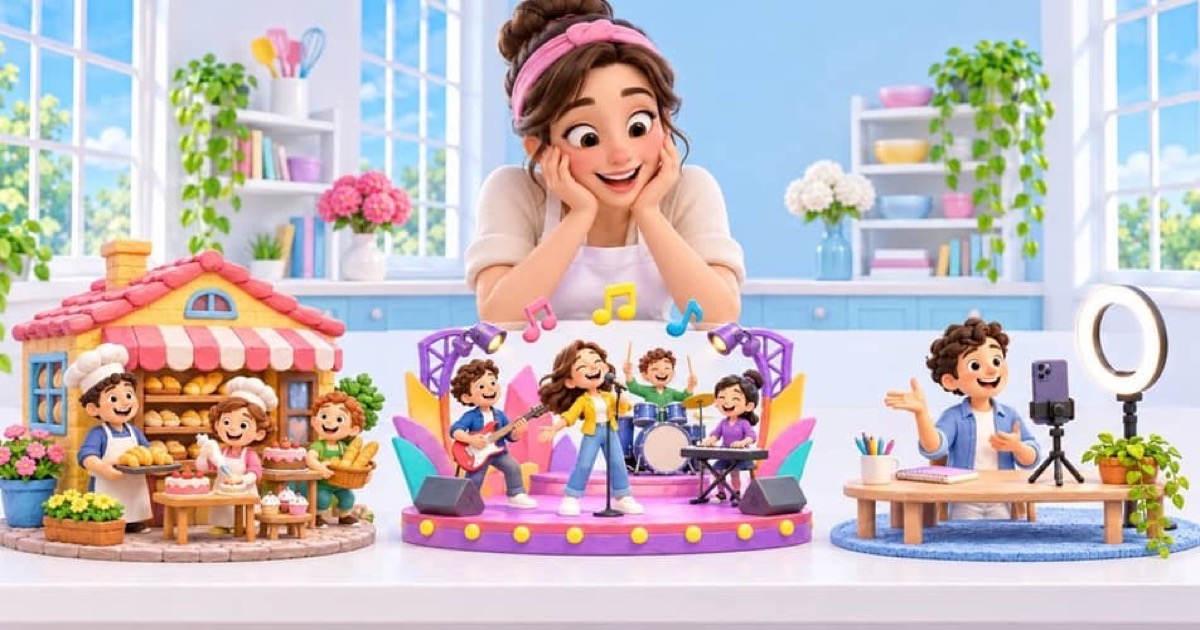
## One ad is a guess. Twenty is a mess.
One ad can't teach you anything, because there's nothing to compare it with. If it flops, was it the hook, the offer or the video? You'll never know.
Twenty ads fail the other way. Meta's page on [managing ad volume](https://www.facebook.com/business/help/2720085414702598) says it plainly: "When an advertiser runs too many ads at once, each ad delivers less often." Then it says "too many ads can result in worse performance."
Meta's page on [the learning phase](https://www.facebook.com/business/help/112167992830700) (checked November 2026) says an ad set usually settles after about 50 results in the week after its last big edit. A result is whatever you asked Meta to get, such as a lead or a call. Split a small budget twenty ways and nothing gets there.
Meta even lists "running too many ads at the same time" as a cause on its [Learning limited page](https://www.facebook.com/business/help/269269737396981).
It's like hiring twenty apprentices and giving each one an hour of training a week. Nobody learns the job.
**[Try our ad team free →](/ad-factory?utm_source=blog&utm_medium=inline&utm_campaign=ad-factory-cta-order)** Get a free image ad and a free video script and storyboard for your business. You approve every step. No card needed.
## What do TikTok and Meta say about ads per ad set?
A creative is the ad itself: the video and its words. TikTok's [creative best practices page](https://ads.tiktok.com/resources/help/article/creative-best-practices) (last updated June 2025) says: "We suggest between 3-5 different creatives per ad group and 3-5 diversified ad groups per campaign."
We read five of Meta's help pages, and none gives a number of ads per ad set. Some blogs say Meta recommends 3 to 6. We couldn't find that on any Meta page.
What Meta gives is a direction. Its ad volume page says: "Decrease ads per ad set, but maintain diverse creative assets per ad set." Meta adds that "one ad can contain multiple (up to ten) creative assets." Its learning phase page says that "Testing new creative and marketing strategies is essential."
Fewer ads, but different ones. That's why we borrow TikTok's 3 to 5 for Facebook. It's our rule of thumb, not Meta's.
TikTok's second number, 3 to 5 ad groups per campaign, needs a budget that can feed them all. On a small budget, we'd start with one ad group and add more as you spend more. That part is our call, not TikTok's.
Meta's [ad limits page](https://www.facebook.com/business/help/766697140509126) does cap a Page that spends under USD 100K in its biggest month at 250 ads running or in review. That's a ceiling, not a target. You don't fill the van just because it has room.
## How many video ads should I run at once on a small budget?
Most local businesses should run one ad set with 3 to 5 different ads in it.
It comes back to Meta's 50 results a week. Say a lead costs you $20. Fifty leads is $1,000 a week, for one ad set.
The quick check: weekly budget divided by cost per lead. Under 50, stick to one ad set. Meta's ad volume page puts it in three words: "Combine ad sets."
Our rule of thumb, not a platform's:
| Weekly ad budget | Ad sets | Different ads in each | Ad Club plan that keeps up |
|---|---|---|---|
| Under $100 | 1 | 2 to 3 | Base |
| $100 to $350 | 1 | 3 to 5 | Base, with fresh ads each month |
| $350 to $1,000 | 1 | 3 to 5 | Growth |
| Over $1,000 | 1 to 2, more as each set hits about 50 results a week | 3 to 5 | Growth or Scale |
That budget goes to Meta or TikTok. It's separate from the cost of making the ads.
## What counts as a different ad?
Change the hook, the style or the offer. A new color, font or button doesn't count.
TikTok's page says "it is always better to use creatives with big differences, especially when testing." Meta's [creative fatigue page](https://www.facebook.com/business/help/1346816142327858) asks for a new ad that is "materially different from the original creative."
Try the scroll test. Would someone notice it's a new ad in the first 2 seconds? If not, it's the same ad in a new shirt.
Say you're a plumber. We wrote these for this post, so they're examples, not real ads:
- **A new hook:** "That drip kept you up again, didn't it?" against "Your water heater is making that noise."
- **A new style:** a song sung by an AI singer, an AI presenter talking to camera, or a clay cartoon.
- **A new offer:** a free quote against a same-day visit.
Nobody ever called a plumber because the button was teal. For hook ideas, see our guide to [UGC video ad scripts that convert](/news/ugc-ads/ugc-video-ad-scripts-that-convert).
Same trade, new style: a clay sample we made for a made-up plumber.
[[VIDEO:clay-plumber]]
[Get a clay ad like this from Ad Club](/ad-factory?utm_source=blog&utm_medium=inline&utm_campaign=ad-factory-how-many-ads).
**[See the ads our team makes →](/ad-factory?utm_source=blog&utm_medium=inline&utm_campaign=ad-factory-cta-examples#examples)** Song ads, talking presenter ads, claymation and more.
## When should you swap an ad out?
Keep the winners running. Swap an ad only when its results keep sliding.
TikTok's page says to refresh "when delivery results exhibit a consistently declining trend, or when daily new users are low." It also says to "add new creatives to an existing ad group instead of creating a new ad group to extend its lifetime."
Meta says creative fatigue "occurs when an audience has seen the same creative too many times." Ads Manager flags Creative fatigue when an ad's cost per result hits twice what your past ads cost. Meta's fix is a new, materially different ad, and it says keeping the old one active may maximize results.
Just don't pull the plug on day two. TikTok's [learning phase page](https://ads.tiktok.com/help/article/learning-phase) (last updated June 2026) says results usually start to steady after about 25 campaign results or 7 days. Judging an ad sooner is like judging a new hire on their first coffee.
So the job never ends. Our rule of thumb: add 1 to 3 fresh ads a month and retire the tired ones. Our guide on [how to fix Facebook ad fatigue](/news/ugc-ads/how-to-fix-facebook-ad-fatigue) covers the warning signs.
## Who makes five different ads every month?
You, an app, a gig seller, an agency or a done-for-you team.
| Option | Cost to make | Who does the work | Different styles? |
|---|---|---|---|
| Your phone | Your time | You plan, film and edit each one | Mostly one: you on camera |
| AI video tool | [$15 a month on Creatify's Standard plan, billed monthly](https://creatify.ai/pricing) (2026) | You write, pick and edit | Only as many as you can make |
| Marketplace gig | Varies by seller | You brief and chase each one | Depends on the seller |
| Agency | [$500 a month for 2 vertical videos at LYFE Marketing](https://www.lyfemarketing.com/services/short-video-advertising-services/pricing/) (2026), with ad optimization | They do it | Depends on the agency |
| 30 Second Ad Club | $97 a month for about 3 short videos on Base, more on Growth and Scale | Our team writes, storyboards, makes and checks each ad; you approve the script and storyboard | Song, Yapper, claymation, B-roll, image |
A phone is cheap until you count your evenings. An app hands you the editing. A gig means a lot of back and forth, and in our view the quality is often uneven.
Ad Club gives you every style from one team. That matters here, because the whole trick is ads that look nothing alike, and a phone gives you mostly one style, and an app gives you only what you have time to make.
A script writer, a storyboard artist, a video maker and a quality checker work on each ad, and a project manager watches it before it reaches you. Most ads are ready in about 24 hours of a complete, approved brief.
Here's a Yapper ad, where an AI presenter talks to camera in a home studio.
[[VIDEO:yapper-studio]]
[Get a Yapper ad made for your business](/ad-factory?utm_source=blog&utm_medium=inline&utm_campaign=ad-factory-how-many-ads).
## Frequently asked questions
### Is one video ad enough to start on Facebook?
One video ad is enough to go live, but not enough to learn from. Start with 2 to 3 different ads, then build to 3 to 5.
### Should I put new ads in the same ad set or a new one?
Put new ads in the same ad set or ad group. TikTok says to add new creatives to an existing ad group, and Meta suggests fewer, combined ad sets.
### How many ad sets should a small business run?
Most small businesses need one ad set per campaign. Meta says an ad set usually leaves learning after about 50 results in a week, and a small budget split many ways rarely gets there.
### Does Ad Club run my ads for me?
No. 30 Second Ad Club makes the ads, and you approve the script and storyboard. You, or whoever handles your ads, puts them live and sets the budget.
## The short version
Run 3 to 5 ads in one ad set. Make them really different: a new hook, a new style or a new offer. Give them a week. Swap the tired ones and keep the winners.
That's the easy bit. The hard bit is making those ads every month while you've got pipes to fix.
For a busy owner, our done-for-you team is the best option.
You approve, we make and check, and you get ads that look nothing alike. No ad can promise leads or sales, ours included. But you'll finally have a real race to watch.
Want finished ads without learning an AI tool? **[Make your free image ad with Ad Club](/ad-factory?utm_source=blog&utm_medium=inline&utm_campaign=ad-factory-cta-both)**, plus a free video script and storyboard. Plans from $97 a month, cancel any time.
---
## Related Reading
- [Do I Have to Label AI Ads? TikTok and Facebook Rules (2026)](/news/ugc-ads/do-i-have-to-label-ai-ads): Do I have to label AI ads? TikTok gives you a toggle and Meta says it labels…
- [How Long Should a Facebook Video Ad Be? Limits by Placement](/news/ugc-ads/how-long-should-a-facebook-video-ad-be): How long should a Facebook video ad be? Our rule is 30 seconds plus a…
- [Facebook Ads for Contractors: Stop Selling the Kitchen](/news/ugc-ads/facebook-ads-for-contractors): Most Facebook ads for contractors show the finished kitchen. Open on the…
- [Music for Facebook Ads: What's Allowed and What Gets Remembered](/news/ugc-ads/music-for-facebook-ads): Music for Facebook ads, explained: why trending songs get ads muted, what…
- [Ad Club →](/ad-factory): A done-for-you ad team. You approve the script and storyboard; we make and check every ad. Plans from $97 a month.
---
## TikTok Ad Size 2026: The Specs, Straight From TikTok
URL: https://www.30secondproductions.com/news/ugc-ads/tiktok-ad-size
Topic: UGC & Ad Creative
Updated: 2026-11-10
TikTok has two help pages about ad videos. They don't agree on how long your ad can be.
They do agree on the shape, though.
The TikTok ad size to aim for is vertical 9:16, at least 540 x 960 pixels, according to [TikTok's auction In-Feed ads page](https://ads.tiktok.com/resources/help/article/tiktok-auction-in-feed-ads?redirected=1) (last updated June 2026). TikTok also takes sideways 16:9 at 960 x 540 and square 1:1 at 640 x 640. Vertical is the one TikTok marks as recommended.
That's the whole answer. It fits on a sticky note.
Every spec guide hands you numbers. Not one hands you the video.
The box was never the hard part. Filling it is.
That's the part we do. 30 Second Ad Club is the done-for-you ad team from 30 Second Productions.
We make a 30-second clay ad about your business, already vertical, with every word on screen. You fill in a 2-minute form, then approve every word and every scene. It's ready about 24 hours after you approve the scenes.
It's $97, often half price in our holiday sales. A 60-second version is $47 more.
Here's a sample we made for a made-up plumber.
[[VIDEO:clay-plumber]]
Want one about your business? [Get your clay ad](/claymation-ads-97?utm_source=blog&utm_medium=inline&utm_campaign=claymation-cta-order).

## The TikTok ad size table, from TikTok itself
Every number below comes from TikTok's own pages, as of November 2026. These are the specs for a standard In-Feed ad, which TikTok calls Non-Spark. (Spark Ads, built from a video you already posted, are in the FAQ.)
An In-Feed ad is an ad that plays between the videos people scroll past.
| Spec | What TikTok says | Where it says it |
|---|---|---|
| Vertical 9:16 (recommended) | At least 540 x 960 pixels | [Auction In-Feed page](https://ads.tiktok.com/resources/help/article/tiktok-auction-in-feed-ads?redirected=1) |
| Horizontal 16:9 | At least 960 x 540 pixels | [Auction In-Feed page](https://ads.tiktok.com/resources/help/article/tiktok-auction-in-feed-ads?redirected=1) |
| Square 1:1 | At least 640 x 640 pixels | [Auction In-Feed page](https://ads.tiktok.com/resources/help/article/tiktok-auction-in-feed-ads?redirected=1) |
| File size | 500 MB or less | [Auction In-Feed page](https://ads.tiktok.com/resources/help/article/tiktok-auction-in-feed-ads?redirected=1) |
| File types | MP4, MOV, MPEG, 3GP, AVI | [Auction In-Feed page](https://ads.tiktok.com/resources/help/article/tiktok-auction-in-feed-ads?redirected=1) |
| Bitrate | At least 516 kbps | [Auction In-Feed page](https://ads.tiktok.com/resources/help/article/tiktok-auction-in-feed-ads?redirected=1) |
| Profile photo | 98 x 98 pixels, square, under 50 KB, JPG or PNG. Keep the key part inside the middle 66 x 66 | [Auction In-Feed page](https://ads.tiktok.com/resources/help/article/tiktok-auction-in-feed-ads?redirected=1) |
| Display name | Up to 20 characters (10 in Chinese, Japanese or Korean) | [Auction In-Feed page](https://ads.tiktok.com/resources/help/article/tiktok-auction-in-feed-ads?redirected=1) |
| Length | Up to 10 minutes on one page, 5 to 60 seconds on the other | [Auction In-Feed page](https://ads.tiktok.com/resources/help/article/tiktok-auction-in-feed-ads?redirected=1) and [Ad Format policy page](https://ads.tiktok.com/help/article/tiktok-ads-policy-ad-format-and-functionality) |
Aspect ratio is the shape of the screen, width to height. So 9:16 is tall and thin, like the phone in your hand.
Bitrate is how much picture data a video uses each second. TikTok's floor is 516 kbps (kilobits per second).
Every pixel number says "at least." Those are floors, not targets.
Nobody ever won a customer by just scraping past the minimum.
**[Get a claymation ad made for your business →](/claymation-ads-97?utm_source=blog&utm_medium=inline&utm_campaign=claymation-cta-order)** We write your story, make every scene out of clay and add a calm, friendly voice. You approve every word and every scene.
## What about 1080 x 1920?
Many guides suggest this size. TikTok's pages only ask for 540 x 960. [Vizup](https://www.tryvizup.com/blog/tiktok-ad-specs-2026-video-sizes-spark-ads-and-safe-zones) and [Sovran](https://sovran.ai/blog/tiktok-video-ad-specs) both suggest it in their 2026 guides.
It's the same tall 9:16 shape, just sharper, and it clears TikTok's 540 x 960 floor with room to spare. So if your app asks, pick 1080 x 1920. That's our pick, not a TikTok rule.
TikTok tells you the smallest it'll take. Nobody fits the smallest pipe that'll do.
Same ad on Facebook? Good news: Reels wants the same tall shape. Our [Facebook video ad size guide](/news/ugc-ads/facebook-video-ad-size) has Meta's own numbers.
## How long can a TikTok ad be?
TikTok gives two answers on two pages. The [auction In-Feed page](https://ads.tiktok.com/resources/help/article/tiktok-auction-in-feed-ads?redirected=1) (June 2026) lists Non-Spark video length as up to 10 minutes.
The [Ad Format and Functionality policy page](https://ads.tiktok.com/help/article/tiktok-ads-policy-ad-format-and-functionality) (April 2026) says the ad must be "a minimum of 5 seconds, and a maximum of 60 seconds."
We're not going to referee TikTok's help desk.
A 30-second ad sits inside both answers. So does a 60-second one.
Our clay ads come in 30 seconds, or 60 if you pick the longer version.
## Does a TikTok ad need sound?
Yes. TikTok's [policy page](https://ads.tiktok.com/help/article/tiktok-ads-policy-ad-format-and-functionality) says "The ad must contain audio," and that the sound must not be unclear or muffled.
The same page says the ad must be "legible and of a high resolution," but gives no pixel numbers.
So sound has to be in. Words on screen are your call.
We do both. In our clay ads, a calm, friendly voice reads the script, and every word sits on screen. Volume up or down, it still reads.
Here's the clay ad we made for our own AI SEO service.
[[VIDEO:clay-ai-seo]]
Want one with your name in it? [Get your clay ad](/claymation-ads-97?utm_source=blog&utm_medium=inline&utm_campaign=claymation-cta-order).
**[Watch the claymation ads we have made →](/claymation-ads-97?utm_source=blog&utm_medium=inline&utm_campaign=claymation-cta-examples)** Tap one to watch it with sound.
## What is the TikTok safe zone?
The safe zone is the part of the screen that TikTok's buttons and caption don't cover. Your words and logo belong there.
**Mind the buttons.** Miss the safe zone, and a like button can end up parked on your phone number.
[TikTok's auction In-Feed page](https://ads.tiktok.com/resources/help/article/tiktok-auction-in-feed-ads?redirected=1) says the safe zone depends on the video's shape, the caption length and any extra formats. It gives no pixel numbers. Instead, scroll to its Safe zone section and download the overlay files. Lay one over your video before you upload.
[Relevant Audience](https://www.relevantaudience.com/tiktok-ads/tiktok-video-size-ad-specs/) (October 2026) noticed the same gap. So when a blog quotes exact safe-zone pixels, ask where it got them.
Captions have rules too. For a Non-Spark ad, TikTok's page says the caption uses a white fixed font. It can't include clickable links, @ symbols or hashtags.
So the line you most want seen belongs in the video itself, inside the safe zone.
## What's the easiest way to get a TikTok-size ad made?
For a busy owner, the easiest way is a done-for-you team that makes it vertical for you, so your only job is approving it. You've got the size. Now you need about 30 seconds of video worth stopping for.
Here are the four usual ways to get one.
| Way to get it | Who makes it 9:16 | Your work | What you get |
|---|---|---|---|
| Your phone | You | Plan, film, edit, add words, export | A real-life clip of you or your work |
| AI clay tool, such as [Morphic](https://morphic.com/resources/videos/claymation-videos) | You, inside the app | Write prompts, fix shots, add words, export | Clips you put together yourself |
| Marketplace gig | The seller | A brief, then a lot of back and forth | In our view, quality is often low and uneven |
| 30 Second Ad Club clay ad | Our team | A 2-minute form, then approve | A finished 30-second vertical ad, every word on screen, about 24 hours after you approve the scenes |
Morphic's page invites you to "Direct stop-motion clay in your browser." Fair enough. But that makes you the director.
A tool suits you if you enjoy tinkering on a Sunday night. A plumber's Sunday night is usually spoken for.
A marketplace gig takes the editing off your plate. In our view, you then trade it for chasing, and you aren't working with a marketing team.
What does a studio or freelancer charge for clay? Our [claymation ad cost guide](/news/ugc-ads/claymation-ad-cost) has the prices.
So how is our clay ad made? With AI tools for the clay pictures, the movement and the voice. It isn't hand-made stop motion.
Our team checks every video before it reaches you. You also get 2 free rounds of changes to the scenes.
Here's the clay ad we made for our own song ad service.
[[VIDEO:clay-song-ads]]
Like the look? [Get a clay ad for your business](/claymation-ads-97?utm_source=blog&utm_medium=inline&utm_campaign=claymation-cta-order).
## Frequently asked questions
### Can I run a square or sideways video as a TikTok ad?
Yes. TikTok's auction In-Feed page lists square 1:1 and horizontal 16:9, but marks vertical 9:16 as recommended.
### What file types does TikTok take for ads?
TikTok's auction In-Feed page lists MP4, MOV, MPEG, 3GP and AVI for Non-Spark ads, at 500 MB or less. For Spark Ads, the same page lists MP4 or MOV.
### What is a Spark Ad?
A Spark Ad is a TikTok ad built from a video already posted on a TikTok account. TikTok's auction page says the caption comes from that post, with up to 4 lines shown. The same page lists Spark video length as "No restrictions."
### Does 30 Second Ad Club run my TikTok ad for me?
No. 30 Second Ad Club makes the ad, and you own it. You, or whoever handles your ads, puts it live and sets the budget.
## The short version
The TikTok ad size in one line: vertical 9:16, at least 540 x 960, under 500 MB. Sound in, words on screen, and keep them clear of the buttons.
What goes in the box is what counts. You could film it, prompt it, or hire a gig and chase it. For a busy owner, our done-for-you team is the best option: you fill in a form, approve every word and scene, and get a finished vertical ad about a day later.
One 30-second clay ad is $97, often half price in our holiday sales. You own it, so use it on TikTok, Facebook, your website, anywhere. Not happy within 30 days? You get a full refund.
No ad can promise calls or sales, ours included. But you'll never have to count pixels again.
Want a clay ad people stop to watch? **[Get your claymation ad](/claymation-ads-97?utm_source=blog&utm_medium=inline&utm_campaign=claymation-cta-both)**, written and made for you, ready about a day after you approve your scenes. Love it or your money back.
---
## Related Reading
- [Facebook Video Ad Size 2026: Pixels and Ratio by Placement](/news/ugc-ads/facebook-video-ad-size): The right Facebook video ad size is two files: 4:5 for Feed, 9:16 for Reels…
- [Do I Have to Label AI Ads? TikTok and Facebook Rules (2026)](/news/ugc-ads/do-i-have-to-label-ai-ads): Do I have to label AI ads? TikTok gives you a toggle and Meta says it labels…
- [How to Make a TikTok Ad With a Song, Start to Finish](/news/ugc-ads/tiktok-ad-with-a-song): Make a TikTok ad with a song in 8 steps: where legal music comes from, 9:16…
- [Can I Use Trending TikTok Sounds in a Business Ad?](/news/ugc-ads/trending-tiktok-sounds-in-a-business-ad): Can you use trending TikTok sounds in a business ad? Usually not. See what…
- [Claymation Ads →](/claymation-ads-97): A 30-second clay video ad about your business, made for you. You approve every scene.
---
## How Long Should a Jingle Be? Social Ad Limits by Platform
URL: https://www.30secondproductions.com/news/ugc-ads/how-long-should-a-jingle-be
Topic: UGC & Ad Creative
Updated: 2026-11-09
Nobody really picks the length of their jingle. The ad slot picks it for you.
Most guides still give you radio sizes. [Killerspots](https://killerspots.com/blog/radio-jingle-length), a jingle maker, breaks it down into 5, 15, 30 and 60-second spots, which helps if you're buying radio. Buy ads on a phone and the clock changes.
So how long should a jingle be for a video ad? Make one main version around 15 to 30 seconds. Put the hook up front, then fit it to where it runs: just the hook for a 6-second YouTube ad, the full version for TikTok or Instagram.
Or hand it over.
A song ad is a short video where your message is sung, with every word on screen. At 30 Second Ad Club, the done-for-you ad team from 30 Second Productions, we write a catchy song about your business, an AI singer sings it, and we turn it into a 3D cartoon ad. You fill in a 5-minute form. In 72 hours you've got a vertical ad, ready for social media.
Here's why that beats the usual jingle route. A jingle shop sells you a song, and a song isn't an ad yet. You'd still need the pictures, the words on screen, the logo and someone to glue it all together. We hand you the finished thing.
Here's one we made, a plumber's story.
[[VIDEO:song-ad-plumber]]
[Get a song ad like this for your business](/song-ads?utm_source=blog&utm_medium=inline&utm_campaign=song-ads-jingle-length).

## How long should a jingle be on YouTube, TikTok and Instagram?
Each app sets its own number, and some of them set two.
| Where it runs | What the page says | Source |
|---|---|---|
| YouTube bumper ad | Up to 6 seconds | [Google Ads Help, read Nov 2026](https://support.google.com/google-ads/answer/11462260?hl=en) |
| YouTube bumper ad | Between 5 and 6 seconds | [YouTube Help, read Nov 2026](https://support.google.com/youtube/answer/2375464?hl=en) |
| YouTube non-skippable ad | 7 to 15 seconds | [Google Ads Help, read Nov 2026](https://support.google.com/google-ads/answer/11462260?hl=en) |
| YouTube non-skippable ad | 60 seconds or shorter | [YouTube Help, read Nov 2026](https://support.google.com/youtube/answer/2375464?hl=en) |
| YouTube skippable ad | No maximum, under 3 minutes recommended | [YouTube Help, read Nov 2026](https://support.google.com/youtube/answer/2375464?hl=en) |
| TikTok In-Feed ad | 5 to 60 seconds allowed, 21 to 34 recommended (data from May to July 2021) | [TikTok tips PDF, read Nov 2026](https://ads.tiktok.com/business/library/7TopCreativeTips.pdf) |
| TikTok, same PDF's checklist | 9 to 15 seconds recommended | [TikTok tips PDF, read Nov 2026](https://ads.tiktok.com/business/library/7TopCreativeTips.pdf) |
| Instagram, promoting a reel | 90 seconds or less | [Instagram Help, read Nov 2026](https://help.instagram.com/570215404599013) |
Yes, two Google help pages give two answers on non-skippable ads. YouTube Help says the length depends on the campaign subtype, so check your own campaign type before you cut.
TikTok argues with itself too. Its 21 to 34 seconds comes from 2021 data, and the checklist on the back of the same PDF says 9 to 15.
Running on Facebook as well? It has its own numbers, so see our guide to [how long a Facebook video ad should be](/news/ugc-ads/how-long-should-a-facebook-video-ad-be).
**[Get a musical video ad made for your business for $97 →](/song-ads?utm_source=blog&utm_medium=inline&utm_campaign=song-ads-cta-order)** A catchy song about your business, turned into a 3D animated video ad. Done for you in 72 hours.
## Why 15 to 30 seconds fits almost everywhere
A 15-second jingle fits Google's 7 to 15 slot and TikTok's 9 to 15 checklist. A 30-second one fits TikTok's 21 to 34, YouTube Help's 60 and Instagram's 90.
That leaves the bumper, which only has room for one sung line anyway.
Instagram will take 90 seconds. That's a fence, not a goal. Nobody ever finished a dentist's ad wishing for a third verse.
[YouTube Help](https://support.google.com/youtube/answer/2375464?hl=en) says viewers can skip a skippable ad after 5 seconds. So your name can't wait for the second verse. Even [Killerspots](https://killerspots.com/blog/radio-jingle-length) says it in its FAQ: "The hook matters more than the length."
Every song ad we make follows one plan: a hook in the first 3 seconds, the story in the middle, then the offer and a clear next step. Notice which part can go.
## Cut the middle, keep your name
Write the 30 first, then start cutting. The hook stays, your name stays, the offer stays. Everything else is on trial.
We wrote this one for a made-up dentist, so it's not a real ad and has no results behind it. Swap in your own name and true details.
**The 30-second version**
> *Chewing on one side since March? [Your Name] Dental.*
>
> Soup on the left, toast on the right,
> that one back tooth kept you up all night.
> You said next week, then you said next year.
> [Your Name] Dental, we're right here.
> Quick little visit, you'll be on your way.
> Two-sided sandwiches, starting today.
> Chew on both sides, day or night.
> [Your Name] Dental, we'll put it right.
On screen: your star rating and [Your Town]. Offer: new patients get a free first exam. Button: Book now.
**The 15-second cut**
> *Chewing on one side since March? [Your Name] Dental.*
>
> You said next week, then you said next year.
> [Your Name] Dental, we're right here.
> Chew on both sides, day or night.
> [Your Name] Dental, we'll put it right.
Same on-screen line, offer and button.
**The 6-second bumper**
> *Chewing on one side? [Your Name] Dental.*
One sung line. Your logo and offer do the rest. The soup didn't make the 15. The soup never does.
Time it out loud before you trust it, because a slow tune eats seconds fast. [YourSongMaker](https://yoursongmaker.squarespace.com/blog/2019/8/6/how-to-write-lyrics-for-a-company-jingle) says to keep jingle lyrics short, usually one line or about 6 to 12 syllables. For the words themselves, we've got a guide on [how to write a jingle](/news/ugc-ads/how-to-write-a-jingle).
Here's a client ad we made for a bathroom remodeler.
[[VIDEO:song-client-bath]]
[Hear what yours could sound like](/song-ads?utm_source=blog&utm_medium=inline&utm_campaign=song-ads-jingle-length).
## When is a 2-minute jingle worth it?
Only when nobody's reaching for the skip button. Two minutes is past Instagram's 90 seconds for a promoted reel, past TikTok's 60 for In-Feed ads, and past YouTube Help's 60 for non-skippable ads. YouTube's skippable ads are the one paid slot it fits.
So think of the long version as the one for people who already came to you, on your website or the screen in your waiting room.
A 2-minute version is a $47 add-on at our checkout, not the main event. You own the ad, so use it anywhere you like. We don't make radio or TV versions, so if radio's the plan, a jingle shop is your call.
**[Hear the song ads we have made →](/song-ads?utm_source=blog&utm_medium=inline&utm_campaign=song-ads-cta-examples#examples)** Click any video to watch with sound.
## Which cut should you run first?
In our view, start with the 15-second cut. It fits more ad slots than the 30. Made both? Run them side by side on the same app, with the same budget and the same offer. Then ask each new patient which ad they saw.
Views don't fix teeth. Booked appointments tell you which cut earned its keep.
## Who's going to make all this?
Someone has to write it, sing it and put pictures on it.
| Way to get it | Cost to make | Your work | What you get |
|---|---|---|---|
| You and your phone | Your time | Write, sing, film, time, edit | A simple homemade video |
| Marketplace gig | Varies by seller | Brief, then a lot of back and forth | In our view, quality is often uneven |
| Jingle studio | [$800-$2,500](https://violetrecording.com/how-much-does-a-jingle-cost/) with a pro singer, per Violet Recording (2026) | Brief and reviews | A sung jingle and one or two shorter cuts; no video listed |
| 30 Second Ad Club song ad | $97 for one ad | 5-minute form, then approve | Finished 3D cartoon ad in 72 hours, sung by an AI singer |
Every order comes with an Ad Club account, where our team makes your ads and you approve them. You never have to learn an AI tool.
You get 1 round of remakes and a money-back guarantee. Each order is one finished vertical ad, not a set of cuts. Want several ads? 5 new ads a month is $297, cancel any time.
A song ad isn't for everyone. Our singer is AI, and we'd rather you know now. If you want a real person at the microphone, a studio is your route.
## Frequently asked questions
### Is 60 seconds too long for a jingle in a video ad?
TikTok's tips PDF allows In-Feed ads of 5 to 60 seconds, and YouTube Help lists non-skippable ads of 60 seconds or shorter. In our view, that's long for strangers. Start with 15 to 30 seconds.
### Is the singer in a song ad a real person?
No. The singing voice in 30 Second Ad Club song ads is AI, in the style you pick. Our team writes the song and makes the video, and you approve it.
### Do you run the ads for me?
No. 30 Second Ad Club makes the ad. You, or whoever handles your ads, puts it live and sets the budget.
## The short version
Make one main version around 15 to 30 seconds, then fit it to the slot. Keep the hook, your name and the offer. Let the soup go.
You could write it, sing it and animate it yourself, on the one evening you had off this week. For a busy owner, our done-for-you team is the best option: you fill in one form, then approve a finished ad, with no tool to learn.
No ad can promise sales or views, ours included. But sing your name in the first 5 seconds, and YouTube's skip button can't stop it.
Ready for an ad people remember? **[Get your song ad for $97](/song-ads?utm_source=blog&utm_medium=inline&utm_campaign=song-ads-cta-both)**, written, sung and animated for you in 72 hours, with a money-back guarantee.
---
## Related Reading
- [Jingle vs Voiceover: Should Your Social Video Ad Be Sung?](/news/ugc-ads/jingle-vs-voiceover-ad): Jingle vs voiceover for your social video ad? See what the research says,…
- [AI Jingle Generator or Jingle Writer? Costs, Rights and Time](/news/ugc-ads/ai-jingle-generator-vs-jingle-writer): Should you use an AI jingle generator or pay someone? Compare costs, plans…
- [Custom Jingle for Small Business: What You Get and What to Ask](/news/ugc-ads/custom-jingle-for-small-business): Buying a custom jingle for small business? Learn which files to get, 12…
- [How Much Does a Jingle Cost in 2026? Real Studio Prices](/news/ugc-ads/how-much-does-a-jingle-cost): How much does a jingle cost? Real 2026 prices from AI tools, freelancers,…
- [Song Ads from $97 →](/song-ads): A catchy song about your business, turned into a 3D animated video ad in 72 hours.
---
## How Long Should a UGC Ad Be? Why We Pick 30 Seconds
URL: https://www.30secondproductions.com/news/ugc-ads/how-long-should-a-ugc-ad-be
Topic: UGC & Ad Creative
Updated: 2026-11-09
TikTok has two answers to this question, and they're both in the same PDF. Tip 3 of its [creative tips sheet](https://ads.tiktok.com/business/library/7TopCreativeTips.pdf) recommends 21 to 34 seconds. The checklist at the back says 9 to 15.
So how long should a UGC ad be? About 30 seconds, when someone's talking to the camera. UGC stands for user-generated content, an ad that looks like a regular person telling you about something.
A talking ad doesn't really run on seconds. It runs on words, and 30 seconds buys you about 70 of them.
Let us spend them. A Yapper Ad is a 30-second talking ad for $197, made by 30 Second Ad Club, the done-for-you ad team from 30 Second Productions. The presenter is AI, and she doesn't pretend to be your customer. We write to the clock, you read it and change anything, and it's ready in 72 hours after you say yes.
It beats writing it yourself for one plain reason: we aren't in love with your third sentence.
Here's one of ours, a Yapper ad we made to sell our own Song Ads.
[[VIDEO:yapper-song-ads]]
[Get a talking ad written to 30 seconds for your business](/yapper-ads?utm_source=blog&utm_medium=inline&utm_campaign=yapper-cta-order).

## The limits are loose and the advice is a mess
We read these pages on November 9, 2026. They change.
| Who says | How long it can be | How long they suggest |
|---|---|---|
| [TikTok's small-business video guide](https://ads.tiktok.com/business/en/guides/video-advertising-guide) | Up to 60 seconds | 21 to 34 seconds |
| [TikTok's creative tips PDF](https://ads.tiktok.com/business/library/7TopCreativeTips.pdf) | 5 to 60 seconds | 21 to 34 in tip 3, 9 to 15 in the checklist |
| [TikTok's ad policy page](https://ads.tiktok.com/resources/help/article/tiktok-ads-policy-ad-format-and-functionality) | 5 to 60 seconds | Doesn't say |
| [TikTok's auction in-feed specs](https://ads.tiktok.com/resources/help/article/tiktok-auction-in-feed-ads?redirected=1) | Up to 10 minutes (non-Spark Ads) | Doesn't say |
| [TikTok's reservation in-feed specs](https://ads.tiktok.com/help/article/tiktok-reservation-in-feed-ads-reach-frequency?redirected=1) | 5 to 60 seconds | 9 to 15 seconds |
| [Meta's Ads Guide, Feed video](https://www.facebook.com/business/ads-guide/update/video) | 1 second to 241 minutes | Doesn't say |
| Yapper Ads from 30 Second Ad Club (our ad, not a platform) | 30 seconds | 30 seconds, our pick |
Auction ads are the kind you bid on, reservation ads are booked ahead, and Spark Ads use a post already on TikTok (our words, not TikTok's).
The policy page says "a maximum of 60 seconds." The auction specs page, same company, says 10 minutes. The guide says 21 to 34 "performs best," then says the strongest ads tell a story "even in 15 seconds or less." Pick a page, get a different answer.
Meta's Feed video spec allows 241 minutes, in case your plumbing story runs four hours. One [Meta news post](https://www.facebook.com/business/news/want-to-better-video-ads-for-mobile-well-show-you-how), with no date on it, says "Consider delivering your message in 15 seconds or less." [Facebook video ad length](/news/ugc-ads/how-long-should-a-facebook-video-ad-be) and [Instagram video length](/news/explainer-videos/instagram-video-length-posts-stories-reels-ads) each got their own guide.
**[Get a talking video ad made for your business for $197 →](/yapper-ads?utm_source=blog&utm_medium=inline&utm_campaign=yapper-cta-order)** A real-looking presenter sells for you. We write the words and make the video. You just say yes.
## So how long should a UGC ad be?
A talking UGC ad should run about 30 seconds. That's our call, not TikTok's.
The 21 to 34 number has a receipt, even if it's faded. TikTok's PDF footnotes it to a model of ad performance from May to July 2021, so it's more than five years old. The 9 to 15 number has no receipt at all on the pages we read.
An old receipt beats no receipt. But the real reason is how it sounds.
Give a talking ad 35 words and it's an announcement. Give it 140 and it's the neighbor you can't get away from. Give it 70 and it's a friend telling you about something, and that's the whole point of UGC.
TikTok's PDF also says "overall, shorter videos perform better," so going shorter isn't wrong. Try 15 if you've got one simple offer. Try 60 if the thing needs explaining before anyone picks up the phone. Yapper Ads only come in 30 seconds, so those two are on you.
## How many words fit in 15, 30 and 60 seconds?
About 35, 70 and 140, give or take. [Typecast's script timing guide](https://typecast.ai/learn/?p=15068) gives the math: words divided by words per minute. Run that at 125 to 150 words a minute and you get a rule of thumb.
- **15 seconds, 31 to 38 words.** One problem, one fix, one button.
- **30 seconds, 63 to 75 words.** Hook, problem, fix, next step, and room to sound like a person.
- **60 seconds, 125 to 150 words.** All of that, plus proof and how it works.
Typecast says a timed read beats the estimate, so open your phone's stopwatch and read it out loud. If you run over, cut words. Don't talk faster. Nobody trusted a friend who talks like an auctioneer.
TikTok's guide also says to "Hook viewers in the first three seconds." At this pace, that's 6 or 7 words.
## One ad, cut three ways
We wrote this one for a made-up garage door company, so it isn't a real ad and has no results behind it. Swap in your name, your town and your true details.
### The 15-second cut, 31 words
> *Your garage door just quit.*
>
> And your car's stuck behind it.
> [Your Name] Garage Doors comes out today
> and tells you the price before they touch a thing.
> Tap to book.
### The 30-second cut, 66 words
> *Your garage door just quit.*
>
> And your car's stuck behind it.
> You've pushed the button nine times. Harder, too, like that helps.
> Don't pull on that door. Those springs are no joke.
> [Your Name] Garage Doors comes out today,
> finds what broke,
> and tells you the price before they touch a thing.
> So you can get to work tomorrow.
> Tap the button and book your spot.
### The 60-second cut, 127 words
> *Your garage door just quit.*
>
> And your car's stuck behind it.
> You've pushed the button nine times. Harder, too, like that helps.
> Now you're late, and you're looking at a door the size of a small whale.
> Don't pull on it. Those springs are no joke.
> [Your Name] Garage Doors comes out today.
> First they find what broke.
> Then they show you the broken part, in your own driveway.
> Then they tell you the price before they touch a thing.
> No surprise bill on the kitchen table next week.
> They've been fixing doors in [Your Town] for [number] years,
> and [your star rating] says they show up.
> So tonight, the car goes in the garage.
> Tap the button and book your spot before the day fills up.
All three: logo and [Your Town] on screen. Offer: the price before we start. Button: Book now.
The hook never moved, and the button always comes last. The nine button presses didn't make the 15-second cut, and the whale only got in because we had the room.
To settle it in your own town, run your 30-second ad against a shorter phone video, with the same hook and budget. Views don't open garage doors, so count the calls.
Here's another Yapper ad, with our AI presenter in a home studio.
[[VIDEO:yapper-studio]]
**[Watch our Yapper ads →](/yapper-ads?utm_source=blog&utm_medium=inline&utm_campaign=yapper-cta-examples)** Click any video to watch with sound.
## Who should write your 30 seconds?
Anyone but the person who owns the business.
| Way to get it | Length | Your work | Cost to make |
|---|---|---|---|
| Your phone | Whatever you can say in one take | Write, film, edit, cut | Your time |
| [Billo](https://billo.app/pricing/), a service with 5,000+ vetted creators | $99 covers 15 seconds, longer costs more | Brief, ship your product, review | From $99 (checked November 3, 2026) |
| [HeyGen](https://www.heygen.com/pricing), an AI video app | Up to 1 minute on the free plan | You write it and build it | Free with a watermark, or Creator plan $29 a month (checked November 3, 2026) |
| Yapper Ads from 30 Second Ad Club | 30 seconds | 2-minute form and your logo, then approve | $197 one time |
An app won't tell you your third sentence is dull. Gig sites in general, in our view, run uneven on quality and heavy on back and forth.
With us, you say yes or ask for changes, with one round included. Real people write and check every video. The presenter looks and sounds real, but she's made with AI. You can't pick a different one yet, and it's English only for now.
You own the ad, and every order comes with your own Ad Club account for ordering more.
## Frequently asked questions
### Can I get a Yapper ad in 15 or 60 seconds?
No. Yapper Ads from 30 Second Ad Club come in one length, 30 seconds.
### Is the person in a Yapper ad real?
No. The presenter in a Yapper ad is made with AI. She is not a customer or a paid creator.
### Do you run the ad for me?
No. 30 Second Ad Club makes the ad. You, or whoever handles your ads, puts it live and sets the budget.
## The short version
Long enough for a friend to finish a thought. That's about 30 seconds and about 70 words.
You could write it, time it and cut it yourself. You'd also be the one person on earth who thinks the year you were founded has to stay in. For a busy owner, our done-for-you team is the best option: we write to the clock, you approve it, and you never learn an app.
No ad can promise sales or views, ours included. But yours will fit.
Want an ad that talks for you? **[Get your Yapper ad for $197](/yapper-ads?utm_source=blog&utm_medium=inline&utm_campaign=yapper-cta-both)**: your words, your logo, made for you in 72 hours, with a money-back guarantee.
---
## Related Reading
- [Do I Have to Label AI Ads? TikTok and Facebook Rules (2026)](/news/ugc-ads/do-i-have-to-label-ai-ads): Do I have to label AI ads? TikTok gives you a toggle and Meta says it labels…
- [Best Way to Get AI UGC Ads in 2026: Apps, Creators or Teams](/news/ugc-ads/best-way-to-get-ai-ugc-ads): Compare 3 ways to get AI UGC ads: human creators, AI apps like Arcads and…
- [How Long Should a Facebook Video Ad Be? Limits by Placement](/news/ugc-ads/how-long-should-a-facebook-video-ad-be): How long should a Facebook video ad be? Our rule is 30 seconds plus a…
- [Best Type of Facebook Ad for Small Business: Song, UGC or Image?](/news/ugc-ads/best-type-of-facebook-ad-for-small-business): Not sure which ad to run first? Compare song, UGC and image ads on cost,…
- [Yapper Ads for $197 →](/yapper-ads): A 30-second talking video ad with a real-looking AI presenter, made for you in 72 hours.
---
## Why Your Ads Get Scrolled Past (And How to Fix It)
URL: https://www.30secondproductions.com/news/ugc-ads/why-your-ads-get-scrolled-past
Topic: UGC & Ad Creative
Updated: 2026-11-09
Most ads get ignored for 2 reasons. They look like every other ad, and they sell before anyone cares. The fix is to start with the customer's problem in their own words, then tell a short story before you sell.
---
## How to Create a Song Ad That Actually Works
URL: https://www.30secondproductions.com/news/ugc-ads/how-to-create-a-song-ad-that-actually-works
Topic: UGC & Ad Creative
Updated: 2026-11-09
Most ads get scrolled past. A short story set to a song is different. A song ad has five parts: a first line about a real problem, a villain that makes it worse, a guide with the answer, the moment it works, and a clear ask.
---
## Facebook Ads for Event Planners and Party Pros: 3 Examples
URL: https://www.30secondproductions.com/news/ugc-ads/facebook-ads-for-event-planners
Topic: UGC & Ad Creative
Updated: 2026-11-06
"Free initial consultation. Transparent fees. Proven results."
That's a mock ad from [one agency's April 2026 guide](https://clicksgeek.com/facebook-ads-for-event-planners/) to Facebook ads for event planners. It could just as well sell tax returns.
If your own ad lists packages, hours and rates, you have the same problem. You sell fun, and your ad reads like a price list.
Here's the short answer. A Facebook ad for a party business should feel like the party. Show one happy moment, name your town, give one reason to trust you, and answer the one thing every host asks: are you free that day?
And what sounds more like a party than a song? It sells the fun and leaves your name stuck in their head.
A song ad is a short video where your message is sung, with every word on screen. At 30 Second Ad Club, the done-for-you ad team from 30 Second Productions, we write a catchy song about your business, an AI singer sings it, and we turn it into a 3D cartoon ad. You fill in a 5-minute form. It's ready in 72 hours.
Here's one we made for a client who's a party magician.
[[VIDEO:song-client-magician]]
[Get one like this for your party business](/party-song-ads?utm_source=blog&utm_medium=inline&utm_campaign=song-ads-party).

## Nobody books a price list
No one has ever hired a magician because of a good hourly rate.
They hire one because they're scared of a flat party. "I just want the kids to have fun." "Please let somebody dance." "I'd love to sit down at my own party."
That's what you're selling. A bounce house is a big bag of air. What the parent wants is two hours of kids who aren't asking for anything.
Every party trade has its own moment:
- **Magicians:** the gasp. Or the kid who swears he knows how it's done, and doesn't.
- **DJs:** your shyest uncle on the dance floor by the third song.
- **Bounce house rentals:** worn-out kids at 4 p.m., and you never touched a strap.
- **Party planners:** the host with a drink in her hand, not a roll of tape.
- **Event venues:** the second the guests walk in and go quiet.
Pick one. That's your whole ad.
The ad agency [Clicks Geek](https://clicksgeek.com/facebook-ads-for-bounce-house-rental/) said in April 2026 that kids on a water slide and a thank-you note from a birthday family beat stock product photos.
So show the fun, not the kit.
**[Get a musical video ad made for your business for $97 →](/party-song-ads?utm_source=blog&utm_medium=inline&utm_campaign=song-ads-party&utm_content=order)** A catchy song about your business, turned into a 3D animated video ad. Done for you in 72 hours.
## Then calm the host down
Fun makes them stop scrolling. It doesn't make them hand over the backyard.
The same Clicks Geek guide says the parent is checking for "a legit insured operator." If you're insured, say so. Put your star rating and town on screen too.
Next comes the only question a host really has.
"Are you free on the 14th?"
You can't move a birthday, so skip "Get a quote." Clicks Geek says quote requests underperform on Facebook, and that lead-form ads (ads with a form built in) asking people to "check my date" beat a plain "learn more." That's the agency's own claim, with no numbers shown.
[Meta's Leads guide](https://www.facebook.com/business/ads-guide/update/video/facebook-facebook-reels/outcome-leads/on-ad) lists a "Check Availability" button, but says not every button is open to everyone. Your last frame can say "Check My Date" either way.
## Three party ads you can steal
We wrote these for this post, so they aren't real ads and have no results. Swap in your own details.
**The bounce house rental**
> *Your backyard's way too quiet.*
>
> Big red castle rolling down your street,
> [Your Name] brings the bounce, you keep your seat.
> Shoes off, kids on, jump all day,
> they're asleep by four, and we drive away.
On screen: [Your Town], plus "insured" if you are. Offer: free delivery when you book this month. Button: Check Availability.
**The DJ**
> *Nobody's dancing? Not at this party.*
>
> Auntie's kicked her shoes off, Grandpa's on the floor,
> even Uncle Steve is yelling, "Play one more."
> [Your Name] plays the hits all over [Your Town],
> and nobody, nobody's sitting down.
Offer: book by [Date] and the dance floor lights are free. Button: Check Availability.
**The party planner**
> *Put down the tape. It's your party.*
>
> You pick the day, we'll do the rest,
> [Your Name] makes you feel like a guest.
> Tables, flowers, music, cake,
> one less list for you to make.
Offer: send your date and guest count, get a free party plan. Button: Check Availability.
Run a party venue? Swap the first two lines for "You pick the date, we've got the room, doors swing open and jaws go boom."
Every good party has a plan, and so do these: a hook in the first 3 seconds, the story in the middle, then the offer and next step. Here's a song ad we made that tells a pizza place's story.
[[VIDEO:song-ad-pizza]]
[Hear what yours could sound like](/party-song-ads?utm_source=blog&utm_medium=inline&utm_campaign=song-ads-party).
## Why a song and not just party photos?
A photo shows the party was fun. A song gets stuck in someone's head, along with your name.
[MassiveMusic, a sonic-branding agency, reported in August 2026](https://massivemusic.com/soundboard/everyones-talking-about-jingles) that a System1 analysis of more than 1,250 award-entered campaigns gave jingles 1.9 times the brand fluency of a standard visual logo. Brand fluency means how quickly people know whose ad it is.
And a singing drain company takes some nerve. A singing party business is just doing its job.
Plus, you can't film while you're pulling a scarf out of a hat. A cartoon needs no camera and no real kids in your ad.
A song won't suit every party, though. Skip it if:
- **You sell wedding rooms.** Couples want to see the real one. Use real photos.
- **You plan big galas or high-end weddings.** [Clicks Geek](https://clicksgeek.com/facebook-ads-for-event-planners/) says event planning buyers shop for taste, so show your real work.
- **You don't want an AI voice on your brand.** Our singer is AI.
- **Your Saturdays are already full.** Congratulations. Go to bed.
## Your ad gets about 40 characters
You get less room than a party invite. As of November 2026, [Meta's Reels guide](https://www.facebook.com/business/ads-guide/update/video/facebook-facebook-reels) recommends a [vertical 9:16 video](/news/ugc-ads/facebook-video-ad-size), 40 characters of primary text and a 55-character headline.
"Bounce houses in [Your Town]" fits in 40. Your package list doesn't, which is good news.
Our ads come vertical, with every word on screen, so they work with the sound off.
**[Hear the song ads we have made →](/party-song-ads?utm_source=blog&utm_medium=inline&utm_campaign=song-ads-party&utm_content=examples#examples)** Click any video to watch with sound.
## What does a party ad cost to make?
Anywhere from your own time to $2,500 for the song alone. A 30 Second Ad Club song ad is $97. Your ad budget is separate.
| Way to get it made | Cost to make | Your work | What you get |
|---|---|---|---|
| Your phone | Your time | Film and edit on your busiest days | Real clips of your parties |
| Marketplace gig | Varies by seller | Brief, then a lot of back and forth | In our view, quality is often uneven |
| [Jingle studio](/news/ugc-ads/how-much-does-a-jingle-cost) | [$800-$2,500](https://violetrecording.com/how-much-does-a-jingle-cost/), per Violet Recording (2026) | Brief and reviews | Sung jingle, no video listed |
| 30 Second Ad Club song ad | $97 for one ad | 5-minute form, then approve | Finished 3D cartoon ad in 72 hours |
You own the ad, so use it anywhere. Your order also comes with an Ad Club account, where our team makes your ads and you approve them. Want fresh ads all season? 5 new ads a month is $297, and you can cancel any time.
## Applause doesn't pay the deposit
Count booked dates.
Run your song ad next to your best party photo, same budget on each. Then ask every new host where they saw you.
## Frequently asked questions
### How much should a party business spend on Facebook ads?
There's no set number. [Event Rental Systems](https://eventrentalsystems.com/increase-local-brand-awareness-for-your-party-rental-business-using-facebook-instagram-ads/), a party rental software company, suggested a $5-$10 a day minimum for basic awareness in 2025. Clicks Geek's 2026 guide says its bounce house clients mostly spend $4,000-$8,000 a month. That's not a target.
### Is the singer a real person?
No. The singing voice in 30 Second Ad Club song ads is AI, in the style you pick.
### Do you run the ads for me?
No. 30 Second Ad Club makes the ad. You, or whoever handles your ads, puts it live on Facebook and sets the budget.
## The short version
One happy moment, one reason to trust you, one question about the date. That's all the best Facebook ads for event planners need.
You could write it, sing it and animate it yourself. But your weekends are full of other people's parties. For a busy owner, our done-for-you team at 30 Second Ad Club is the best option: we hand you a finished ad to approve, with no tool to learn and nothing to film.
No ad can promise bookings, ours included. But you'll have one that sounds like what you sell.
Ready for an ad people remember? **[Get your song ad for $97](/party-song-ads?utm_source=blog&utm_medium=inline&utm_campaign=song-ads-party&utm_content=both)**, written, sung and animated for you in 72 hours, with a money-back guarantee.
---
## Related Reading
- [Facebook Ads for Cleaning Companies: What to Say + Examples](/news/ugc-ads/facebook-ads-for-cleaning-companies): Not sure what your cleaning ad should say? See what Facebook ads for…
- [Facebook Ads for HVAC Companies: 3 Examples and What to Say](/news/ugc-ads/facebook-ads-for-hvac-companies): Facebook ads for HVAC companies should name the problem, the season, one…
- [Facebook Ads for Real Estate Agents: What to Say + Examples](/news/ugc-ads/facebook-ads-for-real-estate-agents): Facebook ads for real estate agents: Meta limits ZIP code and age picks on…
- [Facebook Ads for Contractors: Stop Selling the Kitchen](/news/ugc-ads/facebook-ads-for-contractors): Most Facebook ads for contractors show the finished kitchen. Open on the…
- [Song Ads from $97 →](/party-song-ads?utm_source=blog&utm_medium=inline&utm_campaign=song-ads-party&utm_content=related): A catchy song about your business, turned into a 3D animated video ad in 72 hours.
---
## Facebook Ads for HVAC Companies: 3 Examples and What to Say
URL: https://www.30secondproductions.com/news/ugc-ads/facebook-ads-for-hvac-companies
Topic: UGC & Ad Creative
Updated: 2026-11-06
Nobody has ever sat on the couch on a nice spring night and wondered how the furnace is feeling.
Then it's 6 a.m. in January, the kids are eating cereal in their coats, and someone says, "Who do we call?"
That's the moment you want. But someone with a dead furnace isn't scrolling.
In our view, Facebook ads for HVAC companies do their real job earlier. They put your name in a homeowner's head months before the heat quits. That takes four things: a problem they know, your name said twice, one offer and one button.
We think nothing sticks a name in a head like a song. You don't try to remember it. It just won't leave.
At 30 Second Ad Club, the done-for-you ad team from 30 Second Productions, we write a catchy song about your heating and air company. An AI singer sings it, and we turn it into a 3D cartoon ad with every word on screen. You fill in a 5-minute form, and it's ready in 72 hours.
We don't have a finished HVAC song ad to show you yet, so here's one we made for a yard cleanup company, another home trade.
[[VIDEO:song-client-yard]]
[Get one like this for your heating and air company](/hvac-song-ads?utm_source=blog&utm_medium=inline&utm_campaign=song-ads-hvac).

## Facebook can't catch the emergency
Some people with no heat will search. Some will text a neighbor. Some will call the name they already know.
So keep your Google listing in good shape. That's where the panic goes.
Facebook gets people on a calm day, looking at a video of someone's dog. You can't sell a furnace repair to a person whose furnace works.
You can get them to know your name, though.
Most of the HVAC ad guides we read skip that part. [LeadSync's review of long-running HVAC ads](https://leadsync.me/blog/hvac-facebook-ad-examples/) (updated August 2026) boils them down to "a dollar figure, a season, and a Book Now button." Fair enough for a tune-up, though Meta's Ad Library doesn't show how those ads did.
But think about what's left a week later. The price is gone. So is the season. If the name went too, you paid to teach them that tune-ups exist.
[UpFrog's HVAC guide](https://upfrog.com/social-media-ads/hvac/the-only-3-facebook-ads-hvac-companies-need/) (checked November 2026) gets close. It describes one ad that exists "to keep your brand top-of-mind while the homeowner decides." We think that's the job of every ad you run.
**[Get a musical video ad made for your business for $97 →](/hvac-song-ads?utm_source=blog&utm_medium=inline&utm_campaign=song-ads-hvac&utm_content=order)** A catchy song about your business, turned into a 3D animated video ad. Done for you in 72 hours.
## What should Facebook ads for HVAC companies say?
Say the thing the homeowner says, then say your name.
Your customer has never said "variable-speed blower" at dinner. They say:
- "Why is it blowing warm?"
- "What's that banging in the wall?"
- "I can see my breath in the kitchen."
Pick one line and build the whole ad around it. A tune-up ad that also pitches new systems, duct cleaning and your long history does no job at all.
Then put your name in the words, on the screen and in the last shot. In our view, a name you hear twice beats a logo sitting politely in the corner.
## Nobody hums a coupon
Even the biggest ads lose the name. [System1 reports](https://system1group.com/blog/are-jingles-the-missing-super-bowl-ad-effectiveness-asset) (January 2026) that 21% of 2025 Super Bowl viewers couldn't recall the advertiser. The same post ranks jingles in the top three things that get an ad credited to the right brand.
[MassiveMusic, a sonic-branding agency, reports](https://massivemusic.com/soundboard/everyones-talking-about-jingles) (August 2026) that a System1 analysis of more than 1,250 campaigns gave jingles 1.9 times the brand fluency of a standard visual logo. Brand fluency means how quickly people know whose ad it is.
Those numbers come from the Super Bowl and award entries, not a heating company in Ohio, and that agency sells music. But in our view the idea fits your trade better than most. Nobody picks the day the furnace dies.
Here's one for a bathroom remodeler, another home trade.
[[VIDEO:song-client-bath]]
[Hear what yours could sound like](/hvac-song-ads?utm_source=blog&utm_medium=inline&utm_campaign=song-ads-hvac).
## Three HVAC Facebook ads you can steal
We wrote these for this post, so they aren't real ads and have no results behind them. Swap in your name, your town and your real price.
**The fall furnace check**
> *Your furnace had a birthday. Nobody came.*
>
> Leaves come down, the nights turn cold,
> your furnace is another year old.
> Say it with me, say it twice:
> [Your Name], [Your Name], warm and nice.
On screen: your name, star rating and town. Offer: furnace tune-up for [Your Price]. Button: Book now.
**The spring AC check**
> *Remember last July? Nobody slept.*
>
> Sticky sheets and a fan on high,
> the old AC just waved goodbye.
> [Your Name], [Your Name], check it today,
> keep that sticky night away.
On screen: your name and [Your Town]'s heating and air crew. Offer: spring AC check for [Your Price]. Button: Book now.
**The tired old system**
> *One more repair, or a new system?*
>
> Fixed it last year, fixed it in May,
> one more bill is on its way.
> [Your Name], [Your Name], tell me true:
> fix the old or get the new?
On screen: your name, rating and town. Offer: a straight answer on repair or replace. Button: Get quote.
## Run them before anyone needs you
[ENERGY STAR's maintenance checklist](https://www.energystar.gov/saveathome/heating-cooling/maintenance-checklist) says "it's best to check the cooling system in the spring and the heating system in the fall." So run AC ads in spring, furnace ads in fall. That's two honest reasons to show up.
The song does the long job. Someone who skips the tune-up in October still heard your name in October. In January, that's your head start.
## Keep your name out from under the buttons
The [Meta Ads Guide page for Facebook Reels](https://www.facebook.com/business/ads-guide/update/video/facebook-facebook-reels) (checked November 2026) recommends a tall 9:16 video and suggests keeping roughly 14% of the top, 35% of the bottom and 6% of each side free of text and logos. A name hiding behind Facebook's buttons helps nobody.
A song ad puts every word on screen and ends on your logo, offer and button, so people on mute still get your name. For other sizes, see our [Facebook video ad size guide](/news/ugc-ads/facebook-video-ad-size).
Here's one more from another home trade, a power washing company.
[[VIDEO:song-client-power-wash]]
[Start your song ad here](/hvac-song-ads?utm_source=blog&utm_medium=inline&utm_campaign=song-ads-hvac).
**[Hear the song ads we have made →](/hvac-song-ads?utm_source=blog&utm_medium=inline&utm_campaign=song-ads-hvac&utm_content=examples#examples)** Click any video to watch with sound.
## How much does it cost to get an HVAC ad made?
Anywhere from your own time to $2,500 for a studio jingle alone. A finished 30 Second Ad Club song ad is $97. The money to run it is separate.
| Way to get it made | Cost to make | Your work | What you get |
|---|---|---|---|
| Your phone | Your time | Plan, shoot, edit | A simple real-life video |
| Marketplace gig | Varies by seller | Brief, then a lot of back and forth | In our view, quality is often uneven |
| Jingle studio | [$800-$2,500](https://violetrecording.com/how-much-does-a-jingle-cost/), per Violet Recording (2026) | Still need a video made | A sung jingle, no video listed |
| 30 Second Ad Club song ad | $97 for one ad | 5-minute form, then approve | Finished 3D cartoon ad in 72 hours |
| Monthly song ad plan | $297 a month for 5 ads, or $520 for 10 | Approve each ad | New ads each month, cancel any time |
Here's why we'd pick us: you get the song and the video in one go, and you're not filming on a roof in July.
You own the ad and get 1 round of remakes. If you aren't happy within 30 days, email us for a full refund.
## When is a song ad the wrong buy?
Skip it if:
- **You need the phone to ring tonight.** A name in someone's head is slow work. Fix your Google listing first.
- **Your offer is weak or your reviews are thin.** A catchy song won't cover that.
- **You don't want an AI voice on your brand.** Our singer is AI. A phone video of you works too.
## Frequently asked questions
### How much should an HVAC company spend on Facebook ads to start?
[Jobber's HVAC ads guide](https://www.getjobber.com/academy/hvac/hvac-ads/) (updated January 2025) suggests about $5 to $10 a day for a boosted post. That goes to Meta, on top of making the ad.
### Do Facebook ads work for HVAC companies?
They can, but nobody can promise results. They suit planned jobs like tune-ups, and they can make your name familiar.
### Do you run the ads for me?
No. 30 Second Ad Club makes the ad. You, or whoever handles your ads, puts it live on Facebook and sets the budget.
## The short version
Good Facebook ads for HVAC companies don't chase the emergency. They get there first, with one problem, your name twice, one offer and one button.
You could make it yourself, somewhere between the attic and the next service call. But for a busy owner, our done-for-you team is the best option: we hand you a finished ad to approve, with no tool to learn.
No ad can promise calls or sales, ours included. But when the furnace quits, you want to be the name stuck in their head.
Ready for an ad people remember? **[Get your song ad for $97](/hvac-song-ads?utm_source=blog&utm_medium=inline&utm_campaign=song-ads-hvac&utm_content=both)**, written, sung and animated for you in 72 hours, with a money-back guarantee.
---
## Related Reading
- [Facebook Ads for Cleaning Companies: What to Say + Examples](/news/ugc-ads/facebook-ads-for-cleaning-companies): Every guide gives cleaners the same tip, so the ads look alike. See what…
- [Facebook Ads for Real Estate Agents: What to Say + Examples](/news/ugc-ads/facebook-ads-for-real-estate-agents): Facebook ads for real estate agents: Meta limits ZIP code and age picks on…
- [Facebook Ads for Event Planners and Party Pros: 3 Examples](/news/ugc-ads/facebook-ads-for-event-planners): You sell fun, so why does your ad read like a price list? What Facebook ads…
- [Facebook Ads for Contractors: Stop Selling the Kitchen](/news/ugc-ads/facebook-ads-for-contractors): Most Facebook ads for contractors show the finished kitchen. Open on the…
- [Song Ads from $97 →](/hvac-song-ads?utm_source=blog&utm_medium=inline&utm_campaign=song-ads-hvac&utm_content=related): A catchy song about your business, turned into a 3D animated video ad in 72 hours.
---
## Facebook Ads for Cleaning Companies: What to Say + Examples
URL: https://www.30secondproductions.com/news/ugc-ads/facebook-ads-for-cleaning-companies
Topic: UGC & Ad Creative
Updated: 2026-11-06
Read the guides on cleaning ads and you'll get the same tip over and over. [Jobber](https://getjobber.com/academy/cleaning/cleaning-ads-ideas-and-examples/), [Method](https://www.method.me/blog/facebook-ads-for-cleaning-businesses/) and [GetHookd](https://www.gethookd.ai/learn/facebook-ads-for-cleaning-businesses-examples-tips/) all point you to before-and-after photos.
It's good advice. That's the problem. Every cleaner in your town can read it too, and now your clean carpet is sitting next to their clean carpet.
Here's the short answer. Facebook ads for cleaning companies need four things: the mess your customer is sick of, proof you can fix it, one offer and one button. Put the mess in the first 3 seconds. Then do something the other cleaners in town probably aren't doing.
We'd sing it.
A clean carpet looks like every other clean carpet. A song has your name in it.
[A song ad](/news/ugc-ads/what-is-a-song-ad) is a short video where your message is sung, with every word on screen. At 30 Second Ad Club, the done-for-you ad team from 30 Second Productions, we write a catchy song about your cleaning business, an AI singer sings it, and we turn it into a 3D cartoon ad. You fill in a 5-minute form. It's ready in 72 hours.
Here's one we made for a power washing company.
[[VIDEO:song-client-power-wash]]
[Get one like this for your cleaning company](/cleaning-song-ads?utm_source=blog&utm_medium=inline&utm_campaign=song-ads-cleaning).

## Start with the mess, not the mop
Nobody buys cleaning. They buy their Saturday back.
No one sits on the sofa thinking, "I need professional residential services." They think, "I can't face that bathroom again." Write the second one.
Every cleaning trade has its own moment when the customer has had enough:
- **House cleaners:** the weekend that vanished into a mop bucket. Guests on the way or a move-out date work too.
- **Carpet cleaners:** the stain they've been hiding with a rug. Pet spots, spilled drinks, the smell at the front door.
- **Power washers:** what the neighbors can see. Green driveways, grey siding and a dirty fence all show from the curb.
- **Window cleaners:** dirty glass you stop noticing until the low sun hits it.
Pick one moment and build the whole ad around it. A before-and-after photo shows the clean part. Your ad should start with the part they're sick of.
**[Get a musical video ad made for your business for $97 →](/cleaning-song-ads?utm_source=blog&utm_medium=inline&utm_campaign=song-ads-cleaning&utm_content=order)** A catchy song about your business, turned into a 3D animated video ad. Done for you in 72 hours.
## Then give them a reason to let you in
You're asking a stranger to hand you their keys and let you walk around their bedroom. That's a big ask.
[Jobber](https://getjobber.com/academy/cleaning/cleaning-ads-ideas-and-examples/) calls reviews and referrals one of the top ways to market a home service, so put your star rating and your town on screen. If you're licensed and insured, say so.
And drop the trade talk. "IICRC Certified" is a big deal to you. To someone with a smelly hallway, it's alphabet soup. "We get the dog smell out" needs no explaining.
## Three cleaning ad examples you can steal
We wrote these to be sung, just for this post, so they aren't real ads and have no results behind them. Swap in your name, town and real proof.
### The house cleaner
> *Your Saturday called. It wants you back.*
>
> Mop in the morning, laundry till noon,
> the whole weekend's gone way too soon.
> Call [Your Name], put your feet up instead.
> The house gets clean, and you stay in bed.
On screen: your star rating and town. Offer: book this week and the oven clean is on us. Button: Book now.
### The carpet cleaner
> *That couch can only hide so much.*
>
> Muddy paws and grape juice too,
> push the couch, that won't do.
> [Your Name] rolls up, steam turned on.
> Blink, and that old stain is gone.
On screen: [Your Town]'s carpet crew, plus your rating. Offer: three rooms cleaned, hallway free. Button: Get quote.
### The window cleaner
> *You paid for that view. Can you see it?*
>
> Streaks on the glass, dust on the sill,
> the sun's been knocking, knocking still.
> [Your Name] climbs, you stay right here.
> Now the whole street's looking clear.
On screen: insured, and how many homes you've done in [Your Town]. Offer: send a photo, get a free quote by message. Button: Send message.
All three run the same way: hook in 3 seconds, story in the middle, offer at the end. Here's a real one we made for a yard cleanup company.
[[VIDEO:song-client-yard]]
[Hear what yours could sound like](/cleaning-song-ads?utm_source=blog&utm_medium=inline&utm_campaign=song-ads-cleaning).
## Why a song and not another before-and-after?
A photo shows your work. A song's job is to get your name stuck in someone's head.
[MassiveMusic, a sonic-branding agency, reported in August 2026](https://massivemusic.com/soundboard/everyones-talking-about-jingles) that new System1 analysis of more than 1,250 Effie-entered campaigns gave jingles 1.9 times the brand fluency of a standard visual logo. Brand fluency is roughly how fast people know whose ad it is.
Yes, a company that sells sound says sound works. And that's a jingle against a logo in all kinds of ads, not a song against a photo.
But in our view, people remember the clean carpet and forget whose it was. The song is the part with your name in it.
Don't toss your before-and-after, either. Run both.
[Jobber](https://getjobber.com/academy/cleaning/cleaning-ads-ideas-and-examples/) warns that stock or AI-made images can look staged or fake. A cartoon is plainly a cartoon, so it isn't pretending to be your crew.
A song isn't for everyone, though. Skip it if:
- **You bid on big office jobs.** [GetHookd](https://www.gethookd.ai/learn/facebook-ads-for-cleaning-businesses-examples-tips/) treats commercial cleaning as its own kind of ad, aimed at facility managers.
- **Your offer is weak or your reviews are thin.** A catchy song won't cover that.
- **You don't want an AI voice on your brand.** A phone video is fine.
**[Hear the song ads we have made →](/cleaning-song-ads?utm_source=blog&utm_medium=inline&utm_campaign=song-ads-cleaning&utm_content=examples#examples)** Click any video to watch with sound.
## What do Facebook ads for cleaning companies cost to make?
Anywhere from your own time to $2,500 or more for a studio jingle with no video. A 30 Second Ad Club song ad is $97, video included. The money to run the ad is separate.
| Way to get it made | Cost to make | Your work | What you get |
|---|---|---|---|
| Your phone | Your time | Plan, shoot, edit | A simple real-life video |
| Marketplace gig | Varies by seller | Brief, then a lot of back and forth | In our view, quality is often uneven |
| Jingle studio, with pro vocals | [$800-$2,500](https://violetrecording.com/how-much-does-a-jingle-cost/), per Violet Recording (2026) | Brief and reviews | Audio, with no video in Violet's price |
| 30 Second Ad Club song ad | $97 for one ad | 5-minute form, then approve | Finished 3D cartoon ad in 72 hours, with 1 round of remakes |
You own the ad, so use it anywhere. Want more later? Your order comes with an Ad Club account, where our team makes them and you just approve.
## How do you know your cleaning ad is working?
Likes don't clean anything. Count booked jobs.
Pick your best service in your busiest town. Run your song ad next to your best before-and-after photo, with the same budget on each. Then ask every new caller where they saw you.
## Frequently asked questions
### Do Facebook ads work for cleaning companies?
They can, but nobody can promise results, us included. [Jobber's guide](https://getjobber.com/academy/cleaning/cleaning-ads-ideas-and-examples/), updated in 2026, says cleaning businesses often see good results with social ads.
### How much should a cleaning company spend on Facebook ads?
[Jobber's guide](https://getjobber.com/academy/cleaning/cleaning-ads-ideas-and-examples/), updated in 2026, says to start testing at $5-$20 a day. That money goes to Meta.
### What size should a cleaning ad be?
Vertical, and shorter than a fridge note. As of November 2026, [Meta's Reels guide](https://www.facebook.com/business/ads-guide/update/video/facebook-facebook-reels/outcome-leads) recommends vertical 9:16 video, 40 characters of primary text and a 55-character headline. [Facebook Feed](https://www.facebook.com/business/ads-guide/update/video/facebook-feed/outcome-leads) lists 4:5 and a 27-character headline. "Free oven clean this week" fits both.
30 Second Ad Club song ads come in the vertical [Facebook video ad size](/news/ugc-ads/facebook-video-ad-size), every word on screen.
### Is the song ad singer a real person?
No. The singing voice in 30 Second Ad Club song ads is AI, in the style you pick. We can write the words or use yours.
### Does 30 Second Ad Club run my ads?
No. 30 Second Ad Club makes the ad. You, or whoever handles your ads, puts it live and sets the budget.
## The short version
One mess, one bit of proof, one offer, one button. That's a good cleaning ad.
You could write it, film it and edit it yourself. But you'd be doing that on the Saturday you just promised to give back to your customers. For a busy owner, our done-for-you team is the best option: we hand you a finished ad to approve, with no tool to learn.
No ad can promise leads or sales, ours included. But in a town full of clean carpets, yours can be the one that sings.
Ready for an ad people remember? **[Get your song ad for $97](/cleaning-song-ads?utm_source=blog&utm_medium=inline&utm_campaign=song-ads-cleaning&utm_content=both)**, written, sung and animated for you in 72 hours, with a money-back guarantee.
---
## Related Reading
- [Facebook Ads for HVAC Companies: 3 Examples and What to Say](/news/ugc-ads/facebook-ads-for-hvac-companies): Facebook ads for HVAC companies should name the problem, the season, one…
- [Facebook Ads for Real Estate Agents: What to Say + Examples](/news/ugc-ads/facebook-ads-for-real-estate-agents): Facebook ads for real estate agents: Meta limits ZIP code and age picks on…
- [Facebook Ads for Event Planners and Party Pros: 3 Examples](/news/ugc-ads/facebook-ads-for-event-planners): You sell fun, so why does your ad read like a price list? What Facebook ads…
- [Facebook Ads for Contractors: Stop Selling the Kitchen](/news/ugc-ads/facebook-ads-for-contractors): Most Facebook ads for contractors show the finished kitchen. Open on the…
- [Song Ads from $97 →](/cleaning-song-ads?utm_source=blog&utm_medium=inline&utm_campaign=song-ads-cleaning&utm_content=related): A catchy song about your business, turned into a 3D animated video ad in 72 hours.
---
## Facebook Ads for Contractors: Stop Selling the Kitchen
URL: https://www.30secondproductions.com/news/ugc-ads/facebook-ads-for-contractors
Topic: UGC & Ad Creative
Updated: 2026-11-06
Nobody lies awake dreaming about quartz countertops. They lie awake thinking about the sink on the front lawn, the crew that stopped coming and the bill that keeps growing.
Yet the usual tip on Facebook ads for contractors is to show the finished job.
Good Facebook ads for contractors open on the homeowner's fear, not the finished job: the mess, the no-show or the bill. Then they show how you make that fear go away, with your town, your proof, one offer and one button.
We'd put it in a song. A cartoon can show what a camera can't, and singing makes it funny instead of grim.
A song ad is a short video where your message is sung. At 30 Second Ad Club, the done-for-you ad team from 30 Second Productions, we write a catchy song about your business, an AI singer sings it, and we turn it into a 3D cartoon ad. You fill in a 5-minute form. It's ready in 72 hours.
Here's one we made for a bathroom remodeler.
[[VIDEO:song-client-bath]]
[Get one like this for your crew](/construction-song-ads?utm_source=blog&utm_medium=inline&utm_campaign=song-ads-construction).
## Everyone sells the after. Homeowners fear the during.
[ServiceTitan's 2026 guide](https://www.servicetitan.com/blog/contractor-facebook-ads) tells contractors to feature reviews or before-and-after photos. [Handoff, writing in late 2025](https://handoff.ai/blog/best-facebook-ad-strategies-to-attract-high-quality-remodeling-leads-in-2026), says short transformation videos are the top Facebook ads for remodelers.
Fair enough. But every remodeler in your town can read those tips too. Now your white kitchen is sitting next to their white kitchen, and the homeowner can't tell you apart.
They know a new kitchen would look great. They don't know what it's like to have you in their house until it's done.
Sweeten, a service that matches homeowners with contractors, ran a survey of 700 homeowners. [Business of Home reported in 2017](https://businessofhome.com/articles/nyers-are-stressed-la-is-full-of-red-tape-a-look-at-sweeten-s-renovation-survey-findings) that 91% of those who had finished a project found it stressful.
Nobody's scared of the cabinets. They're scared of the weeks before the cabinets.
**[Get a musical video ad made for your business for $97 →](/construction-song-ads?utm_source=blog&utm_medium=inline&utm_campaign=song-ads-construction&utm_content=order)** A catchy song about your business, turned into a 3D animated video ad. Done for you in 72 hours.
## Pick the one fear that costs them sleep
Start with these three. Use the words people say at the kitchen table.
- **The mess.** "I've been washing dishes in the bathtub."
- **The no-show.** "He said Monday. Which Monday?" In a Sweeten survey of 700 homeowners, [reported by JLC in 2018](https://www.jlconline.com/business/operations/sweeten-survey-reveals-what-customers-look-for-and-avoid-in-a-general-contractor_o), 74% said not showing up on time would put them off a contractor. The same share said that about being hard to reach.
- **The bill.** "What do you mean, one more thing?" In that same JLC report, 80% put staying at cost among the most important things in a contractor.
Notice what's missing: skill. They assume you can hang a door. They're not sure you'll answer the phone.
So give each ad one fear, one job and one town. "Bathroom remodels in [Your Town]" beats "full-service general contractor."
## Why can't you just say "reliable"?
Because everyone does. "Quality work at fair prices" fits on every truck in town.
You can film a finished kitchen. You can't film a no-show.
A cartoon can show all of it. The crew that vanished. The bill that grows legs and follows you around the house. The cat that's gone gray with dust.
Sing it, and you're not scaring anyone. You're the one who gets the joke. Every word is on screen too, so it works with the sound off.
On TV, music has a record: a [2015 Nielsen report](https://www.nielsen.com/insights/2015/i-second-that-emotion-the-emotive-power-of-music-in-advertising/) on more than 600 ads found the ones with music beat the rest on four measures, including empathy. Facebook isn't TV, so test it.
## Three Facebook ads for contractors you can steal
We wrote these for this post, so they aren't real ads and have no results behind them. Swap in your name and your town, and only sing what you really do.
**The kitchen remodeler**
> *Still cooking on a folding table?*
>
> Sink on the lawn and the crew's long gone,
> the phone just rings and the job drags on.
> [Your Name] shows up right when we say,
> and calls you back the very same day.
On screen: your star rating and town. Offer: free kitchen estimate in [Your Town]. Button: Get quote.
**The bathroom contractor**
> *Your cat used to be black.*
>
> Dust on the couch and dust on the cat,
> dust in the bed, now how about that?
> [Your Name] sweeps up every single day.
> The dust rides off when we drive away.
On screen: your rating, plus photos of your real bathrooms. Offer: free bathroom visit this month. Button: Book now.
**The home addition builder**
> *That price went up again, didn't it?*
>
> "Just one more thing," then "one more fee,"
> that quote turned into a mystery.
> [Your Name] writes it line by line,
> and the price you see is the price you sign.
On screen: how many additions you've built in [Your Town]. Offer: free planning call. Button: Call now.
Hook, story, offer, button. Here's a real one we made for a home remodeling company.
[[VIDEO:song-client-remodeler]]
[Hear what yours could sound like](/construction-song-ads?utm_source=blog&utm_medium=inline&utm_campaign=song-ads-construction).
## Keep your kitchen photo
The after still has a job. It just shouldn't go first.
The fear stops the scroll. The photo proves you can finish. A cartoon can't show your real tile, so keep your job photos running beside it.
Run the song ad next to your best kitchen photo, with the same budget on each. Ask every caller where they saw you. A like never bought drywall, so count booked estimates.
Skip the song if your offer is weak or your reviews are thin, since a catchy tune won't cover that. Skip it too if you don't want an AI voice on your brand.
**[Hear the song ads we have made →](/construction-song-ads?utm_source=blog&utm_medium=inline&utm_campaign=song-ads-construction&utm_content=examples#examples)** Click any video to watch with sound.
## Does Meta count contractor ads as housing ads?
Maybe. As of November 2026, neither of Meta's two housing pages names contractors. But its [Special Ad Category page](https://www.facebook.com/business/help/298000447747885) lists "housing repairs" among housing services. Its [ads for housing page](https://www.facebook.com/business/help/1198401317374558) says you may need that category if you advertise from the United States, or reach people there, in Canada or in certain parts of Europe. Skip it when you need it and your ad may be rejected.
For those ads, Meta says age, gender, postal code, lookalike and saved audiences are limited or unavailable, and city audiences get a wider radius. So the ad may have to pick its own audience. Say the job, the town and the fear out loud, and the right homeowner will know it's for them.
## What does a contractor ad cost to make?
Anywhere from your own time to $800-$2,500 for a studio song with no video. A 30 Second Ad Club song ad is $97. [Your Facebook ad budget](/news/industry-guides/facebook-ads-for-home-services) is separate.
| Way to get it made | Cost to make | Your work | What you get |
|---|---|---|---|
| Your phone | Your time | Plan, shoot, edit | Real footage, but only what a camera can catch |
| Marketplace gig | Varies by seller | Brief, then a lot of back and forth | In our view, quality is often uneven |
| Jingle studio | [$800-$2,500 with vocals](https://violetrecording.com/how-much-does-a-jingle-cost/), per Violet Recording (2026) | Brief and reviews | The jingle, and you still need a video |
| 30 Second Ad Club song ad | $97 for one, or 5 a month for $297 | 5-minute form, then approve | Finished 3D cartoon ad in 72 hours |
Every order comes with an Ad Club account, where our team makes your ads and you approve them. You get 1 round of remakes. Not happy within 30 days? Email us for a full refund.
You own the finished ad, so use it anywhere. Here's one we made for a door and closet company.
[[VIDEO:song-client-doors]]
[Start your construction song ad](/construction-song-ads?utm_source=blog&utm_medium=inline&utm_campaign=song-ads-construction).
## Frequently asked questions
### Is the singer a real person?
No. The singing voice in a 30 Second Ad Club song ad is AI.
### Do you run the ads for me?
No. 30 Second Ad Club makes the ad. You, or whoever handles your ads, puts it live on Facebook and sets the budget.
### Will a song ad bring in more jobs?
Nobody can promise more jobs, and we don't.
## The short version
Most Facebook ads for contractors sell the kitchen. The one that stands out sells a good night's sleep.
Pick one fear. Show it going away.
You can't film a no-show, and your evenings are already full of estimates. For a busy contractor, our done-for-you team is the best option: we hand you a finished ad to approve, with no tool to learn.
No ad can promise leads or sales, ours included. But yours won't look like the white kitchen next to it.
Ready for an ad people remember? **[Get your song ad for $97](/construction-song-ads?utm_source=blog&utm_medium=inline&utm_campaign=song-ads-construction&utm_content=both)**, written, sung and animated for you in 72 hours, with a money-back guarantee.
---
## Related Reading
- [Facebook Ads for Cleaning Companies: What to Say + Examples](/news/ugc-ads/facebook-ads-for-cleaning-companies): Not sure what your cleaning ad should say? See what Facebook ads for…
- [Facebook Ads for Event Planners and Party Pros: 3 Examples](/news/ugc-ads/facebook-ads-for-event-planners): What should Facebook ads for event planners, DJs and party rentals say? See…
- [Facebook Ads for HVAC Companies: 3 Examples and What to Say](/news/ugc-ads/facebook-ads-for-hvac-companies): Facebook ads for HVAC companies should name the problem, the season, one…
- [Facebook Ads for Real Estate Agents: What to Say + Examples](/news/ugc-ads/facebook-ads-for-real-estate-agents): Facebook ads for real estate agents: Meta limits ZIP code and age picks on…
- [Song Ads from $97 →](/construction-song-ads?utm_source=blog&utm_medium=inline&utm_campaign=song-ads-construction&utm_content=related): A catchy song about your business, turned into a 3D animated video ad in 72 hours.
---
## Facebook Ads for Real Estate Agents: What to Say + Examples
URL: https://www.30secondproductions.com/news/ugc-ads/facebook-ads-for-real-estate-agents
Topic: UGC & Ad Creative
Updated: 2026-11-06
Some popular real estate ad guides still give agents a tip that stops working on a housing ad.
Pick a ZIP code, they say. Pick an age range. That would be fine advice for a pizza place.
But on a housing ad, [Meta's own page](https://www.facebook.com/business/help/2220749868045706) says you can't pick a ZIP code, and age is generally fixed at 18 to 65+.
Here's the short answer.
Good Facebook ads for real estate agents let the words do the work. Name the town. Name the moment the person is in. Give one offer and one button.
Better yet, sing it. Every agent in town has a house photo. Probably none of them has a song.
A song ad is a short video where your message is sung, with every word on screen. At 30 Second Ad Club, the done-for-you ad team from 30 Second Productions, we write a catchy song about your real estate business. An AI singer sings it, and we turn it into a 3D cartoon ad.
You fill in a 5-minute form. It's ready in 72 hours.
Here's one we made for a real estate client, about buying a first home.
[[VIDEO:song-client-new-home]]
[Get one like this for your real estate business](/real-estate-song-ads?utm_source=blog&utm_medium=inline&utm_campaign=song-ads-real-estate).

## Can real estate agents target by ZIP code on Facebook?
Not on a housing campaign, and an ad about you counts as one, not only an ad for a listing. [Meta's housing page](https://www.facebook.com/business/help/1198401317374558) lists real estate and house hunting services as housing ads, and says an ad may be rejected without the right Special Ad Category.
Here's what changes, per [Meta's audience page](https://www.facebook.com/business/help/2220749868045706) as of November 2026:
- **Location:** you can pick a country, region, county, town or city, but not a ZIP code. You can't exclude locations either.
- **Radius:** a city, address or pin drop gets a wider circle. Meta's example is Seattle plus 15 miles from the city center.
- **Age and gender:** age is generally fixed at 18 to 65+, and audiences must include all genders.
- **Interests and lookalikes:** some demographic, behavior and interest options aren't available, and neither is Advantage+ lookalike.
Meta says the limits can depend on your country. They cover advertisers in the US or its territories, and ads shown in the US, Canada and certain European countries. Check the pages before you launch.
**[Get a musical video ad made for your business for $97 →](/real-estate-song-ads?utm_source=blog&utm_medium=inline&utm_campaign=song-ads-real-estate&utm_content=order)** A catchy song about your business, turned into a 3D animated video ad. Done for you in 72 hours.
## Your first line has one job
You can point at a town, but the circle can run past it. Inside that circle sit the renter, the homeowner and the guy who only opened Facebook to see the game score.
Everyone in there can see your ad. So the first 3 seconds have to say plainly what it's about.
That's why "your trusted local real estate partner" is such a weak line. Nobody lies awake worrying about their real estate partner. They lie awake thinking, "What's this place even worth?"
**Start with the town.** Say it in the first line.
**Then the moment.** Say what's going on, in everyday words:
- **Selling:** "Is now a good time to sell?"
- **First home:** "I can't do another lease."
- **Moving here:** "We move in June and need a place."
- **Open house:** "We're just looking."
Name the moment, never the kind of person. Anyone can be sick of renting.
Put them together: "Tired of renting in [Your Town]?" Anyone in that spot knows the ad's about them.
## Three Facebook ads for real estate agents you can steal
We wrote these for this post, so they aren't real ads and have no results behind them. Swap in your name, your town and your real proof.
**The home seller**
> *What's your place in [Your Town] worth?*
>
> You've got a number in your head,
> but that's just what your neighbor said.
> [Your Name] knows every street in town.
> One honest price, let's write it down.
Offer: free home value report. Button: Contact us.
**The first-time buyer**
> *Another lease in [Your Town]? Really?*
>
> Can't paint the wall, can't hang a shelf,
> the rent goes up all by itself.
> [Your Name] walks you to the key,
> step by step, and the chat is free.
Offer: free first-home chat. Button: Send message.
**The open house**
> *Open house in [Your Town]. Saturday, 1 to 3.*
>
> "We're just looking." That's okay.
> Coffee's on, so come and stay.
> Walk the rooms on [Your Street].
> [Your Name]'s the one you came to meet.
Offer: stop by, no appointment needed. Button: Get directions.
Same plan each time: hook, story, offer. [Meta says](https://www.facebook.com/business/ads-guide/update/video/facebook-facebook-reels/outcome-leads) some buttons depend on your industry, so check yours. For a Saturday open house, fill in our form by Monday.
Here's a real one from another trade: a song ad we made for a yard cleanup company.
[[VIDEO:song-client-yard]]
[Hear what yours could sound like](/real-estate-song-ads?utm_source=blog&utm_medium=inline&utm_campaign=song-ads-real-estate).
## Sing the town, don't just type it
Scroll past a few agent ads and you'll see a house and a price. That kitchen could be in any town. A song with your town and your name in it is harder to mix up.
A tune also helps people remember whose ad it was. [MassiveMusic, a sonic-branding agency, reports](https://massivemusic.com/soundboard/everyones-talking-about-jingles) (August 2026) that a System1 analysis of more than 1,250 award-entered campaigns gave jingles 1.9 times the brand fluency of a standard visual logo. Brand fluency means how quickly people know whose ad it is. MassiveMusic sells this kind of work, so call it a clue, not a promise.
Sound off? Every word is on screen, so your town still shows.
Skip the song if:
- **You're showing one home room by room.** A cartoon won't show the real kitchen. Use photos or a tour.
- **You want your own voice.** Our singer is AI. A phone video of you fits better.
- **Your offer is weak.** A catchy tune can't save "call me for all your real estate needs."
**[Hear the song ads we have made →](/real-estate-song-ads?utm_source=blog&utm_medium=inline&utm_campaign=song-ads-real-estate&utm_content=examples#examples)** Click any video to watch with sound.
## What does a real estate video ad cost to make?
Nothing but your time on a phone, $97 for one song ad from 30 Second Ad Club, or from $800 into the thousands at a studio. The money to run the ad is separate.
| Way to get it made | Cost to make | Your work | What you get |
|---|---|---|---|
| Your phone | Your time | Write, film and edit | Your own face and voice |
| Studio jingle | [$800-$2,500](https://violetrecording.com/how-much-does-a-jingle-cost/), per Violet Recording (2026) | Brief and reviews | A song, with no video |
| Animated business video | [About $1,000-$5,000 a minute](https://beverlyboy.com/how-much-does-it-cost/how-much-does-animated-business-video-cost/) for most styles, per Beverly Boy (2025) | Brief and reviews | A video, with no song unless you add one |
| 30 Second Ad Club song ad | $97 for 1 ad, or $297 a month for 5 ads | 5-minute form, then approve | Song, AI singer and 3D cartoon ad in 72 hours |
Ours gives you both the song and the video, for less than a studio charges for either, and you don't write a thing.
Every order comes with an Ad Club account, where our team makes your ads and you approve them. You get 1 round of remakes, and you own the ad, so use it anywhere. If you're not happy within 30 days, email us for a full refund.
## Test it before you trust it
Likes don't sell houses. Count conversations.
Set the housing category first, using [Meta's steps](https://www.facebook.com/business/help/298000447747885). Then run two ads over the same dates, one moment each, with your town in the first line of both. Count messages, calls and booked chats, and ask every new caller where they saw you. Keep the winner.
Our song ads come vertical, as [Meta's Reels guide](https://www.facebook.com/business/ads-guide/update/video/facebook-facebook-reels/outcome-leads) recommends. For every other size, see our [Facebook video ad size](/news/ugc-ads/facebook-video-ad-size) guide.
## Frequently asked questions
### Do Facebook ads for real estate agents need the housing category?
Generally, yes. [Meta says](https://www.facebook.com/business/help/1198401317374558) you need a Special Ad Category for housing ads if you advertise from the US, or reach people in the US, Canada or certain parts of Europe.
### Is the singer in a 30 Second Ad Club song ad real?
No. The singing voice is AI, in the style you pick.
### Does 30 Second Ad Club run the ads for me?
No. We make the ad. You, or whoever handles your ads, puts it live on Facebook and sets the budget.
## The short version
You can't pick the ZIP code. You can pick the words. One town, one moment, one offer, one button.
You could write, film and edit it yourself, on the weekend you're spending at open houses. For a busy agent, our done-for-you team is the best option: you fill in one form, and we hand you a finished ad to approve.
No ad can promise leads or sales, ours included. But yours will say your town out loud, in a tune.
Ready for an ad people remember? **[Get your song ad for $97](/real-estate-song-ads?utm_source=blog&utm_medium=inline&utm_campaign=song-ads-real-estate&utm_content=both)**, written, sung and animated for you in 72 hours, with a money-back guarantee.
---
## Related Reading
- [Facebook Ads for Cleaning Companies: What to Say + Examples](/news/ugc-ads/facebook-ads-for-cleaning-companies): Not sure what your cleaning ad should say? See what Facebook ads for…
- [Facebook Ads for HVAC Companies: 3 Examples and What to Say](/news/ugc-ads/facebook-ads-for-hvac-companies): Facebook ads for HVAC companies should name the problem, the season, one…
- [Facebook Ads for Contractors: What to Say, With 3 Examples](/news/ugc-ads/facebook-ads-for-contractors): Not sure what to write? Facebook ads for contractors need the job, the town,…
- [Facebook Ads for Event Planners and Party Pros: 3 Examples](/news/ugc-ads/facebook-ads-for-event-planners): What should Facebook ads for event planners, DJs and party rentals say? See…
- [Song Ads from $97 →](/real-estate-song-ads?utm_source=blog&utm_medium=inline&utm_campaign=song-ads-real-estate&utm_content=related): A catchy song about your business, turned into a 3D animated video ad in 72 hours.
---
## Facebook Video Ad Size 2026: Pixels and Ratio by Placement
URL: https://www.30secondproductions.com/news/ugc-ads/facebook-video-ad-size
Topic: UGC & Ad Creative
Updated: 2026-11-06
You need two files, not six. The right Facebook video ad size is [4:5 at 1440 x 1800 pixels](https://www.facebook.com/business/ads-guide/update/video/facebook-feed) for Feed and [9:16 at 1440 x 2560 pixels](https://www.facebook.com/business/ads-guide/update/video/facebook-facebook-reels) for Reels and Stories. Those are the numbers in Meta's Ads Guide as of November 2026.
Seen [1080 sizes](https://quickframe.com/blog/facebook-video-ad-specs) elsewhere? Same shapes, fewer pixels. Meta's [ratio page](https://www.facebook.com/business/help/682655495435254?id=271710926837064) has six shapes across the top, which is how a simple upload turns into a lost evening.
The odd part? The shape is the easy bit.
The real trap is your words, because Facebook's buttons sit right where you'd put them.
Don't want to touch any of this? 30 Second Ad Club is the done-for-you ad team from 30 Second Productions. You fill in a 2-minute form, we write the script, and you approve every word and every scene. There's no tool to learn and nothing to film. You get a 30-second clay ad for $97, often half price in our holiday sales, in vertical size for Reels and Stories.
Here's a sample we made for a made-up plumber.
[[VIDEO:clay-plumber]]
[Get a clay ad for your business](/claymation-ads-97?utm_source=blog&utm_medium=inline&utm_campaign=claymation-cta-order).

## Facebook video ad size by placement
Three rows do nearly all the work, and they only use two sizes. The rest are here for the day someone asks about Marketplace.
We read these off Meta's pages on November 6, 2026. Meta says in-stream length can vary by objective. All six placements take files up to [4 GB](https://www.facebook.com/business/help/1596868350601716?id=603833089963720).
| Placement | Shape (aspect ratio) | Pixels | Length |
|---|---|---|---|
| [Facebook Feed](https://www.facebook.com/business/ads-guide/update/video/facebook-feed) | 4:5 | 1440 x 1800 | 1 second to 241 minutes |
| [Facebook Reels](https://www.facebook.com/business/ads-guide/update/video/facebook-facebook-reels) | 9:16 | 1440 x 2560 | No maximum |
| [Facebook Stories](https://www.facebook.com/business/ads-guide/update/video/facebook-story) | 9:16 | 1440 x 2560 | 1 second to 3 minutes |
| [In-stream video](https://www.facebook.com/business/ads-guide/update/video/facebook-instream-video) | 16:9 or 1:1 | At least 1080 x 1080 | Desktop 5 to 15 seconds, mobile 5 seconds to 10 minutes |
| [Ads on Facebook Reels](https://www.facebook.com/business/ads-guide/update/video/facebook-facebook-reels-overlay) (short ads after a reel loops) | 1:1 | 1440 x 1440 | 4 to 15 seconds |
| [Facebook Marketplace](https://www.facebook.com/business/ads-guide/update/video/facebook-marketplace) | 1:1 | At least 1080 x 1080 | 1 second to 241 minutes |
| Clay ad from 30 Second Ad Club | Vertical | We set it for you | 30 seconds |
One catch on length. [Stories](https://www.facebook.com/business/ads-guide/update/video/facebook-story) plays ads of 15 seconds or less in full, and splits longer ones into cards. That includes our 30-second clay ad, so your best line needs to come early. More on [how long a Facebook video ad should be](/news/ugc-ads/how-long-should-a-facebook-video-ad-be).
**[Get a claymation ad made for your business →](/claymation-ads-97?utm_source=blog&utm_medium=inline&utm_campaign=claymation-cta-order)** We write your story, make every scene out of clay and add a calm, friendly voice. You approve every word and every scene.
## Can a 9:16 video run in Facebook Feed?
Not officially. Meta's [ratio table](https://www.facebook.com/business/help/682655495435254?id=271710926837064) ticks 1.91:1, 16:9, 1:1 and 4:5 for Feed, and leaves 9:16 blank.
Upload a tall video anyway and Ads Manager, the tool where you set up your ads, [adjusts it to fit more placements](https://www.facebook.com/business/help/103816146375741?id=271710926837064). Meta says it fills any gaps with padding, cropping and AI features.
Think of it as a robot with scissors. It means well. But your phone number was near the edge.
That's why the answer is two files.
Stuck with one 4:5 file? Meta's [table](https://www.facebook.com/business/help/682655495435254?id=271710926837064) ticks it for Reels and Stories too. But Meta [recommends 9:16 there](https://www.facebook.com/business/help/103816146375741?id=271710926837064) to fill the whole screen.
Meta itself says to review those crops before you publish, so nothing important gets cut off.
Only have a tall video, like our clay ad? Turn Feed off with what Meta calls placement opt-outs, or leave it on and look hard at the preview.
And if you see black bars on a laptop, breathe. The computer version of Feed shows video at 1:1, which [may cause bars on either side](https://www.facebook.com/business/help/682655495435254?id=271710926837064). That doesn't always mean your file is wrong.
## The trap is the words
Picture a perfect 9:16 ad with your phone number across the bottom, tucked neatly under a button.
Right size. Nobody can read it.
Facebook gets at your words in three ways.
**The buttons sit on top of them.** On Facebook [Reels](https://www.facebook.com/business/ads-guide/update/video/facebook-facebook-reels) and [Stories](https://www.facebook.com/business/ads-guide/update/video/facebook-story), Meta suggests a safe zone: leave roughly 14% of the top, 35% of the bottom and 6% of each side free of text and logos.
That's nearly half the height of your video. By our math, on a 1440 x 2560 video that's about 358 pixels at the top, 896 at the bottom and 86 on each side. You're left with a box about 1268 wide and 1306 tall.
The bottom is right where a phone number wants to go. Don't let it.
Ads Manager can [show you the safe zone](https://www.facebook.com/business/help/980593475366490) as a yellow overlay, so you don't need a ruler. Meta says some of these features are still rolling out, so you may not see it yet.
**The button can vanish.** Pick awareness as your objective, or a goal such as maximum reach, and [Meta says](https://www.facebook.com/business/ads-guide/update/video/facebook-feed) the headline, description and button won't show on Feed on phones. So you can pay for an ad that says "call us" with nothing to tap. If you want calls, check your goal.
**The space for words keeps changing, too.** Meta's suggested limits, in characters:
- [Feed](https://www.facebook.com/business/ads-guide/update/video/facebook-feed): headline 27, main text 50-150.
- [Reels](https://www.facebook.com/business/ads-guide/update/video/facebook-facebook-reels): headline 55, main text 40.
- [Stories](https://www.facebook.com/business/ads-guide/update/video/facebook-story): headline 40, main text 125.
"Book your drain check today" is exactly 27 characters. That's your whole Feed headline. So write the short version first, then stretch it where you have room.
This one sells our own AI SEO service. Every word is on screen, so it works with the sound off.
[[VIDEO:clay-ai-seo]]
[See how to get one like it](/claymation-ads-97?utm_source=blog&utm_medium=inline&utm_campaign=claymation-cta-examples).
## Why do Facebook ad size guides disagree?
Specs change and guides lag behind. Ask three of them for the right Facebook video ad size and you may get three answers. We checked these in November 2026:
- **Bottom gap:** [QuickFrame](https://quickframe.com/blog/facebook-video-ad-specs) says keep about 340 pixels clear on Stories. [Meta's 35%](https://www.facebook.com/business/ads-guide/update/video/facebook-story) of a 1920-tall video is about 672, by our math. Use the bigger number, or your words can end up under a button.
- **Stories cut-off:** [Hootsuite's July 2026 guide](https://blog.hootsuite.com/facebook-ad-sizes/) says 10 seconds. [Meta says 15](https://www.facebook.com/business/ads-guide/update/video/facebook-story).
Meta doesn't always agree with Meta, either. Its [ratio table](https://www.facebook.com/business/help/682655495435254?id=271710926837064) recommends 9:16 for Stories, and the text right under it says 2:3.
So who do you believe? [Meta's help pages](https://www.facebook.com/business/help/682655495435254?id=271710926837064) send you to the Ads Guide, so start there. Then believe your own eyes.
**[Watch the claymation ads we have made →](/claymation-ads-97?utm_source=blog&utm_medium=inline&utm_campaign=claymation-cta-examples)** Tap one to watch it with sound.
## Check four things before you upload
1. **Placements.** Choose where the ad runs first. Only want Reels and Stories? That's one file.
2. **File.** Export an MP4 or MOV in the shape from the table.
3. **Words.** Keep them in the safe zone, and check your headline length.
4. **Preview.** [Meta says](https://www.facebook.com/business/help/1596868350601716?id=603833089963720) to preview your ad in Ads Manager. Open every placement you picked, on phone and computer.
Two minutes here beats paying a month for a phone number nobody can see.
## Who should make your Facebook ad?
If you're busy, let 30 Second Ad Club do it. Now you know the sizes, sizing takes a minute. Writing a 27-character headline that makes a stranger pick up the phone takes longer. Then come the script, the pictures, the voice and the edit.
Edit it yourself and all of that is yours. An AI video tool still leaves you writing prompts. A marketplace gig? In our view, quality is often low and uneven, and you get a lot of back and forth.
A clay ad skips the hard parts: no camera, no actor, nothing to film.
You fill in a 2-minute form. We write the script or use your words, make a clay picture for each line, and you approve it all, with 2 free rounds of changes to the scenes. It's ready about 24 hours after you approve.
You own the video. Not happy within 30 days? You get a full refund.
We use clay for our own ads too. This one sells our song ads.
[[VIDEO:clay-song-ads]]
[Start with a 2-minute form](/claymation-ads-97?utm_source=blog&utm_medium=inline&utm_campaign=claymation-cta-order).
## Frequently asked questions
### Is 1080 x 1920 okay for a Facebook video ad?
Yes. 1080 x 1920 is the same 9:16 shape as the [1440 x 2560 Meta lists](https://www.facebook.com/business/ads-guide/update/video/facebook-story), with fewer pixels. 1080 x 1350 is the same deal for 4:5, by our math. Both are well above the minimum widths on Meta's pages, but use Meta's bigger size if you can export it.
### What file type does Facebook want?
[Meta's Ads Guide](https://www.facebook.com/business/ads-guide/update/video/facebook-feed) lists MP4, MOV or GIF for Feed, with H.264 compression and stereo AAC audio.
### Is a clay ad real stop motion?
No. 30 Second Ad Club makes clay ads with AI tools for the pictures, movement and voice. Our team checks every video before it reaches you.
### Do you run the ad for me?
No. 30 Second Ad Club makes the ad. You, or whoever handles your ads, puts it live on Facebook and sets the budget.
## The short version
Two files: [4:5 for Feed](https://www.facebook.com/business/ads-guide/update/video/facebook-feed) and [9:16 for Reels and Stories](https://www.facebook.com/business/ads-guide/update/video/facebook-facebook-reels). Then keep your words clear of the buttons.
You could do all of that yourself. But the size was never the hard part. For a busy owner, our done-for-you team is the best option: you approve every word and every scene, and you get a finished vertical ad with no tool to learn.
No ad can promise sales, ours included. But you won't be up at midnight counting to 27.
Want a clay ad people stop to watch? **[Get your claymation ad](/claymation-ads-97?utm_source=blog&utm_medium=inline&utm_campaign=claymation-cta-both)**, written and made for you, ready about a day after you approve your scenes. Love it or your money back.
---
## Related Reading
- [How Long Should a Facebook Video Ad Be? Limits by Placement](/news/ugc-ads/how-long-should-a-facebook-video-ad-be): How long should a Facebook video ad be? Our rule: 30 seconds plus a…
- [12 Facebook Video Ad Ideas With Music for Small Businesses](/news/ugc-ads/facebook-video-ad-ideas): 12 Facebook video ad ideas with music, sorted by goal: new customers, a deal…
- [How Much Does a UGC Video Cost in 2026?](/news/ugc-ads/how-much-does-ugc-video-cost-2026): UGC video pricing ranges from $50 to $500+ per video. Here's what affects…
- [Best AI Claymation Video Generator in 2026: 8 Tools Compared](/news/ugc-ads/best-ai-claymation-video-generator): Which AI claymation video generator should you use? Real prices for 8 tools,…
- [Claymation Ads →](/claymation-ads-97): A 30-second clay video ad about your business, made for you. You approve every scene.
---
## How Long Should a Facebook Video Ad Be? Limits by Placement
URL: https://www.30secondproductions.com/news/ugc-ads/how-long-should-a-facebook-video-ad-be
Topic: UGC & Ad Creative
Updated: 2026-11-06
How long should a Facebook video ad be? Not the [241 minutes Facebook will take in Feed](https://www.facebook.com/business/ads-guide/update/video/facebook-feed/outcome-sales). Make it 30 seconds, plus a 15-second cut for Stories and in-stream. That's our rule, not Meta's.
Those 241 minutes are four hours and one minute of you talking about drains. Please don't. And as of November 2026, Meta lists "No maximum limit" on [Reels](https://www.facebook.com/business/ads-guide/update/video/facebook-facebook-reels/outcome-sales).
So Meta won't stop your ad. A thumb will.
Picture one person with one phone, standing in line at the hardware store. They didn't ask for your ad, and they can leave whenever they like. Every choice about length comes back to that thumb.
Don't want to write and make ads yourself? [30 Second Ad Club](/ad-factory?utm_source=blog&utm_medium=inline&utm_campaign=ad-factory-cta-order) is the done-for-you video ad team from 30 Second Productions. We use AI, and people check every ad. Our team writes the script, so the length is settled on paper, and you approve it before we make anything.
Here's one of ours, a Yapper ad for our song ads with a real-looking AI presenter. It runs 27 seconds.
[[VIDEO:yapper-song-ads]]
[Get an ad like this for your business](/ad-factory?utm_source=blog&utm_medium=inline&utm_campaign=ad-factory-cta-order).
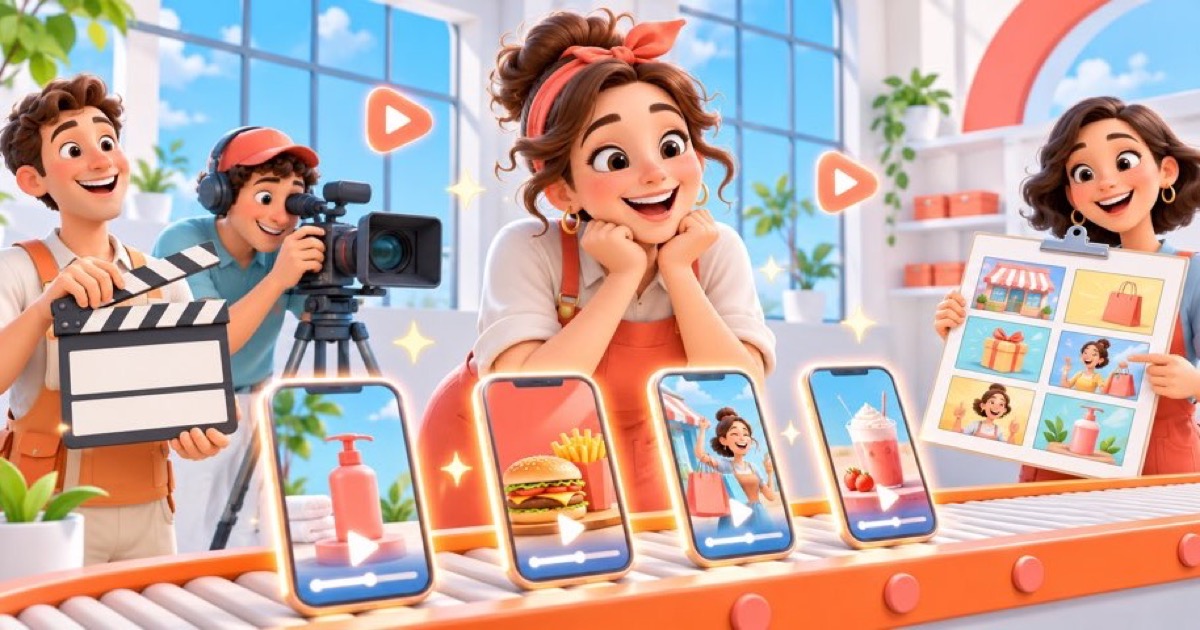
## How long can a Facebook video ad be in each spot?
Anywhere from 1 second to no limit at all. Feed takes 241 minutes and Reels has no maximum, but Stories, in-stream and Ads on Facebook Reels split, cut off or refuse anything over 15 seconds. Meta calls these spots placements. We read these Facebook video ad length limits off its Ads Guide on November 6, 2026.
| Placement | Meta's limit | What happens to a long ad | Our pick, not Meta's |
|---|---|---|---|
| [Feed](https://www.facebook.com/business/ads-guide/update/video/facebook-feed/outcome-sales) | 1 second to 241 minutes | No cut listed | 30 seconds |
| [Reels](https://www.facebook.com/business/ads-guide/update/video/facebook-facebook-reels/outcome-sales) | "No maximum limit." | No cut listed | 30 seconds |
| [Ads on Facebook Reels](https://www.facebook.com/business/ads-guide/update/video/facebook-facebook-reels-overlay/outcome-sales), a short ad after a reel loops | 4 to 15 seconds | Too long over 15 | 15 seconds |
| [Stories](https://www.facebook.com/business/ads-guide/update/video/facebook-story/outcome-sales) | 1 second to 3 minutes | Over 15, split into cards | 15 seconds |
| [In-stream](https://www.facebook.com/business/ads-guide/update/video/facebook-instream-video/outcome-sales) | Mobile 5 seconds to 10 minutes, desktop 5 to 15 seconds | Over 15, cut off at 15, with a card to see the rest | 15 seconds |
| [Marketplace](https://www.facebook.com/business/ads-guide/update/video/facebook-marketplace) and [search](https://www.facebook.com/business/ads-guide/update/video/facebook-search) | 1 second to 241 minutes | No cut listed | 30 seconds |
| [Messenger Stories](https://www.facebook.com/business/ads-guide/update/video/messenger-story) | 1 to 60 seconds | Over 15, split into cards | 15 seconds |
| 30 Second Ad Club samples here (not a placement) | All fit Feed and Reels | Same as the rows above | 27, 27 and 69 seconds |
Meta's own pages disagree on Stories: the Ads Guide says 3 minutes, its [Help Center](https://www.facebook.com/business/help/817989058548892) says 120 seconds. A 15-second cut fits both, so you can skip the argument. And in-stream limits "may vary by objective," meaning the goal you pick, so look again before you upload.
**[Try our ad team free →](/ad-factory?utm_source=blog&utm_medium=inline&utm_campaign=ad-factory-cta-order)** Get a free image ad and a free video script and storyboard for your business. You approve every step. No card needed.
## How long should a Facebook video ad be for a small business?
Thirty seconds, plus a 15-second cut, is our pick. Meta won't tell you. Its [length page](https://www.facebook.com/business/help/817989058548892) says only that "shorter videos are usually more engaging on mobile."
The guides don't settle it. [Databox](https://databox.com/facebook-video-ad-length) said 5 to 15 seconds in 2022. [insMind](https://www.insmind.com/blog/facebook-video-ad-specs/) says 15 to 30 for Feed in its 2026 guide.
Why 30:
- **It holds a whole thought.** At about 150 spoken words a minute, our rule of thumb, you get 75 words. That's room for a hook, a problem, a fix and a next step.
- **Facebook gives it another go.** As of November 2026, Meta's [looping page](https://www.facebook.com/business/help/1160942077279936) says Facebook videos of 30 seconds or less loop up to 90 seconds, sometimes up to 180. Longer videos don't loop at all.
- **Longer needs a reason.** A new roof is a big choice, so a 60-second test can make sense. A 60-second ad for a lunch special is a long walk for a sandwich.
## Thirty seconds isn't welcome everywhere
Some spots chop anything over 15 seconds.
**Stories** plays 15 seconds or less in full. [Longer ads get split into cards](https://www.facebook.com/business/ads-guide/update/video/facebook-story/outcome-sales), and Facebook shows 1, 2 or 3 before people can tap for the rest.
**In-stream** ads play before, during or after someone else's video. Meta says longer ones ["will show the first 15 seconds and then truncate,"](https://www.facebook.com/business/ads-guide/update/video/facebook-instream-video/outcome-sales) which means cut off.
Picture your 30-second ad in-stream. The problem lands. The fix starts. Then it cuts off before "Call today." People can click a card to see the rest, but that's a plumber who drives away and leaves a note saying the price is inside.
Only a cut of 5 to 15 seconds fits every spot in the table. That's why you need a second ad.
## Win the thumb first
Meta's [Stories tips](https://www.facebook.com/business/help/304846896685564) say "ads with the best performance tend to put their key messages at the beginning of the ad."
That tip is for Stories, and Meta files it under "Begin with your brand." Our view: your key message is the problem you fix, in your customer's words. "Water under the sink again?" gets further than "Your trusted plumbing partner." In the 15-second cut, get your name and offer in by second 5, because that's when [some in-stream ads can be skipped](https://www.facebook.com/business/ads-guide/update/video/facebook-instream-video/outcome-sales).
Meta has a score called a [ThruPlay](https://www.facebook.com/business/help/1792720544284355). It counts when a video plays to the end or for at least 15 seconds. So a 15-second ad watched to the end scores the same as a 241-minute ad dropped after 15 seconds.
Neither one has fixed a leak. Count calls and bookings.
**[See the ads our team makes →](/ad-factory?utm_source=blog&utm_medium=inline&utm_campaign=ad-factory-cta-examples#examples)** Song ads, talking presenter ads, claymation and more.
## One script, two ads
Write the 30-second ad first, then cut it down. We wrote this one for a made-up plumber, so swap in your own true details.
**The 30-second cut, about 70 words**
> *Water under the sink again?*
>
> You put a bucket there last week, and now the cabinet smells.
> Leaks like that don't fix themselves.
> [Your Name] Plumbing sends a real plumber to your door,
> finds the leak and gives you the price before any work starts.
> You'll know what it costs, and you'll get your kitchen back.
> Call [your number] or tap the button to book today.
**The 15-second cut, about 30 words**
> *Water under the sink again?*
>
> [Your Name] Plumbing gives you the price before any work starts.
> We find the leak.
> Call [your number] or tap the button to book today.
Same hook, same offer, same button. The bucket didn't make it. Sorry, bucket.
Use the 15-second cut in Facebook and Messenger Stories, in-stream and Ads on Facebook Reels. Use the 30-second cut in Feed, Reels, Marketplace and search. Meta [lets you](https://www.facebook.com/business/help/817989058548892) use "different video edits for different placements." Shapes change by spot too, so check our [Facebook video ad size guide](/news/ugc-ads/facebook-video-ad-size).
Here's a sample claymation ad we made for a made-up plumber. It runs 27 seconds.
[[VIDEO:clay-plumber]]
[Get a clay ad for your business](/ad-factory?utm_source=blog&utm_medium=inline&utm_campaign=ad-factory-cta-order).
## Should you make your Facebook video ads yourself?
You can. Nobody needs a film crew for 15 seconds. But every ad still needs a script, an edit and a last check, and that's your evening gone.
| Who makes it | Cost to make, November 2026 | Your work |
|---|---|---|
| You, in a video editor | [CapCut](https://www.capcut.com/pricing) has a free plan. Pro is listed at GBP 21.99 a month, "for reference only" | All of it |
| You, in an AI ad tool | [Creatify](https://creatify.ai/pricing) has a free plan with a watermark. Pro is $55 a month, or $38 on the annual plan | Prompts, then catch the mistakes |
| Marketplace freelancer | Each seller sets the price | In our view, uneven quality and lots of back and forth |
| 30 Second Ad Club, our done-for-you team | Plans from $97 a month | Approve the script and storyboard. Most ads are ready in about 24 hours of a complete, approved brief |
We'd pick 30 Second Ad Club, and yes, we sell it. You approve the script and storyboard, and you never touch an AI tool or write a prompt.
## Frequently asked questions
### Can a Facebook video ad be 60 seconds long?
Yes. As of November 2026, 60 seconds fits Meta's limits in Feed, Reels, Marketplace and search. [Stories](https://www.facebook.com/business/ads-guide/update/video/facebook-story/outcome-sales) splits it into cards, and [in-stream](https://www.facebook.com/business/ads-guide/update/video/facebook-instream-video/outcome-sales) cuts it off at 15 seconds on mobile and won't fit it on desktop.
### What is the maximum length of a Facebook Reels ad?
Meta's [Ads Guide](https://www.facebook.com/business/ads-guide/update/video/facebook-facebook-reels/outcome-sales) lists "No maximum limit" for Reels ads as of November 2026. [Ads on Facebook Reels](https://www.facebook.com/business/ads-guide/update/video/facebook-facebook-reels-overlay/outcome-sales), a different spot that can show after a reel has looped, stops at 15 seconds.
### Does 30 Second Ad Club run the ads for me?
No. We make the ad. You, or whoever handles your ads, puts it live on Facebook and sets the budget.
## The short version
Meta gives you 241 minutes in Feed. Your viewer gives you a thumb. So make a 30-second ad, cut a 15-second version, and put the problem first.
This next one breaks our own rule, and we know it. It's a song ad about a baker, sung by an AI singer, and it runs 69 seconds. That fits Feed and Reels, but Stories would split it.
[[VIDEO:song-ad-baker]]
[Get a song ad for your business](/ad-factory?utm_source=blog&utm_medium=inline&utm_campaign=ad-factory-cta-order).
You could write and make your ad yourself, on the night you meant to do your invoices. For a busy owner, our done-for-you team is the best option: you approve the script and storyboard, and 30 Second Ad Club makes and checks the ad.
No ad can promise sales or views, ours included.
Want finished ads without learning an AI tool? **[Make your free image ad with Ad Club](/ad-factory?utm_source=blog&utm_medium=inline&utm_campaign=ad-factory-cta-both)**, plus a free video script and storyboard. Plans from $97 a month, cancel any time.
---
## Related Reading
- [Facebook Ads for Contractors: Stop Selling the Kitchen](/news/ugc-ads/facebook-ads-for-contractors): Most Facebook ads for contractors show the finished kitchen. Open on the…
- [Facebook Video Ad Size 2026: Pixels and Ratio by Placement](/news/ugc-ads/facebook-video-ad-size): The right Facebook video ad size is two files: 4:5 for Feed, 9:16 for Reels…
- [12 Facebook Video Ad Ideas With Music for Small Businesses](/news/ugc-ads/facebook-video-ad-ideas): 12 Facebook video ad ideas with music, sorted by goal: new customers, a deal…
- [Jingle vs Voiceover: Should Your Social Video Ad Be Sung?](/news/ugc-ads/jingle-vs-voiceover-ad): Jingle vs voiceover for your social video ad? See what the research says,…
- [Ad Club →](/ad-factory): A done-for-you ad team. You approve the script and storyboard; we make and check every ad. Plans from $97 a month.
---
## Do I Have to Label AI Ads? TikTok and Facebook Rules (2026)
URL: https://www.30secondproductions.com/news/ugc-ads/do-i-have-to-label-ai-ads
Topic: UGC & Ad Creative
Updated: 2026-11-06
Put the same AI presenter in the same ad on two apps, and you get two different answers about the label.
TikTok hands you a switch. Meta says it'll do the labeling itself.
So, do I have to label AI ads? On TikTok, yes. Its [ad help page](https://ads.tiktok.com/help/article/about-ad-disclaimers-in-tiktok-ads-manager?lang=en) lists AI-generated media under "Mandatory disclaimers," and you check a toggle in Ads Manager. On Facebook and Instagram, [Meta's business help page](https://www.facebook.com/business/help/1010479435004531) lists no step for you on a regular ad, and Meta says it will "automatically label" ads made with its own AI tools, and outside tools when it detects them. Some regions may get a chance to self-disclose, and ads about social issues, elections or politics may have to disclose. We checked both in November 2026.
Do the label step. Just know what it does. A label tells people how the ad was made. It can't tell them why to call you.
The real work is making something a person stops to watch. A Yapper ad is a 30-second talking video ad for $197 one-time, from 30 Second Ad Club, the done-for-you ad team at 30 Second Productions. The presenter is made with AI. Real people write and check every video. We write the words, you say yes, and nobody on your team has to learn an app.
Here's one of ours, selling our own Song Ads.
[[VIDEO:yapper-song-ads]]
[Get a talking ad made for your business](/yapper-ads?utm_source=blog&utm_medium=inline&utm_campaign=yapper-cta-order).
## The two answers, side by side
| Who | What its page says | Who sets the label | Where the label lives |
|---|---|---|---|
| TikTok | [Lists](https://ads.tiktok.com/help/article/about-ad-disclaimers-in-tiktok-ads-manager?lang=en) AI-generated media under "Mandatory disclaimers" | You, with a toggle in Ads Manager | "at the bottom of the in-feed video for the duration of the ad" |
| Meta, ads made with AI tools | ["We will automatically apply an AI info label when we detect"](https://www.facebook.com/business/help/1010479435004531) outside tools (one page differs, shown below) | Meta | "In most instances," three-dot menu, then About this ad |
| Meta, certain regions | Advertisers may get "the opportunity to self-disclose" | You, where Meta offers it | "next to the Sponsored label" |
| Yapper ad from 30 Second Ad Club | Presenter made with AI. Real people write and check every video | Same as any ad you run. We make it and don't run it or add labels | Wherever the platform puts it |
AI info is Meta's label. Meta says "Sponsored" ads now show "Ad," so look for either word.
**[Get a talking video ad made for your business for $197 →](/yapper-ads?utm_source=blog&utm_medium=inline&utm_campaign=yapper-cta-order)** A real-looking presenter sells for you. We write the words and make the video. You just say yes.
## Does an AI presenter or avatar count on TikTok?
We'd say yes. TikTok's ad pages list "images, video, or audio that are completely AI-generated." They never use the word "presenter," but its [support page](https://www.tiktok.com/support/faq_detail?id=7636670084747893268) gives "Entirely AI-generated videos or images of real or fictional people" as an example. Ours is made with AI, so we treat her as AI-generated. She has also never unclogged a drain in her life.
If you're unsure about your own footage, TikTok's [ad policy](https://ads.tiktok.com/help/article/tiktok-ads-policy-misleading-and-false-content?lang=en), updated April 2026, says "it's best to use caution and label it accordingly." It adds: "If we identify AI-generated content that has not been disclosed, your ad will be rejected or restricted."
## Where the TikTok label lives
TikTok's label is a toggle in the ad build. It shows at the bottom of your ad, so you don't edit it into the video. [TikTok's steps](https://ads.tiktok.com/help/article/add-disclaimers-to-ads?lang=en), updated September 2025:
1. Create a campaign or go to an existing one.
2. Under the ad creation process, check the toggle "This ad contains AI-generated content."
3. Click Submit when you're done.
Two things catch people out:
- **It sticks.** "After you submit, you cannot change the toggle or unselect it unless you change the video or image."
- **It resets.** TikTok says any new campaign, "including campaign duplication," resets the toggle. Copy last month's ad? Check it again.
**Can't see it?** TikTok says the feature may not be available to every account, and to "contact your sales representative."
**Running a Spark Ad?** That's an ad from a regular TikTok post. The toggle isn't for those: its steps say "Is not a Spark ad." Turn on the AI-generated content setting in the app instead, using [TikTok's support page](https://www.tiktok.com/support/faq_detail?id=7636670084747893268).
## Do I have to label AI ads on Facebook or Instagram?
Meta's [business help page](https://www.facebook.com/business/help/1010479435004531) lists no step for you on a regular ad. Meta says it applies AI info itself when it detects AI tools, and a message shows while you build the ad if a label will appear.
Two cases ask more of you:
- **Certain regions.** You may get a self-disclose option. Meta says "these regions include the European region, California, New York, India and Taiwan."
- **Ads about social issues, elections or politics.** Meta says "Advertisers must disclose" realistic media made with third-party AI tools.
Meta's [help page](https://www.meta.com/help/artificial-intelligence/355108217670024/) adds a case for its own tools: an "AI-generated photorealistic human" gets the label "next to the "Sponsored" label." It doesn't say the same for outside tools. We read these pages, not every Ads Manager account, and the business page notes "This feature may not be available in your region."
## Three Meta pages, two answers
Ask Meta what happens with third-party tools, meaning tools it doesn't make, and it depends which page you land on. As of November 2026:
- [Business help page](https://www.facebook.com/business/help/1010479435004531), no date shown: Meta applies AI info when it detects these tools.
- [Newsroom post](https://about.fb.com/news/2025/02/gen-ai-transparency-metas-ads-products/), updated June 1, 2026: "We will also begin automatically detecting ads created or edited using third-party AI tools through industry-standard signals."
- [Meta help page](https://www.meta.com/help/artificial-intelligence/355108217670024/), no date shown: it lists "When ads are created or modified with third-party creation or AI tools" as an example of when an ad image "won't have AI info."
So we can't tell you what you'll see on your ad.
**[Watch our Yapper ads →](/yapper-ads?utm_source=blog&utm_medium=inline&utm_campaign=yapper-cta-examples)** Click any video to watch with sound.
## Label done. Now give them a reason to watch
People stop for a line that sounds like their own bad morning. So every Yapper ad follows one plan: a hook in the first 3 seconds, the problem and the fix in the middle, the next step at the end.
We made this one up.
> *Your water heater picked today, didn't it?*
>
> Cold shower. Late for work. The dog won't look at you.
> [Your Name] Plumbing comes to you.
> Tap the button and get your hot water back.
One rule on every ad: an AI presenter can talk about your business, but she never pretends to be a happy customer. Our [UGC ad scripts](/news/ugc-ads/ugc-video-ad-scripts-that-convert) show more ways to write the words.
Here's another of ours, also with an AI presenter, for our Holiday Song Club.
[[VIDEO:yapper-holiday-songs]]
[See what yours could look like](/yapper-ads?utm_source=blog&utm_medium=inline&utm_campaign=yapper-cta-order).
## What does a talking AI ad cost?
AI apps start around $15 a month, a hired creator at $99 for 15 seconds, and a Yapper ad is $197 one-time. Any label step stays with whoever runs the ad. Prices from each page, November 2026. Ad spend is separate.
| Way to get it made | Starting paid price | Your job |
|---|---|---|
| AI app | [Creatify Standard](https://creatify.ai/pricing) $15 a month, or $10 on the annual plan; [HeyGen Creator](https://www.heygen.com/pricing) $29 a month, or $24 paid yearly | Prompt it, pick the best take, check it |
| Hired human creator | [Billo](https://billo.app/pricing/) from $99 for a 15-second video; longer costs more | Write the brief, check it |
| Yapper ad from 30 Second Ad Club | $197 one-time for a 30-second ad | 2-minute form, then say yes |
With an AI app, you're the unpaid director and editor.
A Yapper ad is ready in 72 hours after you say yes, and your order comes with your own Ad Club account.
## Frequently asked questions
### Do I have to label AI ads if only the voice is AI?
On TikTok, yes. Its [ad help page](https://ads.tiktok.com/help/article/about-ad-disclaimers-in-tiktok-ads-manager?lang=en) names audio that's "completely AI-generated" and "real source material that has been significantly modified by AI." Its [policy](https://ads.tiktok.com/help/article/tiktok-ads-policy-misleading-and-false-content?lang=en) gives "AI voice-cloning" as an example. [Meta's business help page](https://www.facebook.com/business/help/1010479435004531) names audio only for ads about social issues, elections or politics.
### Will an AI label hurt my TikTok ad?
TikTok's ad pages don't say. Its [support page](https://www.tiktok.com/support/faq_detail?id=7636670084747893268) on regular posts says the setting "won't affect the distribution of your video as long as it doesn't violate our Community Guidelines." That's about posts, not paid ads.
### Can I just say it's AI in the ad myself?
TikTok's [ad help page](https://ads.tiktok.com/help/article/about-ad-disclaimers-in-tiktok-ads-manager?lang=en) lists the disclaimer as mandatory, and the toggle is the step for ads, so use the toggle. Its [policy](https://ads.tiktok.com/help/article/tiktok-ads-policy-misleading-and-false-content?lang=en) also names "a clear disclaimer, caption, watermark, or sticker of your own." That's an addition for us, not a swap.
### Do you add the label for me?
No. 30 Second Ad Club makes the ad and doesn't run it. Approval is up to the platform, and we can't promise any ad gets approved.
## The short version
TikTok: check the toggle on every new campaign. Meta: watch for the message while you build, then look for AI info in the three-dot menu. These pages change, so open the links before you launch.
The rest is the ad. For a busy owner, our done-for-you team is the best option. You get a finished, checked ad to approve, with no prompts and no editing. We can't promise sales or views, but you won't be writing scripts at 10 p.m.
Want an ad that talks for you? **[Get your Yapper ad for $197](/yapper-ads?utm_source=blog&utm_medium=inline&utm_campaign=yapper-cta-both)**: your words, your logo, made for you in 72 hours, with a money-back guarantee.
---
## Related Reading
- [Music for Facebook Ads: What's Allowed and What Gets Remembered](/news/ugc-ads/music-for-facebook-ads): Music for Facebook ads, explained: why trending songs get ads muted, what…
- [Best Way to Get AI UGC Ads in 2026: Apps, Creators or Teams](/news/ugc-ads/best-way-to-get-ai-ugc-ads): Compare 3 ways to get AI UGC ads: human creators, AI apps like Arcads and…
- [Facebook Ads for Cleaning Companies: What to Say + Examples](/news/ugc-ads/facebook-ads-for-cleaning-companies): Every guide gives cleaners the same tip, so the ads look alike. See what…
- [Facebook Ads for Contractors: Stop Selling the Kitchen](/news/ugc-ads/facebook-ads-for-contractors): Most Facebook ads for contractors show the finished kitchen. Open on the…
- [Yapper Ads for $197 →](/yapper-ads): A 30-second talking video ad with a real-looking AI presenter, made for you in 72 hours.
---
## Can I Use Trending TikTok Sounds in a Business Ad?
URL: https://www.30secondproductions.com/news/ugc-ads/trending-tiktok-sounds-in-a-business-ad
Topic: UGC & Ad Creative
Updated: 2026-11-06
Your nephew can put a trending sound on a video tonight. Your business usually can't.
Can you use trending TikTok sounds in a business ad? Usually not, unless the sound is in TikTok's Commercial Music Library. [TikTok's help page](https://ads.tiktok.com/help/article/commercial-music-library) (updated July 2025) says it flat out: "Businesses cannot use the general music library for commercial usage." That's the library personal accounts pick from, and the rule covers your regular posts as well as paid ads.
Even if you could borrow that sound, your ad would spend its whole life singing about someone else.
The sound you really want is the one no one can lend you. It's the one with your name in it.
The safe way to get this is a song written for you. At 30 Second Ad Club, the done-for-you ad team from 30 Second Productions, we write a catchy song about your business, an AI singer sings it, and we turn it into a 3D cartoon ad. You fill in a 5-minute form. It's ready in 72 hours. You never touch an AI tool.
Here's a song ad built around a plumber's story.
[[VIDEO:song-ad-plumber]]
[Get a song like this for your business](/song-ads?utm_source=blog&utm_medium=inline&utm_campaign=song-ads-cta-order).

## What each account can use
If you're promoting a business, no account type gets the general music library. The first three rows come from [TikTok's how-to page](https://ads.tiktok.com/help/article/how-to-use-the-commercial-music-library?lang=en) (updated July 2026) and [TikTok's business blog](https://ads.tiktok.com/business/en-US/blog/audio-library-royalty-free-music).
| Who's posting | What's open to you | Says your name? |
|---|---|---|
| Business Account | Commercial Sounds only. That's all Add Sound shows you. | No |
| Personal account promoting a business | Commercial Sounds, picked from the Sounds menu. TikTok warns against the general library here. | No |
| Your nephew (personal account, nothing to sell) | The general music library | No |
| Any account, with a song ad from 30 Second Ad Club | Your own finished ad. The song is from outside the library, so TikTok's Music Usage Confirmation can apply. | Yes |
Count the nos in that last column. We'll come back to those.
**[Get a musical video ad made for your business for $97 →](/song-ads?utm_source=blog&utm_medium=inline&utm_campaign=song-ads-cta-order)** A catchy song about your business, turned into a 3D animated video ad. Done for you in 72 hours.
## Does a personal account change TikTok's music rule?
No. It's the first idea everyone has, and [TikTok's blog](https://ads.tiktok.com/business/en-US/blog/audio-library-royalty-free-music) warns against it. The blog says general library songs aren't available to any brand or business.
The second idea is the "original sound." That's audio from someone's own post, and it can trend just like a hit song. [TikTok's Support page](https://www.tiktok.com/support/faq_detail?id=7636670088170773013) says it recommends only library music for posts that promote a brand, product or service.
Use anything from outside the library and TikTok asks you to agree to its [Music Usage Confirmation](https://www.tiktok.com/legal/page/global/music-usage-confirmation/en). That's its check on the music in your post, and it comes up when the content disclosure setting (one of your post options) is on. TikTok says that if you can't confirm it, don't accept, and that the post might be taken down if you post anyway.
One more place to look twice: [TikTok Ads Manager's video editor](https://ads.tiktok.com/resources/help/article/how-to-add-music-with-tiktok-video-editor?lang=en) (updated May 2025) has a Trending category. That page doesn't say whether those tracks are in the library, so look first.
## How do you check if a sound is in TikTok's business library?
Look it up in TikTok's Commercial Music Library before you film the whole crew dancing to it.
1. **Open the library.** In the app, tap the + sign, then Add sound.
2. **Set your region.** [TikTok](https://ads.tiktok.com/help/article/how-to-use-the-commercial-music-library?lang=en) shows the music for where the ad will run.
3. **Search the name.** TikTok shows up to 10,000 sounds at a time (July 2026), so search beats scrolling.
4. **Read Usable Placements.** That's the list of places a track may run. It's in the web version of the library, and [TikTok's library terms](https://www.tiktok.com/legal/page/global/commercial-music-library-user-terms/en) say web users must follow it.
5. **Look for the Premium label.** Those tracks may carry an extra fee.
Not there? Pick another sound. The library has a bigger problem anyway.
## Free doesn't say your name
The library sounds like a happy ending. [TikTok](https://ads.tiktok.com/help/article/commercial-music-library) says it holds 1 million songs (July 2025) and it's free for businesses. If you need a post up today with no budget, use it.
But look who's in there with you.
Every business in town has the same million songs. None of them says your name, so the customer gets a nice tune and still has to work out who you are.
And it stays home. [TikTok's terms](https://www.tiktok.com/legal/page/global/commercial-music-library-user-terms/en) keep commercial use of a track inside TikTok. [Meta has its own version](/news/ugc-ads/music-for-facebook-ads). [Its help page](https://www.facebook.com/business/help/402084904469945) says Instagram's music library is for personal, non-commercial use, and some business accounts can't get it. Those accounts may be able to use Sound Collection, with over 14,000 songs and sounds (as of November 2026) that can be used for ads. [Its terms](https://www.facebook.com/sound/collection/terms) keep those on Meta's products.
So one ad on TikTok and Facebook can mean two music picks and two edits. Nobody opened a business for that.
## Borrow the trend, not the tune
You can still take something from trending TikTok sounds. [Planoly](https://planoly.com/blog/commercially-licensed-vs-trending-sounds-what-can-brands-use) (April 2026) says most viewers follow the visuals, so the format can carry over with different audio. The format is the setup, the pacing and how the words sit on screen.
Try these, with your own audio underneath:
- **The POV caption.** "POV: your sink picked Saturday night to quit."
- **The caught-you line.** "You said one donut. We saw you."
Just don't go silent. In a 2021 [study TikTok did with Kantar](https://ads.tiktok.com/business/en-US/blog/kantar-report-how-brands-are-making-noise-and-driving-impact-with-sound-on-tiktok), 73% of people asked said they'd stop and look at TikTok ads with audio. So [make the audio sell you](/news/ugc-ads/tiktok-ad-with-a-song).
**[Hear the song ads we have made →](/song-ads?utm_source=blog&utm_medium=inline&utm_campaign=song-ads-cta-examples#examples)** Click any video to watch with sound.
## What your name could sound like
We wrote this one for this post, so it isn't a real ad and has no results behind it.
> *That bucket in the hall isn't a repair.*
>
> Drip in the hall, bucket on the floor,
> you said next summer the summer before.
> Call [Your Name], we'll climb up today.
> Next time it rains, let it rain away.
On screen: your town and star rating. Offer: free roof check this month. Button: Get quote.
That's the plan for every song ad: a hook in the first 3 seconds, the story in the middle, then the offer and next step. Every word's on screen, so it works with the sound off too. Here's one built around a roofer's story.
[[VIDEO:song-ad-roofer]]
[Hear what yours could sound like](/song-ads?utm_source=blog&utm_medium=inline&utm_campaign=song-ads-cta-order).
## What does a song with your name in it cost?
$97 for a finished song ad from 30 Second Ad Club, or $800-$2,500 for the song alone at a studio ([Violet Recording, 2026](https://violetrecording.com/how-much-does-a-jingle-cost/)). The money to run the ad is separate.
| Option | Cost to make | Where it can run | Says your name? | Your work |
|---|---|---|---|---|
| TikTok Commercial Music Library | Free. Premium tracks may cost extra. | TikTok, per each track's Usable Placements | No | Pick a track, build the video |
| Meta Sound Collection | Free | Meta's products only | No | Pick a track, build the video |
| Studio jingle | [$800-$2,500](https://violetrecording.com/how-much-does-a-jingle-cost/) for the song (2026) | Ask the studio | Yes | Brief it, then get a video made |
| 30 Second Ad Club song ad | $97 for one ad | Any ad, your website, anywhere | Yes | 5-minute form, then approve |
A library track costs nothing and says nothing. A studio says your name, then leaves you holding a song with no video. We hand you the finished ad.
You own the ad. It still comes from outside the library, so we can't promise how any TikTok check will treat it.
Skip it if:
- **You need something up today.** A song ad takes 72 hours.
- **You want a human singer.** Our singing voice is AI.
- **You want someone to run it.** We make the ad. You, or whoever handles your ads, puts it live.
## Frequently asked questions
### Does a Spark Ad change TikTok's music rule?
Not that TikTok says. A Spark Ad promotes a regular TikTok post. [TikTok's Spark Ads page](https://ads.tiktok.com/resources/help/article/spark-ads) (updated June 2026) doesn't mention any music exception, and TikTok's library page says both video ads and regular posts should use library music.
### Can TikTok mute a library sound later?
Yes. [TikTok's library terms](https://www.tiktok.com/legal/page/global/commercial-music-library-user-terms/en) say that if it loses the right to offer a sound, it may take down videos that use it or mute the audio.
### Is the singer in a song ad a real person?
No. The singing voice in 30 Second Ad Club song ads is AI, in the style you pick.
## The short version
Trending TikTok sounds are usually off the table for a business, unless the sound is in the Commercial Music Library. That library is free, but it stays on TikTok and it never says your name.
Trends fade. An ad with your name in it is yours to keep.
You could pick the tracks and build the edits yourself, at 10 at night after a full day's work. For a busy owner, our done-for-you team is the best option: we write it, an AI singer sings it, we animate it, and you approve it.
No ad can promise views or sales, ours included. But yours will be the one singing your name.
Ready for an ad people remember? **[Get your song ad for $97](/song-ads?utm_source=blog&utm_medium=inline&utm_campaign=song-ads-cta-both)**, written, sung and animated for you in 72 hours, with a money-back guarantee.
---
## Related Reading
- [How to Make a TikTok Ad With a Song, Start to Finish](/news/ugc-ads/tiktok-ad-with-a-song): Make a TikTok ad with a song in 8 steps: where legal music comes from, 9:16…
- [Music for Facebook Ads: What's Allowed and What Gets Remembered](/news/ugc-ads/music-for-facebook-ads): Music for Facebook ads, explained: why trending songs get ads muted, what…
- [Best Type of Facebook Ad for Small Business: Song, UGC or Image?](/news/ugc-ads/best-type-of-facebook-ad-for-small-business): Not sure which ad to run first? Compare song, UGC and image ads on cost,…
- [Animated Video Ad Cost vs a Song Ad: Where Your Money Goes](/news/ugc-ads/animated-video-ad-cost): Animated video ad cost for a 30-second social ad: published 2D and 3D studio…
- [Song Ads from $97 →](/song-ads): A catchy song about your business, turned into a 3D animated video ad in 72 hours.
---
## Best AI Video Ad Generator for Small Business: 7 Ranked (2026)
URL: https://www.30secondproductions.com/news/ugc-ads/best-ai-video-ad-generator
Topic: UGC & Ad Creative
Updated: 2026-11-05
You are good at your trade. Then someone says an app can make your video ads in minutes, and now you have 20 tabs open, each one naming a different best AI video ad generator.
It can feel like a lot. Here is the short answer.
For a product shop that wants a low bill, Creatify is the best AI video ad generator to try first. For a talking presenter, try HeyGen or Arcads. For a busy owner with no marketing team, the best option is to skip the tool and use a done-for-you team like Ad Club.
We read each tool's own pages on November 5, 2026 and ranked 7 of them for an owner with no marketing team. We are 30 Second Productions and Ad Club is ours, so weigh that as you read. Every tool price below comes from the tool's own page, and where a tool hides its price, we say so.
**Key takeaways**
- Of the 9 pages we opened on this topic, 8 sat on the site of a company that sells an AI video or ad tool.
- Paid plans on most of these tools start at about $10 to $29 a month.
- With any tool, you still pick the offer, make the choices, fix the mistakes and check the ad.
- Free plans at HeyGen, Synthesia and Creatify add a watermark, so treat them as tests.
- A done-for-you team is the best option for a busy owner: you approve, and the team does the rest.
## Why do best AI video ad generator lists disagree?
Most lists disagree because a company that sells a tool published them. We opened 9 pages on this topic, and 8 sat on a tool seller's own site.
[PixVerse](https://pixverse.ai/en/blog/best-ai-video-generator-for-ads), [Segwise](https://segwise.ai/blog/best-ai-video-ad-generators-2026), [Creatify](https://creatify.ai/blog/the-8-best-ai-ugc-ad-tools-in-2026), [Higgsfield](https://higgsfield.ai/blog/best-ai-ad-generators), [Mootion](https://www.mootion.com/use-cases/en/the-best-AI-ad-video-generators) and [QuickAds](https://www.quickads.ai/blog/7-best-video-marketing-services-in-2026-ai-creative-production-tools-for-modern-brands) each put their own tool first. [CapCut](https://www.capcut.com/resource/best-ai-video-generator-for-ads) and [Idomoo](https://www.idomoo.com/blog/the-best-ai-video-ad-generator-how-to-choose-the-right-one/) compare their own tool to no named rival. The ninth, [Content Mavericks](https://contentmavericks.com/best-ai-video-ad-generator/), sells no tool we could see, but it says it earns a commission on its links.
None of that makes those pages wrong. It does mean you should read them like a car ad, not a road test.
Old prices are the other trap. Creatify's own blog, checked in August 2026, lists a $39 Starter plan, while [Creatify's pricing page](https://creatify.ai/pricing) in November 2026 shows a $15 Standard plan. Always trust the live pricing page.
So we judged each tool on three plain questions:
- How much of the ad do you still make yourself?
- What does it cost, on the tool's own page?
- Does it fit an owner with no marketing team?
One honest limit: this ranking comes from reading each tool's pages, not from a lab test. We did not run the same ad through all 7.
We left out clip makers such as [Runway](https://runway.com/pricing), from $15 a month ($12 yearly), because you would still have to turn the clips into an ad.
**[Try our ad team free →](/ad-factory?utm_source=blog&utm_medium=inline&utm_campaign=ad-factory-cta-order)** Get a free image ad and a free video script and storyboard for your business. You approve every step. No card needed.
## How much does an AI video ad generator cost?
Most of these 7 tools let you start with a free plan or a short trial, and paid plans start at about $10 a month, but what you get for the money varies a lot. Here they are in our order, with monthly prices from each tool's own page on November 5, 2026.
| Rank | Tool | Try it first | Paid plans a month | What that buys | Best for |
|---|---|---|---|---|---|
| 1 | [Creatify](https://creatify.ai/pricing) | Free: 10 credits a month, up to 2 video ads, watermark | Standard $15 ($10 yearly), Pro $55, Max $95, Business $195 | Standard: 55 credits, about 11 short avatar videos of 15 seconds, about $1.36 each on monthly billing | Shops with a product page |
| 2 | [HeyGen](https://www.heygen.com/pricing) | Free: 3 videos a month up to 1 minute, watermark | Creator $29 ($24 yearly), Pro $49, Business $149 plus $20 a seat | Creator: 600 credits | A talking presenter on a small budget |
| 3 | [Arcads](https://help.arcads.ai/en/articles/17595066-how-does-arcads-pricing-work) | 72-hour trial, 1,000 credits, card needed | Dollar prices shown only inside the app | Starter: 8,000 credits, about 10 talking videos, credits reset each cycle | Owners who test many ads |
| 4 | [MakeUGC](https://www.makeugc.ai/pricing) | $1 trial on any plan | Starter $29, Growth $39, Pro $79, billed yearly | Starter: 500 credits, 300+ actors, no rollover | AI actors at a price you can see |
| 5 | [InVideo](https://invideo.io/pricing) | No free plan on its pricing page | Starter $20 ($10 yearly), Plus $60 ($30 yearly), Max $250 | Starter: 400 credits, no rollover | A first cut from your own clips and notes |
| 6 | [CapCut](https://www.capcut.com/pricing) | Free plan with templates and basic editing | Pro £21.99, Ultra £58 | Pro: 1,200 AI credits | Owners who like editing |
| 7 | [Synthesia](https://www.synthesia.io/pricing) | Free: 10 minutes a month, watermark | Starter $19 ($9 first month, $14 yearly), Pro $89 ($59 yearly) | Starter: about 12 extra minutes a month on top of the free 10 | How-to and explainer videos |
| Our pick | [30 Second Ad Club](/ad-factory), a team, not a tool | Free, no card: one free image ad with a small watermark, plus one free video script and storyboard | From $97 | Base: about 3 short videos or 2 song ads | Busy owners with no marketing team |
The last row is our own team, so it is not one of the 7 ranked tools. Two more notes on that table. CapCut showed us prices in pounds and says shown prices are for reference only, so sign in to see yours. The "about 10" for Arcads is our math: 800 credits a video from 8,000 on Starter.
Arcads needs one more line. [Its help center](https://help.arcads.ai/en/articles/17595066-how-does-arcads-pricing-work) says current prices sit inside the app, and we found no public price page.
A rival's roundup, [Higgsfield's October 2026 list](https://higgsfield.ai/blog/best-ai-ad-generators), shows Starter at $110 a month, so treat that as a rough guide only. At that price, one talking video is about $11.
If you already pay for [Canva](https://www.canva.com/pricing/), try it before you buy anything new. Pro costs $144 a year, though Canva lists its video clip maker under its Ultra AI tools, which share one monthly allowance.
*Pro tip: Divide the plan price by the ads you will really make, not the ones the credits could cover. Unused credits do not roll over on InVideo or MakeUGC, and they expire after 2 months on Creatify.*
## Which tool fits which kind of business?
The right tool depends on what you sell and how much of the work you want to keep. Here is what each one does, in plain words, and the catch.
### 1. Creatify
Creatify makes ads from a web link. [Its home page](https://creatify.ai) says its URL to Video tool builds video ads for products from any URL, and its Ad Agent can research, make and launch ads.
**Best for:** a shop that sells a product with a good web page.
The catch is that URL to Video is pitched at products. Creatify says Ad Agent also takes a service, but its Standard feature list does not name Ad Agent, so at this price a service business should plan to do more of the writing. Credits also expire after 2 months, so a slow month can cost you.
### 2. HeyGen
HeyGen is a presenter tool with a simple path for ads. [Its ad page](https://www.heygen.com/tool/ai-video-ads-generator) has you paste a link, add images or type a short script, pick a format, then refine the drafts.
**Best for:** a talking presenter ad on a small budget.
The catch is that you do the last mile. You download the files and upload them to your ad account yourself.
### 3. Arcads
Arcads is built for people who make a lot of talking ads. [Its own guide](https://help.arcads.ai/en/articles/17595045-how-do-i-make-an-ai-ugc-ad-in-arcads) starts with you writing the script, then picking an AI actor, a talking model and the captions. Our [Arcads vs MakeUGC comparison](/news/ugc-ads/arcads-vs-makeugc) sets their credits side by side.
**Best for:** an owner who already tests ads and can write a good hook.
The catch is the price you cannot see until you are inside. The Starter plan also begins on its own after the 72-hour trial unless you cancel, and Arcads emails a reminder 24 hours before. Starter credits reset each cycle.
### 4. MakeUGC
MakeUGC is an AI actor tool. UGC, or user-generated content, is an ad made to look like a regular person filmed it. Our guide to [the best way to get AI UGC ads](/news/ugc-ads/best-way-to-get-ai-ugc-ads) compares the choices.
[Its home page](https://www.makeugc.ai) offers up to 1,000+ AI actors, with 300+ on Starter, and the flow is simple: write a script, pick an actor, generate, then tweak it in the editor.
**Best for:** AI actors at a price you can see before you sign up.
The catch is that the prices shown are billed yearly, so Starter is $348 up front, and the page lists no monthly price. The $1 trial renews at the plan price unless you cancel, and the page leaves the trial length to checkout.
### 5. InVideo
InVideo turns your notes and uploads into a first cut. [Its Facebook ads page](https://invideo.io/make/facebook-video-ads/) has you add your audience, product details and call to action, then upload clips and trim the result.
**Best for:** an owner with real photos and clips who wants a fast first cut.
The catch is that unused credits do not roll over, and Starter only reaches the lighter version of its AI agent.
### 6. CapCut
CapCut is an editor first. [Its guide](https://www.capcut.com/resource/best-ai-video-generator-for-ads) calls it a practical option for a creator or small team, and it says plainly that captions and voiceovers are drafts.
**Best for:** an owner who likes editing and wants full control.
The catch is that you are the editor. The same guide does not claim CapCut is the top pick for avatar ads.
### 7. Synthesia
Synthesia is a presenter tool that is not built around ads. [Its marketing page](https://www.synthesia.io/marketing) pitches product explainers, campaign videos and social content, but neither that page nor [its home page](https://www.synthesia.io) uses the word ads.
**Best for:** how-to videos for your staff or customers.
The catch is simple. If an ad is the only job, the 6 tools above fit better.
If you like the talking presenter look but not the app, here is a Yapper ad with an AI presenter that we made for our own Song Ads service.
[[VIDEO:yapper-song-ads]]
[Get presenter ads made for you with Ad Club](/ad-factory?utm_source=blog&utm_medium=inline&utm_campaign=ad-factory-video-yapper).
## What will you still do yourself with an AI ad tool?
With any AI ad tool, you still choose the offer, guide the script, make the creative choices and check the final ad. The tool speeds up the making, but you remain the marketing team.
Their own pages show it. Here are the 6 jobs that stay on your desk:
1. **Pick the offer.** No tool knows you want more drain jobs in March.
2. **Write or fix the script.** Arcads has you write it. Others draft one, and you still need to make it sound like you.
3. **Choose the look.** You pick the actor, voice, format and pace.
4. **Fix the mistakes.** CapCut warns that captions and voiceovers are only drafts.
5. **Check every claim.** InVideo's page tells you to check claims before you download.
6. **Size and upload.** You export each version and load it into your ad account.
For a roofer between jobs or a dentist between patients, that list is the real price of the tool. Nothing on it is hard. It just needs an hour you may not have.
## What does one AI ad really cost once you count your hours?
One AI ad costs the plan price plus your time, and your time is usually the bigger number. The pages that rank these tools rarely add it up, so here is a simple way to do it.
Say you want 3 ads a month on Creatify Standard at $15. Say each ad takes you 2 hours, from idea to upload. That is our guess, not a measured number, so time your own.
Now price those 6 hours. The [U.S. Bureau of Labor Statistics](https://www.bls.gov/ooh/media-and-communication/film-and-video-editors-and-camera-operators.htm) puts the 2025 median pay for video editors and camera operators at $36.10 an hour. Six hours at that rate comes to about $217, so the real bill is about $232, not $15.
Redos can add to it. Creatify says longer clips, higher quality and premium models all use more credits, so a picky month burns through a plan faster.
Compare that with Ad Club's Base plan in the first table: about 3 short videos a month, and your time goes on the brief and the approvals.
If you like the work, this math does not matter much. If those 6 hours come out of your evenings, it matters a lot.
## When should you skip the tool?
Skip the tool when the hours cost you more than the ads are worth to you, or when nobody on your team will check the work. A tool that sits unused still bills you each month.
Skip it if:
- You cannot give it a few hours every month.
- You would rather not write scripts.
- Nobody else can check the ad before it runs.
- You want a style you do not know how to ask for.
Keep the tool if:
- You enjoy making ads, or you have staff who do.
- You want to change an ad the same day.
- You sell one clear product with a strong web page.
- You need dozens of versions and have someone to manage them.
For a one-person shop with a free evening a month, a tool can be a fine buy. We would rather you buy the right thing than ours.
Some styles are also hard to ask an app for if you have never made one. Here is a claymation ad, a sample we made for a made-up plumber.
[[VIDEO:clay-plumber]]
[See what our team can make for your business](/ad-factory?utm_source=blog&utm_medium=inline&utm_campaign=ad-factory-video-clay).
**[See the ads our team makes →](/ad-factory?utm_source=blog&utm_medium=inline&utm_campaign=ad-factory-cta-examples#examples)** Song ads, talking presenter ads, claymation and more.
## What are your options if you skip the tool?
If you skip the tool, you can hire a marketplace seller, a video studio service, an ad agency or a done-for-you ad team. The main differences are price and how much back and forth lands on you.
| Option | Who does the work | Price from the page | What to know |
|---|---|---|---|
| Marketplace gig | One seller | [$15 to $5,000 on Dribbble's first 10 listings](https://dribbble.com/services/search/commercial-advertising-video) | Quality varies by seller |
| [Creatify Studio](https://creatify.ai/studio) | A strategist, a team and AI | $100 to $200 a video | Listed at 25 to 100+ videos a month, 48 hours |
| [LYFE Marketing](https://www.lyfemarketing.com/services/short-video-advertising-services/pricing/) | An agency | Good plan $500 a month, listed as "2 Vertical Videos, 1 Actor per Quarter"; the same page also quotes $1,250 to $2,500 a month | Runs and tunes ads too; ad budget is extra |
| [Ad Club](/ad-factory) | A team of people using AI | $97 to $397 a month for about 3 to 17 short videos | Makes the ads; does not run them |
Marketplace gigs look cheap. In our view, quality is often low and uneven, they take a lot of back and forth, and you are not dealing with a professional marketing team. For one simple ad, that may be fine.
Creatify Studio is worth knowing about, because a tool maker sells it as a done-for-you service. At 25 videos and $100 each, that is about $2,500 a month by our math, so it suits brands with a lot of volume.
An agency makes sense if you want someone to run the ads too. We make ads, but we do not run them.
Ad Club sits in the gap. You tell us about your business and offer. Our team writes the script and draws the storyboard, you approve both, and then we make the ad and check it.
Each video ad has a script writer, a storyboard artist, a video maker and a quality checker, and a project manager watches it before it reaches you. We do use AI to make the ads. You never touch it or write a prompt.
Most ads are ready in about 24 hours of a complete, approved brief. You can start free with no card, with one free image ad and one free video script and storyboard per business. The free image ad has a small watermark, and the finished video needs a plan or credits.
Here is a song ad that tells a plumber's story. The singing voice is AI.
[[VIDEO:song-ad-plumber]]
[Start free with Ad Club](/ad-factory?utm_source=blog&utm_medium=inline&utm_campaign=ad-factory-video-song).
If you want more on this choice, read our guide on [choosing an AI video ad agency or a tool](/news/ugc-ads/ai-video-ad-agency-vs-ai-video-tools).
## How can you test a tool in one evening?
You can test a tool in one evening by making one 30-second ad for one offer on a free plan, then timing yourself. This test costs little, and it tells you more than any list.
### Step 1: Pick one offer
Choose one thing to sell, such as a free roof check. One ad should do one job.
### Step 2: Write a 30-second script
Keep it to a hook, the problem, the fix and one next step. Here is a sample for a made-up roofer:
> "Saw a brown spot on your ceiling after that storm? That spot is your roof asking for help. Small leaks turn into big bills. We check your roof for free and show you photos of what we find. No pressure. Tap the button and pick a time this week."
Our [guide to UGC video ad scripts](/news/ugc-ads/ugc-video-ad-scripts-that-convert) has more hooks you can borrow.
### Step 3: Make it on a free plan
Use a free plan from Creatify, HeyGen or Synthesia. The watermark is fine for a test, because this ad is only for you.
*Pro tip: If a trial asks for a card, put the end date in your phone that day. Arcads and MakeUGC both move to a paid plan unless you cancel.*
### Step 4: Check it twice
Watch it once with the sound off and once with it on. Read every word on screen, then check the phone number, the offer and the way the presenter says your town.
### Step 5: Write down your time
Note how long the whole job took, then multiply it by the number of ads you want each month. If that number fits your week and you liked the work, buy a plan. If it does not, you have your answer.
## Frequently asked questions
### What is the best AI video ad generator for a small business?
For a product shop that wants a low bill, Creatify is a good first try. For a talking presenter, try HeyGen. For a busy owner with no marketing team, the best option is a done-for-you team like Ad Club, where you approve the script and storyboard and the team makes and checks the ad.
### Is there a free AI video ad generator with no watermark?
We did not find one among the free plans we checked. HeyGen, Synthesia and Creatify all add a watermark on their free plans. CapCut has a free plan, but its pricing page does not say either way, so test an export before you plan around it.
### What is the cheapest AI video ad generator?
Creatify Standard and InVideo Starter are the lowest paid plans we found, at $10 a month on yearly billing. On monthly billing, Creatify Standard is $15. The lowest plan is not always the best buy, since credits run out fast on longer or higher quality clips.
### Do AI ad tools write the script for you?
Some AI ad tools draft a script, and some start with yours. MakeUGC can write one from your product page, while Arcads' own guide starts with you writing the script. Either way, read every line, because the tool does not know your town or your customers.
### Which AI ad tool is best for a service business like a plumber or dentist?
HeyGen is a good first test for a service business, because you can start from a short script instead of a product page. A plumber or dentist often has less time than a product shop, though. If you would rather not run the tool at all, a done-for-you team is the better fit.
### Will an AI ad tool run my ads too?
HeyGen and InVideo both stop at the finished video, and you take the file to your ad account. Creatify says its Ad Agent can launch ads, but its Standard feature list does not name Ad Agent, so check the plan before you buy. Ad Club also stops at the finished ad.
## The short version
The best AI video ad generator depends on your business. Creatify fits a shop with a product page, HeyGen or Arcads fit talking presenter ads, and CapCut fits an owner who likes to edit. Check the live price, and be wary of any list that puts its own tool first.
Every one of those tools leaves you with the same job, though. You still pick the offer, shape the script, fix the mistakes and check the ad. That is fine if you enjoy it or have someone who does.
For a busy owner, our done-for-you team is the best option. With Ad Club, you approve the script and storyboard, and our team makes and checks the ad. You can try it free first.
Want finished ads without learning an AI tool? **[Make your free image ad with Ad Club](/ad-factory?utm_source=blog&utm_medium=inline&utm_campaign=ad-factory-cta-both)**, plus a free video script and storyboard. Plans from $97 a month, cancel any time.
---
## Related Reading
- [AI Video Ad Agency or AI Video Tool? An Honest 2026 Guide](/news/ugc-ads/ai-video-ad-agency-vs-ai-video-tools): AI video ad agency or DIY tool? Compare real 2026 prices for HeyGen,…
- [Best AI Claymation Video Generator in 2026: 8 Tools Compared](/news/ugc-ads/best-ai-claymation-video-generator): Which AI claymation video generator should you use? Real prices for 8 tools,…
- [Claymation Ad Cost: Real 2026 Prices for 5 Ways to Get One](/news/ugc-ads/claymation-ad-cost): Claymation ad cost in 2026: about $16 a month in AI tools, $97 done for you,…
- [Best Type of Facebook Ad for Small Business: Song, UGC or Image?](/news/ugc-ads/best-type-of-facebook-ad-for-small-business): Not sure which ad to run first? Compare song, UGC and image ads on cost,…
- [Ad Club →](/ad-factory): A done-for-you ad team. You approve the script and storyboard; we make and check every ad. Plans from $97 a month.
---
## Best AI Claymation Video Generator in 2026: 8 Tools Compared
URL: https://www.30secondproductions.com/news/ugc-ads/best-ai-claymation-video-generator
Topic: UGC & Ad Creative
Updated: 2026-11-05
You saw a little clay ad in your feed, and now you want one for your business. Then you search for an AI claymation video generator and find a wall of tools that all say they are the easiest.
The best AI claymation video generator depends on how much of the work you want to do. On paper, Hooked comes closest to a finished short, with voice and captions, and Anijam suits talking clay characters. Every tool still leaves the ad to you, so a busy owner is better off with a done-for-you team like ours, 30 Second Ad Club.
The good news is you don't need to try them all. We opened the pages of 8 tools on November 5, 2026. Below you will find what each one costs, what it leaves you to do, and when it makes more sense to hand the job to a team.
> **Key takeaways**
>
> - Regular paid plans in this guide start between $10 and $29 a month on monthly billing.
> - The lowest plan often lacks what an ad needs most, such as the same character in every shot.
> - Hooked is the only tool whose pages we opened that builds captions into its clay video steps.
> - With every tool, you choose the message, fix the shots and finish the ad yourself.
> - For a busy owner, our pick is a done-for-you team: you approve the words and scenes, and that is the whole job.

## What is an AI claymation video generator?
An AI claymation video generator is a tool that makes video that looks like moving modeling clay, using words or a picture you give it. Nobody sculpts anything. [Flick](https://flick.art/tools/claymation) sums it up well: you skip the clay figures and the frame-by-frame shoot.
The clay is a look, not real clay. Real stop motion uses real objects, moved a little for each photo, while AI tools make the pictures and movement with software. If you want the real thing, our guide to [hand-made stop motion videos](/news/explainer-videos/stop-motion-animation-videos-who-should-make-one) covers who should buy it.
The catch most tool pages skip is simple. These tools make clips, and a clip is not an ad. An ad also needs a script, a voice, words on screen, your logo, your offer and the right size for a phone.
Keep that list in mind as you read the prices below.
This sample clay ad is for a made-up plumber.
[[VIDEO:clay-plumber]]
**[Get a claymation ad made for your business →](/claymation-ads-97?utm_source=blog&utm_medium=inline&utm_campaign=claymation-cta-order)** We write your story, make every scene out of clay and add a calm, friendly voice. You approve every word and every scene.
## What is the best AI claymation video generator in 2026?
The best AI clay tool depends on the job: Hooked for a short with voice and captions, Anijam for talking characters, and Morphic or Flick for directing each shot. Eight are worth a look in 2026: Hooked, Anijam, Morphic, Flick, Mootion, Magic Hour, Runway and Pika.
The first six have pages built for clay video. Runway and Pika are general AI video tools, so the clay look comes from what you type.
Prices below come from each provider's own page, checked November 5, 2026. Prices change, so check before you buy.
| Option | Entry plan with a listed price | What you get | Best for |
|---|---|---|---|
| [Hooked](https://www.hooked.so/pricing) | Pro: $29 a month, or $290 a year | 1,000 credits a month | Short clay videos with voice and captions in one place |
| [Anijam](https://www.anijam.ai/pricing) | Beginner: $16 a month, billed $192 a year | 3,000 credits a month, export up to 720P | Clay story videos with talking characters |
| [Morphic](https://morphic.com/pricing) | Basic: $19 a month, billed $228 a year | 2,400 credits a month | People who like to direct each shot |
| [Flick](https://flick.art/tools/claymation) | Standard: $20 a month | 2,500 credits, [about 10 minutes of video](https://flick.art/pricing) | Film fans who want many styles and one canvas |
| [Mootion](https://mootion.com/pricing) | Standard: $15 a month, or $12 a month billed yearly | 1,500 credits a month | Turning one [reference picture](https://mootion.com/use-cases/en/claymation-style-video) into a clay video |
| [Magic Hour](https://magichour.ai/pricing) | Creator: £15 a month, or £9.50 a month billed yearly | All tools and models, 144,000 credits up front on the yearly plan (about 1.7 hours of video), 1024px max size | Turning one photo into a [5-second clay clip](https://magichour.ai/templates/details/cmqqpzyul01ee0o0ztieur8dd-clay-animation) |
| [Runway](https://runway.com/pricing) | Standard: $15 a month, or $12 billed yearly | 625 credits, about 52 seconds of Gen-4.5 video | People who already know AI video |
| [Pika](https://pika.art/pricing) | Starter: $10 a month, or $8 billed yearly | 900 credits a month | Low-cost tests by people who enjoy trying prompts |
| Marketplace gig | Varies by seller | One seller, one job | Owners who are happy to manage a seller |
| [30 Second Ad Club](/claymation-ads-97) | $97 one-time, often half price in our holiday sales | One finished 30-second clay ad, made for you | Busy owners, and our pick |
A few notes on that table. Hooked marks its Claymation preset as pro, so plan on a paid plan or its [$89 one-time app](https://www.hooked.so/tools/claymation-video-generator). That app needs your own API keys, which are paid accounts at AI services.
Flick also has a cheaper Casual plan, but its pricing page showed no dollar price, so the $20 comes from its clay page. Morphic and Mootion also sell education plans. Anijam also shows a higher $25 beside its Beginner plan and does not explain it.
Magic Hour showed us pounds, not dollars, and its prices leave out tax. We could not open Pollo AI's pages, so its clay tool is not in the table.
We did not run a paid quality test of these tools, and we did not find an independent one. Most "best of" lists we opened were written by a company that sells one of the tools.
Many of these tools run on outside video models. [Opus's May 2026 guide](https://www.opus.pro/blog/claymation-ai) rates Veo 3 best for clay texture, Kling 3.0 for expressions and Seedance 2.0 for animating still clay images. Hooked defaults to Veo 3.1 Lite, and Flick and Pika offer Seedance 2.5.
## What do you still do yourself with each tool?
With every AI clay tool, you still choose the message, shape the shots, fix bad clips and finish the ad yourself. The tools differ in how much help they give along the way. "Not listed" below means the page we opened did not mention it.
| Tool | Script | Shots | Voice | Captions | Finishing |
|---|---|---|---|---|---|
| [Hooked](https://www.hooked.so/tools/claymation-video-generator) | You write it, or use its AI script tool | Pick the preset and model, add characters | Pick a voice and music | Built in, 25+ styles | Set the size and options, then check it |
| [Anijam](https://www.anijam.ai/tools/claymation/) | You give it an idea, script, image or audio | Pick a style, adjust characters, colors, clay texture and background | Add a voiceover or upload audio | Not listed | Make final tweaks in its timeline editor |
| [Morphic](https://morphic.com/resources/videos/claymation-videos) | You describe each scene | Tweak prompts and make new versions | Speech tool makes it from your script | Not listed | Stitch shots on its Canvas |
| [Flick](https://flick.art/tools/claymation) | You write each shot, or expand an idea in chat | Remake single shots, build a character sheet | Not listed | Not listed | Connect clips, trim on the timeline |
| [Mootion](https://mootion.com/use-cases/en/claymation-style-video) | Not listed on its clay page | Upload a picture and edit it first | [Standard plan](https://mootion.com/pricing) lists realistic voiceovers | Not listed | Make final changes, then download |
| [Magic Hour](https://magichour.ai/templates/details/cmqqpzyul01ee0o0ztieur8dd-clay-animation) | Yours to write | Upload a photo, get one clip | A separate Voice Generator tool | A separate Subtitle Generator tool | Yours to do |
| Runway and Pika | Yours to write | You type every prompt | Voice tools listed on both pricing pages | Not listed on pricing pages | Yours to do |
| [30 Second Ad Club](/claymation-ads-97) | We write it or use your words, you approve it | We make them, you approve each scene | We add it | Every word on screen | Logo, offer and tall size done, checked by our team |
On its pages, Hooked cuts the most steps, and that is worth real credit. You are still the writer, the director and the person who checks every scene.
Think of a tool like a good pipe wrench. It helps a lot, but it does not fix the leak by itself.
## Why is the cheapest plan often not enough?
The cheapest plan is often not enough because the features an ad needs tend to sit one plan higher. An ad needs the same character in every shot and a sharp picture. Those two things often cost extra.
Four examples from the pages we opened:
- **Anijam:** Beginner at $16 lists 0 for Consistent Character and export up to 720P. [Creator at $26](https://www.anijam.ai/pricing), billed $312 a year, lists 10 and 1080P.
- **Flick:** [Character reference](https://flick.art/pricing) starts on Standard, not Casual. Some video models, such as Seedance 2.5, [also need Standard](https://flick.art/tools/claymation).
- **Runway:** At [12 credits a second](https://runway.com/pricing), one 30-second pass on Gen-4.5 uses 360 of the 625 monthly credits on Standard. That is about 58% of the plan, and one full redo would run past it. Runway's cheaper Gen-4 Turbo stretches the same plan to about 104 seconds. At the Gen-4.5 rate, 18 to 30 five-second clips would use 1,080 to 1,800 credits.
- **Pika:** [Starter's 900 credits](https://pika.art/pricing) buy about 7 clips of Seedance 2.5 at 720p and 5 seconds, or about 45 on Pika 2.5. The 18 to 30 clips in the example below would not fit on Seedance 2.5.
Free plans are a way to look around, not a way to finish an ad. [Morphic's free plan](https://morphic.com/resources/videos/claymation-videos) gives up to 20 credits, and [Mootion](https://mootion.com/pricing) lists no free plan on its pricing page. [Pika's free plan](https://pika.art/pricing) has no monthly credits, and [Magic Hour](https://magichour.ai/pricing) gives a free account 400 signup credits.
**Pro tip:** Before you pay, find the line for character reference on the plan page, not only the price.
For a wider look at the money, our [claymation ad cost guide](/news/ugc-ads/claymation-ad-cost) compares studios, freelancers, tools and teams.
## Why do AI clay clips rarely work as an ad on the first try?
AI clay clips rarely work as an ad on the first try because results change from one try to the next. Opus says in its [May 2026 guide](https://www.opus.pro/blog/claymation-ai) to make 3 to 5 versions of a clip, since the clay texture varies. That is one tool maker's advice, not a lab test, but it matches what the tool pages tell you to do.
Say you run a small dental office and want a 30-second ad. Picture 6 shots of 5 seconds each. At 3 to 5 tries per shot, that is 18 to 30 clips to make and watch, before you add a voice or a single word on screen.
The same few problems come up again and again:
- **The character changes.** Flick suggests [a sheet with front, side and back views](https://flick.art/tools/claymation) to use as a reference for each shot.
- **The movement looks too smooth.** Flick says video models move smoothly by default, so you have to write the jerky stop-motion rhythm into your prompt.
- **The size is wrong.** Opus tells readers to reframe wide clips to 9:16 (the tall phone shape), then add captions and soft music.
- **The ad has no point.** A cute clay scene with no offer is just a cute clay scene. You still need to say what you do and what to do next.
This finished clay ad is our own, made for our AI SEO service.
[[VIDEO:clay-ai-seo]]
**[Watch the claymation ads we have made →](/claymation-ads-97?utm_source=blog&utm_medium=inline&utm_campaign=claymation-cta-examples)** Tap one to watch it with sound.
## How can you test an AI clay tool before you pay?
You can test an AI clay tool before you pay by making one short scene on two free plans and comparing the results. Set aside one evening. Flick gives [300 credits to start, then 100 a week](https://flick.art/pricing), Runway gives [125 credits one time](https://runway.com/pricing), and Anijam has a [free trial](https://www.anijam.ai/tools/claymation/) with no credit card, plus free credits from daily check-ins.
### Step 1: Write one scene from your real ad
Pick a scene your customer would know. Do not test with a cute robot, because your ad will not have one.
Here is a sample prompt you can copy and change:
> A small clay dentist in a bright clay office waves at a clay family. Plasticine look, fingerprint marks, handmade set, jerky stop-motion movement, tall 9:16 video.
### Step 2: Run the same words on two tools
Paste the same prompt into both tools. Change nothing, or you will not know which tool made the difference.
**Pro tip:** Use your real offer in the test, such as a free checkup for new patients. It shows you fast how much of the ad is still left to do.
### Step 3: Make the same character twice
Ask for a second scene with the same dentist. If the face or coat changes, your 6-shot ad will have the same problem.
### Step 4: Watch it on your phone with the sound off
Picture someone seeing it on a small screen with no sound. Can you tell what it is about? If not, plan on adding words on screen.
### Step 5: Time yourself
Note how long the two scenes took, then multiply by 3 for a 6-shot ad. Add time for the voice, the words and the edit. That number, not the monthly price, is the real cost of a tool.
## Should you use a tool, a gig seller or an ad team?
Use a tool if you enjoy making videos and want lots of versions, and use a done-for-you team if you want a finished ad without learning anything new. For a busy owner, the team is the best fit. Here is how the three stack up:
- **An AI tool is for the hobbyist owner.** If editing is fun for you, a monthly plan gives you plenty to play with. You do all the work, and the hours are yours.
- **A marketplace gig is a mixed bag.** Sites such as Fiverr list clay videos from many sellers. In our view, quality is often low and uneven, there is a lot of back and forth, and you are not dealing with a professional marketing team.
- **A done-for-you team is for the owner with no spare evenings.** You hand over the job and approve the result.
We have a fuller side-by-side in [AI video ad agency or AI video tool](/news/ugc-ads/ai-video-ad-agency-vs-ai-video-tools).
### How does a done-for-you clay ad work?
At 30 Second Productions, you never write a prompt, edit a video or learn an app. Your job is to tell us about your business and approve the work.
1. Fill in a 2-minute form about your business.
2. Read the script. We write it, or we use your words. You approve every word.
3. Look at a clay picture for each line and approve the scenes. You get 2 free rounds of changes.
4. Get your finished ad about 24 hours after you approve the scenes.
Being open about it: we make these with AI tools for the clay pictures, movement and voice, and our team checks every video before it reaches you. The ad comes in a tall size for social media, with every word on screen so it works with the sound off, and your logo and offer on the last scene.
We make the ad, but we do not run your ads. You own the video and can use it in any ad, on your website, anywhere. It is made in your own Ad Club dashboard, where you can order more ads any time.
## Frequently asked questions
### Is there a free AI claymation video generator?
Yes, a few tools have free options, but they are small. Flick gives 300 credits to start, then 100 a week, Runway gives 125 credits one time, and Morphic gives up to 20 credits. Those credits may cover a short test, not a full 30-second ad with redos.
### Which AI clay tool adds voice and captions?
Hooked lists both on its claymation page, with voices and word-level captions as steps in making the video. Morphic has a Speech tool for voice, and Magic Hour has separate voice and subtitle tools. The Anijam and Flick clay pages we opened did not mention captions.
### Can I turn a photo into a claymation video?
Yes, several AI clay tools start from a picture. [Mootion](https://mootion.com/use-cases/en/claymation-style-video) edits a reference picture first, [Magic Hour](https://magichour.ai/templates/details/cmqqpzyul01ee0o0ztieur8dd-clay-animation) turns one photo into a 5-second clip, and [Anijam](https://www.anijam.ai/tools/claymation/) also accepts an image. You will still need more shots, a voice and an offer for an ad.
### How long does a 30-second AI clay ad take to make yourself?
No one has published a measured number we could find. Our rough estimate is 6 to 10 hours for a first ad, because you make and watch 18 to 30 clips, then add a voice and edit. A timed test on one scene will give you your own number.
### Does the clay look suit every business?
No, the clay look does not suit every message. [Opus's 2026 guide](https://www.opus.pro/blog/claymation-ai) says clay feels cozy and handmade, so it can clash with urgent messages, finance and sleek software. Try it where a warm, friendly tone helps.
### Will a clay ad bring in more customers?
Nobody can promise that, and you should be wary of anyone who does. Any ad depends on your offer, your audience and your budget. The clay look may help your ad stand out, but the only way to know is to test it.
## The short version
These tools can make clay-style clips for $10 to $29 a month on monthly billing. On paper, Hooked gets closest to a finished short, Anijam suits talking characters, and Morphic and Flick suit people who like to direct. All of them leave the script, the fixes and the finish to you.
So here is our plain verdict. If you enjoy the work, pick a tool and run the test above.
If you are busy running your business, a done-for-you team is the best option. Our claymation ads are $97 one-time, often half price in our holiday sales, with a money-back guarantee if you are not happy within 30 days.
This last one is ours too, made for our own song ad service.
[[VIDEO:clay-song-ads]]
Want a clay ad people stop to watch? **[Get your claymation ad](/claymation-ads-97?utm_source=blog&utm_medium=inline&utm_campaign=claymation-cta-both)**, written and made for you, ready about a day after you approve your scenes. Love it or your money back.
---
## Related Reading
- [Claymation Ad Cost: Real 2026 Prices for 5 Ways to Get One](/news/ugc-ads/claymation-ad-cost): Claymation ad cost in 2026: about $16 a month in AI tools, $97 done for you,…
- [AI Video Ad Agency or AI Video Tool? An Honest 2026 Guide](/news/ugc-ads/ai-video-ad-agency-vs-ai-video-tools): AI video ad agency or DIY tool? Compare real 2026 prices for HeyGen,…
- [Animated Video Ad Cost vs a Song Ad: Where Your Money Goes](/news/ugc-ads/animated-video-ad-cost): Animated video ad cost for a 30-second social ad: published 2D and 3D studio…
- [Best Type of Facebook Ad for Small Business: Song, UGC or Image?](/news/ugc-ads/best-type-of-facebook-ad-for-small-business): Not sure which ad to run first? Compare song, UGC and image ads on cost,…
- [Claymation Ads →](/claymation-ads-97): A 30-second clay video ad about your business, made for you. You approve every scene.
---
## Musical Ads Examples: What Worked and What a Local Shop Can Copy
URL: https://www.30secondproductions.com/news/ugc-ads/musical-ads-examples
Topic: UGC & Ad Creative
Updated: 2026-11-05
Most lists of musical ads examples show Super Bowl spots and pop stars. That can make a song feel out of reach if you run a two-van plumbing shop. It is not.
Here are 21 real examples, sorted by type.
Musical ads come in five types: a phone-number tune (Empire Today), a jingle (Kit Kat), an original song (Dumb Ways to Die), a short sound tag (Mastercard) or a borrowed hit (Kia). The first four can work on a small budget. The local ones that lasted sang one name or number and kept the same song for years.
> **Key takeaways**
> - Local firms have used songs for decades. One water park paid $400 for the jingle its fans still want.
> - The tune carries one thing: your name or your number.
> - Borrowed hits are the one type to skip on a small budget.
> - Most success stories come from the owners themselves, so treat them as stories, not proof.
> - A sung studio jingle [runs $800 to $2,500](https://violetrecording.com/how-much-does-a-jingle-cost/) (2026), and that tier lists audio files, not video.
## What are the main types of musical ads?
The five main types of musical ads are a phone-number tune, a jingle, an original song, a sound tag and a borrowed hit. Four of the five can scale down to a local budget.
| Type | What it does | Big example | Local example | Small-budget fit |
|---|---|---|---|---|
| Phone-number tune | Sets your number to a tune | Empire Today | Harley Plumbing and Heating | Good if calls are your main lead |
| Jingle | Sings your name or slogan | [Kit Kat](/news/ugc-ads/best-jingles-of-all-time) | Water Country | Good |
| Original song | Tells a short story in song | Dumb Ways to Die | State Roofing (a 60-second full sing) | Good if the song stays short |
| Sound tag | Plays a few seconds at the end | Mastercard | Renys (a sung tagline) | Good as an add-on |
| Borrowed hit | Uses a song people already know | Kia | None we could find | Poor |
Want one for your own business? Our team at 30 Second Ad Club writes the song and makes the video, and you approve it.
**[Get a musical video ad made for your business for $97 →](/song-ads?utm_source=blog&utm_medium=inline&utm_campaign=song-ads-cta-order)** A catchy song about your business, turned into a 3D animated video ad. Done for you in 72 hours.
## Which phone-number tunes put a local business on the map?
A phone-number tune works best for a business that gets its leads by phone, because the tune gives people a way to keep the number in their head. Empire Today and Pizza Pizza both started in one city and put a phone number at the heart of their ads.
### Empire Today
Empire [started as a family business in Chicago in 1959](https://en.wikipedia.org/wiki/Empire_Today), and its jingle has aired since 1977. Ad copywriter Lynn Hauldren [wrote and recorded it with an a cappella group](https://www.empiretoday.com/tv-commercials), with no pop star in sight. You can watch it on Empire's own page.
What it did right: the number is the whole song.
### Pizza Pizza
Pizza Pizza [opened in Toronto on the last day of 1967](https://en.wikipedia.org/wiki/Pizza_Pizza) and built its marketing around its phone number and radio jingle. Each city keeps the same last four digits. What it did right: it made the number easy to reuse as it grew.
### Harley Plumbing and Heating
This Bangor, Maine, firm [set its phone number to a beat like a military marching chant](https://www.bangordailynews.com/2024/09/04/state/state-culture/9-maine-commercial-jingles-well-never-forget-joam40zk0w). What it did right: it picked a rhythm that suits a number, not a pretty tune.
### State Roofing
This Seattle roofer ran a [60-second "full sing" with its toll-free number from 2004](https://www.jlconline.com/business/sales-marketing/jingle-fever_o/). Its marketing director told the Journal of Light Construction in 2008 that awareness rose from single digits to 50% in its market, which is the company's own figure. What it did right: it gave the whole ad to the song.
### Power Windows & Siding
This Pennsylvania, New Jersey and Delaware firm took the opposite route with a [4-second tune in 2005](https://www.jlconline.com/business/sales-marketing/jingle-fever_o/). Co-owner Jeffrey Kaliner said research shows people recall the tune more than the number, though he added it might be too early to judge. What it did right: it kept the tune short enough to fit on any ad.
**Pro tip:** a sung number matters less on social, where people can tap a button. Sing your name, and show the number on the last frame. Our guide on [how to write a jingle](/news/ugc-ads/how-to-write-a-jingle) has more on fitting a name into a line.
Here is a song ad we made that tells a plumber's story.
[[VIDEO:song-ad-plumber]]
Want one about your business? [Get your song ad](/song-ads)
## Which jingles worked for small local businesses?
A jingle works for a small business when it sings the name and then keeps running for years. Jingles [fell out of favor with national brands in the 1980s but stayed alive in local ads](https://www.kcur.org/podcast/up-to-date/2022-03-09/kansas-city-companies-have-produced-their-fair-share-of-standout-jingles), according to KCUR. These seven show why.
- **Water Country, New Hampshire water park.** A Berklee graduate [wrote and recorded it in 1984 over a few days for a one-time $400](https://www.bostonglobe.com/2026/01/12/magazine/new-england-advertising-jingles/). A 40th birthday remake drew such a backlash that the park went back to the original. What it did right: it kept the same song, updating it once in the mid-1990s.
- **Giant Glass, New England auto glass.** The owner asked for a jingle, and [the writer worked out the tune on guitar](https://www.bostonglobe.com/2026/01/12/magazine/new-england-advertising-jingles/). It ran for decades, until Safelite bought the firm in 2012. What it did right: the owner's own refrain became the hook.
- **Bernie & Phyl's Furniture, Massachusetts.** It started in the late 1980s, under an earlier store name. An ad firm [said in 2014 that it made the furniture seem dated](https://www.bostonglobe.com/2026/01/12/magazine/new-england-advertising-jingles/), and the family brought it back in 2022 to reach younger shoppers. What it did right: it trusted the tune it had built.
- **Hansons Window & Siding, Detroit area.** The owner and a musician friend [wrote it in a two-hour phone call](https://www.jlconline.com/business/sales-marketing/jingle-fever_o/), and in 2008 its website had kids singing it. What it did right: it put the jingle on its website too.
- **The Grass Pad, Kansas City.** Danny Cox [wrote and performed the jingles](https://www.kcur.org/podcast/up-to-date/2022-03-09/kansas-city-companies-have-produced-their-fair-share-of-standout-jingles) for this five-location business, and the tagline came from a casual chat with the owner. What it did right: it used the owner's own humor.
- **Dalworth Clean, Dallas-Fort Worth.** A singer recorded a new version of this cleaning firm's jingle, and [the spot had run for more than 20 years by 2016](https://fortworthbusiness.com/?p=44939). What it did right: it refreshed the recording and kept the song.
- **Northern Mattress and Furniture Gallery, Maine.** Its catchy tune [runs under 15 seconds](https://www.bangordailynews.com/2024/09/04/state/state-culture/9-maine-commercial-jingles-well-never-forget-joam40zk0w). What it did right: it got to the point fast.
Nobody needed a big name. Bernie & Phyl's holds a lesson too: a tune people grew up with can still have pull.
For the national classics, see our list of [the best jingles of all time](/news/ugc-ads/best-jingles-of-all-time).
Here is one that tells a roofer's story.
[[VIDEO:song-ad-roofer]]
See what yours could sound like. [Get your song ad](/song-ads)
## What can original-song ads do that a jingle cannot?
An original song can tell a full story, while a jingle only has room for a name and a promise. A story has more pull, and it also takes more money or more care to get right.
**Dumb Ways to Die.** Metro Trains in Melbourne [released this animated music video in November 2012](https://en.wikipedia.org/wiki/Dumb_Ways_to_Die), and it passed 350 million YouTube views. It sold rail safety with cute cartoon characters and a 3-minute song. [Watch it on YouTube](https://www.youtube.com/watch?v=IJNR2EpS0jw).
Do not plan on that reach. The part you can copy is the cartoon: a song plus simple characters can carry a message people would normally skip.
**Coca-Cola "Hilltop."** The 1971 ad [took three shoots, about 500 singers and a re-shoot budget over $250,000](https://www.coca-colacompany.com/about-us/history/creating-id-like-to-buy-the-world-a-coke), and more than 100,000 letters came in. You cannot copy the budget. You can copy selling one warm feeling.
**Capital One Canada.** Songwriter Jim Guthrie [wrote a song for a 2005 ad](https://www.theglobeandmail.com/report-on-business/industry-news/marketing/12-really-catchy-songs-written-just-for-tv-ads/article14503047/), and a full version came out later. It held up as a song, not just as an ad.
**espnW.** The same Globe and Mail list says Greta Gaines wrote a song for espnW that took about seven versions before the client was happy. She later sold the longer track for $20,000. The part you can copy: expect to rewrite.
Here is a song ad we made that tells a pizza place's story.
[[VIDEO:song-ad-pizza]]
Curious how a story like yours would sound? [Get your song ad](/song-ads)
## Can a three-second sound tag work for a small business?
A sound tag can work for a small business as an add-on, but not as your whole ad. A sound tag is a short melody that plays with your name. Studios call it a sonic logo, and [Violet Recording lists it at $150 to $500 for 1 to 3 seconds](https://violetrecording.com/how-much-does-a-jingle-cost/) (2026).
Mastercard shows the big version. It [launched a sound identity in February 2019](https://musebyclios.com/music/hear-mastercards-new-brand-melody-in-various-apps-styles-and-places/) and released it in many music styles, so the same few notes fit anywhere.
Renys, a Maine retailer, shows the local version. [The Bangor Daily News calls its tagline something to sing as you hop out of your car to shop there](https://www.bangordailynews.com/2024/09/04/state/state-culture/9-maine-commercial-jingles-well-never-forget-joam40zk0w). A tag only pays off once people have heard it many times, so it suits a business that already runs ads often.
## Which big-brand musical ads examples are not worth copying?
Big-brand musical ads examples built on a borrowed hit are not worth copying on a small budget, because the song and the airtime are the real cost. A local firm has neither.
Kia's 2022 Super Bowl ad used a famous Bonnie Tyler song, and [System1 reported in 2023 that Spotify streams rose 154.53% after the game](https://system1group.com/?p=12718). The song got a lift along with the ad. That does nothing for a dentist.
Sony Bravia's famous ad [dropped 250,000 bouncing balls down a San Francisco street](https://blog.adobe.com/en/publish/2017/11/09/9-ads-that-blend-audio-and-visual-in-sweet-harmony) to a gentle folk song. Adobe's page has the ad. You will not be doing that on a Tuesday.
TikTok reports that [custom music led to higher recall and brand recognition than recognizable music](https://ads.tiktok.com/business/en-US/blog/roundup-how-to-use-power-of-sound-tiktok) in a 2021 MediaScience study. That is the platform's own research, but it points the same way as the local examples.
**[Hear the song ads we have made →](/song-ads?utm_source=blog&utm_medium=inline&utm_campaign=song-ads-cta-examples#examples)** Click any video to watch with sound.
## What makes a local musical ad last?
A local musical ad lasts when it does five simple things, none of which need a big budget. It puts the name in the tune, gives one next step, stays short, sticks with one song and sounds like the owner.
Here is each habit, with a made-up sample line you can adapt.
1. **Name in the tune.** System1 says [21% of 2025 Super Bowl viewers could not recall the advertiser](https://system1group.com/blog/are-jingles-the-missing-super-bowl-ad-effectiveness-asset), and it ranks jingles among the top three brand assets for linking an ad to a brand. Try: "Leaky roof, don't wait for rain. Call [Your Name], stay dry again."
2. **One next step.** Pick a call, a visit or a booking, not all three. Try: "Burst pipe at half past nine? [Your Name] is on the line."
3. **Short enough to repeat.** The local tunes above run from 4 to 60 seconds. Try: "Fresh today at [Your Name]."
4. **The same song for years.** Giant Glass and Dalworth Clean ran theirs for decades. Change the offer, not the tune.
5. **A real voice.** A family name, a local joke or a chat with the owner beats a slogan from a committee. Try: "Three kids, two dogs, one clean floor. [Your Name], we've seen it all before."
Now the honest part. Long-running is not the same as profitable, and only one local example here shares a result number. Almost none of these firms publish their sales.
Music can also backfire. A [2024 Durham University article](https://dur.ac.uk/research/current/thought-leadership/2024/10/how-advertising-jingles-influence-our-buying-choices-and-why-we-can-still-sing-them-decades-later/) reports that music people really dislike tends to put them off a product, even when the tune is familiar. So play your song to a few customers before you spend on it.
## What does each kind of musical ad cost today?
A musical ad costs from about $10 a month if you make it yourself to $2,500 or more for a sung studio jingle, and most studio jingle packages are audio. You still need pictures before audio can run on Facebook or TikTok. Prices below come from each provider's own page.
| Option | Price | What you get | Your work | Best for |
|---|---|---|---|---|
| [JVF custom jingle](https://jvf.com/product/signature-sound-creation-custom-jingles-brand-audio/) | $89 to $397 | 15 to 60 second track as an MP3, one refinement round | Fill in a form, then make the video | A low-cost audio jingle |
| [Violet Recording's sung jingle tier](https://violetrecording.com/how-much-does-a-jingle-cost/) | $800 to $2,500 (typical range) | Session singer and one or two shorter cuts | Brief it, then make the video | Radio with a real singer |
| [Killerspots](https://killerspots.com/home-services-jingles/) | Not listed, quoted after a free call | A sign-off of up to 12 seconds with a free :30 radio ad, or 18 to 27 files with a free :30 radio ad or video | Take the call and brief it | Trades that buy a lot of radio |
| [Suno](https://suno.com/pricing) plus a video editor | From $10 a month, or $8 billed yearly, plus the editor | A song you generate yourself | All of it: words, song, pictures, captions | Owners who enjoy the tools |
| Marketplace gig (Fiverr and the like) | Varies by seller | Varies by seller | Find, brief and manage a seller | Owners with spare time |
| [Animated video from a studio](https://beverlyboy.com/how-much-does-it-cost/how-much-does-animated-business-video-cost/) | About $1,000 to $5,000 a minute, some styles $7,500 or more | A video, priced by the minute | Brief it and review it | Longer brand videos |
| [30 Second Ad Club song ad](/song-ads) | $97 | A finished 3D cartoon music video with an AI singer | Fill in a 5-minute form, then approve | Busy owners who want a finished ad |
With an app, you are the songwriter, the editor and the person who checks every word. In our view, marketplace gigs are often low in quality and take a lot of back and forth, and you do not get a professional marketing team.
For more detail, see [how much a jingle costs in 2026](/news/ugc-ads/how-much-does-a-jingle-cost) and [how the song ad makers compare](/news/ugc-ads/song-ad-maker).
## How do you turn these examples into your own ad?
You turn these examples into your own ad by picking one type, writing one line, adding pictures and testing it against what you run now.
### Step 1: Pick your type
If phone calls bring your work, lean on a number. If people search for you by name, use a jingle. If you have a story, such as a 2 a.m. call-out, use a short original song.
### Step 2: Write one line
Write the line a customer would repeat. **Pro tip:** say it out loud to your staff, and if nobody can say it back, shorten it.
### Step 3: Add the pictures
A song alone will not run on social. Make it a vertical video, put every word on screen, and end on your name and offer.
### Step 4: Run it beside your current ad
Keep your budget, audience and offer the same, and change only the ad. Judge on calls and bookings, not likes.
Meta says Reels default to sound-on. It also reports [34.5% lower cost per result for 9:16 video with audio than for image ads on Reels](https://www.facebook.com/business/ads/facebook-instagram-reels-ads), across 15 split tests from e-commerce, retail and consumer goods advertisers. Your results will differ.
## Frequently asked questions
### What is a good example of a musical ad for a small business?
Water Country, a New Hampshire water park, is a good example. It paid [a one-time $400 for a jingle in 1984](https://www.bostonglobe.com/2026/01/12/magazine/new-england-advertising-jingles/). When the park tried a modern remake for its 40th anniversary, fans pushed back and it went back to the original.
### Do musical ads really work?
Musical ads can work, but no one can promise it. A [2015 Nielsen study of more than 600 TV ads](https://www.nielsen.com/insights/2015/i-second-that-emotion-the-emotive-power-of-music-in-advertising/) found ads with music scored higher on creativity, empathy, emotive power and information power. Those scores measure reactions, not sales, so test your own ad and see [whether jingles still work in 2026](/news/ugc-ads/do-jingles-still-work).
### What is the difference between a jingle and a song ad?
A jingle is a short piece of music, often audio only, that sings a name or slogan. A [song ad](/news/ugc-ads/what-is-a-song-ad) is a video ad where the whole message is sung, with the words on screen and an offer at the end.
### How long should a musical ad be?
Local musical ads have run from 4 seconds to 60 seconds. Short tunes suit repeat play, and longer songs suit a story. Pick the shortest length that still gets across your name, your offer and your next step.
### Will a musical ad work with the sound off?
A musical ad works with the sound off only if every word is on screen. A plain jingle over a logo loses its whole message when muted.
### Can a musical ad use an AI singer?
A musical ad can use an AI singer, and in our view that is good enough for most social ads. The singing voice in our song ads is AI, and we say so plainly. We make ours as video for social media ads.
## The short version
The best musical ads examples for a small business are not the Super Bowl ones. They are the roofers, plumbers and furniture stores that sang one name or number and stuck with it for years. Copy that habit and skip the borrowed hits.
If you have the time, an app or a studio can get you there, though with most you will still need to make the video.
For a busy owner, our done-for-you team is the best option. Fill in a 5-minute form, and our team writes the song, adds a pro-sounding AI singer and makes the 3D cartoon video. You approve the ad, and you never have to learn an AI tool.
One song ad from us is $97 and takes 72 hours after a 5-minute form, with 1 round of remakes and a money-back guarantee. We make the ad, and you choose where to run it.
Ready for an ad people remember? **[Get your song ad for $97](/song-ads?utm_source=blog&utm_medium=inline&utm_campaign=song-ads-cta-both)**, written, sung and animated for you in 72 hours, with a money-back guarantee.
---
## Related Reading
- [How to Write a Jingle: Free Lyric Template and 3 Examples](/news/ugc-ads/how-to-write-a-jingle): Learn how to write a jingle for your business: a fill-in lyric template,…
- [Best Jingles of All Time: 7 Lessons a Small Business Can Steal](/news/ugc-ads/best-jingles-of-all-time): The best jingles of all time, from Nationwide to Kit Kat, and the 7 habits…
- [AI Jingle Generator or Jingle Writer? Costs, Rights and Time](/news/ugc-ads/ai-jingle-generator-vs-jingle-writer): Should you use an AI jingle generator or pay someone? Compare costs, ad…
- [Custom Jingle for Small Business: What You Get and What to Ask](/news/ugc-ads/custom-jingle-for-small-business): Buying a custom jingle for small business? Learn which files to get, 12…
- [Song Ads from $97 →](/song-ads): A catchy song about your business, turned into a 3D animated video ad in 72 hours.
---
## Arcads vs MakeUGC: Real Prices, Credits and When to Skip Both
URL: https://www.30secondproductions.com/news/ugc-ads/arcads-vs-makeugc
Topic: UGC & Ad Creative
Updated: 2026-11-05
You want a talking ad for your business, and every search lands on the same two names. Most Arcads vs MakeUGC pages are written by rival tools, and the credit math can make your head spin.
MakeUGC is the better fit of the two for most small businesses, because it shows its prices and can draft your script. Arcads suits ad teams that test many actors and will sign up before seeing a price. With both, you do the work, so for a busy owner the best option is a done-for-you ad from 30 Second Ad Club, our own team.
We opened each company's own pricing and help pages on November 5, 2026.
**Key takeaways**
- MakeUGC lists $59, $79 and $149 a month, or $41, $55 and $104 a month paid quarterly. Pay for a full year and those drop to $29, $39 and $79 a month.
- Arcads shows no dollar prices on its website. It lists credits, and the price appears inside the app.
- A talking video uses about 100 credits on MakeUGC and 800 on Arcads, so credit counts can't be compared directly.
- Both tools leave the brief, the checks and the fixes to you, and Arcads' guides have you write the script too.
- A done-for-you team is the best option for a busy owner: we make and check the ad, and you approve it.
## Arcads vs MakeUGC: how do the two tools compare?
Arcads and MakeUGC are AI UGC tools. UGC means user-generated content: ads that look like a regular person talking to the camera. Both do the same core job: you give them a script, and an AI actor says it on camera.
An AI actor is a presenter made by software. [Arcads says its actors](https://help.arcads.ai/en/articles/17349982-ai-actors) are based on real actors who agreed to it. The real differences are in the pricing, the trials and the help you get with the words.
Prices and credits come from each company's own pages, checked November 5, 2026. We added 30 Second Ad Club, our own done-for-you team, so you can see a third choice.
| | Arcads | MakeUGC | 30 Second Ad Club |
|---|---|---|---|
| Dollar price | Not on its website; [shown in the app](https://help.arcads.ai/en/articles/17595066-how-does-arcads-pricing-work) | [$59, $79, $149 a month, or $29, $39, $79 a month billed yearly](https://www.makeugc.ai/pricing) | [$197 one-time for one Yapper ad](/yapper-ads), or $97 a month on [the Base plan](/ad-factory) |
| Monthly credits | [Starter 8,000, Creator 16,000, Pro 48,000](https://help.arcads.ai/en/articles/17350051-arcads-faq) and up | [Starter 500, Growth 1,000, Pro 2,000 to 5,000](https://www.makeugc.ai/pricing) | None on a one-time ad; plans cover about 3, 10 or 17 short videos a month |
| Credits for one talking video | [800 (Arcads 1.0, up to 2 minutes)](https://help.arcads.ai/en/articles/17350051-arcads-faq) | [100](https://www.makeugc.ai/docs/api), but the cost changes with the model, length and quality | None on a one-time ad; plan ads use your plan's credits |
| Talking videos on the first plan | About 10 | About 5 | One ad with no plan, or about 3 short videos on Base |
| Trial | [72 hours, 1,000 credits, card needed](https://help.arcads.ai/en/articles/17350051-arcads-faq) | $1; [the checkout shows the length](https://www.makeugc.ai/pricing) | Start free, no card: one free image ad with a small watermark, plus one free video script and storyboard; the finished video needs a plan or credits |
| Unused credits | [Reset on Starter and Creator; roll over on Pro and up](https://help.arcads.ai/en/articles/17350051-arcads-faq) | [Do not roll over](https://www.makeugc.ai/pricing) | Roll over for 60 days on a plan |
| AI actors | [1,000+](https://www.arcads.ai/) | [300+ on Starter, 500+ on Growth, 1,000+ on Pro](https://www.makeugc.ai/pricing) | Our AI presenter (no other choice yet) |
| Languages | [74 for talking actors](https://help.arcads.ai/en/articles/17350051-arcads-faq); 176 language and accent options for translation | [50+](https://www.makeugc.ai/pricing) | English only for now |
| Script help | [You start by writing it](https://help.arcads.ai/en/articles/17595045-how-do-i-make-an-ai-ugc-ad-in-arcads) | [AI can draft one from your product page](https://www.makeugc.ai/talking-actor-feature) | We write it, or use your words; you read it and change anything |
We found no independent head-to-head test of the two, and we did not run one ourselves. Most ratings online come from companies selling a rival product.
**[Get a talking video ad made for your business for $197 →](/yapper-ads?utm_source=blog&utm_medium=inline&utm_campaign=yapper-cta-order)** A real-looking presenter sells for you. We write the words and make the video. You just say yes.
## How much does Arcads cost?
Arcads does not publish a dollar price on its website, so you can't know the monthly cost until you sign up. Its [help page on pricing](https://help.arcads.ai/en/articles/17595066-how-does-arcads-pricing-work) says, "Current prices are on the pricing page in the app." When we tried arcads.ai/pricing on November 5, 2026, it came back as "not found."
You will see dollar figures for Arcads on other blogs. [Shhots](https://shhots.ai/blog/arcads-vs-makeugc/), a rival tool, reports about $110 a month for Starter.
Arcads does not post that number, so treat it as a rough guide until you see the price in the app. At $110, a talking video would cost about $11.
What Arcads does publish is credits. A credit is a token the tool spends each time it makes something. Its [FAQ](https://help.arcads.ai/en/articles/17350051-arcads-faq) gives Starter 8,000 credits a month and Creator 16,000, and an Arcads 1.0 talking video uses 800 credits for up to 2 minutes.
That works out to about 10 talking videos a month on Starter and about 20 on Creator. Two other talking models, Audio-Driven and OmniHuman 1.5, use 800 credits per started minute.
Starter and Creator [stop at the monthly limit](https://help.arcads.ai/en/articles/17595066-how-does-arcads-pricing-work), so you upgrade or wait for your plan to renew. Their unused credits also reset each cycle, while Pro and larger plans roll them over.
Arcads' yearly billing is 20% off. Arcads also says it "tests new pricing from time to time," so your account may not match these numbers. The Generate button shows the true cost before you spend.
## How much does MakeUGC cost per video?
MakeUGC costs about $11.80 per talking video on its $59 Starter plan, and about $7.90 per video on its $79 Growth plan, if you pay month to month. Those per-video numbers are our math, not MakeUGC's.
We used the 100 credits a talking video costs in [MakeUGC's API docs](https://www.makeugc.ai/docs/api). Its [pricing page](https://www.makeugc.ai/pricing) says credits are shared across the studio and the API. It also says each job's cost depends on "its model, duration and resolution," so yours could differ.
| MakeUGC plan | Paid monthly | Paid quarterly (per month) | Paid yearly (per month) | Credits a month | Talking videos | Cost each, paid monthly |
|---|---|---|---|---|---|---|
| Starter | $59 | $41 | $29 | 500 | About 5 | About $11.80 |
| Growth | $79 | $55 | $39 | 1,000 | About 10 | About $7.90 |
| Pro | $149 | $104 | $79 | 2,000 to 5,000 | About 20 at 2,000 | About $7.45 at 2,000 |
The yearly price looks great, but you pay for 12 months at once. On Starter that is $348 before you know if talking ads work for your shop. For a first test, paying monthly is the safer move.
Quarterly billing sits in the middle, at $41 a month on Starter.
MakeUGC's Starter plan has limits too. It exports at 480p or 720p and makes one video at a time, while Growth adds HD, 2K and 4K. Credits refresh monthly and do not roll over, so a quiet month is money gone.
Remember that MakeUGC's per-video figures are costs per try, not per ad you keep. Say you keep one video in three. Your $11.80 video now costs about $35.40.
Here is one of our Yapper ads, with our AI presenter talking to camera in a home studio.
[[VIDEO:yapper-studio]]
Want one about your business? [Get your Yapper ad](/yapper-ads)
## How do the Arcads and MakeUGC trials work?
The Arcads trial is 72 hours with 1,000 credits and needs a card, while the MakeUGC trial costs $1 for any plan. Both turn into a paid plan unless you cancel in time.
**Arcads:** The [FAQ](https://help.arcads.ai/en/articles/17350051-arcads-faq) says your card isn't charged during the trial, and a reminder email comes 24 hours before it ends. After 72 hours, the Starter monthly plan begins.
With 1,000 credits, you get one 800-credit talking video and 200 credits left over. [If you use all 1,000 credits early](https://help.arcads.ai/en/articles/16975664-how-the-free-trial-works), a plan screen appears. If you cancel, access ends right away.
**MakeUGC:** The pricing page says "Try any plan for $1," and the checkout shows the length and the renewal amount. Its [trial policy](https://www.makeugc.ai/trial-policy) refers to a "$1 / 72-hour trial" and says the credit allowance is stated at signup.
The policy also says trial videos may be watermarked or limited in quality, length or features. The $1 is not refunded and does not count toward your first payment unless signup says so.
*Pro tip: Set a phone reminder for the day before your trial ends, right when you sign up. If you forget, a paid plan starts.*
## How do you test Arcads and MakeUGC in a trial?
You can test Arcads and MakeUGC fairly by making the same ad in both tools and timing your own work.
### Step 1: Write your script before you sign up
The trial clock starts at signup, so have your words ready.
### Step 2: Make the same ad in each tool
Use the same script and a similar actor, or you are no longer comparing the tools. On Arcads, 1,000 trial credits cover one talking video, so you get no retry. The 200 left will cover captions: [Instagram and TikTok styles use 8 credits, Classic styles 80](https://help.arcads.ai/en/articles/17595028-how-do-i-add-captions-and-text-to-a-video-ad-in-arcads).
### Step 3: Watch it on your phone with the sound off
Judge the ad on the kind of screen it will run on. Check that the captions are easy to read and that the first 3 seconds make sense.
### Step 4: Count your minutes
Write down the time you spend on the script, the settings, the retries and the fixes.
## What work do Arcads and MakeUGC leave to you?
Arcads and MakeUGC leave you to write or fix the script, pick the actor, check the video and fix what's wrong. The software makes the video, and Arcads' agent can run more of the steps, but you still brief it and check it.
| Job | Arcads | MakeUGC | 30 Second Ad Club Yapper ads |
|---|---|---|---|
| Write the script | You | You, or fix an AI draft | We write it; you read it and change anything |
| Pick the actor | You | You | We use our presenter (no other choice yet) |
| Pick the model and settings | You, or brief its AI agent | You | We do |
| Add captions | You, or brief its AI agent | You | We do |
| Trim and fix mistakes | You, or brief its AI agent | You | We do |
| Check the final video | You | You | Real people check every video |
Arcads' [how-to guide](https://help.arcads.ai/en/articles/17595045-how-do-i-make-an-ai-ugc-ad-in-arcads) tells you to "write it the way a creator talks."
Arcads also has [an AI agent called Mark](https://help.arcads.ai/en/articles/17594959-ai-ad-agent-mark), on every plan and in the trial. Arcads says it "picks the models and tools, makes the ad, edits it and can publish it." You still give the brief and check the result, chat turns are charged by token use, and the Arcads guides we read still have you write the script.
MakeUGC goes further on the words. You can [paste a script, or let AI write one from your product page](https://www.makeugc.ai/talking-actor-feature), then tweak the captions, music, B-roll and trims in its editor. B-roll is the extra footage that plays over the talking.
MakeUGC says a video will "render in about two minutes." That is the machine's time, not yours, and neither company publishes how long a finished ad takes a real owner.
Say your hour is worth $50 and each ad you keep takes you 2 hours. That is $100 of your time on top of the tool. Add the $59 Starter month, and one finished ad costs you $159 in this example, well above the one-time price of our Yapper ads.
Those hours are only an example, so use your own count from the trial.
Writing is the biggest job. Here is the kind of script you would need to write, for a made-up drain company:
> **Hook (first 3 seconds):** "If your kitchen sink is gurgling, don't ignore it."
>
> **Problem:** "A slow drain usually means the clog is still growing."
>
> **Fix:** "Our drain techs can come out and tell you the price before any work starts."
>
> **Next step:** "Tap the link to book your time."
Notice that the presenter talks like a host, not a customer. An AI actor has never had a blocked sink, so don't write lines like "they fixed mine." For more hook ideas, see our guide to [UGC video ad scripts that convert](/news/ugc-ads/ugc-video-ad-scripts-that-convert).
## Do these tools fit a plumber or a dentist?
Arcads and MakeUGC can both make an ad for a local service business, but much of what you pay for is built for online brands. Arcads names "performance marketers, e-commerce brands, app and game companies" as [its main users](https://help.arcads.ai/en/articles/17594889-what-is-arcads), then adds service businesses and agencies. Its home page also lists insurance, real estate agencies and law firms.
Arcads does have [a guide for ads with no physical product](https://help.arcads.ai/en/articles/17595055-how-do-i-make-video-ads-without-a-physical-product-in-arcads), but it has no local-service example.
MakeUGC's [home page](https://www.makeugc.ai/) speaks to e-commerce brands, mobile apps, agencies, SaaS companies and affiliate marketers. SaaS means software sold by subscription.
Now look at MakeUGC's features. Product in Hand has an actor hold your product, and Batch Mode makes 10 variations at once. Those are handy for a skincare brand testing lots of ads, but a dentist has nothing to hold up, and a roofer in one town doesn't need 50+ languages.
Most Arcads vs MakeUGC articles skip this point. If you want one or two good ads for a local service, you may pay each month for a lot you never touch.
*Pro tip: Before you buy any plan, write down how many ads you will really use in the next 3 months. If the answer is 2, a monthly plan may be the wrong shape for you.*
**[Watch our Yapper ads →](/yapper-ads?utm_source=blog&utm_medium=inline&utm_campaign=yapper-cta-examples)** Click any video to watch with sound.
## When should you skip both tools?
Skip both tools when you don't want to write scripts, learn new software or check every video yourself. A monthly tool makes sense when someone on your team enjoys that work, and it makes less sense when that someone is you at 9 p.m.
Here is how the routes stack up. Our guide to the [best way to get AI UGC ads](/news/ugc-ads/best-way-to-get-ai-ugc-ads) goes deeper.
| Route | Price | Who does the work |
|---|---|---|
| Arcads | [Shown in the app](https://help.arcads.ai/en/articles/17595066-how-does-arcads-pricing-work) | You |
| MakeUGC | [From $59 a month, or $29 billed yearly](https://www.makeugc.ai/pricing) | You |
| Human creator through Billo | [From $99 for a 15-second video](https://billo.app/pricing/) | A real creator films it; you brief them and review it |
| Marketplace gig | Set by each seller | The seller makes it; you manage the seller |
| 30 Second Ad Club Yapper ad | $197 one-time | Our team makes it; you approve it |
A human creator makes sense when a real person needs to hold your real product. Billo's [Essential pack](https://billo.app/pricing/) is $1,000 for up to 10 videos, and that price doesn't cover your product or shipping it to the creator.
Marketplace gigs on sites like Fiverr look cheap. In our view, the quality is often low and uneven, they take a lot of back and forth, and you aren't dealing with a professional marketing team.
MakeUGC also sells a managed service, where "a strategist runs production for you." It is part of [Enterprise](https://www.makeugc.ai/pricing) with custom pricing, so it's built for bigger teams.
Here is the Yapper ad we made to sell our own Song Ads.
[[VIDEO:yapper-song-ads]]
Want one about your business? [Get your Yapper ad](/yapper-ads)
## What changes when a team makes the ad for you?
When a team makes the ad, your job shrinks to two things: tell us about your business, then approve the words and the scenes. You never write a prompt, edit a video or learn an app.
With our Yapper ads, you fill in a 2-minute form and send your logo. We write the words, or use yours, and you read them and change anything. We show you a picture for each part, and you say yes or ask for changes, with 1 round of changes included.
Your 30-second ad is ready in 72 hours after you say yes. It has words on screen so it works with the sound off, your logo at the end, and a vertical size for Facebook, Instagram and TikTok.
The presenter isn't a real person. She is made with AI and looks and sounds real, and real people write and check every video.
If you aren't happy within 30 days, you get a full refund. Every order comes with your own Ad Club account, so you can order more ads.
We aren't the right fit for everyone. Our ads are English only for now, you can't pick a different presenter yet, and we make the ad but don't run it. If you need many languages, many faces or dozens of test versions, a tool like Arcads or MakeUGC will serve you better.
Here is the Yapper ad we made for our Holiday Song Club.
[[VIDEO:yapper-holiday-songs]]
Want one about your business? [Get your Yapper ad](/yapper-ads)
## Which AI UGC option is best for a small business?
The best option depends on who will do the work. Our guide to [AI video tools versus an ad agency](/news/ugc-ads/ai-video-ad-agency-vs-ai-video-tools) covers more tools.
- **Arcads, best for:** ad teams and agencies that test many actors and languages, and don't mind signing up to see the price.
- **MakeUGC, best for:** a hands-on owner or marketer who wants public prices, help with a first script and plenty of tests each month.
- **Billo, best for:** brands that want a real person on camera with a real product.
- **Marketplace gig, best for:** owners with spare time to brief, review and ask for fixes.
- **Our Yapper ads, best for:** busy owners who want a finished, checked ad and only want to approve it.
## Frequently asked questions
### Is Arcads or MakeUGC better for a small business?
MakeUGC is the better fit for most small businesses, because its prices are public and it can draft a script. Arcads suits ad teams that test many actors. With either tool, you still check and fix the ad, so a busy owner is better off with a done-for-you team that makes the ad for approval.
### Is MakeUGC cheaper than Arcads?
Nobody can say for sure from public pages, because Arcads shows its dollar prices only inside the app. MakeUGC starts at $59 a month, or about $11.80 per talking video. Outside reviews report about $110 a month for Arcads Starter, or about $11 per video, but Arcads does not confirm that.
### Is Arcads free to use?
Arcads is not free, but it has a 72-hour trial with 1,000 credits. You need a card to start, and that is enough for one 800-credit talking video. The Starter plan begins after 72 hours unless you cancel.
### Will MakeUGC or Arcads write my script?
MakeUGC can draft a script from your product page, and you can then edit it. Arcads' how-to guide starts with you writing the script. Either way, you are the one who checks that the words are true and sound right for your business.
### Are the people in Arcads and MakeUGC ads real?
The actors in Arcads and MakeUGC ads are generated with AI, even where Arcads bases them on real actors who agreed, and our Yapper presenter is made with AI too. Write them as hosts, not as happy customers. An AI presenter has never used your service and shouldn't claim to.
## The short version
For most small businesses, the Arcads vs MakeUGC choice leans toward MakeUGC. Its prices are public, it starts at $59 a month and it can draft a script for you. Arcads gives you about twice the talking videos on its first plan, but you have to sign up to see the price, and it suits ad teams best.
Both are real tools, and both leave the briefing, checking and fixing to you. That's a fair deal if you like the work.
If you would rather get back to your own job, skip both. For a busy owner, our done-for-you team is the best option: we write, make and check the ad, and you approve it. You can hold off on a monthly tool until you know talking ads suit your business.
Want an ad that talks for you? **[Get your Yapper ad for $197](/yapper-ads?utm_source=blog&utm_medium=inline&utm_campaign=yapper-cta-both)**: your words, your logo, made for you in 72 hours, with a money-back guarantee.
---
## Related Reading
- [Best Way to Get AI UGC Ads in 2026: Apps, Creators or Teams](/news/ugc-ads/best-way-to-get-ai-ugc-ads): Compare 3 ways to get AI UGC ads: human creators, AI apps like Arcads and…
- [AI Video Ad Agency or AI Video Tool? An Honest 2026 Guide](/news/ugc-ads/ai-video-ad-agency-vs-ai-video-tools): AI video ad agency or DIY tool? Compare real 2026 prices for HeyGen,…
- [Claymation Ad Cost: Real 2026 Prices for 5 Ways to Get One](/news/ugc-ads/claymation-ad-cost): Claymation ad cost in 2026: about $16 a month in AI tools, $97 done for you,…
- [How Much Does a Jingle Cost in 2026? Real Studio Prices](/news/ugc-ads/how-much-does-a-jingle-cost): How much does a jingle cost? Real 2026 prices from AI tools, freelancers,…
- [Yapper Ads for $197 →](/yapper-ads): A 30-second talking video ad with a real-looking AI presenter, made for you in 72 hours.
---
## Claymation Ad Cost: Real 2026 Prices for 5 Ways to Get One
URL: https://www.30secondproductions.com/news/ugc-ads/claymation-ad-cost
Topic: UGC & Ad Creative
Updated: 2026-11-05
You have probably seen the little clay people in ads by now. A clay plumber chasing a drip.
Then you try to price one and get answers from a few dollars to tens of thousands. Here is what each route costs.
A 30-second claymation ad costs about [$16 a month in AI tools](https://pika.art/pricing) if you make it yourself, about [$52 from an AI clay seller on Fiverr](https://www.fiverr.com/cwiney/create-a-unique-clay-animation-video-for-your-business), [$97 from a done-for-you team like ours, 30 Second Ad Club](/claymation-ads-97) (often half price in our holiday sales), and from a [$1,000 minimum](https://clutch.co/profile/kerrupt-animation) to [$25,000 or more](https://beverlyboy.com/how-much-does-it-cost/how-much-does-stop-motion-animation-cost/) at a stop motion studio.
The good news is you do not need a film budget. For a busy small-business owner, we think a done-for-you team is the best option: a professional team writes, makes and checks the ad, and you only approve. Below are prices we checked in November 2026, who does the work, how much of your time each option takes, and a free 30-second script.
> **Key takeaways**
>
> - A done-for-you team is the best option for a busy owner. Pros do the work and you only approve.
> - A monthly AI plan is not the price of an ad. Add a voice, an editor and your own hours.
> - A studio's $1,000 minimum is a project floor, not a quote for an ad.
> - Many cheap clay ads are made with AI, so ask before you pay.
> - Judge a test ad on calls and bookings, not views.

## How much does a claymation ad cost in 2026?
In 2026, a 30-second claymation ad costs anywhere from about $16 a month in AI tools to $25,000 or more at a studio, because you are buying different things. Hand-made clay is priced in crew time: [Levi's said in 2025](https://www.levistrauss.com/2025/09/24/clayman-levis-global-ad/) that 24 frames of work equal one second of ad. AI clay is priced in credits, and in your own hours if you do the work.
### What is a claymation ad?
A claymation ad is a short video ad where the characters and sets look like modeling clay. Some are hand-made, with real clay moved a tiny bit for each photo. Many low-cost ones today are made with AI tools that copy the look.
### Claymation ad prices: 5 ways compared
| Option | Example price, checked November 2026 (linked to the source) | Who does the work | Your time (our rough estimate, not measured) | Best for |
|---|---|---|---|---|
| Stop motion studio (hand-made clay) | [Kerrupt Animation on Clutch](https://clutch.co/profile/kerrupt-animation): $1,000+ minimum project size, not a quote for an ad. About $5,000 to $25,000 for 30 seconds at the top of [Beverly Boy's guide](https://beverlyboy.com/how-much-does-it-cost/how-much-does-stop-motion-animation-cost/) (our math) | The studio does it all | Several hours of calls and sign-offs over weeks | Brands that want real clay and can wait |
| Hand-made stop motion freelancer (real objects, not clay) | [ComeUp gig](https://comeup.com/en/service/509249/creer-une-animation-stop-motion-en-4k-pour-votre-marque): about $126 for up to 30 seconds (£93.44), 9 days | One maker, using real objects | 2 to 3 hours on the brief and drafts | Small budgets that want real objects on camera |
| AI clay freelancer | [Fiverr "Clay Teaser" gig](https://www.fiverr.com/cwiney/create-a-unique-clay-animation-video-for-your-business): about $52 for 15 to 30 seconds (HK$411.77), 3 days, 2 revisions | One seller using AI | 1 to 2 hours on the brief and drafts | Owners happy to manage a seller |
| DIY AI clay tool | About $16 a month: [Pika](https://pika.art/pricing) Starter $10 plus [ElevenLabs](https://elevenlabs.io/pricing) Starter $6 for a voice, plus an editing app. Also [Runway](https://runway.com/pricing) Standard $15 a month, [Morphic](https://morphic.com/resources/videos/claymation-videos) Basic $19 a month, billed as $228 a year | You do it all | 6 to 10 hours for a first ad | People who enjoy editing and want many versions |
| Done-for-you clay ad team (30 Second Ad Club) | [Claymation Ads](/claymation-ads-97): $97 one-time for one 30-second ad, often half price in our holiday sales | Our team, with AI tools, and we check it | A 2-minute form, then approving the words and scenes | Busy owners, and our pick: a finished ad without learning a tool |
Say you run a two-van plumbing shop and want one clay ad for a drain special. A studio is out on price. A tool looks cheapest, but you would be making the ad after hours, and a gig means managing a seller. Handing the job to a team is the best fit.
Price guides usually quote per finished minute. [Beverly Boy Productions](https://beverlyboy.com/how-much-does-it-cost/how-much-does-stop-motion-animation-cost/), a video studio, puts stop motion at about $1,000 to more than $10,000 a minute in its guide updated July 16, 2026, and adds that industry estimates sit closer to $50,000.
Our math on those figures is about $500 to $5,000 or more for 30 seconds, and about $25,000 at the top estimate. A minimum project, like the one at UK studio Kerrupt, can push a short ad above the low end.
A [Clutch review of Kerrupt](https://clutch.co/go-to-review/kerrupt-animation/134294) puts one stop motion toy ad at £450,000 (about $613,000). That job was not clay. It used a matching live-action set for a global campaign.
The freelancer listings showed us pounds and Hong Kong dollars on November 4, 2026, so we converted at that day's [pound](https://www.x-rates.com/calculator/?from=GBP&to=USD&amount=1) and [Hong Kong dollar](https://www.x-rates.com/calculator/?from=HKD&to=USD&amount=1) rates. Your screen may differ.
**[Get a claymation ad made for your business →](/claymation-ads-97?utm_source=blog&utm_medium=inline&utm_campaign=claymation-cta-order)** We write your story, make every scene out of clay and add a calm, friendly voice. You approve every word and every scene.
## How much of your time does each claymation ad option take?
By our rough estimates, a studio takes several hours of calls and sign-offs, a freelancer takes 1 to 3 hours, and a DIY AI tool takes 6 to 10 hours for a first ad. A done-for-you team takes a 2-minute form plus your approval of the words and scenes.
### Stop motion studio
A studio handles everything. The trade is patience. Levi's says its [one-minute clay spot Clayman](https://www.levistrauss.com/2025/09/24/clayman-levis-global-ad/), released in 1995, took over three months, against three to five days to shoot a traditional ad.
### Marketplace freelancer
A freelancer on Fiverr or ComeUp makes the video, but you are the project manager. You write the brief, answer questions, check drafts and decide how to spend your revisions.
In our view, marketplace gigs in general are often low and uneven in quality, take a lot of back and forth, and do not give you a professional marketing team.
### DIY AI clay tool: can you make one yourself?
Yes, but an AI video tool such as Morphic, Runway or Pika gives you credits, not a finished ad. You write the script, type the prompts, make each shot, throw away the bad ones, add a voice and edit it all together.
As of November 2026, [Runway's pricing page](https://runway.com/pricing) says its $15-a-month Standard plan gives 625 credits, or about 52 seconds of Gen-4.5 video, at 12 credits a second. One 30-second pass uses about 58% of that, and one full remake goes over the plan.
[Pika](https://pika.art/pricing) gives you more room. Its $10 Starter plan has 900 credits and a 5-second Pika 2.5 clip at 720p costs 20, which is about 7 full 30-second passes. Costlier models use far more: Seedance 2.5 at 720p is 122 credits a clip.
Free plans will not take you far. Pika Free has no monthly credits (packs only), Runway Free gives 125 one-time credits, and Morphic Free gives up to 20 credits.
You also need a voice. [ElevenLabs](https://elevenlabs.io/pricing) Starter is $6 a month ($1 for the first month).
Say you bill $75 an hour as a plumber and the ad takes you 6 hours. As an example, that is $450 of your time on top of the $16 plan.
[Opus](https://www.opus.pro/blog/claymation-ai) says its Agent Opus "runs the entire video pipeline for you", with no price on that page. You still set the prompts, judge every shot and take the blame for a bad ad.
A tool only makes sense if you enjoy editing and have the hours. If you do not, it can eat your weekends.
### Done-for-you clay ad team
With 30 Second Productions, you fill in a 2-minute form, read the script and change any word, then look at a clay picture for each line and say yes or ask for changes. You never write a prompt or open an editing app.
**Pro tip:** Write your offer in one sentence before you pick a maker. It makes every option on this list cheaper and faster.
## Is a cheap claymation ad real clay or made with AI?
A cheap claymation ad is often made with AI tools that copy the clay look, not with real clay. Hand-made stop motion uses real models that someone moves and photographs frame by frame, which takes far more labor.
You can often tell from the listing, because many sellers name their AI tool or say the objects are real. Ask any seller these three questions before you pay:
- Is this hand-made with real clay, or made with AI? Which tool?
- Can I see the script and the scenes before you make the full video?
- Who owns the finished video, and can I use it in my ads?
**Pro tip:** Ask the first question in writing, before you order.
At 30 Second Productions, our claymation ads are made with AI tools for the clay pictures, the movement and the voice, and our team checks every video before it reaches you. They are not hand-made stop motion.
See our guide to [AI vs human animation for business](/news/explainer-videos/ai-vs-human-animation-for-business).
Here is a clay ad we made for our own AI SEO service.
[[VIDEO:clay-ai-seo]]
Want one about your business? [Get your clay ad](/claymation-ads-97)
## Which claymation ad option is best for your business?
For most busy owners, the best option is a done-for-you team: a professional team writes, makes and checks the ad, and you only approve. Two questions cover the exceptions.
1. **Do you need real hand-made clay?** If yes, you want a studio. Budget four figures or more.
2. **Do you enjoy editing, and do you have the hours?** If yes, a tool may suit you.
If you said no to both, a done-for-you team is your best option.
That is what 30 Second Productions does. One 30-second clay ad is $97 one-time, and it is often half price in our holiday sales, so check [the Claymation Ads page](/claymation-ads-97) for today's price.
We write the script (or use your words), make a clay picture for each line as a storyboard, and add a calm, friendly voice. Every word goes on screen so the ad works with the sound off, and your logo and offer sit on the last scene.
The video comes in a vertical size for social media ads. It is ready about 24 hours after you approve the scenes, with 2 free rounds of changes to the scenes.
You own the video and can use it anywhere. If you are not happy within 30 days, you get a full refund. It is made in your own [Ad Club](/ad-factory) dashboard, where you can order more ads later.
We make the ad, but we do not run your ads. And if you want a real hand-made clay film for a big brand launch, a studio is the right call, not us.
## Which businesses and offers suit claymation ads?
The clay look suits friendly local businesses that need to explain a problem people cannot easily see, like a slow leak, a messy tax return or a tooth that needs care. Clay makes a dull or awkward topic feel light.
Good fits include:
- **Home services:** a clay drip or a clay raccoon in the attic is easy to picture.
- **Dentists and chiropractors:** a clay tooth or spine shows the problem without anything scary.
- **Accountants and lawyers:** a clay pile of papers makes a dry service feel human.
- **Gyms, bakeries and restaurants:** one simple offer, like a free first class or a holiday box.
Skip the clay look when:
- your offer depends on real before-and-after photos, like a med spa treatment.
- buyers need to see the exact product, like a custom kitchen or jewelry.
- the topic is sad or serious, like a funeral home.
Still unsure? Our piece on [who should make a stop motion video](/news/explainer-videos/stop-motion-animation-videos-who-should-make-one) walks through it by business type.
Here is a sample we made for a made-up plumber.
[[VIDEO:clay-plumber]]
Want one about your business? [Get your clay ad](/claymation-ads-97)
**[Watch the claymation ads we have made →](/claymation-ads-97?utm_source=blog&utm_medium=inline&utm_campaign=claymation-cta-examples)** Tap one to watch it with sound.
## What should a 30-second claymation ad script say?
A 30-second claymation ad script needs five short scenes: a problem people know, a clay moment that shows it, your fix, the good result, and one clear offer with your name.
Say you run Ridgeline Roofing. Here is an original script you can borrow and change.
| Time | Scene (clay picture) | Voice | Words on screen |
|---|---|---|---|
| 0 to 5 seconds | A clay family at dinner. One clay raindrop falls into the soup. | "Plink. That sound means your roof needs a look." | Hear a drip? |
| 5 to 12 seconds | A clay roofer climbs a ladder in the rain and lifts a loose shingle. | "Small leaks turn into big bills when water sits in the attic." | Small leak, big bill |
| 12 to 20 seconds | The roofer presses in a new shingle and the clay clouds roll away. | "Ridgeline Roofing finds the leak and fixes it right." | Found. Fixed. |
| 20 to 25 seconds | The family smiles at a dry table as sun comes through the window. | "Dry home. Calm dinner. No more pots on the floor." | Dry home, calm dinner |
| 25 to 30 seconds | A clay sign on the roof shows the logo and the offer. | "Book a free roof check with Ridgeline Roofing." | Free roof check. Book today. |
The script does not list every service. One problem, one fix, one offer.
Here are quick scene ideas for five other trades:
- **Dentist:** a clay tooth hides behind a toothbrush, then grins after a cleaning.
- **Accountant:** a mountain of clay paper folds itself into one neat folder.
- **Gym:** a clay couch gently tips its owner toward the gym door.
- **Bakery:** clay loaves march in a little parade into a holiday box.
- **Realtor:** a clay house waves a tiny "for sale" flag, and a key drops into new hands.
Here is one we made for our own song ad service.
[[VIDEO:clay-song-ads]]
Want one about your business? [Get your clay ad](/claymation-ads-97)
## How do you test a claymation ad on Facebook or TikTok?
Test a clay ad by running it next to your current ad, to the same people, for a set number of days, and judging it on calls and bookings. No ad style is a sure thing, so treat the first one as a test.
### Step 1: Pick one offer and one audience
Keep the offer and the audience the same for every ad in the test, so the video is the only thing that changes.
### Step 2: Run the clay ad next to your current ad
Upload the vertical video to Meta Ads Manager (for Facebook and Instagram) or TikTok Ads Manager. On Meta, use the [A/B test tool](https://www.facebook.com/business/help/1738164643098669), which shows each version to part of your audience so nobody sees both, or at least put both ads in the same ad set.
Give both versions the same budget, as Meta recommends. As an example only, $20 a day for 7 days is $140 for the test, split evenly.
### Step 3: Judge it on calls and bookings, not views
Let the test run its full 7 days. A cute ad can get plenty of views and few calls, so count the leads, calls or bookings each ad brings in and what each one cost you.
### Step 4: Keep the winner and change one thing
If the clay ad wins, keep it running and try a new first scene next. If it loses, change the hook or the offer once before you give up on the style.
For what testing does to your budget, see our breakdown of [animated video ad cost](/news/ugc-ads/animated-video-ad-cost).
## Frequently asked questions
### How much does a claymation ad cost for a small business?
A claymation ad costs a small business about $16 a month in AI tools plus your own time, about $52 to $126 from a marketplace freelancer, or from a $1,000 minimum project at a stop motion studio. A done-for-you ad from 30 Second Productions is $97, often half price in our holiday sales.
### Who can make a claymation ad for my small business?
Four kinds of maker can do the job: a stop motion studio, a marketplace freelancer, you with an AI tool, or a done-for-you team. For a busy owner, the best option is a team like 30 Second Productions. You fill in a 2-minute form and approve the script and scenes, and we make and check the ad with AI tools.
### What is the cheapest way to get a claymation ad?
The cheapest way in cash is to make a claymation ad yourself with AI tools, at about $16 a month for a video plan and a voice plan. You do the script, prompts, retakes, voice and edit, so count your own hours too.
### How long does it take to make a claymation ad?
A claymation ad takes anywhere from about a day to several months. Levi's hand-made Clayman spot took over three months for one minute, and our clay ads are ready about 24 hours after you approve the scenes.
### Do I own a claymation ad made for me?
Ownership terms vary by seller and tool, so ask before you pay. With 30 Second Productions you own the video and can use it in any ad, on your website or anywhere else.
### Can a claymation ad show my real product or my face?
A claymation ad from 30 Second Productions will not show your face, because every character is clay and no real people appear. Your logo and offer go on the last scene. If buyers must see the exact product, you will need real footage.
## The short version
Your real claymation ad cost is cash plus your own time, and those two move in opposite directions. For a busy owner, the best option is a done-for-you team: a professional team writes, makes and checks the ad, and you only approve. Use a studio only if you need real hand-made clay, and a tool only if you enjoy editing and have the hours.
Want a clay ad people stop to watch? **[Get your claymation ad](/claymation-ads-97?utm_source=blog&utm_medium=inline&utm_campaign=claymation-cta-both)**, written and made for you, ready about a day after you approve your scenes. Love it or your money back.
---
## Related Reading
- [AI Video Ad Agency or AI Video Tool? An Honest 2026 Guide](/news/ugc-ads/ai-video-ad-agency-vs-ai-video-tools): AI video ad agency or DIY tool? Compare real 2026 prices for HeyGen,…
- [Animated Video Ad Cost vs a Song Ad: Where Your Money Goes](/news/ugc-ads/animated-video-ad-cost): Animated video ad cost for a 30-second social ad: published 2D and 3D studio…
- [Best Type of Facebook Ad for Small Business: Song, UGC or Image?](/news/ugc-ads/best-type-of-facebook-ad-for-small-business): Not sure which ad to run first? Compare song, UGC and image ads on cost,…
- [12 Facebook Video Ad Ideas With Music for Small Businesses](/news/ugc-ads/facebook-video-ad-ideas): 12 Facebook video ad ideas with music, sorted by goal: new customers, a deal…
- [Claymation Ads →](/claymation-ads-97): A 30-second clay video ad about your business, made for you. You approve every scene.
---
## AI Video Ad Agency or AI Video Tool? An Honest 2026 Guide
URL: https://www.30secondproductions.com/news/ugc-ads/ai-video-ad-agency-vs-ai-video-tools
Topic: UGC & Ad Creative
Updated: 2026-11-05
You are good at your trade. Making fresh video ads every month is a different job, and every AI video app says it takes minutes.
So should you open an app, or hire an AI video ad agency?
For a busy small-business owner, the best option is a done-for-you AI ad team like [Ad Club](/ad-factory), from $97 a month: a professional team writes, makes and checks each ad, and you only approve. A DIY AI video tool costs $0 to about [$29 a month](https://www.heygen.com/pricing), but you do every step. A freelancer charges per ad, such as [$130 to $950 on Dribbble](https://dribbble.com/services/search/commercial-advertising-video). One [agency that makes and runs ads](https://www.lyfemarketing.com/services/short-video-advertising-services/pricing/) charges $500 a month.
We are 30 Second Productions and Ad Club is ours, so weigh that as you read. We took these prices from each provider's own page on November 4, 2026. Further down you will find a chart of who does what, and a brief you can copy.
**Key takeaways**
- A DIY tool is the lowest bill, but you own all 7 steps of every ad.
- A done-for-you team is the best option for a busy owner: pros do the work, and you keep just the brief, 2 approvals and the posting.
- Freelance video listings on one [Dribbble page](https://dribbble.com/services/search/commercial-advertising-video) run from $15 to $5,000.
- Free plans from 3 big tools (HeyGen, Synthesia and Creatify) add a watermark, so they work as tests, not as paid ads.
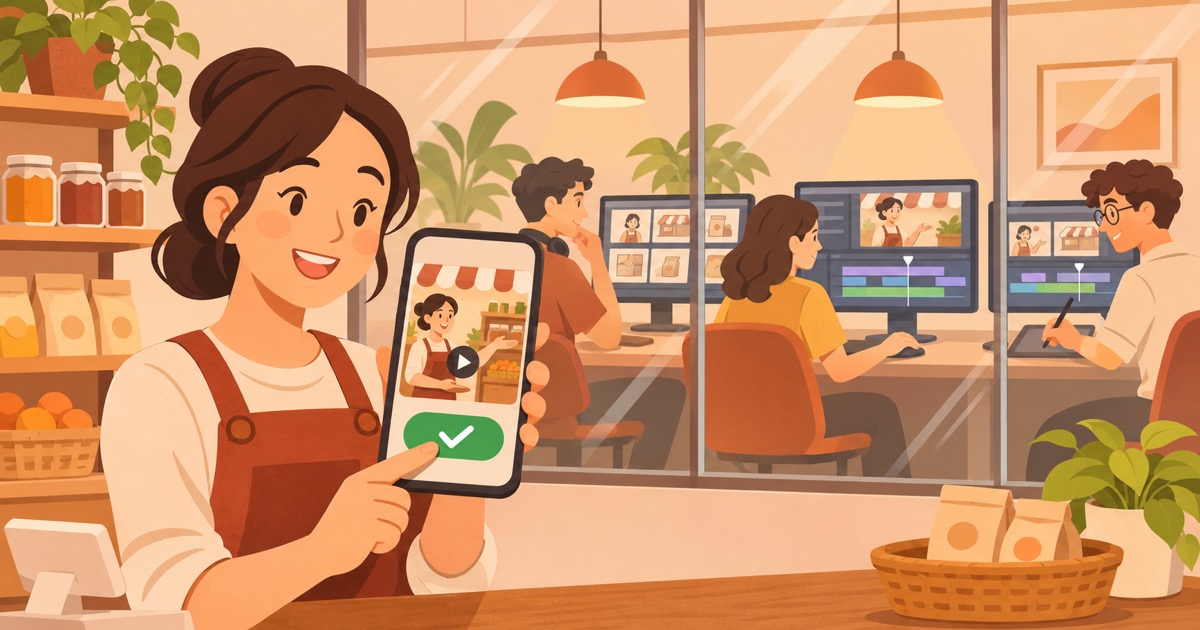
## What is an AI video ad agency, and how is it different from an AI video tool?
An AI video ad agency, also called a done-for-you AI ad team, uses AI tools to make your video ads for you, checks them, and hands you a finished ad. An AI video tool is an app you use yourself: you write the words, pick the look, make the video, fix the mistakes and check it.
Both often use the same kind of AI underneath. The real difference is who sits in the chair.
With a tool such as CapCut, Canva, HeyGen, Synthesia or Creatify, you pay a monthly fee and do the work. With an agency, you pay more per month, send a short brief, and spend your time approving instead of editing.
UGC (user-generated content) is an ad that looks like a regular person filmed it on a phone. An AI avatar is a computer-made presenter who looks and sounds like a real person, and many tools now use one to make UGC-style ads.
**[Try our ad team free →](/ad-factory?utm_source=blog&utm_medium=inline&utm_campaign=ad-factory-cta-order)** Get a free image ad and a free video script and storyboard for your business. You approve every step. No card needed.
## What do AI video tools like CapCut, HeyGen and Synthesia cost in 2026?
The entry plans for popular DIY AI video tools cost between $0 and about $29 a month for one person (CapCut lists pounds), going by each provider's pricing page on November 4, 2026. CapCut, Canva, HeyGen, Synthesia and Creatify all have a free plan, but free plans come with limits such as a watermark or a small monthly allowance.
| Tool | Free plan | First paid plan | Next plan up | What the price buys |
|---|---|---|---|---|
| [CapCut](https://www.capcut.com/pricing) | Yes, basic editing | Pro, £21.99 a month (shown in local currency) | Ultra, £58 a month | AI credits each month; AI video is charged per second |
| [Canva](https://www.canva.com/pricing/) | Yes | Pro, US$144 a year for one person | Business, US$250 a year per person | A shared monthly AI allowance; AI video clips need "Ultra AI" |
| [HeyGen](https://www.heygen.com/pricing) | 3 videos a month, watermarked, up to 1 minute | Creator, $29 a month | Pro $49, Business $149 a month | AI presenters, plus your own custom avatar |
| [Synthesia](https://www.synthesia.io/pricing) | 10 minutes of video a month, watermarked | Starter, $9 first month, then $19 a month | Pro, $89 a month | AI avatars; about 12 extra minutes a month on Starter |
| [Creatify](https://creatify.ai/pricing) | Yes, 10 credits a month, up to 2 video ads, watermarked | Standard, $15 a month ($10 on the annual plan) | Pro $55, Max $95 a month | Credits for about 11 avatar videos of 15 seconds on Standard |
| [30 Second Ad Club](/ad-factory), a team, not a tool | Free image ad with a small watermark, plus a free video script and storyboard, no card | Base (prices in the last chart below) | Growth and Scale | Our team makes the ads: about 3 short videos or 2 song ads on Base |
CapCut showed us prices in pounds, and its page says prices are "for reference only" until you sign in. Check the price in your own currency before you buy.
The subscription is the small cost. The bigger cost is your time, because the app does not know your offer, your town or the questions your customers ask. A new wrench does not fix a leak. Someone still has to crawl under the sink.
*Pro tip: Make one real ad on a free plan before you pay for anything. If that first ad is not finished within a week, a paid plan will not change the result.*
## Who does the work: you, a freelancer or an agency?
With a DIY AI video tool, you do every step of the ad yourself. With a freelancer, you write the brief and check the work. With a traditional agency or a done-for-you AI ad team, the team makes and checks the ad, and your job is mostly approving.
Every video ad, however it is made, goes through the same seven steps. Here is who usually does each one.
| Step | DIY AI tool | Freelancer | Traditional agency | Done-for-you AI ad team (Ad Club) |
|---|---|---|---|---|
| 1. Offer and message | You | You | You and the agency | You, in a short brief |
| 2. Script (the words said or shown on screen) | You (the app may suggest lines) | Freelancer or you | Agency | Team writes, you approve |
| 3. Scenes, often as a storyboard (a simple picture for each line) | You | Freelancer | Agency | Team draws a storyboard, you approve |
| 4. Make the video | You, inside the app | Freelancer | Agency | Team |
| 5. Captions, logo, the right size for each app | You | Freelancer | Agency | Team |
| 6. Quality check (wrong phone number, odd hands, a claim you cannot back up) | You | Freelancer, then you | Agency, then you | A checker and a manager, then you |
| 7. Post or run it | You | You, in most cases | Often the agency | You |
The hour figures you will find online mostly come from companies selling a tool or a service, so count the steps you own instead. With a DIY tool you own all seven. With a done-for-you team you own the brief, two approvals and the posting.
Your time has a price, even when no one sends you a bill. The [U.S. Bureau of Labor Statistics](https://www.bls.gov/ooh/media-and-communication/film-and-video-editors-and-camera-operators.htm) puts the 2025 median pay for film and video editors and camera operators at $36.10 an hour, which is a fair floor for what editing work is worth.
Say you run a two-van plumbing business and your billed hour is worth $100. If one DIY ad takes you three evenings of an hour each, that ad costs you about $300 of time on top of the app.
Tools like HeyGen and Creatify are built around AI presenters.
Here is a Yapper ad our team made, and the presenter is AI, not a real customer.
[[VIDEO:yapper-studio]]
Want one about your business? [Start free with Ad Club](/ad-factory)
## How do AI tools, freelancers and agencies compare on price?
DIY AI tools are the cheapest in dollars, freelancers charge per ad, and agencies charge a monthly fee with your ad budget on top. Done-for-you AI ad teams vary the most, from a low monthly plan to thousands a month. These prices come from each provider's own page, checked November 4, 2026.
| Option | Example prices (from their page) | About how many ads | Who makes it | Who checks it | Best for |
|---|---|---|---|---|---|
| DIY AI video tool | [HeyGen](https://www.heygen.com/pricing) Creator $29 a month; [Synthesia](https://www.synthesia.io/pricing) Starter $19 a month; [Creatify](https://creatify.ai/pricing) Standard $15 a month | Creatify Standard: about 11 avatar videos of 15 seconds a month | You | You | Owners who like editing, or have a staff member who does |
| Freelancer | [Dribbble](https://dribbble.com/services/search/commercial-advertising-video) listings: $130 for a short AI ad, from $200 for a Facebook or YouTube ad, $950 for a premium AI commercial | 1 ad per price | The freelancer, from your brief | The freelancer, then you | One ad or a small batch with a clear brief |
| Traditional agency | [LYFE Marketing](https://www.lyfemarketing.com/services/short-video-advertising-services/pricing/) $500 a month, with ad management | Listed as "2 Vertical Videos, 1 Actor per Quarter" | The agency team | The agency team | Businesses that want ads made and run, with the budget for it |
| Other done-for-you AI ad teams | [Shhots](https://shhots.ai/done-for-you/) $499 a month; [Creatify Studio](https://creatify.ai/studio) $100 to $200 a video; [EzUGC](https://ezugc.ai/pricing) $4,000 a month; [Admiral Media](https://admiral.media/ai-video-ads-agency/) €10,000 a batch | Shhots 30 a month; Creatify Studio 25 to 100 or more a month; EzUGC 50 a month; Admiral Media 20 ads of up to 15 seconds a batch | The provider's team | Varies, so ask; at Shhots you approve the plan before anything is made | Brands that want 20 or more ads a month |
| Done-for-you AI ad team (Ad Club) | [Base $97, Growth $249, Scale $397 a month](/ad-factory); free image ad, plus a video script and storyboard, no card | About 3, 10 or 17 short videos a month; about 2 song ads on the Base plan | Script writer, storyboard artist, video maker | A quality checker and a project manager, then your approval | Busy owners, and our pick: steady, checked ads, and you only approve |
A monthly price means little until you divide by finished ads you would really use.
A few fair notes on that table. Freelance prices are set by each seller. Video listings on that Dribbble page run from $15 to $5,000, so the same job can cost very different amounts. In our view, marketplace gigs in general are often low and uneven in quality, take a lot of back and forth, and do not give you a professional marketing team.
LYFE Marketing's plan includes running and tuning the ads, which is a different job from making them. Its page also says you pay your ad budget to the ad platform on top of the fee. Its "per Quarter" wording does not make clear if the 2 videos are a month or a quarter, so ask before you sign.
[Creatify Studio](https://creatify.ai/studio) lists a 48-hour turnaround, and [Shhots](https://shhots.ai/done-for-you/) says you upload the finished ads to your own ad accounts.
## Who should still use a DIY tool?
A DIY AI video tool is for people who enjoy editing and have regular hours to give it. If that is you, or someone on your team, a plan of $15 to $29 a month will do the job.
Say you run a gym and a coach on your team loves to film and edit workouts. A CapCut or Canva plan plus that coach's clips may suit you. For everyone else, every ad becomes one more job after work.
## Who should still hire a freelancer or a traditional agency?
A freelance videographer or a traditional agency still makes sense in two cases: you want real filming of your people or place, or you want someone to make and run the ads for you.
AI cannot honestly show your real crew on a real roof. If your ad needs real faces, you need a local production company or a camera operator. In November 2026, [Creatify](https://creatify.ai/studio) put agency video at $500 to $5,000 a video in one place and up to $10,000 in another. That is a seller's own figure, so get quotes.
A traditional agency suits a business that wants the whole job off its plate, including the ad budget. Big creative services cost far more. In November 2026, [Superside](https://www.superside.com/pricing) listed a $15,000 monthly minimum on an annual term, plus a $1,000 monthly software fee.
**[See the ads our team makes →](/ad-factory?utm_source=blog&utm_medium=inline&utm_campaign=ad-factory-cta-examples#examples)** Song ads, talking presenter ads, claymation and more.
## What does a done-for-you AI ad team actually do?
A done-for-you AI ad team writes the script, draws the storyboard, makes the ad with AI tools and checks it before you see it, while you approve the script and storyboard. You never write a prompt or open an editing app.
At 30 Second Productions, that team is [Ad Club](/ad-factory). It is "AI-powered, human managed": every video ad has a script writer, a storyboard artist, a video maker and a quality checker, and a project manager watches it before it goes to you.
You tell us about your business and your offer. You approve the script, then the storyboard, and most ads are ready in about 24 hours of a complete, approved brief.
The styles are song ads, Yapper ads (a real-looking AI presenter talks to camera), claymation (made with AI tools, not hand-made stop motion), B-roll product ads (close-up product shots with a voice over) and image ads.
Here is a song ad that tells a plumber's story, and the singing voice is AI.
[[VIDEO:song-ad-plumber]]
Want one about your business? [Get a free script and storyboard](/ad-factory)
Plans are Base, Growth and Scale, for about 3, 10 or 17 short videos a month. On the Base plan, that is about 3 short videos or 2 song ads.
Each plan gives you credits, and each ad uses some of them. Unused credits roll over for 60 days, every plan includes 1 free holiday video a month, and you can cancel any time.
You can start free with no card: one free image ad with a small watermark, plus one free video script and storyboard for your business. The finished video needs a plan or credits.
If you only want one ad, you can buy a single [song ad](/song-ads), [Yapper ad](/yapper-ads) or [claymation ad](/claymation-ads-97) without a plan.
Here is a claymation sample for a made-up plumber, made with AI tools, not hand-made stop motion.
[[VIDEO:clay-plumber]]
Rather approve ads than build them? [Make your free image ad](/ad-factory)
Now the limits. We make the ads; we do not run them, so you still post them or run them in your own ad account. If we made the mistake, we fix it free. Each song video includes one free round of changes.
## Should you use an AI video tool or hire an agency?
For a busy small-business owner, hire a done-for-you AI ad team. A professional team writes, makes and checks every ad, and you only approve.
- **Pick a done-for-you AI ad team if** you want new, checked ads every month and only want to approve the script and scenes. That is most busy owners.
- **Pick a DIY AI video tool only if** you enjoy editing and have a few spare hours for every ad.
- **Pick a traditional agency if** you want real filming or want the agency to run your ads, and you have a budget from about $500 a month.
- **Be careful with marketplace gigs.** Expect to write the brief, manage the back and forth and check the work yourself.
If you are still unsure, run a small test. Make one ad yourself on a free plan, get a free script and storyboard from a team, and compare the thinking and the hours you spent.
For a wider look at prices across creators and studios, see our guide to [what a UGC video costs in 2026](/news/ugc-ads/how-much-does-ugc-video-cost-2026). For what AI can and cannot do yet, see our [guide to AI video production in 2026](/news/video-marketing/ai-video-production-guide).
## What should you put in a video ad brief?
A good brief names your business, your town, your one offer, who the ad is for, and what you want people to do next. The same brief works for a freelancer, an agency or a done-for-you team.
Here is a brief you can copy and fill in:
> Hi, I run [business] in [town]. I want [number] short vertical video ads for Facebook and Instagram. The offer is [offer, with price or deadline]. The ad is for [who, such as homeowners with older houses]. After watching, I want people to [call, book online or visit]. Please use my logo and these colors: [colors]. Do not say [anything you cannot promise].
Before you pay anyone, ask these five questions:
- Who writes the script, and do I approve it before you make the video?
- Who checks the ad for mistakes before I see it?
- How many rounds of changes are included, and what does an extra round cost?
- How long from my brief to a finished ad?
- Do you run the ads, or only make them?
## Frequently asked questions
### How much does an AI video ad agency cost?
As of November 2026, published prices run from under $100 a month to €10,000 a batch. [Shhots](https://shhots.ai/done-for-you/) lists $499 a month for 30 videos, [Creatify Studio](https://creatify.ai/studio) lists $100 to $200 a video, and [Admiral Media](https://admiral.media/ai-video-ads-agency/) lists €10,000 for 20 ads. [Ad Club](/ad-factory) from 30 Second Productions has plans from under $100 a month, with about 3 short videos on Base.
### Is it cheaper to make video ads yourself with AI?
In dollars, yes. A DIY plan such as [HeyGen Creator](https://www.heygen.com/pricing), $29 a month in November 2026, costs less than paying anyone to make ads. Once you count your own hours for writing, editing and checking every ad, a done-for-you team can work out cheaper for a busy owner.
### Will an AI video ad agency run my Facebook ads too?
Some do and some do not, so ask before you sign. [LYFE Marketing's plans](https://www.lyfemarketing.com/services/short-video-advertising-services/pricing/) include running the ads. Ad Club makes the ads but does not run them, so you post them or run them in your own ad account.
### Can I try a done-for-you ad team before I pay?
Some teams let you try first. Ad Club starts with a free image ad and a free video script and storyboard, with no card, so you can judge the writing before you choose a plan.
### Do AI video ads look fake?
AI video ads can look fake when nobody checks them, with odd hands, wrong words or a stiff face. The fix is a person checking every ad before it goes live. With a DIY tool that person is you; with a done-for-you team it is the team's quality checker.
### Will Facebook label my AI video ads?
Yes, it can. Social Media Today reported in July 2026 that Meta [labels ads](https://socialmediatoday.com/news/meta-adds-updated-disclosure-tags-for-ai-generated-ads/824658) made with its own AI tools, and ads from third-party tools when it detects industry-standard metadata. That label sits in the "About this ad" menu. See [Meta's own post](https://about.fb.com/news/2024/04/metas-approach-to-labeling-ai-generated-content-and-manipulated-media/) on its AI info labels.
## The short version
For a busy owner, a done-for-you AI video ad agency is the best option: a professional team writes, makes and checks every ad, and you only approve. An app leaves every step to you, and a marketplace gig leaves you managing the back and forth.
Want finished ads without learning an AI tool? **[Make your free image ad with Ad Club](/ad-factory?utm_source=blog&utm_medium=inline&utm_campaign=ad-factory-cta-both)**, plus a free video script and storyboard. Plans from $97 a month, cancel any time.
---
## Related Reading
- [Animated Video Ad Cost vs a Song Ad: Where Your Money Goes](/news/ugc-ads/animated-video-ad-cost): Animated video ad cost for a 30-second social ad: published 2D and 3D studio…
- [12 Facebook Video Ad Ideas With Music for Small Businesses](/news/ugc-ads/facebook-video-ad-ideas): 12 Facebook video ad ideas with music, sorted by goal: new customers, a deal…
- [Best Type of Facebook Ad for Small Business: Song, UGC or Image?](/news/ugc-ads/best-type-of-facebook-ad-for-small-business): Not sure which ad to run first? Compare song, UGC and image ads on cost,…
- [Best Way to Get AI UGC Ads in 2026: Apps, Creators or Teams](/news/ugc-ads/best-way-to-get-ai-ugc-ads): Compare 3 ways to get AI UGC ads: human creators, AI apps like Arcads and…
- [Ad Club →](/ad-factory): A done-for-you ad team. You approve the script and storyboard; we make and check every ad. Plans from $97 a month.
---
## Best Way to Get AI UGC Ads in 2026: Apps, Creators or Teams
URL: https://www.30secondproductions.com/news/ugc-ads/best-way-to-get-ai-ugc-ads
Topic: UGC & Ad Creative
Updated: 2026-11-05
For most busy owners, the best way to get AI UGC ads is a done-for-you team: a professional team writes, makes and checks the ad, and you only approve. Ours, Yapper ads from 30 Second Ad Club, cost $197. An app like Creatify ([from $15 a month](https://creatify.ai/pricing)) leaves the writing and editing to you, and a Billo creator ([from $99](https://billo.app/pricing/)) leaves you managing the brief and the shipping.
These ads are now within reach of a one-van plumber or a two-chair salon. The plans look cheap, but a plan does not write the script. Here are the 3 ways to get an ad made, what each costs and who does the work.
**Key takeaways**
- AI apps have low monthly prices, but you write and edit every ad.
- Human creators bring a real person and usually cost more per clip than an app.
- A done-for-you team is the best option for a busy owner: pros make and check the ad, and you approve it.
- An AI presenter should never pose as a customer.

## What is an AI UGC ad, and how is it different from real UGC?
An AI UGC ad is a short video ad where a presenter made with AI, often called an AI avatar or AI actor, talks to the camera in the style of a social media post. The face and the voice are made by software, not filmed.
UGC is short for user-generated content. Real UGC is a video made by an actual person, often a hired creator, who films themselves talking about a product. The look is the same, but what they can claim is not.
A real creator can say they tried your service. An AI presenter has never tried anything, so write the script for a host, not a customer.
**[Get a talking video ad made for your business for $197 →](/yapper-ads?utm_source=blog&utm_medium=inline&utm_campaign=yapper-cta-order)** A real-looking presenter sells for you. We write the words and make the video. You just say yes.
## Do AI UGC ads actually work?
Nobody can promise that AI presenter ads will work for you, and we found no solid independent proof that they beat real creators or lose to them. Most numbers you will see online come from companies that sell these tools.
In a [Meltwater and YouGov survey published April 21, 2026](https://www.meltwater.com/en/press-releases/consumer-perception-of-generative-ai), nearly 10,000 consumers in seven markets gave their view. Of those, 32% said they would trust a brand less if its content were AI-generated, 15% said more, and 86% said brands should reveal it.
A small test on your own offer tells you more, and the steps are further down.
Here is one of our Yapper ads, with our AI presenter talking to camera in a home studio.
[[VIDEO:yapper-studio]]
Want one about your business? [Get your Yapper ad](/yapper-ads)
## How do human creators, AI apps and a done-for-you team compare?
Human creators, AI apps and done-for-you teams differ most in who does the work: a creator films it, you make it in an app, or a team makes it for you to approve. Prices come from each provider's own page, checked November 4, 2026.
| Option | Starting price (own page) | Who makes the ad | What you do | Best for |
|---|---|---|---|---|
| Human creator marketplace ([Billo](https://billo.app/pricing/)) | From $99 for 15 seconds; 30 seconds costs more, and captions and extra hooks are extra | A real creator films it | Write a brief, ship your product, review | Products you can mail out and real faces |
| [Arcads](https://www.arcads.ai/) | No dollar prices on its site; plans are shown in credits | You, with AI actors | Write, generate, edit, export | Brands making many test ads a month |
| [Creatify](https://creatify.ai/pricing) | $15 a month (Standard) | You, with AI actors | Write, generate, edit, export | Low monthly cost and lots of templates |
| [MakeUGC](https://www.makeugc.ai/pricing) | $29 a month, billed yearly | You, with AI actors | Write, generate, edit, export | Volume on a yearly plan |
| [HeyGen](https://www.heygen.com/pricing) | Free (3 watermarked videos a month); Creator $29 a month | You, with avatars | Write, generate, edit, export | Avatar videos in many languages |
| [Creatify Studio](https://creatify.ai/studio) | $100 to $200 a video, 25+ a month | Creatify's team, with AI | Approve the work | Brands that need many ads a month |
| One-off done-for-you ad ([Yapper ads](/yapper-ads) from 30 Second Ad Club) | $197 one-time for one 30-second ad | Our team, with an AI presenter | Fill in a form, approve the script and pictures | Busy owners, and our pick: one finished ad, no plan, no app |
Prices change often, so check before you buy. Freelancers on marketplaces like Fiverr sell these ads too, with no one price to list. In our view, marketplace gigs in general are often low and uneven in quality, take a lot of back and forth, and do not give you a professional marketing team.
## How much do AI UGC ads cost in 2026?
AI apps with public prices list entry plans at $15 to $29 a month, human creators start at $99 a clip, and done-for-you ads run $97 to $200 each. Free app plans exist, and Billo's biggest creator pack costs $5,000. Here is what each provider's own page said on November 4, 2026, with the catch.
### Human UGC creators
The catch with human creators is the extras. [Billo's pricing page](https://billo.app/pricing/) starts at $99 for a 15-second video from a regular creator with basic editing, and 30 seconds costs more. Captions and extra hooks are priced separately, and its packs run from $1,000 for up to 10 videos to $5,000 for up to 57.
The price does not cover your product or shipping it to the creator. That suits a skincare brand. It is harder for a roofer, since you cannot mail a roof.
For creator fees and usage rights, see our guide to [how much a UGC video costs in 2026](/news/ugc-ads/how-much-does-ugc-video-cost-2026).
### Arcads
Arcads does not show dollar prices on its website, so you have to work in credits. Its [help center FAQ](https://intercom.help/arcads/en/articles/17350051-arcads-faq) says Starter has 8,000 credits a month and a talking-actor video uses 800, which is about 10 videos a month. Starter credits reset each cycle.
Outside reviews such as [ppc.io](https://ppc.io/blog/ai-ugc) put the entry plan at about $110 a month for up to 10 videos. Arcads does not publish that, and the FAQ says it tests new pricing, so confirm before you pay.
The 72-hour trial needs a card, which is not charged during the trial. The [Arcads home page](https://www.arcads.ai/) offers 1,000+ AI actors.
### Creatify
Creatify's low price buys a limited number of clips. [Creatify's pricing page](https://creatify.ai/pricing) shows Standard at $15 a month, or $10 at its annual rate. Standard's 55 credits cover about 11 15-second avatar clips a month, and credits expire after 2 months.
Its free plan gives 10 credits a month, enough for up to 2 video ads, with a watermark.
### MakeUGC
MakeUGC's $29 Starter plan comes to $348 for the year, because it is billed yearly. [MakeUGC's pricing page](https://www.makeugc.ai/pricing) says yearly billing saves up to 51% against monthly. You can try any plan for $1.
Starter exports at 480p and 720p only and has no custom avatar. Credits do not roll over.
### HeyGen
HeyGen's free plan needs no credit card, but it is a tryout. [HeyGen's pricing page](https://www.heygen.com/pricing) gives 3 watermarked videos a month, up to 1 minute each, in 30+ languages. Creator is $29 a month, or $24 paid yearly, with 600 credits a month and 175+ languages.
HeyGen is built for avatar videos of all kinds, not only ads, and you still shape the ad yourself.
### A done-for-you team
A done-for-you AI UGC team writes the script, makes the video with an AI presenter, checks it and hands you a finished ad.
[Creatify Studio](https://creatify.ai/studio) lists $100 to $200 a video, for 25 to 100+ videos a month with a 48-hour turnaround, and it states human review of every ad and unlimited revisions. You book a demo to buy. MakeUGC's custom-priced Enterprise plan offers a strategist and optional managed production. Those teams sell monthly volume, while ours sells one ad with no plan.
Yapper ads from 30 Second Productions are one-time: one price for one 30-second ad. You fill in a 2-minute form and send your logo, we write the words (or use yours), and you see a picture for each part before we make it. The ad is ready 72 hours after you say yes, with 1 round of changes and a money-back guarantee if you are not happy within 30 days.
Every ad has a hook in the first 3 seconds, the problem and the fix in the middle, and the next step at the end. You get words on screen for sound-off viewing, your logo at the end, and the vertical size for Facebook, Instagram and TikTok. Each order comes with your own [Ad Club](/ad-factory) account to order more.
Our presenter is made with AI and looks and sounds real, and real people write and check every video. You cannot pick a different presenter yet. The ads are English only, and we make the ad but do not run it.
Here is the Yapper ad we made to sell our own Song Ads.
[[VIDEO:yapper-song-ads]]
Want one about your business? [Get your Yapper ad](/yapper-ads)
## How much of your own time does an AI ad take?
A done-for-you team takes the least of your time, because your job is to approve. With an app, you are the writer, director and editor. With a creator, you are the project manager.
- **Human creator:** write a brief, choose a creator, ship the product, review the clip, ask for changes.
- **AI app:** learn the app, write the script, generate, watch for odd mouths or hands, regenerate, add captions and your logo, export.
- **Done-for-you team:** answer the questions, approve the script and pictures, post the finished ad.
Here is an example with made-up numbers. Say your hour is worth $60 and your first app ad takes 3 hours. That $15 plan now costs you $195.
Time your first one and use your real figures.
## What should an AI presenter never say in your ad?
An AI presenter should never speak as a customer, claim to have used your service, or quote results you cannot prove, because that misleads people. The presenter is AI and has never tried anything, so write it as a friendly host who tells people about you.
| Don't have the presenter say | Say this instead |
|---|---|
| "I used Bright Smile Dental and my teeth have never looked better." | "Bright Smile Dental does same-week cleanings, and you can book online." |
| "Best roofer I have ever hired." | "Read what real homeowners say in [your real number] Google reviews." |
These business names are made up, and every fact on the right must be true for your business. If you have real reviews, show them as quotes on screen with the customer's first name and permission.
**[Watch our Yapper ads →](/yapper-ads?utm_source=blog&utm_medium=inline&utm_campaign=yapper-cta-examples)** Click any video to watch with sound.
## What does a 30-second talking ad script look like?
A 30-second talking ad script has three parts: a hook (the line that stops the scroll) in the first 3 seconds, the problem and the fix in the middle, and one clear next step at the end. The sample below runs about 65 words.
Say you run a plumbing company. Here is an original script for an AI presenter, not a fake customer:
**0 to 3 seconds (hook):** "Shower going cold? Watch this first."
**3 to 12 seconds (problem):** "Most of us only think about the water heater when it stops. By then you are paying for a rush job."
**12 to 24 seconds (fix):** "Hill Street Plumbing does a water heater check and flush for one set price. A licensed plumber checks the tank and tells you straight."
**24 to 30 seconds (next step):** "Tap the button to book this week. Hill Street Plumbing. Hot showers, no surprises."
Read yours out loud with a timer, and cut words until it fits with room to breathe. On screen, put the hook as big text, a small "AI presenter" note, and the price and booking link at the end. Hill Street Plumbing is a made-up name, so swap in your own offer and only claims you can stand behind.
Here is the Yapper ad we made for our Holiday Song Club.
[[VIDEO:yapper-holiday-songs]]
Want one about your business? [Get your Yapper ad](/yapper-ads)
Need a different opening? Here are three hooks for other trades:
- **Dentist:** "Your teeth do not hurt. That is exactly when to book a cleaning."
- **Roofer:** "Missing shingles after last night's wind? Here is what to check from the ground."
- **Gym:** "You do not need to get fit before you join a gym. That is our job."
For more hook styles, our guide to [UGC video ad scripts that convert](/news/ugc-ads/ugc-video-ad-scripts-that-convert) has three full outlines.
## How do you test your first AI presenter ad?
Test your first AI presenter ad by running two versions with different hooks against one offer, then judging them on the cost of each lead, not on views.
### Step 1: Pick one offer and one goal
Choose a single offer, such as a set-price check-up, and one goal, such as booked calls.
### Step 2: Make two hooks
Change only the first 3 seconds of the script.
### Step 3: Run both side by side
Give both ads the same audience and the same daily budget on Meta or TikTok. Let them run a full week so weekdays and weekends both count.
### Step 4: Judge on cost per lead
Divide what you spent on each ad by the leads it brought in. Keep the cheaper one, write a new hook to beat it, and repeat.
Still deciding on the format? Our guide to the [best type of Facebook ad for a small business](/news/ugc-ads/best-type-of-facebook-ad-for-small-business) compares song, UGC and image ads.
## When is an AI presenter the wrong choice?
An AI presenter is the wrong choice when your own face is the product, when you need to show real work, or when you need real customers to vouch for you. In those cases, film yourself or hire a human creator.
- **You are the brand.** A lawyer or realtor often wins work because people trust them in person.
- **The work is the proof.** A before-and-after kitchen or a cleaned-up yard is best shown with real photos and footage.
- **You need testimonials.** Only real customers can give one.
- **Your customers speak another language.** Our Yapper ads are English only for now.
## Frequently asked questions
### What is the best AI UGC ad service for a small business?
For a busy owner, the best service is a done-for-you team such as Yapper ads from 30 Second Productions. A professional team writes, makes and checks the ad, and you only approve. Use Billo only if you must have a real person on screen, or an app like HeyGen for other languages.
### Can I use my own face instead of an AI presenter?
Yes, with some apps. HeyGen includes a custom video avatar on its free plan, and Arcads lets you create your own AI avatar. Our Yapper ads use our own AI presenter, and you cannot pick a different one yet.
### Who owns an AI ad once it is made?
It varies by provider. With Yapper ads, you own the finished ad and can use it in any ad, on your website, or anywhere else.
### How fast can I get an AI presenter ad made?
An app is as fast as you can write and edit the ad yourself. Creatify Studio lists 48 hours for its managed service. Yapper ads are ready 72 hours after you say yes.
## The short version
For a busy owner, a done-for-you team is the best option: a professional team writes, makes and checks the ad, and you only approve. Our Yapper ads are made for you and checked by real people before they reach you.
Either way, treat your AI presenter as a friendly host who explains your offer, never as a fake customer. Then test two hooks and judge them on what each lead costs.
Want an ad that talks for you? **[Get your Yapper ad for $197](/yapper-ads?utm_source=blog&utm_medium=inline&utm_campaign=yapper-cta-both)**: your words, your logo, made for you in 72 hours, with a money-back guarantee.
---
## Related Reading
- [Best Type of Facebook Ad for Small Business: Song, UGC or Image?](/news/ugc-ads/best-type-of-facebook-ad-for-small-business): Not sure which ad to run first? Compare song, UGC and image ads on cost,…
- [UGC Ads vs Image Ads: Performance Data & Cost Comparison 2024](/news/ugc-ads/ugc-ads-vs-static-image-ads): UGC video ads show 3x higher CTR and 25% lower CPA than static images.…
- [How Much Does a UGC Video Cost in 2026?](/news/ugc-ads/how-much-does-ugc-video-cost-2026): UGC video pricing ranges from $50 to $500+ per video. Here's what affects…
- [Music for Facebook Ads: What's Allowed and What Gets Remembered](/news/ugc-ads/music-for-facebook-ads): Music for Facebook ads, explained: why trending songs get ads muted, what…
- [Yapper Ads for $197 →](/yapper-ads): A 30-second talking video ad with a real-looking AI presenter, made for you in 72 hours.
---
## Song Ad Maker Options for Small Business: Who to Hire in 2026
URL: https://www.30secondproductions.com/news/ugc-ads/song-ad-maker
Topic: UGC & Ad Creative
Updated: 2026-11-05
You know your trade. What is less clear is who to pay for a song ad, and how much of your week it will eat.
For a busy small-business owner, the best song ad maker is a done-for-you team: a professional team writes, makes and checks the ad, and you only approve. At 30 Second Ad Club, [our team](/song-ads) makes a finished video ad with an AI singer for $97. [Violet Recording puts a sung studio jingle at $800 to $2,500](https://violetrecording.com/how-much-does-a-jingle-cost/), which suits radio. AI tools start [around $8 a month on Suno](https://suno.com/pricing), but you do the work.
Here are the five kinds of provider, lined up with prices from their own pages.
> **Key takeaways**
> - For a busy owner, a done-for-you team is the best option. Pros do the work and you only approve.
> - Prices run from about [$8](https://suno.com/pricing) to $20 a month for an AI app and [editor](https://www.canva.com/pricing/) to [$800 to $2,500](https://violetrecording.com/how-much-does-a-jingle-cost/) or more for a sung studio jingle.
> - [Suno's free plan](https://suno.com/pricing) does not allow ads.
> - Rights vary by provider, so ask. With us, you own the ad.

## Who can make a song ad for a small business?
Five kinds of provider can make a song ad for a small business: a jingle studio, a freelance jingle writer, an AI song app you run yourself, an all-in-one AI song ad tool, or a done-for-you song ad team. The last two hand you a finished video, and they differ on who checks and fixes it.
A [song ad](/news/ugc-ads/what-is-a-song-ad) is a short video ad where your message is sung, with every word on screen so it works with the sound off. It ends on your name, your offer and what to do next.
Here is a song ad we made for a plumber.
[[VIDEO:song-ad-plumber]]
Want one about your business? [Get your song ad](/song-ads)
The studios and budget services we checked deliver audio, apart from one [Killerspots bonus](https://killerspots.com/home-services-jingles/). With audio alone, you still need pictures, captions and an end card before the song can run on Facebook, Instagram or TikTok.
In plain words:
- **Jingle studio.** A music company that writes, records and mixes a jingle with real singers.
- **Freelance jingle writer.** One musician, often hired through a marketplace like Fiverr or [SoundBetter](https://soundbetter.com/s/jingles). Prices and rights change from seller to seller. In our view, marketplace gigs in general are often low and uneven in quality, take a lot of back and forth, and do not give you a professional marketing team.
- **AI song app plus a video editor.** You pick a style in a tool like Suno and [enter your own lyrics or let it write them](https://help.suno.com/en/articles/3197377). Then you build the video yourself in an editor like Canva or CapCut.
- **All-in-one AI song ad tool.** A tool like the [Revid song ad generator](https://www.revid.ai/tools/ai-song-ad-generator) or the [Steve AI jingle maker](https://www.steve.ai/ai-jingle-maker) makes the song and the video in one run. You still do the work of checking every word and shot, then fixing what is wrong.
- **Done-for-you song ad team.** A team that writes the song, makes the video and hands you the finished ad to approve.
**[Get a musical video ad made for your business for $97 →](/song-ads?utm_source=blog&utm_medium=inline&utm_campaign=song-ads-cta-order)** A catchy song about your business, turned into a 3D animated video ad. Done for you in 72 hours.
## How does each song ad maker compare on price and work?
A studio jingle costs the most, at about [$800 to $2,500](https://violetrecording.com/how-much-does-a-jingle-cost/). A freelancer or budget service runs about [$89](https://jvf.com/product/signature-sound-creation-custom-jingles-brand-audio/) to [$800](https://violetrecording.com/how-much-does-a-jingle-cost/), and AI tools cost the least in cash, about [$8](https://suno.com/pricing) to [$39](https://www.revid.ai/pricing) a month, but the most in your own hours. A done-for-you team sits in the middle on price and takes the least of your own time.
One thing to know: we are 30 Second Productions, and we sell the done-for-you option. Every other price comes from that company's own page, opened in November 2026, so you can check us. Violet Recording's figures are a studio's guide to typical prices, not its own price list.
| Option | Example price | Finished video? | Best for |
|---|---|---|---|
| Jingle studio | [Write Me A Jingle: from around $2,500](https://writemeajingle.com/). [Killerspots: quote after a free call](https://killerspots.com/home-services-jingles/). [Violet Recording puts a sung, produced jingle at $800 to $2,500](https://violetrecording.com/how-much-does-a-jingle-cost/) | Not as standard. [Killerspots](https://killerspots.com/home-services-jingles/) offers a video up to 30 seconds as a free bonus option on its biggest package | Radio, TV and one tune for years |
| Freelance writer or budget service | [JVF: $89 to $397 across three tiers](https://jvf.com/product/signature-sound-creation-custom-jingles-brand-audio/). [Violet Recording](https://violetrecording.com/how-much-does-a-jingle-cost/) puts an in-the-box jingle (virtual instruments, no session singer) at $300 to $800 | No, audio only ([JVF delivers MP3 files](https://jvf.com/product/signature-sound-creation-custom-jingles-brand-audio/)) | A low-cost tune you will place in your own videos |
| AI song app + video editor | [Suno Pro: $10 a month, or $8 billed yearly](https://suno.com/pricing). Video: [Canva Free, or Canva Pro at $144 a year](https://www.canva.com/pricing/), or [Atlabs from $15 a month billed yearly](https://www.atlabs.ai/pricing) | You make it | Owners who enjoy making content |
| All-in-one AI song ad tool | [Revid Growth: $39 a month, or $32 billed yearly, with 2,000 credits a month](https://www.revid.ai/pricing). The [credit cost per ad](https://www.revid.ai/tools/ai-song-ad-generator) shows before you generate. [Steve AI mentions a free plan](https://www.steve.ai/ai-jingle-maker), with no prices on its jingle page | Yes, and you check and edit it | Owners who want many versions fast and are happy to check and edit each one themselves |
| 30 Second Ad Club (done-for-you song ad team) | [Our song ads](/song-ads): $97 for one ad | Yes, a 3D cartoon video | Busy owners, and our pick: a professional team does the work and you only approve |
Here is who does what.
| Option | Who writes the words | Who sings | Changes included |
|---|---|---|---|
| Jingle studio | The studio, with your brief | Session singers | [Unlimited at Killerspots](https://killerspots.com/home-services-jingles/). [Included at Write Me A Jingle](https://writemeajingle.com/) |
| Freelance writer or budget service | The writer, with your brief | Varies by seller | [JVF: 1 round](https://jvf.com/product/signature-sound-creation-custom-jingles-brand-audio/). Others vary |
| AI song app + video editor | You, or the app drafts them and you check and fix them | An AI voice | As many takes as your credits allow |
| All-in-one AI song ad tool | The tool, or you paste your own, and you check them | An AI voice | You edit each scene yourself |
| 30 Second Ad Club (done-for-you song ad team) | The team, or you send your own | An AI voice | 1 round of remakes |
For a finished social ad, the done-for-you row is our pick. For studio prices by length, singers and buyouts, see our guide to [how much a jingle costs](/news/ugc-ads/how-much-does-a-jingle-cost).
## How much of your own time does each option take?
Your own time runs from a 5-minute form with our done-for-you team to every step of the job with an AI app. Studios and freelancers sit between, with a brief and review rounds.
| Option | Your jobs | What the provider says about time |
|---|---|---|
| Jingle studio | Book a call, write a brief, approve the demo, give feedback, then find someone to make the video | [Killerspots](https://killerspots.com/home-services-jingles/): first presentation 7 to 10 days after the creative call. [Write Me A Jingle](https://writemeajingle.com/): 2 to 3 weeks from brief to final |
| Freelancer | Write the brief, answer questions, review drafts, then make or buy the video | [JVF](https://jvf.com/product/signature-sound-creation-custom-jingles-brand-audio/): up to 4 business days after your questionnaire. Others set it by package |
| AI app + editor | Check or write the words, pick a style, generate takes, choose one, download it, build the video, add every word on screen, add your end card | [Atlabs, a tool vendor, says](https://www.atlabs.ai/blog/how-to-create-musical-ads-for-service-businesses-using-suno-and-atlabs) its Suno plus Atlabs route takes about fifteen minutes the first time and gets faster after that |
| All-in-one AI tool | Add your details and product photo, generate, check every word and shot, fix what is wrong, export | [Revid](https://www.revid.ai/tools/ai-song-ad-generator) says a finished, editable ad takes minutes |
| 30 Second Ad Club (done-for-you team) | Fill in a [5-minute form](/song-ads), then approve the ad | [Ready in 72 hours](/song-ads) |
Vendor time claims rarely count the hour you spend on good words, the takes you throw away, or the evening you lose to captions and fixes.
Count your own hours first. Fill in this quick sheet with your real numbers:
- Hours to write the words and brief: ___
- Hours to review drafts or generate takes: ___
- Hours to build the video, captions and end card: ___
- Your hourly value: $___
- Hours x hourly value + the price = the real cost of that route
Here is a made-up example. Say a roofer spends 3 hours on words and takes and 4 on the video, and an hour of his time is worth $50. That is 7 x $50 = $350, plus about $20 for a month of the app and editor, so the cheap route just cost $370.
The number will differ for you, and a second ad should go faster. Still, nobody ever got a burst pipe fixed faster by comparing 14 takes of a banjo chorus.
For the full DIY walk-through, see our guide to an [AI jingle generator vs a jingle writer](/news/ugc-ads/ai-jingle-generator-vs-jingle-writer).
## Who owns the finished ad when the job is done?
Rights vary by provider, so ask before you buy. With 30 Second Productions, you own the ad and can use it in any ad, on your website, anywhere.
## Which option fits your kind of business?
For most busy owners, a done-for-you team is the best option, because a professional team writes, makes and checks the ad and you only approve. The exceptions come down to where the ad will run and whether you enjoy the work.
- **You want social ads without the work.** A plumber testing a new offer each month does not want to edit video. A done-for-you team is the best fit.
- **You buy radio spots.** A roofer on local radio every spring needs broadcast-ready files. We do not make those, so use a jingle studio.
- **You enjoy making content and have the hours.** A restaurant owner who already films and edits, or a gym owner who likes testing versions, can run an AI app or tool. It is cheap in cash, if you have the evenings.
Whichever you choose, ask for a tune of your own. [TikTok's 2021 research with MediaScience](https://ads.tiktok.com/business/en-US/blog/roundup-how-to-use-power-of-sound-tiktok) found custom music led to higher recall and brand recognition than recognizable music. TikTok sells ads, so treat that as a pointer, not proof.
A song is the wrong buy for some messages. If you are explaining a legal process, a medical risk or a sad subject, a calm spoken video will serve you better.
**[Hear the song ads we have made →](/song-ads?utm_source=blog&utm_medium=inline&utm_campaign=song-ads-cta-examples#examples)** Click any video to watch with sound.
## What should you put in your brief so the first draft works?
Send a song ad maker one sentence about who you help, one offer, two hook lines, a style, and where the ad will run.
### Step 1: Say who you help and where
Say who, where and what problem you fix. For example: "[Your Name] Plumbing fixes leaks and blocked drains for homes in [Your Town], same day."
### Step 2: Pick one offer
One ad, one offer. "Free drain check with any repair" beats a list of five services.
### Step 3: Draft two hooks
A hook is the first line people hear, in the first 3 seconds. Here are original examples to adapt, and our guide on [how to write a jingle](/news/ugc-ads/how-to-write-a-jingle) covers the rest:
- "Drip in the kitchen, late at night? Call [Your Name], we'll put it right."
- "Your roof's been talking, every drip's a word. [Your Name] Roofing's listening."
### Step 4: Choose a style and a mood
Name a style (country, pop, soul, rock) and a mood (calm, upbeat, funny). Ask for something original, not a copy of a famous song.
### Step 5: Say where the ad will run
Social ads, like a [TikTok ad with a song](/news/ugc-ads/tiktok-ad-with-a-song), need a vertical video with the words on screen. Radio needs audio-only files in set lengths.
### Step 6: Ask who owns the files
Ask in your first message if you can run it in paid ads, if the right ever ends, and if you get the files.
Here is a song ad we made for a roofer.
[[VIDEO:song-ad-roofer]]
Want one about your business? [Get your song ad](/song-ads)
## What does a done-for-you team do that an app does not?
A done-for-you song ad team writes the song, makes the video and puts every word on screen, so you never write a prompt or open an editor. An all-in-one AI tool can make the same parts, but you run it and you check its work.
We write a catchy song about your business, or use your own words. A pro-sounding AI singer sings it in the style you pick. Then we turn it into a 3D cartoon music video ad.
Each ad has a hook in the first 3 seconds, the story in the middle, and the offer and next step at the end. The last frame shows your logo, offer and button, in a vertical size ready for social ads.
You get an Ad Club account, where our team makes your ads and you approve them. You never have to learn an AI tool. It is ready in 72 hours after a 5-minute form, with 1 round of remakes.
Five new ads a month is $297 a month, cancel any time. With more ads a month, each one costs less.
A longer 2-minute song costs more at checkout. If you are not happy within 30 days, email us for a full refund.
Here are the honest limits:
- The singer is AI, not a session vocalist.
- Every ad is a 3D cartoon, so it will not show your real shop, van or crew.
- We make the ad, but we do not run your ads for you.
- We do not make radio or TV versions, so a studio is still the right call for broadcast.
Here is a song ad we made for a baker.
[[VIDEO:song-ad-baker]]
Want one about your business? [Get your song ad](/song-ads)
## Frequently asked questions
### What is the best song ad maker for a small business?
For a busy owner, the best song ad maker is a done-for-you team such as 30 Second Productions. A professional team writes, makes and checks the ad, and you only approve. For radio, use a jingle studio. An AI tool only suits people who enjoy making content and have the hours.
### Is there a free or cheap song ad maker I can use for my business?
The cheapest cash route we found is Suno Pro at [$10 a month, or $8 billed yearly](https://suno.com/pricing) ($96 up front), plus [Canva Free](https://www.canva.com/pricing/). Suno's free plan does not allow ads, so check any other free tool's plan first. You still do the work.
### Is an AI singer good enough for a business ad?
Yes, for a social media ad. Our ads use a pro-sounding AI singer, and we say so plainly. If you must have a real person's voice, or broadcast radio, you will need a jingle studio with session singers.
### Can I get the song and the video from the same company?
Yes. A done-for-you song ad team makes both, and all-in-one AI tools make both while you check the work. The jingle studios and budget services we checked deliver audio. [Killerspots](https://killerspots.com/home-services-jingles/) is the exception, with a video as a bonus option on its biggest package.
### How long does it take to get a song ad made?
An AI tool is [minutes per run](https://www.revid.ai/tools/ai-song-ad-generator) plus your checking time. Our [done-for-you team](/song-ads) takes about 72 hours. A jingle studio is [7 to 10 days](https://killerspots.com/home-services-jingles/) to a first draft, or [2 to 3 weeks](https://writemeajingle.com/) to final, before you add the video.
### Do I need to write the lyrics myself?
No route forces you to write from scratch. A studio, a freelancer or a done-for-you team writes the lyrics from your brief, and [Suno](https://help.suno.com/en/articles/3197377) and Revid can draft them. With an app, you become the editor who catches a wrong phone number or a weak line.
## The short version
For a busy owner, a done-for-you team is the best option: a professional team writes, makes and checks the ad, and you only approve. Whichever route you take, count your own hours, ask who owns the ad, and send a short brief with one offer and two hook lines.
If you want a finished song ad without learning a single tool, that is the job we do.
Ready for an ad people remember? **[Get your song ad for $97](/song-ads?utm_source=blog&utm_medium=inline&utm_campaign=song-ads-cta-both)**, written, sung and animated for you in 72 hours, with a money-back guarantee.
---
## Related Reading
- [Custom Jingle for Small Business: What You Get and What to Ask](/news/ugc-ads/custom-jingle-for-small-business): Buying a custom jingle for small business? Learn which files to get, 12…
- [Best Jingles of All Time: 7 Lessons a Small Business Can Steal](/news/ugc-ads/best-jingles-of-all-time): The best jingles of all time, from Nationwide to Kit Kat, and the 7 habits…
- [AI Jingle Generator or Jingle Writer? Costs, Rights and Time](/news/ugc-ads/ai-jingle-generator-vs-jingle-writer): Should you use an AI jingle generator or pay someone? Compare costs, ad…
- [How Much Does a Jingle Cost in 2026? Real Studio Prices](/news/ugc-ads/how-much-does-a-jingle-cost): How much does a jingle cost? Real 2026 prices from AI tools, freelancers,…
- [Song Ads from $97 →](/song-ads): A catchy song about your business, turned into a 3D animated video ad in 72 hours.
---
## Local Videographer or Explainer Company: What Each Gets You
URL: https://www.30secondproductions.com/news/explainer-videos/local-videographer-or-explainer-company
Topic: Explainer Videos
Updated: 2026-11-02
Choosing a local videographer or explainer company comes down to one question: does your customer need to see something real, or understand something? Hire the person with a camera for the first job, and the online studio for the second.
A local videographer sells time on site, about $400 to $4,000 a day in 2026, plus editing. An online explainer company sells a finished animated video with a script, a voice and set revision rounds. Film what has to be real, and animate what has to be explained, updated often or kept off camera.
Here's the moment most owners hit. One quote comes from a videographer in town who wants to film at your place for a day. Another comes from a company online that will animate the whole thing and never visit. This guide shows what each one hands you, what each costs in money and in your own hours, and how far a small budget goes with each.
> **Key takeaways**
> - A videographer sells time with a camera plus editing; an explainer company sells a finished video at a set price.
> - Ask a videographer who writes the script and who owns the raw footage before you book.
> - A shoot day also costs you hours: the script, the cleanup, staff on camera and a slower day at work.
> - Only a local person can come back next week, film every month without travel fees, or be there for your event.
> - On $1,000, you can buy one simple $500 shoot plus a fixed-price explainer, or one low-end filmed promo ($800 to $2,500).

## What does a local videographer actually hand you?
A local videographer hands you time with a camera at your business, plus an edited video made from that footage. Most charge by the hour, the half day or the full day, and the script, music and raw files are often extras you have to ask about.
A videographer is a person who films live video with a real camera, at a real place. A shoot day is the block of time they spend at your business filming, usually a half day or a full day.
Here's what that time costs in 2026. [Beverly Boy Productions' 2026 videographer statistics](https://beverlyboy.com/resources/videographer-statistics/) put day rates at $400 to $800 for a junior videographer, $800 to $2,000 for mid-level and $2,000 to $4,000 for senior. [Shootsta's 2026 guide to US video production costs](https://shootsta.com/blog/video-production-cost-us) says freelance videographers charge $500 to $2,500 per shoot day, with editing extra.
For a finished small-business video, [Always Do Better's 2026 videographer price guide](https://alwaysdobetterllc.com/how-much-does-videographer-cost/) gives $800 to $2,500 for a business promo: one location, light scripting, and a clean edit with music. At the low end, the [videography packages from the Statesboro-Bulloch Chamber of Commerce in Georgia](https://statesboro-chamber.org/videography/) start at $500 for one edited video up to 90 seconds, with stock music, one round of revisions and delivery within 14 business days.
Step up to a production company and the script still may not be included. [Northeast Creative's 2026 Connecticut cost guide](https://www.northeastcreative.us/blog/corporate-video-production-cost-connecticut) describes its entry tier, $3,000 to $7,000, as a single-day shoot, one camera operator and light editing, with no scripting or strategy.
Once your people, your place and your script are ready, one person talking in one room is the simplest job a videographer can film. Still, expect to pay for a day. In [Beverly Boy's 2026 roundup of Reddit pricing threads](https://beverlyboy.com/resources/lessons-from-reddit-corporate-video-pricing/), one videographer says professional crews don't work in any unit smaller than a day.
What lands in your inbox is usually one edited video file. Raw footage is the unedited clips straight off the camera, and it isn't always yours. That same roundup notes that some videographers include raw footage while others charge for it. It also shows the same short promo priced at "$300 maybe $400" by one Reddit commenter and $6K by another.
*Pro tip: ask every videographer to split the quote into shoot time, editing and extras. A single total hides where the money goes.*
**[Need an explainer video? Get a 30-second explainer for $297 →](/explainer-promo?utm_source=blog&utm_medium=inline&utm_campaign=explainer-cta-promo)** We write the script, record the voiceover and animate it, delivered in 7 days.
Want finished ads without learning an AI tool? **[Make your free image ad with Ad Club](/ad-factory?utm_source=blog&utm_medium=inline&utm_campaign=older-post-explainer-videos)**, plus a free video script and storyboard. Plans from $97 a month, cancel any time.
## What does an online explainer company hand you?
An online explainer company hands you a finished animated video built from a script it writes, a voiceover it records and scenes it animates, with a set number of revision rounds. You never host a shoot, because every step happens by email, form and video link.
An explainer video is a short video, usually 30 to 90 seconds, that shows what you do and why it helps. An explainer company is a studio that makes these videos for clients, most of them animated.
You fill in a brief about your customers and your offer, and the company writes a script for you to approve. A voice actor records it, then the scenes get drawn and animated to match. You check the draft and send changes in rounds.
Prices vary even more than videographer rates. [Yans Media sent the same brief to 152 explainer video companies](https://www.yansmedia.com/blog/explainer-video-cost) and got 110 quotes back: the average for a 60-second explainer was $8,746, with quotes from $950 to $250,000. Across 45 agencies, [Squideo's 2026 explainer cost survey](https://www.squideo.com/how-much-does-an-explainer-video-cost-in-2026) found the average starting price for a 30-second explainer was £2,960.
Some companies sell fixed packages for small businesses instead of custom quotes. At 30 Second Productions, we've made 14,000+ videos for 13,500+ businesses since 2013, all of them made fully online.
Here is our own 30-second explainer.
[[VIDEO:explainer-hero]]
Want one about your business? [Get your explainer](/explainer-promo)
## Local videographer or explainer company: how do they compare?
The table below puts the two hires side by side, from who writes the words to what happens when your prices change.
| Factor | Local videographer | Online explainer company |
|---|---|---|
| What you're buying | Time on site, plus editing | A finished video at a set price |
| Who writes the script | Often you, unless you pay for it | Usually the company, you approve it |
| Who appears on screen | You, your staff, your customers | Drawn characters and a voiceover |
| Your time | Prep, a half or full shoot day, review | A brief, a script check, draft reviews |
| Weather and location | Matter; rain or a messy site can delay you | Don't matter |
| Day rate (2026) | $400 to $4,000 (Beverly Boy) | Not applicable |
| Finished short business video | $500 (Statesboro package) to $800-$2,500 (Always Do Better) | From $297 at fixed-price studios like ours; custom quotes averaged $8,746 for 60 seconds (Yans Media) |
| Changes after delivery | A new shoot if the footage isn't there | Edit the scene or the line |
| Updating prices or staff later | Often a reshoot | Usually a scene swap |
| Vertical or square versions | Ask before the shoot, so it's framed for phones | Usually a re-layout of the same scenes |
| Other languages | Subtitles, or a new shoot with a new speaker | A new voiceover and text over the same animation |
| Best for | Food, faces, finished work, real places | Steps, plans, ideas, services you can't see |
Neither column is cheap by default. [Vidico's 2026 guide to live action vs animation](https://vidico.com/news/live-action-vs-animation/) says live action costs less only for very simple shoots, like one talking-head video in one location. Anything bigger, with crew, several rooms or actors, climbs fast.
This article is about who you hire. For the style question on its own, see [animation vs live action: pros, cons and costs](/news/explainer-videos/animation-vs-live-action-pros-cons-costs). If you've already picked animation and are weighing where the studio sits, read [local vs remote explainer video agency](/news/explainer-videos/local-vs-remote-explainer-video-agency). For one freelancer vs a company, see [explainer video company vs Fiverr freelancer](/news/explainer-videos/affordable-explainer-video-company-vs-freelancer).
## What does a shoot day cost you in your own time?
A shoot day costs you hours beyond the invoice: writing or approving a script, cleaning and staging your space, getting staff on camera, and running a slower day of business while filming happens. Count those hours before you compare quotes.
Start with the words. If the package has no script, you write it or you pay extra. The Statesboro chamber charges $250 per video for scripting.
Then there's the place itself. Your shop needs to look its best, and anything with a customer's name on it needs to come off the wall. Staff need to know where to stand.
Anyone who appears on camera should sign a release. A release is a short form that gives you permission to use a person's face and voice in your marketing. Your videographer may bring one, but don't assume it.
Here's a hypothetical. Say you run a dental office, and one chair brings in $300 an hour. Blocking it for 3 hours of filming costs $900, which is more than a junior videographer's whole day at $400 to $800 on Beverly Boy's 2026 rates.
None of this means a shoot isn't worth it. It means the real price of filming is the quote plus your time.
*Pro tip: book the shoot for your quietest morning of the week, not your busiest. You lose fewer sales and staff are less rushed on camera.*
## When is a local videographer the better hire?
A local videographer is the better hire when customers need to see your real people, place or work, and when you'll want filming again and again. A person nearby can come back next week, film every month and know your venue, which no online studio can do.
Viewers do respond to the real thing. In the [Animoto 2026 State of Video Report, covered by Adweek](https://www.adweek.com/adweek-wire/83-of-consumers-can-spot-ai-videos-36-say-it-hurts-brand-trust-new-animoto-report/), 43% of consumers said feeling personal and authentic matters most in a brand video, and nearly 68% mentioned featuring real people.
Simple jobs also favor the camera. Vidico's point holds here: one talking head in one room is the one case where filming usually costs less.
Customer stories are another. [Wistia's 2026 State of Video Report](https://wistia.com/learn/marketing/video-marketing-statistics) found 47% of companies planned testimonial videos in 2026, up from 17% in 2023. A drawn character can't tell a neighbor their roof stopped leaking.
What you get only from someone local:
- A same-week reshoot when a shot didn't work or a new product arrives.
- Monthly filming without travel fees on every visit.
- Someone who already knows your venue, its light and its busy hours.
- A person on site for your event, grand opening or class.
- A quick pickup shot (one missing clip) without booking a new crew.
If filming is the plan, our guide on [when to film a live action video](/news/explainer-videos/live-action-video-when-to-film) walks through a one-afternoon shoot.
## How far does a small video budget go with each hire?
On a $1,000 budget, you can buy one simple shoot plus a fixed-price explainer, or one filmed business promo at the low end of its $800 to $2,500 range. Which one wins depends on whether your customer needs to see you, understand you, or both.
Here's the worked math, using the 2026 prices above.
| Option | What you buy | Rough total |
|---|---|---|
| A: videographer only | One business promo, one location | $800 to $2,500 |
| B: explainer only | One 30-second animated explainer from a fixed-price studio | $297 (ours) |
| C: both | One $500 chamber-of-commerce shoot (Statesboro, Georgia) plus the option B explainer | About $800 |
### Hire only the videographer
Say you run a pizza place. People choose you on how the food looks, so spend the whole budget filming the oven, the cheese pull and the full tables on a Friday. There's nothing to explain that a menu can't.
### Hire only the explainer company
Say you sell a booking app to salons. There's nothing in your office worth filming, and what matters happens on a screen. Software changes often too, and swapping an animated scene is easier than reshooting.
Here is an app explainer we made, a screen walkthrough.
[[VIDEO:explainer-app]]
Want one about your business? [Get your explainer](/explainer-promo)
### Hire both
Say you run a family dental office. A short filmed welcome from the dentist shows new patients a friendly face. A separate explainer covers how payment plans work, which is easier to draw than to film.
Here is a business overview explainer we made, in a corporate style.
[[VIDEO:explainer-business-overview]]
Want one about your business? [Get your explainer](/explainer-promo)
For more trades, from clinics to law firms, our [illustrated vs filmed video guide by business type](/news/explainer-videos/illustrated-vs-filmed-video-by-business-type) has the full breakdown.
**[Want something bigger? Book a free 30-minute video call →](/video-call?utm_source=blog&utm_medium=inline&utm_campaign=explainer-cta-call)** We plan your custom video with you and send a fixed quote within 24 hours.
## What should you ask each one before you book?
Ask a videographer who writes the script, who owns the raw footage, whether the music is licensed for ads and what happens if it rains. Ask an explainer company who writes the script, whose voice you'll hear, how many revision rounds you get and what a later change costs.
Get every answer in writing.
### Questions for a local videographer
- Is the script included, or do I write it?
- How many hours on site, and what happens if we run over?
- Do I get the raw footage, and is there a fee?
- Is the music licensed for paid ads, not just my website?
- How many rounds of edits are included?
- Is travel included, and is there a rain date?
- Will you bring release forms for staff and customers?
- Will I get a vertical version for phones as well as a wide one?
### Questions for an explainer company
- Do you write the script, and how many script drafts do I get?
- Is the voiceover a human or a computer voice?
- How many revision rounds are included, and what counts as one?
- What files and sizes do I get at the end?
- If my prices change next year, what does a scene change cost?
- What happens if I'm not happy with the result?
You can send the same short message to both: "I run a family dental office and want a 60-second homepage video that explains our payment plans. Can you send a written quote that lists the script, edit or revision rounds, files, and anything that costs extra?"
## How to compare both with one brief
The fairest way to choose a local videographer or explainer company is to send both the same one-page brief and read their written answers side by side. Five short steps get you there in an afternoon.
### Step 1: Write the one job the video must do
Write one sentence about what a viewer should do after watching, like "book a free inspection" or "order catering for 20". A video with one job is easier to price and easier to judge.
### Step 2: Mark what must be real and what can be drawn
List what the viewer must see. Put a star next to anything that only works if it's real, like your team, your food or a finished job. If most of the list has stars, lean toward the local videographer.
### Step 3: Name where the video will play
Write down where the video goes: your homepage, a Facebook ad, a Google Business Profile or a screen in your waiting room. Ads need licensed music and often a vertical version, so say so up front.
### Step 4: Set a budget and a date
Give a budget range and the date you need the finished file. A videographer plans the shoot around it, and an explainer company tells you if the date works.
### Step 5: Send the brief to one of each and compare
Send the brief to one local videographer and one explainer company. Compare the written quotes on price, your hours, revision rounds, files and rights, not just the total. Our [explainer video cost guide](/news/explainer-videos/how-much-does-explainer-video-cost) helps you judge whether an animation quote is fair.
## Frequently asked questions
### Is a local videographer cheaper than an animated explainer?
Usually not. A local videographer is cheaper only for a very simple shoot, like one person talking in one room, as Vidico's 2026 guide notes. A filmed promo runs $800 to $2,500 (Always Do Better, 2026), while our fixed-price 30-second explainer is $297. Add your own shoot-day hours to the filming side.
### Do I own the footage a videographer shoots?
You own what your contract says you own. Some videographers hand over the raw footage, some charge extra for it, and some keep it. Get the answer in writing before you book, along with the right to use the video in ads.
### Can a local videographer make an animated video too?
Some local videographers add simple text and graphics in the edit. Full character or scene animation is a different skill, usually done by an animator or an explainer company. Some studios mix filmed footage and animation in one video.
### What if I don't want to be on camera?
You don't have to appear in an animated explainer, because a voice actor speaks for your business and drawn characters tell the story. With a videographer, you can put a staff member or a happy customer on screen instead of yourself.
### Which one delivers a finished video faster?
A videographer needs a half or full shoot day, then the edit. One $500 chamber of commerce package in Statesboro, Georgia promises delivery within 14 business days. Explainer companies vary, so ask for a written date. At 30 Second Productions, a 30-second explainer takes 7 days.
## The short version
Choosing a local videographer or explainer company follows one simple rule: film what customers must see for real, and animate what they must understand.
At 30 Second Productions, a 30-second explainer is $297, and 60 seconds is $497. Both are delivered in 7 days with 3 revision rounds and a money-back guarantee. Custom videos start from $1,299, planned on a free call.
Ready to get your own video made? **[Order a 30-second explainer for $297](/explainer-promo?utm_source=blog&utm_medium=inline&utm_campaign=explainer-cta-both)** and have it in 7 days, or **[book a free call](/video-call?utm_source=blog&utm_medium=inline&utm_campaign=explainer-cta-both)** if you want a custom video from $1,299.
---
## Related Reading
- [Low Cost Explainer Video: What Each Trade Should Say](/news/explainer-videos/low-cost-explainer-video-local-business): A low cost explainer video is enough for a local service business. Get the…
- [How to Get an Explainer Video Under $500 in 2026](/news/explainer-videos/explainer-video-under-500): Want a professional explainer video under $500? Compare the three routes…
- [Explainer Ownership Rights: Do You Own the Video You Paid For?](/news/explainer-videos/explainer-ownership-rights-licences-explained): Explainer ownership rights made simple: what you own, what you only license…
- [Explainer Video Length: One Script, Three Versions](/news/explainer-videos/explainer-video-length-one-script-three-versions): Explainer video length made simple: write one 60-second script, then cut a…
- [Explainer Videos from $297 →](/explainer-promo): Professional animated explainer videos delivered in 7 days.
---
## Best Jingles of All Time: 7 Lessons a Small Business Can Steal
URL: https://www.30secondproductions.com/news/ugc-ads/best-jingles-of-all-time
Topic: UGC & Ad Creative
Updated: 2026-11-05
You can probably hum a jingle for an insurance company you have never bought from. That is the whole trick, and it is a little annoying how well it works.
Most lists of the best jingles of all time stop at nostalgia. If you run a plumbing company, a dental office or a pizza place, you want something else: what made those songs stick, and what you can do with that in your own ad next week.
The jingles that top most lists include Nationwide, State Farm, McDonald's, Kit Kat, Folgers and Coca-Cola's Hilltop ad. In a [Quality Logo Products survey of 735 U.S. adults, reported by Mental Floss in 2021](https://www.mentalfloss.com/article/643214/most-memorable-advertising-jingles), Nationwide came first, recognized by 92.6% of people who rated 67 jingles. What they share is simple enough for any local business to copy.

## What are the best jingles of all time?
The best jingles of all time are short, sung brand lines people still recognize decades later, led by Nationwide at 92.6% in a 2021 survey of 735 U.S. adults. Most share three habits: the brand name sits inside the tune, the tune ties to one moment or feeling, and the company keeps it for years.
A jingle is a short piece of music written for an ad, usually with the business name sung in it. Here are the jingles that make almost every list, and the lesson each one teaches.
| Jingle | Year | What it did, in plain words | Lesson |
|---|---|---|---|
| Wheaties | 1926 | A four-man group sang about cereal live on one Minneapolis radio station | Start local |
| Nationwide | 1969 (written 1967) | Put the company name inside a seven-note sung promise | Name in the hook |
| State Farm | 1971 | Set the company's slogan to a short tune that has run for decades | Name in the hook |
| Coca-Cola "Hilltop" | 1971 | Sold a warm feeling of strangers sharing, not the drink's taste | One feeling |
| Oscar Mayer "bologna song" | 1974 | Had a small child spell out the brand name, letter by letter | Name in the hook |
| Empire Today | 1977 | Turned the phone number into the melody | Sing the next step |
| Folgers | 1984 | Tied its coffee to the start of the day | Own a moment |
| Kit Kat | 1986 | Tied the bar to taking a break, then kept the tune for decades | Own a moment |
| Kars4Kids | about 2000 | Very catchy, but in 2026 a California judge ruled the ad misleading (Kars4Kids is appealing) | Catchy and clear |
| McDonald's | 2003 | Closed its ads with the same five-note tag | Keep the tune |
| J.G. Wentworth | 2008 | Built an over-the-top opera ad that has aired on and off for years | Sing the next step |
| Farmers | 2020 | Moved its short jingle from the end of its ads to the start | Hook fast |
Want a jingle of your own? Our team at 30 Second Ad Club writes the song and makes the video, and you approve it.
**[Get a musical video ad made for your business for $97 →](/song-ads?utm_source=blog&utm_medium=inline&utm_campaign=song-ads-cta-order)** A catchy song about your business, turned into a 3D animated video ad. Done for you in 72 hours.
## Why should a local business care about famous jingles?
The jingle generally credited as the first sung radio ad started as a local one. Wheaties aired it on a Minneapolis station in 1926, and by 1929 [more than 60% of Wheaties sales came from the Minneapolis-St. Paul area](https://www.generalmills.com/news/stories/what-wheaties-did-to-jumpstart-our-cereal-success), by General Mills' own account. Our look at [whether jingles still work in 2026](/news/ugc-ads/do-jingles-still-work) covers the newer research.
Local businesses still build jingles the same way. [Cleveland Magazine's 2023 story on the city's favorite jingles](https://clevelandmagazine.com/articles/the-behind-the-scenes-stories-of-clevelands-7-favorite-commerical-jingles) covers a car dealer, a sunroom company, a pharmacy chain and a carpet cleaner.
Familiar also helps people choose. Durham University music researcher Dr Kelly Jakubowski [wrote in 2024](https://dur.ac.uk/research/current/thought-leadership/2024/10/how-advertising-jingles-influence-our-buying-choices-and-why-we-can-still-sing-them-decades-later/) that in tests between two products of the same kind, people were more likely to pick the one paired with a familiar tune. For a local business, the goal is to be the familiar name when the pipe bursts or the tooth starts to ache.
## What can a small business learn from the best jingles of all time?
Each lesson below starts with a famous jingle, shows a weak line and a fixed line for one trade, then lists what to do in your own ad. Every example line is original.
### 1. Put your name inside the hook
State Farm's jingle has run since 1971. [American Songwriter reports](https://americansongwriter.com/barry-manilow-got-500-for-writing-this-iconic-insurance-company-jingle) that Barry Manilow wrote it in 1971 for a flat $500 fee, and he was given only the company's slogan to work with. The company name sits inside the sung line, so you cannot hum the tune without saying the name.
Oscar Mayer went further. [Mental Floss reports](https://www.mentalfloss.com/food/my-bologna-has-a-first-name-oscar-mayer-jingle-history) that the bologna song, written by Oscar Mayer marketing executive Jerry Ringlien for a 1974 campaign, has a 4-year-old spell the brand name out loud. Every child who sang along was practicing the name.
For an electrician:
- Before: "Licensed and insured electrical services for your home."
- After: "[Your Name] Electric, bright and fast, the lights come on and the dark won't last."
**What to do in your ad:**
- Put your business name in the first sung line and again in the last one.
- Rhyme something with your name, or with the word next to it.
- If the full name feels clumsy to sing, shorten it ("[Your Name] Plumbing" can become "[Your Name]").
### 2. Sing the next step, not just the name
Empire Today made its phone number the melody. The company says [copywriter Lynn Hauldren wrote and recorded the jingle](https://www.empiretoday.com/tv-commercials) with an a cappella group called The Fabulous 40s, and each spot ended with it. The Empire Man first appeared in 1977, and the company credits the jingle with making its number widely recognized.
Local firms did it too. Cleveland Magazine reports that Stanley Steemer's ad agency talked the chairman into buying a phone number that spelled out a version of the company name, so the number and the jingle matched.
On social media, the next step is usually a button, not a phone number. So sing the action. Our guide on [how to write a jingle](/news/ugc-ads/how-to-write-a-jingle) covers when singing a number still makes sense.
For a plumber:
- Before: "Contact us today for all your plumbing needs."
- After: "Drip all night and the pipe won't stay? Tap the button, [Your Name]'s on the way."
**What to do in your ad:**
- Pick one action: call, book, tap or stop by. Not two.
- Sing that action in the last line, right before your name.
- Show the same action as a button or on-screen text in the final frame.
Here is one of our song ads, a plumber's story.
[[VIDEO:song-ad-plumber]]
Want one about your business? [Get your song ad](/song-ads)
### 3. Tie your song to a moment people already have
Folgers tied its jingle to the start of the day. [NPR's May 2026 story, republished by KPBS](https://www.kpbs.org/news/national/2026/05/20/after-the-kars4kids-ad-is-banned-in-california-we-check-in-on-nostalgic-jingles-past), notes the jingle first aired in 1984 and was still valuable in 2021, when the rights to its performance royalties sold at auction for $90,500.
Kit Kat did the same with a work break. Its jingle [debuted in 1986, and Hershey has since remixed it](https://www.thehersheycompany.com/en_us/home/newsroom/blog/kit-kat-fans-get-their-break-with-classic-jingle-remixes0.html) in styles from country to metal.
Your customers have moments like this too. A pizza place owns Friday night, and a heating company owns the first cold night of the year.
For a pizza place:
- Before: "We serve fresh pizza made daily with quality ingredients."
- After: "It's Friday night, put the pans away, [Your Name]'s pizza saves the day."
**What to do in your ad:**
- Name the moment in your first line.
- Run the ad in the days just before that moment.
- Use the same moment in every ad, so people link the two.
Here is one of our song ads, a pizza place's story.
[[VIDEO:song-ad-pizza]]
Want one about your business? [Get your song ad](/song-ads)
### 4. Sell one feeling, not a feature list
Coca-Cola's 1971 Hilltop ad sold a feeling, not the taste of the drink. The company says the idea came to [McCann Erickson creative director Bill Backer](https://www.coca-colacompany.com/about-us/history/creating-id-like-to-buy-the-world-a-coke) when fog left his flight stuck in Shannon, Ireland, and he watched strangers bond over a bottle of Coke. The ad drew more than 100,000 letters, and radio stations got calls asking to play the song.
You need one feeling your customer wants, like relief for a roofer or pride for a gym.
For a hair salon:
- Before: "Full-service salon offering cuts, color, styling and treatments."
- After: "Walk in tired, walk out new, [Your Name] has a chair for you."
**What to do in your ad:**
- Write down the one word you want people to feel: relief, pride, calm or fun.
- Cut any line that lists services instead of serving that feeling.
- Pick a music style your customers like, even if it is not your own taste.
### 5. Get to the hook fast
Farmers Insurance moved its short jingle from the end of its ads to the start. In January 2020, [Muse by Clio reported](https://musebyclios.com/music/why-farmers-famous-jingle-is-now-popping-up-earlier-in-the-ads/) that data from the agency, RPA, showed viewers paid more attention after hearing the jingle, so the team put it first. Farmers' head of brand marketing, Leesa Eichberger, said the jingle "seems to make people lean in."
A jingle at the end of an ad only works on people who stay to the end. On a phone, many people do not. If you are weighing a sung tag against a spoken one, our [jingle vs voiceover comparison](/news/ugc-ads/jingle-vs-voiceover-ad) covers when each wins.
For a roofer:
- Before: a slow open with a drone shot and "Serving the area for over 20 years..."
- After: the sung name line comes first: "[Your Name] Roofing, rain or shine, one call and your roof is fine."
**What to do in your ad:**
- Open on the sung name line, not a music intro or a long shot.
- Keep that sung tag to a few seconds, short enough to play before anyone scrolls.
- Bring the same tag back at the end, so the ad opens and closes on your name.
Here is one of our song ads, a roofer's story.
[[VIDEO:song-ad-roofer]]
Want one about your business? [Get your song ad](/song-ads)
### 6. Keep the tune for years and change the words
McDonald's has closed its ads with the same short five-note tag since 2003. [Chowhound reported in 2025](https://www.chowhound.com/1827438/mcdonalds-jingle-history/) that the campaign began with Munich agency Heye & Partner and is the company's longest-running ad campaign, at more than 20 years.
A New England furniture store shows the local version. In 2026, [the Boston Globe reported](https://www.bostonglobe.com/2026/06/01/business/bernie-phyls-furniture-ad-jingle/) that Bernie & Phyl's new ads keep the store's old melody but write new words for each ad, then end on the same familiar closing line.
Repetition is the point. Jim Herrick, who retired from Liberty Ford in 2020, told Cleveland Magazine: "You had to make it part of the fabric of everything in your commercial world."
For a car wash:
- Before: a new tune and a new tagline every season.
- After: a spring verse ("Pollen on the paint and the windows too, drive on in, we'll make it new"), a winter verse ("Salt on the doors from the winter snow, drive on through and watch it go"), and the same closing tag every time: "[Your Name], right down the road."
**What to do in your ad:**
- Keep one closing line that never changes.
- Write new verses for each offer or season.
- Use the same closing on your website video, your social ads and your hold message.
### 7. Make it catchy and clear
A catchy jingle spreads whatever it says, including the parts that are unclear. The Kars4Kids jingle has played on radio since about 2000. In May 2026, an Orange County Superior Court judge ruled the ad broke California's false advertising and unfair competition laws because it did not say the charity is religious, and gave it 30 days to add a spoken disclosure or stop airing in California, according to [NPR's report](https://www.kpbs.org/news/national/2026/05/20/after-the-kars4kids-ad-is-banned-in-california-we-check-in-on-nostalgic-jingles-past). Kars4Kids says it will appeal.
Memorable is also not the same as liked. In the same Mental Floss survey, Liberty Mutual made the top 20 most memorable list and also ranked first for most hated and most annoying.
For an auto glass shop:
- Before: "Free windshields for everyone, no catch."
- After: "Chip in the glass? Don't let it grow. [Your Name] checks your insurance, so the cost's what you know."
**What to do in your ad:**
- Only sing claims you can back up on the phone the next day.
- If there is a catch (a minimum spend, a service area), put it on screen.
- Ask two customers to watch it. If either one finds it grating, change the style before you pay to run it.
## What should you not copy from a famous jingle?
Do not copy the tune or the words of a famous jingle. Melodies and lyrics belong to the brands and writers behind them, so borrowing one, even with new words, can get your ad taken down. Copy the habits, not the notes.
Skip three other things, too:
- **The budget.** [Coca-Cola's company history](https://www.coca-colacompany.com/about-us/history/creating-id-like-to-buy-the-world-a-coke) says the Hilltop reshoot cost more than $250,000 in 1971. You do not need a film crew to use any lesson above.
- **The setting.** Classic jingles were made for radio and TV, where people sat and listened. A social ad has to make sense in the first few seconds and work with the sound off.
- **The vagueness.** A big brand can afford a vague feeling. A local ad needs one clear offer and one clear next step.
**[Hear the song ads we have made →](/song-ads?utm_source=blog&utm_medium=inline&utm_campaign=song-ads-cta-examples#examples)** Click any video to watch with sound.
## How do you check your own ad against the 7 lessons?
Score your ad or script against the seven questions below before you spend money running it. A pass on five or more is a good sign.
| Lesson | Ask yourself | A pass looks like |
|---|---|---|
| 1. Name in the hook | Is my business name in the catchiest line? | The name is sung in the first and last line |
| 2. Sing the next step | Does the song tell people what to do? | One action: call, book, tap, stop by |
| 3. Own a moment | Does it name a time customers already know? | "Friday night", "first cold snap", "back to school" |
| 4. One feeling | Could a stranger say what feeling it gives? | One word: relief, pride, calm, fun |
| 5. Hook fast | Does the sung name line come first? | No slow intro, the tag plays in the opening seconds |
| 6. Keep the tune | Could the closing line run for years? | One fixed tag, new verses per offer |
| 7. Catchy and clear | Is every claim true and every catch on screen? | Nothing a customer could call misleading |
Here is a worked example. Picture a vet clinic whose first draft says: "We provide comprehensive veterinary care for pets of all sizes." It fails lessons 1, 2, 3 and 5: no name, no action, no moment, nothing to hum.
A rewrite that passes looks like this:
- Hook: "Cat off her food and won't come play? Call [Your Name], we're here today."
- Middle: "Gentle hands and a quiet room, she'll be purring on the sofa soon."
- Close: "Book a visit now, [Your Name], right down the road."
## Do you need a big-brand budget to use these lessons?
No. The lessons cost nothing, and a jingle for a local business costs far less than a national campaign. [General Mills says](https://www.generalmills.com/news/stories/what-wheaties-did-to-jumpstart-our-cereal-success) the Wheaties quartet in 1926 was paid $15 a week each, about $200 in today's dollars.
| Option | Cost | What you get |
|---|---|---|
| Produced jingle with pro vocals | $800-$2,500, per [Violet Recording (2026)](https://violetrecording.com/how-much-does-a-jingle-cost/) | A sung audio jingle, no video |
| A song ad from 30 Second Ad Club | $97 for one ad, or $297 a month for 5 new ads | A sung song plus a 3D cartoon video ad |
If the format is new to you, here is [what a song ad is and who it suits](/news/ugc-ads/what-is-a-song-ad). Our guide on [how much a jingle costs](/news/ugc-ads/how-much-does-a-jingle-cost) breaks down the studio, freelance and AI routes.
At 30 Second Ad Club, our song ads put the song and a 3D cartoon video together, with every word on screen so they work with the sound off. The singer is AI, and we say so. The lessons are about the words and structure, so they work the same whatever voice sings them.
Each song ad is ready in 72 hours after a 5-minute form, with one round of remakes and a money-back guarantee. We make the ad; we do not run it, and no ad can promise calls or sales.
## Frequently asked questions
### What was the first jingle ever?
The Wheaties jingle is generally credited as the first sung radio commercial. General Mills says a quartet sang it live on WCCO in Minneapolis on Christmas Eve 1926. After it did well in that one area, the company took its radio ads national.
### What is the most annoying jingle of all time?
In the Quality Logo Products survey of 735 U.S. adults, reported by Mental Floss in 2021, Liberty Mutual's jingle ranked first for both most annoying and most hated. It still made the top 20 most memorable. Memorable and liked are not the same thing.
### Which jingle is the most recognized of all time?
Nationwide's jingle is the most recognized, at 92.6%, the highest of the 67 jingles rated in a Quality Logo Products survey of 735 U.S. adults reported by Mental Floss in 2021. [Nationwide says](https://news.nationwide.com/history-of-the-nationwide-jingle/) Steve Karmen wrote it in 1967, and it went national in 1969. State Farm and McDonald's also appear on most lists.
### Who wrote the most famous jingles?
Barry Manilow wrote State Farm's jingle in 1971, per American Songwriter, and Steve Karmen of Elsmere Music wrote Nationwide's. Copywriter Lynn Hauldren wrote and sang Empire Today's, Oscar Mayer executive Jerry Ringlien wrote the bologna song, and Bill Backer of McCann Erickson came up with Coca-Cola's Hilltop idea.
## The short version
The best jingles of all time were not magic. They followed seven habits any local business can use.
Put your name in the hook, sing the next step, and tie the song to a moment your customers already have. Sell one feeling and open on your sung name line. Keep one closing tag for years, change the verses, and never let catchy get ahead of clear.
You do not need a famous tune or a big budget. Start with one ad and one offer, and keep the same sound long enough for people to learn it.
For a busy owner, our done-for-you team is the best option. We write the song and make the video, and you approve it.
Ready for an ad people remember? **[Get your song ad for $97](/song-ads?utm_source=blog&utm_medium=inline&utm_campaign=song-ads-cta-both)**, written, sung and animated for you in 72 hours, with a money-back guarantee.
---
## Related Reading
- [Custom Jingle for Small Business: What You Get and What to Ask](/news/ugc-ads/custom-jingle-for-small-business): Buying a custom jingle for small business? Learn which files to get, 12…
- [Do Jingles Still Work in 2026? What the Research Says](/news/ugc-ads/do-jingles-still-work): Do jingles still work for a local business? Learn why jingles faded, what…
- [AI Jingle Generator or Jingle Writer? Costs, Rights and Time](/news/ugc-ads/ai-jingle-generator-vs-jingle-writer): Should you use an AI jingle generator or pay someone? Compare costs, ad…
- [How Much Does a Jingle Cost in 2026? Real Studio Prices](/news/ugc-ads/how-much-does-a-jingle-cost): How much does a jingle cost? Real 2026 prices from AI tools, freelancers,…
- [Song Ads from $97 →](/song-ads): A catchy song about your business, turned into a 3D animated video ad in 72 hours.
---
## Valentine's Day Song for Business: 9 Trade Ideas and Post Dates
URL: https://www.30secondproductions.com/news/holiday-videos/valentines-day-song-for-business
Topic: Holiday Videos
Updated: 2026-11-05
A Valentine's Day song for business is a 15-30 second original tune that names your business, sings to the people your customers are shopping for and ends on your logo. For Sunday, Feb 14, 2027, post gift, date-night and Galentine's songs on Feb 1 and a customer thank-you song on Feb 12.
There's real money moving that week. The National Retail Federation expected a record $29.1 billion in Valentine's Day spending for 2026 (NRF, Jan 2026), with $3.1 billion on flowers and $6.3 billion on evenings out. This guide gives you three song types, nine trade ideas with original lines, ten short taglines, the February 2027 dates and an honest look at costs.
> **Key takeaways**
> - Pick one song type: a gift song (shops), a date-night song (restaurants, salons, bars) or a customer thank-you song (offices and regulars-based shops).
> - Feb 14, 2027 is a Sunday and also Super Bowl LXI, so some couples may shift dinner to Friday or Saturday.
> - Set your order cut-offs first, then put the cut-off day in the lyrics or the caption.
> - Write your own words. Famous love songs need a license, and TikTok steers business accounts away from its general sound library.

## Why sing a Valentine's Day song for business instead of posting a sale?
A Valentine's Day song for business gives people a reason to stop and a name to remember, while a plain sale graphic looks like every other heart-covered post that week. The song carries your name; the caption carries the deal.
Sound sticks when eyes wander. Thinkbox's Earning Attention study (Dec 2023) found that [people who were distracted were 20% more likely to recall the audio of an ad than its pictures](https://www.thinkbox.tv/research/thinkbox-research/earning-attention). Someone half-watching their phone on Feb 9 while texting about dinner plans is exactly that viewer.
It isn't a famous ballad with your logo on top or soft piano under a slideshow of roses. It's a short, original tune about your shop, your regulars or the people your customers love.
**[Get a holiday song made about your business: start with a low first month →](/holiday-songs?utm_source=blog&utm_medium=inline&utm_campaign=holiday-songs-cta-join)** We write a short song about your business before every big holiday and turn it into a music video that ends on your logo. Cancel anytime.
Our team at 30 Second Ad Club, a done-for-you video ad team, writes the Valentine's song and makes the video. You get one round of changes on every song.
## Gift, date night or customer love: which Valentine's tune fits you?
Most local businesses fit one of three Valentine's tunes: a gift song that answers "what do I get them?", a date-night song that fills seats and chairs, or a customer thank-you song that asks for nothing. Choose the one that matches how people already spend money with you in February.
Each type has a big pool of buyers behind it. In NRF's 2026 survey, 41% of consumers planned to buy flowers and 39% planned an evening out (NRF, Jan 2026), and jewelry topped the dollar list at $7 billion.
| | Gift song | Date-night song | Customer thank-you song |
|---|---|---|---|
| Its job | Make you the easy answer for a present | Fill tables, chairs and bar stools for the weekend | Thank regulars and stay remembered |
| Who it sings to | The shopper, often a nervous one | Couples, friend groups, game-day crowds | Your existing customers |
| Best for | Florists, bakeries, jewelers, gift and pet shops | Restaurants, bars, salons, barbers, brunch spots | Dentists, cafes, med spas, insurance agents |
| When it runs | Mon, Feb 1 to Sat, Feb 13, 2027 | Mon, Feb 1 to Sat, Feb 13, 2027 | Fri, Feb 12 to Sun, Feb 14, 2027 |
| Last line | Your order cut-off day | How to book | "Happy Valentine's Day from [Business]" |
A word for trades that fix things. Our [holiday marketing videos calendar](/news/holiday-videos/holiday-marketing-videos-for-small-business) usually tells plumbers, HVAC companies and realtors to skip Valentine's Day. HVAC owners will find better-fitting dates in our [holiday marketing ideas for HVAC companies](/news/holiday-videos/holiday-marketing-ideas-for-hvac-companies). If you post anyway, keep it a plain thank-you to customers and leave romance out of it.
## Who are your customers buying for this Valentine's Day?
Valentine's shoppers buy for far more people than a partner. NRF found that 83% of those celebrating planned a gift for a significant other, but sizable shares of all consumers also planned gifts for family, pets, friends, teachers and coworkers. Each of those groups can be its own song.
| Who they buy for | Share planning gifts (NRF 2026) | Planned spend | A song angle |
|---|---|---|---|
| Significant other | 83% of those celebrating | $14.5 billion | The classic date-night or gift song |
| Other family members | 58% of consumers | $4.5 billion | "Something sweet for Mom, too" from a bakery |
| Pets | 35% of consumers, a record | $2.1 billion | A treat song from a groomer or pet shop |
| Friends | 33% of consumers | $2.4 billion | A Galentine's song from a brunch spot or nail salon |
| Classmates and teachers | 27% of consumers | $2.2 billion | A class-treats song from a bakery |
| Co-workers | 21% of consumers | $1.7 billion | An office-treats song from a cafe |
Source: [NRF and Prosper Insights & Analytics](https://nrf.com/media-center/press-releases/valentine-s-day-spending-expected-to-reach-new-records), survey of 7,791 adults, released Jan 27, 2026. Only 55% of consumers planned to celebrate at all. NRF put out its 2026 numbers in late January, so watch for the 2027 figures around the same time.
*Pro tip: If you're not a romance business, sing to the friends, the family or the dog. It's an easier fit than candles and roses.*
## Which Valentine's lines fit florists, salons and 7 more trades?
Florists, salons, bakeries and six more trades can each sing a short, original pair of lines about their own February rush. Below are nine angles, each with made-up lines you can adapt, a picture of the video and the song type.
The two halves of each pair are close in length, so they sing well. For rhyme help, see our guide on [how to write a jingle](/news/ugc-ads/how-to-write-a-jingle).
### 1. Put the order cut-off in the chorus (florist)
With Feb 14 on a Sunday, your busiest delivery days may move to Friday and Saturday. Work backward from that day and sing the cut-off. If Saturday is your big run and you need two days to prep, your song says "order by Thursday."
> Roses red or tulips bright, we'll wrap them up and get it right,
> Petal and Stem has your bouquet ready, order by Thursday night.
**What the video shows:** a bouquet being wrapped, a van pulling up to a door, then the cut-off day and your logo. **Song type:** gift.
Here is a Valentine's Day song video 30 Second Productions made for a florist, in a felt style.
[[VIDEO:holiday-song-valentines]]
Want one about your business? [Get your holiday song](/holiday-songs).
### 2. Sing the weekend, not the day (restaurant)
Sunday dinner on the 14th has competition from the big game, so give couples three nights to pick from. Keep the dates in the caption and the feeling in the song.
> Candles low and dessert for two,
> Luna's Kitchen saved a seat for you.
**What the video shows:** a table for two, a chef plating dessert, then "Fri, Sat or Sun" on screen. **Song type:** date-night.
### 3. Fill the chair before the dinner (salon or barber)
People book a cut, color or shave before a night out, and the getting-ready part is half the fun. Sing about that moment.
> Fresh cut, fresh look, you're ready to go,
> Shear Joy Salon will get you set to glow.
**What the video shows:** a mirror, a quick hair flip, then your booking link. **Song type:** date-night.
### 4. Make the gift feel safe to buy (jeweler or gift shop)
Jewelry is the top Valentine's category by dollars, and buyers worry about picking wrong. Sing about help, not price.
> Not sure what to choose, not sure what they'd like,
> Hollis and Gold will help you pick it right.
**What the video shows:** a small box sliding across a counter, a gift tag being written, then the logo. **Song type:** gift.
### 5. Set a pre-order day and sing it (bakery or chocolatier)
Bakeries sell to nearly every group in the NRF table: partners, parents, coworkers and kids with class treats. Count back from Saturday pickup. If you bake Friday and need a day to buy supplies, Wednesday, Feb 10 is your pre-order cut-off.
> Hearts for your honey, cookies for the crew,
> Sugar Lane boxed them up, there's something sweet for you.
**What the video shows:** heart cookies going into pink boxes, a box landing on an office desk, then "Pre-order by Wed, Feb 10." **Song type:** gift.
### 6. Sing to the pet owners (groomer or pet shop)
A record 35% of consumers planned Valentine's gifts for their pets in 2026 (NRF, Jan 2026). That's a crowd most pet businesses can sing to directly.
> A bath, a bow, a treat or two,
> Wag and Wash says your pup loves you too.
**What the video shows:** a pup in a heart bandana shaking off bubbles, then the open booking days. **Song type:** gift.
### 7. Thank patients without selling them anything (dentist)
Our calendar backs Valentine's Day for dentists, as long as the tone is gentle. Keep it about people, with no whitening deals or health claims.
> Every smile that came through our door,
> Brightside Dental is thankful, that's for sure.
**What the video shows:** a front desk with a small vase of flowers, the team waving, then the logo. **Song type:** customer thank-you. For more patient-safe ideas across the year, see our [dental office holiday video ideas](/news/holiday-videos/dental-office-holiday-video-ideas).
### 8. Sing "game day or date night" (sports bar, pizza place or wings shop)
Super Bowl LXI lands on Feb 14, 2027, so some households may split the evening between the game and a date. A bar or pizza place can sing to both and let customers pick.
> Game day or date night, we've got your seat,
> Hilltop Tap has wings and something sweet.
**What the video shows:** half the screen with a TV and wings, half with two glasses and a heart-shaped pizza, then the logo. **Song type:** date-night. Leave the trademarked game name out of the song and caption (see the FAQ).
### 9. Throw the Galentine's brunch (brunch spot, nail salon or wine bar)
Galentine's Day is a [celebration of friendship, usually among women, held on Feb 13](https://www.dictionary.com/e/slang/galentine/), and in 2027 that's a Saturday. A brunch spot, nail salon or wine bar can own the day before Valentine's.
> Grab your best friends, it's Galentine's too,
> Maple's has brunch on Saturday for you.
**What the video shows:** four friends clinking mugs over waffles, then "Sat, Feb 13" and the logo. **Song type:** date-night, for friends.
## What are good Valentine's taglines for a small business?
Good Valentine's taglines are under 10 words, name your business and fit over a logo, like these ten originals by trade. Each one is short enough to sing over your end card or use as a caption.
- **Florist:** "Say it with stems from Petal and Stem."
- **Restaurant:** "Two seats, one candle, Luna's does the rest."
- **Salon:** "Date night starts in the Shear Joy chair."
- **Bakery:** "Sweet for your sweetheart, boxed at Sugar Lane."
- **Jeweler:** "Pick it with help, give it with love."
- **Pet groomer:** "Love them back with a bath at Wag and Wash."
- **Dentist:** "Smiles we love, all year long."
- **Cafe:** "Your coffee date starts at Corner Cup."
- **Sports bar:** "Game day, date night, one table at Hilltop."
- **Nail salon:** "Nails with your best friends, Galentine's style."
## Which February 2027 dates matter for a Valentine's video?
The dates that matter run from mid-January to Monday, Feb 15, 2027, because Valentine's Day falls on a Sunday that also hosts the Super Bowl. FOX 11 Los Angeles reports that [Super Bowl LXI will be held at SoFi Stadium on February 14, 2027](https://www.foxla.com/news/2027-super-bowl-lxi-sofi-staduim-los-angeles), so some couples may shift dinner to Friday or Saturday.
| Date | What to do |
|---|---|
| Fri, Jan 15, 2027 | Lock the lyrics: your name, who you're singing to, your cut-off or booking ask |
| Fri, Jan 29, 2027 | Approve the final video |
| Mon, Feb 1, 2027 | Post gift, date-night and Galentine's songs and pin them |
| Wed, Feb 10, 2027 | Example bakery pre-order cut-off: repost with "last day to order" |
| Thu, Feb 11, 2027 | Example florist cut-off for Saturday delivery: repost with "order tonight" |
| Fri, Feb 12, 2027 | Post the customer thank-you song |
| Sat, Feb 13, 2027 | Galentine's Day, and the last day for gift and date-night posts |
| Sun, Feb 14, 2027 | Valentine's Day and Super Bowl LXI: switch the gift song caption to "thank you" |
| Mon, Feb 15, 2027 | Presidents' Day: retailers swap the pinned post for their next sale, and closed offices list reopening hours |
The Feb 15 date is from [OPM's federal holiday schedule](https://www.opm.gov/policy-data-oversight/pay-leave/federal-holidays/), where the day is listed as Washington's Birthday.
If you'll make just one song, pick the gift or date-night version and post it on Feb 1. On Sunday, change the caption to a thank-you and you have a second post for free. The weeks before this run are covered in our [New Year song guide](/news/holiday-videos/new-year-song-for-business).
## How do you keep Valentine's lyrics sweet, not awkward?
Valentine's lyrics stay sweet when they sound like a friendly neighbor, not a date. Most cringe-worthy business posts in February are either too romantic for the trade or too pushy about the deal.
Check your lines against this list before anyone records them:
- **Talk to customers, not about romance.** "We love our regulars" works for a cafe. Flirty lines from a dentist do not.
- **Don't assume a partner.** Only 55% of consumers planned to celebrate in 2026, so friends, kids and pets count.
- **No body or health promises.** Med spas and gyms should skip any "look younger" or "lose it by the 14th" line.
- **Sing the day, not the dollar amount.** Cut-off days hold for the whole campaign; prices change. Put any offer in the caption.
- **One name, one moment, one ask.** A 20-second song can't hold a menu and three offers.
- **Read it to someone at work.** If they wince, rewrite the line.
**[Hear example holiday songs for businesses like yours →](/holiday-songs?utm_source=blog&utm_medium=inline&utm_campaign=holiday-songs-cta-examples)** Real estate agents, dentists, cafes, roofers and more.
## Are famous love songs off limits for a shop's Reel?
Famous love songs are off limits for a business Reel unless you license them, because both the songwriting and the recording belong to someone. That holds for a 10-second clip and for your staff singing it.
Each app adds its own rules. TikTok's help center sends business accounts to the [Commercial Music Library](https://ads.tiktok.com/resources/help/article/commercial-music-library?lang=en) rather than the general sound library. Our guide to [songs on Instagram Reels and TikTok](/news/holiday-videos/christmas-songs-on-instagram-reels-and-tiktok) covers each app, and the rules don't change in February.
Licensed stock music is the cheap, safe option. AudioJungle's "Romantic Documentary" track, for example, sells a [Music Standard License for $21](https://audiojungle.net/item/romantic-documentary/33246349) covering one end product and most web uses, with no broadcast. It can't sing your name, though, and a rival shop can buy the same track.
## Where do customers hear a Valentine's tune: Reels, counters or texts?
Customers mostly hear a Valentine's tune in vertical short video, meaning Reels on Instagram and Facebook, TikTok, YouTube Shorts and Stories. After that, it can keep working on your shop screen, your Google profile and in a text to regulars.
Reels viewers usually have audio on: Meta reported in November 2024 that [more than three in four Instagram Reels views play with sound](https://developers.facebook.com/blog/post/2024/11/07/unlock-the-power-of-reel-ads/). Put the lyrics on screen anyway for everyone else.
- **Reels and TikTok:** post on Feb 1 and pin it. Upload your own audio file rather than a library sound.
- **Stories:** add a link sticker to your order or booking page the week of Feb 8.
- **Google Business Profile:** upload the clip under Photos and videos, so people who find you on Google Maps can watch it.
- **Counter or waiting-room screen:** loop it on mute. The words on screen carry it.
- **Text or email to regulars:** send a still that links to the video on Friday, Feb 12.
## How much should you spend on a Valentine's tune, DIY or done for you?
A Valentine's tune costs nothing but time if your staff sings it, about $21 for a stock track, $8 a month for Suno Pro billed yearly, or $300-$2,500 from a jingle producer. A done-for-you club begins with a low first month.
A stock track or AI tool gives you audio only, so you still have to build the captioned vertical video.
| Option | Cost | Your time | Sings your name? | Rights to check |
|---|---|---|---|---|
| Your crew on a phone | Free, apart from time | Half a day to write and record, plus an evening to edit the 9:16 video with captions | Yes | Yours, if the words and tune are original |
| Stock track | $21 ([AudioJungle](https://audiojungle.net/item/romantic-documentary/33246349), Nov 2026) | An hour to choose, plus an evening to build the 9:16 captioned video | No | One end product, most web uses, no broadcast |
| AI song tool | $8/mo billed yearly ([Suno Pro](https://suno.com/pricing), Nov 2026) | A few hours on lyrics and takes, plus an evening to build the 9:16 captioned video | Yes, if you write it in | Paid plans list commercial use; Free says "No commercial rights" |
| Jingle producer | $300-$2,500 ([Violet Recording](https://violetrecording.com/how-much-does-a-jingle-cost/), July 2026) | Send a brief, then a call and sign-off | Yes | Whatever your contract says |
| 30 Second Ad Club Holiday Song Club | Low first month, then monthly (today's price is on the page) | Roughly 2 minutes to sign up, then review the draft | Yes | Written about your business |
The producer route makes most sense for a song you'll reuse all year, not one February post. Who owns a custom song depends on the deal, and our guide to a [custom Christmas song for business](/news/holiday-videos/custom-christmas-song-for-business) explains the ownership questions to ask. For studio pricing detail, read [how much a jingle costs](/news/ugc-ads/how-much-does-a-jingle-cost), and to weigh software against a writer, see [AI jingle generator vs jingle writer](/news/ugc-ads/ai-jingle-generator-vs-jingle-writer).
For the done-for-you route, 30 Second Productions runs the Holiday Song Club. Ahead of each big holiday, Valentine's Day included, our team prepares a short, upbeat song about your shop or practice, then animates it as a music video lasting roughly 15-30 seconds that finishes on your logo. Each one comes in a vertical 9:16 format suited to Reels, TikTok, Shorts and Stories, with lyrics on screen for silent viewers and one round of changes.
Our team makes one for every big holiday. Here is a Thanksgiving song video we made for a dentist.
[[VIDEO:holiday-song-thanksgiving]]
Want one about your business? [Get your holiday song](/holiday-songs).
A tune can't fix a broken booking page or a full voicemail box. Check those before Feb 1.
## Frequently asked questions
### When should a business post a Valentine's Day song?
Post your Valentine's Day song on Monday, Feb 1, 2027 and pin it to your profile. Repost it on your own order cut-off day, such as Thursday, Feb 11 for a florist. Share a customer thank-you on Friday, Feb 12, then switch the pinned post's caption to a thank-you on Sunday, Feb 14.
### Should a plumber, HVAC company or realtor post a Valentine's song?
Plumbers, HVAC companies and realtors can usually skip Valentine's Day, and our holiday calendar says so. If you'd still like to post, send a short thank-you to customers with your name and logo. Save your bigger song for a holiday your customers already link to your trade, like Thanksgiving or Christmas.
### Is an AI-made love song safe to post from a business account?
An AI-made song is only safe for business use if your plan's terms allow commercial use. Suno, for example, lists commercial use rights on its paid plans and "No commercial rights" on its free plan. Read the terms before posting, and write your own lyrics about your customers.
### How many seconds can a Valentine's tune run before people scroll?
Keep a Valentine's tune between 15 and 30 seconds. That leaves room for one hook, your name and one ask, with the logo on screen before the end. If you have more to say, such as a full menu or delivery zones, put it in the caption. Longer stories belong on your website or in an email.
### What if my business is closed on Valentine's Day?
A closed business can still post a Valentine's song. Share a customer thank-you on Friday, Feb 12, 2027, and add your reopening hours for Monday, Feb 15 to the caption. Pin that post over the weekend so anyone checking your profile sees both the greeting and when you're back.
### Can I say "Super Bowl" in a Valentine's ad?
Not in your own ad, song or caption. Say "the big game" instead, because the NFL owns the Super Bowl trademark. News stories and guides like this one can name it, but a business promoting a sale should not. [Fox Business reported in 2020](https://www.foxbusiness.com/markets/nfl-super-bowl-trademark-why-some-companies-call-big-game) that many brands use "the big game" for this reason.
## The short version
A Valentine's Day song for business works when it picks one group to sing to, says your name early and lands on your logo. Gift shops sing the order cut-off, restaurants and bars sing the weekend, brunch spots take Galentine's on Saturday, Feb 13, and offices send a quiet thank-you on Friday, Feb 12.
Lock the words by Jan 15, approve the video by Jan 29 and post on Monday, Feb 1, 2027. Steal a tagline from the list above, or write a better one for your own trade.
Prefer to skip the writing and editing? For a busy owner, our done-for-you team at 30 Second Ad Club is the best option. The Holiday Song Club makes the song and the vertical video for you, starting with a low first month. No contract: one email cancels it, and a first video you don't love gets a full refund.
Want a song about your business for the next holiday? **[Join the Holiday Song Club](/holiday-songs?utm_source=blog&utm_medium=inline&utm_campaign=holiday-songs-cta-both)** and we make it for you. Love your first video or get a full refund.
---
## Related Reading
- [New Year Song for Business: 8 Ideas and When to Post Them](/news/holiday-videos/new-year-song-for-business): New Year song for business: 8 trade ideas with original lines, thank-you vs…
- [Christmas Jingle for Your Business: 12 Ideas and Lyric Starters](/news/holiday-videos/christmas-jingle-for-business): Christmas jingle for business ideas for 12 trades, with original lyric…
- [Custom Christmas Song for Business: Costs and Options (2026)](/news/holiday-videos/custom-christmas-song-for-business): What a custom Christmas song for business costs in 2026: AI tools,…
- [Christmas Reels Ideas for Small Business: 10 That Won't Be Muted](/news/holiday-videos/christmas-reels-ideas-for-small-business): Christmas Reels ideas for small business: 10 vertical Reels, each with a…
- [Holiday Song Club →](/holiday-songs): A custom song about your business before every big holiday, as a vertical music video.
---
## AI SEO for Tour Operators: What Travelers Ask Before They Book
URL: https://www.30secondproductions.com/news/ai-seo/ai-seo-for-tour-operators
Topic: AI SEO
Updated: 2026-11-02
AI SEO for tour operators means putting the same clear facts about each tour on your tour pages, in schema code and on Tripadvisor and OTAs: what it is, who it suits, where it starts and what it costs. Those are the facts ChatGPT and Google AI look for when they name a tour. Nobody can force a mention, and answers change each run.
A family lands in Lisbon on a Friday. On the train into town, someone asks ChatGPT for "the best food tour in Lisbon that's good for kids and runs on Saturday." Your tour can only be in that answer if AI can find the facts that match.
Most of the fix is plain facts in the right places.
> **Key takeaways**
> - Travelers ask AI two ways: long planning questions from home, and short "tomorrow morning" questions once they arrive.
> - AI can cite a Tripadvisor or OTA page about you, so your business and tour names must match there too.
> - ChatGPT leans on Yelp and Bing, not mainly on your Google Business Profile.
> - Mark up a company that runs its own tours as LocalBusiness, an agency as TravelAgency, and each tour as TouristTrip.
> - One AI answer is a snapshot. Ask each question several times before you judge.

## What questions do travelers type into ChatGPT about tours?
Travelers type long questions into ChatGPT that mix a place, a type of tour, who is coming and when, such as "small-group wine tour from Florence for two, no early start." Each part needs a fact from you.
This is now common. In a July 2026 survey of 1,000 US adults, 28% had used AI to plan a trip in the past six months, up from 19% in August 2024. Their top use was finding attractions and activities, at 54% ([Longwoods International, American Travel Sentiment Wave 109](https://longwoods-intl.com/american-travel-sentiment/american-travel-sentiment-wave-109/)).
The questions keep coming after people land. In Phocuswright's 2026 study, which surveyed 1,570 US leisure travelers, 51% said they used AI for real-time ideas once they arrived ([Phocuswright, The AI Surge, March 2026](https://travelprofessionalnews.com/majority-of-u-s-travelers-now-use-ai-for-trips-marking-fastest-behavioral-shift-in-a-decade-new-phocuswright-study-finds/amp/)).
Here are six kinds of questions, with Lisbon standing in for your city.
| Question type | What a traveler types | What AI needs from you |
|---|---|---|
| Best of | "Best walking tour in Lisbon" | A clear tour name, what sets it apart, your rating |
| Who it suits | "Lisbon food tour good for kids" | Ages, pace, walking distance, access |
| Timing | "Lisbon tour tomorrow morning" | Days, start times, season dates |
| Price | "How much is a Sintra day trip from Lisbon?" | A "from" price and what it includes |
| Weather | "What to do in Lisbon when it rains" | Covered options, your rain policy |
| Compare | "Tuk-tuk tour or walking tour in Lisbon?" | Honest differences between your tours |
Tours almost never get "emergency" questions, and "open now" becomes "tomorrow morning." Your schedule matters more than your office hours.
*Pro tip: read your last 20 booking emails and WhatsApp messages. They're close to how travelers phrase their questions in AI.*
**[See what AI says about your business: get a free AI audit →](/free-seo-audit?utm_source=blog&utm_medium=inline&utm_campaign=ai-seo-cta-audit)** Enter your website and we show you how AI search reads it and what to fix first.
Want video ads too, without learning an AI tool? **[Make your free image ad with Ad Club](/ad-factory?utm_source=blog&utm_medium=inline&utm_campaign=older-post-ai-seo)**, plus a free video script and storyboard. Plans from $97 a month, cancel any time.
## Why does AI sometimes quote Viator or Tripadvisor instead of you?
AI can cite whichever page holds the clearest facts about a tour, and OTA listings are tidy and full of reviews. If your site hides the price or meeting point, AI can end up quoting an OTA page instead.
An OTA (online travel agency) is a site such as Viator or GetYourGuide that sells tours from many operators for a commission.
Your own site still matters most. Across 200,085 local searches, business websites made up 42% of the sources AI cited. Google Business Profile made up 28.5%, Yelp 9.5% and Facebook 2.2% ([BrightLocal Local AI Visibility Study, September 2026](https://www.brightlocal.com/research/local-ai-visibility-study/)).
Tripadvisor shows up more quietly. In that study, which covered all kinds of local businesses and not only tours, Tripadvisor was just 1.79% of citations but was cited for 32.55% of the businesses.
You can't stop AI from quoting an outside page, but you can make it point back to you:
- Use the same business name on every OTA as on your website.
- Use the same tour names, or they look like two different tours.
- Fill in every field: duration, meeting point, group size, languages, inclusions.
- Add your website wherever the listing allows it, such as your Tripadvisor profile.
The click is still worth chasing. Phocuswright's study also found that 51% of travelers typically click through to source websites after an AI answer, and only 8% said the answer alone was enough ([Phocuswright, March 2026](https://travelprofessionalnews.com/majority-of-u-s-travelers-now-use-ai-for-trips-marking-fastest-behavioral-shift-in-a-decade-new-phocuswright-study-finds/amp/)).
## Which listings does a tour operator need for AI search?
A tour operator needs its own website, Google Business Profile, Tripadvisor, its OTAs, Yelp, Bing Places, Apple Business Connect and the local tourism board's directory. Each AI tool reads a different mix, so one perfect listing isn't enough.
ChatGPT is the odd one out. In [BrightLocal's September 2026 study](https://www.brightlocal.com/research/local-ai-visibility-study/), ChatGPT hardly used Google Business Profile and drew on Yelp and Bing instead. A polished Google listing with an empty Yelp page leaves you half visible to ChatGPT.
| Listing | Why it matters for a tour business | What to get right |
|---|---|---|
| Your website | The source AI cites most | One page per tour, facts in plain text |
| Google Business Profile | Feeds Google AI Overviews and AI Mode | "Tour operator" or "Travel agency" category, meeting point, booking link |
| Tripadvisor | Reviews travelers check before booking | Same name, tour names and website |
| Viator, GetYourGuide, other OTAs | Pages AI can quote about your tours | Every field filled, current prices |
| Google Things to Do | Tours, times and prices inside Google | Ask your booking system if it connects |
| Yelp | A main ChatGPT source | Claim it, add photos and a description |
| Bing Places | Feeds Bing and Copilot; ChatGPT leans on Bing | Import from Google, then check each field |
| Apple Business Connect | Apple Maps and Siri | Claim your place card, add a booking link |
| Tourism board directory | A trusted local source | A short, factual entry with your website |
Wrong details travel fast. In 2026, only 68% of the contact details shown by two AI assistants, including ChatGPT, matched each business's own Google Business Profile ([SOCi Local Visibility Index 2026, quoted by BrightLocal](https://www.brightlocal.com/resources/local-seo-statistics/)).
For a tour, a wrong meeting point hurts most. It sends eight guests to the wrong square at 9 a.m.
Our guide to [the listings ChatGPT actually reads](/news/ai-seo/chatgpt-local-business-listings) covers claiming Yelp, Bing Places and Apple Business Connect step by step.
### What should you ask your booking system?
Your booking system decides a lot of what AI can see, so ask it three questions.
- **Does it connect my tours to Google Things to Do,** and what does that cost?
- **Are my prices and tour details in plain page text** and schema code, or only inside a script widget that AI crawlers may not run?
- **Is it part of an AI booking network?** FareHarbor says operators must be in its distribution network to be recommended in its ChatGPT integration ([FareHarbor, May 2026](https://fareharbor.com/blog/is-ai-replacing-google-for-travel-planning/)).
### What should a travel agency list differently?
A travel agency should build one page per destination and trip type, because that's how clients ask AI. For example, "Family trip to Costa Rica: 10 days, ages 6 and up," with a day-by-day plan, a "from" price and the best months to go.
For "travel agent near me," your listings need the "Travel agency" category, office address, phone, opening hours and an appointment link. Name each adviser's specialty, such as river cruises, on your team page.
## Should a tour company use LocalBusiness, TravelAgency or TouristTrip schema?
A company that runs its own tours should mark itself up as LocalBusiness, which matches the Google Business Profile category "Tour operator." A company that mainly sells other companies' trips should use TravelAgency, which matches "Travel agency." Either way, each tour gets its own TouristTrip markup.
Schema markup is a short block of code that labels facts like a name, a price or an address so machines can read them without guessing.
Schema.org lists TravelAgency as a type of LocalBusiness ([schema.org TravelAgency](https://schema.org/TravelAgency)), and it has no separate "tour operator" type. It defines a TouristTrip as "a created itinerary of visits to one or more places of interest" ([schema.org TouristTrip](https://schema.org/TouristTrip)).
| What you're marking up | schema.org type | Properties to fill in |
|---|---|---|
| A company that runs its own tours | LocalBusiness | name, address, telephone, url, sameAs (your Tripadvisor and OTA pages) |
| An agency or reseller | TravelAgency | the same, plus opening hours |
| Each tour | TouristTrip | name, description, touristType, itinerary, offers, provider |
| A multi-day trip | TouristTrip with subTrip | one subTrip for each day |
Here's a trimmed example for a made-up Lisbon food walk. The company's "@id" is a fixed label, and the tour's provider points back to it:
```json
{
"@context": "https://schema.org",
"@graph": [
{"@type": "LocalBusiness", "@id": "https://example.com/#company",
"name": "[Your company]", "url": "https://example.com", "telephone": "[phone]"},
{"@type": "TouristTrip", "name": "Alfama Food Walk",
"description": "A 3-hour small-group food walk in Lisbon's Alfama district, up to 10 guests.",
"touristType": ["Families", "Food lovers"],
"itinerary": {"@type": "ItemList", "itemListElement": [
{"@type": "ListItem", "position": 1, "item": {"@type": "Place",
"name": "Meeting point: [square name]", "address": "[street address], Lisbon"}},
{"@type": "ListItem", "position": 2, "item": {"@type": "Place", "name": "Alfama"}}
]},
"offers": {"@type": "Offer", "price": "65", "priceCurrency": "EUR", "url": "https://example.com/book"},
"provider": {"@id": "https://example.com/#company"}}
]
}
```
The 65 is a sample, so replace it with your own price. Every fact in the code must also appear on the page, and the code must change when the price or schedule does.
Google shows no special search result for TouristTrip, so check the code at [validator.schema.org](https://validator.schema.org/). For the basics, read [our plain-English schema markup guide](/news/ai-seo/schema-markup-for-small-business-complete-guide).
## What should every tour page tell AI?
Every tour page should answer, in plain text near the top, the ten questions a traveler would otherwise email you about. AI can't read a price that only appears inside a booking pop-up.
- The tour name, spelled the same everywhere
- The city, area and exact meeting point
- How long it lasts
- Days, start times and season dates
- The group size limit
- Who it suits: ages, fitness, walking distance, access
- What's included and what isn't
- A "from" price in local currency
- The languages you guide in
- Your cancellation and weather policy
Here's a fact box you can copy, filled in for the made-up food walk:
> **Alfama Food Walk at a glance.** 3-hour walking food tour in Lisbon's Alfama district. Starts at [meeting point], 10:00 and 16:00, Tuesday to Sunday, March to November. Up to 10 guests, ages 6 and up, about 2 km of walking on steep streets. Includes 8 tastings and drinks. From [price] per adult. English and Portuguese. Free cancellation up to 24 hours before; runs in light rain.
Put it above your long story about the tour, and paste the same wording into your OTA listings.
If you'd rather not touch code, [30 Second Productions' done-for-you AI SEO setup](/ai-seo) is a single $349 payment (normally $497), with no subscription, finished within 48 hours and covered by a 30-day money-back guarantee. We check how ChatGPT, Claude, Google AI and Copilot describe your business, add the schema code, open your site to AI crawlers, and make your name, address, phone and hours match everywhere. It doesn't rewrite your Viator listings, write your tour pages or collect reviews, and nobody can promise an AI tool will name you.
## Do you need a page for every destination and departure point?
You need a separate page for each place a traveler searches by name: each city you guide in, each day trip and each pickup area. A traveler asks for "day trips from Lisbon," not for your company, so a page that answers that exact question gives AI something to match.
ChatGPT also casts a wider net than Google. In [BrightLocal's September 2026 study](https://www.brightlocal.com/research/local-ai-visibility-study/), 90% of ChatGPT's picks fell within 287 km of the searcher, against 64 km for Google AI Mode and 38 km for Google AI Overviews.
That matters for tours that start in one place and end in another. A Sintra day trip from Lisbon, or a Douro Valley wine tour from Porto, should name both places in the page title and first line.
- One page for each city or region you actually guide in
- One page for each day trip, naming the start city and the destination
- One pickup page listing the hotels or areas you collect from
- No copy-paste pages where only the city name changes
**[Want it done for you? Get your AI SEO setup for $349 →](/ai-seo?utm_source=blog&utm_medium=inline&utm_campaign=ai-seo-cta-offer)** We add the code AI reads, fix AI crawler access and your business info. Done in 48 hours, with a 30-day money-back guarantee.
## How do Tripadvisor and Google reviews change AI answers?
Reviews shape AI answers in two ways: the star rating helps decide who makes the shortlist, and the words inside reviews give AI phrases to match, such as "great with kids." Businesses ChatGPT recommended averaged 4.3 stars in the [SOCi Local Visibility Index 2026](https://www.brightlocal.com/resources/local-seo-statistics/); use that as a rough benchmark, not a cut-off.
- Ask on the day, while the tour is fresh.
- Ask guests to name the tour and the guide.
- Ask them to say who they came with: kids, parents, friends.
- Reply to every review, and answer bad ones calmly with facts.
- Never buy reviews or trade a discount for five stars.
Here's a message a guide can send right after the tour:
> Thanks for joining the Alfama Food Walk today. If you have two minutes, a review on Tripadvisor or Google helps a small company like ours a lot. Please mention the tour, your guide's name and who you came with. [link]
### Who else should mention your tours?
Outside mentions give AI more places to find the same facts about you, in someone else's words.
- **Your tourism board:** ask to be listed in its guides, and offer your tour for its seasonal campaigns.
- **Local press:** a new route, a festival tour or a guide with a story is worth a short pitch to the city paper.
- **Travel bloggers:** find the "best tours in [your city]" roundups, and send corrections when your details are out of date.
- **YouTube:** a walk-through of your route, filmed by you or a creator, shows exactly what the tour is like.
## How do you test what ChatGPT says about your tours?
To test what AI says about your tours, ask ChatGPT, Claude, Google AI and Copilot six traveler questions, several times each, from home and from the city itself. One answer proves little: two runs of the same ChatGPT local search overlapped by only 23% in [BrightLocal's 2026 study](https://www.brightlocal.com/research/local-ai-visibility-study/).
### Step 1: Turn your booking emails into six test questions
Use the six question types from the table near the top, worded like your real booking emails.
### Step 2: Make sure robots.txt lets OAI-SearchBot and Bingbot in
Robots.txt is a small file on your website that tells crawlers which pages they may read. Make sure it doesn't block OAI-SearchBot, the crawler ChatGPT uses for its search results ([OpenAI](https://developers.openai.com/api/docs/bots)), or Bingbot, since ChatGPT and Copilot lean on Bing. Our guide to [the hidden file that can block ChatGPT](/news/ai-seo/website-blocking-ai-from-finding-you) shows how to check.
### Step 3: Ask from home, with the city named
Travelers plan weeks ahead from home, so ask the planning questions with your city in each one, such as "best food tour in Lisbon for kids." Use a temporary chat in ChatGPT and a private window elsewhere, and ask each question three times on different days.
### Step 4: Ask from a phone in the city
If you can, ask the short questions on a phone in your city: "food tour tomorrow morning" or "something to do in the rain." Answers here lean on location, so they can differ from home.
### Step 5: Log whether AI cites your site or an OTA
Keep a sheet with these columns: date, tool, question, where you asked from, tours named, yours named (yes or no), and the page cited. Note whether that page is your site, Tripadvisor or an OTA, because that tells you which page to fix.
### Step 6: Fix the cited page and retest next month
If AI gives an old price or the wrong meeting point, fix it on the page AI cited. Run the same questions a month later, unchanged, so the months compare fairly.
There's more on fair testing in [why ChatGPT gives a different list each time](/news/ai-seo/why-chatgpt-recommendations-change).
## What will AI SEO for tour operators not fix?
AI SEO for tour operators makes your facts easy for AI to find and trust, but it won't cut OTA commissions, fill a slow season or rescue weak reviews. It also can't make any AI tool name you.
If most guests arrive through cruise lines, hotel concierges or school groups, AI search is a smaller slice of your work.
## Frequently asked questions
### Does my tour need to be on Viator to show up in AI answers?
No, a tour can be named from your own website, Tripadvisor and your Google and Bing listings alone. An OTA listing adds one more source AI can read, at the cost of commission. What matters is that every source gives the same tour name, price and meeting point.
### Do I need tour pages in other languages?
If you guide in other languages, a page in each one gives travelers who ask AI in that language a page that matches. Keep the tour name, price and meeting point identical across languages, and have a native speaker check each page.
### Can travelers book my tour inside ChatGPT?
Sometimes, through booking-system integrations. FareHarbor says guests can find and book tours inside ChatGPT, but only from operators in its distribution network. Otherwise, AI sends travelers to your website or an OTA to book. Ask your booking system whether it offers this and what it costs.
### Does my booking widget hide my prices from AI?
It can. Many booking widgets load prices with a script after the page opens, and AI crawlers may not run that script. Add a plain sentence with your "from" price and start times, or AI may quote an OTA price instead. You can check by viewing the page with scripts turned off, or by asking ChatGPT for your tour's price.
## The short version
Travelers now ask AI which tour to book, from home weeks ahead and on the street the morning of. AI names the tours it can understand and trust.
That means clear tour pages, matching OTA listings, the right schema and honest reviews. Test from home and from the city, then do a short monthly check. Answers change from run to run, so watch the trend.
That's AI SEO for tour operators: making sure every source tells the same true story about your tours. When you're ready to see where you stand, start with [a free AI audit](/free-seo-audit).
Want to see where you stand first? **[Get a free AI audit](/free-seo-audit?utm_source=blog&utm_medium=inline&utm_campaign=ai-seo-cta-both)**. Ready to have it done for you? **[Get your AI SEO setup for $349](/ai-seo?utm_source=blog&utm_medium=inline&utm_campaign=ai-seo-cta-both)**, done in 48 hours.
---
## Related Reading
- [AI SEO for Home Builders: What Buyers Ask AI Before They Call](/news/ai-seo/ai-seo-for-home-builders): AI SEO for home builders: the questions future homeowners ask ChatGPT, plus…
- [AI SEO for Med Spas: What ChatGPT Reads Before It Names a Clinic](/news/ai-seo/ai-seo-for-med-spas): AI SEO for med spas: what clients ask ChatGPT, the listings and schema AI…
- [AI SEO for Optometrists: Plans, Hours and Schema AI Reads](/news/ai-seo/ai-seo-for-optometrists): AI SEO for optometrists: what patients ask ChatGPT, how to show your vision…
- [AI SEO for Dentists: One New Patient Pays for This 16 Times Over](/news/ai-seo/ai-seo-for-dentists-chatgpt-google-ai): Learn how dentists get recommended by ChatGPT and Google AI. One new patient…
- [AI SEO setup for $349 →](/ai-seo): We get your website ready for ChatGPT, Claude, Google AI and Copilot. Done in 48 hours.
---
## AI SEO for Home Builders: What Buyers Ask AI Before They Call
URL: https://www.30secondproductions.com/news/ai-seo/ai-seo-for-home-builders
Topic: AI SEO
Updated: 2026-10-30
Picture a couple who bought an acre last spring and want to build on it. Before they ever call you, they may ask an AI tool dozens of questions about lots, budgets, timelines and builders. AI SEO for home builders is the work of making sure those answers can include you, with the right facts.
A home builder gets mentioned in AI answers when the same clear facts show up in many places: the counties you build in, the homes you build, a price range, a typical timeline and real reviews. Put them on your website, your listings and in schema code. Nobody can force a mention, and answers change between runs.
> **Key takeaways**
> - Future homeowners ask AI questions for months before they call, about land, cost, timing and which builders to trust.
> - People with a referral still ask AI to check you out, so your facts need to match everywhere.
> - A written project page for each finished home gives AI something to quote. A photo gallery alone does not.
> - GeneralContractor is the closest schema.org type for a home builder.
> - Ask AI about your company the way a referred couple would, three times over, before you decide what it thinks of you.

## What do future homeowners ask AI before they call a builder?
Future homeowners ask AI a long chain of questions over many months: what land needs, what a custom home costs per square foot, how long it takes, and which local builders are any good. Few of those questions are "open now" or emergency searches. They are slow, careful research questions, and each one needs a fact from you.
The habit is now normal. In [BrightLocal's Local Consumer Review Survey 2026](https://www.brightlocal.com/research/local-consumer-review-survey/), use of ChatGPT and other AI tools for local recommendations rose from 6% in 2025 to 45% in 2026. Among people shopping for a home, 45% of prospective homebuyers said they had used AI tools in their search, up from 37% a year earlier, in the [Veterans United Q2 2026 homebuying survey](https://www.veteransunited.com/education/ai-homebuying-survey/).
A custom build gives people plenty of time to ask. According to [NAHB's review of 2025 Census data](https://eyeonhousing.org/2026/09/single-family-home-construction-time-declines-in-2025/), homes built by hired contractors took about 11.7 months from permit to completion, against 7.4 months for homes built for sale. Owner-built homes, which NAHB counts as part of custom building, took 14.3 months. Add the months of planning before the permit, and that is a long time to be asking questions.
Here is what those questions look like across the journey, with Asheville, North Carolina standing in for your area.
| Stage | What they type into ChatGPT or Google | What AI needs from your business |
|---|---|---|
| Dreaming | "Custom home builders near Asheville that build modern farmhouses" | Home styles you build, shown on real project pages |
| Land | "Builders in Buncombe County who build on your lot" | A clear "we build on your land" page, by county |
| Land | "What does it cost to build on a sloped lot near Asheville?" | Plain answers on site work, slopes, wells and septic |
| Budget | "Cost per square foot for a custom home in western North Carolina" | A published range and what it includes |
| Timeline | "How long does a custom home take to build?" | Your typical months, and what stretches them |
| Vetting | "Is [your company] a good builder? Any complaints?" | Reviews, years building, license number, how you handle delays |
| After move-in | "Who do I call about a warranty issue with my new home?" | A warranty page with a phone number and real hours |
Notice that few of these say "best builder."
**[See what AI says about your business: get a free AI audit →](/free-seo-audit?utm_source=blog&utm_medium=inline&utm_campaign=ai-seo-cta-audit)** Enter your website and we show you how AI search reads it and what to fix first.
Want video ads too, without learning an AI tool? **[Make your free image ad with Ad Club](/ad-factory?utm_source=blog&utm_medium=inline&utm_campaign=older-post-ai-seo)**, plus a free video script and storyboard. Plans from $97 a month, cancel any time.
## Why does a referral still end up in a ChatGPT chat?
People with a referral still ask AI about a builder because it is a quick, private second opinion before a big decision. The question shifts from "who builds near me?" to "is this builder any good?", and AI answers it from whatever it can find about you.
Referrals still bring in most custom work. According to the [Houzz Pro State of the Industry 2026 report, quoted in Custom Builder](https://www.custombuilderonline.com/custom-builder/business/marketing-sales/article/55400280/what-custom-home-builders-need-to-know-about-aeo-answer-engine-optimization), 83% of home pros on Houzz say referrals contribute meaningfully to their revenue. The same article cites Houzz's 2026 AI report: nearly one in 10 homeowners already use AI to find, evaluate and communicate with pros.
The shortlist is short, too. [BrightLocal's Local AI Visibility Study](https://www.brightlocal.com/research/local-ai-visibility-study/), published September 16, 2026, found ChatGPT named 4.1 businesses per local answer on average. A couple comparing their friend's builder against three or four others will judge you on whatever facts AI has in hand.
## What should a home builder's project page say?
A home builder's project page should say where the home is, what lot it sits on, its size and style, how long it took, and the hard problem you solved, in words as well as photos. A project page is a page on your website about one finished home, and it is the single best thing a custom builder can add for AI search, because it proves what you build, where and how.
Your website matters more than any one listing. In BrightLocal's 2026 Local AI Visibility Study, business websites made up 42% of the sources AI tools cited for local businesses.
A gallery of 40 photos captioned "Lakeside Residence" tells AI almost nothing. A few short paragraphs about the same house tell it the town, the lot, the style, the size, the timeline and the problem you solved.
Use this template for each home. Fill in the brackets and keep it honest.
> **[Home name], [town], [county]**
> A [number]-square-foot [style] home on a [lot type, e.g. wooded 2-acre sloped lot] the owners already owned. Design took [months] and construction took [months] from permit to move-in.
> The hard part: [one real challenge, e.g. a steep driveway, a well, a tight HOA review]. We handled it by [what you did].
> Built with [two or three materials or systems the owners chose]. Budget band: [your range, or "under / over" a figure you are comfortable sharing].
> What the owners said: [link to their review on Google or Houzz].
Say you finished a mountain home last fall. A page that says "four-bedroom timber-frame home on a sloped lot in Weaverville, 13 months from permit to keys, with a new well and a septic system" answers three of the questions in the table above in one breath.
*Pro tip: start with your last three finished homes, not all thirty. Three detailed pages beat thirty photo albums.*
## Publish a price range buyers can plan around
A custom home builder should publish an honest price range and say what it includes. AI tools cannot repeat a number you never wrote down, so a builder with no prices online tends to be left out of cost questions, or described with someone else's guess.
You don't need a single number, since custom work swings too much for that. Buyers want a starting point and the reasons it moves.
Explain the things that change the price in plain words:
- **The lot.** Clearing, grading, driveways, retaining walls, wells and septic can add a lot before the foundation goes in.
- **Allowances.** An allowance is the budget set aside for things the owner picks later, like cabinets, tile and lighting. Say how you set them.
- **What "per square foot" covers.** Say if your range includes site work, permits and design fees, or not.
Then write a short answer block that makes sense on its own, because AI may quote only that block.
> **How much does a custom home cost with [Company]?**
> Most of our custom homes in [counties] land between [your low] and [your high] per heated square foot, not including the lot. Site work on sloped or wooded land is priced after a site visit. We share a line-by-line estimate before you sign anything.
Do the same for time. "Most of our homes take [months] from permit to move-in. Weather, custom orders and inspections can add [weeks]." Clear numbers leave AI less room to fill the gap with a national average.
## What if you build in communities, not on the buyer's lot?
Home builders who sell plans in communities need one page per community and one page per floor plan, each with a price, what is included, and what is available now. Buyers ask AI about a neighborhood and a plan by name, so each one needs its own page with plain-text facts.
Production and semi-custom builders face a different risk than custom builders: stale numbers. A price that changed in March can live on in an old brochure, a listing site and a sales sign, and AI may repeat whichever one it finds. A sponsored [HousingWire piece on AI and the new-home search](https://www.housingwire.com/articles/ai-is-rewriting-the-new-home-search-heres-how-homebuilders-can-win/) gives the same advice: "Keep critical facts synced across sites, listings, signage, and sales tools."
If AI already shows an old price or phone number, here's [how to fix wrong business information in ChatGPT](/news/ai-seo/chatgpt-wrong-business-information).
A useful community setup looks like this:
- **A community page** with the town, school district, lot sizes, HOA fees and the plans built there.
- **A page per floor plan** with square footage, bedrooms, the base price and what "base" includes, written as text, not only inside a PDF or image.
- **A quick move-in homes list** that is updated the day a home goes under contract.
- **One set of numbers** on your site, your signs and any new-home listing sites you feed.
If you only build a few spec homes a year, a single "available homes" page that you keep current does the same job.
## Where should a home builder be listed besides Google?
A home builder should be listed on Google Business Profile, Houzz, Yelp, Bing Places, Apple Business (formerly [Apple Business Connect](https://www.apple.com/newsroom/2026/03/introducing-apple-business-a-new-all-in-one-platform-for-businesses-of-all-sizes/)) and Facebook, with the same name, phone and service area on each. Then check the two places careful buyers go to vet a builder: your state's contractor license lookup and your local home builders association.
The table below is for builders, not trades in general. It covers what buyers look for on each site, so you know what to keep current.
| Listing | Who it matters most for | What buyers check there | What to keep matching |
|---|---|---|---|
| Google Business Profile | Every builder | Reviews, photos, service area, hours | Name, phone, office address or service area |
| Houzz | Custom and design-led builders | Project albums, reviews, style | Project names and towns that match your site |
| Yelp, Bing Places and Apple Business | Every builder | Basic facts and reviews | Name, phone, hours |
| State contractor license lookup | Every builder | That your license is active, and its exact business name | The legal name you use in schema and on contracts |
| Local home builders association | Builders who are members | Membership and good standing | Company name and website |
| New-home listing sites | Community and spec builders | Plans, prices, available homes | Prices and availability, updated with your site |
| Facebook | Every builder | Progress photos, recent activity | Name, phone, website link |
Yelp and Bing deserve more care than they usually get. The BrightLocal visibility study found ChatGPT rarely uses Google Business Profile and leans on Yelp and Bing for local business details, so a builder who only polishes Google can be missing where ChatGPT looks.
The license lookup and the home builders association matter because of the vetting question. [NAHB says](https://www.nahb.org/nahb-community/nahb-directories) more than 600 state and local home builders associations make up its federation. If yours lists members publicly, make sure your entry uses the same name and website as everything else.
For the general listings, our guide to [the listings ChatGPT pulls from and how to claim them](/news/ai-seo/chatgpt-local-business-listings) covers Yelp, Bing Places and Apple Business.
## Is GeneralContractor the right schema type for a home builder?
Yes, GeneralContractor is the closest schema.org type for a custom home builder. Schema is a short block of code on your website that labels your facts (name, phone, service area, listings) so software reads them without guessing.
On [schema.org](https://schema.org/GeneralContractor), GeneralContractor sits under LocalBusiness and HomeAndConstructionBusiness. If you also do a lot of remodeling, the parent type HomeAndConstructionBusiness is a fair choice too. Either one supports areaServed for the counties you build in and sameAs for links to your Houzz, Yelp and other profiles.
Here is a trimmed example your web person can adapt.
```json
{
"@context": "https://schema.org",
"@type": "GeneralContractor",
"@id": "https://www.example.com/#builder",
"name": "Example Custom Homes",
"url": "https://www.example.com",
"logo": "https://www.example.com/logo.png",
"image": "https://www.example.com/projects/weaverville-timber-frame.jpg",
"telephone": "+1-828-555-0100",
"description": "Custom homes on your lot in Buncombe, Henderson and Madison counties.",
"address": {
"@type": "PostalAddress",
"streetAddress": "100 Example Street",
"addressLocality": "Asheville",
"addressRegion": "NC",
"postalCode": "28801"
},
"areaServed": [
{ "@type": "AdministrativeArea", "name": "Buncombe County, NC" },
{ "@type": "AdministrativeArea", "name": "Henderson County, NC" },
{ "@type": "AdministrativeArea", "name": "Madison County, NC" }
],
"sameAs": [
"https://www.houzz.com/professionals/example-custom-homes",
"https://www.yelp.com/biz/example-custom-homes",
"https://www.facebook.com/examplecustomhomes"
]
}
```
The address block is for a builder with a staffed design office that clients visit, and it should match your Google Business Profile exactly. If you work from home and hide your address on Google, leave the address out of your schema too.
Keep expectations honest. [Google says](https://developers.google.com/search/docs/appearance/ai-features) "There's also no special schema.org structured data that you need to add" to appear in AI Overviews or AI Mode. It also says your structured data should match the visible text on the page. Schema is a clean label for facts that are already on your site, not a shortcut. Our [guide to schema markup for small businesses](/news/ai-seo/schema-markup-for-small-business-complete-guide) shows how to check what your site has today.
Also check that AI tools are allowed to read your site. [OpenAI says](https://developers.openai.com/api/docs/bots) its OAI-SearchBot crawler is used to surface websites in ChatGPT search, and recommends allowing it in your robots.txt file (a small file that tells crawlers which pages they may read). Some sites block it by accident, so ask your web person to check.
At 30 Second Productions, our done-for-you setup is $349 one-time (normally $497), with no subscription, for owners who would rather not touch code. We check how ChatGPT, Claude, Google AI and Copilot describe your business, add the schema, fix crawler access and make your business details match.
**[Want it done for you? Get your AI SEO setup for $349 →](/ai-seo?utm_source=blog&utm_medium=inline&utm_campaign=ai-seo-cta-offer)** We add the code AI reads, fix AI crawler access and your business info. Done in 48 hours, with a 30-day money-back guarantee.
## Does a home builder need a page for each county?
Yes, a home builder should have a page for each county or town where it regularly builds and pulls permits, with details only a local builder would know. County pages tell AI where you work without relying on a storefront address.
Many builders sit in between a shop and a service business: an office or design studio where clients meet, and job sites spread across a wide area.
[Google's Business Profile guidelines](https://support.google.com/business/answer/3038177) cover both cases. If clients visit a staffed office during set hours, you can show that address and add a service area. If you work from home, hide the address. Either way, Google says your service area shouldn't extend farther than about 2 hours of driving from your base. Our [Google Business Profile guide for contractors](/news/industry-guides/google-business-profile-contractors) covers the rest of the setup.
A useful county page includes:
- The county name in the heading and the first sentence.
- Homes you have built there, linked to their project pages.
- Local lot facts: slopes, well or city water, septic or sewer, flood zones.
- How permits work there, and roughly how long they take.
- HOAs or design review boards you have worked with.
That list is hard to fake, which is the point. For more on pages like these, see our guide to [getting found in AI search without a storefront](/news/ai-seo/service-area-business-ai-search).
## When should a builder ask a homeowner for a review?
A builder should ask for a review twice: in the first week after handover, and again after your end-of-first-year warranty walk (often at month 11). The first catches the joy of move-in day. The second shows how you treat owners once the check has cleared, which is what careful buyers want to know.
A builder finishes fewer jobs than a plumber, so each review carries more weight. Here is a message you can send:
> "Thanks again for trusting us with your home. If you have five minutes, a Google review would mean a lot. It helps future owners if you mention the town, the kind of home we built, and how the schedule and budget went. Here's the link: [review link]"
Reply to every review, including the one about the three-week delay. A calm, specific reply ("the window order slipped, and here's what we changed") tells the next buyer, and the AI tool reading the page, how you handle problems.
## How can you check what ChatGPT says about your building company?
You can check what ChatGPT says about your building company by asking the questions a referred couple would ask, then a stranger's questions, and repeating each one. A single answer can mislead you: BrightLocal's 2026 Local AI Visibility Study found two runs of the same ChatGPT local search overlapped by only 23%. Our article on [why ChatGPT recommendations change](/news/ai-seo/why-chatgpt-recommendations-change) explains why, and our guide on [how to check if ChatGPT recommends your competitors](/news/ai-seo/check-if-chatgpt-recommends-your-competitors) goes further.
### Step 1: Ask the referred couple's questions first
Start with your name: "Is [Company] a good builder?", "Does [Company] go over budget?" and "How long has [Company] been building in [county]?" These show whether AI has your facts right before you worry about being found.
### Step 2: Ask the stranger's questions
Pick a few open questions from the table near the top, using your real towns and counties, such as "builders in Henderson County who build on your lot."
### Step 3: Run each one three times in ChatGPT, Claude, Google AI and Copilot
Use a fresh, private chat each time so your own history doesn't skew the answers. Each tool reads different sources, so a gap in one points to the listing or page to fix.
### Step 4: Log what you see, fix the source, and repeat next month
A simple grid is enough. Here is what two rows might look like:
| Question | Tool | Named you (out of 3) | Facts right? | Source cited |
|---|---|---|---|---|
| "Custom builders in Buncombe County who build on your lot" | ChatGPT | [0-3] | [phone, counties, price] | [e.g. Yelp, your site] |
| "Is [Company] a good builder?" | Google AI | [0-3] | [years, reviews, license] | [e.g. Houzz, Google reviews] |
If AI quotes an old Houzz album or Yelp page, fix that page. If it gets your price wrong, check your own pricing page first.
## What will AI SEO for home builders not fix?
AI SEO for home builders makes your facts easy to find and check. It will not fix slow replies to inquiries, a string of bad reviews or a website with no finished homes on it.
It also won't make AI name you on demand. No one can promise that ChatGPT or Google AI will put your company on a couple's shortlist, any more than you can promise a lot will pass a perc test before it's dug. What the work does is remove the reasons AI might skip you: missing facts, blocked crawlers, mismatched listings and code that labels nothing.
## Frequently asked questions
### How do I get my home building company recommended by ChatGPT?
No one can guarantee ChatGPT will recommend a builder, and its answers change from run to run. You can give it fewer reasons to skip you: write project pages and county pages on your site, keep Yelp, Bing Places, Houzz and Google identical, and earn reviews that mention the town and the home.
### Does Houzz help a builder show up in AI search?
Houzz can help, mostly as a second portfolio AI can read and buyers use to check you out. BrightLocal's [2026 AI directory study](https://www.brightlocal.com/resources/ai-directory-sources/) found Houzz in 0.7% of AI citations for service businesses, well behind Google and Yelp. Keep your Houzz project names and towns the same as on your own site.
### Do custom home builders need Angi or HomeAdvisor for AI search?
No, they are optional. BrightLocal's August 2026 AI directory study found Angi in 1.4% and HomeAdvisor in 0.5% of AI citations for service businesses, against 45% for Google and 12.3% for Yelp. Join them only if you want their leads and can keep every detail current.
### Do I need a separate page for every community or plan?
Yes, if you sell plans in communities. Buyers ask AI about a neighborhood or plan by name, and one page per community and per plan gives AI a clear fact to quote. A custom builder needs the same idea, applied to finished homes and counties instead.
### Does AI SEO replace referrals for a custom builder?
No. In the Houzz Pro State of the Industry 2026 report, 83% of home pros on Houzz said referrals contribute meaningfully to their revenue. AI search mostly adds a checking step, because referred buyers ask AI about a builder before they call. Clear, matching facts help protect the referrals a builder already earns.
## The short version
Custom home buyers research for months, and more of that research now happens in ChatGPT, Google AI and Copilot. Some are strangers looking for a builder. Others already have your name from a friend and want a second opinion.
Give AI the facts it needs to answer both. Write a page for each finished home, and publish an honest price range and a typical timeline. If you build in communities, keep every plan page and price current.
Keep Google, Houzz, Yelp, Bing Places and your license record matching. Use GeneralContractor schema that matches your pages. Ask for reviews at handover and after the warranty walk.
AI SEO for home builders won't guarantee a mention. It does help AI get your facts right when it talks about you.
Start with the free audit to see where you stand, or let us do the setup for you.
Want to see where you stand first? **[Get a free AI audit](/free-seo-audit?utm_source=blog&utm_medium=inline&utm_campaign=ai-seo-cta-both)**. Ready to have it done for you? **[Get your AI SEO setup for $349](/ai-seo?utm_source=blog&utm_medium=inline&utm_campaign=ai-seo-cta-both)**, done in 48 hours.
---
## Related Reading
- [AI SEO for Med Spas: What ChatGPT Reads Before It Names a Clinic](/news/ai-seo/ai-seo-for-med-spas): AI SEO for med spas: what clients ask ChatGPT, the listings and schema AI…
- [AI SEO for Optometrists: Plans, Hours and Schema AI Reads](/news/ai-seo/ai-seo-for-optometrists): AI SEO for optometrists: what patients ask ChatGPT, how to show your vision…
- [AI SEO for Dentists: One New Patient Pays for This 16 Times Over](/news/ai-seo/ai-seo-for-dentists-chatgpt-google-ai): Learn how dentists get recommended by ChatGPT and Google AI. One new patient…
- [AI SEO for Cleaning Companies: Get Named When Homeowners Ask AI](/news/ai-seo/ai-seo-for-cleaning-companies): AI SEO for cleaning companies in plain English: the questions homeowners ask…
- [AI SEO setup for $349 →](/ai-seo): We get your website ready for ChatGPT, Claude, Google AI and Copilot. Done in 48 hours.
---
## AI vs Human Animation for Business: What You Actually Get
URL: https://www.30secondproductions.com/news/explainer-videos/ai-vs-human-animation-for-business
Topic: Explainer Videos
Updated: 2026-10-30
You need a short animated video for your business, and you have two tabs open. One is an AI tool that makes cartoon clips for [$15 a month](https://runway.com/pricing). The other is an animator quoting a few hundred dollars.
For AI vs human animation for business, use an AI tool for clips that only run a week or two, like social posts or a staff note. Pay a person when the video carries your name for a year, like a homepage explainer or a recurring character. AI saves money per clip. A person saves you redoing it.
> **Key takeaways**
> - Price an AI tool by the usable seconds it gives you, not by its monthly fee.
> - AI characters can change from scene to scene, so test five clips before you build a mascot on one.
> - Some free AI plans forbid business use, and footage made from prompts alone may not be yours to copyright.
> - Asking an AI tool for a change usually makes a new clip; a person edits the one scene.
> - Most local businesses end up using both: AI for weekly posts, a person for the main video.

## What is the difference between AI animation and a human animator?
An AI animation tool hands you short generated clips that you prompt, pick and stitch together yourself. A human animator hands you one planned video, built from a script, a voice and a storyboard, and changes it scene by scene when you ask.
An AI animation tool is software that turns a text prompt, a script or an image into moving pictures. Some, like Runway, generate every frame from scratch. Others, like Vyond and Powtoon, are built around ready-made cartoon templates with AI features added, and HeyGen and Synthesia focus on talking presenters.
A human animator is a person, working alone or in a studio team, who draws or builds each scene and times it to a voiceover. A storyboard is the set of sketches, one per scene, that you approve before any animation starts.
The real difference is who does the work. With a tool, you're the writer, director, editor and quality checker. With a person, you're the client who approves or asks for changes.
That matters more than the sticker price. A $15 tool that eats your Saturday isn't cheap if Saturday is when you write quotes.
Most comparisons online are written by someone selling one side. For the wider picture of what AI does in video (avatars, voice cloning, auto-captions), our [guide to AI video production in 2026](/news/video-marketing/ai-video-production-guide) covers the whole field. This page sticks to one choice: animation for your business, made by a tool or by a person.
Plenty of businesses are already trying the tools. [HubSpot's 2026 State of Marketing Report](https://www.hubspot.com/marketing-statistics) lists video or animation generators (44%) among the AI tools marketers use most. [Wistia's 2026 State of Video Report](https://wistia.com/learn/marketing/video-marketing-statistics) found more than a third of companies already use AI in their video workflow.
At 30 Second Productions, we've made 14,000+ videos for 13,500+ businesses since 2013. I'd still tell you to use AI for some of the jobs below.
Here is our own 30-second explainer, so you can see a script, a human voiceover and our animation working together.
[[VIDEO:explainer-hero]]
Want one about your business? [Get your explainer](/explainer-promo)
**[Need an explainer video? Get a 30-second explainer for $297 →](/explainer-promo?utm_source=blog&utm_medium=inline&utm_campaign=explainer-cta-promo)** We write the script, record the voiceover and animate it, delivered in 7 days.
Want finished ads without learning an AI tool? **[Make your free image ad with Ad Club](/ad-factory?utm_source=blog&utm_medium=inline&utm_campaign=older-post-explainer-videos)**, plus a free video script and storyboard. Plans from $97 a month, cancel any time.
## AI vs human animation for business: nine things side by side
The table below sets out AI vs human animation for business in nine rows, putting a do-it-yourself AI tool next to a freelance animator and a studio. Tool prices come from each tool's own pricing page, opened in October 2026. Human prices come from [Vidpros' July 2026 review of AI explainer tools](https://vidpros.com/ai-explainer-video/), written by a video agency, which cites Outfy's 2026 cost breakdown.
| What you're comparing | AI tool (you drive it) | Freelance animator | Studio |
|---|---|---|---|
| Price | Free plans, then about $15 to $200 a month ([Runway](https://runway.com/pricing) Standard $15, [HeyGen](https://www.heygen.com/pricing) Creator $29, [Vyond](https://www.vyond.com/pricing/) Starter $58 billed yearly, Professional $199 month to month) | $300 to $1,000 per finished video | $2,000 to $7,500 and up |
| Your time | 2 to 4 hours per 60-second video (Vidpros' estimate, including a 1 to 2 hour human review) | A brief, then a few review sessions | A brief, calls and review sessions |
| Turnaround | Same day if the takes go well | Set in the quote, so ask | [VideoExplainers lists 2 to 4 weeks](https://videoexplainers.com/blog/explainer-video-cost-2026) for custom 2D |
| Changes | Each change is a new generation, so what you liked can change too | Edits the one scene you named | Edits the scene, with more process |
| Same character every scene | Hit and miss, so check every shot | Yes, drawn from one reference drawing | Yes |
| Matches your brand | Close, rarely exact | Exact if you send your brand files | Exact |
| Voice | Built-in AI voices; voice cloning on some plans only | Human voice may cost extra, so ask | Usually arranged for you |
| Who owns it | Depends on the plan; some free plans are non-commercial | Set in the contract | Set in the contract |
| What usually goes wrong | Faces that drift, garbled words, odd hands | Missed dates, slow replies | Price and pace |
AI wins on price per clip and on speed. A person wins on control: the same character every time, your exact colors, and changes that only touch what you asked for.
There is a third route: a person who uses AI tools inside their own process. They might use AI for rough drafts or backgrounds, then draw, fix and time the parts that must be right. That fits when you want more videos than a fully hand-made budget allows but still need someone accountable for your brand and your changes. Ask any provider which parts are AI and who checks them.
If you're weighing the two human options, our comparison of [Upwork and Fiverr animators](/news/explainer-videos/upwork-vs-fiverr-animators) covers the fees and risks of hiring a freelancer.
## What does an AI animation tool cost once the retakes start?
An AI animation tool costs its monthly fee plus every take you throw away, and the throwaways are the real price. A take is one generated clip, and most clips need a few tries before one looks right.
[Runway's pricing page](https://runway.com/pricing) shows its Standard plan, at $15 a month or $12 a month billed yearly, buys 625 credits. That's enough for 52 seconds of its Gen-4.5 video, or 104 seconds of its Gen-4 Turbo model. Credits on that plan don't roll over, so a quiet month is money gone.
Here is the math that matters. Say one take in three is usable (yours may be better or worse). Then 52 seconds of Gen-4.5 footage gives you about 17 usable seconds, a bit over half of one 30-second video.
So the honest plan is Runway Pro at $35 a month, which buys 187 seconds. At one take in three, 187 divided by 3 is about 62 usable seconds, or about two 30-second videos a month. That's still cheap next to an animator. It just isn't $15.
Template tools work differently. Vyond Starter costs $58 a month billed yearly ($699 up front) or $99 month to month, and you mostly build with its ready-made scenes and characters. [Vyond's pricing page](https://www.vyond.com/pricing/) lists its AI-generated text-to-video clips only on the Enterprise and Agency plans.
If you're weighing a template tool, our [Canva video vs hiring an animator](/news/explainer-videos/canva-video-vs-hiring-an-animator) and [custom explainer vs template](/news/explainer-videos/custom-explainer-video-vs-template) guides cover that choice.
Then add your hours. Vidpros puts the AI part of a 60-second explainer at 30 to 90 minutes, and 2 to 4 hours in total once a person reviews it, against 8 to 20 hours for a fully hand-edited version. Those are an agency's hours, and your first video will take longer.
Picture a roofer who spends two Saturday afternoons getting one 30-second clip right. If those afternoons would have gone on quotes, the tool cost far more than its monthly fee.
*Pro tip: price the AI route per usable second, not per month. Count the takes you keep on your first three clips and divide.*
## Why does your cartoon change from scene to scene?
Your cartoon changes between scenes because most AI video tools generate each clip fresh, so the face, clothes and colors get re-imagined every time. Animators avoid this by drawing every scene from one reference drawing of the character.
Character drift is when the same character looks slightly different from one shot to the next: a new haircut, a different shirt color, an extra button.
The tools are working on it. [Runway says its Gen-4 model](https://runway.com/research/introducing-runway-gen-4) can keep characters, locations and objects consistent across scenes from a single reference image.
People who use these tools every day still see drift. [Just Animations wrote in 2026](https://justanimations.com/ai-animation-services-good-enough-for-business-videos/) that AI characters "may change slightly from shot to shot," and Vidpros calls the same problem temporal drift.
For one short social clip, drift doesn't matter. For a mascot who shows up in every ad you run for a year, it does.
Brand drift is the same problem for your colors, your logo and the real things in your business: your van, your shop front, your uniform. AI tools get close. Close is fine on a joke post, but it isn't fine on your logo.
*Pro tip: once you get a frame you love, save that still and use it as the reference image for every clip after it. Starting each clip from a different picture invites more drift.*
The five-clip test further down shows you how much drift your chosen tool has before you commit to it.
This financial services explainer we made uses character animation, so you can judge character consistency for yourself.
[[VIDEO:explainer-financial-services]]
Want one about your business? [Get your explainer](/explainer-promo)
## Who owns an AI-made video, and can you run it as an ad?
You can usually run an AI-made video as an ad if you're on a paid plan, but some free plans forbid business use. On top of that, you may not be able to claim copyright on footage made from prompts alone.
Start with the plan. [HeyGen's terms](https://www.heygen.com/terms) (updated October 16, 2026) give paying users ownership of their videos, including for commercial use. Free-plan videos are licensed "solely for personal, non-commercial, and internal evaluation purposes" and may not be "monetized."
A Facebook ad for your plumbing business is commercial use. So is the video on your homepage.
Free plans elsewhere carry other limits. [Synthesia's pricing page](https://www.synthesia.io/pricing) says free Basic videos carry a Synthesia watermark, and [Powtoon's pricing FAQ](https://www.powtoon.com/pricing/) says paid plans include commercial usage rights, while its free plan adds a watermark.
Paid plans have fine print too. [Runway's terms of use](https://runway.com/terms-of-use) (updated October 23, 2026) don't claim ownership of your outputs and don't restrict commercial use. They also warn that outputs may not be unique and that similar outputs may be generated for other users, and they give Runway a license to use your inputs and outputs to train its models.
That last point matters for a law firm or a clinic. Don't put client names or private details into any tool before you've read its terms.
Copyright is the bigger question: the [US Copyright Office said in January 2025](https://www.copyright.gov/newsnet/2025/1060.html) that "the mere provision of prompts" isn't enough for protection, so you may not be able to claim copyright on footage made from prompts alone. This isn't legal advice, so ask a lawyer before anything big.
When you pay a person, ownership comes down to the contract. Our guide to [explainer ownership rights](/news/explainer-videos/explainer-ownership-rights-licences-explained) walks through what to ask for, layer by layer.
## What happens when you ask for a change?
When you ask an AI tool for a change, it usually makes a new clip rather than editing the old one, so the parts you liked can change too. When you ask a person, they edit the one scene and leave the rest alone.
Picture a dentist who wants the hygienist's scrubs blue instead of green. An animator recolors one layer. An AI tool may hand back a new hygienist, in a new room, with a new smile.
That's why AI changes cost more than they look. Each "small fix" spends credits and time, and you check the whole clip again.
Things worth checking on every AI take:
- Words and numbers on screen, like your phone number, price or business name
- Hands, tools and products (a wrench held by the wrong end)
- Your logo and exact brand colors
- Lip sync, if a character talks
- Anything that was right in the last version
Voice changes follow a different pattern. Most AI tools let you retype a line and regenerate the voice in seconds, which is a real strength. If you're unsure whether a synthetic voice will do, our [AI voiceover vs human voice actor](/news/explainer-videos/ai-voiceover-vs-human-voice-actor) comparison covers that choice on its own.
With a person, the question is how many rounds you get and what happens after that. Agree the number before you pay; our guide to [explainer video revision rounds](/news/explainer-videos/explainer-video-revisions-how-many-rounds) shows what a fair deal looks like.
**[Want something bigger? Book a free 30-minute video call →](/video-call?utm_source=blog&utm_medium=inline&utm_campaign=explainer-cta-call)** We plan your custom video with you and send a fixed quote within 24 hours.
## Should your business use AI or a person for each kind of video?
AI tools fit short-lived, low-stakes clips, and a person fits videos that represent your business for months or carry a message that must be exactly right. The table sorts common jobs by situation, with a trade example for each.
| Situation | Example | Better pick | Why |
|---|---|---|---|
| A weekly offer or tip for social media | A restaurant's Friday special, a plumber's frozen-pipe tip | AI tool | Short life, and nobody needs the same face next week |
| Staff training or an internal update | A gym showing staff its new booking steps | AI tool on a paid plan | Viewers are your team, so polish matters less |
| Testing ad ideas | A roofer trying three different openings | AI tool | Cheap to test, then remake the winner properly |
| A steady run of ads that must stay on-brand | A cleaning company posting new ads every month | Person who uses AI tools | More volume than hand-made, with someone checking every frame |
| Your main homepage video | A dental practice, an accounting firm | Person | It runs for years and it's the first impression |
| A regulated or sensitive message | A law firm's intake video, a med spa treatment explainer | Person | Every word and picture must be right, and private details stay out of AI tools |
| A recurring character or mascot | A pest-control company's bug mascot | Person | Same face in every ad |
| Showing your real software | A small SaaS company's onboarding video | Person or a screen recording | [Vidpros found](https://vidpros.com/ai-explainer-video/) some AI tools can't show your real software screens |
Most local businesses need one of each. Use AI for the weekly stuff and a person for the one video that sits on your homepage and in your ads.
Here is a business overview explainer we made, the kind of homepage video a dental practice or accounting firm might run for years.
[[VIDEO:explainer-business-overview]]
Want one about your business? [Get your explainer](/explainer-promo)
If you land in the "person" rows but a studio quote is out of reach, there's a middle option. Our 30-second explainer at 30 Second Productions is $297 (normally $497): we write the script, record a human voiceover and animate it, with delivery in 7 days, 3 revision rounds and a money-back guarantee. Bigger or custom jobs start from $1,299, planned on a free call.
## How to test an AI tool against a person in one week
You can find out how far an AI tool gets with your own character in about a week, for the price of one month's subscription. These five steps give you a usable-seconds number and a real quote to put next to it.
### Step 1: Pick one reference image of your character
Choose one clear picture of the character or scene you want, such as your mascot, your van or a drawing of a typical customer. Every clip in the test starts from this same image.
### Step 2: Make five clips from it on a paid month
Sign up for one paid month, so you're allowed to use the results for business. Make five clips of 5 to 10 seconds from your reference image, and note how many takes each one needed.
### Step 3: Run the drift check on the stills
Pause each clip and put the stills side by side. Check the face, hair, clothes, colors and logo, then count how many you'd happily put your name on. If fewer than four of the five pass, a recurring character is a job for a person.
### Step 4: Count your usable seconds
Add up the seconds of footage you'd actually keep and divide your monthly fee by that number. That's your real price per usable second, and it tells you how many 30-second videos a month the plan can really make.
### Step 5: Get one fixed quote from a person
Send the same brief to one freelancer or company and ask for the answers in writing. You can copy this message:
> Hi, I'd like a quote for a 30-second animated video for my business. Could you tell me:
> 1. The total price, including the voiceover
> 2. How many revision rounds are included, and the cost of any extra round
> 3. Whether the voice is a human voice actor or AI
> 4. The delivery date from when I send the script
> 5. Who owns the final video file once it's paid for
## Frequently asked questions
### Is AI animation good enough for a business video?
AI animation is good enough for quick clips that only run for a week or two, like social posts, weekly offers and staff training. For a homepage video, a long-running ad or a recurring character, AI tools still drift on faces, brand colors and on-screen words, so a person usually gives the better result.
### Do I have to label an AI-made ad?
Whether you must label an AI-made ad depends on the platform and how real it looks. [YouTube asks creators](https://support.google.com/youtube/answer/14328491) to disclose AI-made content that seems realistic, but not non-realistic content such as a fully animated video. [Meta said in February 2025](https://about.fb.com/news/2025/02/gen-ai-transparency-metas-ads-products/) it adds an "AI info" label in "About this ad" when it detects ads made with third-party AI tools.
### Can I copyright a video I made with AI?
You can only copyright the parts a person creatively shaped. The [US Copyright Office's 2025 guidance](https://www.copyright.gov/newsnet/2025/1060.html) says AI output can be protected where a human author has determined enough of the expressive elements, but not through prompts alone. A video you wrote, arranged and edited yourself stands on firmer ground.
### Will customers notice my video was made with AI?
Some customers notice when something looks off: a face that changes, a hand that bends the wrong way or a misspelled sign. That matters, because 87% of consumers say video quality affects their trust in a brand, according to [Vidico's June 2026 roundup](https://vidico.com/news/video-marketing-statistics/). Glitches on your homepage can make a careful business look careless.
### Does an AI tool work out cheaper than an animator over a year?
Yes for volume, not always for one video. [Runway Pro](https://runway.com/pricing) at $35 a month is $420 a year, while [Vidpros](https://vidpros.com/ai-explainer-video/) puts a freelance animator at $300 to $1,000 per finished video. For one main video, the gap narrows once you count retakes and your own hours.
## The short version
Think of it as two different hires. An AI tool is a fast, cheap assistant that needs you to direct every take. An animator is a specialist who plans the whole video and fixes only what you point at.
Put AI to work on anything you'll replace soon: social posts, offers, staff notes and rough ad tests, always on a paid plan. Hand the lasting work to a person, or a person who uses AI tools: your homepage video, ads that run for months, any mascot and anything regulated.
Before you sign up for a year of anything, make five clips, count the seconds you'd keep, check the stills for drift and get one written quote.
Run that test and the AI vs human animation for business choice makes itself.
Ready to get your own video made? **[Order a 30-second explainer for $297](/explainer-promo?utm_source=blog&utm_medium=inline&utm_campaign=explainer-cta-both)** and have it in 7 days, or **[book a free call](/video-call?utm_source=blog&utm_medium=inline&utm_campaign=explainer-cta-both)** if you want a custom video from $1,299.
---
## Related Reading
- [AI Voiceover vs Human Voice Actor: Which Should Your Video Use?](/news/explainer-videos/ai-voiceover-vs-human-voice-actor): AI voiceover vs human voice actor for your explainer: real 2026 costs for 30…
- [How to Get an Explainer Video Under $500 in 2026](/news/explainer-videos/explainer-video-under-500): Want a professional explainer video under $500? Compare the three routes…
- [Stock Footage vs Custom Cartoon: Which Fits Your Business?](/news/explainer-videos/stock-footage-vs-custom-cartoon-small-business): Stock footage vs custom cartoon: run a one-minute test, compare cost and…
- [Whiteboard Animation Video: When It Works and What It Costs](/news/explainer-videos/whiteboard-animation-video-guide): A whiteboard animation video works best when you teach a hard idea. See when…
- [Explainer Videos from $297 →](/explainer-promo): Professional animated explainer videos delivered in 7 days.
---
## How to Write a Jingle: Free Lyric Template and 3 Examples
URL: https://www.30secondproductions.com/news/ugc-ads/how-to-write-a-jingle
Topic: UGC & Ad Creative
Updated: 2026-11-05
You know your business inside out, but putting it into a few lines someone could sing is a different job.
Here is how to write a jingle: fill in four parts, your customer's problem, your business name, one promise and the next step. Keep each line short, about 12 syllables or fewer, rhyme the line endings when it comes easily, and sing an action instead of a phone number. Then time it out loud.
Below you get a fill-in lyric template, the craft rules that make words easy to sing, and three jingles fixed from a weak first draft.

## How to write a jingle in 6 steps
1. Start with the problem your customer has, in one picture they would recognize.
2. Add your business name and one promise, not a list of services.
3. Put your name on a strong beat, at the start or end of a line.
4. Keep each line to about 12 syllables or fewer, with paired lines close in length.
5. Rhyme the last words of each pair, sing the action, and show the phone number on screen.
6. Fit the word budget for your ad length, then run the five tests below.
Would you rather not write it yourself? Our team at 30 Second Ad Club writes the song and makes the video, and you approve it.
**[Get a musical video ad made for your business for $97 →](/song-ads?utm_source=blog&utm_medium=inline&utm_campaign=song-ads-cta-order)** A catchy song about your business, turned into a 3D animated video ad. Done for you in 72 hours.
## What are the four parts of a business jingle?
A business jingle has four parts: the problem your customer has, your business name, one promise, and the next step. Fill in those four and you have a working first draft, even if you have never written a song.
A jingle is a short song written to sell one business or product. The hook is the opening line that stops the scroll, and your name should land within the first two or three lines. The tag is the closing line that tells people what to do next.
Your name is the part people must leave with. A tune can stick for days, but if the name never comes through clearly, the next company in your trade gets the call. That is why the name has its own slot in the template, twice.
If you only take one thing from this guide on how to write a jingle, take the template. Copy it into your notes and fill in the brackets:
1. **Line 1 (problem):** "[The moment your customer is having a bad day]?"
2. **Line 2 (problem, part two):** "[What makes it worse, or how it feels]."
3. **Line 3 (name and promise):** "[Your Name], [one thing you promise]."
4. **Line 4 (picture):** "[What life looks like after you show up]."
5. **Line 5 (offer):** "[One offer, in plain words]."
6. **Line 6 (next step and name):** "[Call, tap or book], [Your Name]."
For a 15-second ad you keep lines 1, 3 and 6, plus one more if it fits. For a 30-second ad you use all six. Start with the problem, because people stop scrolling for their own bad day, not for a company name they have never heard.
A few rules for each slot:
- **Problem:** describe a moment, not a category. "Breaker keeps tripping" beats "electrical issues."
- **Promise:** pick one. Fast, friendly, careful or local. Not all four.
- **Offer:** one offer per jingle. If you have two, write two jingles.
- **Next step:** one verb. Call, book, tap, text or visit.
## How do you fit your business name into a jingle?
You fit your business name into a jingle by saying it out loud, finding the syllable you naturally lean on, and placing that syllable on a strong beat at the start or end of a line. Names buried in the middle of a long line get lost.
Clap your name as you say it. Every longer word has one syllable you lean on: "electric" goes e-LEC-tric, and "roofing" goes ROOF-ing. Those leaned-on syllables are where the beat should fall. [Oakgen's jingle guide](https://oakgen.ai/blog/how-to-make-a-jingle) gives the same advice: put the brand name on the strongest beat of the hook, where it cannot get lost mid-line.
Then deal with the awkward cases. Most owners have one of these:
| Name problem | What to do |
|---|---|
| Long legal name ("[Your Name] Plumbing and Heating Services LLC") | Sing the short name customers already say. Drop "LLC," "Services" and "and Sons." |
| Name is hard to say or spell | Sing it once, slowly, at the end of a line, and show it big on screen. |
| Name nothing rhymes with | Do not rhyme on it. Put it at the start of the line and rhyme the last word instead. |
| Name is two or three initials | Initials sing well when there are only a few. Give each letter its own beat. |
| Name is also a common word | Pair it with your trade every time so it does not blur into the lyric. |
How often should the name come up? Oakgen's suggested structure has the name twice in a 15-second jingle and three times in a 30-second one. Twice sung is a fair minimum for either length, and the logo on your last frame adds one more look.
**Pro tip:** say your name the way you answer the phone. That is the version customers already know, and it is usually the easiest one to sing.
Below is one of our song ads, a short sung story for a plumber, so you can hear how short, simple lines sound once they are sung.
[[VIDEO:song-ad-plumber]]
Want one about your business? [Get your song ad](/song-ads)
## How many syllables should a jingle line have?
A jingle line should run about 12 syllables or fewer, and the two lines in a rhyming pair should be within a syllable or two of each other. Shorter lines are easier to sing, easier to read on screen and easier to remember.
[YourSongMaker's guide to jingle lyrics](https://yoursongmaker.squarespace.com/blog/2019/8/6/how-to-write-lyrics-for-a-company-jingle) suggests keeping jingle lyrics short, often one line of about 6 to 12 syllables. Use that same range as a ceiling for each line of a longer jingle. Counting is simple. Say the line and tap the table once per beat of sound.
Here is a quick before and after:
- **Too long (about 18 syllables):** "Are you tired of spending all your weekends mowing and trimming your yard?"
- **Fixed (7 syllables):** "Grass up to your knees again?"
The fixed line says the same thing as a picture. It also leaves room for the music to breathe.
Speed and repetition help too. [Goldsmiths, University of London reported in 2016](https://gold.ac.uk/news/scientists-find-key-to-writing-catchy-pop-hits) on a study led by Dr Kelly Jakubowski: tunes people get stuck in their heads tended to have a fast tempo, a common melodic shape, and unusual intervals or repetitions. The study asked 3,000 people about their most frequent earworms. For you, that means an upbeat style and a hook that repeats.
## How do you make jingle lines rhyme without forcing it?
You make jingle lines rhyme without forcing it by putting the rhyme on the last word of each pair, using near rhymes when a perfect one is not there, and never flipping normal word order to land a rhyme. Rhyme is optional, so a clear line always beats a clever one.
A perfect rhyme is two words that end in the same sound, like "way" and "today." A near rhyme is two words that share a vowel sound but not the ending, like "week" and "neat." Near rhymes sound fine when sung, and they open up far more words.
The most common mistake is a backward line. "To your house we will come" rhymes with "some," but nobody talks like that. If you would not say the line to a customer at the counter, rewrite it.
Trade words are often hard to rhyme. "Electrician," "chiropractic" and "bookkeeping" have almost no rhyme partners. Put them early in the line and end on a simple word instead.
These line endings rhyme easily and suit most businesses:
| Ending sound | Words that work |
|---|---|
| -ay | day, way, today, stay, okay |
| -all | call, all, fall, small, hall |
| -own (as in town) | town, down, plus near rhymes like around and sound |
| -ear | near, here, clear, year |
| -ight | right, night, bright, tonight |
| -o (as in go) | know, go, below, show |
**Pro tip:** write the second line of each pair first. Pick an easy ending word like "today," then write the line before it to set it up.
## Should you sing your phone number in a jingle?
You should not sing a full phone number in a jingle for a social ad. Sing a short action like "call today" or "tap to book," and put the number, web address and button on screen, where people can read it and tap.
A full phone number can eat several seconds of a 15-second ad, and a number heard once while scrolling is easy to forget. On-screen words do the job better.
In an older [Meta for Business article on video ads](https://www.facebook.com/business/news/updated-features-for-video-ads), Meta said one study found 41% of Facebook video ads made little sense with the sound off. Meta now says [Reels play with sound on by default](https://www.facebook.com/business/ads/facebook-instagram-reels-ads), so on-screen words are for the people who still scroll muted.
So write your lyrics to be read as well as heard. Every sung word should also show up as on-screen text. If you are still deciding between singing and talking, our guide to [jingle vs voiceover ads](/news/ugc-ads/jingle-vs-voiceover-ad) compares the two.
There are two exceptions:
- **A short web address** that spells the way it sounds can be sung once at the end.
- **A vanity number** built from a word customers can spell can work, if you already use it everywhere else.
The offer line has its own rules. Name one offer in plain words, like "first visit free" or "half-price first cut." Leave out dates if you plan to run the ad for months, so the words do not go stale.
## How many words fit in a 15-second or 30-second jingle?
A 15-second jingle fits about 15 to 20 sung words, and a 30-second jingle fits about 30 to 45, as a rule of thumb and our starting estimate. The count is lower than a spoken script because singing stretches every word and the music needs a moment at the start and end.
The math starts with speech. [Killerspots' radio script timer](https://killerspots.com/blog/radio-script-timer-how-long-is-a-30-second-script) puts conversational English, read by a pro, at about 2.5 words per second, so a 30-second spoken spot fits about 75 words. Singing holds notes longer than talking, so a safe starting point is about half the spoken count. Then read it aloud and adjust.
| Ad length | Spoken words that fit | Sung words to aim for (rule of thumb) | What goes in |
|---|---|---|---|
| 15 seconds | about 37 | 15 to 20 | Problem hook, name and promise, next step |
| 30 seconds | about 75 | 30 to 45 | Problem, a short story, name and promise, offer, next step |
Plan the seconds the same way. The hook goes in the first 3 seconds, the name lands before the halfway point, and the last few seconds belong to your logo, offer and button.
If you will run both lengths, write the 30-second version first. The 15-second cut is then lines 1, 3 and 6 of the template, so the hook stays the same in both and people hear one tune. For timing a whole sung ad second by second, see [how to make a TikTok ad with a song](/news/ugc-ads/tiktok-ad-with-a-song).
**[Hear the song ads we have made →](/song-ads?utm_source=blog&utm_medium=inline&utm_campaign=song-ads-cta-examples#examples)** Click any video to watch with sound.
## What do good jingle lyrics look like for an electrician, lawn care or bookkeeper?
Good jingle lyrics for an electrician, a lawn care company or a bookkeeper open on a customer problem, sing the business name twice, and end on one clear action. Below is the template at work for all three trades, each with a weak first draft, what is wrong with it, and a fixed version. Swap in your own name. Every line is original and written for this article.
### Electrician
**First draft:** "[Your Name] Electric provides licensed and insured residential and commercial electrical services throughout the metro area."
That draft has no problem, no picture and no next step. It runs past 30 syllables of brochure, and nobody can sing "residential and commercial" with a straight face.
**Fixed, 30 seconds:**
> Lights that flicker, breaker blown?\
> Don't go fixing it alone.\
> [Your Name] Electric, safe and sound,\
> fast, clean work all over town.\
> Book your safety check today,\
> [Your Name] Electric, on the way.
Syllables per line: 7, 7, about 7, 7, 7, about 7 (depending on your name).
**15-second cut:** lines 1, 3 and 6, with "tap to book" on screen. The flicker line does the hook, the name lands twice, and the last line is the next step.
### Lawn care
**First draft:** "We offer complete lawn maintenance including mowing, edging, fertilizing, aeration and seasonal cleanups."
That draft lists five services and never says the name. Five services is a menu, not a song.
**Fixed, 30 seconds:**
> Grass up to your knees again?\
> Get your Saturdays back, my friend.\
> [Your Name] Lawn Care, every week,\
> mowed and edged and looking neat.\
> Your first cut is half price this spring,\
> [Your Name] Lawn Care, give us a ring.
Syllables per line: 7, 8, about 6, 7, 8, about 7.
"Again" and "friend" are a near rhyme, and so are "week" and "neat." Both sound natural when sung. "Spring" and "ring" are a perfect rhyme, which suits the closing line.
**15-second cut:** lines 1, 3, 4 and 6. Swap "this spring" for no date at all if the ad will run into summer.
### Bookkeeper
**First draft:** "Are you a small business owner who struggles with accounting? [Your Name] Bookkeeping Services LLC offers certified, accurate solutions."
That draft uses a long legal name, two jargon words and no picture of the problem. "Solutions" is not something anyone hums.
**Fixed, 30 seconds:**
> Receipts in the truck and bills on the chair?\
> Month end comes and you pull your hair.\
> [Your Name] Books will sort it out,\
> clean, clear numbers, no more doubt.\
> Free first call, just tap below,\
> [Your Name] Books, so you'll always know.
Syllables per line: 10, 8, about 6, 7, 7, about 7.
A dry office service can still get a small smile. The truck and the chair make the problem something you can see.
**15-second cut:** lines 1, 3 and 6. If your customers are not tradespeople, swap "truck" for wherever their receipts really end up.
This next one plays a roofer's story, with every sung word shown on screen so it still works on mute.
[[VIDEO:song-ad-roofer]]
Want one about your business? [Get your song ad](/song-ads)
December ads follow the same shape in our [Christmas jingle lyric starters](/news/holiday-videos/christmas-jingle-for-business).
## How do you test jingle lyrics before anyone sings them?
You can test jingle lyrics in about ten minutes, before you pay anyone to sing them. Run these five checks in order and rewrite any line that fails. Testing is the part of how to write a jingle that most owners skip.
### Step 1: Time it against the ad length
Say the lyrics at a normal talking pace while your phone's stopwatch runs. A 15-second jingle should take about 10 seconds to say, which leaves room for the singer to stretch words and for your end frame.
### Step 2: Clap every line
Tap one beat per syllable and count each line. Paired lines should land within a syllable or two of each other, and your name should fall on a clap you lean into.
### Step 3: Read it as captions only
Write the lyrics out as they would appear on screen and read them with no tune at all. Every line should still make sense, and the next step should be clear without sound.
### Step 4: Run a next-day memory test
Read the jingle once to a friend or family member. The next day, ask them what the business was called and what they were supposed to do. If they cannot say, your name or your next step needs a stronger spot.
### Step 5: Check that every line is your own
Make sure no line or tune borrows from a famous jingle or song. A borrowed tune points people back to the original brand.
Familiarity is still worth chasing, just with your own tune. [A 2024 Durham University article](https://dur.ac.uk/research/current/thought-leadership/2024/10/how-advertising-jingles-influence-our-buying-choices-and-why-we-can-still-sing-them-decades-later/) describes a study where products paired with a familiar tune were more likely to be chosen, while music people disliked put them off. Pick a style your customers enjoy and keep using it. Our look at whether [jingles still work](/news/ugc-ads/do-jingles-still-work) covers more of the research.
Here is a baker's story, built on the same plan: a hook first, the story in the middle, and the offer and next step at the end.
[[VIDEO:song-ad-baker]]
Want one about your business? [Get your song ad](/song-ads)
## Who should sing the words once they are written?
Once your words are written, you have four main ways to get them sung: sing them yourself, use an AI song tool, pay a studio, or order a done-for-you song ad. The right pick depends on your budget and whether you also need a video.
| Route | What it costs | Who sings | Best for |
|---|---|---|---|
| Sing it yourself | Free | You | A quick test with friends, not a paid ad |
| AI song tool | [Suno's paid plans](https://suno.com/pricing) with commercial rights start at $8 a month billed yearly; the free plan has none | An AI voice | Owners happy to try many takes and build the video themselves |
| Studio jingle | [$300 to $800 with virtual instruments, $800 to $2,500 with a session singer](https://violetrecording.com/how-much-does-a-jingle-cost/) at Violet Recording | A session singer on the higher tier | A long-term sound for radio, TV and the web |
| 30 Second Ad Club song ad | $97 for one ad, done for you | A pro-sounding AI singer | A finished vertical video ad for social media |
Each route has a catch. AI tools and studios hand you a sound file, and you still need a video with every word on screen. A studio with session singers gives you a human voice and more polish, but the video is extra. For more detail, see [how much a jingle costs](/news/ugc-ads/how-much-does-a-jingle-cost) and our comparison of [AI jingle generators and jingle writers](/news/ugc-ads/ai-jingle-generator-vs-jingle-writer).
[Song ads](/song-ads) from 30 Second Ad Club are the last row. A [song ad](/news/ugc-ads/what-is-a-song-ad) is a short video ad where your message is sung. You can send us the lyrics you wrote with this template, or let us write them. A pro-sounding AI singer sings them in the style you pick, and we turn it into a 3D cartoon music video with every word on screen and your logo, offer and button on the last frame.
It is ready in 72 hours, with 1 round of remakes and a money-back guarantee, and you own the ad. We make the ad, but we do not run your ads for you.
## Frequently asked questions
### Do I need to know music to write a jingle?
You do not need to know music to write jingle lyrics. Writing the words is a writing job: a clear problem, your name, one promise and a next step. The singer, tool or studio sets the tune, and many writers finish the words before any music exists.
### Can I put new words to a famous jingle tune?
You should not put new words to a famous jingle or song tune for an ad. It reminds people of the original brand instead of yours. Ask for an original melody in a style you like, such as upbeat country or warm acoustic.
### What makes a jingle catchy?
A jingle is catchy when it is upbeat, short and repeats one hook that carries the business name. The 2016 Goldsmiths study found that tunes people get stuck in their heads tended to have a fast tempo and some repetition. Plain words that are easy to sing back help too.
### Can I turn my slogan into a jingle?
Yes, an existing slogan often makes the best hook, because customers may already know it. Check that it fits in 6 to 12 syllables and says your name, or pair it with a line that does. Then build the problem and next-step lines around it.
### How many versions of the lyrics should I write?
Write at least three versions of each line, then pick the best with the clap test and the next-day memory test. Your first line is rarely your best. If you plan to test ads, keep two strong hooks so you can run them against each other.
## The short version
Now you know how to write a jingle that a stranger could sing back. Fill in the four parts: problem, name, promise and next step. Keep lines to about 6 to 12 syllables, land your name on a strong beat, and rhyme only when it sounds like normal speech.
Sing the action and show the phone number. Budget about 15 to 20 sung words for a 15-second ad and 30 to 45 for a 30-second one. Then run the five-step test before anyone records a note.
A jingle will not fix a weak offer or a slow phone. It gives people a short, friendly way to remember your name, and that is a fair job for six lines. If you would like those lines sung, animated and ready to post, that is what [our song ads](/song-ads) are for. For a busy owner, our done-for-you team is the best option.
Ready for an ad people remember? **[Get your song ad for $97](/song-ads?utm_source=blog&utm_medium=inline&utm_campaign=song-ads-cta-both)**, written, sung and animated for you in 72 hours, with a money-back guarantee.
---
## Related Reading
- [AI Jingle Generator or Jingle Writer? Costs, Rights and Time](/news/ugc-ads/ai-jingle-generator-vs-jingle-writer): Should you use an AI jingle generator or pay someone? Compare costs, ad…
- [Custom Jingle for Small Business: What You Get and What to Ask](/news/ugc-ads/custom-jingle-for-small-business): Buying a custom jingle for small business? Learn which files to get, 12…
- [How Much Does a Jingle Cost in 2026? Real Studio Prices](/news/ugc-ads/how-much-does-a-jingle-cost): How much does a jingle cost? Real 2026 prices from AI tools, freelancers,…
- [Jingle vs Voiceover: Should Your Social Video Ad Be Sung?](/news/ugc-ads/jingle-vs-voiceover-ad): Jingle vs voiceover for your social video ad? See what the research says,…
- [Song Ads from $97 →](/song-ads): A catchy song about your business, turned into a 3D animated video ad in 72 hours.
---
## New Year Song for Business: 8 Ideas and When to Post Them
URL: https://www.30secondproductions.com/news/holiday-videos/new-year-song-for-business
Topic: Holiday Videos
Updated: 2026-11-05
The week between Christmas and New Year's is quiet for most local businesses. Your customers are home, scrolling and deciding who they'll call in January. A short song lets you be the business they hear, not only see.
A New Year song for business is a short, original tune of 15-30 seconds that says your name, thanks customers for the year or invites them back in January, and ends on your logo. Post a thank-you song between Dec 28 and Dec 31, 2026, then an offer song from Monday, Jan 4, 2027.
You don't need a guitar or a free afternoon to get there. Below you'll find eight trade ideas with original lines, the dates that matter this season, and a straight answer on what you can and can't sing.
> **Key takeaways**
> - Make one of two songs: a thank-you song before Dec 31, or an offer song from Jan 4. A swapped last line can turn one into the other.
> - Lock your lyrics by Friday, Dec 4 and approve the video by Friday, Dec 18, 2026, so it's scheduled before Christmas Eve.
> - Keep it 15-30 seconds, vertical, with the words on screen for people watching on mute.
> - Write original lines. The old Auld Lang Syne words are free to use, but most recordings and every modern New Year hit are owned by someone.

## What is a New Year song for business?
A New Year song for business is a short, original song about one company, posted as a video around Dec 31 and Jan 1. It is not a stock track under a fireworks clip, and it is not a famous New Year hit with your logo on top.
Custom songs are rarer than they used to be. The Drum reports that, by an American Association of Advertising Agencies count, about [10% of TV campaigns in the 1990s had a custom singing jingle, against about 2% today](https://www.thedrum.com/opinion/jane-power-the-jingle-deserves-a-serious-marketing-comeback) (2026). The same piece cites Thinkbox's 2023 Earning Attention research, which found that distracted people were significantly more likely to remember what they heard than what they saw. That sounds a lot like someone half-watching their phone on Dec 30.
Music also helps the feeling land. Nielsen looked at [more than 600 TV ads, over 500 of them with music](https://www.nielsen.com/insights/2015/i-second-that-emotion-the-emotive-power-of-music-in-advertising/) (2015), and the ads with music scored better on creativity, empathy, emotive power and information power. Nielsen also gives an honest caveat: "Advertiser jingles help make the brand seem in touch, but they don't generate as much empathy as other forms of music." So a New Year song works best when it sounds like a warm note to customers, not a sales jingle.
**[Get a holiday song made about your business: start with a low first month →](/holiday-songs?utm_source=blog&utm_medium=inline&utm_campaign=holiday-songs-cta-join)** We write a short song about your business before every big holiday and turn it into a music video that ends on your logo. Cancel anytime.
30 Second Ad Club is our done-for-you video ad team. We write the New Year song and make the video, and every song gets one round of changes.
## Thank-you or offer: which New Year tune fits your business?
A thank-you song is for loyal customers and runs before Dec 31, while an offer song is for filling a slow January and runs from the first working Monday, Jan 4, 2027. Pick the one that matches your January. If the phone goes quiet after the holidays, you need the offer song more.
| | Thank-you song | Offer song |
|---|---|---|
| Its job | Say thanks for the year, ask for nothing | Give one clear reason to book in January |
| Tone | Warm, a little proud, calm | Bright, upbeat, practical |
| What it sings about | A moment you shared with customers this year | A fresh start your customers want |
| Last line | "Happy New Year from [Business]" over your logo | The offer or next step over your logo |
| Best for | Insurance agents, accountants, electricians, bakeries, coaches | Landscapers, plumbers, HVAC, chiropractors, physical therapists |
| When it runs | The last days of December | The first two weeks of January |
You don't always have to choose. Radio jingle studio Killerspots describes a ["donut" jingle](https://killerspots.com/blog/radio-commercial-jingles-that-prep-business), where the sung start and end stay the same and only the middle changes. Do the same here: keep your opening line and your name, then swap the last line from "thank you" to "come see us in January."
*Pro tip: Don't put a price in the song. Prices change, and a sung price is hard to fix once the video is out. Put the offer on screen and in the caption instead.*
## 8 New Year song ideas by trade, with lines to borrow
Each idea below has the angle, two original lines with a made-up business name, and what the video shows. Swap in your own name and keep the rhythm. Read the lines out loud. If you trip on a word, cut it.
### 1. Thank clients for a quiet, safe year (insurance agent)
Most insurance clients only call when something goes wrong. A New Year thank-you reminds them you were there all year, even when they didn't need you.
> No claim too small, no call on hold, we watched your corner all year through,
> Hearthstone Insurance thanks you, and wishes a happy new year to you.
**What the video shows:** a cartoon house, a car and a small shop under one big umbrella as snow falls, then the logo. **Song type:** thank-you.
Here's one of our New Year songs, made for a real estate agent, so you can hear how a short thank-you tune plays out.
[[VIDEO:holiday-song-new-year]]
Want one about your business? [Get your holiday song](/holiday-songs).
### 2. Book the spring rush in January (landscaper)
January is when people look out at a bare yard and start planning. A landscaper who sings about spring now gets on the list before the phones get busy.
> The lawn's asleep, the beds are bare, but spring is on its way,
> Greenway Yards is booking now, so save your spot today.
**What the video shows:** a frosty yard that turns green in a few seconds, a mower parked by the shed, then "Book by Friday, Jan 15" on screen. **Song type:** offer.
### 3. Sing the exact day you reopen (plumber or HVAC)
Pipes and furnaces don't take the holidays off, and customers want to know when you're back. Sing the real day, Monday, Jan 4, so nobody has to guess.
> The tree's come down, the pipes still run, the cold is settling in,
> Hartley Heating's open Monday, January four, so call us in.
**What the video shows:** a van pulling out on a frosty morning, a thermostat glowing, then your number and logo. **Song type:** offer.
### 4. Welcome clients back from the holidays (chiropractor or physical therapist)
Holiday travel means long drives, heavy bags and a lot of sitting. A light song about getting back to normal works better than a list of aches. Keep it to what you do, not what a visit will fix.
> Suitcases, sofas, six-hour drives, the holidays were fun,
> Ridgeline Chiropractic's open Monday, come see us, everyone.
**What the video shows:** a cartoon family hauling bags out of a car, then a calm front desk with "Open Mon, Jan 4" on screen. **Song type:** offer.
### 5. Put new words to the old tune (bakery or neighborhood bar)
The words and tune of Auld Lang Syne are in the public domain, according to [LegalClarity's 2026 guide](https://legalclarity.org/is-auld-lang-syne-in-the-public-domain/), so you can sing your own words to that famous melody. Most people know the melody the moment it starts.
> To every early-morning face who found our door this year,
> Rise and Roll Bakery raises a cup, we're glad you're always here.
**What the video shows:** a tray of rolls coming out of the oven, mugs lifted in a toast, then the logo. **Song type:** thank-you.
### 6. Calm the paperwork season (accountant or bookkeeper)
January is when many owners start worrying about their books. A calm song works better than another warning email.
> Shoebox full of receipts, a brand-new year ahead,
> Clearline Books will sort it out, so you can rest instead.
**What the video shows:** a messy box of receipts turning into neat folders, then "Book a 20-minute January check-in" on screen. **Song type:** offer.
### 7. Thank everyone who sent a friend (electrician or house painter)
Word of mouth carries a lot of small trades. A thank-you song for the people who passed your name along is a New Year note that only you can send.
> Every friend you sent our way, each "call these guys" you said,
> Copperline Electric thanks you all, here's to the year ahead.
**What the video shows:** a phone passing from hand to hand, a porch light switching on, then the logo. **Song type:** thank-you.
### 8. Sing one promise for the year (coach or small software company)
Coaches and small software teams often sell on trust. One plain promise for the year is easier to remember than a feature list.
> Same quick reply, same friendly face, whatever this year brings,
> Brightpath's here for every question, big or little things.
**What the video shows:** a laptop chat window, a cartoon team waving, then the logo. **Song type:** thank-you.
## When should your New Year music video go live?
Your New Year music video should be finished before Christmas week, because Christmas Day 2026 and New Year's Day 2027 both fall on a Friday, according to the [U.S. Office of Personnel Management holiday list](https://www.opm.gov/policy-data-oversight/pay-leave/federal-holidays/). Nobody wants to approve lyrics on a long weekend. Work back from those two Fridays.
| Date | Song step |
|---|---|
| Fri, Dec 4, 2026 | Lock the lyrics: your name, one customer moment, one last line |
| Fri, Dec 18, 2026 | Approve the final video, with any changes done |
| Wed, Dec 23, 2026 | Schedule the thank-you post and the offer post in one sitting |
| Mon, Jan 18, 2027 | Martin Luther King Jr. Day. Unpin the New Year song by now |
If you only make one song, post the thank-you version first and swap the caption on Jan 4 to point at your offer. For non-music ideas and the full posting calendar, see our [New Year video ideas for small business](/news/holiday-videos/new-years-video-ideas-for-small-business).
## How do you turn one opening line into two New Year songs?
Every New Year song for business can start from one opening line with your name in it, then end two ways: a thank-you ending for December and an offer ending for January. You write the hard part once and get two videos. For a second-by-second layout, the [30-second plan in our Christmas jingle guide](/news/holiday-videos/christmas-jingle-for-business) works the same way in January.
Here's a template you can fill in tonight. Each blank is one short phrase.
**Thank-you version (Dec 28 to Dec 31):**
> [Business name] says thank you for [a moment you shared with customers this year],
> Happy New Year to every [type of customer], we're glad you came our way.
**Offer version (from Jan 4):**
> [Business name] says thank you for [the same moment],
> Now [January moment] is here, so [your offer], book your spot today.
### What to leave out of a New Year song
- **Resolution guilt.** Lines about overeating or "fixing" yourself make people scroll past. Sing about a fresh start, not a flaw.
- **The year number.** "Happy New Year" works every January, so leave the year out of the lyrics and put it on screen. If you do sing a year, check it twice. A song wishing people a happy 2026 on Jan 1, 2027 is hard to un-post.
Here is a Fourth of July song we made for a roofer. Notice how the music video ends on the logo, the same way your New Year song should.
[[VIDEO:holiday-song-july-4]]
Want one about your business? [Get your holiday song](/holiday-songs).
## Is Auld Lang Syne free to use in a business video?
The old words and the traditional tune of Auld Lang Syne are in the public domain, so anyone can sing them, but most recordings and modern arrangements are owned. LegalClarity's 2026 guide explains that [Robert Burns sent the poem to the Scots Musical Museum in 1788, and that "any specific recording of the song is a separate copyrighted work"](https://legalclarity.org/is-auld-lang-syne-in-the-public-domain/).
So your team can sing the old tune together, with the old words or your own. You can't drop a famous band's recording under your video. Modern New Year hits are owned too, by the songwriters and the record label.
A licensed stock track is fine as well, as long as the license covers social posts. Read the license page before you buy, not after.
The social apps add their own rules. TikTok says plainly that ["businesses cannot use the general music library for commercial usage"](https://ads.tiktok.com/resources/help/article/commercial-music-library?lang=en), and points business accounts to its Commercial Music Library of 1 million pre-cleared songs instead. Our guide to [Christmas songs on Instagram Reels and TikTok](/news/holiday-videos/christmas-songs-on-instagram-reels-and-tiktok) covers the same rules in more detail, and they apply in January as well.
**[Hear example holiday songs for businesses like yours →](/holiday-songs?utm_source=blog&utm_medium=inline&utm_campaign=holiday-songs-cta-examples)** Real estate agents, dentists, cafes, roofers and more.
## Where will customers hear your New Year tune?
A New Year song gets heard most on vertical short video: Instagram Reels, Facebook Reels, TikTok, YouTube Shorts and Stories. Then reuse it in your email, on your website and on the screen in your waiting area.
Sound matters on those apps. Meta said in November 2024 that [over 75% of Reels views on Instagram are sound on, and 50% of time spent on Instagram is on Reels](https://developers.facebook.com/blog/post/2024/11/07/unlock-the-power-of-reel-ads/). In a 2021 Kantar study for TikTok, [88% of users said sound is essential to TikTok, and 73% said they would "stop and look" at ads with audio](https://ads.tiktok.com/business/en/blog/kantar-report-how-brands-are-making-noise-and-driving-impact-with-sound-on-tiktok).
| Where | Format | Tip |
|---|---|---|
| Instagram and Facebook Reels | Vertical 9:16 | Put the lyrics on screen for the people watching on mute |
| TikTok | Vertical 9:16 | Post it from your own upload, not a library sound you don't own |
| Stories | Vertical 9:16 | Add a link sticker to your booking page on Jan 4 |
| Email | A still image that links to the video | Use the thank-you song as your last email of the year |
| Your website | Short clip on the home page | Swap it out by Jan 18 |
| Waiting room or counter screen | Played on a loop, muted | Lyrics on screen do the work here |
A bakery could play its toast song on the counter screen all week. An insurance agent could send the thank-you version as the last email of the year and keep it pinned on Instagram through Jan 1.
Below is a Christmas song we made for a cafe. Watch it once with the sound off, and you'll see why the words on screen matter.
[[VIDEO:holiday-song-christmas]]
Want one about your business? [Get your holiday song](/holiday-songs).
## What does a New Year song cost: phone, stock track, AI tool, producer or club?
A New Year song can cost nothing but your time if your team sings it, about $25 for a licensed stock track, a few dollars a month with an AI song tool, hundreds to a few thousand dollars from a jingle producer, or a low monthly fee from a done-for-you club. The right choice depends on how much time you have in December and whether you want your name in the song.
| Option | What it costs | Time from you | Music rights | Best for |
|---|---|---|---|---|
| Sing it yourselves on a phone | Your time | An afternoon to write, film and edit | Yours, if the song is original or public domain | Teams who enjoy being on camera |
| Stock track | $25 ([AudioJungle Music Standard License](https://audiojungle.net/item/new-year/49600159), Oct 2026) | An hour to pick and edit | One end product, free or commercial, most web uses, no broadcast | A quick greeting. It won't say your name, and other businesses can buy the same track |
| AI song tool | From $8/mo yearly ([Suno Pro](https://suno.com/pricing), Oct 2026) | A few hours, plus making the video | Paid plans include commercial use rights; the free plan says "No commercial rights" | Owners happy to write lines and edit |
| Jingle producer | $300-$2,500 ([Violet Recording](https://violetrecording.com/how-much-does-a-jingle-cost/), Jul 2026) | A brief, a call, a review | Set by your agreement | A song you'll use for years |
| 30 Second Ad Club Holiday Song Club | A low first month, then a monthly fee (see today's price on the page) | About 2 minutes to join | Written about your business | Owners who want the song and video done |
Violet Recording's range runs from $300-$800 for a budget in-the-box jingle to $800-$2,500 for a produced jingle with professional vocals.
If you're weighing an AI tool against a person, our comparison of an [AI jingle generator vs a jingle writer](/news/ugc-ads/ai-jingle-generator-vs-jingle-writer) covers the rights in detail. For studio prices and what you own, see [how much a jingle costs](/news/ugc-ads/how-much-does-a-jingle-cost), and for holiday-specific options, our guide to the [cost of a custom Christmas song for business](/news/holiday-videos/custom-christmas-song-for-business).
If you'd rather not write or edit anything, the [Holiday Song Club](/holiday-songs?utm_source=blog&utm_medium=inline&utm_campaign=holiday-songs-new-year) from 30 Second Productions does it for you. Before each big holiday, including New Year's, we write a short, happy song about your business and turn it into an animated music video of about 15-30 seconds that ends on your logo. It's vertical 9:16 with the words on screen, and every song gets one round of changes.
## When should a business skip a New Year song?
A business should skip a New Year song when the mood is wrong or when customers only need practical information. Skip it if you closed for a hard reason, like a loss on the team. Skip it if your clients are going through something painful, such as a family law practice in a tough season.
And if all your customers need is your holiday hours, a simple hours post does that job better.
## Frequently asked questions
### Can I use a popular New Year's song in my business Instagram Reel or TikTok?
A business account generally can't use a popular New Year's hit in a Reel or TikTok without a license. TikTok says businesses cannot use its general music library for commercial use and must pick from the Commercial Music Library instead. Our [Christmas songs on Reels and TikTok guide](/news/holiday-videos/christmas-songs-on-instagram-reels-and-tiktok) explains what each app allows.
### Can AI make a New Year song for my business?
An AI song tool can make a New Year song, but only some plans let you use it for business. Suno's free plan says "No commercial rights," while its paid plans include them. You still have to write the lines about your customers and turn the audio into a video.
### Can I post a New Year song after January 1?
You can post a New Year song until about mid-January. The offer version works best from Monday, Jan 4 to Friday, Jan 15, 2027. Unpin it before Martin Luther King Jr. Day on Monday, Jan 18, when it starts to look stale.
### Is a New Year song too silly for a law firm or medical office?
A New Year song isn't too silly for a law firm or medical office if the tone is calm. Choose a slow, warm thank-you song, avoid jokes about clients' problems, and keep any claims modest. A gentle tune with your name at the end reads as a greeting, not a gimmick.
### Can my team sing the New Year song themselves?
Your team can sing an original song or the public domain words and tune of Auld Lang Syne. Record it on a phone in a quiet room and add the words on screen. Keep it under 30 seconds so the logo arrives before people scroll, and get written permission from anyone who appears on camera.
## The short version
Your New Year song for business needs one shared moment, your name in the first line and your logo on the last beat. Make a thank-you song if your customers are loyal regulars, or an offer song if January is slow. Lock the words by Dec 4, approve the video by Dec 18, post the thank-you song from Dec 28 and the offer song on Jan 4, 2027.
Write your own lines with the template above, or borrow the rhythm from the trade closest to yours. Keep it original, keep it short and keep the price off the soundtrack.
For a busy owner, our done-for-you team at 30 Second Ad Club is the best option. If you'd rather have the song and the vertical music video made for you, 30 Second Productions' Holiday Song Club starts with a low first month. Cancel anytime with one email, and if you don't love your first video, you get a full refund.
Want a song about your business for the next holiday? **[Join the Holiday Song Club](/holiday-songs?utm_source=blog&utm_medium=inline&utm_campaign=holiday-songs-cta-both)** and we make it for you. Love your first video or get a full refund.
---
## Related Reading
- [Christmas Jingle for Your Business: 12 Ideas and Lyric Starters](/news/holiday-videos/christmas-jingle-for-business): Christmas jingle for business ideas for 12 trades, with original lyric…
- [Custom Christmas Song for Business: Costs and Options (2026)](/news/holiday-videos/custom-christmas-song-for-business): What a custom Christmas song for business costs in 2026: AI tools,…
- [Christmas Reels Ideas for Small Business: 10 That Won't Be Muted](/news/holiday-videos/christmas-reels-ideas-for-small-business): Christmas Reels ideas for small business: 10 vertical Reels, each with a…
- [Holiday Video Greeting for Clients: Card, Video or Song?](/news/holiday-videos/holiday-video-greeting-for-clients): Choosing a holiday video greeting for clients? Compare paper cards, talking…
- [Holiday Song Club →](/holiday-songs): A custom song about your business before every big holiday, as a vertical music video.
---
## Dental Office Holiday Video Ideas: 7 Patient-Safe Songs
URL: https://www.30secondproductions.com/news/holiday-videos/dental-office-holiday-video-ideas
Topic: Holiday Videos
Updated: 2026-11-05
The best dental office holiday video ideas are short, friendly and safe: a Thanksgiving thank-you song, a holiday hours video, a hard-candy tip, a benefits-reset reminder and a New Year fresh-start song. Keep each one 15-30 seconds, use cartoons or your team instead of patients, and keep every claim modest.
December is a funny month for a dental office. Half your patients are rushing to use their benefits, the other half have vanished until January, and your feed is full of other practices posting the same "Happy Holidays" graphic.
Most holiday guides for dentists stop at contests, gift guides and sugar-free candy bowls. Almost none tell you what to put in a video, or what you can't show. Below you'll find seven video ideas with sample song lines, a privacy checklist for filming in the office, clean wording for claims, and a dated plan from Thanksgiving 2026 to New Year's 2027.
> **Key takeaways**
> - Give each video one job: thank patients, share hours, teach one tip, or fill the last open chairs.
> - Use cartoon characters or your team, never a patient, unless you have signed written permission.
> - Keep claims modest: "can" and "may", never "painless" or "guaranteed".
> - Use an original song, not a famous carol recording or a hit song parody.
> - Post Thanksgiving videos by November 16, Christmas songs by December 11 and holiday hours by December 18, 2026.
## What holiday videos should a dental office post?
A dental office should post three to five short holiday videos between mid-November and New Year's: a Thanksgiving thank-you, a holiday hours notice, one oral health tip, a benefits reminder and a fresh-start video for January. Each video should do one job, so patients know what to do after watching.
A short song suits these because people tend to remember a tune. Thinkbox's 2023 [Earning Attention research](https://www.thinkbox.tv/research/thinkbox-research/earning-attention) found that when distracted, people were significantly (+20%) more likely to remember what they heard than what they saw. That's a fair description of someone half-watching their phone at home in December.
| Holiday | 2026-27 date | Best video for a dental office | Post by |
|---|---|---|---|
| Thanksgiving | Thu, Nov 26, 2026 | A thank-you song for patients | Nov 16 |
| Christmas | Fri, Dec 25, 2026 | A hard-candy tip or a team carol | Dec 11 |
| Holiday hours | Closures from Thu, Dec 24, 2026 | A 15-second hours song, seen before the week of Dec 21 | Dec 18 |
| Benefits deadline (many plans) | Thu, Dec 31, 2026 | "Book before your plan resets" reminder | Dec 1 |
| New Year's Day | Fri, Jan 1, 2027 | A fresh-start song, with a kids' version for family offices | Dec 26 |
Christmas Eve falls on a Thursday in 2026. If you close from Thursday afternoon through the weekend, patients need to know before their busy week starts, so the hours video earns its spot.
**[Get a holiday song made about your business: start with a low first month →](/holiday-songs?utm_source=blog&utm_medium=inline&utm_campaign=holiday-songs-cta-join)** We write a short song about your business before every big holiday and turn it into a music video that ends on your logo. Cancel anytime.
30 Second Ad Club is our done-for-you video ad team. We write the holiday song for your office and make the video, so your team can stay with patients.
## 7 dental office holiday video ideas, from Thanksgiving to New Year
Each idea says what the video shows, gives original sample lines, and says where and when to post it. Swap "[Your Practice]" and "[Your Town]" for your own details. Keep prices and offer terms out of the lyrics and in the caption, where you can change them.
### 1. Sing a thank-you to your patients for Thanksgiving
A thank-you song is the easiest holiday video for a dental office, because it asks for nothing. It just tells patients you're glad they picked you.
- **What the video shows:** a cartoon tooth slicing a pumpkin pie for the team, then your logo.
- **Sample lines:** "Thank you for the smiles you brought us all year long, / from all of us at [Your Practice], this one's your song."
- **Best holiday:** Thanksgiving, November 26, 2026.
- **Where to post:** Facebook, Instagram and your recall email list, by November 16.
For thank-you scripts in other formats, see our [Thanksgiving video ideas for small business](/news/holiday-videos/thanksgiving-video-ideas-for-small-business).
Here's one of our Thanksgiving holiday songs, so you can hear how a short thank-you tune sounds.
[[VIDEO:holiday-song-thanksgiving]]
If you'd like one written about your practice, [here's how our holiday songs work](/holiday-songs).
### 2. Turn your holiday hours into a 15-second song
An hours graphic is easy to scroll past, but a short tune with the days on screen gives people a reason to stop. It can also save your front desk a few "are you open?" calls.
- **What the video shows:** a calendar with your closed days crossed out by a cartoon toothbrush, then the date you reopen.
- **Sample lines (example dates):** "We're closed for the holidays from the twenty-fourth to the twenty-eighth, / for a toothache call the number on screen, and we'll see you after the break."
- **Best holiday:** Christmas and New Year's.
- **Where to post:** pinned on Facebook, on your Google Business Profile, and in a text to patients booked that week, by December 18, so people see it before the week of the 21st.
Only promise emergency help if you really offer it. If you don't, show the after-hours number you refer patients to.
### 3. Share a hard-candy tip that doesn't nag
The American Dental Association's [MouthHealthy holiday tips](https://mouthhealthy.org/holidays) say "Hard candies can put your teeth at risk," because they're full of sugar and can chip or break teeth. The same page suggests eating sweets with meals and drinking water alongside holiday drinks.
- **What the video shows:** a candy cane hanging on the tree (not in a mouth), a glass of water, a happy cartoon molar.
- **Sample lines:** "Hang the candy cane up high and let it shine, / sweets with dinner, water with each drink."
- **Best holiday:** Christmas.
- **Where to post:** Reels, TikTok and YouTube Shorts, by December 11.
Pick one tip per video. Six tips in 20 seconds is a lecture with a beat.
### 4. Remind patients their plan may reset
The ADA's [MouthHealthy page on dental benefits](https://www.mouthhealthy.org/dental-care/using-dental-benefits) says "Many insurance companies have a benefit deadline of December 31," and unused benefits don't roll over for most plans. Some plans end at other times, so say "many plans," not "your plan."
- **What the video shows:** a cartoon tooth hugging an envelope marked "benefits" as the clock creeps toward midnight on December 31.
- **Sample lines:** "If your plan resets when the new year rings, / now's a good time to book those cleanings."
- **Best holiday:** Christmas.
- **Where to post:** recall email and text, Facebook and your Google Business Profile, from December 1.
Our [Christmas video ideas for small business](/news/holiday-videos/christmas-video-ideas-for-small-business) includes a short spoken script for this one.
### 5. Let the team carol in the break room
Dental teams have made music videos for years. [Dental Products Report rounded up six staff-made dental office videos in 2013](https://www.dentalproductsreport.com/view/6-videos-proving-dental-offices-know-how-have-good-time-video-0), and said Yao Dental Group's annual holiday party videos "never disappoint."
The catch is the music. Several videos in that roundup used hit songs, which is risky for a business account today. Use original words, and film in the break room after hours, never in an operatory with a patient or chart in the shot.
- **What the video shows:** the team in holiday sweaters singing a few lines, then your logo.
- **Sample lines:** "Bibs and bows and a tinsel crown, / the friendliest chairs in all of [Your Town]."
- **Best holiday:** Christmas.
- **Where to post:** Instagram and Facebook Reels, by December 11.
Ask every team member before you film, and let anyone sit it out. A shy hygienist holding the speaker still counts as being in the band.
If your team would rather not sing, this Christmas song of ours shows the same cheerful idea in animation, with no filming at all.
[[VIDEO:holiday-song-christmas]]
Curious what yours could sound like? [See the Holiday Song Club](/holiday-songs).
### 6. Sing a fresh-start song for New Year's (with a kids' version)
New Year's is when people make lists, and a light song can put "book a checkup" on them. It also gives you something to post in the quiet week after Christmas.
- **What the video shows:** fireworks out a window, a new calendar, and an open appointment slot glowing on screen.
- **Sample lines:** "New year, fresh start, a cleaner smile to show, / [Your Practice] has a spot for you, just let us know."
- **Kids' version for family offices:** a cartoon tooth in a party hat counts down to midnight, then waves from a dental chair. Keep it about how the visit feels, not about results: "Brand new year and a brand new brush, / a quick hello at [Your Practice], there's no rush."
- **Best holiday:** New Year's Day, January 1, 2027.
- **Where to post:** Reels, Shorts, your Google Business Profile and your recall email to families, by December 26.
More fresh-start angles are in our [New Year video ideas for small business](/news/holiday-videos/new-years-video-ideas-for-small-business).
Below is one of our New Year's songs, showing how a fresh-start message fits in under 30 seconds.
[[VIDEO:holiday-song-new-year]]
Want a New Year's song for your office? [Take a look here](/holiday-songs).
### 7. Thank your community for a toy or food drive
If your practice runs a holiday drive, a short song thanks everyone who dropped something off without turning the drive into an ad.
- **What the video shows:** a box by the front desk filling up with cartoon toys or cans, then your logo.
- **Sample lines:** "Every can and every toy you brought in through our door, / [Your Town], you made this season mean a little more."
- **Best holiday:** Thanksgiving or Christmas, whichever your drive runs.
- **Where to post:** Facebook, Nextdoor and your Google Business Profile, the week the drive ends.
Don't film the families who receive the gifts. The thank-you is for the people who gave.
## Can a dental office show patients in a holiday video?
A dental office can show a patient in a holiday video only with that patient's signed written permission, and the safer choice is to leave patients out. Use cartoon characters, your team, or your empty, decorated office instead.
If you do want patients on camera later in the year, our guide to [dental patient testimonial videos](/news/video-marketing/dental-patient-testimonial-videos) covers how to ask.
HIPAA is the US federal law that protects patient health information, and a patient's face in your office can count. In 2016, [Patient Safety & Quality Healthcare reported](https://www.psqh.com/news/patient-testimonials-lead-to-hipaa-breach/) that a California physical therapy practice agreed to a $25,000 resolution amount after posting patient testimonials with names and full face photos. The report notes that providers must get permission before using a patient's health information for marketing, and dental offices covered by HIPAA work under the same rule.
The comments under your post matter too. In 2019, the [California Dental Association reported](https://www.cda.org/news-events/dental-practice-pays-10k-to-settle-disclosures-of-patients-phi-on-social-media) that Elite Dental Associates in Dallas paid $10,000 to the HHS Office for Civil Rights (OCR) after sharing patient information while replying to Yelp reviews. "Doctors and dentists must think carefully about patient privacy before responding to online reviews," said OCR Director Roger Severino.
So if a patient comments "thanks for fixing my crown," reply with a plain thank-you that confirms nothing about their care. Before anyone presses record, check this list:
- No patients in the shot, including the waiting room and reflections in glass.
- No screens, schedules, X-rays, charts or sign-in sheets in view.
- No patient names in the lyrics, captions or comment replies.
- Every team member on camera has said yes.
This isn't legal advice, so check your state board and compliance rules. Our guide to [2D and whiteboard videos for a dental office](/news/explainer-videos/2d-vs-whiteboard-explainer-dentist-doctor-office) has a longer checklist for treatment videos.
## How do you keep claims clean in a dental holiday song?
You keep a dental holiday song clean by promising how the visit feels, not what the result will be, and by keeping offers in the caption, not the lyrics. Use "can" and "may," and skip "painless," "perfect" and "guaranteed."
The [American Dental Association's Code of Ethics, Section 5.F](https://www.ada.org/about/principles/code-of-ethics/veracity), says dentists should not advertise in a way that is false or misleading in any material respect. Its Advisory Opinion 5.F.2 warns against statements likely to create an unjustified expectation about results. A rhyme makes a bold claim easy to sing without noticing.
| Instead of this | Sing or write this | Why |
|---|---|---|
| "A perfect smile for Christmas" | "A brighter smile for the holidays" | "Perfect" promises a result |
| "Painless cleanings" | "Gentle, friendly visits" | Not every patient feels the same |
| "Whiter teeth, guaranteed by New Year's" | "Ask us about whitening before your party" | Results and timing vary |
| "Free exam for everyone" (in the song) | The offer and its terms, in the caption | Terms change, and songs get reshared for years |
| "Use it or lose it" | "Many plans reset on January 1" | Not every plan resets on the same date |
## How do you plan a dental holiday song before anyone films or writes it?
You plan a dental holiday song by deciding five things first: one patient moment, one holiday and date, who appears on screen, one clean promise, and how it ends on your practice name. Settle those at a team huddle and the song almost writes itself.
### Step 1: Pick one patient moment
Choose one feeling patients already have this time of year, like candy guilt, a benefits deadline, or a nervous kid's first visit.
### Step 2: Pick the holiday and the post-by date
Match the moment to one holiday and write the date beside it: November 16 for Thanksgiving, December 11 for Christmas songs, December 18 for your holiday hours, December 26 for New Year's.
### Step 3: Decide who appears on screen
Pick a cartoon character, your team, or nobody at all (just your decorated office and logo). Cartoons are simplest, because nobody needs to sign a form.
### Step 4: Write one clean promise
Write the one thing you want people to believe, in words you'd happily show your state board. "Gentle visits for the whole family" works, and "pain-free in 30 minutes" does not.
### Step 5: End on your practice name
Finish with your practice name said or sung as your logo appears, like "Happy holidays from [Your Practice]." Patients should know who sent it even if they only catch the last two seconds.
Say you run a two-dentist family practice in a small town. Your huddle might land on: kids nervous about January checkups; New Year's, post by December 26; a cartoon tooth in a party hat; "friendly visits for little ones"; ending on "Start the year smiling at [Your Practice]."
## Where should a dental office post a holiday video?
A dental office should post a holiday video where patients already look for you: your Google Business Profile, Facebook and Instagram Reels, recall emails and texts, and the waiting-room TV. Make one vertical video and reuse it everywhere.
Meta's [Reels ads guide from November 2024](https://developers.facebook.com/blog/post/2024/11/07/unlock-the-power-of-reel-ads/) says over 75% of Instagram Reels views are sound on, and recommends vertical 9:16 video with audio. Put the words on screen anyway, because your waiting-room TV is probably on mute.
| Place | How to use it | Tip |
|---|---|---|
| Google Business Profile | Upload it as a business video | [Google Business Profile Help](https://support.google.com/business/answer/6103862?hl=en) allows videos up to 30 seconds, 75 MB, at 720p or higher |
| Facebook and Instagram Reels | Post it and pin it to your profile | Hours, offers and end dates go in the caption |
| TikTok and YouTube Shorts | Post the same vertical file | Use your own song, not a track from the general library |
| Recall email and text | Link the video in your holiday message | Keep the message short and the link near the top |
| Waiting-room TV | Play it on a loop in December | Words on screen, since the sound is often off |
TikTok's [Commercial Music Library help page](https://ads.tiktok.com/resources/help/article/commercial-music-library?lang=en) says "Businesses cannot use the general music library for commercial usage." Our guide to [Christmas songs on Instagram Reels and TikTok](/news/holiday-videos/christmas-songs-on-instagram-reels-and-tiktok) explains what each app allows, and our [Google Business Profile guide for dentists](/news/industry-guides/google-business-profile-for-dentists) covers the rest of your listing.
**[Hear example holiday songs for businesses like yours →](/holiday-songs?utm_source=blog&utm_medium=inline&utm_campaign=holiday-songs-cta-examples)** Real estate agents, dentists, cafes, roofers and more.
## Should a dental office make its own holiday video or pay someone?
A dental office can make its own holiday video with a phone or an app, hire a freelancer, or use a done-for-you song service. The choice comes down to your team's time in December. Most of the dental office holiday video ideas above work with each option; the team carol needs your team.
| Option | What it takes | Best for | Watch out for |
|---|---|---|---|
| Team video on a phone | An hour after closing, plus someone who likes editing | Teams that enjoy being on camera | Patients in the background, and music rights |
| DIY edit in an app | App fees plus a few evenings | One simple hours or tip video | Stock music every other office also uses |
| Freelance songwriter plus editor | A quote per song, plus time managing two people | One big Christmas video | Who owns the song, and how long it takes |
| 30 Second Ad Club Holiday Song Club | A monthly fee, plus your logo and a few lines | Offices that want a song before each big holiday | You get a short video song, not a full radio jingle |
The Holiday Song Club from 30 Second Productions is our done-for-you option. Before each big holiday, including Thanksgiving, Christmas and New Year's, we write a short, happy song about your practice and turn it into an animated music video (about 15-30 seconds) that ends on your logo. It's vertical for Reels, TikTok, Shorts and Stories, with words on screen and one round of changes on every song.
It starts with a low first month, and you can see today's price on the [Holiday Song Club page](/holiday-songs). There's no contract, you can cancel with one email, and if you don't love your first video, you get a full refund. Animated songs also skip the filming worries above, because nobody films in your office. For patient videos beyond the holidays, see our [video marketing guide for dentists](/news/industry-guides/video-marketing-for-dentists).
## When should a dental office skip the holiday video?
A dental office should skip or delay a holiday video when it can't handle the calls it might bring, when the timing would feel off, or when nobody has checked it for privacy. Hold off if any of these are true:
- **Your hygienists are out over the break.** A "book your cleaning" song with no open hygiene chairs just fills your voicemail.
- **Your recall list hasn't been cleaned.** Sending a holiday video to old numbers and closed emails wastes the send, so tidy the list first.
- **Insurance checks are already backed up.** A benefits-reset song can bring more verification calls than your front desk can handle in December.
- **You're fully booked until February.** Post a thank-you, not a "book now" song.
- **You haven't checked the footage.** One chart on a background screen is reason enough to pull it.
## Frequently asked questions
### Can our dental team sing a famous Christmas song in a video?
Very old carols like "Jingle Bells" or "Deck the Halls" are public domain as songs in the US, but most recordings and many arrangements are still owned, and hit Christmas songs are off-limits. Your team can usually sing one it performs itself. Our guide to [Christmas songs on Instagram Reels and TikTok](/news/holiday-videos/christmas-songs-on-instagram-reels-and-tiktok) explains the rules.
### How long should a dental office holiday video be?
A dental office holiday video should run 15-30 seconds. That length fits Reels, TikTok and Shorts, and Google Business Profile only accepts videos up to 30 seconds. Put your logo and the one thing you want patients to do in the last few seconds.
### Is it OK to promote whitening as a holiday gift?
Promoting whitening as a holiday gift is usually fine if you present it as something to ask about, not a guaranteed result. Avoid "perfect" or "white by New Year's." Put any price or offer terms in the caption, and check your state's rules on advertising discounts.
### Do dentists have to be on camera in a holiday video?
Dentists don't have to be on camera in a holiday video. An animated video with your logo, your office and a cartoon character needs no filming. If you want a personal touch, add a short team clip as a separate post the same week.
### What should a dental office post on Christmas Day?
On Christmas Day, a dental office should post a short, warm greeting that asks for nothing. Schedule it ahead so nobody has to work, and keep your after-hours number in the caption or your profile.
## The short version
Good dental office holiday video ideas are simple: thank patients at Thanksgiving, share your hours, teach one tip, remind people their plan may reset, and wish them a fresh start in January. Keep patients out of the shot, keep claims modest, and use an original song. Ready to start? Bring the five planning questions to your next team huddle, and get your Thanksgiving thank-you up by November 16.
For a busy owner, our done-for-you team at 30 Second Ad Club is the best option. We write the song and make the video, so your team can stay with patients.
Want a song about your business for the next holiday? **[Join the Holiday Song Club](/holiday-songs?utm_source=blog&utm_medium=inline&utm_campaign=holiday-songs-cta-both)** and we make it for you. Love your first video or get a full refund.
---
## Related Reading
- [Holiday Video Ideas for Real Estate Agents: 7 Shareable Songs](/news/holiday-videos/holiday-video-ideas-for-real-estate-agents): Holiday video ideas for real estate agents that past clients forward: 7…
- [Small Business Saturday Video Ideas: 7 Plays for Nov 28, 2026](/news/holiday-videos/small-business-saturday-video-ideas): Small Business Saturday video ideas for Nov 28, 2026: a shop-local song, a…
- [Halloween Video Ideas for Small Business: 10 for 2026](/news/holiday-videos/halloween-video-ideas-for-small-business): Halloween video ideas for plumbers, dentists, salons and more that are fun,…
- [Thanksgiving Video Ideas for Small Business: 10 for 2026](/news/holiday-videos/thanksgiving-video-ideas-for-small-business): Thanksgiving video ideas for plumbers, dentists, salons, gyms and more. What…
- [Holiday Song Club →](/holiday-songs): A custom song about your business before every big holiday, as a vertical music video.
---
## 12 Facebook Video Ad Ideas With Music for Small Businesses
URL: https://www.30secondproductions.com/news/ugc-ads/facebook-video-ad-ideas
Topic: UGC & Ad Creative
Updated: 2026-11-05
You open Facebook to make an ad and stare at a blank box. You know video works better than a photo. You just don't know what the video should be about.
The Facebook video ad ideas people watch are short, vertical and about them: their problem, a deal with a deadline, or something new near them. Open on that in the first 3 seconds, put every word on screen, and end on one offer. A song that says your name can make the ad easier to remember.
Most idea lists are general tips, and they leave you to work out what a plumber should do with them. This guide gives you 12 ideas sorted by what you want, each with a sample song line, the shot to pair with it, and the trades it suits.
> **Key takeaways**
> - Pick the idea by your goal: new customers, a deal, or something new.
> - Open on the viewer's problem in the first 3 seconds.
> - Put every word on screen, so the ad works on mute.
> - Use music you are allowed to use. A song that says your name can help people remember you.
> - Test two ideas at a time and count calls, not views.
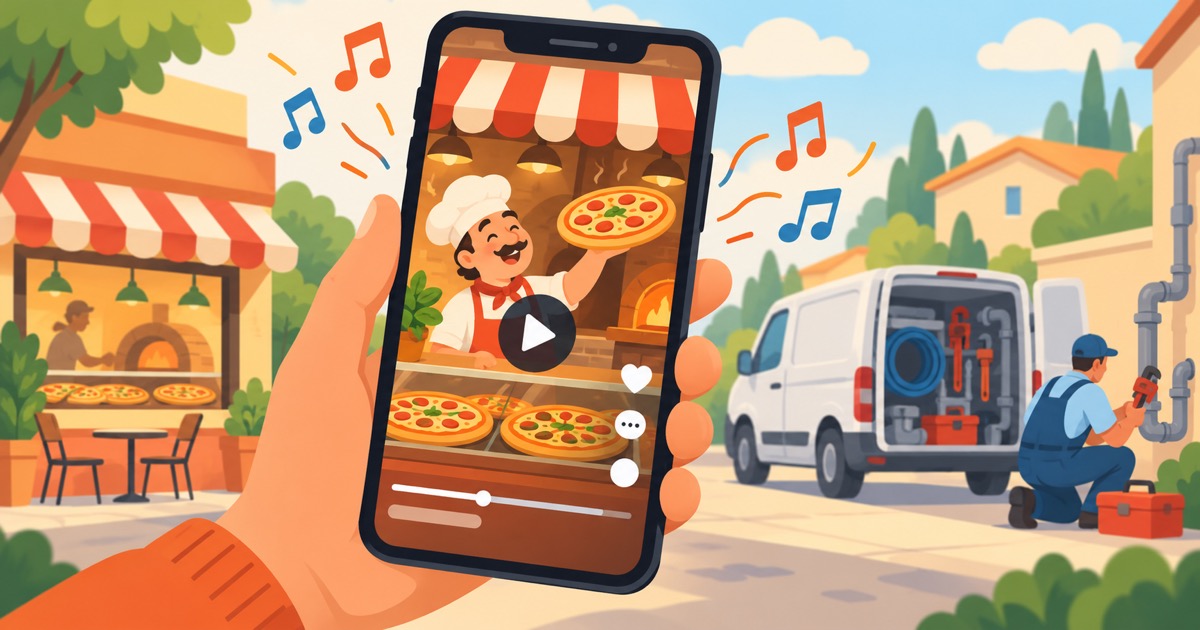
## What makes a Facebook video ad worth watching?
A Facebook video ad is worth watching when it shows the viewer's own problem in the first 3 seconds, works with the sound off, fills a phone screen, and asks for one thing.
Meta backs the shape. On its [Reels ads page](https://www.facebook.com/business/ads/facebook-instagram-reels-ads) (checked October 2026), Meta says Reels play with sound on by default. It also reports that 9:16 video with sound, with key words kept in the safe zone, saw 34.5% lower cost per result than image ads on Reels. A 9:16 video is a tall, phone-shaped video.
Read that number with care. It comes from 15 Reels-only split tests, and Meta says the advertisers were in e-commerce, retail and consumer packaged goods, not local services.
Words on screen matter just as much. In an older Meta post (2016) on [updated features for video ads](https://www.facebook.com/business/news/updated-features-for-video-ads), Meta says its internal tests found captioned video ads raised view time by an average of 12%. It also says that in one study of Facebook video ads, 41% of videos were basically meaningless without sound. For more on writing the opening line, see our guide to [video ad scripts and hooks](/news/ugc-ads/ugc-video-ad-scripts-that-convert).
So every idea below follows the same four-part card:
| Part | What it is | Why it is there |
|---|---|---|
| Song line | One or two sung lines, shown on screen | Says your name and the point in a way that sticks |
| Shot | What the viewer sees while the line plays | Shows the problem or the result, no talking head needed |
| Ends on | The last frame | Your logo, one offer, and what to tap or call |
| Best for | The trades it suits | So you can skip the ideas that don't fit |
Every sample line is original and uses [Your Name] as a stand-in. Swap in your own name and town.
*Pro tip: write the last frame first. If you can't say the offer in six words, the ad is not ready.*
Don't want to make these yourself? Our team at 30 Second Ad Club writes the song and makes the video, and you approve it.
**[Get a musical video ad made for your business for $97 →](/song-ads?utm_source=blog&utm_medium=inline&utm_campaign=song-ads-cta-order)** A catchy song about your business, turned into a 3D animated video ad. Done for you in 72 hours.
## 4 Facebook video ad ideas to win new customers
New-customer ads are for people who have never heard of you, so they need to make a stranger remember your name.
### 1. Sing the problem your customer has right now
This idea works because people stop for their own problem, not for your logo. Name the moment they are living in, then show you fixing it.
- **Song line:** "Water on the floor at 2 a.m.? Call [Your Name], we'll be there again."
- **Shot:** a cartoon kitchen with a pipe spraying, then a van pulling up and the floor drying.
- **Ends on:** "24-hour call-outs. Tap to call."
- **Best for:** plumbers, electricians, locksmiths, garage door repair.
Start on the problem word ("Water", "Leak", "Locked out"), not on your name.
Here is a sample song ad that opens on a plumber's problem, with every sung word on screen.
[[VIDEO:song-ad-plumber]]
Want one that sings about your business? [Get your song ad](/song-ads)
### 2. Introduce the owner in one verse
People like to know who is coming into their home or handling their money. A short sung introduction does that without you reading a script to camera.
- **Song line:** "I'm [Your Name], I grew up on these streets, I'll help you find the keys that fit."
- **Shot:** a cartoon owner walking past local landmarks, then handing over a set of keys.
- **Ends on:** "Free home value check. Tap to book."
- **Best for:** realtors and property managers.
Keep it to one fact about you that matters to them, like how long you've worked locally.
### 3. Show the before and after on the beat
A before and after is the oldest ad idea there is, because it proves the work in two frames. Music gives you a natural moment to flip from one to the other.
- **Song line:** "Dull and dusty, then the beat drops in, [Your Name] makes it shine again."
- **Shot:** a grimy room or a mossy roof, then a hard cut to clean on the word "shine".
- **Ends on:** "Book a quote this week."
- **Best for:** house cleaners, roofers, pressure washers, landscapers, auto detailers.
Time the cut to the strongest beat in the song.
### 4. Answer the question everyone asks
Every business has one question new customers ask before they book. Sing the answer, and you remove the thing that was stopping them.
- **Song line:** "Nervous? We go slow, we explain each bit, [Your Name] Dental, gentle with it."
- **Shot:** a nervous cartoon patient in the chair, then smiling in the mirror.
- **Ends on:** "New patients welcome. Book online."
- **Best for:** dentists, chiropractors, tattoo studios, driving schools.
Ask your front desk which question they hear most. That question is your hook.
## 4 Facebook video ad ideas to sell a deal or fill a slow day
Deal ads are for people who already half-know you, and they give them a reason to act this week.
### 5. Count down a deal that ends soon
A deadline gives people a reason to stop scrolling and decide. Sing the day it ends, and show it on screen as a big date.
- **Song line:** "Two pies, one price, till Sunday night, [Your Name] Pizza, get it right."
- **Shot:** a cartoon calendar flipping toward Sunday while pizzas stack up.
- **Ends on:** "Deal ends Sunday. Order now."
- **Best for:** pizza shops, cafes, bakeries, retail shops.
Only use a real deadline. If the deal comes back next week, people learn to wait.
This sample song ad is built around a pizza shop's offer.
[[VIDEO:song-ad-pizza]]
Have a deal to sing about? [See how song ads work](/song-ads)
### 6. Fill the slow day
Most businesses have one quiet day a week. An ad about that day, and only that day, is easy to write and easy to measure.
- **Song line:** "Monday blues? Book a cut with [Your Name], walk out new."
- **Shot:** an empty salon chair on a grey Monday, then a client spinning round with a fresh cut.
- **Ends on:** "Monday special. Book in the app."
- **Best for:** salons, barbers, restaurants, gyms, car washes.
Run it only from the weekend before. Then count Monday bookings.
### 7. Sing what one price gets you
People like to know exactly what they get. List the parts of one package in the song, and show each one as it is sung.
- **Song line:** "Wash it, wax it, clean the seats, [Your Name] Detail, [price] a treat."
- **Shot:** a cartoon car getting each step done as each word lands.
- **Ends on:** "Full detail, [price]. Book today."
- **Best for:** auto detailers, HVAC tune-ups, gyms with a starter pack, cleaners.
Put your real price where [price] sits, and only if it will not change soon. Otherwise sing "one low price" and show the price on the last frame.
### 8. Ride the weather or the season
The first cold night or the first big storm puts the same problem in thousands of heads at once. An ad ready to go that week meets them there.
- **Song line:** "First cold night and the heat won't start? [Your Name] fixes it, warms the heart."
- **Shot:** a cartoon family in coats in the living room, then the furnace glowing and the coats coming off.
- **Ends on:** "Same-week repairs. Tap to call."
- **Best for:** HVAC, roofers, snow removal, pool services, pest control.
Make it a month early and leave it paused. When the weather turns, switch it on the same day. Our guide to [Facebook ads for home services](/news/industry-guides/facebook-ads-for-home-services) covers targeting for these trades.
## 4 Facebook video ad ideas to launch a new service or place
Launch ads are for news: something you just added, opened or promised.
### 9. Announce the new service in one chorus
A chorus is the part of a song that repeats, and repetition is how a new service sticks. Sing the name of the service in it twice.
- **Song line:** "Something new at [Your Name], something new for you, a fresh-face facial, booked in two."
- **Shot:** the cartoon front door with a "new" sign, then a relaxed client on the treatment bed.
- **Ends on:** "New: [service name]. Book your first visit."
- **Best for:** med spas, dentists adding whitening, gyms adding classes, vets.
Show your current customers first. They already trust you, so they are the easiest people to try something new.
### 10. Open the doors
A new place is real news, and people like to be early. Sing where it is, and show the street.
- **Song line:** "New doors open on [Street Name], [Your Name] Fitness, come and train."
- **Shot:** a cartoon ribbon cut outside the building, then people walking in.
- **Ends on:** "Opening week: first class free."
- **Best for:** gyms, restaurants, clinics, shops, second locations.
Target people within a short drive of the address. A great ad shown 50 miles away is wasted money.
### 11. Turn your real reviews into a verse
Your reviews already say why people pick you, in their words. A verse built from a few of those words turns proof into something people hum.
- **Song line:** "They said fair price, they said on time, [Your Name] Roofing, every line."
- **Shot:** cartoon review cards popping up over a finished roof, then five stars.
- **Ends on:** "Read our reviews. Get a free quote."
- **Best for:** roofers, movers, contractors, any trade with good reviews.
Use only words from real reviews, and ask the reviewer before you use their name or exact words. Never write a review yourself.
Here is a sample song ad for a roofer, ending on the offer and a button.
[[VIDEO:song-ad-roofer]]
Want your own trade in a song? [Order a song ad](/song-ads)
### 12. Sing your promise
A promise answers the fear behind the purchase: being overcharged, being ignored, being stuck. Put it in one line and repeat it at the end.
- **Song line:** "Free first call, no bill to fear, [Your Name] Law, we're right here."
- **Shot:** a worried cartoon person at a kitchen table, then shaking hands in a calm office.
- **Ends on:** "Free first call. Tap to book."
- **Best for:** lawyers, accountants, chiropractors, home inspectors.
Only promise what you already do every time. Check your industry's rules on ad claims first, since lawyers and medical offices often have extra ones.
## Which ad idea should you run first?
Run the ad idea that matches your goal this month, then pick the one that best fits your trade. If you need new customers, start with idea 1 or 4. If you need a busy week, start with 5 or 6.
| Idea | Goal | Best first pick for | What to count |
|---|---|---|---|
| 1. Sing the problem | New customers | Plumbers, electricians | Calls |
| 2. Introduce the owner | New customers | Realtors | Booked calls |
| 3. Before and after | New customers | Cleaners, roofers | Quote requests |
| 4. Answer the big question | New customers | Dentists, chiropractors | New patient bookings |
| 5. Count down a deal | A deal | Pizza, cafes, retail | Orders before the deadline |
| 6. Fill the slow day | A deal | Salons, restaurants | Bookings on that day |
| 7. What one price gets | A deal | Detailers, HVAC | Package bookings |
| 8. Weather or season | A deal | HVAC, roofers | Calls that week |
| 9. New service chorus | Something new | Med spas, dentists | First bookings for the service |
| 10. Open the doors | Something new | Gyms, restaurants | Opening week visits |
| 11. Reviews as a verse | Something new or trust | Contractors, movers | Quote requests |
| 12. Sing your promise | Trust | Lawyers, accountants | Booked first calls |
Pick two ideas with the same goal, so the test stays fair.
## Can you put music in a Facebook video ad?
Yes, if the music is made for use in ads. Your safe sources are Meta's free [Sound Collection](https://www.facebook.com/business/help/880459498798521), a track or jingle licensed for ads, or a song made for your business, and our guide to [music for Facebook ads](/news/ugc-ads/music-for-facebook-ads) covers your options.
Only a song made for you can sing your name. In a [2015 Nielsen study](https://www.nielsen.com/insights/2015/i-second-that-emotion-the-emotive-power-of-music-in-advertising/) of more than 600 TV ads, ads with music scored better on creativity, empathy, emotive power and information power. A [System1 analysis of more than 1,250 campaigns](https://massivemusic.com/soundboard/everyones-talking-about-jingles), reported by MassiveMusic, found jingles gave 1.9 times the brand fluency of a plain visual logo. Brand fluency is how easily people link an ad to the right business.
| Where the music comes from | What it costs | Says your name? | Who makes the video? |
|---|---|---|---|
| Meta Sound Collection | Free | No | You |
| Studio jingle | $300 to $800 made on a computer; $800 to $2,500 with a pro singer ([Violet Recording, 2026](https://violetrecording.com/how-much-does-a-jingle-cost/)) | Yes | You or an editor, extra |
| 30 Second Ad Club Song Ads | From $97 per finished ad | Yes | Included |
Our [jingle price guide](/news/ugc-ads/how-much-does-a-jingle-cost) breaks down studio costs.
[Our song ads](/song-ads) at 30 Second Ad Club are the done-for-you route. We write a catchy song about your business, or use your own words, and a pro-sounding AI singer sings it in the style you pick. The singer is AI, and we say so plainly.
We turn the song into a vertical 3D cartoon music video ad with every word on screen. It opens with a hook in the first 3 seconds and ends on your logo, offer and a button. It is ready in 72 hours after a 5-minute form, with one round of remakes.
The price is $97 for one ad, or $297 a month for 5 new ads, cancel any time.
You own the ad and can use it anywhere. We make the ad; we do not run your ads. If you're not happy within 30 days, email us for a full refund.
**[Hear the song ads we have made →](/song-ads?utm_source=blog&utm_medium=inline&utm_campaign=song-ads-cta-examples#examples)** Click any video to watch with sound.
## How do you test two ideas on Facebook without guessing?
To test two ad ideas fairly, run them side by side for one offer, to the same audience on the same budget, and change only the video. After at least a week, keep the one that brought calls or bookings at the lower cost. Ignore views and likes.
- **Same offer, audience and budget.** A dentist could test idea 4 against idea 12, both selling a new patient visit.
- **Change only the video.** Meta's built-in A/B test in Ads Manager can split the audience for you.
- **One week, then judge on cost per call.** Divide what each ad spent by its calls or bookings.
Our [song ad guide (see the fair-test section)](/news/ugc-ads/what-is-a-song-ad) covers the setup in more detail. If you're still choosing between a song, a UGC video or a photo, see our [comparison of Facebook ad types](/news/ugc-ads/best-type-of-facebook-ad-for-small-business).
## Which ad ideas don't suit a song?
A song does not suit sad or serious topics, like a funeral or an injury claim, or a business where your own face or work is what people buy. It also struggles when the deal changes every day, and in trades like law and medicine, check your ad rules before you sing a claim. Our guide to [what a song ad is](/news/ugc-ads/what-is-a-song-ad) covers who it suits.
## Frequently asked questions
### What are good Facebook video ad ideas for a small business?
Good ideas start with one of three goals. To win new customers, sing their problem or answer the question they always ask. To sell a deal, give it a real deadline or fill your slow day. To launch something new, announce it in a short, vertical chorus with every word on screen.
### Do Facebook video ads need sound?
No, a Facebook video ad should make sense with the sound off, but sound still helps. Meta says Reels play with sound on by default, and it reported in 2023 that Reels ads with music and voice-over scored higher on positive response than ads without sound, as [Social Media Today reported](https://www.socialmediatoday.com/news/meta-reels-ad-options-simplified-music-tool-promotion/653410/). Put every word on screen to cover both.
### Is the singer in a song ad a real person?
In our song ads, no. A pro-sounding AI singer sings your song in the style you pick, and we tell you that up front. Other sellers may use human singers, so ask before you buy.
### Can I film these ad ideas on my phone?
Yes, each shot above can be filmed live on a phone held upright, or made as a cartoon so nobody has to be on camera. The hard part is the song, since it needs to be original and cleared for ads.
### How often should I make a new video ad?
Make a new one whenever results start to slip, or when you have a new offer. A simple habit is to add one or two new ideas a month and keep the winners running. Our guide to [Facebook ad fatigue](/news/ugc-ads/how-to-fix-facebook-ad-fatigue) explains the signs.
## The short version
Good Facebook video ad ideas start with your goal: new customers, a deal, or something new. Pick the idea from the table that fits your trade.
Whatever you pick, open on the viewer in 3 seconds, put every word on screen, use music you can prove you may use, and end on one offer. Then test two ideas at a time and keep the one that brings calls.
For a busy owner, our done-for-you team is the best option. We write the song and make the video, and you approve it.
Ready for an ad people remember? **[Get your song ad for $97](/song-ads?utm_source=blog&utm_medium=inline&utm_campaign=song-ads-cta-both)**, written, sung and animated for you in 72 hours, with a money-back guarantee.
---
## Related Reading
- [Best Type of Facebook Ad for Small Business: Song, UGC or Image?](/news/ugc-ads/best-type-of-facebook-ad-for-small-business): Not sure which ad to run first? Compare song, UGC and image ads on cost,…
- [Music for Facebook Ads: What's Allowed and What Gets Remembered](/news/ugc-ads/music-for-facebook-ads): Music for Facebook ads, explained: why trending songs get ads muted, what…
- [How to Make a TikTok Ad With a Song, Start to Finish](/news/ugc-ads/tiktok-ad-with-a-song): Make a TikTok ad with a song in 8 steps: where legal music comes from, 9:16…
- [Animated Video Ad Cost vs a Song Ad: Where Your Money Goes](/news/ugc-ads/animated-video-ad-cost): Animated video ad cost for a 30-second social ad: published 2D and 3D studio…
- [Song Ads from $97 →](/song-ads): A catchy song about your business, turned into a 3D animated video ad in 72 hours.
---
## AI SEO for Optometrists: Plans, Hours and Schema AI Reads
URL: https://www.30secondproductions.com/news/ai-seo/ai-seo-for-optometrists
Topic: AI SEO
Updated: 2026-10-29
A patient's contact lenses run out on a Thursday, and they ask ChatGPT for "an eye doctor near me that takes VSP and can see me this week." AI SEO for optometrists is the work of making sure AI can find the facts it needs to put your practice in that answer.
Optometrists show up in AI answers when AI can find the same clear facts about them in many places: which vision plans they take, when they are open, whether they see urgent problems, and where each office is. Those facts need to live on your website, in schema code and on listings like Yelp, Bing Places and Healthgrades. No one can force a mention, and the same question can get a different answer each time.
It stings when your exam lane is full of happy patients and AI names the chain store at the mall. Most of the fixes are plain facts in the right places, not a big budget.
> **Key takeaways**
> - Patients ask AI with their vision plan, their problem and their timing in one sentence.
> - List every vision plan by name on your own site and check it inside each plan's own directory.
> - ChatGPT reads Yelp and Bing far more than Google Business Profile, so a polished Google listing alone leaves gaps.
> - Optician in schema.org means a store that sells glasses. Most practices fit MedicalClinic with the Optometric specialty.
> - One AI answer is a snapshot, so ask each patient question several times before you decide anything.

## What do patients ask ChatGPT before they book an eye exam?
Eye care patients ask AI long questions that mix a vision plan, a problem and a time, such as "optometrist in Columbus that takes EyeMed, open Saturday." Each part needs a fact from you. The practice that answers more parts has a better chance of being named.
Asking AI is now ordinary. In 2026, 45% of consumers said they turn to ChatGPT or other AI tools when they want a local business, according to [BrightLocal's Local Consumer Review Survey](https://www.brightlocal.com/resources/local-seo-statistics/).
Here are six common patient questions, with Columbus, Ohio standing in for your town.
| Kind of question | What a patient types | What AI needs from you | Where AI may look |
|---|---|---|---|
| Plan + place | "Eye doctor in Columbus that takes VSP" | The exact plans you accept, by name | Your insurance page, plan directories, Zocdoc |
| Open now | "Optometrist open Saturday near me" | Correct hours, including holidays | Yelp, Bing Places, your schema code |
| Urgent | "Red, painful eye, who can see me today?" | Whether you take same-day urgent visits | Your urgent care page, Google Business Profile |
| Contacts | "Contact lens exam for astigmatism Columbus" | Which fittings you do (toric, multifocal, scleral) | Your contact lens page |
| Kids | "Pediatric eye exam near me" | The youngest age you see, which doctor does it | Your kids' page, team page |
| Price | "How much is an eye exam without insurance?" | A self-pay "from" price, or how you quote | Your exam page, listings |
*Pro tip: write down the last 20 questions your front desk took on the phone. Those are the questions patients now type into AI, word for word.*
**[See what AI says about your business: get a free AI audit →](/free-seo-audit?utm_source=blog&utm_medium=inline&utm_campaign=ai-seo-cta-audit)** Enter your website and we show you how AI search reads it and what to fix first.
Want video ads too, without learning an AI tool? **[Make your free image ad with Ad Club](/ad-factory?utm_source=blog&utm_medium=inline&utm_campaign=older-post-ai-seo)**, plus a free video script and storyboard. Plans from $97 a month, cancel any time.
## Why do vision plans decide so many AI answers about eye doctors?
Vision plans decide many AI answers because patients put their plan in the question, and AI can only name practices it can match to that plan. If your site never says "we accept VSP," AI has to guess.
Good AI SEO for optometrists starts with one insurance page on your own site. List every plan by its exact name: VSP, EyeMed, Davis Vision, Spectera, and any medical plans you bill. Say which cover routine exams and which cover medical visits like dry eye. Patients mix them up, and so does AI.
Then check your listing inside each plan's own "find a doctor" tool, where patients double-check coverage. [VSP's doctor directory](https://federal.vsp.com/find-a-doctor.html) says its listings are subject to regular audits and gives a way to report errors.
Wrong details travel. In a 2026 check of two AI assistants, including ChatGPT, only 68% of the contact details they showed matched the business's own Google Business Profile ([SOCi Local Visibility Index 2026, quoted by BrightLocal](https://www.brightlocal.com/resources/local-seo-statistics/)).
If you dropped a plan last year, take it off every page and listing, or a patient will arrive expecting coverage you no longer offer.
Here is a short block you can put at the top of your insurance page:
> [Practice Name] in Columbus accepts VSP, EyeMed and Davis Vision for routine eye exams. We also bill medical insurance for eye infections, dry eye and diabetic eye exams. Not sure about your plan? Call us at [phone] and we will check before you book.
## Which listings do optometrists need for ChatGPT and Google AI?
An optometry practice needs its own website, Google Business Profile, Yelp, Bing Places and Apple Business Connect, plus the eye care directories patients use to check a doctor. Across 200,085 local searches, business websites made up 42% of the sources AI cited. Google Business Profile made up 28.5%, Yelp 9.5% and Facebook 2.2% ([BrightLocal Local AI Visibility Study, September 2026](https://www.brightlocal.com/research/local-ai-visibility-study/)).
ChatGPT is the odd one out. BrightLocal found it barely touches Google Business Profile and draws on Yelp and Bing instead. An eye doctor with a perfect Google listing and a bare Yelp page is only half visible.
| Listing | Why it matters for an eye practice | What to get right |
|---|---|---|
| Your website | The source AI cites most | An insurance page, a page per service, each OD named with their degree |
| Google Business Profile | Feeds Google AI Overviews and AI Mode | Optometrist as primary category, hours, exam types as services |
| Yelp | Read by ChatGPT and Google AI | Eye care category, Saturday hours, photos of the exam room |
| [Bing Places](https://www.bingplaces.com/) | Read by ChatGPT and Microsoft Copilot | Your hours and plans, copied from your site |
| [Apple Business Connect](https://businessconnect.apple.com/) | Apple Maps and Siri on patients' iPhones | The same address, phone and hours |
| Healthgrades | Patients checking an individual doctor | One profile per optometrist, linked to the right office |
| Zocdoc | Patients booking by plan and open slot | Plans and open times, if you choose to use it |
| [AOA Find a Doctor](https://www.aoa.org/healthy-eyes/find-a-doctor) | Patients searching by zip code and service | Your service list, if you are an AOA member |
| Vision plan directories (VSP, EyeMed and others) | Patients confirming coverage | Doctors, address and phone match your site |
Write your practice name, address, phone and hours once, in a shared note at the front desk, and copy from it for every listing. Say you moved from Suite 100 to Suite 120. If Healthgrades still says 100, AI has two addresses to pick from.
For claiming steps, see [the listings ChatGPT reads](/news/ai-seo/chatgpt-local-business-listings). If AI already gives patients old hours, start with [how to correct wrong business details in ChatGPT](/news/ai-seo/chatgpt-wrong-business-information).
## Should every optometrist on your team have a Google profile?
An optometrist can have their own Google Business Profile if they see patients and can be reached directly at the verified office during its stated hours. The practice keeps its own profile for each office. [Google's guidelines for Business Profiles](https://support.google.com/business/answer/3038177) describe an individual practitioner as a public-facing professional with their own customer base, and they name doctors as an example.
The rules depend on how many doctors you have:
- **Several doctors at one office:** the practice gets one profile for that office, and each doctor's profile uses only the doctor's name.
- **One doctor at a branded practice:** the doctor should share one profile with the practice, named "[Practice Name]: [Doctor Name]".
Support staff should not get profiles. A patient who asks AI for "Dr. [Name] in Columbus" is asking about a person, so each doctor's name should lead back to your office.
Pick the category that finishes the sentence "This business IS a...", which for most practices is Optometrist, and keep extra categories few and accurate. Our [Google Business Profile guide for dentists](/news/industry-guides/google-business-profile-for-dentists) covers the rest of the setup, and most of it carries over to eye care.
## Is Optician, Optometric or MedicalClinic the right schema type?
Most optometry practices fit the schema.org type MedicalClinic, with its medical specialty set to Optometric, and add Optician only if they sell glasses on site. Schema code is a few lines of code, hidden from patients, that spell out for AI what kind of practice you are, your address and your hours.
The names are confusing, so here is what each one means on schema.org:
- [Optician](https://schema.org/Optician) is a medical business described as "a store that sells reading glasses and similar devices for improving vision."
- [Optometric](https://schema.org/Optometric) is not a business type at all. It is a value for the medicalSpecialty field: "the science or practice of testing visual acuity and prescribing corrective lenses."
- [MedicalClinic](https://schema.org/MedicalClinic) can list your specialty, your services and whether you take new patients.
A practice with an optical can use two types at once. [Google's structured data guide for local businesses](https://developers.google.com/search/docs/appearance/structured-data/local-business) asks for the most specific type, and for several types to go in a list.
| Your practice looks like | A sensible schema choice |
|---|---|
| Eye exams and medical eye care, no optical shop | MedicalClinic, medicalSpecialty Optometric |
| Exams plus a full optical with frames | MedicalClinic and Optician, listed together |
| Two or more offices | One block per office, each with its own address, hours and doctors |
| Glasses and contacts only, no exams | Optician |
In the code, set isAcceptingNewPatients honestly and list your main services. Link your Yelp and Healthgrades profiles in the sameAs field. An optical that closes later than the exam lane can be its own department with its own hours.
How schema works in general is covered in [our schema markup explainer](/news/ai-seo/schema-markup-for-small-business-complete-guide).
## What should your exam, contact lens and urgent eye care pages say?
Each service page should answer what a patient would ask on the phone: what the visit is, who does it, how long it takes and which plans cover it. One page per service gives AI one clear place to quote for "scleral lens fitting in Columbus."
Start with the services that bring in new patients: comprehensive exams, contact lens exams, kids' exams, same-day visits, and one medical service you are known for, such as dry eye or myopia management (care that slows a child's nearsightedness).
Each page needs:
- Two plain sentences up top saying what the visit is and which office offers it
- Which doctor does it, with their degree (OD means Doctor of Optometry)
- How long a first visit takes and whether pupils get dilated
- Which vision or medical plans usually cover it
- A self-pay "from" price, if you are happy to publish one
- Your address, hours and a booking link
Your urgent care page deserves extra care. Say plainly whether you see a red eye, a scratch or something stuck in the eye the same day, and when. Also say when to go to the emergency room instead.
Here is a starting block for the top of that page (have your doctors check the medical wording):
> Same-day eye care at [Practice Name] in Columbus. If you have a red, painful or scratched eye, call us before 3pm on weekdays and we will try to see you that day. Many medical plans cover urgent eye visits, and we will check yours when you call. Sudden loss of vision, flashes of light with a curtain over your sight, or a chemical splash need the emergency room right away.
If you would rather not touch code, [our done-for-you setup](/ai-seo) is a single $349 payment (normally $497), finished within 48 hours and covered by a 30-day money-back guarantee. We look at how ChatGPT, Claude, Google AI and Copilot describe your practice, add the schema code, open your robots.txt file to AI crawlers, and line up your name, address, phone and hours everywhere. It does not change the plan list inside your VSP or EyeMed directory entries, write your service pages or collect reviews, and no one can promise an AI tool will name you.
**[Want it done for you? Get your AI SEO setup for $349 →](/ai-seo?utm_source=blog&utm_medium=inline&utm_campaign=ai-seo-cta-offer)** We add the code AI reads, fix AI crawler access and your business info. Done in 48 hours, with a 30-day money-back guarantee.
## Which patient reviews help AI SEO for optometrists?
The reviews that help most name the visit, the doctor and the patient's reason for coming in, because AI repeats those words when it describes a practice. Ratings count too: practices ChatGPT recommended averaged 4.3 stars in the [SOCi Local Visibility Index 2026, quoted by BrightLocal](https://www.brightlocal.com/resources/local-seo-statistics/).
A review like "The doctor fit my son for his first contacts and was so patient" tells AI the service, who did it and who it suits. "Nice office" gives it almost nothing to work with.
Ask when the patient picks up their glasses or finishes a contact lens follow-up, because the result is in their hands. Here is a text for that evening:
> Hi [Name], glad your new glasses are working out. If you have a minute, a Google review that mentions what you came in for helps other patients near Columbus find us. [link]
Keep it clean. Since October 21, 2024, the FTC (Federal Trade Commission) [consumer review rule](https://www.govinfo.gov/content/pkg/FR-2024-08-22/html/2024-18519.htm) has banned fake reviews, incentives tied to whether a review is positive or negative, and staff reviews posted without saying who wrote them. So no free cleaning cloths for five stars.
Public replies need care because you are a health provider. Thank the person, speak about the practice in general, and never confirm they are a patient or mention their eyes. Dentists face the same rule, as our [guide to AI search for dental practices](/news/ai-seo/ai-seo-for-dentists-chatgpt-google-ai) explains. Have your compliance lead sign off your reply wording.
## How should a practice with two or more offices set up its pages?
A practice with two or more offices needs one strong page for each real office, with its own hours, doctors, plans and schema block. Copy-paste town pages with no office behind them do more harm than good.
Your real address is a help here. BrightLocal's 2026 study found businesses with a storefront were mentioned 33.6% of the time in AI answers, against 29.4% for service-area businesses that travel to customers.
Each office page should give the address and parking, the doctors and their days, and that office's hours. Name the towns patients come from in a plain sentence, like "Patients come to our Dublin office from Hilliard, Powell and Upper Arlington."
Every office also needs its own Google, Yelp, Bing Places and plan-directory listing, so a patient asking about "the eye doctor on Main Street" never gets the other office's phone number.
## How can you check whether AI names your practice today?
You can check whether AI names your practice by asking the same patient questions in several AI tools, several times each, and writing down what comes back. In BrightLocal's 2026 study, repeat ChatGPT searches shared only 23% of their results. One answer on one day proves very little.
### Step 1: Write 6 patient questions
Take one from each row of the table near the top of this article, such as "eye doctor in Columbus that takes VSP."
### Step 2: Make sure ChatGPT can read your site
Ask whoever runs your website to confirm robots.txt does not block OAI-SearchBot, which [OpenAI says](https://developers.openai.com/api/docs/bots) is needed to appear in ChatGPT search answers.
### Step 3: Ask in ChatGPT, Claude, Google and Copilot
On Google, read both the AI Overview and AI Mode answer for each question.
### Step 4: Ask each question three times
Open a new chat each time, the way a patient on a different day would.
### Step 5: Write down the plans and hours AI gives
Picture a two-doctor practice in Columbus that asks "optometrist that takes EyeMed open Saturday" three times. It gets named once, and the answer says it does not take EyeMed, which points straight at the Yelp page and the EyeMed directory entry. Our [free AI audit](/free-seo-audit) shows how AI reads your site.
### Step 6: Repeat next month
Use the same questions and tools, because changes to listings can take weeks to show up.
For a fuller method, read [why ChatGPT gives a different list each time](/news/ai-seo/why-chatgpt-recommendations-change) and [how to see which rival practices ChatGPT names](/news/ai-seo/check-if-chatgpt-recommends-your-competitors).
## Frequently asked questions
### Should an optometrist list eye exam prices online?
Yes, a self-pay "from" price for a routine eye exam is worth listing, because it lets AI answer "how much is an eye exam without insurance" with your practice in it. You do not need a full price list. If the price depends on the patient's plan, say so plainly.
### Can an optometry practice pay to be recommended by ChatGPT?
No, ChatGPT does not sell places in its local answers, and no agency can lock one in. A practice can only make its plans, hours and services easy for AI to find and confirm in many places.
### Does an optical shop inside the practice need its own listing?
An optical shop inside your practice usually shares the practice's listing unless it has its own entrance, hours or phone number. Check [Google's Business Profile guidelines](https://support.google.com/business/answer/3038177) before you create a second profile at the same address. In schema code, you can mark the shop as a department with its own hours.
### Is AI SEO worth it for a one-doctor practice?
For a solo optometrist, most of the work is done once, and a patient who books an annual exam can stay for years. Hold off if a new website is weeks away, so the schema and pages only need doing once.
## The short version
AI SEO for optometrists comes down to plain facts in the right places. Put every vision plan on your own site and check it in each plan's directory. Keep Yelp, Bing Places, Healthgrades and Google Business Profile identical, down to the suite number.
Doctors who see patients directly can have their own Google profile, and each office keeps its own. Use MedicalClinic with the Optometric specialty, and add Optician if you sell glasses.
Then test like a patient: six questions, four tools, three runs each, once a month. Expect the names to shift from run to run. No one can buy or guarantee a mention, but clear, matching facts give AI a reason to trust your practice when a patient asks.
Want to see where you stand first? **[Get a free AI audit](/free-seo-audit?utm_source=blog&utm_medium=inline&utm_campaign=ai-seo-cta-both)**. Ready to have it done for you? **[Get your AI SEO setup for $349](/ai-seo?utm_source=blog&utm_medium=inline&utm_campaign=ai-seo-cta-both)**, done in 48 hours.
---
## Related Reading
- [AI SEO for Med Spas: What ChatGPT Reads Before It Names a Clinic](/news/ai-seo/ai-seo-for-med-spas): AI SEO for med spas: what clients ask ChatGPT, the listings and schema AI…
- [AI SEO for Dentists: One New Patient Pays for This 16 Times Over](/news/ai-seo/ai-seo-for-dentists-chatgpt-google-ai): Learn how dentists get recommended by ChatGPT and Google AI. One new patient…
- [AI SEO for Restoration Companies: Win the First 48 Hours](/news/ai-seo/ai-seo-for-restoration-companies): A pipe bursts and the homeowner asks AI who to call and if insurance pays.…
- [AI SEO for Auto Repair Shops: When the Check Engine Light Comes On](/news/ai-seo/ai-seo-for-auto-repair-shops): AI SEO for auto repair shops: the questions drivers ask ChatGPT, price and…
- [AI SEO setup for $349 →](/ai-seo): We get your website ready for ChatGPT, Claude, Google AI and Copilot. Done in 48 hours.
---
## FAQ Page vs Explainer Video: Which Cuts Repeat Questions?
URL: https://www.30secondproductions.com/news/explainer-videos/faq-page-vs-explainer-video-repeat-questions
Topic: Explainer Videos
Updated: 2026-10-29
It's the fourth call today, and it's the same question. "Do you charge to come out and look?"
You've answered it a thousand times. So which fixes it faster, an FAQ page or an explainer video? Short answer: use both. Here is the full FAQ page vs explainer video comparison, with costs, search value and a 10-minute way to choose.
An FAQ page answers the long list of quick lookups (hours, area, payment, parking) the moment someone searches. A short explainer video answers the top one to three questions that need showing or reassurance, and those are usually the ones eating your phone time.
## Does an FAQ page or an explainer video cut repeat questions faster?
An FAQ page cuts quick lookup questions faster, and a short explainer video cuts the worried, how-does-it-work questions faster. Most businesses get both kinds, so the fastest fix is a page for the many small questions and one video for the big one.
First, the two terms.
An FAQ page is a single web page that lists the questions customers ask most, each with a short written answer.
An explainer video is a short video, usually 30 to 90 seconds, that explains what you do, how it works or what happens next, with a voiceover and pictures.
They do different jobs. Text is fast to find and fast to skim. Nobody wants to watch a video to learn you close at 5pm on Fridays.
Video wins when the answer is a process or a fear.
"What happens at my first visit?" is hard to answer in two lines of text. It's easy in under a minute of pictures and a calm voice.
Is there proof that video cuts questions? Some. According to [Wyzowl's State of Video Marketing survey, reported by HubSpot](https://www.hubspot.com/marketing-statistics), 57% of video marketers say video has cut the number of support questions they get.
That's marketers reporting what they saw, not a controlled test. I'd still take it as a fair signal, because the questions video cuts best are the worried, how-does-it-work ones that tie up your phone.
So the real question isn't which one. It's which question goes where.
**[Need an explainer video? Get a 30-second explainer for $297 →](/explainer-promo?utm_source=blog&utm_medium=inline&utm_campaign=explainer-cta-promo)** We write the script, record the voiceover and animate it, delivered in 7 days.
Want finished ads without learning an AI tool? **[Make your free image ad with Ad Club](/ad-factory?utm_source=blog&utm_medium=inline&utm_campaign=older-post-explainer-videos)**, plus a free video script and storyboard. Plans from $97 a month, cancel any time.
## FAQ page vs explainer video: how do the two compare?
An FAQ page is cheaper, quicker to make and easier to keep current, while an explainer video is better at calming worries and showing a process. The table below puts the two side by side on the things that matter to a small business.
| Factor | FAQ page | Explainer video |
|---|---|---|
| Cost | Your time, if you write it yourself | Free on a phone; a done-for-you 30-second explainer from us is $297 (normally $497); studio average $8,746 for 60 seconds ([Yans Media](https://www.yansmedia.com/blog/explainer-video-cost)) |
| Time to make | An afternoon for your top 10 to 15 questions | 7 days done for you (ours); longer with a studio |
| Best at | Quick lookups: hours, area, payment, parking, what to bring | One process or one worry: how a visit works, what happens after you call |
| Worst at | Calming a nervous buyer | Answers that change often, like prices or hours |
| How people find it | Search on your site, Google, links from other pages | Your homepage, a service page, YouTube, your Google Business Profile |
| Google and AI search | Plain text that search engines and AI tools can read and quote | Needs a title, description and transcript before search can read it |
| Upkeep | Edit a line in two minutes | A change means a new edit or a new video |
| Questions it covers | As many as you like | One to three per video, ideally one |
Look at the upkeep row first. It's the one owners forget.
An FAQ page bends. You can fix a wrong answer before lunch. A video is a snapshot, so it should only hold answers that will still be true in two years.
The cost row is wider than it looks. [Zendesk's guide to FAQ pages](https://www.zendesk.co.uk/blog/creating-an-faq-page/) notes that video takes more time to create than text. That's true, and it's why you only make a video for the question that costs you the most.
So the fair FAQ page vs explainer video verdict is this. The page is the workhorse. The video is the specialist you call in for one hard job.
## Which questions belong on the page, and which earn a video?
A question earns a video when it passes three tests: you hear it every week, the answer takes more than two sentences, and it carries a worry or a process. Every other question belongs on the FAQ page as a short written answer.
Here is the test, as a checklist:
- **Asked weekly?** If you only hear it once a month, it stays as text.
- **Longer than two sentences?** "Yes, we take cards" never needs a video.
- **A worry or a process?** Fear of cost, fear of pain, "what happens next". These are the video questions.
Aim for a video list of one to three questions, and no more to start. If more pass, pick the one you hear most.
Why does the worry matter so much? Because people who are nervous don't read. They skim, miss the line that would have calmed them, and pick up the phone.
People also lean towards video for learning. According to [Wyzowl's research, as reported by Vidico](https://vidico.com/news/video-marketing-statistics/), 78% of consumers prefer to learn about a product through a short video, and only 9% prefer reading a text article.
That doesn't mean every answer should be a video. It means the one answer that matters most should be.
If your video question is a step-by-step process, a hand-drawn style suits it well. Here is our own whiteboard animation video, so you can see that style.
[[VIDEO:whiteboard-hero]]
Want one for your process question? [Get a whiteboard video for your business](/whiteboard-promo)
## What does each one do for Google and AI search in 2026?
An FAQ page gives Google and AI tools like ChatGPT, Claude and Google AI plain text they can read and quote, but it no longer earns the special FAQ boxes in Google results. A video can be cited too, as long as it has a clear title, one question per video and an accurate transcript.
Here's the change most FAQ guides still miss. [Google's Search Central changelog](https://developers.google.com/search/updates#removing-faq-rich-result) says FAQ rich results stopped appearing on May 7, 2026, and Google has since removed the FAQ documentation.
A rich result is the extra drop-down box of questions that used to appear under some search listings. Structured data (also called schema) is hidden code that labels a page so search engines can read it.
Those boxes had already been shrinking. [Search Engine Journal reported in May 2026](https://www.searchenginejournal.com/google-drops-faq-rich-results/574429/) that since 2023 they had only shown for well-known, authoritative government and health sites.
So if someone sold you FAQ schema as a trick to get bigger Google listings, that trick is gone. According to [Search Engine Journal (May 10, 2026)](https://www.searchenginejournal.com/google-drops-faq-rich-results/574429/), the code can stay on your pages. It won't hurt, but it has no visible effect.
The written answers still matter, though. A clear question with a clear answer underneath is the easiest thing for any search tool to find and quote.
Video is catching up. [BrightEdge's August 2026 study](https://help.brightedge.com/resources/weekly-ai-search-insights/google-ai-overviews-chatgpt-youtube-citations) found that timestamped links make up 50% of Google AI Overviews' YouTube citations, against 0.6% of ChatGPT's.
In plain English, Google often points people to the exact moment in a video that answers them. ChatGPT tends to pick a whole video.
BrightEdge's advice fits small businesses well. Keep each video to one main question, and upload an accurate transcript, not auto-captions, because both tools rely on the words around and inside a video.
That's one more reason to pair them. Put the video on the page, and the written answer right under it. Our guide to [explainer video SEO for Google and AI answers](/news/explainer-videos/explainer-video-seo-google-and-ai-answers) walks through titles, transcripts and schema step by step.
## Which questions should a plumber, dentist or lawyer put in a video?
A plumber, dentist or lawyer should put only the question that carries the most worry in a video, and keep every quick lookup on the FAQ page. Here's an example split for eight kinds of business, showing what goes in each format and why.
| Business | Make a video for | Keep on the FAQ page | Why the split |
|---|---|---|---|
| Plumber | "What happens when I call you out, and how is the price set?" | Service area, out-of-hours number, payment types, parts warranty | Price fear needs a voice; the rest are facts |
| Dentist | "What happens at my first visit?" and "Will it hurt?" | Insurance taken, parking, new-patient forms, opening hours | Nervous patients skim text and still call |
| Lawyer | "What happens at a free consult, and what does it cost after that?" | Practice areas, documents to bring, office location | Fear of the bill is a worry, not a lookup |
| Med spa | "What does a first treatment feel like?" | Prices by treatment, aftercare, booking and deposits | Prices change, so they stay as editable text |
| Roofer | "How does a free roof inspection work?" | Areas covered, insurance claims, guarantees | A process is easier to show than describe |
| Vet | "What happens when I bring my pet in for surgery?" | Opening hours, emergency number, payment plans, vaccines list | Worried owners want to see the steps |
| HVAC | "Repair or replace: how do you decide what my system needs?" | Brands serviced, service plans, call-out area | The decision is the scary part |
| Physio | "What happens in my first session?" | What to wear, session length, insurance, parking | First-visit nerves stop bookings |
Notice the pattern. The video question almost always starts with "what happens" or "how does it work".
Those are the questions where a picture beats a paragraph. Everything in the FAQ column is a fact someone wants in five seconds, and some of it (prices, hours) will change.
Here is a business overview explainer we made, the kind of short video a plumber, roofer or HVAC company could put on a main service page.
[[VIDEO:explainer-business-overview]]
Want one about your business? [Get a 30-second explainer for your business](/explainer-promo)
Picture a dentist who gets the "will it hurt?" call five times a week. A written answer saying "we use numbing gel" is accurate.
A 30- to 60-second video showing the calm room, the gel and the dentist's face does the reassuring that text can't.
Once you know your video question, our [FAQ video guide](/news/explainer-videos/faq-video-guide-small-business) covers how to make the answer clips themselves. If the question comes after people buy, like "how do I use this?", a [customer tutorial video](/news/explainer-videos/make-a-tutorial-video-for-customers) is the better fit.
## How do you sort your own questions in 10 minutes?
You can sort your own questions in about 10 minutes by listing your last 20 calls and emails, counting the repeats, and running each repeat through the three-part test. Lookups go on the FAQ page, and the top one to three worry or process questions go into a video.
### Step 1: Pull your last 20 calls and emails
Scroll your inbox, texts and call notes, and write down the question behind each one. Use the customer's own words, because those are the words they'll search with.
### Step 2: Tally the repeats
Put a tick next to every question each time it comes up. A handful of questions usually make up most of the list.
### Step 3: Run the three-part test
For each repeated question, ask: is it weekly, does it need more than two sentences, and does it carry a worry or a process? Circle the ones that get three yeses.
### Step 4: Write the FAQ page first
Write a two-line answer to every question on your list, starting with the answer itself. [Adwave's 2026 FAQ guide](https://adwave.com/resources/how-to-build-a-faq-page-that-reduces-support-calls) makes the same point: build the page from real calls, chats and tickets, not from what you guess people ask.
### Step 5: Pick one video question
Choose the circled question with the most ticks. That one question is the brief for your first video.
Here is our own 30-second explainer, so you can hear how one short answer sounds once it is voiced and animated.
[[VIDEO:explainer-hero]]
Ready to answer your top question on video? [Get your explainer made in 7 days](/explainer-promo)
### Step 6: Put both where people get stuck
Link each answer from the page where the doubt shows up, such as your pricing page, booking page or contact form. Put the video on your homepage or main service page, with a link to the full FAQ page underneath.
When you're ready to write the video, our guide on [how to write an explainer video script](/news/explainer-videos/how-to-write-explainer-video-script) covers the wording.
**[Want something bigger? Book a free 30-minute video call →](/video-call?utm_source=blog&utm_medium=inline&utm_campaign=explainer-cta-call)** We plan your custom video with you and send a fixed quote within 24 hours.
## How do you count the calls you no longer get?
You count the calls you no longer get by tallying your top repeat questions for two weeks before the change, then again for 30 days after. If the ticks on those questions drop, it worked, whatever your page views say.
Here is a simple tally you can keep on the counter or in a notes app:
| Question | Ticks, 2 weeks before | Ticks, first 30 days after |
|---|---|---|
| "Do you charge to come out?" | | |
| "What areas do you cover?" | | |
| "How does the free inspection work?" | | |
Adwave's guide gives the right rule here. Measure fewer support contacts, not page views.
A busy FAQ page with the same number of calls means the answers aren't landing. A quiet page with fewer calls might be working fine, because people found the answer on Google or in the video.
For the video side (views and how far people watch), our [FAQ video guide](/news/explainer-videos/faq-video-guide-small-business) covers which numbers to check.
There's a good public example of the two working together. [David Smith, the developer of the Pedometer++ app, wrote in March 2023](https://www.david-smith.org/blog/2023/03/06/design-notes-30) that he showed his FAQ before the email button and added short screen-recorded how-to videos.
He said the pair "dramatically reduced the number of emails" he got. Most of the emails left were actual, unique questions.
It's an app, not a shop, but the pattern is the same.
That's the goal for you too. Not zero calls, but only the calls that need a human.
## When is an explainer video the wrong fix?
An explainer video is the wrong fix when the answer changes often, when the answer is one number, or when the real problem is a confusing website or booking form. In those cases a written FAQ answer, or a fix to the page itself, will cut the questions faster and for less money.
Here are the honest warning signs:
- **The answer changes often.** Prices, hours and staff names go stale. Keep them as text you can edit in two minutes.
- **The answer is one number or one word.** "Do you take cards?" doesn't need 30 seconds of animation.
- **The real problem is the page.** If people ask "how do I book?", the booking button may be hard to find. Fix the button first.
- **Nobody will see it.** A video on a page that gets five visits a month can't stop many calls. Put it where the traffic already is.
- **You have neither yet.** Start with the FAQ page. It's cheaper, and writing it shows you which question deserves the video.
One more limit. A video helps people before they call, but some people will call anyway, because they want to hear a person.
That's fine. A video won't replace you. It replaces the fourth time you say the same sentence before lunch.
## Frequently asked questions
### Should I put the explainer video on my FAQ page?
Put the explainer video on your homepage or main service page first, because that's where most visitors land. Then embed it again at the top of your FAQ page, with the written answer right under it. The text helps skimmers, and it helps search tools read what the video says.
### How many questions should a small business FAQ page have?
Start with 10 to 15 questions, taken from real calls and emails. Add a new question when you hear it three times, and delete any answer nobody has asked about in a year.
### Do I still need FAQ schema now that Google dropped FAQ rich results?
You don't need FAQ schema to get the drop-down boxes any more, because Google stopped showing FAQ rich results on May 7, 2026. According to [Search Engine Journal (May 10, 2026)](https://www.searchenginejournal.com/google-drops-faq-rich-results/574429/), the code can stay without causing harm. Clear written questions and answers on the page matter more than the code.
### Can I just turn my FAQ page into videos?
You can, but most FAQ answers work better as text, because people want hours, prices and service areas in five seconds. Turn only the one to three worried or how-does-it-work questions into videos, and keep the rest as written answers you can edit.
### Is an FAQ page or a video better for SEO?
An FAQ page is easier for search, because written text can be read and indexed by default. A video needs a clear title, a description and a transcript before Google or AI tools can understand it. The best setup uses both on the same page.
### Is a video worth it if my FAQ page already works?
A video is worth it if one question still drives calls after your FAQ page is live, especially a worried question like "will it hurt?" or "what will it cost?". If the calls have already dropped, spend your money somewhere else first.
## The short version
The FAQ page vs explainer video choice isn't either-or. They do different jobs, and the fastest way to cut repeat questions is to give each one the job it's good at.
Write an FAQ page for every quick lookup. It costs you an afternoon, you can edit it in minutes, and Google and AI tools can read it.
Then find the one to three questions that are weekly, long and worrying. Those get a short video, with the written answer underneath and a transcript uploaded.
Count the calls before and after. If the ticks drop, you've bought back time every week.
If you want that first video made for you, our 30-second explainer is $297 (normally $497), done for you in 7 days, with 3 rounds of changes and a money-back guarantee.
Ready to get your own video made? **[Order a 30-second explainer for $297](/explainer-promo?utm_source=blog&utm_medium=inline&utm_campaign=explainer-cta-both)** and have it in 7 days, or **[book a free call](/video-call?utm_source=blog&utm_medium=inline&utm_campaign=explainer-cta-both)** if you want a custom video from $1,299.
---
## Related Reading
- [FAQ Video Guide: Answer Customers Before They Call](/news/explainer-videos/faq-video-guide-small-business): An FAQ video answers the questions customers ask on every call. Learn how to…
- [2D vs 3D Explainer Video: Cost, Time and Which to Choose](/news/explainer-videos/2d-vs-3d-explainer-video-difference): Not sure if your business needs 2D or 3D animation? See real 2026 studio…
- [Explainer Video Guide: The 7 Decisions, in Order](/news/explainer-videos/explainer-video-guide-seven-decisions): An explainer video guide without the ebook. Make seven decisions in order,…
- [Explainer Video vs Tutorial: Which Should You Make First?](/news/explainer-videos/explainer-video-vs-tutorial-which-first): Explainer video vs tutorial: learn which one wins new customers, which one…
- [Explainer Videos from $297 →](/explainer-promo): Professional animated explainer videos delivered in 7 days.
---
## AI SEO for Med Spas: What ChatGPT Reads Before It Names a Clinic
URL: https://www.30secondproductions.com/news/ai-seo/ai-seo-for-med-spas
Topic: AI SEO
Updated: 2026-10-28
Clients now ask ChatGPT for "natural-looking lip filler near me," and AI SEO for med spas is how you give AI the facts it needs to consider your clinic.
A med spa gets named by ChatGPT when AI can find clear, matching facts about it in many places: a website with one page per treatment, the right schema code, consistent listings on Yelp, Bing Places and Apple Business Connect, and steady reviews that mention treatments. Nobody can force a mention, and answers change from one run to the next.
That can feel unfair when your injectors are good and AI names three other clinics. The good news is that the fixes are mostly clear, matching facts, not a big budget.
> **Key takeaways**
> - Clients ask AI about a treatment first ("lip filler near me," "Botox price per unit") and a clinic second.
> - ChatGPT leans on Yelp and Bing more than Google, so a perfect Google profile is not enough.
> - There is no "MedicalSpa" schema type. Most clinics use MedicalClinic plus DaySpa.
> - Reviews that name the treatment and the provider give AI words to repeat.
> - AI answers change from run to run, so test each question several times before you judge.
## What do clients ask ChatGPT before booking a med spa?
Med spa clients ask AI about a treatment first and a clinic second, with questions like "Botox price per unit near me" or "best place for laser hair removal open Saturday." Each question needs a different fact from you, so the clinics that answer the most of them have the best chance of being named.
This is a real habit now. [BrightLocal's Local Consumer Review Survey 2026](https://www.brightlocal.com/resources/local-seo-statistics/) found 45% of consumers use ChatGPT or other AI tools for local business recommendations. Health questions are part of it too: a [KFF poll published in March 2026](https://www.kff.org/public-opinion/kff-tracking-poll-on-health-information-and-trust-use-of-ai-for-health-information-and-advice/) found about a third (32%) of US adults turned to AI for health information and advice in the past year.
Here are five common question types, using Plano, Texas as the example town.
| Question type | What a client types | What AI needs from you | Where clients and AI may look |
|---|---|---|---|
| Treatment + place | "Lip filler in Plano that looks natural" | A page for that treatment, your town, your address | Your website, Yelp, Google Business Profile |
| Price | "How much is Botox per unit in Plano?" | A "from" price or how you charge (per unit, per area, per syringe) | Your treatment page, listings |
| Open now | "Med spa open Saturday morning Plano" | Correct hours, including holidays | Listings, your site's schema code |
| Who does it | "Nurse injector or doctor for filler?" | Names and licenses of your injectors and medical director | Your team page, Healthgrades, RealSelf |
| Trust | "Is [clinic name] legit?" | Recent reviews, years open, clear contact details | Yelp, Google reviews, your site |
Clients get specific fast, and a single "Services" page listing ten treatments gives AI almost nothing to quote.
*Pro tip: put each injector's name and license on every treatment page they perform, not only on a team page. "Who does it" questions get answered from the page AI is already reading.*
**[See what AI says about your business: get a free AI audit →](/free-seo-audit?utm_source=blog&utm_medium=inline&utm_campaign=ai-seo-cta-audit)** Enter your website and we show you how AI search reads it and what to fix first.
Want video ads too, without learning an AI tool? **[Make your free image ad with Ad Club](/ad-factory?utm_source=blog&utm_medium=inline&utm_campaign=older-post-ai-seo)**, plus a free video script and storyboard. Plans from $97 a month, cancel any time.
## How often does AI actually name a med spa?
AI names only a handful of businesses per answer, and the list changes a lot between runs. [BrightLocal's Local AI Visibility Study](https://www.brightlocal.com/research/local-ai-visibility-study/), published September 16, 2026, looked at about 200,000 local searches and nearly 2 million citations and found ChatGPT names 4.1 businesses on average.
The same study measured the share of searches where one of the businesses they tracked was named, on each surface:
- Google Maps: 66%
- Google AI Overviews: 38%
- ChatGPT: 33%
- Google AI Mode: 32%
So Google Maps is still the easiest place to show up. AI answers are harder. The SOCi Local Visibility Index 2026, quoted by [BrightLocal](https://www.brightlocal.com/resources/local-seo-statistics/), found getting named by ChatGPT is 30 times harder than ranking in Google's local results.
BrightLocal also found two runs of the same ChatGPT search overlapped by only 23% on average, and a business that showed up once came back in about half of later runs.
One screenshot proves nothing, good or bad. We wrote more about [why ChatGPT recommendations change and how to test fairly](/news/ai-seo/why-chatgpt-recommendations-change).
What you can control is how often you get the chance, by putting more matching facts in more places.
## Which listings matter most in AI SEO for med spas?
Your own website matters most, followed by Google Business Profile and Yelp. BrightLocal's 2026 study found business websites made up 42% of all the citations in the study, with Google Business Profile at about 29%, Yelp 9.5% and Facebook 2.2%.
There is a twist for ChatGPT. The same study found ChatGPT hardly uses Google Business Profile and leans on Yelp and Bing instead. Many clinics polish Google and forget Yelp.
| Listing | Who reads it | What to check |
|---|---|---|
| Your website | All AI tools, most cited source | One page per treatment, hours, address, team with licenses |
| Google Business Profile | Google AI Overviews and AI Mode | Primary category, every treatment added as a service, photos |
| Yelp | ChatGPT and Google AI | Category, hours, photos, reply to reviews |
| Bing Places | ChatGPT and Microsoft Copilot | Claim it at [Bing Places for Business](https://www.bingplaces.com/), match hours |
| Apple Business Connect | Apple Maps and Siri | Claim it at [Apple Business Connect](https://businessconnect.apple.com/), same details |
| RealSelf | Clients researching cosmetic treatments | Provider profile for each injector or doctor |
| Healthgrades | Clients checking a doctor | Profile for a physician medical director, if you have one |
| Brand "find a provider" pages (for example the Botox and Juvéderm locators) | Clients searching a brand of neurotoxin or filler | Your clinic's details match your site |
| Facebook | Some AI answers, small share | Hours and address match |
The details on every listing must match. [SOCi's 2026 index](https://www.brightlocal.com/resources/local-seo-statistics/) found only 68% of the contact details shown by two AI assistants, including ChatGPT, matched the business's Google Business Profile.
Say you moved suites from 200 to 210 last year. If Yelp still says 200 and your site says 210, AI has two answers to pick from, and it may pick neither. Keep one master copy of your name, address, phone and hours in a note, and paste from it every time.
Our guide to [which listings ChatGPT reads and how to claim them](/news/ai-seo/chatgpt-local-business-listings) has step-by-step help. If AI already shows the wrong phone or hours, our guide to [fixing wrong business information in ChatGPT](/news/ai-seo/chatgpt-wrong-business-information) walks through it.
## Which schema.org type fits a med spa?
Most med spas with a medical director fit MedicalClinic (a type of MedicalBusiness) plus DaySpa (a type of HealthAndBeautyBusiness). Schema code is a small block of hidden text on your site that tells search engines and AI exactly what your business is, where it is and when it is open.
Here is the catch: schema.org, the shared list of business types, has no "MedicalSpa" type. [MedicalBusiness](https://schema.org/MedicalBusiness) covers businesses run by health professionals and has types like MedicalClinic, Dermatology and PlasticSurgery under it. [HealthAndBeautyBusiness](https://schema.org/HealthAndBeautyBusiness) covers beauty and wellness and includes DaySpa and BeautySalon.
You do not have to pick only one. [Google's local business guide](https://developers.google.com/search/docs/appearance/structured-data/local-business) says to use the most specific type possible and, if you have several, to list them together.
| Your clinic looks like | A sensible type choice |
|---|---|
| Medical director on staff, injectables and lasers | MedicalClinic plus DaySpa |
| Run by a dermatologist | Dermatology plus HealthAndBeautyBusiness |
| Run by a plastic surgeon with a med spa side | PlasticSurgery for the practice, MedicalClinic for the spa location |
| Mostly facials, peels and massage, no injectables | DaySpa |
Whatever type you pick, fill in the same details every time:
- Business name exactly as it appears on your sign
- Street address, phone and website
- Opening hours, including late nights and Saturdays
- A price range shorter than 100 characters (Google's limit)
- Each treatment you offer, as a service (Google does not show this list in its results, but AI tools can read it)
- Links to your Yelp, Google, Facebook and RealSelf profiles (the sameAs property)
The type matters less than accuracy. Schema that says you close at 6pm when you close at 8pm can send clients to a locked door. For the general mechanics, see our [plain-English guide to schema markup](/news/ai-seo/schema-markup-for-small-business-complete-guide).
## What should a treatment page tell AI?
A treatment page should answer the five questions a client would ask at a consult: what it is, who it suits, who does it, how a visit goes and what it costs. Clinics that put all their treatments on one long page give AI no single place to quote for "microneedling in Plano."
Build one page per treatment you want to be known for. Start with the two or three that bring in the most new clients, often neurotoxins, filler and laser hair removal.
Each page needs:
- A two-sentence plain answer at the top: what the treatment is and where you offer it
- Who performs it, with their name and license: RN (registered nurse), NP (nurse practitioner), PA (physician assistant) or MD (medical doctor)
- What a first visit looks like, step by step
- Downtime and aftercare, in factual terms you would say at a consult
- How you price it (per unit, per syringe, per area or per session) and a "from" price if you are comfortable sharing one
- A short FAQ with the questions your front desk hears every week
- Your address, hours and a booking link
Here is a sample opening block you can adapt:
> Laser hair removal at [Clinic Name] in Plano. Treatments are done by our registered nurse, [Name, RN], on a [device brand] laser. Most clients book a series of sessions, and we price by body area. A free consult comes first so we can check your skin type.
Swap in your own facts, and only claims you can stand behind.
*Pro tip: before-and-after photos need the client's written consent for each use. Keep faces and tattoos out of frame unless the client agrees, and write alt text that names the treatment and the number of sessions, such as "Upper lip after three laser hair removal sessions."*
## How do reviews shape which med spa AI suggests?
Reviews give AI proof that real people chose you, and they supply the words AI repeats. [SOCi's 2026 index](https://www.brightlocal.com/resources/local-seo-statistics/) found businesses ChatGPT recommends average 4.3 stars.
Clients read them too: BrightLocal's [Local Consumer Review Survey 2026](https://www.brightlocal.com/research/local-consumer-review-survey/) found 97% of consumers read reviews for local businesses.
A review that says "Kim did my lip filler and it looks so natural" tells AI three things at once: the treatment, the provider and the result the client wanted. A review that says "great place" tells it almost nothing.
So ask in a way that invites detail, and ask everyone, not only the clients who look happy. Here is a text you can send the day after a visit:
> Hi [Name], thanks for coming in to see [Provider] for your [treatment]. If you have a minute, would you share how your visit went on Google? Mentioning the treatment helps others find us. [link]
Yelp asks businesses not to request reviews, so keep your Yelp page complete and reply there.
Stay inside the rules. The FTC (Federal Trade Commission) [rule on consumer reviews](https://www.govinfo.gov/content/pkg/FR-2024-08-22/html/2024-18519.htm), in effect since October 21, 2024, bans fake reviews, buying reviews, rewards that depend on the review being positive or negative, and reviews by owners or staff that hide the connection. Google also bans giving any reward for a review, even with no star rating attached, under its [policy on fake engagement](https://support.google.com/contributionpolicy/answer/7400114).
Reply to every review, but be careful what you confirm. In a public reply, thank the reviewer and talk about your clinic in general. Do not name their treatment or repeat health details, even if they did. If HIPAA (the US health privacy law) applies to your clinic (it usually does if you bill insurance), run your reply rules past whoever handles your compliance.
**[Want it done for you? Get your AI SEO setup for $349 →](/ai-seo?utm_source=blog&utm_medium=inline&utm_campaign=ai-seo-cta-offer)** We add the code AI reads, fix AI crawler access and your business info. Done in 48 hours, with a 30-day money-back guarantee.
## Do you need a page for every town you serve?
A med spa needs one strong page for each real clinic location, not a page for every town nearby. Your real address is an asset, because "near me" questions start from where the client is standing.
Clients drive 20 minutes for a good injector. Your location page can say so plainly: name the neighborhoods and nearby towns you draw from, add parking and transit notes, and embed a map.
What does not work is a stack of near-copy pages for towns where you have no clinic. "Botox in [Town A]," "Botox in [Town B]" and so on, each with the same text, look thin to Google and confusing to AI. If you open a second location, give it its own page, its own schema block with its own hours, and its own listings.
## How can I check if ChatGPT recommends my med spa?
You can check whether ChatGPT and other AI tools name your med spa with a phone, a laptop and a spreadsheet: about an hour the first time, then about 30 minutes a month. The trick is to test like a client and to repeat each question, since one run tells you little.
### Step 1: Write 5 real client questions
Pull them from your front desk and DMs, and mix treatment + town ("lip filler in Plano"), price ("Botox cost per unit Plano"), hours ("med spa open Sunday Plano") and trust ("is [your clinic] good").
### Step 2: Check that AI crawlers can reach your site
Open yoursite.com/robots.txt in a browser and look for "Disallow" lines next to the search crawlers: Googlebot, Bingbot, OAI-SearchBot (ChatGPT search) and Claude-SearchBot (Claude search). Also look for ChatGPT-User and Claude-User, which fetch a page when a person asks about it, and ClaudeBot.
A block there means that tool may not read your pages, however good they are. A line that says `User-agent: *` followed by `Disallow: /` blocks every tool at once. [OpenAI's crawler page](https://developers.openai.com/api/docs/bots) and [Anthropic's crawler page](https://support.claude.com/en/articles/8896518-does-anthropic-crawl-the-web) list their bots.
### Step 3: Ask each question in four tools
Use ChatGPT, Claude, Google (look at the AI Overview and AI Mode) and Microsoft Copilot. Log out or use a private window where you can, so your own history does not skew the answer.
### Step 4: Run every question three times
Ask the same question three times in each tool, in fresh chats. Because answers change between runs (see above), a single run can give you a false alarm or false comfort.
### Step 5: Log who gets named and what AI says
Note each clinic named, the tool and any source it linked. Read your own details closely: wrong hours, an old address or a treatment you stopped offering point to the listing you need to fix first.
Here is a made-up example. Say a two-injector clinic in Plano runs "med spa open Saturday Plano" three times in ChatGPT. It gets named in two of the three runs, and both times ChatGPT says it is closed on Saturdays. The owner checks Yelp and finds the Saturday hours were never added, so that is the first fix.
### Step 6: Repeat once a month
Run the same 5 questions each month in the same tools. Changes to your site and listings take time to show up.
Our guide to [checking whether ChatGPT recommends your competitors](/news/ai-seo/check-if-chatgpt-recommends-your-competitors) goes further. Or start with our [free AI audit](/free-seo-audit), which shows how AI reads your site.
If you would rather hand the technical part off, [our done-for-you setup](/ai-seo) costs $349 one-time (normally $497), with no subscription. We check how ChatGPT, Claude, Google AI and Copilot see your clinic, add the schema code, fix AI crawler access in your robots.txt file, and make your name, address, phone and hours match. It is done in 48 hours and has a 30-day money-back guarantee. It will not write your treatment pages or collect your reviews, and nobody can promise AI will name you.
## Where is the line on medical claims?
Med spa pages should state facts a clinician would sign off on and avoid promises about results, and good AI SEO for med spas never needs an overclaim. AI tools pull sentences straight from your site, so an overclaim on your page can end up repeated in an answer with your name on it.
Words to be careful with:
- "Painless," "no downtime" or "zero risk"
- "Guaranteed results" or "permanent," unless that is literally true for the treatment
- "FDA approved" (FDA is the US Food and Drug Administration) when the device is actually "FDA cleared," or for a use it was not cleared for
- "Best" or "#1" without a source
Safer phrasing sounds like a good consult. "We talk through comfort options before we start" beats "painless." "Results vary from person to person, and we talk through what to expect at your consult" beats any promise.
Have your medical director read each treatment page once a year. Rules differ by state, so ask your own advisor about yours.
## Frequently asked questions
### How long does it take for AI to notice changes to my med spa's website?
AI tools pick up website and listing changes over weeks, not days, and each tool updates on its own schedule. Fix your listings and schema first, then run the same 5-question check each month to see what has changed.
### Should my med spa list prices online?
Listing a "from" price or explaining how you charge (per unit, per syringe, per area) helps AI answer price questions with your name in them. You do not need a full menu. If you would rather quote at consult, say that clearly so AI does not guess.
### Can I pay to be recommended by ChatGPT?
No one can buy or guarantee a spot in ChatGPT's local recommendations. Anyone who promises a guaranteed mention is selling something they cannot control. What you can do is make your facts easy for AI to find and trust.
### Does Instagram help my med spa show up in AI answers?
[Instagram helps clients trust you](/news/social-media/social-media-for-med-spas) once they find you. For AI answers, the biggest sources in BrightLocal's 2026 study were business websites, Google Business Profile and Yelp, so put those first.
### Is AI SEO worth it for a single-location med spa?
For most single clinics, yes, because the fixes are mostly a one-time job and one client who books regular treatments keeps coming back. It is the wrong buy if your website is about to be rebuilt, so wait and do it once on the new site.
## The short version
The test for AI SEO for med spas is honest and simple: 5 questions, three runs each, four tools, once a month. Answers will move around, and that is normal.
Want to see where you stand first? **[Get a free AI audit](/free-seo-audit?utm_source=blog&utm_medium=inline&utm_campaign=ai-seo-cta-both)**. Ready to have it done for you? **[Get your AI SEO setup for $349](/ai-seo?utm_source=blog&utm_medium=inline&utm_campaign=ai-seo-cta-both)**, done in 48 hours.
---
## Related Reading
- [AI SEO for Dentists: One New Patient Pays for This 16 Times Over](/news/ai-seo/ai-seo-for-dentists-chatgpt-google-ai): Learn how dentists get recommended by ChatGPT and Google AI. One new patient…
- [AI SEO for Locksmiths: Get Trusted by ChatGPT at 11pm](/news/ai-seo/ai-seo-for-locksmiths): AI SEO for locksmiths: what locked-out customers ask ChatGPT, and the Google…
- [Why ChatGPT Recommendations Change, and How to Test Fairly](/news/ai-seo/why-chatgpt-recommendations-change): Why ChatGPT recommendations change from one ask to the next, what a 23%…
- [AI SEO for Restoration Companies: Win the First 48 Hours](/news/ai-seo/ai-seo-for-restoration-companies): A pipe bursts and the homeowner asks AI who to call and if insurance pays.…
- [AI SEO setup for $349 →](/ai-seo): We get your website ready for ChatGPT, Claude, Google AI and Copilot. Done in 48 hours.
---
## Holiday Marketing Ideas for HVAC Companies: 9 Trade Jingles
URL: https://www.30secondproductions.com/news/holiday-videos/holiday-marketing-ideas-for-hvac-companies
Topic: Holiday Videos
Updated: 2026-11-05
Good holiday marketing ideas for HVAC companies, plumbers and roofers tie a short song to one winter job: a warm house for Christmas guests, pipes that don't freeze, a roof ready for the snow. Keep it 15-30 seconds, put the words on screen, and post it on your trucks, Reels and Google Business Profile.
The first cold snap of the year fills your phone, and then December shows up with every shop in town mailing the same tune-up postcard. Most holiday marketing ideas for HVAC companies, plumbers and roofers stop at food drives and red-nosed vans. Those still work, but they don't give anyone a reason to remember your name.
Below: eight winter song ideas plus one for summer, with sample lines, where to post each, and a dated plan to Halloween 2027.
> **Key takeaways**
> - Build each song around one winter job your customers already worry about.
> - Let the problem take one line and the fix take the chorus, so the song feels friendly, not scary.
> - Post the same short video on social apps, your Google Business Profile and a QR code on your trucks.
> - Use an original song, because business accounts can't use most hit Christmas songs.

## Why add a jingle to your holiday coupon?
A song gives your coupon something people remember, because people recall what they hear even when half paying attention. That helps them remember who to call when the furnace quits.
According to an [opinion piece in The Drum from July 2026](https://www.thedrum.com/opinion/jane-power-the-jingle-deserves-a-serious-marketing-comeback), Thinkbox's 2023 "Earning Attention" research found that distracted people were significantly more likely to remember what they heard than what they saw. We looked at the rest of the research in [Do jingles still work?](/news/ugc-ads/do-jingles-still-work).
A jingle is a short song written to make people remember a business. You don't have to choose between a jingle and a coupon: the song carries the offer, and the caption holds the code, the price and the end date.
Here's how the classic ideas that most HVAC holiday guides list, including Contracting Business, can ride on one of the song ideas below.
| Classic idea | Song idea that carries it | What goes in the caption |
|---|---|---|
| Tune-up special | Idea 1: a warm house before the guests arrive | Price, booking link, end date |
| 0% financing with a year-end deadline | Idea 3: new year, new filter | Terms and the December 31 cutoff |
| Gift card with an install | Idea 2: 12 days of comfort | Which day the gift card offer runs |
| Food or toy drive | Idea 5: save the Thanksgiving kitchen sink | Drop-off spot and what you're collecting |
| Truck decorations | Idea 8: lights without the ladder risk | A QR code on the decorated truck that links to the video |
**[Get a holiday song made about your business: start with a low first month →](/holiday-songs?utm_source=blog&utm_medium=inline&utm_campaign=holiday-songs-cta-join)** We write a short song about your business before every big holiday and turn it into a music video that ends on your logo. Cancel anytime.
Our team at 30 Second Ad Club, a done-for-you video ad team, writes the song and makes the video. You keep running calls, and every song gets one round of changes.
## 9 holiday marketing ideas for HVAC companies, plumbers and roofers
Winter hits each trade differently: heating companies get swamped, plumbers get frozen-pipe and clogged-sink calls, and roofers often slow down until spring. Each idea below ties one short song to one of those jobs. Swap "[Your Company]" and "[Your Town]" for your details, and keep prices out of the lyrics. For ideas any business can use, see our [12 Christmas jingle ideas and lyric starters](/news/holiday-videos/christmas-jingle-for-business).
### 1. HVAC: promise a warm house before the guests arrive
Nobody wants to host Christmas dinner in coats, so this song makes your tune-up the easy fix.
- **What the video shows:** guests at the door, warm air from a vent, then your logo.
- **Sample lines:** "The relatives are coming and the turkey's in the oven, / [Your Company] keeps the whole house warm and loving."
- **Best holiday:** Thanksgiving and Christmas.
- **Where to post:** Reels, Facebook and your Google Business Profile, by November 16 for Thanksgiving and December 11 for Christmas.
Here is a sample song video we made for a heating and cooling company. It's a Halloween song, but it shows how a short trade song ends on a logo.
[[VIDEO:holiday-song-halloween]]
Want one about your business? [Get your holiday song](/holiday-songs)
### 2. HVAC: count down 12 days of comfort
Contracting Business suggested back in 2016 a ["12 Days of Comfort" promotion](https://www.contractingbusiness.com/residential-hvac/article/20868811/15-holiday-promotion-ideas-for-your-hvac-company), with a different offer each day. One short song can kick off the countdown.
- **What the video shows:** a calendar flipping through 12 small comfort wins.
- **Sample lines:** "Twelve warm days from [Your Company] crew, / a little more comfort waiting for you."
- **Best holiday:** Christmas. Post the song December 11, and the countdown runs December 13-24, 2026.
- **Where to post:** pinned on Instagram and Facebook, with each day's offer in the caption.
### 3. HVAC: sing a "new year, new filter" reminder
New Year's is when people make lists, and a maintenance-plan song puts you on it.
- **What the video shows:** a dusty filter swapped for a clean one, a fresh calendar, fireworks out the window.
- **Sample lines:** "New year, new start, new filter too, / [Your Company] has a plan for you."
- **Best holiday:** New Year's (January 1, 2027).
- **Where to post:** email to past customers, Reels and Shorts, by December 26.
### 4. Plumbing: be the friendly helper for frozen pipes
Frozen pipes are a real money worry. [Carrier Management reported in January 2026](https://www.carriermanagement.com/news/2026/01/27/283869.htm) that State Farm received more than 20,000 freeze-related water claims from January 2024 through June 2025, and the average homeowner payment was over $30,000.
The song should sound like a neighbor's tip, not a warning. Keep the bad thing off-screen and the good thing on-screen: show the dry floor, never the burst pipe.
- **What the video shows:** a trickling faucet, an open cabinet under the sink, then your logo.
- **Sample lines:** "When the night gets cold, let the faucet drip, / [Your Company]'s here if the pipes should slip."
- **Best holiday:** Christmas.
- **Where to post:** Google Business Profile and Facebook by December 11, then again the day a freeze shows up in the forecast.
Those tips match State Farm's advice: let faucets trickle on very cold nights, open sink cabinets and keep the home at about 55°F or warmer.
### 5. Plumbing: save the Thanksgiving kitchen sink
Thanksgiving means more cooking in one kitchen, and a light song about grease and peels makes people smile and save your number.
- **What the video shows:** a cartoon turkey holding a "not down here" sign by the sink.
- **Sample lines:** "Keep the grease out of the drain this year, / [Your Company] is only a call from here."
- **Best holiday:** Thanksgiving (November 26, 2026).
- **Where to post:** Reels, TikTok and your Google Business Profile, by November 16. It can also carry a [Small Business Saturday on Nov 28](/news/holiday-videos/small-business-saturday-video-ideas) thank-you to local shops.
Here is a sample Thanksgiving song video we made for a dentist. It's a different business, but it shows how a short, warm holiday song ends on a logo.
[[VIDEO:holiday-song-thanksgiving]]
Want one about your business? [Get your holiday song](/holiday-songs)
### 6. Plumbing: get the guest bathroom ready
A house full of holiday guests puts extra work on one small bathroom. This song sells a pre-holiday check without saying the word "toilet" more than once.
- **What the video shows:** a bathroom with a bow on the door and a quick pipe check.
- **Sample lines:** "Fresh towels out and the guest room made, / [Your Company] checked the pipes, so nothing's delayed."
- **Best holiday:** Christmas.
- **Where to post:** a text to past customers with the video link, by December 11.
### 7. Roofing: get the roof storm-ready before the snow
This song sells a quick pre-winter roof check while the weather still allows it.
- **What the video shows:** a roofer clearing a gutter, then snow on a dry, cozy house.
- **Sample lines:** "Before the big snow settles on [Your Town], / [Your Company] checks the roof from the ridge on down."
- **Best holiday:** Christmas.
- **Where to post:** Reels, Facebook and a magnet with a QR code on your truck's back doors, by December 11.
### 8. Roofing: put the lights up without the ladder risk
Hanging lights means a ladder and a roof nobody has checked since spring, so offer a roof and gutter check while you're up there (only if you sell it).
- **What the video shows:** a wobbly ladder, then a roofer clipping lights to a clean gutter.
- **Sample lines:** "Leave the ladder, grab some cocoa, watch the lights go on, / [Your Company] checks the gutters and the shingles before we're gone."
- **Best holiday:** Thanksgiving weekend, before the lights go up.
- **Where to post:** Nextdoor, Facebook and your Google Business Profile, by November 16.
### 9. Roofing: a July 4th "roof over the barbecue" song
Winter is slow for many roofers, so plan a July 4th song now about summer storms and a mid-year inspection.
- **What the video shows:** a barbecue, fireworks and a storm that can't get through the roof.
- **Sample lines:** "Burgers on the grill and the fireworks bright, / [Your Company] keeps your roof tight."
- **Best holiday:** July 4th, 2027.
- **Where to post:** Reels, Shorts and your Google Business Profile, by June 27.
This sample Fourth of July song video was made for a roofer, from our Holiday Song Club page.
[[VIDEO:holiday-song-july-4]]
Want one about your business? [Get your holiday song](/holiday-songs)
## How do I write a holiday song brief for my trade business?
A song brief is a short note that tells whoever writes your song what it's about and how it should feel. You write one by answering five questions about your job, holiday, town, feeling and last line.
### Step 1: Pick one winter job
Choose the one service you most want to sell this holiday, like a furnace tune-up, a pipe check or a roof inspection.
### Step 2: Match it to one holiday
Pair the job with the holiday that fits it best, such as guest-ready heat for Thanksgiving or a storm-ready roof for Christmas.
### Step 3: Name your town or service area
Write down the town, county or neighborhood you serve, so people know right away that you're close.
### Step 4: Choose the feeling
Pick one feeling, like cozy, funny, grateful or "we've got you," and keep heating and plumbing songs calm and warm.
### Step 5: Write the last line before the logo
Decide the line people hear as your logo appears, like "Warm all winter, call [Your Company]," because that's the part they'll remember.
Say you run a three-van plumbing company in a cold northern town. Your brief might look like this:
- **Job:** pre-holiday pipe check.
- **Holiday:** Christmas.
- **Town:** "[Your Town] and the lake houses."
- **Feeling:** friendly helper, a little funny.
- **Last line:** "Dry floors for the holidays, call [Your Company]."
## Where should a contractor post a holiday video?
A contractor should post a holiday video where customers look when something breaks: your [Google Business Profile](/news/industry-guides/google-business-profile-contractors), Reels, TikTok, YouTube Shorts and a QR code on your trucks. Make one vertical video and reuse it.
Meta says in its [Reels ads guide from November 2024](https://developers.facebook.com/blog/post/2024/11/07/unlock-the-power-of-reel-ads/) that over 75% of Instagram Reels views are sound on, and it recommends vertical 9:16 video with audio for Reels ads. Put the words on screen anyway, for anyone on mute.
| Place | How to use it | Tip |
|---|---|---|
| Google Business Profile | Upload the video as a business video | [Google Business Profile Help](https://support.google.com/business/answer/6103862?hl=en) allows videos up to 30 seconds, 75 MB, at 720p or higher |
| Instagram and Facebook Reels | Post it and pin it to the top of your profile | Put the offer and end date in the caption |
| TikTok and YouTube Shorts | Post the same vertical file | Use your own song, not a hit from the music library |
| Truck magnet with a QR code | Link the QR code to the video or your booking page | Big, simple code on the back doors, where people sit behind you in traffic |
Music rules matter too. TikTok's [Commercial Music Library help page](https://ads.tiktok.com/resources/help/article/commercial-music-library?lang=en) says businesses cannot use the general music library for commercial use. Our guide to [Christmas songs on Instagram Reels and TikTok](/news/holiday-videos/christmas-songs-on-instagram-reels-and-tiktok) walks through what is allowed on each app.
To show up when people ask ChatGPT, Claude or Google AI for a local pro, see AI SEO for [HVAC](/news/ai-seo/ai-seo-for-hvac-companies-ai-search), [plumbers](/news/ai-seo/ai-seo-for-plumbers-show-up-ai) and [roofers](/news/ai-seo/ai-seo-for-roofers).
## When should HVAC, plumbing and roofing companies post holiday marketing?
Post by November 16 for Thanksgiving and December 11 for Christmas, then about a week before each holiday after that. The plan below gives one idea per trade and a post-by date for every big holiday to Halloween 2027; pick two or three that match your busy and slow seasons.
Our [holiday video calendar](/news/holiday-videos/holiday-marketing-videos-for-small-business) covers every business; this one is just for the trades.
| Holiday | Date | HVAC idea | Plumbing idea | Roofing idea | Post by |
|---|---|---|---|---|---|
| Thanksgiving (Small Business Saturday Nov 28) | Thu, Nov 26, 2026 | Warm house for guests | Save the kitchen sink | Lights without the ladder | Nov 16 |
| Christmas | Fri, Dec 25, 2026 | 12 days of comfort | Frozen-pipe helper, guest bathroom | Storm-ready before the snow | Dec 11 |
| New Year's | Fri, Jan 1, 2027 | New year, new filter | Water heater check | Book a spring inspection | Dec 26 |
| Valentine's Day | Sun, Feb 14, 2027 | "Love your home" comfort plan | "Love your pipes" check | Roof you can count on | Feb 7 |
| St. Patrick's Day | Wed, Mar 17, 2027 | Lucky to have heat that works | Green means go: no leaks | Gutters clear for spring | Mar 10 |
| Easter | Sun, Mar 28, 2027 | Spring AC check | Outdoor faucet check | Spring storm inspection | Mar 21 |
| Mother's Day | Sun, May 9, 2027 | A cool house for Mom | Hot water for Mom's bath | A roof Mom never worries about | May 2 |
| Father's Day | Sun, Jun 20, 2027 | Dad's cool garage | Dad can put the wrench down | Roof check as Dad's gift | Jun 13 |
| July 4th | Sun, Jul 4, 2027 | Cool house for the cookout | Backyard hose and spigot check | Roof over the barbecue | Jun 27 |
| Halloween | Sun, Oct 31, 2027 | Spooky furnace noises? We'll check. | Spooky drips | Haunted attic leaks | Oct 24 |
More ideas per holiday: [Thanksgiving](/news/holiday-videos/thanksgiving-video-ideas-for-small-business), [New Year's](/news/holiday-videos/new-years-video-ideas-for-small-business), [Halloween](/news/holiday-videos/halloween-video-ideas-for-small-business).
In a [2015 Plumbing & Mechanical column](https://pmmag.com/articles/97606-ten-low-cost-holiday-marketing-ideas), marketer Adams Hudson advised mailing direct-response sales letters before December 10 and sending no sales offers from December 10 to January 12. That's older advice, but the quiet window still makes sense, and a video keeps you visible in it.
**[Hear example holiday songs for businesses like yours →](/holiday-songs?utm_source=blog&utm_medium=inline&utm_campaign=holiday-songs-cta-examples)** Real estate agents, dentists, cafes, roofers and more.
## Make it yourself, hire a writer or join a club?
You can make a holiday song yourself, hire a freelancer, use a jingle studio or join a done-for-you club. Costs run from your own time to a studio quote.
| Option | What you pay | Best for | Watch out for |
|---|---|---|---|
| Do it yourself with apps | App fees plus several evenings | Owners who enjoy editing | Music rights, and video quality on a phone |
| Freelance songwriter plus an editor | A quote per song, plus editing | One big Christmas campaign | Two people to manage, and who owns the song |
| Jingle studio | A custom quote, often the highest | A year-round brand jingle for radio and TV | Usage fees and long timelines |
| 30 Second Ad Club Holiday Song Club | A monthly fee, plus a logo and a few lines from you | Shops that want a song before every big holiday | You get a short video song, not a full radio jingle |
For real price ranges on studios and freelancers, see our guide to [how much a jingle costs in 2026](/news/ugc-ads/how-much-does-a-jingle-cost).
The Holiday Song Club from 30 Second Productions is our done-for-you option. Before each big holiday, we write a short, happy song about your business and turn it into an animated music video (about 15-30 seconds) that ends on your logo, with words on screen and one round of changes. It starts with a low first month, and you can see today's price on the [Holiday Song Club page](/holiday-songs). There are no contracts, you can cancel anytime with one email, and if you don't love your first video, you get a full refund.
## When will a holiday song not help a trade business?
A holiday song won't help a trade business that can't take more calls, that's in a town hit by a disaster, or that has no clear offer. Attention you can't serve can hurt your reviews.
Hold off if any of these are true:
- **You're booked solid.** Post the song after the cold-snap rush.
- **A storm just hit your area.** A cheerful song can look tone-deaf, so share safety tips instead.
- **Nobody answers your phone.** A song can't book a job that rings out.
- **Your Google profile has no reviews.** Ask your recent happy customers for a review before you send traffic there.
- **You don't have an offer.** A song needs one job to point at.
## Frequently asked questions
### What holiday promotions work for HVAC companies besides a song?
Common HVAC holiday promotions include tune-up specials, year-end financing, gift cards with an install, food or toy drives, and decorated trucks. Pick one or two, and give each a clear end date.
### Should a roofer market during the holidays?
A roofer should keep marketing during the holidays, but the message changes. Instead of pushing new roofs in December, focus on cheerful reminders, gutter and light checks, and booking a spring inspection.
### Can I use a Christmas carol in my plumbing ad?
An old public-domain carol is sometimes fine, but a recording of it may still be owned, and hit Christmas songs are usually off-limits for business accounts. An original song avoids that, and it says your name.
### Is it OK to say "Merry Christmas" in a contractor ad?
Saying "Merry Christmas" in a contractor ad is fine if it fits you and your customers. If you serve a mixed area or want one video to run from Thanksgiving to New Year's, "Happy Holidays" or "warm wishes" covers everyone.
### Do I have to be in the video myself?
You don't have to be in the video yourself. An animated video with your logo, trucks and town works well and doesn't need a shoot. You can always add a short crew clip the same week.
## The short version
Most holiday marketing ideas for HVAC companies, plumbers and roofers stop at coupons and food drives. Keep them, and add a short song about one winter job you already do: problem in one line, fix in the rest, words on screen, under 30 seconds. Ready to start? Write your five-line brief today and post your Thanksgiving song by November 16.
For a busy owner, our done-for-you team at 30 Second Ad Club is the best option. We write the song and make the video while you run calls.
Want a song about your business for the next holiday? **[Join the Holiday Song Club](/holiday-songs?utm_source=blog&utm_medium=inline&utm_campaign=holiday-songs-cta-both)** and we make it for you. Love your first video or get a full refund.
---
## Related Reading
- [Christmas Marketing Ideas for Restaurants: 7 Song Videos to Post](/news/holiday-videos/christmas-marketing-ideas-for-restaurants): Christmas marketing ideas for restaurants, cafes and bakeries: 7 song video…
- [Holiday Video Ideas for Real Estate Agents: 7 Shareable Songs](/news/holiday-videos/holiday-video-ideas-for-real-estate-agents): Holiday video ideas for real estate agents that past clients forward: 7…
- [Christmas Jingle for Your Business: 12 Ideas and Lyric Starters](/news/holiday-videos/christmas-jingle-for-business): Christmas jingle for business ideas for 12 trades, with original lyric…
- [Holiday Video Greeting for Clients: Card, Video or Song?](/news/holiday-videos/holiday-video-greeting-for-clients): Choosing a holiday video greeting for clients? Compare paper cards, talking…
- [Holiday Song Club →](/holiday-songs): A custom song about your business before every big holiday, as a vertical music video.
---
## How to Make a TikTok Ad With a Song, Start to Finish
URL: https://www.30secondproductions.com/news/ugc-ads/tiktok-ad-with-a-song
Topic: UGC & Ad Creative
Updated: 2026-11-05
To make a TikTok ad with a song, use music you are allowed to use in ads: TikTok's Commercial Music Library, a track you licensed, or a song made for your business. Write the words around one offer, build the video in 9:16, put every word on screen, hook in the first 3 seconds, and aim for 21 to 34 seconds.
The song everyone is dancing to this week is off limits for a business ad, and free library tracks never say your name, so this guide covers the whole ad, not just the music.
> **Key takeaways**
> - Trending songs on TikTok are cleared for personal posts only, not business ads.
> - TikTok's Commercial Music Library is free for ads but works on TikTok only.
> - Write the words first, around one offer.
> - Build in 9:16, put every word on screen, and aim for 21 to 34 seconds.

## Why can't a business ad use the music that's trending?
A business ad cannot use a trending song because those songs are licensed for personal posts only. TikTok's [Commercial Music Library help page](https://ads.tiktok.com/help/article/commercial-music-library) (updated July 2025) says businesses "cannot use the general music library for commercial usage."
If you upload a finished video with a song in it, TikTok may ask you to accept its [Music Usage Confirmation](https://www.tiktok.com/legal/page/global/music-usage-confirmation/en). You confirm there is no copyright music in it, or that you got and paid for every licence. If you cannot, the post might be taken down.
Fixes that do not work:
- **Crediting the artist.** A credit is not a licence.
- **Using only a few seconds.** Short clips are still copyright music.
- **Posting from a personal account.** An ad is still commercial.
This is general information, not legal advice. Our guide to [music for Facebook ads](/news/ugc-ads/music-for-facebook-ads) has the full rules for Meta and TikTok, and our guide to [Christmas songs on Instagram Reels and TikTok](/news/holiday-videos/christmas-songs-on-instagram-reels-and-tiktok) covers seasonal posts.
Want a song made just for your business? Our team at 30 Second Ad Club writes the song and makes the video, and you approve it.
**[Get a musical video ad made for your business for $97 →](/song-ads?utm_source=blog&utm_medium=inline&utm_campaign=song-ads-cta-order)** A catchy song about your business, turned into a 3D animated video ad. Done for you in 72 hours.
## Where can a business get music for a TikTok ad?
A business can get music for a TikTok ad from four legal sources: TikTok's Commercial Music Library, a stock music licence, your own song, or a done-for-you song ad. They differ on cost, on where the ad can run, and on whether the song can say your name.
The Commercial Music Library is TikTok's free set of songs cleared for business posts and ads, and TikTok says it holds 1 million songs. The catch sits in TikTok's [Commercial Music Library terms](https://www.tiktok.com/legal/page/global/commercial-music-library-user-terms/en): you may only post videos with those sounds within TikTok. Tracks marked Premium may cost an extra fee, and if TikTok loses the rights to a sound, it may mute or take down videos that use it.
| Source | What it costs | Where the ad can run | Says your name? | Main catch |
|---|---|---|---|---|
| TikTok Commercial Music Library | Free (Premium tracks may cost extra) | TikTok only | No | Can be muted if TikTok loses the rights |
| Stock music site licence | Subscription or per-track fee, varies by site | Wherever the licence says | No | Check that it names paid ads |
| Your own song (AI music tool or jingle writer) | From a tool's paid plan to a studio fee | Wherever your terms or contract say | Yes | You build the video yourself |
| 30 Second Ad Club song ad | One fixed price for the finished ad | Any ad, your website, anywhere; you own the ad | Yes | You give up some control over the music |
Only the last two can sing your business name and your offer.
*Pro tip: list every place the ad will run before you pick the music.*
## How to make a TikTok ad with a song in 8 steps
These eight steps take you from a blank page to an uploaded ad.
### Step 1: Pick one offer and one customer
Choose one thing you want people to do, and who you want doing it. "Book a free home value check" for homeowners thinking of selling works. "We help with buying, selling, renting and more" does not.
### Step 2: Write the words before the music
Write the lines first, in plain words your customer uses. Put your business name in the first or second line, and end on the offer. Four to eight short lines is plenty.
### Step 3: Choose where the music comes from
Pick one of the four sources above. On a TikTok Business Account, the Add Sound button only shows Commercial Sounds, according to TikTok's guide on [how to use the Commercial Music Library](https://ads.tiktok.com/help/article/how-to-use-the-commercial-music-library) (updated July 2026). If you use the library, TikTok's guide tells you to pick the region where your campaign will run, then filter by "usable placements" so the song is cleared for ads.
### Step 4: Build the video in 9:16
Make the video tall, the shape of a phone screen. TikTok's [in-feed ad specs](https://ads.tiktok.com/help/article/tiktok-auction-in-feed-ads) (updated June 2026) recommend 9:16 at 540x960 pixels or more, and most editors export 1080x1920, which is a safe habit.
In a [2021 TikTok for Business study](https://ads.tiktok.com/business/en-US/blog/creative-that-drives-conversions) of thousands of ads, videos shot in 9:16 saw a 91% lift in conversion compared with videos that did not fill the screen and showed black bars. This is TikTok's own data from 2021, across all kinds of advertisers.
Keep faces, text and your logo away from the bottom of the screen and the right edge, where TikTok's caption, buttons and icons sit.
### Step 5: Put every word on screen
Show each sung line as it is sung, big enough to read on a small phone. Highlighting each word as it plays helps people follow along, with or without sound.
The same TikTok study found that ecommerce ads with captions or on-screen text clearly showing an offer or call to action saw an 80% lift in conversion. A call to action is the line that tells people what to do next, like "Book online today."
Sound still matters. In a [2021 Kantar study for TikTok](https://ads.tiktok.com/business/vi/blog/kantar-report-how-brands-are-making-noise-and-driving-impact-with-sound-on-tiktok), 88% of TikTok users said sound is essential to the app, and 73% said they would stop and look at ads with audio. Words on screen cover the people watching on mute.
### Step 6: Cut to 21 to 34 seconds
Trim the song so the hook lands in the first 3 seconds and the offer lands before the end. If it runs long, cut a verse rather than speeding it up.
### Step 7: End on your name, offer and next step
Hold the last frame for at least 3 seconds. Show your logo, the offer in a few words, and what to tap or who to call.
Here is a sample song ad that tells a baker's story, with every sung word on screen.
[[VIDEO:song-ad-baker]]
Want one about your business? [Get your song ad](/song-ads)
### Step 8: Upload the finished file and keep your proof
Upload the finished video in TikTok Ads Manager, where you build and pay for ads. Accept the Music Usage Confirmation only if you can honestly say you hold every licence. Save the licence or receipt as a PDF next to the video.
## What should the lyrics say, second by second?
A song in a TikTok ad should name the problem and your business in the first 3 seconds, tell a short story in the middle, and sing the offer and next step at the end.
| Seconds | Job | What the words do |
|---|---|---|
| 0 to 3 | Hook | The viewer's problem, plus your name |
| 3 to 20 | Story | Who you are and how you fix it |
| 20 to 30 | Offer | Sing the offer and the next step |
| Final 3 or more | End frame | Logo, offer and button on screen |
Here are original sample lines. Swap in your own name.
| Trade | Hook (0 to 3 seconds) | Story | Offer |
|---|---|---|---|
| Chiropractor | "Stiff back from the desk all day? [Your Name] Chiro, here to help you move." | "Gentle hands, a plan that fits, we take the time to check each bit." | "First visit, book online, [Your Name] Chiro, right on time." |
| Med spa | "Mirror looking tired lately? [Your Name] Med Spa, take a break." | "Calm room, kind team, an hour that's yours, you walk out lighter through the doors." | "Book your facial online today, [Your Name] Med Spa, on your way." |
| Realtor | "Thinking of selling this spring? Call [Your Name], let's talk it through." | "Fair price, clear plan, every step explained by a local hand." | "Free home value check, just tap and ask [Your Name]." |
| Pizza place | "Too tired to cook tonight? [Your Name] Pizza's got it right." | "Thin crust, hot box, at your door before the clock." | "Two-for-one on Tuesday nights, order now from [Your Name]." |
Want to write your own? Fill in this template:
1. "[Problem your customer has right now]? Call [Your Name]."
2. "[What you do], [how you do it], [why it feels easy]."
3. "[One more line that shows the result]."
4. "[Your offer]. [Next step] with [Your Name]."
Never borrow the tune or words of a famous jingle. A song that sounds like someone else's sends people to them.
This sample song ad tells a plumber's story from hook to offer.
[[VIDEO:song-ad-plumber]]
Want one about your business? [Get your song ad](/song-ads)
## How long should the ad run on TikTok?
A song ad on TikTok should usually run 21 to 34 seconds. In TikTok's [2021 analysis of thousands of auction ads](https://ads.tiktok.com/business/en-US/blog/creative-that-drives-conversions), videos in that window got a 280% lift in conversion compared with shorter or longer ones.
That is room for a hook, a short story and an offer. Read the study with care: it is TikTok's own 2021 data across every kind of advertiser, so your own results will tell you more.
Make a 15-second cut from the same song as a second version to test.
## What does each route cost in money and time?
A TikTok ad with a song costs anything from $0 in music, with a free library track and your own edit, to up to about $2,500 for a studio jingle with pro vocals, before you make the video. The bigger cost is often your time.
| Route | Music cost | Video | Your time | Can say your name? |
|---|---|---|---|---|
| Commercial Music Library track + your own edit | $0 | You make it | A few hours per ad | No |
| AI music tool + your own edit | A paid plan, varies by tool | You make it | A few hours, plus reading the terms | Yes |
| Studio jingle + an editor | $300 to $800 made on a computer, no live singer; $800 to $2,500 with pro vocals | Extra cost | Briefs, calls, review rounds | Yes |
| 30 Second Ad Club song ad | From $97 per finished ad | Included | A short form | Yes |
The studio prices come from [Violet Recording's 2026 jingle price guide](https://violetrecording.com/how-much-does-a-jingle-cost/). A studio jingle gives you audio only, so you still need to turn it into a vertical video. See our full [jingle price guide](/news/ugc-ads/how-much-does-a-jingle-cost).
With an AI tool, read the plan's terms before you publish, since some only allow ad use on a paid plan. Our guide comparing an [AI jingle generator with a jingle writer](/news/ugc-ads/ai-jingle-generator-vs-jingle-writer) covers the rights.
### Where a done-for-you song ad fits
[Our song ads](/song-ads) are the done-for-you route. We write a catchy song about your business, or use your own words, and a pro-sounding AI singer sings it in the style you pick. The singer is AI, and we say so plainly.
We turn it into a vertical 3D cartoon music video ad with every word on screen. Each ad opens with a hook in the first 3 seconds and ends on your logo, offer and a button.
The ad is ready in 72 hours after a 5-minute form. You get one round of remakes. One ad is $97, and 5 new ads a month are $297 a month, cancel any time.
You own the ad and can use it in any ad, on your website, anywhere. We make the ad; we do not run your ads. If you are not happy within 30 days, email us for a full refund.
It is the wrong buy if your face or your work should be the star. It is also a poor fit for an offer that changes every week.
Here is a sample song ad telling a roofer's story, ending on the offer and a button.
[[VIDEO:song-ad-roofer]]
Want one about your business? [Get your song ad](/song-ads)
**[Hear the song ads we have made →](/song-ads?utm_source=blog&utm_medium=inline&utm_campaign=song-ads-cta-examples#examples)** Click any video to watch with sound.
## How do you run a fair first test on TikTok?
Run your first song ad next to the ad you already have, with the same audience, budget and offer, and judge it on calls or bookings, not views. Our guide to [running your first song ad as a fair test](/news/ugc-ads/what-is-a-song-ad) walks through the full setup.
On TikTok, check the first 2 days for mute notices or rejections. Once you have a winner, test a 15-second cut against the 30-second one.
Say you run a gym with a photo ad offering "First week free." Run the song ad with the same offer to the same people, and keep whichever brings trial sign-ups at a lower cost.
## What if TikTok mutes or rejects your ad?
If TikTok mutes or rejects your ad, read the reason in TikTok Ads Manager, swap the audio for music you can prove you may use, and upload it again. If you think it was a mistake, send the licence proof you saved before upload.
TikTok's [Commercial Music Library terms](https://www.tiktok.com/legal/page/global/commercial-music-library-user-terms/en) say it may mute or take down videos if it loses the rights to a sound, so muting can happen even with a library track.
A song made for your business, with terms that allow ads, does not depend on a library deal that can end.
*Pro tip: keep a second version of every ad with different audio, so a muted ad can be swapped the same day.*
## Frequently asked questions
### Can I reuse my TikTok song ad on Instagram Reels and Facebook?
Only if the music is cleared for those apps too. Commercial Music Library tracks are for TikTok only, so a TikTok ad using one needs new audio before it runs on Instagram or Facebook. A song you own can usually run everywhere.
### Is it OK that the singer in my ad is AI?
Yes, if the tool or service's terms allow ad use. Say plainly that the voice is AI if anyone asks. Our song ads use a pro-sounding AI singer, and we say so up front.
### Do I need a TikTok Business Account to run ads with music?
No. To run ads you need a TikTok Ads Manager account, where you can upload a finished video with its own music. If you also post from a Business Account in the app, you will only see Commercial Sounds. Any music you add outside TikTok still needs its own licence.
### Can a TikTok creator sing about my business for an ad?
Yes, if you get written permission to use the video and song in paid ads. Ask them to confirm the music is original, and keep that agreement with your licence proof.
### Is TikTok's Commercial Music Library free for ads?
Yes, the Commercial Music Library is free for businesses to use in TikTok ads and posts, and TikTok says it holds 1 million songs. Some tracks marked Premium may cost an extra fee. The songs are cleared for TikTok only, not for other apps.
## The short version
A trending song is off limits for a business ad on TikTok, and free library music is safe but TikTok-only and never says your name. To make a TikTok ad with a song, write the words around one offer, use music you can prove you may use, build it in 9:16 with every word on screen, keep it to 21 to 34 seconds, and save your licence proof.
For a busy owner, our done-for-you team is the best option. We write the song and make the video, and you approve it.
Ready for an ad people remember? **[Get your song ad for $97](/song-ads?utm_source=blog&utm_medium=inline&utm_campaign=song-ads-cta-both)**, written, sung and animated for you in 72 hours, with a money-back guarantee.
---
## Related Reading
- [Music for Facebook Ads: What's Allowed and What Gets Remembered](/news/ugc-ads/music-for-facebook-ads): Music for Facebook ads, explained: why trending songs get ads muted, what…
- [What Is a Song Ad? Who It Suits and What It Costs](/news/ugc-ads/what-is-a-song-ad): A song ad is a short sung video ad about your business, with every word on…
- [Animated Video Ad Cost vs a Song Ad: Where Your Money Goes](/news/ugc-ads/animated-video-ad-cost): Animated video ad cost for a 30-second social ad: published 2D and 3D studio…
- [Best Type of Facebook Ad for Small Business: Song, UGC or Image?](/news/ugc-ads/best-type-of-facebook-ad-for-small-business): Not sure which ad to run first? Compare song, UGC and image ads on cost,…
- [Song Ads from $97 →](/song-ads): A catchy song about your business, turned into a 3D animated video ad in 72 hours.
---
## How Many Videos Should a Small Business Have? A Page Plan
URL: https://www.30secondproductions.com/news/explainer-videos/how-many-videos-should-a-small-business-have
Topic: Explainer Videos
Updated: 2026-10-28
Most small businesses need one video to start and three to five in total, not dozens. Start with one short video on your homepage. Then add one for each page that brings in money, such as your top service pages, plus one customer story. Past that point, extra videos rarely change how many people call you.
Your cousin says one video is plenty. A video company says you need a new one every week. Both can't be right, so here is a page-by-page answer to how many videos should a small business have, with rough budgets and examples for eight kinds of business.
## How many videos should a small business have on its website?
The count follows your money pages. A money page is any page where a visitor decides to call, book or buy, such as a service page, a pricing page or your homepage.
Here is how the count grows in three stages.
| Stage | How many videos | What they are | Good for |
|---|---|---|---|
| First video | 1 | A 30 to 60 second homepage video that says what you do, who it is for and what to do next | Every business, on day one |
| Core set | 3 to 5 | The homepage video, one video for each of your top two or three services, and one customer story | Most businesses |
| Full set | About 1 per money page, plus a few answer videos | Every main service, a meet-the-team video, and short answers to your most asked questions | Businesses with many services or a long buying decision |
Why start on the homepage? According to [Wistia's 2026 State of Video Report](https://wistia.com/learn/marketing/video-marketing-statistics), videos on homepages, video galleries and product pages get the highest play rates. Wistia also found that [homepage videos see a 24% play rate](https://wistia.com/blog/state-of-video-webinar-recap), higher than product, contact and thank-you pages.
So your homepage is where a video gets watched most. That makes it the right place to spend your first dollar. Our look at [homepage video vs no video](/news/explainer-videos/homepage-video-vs-no-video-what-changes) shows what changes on the page once one goes up.
Here is a business overview explainer we made in a corporate style, the kind of single homepage video that covers what you do and who it is for.
[[VIDEO:explainer-business-overview]]
Want one about your business? [Get your explainer](/explainer-promo)
[Vidyard's 2025 benchmark report](https://www.vidyard.com/business-video-benchmarks/) (2024 data) found that companies with 0 to 30 staff averaged 144 videos in 2024. That counts every video they made, not just the ones on their website.
Your website and your social feed are two separate jobs. A website video works for years. A social clip is old in a week.
**[Need an explainer video? Get a 30-second explainer for $297 →](/explainer-promo?utm_source=blog&utm_medium=inline&utm_campaign=explainer-cta-promo)** We write the script, record the voiceover and animate it, delivered in 7 days.
Want finished ads without learning an AI tool? **[Make your free image ad with Ad Club](/ad-factory?utm_source=blog&utm_medium=inline&utm_campaign=older-post-explainer-videos)**, plus a free video script and storyboard. Plans from $97 a month, cancel any time.
## Why is one good video worth more than five weak ones?
One clear video that answers the buyer's main question will do more for you than five videos that each answer half of it. Visitors give a website video a short window, so the first one has to count.
The numbers back this up. Vidyard's 2025 benchmark report found that 65% of viewers stay to the end of a video under one minute long. Wistia's 2026 report found that viewers generally watch about halfway through.
That tells you two things. Short wins, and the start of every video matters most.
Picture a roofer with two options. The roofer can post five long phone clips of jobs, each one shaky and five minutes long. Or the roofer can put one 60-second video on the homepage that says: we fix leaks and replace roofs in your county, here is how a free inspection works, and here is the button to book one.
The second option answers what a worried homeowner needs to know. The five clips mostly show that the roofer owns a ladder.
One video that does its job beats a gallery nobody clicks. You can always add more later, once the first one is working.
## Which page gets which video, and what does each cost?
Your homepage gets the first video, your top service pages get the next ones, and a customer story goes near your contact or booking button. The table below shows each page, the video that suits it, a good length, when to add it, and a rough budget.
| Page | Best video | Good length | Add it when | Rough budget |
|---|---|---|---|---|
| Homepage | Explainer: what you do, who for, what to do next | 30 to 60 seconds | First, before anything else | Phone: $0. Done-for-you explainer: $297 (30 seconds) or $497 (60 seconds). Studio average: $8,746 for 60 seconds (Yans Media, 2026) |
| Top service page | One video for that service: the problem, how you fix it, what it costs to start | 30 to 90 seconds | Once the homepage video is live | Same range as the homepage, per video |
| Contact or booking page | Customer story or "what happens when you call" | 30 to 60 seconds | When you have a happy customer willing to talk | Phone: $0 |
| About page | Meet the owner or team | 60 to 120 seconds | Any time; phone video is fine here | Phone: $0 |
| FAQ or help pages | Short answer videos, one question each | 30 to 90 seconds | When the same three questions eat your phone time | Phone: $0, or the same range as the homepage |
| Pricing page | Short "how our pricing works" video | 30 to 60 seconds | Only if people stall on price | Same as a service video |
How do those numbers compare with what other businesses spend? According to [Wistia's 2026 report](https://wistia.com/learn/marketing/video-marketing-statistics), almost 40% of companies spent under $5,000 producing all their videos last year. On the other end, a [2026 Yans Media study](https://www.yansmedia.com/blog/explainer-video-cost) of 110 real quotes put the average 60-second explainer at $8,746.
You do not have to spend that much. 30 Second Productions has made 14,000+ videos for 13,500+ businesses since 2013.
Our 30-second explainer is $297 right now, down from its normal $497, and it is delivered in 7 days with 3 revision rounds and a money-back guarantee. The 60-second price is in the table above. [Bigger custom videos are planned on a free call](/video-call).
The phone is a fair choice too, for the right page. A meet-the-owner video shot on your phone feels honest. Your homepage, though, is usually the first impression, so most owners pay for that one and film the rest themselves.
If you prefer a hand-drawn look for a service page, this is our own whiteboard animation video, so you can see the style before you pick it.
[[VIDEO:whiteboard-hero]]
Want one about your business? [Get your whiteboard video](/whiteboard-promo)
If you are unsure where on each page the player should sit, our guide to [explainer video placement on your website](/news/explainer-videos/explainer-video-placement-where-to-put-it) covers above the fold, lightboxes and phone layouts. And if you want to know which four videos to make first, in order, see our guide to [the first four videos to make for your business](/news/explainer-videos/video-marketing-explained-first-four-videos). That guide includes a social ad; the count here is for your website pages only.
## How do you count the videos your own site needs?
You can count your own number in about 20 minutes with a notepad and your website open. You list the pages that bring in money, the questions callers ask, and the proof buyers want, then cross off anything you cannot keep up to date.
### Step 1: List the pages that bring in money
Open your website and write down every page where people decide to call, book or buy. For most local businesses this is the homepage plus two to four service pages.
### Step 2: Write down the three questions every caller asks
Think about the last ten calls or emails you answered. Write down the three questions that came up most, such as "How much does it cost?" or "Do you cover my area?"
These are worth a video because they cost you time every week. According to [Wyzowl's survey, reported by HubSpot in 2026](https://www.hubspot.com/marketing-statistics), 57% of video marketers say video has cut the number of support questions they get.
### Step 3: Give each money page one job
Next to each money page, write the one thing a visitor must understand before they call. That one sentence is the job of that page's video.
If two pages have the same job, one video can be reused on both. That is one fewer video to pay for.
### Step 4: Add one proof video
Buyers want to see that real people trust you. The [BrightLocal Local Consumer Review Survey 2026](https://www.brightlocal.com/research/local-consumer-review-survey/) found that 97% of consumers read reviews for local businesses.
A short customer story video does the same job as a good review, with a face and a voice. Wistia's 2026 report shows 47% of companies planned to make testimonial videos in 2026, up from 17% in 2023.
### Step 5: Cross off anything you cannot keep current
Look at your list and cross off any video that would go out of date fast, such as one that shows this month's prices or a staff member who may leave. What is left is your number.
Count it up. For most owners the total lands between three and five, and businesses with many services, like a dentist, can go higher. That is your number.
## How many videos does a plumber, dentist or lawyer need?
The right count depends on how many services you sell and how long people think before they buy. A plumber with three services needs fewer videos than a dentist with ten treatments.
Here is a starting count for eight common businesses. Treat these as a sensible first plan, not a rule.
| Business | Starting count | Where the videos go | Most important after the homepage |
|---|---|---|---|
| Plumber | 3 | Homepage, emergency repairs page, one customer story | Homepage: what you fix, your area, how fast you come out |
| Dentist | 5 | Homepage, implants, cosmetic work, "your first visit", one patient story | "Your first visit" for nervous patients |
| Lawyer | 4 | Homepage, two main practice areas, "what happens at a free consult" | The free consult video, since fear of cost stops calls |
| Med spa | 5 | Homepage, top three treatments, one client story | Your most booked treatment page |
| Restaurant | 2 | Homepage (food, room, how to book), private events page | Homepage, short and warm |
| Accountant | 3 | Homepage, tax returns, bookkeeping | Homepage: who you help and what a first meeting costs |
| Realtor | 3 | Homepage, "selling with me", "buying with me" | "Selling with me", since sellers pick an agent |
| Small SaaS | 4 | Homepage, one product walkthrough, pricing, one customer story | Homepage explainer with the product on screen |
Notice the pattern. Each business starts with the one question that stops buyers from calling, then adds a video for each main service.
A restaurant is the shortest list. Nobody needs a video to understand dinner, so one warm homepage video and an events page usually cover it.
A dentist is the longest. Each treatment has its own worries, so each treatment page earns its own short video.
For an accountant or adviser, this financial services explainer we made in character animation shows what a first homepage video can look like.
[[VIDEO:explainer-financial-services]]
Want one about your business? [Get your explainer](/explainer-promo)
If your list is mostly answer videos, our [FAQ video guide](/news/explainer-videos/faq-video-guide-small-business) shows how to turn your top questions into short clips you can film yourself.
**[Want something bigger? Book a free 30-minute video call →](/video-call?utm_source=blog&utm_medium=inline&utm_campaign=explainer-cta-call)** We plan your custom video with you and send a fixed quote within 24 hours.
## How many videos should you put on one web page?
One page should have one main video, plus a second video only when it does a different job, such as a customer story near the booking button. Three or more videos on one page can split attention, and each extra player adds weight to the page.
[Foundry CRO's 2026 landing page video guide](https://foundrycro.com/blog/landing-page-video-benchmarks-2026/) says an explainer at the top plus a testimonial near the button works better than either one alone. That button is your call-to-action (CTA), the link that tells a visitor what to do next, like "Book now".
The same guide also gives a warning. Foundry CRO estimates landing-page video results can range from about 10% worse to 100% better, depending on whether it is the right video in the right spot.
So more is not always better. A page with four players asks the visitor to choose, and many will choose none.
Three quick rules keep any page safe:
- **One main video** at the top, set to play only when clicked.
- **Captions on**, because many people watch with the sound off.
- **A light player**, so the page still loads fast on a phone.
Your choice of video host affects that last point. Our comparison of the [best video hosting for small business](/news/explainer-videos/best-video-hosting-for-small-business) covers YouTube, Vimeo and Wistia side by side.
## When is adding another video a waste of money?
Another video is a waste of money when the page it goes on gets almost no visitors, when your offer is still unclear, or when your current video has not been tested yet. In those cases, fix the page or the offer first.
Here are the honest warning signs:
- **Nobody visits the page.** A video cannot help a page that gets five visits a month. Put it where the traffic already is.
- **Your offer is fuzzy.** If you cannot say what you sell in one sentence, a video will only show the confusion faster.
- **Your first video has not had a fair run.** Give it 30 days and check your calls, forms and bookings before buying the next one.
- **The video only says the same thing again.** A second homepage-style video on a service page adds nothing new.
- **You cannot keep it current.** A video that shows old prices or old staff hurts trust.
Starting small is not a weakness. One good homepage video is the right starting point. Everything else can wait until it is earning its keep.
## Frequently asked questions
### Is one video enough for a small business website?
One video is enough to start, as long as it sits on your homepage and clearly says what you do, who you help and what to do next. Many local businesses with only a few services do well with one strong homepage video and one customer story.
### Should every service page have its own video?
Every service page that brings in real money should get its own short video in time. Make the homepage video first, unless one service page gets most of your traffic. If you can only do one service page, our [placement guide](/news/explainer-videos/explainer-video-placement-where-to-put-it) shows how to pick it.
### How often should I replace a website video?
A website video can usually stay up for years if your services, prices and branding have not changed. Replace a video when it shows old prices, staff who have left, or a service you no longer sell.
### Do I need a video gallery page?
A small business does not need a video gallery page to start. Wistia's 2026 report found that galleries get high play rates, so a gallery makes sense once you have enough videos that buyers would want to browse them, such as one per service.
### Can I use the same video on my website and my Google Business Profile?
You can use the same video on your website, your Google Business Profile, YouTube and social media. One well-made video that works in several places is one of the cheapest ways to get more out of your budget.
## The short version
You do not need a library of videos. You need the right few in the right places.
Start with one short homepage video that says what you do, who it is for and what to do next. Then add one video for each page that brings in money, and one customer story near your booking button. For most owners, that is three to five videos in total.
Keep each one under a minute where you can, turn captions on, and use one main video per page. Give each new video 30 days before you judge it.
That is your plan. Fewer videos than you feared, placed better than most.
Ready to get your own video made? **[Order a 30-second explainer for $297](/explainer-promo?utm_source=blog&utm_medium=inline&utm_campaign=explainer-cta-both)** and have it in 7 days, or **[book a free call](/video-call?utm_source=blog&utm_medium=inline&utm_campaign=explainer-cta-both)** if you want a custom video from $1,299.
---
## Related Reading
- [Explainer Video Examples for 9 Small-Business Types](/news/explainer-videos/explainer-video-examples-by-industry): Struggling to explain your business simply? These explainer video examples…
- [Animated Explainer Videos: Show What a Camera Can't](/news/explainer-videos/animated-explainer-videos-show-what-camera-cant): Animated explainer videos work because they show the part of your job a…
- [Do Explainer Videos Increase Conversions? The Honest Answer](/news/explainer-videos/do-explainer-videos-increase-conversions): Do explainer videos increase conversions? Often, if the setup is right. Real…
- [Are Cheap Explainer Videos Worth It? An Honest Answer](/news/explainer-videos/are-cheap-explainer-videos-worth-it): Are cheap explainer videos worth it? See which jobs a budget video does…
- [Explainer Videos from $297 →](/explainer-promo): Professional animated explainer videos delivered in 7 days.
---
## Instagram Video Length (2026): Posts, Stories, Reels and Ads
URL: https://www.30secondproductions.com/news/explainer-videos/instagram-video-length-posts-stories-reels-ads
Topic: Explainer Videos
Updated: 2026-10-27
You made a good video for your business. Now Instagram wants it in four shapes and four lengths, and every guide you open gives a different number. The right Instagram video length depends on where the video plays: a Reel, a Story, a feed post or an ad.
It can feel like a lot of rules for one clip. The good news is that you only need about five numbers, and they fit in one table. Below you'll get every limit checked against Instagram's and Meta's own pages where they publish one, the length that works best for each format, and a step-by-step plan to turn one 60-second video into five Instagram posts.
In 2026, a Reel you record in the Instagram app can run up to 20 minutes, but Instagram won't recommend Reels longer than 3 minutes to people who don't follow you. Story clips play as one piece up to 60 seconds. For most small businesses, 45 to 60 seconds works best for a Reel, and under 16 seconds works best for a Story ad.
> **Key takeaways**
> - Reels recorded in the app can be 20 minutes long, but Instagram won't recommend Reels longer than 3 minutes to people who don't follow you.
> - A Story video plays as one clip up to 60 seconds. Longer videos get split.
> - In a 2026 study of almost 10 million Reels, 45 to 60 seconds got the most views and engagement.
> - Story ads may be split into up to 3 cards at 16 seconds or more, so keep them at 15 seconds.
> - Make every version vertical (9:16) and keep words away from the top and bottom edges.

## How long can an Instagram video be in 2026?
An Instagram Reel recorded in the app can be up to 20 minutes long (uploads may be capped at 15 minutes), a Story clip plays as one piece up to 60 seconds, and video ads can run from 1 second to 60 minutes depending on the placement. Those are the hard limits. The sweet spot is much shorter.
Here is the whole picture in one place. The "most it can be" column comes from Instagram's and Meta's own pages wherever they publish a number, and from named news sources where they don't. The "sweet spot" column is where small businesses tend to get the most out of each format.
| Format | Most it can be | Sweet spot for a small business | Shape |
|---|---|---|---|
| Reel | 20 minutes when recorded in the app ([Instagram Help Center](https://help.instagram.com/225190788256708)); uploads may be capped at 15 minutes ([Buffer](https://buffer.com/resources/instagram-reels-length)) | 45 to 60 seconds | Vertical 9:16 |
| Feed video post | Videos under 15 minutes are shared as Reels (since July 2022) | 45 to 60 seconds | Vertical 9:16 |
| Story | 60 seconds per clip before it splits ([About Instagram](https://about.instagram.com/features/stories)) | 15 to 30 seconds per clip | Vertical 9:16 |
| Reels ad | 0 seconds to 15 minutes ([Meta Ads Guide](https://www.facebook.com/business/ads-guide/update/video/instagram-reels)) | 15 to 30 seconds | Vertical 9:16 |
| Story ad | 1 second to 60 minutes; may be split into up to 3 cards at 16 seconds or more ([Meta Ads Guide](https://www.facebook.com/business/ads-guide/update/video/instagram-story)) | 15 seconds | Vertical 9:16 |
| Feed ad | 1 second to 60 minutes ([Meta Ads Guide](https://www.facebook.com/business/ads-guide/update/video/instagram-feed)) | 15 to 30 seconds | Vertical 9:16 |
| Live | 4 hours (accounts in good standing, per [Adweek](https://www.adweek.com/programmatic/instagram-live-videos-can-now-be-up-to-4-hours-long/)) | Only as long as you have something to show | Vertical 9:16 |
One warning before you plan around these numbers. Instagram changes its limits often, and it doesn't always change them for every account on the same day. If your upload screen shows a different cap, trust the screen.
*Pro tip: Write the five numbers on a sticky note by your desk: 60 seconds, 3 minutes, 16 seconds, 9:16 and 20 minutes. That covers almost every question you'll have.*
**[Need an explainer video? Get a 30-second explainer for $297 →](/explainer-promo?utm_source=blog&utm_medium=inline&utm_campaign=explainer-cta-promo)** We write the script, record the voiceover and animate it, delivered in 7 days.
Want finished ads without learning an AI tool? **[Make your free image ad with Ad Club](/ad-factory?utm_source=blog&utm_medium=inline&utm_campaign=older-post-explainer-videos)**, plus a free video script and storyboard. Plans from $97 a month, cancel any time.
## What is the best Instagram video length for each format?
The best Instagram video length for a Reel is 45 to 60 seconds, based on a 2026 study of almost 10 million Reels. For Stories and ads, shorter wins, because people tap and scroll past those faster.
[Socialinsider studied 9,771,822 organic Reels from brand accounts](https://www.socialinsider.io/blog/instagram-reels-length/), posted from January to June 2026. Engagement rate here means likes and comments divided by followers. Here is how length lined up with results.
| Reel length | Engagement rate | Median views |
|---|---|---|
| Under 30 seconds | 0.28% | 4,700 |
| 30 to 45 seconds | 0.30% | 8,564 |
| 45 to 60 seconds | 0.35% | 10,374 |
| 60 to 90 seconds | 0.30% | 9,790 |
| 90 to 120 seconds | 0.30% | 8,000 |
| 2 to 3 minutes | 0.33% | 9,000 |
| Over 3 minutes | 0.15% | 4,428 |
Two things jump out. Very short Reels didn't win, and Reels over 3 minutes did the worst on both counts.
Users lean short too. According to the [Sprout Social 2026 Content Strategy Report](https://sproutsocial.com/insights/video-marketing-statistics/), "52% of social users gravitate toward short-form video (under 60 seconds) on Instagram" to drive their interactions.
So a 45 to 60 second Reel sits in a sweet spot. It's long enough to explain what you do, and short enough to keep attention.
Here is our own 30-second explainer, so you can see how much fits into half a minute.
[[VIDEO:explainer-hero]]
Want one about your business? [Get your explainer](/explainer-promo)
## How long should an Instagram Reel be?
An Instagram Reel for a small business should usually be 45 to 60 seconds, and never more than 3 minutes if you want new people to see it. Instagram's help page says it plainly: Reels over 3 minutes won't be recommended to new audiences.
That 3-minute line matters more than the 20-minute limit. Reels are how your business shows up for people who don't follow you yet. A 6-minute Reel mostly reaches people who already follow you.
The limit has moved fast. Instagram raised Reels from 90 seconds to 3 minutes in [January 2025](https://www.socialmediatoday.com/news/instagram-officially-expands-reels-length-to-3-minutes/737766/), and its help page now lists 20 minutes for Reels recorded in the app. [Buffer reports](https://buffer.com/resources/instagram-reels-length) that uploads from your phone or computer may be capped at 15 minutes. Expect both numbers to move again.
### How many words fit in a Reel?
Voiceover runs at about [140 to 160 spoken words per minute](https://www.yumyumvideos.com/blog/short-vs-long-videos-explainer-video-length-wp/), according to Yum Yum Videos. Use that to size your script before anyone hits record.
- **15 seconds:** about 35 to 40 words
- **30 seconds:** about 70 to 80 words
- **60 seconds:** about 140 to 160 words
- **3 minutes:** about 420 to 480 words
If your script for a 60-second Reel runs to 250 words, it isn't a 60-second Reel. Cut ideas, not just words.
This real estate explainer we made in modern 2D animation shows how few words each scene really needs.
[[VIDEO:explainer-real-estate]]
Want one about your business? [Get your explainer](/explainer-promo)
## How long can an Instagram Story be?
An Instagram Story video plays as one clip if it is 60 seconds or shorter. [Instagram says](https://about.instagram.com/features/stories) longer videos are broken up into multiple clips, which you can trim before you post.
The limit used to be 15 seconds per clip, and a lot of guides still say so. That rule is out of date.
Stories disappear after 24 hours, so treat them as quick updates, not your main video. Keep each clip to 15 to 30 seconds. People tap through Stories fast, and a 60-second clip gives them a lot of chances to tap away.
Stories are great for pointing people to your longer video. Share your Reel to your Story, add one line of text, and add a link sticker to your booking page.
*Pro tip: Save your best Stories to a Highlight on your profile. A "How it works" Highlight with your explainer in it keeps working long after 24 hours.*
## What happened to regular Instagram video posts?
Regular Instagram video posts are now Reels. In July 2022, [Instagram announced](https://techcrunch.com/2022/07/21/instagram-video-posts-shorter-than-15-minutes-now-shared-reels/) that new video posts shorter than 15 minutes would be shared as Reels.
That's why "feed video length" and "Reel length" are mostly the same question today. When you post a video to your feed, plan it like a Reel: vertical, 45 to 60 seconds, and under 3 minutes.
Some guides still list 60 minutes for feed videos. Instagram hasn't published a current feed-only limit, so plan feed videos like Reels.
Your profile grid crops the top and bottom of each Reel, so keep your face, product or headline near the center.
## How long should Instagram video ads be?
Instagram video ads can technically run for several minutes, but a 15 to 30 second ad is the safe starting point for most small businesses. Story ads should be 15 seconds or less, because Meta may split anything 16 seconds or longer into separate cards.
Here is what Meta's own ads guide says for each placement.
| Ad placement | Meta's limit | What else Meta says | Good starting length |
|---|---|---|---|
| Reels ads | 0 seconds to 15 minutes | 9:16, 1440 x 2560 pixels, up to 4 GB | 15 to 30 seconds |
| Story ads | 1 second to 60 minutes | May be split into up to 3 cards at 16 seconds or more | 15 seconds |
| Feed ads | 1 second to 60 minutes | 9:16 at 1080 x 1920 pixels is recommended | 15 to 30 seconds |
The Story ad split is the one that trips people up. [Meta says](https://www.facebook.com/business/ads-guide/update/video/instagram-story) Instagram will show one, two or three cards automatically, tailored to each viewer. A viewer shown only one card never sees the rest, so put your offer in the first 15 seconds.
### Keep your words inside the safe zones
Instagram puts buttons, captions and your account name over the edges of a Reel. Meta's [Reels](https://www.facebook.com/business/ads-guide/update/video/instagram-reels) and [Story](https://www.facebook.com/business/ads-guide/update/video/instagram-story) ad guides both say to keep about 14% of the top, 35% of the bottom and 6% of each side free of text and logos.
In plain terms, keep your phone number, logo and headline in the middle of the screen. The bottom third is the worst spot, because that's where the caption and buttons sit.
**[Want something bigger? Book a free 30-minute video call →](/video-call?utm_source=blog&utm_medium=inline&utm_campaign=explainer-cta-call)** We plan your custom video with you and send a fixed quote within 24 hours.
## Cut one 60-second explainer into every Instagram format
You don't need five videos for five formats. One good 60-second explainer can give you a Reel, two ads and a Story. Here's how to cut it.
### Step 1: Write a 60-second master script
Write one script of about 150 words (hook, problem, fix, one clear ask), using our guide to [cutting one explainer script into three lengths](/news/explainer-videos/explainer-video-length-one-script-three-versions) as the how-to.
### Step 2: Ask for both shapes up front
Ask for both a wide (16:9) version for your website and a vertical (9:16) version for Instagram at the start. That way text and characters are placed for a phone screen instead of cropped later.
Below is an IT services explainer we made in motion graphics, the kind of master video you would cut down with these steps.
[[VIDEO:explainer-it-services]]
Want one about your business? [Get your explainer](/explainer-promo)
### Step 3: Post the full 60 seconds as a Reel
The full video goes up as a Reel with a short caption and a clear next step. At 60 seconds it sits right in the sweet spot from the 2026 data.
### Step 4: Cut a 30-second Reel ad
Keep the hook, the fix and the ask, and drop most of the problem section. That's about 70 to 80 words, which suits a Reels ad or a feed ad.
### Step 5: Cut a 15-second Story ad
Keep only the hook, one line about the result and the ask. At 35 to 40 words and under 16 seconds, it plays as one Story card for every viewer.
### Step 6: Share the Reel to your Story with a link
Share the full Reel to your Story and add a link sticker to your booking or quote page. Your followers get the whole message, and the Story points them somewhere to act.
### Step 7: Check every cut against the safe zones
Watch each version on your own phone before it goes live. If your phone number or logo hides under the caption or the buttons, move it up.
Here is a simple 15-second Story ad you can copy and change for your trade:
> "Leaky roof after the storm? We'll inspect it free and send photos the same day. Tap to book your spot this week."
That's 22 words. It leaves room for your logo and a pause at the end.
If you don't have a master video yet, [our 30-second explainer video](/explainer-promo) is $297 (normally $497): we write the script, record a human voiceover and animate it in 7 days, with 3 revision rounds and a money-back guarantee. A 60-second version is $497. We've made 14,000+ videos for 13,500+ businesses since 2013.
## Three example Instagram video plans by trade
The same 60-second explainer can work very differently depending on your trade. Here are three examples to show how the cuts play out. They are examples, not real clients.
### Say you run a two-crew roofing company
Storm season is your busy time, and people search for help fast. Your full 60-second Reel explains how a free inspection works. A 15-second Story ad goes out the week after a storm with one line: "Free roof check, photos the same day." The Reel lives on in a "Storm help" Highlight all year.
### Say you run a small accounting firm
Tax season is your busy stretch. Your 60-second Reel explains what you need from them to file on time. A 30-second Reels ad runs in February with just the hook and the ask: "Send us three documents and we'll handle the rest."
### Say you run a neighborhood gym
Say your busiest sign-up months are January and September. Your 60-second Reel shows a first visit from the front door to the first class. A 15-second Story ad offers a free first week, and a link sticker on your Story goes straight to the sign-up page.
In all three plans, the long version builds trust and the short cuts ask for the click. That's the pattern to copy.
## Why do Instagram length guides disagree?
Instagram length guides disagree because Instagram has changed its limits several times since 2020, and many pages were never fully updated. If two guides give you different numbers, check the date and the source.
Here are the most common mistakes you'll see:
- **"Stories are 15 seconds."** That was the old rule. Story clips now play as one piece up to 60 seconds.
- **"Reels max out at 90 seconds" or "at 3 minutes."** Both were true once. Instagram's help page now says 20 minutes for Reels recorded in the app.
- **"Keep Reels under 90 seconds to reach new people."** Instagram advised against Reels longer than 90 seconds in early 2025, as [Social Media Today reported in January 2025](https://www.socialmediatoday.com/news/instagram-officially-expands-reels-length-to-3-minutes/737766/). Its help page now draws the line at 3 minutes.
- **No mention of the 3-minute line.** This is the one that matters most for reach, and most guides skip it.
- **"Story ads split after 30 seconds."** Meta's ads guide says ads may be split into up to 3 cards at 16 seconds or more.
- **"Feed video ads can be up to 60 seconds."** Meta's ads guide now lists 1 second to 60 minutes.
- **No shape or safe zones.** A video at the right length still fails if your words sit under the buttons.
The fix is simple. Use the official pages linked in this guide, and recheck them every few months.
For more on what happens after people press play, see our guide to [what counts as a view on Instagram, TikTok and YouTube](/news/explainer-videos/what-counts-as-a-view-youtube-facebook-instagram-tiktok).
## Frequently asked questions
### Can I post a 10-minute video on Instagram?
Yes, you can post a 10-minute video as a Reel, because Instagram allows Reels up to 20 minutes when recorded in the app. Instagram won't recommend Reels longer than 3 minutes to people who don't follow you, though. Use long videos for your current followers and keep anything meant to find new customers under 3 minutes.
### Do longer Reels get fewer views?
Reels over 3 minutes got the fewest views in Socialinsider's 2026 study of almost 10 million organic brand Reels, with a median of 4,428. The best results came from 45 to 60 second Reels, with a median of 10,374 views. Shorter isn't always better, but past 3 minutes the drop is sharp.
### What happens if my Story video is longer than 60 seconds?
Instagram splits a Story video longer than 60 seconds into several clips. You can trim the clips before you post. To keep one clean message, cut your Story to 60 seconds or less, or share your full Reel to your Story instead.
### Can I post a horizontal 16:9 video on Instagram?
You can post a horizontal 16:9 video on Instagram, but it will show up small with empty space above and below it on a phone. Meta's ads guide recommends vertical 9:16 for Reels, Stories and feed ads. Ask for a vertical version of your video so it fills the screen.
### Should my Instagram ad be the same length as my Reel?
An Instagram ad should usually be shorter than your Reel. People who see your Reel chose to watch, while ads interrupt a scroll. A 60-second Reel and a 15 to 30 second ad cut from the same video is a good pair to start with.
### Is the limit different if I upload a video instead of filming in Instagram?
Yes, the limit can be different for uploads. Instagram's help page lists 20 minutes for Reels recorded in the app, and [Buffer reports](https://buffer.com/resources/instagram-reels-length) that uploaded videos may be capped at 15 minutes. Either way, keep anything meant to reach new people under 3 minutes.
## The short version
Instagram lets you post long videos, but it rewards short ones. Reels recorded in the app can run 20 minutes, yet Instagram won't recommend Reels longer than 3 minutes to people who don't follow you, and 45 to 60 seconds did best in the 2026 data. Stories play as one clip up to 60 seconds. Story ads should stay at 15 seconds so the offer lands on the first card.
The simplest plan is one strong 60-second explainer, cut into a 30-second ad and a 15-second Story ad, all made vertical with your words in the middle of the screen. Get the Instagram video length right for each format, and the same video can work in five places.
Ready to start? Make your first cut this week, and check the official pages again in a few months.
Ready to get your own video made? **[Order a 30-second explainer for $297](/explainer-promo?utm_source=blog&utm_medium=inline&utm_campaign=explainer-cta-both)** and have it in 7 days, or **[book a free call](/video-call?utm_source=blog&utm_medium=inline&utm_campaign=explainer-cta-both)** if you want a custom video from $1,299.
---
## Related Reading
- [Explainer Video Length: One Script, Three Versions](/news/explainer-videos/explainer-video-length-one-script-three-versions): Explainer video length made simple: write one 60-second script, then cut a…
- [Google Ads or Explainer Video: Where Should Your First $300 Go?](/news/explainer-videos/google-ads-or-explainer-video-first-300): Google Ads or explainer video with $300? See 2026 clicks and leads per…
- [AI, VR and AR in Video Marketing: What's Worth Buying](/news/explainer-videos/ai-vr-ar-video-marketing-small-business): AI, VR and AR in video marketing without the hype: what each one costs in…
- [Explainer Video Guide: The 7 Decisions, in Order](/news/explainer-videos/explainer-video-guide-seven-decisions): An explainer video guide without the ebook. Make seven decisions in order,…
- [Explainer Videos from $297 →](/explainer-promo): Professional animated explainer videos delivered in 7 days.
---
## Best Type of Facebook Ad for Small Business: Song, UGC or Image?
URL: https://www.30secondproductions.com/news/ugc-ads/best-type-of-facebook-ad-for-small-business
Topic: UGC & Ad Creative
Updated: 2026-11-05
You have a few hundred dollars for Facebook ads this month, and three kinds of ad keep showing up in your feed. A photo with a deal, a real person talking into their phone, and a cartoon with a catchy song about a local business.
Picking the wrong one feels expensive, because the money to make the ad and the money to run it come out of the same pocket. The good news is that the best type of Facebook ad for small business owners is not a mystery. It depends on the job you need the ad to do.
There is no single best ad for every business. Image ads are the cheapest, fastest way to test an offer, and UGC ads build trust when a real person can show your product. Song ads are designed to help people remember your name when you would rather not be on camera. Most owners should test two of the three.
> **Key takeaways**
> - Image ads are quick and cheap to make, so use them to test offers and headlines.
> - UGC ads work best when a real person can honestly show your product in use.
> - Song ads are built for memory: your name, sung, with every word on screen.
> - Judge every ad on calls, bookings and sales, not likes.

## Song ads vs UGC ads vs image ads: how do they compare?
Song ads, UGC ads and image ads differ most in what they cost to make, how fast you can get one, and what they are good at. An image ad wins on speed and cost, a UGC ad wins on trust, and a song ad wins on being remembered.
An image ad is a single still picture with a headline and a short line of text. A UGC ad (short for user-generated content) is a short video of a real person, usually a paid creator, talking about or using your product on their phone. A song ad is a short vertical video where an original song about your business carries the message, with every word shown on screen.
| | Image ad | UGC ad | Song ad |
|---|---|---|---|
| What it is | One still picture with a headline | A real person on a phone camera talking about you | An original song with an AI singing voice, a cartoon video and every word on screen |
| Cost to make | Your time, or a designer's fee | [Most creators charge $150 to $300 per video](https://billo.app/blog/ugc-ads/), plus 30 to 50% for usage rights | Done-for-you services from about $100; [studio jingle $800 to $2,500](https://violetrecording.com/how-much-does-a-jingle-cost/) before video |
| Time to make | [About an hour, say most respondents in an undated Databox survey](https://databox.com/videos-vs-images-in-facebook-ads) | Days to weeks: brief a creator, ship a product, wait for filming | About 3 days from a done-for-you service; weeks from a jingle studio plus an animator |
| Works with sound off | Yes, there is no sound | Only with captions | Yes, every word is on screen |
| Good at | Testing offers and headlines, reminding past visitors | Trust and proof: a person using the product | Getting your name remembered without you on camera |
| Skip it when | The offer needs explaining or a story | A stranger cannot honestly review your service | The moment is serious, the offer needs a demo, or your customers would hate the music |
| From 30 Second Ad Club | One free image ad to start, with a small watermark | Yapper ads: a real-looking AI presenter, not a real customer | Song ads with an AI singer, $97 for one ad |
One honest note before you pick: the offer matters more than the format. A great deal in a plain photo will beat a weak deal in any video.
30 Second Ad Club is our done-for-you video ad team. Tell us about your business and your offer. Our team writes the script, draws the storyboard, makes the ad and checks it, and you approve the script and storyboard before we make it. Styles include song ads, Yapper and image ads.
**[Try our ad team free →](/ad-factory?utm_source=blog&utm_medium=inline&utm_campaign=ad-factory-cta-order)** Get a free image ad and a free video script and storyboard for your business. You approve every step. No card needed.
## Is video really cheaper than an image ad on Facebook?
Meta's own tests show vertical video with sound costing less per result than image ads in Reels. Small public tests disagree with each other, though, so the winner for your business depends on your offer, your audience and where the ad shows.
[Meta says Reels default to sound-on](https://www.facebook.com/business/ads/facebook-instagram-reels-ads), and on the same page it reports that 9:16 vertical video with audio, with key messages in the safe zone, had 34.5% lower cost per result than image ads. That figure comes from 15 split tests of Reels-only campaigns, and Meta lists the advertisers as online shops, retailers and consumer brands, not local service firms.
Cost per result is what you pay, on average, for each lead, sale or click you asked Meta to find. The safe zone is the middle of the screen, away from the app's buttons and captions.
Smaller public tests point both ways: an image ad won [AdEspresso's 2019 test](https://adespresso.com/?p=67711) and video won at [Disruptive Advertising in 2017](https://disruptiveadvertising.com/social-media/facebook-video-ad-quality/), but both are old and each covers one company's accounts. Format alone does not decide the result.
For the full image vs video debate, see our guide to [UGC ads vs image ads](/news/ugc-ads/ugc-ads-vs-static-image-ads). The rest of this article sticks to the newer question: where a song fits next to the other two.
## When is an image ad the smart first buy?
An image ad is the smart first buy when you have a clear, simple deal and want to test it cheaply. You can make several in an afternoon and learn which headline gets clicks before you pay for any video.
Image ads work well for:
- **Testing offers.** A cleaning company can try "First clean half price" against "Free oven clean with your first booking" and let the clicks decide.
- **Retargeting.** Retargeting means showing ads to people who already visited your website or engaged with your page. A simple reminder photo is often enough.
- **Simple, seasonal deals.** A heating and cooling (HVAC) tune-up before summer or a cafe's new lunch menu suits one strong photo.
Two headline patterns you can copy:
- **Problem plus fix:** "Dripping faucet? [Your Name] can be there today."
- **Offer plus deadline:** "Free gutter check with any roof repair, booked by Friday."
Skip the image ad when the offer needs explaining or your real problem is that people forget your name. A still photo rarely sticks in the memory.
Pro tip: make three versions that change only the headline. If you change the photo, the headline and the offer at once, you will not know what worked.
## When does a UGC ad earn its fee?
A UGC ad earns its fee when a real person can honestly show your product working, such as a skincare item, a meal kit or a class at your gym. It is a weaker buy for services a stranger has never used, because viewers can usually tell.
The creator fee in the table is only part of the bill. Usage rights, which are your permission to run the creator's video as a paid ad, add 30 to 50% on top, so one video lands at roughly $195 to $450. Our guide to [how much a UGC video costs in 2026](/news/ugc-ads/how-much-does-ugc-video-cost-2026) breaks that down further.
UGC is a poor fit for:
- **Professional services.** A creator who never sat in your dental chair or hired your law firm is not real proof, and passing them off as a client is misleading.
- **Regulated claims.** Health, money and legal ads face stricter rules, so read Meta's Advertising Standards before you show any before-and-after.
There is a free version, too. If you film yourself on your phone, that counts as UGC, and it costs nothing but nerve. A simple owner-filmed script for a gym looks like this:
> "Hi, I'm [Your Name] and I own the gym on [Street]. Here is what your first week with us looks like. Monday you meet your coach. By Friday you have done three classes. Tap below to book a free first session."
Here is a sample song ad for a made-up olive oil brand, the kind of product you might otherwise send to a creator.
[[VIDEO:song-ad-olive-oil]]
Want one about your business? [Start free with Ad Club](/ad-factory)
## When does a song ad make sense?
A song ad makes sense when you need people to remember your name, your offer fits in one line, and you would rather not be on camera. Of the three formats, it is the one built for memory as much as for clicks.
The research on memory points the same way. [System1 reported in 2026](https://system1group.com/blog/are-jingles-the-missing-super-bowl-ad-effectiveness-asset) that jingles and sonic devices both rank in the top three types of brand assets for helping people link an ad to the right brand.
Original music seems to matter, too. In a July 2022 roundup, [TikTok cites 2021 MediaScience research](https://ads.tiktok.com/business/en-US/blog/roundup-how-to-use-power-of-sound-tiktok) finding that custom music led to higher recall and brand recognition than music people already knew.
Be clear about what that covers: big-brand TV and TikTok studies, not small Facebook campaigns. Nobody can promise a song ad will win for you.
Ask who is singing before you buy. Many low-cost song ads use an AI singing voice rather than a session singer, so ask any seller which one you are getting.
Two original hook lines to show the idea:
- **Electrician:** "Lights flicker when the AC kicks on? [Your Name] will have it fixed by dawn."
- **House cleaner:** "Guests at six and the floor's a mess? [Your Name] makes it shine, you take a rest."
This sample song ad tells a roofer's story, with the name sung and every word on screen.
[[VIDEO:song-ad-roofer]]
Want one about your business? [Get a free script and storyboard](/ad-factory)
A song ad is the wrong pick when the moment is serious, like an injury lawyer, a funeral home or a clinic for serious illness. It is also wrong when the offer needs a demo, or when your own face is what people buy.
Taste matters as well. In a 2024 piece for Durham University, music psychologist [Dr Kelly Jakubowski points to research](https://dur.ac.uk/research/current/thought-leadership/2024/10/how-advertising-jingles-influence-our-buying-choices-and-why-we-can-still-sing-them-decades-later/) where music people strongly disliked put them off choosing a product. Pick a style your customers would actually play.
Not sure whether to sing it or say it? Our guide to [jingle vs voiceover ads](/news/ugc-ads/jingle-vs-voiceover-ad) walks through that choice.
## Which is the best type of Facebook ad for small business in your trade?
The best first ad for your trade is usually a simple offer customers can act on now, with a song added when you need people to remember your name. Here is a sensible order for common local businesses.
| Business | Start with | Add when you need recall | Why |
|---|---|---|---|
| Plumber or HVAC | Image ad with a seasonal offer | Song ad | When a pipe bursts, people often call the first name that comes to mind |
| Roofer | Image ad with a seasonal offer | Song ad | Roofs are bought rarely, so your name has to last |
| Dentist | Image ad with a new-patient offer | Song ad | A clear offer first, then a friendly tune for recall |
| Restaurant or cafe | Image ad with a food photo | Song ad | Food sells by sight first |
| Gym or fitness studio | Owner-filmed UGC | Song ad for a January push | People want to see the coach and the room |
| Online shop or product brand | UGC ad | Song ad | A person using the product is the proof |
| Accountant or realtor | Image ad with a seasonal offer | Song ad | Names blur together |
| Injury lawyer or funeral home | Image ad or a plain spoken video | Skip the song | A cheerful tune clashes with a hard moment |
The song ad is never the first buy in this table. It earns its place once you have an offer that works and need people to remember who made it.
Here is a sample song ad for a pizza place, the kind of follow-up a restaurant might test after its food photo ad.
[[VIDEO:song-ad-pizza]]
Want one about your business? [Start free with Ad Club](/ad-factory)
**[See the ads our team makes →](/ad-factory?utm_source=blog&utm_medium=inline&utm_campaign=ad-factory-cta-examples#examples)** Song ads, talking presenter ads, claymation and more.
## What does it cost to test all three?
Testing all three formats costs two things: the price of making each ad and the budget to run them. Making one of each usually comes to a few hundred dollars plus some of your time, before any ad spend.
| Ad | Cost to make one |
|---|---|
| Image ad | Your time, or a designer's fee |
| UGC ad | About $195 to $450 with usage rights |
| Song ad, studio route | $800 to $2,500 for the jingle, plus [$1,000 to $5,000 per minute for most animation styles, more for 3D](https://beverlyboy.com/how-much-does-it-cost/how-much-does-animated-business-video-cost/) |
| 30 Second Ad Club song ad | $97 for one ad, or about 2 song ads on the $97 a month Base plan |
Most of our ads are ready in about 24 hours of a complete, approved brief, and the singing voice in our song ads is AI. Each song video includes one free round of changes. Your first image ad is free, with a small watermark. We make the ad, but we do not run it, so you or whoever manages your ads sets it live.
Say you run a two-van plumbing firm. You make three image ads yourself, book one creator video at about $300 with rights, and order one done-for-you song ad. That is roughly $400 to make, plus an afternoon of your time and the ad budget in the test below.
## How to test three ad types on Meta without fooling yourself
The fair way to compare song, UGC and image ads is a three-way split: same offer, same audience, same budget, one ad set per format. A clean test is the only reliable way to find the best type of Facebook ad for small business budgets like yours.
### Step 1: Make three ads that sell one offer
Build one image ad, one UGC ad and one song ad, each ending on the same offer and button.
### Step 2: Set up three ad sets
Put one format in each ad set in Meta Ads Manager, with the same audience and daily budget for all three.
### Step 3: Run it for a week
[Lilach Bullock's 2026 guide](https://www.lilachbullock.com/facebook-ad-formats-that-perform-best-small-business/) suggests three ad sets over one week for £150 to £200 (about $200 to $270). A smaller budget needs longer to show a winner.
### Step 4: Judge on cost per enquiry
Divide what each ad set spent by the calls, bookings and sales it brought in, then keep the winner. To test one song ad against your current best ad instead, see [what a song ad is and how to test one](/news/ugc-ads/what-is-a-song-ad).
## Frequently asked questions
### Are carousel ads a good choice for a small business?
A carousel ad shows [up to 10 swipeable images or videos](https://www.sbdc.uh.edu/sbdc/Which-Facebook-Ad-Types-are-Best-for-Your-Business.asp) in one ad, so it suits businesses with several products or service tiers. In a small 2019 AdEspresso test, the carousel cost 2.8 times as much per lead as the image ad. Test a carousel rather than assume it will win.
### Is the singer in a song ad a real person?
In our song ads, the singer is an AI voice, not a person, and so is the singer in any AI music tool. Violet Recording's produced jingles in the $800 to $2,500 range include a session vocalist. Ask any seller which one you are getting before you pay.
### Are Facebook lead form ads good for a small business?
Lead form ads can suit local service businesses that want quote requests. The University of Houston SBDC explains that they show a form already filled in with the person's contact details, instead of sending them to your website. Call or text each new lead quickly, while they still remember filling it in.
## The short version
The best type of Facebook ad for small business owners is the one that fits the job. Image ads are fast and cheap, so use them to test offers. UGC ads build trust when a real person can show your product. Song ads help you get your name remembered without stepping in front of a camera.
Meta's data leans toward vertical video with sound in Reels, but small tests disagree, so do not take anyone's word for it. Make one of each, sell the same offer in all three, and let calls and bookings pick the winner.
For a busy owner, our done-for-you team is the best option. We write and make the ads, you approve the script and storyboard, and you never touch an AI tool.
Want finished ads without learning an AI tool? **[Make your free image ad with Ad Club](/ad-factory?utm_source=blog&utm_medium=inline&utm_campaign=ad-factory-cta-both)**, plus a free video script and storyboard. Plans from $97 a month, cancel any time.
---
## Related Reading
- [What Is a Song Ad? Who It Suits and What It Costs](/news/ugc-ads/what-is-a-song-ad): A song ad is a short sung video ad about your business, with every word on…
- [Music for Facebook Ads: What's Allowed and What Gets Remembered](/news/ugc-ads/music-for-facebook-ads): Music for Facebook ads, explained: why trending songs get ads muted, what…
- [Animated Video Ad Cost vs a Song Ad: Where Your Money Goes](/news/ugc-ads/animated-video-ad-cost): Animated video ad cost for a 30-second social ad: published 2D and 3D studio…
- [Custom Jingle for Small Business: What You Get and What to Ask](/news/ugc-ads/custom-jingle-for-small-business): Buying a custom jingle for small business? Learn which files to get, 12…
- [Ad Club →](/ad-factory): A done-for-you ad team. You approve the script and storyboard; we make and check every ad. Plans from $97 a month.
---
## Christmas Marketing Ideas for Restaurants: 7 Song Videos to Post
URL: https://www.30secondproductions.com/news/holiday-videos/christmas-marketing-ideas-for-restaurants
Topic: Holiday Videos
Updated: 2026-11-05
December is your busiest month, and every feed in town shows the same cookie tray set to the same hit song. These Christmas marketing ideas for restaurants, cafes and bakeries use something you own instead.
The simplest way for a restaurant, cafe or bakery to stand out at Christmas is a 15-30 second song video about one thing you sell in December, like the holiday menu, a cookie tin or gift cards. Use your own song so a business account can post it, and put the words on screen.
> **Key takeaways**
> - Big Christmas hits are often off-limits for business accounts, so an original song is the safer choice.
> - Tie each song to one thing you sell: the menu, a gift box, gift cards, parties, pre-orders or hours.
> - Post it in the apps, on your Google Business Profile, and on a screen by the register.

## Why do trending Christmas hits get food businesses muted?
Trending Christmas hits often get muted on food-business posts because business accounts usually can't use the big licensed songs. TikTok's [Commercial Music Library help page](https://ads.tiktok.com/resources/help/article/commercial-music-library?lang=en) says businesses should not use its general music library for commercial posts, and should pick from its pre-cleared commercial library instead.
Many holiday guides still say "use trending audio." That advice fits a personal account, not a bakery selling yule logs. Our guide to [which Christmas songs are allowed on Instagram Reels and TikTok](/news/holiday-videos/christmas-songs-on-instagram-reels-and-tiktok) walks through each app's rules.
A song written about your own business avoids the problem, and it says your name out loud. That matters, because sound tends to stick. An [opinion piece in The Drum](https://www.thedrum.com/opinion/jane-power-the-jingle-deserves-a-serious-marketing-comeback) cites Thinkbox's 2023 "Earning Attention" research, which found that distracted people were more likely to remember what they heard than what they saw.
Custom jingles are rare even in big-brand TV ads. The same Drum piece says about 2% of TV campaigns use a custom singing jingle today, compared with about 10% in the 1990s.
**[Get a holiday song made about your business: start with a low first month →](/holiday-songs?utm_source=blog&utm_medium=inline&utm_campaign=holiday-songs-cta-join)** We write a short song about your business before every big holiday and turn it into a music video that ends on your logo. Cancel anytime.
30 Second Ad Club is our done-for-you video ad team. We write the song and make the video while you run the kitchen.
## Which classic restaurant promos can a song carry?
A song can carry almost any classic restaurant Christmas promo, as long as it sings one idea and leaves the details to the caption. Here is how the usual December offers map to a song.
| Classic promo | Song that supports it | Sung or on screen | Caption only |
|---|---|---|---|
| Prix fixe holiday menu | Christmas menu song | One or two dishes, "book your table" | Courses, price, dates it runs |
| Take-home meal kits | Pre-order deadline song | The kit, the order-by date | Serving size, pickup times, price |
| Party packages | Party booking song | "Bring the team," your room | Capacity, minimum spend, deposit |
| Gift card bonus | Gift card song | "Give a night out" | Bonus terms and end date |
| Open on Christmas Day | Holiday hours song | The day and your hours | Menu, booking link, last seating |
Prices and terms change. Keep them in writing, where you can edit them in seconds.
## 7 Christmas marketing ideas for restaurants, cafes and bakeries
Each idea ties a short song to something you sell in December, with two original sample lines to adapt. Swap the bracketed parts for your own details.
### 1. Sing your Christmas menu
A menu song works because people pick where to eat with their stomach first. One or two named dishes give a scroller something specific to crave.
- **What it shows:** the special plated up, steam rising, the dining room with lights on, then your logo.
- **Sample lines:** "Cranberry glaze and a fire that's lit, / [Your Restaurant] saved you a seat, come sit." "Roast and rosemary, plates stacked high, / our Christmas menu's here, so come on by."
- **Best for:** bistros, pubs and sit-down restaurants with a set holiday menu.
- **When and where:** the first week of December, as a Reel, a TikTok and a Facebook post.
Here is a sample Christmas song video we made for a cafe, from our Holiday Song Club page.
[[VIDEO:holiday-song-christmas]]
Want one about your restaurant? [Get your holiday song](/holiday-songs)
### 2. Turn your cookie tin or gift box into the star
A gift-box song helps a bakery or cafe sell something people buy for others. The box is the hero, so the video doubles as a gift idea.
- **What it shows:** hands packing a tin, a ribbon tied, the box handed across the counter, your logo on the lid.
- **Sample lines:** "Twelve little stars in a tin with a bow, / the gift from [Your Bakery] that's ready to go." "Gingerbread, shortbread, a ribbon on top, / pick up a tin on your way from the shop."
- **Best for:** bakeries, cookie shops, chocolatiers and cafes that sell boxed treats.
- **When and where:** right after Thanksgiving, pinned to the top of your Instagram grid.
### 3. Put your gift cards in the chorus
Gift cards are an easy gift for your customers to give. A National Restaurant Association [2024 survey of 1,000 adults](https://restaurant.org/research-and-media/media/press-releases/restaurant-gift-cards-the-holiday-favorite-on-everyone%E2%80%99s-wish-list-says-restaurant-association) found that 59% planned to give restaurant gift cards, and 77% preferred a card from a favorite restaurant.
Most adults would rather get a card from a place they already love, so remind your regulars yours exists.
- **What it shows:** a card slipped into a holiday card, a friend opening it, then the two of them at your table.
- **Sample lines:** "Don't know what to give? Give a night out, / a [Your Cafe] card is what Christmas is about." "Wrap up a dinner, no size to guess, / a card from [Your Restaurant] says yes."
- **Caption:** if you run a gift card bonus, put the terms and end date here, not in the song.
- **When and where:** Black Friday through Christmas Eve, on Facebook, Instagram and your email or text list.
### 4. Fill the party room with a booking song
A party-booking song speaks to the one person in an office who has to plan the holiday lunch. Give them the facts they need to say yes.
- **What it shows:** a long table set for a group, glasses raised, your private room or back corner, then your logo.
- **Sample lines:** "Twelve at the table and nobody cooks, / call [Your Restaurant] and you're in the books." "The team's had a year, so let's make it right, / a party at [Your Pizzeria], Friday night."
- **On screen and caption:** how many your room seats, any minimum spend, and how to hold a date.
- **Example:** say you run a 40-seat bistro with a back room. You might post the booking song on Nov 2 and again on Nov 9.
### 5. Sing the pre-order deadline
A deadline song solves a real headache: customers who walk in on December 23 asking for a pie you sold out of a week ago. Put the cut-off date in the song and on screen.
- **What it shows:** a full order board, pies cooling on racks, a calendar page with your date circled, your logo.
- **Sample lines:** "Pecan and apple, a yule log or two, / order by [Date] and we'll save one for you." "Don't wait for the rush, don't wait for the snow, / [Your Bakery] pre-orders close on [Date], so go."
- **Best for:** bakeries, pie shops, delis and restaurants selling take-home holiday meals.
- **Example:** say a two-oven bakery stops pie orders on Dec 18. It could post the song on Dec 11 and again on Dec 16.
This sample song video for a bakery was made for Easter, but it shows how a bake case and a logo ending look in the same style.
[[VIDEO:holiday-song-easter]]
Want one about your bakery? [Get your holiday song](/holiday-songs)
### 6. Sing your holiday hours
An hours song turns the dullest post of the season into one people may watch to the end. In 2026, Christmas Eve falls on a Thursday and Christmas Day on a Friday, so customers will ask when you're open.
- **What it shows:** your front door with a wreath, the sign flipping, the dates in big type, your logo.
- **Sample lines:** "Open Christmas Eve till [Time], then we rest, / back on [Date] with the coffee you love best." "Closed Christmas Day for the family table, / back on [Date] as soon as we're able."
- **Match everywhere:** put the same hours on your takeout menu, your online ordering page and your Google Business Profile.
- **When and where:** the week before Christmas, on Facebook, Instagram Stories and your Google Business Profile.
### 7. Thank your regulars with a song about the neighborhood
A thank-you song asks for nothing, which is why it travels. Name your street or town, and locals may tag a friend.
- **What it shows:** the morning line out the door, the barista's wave, the street outside in the snow, your logo.
- **Sample lines:** "To every early latte and every late-night slice, / thanks, [Your Town], you made this year nice." "Same seat by the window, same morning cheer, / thanks from [Your Cafe] for a lovely year."
- **Best for:** neighborhood cafes, coffee carts, bakeries and family restaurants.
- **When and where:** between December 26 and New Year's Eve, on every channel you use.
## What belongs in the lyrics, and what stays out?
A good Christmas song for a food business needs four things: your name, one item, one action and one date. Everything else can go in the caption.
- **Your name,** sung at least once and shown on the last frame.
- **One item,** like the yule log, the turkey plate or the gift card.
- **One action,** such as "order by," "book now" or "pick up a tin."
- **One date** or time, if there's a deadline or holiday hours.
Keep prices, allergen details and "best pie in town" claims out of the song. Prices change, and allergen notes need exact wording in writing.
Before anyone writes a line, jot down three things:
- **The dish or product:** [yule log / party room / gift card]
- **The kitchen limit:** [order cut-off, room size or last seating]
- **The ask:** [order / book / buy]
**Pro tip:** Read your two key lines out loud with a timer. If they take longer than 10 seconds, cut words.
Here is how one idea, one name and one mood come together in a sample St. Patrick's Day song video we made for a pub.
[[VIDEO:holiday-song-st-patricks]]
Want one about your cafe or pub? [Get your holiday song](/holiday-songs)
## Where should the video play, in the shop and online?
The video should play where your customers already look: the social apps they scroll, your Google Business Profile, your email or text list, and a screen inside your shop. One 15-30 second vertical video can cover all of them.
People find restaurants through people and places, not ads. A [Toast survey of 1,466 U.S. adults in October 2025](https://www.pmq.com/how-are-guests-discovering-new-restaurants-this-national-survey-has-answers/), reported by PMQ Pizza, found word of mouth was the top way guests found new restaurants (38%), followed by walking or driving past (30%) and Facebook (27%).
So the best Christmas marketing ideas for restaurants work online and at the counter.
| Place | Best song for it | How to use it |
|---|---|---|
| Instagram Reels | Menu, cookie tin, thank-you | Post as a Reel, then share to your Story |
| TikTok | Menu, gift box | Post with your own song and a location tag |
| Facebook page | Party booking, hours, gift cards | Post the video itself, not a link |
| Google Business Profile | Hours, menu | Add the video to your photos and videos |
| Email or text list | Pre-order deadline, gift cards | Send a link with one line and the date |
| Screen by the register | Gift cards, cookie tin | Loop it on a tablet where people wait |
| Table tent or takeout bag | Party booking | Print a QR code that opens the booking page |
Sound helps, but captions carry it. Meta says [over 75% of Reels views on Instagram are sound on](https://developers.facebook.com/blog/post/2024/11/07/unlock-the-power-of-reel-ads/), and it recommends vertical 9:16 video with audio. That still leaves up to a quarter of views with the sound off, so put the words on screen.
## Which dates in late 2026 suit each idea?
Post each song a little before customers decide, and before your kitchen fills up. Party bookings come first, in early November, and thank-yous come last.
| Dates (2026) | Song to post | Kitchen reason |
|---|---|---|
| Nov 2-13 | Party booking | Fill the back room before December weekends are gone |
| Nov 27-28 | Gift cards, cookie tin | Black Friday and Small Business Saturday (Nov 28) |
| Dec 1-5 | Christmas menu | The prix fixe menu is set and costed |
| Dec 7-16 | Pre-order deadline | Lock pie and kit numbers before you order ingredients |
| Dec 14-18 | Holiday hours | Christmas Eve is a Thursday, Christmas Day a Friday |
| Dec 19-24 | Gift cards (again) | Last-minute givers at the counter |
| Dec 26-31 | Thank-you song | A quiet week, and a warm close to the year |
Post your gift card and cookie tin songs where people already browse for gifts. In [Deloitte's 2025 holiday retail survey of shoppers](https://www.deloitte.com/content/dam/insights/articles/2025/us188488_cic-holiday-retail/pdf/DI_2025-Holiday-Survey.pdf), those who planned to use social media said their top use was browsing gift ideas (54%), followed by finding promotions and deals (46%).
You don't need all seven. Pick two or three that match your busiest December jobs. For more timing ideas outside food, see our [Christmas video ideas for small business](/news/holiday-videos/christmas-video-ideas-for-small-business).
**[Hear example holiday songs for businesses like yours →](/holiday-songs?utm_source=blog&utm_medium=inline&utm_campaign=holiday-songs-cta-examples)** Real estate agents, dentists, cafes, roofers and more.
## DIY, freelancer or done-for-you: who should make it?
You can make a Christmas song video yourself, hire a freelancer, or join a done-for-you club. For a food business, the deciding factor is usually December kitchen time, not musical talent.
| | Make it yourself | Freelance songwriter | 30 Second Ad Club Holiday Song Club |
|---|---|---|---|
| Your time in December | Hours of writing and editing between services | A brief and a review round | A few minutes to send your logo and details |
| Music rights | Yours, if the music is yours or properly licensed | Depends on the contract; get it in writing | Made for your business, ready for Reels, TikTok, Shorts and Stories |
| Best for | Owners with a quiet week and an editing app | One song you plan to reuse for years | Owners who'd rather not write and edit during the December rush |
For price ranges on each route, see our guide to [custom Christmas song costs and options for businesses](/news/holiday-videos/custom-christmas-song-for-business).
The Holiday Song Club is our done-for-you option. Before each big holiday, we write a short, happy song about your business and turn it into an animated music video (about 15-30 seconds) that ends on your logo, with words on screen and one round of changes. It starts with a low first month, and you can see today's price on the [Holiday Song Club page](/holiday-songs). Cancel anytime with one email, and if you don't love your first video, you get a full refund.
## When is a Christmas tune the wrong move for a restaurant?
A Christmas song is the wrong move when you can't take more orders, when your menu isn't set, or when the real problem is service or reviews. A song can get you noticed, but it can't fix the plate.
Skip it, or post the thank-you song only, if any of these sound like you:
- Your December is fully booked and the kitchen is stretched.
- You haven't set your holiday menu, pre-order dates or hours yet.
- Recent reviews mention slow service or cold food. Fix that first.
- Your offer lives or dies on price. A plain video with the deal in big text may do that job better.
## Frequently asked questions
### How long should a restaurant Christmas video be?
A restaurant Christmas video works well at 15-30 seconds. That length fits Reels, TikTok and Stories, and leaves room for one item, one action and your logo at the end.
### When should a restaurant start Christmas marketing?
A restaurant should start Christmas marketing in early November, with party bookings first. Gift cards follow on Black Friday, the holiday menu in early December, and pre-order deadlines and hours in the two weeks before Christmas.
### What are cheap Christmas marketing ideas for a small restaurant?
Cheap Christmas marketing ideas for a small restaurant include posting your holiday hours, looping a short video by the register, adding a QR code to table tents, and sending one text to your list about gift cards. Each one uses tools you already have.
### How do I promote restaurant gift cards at Christmas?
Promote restaurant gift cards at Christmas by putting them where customers wait and scroll: a sign or screen at the register, a short video post, and a line in your email or text list. Keep any bonus terms in the caption and on the sign.
### Can I add a video to my Google Business Profile?
Yes, owners can add videos to a Google Business Profile. [Google's Business Profile help page](https://support.google.com/business/answer/6103862?hl=en) says videos can be up to 30 seconds long, up to 75 MB, and 720p or higher.
## The short version
December is crowded, and borrowed hit songs often aren't an option for a business account. The Christmas marketing ideas for restaurants in this guide swap them for one thing you own: a short song about something you sell.
Keep each song to your name, one item, one action and one date. Post it with words on screen, loop it by the register, and follow the 2026 calendar so each one lands before customers decide.
If you'd rather not write and edit it yourself during the busiest weeks of the year, have it made for you. For a busy owner, our done-for-you team at 30 Second Ad Club is the best option.
Want a song about your business for the next holiday? **[Join the Holiday Song Club](/holiday-songs?utm_source=blog&utm_medium=inline&utm_campaign=holiday-songs-cta-both)** and we make it for you. Love your first video or get a full refund.
---
## Related Reading
- [Christmas Jingle for Your Business: 12 Ideas and Lyric Starters](/news/holiday-videos/christmas-jingle-for-business): Christmas jingle for business ideas for 12 trades, with original lyric…
- [Custom Christmas Song for Business: Costs and Options (2026)](/news/holiday-videos/custom-christmas-song-for-business): What a custom Christmas song for business costs in 2026: AI tools,…
- [Christmas Reels Ideas for Small Business: 10 That Won't Be Muted](/news/holiday-videos/christmas-reels-ideas-for-small-business): Christmas Reels ideas for small business: 10 vertical Reels, each with a…
- [Holiday Video Greeting for Clients: Card, Video or Song?](/news/holiday-videos/holiday-video-greeting-for-clients): Choosing a holiday video greeting for clients? Compare paper cards, talking…
- [Holiday Song Club →](/holiday-songs): A custom song about your business before every big holiday, as a vertical music video.
---
## AI SEO for Auto Repair Shops: When the Check Engine Light Comes On
URL: https://www.30secondproductions.com/news/ai-seo/ai-seo-for-auto-repair-shops
Topic: AI SEO
Updated: 2026-10-27
A driver's check engine light starts flashing on the way to work. They pull into a parking lot and ask ChatGPT two things: is it safe to drive, and who can look at it today? The answer names a few shops. AI SEO for auto repair shops is the work that gives your shop a fair shot at being one of them.
An auto repair shop shows up in AI recommendations more often when its website answers the questions drivers type (symptoms, codes, prices, makes, hours), its listings match on Google, Yelp, Bing and Apple, its schema says AutoRepair, and its reviews name real repairs. Nobody can force ChatGPT to name a shop, and answers change run to run.
You can rebuild a transmission with your eyes closed, but getting a chatbot to mention your shop is a different job. This guide covers the prompts drivers type, the pages and listings that matter, the right schema for a shop or a dealer, and a free monthly test.
> **Key takeaways**
>
> - Drivers ask AI about symptoms, trouble codes, prices and makes, so build pages that answer those.
> - ChatGPT leans on Yelp and Bing, while Google's AI leans on your Google Business Profile. You need both.
> - Post price ranges for common jobs, with what changes the price.
> - Use the AutoRepair schema type, or AutoDealer with a service department.
> - Ask for Google reviews that name the car and the repair. Never ask for Yelp reviews.
> - Test AI answers monthly, three runs per question, because results move.

## Which car problems send drivers to ChatGPT before a shop?
Drivers go to ChatGPT with a symptom, a trouble code, a make, a price question or a deadline. They describe the noise, the light or the car, then ask who can fix it. The shops that answer those exact questions in plain words give AI something to repeat.
This habit is now common. According to [BrightLocal's Local Consumer Review Survey 2026](https://www.brightlocal.com/resources/local-seo-statistics/), 45% of consumers use ChatGPT or other AI tools for local business recommendations.
| What the driver types | What AI needs to answer it | Where the answer should live |
|---|---|---|
| "Check engine light flashing, is it safe to drive?" | What a flashing light usually means, and that you can check it today | A check engine light page |
| "What does code P0420 mean, and how much to fix?" | The usual causes and your diagnostic fee | A trouble-code page |
| "Car won't start, mechanic open now near me" | Your real hours and whether you take walk-ins | Your listings, contact page and schema |
| "Tow to a shop that's open Sunday" | Your Sunday hours, or that you're closed | Your listings and contact page |
| "Grinding noise when I brake, how much to fix?" | Likely causes and a price range for pads and rotors | A brake page with prices |
| "Independent Subaru mechanic near me for a head gasket" | That you work on Subarus, and which jobs | A Subaru page |
| "Ford dealer service department open late" | Service hours, which can differ from sales hours | The dealer's service page and listings |
None of these names a town, and only two say "near me." AI tools usually work out the location from the device or the chat, then look for shops that clearly fix that problem.
**Pro tip:** Ask your service advisors which questions they hear at drop-off ("Is it safe to drive home?", "Will the diagnostic fee come off the bill?"). Those questions are your page headings.
**[See what AI says about your business: get a free AI audit →](/free-seo-audit?utm_source=blog&utm_medium=inline&utm_campaign=ai-seo-cta-audit)** Enter your website and we show you how AI search reads it and what to fix first.
Want video ads too, without learning an AI tool? **[Make your free image ad with Ad Club](/ad-factory?utm_source=blog&utm_medium=inline&utm_campaign=older-post-ai-seo)**, plus a free video script and storyboard. Plans from $97 a month, cancel any time.
## Write a page for every warning light, noise and trouble code
Symptom pages are the pages most shops are missing. A driver doesn't search "catalytic converter replacement." They search "rotten egg smell from my car" or paste the code their scanner showed.
Start with the 8-10 symptoms your techs hear about most, such as a flashing check engine light, grinding brakes, shaking at highway speed, or a sweet smell from the vents. Then add pages for the trouble codes drivers bring in most, like P0420 or P0300. Each page should cover five things:
1. **What the driver notices:** describe it the way they would.
2. **The usual causes:** two to four, from most to least common.
3. **Is it safe to drive?** Be honest. A flashing check engine light usually needs attention soon. A squeak on the first cold morning may not.
4. **What the diagnosis costs:** your fee, and whether it comes off the repair bill.
5. **What happens next:** how to book, and how soon you can see the car.
Here's a fill-in block you can adapt:
> "A grinding noise when you brake usually means the pads are worn down to the metal. It can also be a stuck caliper or a stone near the rotor. Get it checked within a few days, since metal on metal damages rotors fast. Our brake inspection is $___ and comes off the bill if you book the repair."
Keep it general. You can't diagnose a car you haven't seen, so a code page should say "these are the common causes, and we'll confirm on the lift."
## Give each make you know well its own page
A make page is a page about one brand of car you work on often, like Subaru, Honda, BMW or Ford trucks. It answers prompts like "independent Toyota mechanic" that a general services page can't.
Only build pages for makes you service every week. A page that swaps "Toyota" for "Honda" and changes nothing else gives AI no reason to pick you. A real make page says things only a shop that knows that car could say:
- The jobs you do most on that make
- The scan tools or factory software you use for it
- Any factory training or certifications your techs hold
- The model years you see most
- Whether you do warranty-safe servicing, so owners keep their factory warranty
Say you run a three-bay shop in Boise and half your work is Subarus. A Subaru page that names the jobs you do every week and your usual turnaround beats a list of 30 makes you "service." Start with your top two or three makes.
## Should a repair shop post brake job and diagnostic prices online?
Yes, a repair shop should post price ranges for its common jobs, because price is one of the first things drivers ask AI. You don't need a fixed price for every car. A starting price plus what changes it is enough to answer honestly.
Price is also where trust breaks down in this trade. A [Jerry survey of 1,431 vehicle owners](https://jerry.ai/studies/americans-united-in-confusion-distrust-over-car-repair-costs/) (surveyed May 2023, published August 2025) found 65% had felt frustrated by a lack of transparency about repair costs. Nearly 9 of 10 said they had been overcharged or may have been overcharged at one time.
Every car is different, and you can say so on the page. Here's a layout to fill in:
| Job | Starting price | What changes the price |
|---|---|---|
| Diagnostic check | $___ | Comes off the bill if you book the repair |
| Front brake pads | $___ per axle | Rotors, pad type, trucks |
| Pads and rotors | $___ per axle | Make, model and rotor size |
| Synthetic oil change | $___ | Oil type and amount, European makes |
| Four-wheel alignment | $___ | Lifted trucks, extra parts |
| State inspection | $___ | Set by your state in many places |
Warranty is a common question at the counter, so add one plain line: "parts and labor covered for ___ months or ___ miles, whichever comes first."
**Pro tip:** Put your hourly labor rate on the page too. Drivers compare it anyway.
## Why might ChatGPT skip a shop that Google Maps loves?
ChatGPT may skip a shop that does well on Google Maps because it reads different sources. [BrightLocal's Local AI Visibility Study](https://www.brightlocal.com/research/local-ai-visibility-study/), published in September 2026, found that ChatGPT hardly uses Google Business Profile and leans on Yelp and Bing instead.
Across 200,085 local searches, ChatGPT named 4.1 businesses per answer on average, and business websites made up 42% of the sources AI tools cited. Your own website is the biggest single source, and your listings come next.
Wrong details are common too. The SOCi Local Visibility Index 2026, reported by [BrightLocal](https://www.brightlocal.com/resources/local-seo-statistics/), found that only 68% of business contact details shown by AI chatbots, including ChatGPT, matched the business's Google Business Profile.
So a shop with 300 Google reviews and a forgotten Yelp page is strong in one place and close to invisible in another.
## Which listings do AI tools check for a mechanic?
AI tools read your own website first, then listings on Google, Yelp, Bing and Apple. Since ChatGPT and Google's AI read different sources, your name, address, phone and hours need to match on all of them.
| Listing | Why it matters | What to check |
|---|---|---|
| Google Business Profile | Feeds Google Maps, AI Overviews and AI Mode | Auto repair category, every service listed, holiday hours |
| Yelp | One of ChatGPT's main sources in the BrightLocal study | Claimed, same hours, real photos of the shop |
| Bing Places | ChatGPT leans on Bing in the BrightLocal study | Claimed, same hours and phone as Google |
| Apple Business Connect | Controls how you show in Apple Maps | Claimed, same phone and hours |
| RepairPal Certified | A trust badge that sites and AI answers may cite | Shops give at least a [12-month, 12,000-mile warranty](https://www.repairpal.com/endurance) on qualifying repairs |
| AAA Approved Auto Repair | A trust badge drivers know, with over [7,000 shops](https://www.aaa.com/autorepair/) | ASE-certified or factory-trained techs, 24-month/24,000-mile guarantee |
| Facebook | A smaller source, often out of date | Hours and phone match everything else |
Start with the first four. They're free, and they're where most wrong hours come from. Our guide to [ChatGPT local business listings](/news/ai-seo/chatgpt-local-business-listings) walks through claiming each one.
Update holiday hours before every long weekend. Never list 24/7 service or same-day repairs unless that's true, because AI will repeat it to a driver stuck at 9 p.m.
## Is AutoRepair or AutoDealer the right schema type?
AutoRepair is the right schema type for an independent repair shop, and AutoDealer is right for a dealership. Schema is a short block of hidden code on your website that labels facts like your name, hours and services, so software doesn't have to guess.
On [schema.org](https://schema.org/AutomotiveBusiness), both types sit under AutomotiveBusiness, alongside AutoBodyShop, AutoPartsStore and MotorcycleRepair. [Google's local business guidance](https://developers.google.com/search/docs/appearance/structured-data/local-business) says to use the most specific type possible.
Here's a trimmed example for a repair shop. Whoever runs your website can swap in your details.
```json
{
"@context": "https://schema.org",
"@type": "AutoRepair",
"name": "Example Street Auto",
"url": "https://www.example.com",
"telephone": "+1-208-555-0137",
"priceRange": "$$",
"address": {
"@type": "PostalAddress",
"streetAddress": "100 Example St",
"addressLocality": "Boise",
"addressRegion": "ID",
"postalCode": "83702"
},
"openingHoursSpecification": [
{"@type": "OpeningHoursSpecification", "dayOfWeek": ["Monday","Tuesday","Wednesday","Thursday","Friday"], "opens": "07:30", "closes": "18:00"},
{"@type": "OpeningHoursSpecification", "dayOfWeek": "Saturday", "opens": "08:00", "closes": "13:00"}
],
"hasOfferCatalog": {
"@type": "OfferCatalog",
"name": "Repair services",
"itemListElement": [
{"@type": "Offer", "itemOffered": {"@type": "Service", "name": "Brake repair"}},
{"@type": "Offer", "itemOffered": {"@type": "Service", "name": "Check engine light diagnosis"}}
]
}
}
```
The `hasOfferCatalog` part is plain schema.org. It isn't on Google's list of supported features, but it still spells out your services for any tool that reads the code.
### What about a dealership with a service department?
A dealership should use AutoDealer for the store and add its service department as a `department` typed AutoRepair, with its own phone and hours. Google suggests naming it "{store name} {department name}," such as "Example Ford Service."
```json
{
"@context": "https://schema.org",
"@type": "AutoDealer",
"name": "Example Ford",
"telephone": "+1-208-555-0100",
"department": {
"@type": "AutoRepair",
"name": "Example Ford Service",
"telephone": "+1-208-555-0111",
"openingHoursSpecification": [
{"@type": "OpeningHoursSpecification", "dayOfWeek": ["Monday","Tuesday","Wednesday","Thursday","Friday"], "opens": "07:00", "closes": "18:00"}
]
}
}
```
This matters because service hours are often shorter than sales hours. If only the showroom's hours show up, AI may tell a driver your service bay is open at 8 p.m.
**[Want it done for you? Get your AI SEO setup for $349 →](/ai-seo?utm_source=blog&utm_medium=inline&utm_campaign=ai-seo-cta-offer)** We add the code AI reads, fix AI crawler access and your business info. Done in 48 hours, with a 30-day money-back guarantee.
## What should a mechanic's reviews say so AI can use them?
A mechanic's reviews help most in AI answers when they name the car, the repair and the town. "Great service" tells a chatbot nothing. "They fixed the grinding brakes on my 2017 F-150 the same day in Meridian" tells it three useful things.
Star ratings matter too. The SOCi Local Visibility Index 2026, reported by [BrightLocal](https://www.brightlocal.com/resources/local-seo-statistics/), found businesses ChatGPT recommends average 4.3 stars. BrightLocal's 2026 survey found 97% of consumers read reviews for local businesses.
Ask for Google reviews at pickup. Here's a text you can send:
> "Thanks for bringing your car in today. Would you leave a quick Google review? It helps other drivers if you mention the car and what we fixed: [link]"
Yelp works differently. [Yelp's content guidelines](https://www.yelp.com/guidelines) say businesses should never ask customers to write reviews. So for Yelp, don't ask at all. Claim the page, keep it accurate, and reply to every review. A link to your Yelp page on your website is fine, as long as it doesn't ask for a review.
A few more habits help:
- Reply to every Google review too, including the bad ones, calmly and briefly.
- Never pay for reviews or offer a discount for them. Google forbids it, and Yelp bans asking altogether.
## Run the drop-off test on ChatGPT, Google and Copilot
You can test what AI says about your shop for free in about 15 minutes a month. Ask like a driver, not like an owner. Nobody types your shop's name and "best mechanic."
One test proves little, because AI answers change from one run to the next. The BrightLocal study found repeat runs of the same ChatGPT search shared only 23% of their results on average. Our article on [why ChatGPT recommendations change](/news/ai-seo/why-chatgpt-recommendations-change) explains how to test fairly.
### Step 1: Borrow your advisors' questions
Take 10 questions from the drop-off list and the prompt table above. Mix symptoms, codes, prices, makes and hours.
### Step 2: Ask each one three times
Use ChatGPT, Google (look for the AI Overview and AI Mode) and Microsoft Copilot. Open a fresh chat each time.
### Step 3: Fill in a simple log
| Question | Tool | Run | Shops named | Were you named? | Wrong details? |
|---|---|---|---|---|---|
| "Code P0420, how much to fix?" | ChatGPT | 1 | | | |
| "Code P0420, how much to fix?" | ChatGPT | 2 | | | |
### Step 4: Trace each miss to its source, then repeat monthly
If ChatGPT shows old hours, the fix is usually on Yelp or Bing. If no tool mentions your Subaru work, you probably need a Subaru page. Run the same questions each month and look at three months together.
## What can AI SEO for auto repair shops fix, and what can't it?
AI SEO for auto repair shops can fix the things that stop AI from reading your shop correctly: missing schema, mismatched listings and blocked AI crawlers. It can't fix a 3.2-star rating, a shop in the wrong place for the driver, or missing pages about the work you do.
Here's an honest look at both routes:
| Task | Doing it yourself | Having it done for you |
|---|---|---|
| Symptom, code, price and make pages | Best done by you, since you know the work | Not part of our setup. You write these. |
| Google, Yelp, Bing and Apple listings | Free, a few hours | Name, address, phone and hours fixed to match |
| Schema code | Possible with a plugin, easy to get wrong | Added for you |
| Checking robots.txt (the file that tells bots what they can read) | Free if you know where to look | AI crawler access fixed |
| Reviews | Only you can ask customers | Only you can ask customers |
| Monthly AI test | 15 minutes a month | Still worth doing yourself |
If you'd like the technical part handled, our done-for-you AI SEO setup is $349 one-time (normally $497), with no subscription. We check how ChatGPT, Claude, Google AI and Copilot see your shop, add the schema code, fix AI crawler access, and make your name, address, phone and hours match everywhere. It's done in 48 hours, with a 30-day money-back guarantee. Nobody can promise that an AI tool will name your shop, and we don't.
## Frequently asked questions
### Does a mobile mechanic need different AI SEO?
A mobile mechanic needs the same basics plus clear pages for the towns they cover. BrightLocal's 2026 study found service-area businesses were mentioned in 29.4% of AI answers, compared with 33.6% for storefronts. Our guide to [service area business AI search](/news/ai-seo/service-area-business-ai-search) covers how to close that gap.
### Which schema type fits an auto body shop?
An auto body shop should use the AutoBodyShop type, which sits next to AutoRepair under AutomotiveBusiness on schema.org. If your shop does both collision and mechanical work, Google's guidance allows listing more than one type in the same code.
### How many reviews does a repair shop need for AI answers?
No one has published a set number of reviews that makes AI name a repair shop. The SOCi 2026 index found ChatGPT's picks average 4.3 stars, so aim for a steady flow of detailed Google reviews that keeps you at or above that.
### Do I need a separate page for every town I serve?
A repair shop needs town pages only if it pulls customers from several distinct towns and has something real to say about each. A storefront shop that serves one city is usually better off with strong symptom, price and make pages first.
### Can anyone guarantee ChatGPT will recommend my shop?
No one can guarantee that ChatGPT or any AI tool will recommend a shop. AI answers change from run to run, and the tools choose their own sources. Be wary of anyone who promises a spot.
## Before the next check engine light
None of this guarantees a mention, because AI answers move from run to run. But AI SEO for auto repair shops gives your shop a fair shot every time a driver pulls over and asks.
Pick one thing this week. Fix your Yelp hours, write your brake price page, or run the drop-off test. Then check again next month.
Want to see where you stand first? **[Get a free AI audit](/free-seo-audit?utm_source=blog&utm_medium=inline&utm_campaign=ai-seo-cta-both)**. Ready to have it done for you? **[Get your AI SEO setup for $349](/ai-seo?utm_source=blog&utm_medium=inline&utm_campaign=ai-seo-cta-both)**, done in 48 hours.
---
## Related Reading
- [AI SEO for Roofers: Help AI Find You When the Storm Hits](/news/ai-seo/ai-seo-for-roofers): AI SEO for roofers: the storm, insurance and price questions homeowners ask,…
- [AI SEO for Cleaning Companies: Get Named When Homeowners Ask AI](/news/ai-seo/ai-seo-for-cleaning-companies): AI SEO for cleaning companies in plain English: the questions homeowners ask…
- [AI SEO for Locksmiths: Get Trusted by ChatGPT at 11pm](/news/ai-seo/ai-seo-for-locksmiths): AI SEO for locksmiths: what locked-out customers ask ChatGPT, and the Google…
- [AI SEO for Restoration Companies: Win the First 48 Hours](/news/ai-seo/ai-seo-for-restoration-companies): A pipe bursts and the homeowner asks AI who to call and if insurance pays.…
- [AI SEO setup for $349 →](/ai-seo): We get your website ready for ChatGPT, Claude, Google AI and Copilot. Done in 48 hours.
---
## Prices in Your Explainer Video: Show, Hint or Leave Out?
URL: https://www.30secondproductions.com/news/explainer-videos/prices-in-your-explainer-video
Topic: Explainer Videos
Updated: 2026-10-26
Your script is nearly done. The hook works, the problem rings true, and the last line says "Call today." Then someone asks the awkward question: should you put prices in your explainer video, or keep them for the phone?
The price line decides who calls you, who scrolls past, and how long the video stays accurate. Here is a plain decision guide by business type and by where the video plays, plus script lines you can copy for every option.
Show a price in your explainer video when the job is fixed and the price helps you win, like a call-out fee or a membership. Use a "from" price when jobs vary but you have an honest floor. Leave the price out when every job is quoted, and send viewers to a quote, call or pricing page instead.
> **Key takeaways**
> - Fixed, simple offers (memberships, call-out fees, packages) should show the exact price.
> - Jobs that vary but have a real floor work best with a "from" price.
> - Quoted, custom or regulated work should leave the number out and offer a clear next step.
> - Ads and landing pages are the best places for a price. A homepage video can skip it.
> - Put any price on screen as text, and say it too in ads, before the halfway mark and on its own end card so you can change it later.

## When should you show prices in your explainer video?
Show prices in your explainer video when three things are true. The price is fixed, it is a reason to pick you, and it will still be right in a year. If any one of those is false, a "from" price or no price is usually the safer call.
The evidence on price in ads leans one way. Showing a price tends to bring fewer clicks but better ones. In [Confect's study of over 1.3 billion catalog ad impressions (2023)](https://confect.io/blog/best-way-show-product-prices-ecommerce-ads), adding the price cut click-through rate by 16% but raised the conversion rate by 10%. Return on ad spend rose 41% on average.
Those were online shop ads, not service videos, so treat them as a direction, not a promise. A [2025 literature review in the International Journal of Research and Innovation in Social Science](https://ideas.repec.org/a/bcp/journl/v9y2025i13p17-22.html) found something similar. Ads with a price drew more instant engagement, while ads without one suited premium brands.
Buyers also keep asking for numbers. In the [TrustRadius 2026 B2B Buying Disconnect report](https://hginsights.com/news/trustradius-2026-b2b-buying-disconnect-report-reveals-ai-has-changed-how-buyers-research-but-not-what-they-trust/), clear pricing was the top thing 1,862 technology buyers wanted from vendors, for the fourth year running. Software buyers aren't plumbing customers, but most people like to know the cost before they call.
**[Need an explainer video? Get a 30-second explainer for $297 →](/explainer-promo?utm_source=blog&utm_medium=inline&utm_campaign=explainer-cta-promo)** We write the script, record the voiceover and animate it, delivered in 7 days.
Want finished ads without learning an AI tool? **[Make your free image ad with Ad Club](/ad-factory?utm_source=blog&utm_medium=inline&utm_campaign=older-post-explainer-videos)**, plus a free video script and storyboard. Plans from $97 a month, cancel any time.
## Exact price, "from" price, or no price: which fits you?
There are three main ways to handle price in a short video, plus a weaker fourth. An exact price is one number for one clear thing. A "from" price is the lowest honest price for a job that can cost more. No price means the video sells the next step instead, like a free quote.
| Option | What the viewer hears | Best for | Main risk | How long it stays true |
|---|---|---|---|---|
| Exact price | "Drain cleaning, $149, flat." | Memberships, call-out fees, fixed packages | Goes stale when you raise prices | Until your next price change |
| "From" price | "Roof repairs from $350." | Jobs that vary but have a real floor | Feels like a bait if few jobs cost that | Longer, if the floor holds |
| Price range | "Most kitchens land between $18,000 and $30,000." | Big projects where people fear the unknown | Anchors buyers to your range | Medium |
| No price | "Get a free quote in 24 hours." | Quoted, custom or regulated work | Some viewers bounce to find a number | Years |
The dollar figures in the table are made-up examples, not market rates. Swap in your own.
A range is the option people forget. It works for big, scary jobs like remodels, where the viewer's real fear is "is this $5,000 or $50,000?" Answering that fear can matter more than any single number.
The catch, as [Hardwood Floors Magazine points out](https://hardwoodfloorsmag.com/should-you-put-prices-on-your-website/), is that a published range anchors people. Winning a much bigger job later gets harder.
Here is one of our example explainers, so you can picture where a price line would sit in a short animated video.
[[VIDEO:explainer-hero]]
Want one for your business? [Get your explainer](/explainer-promo)
## Which businesses should say the price out loud?
Businesses with a fixed menu should say the price. Businesses with varied jobs and an honest floor should use "from." Businesses that quote every job, or work in fields where fees depend on the case, should leave the number out.
| Business | Recommended | Why |
|---|---|---|
| Plumber or electrician | Exact call-out fee, or "from" for common jobs | A clear call-out fee answers the first worry before the phone rings |
| Gym or fitness studio | Exact monthly price | Memberships are fixed, and price is often how people compare gyms |
| Restaurant or cafe | Price for a set menu or deal only | Full menus change too often to bake into a video |
| Med spa or salon | "From" price per treatment | Treatments vary by person, but each has a real starting price |
| Dentist | Exact price for new-patient or whitening offers, none for treatment plans | Treatment depends on the exam and on insurance |
| Accountant or bookkeeper | Exact for fixed packages, like a tax return | Fixed packages are easy to compare; custom work is not |
| Small software company | Exact monthly price or "from" per plan | Buyers expect plan prices and look for them |
| Coach or consultant | "From" for a starter package, or none | Price signals the level of client you want |
| Roofer or builder | Range or no price, plus a free inspection | Every roof is different, and a low number can attract the wrong calls |
| Lawyer | No price, except a fixed consultation fee | Fees depend on the case, and every state bar has advertising rules for lawyers |
Pro tip: if you are a lawyer, dentist or other licensed professional, check your licensing body's advertising rules before you put any fee in a video. A short call to them is cheaper than a complaint.
Say you run a two-van plumbing company with an $89 call-out fee. That number is fixed, it is lower than people fear, and it will not change every month. It belongs in the video.
Now say you run a roofing company. Your jobs run from small repairs to full replacements. One number in the video would be wrong for almost everyone who hears it, so sell the free inspection instead.
This example explainer is for a financial services business, a type of business that often quotes each client.
[[VIDEO:explainer-financial-services]]
Want one for your business? [Get your explainer](/explainer-promo)
## Does the answer change depending on where the video plays?
Yes. The same video can work with a price in an ad and without one on your homepage, because the viewer is at a different stage. Our guide to [where to put your explainer video](/news/explainer-videos/explainer-video-placement-where-to-put-it) covers placement itself. Cold viewers need a reason to stop, and people closer to buying need the number to decide.
| Where it plays | Show the price? | Why |
|---|---|---|
| Paid social ad (Facebook, Instagram, TikTok) | Yes, if it is fixed or a fair "from" | A price filters out clicks you would pay for but never close |
| Landing page for one offer | Yes | The viewer came for that offer, and the number is the next question |
| Homepage | Usually no, or "from" only | The homepage covers everything you do; one price rarely fits all of it |
| Sales or follow-up email | Yes, if you already discussed it | It confirms what they heard, so the reply is "yes" not "how much?" |
| Google Business Profile or YouTube | "From" or no price | These videos stay up for years and get seen out of context |
The homepage deserves its own note, because it is often your most-watched video. [Wistia's 2026 State of Video data](https://wistia.com/blog/state-of-video-webinar-recap) puts homepage videos at a 24% play rate, higher than product, contact or thank-you pages. That reach is exactly why one price there is risky.
Ads are the opposite. Every click costs you money, so a price that turns away the wrong people early saves you budget. If you are planning paid ads, our guide to [running an explainer video ad campaign on a small budget](/news/explainer-videos/explainer-video-ad-campaign-small-budget) covers the rest of the setup.
Sound matters here too. One widely shared figure, [quoted by Sprout Social in its 2026 video statistics](https://sproutsocial.com/insights/video-marketing-statistics/), says 74% of Facebook videos play without sound. If the price is only spoken, many viewers will miss it.
## Where in the video should the price go?
Put the price on screen as text, after you have shown the value and before the halfway mark. Then repeat it on the final card. A price that appears only in the last few seconds will be missed by many viewers.
The reason is how people watch. [Wistia's 2026 State of Video report](https://wistia.com/learn/marketing/video-marketing-statistics) found that viewers get about halfway through homepage and product-page videos. [Vidyard's 2025 benchmark report](https://www.vidyard.com/business-video-benchmarks/) found that engagement peaks in the first quarter of a video's runtime.
So in a 30-second ad, aim to show the number somewhere between second 10 and second 15. Here is a simple order that works:
1. Seconds 0 to 5: the problem, in the viewer's words.
2. Seconds 5 to 12: what you do about it, and why it is easy.
3. Seconds 10 to 15: the price, on screen and in the voiceover.
4. Seconds 15 to 25: one proof point, like years in business or reviews.
5. Seconds 25 to 30: the end card with the price, the offer and how to book.
On a homepage video with no price, keep the same shape. Swap step 3 for the reason to call, like "Free quotes within 24 hours."
Pro tip: hold the price on screen for at least three seconds, in large text. People need time to read a number, especially on a phone.
This example explainer is for an app, a type of product where buyers often look for a plan price.
[[VIDEO:explainer-app]]
Want one for your business? [Get your explainer](/explainer-promo)
## Script lines you can copy for each option
These lines are examples. The businesses and prices are made up, so swap in your own. Each one names the price plainly and ties it to what the viewer gets.
**Exact price lines**
- Plumber: "One flat $89 call-out fee. No surprises when we knock on the door."
- Gym: "Unlimited classes for $39 a month. Cancel anytime."
- Accountant: "Your personal tax return, done for $250. You just send the papers."
- Software: "Plans start at $29 a month for your whole team."
**"From" price lines**
- Med spa: "Facials from $95. We'll tell you the exact price before we start."
- Electrician: "Panel checks from $120, with a written quote for any repair."
- Coach: "Starter coaching packages from $400 a month."
**Range line**
- Builder: "Most bathroom remodels we do land between $12,000 and $20,000. Your quote is free."
**No-price lines**
- Roofer: "Every roof is different. Book a free inspection and get a written quote in 48 hours."
- Lawyer: "Your first consultation is free. We'll tell you your options and our fees before you decide."
- Dentist: "New patients get a full checkup. Call us and we'll check your insurance first."
**Price on the next page line**
- Any business: "See every price on our website. The link is right below this video."
That last line shows you are open about money, and you update prices on a web page instead of in an edit.
If you want help with the rest of the words, our step-by-step guide to [writing an explainer video script that sells](/news/explainer-videos/how-to-write-explainer-video-script) shows where each line goes.
**[Want something bigger? Book a free 30-minute video call →](/video-call?utm_source=blog&utm_medium=inline&utm_campaign=explainer-cta-call)** We plan your custom video with you and send a fixed quote within 24 hours.
## How do you stop a price in a video from going stale?
Keep the price on its own end card, not woven through the whole video. Then a price change means swapping one card instead of remaking the video. Also keep a version with no price at all for places where the video will live for years.
Ask for this when you brief your video maker. A good setup is one main video with no number in the voiceover. Add two or three end cards: one with the exact price, one with "from," and one with no price. Then you can use the right version in each place from the table above.
The voiceover is the hard part. A spoken price is baked into the audio, so changing it means recording again. If your prices move often, keep the number on screen only, and have the voiceover say "for one flat price" or "see the price below."
Be careful with two kinds of price wording, because both come with rules.
- **"From" prices.** In the UK, the [Advertising Standards Authority's rule of thumb](https://www.asa.org.uk/news/reference-pricing.html) is that 10% of the products or services advertised should be available at the "from" price. If almost no job ever costs your "from" number, it is not a fair floor.
- **"Was" or "normally" prices.** In the US, the [FTC Guides Against Deceptive Pricing (16 CFR 233.1)](https://www.law.cornell.edu/cfr/text/16/233.1) cover former price comparisons. They are only fair if you openly offered that price, in good faith, for a fair stretch of time. A "normally" price you never charged is a problem.
We follow the same split ourselves. Our [30-second explainer package](/explainer-promo) is a fixed product, so we show the price: $297, normally $497. Custom videos change a lot from job to job, so they start from $1,299 and the exact number comes from a [free planning call](/video-call), not a video.
## How do you test price vs no price on your own ads?
The safest answer to "will a price help or hurt me?" is to test it on your own ads. Run the same video with two different end cards and count booked jobs, not clicks.
### Step 1: Make two end cards from one video
Use the same video with two endings: one shows the price, one shows the free quote or call. Everything before the end card stays identical, so the price is the only difference.
### Step 2: Change nothing else, and run both for two weeks
Use the same audience, budget, headline and dates, and run both versions for at least two weeks. If you change two things at once, or stop after a few days, luck can decide the result.
### Step 3: Track calls and bookings, not clicks
Expect the price version to get fewer clicks. That matches the Confect data above, and it is not a failure. What matters is how many of those clicks became calls, bookings or paid jobs.
### Step 4: Keep the winner and check again in six months
Switch all your spend to the version that booked more paying work. Then test again after any price change or new season, because the answer can move.
## Frequently asked questions
### Will showing my price scare customers away?
Showing your price usually scares away the people who could never afford you, which is the point. You may get fewer clicks and enquiries, but the ones you get are more likely to buy. If your price is higher than the local average, show the value first, then the number.
### Should the voiceover say the price, or only the text on screen?
For ads, put the price in both, because many viewers watch with the sound off. For a homepage or long-life video, put the price on screen only. A spoken price is hard to change later, while text on an end card takes minutes to swap.
### Can I put a sale price or discount in my explainer video?
You can, but only if the discount is real and has an end date you will honor. Put the offer on a separate end card so the main video keeps working after the sale ends. Any "was" or "normally" price must be one you actually charged.
### What if my competitors see my prices?
Competitors can already find your prices by calling you as a customer, so hiding them rarely protects you. A clear price shown with a clear reason to pick you is harder to undercut than a price nobody can see. If you bid on large contracts, leave numbers out of public videos.
### Should I show prices for every service or just one?
Show a price for one service per video, usually your simplest or most popular one. A list of prices in a 30-second video is too much to read and remember. Put the full price list on your website and point the video there.
## The short version
Should you put prices in your explainer video? Show the exact price when the offer is fixed and the number helps you win. Use "from" when jobs vary but you have an honest floor. Leave it out when every job is quoted, and sell the free quote or call instead.
Match the choice to where the video plays. Ads and landing pages are the best places for a price. Homepages and long-life videos do better with "from" or no number.
Put any price on screen, before the halfway mark, on an end card you can swap. Then test price against no price on your own ads and count bookings, not clicks.
If you want a short explainer to put this into practice, our 30-second package includes the script, human voiceover and animation. You get three revision rounds, delivery in 7 days and a money-back guarantee.
Ready to get your own video made? **[Order a 30-second explainer for $297](/explainer-promo?utm_source=blog&utm_medium=inline&utm_campaign=explainer-cta-both)** and have it in 7 days, or **[book a free call](/video-call?utm_source=blog&utm_medium=inline&utm_campaign=explainer-cta-both)** if you want a custom video from $1,299.
---
## Related Reading
- [Explainer Video Examples for 9 Small-Business Types](/news/explainer-videos/explainer-video-examples-by-industry): Struggling to explain your business simply? These explainer video examples…
- [2D vs 3D Explainer Video: Cost, Time and Which to Choose](/news/explainer-videos/2d-vs-3d-explainer-video-difference): Not sure if your business needs 2D or 3D animation? See real 2026 studio…
- [Animated Explainer Videos: Show What a Camera Can't](/news/explainer-videos/animated-explainer-videos-show-what-camera-cant): Animated explainer videos work because they show the part of your job a…
- [B2B Explainer Video: How to Sell to a Buying Committee](/news/explainer-videos/b2b-explainer-video-buying-committee): Your B2B explainer video gets forwarded to people you never meet. See who…
- [Explainer Videos from $297 →](/explainer-promo): Professional animated explainer videos delivered in 7 days.
---
## Music for Facebook Ads: What's Allowed and What Gets Remembered
URL: https://www.30secondproductions.com/news/ugc-ads/music-for-facebook-ads
Topic: UGC & Ad Creative
Updated: 2026-11-05
You made a good video ad. Then you added the song everyone is dancing to this month, hit publish, and the sound vanished. Or the ad got rejected and nobody told you why.
Picking music for Facebook ads looks simple until money is involved. The rules for a personal post and a paid ad are not the same. Most guides on this topic come from companies that sell stock music.
This one walks through what Meta and TikTok allow, with links to their own terms. It also asks a question the stock sellers skip: will the music help anyone remember your business?
This is a plain guide, not legal advice. Check the licence or ask a lawyer for big campaigns.
No, not a popular song. Meta and TikTok license chart music for personal posts, so a business ad that uses one can be muted, blocked or taken down. Free tracks from Meta Sound Collection or TikTok's Commercial Music Library are cleared for ads, but only on their own app, and they never say your name.

## Can you use a popular song in a Facebook ad?
You cannot use a popular song in a Facebook or Instagram ad unless you hold a licence for it yourself. Meta's own [Music Guidelines](https://www.facebook.com/legal/music_guidelines) (effective March 2024) cover this. They say using music "for commercial or non-personal purposes" is prohibited unless you have the right licences.
The songs you see in the Instagram and Facebook music picker come from deals Meta made with record labels. Meta's help page on [the licensed music library on Instagram](https://www.facebook.com/business/help/402084904469945) says that music "is intended for personal, non-commercial use." It also says some business accounts cannot see the library at all.
So what happens if you use one anyway? The same guidelines say the rights owner can review your content. That content "may be blocked, muted or removed." For an ad, that can mean money spent on a silent video, or an ad that never runs.
A few things people try that do not fix it:
- Crediting the artist in the caption. A credit is not a licence.
- Using only 10 seconds of the song. Meta's guidelines name no safe length for business use.
- Posting from a personal profile instead. Meta's rule is about commercial use, so switching accounts does not make an ad personal.
Getting a real licence for a hit song is possible. TikTok's [Music Usage Confirmation](https://www.tiktok.com/legal/page/global/music-usage-confirmation/en) shows what that means: rights to the song itself and to the recording, and you pay for both. For a local business, that is rarely worth it.
Want a song that says your name? Our team at 30 Second Ad Club writes the song and makes the video, and you approve it.
**[Get a musical video ad made for your business for $97 →](/song-ads?utm_source=blog&utm_medium=inline&utm_campaign=song-ads-cta-order)** A catchy song about your business, turned into a 3D animated video ad. Done for you in 72 hours.
## What does Meta Sound Collection let you use?
Meta Sound Collection is a free library of music and sound effects for Facebook and Instagram. Meta has cleared it for business use, including ads. Meta's help page on [using Sound Collection for reels](https://www.facebook.com/business/help/880459498798521) puts it at nearly 16,000 songs and sounds. It also says a video that uses them "will not be demonetised or muted" for copyright.
That is a real safety net. If you want background music with no risk, this is the place to start.
There are limits, and they matter:
- **Meta only.** The [Sound Collection Terms](https://www.facebook.com/sound/collection/terms) (last updated March 2022) let you use the audio on Meta products only. You cannot take the same track to TikTok, YouTube or your website.
- **Shared by everyone.** The licence is non-exclusive, so any other business can pick the same track, including your competitor down the road.
- **Auto music is narrow.** Meta's guide to [adding music in Ads Manager](https://www.facebook.com/business/help/759279452000505) covers the built-in music tool. Right now it works on Instagram single image ads in Reels, Stories and Feed. You can pick up to five songs, or let Meta choose one for you.
To use a Sound Collection track in a video ad, you download it, add it in your editing app, and upload the finished video.
## What music can a TikTok business account use?
A TikTok business account can use the Commercial Music Library, a set of tracks TikTok has cleared for brands and ads. The Commercial Music Library is TikTok's version of Sound Collection. TikTok's [help page on the Commercial Music Library](https://ads.tiktok.com/help/article/commercial-music-library) (updated July 2025) says it holds about 1 million songs.
Songs in the main General Music Library are a different story. The [TikTok for Business blog](https://ads.tiktok.com/business/en-US/blog/audio-library-royalty-free-music) says they "are not available for use by any brand or business."
TikTok's [Commercial Music Library terms](https://www.tiktok.com/legal/page/global/commercial-music-library-user-terms/en) add three things worth knowing:
1. The tracks are for TikTok only. Using them anywhere else needs a separate deal with the rights owner.
2. Some tracks marked "Premium" may cost an extra fee, shown when you buy ad space.
3. If TikTok loses the rights to a track later, it may mute or take down videos that use it.
What if you upload a finished video with your own music in it? TikTok asks you to accept its Music Usage Confirmation. You confirm there is no copyright music in it, or that you have paid for every licence. If you cannot confirm either, TikTok warns the post might be taken down.
This guide is about paid ads. For what a business can post for free in December, see our guide to [Christmas songs on Instagram Reels and TikTok](/news/holiday-videos/christmas-songs-on-instagram-reels-and-tiktok).
## Comparing music for Facebook ads: seven options side by side
The seven real options run from free and shared to paid and yours alone. Here is how they stack up for a small business running ads on Facebook, Instagram and TikTok.
| Option | What it costs | Where it can run | Risk of mute or takedown | Says your name? |
|---|---|---|---|---|
| Trending song from the app | Free in the app, but not licensed for business ads | Personal posts only | High | No |
| Meta Sound Collection | Free | Facebook and Instagram only | Low | No |
| TikTok Commercial Music Library | Free (Premium tracks may cost extra) | TikTok only | Low, unless TikTok loses the rights | No |
| Stock music site licence | Subscription or per-track fee, varies by site | Wherever the licence says | Low, if the licence names paid ads | No |
| Studio jingle with a singer | $800 to $2,500, per [Violet Recording's 2026 price guide](https://violetrecording.com/how-much-does-a-jingle-cost/) | Wherever your contract says | Low | Yes |
| AI music tool | Free to paid plans, varies by tool | Wherever the plan's terms allow | Depends on the plan's terms | Yes, if you write it in |
| 30 Second Ad Club song ad | $97 for one ad | Any ad, your website, anywhere | Low: you own it | Yes, sung by an AI singer |
The free options are safe but tied to one app each. Only the options you make or pay for can say who you are.
A studio jingle gives you audio only. You still need a video. If you want the full picture on studio pricing, our guide to [how much a jingle costs](/news/ugc-ads/how-much-does-a-jingle-cost) breaks it down tier by tier.
## Why does background music rarely make people remember you?
Background music sets a mood, but it does not tell anyone whose ad they just watched. A stock track plays under thousands of ads from other businesses, so it cannot point back to yours.
Remembering who made an ad is harder than it sounds. System1, which has tested every Super Bowl ad for the past six years, found that [21% of Super Bowl viewers in 2025 could not recall the advertiser](https://system1group.com/blog/are-jingles-the-missing-super-bowl-ad-effectiveness-asset). Those are some of the most expensive ads ever made.
The same System1 post ranks jingles and short sound logos in the top three types of brand cues. Those cues help people link an ad to the right brand. A sound logo is a short tune of a few notes that plays every time, like a doorbell for your brand.
System1's work did not test a local plumber's Facebook ad. It tested big brands.
What it does suggest: a tune that becomes yours, heard again and again, gives people something to hang your name on. A borrowed track cannot do that, because it was never yours.
Here is a sample song ad telling a baker's story.
[[VIDEO:song-ad-baker]]
Want one about your business? [Get your song ad](/song-ads)
## When is free library music the better pick?
Free library music is the better pick when the music is not the message. If your face, your customer or your work is the star, the safest music for Facebook ads is a quiet free track.
Good times to use a free track:
- **Talking-head ads.** You explain the offer to the camera. A song would fight your voice.
- **Customer stories.** A real review read out loud carries the ad.
- **Before-and-after clips.** A roof, a smile or a lawn does the work.
- **Offers that change weekly.** A restaurant special that ends Sunday does not need its own song.
- **Image ads.** Meta's Ads Manager can add Sound Collection music to Instagram image ads for you.
Sound still counts in these ads, so pick a quiet track that sits under your voice or your customer's.
A song with your name is worth it when you want people to remember the business, not just the deal. Think of a dentist, a roofer or a gym that runs ads all year to the same town.
**[Hear the song ads we have made →](/song-ads?utm_source=blog&utm_medium=inline&utm_campaign=song-ads-cta-examples#examples)** Click any video to watch with sound.
## What should a song that says your name sound like?
A song that works in an ad says your business name in the first line, the problem in the middle, and the offer at the end. Keep it short and easy to sing back.
Here are some original sample lines to show the shape. Swap in your own name and town.
- **Plumber:** "Water on the floor at half past three? Call [Your Name], we come to you, fast and friendly."
- **Dentist:** "Scared of the chair? We get it, we care. [Your Name] Dental, gentle and near."
- **Med spa:** "Long week, tired skin? Take an hour back. [Your Name] Med Spa, book your glow."
- **Bakery:** "Warm bread at seven, still the best in town. [Your Name] Bakery, come on down."
Put every word on screen too. Many people scroll with the sound off, and a song they cannot hear still needs to read well.
Here is that shape in a real sample: a song ad for a plumber, with every word on screen.
[[VIDEO:song-ad-plumber]]
Want one that sings your name? [Get your song ad](/song-ads)
If you are weighing a sung ad against a spoken one, our guide on [jingle vs voiceover ads](/news/ugc-ads/jingle-vs-voiceover-ad) goes deeper on which suits which job.
## Check your ad music before you publish
A five-minute check before you publish can save you a muted ad and a wasted budget. Run through these steps for every new video.
### Step 1: Write down where the track came from
Note the site or library, the track name and the date you downloaded it. If you made it with an AI music tool, note the tool and your plan level.
### Step 2: Read the licence for two things
Look for the words "advertising" or "paid ads", and look for the app you plan to use. A licence that covers YouTube but not Facebook does not help you on Facebook.
### Step 3: Save proof
Save a PDF or screenshot of the licence page in the same folder as the video. If an ad gets flagged, that proof is what you send.
### Step 4: Upload the finished video with the music already in it
Add the music in your editing app, then upload the finished file. On TikTok, accept the Music Usage Confirmation only if you can honestly say you hold every licence.
### Step 5: Watch the first few days
Check your ad's comments and notifications in the first days. A mute notice or a rejection usually shows up early. Meta's Music Guidelines say you may be able to dispute an action you think was a mistake.
## Where our song ads fit, and where they do not
Our song ads are for owners who want an ad with a tune that belongs to them, without hiring a studio. We write a catchy song about your business, or use your own words, and a pro-sounding AI singer sings it in the style you pick. Then we turn it into a 3D cartoon music video ad.
The singer is AI. We say that plainly, because you should know what you are buying.
Every word is on screen, so the ad works with the sound off. Each ad opens with a hook in the first 3 seconds. The story sits in the middle, and your offer with a clear next step comes at the end. The last frame shows your logo, your offer and a button.
The ad is ready in 72 hours after a 5-minute form. You get one round of remakes. One ad costs $97, and there is a plan with 5 new ads a month for $297 a month that you can cancel any time.
You own the ad. You can use it in any ad, on your website, anywhere. If you are not happy within 30 days, email us for a full refund.
Where it does not fit: we make the ad, but we do not run your ads. And no song can promise sales or views. If you want to see how a song ad works from start to finish, read [what a song ad is and who it suits](/news/ugc-ads/what-is-a-song-ad).
## Frequently asked questions
### Can I use a song if I credit the artist?
Not without a licence. A credit in the caption is not a licence. Meta's Music Guidelines say commercial use of music needs the right licences. Without one, the rights owner can still block, mute or remove the post.
### Can I use Sound Collection music in my TikTok or YouTube ad?
Not without a licence from the rights owner. The Sound Collection Terms limit the audio to Meta products such as Facebook and Instagram. For TikTok, use the Commercial Music Library, a paid licence that names TikTok, or music you own.
### Can I promote a Reel that uses a trending song?
Usually not. Trending songs come from Meta's licensed library, which Meta says is for personal, non-commercial use. Swap the sound for a Sound Collection track or your own music before you promote the Reel.
### Is AI-made music safe to use in ads?
AI-made music is only as safe as the tool's terms. Many AI music tools allow ad use only on a paid plan, so read the terms before you publish. Our guide to [AI jingle generators and jingle writers](/news/ugc-ads/ai-jingle-generator-vs-jingle-writer) covers the rights in more detail.
### Does a Facebook ad need music at all?
No, an ad can run without music. On its [Reels ads page](https://www.facebook.com/business/ads/facebook-instagram-reels-ads), Meta says campaigns with vertical video ads using audio saw 34.5% lower cost per result than image ads. Those ads also kept key messages in the safe zone. A talking-head ad can work with your voice alone.
## The short version
Popular songs are off limits in business ads unless you buy a licence, and using one can get your ad muted, blocked or removed. Meta Sound Collection and TikTok's Commercial Music Library are free and safe, but each works only on its own app, and anyone can use the same track.
That free music for Facebook ads is fine when your face, your work or your customers carry the message. When you want people to remember your name, music that says it does a job background music cannot.
Pick the route that fits the ad, check the licence before you publish, and save your proof. For a busy owner, our done-for-you team is the best option. We write the song and make the video, and you approve it.
Ready for an ad people remember? **[Get your song ad for $97](/song-ads?utm_source=blog&utm_medium=inline&utm_campaign=song-ads-cta-both)**, written, sung and animated for you in 72 hours, with a money-back guarantee.
---
## Related Reading
- [AI Jingle Generator or Jingle Writer? Costs, Rights and Time](/news/ugc-ads/ai-jingle-generator-vs-jingle-writer): Should you use an AI jingle generator or pay someone? Compare costs, ad…
- [Animated Video Ad Cost vs a Song Ad: Where Your Money Goes](/news/ugc-ads/animated-video-ad-cost): Animated video ad cost for a 30-second social ad: published 2D and 3D studio…
- [Custom Jingle for Small Business: What You Get and What to Ask](/news/ugc-ads/custom-jingle-for-small-business): Buying a custom jingle for small business? Learn which files to get, 12…
- [Do Jingles Still Work in 2026? What the Research Says](/news/ugc-ads/do-jingles-still-work): Do jingles still work for a local business? Learn why jingles faded, what…
- [Song Ads from $97 →](/song-ads): A catchy song about your business, turned into a 3D animated video ad in 72 hours.
---
## Holiday Video Ideas for Real Estate Agents: 7 Shareable Songs
URL: https://www.30secondproductions.com/news/holiday-videos/holiday-video-ideas-for-real-estate-agents
Topic: Holiday Videos
Updated: 2026-11-05
Every December, your past clients get the same three things from every agent in town: a card, a calendar and a market update. Most of it lands in the recycling bin by New Year's. These 7 holiday video ideas for real estate agents use one simple format instead: a short song your past clients may want to pass on.
The best holiday video for a real estate agent is a short, warm piece that past clients want to forward: a 15-30 second song about your town, your thank-you, or their first year in a new home. Send it straight to past clients first, then post it. Skip the listing pitch and keep the words fair-housing safe.

## Why do past clients matter more than followers at the holidays?
Past clients matter more because most buyers and sellers pick an agent someone they trust has named. NAR's 2025 Profile of Home Buyers and Sellers, as [summarized by Virginia REALTORS](https://virginiarealtors.org/2025/12/08/key-takeaways-from-nars-2025-profile-of-home-buyers-and-sellers), found that 43% of buyers used an agent they found through a referral and 18% went back to an agent they had used before.
Sellers lean on the same habit even harder. The same 2025 summary says 66% of sellers found their agent through a referral or used an agent they had worked with in the past.
So the point of a holiday video is simple. It should give a past client a reason to think of you, smile, and maybe send it to a friend who is thinking about moving.
Music may help with that. An [opinion piece in The Drum](https://www.thedrum.com/opinion/jane-power-the-jingle-deserves-a-serious-marketing-comeback) cites Thinkbox's 2023 "Earning Attention" research, which found that distracted people were more likely to remember what they heard than what they saw. Holiday scrolling is a distracted time.
Custom songs are also rare now. The same Drum piece, citing the American Association of Advertising Agencies, says about 10% of TV campaigns had a custom singing jingle in the 1990s, compared with about 2% today.
**[Get a holiday song made about your business: start with a low first month →](/holiday-songs?utm_source=blog&utm_medium=inline&utm_campaign=holiday-songs-cta-join)** We write a short song about your business before every big holiday and turn it into a music video that ends on your logo. Cancel anytime.
Our team at 30 Second Ad Club, a done-for-you video ad team, writes the song and makes the video, with one round of changes on every song.
## 7 holiday video ideas for real estate agents, with a song for each
These ideas each come with why it fits an agent, what the video shows, two sample lines you can adapt, and when to send it. Swap "[Your Name]" and "[Your Town]" for your own details. For general timing and posting advice, see our [Thanksgiving](/news/holiday-videos/thanksgiving-video-ideas-for-small-business), [Christmas](/news/holiday-videos/christmas-video-ideas-for-small-business) and [New Year](/news/holiday-videos/new-years-video-ideas-for-small-business) video idea guides for small businesses.
### 1. Thank past clients with a Thanksgiving "home" song
A Thanksgiving thank-you works because it asks for nothing. Past clients hear from you at a time when they are already feeling grateful for their home.
- **What it shows:** a front door with a fall wreath, a key on a ring, a full table in a new kitchen, then your logo.
- **Sample lines:** "To everyone who trusted [Your Name], / thanks for letting us help you find your place." "From the first key turned to this year's pie, / [Your Town] feels like home tonight."
- **Best for:** agents with a past-client list they want to stay close to.
- **When to send:** the Monday or Tuesday before Thanksgiving.
This Thanksgiving example plays a thank-you song for a dentist, told in a knitted wool style; swap the dentist for your past clients.
[[VIDEO:holiday-song-thanksgiving]]
Want one for your business? [Get your holiday song](/holiday-songs)
### 2. Write a Christmas song about your neighborhood
A neighborhood song is about the reader's town, not about you, which can make it easier to share. Locals may tag friends when they see a street they know.
- **What it shows:** lights on Main Street, a park in the snow, the local coffee shop, your logo at the end.
- **Sample lines:** "Lights are up on [Street Name], cocoa at [Local Café], / [Your Town] at Christmas is the place to stay." "Snow on the rooftops, wreaths on the door, / [Your Name] loves this town a little more."
- **Best for:** agents who work a farm area. A farm area is the set of streets or neighborhoods an agent markets to over and over.
- **When to send:** the second week of December, before inboxes fill up.
This Christmas example plays a 3D song video made for a local cafe.
[[VIDEO:holiday-song-christmas]]
Want one for your business? [Get your holiday song](/holiday-songs)
### 3. Send a "new year, new keys" song in January
Clients who closed in the last year are heading into their first full year in a new place. A New Year song congratulates them and quietly reminds their friends who helped.
- **What it shows:** a moving box turning into a party hat, a door opening on a fresh year, your logo.
- **Sample lines:** "New year, new keys, a brand new view, / cheers from [Your Name] to all of you." "Here's to the boxes you finally unpacked, / and the home you love, no looking back."
- **Best for:** agents with a strong closing year to celebrate.
- **When to send:** January 1 or 2.
Here is an example New Year song for a real estate agent, in a papercraft style.
[[VIDEO:holiday-song-new-year]]
Want one for your business? [Get your holiday song](/holiday-songs)
### 4. Mark closing anniversaries with a Valentine's "love where you live" song
Valentine's Day is about love, and most people love some part of their home. A "love where you live" song is light and works as a soft check-in on clients who closed around this time of year.
- **What it shows:** a heart-shaped wreath, a porch swing, a "sold" sign from a year ago fading into a lived-in porch, your logo.
- **Sample lines:** "Red front door and a porch built for two, / [Your Name] hopes your home loves you back too." "Love the porch, love the street, love the morning light, / happy Valentine's from [Your Name] tonight."
- **Best for:** agents who track closing anniversaries.
- **When to send:** February 11 or 12.
### 5. Shout out local shops in a St. Patrick's "lucky street" song
A St. Patrick's song can name three local businesses as the "luck" of your farm area. Those owners may choose to share it with their own customers. Ask each owner before you name them.
- **What it shows:** a rainbow over town, a shamrock on a shop window, your logo.
- **Sample lines:** "Lucky to live by [Local Bakery] and [Local Park], / [Your Town]'s the luckiest spot on the map." "No need for a clover, no lucky charm, / [Your Town] keeps us safe and warm."
- **Best for:** agents who partner with local businesses in their farm area.
- **When to send:** March 15 or 16.
### 6. Invite the street to a July 4th block-party song
A July 4th song taps into cookouts and fireworks. It suits a public post because it feels like a community event, not a sales message.
- **What it shows:** a grill, a flag on a porch, bikes on the sidewalk, fireworks over rooftops, your logo.
- **Sample lines:** "Burgers on the grill and the whole block out, / that's what [Your Town] summer is about." "Fireworks at nine, see you on the lawn, / happy Fourth from [Your Name], the party's on."
- **Best for:** agents with a strong local following in one farm area.
- **When to send:** July 1 or 2.
### 7. Share a Halloween "safe streets" trick-or-treat song
A Halloween song can carry a useful tip for your farm area, like the town's trick-or-treat hours or a reminder to leave the porch light on. A tip gives people a practical reason to pass it along.
- **What it shows:** carved pumpkins on steps, a glowing porch, costumes on the sidewalk, your logo.
- **Sample lines:** "Porch lights on and the pumpkins glow, / trick-or-treat in [Your Town], here we go." "Walk on the sidewalk, wave to your street, / [Your Name] wishes you a safe night of treats."
- **Best for:** agents who like posting useful local tips.
- **When to send:** October 28 or 29.
You do not need all seven. Pick the two holidays where your past clients are most active and do those well.
## Which words should agents keep out of holiday ads?
Agents should keep any word that hints at who should or should not live somewhere out of their holiday ads. Seasonal greetings like "Happy Easter" are not treated as violations under HUD guidance, per [Oregon REALTORS' 2024 guidance](https://oregonrealtors.org/news/tip-of-the-week/permissible-advertisements-under-the-fair-housing-act/), but once your video talks about a home or an area, fair housing advertising rules can apply.
The [North Carolina Real Estate Commission's February 2026 eBulletin](https://bulletins.ncrec.gov/fair-housing-10/) lists phrases like "perfect for singles or young professionals," "adults only" and "quiet Christian neighborhood" as risky. It also notes that the law looks at the effect of the words, not your intent. Oregon REALTORS advises brokers to err on the side of nondiscrimination when unsure.
Here is how that plays out in song lines:
| Risky line | Why it's risky | Safer line |
|---|---|---|
| "The perfect street for young families" | Points to familial status | "A street with big trees and a park nearby" |
| "Quiet streets for retirees" | Points to familial status, and age is protected in some states | "Quiet streets and friendly neighbors" |
| "A Christian town that loves Christmas" | Points to religion | "A town that lights up every December" |
| "Great schools, perfect for kids" | Points to who should live there | "Close to [School Name] and [Local Park]" |
This is general guidance, not legal advice. Your managing broker or state commission has the final word.
Keep two more checks in mind. Your state may require your brokerage name in any ad, so ask your managing broker before you post. And if you name a local shop, get the owner's OK first.
## What goes in a holiday song brief?
A song brief is a short note that tells a songwriter what the song is about, who it is for and how it should feel. Pick one holiday, one audience, three local details, one feeling and a closing wish with no sales pitch. Here is one you can copy:
> **Holiday:** [Christmas]
> **Audience:** [past clients in Your Town]
> **Three local details:** [Main Street lights], [Riverside Park], [Corner Bakery]
> **Feeling:** [cozy]
> **Last line:** "Merry Christmas from [Your Name] and the [Your Brokerage] team."
## How do you get past clients to forward the video?
Past clients are more likely to forward a video when it reaches them personally, feels like a gift and is quick to pass on. So send it straight to them first, with a one-line note, and post it publicly a day later.
A personal message gets opened in a way a public post does not. Try something like this:
> "Hi [Client Name], we made a little holiday song about [Your Town] this year and thought of you and the house on [Street Name]. Hope you love it. Happy holidays."
For your top clients, record a 10-second personal intro on your phone and send it just before the song.
Then post it where people watch short videos. Meta for Developers says that [over 75% of Instagram Reels views are sound on](https://developers.facebook.com/blog/post/2024/11/07/unlock-the-power-of-reel-ads/) and that 50% of time spent on Instagram goes to Reels. A song suits that habit, and words on screen cover everyone watching with the sound off.
| Channel | Who sees it | How to send it |
|---|---|---|
| Text message | Your closest past clients | One by one, with their name and street |
| Email | Your full past-client list | Short subject line, video link, one warm sentence |
| Instagram Reels and Stories | Followers and their friends | Post the vertical video, tag local spots you named |
| Facebook | Neighbors and local groups | Post to your page, share to groups that allow it |
| TikTok | Local viewers who find you | Post from your business account with the original song |
One warning for TikTok. The [TikTok Ads Help Center](https://ads.tiktok.com/resources/help/article/commercial-music-library?lang=en) says businesses cannot use the general music library for commercial use and should use the Commercial Music Library instead. An original song about your town avoids that problem. We cover the rules in more detail in our guide to [using Christmas songs on Instagram Reels and TikTok](/news/holiday-videos/christmas-songs-on-instagram-reels-and-tiktok).
If you want a non-song option for some clients, our comparison of [holiday video greetings for clients](/news/holiday-videos/holiday-video-greeting-for-clients) weighs cards, talking videos and songs side by side.
## When should each holiday video go out in 2026-27?
Each holiday video should go out two to five days before the holiday, when people are in the mood but not yet buried in messages. Here are the dates for the next year:
| Holiday | Date | Send window | Best angle for agents |
|---|---|---|---|
| Thanksgiving | Thu, Nov 26, 2026 | Nov 23-24 | Thank-you to past clients |
| Christmas | Fri, Dec 25, 2026 | Dec 8-15 | Neighborhood song |
| New Year's Day | Fri, Jan 1, 2027 | Jan 1-2 | "New year, new keys" |
| Valentine's Day | Sun, Feb 14, 2027 | Feb 11-12 | Closing-anniversary check-in |
| St. Patrick's Day | Wed, Mar 17, 2027 | Mar 15-16 | Lucky local shops |
| July 4th | Sun, Jul 4, 2027 | Jul 1-2 | Block-party song |
| Halloween | Sun, Oct 31, 2027 | Oct 28-29 | Safe-streets tips |
Christmas goes out earlier than the rest because December inboxes fill up fast.
**[Hear example holiday songs for businesses like yours →](/holiday-songs?utm_source=blog&utm_medium=inline&utm_campaign=holiday-songs-cta-examples)** Real estate agents, dentists, cafes, roofers and more.
## What does a holiday song cost an agent: DIY, producer or club?
A holiday song costs an agent about $8-10 a month with an AI tool like [Suno Pro](https://suno.com/pricing) (its free plan has no commercial rights), or $300 to $2,500 from a jingle producer, per [Violet Recording's 2026 price guide](https://violetrecording.com/how-much-does-a-jingle-cost/). For the full breakdown, see our guide to [what a custom Christmas song for business costs](/news/holiday-videos/custom-christmas-song-for-business).
Our Holiday Song Club is a third option, with a low first month and then a monthly fee (see today's price on the page). Before each big holiday, our team prepares a short, happy song about your business and turns it into a vertical music video with words on screen. You get one round of changes on every song, and you can cancel anytime with one email.
## When should an agent skip the holiday jingle?
An agent should skip the holiday jingle when there is no one to send it to yet. Not all holiday video ideas for real estate agents fit every business. If you are newly licensed with five contacts, spend December calling people and building your list instead.
It can also be wrong for some brands. A luxury team with a quiet, formal style may be better served by a handwritten note. And some brokerages have rules about branded video, so check before you post.
A song will not replace real contact either. It opens the door, but the call you make in January is still what turns a friendly "loved the video" into a referral.
## Frequently asked questions
### Can I use a famous Christmas song in my real estate Reel?
Using a famous Christmas song is risky for a business account. TikTok says businesses cannot use its general music library for commercial use. An original song about your town is the safer choice.
### Is it OK to say Merry Christmas in real estate marketing?
Saying Merry Christmas in a holiday greeting is generally fine. Oregon REALTORS says HUD guidance does not treat seasonal greetings like "Happy Easter" as violations. The risk comes from lines that tie a home or area to a religion, like "a Christian neighborhood."
### What should a realtor say in a holiday video?
A realtor's holiday video should say thank you, name something local and end with a warm wish and the agent's name. Leave out prices, listings and "call me today." Four or five short lines is plenty.
### Should I put a listing in my holiday video?
A holiday video works best without a listing. A warm message is easier to forward than a sales pitch. Post your listings in separate videos and keep the holiday song about the season and your town.
### How long should a realtor's holiday video be?
A realtor's holiday video should run about 15 to 30 seconds. That is long enough for four or five lines of a song and short enough to watch to the end.
### Will a holiday song bring me referrals?
A holiday song cannot promise referrals. It gives past clients an easy, friendly reason to think of you and share your name. What happens next depends on your service and the follow-up calls you make.
## The short version
Pick one or two of these holiday video ideas for real estate agents, keep the lines fair-housing safe, and send each song to past clients before you post it. Use the calendar above so the next holiday never sneaks up on you.
For a busy owner, our done-for-you team at 30 Second Ad Club is the best option. You stay with your clients, and we write the song and make the video.
Want a song about your business for the next holiday? **[Join the Holiday Song Club](/holiday-songs?utm_source=blog&utm_medium=inline&utm_campaign=holiday-songs-cta-both)** and we make it for you. Love your first video or get a full refund.
---
## Related Reading
- [Small Business Saturday Video Ideas: 7 Plays for Nov 28, 2026](/news/holiday-videos/small-business-saturday-video-ideas): Small Business Saturday video ideas for Nov 28, 2026: a shop-local song, a…
- [Halloween Video Ideas for Small Business: 10 for 2026](/news/holiday-videos/halloween-video-ideas-for-small-business): Halloween video ideas for plumbers, dentists, salons and more that are fun,…
- [Thanksgiving Video Ideas for Small Business: 10 for 2026](/news/holiday-videos/thanksgiving-video-ideas-for-small-business): Thanksgiving video ideas for plumbers, dentists, salons, gyms and more. What…
- [Holiday Video Greeting for Clients: Card, Video or Song?](/news/holiday-videos/holiday-video-greeting-for-clients): Choosing a holiday video greeting for clients? Compare paper cards, talking…
- [Holiday Song Club →](/holiday-songs): A custom song about your business before every big holiday, as a vertical music video.
---
## AI SEO for Cleaning Companies: Get Named When Homeowners Ask AI
URL: https://www.30secondproductions.com/news/ai-seo/ai-seo-for-cleaning-companies
Topic: AI SEO
Updated: 2026-10-26
A homeowner is moving out on Friday and needs the place spotless to get the deposit back. They don't scroll through ten websites. They type one question into ChatGPT and get a short list of names. AI SEO for cleaning companies is the work that helps your name be one of the options on that list.
A cleaning company is more likely to be named by ChatGPT and Google AI when its website answers the questions homeowners type, its name, phone and service areas match on Google, Yelp and Bing, and its reviews describe real cleans. Nobody can force an AI tool to name you, and answers change run to run, so you test monthly.
It can feel like one more marketing job on top of quotes, schedules and a cleaner who just called in sick. The good news is that most of the fixes are things you already know: your prices, your service areas, and the reasons clients trust you in their home. This guide shows you the prompts homeowners type, the pages and listings AI reads, and a simple monthly test to see where you stand.
> **Key takeaways**
>
> - Put starting prices or price ranges on your website.
> - Give each type of clean its own page.
> - Write one trust page: insurance, background checks, keys, pets.
> - Make your listings match on Google, Yelp, Bing and Apple.
> - Ask for reviews that name the clean and the town.
> - Test what AI says about you once a month.

## What do people ask ChatGPT before they book a house cleaner?
People ask ChatGPT about price, the type of clean, trust and timing before they book a house cleaner. They rarely type "cleaning company near me" and stop there. They add the details of their own home and their own deadline.
That shift is real. According to [BrightLocal's Local Consumer Review Survey 2026](https://www.brightlocal.com/resources/local-seo-statistics/), 45% of consumers now use ChatGPT or other AI tools for local business recommendations. BrightLocal also ranks AI tools as the third most popular source for those recommendations.
Here is what those questions look like for a cleaning business, and where the answer needs to live so an AI tool can find it.
| What the homeowner types | What AI needs to answer it | Where the answer should live |
|---|---|---|
| "How much does a house cleaner cost for a 3-bed in Plano?" | Starting prices or a range, and what changes the price | A pricing page with home sizes |
| "Move-out cleaning near me this week" | That you do move-out cleans, your areas, how soon you can book | A move-out cleaning page plus your service areas |
| "Biweekly maid service that brings their own supplies" | Recurring schedules and what you bring | A recurring cleaning page |
| "Is [your company] insured and background checked?" | Insurance, bonding and hiring checks in plain words | A trust or "about our cleaners" page |
| "House cleaner that's good with dogs" | Your pet policy and reviews that mention pets | Your FAQ and your reviews |
| "Deep clean vs regular clean, what's the difference?" | A checklist of what each clean includes | One page per clean type |
| "Insured office cleaning company that cleans after hours, nightly" | After-hours schedules, how often, proof of insurance | A commercial cleaning page |
| "Green-certified janitorial company near me" | Any green certifications you hold, and your insurance | The commercial cleaning page, in plain text |
Notice how few of these are about your brand. They are about the job. The company that writes the job down clearly gives AI something to quote.
**Pro tip:** Ask your last ten callers what they wanted to know before they booked. Those exact words make better page headings than anything a marketer will write.
**[See what AI says about your business: get a free AI audit →](/free-seo-audit?utm_source=blog&utm_medium=inline&utm_campaign=ai-seo-cta-audit)** Enter your website and we show you how AI search reads it and what to fix first.
Want video ads too, without learning an AI tool? **[Make your free image ad with Ad Club](/ad-factory?utm_source=blog&utm_medium=inline&utm_campaign=older-post-ai-seo)**, plus a free video script and storyboard. Plans from $97 a month, cancel any time.
## Why does AI name one cleaning company and skip another?
AI names the cleaning companies it can check in several places at once: your own website, your listings and your reviews. If those sources agree, the tool has more to work with. If they disagree, it may leave you out.
The best data on this comes from [BrightLocal's Local AI Visibility Study (2026)](https://www.brightlocal.com/research/local-ai-visibility-study/), which looked at 200,085 local searches and nearly 2 million citations (links AI tools showed as their sources). A few findings matter for cleaners:
- **Short lists:** ChatGPT names 4.1 businesses on average in a local answer. Google AI Overviews names 2.5.
- **Your website counts most:** business websites made up 42% of the sources AI tools cited. Google Business Profile pages made up 28.5%, Yelp 9.53% and Facebook 2.23%.
- **ChatGPT reads different listings:** the study found ChatGPT hardly uses Google Business Profile and leans on Yelp and Bing instead.
Reviews play a part too. The SOCi Local Visibility Index 2026, reported by [BrightLocal](https://www.brightlocal.com/resources/local-seo-statistics/), found that businesses ChatGPT recommends average 4.3 stars.
So a cleaner with a great Google profile and an empty Yelp page is strong in one place and invisible in another. Closing that gap is most of the work in AI SEO for cleaning companies, and it's fixable.
## Should a cleaning company put prices on its website?
Yes, a cleaning company should put starting prices or price ranges on its website, because price is the first question homeowners ask AI. You don't need a fixed quote for every home. A range with the things that change it is enough.
Many owners hold back because every home is different. That's fair, and you can say so on the page. Say your standard clean starts at a set price for a 2-bed, 1-bath home, and goes up with extra rooms, pets or a first-time deep clean. That one paragraph answers the question honestly and gives AI a real number to work with.
A simple fill-in line does the job:
> "Standard clean: from $___ for a 2-bed, 1-bath. Add $___ per extra bedroom, $___ for pets, $___ for a first deep clean."
Then give each type of clean its own page. A single "Services" page with six bullet points can't answer "what's included in a move-out clean?"
| Page | What to put on it | The question it answers |
|---|---|---|
| Standard or recurring clean | Weekly, biweekly and monthly options, what's included each visit | "Biweekly cleaning service near me" |
| Deep clean | Room-by-room checklist, how long it takes, when to book one | "What does a deep clean include?" |
| Move-in / move-out clean | Inside cabinets, oven, fridge, how far ahead to book | "Move-out cleaning before inspection" |
| Short-term rental turnover | Linen changes, restocking, turnaround times | "Airbnb cleaner in [your town]" |
| Office or commercial clean | After-hours cleaning, how often, what you need from the client | "Office cleaning company near me" |
Keep each page in plain text. Checklists hidden behind tabs or "click to expand" boxes are harder for some tools to read, so put the key facts where anyone can see them.
## Write down the trust facts homeowners worry about
Letting a stranger into your home is a big ask. Homeowners want to know who is coming, whether they are insured, and what happens if something breaks. AI tools can only repeat those answers if you write them down.
Put these on one page, in plain sentences:
- Whether you are insured and bonded, and who your cover is with
- Whether every cleaner passes a background check before their first job
- How you handle keys, lockboxes and alarm codes
- Your policy on pets, and whether pets need to be put away
- Whether clients get the same cleaner each visit
- What you do if a client isn't happy (for example, a free re-clean within 24 hours)
- Whether you bring your own supplies, and if you offer eco-friendly products
Here is a sample trust block for a made-up company called Sparkle & Co. Adapt it to your own facts:
> "Every Sparkle & Co cleaner is background checked before their first job. We're insured and bonded. You'll get the same cleaner each visit when you book a recurring plan. If anything is missed, tell us within 24 hours and we'll come back and fix it for free."
That's four sentences, and each one answers a question a homeowner might type. Only write the parts that are true for your business.
## Which listings does a cleaning business need?
A cleaning business needs matching listings on Google Business Profile, Yelp, Bing Places and Apple Business Connect first, then the home-services sites its customers use. The name, phone number, hours and service areas should be identical on every one.
Mismatches are common. The SOCi Local Visibility Index 2026, via [BrightLocal](https://www.brightlocal.com/resources/local-seo-statistics/), found that only 68% of business contact details shown in AI answers, including ChatGPT, matched the Google Business Profile. An old phone number on one directory is enough to cause that.
| Listing | Why it matters for a cleaner | Priority |
|---|---|---|
| Google Business Profile | Feeds Google Maps, AI Overviews and AI Mode | Do first |
| Yelp | One of the sources ChatGPT leans on, per BrightLocal 2026 | Do first |
| [Bing Places](https://www.bingplaces.com) | BrightLocal links ChatGPT's local picks to Bing; Bing also powers Copilot | Do first |
| [Apple Business Connect](https://businessconnect.apple.com) | Apple Maps and Siri on iPhones | Do second |
| Angi and Thumbtack | Where many homeowners compare cleaners and read reviews | Do second |
| Nextdoor | Neighbors asking neighbors for a cleaner | Do second |
| Facebook | Reviews and recommendations, smaller share of AI citations | Keep current |
### What if you clean from home?
Most cleaning companies are service-area businesses, which means you go to the customer and they never come to you. Google's own [Business Profile rules](https://support.google.com/business/answer/9157481) say to remove your address if you don't serve customers there. You can then add up to 20 service areas, and Google advises keeping the whole area within about 2 hours of driving from your base.
Service-area businesses do face a slightly harder climb. BrightLocal's 2026 study found storefronts were mentioned in 33.6% of AI answers and service-area businesses in 29.4%. Clear town pages give AI more to go on, and our guide to [service area business AI search](/news/ai-seo/service-area-business-ai-search) covers it in more depth.
## Is there a schema.org type for house cleaning?
No, schema.org has no house cleaning or maid service type. The closest group, HomeAndConstructionBusiness, only covers electricians, general contractors, HVAC, house painters, locksmiths, movers, plumbers and roofers, according to [schema.org](https://schema.org/HomeAndConstructionBusiness).
Schema is code on your website that tells AI tools and search engines plain facts about your business, such as your name, phone and hours. Google's [local business guide](https://developers.google.com/search/docs/appearance/structured-data/local-business) says to "use the most specific LocalBusiness sub-type possible." For a cleaner, that means HomeAndConstructionBusiness or plain LocalBusiness, with your services spelled out underneath.
Google lists name and address as required. Telephone, opening hours and price range are recommended. If you work from home, ask whoever builds your site whether to show a street address. Your Google profile can hide it.
A short example, using the same made-up company, looks like this:
```json
{
"@context": "https://schema.org",
"@type": "HomeAndConstructionBusiness",
"name": "Sparkle & Co Cleaning",
"telephone": "+1-555-010-0199",
"priceRange": "$$",
"address": { "@type": "PostalAddress", "addressLocality": "Plano", "addressRegion": "TX", "postalCode": "75023" },
"areaServed": ["Plano", "Frisco", "Allen", "Richardson"],
"openingHoursSpecification": {"@type": "OpeningHoursSpecification", "dayOfWeek": ["Monday", "Tuesday", "Wednesday", "Thursday", "Friday"], "opens": "08:00", "closes": "17:00"},
"makesOffer": [
{ "@type": "Offer", "itemOffered": { "@type": "Service", "name": "Move-out cleaning" } },
{ "@type": "Offer", "itemOffered": { "@type": "Service", "name": "Recurring house cleaning" } }
]
}
```
The details in the code must match your listings exactly. Code that says one phone number while Yelp says another only adds to the confusion.
## Give each neighborhood a page with real cleaning detail
A neighborhood page is a page on your website about cleaning in one town or area you serve. It helps AI answer "house cleaner in Frisco" with your name instead of guessing whether you go there.
The trap is copying one page twenty times and swapping the town name. Those pages say nothing new, so they give AI nothing to use. A useful page says something only a cleaner who works there would know:
- Which days your teams are in that area
- The kinds of homes you clean there (new builds, older homes, condos, rentals)
- Any travel fee, and where it starts
- Local details, like parking rules for apartment blocks or gate codes in gated communities
- Reviews from clients in that area, with their permission
Start with your top three or four areas by revenue. One honest page for each beats twenty thin ones.
**[Want it done for you? Get your AI SEO setup for $349 →](/ai-seo?utm_source=blog&utm_medium=inline&utm_campaign=ai-seo-cta-offer)** We add the code AI reads, fix AI crawler access and your business info. Done in 48 hours, with a 30-day money-back guarantee.
## What should cleaning reviews say?
Cleaning reviews should name the type of clean, the area and the detail the client noticed, like "move-out clean in Allen, oven looked new." Specific reviews give AI tools facts to repeat. "Great job" gives them nothing.
Reviews also decide whether people call at all. [BrightLocal](https://www.brightlocal.com/resources/local-seo-statistics/) found in 2026 that 97% of consumers read reviews for local businesses, and 65% of people who rejected a business did so for a review-related reason.
Timing matters for cleaners. Ask a recurring client after the second or third visit, once they trust you. Ask a move-out client after they get their deposit back. Here is a sample text you can adapt:
> "Hi Maria, glad the move-out clean helped with your deposit. If you have a minute, a short Google review would really help us. Mentioning the type of clean and your town helps other families find us. Here's the link: [your review link]"
Spread your asks across Google and Yelp, since ChatGPT leans on Yelp. Reply to every review and mention the service and area in your reply.
## How do you check if ChatGPT names your cleaning company?
You check by asking ChatGPT, Google AI, Claude and Copilot the same questions your customers ask, several times each, and writing down every company named. One test means little, because AI answers change from one run to the next.
How much do they change? [BrightLocal's 2026 study](https://www.brightlocal.com/research/local-ai-visibility-study/) found that repeat runs of the same ChatGPT search shared only about 23% of their results on average. It also found that 71-80% of businesses showed up in half the attempts or fewer. Our article on [why ChatGPT recommendations change](/news/ai-seo/why-chatgpt-recommendations-change) explains how to test fairly.
### Step 1: Pick three questions your customers ask
Use your customers' words, with your town and a real detail. For example: "Who does move-out cleaning in Plano this week?"
### Step 2: Run each prompt in a fresh chat on four tools
Ask each question twice, in a new chat each time, on ChatGPT, Google AI Mode, Claude and Copilot. That's 24 chats, or about an hour.
### Step 3: Tally every company AI names
Write down who appears and how often, not just whether you do. A competitor who shows up in six of eight chats is telling you what AI can find about them.
### Step 4: Correct the listing AI got wrong
If AI gets your hours or phone wrong, fix the listing it likely read. Our guide to [fixing wrong business information in ChatGPT](/news/ai-seo/chatgpt-wrong-business-information) walks through it.
### Step 5: Run the same test next month
Use the same three prompts so you compare like with like. Look for a trend over three months, not a win on one day.
## DIY or done for you: AI SEO for cleaning companies compared
You can do every step in this guide yourself. The question is whether you have the hours. Here is an honest side-by-side.
| | Do it yourself | Hire it out |
|---|---|---|
| Cost | Free, apart from your time | Varies by provider, from a one-time fee to a monthly plan |
| Time | Several evenings for pages, listings and code | A short form, then the provider does it |
| Schema code | You write it and test it | Done for you |
| Listings | You claim and fix each one | Depends on the provider, so ask |
| Best for | Owners who like websites and have time | Owners who would rather be running crews |
If you'd rather hand it over, our done-for-you AI SEO setup is $349 one-time (normally $497), with no subscription. We check how ChatGPT, Claude, Google AI and Copilot see your business, add the schema code, fix AI crawler access, and make your name, address, phone and hours match. It's done in 48 hours with a 30-day money-back guarantee. Nobody can promise an AI tool will name you, and we don't.
## Frequently asked questions
### Should a home-based cleaner show their address online?
No, a home-based cleaner doesn't need to show a street address. Google's Business Profile rules say to remove your address if customers don't come to you, and to list up to 20 service areas instead. Your Google profile can hide your street address, so ask whoever builds your site how to handle it there.
### Does being on Angi or Thumbtack help with ChatGPT?
Maybe, but no study shows it yet. BrightLocal's 2026 study named Yelp and Bing as the main sources ChatGPT uses for local businesses, and it didn't break out Angi or Thumbtack. Those sites still matter because homeowners compare cleaners there. Keep your details identical on them so no listing contradicts another.
### Do residential and commercial cleaning need separate websites?
One website usually works, with separate pages for residential and commercial cleaning. Each page should name the service, the areas and what's included. Separate pages let AI match a homeowner to your house cleaning page and an office manager to your commercial page.
### How long before AI notices changes to my cleaning website?
There is no fixed timeline. Each AI tool refreshes what it knows on its own schedule, and some lean on listings that update at different speeds. Make the changes, then run the same prompts once a month and look for a trend over about three months.
### Is AI SEO worth it for a one-person cleaning business?
AI SEO is worth it for a one-person cleaning business if new clients matter to you, because most of the work is one-time: clear pages, matching listings and steady reviews. A solo cleaner can do much of it in a weekend. If your schedule is full with a waitlist, it can wait.
## The short version
More homeowners now ask AI who to call before they pick up the phone. The cleaners who get named tend to have three things in order: pages that answer price, clean-type and trust questions in plain words, listings that match on Google, Yelp, Bing and Apple, and reviews that describe real cleans in real towns.
None of that needs a big budget. It needs a weekend, a list of your clients' real questions, and a monthly check that tells you honestly where you stand. That is the heart of AI SEO for cleaning companies, and it's work you can start today, one page at a time.
Want to see where you stand first? **[Get a free AI audit](/free-seo-audit?utm_source=blog&utm_medium=inline&utm_campaign=ai-seo-cta-both)**. Ready to have it done for you? **[Get your AI SEO setup for $349](/ai-seo?utm_source=blog&utm_medium=inline&utm_campaign=ai-seo-cta-both)**, done in 48 hours.
---
## Related Reading
- [AI SEO for Towing Companies: Get Found at the Roadside](/news/ai-seo/ai-seo-for-towing-companies): AI SEO for towing companies: the roadside questions drivers ask ChatGPT, and…
- [AI SEO for Locksmiths: Get Trusted by ChatGPT at 11pm](/news/ai-seo/ai-seo-for-locksmiths): AI SEO for locksmiths: what locked-out customers ask ChatGPT, and the Google…
- [AI SEO for Restoration Companies: Win the First 48 Hours](/news/ai-seo/ai-seo-for-restoration-companies): A pipe bursts and the homeowner asks AI who to call and if insurance pays.…
- [AI SEO for Roofers: Help AI Find You When the Storm Hits](/news/ai-seo/ai-seo-for-roofers): AI SEO for roofers: the storm, insurance and price questions homeowners ask,…
- [AI SEO setup for $349 →](/ai-seo): We get your website ready for ChatGPT, Claude, Google AI and Copilot. Done in 48 hours.
---
## 2D vs Whiteboard Explainer for a Dentist or Doctor's Office
URL: https://www.30secondproductions.com/news/explainer-videos/2d-vs-whiteboard-explainer-dentist-doctor-office
Topic: Explainer Videos
Updated: 2026-10-24
Your front desk answers the same patient questions every day. What happens in a root canal? Does an implant hurt?
A short animated video can answer them once, the same way every time. The hard part is the 2D vs whiteboard explainer choice, and this guide settles it.
Use whiteboard animation when a video must teach a process with three or more steps, like how an implant is placed or how to prep for a colonoscopy. Use 2D animation when the job is to welcome, reassure or sell, like a homepage video or a first-visit walkthrough. Many offices will want one of each.
> **Key takeaways**
> - Whiteboard teaches. 2D reassures and sells.
> - Pick the style per video, not once for the whole practice.
> - Make welcome and ad videos 30 seconds, and teaching videos 60 to 90 seconds.
> - Studios charge $3,000 to $9,500 per minute of animation.
> - Never show a real patient without written permission, and never promise results.
## Which style suits a dental or medical practice better?
Neither style is better for every practice. Whiteboard animation suits videos that teach a treatment step by step, and 2D animation suits videos that welcome, calm or persuade a patient.
Whiteboard animation is a style where a hand sketches simple drawings on a white background while a voice explains each one. 2D animation is a flat, full-color style with cartoon characters, scenes and your brand colors, and it moves like a short TV cartoon.
[Pexo's 2026 guide to explainer types](https://pexo.ai/blog/types-of-explainer-videos-0995) calls whiteboard "relatively cheap" and best for educational content, internal training and multi-step processes. It calls 2D "the classic explainer format" and the default choice. Healthcare studio [B2W draws a similar line](https://www.b2w.tv/services/healthcare-video-production): whiteboard for procedures and treatment explainers, character animation for patient education and treatment decisions.
Here is a 2D explainer we made, so you can see the full-color character style.
[[VIDEO:explainer-hero]]
Want one for your practice? [Get your explainer](/explainer-promo)
And here is a whiteboard video of ours, where a hand draws each idea as the voice explains it.
[[VIDEO:whiteboard-hero]]
Prefer the hand-drawn look? [Get your whiteboard video](/whiteboard-promo)
Whiteboard always makes the viewer wait a moment for each drawing. That pause helps when a patient needs to follow steps, and it drags when you only want them to feel welcome.
For more background on each style, our [whiteboard animation video guide](/news/explainer-videos/whiteboard-animation-video-guide) covers when the hand-drawn look works, and our [2D vs 3D explainer comparison](/news/explainer-videos/2d-vs-3d-explainer-video-difference) covers the 2D side.
**[Need an explainer video? Get a 30-second explainer for $297 →](/explainer-promo?utm_source=blog&utm_medium=inline&utm_campaign=explainer-cta-promo)** We write the script, record the voiceover and animate it, delivered in 7 days.
Want finished ads without learning an AI tool? **[Make your free image ad with Ad Club](/ad-factory?utm_source=blog&utm_medium=inline&utm_campaign=older-post-explainer-videos)**, plus a free video script and storyboard. Plans from $97 a month, cancel any time.
## 2D vs whiteboard explainer: how they compare in a practice
The table below compares the two styles on what a dental or medical office cares about: how each feels to a nervous patient, where it plays, how long it runs and what it costs.
| Factor | 2D animation | Whiteboard animation |
|---|---|---|
| Look | Full color, characters, your brand colors | Black or colored line drawings on white |
| Feel for a nervous patient | Warm and friendly, good for calming | Calm and teacherly, good for "here is what happens" |
| Best job | Welcome, first visit, payment plans, cosmetic offers, ads | Procedures, aftercare, prep steps, how a referral works |
| Length to aim for | 30 seconds (welcome and ads) | 60 to 90 seconds (teaching) |
| Waiting-room TV with sound off | Works with captions | Works well, since drawn labels carry meaning |
| Kids and families | Strong fit (characters, mascots) | Weaker fit |
| Social media ads | Strong fit | Weak fit (slow to start) |
| Studio price per minute | $4,500 to $9,500 | $3,000 to $5,000 |
| Price with us | $297 for 30 seconds (normally $497), $497 for 60 seconds | $397 for 60 seconds (normally $597), with a 30-second option on our [whiteboard video page](/whiteboard-promo?utm_source=blog&utm_medium=inline&utm_campaign=whiteboard-cta-dentist-table) |
[Yans Media's 2026 cost guide](https://www.yansmedia.com/blog/explainer-video-cost) lists those studio ranges per minute. For a healthcare benchmark, B2W lists healthcare animated videos from $2,400 for 60 seconds.
Doing it yourself costs less cash. [Atlabs' 2026 review of tools for dentists](https://www.atlabs.ai/blog/best-5-animated-explainer-video-tools-for-dentists) lists the whiteboard tool Doodly at $49 a month, but you still write, voice and time the video yourself.
The length row is the one people skip. Each whiteboard drawing takes a few seconds to appear, so a teaching video needs room, while a welcome or an ad has to land fast.
## Which patient questions are best taught on a whiteboard?
Whiteboard animation fits any patient question that has three or more steps, a "before, during and after", or a part of the body people can't see. If you would sketch the answer on a notepad for a patient, it will work on a whiteboard.
Good whiteboard topics for a dental office:
- How an implant is placed, from scan to crown
- What happens during a root canal, step by step
- How clear aligners move teeth over the months of treatment
- How a sleep apnea mouth guard keeps the airway open
- Aftercare after an extraction, day by day
Atlabs makes the same point about aftercare, noting that a whiteboard sketch style suits step-by-step instructions such as post-extraction care.
The same test works in a medical office. A family doctor might teach colonoscopy prep, a physical therapist might draw the six-week plan for a knee, and a dermatologist might show how a skin check works.
There is a payoff for your team too. A Wyzowl survey, as reported by [HubSpot's marketing statistics page](https://www.hubspot.com/marketing-statistics), found 57% of video marketers say video has cut the number of support questions they receive. In a practice, those are the prep and aftercare calls your front desk takes.
*Pro tip: ask your front desk to tally the questions they answer for one week. The top three are your first whiteboard videos.*
## When does 2D animation beat whiteboard for a practice?
2D animation beats whiteboard when the video needs to make a patient feel something, such as safe, welcome or excited about a result. Characters, faces and color do that job better than line drawings.
Pick 2D for these videos:
- A homepage welcome that says who you are and how to book
- A first-visit walkthrough for nervous patients
- A pediatric video with a friendly tooth mascot
- A payment plan or insurance explainer that needs to feel simple, not scary
- A 30-second ad for whitening, aligners or a new-patient special
The homepage is where 2D earns its keep. [Wistia's 2026 State of Video recap](https://wistia.com/blog/state-of-video-webinar-recap) reports that homepage videos get a 24% play rate, higher than product, contact or thank-you pages. That is the first impression of your practice, and you want it warm.
There is also a fair criticism of whiteboard to weigh. [Pixel Bakery argues](https://pixelbakery.com/recipes/whiteboard-explainer-videos-are-bad) that the style peaked in the 2010s and can make a brand look cheap. That's a motion graphics studio's opinion, but it has a point for a cosmetic or high-end practice where the look is part of the sale.
A whitening ad that takes eight seconds to draw a tooth has already lost the scroller. Save the hand for patients who are already listening.
One more trade-off. Atlabs' review stresses keeping recurring characters visually identical across a patient education library, and two styles means two looks. If you use both, keep the same colors, logo and voice in each so they still feel like one practice.
## 2D vs whiteboard animation: choose per video in five steps
The 2D vs whiteboard explainer decision is made per video, not once for the whole practice. These five steps take about 30 minutes and leave you with a short list of videos, each with the right style next to it.
### Step 1: List the questions your front desk hears most
Write down the ten questions patients ask most on the phone and at check-in. Include the worried ones, like "will it hurt?", not only the practical ones.
### Step 2: Sort each question into teach or reassure
Mark a question "teach" if the answer has steps, and "reassure" if the answer is mostly about feelings, trust or money. Teach questions go to whiteboard, and reassure questions go to 2D.
### Step 3: Decide where the video will play
Pick one main home for each video: the homepage, a treatment page, a waiting-room screen, a follow-up email after a treatment plan, or a social ad. Sound-off screens need captions.
### Step 4: Set the length, then have a clinician check the script
Make welcome and ad videos 30 seconds, and teaching videos 60 to 90 seconds. [Yum Yum Videos' length guide](https://www.yumyumvideos.com/blog/short-vs-long-videos-explainer-video-length-wp/) plans on 70 to 80 spoken words for 30 seconds and 140 to 160 for 60 seconds. Then ask a dentist, doctor or hygienist who did not write the script to read it out loud, so they catch a wrong step or a word that sounds like a promise.
### Step 5: Review the style choice before you order
Watch one example of each style on a phone with the sound off, and ask two staff members which one feels like your office. If a "reassure" topic looks cold as line drawings, or a "teach" topic feels rushed in 2D, switch it now, before anything is animated.
Short welcome videos have the numbers on their side. [Vidyard's 2024 benchmark data](https://www.vidyard.com/business-video-benchmarks/) found 65% of viewers stay engaged to the end of videos under one minute. Teaching videos can run longer because patients watch them on purpose.
## One practice, two videos: a worked example with scripts
Say you run a two-dentist family practice that wants more implant patients. Your front desk says new callers want to know if you're friendly, and implant patients want to know what actually happens.
That gives you two videos. A 30-second 2D welcome goes on the homepage, and a 60-second whiteboard implant video goes on the implant page and in the email you send after a consult.
Both scripts use the four parts that [Biteable's script template](https://biteable.com/blog/explainer-video-script-template/) lays out: hook, problem, solution and call to action. The script for a 60-second video comes in near 140 words, which matches the 140 to 150 words that [Breadnbeyond's script guide](https://breadnbeyond.com/articles/how-many-words-does-a-60-seconds-explainer-video-needs/) recommends for one minute.
### The 30-second 2D welcome (about 80 spoken words)
> **Hook (a nervous cartoon patient in a waiting room):** "Not a fan of the dentist? You're not alone."
>
> **Problem (the patient checks a clock and frowns):** "Lots of people put off a checkup because they don't know what to expect, or what it will cost."
>
> **Solution (a smiling dentist character waves):** "At (practice name), we explain every step before we start, we tell you the cost up front, and you can ask us to pause at any time."
>
> **Call to action (your logo and phone number):** "New patients can book a first visit online in about two minutes. Or call us at (phone), and we'll take it from there."
### The 60-second whiteboard implant video (about 140 spoken words)
> **Hook (the hand draws a smile with a gap):** "Missing a tooth? You don't have to live with the gap. An implant may be one way to fill it."
>
> **Problem (a tooth gap, then nearby teeth leaning in):** "A gap is more than a looks problem. Over time, the teeth next to it can lean in, and chewing on that side can get harder."
>
> **Solution, step 1 (a scan of the jaw):** "First, we take a 3D scan of your jaw, so we can plan the exact spot."
>
> **Solution, step 2 (a small post going into the bone):** "Next, a small post is placed in the bone. It needs time to heal, and your dentist will tell you how long."
>
> **Solution, step 3 (a crown clicking on top):** "Then we fit a crown made to match your other teeth."
>
> **Aftercare (a toothbrush and floss):** "After that, you brush and floss it like your other teeth, and we check it at your regular visits."
>
> **Payment (a simple calendar of payments):** "Ask us what your insurance may cover, and about payment plans."
>
> **Call to action (an arrow to the phone number):** "Book a consult, and we'll tell you if an implant could be right for you."
Check every step against how your own practice does the procedure. Your dentist's words beat any template.
**[Want something bigger? Book a free 30-minute video call →](/video-call?utm_source=blog&utm_medium=inline&utm_campaign=explainer-cta-call)** We plan your custom video with you and send a fixed quote within 24 hours.
## What can a practice video show without breaking patient rules?
A practice video can show drawn characters, the general steps of a treatment and your real payment options, as long as nothing is false or misleading. Real patients, their faces, names or stories need written permission first. This isn't legal advice, so check your own practice, board and compliance rules before you publish.
Privacy comes first. HIPAA is the US federal law that protects patient health information. In 2016, the US Department of Health and Human Services' Office for Civil Rights [settled with Complete P.T., Pool & Land Physical Therapy](https://www.hhs.gov/hipaa/for-professionals/compliance-enforcement/agreements/complete-pt/index.html), a Los Angeles provider, for $25,000 after it posted patient testimonials with names and face photos without the permission HIPAA requires. The settlement also required a corrective action plan.
Claims come second. The [American Dental Association's Code of Ethics, Section 5.F](https://www.ada.org/about/principles/code-of-ethics/veracity), says no dentist shall advertise in a way that is false or misleading in any material respect. Its advisory opinion 5.F.2 warns against statements likely to create an unjustified expectation about results.
The ADA code binds its member dentists. Medical offices follow their state medical board and general truth-in-advertising rules instead, so check which rules apply to you.
In practice, that comes down to a few habits:
- Use drawn characters, not real patients, unless you have signed authorization.
- Say "can" and "may", never "will" or "guaranteed", about results.
- Keep "before and after" scenes general, not tied to a real case.
- Match every step to how your practice really does the treatment.
Animation also means nobody films in your operatory, so a chart or X-ray can't slip into the background by accident. Our [healthcare explainer guide for small clinics](/news/explainer-videos/healthcare-explainer-video-small-clinics) has a fuller checklist for clinic scripts.
## Can you get both styles made for one practice?
Yes. We make both 2D explainers and hand-drawn whiteboard videos, and a common setup is a short 2D welcome plus a longer whiteboard treatment video.
Prices for both are in the table above. Every video includes the script, a human voiceover and the animation, delivered in 7 days with 3 rounds of changes and a money-back guarantee. Custom videos start from $1,299, planned with you on a free 30-minute call.
We've made 14,000+ videos for 13,500+ businesses since 2012. Still, a video won't fix a practice that's hard to book. If patients can't get through on the phone or find a slot online, fix that first.
## Frequently asked questions
### Is whiteboard animation a type of 2D animation?
Yes. Whiteboard animation is a line-drawn subtype of 2D animation, where a hand appears to draw each picture on a white background. People usually say "2D animation" to mean the full-color cartoon style, which is why the two get compared.
### Can whiteboard animation be in color?
Whiteboard animation can use color, and many videos add colored markers or shading to the drawings. The background stays white or very light, since that plain board is what makes the style. A splash of your brand color helps a whiteboard video match your other materials.
### Does whiteboard animation look outdated for a modern dental office?
Whiteboard animation can look dated as a homepage or ad video, where patients expect color and polish. For teaching a procedure, the plain style reads as calm and clear, so it still works on a treatment page or a waiting-room screen.
### Should a pediatric dentist use whiteboard or 2D animation?
A pediatric dentist should usually use 2D animation, because children respond to characters, color and a friendly mascot. Whiteboard can still help with a parent-facing video, such as explaining sealants step by step.
### Which style is better for explaining dental implants?
Whiteboard animation is usually better for explaining dental implants, because the treatment has clear steps: scan, post, healing and crown. A short 2D video works better for the ad that gets a patient to ask about implants in the first place.
### How much does a whiteboard video for a dental office cost?
A whiteboard video for a dental office costs $3,000 to $5,000 per minute at a studio, according to [Yans Media's 2026 cost guide](https://www.yansmedia.com/blog/explainer-video-cost). Our 60-second whiteboard video is $397 (normally $597), with script and voiceover included, and a 30-second option is on our whiteboard page.
## Picking your first video
The 2D vs whiteboard explainer question has a simple answer once you look at the job. Whiteboard teaches a process step by step. 2D welcomes, calms and sells.
Start with the questions your front desk answers every day. Sort them into teach and reassure, pick where each video will play, and use one length rule: 30 seconds for welcomes and ads, 60 to 90 seconds for teaching.
Before anything goes live, have a clinician check the script, keep real patients out unless they've signed permission, and never promise a result.
The goal is patients who arrive already knowing what to expect, and a front desk that spends less time repeating itself. Ready to make your first one?
Ready to get your own video made? **[Order a 30-second explainer for $297](/explainer-promo?utm_source=blog&utm_medium=inline&utm_campaign=explainer-cta-both)** and have it in 7 days, or **[book a free call](/video-call?utm_source=blog&utm_medium=inline&utm_campaign=explainer-cta-both)** if you want a custom video from $1,299.
---
## Related Reading
- [2D vs 3D Explainer Video: Cost, Time and Which to Choose](/news/explainer-videos/2d-vs-3d-explainer-video-difference): Not sure if your business needs 2D or 3D animation? See real 2026 studio…
- [Healthcare Explainer Video Guide for Small Clinics](/news/explainer-videos/healthcare-explainer-video-small-clinics): Plan a healthcare explainer video for your clinic: what to explain first,…
- [Real Estate Whiteboard Animation: What to Explain First](/news/explainer-videos/real-estate-whiteboard-animation): A real estate whiteboard animation explains your process, not your listings.…
- [Whiteboard Animation Video: When It Works and What It Costs](/news/explainer-videos/whiteboard-animation-video-guide): A whiteboard animation video works best when you teach a hard idea. See when…
- [Explainer Videos from $297 →](/explainer-promo): Professional animated explainer videos delivered in 7 days.
---
## Small Business Saturday Video Ideas: 7 Plays for Nov 28, 2026
URL: https://www.30secondproductions.com/news/holiday-videos/small-business-saturday-video-ideas
Topic: Holiday Videos
Updated: 2026-11-05
The Saturday after Thanksgiving is the one day of the year when people go out looking for a local business to support. The tricky part is that every shop on your street is posting on the same morning, and most of it is a flat photo with "Shop small" typed on top.
It can feel like a lot to plan in a week that already has a turkey in it. The good news is you don't need a film crew. These Small Business Saturday video ideas are built for a phone, a free afternoon and an owner who would rather be serving customers. You'll get seven video plays, a day-by-day plan for Thanksgiving week 2026, song lines you can use, and an honest look at what each option takes.
For Small Business Saturday on November 28, 2026, post three short vertical videos: a shop-local song or greeting that names your town, a 30-second gift-guide Reel with prices on screen, and a quick owner story. Tease them from Thanksgiving week, post the main one Saturday morning, and say thanks on Sunday.

## When is Small Business Saturday 2026, and why post a video?
Small Business Saturday 2026 is Saturday, November 28, the day after Black Friday. The [U.S. Small Business Administration](https://www.sba.gov/about-sba/organization/observances/small-business-saturday/) lists that date and notes the day was founded by American Express in 2010, with the SBA as a cosponsor since 2011.
Small Business Saturday is a yearly shopping day for spending with local, independent businesses. Thanksgiving falls on Thursday, November 26, 2026, according to the [U.S. Office of Personnel Management](https://www.opm.gov/policy-data-oversight/pay-leave/federal-holidays/), so Black Friday is November 27 and Cyber Monday is November 30.
That weekend draws a crowd: the [National Retail Federation](https://nrf.com/media-center/press-releases/thanksgiving-holiday-weekend-draws-a-record-203-million-shoppers) counted a record 202.9 million shoppers over the five days from Thanksgiving through Cyber Monday 2025.
People also arrive in a shop-local mood. In the 2025 American Express Shop Small Impact study, 86% of consumers said they plan to shop small this holiday season, rising to 89% of millennial and Gen Z shoppers, as reported by the [U.S. Chamber of Commerce](https://www.uschamber.com/co/grow/marketing/small-business-saturday).
Why video, and not one more photo? A short video shows your face, your shop and your street in 20 seconds, which is the whole point of the day.
**[Get a holiday song made about your business: start with a low first month →](/holiday-songs?utm_source=blog&utm_medium=inline&utm_campaign=holiday-songs-cta-join)** We write a short song about your business before every big holiday and turn it into a music video that ends on your logo. Cancel anytime.
30 Second Ad Club is our done-for-you video ad team. We write your Thanksgiving song and make the video, so you can stay on the shop floor.
## 7 Small Business Saturday video ideas that bring locals in
The strongest Small Business Saturday video ideas answer one question for a local shopper: why spend here instead of online? The first three plays below do most of the work. The other four fill in the week around them.
### 1. Make a shop-local song about your street
A shop-local song is a short, cheerful tune (15 to 30 seconds) that names your business, your town and the reason to come in. In a 2015 [Nielsen study of more than 600 TV ads](https://www.nielsen.com/insights/2015/i-second-that-emotion-the-emotive-power-of-music-in-advertising/), ads with music scored higher on creativity, empathy, emotive power and information power.
How to do it:
- Write four short lines (there are examples in the next section).
- Put every word on screen, so it still works with the sound off.
- Show your sign, your door and one product or service in the shots.
- End on your logo, your street name and your Saturday hours.
Say you run a coffee shop on Main Street. Your song could close on a line like "Your cup's still warm on Main Street, see you Saturday at eight."
### 2. Film a 30-second gift-guide Reel
A gift-guide Reel is a short vertical video that shows three to five gifts from your shop, one per shot, with the price on screen. Among holiday shoppers who planned to use social media in [Deloitte's 2025 Holiday Retail Survey](https://www.deloitte.com/content/dam/insights/articles/2025/us188488_cic-holiday-retail/pdf/DI_2025-Holiday-Survey.pdf), the top use was browsing product and gift ideas (54%).
How to do it:
- Pick gifts at three price points, like under $20, under $50 and one splurge.
- Hold each one up for 3 to 5 seconds against a plain wall, with the name and price on screen.
- Finish on a shot of the counter and the words "Wrapped free on Saturday" if you offer it.
**Pro tip:** Film all five shots in one go, before you open on Monday. Good light and an empty shop save you an hour of retakes.
### 3. Tell your owner story in three shots
An owner story is a 20 to 40-second video of you, the owner, saying why you started and what the shop means to the town. Keep it to three shots:
1. You at the door or counter: "I opened this place in [year] because..."
2. Your hands doing the work: pouring, fixing, cutting, wrapping.
3. You again: "Come say hi on Saturday. I'll be here all day."
Say you run a family hardware store. A shot of the old sign next to the new one says more than a paragraph could.
### 4. Make a gift card video if you don't sell gifts
A gift card video is the Small Business Saturday play for anyone who sells a service. It shows the card, says what it buys, and tells people how to get one.
How to do it:
- Hold the card up in your work setting: the chair, the van, the front desk.
- Say one clear use: "One cleaning," "A month of classes," "A massage."
- Show how to buy it: at the desk, by phone or a link in your bio.
### 5. Walk your block and give a neighbor a shout-out
A neighbor shout-out is a short walking video where you name two or three other local businesses on your street. Younger shoppers already do this themselves: 75% of millennial and Gen Z shoppers said they have recommended local businesses on social media, according to [MR Magazine's summary of the 2025 American Express Shop Small Impact Study](https://mr-mag.com/key-takeaways-from-the-25-amex-shop-small-impact-study/).
- Walk from your door to the next two shops and say one nice, true thing about each.
- Tag them in the post, so they can share it too.
Say you run a florist next to a bakery and a barber. "Flowers from us, pie from next door, a fresh cut across the road" is a whole Saturday plan in one line.
### 6. Post a "we're open" hours video
An hours video is a 10 to 15-second clip that shows your door, your sign and your Saturday hours on screen. It answers the one question people ask before they leave the house.
- Film the door opening, or you flipping the sign, with the date and hours in big text.
- Pin it to the top of your profile from Friday to Sunday.
### 7. Say thanks on Sunday with the footage you already have
A Sunday thank-you video is a short clip made from the busy moments you filmed on Saturday. Keep a phone by the till and grab five seconds every hour.
- Ask before you film any customer's face.
- Cut the clips together with one line, "Thank you for shopping small with us," and post it Sunday afternoon.
## How do you write a shop-local song without copying a real one?
You write a shop-local song by naming your street, giving one reason to shop with you instead of online, and fitting it into four short lines in your own words. Don't borrow a line or a tune from a song that is still under copyright, and never use someone else's recording.
Business accounts also have music limits on each app. Our guide to [Christmas songs on Instagram Reels and TikTok](/news/holiday-videos/christmas-songs-on-instagram-reels-and-tiktok) explains what each app allows. For the general method of writing a short customer song, see our [Thanksgiving thank-you video for customers](/news/holiday-videos/thanksgiving-thank-you-video-for-customers) guide.
### Step 1: Name your street or town
Put your street, corner or town in the first line. Small Business Saturday is about place, so the song should sound like it could only be about your block.
### Step 2: Give one reason to shop here, not online
Pick the one thing a big website can't do: you wrap it, you know their name, you fix it the same day. One reason beats a list.
### Step 3: Say "this Saturday" and your hours
Line three should carry the day and the time, like "this Saturday, nine to five." It is the line that turns a nice song into a plan.
### Step 4: Name one neighbor shop
If you can spare a few words, name the shop next door. It fits the shop-local spirit and gives that owner a reason to share your video.
### Step 5: Fit it in four lines on screen
Keep each line under ten words, so it fits on a phone screen. Read it out loud twice and cut any word you stumble on.
Here are some original starter lines. Change the names and use them as you like.
| Business | Example song lines (original) |
|---|---|
| Coffee shop | "Steam on the window, warm cups on Pine. This Saturday, save us a seat by the door." |
| Bookshop | "A story for your sister, a map for your dad. The best little gift that they never had." |
| Bakery | "Butter and sugar since quarter to six. Come in on Saturday, take your pick." |
| Hair salon | "A fresh new look before the party starts. Book this Saturday, right here on Park." |
About the sound. [Meta for Developers](https://developers.facebook.com/blog/post/2024/11/07/unlock-the-power-of-reel-ads/) reported in 2024 that over 75% of Reels views on Instagram are sound on, so a song gets heard more often than you might think. The rest watch on mute, which is why every line should also be on screen.
This is a sample Thanksgiving song video for a dentist, from our Holiday Song Club page:
[[VIDEO:holiday-song-thanksgiving]]
Want one for your business? [Get your holiday song](/holiday-songs)
And this is a sample Christmas song video for a cafe, also from our Holiday Song Club page:
[[VIDEO:holiday-song-christmas]]
Ready for your own? [Get your holiday song](/holiday-songs)
## What should you post each day of Thanksgiving week?
Post a teaser early in Thanksgiving week, stay quiet on Thanksgiving Day, post your hours on Friday, post your main video early on Saturday, November 28, and say thanks on Sunday. Most of those posts reuse the same footage.
| Day | Date (2026) | What to post | Length |
|---|---|---|---|
| Monday | Nov 23 | Owner story, or a "see you Saturday" teaser | 20-40 sec |
| Tuesday | Nov 24 | Gift-guide Reel, part one | 30 sec |
| Wednesday | Nov 25 | Neighbor shout-out walk | 20-30 sec |
| Thursday | Nov 26 (Thanksgiving) | A short, warm thank-you, or nothing | 10-15 sec |
| Friday | Nov 27 (Black Friday) | "We're open Saturday" hours video, pinned | 10-15 sec |
| Saturday | Nov 28 (Small Business Saturday) | Your shop-local song or main video, posted by 8 a.m. | 15-30 sec |
| Sunday | Nov 29 | Thank-you made from Saturday's clips | 15-30 sec |
| Monday | Nov 30 (Cyber Monday) | Gift card video or online shop link | 15-20 sec |
A few rules make the week easier:
- Film everything the weekend before, on November 21 or 22.
- Share each video to your Stories and Facebook page too.
- Keep Thanksgiving Day light, since people are with family.
- If you like, go live for 5 minutes on Saturday morning to show the shop filling up.
**Pro tip:** Write your Saturday hours on a sticky note by the phone. You'll type them into five posts, and one wrong digit is the post people screenshot.
For the rest of the season, our [Thanksgiving video ideas for small business](/news/holiday-videos/thanksgiving-video-ideas-for-small-business) cover the holiday itself, and the [Christmas video ideas for small business](/news/holiday-videos/christmas-video-ideas-for-small-business) pick up in December.
## What if you sell a service, not gifts?
Service businesses can join Small Business Saturday by selling gift cards, thanking their local customers and reminding people to book with a neighbor. You don't need a shelf of products to be part of a shop-local day.
Here is how the plays change by trade:
- **Plumber or HVAC company:** Post a "book local" video that names the towns you serve, plus a frozen-pipe check before the cold snap.
- **Dentist:** Thank your patients by town, and post your December hours. Gift cards for whitening work in some offices; skip them if they don't fit yours.
- **Salon or med spa:** Film a gift card video at the chair. "One blowout" or "one facial" is a gift people understand.
- **Gym or yoga studio:** Post a "bring a friend this Saturday" class video, with the class time on screen.
Say you run a two-van plumbing company. You won't get walk-ins, but a 20-second video that says "When something leaks this winter, call a neighbor" keeps your name in mind for the next emergency.
**[Hear example holiday songs for businesses like yours →](/holiday-songs?utm_source=blog&utm_medium=inline&utm_campaign=holiday-songs-cta-examples)** Real estate agents, dentists, cafes, roofers and more.
## Should you make the videos yourself or have them made?
You can make most Small Business Saturday videos yourself with a phone and a free editing app, which suits an hours video or a gift-guide Reel. A song is harder to make alone, so that is where having one made saves you time.
| Option | Your time | What you get | Best for |
|---|---|---|---|
| Film it yourself on your phone | 1 to 3 hours for the week | Real footage of you and your shop; costs nothing but time | Gift-guide Reels, owner stories, hours videos |
| Hire a local videographer or freelancer | A few hours for planning and filming | Polished footage; price depends on who you hire and how long they shoot | A bigger shop with one big Saturday event |
| 30 Second Ad Club Holiday Song Club | About 2 minutes to join | A short song about your business, made into an animated music video that ends on your logo | Owners who want a Thanksgiving song they can repost on Saturday |
The Holiday Song Club is our club. Before each big holiday, we write a short, happy song about your business and turn it into an animated music video (about 15 to 30 seconds) that ends on your logo.
It comes in vertical 9:16 size for Reels, TikTok, Shorts and Stories, with the words on screen, and every song gets one round of changes.
It starts with a low first month, then a monthly fee, so [see today's price on the page](/holiday-songs). Cancel anytime with one email, no contracts. Love your first video or get a full refund.
One honest limit: Small Business Saturday is not one of the club's holidays. A Thanksgiving song can be posted again two days later, but it won't be a Small Business Saturday song.
## What to check before Saturday
Before Saturday, check that your hours, listing and tags match what your videos promise. A video that sends people to a closed door does more harm than no video.
- **Google Business Profile:** Set your Saturday hours there and add a short post with your video or offer.
- **Hashtags and location:** Add #ShopSmall and #SmallBusinessSaturday to every post, and tag your town or shop location.
- **Free materials:** [American Express's Shop Small page](https://www.americanexpress.com/en-us/benefits/shop-small/) offers free marketing materials such as social media posts and printable signs.
- **Stock:** Make sure the gifts in your Reel are still on the shelf on Saturday morning.
And no video can guarantee sales. Nobody can tell you how many people will watch or walk in, so be wary of anyone who does.
It is also one weekend, so keep posting into December. Our [holiday marketing videos for small business](/news/holiday-videos/holiday-marketing-videos-for-small-business) calendar maps out the rest of the year.
## Frequently asked questions
### What hashtags should I use for Small Business Saturday?
Use #ShopSmall, the tag [American Express](https://www.americanexpress.com/en-us/benefits/shop-small/) asks shoppers to share with, plus #SmallBusinessSaturday. Add your town name as a tag too, and turn on the location tag, so people nearby can find your post.
### Can a service business take part in Small Business Saturday?
Yes, any local business can take part, including plumbers, dentists and accountants. Service businesses usually post a gift card video, a thank-you to local customers, or a "book local" reminder instead of a product sale.
### Do I need to accept American Express to take part?
No, you don't need to accept American Express to post or celebrate the day. The [American Express Shop Small page](https://www.americanexpress.com/en-us/benefits/shop-small/) says owners with a physical or online presence can use its free resources. Only qualifying Card-accepting businesses appear on its Shop Small Map.
### Should I post on Black Friday too?
Yes, but keep Friday's post short and practical. A 10-second "we're open Saturday" hours video on Black Friday reminds people where to go the next morning, without competing with the big-store deals.
## The short version
- Small Business Saturday is November 28, 2026, two days after Thanksgiving.
- Your three main plays are a shop-local song, a 30-second gift-guide Reel and a short owner story.
- Add a Friday hours video and a Sunday thank-you; service businesses can use a gift card video.
- Film it all the weekend before, post by 8 a.m. Saturday, and keep every word on screen.
Ready to start? Pick two of these Small Business Saturday video ideas and film them this weekend.
For a busy owner, our done-for-you team at 30 Second Ad Club is the best option. You run the shop, and we write the song and make the video.
Want a song about your business for the next holiday? **[Join the Holiday Song Club](/holiday-songs?utm_source=blog&utm_medium=inline&utm_campaign=holiday-songs-cta-both)** and we make it for you. Love your first video or get a full refund.
---
## Related Reading
- [Halloween Video Ideas for Small Business: 10 for 2026](/news/holiday-videos/halloween-video-ideas-for-small-business): Halloween video ideas for plumbers, dentists, salons and more that are fun,…
- [Thanksgiving Video Ideas for Small Business: 10 for 2026](/news/holiday-videos/thanksgiving-video-ideas-for-small-business): Thanksgiving video ideas for plumbers, dentists, salons, gyms and more. What…
- [Christmas Video Ideas for Small Business: 12 That Work in 2026](/news/holiday-videos/christmas-video-ideas-for-small-business): Christmas video ideas for plumbers, dentists, salons, cleaners and more.…
- [New Year Video Ideas for Small Business: 11 That Work in 2027](/news/holiday-videos/new-years-video-ideas-for-small-business): New Year video ideas for plumbers, dentists, gyms, salons and more. What to…
- [Holiday Song Club →](/holiday-songs): A custom song about your business before every big holiday, as a vertical music video.
---
## AI SEO for Restoration Companies: Win the First 48 Hours
URL: https://www.30secondproductions.com/news/ai-seo/ai-seo-for-restoration-companies
Topic: AI SEO
Updated: 2026-10-24
Most restoration jobs are won or lost in the first day. The homeowner has wet carpet, a fresh claim number and an adjuster who can't come out until later in the week. They want to know who can start drying now, and more of them ask ChatGPT or Google's AI before they call anyone.
If AI search is new to you, that can sound like one more thing on a full plate. It's smaller than it sounds. AI SEO for restoration companies (search engine optimization for AI tools) mostly means making the facts you already give on the phone easy for AI tools to find, check and repeat.
A restoration company gets named by AI search when an AI tool can quickly confirm three things: you handle this kind of damage, you serve this town tonight, and other people trust you. Publish plain answers to flood, mold and insurance questions, keep every listing's phone and hours identical, add schema code, and re-test monthly.
> **Key takeaways**
> - The first 48 hours bring three questions: what do I do now, who do I call, and will insurance pay. Answer all three on your website.
> - Google's AI draws on your Google Business Profile. ChatGPT draws more on Yelp and Bing, so a strong Maps listing alone isn't enough.
> - Schema code has no "restoration" type, so use HomeAndConstructionBusiness with your towns and real hours.
> - Property managers ask AI different questions than homeowners, and most restoration sites never answer them.
> - The same AI question gives different answers each time, so check every question three times.
## Which questions decide a restoration job before the first call?
Homeowners ask AI tools what to do right now, who to call first, and whether insurance will pay. Property managers ask about commercial capacity and round-the-clock response, and both groups ask trust questions about a company they already found.
The habit grew fast. In [BrightLocal's Local Consumer Review Survey 2026](https://www.brightlocal.com/research/local-consumer-review-survey/), 45% of consumers said they use ChatGPT or other AI tools for local business recommendations, up from 6% the year before. That made AI the third most popular source of recommendations.
Here is what those questions look like, and what an AI tool needs to find before it can name you.
| Moment | What someone types | What AI needs from your business |
|---|---|---|
| Water is still running | "Burst pipe, water everywhere, what do I do right now" | A "first hour" page with your 24-hour number on it |
| Ten minutes later | "Should I call my insurance company or a restoration company first" | A page that explains the order, in plain words |
| Ten minutes later | "Who do I call first, a plumber or water damage company" | Who stops the leak, who dries the house, and whether you do both |
| Ten minutes later | "Water damage restoration near me open now" | Real 24-hour hours on every listing, plus the towns you cover |
| Next morning | "Does homeowners insurance cover water damage" | A page on how you work with insurance claims |
| Next morning | "How fast do I need to dry things out to stop mold" | A mold page that cites the EPA drying window |
| After a fire | "How do I get smoke smell out of my house" | A fire and smoke page that says what you clean and what gets replaced |
| Shopping | "How much does water damage restoration cost in Columbus" | Honest price ranges by job size |
| Checking you out | "Is [company name] IICRC certified and legit" | Certifications, years in business, reviews and a real service area |
| Property manager | "24/7 commercial water damage company for an apartment building" | A commercial page with building types, response time and after-hours dispatch |
Few of these say "best restoration company." Most are questions your project managers answer on the phone every week, and the job is getting those answers onto pages AI can read.
### What should your answer pages say?
Your answer pages should give a two-sentence answer first, then the detail, with every fact backed by a source a homeowner could check. Insurance and mold pages matter most, because those questions come up on almost every water call.
The money explains why people ask. The [Insurance Information Institute](https://www.iii.org/fact-statistic/facts-statistics-homeowners-and-renters-insurance) reports that from 2019 to 2023, water damage and freezing claims averaged $15,400, with about 1.5 claims a year for every 100 insured homes. Fire and lightning claims averaged $88,170.
Put that in your own market's terms. At 1.5 claims per 100 homes, a service area with 30,000 insured homes would see about 450 water and freezing claims a year.
Mold has a clock attached. The [US Environmental Protection Agency (EPA)](https://www.epa.gov/mold/brief-guide-mold-moisture-and-your-home) says to dry water-damaged areas and items within 24 to 48 hours to prevent mold growth. For larger mold problems or a lot of water damage, it points readers to its separate guide, Mold Remediation in Schools and Commercial Buildings.
The EPA is also clear on one case. If sewage or other contaminated water caused the damage, it says to call a professional with experience cleaning buildings damaged by contaminated water. That's a line worth citing on your sewage backup page.
Here is a sample opening for a mold page:
> "The EPA says to dry wet areas and items within 24 to 48 hours to prevent mold. If the water came from a sewer line, call a restoration company the same day."
On the insurance page, explain what you document, whether you bill the insurer directly, and what the homeowner should ask their adjuster. Never promise coverage, since only the policy decides that.
Back your trust claims with proof. An [IICRC Certified Firm](https://iicrc.org/certified-firms/) must have at least one active IICRC certified technician and current liability insurance, and the IICRC runs a public locator. If you hold it, say so on your site and link to your listing.
**[See what AI says about your business: get a free AI audit →](/free-seo-audit?utm_source=blog&utm_medium=inline&utm_campaign=ai-seo-cta-audit)** Enter your website and we show you how AI search reads it and what to fix first.
Want video ads too, without learning an AI tool? **[Make your free image ad with Ad Club](/ad-factory?utm_source=blog&utm_medium=inline&utm_campaign=older-post-ai-seo)**, plus a free video script and storyboard. Plans from $97 a month, cancel any time.
## Why might ChatGPT and Google AI name different restoration companies?
ChatGPT and Google's AI tools pull local facts from different places, so they often name different restoration companies for the same question. Google's tools lean on Google Business Profile, while ChatGPT leans more on Yelp and Bing.
The clearest data comes from [BrightLocal's Local AI Visibility Study](https://www.brightlocal.com/research/local-ai-visibility-study/), published September 16, 2026. It looked at about 200,000 local searches and about 1.97 million citations. A citation is a source the AI points to when it gives an answer.
- **Business websites** made up 42% of citations.
- **Google Business Profile** made up about 28.6%.
- **Yelp** made up about 9.5%, and Facebook about 2.2%.
- **ChatGPT** named 4.1 businesses per local answer on average.
BrightLocal also found that ChatGPT rarely uses Google Business Profile. A water damage company with a strong Google profile and a forgotten Yelp page can look great on Google Maps and still be missing from ChatGPT.
The AI spots are tighter than the map, too. In BrightLocal's study, a business was named in 66% of Google Maps searches, but only 38% in AI Overviews, 33% in ChatGPT and 32% in AI Mode.
Restoration crews start a little behind. BrightLocal found businesses with a storefront were mentioned 33.6% of the time, against 29.4% for service-area businesses that go to the customer.
None of this is easy. [SOCi's Local Visibility Index 2026, summarized by BrightLocal](https://www.brightlocal.com/resources/local-seo-statistics/), found that local visibility in ChatGPT is 30 times harder to win than ranking in Google's local results.
## Which facts does AI check before it names a restoration company?
AI tools check the same handful of facts about a restoration company in several places: name, phone, hours, services and towns. They read those facts from your listings and from schema code on your website, and they trust you more when every source agrees.
### Listings
Start with Google Business Profile, Yelp, Bing Places, Apple Business, Facebook and the Better Business Bureau, then home service sites like Angi, HomeAdvisor and Thumbtack. BrightLocal measured which sites AI tools cite for service businesses in an [August 2026 study of AI directory sources](https://www.brightlocal.com/resources/ai-directory-sources/). The shares below are for service businesses in general, not restoration alone.
| Listing | Share of AI citations (service businesses) | Why it matters for restoration |
|---|---|---|
| Google Business Profile | 45% | Feeds Google Maps, AI Overviews and AI Mode |
| Yelp | 12.3% | Yelp licenses its reviews to OpenAI for ChatGPT answers |
| Better Business Bureau | 1.6% | A trust check when someone asks "is this company legit?" |
| Angi | 1.4% | A home service site AI tools cite |
| HomeAdvisor | 0.5% | Smaller, but still cited |
| Thumbtack | 0.5% | Smaller, but still cited |
| Bing Places | Not in BrightLocal's services table | Feeds Bing, which BrightLocal links to ChatGPT answers |
| Apple Business | Not in BrightLocal's services table | Free, and controls how you show on Apple Maps |
Two changes in 2026 matter here. Yelp is licensing its reviews, ratings and photos to OpenAI for ChatGPT answers, [according to MarTech on July 28, 2026](https://martech.org/yelp-brings-reviews-and-local-leads-to-chatgpt/). And [Apple Business](https://www.apple.com/newsroom/2026/03/introducing-apple-business-a-new-all-in-one-platform-for-businesses-of-all-sizes/) replaced Apple Business Connect on April 14, 2026, so check that your Apple listing moved over.
Mismatched details are common. [SOCi's 2026 index](https://www.brightlocal.com/resources/local-seo-statistics/) found that only 68% of business contact details shown by ChatGPT and one other AI chat tool matched the business's own Google Business Profile. A wrong after-hours number on a flood night costs you the job.
Use this checklist on every listing:
- Your business name exactly as it appears on your trucks and contracts, with no added keywords.
- One main phone number, the one that rings at night.
- Hours set to 24 hours only if a person picks up around the clock.
- Your service towns named one by one.
- Ten or more recent job photos: extraction, drying equipment, finished rooms.
- On Google, a primary category of "Water damage restoration service," plus fire or mold categories only if you do that work.
For a longer walk-through, see our guide to [which local listings ChatGPT uses and how to claim them](/news/ai-seo/chatgpt-local-business-listings).
*Pro tip: make sure night calls get answered with your business name, not "hello" or a generic answering service line. And check that the 24-hour number on your listings is the same one painted on your trucks.*
### Schema code
Schema is code on your website that tells AI tools and search engines plain facts, like your name, hours and towns. A restoration company should use the HomeAndConstructionBusiness type, or GeneralContractor if you also rebuild, because schema.org has no restoration-specific type.
The [schema.org HomeAndConstructionBusiness page](https://schema.org/HomeAndConstructionBusiness) lists narrower types like Plumber, RoofingContractor and GeneralContractor, but none for restoration. The property that matters most for you is areaServed, which [schema.org defines](https://schema.org/areaServed) as "The geographic area where a service or offered item is provided."
Here is a short example for a made-up company:
```json
{
"@context": "https://schema.org",
"@type": "HomeAndConstructionBusiness",
"name": "Example Restoration Co",
"telephone": "+1-614-555-0100",
"url": "https://www.example.com",
"openingHoursSpecification": {
"@type": "OpeningHoursSpecification",
"dayOfWeek": ["Monday","Tuesday","Wednesday","Thursday","Friday","Saturday","Sunday"],
"opens": "00:00",
"closes": "23:59"
},
"areaServed": ["Columbus, OH", "Dublin, OH", "Westerville, OH"],
"makesOffer": [
{"@type": "Offer", "itemOffered": {"@type": "Service", "name": "Water damage restoration"}},
{"@type": "Offer", "itemOffered": {"@type": "Service", "name": "Commercial water damage restoration"}},
{"@type": "Offer", "itemOffered": {"@type": "Service", "name": "Mold remediation"}},
{"@type": "Offer", "itemOffered": {"@type": "Service", "name": "Fire and smoke damage cleanup"}}
]
}
```
Keep the code honest. If your listings say 7 a.m. to 7 p.m. and your code says 24 hours, AI tools see two different stories about the same business.
## What do property managers and commercial clients ask AI?
Property managers and commercial clients ask AI tools about capacity, speed and paperwork: who can handle a whole building, who answers at night, and who works with management companies. Most restoration websites only talk to homeowners, so these questions often go unanswered.
Typical commercial questions look like this:
- "24/7 commercial water damage company for an apartment building"
- "Restoration company that works with property management companies near me"
- "Who can dry out three units after a sprinkler leak tonight"
- "Water damage company that can send a certificate of insurance"
Say you manage 400 apartments across three suburbs. You don't need the closest crew; you need one that can show up with enough equipment, document every unit, and send paperwork your owners accept. A homeowner page doesn't tell an AI tool any of that.
A commercial page should cover:
- The building types you handle: apartments, offices, retail, schools, warehouses.
- Your real after-hours dispatch number and the response time you can keep.
- What you can send on request, like a certificate of insurance and your IICRC firm status.
- How you document a multi-unit loss for owners, boards and insurers.
- A named commercial contact, so property managers know who to call next time.
Add "Commercial water damage restoration" as its own Service in your schema code, as in the example above. Then list the same service on your Google Business Profile and other listings.
## Town pages that say something only you could say
A restoration company should build one page for each main town it serves, filled with jobs, photos and details from that town. A homeowner in a nearby suburb asking about "water damage near me" needs a page that names their town.
Google's own rules shape this. Its [service-area help page](https://support.google.com/business/answer/9157481) says to remove your address from your Business Profile if you don't serve customers there. You can list up to 20 service areas, and the whole area shouldn't be more than about 2 hours' drive from your base.
A good town page has:
- The town name in the heading and the first sentence.
- Your real response time to that town, if you track it.
- Two or three jobs you did there, with photos and the type of loss.
- A review from a customer in that town.
- Your 24-hour number near the top.
Don't copy one page and swap the town name 20 times. A page that says nothing new about the town gives AI tools nothing new to use.
Every on-call trade has this problem. Our guide to [AI search for service area businesses](/news/ai-seo/service-area-business-ai-search) covers town pages in depth, and our [AI SEO guide for towing companies](/news/ai-seo/ai-seo-for-towing-companies) shows how another 24-hour trade handles emergency searches.
## Ask for reviews when the floor is dry, not while the fans run
The best moment to ask for a restoration review is when the drying is signed off and the homeowner can see their floor again. Reviews from that moment tend to name the job, the town and the crew, which gives AI tools detail they can repeat.
The bar for stars is high. SOCi's Local Visibility Index 2026 found that businesses ChatGPT recommends average a 4.3-star rating. Freshness matters too: [BrightLocal's 2026 survey](https://www.brightlocal.com/research/local-consumer-review-survey/) found 74% of consumers look for reviews from the last three months.
Replies count as well. In the same survey, 89% of consumers expected owners to respond to reviews, and generic replies made 50% of consumers less likely to use the business. Write a real line back, not "Thanks for your business."
Here is a text you can send:
> "Hi [Customer name], it's [Your name] from [Company name]. Glad we got your basement dry. If you have a minute, would you leave a quick review saying what happened and what town you're in? It helps the next family with a flooded basement find us. [Review link]"
*Pro tip: never offer discounts for reviews, and never ask only the happy customers. [Google's review policies](https://support.google.com/contributionpolicy/answer/7400114) ban incentives and selectively asking for positive reviews.*
**[Want it done for you? Get your AI SEO setup for $349 →](/ai-seo?utm_source=blog&utm_medium=inline&utm_campaign=ai-seo-cta-offer)** We add the code AI reads, fix AI crawler access and your business info. Done in 48 hours, with a 30-day money-back guarantee.
## Run a three-pass AI check on your own company
You check AI answers by asking ChatGPT, Google AI Mode, Microsoft Copilot and Claude the same real customer questions three times each, then counting how often you appear. One run tells you little, because the answers change.
BrightLocal found that two runs of the same ChatGPT local search overlapped by only 23%. With about four businesses per answer, you can be named on Monday and gone on Tuesday without anything changing on your side. We explain why in [why ChatGPT recommendations change and how to test fairly](/news/ai-seo/why-chatgpt-recommendations-change).
### Step 1: Pick six real questions
Use the table at the top of this guide. Include one emergency question, one insurance question, one mold question, one price question, one "near me" question with your town and one commercial question.
### Step 2: Ask each question three times on each tool
Use a fresh chat or private window for each run, from inside your service area if you can.
### Step 3: Fill in the scorecard
Note whether you were named, who else was named, and which sources the tool linked. Here is an example layout, not real data:
| Question | ChatGPT (3 runs) | Google AI Mode (3 runs) | Copilot (3 runs) | Sources cited |
|---|---|---|---|---|
| Water damage restoration near me open now | __ of 3 | __ of 3 | __ of 3 | |
| Should I call insurance or a restoration company first | __ of 3 | __ of 3 | __ of 3 | |
| 24/7 commercial water damage company for an apartment building | __ of 3 | __ of 3 | __ of 3 | |
### Step 4: Fix the source, not the answer
If ChatGPT keeps citing Yelp and your Yelp page is thin, fix Yelp. If no tool cites your site, your site is missing the answer.
### Step 5: Test again in 30 days
Run the same questions on the same day each month, and track the trend rather than single wins.
## Your first month of AI SEO for restoration companies
The fastest way to start AI SEO for restoration companies is one month of focused cleanup: listings first, then answer pages, then schema and commercial pages, then reviews. Most of it takes a few hours a week.
| Week | What to do | Rough time |
|---|---|---|
| Week 1 | Run the three-pass check. Fix name, phone, hours and towns on Google, Yelp, Bing Places, Apple Business and Facebook. | 3 to 4 hours |
| Week 2 | Write or fix your first-hour, insurance, mold and sewage pages. Add your IICRC proof if you have it. | 4 to 6 hours |
| Week 3 | Add schema code. Build a commercial page and your first three town pages. | 4 to 6 hours |
| Week 4 | Text every customer from the last 90 days for a review. Reply to every review. Re-test. | 2 hours, then 15 minutes a day |
This won't fix a phone that goes to voicemail at night or reviews that mention slow crews. And nobody can promise that an AI tool will name you, because the answers change from run to run.
If you'd rather hand off the technical part, we offer a done-for-you setup for $349 one-time (normally $497), with no subscription. We check how ChatGPT, Claude, Google AI and Copilot see your business, add the schema code, fix AI crawler access, and make your business details match everywhere, within 48 hours and with a 30-day money-back guarantee.
## Frequently asked questions
### Can a restoration company pay to be recommended by ChatGPT?
No. Nobody can buy or promise a spot in ChatGPT's local answers. A restoration company can make its facts easier to find and check, through its website, listings and reviews, and then test how often it shows up.
### Do IICRC certifications help a restoration company in AI search?
IICRC certifications help when homeowners ask trust questions like "is this company certified." Put your certification on your website and listings, and link to your IICRC locator listing, so AI tools can check the claim instead of guessing.
### Should a restoration franchise location have its own page?
Yes. Each franchise location needs its own page with its own phone number, towns, photos and reviews, so AI tools have something local to match. The brand page can link to every location, but it can't stand in for them.
### Should I list 24 hours on Google if an answering service takes night calls?
List 24 hours only if a night call reaches someone who can send a crew. If the answering service only takes messages for the morning, list your real hours and explain in your description how night calls are handled.
### How long before ChatGPT shows my updated hours or phone number?
There is no fixed timeline, and each AI tool refreshes its sources on its own schedule. Update Yelp, Bing Places and Google first, since those are the sources AI tools lean on, then re-check the same questions each month.
## Before the next burst pipe
In the first 48 hours, homeowners and property managers ask AI what to do, who to call and whether insurance pays. The restoration companies that get named answer those questions on their own websites and show the same phone, hours and towns on every listing.
Run the three-pass check every month and fix the source behind each miss, because AI SEO for restoration companies is upkeep, not a one-time job.
Want to see where you stand first? **[Get a free AI audit](/free-seo-audit?utm_source=blog&utm_medium=inline&utm_campaign=ai-seo-cta-both)**. Ready to have it done for you? **[Get your AI SEO setup for $349](/ai-seo?utm_source=blog&utm_medium=inline&utm_campaign=ai-seo-cta-both)**, done in 48 hours.
---
## Related Reading
- [AI SEO for Towing Companies: Get Found at the Roadside](/news/ai-seo/ai-seo-for-towing-companies): AI SEO for towing companies: the roadside questions drivers ask ChatGPT, and…
- [AI SEO for Locksmiths: Get Trusted by ChatGPT at 11pm](/news/ai-seo/ai-seo-for-locksmiths): AI SEO for locksmiths: what locked-out customers ask ChatGPT, and the Google…
- [AI SEO for Roofers: Help AI Find You When the Storm Hits](/news/ai-seo/ai-seo-for-roofers): AI SEO for roofers: the storm, insurance and price questions homeowners ask,…
- [ChatGPT Wrong Business Information? Fix Your Hours and Phone](/news/ai-seo/chatgpt-wrong-business-information): ChatGPT wrong business information, like old hours or a dead phone number?…
- [AI SEO setup for $349 →](/ai-seo): We get your website ready for ChatGPT, Claude, Google AI and Copilot. Done in 48 hours.
---
## Animated Video Ad Cost vs a Song Ad: Where Your Money Goes
URL: https://www.30secondproductions.com/news/ugc-ads/animated-video-ad-cost
Topic: UGC & Ad Creative
Updated: 2026-11-05
You've seen the cartoon ads in your feed: a smiling tooth, a dancing pipe wrench, a roof that sings. Then you ask a studio what one costs, and the quote comes back with a comma in it.
The animated video ad cost gap is real, and it's confusing. Most price pages talk in dollars per minute, but you only need 15 or 30 seconds for Facebook, Instagram or TikTok.
This guide turns those published per-minute prices into the price of a real social ad. You'll see where the money goes, what to cut, and when a song ad is the better buy (and when it isn't).
A 30-second animated ad from a studio usually costs $1,000 to $7,000 in 2D and $3,500 to $25,000 or more in 3D. Short ads cost more per second, because the script, storyboard and characters cost about the same at any length. Done-for-you song ads from our team at 30 Second Ad Club cost far less, with fewer custom choices.
Key takeaways:
- Studio prices are quoted per minute, but a 30-second ad rarely costs half of a one-minute price.
- Voice, a sung jingle, extra revisions and rush delivery can sit on top of the animation quote.
- Plan to test at least three ads, so price the set, not just one.
- Use 3D for products people need to see inside, 2D to explain a process, and a song ad to get one offer remembered.
## How much does an animated video ad cost in 2026?
A 30-second animated video ad costs anywhere from about $50 with an AI tool to $25,000 or more from a 3D studio. Published guides put a 30-second 2D studio ad at $1,000 to $7,000 (Broadcast2World, citing Pixune).
Here is what 2025 and 2026 price guides say about 30 seconds of animation. Every source below sells video, so treat the numbers as a guide, not a promise. Broadcast2World's own headline figure, in a guide published in November 2025 and titled for 2026, is that most 30-second projects run $1,500 to $15,000.
| Route | What you get | Published price | Source |
|---|---|---|---|
| AI video tool or template | You build it yourself from ready-made parts | Can start as low as $50 to $500 (a starting price) | [Pixune, 2026](https://pixune.com/blog/animated-explainer-video-cost/) |
| DIY video software | A monthly plan plus your own time | $40 to $220 a month (a subscription, not a per-ad price) | [Advids, 2026](https://advids.co/pricing/how-much-animated-commercial-video-creation-cost) |
| Motion graphics studio | Moving text, icons and shapes, no characters | $500 to $2,500 for 30 seconds | [Broadcast2World, Nov 2025, citing Blue Carrot](https://www.b2w.tv/blog/30-second-commercial-cost) |
| Animated video, typical 30-second range | Mixed styles | $750 to $5,000 | [Advids, 2026](https://advids.co/pricing/how-much-animated-commercial-video-creation-cost) |
| 2D studio ad | Custom flat cartoon characters | $1,000 to $7,000 for 30 seconds | [Broadcast2World, Nov 2025, citing Pixune](https://www.b2w.tv/blog/30-second-commercial-cost) |
| 3D studio ad | Custom 3D characters and scenes | $3,500 to $25,000+ for 30 seconds | [Broadcast2World, Nov 2025, citing Darvideo](https://www.b2w.tv/blog/30-second-commercial-cost) |
| 3D product animation | Your product built and shown in 3D | $5,000 to $15,000 for 30 seconds, basic level | [Frame Sixty, 2026](https://framesixty.com/how-much-does-3d-animation-cost/) |
| 30 Second Ad Club song ad | A 3D cartoon music video ad, made for you | $97 for one ad | [Our Song Ads page](/song-ads) |
Picture a two-van plumbing company that wants one 30-second Facebook ad with a cartoon plumber in it. In 2D, that idea sits in the low thousands. In 3D, the same idea starts around $3,500 and climbs fast.
None of these prices include the money you spend showing the ad. Broadcast2World says its price tiers cover production only, not airtime or promotion.
**[Get a musical video ad made for your business for $97 →](/song-ads?utm_source=blog&utm_medium=inline&utm_campaign=song-ads-cta-order)** A catchy song about your business, turned into a 3D animated video ad. Done for you in 72 hours.
## Why does a short ad cost more per second than a long one?
A short ad costs more per second because a studio does the same setup work whether the video runs 15 seconds or 2 minutes. The script, the storyboard and the characters cost about the same at any length.
[Broadcast2World's August 2026 animation pricing guide](https://b2w.tv/blog/7-factors-influence-cost-producing-animated-video/) puts entry-level 2D at about $2,000 a minute, or roughly $33 a second. Entry-level 3D starts at $5,000 a minute (about $83 a second), and mid-tier 3D at $10,000 a minute (about $167 a second).
So you might expect 30 seconds of entry-level 3D to cost about $2,500. The same guide warns that price per second "isn't strictly linear", so real quotes for short ads tend to land higher.
[Vidico's 2026 price guide](https://vidico.com/news/how-much-does-animation-cost/) puts pre-production (the script, storyboard and concept art) at 20 to 30% of the total budget. That share doesn't shrink when your ad does.
Here is the math for a 30-second 3D ad, using those published figures:
- Straight per-second price: 30 seconds at $83 a second comes to about $2,490.
- What Broadcast2World's 30-second guide, citing Darvideo, says 30 seconds of 3D runs: $3,500 and up.
- Those two figures come from different pages, so treat the gap as rough. Part of it is likely the fixed setup work, since the August 2026 guide says a 5-second clip still needs a full script, storyboard and asset pass.
If you pay for custom characters, you get more for your money by using them in several ads.
## Where does the money go in a 3D cartoon ad?
Most of the money in a 3D cartoon ad pays for people's time: writing, building characters, animating each shot and rendering the frames. Voice, music and changes are extra lines that many quotes leave vague.
Two terms help here. A rig is the hidden skeleton that lets an animator move a 3D character. Rendering is the step where computers turn the 3D scenes into finished video frames.
| Line item | What it covers | What the sources say |
|---|---|---|
| Script, storyboard and concept art | The words, a sketch of every shot and the first character designs | The 20 to 30% pre-production share ([Vidico](https://vidico.com/news/how-much-does-animation-cost/)) |
| 3D models and rig | Building the designed cartoon in 3D, plus its skeleton | A full character rig adds $500 to $3,000 on top of modelling ([Frame Sixty](https://framesixty.com/how-much-does-3d-animation-cost/)) |
| Animation | Moving the characters, shot by shot | Production is 50 to 60% of the budget ([Vidico](https://vidico.com/news/how-much-does-animation-cost/)) |
| Lighting and rendering | Turning scenes into video frames | Lighting and a standard render pass are usually included, but cloud render-farm time can run $25 to $3,200 (Frame Sixty, citing SuperRendersFarm), so confirm before you sign |
| Voice | A voice actor reading the script | A few hundred dollars to over a thousand for 60 seconds ([Pixune](https://pixune.com/blog/animated-explainer-video-cost/)) |
| Music | A stock track, or a custom jingle | A sung jingle with a session vocalist: $800 to $2,500 ([Violet Recording](https://violetrecording.com/how-much-does-a-jingle-cost/)) |
| Revisions | Changes after you see drafts | A third round adds about 10 to 20% ([Frame Sixty](https://framesixty.com/how-much-does-3d-animation-cost/)) |
| Rush delivery | A faster deadline | Tight deadlines can double the total ([Frame Sixty, citing Broadcast2World](https://framesixty.com/how-much-does-3d-animation-cost/)) |
Music is the line to watch. A studio quote may include a stock track, but if you want your ad sung, you are buying a jingle on top of the animation.
Violet Recording's 2026 price guide puts a jingle made with virtual instruments and no live singer at $300 to $800. Our [full guide to jingle prices](/news/ugc-ads/how-much-does-a-jingle-cost) covers what pushes those numbers up or down.
Picture a med spa that wants a 3D ad with a cartoon nurse, a voiceover and a sung tagline. Our rough estimate from the low end of the ranges above: $3,500 for low-end 3D, plus a few hundred dollars for voice, plus $800 for a sung jingle, comes to about $4,500 or more. That is not a quote, and nobody has seen the ad yet.
## What does a $97 song ad include, and what does it leave out?
A song ad from 30 Second Productions at this price is one finished 3D cartoon music video ad, with an original song about your business sung by an AI singer. It skips the custom product models, the human singer and the long studio timeline.
A song ad is a short video ad where the message is sung, not spoken. We write the song about your business (or use your own words), a pro-sounding AI singer performs it in the style you pick, and we turn it into a 3D cartoon music video. Every order comes with an Ad Club account, where our team makes your ads and you approve them.
To be plain: the singing voice is AI, not a hired session singer. That is a big part of why the price sits so far below the jingle numbers above.
| Line item | Studio 3D ad | 30 Second Ad Club song ad |
|---|---|---|
| Words | The studio writes, you approve | We write the song, or use your words |
| Characters and scenes | Custom-built for you | 3D cartoon scenes made for your story |
| Voice | Hired voice actor, priced extra | AI singer, included |
| Music | Stock track, or a jingle priced extra | Original song, included |
| Words on screen | Ask, it varies | Every word on screen, so it works with the sound off |
| Size | Ask, often horizontal first | Vertical, ready for social media ads |
| Changes | Set rounds, extra rounds cost more | 1 round of remakes |
| Time | 2 to 4 weeks for entry-level 3D ([Frame Sixty](https://framesixty.com/how-much-does-3d-animation-cost/)) | 72 hours after a 5-minute form |
Each song ad follows one plan: a hook in the first 3 seconds, the story in the middle, then your offer and a clear next step. The last frame shows your logo, your offer and a button.
If you want more than one, the monthly plan gives you 5 new ads a month, and you can cancel any time. There's also a money-back guarantee: if you're not happy within 30 days, email us for a full refund.
You own the ad, and you can use it in any ad, on your website or anywhere else. We make the ad, but we don't run your ads for you, so you still need your own ad budget on Facebook, Instagram or TikTok.
What a song ad won't give you is a custom 3D model of your exact product, a horizontal TV version or a human singer. If you need any of those, a studio is the right call.
Here is a sample song ad about a roofer, one of the examples on our Song Ads page, sung by an AI singer.
[[VIDEO:song-ad-roofer]]
Want one about your business? [Get your song ad](/song-ads)
## How many ads do you need to test, and what does that do to the budget?
Plan to test at least three different ads, because nobody can tell in advance which hook people will stop scrolling for. That one habit changes the animated video ad cost math more than any studio discount.
A split test is when you run two or more versions of an ad with the same budget to see which one brings in cheaper leads.
Format matters as well as the hook. On Reels ads, Meta says campaigns using 9:16 vertical video with audio and key messages in the safe zone saw 34.5% lower cost per result than image ads, across 15 split tests ([Meta for Business, Reels ads page, 2026](https://www.facebook.com/business/ads/facebook-instagram-reels-ads)).
Length plays a part too. An older study, [TikTok's 2021 creative report](https://ads.tiktok.com/business/en-US/blog/creative-that-drives-conversions), found ads between 21 and 34 seconds got a 280% lift in conversion compared with shorter or longer ones. Those are the platforms' own numbers, and your results will vary.
Here is what three 30-second test ads cost by route, using the ranges from the first table:
| Route | Three test ads | What changes between them |
|---|---|---|
| 3D studio, three separate ads | $10,500 to $75,000+ | New script, new shots |
| 2D studio, three separate ads | $3,000 to $21,000 | New script, new shots |
| One studio ad, cut three ways | Ask the studio | New opening on the same footage |
| 30 Second Ad Club song ads | 5 new ads for $297 a month | New song and new hook each time |
A cutdown is a shorter or reworked version of the same ad. If you buy from a studio, ask for three different openings on one ad before you sign, since that is often the cheapest way to test there.
Here is a sample song ad about a pizza place from the same page, so you can hear how fast the hook lands.
[[VIDEO:song-ad-pizza]]
Like this one? [Get a song ad for your shop](/song-ads)
No ad, sung or spoken, can promise you sales. What a test buys you is an answer, early, before you spend real money showing one ad over and over.
**[Hear the song ads we have made →](/song-ads?utm_source=blog&utm_medium=inline&utm_campaign=song-ads-cta-examples#examples)** Click any video to watch with sound.
## Which ad format fits the job your ad has to do?
The right format depends on the job the ad has to do: show a product, explain a process, or get people to remember your name and offer. A song ad is built for the last job and is the weaker pick for the first two.
| Business and job | Best fit | Why |
|---|---|---|
| A new water filter with moving parts | 3D product animation | People need to see inside it |
| A dentist explaining how implants work | 2D explainer with a voiceover | Steps need calm explaining |
| A plumber with a winter boiler check offer | 30 Second Ad Club song ad | One offer, one name to remember |
| A restaurant with a weekday lunch deal | 30 Second Ad Club song ad | Short, fun and made for sound-on Reels |
| A law firm that handles injury claims | Filmed video of the lawyer, or a 2D explainer | Trust comes from a real face, and a cheerful song can feel wrong |
If your ad has to explain how something works, a spoken explainer usually beats a song. Our guide to [animation vs live action costs](/news/explainer-videos/animation-vs-live-action-pros-cons-costs) compares filming with animating for that kind of video.
If your ad has to make people remember a name, a number or one offer, music helps. Our article on [whether jingles still work](/news/ugc-ads/do-jingles-still-work) walks through the research, and where jingles fail.
Song ads are the wrong buy when your topic is sad or serious, when you don't have an offer yet, or when nobody answers your phone. A catchy ad can't fix an offer people don't want.
Here is a sample song ad about a plumber from our Song Ads page, built around one clear offer.
[[VIDEO:song-ad-plumber]]
Ready for yours? [Start your song ad](/song-ads)
## Six ways to cut an animated ad quote
You can bring an animated ad quote down by deciding the words, the length and the number of changes before the studio starts. Each step below removes work you would otherwise pay for.
### Step 1: Write the words yourself
Send the studio a finished script, read aloud and timed with your phone's stopwatch. A roofer's opening line might be: "Storm last night? [Your Name] Roofing checks your roof for free this week."
### Step 2: Keep it to one character and one scene
Every extra character needs its own model and, in 3D, its own rig. Frame Sixty prices a full character rig at $500 to $3,000 on top of the model.
### Step 3: Ask for the vertical version first
Ask for the 9:16 vertical version first, because that is the size Reels and TikTok show full screen.
### Step 4: Put the words on screen
On-screen words let the ad work with the sound off, and they can stand in for a separate voiceover on a short ad. In the same [2021 TikTok report](https://ads.tiktok.com/business/en-US/blog/creative-that-drives-conversions), for ecommerce brands, on-screen text showing an offer or call to action saw an 80% lift in conversion.
### Step 5: Agree the revision count in writing
Get the number of revision rounds, and the price of each extra round, written into the quote. Frame Sixty says a third round can add 10 to 20% to the original price.
### Step 6: Book it early
Rush jobs cost more: Frame Sixty, citing Broadcast2World's August 2026 guide, says tight deadlines can double total production cost. For a 3D holiday ad, ask at least 4 weeks ahead, since entry-level 3D takes 2 to 4 weeks.
Pro tip: before you sign, ask which finished files you get, including the music and the voice.
## Frequently asked questions
### Can I make a cartoon ad myself with an AI tool?
Yes, AI video tools and templates can make a basic cartoon ad, and Pixune puts their starting price at $50 to $500. The trade-off is your own time and less control over characters, timing and music.
### How long does a studio take to make an animated ad?
Frame Sixty says entry-level 3D work takes 2 to 4 weeks, and mid-tier product animation 4 to 8 weeks. Simple 2D ads are often quicker. A done-for-you song ad is ready in 72 hours after a 5-minute form.
### Who owns an animated ad once it is made?
It varies by studio, so ask before you pay. With a song ad from us, you own the ad and can use it in any ad, on your website or anywhere else.
### How much does a 15-second animated ad cost?
Advids puts a 15-second video at $500 to $3,500, against $750 to $5,000 for 30 seconds. By those figures, halving the length does not halve the price, because the script, storyboard and characters still have to be made.
### Is a 3D ad worth it for a local business?
A custom 3D ad is worth it when people need to see your product up close, or when you'll reuse the characters for years. For one local offer on social media, the same budget can buy several cheaper ads to test instead.
## The short version
Your animated video ad cost comes down to three things: 2D or 3D, how much is custom, and how many changes you make. 3D costs several times more than 2D for the same 30 seconds.
Short ads cost more per second, so the setup work is most of what you pay for. Voice, music, revisions and rush delivery all sit on top.
If your ad needs to show a product or explain a process, a studio is worth the money. If it needs to get one offer remembered on Reels or TikTok, and you want to test several hooks, a done-for-you song ad with an AI singer costs a small slice of that.
For a busy owner, our done-for-you team at 30 Second Ad Club is the best option: we do the work and you approve it. Either way, test more than one ad before you spend big.
Ready for an ad people remember? **[Get your song ad for $97](/song-ads?utm_source=blog&utm_medium=inline&utm_campaign=song-ads-cta-both)**, written, sung and animated for you in 72 hours, with a money-back guarantee.
---
## Related Reading
- [What Is a Song Ad? Who It Suits and What It Costs](/news/ugc-ads/what-is-a-song-ad): A song ad is a short sung video ad about your business, with every word on…
- [Jingle vs Voiceover: Should Your Social Video Ad Be Sung?](/news/ugc-ads/jingle-vs-voiceover-ad): Jingle vs voiceover for your social video ad? See what the research says,…
- [How Much Does a Jingle Cost in 2026? Real Studio Prices](/news/ugc-ads/how-much-does-a-jingle-cost): How much does a jingle cost? Real 2026 prices from AI tools, freelancers,…
- [AI Jingle Generator or Jingle Writer? Costs, Rights and Time](/news/ugc-ads/ai-jingle-generator-vs-jingle-writer): Should you use an AI jingle generator or pay someone? Compare costs, ad…
- [Song Ads from $97 →](/song-ads): A catchy song about your business, turned into a 3D animated video ad in 72 hours.
---
## Google Ads or Explainer Video: Where Should Your First $300 Go?
URL: https://www.30secondproductions.com/news/explainer-videos/google-ads-or-explainer-video-first-300
Topic: Explainer Videos
Updated: 2026-10-23
You have $300 for marketing and two ways to spend it. Google Ads puts your business in front of people the moment they search, while an explainer video sits on your website and does the talking for you.
Here is the honest Google Ads or explainer video answer. If people already search Google for what you sell, in a hurry, and your website turns visitors into calls, Google Ads should come first. If visitors land on your page and leave without calling, the explainer should.
Below you'll find 2026 click costs for six common trades plus the all-industry average, a side-by-side table, and a plan for doing both in the right order.
For most small businesses, $300 of Google Ads buys about 30 to 146 clicks and a handful of leads, then stops. A $300 explainer video buys no visitors, but it helps every visitor you already get, for years. Buy clicks when your page already works, buy the video when it doesn't, and do a free page check first if you're unsure.
> **Key takeaways**
>
> - At 2026 prices, $300 buys about 30 to 146 Google Ads clicks, depending on your trade.
> - In most service trades that works out to roughly 2 to 4 leads, and the ads stop the day the money runs out.
> - A $300 video brings no visitors on its own, but you can reuse it on your site, your Google Business Profile and in ads for years.
> - Ads first suits urgent, "I need someone today" searches and brand-new businesses with no traffic. Video first suits offers that need explaining and pages that leak visitors.
> - If you're not sure, do the free 5-minute page check first.

## What does $300 buy on Google Ads in 2026?
At the 2026 average of $5.42 per click, $300 buys about 55 Google Ads clicks, and in pricey trades like law or home improvement it buys only 30 to 36. That figure comes from [LocaliQ's 2026 search advertising benchmarks](https://localiq.com/blog/search-advertising-benchmarks/), drawn from its customers' Google Ads and Microsoft Ads campaigns.
Two terms help here. Cost per click (CPC) is what you pay Google each time someone clicks your ad. Cost per lead (CPL) is what you pay, on average, for one call or form from those clicks.
The last column uses a rule of thumb from the [Rhode Island Small Business Development Center (Aug 2025)](https://web.uri.edu/risbdc/?p=11233): set your first monthly budget at about 10 times your average cost per conversion. Here is how each trade looks with LocaliQ's 2026 averages. Clicks and leads are rounded down.
| Trade | Avg cost per click | Clicks for $300 | Avg cost per lead | Leads for $300 | 10x-rule first month |
|---|---|---|---|---|---|
| All industries | $5.42 | 55 | $66.69 | 4 | $667 |
| Attorneys and legal | $9.87 | 30 | $131.63 | 2 | $1,316 |
| Home and home improvement | $8.33 | 36 | $90.92 | 3 | $909 |
| Dentists | $8.00 | 37 | $72.97 | 4 | $730 |
| Health and fitness | $6.17 | 48 | $67.36 | 4 | $674 |
| Beauty and personal care | $4.62 | 64 | $39.25 | 7 | $393 |
| Restaurants and food | $2.05 | 146 | $30.57 | 9 | $306 |
Look at that last column. By the 10x rule, $300 is not a full test in any row, and in law it covers less than a quarter of one. Averages also hide a lot, so your own costs could land well above or below these.
Spread over a month, $300 is about $10 a day ($300 ÷ 30.4 days). Google's own help page on [overdelivery and daily budgets](https://support.google.com/google-ads/answer/2375423?hl=en) says a campaign may spend up to twice the daily budget on a busy day, but no more than 30.4 times the daily budget across the month.
The part that matters most for this choice is simple. When the $300 is gone, the clicks stop, and you keep nothing except what you learned.
**[Need an explainer video? Get a 30-second explainer for $297 →](/explainer-promo?utm_source=blog&utm_medium=inline&utm_campaign=explainer-cta-promo)** We write the script, record the voiceover and animate it, delivered in 7 days.
Want finished ads without learning an AI tool? **[Make your free image ad with Ad Club](/ad-factory?utm_source=blog&utm_medium=inline&utm_campaign=older-post-explainer-videos)**, plus a free video script and storyboard. Plans from $97 a month, cancel any time.
## What does $300 buy if you spend it on a video instead?
For about $300 you can get one finished 30-second explainer video that you own and can reuse for years. Our 30-second explainer is $297, with the script, a human voiceover and the animation done for you in 7 days.
An explainer video is a short animated video that tells a stranger what you do, who it's for and what to do next. For context, a 2026 pricing guide from studio [Yans Media](https://www.yansmedia.com/blog/explainer-video-cost), based on 110 real quotes, put the average 60-second explainer at $8,746. Our 60-second explainer is $497, so that's the like-for-like comparison.
Budget studios vary a lot. Our guide to [whether cheap explainer videos are worth it](/news/explainer-videos/are-cheap-explainer-videos-worth-it) covers what you give up at the low end.
Here are two we made, so you can see what you get:
[[VIDEO:explainer-hero]]
[[VIDEO:explainer-financial-services]]
The money goes further than the ad budget because one video can work in several places at once:
- **Your homepage or service page**, where people decide whether to call.
- **Your Google Business Profile.** [Google allows profile videos](https://support.google.com/business/answer/6103862?hl=en) up to 30 seconds long, so a 30-second explainer fits the length limit.
- **Facebook, Instagram and YouTube ads**, if you run them later.
- **Quote emails and text replies**, so a new lead sees how you work before you call back.
Here is the honest catch. A video brings no new visitors by itself. If almost nobody visits your site today, a video will play to an empty room.
## Google Ads or explainer video: how do the two compare?
Google Ads rents you attention for as long as you pay, while an explainer video is a one-time cost that makes your existing attention work harder. Neither replaces the other, so the table below is about which gap you have right now.
| Factor | $300 of Google Ads | $300 explainer video |
|---|---|---|
| What you get | About 30 to 146 clicks, depending on trade | One finished video you keep |
| How long it lasts | Until the budget runs out | Years, until your offer changes |
| Time to first result | As soon as the ads are approved and running | About a week to make, then it starts working |
| Brings new visitors? | Yes | No, it needs traffic from somewhere |
| Helps visitors decide? | No, the ad just gets them to the page | Yes, that is its whole job |
| When the money stops | Leads stop | The video keeps playing |
| Best for | Urgent searches, cheap clicks, new businesses, a page that already works | Offers that need explaining, pages that get visits but few calls |
| Main risk | Paying for clicks that bounce off a weak page | A good video on a page nobody visits |
The pattern is easy to spot. Ads solve "not enough people find me." A video solves "people find me and still don't call."
## When should Google Ads get your first $300?
Google Ads should come first when people already search for your service in a hurry and your website already turns visitors into calls. In that case the page is not the problem, and every extra click has a fair shot at becoming a job.
Ads tend to make sense first when most of these are true:
- **People search with urgency.** Think "emergency plumber near me," "locked out of car," or "toothache dentist open Saturday."
- **Your page already converts.** It loads fast on a phone, shows your number at the top, and someone answers when it rings.
- **Your clicks are cheap.** At LocaliQ's 2026 average of $2.05 a click, a restaurant's $300 buys about 146 clicks, enough to learn something.
- **You know what a job is worth.** You can say what one new customer earns you, so you can judge the cost per lead.
A brand-new business is a special case. If almost nobody visits your site yet, a video has no one to talk to, so start with a small ad test or free Google Business Profile fixes (photos, hours, services and a few reviews), not a video.
If ads do come first, keep the ad as plain as the search. A sample headline for a plumber might read: "Burst Pipe? Local Plumber Out Today. Call Now." Send the click to the page about that exact job, not your homepage.
> **Pro tip:** Use phrase or exact match for "emergency plumber [town]"-style searches, and add "jobs," "salary" and "DIY" as negative keywords (words that stop your ad showing).
## When should the explainer video come first?
The explainer video should come first when people reach your website but leave without calling, or when your service needs a minute of explaining before anyone will book. Buying more clicks for a page that leaks only makes the leak more expensive.
Video first tends to fit when:
- **Your site gets visits but few calls.** Referrals, your Google Business Profile and social posts already send people, and most of them leave.
- **Your offer is new or unclear.** A med spa treatment, a monthly accounting package or a small software tool raises questions a stranger won't call to ask.
- **Your clicks are expensive.** At $9.87 a click for attorneys, $300 buys about 30 clicks. That's thin data, and every one of them needs to land on a page that persuades.
- **You plan to run ads later anyway.** The same video can become the ad creative and the page that catches the click.
Be careful with the big promises you'll read about video. A 2026 review by [Foundry CRO](https://foundrycro.com/blog/landing-page-video-benchmarks-2026/) found the often-quoted 80% to 86% conversion lift comes from data older than 2020, and modern results run from a 10% drop to a 100% lift depending on the video and the page.
The upside can be real when the fit is right. In a 2011 test reported by [TapVid](https://tapvid.ai/blog/explainer-video-conversion-rate-benchmarks), Unbounce and Vidyard added a lightbox explainer to a landing page and conversion rose from 6.5% to 13%. It's old and a best case, not a forecast.
## How do you do both, in order, on a few hundred dollars?
Most small businesses get the most from a few hundred dollars by doing the free fixes first, then fixing the page, then buying clicks. That way, when you do pay for ads, each click lands somewhere that has a fair chance of turning it into a call.
### Step 1: Do the free 5-minute page check
Open your main service page on your phone and give it five seconds: can you tell what the business does, where it works and how to book? Then check that your phone number sits at the top, the page loads fast, and someone answers when you call your own number.
### Step 2: Fix the page first if it leaks
Make the free fixes from Step 1 before you spend anything. If the page still leaves people guessing, spend the first money there, on a short explainer video near the top, clearer words, or both. Our [first explainer video checklist for small budgets](/news/explainer-videos/first-explainer-video-budget-checklist) walks through what to prepare.
### Step 3: Count calls and forms before you spend on ads
Write down how many calls and form fills the page gets in a normal month. Without that starting number, you can't tell whether the video or the ads made any difference.
> **Pro tip:** Ask every new caller "How did you find us?" and tally the answers on a sheet by the phone. It's free, and it catches the calls your website tracking misses.
### Step 4: Run a small search campaign for 30 days
When the next $300 is ready, run a search campaign at about $10 a day on a handful of exact, ready-to-buy phrases. Leave it alone for at least two weeks before you change anything.
### Step 5: Judge on cost per lead, not clicks
Divide what you spent by the leads you got and compare that number with the profit on one job. If a lead costs less than a job earns, keep going and raise the budget slowly.
**[Want something bigger? Book a free 30-minute video call →](/video-call?utm_source=blog&utm_medium=inline&utm_campaign=explainer-cta-call)** We plan your custom video with you and send a fixed quote within 24 hours.
## What does the math look like for a roofer, a restaurant and a lawyer?
The math changes a lot by trade, because the same $300 buys 146 clicks for a restaurant and 30 for a lawyer. Here are three hypothetical owners facing the Google Ads or explainer video choice, each using LocaliQ's 2026 averages.
### Picture a roofer with $300
Say a roofer puts $300 into Google Ads. LocaliQ has no roofing category, so this uses its Home & Home Improvement average; roofing keywords often cost more.
At $8.33 a click, that buys about 36 clicks, and at $90.92 a lead, roughly 3 leads. If the roofer closes 1 in 3 leads, that's about one job from the month, so ads first can work if the page those clicks land on looks trustworthy.
### Picture a restaurant with $300
Now say a restaurant spends the same $300. At $2.05 a click, that's about 146 clicks and, at $30.57 a lead, about 9 bookings or calls.
This is the clearest ads-first case. People searching "dinner near me" want to eat tonight, the clicks are cheap, and a menu page with photos and a booking button already does most of the explaining.
### Picture a lawyer with $300
A small law firm gets about 30 clicks for $300 at $9.87 each. At $131.63 a lead, that's about 2 enquiries, which is too few to judge a campaign.
For the firm, a video that explains how a first consultation works is often the safer first spend. It helps every visitor who arrives from referrals and search, and it is ready when the firm can fund a proper ad test.
Want to check whether a video would pay for itself in your trade? Our [explainer video ROI break-even guide](/news/explainer-videos/explainer-video-roi-break-even-math) walks through the sum with your own job value.
## What will neither option fix?
Neither Google Ads nor an explainer video will fix slow call-backs, missing reviews or an offer people don't want. If the basics are broken, both kinds of spend leak in the same place.
Check these before you spend either $300:
- **Speed of reply.** If calls go to voicemail and forms wait a day, paid leads go to the next business on the list.
- **Reviews.** According to [BrightLocal's 2026 Local Consumer Review Survey](https://www.brightlocal.com/research/local-consumer-review-survey/), 97% of consumers read reviews for local businesses. A thin profile undercuts any ad or video.
- **Tracking.** If you can't tell where calls come from, you won't know which spend worked.
- **The offer itself.** A clear price or first step, like "free roof check this week," does more than any clip or keyword.
Once those are in place, both tools work better. Our guide to running an [explainer video ad campaign on a small budget](/news/explainer-videos/explainer-video-ad-campaign-small-budget) covers the next stage, when you're ready to put the video in front of new people.
## Frequently asked questions
### Is $300 a month enough to run Google Ads?
$300 a month is enough for a small Google Ads test, but usually not for steady leads. At LocaliQ's 2026 averages, it buys about 30 to 146 clicks depending on trade. The Rhode Island SBDC puts steady local lead generation at $1,000 to $2,000 a month.
### How many leads will $300 of Google Ads get me?
At LocaliQ's 2026 averages, $300 gets about 2 leads in law, 3 in home improvement, 4 for dentists and fitness, 7 in beauty and 9 for restaurants. Your own page and follow-up will change those numbers.
### Can I put my explainer video on my Google Business Profile?
Usually, yes: a 30-second explainer meets Google's 30-second, 75 MB and 720p limits, but Google reviews every upload and can reject media that doesn't show your actual business. Keep your own website as the main home for the video.
### Can one explainer video work as a Google or YouTube ad?
One explainer video can run as a YouTube ad, and you can cut shorter versions from it for Facebook and Instagram. Search ads on Google are text, so the video's job there is to sit on the page the ad sends people to.
### How long should I run Google Ads before I judge them?
Give a new Google Ads campaign about 30 days, and avoid changes in the first two weeks. Judge the result on cost per lead against the profit on one job, not on clicks.
### Should I split the $300 and spend $150 on each?
Splitting $300 into $150 for ads and $150 for a video usually leaves both too thin. At 2026 averages, $150 buys about 15 to 32 clicks across the service trades in the table. $150 also won't cover our 30-second explainer, so a 50/50 split means a cheaper video or no video.
## The short version
With $300, you can rent attention or build something that keeps working. Google Ads buys roughly 30 to 146 clicks at 2026 prices, which is a few leads in most service trades, and it stops when the money does. An explainer video buys no visitors, but it helps every visitor you already get, on your site, your Google Business Profile and later in your ads.
So the Google Ads or explainer video question comes down to your gap. If people search for you in a hurry and your page already turns them into calls, buy the clicks. If people find you and still don't call, fix the page first. If you're not sure, do the free 5-minute page check first.
When you're ready for the video, our 30-second explainer is $297, done in 7 days with 3 revision rounds and a money-back guarantee.
Ready to get your own video made? **[Order a 30-second explainer for $297](/explainer-promo?utm_source=blog&utm_medium=inline&utm_campaign=explainer-cta-both)** and have it in 7 days, or **[book a free call](/video-call?utm_source=blog&utm_medium=inline&utm_campaign=explainer-cta-both)** if you want a custom video from $1,299.
---
## Related Reading
- [2D vs 3D Explainer Video: Cost, Time and Which to Choose](/news/explainer-videos/2d-vs-3d-explainer-video-difference): Not sure if your business needs 2D or 3D animation? See real 2026 studio…
- [AI Video Script: What It Gets Right and Where It Fails](/news/explainer-videos/ai-video-script-what-it-gets-right): An AI video script is a fast first draft, not a finished one. See the four…
- [B2B Explainer Video: How to Sell to a Buying Committee](/news/explainer-videos/b2b-explainer-video-buying-committee): Your B2B explainer video gets forwarded to people you never meet. See who…
- [Explainer Video Examples for 9 Small-Business Types](/news/explainer-videos/explainer-video-examples-by-industry): Struggling to explain your business simply? These explainer video examples…
- [Explainer Videos from $297 →](/explainer-promo): Professional animated explainer videos delivered in 7 days.
---
## Do Jingles Still Work in 2026? What the Research Says
URL: https://www.30secondproductions.com/news/ugc-ads/do-jingles-still-work
Topic: UGC & Ad Creative
Updated: 2026-11-05
Almost everyone has an old jingle stuck in their head. A phone number sung over a carpet ad, or five quick notes from a burger chain. So when someone suggests a jingle for your plumbing company or dental office, the first thought is fair: do jingles still work, or is that a bit 1985?
It is a reasonable worry. The research since 2024 gives a clearer answer than you might expect.
Yes, jingles still work, but not the way most people picture them. Recent research ties sung brand names and short sound signatures to faster brand recognition. They work best when your name is in the tune, the tune never changes, and the same people hear it many times. They fail when they are long, borrowed or keep changing.
> **Key takeaways**
> - Jingles faded because ad makers chased pop songs and quick campaigns, not because research showed they stopped working.
> - The strongest new evidence is about recognition: a steady tune helps people know whose ad they saw.
> - Most jingle studies come from companies that sell sound, testing or radio. None tested small local businesses.
> - The cheapest test is one sung video ad run against your current ad, judged on calls and bookings.
## Why did everyone decide the jingle was dead?
People decided the jingle was dead because big advertisers stopped using them, not because studies showed they stopped working. Between the 1990s and the 2010s, brands swapped their own tunes for licensed pop songs, celebrity cameos and fast-changing ads.
According to General Mills, as retold by [The Daily Meal in 2020](https://www.thedailymeal.com/eat/first-jingle-wheaties), the first singing commercial aired for Wheaties on Christmas Eve 1926. By 1929 the company was thinking of dropping the cereal, until it saw that 30,000 of the 53,000 cases sold that year came from the Minneapolis area, where the song was on the radio. Retellings differ on the numbers, so treat it as a good story, not a study.
Figures from the American Association of Advertising Agencies, as cited in [a 2019 column in shots](https://shots.net/news/view/jingles-all-the-way-why-adlands-past-should-be-its-future), put the share of ads with jingles at 11% in 1998 and 2% by 2011. [A 2026 column in The Drum](https://www.thedrum.com/opinion/jane-power-the-jingle-deserves-a-serious-marketing-comeback) by Jane Power of WPP Media paints a similar picture: about 10% of 1990s TV campaigns had a custom sung jingle (American Association of Advertising Agencies figures), against roughly 2% by the latest estimates. [System1, an ad-testing company, wrote in 2018](https://system1group.com/blog/dilly-dilly-return-of-the-fluent-device) that the use of fluent devices had declined significantly; a fluent device is a recurring character or sound, like a mascot or a jingle, that tells you whose ad it is before anyone says the name.
Three reasons come up again and again:
- **Borrowed music.** Brands paid for pop hits instead of building their own tune, and the hit goes back to the singer after one campaign.
- **Wanting to look cool.** Jingles felt cheesy to ad makers, even while customers kept humming them.
- **Short-term thinking.** Online ads change every few weeks, and a jingle only pays off if you keep it for years.
Nobody showed that jingles had stopped working on customers. The jingle went out of fashion with ad makers, which is a different thing.
**[Get a musical video ad made for your business for $97 →](/song-ads?utm_source=blog&utm_medium=inline&utm_campaign=song-ads-cta-order)** A catchy song about your business, turned into a 3D animated video ad. Done for you in 72 hours.
## Do jingles still work? What the newest research found
The newest research says jingles still work for one main job: helping people know whose ad they just saw. The big studies measure recognition and memory, not direct sales.
Recognition is a bigger problem than most owners think. System1 tests every Super Bowl ad with consumers, and [it found that 21% of 2025 Super Bowl viewers could not recall the advertiser](https://system1group.com/blog/are-jingles-the-missing-super-bowl-ad-effectiveness-asset).
The same System1 post says jingles and sonic devices both rank in the top three types of brand assets for getting an ad credited to the right brand. A brand asset is anything people link to you without reading your name: a color, a mascot, a logo or a tune.
[MassiveMusic, a sonic-branding agency, reports](https://massivemusic.com/soundboard/everyones-talking-about-jingles) that a 2026 System1 analysis of more than 1,250 Effie-entered campaigns found sonic devices gave 2.3 times the brand fluency of a standard visual logo, and jingles 1.9 times. We could not find those multiples on System1's own site, so treat them as secondhand.
Brand fluency is how quickly people know whose ad they are watching. The Effie Awards are the advertising industry's prizes for ads that got results.
Presenting the System1 research at Cannes in June 2026, marketing professor Mark Ritson said "get a jingle, use a jingle," as quoted in [The Drum](https://www.thedrum.com/opinion/jane-power-the-jingle-deserves-a-serious-marketing-comeback).
Smaller studies add detail:
- **Familiar tunes win choices.** Dr Kelly Jakubowski of [Durham University](https://dur.ac.uk/research/current/thought-leadership/2024/10/how-advertising-jingles-influence-our-buying-choices-and-why-we-can-still-sing-them-decades-later/) wrote in 2024 about research where people choosing between two products were more likely to pick the one paired with a familiar tune. She also notes that several of the ten most recognised jingles for UK adults date back three or even four decades.
- **Say your name in the sound.** The [SoundOut Index 2025](https://markets.financialcontent.com/ricentral/article/accwirecq-2025-10-13-largest-ever-sonic-brand-tracking-study-reveals-the-best-performing-sonic-logos-of-2025), from a company that tests sonic logos, looked at 174 brands. Sonic logos that include the brand name were 9 times more effective at getting the brand named correctly than tunes alone.
- **Original beats famous on TikTok.** [TikTok's own research](https://ads.tiktok.com/business/creativecenter/quicktok/online/Power_Creative_Elements/pc/en) found custom, unrecognizable music gave 34% higher brand recognition than recognizable music (MediaScience, 2021).
Put together, a short tune that carries your name, used again and again, helps people remember who you are.
## How much should you trust the jingle studies?
You should trust the jingle studies on memory and recognition, and be careful with any claim about sales. Most of the numbers come from companies that sell sound, ad testing or radio airtime, and none of them tested small local businesses.
Here is the fine print on the headlines you will see quoted:
| Headline you will read | Who is behind it | The fine print |
|---|---|---|
| Jingles give 1.9x the brand fluency of a logo | System1 data, reported by MassiveMusic, a sonic-branding agency (2026) | Effie entries are campaigns good enough to enter an award, so the sample leans toward strong ads. The jingle is compared with a visual logo, not with an ad that has no jingle. |
| Audio gives campaigns 75% more profit and 81% more trust | System1 data, presented for four radio industry groups ([Mediaweek, 2026](https://mediaweek.com.au/cra-cannes-lions-audio-advertising-effectiveness-study)) | [System1's own Folgers write-up](https://system1group.com/ad-of-the-week/a-wake-up-call-from-folgers-jingles-work) credits the 81% to jingles; the radio-industry version credits it to audio in general. Same data, described two ways, and "without audio" is not defined. |
| Logos with the name sung are 9x more effective | SoundOut, a company that sells sonic testing (2025) | A press release from the company that sells the testing; method details sit in a separate download. |
| Familiar tunes win product choices | Durham University (2024) | A short public article with no sample sizes on the page. |
| Custom music beats famous songs for recognition | TikTok and MediaScience (2021) | The platform's own research, about TikTok ads only. |
So, do jingles still work, going by the evidence? The case that a steady, distinctive sound helps people link an ad to a brand is strong. The case that a jingle on its own makes the phone ring is much thinner.
If you are weighing a sung ad against a spoken one, our [guide to jingle vs voiceover ads](/news/ugc-ads/jingle-vs-voiceover-ad) covers that research and how to test the two side by side.
## Can a jingle work better for a local business than for a big brand?
A jingle can suit a local business well, because local ads reach a small group of people again and again, and repetition is what a jingle needs. It suits trades that people need suddenly most of all, because those customers have to remember your name later.
The best clue comes from a study about annoying ads. Ann Kronrod and Joel Huber, writing in the [International Journal of Research in Marketing in 2019](https://doi.org/10.1016/j.ijresmar.2018.11.008), found that people were more annoyed at the time by a brand that advertised more often. Several weeks later, they preferred that same brand.
The annoyance faded fast, but the memory of the brand stayed. There was one condition: the flip only happened if people needed that kind of product at the later point. The authors give emergency products as an example of things advertised long before anyone needs them.
That is daily life for a plumber, a locksmith, a roofer or an emergency dentist. Nobody needs you on the day they see your ad. They need you at 7 p.m. on a Sunday three months later, and the name that comes to mind first gets the call.
There is a second local advantage. System1 notes advertising has fewer jingles than it once did. Our read: that makes a sung name rarer, and rarer is easier to notice.
To be clear, nobody has run this test on small businesses. It is a sensible reading of the research, not a promise.
## When does a jingle fail?
A jingle fails when people dislike the music, when the brand name is not in it, when it keeps changing, or when the subject is too serious for a tune. It also fails when the budget is too small for anyone to hear it twice.
- **The music grates.** Durham's research notes that music people really dislike tends to put them off a product, even when the tune is familiar.
- **Your name is not in it.** A nice tune with no name trains people to remember the tune. SoundOut found that 90 of the bottom 100 sonic logos left the name out.
- **It changes every campaign.** System1, MassiveMusic and the other sound researchers quoted here agree that a jingle builds value through years of the same tune. A new song each season resets the clock.
- **It borrows someone else's song.** A famous song reminds people of the singer, not you. The TikTok research above backs original music for recognition.
- **It tries to say too much.** A tune can carry a name and one idea. Prices, conditions and fine print belong in on-screen text or a voiceover.
- **The topic is serious.** A divorce lawyer, a funeral home or a cancer clinic can lose trust with a bouncy song.
- **Nobody hears it twice.** One week of ads at $5 a day is unlikely to reach anyone twice. Repetition is the whole point.
If you sell something serious but still want your name to stick, try a calm three-second sung sign-off at the end of a spoken ad. It gives the name a better chance to stick without turning the whole ad into a song.
## What does a jingle that works look like in 2026?
A jingle that works in 2026 is short, says your name in the first line, carries one idea, and stays the same for years. On social media, every sung word also appears on screen, because some people scroll with the sound off.
Four traits to aim for:
- **Name early.** Sing the business name in the first line, ideally in the first 3 seconds.
- **One idea.** Fast, local, friendly or open late. Pick one and let the rest go.
- **Same tune, year after year.** Change the words for a new offer, but keep the melody.
- **A clear next step.** End on what to do: call, book or tap.
Here are two song ads we made, so you can hear what that sounds like (the singing voice is AI):
[[VIDEO:song-ad-plumber]]
[[VIDEO:song-ad-baker]]
Some original lines to show the idea (swap in your own name):
| Business | A sung line you could use |
|---|---|
| Locksmith | "Locked out tonight? No need to fret, [Your Name] Locksmith, the call you won't regret." |
| Pest control | "Ants in the kitchen, mice in the hall, [Your Name] Pest Control, one quick call." |
| Physical therapist | "Back on your feet and back in the game, [Your Name] Physio, back on your feet again." |
| Tax preparer | "Shoebox of receipts and a deadline near? [Your Name] Tax, we'll make it clear." |
| Bakery | "Warm bread at seven, coffee by eight, [Your Name] Bakery, worth the wait." |
**[Hear the song ads we have made →](/song-ads?utm_source=blog&utm_medium=inline&utm_campaign=song-ads-cta-examples#examples)** Click any video to watch with sound.
## Should your business get a jingle? A 10-question checklist
Your business should consider a jingle if your name is easy to forget, customers need you suddenly, and you will run the same ads for months. Answer yes or no to each question.
- Is your business name common, hard to spell or easy to forget?
- Do customers usually need you suddenly (a leak, a lockout, a toothache)?
- Can you say your offer in one short line?
- Will you run ads for at least six months?
- Do the same local people see your ads again and again?
- Does your work suit a light, friendly tone?
- Will you keep the same tune even after you get bored of it?
- Does your name fit a beat or rhyme with something easy?
- Can you afford steady ads every month, not a one-week burst?
- Are your local competitors not already using a sung ad?
Now count your yes answers:
| Yes answers | What it means |
|---|---|
| 7 to 10 | Strong fit. A jingle or sung ad is worth trying soon. |
| 4 to 6 | Maybe. Test a sung ad against your current ad before you pay for a full jingle. |
| 0 to 3 | Probably not right now. A clear spoken ad or better photos may do more. |
Say you run a garage door repair company: sudden need, a one-line offer, the same neighbors all year, nobody else in town singing. That could score 8, a strong fit.
A family law practice, serious topic, offer that needs explaining: maybe 3, so a calm spoken ad is the better buy.
> **Pro tip:** If you answered no to keeping the same tune, take that seriously. Nearly all the research above depends on repetition.
## What is the cheapest way to find out if a jingle works for you?
The cheapest way to find out is to run one sung video ad on Facebook, Instagram or TikTok against the ad you already run, and count the calls and bookings.
A produced studio jingle with a professional singer typically costs $800 to $2,500 before any video, according to [Violet Recording's 2026 price guide](https://violetrecording.com/how-much-does-a-jingle-cost/), and the [full jingle price guide](/news/ugc-ads/how-much-does-a-jingle-cost) breaks down every level. If you go the studio route, use the [custom jingle checklist](/news/ugc-ads/custom-jingle-for-small-business) for files and what to ask, or compare [an AI jingle generator and a jingle writer](/news/ugc-ads/ai-jingle-generator-vs-jingle-writer) to make one yourself.
Our team at 30 Second Ad Club also makes sung video ads, called Song Ads. We write a short song about your business (or use your own words), an AI singer performs it in the style you pick, and we animate it as a 3D cartoon music video with every word on screen. One ad is $97, or five new ads a month are $297 a month, ready in 72 hours with a 30-day money-back guarantee.
The singing voice is AI, not a hired vocalist. We make the ad, and you run it on your own ad account.
However you get your first sung ad, run it next to your current ad with the same budget and audience. Give it at least two weeks, and judge it on calls and bookings, not likes. If it wins, keep the tune and write new verses for new offers.
## Frequently asked questions
### Are big brands still using jingles in 2026?
Yes, and several are bringing old ones back. [System1 reported in August 2026](https://system1group.com/ad-of-the-week/a-wake-up-call-from-folgers-jingles-work) that a new Folgers ad built on its 1984 jingle scored 3.6 stars on its test, against a 2.7 average for coffee ads. System1 notes advertising has fewer jingles than it once did. Our read: that makes a sung name rarer, and rarer is easier to notice.
### Are jingles cheesy or outdated in 2026?
Jingles are rarer than they used to be, but people have not forgotten them. The Drum puts them at roughly 2% of TV campaigns today, and Durham University notes that UK adults still recognise jingles dating back three or four decades. A short, modern tune with your name in it can sound like a brand signature rather than a throwback.
### How long does a jingle take to start working?
No study gives a fixed timeline for small businesses. Memory builds with repeats, and Kronrod and Huber saw brand preference rise several weeks after heavy exposure. Judge the ad itself on calls within a few weeks, but plan to keep the tune for months.
### Does an AI-sung jingle work as well as a human singer?
We have not found research that compares AI and human singers in small-business ads. The studies stress a name in the tune, an original melody and repetition, and an AI singer can deliver all three. Some viewers will notice the voice is AI, so be honest if anyone asks.
### Can a bad jingle hurt your business?
A jingle can hurt if people dislike the music or feel it is wrong for the subject. Durham University's research found disliked music tends to put people off a product, even when the tune is familiar. Test on a small budget and read the comments before you spend more.
## The short version
So, do jingles still work? Yes, for the job they were always best at: making a name stick. Read every number with its fine print, though, because most come from companies that sell sound, testing or airtime.
Run the checklist. If you score 4 or more, test one sung ad against your current ad and let your calls decide.
For a busy owner, our done-for-you team at 30 Second Ad Club is the best option for that test: we make the ad and you approve it.
Ready for an ad people remember? **[Get your song ad for $97](/song-ads?utm_source=blog&utm_medium=inline&utm_campaign=song-ads-cta-both)**, written, sung and animated for you in 72 hours, with a money-back guarantee.
---
## Related Reading
- [AI Jingle Generator or Jingle Writer? Costs, Rights and Time](/news/ugc-ads/ai-jingle-generator-vs-jingle-writer): Should you use an AI jingle generator or pay someone? Compare costs, ad…
- [Custom Jingle for Small Business: What You Get and What to Ask](/news/ugc-ads/custom-jingle-for-small-business): Buying a custom jingle for small business? Learn which files to get, 12…
- [How Much Does a Jingle Cost in 2026? Real Studio Prices](/news/ugc-ads/how-much-does-a-jingle-cost): How much does a jingle cost? Real 2026 prices from AI tools, freelancers,…
- [Jingle vs Voiceover: Should Your Social Video Ad Be Sung?](/news/ugc-ads/jingle-vs-voiceover-ad): Jingle vs voiceover for your social video ad? See what the research says,…
- [Song Ads from $97 →](/song-ads): A catchy song about your business, turned into a 3D animated video ad in 72 hours.
---
## AI SEO for Locksmiths: Get Trusted by ChatGPT at 11pm
URL: https://www.30secondproductions.com/news/ai-seo/ai-seo-for-locksmiths
Topic: AI SEO
Updated: 2026-10-23
It's 11pm, the porch light is on, and someone is standing outside their own front door with no keys. They ask ChatGPT or Google for a locksmith who is open now, close by, and not a rip-off.
That last part is the hard bit for your trade. Fake listings have taught customers to be wary, and AI tools look for the same proof. That is the gap AI SEO for locksmiths closes.
AI SEO for locksmiths means giving ChatGPT, Google AI and Copilot enough proof that you are a real, local locksmith to name you. Use your legal name and one local number everywhere, show your license and honest service area, publish a clear price page, add Locksmith schema, earn recent reviews, and test often, since answers change.
> **Key takeaways**
> - Locked-out customers ask AI for speed, price and proof that a locksmith is real. Answer all three in public.
> - The checks consumer agencies tell people to make are a to-do list for your website and listings.
> - ChatGPT leans on Yelp and Bing more than Google, so a perfect Google profile is not enough.
> - A plain price page with "from" prices answers a question many locksmiths dodge.
> - Test the way your customers search: late at night, asking who is legit and who is open now.
## What do people ask ChatGPT when they're locked out?
People ask ChatGPT and Google AI four kinds of locksmith questions: who can get here now, who can handle this exact lock or key, what the bill will be, and whether the business is legit. Each question needs a clear answer somewhere AI tools can read it.
Asking AI is now a normal way to find a local business. [BrightLocal's 2026 Local Consumer Review Survey](https://www.brightlocal.com/research/local-consumer-review-survey/) found that 45% of consumers used ChatGPT or other AI tools for local recommendations, up from 6% in 2025. AI tools now rank third among the places people go for a recommendation.
| Customer | What they type | What answers it |
|---|---|---|
| Homeowner locked out at night | "Locksmith near me open now with upfront prices" | True hours on every listing, a local number, a lockout page with a "from" price |
| Driver in a parking lot | "Who can make a key for a 2019 Honda CR-V tonight?" | A car key page that lists makes, key types and whether you come to the car |
| New homeowner or landlord | "How much does it cost to rekey a house?" | A rekey page with price per lock and how long it takes |
| Office manager | "Commercial locksmith for master key system in Tempe" | A commercial page naming the work (master keys, access control, panic bars) and towns |
| Anyone, before they call | "Is [your company] a legit locksmith?" | Reviews, license number, real business name, photos of your branded van |
Look at the words people add: "open now," "upfront prices," "legit." Your customers already know the trade has a scam problem, and they are asking AI to filter it out for them.
**[See what AI says about your business: get a free AI audit →](/free-seo-audit?utm_source=blog&utm_medium=inline&utm_campaign=ai-seo-cta-audit)** Enter your website and we show you how AI search reads it and what to fix first.
Want video ads too, without learning an AI tool? **[Make your free image ad with Ad Club](/ad-factory?utm_source=blog&utm_medium=inline&utm_campaign=older-post-ai-seo)**, plus a free video script and storyboard. Plans from $97 a month, cancel any time.
## Why do fake listings make AI SEO for locksmiths harder?
Fake listings make locksmith searches harder because customers and AI tools have both learned to look for proof that a business is real and local. A locksmith who shows that proof in public gives AI something solid to repeat.
State consumer agencies describe the problem plainly. The [Wisconsin consumer protection fact sheet on hiring a locksmith](https://datcp.wi.gov/Pages/Publications/HiringALocksmith470.aspx) warns that some companies list street addresses just to look local, and tells people to be careful if the phone is answered with a generic phrase like "locksmith services." It also warns about anyone who says up front that a lock must be drilled.
Each check a customer is told to make is something you can show online before they ever call.
| What customers are told to check | Where you prove it |
|---|---|
| A real business name, not "locksmith services" | Same legal name on your website, Google, Yelp, Bing, Apple and your van |
| A real local address, or an honest service area | Your shop address if customers visit; if not, a list of towns you serve |
| A license, where your state requires one | License number in your site footer, on your About page and in listings |
| A price before work starts | A price page with "from" prices and what changes them |
| ID on arrival, and a matching van and invoice | Photos of your branded van, uniform and team on your site and listings |
| An itemized receipt | A line on your price page: "You get an itemized receipt for every job" |
How you answer the phone matters too, because it should match what AI tools and listings say about you. Try something like this, with your own name swapped in:
> "Thanks for calling Example Lock & Key, this is Sam. Are you locked out right now, or planning ahead?"
## Follow Google's listing rules for locksmiths
Google makes locksmiths pass extra checks. To run Google Ads in the United States or Canada, a locksmith must first complete Advanced Verification, according to Google's [Advanced Verification policy](https://support.google.com/adspolicy/answer/7167922?hl=en).
Local Services Ads have their own checks. Google's [Local Services help on business affiliation](https://support.google.com/localservices/answer/13538718) says locksmiths may need advanced verification there too, and that every advertiser needs an affiliated, verified Google Business Profile. Google finds that profile from the business details you give, so keep them identical.
Some agencies, such as [BizIQ in its 2026 locksmith SEO guide](https://biziq.com/blog/seo-for-locksmiths-how-to-dominate-local-search-and-ai/), call locksmiths a high-fraud category for Google. Whatever the label, Google's [guidelines for representing your business](https://support.google.com/business/answer/3038177?hl=en) set out the main traps:
- **Address:** if customers don't come to you, Google says to hide your address. A service-area business can't list a "virtual" office unless it is staffed during business hours, and P.O. boxes or remote mailboxes aren't acceptable.
- **Name:** no marketing taglines. "Example Lock & Key" is fine; "Example Lock & Key 24/7 Cheap Locksmith Mesa" is not.
- **Phone:** use a local number that you control, not a central call center line, wherever you can.
If Google asks you to verify by video, the rules are specific.
[Google's video verification page](https://support.google.com/business/answer/14271705?hl=en) says the clip must be filmed live on a phone, at least 30 seconds long and unedited. For a service-area business it suggests showing your tools and "unlocking a van that has your business branding." Google says the review can take up to 5 business days.
*Pro tip: never make a second Google profile for a town where you have no real location. Duplicate profiles break Google's rules and put your real profile at risk.*
## Answer "how much does a locksmith cost?" before anyone calls
Wisconsin's consumer protection agency tells people to get an estimate for all work and parts before a locksmith starts. A price page that lists a "from" price for each common job, and what pushes it up, gives customers that estimate before they even pick up the phone.
"Call for a quote" leaves AI tools with nothing to repeat. A range with honest reasons is better than silence.
Here is a template you can copy. Fill in your own prices; the right numbers depend on your town and your costs.
| Service | What changes the price | Your price |
|---|---|---|
| Service call / trip fee | Distance, time of day | From $[ ] |
| House or apartment lockout | Lock type, after-hours | From $[ ] |
| Rekey | Number of locks, keys cut | $[ ] per lock |
| Car lockout | Make and model | From $[ ] |
| Car key or fob | Key type, programming, make and year | From $[ ] |
| Commercial work | Master keys, access control, hardware | Quote after site visit |
| After-hours surcharge | Nights, weekends, holidays | +$[ ] |
Under the table, add three plain lines. "We tell you the total before we start." "We open most lockouts without drilling." "You get an itemized receipt." Only write the ones that are true for you.
Then make the phone match the page. If a caller asks the price, the answer should sound like this:
> "A house lockout starts at $[ ] during the day. At this hour there's a $[ ] after-hours charge. I'll confirm the total when I see the lock, before I touch it."
When the price on your page, on the phone and on Yelp all agree, a customer has no reason to keep shopping and an AI tool has a clear fact to quote.
## Which reviews prove you're a real locksmith?
The reviews that prove a locksmith is real are recent ones that mention the job, the town and how fast someone showed up. A steady flow of them, with a good rating, tells customers and AI tools that real people used you and were happy.
The SOCi Local Visibility Index 2026, as [summarized by BrightLocal](https://www.brightlocal.com/resources/local-seo-statistics/), found that the businesses ChatGPT tends to recommend carry 4.3 stars on average. Aim for at least 20 reviews, since BrightLocal's 2026 consumer survey found 47% of people skip a business with fewer than 20. Keep them coming, too: 74% want reviews from the past three months.
The best time to ask is right after the job, while the relief is fresh. A short text works well:
> "Thanks for calling Example Lock & Key tonight. If we did a good job, a quick Google or Yelp review helps other people find a real local locksmith: [link]. It only takes a minute."
Don't tell customers what to write. A review that says "rekeyed all four doors in Gilbert the same afternoon" comes naturally when you did exactly that.
Reply to every review, good and bad, in a calm voice. If a customer ever reviews you by mistake after a bad night with a different company, reply politely, say you have no record of the job, and give your real business name and number so readers can tell the difference.
*Pro tip: snap a photo of your branded van at each job, with no customer faces or house numbers, and add the best ones to your Google profile. A run of dated photos in real streets is hard for a fake listing to copy.*
## Which listings does ChatGPT read for a locksmith?
ChatGPT reads your website, Yelp and Bing more than your Google Business Profile, while Google's AI answers lean on your Google profile. A locksmith needs the same details on all of them, because each AI tool reads a different mix.
[BrightLocal's Local AI Visibility Study](https://www.brightlocal.com/research/local-ai-visibility-study/) (September 2026) looked at almost two million citations in local AI answers. Business websites were the biggest source at 42%. Google Business Profile followed at about 28.6%, with Yelp on 9.5% and Facebook on 2.2%. The study found ChatGPT rarely uses Google Business Profile and leans on Yelp and Bing instead.
That Yelp link is getting stronger. In July 2026, [MarTech reported](https://martech.org/yelp-brings-reviews-and-local-leads-to-chatgpt/) that Yelp is licensing its reviews, ratings and photos to OpenAI so they can appear in ChatGPT answers.
| Listing | What it feeds | What to check first |
|---|---|---|
| Your website | Every AI tool; the biggest single source in 2026 | Name, number, hours, towns, services and prices all on the page |
| Google Business Profile | Google Maps, AI Overviews and AI Mode | Legal name, primary category "Locksmith," hidden address if mobile |
| Local Services Ads (if you run them) | The ads at the top of Google | Needs an affiliated, verified Google Business Profile with the same details |
| Yelp | ChatGPT answers, now with Yelp ratings and photos | Same name and number; hours that match your phone line |
| Bing Places for Business | Bing, Microsoft Copilot and ChatGPT | Often forgotten; claim it and copy your Google details |
| Apple Business | Apple Maps and place cards on iPhone | Free; check your place card moved over from Apple Business Connect |
| Better Business Bureau and your state license lookup | "Is this locksmith legit?" questions | Name on the license matches the name on your listings |
Apple's free [Apple Business](https://www.apple.com/newsroom/2026/03/introducing-apple-business-a-new-all-in-one-platform-for-businesses-of-all-sizes/) replaced Apple Business Connect in mid-April 2026, so check that your place card came across.
Mismatched details happen more than you'd think. According to the [SOCi Local Visibility Index 2026 summary](https://www.brightlocal.com/resources/local-seo-statistics/), just 68% of the contact details that ChatGPT and one other AI chat tool gave out lined up with each business's Google profile. For a lockout, a dead number is a lost job.
For a walk-through of claiming each one, read [which ChatGPT local business listings to claim](/news/ai-seo/chatgpt-local-business-listings).
**[Want it done for you? Get your AI SEO setup for $349 →](/ai-seo?utm_source=blog&utm_medium=inline&utm_campaign=ai-seo-cta-offer)** We add the code AI reads, fix AI crawler access and your business info. Done in 48 hours, with a 30-day money-back guarantee.
## Give each lock job and each town its own page
A locksmith website works best for AI search with one page per service and one page per town you can reach quickly. One "Services" page with a bullet list gives AI little to match.
Start with the jobs that make you money:
- **Residential lockouts:** hours, typical arrival window, how you confirm the person lives there.
- **Rekeying:** price per lock, when it makes sense (moving in, lost keys, a tenant moving out).
- **Car keys and fobs:** the makes you cover, key types, and whether you come to the car.
- **Commercial:** master key systems, access control, panic bars, office lockouts.
- **Safes:** opening, moving or installing, if you offer it.
Then build town pages, but only for places you can reach fast. On each one, name the neighborhoods, give an honest arrival window, and mention a real job type you do there.
Town pages matter more when customers never visit your shop. Across all the local businesses it tested, BrightLocal's 2026 study found shops with a storefront turned up in 33.6% of AI answers, against 29.4% for businesses that go to the customer.
If you work from a van, your website has to do the job a shop sign would. Our guide to [service area business AI search](/news/ai-seo/service-area-business-ai-search) covers town pages in more depth.
Some owners would rather not touch website code at all. Our done-for-you AI SEO setup handles that part, for a one-time $349 (normally $497) with nothing to pay each month. We run your business through ChatGPT, Claude, Google AI and Copilot to see what they say, add the schema code those tools read, make sure AI crawlers aren't blocked, and correct your name, address, phone and hours wherever they don't match.
The work is finished within 48 hours, and you're covered by a 30-day money-back guarantee. The price page, the photos and the reviews stay your job, and nobody can promise that an AI tool will name your shop.
## Which schema.org type is right for a locksmith?
The right schema.org type for a locksmith is Locksmith, which sits under LocalBusiness and HomeAndConstructionBusiness. Schema is a short block of hidden code that labels facts like your name, phone, hours and service area so software doesn't have to guess.
The [Locksmith type on schema.org](https://schema.org/Locksmith) is more specific than plain LocalBusiness, so use it. Here is a trimmed example for a mobile locksmith. Whoever runs your website can paste it in and swap in your details.
```json
{
"@context": "https://schema.org",
"@type": "Locksmith",
"name": "Example Lock & Key",
"url": "https://www.example.com",
"telephone": "+1-480-555-0142",
"priceRange": "$$",
"areaServed": [
{"@type": "City", "name": "Mesa, AZ"},
{"@type": "City", "name": "Gilbert, AZ"},
{"@type": "City", "name": "Chandler, AZ"}
],
"openingHoursSpecification": [{
"@type": "OpeningHoursSpecification",
"dayOfWeek": ["Monday","Tuesday","Wednesday","Thursday","Friday","Saturday","Sunday"],
"opens": "07:00",
"closes": "23:00"
}],
"hasOfferCatalog": {
"@type": "OfferCatalog",
"name": "Locksmith services",
"itemListElement": [
{"@type": "Offer", "itemOffered": {"@type": "Service", "name": "Residential lockout"}},
{"@type": "Offer", "itemOffered": {"@type": "Service", "name": "Rekeying"}},
{"@type": "Offer", "itemOffered": {"@type": "Service", "name": "Car key and fob programming"}}
]
},
"sameAs": [
"https://www.yelp.com/biz/example-lock-and-key-mesa",
"https://www.facebook.com/examplelockandkey"
]
}
```
If you hide your address on Google, leave it out of your schema too, and keep the hours in the code identical to your page and listings.
Google's [guidance on AI features](https://developers.google.com/search/docs/appearance/ai-features) says AI Overviews and AI Mode need no extra markup, and that your structured data should agree with what visitors can see.
## How do you test AI like a locked-out customer at 11pm?
You test AI like a locked-out customer by asking ChatGPT, Google AI Mode and Microsoft Copilot the "legit" and "open now" questions your callers use, late at night and more than once. A single search proves little, since the same question can get a different list a minute later.
BrightLocal's 2026 study shows how much the lists move. ChatGPT named 4.1 businesses on average in a local answer, but two runs of the same search overlapped by only 23%. Somewhere between 71% and 80% of the businesses named turned up in half the tries or less.
### Step 1: Write a "legit" question and an "open now" question
Use your own town in both. For example: "Who is a legit locksmith in Mesa with upfront prices?" and "Locksmith open now near Gilbert."
### Step 2: Ask the "open now" question after 10pm, near your area
Use a phone inside your service area, because answers can depend on location and time.
### Step 3: Add a car key question and a rekey price question
Name a common make and year in the car key question. Ask the rekey question the way a new homeowner would: "How much to rekey a three-bedroom house in Chandler?"
### Step 4: Use a fresh chat each time, in three AI tools
Ask each question three times in ChatGPT, Google AI Mode and Copilot, with a new chat for every attempt. Write down the date, the tool, the names given and any sources shown.
### Step 5: Look for lead-gen listings in your place
Lead-gen listings are entries run by call centers that sell the job on to whichever locksmith picks up. Watch for generic names like "24 Hour Locksmith Mesa," no real address, or a number that isn't local, and note which source the AI used for them.
### Step 6: Fix the source behind each miss, then ask again next month
If a competitor or a lead-gen listing came from Yelp, check your Yelp page first; if it came from a website, look at your own service and town pages. For more on why the names shift, read [why ChatGPT recommendations change and how to test fairly](/news/ai-seo/why-chatgpt-recommendations-change).
## Frequently asked questions
### Should a locksmith show a license number online?
Yes, if your state licenses locksmiths. In California, [the Department of Consumer Affairs](https://dca.ca.gov/publications/locksmith_tips.html) says locksmiths must be licensed by the Bureau of Security and Investigative Services and carry a pocket license. Put the number in your site footer and listings, and make sure the name on the license matches your business name.
### Should a car key page list every make and year?
List the makes and key types you really handle, grouped by make, with year ranges where they matter. A customer asking about a specific car wants to see it named. Leave out anything you would have to turn down at the curb.
### Can I say I'm open 24/7 if I don't answer every night?
Only list 24/7 hours if a person really answers at 3am. If nights go to voicemail, list your true hours and add an after-hours line on your website. A customer who calls a "24/7" number at night and gets no answer may say so in a review.
### Does a locksmith need a Facebook page for AI search?
Facebook is a minor source for AI answers about local businesses. Facebook made up 2.2% of citations in BrightLocal's 2026 study, against 42% for business websites. Keep the page's name, number and hours matching, then spend most of your time on your website and listings.
## The short version
Locked-out customers ask AI for three things: someone close, a fair price and proof the company is real. AI SEO for locksmiths is mostly about showing that proof where ChatGPT, Google AI and Copilot can read it.
Use your legal name and one local number on every listing, including Yelp, Bing and Apple. Follow Google's address and name rules to the letter. Publish a price page with "from" prices, give each job and town its own page, add Locksmith schema, and ask for a review after every job.
Then test like a customer at 11pm, a few times over, and note what comes back. A single answer can mislead you; four weeks of notes won't.
Want to know how AI describes your locksmith business right now?
Want to see where you stand first? **[Get a free AI audit](/free-seo-audit?utm_source=blog&utm_medium=inline&utm_campaign=ai-seo-cta-both)**. Ready to have it done for you? **[Get your AI SEO setup for $349](/ai-seo?utm_source=blog&utm_medium=inline&utm_campaign=ai-seo-cta-both)**, done in 48 hours.
---
## Related Reading
- [Service Area Business AI Search: Show Up Without a Storefront](/news/ai-seo/service-area-business-ai-search): Service area business AI search, made plain: why trades with no storefront…
- [AI SEO for Towing Companies: Get Found at the Roadside](/news/ai-seo/ai-seo-for-towing-companies): AI SEO for towing companies: the roadside questions drivers ask ChatGPT, and…
- [Why ChatGPT Recommendations Change, and How to Test Fairly](/news/ai-seo/why-chatgpt-recommendations-change): Why ChatGPT recommendations change from one ask to the next, what a 23%…
- [AI SEO for Roofers: Help AI Find You When the Storm Hits](/news/ai-seo/ai-seo-for-roofers): AI SEO for roofers: the storm, insurance and price questions homeowners ask,…
- [AI SEO setup for $349 →](/ai-seo): We get your website ready for ChatGPT, Claude, Google AI and Copilot. Done in 48 hours.
---
## Christmas Reels Ideas for Small Business: 10 That Won't Be Muted
URL: https://www.30secondproductions.com/news/holiday-videos/christmas-reels-ideas-for-small-business
Topic: Holiday Videos
Updated: 2026-11-05
You film a cheerful clip of your shop, pick a Christmas hit from the music list, and post it. Two days later the Reel is silent, or the song was never in the list to begin with.
Business accounts can't use most famous holiday recordings, yet most Christmas Reels ideas for small business owners still say "add a trending song."
The best Christmas Reels for a small business are short, vertical clips of your real work, your team and your customers' December problems. Pair each one with a sound a business account may use: your voice, the sound of the job, Meta's Sound Collection, a carol you perform, or an original song.
Below: 10 Reels, each with a safe sound, a shot plan and a December 2026 calendar.
> **Key takeaways**
>
> - Famous Christmas recordings are licensed for personal posts, so a business Reel that uses one can lose its sound.
> - Five sound types are safe: your voice, the sound of the job, a business music library, a carol you record yourself, and an original song.
> - Keep each Reel 15-30 seconds, shot vertical (9:16), with your words on screen for people watching on mute.
> - Film all ten Reels in one afternoon, then post two or three a week from Nov 28 to Dec 31.
> - Christmas 2026 is a Friday, so get your song Reel up between Dec 18 and Dec 21.

## Which sounds can a business Reel use without getting muted?
A business Reel can safely use five kinds of sound: your own voice, the natural sound of your work, a track from the app's business music library, an old public-domain carol you record yourself, or an original song you own. Famous recordings from the main music list are the ones that get blocked or muted.
Instagram's help center says the music in its library is ["intended for personal, non-commercial use"](https://help.instagram.com/402084904469945). TikTok is just as clear: ["businesses cannot use the general music library for commercial usage"](https://ads.tiktok.com/resources/help/article/commercial-music-library?lang=en), so it points them to its Commercial Music Library instead.
Meta says [over 75% of Reels views on Instagram are sound on](https://developers.facebook.com/blog/post/2024/11/07/unlock-the-power-of-reel-ads/) (2024), so a muted Reel loses most of its charm. The full rules for both apps are in our guide to [Christmas songs on Instagram Reels and TikTok](/news/holiday-videos/christmas-songs-on-instagram-reels-and-tiktok).
| Sound type | Where you get it | Where it works | Best for |
|---|---|---|---|
| Your own voice | You, talking to the camera or as a voiceover | Every app | Tips, answers, team intros |
| Natural sound of the job | The clip itself (clippers, steam wand, pressure washer) | Every app | Satisfying "watch this" clips |
| Business music library | Meta's Sound Collection on Instagram and Facebook, the Commercial Music Library on TikTok | Only inside that app | Before-and-after cuts, text Reels |
| A carol you perform | An old public-domain carol, played or sung by your team | Every app (rarely, an app may wrongly match it; you can dispute it from the notice) | Shops, cafes, music teachers |
| An original song | A song written about your business, by you or by 30 Second Ad Club | Every app, if you hold the rights | Your main Christmas greeting |
A business music library is a set of tracks an app has cleared for business posts. Each library works only inside its own app.
**[Get a holiday song made about your business: start with a low first month →](/holiday-songs?utm_source=blog&utm_medium=inline&utm_campaign=holiday-songs-cta-join)** We write a short song about your business before every big holiday and turn it into a music video that ends on your logo. Cancel anytime.
Our team at 30 Second Ad Club, a done-for-you video ad team, writes the original song and makes the video, with one round of changes.
## 10 Christmas Reels ideas for small business, each with a safe sound
These Christmas Reels ideas for small business owners are built for service trades first. Each has a sound and a second-by-second shot plan.
### 1. Let the sound of the job carry it
A "satisfying" Reel is a short clip where the real sound of the work does the talking. It needs no music at all, so nothing can be muted.
**Sound:** the natural sound of the clip, turned up.
**Shot plan (15 seconds):**
1. 0-3s: close-up of the tool starting (clippers buzzing, steam wand hissing, pressure washer on a frosty driveway).
2. 3-11s: three tight shots of the work, about 3 seconds each.
3. 11-15s: the finished result, then your logo on screen.
**Best for:** barbers, cafes, car detailers, pressure washers and cleaners.
### 2. Wrap a gift card on camera
A gift card Reel answers the last-minute shopper's question before they ask it. In Deloitte's 2025 holiday survey, among holiday shoppers who plan to use social media, the top use is [browsing gift ideas (54%)](https://www.deloitte.com/content/dam/insights/articles/2025/us188488_cic-holiday-retail/pdf/DI_2025-Holiday-Survey.pdf).
**Sound:** the crinkle of paper and ribbon, with a quiet Sound Collection track underneath if you like.
**Shot plan (20 seconds):**
1. 0-3s: hands slide a gift card onto wrapping paper on your counter.
2. 3-14s: fold, tape, ribbon, bow, filmed from straight above.
3. 14-20s: the wrapped card held up next to your sign, with "No shipping needed" on screen.
**Best for:** salons, spas, gyms, restaurants and massage therapists.
### 3. Point at Santa's to-do list
A text Reel is a clip where you point at words that pop up on screen, one line at a time. It is quick to make and reads well on mute.
**Sound:** an upbeat track from the app's business music library.
**Shot plan (15 seconds):**
1. 0-2s: you stand in your workspace, looking at the camera.
2. 2-12s: four lines appear one by one as you point at each.
3. 12-15s: your phone number or booking link.
**Example for a dentist:** "Things Santa can't fix: a chipped tooth from the candy cane. A night guard you never wore. Benefits you forgot to use. We can."
**Best for:** dentists, chiropractors, auto repair shops.
### 4. Answer one December question in 20 seconds
A one-question Reel shows you know your trade, and people save it for later. Pick a question customers ask you every December.
**Sound:** your own voice, talking straight to the camera.
**Shot plan (20 seconds):**
1. 0-3s: say the question out loud ("Why does my furnace smell funny the first cold day?").
2. 3-16s: the answer in three short sentences, with one close-up of the part you mean.
3. 16-20s: "Still worried? Call [Your Name] at [number]."
**Best for:** HVAC, accountants, roofers, lawyers and realtors.
### 5. Cut from before to after on the beat
A before-and-after Reel jumps from the mess to the result in one cut. Timing that cut to a beat in the music makes the change feel bigger.
**Sound:** a track with a clear beat from Meta's Sound Collection on Instagram, or the Commercial Music Library on TikTok.
**Shot plan (15 seconds):**
1. 0-6s: the "before" (a dark roofline, a messy living room, an overgrown entryway).
2. 6-7s: a quick hand swipe across the lens to hide the cut.
3. 7-13s: the "after" (lights on, room sparkling, wreath on the door).
4. 13-15s: "Book your [service] by Fri, Dec 18."
**Best for:** Christmas light installers, roofers, cleaners, landscapers and decorators.
*Pro tip: Film the before and after from the exact same spot. Mark where your feet go with a strip of tape so the cut lines up.*
### 6. Introduce the team in one line each
A team Reel puts faces to the name, which matters most for businesses where customers meet the staff.
**Sound:** your team's own voices.
**Shot plan (20-25 seconds):**
1. 0-2s: "Meet the people answering your calls this December."
2. 2-20s: four or five people, each saying their name and one fun line ("I'm Sam, and I've never burned the office cookies").
3. 20-25s: everyone waves, then your logo.
**Best for:** dental offices, gyms, salons, vet clinics and law firms.
### 7. Play an old carol yourself
An old carol like "Deck the Halls" or "Jingle Bells" is free as a song, and a recording you make is yours. Use the traditional tune, not a famous singer's arrangement. Rarely, an app may wrongly match a carol you recorded, and you can dispute it from the notice.
**Sound:** your team playing or humming the carol, recorded on the phone.
**Shot plan (20 seconds):**
1. 0-4s: one person starts the tune (on a piano, a ukulele, or just humming at the counter).
2. 4-16s: others join in one by one, each in a new shot.
3. 16-20s: everyone finishes, laughing, then your logo and "Merry Christmas from [Your Name]."
**Best for:** cafes, music teachers, bakeries, gift shops and gyms.
### 8. Act out a "POV: December 23" moment
A "POV" Reel (short for "point of view") shows a moment from your customer's eyes. It works well for the problem your trade fixes in a panic.
**Sound:** your own voiceover, plus sound effects you record (a drip, a doorbell, a phone ringing).
**Shot plan (20 seconds):**
1. 0-3s: text on screen: "POV: it's Dec 23 and the kitchen sink is backing up."
2. 3-10s: the problem, filmed at your shop or a staff member's home (drip, worried face).
3. 10-17s: your van pulls up, a quick fix, a thumbs up.
4. 17-20s: "[If you're open:] We're on call over Christmas. [number]."
**Best for:** plumbers, electricians, locksmiths, appliance repair and tow trucks.
### 9. Count down your year in 12 shots
A year-in-review Reel says thank you without a speech. It needs no filming, because it reuses photos you already have.
**Sound:** a gentle track from the app's business music library.
**Shot plan (24 seconds):**
1. 0-2s: "12 moments from our year."
2. 2-22s: 12 photos or clips, about 1.5 seconds each (a new hire, a finished job, the team lunch).
3. 22-24s: "Thank you for a great year. See you in 2027."
Only show customers or their homes if they have said yes.
**Best for:** realtors, builders, restaurants and coaches.
### 10. Post a song written about your business
An original song is a short piece of music written for your business, with your name in the words. It is the most festive sound on this list that is still yours to post on every app.
Sound sticks, too. The Drum reports that Thinkbox's 2023 research found distracted people were [more likely to remember what they heard than what they saw](https://www.thedrum.com/opinion/jane-power-the-jingle-deserves-a-serious-marketing-comeback).
**Sound:** the song itself.
**Shot plan (15-30 seconds):**
1. 0-3s: your business name on screen as the song starts.
2. 3-25s: shots of your work or an animated scene, cut to each sung line.
3. Last 3-5s: your logo and phone number.
**Example line (original, to adapt):** "Lights on the roof and the pipes running warm, [Your Name] is ready whatever the storm."
For more lines by trade, see our [Christmas jingle ideas for business](/news/holiday-videos/christmas-jingle-for-business).
**Best for:** every business, as the main Christmas greeting.
Here are two song videos we made, a Christmas one for a cafe and a New Year one for a real estate agent:
[[VIDEO:holiday-song-christmas]]
[[VIDEO:holiday-song-new-year]]
## Which Reel should your trade post first?
Start with three Reels: one useful, one human and one festive.
| Your business | Post these first |
|---|---|
| Plumber, HVAC, electrician | 4, 8, 10 |
| Dentist or chiropractor | 3, 6, 10 |
| Salon, barber or spa | 1, 2, 6 |
| Cafe, bakery or restaurant | 1, 7, 2 |
| House cleaner or detailer | 5, 1, 10 |
| Roofer or light installer | 5, 4, 10 |
| Accountant, lawyer or realtor | 4, 9, 10 |
| Gym or fitness studio | 6, 2, 7 |
## How do you film all ten Reels in one afternoon?
You can film all ten Christmas Reels in about three hours by writing the lines first, shooting every clip in one pass, and adding sound at the end.
### Step 1: Write ten one-line hooks
Write the first line of each Reel on one page before you film anything. The hook is the first sentence or text line a viewer sees, and it decides whether they keep watching.
Sample hooks:
- **Plumber:** "Three things your pipes hate about Christmas."
- **Dentist:** "The candy cane did what to your tooth?"
- **Accountant:** "Two things to do before Dec 31."
### Step 2: Set the phone up vertical
Hold or mount the phone upright to shoot 9:16, the tall shape Reels use. Meta recommends [vertical 9:16 video with audio, with key messages inside the Reels safe zone](https://developers.facebook.com/blog/post/2024/11/07/unlock-the-power-of-reel-ads/), the middle area the app's buttons don't cover.
### Step 3: Shoot every clip in one pass
Go room by room and film every shot from every plan while the decorations are up. Idea 9 needs no filming, so skip it today.
### Step 4: Record voice lines in a quiet room
Turn off the shop radio and record the talking parts close to the phone.
### Step 5: Export a clean copy with no music
Save each finished clip with only your voice or natural sound on it. Add any library track inside each app, since each library covers only its own app (our [Reels music rules guide](/news/holiday-videos/christmas-songs-on-instagram-reels-and-tiktok) explains why).
### Step 6: Trim each clip to 15-30 seconds
Cut the dead air at the start and end of every clip.
### Step 7: Add captions in the editor
Turn on auto captions or type your key line as text in the app's editor. Put your business name on screen in the first 3 seconds.
**[Hear example holiday songs for businesses like yours →](/holiday-songs?utm_source=blog&utm_medium=inline&utm_campaign=holiday-songs-cta-examples)** Real estate agents, dentists, cafes, roofers and more.
## When should each Reel go up in December 2026?
Post useful Reels in early December, switch to gift cards in mid-December, and save your song for the last days before Christmas, which falls on a Friday in 2026. A 2024 survey of US TikTok users found [73% use the platform for Christmas planning](https://ads.tiktok.com/business/en-US/blog/tiktok-holiday-emporium-small-business).
| Dates | Reels to post | Sound to use |
|---|---|---|
| Sat, Nov 28 (Small Business Saturday) | 6 (team intro) | Your team's voices |
| Dec 1-6 | 4 (one question), 5 (before and after) | Your voice, a business library track |
| Dec 7-13 | 3 (Santa's list), 8 (POV) | A business library track, your voiceover and effects |
| Mon, Dec 14 to Thu, Dec 17 | 2 (gift card), 1 (sound of the job) | Paper crinkle, natural sound |
| Fri, Dec 18 to Mon, Dec 21 | 10 (your song), 2 (gift card, reposted) | The song, paper crinkle |
| Tue, Dec 22 to Thu, Dec 24 (last open days) | 7 (carol) | Your team's own recording |
| Dec 26-31 | 9 (year in 12 shots) | A gentle business library track |
## Should you make the sound yourself or have a song made?
Most of these Reels are best made yourself, because your real voice, team and work are the point. The original song in idea 10 is the one piece most owners hand off, since writing and producing music is a separate skill.
| Option | Cost | Your time | Where it works | Best for |
|---|---|---|---|---|
| Your voice or natural sound | Nothing | 10-30 minutes per Reel | Every app | Ideas 1, 4, 6 and 8 |
| App business music library | Free | A few minutes to pick | One app at a time | Ideas 3, 5 and 9 |
| A paid music license | Varies by library and plan | Reading the license terms | Only where the license says | Ads that run in many places |
| Freelance songwriter | Varies widely | A brief and a round of feedback | Every app, if you get the rights in writing | A one-off Christmas song |
| 30 Second Ad Club Holiday Song Club | A low first month, then a monthly fee | About 2 minutes to join | Made vertical for Reels, TikTok, Shorts and Stories | A song before every big holiday |
The Holiday Song Club writes a short, happy song about your business before each big holiday and turns it into an animated music video of about 15-30 seconds that ends on your logo. The words are on screen, there's one round of changes on every song, and you can cancel anytime with one email. See today's price on the page.
It is the wrong buy if you only want one song, ever. In that case, a freelancer or our guide to a [custom Christmas song for business](/news/holiday-videos/custom-christmas-song-for-business) is a better place to start.
## Frequently asked questions
### What is the best free music for a business Christmas Reel?
The best free options are a track from the app's business music library (Meta's Sound Collection or TikTok's Commercial Music Library), or an old public-domain carol your team records. Your own voice and the natural sound of your work are free too, and they play on every app.
### Can I use a trending Christmas sound on a business account?
Only if that sound is in the app's business music library. Most trending Christmas hits are not. You can still copy a trending format, like a POV clip or a point-at-text Reel, and pair it with a safe sound.
### Can I post the same Christmas Reel on Instagram, TikTok and YouTube Shorts?
Yes, if you upload a clean copy with no music to each app. Meta's Sound Collection and TikTok's Commercial Music Library don't cover YouTube, so for Shorts use your own voice, natural sound or a song you own. Those three work everywhere.
### Why did my Christmas Reel get muted, and how do I fix it?
A Reel usually gets muted because its music isn't licensed for your post or your viewers' country. Delete it, then repost the clean copy with a safe sound. Lilach Bullock's guide notes that [original audio has no territory restrictions](https://www.lilachbullock.com/instagram-reel-no-sound-after-posting/), unlike licensed tracks.
### Do Christmas Reels need captions?
Yes. Some people scroll on mute at work or in bed. Put your key line and business name on screen so the Reel still makes sense without audio.
## The short version
You don't need a hit song for a good Christmas Reel. You need a real moment from your business, a sound you're allowed to use, and 15-30 seconds of vertical video with your words on screen.
Pick three Christmas Reels ideas for small business from the trade table, film them in one afternoon, and post them on the December 2026 dates above. The song about your business is the one piece worth handing off. For a busy owner, our done-for-you team at 30 Second Ad Club is the best option.
Want a song about your business for the next holiday? **[Join the Holiday Song Club](/holiday-songs?utm_source=blog&utm_medium=inline&utm_campaign=holiday-songs-cta-both)** and we make it for you. Love your first video or get a full refund.
---
## Related Reading
- [Christmas Jingle for Your Business: 12 Ideas and Lyric Starters](/news/holiday-videos/christmas-jingle-for-business): Christmas jingle for business ideas for 12 trades, with original lyric…
- [Christmas Songs on Instagram Reels and TikTok: What's Allowed](/news/holiday-videos/christmas-songs-on-instagram-reels-and-tiktok): Can your business use Christmas songs on Instagram Reels and TikTok? See…
- [Custom Christmas Song for Business: Costs and Options (2026)](/news/holiday-videos/custom-christmas-song-for-business): What a custom Christmas song for business costs in 2026: AI tools,…
- [Holiday Video Greeting for Clients: Card, Video or Song?](/news/holiday-videos/holiday-video-greeting-for-clients): Choosing a holiday video greeting for clients? Compare paper cards, talking…
- [Holiday Song Club →](/holiday-songs): A custom song about your business before every big holiday, as a vertical music video.
---
## Jingle vs Voiceover: Should Your Social Video Ad Be Sung?
URL: https://www.30secondproductions.com/news/ugc-ads/jingle-vs-voiceover-ad
Topic: UGC & Ad Creative
Updated: 2026-11-05
You have one offer, a small ad budget and a blank script. Should a voice say it, or should a singer sing it?
Neither one wins every time: a sung ad tends to help people remember your name, so it suits one simple offer you will run again and again. A spoken voiceover is better at explaining, so it suits offers with details, numbers or a serious tone. On social video, put every word on screen either way, then test both.
Most advice on jingle vs voiceover was written for radio, where the sound is the whole ad. Your ad will run on Facebook, Instagram or TikTok, where some people scroll with the sound off and the words on screen do a lot of the work. That changes the question.
Here is the research on both sides, when each wins, and how to test them.
> **Key takeaways**
> - Music tends to help memory. A clear spoken voice tends to help people understand. Big studies back both.
> - Sing it when your name is easy to forget, your offer fits in one line, and the same people will see the ad many times.
> - Say it when the offer has details, conditions or a serious tone, or when it changes every week.
> - You can mix them: a spoken middle with a short sung name at the end is a cheap way to get some of both.
> - On social video, captions carry the words either way. Change only the sound when you test.
## What is the difference between a jingle and a voiceover ad?
A jingle ad is an ad where the message is sung to an original tune, usually with the business name in the hook. A voiceover ad is an ad where a speaking voice reads the message over pictures, often with quiet music underneath.
On social video, the pictures and on-screen words stay the same in both versions, so the real choice is what people hear with the sound on. That matters: [Meta says Reels default to sound-on](https://www.facebook.com/business/ads/facebook-instagram-reels-ads) unless the viewer has turned sound off.
Here is how the two compare for a short social ad:
| | Sung (jingle) ad | Spoken (voiceover) ad |
|---|---|---|
| What carries the message | A tune and a few repeated words | A voice reading a script |
| Best at | Making a name stick | Explaining what you do and why |
| Weak at | Details, prices, conditions | Standing out from other voices |
| How much it can say | One idea, said a few ways | Several points in order |
| How often it needs to run | Works better the more it is seen | Can work on the first view |
| Tone it suits | Friendly, light, everyday | Calm, serious, expert |
**[Get a musical video ad made for your business for $97 →](/song-ads?utm_source=blog&utm_medium=inline&utm_campaign=song-ads-cta-order)** A catchy song about your business, turned into a 3D animated video ad. Done for you in 72 hours.
## Jingle vs voiceover: what does the research say?
The research on jingle vs voiceover points both ways: music tends to help people remember a brand, and a clear spoken voice tends to help people take in a message. No study we could find tests sung against spoken ads for small businesses on social media, so treat every number below as a clue, not a promise.
Here are the studies worth knowing:
| Study | What it tested | What it found | Leans |
|---|---|---|---|
| [Nielsen, 2015](https://www.nielsen.com/insights/2015/i-second-that-emotion-the-emotive-power-of-music-in-advertising/) | 600+ TV ads, music vs no music | Ads with music did better on creativity, empathy, emotion and information. Jingles made brands seem in touch but built less empathy than other music. | Sung, with a catch |
| [System1 data, reported by sonic-branding agency MassiveMusic, 2026](https://massivemusic.com/soundboard/everyones-talking-about-jingles) | 1,250+ Effie-entered campaigns | Sonic devices gave 2.3 times the brand fluency (how quickly people link the ad to the brand) of a plain visual logo. Jingles gave 1.9 times. | Sung (vs a logo, not vs a voice) |
| [Audacy and Veritonic, 2023](https://audacyinc.com/press/a-joint-study-by-audacy-and-veritonic-highlights-how-to-make-audio-ads-most-effective/) | 113 radio and podcast ads, 330+ people | Music gave 4% higher recall. More than one voice gave 10% higher recall. | Both |
| [Google, 2022](https://support.google.com/google-ads/answer/12383985?hl=en) | Sony video ads on YouTube | Voice-over versions had 25% higher ad recall than the original with background music only. | Spoken |
| [TikTok, 2021](https://ads.tiktok.com/business/en-US/blog/creative-that-drives-conversions) | Ecommerce ads on TikTok | A human voiceover plus a written offer saw an 87% lift in conversion (ecommerce ads; not seen in Europe or Brazil). | Spoken |
| [Meta via Social Media Today, 2023](https://www.socialmediatoday.com/news/meta-reels-ad-options-simplified-music-tool-promotion/653410/) | Reels ads | Ads with both music and voice-over scored 15 points higher on positive response than ads with no sound. | Both |
| [National Taiwan University master's thesis, 2016](https://doi.org/10.6342/NTU201602984) | Ads with pop background music, sung or instrumental | Background music with vocals beat instrumental music for product recognition. A spoken announcer beat on-screen text for ad memory. | Both |
One caution: the Google test compared a voice with plain background music, not with a sung jingle.
So does a jingle sell more? Nobody has shown that for a business your size. The fair answer is that it depends on your name, your offer and how often people will see the ad.
## When does a sung ad win?
A sung ad tends to win when the job is to make people remember your name, and the offer is simple enough to fit in one line. It does best when the same people will see it many times, such as a local audience or people who already visited your website.
Signs a song is the right call:
- **Your name is easy to forget.** If yours is one of six plumbing companies in town, a tune with the name in it gives people something to hold on to.
- **Your offer fits in one line.** "Same-day furnace repair" sings well. A list of five services does not.
- **The ad will run for months.** Memory builds with repeats. A song you run once is a song nobody hums.
- **Your trade is friendly and everyday.** Bakeries, groomers, car washes, cleaners and gyms can be playful without losing trust.
- **You would rather not be on camera.** A song and a cartoon can carry the ad without you.
Two warnings. [Durham University researchers found (in a study written up in October 2024)](https://dur.ac.uk/research/current/thought-leadership/2024/10/how-advertising-jingles-influence-our-buying-choices-and-why-we-can-still-sing-them-decades-later/) that music people strongly disliked put them off a product, even when they knew the tune. And [System1 noted in January 2026](https://system1group.com/blog/are-jingles-the-missing-super-bowl-ad-effectiveness-asset) that long, complex jingles are hard to remember.
So keep the song short, pick a style your customers already like, and sing the name more than once.
Say you run a carpet cleaning business in a town with four others. Customers book once or twice a year and forget who they used. That is the textbook case for a sung name.
## When does a spoken voiceover win?
A spoken voiceover tends to win when the offer has details people need to hear in order, or when the moment is serious. A voice can say "here is what's included, here is the catch, here is how to book" in a way a chorus cannot.
Pick a spoken ad when:
- **The offer has conditions.** "First visit free for new patients with insurance, weekdays only" is a sentence, not a lyric.
- **The topic is serious.** An injury lawyer, a funeral home or a doctor treating pain should sound calm and steady, not bouncy.
- **The offer changes every week.** A new voiceover script takes minutes to write. A new song takes longer.
- **Trust is the product.** A financial adviser or a therapist often does better with a warm, plain voice, ideally their own.
- **You want to sound different.** On TikTok, music is everywhere. [TikTok's Creative Center reports](https://ads.tiktok.com/business/creativecenter/quicktok/online/Power_Creative_Elements/pc/en) that 63% of TikTok ads include music, while only 39% feature voiceovers.
If most ads around yours have music, a clear human voice can be what stands out.
Say you run a tax office with three new services. A song can sing your name, but only a voice can explain which service fits whom.
## Can you mix a jingle and a voiceover in one ad?
Yes, you can mix a jingle and a voiceover in one ad, and for many small businesses the mix is the best of both. A spoken voice explains the offer, and a short sung line carries the name.
[Meta reported in June 2023](https://www.socialmediatoday.com/news/meta-reels-ad-options-simplified-music-tool-promotion/653410/) that Reels ads with both music and voice-over scored 15 points higher on positive response than ads without sound. That does not prove a sung tag works, but it shows a voice plus music is worth having.
Three ways to mix them:
1. **Sung hook, spoken middle.** Open with two sung seconds that name the problem, then switch to a voice that explains the offer.
2. **Spoken ad, sung tag.** Run a normal voiceover, then end on a 3-second sung line with your name. This is the cheapest mix to make.
3. **Sung all the way, spoken offer.** Sing the story, then drop the music for one spoken line with the offer and how to book.
For a sung tag, use this fill-in line: "[Your Name] [your trade], [three-word promise]." For example: "[Your Name] Heating, warm by tonight." Keep it under five words so it is easy to sing and remember.
## The same offer, sung and spoken: six side-by-side scripts
The fastest way to choose is to write your offer both ways and read them out loud. Here are six original examples; swap in your own name.
| Trade | Sung line | Spoken line | Our pick |
|---|---|---|---|
| HVAC | "Furnace quit when the snow came down? [Your Name] Heating, the warmest call in town." | "Book a furnace check before the first cold snap. We test the safety parts, change the filter and tell you straight if anything needs fixing." | Sung for the name, spoken if you list what the visit includes |
| Pest control | "Scratching in the walls at night? [Your Name] Pest Control sets it right." | "Mice in the attic? We find how they get in, seal the gaps, and come back to check our work." | Spoken, because parents worry about safety and want the steps |
| Auto repair | "Check-engine light came on? Roll into [Your Name], we'll find what's wrong." | "Free check-engine scan while you wait. We show you the code before we quote any repair." | Mix: spoken offer, sung name at the end |
| Dog groomer | "Muddy paws and a messy coat? [Your Name] Grooming, fresh from tail to throat." | "Book a bath and trim online. Pick your time, drop off, and we text you when they're ready." | Sung, because the trade is fun and the offer is simple |
| Physical therapist | "Bend and stretch and feel brand new, [Your Name] Physio's here for you." | "Sore back after the drive to work? Book a first visit. We check how you move and send you home with exercises to start that day." | Spoken, because pain is serious and people want to know what happens |
| Bakery | "Warm bread at seven, the best smell on the street, [Your Name] Bakery, come grab a treat." | "Order a birthday cake by Thursday for Saturday pickup. Choose the flavor, size and message online." | Sung for the shop, spoken for cake orders with a deadline |
The sung lines carry a feeling and a name. The spoken lines carry steps and rules. If your best line is a feeling, sing it. If it is a process, say it.
For more hook ideas, our guide to [what a song ad is and who it suits](/news/ugc-ads/what-is-a-song-ad) has lines for eight more trades.
**[Hear the song ads we have made →](/song-ads?utm_source=blog&utm_medium=inline&utm_campaign=song-ads-cta-examples#examples)** Click any video to watch with sound.
## How much does a voiceover cost compared with a jingle?
A human voiceover for a short social ad usually costs less than a sung jingle, and an AI voice costs less again. Either way you only get audio, so a finished video ad costs more unless the price includes the video.
| Option | What you get | Typical price | Video included? |
|---|---|---|---|
| AI voice tool such as ElevenLabs | A spoken read of your script | [Free plan with no commercial licence; Starter from $6 a month with one](https://elevenlabs.io/pricing) | No |
| Human voiceover, 15-30 second social ad | A pro reads your script | [$80 to $300, per Voicebros' 2026 guide](https://voicebros.com/en/blog/voice-over-pricing-guide-2026) | No |
| Jingle made with computer instruments | A short tune, no live singer | [$300 to $800, per Violet Recording](https://violetrecording.com/how-much-does-a-jingle-cost/) | No |
| Studio jingle with a pro singer | A sung jingle with a standard licence | [$800 to $2,500, per Violet Recording](https://violetrecording.com/how-much-does-a-jingle-cost/) | No |
| 30 Second Ad Club song ad (done for you) | An original song (AI singer) and a 3D cartoon video | $97 for one ad | Yes |
The video is where budgets break. [Beverly Boy Productions puts animated business video](https://beverlyboy.com/how-much-does-it-cost/how-much-does-animated-business-video-cost/) at roughly $1,000 to $5,000 per minute for most styles (3D runs higher, about $7,500 or more a minute). A studio jingle plus custom animation can still run into the thousands.
Our team at 30 Second Ad Club makes the done-for-you version of the sung route. We write the words (or use yours), an AI singer sings them in the style you pick, and we turn it into a vertical 3D cartoon video with every word on screen.
The singing voice is AI, and we say so plainly. Each ad is ready in 72 hours, with one round of remakes and a money-back guarantee. We make the ad; you run it.
Our [guide to jingle costs in 2026](/news/ugc-ads/how-much-does-a-jingle-cost) has the full price picture. For the spoken side, see [AI voiceover vs a human voice actor](/news/explainer-videos/ai-voiceover-vs-human-voice-actor).
## How do you test a sung ad against a spoken one?
The fair way to test a sung ad against a spoken one is to make two versions that differ only in the sound, run them side by side, and judge them on calls and bookings. Change anything else and you will not know what made the difference.
### Step 1: Pick one offer and write it once
Choose one offer and write the on-screen words. Both versions use the same text, pictures and end card.
### Step 2: Make two versions that differ only in sound
Version A is sung. Version B is a spoken voiceover of the same words over quiet music, at about the same length.
### Step 3: Check both with the sound off
Watch both versions muted on your phone. If the muted versions look identical, any gap in results comes from the sound alone.
### Step 4: Run them as a fair pair
Run both to the same audience with the same budget, using the A/B test option in Meta Ads Manager or one TikTok ad group. Our guide to [what a song ad is](/news/ugc-ads/what-is-a-song-ad) has a full section on running a fair test, including how long to wait.
### Step 5: Count calls and bookings, not plays
A sung ad may earn more full plays because people enjoy the tune. That is nice, but count the calls, form fills and bookings each version brought in.
### Step 6: Try the mix next
Keep the winner, then test it against the mix: the spoken version with a 3-second sung name at the end. The mix may beat both; the test will tell you.
## Frequently asked questions
### Do jingles still work on TikTok and Instagram?
Jingles can still work on TikTok and Instagram, as long as they are short, original and the words are on screen. Music is already common there: TikTok says most of its ads include some. Whether a sung ad beats a spoken one for you still depends on your offer, so test it.
### Will people mind that the singer is AI?
Some people will notice an AI singer, and a few may not like it. We have not found solid research on how viewers feel about AI singers in small-business ads, so test it. Be honest if anyone asks, and keep the words human: your real offer, your real town, your real name.
### Should I record the voiceover myself?
Recording the voiceover yourself can work well if you speak clearly and your customers know you. Use a quiet room, hold the phone close, and read the script a few times before you record.
### How long should a sung ad be?
A sung social ad usually works best between 15 and 30 seconds. [TikTok found in 2021](https://ads.tiktok.com/business/en-US/blog/creative-that-drives-conversions) that ads between 21 and 34 seconds saw a 280% lift in conversion compared with shorter or longer ones. A sung tag at the end of a spoken ad can be as short as 3 seconds.
### Does a sung ad still work with the sound off?
A sung ad still works with the sound off only if every word is on screen. With captions, a silent viewer reads the lyrics like a short poem and still sees your name and offer. [TikTok found in 2021](https://ads.tiktok.com/business/en-US/blog/creative-that-drives-conversions) that ecommerce ads with captions or on-screen text clearly showing the offer saw an 80% lift in conversion.
## The short version
The jingle vs voiceover choice is not about which format is better. It is about what your ad has to do.
Sing it when the job is memory: a name that is easy to forget, one simple offer, and an audience that will see the ad again and again. Say it when the job is understanding: details, conditions, a serious topic, or an offer that changes often. When you are not sure, mix the two, with a spoken middle and a short sung name at the end.
On social video, put every word on screen whichever you choose. Then run a fair test where only the sound changes, and let your calls and bookings pick the winner.
If you are a busy owner and the sung route fits, our done-for-you team at 30 Second Ad Club is the best option: we do the work and you approve it.
Ready for an ad people remember? **[Get your song ad for $97](/song-ads?utm_source=blog&utm_medium=inline&utm_campaign=song-ads-cta-both)**, written, sung and animated for you in 72 hours, with a money-back guarantee.
---
## Related Reading
- [What Is a Song Ad? Who It Suits and What It Costs](/news/ugc-ads/what-is-a-song-ad): A song ad is a short sung video ad about your business, with every word on…
- [AI Jingle Generator or Jingle Writer? Costs, Rights and Time](/news/ugc-ads/ai-jingle-generator-vs-jingle-writer): Should you use an AI jingle generator or pay someone? Compare costs, ad…
- [Custom Jingle for Small Business: What You Get and What to Ask](/news/ugc-ads/custom-jingle-for-small-business): Buying a custom jingle for small business? Learn which files to get, 12…
- [How Much Does a Jingle Cost in 2026? Real Studio Prices](/news/ugc-ads/how-much-does-a-jingle-cost): How much does a jingle cost? Real 2026 prices from AI tools, freelancers,…
- [Song Ads from $97 →](/song-ads): A catchy song about your business, turned into a 3D animated video ad in 72 hours.
---
## AI SEO for Towing Companies: Get Found at the Roadside
URL: https://www.30secondproductions.com/news/ai-seo/ai-seo-for-towing-companies
Topic: AI SEO
Updated: 2026-10-22
A driver is on the shoulder of the highway with hazard lights on and a phone at 20% battery. They won't scroll through ten websites. More and more of them type one question into ChatGPT or Google and call the first name that sounds open and close.
If your trucks are free and your number never comes up, that call goes to someone else. AI SEO for towing companies (search engine optimization for AI tools) is how you become one of the names those tools give. Most of it is plain groundwork you can do in a few evenings.
AI SEO for towing companies means making your tow business simple for ChatGPT, Google AI and Copilot to pick out and believe when a driver is stuck. Keep your name, number and 24-hour hours identical on every listing, publish clear rates and service towns, add AutomotiveBusiness schema, earn detailed reviews, then keep testing, since AI answers shift from one ask to the next.
> **Key takeaways**
> - Drivers ask AI about speed, vehicle type, price and trust, so your website needs a plain answer to each.
> - A strong Google profile isn't enough on its own. ChatGPT pulls more from Yelp, Bing and your own site.
> - schema.org has no towing type. Use AutomotiveBusiness and make it match your pages.
> - A rates page and proof that you're a real, local tower answer the driver's biggest fear.
> - You can be named at noon and missing at midnight. Judge your results over weeks, not one search.

## What does a stranded driver ask AI before calling a tow?
A stranded driver asks AI four kinds of towing questions: who can come right now, who can move this vehicle, what it will cost, and whether the company is safe to trust. Each one needs a different answer on your website and listings.
Asking AI for a local business is now normal. [BrightLocal's 2026 consumer survey](https://www.brightlocal.com/research/local-consumer-review-survey/) found 45% of people do it with ChatGPT or a similar tool, against 6% a year earlier. That makes AI the third most used source for business recommendations, after Google and Facebook.
Here is what those questions sound like at the roadside.
| Moment | What the driver types | What AI needs to find about you |
|---|---|---|
| Right now | "Tow truck near me open now" | Real 24-hour hours, a local number, the towns and highways you cover |
| Right now | "24 hour towing on I-35 near Round Rock" | Named roads, exits and towns on your site |
| Vehicle type | "Flatbed tow for an AWD car" | A flatbed page that says which vehicles you carry |
| Vehicle type | "Who tows motorcycles near me?" | A motorcycle towing page, with photos of the right gear |
| Small fix | "Locked out of my car, who can help tonight?" | Lockout, jump start and tire change pages, with hours |
| Price | "How much does a tow cost per mile?" | Your hook-up fee, per-mile rate and after-hours charge |
| Trust | "Is [your company] a legit tow company?" | Reviews, truck photos, license or permit numbers, a real address or service area |
There is a second searcher, too. Someone whose car was towed from a parking lot types "where is my car towed in [city]?" That person needs your impound address, hours and release rules, not your roadside page.
Notice that hardly anyone types "best tow company." These are the questions your dispatcher already answers on the phone every night.
**[See what AI says about your business: get a free AI audit →](/free-seo-audit?utm_source=blog&utm_medium=inline&utm_campaign=ai-seo-cta-audit)** Enter your website and we show you how AI search reads it and what to fix first.
Want video ads too, without learning an AI tool? **[Make your free image ad with Ad Club](/ad-factory?utm_source=blog&utm_medium=inline&utm_campaign=older-post-ai-seo)**, plus a free video script and storyboard. Plans from $97 a month, cancel any time.
## Why can Google know your tow company while ChatGPT doesn't?
Google and ChatGPT read different sources, so a tow company can look strong in one and be missing from the other. Google's AI features draw on your Google Business Profile, while ChatGPT draws more on Yelp, Bing and your own website.
In [BrightLocal's Local AI Visibility Study](https://www.brightlocal.com/research/local-ai-visibility-study/) (September 2026), business websites were the single biggest source AI answers cited, at 42%, and Google Business Profile was hardly used by ChatGPT. The same study found service-area businesses were mentioned less often than ones with a storefront, 29.4% against 33.6%. Most towers run from a yard nobody visits, so your website has to spell out the towns and roads that a shop sign would.
## Which listings should a tow company keep identical?
Your Google Business Profile, Yelp page, Bing Places entry, Apple Business card, Facebook page and BBB profile should all carry one name, one phone number, the same hours and the same towns. AI tools compare those sites with your website before they repeat any detail.
BrightLocal doesn't break out towing. Its [August 2026 study of AI directory sources](https://www.brightlocal.com/resources/ai-directory-sources/) does measure car repair shops, the closest neighbor, so treat these shares as a guide for car repair shops, not tow companies.
| Listing | Share of car repair AI citations (2026) | Why a tower needs it |
|---|---|---|
| Google Business Profile | 53.9% | The source behind Google Maps and Google's AI answers |
| Yelp | 19.4% | A main source for ChatGPT, which can now quote Yelp reviews |
| Facebook | 2.8% | Truck photos and "we're out tonight" posts during storms |
| MapQuest | 1.7% | Small, but still cited |
| Better Business Bureau | 0.8% | Answers "is this tow company legit?" questions |
| Bing Places | Not measured | Feeds Bing and Copilot, and BrightLocal ties ChatGPT to Bing data |
| Apple Business | Not measured | Free; feeds place cards on Apple Maps, Safari and Spotlight |
Under a new licensing deal with OpenAI, ChatGPT answers can now show Yelp ratings, photos and reviews, [MarTech reported](https://martech.org/yelp-brings-reviews-and-local-leads-to-chatgpt/) in July 2026. On the iPhone side, [Apple Business](https://www.apple.com/newsroom/2026/03/introducing-apple-business-a-new-all-in-one-platform-for-businesses-of-all-sizes/) took over from Apple Business Connect in April 2026, at no cost.
Mismatches are common. SOCi's 2026 Local Visibility Index ([summarized by BrightLocal](https://www.brightlocal.com/resources/local-seo-statistics/)) reported that just 68% of the contact details ChatGPT and one other AI chat tool showed lined up with each business's Google Business Profile. For a tow company, a wrong number at 2 a.m. is a lost job.
Check each listing against this list:
- Your business name exactly as it is painted on the truck door. No "24 Hour Cheap Towing Dallas" in the name, which [Google's guidelines](https://support.google.com/business/answer/3038177) don't allow.
- One local phone number everywhere. Google asks for a local number over a central call center line when you can.
- "Open 24 hours" only if a person really answers at 3 a.m.
- Your towns and highways listed by name.
- Every tow type you offer: flatbed, wheel-lift, motorcycle, heavy duty, lockout, jump start.
- A good set of photos of your own branded trucks.
*Pro tip: if you run a dispatch service after hours, make sure it answers with your business name. A driver who hears a different name may hang up.*
For a listing-by-listing claiming walkthrough, see [which ChatGPT local business listings to claim](/news/ai-seo/chatgpt-local-business-listings).
## What schema type fits a towing company?
A towing company should use the AutomotiveBusiness schema type, because schema.org has no towing-specific type. Schema is a few lines of hidden code that spell out facts such as your phone number and opening hours, so software doesn't have to guess them.
On [schema.org](https://schema.org/AutomotiveBusiness), AutomotiveBusiness sits under LocalBusiness. Its narrower types are for repair shops, body shops, dealers, car washes and the like. If you also run a repair bay, you can add AutoRepair as a second type.
Here is a trimmed example for a 24-hour tow company. Whoever looks after your website can add it and change the details to yours.
```json
{
"@context": "https://schema.org",
"@type": "AutomotiveBusiness",
"name": "Example Towing & Recovery",
"url": "https://www.example.com",
"telephone": "+1-512-555-0100",
"areaServed": ["Round Rock, TX", "Georgetown, TX", "Pflugerville, TX"],
"openingHoursSpecification": [{
"@type": "OpeningHoursSpecification",
"dayOfWeek": ["Monday", "Tuesday", "Wednesday", "Thursday", "Friday", "Saturday", "Sunday"],
"opens": "00:00",
"closes": "23:59"
}],
"makesOffer": [
{"@type": "Offer", "itemOffered": {"@type": "Service", "name": "Flatbed towing"}},
{"@type": "Offer", "itemOffered": {"@type": "Service", "name": "Motorcycle towing"}},
{"@type": "Offer", "itemOffered": {"@type": "Service", "name": "Lockout service"}}
],
"sameAs": [
"https://www.yelp.com/biz/example-towing-and-recovery",
"https://www.facebook.com/exampletowing"
]
}
```
If drivers come to your yard to collect cars, add an `address` block with the yard's street address. If you are service-area only and your Google profile hides your address, leave it out so the code and the profile agree.
Keep expectations level. Google is clear that AI Overviews and AI Mode need no special markup, and [its guidance](https://developers.google.com/search/docs/appearance/ai-features) wants structured data to agree with the words visitors see.
The code only repeats what your pages say, in a format machines like. If it says 24 hours and your contact page says "closed Sundays," you've told AI two different stories.
New to the idea? This [beginner's schema markup guide](/news/ai-seo/schema-markup-for-small-business-complete-guide) explains how to spot whether your site already has some.
## Put your rates and your proof where AI can read them
Your rates and your proof of being a real, local tower belong on your own website, in plain words. Drivers worry about being overcharged at the roadside, and a page that answers that worry gives AI something clear to quote.
That worry is real. [NJM Insurance tells drivers](https://blog.njm.com/protect-your-vehicle-from-predatory-towing) to call a reputable towing service, ask to see a printed list of towing and storage costs, photograph the truck's signage and plate, and ask for a business card. Every one of those checks can start on your website.
Build two pages most tow companies skip.
- **Rates page.** Your hook-up fee, per-mile rate, after-hours charge, storage rate per day and the payment types you take. Use your own real numbers. If prices vary, give a range and say what changes it.
- **About and proof page.** Your license or permit numbers if your state or city issues them, your insurance, years in business, your yard address if customers pick up cars there, and photos of branded trucks.
Next, write a few short Q&A blocks that each make sense alone, since an AI tool may lift a single paragraph. Adapt these:
> **Are you open right now?**
> Yes. [Company] answers calls 24 hours a day, 7 days a week, in [towns]. Most calls in [main town] get a truck in about [time you can keep]. Call [phone].
> **How much does a tow cost?**
> A local tow with [Company] starts with a [amount] hook-up fee, then [amount] per mile. Nights and weekends add [amount]. We tell you the total before we hook up your vehicle.
Fill in your real details. Never post a response time your drivers can't hit on a busy Friday night, because a review will say so.
Last, check the door is open. The bots that AI search tools send to read websites follow a small text file on your site called robots.txt. [OpenAI's crawler page](https://developers.openai.com/api/docs/bots) names OAI-SearchBot as the bot behind ChatGPT search, suggests letting it in through robots.txt, and warns an update needs roughly 24 hours to kick in.
## Give every town and every tow type a page of its own
Every town you regularly cover, and every type of tow you offer, should have its own page with real local detail. These pages help make up for the storefront gap and match the exact way drivers phrase their questions.
Start with your Google profile. Under [Google's Business Profile rules](https://support.google.com/business/answer/3038177), a tower whose customers never visit the yard should keep that address hidden. Your service area shouldn't stretch farther than about 2 hours of driving from your base. If drivers come to your yard to collect cars, that is a different setup, so check the rules before you choose.
A good town page covers:
- The town's name up top and in the opening sentence.
- The highways, exits and main roads you work.
- A response time you can actually keep there.
- Where you take vehicles: your yard, a named repair shop, or the driver's choice.
- One or two recent jobs and reviews from that town.
Then give each service its own page: flatbed, motorcycle, heavy duty, winch-out, lockout and jump start. A driver who asks "who tows box trucks near me?" needs a page that says you do.
Keep impound and private-property towing on a separate page. Put your yard address, release hours, what ID to bring and how to pay. It helps the angry driver find their car, and it keeps that traffic off your roadside pages.
Say you run four trucks covering six towns. Six honest town pages and six service pages beat fifty cloned pages where only the place name changes. Drivers notice the difference, and so do AI tools.
Roofers face the same no-storefront problem, and our [AI SEO guide for roofers](/news/ai-seo/ai-seo-for-roofers) shows how a trade with storm surges handles town pages. For the wider picture, read about [service area business AI search](/news/ai-seo/service-area-business-ai-search).
**[Want it done for you? Get your AI SEO setup for $349 →](/ai-seo?utm_source=blog&utm_medium=inline&utm_campaign=ai-seo-cta-offer)** We add the code AI reads, fix AI crawler access and your business info. Done in 48 hours, with a 30-day money-back guarantee.
## How do towing companies get reviews that help in AI answers?
Towing companies get useful reviews by asking every customer the same day, by text, and letting them describe the job in their own words. Aim for at least 20 reviews and a steady trickle of new ones each month.
The [BrightLocal Local Consumer Review Survey 2026](https://www.brightlocal.com/research/local-consumer-review-survey/) explains why those two targets matter:
- 47% of shoppers rule out any business with under 20 reviews.
- 74% want to see reviews from the past three months.
Detail is what most tow reviews lack. "Fast and friendly" tells an AI tool little. "Came out to Highway 79 at 1 a.m. and flatbedded my Subaru to the dealer" tells it the road, the hour, the vehicle and the service.
Here is a text your driver or dispatcher can send after the drop-off:
> Hi [name], thanks for calling [Company] tonight. Hope the rest of your trip goes easier. Got a minute? A quick review helps other drivers in [town] find us. Here's the link: [review link]
Answer each review by first name and mention the tow. For a bad one, keep your cool, admit any slip, and offer a direct line to put it right.
Don't pay for reviews or ask only the customers you know were happy; [Google's review policy](https://support.google.com/contributionpolicy/answer/7400114) bans both. Yelp goes further: it [tells businesses not to ask for reviews at all](https://biz.yelp.com/support-center/article/Don-t-Ask-for-Reviews) and can hide ones that look prompted. Point your review texts at Google and leave Yelp alone.
*Pro tip: print the review link as a QR code on the receipt your driver hands over. The best moment to ask is when the car is safely off the truck.*
## How do you test AI answers like a driver at 2 a.m.?
Test AI answers by typing the same roadside questions a stranded driver would, at the hours they would, and noting whether your company is named. Repeat each one on different days, because a single answer proves very little.
[BrightLocal found](https://www.brightlocal.com/research/local-ai-visibility-study/) that when the same ChatGPT local search was run again, the answers were on average only 23% alike. Being named on Monday and gone on Tuesday is part of how these tools work.
For a tow company, add these to your test list:
- **Late-night asks.** Run some tests after 10 p.m., when "open now" really bites and day-only shops should drop out.
- **"Open now" and "24 hour" phrasing.** Pair each with a town or highway exit you cover.
- **Vehicle questions.** Flatbed, motorcycle and box truck, one each.
- **The impound question.** "Where is my car towed in [city]?" should lead to your release page, not a competitor's.
- **Copilot as well as ChatGPT and Google.** Copilot draws on Bing, so it is your check on Bing Places.
Keep a simple sheet with the question, the date, the tool and every company named. For the full testing method, including how many runs to do and how to read the results, use [our guide to testing ChatGPT fairly](/news/ai-seo/why-chatgpt-recommendations-change).
## Where should AI SEO for towing companies start?
Fix listings first, website pages second, schema and crawler access third, and reviews last. Listings come first because a phone number that differs from site to site makes every other fix less useful.
Here is a four-week plan:
1. **Week 1:** Get every listing (Google, Yelp, Bing Places, Apple Business, Facebook, BBB) showing one name, one number, the same hours and the same towns.
2. **Week 2:** Publish your rates page, proof page, and the open-now and price answer blocks.
3. **Week 3:** Add town and tow-type pages, AutomotiveBusiness schema, and make sure robots.txt welcomes AI crawlers.
4. **Week 4:** Text a review request to recent customers who agreed to be contacted, then run your first late-night test.
There are three realistic routes:
| Option | What it involves | Good fit if |
|---|---|---|
| Do it yourself | Work through the four weeks yourself | You like a project and have quiet evenings between calls |
| Monthly agency | You pay monthly for continuing work and updates | You run a big fleet and want new content every month |
| Done-for-you setup | A one-off technical setup by someone else | You'd rather keep your trucks on the road |
Want the third route? Our done-for-you AI SEO setup costs $349 once (normally $497), with no monthly fee. We look at what ChatGPT, Claude, Google AI and Copilot say about your tow company, add the schema code, open up AI crawler access, and line up your name, address, phone and hours across the web. The work takes 48 hours, and a 30-day money-back guarantee covers it. It won't write your rates page or gather reviews, and no one can promise an AI tool will pick your company.
## Frequently asked questions
### Should a tow company list itself as open 24 hours?
Only if a person answers the phone at every hour. Set "Open 24 hours" on Google, Yelp, Bing and Apple, and say the same on your website and in your schema. If nights go to voicemail, list your real hours and add an after-hours note instead.
### Do motor club jobs help a towing company in AI search?
Motor club jobs usually don't put your name on the driver's screen, because the club handles the dispatch. They can still lead to reviews if you ask politely after the job. Your own listings and website are what AI tools read to name you directly.
### Is ChatGPT showing my old phone number?
ChatGPT may be reading an old Yelp or Bing listing, or an old directory page. Fix the number on every listing first, then on your website. Our guide to [fixing wrong business information in ChatGPT](/news/ai-seo/chatgpt-wrong-business-information) covers the full steps.
### Does a tow company need a website if it has a Google profile?
Yes. Business websites were the biggest single source AI answers cited in BrightLocal's 2026 study, and ChatGPT hardly uses Google Business Profile. A plain site with your towns, tow types, rates and hours gives ChatGPT something to read.
## The short version
AI SEO for towing companies comes down to being easy to check at the roadside. Keep the same name, local number and real hours on every listing. Put your towns, tow types, rates and proof on your own website, label it with AutomotiveBusiness schema, and ask for detailed reviews after each job.
Then ask the questions drivers really ask, late at night as well as by day, and keep a log. One answer is a snapshot; a month of answers is a picture.
Ready to see what AI says about your tow company today?
Want to see where you stand first? **[Get a free AI audit](/free-seo-audit?utm_source=blog&utm_medium=inline&utm_campaign=ai-seo-cta-both)**. Ready to have it done for you? **[Get your AI SEO setup for $349](/ai-seo?utm_source=blog&utm_medium=inline&utm_campaign=ai-seo-cta-both)**, done in 48 hours.
---
## Related Reading
- [AI SEO for Roofers: Help AI Find You When the Storm Hits](/news/ai-seo/ai-seo-for-roofers): AI SEO for roofers: the storm, insurance and price questions homeowners ask,…
- [ChatGPT Wrong Business Information? Fix Your Hours and Phone](/news/ai-seo/chatgpt-wrong-business-information): ChatGPT wrong business information, like old hours or a dead phone number?…
- [How Does ChatGPT Recommend Local Businesses? The 2026 Data](/news/ai-seo/how-ai-decides-which-businesses-to-recommend): How does ChatGPT recommend local businesses? BrightLocal's 2026 data shows…
- [Service Area Business AI Search: Show Up Without a Storefront](/news/ai-seo/service-area-business-ai-search): Service area business AI search, made plain: why trades with no storefront…
- [AI SEO setup for $349 →](/ai-seo): We get your website ready for ChatGPT, Claude, Google AI and Copilot. Done in 48 hours.
---
## In-House Video Editor Cost vs Outsourcing Your Explainer
URL: https://www.30secondproductions.com/news/explainer-videos/in-house-video-editor-cost-vs-outsourcing
Topic: Explainer Videos
Updated: 2026-10-22
You need a video that explains what you do, and a friend says, "Just hire an editor." It sounds tidy. One person on payroll, every video you ever want, no more quotes.
Before you post that job ad, it helps to know the full in-house video editor cost, not just the salary line. Below, the cost is built from government pay data and real price tags, then set against a freelancer, an agency and a fixed-price package.
For most small businesses, outsourcing an explainer video is far cheaper than hiring. At the US median, a full-time editor costs about $102,000 in year one with benefits, gear and hiring, and an animator about $135,100. Unless you need an animated video every week or so, each in-house explainer costs thousands.
> **Key takeaways**
> - At a business with under 50 staff, a median US video editor costs about $93,900 a year in pay and benefits.
> - Year one, with a computer, software and the cost of hiring, comes to about $102,000.
> - A video editor and an animator are different jobs. An animator at the median costs about $135,100 in year one.
> - Against the average agency quote, an in-house animator pays off at about 16 explainers a year.
> - Hire when you need video every week. Outsource when you need a few good ones.
## What is the real in-house video editor cost per year?
A full-time video editor at the US median costs a small employer about $93,900 a year in pay and benefits, and about $102,000 in the first year once you add a computer, software and hiring costs. According to the BLS, wages are only about 70 to 74 cents of every dollar an employer spends on a worker, depending on company size.
According to the [U.S. Bureau of Labor Statistics Occupational Outlook Handbook](https://www.bls.gov/ooh/media-and-communication/film-and-video-editors-and-camera-operators.htm), the median annual wage for film and video editors was $75,420 in May 2025. Median means half earn more and half earn less.
Job sites land in the same area. [Indeed's video editor salary page](https://www.indeed.com/career/video-editor/salaries), updated October 18, 2026, shows an average base pay of $33.53 an hour. That works out to about $69,700 for a 40-hour week, all year.
Then add benefits. The [BLS Employer Costs for Employee Compensation release](https://www.bls.gov/news.release/ecec.nr0.htm) for June 2026 found wages were 70.0% of what private employers spend on a worker. At businesses with 1 to 49 workers, [Table 6 of the same release](https://www.bls.gov/news.release/ecec.t06.htm) puts wages at 74.1% and paid leave at 6.2%.
A yearly salary already includes paid vacation days, so only the other benefits sit on top. Health cover, retirement and payroll taxes make up the remaining 19.7% at small firms. Dividing $75,420 by 0.803 (wages plus paid leave) gives about $93,900 of total cost.
Finding the person costs money too. A [2022 SHRM article on recruiting costs](https://www.shrm.org/topics-tools/news/talent-acquisition/real-costs-recruitment) reported an average cost per hire of nearly $4,700, from SHRM's benchmarking data. It is likely higher now.
| Year-one cost of one editor | Amount | Where the number comes from |
|---|---|---|
| Median salary | $75,420 | BLS, May 2025 |
| Health, retirement and payroll taxes (19.7% of total cost) | about $18,500 | BLS employer cost survey, firms with 1-49 workers, June 2026 |
| Computer (Mac Studio, base model, no screen) | $2,499 | Apple Store |
| Editing and animation software, 12 months | about $840 | Adobe Creative Cloud Pro, month-to-month price |
| Hiring | about $4,700 | 2022 SHRM article |
| **Total, year one** | **about $102,000** | Sum of the rows above |
Year two drops to about $94,800, because you only pay for the computer and the hiring once. Raises, a screen, stock music and training are not in this table, so treat it as a floor.
Bigger companies pay more in benefits. Using the all-company figures instead (wages 70.0%, paid leave 7.5%), the same editor costs closer to $97,300 a year. Pay also changes with your city.
**[Need an explainer video? Get a 30-second explainer for $297 →](/explainer-promo?utm_source=blog&utm_medium=inline&utm_campaign=explainer-cta-promo)** We write the script, record the voiceover and animate it, delivered in 7 days.
Want finished ads without learning an AI tool? **[Make your free image ad with Ad Club](/ad-factory?utm_source=blog&utm_medium=inline&utm_campaign=older-post-explainer-videos)**, plus a free video script and storyboard. Plans from $97 a month, cancel any time.
## Can a video editor make an animated explainer?
Most video editors can't build an animated explainer on their own, because editing and animation are separate trades. A video editor is a person who cuts filmed footage, sound and music into a finished video. An animator is a person who draws and moves the characters, icons and scenes that make up an animated video.
Some people do both, and many motion designers can cut footage. But hand a typical editor a blank page for a cartoon explainer, and you may get a long wait or a slideshow.
Animators cost more. The [BLS handbook for special effects artists and animators](https://www.bls.gov/ooh/arts-and-design/multimedia-artists-and-animators.htm) puts their median annual wage at $102,030 in May 2025. With the same small-firm benefits, that is about $127,100 a year, or about $135,100 in year one with gear and hiring.
Even a mid-level motion designer is not cheap. [Designity's 2026 salary guide](https://www.designity.com/blog/how-much-does-a-motion-graphics-designer-make) lists $70,000 to $90,000 a year for someone with three to five years of experience. Designity doesn't show where its figures come from, so treat them as a rough guide.
An explainer also needs two things neither job covers well. Someone has to write a tight script, and someone has to voice it. An animator who is also a sharp writer and a warm voice is a rare hire.
## What gear and software would you buy on day one?
A new in-house editor needs a fast computer, editing software and, for explainers, animation software. On the Apple Store, Mac Studio configurations start at $2,499 with no screen, and Adobe's all-apps plan, which includes Premiere and After Effects, is $69.99 a month at its regular month-to-month price.
Here are the main options, priced from the makers' own pages in October 2026.
| Item | Price | What it's for |
|---|---|---|
| [Mac Studio](https://www.apple.com/shop/buy-mac/mac-studio) | from $2,499 | Desktop fast enough for 4K editing and animation; screen sold separately |
| [Adobe Creative Cloud Pro](https://www.adobe.com/creativecloud/plans.html) | $69.99 a month (regular price) | Premiere for editing, After Effects for animation |
| Adobe Premiere only | $22.99 a month (annual plan) | Editing footage, no animation app |
| [Final Cut Pro](https://www.apple.com/final-cut-pro/) | $299.99 one time | Editing on a Mac |
| [DaVinci Resolve Studio](https://www.blackmagicdesign.com/products/davinciresolve/studio) | $236 (listed down from $295) | Editing and color; a free version also exists |
Adobe's plans page also shows lower annual and new-subscriber offers, so your software line could be closer to $420 a year. Either way, the software is the cheap part.
What's missing from that list matters more. A screen, a keyboard, a second screen, stock music, fonts and voiceover talent all cost extra, and none of them is in the year-one total above.
## Cost per video: in-house, freelancer, agency or package
The in-house video editor cost per video depends almost entirely on how many videos you make. Spread an animator's $135,100 year-one cost over 12 videos and each one costs about $11,260. Spread it over 104 videos and each costs about $1,300.
The agency figures come from the [Yans Media 2026 explainer cost study](https://www.yansmedia.com/blog/explainer-video-cost), which sent one brief to 152 companies and analyzed 110 quotes. The average quote for a 60-second explainer was $8,746. The same Yans Media guide puts freelancers at $2,500 to $12,000.
| Route | Cost per 60-second explainer | What you also handle |
|---|---|---|
| In-house animator, 12 videos a year | about $11,260 | Year-one cost spread over every video they make; assumes one person writes, animates and edits |
| In-house animator, 24 videos a year | about $5,630 | Same as above |
| In-house animator, 52 videos a year | about $2,600 | Same as above |
| In-house animator, 104 videos a year | about $1,300 | Same as above |
| Freelancer | $2,500 to $12,000 (Yans Media guide) | Brief, checking in, chasing deadlines |
| Agency, average | $8,746 (US studios $12,667) | Brief and approvals |
| 30 Second Productions package | $497 (a 30-second version is $297) | Brief and approvals |
If your hire can't write or voice the script, add a freelance writer or voice actor on top of each in-house row. And remember the in-house rows split the salary across every video type, filmed clips included.
Our package is in the table because it's one of your real options, so here is what it is not. It is one animated explainer made from a script we write. It doesn't edit your own footage, make weekly social clips or replace an ongoing editor, and the agency and freelancer rows can buy you more custom work.
For a closer look at the freelancer row, read the guide to [hiring an animator on Upwork or Fiverr](/news/explainer-videos/upwork-vs-fiverr-animators).
## How many videos a year before hiring pays off?
Against the average agency quote, an in-house animator pays off at about 16 animated explainers a year. Against a fixed-price 60-second package, the break-even point is about 272 videos a year, or five or more every week.
Here is the math. An animator's year-one cost of $135,100 divided by the $8,746 average agency quote is 15.4. So at 16 or more explainers a year, hiring an animator beats paying the average agency.
Against a 60-second package at $497, the same $135,100 buys about 272 videos. Few small businesses need that many explainers.
The rare editor who can also animate, write and voice changes the math. At about $102,000 in year one, that person beats the average agency quote at about 12 explainers a year.
Vendors give other numbers. Shootsta, which sells a video subscription, puts its [in-house break-even estimate](https://shootsta.com/blog/in-house-vs-outsourced-video-production-cost) at roughly 75 to 100 videos a year. That figure assumes a multi-person video team, and the page gives a different range in its FAQ, so use it as a sanity check, not a rule.
The honest answer sits in your own content calendar. If you can't name 16 explainer videos you need in the next 12 months, you are paying a salary for an empty chair.
To see whether one video will even pay for itself, the [explainer video break-even guide](/news/explainer-videos/explainer-video-roi-break-even-math) walks through that math.
## When is hiring an in-house editor the better choice?
Hiring an in-house editor is the better choice when you need new video every week, most of it cut from your own footage, with changes turned around the same day. At that volume the salary spreads thin, and having someone in the building saves days of back-and-forth.
Plenty of companies have reached that point. In its [2026 State of Video webinar recap](https://wistia.com/blog/state-of-video-webinar-recap), Wistia reported that the share of companies with in-house video teams jumped from 36% to 54% in two years.
Hiring tends to make sense when most of these are true:
- You post three or more videos a week on social media.
- Most videos are filmed: jobs, patients, products, staff, events.
- You need edits within hours, not days.
- You have private material, such as patient footage or unreleased products, you'd rather keep in-house.
- You have someone who can manage the editor and sign off on work.
Outsourcing tends to make sense when most of these are true:
- You need one to a dozen explainers or ads a year.
- The videos are animated, so nobody needs to be on site.
- You want a fixed price and a set delivery date.
- Nobody on your team has time to manage a creative hire.
Many businesses mix the two. A gym chain might hire an editor for weekly social clips and still outsource its one big animated explainer, because animation is a different skill.
**[Want something bigger? Book a free 30-minute video call →](/video-call?utm_source=blog&utm_medium=inline&utm_campaign=explainer-cta-call)** We plan your custom video with you and send a fixed quote within 24 hours.
## How do you work out your own number?
You can work out your own in-house cost in about 20 minutes with last year's video count, a local salary figure and a calculator. These six steps give you a cost per video you can set against any quote.
### Step 1: Count last year's videos
Write down every video you made or wanted in the last 12 months. Be honest about the ones you wanted but never made, and mark which you would really have used.
### Step 2: Split footage edits from animated videos
Put filmed clips in one column and animated explainers in another. A video editor covers the first column well. The second column usually needs an animator.
### Step 3: Look up a local salary
Use the BLS medians as a starting point: $75,420 for an editor and $102,030 for an animator. Then check two or three local job ads for the skill you need.
### Step 4: Add benefits and gear
Divide the salary by about 0.80 to add health, retirement and payroll taxes at a firm under 50 staff, per the BLS employer cost survey. Larger firms pay a bit more. Then add about $3,300 for a computer and a year of software, plus about $4,700 or more for hiring.
### Step 5: Divide by your count
Divide the total by the number of videos you'd really make. That is your in-house cost per video.
### Step 6: Compare it with two real quotes
Get one quote from a studio and one fixed-price package price for the same length. The guide to [hiring an explainer video agency](/news/explainer-videos/hire-explainer-video-agency-project) shows how to write the brief so the quotes are fair to compare.
## Three what-if businesses: who should hire?
The right call depends on volume and the kind of video. Here are three made-up businesses to show how the math plays out.
Say you run a two-chair dental office. You want one explainer about your implant process and maybe a holiday video each year. That is two or three animated videos, so an in-house animator would cost over $45,000 per video in year one. Outsource.
Picture a roofer with three crews who wants weekly before-and-after clips for Facebook, plus one animated explainer about storm damage claims. That is about 52 filmed clips a year. A part-time local editor could make sense for the clips, while the animated explainer goes to an outside team.
Now say you run a small software company that ships a new feature every two weeks. Each release needs a 60-second animated walkthrough, plus help videos. That is 26 or more animated videos a year, above the 16-video line, so hiring an animator could pay off if you can keep them busy. You would still need someone to write the scripts and record a voiceover.
Distance matters less than you might think. If you'd rather work with someone nearby, the guide to [local vs remote explainer video studios](/news/explainer-videos/local-vs-remote-explainer-video-agency) covers when that is worth paying for.
## Frequently asked questions
### Is a freelancer cheaper than hiring a video editor?
A freelancer is cheaper than hiring for most small businesses that need fewer than a dozen videos a year. [Yans Media's 2026 guide](https://www.yansmedia.com/blog/explainer-video-cost) puts freelancers at $2,500 to $12,000 for a 60-second explainer. You pay only when you order, with no benefits, gear or idle weeks.
### Can I hire a part-time video editor instead?
Yes, a part-time video editor is a good middle path for steady but light work, such as two or three social clips a week. You still need to supply or pay for software and a computer. Part-time editors are usually stronger at cutting footage than at building animated explainers.
### Do I own the videos an employee makes?
In the US, a video an employee makes within the scope of their employment is a work made for hire, and the employer owns it, per the [U.S. Copyright Office's Circular 30](https://www.copyright.gov/circs/circ30.pdf). With freelancers and studios, ownership depends on the written contract. Get the file rights in writing before you pay.
### What does a video editor do all day if I only need a few videos?
A full-time editor with only a few videos to make will often sit idle, or drift into other jobs like social posting or photo edits. That can still be useful, but it means you are paying an editor's salary for general marketing help. Count those hours honestly before you hire.
### Should I train someone already on my staff to edit?
Training a staff member works for simple social clips, using a free tool such as DaVinci Resolve. It works less well for an animated explainer, which takes animation, scriptwriting and voice skills. Weigh the hours they lose from their main job against the cost of buying the video.
## The short version
At the US median, the full in-house video editor cost is about $102,000 in year one at a small firm, once benefits, a computer, software and hiring are added. An animator, who can actually build an explainer, comes to about $135,100.
That money buys a lot of video if you need it every week. It buys very expensive video if you need four a year.
So count first. If you need fewer than about 16 animated explainers a year, buy them from outside and keep the payroll for jobs only staff can do. If you need weekly filmed clips, an editor on staff may pay off, and you can still outsource the animated pieces.
If one or two explainers is all you need, our 30-second explainer is $297, with the script, a human voiceover and animation done for you in 7 days.
Ready to get your own video made? **[Order a 30-second explainer for $297](/explainer-promo?utm_source=blog&utm_medium=inline&utm_campaign=explainer-cta-both)** and have it in 7 days, or **[book a free call](/video-call?utm_source=blog&utm_medium=inline&utm_campaign=explainer-cta-both)** if you want a custom video from $1,299.
---
## Related Reading
- [Custom Explainer Video vs Template: When It's Worth Paying For](/news/explainer-videos/custom-explainer-video-vs-template): Is a custom explainer video worth it over a template? Learn what custom…
- [Explainer Video Cost in 2026: What Small Businesses Pay](/news/explainer-videos/how-much-does-explainer-video-cost): Confused by explainer video cost estimates ranging from $99 to $50,000?…
- [Low Cost Explainer Video: What Each Trade Should Say](/news/explainer-videos/low-cost-explainer-video-local-business): A low cost explainer video is enough for a local service business. Get the…
- [How to Get an Explainer Video Under $500 in 2026](/news/explainer-videos/explainer-video-under-500): Want a professional explainer video under $500? Compare the three routes…
- [Explainer Videos from $297 →](/explainer-promo): Professional animated explainer videos delivered in 7 days.
---
## Holiday Video Greeting for Clients: Card, Video or Song?
URL: https://www.30secondproductions.com/news/holiday-videos/holiday-video-greeting-for-clients
Topic: Holiday Videos
Updated: 2026-11-05
Every December, your clients get a pile of greetings that all say the same thing. Most get a glance, and a few get kept.
If you've been wondering whether to stick with cards or try a holiday video greeting for clients this year, you're weighing four real options: a paper card, a short talking video, a team video card, or a custom song video.
The best holiday greeting for clients depends on who you're thanking. A paper card suits a short list of long-term clients, a 20-second talking video suits a business clients know by face, a team video card suits a staff-led business, and a short song video is the easiest of the four to share. Many owners pair two.
> **Key takeaways**
>
> - For 100 clients, printed cards run about $192 to $482 with postage, by Greenvelope's estimate. A phone video costs $0 in cash.
> - Paper cards feel personal but can't be forwarded. Videos can, and vertical videos can also be posted.
> - A team video card needs 1-2 hours of chasing clips. A song greeting needs nobody on camera.
> - Skip modern Christmas hits and TikTok's general music library in a business greeting. Use original music or a business music library.
> - Mail cards Nov 23-25, 2026. Send videos privately Dec 14-18, then post them publicly.

## Card, talking video, team card or song: how do the four compare?
The four client greetings differ most on three things: cash, your time, and whether the greeting can be shared.
Here's what each one is, in one line:
- **Paper card:** a printed or handwritten card, mailed to each client.
- **Talking video:** a 15-30 second clip of you speaking to camera, filmed on your phone.
- **Team video card:** a short montage where each person on your team records a few seconds of thanks, stitched into one video.
- **Song video:** a short, original song about your business, set to animation, that ends on your logo.
| Greeting | Cash for 100 clients | Your time | Can clients share it? | Feels personal? | Best for |
|---|---|---|---|---|---|
| Paper card | About $192 to $482 | Roughly an evening or two to sign and address | No, it lives on a desk or fridge | Most of the four, with a handwritten line | Accountants, lawyers, advisers, long-term clients |
| Talking video | $0 with a phone | Roughly 1 hour to film, plus time to send each one | Yes, as a forwarded link | Yes, if clients know your face | Solo trades, realtors, coaches, consultants |
| Team video card | $5 to $99 with a group video tool | Roughly 1-2 hours chasing clips | Yes, as a private link | Yes, if clients know your staff | Dental offices, salons, gyms, restaurants |
| Song video, such as 30 Second Ad Club's Holiday Song Club | Varies a lot (see the cost section) | A few minutes if someone makes it for you | Yes, and it's made to post | Fun more than intimate | Any business that wants one greeting for clients and followers |
The card figures come from [Greenvelope's 2026 cost guide](https://www.greenvelope.com/resources/corporate-holiday-card-etiquette), which builds an illustrative budget of $1.92 to $4.82 per printed card, including postage and addressing. The team card range uses the published prices of two group video tools, covered in the next section. The time figures are rough estimates for a small business, not measured averages.
If you only want to thank clients for Thanksgiving, our [Thanksgiving thank you video guide](/news/holiday-videos/thanksgiving-thank-you-video-for-customers) has scripts for that one week. This guide covers the whole holiday season.
**[Get a holiday song made about your business: start with a low first month →](/holiday-songs?utm_source=blog&utm_medium=inline&utm_campaign=holiday-songs-cta-join)** We write a short song about your business before every big holiday and turn it into a music video that ends on your logo. Cancel anytime.
30 Second Ad Club is our done-for-you video ad team. We write the song and make the video, and you get one round of changes.
## What does each greeting cost for 100 clients?
For 100 clients, a talking video costs $0 in cash and a team video card costs $5 to $99. A digital e-card costs about $99, and printed cards cost about $192 to $482. A custom song is the one format that costs real money if you outsource it, unless you join a club.
**Printed cards.** Greenvelope's budget assumes $1.00 to $3.00 for each card and envelope, $0.82 for postage and $0.10 to $1.00 for addressing. That $0.82 matches the "from $0.82" letter stamp price on the [USPS price page](https://www.usps.com/business/prices.htm). Greenvelope says plainly that its printed figures are an illustrative budget, not quoted prices, so check your local printer too.
**Digital e-cards.** Greenvelope lists its own single-mailing package at $99 for up to 100 recipients. An e-card is cheaper than paper, but it lands in the same crowded December inbox as everything else.
**Talking video.** Your phone and an hour are all you need. If you add a 10-second personal video for each of your top 10 clients, plan on another 20-30 minutes.
**Team video card.** [VidDay](https://www.vidday.com/pricing) charges $5 per finished video up to 3 minutes long, or $19.99 a month for a Business plan with a branded intro. [Tribute](https://www.tribute.co/pricing/) starts at $35 for a do-it-yourself group video, or $99 if its editors put it together.
**Song video.** Costs swing the most here. [Violet Recording](https://violetrecording.com/how-much-does-a-jingle-cost/) puts a sung jingle with a professional singer at $800 to $2,500, and that buys audio only. You still need someone to make the video, as our guide to [what a jingle costs in 2026](/news/ugc-ads/how-much-does-a-jingle-cost) explains.
The other route is a done-for-you song club, which is what the Holiday Song Club does.
Before each big holiday, including Thanksgiving, Christmas and New Year's, our team writes a short, happy song about your business. We turn it into an animated music video of about 15-30 seconds that ends on your logo. You get one round of changes on every song, and you can see today's price on the page.
## When does a paper holiday card still win?
A paper holiday card still wins when your list is short, your clients are formal, and the relationship runs deep. Accountants, estate lawyers and financial advisers often fall in this group. A card on a desk says "we took time for you" in a way a link can't.
A card can't be forwarded, played or posted, so it reaches one household and stops there.
A few habits make a card worth the stamp:
- Write one handwritten line per card, even if the rest is printed.
- Name something real, like "thanks for trusting us with your move this spring."
- Skip the discount. A coupon inside a greeting turns a thank-you into a flyer.
- Mail on time. The dates are in the send plan below.
You don't have to pick one, either. Print a short link or QR code on the card that opens your video greeting, so the card does the personal part and the video does the sharing part.
*Pro tip: Send cards only to your top 20-50 clients, and send the video to everyone. You keep the paper bill small and nobody gets left out.*
## How do you film a talking video greeting clients will finish?
A talking video greeting gets watched to the end when it runs 15-25 seconds, opens with the client instead of you, and says one specific thank-you. Film it vertical on your phone, near a window, and add captions so it works with the sound off.
Here's a holiday script you can read in about 20 seconds:
> "Hi, it's [Your Name] from [Business]. This year you let us [fix your heat / handle your taxes / help you move]. We don't take that for granted. However you celebrate, I hope it's warm and restful. Happy holidays, and see you in 2027."
How to make it count:
- Hold the phone upright at eye level, and keep your most relaxed take of three.
- Add captions and end on your logo for two seconds.
- For your top 10 clients, record a 10-second version that says their name.
The catch is reach. A talking video is about you and them, so clients forward it to a spouse but rarely post it.
## What is a team video card, and who is it for?
A team video card is a short group video where each person on your team records a few seconds of thanks, and a tool stitches the clips into one greeting. It fits a business where clients know the staff by name, like a dental office, a salon, a gym or a restaurant.
Group video tools like VidDay and Tribute send your team a link, collect the clips and build the montage for you.
How to keep it short:
1. Give each person one line on a sticky note, like "Thanks for every Tuesday cut this year."
2. Cap each clip at 4-5 seconds.
3. Aim for 5-6 people and about 30 seconds in total.
4. Finish with everyone waving and your logo.
Some advice for trades, like the [Contracting Business list of holiday promotion ideas](https://www.contractingbusiness.com/residential-hvac/article/20868811/15-holiday-promotion-ideas-for-your-hvac-company), suggests filming your team singing a carol. That can be fun, but know which music is safe.
Traditional carols like Silent Night and Deck the Halls are in the public domain, so your team can sing them. A modern recording or arrangement of a carol can still be copyrighted, so sing it yourselves rather than playing a track.
Modern hits are a different story. TikTok's help center says ["businesses cannot use the general music library for commercial usage"](https://ads.tiktok.com/resources/help/article/commercial-music-library?lang=en), and that library is where most chart songs live.
Our guide to [Christmas songs on Instagram Reels and TikTok](/news/holiday-videos/christmas-songs-on-instagram-reels-and-tiktok) explains the rules in detail. The short rule is to use original music, a public-domain carol you perform, or a business music library.
## Which holiday video greeting for clients is easiest to share?
The holiday video greeting for clients that is easiest to share is short, vertical and built to play with the sound on. In practice, that means a 15-30 second song video. A song works as a private thank-you and as a public post, while a talking video or team card mostly stays inside the inbox.
[Meta reported in 2024](https://developers.facebook.com/blog/post/2024/11/07/unlock-the-power-of-reel-ads/) that over 75% of Instagram Reels views are sound on, and that 50% of time spent on Instagram is on Reels. Meta also recommends vertical 9:16 video with audio for Reels.
TikTok tells a similar story. In a 2021 [Kantar study for TikTok](https://ads.tiktok.com/business/en/blog/kantar-report-how-brands-are-making-noise-and-driving-impact-with-sound-on-tiktok), 73% of people said they would stop and look at ads on TikTok with audio. That study measured ads, not greetings, but it shows how much sound pulls attention on a feed.
Music changes how a video feels, too. [Nielsen](https://www.nielsen.com/insights/2015/i-second-that-emotion-the-emotive-power-of-music-in-advertising/) looked at more than 600 TV ads in 2015, and the ones with music scored better on creativity, empathy, emotive power and information power. Those were TV ads, not greetings, so treat the finding as a hint about music in general.
There's an honest catch in the same report. Nielsen found that advertiser jingles help a brand seem in touch, "but they don't generate as much empathy as other forms of music." A greeting song has to sound like a gift, not a jingle for a sale.
| Greeting | Can a client forward it? | Can you post it on Reels or TikTok? | Works with the sound off? |
|---|---|---|---|
| Paper card | No | Only as a photo | Yes |
| Talking video | Yes | Yes, but it's mostly about you | Only with captions |
| Team video card | Yes, as a link | Awkward if it's horizontal or long | Only with captions |
| Song video, such as 30 Second Ad Club's Holiday Song Club | Yes | Yes, it's made for it | Yes, if the words are on screen |
None of this means a song will go viral. It means the same 20 seconds can thank your clients by text and say happy holidays to your followers, without filming twice.
**[Hear example holiday songs for businesses like yours →](/holiday-songs?utm_source=blog&utm_medium=inline&utm_campaign=holiday-songs-cta-examples)** Real estate agents, dentists, cafes, roofers and more.
## How do you keep a song greeting from sounding like an ad?
A song greeting sounds like a gift when it thanks clients for one real thing. It also leaves out prices, offers and phone numbers. Four short lines and your logo are enough for a 15-30 second song.
Here are original holiday lines by trade. Swap in your own details.
- **Plumber:** "No drips, no leaks, only cocoa by the tree. Happy holidays from [Business]."
- **Dentist:** "You brought the smiles in all year long. Now go share them with the ones you love."
- **Accountant:** "Every form filed, every number checked. Rest easy this season, from [Business]."
- **Realtor:** "To every family who found a door to call their own, happy holidays."
- **Gym:** "You lifted, you laughed, you kept coming back. See you in the new year."
- **Roofer, for New Year's:** "New year, same strong roof over your head. Thanks for trusting [Business]."
- **Salon, for New Year's:** "Fresh starts and fresh cuts. Here's to 2027 with you."
For serious work, keep the song gentle. A family law firm or a funeral home is better served by a calm line like "Thank you for trusting us with what matters most. Wishing you peace this season," or by a talking video instead.
### Step 1: List what clients did for you
Write down five things your clients did this year, like booking again, sending a friend or waiting patiently through a busy month.
### Step 2: Pick one detail only you could say
Circle the item that sounds like your business and nobody else's. A cafe might pick "the regulars who know our Wi-Fi password by heart."
### Step 3: Write four short lines
Go in this order: name and holiday, thanks, detail, wish. Keep each line under 12 words so it fits the song and reads well on screen.
### Step 4: Read the lines out loud
Read them to someone on your team. If either of you winces, swap the clever word for a plain one.
### Step 5: End on the wish and your logo
Finish with "Happy holidays" or "Happy New Year" and your logo on screen. Leave the discount for a separate post.
If you'd rather have it made, our [custom Christmas song for business guide](/news/holiday-videos/custom-christmas-song-for-business) compares AI tools, freelancers, studios and clubs in detail.
## When should each greeting go out this season?
Mail paper cards from Mon, Nov 23 to Wed, Nov 25, 2026. Send video greetings privately from Mon, Dec 14 to Fri, Dec 18, and post them publicly by Mon, Dec 21. Christmas falls on a Friday this year, and by that week many clients are already off work.
| Date | What to send | Who gets it |
|---|---|---|
| Mon, Nov 16 to Mon, Nov 23 | An optional Thanksgiving thank-you video (Thanksgiving is Thu, Nov 26) | Your best clients first, then followers |
| Mon, Nov 23 to Wed, Nov 25 | Mail paper cards (post offices close on Thanksgiving) | Your top 20-50 clients |
| Mon, Dec 14 to Fri, Dec 18 | Text or email the video greeting | Your whole client list, one at a time |
| Mon, Dec 21 | Post the video on Reels, TikTok, Shorts and Facebook | Followers and their friends |
| Wed, Dec 23 to Fri, Dec 25 | Repost to Stories | Your most active followers |
| Mon, Jan 4, 2027 | A New Year greeting | Clients you missed, and anyone back at work |
The cards follow [Greenvelope's timing advice](https://www.greenvelope.com/resources/corporate-holiday-card-etiquette): finalize by mid-November, mail the last week of November, and aim for arrival in the first two weeks of December. Greenvelope also suggests a New Year card sent on a business day in January after offices reopen, which in 2027 means Monday, Jan 4.
Here's a text you can send with the video:
> "Hi [Name], we made a little holiday greeting for the people who kept us busy this year. You're one of them. Happy holidays from all of us at [Business]."
For more New Year posts, see our [New Year video ideas for small business](/news/holiday-videos/new-years-video-ideas-for-small-business).
## Frequently asked questions
### Is a video greeting more professional than a card?
A video greeting isn't more or less professional than a card. Formal clients often value a handwritten card, while clients who live on their phones are more likely to watch and forward a short video.
### How long should a holiday video greeting be?
A holiday video greeting should run 15-30 seconds. That's long enough for a thank-you, one detail and your logo. Past 45 seconds, it starts to feel like a speech.
### Can I send the same video to every client?
Yes, one video can go to every client, as long as you send it one by one with their name in the message. Avoid group texts and big CC lists, which show everyone who else is on your list.
### Should I say Merry Christmas or Happy Holidays to clients?
Say "Happy Holidays" if you don't know how each client celebrates, and "Merry Christmas" if you know your list well. Our [Christmas video ideas for small business](/news/holiday-videos/christmas-video-ideas-for-small-business) covers the choice in more detail.
### Is it too late to send a holiday greeting in January?
No, a New Year greeting in the first business week of January is normal. It can also stand out after the December rush.
## The short version
A good holiday greeting for clients is short, warm and about them. Paper cards cost about $192 to $482 for 100 clients, by Greenvelope's estimate, and suit a short, formal list.
A talking video costs only your time and suits a business clients know by face. A team video card costs $5 to $99 and shows off your staff.
A song video is the easiest holiday video greeting for clients to share, because one vertical clip can thank clients by text and greet followers on Reels and TikTok.
Pick one, or pair a card for your top clients with a holiday video for everyone else. Mail cards Nov 23-25, send videos Dec 14-18, and post them by Dec 21.
For a busy owner, our done-for-you team at 30 Second Ad Club is the best option. We write the song and make the video, so you only have to send it.
Want a song about your business for the next holiday? **[Join the Holiday Song Club](/holiday-songs?utm_source=blog&utm_medium=inline&utm_campaign=holiday-songs-cta-both)** and we make it for you. Love your first video or get a full refund.
---
## Related Reading
- [Custom Christmas Song for Business: Costs and Options (2026)](/news/holiday-videos/custom-christmas-song-for-business): What a custom Christmas song for business costs in 2026: AI tools,…
- [Christmas Jingle for Your Business: 12 Ideas and Lyric Starters](/news/holiday-videos/christmas-jingle-for-business): Christmas jingle for business ideas for 12 trades, with original lyric…
- [Thanksgiving Thank You Video for Customers: Song or Speech?](/news/holiday-videos/thanksgiving-thank-you-video-for-customers): Plan a Thanksgiving thank you video for customers: 3 formats with scripts,…
- [Christmas Songs on Instagram Reels and TikTok: What's Allowed](/news/holiday-videos/christmas-songs-on-instagram-reels-and-tiktok): Can your business use Christmas songs on Instagram Reels and TikTok? See…
- [Holiday Song Club →](/holiday-songs): A custom song about your business before every big holiday, as a vertical music video.
---
## AI SEO for Roofers: Help AI Find You When the Storm Hits
URL: https://www.30secondproductions.com/news/ai-seo/ai-seo-for-roofers
Topic: AI SEO
Updated: 2026-10-21
The phone rings off the hook for three days after a hailstorm. Then it goes quiet, and you wonder where all the other calls went. More of them now start with a homeowner typing a question into ChatGPT or Google before they ever pick up the phone.
The good news is that AI SEO for roofers (search engine optimization for AI tools) is mostly the groundwork that already wins referrals: clear facts, honest prices and happy customers.
AI SEO for roofers means making your roofing company easy for ChatGPT, Google AI and Copilot to find, check and trust. Answer storm, insurance and price questions on your own site, keep your listings matching, use RoofingContractor schema, earn fresh reviews that name the job and the town, and test often, because AI answers change.
> **Key takeaways**
> - Homeowners ask AI about storms, insurance and price, so your website needs plain answers to all three.
> - ChatGPT leans on Yelp and Bing, while Google's AI tools lean on your Google Business Profile. You need both covered.
> - Use the RoofingContractor schema type and make it match what your pages say.
> - Ask for reviews that mention the job and the town, and reply to every one.
> - AI answers change from one run to the next, so test each question three times.
## What do homeowners ask AI when the roof starts leaking?
Homeowners ask AI tools four kinds of roofing questions: urgent storm questions, damage and insurance questions, price and material questions, and trust questions about a specific roofer. Each kind needs a different answer from your business.
The habit is spreading fast. In [BrightLocal's Local Consumer Review Survey 2026](https://www.brightlocal.com/research/local-consumer-review-survey/), 45% of consumers said they use ChatGPT or other AI tools for local recommendations, up from 6% the year before. That made AI the third most popular source of business recommendations.
Here is what those questions look like, and what AI needs to find before it can name you.
| Moment | What a homeowner types | What AI needs from your business |
|---|---|---|
| Storm night | "Emergency roof tarp near me open now" | Real hours, an after-hours number, the towns you cover |
| Next morning | "How do I know if hail damaged my roof?" | A plain page on hail and wind damage signs |
| Next morning | "Will insurance pay for my roof?" | A page on how you work with insurance claims |
| Shopping | "How much is a new roof in Tulsa?" | Price ranges on your site, by roof type |
| Shopping | "Metal roof or shingles for hot summers?" | A materials page written for your climate |
| Checking you out | "Is [your company] licensed and legit?" | License number, years in business, reviews, a local address or service area |
| Checking you out | "Roofer that isn't a storm chaser near me" | Proof you are local and stay after the storm passes |
Few of these say "best roofer." Most are questions a good estimator answers on a driveway every week, and the job is getting those answers onto pages AI can read.
Keep this in proportion, though. In [Roofing Contractor's 2026 homeowner survey](https://www.roofingcontractor.com/articles/101774-homeowners-survey-the-roofing-customers-journey-in-2026), 74% of homeowners found roofers by word of mouth and 54% through online search engines. AI search adds to referrals; it doesn't replace your yard signs.
**[See what AI says about your business: get a free AI audit →](/free-seo-audit?utm_source=blog&utm_medium=inline&utm_campaign=ai-seo-cta-audit)** Enter your website and we show you how AI search reads it and what to fix first.
Want video ads too, without learning an AI tool? **[Make your free image ad with Ad Club](/ad-factory?utm_source=blog&utm_medium=inline&utm_campaign=older-post-ai-seo)**, plus a free video script and storyboard. Plans from $97 a month, cancel any time.
## Where does an AI tool look before it names a roofer?
AI tools build local answers mostly from business websites, Google Business Profile and review sites like Yelp. Business websites are the biggest single source of citations, ahead of any one listing site.
The best data on this comes from [BrightLocal's Local AI Visibility Study](https://www.brightlocal.com/research/local-ai-visibility-study/), published September 16, 2026. It reviewed 200,085 local searches across ChatGPT, Google AI Mode and Google AI Overviews. Here is what it found:
- **Business websites** made up 42% of all citations. A citation is a source the AI points to when it gives an answer.
- **Google Business Profile** made up about 29%.
- **Yelp** made up about 9.5%, and Facebook about 2.2%.
- **ChatGPT** named 4.1 businesses per answer on average. Google AI Overviews named 2.5.
This matters for roofers. BrightLocal found Google Business Profile is hardly used by ChatGPT, and that ChatGPT's ties to Yelp and Bing mean it surfaces slightly different businesses. A roofer with a strong Google profile and a dusty Yelp page can look great in Google Maps and still be missing from ChatGPT.
The same study shows the AI spots are tighter than the map. A tracked business showed up in 66% of Google Maps searches, but only 38% in AI Overviews, 33% in ChatGPT and 32% in AI Mode.
There is also a small gap for trades. Businesses with a storefront were mentioned 33.6% of the time, against 29.4% for service-area businesses. Most roofers work from a yard or a home office, so you start a little behind. Town pages and clear service areas, covered below, help close it.
Getting named by ChatGPT is a high bar. The [SOCi Local Visibility Index 2026](https://www.brightlocal.com/resources/local-seo-statistics/) found local visibility in ChatGPT is 30 times harder to win than ranking in Google's local results.
## Which directories does a roofing company need?
A roofing company needs Google Business Profile, Yelp, Bing Places, Apple Business, Facebook and the Better Business Bureau first, then the trade sites homeowners already use, like Angi, Houzz, HomeAdvisor and Thumbtack. Every one should show the same name, phone number, hours and service area.
BrightLocal looked at which directories AI tools cite for service businesses (not roofing only) in an [August 2026 study of AI directory sources](https://www.brightlocal.com/resources/ai-directory-sources/). The numbers below are each site's share of those citations.
| Listing | Share of AI citations (service businesses) | Why it matters for a roofer |
|---|---|---|
| Google Business Profile | 45% | Feeds Google Maps, AI Overviews and AI Mode |
| Yelp | 12.3% | ChatGPT leans on it, and Yelp reviews can show inside ChatGPT |
| Facebook | 4.4% | Storm updates and job photos homeowners can see |
| Better Business Bureau | 1.6% | A trust check for "is this roofer legit?" questions |
| Angi | 1.4% | A trade site AI tools cite for home services |
| Houzz | 0.7% | Good for replacement and design-led roofing work |
| HomeAdvisor and Thumbtack | 0.5% each | Smaller, but still cited |
| Bing Places | Not measured in that study | Feeds Bing and Copilot, and BrightLocal links ChatGPT to Bing |
| Apple Business | Not measured in that study | Free; shows on Apple Maps and other Apple apps |
Yelp reviews and photos can now appear inside ChatGPT answers, [according to MarTech](https://martech.org/yelp-brings-reviews-and-local-leads-to-chatgpt/). [Apple Business](https://www.apple.com/newsroom/2026/03/introducing-apple-business-a-new-all-in-one-platform-for-businesses-of-all-sizes/) replaced Apple Business Connect on April 14, 2026, and the [BrightLocal 2026 review survey](https://www.brightlocal.com/research/local-consumer-review-survey/) found Apple Maps review reading rose from 14% to 27%.
Use this quick checklist for each listing:
- Your business name exactly as it is on your truck and your contracts. No "Best Roofer Tulsa" keyword stuffing.
- One main phone number everywhere. If you use call tracking, keep the main number as the primary one.
- Real hours, plus a note on emergency or after-hours service if you offer it.
- Your service towns listed by name.
- Ten or more recent job photos.
- On Google Business Profile, set your primary category to Roofing contractor, and add only categories you actually do.
*Pro tip: within 48 hours of a big storm, publish or update your storm page, your hours and a short post on Google and Facebook. It tells homeowners and AI tools you're open and working.*
Our guide to [which listings to claim for ChatGPT](/news/ai-seo/chatgpt-local-business-listings) walks through claiming each one, step by step.
## Put your storm and insurance answers on your own website
Your website is the source AI tools cite most, so it should answer the storm, insurance and price questions in plain words. A page that answers the exact question gives the AI something to quote.
Start with four pages. Most roofers can write them in an afternoon.
- **Storm and emergency page.** Your emergency number, real hours, how fast you can tarp, and the towns you cover.
- **Insurance claim page.** What you do during a claim, like inspecting, taking photos and meeting the adjuster. Stay out of legal advice and say the homeowner's insurer makes the final call.
- **Price page.** Real ranges for common jobs. In the [Roofing Contractor survey](https://www.roofingcontractor.com/articles/101774-homeowners-survey-the-roofing-customers-journey-in-2026), 65% of homeowners said they're more likely to call a roofer with transparent pricing on its website.
- **Materials page.** Shingles, metal, tile or flat roofs, written for your weather.
Then add short question-and-answer blocks. Each one should make sense on its own, because an AI tool may quote only that paragraph. Here is a template you can adapt:
> **Do you help with insurance claims?**
> Yes. [Company] inspects storm damage in [towns], takes dated photos, and can meet your insurance adjuster on site. Your insurer decides what the policy covers. Most inspections are booked within [time] of your call at [phone].
> **Do you offer emergency roof tarping?**
> Yes. [Company] tarps storm-damaged roofs in [towns], [days and hours]. Call [phone] and tell us your address and what you can see from the ground.
Fill in the brackets with your real details. Never claim hours or response times your crews can't keep, because an angry review will say so.
Write up finished jobs, too. A photo labeled "roof job" tells an AI tool almost nothing. "Full tear-off and architectural shingle replacement after April hail in Broken Arrow, two days, insurance claim approved" tells it what you do, where and when.
Last, make sure your site lets AI tools in. A crawler is a program that reads web pages for a search tool.
[OpenAI's crawler page](https://developers.openai.com/api/docs/bots) says its OAI-SearchBot is used to surface websites in ChatGPT search and recommends allowing it in your robots.txt file. Robots.txt is a small text file that tells crawlers which pages they may read. OpenAI says changes take about 24 hours to register.
## Which schema type should a roofing company use?
A roofing company should use the RoofingContractor schema type. Schema is a short block of code that labels your business facts, like your phone number and service area, so machines read them without guessing.
On [schema.org](https://schema.org/RoofingContractor), RoofingContractor sits under LocalBusiness and HomeAndConstructionBusiness. It can carry the details AI tools look for: your address, phone, hours, service area (areaServed) and links to your listings (sameAs).
Here is a trimmed example. Your web person can paste it into your site's code and swap in your details.
```json
{
"@context": "https://schema.org",
"@type": "RoofingContractor",
"name": "Example Roofing Co.",
"url": "https://www.example.com",
"telephone": "+1-918-555-0100",
"areaServed": ["Tulsa, OK", "Broken Arrow, OK", "Owasso, OK"],
"openingHoursSpecification": [{
"@type": "OpeningHoursSpecification",
"dayOfWeek": ["Monday", "Tuesday", "Wednesday", "Thursday", "Friday"],
"opens": "07:00",
"closes": "18:00"
}],
"sameAs": [
"https://www.yelp.com/biz/example-roofing-co",
"https://www.facebook.com/exampleroofing"
]
}
```
Be honest about what schema does. [Google says](https://developers.google.com/search/docs/appearance/ai-features) you don't need any special schema to appear in AI Overviews or AI Mode, and that normal SEO best practices still apply. It also says your structured data should match the visible text on the page.
So schema is a tidy label, not a shortcut. If the code says you open at 7 and your page says 8, you've made things worse.
Our [plain guide to schema markup](/news/ai-seo/schema-markup-for-small-business-complete-guide) shows how to check whether your site has any today.
## Give every town you roof its own page
Every town you regularly work in should have its own page on your website, with real local detail. Town pages help make up for not having a storefront, which is the gap service-area businesses face in AI answers.
First, [get your Google profile right](/news/industry-guides/google-business-profile-contractors). [Google's guidelines](https://support.google.com/business/answer/3038177) say a service-area business should hide its address if customers don't visit it. Google also says your service area shouldn't extend farther than about 2 hours of driving time from where you're based.
Don't fake an office to win a pin. That can get your profile suspended.
A good town page covers:
- The town name in the heading and the first line.
- Neighborhoods or zip codes you work in.
- The roofs you see there most, like older 3-tab shingles or flat commercial roofs.
- Weather the town gets, like spring hail or coastal wind.
- Any permit step homeowners should know about.
- Two or three job write-ups and reviews from that town.
Say you run a three-crew roofing company covering eight towns. Eight pages, each with real jobs and reviews, beat forty copy-paste pages that only swap the town name. AI tools and homeowners can both tell the difference.
Our guide to [service area business AI search](/news/ai-seo/service-area-business-ai-search) goes deeper on naming your towns in every listing.
**[Want it done for you? Get your AI SEO setup for $349 →](/ai-seo?utm_source=blog&utm_medium=inline&utm_campaign=ai-seo-cta-offer)** We add the code AI reads, fix AI crawler access and your business info. Done in 48 hours, with a 30-day money-back guarantee.
## How many reviews does a roofer need?
Aim for at least 20 reviews, 4 stars or higher, and new reviews every month, because those are the lines homeowners draw.
The [BrightLocal Local Consumer Review Survey 2026](https://www.brightlocal.com/research/local-consumer-review-survey/) puts numbers on it:
- 68% of consumers will only use a business with four or more stars.
- 47% won't use a business with fewer than 20 reviews.
- 74% look for reviews written in the last three months.
- 89% expect owners to respond to reviews.
The businesses ChatGPT recommends average 4.3 stars, according to the [SOCi Local Visibility Index 2026, via BrightLocal](https://www.brightlocal.com/resources/local-seo-statistics/). Nobody outside OpenAI knows exactly how reviews are weighed. But fresh, detailed reviews help homeowners and AI tools alike.
Detail is the part most roofers miss. "Great job" tells an AI tool nothing. A review like "They replaced our hail-damaged roof in Owasso in two days and worked with our insurance adjuster" does tell it the job, the town and the storm. You can invite detail without telling the customer what to say.
Here is a text to send the day the crew finishes:
> Hi [name], thanks for trusting us with your roof. If you have a minute, a short review would help other homeowners in [town]. Feel free to say what we did and how it went. Here's the link: [review link]
Reply to every review within a few days, by first name, mentioning the job. For a bad review, stay calm, own what you can, and give a phone number to sort it out.
Never buy reviews, and never send only your happy customers to review sites. [Google's rules forbid both](https://support.google.com/contributionpolicy/answer/7400114). [Yelp asks businesses not to request reviews](https://biz.yelp.com/support-center/article/Don-t-Ask-for-Reviews) and may hide reviews that look prompted, so point your review texts to Google and let your Yelp page grow on its own.
*Pro tip: put the review link on the final invoice and the lawn sign you pull at the end of the job. The best time to ask is the day the homeowner sees the finished roof.*
## How can you tell if ChatGPT names your roofing company today?
You can tell by asking ChatGPT, Google AI Mode and Copilot the same questions your customers ask, three times each, and writing down who gets named. One test isn't enough, because AI answers change from run to run.
[BrightLocal found](https://www.brightlocal.com/research/local-ai-visibility-study/) two runs of the same ChatGPT local search overlapped by only 23% (Google AI Mode 21%, AI Overviews 33%). It also found 71-80% of businesses appeared in half the attempts or fewer.
So if you're named once and missing the next time, that's normal.
### Step 1: Write 10 real homeowner questions
Use the table at the top of this guide. Mix urgent, insurance, price and trust questions, and put your town in most of them, like "who fixes hail damage in Broken Arrow?" Add plain "near me" versions too, like "emergency roof repair near me," because many homeowners type it that way.
### Step 2: Ask each question three times in a fresh chat
Open a new chat or a private window each time, so your past chats don't steer the answer. Write down every business named, in order.
### Step 3: Repeat in Google AI Mode and Copilot
Google's AI tools read your Google profile, and Copilot reads Bing. Testing all three shows which listings need work.
### Step 4: Log the results in one sheet
Use a simple grid like this one. The two rows below are examples of how to fill it in:
| Question | Run 1 | Run 2 | Run 3 | Who was named |
|---|---|---|---|---|
| Emergency roof tarp in Tulsa open now | Named | Not named | Named | You, plus two competitors |
| Will insurance pay for hail damage in Owasso? | Not named | Not named | Not named | Only a national site |
### Step 5: Re-test every month and before storm season
Run the same 10 questions each month. Look for the trend over a few months, not one good or bad day.
Our guide to [why ChatGPT recommendations change](/news/ai-seo/why-chatgpt-recommendations-change) explains how to test fairly so one odd answer doesn't send you chasing ghosts.
## What should AI SEO for roofers fix before storm season?
Fix your listings first, then your website answers, then your schema and crawler access, then your reviews. That order matters because AI tools check your facts against each other, and a mismatch undoes the rest.
Here is a 30-day plan:
1. **Week 1:** Claim or update Google Business Profile, Yelp, Bing Places, Apple Business, Facebook and BBB. Match name, phone, hours and towns.
2. **Week 2:** Publish the storm, insurance, price and materials pages, plus the Q&A blocks.
3. **Week 3:** Add RoofingContractor schema and check your robots.txt lets AI crawlers in.
4. **Week 4:** Send review requests to every customer from the last three months, and run your first three-run test.
Do this in the quiet months, so the pages and reviews are in place before the next storm.
You have three ways to get it done:
| Option | What you do | Good fit if |
|---|---|---|
| Do it yourself | Follow the 30-day plan above | You have a few spare evenings and like a project |
| Monthly agency | Pay a retainer for ongoing work and reports | You run several crews and want content every month |
| Done-for-you setup | Someone else does the technical setup once | You'd rather spend the time on roofs |
If you choose the third path, our done-for-you AI SEO setup is $349 one-time (normally $497), with no subscription. We check how ChatGPT, Claude, Google AI and Copilot see your business, add the schema code, fix AI crawler access, and make your name, address, phone and hours match everywhere. It's done in 48 hours and comes with a 30-day money-back guarantee. Nobody can promise an AI tool will name your company, and we don't.
## Frequently asked questions
### Should a roofer list their license number online?
Yes, if your state licenses roofers. Put the license number on your website footer and your About page, and add it to listings that have a field for it. Homeowners ask AI whether a roofer is licensed, and a clear number on your own site gives the AI something to check.
### Is Angi or HomeAdvisor worth it for AI search?
Angi, HomeAdvisor and Houzz each made up a small share of AI citations for service businesses in [BrightLocal's 2026 data](https://www.brightlocal.com/resources/ai-directory-sources/), from 0.5% to 1.4%. A free, complete profile is worth having. Paying for leads is a separate decision, so judge it on booked jobs.
### How long before AI tools pick up my changes?
OpenAI says robots.txt changes take about 24 hours to reach its crawler. Listing and website changes can take weeks to show up in answers, and the answers keep changing anyway. Test monthly and look for a trend over two or three months.
### Can anyone guarantee ChatGPT will recommend my roofing company?
No. AI answers change from one run to the next, and no one outside the AI companies controls them. Anyone who guarantees a spot is guessing. What you can control is making your facts clear, matching and easy to find.
## The short version
AI SEO for roofers is the work of making your website, listings and reviews clear, matching and easy for AI tools to check. Answer the real storm, insurance and price questions, then test them three times a month and watch the trend.
Ready to see where you stand today?
Want to see where you stand first? **[Get a free AI audit](/free-seo-audit?utm_source=blog&utm_medium=inline&utm_campaign=ai-seo-cta-both)**. Ready to have it done for you? **[Get your AI SEO setup for $349](/ai-seo?utm_source=blog&utm_medium=inline&utm_campaign=ai-seo-cta-both)**, done in 48 hours.
---
## Related Reading
- [ChatGPT Wrong Business Information? Fix Your Hours and Phone](/news/ai-seo/chatgpt-wrong-business-information): ChatGPT wrong business information, like old hours or a dead phone number?…
- [How Does ChatGPT Recommend Local Businesses? The 2026 Data](/news/ai-seo/how-ai-decides-which-businesses-to-recommend): How does ChatGPT recommend local businesses? BrightLocal's 2026 data shows…
- [Service Area Business AI Search: Show Up Without a Storefront](/news/ai-seo/service-area-business-ai-search): Service area business AI search, made plain: why trades with no storefront…
- [Why ChatGPT Recommendations Change, and How to Test Fairly](/news/ai-seo/why-chatgpt-recommendations-change): Why ChatGPT recommendations change from one ask to the next, what a 23%…
- [AI SEO setup for $349 →](/ai-seo): We get your website ready for ChatGPT, Claude, Google AI and Copilot. Done in 48 hours.
---
## Video or Brochure: Real Costs and Which to Make First
URL: https://www.30secondproductions.com/news/explainer-videos/video-or-brochure-which-explains-your-business
Topic: Explainer Videos
Updated: 2026-10-21
You have money set aside to explain your business, and two quotes: 500 glossy brochures or a 30-second video. Here is the straight answer to the video or brochure question.
A short video explains your business better to people who find you online, because most people would rather watch than read. A printed brochure wins when you are handing something over in person or putting it in a mailbox. Most small businesses should make one 30- to 60-second video first, then print a small batch of brochures that point to it.
Both have a place, and the trick is matching each one to the moment a customer meets you. Below you'll find real 2026 prices from printer, postage and studio pages, a job-by-job table, and a simple plan for using both.
> **Key takeaways**
> - Video does the explaining online: website, ads, email and text.
> - Print does the hand-off: estimates, consults, open houses and mailboxes.
> - 500 brochures, designed, printed and mailed with stamps, run about $1,130 to $1,530 the first time.
> - A video is paid for once. Extra views on your own website, emails and texts cost nothing.
> - The cheapest way to get both is a paper brochure with a QR code that plays your video.

## Video or brochure: which job does each one do best?
A video does the best job when someone is meeting your business for the first time on a screen. A brochure does the best job when you can put it in their hand, or in their mailbox, and they want to keep it.
A **brochure** is a folded printed sheet that explains your business, your services and how to reach you. The most common size is a tri-fold, one 8.5 by 11 inch sheet folded into six panels.
An **explainer video** is a short video, usually 30 to 90 seconds, that shows the problem you solve, how you solve it and what to do next. Most are animated with a voiceover, so you don't need to film anything.
The big shift is how people prefer to learn. According to [Vidico's video marketing statistics roundup](https://vidico.com/news/video-marketing-statistics/), which cites the State of Video Marketing report, 78% of consumers would rather learn about a product through a short video. Only 9% would rather read a text article.
That does not mean paper is dead. It means each format has its own jobs.
| Job | Better choice | Why |
|---|---|---|
| Homepage or Google Business Profile | Video | People skim pages. A video tells the story in 30 seconds. |
| Facebook or Instagram ads | Video | Ads need motion to stop a scroll. Paper can't go there. |
| Follow-up email or text after a quote | Video | A link costs nothing to send and plays on any phone. |
| In-person estimate or consult | Brochure | You can leave it behind on the kitchen table. |
| Neighborhood mailbox drop | Brochure | Mail reaches people who have never searched for you. |
| Waiting room or front counter | Both | A screen plays the video, and the rack holds the brochure. |
| Trade show booth | Both | The video pulls people in. The brochure goes home with them. |
| Price list or service menu | Brochure | Details are faster to read than to watch. |
**[Need an explainer video? Get a 30-second explainer for $297 →](/explainer-promo?utm_source=blog&utm_medium=inline&utm_campaign=explainer-cta-promo)** We write the script, record the voiceover and animate it, delivered in 7 days.
Want finished ads without learning an AI tool? **[Make your free image ad with Ad Club](/ad-factory?utm_source=blog&utm_medium=inline&utm_campaign=older-post-explainer-videos)**, plus a free video script and storyboard. Plans from $97 a month, cancel any time.
## How much does a printed brochure cost in 2026?
A printed brochure has three costs: design, printing and getting it to people. For 500 tri-folds that are freelance-designed, printed and mailed with stamps, the first run comes to about $1,130 to $1,530.
Printing is the cheap part. On [UPrinting's brochure page](https://www.uprinting.com/brochure-printing.html), 500 tri-fold brochures on 100 lb gloss paper cost $224.25 in October 2026, or about 45 cents each, with a three-business-day print time. [GotPrint](https://www.gotprint.com/products/brochures/order.html) lists custom brochures starting at $59.15 for a short run of 100.
Design costs more than most owners expect. [Talo's brochure design cost guide](https://talo.com/costs/brochure-design-costs) puts a tri-fold at $150 to $500 from a beginner or offshore designer, $500 to $900 on a freelance site, and $1,000 to $1,500 from an expert.
Then the brochure has to reach someone. If you hand it out at jobs, that costs only your time. Mailing is where owners get caught out.
[USPS Every Door Direct Mail](https://www.usps.com/business/every-door-direct-mail.htm) charges $0.26 a piece at retail, but it takes flat pieces only, such as large postcards and flat flyers. A folded tri-fold is letter-sized, so it does not qualify. It goes at letter rates instead: $0.82 with a First-Class stamp, or from about 40 to 47 cents as bulk Marketing Mail with a permit or a mail house, according to [USPS Notice 123](https://pe.usps.com/text/dmm300/Notice123.htm) (prices effective October 4, 2026).
If you want the $0.26 rate, mail a large flat postcard that points to your video, and keep the folded brochure for hand-outs.
| Cost line | Typical price | Source |
|---|---|---|
| Design (tri-fold, freelancer) | $500 to $900 | Talo |
| Printing (500 tri-folds, 100 lb gloss) | $224.25 | UPrinting |
| Mailing (500 folded brochures, First-Class stamp) | $410 | USPS Notice 123 |
| **First run total** | **About $1,134 to $1,534** | Sum of the above |
| Reprint (500 more, same design, mailed) | About $634 | UPrinting + USPS |
> **Pro tip:** Order 100 copies first to check the printed proof, colors and fold. Once it looks right, reprint at 500, where the price per copy drops.
Here is the catch the printer pages skip. Every time your phone number, prices or service area change, the old stack is out of date. You pay to print again.
## How much does a short video cost next to a brochure?
A short business video can cost almost nothing or many thousands of dollars, depending on who makes it. The real difference from a brochure is that you pay for a video once. Each extra view on channels you already own (your website, texts, emails) costs nothing; paid ads cost extra.
Here is the range. A phone video costs your time, and it works well for a quick "meet the team" clip. Done-for-you packages like ours start at $297 for 30 seconds or $497 for 60 seconds. A full studio is the top end: [Vidico's 2026 cost guide](https://vidico.com/explainer-video-production/explainer-video-cost/) puts a 60-second animated explainer from a studio at $5,000 to $15,000.
Now line the two up, because the video or brochure decision is mostly a cost question. The numbers below use the brochure totals from the section above and a done-for-you 30-second explainer.
| | 500 printed brochures | 30-second explainer video |
|---|---|---|
| Upfront cost | About $1,134 to $1,534 (design, print, stamps) | Paid once (our 30-second package, priced above) |
| Cost for each extra person | About $1.27 (reprint and stamp) | $0 on your own website, emails and texts (ads cost extra) |
| Where it works | Hands, mailboxes, counters | Website, ads, email, text, screens |
| When your details change | Reprint the whole run | Update the page or text the video sits on; the video itself can stay the same |
| How long it lasts | Until the stack runs out | Years, if the offer stays the same |
| What it can't do | Show a process in motion | Sit on a counter or go in a mailbox |
The cost-per-person math is where video pulls ahead. If 500 people see the video, that works out to about 59 cents each. At 5,000 views it is about 6 cents each.
A stamped brochure costs about $2.27 or more per person on the first run, and about $1.27 on every reprint. To be fair to print, that price includes delivery to the door, which the video's price does not.
Our 30-second explainer includes the script, a human voiceover and the animation, delivered in 7 days with 3 revision rounds and a money-back guarantee. If you would rather run the numbers for your own trade first, our guide to [explainer video break-even math](/news/explainer-videos/explainer-video-roi-break-even-math) walks through it.
## When does a printed brochure still win?
A printed brochure still wins when you are face to face with a customer, when you want to reach a street of homes that has never searched for you, or when the customer needs details they will check later. Paper stays on the fridge. A link gets buried in a text thread.
People still read print. A survey of 1,000 consumers by IFH Media Analytics, [reported in April 2026 by The Recycler](https://therecycler.com/posts/print-brochures-anchor-retail-strategy/), found 97% browse printed brochures at least occasionally, and 74% do so weekly. That survey covers retail flyers, the kind a store sends out, and it is not a US-only sample, so treat it as a sign that print gets looked at, not as proof for every trade.
Paper is also quick to scan. In a 2020 experiment with 381 people, published by [Pascal Schneiders in Media and Communication](https://www.cogitatiopress.com/mediaandcommunication/article/view/2507), text was the most efficient format once reading time was counted, which is why details like a price list are quicker to read than to watch.
Print fits best in these moments:
- **The in-home estimate.** A roofer or HVAC tech leaves a brochure with the quote, so the spouse who wasn't home can read it.
- **The consult.** A lawyer hands over a one-page "what happens next" sheet after the first meeting.
- **The open house.** A realtor leaves a brochure on the counter for buyers to take home.
- **The neighborhood drop.** A lawn care or pest control company mails one ZIP code before the season starts.
The honest limit: a brochure can't show anything moving. If your work is hard to picture, paper will struggle.
## When does a short video explain more than paper can?
A short video explains more than paper when the customer has to picture a process, a problem they can't see, or a result that only makes sense in motion. It also wins anywhere online, because paper simply can't go there.
Think about the jobs that are hard to put into words: how a dental implant sits in the jaw, why a small roof leak rots the deck underneath, or what happens in the weeks after you hire a lawyer. A 30-second animation can show each one in a way six panels of text can't.
The research backs this up on memory. The same [Schneiders study](https://www.cogitatiopress.com/mediaandcommunication/article/view/2507) found that video and scrollytelling (a web page that animates as you scroll) led to significantly more recall than audio and, in part, text. In other words, text is faster to take in, but people remember more of what they watched.
Short videos also get watched. According to [Vidyard's Video in Business Benchmark Report](https://www.vidyard.com/business-video-benchmarks/) (2024 data, published 2025), 65% of viewers stay to the end of a video under one minute. [Wistia's 2026 State of Video recap](https://wistia.com/blog/state-of-video-webinar-recap) reports that 24% of visitors press play on homepage videos, more than on product, contact or thank-you pages.
The honest limit here too: a video won't fix a weak offer or a slow phone answer. And nobody pins a video to the fridge.
## Is a video brochure worth the price?
A video brochure is worth it only for a short list of high-value prospects, because each one costs about $25 to $100 before the video inside is even made. For most local businesses, a paper brochure with a QR code does the same job for cents.
A **video brochure** is a printed card or folder with a small screen and speaker built in. When someone opens it, the video plays.
According to [Beverly Boy Productions](https://beverlyboy.com/how-much-does-it-cost/how-much-does-a-video-brochure-cost/), a video production company that sells them, video brochures cost about $25 to $100 per unit for the hardware. The video inside is a separate cost. The $25 end has a small screen and little memory. The $100 end holds up to four minutes of video.
Do the math on 20 units. That is $500 to $2,000 for the cards alone, before you pay for the video. It can make sense for, say, a builder pitching a $200,000 project to 20 developers. It rarely makes sense for a gym handing out passes at a street fair.
**[Want something bigger? Book a free 30-minute video call →](/video-call?utm_source=blog&utm_medium=inline&utm_campaign=explainer-cta-call)** We plan your custom video with you and send a fixed quote within 24 hours.
## How do you make a brochure and a video work together?
The best plan for most small businesses is to make one short video, then print a brochure that sends people to it. The brochure does the hand-off, and the video does the explaining.
### Step 1: Make the video first
Write and make a 30- to 60-second video that covers the problem you solve, how you solve it and how to book. [HubSpot's 2026 marketing statistics](https://www.hubspot.com/marketing-statistics) report that 51% of people say 30 to 60 seconds is the best length for a video, citing Wyzowl.
### Step 2: Build the brochure from the same script
Use the video's script as the outline for your brochure panels: problem, solution, proof, next step. Your message stays the same in both places, and the designer has less to write.
### Step 3: Put a QR code and a short link on the front panel
Add a QR code (a square barcode a phone camera can read) that opens the video. Under it, print a short web address for people who won't scan. A line like "Watch how we fix a leaking roof in 30 seconds" gives people a reason to scan.
> **Pro tip:** Print the QR code at least about 1 inch (2.5 cm) wide, and test it on two different phones before you print 500.
### Step 4: Send the video after every in-person visit
After an estimate or consult, text the customer the video link with one line: "Here's the 30-second version of what we talked about today." The brochure stays on the table, and the video reaches anyone else in the house.
### Step 5: Check the numbers after 30 days
Most QR code tools count scans, and your video host counts plays. If scans are low, move the code to the front panel or change the line above it. If plays are high but calls are low, look at the page the video sits on. Our guide to [where to put an explainer video](/news/explainer-videos/explainer-video-placement-where-to-put-it) covers page placement.
## Which should a roofer, a dentist or a realtor make first?
Most service businesses should make the video first, because it works on every channel at once and costs nothing to send. The exception is a business that lives on mailbox drops or walk-in counters, where a small print run comes first.
| Business | Make first | Then add | Why |
|---|---|---|---|
| Roofer or HVAC | Video | Leave-behind brochure at estimates | Homeowners search online, then decide at the kitchen table |
| Dentist or chiropractor | Video | Waiting room brochure on one treatment | Treatments are hard to picture. Patients want details later. |
| Realtor | Video | Listing brochure at open houses | Sellers check you online. Buyers take paper home. |
| Lawyer | Video | One-page "what happens next" sheet | Clients fear the unknown steps. Paper answers them after the meeting. |
| Gym or studio | Video | Small flyer for local events | Ads and social do most of the selling |
| Restaurant | Printed menu | Short video for ads and social | The menu is the brochure. Video brings new people in. |
| Lawn care or pest control | Mailbox brochure | Video on the website | Neighborhood drops find new customers each season |
Say you run a three-crew roofing company with $1,000 to spend. You could spend all of it, and more, on 500 designed, printed and stamped brochures. Or you could make a 30-second video for your website and estimate texts, then print 100 simple leave-behinds from a template with a QR code, which GotPrint lists from $59.15.
The 30-second video plus $59.15 comes to about $356, leaving about $644 of the $1,000. That figure does not count your time setting up the template.
## Frequently asked questions
### Do people still read printed brochures in 2026?
Yes, many people still read printed brochures. An IFH Media Analytics survey of 1,000 consumers, reported in April 2026, found 97% browse printed brochures at least occasionally. That survey covered retail flyers and is not a US-only sample, so a brochure for a service business still needs a clear reason to keep it.
### Can I just turn my brochure into a video?
A brochure is a good starting point for a video script, but a straight copy rarely works. [Breadnbeyond's script guide](https://breadnbeyond.com/articles/how-many-words-does-a-60-seconds-explainer-video-needs/) plans on about 150 spoken words per minute, so a 30-second video holds roughly 75. Pick the one problem you solve best and cut the rest. Keep the price list and the details on paper.
### Is a PDF brochure the same as a printed one?
A PDF brochure is a digital file of your brochure that people open on a screen. It costs nothing to send, but it reads like paper, so it holds attention less than a video online. A PDF suits buyers who want specs. A dentist can email the PDF treatment sheet after the video link.
### How long should a video that replaces a brochure be?
A video that does a brochure's job should run 30 to 60 seconds. That covers the problem, the fix and the next step. Longer details, such as prices and service areas, belong on your website or a printed sheet.
### Can I play my explainer video at a trade show or in my waiting room?
Yes, a looping explainer works well on a booth screen or a waiting room TV, usually with captions because the sound is often off. Check that your video's license covers in-person use first. Our guide to [explainer ownership rights](/news/explainer-videos/explainer-ownership-rights-licences-explained) explains what to ask.
## The short version
For the video or brochure choice, make the video first, because it explains your business online and costs nothing to send on your own channels. Then print a small batch of brochures with a QR code that plays it.
Ready to start? Get your 30-second explainer for $297, or book a free call for custom work from $1,299.
Ready to get your own video made? **[Order a 30-second explainer for $297](/explainer-promo?utm_source=blog&utm_medium=inline&utm_campaign=explainer-cta-both)** and have it in 7 days, or **[book a free call](/video-call?utm_source=blog&utm_medium=inline&utm_campaign=explainer-cta-both)** if you want a custom video from $1,299.
---
## Related Reading
- [Explainer Video Voice Over: Hiring Guide & Real Costs](/news/explainer-videos/explainer-video-voice-over-cost-hiring-guide): Wondering about explainer video voice over cost before hiring anyone? Learn…
- [Who Makes Explainer Videos? 6 Options and Real Costs](/news/explainer-videos/who-can-make-your-explainer-video): Not sure who makes explainer videos or what to pay? Learn the six provider…
- [Explainer Video Cost in 2026: What Small Businesses Pay](/news/explainer-videos/how-much-does-explainer-video-cost): Confused by explainer video cost estimates ranging from $99 to $50,000?…
- [How to Create an Explainer Video: 7 Steps That Work](/news/explainer-videos/how-to-create-an-explainer-video): Struggling to explain your business simply? Learn how to create an explainer…
- [Explainer Videos from $297 →](/explainer-promo): Professional animated explainer videos delivered in 7 days.
---
## What Is a Song Ad? Who It Suits and What It Costs
URL: https://www.30secondproductions.com/news/ugc-ads/what-is-a-song-ad
Topic: UGC & Ad Creative
Updated: 2026-11-05
A song ad is a short video ad where a catchy song about your business does the selling, with every word on screen.
You have probably scrolled past one already: a cartoon plumber dancing with a wrench, the lyrics popping up line by line, the shop's name sung twice before the logo lands. If you have never made one, it can look like a gimmick, or like something only big brands can afford.
Neither is true, but a song is not the right ad for every business either. This guide explains what goes into one, where it beats a talking-head or image ad, where it falls flat, and what each way of getting one made costs.
It works best for one simple, friendly offer on Facebook, Instagram or TikTok, especially if you would rather not be on camera or your name is easy to forget. It is a poor fit for serious services and offers that need explaining. Price the finished video, not only the song, because most jingle quotes are audio only.
> **Key takeaways**
> - A music video ad like this has four parts: original words, an AI or human singer, a cartoon video with every word on screen, and an end card with your offer.
> - It works best for one simple offer, for owners who do not want to be on camera, and for names people need to remember.
> - It is a poor fit for serious services, offers that need a demo, and audiences who would dislike the music.
> - Price the whole ad, not only the song. Most jingle quotes are audio only, and the video costs extra.

## What is a song ad?
A song ad is a short, vertical video ad built around an original song that names your business, sings your offer and shows every word on screen. The song carries the message, the pictures act it out, and the last frame shows your logo, offer and a button to tap.
It is a close cousin of the jingle. [Foxi Music's 2026 jingle guide](https://www.foximusic.com/blog/advertising-jingles-licensing-costs-tips/) describes a jingle as a short, catchy piece of music with lyrics, typically 5 to 30 seconds long, with a hook that names the brand. The difference is what you get back: a jingle is a sound file, and this is the finished video, ready to run.
Big brands often build their TV ads on a licensed hit song, which means paying for both the song and the recording. An original song written about your business is the small-business version of the same idea.
Most ads of this kind follow the same simple plan. Here is how the seconds break down:
| Part | When | What it does | Example line (original) |
|---|---|---|---|
| Hook | First 3 seconds | Stops the scroll with a problem or a name | "Water on the floor at 2 a.m.?" |
| Story | The middle | Shows the fix, the feeling or the result | "[Your Name] comes knocking, wrench in hand" |
| Offer | The last few seconds | Says what to do now | "Book today, same-week visits" |
| End card | Final frame | Logo, offer and a button | [Your Name] logo, "Book now" |
Length is worth a thought. [TikTok For Business reported in December 2021](https://ads.tiktok.com/business/en-US/blog/creative-that-drives-conversions) that video ads between 21 and 34 seconds long saw a 280% lift in conversion compared with shorter or longer ones. That is one data point for TikTok ads in general, not a rule for songs, and a shorter song can work fine.
Who sings it? These days it is often an AI voice, and you should know that before you buy. The singer in our ads is AI, and so is the singer in most of the tools you will find online.
Our team at 30 Second Ad Club writes the song and makes the video, and you approve it.
**[Get a musical video ad made for your business for $97 →](/song-ads?utm_source=blog&utm_medium=inline&utm_campaign=song-ads-cta-order)** A catchy song about your business, turned into a 3D animated video ad. Done for you in 72 hours.
## How is a song-based ad different from a talking-head or image ad?
A song-based ad differs from the other common formats in two ways: it is a finished video that does not need you on camera, and it still makes sense with the sound off because every word is on screen. A jingle on its own is audio, a talking-head ad needs a person, and an image ad has no sound at all.
Sound-off viewing is the big one. In [an older Meta study of Facebook video ads](https://www.facebook.com/business/news/updated-features-for-video-ads) (no date given), 41% of videos were close to meaningless without sound. Lyrics on screen fix that, because the viewer can read the song even on mute.
At the same time, [Meta says Reels default to sound-on](https://www.facebook.com/business/ads/facebook-instagram-reels-ads). On that same page, Meta reports that Reels ads built as 9:16 video with audio had 34.5% lower cost per result than image ads on Reels, based on 15 split tests. A song gives the sound-on viewer something to hear, and the on-screen words cover everyone else.
| | Jingle (audio only) | Talking-head video | Image ad | Voiceover explainer | 30 Second Ad Club music video ad |
|---|---|---|---|---|---|
| What people get | A tune they hear | A person talking to camera | A still picture and text | A narrator over animation | A song, a cartoon story and the words on screen |
| Works with sound off | No | Only with captions | Yes | Only with captions | Yes, every word is shown |
| You need to be on camera | No | Usually | No | No | No |
| What you receive | A sound file | Raw or edited footage | A design file | A finished video | A finished video |
| Best for | Radio, on-hold, a long-term sound | Trust, expertise, a personal brand | Quick tests, simple deals | Explaining how something works | One simple offer people should remember |
None of these formats wins every time. A talking-head ad from a dentist the town already trusts can beat any cartoon.
## When does a musical ad beat a talking-head or image ad?
A musical ad tends to beat a talking-head or image ad when your offer fits in one line, your name needs to stick, and you would rather not be the face of the ad. Music gives people a reason to keep watching and a tune to remember you by.
There is decent research behind the idea. [Nielsen studied more than 600 TV ads in 2015](https://www.nielsen.com/insights/2015/i-second-that-emotion-the-emotive-power-of-music-in-advertising/), more than 500 of them with music, and found the ads with music did better on creativity, empathy, emotive power and information power. [System1's January 2026 analysis](https://system1group.com/blog/are-jingles-the-missing-super-bowl-ad-effectiveness-asset) says jingles and sonic devices both rank in the top three types of brand assets for helping people link an ad to the right brand, which matters when System1 also found 21% of 2025 Super Bowl viewers could not recall the advertiser.
Here is where this kind of ad usually earns its place:
- **You hate being on camera.** A roofer who is great on a roof and stiff in front of a lens can let a cartoon crew do the talking.
- **Your name is easy to forget.** A name sung twice in 20 seconds has a better shot at sticking than a name in small print. This helps accountants, HVAC firms and anyone with a name close to a competitor's.
- **Your offer fits in one line.** "Free teeth whitening with your first clean" sings well. A 12-point service list does not.
- **You need new ads often.** Ads wear out when the same people see them again and again. Swapping the words keeps the format fresh, as our guide to [beating Facebook ad fatigue](/news/ugc-ads/how-to-fix-facebook-ad-fatigue) explains.
- **The offer is friendly or seasonal.** A summer AC tune-up, a gym's January push or a cafe's new menu all suit a light, happy song.
Sound also helps on TikTok. [A Kantar study for TikTok in June 2021](https://ads.tiktok.com/business/en-US/blog/kantar-report-how-brands-are-making-noise-and-driving-impact-with-sound-on-tiktok) found 73% of respondents said they would "stop and look" at TikTok ads with audio.
## When is a song the wrong choice?
A song is the wrong choice when the moment is serious, the offer needs explaining, or your face is the reason people buy. A cheerful tune can feel out of place, and the wrong music can even push people away.
Take tone first. The same Nielsen study found that advertiser jingles help a brand seem in touch but do not create as much empathy as other kinds of music. That is fine for a pizza deal, but not for an injury lawyer talking to someone after a crash, a funeral home or a clinic that treats serious illness, where a calm voiceover or the owner speaking plainly will usually do better.
Next, the music itself. [Research from Durham University published in October 2024](https://dur.ac.uk/research/current/thought-leadership/2024/10/how-advertising-jingles-influence-our-buying-choices-and-why-we-can-still-sing-them-decades-later/) found that music people strongly disliked put them off choosing a product, even when the tune was familiar. Pick a style your customers would play in the car, not the one you like best.
A song is also a weak fit when:
- **The offer needs a demo.** Small software tools, complex legal services and anything with a price that needs explaining usually need a walkthrough, not a chorus.
- **You are the product.** A personal trainer selling one-to-one coaching or a surgeon selling their own skill should show their face.
- **You want radio or TV spots.** Our ads are made as vertical videos for social media ads. For radio or TV, a jingle studio is the better buy.
- **The real problem is the offer or the page.** A song can get more people to look. It cannot fix a weak deal, a slow website or a phone nobody answers.
Pro tip: if you are not sure, run your current best ad and a song version side by side. The test section below shows how.
## What would a music video ad sound like for a plumber, a dentist or a gym?
A music video ad for a local business usually opens with the customer's problem, sings the business name in the middle, and ends on one clear offer. The lines below are original examples written for this guide, so swap in your own name, town and deal.
| Trade | Hook (first 3 seconds) | Story (middle) | End card offer |
|---|---|---|---|
| Plumber | "Pipe burst on a Sunday night?" | "[Your Name] is there before the floor's a lake" | "Call now, same-day visits" |
| Dentist | "That tooth won't wait till Friday" | "[Your Name] fits you in, calm and kind" | "Book your first clean online" |
| Roofer | "One big storm and the ceiling's wet" | "[Your Name] climbs up, no stress yet" | "Free roof check this month" |
| Med spa | "Tired eyes in every photo?" | "An hour at [Your Name], then out you go" | "First visit offer, book today" |
| Gym | "January you made a promise" | "[Your Name] keeps you to it, rep by rep" | "Try a week, no contract" |
| Accountant | "Shoebox full of receipts?" | "[Your Name] sorts the numbers out" | "Book a free tax chat" |
| Restaurant | "Tuesday night and the fridge is bare?" | "[Your Name] has dinner on the way" | "Order online in two taps" |
| Realtor | "Thinking it's time to sell?" | "[Your Name] knows every street in town" | "Get a free home value" |
Each hook is a question or a feeling the viewer already has. Each middle line puts the name next to the fix, and each end card asks for one action, not three.
Pro tip: say your name in the hook or the first chorus, and again at the end. If someone only half-watches, they still hear it twice.
If you plan to write the words yourself and try an AI music tool, our comparison of an [AI jingle generator vs a jingle writer](/news/ugc-ads/ai-jingle-generator-vs-jingle-writer) walks through the costs and the steps. For what to include and what to ask a writer, see our guide to a [custom jingle for small business](/news/ugc-ads/custom-jingle-for-small-business).
**[Hear the song ads we have made →](/song-ads?utm_source=blog&utm_medium=inline&utm_campaign=song-ads-cta-examples#examples)** Click any video to watch with sound.
## Four ways to get a song ad made, priced all in
A finished music video ad costs anywhere from an AI tool plan plus your own time, to several thousand dollars if you hire a jingle studio and an animator separately. The number that matters is the all-in price for a video with the words on screen, not the price of the song alone.
| Route | What you get | Typical cost | Time | Who does the work |
|---|---|---|---|---|
| DIY with AI tools | A song and an animated video you build | [Atlabs, a tool vendor, says under $25 a month](https://www.atlabs.ai/blog/how-to-create-musical-ads-for-service-businesses-using-suno-and-atlabs) for its own route | Vendor claims under 15 minutes per video, plus learning time | You |
| Budget jingle service | Audio only, as an MP3, then you make the video | [$89 to $397 at JVF](https://jvf.com/product/signature-sound-creation-custom-jingles-brand-audio/) for the song | Days, plus your video time | Them for the song, you for the video |
| Studio jingle plus an animator | A sung jingle and a separate video | [$800 to $2,500 for a produced jingle with vocals](https://violetrecording.com/how-much-does-a-jingle-cost/), plus [about $1,000 to $5,000 per minute of animation](https://beverlyboy.com/how-much-does-it-cost/how-much-does-animated-business-video-cost/) | Weeks | Two suppliers, you in the middle |
| Done for you (30 Second Ad Club) | Song, AI singer, 3D cartoon video, words on screen, end card, 1 round of remakes, money-back guarantee | $97 for one ad, or $297 a month for 5 new ads | 72 hours | Us |
The DIY route is the cheapest in cash, and Atlabs says each video takes under 15 minutes once you know the tools. Learning the tools, writing the words and redoing takes you do not like come on top of that, so count your own hours before you call it the cheap option.
The studio route makes sense when you want one tune for years, sung by a real person, and played on radio as well as online. Our guide to [how much a jingle costs](/news/ugc-ads/how-much-does-a-jingle-cost) breaks those studio prices down in detail.
## Run your first musical ad as a fair test
The fair way to find out if a musical ad works for your business is to run it against your current best ad, with the same offer, audience and budget, and judge it on real enquiries. Nobody can promise it will win, but a clean test will show you.
### Step 1: Pick the ad it has to beat
Choose the ad that brings you the most calls or bookings right now, whether it is a photo, a talking-head clip or a voiceover video. That is your benchmark.
### Step 2: Change only the ad
Keep the same offer, the same audience and the same daily budget for both. On Facebook and Instagram, the A/B test tool in Meta Ads Manager splits the audience for you, so the two ads do not compete for the same people.
### Step 3: Make it vertical and put the offer on screen
Run both ads in a 9:16 vertical size where you can. In the same 2021 TikTok report, 9:16 video saw a 91% lift in conversion over videos that left black bars around the screen, and ecommerce ads with on-screen text showing an offer or call-to-action saw an 80% lift over ones without.
### Step 4: Give it at least a week, longer on a small budget
Run both ads for seven days at the very least. On a small budget, keep going until each ad has brought in enough calls or bookings to compare, because two or three enquiries either way can be luck.
### Step 5: Judge on calls and bookings, not likes
Count what brings in money: calls, bookings, form fills and messages. A song version may get more likes and fewer calls, and the calls are what matter.
### Step 6: Make the next one about a new offer
If the new ad wins, make the next one about a different service or season. If it loses, your old ad is still there. Keep in mind that we make the ad but do not run it, so you, or whoever runs your ads, sets up the test in Meta Ads Manager or TikTok Ads Manager.
## Frequently asked questions
### Do I have to be on camera for a musical ad?
No, you do not have to be on camera for a musical ad. The song and the cartoon characters carry the whole thing. Your logo, name and offer appear on screen, so people still know exactly who it is from.
### Do I need a famous song to make a song ad?
No, you do not need a famous song. Big brands that use a hit song have to license it, which means paying for the song and the recording. An original song written about your business avoids that cost and says your name, which a hit song never will.
### Can I use my own words in the song?
Yes, you can use your own words in the song. Many owners already have a slogan or a line customers repeat back to them. Keep it short and easy to sing, and leave out anything you would not want stuck in a customer's head.
### Who owns the ad once it is made?
When we make your ad, you own it. You can use it in any ad, on your website and anywhere else you like. If you buy from someone else, ask what you can do with it before you pay.
### Can I run the same ad on Facebook, Instagram and TikTok?
Yes, one vertical music video ad can run on Facebook, Instagram and TikTok. Keep the key words and the offer away from the top and bottom edges of the frame, where each app puts its own buttons and captions.
## The short version
A song ad is a short vertical video where an original song about your business does the selling, with every word on screen and your logo and offer at the end. It works best for one simple, friendly offer, for owners who would rather not be on camera, and for names people need to remember.
It is the wrong pick for serious moments, offers that need a demo, and anything where your own face is what people are buying. A song will not fix a weak offer or a slow website.
When you compare prices, count the whole finished video, not only the song. Then test it fairly against your best current ad and let calls and bookings decide.
For a busy owner, our done-for-you team at 30 Second Ad Club is the best option: we do the work and you approve it.
Ready for an ad people remember? **[Get your song ad for $97](/song-ads?utm_source=blog&utm_medium=inline&utm_campaign=song-ads-cta-both)**, written, sung and animated for you in 72 hours, with a money-back guarantee.
---
## Related Reading
- [AI Jingle Generator or Jingle Writer? Costs, Rights and Time](/news/ugc-ads/ai-jingle-generator-vs-jingle-writer): Should you use an AI jingle generator or pay someone? Compare costs, ad…
- [Custom Jingle for Small Business: What You Get and What to Ask](/news/ugc-ads/custom-jingle-for-small-business): Buying a custom jingle for small business? Learn which files to get, 12…
- [How Much Does a Jingle Cost in 2026? Real Studio Prices](/news/ugc-ads/how-much-does-a-jingle-cost): How much does a jingle cost? Real 2026 prices from AI tools, freelancers,…
- [Custom Christmas Song for Business: Costs and Options (2026)](/news/holiday-videos/custom-christmas-song-for-business): What a custom Christmas song for business costs in 2026: AI tools,…
- [Song Ads from $97 →](/song-ads): A catchy song about your business, turned into a 3D animated video ad in 72 hours.
---
## Thanksgiving Thank You Video for Customers: Song or Speech?
URL: https://www.30secondproductions.com/news/holiday-videos/thanksgiving-thank-you-video-for-customers
Topic: Holiday Videos
Updated: 2026-11-05
Your customers kept your doors open this year, and Thanksgiving is the one week when saying so out loud feels normal.
Here's the quick answer. A good Thanksgiving thank you video for customers runs 15-30 seconds, is all about them, and comes in one of three formats: you on camera, a team montage, or a short custom thank-you song.
Most owners picture a stiff speech read off a phone, and that's no fun to film or watch. Below you'll find a script for each format, what research on music in ads says about songs, and when and where to send your video.
Pick the format that fits how you work. Talk to camera if clients know your face, film a team montage if your staff are the business, or use a 15-30 second custom song if you want something easy to replay. A song is often the easiest to remember, as long as it sounds like a gift, not an ad.
> **Key takeaways**
>
> - Pick one format: owner on camera, team montage or a short custom song.
> - Keep it 15-30 seconds and make every line about the customer, not you.
> - A song is often easier to remember than a speech, but only if it sounds like a thank-you, not an ad.
> - Never drop a famous song into a business video. Use original music.
> - Send it privately 1-2 weeks early (Nov 16-20, 2026), then post it publicly on Monday, Nov 23.

## Which Thanksgiving thank you video for customers should you make?
Make the format that fits how you work: owner on camera if clients know you by face, a team montage if your staff are the face of the business, or a custom song if you want something people can hum and share. All three work in 15-30 seconds.
This guide covers the thank-you video only. For every other Thanksgiving post, like holiday hours, Black Friday and Small Business Saturday, see our [Thanksgiving video ideas for small business](/news/holiday-videos/thanksgiving-video-ideas-for-small-business), which has a full 2026 posting calendar.
Timing makes the thank-you worth doing well. The [National Retail Federation](https://nrf.com/media-center/press-releases/thanksgiving-holiday-weekend-draws-a-record-203-million-shoppers) counted a record 202.9 million shoppers over the five days from Thanksgiving through Cyber Monday in 2025, up from the old record of 200.4 million in 2023. Your customers are busy, distracted and seeing a lot of holiday posts that week.
So the question isn't only "what do I say?" It's "what will they still remember on Monday?"
| Format | Length | Your time | Cash cost | Best for | Watch out for |
|---|---|---|---|---|---|
| Owner on camera | 20-30 seconds | About 1 hour with retakes | $0 with a phone | Lawyers, advisers, solo trades, realtors | Reading a script word for word sounds stiff |
| Team montage | 20-30 seconds | 2-3 hours to film and cut | $0 with a phone | Dental offices, salons, gyms, restaurants | Getting everyone on camera in a busy week |
| Custom thank-you song, such as 30 Second Ad Club's Holiday Song Club | 15-30 seconds | A few minutes if someone makes it for you | Varies (see the cost section) | Any business that wants a post people replay and share | Cheesy, salesy lyrics |
If you can't decide, ask one question. Would your best customer rather hear from you, meet your team, or smile at something fun?
**[Get a holiday song made about your business: start with a low first month →](/holiday-songs?utm_source=blog&utm_medium=inline&utm_campaign=holiday-songs-cta-join)** We write a short song about your business before every big holiday and turn it into a music video that ends on your logo. Cancel anytime.
Our team at 30 Second Ad Club, a done-for-you video ad team, writes your thank-you song and makes the video. Every song gets one round of changes.
## Why does a short song stick better than a speech?
A short song often sticks better than a speech because a tune is easy to replay in your head, and research on music in ads points the same way. A spoken thank-you tends to fade once the clip ends, while a tune with your name in it can follow someone home.
[Nielsen](https://www.nielsen.com/insights/2015/i-second-that-emotion-the-emotive-power-of-music-in-advertising/) looked at more than 600 TV ads in 2015, and more than 500 of them used music. The ads with music scored better on four measures: creativity, empathy, emotive power and information power. Nielsen measured how the ads felt to viewers, not how much people remembered.
Sound also helps when the eyes wander. Writing in [The Drum](https://www.thedrum.com/opinion/jane-power-the-jingle-deserves-a-serious-marketing-comeback) in 2026, Jane Power points to Thinkbox's 2023 Earning Attention research, which found that distracted people were much more likely to remember what they heard than what they saw. That study compared hearing with seeing, not songs with speeches, but it shows why your audio matters in a busy week.
People do have the sound on. [Meta](https://developers.facebook.com/blog/post/2024/11/07/unlock-the-power-of-reel-ads/) said in 2024 that over 75% of Instagram Reels views are sound on. On TikTok, a 2021 [Kantar study for TikTok](https://ads.tiktok.com/business/en/blog/kantar-report-how-brands-are-making-noise-and-driving-impact-with-sound-on-tiktok) found 73% of people said they would stop and look at ads with audio.
Here's the honest catch. The same Nielsen report says advertiser jingles help a brand seem in touch, "but they don't generate as much empathy as other forms of music." In plain words, a song that sounds like an ad feels colder than a song that sounds like a gift.
So a thank-you song has one job: sound like a thank-you. Bonjoro's list of [thank-you video examples](https://www.bonjoro.com/blog/post/6-thank-you-video-examples-and-scripts-you-can-use) includes the Cape Cod Chamber Orchestra, which said thanks by playing music instead of giving a speech.
## Film a 25-second owner thank-you
The owner thank-you is a 20-30 second clip of you, talking straight to your customers, filmed on your phone. It works best when clients choose you personally, like a family lawyer, a financial adviser, a realtor or a one-person plumbing business.
Here's a script you can read in about 25 seconds:
> "Hi, it's [Your Name] from [Business]. This year you trusted us with [your homes / your smiles / your taxes]. Some of you sent a friend our way, and that means a lot to a small business like ours. Thank you. From all of us, have a warm, happy Thanksgiving."
How to film it:
- Stand near a window so daylight hits your face.
- Hold the phone at eye level, upright, for a vertical 9:16 video.
- Say it three times, then keep the most relaxed take, not the perfect one.
- Add captions, since plenty of people watch with the sound off.
Picture a solo plumber filming this in his van at 7 a.m. Three takes, one coffee, done before the first job.
Common mistakes: reading off a screen, listing services, and running past 45 seconds.
*Pro tip: Name the thing customers did. "You let us into your homes" beats "thank you for your business" every time.*
## Shoot a team montage
A team montage is a quick string of short clips, one per person, each saying one thing they're thankful for. It suits businesses where customers know the staff, like a dental office, salon, gym or restaurant.
Bigger companies use the format too. Icom America's [Thanksgiving 2023 video](https://www.marketscale.com/industries/pro-av/happy-thanksgiving-2023-from-icom.md) had staff from customer service to senior managers each share what they were grateful for, including their customers. A small dental office or salon can copy the idea with four people and one phone, as long as each person names one thing customers did for them.
A shot list for a 25-second montage:
1. Front desk (3 seconds): "Thank you for your smiles at check-in."
2. Hygienist or stylist (4 seconds): "Thank you for trusting us every visit."
3. Newest team member (4 seconds): "Thank you for making my first year easy."
4. Owner (5 seconds): "Thank you for a great year. Happy Thanksgiving."
5. Whole team waving, then your logo (5 seconds).
Film everyone on the same day, in the same spot, with the phone upright. Give each person their line on a sticky note so nobody freezes.
Keep music low under the voices. If the team is shy, ask them to hold a handwritten card with their line instead of speaking.
## Make a custom thank-you song
A custom thank-you song is a short, original song written about your business and your customers, set to animation or clips, usually 15-30 seconds long. The format needs nobody on camera, and a tune is easy to replay.
A 20-second song has a simple shape:
- **Line 1, the hook:** your business name and the holiday.
- **Line 2, the thanks:** what customers did for you this year.
- **Line 3, the detail:** one thing only your business could say.
- **Line 4, the wish:** a warm Happy Thanksgiving.
- **End card:** your logo, with the words on screen.
Original example lines you can borrow and change:
- **Dentist:** "From our chairs to your holiday table, thanks for every smile this year."
- **Roofer:** "You trusted us up on your roof, so we're thankful down here on the ground."
- **Cafe:** "Every cup you ordered warmed up our year. Happy Thanksgiving from [Business]."
- **Gym:** "You showed up on the cold dark mornings. Now go enjoy that pie."
- **Realtor:** "We handed you the keys, you gave us your trust. Happy Thanksgiving in your home."
- **Accountant:** "You sent the receipts, we did the math. Thanks for a year of trust."
One rule matters more than the rest: don't borrow a famous song. TikTok's help center says plainly that ["businesses cannot use the general music library for commercial usage"](https://ads.tiktok.com/resources/help/article/commercial-music-library?lang=en). Meta has similar rules: its [Music Guidelines](https://www.facebook.com/legal/music_guidelines) (effective March 26, 2024) say using music for commercial or non-personal purposes is prohibited unless you have the right licences.
Our guide to [Christmas songs on Instagram Reels and TikTok](/news/holiday-videos/christmas-songs-on-instagram-reels-and-tiktok) covers both sets of rules in detail. New words over a famous tune still use that tune, so write or commission something original.
## How do you write thank-you song lines that don't sound cheesy?
Thank-you song lines sound sincere when they use one real detail from your year, speak to the customer as "you", and leave out prices and offers. Four short lines are enough, and you can write them in about 15 minutes.
### Step 1: List what customers did for you
Write down five things your customers did this year. Think of booking again, sending a friend, leaving a review, or being patient during a busy month.
### Step 2: Pick one detail only you could say
Circle the one item that sounds like your business and nobody else's. A salon might pick "the Friday-night regulars", while a gym might pick "the 6 a.m. crowd".
### Step 3: Write four short lines
Use the hook, thanks, detail and wish shape from above. Keep each line under 12 words so it fits a 15-30 second song and reads well as on-screen text.
### Step 4: Read the lines out loud
Read the lines to someone on your team. If either of you cringes, swap the clever word for a plain one.
### Step 5: End on your name and a warm wish
Finish with your business name and "Happy Thanksgiving." Skip the phone number and the discount code, because those belong in a different post.
*Pro tip: Rhymes are optional. A line that's true beats a line that rhymes.*
**[Hear example holiday songs for businesses like yours →](/holiday-songs?utm_source=blog&utm_medium=inline&utm_campaign=holiday-songs-cta-examples)** Real estate agents, dentists, cafes, roofers and more.
## When and where should you send your thank-you video?
Send your thank-you video privately to your best customers 1-2 weeks early (Nov 16-20, 2026), then post it publicly on Monday, Nov 23. Thanksgiving is Thursday, Nov 26, and by then people are cooking, driving and eating.
That matches the advice from [PaperDirect](https://www.paperdirect.com/blog/2025/05/short-sweet-thanksgiving-message-templates/), which suggests sending Thanksgiving messages 1-2 weeks early so they don't get lost in the holiday rush.
| Channel | Who sees it | When to send | Tip |
|---|---|---|---|
| Personal text | Your top 10-20 customers | Mon, Nov 16 to Fri, Nov 20 | Add one line with their name above the video |
| Email newsletter | Past customers on your list | Tue, Nov 17 to Fri, Nov 20 | Use a thumbnail image that links to the video |
| Instagram Reel and Facebook | Followers and their friends | Mon, Nov 23 | Pin it to the top of your profile all week |
| TikTok or YouTube Shorts | New local viewers | Mon, Nov 23 | Upload the file directly, don't share a link |
| Your website home page | Anyone who visits | From Mon, Nov 23 through the holiday | Put it near the top for the week |
| Instagram and Facebook Stories | Your most active followers | Wed, Nov 25 and Thu, Nov 26 | Repost the Reel with a short "Happy Thanksgiving" |
The private send matters most. A Thanksgiving thank you video for customers feels personal when it arrives as a text from a business they know.
Here's a text you can send with the video:
> "Hi [Name], we made a little Thanksgiving thank-you for our favorite customers. You're one of them. Happy Thanksgiving from [Business]."
Send each one by hand, not as a group text, so nobody sees a list of other names.
## What does each format cost you in time and money?
Each thank-you format costs very little cash if you do it yourself, but the custom song takes the most skill to make well. Your real cost is usually time, and Thanksgiving week is short on it.
| Option | Cash | Your time | Result |
|---|---|---|---|
| Owner on camera, filmed on your phone | $0 | About 1 hour | Personal, but you have to be on camera |
| Team montage, filmed on your phone | $0 | 2-3 hours, plus editing | Warm, but hard to schedule in a busy week |
| Write and record a song yourself | $0 if you can sing and edit | Several evenings | Fun if you're musical, risky if you're not |
| Hire a jingle studio | Usually $800 to $3,500 for a sung jingle, audio only | A few calls and reviews | Polished, but you still need a video made |
| 30 Second Ad Club Holiday Song Club | A low first month, then a monthly fee | A few minutes | A finished song video ready to post |
The studio range comes from our breakdown of [how much a jingle costs](/news/ugc-ads/how-much-does-a-jingle-cost), which uses prices that studios publish. Custom songs were once common in ads, but [The Drum](https://www.thedrum.com/opinion/jane-power-the-jingle-deserves-a-serious-marketing-comeback) reports the share of TV campaigns with a custom singing jingle fell from about 10% in the 1990s (per the 4A's) to an estimated 2% today. So a short original song is rarer than most owners think.
The last row is what the Holiday Song Club does. Before each big holiday, including Thanksgiving, our team writes a short, happy song about your business and turns it into an animated music video of about 15-30 seconds that ends on your logo. It's vertical 9:16 for Reels, TikTok, Shorts and Stories, with the words on screen so it works with the sound off.
Joining takes about 2 minutes: you send your logo and a few lines about your business, and you get one round of changes on every song. It starts with a low first month, you can cancel anytime with one email, and if you don't love your first video you get a full refund.
## When is a song the wrong choice?
A song is the wrong choice when your customers are going through something hard, or when your work is serious enough that a bouncy tune would feel off. In those cases, a calm owner thank-you on camera is the better choice.
Skip the song, or keep it very gentle, if you are:
- A law firm that handles divorce, injury or criminal cases.
- A funeral home, hospice or grief counselor.
- A medical office that shares hard news with patients.
- A business that had a rough year with layoffs or a closure.
## Frequently asked questions
### How long should a Thanksgiving thank-you video be?
A Thanksgiving thank-you video should run 15-30 seconds. That's long enough for three or four lines of thanks and your logo. Anything over 45 seconds starts to feel like a speech, and people scroll away.
### Should I put a discount in my thank-you video?
No, keep the thank-you video free of offers. A price or discount code makes the thanks feel like a sales pitch. If you have a Black Friday or Small Business Saturday offer, post it separately later in the week.
### Can I use a famous Thanksgiving or fall song in the video?
Not in a business video. TikTok says businesses cannot use its general music library for commercial posts, and Meta's Music Guidelines have similar rules. Use original music, a commercial music library, or a custom song you have the rights to.
### Do I need to be on camera?
No. A team montage only needs your staff for a few seconds each, and a custom thank-you song needs no one on camera at all. The owner thank-you is only one of three choices.
### Can I reuse the same video for Christmas?
You can repost it in December as a "thanks again" Story, but a fresh message works better. Christmas has its own mood, so most businesses make a separate one. Our [Christmas jingle ideas for business](/news/holiday-videos/christmas-jingle-for-business) can get you started.
## The short version
A good Thanksgiving thank you video for customers is short, warm and about them. Pick the format that fits you: talk to camera if clients know your face, film a team montage if your staff are the business, or use a 15-30 second custom song if you want something easy to remember.
Write four lines with one real detail and no prices. Send it privately to your best customers from Nov 16 to Nov 20, 2026, then post it publicly on Monday, Nov 23 and pin it for the week.
The goal isn't a viral hit. It's a small, true thank-you that your customers hear, feel and remember when they need you next.
For a busy owner, our done-for-you team at 30 Second Ad Club is the best option. We write the song and make the video, and you get it ready to post.
Want a song about your business for the next holiday? **[Join the Holiday Song Club](/holiday-songs?utm_source=blog&utm_medium=inline&utm_campaign=holiday-songs-cta-both)** and we make it for you. Love your first video or get a full refund.
---
## Related Reading
- [Thanksgiving Video Ideas for Small Business: 10 for 2026](/news/holiday-videos/thanksgiving-video-ideas-for-small-business): Thanksgiving video ideas for plumbers, dentists, salons, gyms and more. What…
- [Custom Christmas Song for Business: Costs and Options (2026)](/news/holiday-videos/custom-christmas-song-for-business): What a custom Christmas song for business costs in 2026: AI tools,…
- [Christmas Jingle for Your Business: 12 Ideas and Lyric Starters](/news/holiday-videos/christmas-jingle-for-business): Christmas jingle for business ideas for 12 trades, with original lyric…
- [Halloween Video Ideas for Small Business: 10 for 2026](/news/holiday-videos/halloween-video-ideas-for-small-business): Halloween video ideas for plumbers, dentists, salons and more that are fun,…
- [Holiday Song Club →](/holiday-songs): A custom song about your business before every big holiday, as a vertical music video.
---
## ChatGPT Wrong Business Information? Fix Your Hours and Phone
URL: https://www.30secondproductions.com/news/ai-seo/chatgpt-wrong-business-information
Topic: AI SEO
Updated: 2026-10-20
A customer calls the number ChatGPT gave them, and it rings a phone you cancelled two years ago. ChatGPT wrong business information like this costs you jobs, and there's no "edit" button to fix it.
You can't edit a ChatGPT answer directly. Find the page or listing that still shows the old hours or phone number, fix it there, then wait for ChatGPT to read it again. Start with your website, then Google Business Profile, Bing Places, Yelp and Apple Business, and flag the bad answer with the thumbs down.
The good news is that the wrong detail almost always lives somewhere you can reach. This guide shows you where ChatGPT, Copilot and Google AI pick up your details, how to find the exact page that's wrong, the order to fix things in, and how long each fix takes.
> **Key takeaways**
> - ChatGPT repeats what it finds online. Fix the source, not the chat.
> - Each AI tool leans on different listings, so one fix rarely covers all of them.
> - A Bing listing synced to Google can only be fixed in Google.
> - Yelp edits show right away; new or imported Bing Places listings typically take 7-12 days to publish.
> - Clean details help AI get you right. They don't make AI recommend you.

## Where does ChatGPT get wrong business information?
ChatGPT gets business details from web searches, from the pages it cites, and from outside data partners that OpenAI mostly doesn't name. If any of those still carry your old hours or phone number, ChatGPT can repeat them.
OpenAI's own [help page on ChatGPT search](https://help.openai.com/en/articles/9237897-searching-the-web-with-chatgpt) says ChatGPT may share a user's location with "trusted third-party providers that help provide more local information, such as nearby business listings."
OpenAI names only OpenTable, Resy and Yelp, for restaurant bookings. It doesn't name the rest. So part of the picture is hidden, and anyone who claims to know the full list is guessing.
The part you can see comes from outside testing. In [BrightLocal's 2026 Local AI Visibility Study](https://www.brightlocal.com/research/local-ai-visibility-study/), business websites made up 42% of the sources AI answers cited for local businesses. Google Business Profile made up 28.6% and Yelp 9.5%. BrightLocal found ChatGPT hardly uses Google Business Profile, and links its results to Yelp and Bing.
Other AI tools work differently. [Microsoft's help page for its work version, Copilot Chat](https://learn.microsoft.com/en-us/copilot/privacy-and-protections), says it searches Bing for web answers. Google's AI answers lean on Google Business Profile, according to the BrightLocal study.
Claude, per [Anthropic's help page](https://support.claude.com/en/articles/10684626-enabling-and-using-web-search), uses live web search and shows its sources.
| AI tool | Where it tends to get your details | Where you fix it | Source |
|---|---|---|---|
| ChatGPT | Web search results, your website, Yelp, Bing, mostly unnamed data partners | Your website, Yelp, Bing Places, other listings it cites | OpenAI help page, BrightLocal 2026 study |
| Microsoft Copilot | Bing search (Bing Places is the listing Bing shows) | Bing Places (or Google, if your Bing listing is synced) | Microsoft help page for Copilot Chat |
| Google AI Overviews and AI Mode | Google Business Profile and Google search | Google Business Profile and your website | BrightLocal 2026 study |
| Claude | Live web search, and it shows its sources | Your website and the listings it cites | Anthropic help page |
That's why a fix in one place often leaves the wrong number showing somewhere else. Say you run a two-van plumbing business and you update Google. Google's AI may pick it up sooner, while ChatGPT keeps reading an old Yelp page.
**[See what AI says about your business: get a free AI audit →](/free-seo-audit?utm_source=blog&utm_medium=inline&utm_campaign=ai-seo-cta-audit)** Enter your website and we show you how AI search reads it and what to fix first.
Want video ads too, without learning an AI tool? **[Make your free image ad with Ad Club](/ad-factory?utm_source=blog&utm_medium=inline&utm_campaign=older-post-ai-seo)**, plus a free video script and storyboard. Plans from $97 a month, cancel any time.
## How common is ChatGPT wrong business information?
Wrong contact details in AI answers are common, not rare. Insites compared ChatGPT's answers for [10,000 US local businesses](https://insites.com/blog/does-chatgpt-hallucinate-local-businesses-the-data-on-ai-accuracy/) with their Google profiles in July 2026. All the details matched for only 55.58%, and the phone number was wrong for 30.09%.
Insites is upfront about the limits. Some of those "wrong" numbers may be call-tracking numbers, and some mismatches may come from out-of-date Google profiles rather than from ChatGPT. Either way, the number a customer sees isn't always the one you want them to call.
This matters more each year. In BrightLocal's [Local Consumer Review Survey 2026](https://www.brightlocal.com/research/local-consumer-review-survey/), 45% of US consumers said they used ChatGPT or another AI tool to find local businesses, up from 6% a year earlier.
So if ChatGPT has your old number, you're not unlucky. You're normal, and the fix is the same for everyone.
## Find the exact page that has the old details
Before you change anything, find out where the wrong detail is coming from. Five minutes of checking can save you from editing ten listings when only one was the problem.
### Step 1: Ask the way a customer would
Open a temporary chat in ChatGPT so your own history doesn't shape the answer. Ask plain questions a customer types, like "What time does [your business] open on Saturday?" or "What's the phone number for [your business] in [your town]?"
### Step 2: Open the sources
When ChatGPT searches the web, its answer often shows citations or a Sources button. Click each one and look for the wrong hours or number on that page. OpenAI warns that "search results and citations can be incomplete, outdated, or incorrect," so the cited page is your first suspect.
### Step 3: Search for the old detail itself
Put your old phone number in quotes and search it on Google and Bing, for example "(555) 010-0123" (made-up number). Do the same with an old street address. Every page that comes up is a page an AI tool might read.
### Step 4: Log every wrong answer
Write down what you asked, what was wrong and where it came from. Ask each question three or four times over a week, because answers change. In the BrightLocal study, repeat runs of the same ChatGPT local search overlapped by only 23% on average.
Here's a blank log, with two made-up example rows:
| Date | AI tool | Question asked | Wrong detail | Source shown | Fixed on |
|---|---|---|---|---|---|
| Example | ChatGPT | What time does the shop open Saturday? | Says 8am, real is 9am | Old Yelp page | |
| Example | Copilot | Phone number for the shop | Old landline | Bing listing | |
*Pro tip: ask ChatGPT straight out where it got a detail. It won't always know, but sometimes it names the directory, which saves you a search.*
## Fix the source, in this order
Fix the places you control first, starting with the ones the most AI tools read. Most fixes take a few minutes each, and the order matters, because some listings copy each other.
### Step 1: Fix your own website
Your website is the biggest single source AI answers cite for local businesses, so make it the master copy. Put your name, address, phone and hours in plain text on your contact page and in the footer, not only inside an image. Delete or update old pages, PDF menus and price sheets that still show the old number.
A facts block like this works well on a contact page:
> Example only
> **[Your Business Name]**
> [street], [town, state ZIP]
> Phone: (217) 555-0142
> Hours: Monday to Thursday 8am-5pm, Friday 8am-1pm, closed weekends
> We no longer use our old number, (217) 555-0199.
That last line helps. It tells anyone reading, people or AI, that the old number is out of date.
If your site has schema (the hidden code that tells AI your business details), check that its phone and hours match the page. Our [guide to schema markup for small businesses](/news/ai-seo/schema-markup-for-small-business-complete-guide) shows what that code looks like. Also make sure your site isn't blocking ChatGPT's crawler; this [guide to the file that can block ChatGPT](/news/ai-seo/website-blocking-ai-from-finding-you) explains how to check.
### Step 2: Fix your Google Business Profile
Google's AI answers lean on this profile, and other listings copy from it. Go to Edit profile, then Hours, and set your main hours. Google says it reviews changes "before we update them live on your profile," according to its [Business Profile help page](https://support.google.com/business/answer/3039617). Google doesn't say how long this takes; check the edit status in your profile.
### Step 3: Fix Bing Places, and watch for the sync trap
Bing feeds Copilot, and BrightLocal links ChatGPT's local results to Bing too. Here's the catch many owners miss. If your Bing listing is synced with Google, Bing's [own help page](https://www.bing.com/forbusiness/help/syncGoogleBusinessProfile) says direct editing isn't available: "Update the listing in Google, and then sync it with Bing Places."
Bing lets you sync weekly, biweekly or monthly. Pick weekly so a fix in Google reaches Bing sooner. New or imported listings go through a publishing process that "typically takes 7-12 days."
The same page warns that syncing may create duplicate listings, so search Bing for your business name afterward. If you find a second listing with the old number, report it as a duplicate.
### Step 4: Fix your Yelp page
Yelp is one of the listings ChatGPT links to most for local businesses, according to the [BrightLocal study](https://www.brightlocal.com/research/local-ai-visibility-study/). Log in to Yelp for Business, open Business Information, edit the field and save. Yelp says owner updates "will appear on your page immediately," though moderators check them afterward, according to [Yelp's support center](https://biz.yelp.com/support-center/Yelp_Business_Page/Updating_your_Page/How-do-I-suggest-changes-to-the-general-business-info/en-US).
Use your real, direct local number. Yelp's [business information guidelines](https://biz.yelp.com/support-center/Yelp_Business_Page/Updating_your_Page/What-are-the-guidelines-for-business-information/en-US) say Yelp may reject third-party tracking numbers, and cell numbers on unclaimed pages.
### Step 5: Check your Apple Business place card
Apple Business is free, and its place cards show your hours and details across Apple Maps, Safari and Spotlight, according to [Apple's March 2026 announcement](https://www.apple.com/newsroom/2026/03/introducing-apple-business-a-new-all-in-one-platform-for-businesses-of-all-sizes/). If you claimed Apple Business Connect before, your listing moved over automatically. Check its hours match your website.
### Step 6: Clean up Facebook and your trade directories
Update your Facebook page, then the directories your trade uses. A dentist might check Healthgrades and Zocdoc, a roofer Angi and the local chamber of commerce, a lawyer Avvo. Start with any directory that showed up in your log.
Some old directories won't answer, or you can't log in. Send a short note through their contact form:
> Hello, I own [business name] at [address]. Your listing shows our old phone number, [old number]. Our correct number is [new number], and our hours are [hours]. You can confirm both on our website at [web address]. Please update the listing. Thank you, [your name].
### Step 7: Flag the bad answer in ChatGPT
Once your sources are fixed, give the wrong answer a thumbs down. OpenAI's [help center](https://help.openai.com/en/articles/6783457-what-is-chatgpt) says, "If you find an answer is incorrect, please provide that feedback by using the 'Thumbs Down' button." Treat it as a report, not a repair. The real fix is the work you did in steps 1 to 6.
Expect the whole list to take an afternoon. Our sister guide on [which listings to claim for ChatGPT](/news/ai-seo/chatgpt-local-business-listings) goes deeper on setting each one up from scratch.
If you'd rather hand it off, our done-for-you AI SEO setup fixes your name, address, phone and hours so they match everywhere. We also check how ChatGPT, Claude, Google AI and Copilot see you, add the code AI reads and fix AI crawler access. It's $349 one-time (normally $497), with no subscription, done in 48 hours, and it comes with a 30-day money-back guarantee.
## How long until ChatGPT shows the right hours?
There's no fixed answer, because OpenAI doesn't publish a timeline for when ChatGPT picks up a change. What you can control is how fast each source updates, and some of those timings are official.
| Where | What the platform says | What to do while you wait |
|---|---|---|
| Your website | Changes are live as soon as you publish | If you changed robots.txt, OpenAI says its search systems take [about 24 hours](https://developers.openai.com/api/docs/bots) to adjust |
| Yelp | Owner edits appear immediately, then get moderated | Check back in a week that the edit stuck |
| Google Business Profile | Google reviews changes before they go live | Check the edit status in your profile |
| Bing Places (synced) | New or imported listings typically take 7-12 days to publish | Don't keep changing it while it processes |
| ChatGPT itself | No published timeline | Re-ask your log questions once a week |
A sensible plan is to re-test once a week for four weeks. Use the same questions from your log and a fresh temporary chat each time.
Expect a mixed picture at first. Because answers change from run to run, you might see the right number on Tuesday and the old one on Thursday. Our guide to [why ChatGPT recommendations change](/news/ai-seo/why-chatgpt-recommendations-change) explains how to test fairly so one odd answer doesn't send you chasing ghosts.
**[Want it done for you? Get your AI SEO setup for $349 →](/ai-seo?utm_source=blog&utm_medium=inline&utm_campaign=ai-seo-cta-offer)** We add the code AI reads, fix AI crawler access and your business info. Done in 48 hours, with a 30-day money-back guarantee.
## What if the problem is holiday hours, a move or a tracking number?
Some wrong answers come from special cases that a normal listing update won't catch. Here are the four that trip up owners most.
### Holiday and seasonal hours
Set holiday hours as special hours in Google Business Profile, not by changing your main hours. Google's [special hours guide](https://support.google.com/business/answer/6303076) walks through it: Edit profile, Hours, then Special hours. A landscaper who shuts for two weeks in January should add those dates and leave the normal hours alone.
### You moved or changed your number
Old addresses and numbers hide in places you forget: an old website page, a PDF flyer, a chamber of commerce listing from 2019. Search the old detail in quotes, as in the finding step, and work through every result. Keep the old line forwarding to the new one for a few months if you can.
### Call-tracking numbers
A call-tracking number is a separate phone number that forwards to your main line so you can count calls from one place. They're useful for ads, but scattered across listings they make your business look like it has five phone numbers. Use your main local number on your website and every listing, and keep tracking numbers inside your ads.
### Service-area businesses
If you're a mobile dog groomer or a roofer who works from home, you can hide your street address on most listings. Your phone number and hours still need to match everywhere. Say what towns you cover in plain words on your website so AI tools don't guess.
*Pro tip: if ChatGPT says you're closed, check Google first. [Cloutly points out](https://cloutly.com/blog/when-ai-gets-your-business-details-wrong/) that anyone with a Google account can suggest a closure, so look at your profile's status before you chase other listings.*
## What can't you control about ChatGPT answers?
You can't edit ChatGPT, force it to re-read your site, or get a date for when it will. You can only fix what it reads and keep checking.
Here's the honest list of what's out of your hands:
- **The unnamed data partners.** OpenAI names only OpenTable, Resy and Yelp, for restaurant bookings. It doesn't name the rest, so you can't log in to all of them.
- **Old scraped directories.** Some sites copied your details years ago and never answer email.
- **Run-to-run changes.** The same question can get a different answer an hour later.
- **Older training data.** If ChatGPT answers from memory without searching, the old detail may stay until a newer model comes out.
- **Whether you get named.** Clean, matching details help AI get your business right. They don't guarantee ChatGPT, Copilot or Google AI will recommend you. Nobody can promise that.
That's not a reason to skip the work. ChatGPT wrong business information costs you calls every week it stays live, and most of it traces back to a handful of listings you can fix.
## Frequently asked questions
### Can I just tell ChatGPT my correct hours?
Telling ChatGPT your correct hours inside your own chat changes your own chats at most, not what it reads for your customers. ChatGPT builds answers for other people from web pages and listings. Fix those sources instead, then flag the wrong answer with the thumbs down.
### Does fixing my Google Business Profile fix ChatGPT?
Fixing your Google Business Profile helps, but it often isn't enough for ChatGPT on its own. BrightLocal's 2026 study found ChatGPT hardly uses Google Business Profile, and links its results to Yelp and Bing. Fix Google first, then Bing Places, Yelp and your website.
### Why does Bing Places not let me edit my listing?
Bing Places blocks direct edits when a listing is synced with your Google Business Profile. Bing's help page says to update the listing in Google and let the sync carry it over. New or imported listings typically take 7-12 days to publish.
### Does the thumbs down button fix a wrong answer?
The thumbs down button sends OpenAI feedback that an answer was wrong, but OpenAI doesn't promise to correct it or say when. Use it after you've fixed your sources. The fixed sources are what change future answers.
### Will fixing my details make ChatGPT recommend my business?
Fixing your details makes it more likely AI tools describe your business correctly. It doesn't make ChatGPT recommend you, and no one can promise that. AI answers change from one run to the next, so track how often you appear over a few weeks.
## The short version
ChatGPT repeats what it reads, so the fix is never inside ChatGPT. Find the page that still shows your old hours or number, fix it there, and work outward: your website, Google Business Profile, Bing Places, Yelp, Apple Business, then Facebook and your trade directories. Watch for the Bing sync trap, use one local phone number everywhere, and set holiday hours as special hours.
Then give the bad answer a thumbs down and re-test once a week for a month. Some sources update the same day, others take a week or two, and ChatGPT itself gives no timeline. Fixing ChatGPT wrong business information won't make AI recommend you, but it stops AI sending your customers to a dead line.
Ready to see what AI says about you right now?
Want to see where you stand first? **[Get a free AI audit](/free-seo-audit?utm_source=blog&utm_medium=inline&utm_campaign=ai-seo-cta-both)**. Ready to have it done for you? **[Get your AI SEO setup for $349](/ai-seo?utm_source=blog&utm_medium=inline&utm_campaign=ai-seo-cta-both)**, done in 48 hours.
---
## Related Reading
- [ChatGPT Local Business Listings: Which to Claim and How](/news/ai-seo/chatgpt-local-business-listings): Which ChatGPT local business listings matter: what OpenAI says, what 2026…
- [Why ChatGPT Recommendations Change, and How to Test Fairly](/news/ai-seo/why-chatgpt-recommendations-change): Why ChatGPT recommendations change from one ask to the next, what a 23%…
- [How Does ChatGPT Recommend Local Businesses? The 2026 Data](/news/ai-seo/how-ai-decides-which-businesses-to-recommend): How does ChatGPT recommend local businesses? BrightLocal's 2026 data shows…
- [Service Area Business AI Search: Show Up Without a Storefront](/news/ai-seo/service-area-business-ai-search): Service area business AI search, made plain: why trades with no storefront…
- [AI SEO setup for $349 →](/ai-seo): We get your website ready for ChatGPT, Claude, Google AI and Copilot. Done in 48 hours.
---
## Upwork vs Fiverr Animators: Real Fees, Risks and a Third Option
URL: https://www.30secondproductions.com/news/explainer-videos/upwork-vs-fiverr-animators
Topic: Explainer Videos
Updated: 2026-10-20
You need a short animated video for your business, and you have two tabs open. One is Upwork. The other is Fiverr.
Both are full of animators, and both look cheap at first glance. The hard part is knowing which one fits your job, what the fees add up to, and what happens if the video comes back wrong.
This guide settles the Upwork vs Fiverr animators question for a small-business owner. You'll get current fees from each site's own pages, worked totals, a brief you can paste into either site, and one honest third option.
For a short, clearly defined animated video, Fiverr is usually faster: you buy a fixed package and the buyer fee is 5.5%. Upwork suits a custom or ongoing job, where you post a brief, compare proposals and pay through funded milestones. Neither site writes your script or checks quality for you.
> **Key takeaways**
> - Fiverr sells ready-made packages. Upwork has you post a job and pick from proposals.
> - On a $400 order, fees come to about $22 on Fiverr, and $13 to $47 on Upwork depending on how you pay.
> - Fiverr refunds go to your Fiverr Balance first. Getting cash back to your card is a separate request.
> - On either site, the brief you write decides the result more than the site does.
## How do Upwork and Fiverr work when you need an animator?
Fiverr works like a shop, and Upwork works like a job board.
On Fiverr you browse animators' packages and buy one. On Upwork you describe your project and animators apply.
A **Gig** is a ready-made package on Fiverr, such as "30-second 2D explainer, 2 revisions, 5 days." You pick a Gig, pay up front, and the seller starts work.
A **proposal** is an animator's reply to your Upwork job post, with their price, timeline and samples. You compare proposals, chat with a few people, then send one a contract.
The line between the two sites is not as sharp as it used to be. Upwork has its own fixed-price packages, called Project Catalog.
Fiverr sellers can also send you a custom offer if you message them first.
Still, the default habit of each site matters. According to [Upwork's own 2026 comparison guide (written by Upwork, so it leans its way)](https://www.upwork.com/resources/upwork-vs-fiverr), a Fiverr Gig's scope is fixed once you buy it.
On Upwork, the freelancer has to accept a contract before work starts, so both sides agree on scope first.
**[Need an explainer video? Get a 30-second explainer for $297 →](/explainer-promo?utm_source=blog&utm_medium=inline&utm_campaign=explainer-cta-promo)** We write the script, record the voiceover and animate it, delivered in 7 days.
Want finished ads without learning an AI tool? **[Make your free image ad with Ad Club](/ad-factory?utm_source=blog&utm_medium=inline&utm_campaign=older-post-explainer-videos)**, plus a free video script and storyboard. Plans from $97 a month, cancel any time.
## Upwork vs Fiverr animators: the side-by-side table
The table below compares Upwork, Fiverr and a done-for-you studio on the points that matter for a 30- to 60-second business video. Fees are from each site's own pages, opened in October 2026.
| | Upwork | Fiverr | Done-for-you studio |
|---|---|---|---|
| How you hire | Post a job, compare proposals, send a contract | Buy a fixed package (Gig) or ask for a custom offer | Order a set package or book a call |
| Buyer fee | Up to 7.99% (3% for eligible US clients paying by bank account), plus a $0.99 to $14.99 contract fee | 5.5%, plus $3.50 on orders under $200 | Check the package |
| How you pay | Into project funds before work, released per milestone | Up front for the whole Gig | Check the package |
| If you don't approve | Ask for changes, or dispute a funded milestone | Refunds go to your Fiverr Balance first | Check the studio's guarantee |
| Who writes the script | Whoever you hire, if you ask and pay | Often an extra, or your job | Check the package |
| Vetting | ID checks and profile badges | Seller levels and Fiverr Pro | The studio's own team |
| Best for | Custom, ongoing or detailed projects | Quick, clearly defined short videos | Owners who want one price and no managing |
Upwork's [client pricing page](https://www.upwork.com/pricing/client) lists up to 7.99% on the Basic plan and 10% on Business Plus. Upwork's help article on the [Client Marketplace Fee](https://support.upwork.com/hc/en-us/articles/4660220468499) confirms a reduced 3% fee for eligible US clients who pay from a bank account.
Fiverr's [payment terms](https://www.fiverr.com/legal-portal/legal-terms/payment-terms-of-service) list the 5.5% buyer fee and the $3.50 small order fee, as of September 2025.
## What will you really pay on each site, fees included?
On a $400 animation job, you would pay about $422 on Fiverr. On Upwork's Basic plan you would pay about $413 to $427 from a US bank account, or about $433 to $447 by card.
The spread on Upwork comes from how you pay and its one-time contract fee of $0.99 to $14.99.
| Order price | Fiverr total | Upwork Basic, card (7.99%) | Upwork Basic, US bank account (3%) |
|---|---|---|---|
| $100 | $109.00 ($5.50 fee + $3.50 small order fee) | $108.98 to $122.98 | $103.99 to $117.99 |
| $400 | $422.00 ($22 fee) | $432.95 to $446.95 | $412.99 to $426.99 |
One warning about Upwork's numbers. Its pricing page lists up to 7.99% on Basic, but an FAQ further down the same page still shows an older 5% example.
The help article above confirms the 3% bank account rate. Either way, check the total at checkout before you fund anything.
Fiverr adds its fee to every payment, not just the first one. Its help article on [paying for orders, extras or custom offers](https://help.fiverr.com/hc/en-us/articles/360050216133-Paying-for-orders-extras-or-custom-offers) says each extra or tip carries its own separate fee.
Fiverr sellers keep [80% of each order](https://www.fiverr.com/legal-portal/legal-terms/payment-terms-of-service). Upwork freelancers pay a [service fee of 0% to 15% per contract](https://support.upwork.com/hc/en-us/articles/211062538-Learn-about-the-Freelancer-Service-Fee).
Good freelancers build that cut into their quote. So a $400 quote may leave the animator $320 to $400, depending on the site and their fee.
## Why is the "from" price on an animation gig so low?
The "from" price on a Fiverr Gig is the price of the smallest package, which often covers only a few seconds of animation or leaves out the script and voiceover. The video you actually want usually sits two tiers up, plus extras.
You can see the spread on Fiverr's [animated explainer category](https://www.fiverr.com/categories/video-animation/animated-explainer-videos). In October 2026 it showed more than 10,000 results.
Starting prices on that page vary widely, and the order of results changes from day to day. Open it yourself and compare the full package tables, not the "from" figures.
Upwork shows the same spread in hourly rates. The four featured profiles on Upwork's [animator hiring page](https://www.upwork.com/hire/animators/) in October 2026 charged $10 to $40 an hour.
Length does not cut the price as much as you'd hope, either. According to [DarVideo's 2026 cost guide](https://darvideo.tv/blog/animated-video-cost-in-2026/), a 30-second animated video rarely costs half of a 60-second one, because planning and design work does not shrink with runtime.
Before you compare two quotes, ask each animator to price these items:
- Script writing, or a script polish if you write it
- A human voiceover, and who books it
- Music with a licence for business use
- Your logo, brand colors and any custom characters
- The number of revision rounds, and what counts as one
- The finished file sizes you need (wide for your website, square or tall for social)
- Source files, if you want to edit the video later
## Who protects your money if the video misses the brief?
On Fiverr, a canceled order is refunded to your Fiverr Balance first, not to your card. On Upwork, money for a fixed-price job sits in project funds and is only released per milestone, with a dispute process if you and the animator disagree.
Fiverr's [payment terms](https://www.fiverr.com/legal-portal/legal-terms/payment-terms-of-service) say refunds for canceled orders are not sent back to your payment method automatically. They also say an order cannot be canceled over quality if the work was delivered as described on the Gig page.
That second rule is the one that catches owners out. If the Gig says "30-second 2D animation" and you get a 30-second 2D animation you don't like, you may have little to stand on.
To get cash back after a cancellation, use the "Request a Refund" button on the Available balances tab. Fiverr's help article on [requesting a refund for a canceled order](https://help.fiverr.com/hc/en-us/articles/360049910953-Requesting-a-refund-for-a-canceled-order) says the money can take up to 10 days to reach your card.
Upwork works differently for fixed-price jobs.
A **milestone** is one paid stage of the job. You put money in first, and it is released when you approve that stage.
**Project funds** are where that money waits in the meantime, which Upwork used to call escrow. According to [Upwork's payment protection page](https://support.upwork.com/hc/en-us/articles/211063748-How-Fixed-Price-Payment-Protection-works-for-freelancers-on-Upwork), you deposit the money before work begins.
Once the freelancer submits work, a 14-day countdown starts. Upwork's article on [how fixed-price payments work](https://support.upwork.com/hc/en-us/articles/211063718-How-payments-for-milestones-and-fixed-price-contracts-work) says you can approve the work, ask for changes, or ask for a refund in that time.
If you ask for changes, the 14 days start again when the animator resubmits. If you do nothing, the payment is released automatically.
On both sites, three habits protect you more than any policy:
- Write down what "done" means before you pay: length, style, voice, file sizes.
- Split the job into stages (script, storyboard, final) so you approve each one.
- Keep every message, file and payment on the site. Fiverr's payment terms forbid paying a seller any other way, and paying off the site loses you the dispute help.
A **storyboard** is a set of rough sketches showing each scene of the video before animation starts. Approving one is the cheapest moment to change your mind.
Our [storyboard review checklist](/news/explainer-videos/explainer-video-storyboard-approval-checklist) walks through what to look for.
## How do you post an animator job on Upwork that gets good proposals?
A good Upwork job post for an animator names the video length, the style, who writes the script, who records the voice, your deadline and a fixed budget. Clear posts attract animators who have done the job before, and vague ones attract copy-and-paste bids.
### Step 1: Write the brief first
Write two or three lines on what your business does, who the video is for and the one action viewers should take. Add a link to a video style you like.
### Step 2: Set a fixed price and three milestones
Choose a fixed-price contract and split it into script, storyboard and final video. Each milestone gets funded and approved on its own, so you never pay for the whole job before you've seen any of it.
### Step 3: Ask one screening question
Add a question only someone who read the post can answer, such as "Which of your past videos is closest to this, and why?" It filters out bids sent to fifty jobs at once.
### Step 4: Shortlist by explainer samples
Look for finished business explainers in their portfolio, not just character reels or logo animations. Shortlist three people and message each one before you hire.
### Step 5: Run a paid script test
Pay your top pick for the script milestone alone. If the script is right, carry on, and if not, you have lost a small amount instead of the whole budget.
Here is a job post you can copy and change:
> **30-second animated explainer for a local dental practice**
> We need a 30-second 2D animated video for our website and Facebook page. It should explain our same-week emergency appointments and end with "Book online today."
> You write the script from our notes, a native English voice actor records it, and you animate it in our brand colors. We need a wide version and a square version.
> Fixed price, paid in three milestones: script, storyboard, final. Two revision rounds per stage.
> In your proposal, tell us which of your past videos is closest to this and why.
**[Want something bigger? Book a free 30-minute video call →](/video-call?utm_source=blog&utm_medium=inline&utm_campaign=explainer-cta-call)** We plan your custom video with you and send a fixed quote within 24 hours.
## How do you pick an animation gig on Fiverr in 20 minutes?
To pick a Fiverr animation Gig quickly, filter for your style, open the package table, and check length, script, voice, revisions and file types before you look at price. Then message the seller with your brief before you order.
Use this order of checks on each Gig:
1. Watch two or three samples that look like business explainers, start to finish.
2. Open the package table and find the tier that covers your full length.
3. Check whether script and voiceover are included or sold as extras.
4. Count the revisions, and read what the seller says one revision covers.
5. Read the newest reviews first, and look for buyers with jobs like yours.
6. Message the seller and wait for a clear, specific answer.
Badges help a little. [Fiverr Pro](https://help.fiverr.com/hc/en-us/articles/29453001296913-How-to-become-a-Fiverr-Pro-freelancer) is a tier of sellers that Fiverr hand-picks and vets for quality of work, service and professionalism.
Video and Animation is one of its categories. Pro sellers usually charge more.
Here is a message you can send before you order:
> Hi, I run a small plumbing company and need a 30-second animated explainer for my website. Can you write the script from my notes and include a native English voiceover? Which package covers that, and what is the total with extras? How many revision rounds do I get, and do I get a square version for social media?
If the reply copies your words back without answering the questions, move on. You've just learned how the whole project would go.
## Is there a third option besides Upwork and Fiverr?
Yes. A done-for-you studio sells the whole video at one price, with the script, voiceover and animation handled by one team.
If you're comparing Upwork vs Fiverr animators on price, a studio quote is a useful benchmark. Studio prices vary a lot, though. Yans Media, itself a studio, [contacted 152 video companies with the same brief](https://www.yansmedia.com/blog/explainer-video-cost) and compared the 110 quotes it got back. The average 60-second quote was $8,746, and quotes ran from $950 to $250,000.
We've made 14,000+ videos for 13,500+ businesses since 2012. Our 60-second explainer is $497, well under the lowest quote in that study.
Our 30-second explainer is $297 (normally $497), with the script, a human voiceover and animation, delivered in 7 days with 3 revision rounds and a money-back guarantee.
For when a freelancer is still the better pick, read our guide on [an affordable explainer video company vs a freelancer](/news/explainer-videos/affordable-explainer-video-company-vs-freelancer).
## Which route fits a dentist, a roofer or a small software company?
The right route depends on how much of the brief you can write yourself and how much time you have to manage the project. Here are three made-up owners to show how the choice plays out.
Say you run a two-chair dental practice and want one video explaining your payment plans. You have no script and no time to manage stages.
A done-for-you studio or a Fiverr Gig that clearly includes script and voice fits best.
Picture a roofer called Dave who wants five short clips for Facebook, one per service. Dave has the words written already.
A Fiverr seller with a multi-video package, or one Upwork animator on a fixed price per clip, makes sense.
Now picture a small software company that needs an app walk-through, then updates every few months. The screens change often, and someone has to keep the files.
An ongoing Upwork contract with one animator who keeps the source files fits that job.
| Business | Best route | Why |
|---|---|---|
| Dental practice, one video, no script | Studio or a Fiverr Gig with script and voice | Fewest moving parts |
| Roofer, five clips, script ready | Fiverr multi-video package or Upwork fixed price | Clear, repeatable scope |
| Software company, regular updates | Upwork ongoing contract | Same animator, same files |
## Frequently asked questions
### Do I own the animation a Fiverr or Upwork freelancer makes?
Ownership of a freelance animation depends on the terms of your Gig or contract, so check them before you pay. Ask in writing for commercial use rights and, if you want them, the source files.
Our guide to [explainer video ownership rights](/news/explainer-videos/explainer-ownership-rights-licences-explained) covers what to ask for.
### Can I pay an animator by the hour on Fiverr?
Fiverr's [payment terms](https://www.fiverr.com/legal-portal/legal-terms/payment-terms-of-service) list hourly contracts with a $5 start fee plus 5.5% of the hourly rate. On Upwork, hourly contracts are open to any client.
### Which is cheaper for an animated video, Upwork or Fiverr?
Which site is cheaper depends on how you pay Upwork. On a $400 job, Fiverr's total is $422, while Upwork's Basic plan comes to about $413 to $427 from a US bank account or $433 to $447 by card.
### How long does a freelance explainer video take?
A freelance explainer video takes as long as its stages: script, voice, storyboard and animation, plus your review time. Many Fiverr Gigs list a delivery time in days on the package table.
On Upwork, agree the dates for each milestone in the contract.
### Should I hire the cheapest animator on Upwork or Fiverr?
The cheapest animator on Upwork or Fiverr is only a bargain if the price covers your full length, script, voice and revisions. Compare total quotes for the same brief instead.
A low price for the wrong video is the most expensive choice.
## The short version
Fiverr is a shop of ready-made animation packages, and Upwork is a job board where animators pitch for your project.
For a short, clearly defined video, Fiverr is usually quicker. Which one costs less depends on how you pay Upwork. For a custom or ongoing job, Upwork's contracts and milestones give you more control.
The Upwork vs Fiverr animators choice matters less than your brief. Write down the length, style, script, voice, revisions and file sizes first, and compare total prices, not starting prices.
On either site, split the work into stages and approve each one. Keep messages and payments on the site, and watch Upwork's 14-day release clock.
If you'd rather not manage a freelancer at all, a done-for-you studio is the third route, with one price for the whole video.
Ready to get your own video made? **[Order a 30-second explainer for $297](/explainer-promo?utm_source=blog&utm_medium=inline&utm_campaign=explainer-cta-both)** and have it in 7 days, or **[book a free call](/video-call?utm_source=blog&utm_medium=inline&utm_campaign=explainer-cta-both)** if you want a custom video from $1,299.
---
## Related Reading
- [Affordable Explainer Video Company vs Fiverr Freelancer](/news/explainer-videos/affordable-explainer-video-company-vs-freelancer): Affordable explainer video company or Fiverr freelancer? Compare who writes…
- [Real Estate Whiteboard Animation: What to Explain First](/news/explainer-videos/real-estate-whiteboard-animation): A real estate whiteboard animation explains your process, not your listings.…
- [2D vs 3D Explainer Video: Cost, Time and Which to Choose](/news/explainer-videos/2d-vs-3d-explainer-video-difference): Not sure if your business needs 2D or 3D animation? See real 2026 studio…
- [3D Animation Product Videos: When You Need One (And When Not)](/news/explainer-videos/3d-animation-product-videos-when-you-need-one): 3D animation product videos cost thousands. See the four shots that are…
- [Explainer Videos from $297 →](/explainer-promo): Professional animated explainer videos delivered in 7 days.
---
## Christmas Songs on Instagram Reels and TikTok: What's Allowed
URL: https://www.30secondproductions.com/news/holiday-videos/christmas-songs-on-instagram-reels-and-tiktok
Topic: Holiday Videos
Updated: 2026-11-05
It is early December. You film a cozy clip of your shop, open the music picker, and search for the Christmas hit everyone knows. It isn't there. Or it plays fine, and two days later your video is silent.
That is not a glitch. Business accounts play by different music rules.
This guide answers the question owners ask every year, can my business use Christmas songs on Instagram Reels and TikTok, using Meta's and TikTok's own pages. You'll also get the carols that are free to use, a table of safe options, and a step-by-step.
Most businesses cannot use famous Christmas recordings on Reels or TikTok. Instagram says its licensed music is for personal, non-commercial use, and TikTok says businesses cannot use its general library. A business can use Meta's Sound Collection, TikTok's Commercial Music Library, a public-domain carol it records itself, a properly licensed track, or an original song.
> **Key takeaways**
> - The big Christmas hits in the app music pickers are licensed for personal posts, not for businesses.
> - Instagram business accounts can use Meta's Sound Collection, and TikTok business accounts can use the Commercial Music Library.
> - TikTok's commercial sounds are cleared for TikTok only, so don't repost the same video to Reels with that sound.
> - Very old carols like "Jingle Bells" are free as songs, but most recordings and many arrangements are still owned.
> - An original song you hold the rights to, or a license that names every app, is what lets one video go everywhere.

## Can my business use Christmas songs on Instagram Reels?
Your business can use Christmas songs on Instagram Reels only if the music is cleared for commercial use, such as tracks in Meta's Sound Collection or music you have licensed yourself. The famous recordings in Instagram's main music library are meant for personal posts, not business posts.
Instagram's help page on its licensed music library states that ["the music available in our library is intended for personal, non-commercial use"](https://help.instagram.com/402084904469945). It says certain business accounts and post types get no access to the library at all, which is why your song is missing from the picker.
The fallback is Meta's Sound Collection, Meta's own library of royalty-free music and sound effects. The same help page says it has [over 14,000 songs and sounds that are safe to use in Reels and Instagram Stories](https://help.instagram.com/402084904469945), and that the content can be used for commercial purposes such as ads. You find it by tapping Audio in the Reels camera, or through the music sticker in Stories.
The bigger rule sits in [Meta's Music Guidelines](https://www.facebook.com/legal/music_guidelines) (effective March 26, 2024). They say use of music for commercial or non-personal purposes is prohibited unless you have the right licenses.
So the question is not which account type you have. The question is whether the post promotes your business. A dentist's "book your winter cleaning" Reel is commercial on any account.
The same guidelines cover Facebook as well as Instagram. A Facebook Page post that promotes your business follows the same rule. The good news is that Sound Collection tracks travel inside Meta: the German retail association Händlerbund says they are cleared for [commercial use on Meta's apps, including Instagram, Facebook and Threads](https://www.haendlerbund.de/de/ratgeber/marketing/musiknutzung-instagram) (2026), but not on TikTok or YouTube.
**[Get a holiday song made about your business: start with a low first month →](/holiday-songs?utm_source=blog&utm_medium=inline&utm_campaign=holiday-songs-cta-join)** We write a short song about your business before every big holiday and turn it into a music video that ends on your logo. Cancel anytime.
30 Second Ad Club is our done-for-you video ad team. We write an original song about your business and make the video, so you have no music library to dig through.
## What are TikTok's music rules for business accounts?
TikTok business accounts must use TikTok's Commercial Music Library for any commercial post, including organic videos, ads and branded content. TikTok's general music library, where most chart hits live, is not cleared for business use.
TikTok's Business Help Center says it directly: ["Businesses cannot use the general music library for commercial usage."](https://ads.tiktok.com/resources/help/article/commercial-music-library?lang=en) The Commercial Music Library (CML) is TikTok's pre-cleared library of about 1 million songs, free for businesses.
When a business account taps Add Sound, it only sees these "Commercial Sounds," according to TikTok's guide on [how to use the Commercial Music Library](https://ads.tiktok.com/resources/help/article/how-to-use-the-commercial-music-library?lang=en). You can use them in organic posts or paid ads.
Three lines in the [CML user terms](https://www.tiktok.com/legal/page/global/commercial-music-library-user-terms/en) matter most for a small business:
- **TikTok only.** Videos with Commercial Sounds may only be posted or shared within TikTok. Commercial use outside TikTok is not permitted.
- **Some tracks cost extra.** Tracks marked "Premium" may carry a fee, shown when you buy ad space.
- **Sounds can disappear.** If TikTok loses the rights to a sound, it may mute or take down videos that use it.
If you want to use any other music on TikTok, TikTok's help page says to check with your legal team that you have a proper license. For most local businesses, that means staying inside the CML or using music you own.
## Instagram vs TikTok: the rules side by side
Both apps give business accounts a smaller, cleared library and keep the big hits for personal posts. The details decide whether one video can go on both.
| | Instagram and Facebook (Meta) | TikTok |
|---|---|---|
| Library for businesses | Meta's Sound Collection | Commercial Music Library |
| Size, per the company | Over 14,000 songs and sounds | About 1 million songs |
| Cost | Royalty free | Free, some Premium tracks may cost extra |
| OK in ads? | Yes, Meta says it can be used in ads | Yes, organic and paid |
| OK on other apps? | Meta apps only (Instagram, Facebook, Threads), not TikTok or YouTube | No. TikTok's terms say TikTok only |
| Famous Christmas hits? | In the personal library, not for business use | In the general library, not for business use |
| If rights change | Content may be blocked, muted or removed | TikTok may mute or take down the video |
The safe habit: pick the sound inside Instagram for Instagram, and inside TikTok for TikTok.
## Which Christmas songs are free to use, and which are not?
Very old carols such as "Jingle Bells," "Silent Night" and "Deck the Halls" are in the public domain as songs in the U.S., so anyone can perform them. Most recordings of those carols, many modern arrangements, and nearly every Christmas hit from 1931 onward are still owned by someone.
Public domain means the copyright has run out, so no one needs permission to use the work. The tricky part is that every recorded song has two copyrights. One covers the song itself (the melody and words). The other covers one particular recording of it, by one singer or band.
Each copyright has its own clock.
The Duke Center for the Study of the Public Domain reports that on January 1, 2026, [works from 1930 and sound recordings from 1925 entered the U.S. public domain](https://cspd.law.duke.edu/publicdomainday/2026/). For songs, only the compositions (the songs as written) enter, not later recordings of them.
According to the U.S. Copyright Office, [U.S. recordings made before 1972 are protected for 95 years after first release](https://www.copyright.gov/music-modernization/pre1972-soundrecordings/), and recordings from 1923 to 1946 get 5 years more (100 in all). Recordings made since 1972 are protected even longer.
In practice, almost every Christmas recording you have heard on the radio is still protected.
Arrangements add one more trap. Ohio State University Libraries notes the usual tune for "The Twelve Days of Christmas" comes from [a 1909 arrangement](https://library.osu.edu/site/copyright/2018/12/21/public-domain-christmas-songs/) (old enough to be public domain now), while one well-known "We Wish You a Merry Christmas" arrangement dates from 1935 and may still be owned. The same 2018 guide lists "Winter Wonderland" (1934) as entering the public domain in 2030, "Rudolph the Red-Nosed Reindeer" (1939) in 2035 and "Frosty the Snowman" (1950) in 2046.
| Type of Christmas song | Examples | The song itself | Famous recordings | Safe in a business post? |
|---|---|---|---|---|
| Old carols | "Jingle Bells" (1857), "Silent Night" (1818), "Deck the Halls" | Public domain in the U.S. | Usually still owned | Only if you record it yourself or license a recording |
| Old song, newer arrangement | Some arrangements of "We Wish You a Merry Christmas" (1935) | The arrangement may still be owned | Usually still owned | Check the arrangement first |
| Mid-century standards | "Winter Wonderland," "Rudolph," "Frosty" | Still under copyright | Still owned | No, not without a license |
| Modern hits | Chart songs from the 1990s on, like the one your customers hum in line | Under copyright | Owned by the label | No, not without a license |
So the honest answer to "can I use the Mariah Carey song?" is no, not on a business post, unless it shows up in your app's business library or you buy a license. Both are unlikely for a small business.
## What happens if you post a hit Christmas song anyway?
A business post with an unlicensed Christmas hit can be blocked, muted or removed, and the business can be held responsible for any claim. Meta and TikTok both say the risk sits with the account that posted.
[Meta's Music Guidelines](https://www.facebook.com/legal/music_guidelines) say content with music owned by someone else may be reviewed by the rights owner and blocked, muted or removed if the use is not authorized. If you believe you do have the rights, you can dispute the action from the notice you get.
Money can be at stake too. Katten, a U.S. law firm, notes that under the Copyright Act a rights owner can seek statutory damages of [up to $30,000 per song, or $150,000 if the use was willful](https://katten.com/potential-pitfalls-when-using-music-in-social-media-marketing) (2022).
TikTok's CML terms go further. They say users are responsible for claims that come from unlicensed use of the general music library, and must cover TikTok if a claim comes in.
Two popular workarounds don't fix the problem:
- **Switching to a personal account.** The post still promotes your business, and Meta's rule is about commercial use, not the account label.
- **Adding the song in an outside editing app.** The rights don't change because the music went in somewhere else.
A muted Reel in the second week of December is the real cost. The post loses its sound at the exact moment you need it, and there is little time to redo it before Christmas.
This is general information, not legal advice. Rules differ by country, so check with a lawyer before a large paid campaign.
## Five safe ways to put Christmas music in a business video
The five safe choices are Meta's Sound Collection, TikTok's Commercial Music Library, a public-domain carol you record yourself, a track from a paid music library, or an original song made for your business. Each one has a trade-off in cost, Christmas feel and where you can post it.
| Option | Cost | Works on Reels | Works on TikTok | Christmas feel | Watch out for |
|---|---|---|---|---|---|
| Meta's Sound Collection | Free | Yes, and on Facebook | No | Generic holiday tracks, no famous hits | Same tracks as many other businesses |
| TikTok Commercial Music Library | Free, some Premium tracks may cost extra | No, TikTok only | Yes | Large library, search for holiday moods | Can't reuse the sound on other apps |
| Public-domain carol you record yourself | Your time | Yes | Yes | Instantly Christmas | Use an old arrangement, keep your own recording file |
| Music library subscription, such as Epidemic Sound or Artlist | Monthly or yearly fee, check what the plan covers | Yes, if the license covers it | Yes, if the license covers it | Depends on the catalog | Read what the plan covers, keep the license |
| Original song for your business, such as 30 Second Ad Club's Holiday Song Club | Ranges from a cheap DIY tool to a studio fee (see the cost guide below) | Yes, with written rights | Yes, with written rights | Made for you, with your name in it | Get the rights in writing before you post |
For real prices on the last row, see our guide to the [cost of a custom Christmas song for business](/news/holiday-videos/custom-christmas-song-for-business), which compares AI tools, freelancers, jingle studios and done-for-you options.
If the video lives on one app, that app's free library is fine. For one video everywhere, you need music you own or have licensed for every place.
Original songs take money or time, so get the rights in writing before your first post.
If you'd rather have one made, the Holiday Song Club writes a short, happy song about your business before each big holiday and turns it into an animated music video, about 15 to 30 seconds long, that ends on your logo. It comes in vertical 9:16 for Reels, TikTok, Shorts and Stories, with the words on screen. It starts with a low first month (see today's price on the page), and you can cancel anytime with one email.
**Pro tip:** search the business libraries for moods, not song titles. "Sleigh bells," "cozy winter" and "holiday piano" find more than the name of a hit ever will.
**[Hear example holiday songs for businesses like yours →](/holiday-songs?utm_source=blog&utm_medium=inline&utm_campaign=holiday-songs-cta-examples)** Real estate agents, dentists, cafes, roofers and more.
## How to add music to a business Christmas Reel or TikTok
Adding Christmas music safely takes six steps: decide where the video goes, pick the sound in each app's business library, post a separate version on each app, check ad placements, keep proof of the music source, and put the words on screen. The whole check takes a few minutes per video.
### Step 1: Decide every place the video will run
Write down each place before you pick music: Reels, TikTok, YouTube Shorts, your website, a paid ad, the TV in your waiting room. The list decides which music you can use.
### Step 2: Pick the sound inside each app's business library
On Instagram, open the Reels camera, tap Audio and choose from what a business account sees. On TikTok, tap Add Sound and choose from Commercial Sounds.
### Step 3: Post a separate version on each app
Upload the clip with no music, then add the sound inside each app. That way, a TikTok sound never ends up on Instagram, which TikTok's terms do not allow. A video downloaded from TikTok keeps its TikTok sound and watermark, so always re-upload from the original clip.
### Step 4: Check Usable Placements before a TikTok ad
If you pick sounds in the TikTok Creative Center on a computer, look at the "Usable Placements" note on each track. TikTok's terms say a sound may only be used on the platforms listed there.
### Step 5: Keep proof of where the music came from
Save a screenshot of the track name and library, or the license email if you paid for it. If a post ever gets flagged, that proof is what you use to dispute it.
### Step 6: Put the words on screen
Some people scroll on mute, so add captions with your message and your name.
Say you run a dental office. You film the tree in reception, add a Sound Collection track on Instagram and a separate CML track on TikTok, and caption both "Last cleanings before the New Year." Same clip, two cleared posts.
## Can you sing a public-domain carol yourself?
Yes, a business can sing or play an old public-domain carol itself in a business video, as long as you use the old melody and words and your own recording. The old song is free, and the recording belongs to the business because the business made it.
A piano teacher could play "Silent Night" in the studio, for example. Use the traditional version, not a famous singer's arrangement from the radio.
You can also write new words to an old public-domain tune. The tune is free, and your words are your own.
Don't do the same with a copyrighted song. New words on a protected melody still use that melody, so it needs permission. For more original lines by trade, see our [Christmas jingle ideas for business](/news/holiday-videos/christmas-jingle-for-business).
Automated systems can flag a home recording of an old carol by mistake. If that happens, Meta lets you dispute it from the notice.
## Frequently asked questions
### Is it okay to use just a few seconds of a Christmas song?
No. Short clips are not automatically allowed. Meta recommends shorter music clips to lower the chance of a block, but its Music Guidelines also say nothing in them gives you permission to use music. A business still needs a license, or a track from the app's business library.
### Does giving credit to the artist make it legal?
No. A credit in the caption is not a license. Meta's Music Guidelines say commercial use of music needs the right licenses, and a caption credit doesn't provide one.
### Can I repost my TikTok with a Commercial Music Library sound to Instagram?
Not with the same sound. TikTok's Commercial Music Library terms say videos with Commercial Sounds may only be posted within TikTok. Save the clip without music and add a sound from Meta's Sound Collection on Instagram instead.
### Can I play Christmas music in the background while I film in my shop?
It is safer to turn the shop radio off while filming. Meta's Music Guidelines say content containing music owned by someone else can be blocked, muted or removed, and background music still counts as music in the video.
## The short version
The famous hits in the Instagram and TikTok music pickers are licensed for personal posts, not for businesses. If you want Christmas songs on Instagram Reels and TikTok without a muted post, stay inside each app's business library, record an old public-domain carol yourself, license a track for every place it will run, or use an original song you hold the rights to.
Keep each app's sound inside that app, keep proof of where your music came from, and put your words on screen for people watching on mute. Then post early in December.
For a busy owner, our done-for-you team at 30 Second Ad Club is the best option. We write an original song and make the video for you.
Want a song about your business for the next holiday? **[Join the Holiday Song Club](/holiday-songs?utm_source=blog&utm_medium=inline&utm_campaign=holiday-songs-cta-both)** and we make it for you. Love your first video or get a full refund.
---
## Related Reading
- [Christmas Jingle for Your Business: 12 Ideas and Lyric Starters](/news/holiday-videos/christmas-jingle-for-business): Christmas jingle for business ideas for 12 trades, with original lyric…
- [Custom Christmas Song for Business: Costs and Options (2026)](/news/holiday-videos/custom-christmas-song-for-business): What a custom Christmas song for business costs in 2026: AI tools,…
- [Halloween Video Ideas for Small Business: 10 for 2026](/news/holiday-videos/halloween-video-ideas-for-small-business): Halloween video ideas for plumbers, dentists, salons and more that are fun,…
- [Thanksgiving Video Ideas for Small Business: 10 for 2026](/news/holiday-videos/thanksgiving-video-ideas-for-small-business): Thanksgiving video ideas for plumbers, dentists, salons, gyms and more. What…
- [Holiday Song Club →](/holiday-songs): A custom song about your business before every big holiday, as a vertical music video.
---
## AI Jingle Generator or Jingle Writer? Costs, Rights and Time
URL: https://www.30secondproductions.com/news/ugc-ads/ai-jingle-generator-vs-jingle-writer
Topic: UGC & Ad Creative
Updated: 2026-11-05
Typing your name into an AI jingle generator and hearing it sung back is fun. Putting that song in a paid ad is a different job.
Use an AI jingle generator if you enjoy tinkering, have an afternoon, and pay for a plan that allows ads. Hire a jingle writer for radio, TV or a tune you will use for years. If you mainly want a social ad, a done-for-you song ad gives you the song and the video together.
> **Key takeaways**
> - Suno's free plan has no commercial rights (the right to use a song in ads or anything that earns money). Udio's terms limit every user, free or paid, to personal, non-commercial use, and you cannot download your songs.
> - AI tools and jingle writers both hand you audio. A social ad still needs a vertical video with the words on screen.
> - Jingle writers range from [budget services under $100](https://jvf.com/product/signature-sound-creation-custom-jingles-brand-audio/) to several thousand dollars, and take days to weeks.
> - Whatever you pick, write the words yourself or check them closely. The words do most of the selling.
## AI tool, jingle writer or done-for-you: how do the three compare?
An AI tool is the cheapest and fastest way to get a tune, a jingle writer is the best way to get a long-term brand song, and a done-for-you song ad is the quickest way to get a finished video ad. The table shows what each one costs and what you end up holding.
| | AI jingle tool (you do it) | Jingle writer or studio | 30 Second Ad Club song ad (done for you) |
|---|---|---|---|
| What it costs | Free to try. [Suno's paid plans](https://suno.com/pricing) with commercial rights start at $10 a month, or $8 a month billed yearly | [$89 to $397 for budget services](https://jvf.com/product/signature-sound-creation-custom-jingles-brand-audio/), [$800 to $2,500 for a produced, sung jingle](https://violetrecording.com/how-much-does-a-jingle-cost/) | $97 for one ad |
| How long it takes | Minutes per take, plus your time writing, choosing and editing | A few working days to three weeks for most small jobs | 72 hours |
| Who writes the words | You | The writer, often with your input | We do, or you send your own |
| Who sings | An AI voice | A session singer on produced tiers | A pro-sounding AI singer |
| Video included | No | No, audio files only | Yes, a 3D cartoon vertical video |
| Words on screen | You add them | You add them | Every word, built in |
| Changes | As many takes as your credits allow | A set number of rounds, extras usually billed | 1 round of remakes |
| Rights | A license from your plan, usually not exclusive | A license for set uses, or full ownership (a buyout), in writing | You own the ad and can use it in any ad, on your site, anywhere |
| Best for | Owners who like to tinker and test ideas | Radio, TV and a tune for years | Social ads, fast |
None of the three is wrong. They solve different problems. The rest of this guide helps you match the option to the job you actually need done.
Our team at 30 Second Ad Club writes the song and makes the video, and you approve it.
**[Get a musical video ad made for your business for $97 →](/song-ads?utm_source=blog&utm_medium=inline&utm_campaign=song-ads-cta-order)** A catchy song about your business, turned into a 3D animated video ad. Done for you in 72 hours.
## What does an AI jingle generator actually give you?
An AI jingle generator is a tool that turns a short text prompt (your words, a style and a mood) into a sung or instrumental music clip. What you get is an audio file and a license from your plan, not a finished ad.
Tools differ a lot in what they make and what they let you do with it. Here is what four of them say on their own pages, with our own song ads at the bottom:
| Tool | Sings your words? | Ad use allowed? | Download? |
|---|---|---|---|
| [Suno](https://suno.com/pricing) | Yes | Free plan: no. Pro and Premier: yes, with a permitted download | Paid plans only |
| [Udio](https://www.udio.com/terms-of-service) | Yes | No, personal and non-commercial use only | No |
| [ImagineArt](https://www.imagine.art/music-studio/ai-jingle-maker) | Makes a 5-second jingle from your slogan | Its FAQ says every track is royalty-free and cleared for commercial use | Check its terms |
| [Fotor](https://www.fotor.com/ai-music-generator/jingle/) | Yes, it writes lyrics and composes the track | Says its jingles are royalty-free | Check its terms |
| [30 Second Ad Club song ads](/song-ads) | Yes, we write and sing it for you, or use your words | Yes, you own the ad and can use it in any ad | Yes, a finished video ad |
Plans change, so check each tool's page before you put a song in an ad.
Here is what the tool will not do for you:
- **Write good words.** It sings what you type. A weak line sung well is still a weak line.
- **Make it yours alone.** [Violet Recording, a music guide site, notes](https://violetrecording.com/best-ai-music-for-commercials/) that most AI generators grant non-exclusive rights, so another advertiser could make something similar.
- **Make the video.** Facebook, Instagram and TikTok ads are video. You still need pictures, captions and an ending with your offer.
The quality is real, but so is the gap. [A December 2025 news summary from Let's Data Science](https://letsdatascience.com/news/ai-disrupts-commercial-jingle-composition-industry-5d0fe0ba) says AI tools tend to make usable demos but often not memorable jingles. Treat the first take as a sketch, not the final.
## Can you use a free AI jingle in a paid ad?
You usually cannot use a free AI jingle in a paid ad, because most free plans do not include commercial rights. Check your plan before you post anything you will put money behind.
Two popular AI song tools show how much the fine print matters:
- **Suno.** [Suno's pricing page](https://suno.com/pricing) lists the Free plan with "No commercial rights" and no monthly song downloads. Pro ($10 a month, or $8 billed yearly, with 20 song downloads) and Premier ($30 a month, or $24 billed yearly, with 60 downloads) include commercial use rights.
- **Udio.** [Udio's terms of service](https://www.udio.com/terms-of-service), last revised November 12, 2025, say you may use output only for personal and non-commercial purposes. They also say you may not download copies of your output. So as of today, Udio songs cannot go in an ad.
Run through this checklist before you spend a dollar on ads:
- Your plan lists commercial use rights today, not just when you signed up.
- You made the song while on that paid plan.
- You downloaded it the way your plan allows, and saved the file.
- The words and the name are yours, with no famous jingle or song copied.
Plans change often, so read the current page yourself.
## Making it yourself: the full DIY route, start to finish
Making your own song ad with an AI tool takes seven steps, and only one of them is pressing "generate". Here is the whole job, so you can judge whether your afternoon is worth it.
### Step 1: Write your words first
Write a few short lines before you open any tool. Put your business name in the first line and your offer in the last. The hook lines further down this page give you a starting point.
### Step 2: Pick a plan that allows ads
Choose a paid plan that lists commercial use rights, and check how many downloads it includes. On Suno, subscription credits do not carry over month to month, so plan your session before you pay.
### Step 3: Generate several takes
Paste your words in, pick a style (country, pop, gospel, kids' TV theme) and make several versions. Expect trial and error. The same words can come back sounding cheerful one time and flat the next.
### Step 4: Choose with fresh ears
Play your top two takes the next morning, then play them to someone who has never heard them. Pick the one where every word is clear. A great tune with a mumbled business name is wasted money.
### Step 5: Download and save your file
Download the file the way your plan allows and keep it somewhere safe.
### Step 6: Build a vertical video
Make a vertical (9:16) video in an editor like CapCut or Canva, using your own photos or clips. Line up each picture with the line being sung, so the music and the pictures tell the same story.
### Step 7: Put every word on screen and end on your offer
Add each sung line as text, since plenty of people scroll with the sound off. Finish on a frame with your logo, your offer and what to do next, such as "Book online" or "Call today".
If that list sounds fun, the DIY route is a good one. If it sounds like a Saturday you will never get back, that is useful to know too.
## When is hiring a jingle writer the better buy?
Hiring a jingle writer is the better buy when you will play the tune on radio or TV, use it for years, or want a human singer and full ownership in writing. A human writer also brings ideas you would not have typed into a prompt.
Prices depend on how much music is written, who sings, and the rights. [Violet Recording's 2026 price guide](https://violetrecording.com/how-much-does-a-jingle-cost/) lists these typical ranges from independent producers. We added our own song ad at the bottom so you can compare:
| Type of jingle | Typical price | Typical time |
|---|---|---|
| Sonic logo (a 1 to 3 second sound) | $150 to $500 | A few working days to a week |
| In-the-box jingle (virtual instruments, no live singer) | $300 to $800 | A few working days to a week |
| Produced jingle with a professional singer | $800 to $2,500 | One to three weeks |
| Multi-language or campaign work | $2,500 to $8,000+ | Several weeks |
| 30 Second Ad Club song ad (our price, with video) | $97 for one ad | 72 hours |
Bigger packages cost more. [Foxi Music's 2026 guide](https://www.foximusic.com/blog/advertising-jingles-licensing-costs-tips/) says people on audio forums put a typical local or regional jingle package at $2,000 to $3,500.
For what drives each price and how buyouts work, see [how much a jingle costs in 2026](/news/ugc-ads/how-much-does-a-jingle-cost).
## The middle path: a done-for-you song ad, and who it suits
A done-for-you song ad is a finished music video ad, with the song, the pictures and the words on screen made for you. It suits owners who want a social ad, not a radio jingle, and do not want to learn three new tools.
Here is how ours works at 30 Second Ad Club. We write a catchy song about your business (or use your own words), and a pro-sounding AI singer sings it in the style you pick. To be clear, the voice is AI, not a human session singer. We then turn it into a 3D cartoon music video in vertical size, with every word on screen and your logo, offer and button on the last frame.
Each ad follows one plan: a hook in the first 3 seconds, the story in the middle, and the offer and a clear next step at the end. It is ready 72 hours after a 5-minute form.
One ad is $97, or you can get 5 new ads a month and cancel any time. You get 1 round of remakes, and if you are not happy within 30 days, you can email us for a full refund.
It is the wrong buy in a few cases:
- **You need radio or TV.** We do not make radio or TV versions.
- **You want us to run your ads.** We make the ad. You or your ad person run it.
- **You want a human voice.** A studio with a session singer is the better fit.
- **You love making things yourself.** The DIY route above will cost you less money.
You own the ad, and you can use it in any ad, on your website, anywhere.
**[Hear the song ads we have made →](/song-ads?utm_source=blog&utm_medium=inline&utm_campaign=song-ads-cta-examples#examples)** Click any video to watch with sound.
## Hook lines you can use with any of the three
A hook line is the first sung line of the ad, and its job is to make someone stop scrolling. Whether you type it into a tool, hand it to a writer or send it to us, a sharp first line matters more than the style of music.
There is a reason to get this right. [System1, an ad research firm, reports](https://system1group.com/blog/are-jingles-the-missing-super-bowl-ad-effectiveness-asset) that jingles and sonic devices both sit in the top three types of brand assets for helping people link an ad to the right brand. The line has to carry your name.
Here are original starter lines by trade. Swap in your own name and offer:
| Business | Hook line | Closing line |
|---|---|---|
| Plumber | "Drip, drip, drip, is that your sink?" | "Call [Your Name] before the floor gets wet." |
| Dentist | "Scared of the chair? We get it, we care." | "[Your Name] Dental, book your first visit." |
| Gym | "Monday you said you would start." | "[Your Name] Gym, your first week is on us." |
| Restaurant | "Too tired to cook tonight?" | "[Your Name] Kitchen, order online now." |
| Lawyer | "Hurt at work and not sure what's next?" | "Call [Your Name] Law for a free first chat." |
| Realtor | "From open house to your own front door." | "[Your Name] Homes, let's find yours." |
Keep these rules in mind:
- Use your business name in the first or second line.
- Sing one offer, not three.
- Use short words that are easy to sing and easy to read on screen.
- Never borrow a line or tune from a famous jingle or song. Ask for an original style instead of "make it sound like" a real ad.
For more opening ideas, these [sample video ad scripts by trade](/news/ugc-ads/ugc-video-ad-scripts-that-convert) work for sung ads too.
## How do you test an AI jingle against a pro one?
You test an AI jingle against a pro one by running an AI take and a pro take as video ads with the same offer, the same pictures, the same budget and the same dates. Keep the one that brings in more calls, bookings or messages, so your customers pick, not your ears. For the full step-by-step, see our guide to [testing a custom jingle for small business on social ads](/news/ugc-ads/custom-jingle-for-small-business).
## Frequently asked questions
### Can an AI jingle generator copy a famous jingle for me?
You should never ask an AI tool to copy a famous jingle or song, even if it seems to work. Your ad should sound like you, not like someone else. Describe a style and a mood instead, and use your own words.
### Can I start with AI and then hire a jingle writer?
You can start with an AI demo and then hire a jingle writer, and it is a sensible order. [Violet Recording's price guide](https://violetrecording.com/how-much-does-a-jingle-cost/) lists using an AI generator to sketch a melody and vocal you then refine as one DIY option. A demo also gives the writer a clear picture of what you like.
### Will people know the singer is AI?
Some listeners will notice an AI singing voice. Many AI tools use one, and our song ads use an AI singer too, so we say so up front. If you want a human singer, a studio's produced tiers include one, at a higher price.
### How long should a jingle for a social ad be?
A jingle for a social ad works best when it is short enough to finish before people scroll. [TikTok For Business reported in December 2021](https://ads.tiktok.com/business/en-US/blog/creative-that-drives-conversions) that ads between 21 and 34 seconds long saw a 280% lift in conversion compared with shorter or longer ones.
## The short version
An AI jingle generator is a good, cheap way to play with ideas, as long as you pay for a plan that allows ads. You will still write the words, pick the best take and build the video yourself.
A jingle writer is the right call for radio, TV or a tune you plan to use for years. Expect to pay from a few hundred to a few thousand dollars and to wait days or weeks.
A done-for-you song ad sits in the middle. You get the song, the video and the words on screen in one go, sung by an AI voice, ready for social ads. For a busy owner, our done-for-you team at 30 Second Ad Club is the best option: we do the work and you approve it.
Whichever you choose, the goal is the same: one clear line, with your name in it, that people remember.
Ready for an ad people remember? **[Get your song ad for $97](/song-ads?utm_source=blog&utm_medium=inline&utm_campaign=song-ads-cta-both)**, written, sung and animated for you in 72 hours, with a money-back guarantee.
---
## Related Reading
- [Custom Jingle for Small Business: What You Get and What to Ask](/news/ugc-ads/custom-jingle-for-small-business): Buying a custom jingle for small business? Learn which files to get, 12…
- [How Much Does a Jingle Cost in 2026? Real Studio Prices](/news/ugc-ads/how-much-does-a-jingle-cost): How much does a jingle cost? Real 2026 prices from AI tools, freelancers,…
- [Christmas Jingle for Your Business: 12 Ideas and Lyric Starters](/news/holiday-videos/christmas-jingle-for-business): Christmas jingle for business ideas for 12 trades, with original lyric…
- [Custom Christmas Song for Business: Costs and Options (2026)](/news/holiday-videos/custom-christmas-song-for-business): What a custom Christmas song for business costs in 2026: AI tools,…
- [Song Ads from $97 →](/song-ads): A catchy song about your business, turned into a 3D animated video ad in 72 hours.
---
## Service Area Business AI Search: Show Up Without a Storefront
URL: https://www.30secondproductions.com/news/ai-seo/service-area-business-ai-search
Topic: AI SEO
Updated: 2026-10-19
You do the work at the customer's door, not behind a shop counter. That's the job for plumbers, roofers and cleaners. But when someone asks ChatGPT for "a roofer in Gilbert," the businesses with a front door in Gilbert have a head start.
The good news is the gap is small. Most of it traces back to one missing thing: the names of the towns you serve.
Service area business AI search comes down to one thing: giving AI tools the town names a storefront address gives them for free. Hide your address on Google only if customers never visit. Then name every town you serve on your website, in Yelp and Bing Places, in your schema code and in your reviews.
> **Key takeaways**
> - In BrightLocal's 2026 study, storefronts were mentioned 33.6% of the time and service-area businesses 29.4%.
> - Follow Google's rule on hiding your address. Never fake a storefront to win a pin.
> - One real page per town you work in does more than a long list of towns in your footer.
> - ChatGPT leans on Yelp and Bing, so your towns need to show up there too.
> - Test town by town, three runs per question, because AI answers change from run to run.
## Why can't AI place a business with no storefront?
AI tools have a harder time placing a business with no public address, because nothing ties it to a town. In [BrightLocal's 2026 Local AI Visibility Study](https://www.brightlocal.com/research/local-ai-visibility-study/), storefronts were mentioned 33.6% of the time and service-area businesses 29.4%.
A service-area business is a business that goes to the customer instead of having customers come in. Think plumbers, roofers, HVAC techs, house cleaners, mobile mechanics and mobile dog groomers. Most of them hide their street address on Google, so there's no pin on the map.
BrightLocal's 2026 consumer survey found [45% of consumers](https://www.brightlocal.com/resources/local-seo-statistics/) used ChatGPT or other AI tools for local business recommendations.
BrightLocal ran about 200,000 local searches and pulled about 1.97 million citations. Here's the gap on each AI tool:
| AI tool | Storefronts mentioned | Service-area businesses mentioned | Gap |
|---|---|---|---|
| ChatGPT | 33.7% | 29.4% | 4.3 points |
| Google AI Mode | 31.9% | 27.4% | 4.5 points |
| Google AI Overviews | 38.4% | 36.9% | 1.5 points |
| All three | 33.6% | 29.4% | 4.2 points |
BrightLocal's own read is that "having a fixed public address makes it much more likely that you get recommended." The study measured the gap but didn't prove the cause. Still, three likely reasons fit the data, and each one has a fix.
- **No pin in the town.** A customer asks for "an electrician in Tempe." A storefront has a Tempe address. You have a service-area setting the AI tool may never see.
- **Your website doesn't name your towns.** Business websites made up 42% of the citations in BrightLocal's study. If your site says "serving the greater area," there's no town for an AI tool to quote.
- **Your other listings don't show your towns.** BrightLocal found ChatGPT rarely uses Google Business Profile. It leans on Yelp and Bing instead, so your Google service areas may never reach it.
[Spearleaf's 2026 study of 216 US markets](https://spearleaf.com/research/how-chatgpt-picks-a-local-business/) looked at businesses with an address in the city named in the question. They had 14.4 times the odds of being shown by ChatGPT. Spearleaf says plainly this is descriptive, not causal: it shows what named businesses had in common, not why ChatGPT picked them.
So don't read that number as "get an address in every town." Read it as a sign that the town matters a lot in ChatGPT's answers. BrightLocal's 4-point gap is small, and you can close much of it in honest ways.
Our breakdown of [how ChatGPT decides which local businesses to recommend](/news/ai-seo/how-ai-decides-which-businesses-to-recommend) covers the other signals.
**[See what AI says about your business: get a free AI audit →](/free-seo-audit?utm_source=blog&utm_medium=inline&utm_campaign=ai-seo-cta-audit)** Enter your website and we show you how AI search reads it and what to fix first.
Want video ads too, without learning an AI tool? **[Make your free image ad with Ad Club](/ad-factory?utm_source=blog&utm_medium=inline&utm_campaign=older-post-ai-seo)**, plus a free video script and storyboard. Plans from $97 a month, cancel any time.
## Should you hide your address on Google Business Profile?
Hide your address on Google Business Profile only if customers never come to you. [Google's help page on service areas](https://support.google.com/business/answer/9157481) says that if you don't serve customers at your business address, you should remove it.
Google lets you add up to 20 service areas. It also says the whole area shouldn't stretch more than about 2 hours of driving from where your business is based.
Here's how the three setups compare:
| Your setup | Show your address? | Add service areas? | What to do for AI search |
|---|---|---|---|
| Storefront (customers come to you, like a tire shop) | Yes | Optional | Make sure the address matches everywhere |
| Hybrid (a showroom or shop with signs and staff, plus call-outs) | Yes | Yes | Show the address and add town pages for the places you drive to |
| Service-area only (you work from home or a yard customers never visit) | No | Yes, up to 20 | Name your towns on your website, listings, code and reviews |
To change it, go to your Business Profile and choose **Edit profile**, then Location. Remove the business address. Next to Service area, choose Edit, add your towns or ZIP codes, and save. Google says service area changes can take up to 48 hours to show.
Never list a virtual office, mailbox or coworking desk that isn't staffed and open to customers. [Google's rules](https://support.google.com/business/answer/3038177) say a service-area business can't use one, and the profile can be suspended. If that happens, your profile and its reviews can disappear from Google.
If you do hide your address, take some comfort. ChatGPT rarely reads Google Business Profile, so a hidden address there costs you less in ChatGPT than you might fear.
Don't ignore Google, though. The gap was biggest in Google's AI Mode (4.5 points), which does read your Google profile. So your service areas there still matter.
## What should a town page say so AI can use it?
A town page should answer one question in its first line: what you do, in which town. "We repair roof leaks in Gilbert, most calls the same week" gives an AI tool something to quote. "Quality roofing for the greater Phoenix area" gives it nothing.
A town page is a page on your website about your service in one town where you take jobs. It is not your home page with the town name swapped in.
Here's what to put on each page:
- The service and the town in the page title and first line
- The neighborhoods and ZIP codes you cover in that town
- Two or three real jobs you did there, with a photo taken on site, what was wrong and what you did
- Local problems you see often, like hard water, old clay drain lines or hail season
- Your response time and hours, including emergency hours if you offer them
- A price range for common jobs, only if you can stand behind it
- Three or four questions customers in that town ask, answered in their words
- The same phone number you use on every listing
Say you run a roofing company based in Mesa, Arizona, and you also work in Gilbert, Chandler and Tempe. Your Gilbert page might open like this:
> **Roof repair in Gilbert, AZ**
> We fix leaks, cracked tiles and monsoon damage on homes across Gilbert, from Val Vista Lakes to Power Ranch (ZIP codes 85233, 85234, 85295, 85296 and 85298). Most Gilbert jobs get an inspection within two business days. [One real recent job here, such as the tile roof near Higley Road where water showed up on a bedroom ceiling, and what you replaced.]
Swap in your own response time and a real job, with a photo.
Start with the three to five towns that bring you the most work. Then add one plain line to your footer and contact page: "Serving Mesa, Gilbert, Chandler and Tempe."
## Which listings need your towns, not just your name?
Yelp and Bing Places need your towns first, because those are the sources BrightLocal found ChatGPT leaning on. After those, set up Apple Business Connect, Facebook and the directories your trade's customers use, like Angi, Houzz, Nextdoor or Thumbtack.
In [BrightLocal's 2026 study](https://www.brightlocal.com/research/local-ai-visibility-study/), Google Business Profile made up 28.6% of the citations across all three AI tools. Yelp made up 9.5% and Facebook 2.2%. Since ChatGPT hardly uses Google Business Profile, most of that share likely comes from Google's own AI tools.
For each listing, do three things:
1. Use the exact same business name, phone number and hours you use on Google.
2. If the listing lets you hide your address and add service areas, do it, and pick the same towns.
3. If it doesn't, name your towns in the business description: "Roof repair and replacement in Mesa, Gilbert, Chandler and Tempe."
Matching details matter. The SOCi Local Visibility Index 2026 found only [68% of the contact details shown by AI tools including ChatGPT](https://www.brightlocal.com/resources/local-seo-statistics/) matched the business's Google Business Profile. An old phone number on one site can be the one an AI tool repeats.
Our guide to [which ChatGPT local business listings to claim](/news/ai-seo/chatgpt-local-business-listings) walks through claiming Yelp, Bing Places and Apple Business step by step.
Reviews are the other place your towns can show up. A review that says "fixed our water heater in Chandler the same day" names the town and the job. You can't tell people what to write, but you can make it easy:
> Thanks for having us out to Chandler today. If you have a minute, a quick review that mentions what we fixed would help your neighbors find us: [your Google review link]
Don't ask for Yelp reviews. Yelp's rules don't allow it. Keep your Yelp page complete and correct instead.
Keep it honest everywhere. Never offer a discount for a review, and never ask only the happy customers.
## How do you tell AI which towns you serve in code?
You tell AI which towns you serve with schema code that names your trade and lists each town under "areaServed." Schema is a short block of code on your website that describes your business in a format AI tools and search engines read. Customers never see it.
Schema.org, the shared standard for this code, defines [areaServed](https://schema.org/areaServed) as "The geographic area where a service or offered item is provided." For a service-area business, that's the list of your towns.
Use the most specific business type that fits, like Plumber, RoofingContractor, HVACBusiness or Electrician. Keep your city and state, but leave out the street line if your address is hidden on Google. Add the state to each town, since many town names repeat across the country. Here's what it looks like for the roofing example:
```json
{
"@context": "https://schema.org",
"@type": "RoofingContractor",
"name": "Your Business Name",
"url": "https://www.example.com",
"telephone": "+1-480-555-0100",
"address": {
"@type": "PostalAddress",
"addressLocality": "Mesa",
"addressRegion": "AZ",
"addressCountry": "US"
},
"areaServed": [
{ "@type": "City", "name": "Mesa, AZ" },
{ "@type": "City", "name": "Gilbert, AZ" },
{ "@type": "City", "name": "Chandler, AZ" },
{ "@type": "City", "name": "Tempe, AZ" }
],
"sameAs": [
"https://www.yelp.com/biz/your-business-name-mesa",
"https://www.bing.com/maps?ss=Your+Business+Name+Mesa+AZ",
"https://www.facebook.com/yourbusinessname"
]
}
```
The "sameAs" list points to your listings, so AI tools can tell they all describe one business. Swap in the real addresses of your Yelp, Bing Places and Facebook pages.
The towns in this code should match your Google service areas, your town pages and your listings. One list, used everywhere.
Then check that ChatGPT can reach your site at all. OAI-SearchBot is the robot ChatGPT uses to find pages for its search answers. [OpenAI's crawler page](https://developers.openai.com/api/docs/bots) says that "sites that are opted out of OAI-SearchBot will not be shown in ChatGPT search answers." If your robots.txt file blocks it, ChatGPT search can't show your town pages as answers.
Our article on [how a hidden robots.txt file can block ChatGPT](/news/ai-seo/website-blocking-ai-from-finding-you) shows how to check yours. Our [plain-English schema markup guide](/news/ai-seo/schema-markup-for-small-business-complete-guide) covers the other code types.
This code and crawler part is what our done-for-you AI SEO setup handles: $349 one-time (normally $497), done in 48 hours, with a 30-day money-back guarantee. We add the schema, fix AI crawler access, and make your name, address, phone and hours match everywhere. We can't promise any AI tool will name you, and nobody honest can.
## What do your customers ask AI, trade by trade?
Customers usually ask AI for the job, the town and the urgency in one question, like "emergency plumber in Tempe open now." Your town pages, FAQs and test questions should use the same words.
Here are sample questions, schema types and directories by trade. The questions are examples, not survey data. Every trade starts with Yelp and Bing Places. These are the extras.
| Trade | What customers might ask AI | Schema.org type | Directories to claim |
|---|---|---|---|
| Plumber | "Emergency plumber in [Town] open now" | Plumber | Angi, Nextdoor |
| Roofer | "Roof leak repair in [Town] after a storm" | RoofingContractor | Angi, Houzz, BBB |
| HVAC | "Same-day AC repair in [Town]" | HVACBusiness | Angi, Nextdoor |
| Electrician | "Electrician in [Town] for a panel upgrade" | Electrician | Angi, Nextdoor |
| House cleaner | "Move-out cleaning in [Town]" | HomeAndConstructionBusiness | Nextdoor, Thumbtack |
| Mobile mechanic | "Mobile mechanic in [Town] for brakes at home" | AutoRepair | RepairPal |
| Mobile dog groomer | "Mobile groomer that comes to [Town]" | LocalBusiness | Nextdoor |
Almost every question names a town. That's why the town has to appear on your site, your listings and your code. Price questions come up too, like "How much does a burst pipe repair cost in [Town]?" A price range on your town page gives AI tools something real to repeat.
**[Want it done for you? Get your AI SEO setup for $349 →](/ai-seo?utm_source=blog&utm_medium=inline&utm_campaign=ai-seo-cta-offer)** We add the code AI reads, fix AI crawler access and your business info. Done in 48 hours, with a 30-day money-back guarantee.
## How do you check your service area business AI search results town by town?
Check your results by asking AI tools the questions your customers ask, naming each town. Ask each one three times and write down who gets named. One run tells you little, because AI answers change from one run to the next.
BrightLocal found that two runs of the same ChatGPT local search shared only 23% of the same businesses. Between 71% and 80% of businesses showed up in half the attempts or fewer.
Location matters too. Results from different spots in one town overlapped only 36.2% on ChatGPT. And most businesses named (52.8% to 59.3%) were within 5 km (about 3 miles) of the searcher.
So a test from your home base may not match what a customer 20 miles away sees. Name the town in the question. When you can, run a test while you're on a job there.
### Step 1: Pick your three to five money towns
Choose the towns that bring you the most jobs or the best jobs.
### Step 2: Write three questions per town
Use the words your customers use, like "Who's the best roofer in Gilbert?", "I need an emergency roofer in Gilbert tonight, who should I call?" and "Which roofer near Gilbert has good reviews and fair prices?"
### Step 3: Ask each question three times in a fresh chat
Open a new chat for each run so earlier questions don't steer the answer. Use the exact same wording every time, and check the answer shows sources (a sign it searched the web). Our guide on [why ChatGPT recommendations change and how to test fairly](/news/ai-seo/why-chatgpt-recommendations-change) explains why this matters. Run the same questions in ChatGPT, Google AI Mode, Claude and Microsoft Copilot if you have time.
### Step 4: Log every answer in one sheet
Use one row per run with these columns: date, town, question, AI tool, named (yes or no), who was named, and which sources were cited.
### Step 5: Fix the source the answer used
If an answer cites a Yelp page with your old phone number, fix Yelp. If it cites a competitor's town page, look at what their page says that yours doesn't.
### Step 6: Repeat once a month
AI answers keep moving, so a monthly check is enough to spot a trend.
## What won't close the gap?
A fake address, a pile of copy-paste pages or a vendor's promise won't close the gap. They look like fixes and cost you later.
- **A virtual office or mailbox posing as a storefront.** Google's rules don't allow it, and your profile and its reviews can disappear from Google.
- **Forty town pages with only the town name changed.** Thin pages give AI tools nothing new to quote. Five real pages beat forty empty ones.
- **Towns too far from your base.** Most AI picks in BrightLocal's study were close to the searcher. A page can't make a town an hour away feel local.
- **Buying reviews or only asking happy customers.** It breaks the review sites' rules, and it can get reviews removed.
- **Anyone who promises AI will name you.** The SOCi Local Visibility Index 2026 found that [local visibility in ChatGPT is 30 times harder to win](https://www.brightlocal.com/resources/local-seo-statistics/) than ranking in Google's local results. Nobody controls the answer.
What you can control in service area business AI search is how easy it is for AI tools to connect your business to each town.
## Frequently asked questions
### Does hiding my address on Google hurt me in ChatGPT?
Hiding your address on Google probably costs you little in ChatGPT, because BrightLocal found ChatGPT rarely uses Google Business Profile. The bigger risk is that ChatGPT can't find your towns anywhere else. Put them on your website, Yelp and Bing Places.
### How many town pages should a service-area business make?
A service-area business should start with three to five town pages for the towns that bring the most work. Add more only when you can write each one with real jobs, real photos and local details. Five strong pages beat 30 thin ones.
### Can I use a virtual office to get a pin in a bigger town?
No, unless it's staffed during business hours. Google's rules say a service-area business can't list a virtual office otherwise, and mailboxes aren't allowed. The profile can be suspended. Name the town honestly on your website, listings, code and reviews instead.
### Do I need a separate Google Business Profile for each town?
No. Google's rules say a service-area business should have one profile for its central office, with a service area. Cover your other towns with service areas on that profile and a town page on your website for each one.
### Should I ask customers to mention my town in reviews?
You can ask customers to mention what you fixed, and many will name the town on their own. Reviews that name the town give AI tools one more place to connect your business to it. Let customers write the rest in their own words.
### How long until AI tools pick up my town pages?
There's no set time for AI tools to pick up new town pages, and no tool tells you when it happens. Make sure OAI-SearchBot isn't blocked, then run your town-by-town test once a month and watch for a trend.
## The short version
Service-area businesses got named a little less often than storefronts in BrightLocal's 2026 study: 29.4% against 33.6%. A storefront's address tells AI tools which town it belongs to. You have to tell them yourself.
So hide your address on Google only if customers never visit, and never fake one. Write one real page for each of your top towns. Put the same towns on Yelp, Bing Places and your trade's directories, in your schema code, and in the reviews customers write. Then test town by town, three runs per question, once a month.
That's service area business AI search in one line: name your towns everywhere AI looks. Nobody can promise a mention, but you can stop being the business AI can't place.
Want to see where you stand first? **[Get a free AI audit](/free-seo-audit?utm_source=blog&utm_medium=inline&utm_campaign=ai-seo-cta-both)**. Ready to have it done for you? **[Get your AI SEO setup for $349](/ai-seo?utm_source=blog&utm_medium=inline&utm_campaign=ai-seo-cta-both)**, done in 48 hours.
---
## Related Reading
- [Google AI Mode vs AI Overviews vs ChatGPT for Local Business](/news/ai-seo/google-ai-mode-local-business): Google AI Mode local business results vs AI Overviews, ChatGPT and Maps:…
- [How Does ChatGPT Recommend Local Businesses? The 2026 Data](/news/ai-seo/how-ai-decides-which-businesses-to-recommend): How does ChatGPT recommend local businesses? BrightLocal's 2026 data shows…
- [Why ChatGPT Recommendations Change, and How to Test Fairly](/news/ai-seo/why-chatgpt-recommendations-change): Why ChatGPT recommendations change from one ask to the next, what a 23%…
- [ChatGPT Local Business Listings: Which to Claim and How](/news/ai-seo/chatgpt-local-business-listings): Which ChatGPT local business listings matter: what OpenAI says, what 2026…
- [AI SEO setup for $349 →](/ai-seo): We get your website ready for ChatGPT, Claude, Google AI and Copilot. Done in 48 hours.
---
## AI Voiceover vs Human Voice Actor: Which Should Your Video Use?
URL: https://www.30secondproductions.com/news/explainer-videos/ai-voiceover-vs-human-voice-actor
Topic: Explainer Videos
Updated: 2026-10-19
You've got the script for your explainer video. Now someone has to read it out loud. An AI voice can do it tonight for the price of a sandwich. A voice actor charges anywhere from $25 to a few hundred dollars and takes a few days.
That's the whole question behind AI voiceover vs human voice actor. It's not about which one is "better". It's about which one fits the job this video has to do for you.
For a short explainer that teaches a simple service, a paid AI voice is often good enough and costs a few dollars. Pay a human voice actor when the video carries your brand for years or needs real warmth. The same goes for a local accent, tricky names, or a trust-heavy field like health, law or money.
Below you'll find real 2026 prices for a 30- and 60-second read and the license rules nobody mentions. You'll also get a dentist worked example and a script to test both voices on your own customers.
> **Key takeaways**
> - A paid AI voice costs a few dollars for a 30- or 60-second script. A freelance voice actor costs roughly $25 to $450, depending on who you hire and where the video runs.
> - Free AI voice plans usually can't be used for business. Read the license before you publish.
> - AI voices are good enough for how-to clips, staff training, quick social posts and videos you update often.
> - A person still wins on your main brand video, emotional moments, local accents and names the software trips over.
> - Test both on the same 75-word script with five real customers before you spend more.
## AI voiceover vs human voice actor: what are you really choosing between?
An AI voiceover is a narration made by text-to-speech software: you paste in your script, pick a voice, and the tool generates the audio in minutes. A human voice actor is a person who records your script in a sound-treated room, chooses where to slow down and what to stress, and re-records lines you want changed.
The quality gap has shrunk more than most owners think. In a 2025 Queen Mary University of London study [reported by The Register](https://www.theregister.com/2025/10/09/voice_clone_detection_study/), 58% of cloned AI voices were judged to be human. Listeners spotted real human voices only 62% of the time. Generic AI voices were easier to catch, with 41% mistaken for a person.
So listeners can't always tell. But "can't tell" isn't the same as "trusts it", and a narrator does more than make sounds. A good voice actor reads your script and notices the line that sounds pushy, the joke that lands flat and the word that needs a pause before it.
According to the [HubSpot State of Marketing Report 2026](https://www.hubspot.com/marketing-statistics), nearly 75% of marketers used AI for media creation, including video and images. So the question isn't whether to use AI. It's where AI does the job well.
Here's how the two compare side by side:
| Factor | AI voice tool | Human voice actor |
|---|---|---|
| Speed | Minutes | 2-5 business days ([Video Explainers](https://videoexplainers.com/blog/ai-voiceover-tools-guide)) |
| Cost for a 30- or 60-second script | Fits inside a $6-a-month paid plan | Roughly $25 to $450 (see the cost table below) |
| Revisions | Re-generate inside your plan's credits | $50-$200 per revision ([Video Explainers](https://videoexplainers.com/blog/ai-voiceover-tools-guide)) |
| Emotion and timing | You coach it, line by line | The actor chooses where to slow down |
| Accents and names | You write fixes for each word | The actor asks how to say it |
| Languages | 50+ in one tool ([Video Explainers](https://videoexplainers.com/blog/ai-voiceover-tools-guide)) | 1-3 per actor |
Here's the simple way to think about it. With AI, you pay with your own time and judgment: you choose the voice, fix the pronunciations and decide if the read sounds right. With a person, you pay money and get a second pair of ears.
**[Need an explainer video? Get a 30-second explainer for $297 →](/explainer-promo?utm_source=blog&utm_medium=inline&utm_campaign=explainer-cta-promo)** We write the script, record the voiceover and animate it, delivered in 7 days.
**[Get a talking video ad made for your business for $197 →](/yapper-ads?utm_source=blog&utm_medium=inline&utm_campaign=older-post-explainer-videos)** A real-looking presenter sells for you. We write the words and make the video. You just say yes.
## What does each voice cost for a 30- or 60-second video?
A 30-second voiceover fits easily inside a $6-a-month paid AI plan, costs roughly $25 to $150 from a marketplace freelancer, and about $350 to $450 from a pro who charges rate-guide prices. A 60-second read lands in the same bands, because the smallest rate-guide tier covers anything up to 2 minutes.
Script length drives the AI math. According to [Breadnbeyond](https://breadnbeyond.com/articles/how-many-words-does-a-60-seconds-explainer-video-needs/), you should plan on about 150 spoken words per minute. That makes a 30-second script about 75 words and a 60-second script about 150 words, or very roughly 450 and 900 characters.
ElevenLabs is a popular AI voice tool, and its [pricing page](https://elevenlabs.io/pricing) (checked October 19, 2026) says text to speech uses 1 credit per character. The Starter plan is $6 a month for 30,000 credits and includes a commercial license. By our rough math, that's about 33 takes of a 60-second script (about 900 characters each), or 60+ takes of a 30-second one. You can try lots of voices and still stay inside one month.
Human prices depend on who you hire and how the video is used. Here's what each route costs from live 2026 pages:
| Option | 30-second voice | 60-second voice | Turnaround | What you still need |
|---|---|---|---|---|
| AI voice tool (ElevenLabs Starter) | $6 a month plan | $6 a month plan | Minutes | Script, voice choice, pronunciation fixes, animation |
| Marketplace freelancer | $25-$80 for a 30-second commercial ([VoiceBros](https://voicebros.com/en/voice-over-rates)) | $50-$150 covers a 2-3 minute explainer ([VoiceBros](https://voicebros.com/en/voice-over-rates)) | 2-3 days ([Video Explainers](https://videoexplainers.com/blog/ai-voiceover-tools-guide)) | Script, animation, someone to direct the read |
| Pro talent at rate-guide prices | $350-$450, the guide's smallest tier (up to 2 minutes / 300 words) ([Voicecrafters](https://www.voicecrafters.com/industry-standard-voice-over-rates/)) | Same $350-$450 band | 3-5 days ([Video Explainers](https://videoexplainers.com/blog/ai-voiceover-tools-guide)) | Script and animation |
| Studio-made video, voice included | Quoted per project | $5,000-$15,000 for the whole video ([Vidico](https://vidico.com/explainer-video-production/explainer-video-cost/)) | Varies by studio | Nothing, but you pay for everything |
| 30 Second Productions done-for-you | $297 with script, professional human voiceover and animation | $497 with script, professional human voiceover and animation | 7 days | Nothing; 3 revision rounds and a money-back guarantee |
Look at the last column before you look at the price. Every route except the last two hands you only a sound file. You still need a script that works, and you still need pictures that move with the words.
[Yans Media](https://www.yansmedia.com/blog/explainer-video-voice-over-cost) says a 60-second voice-over for non-broadcast use starts at about $150 for acceptable quality. The same page says a rush job can change the cost by 50% to 100%.
For the full $50-$1,500+ range and how to hire, see our [explainer video voice over cost guide](/news/explainer-videos/explainer-video-voice-over-cost-hiring-guide).
## When is an AI voice good enough for your business?
An AI voice is good enough when the video teaches something plain, has a short shelf life, or needs updating often. In those jobs, nobody is judging your brand on the warmth of the narrator. They just want the steps.
AI voice is a sensible pick for:
- How-to clips, like "how to reset your thermostat" or "how to book online"
- Staff training and onboarding videos that only your team will see
- Quick social clips for a seasonal offer you'll delete in a month
- The same video in several languages, where hiring a voice for each would cost more than the video
- Drafts, so you can hear the script before you pay a person to record it
Picture a plumber who posts a 20-second clip every autumn about winterizing outdoor faucets. The clip lives for six weeks, and nobody books a plumber because of the narrator. An AI voice on a paid plan does that job fine.
There is one catch that trips up a lot of owners. The [ElevenLabs Help Center](https://elevenlabs.io/docs/help-center/legal/can-i-publish-the-content-i-generate-on-the-platform) says the free plan "does not include a commercial license and cannot be used for any commercial purpose." A video that sells your services is commercial, so the free plan is out.
*Pro tip: Pay for one month of a plan before you publish anything, and save a screenshot of the plan page that shows the commercial license. If anyone asks later, you have proof.*
## When does a human voice actor win?
A human voice actor wins when the video is your main sales tool, when the script has emotion or timing in it, when your customers expect a local accent, or when the script is full of names the software gets wrong. Trust-heavy fields like health, law and money tip the scale further toward a person.
### Your main brand video
Your homepage explainer may run for three years. It plays to every new visitor who is deciding whether to call you. According to [Vidico's video marketing statistics roundup](https://vidico.com/news/video-marketing-statistics/), 87% of consumers say video quality affects how much they trust a brand. The voice is a big part of how a video feels, so this is the place to spend.
### Emotion and timing
AI reads the words. A person reads the room. If your script says "We know a leaking roof at 2am is scary," a good voice actor slows down and softens there, then picks the pace back up for the offer. You can coach some of that out of an AI tool, but you have to hear the problem first and know how to fix it.
### Local accents
A roofer in Boston and a roofer in Houston don't sound the same, and neither do their customers. AI tools offer many accents, but they can sound like an imitation to someone who grew up there. If your brand is proudly local, a voice actor from your region is worth testing.
### Names and pronunciations
AI voices often stumble on surnames, street names, suburbs and product names. ElevenLabs has a fix called a pronunciation dictionary: an [alias rule](https://elevenlabs.io/blog/pronunciation-dictionary-guide) swaps a word for a spelling the voice reads correctly, like turning "SaaS" into "sass". It works, but each fix is one more job for you. A voice actor just asks you how to say it.
### Health, legal and money businesses
Dentists, chiropractors, med spas, lawyers and financial advisers sell trust before they sell anything else. A narrator that sounds slightly off can make a careful message feel careless. Rules on what you can claim in your ads don't change with the voice, so check the script with your licensing board or professional body either way.
Human rates also jump when a video becomes a paid ad.
[Voicecrafters' 2026 rate table](https://www.voicecrafters.com/industry-standard-voice-over-rates/), based on the Global Voice Acting Academy (GVAA) guide, lists $400-$500 for a local paid online ad running 3 months. A national ad running 12 months is $2,700-$3,200. Tell the actor where the video will run before they quote.
## Do you have to tell viewers your video uses an AI voice?
Whether you must tell viewers depends on what the AI voice imitates and where the video runs. The main rules apply when AI makes a real person seem to say something they didn't. They also apply when, for EU viewers, the audio imitates a real person and could pass as genuine, or when you use an AI voice in phone calls.
This isn't legal advice, but these are the rules worth knowing in October 2026:
| Rule | What it covers | What it means for you |
|---|---|---|
| [YouTube altered content policy](https://support.google.com/youtube/answer/14328491) | Realistic AI content, such as making a real person appear to say something they didn't | Tick the disclosure box if the voice imitates a real person. Cloning your own voice for voice overs is listed as not needing disclosure. |
| [EU AI Act, Article 50](https://artificialintelligenceact.eu/article/50/) | From 2 August 2026, deep fake audio must be disclosed as artificially generated | If your AI voice imitates a real, existing person and you sell to EU customers, label it as AI-made. A stock AI narrator that copies no one is unlikely to count. Guidance may still change, so check before you publish. |
| [FCC ruling, 8 February 2024](https://www.hunton.com/privacy-and-information-security-law/fcc-issues-declaratory-ruling-that-tcpa-applies-to-ai-generated-voice-calls) | Calls that use AI-generated voices count as "artificial" voice calls | This covers phone calls, not videos. If you use an AI voice in outbound calls, get the person's prior express consent first (written consent for sales calls). Ask a lawyer. |
| [ElevenLabs use policy](https://elevenlabs.io/use-policy) | Cloning a living person's voice | You need that person's explicit, informed consent. |
The last row matters more than it looks. You can't clone a voice actor, a staff member or a local celebrity without their explicit, informed consent, even on a paid plan. Get it in writing. If a past employee's voice is on your old videos, that doesn't give you the right to clone it.
Ownership is a separate question from disclosure. For more on who owns the music, voice and footage inside a finished video, read our guide to [explainer video ownership rights and licenses](/news/explainer-videos/explainer-ownership-rights-licences-explained).
**[Want something bigger? Book a free 30-minute video call →](/video-call?utm_source=blog&utm_medium=inline&utm_campaign=explainer-cta-call)** We plan your custom video with you and send a fixed quote within 24 hours.
## A worked example: a dental practice picks a voice
Picture a two-chair dental practice called Riverside Family Dental. The owner, Dr. Okafor, wants a 60-second homepage video that welcomes nervous patients. She also wants a 15-second clip each month for reminders about check-ups and whitening offers.
She has three routes for the homepage voice:
| Route | Voice cost | Her own time | Risk |
|---|---|---|---|
| AI voice, ElevenLabs Starter | $6 for one month | Choosing a voice, fixing "Okafor", re-generating the warm lines | Sounds polished but flat on the "we know you're nervous" line |
| Marketplace freelancer | Roughly $50-$150 | Writing a brief, picking from auditions, checking the file | Quality varies a lot between sellers |
| Pro talent at rate-guide prices | $350-$450 | Short brief and one review | Higher cost, but a trained read of the emotional lines |
For the homepage, the human route makes sense. That video talks to anxious patients for years, and the whole point of it is to sound calm and kind.
For the monthly reminder clips, AI makes sense. Each one is 15 seconds, changes every month and says something plain like "It's been six months. Book your check-up online." Paying a person every month would cost more than the clips are worth.
So the honest answer for her is both. That split often works well for a small business: a person for the video that carries your name, AI for the quick clips around it.
The catch is that the voice is still only one part. She needs a script, animation and someone to sync them. If she'd rather hand all of it off, our done-for-you explainer covers all three, with a real voice actor reading the script.
## How do you test an AI voice against a human one before you pay?
The best way to settle AI voiceover vs human voice actor is one short script, four voices and five real customers who don't know which is which. It settles the debate with your own audience instead of someone else's opinion.
### Step 1: Write one 30-second test script
Write about 75 words that include your business name, one hard-to-say word and one emotional line. That mix shows the gaps fast. Use the sample below if you like.
> Toothache keeping you up at night? We get it. Nobody likes the dentist's chair. At Riverside Family Dental, Dr. Okafor and her team take it slow. We explain every step before we start, and you can raise your hand to pause at any time. New patients get a full check-up and clean, with no surprises on the bill. We're on Maple Street, open late on Thursdays. Book online in two minutes.
### Step 2: Make two AI reads on a paid plan
Generate the script in two different AI voices on a paid plan, so you have the commercial rights from the start. Fix any mispronounced names with an alias rule before you export.
### Step 3: Get two human auditions
Post the same script on a voice marketplace and ask two voice actors for a short custom audition. Hearing a person on your own words beats any demo reel.
### Step 4: Play all four to five customers blind
Play each file without saying which is AI. Ask two questions: "Which one would make you call?" and "Did any of them sound off?" Write down the answers.
*Pro tip: Rename the files A, B, C and D before you play them. That way your face can't give away which one is AI.*
### Step 5: Check the license before you choose
Confirm that your pick covers your website, social media and any paid ads. For AI, that means a paid plan with a commercial license. For a person, that means written usage rights for where the video will run.
If the AI read wins, use it with confidence. If a human read wins, the extra money buys something real.
## Frequently asked questions
### Can I use a free AI voice in a business video?
Not on ElevenLabs. Its Help Center says the free plan cannot be used for any commercial purpose. A video that promotes your business counts as commercial, so check any tool's terms and use a paid plan that includes a commercial license.
### Can I clone my own voice for my business videos?
Yes. Tools like ElevenLabs can clone a voice, and YouTube lists cloning your own voice for voice overs as not needing disclosure. You can't clone anyone else's voice without their explicit, informed consent.
### Does a human voiceover cost more if I run the video as a paid ad?
Yes. Voice actors price by usage, so a paid ad costs more than a video on your website. A 2026 rate table based on the GVAA guide lists $400-$500 for a local paid online ad running 3 months, against $350-$450 for web narration.
### Can people tell if a voiceover is AI?
Not reliably. In a 2025 Queen Mary University of London study, 58% of cloned AI voices were judged human, and listeners picked out real voices only 62% of the time. Generic AI voices were easier to catch, with 41% mistaken for a person.
### Is an AI voiceover cheaper than a voice actor?
Yes, for the voice alone. A 30- or 60-second script fits inside a $6-a-month paid AI plan, while a voice actor costs roughly $25 to $450. Neither price includes the script or the animation, and an AI voice costs you more of your own time.
### Will an AI voice say my business name right?
Not always. AI voices often trip on surnames, street names and invented brand names. ElevenLabs lets you fix a word with a pronunciation rule, but you have to catch each mistake yourself. Listen to the full read twice before you publish.
## The short version
AI voiceover vs human voice actor isn't a contest with one winner. It's a choice you make video by video.
Use a paid AI voice for how-tos, training, quick social clips and anything you update often. It costs a few dollars and takes minutes.
Pay a person for the video that carries your brand, speaks to nervous or careful buyers, needs a local sound, or is full of names. Expect roughly $25 to $450 for a short read, and more if it runs as a paid ad.
Whichever you pick, check the license and run the five-customer test first. Your customers' ears are the only vote that counts.
If you'd rather skip the hiring and syncing, our 30-second explainer comes with the script, a professional human voiceover and animation for $297, delivered in 7 days.
Ready to get your own video made? **[Order a 30-second explainer for $297](/explainer-promo?utm_source=blog&utm_medium=inline&utm_campaign=explainer-cta-both)** and have it in 7 days, or **[book a free call](/video-call?utm_source=blog&utm_medium=inline&utm_campaign=explainer-cta-both)** if you want a custom video from $1,299.
---
## Related Reading
- [Explainer Video vs Tutorial: Which Should You Make First?](/news/explainer-videos/explainer-video-vs-tutorial-which-first): Explainer video vs tutorial: learn which one wins new customers, which one…
- [Low Cost Explainer Video: What Each Trade Should Say](/news/explainer-videos/low-cost-explainer-video-local-business): A low cost explainer video is enough for a local service business. Get the…
- [Video Marketing Templates: Free Script You Can Use Today](/news/explainer-videos/video-marketing-templates): Staring at a blank page for your business video? Learn how video marketing…
- [How to Get an Explainer Video Under $500 in 2026](/news/explainer-videos/explainer-video-under-500): Want a professional explainer video under $500? Compare the three routes…
- [Explainer Videos from $297 →](/explainer-promo): Professional animated explainer videos delivered in 7 days.
---
## Custom Jingle for Small Business: What You Get and What to Ask
URL: https://www.30secondproductions.com/news/ugc-ads/custom-jingle-for-small-business
Topic: UGC & Ad Creative
Updated: 2026-11-05
You want a tune people hum, with your name in it. So you look up a custom jingle for small business, and almost every page ends the same way: a quote form, no price, and no clear list of what you get.
That makes offers hard to compare. The good news is that a fair jingle deal comes down to a short list of files, 12 questions and a few things in writing. This guide gives you all three, plus an honest side-by-side of your options.
A good custom jingle for small business comes with every length you will run, a sung and a music-only version, full-quality files, a set number of revisions and your usage rights in writing. Ask who writes the words, who sings, and whether you own it before you pay. What the price includes matters more than the price.
> **Key takeaways**
> - Get a written list of files: lengths, a sung version, a music-only version, WAV files and stems.
> - Social ads need far fewer files than radio, but they need a vertical video with the words on screen.
> - Get the deal in writing, so you know what you bought and where you can use it.
> - Test a short version on social ads before you pay for every length and a full buyout.
## What should a custom jingle for small business include?
[Violet Recording's 2026 jingle pricing guide](https://violetrecording.com/how-much-does-a-jingle-cost/) asks for WAV masters, every cutdown you will run (30, 15 and 6 seconds), stems, a revision count and a written rights document. [Killerspots, a jingle agency, lists 18 to 27 files](https://killerspots.com/home-services-jingles/) in its biggest package. Here is what each item means in plain words.
- **Main version.** The main version is the full jingle sung with your words, usually 30 or 60 seconds long.
- **Cutdowns.** A cutdown is a shorter edit of the same jingle, such as 15 or 6 seconds, so it fits shorter ads.
- **Sting.** A sting is a short musical sign-off at the end of an ad.
- **Instrumental bed.** An instrumental bed is the music with no singing, so a voice can talk over it about a new offer or on your phone line.
- **A cappella.** An a cappella version is the singing with no music behind it, handy for short radio tags.
- **Stems.** Stems are the separate tracks (music, lead voice, backing voices), so an editor can change the balance later.
- **Master files.** WAV is the full-quality file radio and video editors want; MP3 is the small one. Ask for both.
- **Lyric sheet.** The lyric sheet is the words typed out, which you will need for on-screen captions.
- **Revisions.** A revision is a round of changes after you hear a draft. Get the number in writing, plus the price of extra rounds.
- **Rights in writing.** The rights section says where you can use the jingle, for how long, and whether you own it.
One item is missing from these lists. A jingle is audio, but Facebook, Instagram and TikTok ads are video. So social ads also need a vertical video with the words on screen.
Our team at 30 Second Ad Club writes the song and makes the video, and you approve it.
**[Get a musical video ad made for your business for $97 →](/song-ads?utm_source=blog&utm_medium=inline&utm_campaign=song-ads-cta-order)** A catchy song about your business, turned into a 3D animated video ad. Done for you in 72 hours.
## Which jingle files does your business need?
The jingle files you need depend on where the jingle will play. A business that only runs social ads needs far fewer files than one that buys radio time. Match the package to your plans instead of paying for everything.
| How you will use it | Files you need | Nice to have | Example business |
|---|---|---|---|
| Social ads only (Facebook, Instagram, TikTok) | One 15 to 30 second sung version, a lyric sheet, and a vertical video with the words on screen | Stems and a 6 second cut | A med spa testing a new-client offer on Instagram |
| Local radio or TV | 30 and 60 second versions, a 15 second cutdown, an instrumental bed, WAV masters and broadcast rights in writing | An a cappella version and a sting | A roofer who buys radio spots every storm season |
| Phone on-hold message | An instrumental bed and a short sung tag | A lyric sheet | A dental office that wants callers to hear its name while they wait |
| One sound for years, everywhere | All of the above, plus stems and full ownership in writing | Lengths you can add later | A family law firm building one sound for the next 10 years |
*Pro tip: buy the files you will use in the next 12 months, and ask what it costs to add a length later.*
## What do jingle sellers put in writing, side by side?
Many jingle studios hold back the price until after a call, while flat-price sellers may promise less. The table shows what each seller publishes, checked in October 2026 (the AI-tool row is a general summary).
| Seller | Price on the page? | Lengths | Who sings | Revisions | Turnaround | Rights wording |
|---|---|---|---|---|---|---|
| [Killerspots](https://jingles.killerspots.com/) (jingle agency) | No, free quote on request | 15, 30 and 60 seconds, plus a [stinger of up to 12 seconds](https://killerspots.com/home-services-jingles/) | Professional vocalists | Unlimited | 7 to 10 business days | Says you own it, with no royalties or licensing fees |
| [Write Me a Jingle](https://writemeajingle.com/) (jingle company) | Partly: starts around $2,500 | No lengths given; "multiple versions" for radio, TV and social | Professional vocal recording | Included, number not stated | 2 to 3 weeks | Rights for the channels you approve, set out in the licence |
| [JVF](https://jvf.com/product/signature-sound-creation-custom-jingles-brand-audio/) (online jingle service) | Yes: $89 to $397 across three tiers | 15 to 60 seconds; extra lengths are add-ons | Not promised; lyrics are optional | 1 refinement round | Up to 4 business days | "Royalty-free usage rights", with no term or places stated |
| [SoundBetter](https://soundbetter.com/s/jingles) freelancer (marketplace) | No, each pro sends a proposal | Varies | Varies | Varies | Varies | Varies; payment is released when the work is complete |
| AI music tool (do it yourself) | Yes, a monthly plan | You make it | An AI voice | As many tries as you like, but you do the work | Same day, plus your own time | A licence under the tool's terms on paid plans |
| Song Ads from 30 Second Ad Club | Yes: $97 for one ad, $297 a month for 5 | One vertical video ad | A pro-sounding AI singer | 1 round of remakes | 72 hours | You own the ad and can use it anywhere; not a buyout, no radio or TV versions |
Few sellers spell out where and for how long you can use the music. That wording matters more than the headline price.
## 12 questions to ask a jingle writer before you pay
Send these 12 questions by email first, so every seller answers the same list in writing.
### The work
- **1. Can I hear three jingles you made for businesses like mine?** You learn their style and whether they can write about your trade. Good answer: audio you can play, not a page of logos.
- **2. Who writes the words, can I use my own, and how will you make my business name easy to sing?** The words carry your name and your offer. Good answer: "we draft, you approve every line."
- **3. Who sings it: a session singer, the producer or an AI voice?** The singer sets the sound and the price. [Violet Recording notes that union singers can bring ongoing usage payments](https://violetrecording.com/how-much-does-a-jingle-cost/). Good answer: the singer type, in writing.
- **4. How many revision rounds do I get, and what counts as one?** Sellers range from one round to unlimited. Good answer: a number, plus the price of an extra round.
- **5. When do I hear a first draft, and when are the final files due?** Violet says a simple jingle takes a few working days to a week. One with a booked session singer takes one to three weeks. Good answer: two dates.
### The files
- **6. Which lengths and versions do I get?** You do not want to pay again for a 15 second cut. Good answer: a written list, such as 30, 15 and 6 seconds plus an instrumental bed.
- **7. Do I get WAV files and stems, or MP3 only?** You need them to re-edit the jingle or add a new voice later. Good answer: WAV, MP3 and stems.
- **8. Does it come as a video for my ads, or audio only?** Social ads run as video, so audio alone leaves you a job to do. Good answer: a plain list of what you still need to make.
### The rights and fees
- **9. Is this a licence, or do I own it, and will I owe any fees later?** Renewals or usage fees can show up after launch. Good answer: a signed agreement, with any later fees listed.
- **10. Where, and for how long, can I use it?** Social, website, radio, TV and on-hold can each be priced differently. Good answer: a list of places and a clear end date, or none.
- **11. Can you sell the same tune to another business?** A rival with your tune undoes the whole point. Good answer: exclusive to you, at least in your trade and area.
- **12. Do you hold written rights from the singer and composer you hire?** You can only get rights the seller holds. Good answer: yes, in writing, passed on to you.
Here is a short email you can copy and send to every seller on your list:
> Hi, I'm looking for a jingle for [Your Name], a [your trade] in [your town]. Before we talk, could you answer these in writing: the price, the lengths and versions, who writes and who sings it, the number of revisions, the first-draft and final dates, the file types, and the exact rights (where, how long, licence or ownership, exclusive or not, and any later fees)? Thank you.
## Who should write the words to your jingle?
For most owners, the best setup is that the writer drafts the words and you approve every line. The words carry your name and your offer. You know better than anyone what your customers need to hear.
A strong jingle line follows a few simple rules:
- Say your name plus one promise.
- Keep the hook under ten words.
- Use words people say out loud, not words from a brochure.
- Leave out prices and dates that will change, so the jingle lasts.
Here are four original lines to show the idea:
- **Roofer:** "Shingles flapping in the wind? Give [Your Name] Roofing a ring."
- **Med spa:** "Want to look fresh for the big day? [Your Name] Med Spa, book a visit today."
- **Accountant:** "Tax time knocking? Breathe out slow. [Your Name] Accounting keeps your numbers in a row."
- **Chiropractor:** "Stiff in the morning, sore by noon? [Your Name] Chiropractic can see you soon."
If you want to draft your own, use this fill-in line: "[Problem your customer has]? [One short promise]. [Your Name] [your trade], [what to do next]."
Never ask a writer to copy a famous jingle or reuse its words. Describe the feel you like instead, such as "bright country" or "warm acoustic", and let the tune be new. [TikTok's Creative Center cites 2021 MediaScience research](https://ads.tiktok.com/business/creativecenter/quicktok/online/Power_Creative_Elements/pc/en) where custom, unrecognizable music saw 34% higher brand recognition than recognizable music.
## What should you get in writing?
Get the deal in writing before you pay, in a document you both sign. A promise on a call is hard to check later, and a written list is easy to check.
Look for these lines in the agreement:
- Who owns the jingle, in plain words
- The tune is exclusive to your business
- What happens to the rights if the job stops early
Watch for these red flags:
- "You'll own it" said on a call, with nothing in writing
- "Royalty-free" with no end date, places or ownership stated
- Revisions mentioned but never counted
- A right for the seller to sell the same tune to someone else
**[Hear the song ads we have made →](/song-ads?utm_source=blog&utm_medium=inline&utm_campaign=song-ads-cta-examples#examples)** Click any video to watch with sound.
## How much should you budget for the music?
A sung custom jingle from a studio usually costs [$800 to $2,500, according to Violet Recording](https://violetrecording.com/how-much-does-a-jingle-cost/). Violet puts named-brand agency work at $10,000 and up. Online services such as JVF list prices from $89. [Practitioners quoted by Foxi Music](https://www.foximusic.com/blog/advertising-jingles-licensing-costs-tips/) put local jingle packages at $2,000 to $3,500.
For each price, what it buys and what pushes it up, see our guide to [what a jingle costs, from AI tools to agencies](/news/ugc-ads/how-much-does-a-jingle-cost).
Those prices buy sound only. A social ad also needs pictures, captions and an ending with your offer.
## Where does a song ad fit?
A song ad fits an owner who mainly runs social ads and wants a sung video ad without studio prices. It is the wrong buy if you need a human singer, radio or TV versions, or one tune you will own outright for a decade.
Song ads are what we make at 30 Second Ad Club, so weigh this with that in mind. We write a catchy song about your business (or use your words), and a pro-sounding AI singer sings it in the style you pick. To be plain, the voice is AI. It becomes a 3D cartoon vertical video with every word on screen and your logo, offer and button at the end.
You can get one ad, or 5 new ads a month (cancel any time), at the prices in the table above. Each is ready 72 hours after a 5-minute form. You get 1 round of remakes, and if you are not happy within 30 days, you can email us for a full refund.
The Song Ads page says you own the ad and can use it in any ad, on your website, anywhere. It is not a buyout, and there are no radio or TV versions. We make the ad; you run it.
## How do you test a jingle on social ads before you commit?
You test a jingle by running a short version as a vertical video ad with every word on screen, comparing two hooks, and keeping the one that works better. Only then is it worth paying for more lengths and wider rights.
### Step 1: Pick one offer to sing about
Choose one offer your customers already ask about, such as a free roof check or a first-visit deal. One offer per ad keeps the song short and the test clear.
### Step 2: Write two different hook lines
Write two openings that grab attention in the first 3 seconds, one built on a problem and one on a promise. Keep the rest of the song the same, so you know which hook made the difference. For more opening ideas, see these [video ad scripts with hook examples](/news/ugc-ads/ugc-video-ad-scripts-that-convert).
### Step 3: Put every word on screen
Show every sung word as text, because many people scroll with the sound off. [TikTok's Creative Center cites a 2021 Lumen study](https://ads.tiktok.com/business/creativecenter/quicktok/online/Power_Creative_Elements/pc/en) where captions alone lifted ad recall by 58%.
### Step 4: Run both as vertical video ads
Run both versions as 9:16 vertical video in Facebook and Instagram Reels or on TikTok, with the same budget over the same days. [Meta's Reels ads page (2026)](https://www.facebook.com/business/ads/facebook-instagram-reels-ads) says Reels play with sound on by default.
### Step 5: Keep the winner, then buy the extras
Keep the version that brings in more calls, bookings or messages, and pause the other. If the tune keeps earning its place over a few months, that is the time to pay for extra lengths, radio rights or a full buyout.
## Frequently asked questions
### How long should a small business jingle be?
Most small business jingles run 15 to 60 seconds, with 30 seconds the usual main version. Social ads often use a 15 to 30 second cut, and a sting can be a few seconds. Put every length you plan to run in the first contract.
### Can I use my jingle in Facebook, Instagram and TikTok ads?
You can use a jingle in Facebook, Instagram and TikTok ads if your deal covers social ads, so ask the seller to list them. The audio alone is not enough, though. Each of those apps needs a video file, ideally vertical, with the words shown as text.
### What if I do not like the first draft of my jingle?
If you do not like the first draft of a jingle, ask for a new direction before small changes, since tweaks rarely fix the wrong feel. Before you sign, check whether the seller offers a refund, a fresh start or a kill fee. A kill fee is a set amount you pay to end the job early.
### What is the difference between a jingle and a song ad?
A custom jingle for small business is audio: a short song you can play on radio, on hold or under any ad. A song ad is a finished music video ad, where the story of your business is sung, with the words on screen and your offer at the end.
## The short version
If you buy radio and want one tune for years, a studio with the deal in writing is the safe route. If you mainly run social ads, test a short sung video first. Spend more once a line proves itself.
For a busy owner, our done-for-you team at 30 Second Ad Club is the best option: we do the work and you approve it.
Either way, the goal is the same: a line your customers remember, in a deal you understand.
Ready for an ad people remember? **[Get your song ad for $97](/song-ads?utm_source=blog&utm_medium=inline&utm_campaign=song-ads-cta-both)**, written, sung and animated for you in 72 hours, with a money-back guarantee.
---
## Related Reading
- [How Much Does a Jingle Cost in 2026? Real Studio Prices](/news/ugc-ads/how-much-does-a-jingle-cost): How much does a jingle cost? Real 2026 prices from AI tools, freelancers,…
- [Christmas Jingle for Your Business: 12 Ideas and Lyric Starters](/news/holiday-videos/christmas-jingle-for-business): Christmas jingle for business ideas for 12 trades, with original lyric…
- [Custom Christmas Song for Business: Costs and Options (2026)](/news/holiday-videos/custom-christmas-song-for-business): What a custom Christmas song for business costs in 2026: AI tools,…
- [How Much Does a UGC Video Cost in 2026?](/news/ugc-ads/how-much-does-ugc-video-cost-2026): UGC video pricing ranges from $50 to $500+ per video. Here's what affects…
- [Song Ads from $97 →](/song-ads): A catchy song about your business, turned into a 3D animated video ad in 72 hours.
---
## Christmas Jingle for Your Business: 12 Ideas and Lyric Starters
URL: https://www.30secondproductions.com/news/holiday-videos/christmas-jingle-for-business
Topic: Holiday Videos
Updated: 2026-11-05
You know your trade inside out. Writing a catchy Christmas jingle for business is a different skill. Most of what ranks online is radio station tags or tool pages, not lines a plumber or dentist could actually use.
That leaves you staring at a blank page in November. The good news: a holiday jingle only needs two good lines and a clear ending.
A Christmas jingle for business is a short, original song of 15 to 30 seconds that says your name early, sings about one December moment your customers know, says what you do and ends on your logo. Below are 12 trade ideas with two-line lyric starters you can adapt today.
> **Key takeaways**
> - Pick one December moment your customers live through, like a full house or a party photo.
> - Put your business name in the first line, and again at the end over your logo.
> - Keep it to 15 to 30 seconds, with the words on screen for people watching on mute.
> - Write an original song. Famous Christmas songs need paid permission to use in ads.

## What is a Christmas jingle for business?
A Christmas jingle for business is a short, original song written about one company for the holiday season. It is not a cover of a carol or a stock tune with your logo on top. It is a few lines that only your business could sing.
Very few small businesses have one. The Drum reports that about [10% of TV campaigns in the 1990s had a custom singing jingle, and the latest estimates put it at about 2% today](https://www.thedrum.com/opinion/jane-power-the-jingle-deserves-a-serious-marketing-comeback) (2026). That means a jingle with your name in it is rare, and rare things stand out, on TV or in a feed full of stock "Season's Greetings" posts. Some people scroll on mute, so the lyrics go on screen as captions and the song works either way.
**[Get a holiday song made about your business: start with a low first month →](/holiday-songs?utm_source=blog&utm_medium=inline&utm_campaign=holiday-songs-cta-join)** We write a short song about your business before every big holiday and turn it into a music video that ends on your logo. Cancel anytime.
30 Second Ad Club is our done-for-you video ad team. We write the jingle and make the video, and every song gets one round of changes.
## Steal these 12 Christmas jingle ideas, with lyric starters
Each idea below has three parts: the angle (the customer moment the song plays on), a two-line lyric starter, and what the video shows. The business names are made up and the lines are original. Swap in your own name and keep the rhythm. For shorter one-line greetings, see the sample lines in our guide to a [custom Christmas song for business](/news/holiday-videos/custom-christmas-song-for-business).
### 1. Plumber: sing about the full house
The one week a year when the kitchen and guest bathroom work overtime. Your customers already picture it, so the song meets them there.
> Twelve cousins, one sink, and the gravy's on the go,
> Millbrook Plumbing keeps it draining, so the dinner doesn't slow.
**What the video shows:** a crowded kitchen, a sink that keeps draining, the van pulling up, then the logo.
### 2. HVAC: call warmth the gift nobody unwraps
Heat is the present everyone in the house feels and nobody thinks about. That makes it a calm, cozy angle for a heating company.
> The cocoa's hot, the tree is lit, the furnace hums along,
> Northside Heating keeps you cozy all December long.
**What the video shows:** a family on the sofa, frost on the window, a glowing thermostat, then the logo.
### 3. Dentist: make a friendly joke about the sweets
December is candy season, and everyone knows it. Keep the tone light, with no fear and no lecture.
> Toffee, fudge and candy canes are piled up everywhere,
> Elm Street Dental's got your smile, we'll see you in the chair.
**What the video shows:** a dessert table, a cartoon tooth in a Santa hat, then the logo.
### 4. Realtor: thank every door you opened
A realtor's past clients are spread across town, each with a wreath on a door you helped them open. This one is a thank-you, not a pitch.
> Every door we opened wears a wreath this year,
> Harbor Homes says thank you, neighbors, for a year of cheer.
**What the video shows:** a street of front doors with wreaths and porch lights, then the logo.
### 5. Cafe: be their December regular spot
The angle is the cozy corner people come back to when it is cold. Sing about the habit, not the menu.
> Same booth, same mug, a little extra foam,
> Maple Street Cafe, your December home away from home.
**What the video shows:** steam rising off a mug, snow outside the window, then the logo.
### 6. Hair salon: count down to the party
December is full of photos: the office party, the family picture, New Year's Eve. A salon song can list them like a calendar and end on "book now."
> Office party Friday, family photo Sunday,
> Bloom Hair Studio has you shining, book your chair by Monday.
**What the video shows:** three quick looks, a camera flash, then the logo.
### 7. Roofer: build Santa a landing pad
Roofing is serious work, but a sleigh on the roof is a safe, playful way to talk about it. Kids get the joke, and parents get the message.
> The reindeer need a rooftop that will hold a heavy sleigh,
> Peak Roofing built it solid, so they land and fly away.
**What the video shows:** a sleigh landing, shingles holding firm, then the logo.
### 8. Gym: let them have the pie
Most gyms shout about January. A Christmas song can do the opposite: no guilt now, and a spot saved for later.
> Go on, have the second slice, your secret's safe this year,
> Ironside Fitness saves your spot for when the new year's here.
**What the video shows:** a slice of pie, then sneakers by the door on January 1, then the logo.
### 9. Law firm: wish a calm close to a long year
Legal trouble is never a joke to the client. Keep a law firm's song kind and quiet, more card than commercial.
> The files are closed, the year is nearly through,
> Carter Family Law wishes calm and rest to you.
**What the video shows:** a desk lamp switching off, snow at the window, then the logo.
### 10. Auto repair: get them there safe
Holiday road trips are the moment. The song is about arriving, not about breakdowns.
> Snow tires on and the wipers working right,
> Dale's Auto gets you there safe on a winter night.
**What the video shows:** a car on a snowy road, a warm house at the end, then the logo.
### 11. House cleaner: show up for the morning after
Everyone loves the party. Nobody loves the glitter on the rug the next day, which is where a cleaner comes in.
> The guests went home, the glitter stayed behind,
> Sparkle Clean will sweep it up, so you can just unwind.
**What the video shows:** wrapping paper everywhere, then a spotless room, then the logo.
### 12. Pet groomer: get them Christmas-card ready
Pets end up in the family photo. A groomer's song can lean all the way into cute.
> A fresh bow, a fluffy tail, a pup who's looking sharp,
> Paws and Suds gets them card-ready, right down to the bark.
**What the video shows:** a dog in a bow, a photo flash, then the logo.
**Pro tip:** pick the idea closest to your trade, not the one that sounds cleverest. A plain line about your real customers beats a clever line about someone else's.
## How to lay out a 30-second jingle that ends on your logo
A 30-second Christmas jingle works best in five beats: your name, the customer moment, what you do, a warm wish, and your logo. This is our recommended layout, not a rule, and it fits a vertical 9:16 video for Reels, TikTok, YouTube Shorts and Stories.
| Seconds | What you hear | What's on screen |
|---|---|---|
| 0 to 3 | Line 1, with your business name in it | Your name in big text |
| 3 to 12 | The customer moment (your angle) | Lyrics as captions |
| 12 to 20 | What you do, plus one local detail | Lyrics as captions |
| 20 to 26 | One warm wish | Lyrics as captions |
| 26 to 30 | Your business name, sung once more as the last line | Your logo, held 2 to 3 seconds |
For a 15-second cut, keep three parts: the name line, one line about the moment, and the logo. Use the short cut for Stories and the full one for Reels and your website.
Music Radio Creative's [guide to writing Christmas jingles](https://producer.musicradiocreative.com/how-to-create-the-perfect-christmas-jingle) has two rules worth borrowing. Stick to one picture per jingle. And if it runs long, cut words rather than the pauses between them.
### Step 1: Read it aloud with a timer
Read your lines out loud at a normal pace while a phone timer runs. If two lines take more than about 10 seconds to say, they will feel rushed when sung.
**Pro tip:** if your business name is hard to say, write it out by sound in your notes, like "Mill-brook," so whoever sings it gets it right the first time.
### Step 2: Cut words, not pauses
Trim extra words until each line breathes. A sung line needs a little space at the end, so the next line can land.
### Step 3: Let the last line land on your logo
Time the final sung line so your name lands as the logo appears, then hold the logo for 2 to 3 seconds with no new words. That last frame is what people see as the video ends, so make it your name.
## How do you write your own lyric starter in 10 minutes?
You can write a Christmas lyric starter in about 10 minutes with a fill-in formula: one December moment, then your business name and the feeling you give people. Here are two formulas to copy.
**Formula A:** "[Holiday moment], [holiday moment], [problem or treat], / [Business name] [what you do], so you can [good feeling]."
**Formula B:** "[Your customer's December worry], / [Business name]'s got it, [warm wish]."
Then fill the blanks from this word bank. Pick one word from each column, and you have a first draft.
| Christmas words | Trade words |
|---|---|
| cocoa, wreath, frost, tinsel | pipes, drain (plumber); furnace (HVAC) |
| porch light, cookie tin | chair, smile (dentist); keys, door (realtor) |
| wrapping paper, guest room | mug, booth (cafe); blowout (salon) |
| snow tires, family photo | shingles (roofer); reps, spot (gym) |
| stockings, sleigh, carolers | tires, wipers (auto); mop, sparkle (cleaner) |
Say you run a small accounting office. Formula A, trimmed down, could give you this:
> Wrap the gifts, we'll wrap the books,
> Ledger and Co. makes year-end easier than it looks.
That took one moment (wrapping gifts), one service (closing the books) and one feeling (relief). Write five versions, read them aloud, and keep the one you would not be embarrassed to hear in your own waiting room.
If you would rather skip the writing, our Holiday Song Club does this part for you. You send your logo and a few lines about your business, and our team prepares a short, happy song and turns it into an animated 9:16 music video that ends on your logo, with one round of changes.
## Funny, cozy or grateful: which tone fits your trade?
The right tone for a Christmas jingle depends on how your customers feel when they need you. Playful works for treats and fun services, cozy works for home and comfort trades, and grateful works for serious ones like law and health.
| Tone | Fits | Sounds like | Watch out for |
|---|---|---|---|
| Funny | Gyms, groomers, roofers, dentists | A light joke about December habits | Jokes about the customer's problem |
| Cozy | HVAC, plumbers, cafes, cleaners | Warm homes, hot drinks, full tables | Getting so soft that your name gets lost |
| Grateful | Law firms, realtors, clinics, accountants | A thank-you card set to music | Sounding like a sales pitch |
Say you run a chiropractic clinic. Funny can work ("lifting boxes, hanging lights, a twist you didn't mean"), but only if the joke is about the season and never about real pain.
When in doubt, go one step calmer than you think. A song that sounds kind will never embarrass you in March.
Once you have a tone and a starter, the next questions are cost and timing. The same custom Christmas song guide compares real prices for each option and gives a posting calendar for Christmas 2026.
**[Hear example holiday songs for businesses like yours →](/holiday-songs?utm_source=blog&utm_medium=inline&utm_campaign=holiday-songs-cta-examples)** Real estate agents, dentists, cafes, roofers and more.
## Can you use a famous Christmas song instead?
You usually cannot use a famous Christmas song in a business ad without paying for permission. Each song has two copyrights, one for the song itself and one for the recording, and an ad needs both covered.
Mondaq's 2021 overview by Jennifer Mauri of Michelman & Robinson LLP explains the [two copyrights in every holiday song](https://www.mondaq.com/unitedstates/copyright/1138066/its-beginning-to-sound-a-lot-like-christmas-a-brief-overview-of-holiday-songs-and-their-copyright-implications): the composition (the notes and words) and the sound recording of one artist's performance. It also notes that using Christmas music without a license in the U.S. can expose a business to damages set by law of up to $150,000.
Old carols are a special case. Songs like "Jingle Bells," "Deck the Halls" and "Silent Night" appear on [Disc Makers' list of public domain holiday songs](https://www.hypebot.com/18-free-public-domain-holiday-songs-and-how-to-license-the-ones-that-arent/) (Hypebot, 2022), but a newer arrangement of one may still be owned. Tracks and Fields adds that [an ad needs a license from everyone who owns the composition and the recording](https://www.tracksandfields.com/blog/using-christmas-charols-in-commercials-and-film/) (updated 2025).
Social apps have their own rules. TikTok's help center says plainly: ["Businesses cannot use the general music library for commercial usage."](https://ads.tiktok.com/resources/help/article/commercial-music-library?lang=en) It points business accounts to its Commercial Music Library of 1 million pre-cleared songs instead.
An original jingle about your business avoids all of that, as long as your deal gives you the rights to use it. This is general information, not legal advice, so ask a lawyer if you plan a big paid campaign.
## What should you leave out of a Christmas jingle?
Leave out anything that slows the song down or puts you at risk: phone numbers, prices, borrowed lines and a second message. A jingle has room for one idea, so protect it.
Use this checklist before you sign off on your lines:
- **No phone numbers or prices in the lyrics.** Put them in the post caption, where people can tap them.
- **One message only.** "Book before the 20th" or "Thank you, neighbors," not both.
- **No lines from famous songs.** They need permission, and they make you sound like everyone else.
- **No jokes about a serious problem.** A law firm, clinic or counselor should stay warm and calm.
- **Your name early, not only at the end.** Put it in line 1 and over the logo.
- **No inside jokes.** If a new customer would not get it, cut it.
Be honest with yourself about what a jingle does. It makes people smile and remember your name in December. It will not fix thin reviews, a slow phone line or a weak offer, so get those right too.
For more ways to show up this season, see our list of [Christmas video ideas for small business](/news/holiday-videos/christmas-video-ideas-for-small-business), sorted by trade.
## Frequently asked questions
### Should a business Christmas jingle mention religion?
A business Christmas jingle works best when it sticks to the season: snow, family, food and thanks. Match how your own customers talk in December. One warm wish at the end is enough to sound festive.
### How long should a Christmas jingle be?
A Christmas jingle for social media should run 15 to 30 seconds. That is long enough for your name, one customer moment and your logo, and short enough that people watch to the end. Make a 15-second cut for Stories.
### Does a Christmas jingle have to rhyme?
A Christmas jingle does not have to rhyme, but rhyme makes lines easier to remember and sing. A simple end rhyme on each pair of lines is plenty. If a rhyme forces an odd word, pick a plainer word.
### Can I reuse the same jingle next Christmas?
You can reuse a jingle next Christmas if you own it or your license has no end date. Changing one line, such as a new service or the year, keeps it fresh. Check your agreement before you run it in paid ads again.
### What if my trade is not on the list?
Use the formula from this guide: one December moment your customers live through, your name, and the feeling you give them. A florist might sing about the centerpiece, and a bakery about the cookie tin on the counter.
### Can I make a Christmas jingle with an AI tool?
An AI song tool can make the audio, but the hard part is still the two lines about your customers. Write those first with the formula above, then give them to the tool. Check that your plan allows commercial use, because some free plans do not. Our [custom Christmas song guide](/news/holiday-videos/custom-christmas-song-for-business) compares the AI options and their prices.
## The short version
A Christmas jingle for business only needs two good lines, your name early and your logo at the end. Pick the idea closest to your trade, read it aloud with a timer, and you can have lines ready today.
For a busy owner, our done-for-you team at 30 Second Ad Club is the best option. If you would rather have the song and the vertical music video made for you before every big holiday, the Holiday Song Club does that, starting with a low first month (see today's price on the page). Cancel anytime with one email.
Want a song about your business for the next holiday? **[Join the Holiday Song Club](/holiday-songs?utm_source=blog&utm_medium=inline&utm_campaign=holiday-songs-cta-both)** and we make it for you. Love your first video or get a full refund.
---
## Related Reading
- [Custom Christmas Song for Business: Costs and Options (2026)](/news/holiday-videos/custom-christmas-song-for-business): What a custom Christmas song for business costs in 2026: AI tools,…
- [Halloween Video Ideas for Small Business: 10 for 2026](/news/holiday-videos/halloween-video-ideas-for-small-business): Halloween video ideas for plumbers, dentists, salons and more that are fun,…
- [Thanksgiving Video Ideas for Small Business: 10 for 2026](/news/holiday-videos/thanksgiving-video-ideas-for-small-business): Thanksgiving video ideas for plumbers, dentists, salons, gyms and more. What…
- [How Much Does a Jingle Cost in 2026? Real Studio Prices](/news/ugc-ads/how-much-does-a-jingle-cost): How much does a jingle cost? Real 2026 prices from AI tools, freelancers,…
- [Holiday Song Club →](/holiday-songs): A custom song about your business before every big holiday, as a vertical music video.
---
## How Much Does a Jingle Cost in 2026? Real Studio Prices
URL: https://www.30secondproductions.com/news/ugc-ads/how-much-does-a-jingle-cost
Topic: UGC & Ad Creative
Updated: 2026-11-05
You want people to hum your business name in the shower. So you look up what a jingle costs, and the answers run from a few dollars a month to $30,000. That spread makes it hard to budget, or even to know which quote is fair.
The good news is that the price follows a few simple things you control. This guide answers how much does a jingle cost with real, published prices from AI tools, freelancers, studios and agencies, each one linked. It also prices the part most guides skip: the video your jingle has to live in.
A custom jingle costs from about $89 for a basic online jingle service to $10,000 or more for agency work. A sung jingle from a studio or local jingle company usually runs $800 to $3,500. That money buys audio only, so turning the jingle into a Facebook or TikTok video ad costs extra.
> **Key takeaways**
> - Sung studio jingles mostly land between $800 and $3,500.
> - Rights matter as much as the music. A licence lets you use it in set places; a buyout means you own it.
> - A jingle is audio. A finished video ad adds animation or filming, plus a voice if you need one.
> - AI music tools cost a few dollars a month, but you still write the words and build the video.
> - Radio, TV and a brand you will use for years justify a full jingle. Testing social ads usually does not.
## How much does a jingle cost in 2026, from AI tools to agencies?
A jingle in 2026 costs $6 to $24 a month with an AI music tool, $89 to $2,500 from an online service or freelancer, $800 to $3,500 from a studio, and $10,000 or more from an agency. The table below uses only prices that the sellers or studios publish, checked in October 2026.
| Option | Published price | What you get | What is usually missing |
|---|---|---|---|
| AI music tool (DIY) | [Suno Pro is $10 a month, or $8 a month billed yearly](https://suno.com/pricing); [ElevenLabs Starter is $6 a month](https://elevenlabs.io/pricing) | Songs you make yourself from a text prompt, with commercial use on paid plans | You write the words, pick the take, and make the video. It is a licence, not ownership. |
| Online jingle service | [JVF lists $89 to $397](https://jvf.com/product/signature-sound-creation-custom-jingles-brand-audio/) across three tiers | A 15 to 60 second track with royalty-free use for your business, one refinement round, MP3 files, in up to 4 business days | Vocals are not promised (lyrics are optional), cutdowns cost extra, no video |
| Budget jingle service or freelancer | [$499 to $2,500 for minimal singing, 5 to 30 seconds](https://www.foximusic.com/blog/advertising-jingles-licensing-costs-tips/), per Foxi Music | Original music with light vocals, often made by one person | Full session singers, extra lengths and clear rights can cost more |
| Boutique studio | [$300 to $800 without live vocals, $800 to $2,500 with a pro singer](https://violetrecording.com/how-much-does-a-jingle-cost/), per Violet Recording | A sung jingle, a standard commercial licence, one or two cutdowns | Video, and a full buyout |
| Local or regional jingle package | [$2,000 to $3,500, some up to $5,000 to $8,000](https://www.foximusic.com/blog/advertising-jingles-licensing-costs-tips/), as reported by practitioners on audio forums | Several lengths for radio and online | Video, unless the package bundles it |
| Full-service jingle company | [Write Me a Jingle starts around $2,500](https://writemeajingle.com/) | Lyrics, melody, pro vocals, mastering, versions for radio, TV and social | Video, and you license only the channels you agree |
| Agency or national campaign | [$10,000 and up](https://violetrecording.com/how-much-does-a-jingle-cost/); [$5,000 to $30,000 for national brands](https://www.foximusic.com/blog/advertising-jingles-licensing-costs-tips/) | Strategy, many versions, licensed talent, broadcast rights | Nothing major, but the price is out of reach for most small firms |
| Song Ads from 30 Second Ad Club | [$97 for one ad, or $297 a month for 5 new ads](/song-ads) | A song about your business sung by an AI singer, turned into a 3D cartoon video ad with every word on screen | A human singer, no radio or TV version, and running the ads (you run them yourself) |
Killerspots, a jingle agency, and Fiverr, a freelance marketplace, do not show prices we could check. [Killerspots says pricing depends on scope](https://killerspots.com/home-services-jingles/) and is quoted after a free creative call. Treat any number you hear on a call the same way you treat this table: compare what is included, not only the total.
Our team at 30 Second Ad Club writes the song and makes the video, and you approve it.
**[Get a musical video ad made for your business for $97 →](/song-ads?utm_source=blog&utm_medium=inline&utm_campaign=song-ads-cta-order)** A catchy song about your business, turned into a 3D animated video ad. Done for you in 72 hours.
## What makes one jingle cost $300 and another $10,000?
Five things set the price: how long the music is, who sings it, what rights you buy, how many versions and revisions you get, and how fast you need it. Change any one of them and the quote moves, so it pays to decide each before you ask.
### Length and how much music is written
A sonic logo is a 1 to 3 second sound or melody that signs off your ad, like a musical signature. [Violet Recording prices a sonic logo at $150 to $500](https://violetrecording.com/how-much-does-a-jingle-cost/), because there is less to write. A full 30 or 60 second song with verses and a hook is a bigger job.
Say you run a lawn care company. A five-note sign-off at the end of every ad may be all you need, and it costs a fraction of a full song.
### Who sings it
Vocals are often the biggest single cost. A track made only with computer instruments costs less than one with a session singer, and a group of singers costs more again. Some studios also charge for a separate announcer voice. [Voicebros' 2026 pricing guide](https://voicebros.com/en/blog/voice-over-pricing-guide-2026) lists local radio voice-overs at $200 to $600 for a 30-second spot and social media ad reads at $80 to $300.
### Licence or buyout
The rights you buy can change the price more than the music does. A jingle cleared only for your own social pages costs less than one cleared for TV and radio across the country. National use can cost several times a local-only deal: Foxi Music's figures put a local package at $2,000 to $3,500 and national campaigns at $5,000 to $30,000. Voicebros lists national radio voice reads at $400 to $1,200, against $200 to $600 for local radio.
The next section explains licences and buyouts in plain terms.
### Union singers and usage fees
Union singers and voice actors, such as members of SAG-AFTRA (the US performers' union), are often paid again for each period a broadcast ad runs, on top of the session fee. [Violet Recording notes](https://violetrecording.com/how-much-does-a-jingle-cost/) that music unions, broadcast residuals or a named singer's terms can mean ongoing usage payments. Before you sign, ask whether the singers are union or non-union, and whether the price is a buyout or a licence for a set period.
### Cutdowns, revisions and rush
Cutdowns are shorter edits of the same jingle, such as 15 and 6 second versions. Ordering them with the main jingle costs less than coming back later. Extra revision rounds are often billable too, and rush jobs push the quote up.
*Pro tip: bring two reference songs whose feel you like. It gets you to an approved version in fewer rounds.*
## Do you own your jingle or just license it?
Whether you own your jingle depends on the deal you buy, not on what you paid. A licence is permission to use the music in set places for a set time. A buyout means you own the music and the recording outright, so you can use it anywhere, for as long as you like.
Studios handle this differently. [Killerspots tells buyers they own the jingle forever](https://killerspots.com/home-services-jingles/), with no licensing and no recurring fees. [Write Me a Jingle says you own the rights to use it in your approved channels](https://writemeajingle.com/) as set out in the licence, and more rights can be added later.
Both can be fair. They are simply different deals.
A song ad is a third kind of deal. With a song ad, you own the video and can use it in any ad, on your website, anywhere. It is not a broadcast buyout with radio or TV versions.
Before you sign, get these points in writing:
- Where you can use it (social, website, radio, TV, on-hold message)
- For how long, and in which countries or regions
- Whether it is a licence or a full buyout
- Which files you get (full mix, cutdowns, music-only version)
- How many revision rounds are included, and the price of extra ones
Say you run a roofing company and plan to use the jingle on local radio for ten years. A buyout is worth paying more for. If you only want to test a few social ads this spring, a cheaper licence makes more sense.
## What does it cost to turn a jingle into a video ad?
Turning a jingle into a video ad costs extra, because a jingle is audio and social ads are video. Most studio jingle prices in the table above cover sound files only. Before your jingle can run on Facebook, Instagram or TikTok, someone has to make the pictures.
[Beverly Boy Productions, a video studio, puts animated business video at about $1,000 to $5,000 per minute](https://beverlyboy.com/how-much-does-it-cost/how-much-does-animated-business-video-cost/), with 3D animation closer to $7,500 or more per finished minute. Half a minute of simple animation is roughly $500 to $2,500 on that math, and 3D runs higher.
Here is our rough estimate, built from the published prices above, for one 30-second animated ad. It is not a quote.
| Piece | Low | High |
|---|---|---|
| Sung studio jingle | $800 | $2,500 |
| 30 seconds of 2D animation (half of $1,000 to $5,000 a minute) | $500 | $2,500 |
| Social ad voice-over, if you add a spoken line | $80 | $300 |
| Rough total (our estimate) | $1,380 | $5,300 |
Short videos often carry a minimum fee, so real quotes for 30 seconds can come in higher.
Sound matters on these apps. [Meta says Reels play with sound on by default](https://www.facebook.com/business/ads/facebook-instagram-reels-ads), and that 9:16 Reels video with sound got about a third lower cost per result than image ads in its own tests. That is Meta's own data, measured against image ads.
Not everyone listens, though. [TikTok's Creative Center reports a 58% lift in recall when ads have captions](https://ads.tiktok.com/business/creativecenter/quicktok/online/Power_Creative_Elements/pc/en). So the words of your jingle should be on screen as well as in the song.
If you want more detail on the voice side of the budget, the guide to [hiring a voice-over artist and what it costs](/news/explainer-videos/explainer-video-voice-over-cost-hiring-guide) breaks it down.
## Can you make a jingle with AI and use it in ads?
You can make a jingle with an AI music tool for a few dollars a month and use it in ads, as long as you are on a paid plan that grants commercial use. [Suno's pricing page lists no commercial rights on the free plan](https://suno.com/pricing), and commercial use rights on Pro ($10 a month, or $8 billed yearly) and Premier. [ElevenLabs adds a commercial licence from its $6 Starter plan](https://elevenlabs.io/pricing).
There are three honest trade-offs:
- **You do the writing.** The tool sings what you type. A weak line sung well is still a weak line.
- **It is a licence.** A paid plan grants commercial use rights under the tool's terms, which is not the same as a buyout. Keep your own copies of every file.
- **It is still audio.** You still need a video, captions and an ending with your logo and offer.
Say you run a small bakery and like making things yourself. About $10 a month for an AI tool and an afternoon in a free video editor can get you a fun test ad. If you are short on time, that afternoon is the real cost.
**[Hear the song ads we have made →](/song-ads?utm_source=blog&utm_medium=inline&utm_campaign=song-ads-cta-examples#examples)** Click any video to watch with sound.
## When is a full jingle worth it, and when is a song ad enough?
A full studio jingle is worth it when you will run it for years, on radio or TV, and want a human singer and full ownership. A short song ad is enough when you mainly advertise on social media and want to test ideas quickly without spending thousands.
Jingles do work as brand memory. [System1 reports that jingles and sonic devices both rank in the top three types of brand assets](https://system1group.com/blog/are-jingles-the-missing-super-bowl-ad-effectiveness-asset) for helping people remember who an ad was for (2026).
A [2024 article by Durham University music researcher Kelly Jakubowski](https://dur.ac.uk/research/current/thought-leadership/2024/10/how-advertising-jingles-influence-our-buying-choices-and-why-we-can-still-sing-them-decades-later/) describes studies where people were more likely to choose products paired with a familiar tune. Music people disliked put them off, even when they knew it. Memory takes repetition, which takes years and steady ad spend.
| Pick a full jingle if... | Pick a 30 Second Ad Club song ad if... |
|---|---|
| You buy radio or TV time | You run Facebook, Instagram or TikTok ads |
| You want the same tune for 5 to 10 years | You want fresh ads every month to test |
| You need a human singer and a buyout | An AI singer is fine for you |
| Your budget for the music alone is $2,000 or more | Your budget for the whole ad is a few hundred dollars |
Song Ads fit the second column. A song ad is a short music video ad where the story of your business is sung, not spoken.
We write a catchy song about your business (or use your own words), a pro-sounding AI singer sings it in the style you pick, and it becomes a 3D cartoon video. Every word is on screen, and the last frame shows your logo, offer and button.
One ad is $97, ready in 72 hours after a 5-minute form. It comes with 1 round of remakes, and if you are not happy within 30 days, you can email for a full refund. You own the video. We make the ad; you run it.
Here is how that plays out for three trades.
**Say you run a two-truck plumbing company** that buys local radio every winter. A full jingle with a buyout is a sound long-term asset. A sample line for the brief: "Drip, drip, drip, that's money down the drain. Call [Your Name] Plumbing and sleep sound again."
**Say you run a dental office** that only advertises on Instagram. A song ad lets you test a new-patient offer without a $2,000 bill. A sample line: "Clean, bright and easy, no wait in the chair. Book at [Your Name] Dental, we'll take good care."
**Say you run a small gym** with a January promotion. A song ad for the January offer and another for spring can test two ideas for less than one studio jingle. A sample line: "New year, new reps, first week on us at [Your Name] Fitness."
## Write a jingle brief that gets you a fair quote
A clear one-page brief gets you faster, fairer and easier-to-compare quotes from any studio, freelancer or song ad service. Use these five steps before you contact anyone.
### Step 1: Write one sentence about who you help
Name your customer, your town and the job you do for them. "We fix leaking roofs for homeowners in Boise, same week" is enough.
### Step 2: Pick the one line people must remember
Choose your name plus one promise or offer. Keep it under ten words, with short words people actually say out loud.
### Step 3: Choose where it will run
List every place: Facebook, Instagram, TikTok, radio, TV, your website, your phone hold message. This list sets the rights you need, and it is the biggest single thing that changes the quote.
### Step 4: Pick a style and two reference songs
Say "upbeat country" or "warm acoustic", and name two songs whose feel you like. Never ask anyone to copy a real song. Your jingle should sound like you.
### Step 5: Ask every quote the same questions
Ask for the price, the lengths you get, who sings it, the number of revision rounds, the turnaround and the rights in writing. Lay the answers side by side. A price only means something next to what it includes.
For a wider look at what small video ads cost beyond music, see the guide on [how much a UGC video costs in 2026](/news/ugc-ads/how-much-does-ugc-video-cost-2026).
## Frequently asked questions
### What is the cheapest way to get a jingle for my business?
The cheapest way to get a jingle is a paid AI music tool, which costs $6 to $10 a month on its starter plans. You write the words and choose the best take yourself. The next cheapest is a small online jingle service, which lists prices from $89.
### How long does it take to get a jingle made?
A simple jingle or sonic logo takes a few working days to a week, and a jingle with a booked session singer takes one to three weeks, according to [Violet Recording](https://violetrecording.com/how-much-does-a-jingle-cost/). Full-service companies such as Write Me a Jingle quote two to three weeks. Rush jobs usually cost more.
### Do I have to pay royalties on a jingle every year?
Most small-business jingles are a one-time fee plus the rights, with no yearly payment. Ongoing fees can apply with union singers, broadcast use or a time-limited licence. Composers may register with ASCAP or BMI, which [collect licence fees from broadcasters and pay them out as royalties](https://www.ascap.com/help/royalties-and-payment/payment), so those royalties do not come from you.
### Is a jingle the same as a sonic logo?
A jingle and a sonic logo are not the same. A jingle is a short song with words, usually 15 to 60 seconds. A sonic logo is a 1 to 3 second sound or melody, often without words, that plays at the end of ads.
### Can I use a famous song in my ad instead of a jingle?
Using a famous song in an ad means paying the people who own the song and the recording, which is costly and slow. An original jingle or song ad avoids that cost entirely.
## The short version
So, how much does a jingle cost? A sung studio jingle usually runs $800 to $3,500, with AI tools at the cheap end and agencies at $10,000 and up. The real total depends on length, singers, rights and how many versions you need.
Remember the part most price lists skip. A jingle is audio, and your customers scroll through video. Budget for the finished ad, with the words on screen and your offer at the end.
If you buy radio and want a tune for the next decade, a full jingle with a buyout is a smart buy. If you want to test a catchy, sung video ad on social media first, a song ad gets you there for a lot less. For a busy owner, our done-for-you team at 30 Second Ad Club is the best option: we do the work and you approve it.
Ready for an ad people remember? **[Get your song ad for $97](/song-ads?utm_source=blog&utm_medium=inline&utm_campaign=song-ads-cta-both)**, written, sung and animated for you in 72 hours, with a money-back guarantee.
---
## Related Reading
- [How Much Does a UGC Video Cost in 2026?](/news/ugc-ads/how-much-does-ugc-video-cost-2026): UGC video pricing ranges from $50 to $500+ per video. Here's what affects…
- [Custom Christmas Song for Business: Costs and Options (2026)](/news/holiday-videos/custom-christmas-song-for-business): What a custom Christmas song for business costs in 2026: AI tools,…
- [UGC Video Cost Guide 2026: Real Pricing Across 5 Production Options](/news/ugc-ads/how-much-does-ugc-video-cost): Complete UGC video cost breakdown: agencies ($1,500+), platforms ($100+),…
- [UGC Ads vs Image Ads: Performance Data & Cost Comparison 2024](/news/ugc-ads/ugc-ads-vs-static-image-ads): UGC video ads show 3x higher CTR and 25% lower CPA than static images.…
- [Song Ads from $97 →](/song-ads): A catchy song about your business, turned into a 3D animated video ad in 72 hours.
---
## Custom Christmas Song for Business: Costs and Options (2026)
URL: https://www.30secondproductions.com/news/holiday-videos/custom-christmas-song-for-business
Topic: Holiday Videos
Updated: 2026-11-05
Every December, your customers see the same stock "Season's Greetings" post from every business in town. A short song with your name in it is different. It is something only you can send, and it sounds like you.
The catch is that pricing is all over the place. One site says $29, another says "get a quote," and a jingle studio may want thousands. This guide puts the real options for a custom Christmas song for business side by side, with linked prices, so you can pick one in ten minutes.
You'll also get sample lines for five trades, the video format phones need, and a posting plan for Christmas 2026.
A custom Christmas song for your business costs about $8 a month if you make it yourself with an AI tool, $200 to $2,000 or more from a freelance songwriter, and $300 to $2,500 from a jingle producer. Most options give you audio only, so plan for a vertical video if you want it on Reels or TikTok.
> **Key takeaways**
> - Do-it-yourself AI tools are the cheapest, but you write, pick and edit everything yourself.
> - Freelancers and jingle producers write a real song, but most deliver an audio file, not a video.
> - Keep the song 15 to 30 seconds, with your name early and your logo at the end.
> - Have your song ready by Thanksgiving weekend, November 27, 2026.
> - Check who owns the song before you put it in an ad.

## How much does a custom Christmas song for business cost?
A custom Christmas song for business use costs anywhere from $8 a month for an AI tool to $2,500 or more for a produced jingle with professional singers. The big price jumps come from three things: who writes it, who sings it, and what rights you get.
Here are the real options, with prices taken from each seller's own page in October 2026.
| Option | Price | Time to get it | What you get | Ready for Reels and TikTok? |
|---|---|---|---|---|
| AI song tool, e.g. [Suno Pro](https://suno.com/pricing) | $8 a month (free plan has no commercial rights) | Minutes, plus your editing time | Audio files you generate yourself | No. You make the video |
| Custom song site, e.g. [GroovySong](https://groovysong.carrd.co/) | $199 | Less than a week | One custom song, unlimited use and ownership | Not stated. Song is emailed to you |
| Freelance songwriter on Fiverr or elsewhere ([ForeverSongs comparison](https://foreversongs.com/custom-songs/vs-hiring-a-songwriter)) | About $200 to $2,000+ | Days to weeks | A written and recorded song, rights by contract | No. Audio only |
| Independent jingle producer ([Violet Recording's 2026 price guide](https://violetrecording.com/how-much-does-a-jingle-cost/)) | $300 to $800 basic, $800 to $2,500 with pro vocals | A few days to three weeks | A jingle; 30s/15s/6s cutdowns cost extra | No. Audio only |
| Jingle studio, e.g. [Killerspots](https://killerspots.com/home-services-jingles/) | Quote on a call | First draft in 7 to 10 days | Broadcast-ready jingle you own | Video only as a bonus on the top package |
| 30 Second Ad Club Holiday Song Club | A low first month, then monthly (see today's price on the page) | Before each big holiday | A short song turned into an animated 9:16 music video with your logo | Yes |
A quick way to judge the price is cost per day of use. A $1,200 song you post for the 31 days of December costs about $39 a day. A song you also reuse next year halves that.
**Pro tip:** ask every seller the same three questions before you pay. How long is it, can I use it in paid ads, and do I get a video or just a sound file?
**[Get a holiday song made about your business: start with a low first month →](/holiday-songs?utm_source=blog&utm_medium=inline&utm_campaign=holiday-songs-cta-join)** We write a short song about your business before every big holiday and turn it into a music video that ends on your logo. Cancel anytime.
Our team at 30 Second Ad Club, a done-for-you video ad team, writes the song and makes the video, so you get a finished video, not just a sound file.
## Which option fits which business?
The right option depends on how much time you have and whether you need a video or just a sound file. Here is how each one plays out for a busy owner.
### Make it yourself with an AI song tool
An AI song tool is an app that writes and sings a song from a text prompt. It is fast and cheap. [Suno's pricing page](https://suno.com/pricing) lists the Pro plan at $8 a month with commercial use rights, while the free plan has none.
The hidden cost is your time. You still write the words, make 10 versions, pick the one that doesn't mispronounce your name, then build a video in another app.
Say you run a cafe and like to tinker. An AI tool can work for you, as long as you pay for the plan that allows business use.
### Hire a freelance songwriter
A freelance songwriter writes and records a song to your brief. ForeverSongs puts a commissioned songwriter at about $200 to $2,000 or more, with timing "by agreement."
You get a real human touch and someone to talk to. You also get an audio file, so the video is still your job.
### Go to a jingle studio
A jingle is a short song written to sell one brand. Studios such as Killerspots build them for radio and TV, and you usually own the result outright.
This is the right buy if you run radio ads all year. For one December on Instagram, it is often more than you need.
### Join a done-for-you holiday song club
A holiday song club is a monthly plan where a team writes a short song about your business before each holiday and sends it as a finished video. Our Holiday Song Club works this way: you send your logo and a few lines about your business, and our team prepares the song.
Each one is an animated music video of about 15 to 30 seconds. It is vertical (9:16), has the words on screen, and ends on your logo. You get one round of changes on every song.
It covers New Year's, Valentine's Day, St. Patrick's Day, Easter, Mother's Day, Father's Day, July 4th, Halloween, Thanksgiving and Christmas. You can cancel anytime with one email, and if you don't love your first video, you get a full refund.
## What should a business Christmas song say?
A good business Christmas song says your name, what you do and one warm wish, in that order, inside the first 15 seconds. Anything more is a nice extra.
Music helps an ad feel warm. Nielsen looked at [more than 600 TV ads in 2015](https://www.nielsen.com/insights/2015/i-second-that-emotion-the-emotive-power-of-music-in-advertising/) and found ads with music scored better for feeling warm, creative and clear. Nielsen also warned that "Advertiser jingles help make the brand seem in touch, but they don't generate as much empathy as other forms of music."
That is why the best holiday songs sound like a greeting card, not a sales pitch. Use this five-part recipe:
1. **Your name**, in the first line.
2. **What you do**, in plain words.
3. **One local detail**, like your street, town or a seasonal job.
4. **One warm line** that thanks customers or wishes them well.
5. **The sign-off**, "Merry Christmas from" plus your name, over your logo.
### Sample lines by trade
These are original example lines with made-up business names. Swap in your own business name, and keep each line short so it fits on screen.
- **Plumber:** "Pipes stay warm and the tap runs clear, Riverside Plumbing wishes you good cheer."
- **Dentist:** "Bright smiles shining by the Christmas tree, Maple Dental wishes you a merry, merry."
- **Realtor:** "First Christmas in a brand new place, Oak Street Realty found you the space."
- **Cafe:** "Peppermint mochas, a seat by the glass, Corner Cup says cheers as the snowflakes pass."
- **Roofer:** "Snow on the shingles, dry inside, Summit Roofing is on your side."
Say you run a two-truck plumbing company in a cold town. Your song could open with a frozen pipe, swing to a warm kitchen, and end on "Merry Christmas from Riverside Plumbing." That is three lines, and every one is about your customer.
### A fill-in-the-blanks song brief
Whoever makes your song, send them this. It takes five minutes.
- Business name and how to say it:
- What we do, in one sentence:
- Our town or area:
- One thing customers love about us:
- The feeling we want (cozy, funny, grateful):
- Words to avoid:
**Pro tip:** spell your business name the way it sounds if it is unusual. "Ka-NEE-sha's Salon" saves a round of changes.
## How long should the song be, and what should the video show?
A business Christmas song should run 15 to 30 seconds for social media, with the words on screen and your logo in the last few seconds. Longer songs lose people before your name comes back around.
Sound matters on these apps. Meta says [over 75% of Reels views on Instagram are sound on](https://developers.facebook.com/blog/post/2024/11/07/unlock-the-power-of-reel-ads/) (2024), and it recommends vertical 9:16 video with audio for Reels ads. TikTok reported in 2021 that Kantar found [88% of TikTok users said sound is essential to the TikTok experience](https://ads.tiktok.com/business/en/blog/kantar-report-how-brands-are-making-noise-and-driving-impact-with-sound-on-tiktok).
A song also tends to stick. The Drum reports that [Thinkbox's 2023 research](https://www.thedrum.com/opinion/jane-power-the-jingle-deserves-a-serious-marketing-comeback) found distracted people were significantly more likely to remember what they heard than what they saw.
Still, plenty of people scroll with the sound off. That is why the words need to be on screen too. Use this checklist for the video:
- Vertical 9:16, so it fills a phone screen.
- Your name on screen in the first 3 seconds.
- Lyrics as captions, big enough to read on a phone.
- Your logo for the last 2 to 3 seconds.
- No phone number in the song itself; put it in the caption.
## Who owns the song, and can you use it in ads?
You can use a custom song in ads only if your deal gives you commercial rights, so get that in writing before you pay. A licence lets you use a song for a set use and time, while a buyout means you own it outright.
Violet Recording's [2026 price guide](https://violetrecording.com/how-much-does-a-jingle-cost/) says a buyout costs more and that rights are the cost most first-time buyers miss. For one Christmas, a licence that covers social media and paid ads is usually enough.
AI tools have their own rules. On Suno, only paid plans list commercial use rights.
Social apps have rules too. TikTok's help center says plainly: ["Businesses cannot use the general music library for commercial usage."](https://ads.tiktok.com/resources/help/article/commercial-music-library?lang=en) TikTok tells business accounts to use its Commercial Music Library instead.
That is one more reason an original song helps. A song written about you avoids the question of who owns a famous tune, as long as your deal gives you the rights to use it.
**[Hear example holiday songs for businesses like yours →](/holiday-songs?utm_source=blog&utm_medium=inline&utm_campaign=holiday-songs-cta-examples)** Real estate agents, dentists, cafes, roofers and more.
## Where and when to post it for Christmas 2026
Post your Christmas song from Thanksgiving weekend through New Year's Eve, and pin it to your profiles for all of December. Christmas Day 2026 falls on a Friday, so the last shopping days before Christmas are Monday, December 21 to Thursday, December 24.
People plan early. TikTok says [73% of its users use TikTok for Christmas planning](https://ads.tiktok.com/business/en-US/blog/tiktok-holiday-emporium-small-business), based on its 2024 holiday survey. Deloitte's [2025 Holiday Retail Survey](https://www.deloitte.com/content/dam/insights/articles/2025/us188488_cic-holiday-retail/pdf/DI_2025-Holiday-Survey.pdf) found 1 in 5 shoppers planned to start earlier than the year before.
| Date (2026) | Where | What to do |
|---|---|---|
| Fri Nov 27 to Mon Nov 30 | Reels, TikTok, YouTube Shorts | First post of the song, with a gift card or booking line in the caption |
| Tue Dec 1 | Email to customers | Put the video in your holiday email with a short thank-you |
| Dec 1 to Dec 31 | Waiting room or shop screen | Play it on a loop on a TV or tablet |
| Dec 1 to Dec 31 | Phone on-hold message | Play the song while callers wait |
| Mon Dec 14 | Facebook, Instagram Stories | Post again with your holiday hours |
| Wed Dec 23 | All channels | "Last chance before Christmas" repost |
| Fri Dec 25 | Stories only | A quiet Merry Christmas, no offer |
| Thu Dec 31 | All channels | Thank-you repost to close the year |
Say you run a dental office. Post the song on Instagram and Facebook on November 30, send it to your patient list on December 1, and play it on the waiting room TV all month. One song now covers three places.
For more Christmas content ideas beyond a song, see our list of [Christmas video ideas for small business](/news/holiday-videos/christmas-video-ideas-for-small-business). To plan the rest of the year, use our [holiday marketing video calendar for 2026-27](/news/holiday-videos/holiday-marketing-videos-for-small-business).
## When is a custom Christmas song not worth it?
A custom Christmas song is not worth it if your December is already fully booked, if you won't post it anywhere, or if your customers mostly find you through a bid process. A song warms people up; it does not fix a weak offer or empty reviews.
Jingles are also rarer than they used to be. The Drum reports that about [10% of TV campaigns in the 1990s had a custom singing jingle, against about 2% today](https://www.thedrum.com/opinion/jane-power-the-jingle-deserves-a-serious-marketing-comeback). That cuts both ways: fewer businesses do it, so yours stands out, but it is a nice extra, not a must-have.
Skip it, or keep it simple, if:
- You are a solo lawyer who wins nearly all your work from referrals, not social media.
- Your brand is very formal and a cheerful song would feel off.
- You only have $50 for marketing this month and nowhere to post.
- You can't post it until after December 20. Most of the season is gone by then.
## Frequently asked questions
### Can I use a free AI song generator for my business Christmas video?
Usually not for business use. Suno's free plan, for example, says "No commercial rights," while its paid plans include commercial use rights. Always read the plan's terms before you post an AI song for your business.
### How far ahead should I order a Christmas song for my business?
Order by early November. Violet Recording says a produced jingle with a session singer takes one to three weeks, and you want the song ready for Thanksgiving weekend, November 27 to 30, 2026.
### Can I put new words to a classic Christmas carol?
Some very old carols are free to use as songs, but the recordings you know, and most newer holiday hits, are owned by someone. On TikTok, business accounts can't use the general music library anyway. A new song made for you, with the rights in writing, avoids all of that.
### Should my business Christmas song say Merry Christmas or Happy Holidays?
Match what your customers say. A local bakery in a churchgoing town can say Merry Christmas, while a city law firm with a wide client base may prefer Happy Holidays. Either works if the rest of the song is warm.
### Do I need to sing or appear in the video myself?
No. Most song sellers supply the singer, and an animated music video needs no one on camera. You only send your logo, your name and a few lines about what you do.
## The short version
A custom Christmas song for business owners can cost $8 a month or $2,500, and the price mostly tracks how much work you do yourself. AI tools are cheap but take your time. Freelancers and studios write a real song, but most hand you a sound file, not a video.
Whatever you pick, keep it 15 to 30 seconds, say your name early, put the words on screen, and end on your logo. Check you have the rights for ads. Then post it from Thanksgiving weekend to New Year's Eve.
For a busy owner, our done-for-you team at 30 Second Ad Club is the best option. If you would rather have the song and the vertical video made for you before every big holiday, the Holiday Song Club does that, starting with a low first month (see today's price on the page).
Want a song about your business for the next holiday? **[Join the Holiday Song Club](/holiday-songs?utm_source=blog&utm_medium=inline&utm_campaign=holiday-songs-cta-both)** and we make it for you. Love your first video or get a full refund.
---
## Related Reading
- [Halloween Video Ideas for Small Business: 10 for 2026](/news/holiday-videos/halloween-video-ideas-for-small-business): Halloween video ideas for plumbers, dentists, salons and more that are fun,…
- [Thanksgiving Video Ideas for Small Business: 10 for 2026](/news/holiday-videos/thanksgiving-video-ideas-for-small-business): Thanksgiving video ideas for plumbers, dentists, salons, gyms and more. What…
- [How Much Does a Jingle Cost in 2026? Real Studio Prices](/news/ugc-ads/how-much-does-a-jingle-cost): How much does a jingle cost? Real 2026 prices from AI tools, freelancers,…
- [Christmas Video Ideas for Small Business: 12 That Work in 2026](/news/holiday-videos/christmas-video-ideas-for-small-business): Christmas video ideas for plumbers, dentists, salons, cleaners and more.…
- [Holiday Song Club →](/holiday-songs): A custom song about your business before every big holiday, as a vertical music video.
---
## Google AI Mode vs AI Overviews vs ChatGPT for Local Business
URL: https://www.30secondproductions.com/news/ai-seo/google-ai-mode-local-business
Topic: AI SEO
Updated: 2026-10-18
Your Google Maps listing does its job. People find you, call, and leave reviews. But [45% of consumers](https://www.brightlocal.com/resources/local-seo-statistics/) now use ChatGPT or another AI tool for local business recommendations, according to BrightLocal's Local Consumer Review Survey 2026.
It can feel like you suddenly have four places to show up instead of one. The good news is that all four draw on overlapping sources, so one tidy setup covers most of them. If you have wondered how a Google AI Mode local business answer differs from AI Overviews, ChatGPT or Google Maps, this guide puts all four side by side, with real numbers, trade examples, a quick self-check and one checklist.
In [BrightLocal's 2026 study](https://www.brightlocal.com/research/local-ai-visibility-study/), one of its tracked businesses showed up in 66% of Google Maps searches, against 38% for AI Overviews, 33% for ChatGPT and 32% for AI Mode. Google's AI tools lean on your Business Profile and website. ChatGPT leans on your website, Yelp and Bing. One tidy setup covers most of it.
> **Key takeaways**
> - In one large 2026 study, the businesses being watched showed up on Google Maps far more often than in any AI answer.
> - AI Overviews, AI Mode and ChatGPT barely agree on which businesses they name.
> - The same question can get a different list on the next try, so one check proves very little.
> - Your website is the most-cited source overall. One study found AI Mode leans heavily on your Business Profile while AI Overviews leans on websites, and ChatGPT leans more on Yelp and Bing.
> - Nobody can promise an AI tool will name you. Clean, matching details raise your odds.

## What is the difference between Google AI Mode and AI Overviews?
AI Overviews is the AI-written summary that appears at the top of a normal Google search when Google thinks it helps. AI Mode is a separate tab in Google where you chat back and forth, and Google answers with a longer write-up and, for local questions, a list of places.
Both can use what Google calls query fan-out, which is Google splitting one question into smaller ones and searching them all at once. [Google's guide to AI features](https://developers.google.com/search/docs/appearance/ai-features) says AI Overviews and AI Mode may use different models, so their answers and links can differ for the same question.
AI Mode is newer. Google started [rolling it out to everyone in the US on May 20, 2025](https://blog.google/products/search/google-search-ai-mode-update/), and said its booking help would start with event tickets, restaurant reservations and local appointments.
For local searches, AI Mode looks less like a map and more like a short list. In a [May 2025 test of Chicago pizzerias](https://www.humanlevel.com/en/blog/seo/google-ai-mode-and-local-search-results), the agency Human Level found the usual three-business local pack gone, up to ten businesses listed instead, and a map at the end.
The other two surfaces are more familiar. Google Maps (and the local pack, the three-business map box in normal search) ranks businesses from their Google Business Profile. ChatGPT is OpenAI's chat assistant, and when it searches the web it writes its own list of names.
Four places to be found, and none of them send you a memo when they change.
**[See what AI says about your business: get a free AI audit →](/free-seo-audit?utm_source=blog&utm_medium=inline&utm_campaign=ai-seo-cta-audit)** Enter your website and we show you how AI search reads it and what to fix first.
Want video ads too, without learning an AI tool? **[Make your free image ad with Ad Club](/ad-factory?utm_source=blog&utm_medium=inline&utm_campaign=older-post-ai-seo)**, plus a free video script and storyboard. Plans from $97 a month, cancel any time.
## How do Google AI Mode local business results compare with Maps and ChatGPT?
Google Maps named a tracked business (one of the 1,300 businesses BrightLocal was watching) most often, in 66% of searches, in [BrightLocal's Local AI Visibility Study](https://www.brightlocal.com/research/local-ai-visibility-study/) (September 2026). The three AI surfaces sat close together: AI Overviews at 38%, ChatGPT at 33% and AI Mode at 32%.
That study ran 200,085 local searches across 1,300 business locations. Here is how the four surfaces line up.
| Surface | Where you see it | Named a tracked business | Businesses per answer | What feeds it most |
|---|---|---|---|---|
| Google Maps and local pack | Maps app, map box in normal search | [66%](https://www.brightlocal.com/research/local-ai-visibility-study/) | Not measured | Your Google Business Profile: relevance, distance and prominence, per [Google](https://support.google.com/business/answer/7091) |
| Google AI Overviews | Summary at the top of normal search | [38%](https://www.brightlocal.com/research/local-ai-visibility-study/) | [2.5 on average](https://www.brightlocal.com/research/local-ai-visibility-study/) | Mostly business websites ([70.7% of local citations](https://www.steadydemand.com/ai-overviews-and-ai-mode-both-cite-local-businesses-in-almost-opposite-ways-ai-optimization-is-different-for-each/)), Maps and Business Profile 3.1%; also Yelp, Facebook |
| Google AI Mode | Separate AI Mode tab in Google | [32%](https://www.brightlocal.com/research/local-ai-visibility-study/) | [3.5 on average](https://www.brightlocal.com/research/local-ai-visibility-study/) | Mostly Google Maps and Business Profile ([79.8% of local citations](https://www.steadydemand.com/ai-overviews-and-ai-mode-both-cite-local-businesses-in-almost-opposite-ways-ai-optimization-is-different-for-each/)), websites 12.8%; also Yelp, Facebook |
| ChatGPT | ChatGPT app or website | [33%](https://www.brightlocal.com/research/local-ai-visibility-study/) | [4.1 on average](https://www.brightlocal.com/research/local-ai-visibility-study/) | Websites, Yelp and Bing; hardly uses Business Profile |
A few notes on reading the table. The AI Mode and AI Overviews splits come from one firm's study, [Steady Demand's August 2026 look at local-intent citations](https://www.steadydemand.com/ai-overviews-and-ai-mode-both-cite-local-businesses-in-almost-opposite-ways-ai-optimization-is-different-for-each/), and count only businesses that were already cited. The ChatGPT row comes from the sources BrightLocal saw cited.
OpenAI has not said which sources ChatGPT uses for local answers. Its [crawler page](https://developers.openai.com/api/docs/bots) says only that sites blocking its search crawler, OAI-SearchBot, will not be shown in ChatGPT search answers (they can still appear as plain links).
Reach differs a lot too. In BrightLocal's study, 90% of results fell within 38km (about 24 miles) for AI Overviews, 64km (about 40 miles) for AI Mode and 287km (about 178 miles) for ChatGPT.
Some answers named nobody at all. BrightLocal found empty answers 10% of the time on ChatGPT and 11% of the time on both Google AI surfaces.
## Why does your business show on Google Maps but not in AI answers?
Your business can show on Google Maps but not in AI answers because Maps ranks mainly from your Google Business Profile, while AI answers read many sources and name only a short list. A strong profile wins on Maps. In AI answers it covers less ground.
[Google's Business Profile help](https://support.google.com/business/answer/7091) says local results are mainly based on relevance, distance and prominence. Complete, accurate details and more positive reviews help. That is the game a good Maps listing already plays well.
AI answers pull from wider. In BrightLocal's study, business websites made up 42% of all citations, and 93% of the unique sites cited. Google Business Profile came next, then Yelp at 9.5% and Facebook at 2.2%.
The mix also changes by surface. BrightLocal found Google Business Profile important for AI Mode and AI Overviews but "hardly used by ChatGPT," which relies on Yelp and Bing instead. Google's AI surfaces also lean on Facebook.
So getting into Google AI Mode local business answers takes more than a strong profile. If your website is thin, your Yelp page is unclaimed, or your hours differ from site to site, AI has less to go on.
Mismatched details are common. The SOCi Local Visibility Index 2026, [reported by BrightLocal](https://www.brightlocal.com/resources/local-seo-statistics/), found only 68% of the contact details shown by the AI chat tools it checked, ChatGPT among them, matched the business's Google Business Profile.
If an AI answer gets your details wrong, the fix is almost always the listing it cited, not the AI tool.
## Do AI Mode, AI Overviews and ChatGPT name the same businesses?
No. In BrightLocal's 2026 study, AI Mode and AI Overviews shared only 29.3% of the businesses they named, and ChatGPT overlapped just 20% with AI Overviews and 19% with AI Mode.
That surprises most owners. AI Mode and AI Overviews are both Google, yet fewer than a third of their names match. ChatGPT is further off again.
The answers also change between runs of the same question. Repeat searches overlapped by only 23% on ChatGPT, 21% on AI Mode and 33% on AI Overviews. Between 71% and 80% of businesses showed up in half the attempts or fewer.
ChatGPT's much wider reach, out to 287km, is why it sometimes names a business from the next town over.
One check on one surface tells you very little, good or bad. You need a few checks across all four, which is what the self-check below does. For a fuller testing method, see our guide on [why ChatGPT recommendations change and how to test fairly](/news/ai-seo/why-chatgpt-recommendations-change).
## Which surface should your trade watch first?
Watch the surface your customers use at the moment they need you. Urgent, nearby jobs lean on Maps and AI Mode on a phone. Questions people research before they call, like "which lawyer handles this," lean on ChatGPT and AI Overviews.
Where you work matters too. In the same BrightLocal study, [storefront businesses were mentioned 33.6% of the time](https://www.brightlocal.com/research/local-ai-visibility-study/), against 29.4% for service-area businesses (ones that travel to the customer and hide their address). The gap showed on every surface: ChatGPT 33.7% vs 29.4%, AI Mode 31.9% vs 27.4%, and AI Overviews 38.4% vs 36.9%.
Here is how that plays out by trade. These are examples to think with, not results from real businesses.
- **Emergency plumber or roofer.** Say you run a two-van plumbing shop with no storefront. The "burst pipe, open now" caller is on Maps or AI Mode, so your Business Profile hours and service area come first. Then make sure your website names every town you serve, because service-area businesses start a few points behind.
- **Dentist or chiropractor.** Say you run a one-location dental office. When Google rolled AI Mode out in May 2025, it said AI Mode's booking help would start with [local appointments and restaurant reservations](https://blog.google/products/search/google-search-ai-mode-update/), so keep your booking link, hours and insurance details current on your profile and website.
- **Restaurant.** Say you run a neighborhood taqueria. BrightLocal saw Yelp, Tripadvisor and OpenTable among the sites AI cites, so your menu, hours and photos need to match on all of them.
- **Lawyer or accountant.** Say you run a two-partner tax practice. People ask longer questions here ("do I need an accountant for an LLC"), and ChatGPT names the most businesses per answer, at 4.1. A website page that answers that exact question gives AI something to quote.
Pro tip: write down the three questions your best customers asked you last month. Those are your test questions for the next section.
## How can you check all four surfaces in about 15 minutes?
You can check all four surfaces in roughly 15 minutes a round (our rough estimate) by asking three real customer questions on Google Maps, AI Overviews, AI Mode and ChatGPT, writing down who gets named, and repeating on two more days. That is 12 checks per round.
### Step 1: Write three questions your customers ask
Pick one urgent question, one "best" question and one price or service question. For a plumber that might be "emergency plumber near me open now," "best plumber in [your town]" and "how much does a water heater install cost in [your town]."
### Step 2: Ask each question on all four surfaces
Search from your shop or a customer's area, not from home across town, since distance changes results. Use the Google Maps app, a normal Google search (look for the AI Overview at the top), the AI Mode tab, and ChatGPT with a new temporary chat. Log out, or use a private window, so your own search history doesn't skew Google's answer.
### Step 3: Write down what each answer says
Note whether you were named, who else was named, which sites were cited, and whether your phone, hours and address were right. A simple log line works:
`Date | Question | Surface | Named? (Y/N) | Others named | Sources shown | My details right?`
### Step 4: Repeat on two more days
Run the same three questions on two other days that week. Because repeat runs overlapped by only 21-33% in BrightLocal's study, one day's answer is a snapshot, not a verdict.
### Step 5: Fix the source that is wrong
If an answer shows old hours, find the site it cited and fix that listing first. If a competitor keeps appearing, look at which sources the answer cited for them and check you are listed there too.
Pro tip: keep the log in one sheet and re-run it monthly. Patterns show up over weeks, not in one afternoon.
**[Want it done for you? Get your AI SEO setup for $349 →](/ai-seo?utm_source=blog&utm_medium=inline&utm_campaign=ai-seo-cta-offer)** We add the code AI reads, fix AI crawler access and your business info. Done in 48 hours, with a 30-day money-back guarantee.
## What one checklist covers all four surfaces?
One checklist covers all four surfaces because, between them, they lean on five things: your Business Profile (Maps and Google AI), Bing Places and Yelp (ChatGPT), your website (all three AI tools) and your robots.txt file (ChatGPT's crawler). Get those right and every surface has accurate details to work with.
- **Google Business Profile.** Fill in every field: categories, services, hours, holiday hours, photos and booking link. Google's AI features guide lists keeping Business Profile info up to date as a good practice. Manage it at [Google Business Profile](https://www.google.com/business/).
- **Bing Places.** Claim your listing at [Bing Places for Business](https://www.bing.com/forbusiness/). BrightLocal found ChatGPT relies on Bing, though OpenAI has not confirmed that.
- **Yelp.** [Claim your Yelp page](https://biz.yelp.com/claim) and match your name, address, phone and hours to your Google profile. All three AI surfaces cited Yelp in BrightLocal's study.
- **Your website.** Give each service its own page, list the towns you serve, and put your name, address, phone and hours in plain text on every page. Websites were 42% of AI citations.
- **robots.txt.** The robots.txt file is a small text file on your website that tells crawlers (the bots that read sites) where they may go. Make sure it does not block OAI-SearchBot.
- **Facebook page.** Keep hours and contact details current. Google's AI surfaces lean on Facebook.
- **Reviews beyond Google.** Ask happy customers to review you on Yelp or your trade's directory as well as Google.
A robots.txt rule that lets ChatGPT's search crawler in looks like this:
```
User-agent: OAI-SearchBot
Allow: /
```
OpenAI says on its [crawler page](https://developers.openai.com/api/docs/bots) that sites which opt out of OAI-SearchBot will not be shown in ChatGPT search answers, and that changes take about a day to apply. Our guide to [the hidden file that can block ChatGPT](/news/ai-seo/website-blocking-ai-from-finding-you) shows how to check yours. For the listing claims, see [which ChatGPT local business listings to claim](/news/ai-seo/chatgpt-local-business-listings).
If you would rather hand this off, our done-for-you AI SEO setup is $349 one-time (normally $497), with no subscription. We check how ChatGPT, Claude, Google AI and Copilot see your business, add the code AI reads, fix AI crawler access and fix your name, address, phone and hours so they match everywhere. It is done in 48 hours, with a 30-day money-back guarantee. It cannot make any AI tool name you, and nobody honest will promise that.
## Do you need special schema for AI Overviews or AI Mode?
No. Google says there are no extra requirements and no special schema.org markup needed to appear in AI Overviews or AI Mode. A page only needs to be indexed and eligible to show with a snippet, according to [Google's guide to AI features](https://developers.google.com/search/docs/appearance/ai-features).
Schema is a small block of code on your website that labels your business details, like name, address, hours and services, so software can read them without guessing. It is not a Google requirement for AI features, and it is not a guarantee of anything.
We add it because it is the standard, tidy way to label your details for software. Google says it isn't required, and nobody has shown it causes AI mentions.
Think of it as neat handwriting on your work order. It does not do the job, but it stops the details being misread. Our [plain-English guide to schema markup](/news/ai-seo/schema-markup-for-small-business-complete-guide) covers the basics.
## Frequently asked questions
### Can you pay Google for a better spot in AI Mode's free results?
Google says on its [Business Profile help page](https://support.google.com/business/answer/7091) that there is no way to pay for a better local ranking. For AI Overviews and AI Mode, Google's guide says a page only needs to be indexed and eligible for a snippet. Accurate details and good reviews are the honest route.
### Can Google Search Console show AI Mode traffic on its own?
No. [Cloutly's AI Mode guide](https://cloutly.com/blog/google-ai-mode-for-local-business/) says Search Console's AI report combines AI Overviews and AI Mode and has no AI Mode filter. Asking customers "how did you find us?" fills the gap.
### Why did ChatGPT name a business from another town?
ChatGPT casts a much wider net than Google. In BrightLocal's 2026 study, 90% of ChatGPT's local results fell within 287km, against 64km for AI Mode and 38km for AI Overviews. Naming the exact towns you serve on your website gives ChatGPT a clearer signal.
### How many reviews do you need to show up in AI answers?
The same Cloutly guide notes that Google has never published a review count or rating that AI Mode requires. Google says more reviews and positive ratings can help local ranking, and the SOCi Local Visibility Index 2026, [reported by BrightLocal](https://www.brightlocal.com/resources/local-seo-statistics/), found businesses ChatGPT recommends average 4.3 stars. Steady, recent reviews on Google and Yelp are a sensible aim.
### How often should you re-run the self-check?
Once a month is a good rhythm, plus once a few weeks after any big change, like new hours or a new website. AI answers shift between runs, so compare month to month rather than day to day.
## The short version
In BrightLocal's 2026 study, the businesses it was watching showed up most often on Google Maps, in 66% of searches. AI Overviews, ChatGPT and AI Mode each named one about a third of the time, and they rarely agreed with each other.
The fix is not four separate projects. Whether a customer sees a Google AI Mode local business answer, an AI Overview or a ChatGPT list, the same five things cover most of it: your Business Profile, Bing Places, Yelp, your website and your robots.txt file. Make those complete and matching, then run the self-check (about 15 minutes a round, by our rough estimate) once a month.
Your goal is simple: whichever surface a customer uses, the right name, phone number and hours are waiting there.
Want to see where you stand first? **[Get a free AI audit](/free-seo-audit?utm_source=blog&utm_medium=inline&utm_campaign=ai-seo-cta-both)**. Ready to have it done for you? **[Get your AI SEO setup for $349](/ai-seo?utm_source=blog&utm_medium=inline&utm_campaign=ai-seo-cta-both)**, done in 48 hours.
---
## Related Reading
- [ChatGPT Local Business Listings: Which to Claim and How](/news/ai-seo/chatgpt-local-business-listings): Which ChatGPT local business listings matter: what OpenAI says, what 2026…
- [How Does ChatGPT Recommend Local Businesses? The 2026 Data](/news/ai-seo/how-ai-decides-which-businesses-to-recommend): How does ChatGPT recommend local businesses? BrightLocal's 2026 data shows…
- [Why ChatGPT Recommendations Change, and How to Test Fairly](/news/ai-seo/why-chatgpt-recommendations-change): Why ChatGPT recommendations change from one ask to the next, what a 23%…
- [AI SEO for Dentists: One New Patient Pays for This 16 Times Over](/news/ai-seo/ai-seo-for-dentists-chatgpt-google-ai): Learn how dentists get recommended by ChatGPT and Google AI. One new patient…
- [AI SEO setup for $349 →](/ai-seo): We get your website ready for ChatGPT, Claude, Google AI and Copilot. Done in 48 hours.
---
## Canva Video vs Hiring an Animator: Which Fits Your Business?
URL: https://www.30secondproductions.com/news/explainer-videos/canva-video-vs-hiring-an-animator
Topic: Explainer Videos
Updated: 2026-10-18
You already pay for Canva, or you've thought about it. It makes your flyers and your Facebook posts, so making your business video in it feels like the obvious next step. Then you open a video template and wonder if the result will look like you, or like everyone else using the same template.
That's the real question behind Canva video vs hiring an animator. It isn't about which is better. It's about which job each one should do for you.
Use Canva for quick, short-lived videos you post often, like offers, notices and social clips. Hire an animator for the one video that explains your business and runs for years on your homepage and in your ads. Most small businesses end up doing both: Canva every week, a professional explainer once.
Below you'll find real 2026 prices for four ways to get a video made, the parts of Canva's licence that matter, and a 30-second script you can paste into Canva today.
> **Key takeaways**
> - Canva Pro costs US$144 a year in the US for one person, but your own hours are the bigger cost.
> - Canva is the right tool for weekly social clips, holiday hours, sales and quick tests.
> - Hire out the video that explains what you do, because it gets watched for years.
> - Freelance animators often quote the animation only, so check who writes the script and records the voice.
> - Never build your logo from Canva elements. The licence doesn't allow it.
## Canva video vs hiring an animator: what are you really choosing?
Canva is an online design tool where you build videos yourself by editing ready-made templates, stock clips and text effects. Hiring an animator means paying a person or studio to design and animate a video from a blank page, usually with a script and voiceover.
So the trade is simple. With Canva you pay with your time. With an animator you pay with money, and you get back the hours plus a look nobody else has.
Time is the part most owners forget to count. In a State of Video Marketing report [quoted by Vidico in June 2026](https://vidico.com/news/video-marketing-statistics/), 33% of marketers said lack of time was their top barrier to video, ahead of the 20% who said video was too expensive. That's marketers, whose job is making content. A roofer squeezing video in after a 10-hour day has even less time to spare.
An explainer video is a short animated video, usually 30 to 90 seconds, that tells a customer what problem you solve and why to pick you. It's the video most owners are thinking of when they ask this question, so it's the one we'll keep coming back to.
**[Need an explainer video? Get a 30-second explainer for $297 →](/explainer-promo?utm_source=blog&utm_medium=inline&utm_campaign=explainer-cta-promo)** We write the script, record the voiceover and animate it, delivered in 7 days.
Want finished ads without learning an AI tool? **[Make your free image ad with Ad Club](/ad-factory?utm_source=blog&utm_medium=inline&utm_campaign=older-post-explainer-videos)**, plus a free video script and storyboard. Plans from $97 a month, cancel any time.
## What can you actually make in Canva?
Canva can make short, clean marketing videos from templates, with your colors, stock footage, moving text and an AI voice. It is good at polished slides that move. It is not built for custom characters or scenes drawn just for you. You can't make a character walk, talk or move its lips, and sound editing is basic.
Here's what each plan costs, from [Canva's pricing page](https://www.canva.com/pricing/) as checked on October 18, 2026:
| Canva plan | Price | Who can use it | What matters for video |
|---|---|---|---|
| Free | US$0 | One person | Video editor, free stock, 1 Brand Kit with 3 colors |
| Pro | US$144 a year | One person only | 141M+ premium photos, videos and audio, 5 Brand Kits, background removal for video (fair-use limits) |
| Business | US$250 a year per person | Teams (priced per person) | Everything in Pro, plus 100 Brand Kits and approvals |
A few limits are worth knowing before you start. According to [Canva's upload help page](https://www.canva.com/help/upload-formats-requirements/), each video you upload can be up to 1 GB. Canva also supports 4K export but shrinks 4K clips you upload to 1080p (full HD), which is fine for social media and most websites.
Canva also has an [AI Voice tool](https://www.canva.com/en_gb/help/canva-ai-voice/) that turns typed text into a voiceover track inside your design. It works in several languages and accents. It's handy for a quick clip, though a computer voice reading your sales pitch can sound flat next to a real person.
These are US prices before tax. Canva shows different prices in other countries, so check the [live pricing page](https://www.canva.com/pricing/) before you buy.
## When is Canva the right choice?
Canva is the right answer when a video is short, simple and will be old news in a month. For that kind of video, paying an animator makes no sense, and nobody expects a custom cartoon for a holiday-hours notice.
Good Canva jobs for a small business:
- **Weekly social clips.** A 10-second "tip of the week" from a cleaning company, or a before-and-after reveal from a landscaper.
- **Notices.** Holiday hours, a new phone number, a parking change at the clinic.
- **Short offers.** "$50 off AC tune-ups through May" with the price moving on screen.
- **Event promos.** A gym's open day, a restaurant's quiz night.
- **Testing an idea.** Run a rough Canva version of an ad for a week before you pay anyone to make it properly.
- **Internal videos.** A two-minute walk-through for new staff that only your team will see.
If most of your video needs look like this list, Canva Pro at US$144 a year is the sensible buy. You'll make dozens of these, and none of them needs to last.
> **Pro tip:** Set up your Brand Kit (logo, colors and fonts) before you make a single video. Every template then opens in your look, so a clip you meant to make in 20 minutes doesn't eat your whole evening.
## Where does a Canva video start to cost you?
A Canva video starts to cost you when it has to explain your business, win trust from strangers and keep working for years. That's where the template look, the blank script page and your own hours add up.
There are three walls most owners hit.
**The script is still on you.** Canva gives you the canvas, not the words. Writing a tight 30 seconds that explains what you do is the hardest part of any explainer, and no template writes it for you.
**Templates look like templates.** Thousands of businesses start from the same designs. That's fine for a sale post. It's a problem for the video that's meant to show why you're different from the company down the road.
**Your hours aren't free.** Say your time is worth $75 an hour and your first proper explainer takes you a full Saturday, about 8 hours, with fiddling and redoing. That video cost you $600 of time before you count the Canva fee. Do the same sum with your own numbers.
Quality matters more for the explainer than for a social post, too. In the same report [quoted by Vidico](https://vidico.com/news/video-marketing-statistics/), 87% of consumers said video quality affects how much they trust a brand. Your homepage video is often a stranger's first look at you.
A stock clip of a smiling family can't show your van, your crew or the job you're proud of.
## What does hiring an animator cost in 2026?
Hiring a freelance animator usually costs about $1,000 to $5,000 per finished minute in 2026, and a studio usually charges $5,000 to $15,000 for a 60-second explainer. Prices swing widely because style, script, voiceover and revisions may or may not be included.
Here's what the published guides say:
- **Freelancers.** [Vidico's 2026 animation cost guide](https://vidico.com/news/how-much-does-animation-cost/) puts freelance animators at $1,000 to $5,000 per minute, with hourly rates of $40 to $150. The same guide says one 60-second explainer can cost $1,500 from a freelancer or $25,000 from a full-service company.
- **Budget freelancers.** [Blue Carrot's per-minute guide](https://bluecarrot.io/blog/cost-of-2d-animation-per-minute/) lists freelance animation from $50 to $3,000 per minute. It warns that at this level you may also need to hire someone to write the script, storyboard and voiceover.
- **Studios.** According to [Vidico's explainer price guide](https://vidico.com/explainer-video-production/explainer-video-cost/), a 60-second studio explainer typically runs $5,000 to $15,000 (its summary puts the same video at $2,500 to $10,000).
- **What people actually get quoted.** A [Yans Media study](https://www.yansmedia.com/blog/explainer-video-cost) sent one brief to 152 companies and collected 110 quotes. The average for 60 seconds was $8,746, with quotes from $950 to $250,000.
Timing matters as well. Vidico says planning 4 to 6 weeks ahead avoids rush fees, and rush jobs under 2 weeks add 25 to 50% to the cost.
The cheapest freelance quote is often for animation only. Before you compare prices, ask each person the same three questions: who writes the script, whose voice is on it, and how many rounds of changes are included. Our guide to an [affordable explainer company vs a freelancer](/news/affordable-explainer-video-company-vs-freelancer) walks through those questions in detail.
## Four ways to get your video made, side by side
Here is the Canva video vs hiring an animator decision laid out for one 30 to 60-second explainer, with a studio and a fixed-price package added, using the published prices above. The "your time" column is a rough guide, since it depends on how quickly you write and how fussy you are.
| | Canva (DIY) | Freelance animator | Animation studio | 30 Second Productions |
|---|---|---|---|---|
| Typical cost | US$0-$144 a year for Canva Pro | About $1,000-$5,000 per minute | About $2,500-$15,000 for 60 seconds | $297 for 30 seconds, $497 for 60, custom from $1,299 |
| Your time | All of it: script, voice, edit | Brief, script (often), reviews | Calls, brief, reviews | Fill in a questionnaire, then review |
| Timeline | As fast as you work | Varies by freelancer | Plan 4-6 weeks to avoid rush fees | 7 days |
| Who writes the script | You | Often you, or extra cost | The studio | We do |
| Voiceover | You, or Canva AI Voice | Often extra | Included | Human voiceover included |
| Changes | Unlimited, by you | Depends on the deal | Set in the contract | 3 revision rounds, money-back guarantee |
| Look | Template-based | Custom | Custom, high polish | Custom animation, script written for you |
| Best for | Weekly clips, notices, tests | A clear brief and time to manage it | Big launches and bigger budgets | One explainer that runs for years |
Each route wins somewhere. Canva wins on cost for anything short-lived. A studio wins when you need a big, polished brand film and have the budget. A fixed package suits the owner who wants one solid explainer without writing it or managing a project.
**[Want something bigger? Book a free 30-minute video call →](/video-call?utm_source=blog&utm_medium=inline&utm_campaign=explainer-cta-call)** We plan your custom video with you and send a fixed quote within 24 hours.
## What does the Canva licence let you do with your video?
The Canva licence lets you use its free and Pro stock in marketing videos, online ads and social posts. It does not let you use Canva elements in your logo or business name, and it never gives you exclusive rights to the stock inside your video.
Here are the parts that matter, in plain words, from the [Canva Content License Agreement](https://www.canva.com/policies/content-license-agreement/):
- **Ads and marketing are allowed.** You can use free and Pro content in ads, promotions and commercials.
- **No Canva elements in your logo.** Section 9.2 bars using any content as part of a trademark, business name or service mark. Fonts are the exception.
- **It's not yours alone.** Anyone else can use the same stock too. The same stock clip of a smiling family can appear in a competitor's ad the same week.
- **Edit stock into your design.** Section 5A limits un-edited Pro content in online videos and web pages to 480,000 pixels per file, so edit the clip into your design rather than posting it on its own. Section 3 also bars sharing Pro content as a standalone item.
- **Watch the music.** Pro Music is fine in online ads but not in paid traditional media like TV, radio or billboards.
- **No ownership claims.** You can't claim you own, or hold exclusive rights to, the content you used.
None of this is a problem for a sale post. It matters more for the video you'll build your brand around. For more on what you own when you pay someone, read our guide to [explainer video ownership rights](/news/explainer-ownership-rights-licences-explained). This is a plain-English summary, not legal advice.
## How would a dentist and a plumber split the work?
Most small businesses get the best value by making their frequent, short videos in Canva and paying for one explainer that does the heavy lifting. Here's how that might look for two trades.
**Say you run a two-chair dental practice.** You'd use Canva for the weekly stuff: a 10-second reminder about Saturday openings, a flossing tip, a "welcome our new hygienist" post. You'd hire out one 60-second explainer for your homepage and new-patient emails. It walks a nervous patient through what happens at the first visit, in a calm voice and a look that matches your practice.
**Say you run a plumbing company with three vans.** Canva handles the seasonal offer for water heater flushes and the "we're hiring" post. The explainer you'd hire out is 30 seconds on why you quote before you start work. It plays on your Google Business Profile, your homepage and as a Facebook ad.
In both cases the explainer is the video strangers see first. The Canva clips keep your regulars engaged in between. If you want the explainer to feel more custom than a template, our guide to [custom explainers vs templates](/news/custom-explainer-video-vs-template) shows where the extra money goes.
## How do you make a decent Canva video in one afternoon?
You can make a decent Canva video in one afternoon by writing the words first, starting from a template in the right shape, and keeping it to 30 seconds. Most of the time goes on the script, not the editing.
### Step 1: Write the words before you open Canva
A spoken script runs about 150 words a minute, according to [Breadnbeyond](https://breadnbeyond.com/articles/how-many-words-does-a-60-seconds-explainer-video-needs/), so 30 seconds is about 75 words. Use the four-part shape [Biteable recommends](https://biteable.com/blog/explainer-video-script-template/): hook, problem, solution and call to action.
Here's a 30-second template you can fill in:
> - **Hook:** "Is your [problem] costing you [time or money]?"
> - **Problem:** "Most [customers] don't find out until [bad moment]."
> - **Solution:** "At [Business Name], we [what you do] in [time frame], and we [one thing that makes you different]."
> - **Call to action:** "Call [number] or book online at [website] today."
For a made-up lawn care company called Green Acre Lawn, it might read: "Is your lawn going brown by July? Most homeowners don't find out the soil is the problem until summer. At Green Acre Lawn, we test your soil in spring and feed it what it actually needs. Book your free soil check at our website today."
### Step 2: Pick a template in the right shape
Choose vertical (9:16) for Reels, TikTok and Stories, and wide (16:9) for your website and YouTube. Pick a template with few scenes, because four to six scenes is plenty for 30 seconds.
### Step 3: Load your Brand Kit
Apply your logo, colors and fonts so every scene looks like your van and your business cards. This is the step that stops it from looking like a template.
### Step 4: Add the voice
Record your own voice on your phone in a quiet room, or use Canva AI Voice for a first draft. A real voice usually sounds warmer, especially for a local business people will call.
### Step 5: Cut it to 30 seconds
Trim every scene that doesn't help the four parts of the script. If it runs long, cut words, not speed.
### Step 6: Check it on a phone with the sound off
Most people scroll with the sound off, so watch it muted on your own phone. If the message doesn't land without sound, add captions.
> **Pro tip:** Make the first version, post it, and see what people ask you about. That question is your next video.
## Frequently asked questions
### Is Canva good enough for a business video?
Canva is good enough for short social clips, notices and offers that only need to look tidy and on-brand. For the main video that explains your business, a template can look like everyone else's, and you still have to write the script and voice it yourself.
### Can I use a Canva video in Facebook ads?
Yes. Canva's Content License Agreement allows free and Pro content in ads and promotions, including online video ads. You can't use Canva elements in your logo or business name, and Pro Music isn't allowed in paid TV, radio or billboard ads.
### Is it cheaper to make a video in Canva or hire someone?
Canva is cheaper in cash, at US$144 a year for Pro in the US, or free for the basic plan. Your own hours change the sum: at $75 an hour, 8 hours of your time is $600, more than a $297 30-second explainer.
### Does Canva have an AI voiceover?
Yes. Canva's AI Voice tool turns text you type into a voiceover track inside your design, in several languages and accents. It works well for quick clips, but many owners prefer a real human voice for the video that introduces their business.
### Can I start in Canva and hire an animator later?
Yes, and it's a smart way to start. Make a rough Canva version first to test your message, then hand the script that worked to an animator. A tested script makes the professional video faster to brief and more likely to land.
## The short version
Canva video vs hiring an animator isn't an either-or choice for most small businesses. Use Canva Pro for the steady stream of short, short-lived clips: offers, notices, tips and tests. It costs little, and you'll make plenty of them.
Hire out the one video that explains what you do and why to pick you. It needs a sharp script, a warm voice and a look that's yours, and it will run on your homepage and in your ads for years. Get those quotes in writing, and check who writes the script before you compare prices.
Your goal is simple: one great explainer doing the heavy lifting, with Canva keeping your feed busy in between.
Ready to get your own video made? **[Order a 30-second explainer for $297](/explainer-promo?utm_source=blog&utm_medium=inline&utm_campaign=explainer-cta-both)** and have it in 7 days, or **[book a free call](/video-call?utm_source=blog&utm_medium=inline&utm_campaign=explainer-cta-both)** if you want a custom video from $1,299.
---
## Related Reading
- [Illustrated vs Filmed Video: Which One Fits Your Business](/news/explainer-videos/illustrated-vs-filmed-video-by-business-type): Illustrated vs filmed video by business type: which fits a trade, clinic,…
- [Stock Footage vs Custom Cartoon: Which Fits Your Business?](/news/explainer-videos/stock-footage-vs-custom-cartoon-small-business): Stock footage vs custom cartoon: run a one-minute test, compare cost and…
- [2D vs 3D Explainer Video: Cost, Time and Which to Choose](/news/explainer-videos/2d-vs-3d-explainer-video-difference): Not sure if your business needs 2D or 3D animation? See real 2026 studio…
- [Explainer Video Examples for 9 Small-Business Types](/news/explainer-videos/explainer-video-examples-by-industry): Struggling to explain your business simply? These explainer video examples…
- [Explainer Videos from $297 →](/explainer-promo): Professional animated explainer videos delivered in 7 days.
---
## ChatGPT Local Business Listings: Which to Claim and How
URL: https://www.30secondproductions.com/news/ai-seo/chatgpt-local-business-listings
Topic: AI SEO
Updated: 2026-10-17
You did the work on Google. Your profile is verified, the photos look good, and the reviews keep coming in. Then a customer mentions they asked ChatGPT for someone nearby, and your name never came up.
That stings. Here's the reason: ChatGPT local business listings mostly come from different places than Google Maps results do. The good news is you can claim every one of those listings yourself, at no cost.
OpenAI says ChatGPT may use unnamed "trusted third-party providers" for nearby business listings, and may show restaurant availability from OpenTable, Resy or Yelp. A 2026 BrightLocal study found Yelp in [80% of ChatGPT local answers](https://www.brightlocal.com/resources/ai-directory-sources/), and another found Google Business Profile hardly used. So claim Yelp, Bing Places, Apple Business and Foursquare, and make every detail match.
> **Key takeaways**
> - OpenAI says it may use outside providers for business listings but names only OpenTable, Resy and Yelp (for restaurants).
> - Yelp is the source ChatGPT cites most in outside studies, and Yelp now licenses its data to OpenAI.
> - Studies say ChatGPT hardly uses Google Business Profile, but keep it as your master copy.
> - Bing Places and Foursquare are reported links, not confirmed ones. Claim them anyway.
> - Make every detail match. One 2026 index found only [68% of the contact details](https://www.brightlocal.com/resources/local-seo-statistics/) ChatGPT and Perplexity showed matched the business's Google profile.
## What does OpenAI say about ChatGPT local business listings?
OpenAI says ChatGPT can use your location to find local results, and may share it with "trusted third-party providers that help provide more local information, such as nearby business listings or weather reports." OpenAI does not name those providers on its [ChatGPT search help page](https://help.openai.com/en/articles/9237897-chatgpt-search).
The one place OpenAI gets specific is restaurants. Depending on the restaurant, the same page says, ChatGPT may show availability from OpenTable, Resy or Yelp.
Everything else you read about ChatGPT's sources comes from people testing it from the outside. Useful, but not the same as OpenAI telling you.
The biggest outside test so far comes from BrightLocal, a local marketing software company. Its [AI directory sources study](https://www.brightlocal.com/resources/ai-directory-sources/) (August 2026, 60,970 checks across the US, UK and Australia) found Yelp in 80% of ChatGPT's local answers. Google Business Profile didn't make ChatGPT's list of top sources.
Those sources move fast. When BrightLocal [looked in November 2024](https://www.brightlocal.com/research/uncovering-chatgpt-search-sources/), business websites made up 58% of ChatGPT's local sources, and Yelp didn't show up as a directory source at all.
Here's how solid each claim you'll hear really is:
| Claim | Who says it | How solid |
|---|---|---|
| ChatGPT uses trusted third-party providers for nearby business listings | OpenAI help page | Official |
| Restaurant availability may come from OpenTable, Resy or Yelp | OpenAI help page | Official |
| Yelp licenses its reviews, photos and business details to OpenAI | MarTech and TechWyse, July 2026 | Reported deal, terms not disclosed |
| Yelp shows up in 80% of ChatGPT local answers | BrightLocal, August 2026 | Observed by a third party |
| ChatGPT hardly uses Google Business Profile | BrightLocal, September 2026 | Observed by a third party |
| Apple's listing is one of ChatGPT's top sources | BrightLocal, August 2026 | Observed by a third party |
| Bing Places feeds ChatGPT directly | SEO blogs | Not confirmed |
| Foursquare supplies places data to ChatGPT | SEO agencies | Reported only, no announcement |
| ChatGPT's map pins come from Mapbox | [Search Engine World, 2025](https://www.searchengineworld.com/getting-your-business-on-the-map-in-chatgpt-local-search-comes-to-chatgpt) | Reported only, not confirmed |
Why care now? In BrightLocal's [Local Consumer Review Survey 2026](https://www.brightlocal.com/research/local-consumer-review-survey/) of US adults, use of ChatGPT and other AI tools for local recommendations rose from 6% the year before to 45%. For how ChatGPT turns those sources into a short list, see our breakdown of [how ChatGPT recommends local businesses](/news/ai-seo/how-ai-decides-which-businesses-to-recommend).
**[See what AI says about your business: get a free AI audit →](/free-seo-audit?utm_source=blog&utm_medium=inline&utm_campaign=ai-seo-cta-audit)** Enter your website and we show you how AI search reads it and what to fix first.
Want video ads too, without learning an AI tool? **[Make your free image ad with Ad Club](/ad-factory?utm_source=blog&utm_medium=inline&utm_campaign=older-post-ai-seo)**, plus a free video script and storyboard. Plans from $97 a month, cancel any time.
## Does ChatGPT use your Google Business Profile?
ChatGPT hardly uses Google Business Profile, based on what outside studies have seen. Google Business Profile is the free listing that puts your business on Google Maps and Google Search.
BrightLocal's [Local AI Visibility Study](https://www.brightlocal.com/research/local-ai-visibility-study/) (September 2026, 200,085 local searches) put it plainly: "While Google Business Profile is important for AI Mode and AIO, it's hardly used by ChatGPT." AIO is short for AI Overviews, the AI summary at the top of Google results.
That gap shows up in the numbers. In the [same study](https://www.brightlocal.com/research/local-ai-visibility-study/), the businesses BrightLocal tracks were named in 66% of Google Maps searches but only 33% of ChatGPT searches. A strong Maps ranking doesn't carry over on its own.
Don't let your Google profile go stale, though. Google's own AI answers lean on it, and Bing Places can copy your details from it, which makes it your master copy.
Mismatched details are part of the problem. SOCi's 2026 Local Visibility Index, [as reported by BrightLocal](https://www.brightlocal.com/resources/local-seo-statistics/), found only 68% of the contact details ChatGPT and Perplexity showed matched the business's own Google profile.
## Why is Yelp the listing ChatGPT cites most?
Yelp is the listing outside studies see ChatGPT cite most, and the clearest documented reason is a 2026 deal: Yelp now licenses its reviews, ratings, photos and business details to OpenAI. Answers can include Yelp reviews, ratings and photos with Yelp branding and links, [MarTech reported in July 2026](https://martech.org/yelp-brings-reviews-and-local-leads-to-chatgpt/).
The deal is non-exclusive and the terms weren't disclosed. According to [TechWyse (July 2026)](https://www.techwyse.com/news/platform-updates/yelp-openai-licensing-deal-chatgpt-local-reviews), it covers 330 million user reviews and more than 8 million business listings. Yelp says it plans to bring its Request a Quote button into ChatGPT; as of the July 2026 reports it wasn't live.
BrightLocal's [August 2026 directory study](https://www.brightlocal.com/resources/ai-directory-sources/) called Yelp "the most common source for ChatGPT in local search by some distance," with 99,281 ChatGPT citations.
There's a second reason Yelp matters. Microsoft's own [Bing ranking help page](https://www.bing.com/forbusiness/help/bingRanking) says listings with more positive reviews and ratings on sites like Yelp and TripAdvisor count as more popular. That's about Bing, not ChatGPT, but it means a strong Yelp page helps you on Bing as well.
Say you run a two-van plumbing shop in Tulsa with 140 Google reviews and an unclaimed Yelp page that still shows a number you dropped two years ago. When ChatGPT pulls Yelp details into an answer, that old number is the one a customer could see.
*Pro tip: log in to your Yelp business account now and then and reply to reviews. [Yelp says](https://biz.yelp.com/support-center/article/How-do-I-claim-a-business-page) a claimed page can show as unclaimed after a period of inactivity.*
## Does Bing Places feed ChatGPT?
Nobody has confirmed that Bing Places feeds ChatGPT directly. OpenAI doesn't name Bing Places as a source, and the studies that mention Bing only describe a link between the two.
Bing Places for Business is Microsoft's free listing service for Bing search and maps. BrightLocal's September 2026 study says "ChatGPT's relationships with Yelp and Bing mean it's surfacing slightly different businesses." That word, relationships, is as far as the evidence goes.
Blogs that call Bing a direct pipeline into ChatGPT are guessing. Still, Bing Places is free, and if your Google profile is already verified, Bing can import it and verify it for you automatically, according to [Bing's Google sync help page](https://www.bing.com/forbusiness/help/syncGoogleBusinessProfile). That's cheap insurance.
If you also care about Microsoft's Copilot assistant, our guide to [getting your business found in Microsoft Copilot](/news/ai-seo/microsoft-copilot-search-business-listed) covers that side.
## Is Foursquare still worth claiming in 2026?
Foursquare is still worth a few minutes in 2026, even though its consumer app is gone. Foursquare closed the City Guide app on December 15, 2024 and the web version on April 28, 2025, but business listings remain, according to its [City Guide sunset page](https://foursquare.com/city-guide-sunset/).
The same page says listings stay discoverable in Swarm, Foursquare's check-in app, and calls Foursquare "a major provider of Places data" to partners. Places data is the name, address, hours and map pin that other apps buy and show.
You may have read that Foursquare feeds ChatGPT through a partnership with OpenAI. That claim comes from SEO agency reports in 2025, which describe an "integration with OpenAI." Neither OpenAI nor Foursquare has announced one that we could find.
You may also see a percentage quoted for how much of ChatGPT's local results come from Foursquare. Skip it. It traces back to one unverified measurement.
## Does Apple Business matter for ChatGPT?
Apple Business matters for ChatGPT because Apple's listing shows up among ChatGPT's top sources in outside studies, though far behind Yelp. Apple Business is Apple's free service for managing how your business looks on Apple Maps; it replaced Apple Business Connect on April 14, 2026.
If you had already claimed your place under the old name, Apple moved it over automatically, according to the [Apple Newsroom announcement](https://www.apple.com/newsroom/2026/03/introducing-apple-business-a-new-all-in-one-platform-for-businesses-of-all-sizes/).
Your Apple place card shows your photos, hours and details across Apple Maps, Safari, Spotlight and more. It's what iPhone users see when they look you up in Apple Maps.
In BrightLocal's [August 2026 directory study](https://www.brightlocal.com/resources/ai-directory-sources/), Apple's listing made ChatGPT's list of top sources, though it was cited only 600 times.
**[Want it done for you? Get your AI SEO setup for $349 →](/ai-seo?utm_source=blog&utm_medium=inline&utm_campaign=ai-seo-cta-offer)** We add the code AI reads, fix AI crawler access and your business info. Done in 48 hours, with a 30-day money-back guarantee.
## Claim each listing, step by step
Claiming a listing is proving to a site like Yelp or Apple that you own the business, so you control what it says. Claim your ChatGPT local business listings in one sitting, with one master sheet open, so every listing gets the same details.
### Which listings come first for your trade?
Claim all five eventually. If you only have an hour today, start here:
| Your business | Start with | Why |
|---|---|---|
| Plumber, roofer, HVAC, cleaner (you go to the customer) | Yelp, Bing Places, Apple Business | Service-area businesses get named a little less often than storefronts ([BrightLocal, 2026](https://www.brightlocal.com/research/local-ai-visibility-study/)) |
| Restaurant, cafe, bar | Yelp, then OpenTable or Resy | OpenAI names these three for restaurant availability |
| Dentist, chiropractor, lawyer, med spa | Yelp, Apple Business, Bing Places, then your trade's own directory | Reviews drive bookings; Apple covers iPhone users |
| Gym, salon, shop with a front door | Apple Business, Yelp, Foursquare | Walk-ins find you on maps; Foursquare feeds partner apps |
### What each listing takes
| Listing | Cost | How you verify | Typical wait |
|---|---|---|---|
| Yelp | Free | Phone | Not stated by Yelp |
| Bing Places | Free | Automatic with a verified Google import, or a PIN by phone, mail, email or text | About 7-12 days to publish in North America; US postcards take 5-6 business days ([Bing help](https://www.bing.com/forbusiness/help/getStarted)) |
| Apple Business | Free | Two checks on your organization, then a phone code if your place is already on Maps | Up to 5 business days for the organization check ([Apple support](https://support.apple.com/guide/business/sign-up-and-verify-your-organization-axm402206497/1/web/1)) |
| Foursquare | Free to claim, according to third-party guides | Claim form | Not stated by Foursquare |
| Google Business Profile | Free | Options vary, including a video | Varies |
### Step 1: Write your master business sheet
Write your business details once, exactly as you want them everywhere, before you open a single listing. Copy from this sheet every time instead of typing from memory.
- **Name:** the name on your sign, with no extra keywords stuffed in
- **Address:** one format, every time ("Suite 4" or "#4", pick one)
- **Phone:** one main number, the one you answer
- **Hours:** regular hours plus holiday hours
- **Website:** the same page address every time
- **Main category:** for example Plumber, Dentist or Bakery
- **Description:** two sentences on what you do and where
### Step 2: Claim your Yelp page
Go to [Yelp for Business](https://biz.yelp.com/claim) and search for your business name. If your page shows up with a claim option, start the claim; if it doesn't show up, add your business and Yelp helps you claim the new page, per [Yelp's claim help page](https://biz.yelp.com/support-center/article/How-do-I-claim-a-business-page).
- Enter your phone, website, category and address, then create your Yelp business account.
- Verify by phone. If that doesn't work, Yelp asks you to send its support team a report.
- Add photos, hours and your description from the master sheet.
- No claim option? Someone already claimed the page, or it's new and waiting for approval.
- More locations: Account Settings, then Additional Options, then Add another location.
### Step 3: Import or claim your Bing Places listing
Sign in to [Bing Places for Business](https://www.bing.com/forbusiness/) with a Microsoft, Google, Facebook or work account, then choose Import from your Google Business Profile. If your Google listing is verified, Bing verifies the import for you.
- No Google profile? Search for your business, claim it if it exists, or choose Create a new business, per [Bing's create-a-listing help](https://www.bing.com/forbusiness/help/createYourListing).
- Fill in name, address, phone, category, website, hours and up to 100 photos.
- Manual listings verify with a PIN by phone, mail, email or text. Not every option is offered to everyone.
- Expect about 7-12 days to publish in North America and up to 2 weeks elsewhere, per [Bing's getting-started help](https://www.bing.com/forbusiness/help/getStarted).
### Step 4: Sign up for Apple Business and claim your place
Go to [Apple Business](https://business.apple.com/), select Sign up now, and enter your organization name, address, your legal name and phone. Confirm the codes Apple sends to your email and phone, then agree to the terms.
- Verify your organization in Settings, then Organization, then Verify Now. Apple asks for two methods, such as a D-U-N-S number (a business ID from Dun & Bradstreet) or EIN (your federal tax ID), a DNS record (a short line of text added to your domain's settings), or a business license, lease or utility bill.
- Apple takes up to 5 business days to check, and you have 60 days to finish or the account is deleted, per [Apple's sign-up guide](https://support.apple.com/guide/business/sign-up-and-verify-your-organization-axm402206497/1/web/1).
- Claim the place: Brands, then Locations, then Add Location, then Add single location. Enter the name and select locate to pick your existing pin, per [Apple's add-a-location guide](https://support.apple.com/guide/business/add-a-single-location-abcb98816a34/1/web/1).
- If your place is already on Apple Maps, you may be able to verify it by phone with the 4-digit code from Apple's call to the number Apple has on file.
- Seeing "This location is already managed"? Add it anyway, then choose Request Transfer and upload documents such as a business license or utility bill. Review takes up to 5 business days.
### Step 5: Claim your Foursquare listing
Search for your business in Foursquare's business portal, confirm it's your place, click Claim, and fill out the form that shows you own or manage it, per [Foursquare's claiming help page](https://support.foursquare.com/hc/en-us/articles/23646714300444-Claiming-a-listing).
- Already claimed by someone else? Contact Foursquare support.
- Not in the results? Foursquare has a help article for that. Older third-party guides say you create an account and add a new listing.
- A [2021 SOCi guide](https://www.soci.ai/knowledge-articles/how-to-claim-your-listing-on-foursquare/) says Foursquare calls your phone to verify. That may have changed.
- Once it's claimed, look your business up in the Swarm app to check the details, and screenshot your claim confirmation.
### Step 6: Keep Google Business Profile as the master copy
If you haven't claimed Google Business Profile yet, go to business.google.com/add, or find your business on Google Maps and choose Claim this business, then Manage now, per [Google's claim help page](https://support.google.com/business/answer/2911778). Verification options vary by business.
- Make every change in Google first, then let Bing sync it.
- Check every listing against your master sheet once a quarter, and after any move, new number or new hours.
## Why does ChatGPT show the wrong hours or phone number?
ChatGPT shows wrong hours or an old phone number when a listing or page it reads still carries the old details. ChatGPT doesn't call you to check; it repeats what it finds.
Check name, address, phone, hours and website on every listing against your master sheet, down to "LLC" or no "LLC." Mark old or closed locations closed.
If your Bing listing is synced to Google, you can't edit it in Bing, and Bing uses Google's data to overwrite it, according to [Bing's sync help](https://www.bing.com/forbusiness/help/syncGoogleBusinessProfile). Edit in Google, then sync. Sync can also create a duplicate if you already had a Bing listing, so search for doubles afterward.
Clean, matching listings raise your odds but don't guarantee a mention. In BrightLocal's [September 2026 study](https://www.brightlocal.com/research/local-ai-visibility-study/), two runs of the same ChatGPT local search shared only 23% of their businesses, and ChatGPT named 4.1 businesses on average. Our article on [why ChatGPT recommendations change](/news/ai-seo/why-chatgpt-recommendations-change) shows how to test fairly.
If you'd rather not spend an afternoon on forms, our done-for-you AI SEO setup fixes your name, address, phone and hours so they match everywhere. We also check how ChatGPT, Claude, Google AI and Copilot see you, add the code AI reads, and fix AI crawler access. It's $349 one-time (normally $497), done in 48 hours, with a 30-day money-back guarantee.
It won't make ChatGPT name you; nobody can promise that.
## Frequently asked questions
### What if someone else already claimed my listing?
On Yelp, a missing claim option means someone already claimed the page or it's waiting for approval. On Apple Business, add the place anyway and use Request Transfer with documents; review takes up to 5 business days. On Foursquare, contact support.
### How long until a listing change shows up in ChatGPT?
Nobody publishes a timeline for ChatGPT. The listings have their own waits: [Bing Places publishes](https://www.bing.com/forbusiness/help/getStarted) in about 7-12 days in North America, and Apple's organization check takes up to 5 business days. Give it a few weeks, then test more than once.
### Will claiming every listing get my business named by ChatGPT?
No, and anyone who promises that is guessing. Claimed, matching listings give ChatGPT accurate details to work with, which raises your odds. ChatGPT's answers change from one run to the next, so judge progress over many tests, not one.
### I work from home. Do I have to show my address?
You don't always have to show a home address. An older [BrightLocal guide](https://www.brightlocal.com/learn/how-to-add-or-claim-a-yelp-business-listing/) says Yelp lets service-area businesses skip the address field. Check each site's form for a service-area setting before you type a home address in.
## The short version
So claim all five ChatGPT local business listings from one master sheet, keep Google as the master copy, and check that every listing matches, down to the suite number.
None of this guarantees ChatGPT names you, and answers will keep shifting from one run to the next. What it does do is make sure that wherever ChatGPT looks you up, the right phone number is waiting.
Want to see where you stand first? **[Get a free AI audit](/free-seo-audit?utm_source=blog&utm_medium=inline&utm_campaign=ai-seo-cta-both)**. Ready to have it done for you? **[Get your AI SEO setup for $349](/ai-seo?utm_source=blog&utm_medium=inline&utm_campaign=ai-seo-cta-both)**, done in 48 hours.
---
## Related Reading
- [How Does ChatGPT Recommend Local Businesses? The 2026 Data](/news/ai-seo/how-ai-decides-which-businesses-to-recommend): How does ChatGPT recommend local businesses? BrightLocal's 2026 data shows…
- [Why ChatGPT Recommendations Change, and How to Test Fairly](/news/ai-seo/why-chatgpt-recommendations-change): Why ChatGPT recommendations change from one ask to the next, what a 23%…
- [AI SEO for Dentists: One New Patient Pays for This 16 Times Over](/news/ai-seo/ai-seo-for-dentists-chatgpt-google-ai): Learn how dentists get recommended by ChatGPT and Google AI. One new patient…
- [AI SEO for Small Business: The Plain English Guide](/news/ai-seo/how-to-get-your-business-on-chatgpt): Your customers are ditching Google for ChatGPT and Perplexity. Learn how AI…
- [AI SEO setup for $349 →](/ai-seo): We get your website ready for ChatGPT, Claude, Google AI and Copilot. Done in 48 hours.
---
## Best Ecommerce Product Videos: 7 Types and What Each Costs
URL: https://www.30secondproductions.com/news/explainer-videos/best-ecommerce-product-videos-types-and-costs
Topic: Explainer Videos
Updated: 2026-10-17
You took good photos. The price is fair, and people land on the page. Then they leave without buying, and you never find out why.
Great ecommerce product videos answer the one question a photo can't, in under a minute, right where the shopper decides. For most online stores that means a short demo or 360 spin in the product gallery, a phone-style clip for ads, and an explainer only when the product's value is invisible.
Most of the time, the shopper who left had one question your photos couldn't answer, like "will it fit in my bag?" A good video answers it in seconds.
This guide shows you the seven kinds worth making, which one fits what you sell, where each one goes, and what each one costs in 2026.
> **Key takeaways**
> - Pick the video from the shopper's question: demo, 360 spin, how-to, explainer, unboxing, comparison or UGC-style.
> - Put a short demo or spin in the second gallery slot, and make it work with the sound off.
> - Film products whose value you can see. Explain products whose value you can't.
> - Prices run from your own time to thousands of dollars, and every figure below links to its source.
> - Start with your best seller and check add-to-cart rate after 30 days.

## What do the best ecommerce product videos have in common?
The best ecommerce product videos answer one buying question, show the product within the first few seconds, and make sense with the sound off. Good ones are short and sit where the shopper is already deciding, which is usually the product page.
That last part matters more than most store owners think. According to [Wistia's 2026 State of Video Report](https://wistia.com/learn/marketing/video-marketing-statistics), videos on homepages, video galleries and product pages get the highest play rates, and viewers generally watch about halfway through.
So your video gets watched, but only half of it. Put the answer up front.
Shoppers want this. In a State of Video Marketing survey [cited by Vidico](https://vidico.com/news/video-marketing-statistics/), 78% of consumers said they prefer to learn about a product through a short video, and only 9% preferred reading an article.
Four traits show up in almost every store video worth copying:
- **One question.** The video answers "does it really do that?" or "what's in the box?", not both.
- **Product first.** No logo intro. The product is on screen in the first two seconds.
- **Works on mute.** Captions or clear visuals carry the message without sound.
- **Short.** Most gallery videos only need 15 to 45 seconds.
Big brands are fun to watch, but you don't need their budget. You need the right type of video for your product.
**[Need an explainer video? Get a 30-second explainer for $297 →](/explainer-promo?utm_source=blog&utm_medium=inline&utm_campaign=explainer-cta-promo)** We write the script, record the voiceover and animate it, delivered in 7 days.
Want finished ads without learning an AI tool? **[Make your free image ad with Ad Club](/ad-factory?utm_source=blog&utm_medium=inline&utm_campaign=older-post-explainer-videos)**, plus a free video script and storyboard. Plans from $97 a month, cancel any time.
## Seven kinds of store video, and the sale each one makes
Each type of product video answers a different shopper question. Pick the question first, then the type follows.
### Demo: "Does it really work?"
A demo video is a clip that shows the product doing its main job, start to finish. Say you sell a garlic press. Ten seconds of it crushing a clove and wiping clean does more than five photos ever could.
Demos suit anything with a moving part, a result or a claim. The team at Foundry CRO puts it plainly in its [2026 landing page video benchmarks](https://foundrycro.com/blog/landing-page-video-benchmarks-2026/): direct-to-consumer stores do better with product video than with explainers, because people buying physical products want to see the product in use.
### 360 spin: "What does the back look like?"
A 360 spin is a set of photos taken as the product turns on a turntable, stitched so the shopper can rotate it. According to [Wikipedia's entry on 360 product photography](https://en.wikipedia.org/wiki/360_product_photography) (checked October 2026), a single-row spin is often 36 images, and 72 or more is becoming common.
Spins work best for shoes, bags, jewelry and anything where the shape is the selling point. They replace picking the thing up in a shop.
### How-to-use: "Can I actually set this up?"
A how-to-use video walks the buyer through setup or first use in plain steps. Say you sell a baby carrier with four buckles.
A 40-second "here's how it goes on" clip calms a nervous parent before checkout and cuts the "help, how does this work?" emails after it.
These videos earn their keep twice: once on the product page and again on your help page or in the shipping email.
### Problem and solution explainer: "Why would I need this?"
A problem and solution explainer is a short animated or narrated video that shows the problem first, then how your product fixes it. It is the right pick when the value is hard to see on camera.
Think of a water filter, a supplement, a skincare serum or a subscription box. You can film the bottle, but you can't film what's in the water. Animation can show it.
Here's the honest part. If you sell a cotton t-shirt, an animated explainer is the wrong buy. Film the shirt on a person instead.
### Unboxing: "What exactly arrives?"
An unboxing video shows the package opened, item by item, as the buyer will see it. It suits gift sets, kits, bundles and anything with a lot of parts.
Say you sell a candle-making kit. An unboxing shows the wax, the wicks and the jars, which answers "is everything included?" before it's asked.
### Comparison: "Why this one and not that one?"
A comparison video puts your product next to the usual alternative and shows the difference on screen. That might be your phone stand next to a cheap one that tips over, or your steel lunch box next to a plastic tub.
Keep comparisons fair. Show the other option as it is, and never name a rival brand to mock it.
### UGC-style: "Would someone like me use this?"
A UGC-style video is a clip that looks like a customer filmed it on a phone. UGC stands for user-generated content. You can collect real customer clips or pay a creator to make one.
These do well in social ads, because they look like the posts around them. They also work lower on a product page, near your reviews.
## Which real product videos are worth a look?
Four well-known brand videos show these types at work. Each one sits on the brand's own YouTube channel, and each description below sticks to what the linked source says.
| Brand and video | Type | What it shows | What to borrow |
|---|---|---|---|
| [Blendtec, "Will It Blend? - iPhone"](https://www.youtube.com/watch?v=qg1ckCkm8YI) | Demo | Founder Tom Dickson blends things to show how strong the blender is ([Wikipedia](https://en.wikipedia.org/wiki/Will_It_Blend%3F)) | Prove your claim with a test people want to watch |
| [BioLite, "FirePit - Spark-To-Smokeless"](https://www.youtube.com/watch?v=HXzR7MJWmmk) | Demo | BioLite's own FirePit clip; the title names the start (a spark) and the result (no smoke) | Name the start and the end result |
| [Squatty Potty, "This Unicorn Changed the Way I Poop"](https://www.youtube.com/watch?v=YbYWhdLO43Q) | Problem and solution explainer | A 2015 ad with a prince who backs squatting and a unicorn that makes soft serve ([Wikipedia](https://en.wikipedia.org/wiki/Squatty_Potty)) | An awkward problem can be explained with a joke |
| [Dollar Shave Club launch video](https://www.youtube.com/watch?v=ZUG9qYTJMsI) | Problem and solution | A video Dubin wrote, about a frustration buyers already had (more below) | Personality can beat polish |
Notice what's missing from the list: none of these is a quiet 15-second gallery clip. Most famous videos were made for ads and sharing. Your product page needs something calmer.
## Which video type fits the product you sell?
The right video type depends on what your shopper is unsure about. If the value is visible, film it. If the value is invisible, explain it.
Use this table to pick your first two videos.
| Product kind | What the shopper wonders | Make first | Make second |
|---|---|---|---|
| Clothing and shoes | How does it fit and move? | Demo on a person | 360 spin |
| Beauty and skincare | How does it feel and go on? | Demo (texture and application) | UGC-style or problem and solution explainer |
| Gadgets and tools | Does it really work? | Demo | Comparison |
| Furniture and home | Is it as big or as nice as it looks? | Demo in a real room | How-to-use (assembly) |
| Food and drink | What does it taste like, and how do I use it? | How-to-use (a recipe) | UGC-style |
| Supplements and wellness | Why would this help me? | Problem and solution explainer | UGC-style |
| Gift sets and kits | What's inside? | Unboxing | How-to-use |
| Subscription boxes | Is it worth paying every month? | Problem and solution explainer | Unboxing |
The second video is optional until the first one is live and working.
A store with 200 products doesn't need 400 videos. Start with the products that already sell.
If your product sits in the explainer column, our guide on [what an ecommerce explainer video should show, second by second](/news/explainer-videos/ecommerce-explainer-video-what-to-show) goes deeper on that one type.
## Where should each product video go, from gallery to ad?
Each product video works best in one place: demos and spins in the product gallery, explainers under the description, UGC-style clips in ads, and how-to clips in help pages and shipping emails. The same video rarely fits every spot without a re-cut.
| Where it goes | Best type | Length | Sound |
|---|---|---|---|
| Product gallery, second slot | Demo or 360 spin | 10 to 30 seconds | Off, with captions |
| Under the product description | Problem and solution explainer | 30 to 60 seconds | On, click to play |
| Social ads | UGC-style or demo | 15 to 30 seconds | Captions required |
| Near your reviews | UGC-style | 15 to 45 seconds | On, click to play |
| Shipping or welcome email | How-to-use | 30 to 90 seconds | On, click to play |
| Help or FAQ page | How-to-use | As long as the task needs | On |
Why the second gallery slot and not the first? Your first image still has to work as a thumbnail in search results and collection pages. Let the photo win the click, then let the video win the sale.
If you use Shopify, check the file limits before you export. [Shopify's developer docs](https://shopify.dev/docs/apps/build/product-merchandising/products-and-collections/manage-media) list a maximum of 1 GB and 10 minutes for videos hosted on Shopify, in MP4, MOV or WEBM. You can also attach a YouTube or Vimeo video by its link, which has no size limit.
For a marketplace listing, follow that marketplace's own rules, which change often. Check the seller help pages before you film, not after.
## How much should you budget for each type of video?
A product video can cost anything from your own time to tens of thousands of dollars. Many cost little. According to [Wistia's 2026 report](https://wistia.com/learn/marketing/video-marketing-statistics), almost 40% of companies spent under $5,000 producing videos last year.
Here's what each option costs, with the source for every number.
| Option | Typical price | Good for |
|---|---|---|
| You film it on a phone | Your time | Demos and how-to clips for simple products |
| 360 spin, batch studio | About $20 to $40 per simple product ([Wikipedia](https://en.wikipedia.org/wiki/360_product_photography)) | Shoes and other simple products (shiny items like jewelry cost more) |
| UGC creator, unboxing | $250 to $1,200 per video ([JoinBrands 2026](https://joinbrands.com/blog/ugc-creator-rates/)) | Kits and gift sets |
| UGC creator, product demo | $300 to $1,500 per video ([JoinBrands 2026](https://joinbrands.com/blog/ugc-creator-rates/)) | Social ads |
| UGC creator, comparison | $400 to $1,600 per video ([JoinBrands 2026](https://joinbrands.com/blog/ugc-creator-rates/)) | Crowded categories |
| Hired 60-second explainer (studios and freelancers) | $8,746 average; quotes from $950 to $250,000 ([Yans Media 2026](https://www.yansmedia.com/blog/explainer-video-cost)) | Large brands, big launches |
| Our 30-second animated explainer | $297, 7-day delivery, 3 rounds of changes and a money-back guarantee | Products whose value is hard to film |
| Our 60-second animated explainer | $497, 7-day delivery | Products that need more explaining |
| Custom video planned with us | From $1,299, after a free call | Bigger brand or launch videos |
The 360 price is for simple products shot in batches; shiny, large or worn items cost more. Creator rates swing with experience and with how long you can use the clip in ads.
The hired-explainer average comes from a study that sent one brief to 152 companies and compared 110 real quotes from studios and freelancers.
Our $297 row is an animated explainer, so it won't show your real product on a real counter. For that, a phone or a creator is the better fit.
**[Want something bigger? Book a free 30-minute video call →](/video-call?utm_source=blog&utm_medium=inline&utm_campaign=explainer-cta-call)** We plan your custom video with you and send a fixed quote within 24 hours.
## What can a $4,500 launch video teach a small store?
A cheap video can sell well when it names a frustration buyers already feel. Dollar Shave Club is the famous case. In a [2015 interview with Fortune](https://fortune.com/2015/03/10/dollar-shave-club-founding/), founder Michael Dubin said he spent about $4,500 on the launch video, shot it in about eight hours at the company's warehouse, and the company ran out of inventory in the first six hours.
Dubin told Fortune the video hit home because there was an enormous amount of frustration, and here was a company doing something about a big problem. He also called it social content that was very sharable.
When the interviewer suggested it worked because it was funny, Dubin agreed and said it told the story really well. He said it was not made professionally at all.
Three lessons carry over to a small store:
- **Name the annoyance.** The video spoke to a frustration buyers already had.
- **One message.** It didn't list every feature.
- **Personality beats polish.** A clear idea mattered more than a big crew.
That was a launch video for a brand, not a 15-second gallery clip. Don't copy the jokes. Copy the clarity.
## How do you plan your first three product videos?
Plan your first three product videos around your best seller and the one question shoppers ask most. These six steps take you from that question to a live video and a 30-day check.
### Step 1: Pick the product that already sells
Start with your top seller, not your slowest product. More visitors means you'll see whether the video helps within weeks, not months.
### Step 2: Pull the top question from returns, emails and reviews
Read your last 20 return reasons, customer emails and three-star reviews. Write down the question that comes up most, such as "it was smaller than I expected."
### Step 3: Match the question to a video type
Use the table above. "Smaller than I expected" calls for a demo with the product in a hand or a real room.
"How do I use it?" calls for a how-to-use video.
### Step 4: Write the words before anyone films
Write the captions or voiceover first. Plan on about 150 spoken words per minute, a rate [Breadnbeyond](https://breadnbeyond.com/articles/how-many-words-does-a-60-seconds-explainer-video-needs/) uses for scripts, so a 30-second video needs about 75 words.
### Step 5: Make the gallery clip first, then cut the ad
Make the product-page version first, because that's where buyers decide. Then cut a 15-second vertical version for social ads from the same footage. Our guide on [how to make a product video, with steps and costs](/news/explainer-videos/how-to-make-a-product-video-steps-and-costs) covers the filming side.
### Step 6: Check the numbers after 30 days
Compare the 30 days before the video with the 30 days after. Look at add-to-cart rate and returns for that product, not views.
## When does adding a video lose you sales?
A product video can lose sales when it is the wrong type, plays sound on its own, slows the page or pushes the Add to Cart button down on a phone. The [Foundry CRO 2026 benchmarks](https://foundrycro.com/blog/landing-page-video-benchmarks-2026/) found results range from a 10% drop with the wrong video on the wrong page to a 100% lift with the right one in the right place.
Watch for these five mistakes:
- **Wrong type.** An animated explainer for a sweater, or a long brand film where a 10-second demo would do.
- **Sound on autoplay.** Foundry CRO notes that all major browsers block sound-on autoplay by default, so the shopper sees a frozen frame or a jolt.
- **Video above the button on mobile.** A large hero video can push Add to Cart off the first screen.
- **Too long.** The same Foundry CRO report says completion drops below 50% past 90 seconds for most video types.
- **Out of date.** A video showing last year's packaging or an old price does more harm than no video.
Quality matters too, but not the way you might think. In the same survey [cited by Vidico](https://vidico.com/news/video-marketing-statistics/), 87% of consumers said video quality affects how much they trust a brand.
Clear light and steady framing count. A film crew doesn't.
## Frequently asked questions
### Should a product video play on its own when the page loads?
A product gallery video can play on its own if it is silent and short. Videos with a voiceover should wait for a click. All major browsers block sound-on autoplay by default, so a talking video set to autoplay often sits frozen.
### Can I use a YouTube video on my Shopify product page?
Yes. Shopify lets you add a YouTube or Vimeo video to a product's media by pasting its link. Videos hosted on Shopify itself can be up to 1 GB and 10 minutes long.
### Do I need a person on camera in a product video?
You don't need a person for a 360 spin, an unboxing or an animated explainer. A person helps for clothing, beauty and anything where size or feel matters. Hands alone often do the job.
### How long should an ecommerce product video be?
A gallery demo or spin works at 10 to 30 seconds, and an explainer at 30 to 60 seconds. In Wyzowl's 2026 survey, [reported by HubSpot](https://www.hubspot.com/marketing-statistics), 51% of people said 30 to 60 seconds is the best length for an effective video.
### How many of my products need a video?
Start with your top three sellers, one video each. Add more only after you've checked whether the first ones lifted add-to-cart rate or cut returns.
## The short version
Pick the type from the question. A demo proves it works, a 360 spin shows every side, a how-to calms set-up nerves, and an unboxing shows what arrives.
A comparison wins the shopper who is choosing, and a UGC-style clip fits your ads. Save the animated explainer for products whose value you can't film, like a filter, a supplement or a subscription.
Budget with your eyes open. The best ecommerce product videos don't need a big crew.
A phone and an afternoon can cover a simple demo, and a hired 60-second explainer averaged $8,746 across 110 quotes in one 2026 study. Start with your best seller, check the numbers after 30 days, then make the next one.
Ready to get your own video made? **[Order a 30-second explainer for $297](/explainer-promo?utm_source=blog&utm_medium=inline&utm_campaign=explainer-cta-both)** and have it in 7 days, or **[book a free call](/video-call?utm_source=blog&utm_medium=inline&utm_campaign=explainer-cta-both)** if you want a custom video from $1,299.
---
## Related Reading
- [3D Animation Product Videos: When You Need One (And When Not)](/news/explainer-videos/3d-animation-product-videos-when-you-need-one): 3D animation product videos cost thousands. See the four shots that are…
- [Ecommerce Explainer Video: What to Show, Where, and How Long](/news/explainer-videos/ecommerce-explainer-video-what-to-show): An ecommerce explainer video only sells if it answers the buying question.…
- [Types of Explainer Videos: 7 Styles, Costs and Who Each Suits](/news/explainer-videos/types-of-explainer-videos): The 7 types of explainer videos in plain words, what each one costs in 2026,…
- [How to Make 3D Animation Videos (And What It Costs)](/news/explainer-videos/how-to-make-3d-animation-videos): Learn how to make 3D animation videos stage by stage, see real 2026 prices,…
- [Explainer Videos from $297 →](/explainer-promo): Professional animated explainer videos delivered in 7 days.
---
## Animation vs Live Action Video: Honest Pros, Cons and Costs
URL: https://www.30secondproductions.com/news/explainer-videos/animation-vs-live-action-pros-cons-costs
Topic: Explainer Videos
Updated: 2026-10-16
You have money for one video, and two ways to spend it. Pick animation when the thing you sell is hard to see, changes often, or has to be ready fast. Pick live action when customers are buying a person, a place or a result they can see.
The animation vs live action choice sets what you pay, how fast you get it, and how long the video stays useful. This guide gives you sourced 2026 prices, honest pros and cons, and a six-question scorecard.
For most plumbers, roofers, lawyers and accountants, animation is the better buy. It costs less, needs no shoot day and is cheap to change later. For restaurants, gyms, salons and personal brands, live action usually wins, because the product looks good on camera.
> **Key takeaways**
> - A basic animated explainer usually costs less than a basic filmed ad from the same studio.
> - Live action is better at proving you are real.
> - The biggest hidden cost is change: a new logo or a new team can mean a reshoot.
> - Filming patients or clients needs written permission. Animation avoids that problem.
> - Dentists and med spas often do best with both: a short filmed hello and an animated explanation.
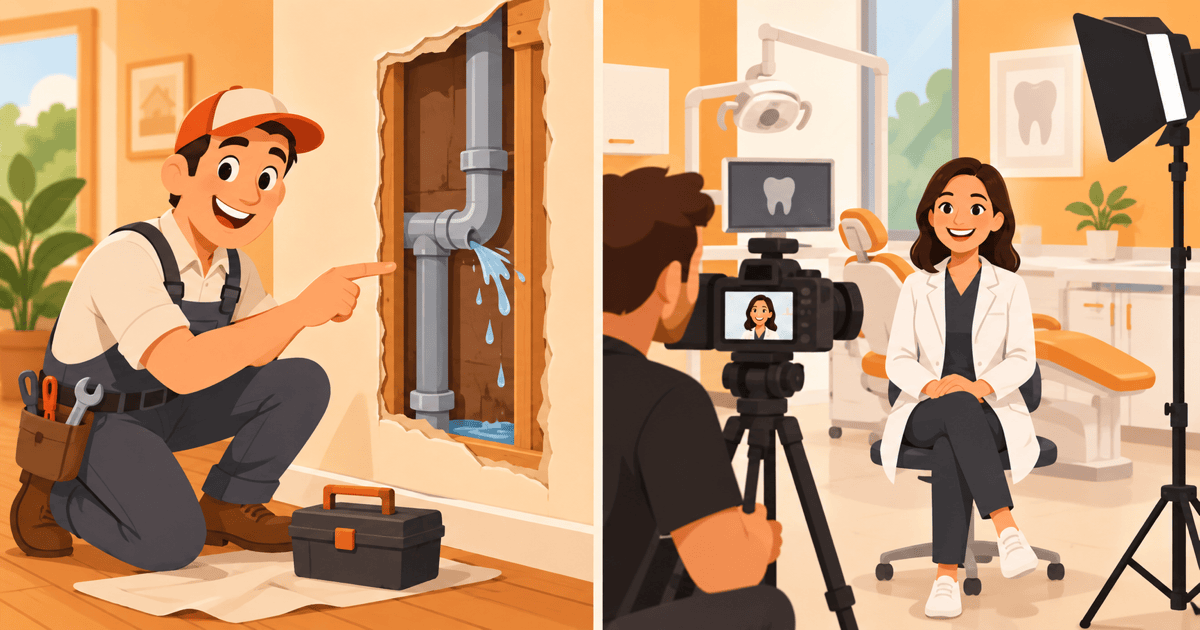
## Animation vs live action at a glance
Side by side, the two styles differ most on price, on what they can show, and on what a change costs later. The table below compares them on the points a small business owner asks about first.
An animated video is a video made from drawings, shapes or 3D models that move, usually with a voiceover. A live action video is a video shot with a real camera, showing real people, places or products.
| | Animation | Live action |
|---|---|---|
| Basic studio price | [$2,000 to $4,500](https://www.yansmedia.com/blog/live-action-vs-animation) for a simple 30 to 60 second explainer | [$5,000 to $10,000](https://www.yansmedia.com/blog/live-action-vs-animation) for a 15 to 30 second commercial |
| Time to finish | Desk work only, so dates are easy to predict | Needs people, a place and good light on the same day |
| What it can show | Anything you can describe: inside a pipe, a tooth, a legal process | Only what exists and what a camera can reach |
| Updating later | Change a frame or re-record one line | Often a new shoot day |
| Who has to be on camera | Nobody | You, your staff or paid actors |
| Best for | Hidden services, small budgets, tight deadlines | Faces, food, rooms, finished jobs, testimonials |
Both price rows come from the same Yans Media price list, so they compare like with like.
Live action is still the more common pick. According to [Wyzowl's 2026 survey, reported by HubSpot](https://www.hubspot.com/marketing-statistics), 51% of companies made live-action video, 23% made animated video and 19% made screen recordings.
**[Need an explainer video? Get a 30-second explainer for $297 →](/explainer-promo?utm_source=blog&utm_medium=inline&utm_campaign=explainer-cta-promo)** We write the script, record the voiceover and animate it, delivered in 7 days.
Want finished ads without learning an AI tool? **[Make your free image ad with Ad Club](/ad-factory?utm_source=blog&utm_medium=inline&utm_campaign=older-post-explainer-videos)**, plus a free video script and storyboard. Plans from $97 a month, cancel any time.
## What are the pros and cons of an animated video?
An animated video can show things a camera can't reach, costs little to change, and needs nobody on camera. Its main weakness is that it shows no real faces. That can feel less personal when people are buying the person.
### The pros
- **Shows the hidden part.** A leak behind drywall, a crown going on a tooth, or the steps of an injury claim.
- **No shoot day.** Nothing depends on the weather, a crew or your staff being free.
- **Easy to change.** A new service usually means editing a few frames, not starting over.
- **Nobody has to be on camera.** Good news if you or your team hate being filmed.
- **Privacy comes built in.** There is no real patient or client on screen.
### The cons
- **No real face.** People choosing a surgeon or a divorce lawyer often want to see who they will meet.
- **Cheap templates look cheap.** A stock character in a stock office could be anyone's business.
- **The style can feel childish.** A goofy cartoon can fall flat on a serious topic like a lawsuit or a diagnosis.
- **It can't prove a result.** A drawing of a clean driveway is not the same as footage of yours.
Prices from one maker to the next vary a lot. When [Yans Media sent the same brief to 152 explainer companies](https://www.yansmedia.com/blog/explainer-video-cost), the 110 quotes ran from $950 to $250,000. The average was $8,746.
Pro tip: ask to see three finished videos for businesses like yours before you pay. If every sample uses the same characters, yours probably will too.
## What are the pros and cons of a live action video?
A live action video's biggest strength is proof: real people, rooms and results that a viewer trusts at a glance. Its main weaknesses are cost, shoot days that can fall through, and footage that ages as your business changes.
### The pros
- **Shows you.** A real owner saying hello does something no drawing can.
- **Proves results.** A finished kitchen, a packed gym class or a plate of food sells itself.
- **Suits testimonials.** Real customers talking about real jobs are hard to fake. [Wistia's 2026 State of Video report](https://wistia.com/learn/marketing/video-marketing-statistics) found 47% of companies planned to make testimonial videos, up from 17% in 2023.
- **Can cost very little.** If you film it yourself on a phone, the main cost is your time.
### The cons
- **More people to pay.** A crew shoot is a group effort. As [Pixune puts it](https://pixune.com/blog/animation-vs-live-action), "even small professional productions often require 15 to 20 people on set."
- **Shoot days fall through.** Rain, a sick staff member or a busy Saturday can push the whole thing back.
- **Reshoots cost real money.** Bad sound or a fluffed line can mean paying for another day.
- **Footage ages.** People leave, logos change and rooms get repainted.
- **You need permission.** Anyone you can recognize on camera should sign a release form, which is a short permission note.
Permission matters most in health care. Under the HIPAA privacy rule, a dental or medical office usually needs a patient's [written authorization before using their health information in marketing](https://www.law.cornell.edu/cfr/text/45/164.508). That covers a patient telling their treatment story on camera.
Quality also shows more on camera. According to [Wyzowl's State of Video Marketing report, via Vidico](https://vidico.com/news/video-marketing-statistics/), 87% of consumers say video quality affects how much they trust a brand. A shaky clip with echo can cost you trust instead of earning it.
## How much does each one cost a small business in 2026?
A professional 60-second animated explainer usually costs $2,500 to $15,000, depending on style. A basic filmed short ad usually costs $5,000 to $10,000, and a full two-minute shoot can pass $100,000.
| Option | Typical price | Source |
|---|---|---|
| AI tools and DIY templates | $0 to $500 | [Yum Yum Videos, 2026](https://www.yumyumvideos.com/blog/how-much-does-an-explainer-video-cost/) |
| Studio animated explainer, 60 seconds | $2,500 to $15,000, depending on style | [Vidico, 2026](https://vidico.com/explainer-video-production/explainer-video-cost/) |
| Simple animated explainer, 30 to 60 seconds (basic) | $2,000 to $4,500 | [Yans Media](https://www.yansmedia.com/blog/live-action-vs-animation) |
| Live action social video, 1 to 2 minutes (basic) | $1,000 to $3,000 | [Yans Media](https://www.yansmedia.com/blog/live-action-vs-animation) |
| Live action short commercial, 15 to 30 seconds (basic) | $5,000 to $10,000 | [Yans Media](https://www.yansmedia.com/blog/live-action-vs-animation) |
| Professional animated video, 2 minutes | $15,000 to $35,000 | [Pixune, updated 2026](https://pixune.com/blog/animation-vs-live-action) |
| Professional live action video, 2 minutes | $16,000 to more than $100,000 | [Pixune, updated 2026](https://pixune.com/blog/animation-vs-live-action) |
Look at the same length from the same studio and animation usually comes out cheaper. The one exception is a short, simple filmed social clip, which can cost less than a custom animation.
### Where does the live action money go?
Most of a live action budget goes on people and places. [Demo Duck's cost breakdown](https://demoduck.com/blog/why-do-live-action-videos-cost-so-much) lists a director at $3,000 to $6,000 and a sound engineer at $500 to $1,000 a day. A location runs $500 to $5,000, and actors $500 to $3,500. The page is not dated, so treat those as a rough guide.
Animation skips the location and the crew. You still pay for a script, a voice and the animator's time.
### What do small businesses actually spend?
Most small businesses spend far less than the studio ranges above. [Wistia's 2026 report](https://wistia.com/learn/marketing/video-marketing-statistics) found almost 40% of companies spent under $5,000 on video in the past year.
For comparison, our 30-second animated explainer is $297. We write the script, record a human voiceover and animate it. You get 3 revision rounds, delivery in 7 days and a money-back guarantee.
## Which costs show up after the video is finished?
The cost that surprises most owners is the cost of change. Filmed footage often needs a new shoot day when your team, van or office changes. An animated video can usually be fixed by editing a few frames.
Say you run a dental office with five staff. In January you film a team video in the waiting room. By December, one hygienist has left, you have a new logo, and the room is a new color.
Now the video shows a person who no longer works there, under a sign that no longer exists. Fixing it means a new shoot day. If the same video were animated, you would swap one character and one logo and keep the rest.
Here are the hidden costs to plan for on each side:
- **Live action:** a second shoot day, new release forms, music licenses, and editing time for each new version.
- **Animation:** extra revision rounds past what is included, new voice lines when details change, and new sizes for each ad platform.
- **Both:** captions, a short cut for ads, and your own time to review drafts.
Ask for the project files or raw footage at delivery, too. Without them, even a small fix can mean starting from scratch.
## Which one should a plumber, a dentist or a lawyer pay for?
Plumbers and lawyers usually get more from animation, because what they sell is hidden from view. Dentists often do best with both: animation for the treatment and a short filmed hello for the team.
- **Plumber:** the problem sits inside walls, so an animated cutaway does the explaining.
- **Dentist:** nobody wants a close-up of a drill, but patients do want to see who they will meet.
- **Law firm:** you can't film clients, and legal steps are invisible. Lawyer ads also have their own rules, set by each state bar, so check yours first.
[Pexo's 2026 guide to explainer styles](https://pexo.ai/blog/types-of-explainer-videos-0995) backs up the face point. It says that when trust is the barrier, a human face on screen does what no illustration can, and it names clinics among the businesses that gain most. It also says whiteboard animation is for teaching step-by-step processes.
Pro tip: open with the question your customer already asks. A plumber's animated video might start, "See a water stain on your ceiling? Here is what is going on behind it, and how we fix it without tearing up the whole room."
For a table covering trades, clinics, law firms, software and restaurants, see our guide to [illustrated vs filmed video for each kind of business](/news/explainer-videos/illustrated-vs-filmed-video-by-business-type).
**[Want something bigger? Book a free 30-minute video call →](/video-call?utm_source=blog&utm_medium=inline&utm_campaign=explainer-cta-call)** We plan your custom video with you and send a fixed quote within 24 hours.
## Which one fits the job your video has to do?
The job your video has to do matters as much as your trade. Explaining a process or a price usually favors animation, while proving you are real or showing a result usually favors live action.
| Job | Better pick | Good length |
|---|---|---|
| Paid ad or awareness video | Either, if the first seconds grab attention | 30 to 60 seconds |
| Homepage "what we do" video | Animation | 60 to 90 seconds |
| Introduce a service or product | Animation | 60 to 90 seconds |
| Answer a question customers ask every day | Animation | 30 to 60 seconds |
| Customer testimonial | Live action | Short, one story |
| Show your shop, office or team | Live action | Short, one walk-through |
The lengths come from [Yum Yum Videos' 2026 length guide](https://www.yumyumvideos.com/blog/short-vs-long-videos-explainer-video-length-wp/). It puts paid campaigns and awareness at 30 to 60 seconds, and homepage explainers and service introductions at 60 to 90 seconds.
Where the video sits matters too. The wrong video on the wrong page can cost you sales. [Foundry CRO's 2026 benchmarks](https://foundrycro.com/blog/landing-page-video-benchmarks-2026/) found landing-page video results ranging from a 10% drop to a 100% lift, depending on the video and where it was placed.
### Can you mix the two?
Yes. The simplest mix is a short filmed hello from you, then an animated middle that explains the service. If you film the hello yourself, you only pay for the animation.
Our guide to [shooting a live action video on a phone](/news/explainer-videos/live-action-video-when-to-film) shows you how to film that hello in one afternoon.
## How do you score your own project?
You can settle most animation vs live action decisions in about ten minutes with six yes-or-no questions. Each "yes" earns a point for animation or for live action, and the side with more points is your likely pick.
| Question | If yes, a point for |
|---|---|
| Is the thing you sell hidden (inside a wall, a body, a contract or a screen)? | Animation |
| Do you plan to rebrand, move or grow your team in the next year? | Animation |
| Do you or your team hate being on camera? | Animation |
| Do customers choose you mainly for you, the person? | Live action |
| Does your finished work look great on camera? | Live action |
| Do you have happy customers willing to sign a release and talk on video? | Live action |
A tie usually means a mix: a short filmed piece for trust and an animated piece for the explaining.
Time is the other thing to weigh. According to [Wyzowl's State of Video Marketing report, via Vidico](https://vidico.com/news/video-marketing-statistics/), 33% of marketers say lack of time is their top barrier to video. Another 20% say it costs too much. Animation asks less of your time, because you review drafts instead of hosting a shoot.
### What should you ask a video maker before you pay?
Ask the same five questions whether you hire an animator or a film crew:
- Will I approve the script before any work starts?
- How many revision rounds are included, and what does an extra one cost?
- What is the delivery date, and what happens if you miss it?
- Do I own the finished files, including the music?
- What does it cost to change one line or one scene after delivery?
## Frequently asked questions
### Is animation cheaper than live action?
Animation is usually cheaper than a professional live action shoot, because there is no crew, location or actors to pay. Pixune's 2026 figures put a two-minute animated video at $15,000 to $35,000, against $16,000 to more than $100,000 for live action. A simple phone video you film yourself can cost less than either.
### Do people trust animated videos less than videos of real people?
People trust a well-made video more than a poorly made one, whatever the style. A clean animated video with a warm human voice can earn trust, while a shaky filmed clip can lose it. For businesses where people buy the person, like a lawyer or a coach, a short filmed hello helps.
### Can I film a live action video on my phone instead of hiring a crew?
Yes, a phone can film a good live action video if the light and sound are good. Face a window, use a cheap clip-on microphone and keep each take short. Phone video works best for a quick hello, a shop tour or a finished job.
### Which lasts longer, an animated video or a filmed one?
An animated video usually stays useful longer, because nothing in it ages on its own. Filmed footage dates as soon as a team member leaves, the logo changes or the office gets a refit. Animation can also be updated one scene at a time.
### Does 30 Second Productions make live action videos?
30 Second Productions' 30-second ($297) and 60-second ($497) videos are animated explainers, with a script and a human voiceover. For anything custom, book a free call. Custom videos start at $1,299.
## The short version
The animation vs live action choice comes down to what your customer needs to see. Animate what hides, changes or has to be ready fast, and film faces, food, rooms and finished jobs.
Before you pay anyone, run the scorecard and ask what one change will cost after delivery.
Ready to get your own video made? **[Order a 30-second explainer for $297](/explainer-promo?utm_source=blog&utm_medium=inline&utm_campaign=explainer-cta-both)** and have it in 7 days, or **[book a free call](/video-call?utm_source=blog&utm_medium=inline&utm_campaign=explainer-cta-both)** if you want a custom video from $1,299.
---
## Related Reading
- [Illustrated vs Filmed Video: Which One Fits Your Business](/news/explainer-videos/illustrated-vs-filmed-video-by-business-type): Illustrated vs filmed video by business type: which fits a trade, clinic,…
- [AI, VR and AR in Video Marketing: What's Worth Buying](/news/explainer-videos/ai-vr-ar-video-marketing-small-business): AI, VR and AR in video marketing without the hype: what each one costs in…
- [Explainer Video Guide: The 7 Decisions, in Order](/news/explainer-videos/explainer-video-guide-seven-decisions): An explainer video guide without the ebook. Make seven decisions in order,…
- [Homepage Video vs No Video: What Really Changes](/news/explainer-videos/homepage-video-vs-no-video-what-changes): See what a homepage video changes on a small-business site: the first 10…
- [Explainer Videos from $297 →](/explainer-promo): Professional animated explainer videos delivered in 7 days.
---
## Why ChatGPT Recommendations Change, and How to Test Fairly
URL: https://www.30secondproductions.com/news/ai-seo/why-chatgpt-recommendations-change
Topic: AI SEO
Updated: 2026-10-16
ChatGPT builds a fresh answer every time someone asks, so the businesses it names shift from one run to the next. [BrightLocal's 2026 study](https://www.brightlocal.com/research/local-ai-visibility-study/) found two runs of the same local question shared only 23% of their names. A miss today is not a verdict, and a hit is not a promise.
Say you asked ChatGPT for the best dentist in your town on Monday, and it named your practice. On Thursday you asked again, and a rival took your spot. Nothing broke, and nobody paid to push you out.
ChatGPT recommendations change from one ask to the next because of how the tool builds each answer. This guide explains what the numbers mean, why the list moves, how to run a fair test over one week, and what raises your odds of being named more often.
> **Key takeaways**
>
> - Two ChatGPT answers to the same local question share fewer than one in four of the businesses they name.
> - A business that shows up once comes back in about half of later answers, so one check is close to a coin flip.
> - Where the person asks from changes the answer, even inside one town.
> - A fair test is about 20 answers: five real customer questions, asked four times each, over a week.
> - Nobody can make ChatGPT name you every time. Be wary of anyone who says they can.

## What does a 23% overlap between ChatGPT answers mean?
A 23% overlap means two ChatGPT answers to the same local question share fewer than one in four of the businesses they name. That figure comes from [BrightLocal's Local AI Visibility Study](https://www.brightlocal.com/research/local-ai-visibility-study/) (September 2026), which tracked 200,085 local searches on ChatGPT, Google AI Mode and Google AI Overviews over 60 days.
Overlap is the share of names two answers have in common. Google AI Mode scored 21% and Google AI Overviews scored 33%, so ChatGPT is not alone. Every AI tool BrightLocal tested moved a lot.
The second number matters more for you: how often a business that showed up once comes back. For ChatGPT, it was about half the time. In BrightLocal's own words, if you run a prompt four times, a single business is likely to appear in two of them.
So a typical business is in about half the answers, not all of them. BrightLocal found 71-80% of businesses appeared in half the attempts or fewer. ChatGPT named 4.1 businesses per answer on average, and 10% of its answers named no business at all.
Here is what that can look like. This is a made-up example, not real data, for the question "best family dentist in [your town]":
| Practice | Run 1 | Run 2 | Run 3 | Run 4 |
|---|---|---|---|---|
| Practice A (you) | Named | Not named | Named | Not named |
| Practice B | Named | Named | Named | Named |
| Practice C | Named | Not named | Not named | Named |
| Practice D | Not named | Named | Not named | Not named |
| Practice E | Not named | Named | Named | Not named |
| Practice F | Not named | Not named | Named | Named |
If you only checked on run 2, you would think you were invisible. If you only checked on run 1, you would think you had it made. Both would be wrong.
Google Maps is far steadier. BrightLocal found Maps results agreed 99% of the time across attempts, against 91-96% for the AI tools. If you grew up on Maps rankings, ChatGPT will feel like a slot machine by comparison. It is not random, but it is not fixed either.
**[See what AI says about your business: get a free AI audit →](/free-seo-audit?utm_source=blog&utm_medium=inline&utm_campaign=ai-seo-cta-audit)** Enter your website and we show you how AI search reads it and what to fix first.
Want video ads too, without learning an AI tool? **[Make your free image ad with Ad Club](/ad-factory?utm_source=blog&utm_medium=inline&utm_campaign=older-post-ai-seo)**, plus a free video script and storyboard. Plans from $97 a month, cancel any time.
## Why do ChatGPT recommendations change between runs?
ChatGPT recommendations change between runs because ChatGPT writes each answer fresh, often after a new web search, and small differences in the question, the searcher's location and the pages it finds all shift which businesses make the short list. There is no saved ranking of businesses in your town for it to look up.
The biggest test of this so far looked at brands, not local shops. In January 2026, [SparkToro](https://sparktoro.com/blog/new-research-ais-are-highly-inconsistent-when-recommending-brands-or-products-marketers-should-take-care-when-tracking-ai-visibility/) had 600 volunteers run 12 prompts a combined 2,961 times. AI tools gave the same list of brands less than 1 in 100 times, and the same list in the same order less than 1 in 1,000 times.
Local answers move too. In July 2026, [Whito](https://whito.co.uk/research/ai-recommendation-lottery-study/) asked ChatGPT the same plumber question 30 times across Nottingham, Luton and Preston. The answers named 51 different businesses, and only one business was named every time. Changing how the question was worded changed roughly 70% of the names.
Here are the main causes, and what you can do about each one.
| Cause | What it looks like | What you can do |
|---|---|---|
| A fresh answer every time | Same question, different names an hour later | Judge yourself on many answers, not one |
| A new web search each time | Different websites quoted as sources | Make your own site clear enough to be one of them |
| Small changes in wording | "Emergency plumber" and "plumber open tonight" give different lists | Test the five ways customers ask |
| Where the person is asking from | A friend across town sees other names | Test from more than one place |
| Your details change or clash | Old hours or a wrong phone number on a directory | Make your name, address, phone and hours match everywhere |
A 2025 test of product questions by [Amplifying](https://amplifying.ai/research/ai-product-recommendations) also found ChatGPT answers built from a live web search were less consistent than answers built from what the model already knew.
Different AI tools disagree with each other as well. BrightLocal found ChatGPT's named businesses overlapped only 20% with Google AI Overviews and 19% with Google AI Mode. Being named in one tool tells you little about the others.
## Why does ChatGPT name you in one part of town but not another?
ChatGPT names different businesses for people in different parts of the same town because it factors in where the person is asking from. BrightLocal found ChatGPT results overlapped only 36.2% across points in the same town, the lowest of the three AI tools it tested.
Only 3.5% of the businesses ChatGPT named showed up at every point on the map. ChatGPT also pulls in businesses from much farther away than Google's AI tools do.
That has two lessons for your testing. First, your own phone in your own shop is one point on the map, not the whole town. Second, a customer across town may see a different list than you do.
Service-area businesses feel this most. A service-area business is one that goes to the customer, like a roofer, a plumber or a mobile dog groomer, instead of having customers walk in. BrightLocal found storefront businesses were mentioned about 34% of the time in AI answers, against about 29% for service-area businesses.
Picture a roofer based in one suburb who works in six. If the website only names the home suburb, ChatGPT has little to match when someone in the other five asks. A short page for each area you serve, with the town name, the jobs you do there and how fast you can get there, gives it something to work with.
## How do you test ChatGPT fairly?
You test ChatGPT fairly by asking the questions real customers ask, in a clean chat, several times over several days, and writing every result down. About 20 answers is enough to trust: five customer questions, each asked four times, over a week or more.
One check tells you almost nothing, because a business named half the time will miss about half of all single checks. SparkToro's researchers suggest running each prompt 60 to 100 times for a research study. You run a business, so here is a scale that fits a busy week.
| How many answers | What it tells you | Good for |
|---|---|---|
| 1 | Almost nothing. A hit or a miss can be luck | Seeing what the answer looks like |
| 5 (one question, five times) | Whether you show up for that one way of asking | Spotting a total blank |
| 20 (five questions, four times each, over a week) | A fair score, like "named in 9 of 20" | A starting point you can compare against |
| 20 again each month | Whether your score is going up or down | Checking whether your fixes are helping |
"Named in 9 of 20" is a useful number. "Third in the list on Tuesday" is not, because the order changes even more than the names do. The six steps below fit into one normal week.
### Step 1: Write five questions your customers ask
Write five questions in your customers' words, not your own, and never include your business name. Mix in the words that change the answer, like "tonight", "near me", "cheap" or "open now".
Here are starter sets you can copy and adjust:
- **Dentist:** "emergency dentist open Saturday in [town]", "best family dentist in [town] that takes new patients", "how much is teeth whitening in [town]"
- **Plumber:** "plumber who can come tonight in [town]", "best rated plumber near [neighborhood]", "who fixes water heaters in [town]"
- **Lawyer:** "divorce lawyer in [town] with free consultation", "best DUI attorney in [county]"
- **Med spa:** "best place for Botox in [town]", "med spa near [neighborhood] with good reviews"
- **Roofer:** "roof leak repair [town] same week", "who replaces roofs in [suburb]"
### Step 2: Use a temporary chat
Open a Temporary Chat in ChatGPT (or a logged-out window) for each test. That way your past chats and saved memory do not nudge the answer toward businesses you have talked about before.
### Step 3: Ask each question four times over a week
Ask each of your five questions four times, on different days and at different times. That gives you 20 answers. If you can, have someone in another part of town run a few of them too.
### Step 4: Log every answer in one sheet
Write down every answer, even the ones where you are missing. A simple sheet with these columns is enough:
| Date | Question | Named? (Y/N) | Who else was named | Sources ChatGPT showed | Were your details right? |
|---|---|---|---|---|---|
| Mon 3pm | emergency dentist open Saturday in [town] | N | Practice B, Practice C | Yelp, Practice B website | n/a |
| Wed 9am | emergency dentist open Saturday in [town] | Y | Practice B, Practice E | Your website, Yelp | Phone was old number |
The "who else" and "sources" columns matter most. They show which rivals keep coming up and which sites ChatGPT trusts for your trade. Our guide on [how to check if ChatGPT recommends your competitors](/news/ai-seo/check-if-chatgpt-recommends-your-competitors) shows how to turn that list into a plan.
### Step 5: Check the details ChatGPT gives about you
When you are named, check every detail: phone, address, hours, services. In a July 2026 benchmark of 10,000 US local businesses, [Insites](https://insites.com/blog/the-ai-visibility-benchmark-how-10000-local-businesses-actually-perform-in-chatgpt-and-perplexity/) found only 55.58% of ChatGPT results fully matched the business's Google Business Profile, and a wrong phone number was the most common error (30.09% of ChatGPT results). A mention with the wrong number can send the call to nobody.
### Step 6: Repeat on other AI tools, then once a month
Run the same five questions on Google AI Mode, Microsoft Copilot and Claude. Then repeat the full test once a month and compare your score out of 20, not single answers.
**[Want it done for you? Get your AI SEO setup for $349 →](/ai-seo?utm_source=blog&utm_medium=inline&utm_campaign=ai-seo-cta-offer)** We add the code AI reads, fix AI crawler access and your business info. Done in 48 hours, with a 30-day money-back guarantee.
## What makes ChatGPT name your business more often?
Nobody can switch ChatGPT on for your business, but the data points to a few things that businesses named more often tend to have: more reviews, details that match everywhere, a clear website ChatGPT can read, and no block on ChatGPT's search crawler. Each one makes you an easier, safer pick.
**Reviews** come first in the data. Insites found businesses surfaced by both ChatGPT and Perplexity averaged 133.4 Google reviews, against 10.7 for businesses surfaced by neither. It called that the strongest signal in its whole dataset. According to the [SOCi Local Visibility Index 2026, via BrightLocal](https://www.brightlocal.com/resources/local-seo-statistics/), the local businesses ChatGPT recommends average 4.3 stars.
A review ask can be one text. Try: "Thanks for having us out today, [name]. If you were happy with the repair, a quick review helps other people in [town] find us: [link]."
Your **website** is the top source. BrightLocal found business websites made up 42% of all citations in AI answers, ahead of Google Business Profile (about 29%) and Yelp (9.5%). Pages that answer the exact question help most: your hours, whether you take emergencies, the areas you serve and rough prices.
**Matching details** remove doubt. The [SOCi Local Visibility Index 2026](https://www.brightlocal.com/resources/local-seo-statistics/) found only 68% of business contact details shown by ChatGPT and Perplexity matched the Google Business Profile. If your old phone number lives on three directories, ChatGPT may get your number wrong, and [Insites](https://insites.com/blog/the-ai-visibility-benchmark-how-10000-local-businesses-actually-perform-in-chatgpt-and-perplexity/) found exactly that in 30.09% of ChatGPT results.
ChatGPT's **crawler** has to get in. [OpenAI's crawler documentation](https://developers.openai.com/api/docs/bots) says OAI-SearchBot is the bot it uses to surface websites in ChatGPT's search features. If your robots.txt file (the small file that tells bots where they can go) blocks it, ChatGPT cannot read your site. Our guide to [the hidden file that can block ChatGPT](/news/ai-seo/website-blocking-ai-from-finding-you) shows how to check.
Here is the honest limit. Insites found structured data (the code that labels your business details for machines) had little effect on whether AI tools knew a business. Code is tidy-up work, not a switch. It helps ChatGPT read your details correctly, but it will not beat a rival with ten times your reviews.
If you would rather not do the website side yourself, our done-for-you setup checks how ChatGPT, Claude, Google AI and Copilot see you, fixes crawler access, makes your business details match, and adds the code AI reads. It is $349 one-time (normally $497), done in 48 hours, with a 30-day money-back guarantee.
## What should you ask anyone who promises ChatGPT results?
Ask anyone who promises ChatGPT results how they will measure it, because when the list changes this much between answers, "we will get you to number one in ChatGPT" is a promise nobody can check, let alone keep. A fair provider talks about making you easier to pick and counting how often you are named over many answers.
SparkToro's Rand Fishkin put it bluntly: any tool that gives a "ranking position in AI" is "full of baloney." That goes double for a sales pitch built on one screenshot.
| What they say | What it means | Ask this |
|---|---|---|
| "We'll get you #1 in ChatGPT" | There is no fixed #1 to hold | "How do you measure #1 when the list changes every time?" |
| "Here's a screenshot of a client being named" | One answer out of many | "How many runs was that, and how many named them?" |
| "Guaranteed AI recommendations" | Nobody controls what ChatGPT says | "What happens if it doesn't happen?" |
| "We track your AI ranking daily" | Daily order changes are mostly noise | "Do you count how often I'm named across many questions?" |
Before you sign anything, ask these five questions:
1. Which customer questions will you test, and how many ways of asking?
2. How many times will you run each one?
3. Where will the tests run from: my town, or your office?
4. Which AI tools will you check besides ChatGPT?
5. What exactly do I get if my score does not move?
We do not promise that ChatGPT or any AI tool will name your business either. What anyone can honestly do is fix the things that make you hard to pick.
## Frequently asked questions
### Why did ChatGPT stop recommending my business?
ChatGPT usually stops naming a business for a while because of normal churn between answers, not because something broke. Lists change a lot from one ask to the next. Before you change anything, run the 20-answer test: five customer questions, four times each, over a week. If you are named in some of them, nothing is wrong.
### Is ChatGPT showing me different results because I am logged in?
Being logged in can shape ChatGPT's answers, because saved memory and past chats can nudge what it says. Use a Temporary Chat or a logged-out window when you test, so the answer is closer to what a new customer sees.
### How long do changes take to show up in ChatGPT?
Some changes show up quickly and some take weeks. OpenAI says it can take about 24 hours for its search systems to adjust after a robots.txt update. Reviews, listings and website changes have no fixed timeline, so re-run your 20-answer test monthly and watch the trend.
### Does Google AI name the same businesses as ChatGPT?
Google's AI tools and ChatGPT name mostly different businesses. BrightLocal's 2026 study found little overlap between them, so test each tool on its own.
### Should I pay for an AI visibility tracking tool?
A paid tracking tool is worth it only if it counts how often you are named across many questions and runs, not a single "AI ranking." For most small businesses, a free monthly 20-answer test in a sheet is enough to see whether things are getting better.
### Why does ChatGPT show the wrong phone number for my business?
ChatGPT shows a wrong phone number when it finds old or clashing details on the web. Insites found a wrong phone number was the most common error in ChatGPT's local results in 2026. Fix the number on your website, Google Business Profile, Yelp and every directory so they all match.
## The short version
ChatGPT recommendations change because ChatGPT writes every answer fresh, so stop judging your business on one check. Ask five real customer questions four times each in a clean chat, and count how many of the 20 answers name you.
Then work on what makes you an easy pick: more reviews, matching details, a clear website and a crawler that can get in. Our guide on [how ChatGPT recommends local businesses](/news/ai-seo/how-ai-decides-which-businesses-to-recommend) covers the full picture. Nobody can promise you a spot, but you can stop being easy to skip.
Want to see where you stand first? **[Get a free AI audit](/free-seo-audit?utm_source=blog&utm_medium=inline&utm_campaign=ai-seo-cta-both)**. Ready to have it done for you? **[Get your AI SEO setup for $349](/ai-seo?utm_source=blog&utm_medium=inline&utm_campaign=ai-seo-cta-both)**, done in 48 hours.
---
## Related Reading
- [How Does ChatGPT Recommend Local Businesses? The 2026 Data](/news/ai-seo/how-ai-decides-which-businesses-to-recommend): How does ChatGPT recommend local businesses? BrightLocal's 2026 data shows…
- [How to Check If ChatGPT Recommends Your Competitors (Not You)](/news/ai-seo/check-if-chatgpt-recommends-your-competitors): Step-by-step guide to audit your AI visibility. Test queries, track results,…
- [AI SEO for Dentists: One New Patient Pays for This 16 Times Over](/news/ai-seo/ai-seo-for-dentists-chatgpt-google-ai): Learn how dentists get recommended by ChatGPT and Google AI. One new patient…
- [AI Search Is Here. Small Businesses That Move Fast Will Win.](/news/ai-seo/how-to-get-your-business-on-chatgpt): AI search engines like ChatGPT and Google AI are changing how customers find…
- [AI SEO setup for $349 →](/ai-seo): We get your website ready for ChatGPT, Claude, Google AI and Copilot. Done in 48 hours.
---
## What Counts as a View? YouTube, Facebook, Instagram, TikTok
URL: https://www.30secondproductions.com/news/explainer-videos/what-counts-as-a-view-youtube-facebook-instagram-tiktok
Topic: Explainer Videos
Updated: 2026-09-30
You posted one video about your business. YouTube says a few hundred views, Facebook says a couple of thousand, and Instagram says even more. You still can't tell whether a single person heard your phone number.
That's frustrating, and it isn't your fault. Each app decides for itself what counts as a view, and three of the four changed their rules between 2024 and 2026.
On YouTube, Facebook, Instagram and TikTok, a view now counts almost as soon as a video starts to play. So a view measures starts, not attention. For a small business, watch time, 3-second or 15-second plays, and calls tell you far more.
> **Key takeaways**
>
> - Since August 24, 2026, YouTube counts a view the moment a video starts to play, on Shorts, regular videos and live streams.
> - Replays add to the view count on Instagram Reels and YouTube Shorts, so views can be higher than the number of people who saw the video.
> - Don't compare headline view counts across apps. Compare time-based numbers like 3-second plays, 15-second plays and average watch time.
> - Paid ad views follow stricter rules, such as 30 seconds on a skippable YouTube ad or 15 seconds for a Meta ThruPlay.
> - The best test of any video is still calls, bookings and form fills from the people who watched it.
The good news is that a handful of numbers tells you if a video is working. Below you'll find each platform's current rule (linked to its own help page), the numbers you can fairly compare, a weekly scorecard, and a worked example for a plumber.

## What counts as a view on each platform in 2026?
A view is the number a platform shows under your video, and on all four big apps it now means "the video started playing." Some apps also add replays, and some filter out junk plays. The table below sums up each platform's own rule, with a link to the page it comes from.
| Platform | What counts as a view | Do replays add views? | Source |
|---|---|---|---|
| YouTube (all videos, since Aug 24, 2026) | The moment a video starts to play, on Shorts, regular videos and live streams | Not stated for regular videos. YouTube can discard low-quality plays | [YouTube Help: how engagement metrics are counted](https://support.google.com/youtube/answer/2991785?hl=en) |
| YouTube Shorts (since Mar 31, 2025) | Each time a Short starts to play or replays, with no minimum watch time | Yes | [YouTube Help: get started with Shorts](https://support.google.com/youtube/answer/10059070?hl=en) |
| Facebook (Meta's Views metric, since Nov 14, 2024) | The number of times a reel or video started to play or replay | Yes | [Facebook for Creators: introducing Views, Nov 14, 2024](https://www.facebook.com/FacebookforCreators/posts/new-on-facebook-introducing-views-in-your-insightswe-have-introduced-views-in-pr/1125049375652157/) |
| Instagram Reels | The number of times your reel starts to play or replay | Yes | [Instagram Help Center: reel insights](https://help.instagram.com/202865988324236) |
| TikTok (ads reporting) | Each time the video starts to play | No, replays are left out of Video views | [TikTok Ads Help: video play metrics](https://ads.tiktok.com/help/article/video-play) |
Two notes on that table. YouTube's help page says it may slow down, freeze or change your count while it checks plays. It names watching on several devices, or in several browser windows and tabs, as examples of low-quality playbacks it can discard. So asking your staff to replay your video won't move anything.
Engaged views are YouTube's count of people who chose to keep watching, which is the old kind of view. YouTube kept them in YouTube Analytics, and its help page says Partner Program earnings are still based on engaged views and engaged watch hours.
TikTok is the honest gap. TikTok's ads help page defines a view clearly, but we couldn't find a TikTok help page that defines views on a normal, unpaid post. Treat any exact "1 second" or "3 seconds" rule you read about TikTok posts as a guess, not a fact. TikTok does define a stricter [qualified view](https://www.tiktok.com/creator-academy/article/monetization-creativity-program-qualified-view) for creators it pays (at least five seconds, one per account), but that isn't the public count.
### Why do so many guides still say YouTube needs 30 seconds?
YouTube never published an exact watch time for its old view count. The 30-second figure people quote is YouTube's rule for skippable ads: [YouTube's page on ads and view metrics](https://support.google.com/youtube/answer/2375431?hl=en) says a skippable in-stream ad earns a paid view at 30 seconds (or the end of a shorter ad) or a click. Since August 24, 2026, the old kind of count lives on as "engaged views" in YouTube Analytics, [as TechCrunch reported on August 17, 2026](https://techcrunch.com/2026/08/17/youtube-will-now-count-a-view-as-soon-as-a-video-starts-playing/).
**[Need an explainer video? Get a 30-second explainer for $297 →](/explainer-promo?utm_source=blog&utm_medium=inline&utm_campaign=explainer-cta-promo)** We write the script, record the voiceover and animate it, delivered in 7 days.
Want finished ads without learning an AI tool? **[Make your free image ad with Ad Club](/ad-factory?utm_source=blog&utm_medium=inline&utm_campaign=older-post-explainer-videos)**, plus a free video script and storyboard. Plans from $97 a month, cancel any time.
## Why is your view count bigger than your reach?
Reach is the number of different people (or accounts) who saw your video at least once, while views count plays, including repeat plays by the same person. That's why a post can show more views than reach. Nothing is broken.
Instagram spells this out. Its help page defines Viewers as the unique accounts that saw your reel on screen at least once, whether or not it played, and it says this number is estimated. Views, on the other hand, can include several plays by the same account.
Meta made the same kind of shift on Facebook on November 14, 2024. Views became the main number, while Reach and 3-second views kept working the same way, [according to Social Media Today](https://www.socialmediatoday.com/news/facebook-switches-views-primary-metric/732979/). Facebook's old "watch time" was also renamed "minutes viewed."
Here's what that looks like in practice. Say a gym posts a 20-second reel about its free trial class. One member plays it five times while showing friends, and 200 other people see it once. That's 205 views from 201 accounts, so views and reach tell two different stories.
*Pro tip: When you want to know "how many people saw this," read reach or viewers. When you want to know "did it hold attention," skip both and read watch time.*
## Which view numbers can you compare across platforms?
You can't fairly compare headline view counts across YouTube, Facebook, Instagram and TikTok, because each app counts starts and replays in its own way. You can compare time-based numbers, because "watched for at least X seconds" means the same thing everywhere.
Here are the closest like-for-like numbers each platform gives you. Instagram's free reel insights are thinner: they show views, viewers, watch time and average watch time.
| What you want to know | YouTube | Facebook (and Meta ads) | Instagram (free reel insights) | TikTok |
|---|---|---|---|---|
| Did they stop scrolling? | Engaged views (people who chose to keep watching) | 3-second video plays | Not shown | 2-second video views (ads) |
| Did they stay a while? | Intro: the share still watching after 30 seconds | ThruPlay (6 or 15 seconds, or 97% of a shorter video) | Not shown | 6-second video views (ads) |
| How long on average? | Average view duration | Average minutes viewed (Page), average play time (ads) | Average watch time | Average play time per user (ads) |
| Did they finish? | Audience retention graph | Video plays at 100% (ads) | Not shown | Video views at 100% (ads) |
Meta defines a [3-second video play](https://www.facebook.com/business/help/743427195703387) as a play of at least three seconds, or 97% of a video shorter than that. It leaves replays out. A [ThruPlay](https://www.facebook.com/business/help/2051461368219124) is counted at 6 or 15 seconds, depending on the goal you pick, or at 97% of a shorter video.
On TikTok, the ads help page counts a 2-second view and a 6-second view once per impression, with replays left out. It also shows how many plays reached 25%, 50%, 75% and 100% of the video.
On YouTube, the [Intro figure in YouTube's audience retention report](https://support.google.com/youtube/answer/9314415?hl=en) tells you what percentage of viewers were still watching after the first 30 seconds. YouTube also lets you compare a video with your 10 latest videos of a similar length. That's a fairer test than comparing it with someone else's channel.
A simple rule: compare percentages, not totals. "40% watched past 3 seconds" on Facebook can sit next to "40% were still watching at 30 seconds" on YouTube. "2,000 views" next to "500 views" tells you almost nothing.
## How are paid ad views counted differently?
Paid ad views follow stricter rules than free post views, so a "view" you pay for usually means more watching. On YouTube, a skippable in-stream ad earns a view when someone watches 30 seconds (or the whole ad, if it's shorter) or clicks on it.
YouTube's ads page lists the other formats too. An in-feed video ad counts a view when someone clicks the thumbnail or watches it autoplay for at least 10 seconds. A Shorts ad counts one at 10 seconds (or the end) or when someone taps the call-to-action, like, comment or share button.
There's a twist. The same page says ad views are also added to your video's public view count. For in-stream and Shorts ads, those public views count the moment the ad starts to play. So if you run a YouTube ad with the same video, the number under it will climb faster than your paid views do.
Meta and TikTok follow the same idea. On Meta, the [15-second ThruPlay goal can be billed per ThruPlay](https://www.facebook.com/business/help/2051461368219124), so you pay only when someone watches 15 seconds (or 97% of a shorter video). TikTok's ads reporting gives you the 2-second and 6-second views and the 25% to 100% marks covered above.
If you pay to promote a post, pick a goal based on watching (like ThruPlay on Meta) or on clicks, not on raw views. Raw views are the cheapest thing to buy and the least useful.
## Which video numbers should a small business watch?
A small business should watch five numbers: how many people stopped scrolling, how long they watched, how many reached your offer, how many clicked or called, and what callers say when you ask where they found you. The view count is the least useful of the lot.
1. **Stop rate.** Compare 3-second plays (Facebook) or engaged views (YouTube) with reach. Instagram's free insights don't show a 3-second number, so use average watch time there.
2. **Average watch time as a share of the video.** If your video is 30 seconds and people watch 9 on average, that's 30%.
3. **The offer moment.** Find the second your phone number or offer appears, then check the retention graph to see what share of people were still there.
4. **Clicks and calls.** Count profile visits, website clicks and calls from the post or ad. This is the number that pays the bills.
5. **"How did you hear about us?"** Ask every new caller and write the answer down.
Here's a short script your front desk can use:
> "Thanks for calling. Before we book you in, how did you hear about us? Was it Google, Facebook, a video, or a friend?"
It takes five seconds. After a month, the answers tell you more than any dashboard.
A weekly scorecard keeps it simple. Copy this into a notebook or spreadsheet and fill it in every Monday morning.
| Video | Platform | Reach | 3-sec plays or engaged views (% of reach, skip on Instagram) | Avg watch time | % still watching at offer | Clicks or calls |
|---|---|---|---|---|---|---|
| Drain cleaning explainer | Facebook | | | | | |
| Drain cleaning explainer | YouTube | | | | | |
*Pro tip: If a lot of people stop but few reach your offer, move the offer earlier. In a 30-second video, say who you are and what you fix in the first 5 seconds.*
**[Want something bigger? Book a free 30-minute video call →](/video-call?utm_source=blog&utm_medium=inline&utm_campaign=explainer-cta-call)** We plan your custom video with you and send a fixed quote within 24 hours.
## How should you judge an explainer video on your own website?
Judge a website explainer video by three things: how many visitors press play, how far they watch, and whether that page brings in more calls or form fills than before. Views barely matter here, because the people on your page have already found you.
Play rate is the share of visitors who land on a page and press play instead of scrolling past. In [Wistia's 2026 State of Video report](https://wistia.com/learn/marketing/video-marketing-statistics), videos on homepages, video galleries and product pages got the highest play rates, and viewers generally got about halfway through.
Wistia also found that videos under a minute average a [52% engagement rate](https://wistia.com/blog/optimal-video-length), which means people typically watch about half. So if your 30-second explainer holds people for 15 seconds, that's normal. Put your name, your service area and your main promise in those first 15 seconds.
For the business result, keep it simple. Note how many calls and contact-form messages that page brought in during the 30 days before the video went up, then check the 30 days after. It's not a lab test, but it's honest, and it measures what you care about.
Where you host the video also changes what you can see. YouTube gives free retention graphs, while paid hosts show play rates on your own pages. Our guide to the [best video hosting for small business](/news/explainer-videos/best-video-hosting-for-small-business) compares the options.
If you don't have a website video yet, our [30-second explainer video](/explainer-promo) is $297 (normally $497). We write the script, record the voiceover and animate it in 7 days, with 3 rounds of revisions.
## Example: how would a plumber read four dashboards?
Say you run a two-van plumbing company. You post one 30-second explainer about your drain-cleaning service to YouTube, Facebook, Instagram and TikTok on the same day. The round numbers below are made up to show the math. They are not real results from any business.
After a week, the four dashboards might look something like this.
| Platform | Headline views (made up) | Time-based number (made up) | What it tells you |
|---|---|---|---|
| YouTube | 500 | Intro: 40% still watching at 30 seconds | A good share heard the whole thing |
| Facebook | 2,000 | 600 three-second plays, 100 ThruPlays | Many scrolled past, a small group stayed 15 seconds |
| Instagram | 3,000 | 1,000 viewers, 6-second average watch time | Replays pushed views up, and most left early |
| TikTok | 1,000 | 8-second average watch time | Most left before the offer at second 25 |
Instagram looks like the winner on views. But if your phone number shows up at second 25 and people watch 6 seconds on average, most Instagram viewers never saw it.
YouTube looks like the loser on views. Yet in this made-up case, 40% of 500 people is 200 people who stayed for the full 30 seconds and heard your offer.
So what would you do? You'd keep posting on YouTube, where, in this example, more people stayed for the whole video. You'd cut a 15-second version for Instagram with the phone number in the first 5 seconds. Then you'd ask every caller how they heard about you and check again in 30 days.
If you're not sure which app to start with, our guide to [which social platform to post video on first](/news/explainer-videos/social-media-video-marketing-which-platform-first) walks through it by trade. And if you want more people to find you on YouTube, see [how to get more views on YouTube as a small business](/news/explainer-videos/get-more-views-on-youtube-small-business).
## Frequently asked questions
### Do replays count as views on Instagram and TikTok?
Yes on Instagram: a reel view counts each time the reel starts to play or replay. For TikTok ads, replays are left out of Video views. TikTok doesn't publish a clear rule for unpaid posts, so treat that count as rough and watch average watch time instead.
### How long do you have to watch for it to count as a view?
On YouTube, Facebook and Instagram, a normal post view counts from the moment the video starts to play. Paid views are stricter: 30 seconds or a click on a skippable YouTube ad, and 6 or 15 seconds for a Meta ThruPlay. TikTok publishes no watch-time rule for the view count on free posts.
### Do YouTube ad views show up in my video's view count?
Yes. YouTube adds ad views to the public view count, and for in-stream and Shorts ads it counts them the moment the ad starts to play. Your paid views in Google Ads follow stricter rules, such as 30 seconds or a click on skippable ads.
### Do your own views count on YouTube?
YouTube doesn't publish a simple yes or no for an owner's own plays. Its help page says it can discard low-quality playbacks, such as the same video playing on several devices or in several tabs. Don't rely on your own plays, and never try to pad the count.
### How many views is good for a local business video?
No platform publishes a "good" view count for local businesses, and views now count from the first second anyway. A better test is whether people watch past your offer and whether calls come in. For a local dentist, a few hundred nearby viewers who book beat thousands of strangers who scroll on.
### Why did my YouTube views jump in late August 2026?
YouTube started counting a view the moment a video starts to play on August 24, 2026, across Shorts, regular videos and live streams. A jump after that date may reflect the new rule, not new interest. Engaged views (people who chose to keep watching) are still in YouTube Analytics, so compare engaged views before and after August 24.
## Ready to start?
Pick one video you've already posted and fill in the scorecard for it this week. Then start asking every caller how they heard about you. Within a month you'll know what counts as a view worth paying for in your business, and which app earns it.
If you want a video built to hold attention in the first few seconds, we've made 16,000+ videos for 13,500+ businesses since 2012, and every explainer comes with a money-back guarantee.
Ready to get your own video made? **[Order a 30-second explainer for $297](/explainer-promo?utm_source=blog&utm_medium=inline&utm_campaign=explainer-cta-both)** and have it in 7 days, or **[book a free call](/video-call?utm_source=blog&utm_medium=inline&utm_campaign=explainer-cta-both)** if you want a custom video from $1,299.
---
## Related Reading
- [Best Video Hosting for Small Business: YouTube, Vimeo or Wistia?](/news/explainer-videos/best-video-hosting-for-small-business): Best video hosting for small business: YouTube vs Vimeo vs Wistia, with…
- [3D Animation Product Videos: When You Need One (And When Not)](/news/explainer-videos/3d-animation-product-videos-when-you-need-one): 3D animation product videos cost thousands. See the four shots that are…
- [Affordable Explainer Video Company vs Fiverr Freelancer](/news/explainer-videos/affordable-explainer-video-company-vs-freelancer): Affordable explainer video company or Fiverr freelancer? Compare who writes…
- [AI, VR and AR in Video Marketing: What's Worth Buying](/news/explainer-videos/ai-vr-ar-video-marketing-small-business): AI, VR and AR in video marketing without the hype: what each one costs in…
- [Explainer Videos from $297 →](/explainer-promo): Professional animated explainer videos delivered in 7 days.
---
## Holiday Marketing Videos for Small Business: 2026-27 Calendar
URL: https://www.30secondproductions.com/news/holiday-videos/holiday-marketing-videos-for-small-business
Topic: Holiday Videos
Updated: 2026-11-05
Holidays are the few days a year when your customers are already thinking about the people and places they care about. But for most owners, the holiday post gets made the night before, or not at all.
It's hard to know which holidays matter for a plumber versus a dentist. Most guides to holiday video marketing are written for online stores, and they stop at Christmas.
The good news is you don't need a video for every holiday. Most local businesses do well with 4-6 a year, picked for their trade and posted a week or two early. This guide to holiday marketing videos for small business gives you a 2026-27 calendar with real dates, a use-or-skip table for 10 trades, and a simple way to plan a year of videos in one afternoon.
> **Key takeaways**
>
> - Most local businesses need 4-6 holiday videos a year, not 15.
> - Pick holidays that match a real need in your trade, and skip the rest.
> - Post 7-14 days early, and start Halloween and winter videos in early October.
> - Every closure day needs a short holiday hours video with your phone number.
> - Plan the year in one afternoon, then reuse each video in five places.

## Why holiday videos work for local businesses
People already use video to size up local businesses. BrightLocal's 2025 survey found that [over three-quarters of US consumers](https://www.brightlocal.com/research/local-consumer-review-survey-2025/) watch video when researching a local business, and more than a third prefer videos a business posted about its own services.
Short works best. In HubSpot's 2026 data, [51% of people say 30-60 seconds](https://www.hubspot.com/marketing-statistics) is the best length for a video.
The HVAC company that sent a warm Thanksgiving video is often the one people remember when the furnace quits in January.
A holiday video builds goodwill and reminds people you exist. It won't replace reviews or ads.
## How many holiday videos does a small business need?
Here's a simple rule. Most local businesses need a "core 4-6":
- **A greeting** on each big holiday your customers celebrate.
- **A holiday hours video** for each day you close.
- **1-2 "money" videos** tied to a real need, like a booking rush, a benefits deadline, gift cards or tune-up season.
Pick the plan that fits how busy you are.
| Your plan | Videos a year | What's in it | Good for |
|---|---|---|---|
| Starter | 4 | Thanksgiving thank-you, holiday greeting, New Year, 1 hours video | Law firms, accountants, very busy trades |
| Core | 6-8 | Starter plus 2-3 trade holidays and a July 4 hours video | Most service businesses |
| Full year | 12-15+ | A greeting on most major holidays, plus hours and offers | Salons, gyms, restaurants, retail |
Say you run a cleaning company. Your core plan could be Easter spring cleans, a Mother's Day gift card, booking reminders before Thanksgiving and Christmas, a New Year reset and one hours video. That's six videos a year.
## Which holidays to use (and skip) for your trade
Pick holidays tied to a real customer need. Skipping a holiday is fine, and it's often smarter than forcing a joke.
| Your business | Use these | Worth skipping |
|---|---|---|
| Plumber | Thanksgiving, Christmas, New Year, July 4 hours | Valentine's, Easter |
| HVAC | Memorial Day (AC check), Labor Day (furnace check), Christmas, July 4 | Valentine's, St. Patrick's |
| House cleaner | Easter, Mother's Day, Thanksgiving, Christmas, New Year | Presidents Day, Veterans Day |
| Dentist | Halloween, Valentine's, Christmas (benefits end Dec 31), New Year | July 4 jokes, April Fools' |
| Salon or barber | Valentine's, Mother's Day, Halloween, party season | Labor Day, Presidents Day |
| Gym | New Year, Memorial Day, Labor Day, Thanksgiving | Easter, Halloween (unless you run a themed class) |
| Restaurant or café | Valentine's, Mother's Day, July 4, Thanksgiving, New Year's Eve | Presidents Day |
| Realtor | Thanksgiving, New Year, July 4, Halloween | Valentine's |
| Law firm or accountant | Thanksgiving, holiday greeting, New Year, Veterans Day | Halloween, April Fools', anything jokey |
| Retail shop | Valentine's, Mother's and Father's Day, Small Business Saturday, Christmas | Labor Day (unless you run a sale) |
Not sure about a day? Skip it if:
- You can't say one true, useful thing about your trade on that day.
- It's a jokey holiday and you work in a serious trade.
- It would force you into a discount you don't want to give.
*Pro tip: Put your phone number on the end card of every holiday video, even the warm greetings. Leave it on screen for at least 3 seconds.*
## Your 2026-27 holiday video calendar
Start earlier than feels natural. The National Retail Federation found that [49% of shoppers plan to start Halloween shopping in September or earlier](https://nrf.com/media-center/press-releases/nrf-halloween-survey-shows-consumer-spending-expected-to-reach-13-5-billion), so your Halloween video should be up by mid-October.
For most holidays, post 7-14 days before. Here are the dates that matter from now through the end of 2027.
| Date | Holiday | Post by | Best for |
|---|---|---|---|
| Sat, Oct 31, 2026 | Halloween | Oct 10-17 | Dentists, salons, realtors, retail |
| Wed, Nov 11, 2026 | Veterans Day | Nov 9-10 | Anyone (thank-you only) |
| Thu, Nov 26, 2026 | Thanksgiving | Nov 16-19 | Everyone |
| Sat, Nov 28, 2026 | Small Business Saturday | Nov 21-26 | Retail, cafés, salons |
| Fri, Dec 4, 2026 | Hanukkah begins at sundown | Dec 1-3 | "Happy Holidays" version |
| Fri, Dec 25, 2026 | Christmas | Dec 11-18 | Everyone |
| Fri, Jan 1, 2027 | New Year's Day | Dec 22-29 | Gyms, dentists, cleaners, everyone |
| Sun, Feb 14, 2027 | Valentine's Day | Feb 1-7 | Restaurants, salons, retail, dentists |
| Sun, Mar 28, 2027 | Easter | Mar 14-21 | Cleaners, restaurants, retail |
| Sun, May 9, 2027 | Mother's Day | Apr 25-May 2 | Salons, restaurants, cleaners, retail |
| Mon, May 31, 2027 | Memorial Day | May 17-24 | HVAC, gyms, restaurants |
| Sun, Jun 20, 2027 | Father's Day | Jun 6-13 | Barbers, restaurants, retail |
| Sun, Jul 4, 2027 (observed Mon, Jul 5) | Independence Day | Jun 21-28 | Anyone closing Jul 5, restaurants, HVAC |
| Mon, Sep 6, 2027 | Labor Day | Aug 23-30 | HVAC, gyms, cleaners |
| Sun, Oct 31, 2027 | Halloween | Oct 10-17 | Same as 2026 |
| Thu, Nov 25, 2027 | Thanksgiving | Nov 15-18 | Everyone |
| Sat, Dec 25, 2027 | Christmas (Hanukkah begins Dec 24) | Dec 10-17 | Everyone |
Dates come from [OPM federal holidays](https://www.opm.gov/policy-data-oversight/pay-leave/federal-holidays/), [Office Holidays 2027](https://www.officeholidays.com/countries/usa/2027), Hebcal for [Hanukkah 2026](https://www.hebcal.com/holidays/chanukah-2026) and [2027](https://www.hebcal.com/holidays/chanukah-2027), and the [SBA](https://www.sba.gov/about-sba/organization/observances/small-business-saturday/) for Small Business Saturday.
Two quirks to plan for:
- Christmas 2027 is a Saturday, and Hanukkah starts the night before. A "Happy Holidays" video fits well that year.
- July 4, 2027 is a Sunday, so many businesses close Monday, July 5. That long weekend needs an hours video.
For the full November and December detail, see our [Christmas video ideas](/news/holiday-videos/christmas-video-ideas-for-small-business).
## 8 holiday videos most businesses miss
Winter gets all the attention. The spring and summer holidays are quieter, so your video has less competition in the feed.
### 1. Fill Valentine's weekend tables and chairs (Sun, Feb 14, 2027)
In the NRF's 2026 Valentine's survey, [39% of people planned an evening out](https://nrf.com/media-center/press-releases/valentine-s-day-spending-expected-to-reach-new-records). With the day on a Sunday, the whole weekend books up.
- **On screen:** a table for two with your logo.
- **Example script:** "Valentine's is on a Sunday this year. Book Saturday or Sunday now, before we're full."
- **Best for:** restaurants, cafés and salons.
### 2. Turn Easter into a spring-cleaning reminder (Sun, Mar 28, 2027)
People clean before family visits, even if they don't celebrate.
- **On screen:** a bright living room with the windows open.
- **Example script:** "Family coming for Easter? We have a few spring cleans left the week before."
- **Best for:** house, window and carpet cleaners.
### 3. Sell gift cards for Mother's Day (Sun, May 9, 2027)
In the NRF's 2026 survey, [55% of people planned to give gift cards](https://nrf.com/media-center/press-releases/mother-s-day-spending-expected-to-hit-record-38-billion) for Mother's Day.
- **On screen:** a gift card with a bow.
- **Example script:** "Give Mom a morning off. Gift cards at the front desk or online."
- **Best for:** salons, spas, restaurants and cleaners.
### 4. Book AC tune-ups before Memorial Day (Mon, May 31, 2027)
The first hot weekend is when air conditioners fail. Booking early fills your quiet weeks.
- **On screen:** a thermometer climbing, then your number.
- **Example script:** "Summer starts Memorial Day weekend. Get your AC checked now, before the rush."
- **Best for:** HVAC. Gyms can make a "summer ready" version.
### 5. Say thanks on Father's Day (Sun, Jun 20, 2027)
It's quieter than Mother's Day, so fewer businesses post.
- **On screen:** a barber chair or a grill, with a warm voiceover.
- **Example script:** "Happy Father's Day from [Business]. Treat Dad to a fresh cut this week."
- **Best for:** barbers, restaurants and retail.
### 6. Post a July 4 hours and heat tip (observed Mon, Jul 5, 2027)
It's a long weekend in the heat. One video covers your hours and a quick tip.
- **On screen:** fireworks, then "Closed Mon, Jul 5" and your emergency number.
- **Example script:** "Happy Fourth from [Business]. Keep your AC filter clean in this heat. We're closed Monday and back Tuesday."
- **Best for:** anyone who closes, plus HVAC and caterers.
### 7. Switch to furnace checks on Labor Day (Mon, Sep 6, 2027)
For most people, Labor Day is the end of summer and the start of a new routine.
- **On screen:** falling leaves, a furnace, then your number.
- **Example script:** "Summer's over. Book your furnace check now, before the first cold night."
- **Best for:** HVAC, gyms ("back to routine") and cleaners.
### 8. Send a quiet thank-you on Veterans Day (Wed, Nov 11, 2026)
It's respectful, needs no offer, and suits serious trades.
- **On screen:** a flag, your logo and a calm voiceover.
- **Example script:** "To every veteran we serve, thank you. From all of us at [Business]."
- **Best for:** law firms, accountants, realtors and teams with veterans on staff.
If you'd rather not make each one yourself, our team at 30 Second Ad Club runs the [Holiday Song Club](/holiday-songs?utm_source=blog&utm_medium=inline&utm_campaign=holiday-songs-marketing). Before each big holiday, we write a short, happy song about your business and turn it into an animated music video that ends on your logo.
## Make holiday hours videos for every closure
This is the boring video that saves you phone calls. These closure days trip people up in 2027:
- Fri, Jan 1 (New Year's Day)
- Mon, May 31 (Memorial Day)
- Mon, Jul 5 (July 4, observed)
- Mon, Sep 6 (Labor Day)
- Thu, Nov 25 and Fri, Nov 26 (Thanksgiving)
- Fri, Dec 24 (Christmas, observed)
Build one hours template and swap the dates each time. Open with a 3-5 second greeting, put the dates on screen, and end on your phone number for at least 3 seconds.
Say you run a plumbing company. Here's a 10-second script for the July 4 weekend:
> "Happy Fourth of July from [Business]. We're closed Monday, July 5, and back Tuesday at 8. Emergency? Call [number]."
Update your Google hours the same day you post. Our guide to [Google Business Profile for contractors](/news/industry-guides/google-business-profile-contractors) shows where to set holiday hours.
## Plan a year of holiday videos in one afternoon
Holiday videos go wrong when each one is made the week of the holiday. Plan them all in one sitting.
1. **Pick your holidays** from the trade table above. This takes about 15 minutes.
2. **Add every "post by" date** to your calendar, with a reminder 3 days before.
3. **Write a 3-line script for each one.** Use the same formula from our Christmas guide: thank them, say one real thing, tell them what's next.
4. **Make the branded greetings in one go,** then film your phone clips (tips, team waves) in the same afternoon.
5. **Schedule the posts.** Sprout Social's 2026 data shows [Facebook does best on Tuesdays and Wednesdays, 12-8 p.m.](https://sproutsocial.com/insights/best-times-to-post-on-social-media/) When a holiday falls on a Sunday, like Valentine's, Easter and Mother's Day in 2027, post on the Tuesday or Wednesday before.
6. **Reuse each video in five places:** a Reel, a pinned Facebook post, your Google Business Profile, an email and a text to regulars.
Our [social media content calendar guide](/news/social-media/social-media-content-calendar-guide) shows how to lay it all out.
*Pro tip: Keep one master file with your logo, colors, phone number and scripts. Next year you only change the dates.*
## Make them yourself, hire a freelancer, or join a club?
Phone videos are great for tips, team waves and quick time-lapses. The branded greetings are the ones that get skipped when you're busy. Here's how the options compare over a whole year.
| Option | Cost for a year | Your time | Best for |
|---|---|---|---|
| Phone and a free app | $0 | 1-3 hours per video | Tips, team clips, hours videos |
| Freelancer | Varies per video | A brief and feedback each time | One or two big holidays |
| 30 Second Ad Club Holiday Song Club | A low first month, then monthly (see the page) | About 2 minutes to send your logo and a few lines | A song about your business before each big holiday |
Say you're a dentist who wants a branded video for your big holidays. With a freelancer, that's a brief and a round of feedback every time. With the club, you send your logo and a few lines about your business when you join, and our team prepares every song.
My take: film the quick clips yourself and hand off the branded videos. The [Holiday Song Club](/holiday-songs?utm_source=blog&utm_medium=inline&utm_campaign=holiday-songs-marketing) starts with a low first month, then a monthly fee, and you can cancel anytime with one email. See today's price on the page.
## Holiday video deep dives
Want ideas for one holiday? Each of these goes deeper:
- [Halloween video ideas for small business](/news/holiday-videos/halloween-video-ideas-for-small-business): 10 ideas that aren't cheesy, plus a 5-week plan.
- [Thanksgiving video ideas for small business](/news/holiday-videos/thanksgiving-video-ideas-for-small-business): thank-you ideas and Small Business Saturday.
- [Christmas video ideas for small business](/news/holiday-videos/christmas-video-ideas-for-small-business): 12 ideas by trade, holiday hours and a 3-line script.
- [New Year video ideas for small business](/news/holiday-videos/new-years-video-ideas-for-small-business): 11 ideas and January 2027 dates.
## Frequently asked questions
### How many holiday videos should a small business post a year?
Most local businesses do well with 4-6: a greeting on the big holidays, an hours video for each closure, and 1-2 videos tied to a real need in your trade. Salons, gyms, restaurants and shops can do 12 or more.
### How early should I post a holiday video?
Post 7-14 days before most holidays. Halloween needs more lead time, since [49% of shoppers start in September or earlier](https://nrf.com/media-center/press-releases/nrf-halloween-survey-shows-consumer-spending-expected-to-reach-13-5-billion). Post hours videos 3-7 days before you close, and pin them.
### Which holidays should a service business skip?
Skip any day where you can't say one true, useful thing about your trade. Law firms, accountants and medical offices should skip jokey days like April Fools' and keep to calm greetings.
### How long should a holiday marketing video be?
Keep a greeting to 15-30 seconds and an hours video to 10-15. HubSpot found [51% of people say 30-60 seconds](https://www.hubspot.com/marketing-statistics) is ideal, so stay at or under that.
### Can I use the same holiday video every year?
A greeting with no dates in it can come back, but anything with dates or hours needs updating. A fresh greeting each year looks more cared-for.
## Ready to start?
Pick your 4-6 holidays from the trade table and put the post-by dates in your calendar today. Your next one is Halloween, and the post-by window opens Oct 10.
If you want the holiday video handled, our done-for-you team at 30 Second Ad Club is the best option for a busy owner. Before each big holiday, the [Holiday Song Club](/holiday-songs?utm_source=blog&utm_medium=cta&utm_campaign=holiday-songs-marketing) writes a short, happy song about your business and turns it into an animated music video that ends on your logo. It's vertical for Reels, TikTok, Shorts and Stories, with words on screen so it works with the sound off.
Joining takes about 2 minutes: send your logo and a few lines about your business, and our team prepares the song. You get one round of changes on every song. It starts with a low first month, then a monthly fee, and you can cancel anytime with one email, no contracts. Love your first video or get a full refund. [See how the Holiday Song Club works](/holiday-songs?utm_source=blog&utm_medium=cta&utm_campaign=holiday-songs-marketing).
---
## FAQ Video Guide: Answer Customers Before They Call
URL: https://www.30secondproductions.com/news/explainer-videos/faq-video-guide-small-business
Topic: Explainer Videos
Updated: 2026-09-28
You can answer "Do you take my insurance?" in your sleep. The trouble is you answer it twelve times a week, usually while you're trying to do the actual work.
That repeat question load can feel like part of the job. The good news is you can answer most of it once, on video, and let the video do the talking from then on. An FAQ video is the simplest way to do that, and you don't need a camera crew or a big budget.
Below you'll find how to pick the right questions, a 7-step process, a fill-in script, a cost and time comparison of four formats, and 8 trade examples you can copy.
An FAQ video is a short video, usually 30 to 60 seconds, that answers one question your customers ask again and again. You pick your top five to ten questions from calls, reviews and emails, write a plain answer for each, and put the videos where people look: your website, your Google profile and your booking emails.
> **Key takeaways**
> - Answer one question per video, in 30 to 60 seconds.
> - Your best questions are already in your call log, reviews and texts.
> - A phone video costs nothing but your time; an animated one looks the same every time you share it.
> - Put each answer where the question comes up, not only on an FAQ page.
> - Track repeat calls before and after, so you know it worked.
## What is an FAQ video, and why does a small business need one?
An FAQ video is a short clip that answers a single common customer question, such as price, timing, insurance or what happens on the first visit. It replaces the same two-minute phone answer you give over and over.
Customers already lean toward video for this. In Vidico's roundup of video research, [78% of consumers said they prefer to learn about a product through a short video](https://vidico.com/news/video-marketing-statistics/), and only 9% preferred a text article.
It also saves your team real time. HubSpot's marketing statistics page reports that [57% of video marketers say video has cut the number of support questions they receive](https://www.hubspot.com/marketing-statistics).
Here is the worked math. Say your front desk answers the insurance question 15 times a week, and each call takes 3 minutes. That is 45 minutes a week, or about 39 hours a year, spent on one question.
*Pro tip: an FAQ page with text is still worth having. The video sits on top of it for people who would rather watch than read.*
**[Need an explainer video? Get a 30-second explainer for $297 →](/explainer-promo?utm_source=blog&utm_medium=inline&utm_campaign=explainer-cta-promo)** We write the script, record the voiceover and animate it, delivered in 7 days.
Want finished ads without learning an AI tool? **[Make your free image ad with Ad Club](/ad-factory?utm_source=blog&utm_medium=inline&utm_campaign=older-post-explainer-videos)**, plus a free video script and storyboard. Plans from $97 a month, cancel any time.
## Which questions should your videos answer first?
The questions worth a video are the ones you hear every week and the ones that stop people from booking. Start with those, and leave the rare edge cases to a phone call.
You don't need a survey to find them. Your questions are already written down in a few places:
- **Your call log or front desk.** Ask whoever answers the phone to keep a tally sheet for two weeks. One line per question, one tick per call.
- **Your Google reviews.** Look for phrases like "I wasn't sure if" or "I didn't know they." Those are questions people had before they booked.
- **Texts and emails.** Search your inbox for "how much", "how long" and "do you."
- **Google's "People also ask" box.** Search your service plus your town and read the questions Google shows.
- **Quotes that didn't close.** The last thing someone asked before they went quiet is often the question that stalled them.
Then sort the list into two piles. Pile one is "before they buy" questions, like price, timing and trust. Pile two is "after they buy" questions, like how to prepare or what to expect. Make the first pile first, because those videos help you win work.
A two-van plumbing shop in Tulsa might end up with a top five like this: Do you charge a call-out fee? Can you come today? Do you give a price before you start? Are you licensed and insured? What if it breaks again?
*Pro tip: if one question makes up more than a third of your tally, make that video this week. It will pay you back fastest.*
## How to make an answer video in 7 steps
These steps work whether you film on a phone or have someone animate it for you. Most owners can script five answers in an afternoon.
### Step 1: Pick one question per video
Give each video a single question, stated the way customers say it. "Do you take Delta Dental?" is better than "Insurance and payment options."
### Step 2: Write the answer in under 150 words
Most people speak about 150 words a minute, according to [Breadnbeyond's script-length guide](https://breadnbeyond.com/articles/how-many-words-does-a-60-seconds-explainer-video-needs/). So 75 words gives you roughly a 30-second video, and 150 words gives you about a minute.
### Step 3: Lead with the answer, then the detail
Say "Yes" or "It depends on two things" in the first sentence. People who only watch five seconds still leave with the answer.
### Step 4: Add one next step
End with one clear action, like "Book online in two minutes" or "Text us a photo and we'll quote it." One action beats three options.
### Step 5: Choose your format
Decide between a phone video, a screen recording or an animated video. The comparison table below lays out the trade-offs. If you film on your phone, face a window, use a quiet room with a clip-on mic, and keep the background plain. Bad sound loses viewers faster than a shaky picture.
### Step 6: Add captions
Many people watch on a phone with the sound off, so burn the words onto the screen or upload a caption file. Captions also help anyone who is hard of hearing.
### Step 7: Name the file after the question
Call it "do-you-take-delta-dental.mp4", not "video-final-2.mp4". Use the question as the title wherever you upload it, so people and search engines can tell what it answers.
### A fill-in script you can use today
Here is a 30-second template. Swap in your own words.
> **Question (on screen):** "(The question, word for word the way customers ask it)"
>
> **Answer (first line):** "Yes, we do. Here's how it works."
>
> **Detail (two or three lines):** "(What happens, how long it takes, what it costs or what it depends on.)"
>
> **Reassurance (one line):** "(The worry behind the question, answered. For example: you'll know the price before we start.)"
>
> **Next step (one line):** "(One action: book online, call, text a photo.)"
For the Tulsa plumber above, the call-out fee script might read: "Do we charge a call-out fee? Yes, and it comes off your bill if we do the job. We'll give you a fixed price before any work starts. No surprises. Book a time online or call us, and we can often come the same day."
## Should you film it yourself or have it animated?
A phone video is the cheapest way to start, and an animated video is the most consistent. The right choice depends on how often the answer changes and whether you like being on camera.
| Format | Typical cost | Your time per video | Best for | Watch out for |
|---|---|---|---|---|
| Phone video of you talking | Free, beyond your phone | 30 to 60 minutes with retakes | Trust questions, like "Who will come to my house?" | Bad sound, background noise, redoing it when staff change |
| Screen recording | Free to low-cost tools | 20 to 40 minutes | Online booking, patient portals, how to pay a bill | Only works for on-screen tasks |
| Animated video, done for you | Our 30-second explainer is $297; 60 seconds is $497 | A short brief: your question and answer notes | Price, process and "what happens next" questions you'll share for years | Takes about 7 days, so not for answers that change weekly |
| Studio animation | $5,000 to $15,000 for 60 seconds, per [Vidico's cost guide](https://vidico.com/explainer-video-production/explainer-video-cost/) | Several meetings | Big brand campaigns | Overkill for a single FAQ answer |
| Text FAQ page only | Free | 10 minutes | Search engines and fast skimmers | Easy to skip, and it doesn't feel personal |
Most small businesses mix formats. A dentist might film a phone video for "Will it hurt?" because a warm face helps, then use animation for "How does the payment plan work?" because that answer rarely changes.
If you want the animated route, our [30-second explainer video](/explainer-promo) covers the script, a human voiceover and the animation. You send the question and your answer notes, and it comes back in 7 days with 3 rounds of changes.
## Where should your answer videos live?
Put each answer video where the question comes up, not only on a single FAQ page. The same 30-second clip can do work in five places.
1. **Your website FAQ page.** Put the video right above its written answer.
2. **The service page it belongs to.** Put the "Do you give a price first?" video on your repair page, where people decide. Wistia's research found that [homepages, video galleries and product pages get the highest play rates](https://wistia.com/learn/marketing/video-marketing-statistics), and a service page is your product page.
3. **Your Google Business Profile.** Google allows videos [up to 30 seconds long, up to 75 MB, at 720p or higher](https://support.google.com/business/answer/6103862?hl=en&co=GENIE.Platform%3DDesktop), so 30-second answers fit without editing.
4. **Booking confirmation emails and texts.** Link the "What happens at your first visit?" video in the confirmation. A nervous first-timer who knows what to expect is more likely to turn up.
5. **Quick replies.** Save the links in your phone or inbox, so when someone texts "How long does it take?" you reply with a link in two taps.
For more ideas on placement, see our guide on [where to put an explainer video on your site](/news/explainer-videos/explainer-video-placement-where-to-put-it).
*Pro tip: after-purchase questions belong in your welcome sequence. Our piece on [onboarding videos that welcome new clients](/news/explainer-videos/customer-onboarding-video-welcome-new-clients) shows how to string them together.*
## Copy these answer-video ideas for 8 kinds of business
Every trade has its own top questions. Use these as a starting list, then check them against your own tally.
| Business | Before-they-buy question | After-they-buy question |
|---|---|---|
| Dentist | Do you take my insurance? | What should I do after a filling? |
| Plumber | Do you charge a call-out fee? | How do I stop a leak until you arrive? |
| Law firm | How much does a first meeting cost? | What papers should I bring? |
| Med spa | How many sessions will I need? | What should I avoid after treatment? |
| Gym | Can I try a class before I join? | How do I freeze my membership? |
| Accountant | What do you need from me to file my taxes? | When will I hear back about my return? |
| Roofer | Do you work with my insurance claim? | What happens if it rains mid-job? |
| House cleaner | Do I need to be home? | What if I'm not happy with a room? |
A law firm has one extra rule to watch. Keep the answers general, and add a line like "every case is different, so book a call for advice on yours."
**[Want something bigger? Book a free 30-minute video call →](/video-call?utm_source=blog&utm_medium=inline&utm_campaign=explainer-cta-call)** We plan your custom video with you and send a fixed quote within 24 hours.
## How do you know your FAQ videos are working?
You know the videos are working when the same questions show up less often on the phone and more people book without calling first. Check three simple numbers for a month before and a month after you post.
- **Repeat calls.** Keep the front-desk tally going. If the insurance question drops from 15 calls a week to 8, that is your proof.
- **Plays and watch time.** Most video hosts show how many visitors pressed play and how much they watched. Wistia found that [videos under a minute average a 52% engagement rate](https://wistia.com/blog/optimal-video-length), which means viewers watch about half, so put the answer first.
- **Bookings from the page.** Compare online bookings from the page with the video to the month before.
If a video gets plays but the calls don't drop, the answer probably isn't clear enough. Rewrite the first line so it answers the question in one breath.
## Common mistakes to avoid
Most weak answer videos fail for the same few reasons, and each one is easy to fix.
- **Five questions in one long video.** Nobody scrolls to minute three to find their answer. One question, one video.
- **A long intro.** Skip the logo spin and "Hi, welcome to our channel." Start with the answer.
- **Vague answers.** "It depends" with no detail feels like a dodge. Say what it depends on.
- **Hiding the videos.** A video buried on a page nobody visits won't cut a single call.
- **Old answers.** If your prices or hours change, update or remove the video that week. A gym that still shows last year's membership price will get angry calls, not fewer calls.
## Frequently asked questions
### How long should an FAQ video be?
Aim for 30 to 60 seconds per question. That is about 75 to 150 spoken words. Google Business Profile videos max out at 30 seconds, so a 30-second version works everywhere.
### How many answer videos should a small business start with?
Start with five. Pick the three questions that come up most before people book and two that come up after. You can add more once you see which ones get watched.
### Do I need to be on camera?
No. Many owners use animation or a screen recording instead. Being on camera helps with trust questions, like who will come to the house, but it is not required for price or process questions.
### Can answer videos help my business show up in Google and AI search?
They can help, when each video sits on a page with the question as a heading and the answer written out underneath. The written answer is what search engines and AI assistants read, and the video keeps visitors on the page. Upload a caption file and paste the answer as text under the video, so the words are there to read even if nobody presses play.
### What does an animated answer video cost?
A 30-second animated explainer from us is $297 one time, with the script, voiceover and animation included, delivered in 7 days. Studio animation for 60 seconds often runs into the thousands, so compare what is included before you choose.
## Ready to stop answering the same question twelve times a week?
Pull your top five questions from this week's calls and texts. Script the first one with the template above, then decide whether you'll film it on your phone or have it animated.
If you'd rather hand off the script, voice and animation, we can make it for you. For a bigger, custom project, you can [plan it with us on a free call](/video-call).
Ready to get your own video made? **[Order a 30-second explainer for $297](/explainer-promo?utm_source=blog&utm_medium=inline&utm_campaign=explainer-cta-both)** and have it in 7 days, or **[book a free call](/video-call?utm_source=blog&utm_medium=inline&utm_campaign=explainer-cta-both)** if you want a custom video from $1,299.
---
## Related Reading
- [How to Get an Explainer Video Under $500 in 2026](/news/explainer-videos/explainer-video-under-500): Want a professional explainer video under $500? Compare the three routes…
- [Explainer Ownership Rights: Do You Own the Video You Paid For?](/news/explainer-videos/explainer-ownership-rights-licences-explained): Explainer ownership rights made simple: what you own, what you only license…
- [Your First Explainer Video: A Checklist for Small Budgets](/news/explainer-videos/first-explainer-video-budget-checklist): Ordering your first explainer video on a small budget? Work the seven…
- [Live Action Video: When to Film and When to Animate](/news/explainer-videos/live-action-video-when-to-film): A live action video shot on your own phone costs nothing. Learn which jobs…
- [Explainer Videos from $297 →](/explainer-promo): Professional animated explainer videos delivered in 7 days.
---
## Why Testimonials Are Important: 3 Scripts and 4 Formats
URL: https://www.30secondproductions.com/news/explainer-videos/why-testimonials-are-important
Topic: Explainer Videos
Updated: 2026-09-26
You can do great work for years and still lose the job to a company with a nicer website. The customer who has never met you has no way to know you show up on time, clean up after yourself or explain the bill. That is why testimonials are important: they let your past customers vouch for you to strangers.
It can feel awkward to ask. The good news is you only need a short text, three questions and about 10 minutes a week. This guide gives you three ready-to-use scripts, a table of four formats, and the rules to stay inside.
Testimonials are important because buyers trust other customers more than they trust your ads. A short, specific story from a real customer answers the doubts that stop people from calling: will this work, is it worth the price, and can I trust these people in my home, my mouth or my case.
**Key takeaways**
- A testimonial is a customer's own words about the result you gave them, used with their permission.
- Specific beats glowing. "Fixed our leak in 40 minutes" does more than "great service."
- Send one thank-you text to every customer, with your Google review link and a request for a few sentences.
- Never offer a reward for a review, and never send only the happy customers to Google.
- One strong testimonial can become a website quote, a social post and part of a short video.

## Why testimonials are important for a small business
Testimonials matter because a stranger has no other way to check you out before the first call. A testimonial is a short statement from a real customer about what you did for them, shared with their permission. Social proof is the habit people have of trusting a choice more when others like them have already made it.
Buyers go looking for that proof. According to [BrightLocal's 2026 Local Consumer Review Survey](https://www.brightlocal.com/research/local-consumer-review-survey/), 97% of consumers read reviews for local businesses, and 85% say positive reviews make them more likely to use a business. If you have no customer voices online, those readers move on to someone who does.
For a small business, testimonials are word of mouth that keeps working after the conversation ends. A neighbor telling a friend about a good plumber reaches one person. The same story on your website reaches everyone who searches for a plumber in your town. The [U.S. Small Business Administration](https://www.sba.gov/blog/customer-testimonials-maximize-their-marketing-impact) points small businesses to customer testimonials as a simple way to add credibility to their marketing.
Video makes the story land harder. According to [Vidico's 2026 video marketing statistics](https://vidico.com/news/video-marketing-statistics/), 85% of consumers say a video has convinced them to buy a product or service. A customer's story told on video combines both kinds of proof.
Here is how the doubt looks by trade:
- **Plumber:** "Will they overcharge me for a simple job?"
- **Dentist:** "Will it hurt, and will they judge my teeth?"
- **Lawyer:** "Will they return my calls?"
- **Gym:** "Will I feel out of place on day one?"
- **Salon:** "Will they listen to what I actually want?"
A good testimonial answers one of these doubts in the customer's own voice. You could say the same thing yourself. It carries more weight coming from someone who paid you.
**[Need an explainer video? Get a 30-second explainer for $297 →](/explainer-promo?utm_source=blog&utm_medium=inline&utm_campaign=explainer-cta-promo)** We write the script, record the voiceover and animate it, delivered in 7 days.
**[Get a talking video ad made for your business for $197 →](/yapper-ads?utm_source=blog&utm_medium=inline&utm_campaign=older-post-explainer-videos)** A real-looking presenter sells for you. We write the words and make the video. You just say yes.
## What makes a testimonial believable?
A believable testimonial names a specific problem, a specific result and a real person. Vague praise like "great job, highly recommend" reads like it could be about anyone, so readers skim past it.
Compare these two sample testimonials for a made-up HVAC company:
- **Weak:** "Amazing service. Five stars. Would use again."
- **Strong:** "Our furnace died on a Sunday night in January. Mike was here by 9 a.m. Monday, showed us the cracked part on his phone and had heat back by lunch. The price matched the quote." (Example only, written to show the shape.)
The strong one works because it has a before, a moment of relief and a small detail only a real customer would notice. It also answers the two biggest fears in home services, which are waiting and surprise bills.
Look for four things in every testimonial you collect:
- The problem in the customer's words
- A number or time frame (40 minutes, two visits, three weeks)
- One small, human detail
- A first name, last initial and town, with permission
*Pro tip: Keep the customer's grammar and phrasing. A testimonial that sounds like your marketing copy stops sounding like a customer.*
## Ask every customer the same day
The best time to ask for a testimonial is right after the customer feels the result, before life moves on. Knowing why testimonials are important won't help if the ask comes too late. Most people are glad to help in the moment, but a week later the same request feels like homework.
The right moment changes by trade:
| Business | Best moment to ask |
|---|---|
| Plumber or HVAC | When the job is done and the water or heat is back on |
| Dentist | At the follow-up visit, once the crown or whitening has settled |
| Lawyer | When the case closes or the paperwork is signed |
| Gym or trainer | After the member hits a first goal, often around 90 days |
| Salon or barber | At checkout, while they are still looking in the mirror |
Nobody frames a photo of their new water heater. Plenty of people will happily text two sentences about the hot shower they got back, if you ask that evening.
### Script 1: The thank-you text for every customer
Send this to every customer after every job, whether the visit went smoothly or not:
> Hi [first name], thanks for choosing us today. If you have a minute, we'd be grateful for an honest Google review: [your review link]. We'd also love two or three sentences about how the job went that we could share on our website, with your permission. And if anything wasn't right, reply here and we'll fix it.
If there's no reply, send one follow-up on day 3 and then stop:
> Hi [first name], a quick follow-up in case the last text got buried. Here's the review link again: [your review link]. No worries if you're busy.
The last line of the first text matters. It gives an unhappy customer a private way to tell you, while the review link still goes to everyone.
### Script 2: The direct ask for a website quote
When a customer says something kind on the phone or at the counter, ask right then:
> That means a lot, thank you. Would you mind if we put what you just said on our website, with your first name and town? I can text you the wording to check first.
For Google reviews, the rules are stricter. Google's policy says businesses must not [selectively ask for positive reviews or offer anything in return](https://support.google.com/contributionpolicy/answer/7400114?hl=en). That is why Script 1 goes to every customer. You can still choose which kind words to feature on your own website, as long as they are real and used with permission.
Yelp is different again. Yelp asks businesses not to request reviews at all, so put only your Google link in the text.
*Pro tip: Put Script 1 in the same message you already send with the invoice. One message, no extra step for you.*
## Run a three-question testimonial interview
A three-question interview turns a shy "it was great" into a story you can use. This is Script 3, and it works on a phone call, in person or as a text reply in about 5 minutes.
Ask these three questions, in this order:
1. **"What was going on before you called us?"** This gets the problem and the feeling behind it.
2. **"Why did you pick us over the other options?"** This tells future customers what made you different, in plain words.
3. **"What's different now?"** This gets the result, ideally with a number or a time frame.
If an answer is short, follow up with "Can you tell me more about that?" or "What did that mean for you day to day?" Then stop talking. Most people fill the silence with the best line of the whole interview.
Say you run a small family law practice. A client might answer question one with "I was scared I'd lose time with my kids." Question three might get "We have a clear schedule now, and I sleep at night." Those two lines, used with permission and without naming the case, say more than any paragraph on your About page.
Before you use anything, get written permission. A simple text works: "Is it okay if we use what you said on our website and in a video, with your first name and town?" Save the reply.
## Which testimonial format should you use?
The best testimonial format is the one you will actually keep collecting. Written quotes and Google reviews are free and fast. Video takes more effort but carries more feeling. Animated video lets a customer's story appear on screen without the customer having to be on camera.
| Format | Typical cost | Effort for you | Best for | Watch out for |
|---|---|---|---|---|
| Written quote | Free | 5 minutes per customer | Service pages, quote forms, flyers | Can look made up without a name and town |
| Google review | Free | One text with your review link | Local search, trust before the first call | You cannot pick who reviews or edit the words |
| Phone video by the customer | Free | 10 to 15 minutes to guide and trim | Social posts, homepage | Shaky sound, and many customers say no to being filmed |
| Animated video built on a real quote | $5,000 to $15,000 for 60 seconds at a full studio; our 30-second explainer is $297 | 20 minutes to supply the quote and details | Homepage, ads, email | Needs written permission, and should say the words are the customer's |
The studio range comes from [Vidico's 2026 explainer video cost guide](https://vidico.com/explainer-video-production/explainer-video-cost/), which puts a 60-second animated explainer at $5,000 to $15,000 depending on style.
Match the format to your trade. Say you run a salon: clients love to post their new look, so a 20-second phone clip from the chair fits naturally. For a law firm, clients rarely want to go on camera, so a written quote with first name only, or an animated video that retells the story, fits better.
Quality matters with video. According to [Vidico's 2026 video marketing statistics](https://vidico.com/news/video-marketing-statistics/), 87% of consumers say video quality affects how much they trust a brand. A clear, simple video usually beats a dark, noisy one, even if the dark one has a better story.
An honest note: animation will not replace real reviews. It works best as a way to put your strongest customer story in front of more people, not as a substitute for having happy customers.
## Turn one testimonial into website and video proof
One good testimonial can do five jobs if you plan it. These steps take one customer story and spread it across your marketing.
### Step 1: Pick the strongest line
Read the full answer and find the one or two sentences with a problem and a result. For a dentist, that might be "I hadn't smiled in photos for ten years. Now I do." (Example only.) Keep that as your headline quote.
### Step 2: Put it next to the matching service
Place the quote on the page for the service it describes, close to the button or phone number. A drain-cleaning quote belongs on the drain-cleaning page, not buried on a "Testimonials" page nobody visits.
### Step 3: Post it on social
Turn the quote into a simple image with the customer's first name and town. Post it once, then pin it or reuse it every few months so new followers see it.
### Step 4: Build it into a short video
A short video lets you tell the story with a hook, the problem, your fix and the customer's words as proof. The [Content Beta script guide](https://www.contentbeta.com/blog/60-second-video-script/) suggests a common split of problem 30%, solution 40%, proof 20% and action 10%, so a real customer quote fits neatly into the proof slot. Keep it short: according to Wyzowl's 2026 survey, via [HubSpot's marketing statistics page](https://www.hubspot.com/marketing-statistics), 51% of people say 30 to 60 seconds is the best length for an effective video.
If you want this done for you, our 30-second explainer is $297 (normally $497). We write the script, record a human voiceover and animate it in 7 days, with 3 rounds of revisions and a money-back guarantee. You can send us your customer's quote and their written permission, and ask for it to be the proof in the script.
### Step 5: Refresh every quarter
Set a reminder every 3 months to add one new testimonial to each key page. Fresh names and dates show buyers that the praise is current, not left over from 2019.
For more on collecting stories in a clinic, see this guide to [dental patient testimonial videos](/news/video-marketing/dental-patient-testimonial-videos).
**[Want something bigger? Book a free 30-minute video call →](/video-call?utm_source=blog&utm_medium=inline&utm_campaign=explainer-cta-call)** We plan your custom video with you and send a fixed quote within 24 hours.
## Where should testimonials go on your website?
Testimonials belong where a buyer is deciding, which means your homepage, each service page, your pricing page and right beside your contact form. A separate "Testimonials" page is fine as an archive, but few buyers go looking for it.
Video placement follows the same idea. [Wistia's 2026 State of Video Report](https://wistia.com/learn/marketing/video-marketing-statistics) found that videos on homepages, video galleries and product pages get the highest play rates, and that viewers generally get about halfway through them. So put your best customer story near the top of the page, and put the customer's words early in the video, not at the end.
A quick placement checklist:
- **Homepage:** one short video or your single strongest quote, above the first scroll
- **Service pages:** one quote that matches that exact service
- **Pricing page:** a quote about value, like "worth every penny" with a reason
- **Contact form:** one line about how fast you called back
Say you run a gym. A quote about feeling welcome on day one sits best next to the free-trial form, because that is the exact fear the form asks people to push past.
## What are the rules for using customer testimonials?
The main rule is simple: every testimonial must come from a real customer, describe their real experience and be used with their permission. In the U.S., the [Federal Trade Commission's final rule, announced in August 2024](https://www.ftc.gov/news-events/news/press-releases/2024/08/federal-trade-commission-announces-final-rule-banning-fake-reviews-testimonials), bans fake reviews and testimonials, including ones from people who don't exist or never used the business. The rule took effect in October 2024 and lets the FTC seek civil penalties from businesses that break it.
The same rule covers offering rewards on the condition that the review is positive, posting reviews by staff or family without saying so, and using threats or false claims to suppress negative reviews. Google adds its own layer: no rewards for reviews at all, and no asking only happy customers.
The [FTC's Endorsement Guides](https://www.ftc.gov/business-guidance/resources/ftcs-endorsement-guides-what-people-are-asking) add two more points. If a customer got a gift, discount or other connection that readers wouldn't expect, disclose it clearly. And if a result is unusual, the ad must make clear what results people can generally expect.
Stay safe with this short list:
- Never write a testimonial for a customer, even if they say "you write it, I trust you."
- Don't make any gift or discount depend on a positive answer.
- Keep the customer's meaning. Trim for length, but never change what they said.
- Don't present an unusual result as what everyone gets.
- Get written permission and keep it on file.
Some trades need extra care. Dentists, doctors and med spas need the patient's written HIPAA authorization before sharing a patient story, photo or video. Many state bars require lawyers to add a disclaimer, such as a note that results are not guaranteed, next to client testimonials, so check your state's advertising rules before you post.
To see how Google handles reviews that break its rules, read our plain-English breakdown of [Google's review rules for business owners](/news/review-removal/google-review-rules-explained).
## Frequently asked questions
### Can I use a Google review as a testimonial on my website?
Yes, you can quote a Google review on your website if you copy it word for word and keep the reviewer's name, star rating and date. Asking the customer first is good practice. Link to your Google profile so visitors can check the review is real.
### Is it okay to give customers a discount for a testimonial?
Not for Google reviews: Google bans any reward. For a quote on your own site, the FTC allows a thank-you gift that doesn't depend on a positive answer, as long as you disclose it. Skipping gifts is simplest.
### How many testimonials does a small business need?
A small business can start with three strong, specific testimonials, one for each main service. Then add one new testimonial a month so the page always looks current. Quality matters more than volume on your own website.
### How long should a video testimonial be?
A video testimonial for a small business works best at 30 to 60 seconds. That is long enough for the problem, the fix and the result. Longer clips can live on YouTube, with a short cut on your homepage.
### What is the difference between a review and a testimonial?
A review is posted by the customer on a public site like Google, and you cannot edit or choose it. A testimonial is a customer's words that you collect and feature on your own website, video or ads, with their permission.
## Get your first testimonial this week
You now know why testimonials are important: a stranger can't see your work before they hire you, but they can hear from someone who already did. Here is how to start small this week.
1. Send Script 1 to your last five customers, happy or not.
2. Send the day-3 follow-up to anyone who hasn't replied.
3. Run the three-question interview with whoever offers kind words.
4. Put the best line next to the matching service on your website.
Once you have one great story, give it more reach. A short video puts that customer's words in front of people who would never read a quote.
Ready to get your own video made? **[Order a 30-second explainer for $297](/explainer-promo?utm_source=blog&utm_medium=inline&utm_campaign=explainer-cta-both)** and have it in 7 days, or **[book a free call](/video-call?utm_source=blog&utm_medium=inline&utm_campaign=explainer-cta-both)** if you want a custom video from $1,299.
---
## Related Reading
- [Are Cheap Explainer Videos Worth It? An Honest Answer](/news/explainer-videos/are-cheap-explainer-videos-worth-it): Are cheap explainer videos worth it? See which jobs a budget video does…
- [2D vs 3D Explainer Videos: The Real Cost Difference](/news/explainer-videos/2d-vs-3d-explainer-video-difference): Not sure which style fits your budget and timeline? This 2D vs 3D explainer…
- [AI Video Script: What It Gets Right and Where It Fails](/news/explainer-videos/ai-video-script-what-it-gets-right): An AI video script is a fast first draft, not a finished one. See the four…
- [Animated Ads That Work: 6 Patterns Small Businesses Can Copy](/news/explainer-videos/animated-ads-patterns-small-business): Animated ads that work follow simple patterns. Learn six to copy, the shape…
- [Explainer Videos from $297 →](/explainer-promo): Professional animated explainer videos delivered in 7 days.
---
## New Year Video Ideas for Small Business: 11 That Work in 2027
URL: https://www.30secondproductions.com/news/holiday-videos/new-years-video-ideas-for-small-business
Topic: Holiday Videos
Updated: 2026-11-05
By the time Christmas is over, most owners are tired, behind on invoices and ready for a few days off. So the New Year video never gets made, even though January is when a lot of customers decide who to call next.
That's a fair place to be. You've just got through the busiest month of the year, and "make a video" sounds like one more job. Most lists of New Year video ideas for small business owners don't help much either. They're written for influencers and online stores, not an HVAC company or a dental office.
The good news is you only need two or three short videos. Below are 11 ideas sorted by trade, a calendar with the real dates for this New Year, a plan for your holiday hours, and a 3-line script you can copy.
> **Key takeaways**
>
> - New Year's Eve 2026 is a Thursday and New Year's Day 2027 is a Friday, so many businesses won't be fully back until Monday, Jan 4.
> - Most service businesses need only 2-3 videos: a thank-you greeting, an hours update and one "fresh start" offer.
> - Keep each video 15-30 seconds, and end with a next step: a booking link, your hours or your phone number.
> - The week before Dec 31 is for thanks and hours. The first two weeks of January are for fresh-start offers.

## Your New Year video calendar (Dec 2026 to Jan 2027)
New Year's Day lands on a Friday this time, right after a Christmas that also lands on a Friday. That means two long weekends in a row, and a lot of customers checking whether you're open.
Here's what to post and when.
| Date | What happens | Video to post |
|---|---|---|
| Dec 1-15 | People book New Year's Eve plans | "Book your New Year's Eve table" or "last slots of the year" |
| Fri, Dec 25 | Christmas | Your Christmas greeting (see our [Christmas video ideas](/news/holiday-videos/christmas-video-ideas-for-small-business)) |
| Mon, Dec 28 to Wed, Dec 30 | Quiet week, people plan January | "Use your benefits before Dec 31" or a year-in-numbers recap |
| Tue, Dec 29 to Wed, Dec 30 | Last chance before the long weekend | Holiday hours video (pinned) |
| Thu, Dec 31 | New Year's Eve | Your New Year greeting goes live |
| Fri, Jan 1 | New Year's Day, a federal holiday | Greeting stays pinned, out-of-office links to it |
| Mon, Jan 4 | Most people are back at work | "We're open, let's book your first job of 2027" |
| Jan 4-15 | Resolution season | Fresh-start offer, tips series, "what's new this year" |
*Pro tip: Schedule the Dec 30 hours video and the Dec 31 greeting before Christmas. Our [social media content calendar guide](/news/social-media/social-media-content-calendar-guide) shows how to plan a month of posts in one sitting.*
## 11 New Year video ideas for small business, by trade
These ideas are built for local service businesses first, with a few for restaurants and retail. Start with the row that fits you, then jump to those ideas.
| Your business | Start with these ideas |
|---|---|
| Plumber, HVAC, electrician | 1, 5, 3, 8 |
| House cleaner | 1, 6, 3 |
| Dentist or optometrist | 4, 1, 3 |
| Salon or barber | 6, 2, 1 |
| Gym or fitness studio | 7, 10, 1 |
| Restaurant or café | 9, 3, 8 |
| Realtor, lawyer, accountant | 1, 11, 2 |
| Retail shop | 1, 8, 3 |
### 1. Send a branded "Happy New Year" thank-you
Every business can post this one. It thanks people for the year and puts your name in front of them just before they start making January plans.
- **On screen:** your logo and brand colors, fireworks or a clock striking midnight, a warm voiceover.
- **Example script:** "Thank you for a great 2026. From all of us at [Business], Happy New Year. We'll see you in 2027."
- **When to post:** the morning of Thursday, Dec 31.
- **Best for:** everyone. If you only make one New Year video, I'd make this one.
If you'd rather not make the greeting yourself, our team at 30 Second Ad Club can make it a song. Our [Holiday Song Club](/holiday-songs?utm_source=blog&utm_medium=inline&utm_campaign=holiday-songs-new-years) writes a short, happy song about your business and turns it into an animated music video that ends on your logo.
### 2. Share your year in real numbers
A short recap shows people you're busy and trusted, without bragging. Use your own records, not guesses.
- **How to do it:** pull 3 numbers from your booking software or invoices. Jobs done, new customers, or five-star reviews all work.
- **On screen:** each number on its own card for 2-3 seconds, then "Thank you."
- **Example:** Say you run a two-chair barbershop. Your video could show haircuts this year, new regulars and one favorite review.
- **Best for:** salons, cleaners, realtors, accountants and any business with a loyal base.
*Pro tip: Only share numbers you can back up. A small true number feels better than a big round one.*
### 3. Post your New Year's hours as a video
An hours video saves you phone calls and wasted trips. Play your greeting first, then add a caption or a quick clip with your hours. The full plan is in the next section.
- **Best for:** anyone who closes early on Dec 31 or stays closed on Jan 1.
### 4. Remind patients their benefits end Dec 31
The American Dental Association says [many insurance companies have a benefit deadline of December 31](https://www.mouthhealthy.org/dental-care/using-dental-benefits), and for most plans unused benefits don't roll over. The same page notes that some plans end at other times of year, so keep your wording general.
- **When to post:** Dec 1-15 for booking, then a last reminder on Dec 28.
- **On screen:** a calendar flipping to Dec 31, then "Book now" and your number.
- **Example script:** "Many dental plans reset on Jan 1. If you have benefits left, there's still time to use them."
- **Best for:** dentists. Optometrists and physical therapists can use it too.
### 5. Share a "start the year right" home tip
January is cold in much of the country, and people are home more. A 20-second tip gets saved, and it keeps your number in mind when something breaks.
- **On screen:** a tech changing a furnace filter, or pointing to the water shut-off valve.
- **Example script:** "New year, new filter. It takes two minutes and your system will thank you."
- **Best for:** HVAC, plumbers, electricians and handymen.
Nothing gets a homeowner to save your number like a video filmed next to the valve they couldn't find last winter.
### 6. Offer a fresh-start booking
People like to start the year with a clean house or a new look. A short video with real dates turns that wish into a booking. Post it Jan 4-15.
- **On screen:** a before-and-after time-lapse of a kitchen, or a quick montage of new cuts and colors.
- **Example script:** "New year, fresh start. We have a few January slots left for a deep clean."
- **Best for:** cleaners, salons, barbers, car detailers and organizers.
### 7. Help customers keep their resolution
Resolutions are real, but they're not universal. In a YouGov poll of 1,104 US adults, [31% of Americans said they'd make a resolution or set a goal for 2026](https://yougov.com/en-us/articles/53789-americans-new-years-resolutions-2026-poll). The top one was exercising more, at 25%.
So skip the guilt. Talk to the people who have a goal, and make the first step easy.
- **On screen:** a coach showing one simple move, or your front desk with "Your first class is free" on screen.
- **Example script:** "If moving more is on your list this year, start with one class a week. We'll save you a spot."
- **Best for:** gyms, yoga and pilates studios, personal trainers and dietitians.
### 8. Tell people what's new this year
A new service, a new hire or new hours is news your customers want. A 15-second "what's new in 2027" video gives them a reason to call.
- **On screen:** the new team member waving, or the new service written on screen.
- **Example script:** "New for 2027: we now do Saturday appointments. Book online anytime."
- **Best for:** any business with a real change. Don't invent one just for the video.
### 9. Fill your New Year's Eve tables early
People plan New Year's Eve weeks ahead, and the first places they see are the places they book. Post it in early December, then again once you're down to the last few tables.
- **On screen:** a table set for two with a candle, then the date and "book now."
- **Example script:** "New Year's Eve falls on a Thursday this year. We have a few tables left for the late seating."
- **Best for:** restaurants, bars, cafés and event venues.
### 10. Check in with week-three motivation
Plenty of resolutions fade by mid-January. A friendly check-in video in the third week reminds members why they joined.
- **On screen:** a short clip of real members training, used with their permission.
- **Example script:** "Week three is the hard one. Show up today, even for 20 minutes."
- **Best for:** gyms, studios and trainers. Salons and cleaners can do a "we're still booking" version.
### 11. Share a "get organized for 2027" checklist
January is when people want to sort out paperwork. A short checklist video is useful, easy to share and positions you as the person to call.
- **On screen:** 3-5 checklist items appearing one by one.
- **Example script:** "Three things to gather in January: last year's receipts, your 1099s or W-2s, and any new account numbers." (accountant) or "Bought or sold a home last year? Keep your closing papers in one folder." (realtor)
- **Best for:** accountants, bookkeepers, lawyers, realtors and insurance agents.
## Plan your holiday hours video (Dec 31 is a Thursday)
With New Year's Eve on a Thursday and New Year's Day on a Friday, many owners will close early on Dec 31 and stay closed until Monday, Jan 4. Customers want to know that before they call, not after.
For trades, this video does double duty. It tells people when you're closed, and it puts your emergency number in front of them before a pipe freezes over the long weekend. Post it Dec 29-30 and pin it to the top of your Facebook page.
Update your Google hours the same day. If your profile needs other work too, our guide to [Google Business Profile for contractors](/news/industry-guides/google-business-profile-contractors) walks through the basics.
**Example script (10-15 seconds):** "Happy New Year from [Business]. We close at noon on Thursday, Dec 31, and we're back Monday, Jan 4. Emergency? Call [number], day or night."
Before you post, check these four things:
- Your hours are in the caption as well as the video.
- Your phone number stays on screen for at least 3 seconds.
- The post is pinned to the top of your page.
- Your Google profile and website show the same hours.
## Make one video, post it in six places
You don't need a different video for every channel. Make your best New Year video once and put it everywhere your customers already look:
1. An Instagram or Facebook Reel.
2. A pinned post on your Facebook page.
3. A post or video upload on your Google Business Profile.
4. An email to your customer list, with a thumbnail image that links to the video.
5. A banner on your website's home page.
6. A link in your out-of-office email reply.
That last one is easy to skip. Anyone who emails you over the long weekend sees your greeting and your reopening date in one click.
*Pro tip: Upload the video directly to each platform instead of sharing a link, and add captions. Plenty of people scroll with the sound off.*
## A 3-line New Year video script that isn't cheesy
Cheesy videos usually try to say too much. A good New Year script has three lines and takes 15-30 seconds to read.
1. **Thanks.** "To everyone who trusted us this year, thank you."
2. **One true line about your year or the year ahead.** Keep it real, and don't make up numbers.
3. **What's next.** Your hours, a booking link or your phone number.
How long each video should run:
| Video | Length | Where to post it |
|---|---|---|
| Greeting | 15-30 seconds | Everywhere |
| Holiday hours | 10-15 seconds | Pinned post and Google |
| Tip or checklist | 20-30 seconds | Reels |
| Fresh-start offer | 10-20 seconds | Stories, email and texts |
Three example scripts to copy and change:
- **Plumber:** "Thank you for letting us into your homes in 2026. We hope your pipes stay warm this winter. If they don't, we're on call at [number]. Happy New Year."
- **Salon:** "Thank you for sitting in our chairs this year. January is the perfect time for a fresh look, and online booking is open now. Happy New Year from [Salon]."
- **Accountant:** "Thank you for trusting us with your numbers this year. Tax season starts soon, so send us your paperwork early. Happy New Year from [Firm]."
Common mistakes to avoid:
- Running long. Anything over 45 seconds loses people.
- Hiding your name. Show your logo or business name in the first 3 seconds.
- Posting after Jan 2. By then people have moved on, so switch to your fresh-start video.
## Film it yourself or have it made?
Some of these videos are better filmed on your phone. Tips, team clips and before-and-after time-lapses feel real because they are real, and each takes a few minutes.
The branded greeting is different. It's the one that should look polished, and it's the one that gets lost between Christmas and the long weekend.
| Option | Cost | Time from you | Best for |
|---|---|---|---|
| Phone and a free editing app | $0 | 1-3 hours per video | Tips, team clips, time-lapses |
| Freelancer | Varies | A brief, plus a round of feedback | A one-off greeting |
| 30 Second Ad Club Holiday Song Club | A low first month, then monthly (see the page) | About 2 minutes to send your logo and a few lines | A song about your business before each big holiday |
My take: film the quick phone clips yourself and hand off the branded video. The [Holiday Song Club](/holiday-songs?utm_source=blog&utm_medium=inline&utm_campaign=holiday-songs-new-years) starts with a low first month, then a monthly fee, and you can cancel anytime with one email. See today's price on the page.
## Frequently asked questions
### What's a good New Year video idea for a small business?
A 15-30 second thank-you greeting with your logo, posted on the morning of Dec 31. Add a holiday hours video if you close. In early January, follow up with one fresh-start offer, like a deep clean, a new look or a first class.
### When should I post my New Year video?
Post your hours video on Dec 29 or 30 and your greeting on the morning of Thursday, Dec 31. Keep both pinned through the long weekend. Post your fresh-start offer once people are back, from Monday, Jan 4.
### How long should a New Year business video be?
Aim for 15-30 seconds for a greeting and 10-15 seconds for an hours update. Show your name or logo in the first 3 seconds, and add captions for people watching with the sound off.
### Is it too late to post a New Year video on Jan 2 or 3?
A greeting feels late after Jan 2. Switch to a "welcome back" or fresh-start video instead, and post it on Monday, Jan 4, when people are back at work and booking again.
### Should I make a New Year video if I already made a Christmas one?
Yes, if you can. The Christmas video thanks people for the year, and the New Year video tells them what's next. Keep it short, and give it a different job, like your hours or a January offer.
### What should a New Year video say if my business is closed?
Say when you close, when you reopen and how to reach you in an emergency. For example: closed Friday, Jan 1, back Monday, Jan 4. Pin the video and update your Google hours on the same day.
## Ready to start?
Pick your 2-3 videos from the table above and put the dates in your calendar today. Then film the easy phone clips in early December, before the season gets busy.
If you want the holiday video handled, our done-for-you team at 30 Second Ad Club is the best option for a busy owner. Before each big holiday, including New Year's, the [Holiday Song Club](/holiday-songs?utm_source=blog&utm_medium=cta&utm_campaign=holiday-songs-new-years) writes a short, happy song about your business and turns it into an animated music video that ends on your logo. It's vertical for Reels, TikTok, Shorts and Stories, with words on screen so it works with the sound off.
Joining takes about 2 minutes: send your logo and a few lines about your business, and our team prepares the song. You get one round of changes on every song. It starts with a low first month, then a monthly fee, and you can cancel anytime with one email, no contracts. Love your first video or get a full refund. [See how the Holiday Song Club works](/holiday-songs?utm_source=blog&utm_medium=cta&utm_campaign=holiday-songs-new-years).
**Related reading:**
- [Christmas video ideas for small business](/news/holiday-videos/christmas-video-ideas-for-small-business)
- [Thanksgiving video ideas for small business](/news/holiday-videos/thanksgiving-video-ideas-for-small-business)
- [Social media content calendar guide](/news/social-media/social-media-content-calendar-guide)
---
## Christmas Video Ideas for Small Business: 12 That Work in 2026
URL: https://www.30secondproductions.com/news/holiday-videos/christmas-video-ideas-for-small-business
Topic: Holiday Videos
Updated: 2026-11-05
December is when your customers pay the most attention, and it's also one of your busiest months. So the Christmas video keeps getting pushed to "next week" until it's Christmas Eve.
It's normal to feel stuck. You don't want anything cheesy, you don't have a film crew, and most lists of Christmas video ideas for small business owners are written for online stores, not a plumber or a dental office.
The good news is you don't need many videos. Two to four short ones, posted on the right dates, cover most of the season. Below are 12 ideas sorted by trade, a 2026 calendar with real dates, a plan for your holiday hours, and a 3-line script you can copy.
> **Key takeaways**
>
> - Christmas is on a Friday this year, so post your holiday hours video by Dec 21, since many businesses close Dec 24-27.
> - Most service businesses need only 2-4 videos: a thank-you, an hours update, a booking or gift card nudge, and a greeting.
> - Keep each video 15-30 seconds and use a 3-line script: thank them, say one real thing, tell them what's next.
> - Make one video once and post it in six places: Reels, Facebook, Google, email, your website and a text.
## Your 2026 Christmas video calendar
The National Retail Federation says [about two in five holiday shoppers](https://nrf.com/research-insights/holiday-data-and-trends/winter-holidays/winter-holiday-faqs) start browsing and buying before November. A video posted on Dec 23 has missed a lot of the season.
This year has two quirks: Hanukkah starts early, on Dec 4, and Christmas falls on a Friday, which moves a lot of closures.
Once the USPS send-by dates pass (Dec 17-19), gift cards and local pickup become the only gifts that arrive in time.
Here's what to post and when.
| Date | What happens | Video to post |
|---|---|---|
| Early to mid Nov | Party and booking season opens | "Book your party" or "last slots" video |
| Thu, Nov 26 | Thanksgiving | A thank-you (see our [Thanksgiving video ideas](/news/holiday-videos/thanksgiving-video-ideas-for-small-business)) |
| Sat, Nov 28 | Small Business Saturday | Shop-small thank-you |
| Fri, Dec 4 | Hanukkah begins at sundown ([Hebcal](https://www.hebcal.com/holidays/chanukah-2026)) | "Happy Holidays" version, if your customers are a mix |
| Dec 1-15 | Booking rush | Last pre-Christmas appointments |
| Thu, Dec 17 to Sat, Dec 19 | [USPS send-by dates](https://www.usps.com/holiday/) for Christmas delivery | Switch to your gift card, "no shipping needed" video |
| Dec 18-21 | Final week before Christmas | Holiday hours video (pinned) and your Christmas greeting |
| Thu, Dec 24 to Sun, Dec 27 | Common closure, since Christmas is a Friday | Greeting stays pinned, and your out-of-office message links to it |
| Dec 26-31 | Kwanzaa (Dec 26 to Jan 1), benefits deadlines on Dec 31 | "Use it before Dec 31", a reset clean, or a New Year video |
*Pro tip: Schedule every one of these in one sitting in November. Our [social media content calendar guide](/news/social-media/social-media-content-calendar-guide) shows how to plan a month of posts in one sitting.*
## 12 Christmas video ideas for small business, by trade
Most lists for this topic are written for online stores. These ideas are built for service businesses first, with a few for retail and restaurants.
Start with the row that fits you, then jump to those ideas.
| Your business | Start with these ideas |
|---|---|
| Plumber, HVAC, electrician | 3, 4, 10, 1 |
| House cleaner | 6, 7, 12, 1 |
| Dentist or optometrist | 5, 11, 10, 1 |
| Salon or barber | 6, 7, 1 |
| Gym or fitness studio | 12, 7, 1 |
| Restaurant or café | 8, 7, 10 |
| Realtor, lawyer, accountant | 9, 10, 1 |
| Retail shop | 2, 7, 10 |
### 1. Send a warm branded Christmas greeting
Every business can post this one, and it's the easiest to reuse. It just says thank you and puts your name in front of people at the right moment.
- **On screen:** your logo and brand colors, a festive scene, a warm voiceover.
- **Example script:** "From our family to yours, thank you for a wonderful year. Merry Christmas from [Business]."
- **Best for:** everyone. If you only make one video, I'd make this one.
If you'd rather not make the greeting yourself, our team at 30 Second Ad Club can make it a song. Our [Holiday Song Club](/holiday-songs?utm_source=blog&utm_medium=inline&utm_campaign=holiday-songs-christmas) writes a short, happy song about your business and turns it into an animated music video that ends on your logo.
### 2. Thank shoppers on Small Business Saturday (Nov 28)
People want to support local shops at this time of year. In the American Express Shop Small study, [86% of consumers said they're likely to shop small](https://www.nbcnews.com/select/shopping/small-business-saturday-2025-rcna245892) during the holidays.
- **On screen:** a thank-you greeting, or a quick phone clip of your shop front with the lights on.
- **Example script:** "Thank you for shopping small with us this year."
- **Best for:** retail shops, cafés and salons.
### 3. Tell customers you hope they never need you
This one is warm and a little funny, and your phone number sticks in people's heads. Say you run a two-van plumbing company. Your customers' biggest December fear is a burst pipe with a house full of guests.
- **On screen:** a cozy house in your greeting, then an end card with your number in big text.
- **Example script:** "We hope your pipes behave all Christmas. But if they don't, we're on call at [number]."
- **Best for:** plumbers, HVAC techs, electricians and locksmiths.
### 4. Share a 20-second "before the guests arrive" tip
A useful tip gets saved and shared, and it shows you know your stuff.
- **On screen:** a tech pointing to the furnace filter, then the water shut-off valve, then a "no grease down the drain" sign.
- **Example script:** "Three things to check before family arrives. It takes five minutes."
- **Best for:** HVAC, plumbers and handymen.
### 5. Remind patients their benefits end Dec 31
The American Dental Association says [many dental plans have a Dec 31 benefit deadline](https://www.mouthhealthy.org/dental-care/using-dental-benefits), and unused benefits usually don't roll over.
- **On screen:** a calendar flipping toward Dec 31, then "Book now" and your number.
- **Example script:** "Many plans reset on Jan 1. If you have benefits left, there's still time to use them."
- **Best for:** dentists. Optometrists and physical therapists can use it too, with the wording kept general.
### 6. Fill your last pre-Christmas appointments
People want a clean house or a fresh haircut before family visits. A short video with real dates turns that wish into a booking. Post it Dec 1-15.
- **On screen:** a before-and-after time-lapse of a living room, or a quick montage of party looks.
- **Example script:** "Guests coming? We have a few slots left before the 24th."
- **Best for:** cleaners, salons, barbers and car detailers.
### 7. Promote gift cards after the shipping cutoffs
The NRF found [43% of shoppers planned to buy at least one gift card](https://nrf.com/blog/gift-cards-gain-popularity-as-top-choice-for-holiday-shoppers-in-2025). After the USPS send-by dates on Dec 17-19, yours is the easy gift that needs no shipping.
- **On screen:** a hand sliding a gift card across your counter.
- **Example script:** "Still shopping? Our gift cards need no shipping, and you can pick one up today."
- **Best for:** salons, gyms, restaurants, spas and detailers.
### 8. Invite groups to book holiday parties early
Party dates fill up weeks ahead, and the first places people see are the places they book. Post it in early to mid-November.
- **On screen:** a table set for 12, with a list of dates being crossed off.
- **Example script:** "Planning the team party? We have three Fridays left in December."
- **Best for:** restaurants, cafés, venues and bowling alleys.
### 9. Thank past clients by name, not just followers
If you sold someone a house three years ago, they're still your best source of referrals. A calm greeting sent by email reaches them in a way a Facebook post may not.
- **On screen:** your branded greeting, no jokes.
- **Example script:** "Thank you for letting us help you find home." (realtor) or "Thank you for trusting us this year." (law or accounting)
- **Best for:** realtors, lawyers, accountants, and insurance or financial agents.
### 10. Post your holiday hours as a video
An hours video saves you phone calls from people checking before they drive over. Play your greeting first, then add a phone clip or a caption with the hours. The full plan is in the next section.
- **Best for:** anyone who closes or changes hours.
### 11. Show the people behind the business
Real faces build trust faster than any graphic. Keep it to about 10 seconds so nobody on your team feels put on the spot.
- **On screen:** staff in festive scrubs or uniforms waving, or the team volunteering at a food drive.
- **Example script:** "We're taking a few days with our families. See you Dec 28."
- **Best for:** any team of two or more.
### 12. Start a "12 days" tip series
A short daily tip keeps people coming back to your page right up to January. Film all 12 in one afternoon and schedule them for Dec 13-24.
- **On screen:** one 20-30 second tip a day, like a home workout, a winter car check or a quick cleaning trick.
- **Example script:** "Day 4 of 12. Here's how to check your tire tread with a quarter."
- **Best for:** gyms, auto repair shops, cleaners and landscapers.
## Plan your holiday hours video now (Christmas is on a Friday)
With Christmas on a Friday, many owners will close from Thursday, Dec 24 to Sunday, Dec 27. Your customers will want to know that before they call, not after.
For trades, this video does double duty. It tells people when you're closed, and it puts your emergency number in front of them before a pipe freezes. Post it Dec 18-21 and pin it to the top of your Facebook page.
Update your Google hours on the same day. If your profile needs other work too, our guide to [Google Business Profile for contractors](/news/industry-guides/google-business-profile-contractors) walks through the basics.
**Example script (10-15 seconds):** "Merry Christmas from [Business]. We're closed Thursday, Dec 24 through Sunday, Dec 27, and back Monday, Dec 28. Emergency? Call [number], day or night."
Before you post, check these four things:
- Your hours are in the caption as well as the video.
- Your phone number stays on screen for at least 3 seconds.
- The post is pinned to the top of your page.
- Your Google profile and website show the same hours.
## Make one video, post it in six places
You don't need a new video for every channel. BrightLocal's 2025 survey found [over three-quarters of US consumers watch video](https://www.brightlocal.com/research/local-consumer-review-survey-2025/) when they look up local businesses. The format they prefer most is video the business posted about itself.
Put your best Christmas video everywhere your customers already look:
1. An Instagram or Facebook Reel.
2. A pinned post on your Facebook page.
3. A post or video upload on your Google Business Profile.
4. An email to your customer list, with a thumbnail image that links to the video.
5. A banner on your website's home page.
6. A text to your regulars, plus a link in your out-of-office email reply.
That last one is often skipped. Anyone who emails you over the break sees your greeting and your reopening date in one click. It beats the "Happy Holidays" message a lot of shops recorded on the answering machine in 1998 and never changed.
*Pro tip: Upload the video directly to each platform instead of sharing a link, and add captions. Plenty of people scroll with the sound off.*
## "Merry Christmas" or "Happy Holidays"?
Match your customers. If most of them celebrate Christmas, "Merry Christmas" is warm and natural. If your customers are a mix, "Happy Holidays" or "Season's greetings" works well.
Many businesses use both. They post "Happy Holidays" in early December and switch to "Merry Christmas" in Christmas week. This year Hanukkah starts Dec 4, and Kwanzaa runs Dec 26 to Jan 1, so an early "Happy Holidays" post lands at a good time.
Whichever you choose, say it like you mean it. I'd rather you pick one greeting and say it warmly than hedge every word.
## A 3-line Christmas video script that isn't cheesy
Cheesy videos usually try to say too much. A good holiday script has three lines and takes 15-30 seconds to read.
1. **Who it's for, plus thanks.** "To everyone who let us into their home this year, thank you."
2. **One real line about your trade or your year.** Keep it true, and don't make up numbers.
3. **What's next.** Your hours, a booking link or your phone number.
How long each video should run:
| Video | Length | Where to post it |
|---|---|---|
| Greeting | 15-30 seconds | Everywhere |
| Holiday hours | 10-15 seconds | Pinned post and Google |
| Tip or demo | 20-30 seconds | Reels |
| Gift card | 10-15 seconds | Stories and texts |
Three example scripts to copy and change:
- **Dentist:** "From all of us at [Practice], thank you for trusting us with your smiles this year. Many dental plans reset on Jan 1, so there's still time to book. Happy holidays."
- **HVAC:** "We hope your heat runs perfectly all Christmas and you never need us. But if you do, we're on call at [number]. Merry Christmas from [Business]."
- **Salon:** "Thank you for sitting in our chairs this year. Gift cards are at the front desk, and there's no shipping needed. See you in the new year."
Common mistakes to avoid:
- Running long. Anything over 45 seconds loses people.
- Hiding your name. Show your logo or business name in the first 3 seconds.
- Stopping without a next step. Always end with hours, a link or a number.
## Film it yourself or have it made?
Some of these videos are better when you film them yourself. Tips, team clips and time-lapses feel real because they are real, and each takes a phone and a few minutes.
The branded greeting is different. It's the one that should look polished, and it's the one that gets forgotten in the December rush.
| Option | Cost | Time from you | Best for |
|---|---|---|---|
| Phone and a free editing app | $0 | 1-3 hours per video | Tips, team clips, time-lapses |
| Freelancer | Varies | A brief, plus a round of feedback | A one-off greeting |
| 30 Second Ad Club Holiday Song Club | A low first month, then monthly (see the page) | About 2 minutes to send your logo and a few lines | A song about your business before each big holiday |
My take: film the quick phone clips yourself and hand off the branded video. The [Holiday Song Club](/holiday-songs?utm_source=blog&utm_medium=inline&utm_campaign=holiday-songs-christmas) starts with a low first month, then a monthly fee, and you can cancel anytime with one email. See today's price on the page.
## Frequently asked questions
### What's a good Christmas video idea for a small business?
A 15-30 second thank-you greeting with your logo, posted about a week before Christmas. Add a holiday hours video if you close. If you sell gift cards or have open appointments, add a short reminder for those too.
### How long should a business Christmas video be?
Aim for 15-30 seconds for a greeting and 10-15 seconds for an hours or gift card post. Put your name or logo in the first 3 seconds. Add captions for people watching with the sound off.
### When should I post my Christmas video in 2026?
Post booking videos in November and a thank-you around Small Business Saturday on Nov 28. Switch to gift cards after Dec 17. Post your hours and greeting Dec 18-21, and keep them pinned through Dec 27.
### Should my business say "Merry Christmas" or "Happy Holidays"?
Match your customers. "Happy Holidays" works well in early December, since Hanukkah begins Dec 4 this year. "Merry Christmas" feels natural in Christmas week. Whichever you pick, keep it short and warm.
### What should I post if my business is closed over Christmas?
A short hours video with your closed dates, your reopening day and an emergency number if you have one. Pin it and update your Google hours on the same day. A quick team or family clip makes a warm follow-up.
### Is it too late to make a Christmas video in December?
No. A 15-second phone video filmed today still works, and gift card and hours videos matter most in the final week anyway. Start with the one idea that fits your trade best.
## Ready to start?
Pick your 2-4 videos from the table above and put the dates in your calendar today. Then film the easy phone clips this week, before December gets busy.
If you want the holiday video handled, our done-for-you team at 30 Second Ad Club is the best option for a busy owner. Before each big holiday, including Christmas, the [Holiday Song Club](/holiday-songs?utm_source=blog&utm_medium=cta&utm_campaign=holiday-songs-christmas) writes a short, happy song about your business and turns it into an animated music video that ends on your logo. It's vertical for Reels, TikTok, Shorts and Stories, with words on screen so it works with the sound off.
Joining takes about 2 minutes: send your logo and a few lines about your business, and our team prepares the song. You get one round of changes on every song. It starts with a low first month, then a monthly fee, and you can cancel anytime with one email, no contracts. Love your first video or get a full refund. [See how the Holiday Song Club works](/holiday-songs?utm_source=blog&utm_medium=cta&utm_campaign=holiday-songs-christmas).
**Related reading:**
- [Thanksgiving video ideas for small business](/news/holiday-videos/thanksgiving-video-ideas-for-small-business)
- [Halloween video ideas for small business](/news/holiday-videos/halloween-video-ideas-for-small-business)
- [Social media content calendar guide](/news/social-media/social-media-content-calendar-guide)
---
## Halloween Video Ideas for Small Business: 10 for 2026
URL: https://www.30secondproductions.com/news/holiday-videos/halloween-video-ideas-for-small-business
Topic: Holiday Videos
Updated: 2026-11-05
Every October, half the businesses in town put on a plastic witch hat. You'd like to join in, but you don't want to look silly or scare off the clients who trust you.
That worry is fair. Most lists of Halloween video ideas for small business owners are written for costume shops and online stores, not a plumber, a dentist or a law office.
The good news is you only need one or two short videos. Halloween 2026 lands on Saturday, October 31, which gives you about five weeks. Below are 10 ideas sorted by trade, a week-by-week plan for 2026, scripts you can copy, and a note on when to skip Halloween altogether.
> **Key takeaways**
>
> - The best Halloween videos are warm, short and branded: 15-30 seconds with your logo on them.
> - Post your main video on Tuesday, Oct 27 or Wednesday, Oct 28, then a short greeting on Saturday, Oct 31.
> - Match the idea to your trade: a candy tip for dentists, a cold-weather tip for plumbers, costume looks for salons.
> - Law firms, clinics and accountants should keep it calm, or skip it and post for Thanksgiving instead.
> - Thanksgiving is Thursday, Nov 26, so plan Halloween as the first video of the season, not a one-off.
## Why a Halloween video is worth your time
A lot of your customers are already in the mood. The National Retail Federation's 2026 survey says [74% of Americans plan to celebrate Halloween this year](https://nrf.com/media-center/press-releases/nrf-halloween-survey-shows-consumer-spending-expected-to-reach-13-5-billion), and they expect to spend $13.5 billion doing it. That works out to about $115.14 per person.
People start early, too. The same survey found [49% plan to start shopping in September or earlier](https://nrf.com/media-center/press-releases/nrf-halloween-survey-shows-consumer-spending-expected-to-reach-13-5-billion), before October even begins.
You don't need to sell costumes or candy to join in. A plumber, a dentist or a realtor can post a Halloween video too. The goal isn't a sale on October 31. It's showing up in someone's feed as a real, friendly local business, so that when their water heater quits in March, they remember the one with the friendly pumpkin video.
That's the whole game.
## What makes a Halloween video feel cheesy
Cheesy isn't the pumpkins. Cheesy is when the video is about the costume, not the customer.
Watch for these four mistakes:
- **Forced puns.** One pun is charming. Five in one caption is a groan.
- **Gore or real scares.** A bloody hand on a dental clinic post does not say "gentle care."
- **A hard sell in a costume.** "Spooktacular savings, book now" reads like an ad dressed up as a greeting.
- **No brand at all.** A generic clip anyone could post does nothing for your name.
The opposite passes four quick checks. It's warm, not scary. It's short, not long. It's useful or kind, not pushy. And it's clearly yours, with your logo and colors on it.
If a video passes all four, it won't feel cheesy.
## 10 Halloween video ideas for small business, by trade
These ideas are built for service businesses first, with a few for restaurants and retail. Pick one or two. You don't need all ten.
Find your row, then jump to the matching idea.
| Business | Halloween video idea | Why it works | Best time to post |
|---|---|---|---|
| Dentist | "Which candy is kindest to teeth?" in 20 seconds | Useful, on topic, a little playful | Mon, Oct 26 or Tue, Oct 27 |
| Plumber or HVAC | "Before the first cold night, check these 3 things" with a pumpkin twist | Real value as the weather turns | Tue, Oct 20 |
| Restaurant or cafe | Your Halloween special or themed dessert, shown in close-up | Food on screen sells itself | Thu, Oct 22 and again Oct 29 |
| Salon or barber | Costume hair or makeup looks you can book | Turns a costume into a booking | Tue, Oct 13 (people plan looks early) |
| Gym | "Burn off the candy" class or a fun costume workout | Light, funny, gets people in the door | Tue, Oct 27 |
| Real estate agent | "Best trick-or-treat streets in [your town]" or a branded greeting | Local knowledge is your whole brand | Wed, Oct 21 |
| Law firm or accountant | A calm branded "Happy Halloween" greeting, nothing more | Friendly without hurting trust | Wed, Oct 28 |
| Retail shop | "Last day for Halloween gear" or a window display tour | Urgency that is real | Tue, Oct 27 and Fri, Oct 30 |
### 1. Send a branded Halloween greeting
Every business can post this one, and it's the easiest to reuse across channels. It says hello and puts your name in front of people at the right moment.
- **On screen:** your logo and brand colors, a friendly pumpkin scene, a warm voiceover.
- **Example script:** "Happy Halloween from all of us at [Business]. Stay safe out there tonight, and enjoy the treats."
- **Best for:** everyone. If you only make one Halloween video, I'd make this one.
If you'd rather not make it yourself, our team at 30 Second Ad Club can make it a song. Our [Holiday Song Club](/holiday-songs?utm_source=blog&utm_medium=inline&utm_campaign=holiday-songs-halloween) writes a short, happy song about your business and turns it into an animated music video that ends on your logo.
### 2. Share one candy tip (dentists)
You have the easiest Halloween job in town, because candy is already the topic. The American Dental Association's MouthHealthy site says [small amounts of chocolate are a decent choice](https://www.mouthhealthy.org/all-topics-a-z/halloween-candy-survival-guide), since chocolate doesn't stick to teeth as much as other candy.
It also warns that [sour candies are high in acids that attack enamel](https://www.mouthhealthy.org/all-topics-a-z/halloween-candy-survival-guide), and that sticky, gummy sweets cling to teeth.
- **On screen:** three candies on a tray, each getting a green or red check.
- **Example script:** "Chocolate: okay. Sour and sticky: go easy. And candy with dinner beats candy all night."
- **Best for:** dentists, pediatric dentists and orthodontists. Parents pass this kind of tip along.
### 3. Turn the scariest thing in the house into a tip (plumbers and HVAC)
Halloween is the edge of cold weather in much of the country. So your video isn't about ghosts. It's about the scariest thing in the house: a frozen pipe.
Say you run a small plumbing company. Keep the Halloween wrapper and put a real tip inside.
- **On screen:** a jack-o-lantern on the counter, then a hand pointing to the outdoor hose bib, the shut-off valve and the furnace filter.
- **Example script:** "Want a real scare? A frozen pipe. Before the first cold night, check these 3 things."
- **Best for:** plumbers, HVAC techs and handymen. Post it around Tuesday, Oct 20.
### 4. Show costume looks people can book (salons and barbers)
People plan costumes early, and a great costume often needs hair or makeup. A short video turns that plan into an appointment.
- **On screen:** a quick montage of two or three looks your team can do.
- **Example script:** "Need your hair to match the costume? We have spots open Oct 29-31."
- **Best for:** salons, barbers and makeup artists. Post around Tuesday, Oct 13.
### 5. Close up on your Halloween special (restaurants and cafes)
Show the food. A slow close-up of a themed dessert beats any animation for making people hungry.
- **On screen:** 10 seconds of the special, then your name and hours.
- **Example script:** "Our pumpkin cheesecake is back until Oct 31."
- **Best for:** restaurants, cafes and bakeries. Post Thursday, Oct 22 and again Oct 29, then a branded greeting on the day itself.
### 6. Run a "burn off the candy" class (gyms)
This one is light and a bit funny, and it gives people a reason to come in during a week when routines slip.
- **On screen:** a trainer in a costume leading a 20-second workout.
- **Example script:** "Costumes welcome. Our burn-off-the-candy class is Saturday at 9."
- **Best for:** gyms, fitness studios and yoga studios. Post Tuesday, Oct 27.
### 7. Map the best trick-or-treat streets (realtors)
Local knowledge is your whole brand. A short "best streets for trick-or-treating in [your town]" video is useful, gets shared by parents, and shows you know the neighborhoods.
- **On screen:** a simple map with three streets highlighted, then your logo.
- **Example script:** "Three streets in [town] that go all out for Halloween. Save this for Saturday."
- **Best for:** real estate agents and property managers. Post Wednesday, Oct 21.
### 8. Book the post-party clean (house cleaners)
Say you run a two-person cleaning service. The day after a Halloween party is a real pain point: glitter, fake cobwebs and candy wrappers in the couch. A short video books those Sunday and Monday jobs ahead of time.
- **On screen:** a before shot of a messy party room, then an after shot.
- **Example script:** "Hosting a party? Book your Nov 1 or Nov 2 clean now, and let us deal with the cobwebs."
- **Best for:** house cleaners, carpet cleaners and junk removal. Post Oct 22-27.
### 9. Show your team or shop getting dressed
Real faces build trust faster than any graphic. A quick slideshow of your team in costume, or a 15-second clip of you decorating the front window or desk, shows the people behind the name.
- **On screen:** staff waving in costume, or the front desk getting its pumpkins.
- **Example script:** "Our front desk is ready. Are you?"
- **Best for:** any team of two or more. Only do it if your team wants to, of course.
### 10. Post an update, a countdown or a thank-you
Not every video needs a big idea. Three small ones work for almost anyone:
- **The "what we're doing" update:** holiday hours, a candy bowl at the front desk, or a local event you're joining.
- **The countdown:** "Three days to Halloween" as a story post. It's low effort and easy to repeat.
- **The kind-words video:** "Thanks for a great year, neighbors." Halloween is a nice excuse to say it.
Retail shops can add a "last day for Halloween gear" post on Tuesday, Oct 27 and again on Friday, Oct 30. That's urgency that's actually true.
Notice what's missing from this list: no jump scares, no fake blood and no "BOO-k now."
## When to keep Halloween small (or skip it)
Some businesses should keep Halloween quiet. If you handle divorces, injuries or medical bad news, a jokey video can feel wrong to someone who's having a hard month.
A calm branded "Happy Halloween" greeting is enough. Post it around Wednesday, Oct 28 and skip jokes about death, injury or money trouble.
It's also fine to skip Halloween completely and post for Thanksgiving instead. Our [Thanksgiving video ideas](/news/holiday-videos/thanksgiving-video-ideas-for-small-business) are a better fit for law firms, accountants and clinics.
## When to post your Halloween video in 2026
Post the main video later than you think, and plan it earlier than you think.
People look for Halloween content well before the day. The NRF found [online searches are the top source of costume ideas, at 32%](https://nrf.com/media-center/press-releases/nrf-halloween-survey-shows-consumer-spending-expected-to-reach-13-5-billion). But the big feelings peak in the final week.
For the day of the week, Sprout Social's 2026 data says [Tuesdays and Wednesdays between 11 a.m. and 6 p.m. are the best overall times to post](https://sproutsocial.com/insights/best-times-to-post-on-social-media/). It also found [Sunday is the worst day to post](https://sproutsocial.com/insights/best-times-to-post-on-social-media/).
So for 2026:
- **Main video:** Tuesday, Oct 27 or Wednesday, Oct 28.
- **Backup:** Friday, Oct 30, if you miss Tuesday.
- **Greeting:** Saturday, Oct 31.
## Your 5-week Halloween plan for 2026
Here's the plan, starting this week.
| Week | Dates | What to do |
|---|---|---|
| 1. Decide | Sep 28 to Oct 4 | Pick one main idea from the table. Write the one line you want people to remember. Put your logo and brand colors in one folder. |
| 2. Make or order the video | Oct 5 to Oct 11 | If you make it yourself, film it this week. If someone else makes it, send your logo and message now, not in week 5. |
| 3. Warm up | Oct 12 to Oct 18 | Post one small Halloween thing, like a photo of your decorated front desk. Salons: post costume looks this week. |
| 4. Tips and offers | Oct 19 to Oct 25 | Post your useful tip video. Restaurants and retail: announce your specials now. |
| 5. The main event | Oct 26 to Oct 31 | Main video on Tuesday, Oct 27 or Wednesday, Oct 28. Greeting on Saturday, Oct 31. Send the same video to your email list that week. |
*Pro tip: Halloween 2027 falls on a Sunday. Next year, post your greeting on Friday, Oct 29, 2027, and skip the low-engagement Sunday.*
## How long a Halloween video should be (plus a script)
Keep it short. Aim for 10-20 seconds for a greeting and 20-30 seconds for a tip. People scroll fast in October, and every business in their feed is posting a pumpkin. A short video that ends on your logo beats a long one they swipe away.
A simple 3-line script works for almost any trade:
1. **Say hello.** "Happy Halloween from [Business]."
2. **Give one useful or kind line.** A tip, a thank-you, or your hours.
3. **Say what's next.** Your number, a booking link or "see you Monday."
| Video | Length | Where to post it |
|---|---|---|
| Greeting | 10-20 seconds | Everywhere |
| Tip | 20-30 seconds | Reels and Facebook |
| Countdown or update | 10-15 seconds | Stories |
Common mistakes to avoid:
- Hiding your name. Show your logo or business name in the first 3 seconds.
- Relying on sound. Add captions, since plenty of people scroll with the sound off.
- Stopping without a next step. End with a number, a link or your hours.
*Pro tip: One video can go on Facebook, Instagram, your website and your email newsletter. Post it on social first, then send it by email the same week.*
## Film it yourself or have it made?
Honestly, it depends on the idea. Some ideas are better on a phone: your team in costume, your real shop window, your real Halloween dessert. Nobody can fake those, and nobody should. Film them yourself, hold the phone tall for stories, and keep it short.
A polished branded greeting is harder with a phone. That's where an animated video helps. It looks the same quality whether you run a two-chair salon or a ten-truck plumbing company.
| Option | Cost | Time from you | Best for |
|---|---|---|---|
| Phone and a free editing app | $0 | 1-3 hours per video | Team clips, food close-ups, tips |
| 30 Second Ad Club Holiday Song Club | A low first month, then monthly (see the page) | About 2 minutes to send your logo and a few lines | A song about your business before each big holiday |
Here's what a video won't do: fill your calendar by November. One holiday post is a friendly nudge, not a sales plan. It works best as one of many small touches across the year.
## Plan past Halloween
This is the part that sneaks up on people. Halloween is October 31, Thanksgiving 2026 is Thursday, November 26, and Christmas is about four weeks after that.
If Halloween felt rushed, the next two will feel worse. That's why a lot of owners plan the whole season at once. See our [Christmas video ideas](/news/holiday-videos/christmas-video-ideas-for-small-business) for the December dates.
For keeping your feed full the rest of the year, read our guide to [how often to post on social media](/news/social-media/how-often-post-social-media) and this [social media content calendar guide](/news/social-media/social-media-content-calendar-guide).
## Frequently asked questions
### What is a good Halloween video for a business that isn't cheesy?
A short branded greeting or a single useful tip. Keep it warm, not scary, and use one pun at most. Put your logo and colors on it. If it helps or makes someone smile in 20 seconds, it isn't cheesy.
### When should a small business post a Halloween video in 2026?
Post your main video on Tuesday, October 27 or Wednesday, October 28, 2026. Post a short greeting on Saturday, October 31. Start planning by early October so the video is ready in time.
### Is Halloween marketing okay for serious businesses like law firms?
Yes, if you keep it calm. A simple branded "Happy Halloween" greeting is fine, as long as you skip jokes about death, injury or money trouble. If your clients are going through hard times, it's also fine to skip Halloween and post for Thanksgiving.
### How long should a Halloween social media video be?
Keep a greeting to 10-20 seconds and a tip video to 20-30 seconds. People scroll fast in October, so end on your logo while they're still watching.
### Can I use the same Halloween video on Facebook, Instagram and email?
Yes. One video can go on Facebook, Instagram, your website and your email newsletter. Post it on social first, then send it in your email the same week.
### How much does a branded Halloween video cost?
It depends on who makes it. Filming on your phone is free. Our Holiday Song Club makes you a song video before each big holiday, including Halloween. It starts with a low first month, then a monthly fee. See today's price on the page.
## Ready to start?
Pick one idea from the table above and put Tuesday, Oct 27 in your calendar today. Then film any quick phone clips this week, before October gets busy.
If you want the holiday video handled, our done-for-you team at 30 Second Ad Club is the best option for a busy owner. Before each big holiday, including Halloween, the [Holiday Song Club](/holiday-songs?utm_source=blog&utm_medium=cta&utm_campaign=holiday-songs-halloween) writes a short, happy song about your business and turns it into an animated music video that ends on your logo. It's vertical for Reels, TikTok, Shorts and Stories, with words on screen so it works with the sound off.
Joining takes about 2 minutes: send your logo and a few lines about your business, and our team prepares the song. You get one round of changes on every song. It starts with a low first month, then a monthly fee, and you can cancel anytime with one email, no contracts. Love your first video or get a full refund. [See how the Holiday Song Club works](/holiday-songs?utm_source=blog&utm_medium=cta&utm_campaign=holiday-songs-halloween).
**Related reading:**
- [Thanksgiving video ideas for small business](/news/holiday-videos/thanksgiving-video-ideas-for-small-business)
- [Christmas video ideas for small business](/news/holiday-videos/christmas-video-ideas-for-small-business)
- [Social media content calendar guide](/news/social-media/social-media-content-calendar-guide)
---
## Thanksgiving Video Ideas for Small Business: 10 for 2026
URL: https://www.30secondproductions.com/news/holiday-videos/thanksgiving-video-ideas-for-small-business
Topic: Holiday Videos
Updated: 2026-11-05
It's the Monday before Thanksgiving. Every other business in town has posted a pumpkin, a turkey or a "from our family to yours," and your page hasn't said a word.
That can feel like one more job on a week that's already full. You don't want anything cheesy, and most lists of Thanksgiving video ideas for small business owners are written for online stores, not a plumber or a dental office.
The good news is you only need three short posts: a thank-you video, a holiday hours update and a Small Business Saturday nudge. Below are 10 ideas sorted by trade, a 2026 calendar with real dates, and a thank-you script you can copy.
> **Key takeaways**
>
> - Thanksgiving is Thursday, Nov 26, 2026. Post your thank-you video early in the week, around Monday, Nov 23.
> - Most businesses need three posts: a thank-you, holiday hours, and a Small Business Saturday post on Nov 28.
> - Keep the thank-you under 30 seconds, make it about your customers, and leave prices out.
> - Make one video and use it in four places: Facebook, Instagram, your email newsletter and your website.
## Why a Thanksgiving video is worth 30 seconds of your customers' time
Thanksgiving is the one holiday that is literally about saying thank you. That makes it the easiest holiday post of the year. You don't need a sale or a clever joke, just a real thank-you to the people who kept your lights on.
People are paying attention that week, too. The [National Retail Federation](https://nrf.com/media-center/press-releases/thanksgiving-holiday-weekend-draws-a-record-203-million-shoppers) counted a record 202.9 million shoppers over the five days from Thanksgiving through Cyber Monday in 2025. On the Saturday alone, it counted 62.7 million people shopping in stores.
That Saturday is Small Business Saturday, the day set aside for shopping local. The [U.S. Small Business Administration](https://www.sba.gov/about-sba/organization/observances/small-business-saturday/) lists it for Nov 28, 2026, and notes that American Express started it back in 2010. So your customers are already in a "support local" mood when your video shows up.
Why video and not a photo? It's where people already are. In [HubSpot's marketing statistics](https://www.hubspot.com/marketing-statistics), short-form video is the top content format for return on investment, named by 49% of marketers in its 2026 report. The same page cites a stat that 73% of consumers prefer a short video to learn about a product or service.
A photo says "Happy Thanksgiving." A short video with your logo, a warm voice and a bit of music feels like you showed up.
If you'd rather not make it yourself, you can [get a holiday song made about your business](/holiday-songs?utm_source=blog&utm_medium=inline&utm_campaign=holiday-songs-thanksgiving). You send your logo and a few lines about your business. Before each big holiday, our team at 30 Second Ad Club writes a short, happy song and turns it into an animated music video that ends on your logo.
## The three posts most businesses need
You don't need ten posts. Three is enough to look present without burning your whole week on content.
1. **The thank-you video.** Your main post. Thank your customers for the year, and keep it short and warm.
2. **The holiday hours post.** Closed Thursday? Open late Friday? Say so. This one saves you phone calls.
3. **The Small Business Saturday nudge.** A friendly reminder that you're local and glad to see them. No hard sell needed.
If you have more energy, add one of these:
- A short "what we're thankful for" post about your team.
- A shout-out to a local charity or food drive you actually support.
- A Black Friday or Small Business Saturday offer, if you truly have one.
Skip the fake giveaways, borrowed memes and trending audio you don't understand. They take time and rarely fit a dentist or a plumber.
## Your 2026 Thanksgiving video calendar
Timing is where most small businesses slip. They post on Thanksgiving Day, when people are cooking, driving and eating, not scrolling through business pages. Post a little earlier and let the video work all week.
| Date (2026) | Day | What to post | Why |
|---|---|---|---|
| Mon, Nov 16 | Monday | Holiday hours, first mention | Gives people time to plan appointments |
| Mon, Nov 23 | Monday | Your thank-you video | Early in the week, before travel starts |
| Wed, Nov 25 | Wednesday | Holiday hours reminder | Last workday for many before the break |
| Thu, Nov 26 | Thanksgiving | Repost or pin the thank-you video | People who do scroll will see it at the top |
| Fri, Nov 27 | Black Friday | An offer, only if you have one | Deal hunters are looking today |
| Sat, Nov 28 | Small Business Saturday | "Shop local" post | The day built for small businesses |
| Mon, Nov 30 | Cyber Monday | Online offer or gift cards, if you sell them | Online shoppers are out in force |
| Tue, Dec 1 | Giving Tuesday | Your charity or community post | A natural day to show where you give back |
Giving Tuesday always falls on the [Tuesday after Thanksgiving](https://en.wikipedia.org/wiki/GivingTuesday), which in 2026 is Dec 1. If you plan ahead for 2027, Thanksgiving is Thursday, Nov 25.
Have customers in Canada? Their Thanksgiving comes much earlier. In 2026 it's Monday, Oct 12, which gives you a second chance to say thank you if it fits your audience.
*Pro tip: Schedule all of these in one sitting the week before Nov 16. Our [social media content calendar guide](/news/social-media/social-media-content-calendar-guide) shows how to plan a month of posts at once.*
## 10 Thanksgiving video ideas for small business, by trade
Most "ideas" lists are written for a clothing brand or a big store. These are built for the business you actually run. Find your row, then jump to the ideas below it.
| Business | Thank-you angle | Second post idea |
|---|---|---|
| Dentist | Thank patients for trusting you with their smiles | Holiday hours, plus a gentle "go easy on the candy" tip |
| Plumber | Thank homeowners for letting you into their homes | "Don't pour grease down the drain" reminder before the big meal |
| Restaurant or cafe | Thank regulars for pulling up a chair all year | Pie or catering pre-order deadline |
| Salon or barber | Thank clients for their time in your chair | Book early for holiday party season |
| Gym or studio | Thank members for showing up on the hard days | Thanksgiving morning class or a "move before the feast" post |
| Real estate agent | Thank past clients for the keys you handed over | Thank-you to local businesses you recommend to buyers |
| Law firm | Thank clients for their trust in hard moments | Office hours and how to reach you during the break |
| Retail shop | Thank shoppers for choosing local | Small Business Saturday hours and any gift card offer |
### 1. Send a short thank-you to your customers
Every business can post this one, and it does most of the work. It puts your name in front of people at the moment they're thinking about gratitude.
- **On screen:** your logo and brand colors, a warm autumn scene, a friendly voiceover.
- **Example script:** "Thank you for a wonderful year. Happy Thanksgiving from all of us at [Business]."
- **Best for:** everyone. If you only make one video, make this one.
### 2. Post your holiday hours as a video
An hours video saves you calls from people checking before they drive over. Post it on Nov 16, remind people on Nov 25, and update your Google hours the same day.
- **Example script (10-15 seconds):** "We're closed Thursday, Nov 26 for Thanksgiving and back Friday at 8. Happy Thanksgiving from [Business]."
- **Best for:** anyone who closes or changes hours.
### 3. Warn customers about grease before the big meal
Plumbers have the best Thanksgiving hook of anyone. Roto-Rooter says [the day after Thanksgiving brings a 50% spike in service calls](https://www.prnewswire.com/news-releases/brown-friday-after-thanksgiving-the-busiest-day-of-the-year-for-plumbers-302622030.html), and it sees a 21% boost across the Thursday to Sunday weekend. Plumbers even have a name for it: "Brown Friday."
- **On screen:** a pan of turkey drippings, a big red X over the sink, then your number.
- **Example script:** "Let the grease cool and toss it in the trash, not the sink. And if the drain wins anyway, we're on call at [number]."
- **Best for:** plumbers and drain cleaners.
A tip like this is genuinely helpful, and it puts your name in their head right when they might need you.
### 4. Share a "before the guests arrive" home check
A house full of family pushes the heat, the water heater and the outlets harder than usual. A 20-second checklist shows you know your stuff.
- **On screen:** a tech pointing to the furnace filter, then the thermostat, then a smoke detector.
- **Example script:** "Three things to check before family arrives. It takes five minutes."
- **Best for:** HVAC techs, electricians and handymen.
### 5. Fill your pre-holiday cleaning slots
People want a clean house before family visits, and a clean one again after. Post this one early in November with real dates.
- **On screen:** a quick before-and-after of a dining room.
- **Example script:** "Hosting this year? We have a few slots left before the 26th, and a few for the Monday after."
- **Best for:** house cleaners and carpet cleaners.
### 6. Keep it light and clear for patients
Patients mainly want to know when you're open. A warm thank-you plus clear holiday hours is plenty, with maybe one friendly tip.
- **Example script:** "Thank you for trusting us with your smiles this year. Enjoy the pie, and we'll see you after the holiday."
- **Best for:** dentists, optometrists and medical offices.
For more ideas in this field, see our guide to [video marketing for dentists](/news/industry-guides/video-marketing-for-dentists).
### 7. Post your pie and catering cutoff date
If you take pie or catering orders, the deadline is the most useful thing you can share. It turns a nice post into orders.
- **On screen:** a row of pies, then the date in big text.
- **Example script:** "Pie orders close Sunday, Nov 22. Tap the link to grab yours."
- **Best for:** restaurants, cafes and bakeries.
### 8. Invite clients to book party season early
Once Thanksgiving is over, December books up fast. Thank your clients, then remind them to grab a spot before the parties start.
- **Example script:** "Thank you for sitting in our chairs this year. December is filling up, so book your party look now."
- **Best for:** salons, barbers and nail studios.
### 9. Run an "earn your pie" class
Gyms can lean into the food. A playful Thanksgiving morning class fits the mood without feeling pushy.
- **On screen:** members mid-workout, then the class time.
- **Example script:** "Thank you for showing up on the hard days. Join us Thursday at 8 a.m. and earn your pie."
- **Best for:** gyms, yoga studios and fitness coaches.
### 10. Thank past clients and your local partners
Realtors, lawyers and shop owners win on trust and word of mouth. A calm thank-you to past clients, or a shout-out to local businesses you recommend, builds both.
- **Realtor script:** "Thank you for letting us hand you the keys. Happy Thanksgiving in your home."
- **Law firm script:** "Thank you for trusting us this year. If something urgent comes up over the break, call [number]."
- **Retail script:** "Thank you for shopping local. We're open Saturday, Nov 28, [hours]."
Law firms should skip the turkey jokes and stay calm and steady.
## How to thank customers on video: a simple script
A good thank-you video is short, sounds like a person and is about them, not you. This shape works for almost any business:
- **Line 1:** Say thank you, plainly.
- **Line 2:** Name what they did. They trusted you, came back or sent a friend.
- **Line 3:** Say what it means to your business.
- **Line 4:** Wish them a warm holiday.
- **End:** Your logo and your name.
That's 20 to 30 seconds. Say you run a small family bakery. Your script could look like this:
> "This year, you picked us. For birthday cakes, Sunday rolls and that one big order in June. Every one of those orders kept our ovens warm. Thank you. From all of us, happy Thanksgiving."
Swap in your own details. The details are what make it feel real.
Common mistakes to avoid:
- **Turning it into an ad.** A price in a thank-you video makes the thank-you feel fake.
- **Listing every service you offer.** Nobody needs that on Thanksgiving.
- **Running long.** If it runs past a minute, cut it in half.
Then use the same video everywhere. Post it on Facebook and Instagram, put it in your email newsletter, and add it to your website's home page for the week. One video, four places, no extra work.
*Pro tip: Upload the video straight to each platform instead of sharing a link, and add captions. Plenty of people scroll with the sound off.*
## Do you need to film yourself?
No. Plenty of owners don't want to be on camera, and that's fine. You have three options.
| Option | Cost | Time from you | Good to know |
|---|---|---|---|
| Film it on your phone | $0 | An hour or so, plus a few tries | Personal, but takes nerve and good light |
| Free template app | $0 | 30-60 minutes | Works, but can look like everyone else's post |
| 30 Second Ad Club Holiday Song Club | A low first month, then monthly (see the page) | About 2 minutes to send your logo and a few lines | Animated song video, no camera needed |
Filming it yourself is free and can feel very personal. A template app lets you drop in text and stock clips. Or you can have an animated song video made for you.
That last one is what our [Holiday Song Club](/holiday-songs?utm_source=blog&utm_medium=inline&utm_campaign=holiday-songs-thanksgiving) does. You send your logo and a few lines about your business. Before each big holiday, we write a short, happy song about your business and turn it into an animated music video that ends on your logo, ready for Reels, TikTok, Shorts and Stories. You never step in front of a camera. If you join this year, your first song is for Christmas, and your Thanksgiving song comes next year.
## What a Thanksgiving video won't do
A thank-you video is a warm gesture, not a sales machine. It won't fix a slow month on its own, and it won't replace good service, fair prices or a fast reply to a phone call. If your page has 40 followers, a video alone won't reach thousands of people.
So what does it do? It keeps your name in front of people who already know you. It reminds past customers that you're real, local and grateful.
And it's there in their feed when they need a dentist, a plumber or a haircut in January.
That's the job: a small one, done well, a few times a year. If you're wondering how often to post the rest of the year, our guide on [how often to post on social media](/news/social-media/how-often-post-social-media) covers it.
## Frequently asked questions
### What is a good Thanksgiving video for a small business?
A short thank-you to your customers, 20 to 30 seconds long. Say thank you, name what they did for you, wish them a happy holiday, and end on your logo. Skip prices and sales pitches in this one.
### When is the best time to post a Thanksgiving video?
Early in Thanksgiving week. In 2026, that means Monday, Nov 23. Thanksgiving is Thursday, Nov 26, and many people are busy or traveling that day, so pin the video to the top of your page to keep it visible all week.
### Should my business post on Thanksgiving Day?
You can, but don't count on it. Most people are cooking and with family. A better move is to post your thank-you video a few days earlier, then repost or pin it on the day.
### What should a service business like a plumber or dentist post for Thanksgiving?
A thank-you video and clear holiday hours. Plumbers can add a helpful "no grease down the drain" tip, since the day after Thanksgiving is their busiest. Dentists can keep it simple and friendly. Both posts are useful, not salesy.
### Is Small Business Saturday worth posting about?
Yes, if you serve local customers. In 2026 it falls on Nov 28, two days after Thanksgiving. A simple "we're local and glad you're here" post, with your hours, fits the day well.
### How much does a branded Thanksgiving video cost?
It depends on who makes it. Filming it yourself is free. Our Holiday Song Club starts with a low first month, then a monthly fee, and you can cancel anytime with one email. See today's price on the page.
## Ready to start?
Pick your three posts, put Nov 16, Nov 23 and Nov 28 in your calendar today, and choose the trade idea that fits you best.
If you want the holiday video handled, our done-for-you team at 30 Second Ad Club is the best option for a busy owner. Before each big holiday, the [Holiday Song Club](/holiday-songs?utm_source=blog&utm_medium=cta&utm_campaign=holiday-songs-thanksgiving) writes a short, happy song about your business and turns it into an animated music video that ends on your logo. It's vertical for Reels, TikTok, Shorts and Stories, with words on screen so it works with the sound off.
Joining takes about 2 minutes: send your logo and a few lines about your business, and our team prepares the song. You get one round of changes on every song. It starts with a low first month, then a monthly fee, and you can cancel anytime with one email, no contracts. Love your first video or get a full refund. [See how the Holiday Song Club works](/holiday-songs?utm_source=blog&utm_medium=cta&utm_campaign=holiday-songs-thanksgiving).
**Related reading:**
- [Christmas video ideas for small business](/news/holiday-videos/christmas-video-ideas-for-small-business)
- [Halloween video ideas for small business](/news/holiday-videos/halloween-video-ideas-for-small-business)
- [Social media content calendar guide](/news/social-media/social-media-content-calendar-guide)
---
## Best Video Hosting for Small Business: YouTube, Vimeo or Wistia?
URL: https://www.30secondproductions.com/news/explainer-videos/best-video-hosting-for-small-business
Topic: Explainer Videos
Updated: 2026-09-25
Your new explainer video lands in your inbox.
You watch it twice.
Then a small, annoying question shows up.
Where does this thing actually live?
Your web person says YouTube.
A blog says Wistia.
Your nephew says "just upload it to the website."
Most lists of the best video hosting for small business come from companies that sell video hosting.
So guess who wins their list.
We make videos, and we do not sell hosting of any kind.
So here is my straight answer.
For most small businesses, free YouTube is the right place to start: upload your explainer there, then embed it on your website. Pay for Vimeo Starter if you want a clean, ad-free player on your own site. Pay for Wistia only if you want deep viewer stats and its SEO embed.
## What is the best video hosting for small business, side by side?
The best video hosting for small business is usually YouTube for a free start.
Vimeo gives you a clean player on your site, and Wistia adds marketing tools.
Most other hosts are a twist on one of those three jobs.
Video hosting is the service that stores your video file and plays it to viewers, on your site and on phones.
It is the part nobody sees.
Until it goes wrong.
Here is how the main options compare.
Every price below comes from the company's own pricing page, checked September 25, 2026.
| Host | Price (as of September 2026) | Ads on your video? | Other videos shown? | Your branding | Analytics | Who gets the Google click | Best for |
|---|---|---|---|---|---|---|---|
| YouTube | Free | Can appear ([YouTube's terms](https://www.youtube.com/static?template=terms)) | Yes. You can limit them to your own channel, but not turn them off | YouTube logo stays | YouTube Studio | YouTube's page, yours, or both ([Google](https://developers.google.com/search/docs/appearance/video)) | Most local businesses starting out |
| Vimeo Free | $0, 1 GB of lifetime storage ([Vimeo Help](https://help.vimeo.com/hc/en-us/articles/12425432518801-What-s-included-with-the-Free-plan-)) | No | Vimeo sets the end screen | Vimeo logo stays | Basic viewer analytics | Vimeo's page, yours, or both | One or two short videos |
| Vimeo Starter | $12 per seat a month billed yearly, $20 month to month ([Vimeo pricing](https://vimeo.com/upgrade-plan)) | No | You control the end screen on Standard and up ([Vimeo Help](https://help.vimeo.com/hc/en-us/articles/12426231346449-About-end-screens)) | Your logo from Standard ($25 per seat a month yearly, $41 month to month) | Engagement analytics | Vimeo's page, yours, or both | A clean, ad-free player on your site |
| Wistia Free | $0 ([Wistia pricing](https://wistia.com/pricing)) | No | No | Wistia branding included | Basic | Wistia says its SEO embed sends clicks to your page | Trying Wistia free (1 user, 25 GB) |
| Wistia Business | $79 a month billed yearly, from 3 users and 250 GB of storage ([Wistia pricing](https://wistia.com/pricing)) | No | No | Wistia branding removed | Advanced video analytics | Wistia says its SEO embed sends clicks to your page | Firms that want deep viewer stats |
| Vidyard Starter | $59 per seat a month billed yearly, $89 month to month ([Vidyard pricing](https://www.vidyard.com/pricing/)) | No | No | Branded sharing page | Full video analytics | Not covered on its pricing page | Sales teams emailing videos to prospects |
| Bunny Stream | From $0.01 per GB stored and $0.005 per GB delivered, $1 monthly minimum ([bunny.net pricing](https://bunny.net/pricing/stream/)) | No | No | Your own player | Not covered on its pricing page | Not covered on its pricing page | Owners with a web developer on hand |
| Shopify product media | Built into your store ([Shopify Help Center](https://help.shopify.com/en/manual/products/product-media/product-media-types)) | No | No | Your store | Built into your store | Your product page, where the video lives | Online shops with product videos |
What does that come to over a year?
On a yearly plan, Vimeo Starter is $144 per seat and Vimeo Standard is $300 per seat.
Wistia Business is $948 a year, and Vidyard Starter is $708 per seat.
Now look at the "Ads" and "Other videos" columns.
They decide more than the price does.
A free host that shows a rival's video after yours is not free.
You pay for it in customers instead of dollars.
**[Need an explainer video? Get a 30-second explainer for $297 →](/explainer-promo?utm_source=blog&utm_medium=inline&utm_campaign=explainer-cta-promo)** We write the script, record the voiceover and animate it, delivered in 7 days.
Want finished ads without learning an AI tool? **[Make your free image ad with Ad Club](/ad-factory?utm_source=blog&utm_medium=inline&utm_campaign=older-post-explainer-videos)**, plus a free video script and storyboard. Plans from $97 a month, cancel any time.
## Is YouTube good enough for your business website?
YouTube is good enough for most small-business websites.
You just accept two catches: YouTube may show ads, and it shows other videos when yours ends.
Both are fixable, up to a point.
YouTube is free, owned by Google, and plays well on nearly every phone and laptop.
That is a lot for zero dollars.
Now the catches.
The first is the end of the video.
Since September 25, 2018, you cannot turn off related videos on a YouTube embed.
[Google's YouTube player parameters page](https://developers.google.com/youtube/player_parameters) explains the setting that limits them.
With it switched on, related videos "will come from the same channel as the video that was just played."
So YouTube will always suggest something.
The good news is you can choose where that something comes from.
Keep your business videos on a channel that holds only your business videos.
Then the "related" videos are yours too.
The second catch is ads.
[YouTube's Terms of Service](https://www.youtube.com/static?template=terms) give YouTube the right to monetize your content, and that "may include displaying ads on or within Content."
Picture a dental office with a 30-second welcome video.
A patient presses play.
What if an ad for another clinic runs first?
Nothing in those terms promises that cannot happen.
The third thing is smaller.
The YouTube logo stays on the player.
Google's same page says the player "now determines the appropriate branding treatment" itself.
For a plumber or a gym, none of this is a deal breaker.
For a practice that sells on calm and polish, it might be.
## When does a paid host earn its monthly fee?
A paid host earns its fee when a clean player on your own site is worth more to you than a small monthly bill.
For one short homepage video, that is often Vimeo Starter.
For deep viewer stats, it is Wistia.
Why pay at all?
Because the player is part of the first impression.
[Vidico's 2026 video marketing statistics page](https://vidico.com/news/video-marketing-statistics/) reports that 87% of consumers say video quality affects how much they trust a brand.
That research is about the video itself.
The player is part of what they see.
A clean player will not make a weak video good.
But a cluttered one can make a good video look cheap.
### Vimeo: the quiet upgrade
Vimeo shows no ads on any plan.
[Vimeo's pricing page](https://vimeo.com/upgrade-plan) says it never puts ads before, during or after your videos, "even on our Free plan."
So why pay?
The Free plan gives you 1 GB of storage for the life of the account, and the Vimeo logo stays on the player.
[Vimeo's help page on embedding by plan](https://help.vimeo.com/hc/en-us/articles/12426275096337-Embedding-features-by-plan-type) says paid plans let you hide the Vimeo logo and choose which sites can show the video.
Starter, the cheapest paid plan, is $12 per seat a month on a yearly plan.
It comes with 2TB of storage.
It also lists password privacy and unlisted links.
Standard, at $25 per seat a month billed yearly, adds your logo in the player.
It also adds lead capture with custom forms, plus calls to action and custom cards.
A call to action (CTA) is a button or line that tells the viewer the next step, like "Book a free consult."
What about the end of the video?
[Vimeo's help page on end screens](https://help.vimeo.com/hc/en-us/articles/12426231346449-About-end-screens) lists options like your own "more videos," a call to action, a loop or an empty screen.
Those controls need Standard or a higher plan.
For most owners with one to five videos, Starter is still enough.
### Wistia: the deep stats and SEO option
Wistia is a video host built for marketing teams.
Its Business plan is $79 a month billed yearly on [Wistia's pricing page](https://wistia.com/pricing).
It removes the Wistia branding and adds advanced video analytics, forms and calls to action.
Vimeo Standard has forms and calls to action too.
So Wistia's real edge is deeper viewer stats and its SEO embed, which I cover below.
Wistia's free plan allows 1 user and 25 GB, and keeps the Wistia branding on the player.
Here is my honest view.
If your video sits on your homepage and your phone number is right under it, Wistia's extras mostly go unused.
If you run ads to a landing page and want to know which leads watched, they start to pay.
### Vidyard: for people who email videos
Vidyard is a video platform aimed at sales teams.
Its free plan does not include hosting, according to [Vidyard's pricing page](https://www.vidyard.com/pricing/).
Its Starter plan, with hosting and full analytics, is $59 per seat a month billed yearly.
That makes sense if you send quotes by email and want to see who watched.
For a homepage explainer, it is more than you need.
## Can you upload the video straight to your own website?
You can upload the video straight to your own website on Shopify, and on WordPress.com from the Premium plan up.
The catch is speed and playback on phones, which a video host handles for you.
It depends on what your site runs on.
### Shopify
Shopify hosts product videos for you.
According to the [Shopify Help Center](https://help.shopify.com/en/manual/products/product-media/product-media-types), product videos can run up to 10 minutes and 1 GB, as mp4, mov or webm files.
Shopify also accepts YouTube and Vimeo links.
Other video links are not supported there.
For a shop, uploading the explainer to the product page is the simple choice.
### WordPress
WordPress.com and self-hosted WordPress are different things.
On WordPress.com, the [WordPress.com video support page](https://wordpress.com/support/videos/) says the Video block needs the Premium plan or above.
Its own video player, VideoPress, needs the Business or Commerce plan.
On a self-hosted WordPress site, you can upload the file to your media library.
I would not.
A plain video file on cheap shared hosting can stutter on a phone and slow the whole page.
### The cheap middle: Bunny Stream
Bunny Stream is a pay-as-you-go video host from bunny.net.
It charges from $0.01 per GB stored and $0.005 per GB delivered, with a $1 monthly minimum, per [bunny.net's pricing page](https://bunny.net/pricing/stream/).
Those "from" prices are Bunny's lowest price band.
Here is some rough math for one video.
A 30-second video file might be about 20 MB.
A thousand plays would be about 20 GB delivered.
At $0.005 per GB, that is about 10 cents.
So you would pay the $1 minimum.
The catch?
Setting it up is a job for whoever built your site, not a Sunday afternoon task.
Wherever the file lives, ask for the player to lazy load.
Lazy loading means the player waits to load until a visitor scrolls near it.
Our guide to [explainer video placement on your website](/news/explainer-videos/explainer-video-placement-where-to-put-it) covers that setup, plus where on the page the video should sit.
## Whose website gets the click when your video shows in Google?
When your video shows in Google, the click can go to your page or to the host's page.
Google decides which.
With YouTube embeds, Google may list the YouTube page, your page, or both.
That is the part most hosting lists skip.
[Google Search Central's video guide](https://developers.google.com/search/docs/appearance/video) covers sites that embed videos from YouTube, Vimeo or Facebook.
It says "Google may index the video both on your web page and on the third-party platform's equivalent page."
Both versions can appear.
So a searcher may land on YouTube instead of your website.
And on YouTube, your rival's video is one tap away.
Wistia sells a fix for this.
The [Wistia Help Center](https://support.wistia.com/en/articles/8229319-media-seo) says its inline embeds add video details to your page's code.
It also says a searcher who clicks the result "will be taken to your website."
Now the honest part.
A homepage explainer usually does not qualify for Google's video results.
Google's guide says a watch page's "main purpose is to show users a single video."
A watch page is a page built around one video, the way a YouTube video page is.
A homepage with an explainer is not that.
Neither is a service page with a video halfway down.
So for a typical homepage explainer, your host barely moves your Google ranking.
The words on your page do.
Want the video itself to rank?
It needs its own page, with a title and transcript that match what people search.
Our guide to [explainer video SEO for Google and AI answers](/news/explainer-videos/explainer-video-seo-google-and-ai-answers) walks through that page step by step.
## Which video host suits a roofer, a dental office or a law firm?
A roofer, plumber or gym usually does best on free YouTube.
A dental office, med spa or law firm is often worth Vimeo for the clean player.
Wistia fits businesses that run paid ads and want deep viewer stats.
Here is how I would pick, by type of business.
| Business | Where the video gets watched | My pick | Why |
|---|---|---|---|
| Plumber, roofer, HVAC, cleaner | Homepage, Google Business Profile, estimate emails | YouTube, own channel | Free, plays anywhere, easy to share in a text |
| Dental office, med spa, chiropractor | Homepage, new-patient page | Vimeo Starter | No ads for another clinic, a calmer player |
| Law firm, accountant, financial adviser | Practice-area pages, intake emails | Vimeo Standard, or Wistia if you run ads | Clean player, plus intake forms on Standard |
| Gym, yoga or dance studio | Homepage, social posts, class pages | YouTube | Members share it, and "more videos" can be your class clips |
| Restaurant, cafe | Homepage, Google Business Profile, social | YouTube or the website builder's own player | Short, casual, shared on social anyway |
| Online shop | Product pages | Shopify's own product media | Built in, no extra bill |
| Coach, course seller, small software company | Sales page, email sequences | Wistia, or Vimeo Standard if the budget is tight | Watch data tells you who is ready to buy |
A note for dental offices and law firms.
Some videos are not for the public, like a video you send only to new clients.
Vimeo Starter lists password privacy and unlisted links for that kind of video.
One more note for local trades.
Your Google Business Profile is not a video host.
It is a place you upload a copy of the file, separate from YouTube or Vimeo.
Our guide on [how to upload a video to your Google Maps listing](/news/explainer-videos/upload-video-to-google-maps-listing) shows each step.
**[Want something bigger? Book a free 30-minute video call →](/video-call?utm_source=blog&utm_medium=inline&utm_campaign=explainer-cta-call)** We plan your custom video with you and send a fixed quote within 24 hours.
## Why does a pricier host rarely change your results?
A pricier host rarely changes your results.
Most lost views come from where the video sits and what it says, not from the player.
An expensive host cannot rescue a video buried at the bottom of the page.
Where the video sits matters a lot.
[Wistia's 2026 State of Video report](https://wistia.com/learn/marketing/video-marketing-statistics) found homepages, video galleries and product pages get the highest play rates.
It also found viewers generally watch about halfway through.
Halfway.
So your main point has to land early, whichever host plays it.
Here is what a video host will not fix:
- A video that opens on your logo instead of the customer's problem
- A player buried under three screens of text
- A slow website
- A page nobody visits in the first place
If your site gets a handful of visits a week, spend the money on getting seen before you upgrade the player.
And one honest note about us.
30 Second Productions does not host videos.
We make them.
The finished video file we deliver is yours to put on any host in this article, or on several at once.
Our 30-second explainer is $297, delivered in 7 days, with 3 revision rounds and a money-back guarantee.
## How do you set up your video host, step by step?
Setting up your video host takes seven simple steps.
None of them need a developer.
### Step 1: Keep the master file safe
Save the original video file in two places, like your computer and a cloud drive.
Hosts come and go, and the master file lets you move in an afternoon.
### Step 2: Pick your host with the table
Use the business-type table above to choose one main host.
If you are unsure, start on YouTube, because moving later is an upload plus swapping the embed on your pages.
### Step 3: Upload with a customer-words title
Name the video the way a customer would search, like "Emergency plumber in Tulsa: how our visit works."
Never leave it as "Final_v3."
### Step 4: Fix the captions
Turn on captions and read them once.
Automatic captions often get names, towns and trade words wrong, and many people watch with the sound off.
### Step 5: Embed it where people decide
Put the player near the top of your homepage or main service page, with one button or phone number right under it.
A viewer who finishes the video should not have to scroll to act.
### Step 6: Add it to your Google Business Profile
Upload a copy of the same file to your Google Business Profile, the free listing that shows in Google Maps.
That is where many local customers see you first.
### Step 7: Check the numbers after 30 days
Open your host's stats after a month and look at plays and how far people watch.
If plays are low, move the player up the page before you blame the host.
## Frequently asked questions
### Is YouTube free for business videos?
Yes, YouTube is free to upload to and to embed on your website.
The trade-off is control.
YouTube's terms let it show ads on your content, and it suggests other videos when yours ends.
### Does Vimeo put ads on my videos?
No, Vimeo puts no ads before, during or after your videos on any plan, even Free.
The Free plan can embed on your site, but it has 1 GB of lifetime storage and keeps the Vimeo logo.
Paid plans, starting with Starter at $12 per seat a month billed yearly, let you hide the logo.
### Can I put the same video on YouTube and Vimeo?
Yes, you can put the same video on YouTube and Vimeo.
A common setup is YouTube to be found, and Vimeo for a clean player on your own site.
Keep the titles and descriptions the same on both.
### What is the cheapest way to host a small business video?
The cheapest way is free YouTube, if you accept its ads and suggested videos.
Bunny Stream starts at a $1 monthly minimum, but you need a web developer to set it up.
Vimeo Starter, at $12 per seat a month billed yearly, is the cheapest simple, clean paid player.
### Does 30 Second Productions host my video?
No, 30 Second Productions makes videos and does not host them.
You get the finished video file, and you can put it on YouTube, Vimeo, Wistia, Shopify or your own site.
The file is yours to use on as many hosts as you like.
### Will a video host slow down my website?
A good video host usually keeps your site faster than uploading the raw file to your own server.
The host streams the video from its own servers.
Ask your web person to lazy load the player so it waits until a visitor scrolls near it.
## The short version
Most small businesses should start on free YouTube.
Upload to a channel that holds only your business videos.
Then embed it on your site, with a button right under it.
Want a clean, ad-free player on your own site?
Vimeo Starter is the cheap, quiet upgrade.
Want deep viewer stats and a video result that points to your site?
Wistia's tools start to earn their fee.
Sell online?
Shopify already hosts your product videos.
Remember the honest part, too.
For a homepage explainer, your host barely moves your Google ranking.
Where the video sits and what it says move far more.
So the best video hosting for small business is the one that keeps viewers on your page and your next step in sight.
Ask yourself one question tonight.
When a customer finishes your video, what do they see next?
If it is someone else's video, fix it: clean up your channel, or move to Vimeo Starter.
Ready to get your own video made? **[Order a 30-second explainer for $297](/explainer-promo?utm_source=blog&utm_medium=inline&utm_campaign=explainer-cta-both)** and have it in 7 days, or **[book a free call](/video-call?utm_source=blog&utm_medium=inline&utm_campaign=explainer-cta-both)** if you want a custom video from $1,299.
---
## Related Reading
- [Explainer Video Examples for 9 Small-Business Types](/news/explainer-videos/explainer-video-examples-by-industry): Struggling to explain your business simply? These explainer video examples…
- [LinkedIn Video for Small Business: What to Post and What to Pay](/news/explainer-videos/linkedin-video-for-small-business): LinkedIn video for small business: who it suits, the right length, five…
- [How to Get More Views on YouTube: A Small Business Playbook](/news/explainer-videos/get-more-views-on-youtube-small-business): How to get more views on YouTube as a small business: what counts as a view…
- [Healthcare Explainer Video Guide for Small Clinics](/news/explainer-videos/healthcare-explainer-video-small-clinics): Plan a healthcare explainer video for your clinic: what to explain first,…
- [Explainer Videos from $297 →](/explainer-promo): Professional animated explainer videos delivered in 7 days.
---
## LinkedIn Video for Small Business: What to Post and What to Pay
URL: https://www.30secondproductions.com/news/explainer-videos/linkedin-video-for-small-business
Topic: Explainer Videos
Updated: 2026-09-30
You're good at what you do, and most of your best clients came from referrals. But more of the people who hire you now scroll LinkedIn at work, and some of your competitors are talking to them on video.
Filming yourself can feel awkward. And it's hard to tell if it's worth an hour of your week.
The good news is you don't need a studio. LinkedIn video for small business works with one short video a week, 30 to 60 seconds long, with captions, posted from your own profile.
Below you'll find a 1-minute test to see if LinkedIn is your room, the 5 formats compared, 8 first-video ideas by trade, a 4-week plan and real costs, from $0 on a phone to $297 done for you.
> **Key takeaways**
>
> - LinkedIn video works best when the people who pay you use LinkedIn for work.
> - Keep most videos to 30 to 60 seconds, and always add captions.
> - Post from your personal profile first, about once a week.
> - Mix formats: document posts now slightly out-engage video, 7.00% vs 6.00%, according to [Socialinsider](https://www.socialinsider.io/social-media-benchmarks/linkedin).
> - Costs run from $0 on a phone to $297 for a done-for-you explainer. Ads start at $10 a day.
## Is LinkedIn video worth it for your small business?
LinkedIn video is worth it when the people who pay you use LinkedIn for work. That means lawyers, accountants, consultants, commercial contractors, and realtors who help companies or people moving for a job.
It's mostly the wrong room if you sell to households. A pizza shop won't fill tables from LinkedIn, and a family dentist won't fill chairs from it either.
Here's a quick test you can do in a minute:
- Picture your last 5 paying clients.
- Count how many of them check LinkedIn at work.
- If it's 3 or more, keep reading.
- If it's zero, spend that hour on Google or Facebook instead.
Our guide to [choosing which social platform to start with](/news/explainer-videos/social-media-video-marketing-which-platform-first) can help you pick.
There's one exception worth knowing. Plumbers, HVAC techs and dentists can still use LinkedIn to hire staff, win referrals from other professionals, and pitch commercial work to property and facility managers. That's a smaller job, but a real one.
The audience is watching more, too. [LinkedIn reported in 2025](https://www.linkedin.com/business/marketing/blog/content-marketing/13-top-tips-for-compelling-b2b-video-content-on-linkedin) that video viewing on the site rose 36% in a year. But average views per video fell 36% year over year across Page sizes, says [Socialinsider](https://www.socialinsider.io/social-media-benchmarks/linkedin).
More video means more competition. So judge success by messages from buyers, not by views.
Want finished ads without learning an AI tool? **[Make your free image ad with Ad Club](/ad-factory?utm_source=blog&utm_medium=inline&utm_campaign=older-post-explainer-videos)**, plus a free video script and storyboard. Plans from $97 a month, cancel any time.
## What kinds of video can a small business post on LinkedIn?
A small business can post five kinds of video on LinkedIn. Each one costs a different mix of money and nerve.
Three quick terms first:
- **Talking-head video:** you, facing the camera, making one point.
- **Document post:** a PDF or slide deck people swipe through in the feed, often called a carousel. It isn't video, but it competes with video, so it's in the table.
- **LinkedIn Live:** a live broadcast from your profile or company Page.
| Format | What it is | Money | Your effort | Best for |
|---|---|---|---|---|
| Phone talking-head | You, a phone, one point in under a minute | $0 if you own a phone | High: you script, film and edit | Trust, opinions, answering client questions |
| Animated explainer | A short cartoon-style video with a voiceover | A few hundred dollars done for you; $2,500+ from a custom studio | Low: you answer questions and approve | Showing how your service works, start to finish |
| Document post | A PDF or slide deck people swipe through | $0 | Medium: you write and design the slides | Checklists, step-by-step guides |
| LinkedIn Live | A live broadcast with comments | $0 | High: you host in real time | Q&A sessions, events, panels |
| Video ad | Any of the above, paid to reach new people | $10 a day minimum | Medium: you set up targeting | Reaching buyers who don't follow you |
LinkedIn Live isn't open to everyone. [LinkedIn Help's Live rules](https://www.linkedin.com/help/linkedin/answer/a568503) say you need more than 150 followers or connections, and an account at least 30 days old.
Document posts have limits too. [LinkedIn Help's document page](https://www.linkedin.com/help/linkedin/answer/a518909) caps them at 100MB and 300 pages. You won't come close, since five slides is plenty.
*Pro tip: Don't wait for fancy gear. LinkedIn's own blog says simple selfie-style videos are [boosting engagement by 11%](https://www.linkedin.com/business/marketing/blog/content-marketing/13-top-tips-for-compelling-b2b-video-content-on-linkedin), so a phone and a window are enough.*
## How long should a LinkedIn video be?
Most LinkedIn videos should run 30 to 60 seconds. Awareness ads, which aim to get your name in front of new people rather than make a sale, work best at 15 to 30 seconds, [LinkedIn's blog](https://www.linkedin.com/business/marketing/blog/content-marketing/13-top-tips-for-compelling-b2b-video-content-on-linkedin) says.
That's the sweet spot, not the limit.
People say they want short. In [Wyzowl's 2026 survey, reported by HubSpot](https://www.hubspot.com/marketing-statistics), 51% of people said 30 to 60 seconds is the best video length.
And even short videos lose people: videos under a minute average a 52% engagement rate, according to [Wistia](https://wistia.com/blog/optimal-video-length). In plain words, viewers watch about half, so put your one point in the first half.
Here are the settings that matter, checked against LinkedIn's help pages in September 2026.
| Setting | LinkedIn's limit | What to use |
|---|---|---|
| Length (personal post) | 3 seconds on desktop (2 on the mobile app) to 15 minutes ([LinkedIn Help](https://www.linkedin.com/help/linkedin/answer/a548372)) | 30 to 60 seconds |
| Length (company Page) | Up to 10 minutes ([LinkedIn Help](https://www.linkedin.com/help/linkedin/answer/a1311816)) | 30 to 60 seconds |
| Length (ad) | 3 seconds to 30 minutes, by objective ([LinkedIn video ads](https://business.linkedin.com/advertise/ads/sponsored-content/video-ads)) | 15 to 30 seconds |
| Shape | Anything from 1:2.4 tall to 2.4:1 wide | Vertical (9:16 or 4:5) for talking-head clips; square (1:1) if you post it elsewhere too |
| File size | Up to 5 GB | Nothing to worry about for a one-minute clip |
| Captions | Attach an SRT file when you upload | Always |
Why vertical? LinkedIn's blog passed on a finding that vertical 9:16 videos showed a 24% lift in click-through rate, which is the share of viewers who click.
The app now leans vertical, too. [Social Media Today reported in February 2025](https://www.socialmediatoday.com/news/linkedin-video-presentation-discovery-updates/739214/) that LinkedIn shows videos in a full-screen feed you swipe through, on a phone or a desktop. A tall clip fills that screen. A wide one leaves black bars.
Need one script for every length? See [one script, three lengths](/news/explainer-videos/explainer-video-length-one-script-three-versions).
## 8 first LinkedIn video ideas for your trade
Your first LinkedIn video should answer the question clients ask before they hire you. Not your history. Not your awards. And never start with "Hi, I'm..."
| Business | Who is watching on LinkedIn | Your first video |
|---|---|---|
| Lawyer | Business owners, HR managers, other lawyers who refer | "What happens in a first meeting with me, and what it costs to find out" |
| Accountant | Owners of small companies, finance managers | "The three papers new clients always forget to send" |
| Consultant | Managers with a problem and a budget | "The first thing I check when a team misses its numbers" |
| Dentist | Other dentists, staff you want to hire, local employers | "What a day on our team looks like" (for hiring) |
| Commercial contractor | Property managers, facility managers, builders | "How we keep a building open while we work on it" |
| Realtor | People moving for a new job, HR teams handling moves | "Your first week in town: what to see before you pick a street" |
| Commercial cleaner | Office managers, facility managers | "What an after-hours office clean covers, room by room" |
| HVAC | Facility managers, apprentices | "How we keep an office cool without shutting it down" |
Are you a consultant or adviser? Our longer guide to [LinkedIn video marketing for consultants](/news/video-marketing) shows how to warm up prospects before sales calls.
### 1. Explain what happens in the first meeting
It removes the fear of the unknown. Film a 45-second phone clip: "Here's what happens in our first meeting, and what it costs to find out." For lawyers and consultants.
### 2. List the papers new clients always forget
It's easy to share and becomes your Week 3 checklist: "Three things new clients forget to send, and why it slows everything down." For accountants and bookkeepers.
### 3. Walk a facility manager through a job
Commercial buyers worry about disruption: "How we keep a building open while we work on it." For contractors, HVAC and plumbers chasing maintenance contracts.
### 4. Show an after-hours clean, room by room
Office managers never see the night work. An animated walk-through shows it: "What an after-hours office clean covers, from the lobby to the break room." For commercial cleaners.
### 5. Show a day on your team
Hygienists, techs and apprentices look for work on LinkedIn. Film a 60-second clip: "Here's what a Tuesday looks like on our team." For dentists, HVAC, plumbers and gyms that are hiring.
### 6. Thank a referral partner by explaining what you do
Other pros refer more when they know exactly what you handle: "If your client needs a will, here's what we'll do in the first week." For lawyers, accountants and dentists.
### 7. Answer a relocation question for new hires
HR teams and people moving for work are on LinkedIn: "Your first week in town: what to see before you pick a street." For realtors.
### 8. Pitch a lunchtime offer to local employers
This is the business side of a household business: "How our office lunch drop-off works, from order to cleanup." For restaurants with catering, gyms with corporate classes, and shops with gift boxes.
Salons and most restaurants should mostly skip LinkedIn, except for hiring and group or company bookings.
## What to post on LinkedIn this month: a 4-week plan
Post one video a week for four weeks, and give each one a different job. It's small enough that you'll actually finish.
### Week 1: Answer the question you hear most
Film a 30 to 60 second phone video answering the question clients ask every time. Say the answer first, then give one example. Our guide on [making phone videos look professional](/news/explainer-videos/how-to-make-videos-look-professional-on-a-phone) covers light, sound and framing.
### Week 2: Show how working with you goes
Post a short video that walks through your process, from first call to finished job. An animated explainer works well here, because it can show steps a camera can't film. Pin it to the Featured section of your profile, so it greets every new visitor.
If you'd rather not animate it yourself, [get a 30-second explainer for $297](/explainer-promo?utm_source=blog&utm_medium=inline&utm_campaign=explainer-cta-promo). We write the script, record the voiceover and animate it, delivered in 7 days.
### Week 3: Turn your answer into a document post
Take your Week 1 answer and turn it into a five-slide PDF checklist. Post it as a document post, and mention the video in your text. Some people swipe and some people watch, so now you have both.
### Week 4: Reply on video to your best comment
Pick the best question someone left under your posts this month. Answer it in a new 30-second video, and tag the person only if they're happy to be named. End with one clear next step:
"Message me the word CHECKLIST and I'll send it."
Then repeat the four steps next month with a new question.
### What a month could look like
Say you run a three-person accounting firm with about 400 connections, mostly past clients and local owners.
Week 1 is a 45-second phone video: "The three papers new clients always forget." Week 2 is a 30-second animated explainer of your monthly bookkeeping, pinned to Featured.
Week 3 turns the first video into a five-slide checklist. Week 4 answers a comment like "Do receipts on a phone count?" in 30 seconds.
What should you watch for? Not views. Look for these signs instead:
- Comments from people who could hire you.
- Messages that start with "I saw your video."
- Connection requests from owners in your town.
If none show up after two months, the room may be wrong. That's useful to know too.
## How much does LinkedIn video cost a small business?
LinkedIn video costs anywhere from $0 on your own phone to $2,500 to $10,000 for a 60-second studio explainer. Paid reach starts at $10 a day.
For most owners, the real cost is time. [Vidico's 2026 roundup](https://vidico.com/news/video-marketing-statistics/) reports that 33% of marketers name lack of time as their top video barrier, while only 20% say it's too expensive.
| Option | Money | Your time | Good when |
|---|---|---|---|
| DIY phone video | $0 | The most: script, film, edit, redo | You're comfortable on camera and have an hour a week |
| Our 30-second animated explainer | $297 one-time (normally $497) | A short questionnaire, then up to 3 revision rounds | You want your process explained clearly, once, and reused |
| Custom video from our team | From $1,299 | One planning call plus reviews | You want a custom style, more scenes or a longer piece |
| Custom 60-second studio animation | $2,500 to $10,000, by complexity and style ([Vidico](https://vidico.com/explainer-video-production/explainer-video-cost/)) | Several meetings | A bigger company with a brand team |
| LinkedIn video ads | $10 a day minimum; LinkedIn suggests $25 a day to start ([LinkedIn](https://business.linkedin.com/marketing-solutions/success/best-practices/maximize-your-budget)) | Setup, then weekly checks | You already know which post works and want more of the right people to see it |
Our explainer comes with the script, a voiceover and the animation, delivered in 7 days, with a money-back guarantee. Custom work is planned on a free 30-minute call, with a fixed quote in 24 hours.
On ads, one more rule: if you set one total budget instead of a daily one, LinkedIn's minimum is $100.
Here's the math on a small test. At $25 a day, four weeks of ads costs about $700. That buys a test, not a flood of clients.
Plenty of companies keep video spend modest. [Wistia's State of Video report](https://wistia.com/learn/marketing/video-marketing-statistics) found almost 40% of companies spent under $5,000 producing videos in 2025. You can start far below that.
Want something bigger? [Book a free 30-minute video call](/video-call?utm_source=blog&utm_medium=inline&utm_campaign=explainer-cta-call). We plan your custom video with you and send a fixed quote within 24 hours.
## How to get people to watch past the first line
People keep watching when a video works with the sound off and names their problem fast.
### Add captions, every time
[LinkedIn's video ads page](https://business.linkedin.com/advertise/ads/sponsored-content/video-ads) says captions are strongly recommended, because videos autoplay without sound. LinkedIn's blog also cites research that [92% of people watching on mobile do so without sound](https://www.linkedin.com/business/marketing/blog/content-marketing/13-top-tips-for-compelling-b2b-video-content-on-linkedin), so normal posts need captions as much as ads.
On LinkedIn, you attach captions as an SRT file, which is a plain text file of your words with timings. [LinkedIn Help's caption page](https://www.linkedin.com/help/linkedin/answer/a552177/add-closed-captions-to-videos-on-linkedin?lang=en) shows you attach it while you upload. Most editing apps can make one, or you can burn the captions into the video so they always show.
### Upload the file, don't paste a link
Upload the video straight to LinkedIn instead of pasting a YouTube link. An uploaded video plays right in the feed. A link asks people to leave, and most won't.
### Write the post text like a headline
The two lines above your video do the selling. Say what the video answers, then stop:
"Why your refund was smaller than last time (40 seconds)."
### Make it look cared for
Polish matters more on LinkedIn than on most apps. [Vidico](https://vidico.com/news/video-marketing-statistics/) reports that 87% of consumers say video quality affects how much they trust a brand. That doesn't mean a studio. It means clean sound, steady framing and good light.
*Pro tip: Film three videos in one sitting. Same shirt, same spot, three questions. That's most of a month done in 20 minutes.*
## What LinkedIn video won't do for you
LinkedIn video won't replace referrals or fix a weak website. It also won't work if you post twice and stop, because the feed forgets fast. And at $10 a day, ads buy you a test, not a shortcut.
Skip it for now if:
- Your buyers are households, not businesses.
- You can't commit to one video a week for two months.
- Your phone and your calendar are already full.
That last one is a good problem to have.
## Frequently asked questions
### Should I post LinkedIn videos from my personal profile or my company page?
Post from your personal profile first. People follow people more than logos, and your profile usually has more connections than a new company Page. Share your best videos to the Page afterwards, keeping in mind that Page videos are capped at 10 minutes.
### Do I have to show my face in LinkedIn videos?
No. An animated explainer, a screen recording or a document post all work without you on camera. A face does build trust faster, so many owners mix both: animation for the process and a short phone clip to show who they are.
### How often should a small business post video on LinkedIn?
Once a week is a sensible pace. It's steady enough for people to remember you, and light enough to keep going for months, which matters more than any single post.
### Are LinkedIn video ads worth it for a small business?
Test ads only after a normal post has already done well. The minimum is $10 a day, and LinkedIn suggests $25 a day for new advertisers. Put money behind a proven video, aimed at a job title or industry that buys from you.
### Does LinkedIn video work for a local business that sells to homeowners?
Rarely for homeowner leads, because people seldom shop for a plumber or a dentist on LinkedIn. It's still useful for hiring, referrals and commercial work. For homeowner leads, put the same video on Google and Facebook first.
### What is LinkedIn's video feed?
It's a full-screen view where you swipe from one video to the next, much like TikTok, on a phone or a desktop. Tap any video in your normal feed to open it. A tall, captioned clip suits it best.
## Ready to start?
Ask yourself one question tonight: if a client found you on LinkedIn tomorrow, what would they see? If the answer is "a job title and not much else," that's the gap LinkedIn video for small business can fill.
Ready to get your own video made? [Order a 30-second explainer for $297](/explainer-promo?utm_source=blog&utm_medium=cta&utm_campaign=explainer-cta-both) and have it in 7 days, or [book a free call](/video-call?utm_source=blog&utm_medium=cta&utm_campaign=explainer-cta-both) if you want a custom video from $1,299.
---
## Related Reading
- [How to Get More Views on YouTube: A Small Business Playbook](/news/explainer-videos/get-more-views-on-youtube-small-business): How to get more views on YouTube as a small business: what counts as a view…
- [AI, VR and AR in Video Marketing: What's Worth Buying](/news/explainer-videos/ai-vr-ar-video-marketing-small-business): AI, VR and AR in video marketing without the hype: what each one costs in…
- [Explainer Video Guide: The 7 Decisions, in Order](/news/explainer-videos/explainer-video-guide-seven-decisions): An explainer video guide without the ebook. Make seven decisions in order,…
- [Explainer Video Case Studies: How to Read One Without Getting Fooled](/news/explainer-videos/explainer-video-case-studies-small-business): Most explainer video case studies are old, unsourced or selling you a video.…
- [Explainer Videos from $297 →](/explainer-promo): Professional animated explainer videos delivered in 7 days.
---
## How to Get More Views on YouTube: A Small Business Playbook
URL: https://www.30secondproductions.com/news/explainer-videos/get-more-views-on-youtube-small-business
Topic: Explainer Videos
Updated: 2026-09-25
You put your business video on YouTube.
A week later it has a couple dozen views.
You are pretty sure half of them are your family.
Sound familiar?
You do not need to become a full-time YouTuber to fix that.
Here is the good news.
Most small business channels stall for four boring reasons.
Each one has a fix you can do in under an hour.
You will learn what YouTube now counts as a view.
The rule changed in August 2026.
You will get a one-week checklist, which tactics pay off first, and the numbers that matter more than the view count.
Here is the short answer.
To get more views on YouTube as a small business, make each video easy to find, easy to click and easy to keep watching. Title it with the words customers search, add a custom thumbnail, open with their problem, add chapters, an end screen and a playlist, cut a Short, and embed it on your website.
## What counts as a view on YouTube in 2026?
A YouTube view now counts the moment a video starts to play.
According to [YouTube Help's page on how engagement metrics are counted](https://support.google.com/youtube/answer/2991785?hl=en), this rule applies from August 24, 2026 across Shorts, long videos and live streams.
That is a big change.
[Social Media Today reported in June 2025](https://www.socialmediatoday.com/news/how-social-platforms-measure-video-view-counts-infographic/751437/) that regular YouTube views were still counted at 30 seconds of watching.
Now a start is enough.
View counts can look higher than before.
YouTube still filters out junk.
The same help page says YouTube may slow down, freeze or change your count.
It throws out "low-quality playbacks."
Its examples are watching one video on several devices, or playing it in several windows and tabs.
So asking your team to replay the video all day will not help.
An engaged view is a view where the person kept watching instead of scrolling past.
YouTube still uses engaged views and engaged watch hours to pay creators in the YouTube Partner Program.
That is YouTube's program that shares ad money with channels.
For a business, engaged views are the better sign that real people saw your message.
**[Need an explainer video? Get a 30-second explainer for $297 →](/explainer-promo?utm_source=blog&utm_medium=inline&utm_campaign=explainer-cta-promo)** We write the script, record the voiceover and animate it, delivered in 7 days.
Want finished ads without learning an AI tool? **[Make your free image ad with Ad Club](/ad-factory?utm_source=blog&utm_medium=inline&utm_campaign=older-post-explainer-videos)**, plus a free video script and storyboard. Plans from $97 a month, cancel any time.
## How do YouTube views compare with Facebook, Instagram and TikTok?
YouTube, Facebook and Instagram now all count a view at or near the moment a video starts to play.
TikTok's ad reports do the same.
That means a "view" can be a two-second glance.
You cannot compare channels by the headline view count alone.
Here is how each one counts, based on each company's own help pages or reporting.
The TikTok row uses the definitions in TikTok's ads reporting, because that help page does not define views on regular, unpaid posts.
| Platform | What counts as a view | Do replays count? | The number that tells you more |
|---|---|---|---|
| YouTube (regular videos) | The moment the video starts to play (since August 24, 2026) | Low-quality playbacks are thrown out | Engaged views, average view duration, the 30-second Intro rate |
| YouTube Shorts | Each time a Short starts to play or replays, no minimum watch time (since March 31, 2025) | Yes | Engaged views |
| Facebook and Instagram | Each time a reel or video is played (Meta's Views metric, 2024) | Yes | How long people watched, in the page's insights |
| TikTok (ads reporting only) | Each time the video starts to play | No, replays are left out of Video views | 2-second and 6-second video views |
The Shorts rule comes from [YouTube's guide to getting started with Shorts](https://support.google.com/youtube/answer/10059070?hl=en).
Meta's switch is covered in [Social Media Today's November 2024 report on Facebook's Views metric](https://www.socialmediatoday.com/news/facebook-switches-views-primary-metric/732979/).
TikTok's ad definitions sit on the [TikTok Ads Help page for video play metrics](https://ads.tiktok.com/help/article/video-play).
The lesson for you is simple.
A view means someone saw the start.
Whether they saw your phone number is a different question, and we will get to it.
## Why do small business YouTube channels stall?
Small business YouTube channels usually stall for one of four reasons.
Nobody finds the video, nobody clicks, nobody stays, or nobody is sent there.
Fix the one that is broken and your views move.
**Nobody finds it.**
The title uses your words, like "Our Services."
Not your customer's words, like "Why is my water heater making a popping noise?"
YouTube search cannot match it to anything people type.
**Nobody clicks.**
The thumbnail is a blurry frame from the middle of the video, and the title is "Video 3."
People scroll past because they cannot tell what they will get.
**Nobody stays.**
The video opens with a ten-second logo spin.
The viewer came for an answer and leaves before they hear it.
**Nobody is sent there.**
The video lives on YouTube and nowhere else.
It is not embedded on your website or linked in your emails.
The good news is that people want to watch.
[Wyzowl's State of Video Marketing survey, as cited in Vidico's June 2026 statistics roundup](https://vidico.com/news/video-marketing-statistics/), found 78% of consumers prefer to learn about a product through a short video.
Only 9% prefer a text article.
## How to get more views on YouTube in one week: an 8-step checklist
This checklist takes one video you already have and fixes it in eight short sessions.
Each step takes 15 to 60 minutes.
It costs nothing.
It works best on your main business or explainer video.
### Step 1: Find the words people type into YouTube search
Open YouTube and start typing your customer's problem, like "water heater making."
Autocomplete is the list of suggestions that drops down as you type.
It shows you the exact phrases people search.
Write down the two or three that match your video.
Use the closest one in your title.
### Step 2: Verify your channel and upload a custom thumbnail
A custom thumbnail is the picture people see before they click.
YouTube only lets verified accounts upload one.
[YouTube's custom thumbnail guide](https://support.google.com/youtube/answer/72431?hl=en) recommends 3840 x 2160 pixels (16:9) for videos and 2160 x 3840 pixels (9:16) for Shorts, as a JPG or PNG.
Use a clear face or a clear problem, like a flooded floor or a chipped tooth, plus three or four big words.
### Step 3: Rewrite the title in your customer's words
Your title should be the phrase you found in Step 1, followed by who you are.
"Water Heater Popping Noise? What It Means | Dan's Plumbing" beats "Dan's Plumbing Video."
Our guide to [explainer video SEO for Google and AI answers](/news/explainer-videos/explainer-video-seo-google-and-ai-answers) has more title examples by trade.
### Step 4: Write a description that answers the search
The description is the text under your video.
The first two lines show before "more."
Put the answer to the viewer's question there.
Then add your town, your phone number and a link to your booking page.
### Step 5: Add chapters
Video chapters are labelled sections that let viewers jump to the part they want.
[YouTube's Video Chapters help page](https://support.google.com/youtube/answer/9884579?hl=en) says to list timestamps in the description, start the first one at 00:00, use at least three, and keep each chapter at least 10 seconds long.
A 30-second video only has room for three short chapters.
So chapters matter most on longer how-to videos.
### Step 6: Add an end screen and a card, and keep your phone number clear
An end screen is the clickable box that shows in the last 5 to 20 seconds of a video.
[YouTube's end screen guide](https://support.google.com/youtube/answer/6388789?hl=en) allows up to four elements, and the video must be at least 25 seconds long.
So even a 30-second explainer qualifies.
On a short video those last seconds usually hold your phone number.
So keep the end screen to 5 to 10 seconds, or place it where it will not cover your number.
Then add an info card, a small pop-up link, with [up to 5 per video](https://support.google.com/youtube/answer/6140493?hl=en), that points to a playlist.
Cards that link to your own website are only open to YouTube Partner Program members.
That is why a playlist is the easy choice.
### Step 7: Make a vertical Short from the video
Take the best 20 to 45 seconds and turn it into a Short.
Do not just crop a wide video.
Cutting 16:9 down to 9:16 loses about two-thirds of the picture, often including your text and logo.
Reframe it for vertical, or ask your video maker for a vertical version, and add big captions.
### Step 8: Share it where customers already see you
Embed the video on the matching page of your website.
Pin it on your Facebook page, and put the link in your email signature.
You can also upload the video file to your Google Business Profile to reach local searchers.
[Google's Business Profile video rules](https://support.google.com/business/answer/6103862?hl=en) cap it at 30 seconds and 75 MB, and those plays will not show in YouTube's count.
Our guide on [how to promote your video with six simple tips](/news/explainer-videos/how-to-promote-your-video-6-tips) walks through each of these.
## Which YouTube tactics pay off for the least effort?
For a small business, the best payoff for the least effort comes from three things.
Using the words people search, a custom thumbnail and embedding the video on your own website.
Paid ads and posting every week can work too, but they cost more time or money.
Here is how the common tactics stack up.
The "payoff" column is our honest judgment for a local business, not a measured result.
| Tactic | Time to do | Cost | What it fixes | Payoff for a local business |
|---|---|---|---|---|
| Title from YouTube autocomplete | 15 minutes | Free | Nobody finds it | High |
| Custom thumbnail | 30 minutes | Free | Nobody clicks | High |
| Embed on your website | 30 minutes | Free | Nobody is sent there | High |
| Tight first 30 seconds | 1 to 2 hours to re-edit | Free to low | Nobody stays | High |
| Chapters, end screen and a playlist | 30 minutes | Free | Viewers leave after one video | Medium |
| Vertical Short | 1 hour | Free | Nobody new sees you | Medium |
| Post a new video every week | 2 to 5 hours a week | Your time | Too little to find | Medium, builds slowly |
| YouTube ads | 1 hour to set up | Ad budget | Nobody sees it at all | Depends on budget and targeting |
| Buying views | Minutes | Money wasted | Nothing | None, and YouTube discards low-quality playbacks |
Start with the top four rows.
They fix the most common problems and cost you an afternoon.
## How do you keep people watching past the first 30 seconds?
You keep people watching past the first 30 seconds three ways.
Open with the viewer's problem.
Match the promise in your thumbnail and title.
Cut anything slow at the start.
YouTube tracks this for you in a figure called Intro.
Intro is the share of viewers still watching after the first 30 seconds.
According to [YouTube's help page on audience retention](https://support.google.com/youtube/answer/9314415?hl=en), a high Intro rate can mean the opening matched what the thumbnail and title promised.
YouTube's own advice for a low one is to change the thumbnail and title, or change the first 30 seconds.
Retention data usually takes one to two days to show up.
Short videos help here.
[Wistia's 2025 video-length research](https://wistia.com/blog/optimal-video-length) found videos under a minute average a 52% engagement rate, meaning viewers typically watch about half.
In [Wyzowl's 2026 survey, as reported by HubSpot](https://www.hubspot.com/marketing-statistics), 51% of people said 30 to 60 seconds is the best length for an effective video.
Try this simple opening for any trade:
1. Seconds 0 to 5: say the problem out loud ("Is your water heater popping?").
2. Seconds 5 to 15: say what it means and why it matters.
3. Seconds 15 to 30: show how you fix it and who you are.
### How do playlists keep viewers watching your videos?
A playlist is a collection of videos that plays one after another.
[YouTube's playlist guide](https://support.google.com/youtube/answer/57792?hl=en) shows how to build one in YouTube Studio.
Group your videos by customer question, like "Water heater problems" or "What to expect at your first visit."
Then point your end screen and card at that playlist, so one view can lead to the next.
**[Want something bigger? Book a free 30-minute video call →](/video-call?utm_source=blog&utm_medium=inline&utm_campaign=explainer-cta-call)** We plan your custom video with you and send a fixed quote within 24 hours.
## Should you turn your explainer video into YouTube Shorts?
Yes, you should turn your explainer video into at least one YouTube Short.
Shorts show up in places your long video will not.
[YouTube's Shorts guide](https://support.google.com/youtube/answer/10059070?hl=en) lists the Shorts feed, search results, the YouTube homepage, your channel page, subscriptions and notifications.
A YouTube Short is a vertical video up to 3 minutes long.
A 30-second explainer is already the right length, but it is usually made wide.
Reframe it for vertical, or ask your video maker for a vertical version, so your text and logo stay in the picture.
Add big captions for people watching with the sound off.
Remember how Shorts views count.
Every start or replay adds one, with no minimum watch time.
So judge a Short by its engaged views, which show how many people chose to keep watching.
One more tip from the same guide.
The YouTube app has a "Get feedback" button that analyses a Short's hook and pacing before you post.
It is free and takes a minute.
## A worked example: one plumber, one explainer, 30 days
This is a hypothetical example to show the process.
"Dan" is not a real client, and we are not claiming any result.
The point is what he does each week and which number he checks.
**The starting point.**
Dan runs a three-van plumbing firm.
He has a 30-second explainer video about his same-day water heater service.
It sits on YouTube with a frame-grab thumbnail and the title "Dan's Plumbing."
**Week 1.**
Dan types "water heater" into YouTube search and sees "water heater making popping noise" in the suggestions.
His new title is "Water Heater Popping Noise? What It Means | Dan's Plumbing."
His new thumbnail shows his face, a water heater and the words "POPPING NOISE?"
He also shortens his end screen so his phone number stays visible.
He adds a card to a "Water heater problems" playlist.
He writes a description with his town and number.
**Week 2.**
He asks his video maker for a vertical version and posts it as a Short.
He embeds the full video on his water heater page.
He also uploads the 30-second file to his Google Business Profile, knowing those plays will not show up in YouTube's numbers.
**Week 3.**
He opens YouTube Analytics.
He checks the Intro rate and the end screen click rate, not the headline view count.
If the Intro rate is low, he tries a new thumbnail that matches the first line of the video.
**Week 4.**
He asks every new caller one question: "How did you hear about us?"
That answer, not the view count, tells him if the video earns its keep.
If Dan did not have a video yet, a 30-second explainer is the easiest place to start.
Ours costs $297, normally $497, with the script, a human voiceover and animation done for you in 7 days.
## Is the view count the number that matters?
No, the view count is not the number that matters most for a small business.
Since August 2026 a view only means the video started.
Calls, bookings and engaged views tell you far more.
Watch these four numbers instead:
- **Engaged views:** people who kept watching, not just started.
- **Intro rate:** the share still watching after 30 seconds.
- **End screen click rate:** how many went on to watch more. YouTube shows it in the Engagement tab.
- **"How did you hear about us?"** Ask every caller. Write it down.
A video with 300 views and five calls beats one with 30,000 views and none.
You are not trying to be famous.
You are trying to be found by the right 300 people.
## Frequently asked questions
### Does watching my own YouTube video count as a view?
Replaying your own video will not lift your numbers in any useful way. YouTube's help page says it may discard low-quality playbacks, such as one video played on several devices or in several tabs at once.
### Why is my YouTube view count stuck?
A stuck view count can mean YouTube is checking the views. YouTube says it may temporarily slow down, freeze or change a count while it confirms views are real, and new videos can take a few hours to show numbers.
### Should I buy YouTube views for my business?
No. Bought views do not call you, book a job or leave a review, and YouTube says it discards low-quality playbacks. Spend that money on a better thumbnail or a small, targeted YouTube ad instead.
### How often should a small business post on YouTube?
One useful video a month is a fine start for most local businesses. A steady pace you can keep beats a burst of five videos followed by silence. Embed each video on your website and cut a Short from it, so one video works in more places.
### Do YouTube views help my Google ranking?
Views alone do not rank your website. Chapters help, though: [Google Search Central's video guide](https://developers.google.com/search/docs/appearance/video) says timestamps in a YouTube description can power "key moments," which let searchers jump to part of your video right from Google.
## The short version
YouTube now counts a view the moment a video starts to play, since August 24, 2026.
Facebook and Instagram count almost as fast.
So a view is a glance, not a customer.
To get more views on YouTube that turn into calls, fix the four leaks.
Use your customer's search words so people find the video.
Make the thumbnail easy to click.
Open with their problem so they stay.
Then embed the video on your website and share it in your emails and on social media.
Do the eight-step checklist this week on one video.
Then check engaged views, the Intro rate and what callers tell you.
If you do not have a video worth sharing yet, our 30-second explainer is $297 and takes 7 days.
For something bigger, custom videos start at $1,299 and are planned on a free call.
Ready to get your own video made? **[Order a 30-second explainer for $297](/explainer-promo?utm_source=blog&utm_medium=inline&utm_campaign=explainer-cta-both)** and have it in 7 days, or **[book a free call](/video-call?utm_source=blog&utm_medium=inline&utm_campaign=explainer-cta-both)** if you want a custom video from $1,299.
---
## Related Reading
- [Explainer Video Case Studies: Real Lessons for Small Business](/news/explainer-videos/explainer-video-case-studies-small-business): Wondering if explainer video case studies apply to your small business?…
- [AI, VR and AR in Video Marketing: What's Worth Buying](/news/explainer-videos/ai-vr-ar-video-marketing-small-business): AI, VR and AR in video marketing without the hype: what each one costs in…
- [Animated Explainer Videos: Show What a Camera Can't](/news/explainer-videos/animated-explainer-videos-show-what-camera-cant): Animated explainer videos work because they show the part of your job a…
- [Benefits of Explainer Videos: An Honest Look at Results](/news/explainer-videos/benefits-of-explainer-videos-honest-results): The real benefits of explainer videos in 2026: what one short video fixes,…
- [Explainer Videos from $297 →](/explainer-promo): Professional animated explainer videos delivered in 7 days.
---
## Local Explainer Video Agency vs Remote: Which Fits Your Job?
URL: https://www.30secondproductions.com/news/explainer-videos/local-vs-remote-explainer-video-agency
Topic: Explainer Videos
Updated: 2026-09-25
You type "explainer video agency near me" into Google.
The list that comes back is a mess.
Some studios sit across town.
Others sit three states away, or on another continent.
So which one should you call?
You do not always need a local explainer video agency. For an animated video, every step happens on a screen, the script, the voiceover, the storyboard, the animation. A camera only has to be in the room when it needs to film your shop, your team or your product.
Pick wrong and it costs you.
A local studio for an animated video can mean big-city rates.
For work that never needed a visit.
A remote studio for a video that needed your real shop can leave you with stock clips.
Of someone else's shop.
This guide shows you when distance matters.
How a remote project runs, day by day.
And how to mix the two when you need both.
## Does a local explainer video agency need to be near you?
An animated video can be made by a studio anywhere.
Because every step happens on a computer.
A studio only needs to be near you when a camera has to be in the room, with you, your team or your product.
An explainer video is a short video that shows what you do and why it helps.
Most are animated.
According to [Knowlify's 2026 guide to making explainer videos](https://knowlify.com/articles/how-to-make-an-explainer-video), most run 60 to 90 seconds.
Roughly 150 to 225 words of voiceover.
That is a short script, one voice recording, and a set of moving pictures.
None of those steps needs a handshake.
Filming is different.
Live action is video shot with a real camera, with real people, in real places.
[Pexo's 2026 guide to explainer video styles](https://pexo.ai/blog/types-of-explainer-videos-0995) says live action adds a real face or product.
Animation cannot give you that.
So the real question is not "local or remote?"
It is "animated or filmed?"
Answer that first, and the location question mostly answers itself.
**[Need an explainer video? Get a 30-second explainer for $297 →](/explainer-promo?utm_source=blog&utm_medium=inline&utm_campaign=explainer-cta-promo)** We write the script, record the voiceover and animate it, delivered in 7 days.
Want finished ads without learning an AI tool? **[Make your free image ad with Ad Club](/ad-factory?utm_source=blog&utm_medium=inline&utm_campaign=older-post-explainer-videos)**, plus a free video script and storyboard. Plans from $97 a month, cancel any time.
## Which parts of an animated video could happen anywhere?
Every stage of an animated explainer can happen over the internet.
The brief, the script, the voiceover, the storyboard, the animation, and the fixes.
Here is what each stage looks like from your side of the screen.
The brief is a short form or call.
You tell the studio who your customers are, and what you want them to do next.
A video call does this as well as a coffee meeting.
You can record it too.
The script is the words the voiceover will say.
[Breadnbeyond's guide to script length](https://breadnbeyond.com/articles/how-many-words-does-a-60-seconds-explainer-video-needs/) says to plan on about 150 spoken words per minute.
So a 60-second script runs about 140 to 160 words.
You read it in a shared document and leave comments.
The voiceover is recorded by a voice actor in their own sound booth.
That booth could be in any country.
You get an audio file to approve.
A storyboard is a set of rough sketches, one per scene.
It shows what the viewer sees at each line of the script.
You check it on screen and mark any frame that feels wrong.
The animation, and each round of fixes, comes back as video links.
You watch, note the time of anything you want changed, and send the notes.
Look at what is missing from that list.
Not one stage asks you to drive anywhere.
A studio five minutes away would send you the very same links.
## Local studio or remote studio: how do the two compare?
A local studio wins on filming at your site, and meeting face to face.
A remote studio wins on choice.
You can compare studios in many places for animated work that never needs a visit.
| Factor | Local studio | Remote studio |
|---|---|---|
| Best for | Filming your place, team or product | Animated videos of any style |
| Meetings | In person or by video call | Video call, email and shared links |
| Filming at your business | Easy, no travel costs | Needs travel or a hired local crew |
| Choice of studios | Limited to those in your area | Studios in many cities and countries |
| Price range | Set partly by local rent and wages | Wide spread; you can compare many quotes |
| Knowledge of your town | Often strong | Only what you tell them |
| Feedback speed | Same time zone | Can be slower across time zones |
| Checking them out | Visit the office | Rely on finished work and written terms |
Where a studio is based shapes its prices.
[Vidico's 2026 explainer cost guide](https://vidico.com/explainer-video-production/explainer-video-cost/) puts a 60-second custom animated explainer from a North American studio at $5,000 to $10,000.
Premium 3D or character work runs above $10,000.
A [2026 price survey by Squideo](https://www.squideo.com/how-much-does-an-explainer-video-cost-in-2026) looked at 45 agencies.
It found an average explainer video price of £2,960.
Put those two numbers side by side.
You can see why many owners look past their own city.
Most small businesses work with modest budgets.
The [Wistia State of Video Report 2026](https://wistia.com/learn/marketing/video-marketing-statistics) found that almost 40% of companies spent under $5,000 producing videos in the past year.
A wider search gives you more quotes to weigh against that budget.
## How does a remote explainer project run, start to finish?
A remote explainer project runs in seven steps.
From a first video call to the final files, with written sign-off at each stage.
Here is how to run each one so nothing gets lost across the distance.
### Step 1: Book a video call and share your screen
Show the studio your website, your best reviews, and the question customers ask most.
Record the call so both sides can check it later.
### Step 2: Send one page of written notes after the call
List your ideal customer, the one action you want viewers to take, and three things the video must say.
Written notes stop "I thought you said" moments later.
### Step 3: Approve the script in a shared document
Read the script out loud with a timer running.
Comment line by line instead of rewriting the whole thing.
### Step 4: Pick the voice from sample clips
Ask for two or three short samples of different voices reading your opening line.
Choose the one that sounds like someone your customers would trust.
### Step 5: Check the storyboard before animation starts
Changes cost little at the sketch stage.
And a lot after animation starts.
Hold each frame up against its script line and ask, "Does this picture match these words?"
### Step 6: Give time-stamped feedback on each draft
Write "0:12, make the van blue" instead of "the middle part feels off."
Send one list per round, from one person, so the studio never gets mixed messages.
### Step 7: Get the final files and usage rights in writing
Ask for a full-quality MP4 file, plus any square or vertical versions you need.
Get a written line that says you can use the video on your website, in ads, and on social media.
This is how our own 30-second explainer runs.
We write the script, record a human voiceover, and animate it.
With 3 revision rounds and delivery in 7 days, for $297.
You never have to leave your desk.
## When is a local camera crew worth paying for?
A local camera crew is worth paying for when the video must show real places, people or products that only exist at your business.
If an animated drawing of your work would feel fake to your customers, you need a camera on site.
Here are the jobs where a local crew usually earns its fee:
- A restaurant that sells on the look of its food and dining room.
- A roofer or builder who wants real job sites, real crews and real trucks.
- A dentist, chiropractor or med spa that wants nervous patients to see the actual rooms and team before booking.
- A gym that sells the energy of its classes.
- A realtor who films homes and neighborhoods every month.
That last point matters.
If you will film often, a nearby crew saves you paying travel and hotel costs again and again.
Do not swap a real crew for shaky phone clips to save money, either.
According to [Wyzowl's 2026 State of Video Marketing survey, reported by Vidico](https://vidico.com/news/video-marketing-statistics/), 87% of consumers say video quality affects how much they trust a brand.
## Can you mix remote animation with a local film shoot?
Yes.
A hybrid setup is when a remote studio writes the script and makes the animation, while a local camera operator films a short shoot at your business.
The studio then cuts both into one video.
The key tool is a shot list.
A shot list is a numbered list of every clip the camera operator must film, with the length and angle of each.
The remote studio writes the shot list from the script.
So the footage fits the story before anyone presses record.
Here is how the files move.
The local camera operator uploads the raw footage to a file-sharing link on the day of the shoot.
The studio checks a few clips that same day.
So any reshoot happens while the crew is still nearby.
Picture a dentist.
The video opens with the dentist greeting the viewer in the real clinic.
The middle uses animation to show how a treatment works inside the mouth, which no camera could film.
It closes back in the clinic, with the front desk team smiling at the camera.
You get a real face where trust matters, and clear animation where the camera cannot go.
And you only pay for a short local shoot, instead of a full local production.
**[Want something bigger? Book a free 30-minute video call →](/video-call?utm_source=blog&utm_medium=inline&utm_campaign=explainer-cta-call)** We plan your custom video with you and send a fixed quote within 24 hours.
## Does a studio in your town know your customers better?
A studio in your town does not know your customers better by default.
You hold the knowledge that makes the video work.
What your customers ask, what they fear, and what makes them pick up the phone.
Give any studio, near or far, these three things:
- The three questions you hear most on the phone.
- A few lines from your best reviews, in your customers' own words.
- Any local detail that shapes buying, like snow on roofs, a busy tourist season or local permit rules.
A remote animator can draw snowy roofs, or your town's skyline, if you ask.
They cannot guess them.
To be fair, a local studio may already know landmarks, local slang and what your area's customers care about.
That can save a round of notes.
It is a nice extra.
But it is no reason to pay a lot more for an animated video.
## What should a local explainer video agency, or a remote one, prove before you pay?
A studio should show finished videos for businesses like yours, a written price, the number of revision rounds, a delivery date and a refund policy, all before you pay.
You cannot always walk into their office.
So clear paperwork takes the place of a handshake.
Use this quick checklist before any money moves:
- A real company name and a way to reach a person, not only a web form.
- Three or more finished videos, not only a highlight reel.
- One written price that includes the script, voice and fixes.
- The number of revision rounds, in writing.
- A delivery date, in writing.
- What happens if you are unhappy with the result.
- Payment by card or a known payment service, so you have buyer protection.
For the full hiring process, from the brief to the contract, read our guide on [how to hire an explainer video agency and run the project](/news/explainer-videos/hire-explainer-video-agency-project).
## Frequently asked questions
### Is a remote explainer video agency cheaper than a local one?
A remote studio is not always cheaper. Price depends more on the studio's size, style and home city than on its distance from you. [Yum Yum Videos' 2026 cost guide](https://www.yumyumvideos.com/blog/how-much-does-an-explainer-video-cost/) puts explainer prices anywhere from about $99 for DIY tools to $50,000 or more for enterprise brand films. Compare written quotes for the same brief.
### How do time zones affect a remote video project?
Time zones change when feedback lands, not whether a remote project works. A studio several hours ahead may send drafts overnight, ready for you to review in the morning. Agree on one weekly call time and a reply window in writing at the start.
### Can a remote studio still film at my business?
A remote studio can still get footage of your business. Some hire a local camera operator near you, and some send a shot list for you to film yourself. Ask who will film, what gear they will use, and who pays for travel, before you agree.
### Do I need to meet the team in person to trust them?
You do not need to meet a video team in person to trust them. Finished work, a written contract and clear payment terms tell you far more. A short video call with the person who will write your script also helps.
### What files should I get at the end?
You should get a full-quality MP4 file, any shorter or square versions you paid for, and written permission to use the video anywhere you advertise. Ask whether the studio keeps a backup copy, and for how long.
## The short version
For an animated video, distance does not matter.
Every step, from the brief to the final file, happens on a screen.
So choose your explainer video agency on its finished work, its written terms and its price.
Not its postcode.
Distance matters when a camera has to be at your business.
Restaurants, roofers, clinics and gyms often need real footage.
A local crew keeps travel costs down.
If you need both, pair a remote animator with a short local shoot, built from one shot list.
Your goal is simple.
A clear video that makes the right customer call you.
If animation fits, our 30-second explainer is $297 and happens fully online.
If you need filming, or a longer custom video, custom work starts from $1,299 and gets planned on a free 30-minute call.
Ready to get your own video made? **[Order a 30-second explainer for $297](/explainer-promo?utm_source=blog&utm_medium=inline&utm_campaign=explainer-cta-both)** and have it in 7 days, or **[book a free call](/video-call?utm_source=blog&utm_medium=inline&utm_campaign=explainer-cta-both)** if you want a custom video from $1,299.
---
## Related Reading
- [Explainer Video vs Product Demo: Which to Make First](/news/explainer-videos/explainer-video-vs-product-demo-which-first): Explainer video vs product demo, side by side: what each one does, where it…
- [Explainer Video vs Tutorial: Which Should You Make First?](/news/explainer-videos/explainer-video-vs-tutorial-which-first): Explainer video vs tutorial: learn which one wins new customers, which one…
- [Loom Recording vs Animated Explainer: Which Job Needs Which?](/news/explainer-videos/loom-recording-vs-animated-explainer): Loom recording vs animated explainer: learn which jobs a free screen…
- [How to Get an Explainer Video Under $500 in 2026](/news/explainer-videos/explainer-video-under-500): Want a professional explainer video under $500? Compare the three routes…
- [Explainer Videos from $297 →](/explainer-promo): Professional animated explainer videos delivered in 7 days.
---
## Social Media Video Marketing: Which Platform First?
URL: https://www.30secondproductions.com/news/explainer-videos/social-media-video-marketing-which-platform-first
Topic: Explainer Videos
Updated: 2026-09-25
You finally have a video.
Now every app on your phone wants a piece of it.
Facebook, Instagram, TikTok, YouTube, LinkedIn.
You do not have time to feed five hungry apps and run your business too.
Here is the good news.
Social media video marketing for a local business is not about being everywhere.
It is about picking the one app where your paying customers already scroll.
Cutting your video to fit it.
Posting it on a plan for a month.
This guide gives you a table to pick that first app by trade and customer age.
You will also get a way to turn one explainer into short versions.
Plus a 30-day posting plan, and a short list of numbers to check.
Here is the short answer.
Start with one platform, not five. Pick the app where your paying customers already scroll: Facebook for most local services with customers over 35, Instagram for looks-driven trades, TikTok for younger buyers, YouTube for searched questions. Cut one short explainer to fit that app, post it for 30 days, and judge it by calls and bookings.
## Why does social media video marketing work better on one platform first?
Social media video marketing works better on one platform first for a simple reason.
A small team runs out of time long before it runs out of apps.
One app done well every week beats five apps done badly once.
Time is the real limit.
According to the [Wyzowl State of Video Marketing 2026 survey, reported by Vidico](https://vidico.com/news/video-marketing-statistics/), 33% of marketers say lack of time is their top barrier to video.
Another 20% say video costs too much.
If full-time marketers feel that squeeze, a dentist with a full chair feels it more.
The upside is real when you get the format right.
[HubSpot's 2026 marketing statistics](https://www.hubspot.com/marketing-statistics) show that short-form video is the top format for return on investment (ROI).
49% of marketers named it.
ROI is simply what you get back for what you put in.
A platform is one social app, like Facebook or TikTok, with its own feed and its own habits.
A cut-down is a shorter or reshaped copy of your main video, made to fit one platform.
You will use both words a lot below.
So the plan is simple.
Win on one app, build a habit.
Then add a second app once it runs on its own.
**[Need an explainer video? Get a 30-second explainer for $297 →](/explainer-promo?utm_source=blog&utm_medium=inline&utm_campaign=explainer-cta-promo)** We write the script, record the voiceover and animate it, delivered in 7 days.
Want finished ads without learning an AI tool? **[Make your free image ad with Ad Club](/ad-factory?utm_source=blog&utm_medium=inline&utm_campaign=older-post-explainer-videos)**, plus a free video script and storyboard. Plans from $97 a month, cancel any time.
## Which social platform fits your trade and your customers' age?
The right first platform is the one your best customers open every day.
That depends mostly on what you sell and how old your buyers are.
Use the table below as a starting point.
Then trust what you know about your own customers.
| Business type | Most customers are | Start on | Add second | Why |
|---|---|---|---|---|
| Plumber, roofer, HVAC | Homeowners, 35 and up | Facebook | YouTube | Homeowners share local tips in Facebook groups and search "how to" fixes on YouTube |
| Dentist, chiropractor | Families and adults, 30 and up | Facebook | Instagram | Parents book for the whole family and trust a friendly face |
| Med spa, salon, cosmetic dentist | Adults 25 to 50 who care about looks | Instagram | TikTok | Before-and-after results sell best where people browse photos |
| Lawyer, accountant | Adults 35 and up with a problem | YouTube | Facebook | People search their exact question and want a calm answer |
| Gym, fitness coach | Adults 20 to 40 | Instagram | TikTok | Short, lively clips fit how this group scrolls |
| Restaurant, cafe | Locals of all ages | Instagram | Facebook | Food is visual, and older regulars still check Facebook |
| Realtor | Buyers 28 to 45, sellers 45 and up | Instagram for buyers, Facebook for sellers | YouTube | Home tours fit Instagram, seller advice fits Facebook |
| Small SaaS founder | Business owners and managers | LinkedIn | YouTube | Buyers are at work, and they search for how-to answers |
Not in the table?
Ask yourself three quick questions.
1. Where did your last five new customers say they found you?
2. What app do you see your customers using in your waiting room or at your counter?
3. Does your service need a picture to sell it, or an answer to a question?
If your service needs a picture, lean toward Instagram.
If it needs an answer, lean toward YouTube.
If it needs trust from local homeowners or families, start on Facebook.
## How do you turn one explainer into platform cut-downs?
You turn one explainer into platform cut-downs by keeping one master video.
Then you export a copy for each app.
Each copy changes four things: length, shape, sound and the first frame.
The story stays the same.
Only the packaging changes.
An explainer video is a short animated video.
It shows a problem, your fix and what to do next.
It is a strong master file because it already has a clear start, middle and end.
That makes it easy to slice.
Length matters most.
[Yum Yum Videos' 2026 guide to explainer length](https://www.yumyumvideos.com/blog/short-vs-long-videos-explainer-video-length-wp/) says 30 to 45 seconds suits awareness and ads.
60 to 90 seconds suits your website and sales use.
The same [HubSpot 2026 data](https://www.hubspot.com/marketing-statistics) cites Wyzowl on this too.
51% of people say 30 to 60 seconds is the best length for a video.
| Platform | Length | Shape | Sound | First frame |
|---|---|---|---|---|
| Facebook feed | 30 to 45 seconds | Square (1:1) | Captions on, many people scroll muted | Your customer's problem in plain words |
| Instagram Reels | 15 to 30 seconds | Tall (9:16) | Captions plus music under the voice | The most eye-catching moment, not your logo |
| TikTok | 15 to 30 seconds | Tall (9:16) | Voice up front, captions on | A question your customer asks out loud |
| YouTube | Full 60 seconds, plus a Shorts cut | Wide (16:9), Shorts tall | Sound on, people choose to watch | The question in the video title, answered fast |
| LinkedIn | 30 to 60 seconds | Square (1:1) | Captions on, many watch at work | The business problem you solve |
Shape is the frame size.
Tall video fills a phone screen.
Square works in most feeds.
Wide suits YouTube on a laptop or TV.
The first frame is the still image people see before they tap.
Put the problem there, not your logo.
People stop for their own problem, not for your brand name.
This article covers social apps only.
If you also want website and email versions of the same file, we have you covered.
Our guide to [running one animated video across every channel](/news/explainer-videos/animated-video-marketing-every-channel) shows those cuts.
## What does a 30-day posting plan for one video look like?
A 30-day posting plan for one video means you post the full cut once.
Then you post a new slice of it each week for four weeks.
Each slice has a different job.
Your followers see fresh posts while you only made one video.
Many owners post a video once and then stop.
That wastes it.
A month of posts from one file gives the app, and your customers, several chances to notice you.
### Step 1: Post the full cut and pin it (days 1 to 3)
Post the platform version of your full explainer.
Write a caption that names the problem in your customer's words.
Pin it to the top of your profile so every new visitor sees it first.
### Step 2: Slice out the problem clip (days 8 to 10)
Cut the first 10 to 15 seconds, the part that shows the problem.
Post it as its own clip.
Ask a simple question in the caption, like "Has this happened to you?", so people reply.
### Step 3: Answer a customer question with the solution clip (days 15 to 17)
Pick a real question a customer asked you this month.
Post the middle of your video as the answer.
Write the question as the first line of the caption so people searching for it find you.
### Step 4: Repost the best clip with a clear offer (days 22 to 30)
Look at which of the first three posts got the most replies or shares.
Post it again with one clear next step, like "Call to book" or "Tap the link for a free quote."
End the month by writing down your numbers, which the section below explains.
That is four posts from one video, with a week between each.
If you have more time, add a story or a behind-the-scenes photo between them.
But the four posts are the backbone.
## Three local businesses pick their first platform
These three examples are made up to show how the table and the plan work together.
Swap in your own trade and the steps stay the same.
### A family dentist
Most patients are parents in their 30s and 40s who book for the whole family.
The dentist starts on Facebook with a square 40-second cut about a child's first visit.
The problem clip in week two asks "Is your kid scared of the dentist?"
The practice watches for booking calls that mention the video.
### A roofer
The roofer's customers are homeowners, mostly over 40, who only think about roofs after a storm.
The roofer starts on Facebook and adds a YouTube version.
The title asks the question people search, like "Do I need a new roof after hail?"
The week-four repost runs the day after the next big storm.
### A boutique gym
Members are mostly in their 20s and 30s.
The gym starts on Instagram Reels with a tall 20-second cut showing a first class.
Then it adds TikTok.
The gym judges it by trial-class sign-ups, not likes.
Notice the pattern.
Each business picks one app, uses one video, and ties the result to one action that makes money.
**[Want something bigger? Book a free 30-minute video call →](/video-call?utm_source=blog&utm_medium=inline&utm_campaign=explainer-cta-call)** We plan your custom video with you and send a fixed quote within 24 hours.
## What should you measure after 30 days of posting?
After 30 days of posting, measure the actions that lead to money first.
Calls, messages, bookings and taps to your website.
Watch time and views come second.
They only tell you people saw the video, not that they bought.
| Number | Where to find it | What it tells you |
|---|---|---|
| Calls and messages from the app | Your phone log, the app's inbox | Whether the video made people reach out |
| Bookings or quote requests | Your booking system or front desk notes | Whether those people turned into customers |
| Website or link taps | The app's post insights | Whether people wanted to learn more |
| Average watch time | The app's video insights | Whether your first seconds hold attention |
| Shares and saves | The app's post insights | Whether people found it useful enough to keep |
For watch time, a rough yardstick helps.
[Wistia's research on video length](https://wistia.com/blog/optimal-video-length) found that videos under a minute average a 52% engagement rate.
That means viewers watch about half.
If people drop off in the first few seconds, fix your first frame first.
Blame the app second, not first.
Add one low-tech step.
Ask every new customer "How did you hear about us?" and write the answer down.
Apps cannot see a phone call from someone who watched your video three times.
They cannot see the drive past your sign either.
After 30 days, keep the platform if it brought calls or bookings.
If it brought views but no calls, change the caption and the next step before you drop the app.
Social media video marketing is a slow build.
Give each change a full month.
## Do you need a new video for every platform?
No, you do not need a new video for every platform.
One well-planned 30 or 60 second explainer can give you every cut-down in this guide.
As long as it has a clear problem, fix and next step.
People want short video.
The [Wyzowl 2026 survey reported by Vidico](https://vidico.com/news/video-marketing-statistics/) found that 78% of consumers prefer to learn about a product through a short video.
Only 9% prefer reading an article.
So one short, clear video does a lot of work across your apps.
Cost is where owners get stuck.
[Vidico's 2026 price guide](https://vidico.com/explainer-video-production/explainer-video-cost/) has the number.
A 60-second custom animated explainer from a North American studio usually costs $5,000 to $10,000.
That is a big bet for a local business.
We made our explainers for owners who cannot make that bet.
A 30-second explainer is $297 (normally $497).
You get the script, a human voiceover and animation done for you in 7 days.
A 60-second version is $497, and custom videos start at $1,299.
You can see what is included on our [30-second explainer video page](/explainer-promo).
Then cut it down for your first platform with the table above.
## Frequently asked questions
### Should I post the same video on Facebook and Instagram at the same time?
You can post the same video on Facebook and Instagram at the same time, but use the right shape for each. A square cut suits the Facebook feed, and a tall cut suits Instagram Reels. Write a separate caption for each app, because the people and habits differ.
### Do social videos need captions if they have a voiceover?
Yes, social videos need captions even with a voiceover. Many people scroll with the sound off, in waiting rooms, at work or in bed. Captions let them follow the story without sound, and they help people who are hard of hearing.
### Is TikTok worth it for a business with older customers?
TikTok is usually not the best first app for a business whose customers are mostly over 45. Start where those customers already spend time, often Facebook or YouTube. Once that app runs on a habit, test TikTok with the same cut-downs.
### How many times can I post one video before people get tired of it?
You can post one video four or more times in a month if each post is a different slice with a different caption. Followers see a problem clip, then an answer, then an offer, not the same file. Many followers never saw your first post anyway.
### Should I pay to promote my social video with ads?
Paying to promote a social video makes sense once the free post shows people watch it and reply. Start with a small daily budget on your best clip and send people to one clear next step. Stop the ad if it brings views but no calls after two weeks.
## The short version
You do not need to be on every app.
Pick one first platform using your trade and your customers' age.
Make it the app where your paying customers already scroll.
Cut one explainer into a version that fits that app.
The right length, the right shape, captions on, and your customer's problem in the first frame.
Post it four ways over 30 days, with one new slice each week.
Pin the full cut to your profile.
Then judge social media video marketing the way you judge any other spend.
Count calls, messages and bookings first, and views second.
Keep what works for another month.
Add a second app only when the first one runs on habit.
One good video, cut well and posted on a plan, can carry your social feeds for a month.
Ready to get your own video made? **[Order a 30-second explainer for $297](/explainer-promo?utm_source=blog&utm_medium=inline&utm_campaign=explainer-cta-both)** and have it in 7 days, or **[book a free call](/video-call?utm_source=blog&utm_medium=inline&utm_campaign=explainer-cta-both)** if you want a custom video from $1,299.
---
## Related Reading
- [Low Cost Explainer Video: What Each Trade Should Say](/news/explainer-videos/low-cost-explainer-video-local-business): A low cost explainer video is enough for a local service business. Get the…
- [UGC Ads or Explainer Videos: Which Brings Local Leads?](/news/explainer-videos/ugc-ads-or-explainer-videos-local-leads): UGC ads or explainer videos? Learn which one wins more leads for your local…
- [AI, VR and AR in Video Marketing: What's Worth Buying](/news/explainer-videos/ai-vr-ar-video-marketing-small-business): AI, VR and AR in video marketing without the hype: what each one costs in…
- [Explainer Video vs Tutorial: Which Should You Make First?](/news/explainer-videos/explainer-video-vs-tutorial-which-first): Explainer video vs tutorial: learn which one wins new customers, which one…
- [Explainer Videos from $297 →](/explainer-promo): Professional animated explainer videos delivered in 7 days.
---
## Storytelling in Video Marketing: 4 Story Shapes That Sell
URL: https://www.30secondproductions.com/news/explainer-videos/storytelling-in-video-marketing-4-story-shapes
Topic: Explainer Videos
Updated: 2026-09-25
You have seen the video that lists every service a business offers.
Music plays. A logo shows up at the end.
You probably scrolled past it.
Most people do.
Now picture a different video.
A worried parent.
A flooded basement at 11 p.m.
The van pulling up.
That one you remember.
The difference is storytelling in video marketing.
And it is not only for big brands.
In this guide you will get four simple story shapes that work for a small business.
Each one comes with a 30-second outline written for a real trade.
You will see exactly what goes where.
You will also get the mistakes that sink most small-business videos.
Here is the short version first.
To use storytelling in video marketing, pick one real person, show the problem they faced, show the moment things changed, and end with one clear next step. For a small business, four story shapes cover almost everything: the customer as hero, before and after, a day in the life, and the founder's why.
## What is storytelling in video marketing, in plain words?
Storytelling in video marketing is showing one person move from a problem to a better place.
Your business helps along the way.
It swaps a list of what you do for a short scene people can picture and feel.
A story needs four things.
A person, a problem, a change, and a next step.
Leave one out and you are back to a list of services with nice music.
Why bother?
People would rather watch than read.
According to [Wyzowl's 2026 State of Video Marketing survey, as reported by Vidico](https://vidico.com/news/video-marketing-statistics/), 78% of consumers prefer to learn about a product through a short video, and only 9% prefer to read an article.
The same 2026 survey found 85% of consumers say a video has convinced them to buy something.
A story is what makes that video stick.
Facts tell people what you do.
A story tells them what it feels like to be your customer.
**[Need an explainer video? Get a 30-second explainer for $297 →](/explainer-promo?utm_source=blog&utm_medium=inline&utm_campaign=explainer-cta-promo)** We write the script, record the voiceover and animate it, delivered in 7 days.
Want finished ads without learning an AI tool? **[Make your free image ad with Ad Club](/ad-factory?utm_source=blog&utm_medium=inline&utm_campaign=older-post-explainer-videos)**, plus a free video script and storyboard. Plans from $97 a month, cancel any time.
## Which story shape fits your business?
The right story shape depends on what you want the video to do.
A story shape is a simple pattern for the order of events in your video.
Pick the goal first, then the shape.
| Story shape | Best when you want to | Good fit for | Where it works best |
|---|---|---|---|
| Customer as hero | Show you solve a painful problem fast | Plumbers, locksmiths, lawyers, accountants | Ads, Google Business Profile, homepage |
| Before and after | Prove a visible result | Roofers, cleaners, landscapers, painters | Ads, social posts, quote follow-ups |
| A day in the life | Build trust by showing how you work | Restaurants, dental offices, gyms, salons | Social posts, About page, hiring |
| The founder's why | Stand out from look-alike rivals | Coaches, gyms, small SaaS founders, clinics | Homepage, About page, email welcome |
Short stories suit ads.
According to [Yum Yum Videos' 2026 guide to explainer length](https://www.yumyumvideos.com/blog/short-vs-long-videos-explainer-video-length-wp/), 30 to 45 seconds suits awareness campaigns and ads, while 60 to 90 seconds suits website and sales use.
Every outline below is 30 seconds, so you can run it as an ad or stretch it later.
If you are not sure, start with the customer as hero.
It works for almost any service business.
Every customer arrives with a problem.
## How does a customer-as-hero story work for a plumber?
A customer-as-hero story makes your customer the main character.
Your business is the helper who shows up at the right time.
The viewer sees themselves in the customer.
So they picture you helping them too.
This matters because people do not care about your van or your years in trade.
Not until they know you get their problem.
Put them in the lead role.
You are the guide with the tools and the plan.
Keep the word count tight.
[Breadnbeyond's script guide](https://breadnbeyond.com/articles/how-many-words-does-a-60-seconds-explainer-video-needs/) says to plan on about 150 spoken words per minute.
So a 30-second story has room for about 75 words.
That is around five short sentences.
Here is a sample outline for a local plumber.
| Time | What we see | What the voice says |
|---|---|---|
| 0-3 sec | Water spreading across a kitchen floor at night | "It's 11 p.m. and your kitchen is filling with water." |
| 3-10 sec | A homeowner on the phone, towels everywhere | "You call three plumbers. Two don't pick up." |
| 10-20 sec | Van arrives, plumber finds the burst pipe, water stops | "We answer, we're there fast, and we fix it on the first visit." |
| 20-26 sec | Clean, dry kitchen, homeowner relaxing | "No mess left behind. No surprise bill." |
| 26-30 sec | Phone number and logo on screen | "Save our number now, before you need it." |
Notice what is missing.
No list of every service.
No company history.
No stock photos of smiling staff.
One person, one bad night, one fix.
## How can a roofer tell a before-and-after story without faking it?
A before-and-after story shows the same thing twice.
Once with the problem, once after your work.
The viewer sees the change with their own eyes.
It only works if both pictures are true.
A before-and-after video is the easiest story to believe.
It is also the easiest one to ruin.
Use real photos or footage from real jobs, with the owner's permission.
Do not invent savings, star ratings or quotes.
If you show a number, make sure you can back it up.
Trust is fragile here.
According to [Wyzowl's 2026 survey via Vidico](https://vidico.com/news/video-marketing-statistics/), 87% of consumers say video quality affects how much they trust a brand.
A clean, honest video beats a flashy one with claims that feel too good.
Here is a sample outline for a roofing company.
| Time | What we see | What the voice says |
|---|---|---|
| 0-3 sec | A dark water stain spreading on a bedroom ceiling | "That stain on your ceiling? It started on your roof." |
| 3-10 sec | Close-up of cracked, lifted shingles | "One loose shingle lets water in every time it rains." |
| 10-20 sec | Crew on the roof, old shingles off, new ones going on | "We check the whole roof, show you photos, and fix what's broken." |
| 20-26 sec | Same house, new roof, clean ceiling inside | "Same house. Dry ceiling. No more buckets." |
| 26-30 sec | Logo and "Free roof check" on screen | "Book your free roof check today." |
The trick is matching shots.
Film or draw the before and after from the same angle.
The change jumps out without any words.
## What does a day-in-the-life video show a restaurant's customers?
A day-in-the-life video follows your business through a normal day.
Customers see the care that goes on behind the counter.
It builds trust by showing, not telling.
Every restaurant says "fresh" and "homemade."
Few show it.
A day-in-the-life story lets small, true details do the selling.
The 6 a.m. bread.
The owner tasting the sauce.
The regular who gets their order before they ask.
Here is a sample outline for a family restaurant.
| Time | What we see | What the voice says |
|---|---|---|
| 0-3 sec | Dark kitchen, lights flick on, clock shows 6:00 | "Our day starts before the sun comes up." |
| 3-10 sec | Dough being kneaded, vegetables chopped by hand | "Bread from scratch. Sauce from our family recipe." |
| 10-20 sec | Lunch rush, plates going out, owner greeting a table | "By noon, the neighborhood shows up hungry." |
| 20-26 sec | Evening, candles lit, a family sharing dessert | "By night, it's your table waiting for you." |
| 26-30 sec | Address, hours and logo | "Come see for yourself. Book a table tonight." |
This shape also works for a dental office.
Think of the calm morning huddle, the gentle first visit.
Or a gym: the 5 a.m. regulars, the coach setting up.
Pick three moments from your real day and let the clock carry the story.
## How do you fit the founder's why into 30 seconds?
A founder's why video tells the one reason you started your business.
You show it in a single scene.
You link it to what customers get today.
You do not need a dramatic backstory.
You need one honest moment.
Most owners try to cram their whole life in.
Do not.
Pick the moment you decided "I can do this better," and stop there.
Here is a sample outline for a small gym owner.
| Time | What we see | What the voice says |
|---|---|---|
| 0-3 sec | A nervous person standing outside a big, loud gym | "I used to be scared to walk into a gym." |
| 3-10 sec | The same person, years later, now the owner, unlocking a small studio | "So I opened the gym I wish I'd found back then." |
| 10-20 sec | Coach showing a beginner how to lift, small group laughing | "Small classes. A coach who knows your name. No one judging." |
| 20-26 sec | A member finishing a workout, high five | "You don't have to be fit to start. You only have to show up." |
| 26-30 sec | Logo and "First class free" | "Your first class is on us. Come try it." |
The same shape works for a lawyer who saw a family member treated badly.
Or a SaaS founder who built the tool they needed.
Keep the "why" to one sentence.
Spend the rest on what it means for the customer.
**[Want something bigger? Book a free 30-minute video call →](/video-call?utm_source=blog&utm_medium=inline&utm_campaign=explainer-cta-call)** We plan your custom video with you and send a fixed quote within 24 hours.
## Turn any story shape into a 30-second script in six steps
You now have four shapes and four outlines.
Here is how to build your own.
Each step takes a few minutes.
You can do the whole thing in one sitting.
Most good short scripts follow a familiar spine.
[Biteable's script template](https://biteable.com/blog/explainer-video-script-template/) breaks a simple script into four parts: hook, problem, solution and call to action.
The story shapes above are that same spine, dressed up with a real person.
### Step 1: Pick the shape that matches your goal
Look at the table above and choose one shape.
If the video is an ad, lean toward customer as hero or before and after.
If it is for your About page, try a day in the life or the founder's why.
### Step 2: Choose one person to follow
Name the hero in your head, even if you never say the name out loud.
"A mom with a burst pipe" is a hero.
"Homeowners in the tri-county area" is not.
### Step 3: Find the turning moment
The turning moment is the second things start to get better.
Like the van arriving or the new roof going on.
Build the middle of your video around it.
### Step 4: Write about 75 words
Write five or six short sentences in the words your customers use.
Cut anything that sounds like a brochure.
### Step 5: End with one ask
Pick one action: call, book, visit or save your number.
Two asks split attention.
People end up doing neither.
### Step 6: Read it out loud with a timer
Read the script at a normal pace and time it.
If you go over 30 seconds, cut a sentence instead of talking faster.
Why so strict?
Viewers do not always stay to the end.
According to [Wistia's research on video length](https://wistia.com/blog/optimal-video-length), videos under a minute average a 52% engagement rate, which means people watch about half.
Put the hook and the problem up front.
Even a half-watch lands the point.
## Which storytelling mistakes make small-business videos flop?
The biggest storytelling mistake is making your business the hero instead of your customer.
Close behind are a slow start, too many characters, and no clear ask at the end.
Here are the mistakes to watch for, and the quick fix for each.
| Mistake | What it looks like | The fix |
|---|---|---|
| You're the hero | "We've been in business since..." in the first line | Open on the customer's problem |
| Slow start | Logo animation for the first five seconds | Show the problem in the first three seconds |
| Too many people | Three customers, two staff, one founder | Follow one person all the way through |
| Fake proof | Made-up reviews or numbers | Use real jobs, real photos, or say nothing |
| Mixing shapes | Founder story, then a before and after, then a tour | Pick one shape per video |
| No ask | Video fades out on the logo | End with one action and say it out loud |
| Too long | Two minutes for a Facebook ad | Keep ads to about 30 seconds |
Length is a common trap.
According to [HubSpot's 2026 marketing statistics, citing Wyzowl](https://www.hubspot.com/marketing-statistics), 51% of people say 30 to 60 seconds is the best length for an effective video, and 91% said under two minutes.
A short story told well beats a long one that wanders.
One more thing.
Do not wait for the perfect story.
A plain, true story about a Tuesday service call beats a polished one you never finish.
## Frequently asked questions
### Can a 30-second video really tell a story?
Yes. A 30-second video has room for about 75 spoken words, which is enough for one person, one problem, one change and one ask. The trick is cutting everything else, like company history and long service lists.
### Do I need actors to tell a story in a video?
No. Animation can show a flooded kitchen or a leaking roof without hiring anyone or filming on site. Real footage of your own team also works well, especially for day-in-the-life videos.
### Can I use a real customer's story in my video?
You can, as long as you get the customer's written permission first. Keep the details true, and do not add numbers or quotes the customer did not give you. If you are unsure, tell a typical story without naming anyone.
### How many story videos should a small business make?
Start with one video in the shape that fits your main goal. Once it is working, add a second shape for a different spot, such as a founder's why for your About page.
### Should every video I post tell a story?
No. Quick tips, price updates and how-to clips can be plain and direct. Save storytelling for the videos that need to win trust or explain why someone should pick you.
## The short version
Storytelling in video marketing comes down to one person, one problem, one change and one ask.
You do not need a big budget or a dramatic past to do it well.
Pick the shape that matches your goal.
Use the customer as hero to show you fix painful problems.
Use before and after to prove a visible result.
Use a day in the life to show the care behind the counter.
Use the founder's why to stand apart from look-alike rivals.
Then write about 75 words, open on the problem, and end with one clear action.
Read it out loud and cut until it fits.
If you would rather hand it off, our 30-second explainer is $297.
We write the story, record a human voiceover and animate it, delivered in 7 days.
For something bigger, custom videos start at $1,299 after a free planning call.
Ready to get your own video made? **[Order a 30-second explainer for $297](/explainer-promo?utm_source=blog&utm_medium=inline&utm_campaign=explainer-cta-both)** and have it in 7 days, or **[book a free call](/video-call?utm_source=blog&utm_medium=inline&utm_campaign=explainer-cta-both)** if you want a custom video from $1,299.
---
## Related Reading
- [Video Marketing Templates: Free Script You Can Use Today](/news/explainer-videos/video-marketing-templates): Staring at a blank page for your business video? Learn how video marketing…
- [Explainer Videos from $297 →](/explainer-promo): Professional animated explainer videos delivered in 7 days.
---
## Explainer Videos in Education: Fill Classes With One Short Video
URL: https://www.30secondproductions.com/news/explainer-videos/explainer-videos-in-education-enrolment
Topic: Explainer Videos
Updated: 2026-09-25
Your phone rings at 6pm.
A parent wants to know how sign-up works.
What happens in the first lesson.
And what it will cost them.
You answer.
Then the next parent calls.
Same three questions.
If you run a tutoring centre, a driving school, a studio, a coaching business or an online course, you know this loop.
Most talk about explainer videos in education covers lectures and research.
This guide is about the other side.
One short video that explains how your classes work.
So families sign up without the phone call.
You'll get three questions to answer.
A script you can copy.
Real price ranges.
And where to put the finished video.
Small education businesses use explainer videos to answer three questions every new family asks before signing up. How enrolment works, what the first lesson looks like, and what it costs. A 30 to 60 second animated video on your enrol page answers all three once, so you stop repeating yourself on every call.
## What do explainer videos in education do for a small school?
For a small school, an explainer video is a marketing tool.
It shows a new family how to join.
It is not a lesson that teaches the subject.
An explainer video is a short video, usually animated.
It explains one thing in plain words, with pictures and a voiceover.
That split matters.
A lecture recording teaches maths.
An enrolment video sells the maths class.
It tells a parent who you help, what the first week looks like, and how to book.
People already expect to learn this way.
According to [Wyzowl's 2026 State of Video Marketing survey, as reported by Vidico](https://vidico.com/news/video-marketing-statistics/), 78% of consumers prefer to learn about a product through a short video, and only 9% prefer reading a text article.
The same 2026 survey found 96% of consumers have watched an explainer video to learn about a product or service.
So a parent comparing three tutoring centres on a Sunday night is likely to press play before they read your fees page.
The small businesses that get the most from explainer videos in education are the ones with a process to explain:
- Tutoring centres with an assessment before the first session
- Driving schools with lesson blocks and a test booking step
- Music and dance studios with levels, trial classes and term fees
- Coaches and course creators selling a programme people can't see before they buy
- Small private schools with an open day, an application and a waiting list
**[Need an explainer video? Get a 30-second explainer for $297 →](/explainer-promo?utm_source=blog&utm_medium=inline&utm_campaign=explainer-cta-promo)** We write the script, record the voiceover and animate it, delivered in 7 days.
Want finished ads without learning an AI tool? **[Make your free image ad with Ad Club](/ad-factory?utm_source=blog&utm_medium=inline&utm_campaign=older-post-explainer-videos)**, plus a free video script and storyboard. Plans from $97 a month, cancel any time.
## Which three questions stop a parent from enrolling?
Three questions stop most families from enrolling.
How do I sign up.
What happens in the first lesson.
How much will it cost me.
Leave one of them unanswered on your website, and the parent calls you, or leaves.
Think about your last ten enquiries.
The first question is about the process.
Do they fill in a form, book a trial, or pay a deposit?
Is there a test or an assessment first?
The second question is about fear.
A nervous learner driver wants a patient instructor.
A parent of a shy six-year-old wants a teacher who won't push too hard.
A short scene of a real first lesson answers that better than any paragraph.
The third question is money.
Parents want one clear number.
And they want to know if they're locked into a whole term.
A video can take a real bite out of these repeat calls.
According to [Wyzowl's 2026 survey figures on HubSpot](https://www.hubspot.com/marketing-statistics), 57% of video marketers say video has cut the number of support questions they receive.
For a studio owner who also teaches, fewer repeat calls means more time on the floor with students.
## Should the video speak to the parent or the student?
The video should speak to whoever pays.
And show whoever attends.
For children's classes, that means you talk to the parent.
The pictures show the child having a good time.
For adult learners, coaches and course creators, the payer and the learner are the same person.
So you talk to them directly.
Getting this wrong is the most common mistake in school videos.
A cartoon aimed at an eight-year-old won't convince the parent holding the credit card.
A voiceover full of "grades" and "results" won't excite a teenager who has to agree to go.
| Buyer type | Who pays | Who attends | What the video must show |
|---|---|---|---|
| Kids tutoring or music lessons | Parent | Child | Safety, a kind teacher, progress the parent can see |
| Teen driving lessons | Parent, often | Teen | Patient instructor, how the test gets booked, the car |
| Adult dance or fitness class | Learner | Learner | The first class is easy, nobody is judged |
| Coaching programme | Client | Client | What a session looks like and what changes after 8 weeks |
| Online course | Learner | Learner | The inside of the course, how long each lesson takes |
| Small private school | Parents | Child | A normal school day, the application steps, open day dates |
When both people matter, like with teen drivers, split the script.
Give the parent the steps and the price.
Give the teen one line about the part they'll enjoy.
## How do you explain pricing plans in 10 seconds?
Name one starting plan.
One clear number.
Then send viewers to your page for the rest.
A video is the wrong place for a full price list.
Nobody can pause and compare five packages while a voice keeps talking.
Pick the plan most new families choose.
Say it the way a parent thinks about it: per lesson, per week or per month.
"Weekly lessons from one flat monthly fee" is easier to hold in your head than a block of 12 with a sibling discount.
If you offer a trial lesson or a free assessment, make that the star.
A trial is the easiest yes you can offer.
The video's job is to get the parent to that first step, not to close a year of fees.
Two more tips help here:
- Show the number on screen as well as saying it, so muted viewers still see it
- Say what's included in plain words, like "books and practice sheets included"
If your prices change every term, leave the number out.
Just say, "see this term's fees on our website."
You keep the video fresh for longer.
## A tutor, a driving school, a dance studio, and three more plan their videos
Each type of education business fights a different worry.
That means each one needs a different opening.
Here's how six of them might plan the same 30 seconds.
Three in the words below.
The rest in the table.
A tutoring centre opens with the parent's problem.
Homework fights at the kitchen table.
Then it shows the free assessment, a small group session, and the weekly progress report sent home.
A driving school opens with the moment a teen gets their licence.
Then it walks through the steps in order.
Book a first lesson online, get picked up from home, practise on real test routes, and book the test when the instructor says you're ready.
A dance studio opens with a nervous beginner in the doorway.
It shows the trial class, the level system and the end-of-term show.
So the parent can picture the full year.
| Business | Opening line idea | What to show | Style that fits |
|---|---|---|---|
| Tutoring centre | "Homework shouldn't end in tears." | Assessment, small group, progress report | Whiteboard |
| Driving school | "From first lesson to test day." | Online booking, pickup, test route, test booking | 2D animation |
| Dance studio | "Never danced before? Perfect." | Trial class, levels, end-of-term show | 2D with real clips |
| Music school | "Your child's first song, in six weeks." | Instrument loan, lesson room, recital | 2D animation |
| Life or business coach | "One call a week. One goal at a time." | Session layout, homework, check-ins | Whiteboard or live action |
| Online course creator | "Ten short lessons, done on your phone." | Course dashboard, lesson length, certificate | 2D screen animation |
The style choice follows the content.
According to [Pexo's 2026 guide to explainer video types](https://pexo.ai/blog/types-of-explainer-videos-0995), whiteboard animation is the budget-friendly choice for step-by-step teaching, 2D motion graphics is the all-round style, and live action adds a real face or product.
A studio with good class photos can mix real clips into a 2D video, so parents see the real room.
## A 30-second enrolment script you can copy
A 30-second enrolment script is about 75 spoken words.
It splits into four parts: a hook, the problem, your solution and one clear next step.
That structure comes from [Biteable's explainer video script template](https://biteable.com/blog/explainer-video-script-template/), which breaks a simple script into hook, problem, solution and call to action.
The word count comes from speaking speed.
[Breadnbeyond's guide to 60-second scripts](https://breadnbeyond.com/articles/how-many-words-does-a-60-seconds-explainer-video-needs/) says to plan on about 150 spoken words per minute.
So 30 seconds gives you roughly 75 words.
Any more, and the voiceover sounds rushed.
Here's a sample script for a maths tutoring centre.
Swap in your own name and details.
**Hook (0 to 5 seconds):** "Does maths homework end in tears at your house?"
**Problem (5 to 12 seconds):** "Your child isn't bad at maths. They just missed a step, and now every lesson builds on the gap."
**Solution (12 to 25 seconds):** "At [your centre's name], we start with a free 20-minute check to find the gap. Then your child joins a small group of four, once a week. You get a short progress note every Friday."
**Next step (25 to 30 seconds):** "Book your free check today at our website."
That's about 70 words.
Notice what it leaves out: the history of the centre, every subject taught, the full fee table.
Those live on your website, one click away.
For a 60-second version, add a scene of the first session and one line about price.
Keep the same four parts, and give each one more room.
**[Want something bigger? Book a free 30-minute video call →](/video-call?utm_source=blog&utm_medium=inline&utm_campaign=explainer-cta-call)** We plan your custom video with you and send a fixed quote within 24 hours.
## How do you turn your sign-up steps into a video brief?
Write down every step a new family takes.
Cut it to three.
Decide who the video talks to.
That's how you turn sign-up steps into a video brief.
A video brief is a one-page note.
It tells the video team what the video must say, who it's for, and how long it runs.
A clear brief is the difference between one round of changes and four.
### Step 1: List every step from first click to first lesson
Write down what a new family does, in order.
Include the boring parts, like the form, the deposit and the welcome email.
Those are where people get stuck.
### Step 2: Cut the list to three steps
Pick the three steps a parent must know before they commit.
Everything else can go in your welcome email or your onboarding video.
If you want one of those too, our guide on [what a customer onboarding video should say to new clients](/news/explainer-videos/customer-onboarding-video-welcome-new-clients) covers that part.
### Step 3: Pick one plan and one price to show
Choose the starting plan most families pick, or your trial lesson.
Write the price the way a parent says it: per lesson or per month.
### Step 4: Decide who the video talks to
Use the table above.
Write "we talk to the parent" or "we talk to the learner" at the top of the brief.
So nobody drifts.
### Step 5: Choose 30 or 60 seconds
Pick 30 seconds for ads and social posts.
Pick 60 seconds if you need to show a lesson as well.
According to [Wyzowl's 2026 survey on HubSpot](https://www.hubspot.com/marketing-statistics), 51% of people say 30 to 60 seconds is the best length for an effective video, and 91% say under two minutes.
### Step 6: Send the brief with your logo and class photos
Attach your logo, your colours, and three to five photos of real classes or rooms.
The team can match the drawings to your real rooms.
So the video feels like your school, not a stock one.
## Where should an enrolment video sit on your website?
An enrolment video belongs on the page where families decide to book.
Usually your enrol, booking or trial class page.
Your homepage is the second spot.
Put the video near the top, beside the booking button, so watching and booking sit together.
Placement matters because people do watch videos on key pages.
According to the [Wistia 2026 State of Video Report](https://wistia.com/learn/marketing/video-marketing-statistics), videos on homepages, video galleries and product pages get the highest play rates, and viewers generally watch about halfway through.
For you, that means your most important line should come early, before the halfway mark.
Once the video is on your site, use the same file in more places:
- In your reply email to every new enquiry, as a link near the top
- In the booking confirmation, so the family knows what the first lesson looks like
- On social media in the two weeks before a new term starts
- On your Google Business Profile, where many local families find you
Not sure whether to make a sales video or a how-to video first?
Our comparison of [explainer videos and tutorials, and which to make first](/news/explainer-videos/explainer-video-vs-tutorial-which-first) walks through the choice.
## What does a video like this cost a small school?
An enrolment video for a small school can cost anything.
From under $100 with a do-it-yourself tool, to $10,000 or more from a large studio.
According to [Yum Yum Videos' 2026 price guide](https://www.yumyumvideos.com/blog/how-much-does-an-explainer-video-cost/), explainer prices run from about $99 for DIY tools to $50,000 or more for big brand films.
At the studio end, [Vidico's 2026 cost guide](https://vidico.com/explainer-video-production/explainer-video-cost/) says a 60-second custom animated explainer from a North American studio typically costs $5,000 to $10,000.
That's a big bill for a studio that runs on term fees.
| Route | Typical price | Who writes the script | Best for |
|---|---|---|---|
| DIY video tool | From about $99, plus your time | You | Owners with spare evenings and design skills |
| Fixed-price done-for-you service | A few hundred dollars | The service | Small schools that want it done in a week |
| Custom studio | $5,000 to $10,000 for 60 seconds | The studio | Private schools and chains with a bigger budget |
A fixed-price service sits in the middle.
That's us.
Our 30-second explainer is $297 one-time (normally $497).
We write the script, record a human voiceover, and animate it, in 7 days.
Want something bigger, like a full private school story with more scenes?
Custom videos start from $1,299, after a free planning call.
A DIY tool is fine if you enjoy design and have the time.
A custom studio makes sense if your project needs to be much bigger, like a full campus production.
Most tutors and studio owners land somewhere in between.
## Frequently asked questions
### Can I use the same video for term time and summer camps?
One enrolment video can cover both, if it avoids dates and seasonal prices.
Keep the video about how your classes work.
Put camp dates and fees in the text on the page instead.
A short second video for camps is often easier than squeezing both into 30 seconds.
### Do I need to show real students in the video?
No, an animated video doesn't need real students on camera.
Drawn characters avoid photo permission forms, which matters when you teach children.
You can still show your real rooms and logo, so the video feels like your place.
### Is an explainer video the same as an online lesson?
No.
An online lesson teaches the subject.
An enrolment explainer shows how your classes work and how to sign up.
Most small schools need the enrolment video first, because it brings in the students who then take the lessons.
### How often should a school update its enrolment video?
Update it when your sign-up steps or your main offer change, not every term.
Keep exact prices and dates out of the voiceover, and one video can stay accurate for a year or more.
### Will a video work for an online course with no building?
Yes.
Buyers can't visit a classroom to look around, so the video has to do that job for you.
Show the course dashboard, how long each lesson takes, and what the learner gets at the end.
That gives buyers the look inside they would otherwise get from an open day.
## The short version
Families don't enrol when they can't picture the process.
They want to know how to sign up, what the first lesson looks like, and what it costs.
And they'd rather watch than read.
Used for marketing, explainer videos in education answer those three questions once, on the page where people book.
Talk to whoever pays, show whoever attends, and name one plan with one clear number.
Keep the script to about 75 words for 30 seconds.
Put the video beside your booking button, in enquiry replies, and on social media before term starts.
Your goal is simple.
Fewer repeat phone calls.
More families booking that first trial lesson on their own.
Start by writing down your sign-up steps tonight, then cut them to three.
Ready to get your own video made? **[Order a 30-second explainer for $297](/explainer-promo?utm_source=blog&utm_medium=inline&utm_campaign=explainer-cta-both)** and have it in 7 days, or **[book a free call](/video-call?utm_source=blog&utm_medium=inline&utm_campaign=explainer-cta-both)** if you want a custom video from $1,299.
---
## Related Reading
- [Explainer Video Length: One Script, Three Versions](/news/explainer-videos/explainer-video-length-one-script-three-versions): Explainer video length made simple: write one 60-second script, then cut a…
- [How to Get an Explainer Video Under $500 in 2026](/news/explainer-videos/explainer-video-under-500): Want a professional explainer video under $500? Compare the three routes…
- [Cheapest Explainer Video Company: What You Really Get](/news/explainer-videos/cheapest-explainer-video-company): Looking for the cheapest explainer video company? Compare real 2026 prices…
- [Explainer Videos from $297 →](/explainer-promo): Professional animated explainer videos delivered in 7 days.
---
## Interactive Explainer Video for E-Learning: When It's Worth It
URL: https://www.30secondproductions.com/news/explainer-videos/interactive-explainer-video-e-learning-when-worth-it
Topic: Explainer Videos
Updated: 2026-09-25
You built a course.
You filmed the lessons, or you bought them.
Now someone tells you the videos should be interactive.
Quizzes that pop up.
Chapters people can click.
Paths that change with each answer.
It sounds great.
It also sounds like a lot of work.
I want to give you an honest answer.
This guide is for coaches, course creators and small training businesses.
You will learn what an interactive explainer video is.
You will see what each kind of interactivity costs you in time.
You will see when a plain short clip with a quiz after it does the job just as well.
I will also give you a simple way to plan lessons so you can add questions later.
An interactive explainer video is a short teaching clip that asks the learner to do something while it plays, such as answer a question, pick a chapter or choose a path. For most coaches and small course creators, a plain 30 to 90 second explainer followed by a quiz in the course platform teaches just as well for far less work.
## What is an interactive explainer video?
An interactive explainer video is a short animated lesson.
It pauses to ask the learner a question.
It lets them jump to the part they need.
Or it changes what they see based on their answer.
A plain explainer video plays from start to finish.
The learner only watches.
Here is the part that often gets missed.
The animation underneath is usually a normal explainer.
The interactive part is a layer you add on top.
You build it in a separate tool.
Say a quiz card that appears at the 40-second mark.
That matters for your budget.
You do not need a special kind of video to start.
You need a clear, short lesson clip first.
Then a tool that can add the questions.
Why bother with video for teaching at all?
People like to learn this way.
According to [Wyzowl's 2026 State of Video Marketing research, as reported by Vidico](https://vidico.com/news/video-marketing-statistics/), 78% of consumers prefer to learn about a product through a short video, and only 9% prefer reading a text article.
That finding is about products, not courses.
Still, it tells you something.
A short clip is the format most people reach for first.
**[Need an explainer video? Get a 30-second explainer for $297 →](/explainer-promo?utm_source=blog&utm_medium=inline&utm_campaign=explainer-cta-promo)** We write the script, record the voiceover and animate it, delivered in 7 days.
Want finished ads without learning an AI tool? **[Make your free image ad with Ad Club](/ad-factory?utm_source=blog&utm_medium=inline&utm_campaign=older-post-explainer-videos)**, plus a free video script and storyboard. Plans from $97 a month, cancel any time.
## Which kinds of interactivity can a course video have?
A course video can have four levels of interactivity.
None, meaning a plain clip with a quiz after it.
Questions that stop the video.
Clickable chapters or hotspots.
And full branching.
Each level asks more of the learner.
Each one asks more of you too.
### Level 1: A plain clip with a quiz after it
The learner watches a short video.
Then they answer a few questions on the next page of the course.
Most course platforms can do this out of the box.
So you have nothing extra to buy or learn.
### Level 2: Questions that stop the video
The video pauses at set points and shows a question.
The learner answers, gets feedback, and the video carries on.
H5P is a free, open-source tool for building interactive content.
It has an Interactive Video type that does exactly this.
It plugs into Moodle and WordPress.
### Level 3: Clickable chapters and hotspots
Clickable chapters are a menu.
They let the learner jump to one part of the video.
A hotspot is a spot on the screen the learner can click.
It opens a tip, a link or a close-up.
Both help people who already know some of the topic skip ahead.
### Level 4: Branching scenarios
A branching scenario is a video where the learner makes a choice.
They see a different scene depending on what they picked.
Pick the right answer and the story moves on.
Pick the wrong one and you see what goes wrong.
Then you get a second try.
Branching feels the most like a game.
It is also the only level where you need extra video.
Every path is a scene someone has to write, voice and animate.
One more term you will see: LMS.
An LMS, or learning management system, is the software that hosts your course.
It tracks who finished what and stores quiz scores.
Teachable, Thinkific, Kajabi and Moodle all play that role.
## How much more work is an interactive lesson video?
An interactive lesson video takes a little more work for in-video questions.
A bit more for chapters and hotspots.
A lot more for branching, because branching needs extra scenes.
A plain clip with a quiz in your course platform is the lightest option by a wide margin.
Here is how the options compare for a small course business.
The table uses plain effort levels rather than hours.
Your pace depends on your tools and how much content you already have.
| Option | What the learner does | Extra video to make | Build effort | Upkeep when content changes | Best for |
|---|---|---|---|---|---|
| Plain clip + quiz in the course platform | Watches, then answers on the next page | None | Low | Edit the quiz text in minutes | Concepts, definitions, first version of a course |
| Questions that stop the video | Answers while the clip is paused | None | Low to medium | Retime questions if the video changes | Checking understanding right after a key point |
| Clickable chapters or hotspots | Jumps around, clicks for extra detail | Sometimes close-ups or short add-on clips | Medium | Update links and chapter marks | Longer reference videos people come back to |
| Branching scenario | Makes choices and sees different outcomes | One extra scene for every wrong path | High | Change every affected branch | Judgement calls where a mistake is costly |
Look at the "Extra video to make" column.
That is where the real cost hides.
A plain lesson clip is one video.
A branching lesson with three decisions and two choices each can need six or more scenes.
Each one needs its own script and voiceover.
If you pay a studio, you pay for each of those scenes.
For context on price, [Yum Yum Videos' 2026 cost guide](https://www.yumyumvideos.com/blog/how-much-does-an-explainer-video-cost/) puts explainer videos anywhere from about $99 for DIY tools to $50,000 or more for big brand films.
Branching pushes you up that range, because there is more video.
Time is the other cost.
According to [Wyzowl's 2026 research, reported by Vidico](https://vidico.com/news/video-marketing-statistics/), 33% of marketers say lack of time is their top barrier to video, and 20% say video is too expensive.
If you run your course alone, time is probably your tightest limit too.
## When is interactivity worth it for a coach or course creator?
Interactivity is worth it when the learner has to make a judgement call.
Or when a wrong choice has a real cost.
Or when you need proof that each person understood each step.
If your lesson just explains an idea, a plain clip plus a quiz is usually enough.
Use this quick checklist.
If you tick two or more, interactive video is worth a look.
- The skill is a choice, not a fact (what to say to an angry client, which step comes first in a safety check).
- A mistake in real life costs money, safety or a customer.
- Learners need a certificate, and you want to see they answered each point, not just pressed play.
- Your learners skim, and a pause with a question keeps them honest.
If you tick none, do not feel you are missing out.
A clear clip and a good quiz is a solid lesson.
Level 2 is a good middle ground.
In-video questions add real value for very little work.
You reuse the same clip and only add a few question cards.
## Where a plain clip plus a platform quiz wins
A plain short explainer followed by a quiz in your course platform wins for most concept lessons.
It wins for content that changes often.
It wins for the first version of any course.
It costs the least.
It is the easiest to update.
It keeps each lesson short.
Short clips also match how people watch.
[Wistia's data on video length](https://wistia.com/blog/optimal-video-length) shows that videos under a minute average a 52% engagement rate, which means viewers watch about half.
That is a good reason to keep each lesson clip tight and put the checking in the quiz.
People also say they want short videos.
[HubSpot's 2026 marketing statistics, citing Wyzowl](https://www.hubspot.com/marketing-statistics), report that 51% of people say 30 to 60 seconds is the best length for an effective video, and 91% say under two minutes.
A plain clip also ages better.
If a rule changes in your industry, you swap one quiz answer in your course platform.
With branching, you may have to remake several scenes.
Not sure whether your lesson is really an explainer or more of a how-to?
Our guide on [choosing between an explainer video and a tutorial video](/news/explainer-videos/explainer-video-vs-tutorial-which-first) walks through the difference.
**[Want something bigger? Book a free 30-minute video call →](/video-call?utm_source=blog&utm_medium=inline&utm_campaign=explainer-cta-call)** We plan your custom video with you and send a fixed quote within 24 hours.
## How do you plan a lesson video so questions fit in later?
Plan a lesson video for questions by splitting it into short beats.
End each beat on a clean pause.
Write the question before you record.
That way you can launch with a plain clip.
You can add in-video questions later without remaking anything.
### Step 1: Pick the one thing the learner must do
Write one sentence that starts with "After this lesson, you can..."
If you need two sentences, you have two lessons.
### Step 2: Split the lesson into short beats
Break the lesson into beats of 30 to 90 seconds, each covering one idea.
Each beat is a natural place for a question.
### Step 3: Write each beat at about 150 words a minute
Plan on about 150 spoken words per minute of finished video.
A 60-second beat needs about 140 to 160 words, according to [Breadnbeyond's guide to script length](https://breadnbeyond.com/articles/how-many-words-does-a-60-seconds-explainer-video-needs/).
Our guide on [how to write an explainer video script](/news/explainer-videos/how-to-write-explainer-video-script) covers the structure.
### Step 4: End every beat on a clean pause
Finish each beat with a full stop in the voiceover.
Add a still frame on screen for a second or two.
A question card can then drop in without cutting off a sentence.
### Step 5: Write the question before you record
Draft the question for each beat while you write the script.
If you cannot write a fair question, the beat is not teaching one clear thing yet.
### Step 6: Add the interactive layer in your own tool
Upload the finished clip to your course platform or a tool like H5P.
Add the questions at the pauses.
Start with a quiz after the video.
Then move questions inside the video once you see where learners get stuck.
Style matters too.
According to [Pexo's 2026 guide to explainer video types](https://pexo.ai/blog/types-of-explainer-videos-0995), whiteboard animation is the budget-friendly choice for step-by-step teaching, while 2D motion graphics is the all-round style.
For lessons with clear steps, whiteboard is worth a look.
## Three lesson designs from small training businesses
Here are three lesson designs.
They show how the same decision plays out for different kinds of course.
They are made-up examples to help you picture the choice, not real clients.
### A food safety trainer: branching earns its keep
Say a trainer teaches kitchen staff how to handle a spill of raw chicken juice.
They want people to make the right call under pressure.
A branching scenario fits here.
The learner chooses what to do first.
A wrong choice shows the result before offering a second try.
The trainer keeps it small: two decisions, two choices each.
That is still several short scenes to script and animate.
So the trainer saves branching for the one lesson where a mistake could make someone ill.
### A fitness coach: questions inside the video
Picture a coach selling an online program.
They want clients to understand why form matters on a squat before they load the bar.
One short explainer covers the idea.
Two in-video questions check that the client spotted the common mistakes.
No extra scenes are needed.
The coach adds the question cards in the course platform.
They reuse the same clip for every new client.
### A bookkeeping course: a plain clip plus a quiz
Say a bookkeeper teaches small-business owners the difference between a receipt and an invoice.
That is a concept lesson, not a judgement call.
A 60-second explainer and a five-question quiz on the next page do the job.
When the rules on record keeping change, the bookkeeper edits the quiz, not the video.
Video helps with understanding in each case.
According to [Wyzowl's 2026 research, reported by Vidico](https://vidico.com/news/video-marketing-statistics/), 88% of marketers say video improves people's understanding of their product, and a lesson is a product your learner is trying to understand.
If you want the short explainer made for you, our 30-second explainer is $297 and our 60-second explainer is $497.
We write the script, record a human voiceover and animate it.
We do not build interactive video.
So you would add your questions in your own course platform or a tool like H5P.
The clean pauses from Step 4 make that easy.
## Frequently asked questions
### Can I add quizzes to an explainer video I already have?
Yes. You can add quiz questions to an existing explainer video by uploading it to a tool like H5P or to a course platform with video quizzes, then placing questions at pauses. It works best if the voiceover has natural breaks.
### Do Teachable, Thinkific and Kajabi have built-in quizzes?
Yes. Teachable, Thinkific and Kajabi all let you add quizzes to a course, usually as a lesson or step after a video. Check your plan, because some quiz and grading features depend on which plan you pay for.
### How many questions should one lesson video have?
One question per short beat is a good starting point, so a two-minute lesson split into three beats gets about three questions. More than that can feel like a test instead of a lesson.
### Does a video question count as an assessment?
A question inside a video is best treated as a check for understanding, not a final assessment. If you give certificates, use a proper quiz in your LMS that records each learner's score.
### Should the voiceover mention the questions?
A short line such as "Let's check that" before a pause helps learners expect the question. Keep it generic, so the clip still makes sense if you remove the question later.
## The short version
An interactive explainer video adds questions, clickable chapters or branching paths to a short teaching clip.
The animation underneath is usually a normal explainer.
The interactive part is a layer you add in your own tools.
For most coaches and course creators, a plain 30 to 90 second clip with a quiz in the course platform is the right place to start.
It is cheaper.
It is faster to build.
It is easier to update.
Add in-video questions when you see learners skim.
Save branching for the few lessons where a wrong choice has a real cost.
Remember every branch is another scene to make.
Your goal is simple.
Learners who can do the thing after each lesson.
Plan short beats, clean pauses and one question per beat.
Then you can add interactivity whenever it earns its place.
Ready to get your own video made? **[Order a 30-second explainer for $297](/explainer-promo?utm_source=blog&utm_medium=inline&utm_campaign=explainer-cta-both)** and have it in 7 days, or **[book a free call](/video-call?utm_source=blog&utm_medium=inline&utm_campaign=explainer-cta-both)** if you want a custom video from $1,299.
---
## Related Reading
- [Custom Explainer Video vs Template: When It's Worth Paying For](/news/explainer-videos/custom-explainer-video-vs-template): Is a custom explainer video worth it over a template? Learn what custom…
- [AI, VR and AR in Video Marketing: What's Worth Buying](/news/explainer-videos/ai-vr-ar-video-marketing-small-business): AI, VR and AR in video marketing without the hype: what each one costs in…
- [Explainer Video Guide: The 7 Decisions, in Order](/news/explainer-videos/explainer-video-guide-seven-decisions): An explainer video guide without the ebook. Make seven decisions in order,…
- [Plumbing Business Video: When an Explainer Pays Off](/news/explainer-videos/plumbing-business-video-when-explainer-pays-off): Is a plumbing business video worth it? Learn which plumbing jobs sell better…
- [Explainer Videos from $297 →](/explainer-promo): Professional animated explainer videos delivered in 7 days.
---
## Good Explainer Video Scorecard: 10 Checks Before You Pay
URL: https://www.30secondproductions.com/news/explainer-videos/good-explainer-video-scorecard-10-checks
Topic: Explainer Videos
Updated: 2026-09-25
The draft of your explainer video just landed in your inbox.
It moves, it talks, it has your logo.
Now the studio wants a thumbs-up and the last payment.
But is it a good explainer video, or only a nice-looking one?
You get one real chance to ask for fixes before you sign off.
"Looks great, thanks" wastes that chance.
This guide gives you a 10-check scorecard you can run in about 15 minutes.
You'll get a score out of 20 and a clear pass mark.
Plus the exact words to send the studio for anything that fails.
A good explainer video makes a stranger understand who you help, what you fix and what to do next. To judge a draft, score it on 10 checks worth 2 points each. Approve at 17 or more, send one fix list at 12 to 16, and push back hard below 12.
## How can you tell a good explainer from an okay one?
You can tell a good explainer from an okay one with a simple test.
Show it to a stranger once.
Then ask three questions: who is it for, what problem does it fix, and what should you do next?
If the stranger answers all three without help, the video works.
If they can only say "it was nice", it doesn't.
Your own opinion is the weakest test you have.
You already know your business, so your brain fills every gap the video leaves open.
A new customer has none of that.
They see 30 or 60 seconds of pictures and a voice, then they decide.
Time is also shorter than it looks.
According to [Wistia's research on video length](https://wistia.com/blog/optimal-video-length), videos under a minute average a 52% engagement rate.
That means viewers typically watch about half.
So the most important point can't wait for the end.
It has to land early, and for someone who doesn't know you.
That's why the scorecard below judges what a viewer understands, not how pretty the animation is.
A pretty video helps.
A clear video pays.
**[Need an explainer video? Get a 30-second explainer for $297 →](/explainer-promo?utm_source=blog&utm_medium=inline&utm_campaign=explainer-cta-promo)** We write the script, record the voiceover and animate it, delivered in 7 days.
Want finished ads without learning an AI tool? **[Make your free image ad with Ad Club](/ad-factory?utm_source=blog&utm_medium=inline&utm_campaign=older-post-explainer-videos)**, plus a free video script and storyboard. Plans from $97 a month, cancel any time.
## When should you score the draft, and how should you watch it?
You should score the draft at the first full animated cut.
That's before you approve it and before you pay the final invoice.
A draft cut is the first complete version with voice, pictures and music joined together.
The final invoice is the last payment most studios ask for before they hand over the finished files.
Earlier stages have their own checks.
If you are still at the drawing stage, I've got you covered.
Use my guide on [how to review and approve an explainer video storyboard](/news/explainer-videos/explainer-video-storyboard-approval-checklist) instead.
The scorecard here is for the moment the video moves and speaks.
Watch the draft three ways, in this order.
1. On your phone, sound on, as a customer would see it in a feed or on your website.
2. On your phone again, sound off, because many people scroll with the sound muted.
3. Once with a stranger, a friend or neighbour who has never used your business.
Keep a notepad open for all three.
Write the time on the video player next to each thing you notice, such as "0:07 text too small".
Those timestamps will make your fix list fast and clear later.
## The 10-check scorecard for a good explainer video
The scorecard below has 10 checks, and each one is worth 0, 1 or 2 points.
Most of the checks follow a simple script shape.
According to [Biteable's explainer script template](https://biteable.com/blog/explainer-video-script-template/), a basic explainer script has four parts.
A hook, the problem, the solution and a call to action.
A call to action, or CTA, is the line that tells the viewer what to do next.
Something like "Book online today".
### Check 1: The first five seconds name your customer
The opening line should make the right viewer think "that's me".
A roofer might open with "Heavy rain last night? Check your ceiling."
Score 0 if the video opens with your logo and company name.
Nobody cares who you are until they know you can help.
### Check 2: The video names one problem, not five
A strong draft picks one clear pain and sticks with it.
If you hear a list ("slow, expensive, confusing and stressful"), the viewer remembers none of it.
Score 2 for one problem that a customer would say in their own words.
### Check 3: The fix is shown, not only told
Pictures should show your service doing the work, such as a hand booking an appointment on a phone.
If the voice says "easy booking" while the screen shows a random smiling person, the picture is wasted.
Score 1 if some scenes show and some only decorate.
### Check 4: One main benefit comes through
Ask your stranger "why would someone pick this business?"
A pass means they give one reason, and it's the reason you care about most.
If they give a reason you didn't mean, the script put weight on the wrong line.
### Check 5: The words fit the time
A rushed voice is a sign the script is too long for the video.
According to [Breadnbeyond's guide to 60-second scripts](https://breadnbeyond.com/articles/how-many-words-does-a-60-seconds-explainer-video-needs/), plan on about 150 spoken words per minute.
So a 60-second script runs about 140 to 160 words, and a 30-second script should sit near half that.
Score 0 if the voice sounds hurried or the last line gets squeezed.
### Check 6: The voice sounds like a person, not a robot
Listen with your eyes shut.
The voiceover should sound warm, clear and suited to your customers, with natural pauses.
Score 1 if the voice is clear but flat.
Score 0 if a name, street or product is said wrong.
### Check 7: On-screen words are readable on a phone
Pause on each scene with text and try to read it on your phone at arm's length.
Every word should be big enough, on screen long enough, and spelled right.
That includes your phone number and web address.
One typo in your phone number is an automatic 0.
### Check 8: The video still works on mute
Your sound-off watch tells you this.
With no voice, a viewer should still get the problem and the fix.
The next step should come through in pictures and short captions.
Score 2 if a muted viewer could still act.
### Check 9: The brand looks like your business
Colours, logo and the look of the people should match your real business and your real customers.
According to [Vidico's roundup of the 2026 Wyzowl video statistics](https://vidico.com/news/video-marketing-statistics/), video quality matters a lot.
87% of consumers say it affects how much they trust a brand.
That doesn't mean you need fancy effects.
It means nothing should look off, cheap or wrong for your trade.
### Check 10: The last shot asks for one next step
The ending should say one thing to do, such as "Call now" or "Book online".
It should also show how to do it.
Score 0 if the video ends on a slogan with no action.
Score 1 if it offers three actions at once, because choice slows people down.
## How do you add up the score?
You add up the score by giving each of the 10 checks 0, 1 or 2 points.
That gives you a total out of 20.
A 0 means the thing is missing.
A 1 means it's there but weak.
A 2 means your stranger got it without help.
| Score band | What it means | What you do |
|---|---|---|
| 17 to 20 | The video does its job | Approve, ask for any typo fixes, pay the final invoice |
| 12 to 16 | Good bones, weak spots | Send one fix list for every check below 2 |
| 7 to 11 | The message isn't landing | Ask for a call to rework the script before more animation |
| 0 to 6 | Wrong video for your business | Stop and talk about the brief, or ask about the refund policy |
One rule sits above the total.
If Check 1, Check 2 or Check 10 scores 0, don't approve, whatever the total says.
A video with no clear customer, no clear problem or no next step can look lovely.
It can still bring in nobody.
Length matters for scoring too.
[HubSpot's 2026 marketing statistics](https://www.hubspot.com/marketing-statistics) report, from Wyzowl data, that 51% of people say 30 to 60 seconds is the best length for an effective video.
91% said under two minutes.
If your draft runs well past that and scores low on Check 5, that's a clue.
Trimming the script is likely your first fix.
## What should you ask the studio to fix?
You should ask the studio to fix every check that scored below 2.
Write it as what the viewer should understand, with a timestamp.
Studios fix clear notes fast.
Vague notes like "make it pop" lead to guesswork and a wasted round.
| Failed check | Say this | Not this |
|---|---|---|
| 1. Opening | "At 0:00 to 0:05, open with the customer's problem, not our logo." | "The start is boring." |
| 2. One problem | "Cut the list at 0:08. Keep only the leaking pipe." | "Too much going on." |
| 5. Words fit the time | "The voice is rushed at 0:20. Cut the line about parking." | "Can it breathe more?" |
| 7. Readable text | "The phone number at 0:27 is too small and on screen too briefly. Make it bigger for 3 seconds." | "Fix the text." |
| 10. Next step | "End with one action: Book online at our web address." | "Make the ending stronger." |
A revision round is one batch of changes the studio makes after you send notes.
Most packages include a set number of rounds, so each one counts.
My guide on [how many explainer video revision rounds you should get](/news/explainer-videos/explainer-video-revisions-how-many-rounds) explains what usually counts as a round.
### Step 1: Write a timestamp for every note
Put the time from the video player in front of each note, like "0:14".
A timestamp tells the animator exactly where to look, so nothing gets missed or fixed in the wrong place.
### Step 2: Say what the viewer should understand
Describe the result you want, not the design tool.
"A new patient should see that parking is free" is a good note.
The studio can solve it in its own way.
### Step 3: Rank the notes
Number your notes from most to least important.
If time or budget runs short, the studio fixes the big message problems first.
The small taste points come last.
### Step 4: Send one list from one person
Collect notes from your partner or staff first, then send a single list from one person.
Two people sending different notes on the same scene is the fastest way to lose a revision round.
## Which fixes are fair at the final stage, and which are not?
Fair fixes at the final stage are small changes to what's already there.
Think typos, timing, volume and wrong details.
Changes that alter the script, the style or the story after animation are really a new stage.
Most studios will treat them as extra work.
| Change | Fair at final stage? | Why |
|---|---|---|
| Wrong phone number, spelling or address | Yes | The studio should fix errors of fact without a fight |
| Text too small or too fast | Yes | Timing and size are quick changes |
| Music too loud under the voice | Yes | Sound levels are a simple mix change |
| Swap one line of voiceover | Usually | Needs a new recording, so check your package |
| Change the main message | No | That goes back to the script stage |
| Switch style, say cartoon to whiteboard | No | That's a new video, not a fix |
Being fair works both ways.
If the studio missed something you approved in the script, that's on them.
If you approved the script and now want a new story, that's a new request.
It's reasonable for the studio to quote it.
The script shape can help you decide whose problem it is.
[Content Beta's guide to 60-second scripts](https://www.contentbeta.com/blog/60-second-video-script/) suggests a common split.
Problem 30%, Solution 40%, Proof 20% and Action 10%.
If your draft spends half its time on the problem, that's telling.
Point to the script and ask for a trim.
**[Want something bigger? Book a free 30-minute video call →](/video-call?utm_source=blog&utm_medium=inline&utm_campaign=explainer-cta-call)** We plan your custom video with you and send a fixed quote within 24 hours.
## Scoring a chiropractor's 30-second draft, check by check
Here is a made-up example to show how the scorecard works on a real kind of video.
Picture a small chiropractic clinic with a 30-second animated draft about back pain from desk work.
| Check | Score | Note from the owner |
|---|---|---|
| 1. First five seconds | 1 | Opens on the clinic logo for 3 seconds, then the office worker |
| 2. One problem | 2 | Sticks to lower back pain from sitting |
| 3. Shown, not told | 1 | Treatment scene is clear, booking scene is stock-looking |
| 4. One benefit | 2 | Stranger said "they fix desk back pain fast" |
| 5. Words fit the time | 1 | Voice speeds up in the last 8 seconds |
| 6. Voice | 2 | Warm and clear, clinic name said right |
| 7. Readable text | 1 | Web address on screen for under 2 seconds |
| 8. Works on mute | 1 | No captions on the key line |
| 9. Brand look | 2 | Colours match the clinic sign |
| 10. Next step | 0 | Ends on the slogan "Stand tall" |
The total is 13 out of 20.
That lands in the fix-list band, but Check 10 scored 0, so the owner can't approve yet anyway.
The owner sends three ranked notes.
First, end with "Book your first visit online" and hold the web address on screen for 3 seconds.
Second, move the logo to the end and open on the office worker.
Third, cut one line in the middle so the voice doesn't rush.
After the fixes, the rescore reaches 18.
That's a pass, and now the final invoice makes sense to pay.
## What if the draft still fails after the fixes?
If the draft still fails after the fixes, don't publish it and hope.
Use your remaining revision rounds on the lowest-scoring checks.
Ask the studio for a short call to reset the script.
Or use the refund policy if the video can't be saved.
Publishing a weak video isn't a neutral choice.
[Foundry CRO's 2026 landing page video benchmarks](https://foundrycro.com/blog/landing-page-video-benchmarks-2026/) found that modern results range widely.
From a 10% drop in conversions with the wrong video and page, to a 100% lift with the right video in the right place.
A video that confuses people can cost you leads it was meant to win.
This is also why the terms you buy on matter before the draft ever arrives.
My 30-second explainer video is $297 one-time, normally $497.
It includes the script, a human voiceover, animation, delivery in 7 days, 3 revision rounds and a money-back guarantee.
Whoever you hire, check you get enough rounds to fix what this scorecard finds.
## Frequently asked questions
### Should you pay the final invoice before every fix is done?
Most owners are better off paying the final invoice after the fixes they asked for are done and checked. Ask the studio to confirm in writing which changes are in the final round. If the only open items are tiny, like one typo, paying and trusting the fix is usually fine.
### Can your staff score the draft too?
Your staff can score the draft, and front-desk staff are often good judges because they hear customer questions every day. Have each person score alone, then compare numbers. Send the studio one combined list, not each person's notes.
### Is a 30-second video scored the same way as a 60-second one?
A 30-second video is scored on the same 10 checks as a 60-second one. The shorter video has less room, so Check 2 and Check 5 matter more. A 30-second draft that tries to cover two problems will almost always feel rushed.
### What if you hate the voice in the draft?
If you hate the voice in the draft, say so in the first revision round, not the last. Explain what feels wrong, such as "too young" or "too salesy", and ask for two other voice samples. A voice change needs a new recording, so it costs more time the later you ask.
### Does background music count in the score?
Background music counts under Check 6 and Check 9, not as its own check. The music should sit under the voice, never over it, and match the feel of your business. A dentist and a gym need very different music.
## The short version
A good explainer video passes the stranger test.
Someone who has never heard of you can say who it's for and what it fixes.
And what to do next.
Score your draft on the 10 checks, 2 points each, before you pay the final invoice.
At 17 or more, approve it.
At 12 to 16, send one ranked fix list with timestamps.
Below 12, stop and talk about the script.
Never approve a draft that scores 0 on the opening, the problem or the next step.
Whatever the total says.
Your goal is simple.
You want a video that brings in customers, not one that only looks finished.
Fifteen minutes with this scorecard is cheap insurance before the last payment.
Ready to get your own video made? **[Order a 30-second explainer for $297](/explainer-promo?utm_source=blog&utm_medium=inline&utm_campaign=explainer-cta-both)** and have it in 7 days, or **[book a free call](/video-call?utm_source=blog&utm_medium=inline&utm_campaign=explainer-cta-both)** if you want a custom video from $1,299.
---
## Related Reading
- [How to Get an Explainer Video Under $500 in 2026](/news/explainer-videos/explainer-video-under-500): Want a professional explainer video under $500? Compare the three routes…
- [Cheapest Explainer Video Company: What You Really Get](/news/explainer-videos/cheapest-explainer-video-company): Looking for the cheapest explainer video company? Compare real 2026 prices…
- [Explainer Ownership Rights: Do You Own the Video You Paid For?](/news/explainer-videos/explainer-ownership-rights-licences-explained): Explainer ownership rights made simple: what you own, what you only license…
- [Explainer Videos from $297 →](/explainer-promo): Professional animated explainer videos delivered in 7 days.
---
## Explainer Video Ad Campaign: Run One on a Small Budget
URL: https://www.30secondproductions.com/news/explainer-videos/explainer-video-ad-campaign-small-budget
Topic: Explainer Videos
Updated: 2026-09-25
You paid for a good explainer video.
It sits on your homepage, and a few people watch it.
Now you wonder if it could bring in new customers through paid ads.
Not if it wastes money on a test that tells you nothing, though.
An explainer video ad campaign can do that, if you plan it before you spend a cent.
This guide walks you through the whole loop.
You'll cut one video into several ads.
You'll choose where each click goes, set a test budget from your own numbers, and read the results.
You'll also get clear rules for when to stop, fix or scale.
To run an explainer video ad campaign, cut one explainer into a few short ad versions. Send every click to one page that repeats the video's offer. Set a small test budget you can hold for two weeks, then track hook rate, click rate, cost per lead and leads booked.
## What is an explainer video ad campaign?
An explainer video ad campaign is a planned set of paid ads.
It's built from one explainer video, one landing page and one test budget.
The ads run for a fixed time, and you judge them on leads, not likes.
Paid ads are ads you pay a site to show.
Think Meta ads on Facebook and Instagram, or YouTube ads from Google.
Programmatic ads are ads bought by software that bids for space across many websites and apps at once.
You can use your explainer in both.
Why does the campaign matter more than the single ad?
Because a great video sent to the wrong page, with no budget plan, still loses money.
The video only earns its keep when the ad, the page and the numbers all line up.
Short video suits this job well.
In Wyzowl's 2026 survey, [78% of people said they prefer to learn about a product through a short video](https://vidico.com/news/video-marketing-statistics/).
Only 9% picked a text article.
HubSpot's 2026 report also found that [short-form video was the top format for return on investment](https://www.hubspot.com/marketing-statistics).
It was named by 49% of marketers.
This guide is about running the campaign.
Want help with the creative itself, such as hooks and ad shapes?
Read my guide to [animated ad patterns small businesses can copy](/news/explainer-videos/animated-ads-patterns-small-business).
**[Need an explainer video? Get a 30-second explainer for $297 →](/explainer-promo?utm_source=blog&utm_medium=inline&utm_campaign=explainer-cta-promo)** We write the script, record the voiceover and animate it, delivered in 7 days.
Want finished ads without learning an AI tool? **[Make your free image ad with Ad Club](/ad-factory?utm_source=blog&utm_medium=inline&utm_campaign=older-post-explainer-videos)**, plus a free video script and storyboard. Plans from $97 a month, cancel any time.
## How do you turn one explainer into several ads?
You turn one explainer into several ads by trimming it into shorter cuts.
Each cut has one job.
Most small businesses need four cuts.
A 6-second bumper, a 15-second teaser, a 30-second core ad, and the full video for people who already know you.
Length matters more in ads than on your website.
Yum Yum Videos notes that [30 to 45 second explainers suit ads and awareness campaigns](https://www.yumyumvideos.com/blog/short-vs-long-videos-explainer-video-length-wp/).
60 to 90 seconds suits your website and sales use.
To plan each cut, use the talking speed of about [150 spoken words per minute](https://breadnbeyond.com/articles/how-many-words-does-a-60-seconds-explainer-video-needs/), from Breadnbeyond.
That gives you a quick word budget for each version.
| Cut | Length | Spoken words (about) | Its job | Where it runs |
|---|---|---|---|---|
| Bumper | 6 seconds | 15 | Plant your name and one promise | YouTube bumper slots, Stories |
| Teaser | 15 seconds | 35 to 40 | Name the problem, show the fix | Reels, Stories, Shorts |
| Core ad | 30 seconds | 75 | Problem, fix, proof, next step | Facebook and Instagram feeds, YouTube |
| Full video | 60 seconds or more | 150 | Answer every question | Retargeting and your landing page |
Retargeting is showing ads to people who already visited your site or watched part of your video.
Those people know you, so the longer cut makes sense for them.
### Step 1: Mark the four beats
Watch your explainer and write down the time where each part starts.
Biteable describes [a simple script as four parts: hook, problem, solution and call to action](https://biteable.com/blog/explainer-video-script-template/).
Every cut you make needs at least the hook and the call to action.
### Step 2: Cut the 30-second core ad
Keep the hook, one clear problem, the fix and the call to action.
Drop any second feature, the backstory and the long logo reveal.
### Step 3: Cut the 15-second teaser
Keep only the hook, the fix and the call to action.
The teaser should make sense to someone who never sees the core ad.
### Step 4: Pull a 6-second bumper
Pick the single strongest line or picture in the video.
Put your business name and one promise on screen, and stop there.
### Step 5: Make tall and square frames
Export each cut in a tall 9:16 frame for Stories and Reels.
Also make a square 1:1 frame for feeds.
Check that no text or faces fall off the edge after the crop.
### Step 6: Add captions and an end card
Burn the captions into the video, because many people scroll with the sound off.
Finish each cut on an end card.
That's the last screen that shows your offer and what to do next.
## Where should the ad click land?
The ad click should land on one page that repeats the exact promise in the ad.
If the ad says "same-day drain cleaning", the page should say that in its headline.
It should not open on a list of every service you offer.
Marketers call this message match.
Message match means the page mirrors the ad.
The words and pictures should match what brought the visitor there.
Without it, people feel lost and leave.
Should the explainer play on the landing page too?
Often it helps, but not always.
Foundry CRO's 2026 review found that [results from landing-page video now range from a 10% drop to a 100% lift](https://foundrycro.com/blog/landing-page-video-benchmarks-2026/).
It depends on whether the right video sits in the right place.
The upside can be real.
One test by Unbounce and Vidyard, reported by TapVid, makes the point well.
[An explainer in a lightbox took a landing page from 6.5% to 13% conversion](https://tapvid.ai/blog/explainer-video-conversion-rate-benchmarks).
A lightbox is a video that opens in a pop-up window over the page when someone clicks play.
| Where the click lands | Best for | Main risk |
|---|---|---|
| Offer page built for the ad | Most small businesses, one clear offer | Takes an hour or two to set up |
| Your homepage | Nothing in paid ads | Too many choices, the offer gets lost |
| Online booking page | Dentists, salons, gyms with open slots | Cold visitors may not be ready to book |
| Click-to-call button | Plumbers, roofers, locksmiths, urgent jobs | Calls come at busy times and get missed |
| Lead form inside the ad app | Quick tests with little web setup | More low-quality leads who forget they asked |
For most owners, the offer page wins.
It needs a headline that matches the ad, and the core cut or full video.
Add three short reasons to choose you, and one button.
## How much should your first test budget be?
Your first test budget should be a sum you can hold steady for two weeks without flinching.
Set it from what a new customer is worth to you.
Ignore generic cost-per-click numbers from other businesses.
Your trade, town and offer change them a lot.
Work it out with your own numbers in three steps.
First, write down the profit from one new customer's first job or first year.
Second, write down how many leads you usually need to win one customer.
Third, divide the first number by the second.
The answer is your break-even cost per lead.
Cost per lead is what you pay in ads to get one inquiry, call or booking.
Aim to land well under your break-even number.
That way the campaign makes money after you pay for the ads.
Now pick a daily amount you'd accept losing for two weeks while you learn.
Split it evenly between two ad versions, not five.
Five versions on a small budget means none of them get enough views to tell you anything.
Here's the key rule.
Do not change the budget, the audience or the ad for the first seven days.
Ad systems such as Meta Ads Manager spend the first days learning who responds.
Every edit restarts that learning.
What about the video itself?
Yum Yum Videos puts [explainer prices anywhere from about $99 for do-it-yourself tools to $50,000 or more](https://www.yumyumvideos.com/blog/how-much-does-an-explainer-video-cost/).
The top end is for big brand films.
Our 30-second explainer is $297, normally $497.
That includes the script, a human voiceover and the animation, done for you in 7 days.
It gives you enough footage for all four cuts above.
## Which numbers show the ads are working?
Four numbers show whether your ads work.
They are the hook rate and the click-through rate.
Then the cost per lead and the number of leads who book.
Views and likes feel nice, but they do not pay the bills.
| Number | What it tells you | Where to find it | What to fix if it's low |
|---|---|---|---|
| Hook rate | Did the first seconds stop the scroll? | 3-second views divided by impressions, in your ads manager | The opening shot and first line |
| Hold rate | Did people keep watching? | Share of viewers who reach the halfway point | The middle, cut slow parts |
| Click-through rate (CTR) | Did the ad make people want more? | Clicks divided by impressions | The offer and the end card |
| Landing page conversion | Did the page close the deal? | Leads divided by page visits | Headline match, form length |
| Cost per lead | Is the campaign affordable? | Ad spend divided by leads | Any of the above |
| Leads who book | Are the leads real? | Your calendar, phone log or CRM | Targeting and the offer |
A CRM, or customer relationship management tool, is software that keeps a list of your leads and customers.
A spreadsheet works fine too.
How much watching is normal?
Wistia's data shows that [videos under a minute average a 52% engagement rate](https://wistia.com/blog/optimal-video-length), meaning people watch about half.
So don't panic when most viewers leave before your last line.
Put your name and offer early.
Read the numbers in order, top to bottom.
If the hook rate is weak, nothing below it matters yet, so fix the opening first.
## When should you stop, fix or scale an ad?
Stop an ad when it has spent your break-even cost per lead two or three times over.
And brought no leads.
Fix an ad when people watch but don't click.
Scale an ad when it brings booked leads under your break-even cost for a full week.
| What you see | What it means | What to do |
|---|---|---|
| Low hook rate after a few days | The opening doesn't stop the scroll | Swap in a new first 3 seconds, keep the rest |
| Good watching, few clicks | People like the video but not the next step | Make the end card and offer clearer |
| Lots of clicks, few leads | The landing page lets them down | Match the headline to the ad, shorten the form |
| Leads, but none book | Wrong people or a weak offer | Tighten the audience or area |
| Booked leads under break-even for a week | The campaign works | Raise the budget in small steps |
Change one thing at a time.
Don't swap the hook and the landing page on the same day.
You won't know which change helped.
When you scale, raise the daily budget by a small share every few days.
Don't double it overnight.
Big jumps can reset the ad system's learning and push your cost per lead up for a while.
**[Want something bigger? Book a free 30-minute video call →](/video-call?utm_source=blog&utm_medium=inline&utm_campaign=explainer-cta-call)** We plan your custom video with you and send a fixed quote within 24 hours.
## A four-week plan for a dental practice
Here's how a small dental practice could run its first campaign with one explainer about new-patient cleanings.
This is a sample plan, not a real client's results.
**Week 1.**
The practice cuts the 60-second explainer into a 15-second teaser and a 30-second core ad.
Both point to a new-patient page with the same video.
The page has a short list of what's included, and an online booking button.
The budget is split evenly and left alone.
**Week 2.**
The team checks the hook rate and CTR for each version.
They make no changes yet.
They note which version brings more page visits.
**Week 3.**
The practice keeps the stronger version and replaces the weaker one with a new opening shot.
They start a small retargeting ad.
It shows the full video to people who visited the page but didn't book.
**Week 4.**
The team compares cost per booked patient with their break-even number.
If it sits under break-even, they raise the budget a little.
If not, they fix the weakest number in the table above and run two more weeks.
The same plan works for a roofer, a lawyer or a gym.
Only the offer and the landing page change.
## Which campaign mistakes burn money fastest?
The mistakes that burn money fastest are sending clicks to your homepage and editing ads every day.
Running too many versions at once is another.
Each one either wastes clicks or hides what's working.
- Sending paid clicks to the homepage instead of an offer page
- Changing the ad, budget or audience before seven days have passed
- Running five or more versions on a small daily budget
- Judging the ad on likes and comments instead of booked leads
- Using the full 90-second video as the main ad for cold viewers
- Forgetting captions, so silent scrollers miss the message
- Not tracking which leads came from the ads
Length is the easy one to fix.
HubSpot, citing Wyzowl, says [51% of people call 30 to 60 seconds the best length for a video](https://www.hubspot.com/marketing-statistics).
Keep your core ad in that range and save longer cuts for warm viewers.
## Frequently asked questions
### Can explainer videos run as programmatic ads?
Yes, explainer videos can run as programmatic ads on many websites and apps through tools such as Google's Display and Video 360. For a small business, Meta and YouTube ads are usually simpler to start with, because you set them up yourself.
### Do I need a new video for every ad platform?
No, one explainer can serve every ad platform if you cut it to different lengths and export tall and square frames. You need a new video only when the offer or the audience changes.
### How long should a test run before I judge it?
A test should run for at least seven days before you judge it, and two weeks is better. Ad systems spend the first days learning who responds, so early numbers jump around.
### Should the ad show my price?
Showing your price in the ad can filter out people who would never buy, which saves you money on clicks. Try one version with the price on the end card and one without, and compare cost per booked lead.
### What if my ad gets views but no leads?
An ad with views but no leads usually has a weak end card or a landing page that doesn't match the ad. Make the next step clearer on screen, then check that the page headline repeats the ad's promise.
## The short version
An explainer video ad campaign is one video, one landing page and one test budget.
It runs for a fixed time.
Cut your explainer into a 6-second bumper, a 15-second teaser and a 30-second core ad.
Add a full version for warm viewers.
Send every click to an offer page that repeats the ad's promise.
Set your budget from what a new customer is worth.
Split it between two versions, and leave it alone for a week.
Then read your numbers in order: hook rate, clicks, cost per lead and leads who book.
Fix the weakest one, one change at a time.
Stop ads that burn money with no leads.
Scale the ones that bring booked customers under your break-even cost.
The goal of any explainer video ad campaign is simple.
Every dollar in ads should come back as paying customers.
Ready to get your own video made? **[Order a 30-second explainer for $297](/explainer-promo?utm_source=blog&utm_medium=inline&utm_campaign=explainer-cta-both)** and have it in 7 days, or **[book a free call](/video-call?utm_source=blog&utm_medium=inline&utm_campaign=explainer-cta-both)** if you want a custom video from $1,299.
---
## Related Reading
- [Explainer Video Examples for 9 Small-Business Types](/news/explainer-videos/explainer-video-examples-by-industry): Struggling to explain your business simply? These explainer video examples…
- [Explainer Video Cost in 2026: What Small Businesses Pay](/news/explainer-videos/how-much-does-explainer-video-cost): Confused by explainer video cost estimates ranging from $99 to $50,000?…
- [Explainer Video Cost Factors: What Each One Adds](/news/explainer-videos/explainer-video-cost-factors): The 7 explainer video cost factors in plain English: what each one adds to…
- [Explainer Videos from $297 →](/explainer-promo): Professional animated explainer videos delivered in 7 days.
---
## Explainer Video SEO: Get Your Video Found in Google and AI
URL: https://www.30secondproductions.com/news/explainer-videos/explainer-video-seo-google-and-ai-answers
Topic: Explainer Videos
Updated: 2026-09-25
You paid for a good explainer video.
It sits on your website, and a few people have watched it.
But when someone in your town searches for what you do, the video never shows up.
Not in Google, not in the answer ChatGPT gives, nowhere.
That's the gap explainer video SEO fills.
SEO, or search engine optimization, is the work of helping search tools find and understand your pages.
The video is only half the job.
The other half is the words and settings around it.
Those tell Google and AI tools what the video is about, who it's for, and where it lives.
This guide walks you through the five things you control.
It has examples for real trades and a 20-minute checklist at the end.
Here's the short version first.
An explainer video helps SEO when search engines can read about it. Google and AI tools don't watch your video the way a customer does. They read the words around it: a clear title, a transcript, VideoObject schema, and a matching page.
## How do explainer videos help SEO?
Explainer videos help SEO in two ways.
They give visitors a reason to stay on your page.
And they give search tools new words to read, as long as you add those words.
The video file on its own is a closed box to a search engine.
The visitor side is well measured.
According to [Wyzowl's 2026 State of Video Marketing survey, as reported by Vidico](https://vidico.com/news/video-marketing-statistics/), 86% of marketers say video has brought them more web traffic.
And 82% say it keeps visitors on their site longer.
Those are what marketers report, not a promise about rankings.
People also like to learn this way.
The same 2026 survey found 78% of consumers would rather learn about a product from a short video.
Only 9% would rather read an article.
So the video earns attention.
Your job is to make sure the machines can see it too.
**[Need an explainer video? Get a 30-second explainer for $297 →](/explainer-promo?utm_source=blog&utm_medium=inline&utm_campaign=explainer-cta-promo)** We write the script, record the voiceover and animate it, delivered in 7 days.
Want finished ads without learning an AI tool? **[Make your free image ad with Ad Club](/ad-factory?utm_source=blog&utm_medium=inline&utm_campaign=older-post-explainer-videos)**, plus a free video script and storyboard. Plans from $97 a month, cancel any time.
## What can you control, and what does Google decide?
You control the words, the page and the settings around your video.
Google and the AI tools decide whether and where to show it.
Nobody can promise you a spot in the results.
Anyone who does is guessing.
Here's how the split works.
| Lever | What you do | What happens next |
|---|---|---|
| YouTube title and description | Name the job, the town and your business | YouTube and Google read it to match searches |
| Captions and transcript | Fix the captions and paste the words on your page | Search tools can read what the video says |
| VideoObject schema | Add a small block of labels to the page | Google decides whether to show a video result |
| Home page for the video | Put it on the one page that matches the search | Visitors who find that page see the video |
| Google Business Profile | Upload the same video to your listing | Google decides when to show it to local searchers |
Notice the pattern.
Every lever on the left is cheap and takes minutes.
Everything on the right is out of your hands.
So good explainer video SEO is about stacking the odds, not forcing a result.
## How should you title and describe your explainer on YouTube?
A good YouTube title names the job, the place you serve, and your business.
Use words a customer would type.
A good description repeats that in plain sentences and links to the page where the video lives.
YouTube is owned by Google.
Videos there can show up in Google search as well as inside YouTube.
Most small businesses name their upload after the file, like "Final_v3", or after their slogan.
Neither one tells anyone what the video answers.
Here are three before-and-after examples.
The business names are made up, so swap in your own.
| Trade | Weak title | Better title |
|---|---|---|
| Plumber | Oak Street Plumbing Promo | How We Fix a Leaking Water Heater in Denver, Oak Street Plumbing |
| Dentist | Welcome to Our Practice | What Happens at Your First Dental Implant Visit, Maple Family Dental |
| Accountant | Our Services | How a Small Business Tax Return Works, Step by Step, Northside Accounting |
The better titles are longer, and that's fine.
Each one reads like the question a person has in their head.
### What goes in the description?
The first two lines of a YouTube description show before the "more" link.
So put the answer and your page link there.
Then add a short summary of what the video covers in three or four sentences.
End with your business name, phone number and address.
Write them exactly as they appear on your Google Business Profile.
Matching details help Google connect the video to your business.
## Why does your video need a transcript on the page?
Your video needs a transcript on the page.
That's because ChatGPT, Claude and Google AI build their answers from text they can read.
A video is not text.
A transcript turns every spoken word into something those tools can quote.
A transcript is a written copy of everything said in the video.
It's short for an explainer.
[Breadnbeyond's script guide](https://breadnbeyond.com/articles/how-many-words-does-a-60-seconds-explainer-video-needs/) plans on about 150 spoken words per minute.
So a 30-second video is roughly 75 words.
That's one short paragraph.
You already have the words.
They're in the script you approved.
If you've lost it, open YouTube Studio, go to Subtitles, and copy the automatic captions.
Read them once, because auto captions often get names and trade words wrong.
Put the transcript right under the video with a small heading such as "What this video covers".
Then add one or two sentences in your own words that answer the question the video answers.
That summary is the part an AI tool is most likely to lift into an answer.
## What is VideoObject schema, in plain English?
VideoObject schema is a small block of hidden labels on your web page.
It tells Google there's a video here.
This is its name, what it's about, and its picture.
Customers never see it.
Search engines read it.
Schema is code that labels things on a page so machines understand them.
You can learn the wider idea in my [plain-English guide to schema markup for small businesses](/news/ai-seo/schema-markup-for-small-business-complete-guide).
VideoObject is the label set for videos.
These are the main fields.
| Field | What it means | Example |
|---|---|---|
| name | The video's title | How We Fix a Leaking Water Heater in Denver |
| description | One or two sentences on what it shows | A plumber explains the three signs your water heater needs repair |
| thumbnailUrl | Link to the still picture | Your thumbnail image link |
| uploadDate | The day it went live | 2026-09-21 |
| duration | How long it runs | PT30S (30 seconds) |
| embedUrl | Link to the player | Your YouTube embed link |
Here's what it looks like on the page.
Your web person can paste something like this into the page's header area.
```
```
If your site runs on WordPress, many SEO plugins have a schema or video setting.
It fills this in for you.
On Squarespace or Wix, the code usually goes in a code block or the page's header settings.
## Which page should your explainer video call home?
Your explainer video should call one page home.
That's the service page that matches the search the video answers.
A water heater video belongs on the water heater repair page, not scattered across ten pages.
Where a video sits changes how many people press play.
[Wistia's 2026 State of Video Report](https://wistia.com/learn/marketing/video-marketing-statistics) found videos on homepages, video galleries and product pages get the highest play rates.
Viewers usually watch about halfway.
For a service business, your service pages are your product pages.
Short videos fit that halfway habit.
[Wistia's research on video length](https://wistia.com/blog/optimal-video-length) found videos under a minute average a 52% engagement rate.
Put your main point in the first half.
You can still show the same video on your homepage.
Pick one page to hold the transcript and the schema, so Google has a clear main address.
For more on this, see my guide on [where to put your explainer video on your website](/news/explainer-videos/explainer-video-placement-where-to-put-it).
**[Want something bigger? Book a free 30-minute video call →](/video-call?utm_source=blog&utm_medium=inline&utm_campaign=explainer-cta-call)** We plan your custom video with you and send a fixed quote within 24 hours.
## Your explainer video SEO checklist in 7 steps
You can do this whole list in about 20 minutes per video.
Do it once, well, and leave it alone.
### Step 1: Pick the one search the video answers
Write down the exact question a customer would type, like "why is my water heater leaking".
That question becomes the title, the page and the summary.
### Step 2: Write the YouTube title and description
Use the job, the town and your business name in the title.
Put the answer and your page link in the first two lines of the description.
### Step 3: Fix the captions
Open YouTube Studio, check the automatic captions, and correct names, prices and trade words.
Clean captions also help people who watch with the sound off.
### Step 4: Put the video and transcript on its home page
Embed the video near the top of the matching service page.
Paste the transcript under it, plus a two-sentence summary in your own words.
### Step 5: Add VideoObject schema
Add the schema block to that same page, or switch on the video setting in your SEO plugin.
Use the same title and description you used on YouTube.
### Step 6: Add the video to your Google Business Profile
Upload the same file to your listing so people searching on Google Maps can see it.
My step-by-step guide to [uploading a video to your Google Maps listing](/news/explainer-videos/upload-video-to-google-maps-listing) covers every click.
### Step 7: Check it a month later
Come back in four weeks and look at where views came from.
The next section shows you where to look.
Don't have a video to work with yet?
Our 30-second explainer is $297 one-time.
We write the script, record a human voiceover and animate it.
You get the script back to use as your transcript.
## How can you tell if people are finding the video?
You can tell if people are finding your video by checking three free reports.
They are YouTube Studio, Google Search Console and your Google Business Profile.
Give it a few weeks before you judge.
In YouTube Studio, open Analytics and look at traffic sources.
"YouTube search" and "External" tell you people found it by searching or from other sites, including your own.
Google Search Console is Google's free tool for site owners.
It has a video report that shows which pages Google sees a video on.
It also flags problems with your schema.
Your Google Business Profile shows how many people viewed your listing.
Watch that number before and after you add the video.
For AI answers, ask ChatGPT, Claude or Google AI the exact question from Step 1.
See whether your page gets named.
If it doesn't, make the summary under your video clearer and more direct.
Explainer videos are common now.
According to [Wyzowl's 2026 survey, as reported by Levitate Media](https://levitatemedia.com/learn/video-conversion-statistics), 73% of marketers have made one.
The businesses that get found are the ones that do the boring text work around the video.
## Frequently asked questions
### Should I host my explainer on YouTube or on my own website?
Do both. Upload the video to YouTube so it can be found there and in Google, then embed that YouTube video on your own service page with the transcript and schema. Your site gets the visitor, and YouTube carries the video.
### Can ChatGPT or Google AI watch my video?
AI answer tools mostly read text, not moving pictures. They pick up your video's title, description, transcript and the words on the page around it. That's why the transcript and a short summary matter more for AI answers than the video file itself.
### Is a 30-second video too short to help SEO?
A 30-second video is not too short. [HubSpot's 2026 marketing statistics](https://www.hubspot.com/marketing-statistics), citing Wyzowl, report that 51% of people say 30 to 60 seconds is the best length for an effective video. A short video still needs a good title, a transcript and a home page.
### Do I need a different video for every service page?
You don't need a different video for every page on day one. Start with one video for the service that brings in the most money, set it up properly, and add more videos for other services later.
### Will VideoObject schema get me a video thumbnail in Google?
VideoObject schema makes your video easier for Google to understand, but Google decides whether to show a video thumbnail. Think of the schema as filling in the form correctly. It removes a reason to skip you, and it guarantees nothing.
## The short version
Search engines and AI tools can't watch your explainer.
They read about it.
So explainer video SEO comes down to giving them clear words in five places.
Name the video after the job, the town and your business on YouTube.
Put a transcript and a two-sentence summary under the video.
Do it on the one service page that matches the search.
Add VideoObject schema so Google knows the video is there.
Upload the same file to your Google Business Profile.
Then check the reports a month later.
None of this promises a ranking, and no one honest will promise one.
But each step takes minutes and costs nothing.
It gives your video a real chance to be found.
The people already searching for what you do will see it.
Ready to get your own video made? **[Order a 30-second explainer for $297](/explainer-promo?utm_source=blog&utm_medium=inline&utm_campaign=explainer-cta-both)** and have it in 7 days, or **[book a free call](/video-call?utm_source=blog&utm_medium=inline&utm_campaign=explainer-cta-both)** if you want a custom video from $1,299.
---
## Related Reading
- [How to Promote Your Video: 6 Tips That Get It Watched](/news/explainer-videos/how-to-promote-your-video-6-tips): Posted your video and got few views? Learn how to promote your video with…
- [Upload Video to Google Maps Listing: A Step-by-Step Guide](/news/explainer-videos/upload-video-to-google-maps-listing): Want local buyers to see your video? Learn how to upload video to Google…
- [How to Get an Explainer Video Under $500 in 2026](/news/explainer-videos/explainer-video-under-500): Want a professional explainer video under $500? Compare the three routes…
- [Cheapest Explainer Video Company: What You Really Get](/news/explainer-videos/cheapest-explainer-video-company): Looking for the cheapest explainer video company? Compare real 2026 prices…
- [Explainer Videos from $297 →](/explainer-promo): Professional animated explainer videos delivered in 7 days.
---
## Explainer Videos for Banks, Advisers and Brokers: A Trust Guide
URL: https://www.30secondproductions.com/news/explainer-videos/explainer-videos-for-banks-advisers-brokers-trust
Topic: Explainer Videos
Updated: 2026-09-25
Money makes people nervous.
Before someone calls an accountant, a mortgage broker or an insurance agent, they worry.
They worry about hidden fees and big words.
They worry about being sold something they don't need.
So they read your website, feel unsure, and close the tab.
That's why explainer videos for banks, credit unions and small financial firms matter so much.
An explainer video is a short video, usually animated, that shows how one thing works in plain words.
In this guide you will learn which money topics to explain first, how to script one honestly, what to check before it goes live, and where to put it so it earns trust.
I think explainer videos build trust in banking by showing people how a money service works before they have to ask. A short video that names the fee, the steps and the risk in plain words feels honest. For a small financial firm, that honesty is what turns a nervous visitor into a booked call.
## Why do people distrust money businesses before they ever call?
People distrust money businesses because they cannot see what happens behind the desk.
They do not know the fees.
They do not know the steps.
And they are scared of looking silly by asking.
A plumber can show you the leak.
A financial adviser cannot show you a pension.
Your service is invisible, so your client fills the gaps with worry.
Clear, calm video fills those gaps first.
It also has to look the part.
According to [Wyzowl's 2026 State of Video Marketing survey, as reported by Vidico](https://vidico.com/news/video-marketing-statistics/), 87% of consumers say video quality affects how much they trust a brand.
A shaky, rushed video can hurt you more than no video at all.
Trust in finance comes from three things.
You name the cost, you show the steps, and you admit the risk.
A good explainer does all three in under a minute.
**[Need an explainer video? Get a 30-second explainer for $297 →](/explainer-promo?utm_source=blog&utm_medium=inline&utm_campaign=explainer-cta-promo)** We write the script, record the voiceover and animate it, delivered in 7 days.
Want finished ads without learning an AI tool? **[Make your free image ad with Ad Club](/ad-factory?utm_source=blog&utm_medium=inline&utm_campaign=older-post-explainer-videos)**, plus a free video script and storyboard. Plans from $97 a month, cancel any time.
## Which money topics should each kind of firm explain first?
Each kind of financial firm should start with one question.
It is the question clients are most afraid to ask out loud.
That is usually about fees, time or risk, not about how great your team is.
People want this in video form.
The same Wyzowl 2026 data shows 78% of consumers prefer to learn about a product through a short video.
Only 9% prefer to read a text article.
Here's a starting point for each type of firm.
| Firm type | First video topic | The worry it answers |
|---|---|---|
| Accountant | What a tax return with you costs and what you need to bring | "Will the bill be a surprise?" |
| Bookkeeper | What happens in the first month after you hand over your books | "Will I lose control of my numbers?" |
| Financial adviser | How you get paid (fee, percent or commission) | "Are you just selling me a product?" |
| Mortgage broker | The steps from first call to getting the keys | "How long will this take, and will I be turned down?" |
| Insurance agent | What your policy covers and what it doesn't | "Will they pay when I claim?" |
| Credit union | How membership works and how it differs from a bank | "Can I even join?" |
Notice that none of these topics is "about us".
Your team page can do that job.
The first video should answer the question that stops people calling.
The same idea holds when more than one person makes the decision.
A mortgage, or a big insurance policy, often gets talked over by a couple, or by partners in a small business.
That's a buying committee.
My guide to [how B2B buyers use an explainer video when several people decide](/news/explainer-videos/b2b-explainer-video-buying-committee) shows how one clear video gets passed around a group.
## What should a finance explainer say in its first ten seconds?
A finance explainer should name the viewer's worry in its first ten seconds.
Open with the problem they feel, not your logo or your years in business.
For example: "Not sure what a mortgage broker actually costs you?"
After that hook, follow a simple shape.
According to [Biteable's explainer video script template](https://biteable.com/blog/explainer-video-script-template/), a simple explainer script has four parts: hook, problem, solution and call to action.
A call to action, or CTA, is the one next step you ask the viewer to take.
Keep it short.
[Breadnbeyond's script guide](https://breadnbeyond.com/articles/how-many-words-does-a-60-seconds-explainer-video-needs/) says to plan on about 150 spoken words per minute.
So a 30-second video holds about 75 words, and a 60-second video holds about 140 to 160.
### A made-up example: a mortgage broker's 30-second script
Here's how that could sound for a small mortgage broker.
This is an example I wrote for this guide, not a real client.
- **Hook:** "Buying your first home and scared of the fine print?"
- **Problem:** "Banks all show different rates and fees. It's hard to compare, and one wrong choice can cost you for years."
- **Solution:** "We compare lenders for you, explain every fee in writing, and walk you through each step, from first chat to getting the keys."
- **Call to action:** "Book a free 15-minute chat. No pressure, no jargon."
That's about 70 words.
It names the fear, shows the steps and gives one easy next move.
It also avoids promises like "the lowest rate guaranteed", which you may not be able to back up.
Want more help with the words?
My guide on [how to write an explainer video script](/news/explainer-videos/how-to-write-explainer-video-script) walks through each line in detail.
## How do explainer videos for banks and small firms stay on the right side of the rules?
Explainer videos for banks and small financial firms stay on the right side of the rules when someone who knows your rules checks the script first.
That has to happen before a single frame gets drawn.
Finance is a regulated field.
So a video counts as marketing, and the usual marketing rules for your industry still apply.
This isn't legal advice.
Rules differ by country, state and type of firm.
Your compliance officer, your network or your industry body is the right person to ask.
What I can share is a list of common-sense checks that most firms run.
- **No promised returns.** Don't say or hint that an investment "will" grow.
- **Balance the upside with the risk.** If you mention a benefit, mention the catch in the same video.
- **Show real fees.** If you name a price, name what it includes and what costs extra.
- **Date any rates.** Rates change. Put the date on screen or leave the number out.
- **Add the required words.** Some firms must show a licence number or a short disclaimer. Put it on screen long enough to read.
- **Keep a record.** Save the final script, the approval and the date it went live.
A tip from the script side.
Write the risk line in the same calm voice as the rest.
When the warning sounds rushed, it looks like you're hiding it.
When it sounds normal, it builds trust.
Build in time for approval, too.
Compliance sign-off often happens at the script stage.
So choose a video maker who lets you change the words before animation starts.
## Six steps to plan a finance explainer your clients believe
Planning a finance explainer takes six steps.
You can do most of them in an afternoon.
### Step 1: Pick the one question clients ask most
Look at your last 20 enquiry emails or calls.
The question that comes up again and again is your first video.
### Step 2: Write down the honest answer, fees included
Answer the question as if a friend asked you over coffee.
Put the fee, the timeline and the main risk in plain words.
### Step 3: Turn it into a four-part script
Shape your answer into hook, problem, solution and call to action.
Keep it to about 75 words for 30 seconds, or about 150 words for 60 seconds.
### Step 4: Run the script past compliance
Send the script to whoever signs off your marketing before anyone starts drawing.
Changing words is quick.
Changing finished animation is slow.
### Step 5: Choose a calm, plain look
Pick simple visuals, steady pacing and a warm human voice.
Money topics need calm, not flashy effects.
### Step 6: Put it where the doubt happens
Place the video on the page or in the email where clients hesitate most.
For many firms, that's the pricing page or the booking page.
How long should the finished video be?
According to [HubSpot's 2026 marketing statistics, citing Wyzowl](https://www.hubspot.com/marketing-statistics), 51% of people say 30 to 60 seconds is the best length for an effective video.
That suits one money question well.
## Cartoon, whiteboard or a real face: what looks right for a money firm?
A calm 2D animation or a whiteboard style looks right for most small money firms.
Both make an invisible service easy to picture.
A real face on camera works best when you, the owner, are the reason people choose you.
According to [Pexo's 2026 guide to explainer video types](https://pexo.ai/blog/types-of-explainer-videos-0995), whiteboard animation is the budget-friendly workhorse for step-by-step teaching and professional services.
It calls 2D motion graphics the all-round style.
And it says live action adds a real face or product.
| Style | Best for | Watch out for |
|---|---|---|
| Whiteboard animation (a hand draws the story on a white page) | Step-by-step topics like the mortgage process or tax deadlines | Can feel slow if the script is long |
| 2D animation (flat, moving drawings) | Fees, how a product works, how membership works | Cartoon characters that look too silly for a serious topic |
| On-camera (you or your team, filmed) | Advisers and brokers whose personal style wins clients | Poor sound or lighting hurts trust fast |
| Mix (you on camera, then animation) | Firms that want a face plus clear visuals | Costs more to plan and edit |
Whatever you pick, keep the colours calm and the pacing steady.
People watching a money video want to feel in safe hands.
For a closer look at the drawn style, see my [whiteboard animation video guide](/news/explainer-videos/whiteboard-animation-video-guide).
**[Want something bigger? Book a free 30-minute video call →](/video-call?utm_source=blog&utm_medium=inline&utm_campaign=explainer-cta-call)** We plan your custom video with you and send a fixed quote within 24 hours.
## Which moments in a client's money journey need a video?
Four moments in a client's money journey need a video most.
They are the first website visit, the days before a first meeting, onboarding, and the annual review.
Each one is a point where doubt can stop things.
**The first visit.**
According to the [Wistia 2026 State of Video Report](https://wistia.com/learn/marketing/video-marketing-statistics), videos on homepages and product pages get the highest play rates.
Viewers generally watch about halfway through.
So put your most important point early.
**Before the first meeting.**
Send a short video that shows what to bring and what will happen.
People arrive calmer and better prepared.
**Onboarding.**
Onboarding is the first few weeks after someone signs up.
A video on "what happens next" cuts the same questions you answer every week.
HubSpot's 2026 figures, citing Wyzowl, show 57% of video marketers say video has cut the number of support questions they get.
**The annual review.**
A one-minute video explaining how the review works, or what changed in the rules this year, keeps quiet clients feeling looked after.
You don't need four videos on day one.
Start with the moment where you lose the most people, then add the next one later.
## What does a finance explainer cost a small firm?
A finance explainer costs anywhere from a few hundred dollars to over $10,000.
It depends on who makes it and how custom it is.
Most small firms don't need the top end to look trustworthy.
According to [Vidico's 2026 explainer video cost guide](https://vidico.com/explainer-video-production/explainer-video-cost/), a 60-second custom animated explainer from a North American studio typically costs $5,000 to $10,000, with premium 3D or character work above that.
| Option | Typical cost | Good fit when |
|---|---|---|
| Do it yourself with an online tool | Your time plus a subscription | You have spare hours and a steady voice |
| Fixed-price small-business studio | A few hundred dollars | You want one clear topic done well, fast |
| Full custom studio | $5,000 to $10,000 (Vidico, 2026) | You need a fully custom brand film |
At 30 Second Productions, our 30-second explainer is $297, normally $497.
We write the script, record a human voiceover and animate it.
You get it delivered in 7 days, with 3 revision rounds and a money-back guarantee.
Those revision rounds give you room for compliance changes to the script.
If you need something bigger, custom videos start from $1,299, planned on a free 30-minute call.
## Frequently asked questions
### Should a financial adviser appear on camera or use animation?
A financial adviser should appear on camera when clients choose them for who they are, and use animation when the topic is hard to picture. Many advisers do both: a short personal hello on the homepage and an animated video that explains fees.
### How long should a finance explainer video be?
A finance explainer video should usually run 30 to 60 seconds, which is long enough for one money question. HubSpot's 2026 figures, citing Wyzowl, show 91% of people said the best length is under two minutes. Make a second video for a second topic.
### Can a video replace the fee conversation with a client?
A video can't replace the fee conversation, but it can make that talk easier. When clients already know how you charge, the meeting starts from understanding instead of suspicion. Always confirm fees in writing too.
### Do credit unions and small banks use explainer videos?
Credit unions and small banks often use explainer videos for membership, loans and online banking setup. A short video answers the same member question every time, so staff spend less time repeating it. The same compliance checks apply to them as to any finance firm.
### Can I reuse one finance video on social media?
You can reuse one finance video on social media if the script still makes sense without your website around it. Add captions, because many people watch with the sound off. Check that any disclaimer stays on screen in the shorter version.
## The short version
Money businesses sell something people can't see, so doubt fills the gap.
A short video fixes that by naming the fee, showing the steps and admitting the risk in plain words.
Start with the question clients are most afraid to ask.
Script it in four parts, have compliance check the words, and pick a calm look.
Then put the video where people hesitate: your homepage, your booking page or your onboarding email.
Explainer videos for banks, credit unions, accountants and brokers all work the same way.
They don't shout.
They explain.
When a nervous visitor finally understands what you do and what it costs, calling you feels safe.
My goal is simple: one clear video that answers one real worry, live on your site this month.
Ready to get your own video made? **[Order a 30-second explainer for $297](/explainer-promo?utm_source=blog&utm_medium=inline&utm_campaign=explainer-cta-both)** and have it in 7 days, or **[book a free call](/video-call?utm_source=blog&utm_medium=inline&utm_campaign=explainer-cta-both)** if you want a custom video from $1,299.
---
## Related Reading
- [2D vs 3D Explainer Videos: The Real Cost Difference](/news/explainer-videos/2d-vs-3d-explainer-video-difference): Not sure which style fits your budget and timeline? This 2D vs 3D explainer…
- [Animated Explainer Videos: Show What a Camera Can't](/news/explainer-videos/animated-explainer-videos-show-what-camera-cant): Animated explainer videos work because they show the part of your job a…
- [Are Cheap Explainer Videos Worth It? An Honest Answer](/news/explainer-videos/are-cheap-explainer-videos-worth-it): Are cheap explainer videos worth it? See which jobs a budget video does…
- [Explainer Videos from $297 →](/explainer-promo): Professional animated explainer videos delivered in 7 days.
---
## Healthcare Explainer Video Guide for Small Clinics
URL: https://www.30secondproductions.com/news/explainer-videos/healthcare-explainer-video-small-clinics
Topic: Explainer Videos
Updated: 2026-09-25
Your front desk answers the same five questions every day.
What happens at my first visit?
Does it hurt?
Do you take my insurance?
Each answer takes a few minutes.
The phone keeps ringing while your team gives it.
A healthcare explainer video answers those questions once, the same way, before the patient walks in. This guide is for small clinics: dentists, chiropractors, physios, med spas and private GP practices.
You'll see what to explain first, what a clinic video should never say, a sample script, and what it costs.
Small clinics use a healthcare explainer video to answer the questions patients ask before they book. That's what happens on the first visit, how a common treatment works, and how payment or insurance works. The video sits on the booking page and in reminder emails, so patients arrive calmer and your front desk repeats itself less.
## How are explainer videos used in healthcare clinics?
Small clinics use explainer videos to teach patients before, during and after a visit.
That way staff do not have to repeat the same answers all day.
Big hospitals and drug companies use them to explain science.
A small practice mostly needs to explain itself.
An **explainer video** is a short video, often animated, that shows one idea in simple words and pictures.
A healthcare explainer video is the same thing pointed at patients.
It explains a visit, a treatment or a process so people feel ready.
Patients like learning this way.
[Wyzowl's 2026 State of Video Marketing survey, as reported by Vidico](https://vidico.com/news/video-marketing-statistics/) backs this up.
78% of consumers prefer to learn about a product through a short video.
Only 9% prefer reading a text article.
Your new-patient leaflet is competing with that.
Here's how the video fits around a visit:
- **Before:** on the booking page, in the confirmation email, on your Google listing.
- **During:** on the waiting room screen, or on a tablet while forms get filled in.
- **After:** in the follow-up email, next to the aftercare sheet.
**[Need an explainer video? Get a 30-second explainer for $297 →](/explainer-promo?utm_source=blog&utm_medium=inline&utm_campaign=explainer-cta-promo)** We write the script, record the voiceover and animate it, delivered in 7 days.
Want finished ads without learning an AI tool? **[Make your free image ad with Ad Club](/ad-factory?utm_source=blog&utm_medium=inline&utm_campaign=older-post-explainer-videos)**, plus a free video script and storyboard. Plans from $97 a month, cancel any time.
## Which three patient questions should your first video answer?
Your first clinic video should answer one of three questions.
What happens at my first visit, how does this treatment work, or how do I pay.
Those three cover most of the calls a small practice gets before someone books.
The fastest way to pick is to ask your front desk.
Have them keep a tally sheet for one week, and mark every question a caller or walk-in asks.
The one with the most marks is your first video.
This is not only a hunch.
[HubSpot's 2026 marketing statistics, citing Wyzowl](https://www.hubspot.com/marketing-statistics), back that up.
57% of video marketers say video has cut the number of support questions they receive.
For a clinic, "support questions" means phone calls about parking, forms and what to bring.
### The first-visit video
A first-visit video walks a new patient through the door.
It shows check-in, the forms, the room, who they'll meet, and how long it takes.
Nerves drop when people know the order of things.
### The one-procedure video
A procedure video explains a single common treatment in plain words.
Pick the one people ask about most, such as a root canal, a spinal adjustment or a dry needling session.
Keep to what happens, not what it will fix.
### The payment video
A payment video explains how paying works at your clinic.
When you pay, which cards you take, whether you bill insurance, and who to ask about cost.
It saves awkward talks at the desk.
## What does a first-visit video look like for a dentist, a chiropractor, a physio and a med spa?
A first-visit video looks different for each clinic type, because each patient walks in with a different worry.
The table below shows the main fear for each, what to put on screen, and what to keep out.
| Clinic type | Main patient worry | What to show | What to leave out |
|---|---|---|---|
| Dental practice | "Will it hurt, and will they judge my teeth?" | Friendly check-in, the chair, a gentle exam, a quick chat about options | Close-ups of real mouths, promises of pain-free work |
| Chiropractic clinic | "Will they crack my neck without asking?" | The talk first, how consent is asked, what a gentle adjustment looks like | Claims that adjustments cure illness |
| Physiotherapy clinic | "Will it be a waste of time?" | The assessment, the home exercise plan, how progress is tracked | Promised recovery dates |
| Med spa | "Will I look fake, and what is this going to cost?" | The consultation, the questions they'll ask you, aftercare basics | Before-and-after photos unless your rules allow them |
| Private GP practice | "How long will I wait, and can I see the same doctor?" | Booking, arrival, the length of a normal appointment | Advice on symptoms or treatment choices |
Notice that every row focuses on the process.
Process is easy to show, and easy to keep true.
It is what makes a nervous person book.
## Can a clinic video talk about insurance and payment?
Yes, as long as it explains how the process works and does not promise what any plan will cover.
"We'll check your plan before your visit" is safe.
"Your insurance covers this" is not, because every plan is different.
Keep changing numbers out of the video.
Fees and plan lists change, and a video is hard to edit once it's live.
Say "Ask us for today's price," and put the current price list on the web page next to the video.
A good payment video covers four things in about 30 seconds:
- When you pay (at booking, at the visit, or after).
- Which cards or plans you accept, in general terms.
- Whether you send claims for the patient or give them a receipt to claim.
- Who to call with a cost question.
## What should a healthcare explainer video never say or show?
A clinic video should never promise a result.
It should never show a real patient without written consent, or give medical advice to one person.
Those three mistakes can upset a board, a regulator or a patient.
They are easy to avoid.
Here's a short checklist to run on every script:
- **No promises.** Avoid "cure", "guaranteed", "permanent" and "pain-free". Say what happens, not what it will fix.
- **No real patient details.** No names, faces, charts, X-rays or screens with patient data. Use animation or actors.
- **No one-size advice.** "Ask us if this is right for you" beats "This is right for you".
- **Careful with before-and-after.** Many boards and ad platforms have rules on these. Leave them out of your first video.
- **Real credentials only.** Only name qualifications your staff hold today.
The rules differ by country, state and profession, so check your rules before the video goes live.
Your licensing board, your professional association or your insurer can tell you what applies to you.
This article is not legal advice.
Animation makes privacy easier.
A cartoon patient has no face to blur and no chart to hide.
So you never need a patient's consent to film them.
## How to plan a 30-second clinic video in five steps
You can plan a 30-second clinic video in an afternoon.
Pick one question, and write the answer the way you'd say it.
Choose a style, get a colleague to check it, and decide where it goes.
The steps below keep the video short and true.
### Step 1: Pick one patient question
Choose the single question from your front desk tally that comes up most.
One video, one question.
A video that tries to cover everything ends up covering nothing.
### Step 2: Write it the way you say it at the desk
Write the answer in the words your best receptionist uses on the phone.
According to [Breadnbeyond](https://breadnbeyond.com/articles/how-many-words-does-a-60-seconds-explainer-video-needs/), plan on about 150 spoken words per minute.
So 30 seconds is roughly 70 to 80 words.
A simple structure helps.
[Biteable's explainer script template](https://biteable.com/blog/explainer-video-script-template/) uses four parts: hook, problem, solution, call to action.
Here's a sample for a dental practice's first visit:
> Nervous about the dentist? Lots of people are. At your first visit, we start with a chat, not a drill. We ask what's bothering you and what worries you. Then we take a gentle look and tell you what we see, in plain words. You choose what happens next. No surprises, no lecture. Book your first visit online, or call us and ask anything first.
That's about 70 words.
It promises a process, not a result.
### Step 3: Choose a style
Pick animation for procedures and privacy, or film for warmth.
According to [Pexo's 2026 guide to explainer video types](https://pexo.ai/blog/types-of-explainer-videos-0995), whiteboard animation suits step-by-step teaching.
2D motion graphics is the all-round style, and live action adds a real face.
A med spa may want a real face.
A dental procedure usually looks better as a drawing.
### Step 4: Get a second clinician to check it
Ask a colleague who didn't write the script to read it.
Check for accuracy, and for anything that sounds like a promise.
Clinicians spot a wrong word fast, and so do patients.
### Step 5: Decide where it goes before it's made
Choose the page, email or screen first, because that decides the length and shape.
A waiting room screen plays with no sound, so it needs captions.
A booking page video should end with "book now".
If you want help with the script, our guide on [how to write an explainer video script](/news/explainer-videos/how-to-write-explainer-video-script) goes deeper.
**[Want something bigger? Book a free 30-minute video call →](/video-call?utm_source=blog&utm_medium=inline&utm_campaign=explainer-cta-call)** We plan your custom video with you and send a fixed quote within 24 hours.
## How much does a clinic explainer video cost for a small practice?
A clinic explainer video for a small practice can cost as little as $99, with a do-it-yourself tool.
Or $10,000 or more from a big studio.
Most clinics land in the middle.
They pay for a done-for-you video with a real script and voice.
Here are the ranges from sources outside our company:
- [Yum Yum Videos' 2026 cost guide](https://www.yumyumvideos.com/blog/how-much-does-an-explainer-video-cost/) puts explainer prices from about $99 for DIY tools to $50,000 or more for enterprise films.
- [Vidico's 2026 cost guide](https://vidico.com/explainer-video-production/explainer-video-cost/) says a 60-second custom animated explainer from a North American studio typically costs $5,000 to $10,000.
Cheap can cost you trust.
The same [Wyzowl data reported by Vidico](https://vidico.com/news/video-marketing-statistics/) has a number for that too.
87% of consumers feel video quality affects how much they trust a brand.
In healthcare, trust is the whole sale.
At 30 Second Productions, our 30-second explainer is $297 (normally $497).
The script, a human voiceover and animation are done for you in 7 days.
A 60-second version is $497.
Clinics that need a custom piece, such as filming at the practice, start from $1,299.
That's after a free 30-minute planning call.
## Where should your clinic video live so patients see it?
Put your clinic video where patients already look before a visit.
Your booking page, your appointment reminder email, your Google Business Profile and your waiting room screen.
A great video on a page nobody visits does nothing.
According to [Wistia's 2026 State of Video Report](https://wistia.com/learn/marketing/video-marketing-statistics), videos on homepages and product pages get the highest play rates.
Viewers usually watch about halfway.
For a clinic, your "product page" is your service or booking page.
Put the most important line in the first half.
A quick placement plan:
| Place | Why it works | Tip |
|---|---|---|
| Booking page | People are deciding right now | Keep it near the "book" button |
| Reminder email | Nerves peak the day before | Use a thumbnail image that links to the video |
| Google Business Profile | New patients compare clinics here | Upload the file to your listing |
| Waiting room screen | People have time to watch | Add captions, sound is often off |
For more on this, see our guide to [where to put your explainer video](/news/explainer-videos/explainer-video-placement-where-to-put-it).
## Frequently asked questions
### Is animation or filming in the clinic better for patients?
Animation is better for procedures and privacy, and filming is better for showing a friendly face. Many clinics start with animation because no patient has to appear on camera. You can add a short filmed welcome from the team later.
### How long should a clinic explainer video be?
Most clinic videos work best at 30 to 60 seconds. According to HubSpot's 2026 statistics, 51% of people say 30 to 60 seconds is the best length for a video. A 30-second video can answer one clear question.
### Can I use the same video in my waiting room and on social media?
Yes, one clinic video can play in the waiting room and on social media if it has captions. Waiting rooms and social feeds are often silent. Ask for a square or vertical version at the start so you don't pay for a new edit later.
### Do I need a doctor to appear in the video?
No, a clinic video doesn't need a doctor on screen. A human voiceover and animation can explain a visit clearly. If a clinician does appear, only state qualifications they hold and follow your board's rules on advertising.
## The short version
Patients arrive nervous and full of questions.
A short video answers the most common one before they walk in, and your team gets time back.
Start with one question: the first visit, one common procedure, or how payment works.
Write the answer in the words your front desk already uses.
Keep it about process, not promises.
Leave out anything that could identify a real patient, and check your own professional rules before it goes live.
Then put it where patients look: the booking page, the reminder email, your Google listing and the waiting room screen.
A healthcare explainer video that answers one real question earns its place.
Faster than a long one that tries to say everything.
Pick your question this week, and have a colleague check the script.
Ready to get your own video made? **[Order a 30-second explainer for $297](/explainer-promo?utm_source=blog&utm_medium=inline&utm_campaign=explainer-cta-both)** and have it in 7 days, or **[book a free call](/video-call?utm_source=blog&utm_medium=inline&utm_campaign=explainer-cta-both)** if you want a custom video from $1,299.
---
## Related Reading
- [Explainer Video Case Studies: Real Lessons for Small Business](/news/explainer-videos/explainer-video-case-studies-small-business): Wondering if explainer video case studies apply to your small business?…
- [Explainer Video Examples for 9 Small-Business Types](/news/explainer-videos/explainer-video-examples-by-industry): Struggling to explain your business simply? These explainer video examples…
- [Your First Explainer Video: A Checklist for Small Budgets](/news/explainer-videos/first-explainer-video-budget-checklist): Ordering your first explainer video on a small budget? Work the eight…
- [Explainer Video Guide: The 7 Decisions, in Order](/news/explainer-videos/explainer-video-guide-seven-decisions): An explainer video guide without the ebook. Make seven decisions in order,…
- [Explainer Videos from $297 →](/explainer-promo): Professional animated explainer videos delivered in 7 days.
---
## Custom Explainer Video vs Template: When It's Worth Paying For
URL: https://www.30secondproductions.com/news/explainer-videos/custom-explainer-video-vs-template
Topic: Explainer Videos
Updated: 2026-09-25
You've seen the ads.
Pick a template, drop in your logo, and you have a video by lunch.
Then a studio quotes you thousands for a custom explainer video.
And you wonder what the extra money buys.
It's a fair question.
The honest answer depends on the job the video has to do.
This guide shows you what custom really means, and where a template does fine.
You'll see where it falls short, and what each option costs in 2026.
By the end, you'll know which one fits your business right now.
A custom explainer video matters because it says what only your business can say: your problem, your fix, your voice, your look. A template gives you a stock script and stock drawings. Templates suit quick tests and tiny budgets, but custom is worth it when the video will sell a service for months.
## What makes an explainer video custom rather than a template?
A custom video is built from a blank page around your business.
A template video starts from scenes someone else made for thousands of users.
An explainer video is a short video, often 30 to 90 seconds.
It shows a customer's problem and how you solve it.
A template is a ready-made video with slots for your logo, colors and a few lines of text.
You fill the slots.
The rest stays the same for everyone who picks that template.
Custom work has three layers, and each one can be custom or stock:
- **Script:** the words, written about your customers and your service.
- **Voice:** a real person reading your script, with the right tone for your trade.
- **Pictures:** drawings, characters and scenes made for your story, in your colors.
Here's the catch.
Plenty of videos sold as "custom" only change one layer.
A company might write you a fresh script, then lay it over stock scenes.
That's a half-custom video.
It's fine at the right price, as long as you know that's what you're buying.
**[Need an explainer video? Get a 30-second explainer for $297 →](/explainer-promo?utm_source=blog&utm_medium=inline&utm_campaign=explainer-cta-promo)** We write the script, record the voiceover and animate it, delivered in 7 days.
Want finished ads without learning an AI tool? **[Make your free image ad with Ad Club](/ad-factory?utm_source=blog&utm_medium=inline&utm_campaign=older-post-explainer-videos)**, plus a free video script and storyboard. Plans from $97 a month, cancel any time.
## Which layer of a custom explainer video matters most?
The script matters most.
A sharp script over plain drawings still sells.
Lovely drawings can't save a vague script.
Voice comes second, and pictures come third.
A good script follows a simple shape.
[Biteable's explainer script template](https://biteable.com/blog/explainer-video-script-template/) splits it into four parts: a hook, the problem, your solution and a call to action.
A call to action (CTA) is the one thing you ask the viewer to do next, like "book a free quote".
Length is tight.
[Breadnbeyond](https://breadnbeyond.com/articles/how-many-words-does-a-60-seconds-explainer-video-needs/) says to plan on about 150 spoken words per minute.
So a 60-second script runs about 140 to 160 words.
That's roughly one short email.
Every word has to earn its place.
That's why a template script, written for no one in particular, wastes so much of it.
The voice is the next layer.
A calm voice suits a dentist or a lawyer.
A brisk, friendly one suits a gym or a pest control firm.
Templates often pair with a computer voice, and people notice.
Pictures come last, but they still count.
Custom drawings can show your van, your treatment room or your app screen.
Stock drawings show a generic office that could belong to anyone.
## Template tool or made for you: how do the two compare line by line?
A template tool is cheaper and faster to start.
A made-for-you custom video costs more, but fits your business in every layer.
The table below puts them side by side.
| | Template or DIY tool | Custom, made for you |
|---|---|---|
| Script | You write it, or edit a stock one | A writer builds it from your answers |
| Voice | Computer voice or your own recording | A human voice actor picked for your trade |
| Pictures | Shared scene library | Drawn for your story and your colors |
| Your time | Several hours to a few days of your own work | A brief, a call and reviews |
| Typical cost | From about $99 for DIY tools | From a few hundred dollars to $10,000+ |
| Who fixes mistakes | You | The production team, in set revision rounds |
| Risk of looking like a rival | Real, since anyone can pick the same scene | Low, since the scenes are yours |
| Best for | Tests, one-off promos, internal videos | Your main website video and long-running ads |
Prices across the whole market run wide.
[Yum Yum Videos' 2026 cost guide](https://www.yumyumvideos.com/blog/how-much-does-an-explainer-video-cost/) puts explainer videos as low as $99, for DIY tools.
Big brand films can run $50,000 or more.
Most small businesses land well inside that range.
Notice the "your time" row.
A template looks cheap until you count your own hours at your own rate.
## Why do template videos start to look like everyone else's?
Template videos look alike because thousands of businesses pull from the same scene library.
The same cartoon people, the same music tracks.
If a rival in your town picks the same template, your videos can look nearly identical.
That sameness has a cost.
[Wyzowl's 2026 survey, as reported by Vidico](https://vidico.com/news/video-marketing-statistics/) puts a number on it.
87% of consumers say video quality affects how much they trust a brand.
A video that feels generic tells a buyer you took the generic route.
Think about what a template can't show.
It can't show your crew's uniforms, your clinic's front desk, or the three-step way you handle a claim.
It shows "a worker" and "an office."
Your viewer has to do the work of picturing you.
Most won't bother.
Local trades feel this most.
When a homeowner compares three roofers on one afternoon, the one whose video shows their own process sticks in the mind.
The one with the familiar stock cartoon blends in.
## When is a template tool the right call?
A template tool is the right call when you need a video fast, cheaply and for a short life.
Think testing an ad idea, or promoting a single event.
For those jobs, custom work is money you don't need to spend.
Here are the jobs where a template does fine:
- Testing whether a new offer gets clicks before you invest more.
- A sale, open day or event that ends in two weeks.
- Internal videos for your own staff.
- Social posts you'll replace next month.
Time is the usual stopper.
In the same [Wyzowl data reported by Vidico](https://vidico.com/news/video-marketing-statistics/), 33% of marketers say lack of time is their top barrier to video.
And 20% say video is too expensive.
If you have the hours and a small budget, a template can be a smart first step.
Go in knowing the limits of the scene library.
## Five signs your business needs the custom version
A custom video is worth the extra cost when it has to explain something hard.
Or win a big-ticket customer, or run for many months.
If two or more of the signs below fit you, custom usually pays back.
1. **Your service is hard to picture.** Think insurance claims, tax work or a new kind of treatment. A stock scene can't show a process it was never drawn for.
2. **One customer is worth a lot.** If a single job is worth thousands, one extra booking can cover the video.
3. **The video will run for a long time.** Your homepage video or main ad may stay live for a year or more. Cost per month drops fast.
4. **Trust drives the sale.** Dentists, lawyers, med spas and home builders sell on trust first. A generic video works against that.
5. **You work differently from rivals.** If your edge is how you work, the video has to show that exact method.
One warning.
Video isn't magic, custom or not.
[Foundry CRO's 2026 benchmarks](https://foundrycro.com/blog/landing-page-video-benchmarks-2026/) found a wide range in modern landing-page results.
A 10% drop with the wrong video on the wrong page.
A 100% lift with the right video in the right spot.
The fit of the message matters more than the price tag.
**[Want something bigger? Book a free 30-minute video call →](/video-call?utm_source=blog&utm_medium=inline&utm_campaign=explainer-cta-call)** We plan your custom video with you and send a fixed quote within 24 hours.
## What does a custom explainer cost in 2026, from package to studio?
A custom explainer costs from a few hundred dollars for a fixed-price package.
Or $10,000 or more from a North American studio.
The price mostly follows how many layers are custom.
And how much hands-on time the team gives you.
| Option | Typical 2026 price | What you usually get |
|---|---|---|
| DIY template tool | From about $99 | Stock scenes, your own script and voice |
| Fixed-price package (ours) | $297 for 30 seconds, $497 for 60 seconds | Script written for you, human voice, animation |
| Our premium custom work | From $1,299 | Planned on a call, fixed quote in 24 hours |
| AI-assisted studio | About $1,500 to $4,000 | Mix of AI tools and human editing |
| Agency average (45 agencies) | About £2,960 | Full custom with agency project management |
| North American studio, 60 seconds | $5,000 to $10,000+ | Fully custom, character or 3D work above $10,000 |
The sources for those ranges: [Creamy Animation](https://creamyanimation.com/explainer-video-cost/) on AI-assisted studios.
[Squideo's survey of 45 agencies](https://www.squideo.com/how-much-does-an-explainer-video-cost-in-2026) for the £2,960 average.
[Vidico's 2026 cost guide](https://vidico.com/explainer-video-production/explainer-video-cost/) for studio prices.
You're not alone if the top end feels out of reach.
[Wistia's 2026 State of Video report](https://wistia.com/learn/marketing/video-marketing-statistics) found almost 40% of companies spent under $5,000 on video production in the past year.
If you're weighing the low end, our article on [whether cheap explainer videos are worth it](/news/explainer-videos/are-cheap-explainer-videos-worth-it) can help.
It covers what gets cut at each price.
## How do you brief a custom video so it doesn't come back generic?
You stop a custom video from coming back generic by giving the team details only you know.
Your customers' real questions, what you do differently, how you look.
A brief is the short set of notes you hand the video team before they write a word.
### Step 1: Write down the question customers ask most
Look at your last ten calls or emails and find the question that comes up again and again.
That question becomes the hook of your script.
### Step 2: Name one real type of customer
Pick one person, like "a first-time homeowner with a leak" or "a busy mum who wants a quick cleaning."
A video that talks to one person lands better than one that talks to everyone.
### Step 3: List what you do differently
Write three things rivals don't do, such as same-day visits, flat prices or a free check-up.
These give the writer lines a template could never contain.
### Step 4: Send your look
Share your logo, colors, a photo of your van or office and any uniforms.
The illustrator uses these so the drawings look like your business, not a stock one.
### Step 5: Pick the one action you want
Choose a single next step, like "call for a free quote" or "book online."
One clear ask beats three vague ones.
## A roofer, a med spa and a software founder make the call
These three examples are made up, but they show how the same question gets different answers.
Each owner weighs how long the video will run, and how hard the service is to explain.
Picture a roofer running a two-week storm-repair promo on Facebook.
The offer ends soon, and the message is simple.
A template tool, or a quick package, does the job.
Paying for a studio film here would be money spent on a video that retires in a fortnight.
Now picture a med spa launching a new skin treatment.
Clients worry about safety and results, and each client may book several visits.
Here a custom explainer video earns its keep.
It can show the actual room, explain the steps calmly and use a voice that sounds like the clinic.
Last, picture a small software founder whose app does something new.
Stock scenes can't show her screens.
She needs custom pictures of her actual app.
So she books a planning call and gets a quote for a custom build.
Same decision, three answers.
The job decided each one, not the budget alone.
## Frequently asked questions
### Can I start with a template and switch to custom later?
Yes, starting with a template and switching later is a sensible path. Use the template to test which message gets clicks, then pay for custom once you know what works. Keep your best-performing lines, since they make a strong starting point for the custom script.
### Do I own a custom explainer once it's finished?
Ownership of a custom explainer depends on your contract, so check it before you pay. Ask who owns the final file, the music license and the voice recording. Read a template tool's terms too, since you may be licensing its scenes rather than owning them.
### Is an AI-made video the same as a template?
An AI-made video is not always a template, but it can share the same problem of looking generic. AI tools often draw from common styles and stock voices. The script and the brief still decide whether the video sounds like your business.
### How long does a custom explainer take to make?
A custom explainer can take from about one week for a fixed-price package to several weeks at a studio. More layers of custom work and more review rounds add time. Ask for a written timeline before you start.
## The short version
A custom explainer video is built around your business in three layers: script, voice and pictures.
The script matters most, since it's where your real customers, questions and methods show up.
Templates are cheap and quick.
They're the right pick for tests, short promos and internal videos.
They struggle when you need trust, a hard-to-explain service or a video that runs for a year.
Prices run from about $99 for DIY tools to $10,000 or more for a North American studio.
Fixed-price packages and AI-assisted studios sit in between.
Choose by the job the video must do, and how long it will run.
Then write a sharp brief, so whatever you buy sounds like you and no one else.
Ready to get your own video made? **[Order a 30-second explainer for $297](/explainer-promo?utm_source=blog&utm_medium=inline&utm_campaign=explainer-cta-both)** and have it in 7 days, or **[book a free call](/video-call?utm_source=blog&utm_medium=inline&utm_campaign=explainer-cta-both)** if you want a custom video from $1,299.
---
## Related Reading
- [How to Get an Explainer Video Under $500 in 2026](/news/explainer-videos/explainer-video-under-500): Want a professional explainer video under $500? Compare the three routes…
- [Whiteboard Animation Video: What It Is and When to Use It](/news/explainer-videos/whiteboard-animation-video-guide): Not sure if a whiteboard animation video fits your business? Learn what it…
- [Cheapest Explainer Video Company: What You Really Get](/news/explainer-videos/cheapest-explainer-video-company): Looking for the cheapest explainer video company? Compare real 2026 prices…
- [Explainer Videos from $297 →](/explainer-promo): Professional animated explainer videos delivered in 7 days.
---
## Explainer Video vs Tutorial: Which Should You Make First?
URL: https://www.30secondproductions.com/news/explainer-videos/explainer-video-vs-tutorial-which-first
Topic: Explainer Videos
Updated: 2026-09-25
You have a list of video ideas and a small budget.
One person says you need an explainer video.
Another says you should film how-to tutorials.
Both sound useful.
So which one do you make first?
The choice matters because each video does a different job for a different person.
Pick the wrong one and you pay for a video that nobody watches.
This guide compares explainer video vs tutorial in plain words.
You get a side-by-side table, examples for local businesses and a five-minute test to pick your first one.
An explainer video tells a stranger what you do, and why they should care, in about 30 to 90 seconds. A tutorial shows someone who already bought from you how to do one task, step by step. Make the explainer first if you need more customers, and a tutorial first if the same questions eat your day.
## What is the difference between an explainer video and a tutorial?
The difference is the viewer and the goal.
An explainer video speaks to someone who has never heard of you.
It wants them to take a next step.
A tutorial speaks to someone who already said yes.
It helps them finish a task.
An explainer video is a short video, often animated.
It shows a problem, your fix for it and what to do next.
[Biteable's explainer script template](https://biteable.com/blog/explainer-video-script-template/) splits a simple script into four parts: hook, problem, solution and call to action.
A call to action (CTA) is the line that tells the viewer what to do next.
Something like "book a visit".
A video tutorial is a step-by-step recording that teaches one task.
Think "how to reset your garage door keypad" or "how to book your next cleaning in our app".
It has no pitch, because the viewer came to learn.
### What the first ten seconds sound like
Here is one plumbing business, written both ways.
The explainer opens: "Water under the sink again? We fix leaks the same week, and you see the price before we start."
The tutorial opens: "This video shows you how to turn off the water under your sink. You'll need a towel and a flashlight."
That is the whole difference in one line each.
The first speaks to a problem and a promise.
The second speaks to a task and a list of tools.
An explainer answers "why should I pick you?" and a tutorial answers "how do I do this?"
**[Need an explainer video? Get a 30-second explainer for $297 →](/explainer-promo?utm_source=blog&utm_medium=inline&utm_campaign=explainer-cta-promo)** We write the script, record the voiceover and animate it, delivered in 7 days.
Want finished ads without learning an AI tool? **[Make your free image ad with Ad Club](/ad-factory?utm_source=blog&utm_medium=inline&utm_campaign=older-post-explainer-videos)**, plus a free video script and storyboard. Plans from $97 a month, cancel any time.
## Explainer video vs tutorial: how do they compare side by side?
An explainer video and a tutorial differ in who watches, and how long they run.
They also differ in how the script is built, and where they live.
The table below puts the two next to each other so you can see which job you need done.
| | Explainer video | Video tutorial |
|---|---|---|
| Who watches | People who don't know you yet | Customers who already bought |
| Question it answers | "Why should I choose you?" | "How do I do this task?" |
| Typical length | 30 to 90 seconds | As long as the task takes, one task per video |
| Script shape | Hook, problem, solution, next step | Goal, numbered steps, then a check that it worked |
| Usual look | Animation, motion graphics or a short brand film | Screen recording, phone footage of hands, or simple animation |
| Where it lives | Homepage, ads, Google Business Profile, sales emails | Help page, welcome email, YouTube playlist, text after a job |
| What success looks like | More calls, bookings or quote requests | Fewer "how do I" calls and emails |
| How often it changes | Rarely, until your offer changes | Each time the product or process changes |
| Who usually makes it | A studio or freelancer | You or your team, often on a phone |
The length row deserves a closer look.
[Knowlify's 2026 guide](https://knowlify.com/articles/how-to-make-an-explainer-video) says most explainers run 60 to 90 seconds.
That's about 150 to 225 words of voiceover.
[Yum Yum Videos (2026)](https://www.yumyumvideos.com/blog/short-vs-long-videos-explainer-video-length-wp/) adds that 30 to 45 seconds suits ads and awareness.
60 to 90 seconds suits a website or a sales call.
A tutorial has no set length.
It should be as short as the task allows, and no shorter.
If a viewer needs to pause and follow along, that is fine.
They chose to be there.
## Which one should your business make first?
Make an explainer video first if your main problem is that too few people understand what you sell.
Make a tutorial first if you already have steady customers.
That's especially true if your phone rings all day with the same "how do I" questions.
Most small businesses start with the explainer.
A stranger cannot use your tutorial until they become a customer.
The explainer works at the top, where people decide whether to call you at all.
The numbers back up short video for first contact.
[Wyzowl's 2026 State of Video Marketing survey, as reported by Vidico](https://vidico.com/news/video-marketing-statistics/) has the numbers.
78% of consumers said they prefer to learn about a product through a short video.
Only 9% preferred a text article.
The same survey found 96% of consumers have watched an explainer video to learn about a product or service.
Tutorials win a different fight.
[HubSpot's 2026 marketing statistics](https://www.hubspot.com/marketing-statistics) back this up.
57% of video marketers told Wyzowl that video has cut the number of support questions they receive.
If your team loses hours to repeat questions, a tutorial pays you back in time, not new sales.
The explainer video vs tutorial question usually answers itself once you check two lists.
### Signs you need the explainer first
- People visit your site or ad and leave without calling.
- You spend the first five minutes of every sales call saying what you do.
- Your service is new, unusual or easy to confuse with a cheaper one.
- You're about to spend money on ads.
### Signs you need a tutorial first
- Customers call or email with the same question every week.
- Customers get a product, app or portal they must set up.
- Reviews mention confusion, not bad service.
- Your team repeats the same instructions on the phone.
If you tick boxes on both lists, start with the explainer.
Add one tutorial for your most common question next month.
The tutorial is the easier one to make yourself.
## What does each video look like for a roofer, a dentist or a gym?
Each business needs both videos at different moments.
The explainer before the first visit, the tutorial after the sale.
Here is how that plays out in three common small businesses.
### A roofing company
A roofing explainer might open on a homeowner spotting a water stain on the ceiling.
It then shows a free roof check, a clear written quote and a crew that cleans up after.
It ends with one step: book a check.
A roofing tutorial looks nothing like that.
It might show a homeowner how to check the gutters after a storm.
Or where to find the warranty details.
It is filmed on a phone, shot by shot, with no sales pitch.
### A dental practice
A dental explainer speaks to the nervous patient who has not booked in two years.
It says what a first visit covers and how payment plans work, then points to the booking page.
A dental tutorial helps the patient who has a brand-new night guard.
It shows how to clean and store the guard, step by step.
That way, the patient does not need to call the front desk.
### A gym or fitness studio
A gym explainer shows what makes the classes different, who they suit and what the first session looks like.
It lives on the homepage and in local ads.
A gym tutorial shows a member how to book a class in the app.
Or how to set up one machine safely.
These go in the welcome email and on a members' help page.
## Why does mixing the two make both videos worse?
Mixing the two gives you a video that is too salesy to teach and too slow to sell.
A stranger will not sit through setup steps.
A customer who wants help does not want to hear your pitch again.
Picture a plumber who adds a sales pitch to a "how to shut off your water" video.
Right at the start.
The homeowner with a leak skips ahead, gets annoyed and calls someone else next time.
Or picture an accountant who puts a walkthrough of the client portal inside the homepage explainer.
The new visitor sees screens they cannot use yet, and clicks away.
Keep each video to one viewer and one job.
[Wistia's research on video length](https://wistia.com/blog/optimal-video-length) found videos under a minute average a 52% engagement rate.
That means viewers typically watch about half.
You have little room.
If half of your explainer is setup steps, most people never reach the part that wins the call.
The style you pick can blur the lines too.
[Pexo's 2026 guide to explainer types](https://pexo.ai/blog/types-of-explainer-videos-0995) calls whiteboard animation the budget-friendly pick for step-by-step teaching and professional services.
It calls 2D motion graphics the all-round style.
So a whiteboard video can teach, but a teaching video still is not an explainer.
The job decides, not the look.
**[Want something bigger? Book a free 30-minute video call →](/video-call?utm_source=blog&utm_medium=inline&utm_campaign=explainer-cta-call)** We plan your custom video with you and send a fixed quote within 24 hours.
## How can you choose the right first video in five minutes?
You can choose your first video by answering five quick questions.
They cover who you need to reach, and what is costing you most right now.
Grab a notepad and work through the steps below.
### Step 1: Write down your biggest problem this month
Write one line: "I need more new customers" or "I lose too much time answering the same questions."
Whichever line is truer points to your first video.
### Step 2: Count your repeat questions
Look at your last 20 calls or emails and tally any question asked three times or more.
Three repeats of one question is a strong case for a tutorial on that exact task.
### Step 3: Check where new visitors drop off
Look at your website, your Google Business Profile and any ads you run.
If people see them but do not call or book, that is a sign.
An explainer that says who you help and what happens next is the fix.
### Step 4: Decide who will make it
A tutorial is often fine shot on a phone by the person who does the task every day.
An explainer has to win over strangers, so script, voice and animation quality matter more.
[Vidico's 2026 roundup of Wyzowl data](https://vidico.com/news/video-marketing-statistics/) backs that up.
87% of consumers say video quality affects how much they trust a brand.
### Step 5: Set one goal you can count
For an explainer, count calls, bookings or quote requests for the month before and the month after.
For a tutorial, count how often that one question comes in.
One number is enough to tell you whether the video worked.
If you pick the tutorial, our guide on [how to make a tutorial video your customers will use](/news/explainer-videos/make-a-tutorial-video-for-customers) can help.
It walks through filming, captions and testing, step by step.
## Can an explainer video lead into your tutorials?
An explainer video and a set of tutorials work best as a chain.
The explainer brings the customer in, and the tutorials look after them once they have bought.
You do not need to make them all at once.
A simple order works for most small businesses.
First, one explainer for the homepage and ads.
Then one tutorial for your most-asked question.
Then one more tutorial each month, based on what customers still ask.
Keep the look close enough that they feel like the same business.
Use the same colors, logo and voice where you can.
The explainer can end with "book a visit".
The first tutorial can start with "thanks for booking, here's how to get ready".
Budget follows the same split.
[Vidico (2026)](https://vidico.com/explainer-video-production/explainer-video-cost/) puts a 60-second custom animated explainer from a North American studio at $5,000 to $10,000.
At the other end, our 30-second explainer is $297 (normally $497).
The script, a human voiceover and the animation are done for you, in 7 days.
Tutorials usually cost you time, not money, since you can film most of them yourself.
## Frequently asked questions
### Is a how-to video the same as a tutorial?
Yes, most people use "how-to video" and "tutorial" to mean the same thing. Both teach one task step by step. A training video is a bigger version, often several tutorials in a row for staff or new clients.
### Can an explainer video teach people how to use a product?
An explainer video can show a product in use, but only in broad strokes. Its job is to make the viewer want to try the product. Detailed setup steps belong in a separate tutorial, where the viewer can pause and follow along.
### Do tutorials help with sales?
Tutorials help sales indirectly by cutting confusion after people buy. Customers who get unstuck fast are more likely to come back and leave a good review. A tutorial seen before purchase can also show a careful buyer that the product is easy to use.
### How long should the script for each video be?
An explainer script runs about 150 words per minute of video, so a 60-second script lands near 140 to 160 words, according to [Breadnbeyond](https://breadnbeyond.com/articles/how-many-words-does-a-60-seconds-explainer-video-needs/). A tutorial script is as long as the steps need, with one short line per step.
### Should tutorials be animated or filmed?
Tutorials are usually filmed or screen-recorded, because viewers want to see the real buttons, tools or parts. Animation helps when the task happens somewhere a camera can't reach, like pipes behind a wall.
## The short version
An explainer video and a tutorial solve two different problems.
The explainer wins new customers.
It tells strangers what you do and what to do next, in about 30 to 90 seconds.
The tutorial keeps customers happy by showing them how to finish one task, one step at a time.
So the explainer video vs tutorial choice comes down to your biggest cost right now.
If you need more calls and bookings, start with the explainer and put it on your homepage and ads.
If repeat questions eat your day, film a tutorial for the question you hear most.
Most businesses end up with both.
One explainer at the front door, then a small set of tutorials after the sale.
Pick the first one this week, and choose one number to track.
Ready to get your own video made? **[Order a 30-second explainer for $297](/explainer-promo?utm_source=blog&utm_medium=inline&utm_campaign=explainer-cta-both)** and have it in 7 days, or **[book a free call](/video-call?utm_source=blog&utm_medium=inline&utm_campaign=explainer-cta-both)** if you want a custom video from $1,299.
---
## Related Reading
- [Your First Explainer Video: A Checklist for Small Budgets](/news/explainer-videos/first-explainer-video-budget-checklist): Ordering your first explainer video on a small budget? Work the eight…
- [How to Make a Tutorial Video Your Customers Will Use](/news/explainer-videos/make-a-tutorial-video-for-customers): Tired of the same how-do-I calls? Learn how to make a tutorial video on a…
- [Low Cost Explainer Video: What Each Trade Should Say](/news/explainer-videos/low-cost-explainer-video-local-business): A low cost explainer video is enough for a local service business. Get the…
- [How to Get an Explainer Video Under $500 in 2026](/news/explainer-videos/explainer-video-under-500): Want a professional explainer video under $500? Compare the three routes…
- [Explainer Videos from $297 →](/explainer-promo): Professional animated explainer videos delivered in 7 days.
---
## Explainer Video vs Product Demo: Which to Make First
URL: https://www.30secondproductions.com/news/explainer-videos/explainer-video-vs-product-demo-which-first
Topic: Explainer Videos
Updated: 2026-09-25
You have been told you need a video.
Then someone says explainer.
Someone else says demo.
Now you are stuck.
Pick wrong, and you pay for a video that plays to the wrong people at the wrong time.
This guide puts explainer video vs product demo side by side in plain words.
You will see what each one does.
You will see what each looks like for a plumber, a dentist, or a lawyer.
You will see which one to make first on a small budget.
And you will see the signs that you are ready for the second one.
Explainer video vs product demo comes down to who is watching. An explainer tells a stranger why they should care, in a short, story-led video. A demo shows someone close to buying exactly how the job gets done. For most small businesses, make the explainer first, unless you get plenty of enquiries but lose them after the first call.
## Explainer video vs product demo: what does each one do for you?
An explainer video answers one question: what is this, and why should I care?
A product demo answers a different one: how does it work, and will it work for me?
The first one wins attention from strangers.
The second one wins trust from people already comparing you with someone else.
An **explainer video** is a short video, often animated.
It names a problem your customer has.
Then it shows, in simple terms, how you fix it.
People know the format well.
According to [Wyzowl's State of Video Marketing 2026 survey, as reported by Vidico](https://vidico.com/news/video-marketing-statistics/), 96% of consumers have watched an explainer video to learn about a product or service.
A **product demo** is a video that shows the real thing in use.
Your screen, your tools, your treatment room, your process, step by step.
Nothing is left to the imagination.
The viewer sees exactly what they will get.
Here is how the two stack up, row by row.
| | Explainer video | Product demo |
|---|---|---|
| Main job | Make a stranger care | Help a warm lead decide |
| Who watches | First-time visitors, people seeing an ad | People comparing you, people about to book |
| Question it answers | "Why should I pick you?" | "What exactly happens, and is it right for me?" |
| Usual length | 30 to 90 seconds | 1 to 5 minutes |
| How it looks | Animation, simple story, one idea | Real footage or screen recording, step by step |
| Call to action | "See how it works" or "Get a quote" | "Book now" or "Start today" |
| How long it stays current | Years, if your core promise stays the same | Until your tools, steps or prices change |
| Best home | Homepage, ads, Google Business Profile | Service pages, quote emails, FAQ page |
Length follows the job.
[Yum Yum Videos' 2026 guide to explainer length](https://www.yumyumvideos.com/blog/short-vs-long-videos-explainer-video-length-wp/) puts 30 to 45 seconds as the fit for ads and awareness, and 60 to 90 seconds for website and sales use.
A demo can run longer, because the viewer chose to watch it.
**[Need an explainer video? Get a 30-second explainer for $297 →](/explainer-promo?utm_source=blog&utm_medium=inline&utm_campaign=explainer-cta-promo)** We write the script, record the voiceover and animate it, delivered in 7 days.
Want finished ads without learning an AI tool? **[Make your free image ad with Ad Club](/ad-factory?utm_source=blog&utm_medium=inline&utm_campaign=older-post-explainer-videos)**, plus a free video script and storyboard. Plans from $97 a month, cancel any time.
## What does the same business look like told both ways?
The same business can tell one story two ways.
The explainer sells the reason to call.
The demo shows what happens after the call.
Seeing both side by side, for a few trades, makes the difference clear.
### The plumber
The explainer opens on a family stepping into a cold shower on a Monday morning.
It says the plumber turns up on time.
Gives a fixed price before starting.
And cleans up after.
It ends with one line: call for a same-day visit.
The demo follows a real visit.
The plumber rings ahead, lays down floor covers, and shows the old part.
Then explains the fix and walks the customer through the invoice.
It answers the worry nobody says out loud: will they make a mess, and surprise me with the bill?
### The dentist
The explainer tells the story of a nervous patient who put off a checkup for three years.
It shows a calm, friendly practice.
And says new patients are welcome.
One idea, one feeling: this place is not scary.
The demo walks through a first visit in order.
Check-in, the digital scan, the chat with the dentist, how the treatment plan and costs are shown.
A patient who has already picked two practices to compare now knows what to expect at yours.
### The lawyer
The explainer names the reader's situation, say a fight over a will.
It says, in plain words, that a first call is free and there is no pressure.
It turns a scary topic into a phone number.
The demo shows the process after that call.
The first meeting, what documents to bring, how updates arrive, and how fees work.
It turns I should probably call someone into I know what I am signing up for.
If you want ready-made shot lists for the demo side, read our guide to [product demo video examples you can copy shot by shot](/news/explainer-videos/product-demo-video-examples-to-copy).
It has eight formats written out.
## Which should you make first when money is tight?
I would make the explainer first for most small businesses.
A demo only helps people who already know you exist.
The exception: you already get plenty of enquiries, but lose them after the first call.
Then I would make the demo first.
If you are weighing an explainer video vs product demo on a small budget, remember your time is limited too.
According to [Wyzowl's 2026 survey, as reported by Vidico](https://vidico.com/news/video-marketing-statistics/), 33% of marketers say lack of time is their biggest barrier to video, and 20% say video costs too much.
So pick one, get it live, and let it work before you plan the next one.
These four steps help you choose.
### Step 1: Count where your new customers come from
Look at your last 20 new customers.
If most found you cold, through ads, Google Maps, or a search, they needed a reason to care.
I would call that the better first video.
### Step 2: Listen to the questions on the phone
Write down every question callers ask, for two weeks.
The same how does it work questions keep coming up?
Those are the script for a demo.
### Step 3: Check what you already have
Your website might already explain what you do, in clear text and photos.
If so, a demo adds the most that is new.
If your homepage is a wall of words, start with the explainer instead.
### Step 4: Pick one and give it a month
Put the video in its best spot, and leave it for four weeks.
Watch calls, bookings, and the questions people ask.
Then decide if the second video is worth making.
People like to learn this way.
[Wyzowl's 2026 data, via Vidico](https://vidico.com/news/video-marketing-statistics/) shows 78% of consumers prefer to learn about a product through a short video, and only 9% prefer to read an article.
Whichever video you choose first, keep it short.
## Where does each video earn its keep?
An explainer earns its keep where strangers land.
A demo earns its keep where buyers make up their minds.
Putting each video in the wrong spot is the most common way to waste a good one.
The homepage is explainer ground.
The [Wistia State of Video Report 2026](https://wistia.com/learn/marketing/video-marketing-statistics) found that videos on homepages, video galleries, and product pages get the highest play rates, and that viewers usually watch about halfway through.
So your key point has to land early.
Here is where each one fits best.
| Spot | Better fit | Why |
|---|---|---|
| Homepage, top of the page | Explainer | Most visitors are new and want the reason to stay |
| Facebook or Instagram ad | Explainer, 30 seconds | People are scrolling, not shopping |
| Google Business Profile | Explainer | Searchers are comparing you with others nearby |
| Service or treatment page | Demo | The visitor already picked the service they want |
| Email sent with a quote | Demo | The lead is deciding and wants to see what they're paying for |
| FAQ or "what to expect" page | Demo | Answers the same questions your team hears every week |
Placement can make or break a video.
[Foundry CRO's 2026 review of landing-page video](https://foundrycro.com/blog/landing-page-video-benchmarks-2026/) found that the often-quoted 80% to 86% lift comes from data older than 2020.
Modern results range from a 10% drop, with the wrong video on the wrong page, to a 100% lift with the right video in the right place.
That range is why placement matters.
A long demo on your homepage can push new visitors away.
A cute explainer on your booking page can slow down someone who was ready to buy.
## How do you know it's time to add the second video?
You need the second video when the first one is doing its job, and a new gap shows up further along.
The signs are easy to spot, once you know what to look for.
Signs you need a demo after your explainer:
- More people call, but many of them ask the same "what happens next" questions.
- Leads get a quote, then go quiet.
- Your team spends a lot of phone time walking people through the same steps.
- Reviews say "I didn't know what to expect" even when the result was good.
Support time is a real cost.
[Wyzowl's 2026 survey, reported by HubSpot](https://www.hubspot.com/marketing-statistics) found 57% of video marketers say video has cut the number of support questions they get.
A demo that answers your top five questions can give your front desk hours back, every week.
Signs you need an explainer after your demo:
- People who find your demo love it, but not many find it.
- Your ads send people to a long walkthrough and they leave in seconds.
- New visitors can't tell what makes you different from the business down the road.
If you are building the demo next, read our step-by-step guide on [how to create a product demo video that sells](/news/explainer-videos/how-to-make-a-product-video-steps-and-costs).
It covers the script and the shots.
**[Want something bigger? Book a free 30-minute video call →](/video-call?utm_source=blog&utm_medium=inline&utm_campaign=explainer-cta-call)** We plan your custom video with you and send a fixed quote within 24 hours.
## Can one video do both jobs?
One video can do both jobs, only if the explainer part comes first.
And the demo part stays a single, short moment.
Try to cram a full walkthrough into an ad or a homepage video, and you lose the stranger before the good part.
A hybrid video opens like an explainer: problem, then promise.
Then it shows one real step of the work as proof.
For a roofer, that might be 20 seconds of story, then 15 seconds of drone footage showing the before and after.
Watch time sets the limit.
[Wistia's research on video length](https://wistia.com/blog/optimal-video-length) found videos under a minute average a 52% engagement rate, which means viewers typically watch about half.
If your proof sits in the last 20 seconds, half your viewers never see it.
Put the one demo moment in the first half instead.
A hybrid is a good stopgap.
It is not a full demo, because it cannot answer the detailed questions of someone about to spend real money.
When those questions start coming in, split it into two videos.
## Which one goes stale first, and what does each cost?
A product demo goes stale first.
It shows the details that change: your software screens, your steps, your staff, your prices.
An explainer tells a story about a problem and a promise.
That story can stay true for years.
That changes how you should spend.
A demo is often cheaper to make, because it films what already exists.
But you may need to reshoot it, when things change.
An explainer usually costs more up front, for script and animation.
Then it keeps working.
Studio prices vary a lot.
[Vidico's 2026 explainer cost guide](https://vidico.com/explainer-video-production/explainer-video-cost/) puts a 60-second custom animated explainer from a North American studio at about $5,000 to $10,000, with premium 3D or character work above that.
A simple demo can be a phone and a free screen recorder.
But a polished one, with voiceover and editing, still takes real hours.
At 30 Second Productions, our 30-second explainer is $297.
That includes the script, a human voiceover, and the animation, done for you in 7 days.
Bigger or custom videos start from $1,299, and are planned on a free call.
## Frequently asked questions
### Is a product demo cheaper to make than an explainer video?
A basic demo is often cheaper. You record your real product or process instead of paying for animation. A polished demo with voiceover, editing and several scenes can cost as much as an explainer. Budget for updates too, since demos need a reshoot when your steps or tools change.
### How long should an explainer and a demo be?
Explainers work best at 30 to 90 seconds. Demos can run 1 to 5 minutes. According to Wyzowl's 2026 data reported by [HubSpot](https://www.hubspot.com/marketing-statistics), 51% of people say 30 to 60 seconds is the best length for a video, and 91% say under two minutes. Keep demos as short as the steps allow.
### Should a product demo have a voiceover?
A product demo usually works better with a voiceover, because many viewers watch silently or skim. A calm voice that names each step keeps people following along. Add captions too, so the demo still makes sense with the sound off.
### Which video should play first on my website?
The explainer should play first, on your homepage, because most homepage visitors are new. Put the demo on the service page or booking page, where visitors have already chosen what they want. Link from the explainer to the demo for anyone who wants more detail.
## The short version
The explainer video vs product demo choice comes down to who is watching.
An explainer makes a stranger care, in under 90 seconds.
A demo shows a warm lead exactly what they are buying, step by step.
Most small businesses should start with the explainer.
Put it on the homepage and in ads, and give it a month.
Then listen to the phone.
If the same how does it work questions keep coming, or quotes go quiet, the demo is your next video.
Keep each one in its own spot.
A homepage demo can push new visitors away.
An explainer on a booking page slows buyers down.
Pick the video that fits the gap you have today.
Get it live.
And add the second one when the first starts bringing in the people it was made for.
Ready to get your own video made? **[Order a 30-second explainer for $297](/explainer-promo?utm_source=blog&utm_medium=inline&utm_campaign=explainer-cta-both)** and have it in 7 days, or **[book a free call](/video-call?utm_source=blog&utm_medium=inline&utm_campaign=explainer-cta-both)** if you want a custom video from $1,299.
---
## Related Reading
- [How to Make an App Demo Video (Without a Big Budget)](/news/explainer-videos/how-to-make-an-app-demo-video) - Learn what an app demo video costs, how long it should run, whether to…
- [12 Types of Video for Small Business, and Which to Make First](/news/explainer-videos/12-types-of-video-small-business) - Not sure which video to make? See the 12 types of video a small business can…
- [Explainer Videos from $297 →](/explainer-promo) - Professional animated explainer videos delivered in 7 days.
---
## Illustrated vs Filmed Video: Which One Fits Your Business
URL: https://www.30secondproductions.com/news/explainer-videos/illustrated-vs-filmed-video-by-business-type
Topic: Explainer Videos
Updated: 2026-09-25
You know you need a video that explains what you do.
Then comes the hard part.
Do you book a camera crew?
Or do you have someone draw it?
The illustrated vs filmed video choice matters more than the style or the music.
Pick wrong and you pay for footage that shows nothing useful.
Or a cartoon that hides the one thing people want to see: you.
This guide sorts the choice by business type.
You get a table for trades, clinics, law firms, software and restaurants.
Plus real cost ranges, how long each route takes, and the mixed options in between.
Pick illustrated when the thing you sell is hard to see: a process, a problem inside a wall or a body, a legal step, or software. Pick filmed when the thing you sell is good to look at: food, a room, a finished job, or you. If both are true, film a short intro and illustrate the explanation.
## What decides illustrated vs filmed video for a small business?
One question decides it.
Can a camera actually show the thing your customer needs to understand?
If yes, film it.
If the answer lives inside a pipe, a tooth, a contract or a screen, draw it.
An illustrated video is made from drawings, shapes and moving graphics instead of camera footage.
It usually comes with a voiceover telling the story.
A filmed video is shot with a real camera.
It shows real people, places or products.
According to [Pexo's 2026 guide to explainer video types](https://pexo.ai/blog/types-of-explainer-videos-0995), whiteboard animation suits step-by-step teaching and professional services.
2D motion graphics is the all-round style.
Live action adds a real face or product.
That lines up with the camera test.
Drawings explain.
Cameras prove.
There is a second question too.
Do people buy you, or do they buy the result?
A solo coach sells a person.
So a face on screen matters.
A drain company sells a clear pipe.
So the customer cares more about the fix than the face.
**[Need an explainer video? Get a 30-second explainer for $297 →](/explainer-promo?utm_source=blog&utm_medium=inline&utm_campaign=explainer-cta-promo)** We write the script, record the voiceover and animate it, delivered in 7 days.
Want finished ads without learning an AI tool? **[Make your free image ad with Ad Club](/ad-factory?utm_source=blog&utm_medium=inline&utm_campaign=older-post-explainer-videos)**, plus a free video script and storyboard. Plans from $97 a month, cancel any time.
## Which route fits a trade, a clinic, a law firm, an app or a restaurant?
Trades, clinics, law firms and software companies usually do better with an illustrated explainer.
Restaurants usually do better filmed.
The reason is the same every time.
Film what looks good.
Draw what hides.
| Business type | Pick | Why | What goes on screen |
|---|---|---|---|
| Service trade (plumber, roofer, electrician) | Illustrated | The problem hides in walls, roofs and wiring | A cutaway of the leak, the fix, the booking step |
| Clinic (dentist, chiropractor, med spa) | Illustrated, with a filmed intro | Treatments happen inside the body, but patients want to see who they'll meet | A drawn tooth or spine, then 5 seconds of the real team |
| Law firm | Illustrated | Legal steps are invisible, and filming clients is off limits | A simple path from first call to settled case |
| Software or app | Illustrated, plus screen recording | The value is in a workflow, not a room | The problem, then real screens with drawn arrows |
| Restaurant or cafe | Filmed | Food, rooms and people are the product | The dish, the room, the staff, the door |
### Service trades
A roofer can film a finished roof.
It will look nice.
But the customer calls because of a leak they cannot see.
So a drawing that shows water getting under a tile does more selling.
Film only when the finished job is the proof.
Think a new kitchen, or a clean driveway.
### Clinics
A dental patient needs to understand an implant before they book it.
Nobody wants a real close-up of that.
Draw the treatment.
Then add a short filmed clip of the front desk or the dentist.
That way the place still feels real.
### Law firms
A law firm sells a process.
That process happens on paper, and in rooms you cannot film.
An illustrated explainer can walk a worried reader through the steps, in plain words.
If the partner is the reason people hire the firm, a filmed welcome clip can sit next to it.
### Software
Small software founders almost always need drawings plus real screens.
A filmed person at a desk says nothing about what the product does.
Our guide on [what animated explainers can show that a camera can't](/news/explainer-videos/animated-explainer-videos-show-what-camera-cant) covers this in more depth.
### Restaurants
A restaurant is the one case where a camera wins almost every time.
People choose food with their eyes.
Our guide on [when to film a live action video](/news/explainer-videos/live-action-video-when-to-film) has a shot list you can use on a phone.
## Which is cheaper to make, a drawing or a shoot?
An illustrated explainer is usually cheaper.
It is more predictable too, because nothing depends on a location, a crew or the weather.
A filmed video can be cheap if you shoot it yourself.
But a hired crew adds day rates, travel and editing.
The spread is wide.
[Yum Yum Videos' 2026 cost guide](https://www.yumyumvideos.com/blog/how-much-does-an-explainer-video-cost/) starts explainer prices at about $99, for DIY tools.
At the other end, enterprise brand films can run $50,000 or more.
[Vidico's 2026 pricing guide](https://vidico.com/explainer-video-production/explainer-video-cost/) puts a 60-second custom animated explainer at $5,000 to $10,000, from a North American studio.
In the UK, [Squideo's 2026 survey of 45 agencies](https://www.squideo.com/how-much-does-an-explainer-video-cost-in-2026) found an average explainer price of £2,960.
Most small firms spend far less than the big studio ranges.
[Wistia's 2026 State of Video Report](https://wistia.com/learn/marketing/video-marketing-statistics) found almost 40% of companies spent under $5,000 on video in the past year.
Here is where the money goes on each side.
| Cost driver | Illustrated | Filmed |
|---|---|---|
| Script | Needed | Needed |
| Voiceover | Needed | Optional (people can talk on camera) |
| People on screen | None, characters are drawn | Staff time or paid actors |
| Location | None | Your premises, or a hired space |
| Crew and kit | None | Camera, sound and lights for the shoot day |
| Weather and scheduling risk | None | A rained-out day or a sick staff member costs a rebooking |
| Main cost | Animation time per second | Crew days plus editing |
The hidden cost of filming is the reshoot.
If the sound is bad, or someone blinks through the key line, you pay for another day.
With drawings, you fix it at a desk.
## How long does each route take from idea to finished file?
An illustrated explainer follows a fixed path.
Script, voiceover, drawings, animation, revisions.
Every step happens at a desk.
So the timeline is easy to predict.
A filmed video adds steps you do not control.
Booking people, finding a free day, hoping the light holds.
Time is the real blocker for most owners.
[Wyzowl's 2026 State of Video Marketing survey, reported by Vidico](https://vidico.com/news/video-marketing-statistics/), found 33% of marketers say lack of time is their top barrier to video.
And 20% say it costs too much.
For a filmed piece, the shoot day is only the middle.
You still need to plan shots before it, and edit after it.
If a key person is off sick, or the shop is busy, the whole thing moves.
For comparison, our 30-second animated explainer is delivered in 7 days.
The script and a human voiceover are included.
You approve the script.
We handle the rest, with no need for your staff in front of a camera.
## What happens to your video when prices, staff or services change?
An illustrated video is cheap to update.
A changed price or a new service means redrawing one frame and re-recording one line.
A filmed video ages with your business.
When staff leave, uniforms change or you repaint the van, the footage looks out of date.
Update costs matter more than most owners expect.
A clinic that films its whole team may lose two of them within a year.
A trade firm that films its old logo on the van has a video that looks wrong the day the new van arrives.
If you do film, keep changeable details out of the footage.
Put prices, phone numbers and offers in text on screen.
That way an editor can swap them without a reshoot.
Film the things that last: the building, the work, the owner.
## Can one video mix drawings and real footage?
Yes.
A hybrid video combines filmed footage with drawn graphics in one piece.
You get a real face and a clear explanation.
Hybrids are often the best fit for clinics, law firms and software.
| Hybrid | Best for | How it works |
|---|---|---|
| Face intro, drawn middle | Clinics, law firms, coaches | 5 to 10 seconds of you on camera, then drawings explain the service |
| Real footage with drawn labels | Trades, gyms, salons | Film the job, add arrows, circles and captions on top |
| Screen recording plus illustration | Software, online booking | Drawn scenes set up the problem, real screens show the fix |
A hybrid also gives you more clips from one budget.
[HubSpot's 2026 marketing statistics](https://www.hubspot.com/marketing-statistics) show short-form video is the top format marketers credit for return, at 49%.
So cut the drawn middle into a short ad, and keep the full version for your website.
Length matters here.
[Yum Yum Videos' guide to explainer length](https://www.yumyumvideos.com/blog/short-vs-long-videos-explainer-video-length-wp/) says 30 to 45 seconds suits awareness campaigns and ads.
60 to 90 seconds suits website and sales use.
**[Want something bigger? Book a free 30-minute video call →](/video-call?utm_source=blog&utm_medium=inline&utm_campaign=explainer-cta-call)** We plan your custom video with you and send a fixed quote within 24 hours.
## Does a filmed video earn more trust than a drawn one?
Only when it looks good.
Poor footage can cost you trust.
A clean illustrated video can earn it.
Quality counts more than format.
According to [Wyzowl's 2026 survey, reported by Vidico](https://vidico.com/news/video-marketing-statistics/), 87% of consumers say video quality affects how much they trust a brand.
A shaky phone clip with echo in the room tells people you cut corners.
A tidy drawing with a warm human voice tells them you are organized.
A face does matter for some businesses.
People choosing a lawyer, a doctor or a coach want to know who they will be sitting across from.
For them, even a short filmed hello next to a drawn explainer helps.
For a drain company, people care more that the drain gets fixed.
## Pick your route in five minutes
You can settle the illustrated vs filmed video question with five quick checks.
Grab a pen and answer each one in a line.
### Step 1: Write the one question customers ask most
Write down the question you answer on the phone every day.
The whole video should answer that one question.
### Step 2: Ask whether a camera could show the answer
Picture the answer on screen.
If a camera can film it, a plate of food, a new bathroom, lean toward filming.
If the answer is hidden, inside a wall, a body, a contract or an app, lean toward drawing.
### Step 3: Check who customers are buying
Ask whether people choose you for the person or for the result.
If it is the person, plan a short filmed intro even if the rest is drawn.
### Step 4: Count how often your details change
List what might change in the next year: prices, staff, services, vans.
The more that changes, the more an illustrated video saves you in updates.
### Step 5: Choose, then choose the length
Pick illustrated, filmed or hybrid based on your answers.
Then pick the length.
A 30-second cut for ads, and a 60-second version if your website needs more detail.
## Frequently asked questions
### Is an illustrated video the same as an animated video?
An illustrated video is one kind of animated video. Animation covers any moving graphics, including 3D. Illustrated usually means a hand-drawn or flat 2D look, like whiteboard or cartoon styles.
### Can I film on my phone and add drawings later?
Yes, a phone clip can become a hybrid video. Film in good light with clean sound, then an editor adds drawn labels, arrows or a drawn middle section. Keep the phone clip short, so the drawings carry the explanation.
### Which works better in a Facebook ad?
Both can work in a Facebook ad, as long as the first few seconds grab attention and the video is short. Drawn videos stay clear with the sound off. Filmed videos of food, rooms or finished jobs stop the scroll if they look good.
### Do I need actors for a filmed explainer?
No, you don't need actors for a filmed explainer. Owners and staff often come across as more believable than actors. Just keep their lines short and let a voiceover carry the detail.
### Should a new business with no premises film or illustrate?
A new business with no premises should usually illustrate. There's nothing to film yet, and a drawn video can show the service before the shop or team exists. You can add a filmed intro once you have a place to show.
## The short version
The illustrated vs filmed video choice comes down to one test.
Film what looks good.
Draw what hides.
Trades, clinics, law firms and software usually do better with an illustrated explainer.
The problem sits inside a wall, a body, a contract or a screen.
Restaurants and anything visual do better filmed.
If people buy you as a person, add a short filmed intro and let drawings do the explaining.
Drawings are easier to schedule.
They are cheaper to update when prices or staff change.
Filming shows the real thing, but it needs good light, clean sound and a plan for reshoots.
Our 30-second explainer is $297, and custom work starts at $1,299 after a free planning call.
Your goal is simple.
One short video that answers your most common customer question.
Ready to get your own video made? **[Order a 30-second explainer for $297](/explainer-promo?utm_source=blog&utm_medium=inline&utm_campaign=explainer-cta-both)** and have it in 7 days, or **[book a free call](/video-call?utm_source=blog&utm_medium=inline&utm_campaign=explainer-cta-both)** if you want a custom video from $1,299.
---
## Related Reading
- [Explainer Video Case Studies: Real Lessons for Small Business](/news/explainer-videos/explainer-video-case-studies-small-business): Wondering if explainer video case studies apply to your small business?…
- [Explainer Video Cost Factors: What Each One Adds](/news/explainer-videos/explainer-video-cost-factors): The 7 explainer video cost factors in plain English: what each one adds to…
- [AI, VR and AR in Video Marketing: What's Worth Buying](/news/explainer-videos/ai-vr-ar-video-marketing-small-business): AI, VR and AR in video marketing without the hype: what each one costs in…
- [Explainer Video Guide: The 7 Decisions, in Order](/news/explainer-videos/explainer-video-guide-seven-decisions): An explainer video guide without the ebook. Make seven decisions in order,…
- [Explainer Videos from $297 →](/explainer-promo): Professional animated explainer videos delivered in 7 days.
---
## Animated Ads That Work: 6 Patterns Small Businesses Can Copy
URL: https://www.30secondproductions.com/news/explainer-videos/animated-ads-patterns-small-business
Topic: Explainer Videos
Updated: 2026-09-25
You've seen animated ads from big brands.
You thought, "that looks great, but it must cost a fortune."
Here's the good news.
The ads that work best for a plumber, a dentist or a gym are not the fancy ones.
They're the simple ones that follow a pattern.
A pattern is a shape the ad takes, from the first frame to the last.
Once you know the six common ones, you can plan your own ad in an afternoon.
You'll also know what shape, length and budget each platform needs.
So you don't pay for the wrong thing.
Here's the quick answer first.
Animated ads that work for small businesses follow a few simple patterns: a hook in the first two seconds, a problem the viewer feels, a quick fix, and an offer card that says what to do next. Keep feed ads around 15 to 30 seconds, add captions, and match the shape to each platform.
## What are animated ads, and why do small firms run them?
An animated ad is a short paid video made from drawn shapes, icons, text and characters instead of filmed footage.
Small firms run them because you don't need a camera crew.
You can change a line without a reshoot.
And you can show things a camera can't, like a leak inside a wall.
That last point matters more than it sounds.
A dentist can't film the inside of a tooth for a Facebook ad.
A tax accountant can't film "less stress."
A simple drawing can show both in two seconds.
Short video also earns its place.
[HubSpot's 2026 statistics](https://www.hubspot.com/marketing-statistics) name short-form video as the top return-driving format, picked by 49% of marketers.
[Vidico's 2026 roundup](https://vidico.com/news/video-marketing-statistics/) found 85% of people say a video has convinced them to buy something.
**[Need an explainer video? Get a 30-second explainer for $297 →](/explainer-promo?utm_source=blog&utm_medium=inline&utm_campaign=explainer-cta-promo)** We write the script, record the voiceover and animate it, delivered in 7 days.
Want finished ads without learning an AI tool? **[Make your free image ad with Ad Club](/ad-factory?utm_source=blog&utm_medium=inline&utm_campaign=older-post-explainer-videos)**, plus a free video script and storyboard. Plans from $97 a month, cancel any time.
## Which 6 patterns show up in ads that get clicks?
Six patterns cover most small-business animated ads.
The two-second hook, problem then fix, the offer card close, before and after, the one-question answer, and the tiny how-it-works.
Most good ads mix two or three of them.
### 1. The two-second hook
The two-second hook is a big line of text and one moving object that name the viewer's problem right away.
Think "Still waiting on a plumber?" with a clock spinning.
It works for any business, and every other pattern starts with one.
### 2. Problem then fix
Problem then fix is the classic ad story.
Show the pain, then show your business making it go away.
It matches the four-part script that [Biteable's template](https://biteable.com/blog/explainer-video-script-template/) lays out: hook, problem, solution, call to action.
It suits trades and services where the pain is easy to picture, like a burst pipe or a sore back.
### 3. The offer card close
An offer card is the last three to five seconds of the ad.
One plain screen with your offer, your name and one action.
"Free roof check this month. Book at yourroofer.com."
The card does the selling, so the rest of the ad can stay friendly.
### 4. Before and after
Before and after splits the screen or wipes from a messy scene to a clean one.
It fits cleaners, landscapers, med spas and anyone whose result is visual.
Drawings can also feel kinder than real photos.
That matters for anything close to health or the body.
### 5. The one-question answer
The one-question answer takes a question your customers ask every week.
It answers it in 15 seconds.
"Does a crown hurt?" "How long does a roof take?"
It builds trust because the ad helps before it asks.
### 6. The tiny how-it-works
The tiny how-it-works shows your process in three steps with three icons.
Call, we visit, it's fixed.
It removes the fear of the unknown.
Law firms, accountants and software founders get the most from this one.
## What should the opening two seconds put on screen?
The opening two seconds should show the viewer's problem in big, readable words.
Plus one moving object, with your logo kept for the end.
People decide to stop or scroll almost at once.
So the first frame has to earn the next one.
Front-loading matters because most people don't finish.
[Wistia's study](https://wistia.com/blog/optimal-video-length) found videos under a minute average a 52% engagement rate.
That means viewers watch about half.
If your offer is at the very end, many people will miss it.
So say the problem early and flash the offer twice.
Here are four hook styles you can try:
- **A question**: "Is your AC making that noise again?"
- **A pain picture**: a cartoon wallet with money flying out
- **A contrast**: "Most gyms lock you in for a year. We don't."
- **The offer up front**: "First class free this week."
## Which shape and length suit each ad platform?
Each ad platform wants its own shape.
Tall 9:16 for Reels, Stories, TikTok and Shorts.
Square 1:1 or 4:5 for feeds.
Wide 16:9 for YouTube in-stream and your website.
Length should drop as the scroll speeds up, so tall placements get the shortest cuts.
[Yum Yum Videos' 2026 guide](https://www.yumyumvideos.com/blog/short-vs-long-videos-explainer-video-length-wp/) puts ads and awareness pieces at 30 to 45 seconds, and website videos at 60 to 90.
Viewers agree on short.
[Wyzowl's 2026 survey](https://www.hubspot.com/marketing-statistics) found 51% of people said 30 to 60 seconds is the best length.
| Where the ad runs | Shape | A good starting length | Sound |
|---|---|---|---|
| Facebook and Instagram feed | Square (1:1) or 4:5 | 15 to 30 seconds | Often off, so use captions |
| Instagram Reels and Stories | Tall (9:16) | 6 to 15 seconds | Often on, captions still help |
| TikTok | Tall (9:16) | 9 to 20 seconds | Usually on |
| YouTube in-stream | Wide (16:9) | 15 to 30 seconds | Usually on |
| YouTube Shorts | Tall (9:16) | 10 to 20 seconds | Usually on |
| Your website or landing page | Wide (16:9) | 30 to 60 seconds | Viewer chooses |
The easy way to handle this is to plan one ad and make three cuts.
Tall, square and wide.
Our guide to [running one animated video on every channel](/news/explainer-videos/animated-video-marketing-every-channel) walks through the cuts in detail.
## How many words fit in a 15, 30 or 60 second ad?
A 15-second ad fits about 35 spoken words.
A 30-second ad fits about 75.
A 60-second ad fits about 140 to 160.
Those numbers come from the rule of roughly 150 spoken words per minute, which [Breadnbeyond's guide](https://breadnbeyond.com/articles/how-many-words-does-a-60-seconds-explainer-video-needs/) uses.
Leave a few seconds of silence for your offer card.
That means a 30-second ad really wants closer to 65 words.
| Ad length | Spoken words | What fits |
|---|---|---|
| 6 seconds | About 15 | One hook and the offer |
| 15 seconds | About 35 | Hook, one problem, the offer card |
| 30 seconds | About 65 to 75 | Hook, problem, fix, offer card |
| 60 seconds | About 140 to 160 | Full story plus a short how-it-works |
If your script runs long, cut adjectives first.
Then cut the second benefit.
One clear promise beats three blurry ones.
## Three script sketches: a plumber, a dentist and a gym
The three sketches below are made-up examples to show the patterns in use.
They're not real ads.
Swap in your own town, offer and name.
### Plumber: problem then fix (30 seconds)
- **Hook (0 to 2 seconds)**: A cartoon ceiling drips. Text: "Drip, drip, drip?"
- **Problem (2 to 10)**: "A small leak today is a new ceiling next month."
- **Fix (10 to 24)**: A van drives up, a wrench spins, the drip stops. "Same-day leak repair across Riverside."
- **Offer card (24 to 30)**: "Call before noon, fixed today. RiversidePlumbing.com"
### Dentist: the one-question answer (15 seconds)
- **Hook (0 to 2)**: A cartoon tooth with a nervous face. Text: "Does a filling hurt?"
- **Answer (2 to 11)**: "Most people feel a little pressure, not pain. We numb the area first and check in with you often."
- **Offer card (11 to 15)**: "New patients: book online in 60 seconds."
Keep medical claims mild.
Check them with your own dentist or board.
The ad should reassure, not promise.
### Gym: the contrast hook plus before and after (15 seconds)
- **Hook (0 to 2)**: A padlock on a contract snaps open. Text: "No 12-month contract."
- **Before and after (2 to 10)**: A tired stick figure on a couch wipes into the same figure lifting a kettlebell.
- **Offer card (10 to 15)**: "First week free. Tap to claim."
Notice the numbers in these sketches, same day, first week free, are the business's own offer.
Only put promises in an ad that you can keep.
**[Want something bigger? Book a free 30-minute video call →](/video-call?utm_source=blog&utm_medium=inline&utm_campaign=explainer-cta-call)** We plan your custom video with you and send a fixed quote within 24 hours.
## How do you plan an animated ad before you pay anyone?
You plan an animated ad by choosing one offer, one viewer and one pattern.
Then write the words to fit the time limit and sketch the final offer card.
That takes about an afternoon.
And saves you paying for rewrites later.
### Step 1: Pick one offer and one viewer
Write one sentence: "This ad is for [who] and asks them to [one action]."
If you have two offers, make two ads.
### Step 2: Choose one pattern
Pick the pattern that fits your offer from the six above.
Problem then fix suits urgent jobs, and the one-question answer suits nervous buyers.
### Step 3: Write the words to the time limit
Use the word table above and read your script out loud with a timer.
If you run over, cut until you're under.
### Step 4: Sketch the offer card
Write the exact words for the last screen.
The offer, your name and one action.
Keep it to 10 words or fewer so people can read it in a glance.
### Step 5: Make the tall cut first
Tall video fills a phone screen, so plan that version first and adapt it to square and wide.
Ask whoever makes the ad for all three files.
### Step 6: Test two hooks
Make two versions with different opening lines and run them side by side for a week.
Keep the one that gets more clicks and write a new rival for it.
For more ideas on what to put on screen, see our list of [motion graphics ideas you can copy for your ads](/news/explainer-videos/motion-graphics-examples-to-copy).
## DIY tool, studio or done-for-you: what does each cost?
An animated ad can cost from under $100 with a do-it-yourself tool.
To $10,000 or more from a custom studio.
Done-for-you services sit in between.
The right choice depends on how much time you have and how polished the ad needs to look.
[Yum Yum Videos' 2026 guide](https://www.yumyumvideos.com/blog/how-much-does-an-explainer-video-cost/) puts the full range at about $99 for DIY tools up to $50,000 or more for big brand films.
For a custom 60-second piece, [Vidico's 2026 guide](https://vidico.com/explainer-video-production/explainer-video-cost/) says North American studios typically charge $5,000 to $10,000.
| Option | Typical cost | Who writes the script | Time it takes you |
|---|---|---|---|
| DIY tool with templates | From about $99 | You | Many hours per ad |
| Freelancer | Varies widely | Usually you | A few hours of back and forth |
| Done-for-you service (30 Second Productions) | $297 for 30 seconds, $497 for 60 seconds | We write it | A short questionnaire |
| Custom studio | $5,000 to $10,000 for 60 seconds | The studio, with you | Several meetings |
DIY is a fair choice if you enjoy design and have the hours.
But time is the catch for most owners.
[Wyzowl's 2026 survey](https://vidico.com/news/video-marketing-statistics/) found 33% of marketers named lack of time as their top barrier to video, and 20% said cost.
Quality counts too, since 87% of people say video quality affects how much they trust a brand.
## Why do most small-business ads get scrolled past?
Most small-business ads get scrolled past for a handful of reasons.
They open with a logo, pack in too many words, run without captions, use the wrong shape, or never say what to do next.
Each of those has a quick fix.
- **Logo first**: move the logo to the offer card and open on the problem.
- **Too many words**: cut to the word counts in the table above.
- **No captions**: burn captions into every cut, since many feeds play muted.
- **Wrong shape**: a wide video in a tall slot shows up tiny, so make three cuts.
- **No clear action**: end every ad on one offer and one action.
- **The same ad for months**: people stop seeing an ad they've seen many times, so swap in a new hook every few weeks.
## Frequently asked questions
### Do animated ads need sound?
An animated ad needs to make sense with the sound off, because many feeds play video muted. Add burned-in captions and big on-screen text. A human voiceover still helps on TikTok, YouTube and Reels, where more people listen.
### Can I use the same animated ad on Facebook and YouTube?
You can use the same script and artwork on Facebook and YouTube, but export a different shape for each. Facebook feeds suit square or 4:5, while YouTube in-stream wants wide 16:9. Ask for all the files when you order the ad.
### How often should I swap in a new ad?
Swap in a new hook every few weeks, or sooner if clicks drop and the same people keep seeing it. Changing the first two seconds is often enough. You rarely need to remake the whole ad.
### Can dentists and lawyers run animated video ads?
Dentists and lawyers can run animated video ads, but their own profession's advertising rules still apply. Avoid promising results, and check before-and-after scenes and health claims against your board or bar rules.
### Should my ad have a human voice or music only?
A human voice helps when the ad explains something, like a process or an answer to a question. Music with big text works for very short ads under 15 seconds. Many owners use both: the voice for the tall cut and captions for the feed.
## The short version
A small-business animated ad works when it follows a simple pattern.
Not when it copies a big brand's budget.
Open with the viewer's problem in the first two seconds.
Show the fix.
Close on one offer card with one action.
Pick the right shape for each platform: tall for Reels, TikTok and Shorts, square for feeds, wide for YouTube and your site.
Keep feed ads to 15 to 30 seconds and write about 75 words for a 30-second cut.
Add captions every time.
Plan the ad yourself in an afternoon with the six steps above, then decide who builds it.
DIY tools are cheapest in money, studios cost the most, and done-for-you sits in between.
Whatever you pick, test two hooks on your animated ads and keep the winner.
Ready to get your own video made? **[Order a 30-second explainer for $297](/explainer-promo?utm_source=blog&utm_medium=inline&utm_campaign=explainer-cta-both)** and have it in 7 days, or **[book a free call](/video-call?utm_source=blog&utm_medium=inline&utm_campaign=explainer-cta-both)** if you want a custom video from $1,299.
---
## Related Reading
- [Animated Video Marketing: One Video, Every Channel](/news/explainer-videos/animated-video-marketing-every-channel): Animated video marketing fails when one file goes everywhere. Get the right…
- [Motion Graphics Examples You Can Copy for Your Ads](/news/explainer-videos/motion-graphics-examples-to-copy): Seven motion graphics examples a small business can copy, with the job each…
- [Explainer Videos from $297 →](/explainer-promo): Professional animated explainer videos delivered in 7 days.
---
## Corporate Animation Examples: 4 Kinds Small Companies Need
URL: https://www.30secondproductions.com/news/explainer-videos/corporate-animation-examples-small-companies
Topic: Explainer Videos
Updated: 2026-09-25
You search for corporate animation examples.
You get a wall of slick videos from giant brands.
They look great.
But they don't tell you what your 12-person firm should make.
Or what goes in it.
Or what it should cost.
That gap matters.
A video that shows the wrong thing to the wrong people is money spent for nothing.
A plain one that answers the right question can save you hours every week.
This guide sorts corporate animation into the four kinds small and mid-size companies actually use.
For each one, you get the scene pattern to follow and real price ranges from named sources. You also get a simple way to pick which one to make first.
Here's the short answer.
Corporate animation is a short animated video that explains a company, a process, a skill or a change. Small firms mostly need four kinds: an intro, a process video, a training video and an announcement. Most run 30 to 90 seconds and cost from a few hundred to a few thousand dollars.
## What is corporate animation, and who is it really for?
Corporate animation is any animated video a business makes to explain something about itself.
To people outside the company, or people inside it.
It is not an ad for one product.
It is the video that says who you are, how you work, or what your team needs to know.
There are two audiences.
Outside the company, you have buyers, partners and referral sources who want to know if you're the right fit.
Inside, you have staff and new hires who need to learn a task or hear about a change.
Animation works well here for one simple reason.
Most service firms have nothing exciting to film.
An accountant's office looks like every other office.
A tax return is not much to look at on camera.
A drawing can show the idea instead of the room.
It can turn "we handle your bookkeeping" into a messy shoebox of receipts that becomes a tidy chart.
[Wyzowl's 2026 survey](https://vidico.com/news/video-marketing-statistics/) found 88% of marketers say video improves people's understanding of their product.
**[Need an explainer video? Get a 30-second explainer for $297 →](/explainer-promo?utm_source=blog&utm_medium=inline&utm_campaign=explainer-cta-promo)** We write the script, record the voiceover and animate it, delivered in 7 days.
Want finished ads without learning an AI tool? **[Make your free image ad with Ad Club](/ad-factory?utm_source=blog&utm_medium=inline&utm_campaign=older-post-explainer-videos)**, plus a free video script and storyboard. Plans from $97 a month, cancel any time.
## What are the four kinds of corporate animation examples?
Four kinds of corporate animation examples cover what small companies use. The company intro, the process video, the training video and the internal announcement.
Each one has a different viewer, a different home and a different job.
| Kind | Who watches | Where it plays | Typical length | Main job |
|---|---|---|---|---|
| Company intro | New buyers, partners | Homepage, About page, LinkedIn | 30 to 60 seconds | Say who you help and why you |
| Process video | People about to buy or just bought | Pricing page, welcome email | 60 to 90 seconds | Show what working with you looks like |
| Training video | Staff, new hires | Shared drive, onboarding folder | 60 to 120 seconds | Teach one task the right way |
| Internal announcement | Whole team | Team chat, all-staff email | 45 to 90 seconds | Explain one change and what to do |
Notice that only the first two face customers.
The last two never go on your website, and that's fine.
A video that saves your manager from explaining the same thing ten times a month earns its keep. That is true even if no buyer ever sees it.
## What should a company intro video show?
A company intro video should show who you help, the problem they have, and what you do about it. Then give the one next step you want them to take.
Keep it to one idea per scene and five scenes or fewer.
This is the video most people picture when they browse corporate animation examples.
It usually lives on your homepage.
That's a good spot.
[Wistia's 2026 report](https://wistia.com/learn/marketing/video-marketing-statistics) found that homepage videos get some of the highest play rates, and viewers generally watch about halfway through.
That last part is the catch.
If people watch about half, your most important line has to come early.
### The five-scene pattern
1. **Who it's for.** Show your customer, not your building. "Busy restaurant owners" beats "Welcome to Smith & Co."
2. **The problem.** One clear pain they feel this week.
3. **What you do.** Your service, shown as the problem getting fixed.
4. **Why you.** One honest reason: years in business, a guarantee, a local team.
5. **The next step.** Call, book, or get a quote. Only one.
### Picture an accountant and a roofer
Picture an accounting firm opening on a character buried in receipts in March.
The next scene hands the pile to a friendly figure, and the pile turns into a clean report.
It closes on "Book a free review."
Now picture a roofer opening on a drip into a bucket.
A crew arrives, a roof gets fixed in three quick frames, and the house is dry.
It closes with a phone number and a line about free inspections.
Neither video says "we are passionate about excellence."
They show the fix.
## What should a process video show?
A process video should show what happens from the moment a customer says yes to the moment the job is done. Break it into three to five clear steps.
It answers "what happens next?" before anyone has to call and ask.
This is the most underused kind of corporate video.
Many buyers stall because they're unsure what comes next, not because they doubt you.
A process video removes that fear.
It also cuts down on repeat questions.
[Wyzowl's 2026 survey](https://www.hubspot.com/marketing-statistics) found 57% of video marketers say video has cut the number of support questions they receive.
### The start-steps-finish pattern
Open with the customer's starting point, in their words.
Then show each step as its own scene, with one idea per scene.
End on the finished result, and say how long the whole thing usually takes if you know that for sure.
### Picture a dentist and a law firm
Picture a dental office walking a patient through an implant visit.
First the scan, then the plan, then the fitting day, then the check-up.
Each step gets one plain sentence, so a nervous patient knows nothing will surprise them.
Picture a small law firm showing its intake instead.
A person fills in a short form, gets a call back, meets the lawyer, and receives a written plan.
The video sits on the contact page, right above the form.
## How is a training video different from a sales video?
A training video teaches your own staff one task, while a sales video tries to win a buyer.
So a training video skips the pitch.
It spends its time on the exact steps, the common mistake and the right way to do it.
The best training videos cover one skill each.
"How to open the store" is one video.
"How to handle a refund" is another.
Short, single-topic videos are easy to find later.
They're also easy to update when the task changes.
### The wrong-way, right-way pattern
Start with the task and why it matters, in one line.
Show the mistake people usually make, then show the right way, step by step.
Finish with a quick check, like "Before you leave, you should have done these three things."
### Which style fits training?
Whiteboard animation is a style where a hand draws the story on a white background as the voiceover talks.
[Pexo's 2026 guide](https://pexo.ai/blog/types-of-explainer-videos-0995) calls whiteboard the budget-friendly workhorse for step-by-step teaching, while 2D motion graphics is the all-round style.
That makes whiteboard a natural fit for most training videos.
If you want to see how the style works, our [guide to whiteboard animation videos](/news/explainer-videos/whiteboard-animation-video-guide) walks through it.
### Picture a gym and a restaurant
Picture a gym training front-desk staff on signing up a new member.
The video shows the form, the payment step, the tour, and the one question new staff always forget to ask.
Picture a restaurant teaching the closing checklist instead.
Fryer off, walk-in door shut, cash counted, alarm set.
Every new hire sees the same thing, so every close looks the same.
## When is an internal announcement worth animating?
An internal announcement is worth animating when a change touches everyone and has more than one step. It also helps when people would ask the same questions over and over.
A new booking system, a new benefits plan or a move to a new office are good examples.
If the news is simple, don't animate it.
"The office is closed Friday" is an email.
A quick phone video from you, the owner, often works better than animation for anything personal. Think good news or hard news.
### The what-when-why-do pattern
1. **What is changing**, in one sentence.
2. **When** it starts.
3. **Why** you're doing it, from the team's point of view.
4. **What each person needs to do**, and by when.
Animation helps most in step four.
If staff need to click through a new system, a short animated walk-through beats a page of screenshots.
**[Want something bigger? Book a free 30-minute video call →](/video-call?utm_source=blog&utm_medium=inline&utm_campaign=explainer-cta-call)** We plan your custom video with you and send a fixed quote within 24 hours.
## What does each kind of corporate animation cost?
Corporate animation costs anywhere from under $100 with a do-it-yourself tool to $10,000 or more from a large studio.
For a small company, a done-for-you 30 to 60 second animation from a lower-cost studio is the realistic middle ground.
Here's how the main routes compare, using published 2026 price surveys.
| Route | Typical price | Good for |
|---|---|---|
| DIY online tool | From about $99 ([Yum Yum Videos](https://www.yumyumvideos.com/blog/how-much-does-an-explainer-video-cost/)) | Internal announcements, rough training clips |
| Average agency (UK survey) | About £2,960 across 45 agencies ([Squideo](https://www.squideo.com/how-much-does-an-explainer-video-cost-in-2026)) | Company intros with custom art |
| North American custom studio | $5,000 to $10,000 for 60 seconds ([Vidico](https://vidico.com/explainer-video-production/explainer-video-cost/)) | Flagship intros, 3D or character work |
| Enterprise brand film | $50,000 or more (Yum Yum Videos) | Large brands, TV-style campaigns |
Most companies sit toward the lower end.
[Wistia's 2026 report](https://wistia.com/learn/marketing/video-marketing-statistics) found that almost 40% of companies spent under $5,000 producing videos last year. Just over 30% spent more.
Where do we fit?
Our 30-second explainer is $297, normally $497. That includes the script, a human voiceover and the animation, done for you in 7 days.
A 60-second version is $497, which suits a process video.
For a set of training videos or anything more custom, custom work starts from $1,299. It's planned on a free 30-minute call.
If you want the full breakdown of what drives price, read our [explainer video cost guide for small businesses](/news/explainer-videos/how-much-does-explainer-video-cost).
## Which corporate video should you make first?
Make the video that answers the question you hear most often.
For most small firms that is a company intro or a process video. Both face customers, and both save time on every sales call.
Time is the usual blocker.
[Wyzowl's 2026 survey](https://vidico.com/news/video-marketing-statistics/) found 33% of marketers named lack of time as their top barrier to video. Another 20% said video is too expensive.
These steps keep the decision to about an hour.
### Step 1: Write down the question you answer most
Look at your last ten calls or emails.
The question that shows up most, like "how does this work?" or "who are you?", is your video topic.
### Step 2: Match the question to one of the four kinds
"Who are you?" points to a company intro.
"What happens next?" points to a process video.
"How do I do this?" from staff points to training.
### Step 3: Pick the one place the video will live
Choose a single home first: your homepage, your contact page, or your onboarding folder.
The place tells you who is watching and what the last line should ask them to do.
### Step 4: Set the length before the script
Decide the length first, so the script fits it.
[HubSpot's 2026 statistics](https://www.hubspot.com/marketing-statistics) cite Wyzowl data. 51% of people say 30 to 60 seconds is the best length for an effective video, and 91% said under two minutes.
### Step 5: Send a one-paragraph brief
Write who the video is for, the one question it answers, where it will play, and the one action you want.
That paragraph is enough for any studio to quote and start.
## Frequently asked questions
### How long should a corporate animation be?
A corporate animation should usually run 30 to 60 seconds for a company intro and 60 to 90 seconds for a process or training video. Shorter is better whenever one idea fits, since viewers often stop partway.
### Should my staff appear in the video or should it be all cartoon?
An all-animated video works best when you have nothing visual to film or want the video to last for years. A real face works better for personal messages. Some firms add a short live clip of the owner at the end.
### Can one video work for both customers and staff?
One video rarely works well for both groups, because customers want to know why to pick you and staff want to know how to do the job. A process video is the closest thing to an exception, since new hires can learn the customer journey from it too.
### Does a corporate animation need a voiceover?
A voiceover is the easiest way to guide a viewer through an animation, and a human voice sounds warmer than a robot. Add captions as well, because many people watch at work with the sound off.
### How often should I update a corporate animation?
Update a corporate animation when the thing it shows changes: a new price, a new step or a new system. A company intro can last years, while training videos need a check whenever the task changes.
## The short version
Big-brand corporate animation examples are fun to watch.
But they rarely tell a small company what to make.
You need one of four kinds.
A company intro that says who you help.
A process video that shows what happens next.
A training video that teaches one task.
Or an internal announcement that explains one change.
Each kind has a simple scene pattern, and each fits a different place.
Prices run from under $100 for a DIY tool to $10,000 or more at a big studio. There is plenty of room in between for a small firm.
Start with the question you answer most often.
Match it to a kind, pick where it will play, set the length, and send a one-paragraph brief.
The goal is simple.
One clear video that saves you from saying the same thing again tomorrow.
Ready to get your own video made? **[Order a 30-second explainer for $297](/explainer-promo?utm_source=blog&utm_medium=inline&utm_campaign=explainer-cta-both)** and have it in 7 days, or **[book a free call](/video-call?utm_source=blog&utm_medium=inline&utm_campaign=explainer-cta-both)** if you want a custom video from $1,299.
---
## Related Reading
- [Whiteboard Animation Video: What It Is and When to Use It](/news/explainer-videos/whiteboard-animation-video-guide): Not sure if a whiteboard animation video fits your business? Learn what it…
- [Your First Explainer Video: A Checklist for Small Budgets](/news/explainer-videos/first-explainer-video-budget-checklist): Ordering your first explainer video on a small budget? Work the eight…
- [Motion Graphics Examples You Can Copy for Your Ads](/news/explainer-videos/motion-graphics-examples-to-copy): Seven motion graphics examples a small business can copy, with the job each…
- [12 Types of Video for Small Business, and Which to Make First](/news/explainer-videos/12-types-of-video-small-business): Not sure which video to make? See the 12 types of video a small business can…
- [Explainer Videos from $297 →](/explainer-promo): Professional animated explainer videos delivered in 7 days.
---
## Customer Onboarding Video: Welcome New Clients in 60 Seconds
URL: https://www.30secondproductions.com/news/explainer-videos/customer-onboarding-video-welcome-new-clients
Topic: Explainer Videos
Updated: 2026-09-25
Someone just paid you.
Maybe they booked a first dental visit.
Or signed a retainer with your law firm.
Or started a free trial of your app.
Right now they feel two things at once.
Hope, and a small worry that they made the wrong call.
That worry is where the "so what happens now?" calls and emails come from.
A customer onboarding video answers them before they are asked.
In this guide you get a copyable welcome script, a table of when to send it, an honest look at costs, and simple ways to tell it is working.
A customer onboarding video is a short welcome clip, usually 30 to 60 seconds, sent right after someone buys or books. It says thank you, explains what happens next, lists what you need to send back, and shows how to reach you. Done well, it stops the anxious follow-up messages before they start.
## What is a customer onboarding video, and why send one?
A customer onboarding video walks a brand-new customer through the first steps of working with you.
It is not an ad.
The sale is already made.
So the job is to make the customer feel sure, ready and looked after.
Onboarding is the stretch between "yes" and the first good result.
For a dentist, that is the gap between booking and the first cleaning.
For a small software company, it is the gap between signing up and the first time the app does something useful.
That gap is when people cancel, ghost you, or show up without the forms you needed.
A welcome email can cover the same ground.
But many people skim it or never open it.
Video fits how people like to take in new information.
[Wyzowl's 2026 survey](https://vidico.com/news/video-marketing-statistics/) found that 78% of people prefer to learn about a product through a short video.
Only 9% prefer reading a text article.
The same survey found 88% of marketers say video improves people's understanding of their product.
A new patient, client or user is trying to understand one thing.
What do I do next?
A short video shows them.
**[Need an explainer video? Get a 30-second explainer for $297 →](/explainer-promo?utm_source=blog&utm_medium=inline&utm_campaign=explainer-cta-promo)** We write the script, record the voiceover and animate it, delivered in 7 days.
Want finished ads without learning an AI tool? **[Make your free image ad with Ad Club](/ad-factory?utm_source=blog&utm_medium=inline&utm_campaign=older-post-explainer-videos)**, plus a free video script and storyboard. Plans from $97 a month, cancel any time.
## What should a welcome video say in its first 30 seconds?
A welcome video should say four things in its first 30 seconds.
Thank you.
What happens next.
What you need from the customer.
And how to reach you.
Keep it to those four beats and cut everything else.
Thirty seconds is less room than it sounds.
[Breadnbeyond's guide](https://breadnbeyond.com/articles/how-many-words-does-a-60-seconds-explainer-video-needs/) says to plan on about 150 spoken words per minute.
That means a 30-second video holds about 75 words.
A 60-second one holds about 140 to 160.
Here is how the four beats split up inside 75 words:
| Beat | About how long | What it does |
|---|---|---|
| Thank you | 5 seconds | Calms the "did I choose right?" worry |
| What happens next | 10 seconds | Gives the customer a clear picture of the next few days |
| What we need from you | 10 seconds | Gets forms, photos or logins in early |
| How to reach us | 5 seconds | Stops the "who do I call?" search |
### A sample script for a dental practice (about 75 words)
> **Thanks:** "Hi, and welcome to our practice. Thanks for booking with us.
> **What happens next:** Here's what happens next. Two days before your visit, we'll text you a short health form. Please fill it in at home, so you're not rushed in the waiting room.
> **What we need:** Bring your insurance card and a list of any medicines. Your first visit takes about an hour.
> **How to reach us:** If anything changes, call or text the number on this screen. We can't wait to meet you."
Swap in your own business name, forms and timings.
A roofer might say "our crew will call the day before to confirm the start time."
A small software company might say "your first step is connecting your calendar, and it takes about two minutes."
If you want more help with wording, our guide on [how to write an explainer video script](/news/explainer-videos/how-to-write-explainer-video-script) covers hooks and structure in more depth.
## Which onboarding videos does a small business actually need?
Most small businesses need one onboarding video to start.
A welcome clip for the moment right after someone buys or books.
Add a second video only when customers keep getting stuck at the same later step.
Big software companies build whole libraries of tutorials.
You don't need that.
You need the one video that answers the questions your team hears most in week one.
Here is what that first video could cover, by type of business:
| Business | Onboarding moment | What the video covers |
|---|---|---|
| Dental or medical practice | After booking a first visit | Forms, what to bring, how long the visit takes, parking |
| Law firm | After signing the retainer | Documents needed, who the client will hear from, how updates work |
| Accountant or bookkeeper | After a new client signs up | Which files to send, how to upload them, key deadlines |
| Gym or fitness studio | After a new member joins | First class steps, what to wear, how to book sessions |
| Med spa | Before a first treatment | How to prepare, what to avoid beforehand, aftercare basics |
| Roofer or contractor | After the contract is signed | Start date, what the crew needs, what to move, noise and mess |
| Small SaaS app | First login | The one action that makes the app useful, where to get help |
Notice that none of these videos sell anything.
They remove confusion.
That is what makes customers stay.
## When should a new customer get the video?
A new customer should get the welcome video within minutes of saying yes.
While they are still paying attention.
The best spots are the thank-you page, the confirmation email and a text message before the first visit or call.
Timing matters as much as content.
A great video sent a week late answers questions the customer already had to call you about.
| Moment | Where it goes | Job it does |
|---|---|---|
| Right after payment or booking | Thank-you page on your website | Calms nerves while the customer is still looking at the screen |
| Within the hour | Confirmation email | Gives a video link they can find again later |
| 1 to 2 days before the first visit | Text message reminder | Covers forms, what to bring and where to park |
| First login | Inside your app | Shows the one step that makes the software useful |
| After the first visit or job | Follow-up email | Explains what comes next and how to rebook |
For a service business, the confirmation email and the pre-visit text do most of the work.
For a small SaaS company, the first login matters most.
That is when a trial user decides whether your app is worth learning.
## How do you make a welcome video in one week?
List your customers' questions.
Pick one next step.
Write about 75 words.
Choose a style.
Add captions, and place it where customers already look.
Here is the order that works.
### Step 1: List the questions new customers ask
Ask whoever answers your phone or inbox to write down every question new customers ask in their first week.
After a few days, circle the three that come up most.
### Step 2: Pick the one next step that matters most
Choose the single action that most affects a good start, like filling in a form or connecting a calendar.
The video should make that step feel easy and obvious.
### Step 3: Write about 75 words
Use the four beats: thanks, what happens next, what we need, how to reach us.
Read the script out loud with a timer, and cut until it fits in 30 seconds.
### Step 4: Choose how it will look
Decide between filming yourself, recording your screen or using animation.
The next section compares all three with real prices.
### Step 5: Add captions and a thumbnail
Add captions so the video works with the sound off.
Many people watch on a phone in a waiting room or at work.
Pick a thumbnail that shows a friendly face or your logo.
### Step 6: Put it where the customer already is
Place the video on your thank-you page, in the confirmation email and in your reminder text.
Don't make customers hunt for it on a page they have never visited.
If you run software, our look at [SaaS explainer video examples](/news/explainer-videos/saas-explainer-video-examples) shows how small apps open their videos, which is handy for a first-login clip too.
## Should you film yourself, record your screen or use animation?
Film yourself when trust in you as a person matters most.
Record your screen when you are showing software.
Use animation when you are explaining a process people can't see.
Each has a real cost in money or time.
Style guides agree on the basics.
[Pexo's 2026 guide](https://pexo.ai/blog/types-of-explainer-videos-0995) calls whiteboard animation the budget-friendly choice for step-by-step teaching and professional services.
It calls 2D motion graphics the all-round style.
And says live action adds a real face or product.
| Option | Typical cost | Best for | Watch out for |
|---|---|---|---|
| Film yourself on a phone | Free, plus your time | Dentists, coaches, law firms where the client will meet you | Shaky video, poor sound, reshoots each time details change |
| Screen recording | Free to low cost tools | Small SaaS first-login walkthroughs | Hard to follow if you talk too fast or click around |
| DIY animation tool | From about $99 | Very tight budgets | Takes hours to learn, can look generic |
| Studio animated explainer | About $1,500 to $4,000 for AI-assisted studio work | Businesses that want it done for them | Slower turnaround and higher cost |
Price ranges come from [Yum Yum Videos' 2026 guide](https://www.yumyumvideos.com/blog/how-much-does-an-explainer-video-cost/), which puts explainer videos at about $99 for DIY tools up to $50,000 or more for enterprise brand films.
[Creamy Animation's 2026 guide](https://creamyanimation.com/explainer-video-cost/) says AI-assisted studio explainers usually start around $1,500 to $4,000.
Quality matters here because this is the customer's first real look at how you work.
[Wyzowl's 2026 survey](https://vidico.com/news/video-marketing-statistics/) found 87% of consumers say video quality affects how much they trust a brand.
There is a middle option too.
Our 30-second explainer is $297 one-time.
We write the script, record a human voiceover and animate it, delivered in 7 days with 3 revision rounds.
Compare it with filming yourself on price, time and how often your details change.
**[Want something bigger? Book a free 30-minute video call →](/video-call?utm_source=blog&utm_medium=inline&utm_campaign=explainer-cta-call)** We plan your custom video with you and send a fixed quote within 24 hours.
## How will you know the onboarding video is working?
You will know it is working when your team gets fewer "what happens now?" calls.
More customers arrive with forms done.
And fewer people cancel in the first week.
You can count all of that without any analytics software.
Write down a simple "before" number for two weeks before the video goes live.
Then count the same things for two weeks after.
- How many calls or emails ask what happens next
- How many customers arrive without the forms or files you asked for
- How many first appointments are no-shows
- How many new customers or trial users cancel in week one
Fewer support questions is a realistic goal.
[Wyzowl's 2026 research](https://www.hubspot.com/marketing-statistics) found 57% of video marketers say video has cut the number of support questions they receive.
Don't expect every viewer to reach the end.
[Wistia's research on video length](https://wistia.com/blog/optimal-video-length) found that videos under a minute average a 52% engagement rate.
That means people usually watch about half.
So put the most important instruction in the first 15 seconds, not at the end.
## Why do new customers skip onboarding videos?
New customers skip onboarding videos for one of four reasons.
The video is too long, tries to sell them again, hides the next step, or needs the sound on.
**Too long:** the same [Wyzowl data](https://www.hubspot.com/marketing-statistics) shows 51% of people say 30 to 60 seconds is the best length for an effective video, and 91% say under two minutes. A five-minute welcome tour asks too much of someone who paid you a moment ago.
**Selling after the sale:** the customer already said yes. Pitching an upgrade in the welcome video makes the whole thing feel like an ad.
**No clear next step:** if the customer finishes the video and still doesn't know what to do, it failed. End on one action, said plainly.
**Sound required:** many people open the link somewhere quiet. Captions fix that.
**Out of date:** if your office moves or your forms change, the old video now gives wrong directions. Put a reminder in your calendar to check it every few months.
## Frequently asked questions
### How long should a customer onboarding video be?
A welcome video works best at 30 to 60 seconds. That is enough for about 75 to 150 spoken words, which covers thanks, next steps, what you need and how to reach you. If you need more, make a second short video instead of one long one.
### Can I send a welcome video by text message?
Yes, you can text a link to the video. Host the video on your website or a video site, and send the link with a short line such as "a 30-second welcome before your visit." Texting a link is often better than attaching a large file.
### Do I need a different video for every service?
No, most small businesses start with one welcome video that covers the steps every new customer shares. Add a separate video only for a service with its own prep, such as a med spa treatment with special aftercare.
### Should I show my face in the welcome video?
Showing your face helps when the customer will meet you in person, like a dentist, coach or lawyer. Animation works better when you need to show a process, a timeline or software, or when the details change often and reshoots would be a pain.
### How often should I update an onboarding video?
Check your welcome video every few months, and update it whenever your forms, address, hours or first steps change. A welcome video with wrong details creates the confused calls it was meant to stop.
## The short version
A customer onboarding video is a 30 to 60 second welcome clip you send the moment someone buys or books.
It says thank you.
Explains what happens next.
Asks for what you need.
And shows how to reach you.
Start with one video, not a library.
Write about 75 words, add captions, and put it on your thank-you page, in your confirmation email and in your reminder text.
Film yourself if trust in you matters most.
Record your screen for software.
Use animation for processes people can't see.
Then count what changes.
Fewer "what now?" calls, fewer missing forms, fewer first-week cancellations.
The goal is simple.
Every new customer should know exactly what to do next, without having to ask.
Ready to get your own video made? **[Order a 30-second explainer for $297](/explainer-promo?utm_source=blog&utm_medium=inline&utm_campaign=explainer-cta-both)** and have it in 7 days, or **[book a free call](/video-call?utm_source=blog&utm_medium=inline&utm_campaign=explainer-cta-both)** if you want a custom video from $1,299.
---
## Related Reading
- [How to Get an Explainer Video Under $500 in 2026](/news/explainer-videos/explainer-video-under-500): Want a professional explainer video under $500? Compare the three routes…
- [Whiteboard Animation Video: What It Is and When to Use It](/news/explainer-videos/whiteboard-animation-video-guide): Not sure if a whiteboard animation video fits your business? Learn what it…
- [Explainer Ownership Rights: Do You Own the Video You Paid For?](/news/explainer-videos/explainer-ownership-rights-licences-explained): Explainer ownership rights made simple: what you own, what you only license…
- [Explainer Videos from $297 →](/explainer-promo): Professional animated explainer videos delivered in 7 days.
---
## How to Make a Tutorial Video Your Customers Will Use
URL: https://www.30secondproductions.com/news/explainer-videos/make-a-tutorial-video-for-customers
Topic: Explainer Videos
Updated: 2026-09-25
Your phone rings.
It is the same question the last five customers asked.
How do I clean this?
How do I set this up?
What do I do tonight after my treatment?
You explain it again.
You already know they will forget half of it before they hang up.
A short video fixes that.
Pick the one question you hear most and make a tutorial video out of it.
Then your customer can watch it the moment they need it.
As many times as they like.
This guide covers how to pick the right topic, film it on a phone in eight steps, keep it short, and get it in front of customers.
Here is the quick answer first.
To make a tutorial video for customers, pick one task they ask about often, write the steps down as you do it, and turn them into a short script. Film each step on a steady phone with good light, add captions and step numbers, then test it on one real customer before you send it out.
## What is a tutorial video, and why do customers want one?
A tutorial video shows a customer how to do one task.
Step by step, so they can copy you at home.
For a small business, that task is usually aftercare.
Or setting up something you sold them.
Or using a tool like your booking app or client portal.
Customers like to learn this way.
[Wyzowl's 2026 survey](https://vidico.com/news/video-marketing-statistics/) found that 78% of consumers prefer to learn about a product through a short video.
Only 9% prefer to read a text article.
A tutorial helps you too.
According to [HubSpot 2026](https://www.hubspot.com/marketing-statistics), citing the same Wyzowl survey, 57% of video marketers say video has cut their support questions.
Picture a dentist sending a "what to do after your filling" video.
Or a gym showing members how to set up the rowing machine.
The customer gets a clear answer at 9 p.m.
And you do not get the call.
**[Need an explainer video? Get a 30-second explainer for $297 →](/explainer-promo?utm_source=blog&utm_medium=inline&utm_campaign=explainer-cta-promo)** We write the script, record the voiceover and animate it, delivered in 7 days.
Want finished ads without learning an AI tool? **[Make your free image ad with Ad Club](/ad-factory?utm_source=blog&utm_medium=inline&utm_campaign=older-post-explainer-videos)**, plus a free video script and storyboard. Plans from $97 a month, cancel any time.
## Which customer questions should you turn into tutorials first?
The best first tutorial answers the question customers ask most.
Especially one where a mistake costs them money, comfort or safety.
You find it by listening to your own phone and inbox.
Not by guessing.
For one week, keep a sheet of paper by the phone.
Every time a customer asks "how do I...", write it down.
Add a tick when it comes up again.
At the end of the week, the question with the most ticks is your first video.
If two questions tie, pick the one where a wrong move hurts.
A client who picks at a healing tattoo needs help fast.
So does a homeowner who cannot find the water shut-off valve.
Those videos earn their keep the first time someone watches.
Here are ideas to get you thinking, by type of business:
| Business | First tutorial | When to send it |
|---|---|---|
| Dentist | Caring for your mouth after a tooth is pulled | In the text that confirms the visit is done |
| Med spa | What to do and avoid in the first 48 hours after treatment | Same day, before the client gets home |
| Plumber | How to find and turn off your main water valve | After the first job, and on your website |
| Gym | How to set up and use one tricky machine | In the welcome email for new members |
| Accountant | How to upload your documents to the client portal | A week before tax papers are due |
| Small SaaS founder | Your first login and the one setting to change | Right after sign-up |
| Restaurant with meal kits | How to reheat or finish the dish at home | On a card in the bag, with a QR code |
Notice that each row is one task, not a whole topic.
"Aftercare" is too big for one video.
"The first 48 hours after a peel" is the right size.
## How to make a tutorial video in 8 steps
You can make a tutorial video with a phone, a window and about an hour of your time.
The steps below work for a physical task, like setting up a product.
And for a screen task, like logging into a portal.
### Step 1: Pick one task and one viewer
Choose a single task from your tally sheet.
Then picture one person who will watch it.
A first-time customer needs more detail than a repeat client.
### Step 2: Do the task and write down every move
Do the task yourself, slowly.
Write down each move as a short line.
Include the moves that feel too small to mention, like "take the cap off first."
Those are the ones people get stuck on.
### Step 3: Turn your notes into a short script
Turn each line into one or two spoken sentences.
Use the words you would use on the phone.
According to [Breadnbeyond](https://breadnbeyond.com/articles/how-many-words-does-a-60-seconds-explainer-video-needs/), people speak about 150 words a minute.
So a 60-second video needs about 140 to 160 words.
### Step 4: Plan what the camera shows for each step
Next to each line of script, write what the viewer should see.
Your hands on the valve.
The screen with the upload button.
The close-up of the label.
If you cannot say what the viewer sees, the step is not clear yet.
### Step 5: Set up light, sound and a steady phone
Face a window so the light falls on your hands or face.
Put the phone on a small tripod or a stack of books.
Turn off fans and radios.
Record in a quiet room so your voice is easy to hear.
### Step 6: Record one step per clip
Film each step as its own short clip.
Not one long take.
If you fumble step four, you redo one clip, not the whole video.
### Step 7: Add captions, step numbers and a clear ending
Put the clips in order in a free phone editor.
Add captions, and show "Step 1", "Step 2" on screen.
End with what "done" looks like.
And who to call if something still seems wrong.
### Step 8: Test it on one real customer
Send the video to one customer.
Or a friend who has never done the task.
Watch them follow it.
Wherever they pause or frown, fix that step before you send the video to everyone.
For more on light, sound and backgrounds, our guide on [how to make phone videos look professional](/news/explainer-videos/how-to-make-videos-look-professional-on-a-phone) goes into each fix in detail.
## How long should a customer tutorial be?
A customer tutorial should be as short as the task allows.
For most single tasks, that means under two minutes.
If the job takes longer to show, split it into a short series.
Not one long video.
Viewers agree.
Per [HubSpot 2026](https://www.hubspot.com/marketing-statistics), Wyzowl found that 51% of people say 30 to 60 seconds is the best length for a video.
91% said under two minutes.
Even short videos lose people along the way.
[Wistia's research](https://wistia.com/blog/optimal-video-length) found that videos under a minute average a 52% engagement rate.
That means viewers watch about half.
So put the most important step, or the safety warning, near the start.
| Task | Suggested length | Format |
|---|---|---|
| One quick action (turn off a valve, reset a device) | 30 to 60 seconds | One video |
| A short routine (aftercare for one night) | 60 to 90 seconds | One video |
| A setup with several parts (new product, new portal) | 3 to 5 videos of about a minute | A numbered series |
A series has one more advantage.
When one part changes, like a new button in your portal, you reshoot one short video.
Not the whole set.
## Should you film your hands, record your screen or use animation?
The right format depends on what the customer needs to see.
Film your hands for physical tasks.
Record your screen for software.
Use animation for things a camera cannot show, like what happens inside a tooth or a pipe.
| Format | Best for | Watch out for |
|---|---|---|
| Filming hands or a face on a phone | Aftercare, product setup, anything the customer does with their hands | Shaky shots, bad light and noise make it hard to follow |
| Screen recording | Booking apps, client portals, software setup | Moves too fast if you click without talking |
| Animation (whiteboard or 2D) | Things you can't film, or ideas that need a simple picture | Costs money and takes days, not an afternoon |
Filming is free and fast.
It shows the real product in the customer's hands.
A screen recording is the clearest way to show a portal.
As long as you slow down and say each click out loud.
Animation earns its place when the camera cannot help.
[Pexo's 2026 guide](https://pexo.ai/blog/types-of-explainer-videos-0995) calls whiteboard animation the budget-friendly workhorse for step-by-step teaching and professional services.
A lawyer explaining what happens after you sign can say more with a drawing than a camera.
So can a chiropractor showing what the spine does.
If that sounds like you, our [30-second animated explainer for $297](/explainer-promo) covers the script, a human voiceover and the animation.
You can also mix formats.
Animation for the "why", phone clips for the "how".
## Where should customers find your tutorial videos?
Customers should find your tutorial video at the moment they need it.
Not buried on a page they will never visit.
That means sending it with the job, putting it where the product lives, and making it easy to find later.
Here's a short checklist:
- **In the follow-up message.** Add the link to the text or email you already send after a visit or a sale.
- **On a printed card.** Put a QR code (a square barcode a phone camera can open) on your aftercare card, invoice or box.
- **On the product or service page.** [Wistia's 2026 report](https://wistia.com/learn/marketing/video-marketing-statistics) found that videos on homepages, video galleries and product pages get the highest play rates.
- **On a help page.** One page on your website with all your tutorials, in order, makes it easy for returning customers.
For the website side, our guide on [where to put an explainer video on your website](/news/explainer-videos/explainer-video-placement-where-to-put-it) walks through each spot.
And if a tutorial shows off your work, you can also [add the video to your Google Maps listing](/news/explainer-videos/upload-video-to-google-maps-listing).
**[Want something bigger? Book a free 30-minute video call →](/video-call?utm_source=blog&utm_medium=inline&utm_campaign=explainer-cta-call)** We plan your custom video with you and send a fixed quote within 24 hours.
## What makes a tutorial video hard to follow?
A tutorial video is hard to follow when it skips steps.
Or hides the action.
Or saves the warning for the end.
Most of these problems come from knowing the task too well.
You forget what a beginner does not know.
The first mistake is skipping the "obvious" step.
You know the cap comes off first.
Your customer might not.
Step 2 above, writing down every move, is how you catch it.
The second mistake is the wrong camera angle.
Face the camera and hold the product up, and the customer sees a mirror image.
Film over your shoulder instead, from where the customer would stand.
So left stays left.
The third mistake is burying safety.
"Don't get it wet for 24 hours" belongs right at the start.
And again at the end.
Not in the middle of step five.
Quality matters here too.
The same [Wyzowl 2026 survey](https://vidico.com/news/video-marketing-statistics/) found that 87% of consumers say video quality affects how much they trust a brand.
A dark, muffled tutorial makes your whole business look careless.
## How can you tell a tutorial is cutting repeat questions?
You can tell a tutorial is working when the question it answers comes up less.
In calls, texts and emails.
Count that question for a month before you send the video.
Then count it again for a month after.
Use the same tally sheet from the start of this guide.
Say a dental office got the "can I eat tonight?" call most days.
If those calls mostly stop after the video goes out, the video is doing its job.
You can also ask.
When a customer calls with a question the video covers, ask if they saw it.
If they say "what video?", the problem is where you put it.
Not the video itself.
Lastly, keep the video current.
When your product, price or portal changes, reshoot the step that changed.
An out-of-date tutorial causes more calls, not fewer.
## Frequently asked questions
### Can you make a tutorial video with only a phone?
Yes, a modern phone is enough for most customer tutorials. Add a cheap tripod, face a window for light, and record in a quiet room. Those three things matter more than a better camera.
### Do tutorial videos need captions?
Tutorial videos should have captions, because many customers watch with the sound off at work or in a waiting room. Captions also help people who are hard of hearing, and they let a viewer read a step again. Most free phone editors can add them for you.
### Should you be on camera in your own tutorials?
You don't have to be on camera, since the task is the star. Show your face for a few seconds at the start so customers know who is helping them, then keep the camera on your hands or the screen.
### Should tutorial videos go on YouTube or stay private?
Tutorial videos can go either way. Put general how-to videos on YouTube, where new customers might find you. Keep videos about your client portal or a private treatment plan unlisted, which means only people with the link can watch.
### How often should you update a tutorial video?
Update a tutorial video whenever the steps change, such as a new product version or a new button in your app. Check each video once a year, even if nothing seems different.
## The short version
A tutorial video answers the one question your customers ask again and again.
So they can watch it when they need it, and you can stop repeating yourself.
Start with a week of tallies to find that question.
Then follow the eight steps: pick one task, write down every move, script it, plan the shots, set up light and sound, record one step per clip, add captions and step numbers, and test it on a real customer.
Keep it under two minutes, or split a big job into a short series.
Choose the format that shows the task best: hands, screen or animation.
Then send it with the job, print a QR code, and put it on your website.
Your goal is simple.
When you make a tutorial video for your top question, you get fewer "how do I" calls.
And customers who get it right the first time.
If you'd like help with the animated side, our 30-second explainer is $297, and custom videos start at $1,299.
Ready to get your own video made? **[Order a 30-second explainer for $297](/explainer-promo?utm_source=blog&utm_medium=inline&utm_campaign=explainer-cta-both)** and have it in 7 days, or **[book a free call](/video-call?utm_source=blog&utm_medium=inline&utm_campaign=explainer-cta-both)** if you want a custom video from $1,299.
---
## Related Reading
- [Whiteboard Animation Video: What It Is and When to Use It](/news/explainer-videos/whiteboard-animation-video-guide): Not sure if a whiteboard animation video fits your business? Learn what it…
- [12 Types of Video for Small Business, and Which to Make First](/news/explainer-videos/12-types-of-video-small-business): Not sure which video to make? See the 12 types of video a small business can…
- [Free Stock Video Sites: What You Can Legally Use](/news/explainer-videos/free-stock-video-sites-licence-guide): Free stock video sites compared: five licences side by side, what every one…
- [How to Make an App Demo Video (Without a Big Budget)](/news/explainer-videos/how-to-make-an-app-demo-video): Learn what an app demo video costs, how long it should run, whether to…
- [Explainer Videos from $297 →](/explainer-promo): Professional animated explainer videos delivered in 7 days.
---
## How to Remove a Google Review: What Works and What Doesn't
URL: https://www.30secondproductions.com/news/review-removal/how-to-remove-a-google-review
Topic: Review Removal
Updated: 2026-09-25
A bad Google review hurts.
It sits at the top of your profile.
Every new customer sees it before they call you.
According to [BrightLocal's 2026 Local Consumer Review Survey](https://www.brightlocal.com/research/local-consumer-review-survey/), 49% of people trust online reviews as much as a recommendation from someone they know.
So let's answer the big question first: can you remove it?
Here's the honest truth.
You can't delete a review yourself.
Only two people can make it disappear.
The person who wrote it, and Google.
But Google removes reviews every day.
Not because a business owner was upset.
Because the review broke Google's rules.
This guide walks you through exactly how that works.
## Step 1: Check If the Review Actually Breaks Google's Rules
This is the step most owners skip.
And it's the one that decides everything.
Google will not remove a review just because it's negative, unfair, or exaggerated.
A real customer is allowed to say your service was slow, even if you disagree.
But Google *will* remove reviews that break its content rules.
That covers more than most owners think:
- **Fake reviews**: written by someone who never used your business
- **Competitor reviews**: a rival business trying to drag you down
- **Ex-employee reviews**: Google calls this a conflict of interest
- **Spam**: copied text, gibberish, or reviews posted on the wrong business
- **Personal attacks**: insults, threats, or private information about you or your staff
- **Off-topic rants**: reviews about politics or news, not your actual service
The [FTC's 2024 rule on fake reviews](https://www.ftc.gov/news-events/news/press-releases/2024/08/federal-trade-commission-announces-final-rule-banning-fake-reviews-testimonials) backs up the first one.
It bans reviews and testimonials from anyone who did not have actual experience with the business.
If your review fits one of these, you have a real case.
If it doesn't, no one on earth can get it removed.
Anyone who promises otherwise is not being straight with you.
**Related:** [Google's review rules, explained in plain English](/news/review-removal/google-review-rules-explained)
## Step 2: Flag the Review With Google
Found a rule the review breaks?
Now you report it.
The fastest way is through your Google Business Profile.
Sign in, find the review, click the three dots next to it, and choose "Report review."
Google will ask you *why* the review breaks the rules.
Pick the reason that fits best.
This part matters more than people realize.
If you pick the wrong reason, Google's team checks the review against the wrong rule.
Then it says no.
## Step 3: Use Google's Reviews Management Tool
Google also has a dedicated tool for this.
It's called the Reviews Management Tool.
It lets you check the status of reviews you've reported.
Search for "Google Reviews Management Tool," sign in with the email that manages your Business Profile, and you can see every report you've filed.
Most reports get an answer within a few days.
[Google's own help center](https://support.google.com/business/answer/4596773?hl=en) says review evaluation typically takes several days.
## Step 4: Appeal If Google Says No
Here's something many owners don't know.
If Google rejects your report, you get one appeal.
One. That's it.
This is why your first report and your appeal both need care.
If you burn the appeal on a rushed, angry paragraph, the review stays up for good.
The appeal is your chance to explain the case properly.
Name the rule the review breaks, and the facts that prove it.
## How Long Does Google Review Removal Take?
Google usually looks at a reported review within a few days.
If the first answer is no and you appeal, the whole process can take a few weeks.
There's no way to speed this up.
Anyone who promises removal "in 24 hours" is guessing, or lying.
## What If the Review Doesn't Break Any Rules?
Then it stays.
That's the honest answer.
Your best move is a calm, professional public reply.
It won't remove the review.
But it shows every future customer how you handle problems.
**Related:** [How to respond to an unfair 1-star review](/news/review-removal/how-to-respond-to-unfair-1-star-review)
## Frequently asked questions
### Can I delete a bad Google review myself?
No. You can't delete a review from your own profile.
Only the person who wrote it or Google can take it down.
Google does this when the review breaks its rules.
### Will Google remove a review just because it is negative?
No. Google will not remove a review for being negative, unfair or exaggerated.
A real customer is allowed to say your service was slow.
Google removes reviews that break its content rules, like fake reviews or personal attacks.
### Can I get a review from an ex-employee taken down?
It may qualify. Google calls this a conflict of interest.
Report it and pick the reason that fits best.
If you pick the wrong reason, Google checks the wrong rule and may say no.
### How many times can I appeal if Google says no?
You get one appeal. That's it.
Explain which rule the review breaks and the facts that prove it.
Stay calm. A rushed, angry appeal means the review stays up for good.
### How much does it cost to have someone remove a Google review?
We charge $299, and only after the review is verified gone.
If the review stays up, you pay nothing.
Start with a [free review scan](/review-scan) to see which reviews qualify.
### Can anyone remove a Google review in 24 hours?
No. There is no way to speed up Google.
Google usually looks at a report within a few days. With an appeal, it can take a few weeks.
Anyone who promises 24 hours is guessing.
## Want Us to Handle the Whole Thing?
Most owners can follow the steps above.
But the case has to be built right, and you only get one appeal.
That's what we do all day.
[Get a free review scan](/review-scan). We check your reviews against Google's rules and tell you straight which ones qualify.
If a review qualifies, we build the case, file it, and handle the appeal if needed.
You pay $299 only after the review is verified gone.
If it stays up, you pay nothing.
No removal, no fee.
That's the whole deal: see how it works at our [review removal page](/review-removal).
---
## How to Promote Your Video: 6 Tips That Get It Watched
URL: https://www.30secondproductions.com/news/explainer-videos/how-to-promote-your-video-6-tips
Topic: Explainer Videos
Updated: 2026-09-25
You finally have a video.
It explains what you do, it sounds good, and you posted it on Facebook.
A week later the view count is tiny.
Half of those views came from your own staff.
That stings, but it's normal.
A video doesn't get watched because it exists.
It gets watched because you put it in front of the right people, in the right places, more than once.
This guide shows you how to promote your video in six plain moves.
You'll see where to send it, what to write with it, and what each move costs.
Here's a two-week plan you can copy.
Here's the whole answer first.
To get a finished video watched, email it to your existing customers, and add it to every quote and follow-up. Pin it to the top of your social profiles, and add it to your Google Business Profile. Then run a small paid ad with a short cut, and repeat the push every few months.
## Why do good videos get so few views?
Good videos get few views because most owners post them once and move on.
One post reaches a slice of your followers for a day or two.
Then newer posts bury it.
Video promotion is the work of getting a finished video in front of people who could buy from you.
It's a separate job from making the video.
It often decides whether the money you spent comes back.
The demand is there.
According to [Wyzowl's 2026 State of Video Marketing survey, as reported by Vidico](https://vidico.com/news/video-marketing-statistics/), most consumers prefer video.
78% would rather learn about a product from a short video.
Only 9% would rather read an article.
So people want to watch.
The problem is usually your time, not their interest.
The same 2026 Wyzowl survey found that 33% of marketers call lack of time their biggest barrier to video.
That's why every tip below is a small job you can finish in one sitting.
One note before the tips.
Still deciding where the video should sit on your own site?
Our guide to [explainer video placement on your website](/news/explainer-videos/explainer-video-placement-where-to-put-it) covers that.
This article is about everywhere else.
**[Need an explainer video? Get a 30-second explainer for $297 →](/explainer-promo?utm_source=blog&utm_medium=inline&utm_campaign=explainer-cta-promo)** We write the script, record the voiceover and animate it, delivered in 7 days.
Want finished ads without learning an AI tool? **[Make your free image ad with Ad Club](/ad-factory?utm_source=blog&utm_medium=inline&utm_campaign=older-post-explainer-videos)**, plus a free video script and storyboard. Plans from $97 a month, cancel any time.
## Tip 1: Email it to the people who already know you
Your past customers and open leads should see your new video first.
They already trust you and read your emails.
They can also forward it to a friend who needs you.
Don't attach the video file.
Big files get blocked or land in spam.
Many email apps won't play video inside a message.
Instead, grab a still frame from the video and put a play button on top of it.
Link that image to the page where the video lives.
Think YouTube, your website, or a video host like Wistia.
Keep the email short.
Three parts are enough:
- A subject line that names the customer's problem, not the video ("Why your water heater makes that noise").
- One sentence on who the video is for.
- The play-button image, with one plain link under it.
Here's how a dental office might do it.
The office emails patients a video called "What happens at your first cleaning."
The subject line reads "Nervous about the dentist? Watch this first."
The video calms the fear before the patient ever picks up the phone.
A few weeks later, send the same video to people who didn't open the first email.
Change the subject line and nothing else.
## Tip 2: Send it in every quote and sales follow-up
A sales follow-up is often where a video does its best work.
The person reading it is already deciding whether to hire you.
A quote plus a short video answers questions before they turn into doubts.
Add the video link to these four places:
- Your quote or estimate template.
- The email you send after a phone call.
- The text message you send after a site visit.
- Your email signature.
The research backs this up.
The 2026 Wyzowl survey reported by Vidico found something striking.
85% of consumers say a video has convinced them to buy a product or service.
A quote is exactly that buying moment.
Picture a roofer sending a quote on a Tuesday.
Instead of a bare PDF, the email carries a line.
"Here's a short video showing how we protect your garden on install day."
The homeowner watches it, shows their partner, and has one less reason to pick the cheaper quote.
Then tell your team.
If your receptionist or estimator doesn't know the video exists, nobody will send it.
Put the link in a shared note and ask everyone to use it for one week.
## Tip 3: Pin it to the top of your social profiles
Pinning keeps one video at the front of your profile for every person who checks you out.
A pinned post is a post you fix to the top of your page.
It stays first even after you share newer things.
Here's where the video goes on each network:
| Platform | Where the video goes | What to add |
|---|---|---|
| Facebook Page | Post it, then choose "Pin to top" | A one-line caption that names the problem |
| Instagram | Share it as a Reel, then pin it to your profile grid | On-screen captions for people watching with sound off |
| LinkedIn | Add it to the Featured section of your profile or company page | A short note on who it helps |
| YouTube | Set it as the channel trailer for new visitors | A title written as the question people search |
Don't post it only once.
Share it again a month later with a new opening line or a shorter cut.
Most of your followers missed the first post.
Short cuts earn their place.
In [HubSpot's 2026 marketing statistics](https://www.hubspot.com/marketing-statistics), 49% of marketers named short-form video as a top format for return on investment.
ROI means what you get back for what you spend.
If your video runs 60 seconds, the best 15 seconds make a good second post.
Want a full walk-through of cutting one video into channel versions?
See our guide to [using one animated video on every channel](/news/explainer-videos/animated-video-marketing-every-channel).
## Tip 4: Add it to your Google Business Profile
Adding your video to your Google Business Profile puts it where local customers already look.
A Google Business Profile is the free listing that shows your hours, reviews and photos.
It shows up in Google Search and Google Maps.
Sign in to your profile, choose the option to add photos and videos, and upload the file.
Google reviews new uploads before they appear, so give it some time before you go looking for it.
You can also share the video as an update on the profile.
Updates show on your listing and give a searcher one more reason to click through.
Here's a med spa example.
The owner uploads a short video that walks through a first visit.
Someone comparing three med spas on Google Maps now sees a face and a treatment room, not only star ratings.
Keep it real.
Your listing is for your actual business.
A video of your own team, shop or service beats a generic clip.
## Tip 5: How much should you spend on ads to promote your video?
Spend only what you'd be comfortable losing while you learn.
Start with a small daily budget on one platform before adding more.
Paid ads let you choose who sees your video by location, age and interests.
A local business wastes little money on people outside its area.
Use a short cut for ads.
[Yum Yum Videos' 2026 guide to explainer length](https://www.yumyumvideos.com/blog/short-vs-long-videos-explainer-video-length-wp/) says 30 to 45 seconds suits ads and awareness campaigns.
60 to 90 seconds suits your website and sales use.
HubSpot's 2026 roundup adds a number.
51% of people say 30 to 60 seconds is the best length for an effective video.
Give each ad one goal.
The three common choices:
- **Video views** get your name known in a new area at a low cost per person.
- **Website visits** send watchers to a page with your booking form.
- **Calls or messages** suit businesses that run on the phone, like plumbers and locksmiths.
Aim the ad at your service area, not the whole state.
Then show a second ad to people who watched part of the first one.
An offer, or a customer review, works well.
Meta Ads Manager, the tool for Facebook and Instagram ads, lets you build that audience of past video viewers.
The quick promote button on a Facebook post works for a first test.
Meta Ads Manager gives you more control over who sees the ad and what it asks them to do.
**[Want something bigger? Book a free 30-minute video call →](/video-call?utm_source=blog&utm_medium=inline&utm_campaign=explainer-cta-call)** We plan your custom video with you and send a fixed quote within 24 hours.
## Tip 6: Run a two-week launch, then repeat it
A launch plan turns six separate tips into one short project with dates on it.
Two weeks is long enough to reach every channel and short enough to finish.
### Step 1: Email your customer list on day 1
Send the short play-button email from Tip 1 to past customers and open leads. Write down how many people clicked, so you have a starting number.
### Step 2: Pin the video on every profile on day 1
Post the video on each social network you use and pin it to the top. Use the table in Tip 3 as your checklist.
### Step 3: Add it to your Google Business Profile on day 2
Upload the video to your Google Business Profile and share it as an update. Check back a few days later to make sure it's showing.
### Step 4: Put the link in your quote templates on day 3
Add the video link to your quote template, follow-up emails, text templates and email signature. Tell your team the link is there and ask them to use it.
### Step 5: Start one small ad on day 4
Run one ad with a short cut of the video, aimed at your service area, with one clear goal. Leave it alone for a week before you change anything.
### Step 6: Check the numbers on day 14 and book the next push
Compare views, clicks and calls from each channel, and keep the ones that worked. Put the next push in your calendar a few months out, with a new subject line and a fresh cut.
## How much time and money does each tip take?
Most ways to promote your video cost only time.
Paid ads are the only one that needs a budget.
Here's how the six compare:
| Tip | Money needed | Setup time | Best for |
|---|---|---|---|
| Email to customers | Free if you already have an email tool | Short | Repeat work and referrals |
| Quotes and follow-ups | Free | Short, done once | Winning jobs you've already quoted |
| Pinned social posts | Free | Short | People checking you out |
| Google Business Profile | Free | Short | Local searchers comparing options |
| Paid ads | The daily budget you choose | Setup plus a weekly check | Reaching new people in your area |
| Two-week launch | Free, apart from ads | A little each day for two weeks | Doing all of the above in order |
If you only have time for one tip, start with quotes and follow-ups.
Those people are already close to buying, and the setup happens once.
All of this assumes you have a video worth sending.
If you don't have one yet, our 30-second explainer is $297 (normally $497).
We write the script, record a human voiceover and animate it in 7 days.
Custom videos start at $1,299.
## Which numbers show people are watching?
The numbers that matter are views, and how much of the video people watch.
Also clicks to your site, and calls or bookings that mention the video.
Views alone can fool you.
A platform may count a view after only a few seconds.
Check the watch numbers in YouTube Studio, Wistia or your ad dashboard.
[Wistia's research on optimal video length](https://wistia.com/blog/optimal-video-length) found that videos under a minute average a 52% engagement rate.
That means viewers typically watch about half.
If yours sits near that, the video is doing its job.
Well below it, the opening needs work.
Next, track what people do after they watch.
A UTM tag is a short code added to the end of a link.
It tells Google Analytics where a visitor came from.
Put a different one on the email link, the social link and the ad link.
You'll see which channel sends real visitors.
Finally, ask every new caller, "How did you hear about us?"
Write it down when someone mentions the video.
It's low-tech, but it catches the customers that dashboards miss.
## Frequently asked questions
### How long should I keep promoting the same video?
Keep promoting the same video for as long as your offer and prices in it are still true. Most owners can run a fresh push every few months with a new subject line, caption or short cut. Replace the video when your services, prices or branding change.
### Should I upload my video to each platform or share a YouTube link?
Upload the video file straight to each social network where you can. A video uploaded to Facebook or Instagram plays right in the feed, while a YouTube link sends people away first. Use YouTube links in emails, quotes and text messages, where a link is the easiest option.
### Do I need captions on a video I'm promoting?
Yes, add captions to any video you promote on social media or in ads. Many people scroll with the sound off, and captions let them follow along anyway. Captions also help viewers who are hard of hearing.
### Can I promote a video with no ad budget at all?
Yes, five of the six tips in this guide are free. Email, quotes and follow-ups, pinned posts and your Google Business Profile cost only time. Paid ads help you reach new people faster, but they are optional.
### What should I write in the post above my video?
Write one or two short lines that name the viewer's problem and say who the video is for. For example, a plumber might write, "Hot water running out too fast? This 30-second video explains why." Skip long captions, because the video does the explaining.
## The short version
Most business videos don't flop because they're bad.
They flop because they get posted once and forgotten.
To promote your video, start with the people who already know you.
Email your customers with a play-button image, not an attachment.
Put the link in every quote and follow-up your team sends.
Pin the video to the top of each social profile, and add it to your Google Business Profile.
Test one small ad with a short cut aimed at your service area.
Then run the two-week launch, check your watch numbers and ask callers how they found you.
Repeat the push every few months.
The goal is simple.
More of the right people see your video, and more of them call you.
Ready to get your own video made? **[Order a 30-second explainer for $297](/explainer-promo?utm_source=blog&utm_medium=inline&utm_campaign=explainer-cta-both)** and have it in 7 days, or **[book a free call](/video-call?utm_source=blog&utm_medium=inline&utm_campaign=explainer-cta-both)** if you want a custom video from $1,299.
---
## Related Reading
- [Animated Explainer Videos: Show What a Camera Can't](/news/explainer-videos/animated-explainer-videos-show-what-camera-cant): Animated explainer videos work because they show the part of your job a…
- [Do Explainer Videos Increase Conversions? Real 2026 Data](/news/explainer-videos/do-explainer-videos-increase-conversions): Wondering if explainer videos increase conversions enough to justify the…
- [Explainer Videos from $297 →](/explainer-promo): Professional animated explainer videos delivered in 7 days.
---
## 12 Types of Video for Small Business, and Which to Make First
URL: https://www.30secondproductions.com/news/explainer-videos/12-types-of-video-small-business
Topic: Explainer Videos
Updated: 2026-09-25
You know you should be "doing video."
But which video?
A quick search turns up dozens of types of video, and every list treats them as equal.
They aren't.
For a plumber, a dentist or a small law firm, some videos earn their keep fast.
Some eat a whole weekend for little back.
This guide sorts 12 business video types by the job each one does for you.
You'll see what each type is for, and where it runs.
How long it should be, and whether your phone can handle it.
Then you'll get the order to make them in, what each one costs, and which ones to skip for now.
Here's the quick answer.
There are 12 types of video a small business can use, and they do three jobs. Four earn trust (explainer, meet the owner, testimonial, behind the scenes). Four answer questions (FAQ answers, how-to, demo, what to expect).
Four reach new people (social clips, ads, live video, personal messages).
Start with one explainer, then add the rest in order.
## What are the 12 types of video, and what job does each one do?
The 12 business video types fall into three groups.
Trust videos, help videos and reach videos.
Trust videos show a stranger you're real.
Help videos answer the questions you hear every week.
Reach videos put you in front of people who've never heard of you.
A business video is any short video that helps a customer pick you, use you, or come back to you.
That's the whole test.
If a video does none of those three things, it's a hobby, not marketing.
Your customers want these videos.
According to [Wyzowl's 2026 State of Video Marketing survey, reported by Vidico](https://vidico.com/news/video-marketing-statistics/), most people prefer video.
78% would rather learn about a product by watching a short video.
Only 9% would rather read about it.
Here's the whole map on one page.
| # | Video type | The job it does | Where it runs | Good length | Phone or pro? |
|---|---|---|---|---|---|
| 1 | Explainer video | Says what you do and why it matters | Homepage, Google, ads | 30 to 90 seconds | Pro |
| 2 | Meet-the-owner video | Puts a face and voice to the name | About page, Google Business Profile | Under 1 minute | Phone |
| 3 | Testimonial video | Lets a customer vouch for you | Service pages, ads | Under 1 minute | Phone |
| 4 | Behind-the-scenes video | Shows how careful your work is | Social, website | 15 to 60 seconds | Phone |
| 5 | FAQ answer video | Answers one common question | FAQ page, email replies | Under 1 minute | Phone |
| 6 | How-to video | Teaches a small fix or skill | YouTube, blog | 1 to 3 minutes | Phone or pro |
| 7 | Demo video | Shows your product or service working | Product or service pages | 1 to 2 minutes | Phone or pro |
| 8 | What-to-expect video | Walks a new customer through the first visit | Booking page, confirmation email | About 1 minute | Phone or pro |
| 9 | Short social clip | Keeps you in people's feeds | Instagram, Facebook, TikTok | 15 to 30 seconds | Phone |
| 10 | Paid video ad | Finds new buyers on purpose | Facebook, Instagram, YouTube | 15 to 45 seconds | Pro |
| 11 | Live video | Lets people ask you questions in real time | Facebook Live, Instagram Live | 15 to 30 minutes | Phone |
| 12 | Personal follow-up video | Speaks to one lead by name | Email, text | Under 1 minute | Phone |
Notice how many rows say "phone."
Only a few of these need a studio or an animator.
The rest need you, a quiet room and a plan.
**[Need an explainer video? Get a 30-second explainer for $297 →](/explainer-promo?utm_source=blog&utm_medium=inline&utm_campaign=explainer-cta-promo)** We write the script, record the voiceover and animate it, delivered in 7 days.
Want finished ads without learning an AI tool? **[Make your free image ad with Ad Club](/ad-factory?utm_source=blog&utm_medium=inline&utm_campaign=older-post-explainer-videos)**, plus a free video script and storyboard. Plans from $97 a month, cancel any time.
## Trust videos: which four prove you are a real, safe choice?
Trust videos are the four types that answer a stranger's first worry.
"Can I trust this business?"
They are the explainer video, the meet-the-owner video, the testimonial video and the behind-the-scenes video.
Make these before anything else.
Every other video leans on them.
### Explainer video
An explainer video is a short video, often animated.
It tells people what problem you solve, how you solve it, and what to do next.
It's the one video almost every business ends up making.
According to [Wyzowl data summarized by Levitate Media in 2026](https://levitatemedia.com/learn/video-conversion-statistics), 73% of marketers have made an explainer.
More than any other single type.
Buyers watch them, too.
The same [Vidico summary of Wyzowl's 2026 survey](https://vidico.com/news/video-marketing-statistics/) found 96% of people have watched an explainer.
To learn about a product or service.
Torn between animated, whiteboard and live-action styles?
Our guide to [explainer video styles and what each costs](/news/explainer-videos/types-of-explainer-videos) walks through the choice.
### Meet-the-owner video
A meet-the-owner video is you, on camera, saying who you are and why you do this work.
A roofer can film it on the job site.
A chiropractor can film it in the treatment room.
Keep it plain and honest.
End with one clear next step, like "call us for a free quote."
### Testimonial video
A testimonial video is a real customer saying, in their own words, what it was like to work with you.
You don't need a film crew.
Ask a happy customer if you can record 30 seconds on your phone right after the job.
Ask them one question. "What was it like before you called us?"
### Behind-the-scenes video
A behind-the-scenes video shows the careful parts of your work that customers never see.
Think of a dentist cleaning tools between patients, or a baker starting the dough at 4 a.m.
These clips quietly answer "Do they cut corners?" without you ever saying it.
## Help videos: which four save you from answering the same question?
Help videos are the four types that answer customer questions before the phone rings.
They are FAQ answer videos, how-to videos, demo videos and what-to-expect videos.
Each one you make is a question you stop answering by hand.
This isn't wishful thinking.
According to [Wyzowl's 2026 survey, as reported by HubSpot](https://www.hubspot.com/marketing-statistics), video cuts support questions.
57% of video marketers say so.
### FAQ answer video
An FAQ answer video is one short clip that answers one common question.
Write down the three questions you hear most this week.
An accountant might pick "What do I need to bring for my tax return?"
Record one clip per question, then paste the link into your email replies.
### How-to video
A how-to video teaches a small skill or fix.
A plumber could show how to shut off the water main in an emergency.
You're giving away a little know-how.
In return, people remember who helped them.
### Demo video
A demo video shows your product or service working from start to finish.
A small software company shows the three clicks it takes to send an invoice.
A med spa can walk through a treatment room and the machine they use.
Nothing feels like a mystery.
### What-to-expect video
A what-to-expect video walks a new customer through their first visit or first week.
It covers where to park, how long it takes, and what happens next.
Send it in your booking confirmation email, and nervous first-timers show up calmer.
Keep every help video short.
The same [HubSpot roundup of Wyzowl's 2026 data](https://www.hubspot.com/marketing-statistics) says 51% of people think 30 to 60 seconds is the best length.
And 91% say under two minutes.
## Reach videos: which four put you in front of new people?
Reach videos are the four types built to find people who don't know you yet.
They are short social clips, paid video ads, live video and personal follow-up videos.
They work best after your trust and help videos exist.
That's where curious viewers go next.
Short videos lead the pack.
In [HubSpot's 2026 marketing statistics](https://www.hubspot.com/marketing-statistics), marketers named three top formats for return on investment.
ROI is what you get back for what you spend.
Short-form video at 49%, long-form video at 29%, live-streaming video at 25%.
### Short social clip
A short social clip is a 15 to 30 second video posted to Instagram, Facebook or TikTok.
You rarely need to shoot these from scratch.
Trim a strong moment from your testimonial or behind-the-scenes footage, and post it with captions.
### Paid video ad
A paid video ad is a video you pay to show to a chosen audience.
Think Facebook or YouTube.
Ads need a fast hook and one offer.
[Yum Yum Videos' 2026 length guide](https://www.yumyumvideos.com/blog/short-vs-long-videos-explainer-video-length-wp/) suggests 30 to 45 seconds for ads and awareness.
And 60 to 90 seconds for your website.
### Live video
Live video is a real-time broadcast, such as Facebook Live.
Viewers type questions, and you answer them on the spot.
A gym owner might run a live Q&A about getting back into exercise.
It takes some nerve, but it costs nothing.
### Personal follow-up video
A personal follow-up video is a short clip you record for one lead, using their name.
A realtor can send one after a showing.
A contractor can walk through a quote on screen.
It's the most personal video on this list, and one of the easiest to make.
## In what order should a small business add each type of video?
Make your videos in this order.
One explainer on your homepage, then a meet-the-owner video, then answers to your top questions.
Then a testimonial, then ads and social clips, and live and personal videos last.
Each step reuses the one before it, so nothing gets made twice.
### Step 1: Put one explainer on your homepage
Start where people already look. According to the [Wistia State of Video Report 2026](https://wistia.com/learn/marketing/video-marketing-statistics), homepages, video galleries and product pages get the highest play rates.
Viewers usually watch about halfway through.
### Step 2: Film a meet-the-owner video on your phone
Record 45 seconds about who you are and why you started. Add the video to your About page and your Google Business Profile.
That's the free listing that shows up when people search for you on Google.
### Step 3: Answer your top three questions on camera
Film one clip per question. Put them on your FAQ page, and paste the links into email replies whenever those questions come in.
### Step 4: Ask one happy customer for a testimonial
Ask right after a job goes well, while the customer still feels it. Add the clip to the service page it matches.
### Step 5: Cut ads and social clips from what you already have
Your explainer, owner video and testimonial are now raw material. Trim the best seconds into short clips, and test the explainer as your first paid ad.
### Step 6: Add live video and personal messages last
Once the basics are live, try one live Q&A a month and start sending personal videos to warm leads. These take the most of your time, so they come last.
Want a deeper look at the first few steps?
Our plan for [your first four marketing videos, in order](/news/explainer-videos/video-marketing-explained-first-four-videos) covers them week by week.
## What does each type of video cost, from phone to studio?
Most of these video types cost nothing but your time, if you film them on a phone.
The ones that need polish, such as an explainer or a paid ad, cost more.
Think about $99 with a do-it-yourself (DIY) tool, up to thousands of dollars at a custom studio.
Here's how the routes compare.
| Route | Good for | Typical price | Source |
|---|---|---|---|
| Your phone | Meet the owner, testimonial, behind the scenes, FAQ, live, personal | Your time only | Nothing to buy if you own a phone |
| DIY video tool | Simple explainers, social clips | From about $99 | [Yum Yum Videos, 2026](https://www.yumyumvideos.com/blog/how-much-does-an-explainer-video-cost/) |
| Fixed-price animation | Explainer, paid ad | $297 for a 30-second explainer | 30 Second Productions |
| North American custom studio | 60-second custom explainer | $5,000 to $10,000, more for 3D | [Vidico, 2026](https://vidico.com/explainer-video-production/explainer-video-cost/) |
| Enterprise brand film | Big-brand campaigns | $50,000 or more | [Yum Yum Videos, 2026](https://www.yumyumvideos.com/blog/how-much-does-an-explainer-video-cost/) |
You're not alone in keeping spending low.
The [Wistia State of Video Report 2026](https://wistia.com/learn/marketing/video-marketing-statistics) found almost 40% of companies spent under $5,000 on video production last year.
Money isn't the only cost, either.
In the [Wyzowl figures reported by Vidico](https://vidico.com/news/video-marketing-statistics/), 33% of marketers named lack of time as their top barrier to video.
And 20% named cost.
That's why the smart split is simple.
Film the personal videos yourself, and pay for the one or two that need a script, a voice and animation.
Our 30-second explainer is $297, and we write the script, record a human voiceover and animate it in 7 days.
If you need something bigger, custom videos start at $1,299 and are planned with you on a free call.
**[Want something bigger? Book a free 30-minute video call →](/video-call?utm_source=blog&utm_medium=inline&utm_campaign=explainer-cta-call)** We plan your custom video with you and send a fixed quote within 24 hours.
## Three businesses, three video plans: a med spa, an accountant and a restaurant
Each business picks different video types because each has a different first worry to answer.
Here's how three owners might plan their first few months.
### A med spa
New clients worry about safety and pain.
The owner starts with an explainer on the homepage about how treatments work.
Next comes a what-to-expect video for the booking email.
Then a behind-the-scenes clip of the clean treatment room goes out on Instagram.
### An accountant
Clients worry about deadlines and paperwork.
The accountant starts with a meet-the-owner video, because people hire accountants they feel they know.
Then come three FAQ answer videos: what to bring, when to file, and what happens if you're late.
A personal follow-up video goes to every new enquiry.
### A restaurant
Diners want to see the food.
The owner starts with short social clips from the kitchen, filmed on a phone during prep.
Next comes a behind-the-scenes video of the chef.
Then a paid video ad for a weekday special, once the clips show which dishes get the most comments.
Same list of 12, three very different starting points.
Pick the type that answers your customers' first worry.
## Which types of video can you safely skip for now?
You can skip long brand films, 3D and virtual-reality videos, weekly webinar series and daily vlogs.
At least until your first six videos are live and working.
These cost the most time or money, and pay back the slowest for a small local business.
A brand film is a long, cinematic story about your company's values.
Big brands use them.
A local roofer doesn't need one to win a quote.
A weekly webinar series is a recurring online class.
It takes hours to plan, and it only pays off once you have an audience to invite.
Daily vlogs are the same trap.
Lots of effort, few new customers.
The rule is simple.
If a video doesn't earn trust, answer a question, or reach a buyer this quarter, it can wait.
## Frequently asked questions
### How many types of video does a small business need?
Most small businesses need three to six to start: an explainer, a meet-the-owner video, a testimonial and a few FAQ answers. Add ads and social clips once those are live.
### Can one video be cut into several types?
Yes. A single explainer can become a homepage video, a paid ad and two or three social clips. Film long, then trim short. You pay to make it once, and each cut does a different job.
### Should my first video be animated or filmed?
Animation suits services that are hard to film, like insurance, software or legal help. Filming suits hands-on work you can show, like cooking, building or cleaning. Many businesses use an animated explainer plus phone-filmed trust videos.
### Do my social clips need captions?
Yes, add captions to every social clip. Captions let people follow along in a quiet waiting room or on a noisy bus. They also make your words easier to catch the first time.
### How often should I add a new video?
A new video each month is a steady pace for most small businesses. Follow the order above, and you'll have all the core video types within half a year. One finished video a month beats four rushed ones.
## The short version
You don't need all 12 video types at once.
You need the right one next.
Start with trust: an explainer on your homepage and a meet-the-owner video on your Google Business Profile.
Then add help videos that answer the questions you hear every week.
Then turn that footage into reach videos: social clips, a paid ad, live Q&As and personal follow-ups.
Skip the brand films and webinar series until the basics are working.
Most of these types of video can be filmed on your phone for free.
Pay for the one or two that need a script, a voice and animation.
Let the rest come from you.
The goal is simple.
Every video should help a customer pick you, use you, or come back.
Ready to get your own video made? **[Order a 30-second explainer for $297](/explainer-promo?utm_source=blog&utm_medium=inline&utm_campaign=explainer-cta-both)** and have it in 7 days, or **[book a free call](/video-call?utm_source=blog&utm_medium=inline&utm_campaign=explainer-cta-both)** if you want a custom video from $1,299.
---
## Related Reading
- [Types of Motion Graphics: Which 4 Win Customers](/news/explainer-videos/types-of-motion-graphics): The types of motion graphics worth buying, the five that only support your…
- [How to Make an App Demo Video (Without a Big Budget)](/news/explainer-videos/how-to-make-an-app-demo-video): Learn what an app demo video costs, how long it should run, whether to…
- [Whiteboard Animation Video: What It Is and When to Use It](/news/explainer-videos/whiteboard-animation-video-guide): Not sure if a whiteboard animation video fits your business? Learn what it…
- [Explainer Videos from $297 →](/explainer-promo): Professional animated explainer videos delivered in 7 days.
---
## One-Off Video or Monthly Video Subscription? How to Choose
URL: https://www.30secondproductions.com/news/explainer-videos/one-off-video-vs-monthly-video-subscription
Topic: Explainer Videos
Updated: 2026-09-25
You know you need video.
Your rivals have one on their homepage.
Your phone keeps showing you ads for "unlimited videos" at a flat monthly fee.
So now you face a real choice.
Pay once for one video.
Or sign up for a monthly video subscription and get a steady flow.
Both can work.
Both can also waste your money if they don't match how you sell.
This guide gives you a side-by-side view.
A quick count of the videos you'll really use.
A checklist for any plan, and a way to work out your true cost.
Here's the quick answer.
Buy one video if you need a single clear message for your website, Google listing or ads. Pick a monthly video subscription only if you'll post new videos every week or two. Most local service businesses need one strong core video, then a few small add-ons, not a steady stream.
## What is the difference between buying one video and paying monthly?
Buying one video means you pay a single price and keep one finished video.
Paying monthly means you pay a fee every month for a set number of videos or edits.
Often with a minimum term.
A **one-off video** is a single video you order, pay for once, and own when it's done.
You brief the studio, approve a script, give feedback, and get a final file.
Once it's done, you can put that file on your website, your Google Business Profile, YouTube and your ads.
It stays useful for as long as the message stays true.
A monthly video subscription is a plan.
You pay a fixed fee each month for a set number of videos, edits or "credits."
Some plans make short social clips from footage you send.
Others make animated or template videos.
Most ask you to stay for a set number of months.
The big difference is not the price tag.
It's the job each one does.
A one-off video explains your business once, really well.
A plan feeds a channel that needs new content all the time.
**[Need an explainer video? Get a 30-second explainer for $297 →](/explainer-promo?utm_source=blog&utm_medium=inline&utm_campaign=explainer-cta-promo)** We write the script, record the voiceover and animate it, delivered in 7 days.
Want finished ads without learning an AI tool? **[Make your free image ad with Ad Club](/ad-factory?utm_source=blog&utm_medium=inline&utm_campaign=older-post-explainer-videos)**, plus a free video script and storyboard. Plans from $97 a month, cancel any time.
## One video or a video plan: the side-by-side view
A one-off video suits a message that stays the same for a year or more.
A monthly plan suits businesses that post new video content every week.
The table below puts the two next to each other.
| Factor | One-off video | Monthly video plan |
|---|---|---|
| How you pay | Once | Every month, often with a minimum term |
| What you get | One finished video, planned around your business | A set number of videos or edits each month |
| Your time | A few hours: brief, script review, feedback | Ongoing: ideas, footage and approvals each month |
| Who writes the message | Usually the studio, from your brief | Varies; often you supply ideas or raw clips |
| Ownership | You keep the final file | Depends on the contract, so read it |
| Best for | Homepage, Google listing, sales pages, evergreen ads | Frequent social posts, ad testing, seasonal offers |
| Main risk | Paying for one video that is off-message | Paying for months of videos you never use |
Neither column is "the good one."
A dentist with one clear message and a gym with a new class every month have very different needs.
## How many videos does a small business need in a year?
Most local service businesses need one core explainer video, plus two to four short extras a year.
Not one or more videos every week.
The core video does the heavy lifting on your website.
The extras cover ads, offers and seasonal news.
Where a video lives matters more than how many you have.
According to the [Wistia State of Video Report 2026](https://wistia.com/learn/marketing/video-marketing-statistics), some pages get watched more than others.
Homepages, video galleries and product pages get the highest play rates.
Viewers generally watch about halfway through.
That points to one strong video on the pages people already visit.
Length also shapes the count.
[Yum Yum Videos (2026)](https://www.yumyumvideos.com/blog/short-vs-long-videos-explainer-video-length-wp/) says shorter explainers of 30 to 45 seconds suit awareness campaigns and ads.
60 to 90 seconds suits website and sales use.
So one longer website video plus one short ad cut already covers two jobs.
Here's a rough guide by business type.
Treat it as a starting point, not a rule.
| Business | Core video | Likely extras in a year |
|---|---|---|
| Plumber or roofer | "How we fix it and what it costs to book" | 1-2 short ad cuts |
| Dentist or chiropractor | "What happens at your first visit" | 1-2 treatment explainers |
| Lawyer or accountant | "How our process works and what you pay" | 1-2 service-page videos |
| Gym or fitness studio | "Why train with us" | New class or offer videos most months |
| Restaurant | "Our food and how to book" | Menu and event clips most months |
| Small SaaS or app | "What the product does in one minute" | Feature and onboarding videos as you ship |
Notice the pattern.
The businesses in the last three rows change their offer often.
The ones at the top change it rarely.
## When does a monthly video subscription make sense?
A monthly video subscription makes sense when you'll publish new videos every week or two.
And when someone on your team can feed the plan ideas, footage and quick approvals.
Without both of those, the credits pile up unused.
Short videos do pay off for businesses that post often.
[HubSpot's 2026 marketing statistics](https://www.hubspot.com/marketing-statistics) names the top three content formats for return on investment.
ROI is the money you get back for what you spend.
Short-form video at 49%, long-form video at 29%, live-streaming at 25%.
If short social video is a core part of how you get customers, a steady supply has real value.
A plan tends to fit you if most of these are true:
- You post on Instagram, TikTok or Facebook several times a week.
- You run paid ads and swap the creative every few weeks.
- Your offer changes often: new classes, new menus, new listings, seasonal deals.
- One person on your team owns video and can reply to drafts within a day or two.
Think of a gym that launches a new class each month, or a restaurant with a weekly special.
Both have fresh news all the time.
A realtor with new listings every week is in the same boat.
For them, one video a year would go stale fast.
## When is a one-off video the smarter buy?
A one-off video is the smarter buy when your core message stays the same for a year or more.
When you mainly need to explain what you do, how it works, and why people should pick you.
That covers most plumbers, dentists, lawyers, accountants and roofers.
Time is the hidden cost of any plan.
[Wyzowl's 2026 State of Video Marketing survey, as reported by Vidico](https://vidico.com/news/video-marketing-statistics/) found lack of time is the top barrier to video marketing.
33% of marketers said so.
And 20% say video is too expensive.
A small business owner who already works long days rarely has hours each month to brief new videos.
A single, well-made video also keeps working quietly.
[HubSpot's 2026 statistics](https://www.hubspot.com/marketing-statistics) cite Wyzowl data on support questions.
57% of video marketers say video has cut the number they receive.
One clear explainer that answers "how does this work?" can save you the same phone call many times a week.
Take a family dental practice.
Its message is simple: "Here's what happens at your first visit, and here's how to book."
That message holds for years.
A monthly plan would push the practice to invent new topics just to use up credits.
One good video on the homepage and the booking page does the real work.
## What should you check before you sign a video subscription?
Before you sign any video plan, check four things.
The minimum term.
Who owns the videos if you cancel, whether unused credits roll over, and what counts as "one video."
Those four points decide whether the plan saves you money or quietly costs you more.
Read the contract with this checklist next to you:
- **Minimum term:** How many months must you pay before you can leave, and how much notice do you need to give?
- **Ownership:** Do you keep full rights to every finished video after you cancel, or only while you pay?
- **Hosting:** If the provider hosts your videos, do they stay live after you leave?
- **Unused credits:** Do videos you don't request this month roll over, or do you lose them?
- **What "one video" means:** Is a 15-second cut the same credit as a 60-second explainer?
- **Custom or template:** Is each video written for your business, or is your logo dropped into a stock template?
- **Voice:** Does the plan use a human voiceover or a computer-made voice?
- **Revisions:** How many rounds of changes does each video get?
- **Who writes:** Does the provider write scripts, or do you have to supply them?
Ownership is the one people miss most.
If your videos sit on the provider's player and disappear when you cancel, you haven't built anything you keep.
Ask for the answer in writing before you pay the first month.
**[Want something bigger? Book a free 30-minute video call →](/video-call?utm_source=blog&utm_medium=inline&utm_campaign=explainer-cta-call)** We plan your custom video with you and send a fixed quote within 24 hours.
## How do you compare the true cost of each option?
You compare the true cost by dividing what you'd pay over 12 months by the videos you'll actually use.
Then add the value of your own time.
The cheapest monthly fee is not always the cheapest video.
First, it helps to know the market for single videos.
[Vidico's 2026 cost guide](https://vidico.com/explainer-video-production/explainer-video-cost/) puts a 60-second custom animated explainer from a North American studio at $5,000 to $10,000.
Premium 3D or character work runs above $10,000.
[Squideo's 2026 survey of 45 agencies](https://www.squideo.com/how-much-does-an-explainer-video-cost-in-2026) found an average price of £2,960.
The range is wide.
[Yum Yum Videos (2026)](https://www.yumyumvideos.com/blog/how-much-does-an-explainer-video-cost/) says explainer prices run wide.
About $99 for DIY tools, up to $50,000 or more for enterprise brand films.
The [Wistia State of Video Report 2026](https://wistia.com/learn/marketing/video-marketing-statistics) found almost 40% of companies spent under $5,000 producing videos in a year.
Just over 30% spent more.
So small budgets are normal.
Now run your own numbers with these five steps.
### Step 1: Count the videos you'll really use
Write down every place a video would go in the next 12 months.
Homepage, Google listing, each ad, each service page. Be honest, and only count videos you would publish, not ones that sound nice.
### Step 2: Add up 12 months of the plan
Multiply the monthly fee by 12, or by the minimum term if that's longer.
Add any setup fee or extra charges for longer videos.
### Step 3: Divide to get the cost per used video
Divide the 12-month total by the number from Step 1.
A plan might give you 48 videos.
Use 6 of them, and your real cost is the total divided by 6, not by 48.
### Step 4: Add the value of your own time
Estimate the hours you'll spend each month on ideas, footage and approvals.
Multiply by what an hour of your time is worth, and add it to each option.
### Step 5: Check what you keep if you stop
Compare what you'd own on the day you stop paying.
A one-off video leaves you with a file you keep. A plan may leave you with everything or nothing, depending on the contract.
Here's how the math can play out.
A roofer who needs a homepage video and two ad cuts has three videos to count.
Divide a plan's yearly total by three.
The cost per video can easily end up higher than paying once for a single video and a short cut-down.
## Can you start with one video and add more later?
Yes, you can start with one strong core video.
Add short extras later, only when you have a clear use for them.
For most small businesses, this middle path gives you the benefits of both options without a monthly bill.
Start with the video that explains your business.
Put it on your homepage and your Google listing.
Watch which questions people stop asking you on the phone.
Then wait for a real need.
If an ad campaign or a new service needs its own video, order that one video for that one job.
This is also how we sell our own videos.
Our 30-second explainer is $297 one-time.
We write the script, record a human voiceover and animate it in 7 days.
With 3 revision rounds and a money-back guarantee.
You can see the details on our [30-second explainer video page](/explainer-promo).
A 60-second version is $497 one-time.
If you need something bigger, like a brand film or a series, custom videos start from $1,299.
We plan those on a free 30-minute call and send a fixed quote within 24 hours.
The [custom video planning call page](/video-call) explains how it works.
There's no monthly fee either way.
Still weighing studios, DIY tools and agencies?
Our guide to [the best value explainer videos, from DIY to agency](/news/explainer-videos/are-cheap-explainer-videos-worth-it) compares them side by side.
## Frequently asked questions
### Do you own your videos if you cancel a video plan?
Ownership after you cancel depends on the contract. Some plans give you full rights to every finished video, while others only let you use them while you pay or host them on their own player. Ask for ownership terms in writing before you sign.
### Is a video subscription cheaper per video?
A video subscription is only cheaper per video if you use most of the videos it includes. Divide the 12-month cost by the videos you will actually publish. If you only use a handful, a one-off purchase can cost less.
### Can one explainer video work for ads and your website?
One explainer video can work for both if you plan for it. A 60-second version fits your website and sales pages, and a 30-second cut of the same video fits ads. Ask for both lengths when you order.
### How long does one explainer video last before it needs a refresh?
An explainer video lasts as long as the message in it stays true. If your prices, services or branding change, update the video. If they don't, a good explainer can run for years.
## The short version
The choice between a one-off video and a monthly video subscription comes down to how often your message changes.
Post new content every week, run many ads, and have someone to feed a plan?
A subscription can pay off.
Need to explain what you do, and why people should pick you?
One strong video usually does the job for years.
Before you sign any plan, check four things.
The minimum term, ownership after you cancel, rollover rules, and what counts as one video.
Then run the five-step math.
Count the videos you'll really use, total 12 months, divide, add your time, and check what you keep.
Your goal is simple.
Get the right video in front of the right people, and only pay for videos you'll actually use.
Ready to get your own video made? **[Order a 30-second explainer for $297](/explainer-promo?utm_source=blog&utm_medium=inline&utm_campaign=explainer-cta-both)** and have it in 7 days, or **[book a free call](/video-call?utm_source=blog&utm_medium=inline&utm_campaign=explainer-cta-both)** if you want a custom video from $1,299.
---
## Related Reading
- [How to Get an Explainer Video Under $500 in 2026](/news/explainer-videos/explainer-video-under-500): Want a professional explainer video under $500? Compare the three routes…
- [Explainer Video Cost Factors: What Each One Adds](/news/explainer-videos/explainer-video-cost-factors): The 7 explainer video cost factors in plain English: what each one adds to…
- [Explainer Video Length: One Script, Three Versions](/news/explainer-videos/explainer-video-length-one-script-three-versions): Explainer video length made simple: write one 60-second script, then cut a…
- [Explainer Videos from $297 →](/explainer-promo): Professional animated explainer videos delivered in 7 days.
---
## Roofing Company Explainer Video: What to Show and What It Costs
URL: https://www.30secondproductions.com/news/explainer-videos/roofing-company-explainer-video-what-to-show
Topic: Explainer Videos
Updated: 2026-09-26
A homeowner spots a brown stain on the bedroom ceiling and grabs their phone. They open three roofing websites, and they call the one that makes them feel calm first. They aren't shopping for shingles yet. They're shopping for someone who will tell them the truth.
That can feel like a lot to ask of a website. You're great on a roof, but talking to a camera is a different job, and custom studio videos can cost $5,000 to $10,000.
The good news is a roofing company explainer only has to do one thing well: calm that homeowner down in 30 to 60 seconds. Below you'll find what to show in the first ten seconds, the 5 roofing jobs that need a video most, a 60-second script you can copy, the insurance lines to avoid, 2026 prices, and 4 places to post it.
> **Key takeaways**
>
> - Open on the homeowner's worry (a stain, storm damage, an old roof), not your logo.
> - Build each video around one job, like storm checks or full replacements.
> - A 60-second script is about 140 to 160 spoken words: problem, solution, proof, one action.
> - Never promise an insurance result. The insurer decides the claim, not you.
> - Post the same video on your homepage, Google Business Profile, estimate emails and storm-season ads.
## What is a roofing company explainer?
An explainer video is a short video, usually 30 to 90 seconds long. It shows a customer their problem, your fix and the next step. For a roofer, it gives your driveway talk before you ever pull in.
Homeowners already look for this. BrightLocal's 2025 survey found [over three-quarters of US consumers watch video](https://www.brightlocal.com/research/local-consumer-review-survey-2025/) when they look for information about local businesses. The type they prefer most is video a business posted about its own services.
So the short answer is this. Show the homeowner's problem (a leak, a storm, an old roof), how your inspection works, what happens next, and one clear way to book. Keep it to 30 to 60 seconds.
Want finished ads without learning an AI tool? **[Make your free image ad with Ad Club](/ad-factory?utm_source=blog&utm_medium=inline&utm_campaign=older-post-explainer-videos)**, plus a free video script and storyboard. Plans from $97 a month, cancel any time.
## Open on the homeowner's worry, not your logo
A roofing company explainer should open on the homeowner's own moment of worry. That might be a water stain, shingles in the yard after a storm, or a roof that's past 20 years old. People keep watching when they see their own problem on screen in the first few seconds.
Your company comes second. Show the roofer arriving, climbing up and taking photos. Then show the homeowner getting a clear written estimate with those photos attached.
That's the whole story in four beats: worry, visit, answer, next step.
What goes in the first ten seconds? Put in three things:
- **A problem they can see:** a stain, missing shingles or a sagging gutter line.
- **A question they're already asking:** "Is this a small fix or a whole new roof?"
- **A promise you can keep:** "We'll show you photos and tell you straight."
*Pro tip: Give every scene one idea. Try to explain shingle types, warranties and financing in one scene, and the viewer drops all three.*
**[Need an explainer video? Get a 30-second explainer for $297 →](/explainer-promo?utm_source=blog&utm_medium=inline&utm_campaign=explainer-cta-promo)** We write the script, record the voiceover and animate it, delivered in 7 days.
## Build the video around one roofing job
The hardest jobs to sell are the ones where the homeowner can't see the problem and fears a big bill. That means storm damage checks, full replacements, repair-or-replace calls and insurance claim help. These are the jobs that fill your phone with questions.
Roofing needs video more than most trades for a simple reason. The roof is the one part of the house most owners never look at up close, so they have nothing to go on but trust. A video lets them see what you see.
It can also give you some of your day back. According to [Wyzowl's 2026 survey, as reported by HubSpot](https://www.hubspot.com/marketing-statistics), 57% of video marketers say video has cut their support questions. For a roofer, those are the same five questions you answer every day.
Here's what each job needs the video to answer:
| Roofing job | What the homeowner worries about | What the video should show |
|---|---|---|
| Storm damage inspection | "Is this a scam? Will they push a whole roof on me?" | Your inspector's photos, a plain report, no pressure to sign |
| Full roof replacement | "How long will my house be a mess?" | Day one to cleanup in order, tarps, magnet sweep for nails |
| Repair or replace call | "Am I being upsold?" | The simple test you use to decide, shown on a drawing |
| Insurance claim help | "Will my claim get turned down?" | Your real steps, and what the adjuster does, not promises |
| Financing | "Can I afford this now?" | That payment plans exist and where to ask, no rates |
Pick the job you want more of and build the video around that one. A replacement video and a storm inspection video tell different stories. Squeeze both into 60 seconds and you get two weak videos wearing one coat.
## Explain insurance claims without overpromising
Show only the steps your company really does: the inspection, the photo report and meeting the adjuster. The adjuster is the person the insurance company sends to look at the damage, and they decide what the policy pays. The insurer decides the claim, not you, and your video should say so plainly.
Your video can show your roofer standing next to the adjuster, pointing at damage. It can't show a check arriving as if that's certain.
Here's the good news. Homeowners have heard storm-chaser pitches before and they know the tune. A calm, honest video stands out because it sounds different.
Keep these lines out of your script:
- "Get a free roof" or "Your insurance pays for everything."
- "We'll cover your deductible." Rules on this differ by state, so check yours first.
- "Guaranteed approval" or "We never get denied."
- "Only today" or other storm-week pressure lines.
*Pro tip: Before you approve any script that talks about claims, send it to whoever handles your licensing or legal questions. It's a ten-minute read for them, and it keeps a sales tool from turning into a problem.*
## Copy this 60-second roofing script
A 60-second roofing script runs about 140 to 160 spoken words. That count comes from voiceover pace. [Breadnbeyond's guide to 60-second scripts](https://breadnbeyond.com/articles/how-many-words-does-a-60-seconds-explainer-video-needs/) plans on about 150 spoken words per minute.
For the shape, [Content Beta's 60-second script guide](https://www.contentbeta.com/blog/60-second-video-script/) suggests Problem 30%, Solution 40%, Proof 20% and Action 10%. Here's a sample built on that split. Swap in your own town, services and phone number.
**Problem (about 45 words):** "You spot a stain on the ceiling. Or the storm last night left shingles on the lawn. Now you're wondering: is this a small patch, or a whole new roof? And who can you trust to tell you the truth?"
**Solution (about 60 words):** "That's where we come in. A roofer from our team climbs up and takes photos of every problem spot. You get a written report with those photos, in plain words. If a repair will do, we say so, and if you need a new roof, we show you why and what happens each day of the job."
**Proof (about 30 words):** "We're a local, licensed crew. We clean up every nail with a magnet sweep. And you'll see the photos yourself, so you never have to take our word for it."
**Action (about 15 words):** "Book your roof check today. Tap the button or call the number below."
That comes to roughly 150 words. Notice what's missing: no shingle brand names, no warranty fine print and no price list. Those belong on your website and in your estimate, not in a 60-second video.
To test your draft, read it out loud with a timer. If it runs past 60 seconds, cut from the solution first. Our guide on [how to write an explainer video script](/news/explainer-videos/how-to-write-explainer-video-script) goes deeper on trimming.
## Choose animation, real footage or both
Animation wins for hidden problems, like attic leaks and the path water takes. Real footage wins for proof that your crew and finished work are real. So many roofers use both: animation for the "why" and a few seconds of real jobsite clips for the "who."
[Pexo's 2026 guide to explainer video types](https://pexo.ai/blog/types-of-explainer-videos-0995) sorts the main styles this way. Whiteboard animation is the budget-friendly choice for step-by-step teaching, 2D motion graphics is the all-round style, and live action adds a real face or product.
Here's how that plays out for a roofing business:
| Style | Good for roofers because | Watch out for |
|---|---|---|
| Whiteboard animation | Draws the roof layers and shows how water gets in, step by step | Can feel plain for a storm-season ad |
| 2D motion graphics | Shows a storm, the damage and the fix in bright, clear scenes | Needs your brand colors so it doesn't look generic |
| Live action | Puts your real crew, trucks and finished roofs on screen | Shaky phone clips from a roof look cheap |
| Mix of both | Animation explains, real clips prove you're local | Costs more and takes longer to plan |
Quality matters more than style. [Vidico's roundup of Wyzowl's 2026 data](https://vidico.com/news/video-marketing-statistics/) reports that 87% of consumers say video quality affects how much they trust a brand. Roofing already fights a trust problem, so a blurry video can hurt more than no video at all.
Already have good before-and-after photos? Use them. Our guide to [before and after videos for home services](/news/industry-guides/before-after-videos-home-services) shows how to turn jobsite shots into proof.
**[Want something bigger? Book a free 30-minute video call →](/video-call?utm_source=blog&utm_medium=inline&utm_campaign=explainer-cta-call)** We plan your custom video with you and send a fixed quote within 24 hours.
## What a roofing explainer costs in 2026
A roofing explainer costs anywhere from about $99 with a DIY tool to $10,000 or more from a custom studio. The price depends on style, length and who makes it. Most local roofers land in the middle, with a done-for-you video that has a real script and voiceover.
Here's the 2026 market, from three price guides:
| Option | Typical price | What you get |
|---|---|---|
| DIY video tool | From about $99 ([Yum Yum Videos](https://www.yumyumvideos.com/blog/how-much-does-an-explainer-video-cost/)) | Templates; you write, record and edit it yourself |
| AI-assisted studio video | About $1,500 to $4,000 ([Creamy Animation](https://creamyanimation.com/explainer-video-cost/)) | A studio uses AI tools to speed up the work |
| Custom 60-second studio animation | $5,000 to $10,000 ([Vidico](https://vidico.com/explainer-video-production/explainer-video-cost/)) | Full custom art; 3D or character work costs more |
| Enterprise brand film | $50,000 or more ([Yum Yum Videos](https://www.yumyumvideos.com/blog/how-much-does-an-explainer-video-cost/)) | Big teams, big shoots, national campaigns |
Here's what we charge. Our 30-second explainer is $297 one-time. We write the script, record a human voiceover and animate it, and you get it in 7 days with 3 revision rounds and a money-back guarantee.
A 60-second version is $497. If you want more scenes or real footage, custom videos start from $1,299. We plan those on a free 30-minute call and send a fixed quote in 24 hours.
How do you judge any of these prices fairly? Against one job. Think about what you clear on a single roof replacement. If the video helps close even one extra job, you know what it's worth to you.
One catch: the cheapest option isn't always the cheapest in time. A DIY tool costs little money, but you have to write, record and edit it yourself, often on the weekends you'd rather spend off a ladder.
## Know what a video can and can't do
A video doesn't fix a slow crew, a messy site or an estimate that shows up a week late. It won't make the phone ring on its own, either. It has to sit where homeowners already look.
What it does is answer the questions you answer every day, the same way every time, before you pull into the driveway.
If your website gets almost no visitors and you don't send estimates by email, fix that first. A video nobody watches is just a nice file.
## Put your video where homeowners already look
There are four places that matter: your homepage, your Google Business Profile, your estimate emails and short ads during storm season. Put the same video in all four, so each homeowner sees it at the moment they're deciding.
Placement matters because not every spot gets played. [Wistia's 2026 State of Video report](https://wistia.com/learn/marketing/video-marketing-statistics) found homepages, video galleries and product pages get the highest play rates. It also found viewers generally watch about halfway through, so your key message has to land in the first half.
### Step 1: Put it on your homepage
Place the video near the top of your homepage, next to your phone number and booking button. A homeowner who presses play should never have to scroll to find the next step.
### Step 2: Add it to your Google Business Profile
Upload the video to your Google Business Profile, the free listing that shows up in Google Maps and local search. Our guide to [Google Business Profile for contractors](/news/industry-guides/google-business-profile-contractors) covers the rest of that listing.
### Step 3: Send it with every estimate
Add a link to the video in every estimate email. Picture the spouse who wasn't home for the visit. Now they can watch it too, which saves you a second trip to explain it all again.
### Step 4: Cut a short version for storm season
Make a 30-second cut for ads after a storm. [Yum Yum Videos' 2026 length guide](https://www.yumyumvideos.com/blog/short-vs-long-videos-explainer-video-length-wp/) says 30 to 45 seconds suits ads and awareness, and it puts 60 to 90 seconds on your website and sales use.
## Frequently asked questions
### How long should a roofing video be?
A roofing video should run 30 seconds for ads and about 60 seconds for your website and estimate emails. The shorter cut grabs attention after a storm. The longer one has room to explain your inspection and what happens next.
### Should the roofer's own face be in the video?
The owner's face helps if you're comfortable on camera and the footage looks clean. Many roofers keep the main video animated. Then they add a short real clip of the owner or crew at the end, which proves you're a real local company.
### Can one video cover both repairs and replacements?
One video can mention both, but a roofing video works best when it's built around one main job. Choose the job you want more of and make that the story. Use your website to explain your other services.
### Do I need a new video every storm season?
Rarely, if the first one shows your real process. Update it when your phone number, service area or process changes. When storms hit, cut fresh short ads from the same video.
### Can I show my prices in the video?
Most roofers leave prices out, because every roof is different and prices change. Show how you give a written estimate instead. Then send people to your website or phone for a quote.
## Ready to start?
Here's one question to ask yourself tonight. A homeowner finds that stain and lands on your website. What do they see that makes them feel calm?
If the answer is "not much yet," that's the gap a video fills. Pick the one job you want more of, and use the script above as your starting point.
Ready to get your own video made? **[Order a 30-second explainer for $297](/explainer-promo?utm_source=blog&utm_medium=inline&utm_campaign=explainer-cta-both)** and have it in 7 days, or **[book a free call](/video-call?utm_source=blog&utm_medium=inline&utm_campaign=explainer-cta-both)** if you want a custom video from $1,299.
---
## Related Reading
- [Plumbing Business Video: When an Explainer Pays Off](/news/explainer-videos/plumbing-business-video-when-explainer-pays-off): Is a plumbing business video worth it? Learn which plumbing jobs sell better…
- [Ecommerce Explainer Video: What to Show and Where](/news/explainer-videos/ecommerce-explainer-video-what-to-show): An ecommerce explainer video only sells if it answers the buying question.…
- [Affordable Explainer Video Company vs Fiverr Freelancer](/news/explainer-videos/affordable-explainer-video-company-vs-freelancer): Affordable explainer video company or Fiverr freelancer? Compare who writes…
- [Explainer Video Guide: The 7 Decisions, in Order](/news/explainer-videos/explainer-video-guide-seven-decisions): An explainer video guide without the ebook. Make seven decisions in order,…
- [Explainer Videos from $297 →](/explainer-promo): Professional animated explainer videos delivered in 7 days.
---
## Upload Video to Google Maps Listing: A Step-by-Step Guide
URL: https://www.30secondproductions.com/news/explainer-videos/upload-video-to-google-maps-listing
Topic: Explainer Videos
Updated: 2026-09-25
You paid for a good explainer video.
It sits on your website, and maybe on Facebook.
But the place most local buyers meet you first is your Google Maps listing.
Right now it may show a few old photos and a star rating.
If you want to upload video to Google Maps listing pages, the job is short.
You do it once.
It takes a few minutes.
And your video then sits where people pick who to call.
This guide shows you the exact steps.
Which cut of your video to use, what to do when it won't show up, and what the video should say for your trade.
Here is the quick version first.
To put your explainer on Google Maps, sign in to the Google account that manages your Business Profile, open the profile, and pick your video to add. Google checks new uploads before they show, and caps videos at 30 seconds, 75 MB, and 720p or higher.
## Why put your explainer on your Google Maps listing?
Your Google Maps listing is where a local buyer compares you with the shop down the road.
A short video there answers "what do they do and can I trust them" before the person calls anyone.
A Google Business Profile is the free listing Google shows on Maps and in search.
It is the same thing people call a "Maps listing."
Most of that listing is text and photos.
A video does a job the photos can't.
It walks the buyer through your service in the order they need to hear it.
People like to learn that way.
According to [Wyzowl's 2026 State of Video Marketing survey, as reported by Vidico](https://vidico.com/news/video-marketing-statistics/), 78% of consumers prefer video.
They would rather watch than read a text article.
Only 9% prefer to read a text article.
The same 2026 survey found 96% of consumers have watched an explainer video to learn about a product or service.
So the habit is already there.
Your listing just needs to give people something to press play on.
**[Need an explainer video? Get a 30-second explainer for $297 →](/explainer-promo?utm_source=blog&utm_medium=inline&utm_campaign=explainer-cta-promo)** We write the script, record the voiceover and animate it, delivered in 7 days.
Want finished ads without learning an AI tool? **[Make your free image ad with Ad Club](/ad-factory?utm_source=blog&utm_medium=inline&utm_campaign=older-post-explainer-videos)**, plus a free video script and storyboard. Plans from $97 a month, cancel any time.
## What do you need before you start?
Before you add a video to your Business Profile, you need three things.
Access to the Google account that owns or manages the profile.
A finished video file saved on your computer or phone.
And a quick look at Google's current rules for video files.
With those ready, the upload itself takes a few minutes.
Here is a short checklist.
- **Account access.** Use the Google account that is listed as an owner or manager of the profile. If a past employee or an old agency set it up, ask them to add you first.
- **The video file.** Save the final version, not a draft link from your video maker.
- **Google's rules.** Google allows videos up to 30 seconds long, up to 75 MB, at 720p resolution or higher. Check [Google's Business Profile Help page on photos and videos](https://support.google.com/business/answer/6103862) before you upload, since limits can change.
- **Sound-off check.** Many people scroll with the sound off, so make sure the key point is readable on screen.
Quality matters here too.
The Wyzowl 2026 survey found 87% of consumers say video quality affects how much they trust a brand.
A shaky, dark clip on your listing can do more harm than no clip at all.
## How to upload video to Google Maps listing pages in 6 steps
You upload a video to your Maps listing from inside your Google Business Profile.
Google changes its menu names from time to time.
So the steps below describe what to look for, not the exact button text on the day you read this.
### Step 1: Sign in to the right Google account
Sign in to Google with the account that owns or manages your Business Profile.
If you have more than one Google account, check the picture in the top corner.
That tells you which one is active.
### Step 2: Open your Business Profile
Search for your business name and city on Google, or open the Google Maps app while signed in.
When you manage the profile, Google shows your listing with editing options at the top.
### Step 3: Find the Photos tab
Look for a tab called **Photos** on your listing.
Videos live in the same tab as photos.
### Step 4: Tap Add photos and choose your video file
Tap the **Add photos** button, then pick your video file.
Keep the page open until the upload bar finishes.
### Step 5: Wait for Google's check
Google reviews new photos and videos before they show to the public.
The video may look "pending" for a while.
That is normal.
### Step 6: Look at the listing as a customer would
Open Google Maps on a phone where you are not signed in.
Or ask a friend to search for you.
Check that the video appears and plays.
And that the first frame looks clean.
That's the whole job.
If you run more than one location, repeat the steps for each profile.
Each location has its own listing.
## Which cut of your explainer works best on Maps?
For a Maps listing, only a 30-second cut will actually upload.
Google's Business Profile videos are capped at 30 seconds, 75 MB, and 720p or higher ([Google Business Profile Help](https://support.google.com/business/answer/6103862)).
A 60-second cut is still useful.
Just not for Maps.
Save it for your website, where buyers have more time and there's no length cap.
The numbers back a short cut anyway.
According to [HubSpot's 2026 marketing statistics, citing Wyzowl](https://www.hubspot.com/marketing-statistics), 51% of people say 30 to 60 seconds is the best length.
91% said under two minutes works too.
91% said under two minutes.
[Wistia's guide to video length](https://wistia.com/blog/optimal-video-length) found videos under a minute average a 52% engagement rate.
That means viewers typically watch about half.
That last point matters.
If half the viewers stop halfway, your name and what you do need to show up in the first few seconds.
| Cut | Best for | Watch out for |
|---|---|---|
| 30-second explainer | Maps listings, quick "who are you" answers | Only room for one main message |
| 60-second explainer | Your website and service pages | Google's Business Profile videos max out at 30 seconds, so this cut will not upload to Maps |
| Short clip (10 to 15 seconds) | A teaser taken from a longer video | Can feel cut off without a clear ending |
| Long video (2 minutes or more) | Website, sales calls, training | Many phone viewers stop early |
[Yum Yum Videos' 2026 guide to explainer length](https://www.yumyumvideos.com/blog/short-vs-long-videos-explainer-video-length-wp/) makes a similar split.
30 to 45 seconds suits awareness and ads.
60 to 90 seconds suits website and sales use.
A Maps listing sits closer to the awareness end, and inside Google's 30-second cap.
## Why isn't my video showing on Google Maps?
A video usually doesn't show on Google Maps for one of four reasons.
Google is still reviewing it.
The file broke one of Google's rules, most often the 30-second, 75 MB or 720p limit.
You uploaded it from the wrong account.
Or you are looking at a cached version of the page.
Most of these are fixed by waiting a little, or uploading again from the right account.
| Problem | Likely cause | What to do |
|---|---|---|
| Video shows as pending | Google has not finished its check | Wait, then look again the next day |
| Upload fails or gets rejected | File type, length or size is outside Google's rules (30 sec, 75 MB, 720p+) | Check Google's help page and export a new file |
| Video never appears | You uploaded from an account that doesn't manage the profile | Sign in with the owner or manager account and try again |
| You see it, customers don't | You are signed in and seeing your own view | Check from a phone that is signed out |
| Video was removed later | It may have broken Google's content rules | Read Google's content rules and upload a cleaner version |
If none of these fit, go back to [the Google Business Profile Help page for photos and videos](https://support.google.com/business/answer/6103862).
Google keeps its own rules there.
They change more often than any blog post.
**[Want something bigger? Book a free 30-minute video call →](/video-call?utm_source=blog&utm_medium=inline&utm_campaign=explainer-cta-call)** We plan your custom video with you and send a fixed quote within 24 hours.
## What should a Maps video show for your trade?
A good Maps video shows the job a customer came to Google to get done.
Who does it, and how to book.
All in plain words and in that order.
It is not a brand film.
It is a short answer to "can these people fix my problem?"
Here is what that looks like for a few common trades.
- **Plumber:** a burst pipe or blocked drain, the van arriving, the fix, and "call us for same-day help". Show your area on screen.
- **Dentist:** a nervous patient, a calm first visit, and how to book. Mention if you take new patients.
- **Lawyer:** the problem in the client's words ("I was hurt at work"), what the first free talk looks like, and your phone number.
- **Gym:** the first class, the friendly coach, and how to try it. Keep it welcoming, not intense.
- **Restaurant:** two or three signature dishes, the room, and how to reserve or order.
- **Accountant:** the stress of tax time, how you take it off their plate, and how to book a call.
Notice the pattern.
Each one follows the simple shape of a script: a hook, the problem, your fix, and a call to action.
A call to action (CTA) is the one thing you ask the viewer to do next, like "call us today."
If you don't have a video yet, you have two options.
Film a simple phone clip yourself, or have one made.
Our 30-second explainer costs $297, normally $497.
The script, a human voiceover and the animation, done for you in 7 days.
That file is short enough for your Maps listing, and works on your website too.
For more ideas, read our guide on [where to put your explainer video on your website](/news/explainer-videos/explainer-video-placement-where-to-put-it).
If you run a trade business, our [Google Business Profile guide for contractors](/news/industry-guides/google-business-profile-contractors) covers the rest of the listing.
## How can you tell if the video is helping?
Watch the numbers Google already shows you in your Business Profile's performance area.
Calls, direction requests and website clicks.
Compare the month before the video went up with the month after.
Keep the test simple.
Change one thing at a time.
That way, if calls go up, you know what caused it.
Also ask new customers how they found you.
If a few say "I saw your video on Google," that tells you more than any chart.
If the numbers don't move after a couple of months, look at the first few seconds of the video.
That is where most viewers decide to keep watching, or scroll on.
## Frequently asked questions
### Can customers add videos to my Business Profile?
Yes, customers can add their own photos and videos to your Business Profile. You can't stop them, but you can report a video that breaks Google's rules. Your best move is to upload your own good video, so buyers see yours first.
### Can I delete a video I uploaded?
Yes, you can delete a video you uploaded yourself from the photos and videos area of your Business Profile. Videos posted by customers are different. You can report those to Google, but you can't delete them yourself.
### Will a video help me rank higher on Google Maps?
Nobody outside Google can promise that a video will move your Maps ranking. Treat the video as a way to win the click once people find you. A complete, active listing with good reviews and a clear video gives buyers a reason to pick you.
### Can I upload the video from my phone?
Yes, you can upload a video from your phone through the Google Maps app or by searching for your business on Google while signed in. The steps match the computer version. Use Wi-Fi, since video files are large.
### Should the same video go on my website too?
Yes, the same explainer usually works on your website as well as your Maps listing. Put it on your homepage or main service page. Using one video in several places gets you more value from a single project.
## The short version
Your Google Maps listing is often the first thing a local buyer sees.
Most listings have no video at all.
That is an easy gap to fill.
To upload video to Google Maps listing pages, sign in to the account that manages your profile.
Open the profile, and add your video from the Photos tab.
Keep it under 30 seconds, 75 MB, and 720p or higher, or Google will reject it.
Use the same 30-second cut on your website too, or save a longer 60-second cut for the site only.
Put your name and service in the first seconds, and make the point readable with the sound off.
Then watch calls, direction requests and website clicks for a month.
Maybe you need a video built for this job.
Or want something bigger planned from scratch, with custom videos from $1,299.
Both options are below.
Ready to get your own video made? **[Order a 30-second explainer for $297](/explainer-promo?utm_source=blog&utm_medium=inline&utm_campaign=explainer-cta-both)** and have it in 7 days, or **[book a free call](/video-call?utm_source=blog&utm_medium=inline&utm_campaign=explainer-cta-both)** if you want a custom video from $1,299.
---
## Related Reading
- [AI, VR and AR in Video Marketing: What's Worth Buying](/news/explainer-videos/ai-vr-ar-video-marketing-small-business): AI, VR and AR in video marketing without the hype: what each one costs in…
- [Explainer Video Guide: The 7 Decisions, in Order](/news/explainer-videos/explainer-video-guide-seven-decisions): An explainer video guide without the ebook. Make seven decisions in order,…
- [Homepage Video vs No Video: What Really Changes](/news/explainer-videos/homepage-video-vs-no-video-what-changes): See what a homepage video changes on a small-business site: the first 10…
- [Explainer Videos from $297 →](/explainer-promo): Professional animated explainer videos delivered in 7 days.
---
## Explainer Video Revisions: How Many Rounds Should You Get?
URL: https://www.30secondproductions.com/news/explainer-videos/explainer-video-revisions-how-many-rounds
Topic: Explainer Videos
Updated: 2026-09-25
You get the first cut of your explainer video.
One line makes you wince.
The voice says "affordable."
You meant "fair."
The logo looks squashed too.
Can you ask for a fix?
Or did you already use your only chance?
That depends on how many explainer video revisions your company promised.
And whether they wrote the number down.
Here is what this guide covers.
What a revision round is.
Where each round belongs.
How to spend them well.
What happens when you want more.
A good explainer video company includes at least three revision rounds, written into the price you agree upfront. Three rounds cover three jobs: fix the words, then the pacing, then the small visual details. Ask for more after that, and you pay per extra round, or you agree a fresh brief.
## What are explainer video revisions, and what is a round?
A revision round is one batch of feedback.
You send it once.
The studio applies it in one pass.
Explainer video revisions are the changes inside that round.
Think a new word in the script, or a different button color.
Here is what most owners miss about the word "round."
Send five emails with one note each, and some studios count that as five rounds.
Send one list with five notes, and that is one round.
So a round is not a single change.
It is one hand-off of every change you want, right then.
Most of your feedback should land on the script first.
According to [Biteable's explainer script template](https://biteable.com/blog/explainer-video-script-template/), a simple script has four parts.
A hook, the problem, your solution, and a call to action.
A call to action, or CTA, tells the viewer what to do next.
Something like "Book online today."
Check each of those four parts when you review a draft.
That habit alone cuts the rounds you need.
**[Need an explainer video? Get a 30-second explainer for $297 →](/explainer-promo?utm_source=blog&utm_medium=inline&utm_campaign=explainer-cta-promo)** We write the script, record the voiceover and animate it, delivered in 7 days.
Want finished ads without learning an AI tool? **[Make your free image ad with Ad Club](/ad-factory?utm_source=blog&utm_medium=inline&utm_campaign=older-post-explainer-videos)**, plus a free video script and storyboard. Plans from $97 a month, cancel any time.
## How many revision rounds should an explainer video company include?
An explainer video company should include at least three revision rounds for a short video.
That number should sit in writing, before you pay.
Three rounds gives you room to fix the message, then the timing, then the small details.
The project never drags on.
Why three, and not one?
One round leaves no margin.
Misread your first note, and you have nothing left to fix the fix.
Why not ten?
A short video has few moving parts.
According to [HubSpot's 2026 marketing statistics, citing Wyzowl](https://www.hubspot.com/marketing-statistics), 51% of people say 30 to 60 seconds is the best video length.
And 91% said under two minutes.
A 30-second video runs maybe six or seven scenes.
Three good rounds cover that.
What matters most is a clear count.
"Revisions included," with no number, is a promise you cannot check.
Our own 30-second explainer is $297.
That covers the script, a human voiceover, the animation, 3 revision rounds, and a money-back guarantee.
Delivered in 7 days.
## Which stage should each round of changes happen at?
Each round works best at its cheapest stage.
Words belong at the script stage.
Look and feel belong at the storyboard stage.
Timing and small details belong once the animation is done.
The later a change lands, the more work it undoes.
Here is how the stages compare.
| Stage | Easy to change now | Costly to change later |
|---|---|---|
| Script | Any word, the order of points, the offer, the call to action | After the voice is recorded, each new word means a new recording |
| Voiceover | Tone, speed, how a name is said | After animation, the scenes are timed to the voice, so a new take shifts every scene |
| Storyboard (the sketch of each scene) | Which scene shows what, colors, characters | After animation, a new scene means drawing and moving it from scratch |
| Final animation | Text on screen, a color, the logo size, music volume | Very little is left after this, so big changes here often mean a new video |
A storyboard is a set of rough drawings, one per scene.
It shows what the viewer sees while the voice speaks.
If your company shares one, our guide on [how to review and approve an explainer video storyboard](/news/explainer-videos/explainer-video-storyboard-approval-checklist) walks you through it in twenty minutes.
Check your script length early too.
[Breadnbeyond](https://breadnbeyond.com/articles/how-many-words-does-a-60-seconds-explainer-video-needs/) plans on about 150 spoken words per minute.
A 60-second script runs about 140 to 160 words.
A 30-second script is about half that.
Add two sentences in the last round, and the video gets longer, or the voice speeds up.
Make that fix while it is still just words on a page.
## What counts as a revision and what counts as a new video?
A revision keeps the same message, audience and length.
Swap a word, a color, a line of on-screen text: still a revision.
A new video changes who it is for, what it sells, or how long it runs.
That line is where most arguments with studios start.
Here is where it usually falls.
| Change you ask for | Usually a revision? | Why |
|---|---|---|
| Fix a word or a phone number | Yes | Same scene, same timing |
| Change the brand color on a button | Yes | A small visual tweak |
| Make the voice slower or warmer | Yes, if asked at the voice stage | A re-record at the right stage is normal |
| Swap the music track | Usually yes | Music sits under the scenes |
| Add a new service to the script after animation | Often no | New words need new voice and new scenes |
| Change the video from 30 to 60 seconds | No | That is a different video |
| Aim it at a new audience, like landlords instead of homeowners | No | The whole script changes |
Not sure which side your change falls on?
Ask before you send it.
A good studio tells you straight away, and does not charge you for asking.
## How to spend three revision rounds without wasting one
Spend three revision rounds well by sending one clear list each time.
From one person.
At the right stage.
Here is a simple routine for a busy owner.
Time is the real limit for most owners.
According to [Vidico's 2026 video marketing statistics, citing Wyzowl](https://vidico.com/news/video-marketing-statistics/), 33% of marketers call lack of time their top barrier to video.
Block 30 minutes for each review.
Do it in one sitting.
### Step 1: Pick one person to sign off
Choose one person to have the final say on every round. Let your partner, your office manager and your sales lead all send notes, and you burn a round just settling their differences.
### Step 2: Read the script out loud
Read the script aloud, at a normal pace, before you send any notes.
Clunky lines and hard words jump out when you hear them. A voice actor will hit the same bumps.
### Step 3: Put every note into one list
Collect every note into one numbered list. Send it once.
Name the scene or line for each note, like "Scene 3, second sentence."
### Step 4: Say what is wrong, not only how it feels
Tell the studio what to change, and why. Not just that something "feels off."
Say "24-hour service, because that is why people call us," and the studio has something to act on.
### Step 5: Save the last round for polish
Use round three for small fixes only. A spelling, a color, the logo size.
Still want big changes by then? The problem is usually the brief, so talk to the studio before you send notes.
## A plumbing script line through three rounds
The easiest way to see how rounds work is to follow one line.
Here is an illustration, not a real client.
Watch the opening hook for a plumbing business change across three rounds.
**First draft:** "Plumbing problems can happen to anyone, at any time."
That line is true, but it is flat.
No viewer feels anything.
**Round 1 note:** "Open with the moment the pipe bursts. Mention our 24-hour service."
**After round 1:** "Water on the kitchen floor at 2 a.m.? We pick up the phone, day or night."
That is much closer.
The owner reads it aloud and spots one issue.
**Round 2 note:** "Say the town name so locals know we're nearby."
**After round 2:** "Water on the kitchen floor at 2 a.m.? Riverside's plumbers pick up the phone, day or night."
**Round 3 note:** "On screen, make the phone number bigger in the last scene."
Round three touches no words at all.
That is the sign of a well-run project.
The script is locked, and the last round is only polish.
Notice what the owner did not do.
No rewrite of the whole script in round two.
No new service added in round three.
**[Want something bigger? Book a free 30-minute video call →](/video-call?utm_source=blog&utm_medium=inline&utm_campaign=explainer-cta-call)** We plan your custom video with you and send a fixed quote within 24 hours.
## What happens if you want more changes than the package includes?
Want more changes than your package includes?
You usually have three choices.
Pay for an extra round.
Make small text changes yourself, where the video lives.
Or agree a new brief for a new video.
Which one fits depends on how big the change is.
An extra paid round suits a small fix, once your rounds are used up.
Ask for that price in writing before the project starts.
Then it is never a surprise.
Some fixes don't need the studio at all.
A phone number, or an offer that changes each month?
Put that on the web page next to the video, not inside it.
Then you update it yourself, for free.
A new brief suits a big change, like a new service or a new audience.
That is not a failure.
It means the first video did its job, and your business moved on.
The cost of extra rounds matters more on bigger budgets.
According to [Vidico's 2026 cost guide](https://vidico.com/explainer-video-production/explainer-video-cost/), a 60-second custom studio explainer typically costs $5,000 to $10,000.
[Yum Yum Videos](https://www.yumyumvideos.com/blog/how-much-does-an-explainer-video-cost/) puts the full range at about $99 for DIY tools, up to $50,000 or more for enterprise brand films, in 2026.
At the top of that range, one extra round can cost more than a whole short video from a budget studio.
The revision policy is part of the price, not a footnote.
## Red flags in a revision policy
A revision policy is a red flag when it is vague.
Or when it has no stages.
Or when it lets you change nothing until the animation is done.
Here is a short checklist to run before you sign.
- **"Unlimited revisions"** with no mention of stages or what counts as a change.
- **"Minor changes only"** with no example of what minor means.
- No chance to approve the script before animation starts.
- No price for an extra round, written anywhere.
- Rounds counted per email, not per batch of notes.
A sloppy final video costs you trust.
[Vidico's 2026 statistics, citing Wyzowl](https://vidico.com/news/video-marketing-statistics/) found that 87% of consumers say video quality affects how much they trust a brand.
A clear revision policy is how you protect that quality.
If you're comparing companies, our list of [questions to ask an explainer video company before you hire](/news/explainer-videos/explainer-video-company-questions-to-ask) covers revisions alongside price, voice and ownership.
## Frequently asked questions
### Are unlimited revisions a good sign?
Not always. A studio offering them often limits what counts as a revision, or slows down after a few rounds. I would rather see a clear, written number of rounds tied to each stage. It is easier to hold a studio to that.
### Can I change the voiceover after it is recorded?
You can, but it means a new recording. If the animation is already timed to the old take, the scenes may need to move too. Ask for voice changes before animation starts.
### Do revisions add time to delivery?
They can, mostly while the studio waits on your notes. Send one full list within a day or two of each draft, and the schedule stays on track.
### Can I send feedback by phone instead of in writing?
You can talk it through by phone, but always follow up in writing. A written list means nothing gets lost, and both sides agree on what one round covered.
## The short version
Explainer video revisions work best when you know the number up front.
Use each round at the right stage.
Three written rounds is a fair floor for a short video.
Spend the first on the script.
The second on the voice and pacing.
The last on small visual details.
Send one list of notes per round, from one person.
Name the scene for every note.
Keep changing facts, like phone numbers and monthly offers, on the web page, not in the video.
Want more changes than your package covers?
Ask for the price of an extra round before you start.
Or treat a big change as a new brief.
Your goal is a video you are proud to put on your homepage.
Made without surprise bills.
Our own 30-second explainer includes 3 revision rounds for $297.
Bigger projects start at $1,299, with a fixed quote.
Ready to get your own video made? **[Order a 30-second explainer for $297](/explainer-promo?utm_source=blog&utm_medium=inline&utm_campaign=explainer-cta-both)** and have it in 7 days, or **[book a free call](/video-call?utm_source=blog&utm_medium=inline&utm_campaign=explainer-cta-both)** if you want a custom video from $1,299.
---
## Related Reading
- [Explainer Video Guide: The 7 Decisions, in Order](/news/explainer-videos/explainer-video-guide-seven-decisions): An explainer video guide without the ebook. Make seven decisions in order,…
- [Explainer Video Storyboard: How to Review and Approve It](/news/explainer-videos/explainer-video-storyboard-approval-checklist): An explainer video storyboard decides what viewers see every second. Learn…
- [Explainer Videos from $297 →](/explainer-promo): Professional animated explainer videos delivered in 7 days.
---
## Stock Footage vs Custom Cartoon: Which Fits Your Business?
URL: https://www.30secondproductions.com/news/explainer-videos/stock-footage-vs-custom-cartoon-small-business
Topic: Explainer Videos
Updated: 2026-09-25
You've seen those videos.
A smiling family on a couch.
A handshake in an office.
A drone shot of a city at sunset.
Then a logo.
They cost little and look slick.
So why doesn't every business use one?
The choice between stock footage vs custom cartoon matters more than the price tag suggests.
The wrong pick leaves you with a video that looks nice and says nothing about your business.
The right one shows a stranger what you do in under a minute.
In this guide you'll get a simple test to run on your own message, and a side-by-side table.
Plus a clear call for plumbers, dentists, law firms and gyms.
Here's the short answer first.
A cheap stock footage video is fine when your message is simple, like a gym or a restaurant. A custom cartoon wins when you need to show something a camera cannot catch, such as a hidden leak, a claim process or a worry. Pick the route that can show your one main point.
## What is the difference between a stock footage montage and a custom cartoon?
A stock footage montage is a short video built from ready-made clips.
Someone else filmed them, and sells or gives them away to anyone who wants them.
A custom cartoon is an animated video drawn from scratch around your script.
Every scene shows your service, your customer and your message.
With a montage, an editor searches a stock library.
They pick clips that roughly match your script.
Then lay a voiceover or music on top, and add your logo.
Nobody films anything new.
The clips you get are the same clips anyone else can buy.
With a custom cartoon, the order runs the other way.
Someone writes the script first, then an artist draws scenes to match each line.
Then an animator makes them move.
Custom cartoons come in a few styles.
According to [Pexo's 2026 guide to explainer video types](https://pexo.ai/blog/types-of-explainer-videos-0995), whiteboard animation is the budget-friendly style.
Good for step-by-step teaching and professional services.
2D motion graphics is the all-round style, and live action adds a real face or product.
A stock montage is a cheap form of live action.
Real people, but not yours.
Our guide to [the main types of explainer videos](/news/explainer-videos/types-of-explainer-videos) walks through each one.
Worth a look if you want to see how the styles differ.
**[Need an explainer video? Get a 30-second explainer for $297 →](/explainer-promo?utm_source=blog&utm_medium=inline&utm_campaign=explainer-cta-promo)** We write the script, record the voiceover and animate it, delivered in 7 days.
Want finished ads without learning an AI tool? **[Make your free image ad with Ad Club](/ad-factory?utm_source=blog&utm_medium=inline&utm_campaign=older-post-explainer-videos)**, plus a free video script and storyboard. Plans from $97 a month, cancel any time.
## Can a camera film your message? The one-minute test
The fastest way to choose is a simple question.
Could a camera film your main point in one clear shot?
If it could, stock footage may work.
If it couldn't, a custom cartoon is the only way to show it.
Here's how to run the test.
Write down the one thing you want a new customer to understand.
Keep it to one sentence.
Now picture typing that sentence into a stock video site.
Would a clip of that exact thing come up?
Try it with a few real examples:
| Your main point | Could a stock clip show it? |
|---|---|
| "Our gym has friendly group classes." | Yes. Group fitness clips are easy to find. |
| "We find the leak inside your wall without tearing it open." | No. Nobody has filmed your camera inside a wall. |
| "Your dental implant is fitted in three visits." | Partly. You'll get a smiling patient, not the three visits. |
| "We handle your injury claim so you don't talk to the insurer." | No. A process like this has no single shot to film. |
| "Our app sends your invoice in one tap." | No. Stock sites don't have your app screen. |
If most of your answers land on "no" or "partly", a montage will fill the screen with mood.
The voiceover ends up doing all the work.
That's a radio ad with pictures.
One more check while you're here.
Count your words.
[Breadnbeyond's script guide](https://breadnbeyond.com/articles/how-many-words-does-a-60-seconds-explainer-video-needs/) puts speech at about 150 words per minute.
So a 60-second script holds about 140 to 160 words.
Every one of those lines needs a picture, and a montage has to find a clip for each.
## What does a stock footage montage do well?
A stock footage montage does three things well.
It's fast, it's cheap, and it shows real human faces and real places.
For a simple, feel-good message, a montage can be a sensible buy.
Real faces matter.
A restaurant, a wedding venue or a travel company sells a mood, and mood films well.
A clip of friends laughing over dinner tells the story on its own.
Price is the other pull.
According to [Yum Yum Videos' 2026 cost guide](https://www.yumyumvideos.com/blog/how-much-does-an-explainer-video-cost/), explainer video prices start around $99 for do-it-yourself tools.
Big brand films can run $50,000 or more.
Stock montages sit near the bottom of that range, because nothing new is drawn or filmed.
Stock footage is the smarter buy when:
- Your service is easy to see (food, fitness, a venue, a view).
- You need a short mood ad for a few weeks, not a video for your homepage.
- You have your own photos or clips to mix in, so it isn't all borrowed.
- You'll swap the ad out soon and don't need it to last.
If you're going the stock route, read the licence on every clip first.
Our guide to [what you can legally use from free stock video sites](/news/explainer-videos/free-stock-video-sites-licence-guide) covers the rules in plain English.
## Where does a stock montage fall short for a local business?
A stock montage falls short when a local business needs to show its own process, or its own people.
Also when the problem is hidden from view.
Stock clips can set a mood, but they can't prove you're the right company for the job.
The first problem is sameness.
Stock clips are sold to anyone.
The plumber down the road can buy the same smiling family.
A customer who watches both videos sees the same people praising two different firms.
The second problem is trust.
According to [Wyzowl's 2026 State of Video Marketing survey, reported by Vidico](https://vidico.com/news/video-marketing-statistics/), 87% of consumers say video quality matters.
It affects how much they trust a brand.
A viewer may not name the problem.
But a montage of models in a glossy office can feel like an ad for anybody.
The third problem is understanding.
The same Wyzowl survey found 88% of marketers say video improves people's understanding of their product.
That only happens when the pictures show the product.
If your screen shows a handshake while the voiceover explains a three-step claim process, that's a problem.
The viewer has to do all the work.
Here's what that looks like in practice.
A roofer's montage might show a sunny suburb, a worker on a ladder and a happy couple.
None of it shows the thing the viewer is worried about.
Water getting in under the tiles, and what the roofer does about it.
## Stock footage vs custom cartoon compared on cost, time and trust
Stock footage costs less and arrives faster.
A custom cartoon costs more but shows your exact message.
The table below puts the two side by side so you can weigh them against your own job.
| Factor | Stock footage montage | Custom cartoon |
|---|---|---|
| Typical price | Low. Near the $99 end of the market for DIY tools | Wide range. Studios charge thousands, fixed-price services much less |
| Time to make | Hours to a few days | About a week with a fixed-price service, weeks with a studio |
| Shows your exact service | Only if a matching clip exists | Yes, every scene is drawn for your script |
| Unique to you | No, anyone can buy the same clips | Yes |
| Real human faces | Yes, but strangers | Drawn characters, which can look like your customers |
| Shows hidden things (pipes, teeth, software, paperwork) | Rarely | Yes |
| Easy to update later | Swap a clip | Swap a scene or re-record a line |
| Best for | Mood ads, venues, food, fitness | Services, processes, anything hard to film |
On cost, the gap depends on who draws the cartoon.
[Vidico's 2026 pricing guide](https://vidico.com/explainer-video-production/explainer-video-cost/) says a 60-second custom explainer typically costs $5,000 to $10,000.
That's from a North American studio.
Premium 3D or character work runs above $10,000.
That's where fixed-price services come in.
Our 30-second explainer is $297 one-time (normally $497).
We write the script, record a human voiceover and animate it, done for you in 7 days, with 3 revision rounds and a money-back guarantee.
For a bigger or more complex project, custom videos start at $1,299.
They get planned on a free 30-minute call.
Cost is also time.
The same Wyzowl survey found 33% of marketers call lack of time their top barrier to video.
20% say video is too expensive.
A montage you edit yourself saves money but costs you evenings.
## Which one fits a plumber, a dentist, a law firm or a gym?
A gym or restaurant can often get by with stock footage.
A plumber, dentist or law firm usually needs a custom cartoon.
The deciding factor is whether the thing you fix, treat or handle can be seen on camera.
### A plumber or roofer
A plumber needs a custom cartoon because the job is hidden.
Inside walls, under floors or up on the roof.
A cartoon can cut the wall away and show the leak, the fix and the dry wall after.
A stock montage can only show a van and a smile.
### A dentist or med spa
A dentist or med spa should lean toward a custom cartoon for treatments.
Real footage works better for the welcome.
A drawn tooth can show an implant going in without anything a nervous patient would rather not see.
Your own clip of your front desk, if you have one, adds the human side.
### A law firm or accountant
A law firm or accountant needs a custom cartoon because the product is a process.
Steps like "we collect your papers, we file, you get paid" are easy to draw and impossible to film.
Stock clips of gavels and handshakes look like every other firm's ad.
### A gym, restaurant or venue
A gym, restaurant or venue can use a stock montage, though your own footage beats both.
People want to see the room, the food and the crowd.
If you have no clips of your own yet, a stock montage is a fair stop-gap for a short ad.
**[Want something bigger? Book a free 30-minute video call →](/video-call?utm_source=blog&utm_medium=inline&utm_campaign=explainer-cta-call)** We plan your custom video with you and send a fixed quote within 24 hours.
## How do you check a stock montage before you pay?
You check a stock montage before you pay in four moves.
Ask for the clip list, search for two clips yourself, read the licence, and watch the video with the sound off.
Those checks take about 20 minutes and catch most problems.
### Step 1: Ask for the clip list
Ask the seller for the name and source of every clip in the video.
A good editor keeps this list and can send it in a few minutes.
### Step 2: Search for two clips yourself
Take a screenshot of two clips and run each one through a reverse image search such as Google Lens.
If the same shot turns up in other companies' ads, your customers may have seen it too.
### Step 3: Read the licence on every clip
Check that each licence allows business use in ads and on your website.
If the seller can't tell you which licence covers a clip, ask them to swap it.
### Step 4: Watch the video with the sound off
Play the video on mute and ask a friend what the business does.
If they can't tell, the pictures aren't doing their job and the voiceover is carrying everything.
### Step 5: Ask what happens if a clip shows up elsewhere
Ask the seller whether they'll swap a clip if you find a competitor using the same one.
Get the answer in writing before you pay.
## Can you mix stock clips and cartoon scenes in one video?
Yes, you can mix stock clips and cartoon scenes in one video.
A mix often works well for a small business.
Real footage sets the scene and shows human faces, while cartoon scenes explain the part a camera can't reach.
A simple split works like this.
Open with two or three seconds of real footage, ideally your own, to show a real place.
Switch to a cartoon for the problem and the fix.
Close on your logo and one clear next step.
A mix is often the fairest answer to stock footage vs custom cartoon.
Just don't let the styles clash.
Use the same brand colours in the cartoon and the text on screen.
Let one voiceover run across the whole thing.
Whatever you choose, test it.
[Foundry CRO's 2026 landing-page benchmarks](https://foundrycro.com/blog/landing-page-video-benchmarks-2026/) found that the often-quoted 80 to 86% lift from video comes from pre-2020 data.
Modern results range from a 10% drop with the wrong video on the wrong page.
Up to a 100% lift with the right video in the right place.
So put your video on one page, watch the numbers for a few weeks, and keep what works.
Keep it short, too.
[Wistia's research on video length](https://wistia.com/blog/optimal-video-length) found that videos under a minute average a 52% engagement rate.
That means viewers typically watch about half.
Put your main point in the first half.
## Frequently asked questions
### Is stock footage free to use in a business video?
Some stock footage is free and some is paid, and each clip comes with its own licence. Read the licence before you use a clip in an ad, because some free clips have limits on business use or need a credit line.
### Does a cartoon look less professional than real footage?
A well-made cartoon doesn't look less professional than real footage. Drawings can show a process more clearly than film, which is why cartoons suit service businesses. What looks cheap is poor drawing, a robotic voice or a script that rambles.
### How long should a stock or cartoon video be?
A stock or cartoon video for a small business usually works best at 30 to 60 seconds. Use 30 seconds for ads and 60 seconds for your homepage, where visitors have come looking for detail.
### Can I swap a stock montage for a cartoon later?
Yes, you can start with a stock montage and move to a cartoon later. Keep the same script if it worked, so the only change is the pictures, and compare the results on the same page.
### Who writes the script for each route?
With a stock montage, you often write the script yourself and the editor finds clips to match. With a custom cartoon from a done-for-you service, a writer usually drafts the script for you to approve before any drawing starts.
## The short version
The stock footage vs custom cartoon choice comes down to one question.
Can a camera film the one thing you want customers to understand?
If it can, like a gym class or a plate of food, a stock montage is quick and cheap.
Check the clip list, the licence and the sound-off test before you pay.
If it can't, like a leak in a wall, a dental implant or a legal claim, a custom cartoon is the answer.
It shows what stock clips never will.
It's unique to you, and it explains the part customers worry about.
Many businesses do best with a mix.
A few seconds of real footage, then a cartoon for the hard part.
Whichever you pick, keep it under a minute and put your main point first.
Then measure the result on one page.
Ready to get your own video made? **[Order a 30-second explainer for $297](/explainer-promo?utm_source=blog&utm_medium=inline&utm_campaign=explainer-cta-both)** and have it in 7 days, or **[book a free call](/video-call?utm_source=blog&utm_medium=inline&utm_campaign=explainer-cta-both)** if you want a custom video from $1,299.
---
## Related Reading
- [How to Get an Explainer Video Under $500 in 2026](/news/explainer-videos/explainer-video-under-500): Want a professional explainer video under $500? Compare the three routes…
- [Your First Explainer Video: A Checklist for Small Budgets](/news/explainer-videos/first-explainer-video-budget-checklist): Ordering your first explainer video on a small budget? Work the eight…
- [Types of Explainer Videos and Which Fits Your Budget](/news/explainer-videos/types-of-explainer-videos): Confused by conflicting quotes? Learn the 5 types of explainer videos, their…
- [Types of Motion Graphics: Which 4 Win Customers](/news/explainer-videos/types-of-motion-graphics): The types of motion graphics worth buying, the five that only support your…
- [Explainer Videos from $297 →](/explainer-promo): Professional animated explainer videos delivered in 7 days.
---
## Plumbing Business Video: When an Explainer Pays Off
URL: https://www.30secondproductions.com/news/explainer-videos/plumbing-business-video-when-explainer-pays-off
Topic: Explainer Videos
Updated: 2026-09-25
You quote a trenchless sewer repair.
The homeowner nods, says they'll think about it, and calls the cheaper guy who wants to dig up the lawn.
Sound familiar?
The job was right.
The explanation didn't land.
A plumbing business video can fix that gap.
It shows what you do before you ever get to the door.
So the homeowner already gets it when you quote.
This guide covers which plumbing jobs need a video, when a video is a waste of money, and where to put one.
Then what to say in 30 seconds, and what it should cost.
So, is it worth it for you?
An explainer video is worth it for a plumber when you sell jobs people don't understand, like trenchless sewer repair, tankless water heaters or maintenance plans. A short video answers the questions you hear on every call and makes the price feel fair. For pure emergency calls, a clear phone number and good reviews matter more than any video.
## Is an explainer video worth it for a plumber?
An explainer video is worth it for a plumber who sells planned jobs that need explaining before the customer says yes.
An explainer video is a short animated or filmed clip, usually 30 to 90 seconds.
It shows one problem and how you solve it.
Homeowners already expect this kind of help.
According to [Wyzowl's 2026 State of Video Marketing survey, as reported by Vidico](https://vidico.com/news/video-marketing-statistics/), 78% of consumers prefer a short video over reading.
That's for learning about a product or service.
Only 9% would rather read an article.
The same 2026 survey found 96% of consumers have watched an explainer video to learn about a product or service.
So your customers already know the format.
The catch is the type of job.
A burst pipe at 2 a.m. doesn't need a video.
A big, planned decision about the sewer line often does.
**[Need an explainer video? Get a 30-second explainer for $297 →](/explainer-promo?utm_source=blog&utm_medium=inline&utm_campaign=explainer-cta-promo)** We write the script, record the voiceover and animate it, delivered in 7 days.
Want finished ads without learning an AI tool? **[Make your free image ad with Ad Club](/ad-factory?utm_source=blog&utm_medium=inline&utm_campaign=older-post-explainer-videos)**, plus a free video script and storyboard. Plans from $97 a month, cancel any time.
## Which plumbing jobs are hard to sell without a video?
The plumbing jobs that are hardest to sell without a video are the ones homeowners can't see.
Trenchless sewer repair, tankless water heaters, drain camera inspections, whole-home repiping, maintenance plans and backflow testing.
Each one hides inside a wall, under the yard or inside a tank.
Trenchless sewer repair is a way to replace a broken sewer pipe through small access holes.
So nobody digs a trench across the yard.
When people can't picture a job, they compare on price alone.
A short animation lets them see what they're paying for.
| Job | What the homeowner doesn't get | What 30 seconds of animation shows |
|---|---|---|
| Trenchless sewer repair | Why it costs more than digging, and why the lawn stays whole | A new pipe pulled through the old one, with the yard untouched |
| Tankless water heater | How hot water can "never run out" | Cold water heated on demand as it flows through |
| Drain camera inspection | Why they should pay to look before you fix | The camera finding roots or a crack in the line |
| Whole-home repiping | Why patching one leak keeps failing | Old pipes wearing out all at once, then a clean new system |
| Maintenance plan | What they get each year for the fee | A yearly visit that catches a small leak before it floods |
| Backflow testing | Why the city asks for a test at all | Dirty water pushed back into clean supply, and the valve that stops it |
Pick the row that makes you the most money and that you explain most often.
That's your first video.
Our guide on [what each trade should say in a low-cost explainer video](/news/explainer-videos/low-cost-explainer-video-local-business) walks through plumbers, roofers, dentists and more.
Worth a look if you want to see how other trades pick their one message.
## When is a video a waste of money for a plumbing company?
A video is a waste of money for a plumbing company that only takes emergency calls, or is already booked solid.
The same goes for a company with nowhere to show it.
In those cases the money does more good somewhere else.
Think about how an emergency customer behaves.
Water is on the floor.
They tap the first plumber with good reviews and a phone number that works.
Nobody watches a video with a towel in their hand.
Now think about a one-person shop with a three-week wait.
More demand won't help until you can take more jobs.
Hire first, then market.
The last case is a missing home for the video.
If you don't have a website, a Google Business Profile with photos, or a page for each service, fix those first.
A video with no audience is a file on your laptop.
Here's a quick check before you spend a cent:
- You sell at least one planned job that takes more than a minute to explain.
- You have a website or Google Business Profile where people land.
- You can take on more of that job next month.
If you tick all three, a video is worth a look.
## Where will homeowners actually see your plumbing business video?
Homeowners see a plumbing video in five places.
The service page for that job, your homepage, and your Google Business Profile.
Plus the text or email you send after a quote, and local social media ads.
Each spot has a slightly different job to do.
According to the [Wistia State of Video Report 2026](https://wistia.com/learn/marketing/video-marketing-statistics), videos on homepages and product pages get the highest play rates.
For a plumber, the service page is your product page.
Google Business Profile is Google's free business listing, the one that shows up in Google Maps and local search results.
| Place | Best length | What it does |
|---|---|---|
| Service page (for example "Tankless Water Heaters") | 30 to 60 seconds | Answers questions before they call |
| Homepage | 30 to 60 seconds | Shows what kind of company you are |
| Google Business Profile | 30 seconds | Stands out next to photos of vans and pipes |
| Text or email after a quote | 30 to 60 seconds | Helps the homeowner explain the job to their partner |
| Local Facebook or Instagram ads | 30 seconds | Gets a planned job on a homeowner's radar |
The length advice lines up with [Yum Yum Videos' 2026 guide to explainer length](https://www.yumyumvideos.com/blog/short-vs-long-videos-explainer-video-length-wp/).
It says 30 to 45 seconds suits ads and awareness, while 60 to 90 seconds suits website and sales use.
The spot most plumbers miss is the quote follow-up.
The person you talked to is rarely the only one deciding.
A video they can forward does the explaining for you at the kitchen table.
Our guide to [explainer video placement on your website](/news/explainer-videos/explainer-video-placement-where-to-put-it) covers the page side in more detail.
## What should a 30-second plumbing script say?
A 30-second plumbing script should say four things.
A hook, the problem, your fix, and one next step.
[Biteable's explainer script template](https://biteable.com/blog/explainer-video-script-template/) uses the same four-part shape.
Keep it short.
[Breadnbeyond's word-count guide](https://breadnbeyond.com/articles/how-many-words-does-a-60-seconds-explainer-video-needs/) plans on about 150 spoken words per minute.
That means a 30-second script is about 75 words, not a page.
Here's a sample for a tankless water heater.
It runs about 70 words.
> Cold shower again? Your old water heater holds one tank of hot water. When it runs out, you wait. A tankless heater warms water only when you turn on the tap, so it keeps going. [Your company] checks your home, sizes the right unit and hauls the old tank away. No more racing to shower first. Want hot water that keeps up with your family? Tap below to book a free check.
Notice what's missing.
There's no company history, no list of ten services, no "family owned since" line.
One job, one fear, one next step.
## How do you plan your first video in one afternoon?
You can plan your first plumbing video in one afternoon.
Pick one job, write down what customers ask, and decide where the video goes first.
You don't need a marketing team for any of the six steps below.
### Step 1: Pick the one job you want more of
Choose the planned job with the best margin that you explain most often.
For many shops that's water heaters, sewer lines or a maintenance plan.
### Step 2: Write down the questions you hear on every call
List the five questions homeowners ask about that job.
The video should answer the top three.
### Step 3: Name the fear that stops the yes
Write one line about what worries people most, like a torn-up lawn or a surprise bill.
The video needs to put that fear to rest.
### Step 4: Choose animation or real footage
Animation shows what's inside walls and under yards, which a camera can't.
[Pexo's 2026 guide to explainer styles](https://pexo.ai/blog/types-of-explainer-videos-0995) calls whiteboard animation the budget-friendly pick for step-by-step teaching, and says live action adds a real face.
### Step 5: Write one clear next step
Pick one action, like "book a free check" or "call for a camera inspection."
Two choices at the end means fewer people pick either.
### Step 6: Pick the first place it goes
Start with the service page for that job, then add it to your quote follow-up message.
Add the other spots once the first one is live.
**[Want something bigger? Book a free 30-minute video call →](/video-call?utm_source=blog&utm_medium=inline&utm_campaign=explainer-cta-call)** We plan your custom video with you and send a fixed quote within 24 hours.
## What does a plumbing video cost next to one booked job?
A plumbing business video costs anywhere from about $99 with a do-it-yourself tool to $10,000 or more from a large studio.
That's what 2026 price guides show.
The right question is how many extra booked jobs it takes to pay the video back.
| Option | Typical price (2026) | What you do yourself |
|---|---|---|
| DIY video tool | From about $99 ([Yum Yum Videos](https://www.yumyumvideos.com/blog/how-much-does-an-explainer-video-cost/)) | Script, voice, editing, all of it |
| AI-assisted studio | About $1,500 to $4,000 ([Creamy Animation](https://creamyanimation.com/explainer-video-cost/)) | Review drafts |
| North American studio, 60-second custom animation | About $5,000 to $10,000 ([Vidico](https://vidico.com/explainer-video-production/explainer-video-cost/)) | Meetings, reviews, sign-offs |
| 30 Second Productions 30-second explainer | $297 one-time | Answer a short questionnaire, review the draft |
| 30 Second Productions custom video | From $1,299 | A free 30-minute planning call |
The DIY route looks cheapest, but your time isn't free.
An afternoon on a video editor is an afternoon off the tools.
Here's the simple math.
You know what one trenchless job or one water heater swap brings in.
If the video helps you book one extra job, does it pay for itself?
For many plumbers selling planned work, one extra job could cover a small video.
For our 30-second option, we write the script, record a human voiceover and animate it.
Delivered in 7 days with 3 revision rounds and a money-back guarantee.
You can see the details on the [30-second explainer video page](/explainer-promo).
## How will you know the video is bringing in calls?
You'll know your plumbing business video is bringing in calls if the service page gets more calls.
Homeowners ask fewer basic questions, and more quotes turn into booked jobs.
You can track all three with a notepad and your phone log.
Keep your hopes honest.
[Foundry CRO's 2026 landing page video benchmarks](https://foundrycro.com/blog/landing-page-video-benchmarks-2026/) found results range from a 10% drop to a 100% lift.
The wrong video on the wrong page can hurt, while the right video in the right spot can double results.
Fewer repeat questions is often the first sign.
The [HubSpot 2026 marketing statistics roundup](https://www.hubspot.com/marketing-statistics) reports that 57% of video marketers say video cut their support questions.
That's based on Wyzowl's 2026 survey.
For a plumber, that means shorter calls and faster quotes.
Also check how much of the video people watch.
[Wistia's 2026 guide to video length](https://wistia.com/blog/optimal-video-length) found videos under a minute average a 52% engagement rate.
In plain words, most viewers watch about half.
So put your fix and your next step early.
Give it 60 days.
Compare calls for that job with the 60 days before.
Ask new customers, "Did you see our video?" and jot down the answer.
## Frequently asked questions
### Should a plumber be on camera or use animation?
Use animation for jobs that happen inside walls, under yards or inside tanks, because a camera can't show them. Use real footage of yourself when trust is the main worry, like a first visit to a home. Many plumbers start with animation for one service, then add a short clip of the owner later.
### Will a video help me get more emergency calls?
A video rarely helps with emergency calls. People with water on the floor call the first plumber with good reviews and a working number. Put your video money into planned jobs, and put your emergency effort into reviews, hours and a clear phone number.
### Can I put my explainer video on Google Business Profile?
Yes, Google Business Profile accepts video uploads alongside your photos. A short 30-second clip works best there because people scroll fast. Make sure the video shows the job and your next step early.
### Do I need a separate video for every service?
No, start with one video for your most profitable planned job. Once that video is live and you can see calls coming from it, make a second one for the next job on your list. One good video beats five rushed ones.
### How long should a plumbing video be?
A plumbing video should run 30 to 60 seconds for most uses. According to [Wyzowl's 2026 survey via HubSpot](https://www.hubspot.com/marketing-statistics), 51% of people say 30 to 60 seconds is the best length for a video. Keep ads at 30 seconds and service pages at 60 or less.
## The short version
You don't need a video to fix a burst pipe.
You do need one when you sell work the homeowner can't see.
Trenchless sewer repair, tankless water heaters, camera inspections, repiping or a maintenance plan.
Pick the one job you want more of.
Write down the questions you hear on every call.
Answer the top three in about 75 words, with one clear next step at the end.
Put it on that service page first, then in the message you send after every quote.
Skip the video if you only take emergencies, if you're booked solid, or if you have nowhere to show it yet.
Otherwise, a short plumbing business video is one of the cheaper ways to make your quote make sense before you walk in the door.
Track calls for 60 days and you'll know if it's working.
Ready to get your own video made? **[Order a 30-second explainer for $297](/explainer-promo?utm_source=blog&utm_medium=inline&utm_campaign=explainer-cta-both)** and have it in 7 days, or **[book a free call](/video-call?utm_source=blog&utm_medium=inline&utm_campaign=explainer-cta-both)** if you want a custom video from $1,299.
---
## Related Reading
- [Explainer Video Examples for 9 Small-Business Types](/news/explainer-videos/explainer-video-examples-by-industry): Struggling to explain your business simply? These explainer video examples…
- [Explainer Video Guide: The 7 Decisions, in Order](/news/explainer-videos/explainer-video-guide-seven-decisions): An explainer video guide without the ebook. Make seven decisions in order,…
- [Explainer Video Case Studies: Real Lessons for Small Business](/news/explainer-videos/explainer-video-case-studies-small-business): Wondering if explainer video case studies apply to your small business?…
- [Explainer Videos from $297 →](/explainer-promo): Professional animated explainer videos delivered in 7 days.
---
## UGC Ads or Explainer Videos: Which Brings Local Leads?
URL: https://www.30secondproductions.com/news/explainer-videos/ugc-ads-or-explainer-videos-local-leads
Topic: Explainer Videos
Updated: 2026-09-25
You have money for one video.
Maybe two.
Your phone needs to ring more, and everyone online has a different answer.
One camp says UGC ads are the only thing that works on Facebook now.
The other camp says every website needs an explainer video.
So which do you pick?
UGC ads or explainer videos?
Here's the good news.
You don't have to guess.
Each format does a different job at a different moment.
Once you see which moment is losing you leads, the choice gets easy.
This guide shows you the difference, which one your trade should buy first, what goes wrong with each, and how to test both on a small budget.
UGC ads usually win the first click from strangers scrolling Facebook or Instagram, because they look like a real customer talking. Explainer videos usually win the lead once someone lands on your website, because they answer what you do and why to pick you, in under a minute. Most local businesses need the explainer first, then UGC ads.
## What is the difference between a UGC ad and an explainer video?
A UGC ad is a short, phone-style video of a real-looking person talking about your business.
It's made to run as a paid ad on social media.
An explainer video is a short animated or narrated video that explains what you do, who it's for and how to get started.
It's made mostly for your website.
UGC is user-generated content.
Video that looks like it came from a customer, not a brand.
Many UGC ads today come from paid creators.
They film in a kitchen or a car, so the ad blends into the feed.
Explainer videos have been around for years, and most buyers know them.
According to [Wyzowl's 2026 State of Video Marketing survey, as reported by Vidico](https://vidico.com/news/video-marketing-statistics/), 96% of consumers have watched an explainer video.
That was to learn about a product or service.
Here is how the two stack up side by side.
| | UGC ad | Explainer video |
|---|---|---|
| Main job | Stop a stranger's thumb and get a click | Turn a visitor into a call or booking |
| Where it plays | Facebook, Instagram, TikTok feeds | Homepage, service pages, Google Business Profile, emails |
| Who is on screen | A person holding a phone | Animation and a voiceover (no one needs to appear) |
| Typical length | 15 to 45 seconds | 30 to 90 seconds |
| How long it lasts | Weeks, then it wears out in the feed | Years, until your services or prices change |
| What you supply | A brief, product or service access, approval of claims | Your offer, your area, your top customer questions |
| Feels like | A friend's tip | A clear, calm answer |
Neither one is better in general.
A UGC ad is a door opener.
An explainer is the person who greets people once they walk in.
**[Need an explainer video? Get a 30-second explainer for $297 →](/explainer-promo?utm_source=blog&utm_medium=inline&utm_campaign=explainer-cta-promo)** We write the script, record the voiceover and animate it, delivered in 7 days.
**[Get a talking video ad made for your business for $197 →](/yapper-ads?utm_source=blog&utm_medium=inline&utm_campaign=older-post-explainer-videos)** A real-looking presenter sells for you. We write the words and make the video. You just say yes.
## Stranger or shopper: which moment are you trying to win?
Every lead you get passes through two moments.
The moment a stranger first notices you, and the moment a shopper decides to call you.
UGC ads are built for the first moment.
Explainer videos are built for the second.
Picture a homeowner with a leaky water heater.
She's scrolling Instagram on her lunch break.
She isn't looking for a plumber yet.
A UGC ad of a neighbour saying "these guys came the same day" can catch her eye.
Because it doesn't look like an ad.
Now picture the same homeowner two days later.
The heater is dripping, and she searches "plumber near me."
She lands on your website with three other tabs open.
She doesn't need to be entertained.
She needs to know what you fix, what areas you cover and how fast you come.
That second moment is where an explainer does its work.
People would rather watch than read at that point.
According to [Wyzowl's 2026 survey, cited by Vidico](https://vidico.com/news/video-marketing-statistics/), 78% of consumers prefer to learn about a product through a short video.
Only 9% prefer reading a text article.
Length follows the moment too.
[Yum Yum Videos' 2026 guide to explainer length](https://www.yumyumvideos.com/blog/short-vs-long-videos-explainer-video-length-wp/) says 30 to 45 seconds suits awareness campaigns and ads.
60 to 90 seconds suits website and sales use.
That lines up with the table above.
Short and punchy in the feed, a little fuller on your site.
So before you ask "which video?", ask a different question.
Is my problem that **nobody finds me**, or that people find me and don't call?
## Which one brings more leads for a local business?
An explainer video usually brings more leads per visitor.
That's because it works on people who are already close to buying.
A UGC ad brings more new visitors.
Which one gives you more total leads depends on where your leads are leaking right now.
If your website gets steady traffic from Google but few calls, you have a conversion problem.
Conversion means the share of visitors who take the action you want, like calling or booking.
An explainer is aimed right at that gap.
There is real test data behind this.
In a test run by Unbounce and Vidyard, reported by [TapVid's 2026 conversion benchmarks](https://tapvid.ai/blog/explainer-video-conversion-rate-benchmarks), adding an explainer video in a pop-up player lifted landing-page conversion.
From 6.5% to 13%.
That's twice as many leads from the same visitors.
But don't treat that as a promise.
[Foundry CRO's 2026 landing page video benchmarks](https://foundrycro.com/blog/landing-page-video-benchmarks-2026/) warn that the famous 80% to 86% lift figure is old.
It comes from data older than 2020.
Their modern range runs from a 10% drop (wrong video, wrong page) to a 100% lift (right video, right placement).
Placement and fit matter more than the format itself.
If your website gets almost no visitors, the picture flips.
An explainer can't convert people who never show up.
That's where UGC ads earn their keep, because they push new people to your page.
Most owners who use video say it pays off in leads.
According to [Wyzowl's 2026 survey via Vidico](https://vidico.com/news/video-marketing-statistics/), 85% of marketers say video has helped them generate leads.
83% say it has directly increased sales.
The trick is putting the right video in front of the right person.
## Which should a plumber, dentist or med spa buy first?
Businesses that sell a trusted, hard-to-explain service should usually buy an explainer first.
Businesses that sell something visual or impulse-friendly can often start with UGC ads.
Here is a quick guide by trade.
| Trade | Buy first | Why |
|---|---|---|
| Plumber or electrician | Explainer | Most jobs start with a Google search, so the website visit is the key moment |
| Roofer | Explainer | Big-ticket, high-fear job; people want to understand the process and your guarantee |
| Dentist | Explainer | Patients want to know what a visit feels like and what insurance you take |
| Lawyer or accountant | Explainer | The service is hard to picture, and trust has to come before the call |
| Med spa | UGC ads | Results are visual, and a real person talking about a treatment fits the feed |
| Gym or fitness studio | UGC ads | A member's honest take on a class sells the feeling better than animation |
| Restaurant or cafe | UGC ads | Food on a phone camera is the whole pitch |
| Coach or small software company | Explainer, then UGC | Buyers need to understand the method before an ad can pull them in |
A quick rule helps here.
If a customer would ask you three questions before booking, start with the video that answers those questions.
If a customer would book after one good look, start with the video that gives them that look.
If you're a trade business and want ideas for what your video should say, our guide to [a low-cost explainer video for each trade](/news/explainer-videos/low-cost-explainer-video-local-business) has lines you can borrow.
## What goes wrong with each format?
UGC ads wear out fast and can look fake if the script is stiff.
Explainer videos fail when they sit on a page nobody visits or run too long.
Knowing the weak spots up front saves you money.
### Where UGC ads let you down
The same UGC ad shown to the same local audience gets stale.
In a small town, people start to see it over and over, and clicks drop.
You'll need fresh faces and new hooks every few weeks.
Which means a steady creator budget.
Fake-looking UGC also hurts.
If the creator reads a script like a robot, viewers notice.
According to [Wyzowl's 2026 survey via Vidico](https://vidico.com/news/video-marketing-statistics/), 87% of consumers say video quality affects how much they trust a brand.
That's how much a shaky clip can cost you.
Some trades also face tighter rules.
Dentists, med spas and lawyers need to be careful with claims about results.
A creator saying "it fixed my teeth in a week" could land you in trouble with ad platforms or your licensing board.
If you do go the UGC route, a tight script is half the battle.
Our article on [UGC video ad scripts that convert](/news/ugc-ads/ugc-video-ad-scripts-that-convert) walks through hooks and structures you can use.
### Where explainer videos let you down
An explainer only works where people see it.
[Wistia's 2026 State of Video Report](https://wistia.com/learn/marketing/video-marketing-statistics) found where video does best.
Homepages, video galleries and product pages get the highest play rates.
Buried on an "About" page, the same video does little.
Long explainers also lose people.
[Wistia's research on video length](https://wistia.com/blog/optimal-video-length) shows videos under a minute average a 52% engagement rate.
Which means viewers watch about half.
So put your phone number and your main promise early, not at the end.
## How do you test UGC ads or explainer videos on a small budget?
The cheapest way to test them is to fix your website first with one explainer.
Then send one UGC ad to that page and compare results over two weeks.
That order stops you paying for ad clicks that land on a page that can't turn them into calls.
Short video is where many owners see a return.
[HubSpot's 2026 marketing statistics](https://www.hubspot.com/marketing-statistics) list short-form video as the top return-driving content format.
49% of marketers named it.
Here's how to test it without wasting money.
### Step 1: Find where your leads leak
Open your website stats and your Google Business Profile insights.
If you get visits but few calls, the leak is on the page.
If you get almost no visits, the leak is at the top.
### Step 2: Put an explainer on the page that gets traffic
Place a short explainer near the top of your busiest page, usually the homepage or your main service page.
Keep your phone number or booking button right under it.
### Step 3: Send one UGC ad to that same page
Run one UGC ad on Facebook or Instagram to a small local radius.
Point it at the page with the explainer, so the two videos work as a team.
### Step 4: Run both for two weeks without changes
Leave the ad and the page alone for at least two weeks.
Changing things every few days makes it impossible to tell what worked.
### Step 5: Keep the winner and refresh the loser
If calls go up but ad clicks are weak, keep the explainer and try a new UGC hook.
If ad clicks are strong but calls stay flat, the page needs work, not the ad.
**[Want something bigger? Book a free 30-minute video call →](/video-call?utm_source=blog&utm_medium=inline&utm_campaign=explainer-cta-call)** We plan your custom video with you and send a fixed quote within 24 hours.
## How can you see which video made the phone ring?
The simplest way is to ask every new caller how they found you, and write it down.
That one habit, plus a separate web page for your ad, tells you most of what fancy tracking software would.
Here are four low-tech ways to track it:
- Ask every caller, "How did you hear about us?" and keep a tally sheet by the phone.
- Send your UGC ad to its own landing page, so any form fills on that page came from the ad.
- Use a different booking link or offer word in the ad ("mention SPRING when you call").
- Check your website stats for visits from Facebook or Instagram against visits from Google.
After two weeks, add up the tally.
If most callers say "I saw your ad," your UGC ad is pulling weight.
If most say "I found you on Google and watched the video," your explainer is doing the heavy lifting.
## Where a done-for-you explainer fits
A done-for-you explainer fits best when your website already gets visitors but not enough calls.
Or when you plan to run ads and want a page that's ready for them.
You get a finished video without writing, recording or animating anything yourself.
At 30 Second Productions, we've made more than 16,000 videos for over 13,500 businesses since 2012.
Our [30-second explainer video offer](/explainer-promo) is $297 one-time.
We write the script, record a human voiceover and animate it.
Delivery takes 7 days, with 3 revision rounds and a money-back guarantee.
If you need more time to explain your service, a 60-second version is $497.
For something bigger, like a custom video for a clinic group or a law firm, there is another route.
[Book a free 30-minute video planning call](/video-call) and get a fixed quote within 24 hours.
## Frequently asked questions
### Can one video work as both a UGC ad and a website explainer?
One video can do both jobs only in part. A short explainer cut to 30 seconds can run as an ad, but it will look like an ad, not a customer tip. A UGC clip can sit on your website as a testimonial, but it rarely explains your full service.
### Do I have to be on camera for either one?
You don't have to be on camera for either format. An animated explainer uses a voiceover and graphics, so no one needs to appear. A UGC ad uses a hired creator or a willing customer, so you can stay behind the camera too.
### How long should each video be?
A UGC ad usually runs 15 to 45 seconds, because feeds reward short videos. An explainer for your website works well at 30 to 60 seconds, with your main promise and phone number in the first half.
### Are UGC ads allowed for dentists, med spas and lawyers?
UGC ads are allowed for dentists, med spas and lawyers, but those trades should keep claims careful. Avoid promised results, before-and-after claims you can't back up, and fake patient stories. Check your licensing board's advertising rules before you run anything.
## The short version
UGC ads and explainer videos aren't rivals.
They work at two different moments.
UGC ads catch strangers in the feed and bring them to you.
Explainer videos turn those visitors into calls once they arrive.
If people already find you but don't call, start with an explainer on your busiest page.
If nobody finds you, add a UGC ad and point it at that page.
If you sell a visual service like a med spa or a gym, UGC can come first.
Whichever you choose, test for two weeks, ask every caller how they found you, and keep what works.
The goal isn't the prettiest video.
It's more calls from the same budget.
Ready to get your own video made? **[Order a 30-second explainer for $297](/explainer-promo?utm_source=blog&utm_medium=inline&utm_campaign=explainer-cta-both)** and have it in 7 days, or **[book a free call](/video-call?utm_source=blog&utm_medium=inline&utm_campaign=explainer-cta-both)** if you want a custom video from $1,299.
---
## Related Reading
- [Motion Graphics Examples You Can Copy for Your Ads](/news/explainer-videos/motion-graphics-examples-to-copy): Seven motion graphics examples a small business can copy, with the job each…
- [Low Cost Explainer Video: What Each Trade Should Say](/news/explainer-videos/low-cost-explainer-video-local-business): A low cost explainer video is enough for a local service business. Get the…
- [Animated Video Marketing: One Video, Every Channel](/news/explainer-videos/animated-video-marketing-every-channel): Animated video marketing fails when one file goes everywhere. Get the right…
- [Types of Explainer Videos and Which Fits Your Budget](/news/explainer-videos/types-of-explainer-videos): Confused by conflicting quotes? Learn the 5 types of explainer videos, their…
- [Explainer Videos from $297 →](/explainer-promo): Professional animated explainer videos delivered in 7 days.
---
## Explainer Ownership Rights: Do You Own the Video You Paid For?
URL: https://www.30secondproductions.com/news/explainer-videos/explainer-ownership-rights-licences-explained
Topic: Explainer Videos
Updated: 2026-09-25
You paid for an explainer video.
Now you want it on your homepage.
Maybe as a Facebook ad too.
Maybe on the TV in your waiting room.
Can you do all of that?
Most owners never ask.
Not until something goes wrong, like an ad pulled over a music claim.
Explainer ownership rights decide what you can do with the video you paid for.
They are rarely spelled out on the sales page.
This guide splits one video into the parts you own and the parts you only borrow.
You will get a plain table of common uses, a short checklist for any quote, and the exact questions to ask before you pay.
Usually you own the finished video, or hold a broad licence, once you pay in full. But the music, voice, stock clips and fonts are often only licensed, and that limits where the video can run. Check the contract for who owns the final file, the project files and each licensed part.
## What do explainer ownership rights cover, layer by layer?
Explainer ownership rights cover three things.
The finished video.
The project files used to build it.
And the licensed parts inside it.
You can own one layer and only borrow another.
Knowing which is which tells you where the video can go.
A few terms first, in plain words.
**Copyright** is the legal right to copy, share and change a creative work.
A licence is written permission to use something someone else still owns.
A buyout is a deal where the maker hands you the copyright in full.
The first layer is the finished video, usually an MP4 file.
The second layer is the project files, the editable animation and audio the studio built the video from.
The third layer is everything the studio did not make itself.
Music from a library, stock footage, fonts, a voice actor's recording.
Why care?
Because a video is not cheap to replace.
According to [Vidico's 2026 explainer cost guide](https://vidico.com/explainer-video-production/explainer-video-cost/), a 60-second custom explainer typically costs $5,000 to $10,000.
That's from a North American studio doing custom animation.
Even a low-cost video is something you will want to use for years, in many places.
**[Need an explainer video? Get a 30-second explainer for $297 →](/explainer-promo?utm_source=blog&utm_medium=inline&utm_campaign=explainer-cta-promo)** We write the script, record the voiceover and animate it, delivered in 7 days.
Want finished ads without learning an AI tool? **[Make your free image ad with Ad Club](/ad-factory?utm_source=blog&utm_medium=inline&utm_campaign=older-post-explainer-videos)**, plus a free video script and storyboard. Plans from $97 a month, cancel any time.
## Is owning your video the same as having a licence to use it?
No.
Owning your video and having a licence to use it are different deals.
Ownership means the copyright moves to you.
A licence means the maker keeps the copyright and gives you permission to use the video in set ways.
Ownership moves through a written transfer, often called an assignment.
A licence can be wide or narrow, and the words in the contract set the limits.
Here are the words you will most often see.
| Term | What it means | Good for you? |
|---|---|---|
| Assignment or buyout | The copyright moves to you in full | Best, if the price fits |
| Exclusive licence | Only you may use the video | Good |
| Non-exclusive licence | The maker could let others use it too | Fine for templates, risky for custom work |
| Perpetual | The permission never runs out | Good |
| Time-limited (for example, 1 year) | The permission ends on a date | Watch out, the video may need to come down |
| Worldwide | You can show it in any country | Good for websites and online ads |
| Web only or online only | No TV, cinema or event screens | Fine for many owners, limiting for some |
A licence that is exclusive, perpetual and worldwide works almost like ownership for a small business.
What matters most is that the permission covers every place you plan to show the video.
## Who owns the music, voice and stock clips inside your video?
The music library, the voice actor and the stock footage site usually keep ownership of their parts.
Even when you own the finished video.
Your studio buys a licence for each part, and your right to use them comes from that licence.
Music is the part that trips people up most.
A music library licence often covers web use but may charge more for TV or broadcast.
That is why a video can play fine on your site but get flagged when it runs somewhere else.
Voiceovers work in a similar way.
A voice actor's agreement may cover online use and treat paid ads or broadcast as extra.
If an AI voice was used, the voice tool's own terms set what you can do.
Stock clips and fonts each carry their own licence too.
**Royalty free** means you pay once and do not pay again each time the clip plays.
It does not mean you own the clip.
Our guide on [what you can legally use from free stock video sites](/news/explainer-videos/free-stock-video-sites-licence-guide) walks through how to read a stock licence line by line.
## Can you run your explainer in ads, on TV or at a trade show?
You can usually run your explainer in online ads.
TV, cinema and paid event screens are the uses most likely to need a wider licence.
The limit almost always comes from the music or voice licence, not the animation itself.
Where a video lives shapes how often people see it.
The [Wistia State of Video Report 2026](https://wistia.com/learn/marketing/video-marketing-statistics) checked where video gets watched most.
Homepages, video galleries and product pages get the highest play rates.
Many owners also cut a shorter ad version.
[Yum Yum Videos (2026)](https://www.yumyumvideos.com/blog/short-vs-long-videos-explainer-video-length-wp/) says 30 to 45 seconds suits ads and awareness campaigns.
60 to 90 seconds suits your website and sales use.
| Where you use it | Usually covered? | What to check |
|---|---|---|
| Your website and landing pages | Yes, in most deals | Nothing extra, in most cases |
| YouTube, Facebook and Instagram posts | Yes, in most deals | Music claims on YouTube |
| Paid social or search ads | Often | Whether "paid media" is named in the licence |
| Local TV or streaming TV ads | Sometimes not | Broadcast rights for music and voice |
| Trade show or waiting-room screen | Often | Whether "public display" or "events" is covered |
| Cut-downs and new edits | Depends | Whether you may change the video |
| Selling or licensing the video to others | Rarely | Almost always needs a full buyout |
If a use on your list sits in the "sometimes not" row, ask about it in writing before you pay.
Sorting out a wider licence up front is easier than pulling or remaking a video later.
## Should you ask for the project files, or is the MP4 enough?
For most small businesses, the finished MP4 is enough.
Ask for the project files if you expect to change the video later.
Project files are the editable animation, audio and design files.
Many studios keep them unless the contract says otherwise.
Think about what might change.
A new phone number, a new price, a new logo, a second location.
All of those mean a new version.
With project files, any editor who uses the same software can make that change.
Without them, you go back to the first maker or start again.
A cheap middle path is to ask for a few extra exports.
A version without music lets you swap in new music.
A version without on-screen text lets you add new words.
A square or vertical version lets you post on Instagram and TikTok.
Some studios charge extra for source files, and some will not hand them over at all.
Neither is wrong.
The point is to know which one you are getting before you pay, not after.
## DIY tool, freelancer or studio: how the rights differ
Rights change with the route you pick.
Each route uses a different kind of agreement.
A DIY tool gives you a licence under its terms of service.
A freelancer's rights depend on the contract you both sign.
A studio's rights sit in its quote or terms.
Prices vary as much as rights do.
According to [Yum Yum Videos' 2026 cost guide](https://www.yumyumvideos.com/blog/how-much-does-an-explainer-video-cost/), explainer prices start around $99 for DIY tools.
Enterprise brand films can run $50,000 or more.
A higher price does not promise wider rights.
A lower price does not mean narrow ones.
| Route | Who usually holds the rights | Watch out for |
|---|---|---|
| DIY video tool (a subscription app) | The tool licenses its templates, music and characters to you | Some plans limit commercial use or downloads after you cancel |
| Freelancer | Depends on the written deal | No contract at all, or music the freelancer never licensed |
| Studio or agency | Set in the quote or terms | Narrow music licences, source files kept by the studio |
A **DIY video tool** is an online app where you build the video yourself from templates.
Read what its plan says about commercial use, and about videos you have already exported if you stop paying.
With a freelancer, the risk is a deal with nothing in writing.
Our comparison of an [affordable explainer video company vs a Fiverr freelancer](/news/explainer-videos/affordable-explainer-video-company-vs-freelancer) covers the other trade-offs.
Whoever you hire, including us, read their terms.
Each provider sets its own rules, and this guide can only describe the common pattern.
**[Want something bigger? Book a free 30-minute video call →](/video-call?utm_source=blog&utm_medium=inline&utm_campaign=explainer-cta-call)** We plan your custom video with you and send a fixed quote within 24 hours.
## How to check the rights before you pay
Checking rights before you pay takes one short email.
Send it with the quote in front of you.
Work through these steps and keep every answer in writing.
### Step 1: Ask who owns the final video
Ask in plain words, "Once I pay in full, do I own the finished video, or do I get a licence?"
If the answer is a licence, ask if it is exclusive, perpetual and worldwide.
### Step 2: Ask about every licensed part
Ask where the music, voice, stock clips and fonts came from, and what each licence covers.
The answer tells you whether ads and broadcast are included.
### Step 3: List every place you plan to use the video
Write down your website, ads, social posts, TV, events and email.
Send the list to the provider and ask them to confirm each one is covered.
### Step 4: Decide if you need the project files
If you expect to change prices, phone numbers or branding, ask for the source files or extra exports.
Get the price for them now, not later.
### Step 5: Check the portfolio clause
Many providers ask to show your video in their own portfolio.
Say yes or no now, and ask for the video to stay private until your launch if timing matters.
### Step 6: Get the answers in writing
A short email that confirms the answers beats a phone promise.
Save the email with your invoice so you can find both later.
## Example: a dentist uses one explainer in five places
Picture a dentist who orders one 60-second explainer about a new teeth-whitening service.
This is a made-up example to show how the question plays out.
The plan is to use it in five places.
The homepage, a Facebook ad, the waiting-room TV, a patient email and a spot on local streaming TV.
Four of those uses are online or inside the practice, and most standard licences cover them.
The fifth, a local TV spot, is a broadcast use.
The music licence may not stretch that far.
Before paying, the dentist sends the list of five uses and asks one question.
"Is each of these covered?"
The studio replies that broadcast needs a different music track, and quotes a small extra.
The TV spot runs without a claim, and nothing has to be remade.
Budget matters here too.
The [Wistia State of Video Report 2026](https://wistia.com/learn/marketing/video-marketing-statistics) found something worth knowing.
Almost 40% of companies spent under $5,000 producing videos in the past year.
On a small budget, one video has to work in every place you need it.
## Frequently asked questions
### Can the video company show my explainer in its portfolio?
Many video companies ask to show client work in their portfolio, and the contract usually says so. You can ask for your video to be left out, or kept private until your launch date. Settle the portfolio question before work starts.
### Can another company edit my explainer later?
Another company can edit your explainer if you have the right to change the video and the project files to work from. Without source files, a new editor can only trim the finished MP4. Check both points before you switch providers.
### Does royalty free mean I own the music?
No, royalty free music stays owned by the composer or the music library. Royalty free means you pay once and don't pay again each time the video plays. The licence still sets where the music can be used.
### Do I need a lawyer to check a video contract?
Most small businesses buying a short explainer don't need a lawyer, as long as the answers to the key rights questions sit in writing. For big-budget work, TV campaigns or a full buyout, a short review by a lawyer can be worth the fee.
### Can I earn YouTube ad money from my explainer?
Earning YouTube ad money from your explainer depends on the music and footage licences. Some library tracks trigger YouTube Content ID, the system that spots copyrighted audio, and that can send ad money to the rights holder. Ask your provider before you switch on monetisation.
## The short version
A paid explainer has three layers of rights.
You often own the finished video, or hold a broad licence to it.
The project files may stay with the maker.
The music, voice, stock clips and fonts are almost always licensed from someone else.
Those licences decide where the video can run.
So before you pay, make a list of every place you will show the video.
Ask who owns the final file, what each licensed part covers, and whether you get the source files.
Keep the answers in writing.
Good explainer ownership rights let one video work on your site, in your ads and on every screen you own for years.
If you want a short video made for you, our 30-second explainer is $297, and custom work starts at $1,299.
Read our terms like you would anyone's.
Ready to get your own video made? **[Order a 30-second explainer for $297](/explainer-promo?utm_source=blog&utm_medium=inline&utm_campaign=explainer-cta-both)** and have it in 7 days, or **[book a free call](/video-call?utm_source=blog&utm_medium=inline&utm_campaign=explainer-cta-both)** if you want a custom video from $1,299.
---
## Related Reading
- [How to Get an Explainer Video Under $500 in 2026](/news/explainer-videos/explainer-video-under-500): Want a professional explainer video under $500? Compare the three routes…
- [Explainer Video Length: One Script, Three Versions](/news/explainer-videos/explainer-video-length-one-script-three-versions): Explainer video length made simple: write one 60-second script, then cut a…
- [Your First Explainer Video: A Checklist for Small Budgets](/news/explainer-videos/first-explainer-video-budget-checklist): Ordering your first explainer video on a small budget? Work the eight…
- [Explainer Videos from $297 →](/explainer-promo): Professional animated explainer videos delivered in 7 days.
---
## Loom Recording vs Animated Explainer: Which Job Needs Which?
URL: https://www.30secondproductions.com/news/explainer-videos/loom-recording-vs-animated-explainer
Topic: Explainer Videos
Updated: 2026-09-25
You already own a laptop, a webcam and a free Loom account.
So why pay anyone to make a video?
That is a fair question.
Plenty of owners get the Loom recording vs animated explainer choice wrong, in both directions.
Some spend thousands on animation for a job a two-minute recording could do.
Others post a rambling screen recording on their homepage and wonder why nobody calls.
This guide splits the choice by job. You will see which tasks a quick recording handles, which ones need a finished animated video, what each one costs, and how to make both work together.
Use a Loom for one-to-one jobs: answering a customer, showing a setting, onboarding a client. Use an animated explainer for the one video every stranger sees first, on your homepage or in an ad. A Loom costs your time and looks casual, while an explainer costs money once and looks finished for years.
## What is the difference between a Loom recording and an animated explainer?
A Loom recording shows your real screen while you talk.
An animated explainer shows the idea behind your offer with drawn scenes and a scripted voiceover.
One feels like a conversation.
The other feels like a presentation.
Loom is a screen and webcam recording tool.
You press record, click through something on your screen, and talk as you go.
Then you send a link.
Your face can sit in a small bubble in the corner.
The gap that matters most is polish.
According to [Wyzowl's 2026 State of Video Marketing survey, reported by Vidico](https://vidico.com/news/video-marketing-statistics/), 87% of consumers say video quality affects how much they trust a brand.
A casual recording is fine when the viewer already trusts you.
It is a risk when they do not.
**[Need an explainer video? Get a 30-second explainer for $297 →](/explainer-promo?utm_source=blog&utm_medium=inline&utm_campaign=explainer-cta-promo)** We write the script, record the voiceover and animate it, delivered in 7 days.
Want finished ads without learning an AI tool? **[Make your free image ad with Ad Club](/ad-factory?utm_source=blog&utm_medium=inline&utm_campaign=older-post-explainer-videos)**, plus a free video script and storyboard. Plans from $97 a month, cancel any time.
## When is a Loom screen recording good enough?
A Loom is good enough whenever the viewer already knows you.
And needs help with one specific thing.
Think replies, support answers, client onboarding and team training.
Here is where a quick recording shines:
- Answering one customer's question with a two-minute walkthrough instead of a long email.
- Showing a client where to click in a booking system, portal or invoice.
- Onboarding a new client so they know what happens next.
- Training a new staff member on a task you do every week.
- Walking a prospect through a quote or proposal line by line.
Support is the big win.
Per [HubSpot's 2026 marketing statistics, citing Wyzowl](https://www.hubspot.com/marketing-statistics), 57% of video marketers say video has cut the number of support questions they get.
A library of short recordings can answer the same five questions for you, over and over.
Speed is the other win.
The same Vidico summary of Wyzowl's 2026 data says 33% of marketers name lack of time as their top barrier to video, and 20% say video costs too much.
A Loom removes both excuses for small jobs.
You record, send and move on in minutes.
It is also fine if a recording goes out of date.
When your software or price list changes, you record a new one.
Nobody expected a support clip to last five years.
## When is an animated explainer worth paying for?
An animated explainer earns its price when strangers see it before they trust you.
Think your homepage, a landing page or an ad.
That one video has to earn attention, explain your offer, and look like a real business made it.
Placement matters here.
[Wistia's 2026 State of Video Report](https://wistia.com/learn/marketing/video-marketing-statistics) found that videos on homepages, video galleries and product pages get the highest play rates.
The spot where most people press play is also the spot where first impressions count most.
An explainer also lasts.
It describes the idea behind your service, not the buttons on a screen.
So it does not break when your website gets a new menu.
You pay once, and it keeps working on every page, ad and email you put it in.
Price is the part that scares people off.
According to [Vidico's 2026 explainer cost guide](https://vidico.com/explainer-video-production/explainer-video-cost/), a 60-second custom animated explainer from a North American studio typically costs $5,000 to $10,000.
[Squideo's 2026 survey of 45 agencies](https://www.squideo.com/how-much-does-an-explainer-video-cost-in-2026) put the average price at £2,960.
That is a lot for a plumber or a solo dentist.
It is also why fixed-price packages exist.
Our 30-second explainer is $297 one-time (normally $497), with the script, a human voiceover and the animation done for you in 7 days, plus 3 revision rounds and a money-back guarantee.
## Loom recording vs animated explainer, side by side
I find this choice gets easier once you see both formats on one page.
Neither one wins every row.
That is the point.
| Factor | Loom screen recording | Animated explainer |
|---|---|---|
| Cash cost | Free or a small monthly plan | One-time fee, from a few hundred dollars to $10,000+ |
| Your time | Minutes per video, every time | A short brief plus a few reviews, once |
| Who it's for | Someone who already knows you | A stranger deciding if you're worth a call |
| Typical length | Often a few minutes | 30 to 90 seconds |
| Look and feel | Casual, personal, real screen | Planned, clean, on-brand |
| Shelf life | Weeks or months, until the screen changes | Years, because it explains the idea |
| Changing it | Record a new one in minutes | Ask for a revision |
| Best place | Email replies, help pages, client portals | Homepage, landing pages, ads |
Length is worth a closer look.
The [HubSpot summary of Wyzowl's 2026 research](https://www.hubspot.com/marketing-statistics) says 51% of people think 30 to 60 seconds is the best length for an effective video, and 91% said under two minutes.
Explainers sit in that range by design.
Loom recordings often drift past it, which is fine for a customer who asked, and costly for a visitor who did not.
## Which format fits a dentist, a plumber or an accountant?
Almost every small business can use both formats.
Every business has one-to-one questions and a first impression to make.
You do not need to sell software to get value from a screen recording.
| Business | Use a Loom for | Use an animated explainer for |
|---|---|---|
| Dentist | Showing patients how to book or fill in forms online | Explaining a new treatment on your homepage |
| Plumber | Walking a customer through a written quote | A short ad on why your fixed prices beat hourly rates |
| Accountant | Showing clients where to upload tax papers | Explaining your monthly bookkeeping plan on your pricing page |
| Realtor | A private walkthrough of listing photos for one buyer | How your selling process works, from first call to keys |
| Gym or coach | Showing members how to use your booking app | Your membership offer in paid social ads |
| Small SaaS founder | Replying to support tickets and onboarding new users | The homepage video that explains what the product does |
Look at the pattern down the middle column.
Every Loom job is a reply to someone who already raised their hand.
Every explainer job speaks to someone who has not.
A dentist is a good test case.
Patients ask the same portal questions every week.
So a two-minute recording pinned to the booking page saves the front desk real time.
But a new patient comparing three clinics will not watch someone click through a form.
They will watch a clear 30-second video about what makes your clinic easy.
**[Want something bigger? Book a free 30-minute video call →](/video-call?utm_source=blog&utm_medium=inline&utm_campaign=explainer-cta-call)** We plan your custom video with you and send a fixed quote within 24 hours.
## How do you record a Loom that people watch to the end?
Plan three points.
Open on the answer.
Keep it under two minutes.
End with one clear next step.
Most viewers drop off before the end, so the first seconds carry the most weight.
[Wistia's research on video length](https://wistia.com/blog/optimal-video-length) found that videos under a minute average a 52% engagement rate, meaning viewers watch about half.
Longer recordings rarely do better.
So plan for people to leave early, and put the good part first.
### Step 1: Write three bullet points first
Jot down the three things the viewer must know before you press record.
Three points keep you from wandering.
You can glance at them while you talk.
### Step 2: Clean up your screen
Close tabs, email and chat apps, and turn off notifications before you start.
A tidy screen looks professional.
It also keeps private customer details out of the video.
### Step 3: Open on the answer
Say the answer in your first sentence, then show how.
"You'll find your invoice under Billing, top right" beats a minute of hello and background.
### Step 4: Keep one recording to one task
Record a new video for each separate job instead of one long tour.
Short, single-task clips are easier to name, find and send again later.
### Step 5: End with one next step
Finish by telling the viewer exactly what to do now.
Something like "reply to confirm" or "click Pay Now".
One next step gets more action than a list of options.
### Step 6: Watch it once before you send it
Play the recording back at normal speed before sharing.
Check the sound, the first ten seconds, and that no private details slipped onto the screen.
## Can a Loom walkthrough become your explainer script?
A good Loom walkthrough can become the backbone of your explainer script.
The questions you answer again and again are the same ones new customers have.
Your recordings already hold the words customers understand.
Start by listing the three topics you record most often.
Those repeats show what confuses people before they buy.
Then map them onto a simple structure.
[Biteable's explainer script template](https://biteable.com/blog/explainer-video-script-template/) breaks a script into four parts: hook, problem, solution and call to action.
A call to action (CTA) is the one thing you ask the viewer to do next, like "book a free quote".
Keep an eye on length as you write.
[Breadnbeyond's guide to script length](https://breadnbeyond.com/articles/how-many-words-does-a-60-seconds-explainer-video-needs/) says to plan on about 150 spoken words per minute, so a 60-second script runs about 140 to 160 words.
A 30-second script is roughly half that.
Here is how a plumber's Loom material might turn into script parts:
| Script part | Taken from your Loom recordings |
|---|---|
| Hook | The question customers ask on almost every call |
| Problem | The worry behind it, such as surprise bills |
| Solution | How your fixed-price quote works, in plain words |
| Call to action | "Book your free quote online today" |
If you want to write the rest yourself, our guide on [how to write an explainer video script](/news/explainer-videos/how-to-write-explainer-video-script) walks through each part line by line.
And if you are unsure how long to aim for, see [how long an explainer video should be](/news/explainer-videos/explainer-video-length-one-script-three-versions).
## Frequently asked questions
### Can I put a Loom recording on my homepage?
You can put a Loom recording on your homepage, but it often looks casual to a first-time visitor. A homepage video speaks to strangers, so a short, planned video usually makes a better first impression. Keep Loom for help pages and replies.
### Is Loom free for a small business?
Loom has a free plan that covers basic screen recording, and paid plans add longer videos and more features. Check Loom's own pricing page for current limits, since plans change over time.
### How long should an animated explainer be?
Most animated explainers run 30 to 90 seconds. [Yum Yum Videos' 2026 length guide](https://www.yumyumvideos.com/blog/short-vs-long-videos-explainer-video-length-wp/) says 30 to 45 seconds suits ads and awareness, while 60 to 90 seconds suits a website or sales page.
### Should I show my face in a Loom recording?
Showing your face in a Loom recording helps when the viewer is a client or prospect, because a friendly face builds a personal link. For quick internal training, a screen-only recording is fine and keeps the focus on the steps.
### Can I use both a Loom recording and an animated explainer?
Using both formats is a sensible setup for most small businesses. The explainer brings in and warms up new visitors, and Loom recordings handle the one-to-one questions after they reach out.
## The short version
The Loom recording vs animated explainer choice is not about which one is better.
It is about which job you are doing.
If the viewer already knows you and needs help with one thing, record a Loom.
It is free or cheap, takes minutes, and feels personal.
Plan three points, open on the answer, and end with one next step.
If the viewer is a stranger meeting your business for the first time, use an animated explainer.
It is the video that sits on your homepage and in your ads.
It explains your offer in under a minute and looks like a business worth calling.
It costs money once, and it keeps working for years.
Most owners end up with both.
One explainer at the front door, and a small library of recordings behind it.
Pick the job first, then pick the format.
Ready to get your own video made? **[Order a 30-second explainer for $297](/explainer-promo?utm_source=blog&utm_medium=inline&utm_campaign=explainer-cta-both)** and have it in 7 days, or **[book a free call](/video-call?utm_source=blog&utm_medium=inline&utm_campaign=explainer-cta-both)** if you want a custom video from $1,299.
---
## Related Reading
- [How to Get an Explainer Video Under $500 in 2026](/news/explainer-videos/explainer-video-under-500): Want a professional explainer video under $500? Compare the three routes…
- [Cheapest Explainer Video Company: What You Really Get](/news/explainer-videos/cheapest-explainer-video-company): Looking for the cheapest explainer video company? Compare real 2026 prices…
- [Your First Explainer Video: A Checklist for Small Budgets](/news/explainer-videos/first-explainer-video-budget-checklist): Ordering your first explainer video on a small budget? Work the eight…
- [Explainer Videos from $297 →](/explainer-promo): Professional animated explainer videos delivered in 7 days.
---
## Hidden Explainer Video Costs: Voice, Music, Edits and Languages
URL: https://www.30secondproductions.com/news/explainer-videos/hidden-explainer-video-costs
Topic: Explainer Videos
Updated: 2026-09-25
You got a quote for an explainer video.
The number looked fine.
Then the invoice came, and it had four new lines on it.
That happens a lot, and it is rarely a scam.
Most hidden explainer video costs sit in the small print.
Who owns the voice.
What the music licence covers.
How many changes you get, and what a second language costs.
This guide walks through each one.
I will show you when it shows up.
And give you the exact questions to ask before you pay a deposit.
Here is the short answer first.
Expect extras in five places: voiceover usage rights and re-records, the music licence, revision rounds past the ones included, translated versions, and small add-ons like captions, extra sizes, source files and rush delivery. None of them has to be a surprise. Ask for each one in writing before you pay a deposit.
## What costs sit outside a typical explainer video quote?
A typical explainer quote covers a script, one voice, one piece of stock music and animation at one size.
The extras live around those edges.
Each one can add money or days to the job.
Prices for the core video already swing a lot.
According to [Yum Yum Videos' 2026 guide](https://www.yumyumvideos.com/blog/how-much-does-an-explainer-video-cost/), explainer videos run from about $99 for a DIY tool.
Up to $50,000 or more for a big brand film.
In the UK, [Squideo's 2026 survey of 45 agencies](https://www.squideo.com/how-much-does-an-explainer-video-cost-in-2026) put the average price at £2,960.
On a small budget, the extras matter even more.
Here is where they hide.
| Extra | What it is | When it shows up | How to avoid it |
|---|---|---|---|
| Voice usage rights | Permission to use the recording in certain places for a set time | When you want to run the video as a paid ad or on TV | Ask for "all online use, no time limit" in the quote |
| Voice re-records | New studio time after the script changes | After you edit the script post-recording | Sign off the script before the voice is booked |
| Music licence | Permission to use a track in your video | When the video goes into ads or gets a copyright claim | Ask which licence tier is included |
| Extra revision rounds | Changes past the number in the contract | When you keep tweaking after the last included round | Collect all feedback in one list per round |
| Translated versions | A new script, voice, text and timing in another language | When you want a second market | Plan languages at the start, keep on-screen text light |
| Captions | Text of the voiceover shown on screen | When you post to social media, where many watch muted | Ask if captions are in the base price |
| Extra sizes | Square or vertical cuts of the same video | When you want it on Instagram, TikTok or Facebook | Name every size you need up front |
| Source files | The editable project files | When you want another studio to edit later | Ask if files are included or sold separately |
| Rush delivery | A faster deadline than the standard one | When a launch date moves up | Book early and share your real deadline |
Every line in that table is a normal charge.
What turns it into one of the hidden explainer video costs is not hearing about it until the end.
**[Need an explainer video? Get a 30-second explainer for $297 →](/explainer-promo?utm_source=blog&utm_medium=inline&utm_campaign=explainer-cta-promo)** We write the script, record the voiceover and animate it, delivered in 7 days.
**[Get a musical video ad made for your business for $97 →](/song-ads?utm_source=blog&utm_medium=inline&utm_campaign=older-post-explainer-videos)** A catchy song about your business, turned into a 3D animated video ad. Done for you in 72 hours.
## Why can the voiceover cost more than the quote says?
A voiceover can cost more than quoted because the quote often covers one recording for one use.
Changing the words, adding places to show it, or keeping it forever can each carry a separate fee.
Usage rights are the permission a voice actor gives you to use their recording, in stated places, for a stated time.
A buyout is a one-time payment.
It lets you use the recording wherever, for as long as the deal says.
Say your quote only covers "website use".
Putting the same video on Facebook ads or local TV may need a new deal.
Script length drives voice cost too.
[Breadnbeyond's script guide](https://breadnbeyond.com/articles/how-many-words-does-a-60-seconds-explainer-video-needs/) says to plan on about 150 spoken words per minute.
So a 60-second script lands at about 140 to 160 words.
Add a paragraph and you add studio time.
Then there are pickups.
A pickup is a short re-record of one or two lines.
Picture a chiropractor who changes the new-patient offer after the voice is recorded.
The actor has to go back in the booth.
Many charge a minimum session fee even for one line.
If you want the full breakdown of voice types and fees, our [guide to hiring an explainer video voice over](/news/explainer-videos/explainer-video-voice-over-cost-hiring-guide) covers it in detail.
## Do you need a music licence for an explainer video?
Yes.
Any music you did not write yourself needs a licence that covers business use.
Paid ads can need a wider licence than a website video.
A music licence is a written permission from the person who owns a track to use it in your video.
Most studios pick from a stock music library, and the licence tier decides where you can show the result.
A standard tier may cover your website and social posts.
An extended tier may be needed for paid ads, TV or apps.
Royalty-free is not the same as free.
Royalty-free means you pay once, and do not pay each time the video plays.
You still pay, and you still have to follow the licence terms.
Here is where it goes wrong.
A roofer runs his explainer as a Facebook ad.
The music came with a licence that did not cover ads.
Or the studio's licence did not pass to him.
The track gets flagged by an automatic copyright check.
The sound gets muted, and the ad stops working until he swaps the track and pays again.
The fix is simple.
Ask the studio which library the track came from, and which tier they bought.
Make sure the licence is in your business name.
Our guide to [free stock video sites and what you can legally use](/news/explainer-videos/free-stock-video-sites-licence-guide) explains the same licence rules for footage.
## When do revisions start to cost extra?
Revisions start to cost extra when you pass the number of rounds in your contract.
They also cost extra when a change forces the studio to redo earlier work.
A revision round is one batch of feedback that the studio fixes in one go.
Most contracts give you a set number of rounds.
Send ten emails with one note each and you may burn through all of them in a week.
The bigger cost is timing.
A change is cheap while the video is still words on a page.
It gets expensive once the scenes are drawn and moving.
| Stage | Cheap change | Costly change |
|---|---|---|
| Script | Swap a word, cut a line, change the offer | Almost nothing is costly here |
| Storyboard (sketches of each scene) | Change a picture or a colour | Change the order of scenes |
| Animation | Fix a typo on screen, nudge timing | Rewrite a line, which means a new voice and new animation |
| Final video | Swap the logo file | Add a new scene or change the length |
Picture a small law firm.
The partners approve the animation.
Then a senior lawyer asks for a new disclaimer line in the middle.
That one sentence means a new voice pickup, and new on-screen text.
It means new timing for every scene after it.
It is a fair request, but it is a paid one in most contracts.
The simple rule: get everyone who has a say to read the script before the voice is booked.
That one step saves more money than any discount.
## How much extra work goes into a translated version?
A translated version needs a new script, a new voice, new on-screen text and new timing.
Treat it as a new job that reuses the artwork, not a quick file swap.
Here is what changes when you add a language:
- The script needs a real translator, not a free web tool.
- A new native-speaking voice has to record it.
- Every word on screen has to be redone in the new language.
- Scenes need new timing, because some languages take longer to say the same thing.
- Captions need a new file.
That timing point is the one that catches owners out.
Say the Spanish voice runs longer than the English one.
The animation has to stretch to fit.
Scenes that were built to match each spoken word may need new work.
Say a dentist wants a Spanish version for families in her area.
If she plans it at the start, the studio can keep on-screen text light.
It can leave room in each scene too.
If she asks after delivery, some scenes may need rebuilding.
There is also a cheaper path.
For some audiences, a version with translated captions and the original voice is enough.
It will not feel as personal, but it costs far less than a full new voice.
**[Want something bigger? Book a free 30-minute video call →](/video-call?utm_source=blog&utm_medium=inline&utm_campaign=explainer-cta-call)** We plan your custom video with you and send a fixed quote within 24 hours.
## Which hidden explainer video costs are easiest to miss?
The easiest hidden explainer video costs to miss are small add-ons that each look minor.
Captions, extra sizes, source files, rush delivery and extra length all add up.
Captions are the voiceover shown as text on screen.
They help anyone watching with the sound off, which is how many people scroll social media.
Ask whether they come burned into the video, or as a separate file.
Ask whether either costs extra.
An aspect ratio is the shape of the video, like wide (16:9), square (1:1) or tall (9:16).
Your website wants wide.
Instagram Reels and TikTok want tall.
Each new shape means moving every scene around, so many studios charge per size.
Source files are the editable project files behind the video.
Some studios include them.
Many sell them separately or do not hand them over at all.
You only need them if you plan to have someone else edit the video later.
Rush fees cover a faster deadline than normal.
Length matters too.
[Yum Yum Videos' length guide](https://www.yumyumvideos.com/blog/short-vs-long-videos-explainer-video-length-wp/) says 30 to 45 seconds suits ads and awareness.
60 to 90 seconds suits website and sales use.
Every extra second is more animation to draw.
For scale, [Vidico's 2026 pricing guide](https://vidico.com/explainer-video-production/explainer-video-cost/) says a 60-second custom animated explainer typically costs $5,000 to $10,000.
At that level, a few add-ons can move the total by a lot.
This is why we built our 30-second explainer as one fixed price, $297.
It includes the script, a real human voiceover, and the animation.
Delivered in 7 days, with 3 revision rounds and a money-back guarantee.
You can see what is in it on our [30-second explainer video page](/explainer-promo).
## How do you get a quote with no surprises?
You get a quote with no surprises by asking about every extra in writing before you pay anything.
Then compare quotes line by line.
These six steps take about fifteen minutes.
### Step 1: Lock your script length before you ask for a price
Decide on 30, 60 or 90 seconds first.
A clear length stops the quote from growing when the script does.
### Step 2: Ask what the voice deal covers
Ask where you can use the voice, for how long, and what a pickup costs.
You want "all online use, no time limit" if you can get it.
### Step 3: Ask which music licence is included
Ask for the library name, the licence tier, and whether it covers paid ads.
Make sure the licence is in your business name.
### Step 4: Get the revision rule in writing
Ask how many rounds you get and what counts as one round.
Ask what a change after animation costs.
### Step 5: List every version you will need
Write down every size, language and caption file you want.
Asking for them up front costs less than adding them later.
### Step 6: Compare quotes line by line
Put each quote in a simple table with the same rows.
The cheapest headline price is not always the cheapest total.
You are not alone in watching the budget.
The [Wistia 2026 report](https://wistia.com/learn/marketing/video-marketing-statistics) found almost 40% of companies spent under $5,000 on video in the past year.
In Wyzowl's 2026 survey, reported by [Vidico](https://vidico.com/news/video-marketing-statistics/), 20% of marketers said video is too expensive.
33% named lack of time as their top barrier.
Even AI-assisted studio videos typically start around $1,500 to $4,000, according to [Creamy Animation's 2026 cost guide](https://creamyanimation.com/explainer-video-cost/).
## Frequently asked questions
### Is royalty-free music free to use?
No. Royalty-free music means you pay once instead of paying each time the video plays. You still buy a licence, and the licence tier decides whether you can use the track in paid ads.
### Can I use an AI voice to avoid voiceover fees?
An AI voice can cut the voice fee, but it can sound flat on a sales message. Check the AI tool's terms too, because some limit business or ad use on cheaper plans.
### Who owns the video once I pay for it?
Ownership depends on your contract. Most small businesses get the right to use the finished video, while the studio keeps the project files. Ask for the ownership terms in writing before you pay.
### Should I pay for a translated version or just add captions?
Pay for a full translated version if that language is a big part of your customers. For a small share of viewers, translated captions over the original voice cost far less and still get the message across.
### What should a fair explainer video contract include?
A fair explainer video contract lists the length, the number of revision rounds, the voice usage rights, the music licence tier, the file sizes you get, and the delivery date. It should also say what a change outside those terms costs.
## The short version
Most hidden explainer video costs come from five places.
Voice rights and re-records, music licences, extra revision rounds, translated versions, and small add-ons like captions, sizes, files and rush fees.
None of these charges is unfair.
They only hurt when you hear about them after the work is done.
So before you pay a deposit, get the voice deal, the music licence tier, the revision rule and your full list of versions in writing.
Then compare each quote line by line, not by the headline number.
A clear, fixed price with the extras spelled out will beat a cheap quote that grows every week.
The goal is simple: one video, one price, and no new lines on the invoice.
Ask the right questions now and you will get exactly that.
Ready to get your own video made? **[Order a 30-second explainer for $297](/explainer-promo?utm_source=blog&utm_medium=inline&utm_campaign=explainer-cta-both)** and have it in 7 days, or **[book a free call](/video-call?utm_source=blog&utm_medium=inline&utm_campaign=explainer-cta-both)** if you want a custom video from $1,299.
---
## Related Reading
- [Explainer Video Cost in 2026: What Small Businesses Pay](/news/explainer-videos/how-much-does-explainer-video-cost): Confused by explainer video cost estimates ranging from $99 to $50,000?…
- [Explainer Video Voice Over: Hiring Guide & Real Costs](/news/explainer-videos/explainer-video-voice-over-cost-hiring-guide): Wondering about explainer video voice over cost before hiring anyone? Learn…
- [Explainer Video Guide: The 7 Decisions, in Order](/news/explainer-videos/explainer-video-guide-seven-decisions): An explainer video guide without the ebook. Make seven decisions in order,…
- [Ecommerce Explainer Video: What to Show and Where](/news/explainer-videos/ecommerce-explainer-video-what-to-show): An ecommerce explainer video only sells if it answers the buying question.…
- [Explainer Videos from $297 →](/explainer-promo): Professional animated explainer videos delivered in 7 days.
---
## How to Report a Fake Google Review (Step by Step)
URL: https://www.30secondproductions.com/news/review-removal/how-to-report-a-fake-google-review
Topic: Review Removal
Updated: 2026-09-25
You know your customers.
That name on the 1-star review? You have never seen it in your life.
Fake reviews are one of the most common problems small business owners face on Google.
Here is the good news.
Fake reviews clearly break Google's rules.
Here is the bad news.
Google does not know it is fake until someone proves it.
That someone is you.
According to [BrightLocal's 2026 Local Consumer Review Survey](https://www.brightlocal.com/research/local-consumer-review-survey/), 49% of people trust online reviews as much as a recommendation from someone they know.
That is why one fake review can cost you real business.
To report a fake Google review, sign in to your Google Business Profile.
Find the review, click the three dots, and pick "Report review."
Choose "Spam" or "Conflict of interest."
Then track it in Google's Reviews Management Tool.
If Google says no, you get one appeal.
Here is how to report it properly.
## First: What Counts as a Fake Review?
Google's rules ban reviews from anyone who did not have a real experience with your business.
That includes:
- People who were never a customer
- Competitors posting under fake names
- Ex-employees with a grudge
- Someone reviewing the wrong business by mistake
- Paid review attacks (yes, these exist)
This is not just a Google rule.
The [FTC's 2024 rule on fake reviews](https://www.ftc.gov/news-events/news/press-releases/2024/08/federal-trade-commission-announces-final-rule-banning-fake-reviews-testimonials) bans reviews and testimonials from anyone who did not have actual experience with the business.
If the reviewer never walked through your door, never called you, and never bought anything, the review breaks the rules.
**Related:** [What to do about a review from someone who was never a customer](/news/review-removal/review-from-someone-who-was-never-a-customer)
## Step 1: Gather Your Evidence First
Before you click anything, do this.
Check your records.
Search your customer list, booking system, invoices, and email for the reviewer's name.
Screenshot the empty results.
You may never be asked to show this evidence.
But knowing the facts helps you pick the right reason when you report.
It also means you are ready if you appeal.
## Step 2: Report the Review
Sign in to your Google Business Profile.
Find the review, click the three dots next to it, and select "Report review."
Google will ask you to pick a reason.
For a fake review, the right categories are usually "Spam" or "Conflict of interest."
Pick the one that matches your situation.
Picking the right reason is half the battle.
Google's team reviews your report against the rule you chose, not the one you meant.
## Step 3: Track It in the Reviews Management Tool
Google's Reviews Management Tool shows you the status of every review you have reported.
Search for it, sign in with your Business Profile email, and check back after a few days.
Most reports get an answer within a week.
[Google's own help center](https://support.google.com/business/answer/4596773?hl=en) says review evaluation typically takes several days.
## Step 4: Appeal If Google Rejects It
Google gets millions of reports.
Real fake reviews get rejected all the time on the first pass.
You get exactly one appeal.
Use it well.
A good appeal states the facts plainly.
This person is not in our customer records.
We have never done business with them.
The review violates the policy against fake engagement.
No anger.
No essays.
Just the case.
## Should You Reply to a Fake Review While You Wait?
Yes, with one calm sentence.
Something like this: "We take all feedback seriously, but we have no record of you as a customer. We've reported this review to Google."
This tells future customers the review is disputed.
It does that without starting a fight.
**Related:** [How to respond to an unfair 1-star review](/news/review-removal/how-to-respond-to-unfair-1-star-review)
## What Are the Odds Google Removes It?
We will not make up a number.
You should be suspicious of anyone who does.
Here is what we can say.
Fake reviews are among the clearest rule violations Google handles.
A well-built report, backed by facts, gives you a real shot.
A rushed one usually gets a form rejection.
## Frequently asked questions
### How long does Google take to answer a review report?
Most reports get an answer within a week.
Check the status in Google's Reviews Management Tool.
Sign in with your Business Profile email and look again after a few days.
### Which reason should I pick when I report a fake review?
For a fake review, pick "Spam" or "Conflict of interest."
Choose the one that fits what happened.
Google checks your report against the rule you picked, not the one you meant.
### What happens if Google rejects my report?
You get exactly one appeal.
Keep it short and calm.
Say the person is not in your customer records and never did business with you.
Say the review breaks the policy against fake engagement.
### Can I get a review from a competitor or ex-employee removed?
It can qualify. Google bans reviews from anyone who did not have a real experience with your business.
That includes competitors using fake names and ex-employees with a grudge.
Gather your records first so you know the facts.
### How much does it cost to have someone remove a fake review for me?
We charge $299, and only after the review is verified gone.
If the review stays up, you pay nothing.
You can [run a free review scan](/review-scan) to see if yours qualifies.
## Don't Want to Fight This Alone?
We check reviews against Google's rules every day.
We will tell you straight if yours qualifies.
[Run a free review scan](/review-scan) and we will look at your profile.
If a fake review qualifies for removal, we build the case, file it with Google, and handle the appeal if needed.
You pay $299 only after the review is verified gone.
If it stays up, you pay nothing.
Learn more at our [review removal page](/review-removal).
---
## Stop Motion Animation Videos: Who Should Make One
URL: https://www.30secondproductions.com/news/explainer-videos/stop-motion-animation-videos-who-should-make-one
Topic: Explainer Videos
Updated: 2026-09-25
A shop down the road posts a little clay film of a cupcake building itself.
It gets shared all week.
So you start wondering whether stop motion animation videos are the trick you have been missing.
Before you clear a table and clamp your phone to a stack of books, you deserve the part the trend articles leave out.
Stop motion is charming.
It costs almost nothing to try.
It is also slow.
For plenty of businesses it says nothing useful about what you sell.
Here is who should make one, who should not, what each route costs, and what to do instead if your answer is no.
Stop motion animation videos are made by photographing a real object one small move at a time. They suit shops, bakeries, florists and makers who sell something a customer can hold, and they cost almost nothing to try on a phone. They explain an invisible service badly, so most trades and clinics should pick a narrated animated explainer instead.
## What is a stop motion video, and how is it made?
Stop motion is animation built from still photos.
You move a real object a tiny amount between every shot.
Play the photos back in order and the object looks alive.
The object can be anything you can touch.
Clay, paper cut-outs, coffee beans, flowers, tools, toys, a pair of shoes, a sandwich.
Nothing here needs a studio.
A phone, a free stop motion app and a bright window are a genuine starting kit.
The catch is the photo count.
According to [B2W's 2026 guide to stop motion](https://www.b2w.tv/blog/stop-motion-animation-videos-trend), stop motion usually runs at about 12 frames a second.
So one minute of finished film needs roughly 720 separate photos.
**[Need an explainer video? Get a 30-second explainer for $297 →](/explainer-promo?utm_source=blog&utm_medium=inline&utm_campaign=explainer-cta-promo)** We write the script, record the voiceover and animate it, delivered in 7 days.
**[Get a claymation ad made for your business →](/claymation-ads-97?utm_source=blog&utm_medium=inline&utm_campaign=older-post-explainer-videos)** We write your story, make every scene out of clay and add a calm, friendly voice. You approve every word and every scene.
## How long does it take to make one minute of stop motion?
One minute of stop motion takes about 720 photos.
That is most of a working day for a first-timer.
A 15-second clip is nearer 180 photos, and that is a realistic afternoon.
Those photos are not the whole job either.
You still have to set up, light the table, keep every object in place and edit the result.
Compare that with a narrated animated explainer.
There the work is a script and an animator, not your own hours bent over a table.
Length matters too.
[Yum Yum Videos reports in 2026](https://www.yumyumvideos.com/blog/short-vs-long-videos-explainer-video-length-wp/) that 30 to 45 seconds suits ads and awareness.
60 to 90 seconds suits a website or a sales page.
So a website-length stop motion film is a two-day project, not a lunch break.
The real price is your time.
## Which small businesses does stop motion actually suit?
Stop motion suits any business selling something physical that changes shape, gets built, or gets eaten.
The camera shows the thing itself, so there is nothing left to explain.
If a customer can hold your product, the technique works with almost no script.
If they cannot, it fights you the whole way.
Here is the short list of good fits and the shot to try first:
- **Bakery:** flour, water and dough becoming a finished loaf
- **Florist:** loose stems assembling themselves into a bouquet
- **Coffee roaster:** green beans turning dark, then filling a bag
- **Craft maker:** raw leather, wool or wood becoming the finished item
- **Gift shop or boutique:** a window display building itself overnight
- **Restaurant:** ingredients walking into a plated dish
Notice the pattern.
Every one of those is a before and after you can photograph.
None of them needs a voice telling you what is happening.
## Which businesses should skip stop motion animation videos?
Skip stop motion if you sell a service the customer cannot see.
Plumbing, dentistry, law, accounting, chiropractic, coaching or gym membership all fit that bill.
Your buyer needs to understand a process and a promise, and moving clay does not carry either one.
Think about what your video has to do.
[Biteable's explainer script template](https://biteable.com/blog/explainer-video-script-template/) sets out four parts: hook, problem, solution, and call to action.
Now try to do that with paper cut-outs and no narration.
The hook is fine.
The rest falls apart.
A narrated explainer carries that load easily.
[Breadnbeyond puts a 60-second script at about 140 to 160 words](https://breadnbeyond.com/articles/how-many-words-does-a-60-seconds-explainer-video-needs/).
That is enough to name the problem, answer it, and ask for the call.
A charming video that leaves a buyer unsure what you do is still a lost sale.
Charm is not the job.
## Stop motion vs 2D animation vs live action: what should you pick?
Pick stop motion to show a real product changing.
Pick 2D animation to explain a service.
Pick whiteboard animation to teach a process.
Pick live action to show a real face or place.
[Pexo's 2026 guide to explainer types](https://pexo.ai/blog/types-of-explainer-videos-0995) calls whiteboard the budget-friendly workhorse for step-by-step teaching and professional services.
It calls 2D motion graphics the all-round style, and live action the choice when you need a real face or product on screen.
| Style | Shows best | Suits | Rough cost | Rough time |
|---|---|---|---|---|
| Stop motion, phone | A real product changing shape | Bakery, florist, maker, gift shop | A free app and your afternoon | An afternoon per 15 seconds |
| Stop motion, studio | Handmade brand films | Product brands with a budget | Custom animation rates and up | Several weeks |
| 2D animation | A service explained end to end | Plumbers, dentists, lawyers, gyms | Fixed-price package up to studio rates | 7 days to 8 weeks |
| Whiteboard animation | Teaching a process step by step | Accountants, clinics, consultants | Usually the cheapest animated route | 1 to 4 weeks |
| Live action | A real face, room or team | Restaurants, gyms, med spas | Crew and location day rates | Days to weeks |
Stop motion wins one column outright.
Nothing beats it for making a physical product feel handmade and honest.
It loses every column where a stranger needs the service explained.
If you want the longer version of that trade-off, our guide to [the types of explainer videos and what each budget buys](/news/explainer-videos/types-of-explainer-videos) walks through all of them.
## What does a stop motion video really cost?
Stop motion costs close to nothing on your own phone.
It costs studio money when you hire it out.
There is very little in between, which surprises people.
At the free end you need an app and patience.
At the paid end, stop motion is custom animation, and it is priced that way.
[Vidico's 2026 cost guide](https://vidico.com/explainer-video-production/explainer-video-cost/) puts a 60-second custom animated explainer at $5,000 to $10,000, with premium 3D and character work above $10,000.
The wider market is wider still.
[Yum Yum Videos puts the range](https://www.yumyumvideos.com/blog/how-much-does-an-explainer-video-cost/) at about $99 for do-it-yourself tools up to $50,000 or more for enterprise brand films.
Agencies sit in the middle.
[Squideo surveyed 45 agencies in 2026](https://www.squideo.com/how-much-does-an-explainer-video-cost-in-2026) and found an average explainer video price of £2,960.
We should be straight with you here.
We do not make stop motion videos at all, so we have nothing to sell you on this page.
Our own 30-second explainer is $297, normally $497.
The script is written for you, with a real human voiceover, 7-day delivery, 3 revision rounds and a money-back guarantee.
**[Want something bigger? Book a free 30-minute video call →](/video-call?utm_source=blog&utm_medium=inline&utm_campaign=explainer-cta-call)** We plan your custom video with you and send a fixed quote within 24 hours.
## How to shoot a stop motion clip on your phone this afternoon
You can finish a usable 15-second clip in one afternoon.
You need a phone, a free app and a table by a window.
Follow these six steps in order.
### Step 1: Pick one thing that changes
Choose a single object that visibly becomes something else, such as dough becoming bread or stems becoming a bouquet.
One change is a story.
Five changes is a mess.
### Step 2: Lock your phone in one spot
Clamp or tape your phone so it cannot move at all, pointing straight down at the table.
Any wobble between frames shows up as a jolt in the finished clip.
### Step 3: Kill the changing light
Close the blinds and use one lamp instead of daylight.
Sunlight shifts while you shoot, so half your frames end up a different brightness from the other half.
### Step 4: Move a little, shoot, repeat
Move your object about a fingernail's width, take one photo, and repeat.
Smaller moves give smoother motion.
A smooth 12-photo second always beats a jerky one.
### Step 5: Add sound, not narration
Put music and a few crisp sound effects under the clip, instead of a voiceover.
Stop motion carries feeling well and carries information badly.
Let the sound do the mood.
### Step 6: Cut it to 15 seconds
Trim hard and end on the finished product with your name on screen.
Fifteen seconds suits a social feed, which is where this clip earns its keep.
## A bakery and a plumber shoot the same week: what happens
Give a bakery and a plumber the same afternoon and the same phone.
Only one of them gets a video worth posting.
The difference is not skill.
It is whether the camera can see the thing being sold.
The bakery photographs dough rising, being shaped, going in, coming out golden.
Roughly 180 photos, one afternoon, a 15-second clip that needs no words.
Posted on Friday, it shows a real product made by real hands.
The plumber has nothing to photograph.
A same-day callout, a fixed quote and a two-year guarantee are promises, not objects.
Clay cannot show a warranty.
That plumber needs a narrated explainer instead.
This is why stop motion animation videos are the wrong first purchase for most trades.
Placement decides the result as much as style.
[Foundry CRO's 2026 landing page benchmarks](https://foundrycro.com/blog/landing-page-video-benchmarks-2026/) report outcomes ranging from a 10% drop, with the wrong video on the wrong page, to a 100% lift when the right video sits in the right place.
The broad picture stays good.
[Levitate Media's 2026 roundup](https://levitatemedia.com/learn/video-conversion-statistics), citing Wyzowl's 2026 survey, reports that 82% of video marketers see a positive return on video.
So the decision rule is simple.
Can a camera see what you sell?
Shoot it.
Can it not?
Have it explained.
## Frequently asked questions
### Do I need special software to make stop motion?
No. A free phone app that takes frames one at a time and strings them together is enough for a social clip. Paid desktop animation software only starts to matter for long or complicated films, which is not where a small business should begin.
### How many photos do I need for a 15-second clip?
About 180 photos, based on the 12 frames a second rule of thumb from B2W's 2026 guide. You can shoot fewer for a deliberately choppy, handmade look. Most owners find 150 to 200 photos is one comfortable afternoon of work.
### Can stop motion work as a website homepage video?
Rarely. A homepage video has seconds to say what you do, who it is for, and what happens next, and stop motion without narration cannot say any of that. Keep the clay film for social feeds, and put a narrated explainer on the page that has to sell.
### Is clay animation the same as stop motion?
Clay animation is one kind of stop motion, made with modelling clay figures. Paper cut-outs, origami, products, food and toys are all stop motion too. The method is identical in every case: move the object slightly, photograph it, repeat.
### Does 30 Second Productions make stop motion videos?
No. We make animated explainer videos with a written script and a real human voiceover, and we have made 16,000+ videos for 13,500+ businesses since 2012. If clay is what you want, shoot it yourself or hire a stop motion studio, and we will not pretend otherwise.
## The short version
Stop motion animation videos are a real technique with a narrow, honest use.
Say you sell something a customer can hold, and you enjoy a fiddly afternoon.
You can make a lovely 15-second clip for the price of an app.
If you sell a service nobody can see, the charm does not survive contact with the job.
Your buyer needs the problem named, the fix explained and an instruction on what to do next.
All of that in about a minute.
Pick by what the camera can see.
A product you can photograph gets stop motion.
A promise you have to describe gets a narrated explainer.
Either a fixed-price 30-second video, or a custom production from $1,299 if your story needs more room.
The goal is not a clever video.
The goal is a customer who understood you.
Ready to get your own video made? **[Order a 30-second explainer for $297](/explainer-promo?utm_source=blog&utm_medium=inline&utm_campaign=explainer-cta-both)** and have it in 7 days, or **[book a free call](/video-call?utm_source=blog&utm_medium=inline&utm_campaign=explainer-cta-both)** if you want a custom video from $1,299.
---
## Related Reading
- [How to Make 3D Animation Videos (And What It Costs)](/news/explainer-videos/how-to-make-3d-animation-videos): Learn how to make 3D animation videos stage by stage, see real 2026 prices,…
- [How to Make Videos Look Professional on a Phone](/news/explainer-videos/how-to-make-videos-look-professional-on-a-phone): Learn how to make videos look professional on a phone: fix the sound and…
- [Whiteboard Animation Video: What It Is and When to Use It](/news/explainer-videos/whiteboard-animation-video-guide): Not sure if a whiteboard animation video fits your business? Learn what it…
- [Motion Graphics Examples You Can Copy for Your Ads](/news/explainer-videos/motion-graphics-examples-to-copy): Seven motion graphics examples a small business can copy, with the job each…
- [Explainer Videos from $297 →](/explainer-promo): Professional animated explainer videos delivered in 7 days.
---
## Video Marketing Explained: Your First Four Videos, In Order
URL: https://www.30secondproductions.com/news/explainer-videos/video-marketing-explained-first-four-videos
Topic: Explainer Videos
Updated: 2026-09-25
You know your business is good.
Your customers know it too, but only after they talk to you.
The trouble is everyone who never gets that far.
They land on your website, skim three lines, and leave.
Video marketing is how a lot of small businesses close that gap.
Most owners freeze at the start, though.
There are twenty kinds of video and no obvious first move.
So here is the plain version, written for someone who has never made one.
What it actually is.
The four videos worth making first, and the order to make them in.
What each one costs in 2026.
By the end you will know exactly what to do this month.
Video marketing is using short videos to answer the questions a customer has before they buy. For a small business, four videos cover almost everything: a website explainer, two or three answer videos, one proof video, and one short ad cut. Make them in that order and stop.
## What is video marketing, in plain English?
Video marketing means using video to win and keep customers.
That is the whole idea.
It covers the clip on your homepage and the answer you send a caller.
It covers the 15 seconds that runs as a Facebook ad, and the happy customer on camera.
It is not a separate channel.
Video is a format you drop into the places you already sell.
Your website, your ads, your emails, your Google Business Profile.
Most owners are already doing the hard part.
You explain your process on the phone ten times a week.
Recording that explanation once is the entire job.
The business case is not a mystery either.
According to [Wyzowl's 2026 survey](https://levitatemedia.com/learn/video-conversion-statistics), 82% of video marketers say video pays off.
That is a good sign, not a promise.
**[Need an explainer video? Get a 30-second explainer for $297 →](/explainer-promo?utm_source=blog&utm_medium=inline&utm_campaign=explainer-cta-promo)** We write the script, record the voiceover and animate it, delivered in 7 days.
Want finished ads without learning an AI tool? **[Make your free image ad with Ad Club](/ad-factory?utm_source=blog&utm_medium=inline&utm_campaign=older-post-explainer-videos)**, plus a free video script and storyboard. Plans from $97 a month, cancel any time.
## Which four videos are worth making first?
Four videos cover most of what a small business needs: a website explainer, two or three answer videos, one proof video, and one ad cut.
Between them they handle the stranger, the hesitant buyer, the doubter, and the cold audience who has never heard of you.
Everything else (the tour, the team intro, the seasonal post) can wait until these four are earning.
### The website explainer
An explainer video is a 30 to 90 second video that says what you do, who you do it for, and what happens next.
It sits on your homepage and does the introduction you cannot be there to do in person.
It is also the most common video businesses make.
[Levitate Media's 2026 roundup](https://levitatemedia.com/learn/video-conversion-statistics) puts explainers at the top of the list.
73% of marketers have made one.
### The answer videos
An answer video is a 30 to 60 second clip that answers one question you get asked constantly.
Price, timing, what is included, what happens on day one.
You need two or three of these, not twenty.
Pick the questions that come up in the last minute before someone says yes or no.
### The proof video
A proof video shows the work or the result.
A before and after, a finished job, a real customer talking for 40 seconds.
Words handle doubt badly.
A roof, a smile, or a squat rack handles it in four seconds.
### The ad cut
An ad cut is a 15 to 30 second version of your explainer, trimmed for a paid feed where nobody asked to see you.
It is not a new video, it is a shorter edit of one you already own.
Length matters here.
[Yum Yum Videos](https://www.yumyumvideos.com/blog/short-vs-long-videos-explainer-video-length-wp/) says 30 to 45 seconds suits ads and awareness.
60 to 90 seconds suits your website and sales pages.
## What does each of the four videos cost?
Two of the four cost nothing but an hour of your time.
One has a price range so wide it is almost comic.
And one is a re-edit of a file you already paid for.
Here is what the market charges in 2026.
| Video | Typical outside cost in 2026 | Source |
|---|---|---|
| Website explainer, do-it-yourself tool | From about $99 | [Yum Yum Videos](https://www.yumyumvideos.com/blog/how-much-does-an-explainer-video-cost/) |
| Website explainer, AI-assisted studio | $1,500 to $4,000 | [Creamy Animation](https://creamyanimation.com/explainer-video-cost/) |
| Website explainer, custom studio animation | $5,000 to $10,000 for 60 seconds | [Vidico](https://vidico.com/explainer-video-production/explainer-video-cost/) |
| Website explainer, agency average of 45 firms | £2,960 | [Squideo](https://www.squideo.com/how-much-does-an-explainer-video-cost-in-2026) |
| Website explainer, enterprise brand film | Up to $50,000 and above | [Yum Yum Videos](https://www.yumyumvideos.com/blog/how-much-does-an-explainer-video-cost/) |
| Answer video | Your phone and an hour | No cash cost |
| Proof video | Your phone and a willing customer | No cash cost |
| Ad cut | A trim of the file you own | No new shoot |
That top row and that bottom row are the same 60 seconds of screen time.
What changes is who writes it, who voices it, and how much hand-drawn animation goes in.
Our 30-second explainer is $297 one time, normally $497.
The script is written and a human voiceover is recorded.
The animation is done for you in 7 days, with 3 revision rounds and a money-back guarantee.
A $5,000 studio buys you original character design and a producer on the phone.
It also buys weeks of back and forth.
That is the right call when the video is carrying a national launch.
The answer videos and the proof video are free because they should look homemade.
A dentist filmed on a phone in her own surgery is more believable than the same words in polished animation.
## In what order should you make them?
Make the website explainer first, the answer videos second, the proof video third, and the ad cut last.
Each one feeds the next.
The first one teaches you what the others should say.
If the money runs out after step one, stop there.
A homepage explainer with nothing after it still works.
An ad cut with no explainer behind it does not.
### Step 1: Make the website explainer first
Write or commission a 30 to 60 second explainer and put it on your homepage, above the fold.
Start here because it forces you to decide, in writing, what you actually sell and to whom.
Keep the script to four parts: hook, problem, solution, and call to action, the structure [Biteable](https://biteable.com/blog/explainer-video-script-template/) recommends for explainer scripts.
A call to action, or CTA, is the line that tells the viewer the single next step.
Watch the word count.
Plan on roughly 150 spoken words per minute.
That puts a 60-second script at about 140 to 160 words, [according to Breadnbeyond](https://breadnbeyond.com/articles/how-many-words-does-a-60-seconds-explainer-video-needs/).
Our guide to [writing an explainer video script](/news/explainer-videos/how-to-write-explainer-video-script) walks through the same four parts, line by line.
### Step 2: Film two answer videos on your phone
Pick the two questions you answer most on the phone.
Film a 30 to 60 second reply to each, in one take, on your phone.
Put one on the page where that question comes up.
Send the other in your reply emails.
You will know within a fortnight whether callers stop asking.
That is the whole measurement.
### Step 3: Capture one piece of proof
Film one finished job, one before and after, or one customer saying what changed for them.
Ask on the day the customer is happiest.
That is usually the day you hand the work over.
Forty seconds is plenty.
Nobody needs a documentary about a boiler.
### Step 4: Cut the explainer down for ads
Trim your explainer to 15 to 30 seconds, and lead with the problem instead of your name.
Run it as your first paid test.
You already own the file, so the only cost is the edit and the ad budget.
Do this last on purpose.
Paying to send cold traffic to a page with nothing to watch wastes the ad money twice.
## What a dentist, a plumber and a gym owner each make first
The four-video order stays the same for every trade, but the subject of each video changes completely.
A dental practice should open with an explainer about the nervous first visit.
Fear is the real objection here, not price.
[Pexo's 2026 guide](https://pexo.ai/blog/types-of-explainer-videos-0995) picks whiteboard animation for professional services and step-by-step teaching.
2D motion graphics is the all-round choice, and live action wins when you need a real face on screen.
The two answer videos write themselves.
What a check-up costs, and what happens if you have not been in ten years.
A plumber should skip the brand film.
Lead instead with a proof video, filmed on a phone, of a repair from start to finish.
His answer videos cover the call-out fee and how fast he can get there.
His explainer comes second, and it only has to prove he is real, insured and local.
A gym owner has the easiest proof of the three and the hardest explainer.
Her first video is a member on camera saying what changed in six months.
The explainer follows.
It is aimed at the person who has never set foot in a gym, and is scared of looking stupid.
**[Want something bigger? Book a free 30-minute video call →](/video-call?utm_source=blog&utm_medium=inline&utm_campaign=explainer-cta-call)** We plan your custom video with you and send a fixed quote within 24 hours.
## How do you tell if the first video worked?
Count your enquiries for the 30 days before the video goes up, and the 30 days after.
Use roughly the same traffic both times.
If the phone rings more and the page gets the same number of visitors, the video did its job.
Be ready for a boring result.
[Foundry CRO's 2026 benchmarks](https://foundrycro.com/blog/landing-page-video-benchmarks-2026/) say the famous 80 to 86% lift figure comes from pre-2020 data.
Real outcomes run from a 10% drop to a 100% lift.
It depends on the video, and the page.
The upside is real when the fit is right.
In the Unbounce and Vidyard test, a lightbox video took landing-page conversion from 6.5% to 13%, [as reported by TapVid](https://tapvid.ai/blog/explainer-video-conversion-rate-benchmarks).
Before you blame the video, check two cheap things.
Is it above the fold where people see it, and does it load fast on a phone?
Our guide to [where to put an explainer video on your site](/news/explainer-videos/explainer-video-placement-where-to-put-it) covers both.
## What video will not fix for your business
Video will not fix a price nobody wants to pay.
It will not fix a phone nobody answers, or a run of one-star reviews.
It makes all three more visible, faster.
A good video sends more people to your booking form.
Say that form is broken, or takes eleven fields.
You have now paid to show more people the broken thing.
The same goes for capacity.
Doubling enquiries hurts if you cannot answer them within a day.
A slow reply undoes everything the video just bought you.
So fix the cheap thing first.
Answer the phone, shorten the form, reply the same day, then make the video.
## Frequently asked questions
### How long should each of these videos be?
Aim for 30 to 60 seconds on your homepage, 30 to 60 seconds for each answer video, about 40 seconds for proof, and 15 to 30 seconds for the ad cut. Shorter runs suit ads while longer runs suit sales pages, as Yum Yum Videos sets out in its 2026 length guide.
### Do I need a script, or can I just talk to the camera?
Script the homepage explainer and the ad cut, because every second is paid for. Talk freely for the answer videos and the proof video, since a slightly rough delivery reads as honest. Write four bullet points before you press record and you will avoid the rambling take.
### Can I use the same video on my website and in my ads?
Yes, but trim it. A website viewer chose to be there, so 60 seconds is fine, while an ad viewer did not, so lead with the problem inside three seconds and stop by 30. Ask whoever makes your video for both cuts at the same time.
### How many videos do I need in the first year?
Four to six is plenty for most small businesses. One explainer, two or three answer videos, one proof video, and one ad cut will cover your website, your email replies and your first paid test. Add more only when one of those four is clearly working.
### What if I hate being on camera?
Then do not go on camera. An animated explainer with a professional voiceover needs nothing from you but approval of the script, and your proof video can show the work instead of your face. Plenty of owners never appear in a single frame.
## The short version
Video marketing is not twenty projects.
It is four.
A website explainer that introduces you.
Two or three answer videos that kill the usual objections.
One proof video that shows the result.
And one short ad cut for cold traffic.
Make them in that order.
The explainer forces you to say clearly what you sell.
Everything after it borrows that wording.
Two of the four cost nothing but an hour with your phone.
The explainer is the one worth paying for.
The market price runs from about $99 for a do-it-yourself tool to $50,000 for a brand film.
Decide what the video is carrying before you pick a tier.
Then measure it honestly.
Thirty days of enquiries before, thirty days after, same traffic.
That number tells you whether to make the next one.
Ready to get your own video made? **[Order a 30-second explainer for $297](/explainer-promo?utm_source=blog&utm_medium=inline&utm_campaign=explainer-cta-both)** and have it in 7 days, or **[book a free call](/video-call?utm_source=blog&utm_medium=inline&utm_campaign=explainer-cta-both)** if you want a custom video from $1,299.
---
## Related Reading
- [AI, VR and AR in Video Marketing: What's Worth Buying](/news/explainer-videos/ai-vr-ar-video-marketing-small-business): AI, VR and AR in video marketing without the hype: what each one costs in…
- [Explainer Video Guide: The 7 Decisions, in Order](/news/explainer-videos/explainer-video-guide-seven-decisions): An explainer video guide without the ebook. Make seven decisions in order,…
- [Video Marketing Examples You Can Actually Afford](/news/explainer-videos/video-marketing-examples-you-can-afford): Most video marketing examples are big ad campaigns. See 8 formats a small…
- [Benefits of Explainer Videos: An Honest Look at Results](/news/explainer-videos/benefits-of-explainer-videos-honest-results): The real benefits of explainer videos in 2026: what one short video fixes,…
- [Explainer Videos from $297 →](/explainer-promo): Professional animated explainer videos delivered in 7 days.
---
## AI, VR and AR in Video Marketing: What's Worth Buying
URL: https://www.30secondproductions.com/news/explainer-videos/ai-vr-ar-video-marketing-small-business
Topic: Explainer Videos
Updated: 2026-09-25
Every few months someone tells you video marketing has changed forever.
This time the three letters are AI, VR and AR.
Say you run a plumbing firm, a dental practice or a gym.
That sounds like one more thing you are already behind on.
Most of what you read was written for a brand with a marketing team and a six-figure budget.
Here is the part nobody says out loud.
Only one of the three has changed anything for a business like yours.
What changed is the price. Not the video.
I will give you the honest split.
The 2026 numbers too.
And a free way to test the fun one before you spend a dollar.
Artificial intelligence has cut the cost of an ordinary marketing video, so a small firm can finally afford a good one. Augmented reality helps a short list of businesses whose customers want to try or preview something first. Virtual reality almost never pays for a local business today, and probably will not next year either.
## What do AI, VR and AR mean for video marketing?
Artificial intelligence, virtual reality and augmented reality are three separate tools.
Each one touches a different part of your marketing.
One changes what a video costs you.
One changes what a customer can try.
One changes the device they watch on.
**Artificial intelligence (AI)** is software that writes, voices or animates parts of a video, using far less human time. It sits in production, not in front of your customer.
**Virtual reality (VR)** is a headset experience.
It replaces everything you see with a computer-made world.
Your customer has to own the headset, and choose to put it on.
**Augmented reality (AR)** is a phone camera view with digital things drawn on top of the real room.
The face filters on Instagram and Snapchat are augmented reality.
So is the app that shows a sofa standing in your living room.
You have met all three already.
Only one of them runs on a device your customer is already holding.
**[Need an explainer video? Get a 30-second explainer for $297 →](/explainer-promo?utm_source=blog&utm_medium=inline&utm_campaign=explainer-cta-promo)** We write the script, record the voiceover and animate it, delivered in 7 days.
Want finished ads without learning an AI tool? **[Make your free image ad with Ad Club](/ad-factory?utm_source=blog&utm_medium=inline&utm_campaign=older-post-explainer-videos)**, plus a free video script and storyboard. Plans from $97 a month, cancel any time.
## Which of the three is worth real money for a small business?
For most small businesses in 2026, artificial intelligence is worth money today.
Augmented reality is worth money in a few specific trades.
Virtual reality is not worth money at all.
AI, VR and AR do not deserve the same line in your budget.
The prices below come from video studios, not hype pages.
According to [Creamy Animation's 2026 explainer video cost guide](https://creamyanimation.com/explainer-video-cost/), AI-assisted studio videos typically start around $1,500 to $4,000.
[Vidico's 2026 cost guide](https://vidico.com/explainer-video-production/explainer-video-cost/) puts a 60-second custom animated explainer at $5,000 to $10,000.
Premium 3D or character work runs above $10,000.
| Technology | What it changes | Rough 2026 cost | Best for | Honest verdict |
|---|---|---|---|---|
| Artificial intelligence | The price and speed of a normal video | $1,500 to $4,000 at an AI-assisted studio, less from a fixed-price service | Any business that needs one clear video | Buy now |
| Augmented reality | What a customer can try before they buy | Quoted per project, so get a written quote before you plan | Med spas, opticians, flooring, furniture, tattoo studios | Test free first |
| Virtual reality | The device your customer watches on | 3D production rates, above the $10,000 mark for premium work | Staff training, large property, trade show stands | Skip for now |
Read the table as a spending order, not a menu.
Fix the cheap thing first.
Then look at the interesting thing.
## How much has AI cut the price of an ordinary video?
Artificial intelligence has pulled the price of a short marketing video down by thousands of dollars.
A custom 60-second explainer from a studio still sits in that $5,000 to $10,000 band.
AI-assisted studios now start at roughly a third of that.
The spread across the market is wide.
[Yum Yum Videos](https://www.yumyumvideos.com/blog/how-much-does-an-explainer-video-cost/) puts prices from about $99 for do-it-yourself tools up to $50,000 or more for enterprise brand films.
[Squideo surveyed 45 agencies for its 2026 cost report](https://www.squideo.com/how-much-does-an-explainer-video-cost-in-2026) and found an average price of £2,960.
So where does a dentist or a roofer land in that range?
Well below the middle, if the work runs as a fixed process rather than a one-off project.
Our own 30-second explainer is $297 one time, normally $497.
We write the script, record a human voiceover and animate it.
We deliver it in 7 days, with 3 revision rounds and a money-back guarantee.
The important part is what did not change.
It is still the same kind of video: a short script, a real voice, some animation, a clear next step.
Machines made it cheaper to produce, not different to watch.
## Where does AI still get video wrong?
Artificial intelligence still gets the thinking wrong.
It writes smooth sentences that say nothing true about your business.
And it cannot know your price, your service area or your guarantee, unless you hand those facts over.
Three things slip most often.
The script invents claims you never made.
The voice reads every word with the same weight, so the one that matters gets lost.
Any on-screen number can be pure invention.
Run this check before anything goes live:
- Does every claim in the script match what you do?
- Does the voice say your business name the way you say it?
- Is there a single figure in there you could not prove to a customer?
- Would a stranger know what to do next after 30 seconds?
I pulled apart the parts a machine writes well, and the parts it fumbles, in our guide to [what an AI video script gets right and where it fails](/news/explainer-videos/ai-video-script-what-it-gets-right).
## Is VR video marketing worth it for a plumber or a dentist?
No.
Virtual reality is not worth the money for a local service business in 2026.
Your customer does not own a headset, and will not buy one just to look at your work.
Three reasons sit behind that answer.
Nobody is wearing a headset at the moment they need you.
People book a plumber from a phone, at night, from the sofa.
The production is full 3D, so you pay studio rates for an audience of almost nobody.
There is nowhere cheap to put the finished film either.
Google search results, Facebook ads and your own website all show flat video.
There are real exceptions, and they are narrow.
Staff training for risky work.
Very large property or venue sales.
A trade show stand, where you can physically hand someone a headset.
Notice that none of those are marketing at scale.
They are a demo you run in a room you control.
One thing worth separating: a 360 tour of your gym or restaurant is not virtual reality.
A 360 video is flat. The viewer drags it around with a finger.
It plays in a normal browser, and costs a fraction of a 3D build.
## When does AR actually help a small business?
Augmented reality helps when a customer is stuck on a decision they need to see.
Say they want to know how something will look on their face, in their room, or in their building.
Augmented reality can close that gap in about five seconds.
Four cases earn their cost.
**Try it on.** Med spas, opticians, hair salons and tattoo studios all sell a look.
A filter that shows the frames or the shade on the customer's own face answers a question no photo gallery can.
**See it in your room.** Flooring, paint, blinds, furniture, kitchen and bathroom fitters sell something that has to match a space.
Letting a customer drop it into their own room removes the fear of getting it wrong.
**See the space.** Gyms, event venues and restaurants with a function room sell a room people have never stood in.
A walk-through on a phone gets them closer than ten photos ever could.
**See the instructions.** Sell a product people have to set up?
A phone view that labels the parts cuts your support calls.
Now the other side.
A plumber with a burst pipe, an accountant in tax season, a lawyer in a dispute: none of them get anything from augmented reality.
Their customers decide on trust and speed.
No camera trick makes a leak look better.
Three questions tell you which group you are in:
- Do customers ask "what will it look like" before they buy?
- Would seeing it remove the main reason they hesitate?
- Could a normal photo already answer them?
If the answer to the last one is yes, use the photo and keep your money.
**[Want something bigger? Book a free 30-minute video call →](/video-call?utm_source=blog&utm_medium=inline&utm_campaign=explainer-cta-call)** We plan your custom video with you and send a fixed quote within 24 hours.
## How to test an AR idea before you pay for one
You can test an augmented reality idea for free, in about a month, using tools that already live on a phone.
The point is to find out whether seeing the thing makes people enquire.
Do that before any developer quotes you for a build.
### Step 1: Write down the decision the customer is stuck on
Name the exact moment people go quiet.
"They like the treatment but cannot picture it on their own face" is a decision you can test.
"We need more engagement" is not.
### Step 2: Fake the effect with photos you already have
Use before and after photos, a simple mock-up, or an existing social filter.
Show the same result without building anything new.
You are testing the idea, not the technology.
### Step 3: Put it in one place and measure enquiries for 30 days
Pick one page or one ad.
Add the visual, and leave everything else alone.
Count calls, form fills and bookings. Not views.
### Step 4: Price a real build only if enquiries moved
Take the 30-day numbers to a developer.
Ask what a working augmented reality version costs.
If the rough version changed nothing, a polished one will not save it either.
## Where should your next video dollar go?
Your next video dollar should go to one clear video, sitting where people decide.
Not to new technology.
For a small business, placement beats novelty every time.
The survey data backs the boring choice.
According to [Levitate Media's 2026 round-up of video conversion statistics](https://levitatemedia.com/learn/video-conversion-statistics), citing Wyzowl's 2026 survey, 82% of video marketers see a positive return on video.
And 73% have produced an explainer video.
Placement is where the money is won or lost.
[Foundry CRO's 2026 landing page benchmarks](https://foundrycro.com/blog/landing-page-video-benchmarks-2026/) note the famous 80-86% lift figure comes from pre-2020 data.
Modern results run from a 10% drop, wrong video on the wrong page, to a 100% lift, right video in the right place.
In the Unbounce and Vidyard test, [written up by TapVid](https://tapvid.ai/blog/explainer-video-conversion-rate-benchmarks), an explainer video in a lightbox took landing-page conversion from 6.5% to 13%.
Length follows the job.
[Yum Yum Videos](https://www.yumyumvideos.com/blog/short-vs-long-videos-explainer-video-length-wp/) suggests 30 to 45 seconds for awareness and ads.
And 60 to 90 seconds for your website and sales use.
So the order is simple.
One short video on the page where people decide.
The same script, cut down for ads.
And only then, a look at augmented reality.
Our guide on [where to put an explainer video so it converts](/news/explainer-videos/explainer-video-placement-where-to-put-it) walks through the pages worth testing.
If the job does need the big treatment, a 3D build or a branded film, custom videos start from $1,299.
We plan those on a free 30-minute call, with a fixed quote in 24 hours.
## Frequently asked questions
### Is 360 video the same as virtual reality?
No. A 360 video is a flat video the viewer drags around with a finger or a mouse, and it plays in a normal browser or on Facebook. Virtual reality needs a headset and a computer-made world. A 360 tour costs far less and reaches far more people.
### Does augmented reality work on every phone?
Most phones sold in the last few years handle camera filters and simple augmented reality, but older and budget handsets often cannot. Anything you build has to work as a plain photo or video for the people whose phones fall short.
### Will AI video tools replace video studios?
Not for small business work. Tools have taken over the slow production steps, which is why prices fell, while the script, the story and the human voice still decide whether a video sells. Most buyers now pay a studio for judgement, not for hours at a desk.
### Should I put an AR filter in my Facebook ads?
Only if your product is something people try on or place in a room. Filters win attention, yet attention without a booking costs you money. Test the plain ad first and add the filter only when the plain version already brings enquiries.
### How do I tell if an AI-made video will hurt my brand?
Show it to two customers before it goes anywhere near your website. If they cannot say what you do, what it costs and what to do next, the video is not ready. Also check every number in it, because invented figures are the fastest way to lose trust.
## The short version
AI, VR and AR are moving at very different speeds.
Your budget should follow the gap.
Artificial intelligence is the one that changed things for you.
It changed the price, not the product.
A good short video is now within reach of a dental practice or a roofing crew.
Augmented reality earns its keep in a small group of trades.
The ones where a customer needs to see something on their face, in their room, or in a space they have never visited.
Test that idea with photos and a 30-day count of enquiries.
Do that before anyone quotes you for a build.
Virtual reality can wait.
Your customer has a phone in their hand, not a headset on their head.
The goal is still the same as it was in 2013.
One clear video, in the place where people decide.
Ready to get your own video made? **[Order a 30-second explainer for $297](/explainer-promo?utm_source=blog&utm_medium=inline&utm_campaign=explainer-cta-both)** and have it in 7 days, or **[book a free call](/video-call?utm_source=blog&utm_medium=inline&utm_campaign=explainer-cta-both)** if you want a custom video from $1,299.
---
## Related Reading
- [Video Marketing Examples You Can Actually Afford](/news/explainer-videos/video-marketing-examples-you-can-afford): Most video marketing examples are big ad campaigns. See 8 formats a small…
- [Explainer Video Case Studies: Real Lessons for Small Business](/news/explainer-videos/explainer-video-case-studies-small-business): Wondering if explainer video case studies apply to your small business?…
- [Explainer Video Guide: The 7 Decisions, in Order](/news/explainer-videos/explainer-video-guide-seven-decisions): An explainer video guide without the ebook. Make seven decisions in order,…
- [Improve Animation Video ROI: 7 Fixes That Cost Little](/news/explainer-videos/improve-animation-video-roi-fixes): Your animated video earns nothing? Improve animation video ROI with 7 cheap…
- [Explainer Videos from $297 →](/explainer-promo): Professional animated explainer videos delivered in 7 days.
---
## Free Stock Video Sites: What You Can Legally Use
URL: https://www.30secondproductions.com/news/explainer-videos/free-stock-video-sites-licence-guide
Topic: Explainer Videos
Updated: 2026-09-25
You need a video for your website.
You do not have a camera crew.
So you type "free stock footage" into Google.
A hundred sites promise the same thing.
Here is what I found when I checked.
Free stock video sites really do hand you real footage at no cost.
What they do not all hand you is the same permission.
Some want a credit line.
All of them ban a few uses that could bring you a letter from a lawyer.
Here is the honest version.
Five sites, and I read every licence page line by line.
Here is what each one allows.
And here is what free clips will never do for your business.
Free stock video sites such as Pexels, Pixabay and Coverr let you download real clips at no cost, use them in business videos, and run them in paid ads. Each one sets its own licence, but the common thread holds: no credit line, no reselling, no using the footage as your logo. Read the licence page before you download anything.
## Where can I get free footage for my business video?
You can get free footage from Pexels, Pixabay, Coverr, NASA and Wikimedia Commons.
All five publish a licence page you can read before you download.
All five allow commercial use, under their own conditions.
Stock footage is video that somebody else shot, then licensed for other people to use in their own projects.
I only name a site here if I opened its licence page myself, and can link you to it.
That rule kept the list short on purpose.
Three well-known names are missing for that reason.
Mixkit keeps its free video licence behind a pop-up box that would not load as plain text for me.
Videvo and Mazwai now redirect to Freepik.
Their old licence pages did not open for me in September 2026.
A guess about permission is worth nothing to you.
So I left all three out.
**[Need an explainer video? Get a 30-second explainer for $297 →](/explainer-promo?utm_source=blog&utm_medium=inline&utm_campaign=explainer-cta-promo)** We write the script, record the voiceover and animate it, delivered in 7 days.
Want finished ads without learning an AI tool? **[Make your free image ad with Ad Club](/ad-factory?utm_source=blog&utm_medium=inline&utm_campaign=older-post-explainer-videos)**, plus a free video script and storyboard. Plans from $97 a month, cancel any time.
## Free stock video sites compared: licence, credit and limits
Here are the five sources, side by side.
I linked the licence page for each one.
The last column quotes the site's own words, not my summary of it.
| Site | Cost | Credit required | Commercial use | Main limit in their words |
| --- | --- | --- | --- | --- |
| [Pexels](https://www.pexels.com/license/) | Free | No | Allowed | "Don't sell unaltered copies of a photo or video" and "Don't imply endorsement of your product by people or brands on the imagery" |
| [Pixabay](https://pixabay.com/service/license-summary/) | Free | No | Allowed | You may not "sell or distribute Content (either in digital or physical form) on a Standalone basis", or use content "in a misleading or deceptive way" |
| [Coverr](https://coverr.co/license) | Free | No | Allowed | "Our videos and music must not be used to train AI algorithms, develop AI models, or serve as part of any dataset for such purposes" |
| [NASA](https://www.nasa.gov/nasa-brand-center/images-and-media/) | Free, mostly public domain | No | Allowed with care | Material "must not explicitly or implicitly convey NASA's endorsement of commercial goods or services" |
| [Wikimedia Commons](https://commons.wikimedia.org/wiki/Commons:Reusing_content_outside_Wikimedia) | Free | Depends on the file | Depends on the file | "Each media file has its licensing specified on its file description page" |
Wikimedia Commons is the odd one out, and it catches people.
There is no single licence for the whole library.
Some files ask for credit.
Some carry a share-alike rule.
That means your edited version has to be shared on the same free terms.
Pexels, Pixabay and Coverr are the easy three for a small business.
One licence covers the whole library.
You do not owe anyone a credit line.
## What does royalty free actually mean?
Royalty free is a licence that lets you use a clip as many times as you want.
You do not pay again each time somebody watches it.
It does not mean the clip has no rules.
It does not mean the clip is free of charge on every site.
Public domain is work that nobody owns any more, so anyone may use it.
[NASA](https://www.nasa.gov/nasa-brand-center/images-and-media/) says its content, including images, audio and video, "generally are not subject to copyright" in the United States.
Creative Commons Attribution, written CC BY, is a free licence that allows commercial use as long as you credit the creator.
The [Creative Commons Attribution 4.0 licence](https://creativecommons.org/licenses/by/4.0/) lets you share and adapt the material "for any purpose, even commercially".
In exchange, you "must give appropriate credit, provide a link to the license, and indicate if changes were made".
So three different words, three different sets of homework.
**Read the licence, not the download button.**
## What can't you do with free stock footage?
Across every licence I read, four things are banned everywhere.
You cannot sell the clip on.
You cannot make the footage part of your logo or business name.
You cannot suggest that a person or brand in the clip endorses you.
And you cannot pass a clip off as something it is not.
[Pexels](https://www.pexels.com/license/) goes further.
It says identifiable people "may not appear in a bad light or in a way that is offensive".
[Pixabay](https://pixabay.com/service/license-summary/) puts the burden of checking on you.
It says users are responsible for checking whether third-party rights apply to a specific file.
[Coverr](https://coverr.co/license) adds a newer rule that many owners miss.
Its videos and music cannot be used to train AI models.
Or to form part of a dataset for one.
Here is the short checklist of what to avoid:
- Reselling or re-uploading a clip, edited or not
- Putting stock footage inside a logo, trade mark or business name
- Showing a face or brand in a way that implies they recommend you
- Using footage that makes a real person look bad
- Training an AI model on clips you downloaded free
## How do you check a clip's licence before you use it?
Check a clip's licence in two minutes.
Open the site's licence page, then the clip's own page.
Then look at who and what is in the frame.
Save a copy of the terms on the day you download.
### Step 1: Open the licence page, not the download button
Go to the site's licence page, and read it in full before you download anything.
Every site listed above keeps one.
Each one is shorter than a page of text.
### Step 2: Check the clip's own page for a different licence
Some libraries mix free and paid clips.
Wikimedia Commons sets terms file by file.
Look at the individual clip page for a credit requirement before you assume the site-wide rule applies.
### Step 3: Look for faces, logos and number plates
Scan the clip for recognisable people, brand names, shop signs and vehicle plates.
Those are the details that turn a free clip into a rights problem.
The licence covers the footage, not the people or brands inside it.
### Step 4: Save proof on the day you download
Take a screenshot of the licence page and the clip page.
Save both with the video file.
If anyone questions the clip in two years, you have the terms as they stood on the day.
### Step 5: Keep one log of every clip you use
Keep a simple spreadsheet with the clip name, the site, the licence link and the date.
Your editor, your agency and your future self will all need it.
**[Want something bigger? Book a free 30-minute video call →](/video-call?utm_source=blog&utm_medium=inline&utm_campaign=explainer-cta-call)** We plan your custom video with you and send a fixed quote within 24 hours.
## Why does free stock footage make small business videos look generic?
Free stock footage makes small business videos look generic for one simple reason.
Every competitor in your town can download the same clips for nothing.
The smiling family in the kitchen is in hundreds of other ads already.
So is the man in the hard hat pointing at a roof.
There is a second problem, and customers feel it before they can name it.
The van is not your van.
The clinic is not your clinic.
The hands fixing the pipe are not the hands that will knock on their door.
Explainer videos are the most common single video type marketers make, with 73% having produced one, according to [Levitate Media's 2026 roundup of Wyzowl data](https://levitatemedia.com/learn/video-conversion-statistics).
When that many businesses make the same kind of video, sameness is the real risk.
Free clips still earn their place in a few jobs.
They work as a background behind text.
As short cutaways under a voiceover.
As filler in a social post.
As scene setting for a place you cannot film.
They fall down in the moments that sell.
A roofer needs his own finished roof.
A dentist needs her own waiting room.
A gym needs the actual class at 6am.
An accountant selling a process has nothing to film at all.
That is the point where a drawn or animated video takes over.
## When is a custom animated video the better answer?
A custom animated video is the better answer when the thing you sell cannot be filmed.
Or when the footage would have to show your own process, product or premises.
Insurance, software, legal advice, financing and maintenance plans all fall into that gap.
Custom work has a real price attached.
A 60-second custom animated explainer from a North American studio typically costs $5,000 to $10,000, according to [Vidico's 2026 explainer video cost guide](https://vidico.com/explainer-video-production/explainer-video-cost/).
Premium 3D or character work costs more.
Our 30-second explainer video is $297 one-time, normally $497.
That covers the script, a human voiceover and the animation.
You get it in 7 days, with 3 revision rounds and a money-back guarantee.
Style matters more than most owners expect.
[Pexo's 2026 guide to explainer types](https://pexo.ai/blog/types-of-explainer-videos-0995) calls whiteboard animation the budget-friendly workhorse for step-by-step teaching and professional services.
It names 2D motion graphics as the all-round style.
And it points to live action when you want a real face or product on screen.
My guide to the [types of explainer videos and which fits your budget](/news/explainer-videos/types-of-explainer-videos) walks through the same choice in more detail.
Length follows the job.
[Yum Yum Videos](https://www.yumyumvideos.com/blog/short-vs-long-videos-explainer-video-length-wp/) puts 30 to 45 seconds with awareness campaigns and ads.
And 60 to 90 seconds with website and sales use.
If you want the full range of prices before you decide, my breakdown of [what small businesses pay for an explainer video in 2026](/news/explainer-videos/how-much-does-explainer-video-cost) compares DIY tools, freelancers, packages and agencies.
## Frequently asked questions
### Can I use free stock footage in a Facebook or Instagram ad?
Yes, on Pexels, Pixabay and Coverr, because all three allow commercial use at no cost. The ad must not imply that a person or brand in the clip endorses your business. Check the clip for logos and recognisable faces before you spend money behind it.
### Do I need a model release for people in a free clip?
Free stock sites licence the footage, not the person in it. Pixabay says users are responsible for checking whether third-party privacy or similar rights apply to a file, and NASA warns that commercial use of an identifiable person may infringe their right of privacy or publicity. For anything sensitive, pick a clip with no recognisable face.
### Can I use free music with free stock video?
Music carries its own separate licence, even on a site that gives away video. Coverr's licence covers videos and music together, while other libraries licence them apart. Read the audio licence on its own before you drop a track under a clip.
### What happens if I use a clip the wrong way?
The usual first step is a takedown notice or an invoice from the rights holder, not a court case. Keeping the licence screenshot and your clip log makes most of those letters easy to answer. That is why the two-minute check above is worth doing every single time.
## The short version
Free stock video sites are a genuine option for a small business.
Just treat the licence page as part of the job.
Pexels, Pixabay and Coverr give you clips at no cost with no credit line.
NASA adds public domain material.
Wikimedia Commons works file by file, rather than library-wide.
Every one of them bans reselling clips, logo use and implied endorsement.
Use free footage for backgrounds, cutaways and scene setting.
Film or animate the parts that are actually yours.
That is what turns a viewer into a customer.
Video pays back for most businesses, with 82% of video marketers reporting a positive return in Wyzowl's 2026 State of Video Marketing survey as reported by [Levitate Media](https://levitatemedia.com/learn/video-conversion-statistics).
The goal is a video that only your business could have made.
Ready to get your own video made? **[Order a 30-second explainer for $297](/explainer-promo?utm_source=blog&utm_medium=inline&utm_campaign=explainer-cta-both)** and have it in 7 days, or **[book a free call](/video-call?utm_source=blog&utm_medium=inline&utm_campaign=explainer-cta-both)** if you want a custom video from $1,299.
---
## Related Reading
- [Video Marketing Templates: Free Script You Can Use Today](/news/explainer-videos/video-marketing-templates): Staring at a blank page for your business video? Learn how video marketing…
- [Whiteboard Animation Video: What It Is and When to Use It](/news/explainer-videos/whiteboard-animation-video-guide): Not sure if a whiteboard animation video fits your business? Learn what it…
- [Explainer Videos from $297 →](/explainer-promo): Professional animated explainer videos delivered in 7 days.
---
## 3D Animation Product Videos: When You Need One (And When Not)
URL: https://www.30secondproductions.com/news/explainer-videos/3d-animation-product-videos-when-you-need-one
Topic: Explainer Videos
Updated: 2026-09-25
You sell something real.
A valve, a filter housing, a folding workbench, a water treatment skid.
The trouble is the part worth paying for sits inside, where nobody can see it.
A photo shows the shell.
A live demo works, but only for the ten people standing at your trade show stand.
So you start pricing 3D animation product videos.
The quotes come back at thousands of dollars.
Here is the honest version.
Sometimes that spend is the cheapest way to close a sale.
Often a good photo or a simple 2D diagram does the same job for a tenth of the money.
This guide shows you which is which.
3D animation product videos are computer-built videos that show a product from any angle, including inside it. They earn their cost when your buyer needs to see a hidden part, a cutaway or a process no camera can film. If a clear photo answers the question, buy the photo instead and spend the difference on traffic.
## What can 3D animation product videos show that a photo cannot?
3D animation product videos show the inside of a product, and the parts that move.
They show the process that runs while the casing stays shut.
No camera can film any of that without cutting your product in half.
3D animation is artwork built as a digital model in three dimensions.
A virtual camera can fly around it, slice it open and put it back together.
That matters for four questions buyers ask that a photograph cannot answer:
- What is inside it
- How the parts fit together
- What happens while it runs
- How big it is next to something familiar
Plenty of businesses are already answering those questions with video.
According to [Levitate Media's 2026 round-up](https://levitatemedia.com/learn/video-conversion-statistics), citing Wyzowl's 2026 survey, 73% of marketers have produced an explainer video.
And 82% report a positive return on video.
That does not mean every product needs a render.
It means the question your video answers matters more than the budget behind it.
**[Need an explainer video? Get a 30-second explainer for $297 →](/explainer-promo?utm_source=blog&utm_medium=inline&utm_campaign=explainer-cta-promo)** We write the script, record the voiceover and animate it, delivered in 7 days.
**[Get a claymation ad made for your business →](/claymation-ads-97?utm_source=blog&utm_medium=inline&utm_campaign=older-post-explainer-videos)** We write your story, make every scene out of clay and add a calm, friendly voice. You approve every word and every scene.
## Four shots that earn the 3D price
Four shots justify paying a 3D studio.
The cutaway, the exploded view, the ghost pass and the impossible camera move.
Each one answers an objection your sales team hears every week.
### The cutaway
A cutaway is a shot that slices your product open on screen while the outside stays clear and familiar. Use it when the value you sell is a chamber, a filter element, a seal or a coil.
Something a buyer never sees before they order.
### The exploded view
An exploded view is a shot where every part floats apart in order, then snaps back together. Use it when buyers worry about servicing, spare parts or how long assembly takes on site.
### The ghost pass
A ghost pass makes the outer shell go see-through so the viewer watches the process running inside. Use it for pumps, valves, heat exchangers and anything where flow, pressure or heat is the selling point.
### The impossible camera move
An impossible camera move travels through a pipe, under a floor or inside a sealed tank. Use it when the install site is dangerous, dirty or simply too tight for a lens and a light.
If your product needs none of these four shots, you probably do not need 3D at all.
## When is 3D product animation the wrong buy?
3D product animation is the wrong buy in one case.
When a normal photo, a short phone video or a simple 2D drawing already answers your buyer's question.
Paying to model something you can hold and film is money you could put into traffic.
Skip 3D if the value is visible from the outside.
Furniture, hand tools, packaged food and most retail goods sell on colour, finish and scale.
A camera captures all three for very little.
Skip it if you sell a service rather than an object.
A plumber, a dentist or an accountant has nothing to model.
According to [Pexo's 2026 guide](https://pexo.ai/blog/types-of-explainer-videos-0995), whiteboard animation is the budget option for step-by-step teaching and professional services.
2D motion graphics is the all-round style.
Skip it if the model does not exist yet.
Someone has to build every screw in computer-aided design (CAD) software.
Modelling from photos alone adds cost before a single frame renders.
Skip it if you need the video this month for an ad.
[Yum Yum Videos' 2026 guide to length](https://www.yumyumvideos.com/blog/short-vs-long-videos-explainer-video-length-wp/) says 30 to 45 seconds suits awareness campaigns and ads.
While 60 to 90 seconds suits website and sales use.
A short 2D version gets made faster and costs far less to change.
## 3D animation, photo or 2D diagram: which one answers your buyer's question?
Pick the format by the question in your buyer's head, not by what looks most expensive.
A photo, a 2D explainer, a 3D render and a live action clip each answer a different question.
Two of the four cost almost nothing.
| Your buyer's question | Format that answers it | Typical 2026 price | Speed |
| --- | --- | --- | --- |
| What does it look like? | Product photo | A camera, a table and daylight | Same day |
| Where does it go, and why? | 2D motion graphics explainer | About $99 with a self-serve tool, $1,500 to $4,000 at an AI-assisted studio | Days |
| What is inside it? | 3D cutaway or exploded view | Above $10,000 for premium 3D at a studio | Weeks |
| Is it easy to use? | Live action with a real person | A phone or a local videographer | Days |
Those price bands come from published 2026 guides.
The next section shows where each one comes from.
Most small manufacturers end up buying two rows, not one.
A set of photos for the listing, and one animated piece for the question photos cannot answer.
## How much does 3D product animation cost in 2026?
Premium 3D animation costs more than $10,000 at a North American studio.
That is according to [Vidico's 2026 explainer video cost guide](https://vidico.com/explainer-video-production/explainer-video-cost/).
The same guide puts a standard custom 60-second animated explainer at $5,000 to $10,000.
Prices move a lot by country and studio.
[Squideo's 2026 survey of 45 agencies](https://www.squideo.com/how-much-does-an-explainer-video-cost-in-2026) found an average explainer video price of £2,960.
The whole market is wider still.
[Yum Yum Videos puts the 2026 range](https://www.yumyumvideos.com/blog/how-much-does-an-explainer-video-cost/) at about $99 for do-it-yourself tools.
Up to $50,000 or more for enterprise brand films.
[Creamy Animation's 2026 cost guide](https://creamyanimation.com/explainer-video-cost/) says AI-assisted studio videos usually start at $1,500 to $4,000.
Here is our position, and it is not a sales pitch.
We do not sell 3D product animation as an off-the-shelf package.
We make 2D animated explainers.
Our 30-second explainer is $297, normally $497.
It comes with a written script, a human voiceover, 7 day delivery, 3 revision rounds and a money-back guarantee.
Anything with modelled parts is a custom job.
It starts at $1,299 and gets planned on a free call first.
So if a 3D quote comes back above $10,000, that is not someone taking advantage of you.
Modelling, texturing, lighting and rendering are slow, skilled work.
And render time costs money by the hour.
## How do you brief a 3D product video in five steps?
You brief a 3D product video by deciding what the viewer must understand.
Then handing over the files that let an animator build it.
Five steps cover the whole job.
### Step 1: Write the one sentence the viewer must repeat
Decide the single thing a buyer should be able to say back to you after watching. Every shot in the video has to serve that sentence, and anything that does not serve it comes out.
### Step 2: Gather your CAD files before you ask for quotes
Send your computer-aided design files with the enquiry, or say plainly that none exist. A studio quoting without them is guessing, and the price will move once they find out.
### Step 3: List the three moments that need 3D
Name the cutaway, the exploded view or the ghost pass your buyer needs, and cap the list at three. Everything else can be a title card, a photo or a simple graphic, which costs a fraction as much.
### Step 4: Write the script to length before anyone animates
Plan about 150 spoken words per minute.
A 60-second script runs roughly 140 to 160 words, [as Breadnbeyond explains](https://breadnbeyond.com/articles/how-many-words-does-a-60-seconds-explainer-video-needs/).
Most explainers land between 60 and 90 seconds, [according to Knowlify's 2026 guide](https://knowlify.com/articles/how-to-make-an-explainer-video).
### Step 5: Lock the storyboard before rendering starts
Approve a still frame of every scene before the studio renders anything. Changing a finished 3D shot costs real money, while changing a drawing costs one email.
**[Want something bigger? Book a free 30-minute video call →](/video-call?utm_source=blog&utm_medium=inline&utm_campaign=explainer-cta-call)** We plan your custom video with you and send a fixed quote within 24 hours.
## What would a valve maker, a filter supplier and a furniture brand each show?
A valve maker, a filter supplier and a furniture brand need three different videos.
Only two of them need 3D at all.
The valve maker shows a ghost pass.
The camera sits inside the body while the disc turns and the flow changes direction.
No lens can get that shot.
So the render pays for itself in one specification meeting.
The filter supplier shows an exploded view.
Cartridge, housing, seals and clamp float apart in service order, then reassemble.
Distributors stop ringing to ask which part is which.
And returns for the wrong seal drop.
The furniture brand shows neither.
A folding workbench sells on timber, finish and how fast it folds.
So a phone on a tripod with good light beats any render.
Put the money into photography and a short 2D explainer on the product page.
Want to compare the two animation styles on price before you commit?
Our guide to the [real cost difference between 2D and 3D explainer videos](/news/explainer-videos/2d-vs-3d-explainer-video-difference) sets them side by side.
## Which pages and sales moments should the 3D video sit in?
A 3D product video earns its money in three places.
The product page, the quote email and the trade show screen. Not your homepage.
Buyers who reach a product page already want the detail.
That is where the render changes a decision.
Placement moves results more than production value does.
In an Unbounce and Vidyard test [reported by TapVid in 2026](https://tapvid.ai/blog/explainer-video-conversion-rate-benchmarks), an explainer video in a lightbox changed things.
Landing-page conversion went from 6.5% to 13%.
Be careful with the huge lift figures you see quoted around product video.
[Foundry CRO's 2026 landing page video benchmarks](https://foundrycro.com/blog/landing-page-video-benchmarks-2026/) point out that the famous 80% to 86% numbers come from pre-2020 data.
Modern results run from a 10% drop to a 100% lift.
Four places to put the same file once you have it:
- The product page, under the specifications
- The quote email, as a thumbnail that links out
- The trade show screen, on a silent loop
- Distributor and installer training
If you decide 3D is overkill, our [step-by-step guide to making a product video](/news/explainer-videos/how-to-make-a-product-video-steps-and-costs) covers the filming route.
And what it costs.
## Frequently asked questions
### Is 3D animation better than a real video of my product?
No. A real video wins whenever a camera can already see what matters. 3D wins when the selling point is hidden inside, too small to film, or still only a drawing. Choose by what the buyer needs to see, not by which one looks more impressive.
### How long should a 3D product video be?
Most explainers run 60 to 90 seconds, and 30 to 45 seconds works better for ads. A 60-second script is about 140 to 160 words of voiceover. Write to the clock before anyone models a single part, because every extra second of 3D costs render time.
### Can I use my CAD files to save money?
Yes. Computer-aided design files give the animator the shape, the parts and the tolerances already built. A studio still has to clean, texture and light them, but starting from your files usually costs less than modelling your product from photographs.
### What if I cannot afford 3D right now?
Start with a 2D animated explainer and one clear diagram. A simple script with a hook, a problem, a solution and a call to action still sells the product. Add 3D shots later, when a specific deal or a specific objection makes them worth the money.
### Do 3D product videos actually increase sales?
Sometimes. Results depend on the page, the offer and the buyer far more than on the animation budget. Foundry CRO's 2026 benchmarks show a range from a small drop to a doubling, so treat any single figure as a starting point and test it on your own product page.
## The short version
3D animation product videos are worth paying for when the thing you sell hides its value inside a casing.
Cutaways, exploded views, ghost passes and impossible camera moves all answer questions a photograph cannot.
They are the wrong buy when your product sells on colour, finish or scale.
Or when you sell a service instead of an object.
Or when no computer-aided design model exists yet.
The prices are real.
Premium 3D sits above $10,000 at a North American studio.
A 2D animated explainer costs a small fraction of that.
So run the cheap test first.
Write the one sentence your buyer must understand.
If a photo and a caption carry it, buy the photo.
If the answer lives inside the product, brief the three 3D shots you need and nothing more.
Ready to get your own video made? **[Order a 30-second explainer for $297](/explainer-promo?utm_source=blog&utm_medium=inline&utm_campaign=explainer-cta-both)** and have it in 7 days, or **[book a free call](/video-call?utm_source=blog&utm_medium=inline&utm_campaign=explainer-cta-both)** if you want a custom video from $1,299.
---
## Related Reading
- [Ecommerce Explainer Video: What to Show and Where](/news/explainer-videos/ecommerce-explainer-video-what-to-show): An ecommerce explainer video only sells if it answers the buying question.…
- [How to Make 3D Animation Videos (And What It Costs)](/news/explainer-videos/how-to-make-3d-animation-videos): Learn how to make 3D animation videos stage by stage, see real 2026 prices,…
- [2D vs 3D Explainer Videos: The Real Cost Difference](/news/explainer-videos/2d-vs-3d-explainer-video-difference): Not sure which style fits your budget and timeline? This 2D vs 3D explainer…
- [Benefits of Explainer Videos: An Honest Look at Results](/news/explainer-videos/benefits-of-explainer-videos-honest-results): The real benefits of explainer videos in 2026: what one short video fixes,…
- [Explainer Videos from $297 →](/explainer-promo): Professional animated explainer videos delivered in 7 days.
---
## How to Make Videos Look Professional on a Phone
URL: https://www.30secondproductions.com/news/explainer-videos/how-to-make-videos-look-professional-on-a-phone
Topic: Explainer Videos
Updated: 2026-09-25
You filmed a video for your website.
You watched it back and something felt off.
It looked like a home video, not like a business people pay money to.
Here is the strange part.
Nothing was wrong with the picture.
Your phone shoots sharper video than a news camera did fifteen years ago.
So how to make videos look professional is not a camera question at all.
It is a sound, light, stillness and background question.
And the order you fix them in decides how the finished clip feels.
Below are the six fixes that matter most, ranked by impact.
Then a plain gear budget at three spending levels, and a shot list for three kinds of business.
Plus an honest answer on when filming is not worth your hours.
Fix the sound first, then the light. Get the mic close, face a window, put the phone on a tripod, clear the background, frame your eyes a third down, and cut the first second. Those six moves change more than any camera upgrade you can buy.
## Why does your phone video look cheap when the camera is good?
Your phone camera is almost never the reason a business video looks cheap.
Room echo, ceiling light, a wobbling handheld shot and a cluttered background are the four things viewers notice instead.
Think about how people watch.
They hear the first second before they really look at it.
Thin, echoey sound says "amateur" before your first sentence lands.
Video itself is not the risky part.
According to [Levitate Media's 2026 round-up of video conversion statistics](https://levitatemedia.com/learn/video-conversion-statistics), citing Wyzowl's 2026 survey, 82% of video marketers report a positive return.
The gap between a video that works and one that embarrasses you is craft, not budget.
Here are the five giveaways to look for in your own footage:
- Your voice sounds far away, with a slight echo behind it
- Dark shadows sit under your eyes and nose
- The frame drifts or breathes, because you held the phone
- A doorway, a stack of boxes or a family photo sits behind you
- The clip opens with you reaching for the record button
**[Need an explainer video? Get a 30-second explainer for $297 →](/explainer-promo?utm_source=blog&utm_medium=inline&utm_campaign=explainer-cta-promo)** We write the script, record the voiceover and animate it, delivered in 7 days.
Want finished ads without learning an AI tool? **[Make your free image ad with Ad Club](/ad-factory?utm_source=blog&utm_medium=inline&utm_campaign=older-post-explainer-videos)**, plus a free video script and storyboard. Plans from $97 a month, cancel any time.
## How to make videos look professional: the six fixes that matter
These six fixes are in order of impact.
Do the first three, and most people will assume you hired someone.
### Step 1: Get the microphone close to your mouth
Sound quality is mostly about distance, not price.
Move the microphone from six feet away to two feet away.
The room noise you record drops hard, because the room stays the same volume while your voice gets much louder.
### Step 2: Turn to face a window
Stand so a window is in front of you, not behind you.
Daylight on your face fills in the shadows a ceiling light digs under your eyes.
And it costs nothing.
### Step 3: Lock the phone down and stop moving it
Put the phone on a tripod, a stack of books or a shelf.
Do not touch it while recording.
A still frame reads as deliberate.
Handheld drift reads as a home video.
### Step 4: Clear everything out of the background
Take out anything a viewer could study instead of listening to you.
Bins, cables, half-open doors, personal photos and paperwork all pull attention away from your face.
### Step 5: Frame yourself with your eyes a third from the top
Set the phone at your own eye height.
Then stand so your eyes sit about a third of the way down the frame.
Low angles up your nose and big empty gaps above your head are the two framing mistakes that look most amateur.
### Step 6: Cut the first second and start on the hook
Trim the clip so it opens on your first real word, not on you settling into position.
Your opening line should name the viewer's problem.
That is the only part everyone watches.
## How do you get clean sound without a studio?
Clean sound comes from getting the microphone close and from filming in a soft room.
A bedroom with a carpet, curtains and a bed sounds better.
Better than a tiled kitchen or an empty office, every time.
Hard surfaces bounce your voice around and give you echo.
Soft things absorb it.
If the room has a rug, sit in that half of it.
Before you record, stand still and listen for thirty seconds.
**The fridge, the air conditioning and the extractor fan** are the three noises nobody hears until they play the video back.
Turn those off.
Then record ten seconds of silence in the room before you speak.
Room tone is that spare silence, and it gives whoever edits the video something to smooth the gaps with.
Outdoors, wind is the one problem you cannot fix afterwards.
Use a fuzzy wind cover on the microphone, and film with a wall at your back.
Accept that a windy day means filming again.
Would you rather not use your own voice?
Our guide to [explainer video voice over costs and how to hire a voice artist](/news/explainer-videos/explainer-video-voice-over-cost-hiring-guide) covers what a human voice costs.
And where AI voices fall down.
## Where should you stand so the light looks right?
Stand facing a window, with the window in front of you and slightly to one side.
A window behind you turns your face into a silhouette.
The phone exposes for the bright glass rather than for you.
Switch the ceiling light off while you film.
Overhead light drops shadow into your eye sockets and under your chin.
That is the look people read as cheap.
An overcast day is the best free lighting you will get.
Cloud spreads the sun into one big soft source.
That is what a paid studio light tries to copy.
Direct midday sun through glass is the worst.
It carves a hard bright stripe across your face and blows out one side of the frame.
Filming a series?
Shoot every clip at the same window, at the same time of day.
Matching light makes six clips look like one set instead of six separate attempts.
## What should be behind you in a business video?
The background should be a plain wall, three to six feet behind you.
Or a real part of your workplace, with nothing personal in it.
Distance from the wall matters most.
A gap lets the background go slightly soft and gives the shot depth.
Standing flat against a wall flattens everything and looks like an ID photo.
Two big steps forward fixes it.
Take these out of the shot before you press record:
- Clutter, bins, boxes and loose cables
- Screens, mirrors and anything that reflects you filming
- Private paperwork, patient files or client names
- Logos and brand names you do not have permission to show
A real workspace beats a fake one.
A dental surgery, a van with your livery on it, a gym floor.
They tell the viewer what you do before you say a word.
## What video gear is worth buying at each budget?
Spend your first money on a microphone and a tripod, never on a camera.
Your phone already shoots better pictures than it records sound.
Gear is the last part of how to make videos look professional, not the first.
A window and a quiet room beat a shopping list every time.
The table below shows what each level of spending buys.
Street prices for specific gear move constantly, so check current prices before you buy.
| If you spend | What to buy | What it fixes | What it will not fix |
|---|---|---|---|
| Nothing | A window, a stack of books, a quiet soft room | Light, stillness, echo | Traffic noise, a dark room |
| About $25 | A phone tripod and a wired clip-on lapel microphone | Wobble, a distant thin voice | Harsh overhead lighting |
| About $60 | Add a small LED panel light and a fuzzy wind cover | Dark rooms, evening filming, outdoor wind | Bad framing, a bad script |
| About $200 | Add a wireless clip-on microphone kit and a second light | Moving around, two-person interviews, night shoots | Nerves, weak writing, poor editing |
Notice the pattern.
Every level buys better sound and better light.
None of them buys a better camera.
Skip the gimbal, the ring light and the green screen until you have made ten videos.
A ring light puts a donut-shaped reflection in glasses.
A green screen lit badly looks worse than the wall it replaced.
**[Want something bigger? Book a free 30-minute video call →](/video-call?utm_source=blog&utm_medium=inline&utm_campaign=explainer-cta-call)** We plan your custom video with you and send a fixed quote within 24 hours.
## What should a lawyer, a roofer or a med spa actually film?
Film the moment your customer feels nervous about, not a tour of your office.
Each shot list below takes under an hour with a phone, a tripod and one window.
A lawyer should film a straight-to-camera answer to the question clients ask on every first call.
Sit at a desk, plain wall behind, and answer in plain words with no legal terms.
A roofer should film the ladder going up, one close shot of the damaged area, and the same area finished.
Before and after does the persuading, and it needs no voice at all until the edit.
A med spa should film the room, the machine, and a therapist explaining what the treatment feels like.
Comfort is what people are buying, so show the chair and the calm, not the price list.
Whatever you film, keep the shape simple.
A simple script has four parts: hook, problem, solution, call to action, according to [Biteable's explainer video script template](https://biteable.com/blog/explainer-video-script-template/).
Then watch your word count.
Plan on about 150 spoken words per minute of finished video.
A 60-second script runs about 140 to 160 words, [Breadnbeyond notes in its 2026 guide to 60-second scripts](https://breadnbeyond.com/articles/how-many-words-does-a-60-seconds-explainer-video-needs/).
Length depends on where the video will live.
[Yum Yum Videos' 2026 guide to video length](https://www.yumyumvideos.com/blog/short-vs-long-videos-explainer-video-length-wp/) puts 30 to 45 seconds in ads and awareness campaigns.
And 60 to 90 seconds on a website or a sales page.
## When is an animated video cheaper than filming it yourself?
Filming stops being the cheap route when the thing you sell cannot be pointed at.
Or when you dread being on camera.
Or when reshoots have eaten more hours than the video is worth.
An hour of your time has a price.
Three lost Saturday mornings are not free.
Three questions decide it for most owners.
Is there anything to film?
Will you be comfortable on camera?
How many hours can you give it?
| Route | Real cost | Your hours | What you get |
|---|---|---|---|
| Film it yourself on a phone | $0 to $200 of gear | 4 to 10 hours per video, plus reshoots | Real faces, real work, quality that swings run to run |
| Done-for-you animation | $297 for a 30-second explainer, $497 for 60 seconds | About 30 minutes to answer a brief | Written script, human voiceover, animation, 7 days, 3 revision rounds |
| Custom studio video | $5,000 to $10,000 for 60 seconds | Several meetings over weeks | Bespoke look, original characters, full creative control |
The studio figures come from [Vidico's 2026 breakdown of explainer video costs](https://vidico.com/explainer-video-production/explainer-video-cost/).
It puts a 60-second custom animated video from a North American studio at $5,000 to $10,000.
Premium 3D or character work runs above that.
We have made 16,000+ videos for 13,500+ businesses since 2012.
So treat our row as an interested party's, not a neutral one.
Style matters as much as route.
[Pexo's 2026 guide to explainer video types](https://pexo.ai/blog/types-of-explainer-videos-0995) calls live action the choice when you need a real face or product.
2D motion graphics is the all-round style.
Whiteboard animation is the budget-friendly one for step-by-step teaching.
Honest version: if you have a van, a clinic room or a finished job to show, film it.
If you sell advice, software or anything invisible, animation says it faster.
Our [breakdown of what an explainer video costs in 2026](/news/explainer-videos/how-much-does-explainer-video-cost) compares the routes on price alone.
## How do you know the video is working once it is up?
Watch two numbers.
How many viewers are still there at five seconds, and the conversion rate of the page the video sits on.
View count tells you nothing about whether anyone bought.
Placement changes results more than polish does.
In the Unbounce and Vidyard test, reported by [TapVid in 2026](https://tapvid.ai/blog/explainer-video-conversion-rate-benchmarks), a video in a lightbox changed things.
Landing-page conversion went from 6.5% to 13%.
Be careful with the big promises.
[Foundry CRO's 2026 landing page video benchmarks](https://foundrycro.com/blog/landing-page-video-benchmarks-2026/) point out that the often-quoted 80 to 86% lift comes from pre-2020 data.
Modern results run from a 10% drop to a 100% lift.
Depending on the video and the page.
So run a fair test.
Pick one page, add the video, and change nothing else.
Read the conversion rate after 30 days against the 30 days before.
If the number moved the wrong way, the fix is usually the first five seconds or the placement, not the camera.
## Frequently asked questions
### Should I film in portrait or landscape?
Film landscape for your website and YouTube, and portrait for Instagram, TikTok and Facebook Reels. With time for only one, film landscape and crop a vertical version from the middle. Keep your head and shoulders near the center of the frame so the crop still works.
### Do I need to buy a camera instead of using my phone?
No. A recent phone out-shoots a budget camera for the kind of video small businesses make, and nobody watching on a phone screen can tell. Spend the money on a microphone, a tripod and a light instead, because those fix the faults viewers notice.
### How do I stop sounding nervous on camera?
Write out the first two sentences word for word and learn them, then talk normally after that. Record three takes and keep the third, since most people relax by then. Standing up helps too, because your voice carries more energy than it does sitting down.
### Can I use an AI voice instead of my own?
You can, and for a short explainer most viewers will not object. A recorded human voice still sounds warmer on emotional or medical topics, where a flat read undercuts trust. Our voice over guide above compares real costs for both options.
### How many takes should I plan for?
Plan for five to eight takes of each section, and film them back to back without stopping to review. Reviewing between takes kills momentum and eats an afternoon. Watch everything at the end and pick the best run of each part.
## The short version
Learning how to make videos look professional is mostly learning the order to fix things in.
Sound comes first, because bad audio ends the video before your message starts.
Light comes second, and a window beats any lamp you own.
Then lock the phone down, clear the background, frame your eyes a third from the top, and cut the dead first second.
Buy a microphone and a tripod before a camera, and skip the gimmicks until you have ten videos behind you.
Film the thing your customer feels nervous about, and keep a 60-second script near 150 words.
Test the video on one page for 30 days before you judge it.
If there is nothing to point a camera at, or the reshoots keep eating your weekends, stop fighting the camera.
Have the video made for you instead.
Ready to get your own video made? **[Order a 30-second explainer for $297](/explainer-promo?utm_source=blog&utm_medium=inline&utm_campaign=explainer-cta-both)** and have it in 7 days, or **[book a free call](/video-call?utm_source=blog&utm_medium=inline&utm_campaign=explainer-cta-both)** if you want a custom video from $1,299.
---
## Related Reading
- [App Demo Video Production: What to Expect Week by Week](/news/explainer-videos/app-demo-video-production-what-to-expect): App demo video production from the buyer's seat: the files you send first,…
- [Live Action Video: When to Film and When to Animate](/news/explainer-videos/live-action-video-when-to-film): A live action video shot on your own phone costs nothing. Learn which jobs…
- [How to Make 3D Animation Videos (And What It Costs)](/news/explainer-videos/how-to-make-3d-animation-videos): Learn how to make 3D animation videos stage by stage, see real 2026 prices,…
- [2D vs 3D Explainer Videos: The Real Cost Difference](/news/explainer-videos/2d-vs-3d-explainer-video-difference): Not sure which style fits your budget and timeline? This 2D vs 3D explainer…
- [Explainer Videos from $297 →](/explainer-promo): Professional animated explainer videos delivered in 7 days.
---
## Live Action Video: When to Film and When to Animate
URL: https://www.30secondproductions.com/news/explainer-videos/live-action-video-when-to-film
Topic: Explainer Videos
Updated: 2026-09-25
You watched a competitor's video.
You thought, mine could look like that.
Then you saw the quote and closed the tab.
Here is the part nobody selling video will tell you.
The phone in your pocket can shoot a live action video today.
For nothing.
And for some jobs, that beats anything a studio can draw.
For other jobs, filming is the wrong tool.
It costs you a day.
And it still does not sell.
This article sorts the two apart by the job you need doing, not by style names.
I will show you which jobs the camera wins, which jobs animation wins, what each route really costs, and how to film one yourself in an afternoon.
A live action video is a video filmed with a camera, using real people, real places and real products. Film it when the message depends on a face, a premises or a repair a customer needs to see. Animate when the message is a process, a price plan, or anything you cannot point a camera at.
## What is a live action video?
Live action is footage shot with a camera.
Real people.
Real rooms.
Real products.
Real hands doing real work.
Animation is the opposite.
Every frame gets drawn or built on a computer.
So nothing on screen has to exist.
The format is wider than most people think.
A ten second clip of you clearing a blocked drain counts.
So does a filmed interview with the practice owner, shot in a studio with three lights and a microphone.
According to [Pexo's 2026 guide to explainer video types](https://pexo.ai/blog/types-of-explainer-videos-0995), whiteboard animation is the budget option for step-by-step teaching and professional services.
2D motion graphics (flat shapes and text that move) is the all-rounder.
Live action is the style that puts a real face or a real product on screen.
That last line is the whole decision.
I film when the real thing is the point.
**[Need an explainer video? Get a 30-second explainer for $297 →](/explainer-promo?utm_source=blog&utm_medium=inline&utm_campaign=explainer-cta-promo)** We write the script, record the voiceover and animate it, delivered in 7 days.
Want finished ads without learning an AI tool? **[Make your free image ad with Ad Club](/ad-factory?utm_source=blog&utm_medium=inline&utm_campaign=older-post-explainer-videos)**, plus a free video script and storyboard. Plans from $97 a month, cancel any time.
## Which jobs does a camera win, and which does animation win?
The camera wins when a customer has to believe a person.
Or see a place.
Or watch real work happen.
Animation wins when the thing you sell is a process, a price plan, or something nobody can see.
Like a pipe under a floor.
Here is the test.
Read your script.
Then ask whether a camera could physically point at the thing that matters.
If yes, film it.
If no, draw it.
| The job you need done | Film it | Animate it | Why |
|---|---|---|---|
| Show the person a customer will meet | Yes | No | Trust comes from a face, and a drawing of a face is not one |
| Show your shop, clinic or van | Yes | No | People want to know where they are walking in |
| Show a real repair, treatment or result | Yes | No | Proof beats description, and a camera is proof |
| Show a happy customer saying why | Yes | No | A real voice carries weight a script cannot fake |
| Explain how your service works, step by step | No | Yes | Steps need arrows, labels and timing you can control |
| Explain pricing, plans, cover or insurance | No | Yes | Numbers on screen beat a person reading numbers out |
| Show something hidden: a pipe, a tooth root, your software | No | Yes | You cannot film what nobody can see |
| Sell a thing you have not built yet | No | Yes | Animation does not need the product to exist |
| Keep the same video live for two or three years | No | Yes | Filmed video ages, and animation mostly does not |
Look at the last row for a second.
A filmed video is stuck to the day you shot it.
The van, the haircut, the shopfront sign and the person all date it.
And any one of them can change.
## Can you shoot a live action video on your phone for free?
Yes.
A phone shoot costs nothing but your time.
A phone bought in the last few years records footage sharp enough for your website, your Google Business Profile and your social feeds.
You already own everything the shoot needs.
- A phone with a camera on both sides
- A window with daylight, which is a free soft light
- A room with curtains, carpet or a sofa, which kills echo
- A free editing app, which is enough for trims and captions
Free does not buy you everything.
So be straight with yourself about the gap.
You get one angle, not two.
You cannot ask a real customer to redo the same appointment because take one was shaky.
Nobody is standing behind the phone listening for the traffic outside.
For more low-budget formats that do not need a crew, see our guide to [video marketing examples you can actually afford](/news/explainer-videos/video-marketing-examples-you-can-afford).
## What does filming cost once you stop doing it yourself?
The moment somebody else holds the camera, you are buying a day of a person's time.
Camera day rates are quoted locally, not published.
Animation prices work the other way.
They sit in public, which makes them easier to compare before you call anyone.
According to [Vidico's 2026 explainer video cost guide](https://vidico.com/explainer-video-production/explainer-video-cost/), a 60-second custom animated explainer from a North American studio typically costs $5,000 to $10,000.
Premium 3D or character work runs above $10,000.
[Squideo's 2026 price survey](https://www.squideo.com/how-much-does-an-explainer-video-cost-in-2026) put the average across 45 agencies at £2,960.
| Route | What you pay | How long it takes | Best for |
|---|---|---|---|
| Your own phone | Nothing | An afternoon | Faces, premises, real repairs, quick social clips |
| A local camera operator | A day rate, quoted locally, with no public benchmark | A few weeks, set by their diary | Anything you only get one chance to film |
| Fixed-price animated explainer | $297 one-time, normally $497 | 7 days | Processes, pricing, hidden things, evergreen pages |
| Custom studio animation | $5,000 to $10,000 for 60 seconds ([Vidico, 2026](https://vidico.com/explainer-video-production/explainer-video-cost/)) | Weeks, set by the studio | Funded brands and complex products |
We make animation, not live action.
So read the next line knowing exactly what we sell.
If your job sits on the film side of the table, do not buy an animated video from anybody, us included.
Get the camera out.
If your job sits on the animate side, our 30-second explainer covers the script, a human voiceover and the animation.
It is delivered in 7 days with 3 revision rounds and a money-back guarantee.
Bigger custom work starts at $1,299.
It gets planned on a free 30-minute call.
## How do you shoot a live action video in one afternoon?
Write about 150 words, fix the sound, then film in short takes beside good light.
Cut it the same day.
Six steps, one afternoon, no crew and no hire fees.
### Step 1: Write 150 words before you touch the camera
Speech runs at roughly 150 words a minute.
So a 60-second script lands at about 140 to 160 words, [Breadnbeyond reports](https://breadnbeyond.com/articles/how-many-words-does-a-60-seconds-explainer-video-needs/).
Write those words on paper first.
A script fixes rambling before the camera records it.
### Step 2: Use the four-part shape
[Biteable's explainer script template](https://biteable.com/blog/explainer-video-script-template/) uses four parts.
Hook, problem, solution and call to action, the one thing you want the viewer to do next.
Give each part two or three lines.
That gets you to your 150 words.
### Step 3: Fix the sound before the picture
Sound is the part viewers notice first.
Solve it before anything else.
Film in a room with curtains, carpet or a sofa.
Keep the phone within a metre of whoever is talking.
Record ten seconds as a test.
### Step 4: Face your subject toward the window
Stand your speaker facing the window.
Keep the camera close to the glass, with its back to the light.
That puts the daylight on their face, not behind them.
Daylight through a window is soft and free.
Overhead strip lights and midday sun both put shadows under the eyes.
### Step 5: Shoot in short takes, then cut the same day
Record one or two sentences per take.
Not the whole script in one run.
Short takes are easy to redo and easy to join.
They stop a nervous speaker from dreading a mistake at the end of a long piece.
### Step 6: Export two lengths
[Yum Yum Videos](https://www.yumyumvideos.com/blog/short-vs-long-videos-explainer-video-length-wp/) reports that 30 to 45 seconds suits awareness campaigns and ads.
60 to 90 seconds suits website and sales use.
Cut the long version first.
Then pull a short one out of it for social.
## What ruins a first filmed video?
Four things ruin most first shoots.
Bad sound.
Harsh light.
No written permission from the people on camera.
And a star employee who leaves three months later.
Run this checklist before you film anything.
- Test the sound with headphones, not the phone speaker
- Turn off the air conditioning, the radio and the fridge if you can reach it
- Get a signed release from everyone on camera, including staff
- Film a spare version without your newest employee in it
A release is a short signed note saying a person is happy to appear in your marketing.
It takes one paragraph and one signature.
It protects you if that person leaves on bad terms, or a customer changes their mind.
Plan for ageing too.
Filmed footage dates in a way drawings do not.
Keep the shots clean.
Keep the branding off the walls where you can.
And expect to refilm as the business changes.
**[Want something bigger? Book a free 30-minute video call →](/video-call?utm_source=blog&utm_medium=inline&utm_campaign=explainer-cta-call)** We plan your custom video with you and send a fixed quote within 24 hours.
## What should a plumber, a dentist and a gym film?
A plumber should film the repair.
A dentist should film their own face.
A gym should film the floor at its busiest.
Each one films the exact thing the customer is nervous about.
A plumber's best footage is the boot cover going on, the leak stopping, and the floor left clean.
Nobody doubts that a plumber can fix a pipe.
They doubt what the kitchen looks like afterwards.
So show them.
A dentist should be on camera in person, talking for thirty seconds about the nervous patient appointment.
Dental fear is about the person holding the drill, not the treatment list.
I would animate the treatment prices and the insurance rules instead.
Numbers read better on screen than they sound out loud.
A gym owner should film the room at 6am with real members in it.
A quiet gym at 2pm looks like a gym nobody goes to.
Save animation for the membership tiers, the joining fee and the cancellation rules.
Those are all easier to draw than to say.
## Should you have both a filmed video and an animated one?
Most small businesses end up with one of each.
Each style does a different job on a different page.
An animated explainer carries the how it works part of the homepage.
Short filmed clips prove that real people, in a real place, do the work.
Where you put the video matters more than which style you picked.
[Foundry CRO's 2026 landing page video benchmarks](https://foundrycro.com/blog/landing-page-video-benchmarks-2026/) report that the famous 80 to 86% conversion lift comes from pre-2020 data.
Modern results run from a 10% drop for the wrong video on the wrong page, to a 100% lift for the right video in the right spot.
Placement can do the heavy lifting on its own.
In the Unbounce and Vidyard test [reported by TapVid in 2026](https://tapvid.ai/blog/explainer-video-conversion-rate-benchmarks), an explainer video in a lightbox lifted landing page conversion from 6.5% to 13%.
The broad picture stays positive.
[Levitate Media's 2026 round-up](https://levitatemedia.com/learn/video-conversion-statistics) of Wyzowl's State of Video Marketing survey found that 82% of video marketers report a positive return on video.
If you want help deciding which page each video belongs on, read our guide to [explainer video placement](/news/explainer-videos/explainer-video-placement-where-to-put-it).
## Frequently asked questions
### Is a phone good enough to film a business video?
Yes, for website clips, social posts and Google Business Profile posts. A recent phone camera out-resolves what most customers watch on. Sound and light decide whether the video looks cheap, not the camera. Spend your effort on a quiet room and a window.
### Do I need permission to film my staff and customers?
Yes. Get a signed release from every person who appears, including employees. A release is one short paragraph saying they agree to appear in your marketing. Without it, a person who leaves or falls out with you can ask you to pull the video down.
### How long should a filmed business video be?
Keep it between 30 and 90 seconds. Yum Yum Videos reports that 30 to 45 seconds suits ads and awareness, while 60 to 90 seconds suits website and sales pages. Cut the long version first. Then pull a shorter social version out of the same footage.
### Is AI-generated live action footage worth using?
It can look real, but it defeats the reason you were filming. The camera earns trust because the person, the van and the repair are genuinely yours. Generated footage of a fake technician gives you neither the trust of real filming nor the clarity of animation.
### How often will I need to reshoot?
Expect to refilm when the people, the premises or the branding change. Staff videos age fastest, premises videos next. An animated video with no filmed faces in it can usually run for years without looking dated.
## The short version
A live action video is the right buy when the truth is the sell.
A real face.
A real place.
A real repair.
A real customer saying why.
That version is free to try today.
The phone in your pocket already shoots well enough for your website and your social feeds.
Animation is the right buy for the parts a camera cannot reach.
For most small businesses, that means how the service works, what it costs, and anything hidden from view.
Sort your message into those two piles before you spend a penny.
Film what can be filmed.
Animate what cannot.
Put each one on the page where a customer is already asking that exact question.
Ready to get your own video made? **[Order a 30-second explainer for $297](/explainer-promo?utm_source=blog&utm_medium=inline&utm_campaign=explainer-cta-both)** and have it in 7 days, or **[book a free call](/video-call?utm_source=blog&utm_medium=inline&utm_campaign=explainer-cta-both)** if you want a custom video from $1,299.
---
## Related Reading
- [Whiteboard Animation Video: What It Is and When to Use It](/news/explainer-videos/whiteboard-animation-video-guide): Not sure if a whiteboard animation video fits your business? Learn what it…
- [Explainer Video Guide: The 7 Decisions, in Order](/news/explainer-videos/explainer-video-guide-seven-decisions): An explainer video guide without the ebook. Make seven decisions in order,…
- [Explainer Video Storyboard: How to Review and Approve It](/news/explainer-videos/explainer-video-storyboard-approval-checklist): An explainer video storyboard decides what viewers see every second. Learn…
- [Explainer Videos from $297 →](/explainer-promo): Professional animated explainer videos delivered in 7 days.
---
## Explainer Video Storyboard: How to Review and Approve It
URL: https://www.30secondproductions.com/news/explainer-videos/explainer-video-storyboard-approval-checklist
Topic: Explainer Videos
Updated: 2026-09-25
Your video company has emailed you a PDF full of little boxes.
Each box holds a rough drawing and a line of text.
They want your approval by Friday.
You are not sure what you are looking at.
That PDF is an explainer video storyboard.
The twenty minutes you spend on it decide how your finished video looks.
Approve it in a hurry, and you pay for the changes later.
Out of the small number of revision rounds you get.
This guide covers both sides of the job.
You will see what belongs in every frame.
How many frames your video needs.
How to review one in twenty minutes.
And how to sketch your own, if you would rather start there.
An explainer video storyboard is a row of small panels that shows what appears on screen for every script line. You either sketch one yourself, or your video company sends you one to approve. Check the timing, the order and the clarity before you sign off.
## What is an explainer video storyboard?
An explainer video storyboard is a row of small panels, one per scene.
Each panel pairs a picture with the exact words spoken over it.
Each panel also carries a number of seconds.
The whole board adds up to the length of the finished video.
A script is the words your video says: the voiceover, plus any text that appears on screen.
A panel, sometimes called a frame, is one box on the board.
It covers one moment of the video.
The board always comes before animation.
Nobody draws, colours or moves anything until somebody signs off on the sequence.
That order matters, because the board is where the story gets tested.
According to [Biteable's explainer video script template](https://biteable.com/blog/explainer-video-script-template/), a simple explainer script has four parts: hook, problem, solution and call to action.
You should be able to point at the panel where each of those four parts begins.
If you cannot, the board is hiding a problem the animator will hit later.
**[Need an explainer video? Get a 30-second explainer for $297 →](/explainer-promo?utm_source=blog&utm_medium=inline&utm_campaign=explainer-cta-promo)** We write the script, record the voiceover and animate it, delivered in 7 days.
Want finished ads without learning an AI tool? **[Make your free image ad with Ad Club](/ad-factory?utm_source=blog&utm_medium=inline&utm_campaign=older-post-explainer-videos)**, plus a free video script and storyboard. Plans from $97 a month, cancel any time.
## Who draws the storyboard, you or your video company?
In almost every small business video job, the video company draws the storyboard and you approve it.
You supply the facts, the offer and the brand colours.
Somebody else turns your script into panels.
There are three common routes, and they ask different things of you.
| Route | Who draws the board | What you send | What you do |
|---|---|---|---|
| Done-for-you package | The company, from your answers | A short brief: what you sell, who buys, your offer | Approve it or send notes, once |
| Animation agency | A storyboard artist on their team | A brief, brand files, usually a kickoff call | Sit in a review call, then approve |
| Do it yourself | You | Nothing, you already have it | Draw it, time it, hand it over |
Studio budgets show how much that drawing work is worth.
[Vidico's 2026 explainer video cost guide](https://vidico.com/explainer-video-production/explainer-video-cost/) puts a 60-second custom animated explainer from a North American studio at $5,000 to $10,000.
Premium 3D or character work runs above that.
The wider market is broader still.
[Yum Yum Videos' 2026 cost guide](https://www.yumyumvideos.com/blog/how-much-does-an-explainer-video-cost/) puts explainer prices from about $99 for do-it-yourself tools.
Up to $50,000 or more for enterprise brand films.
Some low-priced jobs skip the board and send you the finished animation first.
Ask before you pay: will I see the scenes before you animate them?
A yes protects your revision rounds.
A no means your first look at the video is also your last cheap chance to change anything.
## What goes in one storyboard frame?
Every usable frame shows four things.
A picture of the scene, and the voiceover line spoken over it.
How many seconds it lasts, and any words that appear on screen.
A frame missing one of the four will turn into a question during animation.
The picture can be rough.
Stick figures, boxes and arrows are enough, because the board is testing what happens, not how pretty it looks.
An arrow usually means something moves.
A camera pushing in, a character walking on, a logo sliding up.
Anything the picture cannot explain goes in a short note beside the panel.
The style you bought changes how much detail the board needs.
[Pexo's 2026 guide to explainer video types](https://pexo.ai/blog/types-of-explainer-videos-0995) calls whiteboard animation the budget-friendly workhorse for step-by-step teaching and professional services.
It calls 2D motion graphics the all-round style.
And live action the one that puts a real face or product on screen.
A whiteboard board can stay rough, because the finished video is line drawings anyway.
A live action board has to say where you stand and what sits behind you.
## How many frames does a 30 or 60 second video need?
Count on one frame for every three to six seconds of video.
A 30-second explainer usually needs five to ten frames.
A 60-second explainer needs ten to twenty.
You can check any board with a calculator.
[Breadnbeyond's guide to 60-second scripts](https://breadnbeyond.com/articles/how-many-words-does-a-60-seconds-explainer-video-needs/) plans about 150 spoken words per minute.
That puts a 60-second script at roughly 140 to 160 words.
[Knowlify's 2026 guide to making an explainer video](https://knowlify.com/articles/how-to-make-an-explainer-video) says most explainers run 60 to 90 seconds.
That is about 150 to 225 words of voiceover.
So count the words in your script, divide by 150, then multiply by 60.
That number is your runtime in seconds.
The seconds written on the panels should add up to roughly the same figure.
Here is the test in practice.
A 74-word script is about 30 seconds of video.
So a board whose panels total 41 seconds carries padding, and your video will run long.
Length also depends on where the video will live.
[Yum Yum Videos' 2026 length guide](https://www.yumyumvideos.com/blog/short-vs-long-videos-explainer-video-length-wp/) puts 30 to 45 second videos in ads and awareness campaigns.
And 60 to 90 second videos on your website and in sales conversations.
Our [guide to explainer video length](/news/explainer-videos/explainer-video-length-one-script-three-versions) goes through that choice in more detail.
The seconds should also land in the right places.
[Content Beta's guide to 60-second video scripts](https://www.contentbeta.com/blog/60-second-video-script/) suggests a rough split: 30% of the time on the problem, 40% on the solution.
20% on proof, and 10% on the call to action.
Add up the panel seconds by section and compare.
A board that spends fifteen seconds on your company history is a board that loses viewers before the offer arrives.
## How to review a storyboard in twenty minutes
A storyboard review takes six passes, and each one runs a few minutes.
Do them in order, because a script that runs too long makes every other note pointless.
### Step 1: Read the script out loud with a stopwatch
Read the voiceover column aloud, at a normal pace, and time yourself.
Runs longer than the seconds on the board?
That is a script fix, not a drawing fix.
### Step 2: Look at the frames in order with the sound off
Scroll through the panels without reading the voiceover.
A stranger should follow what you sell from the pictures alone.
Any gap you feel here is a gap a viewer feels too.
### Step 3: Judge the first frame on its own
Look at frame one.
Ask what a stranger learns in the first two seconds.
The opening frame should show the problem your customer already has.
Not your logo on a coloured background.
### Step 4: Read every word that appears on screen
Check the on-screen text in every panel.
Spelling, prices, opening hours, phone numbers, your business name.
Text mistakes cost nothing to fix on a board.
They cost a re-render once the animation exists.
### Step 5: Check the last frame tells people what to do
The final frame should show one action and one way to take it.
Call this number.
Book at this address.
Tap this button.
Two competing actions split the response.
So pick the one you want most.
### Step 6: Send one numbered list of changes
Write every change in a single numbered message.
Point at frame numbers: "frame 3, swap the van for a work truck."
Drip-feeding notes over three days burns a revision round you could have kept.
## What should you check before you approve the board?
Run this ten-point checklist once, then reply with your approval.
Every item is something a non-designer can judge in about a minute.
- The frames are numbered and the numbers run in order
- Every frame has seconds on it, and the seconds add up to your runtime
- The voiceover under each frame matches the script you signed off
- Frame one shows a problem your customer recognises
- Your business name and phone number are spelled correctly
- Any price on screen is a price you still charge
- The people and places look like your customers and your town
- Nothing on screen claims something you cannot back up
- The last frame has one clear action
- You could explain the whole video to your partner from the board alone
Being fussy now pays, because the same change costs far more later.
| Change you ask for | At storyboard stage | After animation |
|---|---|---|
| Swap a scene for a different idea | A redrawn box, usually same day | A rebuilt scene and a revision round |
| Fix a phone number on screen | A typed correction | A re-render and a new file |
| Cut ten seconds | Delete a panel, retime the rest | A new voiceover take plus retiming |
| Change the order of the story | Reorder the panels before art exists | Close to starting the video again |
At the $5,000 to $10,000 Vidico reports for a custom 60-second explainer, a rebuilt scene costs real money.
On a fixed-price package, it costs you a revision round you wanted to spend on the finished video.
Our 30-second explainer is $297, normally $497.
It comes with a human voiceover, delivery in 7 days, 3 revision rounds and a money-back guarantee.
Three rounds go a long way.
As long as you spend them on the film, not on problems the board already showed you.
**[Want something bigger? Book a free 30-minute video call →](/video-call?utm_source=blog&utm_medium=inline&utm_campaign=explainer-cta-call)** We plan your custom video with you and send a fixed quote within 24 hours.
## A six-frame storyboard for a dental practice
Here is a complete board for a 30-second video for a family dental practice.
The script runs 71 words.
At 150 words per minute that lands at about 28 seconds of speech, leaving a little room to breathe.
| Frame | Seconds | Voiceover | On screen | Text on screen |
|---|---|---|---|---|
| 1 | 5 | It is nine on a Sunday night and your tooth is throbbing | Person at a kitchen table holding their jaw, clock on the wall | None |
| 2 | 5 | Most dental offices will tell you to wait until Monday morning | Phone screen showing a closed sign, calls going to voicemail | Closed until Monday |
| 3 | 5 | Northside Family Dental keeps two emergency slots open every single day | Wall calendar, two slots circled on every weekday | 2 slots every day |
| 4 | 5 | Call before ten in the morning and you are seen that same day | Dentist opening the door to a relieved patient | Same day |
| 5 | 4 | We take most insurance plans, and you hear the price before we start | Front desk screen showing a written price | Price up front |
| 6 | 4 | Book online, or call the number on your screen now | Practice sign, phone number and a booking button | Book today |
Notice how the board follows the four-part shape from Biteable's script template.
Hook in frame one, problem in frame two, solution in frames three to five, and the action in frame six.
A plumber would swap the throbbing tooth for a flooded kitchen floor.
And the two emergency slots for a two-hour arrival window.
A law firm would swap it for a letter that landed this morning, and a free first call.
The shape of the board stays the same.
Only the fear in frame one changes.
## Can you sketch your own storyboard without drawing skills?
Yes.
Boxes, stick figures and arrows are enough, because nobody in the production line is judging your drawing.
Take a sheet of paper, draw six boxes, and write the voiceover line under each one.
Number the boxes and write the seconds in the corner of each.
Write the script first.
Panels drawn against words you are still changing get redrawn every time you change a line.
Our [guide to writing an explainer video script](/news/explainer-videos/how-to-write-explainer-video-script) covers the words that come first.
When you hand the board over, send these five things:
- The numbered panels, in order
- The voiceover line that belongs under each panel
- Seconds per panel, plus the total
- A note for anything that moves or appears
- Your logo, brand colours and the exact wording of your offer
Sketching your own is worth the hour when you already know what each scene must show.
For example, a process only you can explain properly.
Skip it when the script is still moving, or when your package already includes a board somebody will send you.
## Frequently asked questions
### Does the storyboard come before or after the voiceover is recorded?
The storyboard normally comes first, with a scratch voiceover for timing. A scratch voiceover is a rough recording nobody hears in the final video. The real voiceover gets recorded once the panels and the script are locked, because a re-record costs more than a redrawn box.
### How long should a storyboard take to make?
A six to ten panel board for a 30-second video takes about one to two hours to draw once the script is final. Your side of it, the review, takes roughly twenty minutes. Boards that drag on for days usually mean the script was never finished first.
### What is an animatic, and do I need one?
An animatic is the storyboard panels cut together with a rough voiceover so you can watch the timing before anything is animated. Most 30-second small business videos do not need one. Ask for an animatic if your video has a lot of scene changes or you are unsure about pacing.
### Can I ask for a whole new storyboard?
You can ask, and the answer depends on your contract. Many packages count a full restart as one of your revision rounds, so explain exactly why the first board missed. A clear reason, such as the wrong customer in frame one, often gets you a rework at no cost.
### Do short 30-second videos really need a board?
A 30-second video needs a board more than a long one, because every second carries a bigger share of the message. Five or six panels take an hour to agree and stop the wrong scenes from being animated. Ask for a scene list at least, if a full board is not offered.
## The short version
An explainer video storyboard is the last cheap place to change your video.
Once the panels are approved, every change costs money.
A rebuilt scene, a re-record, or one of the revision rounds you were saving for the finished film.
So spend the twenty minutes.
Read the script aloud against a stopwatch.
Look at the panels with the sound off.
Check every word on screen.
Check that frame one shows a problem.
Check that the last frame asks for one thing.
Then send one numbered list and the word approved.
If you are drawing your own, boxes and stick figures will do.
Write the script first, number the panels, and put the seconds in the corner.
Then hand it over with your logo and your offer wording.
The goal is simple.
You want a video that says the right thing in the right order, first time.
Ready to get your own video made? **[Order a 30-second explainer for $297](/explainer-promo?utm_source=blog&utm_medium=inline&utm_campaign=explainer-cta-both)** and have it in 7 days, or **[book a free call](/video-call?utm_source=blog&utm_medium=inline&utm_campaign=explainer-cta-both)** if you want a custom video from $1,299.
---
## Related Reading
- [Explainer Video Guide: The 7 Decisions, in Order](/news/explainer-videos/explainer-video-guide-seven-decisions): An explainer video guide without the ebook. Make seven decisions in order,…
- [Explainer Video Pricing Comparison: 4 Ways to Buy in 2026](/news/explainer-videos/explainer-video-pricing-comparison): Explainer video pricing in 2026, compared across agency, freelancer, AI tool…
- [How to Hire an Explainer Video Agency and Run the Project](/news/explainer-videos/hire-explainer-video-agency-project): Hiring an explainer video agency goes wrong before the quote lands. Get the…
- [Explainer Videos from $297 →](/explainer-promo): Professional animated explainer videos delivered in 7 days.
---
## Can Google Reviews Be Deleted? An Honest Answer
URL: https://www.30secondproductions.com/news/review-removal/can-google-reviews-be-deleted
Topic: Review Removal
Updated: 2026-09-25
Short answer: yes, some Google reviews can be deleted.
But not all of them.
And not by you.
If you only remember one thing from this article, make it this: Google removes reviews that break its rules. Nothing else.
Let's break down what that means for your review.
## Who Can Actually Delete a Google Review?
Only two parties can make a review disappear.
1. **The person who wrote it.** Any reviewer can edit or delete their own review at any time.
2. **Google.** [Google removes reviews](https://support.google.com/contributionpolicy/answer/7400114) that violate its content rules, either automatically or after someone reports them.
That's the full list.
You can't delete reviews of your own business, no matter how unfair they are.
And no outside company has a special "delete button." Anyone hinting they do is misleading you.
## Which Reviews CAN Be Deleted?
Google's content rules ban more than most owners realize.
Reviews that break these rules can be reported and removed:
- **Fake reviews** from people who were never customers
- **Reviews from competitors** or ex-employees (conflict of interest)
- **Spam**, duplicates, gibberish, reviews posted on the wrong business
- **Personal attacks**, threats, or harassment
- **Reviews with private information**, names, phone numbers, addresses
- **Off-topic content**, political rants, complaints about a different company
- **Profanity and explicit content**
Fake reviews are not just against Google's rules. [The FTC's 2024 rule](https://www.ftc.gov/news-events/news/press-releases/2024/08/federal-trade-commission-announces-final-rule-banning-fake-reviews-testimonials) also bans buying or creating them, and lets the agency fine the businesses behind them.
**Related:** [Google's review rules, explained for business owners](/news/review-removal/google-review-rules-explained)
## Which Reviews CAN'T Be Deleted?
Here's the part most removal companies won't tell you.
A review from a real customer describing a real experience stays up.
Even if it's harsh.
Even if it's one-sided.
Even if it's costing you business.
"My food was cold and the waiter was rude" is not a rule violation.
It's an opinion about a real visit, and Google protects it. [Real customer opinions are legally different from false statements of fact](https://www.minclaw.com/can-business-sue-for-bad-review/), which is the line Google draws too.
If that's your situation, your best tool is a good public response, not a removal request that will get denied.
**Related:** [How to respond to an unfair 1-star review](/news/review-removal/how-to-respond-to-unfair-1-star-review)
## How Does the Removal Process Work?
If a review does break the rules, the process looks like this.
1. Report the review through your Google Business Profile
2. Pick the rule it breaks
3. Wait a few days for Google's decision
4. If Google says no, file your one allowed appeal
Google usually answers within days.
With an appeal, some cases take a few weeks.
**Related:** [How to remove a Google review, step by step](/news/review-removal/how-to-remove-a-google-review)
## Why Do So Many Removal Requests Fail?
Three reasons come up again and again.
**The review doesn't break any rule.** No report can fix this.
**The wrong reason was picked.** Google judges your report against the rule you selected, and picking the wrong one is an easy rejection.
**The appeal was wasted.** Owners fire off an angry appeal in five minutes, and the one shot they had is gone.
## Frequently asked questions
### Can I delete a bad Google review of my own business?
No.
You can't delete reviews of your own business, no matter how unfair they are.
Only the reviewer or Google can remove a review. Google only removes reviews that break its rules.
### How long does Google take to remove a reported review?
Google usually answers within days.
If you appeal, some cases take a few weeks.
You only get one appeal, so take your time with it. An angry appeal written in five minutes wastes your one shot.
### Can I pay a company to delete a Google review?
No.
No outside company has a special "delete button."
Anyone hinting they do is misleading you. A company can only help you report reviews that break Google's rules, and Google makes the final call.
### What should I do if a real customer left a harsh review?
Write a good public response.
A real review of a real visit stays up, even if it's harsh.
A removal request will likely be denied. Here is [how to respond to an unfair 1-star review](/news/review-removal/how-to-respond-to-unfair-1-star-review).
### Can a review from a competitor or ex-employee be removed?
Yes.
Google treats these as a conflict of interest.
Report the review and pick that rule as the reason. Picking the wrong rule is a common reason reports get rejected.
## Want a Straight Answer About Your Review?
We built a free tool that checks your Google reviews against the rules.
No guessing, no sales pitch dressed up as an answer.
[Get your free review scan](/review-scan).
If a review qualifies, we'll tell you.
If it doesn't, we'll tell you that too.
When a review does qualify, we handle the whole case for $299, and you're only charged after the review is verified gone.
Full details on our [review removal page](/review-removal).
---
## How to Make 3D Animation Videos (And What It Costs)
URL: https://www.30secondproductions.com/news/explainer-videos/how-to-make-3d-animation-videos
Topic: Explainer Videos
Updated: 2026-09-25
You watched a slick 3D product video.
You thought, I want one of those.
Then you asked for a price.
And you sat down fast.
Most studios will quote you happily.
Very few tell you the honest part.
Most small businesses do not need 3D at all.
Some do.
If you sell a product with moving parts, 3D shows what a camera cannot.
This guide covers how studios make 3D animation videos, what each stage adds to the bill, and whether 3D is the right spend for you.
To make 3D animation videos, a studio models your product in 3D, adds surfaces and a skeleton, animates it, lights the scene, then renders every frame. That work is slow, so premium 3D usually costs over $10,000. For most small businesses, 2D is the better spend.
## How do you make 3D animation videos, step by step?
A 3D video is built in seven stages.
Script, storyboard, modeling, texturing and rigging, animation, lighting and rendering, then sound and edit.
Each stage hands its work to the next one.
Ask for a change late, and it costs far more than the same change asked for early.
### Step 1: Write the script before anyone opens a 3D program
Write the words first.
The script decides how many shots get built.
A simple explainer script has four parts: hook, problem, solution, and call to action ([Biteable](https://biteable.com/blog/explainer-video-script-template/)).
A call to action, or CTA, is the one thing you want the viewer to do next.
Plan about 150 spoken words per minute of video.
A 60-second script lands near 140 to 160 words ([Breadnbeyond](https://breadnbeyond.com/articles/how-many-words-does-a-60-seconds-explainer-video-needs/)).
### Step 2: Storyboard every shot on paper
A storyboard is a rough drawing of each shot in order, with a note on what the camera does.
Sketch it before modeling starts, even if your drawings are terrible.
Changing a shot on paper takes ten minutes.
Changing it after rendering takes days.
### Step 3: Build the 3D models
A 3D model is a digital object built from points, edges and flat faces.
It is shaped so it looks right from every angle.
An artist builds your product, your character or your room from scratch.
Sell something manufactured? Send your CAD files, the computer-aided design drawings from your engineer.
That can save the studio days of modeling.
### Step 4: Add textures and a rig
Texturing is painting surfaces onto the bare model.
Brushed steel, matte plastic, glass, skin, paint.
Rigging is building a digital skeleton inside the model.
It lets the model bend, open, spin or walk.
A product with three moving parts needs a small rig.
A talking character needs a big one.
### Step 5: Animate the shots to the voiceover
Animation is setting the models moving, pose by pose, timed against the recorded voiceover.
Product work rewards precision.
A valve has to open the way the real valve opens.
Character work rewards timing and expression instead.
That is slower work, and it needs a more experienced animator.
### Step 6: Light the scene and render every frame
Rendering is the computer turning each frame into a finished image, one at a time.
Lighting is set first.
The same model can look cheap or expensive, depending on where the light sits.
A single minute of finished video holds a great many frames.
So this stage runs for hours or days, across several machines.
### Step 7: Add sound and cut the final video
Record the human voiceover.
Add music and small sound effects.
Then edit the shots together and export the file.
Ask up front for an MP4 file, plus a square or vertical crop for ads.
Sound is half of how finished a video feels.
Do not let it be an afterthought.
**[Need an explainer video? Get a 30-second explainer for $297 →](/explainer-promo?utm_source=blog&utm_medium=inline&utm_campaign=explainer-cta-promo)** We write the script, record the voiceover and animate it, delivered in 7 days.
**[Get a claymation ad made for your business →](/claymation-ads-97?utm_source=blog&utm_medium=inline&utm_campaign=older-post-explainer-videos)** We write your story, make every scene out of clay and add a calm, friendly voice. You approve every word and every scene.
## How much does a 3D animation video cost in 2026?
A custom 60-second animated explainer from a North American studio typically runs $5,000 to $10,000.
Premium 3D or character work sits above $10,000 ([Vidico, 2026](https://vidico.com/explainer-video-production/explainer-video-cost/)).
Cheaper 3D does exist.
It is usually stock models with light changes.
Fine for a background.
Poor for your actual product.
Here is the whole market in one place, so you can see where 3D sits.
| What you buy | Typical price | Who it suits |
| --- | --- | --- |
| Do-it-yourself tool with template scenes | From $99 ([Yum Yum Videos, 2026](https://www.yumyumvideos.com/blog/how-much-does-an-explainer-video-cost/)) | Testing an idea before you spend |
| Our 30-second 2D explainer | $297, normally $497 | Local service businesses |
| AI-assisted studio video | $1,500 to $4,000 ([Creamy Animation, 2026](https://creamyanimation.com/explainer-video-cost/)) | Startups watching every dollar |
| Custom 2D from a studio | $5,000 to $10,000 (Vidico, 2026) | Funded brands with a design system |
| Premium 3D or character animation | Above $10,000 (Vidico, 2026) | Product, machine and medical makers |
| Enterprise brand film | Up to $50,000 or more (Yum Yum Videos, 2026) | National advertisers |
Squideo surveyed 45 agencies in 2026.
They found an average explainer video price of £2,960 ([Squideo, 2026](https://www.squideo.com/how-much-does-an-explainer-video-cost-in-2026)).
That average sits in the middle of the 2D market.
True 3D sits above it.
Usually well above it.
## Why does 3D cost so much more than 2D?
3D costs more because three stages have no 2D equivalent at all: modeling, rigging and rendering.
A 2D artist draws a shape once, from one angle.
A 3D artist builds the same shape so it holds up from every angle, then rigs it, then renders it.
Head count is the second reason.
A 3D job often needs a modeler, a texture artist, a rigger, an animator and a lighting artist.
A 2D job may need just one motion designer.
Render time is the third reason.
Rendering is machine time you are paying for.
And it happens near the end, exactly when you most want to change something.
That is also why **product 3D costs less than character 3D**.
A pump has no face, no hands and no walk cycle.
So the rig stays simple, and the animation stays short.
## When is 3D worth the money for a small business?
3D is worth the money when the thing you sell has an inside, has moving parts, or has a finish a camera cannot capture.
A water filter cut in half.
A dental implant seating into bone.
A gearbox turning.
A machine on a factory floor.
Those are the jobs 3D does better than anything else.
3D is the wrong spend when you sell a service.
A plumber, a lawyer, a gym or an accountant sells trust and one clear next step.
Geometry does not help with either.
Whiteboard animation is the budget-friendly workhorse for step-by-step teaching and professional services ([Pexo, 2026](https://pexo.ai/blog/types-of-explainer-videos-0995)).
2D motion graphics is the all-round style for everyone else.
Before you commit, read our breakdown of [the real cost difference between 2D and 3D explainer videos](/news/explainer-videos/2d-vs-3d-explainer-video-difference).
It puts the two side by side on price and turnaround.
## Three small businesses, three different answers
A dental practice does not need 3D for its homepage.
It needs a friendly 2D video that explains the first visit and books an appointment.
Keep 30 to 45 seconds for ads.
60 to 90 seconds for the website ([Yum Yum Videos, 2026](https://www.yumyumvideos.com/blog/short-vs-long-videos-explainer-video-length-wp/)).
The one place 3D earns its keep in dentistry is showing an implant or an aligner at work inside the mouth.
A plumbing company almost never needs 3D.
Customers are choosing between two names on a search page.
They want to know you turn up, charge a fair price, and clean up after yourself.
A simple animated video with a phone number on screen does that.
A small manufacturer selling a water filtration unit is the real 3D case.
A cut-away showing water moving through three stages sells the product better than any photo.
The engineer already has the CAD files.
If the budget is not there yet, a hybrid works.
A 2D video with one 3D shot of the product.
That keeps most of the cost in the cheaper style.
## Can you make 3D animation videos yourself with free software?
Yes, with Blender.
That is a free, open-source 3D program that professionals also use.
The catch is the learning curve.
It is measured in months of evenings, not one wet weekend.
Autodesk Maya and Cinema 4D are the paid programs most studios run.
Both carry a subscription, plus a serious hardware bill for rendering.
Neither will make you an animator any faster than the free option will.
Doing it yourself makes sense in one case.
You already know 3D, or you employ a designer with real time to spare.
Otherwise the hours you sink into it are hours you are not selling.
Want a video on your website this month?
Look at the [2D animated video maker tools that suit a small business](/news/explainer-videos/custom-explainer-video-vs-template) instead.
Or hand the job to a studio, and spend your hours on customers.
**[Want something bigger? Book a free 30-minute video call →](/video-call?utm_source=blog&utm_medium=inline&utm_campaign=explainer-cta-call)** We plan your custom video with you and send a fixed quote within 24 hours.
## What to send a studio before you ask for a 3D quote
Studios quote 3D slowly because they are guessing at scope.
Give them these seven things, and the guessing stops.
- The one goal for the video, in a sentence
- Where it will run: homepage, trade show, paid ads, sales calls
- A script or a list of the key points in order
- CAD files, or clear product photos from every angle
- Your logo files and brand colours
- The date you need it by
- A budget range you are comfortable with
Naming a budget range does not raise the price.
It tells the studio which version of the video to quote.
So you get one honest number instead of a wishlist.
Then check the quote spells out three things.
How many revision rounds are included, which file formats you get, and who owns the 3D models afterwards.
That last one matters.
Reusing your own models next year should not mean paying for them twice.
## Will a 3D video make you more sales?
No study shows that 3D outsells 2D.
The evidence that exists is about having a video at all.
And about where you put it on the page.
Return on investment, or ROI, is the money you get back compared with the money you spent.
In Wyzowl's 2026 State of Video Marketing survey, 82% of video marketers reported a positive ROI on video ([Levitate Media, 2026](https://levitatemedia.com/learn/video-conversion-statistics)).
Placement does heavy lifting.
In the Unbounce and Vidyard test, an explainer video shown in a lightbox lifted landing-page conversion from 6.5% to 13% ([TapVid, 2026](https://tapvid.ai/blog/explainer-video-conversion-rate-benchmarks)).
Be careful with the big numbers studios quote at you.
The often-repeated 80 to 86% conversion lift comes from pre-2020 data.
Modern results run from a 10% drop, with the wrong video on the wrong page, to a 100% lift with the right one ([Foundry CRO, 2026](https://foundrycro.com/blog/landing-page-video-benchmarks-2026/)).
So the honest answer is the script and the placement decide your result, not the dimension.
Our guide to [where to put your explainer video so it converts](/news/explainer-videos/explainer-video-placement-where-to-put-it) covers the placement half.
## Frequently asked questions
### Is 3D animation the same as CGI?
CGI stands for computer-generated imagery, and 3D animation is one kind of CGI. CGI also covers still images, visual effects added to filmed footage, and 2D work made on a computer. Every 3D animation is CGI, but not every piece of CGI is 3D animation.
### How long does a 3D animation video take to make?
3D takes longer than 2D because rendering is machine time that cannot be rushed, and because modeling happens before anything moves. Ask any studio for dated milestones per stage rather than one delivery date. For comparison, our 2D 30-second explainer is delivered in 7 days with 3 revision rounds.
### Can AI make a 3D animation video for me?
AI tools can generate 3D-looking clips quickly, and they are useful for mood boards and backgrounds. They struggle to keep one specific product identical from shot to shot, which is the whole point of a product video. For your actual product, accuracy beats speed.
### Do I need CAD files for a 3D product video?
You do not need CAD files, but they cut real cost and time when you have them. Without CAD drawings an artist rebuilds your product by eye from photos, which takes longer and risks small errors. Send clear photos from every angle plus exact dimensions if the drawings do not exist.
### What file should I ask the studio to deliver?
Ask for an MP4 file at 1920 by 1080 for your website, plus a square or vertical crop if you plan to run ads. Request the voiceover as a separate audio file and the project file if you paid for the models. Check the delivery list before you approve the quote.
## The short version
3D animation is a seven-stage build.
Script, storyboard, model, texture and rig, animate, light and render, then sound and edit.
Every stage after the storyboard is expensive to redo.
That is why studios push you to lock the script early.
Premium 3D sits above $10,000 at a North American studio.
Custom 2D runs $5,000 to $10,000 ([Vidico, 2026](https://vidico.com/explainer-video-production/explainer-video-cost/)).
So learn how to make 3D animation videos before you buy one.
Then be honest about whether you need one.
If you sell a product with an inside or moving parts, 3D pays for itself.
If you sell a service, put the money into a clear script, a human voiceover and the right spot on your page.
Keep the rest in your pocket.
Ready to get your own video made? **[Order a 30-second explainer for $297](/explainer-promo?utm_source=blog&utm_medium=inline&utm_campaign=explainer-cta-both)** and have it in 7 days, or **[book a free call](/video-call?utm_source=blog&utm_medium=inline&utm_campaign=explainer-cta-both)** if you want a custom video from $1,299.
---
## Related Reading
- [2D vs 3D Explainer Videos: The Real Cost Difference](/news/explainer-videos/2d-vs-3d-explainer-video-difference): Not sure which style fits your budget and timeline? This 2D vs 3D explainer…
- [Motion Graphics vs Animation: A Plain-English Guide](/news/explainer-videos/motion-graphics-vs-animation): Confused by motion graphics vs animation? Learn the real differences,…
- [Explainer Videos from $297 →](/explainer-promo): Professional animated explainer videos delivered in 7 days.
---
## Explainer Video Cost Factors: What Each One Adds
URL: https://www.30secondproductions.com/news/explainer-videos/explainer-video-cost-factors
Topic: Explainer Videos
Updated: 2026-09-25
Ask three companies to quote the same 60-second video.
The numbers can land anywhere from a couple of hundred dollars to five figures.
Nothing in the emails explains the gap.
You are left guessing which quote is fair and which one is padded.
The gap is not random.
Seven explainer video cost factors decide it, and you control four of them.
Below is what each factor adds to a quote, and which ones a small business should happily pay for.
I'll also show you how to write a brief that brings the number down before anyone prices your job.
Seven things move the price of an animated explainer video. Length, style, custom artwork, your brief, the voiceover, the revision rounds, and your deadline.
Length and style set the ballpark.
Your brief and your deadline decide whether you land near the bottom of that range or near the top.
## Which parts of an explainer video quote actually cost money?
Every explainer video quote is a bill for people's hours.
It splits into four buckets. Script and storyboard, artwork and animation, voice and music, then revisions and file handover.
A storyboard is a scene-by-scene sketch of the video, drawn before anyone animates a frame.
How full those four buckets get is the whole story.
That is why the same 60 seconds can be a cheap job or a serious investment.
Prices in 2026 run from about $99 for a do-it-yourself tool to $50,000 or more for a big brand film.
That's according to [Yum Yum Videos' 2026 guide to explainer video cost](https://www.yumyumvideos.com/blog/how-much-does-an-explainer-video-cost/).
That is not one market.
It is four or five different ways of filling the same buckets.
For the middle of the market, [Squideo's 2026 price survey](https://www.squideo.com/how-much-does-an-explainer-video-cost-in-2026) asked 45 agencies what they charge.
It found an average explainer video price of £2,960.
Most small businesses never need to spend near that, and the rest of this article shows why.
**[Need an explainer video? Get a 30-second explainer for $297 →](/explainer-promo?utm_source=blog&utm_medium=inline&utm_campaign=explainer-cta-promo)** We write the script, record the voiceover and animate it, delivered in 7 days.
Want finished ads without learning an AI tool? **[Make your free image ad with Ad Club](/ad-factory?utm_source=blog&utm_medium=inline&utm_campaign=older-post-explainer-videos)**, plus a free video script and storyboard. Plans from $97 a month, cancel any time.
## The 7 explainer video cost factors, and what each one changes
The seven explainer video cost factors are length, animation style, custom artwork, brief quality, voiceover, revision rounds and deadline.
Four of them sit on your side of the table.
You can change them tonight for free.
### Factor 1: How long the finished video runs
Length sets the size of every other bucket.
Each extra second needs its own script line, its own drawing and its own animation pass.
Most explainer videos run 60 to 90 seconds.
That's roughly 150 to 225 words of voiceover, according to [Knowlify's 2026 guide to making an explainer video](https://knowlify.com/articles/how-to-make-an-explainer-video).
Shorter is not automatically half price.
A 30-second video still needs a full script, a storyboard and a setup pass.
So it rarely costs half of a 60-second one.
**Your move:** pick the shortest length that still answers your customer's real question.
### Factor 2: The animation style you pick
Style decides how much drawing has to happen.
Drawing is the most expensive hour in the building.
Whiteboard animation is the budget-friendly workhorse for teaching and professional services.
2D motion graphics is the all-round style.
Live action adds a real face or product, according to [Pexo's 2026 guide to types of explainer videos](https://pexo.ai/blog/types-of-explainer-videos-0995).
Whiteboard animation is video where a hand appears to draw your story on a white background. The voice talks over it.
2D motion graphics is animated text, icons and simple shapes instead of hand-drawn characters.
**Your move:** match the style to the message, not to the showreel that impressed you.
### Factor 3: Custom artwork and characters
Custom artwork means every character, background and icon gets drawn for your business from scratch. Instead of coming from a library.
Inside any style, custom art is the biggest single add-on.
A custom animated explainer from a North American studio runs $5,000 to $10,000 for 60 seconds.
That's according to [Vidico's 2026 explainer video cost breakdown](https://vidico.com/explainer-video-production/explainer-video-cost/).
Studios that build custom characters or premium 3D scenes charge above $10,000.
**Your move:** ask for library art with your logo, colours and fonts applied. Unless a character is the point of the video.
### Factor 4: How finished your brief is
A vague brief is the most expensive thing in this list.
That is because the company has to price the guessing.
Hand over a written script, one clear goal and your brand files. The guesswork hours come out of the quote.
A simple explainer script has four parts: hook, problem, solution and call to action.
That's according to [Biteable's explainer video script template](https://biteable.com/blog/explainer-video-script-template/).
A call to action (CTA) is the one thing you want the viewer to do next. Like calling your office.
**Your move:** write the words yourself, even badly, then let the company tidy them up.
### Factor 5: The voiceover
Voiceover pricing moves with three things.
Whether the voice is a real person or a synthetic one.
Which language and accent you need.
And how many takes you ask for.
A human read costs more than a computer read.
Most customers hear the difference in two seconds.
Our 30-second explainer includes a human voiceover as standard.
A robot voice on a dentist's homepage undoes the trust the video was meant to build.
**Your move:** keep the script tight so the human read stays short.
### Factor 6: How many revision rounds you get
Revision rounds are the number of times you can send changes before extra charges start.
Each round is more animator hours, so every company either caps them or bills them.
A quote that does not name a number is the expensive version.
Changes then get billed by the hour, and your last-minute tweak becomes a line item.
**Your move:** get the number of included rounds written into the quote before you pay.
### Factor 7: Your deadline
A rush deadline costs more because your job has to push other work out of the way.
Speed is a genuine cost, not a trick.
It is the factor small businesses hand over most easily.
Ask for the video three weeks before the campaign, not three days.
Our standard turnaround is 7 days. That often beats the time a business takes to approve its own script.
**Your move:** set your deadline from the campaign date, working backwards.
## Which cost factor changes the price the most?
Who does the work changes the price more than any other single factor.
The route you buy through sets the floor and the ceiling for the other six.
A brief that saves $300 at an agency saves $30 at a do-it-yourself tool.
| Route | Typical price for 60 seconds | What you get | What you give up |
|---|---|---|---|
| Do-it-yourself tool | From about $99 ([Yum Yum Videos, 2026](https://www.yumyumvideos.com/blog/how-much-does-an-explainer-video-cost/)) | Templates, stock art, your own voice or a synthetic one | Your evenings, and a video that looks like the template |
| AI-assisted studio | $1,500 to $4,000 ([Creamy Animation, 2026](https://creamyanimation.com/explainer-video-cost/)) | Faster turnaround with a human checking the output | Control over the fine detail of the look |
| Animation agency or studio | $5,000 to $10,000, more for 3D or characters ([Vidico, 2026](https://vidico.com/explainer-video-production/explainer-video-cost/)) | Strategy, custom art, a named producer, brand-level polish | Budget, and several weeks of calendar time |
| Fixed-price package | $297 for 30 seconds, $497 for 60 seconds (ours) | Script, human voiceover, animation, 3 revision rounds, 7 days | A set style and a set length, decided up front |
The agency route is not a rip-off.
You are paying for strategy, original art and a producer who answers the phone.
For a brand video that has to hold up on television, that is money well spent.
The question is whether your video needs those hours.
A plumber explaining a same-day callout does not need a bespoke character.
A video company that says otherwise is selling its own capacity.
## How do you write a brief that makes your video cost less?
A finished brief lowers your quote.
It deletes the hours a video company would otherwise spend guessing.
Five steps get you there, and none of them cost anything.
### Step 1: Pick the one job the video has to do
Choose a single goal, like getting more quote requests from your homepage. Write it at the top of the brief.
Videos get expensive when they try to sell three things to three audiences in one minute.
### Step 2: Write the words yourself first
Write the script in the four-part shape: hook, problem, solution, call to action.
Aim for about 150 spoken words per minute of video.
That puts a 60-second script at roughly 140 to 160 words, according to [Breadnbeyond's guide to 60-second script length](https://breadnbeyond.com/articles/how-many-words-does-a-60-seconds-explainer-video-needs/).
I walk through the shape line by line in our [guide to writing an explainer video script](/news/explainer-videos/how-to-write-explainer-video-script).
### Step 3: Cap the run time before anyone quotes
State the length in the brief instead of asking what is best.
Shorter explainers of 30 to 45 seconds suit ads and awareness.
60 to 90 seconds suits a website or a sales conversation. That's according to [Yum Yum Videos' 2026 length guide](https://www.yumyumvideos.com/blog/short-vs-long-videos-explainer-video-length-wp/).
### Step 4: Put your brand files in one folder
Collect your logo, your colour codes, your fonts and any photos of real work.
Put them all in a single shared folder before the project starts.
Chasing a logo for a week is billable time on some contracts.
It always costs you delivery days too.
### Step 5: Set a real deadline, not a rushed one
Work backwards from the date the video has to be live and add two spare weeks.
A calm deadline removes the rush fee.
It also gives you room to use your revision rounds properly.
**[Want something bigger? Book a free 30-minute video call →](/video-call?utm_source=blog&utm_medium=inline&utm_campaign=explainer-cta-call)** We plan your custom video with you and send a fixed quote within 24 hours.
## What does the same 60-second video cost a dentist and a roofer?
The same 60 seconds lands at opposite ends of the price range. It depends how the seven factors get answered.
Here are two small businesses buying what sounds like the same thing.
| Factor | Dentist's answer | Roofer's answer | Effect on the quote |
|---|---|---|---|
| Length | 60 seconds | 60 seconds | No difference |
| Style | Whiteboard, calm and explanatory | 2D with a branded character | Character work costs more |
| Custom artwork | Library art, practice colours applied | Storm scene and mascot drawn from scratch | The biggest gap between the two |
| Brief | Script written by the practice manager | "Make it look like our competitor's" | Guesswork gets priced in |
| Voiceover | One human read, warm tone | Two auditions, then a re-record | More takes, more hours |
| Revisions | 3 rounds, written into the quote | Open-ended, billed hourly | Unknown final number |
| Deadline | Six weeks before the new patient campaign | Nine days before storm season | Rush pricing applies |
The dentist buys a fixed-price package and spends less than a single new patient is worth.
The roofer has walked into studio territory.
A 60-second custom animated explainer there runs $5,000 to $10,000. Character work pushes it above $10,000, on Vidico's 2026 figures.
Neither is wrong.
The roofer bought four expensive answers without being told they were optional.
## Which factors are worth paying more for?
Script quality, a human voiceover and written file ownership are worth paying extra for.
Extra seconds, bespoke characters and 3D scenes usually are not. Not for a local service business selling a simple promise.
The payback case for video is real but not automatic.
82% of video marketers report a positive return on video, in Wyzowl's 2026 State of Video Marketing survey.
That's [reported by Levitate Media](https://levitatemedia.com/learn/video-conversion-statistics).
A positive return comes from the right message in front of the right visitor. Not from a more detailed drawing.
Before you pay anyone, get five things in writing:
- The number of revision rounds included, and the price of one more
- Whether the voiceover is a real person
- The delivery date, and what happens if it slips
- Who owns the final files and the source files
- The finished run time in seconds
I wrote an honest look at [whether cheap explainer videos are worth it](/news/explainer-videos/are-cheap-explainer-videos-worth-it).
It covers what gets quietly removed at the bottom of the market.
Usually it is the script and the human voice.
## Frequently asked questions
### Does a longer explainer video always cost more?
Longer videos cost more per project, but the price does not rise in a straight line. A 30-second video still needs a full script, storyboard and setup pass, so it rarely costs half of a 60-second video. Most explainers run 60 to 90 seconds, about 150 to 225 words of voiceover, on Knowlify's 2026 figures.
### Is whiteboard animation cheaper than 2D motion graphics?
Whiteboard animation is usually the cheaper of the two. Pexo's 2026 guide calls it the budget-friendly workhorse for teaching and professional services. 2D motion graphics costs more because icons, text and transitions all get designed and timed. Both beat custom character animation on price.
### Do rush deadlines cost extra?
Rush deadlines cost extra at almost every video company, because your job displaces other booked work. Booking three weeks ahead instead of three days usually removes the premium. A calm deadline also leaves room to use your included revision rounds instead of accepting a first draft.
### How many revision rounds should a quote include?
A quote should name a number, and anything from two to three rounds is comfortable for a short explainer. Silence is the warning sign, because changes then get billed hourly. Our 30-second and 60-second explainers include 3 revision rounds, written into the price before you order.
### Does an AI voice cost less than a real person?
Synthetic voices cost less than hiring a voice artist, which is why budget packages use them. The trade-off is trust: a robotic read on a dentist or law firm homepage can undercut the message the video was bought to deliver. Ask which one a quote includes before comparing prices.
## The short version
The seven explainer video cost factors are length, animation style, custom artwork, brief quality, voiceover, revision rounds and deadline.
Length and style put you in a price band.
Your brief, your revision rounds and your deadline decide where in that band you land.
Four of the seven are free for you to fix.
Write the script, cap the run time, gather your brand files and give the project a calm deadline.
The same video comes back cheaper from every company you ask.
The goal is not the lowest number.
The goal is a clear 60 seconds that turns visitors into phone calls. Bought at a price that pays itself back quickly.
If your job genuinely needs bespoke characters or 3D, custom videos start at $1,299.
They begin with a free 30-minute call and a fixed quote within 24 hours.
Ready to get your own video made? **[Order a 30-second explainer for $297](/explainer-promo?utm_source=blog&utm_medium=inline&utm_campaign=explainer-cta-both)** and have it in 7 days, or **[book a free call](/video-call?utm_source=blog&utm_medium=inline&utm_campaign=explainer-cta-both)** if you want a custom video from $1,299.
---
## Related Reading
- [Explainer Video ROI: Does a $297 Video Pay for Itself?](/news/explainer-videos/explainer-video-roi-break-even-math): Explainer video ROI in plain numbers: work out how many extra enquiries…
- [Animated Explainer Videos: Show What a Camera Can't](/news/explainer-videos/animated-explainer-videos-show-what-camera-cant): Animated explainer videos work because they show the part of your job a…
- [Are Cheap Explainer Videos Worth It? An Honest Answer](/news/explainer-videos/are-cheap-explainer-videos-worth-it): Are cheap explainer videos worth it? See which jobs a budget video does…
- [Explainer Videos from $297 →](/explainer-promo): Professional animated explainer videos delivered in 7 days.
---
## Real Estate Whiteboard Animation: What to Explain First
URL: https://www.30secondproductions.com/news/explainer-videos/real-estate-whiteboard-animation
Topic: Explainer Videos
Updated: 2026-09-25
You explain the same handful of things every week.
How your fee works.
Why the first two weeks of a listing matter most.
What happens between an accepted offer and the keys.
You explain it at the kitchen table.
Then on the phone.
Then again in an email.
By Friday the seller has forgotten half of it.
A real estate whiteboard animation is a short video where a drawn hand sketches your process on a white background while a voiceover explains it. It fits the answers you repeat at every appointment, like how your fee works or how an offer gets accepted. It explains a process, not a property tour video.
## Does a real estate whiteboard animation replace a property tour video?
No.
A whiteboard animation explains how something works.
A property tour video shows what a home looks like.
Those are two different jobs.
Whiteboard animation is a video style where a hand draws simple pictures and words on a white background while a voiceover explains the idea.
A property tour video is footage of a real home, shot on a camera or a phone and edited into a walkthrough.
Drawn lines will never sell a kitchen.
Buyers want the light, the worktops and the garden, and only footage gives them that.
If that is the job in front of you, read our [guide to property tour videos for real estate agents](/news/ai-seo/ai-seo-for-real-estate-agents) instead.
Footage is equally poor at the other job.
Nobody films a walkthrough to explain an appraisal gap.
According to [Pexo's 2026 guide to explainer video types](https://pexo.ai/blog/types-of-explainer-videos-0995), whiteboard animation is the budget-friendly workhorse for step-by-step teaching and professional services.
Live action is the style that adds a real face or a real product.
So use drawings for your process and a camera for your listings.
Most agents need both, in different places.
**[Need a whiteboard video? Get a 30-second whiteboard video for $197 →](/whiteboard-promo?utm_source=blog&utm_medium=inline&utm_campaign=whiteboard-cta-promo)** We write the script, record the voiceover and draw the hand-drawn animation, delivered in 7 days.
Want finished ads without learning an AI tool? **[Make your free image ad with Ad Club](/ad-factory?utm_source=blog&utm_medium=inline&utm_campaign=older-post-explainer-videos)**, plus a free video script and storyboard. Plans from $97 a month, cancel any time.
## What should an agent explain in a whiteboard video?
An agent should explain the process questions that come up at nearly every appointment.
Not the features of any one home.
Those answers stay true for years, which is what makes them worth filming once.
Here are the five I hear independent agents repeat every week.
- **How your fee works.** What the percentage covers, when it is paid, and what happens if the sale falls through.
- **How an offer gets accepted.** The path from first viewing to signed contract, in plain steps.
- **The first-time buyer path.** Deposit, agreement in principle, survey, exchange, keys.
- **Your pricing strategy.** Why the first two weeks matter and how a price drop is decided.
- **What happens after the survey or appraisal.** What a low number means, and what you do next.
Pick the one you explain most often and least well.
That is your first video.
The rest can wait until you know the first one is being watched.
## How much does a whiteboard animation cost for an agent?
A whiteboard animation costs anywhere from about $99 to five figures.
The gap is mostly about who does the work.
According to [Yum Yum Videos' 2026 cost guide](https://www.yumyumvideos.com/blog/how-much-does-an-explainer-video-cost/), explainer video prices run from roughly $99 for do-it-yourself tools to $50,000 or more for enterprise brand films.
The middle of that range is where most agents land.
[Vidico's 2026 pricing guide](https://vidico.com/explainer-video-production/explainer-video-cost/) puts a 60-second custom animated explainer from a North American studio at $5,000 to $10,000, with premium 3D or character work above that.
[Squideo's 2026 survey of 45 agencies](https://www.squideo.com/how-much-does-an-explainer-video-cost-in-2026) found an average explainer video price of £2,960.
Here are the four realistic ways to buy one.
| Way to buy | Typical price | Who does the work | Time to delivery | Best for |
|---|---|---|---|---|
| Do-it-yourself tool | From about $99 | You, evenings and weekends | As long as you take | Agents who enjoy editing and have time |
| Freelancer | No standard rate, quoted per job | One person you manage | 2 to 4 weeks | Agents who already have a finished script |
| Fixed-price whiteboard service ([ours](/whiteboard-promo)) | $197 for 30 seconds, $397 for 60 seconds | Script, voice and hand-drawn animation included | 7 days | Agents who want one job done at a known price |
| Studio project | $5,000 to $10,000 for 60 seconds | A team with art direction | 4 to 8 weeks | Brokerages with a brand book and a budget |
Our 30-second explainer sits in the fixed-price row.
Script written, human voiceover recorded, animation made for you in 7 days.
It buys you a finished video, not custom art direction.
A studio project buys the art direction, and it costs roughly twenty times as much.
Neither one is the right answer for everybody.
Want a drawn video that answers one question well? The fixed-price route ends the decision quickly.
Building a brokerage brand that needs its own look across ten videos? Budget for the studio.
Our [breakdown of explainer video costs in 2026](/news/explainer-videos/how-much-does-explainer-video-cost) walks through the same tiers in more detail.
## How long should the video be, and how many words is that?
A process video should run 30 to 45 seconds for social media and ads, or 60 to 90 seconds for your website and appointments.
[Yum Yum Videos' 2026 length guide](https://www.yumyumvideos.com/blog/short-vs-long-videos-explainer-video-length-wp/) draws the line in the same place.
The word count follows from the clock.
[Breadnbeyond's script guide](https://breadnbeyond.com/articles/how-many-words-does-a-60-seconds-explainer-video-needs/) suggests about 150 spoken words per minute.
A 60-second script lands at roughly 140 to 160 words.
That is shorter than most agents expect.
About half a page, read out loud at a normal pace.
So pick the length by the place first.
A commission answer on your listing page can take 60 seconds.
The same answer running before a Facebook video needs to be 30, which means cutting the script in half.
## How do you turn a listing appointment answer into a script?
Record how you already say it.
Cut it to one question.
Shape it into four parts.
The words you use in a kitchen are usually better than the words you would write at a desk.
### Step 1: Record the answer you already give
Open the voice recorder on your phone before your next appointment, or say the answer out loud to an empty room.
Talk for two minutes, then get it transcribed.
You now have a first draft in your own voice.
### Step 2: Cut it down to one question
Choose a single question and delete everything that answers a different one. A 60-second video that covers your fee clearly beats a 60-second video that covers your fee, your marketing plan and your local market.
### Step 3: Lay it out as hook, problem, solution, action
[Biteable's explainer video script template](https://biteable.com/blog/explainer-video-script-template/) uses four parts: hook, problem, solution, and call to action. Write one short block for each, in that order, and resist adding a fifth.
### Step 4: Time the script against the 150-word rule
Cut or add until the script matches your target length, using about 150 words per minute. [Content Beta's 60-second script guide](https://www.contentbeta.com/blog/60-second-video-script/) suggests splitting it roughly 30% problem, 40% solution, 20% proof and 10% action.
### Step 5: Mark the five moments the hand draws
Write a note in the margin at five points in the script, saying what should appear on screen there.
A house, a percentage sign, a calendar, two hands shaking, a key.
Five drawings is about right for 60 seconds.
## A worked example: the agent who keeps getting asked about commission
Here is what those five steps produce for the question agents hear most.
The script below runs about 145 words, so it times out at roughly 60 seconds.
> **Hook.** "Every seller asks me the same question in the first five minutes. What does your fee pay for?"
>
> **Problem.** "Most of the work you are paying for happens before a single buyer walks through the door. Photography, floor plans, portal listings, and the calls that qualify buyers before they waste your Saturday."
>
> **Solution.** "My fee is a percentage of the sale price, and it is only paid on completion. If the sale does not complete, you do not pay it. That covers the marketing, every viewing, and the chase work between offer and keys."
>
> **Proof.** "It is the same fee whether your sale takes two weeks or two months, so I am paid to find you the right buyer, not a fast one."
>
> **Action.** "Send me your address and I will send back what that fee looks like in pounds for your home."
Notice what the video never does.
It never shows a property.
It never quotes a market number that will be stale in six months.
It never tries to answer a second question, either.
The hand draws five things while that script is read: a house, a percentage sign, a camera, a handshake, a key.
That is the whole storyboard.
**[Want something bigger? Book a free 30-minute video call →](/video-call?utm_source=blog&utm_medium=inline&utm_campaign=explainer-cta-call)** We plan your custom video with you and send a fixed quote within 24 hours.
## Where should agents put the finished video?
A real estate whiteboard animation earns its keep in four places.
Your listing presentation, your follow-up emails, the service page on your website, and your Google Business Profile.
In a listing presentation, play it while you set up.
The seller gets your fee answer before they have to ask, which makes the rest of the meeting easier.
In a follow-up email after a buyer consultation, one line and one link does more work than four paragraphs.
The buyer can forward it to whoever else is deciding with them.
On your website, put it on the page that matches the question.
A fee video belongs on your seller page, not your home page, where most visitors are searching for property.
Placement matters more than the drawing style.
According to [Foundry CRO's 2026 landing page video benchmarks](https://foundrycro.com/blog/landing-page-video-benchmarks-2026/), the often-quoted 80% to 86% conversion lift comes from pre-2020 data.
Modern results range from a 10% drop on the wrong page to a 100% lift on the right one.
The broader picture is still good.
[Levitate Media's 2026 round-up of video conversion statistics](https://levitatemedia.com/learn/video-conversion-statistics) reports that 82% of video marketers saw a positive return on video in Wyzowl's 2026 State of Video Marketing survey.
Return on investment (ROI) depends on placement, not on the drawing style.
## What makes a real estate whiteboard video fall flat?
It tries to do a property video's job.
Or it tries to answer three questions at once.
Both mistakes are easy to spot before you spend anything.
Watch for these five.
- **Showing property.** Drawn houses look like every other drawn house. Buyers cannot judge a kitchen from a sketch.
- **Cramming.** Three topics in 60 seconds means none of them land.
- **Dated numbers.** Any market statistic in the script will be wrong within a year, and re-recording costs money.
- **No voiceover.** Text on screen with background music reads as an advert, not an explanation.
- **No next step.** Tell the viewer exactly what to do, whether that is replying with an address or booking a call.
There is also an honest case for skipping whiteboard animation.
If your personal warmth is the reason people list with you, film yourself on a phone instead.
A drawn hand cannot do that part of the job, and pretending otherwise wastes your money.
Our [guide to whiteboard animation video in general](/news/explainer-videos/whiteboard-animation-video-guide) covers the trades and styles that suit it best.
## Frequently asked questions
### Do I need a real whiteboard and a camera?
No. Animation software draws the lines and the text on a white background, so no physical board is filmed. You supply the script and any logo or colour, and the drawing is created digitally.
### Can a whiteboard animation include my brokerage colours and logo?
Yes. Most whiteboard videos are mainly black line art with one or two accent colours, which is where your brand colour goes. A logo usually appears in the final few seconds next to the call to action (CTA), the line telling the viewer what to do next.
### Will a whiteboard video look dated next to drone footage?
They are not competing. Drone footage sells a specific property, and a drawn video explains a process that applies to every client. Agents who use both put footage on listings and drawings on the pages that explain how they work.
### Can I use the same video for both buyers and sellers?
Usually not. Sellers want to know about your fee, your pricing strategy and your marketing. Buyers want to know about the path to an accepted offer. Two short videos beat one long video that half your audience skips.
### How long does it take to get one made?
It depends on the route. A do-it-yourself tool takes as long as your evenings allow, and a studio project usually runs 4 to 8 weeks. Our fixed-price explainer is delivered in 7 days with 3 revision rounds and a money-back guarantee.
## The short version
A real estate whiteboard animation is for the process questions you answer over and over.
Not for the homes on your books.
Pick the one question you repeat most.
Record how you already answer it.
Cut it to 140 to 160 words for a 60-second video.
Mark five moments for the hand to draw.
Put the finished video where that exact question gets asked.
The listing presentation, the follow-up email, the matching page on your site.
Keep the camera for the properties.
The two formats work best side by side, drawings for how you work and footage for what you are selling.
The goal is simple.
Answer the question once, answer it well, and stop spending your Saturdays explaining it again.
Ready to get your own whiteboard video made? **[Order a 30-second whiteboard video for $197](/whiteboard-promo?utm_source=blog&utm_medium=inline&utm_campaign=whiteboard-cta-both)** and have it in 7 days, or **[book a free call](/video-call?utm_source=blog&utm_medium=inline&utm_campaign=explainer-cta-both)** if you want a custom video from $1,299.
---
## Related Reading
- [Whiteboard Animation Video: What It Is and When to Use It](/news/explainer-videos/whiteboard-animation-video-guide): Not sure if a whiteboard animation video fits your business? Learn what it…
- [2D vs 3D Explainer Videos: The Real Cost Difference](/news/explainer-videos/2d-vs-3d-explainer-video-difference): Not sure which style fits your budget and timeline? This 2D vs 3D explainer…
- [Motion Graphics vs Animation: A Plain-English Guide](/news/explainer-videos/motion-graphics-vs-animation): Confused by motion graphics vs animation? Learn the real differences,…
- [Do Explainer Videos Increase Conversions? Real 2026 Data](/news/explainer-videos/do-explainer-videos-increase-conversions): Wondering if explainer videos increase conversions enough to justify the…
- [Whiteboard Videos from $197 →](/whiteboard-promo): Hand-drawn whiteboard videos delivered in 7 days.
---
## Improve Animation Video ROI: 7 Fixes That Cost Little
URL: https://www.30secondproductions.com/news/explainer-videos/improve-animation-video-roi-fixes
Topic: Explainer Videos
Updated: 2026-09-25
You paid for an animated video.
It sits on your website.
Months later, nobody has ever said "I called because of the video."
That does not mean the money is gone.
Poor animation video ROI is almost always a placement problem, an asking problem, or a one-slot problem.
Most of the repairs are free.
You can do the biggest one before lunch, using the file you already own.
Below are seven fixes, ranked by what they cost you.
You also get the three numbers that show whether a fix worked.
Plus an honest line on when a video is past saving.
Three things move the return on an animated video you own: placement, the closing ask, and how many places it runs. Move it to the page where people decide.
Add one clear next step to the ending.
Cut a short version for ads and email.
Then measure one number for 30 days.
## Why does a good animation video still earn nothing?
A good animation video earns nothing when it is parked on a page nobody reads.
It also earns nothing if it ends without asking for anything, or runs in one place only.
The animation itself is rarely the fault.
Five causes cover almost every case:
- It lives on the About page, not the page where people decide.
- It ends with a logo instead of a next step.
- It has one home, and one home only.
- It runs 90 seconds in a slot that needs 30.
- Nobody wrote down a number before it went live.
Expectations matter too.
According to [Foundry CRO's 2026 landing page video benchmarks](https://foundrycro.com/blog/landing-page-video-benchmarks-2026/), the famous 80-86% conversion lift comes from data collected before 2020.
Modern results run from a 10% drop to a 100% lift.
The drop happens when the wrong video sits on the wrong page.
The lift happens when the right video sits in the right spot.
So a video can make a page worse.
That is worth knowing before you blame your animator.
You are not alone in owning an idle one.
Explainer videos are the most common single video type marketers make.
73% have produced one, reports [Levitate Media's 2026 video conversion statistics](https://levitatemedia.com/learn/video-conversion-statistics), citing Wyzowl.
**[Need an explainer video? Get a 30-second explainer for $297 →](/explainer-promo?utm_source=blog&utm_medium=inline&utm_campaign=explainer-cta-promo)** We write the script, record the voiceover and animate it, delivered in 7 days.
Want finished ads without learning an AI tool? **[Make your free image ad with Ad Club](/ad-factory?utm_source=blog&utm_medium=inline&utm_campaign=older-post-explainer-videos)**, plus a free video script and storyboard. Plans from $97 a month, cancel any time.
## How do you improve animation video ROI without buying a new video?
You improve animation video ROI by changing the job the video does, not the video itself.
Seven fixes do that, and six of them cost nothing but your time.
ROI (return on investment) is the money the video brings in, minus what you paid for it.
Raise the first half, or spread the cost over more uses, and the sum improves.
| Fix | What it costs | Time to do | What it changes |
|---|---|---|---|
| Move it to your best-converting page | Free | 20 minutes | The right people see it |
| Swap the final five seconds for one clear ask | Free, or a small re-record fee | 1 hour | Viewers know what to do next |
| Add captions | Free | 30 minutes | It works for sound-off viewers |
| Cut a 30 to 45 second ad version | Free if you trim it yourself | 1 to 2 hours | It fits ads and social feeds |
| Put it in quote and follow-up emails | Free | 15 minutes | It answers questions before you do |
| Post it on your Google Business Profile | Free | 10 minutes | It reaches nearby searchers |
| Run it as a retargeting ad | Your ad budget | 1 hour to set up | It brings back people who left |
Do them one at a time, a week apart.
Change five things at once and you will never know which one worked.
Most owners do get something back.
In Wyzowl's 2026 State of Video Marketing survey, 82% of video marketers report a positive return on video, [as summarised by Levitate Media](https://levitatemedia.com/learn/video-conversion-statistics).
The gap between them and you is usually one of the rows above.
## Where on your site does the same video earn the most?
The same video earns most on the page where a visitor decides whether to contact you.
For most small businesses that is the main service page, not the homepage and not the About page.
Pick the page that already brings you the most enquiries.
Put the video above the point where people normally stop reading.
How you show the video matters as well.
In a test by Unbounce and Vidyard, an explainer video in a lightbox lifted landing page conversion from 6.5% to 13%, [reported in TapVid's 2026 benchmark round-up](https://tapvid.ai/blog/explainer-video-conversion-rate-benchmarks).
A lightbox is a player that opens over the page when someone clicks it.
That is one test, not a law.
It is still the cheapest experiment on this list: one page, one player, 20 minutes.
For the full page-by-page map, read our guide to [where to put an explainer video so it converts](/news/explainer-videos/explainer-video-placement-where-to-put-it).
## What should the last five seconds of your video do?
The last five seconds should name one action.
Show where that action happens, in the voiceover and on screen at the same time.
One action, not three.
A CTA (call to action) is the line that tells a viewer what to do next.
"Call for a free roof check, the number is on this page" does more work than a logo fading out.
A simple explainer script has four parts: hook, problem, solution, call to action, [according to Biteable's explainer video script template](https://biteable.com/blog/explainer-video-script-template/).
The ask is a part of the script, not an afterthought.
How much room does the ask deserve?
Content Beta suggests Problem 30%, Solution 40%, Proof 20%, Action 10% [in its guide to writing a 60-second video script](https://www.contentbeta.com/blog/60-second-video-script/).
On a 60-second video, that is six seconds of asking.
Three closing lines you can borrow:
- "Book your free 15-minute call. The button is below this video."
- "Text us a photo of the problem and we will quote today."
- "Ask for the new patient check-up when you call."
Re-recording one line and swapping the end card is a small job for whoever animated the video.
It costs a fraction of a new production, and it changes what happens after someone watches.
## How do you cut one video into a short ad version without an animator?
You cut an ad version by keeping the hook and the ask.
Delete the middle, and trim it to 30 to 45 seconds.
Free editing software on your laptop handles it.
Length should match the slot.
Yum Yum Videos puts 30 to 45 seconds on awareness campaigns and ads, [in its 2026 comparison of short and long explainers](https://www.yumyumvideos.com/blog/short-vs-long-videos-explainer-video-length-wp/).
It puts 60 to 90 seconds on website and sales use.
### Step 1: Time the script you already have
Read your script out loud with a stopwatch.
Plan on about 150 spoken words per minute.
That puts a 60-second script at roughly 140 to 160 words, [according to Breadnbeyond's word-count guide](https://breadnbeyond.com/articles/how-many-words-does-a-60-seconds-explainer-video-needs/).
### Step 2: Mark the lines that must survive
Highlight the opening sentence and the closing ask.
Those two stay.
Everything between them is up for cutting.
### Step 3: Cut the middle, not the ends
Drop the feature list, the company history and the second example first.
Someone scrolling a feed needs the problem and the offer, nothing else.
### Step 4: Add captions for sound-off viewing
Most feed videos play silent until somebody taps them.
Put the words on screen so the message lands without audio.
### Step 5: Export a square and a vertical version
Square (1:1) suits Facebook and Instagram feeds.
Vertical (9:16) suits Reels, Stories and TikTok.
Same file, two crops, no new animation.
## Which email and ad slots make an old video earn again?
Four slots put an old video back to work:
- Your quote email
- Your missed-call reply
- Your Google Business Profile
- A retargeting ad
Three of them are free.
In a quote email, add one line above the link.
"Before you read the numbers, here is 40 seconds on how we work."
That line answers the questions you would otherwise answer on the phone.
Google Business Profile is the free listing that shows your business in Google Maps and local search results.
It takes video posts, and the people looking there already want what you sell.
A retargeting ad shows your video to people who visited your site and left without calling.
That one costs ad money, so leave it until the free slots are done.
One warning: change the first frame for each slot.
A feed viewer decides in about a second.
An opening shot that works on your website often reads as a logo card in a feed.
**[Want something bigger? Book a free 30-minute video call →](/video-call?utm_source=blog&utm_medium=inline&utm_campaign=explainer-cta-call)** We plan your custom video with you and send a fixed quote within 24 hours.
## A roofer and a med spa fix the same flopped video
Picture two owners with the same problem.
Both examples below show how the fixes fit together.
They are patterns to copy, not client results.
The roofer had a 60-second animation on his About page.
He moved it to the storm damage service page.
He changed the closing line to "book your free roof check", and posted the same file on his Google Business Profile.
Three free changes, one afternoon.
The med spa ran a 90-second video as a Facebook ad and wondered why nobody watched.
She cut it to 35 seconds, added captions, and exported a vertical version for Reels.
That length fits an ad slot, and the 90-second cut never did.
Expect the questions to change before the enquiry count does.
Callers who watched a clear video ask when you can come, not what you actually do.
## Which numbers prove a fix worked?
Three numbers prove a fix worked:
- Enquiries from the page holding the video
- The share of visitors who press play
- New customers who mention the video
Write all three down before you change anything.
No analytics account?
Paper works.
Count enquiries from that page for two weeks, make one change, then count again for two weeks.
Give every change 30 days before you judge it.
A rainy fortnight or one big job swings a small business's numbers more than any video edit.
Ask every new caller how they heard about you, and write the answer on a pad by the phone.
For a business taking under 50 enquiries a month, that habit beats most dashboards.
Remember that 82% positive-return figure from Wyzowl in 2026.
Animation video ROI is only ever proved by a before number and an after number.
So take the before one first.
For the money side, our break-even guide shows [how many extra jobs an explainer video needs to pay for itself](/news/explainer-videos/explainer-video-roi-break-even-math).
## Is it cheaper to fix the video or order a new one?
Fixing is cheaper nearly every time, because the seven fixes cost hours rather than thousands.
Order a new video only when the script sells the wrong thing.
Three signs a video is past saving:
- It describes a service you no longer lead with
- It speaks to the wrong customer
- It makes a claim you would not repeat today
No amount of moving it rescues any of those.
Re-making at studio prices is a real bill.
Vidico puts a custom 60-second animated explainer at $5,000 to $10,000 from a North American studio, [in its 2026 explainer video cost guide](https://vidico.com/explainer-video-production/explainer-video-cost/).
Premium 3D or character work costs more again.
Across 45 agencies surveyed by Squideo, the average explainer video price was £2,960, [in its 2026 cost survey](https://www.squideo.com/how-much-does-an-explainer-video-cost-in-2026).
Fixed-price packages sit well below that.
Our 30-second explainer is $297, normally $497.
The script is written, a human voiceover recorded and the animation made for you in 7 days.
You get 3 revision rounds and a money-back guarantee.
The 60-second version is $497, and custom work starts at $1,299 after a free 30-minute call.
| Route | Typical cost | Best when |
|---|---|---|
| Fix the video you own | Free, plus a few hours | The message is still right |
| Fixed-price package | Hundreds | The script sells the wrong service |
| Custom studio video | Thousands (Vidico, 2026) | You need bespoke characters or 3D |
Be honest about which row you are in.
Most owners reading this sit in the first one.
## Frequently asked questions
### How long should I wait before judging a change to my video?
Give any single change 30 days. Small businesses have noisy weeks, and one big job or one quiet fortnight can hide a real improvement. Change one thing, wait a month, then compare against the number you wrote down beforehand.
### Do captions on an animated video make a difference?
Captions help in any slot where videos play silent by default, which covers most social feeds. They cost nothing to add and they do not change the animation underneath. Put them on the ad cut and leave the website version as it is.
### Can I change the voiceover without redoing the animation?
Usually yes. Re-recording one line, such as the closing ask, is a small job because the pictures stay the same. Ask whoever made the video for a voiceover-only revision before you price a whole new project.
### Should I upload the same animation to YouTube as well?
Yes, with a plain title that matches what people search for. YouTube gives the file a second home at no cost, and you can link to it from emails. Keep the copy on your own website too, so visitors never have to leave to watch.
### Does autoplay help or hurt an animated video?
Autoplay with sound usually hurts, because it startles people. Autoplay on mute with captions is safer, and a click-to-play player keeps your play-rate number honest. Test one page at a time before you change every page.
## The short version
You already own the animation.
The return comes from where it works, not from making it again.
Move it to the page where people decide.
Change the last five seconds so it asks for one thing.
Add captions.
Cut a 30 to 45 second version for ads and feeds.
Drop it into quote emails and your Google Business Profile.
Leave paid retargeting until the free slots are done.
Then measure like an owner, not a marketer.
Three numbers, one change at a time, 30 days before you judge anything.
Better animation video ROI usually costs an afternoon, not another invoice.
The one exception is a script that sells the wrong service to the wrong customer.
Starting again is the cheaper call there.
Pick one fix from the table and do it today.
Ready to get your own video made? **[Order a 30-second explainer for $297](/explainer-promo?utm_source=blog&utm_medium=inline&utm_campaign=explainer-cta-both)** and have it in 7 days, or **[book a free call](/video-call?utm_source=blog&utm_medium=inline&utm_campaign=explainer-cta-both)** if you want a custom video from $1,299.
---
## Related Reading
- [Explainer Video Guide: The 7 Decisions, in Order](/news/explainer-videos/explainer-video-guide-seven-decisions): An explainer video guide without the ebook. Make seven decisions in order,…
- [Video Marketing Examples You Can Actually Afford](/news/explainer-videos/video-marketing-examples-you-can-afford): Most video marketing examples are big ad campaigns. See 8 formats a small…
- [Explainer Video Case Studies: Real Lessons for Small Business](/news/explainer-videos/explainer-video-case-studies-small-business): Wondering if explainer video case studies apply to your small business?…
- [Benefits of Explainer Videos: An Honest Look at Results](/news/explainer-videos/benefits-of-explainer-videos-honest-results): The real benefits of explainer videos in 2026: what one short video fixes,…
- [Explainer Videos from $297 →](/explainer-promo): Professional animated explainer videos delivered in 7 days.
---
## Software Demo Video: 6 Steps to Record and Cut It
URL: https://www.30secondproductions.com/news/explainer-videos/software-demo-video-record-and-cut-steps
Topic: Explainer Videos
Updated: 2026-09-25
You built the software.
You can show what it does in about a minute.
Live, on a call.
Then you open the file on your desktop.
Four minutes of clicking.
One long sigh.
A notification from your bank.
That gap is normal.
Recording your own screen is easy.
Making a software demo video someone watches to the end is a craft.
Most of that craft happens before you press record.
Here is the whole job in order.
The setup, the six steps, the word counts, the edit, what each route costs, and one worked example from a one-person app business.
A software demo video is a short screen recording of your product doing one job, with a voiceover explaining it. Make one in six steps: pick the journey, write the script, build a clean demo account, record the voice, capture the screens in short takes, then cut to 45 or 60 seconds.
## What do you need to set up before you hit record?
You need four things before you record.
A clean demo account with believable data.
A tidy screen at one fixed size.
Every notification switched off.
And a script you have already read aloud.
Start with the account.
A demo account is a separate login you fill with fake customers, fake invoices and fake dates.
Made to look like a normal working week.
Real customer names in a public video are a privacy problem you cannot undo.
Build the fake account once.
Keep it forever.
Then the screen.
Record at 1920 by 1080.
Hide your bookmarks bar.
Close every tab but one.
Set the interface zoom to about 125 percent.
**Text that reads fine on a 27-inch monitor turns to mush on a phone.**
Last, silence the machine.
Close your email.
Quit Slack.
Switch on Do Not Disturb.
One popup in the middle of a good take costs you the whole take.
**[Need an explainer video? Get a 30-second explainer for $297 →](/explainer-promo?utm_source=blog&utm_medium=inline&utm_campaign=explainer-cta-promo)** We write the script, record the voiceover and animate it, delivered in 7 days.
Want finished ads without learning an AI tool? **[Make your free image ad with Ad Club](/ad-factory?utm_source=blog&utm_medium=inline&utm_campaign=older-post-explainer-videos)**, plus a free video script and storyboard. Plans from $97 a month, cancel any time.
## How do you record a software demo video in one afternoon?
A screen demo comes together in one afternoon.
When you work in a fixed order: journey, script, demo data, voice, screens, cut.
Each step feeds the next.
Nothing gets recorded twice.
### Step 1: Choose the one journey you will show
Pick a single path through your product.
From the screen a new user lands on to the moment the job is done.
One journey, three or four screens, nothing else.
### Step 2: Write the voiceover script before you open the app
Write the words first.
In four parts: a hook, the problem, the product solving it, and one ask at the end.
[Biteable's explainer video script template](https://biteable.com/blog/explainer-video-script-template/) follows that same four-part order.
It stops a demo turning into a feature tour.
### Step 3: Build a demo account that looks real
Fill your demo account with names, numbers and dates a viewer would believe.
Then leave it alone.
Reusing the same account for later videos saves you an hour every time.
### Step 4: Record the voiceover first
Record the finished script as audio before you touch the screens.
The audio file then sets the exact length of every clip you capture.
### Step 5: Capture the screens in short takes
Record each screen as its own take of five to fifteen seconds.
Never one long run.
Short takes mean a fluffed click costs you ten seconds, not four minutes.
### Step 6: Lay the takes under the voice and trim
Drop the audio into your editor first.
Then place each take under the sentence that describes it.
Trim until the picture changes on the same beat as the words.
## Should you record the voiceover first or the screens first?
Record the voiceover first.
The audio gives you an exact target length.
So you capture only the screens you need, and the edit becomes matching rather than guessing.
Work backwards from seconds to words.
According to [Breadnbeyond's guide to 60-second scripts](https://breadnbeyond.com/articles/how-many-words-does-a-60-seconds-explainer-video-needs/), a natural read runs about 150 words a minute.
So a 60-second script lands at about 140 to 160 words.
| Finished length | Script words | What it suits |
| --- | --- | --- |
| 30 seconds | about 75 words | a paid ad or a social post |
| 45 seconds | about 110 words | an app store listing or a cold email |
| 60 seconds | 140 to 160 words | your home page or pricing page |
| 90 seconds | up to 225 words | an onboarding or help page |
According to [Knowlify's 2026 explainer guide](https://knowlify.com/articles/how-to-make-an-explainer-video), most explainer videos run 60 to 90 seconds.
Which is 150 to 225 words of voiceover.
Where do those words go?
[Content Beta's 60-second script method](https://www.contentbeta.com/blog/60-second-video-script/) splits the time Problem 30 percent, Solution 40 percent, Proof 20 percent, Action 10 percent.
On a 45-second demo that is roughly 13 seconds of problem, 18 seconds of product, 9 seconds of proof and 5 seconds of ask.
Read the script aloud with a stopwatch before you record anything.
Cut the words that make you run over.
## How do you cut a raw screen recording into a tight demo?
Cut every second in which nothing changes on screen.
A raw take is mostly waiting.
Pages loading, you reading, the cursor travelling.
None of it earns a place in a 60-second cut.
Speed any typing up to two or three times normal.
Or paste the text instead.
Nobody needs to watch you spell an email address.
Hold on a screen for about two seconds when you want the viewer to read something.
And no longer.
If a button matters, zoom the picture to about 150 percent so the button fills a third of the frame.
Add one caption per idea, not per sentence.
Captions carry the whole video for anyone watching with the sound off.
Finish on the screen you want the viewer to reach.
With one clear CTA.
A CTA (call to action) is the single instruction you give at the end, such as "start a free trial".
## Raw capture, polished capture or animated screens?
Four routes make a demo.
They differ by how much of the picture is real footage.
Raw capture is your own screen recording with simple trims.
Polished capture is that same footage with zooms, captions, music and a recorded voiceover added.
Animated screens are drawn versions of your interface.
Which lets you show a feature you have not built yet.
| Route | What you get | Rough cost | Who it suits |
| --- | --- | --- | --- |
| Raw capture, done by you | Your screen, your voice, simple trims | Free, or about $99 for a do-it-yourself tool | A pre-revenue app still testing the message |
| Polished capture | Your footage plus zooms, captions, music, human voice | About $1,500 to $4,000 at an AI-assisted studio | An app with paying users and a live sales page |
| Fixed-price animated explainer | Script, human voiceover and animation done for you | $297 for our 30-second explainer (normally $497) | A small software business that wants it handled in a week |
| Custom animation or live action | Bespoke art, characters, a shoot, longer runtime | $5,000 to $10,000 for 60 seconds | A funded team with a brand guide |
[Yum Yum Videos' 2026 cost guide](https://www.yumyumvideos.com/blog/how-much-does-an-explainer-video-cost/) puts the market between about $99 for do-it-yourself tools and $50,000 or more for enterprise brand films.
[Creamy Animation's 2026 pricing guide](https://creamyanimation.com/explainer-video-cost/) puts AI-assisted studio work at about $1,500 to $4,000.
At the top end, [Vidico's 2026 cost guide](https://vidico.com/explainer-video-production/explainer-video-cost/) puts a custom 60-second animated explainer from a North American studio at $5,000 to $10,000.
Premium 3D work runs above that.
I would be honest with you about which row fits.
Your first software demo video does not need animation.
Raw capture is enough while you are still testing what to say.
Pay for polish once you know the words land.
## What makes a screen demo look amateur?
Six habits make a screen demo look amateur.
- A wandering cursor
- Text too small to read on a phone
- Real customer data left on screen
- Dead loading time left in
- Music louder than the voice
- No ask at the end
The cursor is the loudest giveaway.
Move it in a straight line to the thing you are clicking, then stop.
A circling cursor reads as hesitation.
Dead time is the next one.
Cut the spinner, the empty state and the two seconds before you start talking.
Then the music.
Keep the track well under the voice.
Drop it out entirely when a number is spoken.
Small text is the habit owners miss most.
Zoom the interface before you record, not after.
Zooming in the edit softens the picture.
**[Want something bigger? Book a free 30-minute video call →](/video-call?utm_source=blog&utm_medium=inline&utm_campaign=explainer-cta-call)** We plan your custom video with you and send a fixed quote within 24 hours.
## Example: how an invoicing app owner films 45 seconds of screens
Picture a one-person invoicing app sold to plumbers.
The owner has no studio, no budget and one free afternoon.
She picks one journey.
Send an invoice from the van in three taps.
Not the settings, not the reports, not the tax export.
She writes 110 words.
Because 45 seconds at about 150 words a minute comes out near 110.
Hook, problem, three taps, one ask.
She records the voiceover on a USB microphone in a parked car, the quietest room she has.
Two takes, eight minutes total.
Then the screens.
Five takes, five to twelve seconds each.
On a demo account holding a fake plumbing company and three fake customers.
The edit runs about ninety minutes.
Trim the loading, speed the typing, zoom on the send button, one caption reading "three taps", and a final screen with the trial link.
Finished: 45 seconds, one afternoon.
And a file she can put on her home page, in her app store listing and at the bottom of a cold email.
## How do you turn one recording into three cuts?
One recording gives you three cuts.
A 60-second version for your website, a 30-second version for ads, and a captioned version that works with the sound off.
Same voice, same footage, different lengths.
[Yum Yum Videos' length guide](https://www.yumyumvideos.com/blog/short-vs-long-videos-explainer-video-length-wp/) puts 30 to 45 seconds in the right range for ads and awareness.
And 60 to 90 seconds in the right range for website and sales use.
Placement matters as much as length.
In a test run by Unbounce and Vidyard, a landing page with the explainer in a lightbox converted at 13 percent against 6.5 percent without it.
Reported in [TapVid's 2026 benchmark roundup](https://tapvid.ai/blog/explainer-video-conversion-rate-benchmarks).
A lightbox is a pop-up player that opens over the page when someone clicks play.
Treat the huge numbers carefully.
[Foundry CRO's 2026 benchmark review](https://foundrycro.com/blog/landing-page-video-benchmarks-2026/) points out that the famous 80 to 86 percent lift figures come from pre-2020 data.
Real results now range from a 10 percent drop to a 100 percent lift, depending on the video and the page.
Our guide to [where to put an explainer video on your site](/news/explainer-videos/explainer-video-placement-where-to-put-it) covers the page-by-page detail.
For the app store version, read [how to make an app demo video](/news/explainer-videos/how-to-make-an-app-demo-video).
## Frequently asked questions
### Do I need paid screen recording software?
No.
QuickTime Player on a Mac and Game Bar on Windows both record your screen for free. OBS Studio is free on both systems too. Pay for a recorder only when you need a moving zoom or a webcam bubble in the corner.
### Can I record a demo before my software is finished?
Yes, as long as the screens you film are real and working. Film only the journey that is finished and leave half-built screens out. Filming a mock-up risks promising a buyer something they cannot use on day one.
### Should the voiceover be a real person or a computer voice?
A real person, if the video sits on a sales page. A human read carries emphasis that a computer voice still flattens. A computer voice is fine for an internal walkthrough or a rough cut you plan to replace later.
### How do I hide real customer data in a demo?
Record on a separate demo account filled with fake names, fake amounts and fake dates. Do not rely on blurring real data afterwards. One missed frame exposes a real customer.
### How long does the whole recording day take?
Plan one afternoon for your first attempt. About an hour on the script, twenty minutes on the voiceover, an hour on the screens, then ninety minutes to cut it. The second one takes half that, because the demo account and the setup already exist.
## The short version
A software demo video is not a recording of your product.
It is one journey, chosen on purpose, cut to the length of a script you wrote first.
Set up the clean demo account and the tidy screen.
Write the words, record the voice, then capture the screens to match that audio.
Cut every second where the picture does not change.
Hold two seconds on anything you want read.
End on one clear ask.
Do that and a single afternoon gives you a 60-second cut for your site, a 30-second cut for ads and a captioned cut for social feeds.
If you would rather hand the whole job over, our 30-second explainer is written, voiced and animated for you in 7 days, with 3 revision rounds and a money-back guarantee.
Ready to get your own video made? **[Order a 30-second explainer for $297](/explainer-promo?utm_source=blog&utm_medium=inline&utm_campaign=explainer-cta-both)** and have it in 7 days, or **[book a free call](/video-call?utm_source=blog&utm_medium=inline&utm_campaign=explainer-cta-both)** if you want a custom video from $1,299.
---
## Related Reading
- [SaaS Explainer Video Examples: 6 Openings That Sell](/news/explainer-videos/saas-explainer-video-examples): See six SaaS explainer video examples you can copy, what each style costs to…
- [Product Demo Video Examples You Can Copy Shot by Shot](/news/explainer-videos/product-demo-video-examples-to-copy): Eight product demo video examples with the shot order, the right length and…
- [Tech Explainer Video: Sell Software Without the Jargon](/news/explainer-videos/tech-explainer-video-sell-without-jargon): A tech explainer video makes an invisible product clear in 30 seconds. Get…
- [Explainer Video Guide: The 7 Decisions, in Order](/news/explainer-videos/explainer-video-guide-seven-decisions): An explainer video guide without the ebook. Make seven decisions in order,…
- [Explainer Videos from $297 →](/explainer-promo): Professional animated explainer videos delivered in 7 days.
---
## AI Video Script: What It Gets Right and Where It Fails
URL: https://www.30secondproductions.com/news/explainer-videos/ai-video-script-what-it-gets-right
Topic: Explainer Videos
Updated: 2026-09-25
You asked an AI writing tool for a video script.
Sixty seconds of words came back in about ten seconds.
It reads fine.
It doesn't sound like your business.
That gap is the whole story of an AI video script in 2026.
AI (artificial intelligence) software is fast and cheap at the boring parts of writing.
It is weak at the parts that make a customer pick up the phone.
Below you'll see what AI genuinely does well on a script, and where it quietly goes wrong.
I'll show you how to fix a draft in about twenty minutes.
There is a before-and-after plumber script too, and honest numbers on what you save.
An AI video script is a first draft, not a finished one. AI is good at structure, length and rewrites. It is poor at your real hook, your proof and your voice.
Use it to draft, then cut the invented claims, drop the reading level, and time it out loud before you record.
## What does an AI video script tool actually do well?
An AI writing tool is good at three jobs.
Putting a rough idea into a standard script shape, hitting an exact word count, and offering ten ways to say the same line.
Those three jobs used to eat an afternoon.
An AI writing tool is software that writes text from a short instruction you type.
ChatGPT and Claude are the two most owners try first.
Start with structure.
According to [Biteable's explainer video script template](https://biteable.com/blog/explainer-video-script-template/), a simple explainer script has four parts: hook, problem, solution, and call to action (CTA).
AI hits that shape every time.
That is more than most first-time writers manage.
Length is the second win.
[Breadnbeyond](https://breadnbeyond.com/articles/how-many-words-does-a-60-seconds-explainer-video-needs/) puts spoken video at about 150 words a minute.
So a 60-second script lands near 140 to 160 words.
Ask for 150 words and you get 150 words.
Rewrites are the third win.
Tell the tool a line is too long and five shorter versions come back in seconds.
That beats staring at one sentence for ten minutes.
There is a fourth quiet win: balance.
[Content Beta](https://www.contentbeta.com/blog/60-second-video-script/) suggests a 60-second split of roughly 30% problem, 40% solution, 20% proof and 10% action.
Paste that split into your instruction and the draft lands close to it.
**[Need an explainer video? Get a 30-second explainer for $297 →](/explainer-promo?utm_source=blog&utm_medium=inline&utm_campaign=explainer-cta-promo)** We write the script, record the voiceover and animate it, delivered in 7 days.
Want finished ads without learning an AI tool? **[Make your free image ad with Ad Club](/ad-factory?utm_source=blog&utm_medium=inline&utm_campaign=older-post-explainer-videos)**, plus a free video script and storyboard. Plans from $97 a month, cancel any time.
## Where does AI go wrong on a small-business script?
AI goes wrong in four predictable places.
The hook is generic, the proof is invented, the reading level is too high, and the closing line is vague.
Each one costs you phone calls.
The generic hook is the common fault.
AI has read millions of marketing pages, so it hands you the average of all of them.
You get "looking for a reliable plumber you can trust" instead of a line about water coming through a ceiling at 11pm.
Invented proof is the dangerous fault.
Ask for a script and you may get "trusted by over 500 local families" or "voted best in the city".
Nobody voted.
You cannot run that in an advert.
Reading level is the quiet fault.
AI defaults to business English: "comprehensive solutions", "optimised scheduling".
Your customer is scanning while the kids shout.
Short words win.
Here is what to look for, line by line.
| What the AI wrote | Why it fails | What to write instead |
|---|---|---|
| "Looking for a trusted local plumber?" | Every plumber says it, so it sorts nobody | "Boiler out on the coldest night of the year?" |
| "Trusted by hundreds of happy customers" | You cannot prove the number if asked | "We have fixed boilers in this town since 2009" |
| "We offer comprehensive drainage solutions" | Two words your customer never says | "We clear blocked drains" |
| "Contact us today to learn more" | No time, no cost, no next click | "Call before 4pm and we come today" |
| "Our team of experts is standing by" | Filler, and it eats four of your 150 words | Cut it and give the seconds to your offer |
Every line AI writes is average by design.
Average is the one thing a small business cannot afford.
## How do you prompt AI to get a script worth keeping?
Give the tool five things before it writes: who the customer is, the one problem, your real proof, the exact word count, and the reading level.
Miss one and filler fills the hole.
A prompt is the instruction you type into an AI writing tool.
Most owners type one line.
Five lines works far better.
### Step 1: Name one customer and one problem
Write "a homeowner whose boiler died last night", not "customers who need plumbing".
One person, one problem, one video.
If you serve three customer types, write three scripts.
### Step 2: Hand it your real proof
Type in facts you can back up: years in business, number of vans, a licence number, a guarantee you already offer.
AI invents proof when you leave that space empty.
### Step 3: Set the word count and the clock
Ask for 150 words for a 60-second video, or 75 words for a 30-second cut.
[Knowlify](https://knowlify.com/articles/how-to-make-an-explainer-video) puts most explainers at 60 to 90 seconds, which is roughly 150 to 225 words of voiceover.
### Step 4: Set the reading level
Add "write at a grade 4 reading level, short sentences, no marketing words".
Then read the draft aloud.
Anything you would not say to a customer at their front door stands out.
### Step 5: Ask for five hooks, not one
Request five different opening lines and choose one yourself.
The first hook AI offers is almost always the safest and the dullest.
Twenty minutes of that gets you a script you would record.
Ten seconds of "write me a video script" gets you the draft you deleted last week.
I go deeper on the structure underneath in our [step-by-step guide to writing an explainer video script](/news/explainer-videos/how-to-write-explainer-video-script).
## A plumber's script: the AI draft and the fixed version
Here is a worked example built around a made-up two-van plumbing firm.
Same business, same 30-second slot, two very different scripts.
The AI first draft, unedited:
> Looking for a reliable plumber you can trust? At our plumbing company, our team of experts delivers comprehensive solutions for all your plumbing needs. Trusted by hundreds of satisfied customers, we pride ourselves on quality workmanship and exceptional service. Contact us today to learn more about how we can help.
That is sixty-one words of nothing.
No time, no price, no proof, no reason to call now.
The fixed version, after fifteen minutes:
> Water coming through your ceiling at 11pm. You do not need a quote next week. You need someone tonight. We are a two-van plumbing firm, working in this town since 2009, and we answer the phone at 2am. No call-out fee, and you hear the price before we start. Save this number now, before the night you need it.
Same length.
One is a brochure.
The other is a neighbour talking.
Three things changed.
The hook names a moment instead of a category.
The proof is checkable.
The closing line asks for one small action instead of "learn more".
## How do you check an AI script for claims it made up?
Read every sentence and ask one question: could you prove this if a customer complained?
If the answer is no, cut the sentence or swap it for a fact you own.
Made-up proof in an advert is a real problem to answer for, not a style problem.
Four checks take about five minutes.
- **Numbers.** Delete any figure the tool produced on its own (customers served, years, ratings) unless you can point at the source.
- **Awards.** "Award-winning" and "number one" need a name, a year and a link, or they go.
- **Guarantees.** Promise only what your own terms page already says.
- **Comparisons.** "Cheaper than anyone in town" is a claim you have to defend. "Fixed price before we start" is one you control.
Then check the claims you kept are worth their seconds.
Video pays off for most businesses, though not automatically.
[Levitate Media](https://levitatemedia.com/learn/video-conversion-statistics) reports that 82% of video marketers saw a positive return on video in Wyzowl's 2026 State of Video Marketing survey, and that 73% had produced an explainer video, the most common single type.
**[Want something bigger? Book a free 30-minute video call →](/video-call?utm_source=blog&utm_medium=inline&utm_campaign=explainer-cta-call)** We plan your custom video with you and send a fixed quote within 24 hours.
## Is an AI-written script cheaper than a done-for-you video?
Yes, the script is cheaper, and the script is about a tenth of the work.
Writing is the part AI made cheap.
Recording, animating and timing are the parts it did not.
Here is what the four routes cost in 2026.
| Route | What you pay | What you still do yourself |
|---|---|---|
| AI draft plus a do-it-yourself animation tool | Your time, plus whatever your tools already cost | Edit, voice, animate, time it, revise it |
| AI-assisted studio video | $1,500 to $4,000, per [Creamy Animation](https://creamyanimation.com/explainer-video-cost/) (2026) | Brief and feedback |
| Fully custom 60-second studio video | $5,000 to $10,000 in North America, per [Vidico](https://vidico.com/explainer-video-production/explainer-video-cost/) (2026) | Brief and feedback |
| Our 30-second explainer | $297 one-time (normally $497), delivered in 7 days | Answer a short brief |
An AI video script costs you nothing but time.
The finished video is where money goes.
Most of that gap is people: a voice artist, an animator, and someone who has cut a hundred of these before.
Our [comparison of the four ways to buy an explainer video](/news/explainer-videos/explainer-video-pricing-comparison) breaks each route down side by side.
## What does AI still not do after the script is written?
AI does not know how your script sounds at speed.
It does not know what the viewer should look at while the words play.
Those two gaps are where most do-it-yourself explainer videos fall apart.
Timing is the first gap.
A script that reads well silently often runs eight seconds long out loud.
Read it with a stopwatch before anyone records it.
Pictures are the second gap.
Every line needs a matching image, and the image has to land on the right word.
[Yum Yum Videos](https://www.yumyumvideos.com/blog/short-vs-long-videos-explainer-video-length-wp/) suggests 30 to 45 seconds for ads and awareness, and 60 to 90 seconds for a website or sales page.
That range changes how many pictures you need.
Voice is the third gap.
A human read puts stress on the word that sells, and pauses where the offer lands.
Writers, a voice artist and an animator doing all three steps is the reason done-for-you video still exists.
If your story needs more room, a custom video starts at $1,299 and begins with a free 30-minute call.
## Frequently asked questions
### Can AI write a whole video script on its own?
AI can write a complete draft in seconds, and that draft will be structurally correct. The draft will also be generic, and it may carry claims you cannot prove. Treat it as a starting point, then rewrite the hook, the proof and the closing line yourself.
### Will customers know my script was written by AI?
Customers notice the symptoms, not the tool. Generic hooks, business English and vague endings are what make a video feel like everyone else's. Fix those three faults and nobody can tell, or cares.
### How many words should an AI script be for a 30-second video?
About 75 words. Spoken video runs near 150 words a minute, so halve that figure for 30 seconds. Ask for the word count inside your instruction, then read the result aloud with a stopwatch to check.
### Is an AI voiceover good enough for a business video?
For an internal update, usually yes. For an advert, a human read still wins on the lines that carry the offer, because stress and pauses do the selling. Plenty of owners use AI for the draft and a person for the recording.
### What should I never let AI write?
Your proof and your guarantee. Numbers, awards, ratings and promises must come from you, because you are the one who has to defend them if a customer asks.
## The short version
AI changed the first hour of video scriptwriting, not the whole job.
It builds the four-part structure, hits your word count, and rewrites a clumsy line five ways while your coffee brews.
What AI cannot know is your town, your guarantee, or the moment your customer reaches for the phone.
That part is still yours.
So treat an AI video script as a draft.
Cut every number you cannot prove.
Drop the language to something you would say at a front door.
Read it aloud with a stopwatch.
Then pick a hook that names a real moment.
Do that and you have a script worth paying to animate.
Skip it and you have paid to animate the same advert as everybody else.
Ready to get your own video made? **[Order a 30-second explainer for $297](/explainer-promo?utm_source=blog&utm_medium=inline&utm_campaign=explainer-cta-both)** and have it in 7 days, or **[book a free call](/video-call?utm_source=blog&utm_medium=inline&utm_campaign=explainer-cta-both)** if you want a custom video from $1,299.
---
## Related Reading
- [Animated Video Marketing: One Video, Every Channel](/news/explainer-videos/animated-video-marketing-every-channel): Animated video marketing fails when one file goes everywhere. Get the right…
- [B2B Explainer Video: How to Sell to a Buying Committee](/news/explainer-videos/b2b-explainer-video-buying-committee): Your B2B explainer video gets forwarded to people you never meet. See who…
- [Explainer Videos from $297 →](/explainer-promo): Professional animated explainer videos delivered in 7 days.
---
## Explainer Video Statistics: 6 Stats You Can Act On
URL: https://www.30secondproductions.com/news/explainer-videos/explainer-video-statistics-what-to-do
Topic: Explainer Videos
Updated: 2026-09-25
I keep seeing the same explainer video statistics on sales pages.
Add a video to your landing page, they say, and conversions jump 86%.
That number sounds great.
It comes from before 2020, dressed up as fresh news.
You might run a plumbing company, a dental practice, a law firm or a gym.
You do not need hype.
You need real numbers, and what to do with each one.
Here is the honest picture. In 2026, 82% of video marketers report a positive return, explainer videos are the most-produced video type, and one tested landing page doubled its conversion rate. Real lifts range from a small drop to a double, so treat any single headline percentage as marketing, not measurement.
## What do explainer video statistics actually tell you?
Explainer video statistics split into two piles.
Most articles blend them into one.
Production numbers describe how the video gets made.
Result numbers describe what happens after you publish it.
A production stat is about the job itself.
How long the video runs.
How many words the script holds.
What a studio charges.
Production stats come from companies that make hundreds of videos a year.
So the ranges stay tight.
A result stat is about the outcome.
Views, watch time, conversion rate, return on investment.
Return on investment, or ROI, is the money you get back compared with what you put in.
Result stats are the loose ones.
They shift with your page, your traffic and your offer.
So one headline percentage rarely transfers to your business.
Here is the rule I use.
Plan the job with production stats.
Set your expectations with result stats.
Never build a budget on somebody else's conversion rate.
**[Need an explainer video? Get a 30-second explainer for $297 →](/explainer-promo?utm_source=blog&utm_medium=inline&utm_campaign=explainer-cta-promo)** We write the script, record the voiceover and animate it, delivered in 7 days.
Want finished ads without learning an AI tool? **[Make your free image ad with Ad Club](/ad-factory?utm_source=blog&utm_medium=inline&utm_campaign=older-post-explainer-videos)**, plus a free video script and storyboard. Plans from $97 a month, cancel any time.
## Which explainer video statistics should you ignore?
Ignore any conversion percentage with no name attached to it.
No year.
No page type.
No sample size.
Skip it.
The most repeated offender is the claim that a landing page video lifts conversions by 80% to 86%.
[Foundry CRO's 2026 landing page video benchmarks](https://foundrycro.com/blog/landing-page-video-benchmarks-2026/) trace that figure to data from before 2020.
Their real 2026 read is a range instead.
A 10% drop, when the wrong video sits on the wrong page.
Up to a 100% lift, when the video and its placement are right.
That range tells you more than the famous number ever did.
It says a video can cost you customers, if you put it in the wrong place.
So run three quick tests on any stat you find.
Does it name who measured it?
Does it name the year of the study, not the year of the blog post?
Does it say what kind of business or page got tested?
A number that fails all three is an advert wearing a lab coat.
Enjoy it if you like.
Just do not plan around it.
## What do the length and script numbers say you should do?
Most explainer videos run 60 to 90 seconds.
That is roughly 150 to 225 words of voiceover, per [Knowlify's 2026 guide to making an explainer video](https://knowlify.com/articles/how-to-make-an-explainer-video).
It is the steadiest number in the whole category.
Voiceover is the recorded narration that plays over the animation.
Plan on about 150 spoken words a minute.
A 60-second script lands near 140 to 160 words, per [Breadnbeyond's guide to 60-second script length](https://breadnbeyond.com/articles/how-many-words-does-a-60-seconds-explainer-video-needs/).
Here is your move.
Write the script to a word count, not a feeling.
Read it aloud with a stopwatch before anyone animates a single frame.
Length also depends on where the video runs.
[Yum Yum Videos' 2026 guide to explainer video length](https://www.yumyumvideos.com/blog/short-vs-long-videos-explainer-video-length-wp/) puts 30 to 45 seconds on ads.
And 60 to 90 seconds on a website or in a sales call.
So here is your move.
If the first video runs as a Facebook or Instagram ad, build the 30-second cut.
If it lives on your homepage, 60 seconds is the safer bet.
Our [guide to how long an explainer video should be](/news/explainer-videos/explainer-video-length-one-script-three-versions) covers that trade-off in full.
## Why do published price stats disagree so much?
Published prices disagree because they measure five different products.
They all carry the same name.
A template video made in a browser is not a custom animated film from a studio.
[Yum Yum Videos' 2026 cost guide](https://www.yumyumvideos.com/blog/how-much-does-an-explainer-video-cost/) puts the full span at about $99 for do-it-yourself tools.
That rises to $50,000 or more for enterprise brand films.
Narrow it to one product, and the numbers tighten fast.
[Vidico's 2026 cost guide](https://vidico.com/explainer-video-production/explainer-video-cost/) prices a 60-second custom animated explainer, from a North American studio, at $5,000 to $10,000.
3D and character work lands above that.
[Squideo surveyed 45 agencies in 2026](https://www.squideo.com/how-much-does-an-explainer-video-cost-in-2026) and found an average price of £2,960.
| What you are buying | Typical 2026 price | Source |
|---|---|---|
| Do-it-yourself video tool | From about $99 | Yum Yum Videos, 2026 |
| Fixed-price done-for-you package | $297 to $497 | 30 Second Productions |
| Agency average across 45 firms | £2,960 | Squideo, 2026 |
| 60-second custom studio animation | $5,000 to $10,000 | Vidico, 2026 |
| Enterprise brand film | $50,000 and up | Yum Yum Videos, 2026 |
So here is your move.
Decide which of those five products you are buying, before you compare two quotes.
A cheap quote and a studio quote are not the same thing at two prices.
We sit at the fixed-price end of that table.
We write the script, record a human voiceover and animate the video.
Then we deliver it in 7 days, with 3 revision rounds and a money-back guarantee.
Custom and premium work starts at $1,299.
We plan those on a free 30-minute call.
## What do the results stats say about conversions?
The most defensible result number in 2026 is about satisfaction, not lift.
[Reported by Levitate Media](https://levitatemedia.com/learn/video-conversion-statistics), Wyzowl's 2026 State of Video Marketing survey found 82% of video marketers say video gives them a positive return.
The same survey found something else.
Explainer videos are the most common video type made, with 73% of marketers having produced one.
The format is normal now, not clever.
For an actual measured lift, the cleanest example is the Unbounce and Vidyard test.
An explainer video shown in a lightbox took a landing page from 6.5% to 13% conversion, [as reported by TapVid in 2026](https://tapvid.ai/blog/explainer-video-conversion-rate-benchmarks).
A lightbox is a pop-up window that plays the video over the page, instead of inside it.
That was one test, on one page, with one offer.
Read it as proof the format can double a page.
Not as a forecast for your site.
So here is your move.
Pick one page.
Write down its conversion rate this week.
Add the video.
Read the same number in 30 days.
Our [guide to where an explainer video should sit on your site](/news/explainer-videos/explainer-video-placement-where-to-put-it) covers the placement side.
**[Want something bigger? Book a free 30-minute video call →](/video-call?utm_source=blog&utm_medium=inline&utm_campaign=explainer-cta-call)** We plan your custom video with you and send a fixed quote within 24 hours.
## How do you check a video statistic before you use it?
Checking a video statistic takes four steps.
About ten minutes.
Trace it back to the study.
Date it.
Ask what was tested.
Turn it into your own money.
### Step 1: Find the study, not the blog quoting it
Click the link behind the number.
Keep clicking until you reach the company or survey that measured it.
If the trail goes cold after two clicks, the number has no owner.
### Step 2: Check the year on the study, not on the article
A post published in 2026 can quote a 2015 survey.
The 80-86% conversion claim is the best example.
It predates 2020, and still shows up on fresh pages.
### Step 3: Ask what was tested
A conversion lift measured on a software free-trial page tells a roofer almost nothing.
Look for the page type, the offer and the traffic source, before you borrow any figure.
### Step 4: Turn the percentage into your own money
Take your own traffic and your own average job value.
Say 500 people visit your services page a month, and 3% call you.
A 20% lift on that is three extra calls, not fifteen.
## Which stat should change what you do this month?
One statistic per business is enough to act on.
Here is every number above, with its move attached.
| Stat | What it means for you | Do this month |
|---|---|---|
| 60 to 90 seconds is normal (Knowlify, 2026) | Your script has a hard ceiling of about 150 to 225 words | Write the script and time it out loud |
| 150 words a minute (Breadnbeyond) | A 60-second video is 140 to 160 words | Cut your draft to the word count |
| 30 to 45 seconds for ads (Yum Yum Videos, 2026) | Ad viewers and site visitors need different cuts | Pick one use before you order |
| Lifts run from minus 10% to plus 100% (Foundry CRO, 2026) | Placement decides the result, not the video alone | Choose the one page that gets it |
| 6.5% to 13% in the Unbounce and Vidyard test | A doubling is possible on the right page | Record today's rate before you start |
| 82% report positive return (Wyzowl, 2026) | Most buyers are glad they did it, with no promised number | Set a 30-day review date |
A plumber running Facebook ads should take the 30 to 45 second row.
Build one short video for the ad.
A dental practice with steady website traffic should take the placement row.
Put a 60-second video on the page where new patients land.
A gym owner with almost no traffic should skip this whole list for now.
No video fixes an empty page.
And no survey helps a page nobody visits.
## Frequently asked questions
### Is the 86% conversion lift claim still true?
No. Foundry CRO's 2026 benchmarks trace that figure to data from before 2020. The 2026 picture is a range instead: a 10% drop when the video is wrong for the page, up to a 100% lift when the video and its placement are right.
### What conversion lift should a small business expect?
Expect somewhere between a small drop and a doubling. Plan for the middle. The Unbounce and Vidyard test doubled one landing page, from 6.5% to 13%, but that was one page with one offer. Measure your own page for 30 days before you decide.
### How many words should a 60-second explainer script have?
About 140 to 160 words, based on Breadnbeyond's 150-words-a-minute planning figure. Knowlify's 2026 guide gives a wider range, 150 to 225 words, for videos running 60 to 90 seconds. Read yours aloud with a stopwatch, because voiceover pace varies.
### Why do video surveys ask marketers instead of measuring sales?
Surveys are cheap. Sales data is private. That is why Wyzowl's 2026 figure says 82% of video marketers report a positive return, rather than naming an exact revenue number. Opinion surveys show direction, not size.
## The short version
Explainer video statistics split neatly in two.
The production numbers are dependable.
60 to 90 seconds.
150 to 225 words.
Roughly 150 words a minute.
Prices run from about $99 for a do-it-yourself tool, to $50,000 for an enterprise film.
The result numbers are not dependable in the same way.
The famous 80-86% lift is from before 2020.
The 2026 range runs from a 10% drop to a 100% gain.
And the best measured example doubled a single landing page.
So do the boring version.
Write to a word count.
Pick one page.
Record its conversion rate today.
Read that same number in 30 days.
The goal is not to match somebody else's percentage.
The goal is a number of your own you trust.
Ready to get your own video made? **[Order a 30-second explainer for $297](/explainer-promo?utm_source=blog&utm_medium=inline&utm_campaign=explainer-cta-both)** and have it in 7 days, or **[book a free call](/video-call?utm_source=blog&utm_medium=inline&utm_campaign=explainer-cta-both)** if you want a custom video from $1,299.
---
## Related Reading
- [Animated Explainer Videos: Show What a Camera Can't](/news/explainer-videos/animated-explainer-videos-show-what-camera-cant): Animated explainer videos work because they show the part of your job a…
- [B2B Explainer Video: How to Sell to a Buying Committee](/news/explainer-videos/b2b-explainer-video-buying-committee): Your B2B explainer video gets forwarded to people you never meet. See who…
- [Explainer Video Examples for 9 Small-Business Types](/news/explainer-videos/explainer-video-examples-by-industry): Struggling to explain your business simply? These explainer video examples…
- [Explainer Video ROI: Does a $297 Video Pay for Itself?](/news/explainer-videos/explainer-video-roi-break-even-math): Explainer video ROI in plain numbers: work out how many extra enquiries…
- [Explainer Videos from $297 →](/explainer-promo): Professional animated explainer videos delivered in 7 days.
---
## Ecommerce Explainer Video: What to Show, Where, and How Long
URL: https://www.30secondproductions.com/news/explainer-videos/ecommerce-explainer-video-what-to-show
Topic: Explainer Videos
Updated: 2026-09-28
You have good photos and a careful description. Shoppers still land on the page, scroll a little, and leave.
That's frustrating, because the reason is usually small. One question sits unanswered, like "how big is it really?" or "is it hard to set up?", and nobody is there to answer it.
The good news is that one short video fixes most of it. An ecommerce explainer video isn't a brand film or a trend clip. It's one short video, on one page, doing one job.
This guide gives you a what-to-show plan for 11 kinds of store, a second-by-second 30-second script, the Etsy, Amazon and Shopify rules, four ways to get it made with 2026 prices, and a simple way to tell within two weeks whether it helped.
Put your first video on the product page that already sells best, and keep it near 30 seconds. Open on the product being used, answer the single objection that stops people buying, and close with one plain instruction to add to cart. Then measure that one page on its own.
> **Key takeaways**
> - Every product has one question photos can't answer. The video's middle answers it.
> - Put the video second in the image gallery, not above the buy button.
> - Make one master video, then cut it for Etsy (silent, 5 to 15 seconds) and Amazon (no logo in the first 5 seconds).
> - Judge it on one page's add-to-cart rate, two weeks before and after.
## What does an ecommerce explainer video do that photos can't?
An ecommerce explainer video is a short clip on a store page that shows the product in use and answers the doubt photos leave behind. Photos show what a product looks like, while a video shows what owning it feels like.
Scale is the obvious gap. A mug, a planter and a phone case all look the same size on a white background. Setup is the quieter gap: if a shopper can't picture using the product in week one, they close the tab.
Shoppers say this out loud. In [Salsify's 2026 consumer research](https://www.salsify.com/blog/images-and-videos-most-important-product-page-elements), 61% of shoppers named product images and videos as the biggest factor on a product page. One in three said they've abandoned a purchase over low-quality or missing images and videos, and nearly half have returned a product that didn't match how it was shown online.
Yet the same research found just 15% of products feature video. That's your opening.
Video marketing in general is crowded, though. According to [Levitate Media's 2026 roundup of video conversion statistics](https://levitatemedia.com/learn/video-conversion-statistics), citing Wyzowl's 2026 survey, 82% of video marketers report a positive return on video, and 73% of marketers have produced an explainer video, the most common type of all. So the question isn't whether to make one. It's what yours shows that the others skip.
**[Need an explainer video? Get a 30-second explainer for $297 →](/explainer-promo?utm_source=blog&utm_medium=inline&utm_campaign=explainer-cta-promo)** We write the script, record the voiceover and animate it, delivered in 7 days.
Want finished ads without learning an AI tool? **[Make your free image ad with Ad Club](/ad-factory?utm_source=blog&utm_medium=inline&utm_campaign=older-post-explainer-videos)**, plus a free video script and storyboard. Plans from $97 a month, cancel any time.
## What should you show for your kind of product?
Show the answer to the one question your photos leave open. That question is different for every kind of store, so the middle of the video changes while the shape stays the same.
| Store type | The question photos leave open | What to show in the middle | First frame |
|---|---|---|---|
| Clothing | How does it fit and move? | Fabric stretched, a turn in the mirror, model height on screen | The garment moving, not a flat-lay |
| Beauty and skincare | How much do I use, what's the texture? | A pea-sized amount on a fingertip, spread on skin | Product squeezed from the tube |
| Home goods | How big is it in a real room? | The item beside a mug, a hand or a sofa | A hand placing it on a shelf |
| Supplements | How does it taste and mix? | Scoop into a glass, stirs clean, dose and time of day on screen | Powder hitting water |
| Pet | Will my pet use it, will it last? | A dog chewing it, a bowl that doesn't tip | The pet reaching for it |
| Gadgets | Is it hard to set up? | Unboxing in 5 seconds, one-button setup | The problem, like a tangle of cables |
| Food | What does a portion look like? | A pour, a slice, the packaging on arrival | The pour or the bite |
| Jewelry | How big is it, really? | On a hand beside a coin, turning in the light | Light catching the piece |
| Furniture | How hard is assembly? | Flat-pack to built in a time-lapse, a tape measure | The empty corner it fills |
| Subscription boxes | What arrives, can I skip? | The box opened, items laid out, "skip in two taps" | The box on the doorstep |
| Candles | How long does it burn? | A match strike, the candle lit in a real room, burn time on screen | The match striking |
Some of these need your own footage. Texture, fit and a dog chewing a toy are best shot on your phone. Others suit animation: how a subscription works, what's inside a supplement, how a gadget works inside, or how ordering and shipping work.
*Pro tip: write the question at the top of your script page before anything else. If you can't name it, you're not ready to make the video.*
## Which page of your store should get the video first?
Start with the product page that already makes you the most money. The traffic is already there, the shopper is one click from buying, and any change shows up in your numbers fast.
Your store isn't one page, though. Each surface has a different job, so each needs a different length and first frame.
| Store surface | What the video has to do | Length | First frame |
|---|---|---|---|
| Best-selling product page | Answer the last objection | 30 seconds | The product in a hand, being used |
| Home page | Say what you sell and who it suits | 30 to 60 seconds | The problem, not your logo |
| Etsy listing | Prove size and quality, with no sound | 5 to 15 seconds | The item beside something familiar |
| Amazon listing | Show it working, logo later | 20 to 30 seconds | The product in use |
| Paid social ad | Stop the scroll and earn the click | 15 to 30 seconds | Movement in the first second |
| Post-purchase email | Show setup so the parcel isn't returned | 60 seconds | The unboxed product |
These lengths follow the research. [Yum Yum Videos' length guide](https://www.yumyumvideos.com/blog/short-vs-long-videos-explainer-video-length-wp/) puts 30 to 45 seconds with ads and awareness, and 60 to 90 seconds with website and sales use. [Wistia's 2026 State of Video report](https://wistia.com/blog/video-marketing-statistics) adds that product pages get some of the highest play rates, and the shorter the video, the higher the engagement.
Don't try to fill every row this month. One page, one video, one honest read of the numbers. For the wider view, see our guide on [where an explainer video belongs on a site](/news/explainer-videos/explainer-video-placement-where-to-put-it).
## Can you use the same video on Etsy, Amazon and Shopify?
You can use the same master video, but each marketplace needs its own cut. The rules are different enough that one file rarely fits all three.
- **Etsy** listing videos run 5 to 15 seconds, and Etsy removes the sound from every upload, according to [Fluxnote's 2026 Etsy video guide](https://fluxnote.io/guides/etsy-listing-video-requirements). Files need to be under 100MB. Tell the story with text on screen.
- **Amazon** works best at 20 to 30 seconds, and [Seller Labs' 2026 Amazon video guide](https://www.sellerlabs.com/blog/amazon-product-video-strategy-2026/) notes a strict rule: no logos, branding or company names in the first 5 seconds.
- **Shopify** is the roomiest. [Shopify's help center](https://help.shopify.com/en/manual/products/product-media/product-media-types) allows product videos up to 10 minutes, 1 GB and 4K. You still shouldn't use all of that.
Say you run a jewelry shop on Etsy. Your 10-second silent loop might be four text frames: "Actual size", the ring beside a dime, "Sterling silver", then a close-up of the clasp. The same footage becomes a 30-second voiced video on your Shopify page.
*Pro tip: specs change. Check each marketplace's current rules the week you upload.*
## Where exactly should the video sit on a product page?
Put the video inside the product image gallery, in second position, with a still frame and a visible play button. Shoppers already swipe that gallery, so the video gets found without pushing your add-to-cart button down the screen.
That rule protects your buy button. On a phone, a big video block above the price shoves the button off the first screen, and you lose sales from shoppers who never doubted the product.
A lightbox is a window that opens on top of the page when someone clicks play. In the Unbounce and Vidyard test reported in [TapVid's 2026 explainer video conversion benchmarks](https://tapvid.ai/blog/explainer-video-conversion-rate-benchmarks), a lightbox video lifted conversion from 6.5% to 13%. That test ran on a landing page, not a store product page, so treat it as a reason to test a lightbox rather than a promise.
Two settings decide whether anyone watches:
- **Autoplay** muted and looping only for a short product loop with no voice.
- **Click-to-play** for anything with a script and a voiceover. A page that talks first drives people away.
Burn captions into the video either way. Phones start muted, and plenty of shoppers watch in a queue or in bed at midnight.
## What should the 30 seconds show, second by second?
Thirty seconds of product video holds four beats: hook, problem, product in use, and one instruction. That fits about 75 spoken words, which is far less script than most store owners expect.
[Breadnbeyond's script length guide](https://breadnbeyond.com/articles/how-many-words-does-a-60-seconds-explainer-video-needs/) plans about 150 spoken words per minute, so a 60-second script runs 140 to 160 words. Halve it for 30 seconds and you have 75.
[Biteable's explainer script template](https://biteable.com/blog/explainer-video-script-template/) uses the same four parts: hook, problem, solution and call to action. [Content Beta's 60-second script method](https://www.contentbeta.com/blog/60-second-video-script/) then splits the time Problem 30%, Solution 40%, Proof 20%, Action 10%. Here's that split laid over a 30-second product video.
| Seconds | Beat | What's on screen | Words |
|---|---|---|---|
| 0 to 4 | Hook | The moment the problem shows up | 10 |
| 4 to 10 | Problem | The old way, the mess, the wait | 15 |
| 10 to 22 | Product in use | Real hands, real speed, no stock footage | 30 |
| 22 to 27 | Proof | A review line, a guarantee, a material close-up | 12 |
| 27 to 30 | Action | The product page, the price, add to cart | 8 |
Notice what's missing: no founder story, no factory tour, no mission statement. Those belong on your about page, not in front of a shopper holding a card.
Here's a sample 30-second script for a subscription box: "Tired of buying the same snacks every week? We pick 12 new ones and ship them on the 1st. Open, taste, rate. Skip a month in two taps. Choose your first box below."
Write the words first and time yourself reading them out loud. Our full method is in [how to write an explainer video script](/news/explainer-videos/how-to-write-explainer-video-script).
## How do you get your store video made without a film crew?
Five small steps take a store from nothing to one video live in about a week.
### Step 1: Pick the product that already sells
Open your sales report and choose the single product with the most orders in the last 90 days. A video on a proven product earns its cost back faster than one on the product you wish would sell.
### Step 2: Find the real objection in your inbox
Search your email and messages for a question asked three times or more. The wording customers use is your script, and it beats anything you'd invent at a desk.
### Step 3: Write 75 words, not 300
Write the hook, the problem, the product in use and the instruction. Cut until you're at 75 words, then read it aloud with a timer, because a script that looks short on paper usually runs long.
### Step 4: Pick a style you can afford to repeat
[Pexo's 2026 guide to explainer video types](https://pexo.ai/blog/types-of-explainer-videos-0995) calls 2D motion graphics the all-round style, whiteboard animation the budget workhorse for step-by-step teaching, and live action the choice when a real face or product needs to be seen.
For physical products, the proof shots (texture, fit, size) are best filmed on your own phone. A 2D animated explainer works well around them, on your home page or for anything the camera can't show, like how a subscription works. Services and subscriptions do fine in animation alone.
### Step 5: Publish on one page and leave the rest alone
Upload the video to the chosen product page and change nothing else on that page for two weeks. If you redesign the page in the same week, you'll never know which change did what.
## What does a product video cost in 2026?
Product video prices run from about $99 for a do-it-yourself tool to $50,000 and up for an enterprise brand film, according to [Yum Yum Videos' 2026 cost guide](https://www.yumyumvideos.com/blog/how-much-does-an-explainer-video-cost/). Most small stores never need to go near the top of that range.
At the studio end, [Vidico's 2026 cost breakdown](https://vidico.com/explainer-video-production/explainer-video-cost/) puts a 60-second custom animated explainer from a North American studio at $5,000 to $10,000, with premium 3D or character work above that. [Squideo's 2026 survey of 45 agencies](https://www.squideo.com/how-much-does-an-explainer-video-cost-in-2026) found an average price of £2,960.
| Route | Typical price | Turnaround | Best for |
|---|---|---|---|
| Do-it-yourself tool | From about $99 | Hours, plus your weekend | Stores with time and no budget |
| Freelancer | A few hundred dollars up | 1 to 3 weeks | One-off videos, if you brief well |
| Fixed-price package | $297 for 30 seconds | 7 days | Owners who want it done and off the list |
| Animation studio | $5,000 to $10,000 | 4 to 8 weeks | Funded brands and complex products |
Every route has a real trade. The DIY tool costs your Saturday and often sounds robotic. The studio does lovely work and takes two months, and a freelancer lands anywhere between, depending on the brief you write.
Our own 30-second explainer sits in the fixed-price row at $297, normally $497. We write the script, record a human voiceover and animate it, then deliver in 7 days with 3 revision rounds and a money-back guarantee. Custom work starts at $1,299 and gets planned on a free 30-minute call.
**[Want something bigger? Book a free 30-minute video call →](/video-call?utm_source=blog&utm_medium=inline&utm_campaign=explainer-cta-call)** We plan your custom video with you and send a fixed quote within 24 hours.
## Two example plans: a candle shop and a supplement store
These are plans you can copy, not case studies. Neither carries a result, because they're examples, not client work.
Say you run an Etsy candle shop, and shoppers keep asking how long a candle burns and how strong the scent is. Your video opens on a match striking, then holds twelve seconds on the candle lit in a real living room. The burn time and wax type sit on screen, and the last line says "pick your scent below." For Etsy, that becomes a silent 15-second cut with the text doing the talking.
Now say you run a Shopify supplement store, and people want to know how it tastes and when to take it. That video opens on a scoop going into a glass and shows the powder dissolving with no clumps. It names the dose and the time of day, then ends on the subscribe option.
Same length, same four beats, a completely different middle.
## How do you tell if the video is working?
You tell by watching the add-to-cart rate on that one product page, two weeks before and two weeks after. Total store sales move for a dozen reasons, so they say nothing about one video.
Expect a real range, not a miracle. [Foundry CRO's 2026 landing page video benchmarks](https://foundrycro.com/blog/landing-page-video-benchmarks-2026/) note that the famous 80 to 86% conversion lift comes from pre-2020 data. Modern results run from a 10% drop, with the wrong video on the wrong page, to a 100% lift when the video and placement are right.
Three numbers are enough to judge it:
- **Add-to-cart rate** on that page, before and after.
- **Plays started**, which tells you if the thumbnail earns a click.
- **Returns and how-do-I emails**, which should both fall.
If add-to-cart drops, don't delete the video. Move it lower on the page, cut it shorter, or replace the first three seconds, then give it another two weeks.
## Frequently asked questions
### Should my product video autoplay?
Autoplay muted and looping works for a short product loop with no words. Use click-to-play for anything with a voiceover or a script, since sound that starts on its own makes people leave. Always add captions, because phones start muted.
### Do I need a different video for Facebook ads and my product page?
Yes, or at least a different opening. An ad has one second to stop a scroll, so it opens on movement or on the problem. A product page video is watched by someone who already clicked, so it can open calmly on the product in use.
### Can I use the same video on Etsy, Shopify and Amazon?
Use the same master video, but make a cut for each. Etsy listing videos run 5 to 15 seconds with the sound removed, and Amazon doesn't allow logos in the first 5 seconds. Avoid naming prices out loud, because a video that names one dates itself fast.
### Is an AI voice good enough for a product video?
For an internal how-to or a quick test, an AI voice is fine. For a product page, a human voice sounds warmer, and that matters when someone is deciding whether to trust you with a card number. Test both if you're unsure.
### How many products need their own video?
Start with one. Add a second only after the first has run two weeks and you've seen the add-to-cart number move. Put videos on your best sellers and leave the long tail alone.
## Ready to answer the question your photos can't?
Open your sales report, pick your best seller, and find the question customers ask about it most. Then write the 75 words and decide what your own weekend is worth before you pick the cheap route.
Which product page loses the most shoppers to a question nobody answers? That's the one that gets the first video.
Ready to get your own video made? **[Order a 30-second explainer for $297](/explainer-promo?utm_source=blog&utm_medium=inline&utm_campaign=explainer-cta-both)** and have it in 7 days, or **[book a free call](/video-call?utm_source=blog&utm_medium=inline&utm_campaign=explainer-cta-both)** if you want a custom video from $1,299.
---
## Related Reading
- [Explainer Video Guide: The 7 Decisions, in Order](/news/explainer-videos/explainer-video-guide-seven-decisions): An explainer video guide without the ebook. Make seven decisions in order,…
- [Affordable Explainer Video Company vs Fiverr Freelancer](/news/explainer-videos/affordable-explainer-video-company-vs-freelancer): Affordable explainer video company or Fiverr freelancer? Compare who writes…
- [Explainer Video Case Studies: Real Lessons for Small Business](/news/explainer-videos/explainer-video-case-studies-small-business): Wondering if explainer video case studies apply to your small business?…
- [Explainer Videos from $297 →](/explainer-promo): Professional animated explainer videos delivered in 7 days.
---
## How to Make a Product Video: Steps, Costs, Timeline
URL: https://www.30secondproductions.com/news/explainer-videos/how-to-make-a-product-video-steps-and-costs
Topic: Explainer Videos
Updated: 2026-09-25
You have something good to sell.
A page of text never shows it working.
Most visitors will not even read the text.
A product video fixes that.
But only if you build it around one job, not a feature list.
Most guides on this sell you their own editor.
Or they tell you to "tell a story."
Neither one helps a plumber holding a phone on a Tuesday afternoon.
So here is the whole build, start to finish.
What you need ready, the six shots, real 2026 prices for four routes, and how to check afterwards whether it made you any money.
A product video is a short film that shows one product or service doing one job for one customer. Pick that job, write a script of 30 to 60 seconds, film six simple shots or have the whole thing animated, then put the finished cut on the page where people decide to buy.
## What has to be ready before you press record?
Three things have to be settled before you press record.
The one job the video will show.
The one buyer it speaks to.
And the one page it will live on.
Settle those and the filming takes an afternoon.
Skip them and you shoot an hour of footage that never gets used.
That is the most common way a small business wastes a weekend on video.
Here is the short list of what to gather:
- The product itself, or a real job you are allowed to film on site
- A plain background, such as a clean wall or a tidy bench
- A phone made in the last four years, plus anything that holds it still
- A quiet room, or a clip-on microphone if you are filming outdoors
- Your offer written in one sentence, in the words you would say out loud
That last line does more work than the camera.
If you cannot say the offer in one breath, the script will wander and the edit will drag.
**[Need an explainer video? Get a 30-second explainer for $297 →](/explainer-promo?utm_source=blog&utm_medium=inline&utm_campaign=explainer-cta-promo)** We write the script, record the voiceover and animate it, delivered in 7 days.
Want finished ads without learning an AI tool? **[Make your free image ad with Ad Club](/ad-factory?utm_source=blog&utm_medium=inline&utm_campaign=older-post-explainer-videos)**, plus a free video script and storyboard. Plans from $97 a month, cancel any time.
## Should you film your product or animate it?
Film your product if a customer can see the thing working.
Animate it if the value is invisible, like a tax plan, a legal service or software that lives behind a login.
That single test settles the argument for most small businesses.
A roofer has something to point a camera at.
An accountant does not.
I'd start with [Pexo's 2026 guide to explainer video styles](https://pexo.ai/blog/types-of-explainer-videos-0995).
It sorts styles into three types.
Whiteboard animation is the budget-friendly pick for step-by-step teaching and professional services.
2D motion graphics is the all-round style.
Live action adds a real face or a real object on screen.
| Route | What you need | What it suits | Time to a first cut |
|---|---|---|---|
| Film it yourself | Phone, a stand, a quiet spot | Anything you can hold, fit or repair | An afternoon, plus an evening editing |
| Hire a local videographer | A brief, a shoot day, staff on site | Premises, teams, before and after work | 2 to 4 weeks |
| Have it animated for you | A short brief and your logo | Services, software, anything invisible | About a week |
Animation also wins when your workplace is not pretty.
Nobody books a dentist because of the store room.
A crawl space full of pipes sells nothing.
## How do you shoot and cut the video in one afternoon?
You can shoot and cut a 30-second promo in one afternoon.
Work to a script and a fixed shot list.
Write the words first, film six shots, then cut the pictures to fit the words.
The order matters.
Footage without a script rarely fits what you end up needing to say.
### Step 1: Pick the one job the video has to show
Choose the single job a customer is most nervous about paying for.
Then show that job going well.
One job per video keeps the edit short and the message clear.
### Step 2: Write the script to the clock
Write to spoken length, not to page length.
[Breadnbeyond's guide to 60-second scripts](https://breadnbeyond.com/articles/how-many-words-does-a-60-seconds-explainer-video-needs/) puts a finished minute at about 150 spoken words.
So a 60-second script runs 140 to 160 words.
Thirty seconds gives you roughly 75.
Use four parts.
[Biteable's explainer video script template](https://biteable.com/blog/explainer-video-script-template/) sets them out as hook, problem, solution and call to action.
That is the order a buyer's head works in.
A call to action (CTA) is the single instruction you leave the viewer with.
For the split between those parts, [Content Beta's 60-second script guide](https://www.contentbeta.com/blog/60-second-video-script/) suggests problem 30%, solution 40%, proof 20% and action 10%.
On a 30-second cut that is about nine seconds of problem and twelve of solution.
Length also depends on where the film runs.
[Yum Yum Videos](https://www.yumyumvideos.com/blog/short-vs-long-videos-explainer-video-length-wp/) puts 30 to 45 seconds in the ad and awareness slot.
And 60 to 90 seconds on a website or in a sales conversation.
### Step 3: Build a six-shot list
Six shots carry a 30-second cut.
The hook, a wide shot, a close-up of hands at work, the problem moment, the result, and a final frame with your name and number.
Write them on paper before you film.
Number each shot and tick it off as you get it.
A list beats memory once you are holding the camera and the kettle is boiling.
### Step 4: Fix light and sound before you film
Put your subject side-on to a window.
Switch off the overhead light.
Then get the microphone within a metre of whoever is talking.
Bad audio loses viewers faster than grainy pictures do.
A clip-on microphone costs less than a tank of fuel.
It fixes almost every outdoor recording problem.
### Step 5: Film every shot three ways
Film each shot wide, medium and close.
Hold each one for ten seconds longer than feels natural.
Extra footage costs nothing on the day.
It saves the edit later.
Film the same action twice if hands are involved.
Editors call the second version cover.
It rescues the cut when the first take wobbles.
### Step 6: Cut to the script, then add captions
Lay the voice track down first.
Trim the pictures to match it.
Then burn in captions so the film works with the sound off.
Most social feeds start muted.
Captions are not optional.
Export two versions, one wide for your website and one vertical for social.
Same story, two shapes.
## What does a product video cost: phone, freelancer or studio?
Prices run from roughly $99 for a do-it-yourself tool to $50,000 or more for a national brand film.
That's according to [Yum Yum Videos' 2026 cost breakdown](https://www.yumyumvideos.com/blog/how-much-does-an-explainer-video-cost/).
Most small businesses land between nothing and $5,000.
The middle of that range is where the real choice sits.
[Creamy Animation's 2026 pricing guide](https://creamyanimation.com/explainer-video-cost/) puts AI-assisted studio work at $1,500 to $4,000.
[Vidico](https://vidico.com/explainer-video-production/explainer-video-cost/) reports $5,000 to $10,000 for a custom 60-second animated explainer from a North American studio.
3D or character work costs more again.
| Route | Typical 2026 price | Who it suits | Time |
|---|---|---|---|
| Your own phone and a free editor | $0 to $99 | Owners with something filmable and a free afternoon | 1 to 2 days |
| Freelancer or AI-assisted studio | $1,500 to $4,000 | Owners who want help but not a full crew | 2 to 4 weeks |
| Our done-for-you animation | $297 for 30 seconds, $497 for 60 | Service businesses with nothing photogenic to film | 7 days |
| Full studio production | $5,000 to $10,000 and up | Funded brands and national campaigns | 6 to 10 weeks |
What does the extra money buy?
Mostly other people's time.
A writer, a voice artist, an animator and a project manager work on it instead of you.
Work out your own number the other way round.
If one new customer is worth $600 to you, a route that costs less than one customer is a cheap experiment.
A route that costs eight is a decision.
## Where does the finished video earn its money?
The finished cut earns its money on the page where someone decides to buy.
A service page, a pricing page or a paid landing page.
A home page slider is the weakest spot.
Most visitors scroll past before the message lands.
Placement changes the result more than polish does.
In the Unbounce and Vidyard test reported by [TapVid](https://tapvid.ai/blog/explainer-video-conversion-rate-benchmarks), an explainer video opened in a lightbox took landing-page conversion from 6.5% to 13%.
Put the file to work in this order:
- The service or pricing page that already gets your best traffic
- Any paid landing page, where visitors arrive cold and leave fast
- Your Google Business Profile, which shows video to people already searching for you
- Your next email to past customers, as a plain link with a still image
- Social ads, using the vertical export
If you want the detail on positions, sizes and autoplay settings, I wrote a longer piece on [where to put an explainer video so it converts](/news/explainer-videos/explainer-video-placement-where-to-put-it).
## What would a plumber, a dentist and a gym each put on camera?
Picture a plumber, a dentist and a gym owner, each making one video.
The plumber films the repair.
The dentist films the room.
The gym films a first session.
Each one picks a single moment the customer is nervous about, then shows that moment going well.
The plumber opens on a leaking joint.
Then boots on a dust sheet, hands fitting the new part, then a dry floor.
The closing line is the promise, something like same-day call-outs across the city, with the number on screen for five seconds.
The dentist never films the drill.
The opening shot is the waiting room, then a nurse explaining the plan on a screen, then the patient walking out smiling.
Nervous patients are buying calm.
Calm is what the camera should show.
The gym films one member's first session, from the front door to the last set.
No montage of ripped strangers.
The buyer is the person who has not trained in ten years.
The same pattern works whatever you happen to sell.
**[Want something bigger? Book a free 30-minute video call →](/video-call?utm_source=blog&utm_medium=inline&utm_campaign=explainer-cta-call)** We plan your custom video with you and send a fixed quote within 24 hours.
## What mistakes stop a good product from selling on screen?
A product video usually fails for one of six reasons.
Feature dumping, a slow opening, distant audio, no captions, the wrong shape, or no closing instruction.
Each one has a quick fix.
Feature dumping is listing everything the product does instead of showing one job finished.
Cut the list down to the single thing the customer actually worries about.
A slow opening loses people before the message starts.
Put the problem or the result in the first three seconds.
Save your logo for the end.
Distant audio means the microphone sat across the room.
Move it within a metre, or record the voice separately and lay it over the pictures.
No captions means the film is silent to most of the people who see it.
Burn the words in rather than trusting the app to add them.
The wrong shape means a wide video squeezed into a vertical feed.
Export both. It takes five minutes.
No closing instruction means the viewer likes you and then does nothing.
End with one action, one number, one page.
## How do you tell if the video worked?
Measure the page, not the view count.
Write down the conversion rate of the page for the two weeks before you publish.
Compare the two weeks after.
Count how many enquiries mention the video.
Be honest about the range of outcomes.
[Foundry CRO's 2026 landing page benchmarks](https://foundrycro.com/blog/landing-page-video-benchmarks-2026/) note that the famous 80 to 86% lift comes from pre-2020 data.
Modern results run from a 10% drop, when the wrong film sits on the wrong page, to a 100% lift when both are right.
The wider picture is still good.
[Levitate Media's 2026 round-up of video statistics](https://levitatemedia.com/learn/video-conversion-statistics), citing Wyzowl's 2026 State of Video Marketing survey, reports that 82% of video marketers see a positive return on video.
If the page gets worse, the fix is usually placement or the first three seconds, not the whole production.
Move it, recut the opening, and test again.
## Frequently asked questions
### How long should a product video be?
Thirty to 45 seconds suits ads and social feeds, and 60 to 90 seconds suits a website or a sales conversation, [according to Yum Yum Videos](https://www.yumyumvideos.com/blog/short-vs-long-videos-explainer-video-length-wp/). I'd start at 30 seconds. A short cut that gets watched beats a long one that gets skipped.
### Can I film a decent video on a phone?
Yes. A phone made in the last four years shoots better pictures than most cameras did ten years ago. The gap is sound and light, not the lens. Add a clip-on microphone, film beside a window, and keep the phone still on a stand.
### Do I need a professional voiceover?
Not always. Your own voice works well for local trades, because customers are buying you. A recorded voice artist suits anything explaining a process, a price or a legal point, where clarity matters more than familiarity.
### What if my business has nothing to film?
Animate it. Lawyers, accountants, coaches and software founders all sell something invisible, so a drawn or motion-graphics version of the story does the job. Our 30-second explainer covers exactly that case, script and voice included.
### How fast can someone else make one for me?
A done-for-you animated video takes about a week from brief to final file, with revision rounds inside that week. A filmed production with a local crew usually runs 2 to 4 weeks, and a full studio job 6 to 10 weeks.
## The short version
A product video works when it shows one job, for one buyer, on one page.
Everything else is detail.
Decide the job before you touch the camera.
Write the script to the clock, roughly 75 words for 30 seconds.
Film six shots, cut the pictures to the voice, and burn in captions.
Pick the route that matches what you sell.
Film it if a customer can see it working.
Animate it if the value is invisible.
Prices run from a free afternoon to $10,000.
Most small businesses never need the top end.
Then put the file where money changes hands.
Measure the page for two weeks either side.
If the numbers move, make the next one.
If they do not, change the placement or the opening three seconds before you change anything else.
Ready to get your own video made? **[Order a 30-second explainer for $297](/explainer-promo?utm_source=blog&utm_medium=inline&utm_campaign=explainer-cta-both)** and have it in 7 days, or **[book a free call](/video-call?utm_source=blog&utm_medium=inline&utm_campaign=explainer-cta-both)** if you want a custom video from $1,299.
---
## Related Reading
- [Explainer Video Guide: The 7 Decisions, in Order](/news/explainer-videos/explainer-video-guide-seven-decisions): An explainer video guide without the ebook. Make seven decisions in order,…
- [Best Animated Video Production Companies: How to Pick Yours](/news/explainer-videos/best-animated-video-production-companies): Most animated video production companies lists are written by the studios on…
- [Explainer Video Case Studies: Real Lessons for Small Business](/news/explainer-videos/explainer-video-case-studies-small-business): Wondering if explainer video case studies apply to your small business?…
- [Explainer Videos from $297 →](/explainer-promo): Professional animated explainer videos delivered in 7 days.
---
## Animated Explainer Videos: Show What a Camera Can't
URL: https://www.30secondproductions.com/news/explainer-videos/animated-explainer-videos-show-what-camera-cant
Topic: Explainer Videos
Updated: 2026-09-25
Your customer stands in the driveway nodding along.
You can tell they have no idea what you just said.
I would not call that their fault.
The part of your work that matters most is usually invisible.
It happens behind a wall.
Under a gum line, inside a court file.
Across six weeks of training.
A camera cannot follow it in there.
A drawing can.
That one difference is why animated explainer videos work.
It has nothing to do with looking clever.
Here you get the honest version.
What animation shows that filming cannot, what it costs in 2026.
What the famous conversion numbers say.
A four-step way to turn your hardest job to explain into 30 seconds.
Animated explainer videos work because animation reaches the part of your job a camera cannot.
Water tracking behind a wall, decay under a crown.
A claim moving through court.
You draw the invisible thing.
In the right order, in under a minute.
No shoot day, and nobody on your team has to act.
## What can an animated video put on screen that a camera never will?
An animated video can show anything hidden, abstract, too slow, too fast.
Not built yet.
Animation is drawing the picture instead of filming it.
The thing on screen never has to exist in front of a lens.
I want you to think about what that buys you.
A camera can film your van.
It cannot film the leak inside the wall that soaked the ceiling two rooms away.
**Hidden things** become simple.
A dentist can show the root under the gum.
A roofer can show the water path under the shingles.
Slow things speed up.
Six weeks of orthodontic movement fits into four seconds of drawing.
Scary things calm down.
A drawn needle is a friendly shape.
A filmed needle makes people close the tab.
Things that have not happened yet can still be shown.
You can animate the finished basement, the settled claim.
The member who kept going for a year.
There is a practical side too.
An animated video needs no shoot day.
No rented location, no lighting kit.
No staff member who can hold a sentence on camera.
Nothing gets rained off.
**[Need an explainer video? Get a 30-second explainer for $297 →](/explainer-promo?utm_source=blog&utm_medium=inline&utm_campaign=explainer-cta-promo)** We write the script, record the voiceover and animate it, delivered in 7 days.
Want finished ads without learning an AI tool? **[Make your free image ad with Ad Club](/ad-factory?utm_source=blog&utm_medium=inline&utm_campaign=older-post-explainer-videos)**, plus a free video script and storyboard. Plans from $97 a month, cancel any time.
## Why do animated explainer videos work for a business with nothing to film?
Animated explainer videos suit service businesses because a service is a process.
A process has almost nothing photogenic in it.
A restaurant can film the food.
A plumber cannot film a leak they have not found yet.
I would start by looking at what you sell.
A lawyer sells a sequence of steps and a calm outcome.
An accountant sells the mess you never have to touch again.
A gym sells a version of the member that does not exist on day one.
None of those sit still for a photo.
All of them draw well.
The style you pick follows the same logic.
According to [Pexo's 2026 guide to explainer video types](https://pexo.ai/blog/types-of-explainer-videos-0995), whiteboard animation is the budget-friendly workhorse for step-by-step teaching and professional services.
2D motion graphics is the all-round style.
Live action earns its place when you need a real face or a real product.
If you want the full style-by-style breakdown, our guide to [the types of explainer videos and which fits your budget](/news/explainer-videos/types-of-explainer-videos) sets them side by side.
## Animation or live action: which one should you buy?
Buy animation when the point of the video is something nobody can see.
Buy live action when trust depends on a real face or a real product.
Most local service businesses land on animation for the main website video.
Then use phone footage for social posts.
Here is the honest comparison.
| | Animation | Live action |
|---|---|---|
| Shows best | Hidden steps, processes, ideas, results that have not happened yet | Real faces, real premises, physical products, before and after |
| Shoot day | None | Crew, location, lighting, and people who can perform |
| Changing it later | Re-record a line, redraw one scene | Usually a re-shoot |
| Looks dated in | Years, if the style stays simple | Sooner, as hair, cars and phones age |
| Typical 2026 price | About $99 with a do-it-yourself tool up to $10,000 or more with a studio | Varies with crew, travel and talent |
| Weak spot | A cheap cartoon of a physical product looks worse than a phone video of the real one | Cannot show anything inside, under, or not yet built |
Animation prices spread wider than most owners expect.
[Vidico's 2026 explainer video cost guide](https://vidico.com/explainer-video-production/explainer-video-cost/) puts a custom 60-second animated explainer from a North American studio at $5,000 to $10,000.
Premium 3D or character work costs above $10,000.
Studios using artificial intelligence (AI) tools in production sit lower.
[Creamy Animation's 2026 pricing guide](https://creamyanimation.com/explainer-video-cost/) reports AI-assisted explainer videos typically starting around $1,500 to $4,000.
At the wide end, [Yum Yum Videos' 2026 cost guide](https://www.yumyumvideos.com/blog/how-much-does-an-explainer-video-cost/) puts the whole market between about $99 for do-it-yourself tools and $50,000 or more for enterprise brand films.
[Squideo's 2026 survey of 45 agencies](https://www.squideo.com/how-much-does-an-explainer-video-cost-in-2026) found an average agency price of £2,960.
Our own fixed-price route sits between the tool and the studio.
A 30-second animated explainer is $297 (normally $497).
The script written, a human voiceover recorded, the animation made.
7-day delivery, 3 revision rounds and a money-back guarantee.
The 60-second version is $497.
## Does an animated video really change what visitors do on your page?
Sometimes a lot, sometimes nothing.
The result depends on which page the video sits on and what the video says, not on the fact that a video exists.
You have probably seen the claim that video lifts conversion by 80%.
[Foundry CRO's 2026 landing page video benchmarks](https://foundrycro.com/blog/landing-page-video-benchmarks-2026/) trace that 80% to 86% figure back to pre-2020 data.
Modern results range far wider: a 10% drop when the wrong video sits on the wrong page, up to a 100% lift when the right video sits in the right spot.
So my honest answer is a range, not a promise.
The upside is real when the fit is right.
[TapVid's 2026 conversion benchmarks](https://tapvid.ai/blog/explainer-video-conversion-rate-benchmarks) describe the Unbounce and Vidyard test where an explainer video in a lightbox took landing-page conversion from 6.5% to 13%.
A lightbox is a pop-up window that plays the video over the page instead of inside it.
Owners keep buying video because the average outcome is positive.
[Levitate Media's 2026 round-up of video conversion statistics](https://levitatemedia.com/learn/video-conversion-statistics) cites Wyzowl's 2026 State of Video Marketing survey, where 82% of video marketers report a positive return on video.
For the full picture of what a small business can expect, read our breakdown of [whether explainer videos increase conversions in 2026](/news/explainer-videos/do-explainer-videos-increase-conversions).
## Which parts of an animated video do the persuading?
The persuading comes from the order of the pictures, the script split, the voice and the pace.
Drawing quality matters far less than owners expect.
### The first three seconds
The opening has to name the viewer's problem, not your company.
"Stain on your ceiling and no idea where it started" holds a homeowner.
"Welcome to Smith Plumbing, family run since 1998" does not.
### The script split
A simple explainer script has four parts: hook, problem, solution and call to action, according to [Biteable's explainer video script template](https://biteable.com/blog/explainer-video-script-template/).
A call to action (CTA) is the line that tells the viewer exactly what to do next.
How much time each part gets is the bit most owners get wrong.
[Content Beta's guide to the 60-second video script](https://www.contentbeta.com/blog/60-second-video-script/) uses a split of 30% problem, 40% solution, 20% proof and 10% action.
Notice that the problem gets almost a third of your video.
That is the part your customer already feels.
### The voice
A human voiceover carries doubt, warmth and emphasis in a way that most synthetic voices still flatten.
Read the script out loud before anyone records it.
If you run out of breath, the sentence is too long for the screen.
### The pace
Voiceover runs at about 150 spoken words a minute.
A 60-second script lands near 140 to 160 words, [Breadnbeyond reports](https://breadnbeyond.com/articles/how-many-words-does-a-60-seconds-explainer-video-needs/).
[Knowlify's 2026 guide](https://knowlify.com/articles/how-to-make-an-explainer-video) puts most explainer videos at 60 to 90 seconds, roughly 150 to 225 words of voiceover.
That word count is your discipline.
One idea per scene, four to six scenes, and nothing else.
## Turn your hardest-to-explain job into 30 seconds
You can draft this in one sitting with a notepad.
The point is to pick one invisible thing and show it, rather than summarise your whole business.
### Step 1: Write down the question you answer every day
List the question customers ask on every single call.
For a plumber it is often "why is the stain nowhere near the bathroom".
That question is your opening line.
### Step 2: Name the one thing they cannot see
Pick the single hidden part of the job that causes the doubt.
Water travelling along a joist, a nerve under a filling.
The six weeks between signing up and feeling different.
### Step 3: Draft about 75 words in four parts
Write hook, problem, solution and action, and stop at roughly 75 words.
That is what 30 seconds of voiceover holds at 150 words a minute.
Read it aloud with a timer before you approve it.
### Step 4: Pick the style and the page it lands on
Choose whiteboard for teaching, 2D for everything else.
Then decide where the video goes.
Shorter cuts of 30 to 45 seconds suit ads and awareness, and 60 to 90 seconds suits your website and sales pages, [Yum Yum Videos reports](https://www.yumyumvideos.com/blog/short-vs-long-videos-explainer-video-length-wp/).
**[Want something bigger? Book a free 30-minute video call →](/video-call?utm_source=blog&utm_medium=inline&utm_campaign=explainer-cta-call)** We plan your custom video with you and send a fixed quote within 24 hours.
## What would a dentist, a plumber and a gym actually animate?
Each one animates the exact moment the customer feels most nervous and cannot picture.
That moment is different for every trade, which is why a generic video about "quality service" does nothing.
A dentist animates the root canal.
Three drawings: the infection under the tooth, the cleaning, the crown going on.
The fear comes from not knowing what happens inside, so draw inside.
A plumber animates the water path.
The drip starts at a pipe joint, runs along a joist, and shows up as a stain two rooms away.
That one drawing explains the call-out fee before anyone argues about it.
A gym animates week one.
Monday's first session, Wednesday's sore legs, Friday's second session, and the Saturday a member normally quits.
Members buy the feeling of knowing what is coming.
A lawyer animates the timeline.
Filing, response, negotiation, settlement, with a small clock on each stage.
Keep each of these near 30 to 45 seconds for ads, closer to 60 seconds on the website, where a visitor has already chosen to look.
## When is animation the wrong choice?
Animation is the wrong choice when your proof is something real that a phone can film: results on a face, a finished roof, a busy dining room, a customer saying what happened.
A med spa needs before and after skin, not a drawn face.
A roofer's finished job sells itself in daylight.
A coach's own delivery is the product.
Testimonials are the clearest case.
A drawn character saying "great service" persuades nobody.
A shaky phone clip of a real customer does.
Mixed use is normal, and often the cheapest way to cover both.
Animation explains the invisible process on your website.
Phone footage covers proof on social media.
If your product is genuinely complex, or you want characters, 3D or a brand film, that is custom work.
It is planned on a free 30-minute call, with a fixed quote in 24 hours and pricing from $1,299.
## Frequently asked questions
### How many words fit into a 30-second animated video?
About 75 words. Voiceover lands near 150 words a minute, so half a minute holds roughly 75 spoken words. That is four short scenes, or one idea repeated two ways. Write it, read it aloud against a timer, then cut the sentence you like most but do not need.
### Do animated videos work for local trades, or only for software?
They work for local trades, and often better. Software animation explains a screen, which a screen recording can already do. A plumber, dentist or lawyer is explaining something nobody can record at all, so drawing it is the only way to show it.
### Can I use the same animated video in a Facebook ad and on my website?
Yes, with one edit. A 30-second cut suits ads and social feeds, while the fuller 60-second version suits your homepage and service pages. Ask for both cuts when the video is made, and check the ad version still makes sense with the sound off.
### Is a real voiceover better than an AI voice for animation?
For most small businesses, yes. A human voice carries hesitation, warmth and emphasis, which is what makes a stranger trust a drawing of a pipe. Artificial intelligence (AI) voices have improved, and they are fine for internal or throwaway videos, but the main video on your homepage earns a real read.
### How soon can a small business have an animated video live?
Days rather than months, if the script is fixed early. Our own route runs 7 days from brief to finished video, with 3 revision rounds inside that. Custom studio projects with characters or 3D take longer, because every scene is built from scratch.
## The short version
Animated explainer videos work because animation reaches the part of your job a camera cannot.
The hidden, the slow, the scary and the not-yet-built.
That is a bigger advantage for a plumber or a dentist than for any software company.
I would ask you to be realistic about the numbers.
The old 80% conversion claim rests on pre-2020 data.
Modern results run from a small drop to a doubling, depending on the page and the message.
Be equally realistic about when to film instead.
Faces, finished jobs and real customers belong on camera.
Your goal is one short video that answers the question you answer on every call, in about 75 words, sitting on the page where people decide.
Pick the invisible thing this week, and write the question down first.
Ready to get your own video made? **[Order a 30-second explainer for $297](/explainer-promo?utm_source=blog&utm_medium=inline&utm_campaign=explainer-cta-both)** and have it in 7 days, or **[book a free call](/video-call?utm_source=blog&utm_medium=inline&utm_campaign=explainer-cta-both)** if you want a custom video from $1,299.
---
## Related Reading
- [Do Explainer Videos Increase Conversions? Real 2026 Data](/news/explainer-videos/do-explainer-videos-increase-conversions): Wondering if explainer videos increase conversions enough to justify the…
- [Motion Graphics vs Animation: A Plain-English Guide](/news/explainer-videos/motion-graphics-vs-animation): Confused by motion graphics vs animation? Learn the real differences,…
- [Explainer Videos from $297 →](/explainer-promo): Professional animated explainer videos delivered in 7 days.
---
## Animated Video Marketing: One Video, Every Channel
URL: https://www.30secondproductions.com/news/explainer-videos/animated-video-marketing-every-channel
Topic: Explainer Videos
Updated: 2026-09-30
You paid for one animated video. It does a decent job on your homepage, so you drop the same file into a Facebook ad, an email and an Instagram post. Then nothing happens.
It's easy to decide the video was a waste, or that video just doesn't work for a business like yours.
The good news is the video is usually fine. It's being asked to do four different jobs without any changes. Animated video marketing means using one animated video to win customers in the places they already spend time, and most of it comes down to a few small trims you can make yourself.
Below you'll get the length, shape, first line and one number to check for each of the four places your video lives, plus 8 ways to put it to work.
> **Key takeaways**
> - One video can serve four places: your website, your ads, your email and your social feeds.
> - Your website gets the full video. Ads and social get a short, vertical cut that makes sense with the sound off.
> - Email can't play video. Send a still frame with a play arrow that links to your page.
> - Write the script in four blocks so trimming it later is easy.
> - Check one number per channel after 30 days, not one blended figure.
## Why does the same video work on one channel and flop on another?
The channel changes three things: who is watching, how long they will give you, and whether the sound is on.
Say you run a plumbing company. Someone who lands on your homepage searched for a plumber and chose to click. Someone scrolling Facebook at 9pm did not. They are half watching, the sound is off, and they will give you about two seconds before moving on.
That difference is bigger than most owners expect. You may have heard that putting video on a landing page lifts sales by 80% or more. According to [Foundry CRO's 2026 benchmarks](https://foundrycro.com/blog/landing-page-video-benchmarks-2026/), that 80 to 86% figure comes from data older than 2020. Real results today run from about a 10% drop, when the wrong video sits on the wrong page, up to a 100% lift, when the right video sits in the right spot.
The better news is that video pays back for most businesses that stick with it. [Levitate Media's round-up of 2026 video stats](https://levitatemedia.com/learn/video-conversion-statistics) cites Wyzowl's 2026 survey, which found 82% of video marketers report a positive ROI. ROI (return on investment) just means money in compared with money out.
The video is only half the story. Where you put it is the other half.
Want finished ads without learning an AI tool? **[Make your free image ad with Ad Club](/ad-factory?utm_source=blog&utm_medium=inline&utm_campaign=older-post-explainer-videos)**, plus a free video script and storyboard. Plans from $97 a month, cancel any time.
## The one-video, four-channel spec sheet
You don't need four videos. You need one video used four ways. The trims are small, and you (or your ad person) can do them on a phone with a free editing app.
Here is the whole cheat sheet in one place.
| Channel | Length | Shape | Sound | First line's job | Call to action | What to measure |
|---|---|---|---|---|---|---|
| Website service page | Full video (30-90 seconds) | Wide (16:9) | On when they press play, never autoplay with sound | Confirm they are in the right place | Button right under the player | Form fills and phone calls |
| Paid ads (Facebook, Instagram) | 15-30 seconds | Vertical (9:16) first | Must make sense muted, with captions | Name the problem in the first words | On screen and spoken by second 25 of a 30-second cut | Cost per lead |
| Email | One still frame with a play arrow | Wide image, under 600px | None, inboxes do not play video | Repeat the subject line promise | Text link under the image | Clicks through to the page |
| Social posts, Reels, Shorts | 15-45 seconds | Vertical (9:16) | Captions burned in | Stop the scroll with a number or a question | On screen in the last 3 seconds | Saves, shares and profile visits |
Two rows deserve a note. The email row is not a mistake. Almost no inbox will play a video file, so you send a picture that looks like a video and let the click do the work.
The ad row matters even more. [Stackmatix's Meta video ads guide](https://www.stackmatix.com/blog/meta-video-ads) says roughly 70-80% of Meta video is watched muted, and that if you make only one version, it should be a 9:16 vertical clip. [Sprout Social's May 2026 specs guide](https://sproutsocial.com/insights/social-media-video-specs-guide/) lists Instagram Reels, TikTok and the Facebook feed at 9:16 too. A stranger won't turn the sound on for you, so your ad has to read in silence.
The length column comes from the length guides. [Yum Yum Videos' length guide](https://www.yumyumvideos.com/blog/short-vs-long-videos-explainer-video-length-wp/) matches 30 to 60 seconds with awareness and paid campaigns, and 60 to 90 seconds with homepage explainers. [Knowlify's guide](https://knowlify.com/articles/how-to-make-an-explainer-video) also says to aim for 60 to 90 seconds. At a normal speaking pace, that's roughly 150 to 225 words of voiceover.
## Write the script in four blocks before anything is animated
The easiest time to plan your trims is before the video exists. If the script is built in blocks, cutting it down later is a trim, not a rewrite.
[Biteable's script template](https://biteable.com/blog/explainer-video-script-template/) sets out the four parts: a hook, a problem, a solution and a call to action. A call to action (CTA) is the line that tells the viewer what to do next.
Here's how to use that:
1. **Write the four parts as four labelled chunks,** not one long paragraph.
2. **Give each block its time.** [Content Beta's 60-second script guide](https://www.contentbeta.com/blog/60-second-video-script/) suggests about 18-20 seconds for the problem, 18-20 for the solution, 8-10 for details or proof, and 8-10 for the offer and action.
3. **Keep the full version for your website.** At the roughly 150 words per minute that [Breadnbeyond's word count guide](https://breadnbeyond.com/articles/how-many-words-does-a-60-seconds-explainer-video-needs/) uses, a 60-second script is about 140 to 150 words.
4. **For the short cut, shorten or drop the middle.** Keep the hook and the CTA.
5. **Put every spoken line on screen as text,** so the short cut still works muted.
Here is a fill-in master script for a 30-second video. Say you run a house cleaning company:
> **Hook:** "Spent your Saturday cleaning again?"
> **Problem:** "Between work and the kids, the house never gets a proper clean. And weekends vanish."
> **Solution:** "Our team deep cleans every room, brings its own supplies and works around your schedule."
> **Call to action:** "Book a first clean online in two minutes."
That's about 45 words, which leaves room for pauses and music. Every block can be cut or kept on its own.
*Pro tip: Save each trim in a folder named for its channel ("ads", "email", "social"). When you refresh the video next year, you'll know exactly what to redo.*
If you'd rather not write and animate it yourself, [we make 30-second explainers for $297](/explainer-promo?utm_source=blog&utm_medium=inline&utm_campaign=explainer-cta-promo), script to finished video, in 7 days.
## 8 ways to put one animated video to work
Each idea below uses the same video. Pick two or three to start, not all eight at once.
### Put the full video near the top of your best service page
This visitor chose you, so they're your warmest audience. Where the video sits on the page often matters more than how fancy it looks.
- Place it at the top or one short scroll down, not at the bottom.
- Use a click-to-play player or a lightbox (a pop-up player that opens over the page).
- Never autoplay with the sound on.
In an older 2011 Unbounce and Vidyard test, reported in [TapVid's 2026 round-up](https://tapvid.ai/blog/explainer-video-conversion-rate-benchmarks), a page with a lightbox explainer converted 13% of visitors versus 6.5% with no video. The test didn't report traffic counts, so treat it as a hint, not a promise. Our guide to [where to place an explainer video](/news/explainer-videos/explainer-video-placement-where-to-put-it) covers hero players, lightboxes and pricing pages.
Say you run an HVAC company. Put the full video on your "furnace tune-up" page, right above the booking form.
### Add one clear button right under the player
Video can also hurt a page if it pulls attention away from the form. The same [TapVid round-up](https://tapvid.ai/blog/explainer-video-conversion-rate-benchmarks) reports a 2024 NextAfter test on 2,934 visitors where adding video cut email sign-ups by 15.9%.
- Put one button directly under the video.
- Use the same words as the video's last line, like "Book your tune-up" or "Get a free quote."
- Run the page with and without the video for 30 days each, and keep the winner.
This one suits dentists, cleaners and anyone whose page ends in a booking form.
### Trim a silent 15-30 second cut for your ads
Most people scroll Facebook and Instagram with the sound off, as the spec sheet showed. Your ad cut has to work without a single spoken word.
- Crop to vertical 9:16 and add captions for every line.
- Keep the hook and the CTA. Shorten the middle.
- Use about 15 seconds for strangers and up to 30 for people who have already visited your site, in line with [Stackmatix's guidance](https://www.stackmatix.com/blog/meta-video-ads).
Here's the worked math. Say you spend $300 on a two-week ad test and get 6 calls. That's $50 per lead, and that's the number to compare against your other ads. You or your ad person makes this trim, and a free phone editor can crop and caption it.
### Open cold ads with the problem, not your name
People who find you through a search already know what you do. Strangers only care about their problem. So your website line can open with your promise, and your ad line should open with their pain.
| Trade | Website opening (warm) | Ad opening (cold) |
|---|---|---|
| Plumber | "Burst pipe? We are at your door in 60 minutes." | "Water coming through the ceiling at 2am." |
| Dentist | "Nervous about the dentist? Start with a 15-minute chat, no tools." | "You have not seen a dentist in six years." |
| Law firm | "Injured at work and unsure what you are owed?" | "Your employer's insurer has already called you. Here is why." |
The ad lines are uncomfortable on purpose. That's the job of a cold opening.
### Send a still frame in your email, not the video file
Most inbox apps won't play video. A picture that looks like a video still gets the click.
- Export one strong frame and add a play arrow on top.
- Link the image to the page where the full video sits.
- Write three short lines above it and one text link below it.
- Put the word "video" in the subject line. Campaign Monitor data, cited by [Levitate Media](https://levitatemedia.com/learn/video-conversion-statistics), says that can lift open rates by 19%.
Here's a sample for a plumber's past-customer list:
> **Subject:** A 60-second video on what to do before we arrive
> A leak is stressful. This short video shows the three things to do while you wait for us.
> It takes one minute to watch.
> [Watch the video](#)
A dentist could send the same kind of email to patients who haven't booked in 12 months.
### Post a vertical, captioned cut on Reels and Shorts
On social, shorter usually wins. [Wistia's 2026 State of Video report](https://wistia.com/blog/video-marketing-statistics) puts it simply: the shorter the video, the higher the engagement rate.
- Crop to 9:16 and burn the captions into the picture.
- Keep it to 15-45 seconds.
- Hold your CTA on screen for the last 3 seconds.
- Post it 2 or 3 times over a month, with a different first caption each time.
Say you run a salon. Open with "Tired of explaining your hair to a new stylist?" Not sure where to post first? Our guide on [which social platform to start with](/news/explainer-videos/social-media-video-marketing-which-platform-first) helps you choose.
### Add the video to your Google Business Profile
People comparing local businesses on Google Maps often see your profile before your website. A short video there helps you stand out from the three other names on the list.
- Upload the vertical cut or the website version.
- Swap it out when your season or offer changes.
Say you run a restaurant. A video called "How to order catering in three steps" answers the question most office managers have before they call. A plumber can add the same emergency video they use on the homepage.
### Share a captioned cut on LinkedIn if you sell to professionals
Law firms, realtors and business-to-business trades often get work from referrals, and many of those people scroll LinkedIn at work.
- Assume the sound is off and keep captions on.
- Use a square or vertical shape.
- Add one line of text naming who the video helps.
- Send the link to your referral partners directly, too.
Say you're a realtor. A video called "How we sell your home, week by week" gives past clients something easy to forward.
*Pro tip: Keep the same last line on every cut. Someone who sees your ad and then your website hears the same promise twice.*
## Opening lines for 10 trades
Use these as starting points. Change the details to fit your area and your prices.
| Trade | Website opening (warm) | Ad opening (cold) | Best extra channel |
|---|---|---|---|
| Plumber | "Burst pipe? We are at your door in 60 minutes." | "Water coming through the ceiling at 2am." | Email to past customers |
| HVAC | "Book your tune-up before the first cold night." | "Your furnace is 12 years old. Here is what that costs you." | Seasonal email in September and May |
| Cleaner | "See what a deep clean covers, room by room." | "Spent your Saturday cleaning again?" | Instagram Reels |
| Dentist | "Nervous about the dentist? Start with a 15-minute chat, no tools." | "You have not seen a dentist in six years." | Email to patients not seen in 12 months |
| Salon | "How a first visit works, start to finish." | "Tired of explaining your hair to a new stylist?" | Instagram Reels |
| Gym | "What your first week here looks like." | "Signed up in January, stopped by February?" | Email to lapsed members |
| Restaurant | "How to order catering in three steps." | "Office lunch for 20 people, sorted by noon." | Google Business Profile |
| Realtor | "How we sell your home, week by week." | "Thinking of selling but hate the idea of showings?" | LinkedIn and email to past clients |
| Law firm | "Injured at work and unsure what you are owed?" | "Your employer's insurer has already called you. Here is why." | Email to referral partners |
| Retail | "How to find your size in under a minute." | "Hate returns? Here is how to get it right the first time." | Product pages |
## Check one number per channel after 30 days
One blended figure hides the channel that's losing you money. So pick one number per channel and check it 30 days after you launch.
- **Website:** count form fills and phone calls in the 30 days before the video went up, then the 30 days after.
- **Ads:** watch cost per lead.
- **Email:** count clicks through to the video page, not opens.
- **Social:** watch saves, shares and profile visits. Those come before an enquiry.
Say you run a cleaning company that got 20 quote requests in the 30 days before the video and 26 in the 30 days after. That's 6 extra requests from the same traffic, and a clear sign the page is working.
You're in good company, too. [Levitate Media's stats round-up](https://levitatemedia.com/learn/video-conversion-statistics) cites Wyzowl's finding that 73% of video marketers have made an explainer, which makes it the most common single use of video. For more numbers to plan against, see our [video marketing statistics you can act on](/news/explainer-videos/explainer-video-statistics-what-to-do).
Refresh the video about once a year, or sooner if your prices or service area change. If you run holiday offers, plan your trims a few weeks before Black Friday (November 27, 2026) and New Year.
## Plan your first week with one video
Here's a simple rollout you can copy. Say you run a two-van plumbing company:
- **Monday:** put the full video on your homepage.
- **Tuesday:** add the same video to your emergency call-out page.
- **Wednesday:** run the silent 15-30 second cut as a Facebook ad to a 15-mile radius.
- **Thursday:** send the still-frame email to your past customers.
- **Friday:** post the vertical cut on Instagram and your Google Business Profile, then check which channel brought in an enquiry.
A dentist can run the same week with a tighter 5-mile ad radius and an email to patients who haven't booked in 12 months. If the video walks a nervous patient through a visit step by step, whiteboard style fits well. [Pexo's guide to explainer types](https://pexo.ai/blog/types-of-explainer-videos-0995) notes it gives great retention for instructional content, and our [whiteboard animation guide](/news/explainer-videos/whiteboard-animation-video-guide) covers when it works.
A law firm might skip paid ads in week one. Put the website cut on your busiest service page, email past clients and referral partners, and post a captioned cut on LinkedIn.
## What does an animated marketing video cost?
Outside prices run wide. [Vidico's 2026 cost guide](https://vidico.com/explainer-video-production/explainer-video-cost/) puts them anywhere from about $99 for AI tools to $50,000 or more for premium custom animation. It says most 60-second professional explainers land between $2,500 and $10,000. Here's how the main routes compare.
| Route | Typical price | Best for | Who makes the trims |
|---|---|---|---|
| DIY and AI tools | $99-$1,500 ([Vidico](https://vidico.com/explainer-video-production/explainer-video-cost/)) | Owners with a free weekend | You |
| Fixed-price explainer (us) | $297 for 30 seconds (normally $497), $497 for 60 seconds | Most small businesses | You or your ad person |
| Studio 60-second animation | $5,000-$15,000 ([Vidico](https://vidico.com/explainer-video-production/explainer-video-cost/)) | Launches, custom characters | Ask the studio |
| Full-service custom 60-second | $8,000-$25,000 ([Yum Yum Videos](https://www.yumyumvideos.com/blog/how-much-does-an-explainer-video-cost/)) | Brand films | Ask the agency |
A DIY tool is a fair buy if you enjoy the work and have a free weekend. You write the script, pick a template and handle the voiceover. The cost is mostly your time. A studio earns its money on a big launch or custom characters, and that work takes weeks.
In between sits the fixed-price route. Our 30-second explainer is $297 (normally $497), and the 60-second version is $497. We write the script and make the video, with voiceover and animation, in 7 days. You get 3 revision rounds and a money-back guarantee. Since 2013 we've made 16,000+ videos for 13,500+ businesses.
Here's the honest limit. We make one video, 30 or 60 seconds, the length you pick. The ad, email and social trims in this guide are yours to make, or your ad person's. A free phone editor can crop, trim and caption it in about an hour.
Need something bigger than a 30 or 60-second explainer? [Book a free call](/video-call?utm_source=blog&utm_medium=inline&utm_campaign=explainer-cta-call) to plan a custom video, from $1,299. You get a fixed quote within 24 hours of that call.
## Frequently asked questions
### Can I run the exact same file on my website and in a Facebook ad?
You can, but it usually underperforms. A website file is wide and assumes the sound is on, while an ad needs a vertical shape and has to make sense muted. Crop, trim and caption the file before you spend money on the ad.
### Do I need captions if my video already has a voiceover?
Yes, for ads and social posts. Most people scroll those feeds with the sound off, so captions are the only way your words get read. A website version can rely on the voiceover, because the visitor chose to press play.
### How many words fit in a 30-second animated video?
About 70 to 80 words. Breadnbeyond puts spoken delivery at roughly 150 words per minute, so half a minute is about half that. If the script runs long, cut the middle block first.
### Which channel should I start with if I only have time for one?
Start with your website. The visitor already searched for you, so the video has the best chance of turning a maybe into an enquiry. Add ads and social once you know the video holds attention on your own page.
### How often should I make a new animated video?
Once a year suits most small businesses, as long as you keep trimming and reusing the one you have. Make a new one sooner if your prices, service area or main offer change.
### Will the video company make the vertical and ad versions for me?
Some studios charge extra for more versions. We make one video, 30 or 60 seconds, and the trims are yours. A free phone editor or your ad person can do them in about an hour, and a four-block script keeps them simple.
## Ready to start?
Pick the one channel you'll trim first this week, and give it 30 days. If you don't have a video yet, the easy route is below.
Ready to get your video made? [Order a 30-second explainer for $297](/explainer-promo?utm_source=blog&utm_medium=cta&utm_campaign=explainer-cta-both) and have it in 7 days, or [book a free call](/video-call?utm_source=blog&utm_medium=cta&utm_campaign=explainer-cta-both) for a custom video from $1,299.
---
## Related Reading
- [B2B Explainer Video: How to Sell to a Buying Committee](/news/explainer-videos/b2b-explainer-video-buying-committee): Your B2B explainer video gets forwarded to people you never meet. See who…
- [Explainer Video Length: One Script, Three Versions](/news/explainer-videos/explainer-video-length-one-script-three-versions): How to plan one script so it works at every length.
- [Explainer Videos from $297 →](/explainer-promo): Professional animated explainer videos delivered in 7 days.
---
## What Makes a Good Promo Video? 7 Things That Matter
URL: https://www.30secondproductions.com/news/explainer-videos/what-makes-a-good-promo-video
Topic: Explainer Videos
Updated: 2026-09-25
Your sale starts Friday.
You have a phone, a logo and about two hours.
Do you make a video?
I see most small business owners freeze right here.
The advice online is written for marketing teams with a budget and a brand book.
You have neither, and you do not need either.
This guide explains what a good promo video actually contains.
What it should cost.
When a plain explainer would serve you better.
You get a second-by-second beat sheet.
A five-step script method, real prices for five routes.
An honest answer on doing it yourself.
A good promo video does one job.
It makes a single offer clear and urgent in under 60 seconds.
It opens with a hook in the first three seconds.
Names one audience, shows one reason to believe.
Ends with one action.
Anything that teaches belongs in a different video.
## What is a promo video, and how is it different from an explainer video?
A promo video is a short advert for one specific thing.
A launch, a sale, an event.
A new service or a grand opening.
An explainer video is a short teaching video that shows how something works or why a problem matters.
The real difference is the viewer's mood.
A promo meets someone who was not looking for you and gives them a reason to stop.
An explainer meets someone who already wants to understand.
It earns more of their time.
Length follows from that.
[Biteable](https://biteable.com/blog/what-is-a-promo-video/) sells video-making software.
It puts the usual promo range at 15 to 60 seconds.
Explainers run longer.
[Knowlify's 2026 guide](https://knowlify.com/articles/how-to-make-an-explainer-video) puts most of them at 60 to 90 seconds, roughly 150 to 225 words of voiceover.
| Video type | Its one job | Usual length | Best place | Where it falls down |
|---|---|---|---|---|
| Promo | Push one offer or event | 15 to 60 seconds | Social feeds, email, paid ads | No deadline and no reason to watch now |
| Explainer | Teach how or why | 60 to 90 seconds | Homepage, service pages, sales emails | Cold feed traffic scrolls past it |
| Video ad | Convert paid traffic | 6 to 30 seconds | Paid placements on social or search | The message wanders past one idea |
So if you are announcing something, make a promo.
If people keep asking you the same question on the phone, make an explainer instead.
Our guide to [how long an explainer video should be](/news/explainer-videos/explainer-video-length-one-script-three-versions) covers that second case in detail.
**[Need an explainer video? Get a 30-second explainer for $297 →](/explainer-promo?utm_source=blog&utm_medium=inline&utm_campaign=explainer-cta-promo)** We write the script, record the voiceover and animate it, delivered in 7 days.
Want finished ads without learning an AI tool? **[Make your free image ad with Ad Club](/ad-factory?utm_source=blog&utm_medium=inline&utm_campaign=older-post-explainer-videos)**, plus a free video script and storyboard. Plans from $97 a month, cancel any time.
## What makes a good promo video?
A good promo keeps to one offer, one audience and one action.
It makes the offer obvious in the first three seconds.
Before anyone decides to scroll on.
Here is the checklist I would hold any short promo against:
- One offer, named out loud. Not three services and a phone number.
- A hook in the first three seconds that shows the offer, not your logo.
- One audience. "Runners over 40" beats "everyone in town".
- One reason to believe: a number, a guarantee, a before and after.
- A deadline. Friday, the end of the month, the first ten bookings.
- One action, said out loud and shown on screen.
- Sound that works on mute, because most feeds start silent.
Length matters more than most owners think.
[Yum Yum Videos](https://www.yumyumvideos.com/blog/short-vs-long-videos-explainer-video-length-wp/) reports in its 2026 length guide that 30 to 45 seconds suits awareness campaigns and ads, and 60 to 90 seconds suits website and sales use.
A promo lives in the feed, so shorter wins.
Structure matters too.
[Content Beta](https://www.contentbeta.com/blog/60-second-video-script/) recommends a 60-second split of Problem 30%, Solution 40%, Proof 20% and Action 10%.
For a promo, shrink the problem and grow the offer.
Your viewer already knows the itch you are scratching.
## How much does a promo cost, from do-it-yourself to studio?
A short promo costs anywhere from about $99 to $10,000 or more.
The gap is mostly human work.
[Yum Yum Videos](https://www.yumyumvideos.com/blog/how-much-does-an-explainer-video-cost/) puts the 2026 range at roughly $99 for do-it-yourself tools up to $50,000 or more for enterprise brand films.
| Route | Typical price | Time to finished video | What you get |
|---|---|---|---|
| Do-it-yourself tool | From about $99, often monthly | An afternoon, plus learning time | Templates, stock footage, your own text |
| Freelancer | Varies widely by person | 1 to 3 weeks | One person, one style, direct contact |
| AI-assisted studio | $1,500 to $4,000 | 1 to 2 weeks | Faster turnaround, lighter human polish |
| Fixed-price done-for-you | $297 | 7 days | Script, human voiceover, animation, 3 revision rounds |
| Custom studio | $5,000 to $10,000 | 4 to 8 weeks | Original art, storyboards, an account team |
Those middle bands come from the studios themselves.
[Creamy Animation](https://creamyanimation.com/explainer-video-cost/) says AI-assisted video work from studios typically starts at $1,500 to $4,000 in 2026.
[Vidico](https://vidico.com/explainer-video-production/explainer-video-cost/) puts a 60-second custom animated video from a North American studio at $5,000 to $10,000 in 2026.
Premium 3D or character work costs more than that.
I would not call any of those numbers wrong.
They simply buy different things.
A template tool buys you speed.
A studio buys you original art and a team who answer the phone.
Our full breakdown of [what an explainer video costs in 2026](/news/explainer-videos/how-much-does-explainer-video-cost) shows the same ladder in more detail.
## Second by second: what goes in a 30-second promo for a launch or sale?
A 30-second promo holds about 75 spoken words.
[Breadnbeyond](https://breadnbeyond.com/articles/how-many-words-does-a-60-seconds-explainer-video-needs/) puts natural speech at about 150 words per minute.
That makes a 60-second script 140 to 160 words and a 30-second script roughly half that.
| Seconds | The beat | Words that fit | Example line |
|---|---|---|---|
| 0 to 3 | The hook, showing the offer | 7 to 8 | "Six weeks of coaching for the price of four." |
| 3 to 8 | Who it is for | 12 to 13 | "If you have not trained since summer, this one is built for you." |
| 8 to 20 | What they get, one reason to believe | 30 | Three sessions a week, a plan on paper, a coach who checks in. |
| 20 to 27 | The deadline | 7 to 8 | "Doors close Friday, and we take twelve people." |
| 27 to 30 | The action, said and on screen | 7 to 8 | "Book your spot at the front desk." |
A dental practice runs the same shape with different words.
The hook becomes "Whitening for half price until the end of the month."
The reason to believe becomes the dentist's own face, saying how long the appointment takes.
The action becomes one phone number.
Held on screen for the last three seconds.
Not a website, a phone number and a social handle.
One.
When the script runs long, cut the middle, never the ending.
The beat people remember is the last one.
If you have to lose something, lose the second feature, not the deadline.
## How do you write a promo script in five steps?
You write a promo script by picking one message and writing the final line first.
Then you cut everything that does not push toward it.
The whole job takes about 30 minutes once you stop trying to say everything.
### Step 1: Pick the one thing you are promoting
Write down the single sentence a viewer should repeat to a friend.
If it will not fit in one sentence, you have two promos, not one.
### Step 2: Write the last line first
Decide the exact action before you write anything else.
Call, book, register, walk in.
Every earlier line has to earn that closing line.
### Step 3: Add one reason to believe
Pick one proof point and drop the rest.
A guarantee, a number of years in business.
A named result beats a list of five features nobody finishes reading.
### Step 4: Cut the script to the word count
Multiply your target length in seconds by 2.5 to get your word budget, which puts a 30-second promo at about 75 words.
Delete adjectives first, then whole sentences.
### Step 5: Read it aloud with a stopwatch
Read the script at your normal speaking pace and time it.
If it runs over, you have too many words, not a slow voice actor.
Our article on [writing an explainer video script](/news/explainer-videos/how-to-write-explainer-video-script) covers the longer teaching format if 30 seconds keeps leaving things out.
**[Want something bigger? Book a free 30-minute video call →](/video-call?utm_source=blog&utm_medium=inline&utm_campaign=explainer-cta-call)** We plan your custom video with you and send a fixed quote within 24 hours.
## Where should you post a promo, and how do you know it worked?
Post a promo where the offer is already live: the social feed you actually use, your email list, the top of the page where people book or buy.
Then measure enquiries for 14 days before and 14 days after.
Compare the two numbers.
I would be careful with the figures other people quote.
[Foundry CRO](https://foundrycro.com/blog/landing-page-video-benchmarks-2026/) points out in its 2026 benchmark review that the famous 80 to 86% conversion lift comes from pre-2020 data.
Its modern range runs from a 10% drop to a 100% lift, depending on the video and where it sits.
That swing is the honest picture.
A good video on the right page helps.
A long, slow video in front of a buy button gets in the way.
The wider picture still leans positive.
[Levitate Media](https://levitatemedia.com/learn/video-conversion-statistics) reports that 82% of video marketers saw a positive return on investment in Wyzowl's 2026 State of Video Marketing survey.
Return on investment, or ROI, means you got back more than you spent.
For a small business, the simplest measure is calls and bookings.
Count them for the two weeks before you post and the two weeks after.
If the video cost $297 and your average job is worth $400, one extra booking has already paid for it.
## Should you make the promo yourself or hire someone?
Make it yourself when the deadline is tight, the stakes are low, and you already have footage.
Hire someone when the video will carry ad money, sit on your homepage, or introduce your business to people who have never met you.
Do-it-yourself tools look cheaper on paper.
The catch is the monthly subscription and the shared look.
The same templates sit in thousands of other businesses' feeds.
You also do the writing, the timing and the voice, which is where most first attempts go wrong.
I would not call hiring automatically better either.
A studio quote at the top of the range buys original art you will not see anywhere else.
You wait four to eight weeks for it.
If your sale starts Friday, that is the wrong trade.
One more honest answer.
If you have made three promos this year and none of them moved anything, the problem may not be the promo.
People may not understand what you sell yet.
That is an explainer's job, not an advert's.
## Frequently asked questions
### Is a promo the same thing as a commercial?
Not quite. A commercial is bought media with a fixed slot and a strict format. A promo is a short film you own and can post anywhere: your feed, your email list or your website. The same file becomes a commercial once you put media money behind it.
### How long should a promo be for Instagram or Facebook?
Aim for 15 to 30 seconds in a social feed. Yum Yum Videos reports that 30 to 45 seconds suits awareness work, and feeds punish anything slower to start. Put the offer in the first three seconds and add captions, because most people watch on mute.
### Can I reuse the same promo next year?
Usually yes, if you keep dated details out of the voiceover. Put "until the end of the month" on screen as text rather than in the recorded audio, so next year you swap one graphic. Ask your video company for the project file before the job closes.
### Do I need a voiceover, or is text on screen enough?
Text alone works for a 15-second offer in a silent feed. A human voice works better anywhere someone might actually listen, such as your homepage or an email. If you use both, keep the on-screen words shorter than the spoken ones.
### What should a small local business pay for a promo?
Most local businesses land between a do-it-yourself subscription and a fixed-price package. A studio film at $5,000 or more makes sense when the video will run as paid media for months. For a sale that ends in three weeks, spend less and get it out faster.
## The short version
A promo video earns its place when you have one offer, one audience, one action and a deadline.
Keep it to 15 to 60 seconds.
Open on the offer rather than your logo.
Put the action in the voiceover and on screen.
Write the last line first.
Cut the script to about 75 words for 30 seconds.
Then read it out loud with a stopwatch before anyone records anything.
Prices run from about $99 for a template tool to $10,000 for a custom studio film.
Each of those numbers buys something different.
Pick the route that matches your deadline and how much the video has to carry.
Then measure it properly.
Count your enquiries for 14 days before and 14 days after.
Let that number decide whether the next one is worth making.
Ready to get your own video made? **[Order a 30-second explainer for $297](/explainer-promo?utm_source=blog&utm_medium=inline&utm_campaign=explainer-cta-both)** and have it in 7 days, or **[book a free call](/video-call?utm_source=blog&utm_medium=inline&utm_campaign=explainer-cta-both)** if you want a custom video from $1,299.
---
## Related Reading
- [Explainer Video Guide: The 7 Decisions, in Order](/news/explainer-videos/explainer-video-guide-seven-decisions): An explainer video guide without the ebook. Make seven decisions in order,…
- [Video Marketing Examples You Can Actually Afford](/news/explainer-videos/video-marketing-examples-you-can-afford): Most video marketing examples are big ad campaigns. See 8 formats a small…
- [Explainer Video Case Studies: Real Lessons for Small Business](/news/explainer-videos/explainer-video-case-studies-small-business): Wondering if explainer video case studies apply to your small business?…
- [Benefits of Explainer Videos: An Honest Look at Results](/news/explainer-videos/benefits-of-explainer-videos-honest-results): The real benefits of explainer videos in 2026: what one short video fixes,…
- [Explainer Videos from $297 →](/explainer-promo): Professional animated explainer videos delivered in 7 days.
---
## Google Review Removal Services: What's Legit and What's a Scam
URL: https://www.30secondproductions.com/news/review-removal/google-review-removal-services-legit-vs-scam
Topic: Review Removal
Updated: 2026-09-25
Search "remove Google reviews" and you'll find dozens of companies promising to make your bad reviews vanish.
Some of them are honest.
Many are not.
We run a review removal service ourselves, so yes, we have a horse in this race.
That's exactly why we want you to know how to spot the scams.
They burn owners who then distrust everyone, including the honest operators.
A legit Google review removal service checks your review against Google's rules first. It uses Google's own reporting process and charges only if the review comes down. A scam promises to remove any review, takes payment up front, or offers fake 5-star reviews.
Here's how to tell the difference.
## Red Flag #1: "We Can Remove Any Review"
This is the biggest lie in the industry.
[Google only removes reviews](https://support.google.com/contributionpolicy/answer/7400114) that break its content rules.
Fake reviews, competitor attacks, spam, harassment, those can come down.
An honest review from a real customer cannot be removed by anyone.
Not by a lawyer, not by an "insider," not by a $2,000 agency.
Any company that promises removal before looking at your review is guessing at best and lying at worst.
**Related:** [Can Google reviews be deleted? An honest answer](/news/review-removal/can-google-reviews-be-deleted)
## Red Flag #2: Payment Up Front, No Refund
The scam works like this.
You pay $500 up front, the company files a low-effort report, and Google says no.
They shrug.
They got paid either way.
You got nothing.
A legit service ties its payment to the result.
If they don't win, you don't pay.
Simple as that.
## Red Flag #3: Fake Success Rates
"98% success rate." Sounds great.
Ask one question: measured how?
Removal odds depend entirely on the review.
A fake review with clear evidence is a strong case.
A grumpy but real customer review is a guaranteed loss.
Any single success number across all reviews is marketing math, not a real statistic.
Honest services check your specific review first, then tell you whether it has a case at all.
## Red Flag #4: "We'll Bury It With Positive Reviews"
Some companies offer to flood your profile with 5-star reviews instead.
Don't do this.
Buying fake positive reviews breaks the exact same Google rules. [The FTC's 2024 rule](https://www.ftc.gov/news-events/news/press-releases/2024/08/federal-trade-commission-announces-final-rule-banning-fake-reviews-testimonials) also bans paying for reviews outright, and it lets the agency fine violators.
You could end up with the bad review still up, plus a penalty on your profile.
## Red Flag #5: Legal Threats as a Service
Some outfits push you to send legal threats to reviewers or to Google.
Be careful here. [Defamation cases](https://www.minclaw.com/can-business-sue-for-bad-review/) only hold up when a review states a false fact, not an opinion, and most take six to eighteen months to resolve.
Threatening a customer over a review usually makes everything worse in public.
A removal service is not a law firm.
If a company that isn't a law firm is selling you legal pressure, walk away.
If you truly believe a review is defamation, talk to an actual lawyer.
## What a Legit Service Actually Does
An honest review removal service does four things:
1. **Checks your review against Google's rules first** and tells you straight if it doesn't qualify
2. **Builds the case properly** with the right rule, the right evidence, written the way Google's review team needs to see it
3. **Uses the official process**, Google's own reporting and appeal system, nothing shady
4. **Charges only on success**, no removal, no fee
That's it.
No tricks, no insiders, no guarantees about things no one can guarantee.
**Related:** [How to remove a Google review, step by step](/news/review-removal/how-to-remove-a-google-review)
## Frequently asked questions
### Can a review removal company delete any Google review?
No. Google only removes reviews that break its content rules.
Fake reviews, competitor attacks, spam and harassment can come down.
An honest review from a real customer can't be removed by anyone.
### Should I pay a review removal service up front?
It's safer not to.
A legit service ties its payment to the result.
If they don't win, you don't pay.
A company that takes your money first may file a weak report and keep the fee when Google says no.
### Is it OK to buy 5-star reviews to push a bad one down?
No. Buying fake positive reviews breaks the same Google rules.
It is also illegal in many places, and the FTC fines businesses for fake reviews.
You could end up with the bad review still up, plus a penalty on your profile.
### How can I tell if a success rate claim is real?
Ask how it was measured.
Removal odds depend on the review itself.
A fake review with clear evidence is a strong case, while a grumpy but real review will lose.
An honest service checks your specific review before telling you your chances.
### Should I send a legal threat to the person who left the review?
Usually not.
Defamation cases are real but rare, slow and expensive.
Threatening a customer over a review often makes things worse in public.
If you truly believe a review is defamation, talk to an actual lawyer.
## How Our Service Works (So You Can Compare)
Full transparency, since we're in this business.
We [scan your reviews for free](/review-scan) and tell you which ones break Google's rules, if any.
No qualifying reviews means we tell you that and you pay nothing, ever.
If a review qualifies, we build and file the case, and handle the one appeal Google allows if needed.
We save your card but charge $0 up front.
Only after the review has been verified gone for 3 days straight do we charge you: $299 for one review, $279 each for 2-4, $249 each for 5 or more.
If the review stays up, you pay nothing.
That's the deal we think every service in this industry should offer. See the details at our [review removal page](/review-removal).
---
## Benefits of Explainer Videos: An Honest Look at Results
URL: https://www.30secondproductions.com/news/explainer-videos/benefits-of-explainer-videos-honest-results
Topic: Explainer Videos
Updated: 2026-09-25
You have about ten seconds.
A stranger lands on your website.
In those ten seconds they decide whether you do the thing they need.
Most small business sites spend that ten seconds on a headline and a stock photo of someone smiling.
I think that is the real argument for video.
The benefits of explainer videos are not magic.
They are not the giant numbers you see quoted in ads.
They are smaller, and far more useful than that.
Below is what one short video changes inside a small business.
What the honest 2026 data shows.
What a video will not do for you no matter how good it looks.
Explainer videos work because they do one job fast.
They answer the question a stranger has in the first ten seconds.
A short video shows what you do.
Who you do it for and what happens next.
In about 150 spoken words.
That saves the visitor reading.
It saves you repeating yourself on the phone.
## What jobs does an explainer video actually do for you?
An explainer video does four jobs for a small business.
It explains your offer, it filters out the wrong enquiries.
It reassures nervous buyers.
It repeats itself for free.
An explainer video is a short video, usually animated, that says what you do, who you do it for, and what to do next.
**It explains.** A plumber who fits water softeners can spend two minutes on the phone describing what a softener does.
A 30-second video does that before the phone rings.
**It filters.** If your video says you handle commercial roofs over 5,000 square feet, the homeowner with a leaky shed stops calling.
Fewer calls, better calls.
**It reassures.** A dentist can show what the first visit looks like, room by room.
Nervous patients book when they already know what is going to happen.
**It repeats itself.** The same file sits on your homepage, in your Google Business Profile, in your ads and in your email replies.
You write it once and it works every day after that.
None of this is a new idea.
According to [Levitate Media's 2026 round-up of video conversion statistics](https://levitatemedia.com/learn/video-conversion-statistics), citing Wyzowl, explainer videos were the most common single video type made by marketers.
73% of marketers had produced one.
They also stay short.
[Knowlify's 2026 guide to making an explainer video](https://knowlify.com/articles/how-to-make-an-explainer-video) puts most explainers at 60 to 90 seconds, roughly 150 to 225 words of voiceover.
That is less writing than an email.
**[Need an explainer video? Get a 30-second explainer for $297 →](/explainer-promo?utm_source=blog&utm_medium=inline&utm_campaign=explainer-cta-promo)** We write the script, record the voiceover and animate it, delivered in 7 days.
Want finished ads without learning an AI tool? **[Make your free image ad with Ad Club](/ad-factory?utm_source=blog&utm_medium=inline&utm_campaign=older-post-explainer-videos)**, plus a free video script and storyboard. Plans from $97 a month, cancel any time.
## Why does 60 seconds of video explain more than a page of text?
Sixty seconds of video explains more than a page of text because it fixes the order of the words and puts a picture next to each one.
A reader can skim past the sentence that matters.
A viewer who presses play gets your points in the order you chose.
The amount of writing involved is tiny.
[Breadnbeyond's guide to 60-second scripts](https://breadnbeyond.com/articles/how-many-words-does-a-60-seconds-explainer-video-needs/) plans on about 150 spoken words per minute.
A 60-second script runs about 140 to 160 words.
That is one short page of text.
The difference is the order it arrives in.
A voiceover is the recorded human voice that reads your script over the animation.
It carries tone, which plain text cannot.
"We can be there today" sounds different out loud than it reads.
The structure does the rest of the work.
[Biteable's explainer video script template](https://biteable.com/blog/explainer-video-script-template/) uses four parts.
Hook, problem, solution, call to action.
A call to action (CTA) is the single next step you want the viewer to take, such as calling or booking.
Your website probably has all four of those things already.
They are scattered over three pages, in the wrong order, next to a photo of a smiling stranger.
## Which benefits of explainer videos show up in real numbers?
Two of the benefits of explainer videos are measured rather than guessed.
A positive return on the money spent.
A conversion lift on the page where the video sits.
The rest is reasoning, and I think honest writers should say which is which.
| What you will hear | What the 2026 data shows | Source |
|---|---|---|
| "Video lifts conversions by 80%" | The figure comes from pre-2020 data. Modern results run from a 10% drop to a 100% lift | Foundry CRO, 2026 |
| "Video always pays for itself" | 82% of video marketers report a positive return, so roughly one in five does not | Wyzowl, 2026 |
| "A video doubled our sign-ups" | One well-known test did exactly that, from 6.5% to 13% | Unbounce and Vidyard, via TapVid 2026 |
According to [Levitate Media, citing Wyzowl's 2026 State of Video Marketing survey](https://levitatemedia.com/learn/video-conversion-statistics), 82% of video marketers report a positive return on video.
That is a strong number.
It still leaves about one in five with nothing back.
The conversion result is real too.
According to [TapVid's 2026 explainer video conversion benchmarks](https://tapvid.ai/blog/explainer-video-conversion-rate-benchmarks), an explainer video in a lightbox lifted landing page conversion from 6.5% to 13% in the Unbounce and Vidyard test.
A lightbox is the pop-up player that opens over the page when someone clicks a play button.
I would remember this though. One test is one test.
It tells you the ceiling exists, not that you will reach it.
## Why do some articles promise an 80% conversion lift?
The 80% figure is real, but it is old.
Most articles copy it without the date.
According to [Foundry CRO's 2026 landing page video benchmarks](https://foundrycro.com/blog/landing-page-video-benchmarks-2026/), the often-quoted 80 to 86% lift comes from pre-2020 data.
Modern results range from a 10% drop to a 100% lift.
I would read that range again.
The wrong video on the wrong page can cost you customers.
That happens more often than owners expect.
A long video above your phone number pushes the phone number down the screen.
A video that autoplays with sound makes people close the tab.
A video answering a question nobody asked eats the space your booking button needed.
The 100% lift and the 10% drop are the same tool used two different ways.
What changes is the page, the length and the next step.
We pulled the full set of numbers together in our guide to [whether explainer videos increase conversions](/news/explainer-videos/do-explainer-videos-increase-conversions), including where the older studies came from.
## What an explainer video will not fix
An explainer video explains an offer.
It does not create traffic.
It does not fix a price people think is too high.
It does not undo bad reviews.
It does not repair a booking form that fails on mobile.
Here is the short checklist of problems to solve before you spend anything on video:
- **No traffic.** Ten visitors a week times any conversion rate is still almost nothing. Fix the traffic first.
- **A price problem.** If people understand your offer and still say no, they understood it fine. The issue is the number.
- **Bad reviews.** A polished video next to a 3.1 star rating makes the rating look worse, not better.
- **A broken next step.** If your form errors on a phone, a video sends more people into the same wall.
A video is a very good answer to "I do not understand what you do".
It is a poor answer to almost everything else.
## The same 30 seconds for a plumber, a dentist and a gym
The job of the video stays the same in every trade.
Only the first sentence changes, because each trade answers a different fear.
**The plumber** answers "how fast can you get here".
The opening line is a time, not a slogan.
Same-day call-outs, a named area.
A phone number that stays on screen.
**The dentist** answers "will this hurt and what will it cost".
The opening line names the worry out loud.
Then walks through the first visit in order.
Fear is the thing standing between the patient and the chair.
**The gym owner** answers "will I look stupid in there".
The opening shows the first week, not the fittest member.
New joiners buy the first week, not the equipment.
Length follows the job.
[Yum Yum Videos' guide to explainer video length](https://www.yumyumvideos.com/blog/short-vs-long-videos-explainer-video-length-wp/) suggests 30 to 45 seconds for awareness campaigns and ads.
60 to 90 seconds for website and sales use.
So the plumber running Facebook ads wants the short one.
The dentist explaining a first visit on a website page can take the longer one.
**[Want something bigger? Book a free 30-minute video call →](/video-call?utm_source=blog&utm_medium=inline&utm_campaign=explainer-cta-call)** We plan your custom video with you and send a fixed quote within 24 hours.
## How do you set your video up so the benefit shows?
Pick one page, one question and one next step before anyone writes a script.
A video built to serve your homepage, your ads and your sales emails at the same time serves none of them well.
### Step 1: Pick the one page the video has to carry
Choose the single page where most of your enquiries already start.
Usually the homepage or your main service page.
Build the video for that page and nothing else.
### Step 2: Write the question it has to answer
Write down the exact question your customers ask on the phone.
In their words.
That question is the video's whole job.
Everything that does not answer it comes out of the script.
### Step 3: Put the next step on the screen
End with one action.
Shown as text on screen as well as spoken in the voiceover.
A phone number or a booking button.
Two choices at the end is one choice too many.
### Step 4: Run it in one place for 30 days
Launch the video on that one page.
Leave the rest of the page alone.
Give it a month.
Changing three things at once means you never learn which one moved the number.
Placement matters as much as the script.
The Unbounce and Vidyard lightbox test above moved conversion from 6.5% to 13% by changing where the video sat, not what it said.
Our guide to [where to put an explainer video on your site](/news/explainer-videos/explainer-video-placement-where-to-put-it) covers the page-by-page detail.
## How much do you need to spend before the benefit is worth it?
Here is what I have found. For most local businesses the benefit does not grow with the invoice.
A clear 30-second video on the right page does the same four jobs as a $10,000 studio film.
No visitor can tell you what either one cost.
The market is wide.
[Yum Yum Videos' 2026 cost guide](https://www.yumyumvideos.com/blog/how-much-does-an-explainer-video-cost/) puts prices from about $99 for do-it-yourself tools up to $50,000 or more for enterprise brand films.
| Route | Typical 2026 price | What you get | Best for |
|---|---|---|---|
| Do-it-yourself tool | From about $99 | Templates, stock scenes, a synthetic voice, and your own weekend | Testing an idea before you commit |
| AI-assisted studio | $1,500 to $4,000 | Custom script, part-automated animation, some direction | Mid-size budgets that want custom work |
| Custom animation studio | $5,000 to $10,000 for 60 seconds | Original art, storyboards, full creative direction | Brand films and funded companies |
| Fixed-price done-for-you | $297 for our 30-second explainer (normally $497) | Written script, human voiceover, animation, 7 days, 3 revision rounds | Local service businesses testing video |
[Vidico's 2026 cost breakdown](https://vidico.com/explainer-video-production/explainer-video-cost/) puts a 60-second custom animated explainer from a North American studio at $5,000 to $10,000.
Premium 3D and character work above that.
[Creamy Animation's 2026 pricing guide](https://creamyanimation.com/explainer-video-cost/) puts AI-assisted studio work at roughly $1,500 to $4,000.
A studio at the top of that range earns its fee when the video is the product, when you need original characters, or when the brand will sit on screen for years.
For a roofer who wants to stop explaining the same thing on the phone, that is a lot of money for the same four jobs.
Our custom and premium videos start at $1,299 and begin with a free 30-minute call.
A middle route exists if the fixed-price package is too small for what you need.
## How do you tell in 30 days whether it worked?
Three numbers tell you whether the video did anything.
Enquiries per 100 visitors.
The questions you stop being asked on the phone.
The share of visitors who press play.
**Enquiries per 100 visitors.** Take your enquiries for the month.
Divide by your visitors.
Multiply by 100.
Do it for the month before and the month after.
Raw enquiry counts move with the weather and the season.
The rate is the honest number.
**The questions you stop hearing.** Ask whoever answers your phone what people ask in the first minute.
If "so what exactly do you do" drops off that list, the video is working, even before the numbers move.
**Plays.** Most video hosts show how many visitors pressed play.
Under 10% usually means the video sits too far down the page, not that the video is bad.
The benefits of explainer videos show up in the rate, not the raw count.
If nothing moves in 30 days, change the placement first, the length second, then the script last.
## Frequently asked questions
### Do explainer videos work for a service business with nothing to show?
Yes, and often better. Animation exists because a plumber cannot film a pipe inside a wall and a lawyer cannot film a contract dispute. A simple animated sequence shows the process, the timeline and the outcome without a camera crew.
### Is 30 seconds long enough to explain what I do?
For most local service businesses, yes. Thirty seconds carries about 75 spoken words, which covers what you do, who for, and what to do next. Yum Yum Videos recommends 30 to 45 seconds for ads and awareness, and 60 to 90 seconds for a website page that needs more detail.
### Do I need a different video for Facebook ads and my website?
Not at first. One video can run in both places, though a shorter cut usually performs better in ads and a longer one suits a website page. Start with one, put it in both places, and make a second cut once the first is earning its keep.
### Can I film it on my phone instead?
You can, and for a face-to-camera introduction a phone is fine. The trouble comes with process explanations, where you need diagrams, before and after states, and text on screen. Those are hard to film and easy to animate.
### How long before I see any result?
Give it 30 days on a single page before you judge it. You will usually hear the difference on the phone before you see it in the numbers, because the questions change first. If your traffic is under a few hundred visitors a month, allow longer.
## The short version
An explainer video is not a growth trick.
It is a way to answer the one question every stranger has, in the first ten seconds, without you being there.
The honest benefits of explainer videos are steadier than the headlines suggest.
Foundry CRO puts the real 2026 range from a 10% drop to a 100% lift, depending on the page and the placement.
Wyzowl's 2026 survey has 82% of video marketers reporting a positive return, which leaves about one in five with nothing.
So aim at the part you control.
One page, one question, one next step.
30 days of leaving it alone.
That is how a short video turns into fewer phone explanations, better enquiries and a rate that moves.
Ready to get your own video made? **[Order a 30-second explainer for $297](/explainer-promo?utm_source=blog&utm_medium=inline&utm_campaign=explainer-cta-both)** and have it in 7 days, or **[book a free call](/video-call?utm_source=blog&utm_medium=inline&utm_campaign=explainer-cta-both)** if you want a custom video from $1,299.
---
## Related Reading
- [Explainer Video Guide: The 7 Decisions, in Order](/news/explainer-videos/explainer-video-guide-seven-decisions): An explainer video guide without the ebook. Make seven decisions in order,…
- [Explainer Video Case Studies: Real Lessons for Small Business](/news/explainer-videos/explainer-video-case-studies-small-business): Wondering if explainer video case studies apply to your small business?…
- [Explainer Video Placement: Where to Put It to Convert](/news/explainer-videos/explainer-video-placement-where-to-put-it): Explainer video placement, page by page: where the video goes on your…
- [Homepage Video vs No Video: What Really Changes](/news/explainer-videos/homepage-video-vs-no-video-what-changes): See what a homepage video changes on a small-business site: the first 10…
- [Explainer Videos from $297 →](/explainer-promo): Professional animated explainer videos delivered in 7 days.
---
## Tech Explainer Video: Sell Software Without the Jargon
URL: https://www.30secondproductions.com/news/explainer-videos/tech-explainer-video-sell-without-jargon
Topic: Explainer Videos
Updated: 2026-09-25
Your best work is the part nobody can see.
A backup that runs at 2am.
A dashboard a client opens twice a month.
A few lines of code that stop a payment failing on a Saturday night.
You know what it is worth.
The dentist you are pitching does not.
There is nothing to point at.
I have watched owners try to explain this on a sales call.
That is the job a tech explainer video does.
It takes the invisible thing you sell and puts it on a screen for 30 to 60 seconds.
In words your buyer already uses.
This guide is written for small technical businesses.
The three-person managed IT firm, the solo software shop.
The local app developer who has never made a video before.
You will get the five jobs one video can do.
A table that swaps your jargon for buyer language.
A worked 30-second script.
Real prices.
Here is the short answer first.
Tech companies use explainer videos to make an invisible product visible in under a minute.
The video names the customer's problem, shows the fix in plain words.
Asks for one action.
Small software and IT firms then reuse the same 30 to 60 seconds on the homepage.
In sales emails, in onboarding and at trade shows.
## What is a tech explainer video?
A tech explainer video is a short video.
Usually 30 to 90 seconds.
That shows what a technical product does and why a buyer should care.
It skips the feature list and answers one question.
What changes for me if I buy this?
Technology is the hard case for video.
A camera can film a new kitchen or a clean carpet.
A camera cannot film a nightly backup.
A permission setting or an API call.
An API is the connection that lets two pieces of software pass information to each other without a human retyping it.
So the video has to draw what your product does.
That is why animation suits this category.
Why the script matters more than the pictures.
Length is the easy part.
According to [Knowlify's 2026 guide to making an explainer video](https://knowlify.com/articles/how-to-make-an-explainer-video), most explainer videos run 60 to 90 seconds.
That is roughly 150 to 225 words of voiceover.
That is two paragraphs of speech to explain your whole business.
The format is also the most common one in marketing.
[Levitate Media's 2026 round-up of video conversion statistics](https://levitatemedia.com/learn/video-conversion-statistics) cites Wyzowl.
73% of marketers have made an explainer video.
More than any other video type.
One thing small tech firms forget.
The person watching is usually not technical.
The office manager, the practice owner, the partner who signs the invoice.
Your video has to work for them.
Not for the engineer who already agrees with you.
**[Need an explainer video? Get a 30-second explainer for $297 →](/explainer-promo?utm_source=blog&utm_medium=inline&utm_campaign=explainer-cta-promo)** We write the script, record the voiceover and animate it, delivered in 7 days.
Want finished ads without learning an AI tool? **[Make your free image ad with Ad Club](/ad-factory?utm_source=blog&utm_medium=inline&utm_campaign=older-post-explainer-videos)**, plus a free video script and storyboard. Plans from $97 a month, cancel any time.
## How do tech companies use explainer videos?
Tech companies use one explainer video for five different jobs, not one.
The same script sits on the homepage, goes out in sales emails.
Plays during onboarding, runs as a paid ad.
Loops on a screen at a trade show.
That is the part small firms miss.
You are not buying a homepage decoration.
You are buying an answer you currently give out loud, ten times a week.
Now you can hand it over once.
| Job | Where it runs | Good length | What it has to do |
|---|---|---|---|
| Make the homepage make sense | Top of your home or product page | 60 to 90 seconds | Tell a cold visitor what you sell before they leave |
| Warm up a sales reply | Enquiry replies, quote follow-ups | 60 to 90 seconds | Answer the questions you repeat on every call |
| Cut onboarding questions | Welcome email, first login, help centre | 60 to 90 seconds | Show the first task a new customer must finish |
| Stop the scroll | Facebook, Instagram, LinkedIn ads | 30 to 45 seconds | Name one problem and one fix, fast |
| Work a trade show | Booth screen, tablet in your hand | 30 to 45 seconds on loop | Explain you while you talk to someone else |
Length follows the job.
[Yum Yum Videos' 2026 guide to explainer video length](https://www.yumyumvideos.com/blog/short-vs-long-videos-explainer-video-length-wp/) puts 30 to 45 seconds with awareness campaigns and ads.
60 to 90 seconds with website and sales use.
Write one script.
Cut a short version for ads and a longer version for the website.
That is one production cost spread across five jobs.
## How do you explain a technical product to a buyer who is not technical?
You swap the feature for the outcome the buyer can picture.
Say what changes in their week.
Not what your software does in the background.
Read your current homepage out loud.
Every line that describes your technology instead of their Tuesday needs translating.
| What you say now | What the buyer hears | What to say instead |
|---|---|---|
| Offsite backup with 15-minute snapshots | Something about storage | If your server dies at 9am, you are working again by lunchtime |
| Endpoint protection | I already have antivirus | Nobody on your team can click the wrong link and lose the day |
| Multi-tenant cloud platform | No idea | Your three clinics share one system, and each one sees only its own patients |
| API integration with your booking software | An IT project, sounds expensive | Bookings land in your diary without anyone typing them twice |
| 99.9% uptime | A number | About nine hours offline in a year, not nine minutes, so ask what the plan is for those hours |
| Patch management | Nothing at all | We do the updates at night, so nobody loses an afternoon |
I would hold every script to one rule.
One idea per scene.
One sentence, one picture, one point.
If a scene needs two sentences to make sense.
It is two scenes.
Our guide on [how to write an explainer video script that sells](/news/explainer-videos/how-to-write-explainer-video-script) goes deeper on turning those lines into a full script.
## How do you build a tech explainer video in six steps?
A good tech explainer starts with one buyer and one problem.
A script written to a word count.
Only then a decision about what the viewer sees.
Six steps, and the first four are all writing.
### Step 1: Pick one buyer and one problem
Choose the single customer type you want more of.
Then the single problem they already lose sleep over.
A video aimed at dental practices and construction firms at once will convince neither.
### Step 2: Write the four beats before you write sentences
[Biteable's explainer video script template](https://biteable.com/blog/explainer-video-script-template/) sets out four parts.
Hook, problem, solution.
Call to action (CTA, the one thing you ask the viewer to do).
Write one line for each beat before you polish a single word.
### Step 3: Cut the script to the clock
Plan on about 150 spoken words per minute.
A 60-second script lands at roughly 140 to 160 words.
According to [Breadnbeyond's guide to 60-second script length](https://breadnbeyond.com/articles/how-many-words-does-a-60-seconds-explainer-video-needs/).
Read your draft aloud with a timer.
Cut until it fits with room to breathe.
### Step 4: Give each beat its share of the time
[Content Beta's 60-second video script guide](https://www.contentbeta.com/blog/60-second-video-script/) suggests a split of Problem 30%.
Solution 40%, Proof 20%, Action 10%.
On a 30-second video that is about 9 seconds of problem.
12 of solution, 6 of proof and 3 for the ask.
### Step 5: Decide what the viewer sees
Match the picture to the beat.
Screen capture for the parts a customer will touch.
Simple animation for the parts that happen where no camera can look.
### Step 6: Record once, cut three versions
Record the voiceover for the longest version.
Then trim it down for ads and social.
One recording session gives you a website cut.
An ad cut and a loop for the trade show stand.
## A worked 30-second script for a managed IT provider
Here is the skeleton for a real example.
A three-person managed service provider selling nightly backup to dental practices.
A managed service provider (MSP) is a firm that runs another company's IT for a monthly fee.
At about 150 words per minute.
30 seconds gives you roughly 75 words.
That is less than this paragraph and the one above it combined.
Every word has to earn its place.
| Beat | Seconds | Words | The line |
|---|---|---|---|
| Hook | 0 to 3 | 8 | Your whole practice runs on one computer in the back office. |
| Problem | 3 to 12 | 22 | If it dies on a Monday morning, you lose the diary, the x-rays and the day. Most practices find out the hard way. |
| Solution | 12 to 22 | 25 | We copy everything offsite every night. If a machine fails, we move your files to a spare one and you keep seeing patients. |
| Proof | 22 to 27 | 12 | Say the real number of practices you already look after, and the town they are in. |
| Action | 27 to 30 | 8 | Book a free 20-minute check of your backups. |
Notice what is missing.
No mention of snapshot intervals.
Encryption standards or the brand of the backup appliance.
Those belong in the proposal, not in the first 30 seconds.
Notice also that the proof beat is a blank you fill with something true.
I would never invent a number for a video.
One real figure about your own client list beats five vague claims.
## Should you record the screen or animate the idea?
Record the screen when the interface is the thing you are selling.
Animate the idea when the value happens somewhere a camera cannot look.
A backup running at 3am or data moving between two systems.
Most small tech firms end up using both.
An animated opening to name the problem.
Then ten seconds of real screen to prove the product exists.
| Style | Best for | Weak spot | How fast it dates |
|---|---|---|---|
| Screen capture | Software where the interface sells itself | Tiny text, and nothing to show for background work | Every interface change |
| 2D motion graphics | Abstract work: data, networks, backups, integrations | Costs more than a screen recording | Slowly, unless your branding changes |
| Whiteboard animation | Step-by-step teaching and professional services | Looks plain next to a live product demo | Slowly |
| Live action | Putting a real face on a small firm | Filming days, and reshoots cost real money | When staff or premises change |
[Pexo's 2026 breakdown of explainer video types](https://pexo.ai/blog/types-of-explainer-videos-0995) describes whiteboard animation as the budget-friendly workhorse for step-by-step teaching and professional services.
2D motion graphics as the all-round style.
Live action as the way to add a real face or product.
One warning about screen capture.
Every time you ship a redesign, your video is out of date.
You are back in the editing seat.
Animation survives a redesign because it shows the idea, not the buttons.
Our walkthrough on [how to make an app demo video without a big budget](/news/explainer-videos/how-to-make-an-app-demo-video) covers the screen recording side in detail.
**[Want something bigger? Book a free 30-minute video call →](/video-call?utm_source=blog&utm_medium=inline&utm_campaign=explainer-cta-call)** We plan your custom video with you and send a fixed quote within 24 hours.
## What should a small tech company pay for one?
Expect anything from about $99 for a do-it-yourself tool to $50,000 or more for an enterprise brand film, [according to Yum Yum Videos' 2026 cost guide](https://www.yumyumvideos.com/blog/how-much-does-an-explainer-video-cost/).
Most small tech firms land somewhere in the middle.
The number depends on how much of the work you keep.
| Option | Typical price | What you still do yourself |
|---|---|---|
| Do-it-yourself tool | From about $99 | Script, voice, timing and every edit |
| AI-assisted studio work | $1,500 to $4,000 | Write the brief, review the cut |
| 30 Second Productions, 30-second explainer | $297 (normally $497) | Answer a short brief |
| 30 Second Productions, 60-second explainer | $497 | Answer a short brief |
| Custom animation from us | From $1,299 | Join a free 30-minute planning call |
| Custom studio animation, 60 seconds | $5,000 to $10,000 | Brief, review, and wait |
| Enterprise brand film | $50,000 and up | Sign things |
Those middle rows are not guesses.
[Creamy Animation's 2026 cost breakdown](https://creamyanimation.com/explainer-video-cost/) puts AI-assisted studio explainers at roughly $1,500 to $4,000.
[Vidico's 2026 explainer video cost guide](https://vidico.com/explainer-video-production/explainer-video-cost/) puts a 60-second custom animated explainer from a North American studio at $5,000 to $10,000.
Premium 3D or character work costs more than that.
Agency pricing sits higher than most owners expect.
[Squideo's 2026 cost survey](https://www.squideo.com/how-much-does-an-explainer-video-cost-in-2026) found an average price of £2,960 across 45 agencies.
Here is the part I want to be honest about.
The cheap end is not free.
A do-it-yourself tool still needs you to write the script.
Record a voice.
Fight the timing for a weekend.
Our own package includes the script, a human voiceover and the animation, delivered in 7 days.
That is on top of 3 revision rounds and a money-back guarantee.
## What do small tech firms get wrong in their first video?
I see the same two mistakes over and over.
They demo the product instead of naming the problem.
Then they hide the finished video on a page nobody visits.
Both mistakes are free to fix before you start.
Here is the checklist to run before you brief anyone:
- One buyer, one problem, one ask. Two audiences in one video convinces neither.
- Problem first. Product second. The viewer needs to recognise themselves in the first five seconds.
- One call to action, repeated nowhere else on the page.
- Right length for the placement, not the longest you can afford.
- A page with real traffic. The best video on a page nobody opens earns nothing.
Placement decides the result more than production quality does.
[Foundry CRO's 2026 landing page video benchmarks](https://foundrycro.com/blog/landing-page-video-benchmarks-2026/) point out that the often-quoted 80 to 86% conversion lift comes from pre-2020 data.
That modern results run from a 10% drop with the wrong video on the wrong page to a 100% lift with the right video in the right place.
When the placement is right, the numbers get interesting.
In the Unbounce and Vidyard test reported by [TapVid's 2026 explainer video conversion benchmarks](https://tapvid.ai/blog/explainer-video-conversion-rate-benchmarks).
An explainer video in a lightbox lifted landing page conversion from 6.5% to 13%.
The overall picture stays positive.
Levitate Media's 2026 statistics round-up reports that 82% of video marketers say video gives them a positive return, citing Wyzowl's 2026 State of Video Marketing survey.
Our guide on [where to put an explainer video so it converts](/news/explainer-videos/explainer-video-placement-where-to-put-it) covers the page-by-page decision.
## Frequently asked questions
### How long should a tech explainer video be?
Aim for 30 to 45 seconds for ads and trade show loops, and 60 to 90 seconds for your website and sales emails, following Yum Yum Videos' 2026 length guidance. Longer only helps when the viewer has already chosen to watch, such as inside onboarding.
### Can I make one with an AI video tool instead of hiring anyone?
Yes, and plenty of small firms do. The tool handles voice and visuals, but the script stays your job, and the script is where most technical videos fail. Budget a weekend for a first attempt, and expect to redo it once you hear it read aloud.
### Do I need a separate video for each product we sell?
Not at first. Start with the one service that brings in most of your revenue, and make that video excellent. A second video makes sense once the first one is earning, or when a product speaks to a completely different buyer.
### Should the voiceover be a real person or a computer voice?
A human voice still sounds better for a sales page, especially for a small firm selling trust. Computer voices have improved, and they are fine for internal training or a quick draft. Listen to both reading your own script before deciding.
### What do I do with the video after it goes on the homepage?
Reuse it. Attach it to enquiry replies, embed it in the welcome email, put a short cut in your ads, and loop it on a screen at events. One video doing five jobs is how a small budget pays for itself.
## The short version
A tech explainer video earns its money by making an invisible product easy to understand in under a minute.
Pick one buyer and one problem.
Translate every feature into something that changes their week.
Write to the clock, about 150 words per minute.
Give the problem, solution, proof and ask their share of the time.
Then choose the picture.
Screen capture where the interface is the product.
Animation where the work happens out of sight.
Put the finished video on a page that already gets traffic.
Reuse it in sales replies, onboarding and ads.
The goal is simple.
A prospect who understands what you sell in 30 seconds.
Knows exactly what to do next.
Ready to get your own video made? **[Order a 30-second explainer for $297](/explainer-promo?utm_source=blog&utm_medium=inline&utm_campaign=explainer-cta-both)** and have it in 7 days, or **[book a free call](/video-call?utm_source=blog&utm_medium=inline&utm_campaign=explainer-cta-both)** if you want a custom video from $1,299.
---
## Related Reading
- [How to Get an Explainer Video Under $500 in 2026](/news/explainer-videos/explainer-video-under-500): Want a professional explainer video under $500? Compare the three routes…
- [Your First Explainer Video: A Checklist for Small Budgets](/news/explainer-videos/first-explainer-video-budget-checklist): Ordering your first explainer video on a small budget? Work the eight…
- [Explainer Video Length: One Script, Three Versions](/news/explainer-videos/explainer-video-length-one-script-three-versions): Explainer video length made simple: write one 60-second script, then cut a…
- [Explainer Videos from $297 →](/explainer-promo): Professional animated explainer videos delivered in 7 days.
---
## Product Demo Video Examples You Can Copy Shot by Shot
URL: https://www.30secondproductions.com/news/explainer-videos/product-demo-video-examples-to-copy
Topic: Explainer Videos
Updated: 2026-09-25
You went looking for product demo video examples.
You want to see a good one, then make your own.
Most round-ups show brand films from software companies.
A crew, a studio and a budget you do not have.
That does not help a plumber, a dentist or a gym owner on a Tuesday afternoon.
So this guide flips it.
Below are eight demo formats with the shot order written out.
The right length, the voiceover word count and what each one costs to make.
Copy the structure with your own job inside it.
You can have a video by the end of the week.
Here is the short version before the detail.
The best product demo video examples for a small business are short, single-job videos: one problem, one fix, one shot list. Copy the structure, not the brand. A 30 to 45 second cut suits ads, and a 60 to 90 second cut suits your website or a sales email.
## Which product demo video examples are worth copying in 2026?
The examples worth copying are the ones you could rebuild yourself in a week.
With your own product in the frame.
Anything that needs a film crew, a drone and three actors is a showreel, not a template.
A product demo video is a short video.
It shows your product or service doing its job, start to finish, for one customer.
The format is normal, not exotic.
Explainer videos were the most common video type made by marketers.
73% have produced one, [according to Levitate Media](https://levitatemedia.com/learn/video-conversion-statistics), citing Wyzowl.
So the question is not whether you need one.
It is which shape to copy.
Judge an example by three things.
Can you tell what the product does with the sound off?
Does it show one job, not nine features?
Could you swap in your own work without changing the structure?
If the answer is yes three times, you have a template.
Want the full build process? Read our guide on [how to create a product demo video](/news/explainer-videos/how-to-make-a-product-video-steps-and-costs).
**[Need an explainer video? Get a 30-second explainer for $297 →](/explainer-promo?utm_source=blog&utm_medium=inline&utm_campaign=explainer-cta-promo)** We write the script, record the voiceover and animate it, delivered in 7 days.
Want finished ads without learning an AI tool? **[Make your free image ad with Ad Club](/ad-factory?utm_source=blog&utm_medium=inline&utm_campaign=older-post-explainer-videos)**, plus a free video script and storyboard. Plans from $97 a month, cancel any time.
## Eight demo formats you can copy, with the shot list for each
These eight product demo video examples cover almost every small business.
Pick one, write your shot order, then film or animate it.
### 1. The one problem, one fix demo
Shot order: the problem on screen for 5 seconds, your fix for 20 seconds, the result for 5 seconds.
Nothing else goes in.
A roofer showing a cracked flashing, the repair, then rain running off clean can finish in 30 seconds.
### 2. The before and after walkthrough
Shot order: the messy start, three quick steps of your work, the finished state from the same camera angle.
The matching angle is what sells it.
The viewer trusts a shot they can line up themselves.
Cleaners, landscapers, detailers and med spas all fit here.
### 3. The screen tour with a voiceover
Shot order: the screen a new user sees, the three clicks that matter, the result itself.
Move the cursor slowly.
Keep real customer names off the screen.
Software founders and booking-based businesses live on this one.
More depth in our guide to [making an app demo video](/news/explainer-videos/how-to-make-an-app-demo-video).
### 4. The first five minutes demo
Shot order: the box or the front door, the setup, the first useful moment.
It answers the quiet question every buyer has.
What happens right after they pay.
Gyms, equipment sellers and subscription services get a lot from it.
### 5. The cutaway that shows the hidden part
Shot order: the outside view, a cut into the inside, the fix happening where nobody can see.
You cannot film inside a wall or a tooth.
So this one gets animated.
Whiteboard animation is the budget-friendly workhorse for step-by-step teaching, [according to Pexo](https://pexo.ai/blog/types-of-explainer-videos-0995).
2D motion graphics is the all-round style.
Live action adds a real face or product.
### 6. The objection answer demo
Shot order: the worry said out loud, the moment that proves it wrong, the calm close.
Picture a dentist showing how short a filling appointment is.
Or a plumber showing a driveway left intact after a pipe repair.
### 7. The side by side comparison
Shot order: the old way on the left, your way on the right, the same clock running on both.
It works because the viewer does the math themselves.
Accountants, software tools and any faster method belong in this one.
### 8. The 15-second ad cut
Shot order: the best three seconds of your main demo, the fix, one line of text with the offer.
This is not a separate shoot.
It is your 60-second video cut down for paid social.
Most small businesses spend there.
## How do you pick the format that fits what you sell?
Pick the format by the doubt in your buyer's head.
Then set the length by where the video will run.
A buyer who doubts the result needs the before and after.
A buyer who doubts the process needs the cutaway.
Length follows placement.
Shorter videos of 30 to 45 seconds suit ads.
Longer cuts of 60 to 90 seconds suit website and sales use, [according to Yum Yum Videos](https://www.yumyumvideos.com/blog/short-vs-long-videos-explainer-video-length-wp/).
| Format | Best for | Length | Where it runs | What it takes |
|---|---|---|---|---|
| One problem, one fix | Trades, repairs | 30 sec | Ads, service pages | Phone footage |
| Before and after | Cleaning, landscaping, med spa | 30-45 sec | Social, gallery page | Two fixed camera angles |
| Screen tour | Software, booking systems | 60 sec | Website, onboarding email | Screen recording |
| First five minutes | Gyms, subscriptions, equipment | 60 sec | Sign-up page | Phone footage |
| Hidden-part cutaway | Plumbing, dental, HVAC | 30-60 sec | Homepage, waiting room | Animation |
| Objection answer | Lawyers, dentists, contractors | 30 sec | FAQ page, retargeting ads | Phone or animation |
| Side by side | Accountants, software, any faster method | 30-45 sec | Ads, sales emails | Animation or screen capture |
| 15-second ad cut | Everyone running paid social | 15 sec | Facebook, Instagram, TikTok | A cut of what you already have |
## Three trades, three demo examples written out
Here are three demos written as a plan you could hand to a camera.
One for a plumber, one for a dentist and one for a gym.
Each follows the same four beats.
Hook, problem, solution and call to action, [according to Biteable](https://biteable.com/blog/explainer-video-script-template/).
Length sets your word count.
Plan on about 150 spoken words per minute, [per Breadnbeyond](https://breadnbeyond.com/articles/how-many-words-does-a-60-seconds-explainer-video-needs/).
A 60-second script runs about 140 to 160 words.
A 30-second script runs about 70 to 80.
### The plumber: the camera in the drain
Hook on a sink that will not drain.
Problem in one line: most blockages get pushed further down instead of removed.
Solution shows the drain camera going in and the blockage coming out.
Action is a phone number over a van pulling away.
Target 75 words of voiceover for 30 seconds.
The proof shot is the camera footage, so film that first.
### The dentist: the scan instead of the mould
Hook on a patient who expected a tray of goo.
Problem is the old impression, which is slow and unpleasant.
Solution is a 60-second wand scan appearing on screen as a 3D model.
Action is a line about booking a first scan.
Target 150 words for 60 seconds.
Show a real face reacting, because the reaction is the whole sale.
### The gym: the first week, not the six-pack
Hook on the front door at 6am.
Problem is that new members do not know what to do first.
Solution is the induction, the plan on the app and the first class.
Action is a two-week trial.
Target 150 words for 60 seconds.
Point the camera at ordinary members, not athletes.
Time each beat rather than guessing.
A common split is Problem 30%, Solution 40%, Proof 20%, Action 10%, [per Content Beta](https://www.contentbeta.com/blog/60-second-video-script/).
On a 60-second demo that is 18 seconds of problem.
And only 6 seconds of asking.
## How do you rebuild a demo you admire in five steps?
Rebuilding a demo you admire takes an afternoon of planning and one filming session.
Work the five steps below in order, and do not skip the timing pass in step 3.
### Step 1: Write down the shot order, second by second
Watch the example twice and write each shot with its start time, like "0-5 problem, 5-25 fix, 25-30 result".
You now own the skeleton without copying a single frame of their work.
### Step 2: Swap their product for the job you actually do
Replace each shot with the closest thing from your own week.
If their shot shows a dashboard loading and you fix boilers, your version shows the pressure gauge coming back to normal.
### Step 3: Cut the script to fit the length you picked
Write the voiceover, then count the words against 150 per minute.
If a 30-second demo comes to 110 words, cut 30 of them rather than speeding up the read.
### Step 4: Get the one proof shot the video needs
Every demo lives or dies on a single shot that proves the claim.
Film that shot properly, even if you film it three times, and let the rest be simple.
### Step 5: Export a 15-second cut for ads
Take your strongest three seconds, the fix and the offer line, and export them as a separate file.
You now have a website video and an ad from the same day of work.
## Does the same demo work on your site and in a Facebook ad?
The same footage works in both places, but the same edit does not.
Your website version can run 60 seconds with sound and a slower open.
Your ad version needs the problem on screen in the first two seconds.
With captions burned in, because most people scroll with the sound off.
Be careful with the promises you read about video on landing pages.
The often-quoted 80 to 86% conversion lift comes from pre-2020 data, [according to Foundry CRO](https://foundrycro.com/blog/landing-page-video-benchmarks-2026/).
Modern results range from a 10% drop to a 100% lift.
It depends on whether the right video sits in the right place.
Placement does a lot of that work.
An explainer video in a lightbox lifted landing-page conversion from 6.5% to 13%, in the Unbounce and Vidyard test, [according to TapVid](https://tapvid.ai/blog/explainer-video-conversion-rate-benchmarks).
So move the video and test again before you blame the video.
**[Want something bigger? Book a free 30-minute video call →](/video-call?utm_source=blog&utm_medium=inline&utm_campaign=explainer-cta-call)** We plan your custom video with you and send a fixed quote within 24 hours.
## Why do most product demos lose the viewer in 10 seconds?
Most demos lose the viewer because they open with the company instead of the customer's problem.
Nobody watching has agreed to care about your founding year yet.
Four faults cause almost all of it:
- Opening with a logo animation instead of the problem
- Listing nine features when the buyer only doubts one thing
- No captions, so the video is silent noise in a feed
- No ask at the end, so an interested viewer scrolls on
The timing split is the fix.
If the problem should fill 30% of the runtime, it has to be on screen in the first few seconds, not after an intro.
Watch your own demo with the sound off.
If you cannot name what is for sale in 10 seconds, re-cut the first shot.
## What does a demo like these cost to make?
A demo video costs anywhere from about $99 to five figures.
The gap is mostly about who does the work.
Explainer video prices range from about $99 for do-it-yourself tools to $50,000 or more for enterprise brand films, [according to Yum Yum Videos](https://www.yumyumvideos.com/blog/how-much-does-an-explainer-video-cost/).
At the studio end, a 60-second custom animated explainer runs $5,000 to $10,000, [per Vidico](https://vidico.com/explainer-video-production/explainer-video-cost/).
Premium 3D or character work costs more than that.
A survey of 45 agencies put the average price at £2,960, [according to Squideo](https://www.squideo.com/how-much-does-an-explainer-video-cost-in-2026).
| Route | Typical price | What you do | Time to finished video |
|---|---|---|---|
| DIY tool | From about $99 | Script, edit, record your own voice | A weekend, plus the learning |
| Local freelancer | Varies by person | Brief them, review, chase | 2 to 4 weeks |
| Fixed-price package | $297 for 30 seconds, $497 for 60 | Answer a short brief | 7 days |
| Custom studio work | $5,000 to $10,000 | Brief, review rounds, approvals | 4 to 8 weeks |
That third row is ours.
We write the script, record a human voiceover and animate it in 7 days.
With 3 revision rounds and a money-back guarantee.
Bigger custom projects start at $1,299 after a free 30-minute call.
Whichever route you pick, the money follows the format you chose.
The return is real for most people who do it.
82% of video marketers report a positive return on video, [per Levitate Media](https://levitatemedia.com/learn/video-conversion-statistics), citing Wyzowl.
## Frequently asked questions
### How many demo videos does a small business need?
One good demo, plus a 15-second cut of it for ads. Add a second demo only when you sell a genuinely different service, like a plumber who also fits bathrooms. Two clear videos beat six vague ones.
### Can I film a demo on my phone?
Yes, for any format that shows real work: before and after, first five minutes, objection answers. Use daylight, a cheap tripod and a clip-on microphone. Phones fail only when the shot has to show something hidden, which needs animation instead.
### Should the demo show the price?
Show the price if it is fixed and it is a selling point. Leave it out if every job is quoted, and end on the free quote instead. Never put a price on screen that changes often, because the video will outlive it.
### What if my service is hard to film?
Animate the part you cannot film. A pipe inside a wall, a tooth root, a tax calculation or a software process all become simple 2D or whiteboard sequences, then you cut back to real footage for the ending.
### Do I need a voice actor or can I narrate it myself?
Narrate it yourself if you are comfortable on camera and your accent matches your market, because owner narration builds trust locally. Use a recorded voice actor when the script runs over 100 words or you stumble. A flat read loses more viewers than a plain script.
## The short version
Good product demo video examples are not the ones with the biggest budget.
They are the ones with a shot order you can copy by Friday.
Pick one of the eight formats above by the doubt in your buyer's head.
Write the shot order second by second.
Count your voiceover at about 150 words a minute.
Keep 30% of the runtime on the problem, and get the one proof shot right.
Run the 60-second cut on your site and a 15-second cut in your ads, with captions burned in.
You do not need a studio to do that.
You need one job, one camera or one animator, and a structure that already works.
Ready to get your own video made? **[Order a 30-second explainer for $297](/explainer-promo?utm_source=blog&utm_medium=inline&utm_campaign=explainer-cta-both)** and have it in 7 days, or **[book a free call](/video-call?utm_source=blog&utm_medium=inline&utm_campaign=explainer-cta-both)** if you want a custom video from $1,299.
---
## Related Reading
- [Motion Graphics Examples You Can Copy for Your Ads](/news/explainer-videos/motion-graphics-examples-to-copy): Seven motion graphics examples a small business can copy, with the job each…
- [Video Marketing Examples You Can Actually Afford](/news/explainer-videos/video-marketing-examples-you-can-afford): Most video marketing examples are big ad campaigns. See 8 formats a small…
- [Explainer Video Examples for 9 Small-Business Types](/news/explainer-videos/explainer-video-examples-by-industry): Struggling to explain your business simply? These explainer video examples…
- [Explainer Videos from $297 →](/explainer-promo): Professional animated explainer videos delivered in 7 days.
---
## B2B Explainer Video: How to Sell to a Buying Committee
URL: https://www.30secondproductions.com/news/explainer-videos/b2b-explainer-video-buying-committee
Topic: Explainer Videos
Updated: 2026-09-25
You send a proposal to a business.
The person you spoke to likes it.
Then nothing happens for three weeks.
What happened is simple.
Your contact had to explain your offer to their boss.
And they did a worse job of it than you would have.
A B2B explainer video closes that gap.
It is a short video that tells your story the same way every time.
To everyone who sees it, including the people you never meet.
This guide covers who really watches it, where to send it, what the first 10 seconds must say, and what you should pay in 2026.
In B2B marketing, an explainer video does one job: it explains your offer to people you never meet. You send it before a call, attach it to a follow-up email, and your contact forwards it to their boss. One clear 60-second video keeps your story the same in every room.
## Why is a B2B explainer video different from one made for consumers?
A B2B explainer video has to survive being forwarded.
A consumer video only has to convince the one person watching, who is spending their own money.
B2B is short for business to business.
It means you sell to other companies rather than to the public.
That changes three things.
More people watch.
The wait between the pitch and the money is longer.
And your buyer has to defend the spend to someone else in the building.
So the video is not really an advert.
It is a briefing your contact can hand to their boss without losing anything in the retelling.
Does video pay off at all?
82% of video marketers in Wyzowl's 2026 survey report a positive return on video, [according to Levitate Media](https://levitatemedia.com/learn/video-conversion-statistics).
Be careful with the bigger numbers you see quoted.
The famous 80% to 86% conversion lift comes from data collected before 2020, [Foundry CRO's 2026 benchmarks](https://foundrycro.com/blog/landing-page-video-benchmarks-2026/) point out.
Real 2026 results run from a 10% drop to a 100% lift.
Placement does the work, not the video on its own.
**[Need an explainer video? Get a 30-second explainer for $297 →](/explainer-promo?utm_source=blog&utm_medium=inline&utm_campaign=explainer-cta-promo)** We write the script, record the voiceover and animate it, delivered in 7 days.
Want finished ads without learning an AI tool? **[Make your free image ad with Ad Club](/ad-factory?utm_source=blog&utm_medium=inline&utm_campaign=older-post-explainer-videos)**, plus a free video script and storyboard. Plans from $97 a month, cancel any time.
## Who actually watches your video inside the other company?
Three people usually watch, and only one of them has met you.
There is the contact you pitched.
The person who signs off the money.
And the person who has to live with the change.
A buying committee is the group of people at the other company who all have to agree before you get paid.
In a small firm that is often three people around one desk.
Each one presses play with a different question in their head.
| Who watches | The question in their head | What your video must show |
| --- | --- | --- |
| Your contact | Will I look smart for suggesting this? | A simple story they can repeat in one sentence |
| The owner or the money person | What does it cost, and what do we stop paying for? | The problem in money terms, plus one plain number |
| The day-to-day person | How much extra work is this for me? | What changes on their Monday morning, step by step |
Once your contact hits forward, they become your salesperson.
You are not in that room.
Your video is.
Most B2B scripts answer only the first question.
The other two viewers are the ones who can say no.
## Where does the video fit in a long sales cycle?
A B2B video earns its keep at four moments.
Before the first call, in the follow-up email, inside the quote, and on the page where a buyer compares you against two other firms.
**Before the first call.** Send the link with the meeting invite.
The buyer arrives already knowing what you do.
The call starts at the real question instead of the basics.
**In the follow-up email.** Send it the same day as the meeting.
Your contact needs something to forward while the conversation is still fresh in their head.
**Inside the quote.** Put the link at the top of the proposal, above the numbers.
The finance person who opens that file has never spoken to you.
**On the page where they compare you.** An Unbounce and Vidyard test found an explainer video in a lightbox lifted landing page conversion from 6.5% to 13%, [reported by TapVid](https://tapvid.ai/blog/explainer-video-conversion-rate-benchmarks).
A lightbox is the dark overlay that opens when someone clicks play.
One warning.
A video is not a free upgrade to any page.
The wrong video on the wrong page can cut conversion by 10%, [the Foundry CRO 2026 benchmarks](https://foundrycro.com/blog/landing-page-video-benchmarks-2026/) found.
If you want the longer version of that argument, read our guide on [where to put an explainer video so it converts](/news/explainer-videos/explainer-video-placement-where-to-put-it).
## How do you send the video so it gets forwarded?
Send the video as one link.
With two lines of text above it and one reason to pass it on.
Attachments die in inboxes, and long emails get skimmed.
### Step 1: Give the video its own page, not an attachment
Host the video on a plain page on your own website, with the video at the top and your phone number underneath.
A link opens on a phone in two seconds, and a 40MB file does not.
### Step 2: Write two lines above the link, not two paragraphs
Say what the video covers and how long it runs.
For example: "Here is the 60-second version of what we talked about. It covers the schedule and what it costs."
### Step 3: Name the person it should reach next
Ask who else needs to see it, and say why.
For example: "If Sam signs off the budget, the middle bit answers his question."
Naming a person makes forwarding feel easy instead of awkward.
### Step 4: Follow up on the video, not on the sale
Three days later, ask one question about the video instead of asking for the order.
For example: "Did the part about weekend cover make sense?"
You get a reply, and a reply restarts the deal.
## What should the first 10 seconds say to a business buyer?
The first 10 seconds must name the exact job your buyer is stuck with, in their words, before you name yourself.
A business buyer gives you about two sentences before deciding whether to keep watching.
You have less room than you think.
Spoken pace runs about 150 words a minute, so a 60-second script runs about 140 to 160 words, [per Breadnbeyond](https://breadnbeyond.com/articles/how-many-words-does-a-60-seconds-explainer-video-needs/).
Most explainers run 60 to 90 seconds, or 150 to 225 words of voiceover, [according to Knowlify](https://knowlify.com/articles/how-to-make-an-explainer-video).
Now split that budget.
A common split is 30% problem, 40% solution, 20% proof and 10% action, [according to Content Beta](https://www.contentbeta.com/blog/60-second-video-script/).
Run those percentages on a 150-word script and the problem gets about 45 words.
The opening line inside it gets around 20.
That is one sentence, so it has to be your buyer's problem, not your founding date.
A call to action, or CTA, is the single thing you ask the viewer to do at the end.
At 10% of the script yours gets about 15 words.
So pick one action and drop the rest.
Our guide on [how to write an explainer video script that sells](/news/explainer-videos/how-to-write-explainer-video-script) has the full structure line by line.
## One main video or a set of shorter cuts?
Start with one 60-second video.
Add a 30-second cut once the first one is earning replies.
Only build a full set if you sell several services to several different buyers.
Shorter cuts of 30 to 45 seconds suit ads and awareness, and 60 to 90 seconds suits your website and sales use, [according to Yum Yum Videos](https://www.yumyumvideos.com/blog/short-vs-long-videos-explainer-video-length-wp/).
| Option | Best for | Rough 2026 cost |
| --- | --- | --- |
| One 60-second video | Your first video, sales emails and your quote | A fixed-price package, or several thousand dollars at an agency |
| A 60-second video plus a 30-second cut | Sales emails plus paid ads or LinkedIn | Two fixed-price videos, or one agency project with an extra cut |
| A set of three or more | Firms selling several services to several buyer types | Agency work, which [Vidico](https://vidico.com/explainer-video-production/explainer-video-cost/) puts at $5,000 to $10,000 per custom 60-second video |
Be honest about the third row.
A set of five videos for a firm with one service is money sitting on a hard drive.
Most small suppliers never need more than two.
**[Want something bigger? Book a free 30-minute video call →](/video-call?utm_source=blog&utm_medium=inline&utm_campaign=explainer-cta-call)** We plan your custom video with you and send a fixed quote within 24 hours.
## Example: a commercial cleaning firm selling to office managers
Picture a six-person commercial cleaning firm that cleans small offices.
The example is made up, but the shape of it is ordinary.
The office manager wants the cleaning to stop being her problem.
The finance person wants to know what it costs against the current contract.
The building's facilities lead wants to know who is in the building at 7pm on a Sunday.
One 60-second video, using the 30/40/20/10 split above, would run something like this.
- 45 words on the problem: the cleaner who stops turning up and tells nobody
- 60 words on the fix: how a sick shift gets covered within two hours, and who calls whom
- 30 words of proof: checked staff, one named account manager, a written schedule
- 15 words on the ask: book a 10-minute walkthrough
What gets cut is the equipment list, the founding date and the brand of floor polish.
All true, none of it answers any of the three questions above.
Then the owner uses the same link three times that week.
In the meeting invite, at the top of the quote, and in a short follow-up three days later.
## How much should you spend on your first one?
Match the spend to the size of one contract, not to the biggest quote you were sent.
If a new client is worth $6,000 a year to you, a few hundred dollars for a video that gets forwarded is easy maths.
A 60-second custom animated explainer from a North American studio runs $5,000 to $10,000, [according to Vidico](https://vidico.com/explainer-video-production/explainer-video-cost/), with premium 3D or character work above that.
A survey of 45 agencies found an average price of £2,960, [according to Squideo](https://www.squideo.com/how-much-does-an-explainer-video-cost-in-2026).
There is a much cheaper end too.
Our 30-second explainer is $297, normally $497.
Our 60-second version is $497.
We write the script, record a human voiceover and animate it.
Then deliver in 7 days with 3 revision rounds and a money-back guarantee.
If your sale needs something bigger, custom and premium work starts at $1,299.
Planned on a free 30-minute call, with a fixed quote sent within 24 hours.
Here is the honest test.
If your average contract is worth a few hundred dollars a year, put the money into getting quotes out faster instead.
A video helps a deal that has already started.
## Frequently asked questions
### How long should a B2B explainer video be?
Sixty seconds is the safe length for sales use. The Yum Yum Videos length guide puts 30 to 45 seconds in the ads slot and 60 to 90 seconds in the website and sales slot. Go longer only when the buyer has to see a process. Our guide on [ideal explainer video length](/news/explainer-videos/explainer-video-length-one-script-three-versions) covers the trade-offs.
### Do I need animation, or will a screen recording do?
A screen recording works if you sell software and the screen is the product. Animation works better when what you sell is invisible, like a service, a schedule or a guarantee. [Pexo's 2026 guide to explainer video types](https://pexo.ai/blog/types-of-explainer-videos-0995) calls 2D motion graphics the all-round choice and whiteboard animation the budget option for step-by-step teaching.
### When is a B2B explainer video the wrong spend?
An explainer video is the wrong spend when nobody is reaching your pitch yet. If you get two enquiries a month, fix the enquiries first. Video helps a deal that has already started, and it will not create one from nothing.
### Can I use the same video on LinkedIn and in sales emails?
Yes, with one change. Add captions for the social version, because most people scroll a feed with the sound off. Leave the sales-email version alone, since that viewer chose to press play.
### Should the voiceover be a real person or an AI voice?
A human voice is worth the small extra cost on a sales video, because a business buyer hears the difference in the first few words. An AI voice is fine for a rough draft you are testing internally. We record a human voiceover on every video we make.
## The short version
A B2B explainer video is a sales tool, not an ornament.
Its job is to explain your offer to the two or three people at the buyer's company who never spoke to you.
Build it around their three questions.
Will this make my contact look smart, what does it cost, and how much extra work is it for me.
Sixty seconds is the working length.
That is about 150 words, and the opening line gets 20 of them.
So start with the buyer's problem.
Send it as a link with two lines above it.
Name the person it should reach next.
And follow up on the video rather than on the order.
Spend in proportion to what one contract is worth.
One video that keeps getting forwarded beats five that sit on your website.
Ready to get your own video made? **[Order a 30-second explainer for $297](/explainer-promo?utm_source=blog&utm_medium=inline&utm_campaign=explainer-cta-both)** and have it in 7 days, or **[book a free call](/video-call?utm_source=blog&utm_medium=inline&utm_campaign=explainer-cta-both)** if you want a custom video from $1,299.
---
## Related Reading
- [Explainer Video Examples for 9 Small-Business Types](/news/explainer-videos/explainer-video-examples-by-industry): Struggling to explain your business simply? These explainer video examples…
- [Explainer Video ROI: Does a $297 Video Pay for Itself?](/news/explainer-videos/explainer-video-roi-break-even-math): Explainer video ROI in plain numbers: work out how many extra enquiries…
- [2D vs 3D Explainer Videos: The Real Cost Difference](/news/explainer-videos/2d-vs-3d-explainer-video-difference): Not sure which style fits your budget and timeline? This 2D vs 3D explainer…
- [Explainer Videos from $297 →](/explainer-promo): Professional animated explainer videos delivered in 7 days.
---
## Video Marketing Examples You Can Actually Afford
URL: https://www.30secondproductions.com/news/explainer-videos/video-marketing-examples-you-can-afford
Topic: Explainer Videos
Updated: 2026-09-25
Search for video marketing examples and you get the same list every time.
A soft drink advert that made people cry.
A trainer advert filmed in six countries.
A razor company founder walking through a warehouse with a camera crew behind him.
Lovely videos.
None of them help you book more jobs next month.
You have a van, a clinic or a small office.
You have a phone, a few hundred dollars, and about an hour on a Thursday.
That is a different problem.
And it has different answers.
So this guide skips the famous campaigns.
You get eight video formats a small business can make on its own budget.
What each one costs, where each one goes, and honest evidence on whether any of it brings in customers.
Good video marketing examples for a small business are short, repeatable formats, not big brand campaigns. Film a founder answer, a before and after job clip, a customer story, a price walkthrough, or order an animated explainer for the parts you cannot film. Each video answers one question a buyer asks before booking.
## Why don't famous campaign videos work for a small business?
Famous campaign videos do not work as models for a small business.
They are built to make millions of strangers feel something.
A crew, a media budget and a brand people already know sit behind every one of them.
Your job is smaller and harder.
You need a dozen people in your town to pick you instead of the company three streets over.
Three things do carry across from the big campaigns, though.
- **One idea per video.** The famous ones never explain two things at once.
- They make sense with the sound off, because most feeds play silent.
- They end with one clear next step, not four.
Everything below uses those three rules on a budget that fits a small business.
**[Need an explainer video? Get a 30-second explainer for $297 →](/explainer-promo?utm_source=blog&utm_medium=inline&utm_campaign=explainer-cta-promo)** We write the script, record the voiceover and animate it, delivered in 7 days.
Want finished ads without learning an AI tool? **[Make your free image ad with Ad Club](/ad-factory?utm_source=blog&utm_medium=inline&utm_campaign=older-post-explainer-videos)**, plus a free video script and storyboard. Plans from $97 a month, cancel any time.
## 8 video marketing examples that fit a small-business budget
Eight formats cover almost every job a small business needs a video to do.
The founder answer, the before and after clip, the customer story, the animated explainer, the price walkthrough, the quote follow-up, the myth buster and the behind the scenes clip.
| Example format | Buyer question it answers | Length | Rough cost |
|---|---|---|---|
| Founder answer video | Who am I dealing with? | 30 to 60 seconds | Phone only |
| Before and after job clip | Can you fix a problem like mine? | 20 to 40 seconds | Phone only |
| Customer story | Has this worked for someone like me? | 60 to 90 seconds | Phone, more if you hire an editor |
| Animated explainer | What exactly do you do? | 30 to 60 seconds | From about $99 with a DIY tool, up to $5,000 or more at a studio |
| Price walkthrough | What will this cost me? | 60 to 90 seconds | Phone only |
| Quote follow-up video | Why should I pick your quote? | 30 to 60 seconds | Phone only |
| Myth buster | Is the thing I read online true? | 30 to 45 seconds | Phone only |
| Behind the scenes clip | Are these people careful? | 15 to 30 seconds | Phone only |
A founder answer video is you, on camera, answering one question a customer asks you every week.
No teleprompter and no set, only a straight answer in your own words.
A before and after job clip shows the work.
Ten seconds of the blocked drain, ten seconds of the clean one, a line about how long it took.
A customer story is a happy client saying what they were worried about and what happened instead.
Record it on your phone straight after a job while they are still pleased.
An animated explainer is a short narrated cartoon that explains what you do and why it helps.
Explainers are the most-made video type in marketing.
73% of marketers have produced one, [according to Levitate Media](https://levitatemedia.com/learn/video-conversion-statistics), citing Wyzowl.
Prices for that animated type run from about $99 to $50,000 or more.
A do-it-yourself tool sits at the bottom.
An enterprise brand film sits at the top, [according to Yum Yum Videos](https://www.yumyumvideos.com/blog/how-much-does-an-explainer-video-cost/).
A 60-second custom animation from a North American studio usually costs $5,000 to $10,000, per [Vidico](https://vidico.com/explainer-video-production/explainer-video-cost/).
## Which video example should you make first?
Make the example that answers the question you get asked most often before someone books.
If three callers a week ask what it costs, your first video is the price walkthrough, not a brand film.
| Job you need done | Example to make | Where it goes | Length |
|---|---|---|---|
| More phone calls from strangers | Before and after job clip | Paid social ad | 20 to 40 seconds |
| Fewer repeat questions | Price walkthrough | Your services page and your quote email | 60 to 90 seconds |
| More trust before the first visit | Founder answer video | Homepage and Google Business Profile | 30 to 60 seconds |
| Warmer replies to quotes you send | Quote follow-up video | Attached to the quote email | 30 to 60 seconds |
| People understanding a service they have never bought | Animated explainer | Homepage, above the fold | 30 to 60 seconds |
Length follows placement.
Shorter cuts of 30 to 45 seconds suit ads and awareness.
Cuts of 60 to 90 seconds suit your website and sales conversations, [according to Yum Yum Videos](https://www.yumyumvideos.com/blog/short-vs-long-videos-explainer-video-length-wp/).
Pick one row, not three.
A single video in the right place beats five videos nobody sees.
## What a gym, an accountant and a roofer would each make first
The same choice lands differently in three ordinary businesses.
Here is how a gym, an accountant and a roofer would each start.
A gym owner films the first-visit walkthrough.
The camera walks in the front door, past the desk, past the changing rooms.
It stops at the free weights.
The owner says what happens in the first ten minutes.
It kills the fear of walking in alone.
An accountant films the what-I-need-from-you video.
Sixty seconds listing the four documents a new client has to send.
Said slowly, sent with every welcome email.
It saves the three emails they currently send chasing paperwork.
A roofer films the before and after job clip.
Drone shot or ladder shot of the bad roof.
Then the same shot finished.
The owner says the job took two days.
It sat in a normal price band for that size of roof.
No claims about other people's results, only their own job.
## Step-by-step: build your first example video in seven days
You can go from an idea to a finished video in one week without hiring a crew.
Work in this order.
### Step 1: Pick the one question you answer every week
Write down the question customers ask you most often before they book.
That question is your video, and the answer is your script.
### Step 2: Write 75 to 150 words, no more
Plan on about 150 spoken words per minute.
A 60-second script runs about 140 to 160 words, [per Breadnbeyond](https://breadnbeyond.com/articles/how-many-words-does-a-60-seconds-explainer-video-needs/).
Keep four parts in order: hook, problem, solution, call to action.
That structure comes from [Biteable's explainer video script template](https://biteable.com/blog/explainer-video-script-template/).
Our [fill-in-the-blank video marketing script template](/news/explainer-videos/video-marketing-templates) gives you the blanks to fill.
### Step 3: Choose phone, animation or studio
Film it yourself if the video needs your face, your team or your work on site.
Order an animation instead if the video has to explain something invisible, like a process, a warranty or a software tool.
### Step 4: Record or order it
Shoot in one take near a window, phone on a cheap tripod, and stop after three attempts.
If you are ordering an animation, send the script, your logo and your colors.
Ask how many revision rounds are included before you pay.
### Step 5: Put it in one place and watch one number
Put the finished video in the single place your buyer already visits, such as your homepage or your quote email.
Then track one number for 30 days: calls, form fills or booked jobs, never views.
**[Want something bigger? Book a free 30-minute video call →](/video-call?utm_source=blog&utm_medium=inline&utm_campaign=explainer-cta-call)** We plan your custom video with you and send a fixed quote within 24 hours.
## Do video marketing examples like these bring in customers?
Often yes, sometimes no.
Placement decides which one you get.
82% of video marketers reported a positive return on video, in Wyzowl's 2026 survey, [reported by Levitate Media](https://levitatemedia.com/learn/video-conversion-statistics).
The honest version has a wider spread.
Modern landing-page tests range from a 10% drop to a 100% lift.
That depends on whether the right video sits on the right page, [according to Foundry CRO](https://foundrycro.com/blog/landing-page-video-benchmarks-2026/).
The 80% to 86% lift figure gets quoted everywhere.
It comes from data collected before 2020, the same Foundry CRO analysis points out.
Treat it as folklore.
One well-documented test is worth copying.
A lightbox is a small window that pops up over the page.
In the Unbounce and Vidyard test, an explainer video in a lightbox lifted landing-page conversion from 6.5% to 13%, [reported by TapVid](https://tapvid.ai/blog/explainer-video-conversion-rate-benchmarks).
So measure the thing that pays you.
Count calls and booked jobs for the 30 days before the video, then for the 30 days after.
## Which examples are worth paying for, and which can you film on your phone?
Film anything that needs your face, your team or your work on site.
Pay for anything that needs a written script, a recorded voiceover and animation.
Your phone cannot draw a process, and a studio cannot fake your face.
| Way to make it | Cost | Time to finish | Best for |
|---|---|---|---|
| Your phone | Nothing but your time | An afternoon | Founder answers, before and after clips, customer stories |
| DIY video tool | From about $99 | A weekend of learning | Simple slideshows, text-on-screen social posts |
| Done-for-you short animation | $297 for our 30-second explainer, $497 for 60 seconds | 7 days with us | Explaining a service people have never bought |
| Custom studio film | $5,000 to $10,000 for 60 seconds | 6 to 10 weeks | Funded startups and national brands |
Style matters as much as budget.
Whiteboard animation is the budget-friendly option for step-by-step teaching.
2D motion graphics is the all-rounder.
Live action adds a real face or a real product, [according to Pexo](https://pexo.ai/blog/types-of-explainer-videos-0995).
Our own done-for-you route sits in the middle of that table.
We write the script, record a human voiceover and animate it in 7 days.
That includes 3 revision rounds and a money-back guarantee.
We have made 16,000+ videos for 13,500+ businesses since 2012.
For a bigger custom piece we start with a free 30-minute call and send a fixed quote within 24 hours.
If you want to see the finished shape before you decide, our [explainer video examples for nine small-business types](/news/explainer-videos/explainer-video-examples-by-industry) shows what each trade opens with.
## Frequently asked questions
### How many marketing videos does a small business need?
One good video in the right place beats a library. Start with a single video answering your most common pre-booking question, run it for 30 days, then add a second only if the first one earned its keep.
### Can I use the same video in an ad and on my website?
Yes, with one change. Cut the website version down to 30 to 45 seconds for the ad, because ad viewers have not chosen to watch you yet, and move your offer to the first five seconds.
### What should I say in the last five seconds of a marketing video?
Say one instruction and one way to act on it. "Call us for a free quote" plus your number beats a logo fading out, and it beats offering three options that split the viewer's attention.
### Do I need subtitles on a marketing video?
Yes. Most social feeds start videos with the sound off, so a video that only makes sense with audio loses most of its viewers before your first sentence lands.
### How often should I make a new video?
One a month is plenty for most small businesses. Pick the next question on your list, film it in the same spot with the same lighting, and you build a small library without it ever becoming a project.
## The short version
Famous campaigns make poor models for a small business.
So copy the format instead of the film.
The eight video marketing examples above cover the questions buyers ask before they book.
Who you are, whether you can fix their problem, what it costs, and what happens next.
Pick one question, one format, one place and one number.
Film the ones that need your face.
Pay for the ones that need a script, a voiceover and animation.
Watch calls and booked jobs for 30 days, not views.
That is the whole method.
A done-for-you 30-second explainer covers the invisible parts.
And a custom video from $1,299 covers the bigger story once the small ones have proved they work.
Ready to get your own video made? **[Order a 30-second explainer for $297](/explainer-promo?utm_source=blog&utm_medium=inline&utm_campaign=explainer-cta-both)** and have it in 7 days, or **[book a free call](/video-call?utm_source=blog&utm_medium=inline&utm_campaign=explainer-cta-both)** if you want a custom video from $1,299.
---
## Related Reading
- [Explainer Video Guide: The 7 Decisions, in Order](/news/explainer-videos/explainer-video-guide-seven-decisions): An explainer video guide without the ebook. Make seven decisions in order,…
- [Explainer Video Case Studies: Real Lessons for Small Business](/news/explainer-videos/explainer-video-case-studies-small-business): Wondering if explainer video case studies apply to your small business?…
- [Video Marketing Templates: Free Script You Can Use Today](/news/explainer-videos/video-marketing-templates): Staring at a blank page for your business video? Learn how video marketing…
- [Explainer Video Examples for 9 Small-Business Types](/news/explainer-videos/explainer-video-examples-by-industry): Struggling to explain your business simply? These explainer video examples…
- [Explainer Videos from $297 →](/explainer-promo): Professional animated explainer videos delivered in 7 days.
---
## SaaS Explainer Video Examples: 6 Openings That Sell
URL: https://www.30secondproductions.com/news/explainer-videos/saas-explainer-video-examples
Topic: Explainer Videos
Updated: 2026-09-25
You have seen the software videos everyone shares.
A calm voice.
A clean dashboard.
One big idea explained before your coffee goes cold.
Then you look at the company behind it.
A funding round.
A brand team.
A studio invoice you would never sign.
That is the trouble with most SaaS explainer video examples.
They are lovely to watch.
And impossible to copy.
This guide does the opposite.
You get six openings that make those videos work.
What each one costs to make.
A full script you can lift.
And an honest answer on whether any of it moves your signups.
The best SaaS explainer video examples all open with the customer's problem, not the software. Copy the opening, not the budget behind it. Six openings work for a small software business, and each one can be made for anywhere from about $99 with a tool to $10,000 with a studio.
## What makes a SaaS explainer video work?
A SaaS explainer video is a short video.
It shows what a piece of software does, who it is for, and why someone should sign up.
It works when it names one customer problem in the first five seconds.
Then shows one job the software does about that problem.
Software is hard to film.
There is nothing to hold up to a camera.
The value sits behind a login.
In the twenty minutes a week your customer stops losing.
That is why the good examples start outside the product.
They show the mess first.
The product arrives as the fix, not as the subject.
A product demo video is a different animal.
It is a longer walkthrough of the interface for someone who is already interested.
If that is what you need, read our guide to [making a product demo video that sells](/news/explainer-videos/how-to-make-a-product-video-steps-and-costs).
Plenty of software teams reach the same conclusion.
According to [Levitate Media's 2026 summary of video conversion statistics](https://levitatemedia.com/learn/video-conversion-statistics), citing Wyzowl, 73% of marketers have made an explainer video.
And 82% report a positive return on video.
One rule holds all six examples together.
**One video, one job.** A video that explains your whole roadmap explains nothing.
**[Need an explainer video? Get a 30-second explainer for $297 →](/explainer-promo?utm_source=blog&utm_medium=inline&utm_campaign=explainer-cta-promo)** We write the script, record the voiceover and animate it, delivered in 7 days.
Want finished ads without learning an AI tool? **[Make your free image ad with Ad Club](/ad-factory?utm_source=blog&utm_medium=inline&utm_campaign=older-post-explainer-videos)**, plus a free video script and storyboard. Plans from $97 a month, cancel any time.
## Six SaaS explainer video examples worth copying
Six openings do most of the work in the software videos worth studying.
Each one is a pattern rather than a brand.
So you can copy the shape without copying anyone's words.
### 1. The empty calendar open
The video starts with the problem as an object on screen: an empty booking calendar, an inbox at 400 unread, a spreadsheet nobody trusts.
The viewer knows the object before the voice says a word.
It suits software that replaces an ugly manual habit.
The risk is showing an object your buyer does not own, which reads as someone else's problem.
### 2. The one-job open
The video says the single job in the first line, something like "get paid on time, without chasing anyone".
No story, no character, straight to the promise.
It suits a crowded category where the buyer already knows the problem.
The risk is sounding like a slogan, so the next shot has to prove the claim.
### 3. The character with the problem
The video gives the problem to one person: a clinic receptionist, a site foreman, a bookkeeper at 7pm.
The viewer watches someone like them struggle for a few seconds, then sees the software arrive.
It suits products where the pain is a feeling rather than a screen.
The risk is spending so long on the character that the product gets ten seconds at the end.
### 4. The screen recording with a voice over it
The video puts the real interface on screen from second one.
A human voice explains the three clicks that matter.
Nothing is drawn and nothing is faked.
It suits a finished product that already looks tidy.
Here is the honest risk.
A half-built interface on camera costs you more trust than no video at all.
### 5. The whiteboard how-it-works
The video draws the process by hand, one step at a time, while the voice explains it.
Whiteboard animation is the budget-friendly workhorse for step-by-step teaching, [according to Pexo's guide to types of explainer videos](https://pexo.ai/blog/types-of-explainer-videos-0995).
It suits software a buyer has to trust before signing up: payroll, compliance, anything holding money or rules.
The risk is pace, because hand-drawn scenes eat seconds.
### 6. The 30-second ad cut
The video throws away the setup and starts at the promise.
A paid feed gives you about two seconds of goodwill.
Everything after that is proof and one instruction.
Shorter explainers of 30 to 45 seconds suit awareness campaigns and ads.
Longer cuts of 60 to 90 seconds suit website and sales use, [according to Yum Yum Videos](https://www.yumyumvideos.com/blog/short-vs-long-videos-explainer-video-length-wp/).
Cut the short version out of the long one, never the other way round.
## Which example style fits your software?
Match the style to what the viewer needs to understand.
Not to what looks most impressive in a portfolio.
A workflow with no interface needs drawing.
A finished dashboard needs showing.
| Style | Best for | What it needs from you | Typical length |
|---|---|---|---|
| 2D motion graphics | A workflow or idea with no interface worth showing | A script, your logo and brand colors | 30 to 60 seconds |
| Whiteboard animation | Teaching a careful buyer a step-by-step process | A clear list of the steps, in order | 60 to 90 seconds |
| Screen recording with voiceover | A finished interface that already looks tidy | A stable build and clean test data | 60 to 90 seconds |
| Live action | Putting a founder's face next to the product | A camera, a location and a willing human | 30 to 60 seconds |
Pexo's guide calls 2D motion graphics the all-round style.
And live action the choice when a real face or product helps.
Both work for a small software team.
Though live action costs more the moment you hire a crew.
One warning about screen recordings.
Your interface will change, and the video ages with it.
Drawn styles survive a redesign.
## What do videos like these cost to make?
Explainer video prices run from about $99 for a do-it-yourself tool to $50,000 or more for an enterprise brand film, [according to Yum Yum Videos' 2026 cost guide](https://www.yumyumvideos.com/blog/how-much-does-an-explainer-video-cost/).
The examples you admire usually sit near the top of that range.
| How you get it made | Typical price in 2026 | What you trade |
|---|---|---|
| Do-it-yourself video tool | From about $99 | Your own hours, and a template look |
| AI-assisted studio | $1,500 to $4,000 | Less control over the fine detail |
| Custom studio animation, 60 seconds | $5,000 to $10,000 | Weeks of calls, briefs and revisions |
| Premium 3D or character animation | Above $10,000 | A budget most small teams do not have |
The studio figures come from [Vidico's 2026 explainer video cost guide](https://vidico.com/explainer-video-production/explainer-video-cost/).
The AI-assisted range comes from [Creamy Animation](https://creamyanimation.com/explainer-video-cost/).
Across 45 agencies surveyed by [Squideo](https://www.squideo.com/how-much-does-an-explainer-video-cost-in-2026), the average explainer video price was £2,960 in 2026.
So the gap is real.
A founder with a handful of paying customers will not sign a five-figure animation contract to explain a scheduling tool.
Our own 30-second explainer is $297, normally $497.
We write the script, record a human voiceover and animate it.
Then deliver in 7 days with 3 revision rounds and a money-back guarantee.
Bigger custom work starts at $1,299 and gets planned on a free call.
## How do you turn an example into your own script?
Watch the example with the sound off.
Write down the order of the ideas.
Then fill that order with your own words.
You are copying the structure, never the sentences.
### Step 1: Watch three examples with the sound off
Pick three videos from software you admire and mute them.
Write one line per scene describing what appears.
You now have the skeleton without the copy.
### Step 2: Write your one-sentence job
Write one plain sentence saying what your software does for one person.
A stranger should be able to repeat it back to you.
That sentence becomes the spine of the script.
### Step 3: Fill the four-part frame
A simple explainer script has four parts: hook, problem, solution and call to action, [according to Biteable's script template](https://biteable.com/blog/explainer-video-script-template/).
A call to action is the one instruction you leave the viewer with.
Write a line or two for each part and nothing else yet.
### Step 4: Cut to the word count
Plan on about 150 spoken words per minute.
So a 60-second script lands at about 140 to 160 words, [according to Breadnbeyond](https://breadnbeyond.com/articles/how-many-words-does-a-60-seconds-explainer-video-needs/).
Most explainer videos run 60 to 90 seconds, or roughly 150 to 225 words, [according to Knowlify](https://knowlify.com/articles/how-to-make-an-explainer-video).
Cut until you fit.
### Step 5: Balance the parts and read it aloud
A common split gives the problem 30% of the time, the solution 40%, proof 20% and the call to action 10%, [according to Content Beta](https://www.contentbeta.com/blog/60-second-video-script/).
Read your script aloud against a timer.
If you are rushing, you have too many words, not too slow a voice.
Our longer walkthrough of [how to write an explainer video script](/news/explainer-videos/how-to-write-explainer-video-script) goes deeper on the hook line.
## A worked example: scheduling software for dental offices
Here is the whole thing in miniature.
Say two founders sell scheduling software to dental offices.
Their buyer's real pain is empty chairs after last-minute cancellations.
The company below is made up to show the shape, not a customer of ours.
At about 150 spoken words a minute, 30 seconds gives you roughly 75 words.
That is less than you think and more than enough.
| Seconds | What you see | What you hear |
|---|---|---|
| 0 to 4 | A dental diary with two gaps circled in red | "Two cancellations this morning. Two empty chairs this afternoon." |
| 4 to 10 | A receptionist working down a paper waiting list | "Filling them means someone leaves the front desk and starts phoning." |
| 10 to 22 | Texts going out, slots filling in on the diary | "The software texts your waiting list the second a slot opens, and books the first patient who says yes." |
| 22 to 27 | A calendar with no gaps left | "No calls. No gaps. No empty chairs." |
| 27 to 30 | Logo and a plain button | "Try it free for 14 days at the link below." |
That is 56 words, four parts, one job.
The problem gets ten seconds, the solution twelve, the proof five and the ask three.
Which lands close to the 30/40/20/10 split above.
Stretching it to 60 seconds does not mean adding features.
It means adding proof.
One more scene showing how the waiting list gets built, and one line about what a practice recovers.
Extra features belong in the demo.
**[Want something bigger? Book a free 30-minute video call →](/video-call?utm_source=blog&utm_medium=inline&utm_campaign=explainer-cta-call)** We plan your custom video with you and send a fixed quote within 24 hours.
## Do software explainer videos actually get more signups?
Sometimes.
And the honest range is wider than most articles admit.
Modern results run from a 10% drop, when the wrong video sits on the wrong page, to a 100% lift when the right video sits in the right place, [according to Foundry CRO's 2026 landing page video benchmarks](https://foundrycro.com/blog/landing-page-video-benchmarks-2026/).
That same analysis points out the famous 80% to 86% lift claim comes from data collected before 2020.
Treat it as history, not as a forecast.
One documented case is worth knowing.
In the Unbounce and Vidyard test, an explainer video in a lightbox lifted landing-page conversion from 6.5% to 13%, [reported by TapVid in 2026](https://tapvid.ai/blog/explainer-video-conversion-rate-benchmarks).
A lightbox is a player that opens over the page when someone clicks play.
Now the part the example galleries skip.
A video cannot fix pricing nobody understands.
A signup form that asks for a card too early.
Or a product that solves a problem nobody has.
It fixes one thing well.
It shortens the gap between landing on your page and understanding what you sell.
## Should your video sit on the pricing page or in an ad?
Put the video where people decide.
For most small software companies that means the home page or the signup page.
Then cut a shorter version for ads.
Pricing pages only earn a video when buyers keep asking which plan they need.
Since 30 to 45 seconds suits ads and 60 to 90 seconds suits your website, you are making two cuts of one script rather than two videos.
Once the file exists, it keeps earning in places you already own:
- The top of your home page, above the signup form
- Your signup or free trial page
- The first onboarding email, where it cuts repeat support questions
- Your app store or marketplace listing
- A pinned post on the social account your buyers use
Our full map of [where to put an explainer video](/news/explainer-videos/explainer-video-placement-where-to-put-it) covers the home page versus lightbox question in detail.
## Frequently asked questions
### What is the difference between a SaaS explainer and a product demo?
An explainer sells the value in 30 to 90 seconds, aimed at someone who does not know you yet. A demo walks through the interface for someone already interested, and usually runs several minutes. Most small software companies need the explainer first and the demo second.
### Can I make an explainer video before my software is finished?
Yes, if you pick a drawn style rather than a screen recording. Motion graphics and whiteboard animation show the idea and the outcome without showing a half-built interface. Swap in real screens later, once the product looks the way you want it to.
### How many words is a 30-second software explainer?
About 75 words. Voiceover artists read at roughly 150 words a minute, so halve that for 30 seconds. Write 90 words, read them aloud against a timer, then cut the weakest 15.
### Do I need a real voice actor or will an AI voice do?
A human voice still sounds better, especially for anything involving money, health or trust. AI voices are fine for internal videos and quick tests. Our packages include a recorded human voiceover for that reason.
### How long does it take to get one made?
A do-it-yourself tool takes an afternoon, plus a week of fiddling. A custom studio project usually runs several weeks of briefs and revisions. Our done-for-you explainers land in 7 days, which is why most small software teams start there.
## The short version
The videos you envy are not out of reach.
The budgets behind them are.
Copy the opening instead.
Show the problem as an object, or name the one job, or hand the pain to one person.
Pick the style that matches what your buyer needs to understand, not the one that wins design awards.
Then write to the clock.
Four parts, 56 to 75 words for 30 seconds, roughly 150 for 60.
Read it aloud before anyone animates a thing.
Be honest about the payoff too.
A good video can lift signups, a bad one can cost you a little.
So put it where people decide and measure what changes.
If you have a product, a problem and one clear sentence, you already have what a SaaS explainer video needs.
The rest is production, and production is the cheap part now.
Ready to get your own video made? **[Order a 30-second explainer for $297](/explainer-promo?utm_source=blog&utm_medium=inline&utm_campaign=explainer-cta-both)** and have it in 7 days, or **[book a free call](/video-call?utm_source=blog&utm_medium=inline&utm_campaign=explainer-cta-both)** if you want a custom video from $1,299.
---
## Related Reading
- [Explainer Video Examples for 9 Small-Business Types](/news/explainer-videos/explainer-video-examples-by-industry): Struggling to explain your business simply? These explainer video examples…
- [Explainer Video Case Studies: Real Lessons for Small Business](/news/explainer-videos/explainer-video-case-studies-small-business): Wondering if explainer video case studies apply to your small business?…
- [Low Cost Explainer Video: What Each Trade Should Say](/news/explainer-videos/low-cost-explainer-video-local-business): A low cost explainer video is enough for a local service business. Get the…
- [Explainer Videos from $297 →](/explainer-promo): Professional animated explainer videos delivered in 7 days.
---
## Types of Motion Graphics: Which 4 Win Customers
URL: https://www.30secondproductions.com/news/explainer-videos/types-of-motion-graphics
Topic: Explainer Videos
Updated: 2026-09-25
You went looking for a list of animated video styles.
You got a vocabulary lesson.
Holograms.
The metaverse.
Augmented reality.
None of that helps you decide what to order for your plumbing company.
Here is the honest part about the types of motion graphics.
Only a few of them will ever put money in your bank account.
The rest are polish.
So this guide sorts them.
You get the four types that win customers.
The five that quietly support your website.
And the ones you can ignore.
You also get real 2026 prices and run times.
Plus a five-step brief you can hand to whoever makes your video.
Motion graphics is animated graphic design: text, shapes, icons and charts that move. Small businesses buy four types, which are kinetic typography, motion graphics explainer videos, animated ads and logo animation. The rest, such as interface animation, animated titles, infographics, transitions and looping backgrounds, support a page rather than sell on their own.
## What are the different types of motion graphics?
Nine types cover almost everything a small business will meet.
Kinetic typography, explainer videos, animated ads and logo animation.
Interface animation, animated titles and lower thirds, animated infographics, transitions and looping backgrounds.
Each one moves designed shapes rather than drawn characters.
That last point is the line that changes the price.
Character animation moves a drawn person through a story, and every pose has to be built.
Motion graphics moves words, icons and charts, so a small team can finish one in days.
Our [plain-English guide to motion graphics vs animation](/news/explainer-videos/motion-graphics-vs-animation) covers that split in more detail.
| Type | What it shows | Best run time | Where it goes | Voiceover |
|---|---|---|---|---|
| Kinetic typography | Words moving in time with audio | 15-30 seconds | Social feeds, reels | Optional |
| Explainer video | How your service works, step by step | 30-90 seconds | Homepage, service pages | Yes |
| Animated ad | One offer, one action | 15-30 seconds | Facebook, Instagram, YouTube | Optional |
| Logo animation | Your logo arriving with movement | 3-6 seconds | Start or end of other videos | No |
| Interface animation | Buttons and forms reacting to a click | Under 1 second | Your website or app | No |
| Animated titles and lower thirds | Names, prices and captions on screen | 3-5 seconds | Inside other videos | No |
| Animated infographic | Numbers and results as moving charts | 20-60 seconds | Reports, posts, presentations | Optional |
| Transition | The animated join between two scenes | Under 1 second | Inside other videos | No |
| Looping background | A slow repeating pattern behind text | 5-15 second loop | Website hero, waiting-room screen | No |
Those run times are not guesses.
[Yum Yum Videos' 2026 guide to video length](https://www.yumyumvideos.com/blog/short-vs-long-videos-explainer-video-length-wp/) puts 30 to 45 seconds with awareness campaigns and ads.
And 60 to 90 seconds with website and sales use.
Three categories show up on most lists and belong nowhere near your budget.
Augmented reality, hologram displays and game overlays.
They are real work for phone makers and stadiums.
They will not fill your diary next month.
**[Need an explainer video? Get a 30-second explainer for $297 →](/explainer-promo?utm_source=blog&utm_medium=inline&utm_campaign=explainer-cta-promo)** We write the script, record the voiceover and animate it, delivered in 7 days.
Want finished ads without learning an AI tool? **[Make your free image ad with Ad Club](/ad-factory?utm_source=blog&utm_medium=inline&utm_campaign=older-post-explainer-videos)**, plus a free video script and storyboard. Plans from $97 a month, cancel any time.
## Which types of motion graphics bring in customers?
Four types win customers: kinetic typography, motion graphics explainer videos, animated ads and logo animation.
Each one carries a message and asks for an action, which is what turns a viewer into a caller.
Explainer videos are the most common choice by a wide margin.
According to [Levitate Media's 2026 round-up of Wyzowl research](https://levitatemedia.com/learn/video-conversion-statistics), 73% of marketers have produced one.
And 82% of video marketers report a positive return on video.
### Kinetic typography
Kinetic typography is animated text: your words appear, move and land in time with a voice or a beat.
It is the cheapest sales video to make, because there is nothing to draw.
Run it for 15 to 30 seconds where sound is usually off.
A gym can put a joining offer and an end date on screen in eight words.
### Motion graphics explainer videos
A motion graphics explainer video shows how your service works, using icons, simple scenes and a voiceover.
It is the one video most small businesses should own before anything else.
Give it 30 to 60 seconds and put it on your homepage and your main service page.
A dentist can walk a nervous patient through a first visit before that patient ever picks up the phone.
### Animated ads
An animated ad is a short motion graphics video built around one offer and one action.
It skips the backstory and goes straight to the thing you want booked.
Fifteen to 30 seconds is plenty.
Ask for captions burned into the file, because most feeds play silently.
Our [motion graphics examples you can copy for your ads](/news/explainer-videos/motion-graphics-examples-to-copy) shows seven formats that fit this slot.
### Logo animation
A logo animation is your logo arriving with movement and a short sound, usually in three to six seconds.
It goes on the front or the end of everything else you make.
Buy it once and reuse it for years.
On its own it sells nothing, so it should never be your first purchase.
## Which motion graphics types live inside your website?
Five types support a page instead of selling on their own.
Interface animation, animated titles and lower thirds, animated infographics, transitions and looping backgrounds.
They make a site feel finished.
None of them will bring in a phone call by itself.
### Interface animation
Interface animation is the small movement a site makes when someone acts.
A button pressing in, a tick appearing after a form is sent, or a spinner while a page loads.
It tells a visitor that something worked.
Most website builders include this already.
Pay a designer for more only after your sales video is live.
### Animated titles and lower thirds
A lower third is the name and job title.
It slides in at the bottom of the screen while someone talks.
Animated titles do the same job for prices, phone numbers and section breaks.
They cost little and they make filmed footage look edited instead of raw.
### Animated infographics
An animated infographic turns numbers into moving charts, counters and maps.
Use one when a result is the whole point: jobs finished, response times, money saved.
Keep it to 20 to 60 seconds.
An accountant or a law firm gets far more out of this type than a gym ever will.
### Transitions
A transition is the animated join between two scenes.
A wipe, a growing shape or a colour sweep.
It stops a cut from feeling abrupt.
Never buy transitions on their own.
They come inside the video you order, and a good animator picks them for you.
### Looping backgrounds
A looping background is a slow, repeating animation that sits behind text on a page or a screen.
It adds movement without asking anyone to sit and watch.
Ask for a version with no text baked in.
Then the same file works on your website hero and on the screen in your waiting room.
## What does each type cost to have made in 2026?
Short pieces like a logo animation, a transition pack or a single text card sit at the bottom.
Of the market.
A full explainer with script, voiceover and custom scenes sits at the top.
Published 2026 prices for animated video run from about $99 to $50,000.
[Yum Yum Videos' 2026 cost guide](https://www.yumyumvideos.com/blog/how-much-does-an-explainer-video-cost/) puts that full spread at roughly $99 for do-it-yourself tools.
Up to $50,000 or more for enterprise brand films.
[Vidico's 2026 explainer video cost guide](https://vidico.com/explainer-video-production/explainer-video-cost/) prices a 60-second custom animated explainer from a North American studio at $5,000 to $10,000.
Premium 3D or character work costs more than that.
Two more numbers are worth knowing.
[Creamy Animation's 2026 pricing guide](https://creamyanimation.com/explainer-video-cost/) says AI-assisted explainer videos from studios typically start around $1,500 to $4,000.
[Squideo's 2026 survey of 45 agencies](https://www.squideo.com/how-much-does-an-explainer-video-cost-in-2026) found an average explainer video price of £2,960.
| Route | What you get | Typical 2026 price | Best for |
|---|---|---|---|
| Do-it-yourself tool | Templates, stock icons, an AI voice, your own hours | From about $99 | Logo stings, looping backgrounds, simple text clips |
| AI-assisted studio | A studio using AI tools for part of the work | $1,500 to $4,000 | A first explainer with a human checking it |
| Fixed-price package | Script, human voiceover, animation, set delivery date | Our 30-second explainer is $297 (normally $497), 60 seconds is $497 | A sales video on a known budget |
| Custom animation studio | Original artwork, storyboards, art direction | $5,000 to $10,000, more for 3D | Brand films and product launches |
Be fair to the top of that table.
A studio at $5,000 buys artwork drawn for your brand.
A storyboard you approve scene by scene.
And time for several rounds of art direction.
If your video has to look unlike anyone else's, that is where the money goes.
If it only has to explain a service and book a job, it does not.
Our [comparison of explainer video types by budget](/news/explainer-videos/types-of-explainer-videos) lays the tiers out side by side.
## Which types can you make yourself, and which need a studio?
You can make logo animations, looping backgrounds, transitions and simple text clips yourself with a template tool.
Explainer videos, ads that have to sell.
And infographics built on your own numbers.
Those are worth handing to someone else.
Some types of motion graphics are low risk to try.
A logo sting is six seconds long and nobody judges your business by it.
A looping background is wallpaper.
If the first attempt is ugly, you lost an evening.
The dividing line is the script.
A template can move your words around the screen.
It cannot decide which 90 words earn your 30 seconds.
That decision is most of the result.
Style matters too.
[Pexo's 2026 guide to explainer video types](https://pexo.ai/blog/types-of-explainer-videos-0995) calls whiteboard animation the budget-friendly workhorse for step-by-step teaching and professional services.
2D motion graphics is the all-round style.
Live action is the choice when you need a real face or product on screen.
If you want something built from scratch, our custom work starts with a free 30-minute call.
And a fixed quote within 24 hours.
## How do you brief the type you picked?
A good brief names the job, the words, the must-see moments.
Two colours and one font, plus the file list.
Five steps get you there in under an hour.
### Step 1: Name the one job the video has to do
Write one sentence covering who watches, where they see it, and what they should do next.
A video built for two jobs usually does neither.
### Step 2: Write the words before you think about pictures
Script first, pictures second.
Plan about 150 spoken words per minute.
So a 60-second script lands at roughly 140 to 160 words, according to [Breadnbeyond's guide to 60-second scripts](https://breadnbeyond.com/articles/how-many-words-does-a-60-seconds-explainer-video-needs/).
Keep the four parts in [Biteable's script template](https://biteable.com/blog/explainer-video-script-template/): hook, problem, solution, call to action.
The line that asks for the booking.
### Step 3: List the moments the viewer has to see
Name the three or four things that must appear on screen.
Your van, your price, a map of your area, the booking button.
Everything else is the animator's call.
### Step 4: Lock two colours and one font
Send your logo file, two colour codes and one font name.
Fewer choices make the first draft land closer to right, which saves a revision round.
### Step 5: Set the file list and the deadline
Ask for widescreen, vertical and square versions, plus one with captions burned in.
Agree the delivery date in writing before you pay anything.
**[Want something bigger? Book a free 30-minute video call →](/video-call?utm_source=blog&utm_medium=inline&utm_campaign=explainer-cta-call)** We plan your custom video with you and send a fixed quote within 24 hours.
## What would a plumber, a dentist and a gym owner order?
A plumber orders a 20-second animated ad.
A dentist orders a 60-second explainer.
A gym owner orders a 15-second kinetic typography clip.
Each choice follows the job, not the style.
The plumber sells speed.
A 20-second animated ad shows a burst pipe, a phone, a van moving across a map.
And whatever promise you can actually keep.
It runs on Facebook with captions on.
The dentist sells calm.
A 60-second explainer walks through the first visit: the call, the chair, the numbing, the talk about price.
It sits on the homepage.
That is the use Yum Yum Videos ties to the 60 to 90 second band.
The gym sells a deadline.
A 15-second text clip puts the joining offer and the closing date on screen over a beat.
It runs as an ad, where the shorter band belongs.
## Which mistakes lead small businesses to buy the wrong type?
The most common mistake is shopping by style instead of by job.
Decide what you need the viewer to do next.
Then let the animator choose the look that gets it done.
**Buying a long video for an ad slot.** A 90-second story dies in a feed.
Order the short cut at the same time as the long one, from the same script.
**Paying for interface animation first.** Buttons that bounce do not book jobs.
Get the sales video live, then polish the site.
**Approving a quote with no script.** Without a script nobody knows how many scenes exist.
So the number is a guess and the change requests are billable.
**Choosing 3D because it looks expensive.** 3D costs more and takes longer.
Most local businesses sell better with flat shapes, clear words and a human voice.
## Frequently asked questions
### Is motion graphics the same as animation?
Motion graphics is one branch of animation. Animation covers everything that moves frame by frame, including drawn characters. Motion graphics moves designed elements like text, icons and charts, which is quicker and cheaper to produce.
### How long should a motion graphics video run?
Between 15 and 90 seconds, depending on where it runs. Social ads do their work in 15 to 30 seconds. A homepage explainer can take 60 to 90 seconds, because that viewer chose to watch. Logo animations and transitions run under six seconds.
### Does a motion graphics video need a voiceover?
An explainer video needs one, because a spoken sentence carries more than a text card. Kinetic typography, animated ads and looping backgrounds work fine with music and on-screen words. Feeds play silently, so add captions either way.
### Can one motion graphics video be cut into several types?
Yes. One 60-second explainer usually yields a 15-second ad cut, a square social version and several still frames. Ask for those cuts when you order, because editing later means paying for a second job.
### Which file formats should you ask for?
Ask for MP4 files in widescreen, vertical and square, plus one captioned version. MP4 is the video format every website and social app accepts. Keep the project file too, in case a price on screen changes next year.
## The short version
Most lists of the types of motion graphics are a vocabulary test.
Here is the part that pays.
Four kinds win customers: kinetic typography, explainer videos, animated ads and logo animation.
Five kinds support a page: interface animation, animated titles, animated infographics, transitions and looping backgrounds.
Holograms and augmented reality are somebody else's problem.
Pick by job, not by look.
A plumber needs a short ad.
A dentist needs an explainer.
A gym needs a text clip with a date on it.
Published 2026 prices run from about $99 for a template tool to $50,000 for a brand film.
So decide what the video has to do before you read a single quote.
Then write the script, lock two colours, and set a delivery date.
One clear video beats five pretty ones.
Ready to get your own video made? **[Order a 30-second explainer for $297](/explainer-promo?utm_source=blog&utm_medium=inline&utm_campaign=explainer-cta-both)** and have it in 7 days, or **[book a free call](/video-call?utm_source=blog&utm_medium=inline&utm_campaign=explainer-cta-both)** if you want a custom video from $1,299.
---
## Related Reading
- [Motion Graphics Examples You Can Copy for Your Ads](/news/explainer-videos/motion-graphics-examples-to-copy): Seven motion graphics examples a small business can copy, with the job each…
- [Video Marketing Templates: Free Script You Can Use Today](/news/explainer-videos/video-marketing-templates): Staring at a blank page for your business video? Learn how video marketing…
- [Whiteboard Animation Video: What It Is and When to Use It](/news/explainer-videos/whiteboard-animation-video-guide): Not sure if a whiteboard animation video fits your business? Learn what it…
- [Explainer Videos from $297 →](/explainer-promo): Professional animated explainer videos delivered in 7 days.
---
## Explainer Video Length: One Script, Three Versions
URL: https://www.30secondproductions.com/news/explainer-videos/explainer-video-length-one-script-three-versions
Topic: Explainer Videos
Updated: 2026-09-25
You sit down to order a video.
The first question stops you cold.
How long should it be?
Every studio page says a different number.
Every one of them sounds certain.
Here is what most of those pages leave out.
Explainer video length is not one decision.
It is three.
And a single script can cover all three, if you write it the right way.
This guide gives you the timing maths.
A seconds budget for every part of your script.
A step by step way to cut a long script down.
A second by second example for three kinds of business.
And honest prices for short versus long.
By the end you will know exactly how many words to hand over.
Write one 60-second master script of about 150 words, then cut it. A 30-second version suits ads and social feeds, 60 seconds suits your homepage, and 90 seconds suits a service that needs teaching. One script, three versions, so you never have to pick a single length and hope.
## Why does one explainer video length rarely fit every place you post?
One length rarely fits everywhere.
Each place gives you a different amount of patience.
A stranger scrolling a feed decides in about a second.
Someone already reading your homepage has chosen to be there.
Yum Yum Videos splits it cleanly in its [2026 guide to short versus long explainers](https://www.yumyumvideos.com/blog/short-vs-long-videos-explainer-video-length-wp/).
Thirty to 45 seconds suits awareness campaigns and ads.
Sixty to 90 seconds suits your website and your sales conversations.
Most finished videos sit in that upper band.
According to [Knowlify's 2026 guide to making an explainer video](https://knowlify.com/articles/how-to-make-an-explainer-video), most explainers run 60 to 90 seconds.
That is roughly 150 to 225 words of voiceover.
So the smart move is not picking a winner.
The smart move is writing a **60-second master script**.
Then treating the shorter and longer versions as cuts of it.
A master script is the full version of your message, written once, with the parts in a fixed order.
Every other version is that script with pieces removed or expanded.
**[Need an explainer video? Get a 30-second explainer for $297 →](/explainer-promo?utm_source=blog&utm_medium=inline&utm_campaign=explainer-cta-promo)** We write the script, record the voiceover and animate it, delivered in 7 days.
Want finished ads without learning an AI tool? **[Make your free image ad with Ad Club](/ad-factory?utm_source=blog&utm_medium=inline&utm_campaign=older-post-explainer-videos)**, plus a free video script and storyboard. Plans from $97 a month, cancel any time.
## How do you time a script with a stopwatch before you pay for anything?
Read your script out loud at your normal speaking pace.
Time it on your phone.
Then count the words and check the two numbers agree with each other.
The word count is the part you can trust.
[Breadnbeyond's guide to 60-second scripts](https://breadnbeyond.com/articles/how-many-words-does-a-60-seconds-explainer-video-needs/) puts a voiceover at about 150 spoken words per minute.
That makes a 60-second script roughly 140 to 160 words.
Your explainer video length is set by that word count.
Not by how long the script looks on the page.
That gives you a division you can do in your head.
**Divide your word count by 2.5** and you get the seconds.
A 75-word script lands near 30 seconds.
A 225-word script lands near 90.
Two things eat seconds that your word count never shows.
Your logo end card needs a moment on screen.
And the small pauses between scenes add up.
So aim slightly under.
If your 30-second cut reads at 28 seconds out loud, you are in good shape.
## How many seconds should each part of your script get?
At 60 seconds, a script that works gives about 18 seconds to the problem, 24 seconds to the solution, 12 seconds to proof and 6 seconds to the call to action. A call to action (CTA) is the line that tells the viewer what to do next.
Those shares come from a tested structure.
[Biteable's explainer video script template](https://biteable.com/blog/explainer-video-script-template/) keeps four parts: hook, problem, solution and call to action.
[Content Beta's 60-second script guide](https://www.contentbeta.com/blog/60-second-video-script/) splits the time Problem 30%, Solution 40%, Proof 20%, Action 10%.
Put those percentages against the clock.
You get a budget you can write to.
Your hook lives inside the first seconds of the problem, not outside it.
| Script part | Share | 30 seconds | 60 seconds | 90 seconds |
|---|---|---|---|---|
| Problem (hook opens it) | 30% | 9 sec / 22 words | 18 sec / 45 words | 27 sec / 68 words |
| Solution | 40% | 12 sec / 30 words | 24 sec / 60 words | 36 sec / 90 words |
| Proof | 20% | 6 sec / 15 words | 12 sec / 30 words | 18 sec / 45 words |
| Call to action | 10% | 3 sec / 8 words | 6 sec / 15 words | 9 sec / 23 words |
| Whole script | 100% | 30 sec / 75 words | 60 sec / 150 words | 90 sec / 225 words |
Print that table and write straight into it.
Most scripts that run long are carrying two problems instead of one.
## How do you cut a 60-second script down to 30 seconds?
Cut proof and detail first.
Keep the hook, one problem, one promise and one instruction.
You are removing 75 words, which is half your script.
Trimming a word here and there will not get you there.
### Step 1: Keep your opening line exactly as it is
Your first line earned the attention, so copy it across untouched. Rewriting the hook for the short cut is the most common way a good video goes flat.
### Step 2: Cut down to one problem and one customer
Pick the single problem your best customer would nod at, and delete the others. A 30-second cut that speaks to one person beats a cut that waves at four.
### Step 3: Turn your proof into one line
Replace the proof section with a single fact you can stand behind, such as years in business or number of jobs done. Long credibility lists belong in the 60 and 90 second versions.
### Step 4: Shorten the call to action to one instruction
Give the viewer one action in about eight words, such as "Call us today for a free quote". Two choices in a 30-second cut splits attention and wins neither.
### Step 5: Re-time the cut and read it to someone outside your business
Read the finished cut aloud to a friend or family member and time it again. If they cannot repeat what you do afterwards, the cut lost something it needed.
## What gets lost when you trim a video to 30 seconds?
A 30-second cut loses proof, objection handling and any second service you offer.
That is a fair trade for an ad.
It is a bad trade for a page where someone is deciding whether to trust you with money.
Three things get cut in practice.
Your credibility list shrinks to one fact.
The "what if" worries go unanswered.
Anything you offer beyond the main service disappears.
So keep the short cut for cold traffic.
Send the 60 or 90 second version to anyone who has already asked you a question.
Whatever you cut, four things must survive:
- What you do, in plain words
- Who you do it for
- One reason to believe you
- One thing to do next
## Where should each cut go: ad, homepage or sales email?
Send the 30-second cut to paid ads and social feeds.
Send the 60-second master to your homepage and sales emails.
Send the 90-second version to the service page that needs the most explaining.
That mapping follows the patience rule from earlier.
| Where it runs | Version to use | Why |
|---|---|---|
| Facebook or Instagram ad | 30 seconds | Cold viewers, and shorter suits awareness campaigns |
| Homepage, above your form | 60 seconds | Visitors chose to be there and want the full picture |
| Main service or pricing page | 90 seconds | Room to answer the worry that stops the booking |
| Sales email or quote follow-up | 60 seconds | The reader already knows who you are |
| Google Business Profile post | 30 seconds | Local searchers skim, and the post box rewards short |
| Waiting room or reception screen | 90 seconds | Captive audience with time on their hands |
Most feeds start muted.
So add captions to the 30-second cut before you spend a penny on ads.
Our guide to [where to place an explainer video so it converts](/news/explainer-videos/explainer-video-placement-where-to-put-it) goes deeper on the page positions.
Vertical and square framing matter as much as seconds.
Ask for the 30-second cut in a square or vertical shape.
Keep the 60-second master wide for your website.
**[Want something bigger? Book a free 30-minute video call →](/video-call?utm_source=blog&utm_medium=inline&utm_campaign=explainer-cta-call)** We plan your custom video with you and send a fixed quote within 24 hours.
## Second-by-second: a dentist, a plumber and a med spa
Here is the same 30-second budget filled in three ways. Each one uses 9 seconds of problem, 12 of solution, 6 of proof and 3 of action.
**A dental practice.** Seconds 0 to 9 name the fear of a first visit after years away.
Seconds 9 to 21 walk through the calm first appointment, with no lecture.
Seconds 21 to 27 give one fact, such as the years the practice has served the town.
The last 3 seconds ask for a booking.
**A plumber.** Seconds 0 to 9 show the burst pipe at 11pm and the panic that comes with it.
Seconds 9 to 21 show the callout, the fixed price and the clean-up.
Seconds 21 to 27 name the number of local jobs done.
The last 3 seconds give the phone number.
**A med spa.** Seconds 0 to 9 name the worry of looking overdone.
Seconds 9 to 21 show the consultation and the gradual result.
Seconds 21 to 27 name the qualification of the person holding the needle.
The last 3 seconds offer the free consultation.
Notice what none of them do.
None of them list every treatment.
None of them open with the business name.
## Is a 30-second video cheaper than a 60-second one?
A 30-second video usually costs less than a 60-second one.
But far less than half.
Scripting, storyboarding, voice booking and revisions take nearly the same work at either length.
Only the animation time really shrinks.
Studio quotes show the pattern.
[Vidico's 2026 cost guide](https://vidico.com/explainer-video-production/explainer-video-cost/) puts a 60-second custom animated explainer from a North American studio at $5,000 to $10,000, with premium 3D or character work above that.
[Creamy Animation's 2026 pricing guide](https://creamyanimation.com/explainer-video-cost/) puts AI-assisted studio work at around $1,500 to $4,000 to start.
| Route | 30-second video | 60-second video | What changes with length |
|---|---|---|---|
| North American custom studio | Slightly under the 60-second quote | $5,000 to $10,000 | Animation hours, not scripting or design |
| AI-assisted studio | Near the entry price | From $1,500 to $4,000 | Render time and revision rounds |
| Fixed-price package | $297 | $497 | The finished runtime, not the process |
| Do it yourself with a tool | Your own hours | Your own hours plus more editing | Your time, plus a stock library fee |
The honest read is that halving the seconds does not halve the invoice.
Explainer video length moves the animation bill, not the script and design bill.
Ask any company for both numbers in writing before you sign.
## How do you brief a video company so you get every cut you need?
Ask for the master version and the cuts in the same brief, before work starts.
Adding a 30-second cut later is a new job for most studios.
And you pay again.
Six lines to put in your email:
- The master length you want, in seconds
- The extra cuts you want, with their seconds
- Aspect ratios for each cut, wide for web, square or vertical for feeds
- Captions burned in on the short cut
- Who owns the final files
- How many revision rounds are included
Getting this right matters, because video does pay for most businesses that use it.
According to [Levitate Media's 2026 roundup of video conversion statistics](https://levitatemedia.com/learn/video-conversion-statistics), citing Wyzowl's 2026 State of Video Marketing survey, 82% of video marketers report a positive return on video.
Write the script before you shop.
The quotes get easier to compare.
Our walkthrough on [how to write an explainer video script that sells](/news/explainer-videos/how-to-write-explainer-video-script) gives you the words to start with.
If your business needs something larger than a standard package, a custom video starts from $1,299. It is planned on a free 30-minute call, with a fixed quote sent within 24 hours.
## Frequently asked questions
### How many words is a 90-second script?
About 225 words, using 150 spoken words per minute. Keep it nearer 210 if your video has several scene changes, because the pauses between scenes eat time that the word count does not show.
### Can I add seconds to a finished video later?
Adding seconds means new voiceover and new animation, so most companies treat it as a fresh job. Cutting is cheap, adding is not, which is why the 60-second master is the version worth ordering first.
### Does a 15-second version work for anything?
Fifteen seconds works for a reminder, not an explanation. Use it for retargeting people who already saw the longer video, with one line and one instruction, and keep the real explaining in the 30 and 60 second versions.
### Should the call to action change between versions?
Yes. Ads suit a soft ask such as "See how it works", while the homepage version suits a direct ask such as "Book your free quote". Same script, different last five words.
### How many revision rounds do I need to get the timing right?
Two rounds covers most timing fixes: one on the script before recording, one on the finished video. Our own 30-second explainer comes with 3 revision rounds and a money-back guarantee.
## The short version
Explainer video length is not a single choice you have to get right first time.
Write one 60-second master script of about 150 words.
Then cut a 30-second version for ads.
Expand to 90 seconds for the page that needs teaching.
Use the seconds budget: 30% problem, 40% solution, 20% proof, 10% action.
Time the script yourself with a stopwatch.
Divide your words by 2.5, and aim a little under your target.
Send the short cut to cold traffic.
Send the longer versions to people who already asked you a question.
Ask for every cut in the first brief, not after.
Your goal is not the perfect length.
It is one clear message that fits wherever your customers happen to be looking.
Ready to get your own video made? **[Order a 30-second explainer for $297](/explainer-promo?utm_source=blog&utm_medium=inline&utm_campaign=explainer-cta-both)** and have it in 7 days, or **[book a free call](/video-call?utm_source=blog&utm_medium=inline&utm_campaign=explainer-cta-both)** if you want a custom video from $1,299.
---
## Related Reading
- [How to Get an Explainer Video Under $500 in 2026](/news/explainer-videos/explainer-video-under-500): Want a professional explainer video under $500? Compare the three routes…
- [Your First Explainer Video: A Checklist for Small Budgets](/news/explainer-videos/first-explainer-video-budget-checklist): Ordering your first explainer video on a small budget? Work the eight…
- [Low Cost Explainer Video: What Each Trade Should Say](/news/explainer-videos/low-cost-explainer-video-local-business): A low cost explainer video is enough for a local service business. Get the…
- [Explainer Videos from $297 →](/explainer-promo): Professional animated explainer videos delivered in 7 days.
---
## Explainer Video Guide: The 7 Decisions, in Order
URL: https://www.30secondproductions.com/news/explainer-videos/explainer-video-guide-seven-decisions
Topic: Explainer Videos
Updated: 2026-09-25
You searched for an explainer video guide.
You got a wall of ebooks.
Every one wants your email address first.
Then it sends forty pages on storyboards and frame rates.
You still do not know what to do on Monday morning.
That is backwards.
You are a dentist, a plumber or a lawyer.
You do not need to learn animation.
You need to make about seven decisions.
Hand them to somebody, and get a video back.
So here is the whole thing on one page, free.
With real 2026 prices, and sources you can check.
By the end you will have a brief you can send to any video maker.
Plus an honest answer on what a video will and will not do for your sales.
A good guide to explainer videos is not a long ebook about animation. It is a short list of seven decisions: the job, the page, the length, the style, the script, the voice, and the maker. Settle those seven and any video maker can build your video.
## What should an explainer video guide actually cover?
An explainer video guide should cover seven decisions, not animation theory.
Those seven decisions are the job, the page, the length and the style.
Plus the script, the voice and the maker.
Everything else belongs to the person you hire.
Storyboards, frame rates and file types are their problem.
The same way your accountant's software is theirs, not yours.
Here is the checklist in full:
- **The job.** The one thing a stranger must understand after watching.
- **The page.** Where the video sits and what happens next.
- **The length.** 30, 60 or 90 seconds.
- **The style.** Whiteboard, 2D motion graphics or live action.
- **The script.** The exact words, in four blocks.
- **The voice.** A recorded human, your own voice, or a synthetic read.
- **The maker.** You, a tool, a fixed-price package, or a studio.
Seven answers is a brief.
A video maker holding that brief starts on day one.
Instead of emailing you twenty questions.
**[Need an explainer video? Get a 30-second explainer for $297 →](/explainer-promo?utm_source=blog&utm_medium=inline&utm_campaign=explainer-cta-promo)** We write the script, record the voiceover and animate it, delivered in 7 days.
Want finished ads without learning an AI tool? **[Make your free image ad with Ad Club](/ad-factory?utm_source=blog&utm_medium=inline&utm_campaign=older-post-explainer-videos)**, plus a free video script and storyboard. Plans from $97 a month, cancel any time.
## In what order should you make the seven decisions?
Make the seven decisions in the order listed above.
Each answer narrows the next one.
Choose the job before the length.
A video covering two services will never fit in 30 seconds.
| Decision | The question you answer | Safe default | What skipping it costs |
|---|---|---|---|
| 1. The job | What must a stranger understand? | The service that earns you the most | A video that lists everything and sells nothing |
| 2. The page | Where does it sit, and what happens next? | Your home page, beside the booking button | Views that never turn into calls |
| 3. The length | How much do they need to hear? | 30 to 45 seconds for ads, 60 to 90 for your website | A long video nobody finishes |
| 4. The style | Do they need to see a process or a face? | 2D motion graphics for most jobs | Paying 3D prices for a 2D job |
| 5. The script | What are the exact words? | Hook, problem, solution, call to action | Rewrites during animation, the priciest place to change your mind |
| 6. The voice | Who says it? | A recorded human voiceover | A robotic read that makes you sound cheap |
| 7. The maker | Who builds it? | The cheapest option that still includes revisions | Small edits billed one by one |
Two of those defaults come straight from published research.
[Yum Yum Videos' 2026 length guide](https://www.yumyumvideos.com/blog/short-vs-long-videos-explainer-video-length-wp/) puts 30 to 45 seconds with awareness campaigns and ads.
And 60 to 90 seconds with website and sales pages.
On style, [Pexo's 2026 breakdown of explainer types](https://pexo.ai/blog/types-of-explainer-videos-0995) calls whiteboard animation the budget-friendly workhorse.
Good for step-by-step teaching and professional services.
2D motion graphics is the all-round choice.
Live action is the option when you need a real face or product on screen.
## What does each budget level really buy you?
Explainer videos sell at five rough price levels in 2026.
From about $99 to more than $50,000.
What changes between the rungs is who writes the script.
How much original art you get.
And how many rewrites come free.
According to [Yum Yum Videos' 2026 cost guide](https://www.yumyumvideos.com/blog/how-much-does-an-explainer-video-cost/), prices run from roughly $99 for do-it-yourself tools.
Up to $50,000 or more for enterprise brand films.
| Budget level | What you get | Typical 2026 price | Best suited to |
|---|---|---|---|
| Do-it-yourself tool | Templates and stock art. You write, record and edit. | From about $99 | Testing an idea, internal training |
| AI-assisted studio | A studio builds it with AI tools and light human editing | $1,500 to $4,000 | Startups that want speed |
| Fixed-price package | Script, human voiceover and animation, done for you | $297 for 30 seconds, $497 for 60 | Local businesses with one thing to explain |
| Custom studio | Original characters and bespoke art direction | $5,000 to $10,000 | Funded brands and product launches |
| Enterprise film | Full crews, 3D or live action, months of work | $10,000 to $50,000 and up | National advertisers |
Each rung has a source behind it.
[Creamy Animation's 2026 cost guide](https://creamyanimation.com/explainer-video-cost/) puts AI-assisted studio work at $1,500 to $4,000.
[Vidico's 2026 cost guide](https://vidico.com/explainer-video-production/explainer-video-cost/) puts a 60-second custom animated explainer from a North American studio at $5,000 to $10,000.
Premium 3D or character work costs more than that.
For the middle of the market, [Squideo surveyed 45 agencies in 2026](https://www.squideo.com/how-much-does-an-explainer-video-cost-in-2026).
They found an average explainer video price of £2,960.
The fixed-price row is ours.
So treat it as disclosure, not advice.
We write the script, record a human voiceover and animate it.
Delivered in 7 days, with 3 revision rounds and a money-back guarantee.
You get less original art direction than a custom studio buys you.
That is the honest trade.
## How do you turn the seven decisions into a one-page brief?
Write six short lines on a single page: the job, the page, the length, the word budget.
Plus the four script blocks, and the approval dates.
Any video maker can quote from that page without a meeting.
### Step 1: Write the one job in one sentence
Finish this sentence and stop.
"After watching, a stranger should understand that we ..."
One idea only.
If you need the word "and" twice, you are describing two videos.
### Step 2: Name the exact page the video will live on
Write the real web address, not "our website". The page decides the tone, the length and the button that sits underneath the player.
### Step 3: Set the length, then the word budget
Choose the length first, then count backwards to words.
Plan on about 150 spoken words per minute.
So a 60-second script lands at roughly 140 to 160 words, [according to Breadnbeyond's word-count guide](https://breadnbeyond.com/articles/how-many-words-does-a-60-seconds-explainer-video-needs/).
[Knowlify's 2026 explainer guide](https://knowlify.com/articles/how-to-make-an-explainer-video) puts most explainers at 60 to 90 seconds.
That works out at 150 to 225 words of voiceover.
If you want the longer version of this decision, read our [guide to picking 30, 60 or 90 seconds](/news/explainer-videos/explainer-video-length-one-script-three-versions).
### Step 4: Block the script into four parts
Split the words into four blocks: hook, problem, solution and call to action.
[Biteable's explainer script template](https://biteable.com/blog/explainer-video-script-template/) uses those same four parts.
A call to action (CTA) is the single thing you want a viewer to do next.
Such as tapping a booking button.
[Content Beta's 60-second script guide](https://www.contentbeta.com/blog/60-second-video-script/) suggests a split of 30% problem, 40% solution, 20% proof and 10% action.
On a 150-word script, that is about 45 words of problem and 60 words of solution.
Our [walkthrough of writing an explainer video script](/news/explainer-videos/how-to-write-explainer-video-script) shows the blocks filled in.
### Step 5: Pick the style and the voice
Name one style and one voice on the brief, with a reason beside each.
"Whiteboard, because I am teaching a five-step process" tells a maker more than three pages of mood boards.
### Step 6: Put dates and one approver on the page
Write the date you want it live and the name of the one person who signs off.
Two approvers is the most common reason a seven-day video takes five weeks.
## What do most explainer video guides get wrong?
Most guides repeat one number.
That adding a video to a landing page lifts conversions by 80 to 86%.
[Foundry CRO's 2026 landing page video benchmarks](https://foundrycro.com/blog/landing-page-video-benchmarks-2026/) trace that figure back to pre-2020 data.
Their 2026 range is wider and far more honest.
The wrong video on the wrong page can drop conversion by 10%.
The right video in the right place can double it.
So the video is not the whole story.
Placement does much of the work.
In an Unbounce and Vidyard test, an explainer video sat in a lightbox (a small pop-up player that opens over the page).
It moved landing-page conversion from 6.5% to 13%, [according to TapVid's 2026 benchmark roundup](https://tapvid.ai/blog/explainer-video-conversion-rate-benchmarks).
The broad picture is still good.
ROI (return on investment) is the money a spend brings back.
In Wyzowl's 2026 State of Video Marketing survey, 82% of video marketers reported a positive return on video.
[As summarised by Levitate Media](https://levitatemedia.com/learn/video-conversion-statistics).
Read that as a reason to plan carefully, not a promise.
Where the video sits, and what sits under it, decides a lot.
It decides whether you land at minus 10% or plus 100%.
We cover the placement half separately.
See our notes on [where to put an explainer video on your site](/news/explainer-videos/explainer-video-placement-where-to-put-it).
## What does the guide look like for your trade?
The seven decisions never change from trade to trade, but the answers do.
Here is how five common trades fill in the same brief.
| Trade | The one job | Length | Style | Opening line |
|---|---|---|---|---|
| Dentist | Explain what an implant appointment feels like | 60 seconds | 2D motion graphics | "Worried it will hurt? Here is what actually happens." |
| Plumber | Show what happens in the first hour of an emergency call | 30 seconds | Live action on a phone | "Water coming through the ceiling at 2am?" |
| Lawyer | Explain the first free consultation, step by step | 90 seconds | Whiteboard | "Most people call us not knowing if they even have a case." |
| Gym | Show a first-week plan for a nervous beginner | 30 seconds | Live action | "Never used a squat rack? Week one looks like this." |
| Accountant | Explain how the handover from your old accountant works | 60 seconds | Whiteboard | "Switching accountants sounds like a nightmare. It takes one email." |
Take the dentist row.
The job is fear, not features, so the video never mentions the brand of implant.
It runs 60 seconds because the viewer is already on a treatment page and wants detail.
That matches the website range in Yum Yum Videos' length guide.
The style is 2D motion graphics.
A friendly diagram of a jaw is kinder than footage of a real one.
The call to action is one line: check availability.
That is five of the seven decisions settled in a paragraph.
**[Want something bigger? Book a free 30-minute video call →](/video-call?utm_source=blog&utm_medium=inline&utm_campaign=explainer-cta-call)** We plan your custom video with you and send a fixed quote within 24 hours.
## Do you need an ebook to get this right?
No.
A one-page brief beats a forty-page ebook for almost every small business.
The brief is the thing a video maker can actually price and start from.
Gated ebooks exist mostly to collect email addresses.
That is a fair trade when the content is genuinely deeper.
It is a waste of your morning when the same twelve tips sit on a free blog post.
An ebook earns its keep in one situation: a bigger team that needs a shared reference.
Then the marketing manager, the owner and the agency all argue from the same document.
A solo practice does not have that problem.
If you want an explainer video guide you can act on today, copy the seven decisions into a document.
Answer them, and send it.
That takes about twenty minutes.
## How do you check the video before it goes live?
Watch the first draft on your phone with the sound off.
Then run a six-point check.
Most problems show up in those two steps, not in a long technical review.
- Your business name and your offer are clear in the first 5 seconds.
- Captions are readable on a phone screen held at arm's length.
- There is one call to action, not three.
- Every phone number, address and price on screen is correct.
- The length matches the page it will sit on.
- The file plays properly on an older phone, not only your laptop.
Agree the revision rounds before you pay, not after.
Two or three rounds is normal, and our own packages include 3.
A maker who bills for every small fix will leave you living with a typo.
If something is wrong, describe the fix by timestamp.
"At 0:14 the phone number is wrong" gets fixed in a day. "It does not feel right" starts a week of guessing.
## Frequently asked questions
### How long does an explainer video take to make?
A simple animated explainer usually takes one to three weeks from approved script to final file. Custom studio work with original characters often runs six to twelve weeks. Our own 30-second and 60-second packages are delivered in 7 days once the questionnaire is in.
### Can I write the script myself and hire out the animation?
Yes, and it is a common way to save money. Send your script with the word count already checked, around 150 words per minute of video. Expect the animator to suggest trims, because words that read well on paper often run long once spoken aloud.
### Is a free explainer video template enough?
A free template is enough for an internal or test video. Templates give you a structure and stock art, but every business using the same template looks the same. For a page that has to win customers, original art and a human voice pull more weight.
### What file formats should I ask for?
Ask for an MP4 at 1080p for your website, a square or vertical cut for social media, and the captions as a separate SRT file. SRT is the subtitle file that video players and social platforms read. Also ask who owns the finished files.
### How many explainer videos does a small business need?
One good explainer covering your main service is enough to start. Add a second only when you can name a different page and a different question it answers. Most owners get more from improving the placement of one video than from making three.
## The short version
An explainer video guide is only useful if it ends with a decision.
A decision you can send to somebody.
Seven decisions do that: the job, the page, the length and the style.
Plus the script, the voice and the maker.
Write them on one page and you have a brief.
Set the length first, then the words, at about 150 words a minute.
Block the script into hook, problem, solution and call to action.
Pick the budget rung that matches the job, from a do-it-yourself tool to a custom studio.
Then check the revision rounds before you pay.
Then place it properly, because placement decides whether video helps or hurts.
Get those right and one short video can carry your busiest page for years.
If you want a bigger custom production, that starts from $1,299.
Booked after a free planning call.
Ready to get your own video made? **[Order a 30-second explainer for $297](/explainer-promo?utm_source=blog&utm_medium=inline&utm_campaign=explainer-cta-both)** and have it in 7 days, or **[book a free call](/video-call?utm_source=blog&utm_medium=inline&utm_campaign=explainer-cta-both)** if you want a custom video from $1,299.
---
## Related Reading
- [Explainer Video Case Studies: Real Lessons for Small Business](/news/explainer-videos/explainer-video-case-studies-small-business): Wondering if explainer video case studies apply to your small business?…
- [Explainer Video Pricing Comparison: 4 Ways to Buy in 2026](/news/explainer-videos/explainer-video-pricing-comparison): Explainer video pricing in 2026, compared across agency, freelancer, AI tool…
- [How to Hire an Explainer Video Agency and Run the Project](/news/explainer-videos/hire-explainer-video-agency-project): Hiring an explainer video agency goes wrong before the quote lands. Get the…
- [Explainer Videos from $297 →](/explainer-promo): Professional animated explainer videos delivered in 7 days.
---
## App Demo Video Production: What to Expect Week by Week
URL: https://www.30secondproductions.com/news/explainer-videos/app-demo-video-production-what-to-expect
Topic: Explainer Videos
Updated: 2026-09-25
You have an app.
Maybe it books classes.
Maybe it tracks jobs.
Maybe it lets a patient move an appointment without calling the front desk.
The app is not the problem.
The problem is the ten seconds a stranger gives it.
Then they decide: install it, or scroll past.
A short video fixes that.
What nobody tells you is how it runs once you hire someone.
Most guides stop at write a script, pick a style, hit record.
They skip the parts that cost you money.
What you hand over.
Who approves what.
Which files you get back.
So here is the job from the buyer's seat, day by day, with real prices and the questions to ask before you pay a deposit.
App demo video production turns your app into a short video: a script, a storyboard, a voiceover, your screens recorded or animated, and a sound mix. You supply the build, a clean test account and your brand files. A small project takes about a week.
## What does app demo video production actually include?
App demo video production is six pieces of work.
- A script
- A storyboard
- A voiceover
- Your app screens, recorded or animated
- A sound mix
- A fixed number of revision rounds
A good quote prices all six as one job.
Not as a menu.
An app demo video shows your app doing one useful thing.
A voice explains why that one thing matters to the viewer.
An app preview is different.
It is the cut that sits inside your Apple App Store or Google Play listing.
It follows store rules the rest of your marketing does not.
Length sets the size of the job.
According to [Knowlify's 2026 guide to making an explainer video](https://knowlify.com/articles/how-to-make-an-explainer-video), most explainers run 60 to 90 seconds.
That is roughly 150 to 225 words of voiceover.
That word count is not a guess.
[Breadnbeyond's breakdown of 60-second scripts](https://breadnbeyond.com/articles/how-many-words-does-a-60-seconds-explainer-video-needs/) puts natural speech at about 150 words a minute.
So a 60-second script lands near 140 to 160 words.
Here is what usually sits **outside** the base price.
- Extra languages
- Extra aspect ratios
- A rush turnaround
- An upgraded music licence
- Any re-cut after the project closes
Ask for those numbers in writing before you sign anything.
**[Need an explainer video? Get a 30-second explainer for $297 →](/explainer-promo?utm_source=blog&utm_medium=inline&utm_campaign=explainer-cta-promo)** We write the script, record the voiceover and animate it, delivered in 7 days.
Want finished ads without learning an AI tool? **[Make your free image ad with Ad Club](/ad-factory?utm_source=blog&utm_medium=inline&utm_campaign=older-post-explainer-videos)**, plus a free video script and storyboard. Plans from $97 a month, cancel any time.
## Which files and screens should you send before the project starts?
Send these things before day one.
- A build they can open: TestFlight for Apple, or internal testing in Google Play Console for Android
- A demo account with invented data already loaded, not your own account
- Logo files, brand colours and the font you use on your website
- One sentence on who the video is for ("busy parents who book a 6am class from bed")
- One job the app does, start to finish, that you want shown
- Your store listing name and the download links you want on screen
That pack is the difference between a seven-day project and a three-week one.
Teams rarely stall on animation.
They stall waiting for a login that works.
Pick one job, not five.
A demo that shows booking, paying, rescheduling, messaging and reporting shows nothing at all.
What if the app is half built?
Then the team animates the interface instead of recording it.
That is exactly what [B2W's write-up of its Symbiotic AI demo project](https://www.b2w.tv/services/demo-video-production) describes: designed screens standing in for a live build.
## How does a production week run, day by day?
A small app demo runs about seven days.
Brief on day one.
Script by day two.
One style frame by day three.
First cut by day five.
Final files by day seven.
Your approvals set the pace, not the animation.
### Step 1: Send the brief and the build
Hand over the pack above in one message, not six.
Name the one job the video shows and the one thing you want the viewer to do afterwards.
### Step 2: Approve the script before anything is drawn
Read the script out loud with a timer running. If it runs long, cut words now.
Changing the script after animation starts is what burns revision rounds.
A script that sells follows a shape. [Content Beta's guide to 60-second video scripts](https://www.contentbeta.com/blog/60-second-video-script/) suggests spending about 30% on the problem, 40% on the solution, 20% on proof and 10% on the call to action (CTA), the line that tells the viewer what to do next.
### Step 3: Sign off one style frame
Ask for one still image of how the finished video will look: your screens, your colours, your type. Approving one frame takes ten minutes and saves a whole round of changes later.
### Step 4: Review the first cut in one pass
Watch the first cut twice.
Then send every note in a single numbered list with timecodes.
Drip-feeding notes over three days is the fastest way to use up three revision rounds on one change.
### Step 5: Collect the final files and the source project
Ask for the master file, every sized cut, the voiceover audio on its own, and the editable project file. Owning that project file is what makes next year's update cheap instead of a rebuild.
Seven days is normal for a fixed-price job. Our own 30-second explainer videos are written, voiced, animated and delivered in 7 days with 3 revision rounds, and the same rhythm holds with most studios.
## Where does the money go in an app demo video budget?
An app demo quote is mostly labour.
Scriptwriting.
Storyboarding.
A human voiceover.
Animation or screen capture.
A sound mix.
The revision rounds the studio has set aside for you.
Animation time is the biggest single line.
Prices for the same 60 seconds swing wildly. [Yum Yum Videos' 2026 cost guide](https://www.yumyumvideos.com/blog/how-much-does-an-explainer-video-cost/) puts the market between about $99 for do-it-yourself tools and $50,000 or more for enterprise brand films.
| Route | Typical price | Turnaround | Best when | Weak spot |
|---|---|---|---|---|
| Do-it-yourself tool | From about $99 ([Yum Yum Videos, 2026](https://www.yumyumvideos.com/blog/how-much-does-an-explainer-video-cost/)) | Your own evenings | You have design skill and time | Your hours are not free, and the result looks templated |
| Fixed-price done-for-you package | $297 for 30 seconds, $497 for 60 seconds | About 7 days | One clear feature, one message | Set lengths and styles, not a screen-by-screen walkthrough |
| AI-assisted studio | $1,500 to $4,000 ([Creamy Animation, 2026](https://creamyanimation.com/explainer-video-cost/)) | 1 to 3 weeks | You want custom art without full studio rates | Quality varies a lot between vendors |
| Custom animation studio | $5,000 to $10,000 ([Vidico, 2026](https://vidico.com/explainer-video-production/explainer-video-cost/)) | 4 to 8 weeks | Funded launch, investor audience | Slow, and heavy on your time as well as your budget |
| Premium 3D or character work | Above $10,000 ([Vidico, 2026](https://vidico.com/explainer-video-production/explainer-video-cost/)) | 6 to 12 weeks | Hardware, medical devices, big brand launches | Overkill for a local business app |
Agency pricing clusters higher than most owners expect. [Squideo's 2026 survey of 45 agencies](https://www.squideo.com/how-much-does-an-explainer-video-cost-in-2026) found an average explainer video price of £2,960.
Our own fixed-price route sits at the cheap end on purpose. We write the script, record a human voiceover, animate it and deliver in 7 days, with a money-back guarantee.
It suits a single feature and a single message.
A 40-screen software walkthrough belongs with a custom studio instead.
## How do you show app data on screen without exposing real customers?
Never record a live account.
Build a separate demo account.
Fill it with invented names and invented numbers.
Record only that.
This matters most for clinics, law firms, accountants and anything touching health or payment data.
A single recorded frame can show a real name, a real address or a real balance to everyone who ever watches.
Before anyone presses record:
- Use invented people: "Sarah M." booking a 6am class, not a real member
- Use round, obviously fake amounts, and never a real card number or account number
- Turn on airplane mode so no push notification lands mid-take
- Clean the status bar: full battery, full signal, no carrier name you do not want on screen
- Blur or replace profile photos unless you have written permission to use them
- Check reflections and background windows if anyone films a phone in a real room
An animated demo removes the risk completely.
Nothing on screen came from a live database.
That is one honest reason animation often beats screen capture for medical, legal and financial apps, even though a recording is cheaper.
## How many cuts of the video should the production hand over?
Ask for one master file plus three sized cuts.
A store preview.
A website cut.
A vertical or square ad cut.
Every cut should come with burned-in captions.
Most of these views start with the sound off.
| Cut | Shape | Length | Where it runs |
|---|---|---|---|
| Store preview | Portrait (or landscape for Google Play) | 15 to 30 seconds | Your App Store and Google Play listing |
| Website cut | Landscape 16:9 | 30 to 60 seconds | Home page, pricing page, onboarding email |
| Ad cut | Vertical 9:16 and square 1:1 | 15 to 30 seconds | Facebook, Instagram, TikTok, YouTube Shorts |
| Silent captioned cut | Same as the ad cut | 15 to 30 seconds | Autoplay spots and in-store screens |
Length changes by placement, not by taste. [Yum Yum Videos' guide to explainer video length](https://www.yumyumvideos.com/blog/short-vs-long-videos-explainer-video-length-wp/) puts 30 to 45 seconds in the sweet spot for awareness and ads, and 60 to 90 seconds for website and sales use.
Store rules are tighter again. Yans Media's [guide to app demo videos](https://www.yansmedia.com/blog/make-android-iphone-app-demo-video) reports App Store previews running 15 to 30 seconds with autoplay on, while Google Play sets no hard length limit, with around 60 seconds the usual recommendation.
Apple and Google change those specs without warning.
Read the current rules in App Store Connect and Google Play Console on the day you export, not the day you started planning.
**[Want something bigger? Book a free 30-minute video call →](/video-call?utm_source=blog&utm_medium=inline&utm_campaign=explainer-cta-call)** We plan your custom video with you and send a fixed quote within 24 hours.
## What keeps the video usable after your next app update?
Build the video around the parts of your app that rarely change.
Your home screen.
The one flow you sell on.
Your brand colours.
Anything that changes every quarter should stay off camera.
Four rules keep a demo alive for a year or more:
- No version numbers, release dates or "new" badges on screen
- No prices inside the video, because prices change faster than videos do
- No seasonal content, unless the video is only for that season
- No tiny text that breaks the moment you resize the cut
Animated screens age better than recorded ones. [Pexo's 2026 guide to explainer video types](https://pexo.ai/blog/types-of-explainer-videos-0995) describes 2D motion graphics as the all-round style, with whiteboard animation suited to step-by-step teaching and live action best when a real face or product carries the message.
Get the project file in the handover, and a written price for a future re-cut. Swapping three screens in an owned project file costs a fraction of commissioning the same video twice.
## Picture a gym owner booking a demo video
Picture a gym with 300 members and an app that does one thing well: book a class in two taps. The owner wants more members using it, so fewer people phone the desk at 5am.
Her brief is one page.
Target user: a member who wants tomorrow's 6am spot from bed.
One job: open app, pick class, book, done.
One action: install the app from the link in the member email.
She sends a test build, a demo account holding six invented members, her logo, and the two colours on her sign. Production runs the week above, and she approves a script of about 75 words for a 30-second cut.
She asks for four files: a store preview, a website cut, a vertical ad cut and a silent captioned cut.
The vertical file goes in a Facebook ad aimed at her own town. The website cut sits at the top of the class timetable page.
The wider numbers back the effort. [Levitate Media's 2026 roundup of video conversion statistics](https://levitatemedia.com/learn/video-conversion-statistics), citing Wyzowl's 2026 State of Video Marketing survey, reports that 82% of video marketers say video gives them a positive return.
A dentist would change two lines of that brief. The one job becomes "move your appointment without calling", and the demo account holds invented patients with invented dates.
A plumber with a job-tracking app would show the customer watching the van approach.
The plan is the same shape every time.
One user, one job, one action, one week.
If you want the wider version of this, read our [step-by-step guide to making an app demo video](/news/explainer-videos/how-to-make-an-app-demo-video), or our guide to [product demo videos that sell](/news/explainer-videos/how-to-make-a-product-video-steps-and-costs).
## Frequently asked questions
### Do I need the app finished before production starts?
No. A team can animate designed screens while the build is still in progress, which is how demos get made for products in development. Recording real screens is cheaper, so if launch is weeks away, it is often worth waiting for a stable build.
### Who owns the finished video and the project files?
Ask, in writing, before you pay. Many studios hand over the exported video but keep the editable project file, which makes every future change a paid job with one supplier. Getting the project file, the voiceover audio and the licence terms in the contract keeps your options open.
### Can I use the same video on the App Store and in a Facebook ad?
Yes, with different cuts. A store preview follows Apple and Google rules on length and shape, while an ad cut runs vertical with captions and a harder opening. Same script, same screens, different export, which is why you ask for several cuts up front.
### How many revision rounds are normal?
Two or three rounds is the common range for a fixed-price job, and our own explainer videos include 3 rounds. Send all your notes in one numbered list per round. Scattered feedback over several days eats rounds without improving the video.
### Is a plain screen recording good enough for a small app?
Often yes, if your screens already look finished and hold no customer data. A recording plus a clear voiceover beats a fancy animation with a vague script. Animation earns its price when screens are unfinished, ugly, or full of data you cannot show.
## The short version
App demo video production is a one-week job with four gates.
The brief.
The script.
One style frame.
The first cut.
Prepare the pack before day one, and the week runs to plan.
Send a working build, a demo account full of invented data, your brand files, one target user and one job the app does.
Approve the script before anyone animates.
Keep real customer data off screen, always.
Ask for a master file plus a store preview, a website cut and a captioned vertical cut. Get the project file in the handover, so next year's update is a small edit.
Prices run from about $99 for a tool you drive yourself to five figures for a custom studio.
The goal is not the cheapest video.
The goal is one video that shows one user doing one job, and still works after your next release.
Ready to get your own video made? **[Order a 30-second explainer for $297](/explainer-promo?utm_source=blog&utm_medium=inline&utm_campaign=explainer-cta-both)** and have it in 7 days, or **[book a free call](/video-call?utm_source=blog&utm_medium=inline&utm_campaign=explainer-cta-both)** if you want a custom video from $1,299.
---
## Related Reading
- [How to Make an App Demo Video (Without a Big Budget)](/news/explainer-videos/how-to-make-an-app-demo-video): Learn what an app demo video costs, how long it should run, whether to…
- [Explainer Videos from $297 →](/explainer-promo): Professional animated explainer videos delivered in 7 days.
---
## How to Hire an Explainer Video Agency and Run the Project
URL: https://www.30secondproductions.com/news/explainer-videos/hire-explainer-video-agency-project
Topic: Explainer Videos
Updated: 2026-09-25
You want one clear video that explains what you do.
So you start looking for an explainer video agency.
You open six tabs.
Every studio looks the same.
Same promises, same shiny showreel, no prices anywhere.
Then the quotes land.
They are thousands of dollars apart for what sounds like the same job.
Hiring well is not about picking the prettiest portfolio.
It is about the brief you write, and the questions you ask.
Also who does what once your money changes hands.
Here is how to run the whole thing.
What to prepare, and what the market charges in 2026.
How the work splits between you and the studio, and what to do when a draft comes back wrong.
To hire the right agency, write a one-page brief first. Then shortlist three studios whose finished work matches the style you want.
Compare written proposals on scope, revision rounds, delivery date and file ownership. Price tells you the size of the bet you are placing, never the quality of the work you get.
## What does an explainer video agency actually do?
An explainer video agency is a studio that takes your idea and hands back a finished short video.
Most cover the script, the voiceover, the animation and a set number of revisions in one package.
You are buying an outcome, not an hour of somebody's time.
Most studios run the same five stages.
Discovery, script, storyboard, voiceover, animation.
Discovery is the round of questions about your customers and your offer.
A good studio asks who buys from you, and what they worry about.
Then what you want a viewer to do next.
The script is where the money is won or lost.
A simple explainer script has four parts.
Hook, problem, solution and call to action, according to [Biteable's explainer video script template](https://biteable.com/blog/explainer-video-script-template/).
A call to action (CTA) is the one thing you ask the viewer to do at the end.
Storyboard is the rough comic strip of your video, frame by frame.
Voiceover is the recorded voice, human or synthetic.
Animation is the last and most expensive stage.
That is why every studio wants your script signed off before an animator opens a single file.
Change your mind at script stage and it costs an email.
Change your mind after animation and it costs a week.
**[Need an explainer video? Get a 30-second explainer for $297 →](/explainer-promo?utm_source=blog&utm_medium=inline&utm_campaign=explainer-cta-promo)** We write the script, record the voiceover and animate it, delivered in 7 days.
Want finished ads without learning an AI tool? **[Make your free image ad with Ad Club](/ad-factory?utm_source=blog&utm_medium=inline&utm_campaign=older-post-explainer-videos)**, plus a free video script and storyboard. Plans from $97 a month, cancel any time.
## What should you send an agency before you ask for a price?
Send a one-page brief.
Studios price from scope.
A vague request gets a vague, padded quote.
A clear brief gets you numbers you can actually line up side by side.
Your brief needs seven lines:
- **The job:** what the video must make a viewer do (call, book, buy, understand).
- **Where it runs:** homepage, Facebook ad, sales email, waiting-room screen.
- **Who watches:** your customer, in one sentence.
- **Length:** 30, 60 or 90 seconds.
- **Style:** whiteboard, 2D motion graphics, live action, or "show me options".
- **Deadline:** the real date, not "as soon as possible".
- **Budget band:** a range you will genuinely spend.
Length is the line that moves the price most.
Shorter explainers of 30 to 45 seconds suit awareness campaigns and ads.
60 to 90 seconds suits website and sales use.
That is [Yum Yum Videos' 2026 guide to video length](https://www.yumyumvideos.com/blog/short-vs-long-videos-explainer-video-length-wp/).
Length also sets your word count.
Plan on about 150 spoken words per minute.
A 60-second script lands near 140 to 160 words, [according to Breadnbeyond](https://breadnbeyond.com/articles/how-many-words-does-a-60-seconds-explainer-video-needs/).
If you cannot explain your offer in 150 words, the video is not ready to be made yet.
Our guide to [writing an explainer video script that sells](/news/explainer-videos/how-to-write-explainer-video-script) walks through that first draft.
Style is the other big lever.
Whiteboard animation is the budget-friendly workhorse for step-by-step teaching and professional services.
2D motion graphics is the all-round style, [Pexo's 2026 rundown of explainer types](https://pexo.ai/blog/types-of-explainer-videos-0995) explains.
Live action adds a real face or a real product to the screen.
A dentist explaining implants and a gym selling a six-week challenge do not need the same look.
They should not accept the same quote either.
## What will an agency quote you, and why do quotes differ so much?
A 60-second custom animated explainer from a North American studio typically costs $5,000 to $10,000.
Premium 3D or character work runs above $10,000, [according to Vidico's 2026 cost guide](https://vidico.com/explainer-video-production/explainer-video-cost/).
Studios that build with artificial intelligence tools typically start lower.
Around $1,500 to $4,000, [Creamy Animation reports for 2026](https://creamyanimation.com/explainer-video-cost/).
Across 45 agencies surveyed by [Squideo in 2026](https://www.squideo.com/how-much-does-an-explainer-video-cost-in-2026), the average explainer video price was £2,960.
The full market runs from about $99 for do-it-yourself (DIY) tools.
Up to $50,000 or more for enterprise brand films, [Yum Yum Videos found in 2026](https://www.yumyumvideos.com/blog/how-much-does-an-explainer-video-cost/).
Here is what each route buys you.
| What you are buying | Typical price | Who it suits | What you give up |
|---|---|---|---|
| Full-service studio, custom animation | $5,000 to $10,000 (Vidico, 2026) | Funded startups and brands with a launch behind the video | Weeks of calls, reviews and approvals |
| AI-assisted studio | $1,500 to $4,000 (Creamy Animation, 2026) | Owners who want custom-looking work faster | Some hand-crafted detail and art direction |
| Fixed-price done-for-you package | Flat fee, set length | Local businesses with one clear message | Bespoke art choices and long strategy calls |
| DIY video tool plus your own hours | From about $99 (Yum Yum Videos, 2026) | Testing whether a video changes anything | Your evenings, and a home-made look |
Our own 30-second explainer sits in the fixed-price row at $297 (normally $497).
Script, human voiceover and animation are included.
We deliver in 7 days with 3 revision rounds and a money-back guarantee.
We have made 16,000 videos for more than 13,500 businesses since 2012.
So the process is standard rather than bespoke.
That is exactly why it costs what it costs.
Five things move a quote more than anything else.
Length, animation style, how many custom characters get drawn.
Also how many revision rounds are included, and whether a human writes your script.
Our [side-by-side comparison of explainer video pricing](/news/explainer-videos/explainer-video-pricing-comparison) shows how the same brief prices out four different ways.
## Who does what once the project starts?
The studio owns the craft.
You own the facts, the decisions and the approvals.
No animator can invent what your customers worry about.
No studio can approve a script on your behalf.
| Stage | The studio's job | Your job | What slows it down |
|---|---|---|---|
| Discovery | Ask about your customers and your offer | Answer honestly, send real prices and objections | Vague answers and "just make it look good" |
| Script | Write the draft and structure the story | Approve or mark up in one pass | Three people editing the same script |
| Storyboard | Sketch every scene in order | Check the order and the message, not the art | Notes about colours at sketch stage |
| Voiceover | Record the voice you picked | Choose from the voice samples | Changing the script after recording |
| Animation | Build the finished video | Watch it twice, then send one list of fixes | Drip-feeding fixes one message at a time |
| Delivery | Send the files and the cut-down versions | Ask for the sizes and formats you need | Forgetting the square and vertical cuts |
The most common delay is not the animator.
It is three people in your business editing the same script on different days.
Name one decision maker before the project starts.
Everyone else advises that person.
## How do you hire an explainer video agency in five steps?
Work through these five steps in order.
You can go from an idea to a signed project in about a week.
No gambling your budget on a showreel.
### Step 1: Write the one-page brief before you contact anyone
Fill in the seven lines above and save them as one page.
Every studio you contact gets the same page.
That is the only way two quotes become comparable.
### Step 2: Shortlist three studios by finished videos, not showreels
Watch three complete videos from each studio in the style you want, start to finish.
A showreel is a cut of the best two seconds of fifty projects.
It hides pacing, scripting and voice quality.
### Step 3: Send the same brief to all three and ask for a written proposal
Ask each studio for a written proposal.
It should cover total price, what is included, the delivery date and the number of revision rounds.
Also ask which people on their team made the video you liked.
Ask whether those same people will work on yours.
### Step 4: Buy the script first if the price makes you nervous
Ask your favourite studio to write the script as a small paid first milestone.
Do that before you commit to the whole project.
A weak script is obvious on page one.
You will have lost a small fee instead of a big one.
### Step 5: Get five things in writing before you pay a deposit
Get the total price, the delivery date, and the number of revision rounds.
Also who owns the finished file, and what happens if you reject the video.
Anything a studio will not put in writing is a thing you do not have.
## How much of the work still lands on you?
You keep three jobs.
The facts, the decisions and the deadline.
A studio can write and animate.
It cannot decide what your business stands for, or approve anything for you.
Most of your time goes into the script.
Read it out loud, time it on your phone, and check it says what a customer would ask about.
A plumber should be checking whether the script names the 2am burst-pipe panic.
A dentist should be checking whether it answers "will this hurt."
A law firm should be checking whether it promises anything the state bar would not allow.
Collect every note into one message per round.
Revision rounds are counted, not infinite.
A round spent on a comma is a round you cannot spend on the offer.
Block out two short windows in your diary.
One to approve the script, one to review the first cut.
Projects stall in the gap between a studio sending something and an owner opening it.
**[Want something bigger? Book a free 30-minute video call →](/video-call?utm_source=blog&utm_medium=inline&utm_campaign=explainer-cta-call)** We plan your custom video with you and send a fixed quote within 24 hours.
## What can you do if the agency's work misses the mark?
Stop at the stage where it went wrong and fix it there.
Animation built on a weak script cannot be rescued with new colours.
So a script problem gets fixed in the script, before anyone animates anything.
Write your feedback against the brief, not against your taste.
"The first five seconds do not name the problem a patient has" gives an editor something to do.
"I don't love it" does not.
Send one consolidated list, ranked, with the must-fix items at the top.
Mark anything that is a preference rather than a problem.
Studios solve problems faster than they guess at preferences.
If a studio refuses a fair fix, your contract is all you have left.
That is why Step 5 matters.
Staged payments, a written number of rounds, a stated refund or exit position.
Together they turn a bad week into an annoying one.
## When is hiring an agency the wrong call?
Hiring a studio is the wrong call when your message is not settled.
Also wrong when your budget sits below the market floor, or you need the video inside a week.
Video production makes a clear offer travel further.
It also makes a confusing offer confusing in high definition.
Test the offer first.
82% of video marketers report a positive return on video, [Wyzowl's 2026 State of Video Marketing survey found](https://levitatemedia.com/learn/video-conversion-statistics).
Explainers are the most common type made, with 73% of marketers having produced one.
Common does not mean automatic.
Results swing on placement as much as production.
[TapVid's 2026 benchmarks](https://tapvid.ai/blog/explainer-video-conversion-rate-benchmarks) show one example.
In an Unbounce and Vidyard test, an explainer video in a lightbox lifted landing-page conversion from 6.5% to 13%.
[Foundry CRO's 2026 landing page benchmarks](https://foundrycro.com/blog/landing-page-video-benchmarks-2026/) show the range.
Modern results run from a 10% drop, with the wrong video on the wrong page.
Up to a 100% lift with the right one.
The old 80% to 86% figures floating around sales pages come from data collected before 2020.
If you are testing whether video does anything for your business, try a fixed-price package or a DIY tool first.
It answers that question for a fraction of the money.
If the video carries a funding round, a product launch or a national ad buy, pay a studio properly.
Give them the time.
## Frequently asked questions
### How long does an explainer video agency take to deliver?
Most studios quote in weeks, because the script, storyboard, voiceover and animation happen in sequence and each stage waits on your approval. Fixed-price packages move faster because the steps are standardised. Ask for the delivery date in writing, and ask what happens to it if you are slow to approve.
### What is a fair payment schedule for a video project?
A fair schedule ties money to stages rather than to dates: something on signing, something at script approval, and the balance on final delivery. Staged payments protect both sides, because nobody is ever owed for work the other has not seen. Pay everything up front and you have nothing left to hold back if the work slips.
### Do I have to write the script myself?
No. A full-service studio writes the script, and your job is to supply the facts and approve the draft. Writing it yourself only makes sense if you already know exactly what your customers ask, and even then most studios will restructure your words to fit the timing.
### Can I send a reference video I want mine to look like?
Yes, and you should. One or two reference videos tell a studio more about the look you want than a page of adjectives. Be ready for an honest answer about budget, because a reference made for a national brand cannot be matched for a local budget.
### What if my quote is far above the market average?
Compare it against the published ranges before you argue. If a quote sits well above $10,000 for a straightforward 60-second explainer, ask which line items are driving it, usually custom characters, extra languages or a longer runtime. A studio that cannot itemise a quote is guessing.
## The short version
Hiring an explainer video agency is a process you run, not a purchase you make.
Write the one-page brief.
It turns four wildly different quotes into four comparable ones.
Shortlist by finished videos instead of showreels.
Ask for a written proposal.
Get the price, the date, the revision rounds and the file ownership on paper.
Do it before a deposit leaves your account.
Then do your half properly.
One decision maker, honest answers at discovery, one consolidated list of notes per round.
The goal is not a video you like.
The goal is a video that makes a stranger understand what you sell in under a minute.
Then it makes them do something about it.
Ready to get your own video made? **[Order a 30-second explainer for $297](/explainer-promo?utm_source=blog&utm_medium=inline&utm_campaign=explainer-cta-both)** and have it in 7 days, or **[book a free call](/video-call?utm_source=blog&utm_medium=inline&utm_campaign=explainer-cta-both)** if you want a custom video from $1,299.
---
## Related Reading
- [Affordable Explainer Video Company vs Fiverr Freelancer](/news/explainer-videos/affordable-explainer-video-company-vs-freelancer): Affordable explainer video company or Fiverr freelancer? Compare who writes…
- [Explainer Video Pricing Comparison: 4 Ways to Buy in 2026](/news/explainer-videos/explainer-video-pricing-comparison): Explainer video pricing in 2026, compared across agency, freelancer, AI tool…
- [Best Animated Video Production Companies: How to Pick Yours](/news/explainer-videos/best-animated-video-production-companies): Most animated video production companies lists are written by the studios on…
- [Explainer Videos from $297 →](/explainer-promo): Professional animated explainer videos delivered in 7 days.
---
## Best Animated Video Production Companies: How to Pick Yours
URL: https://www.30secondproductions.com/news/explainer-videos/best-animated-video-production-companies
Topic: Explainer Videos
Updated: 2026-09-25
You searched for the best animated video production companies.
You got a wall of top-30 lists.
Every list puts a different studio at number one.
Almost none of them tell you what a video costs.
Here is the part nobody says out loud.
Most of those lists are published by a studio that appears on the list, usually near the top.
The rest of the page is filled with names that make the publisher look good.
That does not make those studios bad.
It does mean the ranking is an advert, not a review.
You run a dental practice, a roofing crew or a two-partner law firm.
You need one video, a real price and a date.
So here is the price map, and a five-step way to build your own shortlist.
Plus the questions that make three quotes comparable.
The best animated video production companies for a small business are the ones that name a fixed price, a delivery date and a revision count in writing. Most ranking lists cover enterprise studios that start near $5,000. Choose your budget tier first, then compare three quotes built on one identical brief.
## Who are the best animated video production companies for a local business?
The best animated video production companies for a local business are the ones that quote a fixed price.
They name a delivery date.
They put the revision count in writing before you take a deposit.
Craft matters.
A clear agreement protects your money more than an award reel does.
An animated explainer video is a short video, usually under two minutes.
It uses drawn or moving graphics plus a voiceover.
The job is to explain what you do and why someone should call you.
The word "best" on a ranking list usually means best funded.
Those studios serve software brands and national advertisers with yearly video budgets.
Your job is different.
You want one video that explains a single service.
You want it live on your website this month.
Price is the fastest way to sort the market.
According to [Yum Yum Videos' 2026 cost guide](https://www.yumyumvideos.com/blog/how-much-does-an-explainer-video-cost/), explainer video prices run from about $99 for do-it-yourself tools.
Up to $50,000 or more for enterprise brand films, depending on style and provider.
That is a 500-times spread in price.
No single ranking can cover a spread that wide.
So each list quietly picks one end and stays there.
**[Need an explainer video? Get a 30-second explainer for $297 →](/explainer-promo?utm_source=blog&utm_medium=inline&utm_campaign=explainer-cta-promo)** We write the script, record the voiceover and animate it, delivered in 7 days.
Want finished ads without learning an AI tool? **[Make your free image ad with Ad Club](/ad-factory?utm_source=blog&utm_medium=inline&utm_campaign=older-post-explainer-videos)**, plus a free video script and storyboard. Plans from $97 a month, cancel any time.
## Why does every studio list start at $5,000?
Studio lists start near $5,000 for a reason.
The people writing them sell to marketing teams, not to owners buying one video.
[Vidico's 2026 explainer video cost guide](https://vidico.com/explainer-video-production/explainer-video-cost/) has the number.
A 60-second custom animated explainer from a North American studio typically costs $5,000 to $10,000.
Premium 3D or character work runs above $10,000.
The wider agency market sits lower but is still far above a local budget.
[Squideo's 2026 price survey](https://www.squideo.com/how-much-does-an-explainer-video-cost-in-2026) of 45 agencies found an average explainer video price of £2,960.
That is the tier most animated video production companies on those lists live in.
It buys original illustration, a named producer, a storyboard round.
Plus a studio that will argue with your script until the message is clear.
It is a fair price for that work.
It is also more than many local businesses spend on marketing in a whole quarter.
So the honest answer to "who is best" starts with a second question.
Which tier can you pay for without flinching?
## What does each tier of animated studio cost?
Animated video sells in four price tiers.
Do-it-yourself tools from about $99.
Fixed-price packages in the low hundreds.
AI-assisted studios from $1,500, and custom studios from $5,000.
Each tier trades money for time, control and originality.
| Tier | Typical price | Best for | What you give up |
|---|---|---|---|
| Do-it-yourself tool | From about $99 | Owners with spare evenings and some design taste | Your own hours, and usually a human voice |
| Fixed-price package | A few hundred dollars | One clear video about one service, done for you | Bespoke illustration and long strategy calls |
| AI-assisted studio | $1,500 to $4,000 | Faster turnarounds with a human editor on top | Some originality in the visuals |
| Custom studio | $5,000 to $10,000 and up | Launches, funding rounds, complex products | Budget, and usually four to eight weeks |
[Creamy Animation's 2026 cost breakdown](https://creamyanimation.com/explainer-video-cost/) puts AI-assisted explainers from studios at roughly $1,500 to $4,000.
That is the newest tier, and the one moving fastest.
Our own service sits in the fixed-price tier.
A 30-second explainer is $297 (normally $497).
The script is written, a human voiceover is recorded and the animation is made for you.
We deliver in 7 days with 3 revision rounds and a money-back guarantee.
Read the honest version of the whole price ladder in our guide to [what explainer videos cost small businesses](/news/explainer-videos/how-much-does-explainer-video-cost).
## How do you build a shortlist of three studios in an afternoon?
You can build a shortlist of three studios in about two hours.
Fix your budget first, gather six names, and judge their work with the sound off.
Cut anyone who hides pricing, then send the survivors one identical brief.
### Step 1: Pick your budget tier before you look at any reel
Decide what you will pay before a single showreel charms you.
Write the number on paper.
Reels are built to sell.
An enterprise reel can make a sensible small budget feel embarrassing when it should not.
### Step 2: Collect six names from three different places
Take two names from a ranking list, and two from studios that have made videos for your trade.
Then two from local recommendations.
Mixing sources breaks the self-promotion loop that ranking lists create.
### Step 3: Watch each reel with the sound off
Play three of each studio's videos on mute.
See if you still understand the product.
Good animation explains without narration.
If you are lost without the voiceover, the studio is selling decoration.
### Step 4: Cut anyone who will not name a price or a revision count
Ask every studio for a starting price and the number of included revision rounds by email.
Any studio that answers both in one reply stays.
Vague answers now become invoices later.
### Step 5: Send all three the same one-page brief
Write one page.
What you sell, who buys it, and the one action you want viewers to take.
Your deadline and your finished length too.
According to [Knowlify's 2026 guide](https://knowlify.com/articles/how-to-make-an-explainer-video), most explainer videos run 60 to 90 seconds.
That is roughly 150 to 225 words of voiceover, so state the length you expect.
## How do you compare three quotes fairly?
Compare three quotes fairly by holding five things constant.
The finished length, who writes the script, whether the voiceover is a real person.
Also the number of revision rounds, and who owns the files afterwards.
Only then does the price difference mean anything.
Run every quote through this checklist:
- **Finished length** in seconds, not "about a minute"
- Script written by them or by you, and who approves it
- Human voiceover or synthetic voice, named in the quote
- Revision rounds included, and the cost of one more
- Final files, formats supplied, and full commercial rights
Length moves the price more than almost any other choice.
[Yum Yum Videos' 2026 length guide](https://www.yumyumvideos.com/blog/short-vs-long-videos-explainer-video-length-wp/) suggests 30 to 45 seconds for ads and awareness.
It suggests 60 to 90 seconds for a website or a sales conversation.
Ask for the script word count too.
If a studio promises 400 words in a 60-second video, the voiceover will race.
Your phone number will land in a blur at the end.
The quotes that grow after the deposit usually grow in the same three places.
Extra revisions, rush fees and voice talent.
Get all three priced in writing first.
Our list of [questions to ask an explainer video company](/news/explainer-videos/explainer-video-company-questions-to-ask) covers the wording to use.
## What should a dentist, a roofer or a law firm ask for?
A dentist, a roofer and a law firm should each ask for a different style.
Calm 2D motion graphics, a before-and-after repair story, and a step-by-step walkthrough.
The buying process stays the same for every trade.
Only the style and the closing ask change.
[Pexo's 2026 guide to explainer video types](https://pexo.ai/blog/types-of-explainer-videos-0995) breaks it down.
Whiteboard animation is the budget-friendly workhorse for step-by-step teaching and professional services.
2D motion graphics is the all-round style, and live action adds a real face or product.
A dentist should ask for calm 2D motion graphics explaining one treatment, with online booking as the closing ask.
Patients need reassurance before they need detail.
A roofer should ask for a video built around a storm and a repair.
The closing ask should be a phone number.
Urgency sells roofing, and animation can show damage that a camera never caught.
A law firm should ask for whiteboard style walking through what happens after someone calls.
Steps calm nervous clients, and a free consultation is an easy next step.
A gym or a med spa sits closer to live action.
People want to see the room and the faces before they book.
**[Want something bigger? Book a free 30-minute video call →](/video-call?utm_source=blog&utm_medium=inline&utm_campaign=explainer-cta-call)** We plan your custom video with you and send a fixed quote within 24 hours.
## Who owns the finished file, and how long should the job take?
Ask for full commercial rights in writing and a dated schedule with named stages.
A studio that will not date the stages cannot be held to them.
Ask for these files at delivery.
A high-resolution MP4 for your website, and a square version for social media.
Also a version with captions burned in for silent viewing.
A fixed-price package normally moves in days.
Our own 30-second videos are delivered in 7 days, with 3 revision rounds included.
A custom studio normally moves in weeks.
Script, storyboard, illustration, animation, voiceover, then final edits.
Four to eight weeks is common, and a rush costs extra.
Whatever the tier, get the stages and the dates in the same email as the price.
## When is a big studio worth the money?
A custom studio earns its fee when the video carries real money.
A product launch, a funding round, a rebrand.
Or a service so unusual that nothing off the shelf explains it.
Below that, the cheaper tiers do the same job.
Video does pay for most businesses that use it.
[Levitate Media's 2026 round-up](https://levitatemedia.com/learn/video-conversion-statistics) reports that 82% of video marketers saw a positive return on video.
That comes from Wyzowl's 2026 State of Video Marketing survey.
Results are not guaranteed, though, and honest numbers help.
[Foundry CRO's 2026 landing page benchmarks](https://foundrycro.com/blog/landing-page-video-benchmarks-2026/) note that the famous 80 to 86% conversion lift comes from pre-2020 data.
Modern results range from a 10% drop with the wrong video to a 100% lift with the right one.
So the deciding question is not who is best.
The question is how much money the video is carrying, and whether the budget matches that risk.
If the video sells a service worth a few hundred dollars, a fixed-price package is the sane choice.
If it sells contracts worth tens of thousands, pay a custom studio and pay attention.
## Frequently asked questions
### Are the top-ranked studios on those lists actually the best?
Not necessarily. Most ranking lists are published by a studio that appears on the list, so the order reflects marketing rather than testing. Treat the names as a starting pool, then judge each studio on price transparency, revision terms and whether the work reads clearly with the sound off.
### Can I hire a freelancer instead of a studio?
Yes, and freelancers often cost less than a studio. The trade is coverage: a freelancer who gets ill or takes a bigger job can stall your project, and scriptwriting is usually charged separately. Ask for a fixed delivery date and a written revision count, exactly as you would with a studio.
### How many revision rounds should be included?
Two to three included rounds is normal for a short animated video. Anything below two is a warning sign, because the first cut almost always needs small fixes to names, prices or the closing ask. Ask what one extra round costs before you pay a deposit.
### Do I need a script before I ask for quotes?
No. A one-page brief is enough: what you sell, who buys it, one action you want viewers to take, your deadline and your finished length. Studios that write the script for you should say so in the quote, along with who gets final approval.
### Is an AI-made animated video good enough for my website?
Sometimes. AI-assisted work has improved quickly and suits simple, informational videos. Watch the voiceover and the small details, because synthetic voices still stumble on brand names and phone numbers, and odd hands or text glitches in the visuals cost you trust on a homepage.
## The short version
Ranking lists for animated video production companies are mostly adverts.
They all point at the same enterprise tier.
That tier is real work at a real price, but it is not the only option.
It is rarely the right one for a local service business buying its first video.
Sort by budget tier first.
Collect six names from three different sources.
Watch the work with the sound off.
Cut anyone who will not name a price and a revision count.
Send the last three an identical one-page brief so the quotes are comparable.
Then pick on terms, not on reels.
Fixed price, dated delivery, included revisions, human voiceover, full rights to the files.
That is how a small business gets a video it can use for years, at the price it planned to spend.
No paying for a showreel it will never need.
Our custom videos start at $1,299 and begin with a free call.
Ready to get your own video made? **[Order a 30-second explainer for $297](/explainer-promo?utm_source=blog&utm_medium=inline&utm_campaign=explainer-cta-both)** and have it in 7 days, or **[book a free call](/video-call?utm_source=blog&utm_medium=inline&utm_campaign=explainer-cta-both)** if you want a custom video from $1,299.
---
## Related Reading
- [Explainer Video Pricing Comparison: 4 Ways to Buy in 2026](/news/explainer-videos/explainer-video-pricing-comparison): Explainer video pricing in 2026, compared across agency, freelancer, AI tool…
- [Homepage Video vs No Video: What Really Changes](/news/explainer-videos/homepage-video-vs-no-video-what-changes): See what a homepage video changes on a small-business site: the first 10…
- [Explainer Videos from $297 →](/explainer-promo): Professional animated explainer videos delivered in 7 days.
---
## How to Make an App Demo Video (Without a Big Budget)
URL: https://www.30secondproductions.com/news/explainer-videos/how-to-make-an-app-demo-video
Topic: Explainer Videos
Updated: 2026-09-25
You built an app.
It works.
But your store listing is quiet.
The few people who find it scroll past in about two seconds.
A screenshot does not fix that.
A short video usually does.
An app demo video is the cheapest way to show a stranger what your app does.
It works before they agree to install it.
It earns its keep on your store listing, on your website, and inside a paid ad.
Most guides on this are written for funded startups with a creative director on staff.
You probably do not have one.
You have an app, a phone, and a budget.
So here is the plain version.
What the video has to show, how long it should run, and what it really costs.
Then the seven steps to get one made this week.
An app demo video is a 30 to 60 second video. It shows your app solving one problem on screen, with a voiceover explaining why that matters. You write a script, record or animate the screens, add a voice, then publish it on your store listing, website and ads.
## What is an app demo video, and who actually watches it?
An app demo video is a short video that shows your app doing one useful thing.
It is recorded or animated straight from the screen.
Three groups watch it.
People comparing apps on a store listing.
People who landed on your website.
People who met your ad and have never heard of you.
An app preview is the version that sits inside your Apple App Store or Google Play listing.
Apple and Google each set their own length and file rules.
Check the current ones in App Store Connect and Google Play Console before you export anything.
A demo is not a tutorial.
A tutorial teaches somebody who already installed the app.
A demo convinces somebody who has not.
It is also not a feature list.
Nobody installs an app because it has push notifications.
They install it because the first ten seconds showed them a thing they wanted.
Video is now the normal way to do that.
According to [Levitate Media's 2026 roundup of video conversion statistics](https://levitatemedia.com/learn/video-conversion-statistics), 82% of video marketers say video gives them a positive return.
That figure cites Wyzowl's 2026 State of Video Marketing survey.
**[Need an explainer video? Get a 30-second explainer for $297 →](/explainer-promo?utm_source=blog&utm_medium=inline&utm_campaign=explainer-cta-promo)** We write the script, record the voiceover and animate it, delivered in 7 days.
Want finished ads without learning an AI tool? **[Make your free image ad with Ad Club](/ad-factory?utm_source=blog&utm_medium=inline&utm_campaign=older-post-explainer-videos)**, plus a free video script and storyboard. Plans from $97 a month, cancel any time.
## How many seconds should an app preview run?
Keep a store preview to about 30 seconds.
Let the website version stretch to 60.
Store browsers are comparing you against four other apps.
The first five seconds carry most of the weight.
[Yum Yum Videos' 2026 guide to explainer video length](https://www.yumyumvideos.com/blog/short-vs-long-videos-explainer-video-length-wp/) backs that up.
30 to 45 seconds suits awareness campaigns and ads.
60 to 90 seconds suits website and sales use.
Length also decides how much you can say.
[Knowlify's 2026 guide to making an explainer video](https://knowlify.com/articles/how-to-make-an-explainer-video) puts most explainers at 60 to 90 seconds.
That is roughly 150 to 225 words of voiceover.
| Where it runs | Length that works | Why |
|---|---|---|
| Store listing | 15 to 30 seconds | Browsers are comparing several apps at once |
| Paid ad | 15 to 30 seconds | You pay for every second that plays |
| Website hero | 30 to 60 seconds | The visitor already chose to look |
| Sales or onboarding email | 60 to 90 seconds | The reader asked for the detail |
Apple and Google change their store video rules from time to time.
Read the current specs on the day you export.
Not the day you started planning.
We go deeper on timing in our guide to [the ideal explainer video length](/news/explainer-videos/explainer-video-length-one-script-three-versions).
## Screen recording or animated app demo: which one works better?
Record your real screens when the app is finished and the screens already look good.
Animate when the app is half built, or uneven in places.
Also animate when it holds customer data you are not allowed to show.
| Option | Typical cost | Time to make | Best when | Weak spot |
|---|---|---|---|---|
| Raw screen recording | Free, plus your time | An afternoon | The app is done and looks tidy | Shaky taps, empty screens, no story |
| Screen recording plus editing and voiceover | A few hundred dollars | A few days | You want polish without redrawing screens | Still limited to what exists today |
| Animated demo | Mid three figures to five figures | One to three weeks | Screens are unfinished or sensitive | Costs more, and looks less like the real app |
| Hybrid: animated frame, real screens inside | Mid three figures upward | One to two weeks | You want both trust and polish | Needs clean screen captures from you |
According to [Pexo's 2026 breakdown of explainer video types](https://pexo.ai/blog/types-of-explainer-videos-0995), 2D motion graphics is the all-round style.
Whiteboard animation is the budget choice for step-by-step teaching.
Live action adds a real face or product.
The hybrid route is the one most small teams land on.
An animated phone frame holds the video together, and your genuine screens play inside it.
That way a viewer sees the real app, not a cartoon version of it.
You still get to skip the screens that are not ready.
## How do you make an app demo video, step by step?
The job breaks into seven steps.
Pick one task, write the script, load demo data, capture or animate the screens.
Record a voiceover, add captions, then export a version for each place it runs.
Most small teams finish the whole thing inside a week.
### Step 1: Pick the one job your app does best
Choose the single task that makes somebody glad they installed your app.
A gym app books a class.
A plumbing app sends a quote.
Everything else stays out of this video.
### Step 2: Write the script before you touch the app
Write the words first, then film to match them.
Plan on about 150 spoken words per minute of finished video.
A 60-second script lands at [140 to 160 words](https://breadnbeyond.com/articles/how-many-words-does-a-60-seconds-explainer-video-needs/), according to Breadnbeyond.
### Step 3: Fill the app with demo data that looks real
Empty screens kill demos faster than bad animation.
Create a test account with real names, real prices and a full calendar.
That way every screen you record looks like a busy account.
### Step 4: Capture the screens or hand them to an animator
Record your phone screen at the highest resolution it offers, in one clean take per screen.
If you are animating instead, send the animator screenshots, your brand colors and your logo file.
### Step 5: Record a human voiceover
Book a voice artist, or record yourself in a quiet room with a cheap USB microphone.
Read slightly slower than feels natural.
Viewers need a beat to watch the screen as well as listen.
### Step 6: Add captions and one call to action
Add burned-in captions, because many people watch with the sound off.
End on one instruction, such as download the app, and never two.
### Step 7: Export one version for each place it runs
Export a vertical cut for the store listing and social ads.
Export a horizontal cut for your website and email.
Same script, same footage, different frame.
## What goes in the script for a 30-second app demo?
A 30-second app demo script has four parts.
A hook, the problem, the solution, and a call to action.
That structure comes from [Biteable's explainer video script template](https://biteable.com/blog/explainer-video-script-template/), and it holds up at any length.
How much time goes to each part matters too.
[Content Beta's guide to writing a 60-second video script](https://www.contentbeta.com/blog/60-second-video-script/) suggests a split.
30% problem, 40% solution, 20% proof and 10% action.
Here is what that looks like for a gym with a booking app.
**Hook (0 to 4 seconds):** "Your 6am class is full. Your 7pm class is empty."
**Problem (4 to 12 seconds):** "Members forget to book, then turn up to a class that has no space left."
**Solution (12 to 24 seconds):** "Open the app. Every class for the week, live spaces, one tap to book. Tap again to cancel and free the spot for somebody else."
**Action (24 to 30 seconds):** "Search your gym's name in the App Store and book tomorrow's class tonight."
Say every tap out loud.
If the voiceover says "one tap to book" while the screen shows a tap, the viewer just gets it.
Our longer walkthrough of [how to write an explainer video script that sells](/news/explainer-videos/how-to-write-explainer-video-script) covers hooks in more detail.
## Where else can you use an app demo besides the app store?
Your demo belongs on your website hero section, and in your paid ads.
It also belongs in the reply you send to enquiries, and on the screen at your reception desk.
The store listing is the smallest of those audiences for most local businesses.
Placement decides the result far more than production value does.
[Foundry CRO's 2026 landing page video benchmarks](https://foundrycro.com/blog/landing-page-video-benchmarks-2026/) put a number on that.
The famous 80 to 86% conversion lift comes from pre-2020 data.
Modern results run from a 10% drop with the wrong video on the wrong page.
Up to a 100% lift with the right one in the right place.
So the same 30 seconds can help or hurt, depending on where you drop it.
Put it where somebody is already deciding, not where they are still reading.
A sales email is often the best home for it.
Somebody asked a question, you answer in text, and the video sits underneath as proof.
We wrote a whole guide on [where to put an explainer video so it converts](/news/explainer-videos/explainer-video-placement-where-to-put-it).
**[Want something bigger? Book a free 30-minute video call →](/video-call?utm_source=blog&utm_medium=inline&utm_campaign=explainer-cta-call)** We plan your custom video with you and send a fixed quote within 24 hours.
## What do studios charge to produce an app demo?
App demo prices run from under $150 for a do-it-yourself tool.
They go past $10,000 for premium custom animation.
Most small businesses land somewhere in the low hundreds to low thousands.
According to [Yum Yum Videos' 2026 cost guide](https://www.yumyumvideos.com/blog/how-much-does-an-explainer-video-cost/), explainer prices range from about $99 for DIY tools.
They go up to $50,000 or more for enterprise brand films, depending on style and provider.
At the studio end, [Vidico's 2026 explainer video cost guide](https://vidico.com/explainer-video-production/explainer-video-cost/) puts a 60-second custom animated explainer from a North American studio at $5,000 to $10,000.
Premium 3D or character work costs more than that.
[Squideo's 2026 survey of 45 agencies](https://www.squideo.com/how-much-does-an-explainer-video-cost-in-2026) found an average explainer price of £2,960.
| Route | Typical price | Turnaround | What you give up |
|---|---|---|---|
| DIY tool and your own voice | About $99 to $150 | A weekend of your time | Script help, a real voice, and someone to blame |
| Freelancer on a marketplace | $150 to $800 | One to three weeks | Consistency, and a guarantee if it goes wrong |
| Fixed-price package (ours) | $297 for 30 seconds, $497 for 60 | 7 days | Bespoke art direction and unlimited changes |
| Custom studio project | $5,000 to $10,000 plus | 4 to 8 weeks | Money, and a month of your calendar |
Our own fixed-price route sits in the middle on purpose.
We write the script, record a human voiceover and animate it.
We deliver in 7 days, include 3 revision rounds and back it with a money-back guarantee.
For something bespoke we quote from $1,299 after a free call.
The honest trade is simple.
A cheap route costs you time and revisions.
A studio route costs you money and weeks.
A fixed package sits between the two.
## What do most app demos get wrong?
Most app demos fail because they show the app instead of the reason to install it.
The viewer watches a menu open and closes the tab.
Five mistakes cover almost all of them:
- Empty screens with no data, no names and no activity
- Six features crammed into 30 seconds instead of one
- No voiceover, so the viewer has to guess what is happening
- No captions, which loses everybody watching on silent
- One landscape export used everywhere, including vertical placements
Then there is the awkward case.
The app is not finished.
Do not wait.
Animate the screens you have designed.
Keep the video to the one flow that is stable.
Re-record later when the real build catches up.
The same applies if your screens carry customer data.
An animated version with invented names gets you a video today without a privacy problem tomorrow.
## Frequently asked questions
### Do I need a finished app before I make the video?
No. If the build is unfinished, an animator can work from your designs and mockups instead of live screens. Many teams launch with an animated version, then swap in real screen recordings once the app is stable. Plan the script around one flow that is already locked down.
### Can I record the demo on my own phone?
Yes. Every modern iPhone and Android phone records its own screen at a resolution good enough for a store listing. The usual problems are shaky taps, a cluttered status bar and background noise, so record several takes and use the cleanest one.
### Should the voiceover be a real person or a computer voice?
A real human voice still wins on trust, especially for local services where the buyer is nervous. Synthetic voices have improved and cost less, so they suit internal or explainer content. For a store listing that sells, pay for a person.
### How many demo videos does one app need?
One good demo, exported in two shapes, covers most small businesses. Add a second video only when you have a genuinely different audience, such as staff onboarding versus customer sign-up. More videos before you have proof is wasted money.
### How fast can a video company turn one around?
A fixed-price package can deliver in about a week, since the script, voice and animation follow a set process. Custom studio work usually runs four to eight weeks because concepts, storyboards and art direction all need approval. Ask for the timeline in writing before you pay.
## The short version
An app demo video is a short, scripted video that shows your app doing one useful thing.
Keep it near 30 seconds for your store listing and ads, and near 60 for your website.
Record your real screens if the app looks finished.
Animate them if it does not.
Write the script first.
Load demo data so no screen looks empty.
Use a human voice, and add captions.
Then put the video where people are already deciding: your website, your ads, your reply emails.
Prices run from about $99 for a DIY tool to five figures for a custom studio build.
Our own 30-second package is $297, delivered in 7 days.
It exists for owners who want the decision made for them.
The goal is not a beautiful video.
The goal is one more install.
Ready to get your own video made? **[Order a 30-second explainer for $297](/explainer-promo?utm_source=blog&utm_medium=inline&utm_campaign=explainer-cta-both)** and have it in 7 days, or **[book a free call](/video-call?utm_source=blog&utm_medium=inline&utm_campaign=explainer-cta-both)** if you want a custom video from $1,299.
---
## Related Reading
- [Whiteboard Animation Video: What It Is and When to Use It](/news/explainer-videos/whiteboard-animation-video-guide): Not sure if a whiteboard animation video fits your business? Learn what it…
- [Explainer Videos from $297 →](/explainer-promo): Professional animated explainer videos delivered in 7 days.
---
## Motion Graphics Examples You Can Copy for Your Ads
URL: https://www.30secondproductions.com/news/explainer-videos/motion-graphics-examples-to-copy
Topic: Explainer Videos
Updated: 2026-09-25
You have seen the ad.
Numbers slide across the screen.
A line draws itself from a map to a front door.
In fifteen seconds you know exactly what the company does.
You want that for your plumbing company.
Or your dental practice, or your gym.
So you search for motion graphics examples.
You get a list of car brands and software giants with film crews behind them.
None of that helps you on Monday morning.
So I put together seven ideas a local business can copy.
Each one names the job it does, where to run it, how long it should be, and what it costs in 2026.
Then a five-step way to brief your own.
Good motion graphics take one idea and move it on screen, so a viewer understands it with the sound off. The strongest ones for a small business use your own colors, your own prices and one clear next step in the final frame. Copy the job a video does, not the look of it.
## What do good motion graphics examples have in common?
Good motion graphics examples pass the same three-part test.
One idea.
Movement that carries information.
A screen you can read with the sound off.
Motion graphics means text, shapes, icons and simple drawings moved on screen.
No hand-drawn characters, no camera crew.
The one-idea rule does most of the work.
A 30-second ad that covers emergency call-outs, pricing and your warranty ends up covering nothing.
Movement has to mean something too.
If a number slides in from the left, it should show the number growing.
Not just fill time.
The sound-off rule is the one small businesses skip.
Most feed views start muted.
A promise that only lives in the voiceover does not exist for that viewer.
Award-winning brand films break all three rules on purpose.
They can afford to.
They already have your attention.
You are still buying yours.
According to [Levitate Media's 2026 round-up of video conversion statistics](https://levitatemedia.com/learn/video-conversion-statistics), 82% of video marketers report a positive return on video.
That tells you the format pays.
It does not tell you any single film will.
**[Need an explainer video? Get a 30-second explainer for $297 →](/explainer-promo?utm_source=blog&utm_medium=inline&utm_campaign=explainer-cta-promo)** We write the script, record the voiceover and animate it, delivered in 7 days.
Want finished ads without learning an AI tool? **[Make your free image ad with Ad Club](/ad-factory?utm_source=blog&utm_medium=inline&utm_campaign=older-post-explainer-videos)**, plus a free video script and storyboard. Plans from $97 a month, cancel any time.
## 7 ad ideas worth copying, and the job each one does
Each idea below is named after the job it does.
That is the part you copy.
[Pexo's 2026 guide to explainer video types](https://pexo.ai/blog/types-of-explainer-videos-0995) calls 2D motion graphics the all-round style.
These seven are all 2D work a small studio can produce.
### 1. The price reveal
A single number lands on screen.
Then the things included stack up underneath it.
A plumber can show "$89 call-out."
Then stack a drain camera, a same-day slot and a written quote beneath it.
By the last frame the viewer knows the price and what it buys.
### 2. The route line
A line travels across a simple map, from your shop to a front door.
A clock ticks beside it.
Mobile services and realtors use it to show coverage and speed.
No jargon needed.
End on your area name and phone number.
### 3. The before-and-after wipe
Two states of the same thing sit side by side.
A wipe moves across to swap one for the other.
Dentists, cleaners and roofers can show a real photo pair, with simple labels animated over the top.
The wipe does the arguing for you.
### 4. The calendar fill
An empty week fills with appointment blocks, one at a time.
Soon it is full.
Gyms, salons and clinics use it for membership drives and quiet-month offers.
The last frame shows the one slot left, and how to claim it.
### 5. The count-up
A figure counts from zero to a number that matters.
Years in business.
Cases handled.
Homes sold.
Accountants and law firms use it to make experience feel concrete instead of claimed.
Only use numbers you can prove.
### 6. The icon checklist
Icons tick on, one by one.
A voice or caption names each step of what you do.
Any service with a process fits this.
A tax return, a boiler service, anything with steps.
It works because it turns a vague promise into a list.
### 7. The logo sting
Your logo assembles from its own shapes in five seconds.
Your tagline lands under it.
Stick it on the end of every other video you make.
That way all of them feel like one business.
It is the cheapest thing on this list.
It is also the one most owners skip.
## What makes a video ad stop the scroll in 3 seconds?
A video ad stops the scroll when the first frame carries one readable promise, before anything moves.
Lead with the offer or the problem, in large text.
Save your logo for the end.
Write the words before the pictures.
[Biteable's explainer video script template](https://biteable.com/blog/explainer-video-script-template/) splits a script into four parts.
Hook, problem, solution, call to action.
Give each part its share of the run time.
[Content Beta's guide to the 60-second video script](https://www.contentbeta.com/blog/60-second-video-script/) suggests a split.
Problem 30%, Solution 40%, Proof 20%, Action 10%.
On a phone, your text needs to be readable at arm's length.
If you have to squint at it on your own handset, it is too small.
Caption everything.
The caption is not a subtitle of the voiceover.
It is the ad for people who never turn the sound on.
## Ad, homepage or waiting-room screen: where does each example belong?
The same video file rarely works in every spot.
Each spot gives you a different amount of a viewer's patience.
[Yum Yum Videos' 2026 guide to explainer video length](https://www.yumyumvideos.com/blog/short-vs-long-videos-explainer-video-length-wp/) puts 30 to 45 seconds on awareness campaigns and ads.
It puts 60 to 90 seconds on website and sales use.
| Where it runs | Idea that fits | Length | What the last frame shows |
| --- | --- | --- | --- |
| Facebook or Instagram feed ad | Price reveal, before-and-after wipe | 30-45 seconds | Offer plus one action |
| Homepage, near the top | Icon checklist, route line | 60-90 seconds | Phone number and booking button |
| Waiting room or window screen | Calendar fill, count-up (looping) | 15-30 seconds, no sound | QR code or web address |
| Google Business Profile or email | Logo sting, price reveal | 15-30 seconds | Web address |
| YouTube pre-roll | Price reveal | 30 seconds | Offer plus web address |
Placement changes the result more than polish does.
[Foundry CRO's 2026 landing page video benchmarks](https://foundrycro.com/blog/landing-page-video-benchmarks-2026/) put real numbers on that.
Results range from a 10% drop, with the wrong video on the wrong page.
Up to a 100% lift, with the right video in the right place.
The old 80-86% lift figure comes from data before 2020.
There is upside when the match is right.
In the Unbounce and Vidyard test, covered by [TapVid's 2026 conversion rate benchmarks](https://tapvid.ai/blog/explainer-video-conversion-rate-benchmarks), an explainer video in a lightbox lifted landing page conversion from 6.5% to 13%.
So pick the placement first.
Then pick which of the motion graphics examples above fits it.
Our [guide to ideal explainer video length](/news/explainer-videos/explainer-video-length-one-script-three-versions) goes deeper on the 30, 60 and 90-second question.
## How do you turn an example you like into your own video?
Copying an example well takes about an hour of thinking.
Five short steps.
Work through them in order.
Each one narrows the next.
### Step 1: Name the one job the video has to do
Write a single sentence that starts "After watching, a stranger should."
Finish it with one outcome.
Book a call, understand the price, trust you with their teeth.
If you need two sentences, you need two videos.
### Step 2: Write the words before you think about pictures
Draft the script as hook, problem, solution, call to action.
Then read it out loud with a stopwatch.
[Breadnbeyond's guide to 60-second script length](https://breadnbeyond.com/articles/how-many-words-does-a-60-seconds-explainer-video-needs/) works on about 150 spoken words a minute.
A 60-second script runs about 140 to 160 words.
A 30-second script runs about 75.
### Step 3: List the moments the viewer has to see
Break the script into five or six on-screen moments.
Write one line for each.
A price reveal might run: problem, number, three inclusions, guarantee, phone number.
That list is your storyboard.
It is enough for an animator to work from.
Our [walkthrough of writing an explainer video script](/news/explainer-videos/how-to-write-explainer-video-script) shows the same job in more detail.
### Step 4: Lock two colors and one font
Pull two colors and one font from your van, your sign or your website.
Use nothing else.
Template colors are the fastest way to make a video look like it belongs to someone else.
### Step 5: Hand over a one-page brief
Put the job sentence, the script, the moment list, your colors, your font and your logo file on one page.
Anyone you hire, freelancer or studio, can start from that page.
No follow-up email needed.
**[Want something bigger? Book a free 30-minute video call →](/video-call?utm_source=blog&utm_medium=inline&utm_campaign=explainer-cta-call)** We plan your custom video with you and send a fixed quote within 24 hours.
## How much does a short animated ad cost to make in 2026?
A short animated ad costs anywhere from under a hundred dollars to five figures in 2026.
The gap is mostly about who does the thinking.
[Yum Yum Videos' 2026 cost guide](https://www.yumyumvideos.com/blog/how-much-does-an-explainer-video-cost/) puts the full range from about $99 for do-it-yourself tools.
Up to $50,000 or more for enterprise brand films.
| Route | Typical 2026 price | Turnaround | What you give up |
| --- | --- | --- | --- |
| Do-it-yourself tool | From about $99 | Your own weekend | Your time, and the script is on you |
| Our 30-second explainer package | $297 (normally $497) | 7 days | Bespoke art direction, fixed format |
| AI-assisted studio work | $1,500 to $4,000 | Days to weeks | Less human craft in the animation |
| Custom studio video, 60 seconds | $5,000 to $10,000 | Weeks | Nothing, except the budget |
[Vidico's 2026 cost breakdown](https://vidico.com/explainer-video-production/explainer-video-cost/) puts a 60-second custom animated explainer from a North American studio at $5,000 to $10,000.
Premium 3D or character work costs more than that.
[Squideo's 2026 survey of 45 agencies](https://www.squideo.com/how-much-does-an-explainer-video-cost-in-2026) found an average explainer video price of £2,960.
[Creamy Animation's 2026 cost guide](https://creamyanimation.com/explainer-video-cost/) puts AI-assisted studio work at around $1,500 to $4,000.
For a first video, my honest advice is to spend the smallest amount that gets a finished, on-brand file in your hands.
You learn more from one live video than from three months of quotes.
## Which mistakes make a short business video fall flat?
Most weak business videos fail for one of five reasons.
All five are fixable before anything gets animated.
- **Too many ideas.** Cut until one outcome is left, then cut the run time to match.
- **Text too small for a phone.** Check every frame on your own handset before approving it.
- **Template colors.** Swap them for your two brand colors and one font.
- **No captions.** Add burned-in captions so the video works muted.
- **No next step.** Every last frame needs one action: call, book or visit.
There is a sixth mistake that costs more than the other five.
Making a good video and putting it in the wrong place.
A homepage cut dropped into a feed ad asks strangers for 90 seconds they were never going to give you.
Run through the motion graphics examples above.
Check yours against the one it copies.
If the job, the length and the last frame all match, you are fine.
## Frequently asked questions
### Do motion graphics videos need a voiceover?
No. Plenty of feed ads work with captions and music alone, because most viewers start with the sound off. A human voice helps more on a homepage or a longer sales video, where people are already paying attention and have chosen to watch.
### Can one motion graphics video work as both an ad and a homepage video?
Rarely as one file, but often as one set of art. Ask for a 30-second cut for ads and a 60 to 90-second cut for your website, built from the same scenes. Good animators plan for that from the start if you tell them up front.
### Is motion graphics cheaper than filming a real video?
Usually, because there is no crew, no location and no reshoot when the weather turns. Motion graphics also updates easily: change a price or a phone number and the file is current again. Filming wins when a real face or a real product needs to be seen.
### How many scenes should a 30-second motion graphics ad have?
Five or six. At roughly 75 words of script, that gives each scene about five seconds, long enough to read and short enough to hold attention. More scenes than that and the ad starts to feel like a slideshow.
### What files should you ask for when the video is finished?
Ask for a square version, a vertical version and a wide version, plus a captioned copy of each. Request the raw project file too, so a different animator can edit it later without starting from scratch.
## The short version
Motion graphics examples are worth studying for the job they do.
Not the look they have.
Seven jobs cover almost every small business.
The price reveal, the route line, the before-and-after wipe, the calendar fill, the count-up, the icon checklist and the logo sting.
Pick the placement first.
A feed ad wants 30 to 45 seconds.
A homepage will carry 60 to 90.
Write the words before the pictures, at about 150 spoken words a minute.
Lock two colors and one font, so the video looks like your business and nobody else's.
Then spend the smallest amount that gets a finished file live.
The goal is not a perfect video.
The goal is one video running in the next month, in one place, with one clear next step in the final frame.
Ready to get your own video made? **[Order a 30-second explainer for $297](/explainer-promo?utm_source=blog&utm_medium=inline&utm_campaign=explainer-cta-both)** and have it in 7 days, or **[book a free call](/video-call?utm_source=blog&utm_medium=inline&utm_campaign=explainer-cta-both)** if you want a custom video from $1,299.
---
## Related Reading
- [Motion Graphics vs Animation: A Plain-English Guide](/news/explainer-videos/motion-graphics-vs-animation): Confused by motion graphics vs animation? Learn the real differences,…
- [Video Marketing Templates: Free Script You Can Use Today](/news/explainer-videos/video-marketing-templates): Staring at a blank page for your business video? Learn how video marketing…
- [How to Get an Explainer Video Under $500 in 2026](/news/explainer-videos/explainer-video-under-500): Want a professional explainer video under $500? Compare the three routes…
- [Your First Explainer Video: A Checklist for Small Budgets](/news/explainer-videos/first-explainer-video-budget-checklist): Ordering your first explainer video on a small budget? Work the eight…
- [Explainer Videos from $297 →](/explainer-promo): Professional animated explainer videos delivered in 7 days.
---
## Your First Explainer Video: A Checklist for Small Budgets
URL: https://www.30secondproductions.com/news/explainer-videos/first-explainer-video-budget-checklist
Topic: Explainer Videos
Updated: 2026-09-25
Someone lands on your website and decides in five seconds.
They never understood what you do.
So they leave.
A short video fixes that.
You already know it.
That's why you go shopping for one.
Then you hit the price lists.
They jump from a few dollars to five figures.
Nobody tells you what to settle first.
An explainer video is simple.
It says what you do, who it's for, and what to do next.
Your first explainer video is not a shopping problem.
It's a decision problem.
Make the small decisions in the right order and the cheap option works fine.
Make them out of order and you pay for the same video twice.
Here is the checklist.
What to decide, what to have ready, what to sign off, and what to measure.
Settle these decisions before you shop and your first explainer video gets cheap fast. Pick one job, one action, and a length of 30 or 60 seconds. Gather your logo, colours, photos and phone number, and approve the script in writing before anyone animates a frame.
## What should you decide before you spend a dollar?
Seven decisions stand between you and a finished video.
Each one has a cheap default.
You can pick it in under a minute.
Spend your real thinking on two things: the job of the video, and the action you want.
Then take the defaults for the rest.
Price is the last decision.
Not the first.
A custom 60-second animated explainer from a North American studio usually runs $5,000 to $10,000.
3D or character work costs more, according to [Vidico's 2026 explainer video cost guide](https://vidico.com/explainer-video-production/explainer-video-cost/).
A 2026 survey of 45 agencies found an average price of £2,960 ([Squideo](https://www.squideo.com/how-much-does-an-explainer-video-cost-in-2026)).
Those figures buy a lot of choices you haven't made yet.
Make the choices yourself, and a fixed-price package covers the same ground.
| Decision | Your options | The cheap default |
|---|---|---|
| The one job | Explain the service, show your process, answer one objection | Explain the service in plain words |
| Length | 30 seconds, 60 seconds, 90 seconds | 30 seconds |
| Style | Whiteboard animation, 2D motion graphics, live action | 2D motion graphics |
| Voice | Real human voiceover, synthetic voice, your own voice | A real human voiceover included in the price |
| Who makes it | DIY tool, freelancer, studio, fixed-price package | A fixed-price package (our 30-second explainer is $297, normally $497) |
| First home | Homepage, one service page, Google Business Profile, ads | The page you already send people to |
| Your number | Phone calls, form fills, online bookings | Phone calls, counted for 30 days |
Copy that table into a note.
Fill in the right-hand column.
That note is your brief.
And a brief is the cheapest thing you will ever write.
**[Need an explainer video? Get a 30-second explainer for $297 →](/explainer-promo?utm_source=blog&utm_medium=inline&utm_campaign=explainer-cta-promo)** We write the script, record the voiceover and animate it, delivered in 7 days.
Want finished ads without learning an AI tool? **[Make your free image ad with Ad Club](/ad-factory?utm_source=blog&utm_medium=inline&utm_campaign=older-post-explainer-videos)**, plus a free video script and storyboard. Plans from $97 a month, cancel any time.
## How do you plan your first explainer video, step by step?
Eight steps take you from idea to finished video.
One job.
One action.
Your files.
The length.
The script sign-off.
The style.
The page it lives on.
And the number you will check.
Take them in that order.
The order is the part that saves you money.
### Step 1: Pick the one job the video has to do
Give the video one job.
Write it in one sentence: "This video explains what we do to someone who has never heard of us."
A video that covers your whole business covers nothing clearly.
### Step 2: Write down the one action you want
Decide now what a viewer should do at the end.
Call you.
Book online.
Or fill in the form.
Write that action down.
Keep it out of the middle of the script.
### Step 3: Gather what the maker needs from you
Put your logo file, brand colours, photos, website address and phone number in one folder.
Do this before you order anything.
Most first videos run late for one reason.
The owner is hunting for a logo.
Not because the maker is slow.
### Step 4: Choose 30 seconds or 60 seconds
Pick 30 to 45 seconds for ads and social feeds.
Pick 60 to 90 seconds for your website and sales pages.
That split comes from [Yum Yum Videos' 2026 guide to explainer video length](https://www.yumyumvideos.com/blog/short-vs-long-videos-explainer-video-length-wp/).
Length sets your script.
About 150 spoken words fit in a minute.
So 60 seconds runs roughly 140 to 160 words ([Breadnbeyond](https://breadnbeyond.com/articles/how-many-words-does-a-60-seconds-explainer-video-needs/)).
### Step 5: Approve the script before anyone animates
Read the script out loud.
Time it on your phone.
Approve it in writing.
A simple script has four parts.
Hook, problem, solution, call to action ([Biteable's script template](https://biteable.com/blog/explainer-video-script-template/)).
Words are free to change.
Animated frames are not.
### Step 6: Pick a style you can afford twice
Choose a style you would happily pay for again next year.
A second video in the same style looks like a set.
Whiteboard animation is the budget-friendly choice for step-by-step teaching and professional services.
2D motion graphics is the all-round style.
Live action needs a real face or product on camera.
That's according to [Pexo's 2026 guide to explainer video types](https://pexo.ai/blog/types-of-explainer-videos-0995).
### Step 7: Decide where the video will live
Name the exact page your video goes on before you order it.
Not after.
Our guide to [where to put an explainer video on your site](/news/explainer-videos/explainer-video-placement-where-to-put-it) walks through the page-by-page choices.
### Step 8: Set the number you will check for 30 days
Write down today's number.
Calls, form fills or bookings, whichever you want more of.
Without a before number, you will never know what the video did.
## What do you need to have ready before you order?
Your first explainer video needs six things from you.
All six fit in one folder on your desktop.
Put them together before you pay anyone.
Every missing item adds a day to delivery.
- Your logo as a PNG or SVG file, not a screenshot lifted off your own website.
- Your two brand colours, as hex codes if you have them (a hex code is the colour number that starts with #).
- Five to ten photos of your real work, team, van or reception.
- Your website address, typed exactly as you want it shown on screen.
- The phone number someone answers, written the way it should be read out (for example, 555-0142).
- One line that says what you do and who you do it for.
Miss the logo file and you get a fuzzy logo pulled off your site.
Miss the colours and your video looks like someone else's business.
Miss the photos and you get stock footage of an office nobody recognises.
Customers who've been to your shop notice that straight away.
The one-line description is the item most owners skip.
It's also the one the whole script gets built on.
Write it the way you'd answer a neighbour who asked what you do.
## Which first-timer mistakes cost the most money?
Four mistakes cost first-time buyers real money.
All four are avoidable in the week before you order.
Three of them burn a revision round.
A revision round is one batch of changes you send back at once.
**Animating before the script is signed off** is the expensive one.
Once a scene is drawn and voiced, a wording change means redrawing and rerecording.
Your free revisions get spent on fixes you could have typed into a document for nothing.
Cramming three services into 30 seconds is the second mistake.
Picture a plumber who sells emergency call-outs, boiler installs and bathroom fits.
That's three videos, or one video about one thing.
Make the first one about whichever job pays the bills this month.
Leaving out a clear closing ask is the third mistake.
A common script split gives the action about 10% of the words.
The rest breaks down as 30% problem, 40% solution and 20% proof, according to [Content Beta's 60-second script guide](https://www.contentbeta.com/blog/60-second-video-script/).
That last line has room for one instruction and a phone number.
So choose both now.
Not asking what happens if you dislike the first draft is the fourth mistake.
It can cost you the whole video.
Ask three things in writing before you pay.
How many revision rounds are included.
What counts as one round.
And what the refund terms are.
We include 3 revision rounds and a money-back guarantee.
Any maker should answer those three questions without hedging.
## What can you skip on a first video?
Skip anything that raises the price without helping a stranger understand your business faster.
On a first video, that means custom drawn characters, 3D animation and custom music.
None of those three make a boiler service or a teeth-cleaning visit any clearer.
A template-based style with your own logo and colours reads as yours to everyone except a designer.
Skip extra languages until one video works in one language.
Skip the 90-second version until the 30-second version runs out of things to say.
Skip the second video until you've read your 30-day number.
Want a bigger production later anyway?
Our comparison of [what different explainer video companies charge](/news/explainer-videos/explainer-video-pricing-comparison) lays out what the extra money buys.
**[Want something bigger? Book a free 30-minute video call →](/video-call?utm_source=blog&utm_medium=inline&utm_campaign=explainer-cta-call)** We plan your custom video with you and send a fixed quote within 24 hours.
## What does the checklist look like for a plumber, a dentist and a gym?
A plumber, a dentist and a gym owner work through the same checklist.
They get three different answers.
The one job changes with the trade.
Here's how the first four decisions land for each of them.
Picture a plumber.
Emergency call-outs is the one job, and "call this number now" is the action.
Thirty seconds is plenty.
2D motion graphics wins here, because a burst pipe is easier to draw than to film.
The number stays on screen for the last four seconds.
Picture a dentist.
One treatment, often the nervous-patient visit, is the job, and "book online" is the action.
Sixty seconds suits a website page where people read before they call.
A calm, simple style beats anything busy.
Picture a gym owner.
The first week is the job, and "claim your free trial" is the action.
Live action earns its place here.
A real room with real members is the product.
## How do you tell if the video paid for itself in 30 days?
Write down one number before the video goes live.
Read the same number 30 days later.
Count calls, form fills or bookings from the page the video sits on.
Compare the total with the 30 days before.
Don't assume a lift.
Results in 2026 run from a 10% drop to a 100% lift, according to [Foundry CRO's 2026 landing-page video benchmarks](https://foundrycro.com/blog/landing-page-video-benchmarks-2026/).
The drop happens when the wrong video sits on the wrong page.
The lift happens when the right video sits in the right place.
The 80% figure people still quote comes from data before 2020.
The odds are still decent.
82% of video marketers reported a positive return on video in Wyzowl's 2026 State of Video Marketing survey ([Levitate Media](https://levitatemedia.com/learn/video-conversion-statistics)).
If the number moves, order the second video.
If it doesn't, change the page or the closing ask first.
Don't change the video yet.
Our [break-even maths for an explainer video](/news/explainer-videos/explainer-video-roi-break-even-math) shows how few extra jobs it takes to cover a fixed-price video.
## Frequently asked questions
### Can I use one video for my website and my Facebook ads?
Often yes, as long as it runs 30 seconds and the closing ask works in both places. Ads favor 30 to 45 seconds. Website pages carry 60 to 90 seconds comfortably. Ask your maker for a square or vertical crop at the same time as the wide version.
### Do I have to write the script myself?
No. Most fixed-price packages write the script for you, built from your one-line description and the action you picked. Your job is just to read it out loud, time it, and approve it before animation starts.
### How many revision rounds should a first-time buyer expect?
Two or three rounds is normal for a fixed-price video. A round should mean a batch of changes, not a single word. Get the number in writing before you pay, plus what happens once those rounds run out. We include 3 revision rounds.
### Is it worth making a video if I only get a few visitors a month?
Maybe not yet, if the video would only live on a quiet page. It earns its keep faster when it also sits in your Google Business Profile, your email signature and your ads. Fix the traffic and the video together, or spend on traffic first.
## The short version
A first explainer video usually goes wrong for one reason.
The decisions get made in the wrong order, by whoever happens to be holding the file.
So make them yourself.
On paper, in an afternoon.
One job.
One action.
One length.
One style.
One page it lives on.
One number you'll check in 30 days.
Then put your logo, colours, photos, website address and phone number in a folder.
Read the script out loud before a single frame gets animated.
That's the whole checklist.
Writing it costs nothing.
Do that and the cheap route stops being a compromise.
You get a video that says one thing clearly, asks for one action, and hands you a number to judge it by.
Ready to get your own video made? **[Order a 30-second explainer for $297](/explainer-promo?utm_source=blog&utm_medium=inline&utm_campaign=explainer-cta-both)** and have it in 7 days, or **[book a free call](/video-call?utm_source=blog&utm_medium=inline&utm_campaign=explainer-cta-both)** if you want a custom video from $1,299.
---
## Related Reading
- [How to Get an Explainer Video Under $500 in 2026](/news/explainer-videos/explainer-video-under-500): Want a professional explainer video under $500? Compare the three routes…
- [Cheapest Explainer Video Company: What You Really Get](/news/explainer-videos/cheapest-explainer-video-company): Looking for the cheapest explainer video company? Compare real 2026 prices…
- [Low Cost Explainer Video: What Each Trade Should Say](/news/explainer-videos/low-cost-explainer-video-local-business): A low cost explainer video is enough for a local service business. Get the…
- [Explainer Videos from $297 →](/explainer-promo): Professional animated explainer videos delivered in 7 days.
---
## Low Cost Explainer Video: What Each Trade Should Say
URL: https://www.30secondproductions.com/news/explainer-videos/low-cost-explainer-video-local-business
Topic: Explainer Videos
Updated: 2026-09-25
You have probably been told your business needs a video.
Then you got a quote for more than your van is worth.
So here is a fair question.
Can a cheap 30-second video explain what you do?
For a plumber, a dentist or a gym, the answer is usually yes.
A low cost explainer video is a short animated video that explains one thing about your business.
It is enough, as long as you spend the 30 seconds on the right message.
The hard part is not the length.
It is knowing which single message belongs in your trade's half minute.
And which line to end on.
That is what the rest of this page hands you.
Five trade-by-trade outlines you can fill in tonight.
Yes, 30 seconds is enough for a local service business, because the person watching already wants a plumber, a dentist or a gym near them. They need one thing explained, one clear next step, and about 75 spoken words. Longer videos mostly add background nobody asked for.
## Is a low cost explainer video enough for a local service business?
A low cost explainer video is enough for most local service businesses.
Local buyers arrive already sold on the trade, and only need to be sold on you.
Local search intent is the name for that state.
Someone types "emergency plumber near me" and wants a phone number, not a documentary.
Most explainer videos are longer than half a minute.
Most run 60 to 90 seconds, which is roughly 150 to 225 words of voiceover, [according to Knowlify's 2026 guide to making an explainer video](https://knowlify.com/articles/how-to-make-an-explainer-video).
That length exists for a good reason.
It suits a product nobody has heard of yet.
Your trade is not that product.
Nobody needs 90 seconds to learn what a dentist does.
There is also a hard sum behind the length.
[Breadnbeyond puts a voiceover at about 150 spoken words per minute](https://breadnbeyond.com/articles/how-many-words-does-a-60-seconds-explainer-video-needs/).
That makes a 60-second script roughly 140 to 160 words.
Halve that and 30 seconds buys you about 75 words.
Read 75 words aloud and you will find it is more than you expect.
Half a minute is a recognised length, not a corner cut.
[Yum Yum Videos' 2026 length guide](https://www.yumyumvideos.com/blog/short-vs-long-videos-explainer-video-length-wp/) puts 30 to 45 seconds with awareness campaigns and ads.
It puts 60 to 90 seconds with website and sales use.
A local service page sits closer to an ad than to a sales deck.
Because the visitor is already at the buying end.
So when is longer worth paying for?
Buy 60 or 90 seconds when what you sell is genuinely unfamiliar, runs over several steps, or needs a before and after to make sense.
A multi-visit cosmetic dentistry plan earns the extra time.
A drain unblock does not.
For reference, our 30-second explainer video is $297 one-time, and the 60-second version is $497.
Both include the script, a human voiceover, the animation, 7-day delivery, 3 revision rounds and a money-back guarantee.
Custom studio work sits in a different bracket.
[Vidico's 2026 cost guide](https://vidico.com/explainer-video-production/explainer-video-cost/) puts a 60-second custom animated explainer from a North American studio at $5,000 to $10,000.
That runs higher for 3D or character animation.
**[Need an explainer video? Get a 30-second explainer for $297 →](/explainer-promo?utm_source=blog&utm_medium=inline&utm_campaign=explainer-cta-promo)** We write the script, record the voiceover and animate it, delivered in 7 days.
Want finished ads without learning an AI tool? **[Make your free image ad with Ad Club](/ad-factory?utm_source=blog&utm_medium=inline&utm_campaign=older-post-explainer-videos)**, plus a free video script and storyboard. Plans from $97 a month, cancel any time.
## What should each trade actually put in 30 seconds?
Every trade uses the same four beats.
Only the message inside them changes.
[Biteable's explainer video script template](https://biteable.com/blog/explainer-video-script-template/) sets out those four parts: hook, problem, solution, call to action.
What changes between a plumber and an accountant is the single problem you pick.
And the instruction you end on.
The beats also have rough lengths.
[Content Beta's guide to a 60-second script](https://www.contentbeta.com/blog/60-second-video-script/) suggests Problem 30%, Solution 40%, Proof 20%, Action 10%.
Scale that down and a 30-second video gives you about 9 seconds on the problem, 12 on the fix, 6 on proof and 3 on the ask.
Proof at 6 seconds is one line.
Years in business, a job count, a review score.
Nothing else fits.
| Trade | The one thing the video must explain | The closing ask |
|---|---|---|
| Plumber | You answer the phone and turn up today | Call now, we answer day and night |
| Dentist | The first visit is calm and priced up front | Book your first visit online |
| Gym | Beginners are normal here | Claim a free day pass |
| Accountant | The paperwork stops being your job | Book a free 15-minute review |
| Roofer | A free check now is cheaper than a leak later | Book your free roof check |
The five outlines below are templates, not finished scripts.
Swap in your own town, your own years in business and your own phone number.
## The plumber's 30 seconds: how fast you can get there
A plumber's 30-second video has one job.
Prove that you answer the phone and turn up the same day.
Price and pipe knowledge come second, because a person standing in water is buying speed.
**The hook** is the moment, not the company.
Open with a line like: "Water coming through the ceiling at 9pm. Who actually picks up?"
What to show:
- A phone ringing, then a hand answering on the second ring
- A van pulling up outside an ordinary house
- A drawn cutaway of the leak being found and stopped
- Your service area as a circle on a simple town map
Close on the ask, spoken and on screen together: "Blocked, leaking or no hot water, call 555-0142. We answer day and night, and you get the call-out price before we set off."
Keep the whole script under 75 words, and swap 555-0142 for your own number.
## The dentist's 30 seconds: taking the fear out of the first visit
A dentist's 30-second video has one job.
Make a nervous new patient feel safe enough to book.
Someone who has avoided a check-up for years is not shopping on price.
They are avoiding a feeling.
**The hook** names the fear out loud: "Been putting off the dentist? You are not the only one on our books this week."
What to show:
- A waiting room that looks more like a living room
- A drawn walkthrough of the first visit, step by step
- A price written down before any work starts
- One proof line, such as years open or patients seen
Animation earns its place in a dental video.
[Pexo's 2026 guide to explainer video types](https://pexo.ai/blog/types-of-explainer-videos-0995) calls 2D motion graphics the all-round style.
A drawing lets you show a check-up without pointing a camera at a drill.
Close with a booking ask rather than a phone ask: "Book your first visit online in under a minute. We talk you through everything before we touch anything."
## The gym's 30 seconds: what the first week looks like
A gym's 30-second video has one job.
Show a beginner they will not be the least fit person in the room.
Equipment lists and class timetables belong on your website, not in your video.
**The hook** speaks to the fear of walking in: "Worried everyone at the gym already knows what they are doing?"
What to show:
- One ordinary person walking in, not an athlete
- A coach writing a simple plan on a clipboard
- The same person back in week two, a little less nervous
- Your opening hours and how close you are to town
Close with a low-risk ask.
Nobody signs a 12-month membership straight off a video: "Come in for a free day pass. Bring a friend, no card needed and no hard sell."
## The accountant's 30 seconds: what you take off their plate
An accountant's 30-second video has one job.
Turn a list of services into one feeling of relief.
Small-business owners do not buy bookkeeping.
They buy the end of a job they hate.
**The hook** is the pile on the desk: "Still doing your books at 11pm on a Sunday?"
What to show:
- A shoebox of receipts turning into one tidy screen
- Three dates on a calendar, each one marked handled
- A short drawn sequence of your process, start to finish
- Your qualification or years in practice, on screen for two seconds
Whiteboard style suits an accountant.
Pexo describes whiteboard animation as the budget-friendly workhorse for step-by-step teaching and professional services.
That is exactly the job here.
Close with a small commitment: "Book a free 15-minute review. We will tell you what you are missing, even if you never hire us."
**[Want something bigger? Book a free 30-minute video call →](/video-call?utm_source=blog&utm_medium=inline&utm_campaign=explainer-cta-call)** We plan your custom video with you and send a fixed quote within 24 hours.
## The roofer's 30 seconds: the free check before the storm bill
A roofer's 30-second video has one job.
Get a homeowner to accept a free inspection while the problem is still small.
Nobody wakes up wanting a new roof, so you are selling the check, not the roof.
**The hook** is a small stain, not a disaster: "That brown mark on your ceiling is not going to fix itself."
What to show:
- A drawn cutaway of one lifted tile letting water in
- The same water spreading through a loft over three seasons
- A worker on a ladder with a clipboard, doing a free check
- A photo report landing on a phone screen
The drawn cutaway matters here, because few roofers have a film crew following them onto a roof.
Then add one line about the part homeowners dread: "If it turns out to be storm damage, we write the report your insurer asks for."
Close on the check, never the whole roof: "Book a free roof check this week. Photos, a written report and a price, with no obligation."
## Can you use the same file on your Google Business Profile and social media?
Yes.
One finished MP4 file works on your website, on your Google Business Profile listing and on your social pages, with no re-edit.
MP4 is the standard video file format.
Google Business Profile is the free listing that puts your business in Google Maps and local search results.
That repeat use is the quiet argument for short.
Yum Yum Videos places 30 to 45 seconds with ads and awareness campaigns.
A file that short also passes as a normal social post, rather than an advert people scroll past.
### Step 1: Put it above the fold on your home page
Place the video in the top section of your home page, beside your phone number, so a visitor meets it without scrolling. Many local sites bury video at the bottom, where almost nobody reaches it.
### Step 2: Upload it to your Google Business Profile
Add the same file to the photos and videos section of your Google Business Profile, where it sits next to your reviews. Our [guide to Google Business Profile for contractors](/news/industry-guides/google-business-profile-contractors) covers the rest of that listing.
### Step 3: Crop a square and a vertical version for social
Export a square 1:1 version for Facebook and Instagram feeds, and a vertical 9:16 version for Reels and TikTok. Ask for burned-in subtitles, because social video autoplays with the sound off.
### Step 4: Run it as a paid ad for two weeks
Put a small daily budget behind the vertical version and point it at your service area only. Two weeks of data tells you whether the hook works before you pay for anything longer.
A low cost explainer video earns its money through repeat use.
So plan the crops before the script is even written.
## What do you show if you have no footage of your own work?
You need no footage at all.
An animated explainer draws the scene instead of filming it.
That is why animation suits trades.
Nobody films the inside of a blocked drain.
Three ways to fill half a minute with nothing but a phone and an idea:
- Animate the job. A drawn version is often clearer than the real thing, and it never shows a messy site.
- Use ten still photos. Finished jobs, your van, your team, your shopfront. Stills pan and zoom well inside an animated video.
- Film one 10-second clip of yourself. A single piece to camera, cut into the animation, gives the video a face without a shoot.
Style follows the same logic.
Pexo's types guide puts live action where you need a real face or a product in shot.
And 2D motion graphics as the all-round choice.
A gym gains from real faces.
A drain does not.
If you are still weighing up which length to buy, our [guide to ideal explainer video length](/news/explainer-videos/explainer-video-length-one-script-three-versions) compares 30, 60 and 90 seconds side by side.
One honest note to finish on.
82% of video marketers see a positive return on video.
That is [according to Levitate Media's 2026 round-up of video conversion statistics](https://levitatemedia.com/learn/video-conversion-statistics), citing Wyzowl's 2026 State of Video Marketing survey.
That is most marketers, not all of them.
Nobody can promise your video will work.
## Frequently asked questions
### How many words fit in a 30-second script?
About 75 words. Voiceover artists read at roughly 150 words a minute, so half a minute buys you half of that. Cut to 65 words if you want the reading to feel unhurried, and keep the closing ask to one short sentence.
### Do I need a different video for each service I offer?
No. Start with one video for the service that brings in most of your money. A single message lands better than a menu. If a second service sells differently, such as emergency call-outs against planned installs, add a second short video later.
### Should the voiceover be a real person or an AI voice?
A human voiceover sounds warmer on a local business video, where trust is the whole point. AI voices have improved and cost less, but they slip on street names, towns and phone numbers. Our own short explainers are recorded by a person.
### How long does a short explainer take to make?
A fixed-price short explainer usually takes about a week from brief to finished file. Ours is delivered in 7 days, with 3 revision rounds. Custom studio work runs to several weeks, because it adds storyboards, bespoke illustration and more approval rounds.
### Will a 30-second video work as a paid ad?
Yes, and that is one of the better reasons to pick 30 seconds. Yum Yum Videos places 30 to 45 seconds with ads and awareness campaigns. Run the vertical crop with subtitles, point it at your service area, and give it two weeks before you judge it.
## The short version
Half a minute is enough for a local service business.
Your visitor already wants your trade, and only needs to know why you.
So pick one message, not five.
The plumber sells speed, the dentist sells calm, the gym sells belonging, the accountant sells relief, and the roofer sells the free check.
Write about 75 words.
Spend roughly nine seconds on the problem, twelve on the fix, six on proof and three on the ask.
End on one instruction a viewer can follow without thinking about it.
Then use the file properly.
Home page, Google Business Profile, social crops, one small ad test.
A low cost explainer video pays you back through repeat use, not through a single page view.
Your goal this week is one 30-second script for your own trade, filled in from the table above.
Ready to get your own video made? **[Order a 30-second explainer for $297](/explainer-promo?utm_source=blog&utm_medium=inline&utm_campaign=explainer-cta-both)** and have it in 7 days, or **[book a free call](/video-call?utm_source=blog&utm_medium=inline&utm_campaign=explainer-cta-both)** if you want a custom video from $1,299.
---
## Related Reading
- [How to Get an Explainer Video Under $500 in 2026](/news/explainer-videos/explainer-video-under-500): Want a professional explainer video under $500? Compare the three routes…
- [Explainer Video Examples for 9 Small-Business Types](/news/explainer-videos/explainer-video-examples-by-industry): Struggling to explain your business simply? These explainer video examples…
- [Explainer Videos from $297 →](/explainer-promo): Professional animated explainer videos delivered in 7 days.
---
## Affordable Explainer Video Company vs Fiverr Freelancer
URL: https://www.30secondproductions.com/news/explainer-videos/affordable-explainer-video-company-vs-freelancer
Topic: Explainer Videos
Updated: 2026-09-25
You need a short video that explains what you do.
You have two low-cost ways to get one.
You can buy a fixed-price package from an affordable explainer video company.
Or you can hire a freelancer on Fiverr or Upwork.
Both routes can end with a video you are proud of.
Both can end with a mess.
The price pages rarely tell you why.
The difference is less about money and more about process.
Who writes the script, and who fixes a bad first draft.
Who owns the files, and who carries the risk when it goes wrong.
Here is what each route feels like from the inside, step by step.
So you can pick the one that fits the way you work.
Pick an affordable explainer video company when you want a fixed price, a set delivery date, and someone else owning the script. Pick a Fiverr freelancer when you have a clear brief and time to manage the job. Look for proof you can trust: portfolio, voice reel, and revision terms in writing.
## What does an affordable explainer video company do that a freelancer doesn't?
A done-for-you video company sells you a finished video for one fixed price.
Script, voice, animation and a delivery date in a single order.
A freelancer sells you their skill and their hours.
That covers only the part of the job you hire them to do.
Done-for-you is a service where the seller handles every step and hands you the finished file.
That is the promise a fixed-price package makes.
A brief is the short set of instructions that tells the maker what your business does and who it is for.
It also says what you want the viewer to do next.
On the package route, the company turns a short form into that brief for you.
Prices across the whole market run from about $99 for a do-it-yourself tool.
They go up to $50,000 or more for a big brand film.
That is [according to Yum Yum Videos' 2026 cost guide](https://www.yumyumvideos.com/blog/how-much-does-an-explainer-video-cost/).
Both routes in this article sit near the bottom of that range.
Neither route wins by default.
**A strong freelancer beats a weak package.**
And a good package beats a freelancer you picked in five minutes.
**[Need an explainer video? Get a 30-second explainer for $297 →](/explainer-promo?utm_source=blog&utm_medium=inline&utm_campaign=explainer-cta-promo)** We write the script, record the voiceover and animate it, delivered in 7 days.
Want finished ads without learning an AI tool? **[Make your free image ad with Ad Club](/ad-factory?utm_source=blog&utm_medium=inline&utm_campaign=older-post-explainer-videos)**, plus a free video script and storyboard. Plans from $97 a month, cancel any time.
## Who writes the script, and who owns the brief?
On the package route, the company writes the script and you approve it.
With most freelancers, you write the brief, and often the script.
Then they animate what you send them.
That split matters, because a short script has no spare room.
Plan on about 150 spoken words per minute.
So a 60-second video needs about 140 to 160 words, [according to Breadnbeyond](https://breadnbeyond.com/articles/how-many-words-does-a-60-seconds-explainer-video-needs/).
A 30-second video needs roughly half that.
Every one of those words is a decision.
A weak brief turns into a weak script.
A weak script turns into a tidy animation nobody watches to the end.
A simple explainer script has four parts.
Hook, problem, solution and call to action, [as Biteable's script template sets out](https://biteable.com/blog/explainer-video-script-template/).
If you write your own brief, write those four parts, not a list of features.
Be fair to freelancers here.
Plenty of them write better scripts than a template package does.
Because they ask about your customers before they open the animation software.
If writing is the part you dread, ask any seller to quote for the script as its own step.
## Affordable explainer video company vs freelancer: the two routes side by side
The two routes differ most in who carries the work.
And who carries the risk, at each stage of the job.
| Step | Affordable explainer video company | Freelancer on Fiverr or Upwork |
|---|---|---|
| Who writes the script | The company writes it, you approve it | Usually you, unless scriptwriting is in the order |
| Who owns the brief | The company turns your form into a brief | You, and any gap in it becomes your problem |
| First draft is wrong | Your change list goes into a revision round | Depends on the listing: a free fix, or a new order |
| Revisions | A set number, stated up front | As stated in the listing, often one or two |
| Voiceover | Named in the package, human or computer | Ask first: some record a human, some use text-to-speech |
| Source files | Named in the package | Often a paid add-on |
| Communication | One channel, business hours | Chat inside the site, across time zones |
| If the seller goes quiet | Chase the company, use the guarantee | Cancel or escalate inside Fiverr or Upwork |
| Refund | Whatever the written guarantee says | Site dispute process, judged case by case |
If you are short of time, the rows that matter are the brief and the wrong first draft.
Those two stages eat your evenings.
If you are fussy about the look, the rows that matter are revisions and source files.
That is where control lives.
## What happens when the first draft comes back wrong?
On a fixed-price package, a wrong first draft goes into a revision round.
You keep the date you were promised.
With a freelancer, what happens next depends on the words in the listing.
Work outside the agreed scope is usually a new paid order.
A revision round is one pass where the maker handles your whole list of changes at once.
It is not one change per round, and it is not one change per email.
Small fixes are cheap on both routes.
A wrong phone number, a colour, a logo swap.
Nobody argues about those.
Re-dos are the expensive ones.
If the story is wrong, or the script missed what you sell, someone has to animate it again.
**A second attempt quietly doubles your cost.**
So pin the wording down before you pay.
Our 30-second explainer video is $297, normally $497.
It comes with 3 revision rounds, a recorded human voiceover, 7-day delivery and a money-back guarantee.
Whoever you hire, ask them to put their equivalent in writing.
Our [8 questions to ask an explainer video company](/news/explainer-videos/explainer-video-company-questions-to-ask) works for that conversation with a freelancer too.
## Will you get a real human voiceover, and who owns the files?
Ask, in writing, whether the voice is a recorded human or text-to-speech.
Ask whether the price includes the source files.
Get both answers named in the order before you pay.
They change the result more than the animation style does.
Text-to-speech is a computer reading your script out loud.
Some of it sounds close to a human.
Some of it still flattens every sentence into the same shape.
Source files are the editable project files behind the video, not the finished MP4 you get sent.
Without them, next year's small change means paying for that change wherever you can get it done.
There is a licence question underneath both.
Can you run the video as a paid ad, and can you edit it later.
Does the music licence cover both uses.
On marketplaces, the voice, the source files and commercial use are often sold as separate add-ons.
That is not a trick.
It is how a listing keeps its headline price low.
Compare the total of the add-ons you need, not the first number you see.
Length changes what you need as well.
Videos of 30 to 45 seconds suit ads and awareness.
60 to 90 seconds suits a website or a sales page.
That is [according to Yum Yum Videos' length guide](https://www.yumyumvideos.com/blog/short-vs-long-videos-explainer-video-length-wp/).
If the plan is a paid ad, the licence matters more than the length.
## What if your freelancer goes quiet halfway through?
On Fiverr and Upwork, the order lives inside the site.
You can cancel it, escalate it, or open a dispute and ask for your money back.
A private deal arranged over email or Instagram gives you none of that.
That is the strongest reason to keep the whole job inside a marketplace.
Not paying a stranger directly.
Keep the brief, the files and the payment in one place.
On Upwork, split the job into milestones and release money as each one lands.
On Fiverr, use the order stages and do not accept delivery until you have watched the final file.
Time zones cost you days.
If replies take a day each way, four rounds of back and forth eat three weeks.
Even when the work itself takes hours.
Be honest about the company route too.
A small company can be slow, can put you in a queue, or can stop trading.
A money-back guarantee is worth exactly as much as the business behind it.
Check how long they have traded, and how fast they answer a question, before you order.
**[Want something bigger? Book a free 30-minute video call →](/video-call?utm_source=blog&utm_medium=inline&utm_campaign=explainer-cta-call)** We plan your custom video with you and send a fixed quote within 24 hours.
## How do you spot a freelancer worth hiring before you pay?
Run five checks that take about 20 minutes in total, before any money moves.
A freelancer who passes all five is excellent value.
They can beat a template package on every measure except the fixed delivery date.
### Step 1: Look for three videos in your style, not thirty in every style
Open the portfolio and find three finished videos that look like what you want. A seller with one style done well is a safer bet than a seller showing every style in the catalogue.
### Step 2: Pay for a script before you pay for a video
Order the script on its own, or ask for a paid sample of the first 75 words. One page of their writing tells you more than any five-star rating.
### Step 3: Get the revision terms in writing before you order
Ask how many revision rounds are included, what counts as one, and what a full re-do costs. A clear answer in the order chat is your record if the job goes sideways.
### Step 4: Ask for the voice reel of the actual voice you will get
Ask to hear the exact voice that will read your script, not a showreel of voices they can source. If the answer stays vague, assume text-to-speech and price the job that way.
### Step 5: Start with one small paid milestone
Give a promising freelancer a small first job: one 30-second video, one script, one round of changes. The effort is worth it.
82% of video marketers report a positive return on video, in Wyzowl's 2026 State of Video Marketing survey, [as reported by Levitate Media](https://levitatemedia.com/learn/video-conversion-statistics).
## What does each route cost you in money and hours?
Both routes cost more than the sticker price.
Count your own hours, and the odds of paying for a second attempt.
Add in the add-ons you did not notice at the checkout.
On the freelancer route, your hours are the hidden cost.
Writing the brief, answering questions, reviewing drafts and chasing replies is real work.
It lands on the person already running the business.
On the package route, control is the hidden cost.
You get a set style, a set length and a set process.
So a particular look is not what a fixed price buys.
Add-ons sit on both routes.
Source files, extra revision rounds, a recorded human voice instead of a computer one, faster delivery.
It helps to see the top of the market too.
A 60-second custom animated explainer from a North American studio typically costs $5,000 to $10,000.
That is [according to Vidico's 2026 cost guide](https://vidico.com/explainer-video-production/explainer-video-cost/).
Across 45 agencies surveyed by [Squideo in 2026](https://www.squideo.com/how-much-does-an-explainer-video-cost-in-2026), the average price was £2,960.
AI-assisted studio work starts around $1,500 to $4,000, [according to Creamy Animation](https://creamyanimation.com/explainer-video-cost/).
Our own custom videos start at $1,299 and get planned on a free 30-minute call.
For the full price picture across every kind of seller, read our [explainer video pricing comparison](/news/explainer-videos/explainer-video-pricing-comparison).
So pick the freelancer if you have a clear brief and some spare hours.
Give it the 20 minutes for those five checks.
Pick the fixed-price company if you want the script off your desk.
And a date you can plan around.
## Frequently asked questions
### Is a Fiverr explainer video any good?
A Fiverr explainer video can be strong. Quality depends on the individual seller, not the site, so the portfolio, a paid script sample and the voice reel tell you far more than the star rating does. Check all three before ordering.
### What does unlimited revisions really mean?
Unlimited revisions usually means unlimited small tweaks inside the agreed idea, not unlimited re-dos of the whole video. Ask the seller what counts as a revision, and what a full re-do of the script or animation would cost, before paying.
### Can I get a refund if the video is wrong?
On Fiverr and Upwork you can cancel or dispute an order inside the site while the order is open, which is why paying through the site matters. With a company, your protection is whatever the written guarantee says, so read it before you order.
### Should I send my own script or let them write it?
Send your own script if you can write the hook, problem, solution and call to action in about 75 words for a 30-second video. If that sounds like hard work, buy scriptwriting as part of the order and approve their draft instead.
### How long does each route take?
A fixed-price package runs to a stated date, often about a week. A freelancer job runs as fast as the slowest reply, so four rounds of questions across time zones can stretch a few hours of work into three weeks of waiting.
## The short version
An affordable explainer video company and a freelancer are two different trades.
One sells you an outcome on a date.
The other sells you skill and hours, and hands you the brief.
The company route costs you control.
The freelancer route costs you time.
Plus the risk that a wrong first draft turns into a second paid order.
Pick by the part of the job you least want to own.
If that is the script and the chasing, buy a package.
Get the revisions, the voice and the guarantee named in writing.
If losing control of the look worries you more, hire a freelancer.
Run the five checks first.
Three videos in your style, a paid script sample, revision terms in writing, the real voice reel, and one small milestone.
Either way, get the terms in writing before any money moves.
Ready to get your own video made? **[Order a 30-second explainer for $297](/explainer-promo?utm_source=blog&utm_medium=inline&utm_campaign=explainer-cta-both)** and have it in 7 days, or **[book a free call](/video-call?utm_source=blog&utm_medium=inline&utm_campaign=explainer-cta-both)** if you want a custom video from $1,299.
---
## Related Reading
- [Explainer Video Case Studies: Real Lessons for Small Business](/news/explainer-videos/explainer-video-case-studies-small-business): Wondering if explainer video case studies apply to your small business?…
- [Explainer Video Pricing Comparison: 4 Ways to Buy in 2026](/news/explainer-videos/explainer-video-pricing-comparison): Explainer video pricing in 2026, compared across agency, freelancer, AI tool…
- [Homepage Video vs No Video: What Really Changes](/news/explainer-videos/homepage-video-vs-no-video-what-changes): See what a homepage video changes on a small-business site: the first 10…
- [How to Get an Explainer Video Under $500 in 2026](/news/explainer-videos/explainer-video-under-500): Want a professional explainer video under $500? Compare the three routes…
- [Explainer Videos from $297 →](/explainer-promo): Professional animated explainer videos delivered in 7 days.
---
## How to Get an Explainer Video Under $500 in 2026
URL: https://www.30secondproductions.com/news/explainer-videos/explainer-video-under-500
Topic: Explainer Videos
Updated: 2026-09-25
You looked up what a video costs.
You saw $5,000, and closed the tab.
That is the normal reaction.
So you go back to explaining your service in a paragraph of text.
Nobody finishes reading it.
Here is the better news.
You can buy an explainer video under $500.
It can look clean and sound professional.
You just have to buy the right shape of video.
And buy it in the right order.
This guide shows you the three routes that fit that budget.
You will see what each one costs in money and in hours.
You will also see what you give up, and the six steps to get the video made.
You can get a professional explainer video under $500 in 2026, but only in a tight shape. That means 30 to 60 seconds, 2D or whiteboard animation, and a script of 75 to 150 words. Three routes fit: a do-it-yourself tool from about $99, a cheap freelancer, or a fixed-price package.
## What does "professional" mean for an explainer video under $500?
Professional at this budget means clean, clear and on brand.
It does not mean 3D, filmed footage or hand-drawn characters.
An explainer video is a short video that says what you do, who you do it for, and what the viewer should do next.
At this price the video comes with four fixed limits:
- It runs 30 to 60 seconds, not 90.
- It uses 2D motion graphics or whiteboard animation.
- The look starts from a template, not a blank page.
- The script is tight, because every word costs a second.
Length is the biggest lever on price.
Every extra second is more animation to make.
Most explainers run 60 to 90 seconds, which is roughly 150 to 225 words of voiceover, [according to Knowlify's 2026 guide to making an explainer video](https://knowlify.com/articles/how-to-make-an-explainer-video).
[Yum Yum Videos' 2026 length guide](https://www.yumyumvideos.com/blog/short-vs-long-videos-explainer-video-length-wp/) puts 30 to 45 seconds in the advert and awareness slot.
It puts 60 to 90 seconds on your website or in a sales conversation.
So the honest trade is simple.
On a small budget you buy the short version.
And the short version has to be sharper.
**[Need an explainer video? Get a 30-second explainer for $297 →](/explainer-promo?utm_source=blog&utm_medium=inline&utm_campaign=explainer-cta-promo)** We write the script, record the voiceover and animate it, delivered in 7 days.
Want finished ads without learning an AI tool? **[Make your free image ad with Ad Club](/ad-factory?utm_source=blog&utm_medium=inline&utm_campaign=older-post-explainer-videos)**, plus a free video script and storyboard. Plans from $97 a month, cancel any time.
## Which routes get you a video for under $500?
Three routes fit under the $500 line.
A do-it-yourself video tool, a cheap freelancer, and a fixed-price done-for-you package.
Do-it-yourself (DIY) means you build the video yourself in a template tool.
Studio work starts far above the line, so it is a different purchase, not a cheaper version of the same one.
| Route | What you pay | Your time | What you get | The catch |
| --- | --- | --- | --- | --- |
| DIY video tool | From about $99 ([Yum Yum Videos, 2026](https://www.yumyumvideos.com/blog/how-much-does-an-explainer-video-cost/)) | All of it: script, template, voice, edits | A template video you can change any time | The look is the template, and the hours are yours |
| Cheap freelancer | No published average, so ask for a fixed quote in writing | Some: you brief, review and chase | One person writing, voicing and animating | Skill and speed vary a lot, and revisions are often billed extra |
| Fixed-price package | Our 30-second explainer is $297 (normally $497), and the 60-second version is $497 | Least: you approve a script, then approve the video | Script written, human voiceover recorded, animation made, 7-day delivery, 3 revision rounds, money-back guarantee | Length and style are set to hit this price, not open-ended |
| Studio or agency (above the budget) | $1,500 to $4,000 AI-assisted ([Creamy Animation, 2026](https://creamyanimation.com/explainer-video-cost/)), $5,000 to $10,000 custom ([Vidico, 2026](https://vidico.com/explainer-video-production/explainer-video-cost/)) | Some: briefing calls and sign-offs | Custom artwork, longer runtime, strategy input | Many times the price of the three routes above |
The DIY tool is the cheapest in money.
It is the most expensive in your hours.
A done-for-you package costs more cash, and almost none of your time.
A freelancer sits in the middle on both, with the widest spread in quality.
Pick the column that hurts least.
If your Saturday is free and your cash is not, build it yourself.
If your diary is full, buy the finished video.
## What can you not get for under $500?
Under $500 you cannot get 3D animation, filmed footage with a crew, custom-drawn characters, a 90-second runtime or a strategy workshop.
Those sit at a different price.
No honest supplier will pretend otherwise.
[Vidico's 2026 explainer cost guide](https://vidico.com/explainer-video-production/explainer-video-cost/) puts a 60-second custom animated explainer from a North American studio at $5,000 to $10,000.
Premium 3D or character work runs above $10,000.
[Squideo's 2026 survey of 45 agencies](https://www.squideo.com/how-much-does-an-explainer-video-cost-in-2026) found an average explainer price of £2,960.
Live action is the other thing a small budget rules out.
[Pexo's 2026 guide to explainer types](https://pexo.ai/blog/types-of-explainer-videos-0995) describes live action as the style that puts a real face or product on screen.
The same guide calls whiteboard animation the budget-friendly workhorse for step-by-step teaching and professional services.
And 2D motion graphics the all-round style.
None of that makes the cheap video useless.
It makes it a different tool, with a narrower job.
## How do you get an explainer video made for under $500, step by step?
Six steps get you from idea to published video.
The order is what keeps the cost down.
Decide the job, lock the script, then choose the look.
Choosing the look first is how budgets slip.
### Step 1: Pick the one job your video has to do
Give the video a single job before you spend a penny: explain one service, answer one common worry, or sell one offer.
A 30-second video does one job well and two jobs badly.
Write that job in one sentence, and judge every later choice against it.
### Step 2: Write or approve a tight script
Plan about 150 spoken words for each minute of finished video, says [Breadnbeyond's script length guide](https://breadnbeyond.com/articles/how-many-words-does-a-60-seconds-explainer-video-needs/).
So 30 seconds needs roughly 75 words, and 60 seconds needs 140 to 160.
Keep the four parts in [Biteable's explainer video script template](https://biteable.com/blog/explainer-video-script-template/): hook, problem, solution, call to action.
[Content Beta's 60-second script guide](https://www.contentbeta.com/blog/60-second-video-script/) splits the time Problem 30%, Solution 40%, Proof 20%, Action 10%.
Our own walk-through of [how to write an explainer video script](/news/explainer-videos/how-to-write-explainer-video-script) has the full structure with examples.
### Step 3: Choose a style your budget can carry
Choose 2D motion graphics or whiteboard animation, because both are drawn and moved in software rather than filmed.
Whiteboard suits a step-by-step explanation, such as what happens at a first appointment.
Motion graphics suits a simple before and after, such as a repair or a clean-up.
### Step 4: Get the voiceover right
Ask whether the voice is a real person or a synthetic one.
Ask to hear a sample before the animation starts.
A human voiceover is a recording of a real person reading your script.
Synthetic voices have improved, though they still trip over local place names, surnames and phone numbers.
### Step 5: Check the revision terms before you pay
Get four things in writing before you pay.
How many revision rounds are included, what counts as a revision, who owns the finished file, and what happens if you dislike the result.
Cheap quotes often hide extra fees in round two.
A supplier who dodges these questions is the real risk.
### Step 6: Publish it in one place and measure it
Put the video on the one page where your buyers already land.
Then leave it alone for a few weeks and watch enquiries.
One page gives you a clean read.
Five pages at once tells you nothing about which placement worked.
## Where should you put the video so a small budget still pays off?
Put the video on the single page where buyers already arrive.
Near the top, with the same offer as the page itself.
Placement decides the result more than production value does.
An explainer video in a lightbox lifted landing-page conversion from 6.5% to 13%.
That was in a test run by Unbounce and Vidyard, [according to TapVid's 2026 conversion benchmarks](https://tapvid.ai/blog/explainer-video-conversion-rate-benchmarks).
A lightbox is a pop-up window that plays the video over the page.
Keep your expectations honest.
The famous 80% to 86% lift figures come from pre-2020 data, [notes Foundry CRO's 2026 landing page video benchmarks](https://foundrycro.com/blog/landing-page-video-benchmarks-2026/).
Modern results run from a 10% drop, with the wrong video on the wrong page, to a 100% lift with the right video in the right spot.
The wider picture is still positive.
82% of video marketers saw a positive return on video, in Wyzowl's 2026 State of Video Marketing survey.
That is [according to Levitate Media's 2026 round-up](https://levitatemedia.com/learn/video-conversion-statistics).
For a service business, three placements are worth testing.
The page for your main service, the thank-you page after an enquiry, and a paid advert.
Our guide to [homepage explainer video best practices](/news/explainer-videos/explainer-video-placement-where-to-put-it) covers the website side in more detail.
## Real example: a dentist and a roofer each stay under $500
Two businesses, the same budget, two different builds.
Both stay inside the same limits.
Both pick a style to suit the job the video has to do.
The dentist buys 30 seconds of whiteboard animation.
It walks a nervous patient through a first visit, step by step.
The script runs about 75 words.
It sits at the top of the new-patient page, because that is where worried people land.
The roofer buys 30 seconds of 2D motion graphics explaining the free roof inspection.
The script also runs about 75 words, with the offer in the last line.
It runs as a Facebook advert.
That matches the 30 to 45 second advert slot in Yum Yum Videos' length guide.
Same money, different style, different placement.
Neither video tries to tell the whole story of the business.
**[Want something bigger? Book a free 30-minute video call →](/video-call?utm_source=blog&utm_medium=inline&utm_campaign=explainer-cta-call)** We plan your custom video with you and send a fixed quote within 24 hours.
## What mistakes turn a cheap explainer video into wasted money?
The usual mistakes are a script that overruns, no single ask, and no written agreement on revisions.
All three are free to fix before you order.
They are expensive to fix afterwards.
- **Script too long.** At about 150 words a minute, a 120-word script will not fit 30 seconds. Cut it before the voiceover, not after.
- **No single ask.** One closing line, one action: call, book or get a quote.
- **Revisions unclear.** Agree the number of rounds in writing, or budget for surprises.
- **Voice not checked.** Hear a sample first, especially for local names.
- **Hidden video.** A video on a page nobody visits earns nothing, whatever it cost.
Expensive videos suffer the same mistakes.
A small budget just gives you less room to absorb them.
## Should you spend under $500 now or save for a studio video?
Spend small now if you have never tested video.
Save up only when you know the script works, and you need bespoke artwork or a longer film.
A cheap video that proves the message beats a saved-up video that guesses.
The gap is wide.
AI-assisted explainers from studios start at $1,500 to $4,000, [according to Creamy Animation's 2026 cost guide](https://creamyanimation.com/explainer-video-cost/).
Vidico puts custom studio work at $5,000 to $10,000.
That is a lot to spend on a script you have never tested on a real customer.
Video itself is well proven.
Explainer videos were the most common single video type marketers had made, with 73% having produced one.
That is [according to Levitate Media's 2026 round-up](https://levitatemedia.com/learn/video-conversion-statistics).
So treat the first video as a test, not a monument.
If it brings enquiries, you have a script worth animating properly later.
## Frequently asked questions
### Is a video made on a small budget good enough for my website?
Yes, if it is short, clear and well placed. A 30 to 60 second 2D or whiteboard video answers the question most visitors have, which is what you do and what happens next. Viewers judge clarity and sound quality faster than artwork.
### Can I use an AI voice instead of a real person?
You can, and it costs less. Synthetic voices still struggle with local place names, surnames and phone numbers, so listen to a full sample of your own script first. A human voice is safer for trades and medical practices, where trust does the selling.
### Do I own the video file and can I run it as an advert?
Ask before you buy, because rights vary by supplier. Get written confirmation that you own the finished file and may run it as a paid advert. Some cheap marketplace gigs license the music separately, which limits advertising use.
### How many revisions should a cheap video include?
Two or three rounds is a reasonable floor, and the number belongs in writing before you pay. A revision round means one batch of changes, not one single change. Ask what happens after the included rounds run out.
### What is the cheapest way to get a video made at all?
A DIY template tool is the cheapest in money, starting around $99 according to [Yum Yum Videos' 2026 cost guide](https://www.yumyumvideos.com/blog/how-much-does-an-explainer-video-cost/). You supply the script, the voice and the hours. Anyone buying back their own time should compare that against a done-for-you package.
## The short version
A professional explainer video under $500 is real, as long as you buy the right shape.
That means 30 to 60 seconds, 2D motion graphics or whiteboard animation, and a script of 75 to 150 words.
Three routes fit that budget, and a DIY tool is the cheapest of them, from about $99.
The steps matter more than the supplier.
Pick one job for the video, lock a tight script, choose a style you can afford, then check the voice.
Agree the revision terms in writing, publish it in one place, and watch what happens.
If you would rather hand it over, our 30-second explainer is $297.
The script, a human voiceover and the animation are done for you in 7 days.
Either way, the goal is one clear video, in one good spot, doing one job.
Ready to get your own video made? **[Order a 30-second explainer for $297](/explainer-promo?utm_source=blog&utm_medium=inline&utm_campaign=explainer-cta-both)** and have it in 7 days, or **[book a free call](/video-call?utm_source=blog&utm_medium=inline&utm_campaign=explainer-cta-both)** if you want a custom video from $1,299.
---
## Related Reading
- [Cheapest Explainer Video Company: What You Really Get](/news/explainer-videos/cheapest-explainer-video-company): Looking for the cheapest explainer video company? Compare real 2026 prices…
- [Explainer Video ROI: Does a $297 Video Pay for Itself?](/news/explainer-videos/explainer-video-roi-break-even-math): Explainer video ROI in plain numbers: work out how many extra enquiries…
- [Are Cheap Explainer Videos Worth It? An Honest Answer](/news/explainer-videos/are-cheap-explainer-videos-worth-it): Are cheap explainer videos worth it? See which jobs a budget video does…
- [Explainer Videos from $297 →](/explainer-promo): Professional animated explainer videos delivered in 7 days.
---
## Homepage Video vs No Video: What Really Changes
URL: https://www.30secondproductions.com/news/explainer-videos/homepage-video-vs-no-video-what-changes
Topic: Explainer Videos
Updated: 2026-09-25
You have looked at your own homepage a hundred times.
A stranger looks at it once, for about ten seconds.
Then they decide.
Call you, or hit the back button.
That is the moment a homepage video is meant to change.
Most articles stop at "video converts better."
They leave you to guess the rest.
So let me walk you through it properly.
I will show you the same small-business homepage twice.
Once as plain text.
Once with a 60-second explainer at the top.
Then I will name what actually changes.
What the visitor understands.
What your enquiry form gets.
What your phone calls sound like.
And what stays exactly as broken as it was before.
A homepage video changes what a visitor understands in the first ten seconds, how many of their questions get answered before they reach your form, and what they already know when they call. Your conversion rate may go up or down. The steadier changes are better-prepared enquiries and less repeat explaining.
## What does a visitor understand in the first 10 seconds?
Without a video, a visitor reads your headline and guesses the rest.
With a video, a voice tells them who you help.
What you do, and what the first step is.
Before they even scroll.
Picture the text-only version of a plumber's site.
There is a logo, a headline like "Quality Plumbing Since 2004," a list of eight services, a photo of a van, and a contact form near the bottom.
**Everything else is the visitor's job.**
They have to work out whether you do their kind of job.
Whether you come to their street.
Whether you are a one-man band or a ten-van outfit.
And what happens after they hit send.
Now picture the same page with a 60-second explainer under the headline.
Sixty seconds later they have heard the problem you fix.
How a job runs, from the call to the clean-up.
And what to do next.
For a dentist, a nervous patient hears a calm voice describe the first visit.
For a gym owner, a new member sees the induction and the timetable, instead of reading about "world-class facilities."
For a lawyer, a worried person hears what the first meeting costs and how long a case usually takes.
None of that is fancy.
73% of video marketers have made an explainer video.
It is the most common single video type they make.
That is [according to Levitate Media's 2026 round-up of video conversion statistics](https://levitatemedia.com/learn/video-conversion-statistics), which cites Wyzowl's survey data.
**[Need an explainer video? Get a 30-second explainer for $297 →](/explainer-promo?utm_source=blog&utm_medium=inline&utm_campaign=explainer-cta-promo)** We write the script, record the voiceover and animate it, delivered in 7 days.
Want finished ads without learning an AI tool? **[Make your free image ad with Ad Club](/ad-factory?utm_source=blog&utm_medium=inline&utm_campaign=older-post-explainer-videos)**, plus a free video script and storyboard. Plans from $97 a month, cancel any time.
## Homepage video vs no video: what actually differs on the page
The honest comparison is not "good page" against "bad page."
It is the same page doing more work up front.
At the cost of money, a week of waiting, and something that is slower to change.
| What you are looking at | Text-only homepage | Same page with a 60-second explainer |
|---|---|---|
| First ten seconds | Visitor reads a headline and scans a service list | Visitor hears who you help and what happens next |
| Questions answered before the form | The ones you thought to write down | Four, in the order a stranger asks them |
| What a typical enquiry says | Often "how much?" and little else | Often the job, the timing and the address |
| The phone call that follows | Starts with your usual explanation | Starts after it |
| Something to send or post | Nothing but a link to the page | One file for email replies, Google Business Profile posts and ads |
| Cost to produce | Free, if you write it yourself | A few hundred to several thousand dollars |
| Time to change your mind | Minutes | A new script and a revision round |
| Effect on conversion rate | Whatever it is today | Might rise, might fall, needs measuring |
That last row matters more than the rest.
The famous claim that video lifts conversion 80% to 86% comes from pre-2020 data.
Modern results run from a 10% drop, with the wrong video on the wrong page, to a 100% lift with the right one in the right place, [according to Foundry CRO's 2026 landing-page video benchmarks](https://foundrycro.com/blog/landing-page-video-benchmarks-2026/).
So read the table as a description of the work.
Not a promise about your numbers.
## Which questions get answered before someone fills in your form?
A good 60-second script answers four questions in a fixed order.
So your form gets fewer blanks.
And fewer enquiries from people who wanted something you do not sell.
Those four parts are the hook, the problem, the solution and the call to action, [according to Biteable's explainer video script template](https://biteable.com/blog/explainer-video-script-template/).
A call to action (CTA) is the single thing you ask the visitor to do next.
In plain terms, the visitor is asking four things.
Is this for me.
Do you understand my problem.
How does your fix work.
What do I do now.
How much of the minute each question gets is worth planning.
A common split is Problem 30%, Solution 40%, Proof 20% and Action 10%, [according to Content Beta's guide to writing a 60-second video script](https://www.contentbeta.com/blog/60-second-video-script/).
Most explainer videos run 60 to 90 seconds.
That is roughly 150 to 225 words of voiceover, [according to Knowlify's 2026 guide to making an explainer video](https://knowlify.com/articles/how-to-make-an-explainer-video).
There is not much room, and that is the point.
Some questions stay unanswered, and you should know which ones.
A video cannot give the exact price for one person's job.
It cannot say whether you are free on Thursday.
It cannot confirm you cover their village.
Those answers still belong on the page in writing.
## What do your enquiries look like after the video goes up?
The number of enquiries may move either way.
But the wording usually changes, because people arrive already knowing what you sell and roughly how you work.
A text-only page tends to produce the short, blank enquiry.
"How much for a bathroom?"
No address, no timing, no clue whether they want a tap changed or a full refit.
After a video that shows how a job runs, the same form tends to produce something you can price.
The job, the rough timing, the street, sometimes the budget.
Because the video told them those things matter.
**The quieter half of that change is who does not write in.**
People who wanted an emergency callout at midnight watch a minute and close the tab.
So do people who wanted a service you dropped two years ago.
That saves you twenty minutes of your day.
Do not take that as a guarantee.
82% of video marketers report a positive return on video.
That is in Wyzowl's 2026 State of Video Marketing survey, as reported by [Levitate Media](https://levitatemedia.com/learn/video-conversion-statistics).
That is marketers grading their own spending, not a measurement of your inbox.
So read your own enquiries for 30 days, and judge from those.
## What do your staff stop explaining on the phone?
The three or four sentences you repeat on every single call are the ones that move into the video.
So calls start further along, instead of at the beginning.
For most service businesses the repeats are the same short list:
- What the first visit or appointment includes
- How long the work takes, start to finish
- What happens first, and who turns up
- Roughly what it costs, and what changes the price
Write those into 140 to 160 words and you have a script.
Plan on about 150 spoken words per minute of finished video.
So a 60-second script lands at about 140 to 160 words, [according to Breadnbeyond's word-count guide](https://breadnbeyond.com/articles/how-many-words-does-a-60-seconds-explainer-video-needs/).
Here is the side effect nobody mentions.
Writing that script forces you to say your own pitch in 150 words, out loud, with no waffle.
Owners come out of a script review selling better in person.
Because they finally have one clean version of the story, instead of five.
The limit is obvious once you say it.
A video does not answer a price question you refuse to answer anywhere.
If your policy is "call us for pricing," the caller still has to call and ask.
## Where else does the same video keep paying you back?
The finished file is not stuck on your homepage.
It works in email replies, in Google Business Profile posts, inside quotes and proposals, and as the starting point for a paid ad.
In an email reply, the video replaces the paragraph you retype twice a week.
You answer the question, and add one line: here is a minute on how we work.
Your Google Business Profile is the listing Google shows when someone searches your name.
You can post the video there, so it sits beside your reviews and photos.
In a quote or proposal, the video does the explaining you cannot fit on a price sheet.
That helps when the person reading it has to show a partner or a spouse.
For ads, the homepage cut is usually too long.
Shorter explainers of 30 to 45 seconds suit awareness campaigns and ads.
While 60 to 90 seconds suits website and sales use, [according to Yum Yum Videos' 2026 guide to explainer video length](https://www.yumyumvideos.com/blog/short-vs-long-videos-explainer-video-length-wp/).
Most owners end up with a long cut for the site and a short cut for social.
Where the video sits on the page changes the result, and I cover that separately in our guide to [homepage explainer video best practices](/news/explainer-videos/explainer-video-placement-where-to-put-it).
If you want the evidence side rather than the walkthrough, our honest guide to [how video changes website conversion rate](/news/explainer-videos/increase-website-conversion-rate-with-video) lays out the numbers.
**[Want something bigger? Book a free 30-minute video call →](/video-call?utm_source=blog&utm_medium=inline&utm_campaign=explainer-cta-call)** We plan your custom video with you and send a fixed quote within 24 hours.
## What will a video on your homepage not fix?
A video does not fix hidden pricing, a slow website, a weak offer, or a page that almost nobody visits.
Those four problems survive any amount of animation.
Hidden pricing stays hidden.
If a visitor cannot find a number anywhere, a friendly voice does not settle their nerves.
Publish a range, a starting price, or an example job.
A slow site stays slow.
If your page takes eight seconds to appear on a phone, a video file makes the wait worse.
Fix the weight of the page first.
A weak offer stays weak.
If your prices are high and your reviews are thin, the video just explains a deal people already turned down.
Change the deal.
No traffic stays no traffic.
A video shown to twelve visitors a month teaches you nothing.
There is no result to read either way.
Get people to the page first.
Then make the page work harder.
This is also how a video loses you money.
The 10% drop in [Foundry CRO's 2026 benchmarks](https://foundrycro.com/blog/landing-page-video-benchmarks-2026/) is the wrong video on the wrong page.
Usually a long autoplaying one, sitting on top of the thing the visitor came to click.
## How do you map your own before and after in one sitting?
Write down three things.
What your page says today, the questions every caller asks, and the one thing the video has to make obvious.
Twenty minutes with a notepad is enough.
### Step 1: Write down what your homepage says today
Open your homepage on your phone and copy out the headline and the first two lines exactly as they appear. Then write, in one sentence, what a stranger could work out from those words alone.
### Step 2: List the four questions every caller asks
Write the four questions you answer on almost every call, in the order people ask them. That list is the spine of your script, and your call history has already written it for you.
### Step 3: Pick the one thing the video must make obvious
Choose the single misunderstanding that costs you the most: people think you only do emergencies, or that you are too expensive, or that the first visit hurts. The video's job is to kill that one idea in 60 seconds.
### Step 4: Run it for 30 days and read your own numbers
Note your enquiry count for the month before and the month after.
Note how many enquiries were the right kind, too.
In the Unbounce and Vidyard test, an explainer video in a lightbox lifted landing-page conversion from 6.5% to 13%, [according to TapVid's 2026 benchmarks](https://tapvid.ai/blog/explainer-video-conversion-rate-benchmarks).
A lightbox test on someone else's page is a hint, not your answer.
The cheapest way to run the test is to buy the smallest useful version.
A 60-second custom animated explainer from a North American studio typically costs $5,000 to $10,000.
Premium 3D or character work costs more.
That is [according to Vidico's 2026 cost guide](https://vidico.com/explainer-video-production/explainer-video-cost/).
Our 30-second explainer video is $297 one-time, normally $497.
We write the script, record a human voiceover and animate it.
Delivered in 7 days, with 3 revision rounds and a money-back guarantee.
We have made 16,000+ videos for 13,500+ businesses since 2012.
A first test is what the short one is for.
Give it 30 days, not three.
Three days of traffic tells you about the weather, not about your page.
## Frequently asked questions
### Do I need a video on every page or just the homepage?
Start with the homepage, because that is where strangers land and judge you fastest. Service pages can get their own short videos later, once you know whether the first one changed anything. One good video beats five rushed ones.
### Will a video make my homepage slower?
A video can slow a page if it autoplays a large file on load. Host it so it loads only when someone presses play, and keep the file small. Check your page speed on a phone before and after.
### Can I use my phone camera instead of an animated video?
Yes. A clear 60-second phone video of the owner talking straight to camera beats no video, and beats a bad animation. Animation wins when you need to show a process, a floor plan or something you cannot film.
### How soon will I see a difference?
You will hear the difference on the phone in the first week, because callers ask different questions. Numbers take longer. Give it 30 days of normal traffic before you decide anything, and compare the same length of time before and after.
### What if my conversion rate goes down?
Take the video off the top of the page and move it lower, or swap autoplay for click to play. A drop usually means the video is blocking what the visitor came to do, not that the video is bad. Re-test one change at a time.
## The short version
A video on your homepage is not a switch that raises your conversion rate.
It is a minute of explaining that happens before the enquiry instead of after it.
What changes is the shape of the day.
Strangers understand you faster.
Your form gets fewer blank messages.
Your calls start after the usual explanation.
And you have one file to send in an email, or post on your Google Business Profile.
What does not change is anything the video cannot touch.
Hidden prices, a slow site, a weak offer, an empty page.
The goal is a sharper first minute, not a miracle.
Write down what your page says now.
Write the four questions you answer every day.
And buy the smallest version that answers them.
Then read your own enquiries for 30 days, and let them tell you what your homepage video did.
Ready to get your own video made? **[Order a 30-second explainer for $297](/explainer-promo?utm_source=blog&utm_medium=inline&utm_campaign=explainer-cta-both)** and have it in 7 days, or **[book a free call](/video-call?utm_source=blog&utm_medium=inline&utm_campaign=explainer-cta-both)** if you want a custom video from $1,299.
---
## Related Reading
- [Explainer Video Case Studies: Real Lessons for Small Business](/news/explainer-videos/explainer-video-case-studies-small-business): Wondering if explainer video case studies apply to your small business?…
- [Explainer Video Placement: Where to Put It to Convert](/news/explainer-videos/explainer-video-placement-where-to-put-it): Explainer video placement, page by page: where the video goes on your…
- [Explainer Video Pricing Comparison: 4 Ways to Buy in 2026](/news/explainer-videos/explainer-video-pricing-comparison): Explainer video pricing in 2026, compared across agency, freelancer, AI tool…
- [Explainer Videos from $297 →](/explainer-promo): Professional animated explainer videos delivered in 7 days.
---
## Got a Google Review From Someone Who Was Never a Customer?
URL: https://www.30secondproductions.com/news/review-removal/review-from-someone-who-was-never-a-customer
Topic: Review Removal
Updated: 2026-09-25
You read the review three times.
The name means nothing.
The complaint describes something that never happened at your business.
This person was never your customer.
It's one of the most frustrating things that can happen to your Google profile.
It's also one of the strongest removal cases you can have.
Google's rules require reviewers to have had a real experience with your business.
You are not alone in this. In [LocalImpact's 2026 State of Online Reputation Management report](https://localimpact.com/research/state-of-online-reputation-management), 62% of local business owners have received a fake review at some point.
Here's how to handle it, step by step.
## Why These Reviews Break Google's Rules
[Google's content policy](https://support.google.com/contributionpolicy/answer/7400114) is clear: reviews must be based on real experiences at the business being reviewed.
A review from someone with no experience of your business violates the policy on fake engagement.
If it came from a competitor or a former employee, it also violates the conflict of interest rule.
Either way, it qualifies for reporting.
The challenge is proving it. Google can't see your customer records.
## Step 1: Search Every Record You Have
Before reporting, build your evidence:
- Search your booking system, POS, or CRM for the reviewer's name
- Check invoices and receipts for the period they mention
- Search your email and phone history
- Ask your staff if the name or story rings any bells
Screenshot the empty search results with the date visible.
You're building a simple factual case: this person does not appear anywhere in our records.
## Step 2: Consider Where It Came From
Not every non-customer review is random.
Common sources:
**A competitor.** Check if the reviewer has also left glowing reviews for a rival business.
**An ex-employee.** Google treats reviews from current or former employees as a conflict of interest.
**Wrong business entirely.** Sometimes people confuse two similar business names, and the review describes a place that isn't yours.
**A review attack.** [BrightLocal](https://www.brightlocal.com/learn/review-extortion-scams/) has tracked scammers who post a burst of fake 1-star reviews, then offer to remove them for a fee, often right after a dispute.
Clicking the reviewer's profile shows their other reviews.
Patterns there can strengthen your case.
## Step 3: Report It With the Right Reason
Report the review through your Google Business Profile: three dots next to the review, then "Report review."
Pick the reason that fits: spam or fake engagement for a stranger, conflict of interest for a competitor or ex-employee.
The reason you pick is the rule Google checks.
Choose carefully.
**Related:** [How to report a fake Google review, step by step](/news/review-removal/how-to-report-a-fake-google-review)
## Step 4: Reply Publicly While You Wait
One calm sentence protects you with future customers.
**A good reply:** "We have no record of serving you, and we believe this review was left in error or bad faith. We've reported it to Google."
Professional, factual, done.
For more replies you can copy, see [how to respond to an unfair 1-star review](/news/review-removal/how-to-respond-to-unfair-1-star-review).
## Step 5: Use Your One Appeal Wisely
If Google rejects the report, and first reports often get rejected, you get one appeal.
State the facts: the reviewer is not in your records, no transaction matches their story, and the review violates the policy on fake engagement.
We won't quote you a success rate, because honest odds depend on your specific case.
But "never a customer" cases with clean facts are among the strongest ones Google sees.
## Frequently asked questions
### Can I get a Google review removed if the person was never a customer?
Yes, if you can show it breaks Google's rules.
Reviews must be based on a real experience with your business.
Report it from your Google Business Profile and pick the right reason.
### How do I prove someone was never my customer?
Search your booking system, POS or CRM for their name.
Check invoices, emails and phone records for the time they mention.
Ask your staff too. Screenshot the empty search results with the date showing.
### Which reason should I pick when I report the review?
Pick spam or fake engagement if the reviewer is a stranger.
Pick conflict of interest if it came from a competitor or a former employee.
The reason you pick is the rule Google checks, so choose with care.
### Should I reply to a fake review in public?
Yes, keep it to one calm sentence.
Say you have no record of serving them and that you reported it to Google.
This shows future customers you are professional and honest.
### What if Google rejects my report?
First reports are often rejected. You then get one appeal.
Stick to the facts: the reviewer is not in your records and no sale matches their story.
Say the review breaks the policy on fake engagement.
### What if a former employee left the review?
Google treats reviews from current or former employees as a conflict of interest.
Report it with that reason.
Click their profile to check their other reviews. Patterns there can help your case.
## Want the Case Built For You?
This is exactly the kind of case we handle every day.
[Get a free review scan](/review-scan). We check the review against Google's rules and tell you straight whether it qualifies.
If it does, we write the dispute the way Google's team needs to see it, file it, and handle the appeal if the first answer is no.
You're charged $299 only after the review has been verified gone.
If it stays up, you pay nothing.
More at our [review removal page](/review-removal).
---
## Are Cheap Explainer Videos Worth It? An Honest Answer
URL: https://www.30secondproductions.com/news/explainer-videos/are-cheap-explainer-videos-worth-it
Topic: Explainer Videos
Updated: 2026-09-25
You have two tabs open.
One quote says $199.
The other says $6,000.
Both promise a finished explainer video about your business.
You are trying to work out which one is the bargain and which one is the mistake.
Here is the honest answer. Cheap explainer videos are sometimes worth it, and sometimes a waste. The job you need the video to do is what decides it.
This article says which jobs a budget video handles fine, and which jobs it ruins. It also says what gets cut at the bottom of the market, and what every price tier really buys you, with named sources for the prices.
By the end you can judge the quote sitting in your own inbox.
Cheap explainer videos are worth it when the video has one simple job.
Explain one service, to one audience, on one page.
They are not worth it when you need a custom character.
Or a tour of a complicated product, or brand-level polish.
Match the money to the job, not to the trend.
## When are cheap explainer videos worth the money?
A cheap explainer video is worth the money when the job is simple.
One service, one audience, one page.
And a short script that says what your best receptionist says on the phone.
That covers a lot of real work.
A plumber explaining how an emergency callout works.
A dentist explaining what happens at a first visit.
A gym owner explaining the trial week.
None of those need a custom character or a cinematic build.
They need a clear message, and a voice you can trust.
And pictures that keep up.
The styles that do those jobs are the cheap ones by nature.
According to [Pexo's 2026 guide to explainer video types](https://pexo.ai/blog/types-of-explainer-videos-0995), whiteboard animation is the budget-friendly workhorse for step-by-step teaching.
It suits professional services well.
2D motion graphics is the all-round style for most business messages.
Live action costs more, because it needs a camera, a location and a person.
The price floor really is low.
[Yum Yum Videos, in its 2026 cost guide](https://www.yumyumvideos.com/blog/how-much-does-an-explainer-video-cost/), puts the range from about $99 for do-it-yourself tools.
Up to $50,000 or more for enterprise brand films.
Your budget is not the problem.
Buying the wrong tier for your job is the problem.
**[Need an explainer video? Get a 30-second explainer for $297 →](/explainer-promo?utm_source=blog&utm_medium=inline&utm_campaign=explainer-cta-promo)** We write the script, record the voiceover and animate it, delivered in 7 days.
Want finished ads without learning an AI tool? **[Make your free image ad with Ad Club](/ad-factory?utm_source=blog&utm_medium=inline&utm_campaign=older-post-explainer-videos)**, plus a free video script and storyboard. Plans from $97 a month, cancel any time.
## When is a budget video the wrong buy?
A budget video is the wrong buy in three situations.
You need a custom character that becomes part of your brand.
You need a walkthrough of a complicated product with many screens.
Or you need visuals polished enough to sit beside a national brand.
Those jobs cost what they cost.
[Vidico's 2026 cost breakdown](https://vidico.com/explainer-video-production/explainer-video-cost/) puts a 60-second custom animated explainer from a North American studio at $5,000 to $10,000.
Premium 3D or character work runs above $10,000.
[Squideo's 2026 survey of 45 agencies](https://www.squideo.com/how-much-does-an-explainer-video-cost-in-2026) found an average price of £2,960.
The premium studios argue this harder than I would.
[Yans Media, which sells premium explainer videos](https://www.yansmedia.com/blog/premium-explainer-videos-guide), says it surveyed 152 explainer video companies.
It found an average of $8,980 for a premium 60 to 90 second video.
It sums up its case in six words.
"Cheap videos get replaced. Premium videos get repurposed."
That line is fair.
It is also the whole argument.
If the video is the face of your brand for the next three years, the cheap tier is a false economy.
If it explains one service on one page, it is not.
## What gets cut when a video costs almost nothing?
When a video costs almost nothing, six things get cut.
Not one of them appears on the sales page.
Here is the list to check before you pay.
- **Template scenes.** The same stock characters and layouts sold to hundreds of other businesses, with your logo dropped in.
- **A real voice.** A synthetic voiceover is a computer-generated narration, and at the bottom of the market it is the default, sometimes with a stock recording instead.
- **Script strategy.** Nobody asks what your customer is worried about. You get a description of your service instead of a reason to call.
- **Revisions.** One round, or none, with every extra change priced as an add-on after you have paid.
- **Usage rights.** Nothing in writing about running the video as a paid advert, so you find out later.
- **Your place in the queue.** A low price often means a long wait, with no date you can hold anyone to.
The script cut is the expensive one.
[Biteable's explainer video script template](https://biteable.com/blog/explainer-video-script-template/) shows the four parts a simple script needs: hook, problem, solution, and call to action.
Take away the person whose job is to write those four parts.
You get 30 seconds of features instead.
That is the most common reason a finished video does nothing.
The voice matters more than owners expect.
It is worth knowing what a human read costs on its own before you decide.
Our [guide to explainer video voice over costs and hiring](/news/explainer-videos/explainer-video-voice-over-cost-hiring-guide) walks through both routes.
## Cheap and low-priced are not the same thing
Cheap and low-priced are two different things.
Mixing them up is why owners write off the whole bottom half of the market.
Cheap means the seller reached a low price by taking work out.
Low-priced and done-for-you means the work is still done.
With a fixed scope, run the same way many times over.
That second model is what a fixed-price package is.
The script is written by a person, and the voiceover is recorded by a person.
The animation is built to a set length, and the price holds because the scope holds.
Our own offer sits in that tier, so you can see the shape of it.
Our 30-second explainer video is $297 one-time, normally $497.
A 60-second version is listed on the same page.
A writer writes the script, and a human voice records it.
An animator builds it, and it lands in 7 days with 3 revision rounds and a money-back guarantee.
We have made more than 16,000 videos for more than 13,500 businesses since 2012.
You can see what is included on the [30-second explainer video package page](/explainer-promo).
That is not the best tier or the cheapest tier.
It is the tier that does simple jobs properly.
## What does each price tier give you?
There are five tiers in the explainer video market.
Each one buys a different amount of thinking, not just animation.
The table sets them side by side, with the prices from the sources above.
| Option | Typical price | Who writes the script | The voice | Revisions | Best for |
|---|---|---|---|---|---|
| Do-it-yourself tool | From about $99 (Yum Yum Videos, 2026) | You do | Synthetic or stock | Unlimited, in your own hours | Testing an idea before you spend |
| Template seller or marketplace gig | No published standard, quotes vary by seller | Template, or you do | Usually synthetic | Often one round, extras charged | A low-stakes social post |
| Fixed-price done-for-you package | $297 for 30 seconds, $497 for 60 seconds | A writer, for you | Recorded human voice | 3 rounds | One clear service on one page |
| AI-assisted studio | $1,500 to $4,000 (Creamy Animation, 2026) | A writer, for you | Human or synthetic | Studio terms, ask first | A longer video on a middle budget |
| Custom studio animation | $5,000 to $10,000, above $10,000 for 3D or character work (Vidico, 2026) | A strategist and a writer | Cast voice talent | Studio terms, usually generous | Custom characters, product walkthroughs, brand films |
The middle tier is the one most owners miss.
[Creamy Animation's 2026 pricing guide](https://creamyanimation.com/explainer-video-cost/) puts AI-assisted studio work at $1,500 to $4,000.
That sits between a fixed package and a full custom build.
If a fixed package is too small for your job, but a studio quote is out of reach, that gap is worth a look.
## The cheap twice problem: paying again for the same 60 seconds
The real risk in a cheap video is not the money you spend.
It is the money you spend twice.
A video that does not work gets pulled down.
Then you pay a second time for the same 60 seconds.
Owners underestimate that risk because the statistics they have seen are too kind.
[Foundry CRO's 2026 landing page video benchmarks](https://foundrycro.com/blog/landing-page-video-benchmarks-2026/) point out that the famous 80 to 86% conversion lift comes from data collected before 2020.
Current results run from a 10% drop, when the wrong video sits on the wrong page.
To a 100% lift when the right video sits in the right place.
Read that range again, because both ends are real.
A video can make a page worse.
When the video and the placement are right, the upside is large.
[TapVid's 2026 benchmark roundup](https://tapvid.ai/blog/explainer-video-conversion-rate-benchmarks) records an Unbounce and Vidyard test.
An explainer video in a lightbox took landing-page conversion from 6.5% to 13%.
The wider picture is still positive.
[Levitate Media's 2026 statistics roundup](https://levitatemedia.com/learn/video-conversion-statistics), citing Wyzowl's 2026 State of Video Marketing survey, reports that 82% of video marketers see a positive return on investment.
Return on investment is the money a video brings back compared with what it cost.
Most video pays.
Video that was never planned is the part that does not.
**[Want something bigger? Book a free 30-minute video call →](/video-call?utm_source=blog&utm_medium=inline&utm_campaign=explainer-cta-call)** We plan your custom video with you and send a fixed quote within 24 hours.
## What should you ask before you buy the lowest quote?
Ask five questions before you pay the lowest quote.
Treat a dodged answer as the answer.
Each one takes a seller a minute to answer in writing.
And each one protects you from the cuts listed above.
### Step 1: Ask who writes the script, and when you see it
Ask for the name of the person writing your script.
And the day you get to read it.
A good seller sends a script for your approval before any animation starts.
Changing words is cheap, and changing finished scenes is not.
### Step 2: Ask if the voice is a real person
Ask whether the voiceover is recorded by a person or generated by software.
Ask for one sample of each.
Synthetic voices have improved, and for a plain factual video they are often fine.
For anything that has to sound warm, a human read still wins.
### Step 3: Get the revision count in writing
Ask how many revision rounds are included.
And what each extra change costs.
Two sellers at the same price are not the same deal.
One includes three rounds, and the other charges per fix after the first.
### Step 4: Ask what you own when it is finished
Ask whether you can run the finished video as a paid advert.
And whether the file is yours to keep and reuse.
Get it in an email, in plain words, before you pay.
### Step 5: Ask for the delivery date, not the queue position
Ask for a calendar date, not a range.
A seller who cannot name a date has a queue with no visible end.
Or has not started thinking about your project yet.
## Real example: a law firm and a med spa with the same $500
Two owners have $500 to spend.
Only one of them should spend it now.
The law firm wants a 30-second video for one landing page.
It explains how the free consultation works and what to bring.
That is one service, one audience, one page.
A fixed-price done-for-you package covers it, with room left over.
[Yum Yum Videos' length guide](https://www.yumyumvideos.com/blog/short-vs-long-videos-explainer-video-length-wp/) notes that 30 to 45 seconds suits awareness and advert use.
While 60 to 90 seconds suits website and sales use.
So the firm can run the same video in a local advert.
The med spa wants something else.
An animated character in the clinic's brand colours.
Walking a nervous client through a six-step treatment plan.
That is a custom build.
[Knowlify's 2026 production guide](https://knowlify.com/articles/how-to-make-an-explainer-video) notes that most explainers run 60 to 90 seconds.
That is roughly 150 to 225 words of voiceover, and a six-step story needs every one of those words plus a character who moves.
So the law firm buys now.
The med spa waits two months, and saves.
It books a call to plan the custom version instead of buying a cheap one and replacing it.
Same budget, two right answers.
## Frequently asked questions
### Are cheap explainer videos always bad quality?
No. Cheap and bad are different. A simple video with a clear script, a decent voice and a message that fits one page can be very good. Quality drops when the seller removes the script thinking, the human voice and the revisions to reach a price.
### How much should a small business spend on its first explainer video?
Spend what the job needs. For one service on one page, the fixed-package tier is enough, and Yum Yum Videos' 2026 cost guide puts the market floor at about $99 for do-it-yourself tools. Save four-figure and five-figure budgets for custom characters and product walkthroughs.
### Is a computer-generated voiceover good enough for a business video?
Sometimes. For a plain, factual video about a process, a synthetic voice is often good enough. For anything meant to build trust, such as a first-visit video for a dental practice or a law firm, a human read sounds better and holds attention longer.
### Can I upgrade a budget video later instead of starting again?
Usually not, unless you own the project files. Most budget sellers hand over a finished video and nothing else, so an upgrade means rebuilding from scratch. Ask about the source files before you buy if you plan to change the video later.
### Do I own the video file when I pay the lowest price?
Not always. Some low-cost sellers limit where you can run the video, or charge extra for advert use. Get the usage rights in an email before you pay, in plain words: what you can run, where, and for how long.
## The short version
Cheap explainer videos are worth it when the job is small and clear.
One service, one audience, one page.
And a script that says what you would say on the phone.
They are the wrong buy when you need a custom character.
Or a walk through a complicated product, or the polish of a brand film.
Studio prices for that work start around $5,000 for a 60-second build.
The bottom of the market cuts six things.
Template scenes, a real voice, script strategy, revisions, usage rights in writing, and a delivery date.
Ask about all six before you pay.
One email tells you whether a low price is a good deal, or a rebuild waiting to happen.
Your goal is not the cheapest video.
It is the cheapest video that does the job once.
Ready to get your own video made? **[Order a 30-second explainer for $297](/explainer-promo?utm_source=blog&utm_medium=inline&utm_campaign=explainer-cta-both)** and have it in 7 days, or **[book a free call](/video-call?utm_source=blog&utm_medium=inline&utm_campaign=explainer-cta-both)** if you want a custom video from $1,299.
---
## Related Reading
- [Explainer Video ROI: Does a $297 Video Pay for Itself?](/news/explainer-videos/explainer-video-roi-break-even-math): Explainer video ROI in plain numbers: work out how many extra enquiries…
- [2D vs 3D Explainer Videos: The Real Cost Difference](/news/explainer-videos/2d-vs-3d-explainer-video-difference): Not sure which style fits your budget and timeline? This 2D vs 3D explainer…
- [Explainer Videos from $297 →](/explainer-promo): Professional animated explainer videos delivered in 7 days.
---
## Explainer Video Placement: Where to Put It to Convert
URL: https://www.30secondproductions.com/news/explainer-videos/explainer-video-placement-where-to-put-it
Topic: Explainer Videos
Updated: 2026-09-25
You bought the video.
You put it on your website.
Two months later the phone rings about as often as it did before.
That is nearly always a placement problem, not a video problem.
The same 30-second file can sit dead on one page and pull in enquiries on another.
Good explainer video placement is a small decision with real money attached.
Here is how I would work through it, page by page.
Your homepage, a paid landing page, your pricing page, your busiest service page, and the free spots off your website.
I will also cover the setup details that decide whether anybody presses play.
Put your explainer video where the visitor is already deciding. That means under the headline on your homepage, beside the form on a landing page, and next to the price on your pricing page. Keep the written answer visible, and never start the video with sound.
## Your explainer video placement map (and what to measure)
Explainer video placement means two things.
The spot on the page where the player sits.
And the page you chose to put it on.
Both halves matter.
A good video in a bad spot still gets ignored.
According to [Levitate Media's 2026 round-up of video conversion statistics](https://levitatemedia.com/learn/video-conversion-statistics), 82% of video marketers report a positive return on video.
That is from Wyzowl's 2026 State of Video Marketing survey.
The same round-up says 73% of marketers have made an explainer video.
That is more than any other type.
So owning a video is normal now.
Where you put it is what decides whether you win or lose.
| Placement | What it is for | What to measure |
| --- | --- | --- |
| Homepage, under the headline | Telling a first-time visitor what you do | Calls and form fills from the homepage |
| Paid landing page, next to the form | Keeping the promise your ad made | Form fills per 100 visits |
| Pricing page, beside the prices | Showing what the price includes | Clicks on the buy or book button |
| Service page, at the top | Selling one job in detail | Enquiries from that page |
| Email, as a linked thumbnail | Getting the click back to your site | Click rate on the image |
| Google Business Profile | Proving you are real to local searchers | Calls and direction requests |
| Social feeds and ads | Reaching people who never searched for you | Cost per lead |
Pick one row.
Watch the last column for four weeks.
Then move to the next row.
**[Need an explainer video? Get a 30-second explainer for $297 →](/explainer-promo?utm_source=blog&utm_medium=inline&utm_campaign=explainer-cta-promo)** We write the script, record the voiceover and animate it, delivered in 7 days.
Want finished ads without learning an AI tool? **[Make your free image ad with Ad Club](/ad-factory?utm_source=blog&utm_medium=inline&utm_campaign=older-post-explainer-videos)**, plus a free video script and storyboard. Plans from $97 a month, cancel any time.
## Does the video belong above the fold or further down the page?
Put the video above the fold when it explains your business better than your headline does.
Keep it lower when your headline already says it in plain words.
Above the fold is the part of a page a visitor sees before scrolling.
On a phone that is a small window.
Your logo, a line of text, maybe one button.
A video player is big.
Drop one above the fold and it pushes your headline, your phone number and your button out of sight.
You just traded your clearest sentence for a grey rectangle.
There is a middle road, and it is the one I would start with.
Headline on top.
Button or phone number right beside it.
Player directly underneath, where a visitor meets it half a second later.
Treat the choice as a test, not a law.
According to [Foundry CRO's 2026 landing page video benchmarks](https://foundrycro.com/blog/landing-page-video-benchmarks-2026/), the famous 80-86% lift figure comes from data collected before 2020.
Real results now run from a 10% drop, when the wrong video sits on the wrong page.
Up to a 100% lift, when the right video sits in the right spot.
That range is the whole argument for careful explainer video placement.
Same file, two outcomes.
## Hero player or lightbox: which one wins?
A lightbox usually wins on a page with one offer.
A hero player usually wins on a page that has to show something moving.
A lightbox is a dark overlay that opens the video on top of the page when someone clicks a thumbnail.
Your headline and your button stay exactly where they were.
That is the appeal.
Nothing gets pushed down, and a click on the thumbnail tells you the person wanted the explanation.
One test is worth quoting here.
According to [TapVid's 2026 explainer video conversion rate benchmarks](https://tapvid.ai/blog/explainer-video-conversion-rate-benchmarks), an explainer video in a lightbox lifted landing-page conversion from 6.5% to 13%.
That was in a test run by Unbounce and Vidyard.
One test is not proof for your business.
It does point in a clear direction: asking for a click can beat parking a player in the hero.
A hero player earns its space when motion is the selling point.
A gym showing a busy class.
A med spa showing its treatment room.
A roofer showing finished work from above.
So ask yourself one question.
Does this page sell one thing, or many?
One thing leans lightbox.
Many things lean hero player.
## Where should the video sit on a paid-traffic landing page?
On a paid landing page, put the video beside the form, or directly above it.
That way a visitor can watch and sign up without scrolling.
Paid traffic behaves differently from someone who found you on Google.
Your ad made a promise a few seconds ago.
The video's job is to keep that promise in the same words.
Say the ad promised emergency drain clearing in 60 minutes.
Then the first line of the video says emergency drain clearing in 60 minutes.
Matching words feel like the right place.
Different words feel like a wrong turn.
A CTA (call to action) is the button or form you want the visitor to use.
A paid page should have one CTA.
The player should sit within arm's reach of it.
Do not send paid clicks to your homepage.
A homepage offers ten choices, and choices slow people down.
Length fits this spot too.
According to [Yum Yum Videos' 2026 guide to explainer video length](https://www.yumyumvideos.com/blog/short-vs-long-videos-explainer-video-length-wp/), 30 to 45 seconds suits awareness campaigns and ads.
60 to 90 seconds suits website and sales use.
A short file covers both jobs.
## Does an explainer video help on your pricing page?
An explainer video helps on a pricing page when it shows what the price includes.
Put it next to the prices, not above them.
Someone reading your prices has already decided you might be right for them.
They are doing arithmetic in their head.
They do not need your brand story at that moment.
So a pricing-page video answers three things: what is included, what is not, and what happens after they pay.
Here is a quick, factual note on cost.
Our 30-second explainer video is $297 (normally $497), with the script written, a human voiceover recorded and the animation done for you in 7 days.
That is the cheap way to get one file you can place in every spot in this article.
What to measure here: clicks on the buy or book button from the pricing page.
Not plays.
## Which of your service pages should get a video?
Give the video to the service page with the most visits and the fewest enquiries.
That gap is where a video pays for itself fastest.
One video for a whole website is a compromise.
One video for one service is specific, and specific sells.
You do not need six videos in week one.
Place one at the top of the page with the gap.
Above the price list or the booking form.
Then watch that page for a month.
Here is what the first pick usually looks like:
- A dentist: the dental implants page, not the home page.
- A plumber: the emergency callout page.
- A lawyer: the free first consultation page.
- A gym owner: the membership page.
- A med spa: the single treatment people ask about most.
Style should follow the job.
According to [Pexo's 2026 guide to types of explainer videos](https://pexo.ai/blog/types-of-explainer-videos-0995), whiteboard animation is the budget-friendly workhorse for step-by-step teaching and professional services.
2D motion graphics is the all-round style, and live action adds a real face or product.
What to measure here: enquiries from that page, before and after, counted over the same number of weeks.
**[Want something bigger? Book a free 30-minute video call →](/video-call?utm_source=blog&utm_medium=inline&utm_campaign=explainer-cta-call)** We plan your custom video with you and send a fixed quote within 24 hours.
## How do you set the video up so visitors press play?
A good spot still fails without five basics.
A clear thumbnail, playback that is safe in silence, captions, a fast page, and a written answer that stays on the page.
Work through these seven steps once, and the same setup works everywhere you place a video.
### Step 1: Choose a thumbnail that shows the outcome
A thumbnail is the still image people see before they press play.
Pick a frame that shows a face or a finished result.
Not your logo.
A logo tells the visitor nothing they did not already know.
### Step 2: Turn off autoplay with sound
Never let a video start talking on its own.
Sound nobody asked for sends people straight to the back button.
Phone browsers block it anyway.
Muted autoplay is fine for a short loop that makes sense without words.
### Step 3: Add captions for silent watching
Captions are on-screen words that match the voiceover.
Add them to every copy of the file.
Plenty of people watch with the sound off, at work or in a waiting room.
Captions let them get the message in one glance.
### Step 4: Lazy load the player so the page stays fast
Lazy loading means the video player only loads when a visitor scrolls near it.
Ask whoever built your site to set this up, and show a still image until then.
A slow page loses visitors before the video ever gets a chance.
### Step 5: On a phone, put the video under the headline and the button
On a phone the order should be headline, then button or phone number, then video.
A phone screen shows one thing at a time.
So the top of it belongs to your clearest sentence.
Open your own site on your own phone before you call the job finished.
### Step 6: Keep the written answer on the page
Keep a short written version of the same answer right beside the player.
Plenty of visitors will never press play.
They still need the answer.
Two or three lines of text under the video look after them.
### Step 7: Put one call to action under the player and track it
Place one button directly under the player, worded to match the video's last line.
One button, one action.
Then track clicks on that button.
The clicks tell you whether the spot worked.
Length matters less than order.
According to [Knowlify's 2026 guide to making an explainer video](https://knowlify.com/articles/how-to-make-an-explainer-video), most explainer videos run 60 to 90 seconds.
That is roughly 150 to 225 words of voiceover.
## Where else can you use the same 30-second file?
The same file works in three places off your website: an email, your Google Business Profile and your social feeds.
None of them need a re-edit.
In email, do not embed the video.
Many email apps block playback.
Use a still image with a play triangle drawn on it.
Link the image to the page holding the video.
Google Business Profile is the free listing that shows your business on Google Maps and in local search.
You can upload a short video to it, and most local competitors have not bothered.
For social feeds and ads, the 30 to 45 second size Yum Yum Videos recommends is the right cut.
Captions matter more here than anywhere, because feeds play muted by default.
This is why one short file can beat one expensive film for a small business.
According to [Vidico's 2026 explainer video cost guide](https://vidico.com/explainer-video-production/explainer-video-cost/), a 60-second custom animated explainer from a North American studio usually costs $5,000 to $10,000.
Premium 3D or character work costs more than that.
A studio film is the right buy for one big launch.
A short, plain file is the right buy for seven spots that are all empty today.
If you want the evidence side of the question, our article on [whether explainer videos increase conversions](/news/explainer-videos/do-explainer-videos-increase-conversions) gathers the 2026 numbers.
## Frequently asked questions
### Should my website video autoplay?
Autoplay with sound, no. Muted autoplay can work for a short loop that makes sense without words. An explainer with a voiceover should wait for the visitor to press play, because a voice starting on its own annoys people, and phone browsers block the sound anyway.
### How many videos should one website have?
Start with one and place it well. A single 30-second file can cover a homepage, a landing page, a pricing page and one service page. Add a second video only when one service needs its own explanation and the first video is already earning.
### Will a video slow my website down?
A video can slow a page down when the player loads with the page. Ask whoever built the site to lazy load the player and show a still image until someone scrolls to it. Hosting the file on YouTube or Vimeo instead of your own server also keeps the page light.
### Should I host the video on YouTube or on my own site?
YouTube and Vimeo suit most small businesses, because they handle playback on every device and cost nothing. Your own server gives you a cleaner player with no suggested videos at the end. Either option works, so pick whichever your website builder supports properly.
### How long before I know a placement is working?
Give a new spot four weeks, or long enough to collect a few hundred visits to that page. Compare enquiries from the page against the four weeks before the change. With fewer visits than that, the numbers bounce around too much to read.
## The short version
Explainer video placement decides whether the file you paid for earns anything back.
Put the video where a visitor is already deciding.
Under the headline on your homepage.
Beside the form on a paid landing page.
Next to the prices on your pricing page.
And at the top of the one service page with plenty of visits and few enquiries.
Test a lightbox against a hero player on any page that sells a single thing.
Then get the setup right.
A clear thumbnail, no sound without permission, captions, a lazy-loaded player, and the written answer still there for people who never press play.
Reuse the same file in email, on your Google Business Profile and on social.
Pick one spot this week.
Measure the action on that page for four weeks.
Only then move to the next spot.
Ready to get your own video made? **[Order a 30-second explainer for $297](/explainer-promo?utm_source=blog&utm_medium=inline&utm_campaign=explainer-cta-both)** and have it in 7 days, or **[book a free call](/video-call?utm_source=blog&utm_medium=inline&utm_campaign=explainer-cta-both)** if you want a custom video from $1,299.
---
## Related Reading
- [Explainer Video Case Studies: Real Lessons for Small Business](/news/explainer-videos/explainer-video-case-studies-small-business): Wondering if explainer video case studies apply to your small business?…
- [Whiteboard Animation Video: What It Is and When to Use It](/news/explainer-videos/whiteboard-animation-video-guide): Not sure if a whiteboard animation video fits your business? Learn what it…
- [Do Explainer Videos Increase Conversions? Real 2026 Data](/news/explainer-videos/do-explainer-videos-increase-conversions): Wondering if explainer videos increase conversions enough to justify the…
- [Explainer Videos from $297 →](/explainer-promo): Professional animated explainer videos delivered in 7 days.
---
## Explainer Video Pricing Comparison: 5 Ways to Buy in 2026
URL: https://www.30secondproductions.com/news/explainer-videos/explainer-video-pricing-comparison
Topic: Explainer Videos
Updated: 2026-09-25
I asked three suppliers to quote the same 60-second video.
One number came back in five figures.
One came back in three.
One was a piece of software I would have to drive myself.
Nobody explained the gap.
That gap is real.
It is not a trick.
Each supplier sells you a different amount of human work.
This is what I mean by explainer video pricing.
Here is the quick answer.
In 2026, prices run from about $99 for a do-it-yourself tool to $50,000 or more for an enterprise brand film, according to [Yum Yum Videos](https://www.yumyumvideos.com/blog/how-much-does-an-explainer-video-cost/). A custom studio charges $5,000 to $10,000 for a 60-second animation, an AI-assisted studio starts near $1,500, and a fixed-price package sits in the low hundreds.
I will walk through all five ways to buy.
Every price here carries a named source and a year.
You get two tables, three worked examples, and the five questions that make two quotes comparable.
## How does explainer video pricing differ between agencies, freelancers, AI tools and packages?
The five ways to buy sit on the same ladder.
But the rungs are far apart.
A do-it-yourself tool starts at about $99.
A freelance animator sits somewhere in the middle.
An AI-assisted studio starts higher again.
An animation agency charges $5,000 to $10,000 for 60 seconds.
A fixed-price package publishes one number and holds it.
Here is the whole market on one page.
| Way to buy | What you pay in 2026 | What you get for it | Turnaround and revisions |
|---|---|---|---|
| Animation agency or studio | $5,000 to $10,000 for a 60-second custom animation, above $10,000 for 3D ([Vidico, 2026](https://vidico.com/explainer-video-production/explainer-video-cost/)). Average of £2,960 across 45 agencies ([Squideo, 2026](https://www.squideo.com/how-much-does-an-explainer-video-cost-in-2026)) | Custom script, storyboard, original artwork and a named person running the project | Set by your contract, not by any survey. Ask for both in writing |
| Freelance animator | No 2026 survey prices freelancers on their own. Expect a figure between the tool floor and the agency range | One person doing some or all of the script, voice, artwork and animation | Agreed one to one. Put the rounds and the date in the brief |
| AI or do-it-yourself video tool | From about $99 ([Yum Yum Videos, 2026](https://www.yumyumvideos.com/blog/how-much-does-an-explainer-video-cost/)) | Templates, stock scenes and a synthetic voice. You do the work | As fast as you can edit, because you make every change yourself |
| AI-assisted studio | $1,500 to $4,000 to start ([Creamy Animation, 2026](https://creamyanimation.com/explainer-video-cost/)) | Software drafts the scenes, humans direct them and fix what looks wrong | Set by the studio. Ask before you pay |
| Fixed-price done-for-you package | One published price, no quote stage. Ours is $297 for 30 seconds and $497 for 60 seconds | A written script, a recorded human voiceover and finished animation at a set length | Ours is 7 days, with 3 revision rounds and a money-back guarantee |
Read it by job, not by price.
The cheapest row is right for a Facebook ad.
It is the wrong answer for a funding pitch.
**[Need an explainer video? Get a 30-second explainer for $297 →](/explainer-promo?utm_source=blog&utm_medium=inline&utm_campaign=explainer-cta-promo)** We write the script, record the voiceover and animate it, delivered in 7 days.
Want finished ads without learning an AI tool? **[Make your free image ad with Ad Club](/ad-factory?utm_source=blog&utm_medium=inline&utm_campaign=older-post-explainer-videos)**, plus a free video script and storyboard. Plans from $97 a month, cancel any time.
## What does an animation agency charge for an explainer video in 2026?
An animation agency charges $5,000 to $10,000 for a 60-second explainer.
Ask for 3D or character work and it climbs above $10,000, says [Vidico's 2026 cost guide](https://vidico.com/explainer-video-production/explainer-video-cost/).
An agency is a studio with its own writers, illustrators and animators.
They build your video from a blank page.
A second 2026 number looks lower at first glance.
[Squideo's 2026 survey](https://www.squideo.com/how-much-does-an-explainer-video-cost-in-2026) of 45 agencies put the average at £2,960.
That is pounds, not dollars.
Both numbers can be true.
Vidico measures North American studios.
Squideo's pool spans 45 agencies of different sizes.
A wider pool pulls the average down.
So what does the money buy?
A script written for your market.
A storyboard you approve before anyone animates.
Artwork drawn for you alone.
And one person whose whole job is answering your emails.
That is worth it for something big, like a launch film or a brand you will keep for years.
It is poor value for a short video that just says you unblock drains and answer the phone at 2am.
## Where do freelance animators land on price?
A freelance animator usually lands between the tool floor and the agency range.
No 2026 survey prices freelancers on their own.
A freelancer is one self-employed person taking on part or all of the job.
Script, voice, artwork, animation, or all four.
Here is the honest version.
The public data skips this group.
[Yum Yum Videos](https://www.yumyumvideos.com/blog/how-much-does-an-explainer-video-cost/) puts the whole 2026 market between about $99 and $50,000 or more.
Freelancers are scattered across the lower half of that.
So ask, and get it in writing.
Three lines settle most of it.
- What is included: script, voiceover, artwork, animation, or only some of those
- How many revision rounds you get before extra charges start
- The delivery date, as a date, not "a couple of weeks"
One person is also a single point of failure.
A freelancer who gets sick, or lands a bigger contract, has nobody covering for them.
Ask what happens to your date if that happens.
## What do AI video tools and AI-assisted studios cost?
An AI video tool you drive yourself starts at about $99.
An AI-assisted studio starts around $1,500 to $4,000.
A DIY tool is software that turns your script into stock scenes with a synthetic voice.
You do the picking and the fixing.
The $99 figure comes from [Yum Yum Videos](https://www.yumyumvideos.com/blog/how-much-does-an-explainer-video-cost/) in 2026.
The studio figure comes from [Creamy Animation's 2026 cost guide](https://creamyanimation.com/explainer-video-cost/).
There, software drafts the scenes and humans direct them.
The cheap end has a real cost.
It is your evening.
You write the script, pick the scenes, and fight the timing.
You also inherit the template look.
Those scenes are the same ones your competitor is using.
The voice is where most owners feel the difference.
If you are weighing synthetic against real, my [guide to explainer video voice over costs](/news/explainer-videos/explainer-video-voice-over-cost-hiring-guide) covers both sides.
## What is a fixed-price done-for-you explainer package?
A fixed-price package is one published price.
Set length, set revision rounds, set delivery date, no quote stage.
You trade choice for certainty.
The package in the table above is ours.
What you give up is real.
No bespoke art direction, no 3D, and no film crew.
Also a shorter run time than an agency would build.
What you get back is a fixed number and a fixed date.
For a plumber or a dentist, that trade is usually right.
It works when you need one clear video for the website and the ads.
A package is the wrong buy for a launch film.
It is also wrong for a trade-show centerpiece.
Those need a scoped project.
That is what agency pricing is for.
Length is the other thing a package fixes for you.
Shorter explainers of 30 to 45 seconds suit ads and awareness, says [Yum Yum Videos](https://www.yumyumvideos.com/blog/short-vs-long-videos-explainer-video-length-wp/).
60 to 90 seconds suits a website or a sales talk.
## Which choices on your brief change the quote most?
Five choices move explainer video pricing more than anything else.
Length, animation style, 3D or character work, live action, and the voice.
Asking for 3D moves a quote the most.
| What you choose | What the 2026 data says | Why it moves the price |
|---|---|---|
| Length | Most explainers run 60 to 90 seconds, roughly 150 to 225 words of voiceover ([Knowlify, 2026](https://knowlify.com/articles/how-to-make-an-explainer-video)) | More seconds means more scenes to draw and more hours to animate |
| Script length | About 150 spoken words per minute, so 60 seconds is 140 to 160 words ([Breadnbeyond](https://breadnbeyond.com/articles/how-many-words-does-a-60-seconds-explainer-video-needs/)) | Word count sets the scene count, and scenes are the unit studios price |
| Animation style | Whiteboard animation is the budget-friendly workhorse, 2D motion graphics the all-round choice ([Pexo, 2026](https://pexo.ai/blog/types-of-explainer-videos-0995)) | Simpler artwork takes fewer hours to draw and to animate |
| 3D or character animation | Above $10,000 at North American studios ([Vidico, 2026](https://vidico.com/explainer-video-production/explainer-video-cost/)) | Modeling, rigging and rendering are separate skilled jobs |
| Live action | Live action puts a real face or product on screen ([Pexo, 2026](https://pexo.ai/blog/types-of-explainer-videos-0995)) | Filming adds people, kit and a location to the day |
| The top of the market | $50,000 or more for enterprise brand films ([Yum Yum Videos, 2026](https://www.yumyumvideos.com/blog/how-much-does-an-explainer-video-cost/)) | Work at that level is scoped by the campaign, not by the minute |
Two things in that table have no published number.
Rush fees, and the choice between a human voice and a synthetic one.
Each supplier sets those, so ask for both as line items.
The usual mistake is buying a style you do not need.
A whiteboard or 2D video that explains your service clearly beats a 3D video that blew the budget.
**[Want something bigger? Book a free 30-minute video call →](/video-call?utm_source=blog&utm_medium=inline&utm_campaign=explainer-cta-call)** We plan your custom video with you and send a fixed quote within 24 hours.
## A plumber, a dentist and a gym owner price the same video
The same 60-second brief gives three owners three different right answers.
The job the video does is different each time.
Say you are a plumber, and you want a video for Facebook ads.
Ads suit 30 to 45 seconds, [per Yum Yum Videos](https://www.yumyumvideos.com/blog/short-vs-long-videos-explainer-video-length-wp/) in 2026.
A fixed-price short animation or a DIY tool does the job.
Your ad budget stays intact.
Say you run a dental practice, and you want a homepage video about implants.
That is 140 to 160 words of script, [per Breadnbeyond](https://breadnbeyond.com/articles/how-many-words-does-a-60-seconds-explainer-video-needs/).
It sits comfortably between a fixed-price package and an AI-assisted studio at $1,500 and up.
Say you own a gym, and your studio is still a building site.
You want a 3D walkthrough before it is finished.
That belongs above $10,000 at a North American studio, [per Vidico](https://vidico.com/explainer-video-production/explainer-video-cost/) in 2026.
The room has to be built in software first.
## How do you read a quote so you can compare it fairly?
Two quotes are comparable only when both answer the same five things.
Length, style, revision rounds, delivery date, and who owns the finished file.
Explainer video pricing stops looking random once every supplier answers those five in writing.
### Step 1: Fix the length before you ask for a price
Decide on 30, 60 or 90 seconds first.
Then ask for prices.
A supplier who quotes on "a short video" is quoting on a guess.
That guess will change after you pay.
### Step 2: Name the style you want
Write down whiteboard, 2D motion graphics, 3D or live action in the brief.
Style is the second biggest lever on price after length.
A quote without it is not a quote.
### Step 3: Count the revision rounds
Ask how many rounds of changes are included.
Ask what one more round costs.
Two suppliers at the same price are not equal if one includes three rounds and the other includes none.
### Step 4: Get the delivery date in writing
Ask for a calendar date, not a range.
Ask what happens if the date slips.
A date in the email is the only kind of deadline that survives a busy month.
### Step 5: Ask who owns the finished file
Ask whether you own the finished video outright, or license it.
Get the answer before you pay.
Also ask for the file sizes you need for your website and your ads.
Those five lines protect the return.
The return is the point.
82% of video marketers report a positive return on video, in Wyzowl's 2026 State of Video Marketing survey, [reported by Levitate Media](https://levitatemedia.com/learn/video-conversion-statistics).
Placement decides the rest.
[Foundry CRO's 2026 landing page benchmarks](https://foundrycro.com/blog/landing-page-video-benchmarks-2026/) show results from a 10% drop to a 100% lift.
That is the wrong video on the wrong page, versus the right video in the right place.
The old 80 to 86% lift figure you hear quoted comes from data before 2020.
For a deeper breakdown of what each option includes, my article on [what small businesses pay for an explainer video](/news/explainer-videos/how-much-does-explainer-video-cost) goes line by line.
## Frequently asked questions
### Does a shorter explainer video cost less?
Usually yes. Studios price by the scene, and a shorter script needs fewer scenes. A 60-second script runs about 140 to 160 words, so a 30-second one is roughly half that. Shorter also suits ads, where 30 to 45 seconds is the normal range.
### Is a cheaper explainer video always worse?
No. A cheaper video usually means less bespoke artwork and a shorter run time, not weaker results. Placement matters more than price. In 2026, landing page results range from a 10% drop to a 100% lift, depending on the video and the page it sits on.
### Why do two quotes for the same video differ by thousands?
Because the two suppliers are pricing different amounts of human work. One includes a custom script, a storyboard and original artwork. The other animates a script you already wrote, in a template style. Ask both for length, style and revision rounds, then compare the totals.
### Do explainer videos pay for themselves?
Often, though not automatically. In Wyzowl's 2026 State of Video Marketing survey, 82% of video marketers report a positive return on video. Results depend on where the video goes, so pick the page or the ad campaign before you buy anything.
### Who owns the video file after you pay?
Whatever the contract says, which is why the question belongs in the quote. Ask whether ownership transfers to you, or whether you license the video instead. Also ask for the file sizes your website and ad accounts need. Get the answer in an email before you pay.
## The short version
Explainer video pricing in 2026 has five honest answers, not one.
A do-it-yourself tool starts near $99, and it costs you your evenings.
A freelance animator sits in the middle, with no survey to check them against.
Get everything from a freelancer in writing.
An AI-assisted studio starts around $1,500 and uses software to speed up the work.
An animation agency charges $5,000 to $10,000 for 60 seconds of custom work.
It earns that price on big briefs.
A fixed-price package gives you one number and one date.
Pick by the job the video has to do.
Then hold every supplier to the same five lines: length, style, revisions, date and ownership.
Our own fixed-price 30-second explainer sits at $297, with 7-day delivery and 3 revision rounds.
Custom work starts at $1,299, after a free 30-minute call.
Ready to get your own video made? **[Order a 30-second explainer for $297](/explainer-promo?utm_source=blog&utm_medium=inline&utm_campaign=explainer-cta-both)** and have it in 7 days, or **[book a free call](/video-call?utm_source=blog&utm_medium=inline&utm_campaign=explainer-cta-both)** if you want a custom video from $1,299.
---
## Related Reading
- [Explainer Video Case Studies: Real Lessons for Small Business](/news/explainer-videos/explainer-video-case-studies-small-business): Wondering if explainer video case studies apply to your small business?…
- [2D vs 3D Explainer Videos: The Real Cost Difference](/news/explainer-videos/2d-vs-3d-explainer-video-difference): Not sure which style fits your budget and timeline? This 2D vs 3D explainer…
- [Explainer Videos from $297 →](/explainer-promo): Professional animated explainer videos delivered in 7 days.
---
## Increase Website Conversion Rate With Video: An Honest Guide
URL: https://www.30secondproductions.com/news/explainer-videos/increase-website-conversion-rate-with-video
Topic: Explainer Videos
Updated: 2026-09-25
You paid for the website.
The visitors show up.
Almost none of them call.
That gap is the most expensive problem a small business has.
Almost every guide on how to increase website conversion rate points at the same fix.
Add a video.
The advice is mostly right.
The way it gets sold to you is mostly wrong.
It usually arrives with a promise of an 86% jump and a $5,000 invoice.
So here is the honest version I want to give you.
What the evidence really shows.
When a video makes a page worse.
Where it belongs on your site.
And why a cheap first test beats a big production.
Adding a short explainer video is the biggest single change most small-business sites can make. It answers the visitor's question faster than text does. Published results range from a small drop to a doubling, so treat your first video as a test, not a guarantee, and start with a cheap one.
## Does adding a video increase website conversion rate?
Usually yes, on the one page where people decide.
But the size of the gain is not predictable.
Some measured tests have even gone the other way.
Your conversion rate is the share of visitors who do the thing you want.
That means calling you, booking, or filling in a form.
The wider evidence is encouraging.
According to [Levitate Media's 2026 round-up of video conversion statistics](https://levitatemedia.com/learn/video-conversion-statistics), 82% of video marketers report a positive return on investment (ROI) from video.
That figure comes from Wyzowl's 2026 State of Video Marketing survey.
The same round-up reports that 73% of marketers have made an explainer video.
That is more than any other video type.
An explainer video is a short video, usually animated, that says what you do and who you do it for.
A survey of marketers is not a measurement of your website, though.
It tells you the bet is a sensible one.
It does not tell you what your service page will do next month.
**[Need an explainer video? Get a 30-second explainer for $297 →](/explainer-promo?utm_source=blog&utm_medium=inline&utm_campaign=explainer-cta-promo)** We write the script, record the voiceover and animate it, delivered in 7 days.
Want finished ads without learning an AI tool? **[Make your free image ad with Ad Club](/ad-factory?utm_source=blog&utm_medium=inline&utm_campaign=older-post-explainer-videos)**, plus a free video script and storyboard. Plans from $97 a month, cancel any time.
## Why do some sites see a big lift and others see none?
The famous numbers came from a handful of specific pages, years ago.
Results now swing in both directions.
According to [Foundry CRO's 2026 landing page video benchmarks](https://foundrycro.com/blog/landing-page-video-benchmarks-2026/), the often-quoted 80-86% conversion lift comes from pre-2020 data.
Modern results run from a 10% drop with the wrong video on the wrong page.
Up to a 100% lift with the right video in the right place.
Read that range twice.
The same change that doubled one page cost another page one visitor in ten.
The good end is real, though.
According to [TapVid's 2026 round-up of explainer video conversion benchmarks](https://tapvid.ai/blog/explainer-video-conversion-rate-benchmarks), a test by Unbounce and Vidyard lifted landing page conversion from 6.5% to 13%.
They did it by putting an explainer video in a lightbox.
A lightbox is a window that opens over the page and plays the video after the visitor clicks.
So the honest claim is narrower than the one you have been sold.
A video is the biggest single lever on most small-business home pages, when it is done right.
It is not a guaranteed percentage.
Anyone quoting you one without a date and a source is quoting a blog post from 2015.
We went through those numbers in more detail in our article on [whether explainer videos increase conversions](/news/explainer-videos/do-explainer-videos-increase-conversions).
## What separates a video that converts from one that hurts?
A video converts when it answers the visitor's first question in under a minute.
And leaves the visitor in control.
It hurts when it takes that control away.
Or when it sits on a page where nobody had a question in the first place.
Done right looks like this:
- 60 to 90 seconds on a website page, or 30 to 45 seconds if the same video also runs in ads
- Sitting beside your headline, on the first screen, with a visible play button
- Silent until the visitor clicks, with captions switched on
- One clear call to action (CTA) at the end, matching the button already on the page
Done wrong looks like this:
- Autoplay with sound, which sends people straight back to the search results
- Three minutes of company history before the visitor learns what you sell
- Buried under four screens of text, where almost nobody scrolls far enough to see it
- Dropped on a blog post or an about page, where nobody arrived ready to buy
The length numbers are not guesswork.
According to [Yum Yum Videos' 2026 guide to explainer video length](https://www.yumyumvideos.com/blog/short-vs-long-videos-explainer-video-length-wp/), 30 to 45 seconds suits awareness campaigns and ads.
While 60 to 90 seconds suits website and sales use.
[Knowlify's 2026 guide to making an explainer video](https://knowlify.com/articles/how-to-make-an-explainer-video) puts most explainers at 60 to 90 seconds.
That is roughly 150 to 225 words of voiceover.
Our guide to [homepage explainer video best practices](/news/explainer-videos/explainer-video-placement-where-to-put-it) goes deeper on the placement details.
## Which pages should get a video first, and which should not?
Your first video belongs on the page that already gets the most visitors.
And produces the fewest actions.
For most small businesses that is the homepage, or the single service page that earns the most money.
Start there, not everywhere.
In rough order, these four spots are worth a video:
- The homepage, beside the headline, above the fold
- Your best-selling service page, right above the booking or quote button
- The quote or booking page, where people hesitate before typing their details
- The thank-you page or the first email, where a short video sets up what happens next
Skip the rest for now.
Blog posts bring readers rather than buyers.
Your about page gets a fraction of the traffic.
A video placed after someone has already clicked "book" only gives them something new to worry about.
Height on the page matters as much as the page itself.
The Unbounce and Vidyard test worked partly because the video opened in front of the visitor.
Instead of waiting below the fold.
Above the fold is the part of the page a visitor sees before scrolling.
## Cheap first test or big production: which should you buy?
Buy the smallest video that can answer your visitor's question.
Run it for a month.
Pay studio prices only once you know a video moves your numbers.
The cheapest honest way to increase website conversion rate is testing on your own page before you spend.
A $5,000 video on an untested page is a guess with two extra zeros on it.
Here is what the market actually charges in 2026.
| Option | Typical 2026 price | Time to get it | What you give up |
|---|---|---|---|
| Do-it-yourself tool | From about $99 | A weekend of your own time | Your time, and a stock-template look |
| Our 30-second explainer | $297 (normally $497) | 7 days | Length, and artwork drawn from scratch |
| Our 60-second explainer | $497 | 7 days | Original characters and a longer story |
| AI-assisted studio video | $1,500 to $4,000 | 2 to 4 weeks | Less say over every frame |
| Custom studio video, 60 seconds | $5,000 to $10,000 | 4 to 8 weeks | Five thousand dollars, and a month of waiting |
| Premium 3D or character work | $10,000 and up | 6 to 12 weeks | The budget of a small ad campaign |
Those outside figures are sourced.
[Yum Yum Videos' 2026 cost guide](https://www.yumyumvideos.com/blog/how-much-does-an-explainer-video-cost/) sets the full range from about $99 for do-it-yourself tools to $50,000 and up for enterprise brand films.
[Creamy Animation's 2026 figures](https://creamyanimation.com/explainer-video-cost/) put AI-assisted studio work at $1,500 to $4,000.
[Vidico's 2026 cost guide](https://vidico.com/explainer-video-production/explainer-video-cost/) puts a 60-second custom animated explainer from a North American studio at $5,000 to $10,000.
Premium 3D or character work runs above that.
Across 45 agencies surveyed by [Squideo in 2026](https://www.squideo.com/how-much-does-an-explainer-video-cost-in-2026), the average explainer video price was £2,960.
That is a long way above what a first test needs to cost.
To be fair to the expensive end, a custom studio video buys real things a fixed-price package does not.
You get artwork drawn for your brand, and characters who look like your actual customers.
Plus a longer story with room for proof.
If you already know video works on your page, that money is not wasted.
Our own version is the fixed-price row in the table.
We write the script, record a human voiceover, and animate it.
We deliver in 7 days with 3 revision rounds and a money-back guarantee.
Our custom videos start at $1,299.
We plan those on a free 30-minute call, with a fixed quote inside 24 hours.
We have made more than 16,000 videos for more than 13,500 businesses since 2012.
The cheap one is still what I tell a first-timer to start with.
For the full picture on pricing, our article on [what small businesses actually pay for an explainer video](/news/explainer-videos/how-much-does-explainer-video-cost) breaks down every tier.
**[Want something bigger? Book a free 30-minute video call →](/video-call?utm_source=blog&utm_medium=inline&utm_campaign=explainer-cta-call)** We plan your custom video with you and send a fixed quote within 24 hours.
## How do you run your first video test in two weeks?
Write down what the page does today.
Add one video to one page.
Change nothing else.
Read the numbers 30 days later.
Two weeks is enough to get a short video made and live.
The month after that is what tells you the truth.
### Step 1: Write down what the page does today
Open your analytics.
Record two numbers for the page: visitors last month, and actions last month (calls, form fills or bookings).
Divide the second by the first.
That is the number you are trying to move.
### Step 2: Pick the one question the video has to answer
Ask what a stranger needs to know in the first ten seconds.
Build the whole script around that single question.
For a plumber it is usually "will you come out today, and what will it cost".
### Step 3: Buy the smallest version that answers it
Order 30 seconds if one question needs answering.
Order 60 seconds if the visitor also needs proof and a price.
According to [Content Beta's guide to writing a 60-second video script](https://www.contentbeta.com/blog/60-second-video-script/), a workable split is Problem 30%, Solution 40%, Proof 20%, Action 10%.
### Step 4: Put it where the visitor lands, click to play
Place the video beside your headline on the first screen.
Use a still image and a play button.
No sound until the visitor asks for it.
Change nothing else on that page for the month.
### Step 5: Read the result after 30 days and decide
Compare the new conversion rate with the number from Step 1.
Then make one of four moves.
Keep the video if actions went up.
Rewrite the script and re-record if people start the video and stop halfway.
Upgrade to a custom video if it works and you want it to carry more of your selling.
Take it down and restore the old page if actions fell.
That is a cheap answer, not a failure.
## Worked example: a lawyer and a roofer on the same budget
Two businesses, two different pages, one 30-second video each.
Neither of them needs a studio to find out whether video works.
A family lawyer would put the video on the free consultation page, not the homepage.
That is where nervous visitors stall.
Thirty seconds covers what happens in the first meeting, who they will actually speak to, and what the meeting costs.
A roofer would put it on the homepage instead.
Storm-damage searches land there first.
Thirty seconds covers the free inspection, who handles the insurance paperwork, and how fast a crew can get out.
Apply the 30/40/20/10 split to the roofer and the script almost writes itself.
Nine seconds on the leak and the insurance headache.
Twelve seconds on the free inspection and the paperwork.
Six seconds on years in business and a local crew.
Then three seconds on "call the number at the top of this page".
## Frequently asked questions
### How long should a website video be?
Aim for 60 to 90 seconds on a website page. Cut that to 30 to 45 seconds if the same video also runs as an ad. Thirty seconds is enough when the visitor has only one real question, which is true for most local service businesses. Past 90 seconds, most viewers leave before the call to action.
### Should my website video autoplay with sound?
No. Sound the visitor did not ask for is the fastest way to lose them. Most people browse with the volume down anyway. Autoplay a silent version if you like the movement on the page. Keep captions switched on, and let the visitor click for audio.
### What if my conversion rate drops after I add the video?
Take the video down and restore the old page. Then work out what went wrong before trying again. A drop usually means the video sat on the wrong page, ran too long, or pushed aside a headline that was doing the selling. Foundry CRO's 2026 benchmarks record drops of around 10% in exactly those cases.
### Can I use the same video in my Facebook ads?
Yes, if you keep it to 30 to 45 seconds. Open with the problem in the first three seconds. Ad viewers are not looking for you, so the hook has to work harder than it does on your own website. Plenty of small businesses order one 30-second video and run it in both places.
### Do I need a separate video for every service I sell?
No. Start with one video for the service that brings in the most money. Add more only once the first one earns its keep. A single video that explains who you help and what happens next covers most local businesses. Separate videos make sense when two services attract completely different customers.
## The short version
A video is the biggest single lever on most small-business web pages.
It is also the thing most often installed badly.
Put it on the page where people decide.
Keep it to 60 to 90 seconds.
Leave it silent until clicked.
Set it beside your headline instead of four screens down.
Do not accept a promised percentage from anyone.
The sourced 2026 range runs from a 10% drop to a 100% lift.
Which end you land on depends on the page, the length and the placement, not on how much you paid.
So buy small first.
Spend a few hundred dollars.
Give the page 30 days.
Let your own numbers decide whether to keep it, rewrite it or upgrade.
That is how you increase website conversion rate without gambling five thousand dollars on a guess.
Ready to get your own video made? **[Order a 30-second explainer for $297](/explainer-promo?utm_source=blog&utm_medium=inline&utm_campaign=explainer-cta-both)** and have it in 7 days, or **[book a free call](/video-call?utm_source=blog&utm_medium=inline&utm_campaign=explainer-cta-both)** if you want a custom video from $1,299.
---
## Related Reading
- [Do Explainer Videos Increase Conversions? Real 2026 Data](/news/explainer-videos/do-explainer-videos-increase-conversions): Wondering if explainer videos increase conversions enough to justify the…
- [Explainer Video Examples for 9 Small-Business Types](/news/explainer-videos/explainer-video-examples-by-industry): Struggling to explain your business simply? These explainer video examples…
- [Explainer Videos from $297 →](/explainer-promo): Professional animated explainer videos delivered in 7 days.
---
## Cheapest Explainer Video Company: What You Really Get
URL: https://www.30secondproductions.com/news/explainer-videos/cheapest-explainer-video-company
Topic: Explainer Videos
Updated: 2026-09-25
You have a few hundred dollars to spend.
Your website still does not explain what you do.
So you search for the cheapest explainer video company.
You get a wall of studios promising "affordable," and not one of them prints a real price.
That is annoying.
It is also on purpose.
Prices for the same 60 seconds of animation swing from under a hundred dollars to more than a new work van.
The gap is rarely about quality.
It is mostly about who does the work: you, software, or a team of people.
Here is the honest answer up front. The real floor is software, not a company: do-it-yourself tools start near $99. Team-built packages sit in the low hundreds, AI studios run $1,500 to $4,000, and custom studio work runs $5,000 to $10,000 or more.
Below is the whole price ladder, with real 2026 numbers.
What sits inside each tier, and what cheap quietly takes away from you.
## What does the cheapest explainer video company charge?
The cheapest explainer video company you can actually hire charges in the low hundreds of dollars.
That gets you a short animated video, script and voice and animation, all done for you.
Software is cheaper still.
Yum Yum Videos tracked this in their [2026 explainer video cost guide](https://www.yumyumvideos.com/blog/how-much-does-an-explainer-video-cost/).
Do-it-yourself explainer video tools start at about $99.
The same guide puts enterprise brand films above $50,000.
Here is the full ladder, cheapest first.
| Tier | Typical price | What you get | Who it suits |
| --- | --- | --- | --- |
| Do-it-yourself tool | From about $99 | Templates, stock music, a computer voice, and you doing every step | Owners with spare time and patience |
| Fixed-price done-for-you package | $297 for 30 seconds, $497 for 60 seconds | Written script, human voiceover, animation, set revision rounds, delivery in days | Small businesses that want one clear video, fast |
| Freelancer | Quoted per project, very wide range | One person on script, voice or animation, with you managing the parts | Owners who already know exactly what they want |
| Studio using AI | $1,500 to $4,000 | Scenes built quickly with AI help, checked by a studio team | Businesses that want a mid-market look |
| Custom studio or agency | $5,000 to $10,000 | Original artwork, storyboards, voice casting, a project manager | Funded companies and larger brands |
| Premium 3D or enterprise film | $10,000 to $50,000 and up | 3D, character animation, live action crews, big revision cycles | National brands with a campaign behind the video |
Full disclosure before you read on.
That fixed-price row is where we sit.
So check our row hardest of all.
We have made more than 16,000 videos for more than 13,500 businesses since 2012.
And we still cannot beat a $99 subscription on price.
Our package covers the script, a human voiceover, and the animation.
It comes with 3 revision rounds, delivery in 7 days, and a money-back guarantee.
Software gives you none of that.
A studio gives you more.
"Cheapest" is also a moving target.
Studios discount.
Packages go on sale.
Software changes its plans every year.
The tier you pick decides what you get far more than the name on the invoice.
**[Need an explainer video? Get a 30-second explainer for $297 →](/explainer-promo?utm_source=blog&utm_medium=inline&utm_campaign=explainer-cta-promo)** We write the script, record the voiceover and animate it, delivered in 7 days.
Want finished ads without learning an AI tool? **[Make your free image ad with Ad Club](/ad-factory?utm_source=blog&utm_medium=inline&utm_campaign=older-post-explainer-videos)**, plus a free video script and storyboard. Plans from $97 a month, cancel any time.
## Why do explainer video prices run from $99 to $50,000?
Prices run that wide because you are paying for human hours, not seconds of finished video.
Most explainers run 60 to 90 seconds.
That is only about 150 to 225 words of voiceover, according to [Knowlify's 2026 guide to making an explainer video](https://knowlify.com/articles/how-to-make-an-explainer-video).
So length is almost never what makes a quote expensive.
Four jobs do that.
The **script** is first.
A $99 tool hands you a blank template.
A studio puts a writer on it, and charges for the hours.
The voiceover is second.
A computer voice comes free inside most tools.
A recorded human costs money every time you change a word.
The animation is third, and it is the biggest lever.
Template scenes are cheap because the studio already owns them.
Original artwork of your van, your clinic, or your staff has to be drawn from nothing.
Revisions are fourth.
Cheap tiers include one round, or none.
Agency tiers include several.
That is part of why the middle of the market sits so high.
[Squideo surveyed 45 agencies in 2026](https://www.squideo.com/how-much-does-an-explainer-video-cost-in-2026).
The average explainer video price came out at £2,960.
## What does a cheap explainer video cost you in revisions, voice and ownership?
A cheap explainer video usually costs you something you cannot see on the price page.
Revision rounds.
A human voice.
Custom visuals.
Sometimes the finished file itself.
So you have to ask before you pay.
Here are the five trades at the bottom of the market.
- A computer-read voice instead of a person, which is fine for facts and thin for trust.
- Template scenes that other buyers in your trade are also using.
- One revision round, or none, with extra rounds billed per change.
- An extra fee for the source file, so you cannot edit the video later.
- Email-only support, which turns a two-minute fix into a three-day wait.
Two of those trades barely matter for a local business.
Template scenes are fine if the script is about your customer.
A computer voice is fine for a short advert nobody watches twice.
One trade does matter.
Never pay a company that animates before you approve the script, at any price.
A wrong script means a wrong video.
At the cheap end, you rarely get a free redo.
Style is the other place to save without looking cheap.
Whiteboard animation is the hand-drawn look, where a marker draws your story on screen.
[Pexo's 2026 guide to explainer video types](https://pexo.ai/blog/types-of-explainer-videos-0995) calls whiteboard animation the budget-friendly workhorse for step-by-step teaching and professional services.
2D motion graphics is the all-round style.
Live action adds a real face or product.
## Are do-it-yourself video tools cheaper than any company?
Yes.
Do-it-yourself explainer video tools are cheaper than any company, ours included, with prices starting around $99.
No done-for-you service beats a software subscription on price.
Any company claiming otherwise is selling you something.
The cost you cannot see is your own time.
You write the 150 words.
You record them, time them to the animation, hate the result, and do it again.
Here is the rule of thumb.
If an hour of your time is worth more than the gap between the tool and a done-for-you package, buy the package.
A dentist billing patients on a Saturday morning is not saving money by learning animation software.
If you would rather build it yourself, our guide on [how to make an animated explainer video](/news/explainer-videos/how-to-create-an-explainer-video) walks through the tools and the order to do things in.
## Two worked examples: a plumber and a dental practice
Take a plumber with $500 to spend.
He wants a video running as a Facebook advert next week.
The fixed-price done-for-you tier fits that budget and that deadline.
A 30-second cut suits advert use.
[Yum Yum Videos' 2026 guide to explainer video length](https://www.yumyumvideos.com/blog/short-vs-long-videos-explainer-video-length-wp/) says 30 to 45 seconds suits awareness campaigns, while 60 to 90 seconds suits website and sales use.
What the plumber gives up: bespoke artwork of his own van, and a voice actor chosen from auditions.
Now take a dental practice with $6,000 set aside for a homepage video.
They want their own rooms, their own team, their own machines on screen.
That job needs the custom studio tier.
A 60-second custom animated explainer from a North American studio typically costs $5,000 to $10,000, according to [Vidico's 2026 explainer video cost breakdown](https://vidico.com/explainer-video-production/explainer-video-cost/).
What the practice gives up: speed, and roughly twelve times the plumber's cheque.
In return, the practice owns artwork no other clinic can use.
Same product name.
Two honest answers.
The job the video has to do sets the tier, and the tier sets the price.
**[Want something bigger? Book a free 30-minute video call →](/video-call?utm_source=blog&utm_medium=inline&utm_campaign=explainer-cta-call)** We plan your custom video with you and send a fixed quote within 24 hours.
## How do you check a cheap quote before you pay?
Check a cheap quote by getting four answers in writing before you pay.
The total price, script approval, who records the voice, and what happens if you hate the result.
Treat any vague answer as a price rise waiting to happen.
### Step 1: Get the total price in writing
Ask for one number that covers script, voice, animation, music and the finished file. Cheap quotes often price the animation only, then bill the voiceover and the download separately.
### Step 2: Ask to approve the script before animation starts
Say plainly that no animation begins until you have signed off the words. A solid explainer script has four parts, hook, problem, solution and call to action, as [Biteable's explainer video script template](https://biteable.com/blog/explainer-video-script-template/) sets out, so you can check the structure yourself in two minutes.
### Step 3: Ask who records the voice
Ask whether a human records the voiceover or software reads it, and ask to hear a sample of that voice on your own script. A sample from someone else's video tells you nothing about yours.
### Step 4: Ask what happens if you do not like it
Ask how many revision rounds are included, what a fifth change costs, and whether any money comes back if the video is wrong. Our list of [8 questions to ask an explainer video company](/news/explainer-videos/explainer-video-company-questions-to-ask) covers the rest of the awkward ones.
## When is paying more the cheaper choice?
Paying more is the cheaper choice when the video has a job a template cannot do.
A video you have to redo costs you the whole budget twice.
A homepage video carrying your entire first impression is that job.
A single Facebook advert test is not.
Results follow the fit, not the invoice.
[Foundry CRO's 2026 landing page video benchmarks](https://foundrycro.com/blog/landing-page-video-benchmarks-2026/) report that the famous 80 to 86% conversion lift comes from data collected before 2020.
Modern results run from a 10% drop, with the wrong video on the wrong page, to a 100% lift with the right video in the right place.
So a $10,000 video on a page nobody reads loses to a template video sitting above the booking form.
The general case is still good.
82% of video marketers report a positive return on video in Wyzowl's 2026 State of Video Marketing survey, as reported by [Levitate Media](https://levitatemedia.com/learn/video-conversion-statistics).
Return on investment means the money a video brings in compared with what you paid for it.
Match the spend to the job.
Then order the video, and put it where customers already are.
## Frequently asked questions
### Do cheap explainer videos still convert customers?
Cheap explainer videos convert when the script is right and the placement is right. Foundry CRO's 2026 benchmarks show results swinging from a 10% drop to a 100% lift depending on the video and the page, not the price paid. A clear template video beside a phone number can beat an expensive video buried on an about page.
### Is an AI voice good enough for a business video?
An AI voice is good enough for short adverts and factual how-to clips, and weaker anywhere trust is the sale. Lawyers, dentists and chiropractors sell reassurance, so a recorded human voice earns its cost there. Ask any company for a sample of the voice reading your own script before deciding.
### What is a fair price for a 60-second explainer video?
Fair depends on the tier. Squideo's 2026 survey of 45 agencies found an average explainer video price of £2,960, while Vidico's 2026 figures put a custom 60-second studio animation at $5,000 to $10,000. A fixed-price package in the low hundreds is fair for a template-based video with a human voice.
### How long should a low-cost explainer video be?
Keep a low-cost explainer video to 30 to 45 seconds for adverts and social media, and 60 to 90 seconds for a website or sales page, following Yum Yum Videos' 2026 length guidance. Shorter scripts also cost less to change, because 60 seconds is only about 150 words.
### Can I get a refund if the finished video is wrong?
Refund terms vary by company, and plenty of cheap providers offer none, which is why the question belongs in writing before payment. Ask for the revision count and the refund rule in the same email as the quote. A company that will not answer in writing has answered.
## The short version
The cheapest explainer video company is not a name.
It is a tier.
Software is the true floor at about $99, and no done-for-you service beats that, ours included.
Fixed-price packages sit in the low hundreds.
They hand you a script, a human voice and animation without spending your weekend.
Studios using AI run $1,500 to $4,000.
Custom studio work runs $5,000 to $10,000, and premium films climb past $50,000.
Pick by the job, not the sticker.
Get the total, the script approval, the voice and the refund rule in writing, and cheap stops being risky.
A custom video from $1,299 makes sense when the artwork has to be yours alone.
Ready to get your own video made? **[Order a 30-second explainer for $297](/explainer-promo?utm_source=blog&utm_medium=inline&utm_campaign=explainer-cta-both)** and have it in 7 days, or **[book a free call](/video-call?utm_source=blog&utm_medium=inline&utm_campaign=explainer-cta-both)** if you want a custom video from $1,299.
---
## Related Reading
- [Explainer Video Company: 8 Questions to Ask First](/news/explainer-videos/explainer-video-company-questions-to-ask) : Hiring an explainer video company? Learn the 8 questions to ask before…
- [How a Nonprofit Explainer Video Gets Made (4 Steps)](/news/explainer-videos/nonprofit-explainer-video-process) : Struggling to explain your mission in seconds? Learn the 4-step process…
- [Explainer Videos from $297 →](/explainer-promo) : Professional animated explainer videos delivered in 7 days.
---
## Explainer Video ROI: Will a $297 Video Pay for Itself?
URL: https://www.30secondproductions.com/news/explainer-videos/explainer-video-roi-break-even-math
Topic: Explainer Videos
Updated: 2026-09-30
You can price a job in your head in ten seconds. Pricing a marketing spend is harder, because the return shows up later and in bits.
Nobody wants to pay for a cartoon that sits on a page and does nothing. That worry is fair.
The good news is that explainer video ROI (return on investment) comes down to one division sum. You already have the two numbers it needs: the profit on an average job, and how many enquiries you get now.
Below you'll find a 4-step break-even sum, a table for five job sizes, eight worked trade examples, an honest look at when video does nothing, and a simple 90-day check. The numbers are round on purpose, so you can swap in your own.
> **Key takeaways**
>
> - Break-even is the video price divided by the profit (not the invoice) on one job.
> - At about $300 profit per job, one extra job covers a $297 video.
> - Turn jobs into calls with your own close rate, because phone leads close far better than web forms.
> - Check the page gets enough visitors, or the extra enquiries can't appear.
> - The lift is not guaranteed, so a cheap video caps your downside at its price.
## What does explainer video ROI actually mean?
Explainer video ROI is the extra profit a video brings in, measured against what it cost. Pay about $300, earn $600 of extra profit over the next year, and your return is 100%. That's ($600 minus $300) divided by $300.
Break-even is the simpler number, and the better one to start with. It's the point where the extra work has covered the price of the video and you're level.
Count profit, not the invoice total. Say you run a plumbing business: a $300 call-out with a $100 parts bill puts $200 in your pocket. If you don't know your own margin, a third is a fair starting guess. [WebFX's home services benchmarks](https://www.webfx.com/blog/home-services/home-services-marketing-benchmarks/) say gross margins "hover around 33%" across the industry.
Most businesses that try video say it pays. [Levitate Media's 2026 round-up of video conversion statistics](https://levitatemedia.com/learn/video-conversion-statistics) cites Wyzowl's 2026 survey: 82% of video marketers report a positive return, down from 93% in 2025. Read the other side too. Nearly one in five does not.
One more thing works in your favor. A video is a one-time cost that keeps working, while an ad budget resets on the first of every month.
Want finished ads without learning an AI tool? **[Make your free image ad with Ad Club](/ad-factory?utm_source=blog&utm_medium=inline&utm_campaign=older-post-explainer-videos)**, plus a free video script and storyboard. Plans from $97 a month, cancel any time.
## How to work out your break-even in 4 steps
Four steps, five minutes. Here's the sum with a worked example, so you can follow along with your own numbers.
### Step 1: Find the profit on one average job
Take your last ten invoices, add them up and divide by ten. Then subtract what each job costs you to deliver: parts, fuel, wages.
Say you run a plumbing business and that comes to $200 a job. That figure, not the invoice total, is what the video has to earn back.
### Step 2: Divide the video price by that profit
$297 divided by $200 is 1.5 jobs. Round up, because half a job doesn't exist.
Call it two.
### Step 3: Turn jobs into enquiries
Not every enquiry becomes a job. Use your own close rate (the share of enquiries that turn into paid work) if you know it.
If you don't, start with a benchmark. [Foundry CRO's home services benchmarks](https://foundrycro.com/blog/home-services-marketing-benchmarks-by-trade/) report that phone leads convert at 46%, citing call-tracking firm Invoca, while form submissions convert at 8-12%.
Say half your enquiries are calls and half are web forms. At 46% and 10%, that blends to about 28%, or roughly 1 job for every 3.6 enquiries. Two jobs divided by 0.28 is 7.1, so round up to 8 extra enquiries.
### Step 4: Check you have the traffic
This is the step most people skip. Look at how many people visit the page the video will sit on.
Say 500 people a month land on your services page and 2% enquire. That's 10 enquiries a month. A 20% lift, the low end of the modern range for explainer videos covered below, adds 2 more a month.
Eight extra enquiries at two a month takes about four months. That's your break-even point.
If only 30 people a month see the page, eight extra enquiries won't appear at any sensible lift. The cheaper fix is traffic, not animation.
Here's a template you can copy into a notes app:
```
Video price ÷ profit per job = jobs needed (round up)
Jobs needed ÷ your close rate = enquiries needed (round up)
Enquiries needed ÷ extra enquiries per month = months to break even
```
> **Pro tip:** Do the sum with your own close rate from last quarter's call log. A borrowed benchmark is a starting point, not your number.
## How many extra jobs and calls does a $297 video need?
Here is the same sum across five profit levels. Find the row closest to your own profit per job and read across.
| Profit per job | Example job (at roughly a one-third margin) | Extra jobs to cover $297 | Extra phone calls (46% close) | Extra web forms (about 10% close) |
|---|---|---|---|---|
| $75 | a $250 house clean | 4 | 9 | 40 |
| $150 | say, a $450 job | 2 | 5 | 20 |
| $300 | a $950 plumbing job | 1 | 3 | 10 |
| $600 | a $1,850 HVAC job | 1 | 3 | 10 |
| $2,000+ | a roof repair from $8,000 | 1 | 3 | 10 |
All figures are rounded up. The example job values are averages from Foundry CRO: cleaning $250-$400, plumbing $950, HVAC $1,850 and roofing $8,000-$15,000. The phone rate is Foundry's 46%, and the form rate is the middle of its 8-12% range. Use your own rates if you know them.
Look at the gap between the last two columns. A caller is worth about four web forms, so a video that makes people pick up the phone earns more than one that gets a form filled in. End the video with your phone number, not just "visit our website".
**[Need an explainer video? Get a 30-second explainer for $297 →](/explainer-promo?utm_source=blog&utm_medium=inline&utm_campaign=explainer-cta-promo)** We write the script, record the voiceover and animate it, delivered in 7 days.
## Run the sum for your trade: 8 examples
Every example below is a "say you run..." sum, not a real customer. Swap in your own numbers.
### Count one plumbing job as your target
Say you run a plumbing business with an average job of $950. At a one-third margin you keep about $313, so one extra job covers a $297 video with room to spare. That's about 3 extra calls at a 46% close rate.
### Aim for one HVAC service call
Say you run an HVAC company with an average ticket of $1,850, about $610 of profit. One job pays for the video twice over. Put it on your repair-vs-replace page, where people are weighing a big decision.
### Win one new regular cleaning client
Say you run a cleaning company charging $250-$400 a clean. That's roughly $83-$132 of profit, so you need 3-4 one-off cleans. One new weekly client gets you there inside a month.
### Sign up two gym members
Say you run a gym at $60 a month and members stay eight months. That's $480 of revenue, or about $160 of profit at a one-third margin. Two new members cover the video.
### Fill about 20 restaurant covers
Say you run a restaurant clearing 20% on a $75 cover. You keep $15 a head, and $297 divided by $15 is 19.8, so about twenty covers. A better home for the video is your catering or private-events page, where one booking is worth far more.
### Book one or two legal consults
Say you run a law firm with a $750 consult. If you keep 40% or more, one consult covers the video; at a one-third margin it takes two. Clients take longer to decide, so judge it over two quarters.
### Value a new dental patient over a year
Say you run a dental practice. Patients come back about twice a year, so don't judge the video on the first check-up alone. Add up a year of visits for one new patient, take your margin, and divide the video price by that.
### Sell volume in retail
Say you run a shop with a $20 average sale. At a one-third margin you keep about $6.60, so you need about 45 extra sales. That's easy for a busy shop and hard for a quiet one. Nothing makes a $20 candle look better value than a 30-second video that sells three of them.
## Is the extra business guaranteed?
No. Adding video to a page can move enquiries up or down, and the honest range is wide.
The famous 80-86% conversion lift is old news. According to [Foundry CRO's Landing Page Video Benchmarks 2026](https://foundrycro.com/blog/landing-page-video-benchmarks-2026/), that figure comes from EyeView Digital, a pre-2020 dataset. Its modern ranges are +20% to +80% for explainer videos, -10% to +5% for silent background video, and +100% for a video that pops up in a lightbox.
The tests show both sides. [TapVid's explainer video conversion benchmarks](https://tapvid.ai/blog/explainer-video-conversion-rate-benchmarks) describe an Unbounce and Vidyard test from 2011 where a lightbox explainer lifted email sign-ups from 6.5% to 13%, with no sample size given. The same page reports a 2024 NextAfter test where sign-ups fell from 28.6% without video to 24.0% with it, across 2,934 visitors.
So treat the lift as a maybe with decent odds, not a promise. A dull or confusing video can cost you enquiries. A clear one that answers the question people actually have can pay back fast.
Want the conversion evidence on its own? We pulled it apart in [our look at whether explainer videos increase conversions](/news/explainer-videos/do-explainer-videos-increase-conversions).
## What if the video does nothing? Why the price you pay matters
If the video does nothing, you're out its price and nothing else. That's the whole case for starting cheap.
The table below holds profit at $300 a job and changes only what you pay.
| What you pay | What that usually buys | Extra $300-profit jobs to break even |
|---|---|---|
| $0 to $500 | AI tools and DIY templates | 0 to 2 |
| $297 or $497 | Our 30- or 60-second explainer: script, voiceover and animation done for you | 1 to 2 |
| $1,000 to $5,000 | A freelancer | 4 to 17 |
| $1,500 to $4,000 | AI-assisted studio work with some custom art | 5 to 14 |
| $3,000 to $8,000 | A small production company | 10 to 27 |
| $5,000 to $15,000 | A 60-second animated explainer from a studio | 17 to 50 |
| $10,000 to $50,000+ | A full-service agency or premium custom animation | 34 or more |
Price bands come from [Yum Yum Videos' cost guide](https://www.yumyumvideos.com/blog/how-much-does-an-explainer-video-cost/), [Creamy Animation's pricing breakdown](https://creamyanimation.com/explainer-video-cost/) for AI-assisted studio work, and [Vidico's explainer video cost guide](https://vidico.com/explainer-video-production/explainer-video-cost/) for studio and agency work. Vidico puts the whole market anywhere from about $99 for AI tools to $50,000 or more for premium custom animation.
Agency pricing sits high across the market. [Squideo's 2026 cost survey](https://www.squideo.com/how-much-does-an-explainer-video-cost-in-2026) puts the average 30-second explainer at £2,960 across 45 UK, US and EU agencies. Yum Yum found fully custom 60-second videos quoted from $2,800 to $27,000 across 61 companies, with a median of $9,680.
Now compare the size of the two mistakes. A miss at a few hundred dollars is a bad afternoon. A miss at $5,000 is a hole in your year.
Cheap isn't automatically better value, though. A video nobody watches earns nothing at any price, and a studio film can be worth every cent to a business selling a $40,000 system. For most local trades, the maths favors a small first bet. Our guide on [whether cheap explainer videos are worth it](/news/explainer-videos/are-cheap-explainer-videos-worth-it) covers where the corners get cut.
Our 30-second explainer carries a money-back guarantee, 3 revision rounds and 7-day delivery. A video that misses the mark usually gets fixed, not written off.
**[Want something bigger? Book a free call →](/video-call?utm_source=blog&utm_medium=inline&utm_campaign=explainer-cta-call)** Custom videos start at $1,299, and we plan yours with you on a free call. You get a fixed quote within 24 hours of that call.
## How will you know if the video paid off?
Count your enquiries for the 90 days before the video goes up and the 90 days after. A video ordered now goes live in October, so your "after" window ends in January 2027. If your trade is seasonal, get the video live before the busy season so the window catches the demand.
Then ask every new caller how they found you. Here's a line you can use word for word:
> "Before I book you in, how did you find us? Was it Google, our website, or someone you know?"
Log the answer in one column of a spreadsheet. It takes five seconds a call.
Answer fast, too. Foundry CRO reports that 78% of homeowners hire the first contractor to respond, per its [home services benchmarks](https://foundrycro.com/blog/home-services-marketing-benchmarks-by-trade/). A video that makes the phone ring only pays if someone picks up.
Change one thing at a time. Say you add a video, rewrite your homepage and start ads in the same week. You'll never know which one moved the needle.
Two cheap checks are worth setting up: the enquiry rate on the page the video sits on, and how far into the video people get. A video people abandon at four seconds is a script problem, not a video problem.
Length plays a part. [Yum Yum Videos' guide to explainer video length](https://www.yumyumvideos.com/blog/short-vs-long-videos-explainer-video-length-wp/) suggests 30 to 60 seconds for ads, awareness and one key message, and 60 to 90 seconds for homepage explainers.
Your 90-day checklist:
- Count enquiries and jobs for the 90 days before launch.
- Ask every caller how they found you, and log it.
- Answer calls and forms within minutes, not hours.
- Change nothing else on the page for 90 days.
- Review the numbers against your break-even month.
Then judge it plainly. If it covered its cost by your break-even month, repeat what worked. If nothing moved in 90 days, fix the page, the placement or the script before you spend another dollar on video. Our guide on [where to put an explainer video](/news/explainer-videos/explainer-video-placement-where-to-put-it) helps with the placement part.
> **Pro tip:** Put the video on the page that already gets your calls, not a page nobody visits.
## Frequently asked questions
### How long does it take for an explainer video to pay for itself?
It depends on your traffic and close rate. In the worked example above (500 visitors a month, 2% enquiring, a 20% lift and 8 extra enquiries needed), it takes about four months. Slower-selling services, like legal or dental work, can take two quarters before the money lands.
### Should I count enquiries or sales when working out the return?
Count sales, because enquiries don't pay bills. Track enquiries as the early signal, since they move first and show the page is working. Then wait for the jobs to close before you call the video paid off.
### Is a free do-it-yourself video better value than a paid one?
On paper, yes, because a free video breaks even on the first extra job. In practice a weak script and a robot voice can push enquiries down, and the 2024 NextAfter test shows video can hurt. Try it if you enjoy the work, then compare it honestly against a done-for-you version.
### What close rate should I use if I don't know mine?
Use last quarter's numbers: jobs won divided by enquiries. If you have nothing to go on, Foundry CRO's figures are a fair start: about 46% for phone calls and 8-12% for web forms. Replace them with your own as soon as you can.
### What average job value makes a video a bad idea?
None on its own, but low job values need volume. At a $20 sale and a one-third margin you keep about $6.60, so you need about 45 extra sales. That's fine for a busy cafe and hopeless for a quiet one. Check your page traffic first.
### Does a longer video pay back better than a short one?
Not by default. A 60-second video at $497 needs two jobs at $300 profit, while a 30-second one at $297 needs one. The longer video only wins if the extra 30 seconds answers a real objection your customers have.
## Ready to run the numbers on your own video?
You now have the sum, the table and a way to check the result. The last step is a video to test it with.
Ready to test it on your own numbers? **[Order a 30-second explainer for $297](/explainer-promo?utm_source=blog&utm_medium=cta&utm_campaign=explainer-cta-both)** and have it in 7 days, or **[book a free call](/video-call?utm_source=blog&utm_medium=cta&utm_campaign=explainer-cta-both)** if you want a custom video from $1,299.
---
## Related Reading
- [Explainer Video Cost in 2026: What Small Businesses Pay](/news/explainer-videos/how-much-does-explainer-video-cost): What small businesses really pay for an explainer video, by tier.
- [Explainer Video Examples for 9 Small-Business Types](/news/explainer-videos/explainer-video-examples-by-industry): Struggling to explain your business simply? These explainer video examples…
- [Explainer Video Voice Over: Hiring Guide & Real Costs](/news/explainer-videos/explainer-video-voice-over-cost-hiring-guide): Wondering about explainer video voice over cost before hiring anyone? Learn…
- [Explainer Videos from $297 →](/explainer-promo): Professional animated explainer videos delivered in 7 days.
---
## 2D vs 3D Explainer Video: Cost, Time and Which to Choose
URL: https://www.30secondproductions.com/news/explainer-videos/2d-vs-3d-explainer-video-difference
Topic: Explainer Videos
Updated: 2026-09-30
You know your business inside out. Choosing between flat cartoon animation and lifelike 3D for a video is a different job, and studio quotes can swing by thousands of dollars.
Pick wrong and you pay for depth nobody needed. Or you wait two months for a video you wanted this month.
The good news is that for most service businesses the answer is simple, and you can find it in about 30 seconds. This 2D vs 3D explainer video guide gives you 2026 studio prices, real wait times, a 3-question test, and what to put on screen for 10 kinds of business.
> **Key takeaways**
>
> - 2D is flat, like a moving comic strip. 3D is a digital model that a virtual camera moves around.
> - Studios quote about $2,500-$10,000 for a 60-second 2D video and $5,000-$25,000+ for 3D, according to [Vidico](https://vidico.com/explainer-video-production/explainer-video-cost/).
> - 2D takes 3-6 weeks at most studios and 3D takes 6-12 weeks, says [Video Jeeves](https://www.videojeeves.com/blog/2d-vs-3d-explainer-videos-which-style-fits-your-brand/).
> - If you sell a service, a process or an idea, 2D does the job. Consider 3D only when viewers must see a physical part move, turn or fit.
## What is the difference between 2D and 3D explainer videos?
A 2D explainer video is made of flat drawings that move on screen, like a moving comic strip. A 3D explainer video starts with a digital model, like a tiny sculpture inside the computer, and a virtual camera moves around it so the object can rotate and tilt.
That is the whole difference in looks. The bigger difference is in cost, wait time and how easy the video is to change later.
### What 2D looks like
2D is short for "two-dimensional." The characters and shapes have no depth, so they look like a drawing, not a real object. It's the most common style on small business websites and social ads.
Think of a dentist explaining a cleaning, a plumber walking through a service call, or a gym showing its class schedule. All of these work well in 2D.
There are a few flavors of 2D:
- **Whiteboard animation:** a hand draws the story on a white board. [Pexo lists it for education, training and step-by-step processes](https://pexo.ai/blog/types-of-explainer-videos-0995). Our [whiteboard animation guide](/news/explainer-videos/whiteboard-animation-video-guide) covers it in detail.
- **Motion graphics:** polished shapes, icons and text that move. It fits most businesses.
- **Live action:** filming a real person or product. This is not animation at all, and it has its own cost model.
### What 3D looks like
3D has light, shadow and depth, a bit like a video game. Because the model has depth, it can show angles a flat drawing can't.
That makes 3D good at one job: showing how something physical works. A machine, a medical device, or a part sliding into place can be shown from any side, even from the inside.
### Why changes cost more in 3D
A 3D scene is built in layers: the model, the textures, the lighting and the camera path. A small change can mean redoing several of them.
Late changes hurt in any style. [Cloud Animations says](https://www.cloudanimations.com/blog/2d-vs-3d-animation-cost/) a script change after the storyboard is locked costs roughly three to five times what it would have cost on paper. With 2D, [Shootsta notes](https://shootsta.com/blog/2d-vs-3d-animation-business) that updating a video when a price or stat changes is a quick edit.
Want finished ads without learning an AI tool? **[Make your free image ad with Ad Club](/ad-factory?utm_source=blog&utm_medium=inline&utm_campaign=older-post-explainer-videos)**, plus a free video script and storyboard. Plans from $97 a month, cancel any time.
## 2D vs 3D at a glance
Here is how the two styles compare side by side. The price ranges are for a 60-second video from a studio.
| Feature | 2D explainer | 3D explainer |
|---|---|---|
| What it looks like | Flat drawings, like a moving comic strip | Round, lit models seen from any angle |
| Studio price, 60 seconds | $2,500-$10,000 ([Vidico](https://vidico.com/explainer-video-production/explainer-video-cost/)) | $5,000-$25,000+ ([Vidico](https://vidico.com/explainer-video-production/explainer-video-cost/)) |
| Typical wait | 3-6 weeks at most studios; 7 days for our 30-second package | 6-12 weeks ([Video Jeeves](https://www.videojeeves.com/blog/2d-vs-3d-explainer-videos-which-style-fits-your-brand/)) |
| Changes later | Quick edit when a price or step changes | Slower, since a change can touch several layers |
| Best for | Services, ideas, step-by-step processes | Physical products with moving or fitting parts |
## How much more does 3D cost than 2D?
3D almost always costs more, often by thousands of dollars. Vidico calls animation style "the single biggest cost variable," and says [a 60-second studio explainer typically costs $5,000 to $15,000](https://vidico.com/explainer-video-production/explainer-video-cost/) depending on style.
A handy rule of thumb comes from Pexo: [3D costs roughly 3x more and takes twice as long](https://pexo.ai/blog/types-of-explainer-videos-0995). So if a studio quotes you $5,000 for a 2D video, expect the same video in 3D to land near $15,000.
Other studios see the same gap. Yum Yum Videos found that [custom 60-second quotes ranged from $2,800 to $27,000, with a median of $9,680](https://www.yumyumvideos.com/blog/how-much-does-an-explainer-video-cost/), and it puts 3D at $10,000-$100,000+. Yans Media says [a 1-minute 3D explainer can cost $15,000 to $100,000](https://www.yansmedia.com/blog/3d-explainer-video). Across the whole industry, [prices run from about $99 for AI tools up to $50,000 or more for premium custom animation](https://vidico.com/explainer-video-production/explainer-video-cost/).
Why the jump? Every second of 3D takes more artist hours. The model, the lighting and the camera are all built and adjusted by hand, and that time goes into the price.
To be fair, 2D isn't always cheap. [Pixune says a high-end 2D sequence](https://pixune.com/blog/2d-animation-vs-3d-animation-cost/) can reach $12,000 to $20,000+ per minute. Timing adds cost too: Vidico advises booking [4 to 6 weeks out, or paying rush fees of 25% to 50%](https://vidico.com/news/how-much-does-animation-cost/).
For a full breakdown of every price tier, see our guide to [how much an explainer video costs](/news/explainer-videos/how-much-does-explainer-video-cost).
For a local business, there's a cheaper lane than studio rates. Our [30-second 2D explainer is $297](/explainer-promo?utm_source=blog&utm_medium=inline&utm_campaign=explainer-cta-promo) (normally $497), or $497 for 60 seconds. We write the script, record a human voiceover and animate it in 7 days, with 3 rounds of revisions and a money-back guarantee.
## Do you need 3D? Take the 30-second test
Answer three yes-or-no questions about the video you have in mind:
1. Does the viewer need to see a physical part move, turn or fit together?
2. Is it your own product, not a service you perform?
3. Would a clean 2D diagram fail to show it?
Three yeses means 3D, or one 3D scene inside a 2D video, may be worth the money. Any no means 2D will do the job. Pexo puts it well: pick 2D when the subject is a service or a process, and 3D when the mechanism is the message.
Say you run a plumbing company. Your customers want to know you'll show up fast and charge a fair price. None of that needs a pipe to spin on screen, so it's 2D.
Now say you sell a water filter you install yourself. The moment the cartridge locks into place might be the one scene worth showing in 3D. Our guide on [when a 3D product video is worth it](/news/explainer-videos/3d-animation-product-videos-when-you-need-one) walks through those cases.
*Pro tip: Write your script before you pick a style. If no line in it needs a part to turn on screen, you don't need 3D.*
### The middle path: a hybrid video
A hybrid video mixes both styles. Most of it stays in 2D, with one 3D scene built just for the tricky product detail.
Yans Media suggests this for businesses that [need 3D but don't have the budget for a full 3D video](https://www.yansmedia.com/blog/3d-explainer-video). You pay 3D rates only for the few seconds that truly need it. Shootsta lands in the same place: 2D for most business video, with an optional 3D moment.
## 2D or 3D? What goes on screen for 10 kinds of business
Here's what a short explainer might show for 10 common businesses, with a sample line of voiceover for each.
### Show the fix, not the pipe
**Plumber, 2D.** Show a leaky pipe under a sink, a tech arriving, then a clean, dry cabinet. The customer cares about the result, not the fittings.
*Script: "Leak under the sink? We fix it today, at a flat price."*
### Walk through your maintenance plan
**HVAC, 2D.** Three simple steps: book once, get a tune-up, get a reminder next year. A furnace cut-away is the only thing that might tempt you toward 3D, and a 2D diagram usually does the job.
*Script: "Book once. We tune it up and remind you next year."*
### Turn your checklist into a tour
**Cleaner, 2D.** Move room by room through your checklist, then show booking in 3 taps. Nothing here needs depth.
*Script: "Same cleaner, every visit, every room on the list."*
### Calm nervous patients before the first visit
**Dentist, 2D, with a possible hybrid scene.** Show what happens at visit one and how payment plans work. If you place implants or aligners, one 3D shot of the implant is the classic hybrid case.
*Script: "Here's exactly what happens at your first visit."*
### Explain a treatment step by step
**Salon or med spa, 2D.** Show booking, packages and what happens during a treatment. Detailed 3D skin layers are what device makers pay for, and a salon rarely needs them.
*Script: "Book online, relax, and here's what each step feels like."*
### Sell the first week, not the machines
**Gym, 2D.** Show the class schedule and your intro offer. People are the message here, not the equipment.
*Script: "Your first week: three classes, one coach, zero guesswork."*
### Make ordering catering simple
**Restaurant, 2D.** Show how to order catering, use your loyalty app or book a private event. Real food footage beats any animation for making people hungry, so use animation for the "how to order" part.
*Script: "Feeding 20 people? Order by noon and we deliver by six."*
### Map out how selling with you works
**Realtor, 2D.** Four steps from first call to closing day. 3D home fly-throughs are a different product called architectural visualization, and they cost far more.
*Script: "Four steps from 'thinking about it' to 'sold.'"*
### Show what happens after the call
**Law firm, 2D.** Walk through what happens after an accident, how the free consultation works and how fees are paid. It's an abstract process, which is exactly where 2D shines.
*Script: "You call. We listen. You pay nothing unless we win."*
### Save 3D for a product with moving parts
**Retail, the true 3D or hybrid case.** Say you make and sell a folding stroller. Showing it fold in one move, from every angle, is where 3D earns its price. For your store offer, loyalty card or delivery, 2D still works.
*Script: "One hand, one second, folded."*
Nine of those ten land in 2D.
## How long does each take, and what if you have a deadline?
Video Jeeves says 2D usually takes [3 to 6 weeks, and 3D takes 6 to 12 weeks](https://www.videojeeves.com/blog/2d-vs-3d-explainer-videos-which-style-fits-your-brand/). B2W quotes [6-8 weeks for custom 2D and 8-12 weeks for 3D](https://www.b2w.tv/blog/how-much-does-animation-cost).
That matters when you have a date in mind. Say you run an HVAC company and want a video for Black Friday on November 27, 2026. A 3D video ordered in October may not arrive in time. A 2D video can be done in a week or two.
The same goes for January. If your prices change for the new year, a 2D video is quick to update. A 3D one may need scenes rebuilt.
*Pro tip: Work back from your launch date. If it's under 6 weeks away, 3D probably won't make it without a rush fee.*
## How long should your explainer be?
Most explainer videos run between 30 and 90 seconds. Yum Yum Videos says [30-60 seconds works best for awareness and paid ads](https://www.yumyumvideos.com/blog/short-vs-long-videos-explainer-video-length-wp/), and 60-90 seconds suits a homepage or a sales page.
Knowlify notes that [most explainer videos run 60 to 90 seconds](https://knowlify.com/articles/how-to-make-an-explainer-video), which is roughly 150 to 225 words of voiceover. That's short enough to hold attention and long enough to explain a real offer.
Length matters more in 3D, because every extra second costs more to build. Our 2D videos come in two lengths. The 30-second version fits a homepage spot or a short ad, and the 60-second version gives a dentist or a cleaner room to walk through a process or answer a common worry.
## Does 3D convert better than 2D?
There is no verified public data proving 3D converts better than 2D. Style alone doesn't sell your service. Clarity does.
What gets a viewer to call, book or buy is a clear script that states the problem, the fix and the next step, read by a voice that sounds human. A beautiful 3D character with a confusing script still loses. A simple 2D video with a sharp message wins.
Style still sets the mood. [Pexo says 2D animation builds emotional connection quickly](https://pexo.ai/blog/explainer-video-styles-3897) and fits consumer products, healthcare and HR topics, while motion graphics is the default for SaaS, fintech and B2B.
Here's a 30-second script shape you can copy. It runs about 75 words when you fill it in.
> **Problem:** "Is your AC blowing warm air on the hottest day of the year?"
>
> **Fix:** "We come out the same day, find the fault and fix it at a flat price."
>
> **Proof:** "Licensed techs, upfront quotes, and we clean up before we leave."
>
> **Next step:** "Tap the button to book a visit, or call us now."
Need something longer or more detailed than a 30-second video? [Custom videos start from $1,299](/video-call?utm_source=blog&utm_medium=inline&utm_campaign=explainer-cta-call), and we plan them with you on a free call. You get a fixed quote within 24 hours of that call.
## Frequently asked questions
### Can I mix 2D and 3D in one video?
Yes, this is called a hybrid video. Most of the video stays in 2D to keep costs down, and one scene switches to 3D to show a product detail, like a part locking into place. You pay 3D rates only for that scene.
### How long does a 3D explainer take to make?
Usually 6 to 12 weeks at most studios, compared with 3 to 6 weeks for 2D, according to [Video Jeeves](https://www.videojeeves.com/blog/2d-vs-3d-explainer-videos-which-style-fits-your-brand/). Book 4 to 6 weeks ahead if you can, or expect [rush fees of 25% to 50%](https://vidico.com/news/how-much-does-animation-cost/).
### Do I need a script before choosing a style?
It helps, but you don't need one ready. With our 30-second explainer package, we write the script for you, then build the animation around it. If no line in your script needs a part to turn on screen, 2D will do.
### What if I'm not happy with the first draft?
You get 3 rounds of revisions with our 2D explainer package, so you can change the script, voice or visuals before it's final. If you're still not happy, it comes with a money-back guarantee.
### Is 2D good enough for a professional service like law or dental?
Yes. 2D is the standard choice for law, dental and accounting. These businesses explain a process or a policy, not a physical product with moving parts.
### Is 2D animation outdated or cheap-looking?
No. What looks cheap is a muddled script or a robotic voice. 2D is still the most common style for small business websites and ads, and it's easy to update when your prices change.
## Ready to start?
For most small businesses, 2D is the right first video. It costs less, arrives sooner and is easy to update. Save 3D for a product that truly has to be seen from every angle.
Ready to get your video made? [Order a 30-second explainer for $297](/explainer-promo?utm_source=blog&utm_medium=cta&utm_campaign=explainer-cta-both) and have it in 7 days, or [book a free call](/video-call?utm_source=blog&utm_medium=cta&utm_campaign=explainer-cta-both) if you want a custom video from $1,299. We've [made 16,000+ videos for 13,500+ businesses since 2012](https://30secondproductions.com).
---
## Related Reading
- [How to Create an Explainer Video: 7 Steps That Work](/news/explainer-videos/how-to-create-an-explainer-video): Struggling to explain what your business does? Learn how to create an…
- [3D Animation Product Videos: When You Need One (And When Not)](/news/explainer-videos/3d-animation-product-videos-when-you-need-one): The shots that are worth paying 3D rates for, and the ones that aren't.
- [Explainer Videos from $297 →](/explainer-promo): Professional animated explainer videos delivered in 7 days.
---
## How a Nonprofit Explainer Video Gets Made (4 Steps)
URL: https://www.30secondproductions.com/news/explainer-videos/nonprofit-explainer-video-process
Topic: Explainer Videos
Updated: 2026-09-25
Your nonprofit does good work.
A visitor lands on your homepage.
They have to read three paragraphs to understand what you do.
You've probably already lost them.
A short video fixes that in seconds.
People are far more likely to watch a video than read a wall of text.
This article walks through the real process behind a **nonprofit explainer video**.
What it costs, how long it takes, and a script skeleton you can copy today.
Making an explainer video is simple. Write a short script, record a voiceover, animate the story, then add music and export it. A simple version can be finished in about a week for a low one-time price.
A custom production takes longer and costs more.
The same four steps apply either way.
## How is a nonprofit explainer video made, step by step?
A nonprofit explainer video is made through four steps.
Writing a script, recording a voiceover, animating the story, and adding final polish.
An **explainer video** is a short video, usually 30 to 90 seconds long.
It explains what your nonprofit does, or how someone can get help.
Simple words and pictures, instead of a long page of text.
- **Write the script**: a short piece of writing that says exactly what the narrator will say, in plain words.
- **Record the voiceover**: a person reads the script out loud and it gets recorded as clean audio.
- **Storyboard and animate**: an artist sketches each scene, then turns the sketches into moving pictures.
- **Add music, polish, and deliver**: sound effects and background music get added, then the video is exported as a finished file.
This holds true for our lower-priced 30-second video and for a bigger custom production.
The steps don't change.
What changes is how many people review each stage.
How many rounds of changes happen.
How much custom art gets drawn.
A bigger budget mostly buys more time and more hands.
Not a different process.
**[Need an explainer video? Get a 30-second explainer for $297 →](/explainer-promo?utm_source=blog&utm_medium=inline&utm_campaign=explainer-cta-promo)** We write the script, record the voiceover and animate it, delivered in 7 days.
Want finished ads without learning an AI tool? **[Make your free image ad with Ad Club](/ad-factory?utm_source=blog&utm_medium=inline&utm_campaign=older-post-explainer-videos)**, plus a free video script and storyboard. Plans from $97 a month, cancel any time.
## Step-by-step: from idea to finished video
Here's what actually happens inside each step.
Enough detail so you know what to expect.
And what to ask for along the way.
### Step 1: Write the Script
A good explainer script has four parts.
A hook, a problem, a solution, and a call to action ([Biteable](https://biteable.com/blog/explainer-video-script-template/)).
The hook grabs attention in the first line.
Something like "every night, families in our town go without a meal."
The problem names what's wrong.
The solution shows how your nonprofit fixes it.
The call to action tells the viewer exactly what to do next.
Like "donate today" or "sign up to volunteer."
A common split is 30% problem, 40% solution, 20% proof, and 10% call to action ([Content Beta](https://www.contentbeta.com/blog/60-second-video-script/)).
You don't need to hit those numbers exactly.
But it's a useful check if your draft feels lopsided.
### Step 2: Record the Voiceover
A voiceover is the recorded narration that plays under the animation.
A real person reading your script out loud.
Plan on roughly 150 spoken words per minute of finished video.
So a 60-second script should land around 140 to 160 words ([Breadnbeyond](https://breadnbeyond.com/articles/how-many-words-does-a-60-seconds-explainer-video-needs/)).
If your script runs long, the narrator has to rush.
Or scenes get cut.
So it pays to trim the script before recording, not after.
### Step 3: Storyboard and Animate
A storyboard is a simple sketch of each scene in order, like a comic strip.
It shows what the viewer sees while the voiceover plays.
Once the storyboard is approved, an animator turns the sketches into the finished video.
For nonprofits on a budget, two styles do most of the work.
**Whiteboard animation** is a style where a hand appears to draw simple pictures on a white background.
Good for step-by-step explanations.
**2D motion graphics** is a style using flat, colorful shapes and characters that move.
Good as a polished all-round option ([Pexo](https://pexo.ai/blog/types-of-explainer-videos-0995)).
### Step 4: Add Music, Polish, and Deliver
The last step adds background music and sound effects.
It smooths out timing so nothing feels rushed or dragged out.
Then it exports the video as a file.
Something you can upload to your website, YouTube, or social media.
This is also usually when you get a chance to ask for small changes.
Before the video is called final.
## How long does it take to make an explainer video?
A simple 30-second explainer video can be finished in 7 days.
A custom animated explainer usually takes 6 to 8 weeks, including review time.
Rush projects can sometimes be done in 3 to 4 weeks ([Yum Yum Videos](https://www.yumyumvideos.com/blog/explainer-video-production-process/)).
Custom projects take longer mainly for one reason.
More people need to sign off at each stage.
A board might review the script, then the storyboard, then the final cut, each as a separate step.
And any custom character art has to be drawn from scratch.
Not pulled from a style that already exists.
Each extra layer of approval adds days.
Say you're working toward a giving day, a year-end campaign, or a gala with a fixed date.
A 7-day turnaround matters more than a fully custom look.
That's exactly the gap our fast, fixed-price option fills.
## How much does it cost to make an explainer video for a nonprofit?
A nonprofit explainer video costs $297 one-time for a 30-second version, normally $497.
$497 one-time for a 60-second version.
Or from $1,299 for a custom production, quoted after a free 30-minute call.
30secondproductions.com has made more than 16,000 videos.
For over 13,500 businesses, since 2012.
So this isn't a first attempt at either format.
The 30-second option ships in 7 days.
It includes 3 revision rounds and a money-back guarantee.
The 60-second option follows the same script, voiceover, and animation process.
Custom and premium videos get a fixed quote within 24 hours after the planning call.
For contrast, a 60-second custom animated explainer from a typical North American studio runs $5,000 to $10,000.
Premium 3D or character work costs more ([Vidico](https://vidico.com/explainer-video-production/explainer-video-cost/)).
One industry survey collected 61 usable price quotes from animation studios.
It found a median cost of $9,680 per finished minute ([Yum Yum Videos](https://www.yumyumvideos.com/blog/25-best-nonprofit-animation-video-examples-and-why-you-need-one/)).
Our prices above are one-time and fixed, not a per-minute rate.
A board can approve a single number and be done.
| Option | Length | Price tier | Timeline | Best for |
|---|---|---|---|---|
| 30-second explainer (us) | 30 sec | $297 one-time | 7 days | Small nonprofits, tight budget |
| 60-second explainer (us) | 60 sec | $497 one-time | 7 days | Slightly bigger story to tell |
| Custom/premium video (us) | Any | From $1,299, fixed quote after call | Set on call | Capital campaigns, big galas |
| Agency custom explainer (market) | 60 sec | $5,000-$10,000+ | 6-8 weeks | Large national nonprofits |
## Can a small nonprofit afford a good explainer video?
Yes.
A small nonprofit can get a real, professionally made **nonprofit explainer video** for $297.
Well below the agency pricing shown above.
That price includes a written script and a human voiceover.
Not a robotic text-to-speech voice.
Plus full animation, delivery in 7 days, and a money-back guarantee.
For a board worried about spending donor money on the wrong thing, that guarantee matters.
You're not locked into a bad outcome.
Picture a small food bank that needs a homepage video.
Showing "how to apply for help" or "how to sign up to volunteer."
Laid out in plain steps a stressed visitor can follow in 30 seconds.
That's exactly the kind of project a fixed, fast, low-cost video was built for.
Not a giant capital campaign film.
## What should a nonprofit video script include?
A nonprofit video script should include four parts, in this order.
A hook, a problem, a solution, and a call to action.
Most explainer videos run 60 to 90 seconds.
That works out to roughly 150 to 225 words of voiceover ([Knowlify](https://knowlify.com/articles/how-to-make-an-explainer-video)).
Keep your draft close to that range.
Here's a simple skeleton for your nonprofit explainer video.
Copy it and fill in your own words.
**Hook:** "[Number] people in [your community] face [the problem] every year."
**Problem:** "Without help, [what happens if nothing changes]."
**Solution:** "[Your nonprofit's name] provides [what you do], so that [who benefits] can [the result]."
**Call to action:** "You can help today. [Donate / volunteer / apply] at [your website]."
Keep the whole script under about 225 words for a 60 to 90-second video.
Or under roughly 75 words for a tight 30-second version.
**[Want something bigger? Book a free 30-minute video call →](/video-call?utm_source=blog&utm_medium=inline&utm_campaign=explainer-cta-call)** We plan your custom video with you and send a fixed quote within 24 hours.
## What length and style work best for a nonprofit on a budget?
A 30 to 45-second video works best for social media and awareness ads.
A 60 to 90-second video works better on a website or donation page ([Yum Yum Videos](https://www.yumyumvideos.com/blog/short-vs-long-videos-explainer-video-length-wp/)).
That's because the visitor already wants more detail.
Style-wise, whiteboard animation and 2D motion graphics both stay budget-friendly.
Neither needs actors, a camera crew, or travel.
If you're choosing between our two fixed options, think about where it lives.
The shorter 30-second video fits a social ad or a quick "who we are" clip.
The 60-second video fits a homepage or donation page.
Where you have more room to explain your story, or how funds get used.
## DIY vs hiring a studio: which is right for your nonprofit?
Free tools let you cut a video for no cash cost.
But they cost staff or volunteer time.
The result often looks and sounds amateur, sitting next to your donation button.
Hiring a studio removes most of the guesswork.
You get a fixed price and a fixed timeline.
Not a project that eats a volunteer's weekends for a month.
For a simple 30 or 60-second video, the fixed-price options above cover most needs.
For anything bigger, a capital campaign film, a donor story, or custom characters, book a free 30-minute call.
That gets you a fixed quote instead of an open-ended estimate.
Custom and premium nonprofit videos get a fixed quote once that call is done.
## Frequently asked questions
### Do I need a professional voiceover for a nonprofit video?
Yes, a human voiceover sounds more trustworthy than a computer-generated voice, and it's worth including even on a tight budget. Both our fixed-price explainer video options already include a real recorded voiceover, so you don't have to source one separately.
### How long should a nonprofit explainer video be?
Most explainer videos run 60 to 90 seconds, roughly 150 to 225 words of narration ([Knowlify](https://knowlify.com/articles/how-to-make-an-explainer-video)). Shorter videos of 30 to 45 seconds tend to work better for social media ads, while 60 to 90 seconds suits a website or donation page.
### What is the fastest way to get a nonprofit video made?
The fastest option is a 30-second explainer video, delivered in 7 days at a low one-time price. That price covers the script, a human voiceover, and full animation, with 3 rounds of revisions included.
### Can I revise the script or animation after it's made?
Yes. Our 30-second and 60-second explainer videos include 3 revision rounds, so you can ask for changes to the script or the animation before it's final. Custom projects have their revision rounds set during the planning call, based on the size of the project.
### Does a nonprofit video need to show real staff or clients on camera?
No, animated styles like whiteboard animation and 2D motion graphics never need anyone on camera. That's often better for a nonprofit anyway, since it avoids putting real clients, patients, or families on camera when privacy matters.
## The short version
Making a nonprofit explainer video comes down to four steps, every time.
Write the script.
Record the voiceover.
Storyboard and animate it.
Then add music and export it.
What changes between our fixed-price options and a custom production is speed and the amount of custom art.
Not the process itself.
Our fast 7-day options cover most nonprofit needs.
A free 30-minute call gets you a fixed quote for anything bigger.
Either way, the fastest path forward is the one that gets a clear, honest **nonprofit explainer video** in front of your donors and the people you serve.
Ready to get your own video made? **[Order a 30-second explainer for $297](/explainer-promo?utm_source=blog&utm_medium=inline&utm_campaign=explainer-cta-both)** and have it in 7 days, or **[book a free call](/video-call?utm_source=blog&utm_medium=inline&utm_campaign=explainer-cta-both)** if you want a custom video from $1,299.
---
## Related Reading
- [Explainer Videos from $297 →](/explainer-promo): Professional animated explainer videos delivered in 7 days.
---
## Explainer Video Company: 8 Questions to Ask First
URL: https://www.30secondproductions.com/news/explainer-videos/explainer-video-company-questions-to-ask
Topic: Explainer Videos
Updated: 2026-09-30
You're about to spend real money on a video for your business. Maybe $500, maybe $8,000. Either way, you want to know what you're getting before you sign anything.
That can feel hard. Most explainer video company websites hide prices behind a form, talk about awards instead of dates, and put you through three sales calls before you learn what's included.
The good news is you don't need to know anything about animation to hire well. You need 8 questions, asked before you pay a deposit. This guide gives you each one, what a bad answer sounds like, and what a good one sounds like.
> **Key takeaways**
>
> - Get a written price before you share any payment details.
> - Approve the script before animation starts. It's the cheapest place to fix mistakes.
> - Ask for an exact number of revision rounds and an exact delivery date.
> - Make sure the contract says you own the finished video.
> - Pick the clearest company, not the cheapest one.
## Why these 8 questions matter before you sign
Prices for the same kind of video swing wildly. In a 2026 study of 61 usable quotes, [prices ran from $2,800 to $27,000, with a median of $9,680](https://www.yumyumvideos.com/blog/how-much-does-an-explainer-video-cost/). And most companies want you on a sales call before they tell you any of it.
A few minutes of good questions can save you thousands of dollars and weeks of back and forth. It also keeps you out of a contract you never fully understood.
Screenshot the table below and keep it next to you on your next call with any video vendor.
| Question | Red-flag answer | Good answer | What to say on the call |
|---|---|---|---|
| What will this cost? | "Let's hop on a call first" | A written number before you share payment info | "Can you give me a price in writing before we book a call?" |
| Do I approve the script first? | "We'll show you the final video" | "Yes, in writing, before animation starts" | "Do I sign off the script before you animate?" |
| Is the voiceover human? | Vague or no answer | "Here's a sample of the actual voice actor" | "Can I hear the voice before you record?" |
| How many revisions? | "Unlimited" with no details | A specific number, like 3 rounds | "How many rounds, at which stage, and what does an extra round cost?" |
| What if I don't like it? | "We don't offer refunds" | A clear refund or redo policy in writing | "What happens if I don't like it?" |
| Will the style fit my business? | The same template for every client | A style picked for what you sell | "Can you show me work for a business like mine?" |
| When will I get it? | "A few weeks" | An exact date in writing | "What's the delivery date, and what happens if you miss it?" |
| Who owns the file? | Only a streaming link | The MP4 file with full commercial rights, in the contract | "Does the contract say I own the finished video?" |
If you'd rather skip the shopping around, you can [get a 30-second explainer for $297](/explainer-promo?utm_source=blog&utm_medium=inline&utm_campaign=explainer-cta-promo). We write the script, record the voiceover and animate it, delivered in 7 days.
Want finished ads without learning an AI tool? **[Make your free image ad with Ad Club](/ad-factory?utm_source=blog&utm_medium=inline&utm_campaign=older-post-explainer-videos)**, plus a free video script and storyboard. Plans from $97 a month, cancel any time.
## Question 1: What will this cost, in writing?
A fair explainer video company gives you a real number before you hand over payment details. Not after a "discovery call." A studio's own buyer guide lists ["Pricing unavailable without a discovery call"](https://magicmotionstudio.com/explainer-video-company-in-los-angeles/) as a red flag, and it's right.
Here's what normal looks like in 2026, based on the [YumYum Videos pricing study](https://www.yumyumvideos.com/blog/how-much-does-an-explainer-video-cost/):
| Who makes it | Typical price |
|---|---|
| AI tools and DIY templates | $0 to $500 |
| Freelancers | $1,000 to $5,000 |
| Small production companies | $3,000 to $8,000 |
| Full-service companies | $8,000 to $25,000 |
For a longer video, [a 60-second animated explainer from a studio typically costs $5,000 to $15,000](https://vidico.com/explainer-video-production/explainer-video-cost/), depending on style.
Across the wider market, [Vidico puts prices anywhere from about $99 for AI tools to $50,000 or more for premium custom animation](https://vidico.com/explainer-video-production/explainer-video-cost/). Most 60-second professional explainers land between $2,500 and $10,000. Studios using AI-assisted production usually start around [$1,500 to $4,000](https://creamyanimation.com/explainer-video-cost/).
Once you have a number, ask what's inside it. Does it cover the script, the voice, the music and the revisions? Or are those extra?
Say you run a two-van plumbing company and ask three companies for a quote. One says "call us." One sends $6,500 in an email. One shows a fixed price on its website. Only the last two can be compared, so the first one is out.
For more on budgets, see [what small businesses pay for an explainer video](/news/explainer-videos/how-much-does-explainer-video-cost).
## Question 2: Will I approve the script before you animate?
Animation is slow and costly to redo. A script is just words on a page. That makes the script the cheapest place to fix anything, so you want to sign it off before a single frame is drawn.
A good script has four parts, in this order ([Biteable](https://biteable.com/blog/explainer-video-script-template/)):
- **A hook** that grabs attention in the first few seconds.
- **The problem**, in your customer's own words.
- **Your fix**, and why it works.
- **One clear next step**, like call, book or visit.
Biteable also suggests about 150 words for a 60-second video. So a 30-second script should land near 75 words.
Say you run a dental practice. Read the script for any claim about treatment results before it's animated. It's a two-minute job now and a costly redo later. A plumber would check the words too: "leak" beats "water remediation" every time.
*Pro tip: Read the script out loud with a timer. If it runs over, it's too long.*
## Question 3: Is the voiceover a real person?
Ask this one directly. Some companies use AI text-to-speech to cut costs and don't always say so.
A human voice almost always sounds warmer. Computer voices have gotten better, but they still go flat on words that carry feeling, like "pain-free" or "guaranteed." Your video's voice is often a customer's first impression of your business.
A human read is not a luxury. [A non-union voice actor for a 60-second read starts at $250 to $500](https://motiongiraffx.com/blog/how-much-does-explainer-video-cost-2026/) for a single internal-use buyout, so it shouldn't blow up a quote.
Ask to hear a sample from the actual voice actor who will record yours. If the company can't or won't share one, treat that as a warning sign.
Say you run a law firm and want a video on "what happens at your free consultation." A calm human voice does a lot of the trust-building for you. An AI voice is fine for staff training, but not for the video your clients hear first.
## Question 4: How many revisions are included?
Ask for the exact number, in writing. "Unlimited revisions" often hides a limit buried in the contract. Some companies count each tiny fix as a full round, then charge once you pass a cap they never mentioned.
[Most studios include 2-3 revision rounds in their pricing](https://www.neowork.com/insights/explainer-video-outsourcing-guide), and extra rounds typically cost 10-20% of the project fee each. On a $6,000 video, one extra round could cost you $600 to $1,200. Three rounds is a fair, common number for a 30 to 60-second video.
Ask three things:
- How many rounds do I get?
- At which stage: script, storyboard or animation?
- What does one more round cost?
A strong answer sounds like ["Two rounds at script, two at storyboard, two at animation"](https://magicmotionstudio.com/explainer-video-company-in-los-angeles/). It tells you exactly where your changes fit.
Say you run a salon. Changing a brand color in round 3 is easy. Rewriting the whole script in round 3 is not, and that's why stages matter.
More detail here: [how many revision rounds you should get](/news/explainer-videos/explainer-video-revisions-how-many-rounds).
## Question 5: What happens if I don't like the final video?
Ask it plainly. Do you get a refund, a free redo, or nothing at all?
A low price means very little if you're stuck with a video you can't use and no way to get your money back. That's why a written guarantee is worth more than a slightly cheaper quote. A company with no revision or refund policy stated before you sign is a red flag.
Try this line on the call: "If I'm not happy after the last revision, what exactly do I get back?" Then get the answer in writing, not just a verbal promise.
For comparison, here are our terms. Our 30-second explainer is $297, with 7-day delivery, 3 revision rounds and a money-back guarantee. The 60-second version is $497 on the same terms.
For a bigger project, you can [book a free call](/video-call?utm_source=blog&utm_medium=inline&utm_campaign=explainer-cta-call) to plan a custom video from $1,299. You get a fixed quote within 24 hours of that call.
## Question 6: Will the style fit my kind of business?
Ask to see examples from a business like yours, not just the company's generic reel. One studio calls out ["Portfolio showing one visual style applied to every client brief"](https://magicmotionstudio.com/explainer-video-company-in-los-angeles/) as a red flag. The same template for everyone means they're built for their speed, not your results.
Here are the three main styles and where each one fits, based on [Pexo's guide to explainer types](https://pexo.ai/blog/types-of-explainer-videos-0995):
| Style | Best for | Example |
|---|---|---|
| Whiteboard | Step-by-step teaching and multi-step processes | A dentist explaining how an implant works, in 3 steps |
| 2D motion graphics | Most small businesses, an all-round choice | A plumber explaining what happens when you call about a burst pipe |
| Live action (real footage) | Service businesses and physical spaces | A gym or restaurant showing its real space |
Live action means filming real people and places, so it needs a camera crew. Whiteboard and 2D are animated, so nothing needs to be filmed.
Say you run a salon. Ask for beauty or wellness examples. If all you see is software demos, that company may not know how to show a haircut or a color service.
## Question 7: What's the exact delivery date, and what if you miss it?
"A few weeks" is not a date. You want a real one, in writing, because your promo, your season or your launch depends on it.
First, know what normal looks like. [A standard 60 to 90 second animated explainer takes four to eight weeks](https://vidico.com/explainer-video-production/explainer-video-cost/) from kickoff to final delivery at a studio. The [time for each stage](https://www.neowork.com/insights/explainer-video-outsourcing-guide) breaks down roughly like this:
- Script: about 1 week
- Storyboard and style frames: 1 to 2 weeks
- Animation: 2 to 3 weeks
- Revisions: 1 to 2 weeks
Then ask for three things:
1. An exact final delivery date.
2. A date for each stage: script, storyboard and final.
3. What happens if they miss it: a discount, a refund or a firm new date, written into the contract.
Plan backward from when you need the video. Black Friday is Nov 27, 2026. If a studio needs 4 to 8 weeks, your brief should be in by early to mid October.
Say you run an HVAC company and want a fall tune-up video live before the first cold snap. Count back 8 weeks from that date, and that's when you need to hire.
*Pro tip: Your feedback speed is part of the timeline. Block 30 minutes on the day each draft is due.*
A fixed 7-day turnaround, like the one on our 30-second explainer, takes most of that squeeze away.
## Question 8: Who owns the video when it's done?
You want the MP4 file with full commercial rights. That means you can post it anywhere, run ads with it and use it for years. A streaming link isn't enough, because the company can take it down or put it behind a paywall later.
Ownership has to be in writing. Under U.S. copyright law, a commissioned video counts as "work made for hire" only ["if the parties expressly agree in a written instrument signed by them"](https://www.copyright.gov/circs/circ30.pdf). In plain English: if it isn't in a signed contract, don't assume you own it. Ask a lawyer if the contract is complex.
Also ask about add-ons that show up after the quote. Extra sizes can add [10 to 20 percent per aspect ratio](https://motiongiraffx.com/blog/how-much-does-explainer-video-cost-2026/), and licensed music can run $500 to $5,000 per track.
Files to ask for:
- The MP4 in full HD
- Square and vertical versions for social media
- A version without captions
- Confirmation the music is licensed for ads
Say you're a realtor. You might reuse the same video across dozens of listings, and maybe at a new brokerage one day. If you don't own it, you can't take it with you.
Read more on [hidden explainer video costs](/news/explainer-videos/hidden-explainer-video-costs).
## How to pick the right explainer video company
Pick the one that answers all 8 questions clearly, in writing. That isn't always the cheapest. A low price with vague answers usually costs you more time and stress than a slightly higher price with clear terms.
One honest note on results. You'll often see claims that video lifts landing-page sales by 80-86%. [That number comes from pre-2020 data](https://foundrycro.com/blog/landing-page-video-benchmarks-2026/). Newer benchmarks from the same source range from a small drop for a background video (-10% to +5%) up to a 100% lift for a video in a lightbox popup. In one test, [a lightbox explainer converted 13% of visitors, versus 6.5% with no video](https://tapvid.ai/blog/explainer-video-conversion-rate-benchmarks).
So video won't magically double your sales. The right video in the right spot can help, and the wrong one can hurt.
Say you run a gym. Put the video in a popup on your intro-offer page, then compare sign-ups before and after.
If you want a low-risk way to start, you have two paths:
- **Fixed price:** a 30-second explainer for $297 (normally $497) with script, human voiceover and animation, 7-day delivery, 3 revisions and a money-back guarantee.
- **Custom:** a video from $1,299, planned with you on a free call.
## Frequently asked questions
### Should I hire a local explainer video company or work with one remotely?
Location rarely matters for explainer videos. Almost the whole process happens over email, video calls and file sharing. What matters is whether the company answers the 8 questions clearly and in writing.
### Do I need a signed contract before I pay a deposit?
Yes. It should list the price, delivery date, revision count, refund policy and who owns the final file. Also check for a kill fee, which is a charge you pay if you cancel early, and how much it is.
### Can I ask a video company for past client references?
Yes. A company that's confident in its work should share some. Just remember references are one data point, not a stand-in for getting your price, timeline and guarantee in writing.
### What if the company misses the delivery date it promised?
You get what the contract says, so settle it before you sign. It could be a discount, a refund or a firm new date. If the contract is silent, ask them to add it before you pay anything.
### Is a cheaper explainer video ever the smarter choice?
Often, yes, especially for a first video. A fixed-price, fast video like our $297 30-second explainer shows you how video works for your business before you spend thousands on a custom one.
### Is an AI voiceover OK for an explainer video?
It's fine for internal training or a rough draft. For a video customers will see, ask for a human voice. A human read can [start around $250 to $500 for 60 seconds](https://motiongiraffx.com/blog/how-much-does-explainer-video-cost-2026/), so always ask which one you're getting.
## The short version
Ask the 8 questions and get every answer in writing before you pay a deposit. Your goal isn't the cheapest video. It's the clearest company.
Ready to get your video made? **[Order a 30-second explainer for $297](/explainer-promo?utm_source=blog&utm_medium=cta&utm_campaign=explainer-cta-both)** and have it in 7 days, or **[book a free call](/video-call?utm_source=blog&utm_medium=cta&utm_campaign=explainer-cta-both)** for a custom video from $1,299.
---
## Related Reading
- [Explainer Video Examples for 9 Small-Business Types](/news/explainer-videos/explainer-video-examples-by-industry): Struggling to explain your business simply? These explainer video examples…
- [Explainer Video Voice Over: Hiring Guide & Real Costs](/news/explainer-videos/explainer-video-voice-over-cost-hiring-guide): Wondering about explainer video voice over cost before hiring anyone? Learn…
- [Explainer Videos from $297 →](/explainer-promo): Professional animated explainer videos delivered in 7 days.
---
## How to Respond to an Unfair 1-Star Review (With Examples)
URL: https://www.30secondproductions.com/news/review-removal/how-to-respond-to-unfair-1-star-review
Topic: Review Removal
Updated: 2026-09-25
Here's a hard truth about that unfair 1-star review.
Your reply matters more than the review itself.
The reviewer will probably never read your response.
But hundreds of future customers will.
They're not reading it to judge the reviewer.
They're reading it to judge *you*.
Stay calm and factual, and an unfair review can work in your favor.
To respond to an unfair 1-star review, stay calm and keep it short: three to five sentences is plenty. Thank them, state the facts, and offer a phone number or email to sort it out offline. Never argue, and never leave it unanswered.
Here's how to do it right.
## First: Decide If It's a Removal Case or a Reply Case
Before you write anything, ask one question.
Does this review break Google's rules?
Reviews from people who were never customers, competitor attacks, spam, and personal abuse can all be reported and removed.
[Google's own review policy](https://support.google.com/contributionpolicy/answer/7400114) calls this "fake engagement": content not based on a real experience.
An honest but harsh review from a real customer cannot come down.
**Related:** [Can Google reviews be deleted? An honest answer](/news/review-removal/can-google-reviews-be-deleted)
If it might qualify, report it, and still reply while you wait.
If it's just unfair, your reply is your whole play.
Make it count.
## The 4 Rules of a Good Response
1. **Never argue.** The moment you get defensive, every reader sides with the reviewer.
2. **Keep it short.** Three to five sentences. A wall of text reads as guilty.
3. **State facts calmly.** You can correct the record without attacking the person.
4. **Move it offline.** Offer a phone number or email to sort it out.
It works. In [BrightLocal's 2026 Local Consumer Review Survey](https://www.brightlocal.com/research/local-consumer-review-survey/), 80% of consumers said they're likely to use a business that responds to all of its reviews.
That is the whole reason a calm reply is worth writing.
## Example 1: The Exaggerated Complaint
**The review (one star):** "Waited FOREVER for a table. Worst service in town. Avoid."
**A good reply (Mike, Owner):** "Thanks for the feedback, and we're sorry the wait frustrated you. Friday nights do get busy, and we quoted about 25 minutes that evening. We'd love another chance to show you our normal pace. Ask for me personally next time."
Calm, specific, human.
Every reader now pictures a 25-minute Friday wait, not "forever."
## Example 2: The Story That Isn't Quite True
**The review (one star):** "They charged me double what they quoted. Total scam."
**A good reply (Sarah, Office Manager):** "We take pricing seriously, so I looked into this. Our records show the final bill matched the written quote, plus the extra part you approved by text on the day. Happy to walk through the invoice together. Call us at (555) 123-4567."
Notice: no name-calling, no "liar."
Just the paper trail, offered politely.
## Example 3: The Review From a Non-Customer
**The review:** one star, no text, a name you've never seen.
**A good reply (front desk):** "We have no record of you as a customer, and we believe this review may have been left in error. We've reported it to Google. If you did visit us, please reach out. We'd genuinely like to make it right."
This flags the review as disputed for every future reader.
Your report works through Google's process in the background.
**Related:** [What to do about a review from someone who was never a customer](/news/review-removal/review-from-someone-who-was-never-a-customer)
## What Never to Do
- **Don't threaten legal action in public.** It scares customers, not reviewers. [Defamation cases are slow and expensive](https://www.minclaw.com/can-business-sue-for-bad-review/), and one only holds up when the review states a false fact, not an opinion.
- **Don't offer refunds for review changes.** [The FTC's 2024 rule](https://www.ftc.gov/news-events/news/press-releases/2024/08/federal-trade-commission-announces-final-rule-banning-fake-reviews-testimonials) bans paying or trading anything for a review, and violators can be fined.
- **Don't reply angry.** Draft it, sleep on it, post it tomorrow.
- **Don't ignore it.** An unanswered 1-star review reads as "guilty as charged."
## Frequently asked questions
### Should I reply to a fake 1-star review?
Yes. Say you have no record of them as a customer.
Say you have reported it to Google.
This shows future readers the review is disputed while Google looks at it.
### How long should my reply to a bad review be?
Keep it to three to five sentences.
A wall of text reads as guilty.
State the facts calmly and offer a way to talk offline. A phone number or email works well.
### Can I offer a refund if they change their review?
No. Trading money for reviews breaks Google's rules and the FTC's rules too.
It can get you in trouble.
Fix the problem because it's right, not to buy a better rating. Your calm reply does more good than a deal.
### Should I reply right away?
Not if you are angry.
Draft your reply, sleep on it and post it tomorrow.
But don't skip it. An unanswered 1-star review reads as "guilty as charged." A calm reply shows you care.
### Can an unfair review be removed from Google?
Only if it breaks Google's rules.
Fake reviews, competitor attacks, spam and personal abuse can be reported and removed.
An honest but harsh review from a real customer cannot. A [free review scan](/review-scan) shows which ones qualify.
### Should I threaten legal action in my reply?
No, not in public.
It scares customers, not reviewers.
It can also turn a small problem into a news story. Keep your reply calm and move the talk offline with a phone number or email.
## Can the Review Come Down Too?
A great reply protects your reputation today.
But if the review breaks Google's rules, it doesn't have to stay up at all.
[Run a free review scan](/review-scan) and we'll check your reviews against Google's rules.
We'll tell you honestly which ones qualify for removal and which ones don't.
For qualifying reviews, we build and file the case with Google.
You pay $299 only after the review is verified gone, nothing if it stays up.
Details at our [review removal page](/review-removal).
---
## Video Marketing Templates: Free Script You Can Use Today
URL: https://www.30secondproductions.com/news/explainer-videos/video-marketing-templates
Topic: Explainer Videos
Updated: 2026-09-25
You want a video for your business.
But you keep staring at that blank page.
What do you say in the first five seconds?
How long should it be?
Do you even need a script, or can you just wing it in front of a camera?
Video marketing templates solve that problem.
A video marketing template is a script outline with four parts: hook, problem, solution, call to action. Use about 150 words per minute of video, so a 30-second script needs roughly 75-90 words and a 60-second script needs 140-160 words.
## What Are Video Marketing Templates?
A video marketing template is a reusable script outline, not a finished video.
You fill in your own business details instead of starting from a blank page.
A simple explainer script has four parts, according to [Biteable](https://biteable.com/blog/explainer-video-script-template/).
- **Hook** is the line that grabs attention in the first few seconds.
- **Problem** is the pain your customer feels right now.
- **Solution** is how your business fixes that pain.
- **Call to action** is the exact next step you want them to take, like "call today" or "book online."
That's it.
No fancy jargon, no film-school theory.
Once you know those four boxes, you can write a script for almost any business in under 20 minutes.
**[Need an explainer video? Get a 30-second explainer for $297 →](/explainer-promo?utm_source=blog&utm_medium=inline&utm_campaign=explainer-cta-promo)** We write the script, record the voiceover and animate it, delivered in 7 days.
Want finished ads without learning an AI tool? **[Make your free image ad with Ad Club](/ad-factory?utm_source=blog&utm_medium=inline&utm_campaign=older-post-explainer-videos)**, plus a free video script and storyboard. Plans from $97 a month, cancel any time.
## The Fill-in-the-Blank Script Template (Copy This)
Here is one of the simplest video marketing templates you can copy right now.
It follows the same four-part structure our writers use before every voiceover recording.
**30-Second Version (75-90 words):**
- Hook (1-2 sentences): "Tired of [common frustration]?"
- Problem (1-2 sentences): "Most [your customer type] struggle with [specific problem]."
- Solution (2-3 sentences): "That's where [your business name] comes in. We [what you do] so you can [benefit]."
- Call to Action (1 sentence): "Call us today at [phone] or visit [website] to get started."
**60-Second Version (140-160 words):**
- Hook (1-2 sentences): "What if [common frustration] didn't have to slow you down?"
- Problem (2-3 sentences): "Every day, [your customer type] deal with [specific problem]. It costs them [time/money/stress]. Most fixes are [slow/expensive/confusing]."
- Solution (3-4 sentences): "[Your business name] does things differently. We [core service]. Our [team/process/tool] means you get [main benefit] without [common downside]."
- Proof (1-2 sentences): "We've helped [type of customer] get [result], without the hassle." (Only use real numbers you can back up.)
- Call to Action (1-2 sentences): "Ready to [desired outcome]? Call [phone] or visit [website] today."
A common script split is Problem 30%, Solution 40%, Proof 20%, Action 10%, according to [Content Beta](https://www.contentbeta.com/blog/60-second-video-script/).
Notice the 60-second version has room for proof, a short trust-builder.
The 30-second version skips straight from solution to action.
There's no time to spare.
## How Many Words Should a 30 or 60-Second Script Have?
A 30-second video script should run about 75-90 words.
A 60-second script should run about 140-160 words.
This comes from a simple rule.
Plan on roughly 150 spoken words per minute of finished video, according to [Breadnbeyond](https://breadnbeyond.com/articles/how-many-words-does-a-60-seconds-explainer-video-needs/).
Most explainer videos run 60 to 90 seconds.
That works out to roughly 150 to 225 words of voiceover, according to [Knowlify](https://knowlify.com/articles/how-to-make-an-explainer-video).
If your video runs longer, viewers start to lose focus.
Especially in an ad or on a homepage, where people decide fast.
Here's the trap.
Cramming too many words into too little time.
A voiceover artist can only talk so fast before it sounds rushed and stressed.
That hurts trust instead of building it.
If your script feels tight, cut a sentence.
Don't ask the voiceover to speed up.
## How Much of the Script Should Go to Problem, Solution, Proof, and Action?
Your script should split roughly 30% problem, 40% solution, 20% proof, and 10% call to action.
This split comes from [Content Beta's](https://www.contentbeta.com/blog/60-second-video-script/) breakdown of well-performing 60-second video scripts.
It works because it gives the solution the most airtime.
While still leaving room for a trust-builder before you ask for the sale.
Here's what that looks like in a 60-second video.
| Section | % of Script | Seconds (60-sec video) | Words (approx) |
|---|---|---|---|
| Problem | 30% | 18 sec | 42-48 words |
| Solution | 40% | 24 sec | 56-64 words |
| Proof | 20% | 12 sec | 28-32 words |
| Action | 10% | 6 sec | 14-16 words |
Good video marketing templates always reserve a little room for proof before asking for the sale.
A single line like "we've served hundreds of local families" (only if true and specific to your business) tells the viewer other people already trust you.
Skip proof entirely and your call to action can feel like a cold ask.
Not a natural next step.
## Industry Examples: Plumber, Dentist, Gym
The same four-part video marketing templates work across almost any small business.
You just swap in different words for the problem and solution.
Here are three quick examples to show how it flexes.
> **Plumber:** "Burst pipe at 2am? Most plumbers make you wait until morning, and that means more water damage. We answer calls 24/7 and can be at your door in under an hour. Call us now, day or night."
> **Dentist:** "Dread going to the dentist? A lot of patients put off checkups because past visits felt rushed or painful. Our office focuses on gentle care and clear explanations, so you always know what's happening. Book your visit online today."
> **Gym:** "Started a gym membership before and quit within a month? Most people fail because they don't have a plan or support. We pair every new member with a coach and a simple 4-week starter plan. Come try your first class free."
The same structure works just as well for lawyers, realtors, coaches, and med spas.
Swap the problem and solution for whatever your customers actually struggle with.
The template still holds up.
## What Video Length and Style Fits Your Use Case?
Your video's length should match where people will see it.
30-45 seconds for ads and awareness, 60-90 seconds for your website or a sales page, according to [Yum Yum Videos](https://www.yumyumvideos.com/blog/short-vs-long-videos-explainer-video-length-wp/).
Ads compete for attention in a crowded feed, so shorter wins.
A website visitor already chose to click on you.
So they'll give you a bit more time.
Style matters too.
**Whiteboard animation** is drawings that appear as if a hand is sketching them on a whiteboard, according to [Pexo](https://pexo.ai/blog/types-of-explainer-videos-0995).
It's a budget-friendly choice for step-by-step teaching.
| Style | What It Is | Best For |
|---|---|---|
| Whiteboard animation | Drawings sketched as if by hand on a whiteboard | Professional services, step-by-step teaching |
| 2D motion graphics | Animated shapes, icons, and characters | Almost any small business |
| Live action | Real people and real footage | Product demos, restaurants, gyms |
A quick pick: professional services like law firms, accountants, and chiropractors often do well with whiteboard or 2D animation.
Businesses that sell a physical experience, like a restaurant or a gym, may want live action to show the real thing.
**[Want something bigger? Book a free 30-minute video call →](/video-call?utm_source=blog&utm_medium=inline&utm_campaign=explainer-cta-call)** We plan your custom video with you and send a fixed quote within 24 hours.
## Do Video Templates Actually Help Conversions?
Yes.
A video marketing template helps because it gives your video a clear structure.
Video itself is one of the most trusted tools in small-business marketing today.
82% of video marketers report a positive return on video, according to [Wyzowl's 2026 State of Video Marketing survey, cited by Levitate Media](https://levitatemedia.com/learn/video-conversion-statistics).
Explainer videos were the most common single video type made by marketers.
73% have produced one, according to the same [Wyzowl survey, cited by Levitate Media](https://levitatemedia.com/learn/video-conversion-statistics).
That tells you explainer videos aren't a fad.
They're the default starting point for businesses that use video at all.
A template keeps you from rambling.
The four-part structure forces you to say what matters and cut what doesn't.
That clarity is what turns a video from background noise into something people actually watch to the end.
## Step-by-Step: Turn Your Template Into a Finished Video
### Step 1: Fill in your template with your own hook, problem, solution, and call to action
Start with the script template above and write in plain, simple words.
Read it out loud once you're done.
If it sounds like something you'd actually say to a customer, you're on the right track.
### Step 2: Trim or expand to hit the right word count
Count your words and compare them to the target.
75-90 words for 30 seconds, 140-160 words for 60 seconds.
Cut extra adjectives and repeated ideas first.
Those are the easiest words to lose without losing meaning.
### Step 3: Choose a style that fits your industry
Pick whiteboard or 2D animation for professional services.
Or live action if showing a real face, product, or space matters more.
Match the style to what will build trust fastest with your specific customer.
### Step 4: Record a human voiceover or have one done for you
A human voiceover sounds warmer and more trustworthy than a computer-generated voice.
Especially for something as personal as your business.
You can record it yourself with a decent microphone.
Or have a professional voice artist record it for you.
### Step 5: Animate the script and add revisions until it's right
This is where your written words and voiceover turn into a finished visual.
Animation, text, and pacing, all added on top.
Plan for at least one or two rounds of revisions.
The first draft rarely nails every detail.
### Step 6: Publish it on your website, ads, or sales page
Match the video length to where it lives.
Shorter cuts for ads, the full version for your homepage or sales page.
Once it's live, cut it down for social media clips too.
That gets more mileage from the same script.
Cost depends on how much you do yourself versus hand off.
A low-cost DIY tool, a flat-fee done-for-you package, or a custom project planned on a call.
Explainer video prices range from about $99 for DIY tools to $50,000 or more for enterprise brand films, according to [Yum Yum Videos](https://www.yumyumvideos.com/blog/how-much-does-an-explainer-video-cost/).
Most small businesses land far below that top end.
## How Much Does It Cost to Turn a Template Into a Finished Video?
Turning a filled-in script into a finished video costs a flat one-time fee for our done-for-you packages, based on length.
Plus a custom quote for bigger projects.
Here's how the options break down.
| Option | Price | Best For |
|---|---|---|
| DIY software template | $99+ | Quick, low-budget, you do the work |
| 30-Second Done-for-You | $297 | Ads, social, fast turnaround |
| 60-Second Done-for-You | $497 | Website, sales pages |
| Custom/Premium | From $1,299 | Brand films, unique animation needs |
Our 30-second explainer includes a written script, a human voiceover, and full animation.
Delivered in 7 days with 3 revision rounds and a money-back guarantee.
Our 60-second explainer follows the same process, just with more time to tell your story.
If your project needs something more custom, like a longer brand film or a unique animation style, it gets planned on a free 30-minute call.
You get a fixed quote back within 24 hours.
That way you know the exact price before you commit to anything.
30 Second Productions has made 16,000+ videos for 13,500+ businesses since 2012.
Same script-first process every time: write, voice, animate, revise, deliver.
You don't need to be a marketer or a filmmaker to end up with a video that sounds like you and does its job.
## Frequently asked questions
### Can I use this template for social media ads too?
Yes, the same four-part template works for social ads, you'll just want to lean toward the 30-second, 75-90 word version since ads compete for attention fast. Cut straight to the hook and problem within the first few seconds, since that's when most viewers decide whether to keep watching.
### Do I need a professional voiceover, or can I record it myself?
You can record it yourself if you have a quiet room and a decent microphone, but a professional human voiceover usually sounds warmer and more polished. Our 30-second and 60-second explainer packages both include a professional human voiceover, so you don't have to record anything yourself.
### What if my industry isn't listed in the examples?
The four-part template works for any business, you just swap in your own customer's problem and your own solution. If you're stuck writing yours, a free 30-minute planning call can help you shape the script before anything gets recorded.
### How many revisions are normal when turning a template into a video?
Three rounds of revisions is standard for a done-for-you explainer video, which is included with both our 30-second and 60-second packages. That's usually enough to fix wording, pacing, or small visual tweaks without dragging the project out for weeks.
### Is a 30-second or 60-second video better for my website homepage?
A 60-90 second video generally fits a website or sales page better, since visitors who land there already chose to learn more about you, according to [Yum Yum Videos](https://www.yumyumvideos.com/blog/short-vs-long-videos-explainer-video-length-wp/). Save the 30-second version for ads and social media, where you need to earn attention in the first few seconds.
## The short version
Video marketing templates give you four parts to fill in.
Hook, problem, solution, call to action.
Keep a 30-second script to about 75-90 words.
Keep a 60-second script to about 140-160 words.
Split the middle roughly 30% problem, 40% solution, 20% proof, 10% action.
Match your length and style to where the video will live.
Ads want short and punchy.
Your website can handle a bit more.
Once your script is written, the goal is simple.
Get it voiced, animated, and published without it dragging on for weeks.
Ready to get your own video made? **[Order a 30-second explainer for $297](/explainer-promo?utm_source=blog&utm_medium=inline&utm_campaign=explainer-cta-both)** and have it in 7 days, or **[book a free call](/video-call?utm_source=blog&utm_medium=inline&utm_campaign=explainer-cta-both)** if you want a custom video from $1,299.
---
## Related Reading
- [Whiteboard Animation Video: What It Is & When to Use It](/news/explainer-videos/whiteboard-animation-video-guide): Wondering if a whiteboard animation video fits your business? Learn what it…
- [Motion Graphics Services: A Small Business Buying Guide](/news/explainer-videos/motion-graphics-services-small-business-guide): Confused about pricing and options for motion graphics services? Learn…
- [Explainer Videos from $297 →](/explainer-promo): Professional animated explainer videos delivered in 7 days.
---
## Types of Explainer Videos: 7 Styles, Costs and Who Each Suits
URL: https://www.30secondproductions.com/news/explainer-videos/types-of-explainer-videos
Topic: Explainer Videos
Updated: 2026-09-28
You've decided it's time for an explainer video. Then you start looking, and the words fly at you: whiteboard, motion graphics, 3D, kinetic typography. It reads like a menu in a language you never learned.
That's a real worry, because the wrong pick costs money. Choose badly and your plumbing company ends up looking like a phone app.
The good news is that the types of explainer videos are mostly just different looks. Each look suits some businesses and fights others, and the price depends far more on who makes the video than on the look itself.
This guide walks you through the 7 main styles in plain words, a price table for 2026, a style pick for 10 kinds of local business, and 5 steps to choose without wasting money.
The main types of explainer videos are whiteboard, 2D animated, motion graphics, 3D, live action, screencast and kinetic typography. Most local service businesses do well with 2D animation or whiteboard, because both show a problem and a fix clearly. What you pay depends mostly on who makes it, not the look.
> **Key takeaways**
> - Start with 2D animation for most service businesses, or whiteboard if you need to teach a process.
> - The same style can cost under $300 or over $15,000. Who makes it drives the price.
> - Match the length to where the video runs: 30 to 60 seconds for ads, 60 to 90 for your homepage.
> - A clear script beats a fancy style every time.
> - Mixing a 2D story with a short real clip of the owner is often the best value.
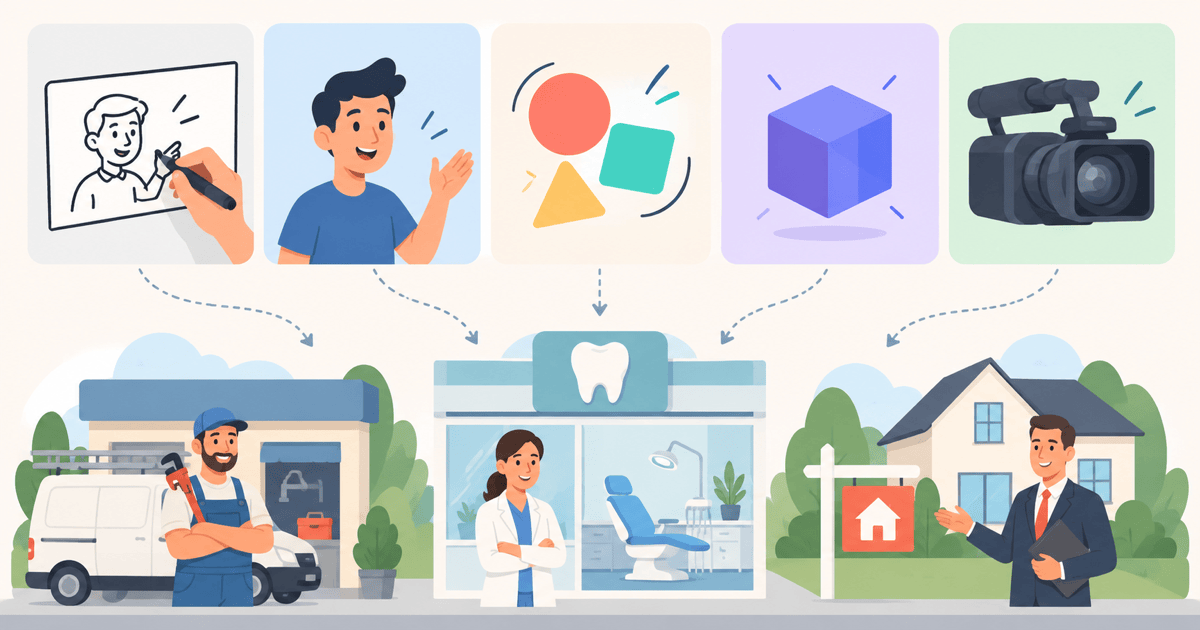
## What are the main types of explainer videos?
There are seven styles you'll hear about most. For each one, here's what you see on screen, who it fits, and the catch.
### Whiteboard animation
A hand draws simple pictures on a white page while a voice talks. Each drawing appears right as the words explain it, so it feels like a good teacher at a whiteboard.
[Pexo's guide to explainer video types](https://pexo.ai/blog/types-of-explainer-videos-0995) calls it the budget-friendly choice for step-by-step teaching. That makes it a strong fit for anyone whose customers need a process explained in order: accountants, lawyers, tax preparers and financial planners.
- **What a 30-second version looks like:** a law firm sketches "what happens after a car accident claim" in four drawings.
- **The catch:** it can feel plain in a fast social ad.
Our [whiteboard animation video guide](/news/explainer-videos/whiteboard-animation-video-guide) goes deeper on this style. If you want one made for you, our [whiteboard videos](/whiteboard-promo?utm_source=blog&utm_medium=inline&utm_campaign=whiteboard-cta-types) start at $197 for 30 seconds, delivered in 7 days.
### 2D animated
Flat, drawn characters and scenes act out a short story. Picture a cartoon homeowner who finds a leak, calls you, and relaxes.
This is the style to start most service businesses with. It's friendly and easy to match to your brand colors. It can also show a problem the viewer can't see, like water behind a wall or a tree root in a sewer line.
- **Good for:** plumbers, roofers, HVAC companies, cleaners and dentists.
- **What a 30-second version looks like:** "Hear water when every tap is off?" A cartoon wall opens up, your van arrives the same day, and the video ends on your phone number.
- **The catch:** stock characters can look like everyone else's.
### Motion graphics
Here, shapes, icons, words and charts move instead of characters. The ideas themselves do the moving.
It suits businesses that sell something you can't picture, like insurance agents, financial advisors, IT support and software companies. An HVAC shop can use it too, to explain a maintenance plan with three icons: price, visits and discount.
The downside is warmth. In a trade where people buy the person, it can feel a little cold.
Not sure where motion graphics ends and animation begins? This guide on [motion graphics vs animation](/news/explainer-videos/motion-graphics-vs-animation) sorts it out.
### 3D animation
Objects get depth, light and shadow, as if you could pick them up. It suits anyone who needs to show how a physical thing works, like a dentist showing how an implant sits in the jaw, or a company that makes a product or a machine.
It isn't cheap, though. [Vidico puts 60-second 3D animation at $5,000 to $25,000 or more](https://vidico.com/explainer-video-production/explainer-video-cost/), and premium 3D work easily runs above $10,000.
Most service businesses don't need 3D. Our [2D vs 3D explainer video comparison](/news/explainer-videos/2d-vs-3d-explainer-video-difference) shows where the extra money goes.
### Live action
Real people, real places, and a camera. Pexo points it at service businesses, testimonials and founder-led brands, and nothing beats a real face when trust is the whole point.
It suits a surgeon, a high-end contractor, a family restaurant or a gym owner. Real food and real haircuts also look better on camera than in a cartoon.
The catch is cost, and you'll see the real numbers below.
### Screencast
A recording of a computer or phone screen, with a voice walking through the clicks. It suits any business with an online booking system, customer portal or app.
Picture a gym showing members how to book a class in 20 seconds. The catch is that it shows a screen, not a problem, so it rarely works as an ad.
### Kinetic typography
The words themselves move on screen, in time with the voice. It suits a short, punchy message, like a restaurant's new catering menu or a cleaner's spring offer on social media.
There are no pictures of your work, so the script has to carry everything.
### Other styles you may hear about
Big style lists run to 12 or 20 types. Most of the extras are variations on the seven above:
- **Isometric:** a 2D look drawn at an angle so it feels a bit 3D, often used for buildings and tech.
- **2.5D:** flat art with some depth and camera movement added.
- **Cutout and collage:** paper-like shapes and photos moved around the screen.
- **Stop motion:** real objects moved frame by frame. Charming, but slow and costly.
- **Mixed media:** animation and real footage in one video. More on that below.
Want finished ads without learning an AI tool? **[Make your free image ad with Ad Club](/ad-factory?utm_source=blog&utm_medium=inline&utm_campaign=older-post-explainer-videos)**, plus a free video script and storyboard. Plans from $97 a month, cancel any time.
## The 7 styles side by side
| Style | What you see | Good fit for | Where it works best | Watch out for |
|---|---|---|---|---|
| Whiteboard animation | A hand drawing simple pictures as the voice talks | Accountants, lawyers, tax preparers, anyone explaining steps | Service pages, email follow-ups | Can feel plain in a fast ad |
| 2D animated | Flat cartoon characters acting out a story | Plumbers, roofers, HVAC, cleaners, dentists | Homepage and paid ads | Stock characters look generic |
| Motion graphics | Moving shapes, icons, words and charts | Insurance, financial advice, IT, software | Pricing and plan pages | Can feel cold for people-first trades |
| 3D animation | Objects with depth you can turn and look inside | Dental procedures, products, machines | Product and procedure pages | 3D runs $5,000 to $25,000+ for 60 seconds |
| Live action | Real people and places on camera | Surgeons, high-end contractors, restaurants, gyms | About page, social media | Full shoots get expensive fast |
| Screencast | A recorded screen with a voice guiding you | Online booking, customer portals, apps | Help pages, welcome emails | Shows a screen, not a problem |
| Kinetic typography | Words moving in time with the voice | Short offers and social clips | Social posts and Reels | No pictures, so the script must be sharp |
Can you mix them? Yes, and plenty of good videos do. A 2D story with a short real clip of the owner at the end is a strong pair. The animation explains, and the real clip proves you exist.
*Pro tip: if you film the real clip yourself, keep it to 3 to 5 seconds. A phone held sideways in good daylight is plenty for "Hi, I'm Dana, and we'll be there today."*
**[Need an explainer video? Get a 30-second explainer for $297 →](/explainer-promo?utm_source=blog&utm_medium=inline&utm_campaign=explainer-cta-promo)** We write the script, record the voiceover and animate it, delivered in 7 days.
## What does each type of explainer video cost?
Here's the surprise: the style is only part of the price. The bigger part is who makes it.
You can see that in how far apart the price guides sit. Two studios looked at the same styles for a 60-second video and came up with very different ranges:
| Style (60 seconds) | [Vidico's range](https://vidico.com/explainer-video-production/explainer-video-cost/) | [Yum Yum Videos' range](https://www.yumyumvideos.com/blog/how-much-does-an-explainer-video-cost/) |
|---|---|---|
| Whiteboard animation | $1,500 to $5,000 | $3,000 to $15,000 |
| Motion graphics | $1,500 to $6,000 | $5,000 to $20,000 |
| 2D animation | $2,500 to $10,000 | $8,000 to $25,000 |
| 3D animation | $5,000 to $25,000+ | $10,000 to $100,000+ |
| Live action | $5,000 to $20,000+ | $10,000 to $100,000+ |
Same styles, prices that differ by thousands. That gap comes from the maker: their location, their team size and how much custom art they draw.
So think in routes, not styles. There are five: DIY software, an AI-assisted studio, a fixed-price package, a custom studio, and a live-action shoot.
### DIY software
**DIY software** is a tool where you pick a template and type in your own words. It's the cheapest route, and some tools start around $99. [Yum Yum Videos puts AI tools and DIY templates at $0 to $500](https://www.yumyumvideos.com/blog/how-much-does-an-explainer-video-cost/).
But you do all the work. You write the script, record the voice (or use a robot one), and drag stock pieces into a timeline. It often uses the same characters thousands of other companies use.
Time has a cost too. Say your time is worth $50 an hour and the video takes you 10 hours. That "free" or $99 video has already cost you $500 or more.
### AI-assisted studio
**AI-assisted studio services** use artificial intelligence, software that can write, speak or edit a bit like a person, to speed things up. A person still checks the final cut.
[Creamy Animation says AI-assisted studio videos typically start around $1,500 to $4,000](https://creamyanimation.com/explainer-video-cost/). That's a real jump from DIY.
### Fixed-price done-for-you package
**Fixed-price packages** are a set price for a set product. You get a script, a real human voiceover and animation, delivered in a set number of days.
You know the cost before you start, and a person does the work for you. This sits right in the gap between "cheap but it's all on you" and $1,500-plus.
### Custom studio animation
**Custom studio animation** is built from scratch for your brand, with an original art style, your own characters and a longer runtime if you need it. It costs more and takes longer.
In a July 2026 study, [Yum Yum Videos got 61 usable quotes for a 60-second custom video](https://www.yumyumvideos.com/blog/how-much-does-an-explainer-video-cost/). They ranged from $2,800 to $27,000, with a median of $9,680 and a median timeline of 7 weeks.
### Live-action shoot
**Live action** means a camera crew filming real people, products or your real shop. A big shoot with actors, locations and crew is the most expensive route by far.
Here's how the five routes compare.
| Type | Typical Price | What's Included | Best For |
|---|---|---|---|
| DIY software | $0 to $500, many tools from $99, plus your hours | Template visuals, your own script and edits, often no human voiceover | Businesses with time to spare and no budget |
| AI-assisted studio | $1,500 - $4,000 | Script help, AI or hybrid voice, faster turnaround | Businesses that want speed over a fully custom look |
| Fixed-price done-for-you package | One flat, all-inclusive price (ours: $297 for 30 seconds) | Written script, human voiceover, animation, set delivery day, revision rounds | Most small businesses that want a real video without agency pricing |
| Custom studio animation | $5,000 - $15,000 for 60 seconds | Original art style, brand-specific characters, longer runtime | Businesses that need a video that looks nothing like anyone else's |
| Full live-action production | $50,000 - $250,000 for an average 30-second video, once a shoot goes past a basic home-studio setup to actors, locations and crew | Camera crew, real people, real locations | Big brand campaigns. For a small business, a short real clip inside an animated video is the usual fit |
Where do those big numbers come from? [Yans Media says an average 30-second live-action video can cost anywhere from $50,000 to $250,000](https://www.yansmedia.com/blog/types-of-explainer-videos). That's for a shoot with actors, locations and a crew, not the price of filming yourself in your own shop.
For animation, [Vidico says a 60-second custom explainer from a studio typically costs $5,000 to $15,000](https://vidico.com/explainer-video-production/explainer-video-cost/), depending on complexity and style. And one industry survey [of 45 agencies found the average 30-second explainer costs £2,960 in 2026](https://www.squideo.com/how-much-does-an-explainer-video-cost-in-2026).
That's a wide, hard-to-predict range. So here's what we charge, plainly:
- **2D explainer:** $297 for 30 seconds (normally $497), or $497 for 60 seconds.
- **Whiteboard:** $197 for 30 seconds, or $397 for 60 seconds.
- **Both include:** a script, a human voice, animation, delivery in 7 days, 3 revision rounds and a money-back guarantee.
- **Custom and premium projects:** from $1,299, planned with you on a free call so you know the full price first.
## What do you get from our fixed-price package compared to a $5,000 studio video?
A fixed-price 30-second video gets you a full script, a real human voice, full animation, delivery in 7 days, 3 rounds of revisions and a money-back guarantee. A $5,000-plus custom studio video adds an original art style built just for your brand, your own characters and more room for a longer runtime.
Think of it like buying a suit. A fixed-price video is a well-made suit off the rack: it fits, it looks sharp, and it does the job. A $5,000 custom video is cut to your exact measurements, in fabric nobody else has.
Both keep you covered. One costs a lot more, for a difference most of your customers will never notice.
What if 30 seconds isn't enough? The 60-second package gives you about double the runtime. That's room to walk through a process, or answer a worry, before your call to action.
## Which type of explainer video fits your business?
It depends on what you sell, and on how much a customer needs to trust you before they buy. Here's a simple map for 10 kinds of business, with the style to start with.
| Business Type | Recommended Type | Style to start with | What the 30-second video shows | Why |
|---|---|---|---|---|
| Plumber, roofer | 30-second animated | 2D animated | A slow leak behind a wall, or water getting in under the shingles | Direct problem-and-solution message for a homepage or paid ad |
| HVAC | 30-second animated | 2D animated or motion graphics | A cartoon family sweating in July, then a tune-up plan in 3 icons | Shows a problem, then sells a maintenance plan |
| House or office cleaner | 30-second animated | 2D animated or kinetic typography | A "what's in a deep clean" checklist ticking off on screen | Makes an invisible service easy to picture |
| Dentist, chiropractor | 30 to 60-second animated | 2D animated, or 3D for a procedure | "What happens at your first visit," step by step | Calms nerves before a first visit |
| Salon, med spa | Custom studio (fixed-price works fine to start) | Live clips of real results, or a screencast of online booking | Real hair or skin results, then "book in 3 taps" | People buy the result they can see |
| Gym, coach | 60-second animated (custom if brand-heavy) | 2D animated with a short real clip | How the intro offer works, then the owner saying hello | Needs a bit more story to explain a service or a lifestyle |
| Restaurant | 30-second social clip | Kinetic typography or motion graphics | A new catering menu or how online ordering works | Real food footage beats cartoon food |
| Realtor | 60-second animated | 2D animated or whiteboard, with a short real intro | "How selling your home with me works: 5 steps" | Builds trust before a big decision |
| Law firm | 60-second animated | Whiteboard | "What happens after a car accident claim" | Explains a process with no actors and no client privacy issues |
| Retail shop, small SaaS founder | 60-second animated, upgrade to custom later | Screencast, motion graphics or 3D for a product | How to order and pick up in store, or one key feature | Needs to explain a feature clearly first, polish the brand later |
A dentist sells calm, so a 30 to 60-second video that walks through a visit removes fear. A plumber or roofer is usually solving an urgent problem, so a direct 30-second video that names the problem and the fix works best.
A realtor, coach or gym owner sells more of an experience. A 60-second video gives enough room to build interest before asking for the click.
### Two 30-second scripts you can borrow
At about [2.5 spoken words per second](https://breadnbeyond.com/articles/how-many-words-does-a-60-seconds-explainer-video-needs/), a 30-second script tops out near 75 words, and 50 to 60 leaves room for pictures. Here's what that looks like for two trades.
> **Plumber (2D animated):** "Hear water running when every tap is off? That could be a leak behind your wall, and it gets worse every day. We find it without tearing up your house, and we fix it the same day. Flat price, no surprises. Call [Business] now at [phone number]."
> **Law firm (whiteboard):** "Hurt in a car accident? Here's what happens next. First, we look at your case for free. Then we deal with the insurance company, so you don't have to. You focus on getting better. Call [Firm] today at [phone number]."
*Pro tip: read your script out loud with a timer. If you can't finish it calmly in 30 seconds, cut a sentence rather than talking faster.*
## How do you pick the right type without wasting money?
You can choose in about 10 minutes. Work through these five short questions, in order.
### Step 1: Write down where the video will run
Decide if the video's main home is your homepage, a paid ad, or your sales calls. Where it lives changes how long it should be.
### Step 2: Pick a length that matches that use
[Yum Yum Videos says 30 to 60 seconds suits ads and awareness, and 60 to 90 seconds suits homepage explainers and service introductions](https://www.yumyumvideos.com/blog/short-vs-long-videos-explainer-video-length-wp/). Most marketers agree: [71% say 30 to 60 seconds is the most effective length](https://vidico.com/news/video-marketing-statistics/).
Need to stop someone scrolling? Go short. Already on your homepage? You have more room.
### Step 3: Decide on a style and a look
Pick the style from the tables above that fits your trade. Then ask whether a proven template look would hurt your brand, or look normal for your industry.
Most service businesses (plumbers, dentists, gyms) do fine with a template style. Brands built on a distinct look often need custom work.
### Step 4: Match your answer to one of the 5 budget tiers above
Once you know your length and your look, the price table points you to a route: DIY, AI-assisted, fixed-price package, custom studio or live action.
### Step 5: Get a fixed price before you commit anything
Never start a video on a vague quote or an hourly rate. Ask for one number, in writing, before any work begins.
**[Want something bigger? Book a free 30-minute video call →](/video-call?utm_source=blog&utm_medium=inline&utm_campaign=explainer-cta-call)** We plan your custom video with you and send a fixed quote within 24 hours.
## Where should your explainer video run?
The style you pick should suit the spot where people will watch it. [Shopify's roundup of video stats](https://www.shopify.com/blog/video-marketing-statistics) notes that homepages, video galleries and product pages get the highest play rates on company websites. So for most local businesses, the homepage is the first place to put it.
Short also wins with viewers. The same Shopify page reports that 63% of consumers would most like a short video to learn about a product or service.
Here's how one video can work in three places:
- **Homepage:** the full 60-second version, near the top of the page.
- **Facebook or Instagram ad:** a 30-second cut that opens on the problem.
- **Google Business Profile:** the 30-second cut, so people who find you on the map see it too.
*Pro tip: add captions. Many people scroll with the sound off, and a video without captions loses them in the first few seconds.*
## When does live action beat animation for a small business?
Live action wins when customers need to see your real face, shop or product to trust you. For most small businesses, though, animation is the better default on price and clarity.
It also helps you stand out. [Vidico reports that only 23% of marketers make animated videos, compared with 51% making live action](https://vidico.com/news/video-marketing-statistics/). If every competitor posts shaky phone clips, a clean animated video looks different.
At those shoot prices, here's how to use live action instead: for one moment, not the whole video. A short real intro from the owner, or a quick clip of the crew at work. The explaining part, especially anything with steps, is usually clearer in animation anyway.
[Pexo calls 2D motion graphics the all-round style](https://pexo.ai/blog/types-of-explainer-videos-0995), with whiteboard the budget pick. Between them, they cover most of what a plumber, dentist, gym or realtor needs to say.
Save full live action for the rare case where customers buy trust in one person, like a surgeon or a high-end contractor. Even then, a short clip mixed into an animated video often does the job. Our guide on [when to film live action](/news/explainer-videos/live-action-video-when-to-film) covers that call in more detail.
## What a style is, and what it is not
No style fixes a muddled message. A beautiful 3D video with a vague script still loses the viewer, while a plain whiteboard video with a clear script can win.
So the script matters more than the look. Quality still counts, since [87% of consumers say video quality affects their trust in a brand](https://vidico.com/news/video-marketing-statistics/). But "quality" means clear sound, a clean look and a message that makes sense, not the most expensive style.
And a DIY tool is the right call sometimes. If you have more time than money, and you're happy with a template look, start there. Just count your hours honestly.
## Example: a roofing company picks a type and length
Say you run a roofing company and want more calls from your homepage. Here's how the five steps play out.
1. **Where it runs:** the homepage, plus Facebook ads during storm season.
2. **Length:** storm ads must grab attention fast, so you pick 30 seconds over 60.
3. **Style:** roofing customers want a fast fix and a fair price, not a custom art style. A 2D animated template look is fine, and it can show water getting in under the shingles, which a camera can't.
4. **Budget tier:** that lands you on the fixed-price package.
5. **Price:** a written quote confirms the fixed price, with no surprises.
The script follows the same four parts most good explainers use: [hook, problem, solution, call to action](https://biteable.com/blog/explainer-video-script-template/).
- **Hook:** it opens on a leaking ceiling.
- **Problem:** it names what a delayed repair costs the homeowner.
- **Solution:** it shows your same-day inspection.
- **Call to action:** call now for a free quote.
At 30 seconds, the script runs short and tight. A full 60-second script needs roughly 140 to 150 words, because [finished video runs about 150 spoken words per minute](https://breadnbeyond.com/articles/how-many-words-does-a-60-seconds-explainer-video-needs/).
## Frequently asked questions
### Do I need a different video type for Instagram ads versus my homepage?
Not a different type, but often a different length. A 30-second animated video works well for both, since [30 to 60 seconds suits awareness campaigns and ads, while 60 to 90 seconds suits homepage explainers](https://www.yumyumvideos.com/blog/short-vs-long-videos-explainer-video-length-wp/). Many small businesses trim a 60-second video for ads, or start with the 30-second package for both.
### Can I upgrade from a fixed-price video to a custom one later?
Yes. Plenty of businesses start with a fixed-price 30 or 60-second video to test their message, then move to a custom studio project once they know what works. There's no penalty for starting small.
### Is a whiteboard-style video cheaper than a 2D animated one at the same studio?
Usually, but not by as much as you'd think. [Whiteboard animation and 2D motion graphics are both common explainer styles](https://pexo.ai/blog/types-of-explainer-videos-0995), and Vidico prices 60-second whiteboard at $1,500 to $5,000 against $2,500 to $10,000 for 2D. Ours are $197 for 30 seconds of whiteboard and $297 for 2D.
### What's the difference between motion graphics and 2D animation?
Motion graphics move shapes, icons, words and charts. 2D animation tells a story with drawn characters and scenes. Motion graphics suit ideas and numbers, like a pricing plan, while 2D animation suits people and problems, like a homeowner with a leak.
### What happens if I pick the wrong type for my business?
Usually you end up with a video that doesn't match where you use it, like a slow, story-heavy video in a fast-scrolling ad slot. That's fixable, not fatal. Re-cut it shorter, change the script, or move it to a different spot on your site.
### Do I need to write the script myself, or is that included?
With a fixed-price done-for-you package, the script is written for you as part of the price. You don't need marketing or writing skills. You review a draft and ask for changes, instead of starting from a blank page.
## Ready to pick your style?
Here's one question to ask yourself tonight. If a customer watched 30 seconds about your business, what would they need to see to call you?
Your answer tells you which style to pick. A hidden problem points to 2D animation, a process points to whiteboard, and a face people must trust points to a short real clip. We've made over 16,000 videos for more than 13,500 businesses since 2012, and most of them started with that same question.
Ready to get your own video made? **[Order a 30-second explainer for $297](/explainer-promo?utm_source=blog&utm_medium=inline&utm_campaign=explainer-cta-both)** and have it in 7 days, or **[book a free call](/video-call?utm_source=blog&utm_medium=inline&utm_campaign=explainer-cta-both)** if you want a custom video from $1,299.
---
## Related Reading
- [2D vs 3D Explainer Videos: The Real Cost Difference](/news/explainer-videos/2d-vs-3d-explainer-video-difference): Not sure which style fits your budget and timeline? This 2D vs 3D explainer…
- [Explainer Videos from $297 →](/explainer-promo): Professional animated explainer videos delivered in 7 days.
---
## How to Write an Explainer Video Script That Sells
URL: https://www.30secondproductions.com/news/explainer-videos/how-to-write-explainer-video-script
Topic: Explainer Videos
Updated: 2026-09-25
You know your business well.
But sit down to write an explainer video script, and your mind goes blank.
What do you say first?
How long should it be?
Do you sound like a salesperson, or a robot?
Here is the good news.
A great explainer video script follows a simple shape.
Once you see it, you can write your own in an afternoon.
An **explainer video** is a short video that explains what you do and why someone should care.
This guide gives you the exact structure, real word counts, and a fill-in-the-blank script you can use today.
A good explainer video script has four parts: a hook, the problem, your solution, and a call to action. Aim for about 75 words for a 30-second video or 150 words for a 60-second video. Write it the way you would talk to a neighbor, then read it out loud to check the timing.

## How long should an explainer video script be?
A 30-second explainer video script should run about 75 words.
A 60-second explainer video script should run about 140 to 160 words.
Here is why.
Read a script out loud at a normal pace, and you say about 150 words per minute, according to [Breadnbeyond](https://breadnbeyond.com/articles/how-many-words-does-a-60-seconds-explainer-video-needs/).
Want a 60-second video? Write about 150 words.
Want a 30-second video? Cut that in half.
Most explainer videos you see online run 60 to 90 seconds.
That comes out to roughly 150 to 225 words of voiceover, according to [Knowlify](https://knowlify.com/articles/how-to-make-an-explainer-video).
Shorter is not worse, though.
Shorter explainers of 30 to 45 seconds work great for ads and awareness.
That is the kind of video someone sees while scrolling.
Longer explainers of 60 to 90 seconds work better on your website, where someone already wants to learn more, according to [Yum Yum Videos](https://www.yumyumvideos.com/blog/short-vs-long-videos-explainer-video-length-wp/).
| Length | Word Count | Best For |
|---|---|---|
| 30 seconds | ~75 words | Ads, social media, quick pitches |
| 45 seconds | ~110 words | Landing pages, email links |
| 60 seconds | ~150 words | Website homepage, sales calls |
| 90 seconds | ~225 words | Detailed products, onboarding |
Run a 30-second ad for a plumbing business? Aim for 75 words.
Explain a new procedure on a dentist's website? 150 words gives you room to breathe.
Once you know your target length, the next question is what goes into those words.
**[Get your 30-second explainer video →](/explainer-promo?utm_source=blog&utm_medium=inline&utm_campaign=explainer-cta-promo)** We write the script, record the voiceover, and animate it, delivered in 7 days.
**[Need an explainer video? Get a 30-second explainer for $297 →](/explainer-promo?utm_source=blog&utm_medium=inline&utm_campaign=explainer-cta-promo)** We write the script, record the voiceover and animate it, delivered in 7 days.
Want finished ads without learning an AI tool? **[Make your free image ad with Ad Club](/ad-factory?utm_source=blog&utm_medium=inline&utm_campaign=older-post-explainer-videos)**, plus a free video script and storyboard. Plans from $97 a month, cancel any time.
## What is the best structure for a video script that sells?
The best structure has four parts: a hook, the problem, your solution, and a call to action, according to [Biteable](https://biteable.com/blog/explainer-video-script-template/).
You do not need anything fancier than that.
Think of it like a short conversation with a worried neighbor.
First, you say something that grabs their attention.
Then you name the problem they are dealing with.
Then you show them your fix.
Then you tell them what to do next.
A common split is Problem 30%, Solution 40%, Proof 20%, Action 10%, according to [Content Beta](https://www.contentbeta.com/blog/60-second-video-script/).
So in a 60-second script, spend about 18 seconds on the problem.
24 seconds on your solution.
12 seconds proving it works.
6 seconds telling people what to do.
You do not have to hit these numbers exactly.
But a problem section that runs 40 seconds, with one rushed sentence for the call to action?
That is a sign your script needs a rewrite.
With the four parts in mind, here is how to build your script line by line.
## Step-by-step: how to write your script
### Step 1: Write your hook (one sentence that names the problem)
Your hook is the first line of your script.
Its only job is to make someone want to keep watching.
Say the problem out loud, in plain words.
"Tired of waiting three weeks for a plumber?" works better than "We provide reliable residential plumbing solutions."
### Step 2: Describe the problem in the viewer's words
Spend one or two sentences on the pain your customer feels.
Use words they would actually use.
A roofer might say, "A leaky roof doesn't wait for a good time to show up."
One clear sentence beats three vague ones.
### Step 3: Introduce your solution simply
Say what you do in plain terms, without buzzwords.
"We fix your roof in one day, guaranteed" tells someone exactly what to expect.
Avoid words like "innovative" or "comprehensive."
They mean nothing to a homeowner staring at a leak.
### Step 4: Add one proof point (what you do, not made-up stats)
Give one real, honest detail that builds trust.
This could be how many years you have been in business, what your process looks like, or what is included.
Never invent a stat or a client story just to sound impressive.
One true detail beats ten made-up ones.
### Step 5: End with one clear call to action
Tell the viewer exactly what to do next, in one short sentence.
"Call now for a free quote" or "Book your visit today" both work.
They are direct.
A vague line like "learn more about our services" tells nobody what to actually do.
### Step 6: Read it out loud and time it
Read your script out loud at a normal talking pace.
Time yourself with your phone.
A 30-second script that takes 45 seconds to say is too long, so cut it down.
This step takes two minutes.
It catches almost every pacing problem before you record anything.
Now let's put all six steps together in one finished script.
## Real example: a script for a small business
Here is a fill-in-the-blank 30-second explainer video script you can copy and adjust for your own business.
It runs right around 75 words, matching the 30-second target.
> "Is [problem, like 'a clogged drain'] ruining your day? You've tried everything, and it just keeps coming back. At [your business name], we [what you do, like 'clear any drain in under an hour']. We've been doing this for [number] years, right here in [your town]. No mess, no guesswork, just a fixed problem. Call [phone number] today, or visit [website] to book your appointment."
Swap in your own details and you have a working script.
Here is the same template filled out for a chiropractor:
> "Is back pain keeping you from your morning run? You've tried stretching, painkillers, even a new mattress, and nothing sticks. At Riverside Chiropractic, we find the real cause of your pain, not just the symptom. We've helped patients across town get back to normal life for over 12 years. No long waits, no guesswork. Call 555-0142 today, or visit our website to book your first visit."
Count the words. It lands right around 75.
That is the whole trick.
Write it, say it out loud, and trim until it fits your time.
Words are half the job.
The visuals bring the script to life.
## Do I need to write the visuals too, or just the words?
You need both, but they are two separate jobs.
Your voiceover script is the words someone hears.
Your **visual notes** are short descriptions of what appears on screen at the same time.
The easiest way is to write your script in two columns.
Or with visual notes in brackets right after each line.
For example: "Is a clogged drain ruining your day? [Show frustrated homeowner looking at sink]."
You do not need to describe every camera angle.
Just enough so an animator or filmmaker knows what is happening.
The style you pick also shapes your visuals.
Whiteboard animation, where a hand draws the story on a white background, works well for step-by-step teaching and professional services.
2D motion graphics is a flexible, all-round style that fits most businesses.
Live action, meaning real people and real footage, works when you want to show your face, your shop, or your product in action, according to [Pexo](https://pexo.ai/blog/types-of-explainer-videos-0995).
If picking a style and writing visual notes feels like a lot on top of the script, that is normal.
Most business owners hand this part off rather than learning it from scratch.
Even with a solid structure and clear visuals, a few common mistakes can still sink a script.
## What is the biggest mistake business owners make in a script?
The biggest mistake is writing a script that's too long.
Most people stop watching once a video drags.
Run past 200 words for a 60-second video, and you are asking your customer for more time than they will give.
Fix: cut anything that does not serve the four core parts.
A second common mistake is sounding too salesy too fast.
That means jumping straight into "we're the best" before naming the problem the viewer actually has.
Fix: always open with their problem, not your pitch.
A third mistake is a vague hook.
Something like "Are you looking for quality service?" could apply to any business at all.
Fix: name the specific problem your specific customer feels, right in the first sentence.
The fourth mistake is ending without a clear call to action.
That leaves the viewer unsure what to do next.
Fix: give one instruction, one phone number, one website, one next step.
Once you have spotted these mistakes in your own draft, the next decision is whether to fix them yourself or hand the job to someone else.
**[Want something bigger? Book a free 30-minute video call →](/video-call?utm_source=blog&utm_medium=inline&utm_campaign=explainer-cta-call)** We plan your custom video with you and send a fixed quote within 24 hours.
**[Want something bigger? Book a free 30-minute video call →](/video-call?utm_source=blog&utm_medium=inline&utm_campaign=explainer-cta-call)** We plan your custom video with you and send a fixed quote within 24 hours.
## Can I write my own script, or should I hire someone?
You can write your own script by following the hook-problem-solution-action structure.
Many business owners do exactly that with good results.
The tradeoff is time.
Writing, revising, and timing a script correctly usually takes a few hours the first time.
Hiring it out trades your time for money.
It is often worth it if video matters to your marketing.
In fact, 82% of video marketers report a positive return on video, according to Wyzowl's 2026 State of Video Marketing survey ([Levitate Media](https://levitatemedia.com/learn/video-conversion-statistics)).
That is a strong sign video is worth the investment, whether you write it yourself or get help.
If you would rather skip the writing entirely, our 30-second explainer video package includes a full script, a human voiceover, and complete animation.
Delivered in 7 days with 3 rounds of revisions and a money-back guarantee.
A 60-second explainer video gets you the same full package, just longer.
Either way, the script, voice, and animation come as one job, not three separate headaches.
## How much does it cost to get a script and video made for me?
Getting a full script, voiceover, and animated video made for you starts with our 30-second explainer video package.
Here is how the options break down.
| Option | Price | What's Included |
|---|---|---|
| 30-second explainer | $297 one-time (normally $497) | Script, human voiceover, animation, 7-day delivery, 3 revisions, money-back guarantee |
| 60-second explainer | $497 one-time | Script, human voiceover, animation |
| Custom/premium video | From $1,299 | Free 30-minute planning call, fixed quote within 24 hours |
For comparison, a 60-second custom animated explainer from a North American studio typically costs $5,000 to $10,000, with premium 3D or character work running even higher, according to [Vidico](https://vidico.com/explainer-video-production/explainer-video-cost/).
Our flat, one-time pricing, with the script already handled, is a very different starting point for a small business on a real budget.
## Frequently asked questions
### What should I say first in my script?
Say the problem your customer feels, in plain words, in your very first sentence.
Do not open with your business name or a general statement.
Open with something your customer would nod along to immediately.
### How do I start a script without sounding like a salesperson?
Lead with the problem, not the pitch.
Once you name something your viewer is actually dealing with, they will want to hear your solution instead of feeling sold to.
### How many revisions can I make to my script?
That depends on whether you are writing it yourself or having it done for you.
Our 30-second and 60-second explainer video packages both include 3 rounds of revisions as part of the price.
### Do I need a professional voiceover, or can I record it myself?
You can record your own voiceover if you are comfortable on mic and have decent recording gear.
Want a polished, ready-to-use result without the trial and error?
Both our 30-second and 60-second explainer packages include a human voiceover recorded for you.
### How fast can I get my finished video?
A 30-second explainer video ordered through our promo package is delivered in 7 days.
That includes script, voiceover, and animation.
Custom or premium video projects are quoted within 24 hours of a free 30-minute planning call.
## The short version
Writing an explainer video script does not need to be complicated.
Keep it short: 75 words for 30 seconds, 150 words for 60 seconds.
Follow the four-part structure of hook, problem, solution, and call to action.
Read it out loud to check your timing.
Use the fill-in-the-blank example above as your starting point, then adjust it to sound like your own business.
If writing and producing the video yourself feels like more time than you have this month, that is a completely reasonable thing to hand off.
The goal is the same either way.
A short, clear video that tells your customer what you do and what to do next.
Ready to get your own video made? **[Order your 30-second explainer video](/explainer-promo?utm_source=blog&utm_medium=inline&utm_campaign=explainer-cta-both)** and have it in 7 days, or **[book a free call](/video-call?utm_source=blog&utm_medium=inline&utm_campaign=explainer-cta-both)** if you want a custom video plan.
Ready to get your own video made? **[Order a 30-second explainer for $297](/explainer-promo?utm_source=blog&utm_medium=inline&utm_campaign=explainer-cta-both)** and have it in 7 days, or **[book a free call](/video-call?utm_source=blog&utm_medium=inline&utm_campaign=explainer-cta-both)** if you want a custom video from $1,299.
---
## Related Reading
- [Explainer Video Cost in 2026: What Small Businesses Pay](/news/explainer-videos/how-much-does-explainer-video-cost): Confused by explainer video cost estimates ranging from $99 to $50,000?…
- [Explainer Videos from $297 →](/explainer-promo): Professional animated explainer videos delivered in 7 days.
---
## Whiteboard Animation Video: When It Works and What It Costs
URL: https://www.30secondproductions.com/news/explainer-videos/whiteboard-animation-video-guide
Topic: Explainer Videos
Updated: 2026-09-28
Some of what you sell is hard to explain. How a living trust works, what happens after a car accident claim, why a heat pump still heats your home when it's freezing outside.
You could write a long page about it, but most people won't read it. That's frustrating when the customer who *does* understand usually books.
The good news is that a whiteboard animation video was made for exactly this job. It isn't the right pick for everything, though, and the price guides online make it look far more expensive than it needs to be.
Here is what this guide covers: what the style is, a 3-question test for whether you need it, what a 30- or 60-second video really costs from DIY to studio, a script template, and verdicts for 10 kinds of business.
A whiteboard animation video is a short video where a hand sketches simple pictures on a white background while a voice teaches one idea, step by step. It earns its place when you explain something complex, like a legal claim or a medical procedure, to people who must trust you first. For a simple "call us today" message, a plain animated explainer works just as well.
> **Key takeaways**
> - Use whiteboard to teach a process, not to grab attention in an ad.
> - 60 to 90 seconds is the usual length, which is about 130 to 225 spoken words.
> - Studio guides quote per minute, often $1,000 to $5,000 or more, but a small business rarely needs a full minute.
> - Doing it yourself looks free, but it takes hours of your time per video.
> - Put it where people make a decision: a service page, a quote follow-up or a waiting-room screen.
## What is a whiteboard animation video?
A whiteboard animation video is a hand sketching simple pictures on a plain white background, one at a time, while a voiceover explains the idea as each picture appears. It feels like watching a teacher at a whiteboard, except every line lands exactly on cue with the words.
Most of it is made with software that imitates a drawing hand today. The style goes back to UPS's whiteboard TV ads, and [Wikipedia's history of the style](https://en.wikipedia.org/wiki/Whiteboard_animation) notes that the Royal Society of Arts began turning talks into whiteboard animations in 2010.
It is one of three common styles used in explainer videos. An explainer video is a short video, usually under two minutes, that explains what a business does or how something works. [Pexo's guide to explainer video types](https://pexo.ai/blog/types-of-explainer-videos-0995) sorts them like this:
- **Whiteboard animation** is the budget-friendly workhorse for step-by-step teaching and professional services.
- **2D motion graphics** use full-color scenes, characters and backgrounds, and they're the all-round style.
- **Live action** adds a real face or product on camera.
Most explainer videos, whiteboard or not, run 60 to 90 seconds. That works out to roughly 150 to 225 words of voiceover, according to [Knowlify's guide to making an explainer video](https://knowlify.com/articles/how-to-make-an-explainer-video). It's less than most owners expect, so every sentence has to earn its spot.
**[Need a whiteboard video? Get a 30-second whiteboard video for $197 →](/whiteboard-promo?utm_source=blog&utm_medium=inline&utm_campaign=whiteboard-cta-promo)** We write the script, record the voiceover and draw the hand-drawn animation, delivered in 7 days.
Want finished ads without learning an AI tool? **[Make your free image ad with Ad Club](/ad-factory?utm_source=blog&utm_medium=inline&utm_campaign=older-post-explainer-videos)**, plus a free video script and storyboard. Plans from $97 a month, cancel any time.
## Do people really remember more from whiteboard videos?
Some research suggests people remember a little more, but the evidence is mixed, so don't buy the style for a memory boost alone. Buy it because it slows a hard idea down.
Vyond's how-to guide cites psychologist Richard Wiseman, who found that [people who watched a whiteboard animation recalled 15% more information than people who watched a talking-head video](https://www.vyond.com/blog/how-to-create-whiteboard-animation/). That's a real finding worth knowing.
The other side matters too. Wikipedia summarizes a 2016 study in *Computers & Education* that found little to no compelling evidence that whiteboard videos beat other formats for learning, motivation or persuasion.
So here is the honest version. Whiteboard helps when the drawing does real teaching work, like showing a pipe being relined without digging. It won't rescue a muddled message.
## When should you use whiteboard animation? A 3-question test
Whiteboard animation works best when your job is to teach: a process, a legal or money idea, staff training, or a problem where people need to trust you as the expert. Answer these three questions before you order anything.
1. **Does your idea have three or more steps?** If yes, whiteboard shows each step as it's drawn. If it's one line, like "we fix leaks fast," it doesn't need a drawing hand.
2. **Must people trust you before they act?** Legal claims, medical procedures and big home repairs all fit. Impulse buys don't.
3. **Will people watch it on purpose?** A service page, an email after a quote or a waiting-room screen gives the drawing time to breathe. A social feed doesn't.
Three yeses means whiteboard is a strong fit. One or none means a full-color 2D explainer will do the job better.
Skip whiteboard animation if you need:
- A fast product demo where people want to see the real thing move.
- A quick social media ad meant to grab attention in three seconds.
- A polished, branded look with your logo colors and a consistent character.
*Pro tip: many businesses use both. Whiteboard teaches the process on the service page, and a short 2D video sells the service on the homepage.*
## How much does a whiteboard animation video cost?
A whiteboard animation video costs anywhere from a few dollars in software to several thousand dollars per minute at a studio. What you actually pay depends far more on who makes it than on the style.
The catch with most price guides is that they quote per minute, for corporate videos that run two or three minutes. Here are the 2026 numbers, then what they mean for a 30- or 60-second video.
- [Knowlify's whiteboard cost guide](https://knowlify.com/articles/whiteboard-animation-cost) puts a full production agency at $1,000 to $5,000 or more per minute, with 4 to 8 weeks of turnaround. Freelancers run $200 to $1,500 per minute, and DIY software roughly $0 to $100 per finished minute.
- [B2W's cost guide](https://www.b2w.tv/blog/whiteboard-animation-video-cost) lists real studio projects, such as a 2-minute video for Epicor at $4,000 (200 hours) and a 3-minute video at $4,800. It quotes 3 to 6 weeks from script approval.
- [Flearning Studio's guide](https://flearningstudio.com/whiteboard-animation-cost/) puts the average at around $4,250 per minute.
- [Golpo's guide](https://video.golpoai.com/guide/whiteboard-explainer-video-cost) says DIY software costs $25 to $100 or more a month, plus 3 to 8 hours of focused work per finished video.
For a whole-market view, [Yum Yum Videos' cost guide](https://www.yumyumvideos.com/blog/how-much-does-an-explainer-video-cost/) runs from about $99 for do-it-yourself tools up to $50,000 or more for enterprise brand films.
### The side-by-side for a small business
| Option | What a 30 to 60 second video costs | Turnaround | Your time | Best for |
|---|---|---|---|---|
| DIY software | $25 to $100+ a month, plus your hours | Hours to days | 3 to 8 hours per video | Owners who enjoy editing and have a free weekend |
| Freelancer | $200 to $1,500 per minute | 1 to 3 weeks | Briefing, chasing and approving | Someone with a script already written |
| Studio or agency | $1,000 to $5,000+ per minute | 3 to 8 weeks | Several meetings | Longer training or corporate videos |
| Our done-for-you whiteboard | $197 for 30 seconds, $397 for 60 seconds (normally $597) | 7 days | About 30 minutes to fill in a brief | Local businesses that want one clear video |
| 2D animated explainer (not whiteboard) | $297 for 30 seconds, or $5,000 to $10,000 for a custom 60-second studio build ([Vidico](https://vidico.com/explainer-video-production/explainer-video-cost/)) | 7 days (our package) or weeks (custom) | Varies | Homepages and ads |
Note that Vidico's $5,000 to $10,000 figure is for a custom 60-second animated explainer from a North American studio. It isn't a whiteboard price, so treat it as a 2D benchmark.
Here is the worked math on DIY. Say you run an accounting practice and bill $120 an hour. Five hours in whiteboard software costs you $600 of lost billable time, before you've paid for the tool or a voiceover.
## How long should a whiteboard animation video be?
Most whiteboard videos should run 60 to 90 seconds, because each drawing needs a few seconds to appear before the voice moves on. Shorter works only when you teach one small idea.
[Yum Yum Videos' length guide](https://www.yumyumvideos.com/blog/short-vs-long-videos-explainer-video-length-wp/) says 30 to 45 seconds suits awareness campaigns and ads, while 60 to 90 seconds suits website and sales use. Whiteboard almost always needs the longer end of that range.
For word counts, [WhiteboardAnimation.com's pricing page](https://www.whiteboardanimation.com/cost) says about 130 words can be spoken in a minute. That gives you about 65 words for 30 seconds and 130 for 60. Leave a little slack, since the hand needs time to finish each picture.
Our guide to the [ideal explainer video length](/news/explainer-videos/explainer-video-length-one-script-three-versions) goes deeper on picking 30, 60 or 90 seconds.
## How to script a whiteboard animation video
Every simple explainer script follows four parts: a hook, the problem, the solution and a call to action. [Biteable's explainer video script template](https://biteable.com/blog/explainer-video-script-template/) lays them out, and for whiteboard each part maps to one drawing on the board.
1. **Open with a hook that names the problem.** Give the hand time to draw the scene while you say something like "getting hit with a surprise tax bill is stressful." One clear sentence, one simple image.
2. **Show the problem getting worse.** Draw what happens if nothing changes, like a stack of bills growing taller. Watching the problem build up makes it feel real.
3. **Reveal the solution as the hand draws it.** As your service gets sketched onto the board, the voiceover explains how it fixes the problem from step 2.
4. **End with one clear call to action.** Close with a simple final image, like an arrow pointing to a phone number or website.
Keep the total around 150 to 225 words for 60 to 90 seconds, so the drawing time and the voiceover match up ([Knowlify, How to Make an Explainer Video](https://knowlify.com/articles/how-to-make-an-explainer-video)).
### A 60-second template you can fill in
> **Hook (drawing: a worried face):** "(The problem, in the customer's words.)"
>
> **Problem (drawing: the problem growing):** "(What happens if they do nothing.)"
>
> **Solution (drawing: your process in 3 steps):** "First we... Then we... Finally, you..."
>
> **Proof (drawing: a checklist):** "(Licensed, years in business, guarantee: only what's true.)"
>
> **Call to action (drawing: an arrow to your phone number):** "(One action: call, book online or text a photo.)"
Say you run an HVAC company. Your hook might be "Your heat pump is running, but the house is still cold." The three solution steps become: we check the refrigerant, we clean the outdoor coil, and you get a written report before we leave.
*Pro tip: write the script out loud. If you run out of breath before the end of a sentence, the drawing will run out of time too.*
**[Want something bigger? Book a free 30-minute video call →](/video-call?utm_source=blog&utm_medium=inline&utm_campaign=explainer-cta-call)** We plan your custom video with you and send a fixed quote within 24 hours.
## Whiteboard verdicts for 10 kinds of business
The same 3-question test gives very different answers by trade. Here's how it plays out.
| Business | Verdict | A whiteboard video that would work |
|---|---|---|
| Plumber | Almost never for ads | "What happens when we reline your sewer pipe (no digging)" on the trenchless page |
| HVAC | Sometimes | "How a heat pump heats your home in winter" |
| House cleaner | Rarely | "How our move-out clean works, room by room" |
| Dentist | Sometimes | "What happens during a root canal," shown on a waiting-room screen |
| Salon | Rarely | "How a keratin appointment works, plus aftercare in 3 steps" |
| Gym | Rarely | "How our 12-week program works: assess, plan, train, check in" |
| Restaurant | Rarely | "How catering orders work" |
| Realtor | Often | "How buying your first home works in 6 steps" |
| Law firm | Most often | "What happens after a car accident claim" |
| Retail | Sometimes | "How our repair or trade-in program works" |
A plumber's main message is simple: "we fix leaks fast and we're available today." A punchy 30-second animated explainer says that better than a slow sketching hand.
A dentist sits in the middle. Patients want to feel informed before they sit in the chair for a root canal, but "book your cleaning today" is a different job.
A gym almost never benefits, because the calm, teacherly style fights the energy a gym wants to sell. A lawyer is where whiteboard earns its keep most often, since each stage of a claim gets drawn out one by one and builds trust a rushed video can't match.
## What a whiteboard video won't do
A whiteboard video won't make a muddled offer clear. You have to be clear first.
It also won't bring visitors to a website nobody finds, and it won't stop a scroller in the first three seconds. What it does is slow a hard idea down, one drawing at a time, until it makes sense.
If your idea isn't hard, you don't need that.
## Can you get a whiteboard animation video from us?
Yes. A hand draws your story on a white board, line by line, while a voice explains it.
A 30-second whiteboard video is $197 one-time, and a 60-second version is $397, normally $597. We write the script, record the voiceover and draw the whole thing, and you get it in 7 days with three rounds of changes. If you're not happy, you get your money back.
You can see examples and order on our [whiteboard video page](/whiteboard-promo?utm_source=blog&utm_medium=inline&utm_campaign=whiteboard-cta-section).
Not sure whiteboard is the right style? Our full-color 2D explainer is $297 for 30 seconds, normally $497, and a 60-second 2D version is $497. Custom videos start from $1,299, and we plan them on a free 30-minute call and send a fixed quote within 24 hours.
## Frequently asked questions
### Does whiteboard animation use a real hand drawing, or is it all software?
Most whiteboard animation today is made with software that imitates a hand drawing. Nobody films a real hand over and over. The result still looks like a real hand sketching on a board, because that illusion is what makes the style work.
### Can a whiteboard-style video include color, or is it always black and white?
Whiteboard videos can include color, and many do, with colored markers or shaded drawings instead of plain black lines. The background almost always stays white or very light, since that plain look defines the style.
### Will a whiteboard-style video work well as a social media ad?
Usually not. Each drawing needs time to appear, which fits a 60 to 90 second video better than a fast ad. A shorter 2D animated explainer or a quick live-action clip almost always works better as a social ad.
### Do I need a script ready before I order a video?
No. With our done-for-you whiteboard and explainer packages, we write the script for you, based on what you tell us about your business. If you already have a script or points you want covered, share those too.
### How many revisions do I get if I order an explainer video?
Our whiteboard and explainer packages all include 3 rounds of revisions, so you can adjust the script, voiceover or visuals before final delivery. Both packages also come with a money-back guarantee.
## Ready to explain it once, properly?
Pick the one question customers struggle with most, run it through the 3-question test, and draft the hook with the template above. Is your message hard to explain, or just not explained yet?
If it's the first, our [whiteboard video](/whiteboard-promo?utm_source=blog&utm_medium=inline&utm_campaign=whiteboard-cta-next) is the next step: $197 for 30 seconds, delivered in 7 days, with money back if it isn't right. We've made over 16,000 videos for more than 13,500 businesses since 2012.
Ready to get your own whiteboard video made? **[Order a 30-second whiteboard video for $197](/whiteboard-promo?utm_source=blog&utm_medium=inline&utm_campaign=whiteboard-cta-both)** and have it in 7 days, or **[book a free call](/video-call?utm_source=blog&utm_medium=inline&utm_campaign=explainer-cta-both)** if you want a custom video from $1,299.
---
## Related Reading
- [Video Marketing Templates: Free Script You Can Use Today](/news/explainer-videos/video-marketing-templates): Staring at a blank page for your business video? Learn how video marketing…
- [Ideal Explainer Video Length: 30, 60, or 90 Seconds?](/news/explainer-videos/explainer-video-length-one-script-three-versions): Not sure how long your explainer video should be? Learn the ideal explainer…
- [Motion Graphics Services: A Small Business Buying Guide](/news/explainer-videos/motion-graphics-services-small-business-guide): Confused about pricing and options for motion graphics services? Learn…
- [Whiteboard Videos from $197 →](/whiteboard-promo): Hand-drawn whiteboard videos delivered in 7 days.
---
## Who Makes Explainer Videos? 6 Options and Real Costs
URL: https://www.30secondproductions.com/news/explainer-videos/who-can-make-your-explainer-video
Topic: Explainer Videos
Updated: 2026-09-25
You need an explainer video.
You do not know who makes explainer videos.
Or what one should even cost.
Ask five companies.
You will get five different prices, anywhere from $99 to $50,000.
That gap makes any single quote hard to trust.
Six kinds of providers make explainer videos. DIY software, freelancers, AI-assisted studios, boutique studios, agencies, and fixed-price services. Prices run from about $99 to $50,000 or more, and your best pick depends on budget, timeline, and how much work you want to do yourself.
## Who Makes Explainer Videos?
Six kinds of people and companies do this work.
DIY software.
Freelancers.
AI-assisted studios.
Boutique animation studios.
Full-service agencies.
Fixed-price done-for-you services.
Each one gives you a different mix of price and speed.
And a different amount of work landing on your desk.
- **DIY software** is a tool, like Vyond or Powtoon, that lets you build the video yourself. You write the script, record or generate the voice, and edit the scenes on your own.
- **Freelance animator or scriptwriter** is one person who takes on part or all of the job for a flat fee or hourly rate. You act as the project manager, sending notes and chasing files.
- **AI-assisted studio** is a small team that uses AI tools to speed up the art and voice work, then has a human check and polish the final cut. You still deal with real people, just a smaller team.
- **Boutique animation studio** is a small creative team that hand-builds a fully custom video. You get more say in the art style, but more rounds of back-and-forth too.
- **Full-service agency** is a larger company that handles strategy, script, animation, and sometimes your whole marketing campaign. You get many services in one place, and a bigger invoice to match.
- **Fixed-price done-for-you service** is a package that bundles script, voiceover, and animation into one flat fee set before work starts. You know the total cost the day you sign up.
The sections below break down what each option costs.
Who writes your script.
And which one fits your business.
**[Need an explainer video? Get a 30-second explainer for $297 →](/explainer-promo?utm_source=blog&utm_medium=inline&utm_campaign=explainer-cta-promo)** We write the script, record the voiceover and animate it, delivered in 7 days.
Want finished ads without learning an AI tool? **[Make your free image ad with Ad Club](/ad-factory?utm_source=blog&utm_medium=inline&utm_campaign=older-post-explainer-videos)**, plus a free video script and storyboard. Plans from $97 a month, cancel any time.
## Freelancer, Studio, or AI Tool: What Does Each One Deliver?
A DIY tool leaves the script, voice, and editing to you.
A full-service agency handles all of it.
But takes weeks to deliver.
An AI-assisted studio sits in the middle.
It uses AI to speed up the art and voice work.
Then a person checks the final video before you see it.
According to [Yum Yum Videos](https://www.yumyumvideos.com/blog/how-much-does-an-explainer-video-cost/), explainer video prices span from about $99 for DIY tools to $50,000 or more for enterprise brand films.
[Creamy Animation](https://creamyanimation.com/explainer-video-cost/) puts AI-assisted studio pricing at roughly $1,500 to $4,000 per video.
[Vidico](https://vidico.com/explainer-video-production/explainer-video-cost/) reports a custom 60-second studio explainer usually runs $5,000 to $10,000.
Premium 3D or character work pushes past $10,000.
I could not find one published study pricing freelancers or agencies the same way.
So treat those two rows below as typical rates I see quoted, not verified market data.
| Provider type | Typical price | Delivery time | Who writes the script | Revisions |
|---|---|---|---|---|
| DIY software | $99+ | Hours to days (self-paced) | You | Unlimited, it's your project |
| Freelancer | $300-$2,000 | 1-3 weeks | You and the freelancer | Negotiated, often limited |
| AI-assisted studio | $1,500-$4,000 | 1-2 weeks | Studio drafts, you approve | Usually 1-2 rounds |
| Boutique animation studio | $5,000-$10,000 | 3-6 weeks | Studio | Usually 2-3 rounds |
| Full-service agency | $10,000-$50,000+ | 4-8+ weeks | Agency | Varies by contract |
| Fixed-price done-for-you | Flat fee, set before you start | As fast as 7 days | Included in the price | 3 rounds on our packages |
None of these is automatically right for every business.
The best fit depends on your budget and your deadline.
And whether you would rather spend hours or dollars.
## How Much Does Each Type of Provider Charge?
Prices run from about $99 to $50,000 or more.
It comes down to who makes it, and how custom the animation is.
DIY tools start near $99.
Freelancers usually land between $300 and $2,000.
There is no single published rate for freelancers, so get a written quote before you commit.
AI-assisted studios run $1,500 to $4,000.
Boutique or agency work climbs from $5,000 past $50,000 for enterprise brand films.
Prices climb once you add custom character art or 3D animation.
Or a senior creative team billing by the hour.
A studio charging $10,000 or more usually pays several artists, a director, and a project manager for weeks of work.
Not just one animator.
A fixed-price done-for-you service skips the hourly quote process.
You pick a package.
You know the total upfront.
At 30 Second Productions, a 30-second explainer video costs $297.
That is discounted from our regular $497 price.
It includes a written script, a human voiceover, and full animation.
Delivered in 7 days, with 3 revision rounds and a money-back guarantee.
The 60-second version costs $497.
Custom videos with 3D animation or extra length start at $1,299.
Planned on a free 30-minute call, with a fixed quote within 24 hours.
You can see the full breakdown on our [30-second explainer video page](/explainer-promo).
## Which Provider Fits a Plumber, Dentist, or Law Firm?
I would put most plumbers and HVAC companies in a fast 2D video.
One that walks customers through a service step by step.
Speed beats a fancy style for that kind of job.
A dentist or med spa often needs something warmer.
Trust and comfort matter more to that buyer.
According to [Pexo](https://pexo.ai/blog/types-of-explainer-videos-0995), whiteboard animation looks like someone drawing on a board while a voice explains each step.
It suits budget-friendly, step-by-step teaching.
2D motion graphics is a flatter, illustrated style that fits most businesses.
Live action uses real people and real locations.
It adds a personal touch when you want a real face on screen.
Law firms and accountants tend to need a short, professional-tone video.
Not flashy 3D characters.
A calm 2D style can explain a process, like what happens after a car accident, without looking like a toy.
- Plumbers, HVAC, roofers: 2D animation. Fast turnaround matters more than fancy style.
- Dentists, med spas, gyms: warmer 2D animation, sometimes with a real photo or logo worked in.
- Law firms, accountants, coaches: clean 2D or whiteboard, professional tone, no cartoon characters.
- Realtors, restaurants: 2D with local scenery or product shots, live action if you want a real face on screen.
## What Do You Give Up When You Pick the Cheapest Provider?
The cheapest option almost always costs you time or certainty.
Instead of dollars.
A DIY tool saves money.
But you write the script, record the voice, and edit every scene yourself.
Often over several evenings.
A freelancer can vanish mid-project.
Or miss a deadline, or turn in a rush job if you are their lowest-paying client that month.
Quality also swings a lot from one freelancer to the next.
There is no team checking their work before it reaches you.
Watch for hidden costs too.
Stock music licenses.
Paid stock footage.
Extra fees for a second or third round of changes.
Some contracts do not mention a money-back guarantee at all.
You carry the risk if you do not like the result.
A fixed-price package removes most of that guesswork.
Script, voiceover, and animation come bundled into one fee.
Revision rounds and the timeline get spelled out before you pay anything.
## How Do You Move From Choosing a Provider to a Finished Video?
Once you pick a provider, four steps take you to a finished video.
### Step 1: Get the price and deliverables in writing
Ask for a written quote that lists the exact price, what's included (script, voiceover, animation, music), and what costs extra. A verbal "around $2,000" is not a quote you can hold anyone to.
### Step 2: Approve the script before anyone animates anything
Read the full script out loud before animation starts, since fixing a script after animation is done costs more time and money. A 60-second script runs about 140 to 160 words, based on roughly [150 spoken words per minute](https://breadnbeyond.com/articles/how-many-words-does-a-60-seconds-explainer-video-needs/) of finished video.
### Step 3: Confirm how many revision rounds you get
Ask exactly how many rounds of changes are included and what happens if you need one more. Our 30-second and 60-second packages both include 3 revision rounds at no extra charge.
### Step 4: Lock in the delivery date and file ownership
Get a written delivery date and confirm you'll own the final video files once you pay. Without this in writing, some providers keep the source files or charge extra to hand them over.
**[Want something bigger? Book a free 30-minute video call →](/video-call?utm_source=blog&utm_medium=inline&utm_campaign=explainer-cta-call)** We plan your custom video with you and send a fixed quote within 24 hours.
## Does It Matter Who Makes the Video for Your Sales Results?
The provider matters less than your script.
A cheap video with a sharp, simple message often beats an expensive video with a vague one.
You may have read that video lifts landing page conversions by 80% to 86%.
According to [Foundry CRO](https://foundrycro.com/blog/landing-page-video-benchmarks-2026/), that number comes from data collected before 2020.
Modern results range from a 10% drop to a 100% lift.
It depends on placement, and how relevant the video is.
Even with that wide range, video still tends to pay off.
In Wyzowl's 2026 survey, cited by [Levitate Media](https://levitatemedia.com/learn/video-conversion-statistics), 82% of video marketers report a positive return on their video spend.
Explainer videos were the single most common video type made.
73% of marketers had produced one.
That is a sign explainer videos are a safe bet.
As long as the script does its job.
## Which Option Should You Pick Today?
Pick the option that fits your budget and timeline today.
Not the one with the most impressive name.
Tight on both? A fixed-price done-for-you service is the fastest path to a finished video.
Enjoy tools, with a few evenings free? A DIY tool can work.
Need custom 3D characters, or a full brand film? An agency is worth the higher price and longer wait.
- Tight budget, tight deadline, no time to learn software: pick a fixed-price done-for-you service.
- Comfortable with software and have several hours to spare: try a DIY tool first.
- Need a custom look, 3D animation, or a full campaign: talk to an agency or book a planning call.
At 30 Second Productions, our fastest option is a 30-second explainer video priced at $297.
We also offer a 60-second version at $497, and custom quotes.
Lock in the current rate on our [30-second explainer video page](/explainer-promo).
Or book a free planning call for a custom quote on our [video planning call page](/video-call).
## Frequently asked questions
### Can I make an explainer video myself for free?
Not entirely for free, but close. Free plans on DIY tools like Powtoon or Canva let you build a short video with watermarks and limited scenes, while a paid plan removes the watermark and unlocks more assets. You'll still need to write your own script and record or generate a voiceover.
### Is it safe to hire a freelancer from Fiverr or Upwork for my video?
It can be safe if you check reviews, ask for past explainer video samples rather than any animation clip, and get a written scope before you pay. Freelancer quality varies widely, so a low price with no samples or reviews is a bigger risk than a slightly higher price with a proven track record.
### Do I need a separate voiceover artist and animator, or can one provider do both?
Many providers, including fixed-price services and full studios, handle both the voiceover and the animation under one fee. DIY tools and some freelancers only cover one part of the job, so check exactly what's included before you assume voice work is bundled in.
### How do I know if a video company is legit before I pay?
Ask to see full finished videos, not just short clips, and check that the price, timeline, and revision count are written down before you pay anything. A company that won't put its price or delivery date in writing is a warning sign, no matter how polished its website looks.
### Can I switch providers halfway through if I'm not happy with the script?
Yes, but you may lose any money already paid for work done, so check the refund policy before you start. Some fixed-price services, including ours, include a money-back guarantee, which removes most of that risk if the finished video isn't right.
## The short version
Six kinds of providers can make your video.
DIY software, a freelancer, an AI-assisted studio, a boutique studio, an agency, or a fixed-price service.
Prices run from about $99 to $50,000 or more.
The honest answer is whoever fits your budget and your deadline.
What matters most is not the provider type.
It is a clear script.
And a price you got in writing before work started.
Want the fastest option with a locked-in price? A 30-second explainer video is a solid pick.
Need something bigger? A free 30-minute call gets you a fixed quote within 24 hours.
Ready to get your own video made? **[Order a 30-second explainer for $297](/explainer-promo?utm_source=blog&utm_medium=inline&utm_campaign=explainer-cta-both)** and have it in 7 days, or **[book a free call](/video-call?utm_source=blog&utm_medium=inline&utm_campaign=explainer-cta-both)** if you want a custom video from $1,299.
---
## Related Reading
- [Explainer Video Cost in 2026: What Small Businesses Pay](/news/explainer-videos/how-much-does-explainer-video-cost): Confused by explainer video cost estimates ranging from $99 to $50,000?…
- [How to Create an Explainer Video: 7 Steps That Work](/news/explainer-videos/how-to-create-an-explainer-video): Struggling to explain your business simply? Learn how to create an explainer…
- [Explainer Videos from $297 →](/explainer-promo): Professional animated explainer videos delivered in 7 days.
---
## How to Create an Explainer Video: 7 Steps That Work
URL: https://www.30secondproductions.com/news/explainer-videos/how-to-create-an-explainer-video
Topic: Explainer Videos
Updated: 2026-09-25
You know the feeling.
You have a great business.
But every time you try to explain it, people's eyes glaze over.
A website full of text is not cutting it.
You need something people will actually watch.
And you need it before your next big push, not next quarter.
This guide shows you how to create an explainer video, from the first idea to a finished file you can post today.
An **explainer video** is a short video, usually under 90 seconds, that shows what your business does and why someone should care. You will get a step-by-step plan, a copy-ready script, a cost table, and an honest answer on whether to do it yourself or hire it out.
Here's the quick version.
Pick one goal and one viewer.
Choose a length between 30 and 90 seconds.
Write a script with a hook, problem, solution, and call to action.
Record a real voiceover.
Choose an animation style.
Animate it.
Then review and publish.
Most small businesses finish this process in about a week.

## How Do I Create an Explainer Video Step by Step?
You create an explainer video by moving through seven steps in order.
Define your goal.
Pick a length.
Write the script.
Record the voiceover.
Choose a style.
Animate it.
Then review and publish.
Most people get stuck between the script and the animation.
That is where a clear idea has to turn into matching words and pictures.
### Step 1: Nail Down Your One Goal and Your One Viewer
Before you write a word, decide two things.
What does this video need to do?
Who is it for?
A video trying to explain everything to everyone usually explains nothing to anyone.
Pick one job: get a call, book a demo, or explain a service.
Pick one viewer: a homeowner with a leaky pipe, or a nervous new patient.
### Step 2: Pick Your Length (30, 60, or 90 Seconds)
Most explainer videos run 60 to 90 seconds.
That is roughly 150 to 225 words of spoken script ([Knowlify](https://knowlify.com/articles/how-to-make-an-explainer-video)).
Shorter videos of 30-45 seconds work well for ads and awareness.
60-90 second videos work better on a website or in a sales call.
People there are already paying closer attention ([Yum Yum Videos](https://www.yumyumvideos.com/blog/short-vs-long-videos-explainer-video-length-wp/)).
### Step 3: Write Your Script Using the Hook-Problem-Solution-Action Formula
A simple explainer script has four parts.
A hook, a problem, a solution, and a call to action ([Biteable](https://biteable.com/blog/explainer-video-script-template/)).
I will break this down fully in the next section.
It is the part most people rewrite a few times before it feels right.
### Step 4: Get a Real, Human Voiceover Recorded
Your script needs a real person reading it.
Not a robotic text-to-speech voice.
That is, if you want people to trust what they are hearing.
A **voiceover** is the narration track that plays under your video.
This step is easy to underestimate.
A flat or rushed reading can undo a great script.
### Step 5: Choose Your Animation Style
Your animation style should match how you explain things in real life.
Not just what looks trendy.
The three main styles are whiteboard, 2D motion graphics, and live action.
We cover who each one fits in the section below.
### Step 6: Animate the Video and Sync It to the Voiceover
Animating means turning your script and voiceover into moving visuals.
The visuals need to land on the right words at the right time.
This step takes the most technical skill of the seven.
Timing, pacing, and visual clarity all have to work together.
### Step 7: Review, Revise, and Publish Where Your Customers Will See It
Watch the finished video with fresh eyes.
Or better, someone else's eyes.
Do this before you publish it anywhere.
Check that the phone number is right.
Check that the offer is current.
Check that the video plays well on a phone screen.
That is where most people will see it first.
**[Need an explainer video? Get a 30-second explainer for $297 →](/explainer-promo?utm_source=blog&utm_medium=inline&utm_campaign=explainer-cta-promo)** We write the script, record the voiceover and animate it, delivered in 7 days.
Want finished ads without learning an AI tool? **[Make your free image ad with Ad Club](/ad-factory?utm_source=blog&utm_medium=inline&utm_campaign=older-post-explainer-videos)**, plus a free video script and storyboard. Plans from $97 a month, cancel any time.
## Copy This 4-Part Script Formula (Hook, Problem, Solution, Action)
A strong script has four parts.
A hook that grabs attention.
A problem your viewer feels.
A solution, which is your business.
And a clear call to action.
Skip the problem, and your script falls flat.
Your solution has nothing to solve.
One common breakdown splits a script four ways.
Problem 30%, solution 40%, proof 20%, action 10% ([Content Beta](https://www.contentbeta.com/blog/60-second-video-script/)).
Plan on about 150 spoken words per minute of finished video.
So a 60-second script should land around 140-160 words ([Breadnbeyond](https://breadnbeyond.com/articles/how-many-words-does-a-60-seconds-explainer-video-needs/)).
Here is what each part does.
- **Hook**: one line that makes the viewer think "that's me." Example: "Tired of chasing your landscaper for a call back?"
- **Problem**: name the pain so the viewer feels understood, not lectured. Example: "Missed appointments and no-shows cost you real money every week."
- **Solution**: introduce your business as the fix, in plain words, not features and buzzwords. Example: "GreenPath Lawn Care shows up on time, every time, and texts you before we arrive."
- **Action**: tell the viewer exactly what to do next, with no ambiguity. Example: "Call 555-0134 today for your free quote."
## A Ready-to-Use Script Example for a Local Service Business
Here's a full 30-second script.
Copy it, paste it, and adjust it for your own landscaping or lawn care business.
Swap in your business name, your service, and your phone number.
Then hand it to a voiceover artist.
At 150 spoken words per minute, this script runs close to 75 words.
That fits a 30-second video comfortably ([Breadnbeyond](https://breadnbeyond.com/articles/how-many-words-does-a-60-seconds-explainer-video-needs/)).
> **[HOOK]** Tired of chasing your lawn guy for a call back?
>
> **[PROBLEM]** Work and kids keep pushing mowing down your list. Half the time, hired help does not show up when they say they will.
>
> **[SOLUTION]** GreenPath Lawn Care mows, edges, and cleans up on a schedule you can count on. We text you the morning we arrive.
>
> **[ACTION]** Ready for a lawn you don't have to think about? Call 555-0134 or visit GreenPathLawn.com for a free quote today.
That's the whole formula in action.
A relatable hook, a felt problem, a plain-language fix, and a specific next step.
## Which Video Style Fits the Way You Explain Things?
The right animation style depends on how you naturally explain things.
Think about how you'd explain your business to a customer standing in front of you.
Not on what looks impressive.
There are three main styles worth knowing.
Each one fits a different kind of explaining ([Pexo](https://pexo.ai/blog/types-of-explainer-videos-0995)).
**Whiteboard animation** is a style where a hand appears to draw simple black-and-white sketches as the voiceover talks.
It's the budget-friendly workhorse for step-by-step teaching and professional services.
It fits a dentist walking through a procedure, or an accountant explaining a tax process.
**2D motion graphics** uses flat, colorful illustrated characters and objects that move around the screen.
It's the all-round style.
That makes it a solid default for most small businesses, from a gym explaining membership tiers to a roofer showing how a repair works.
**Live action** uses real video of real people, either your team or actors, instead of drawings.
It adds a real face or product to the message.
That works well when trust in a person matters, like a chiropractor introducing themselves or a med spa showing an actual treatment room.
| Style | Best For |
|---|---|
| Whiteboard | Step-by-step teaching, professional services |
| 2D motion graphics | General use, most small businesses |
| Live action | Personal trust, showing a real product or space |
## What Should You Budget for an Explainer Video?
Explainer video costs range from about $99 for DIY software.
Up to $50,000 or more for enterprise brand films ([Yum Yum Videos](https://www.yumyumvideos.com/blog/how-much-does-an-explainer-video-cost/)).
Most small-business options fall well below that top end.
Here's how the main options stack up on price, turnaround, and who they fit.
| Option | Typical Price | Turnaround | Best For |
|---|---|---|---|
| DIY software | From about $99 | Days to weeks (your own time) | Very tight budgets, comfortable with software |
| Done-for-you 30 or 60 second package | $297 or $497 one-time | 7 days | Most small businesses wanting speed and a fixed price |
| Custom studio | $5,000-$10,000+ | Several weeks | Bigger brand campaigns, specific creative needs |
| Premium/3D or character work | $10,000+ | Several weeks to months | Enterprise brand films, complex 3D visuals |
A 60-second custom animated explainer from a North American studio typically costs $5,000 to $10,000.
Premium 3D or character work is priced above that ([Vidico](https://vidico.com/explainer-video-production/explainer-video-cost/)).
Our own done-for-you packages follow that same pattern above.
A fixed price, a real human voiceover, full animation, delivery in 7 days, and 3 revision rounds with a money-back guarantee.
For anything bigger or more custom, we offer a free 30-minute call.
We give you a fixed quote within 24 hours.
Custom and premium videos start from $1,299.
**[Want something bigger? Book a free 30-minute video call →](/video-call?utm_source=blog&utm_medium=inline&utm_campaign=explainer-cta-call)** We plan your custom video with you and send a fixed quote within 24 hours.
## Is It Worth Doing This Yourself, or Should You Hire It Out?
Doing it yourself is worth it if you're on a very tight budget.
You'll spend real hours learning new software, writing your own script, and fixing your own mistakes.
If your time is worth $100 or more an hour, hiring it out is almost always cheaper.
Once you count what your own hours cost, that is.
Either way, the real cost is measured in hours as much as dollars.
DIY explainer tools start around $99 ([Yum Yum Videos](https://www.yumyumvideos.com/blog/how-much-does-an-explainer-video-cost/)).
That sounds cheap on paper.
But the price doesn't cover the hours.
Learning the tool.
Rewriting a script that doesn't sound right.
Re-recording a voiceover.
Fixing animation timing that never quite lines up.
For most small-business owners, that adds up to many hours.
Spread across two or three weekends, not one quiet afternoon.
Here's the honest trade.
DIY costs you time and a learning curve, but a fixed price.
Hiring it out costs more money up front.
But you get a professional result with a firm delivery date.
And no software to fight with along the way.
If you'd rather run your business than fight a timeline editor, hiring it out usually wins.
## Why Do Some Explainer Video Stats Sound Too Good to Be True?
Explainer video stats sound too good to be true for a reason.
An article repeats an old, unsourced number, like "video increases conversions by 80%."
No source.
No date measured.
A lot of marketing content still recycles that same figure years later.
With no current source behind it.
What more recent, credible data shows is more modest, but still solid.
In Wyzowl's 2026 State of Video Marketing survey, 82% of video marketers report a positive return on their video investment ([Levitate Media, citing Wyzowl](https://levitatemedia.com/learn/video-conversion-statistics)).
The same survey found explainer videos are the most common single video type marketers make.
73% have produced one.
That tells you plenty of your competitors already use this format.
If you see a claim like "this video type increases sales by X%" with no named source, treat it as marketing copy.
Not a fact you can rely on.
Stick to numbers you can trace back to an actual study.
## Frequently asked questions
### How many rounds of changes can I ask for on my script or video?
With our 30-second and 60-second explainer video packages, you get 3 revision rounds included in the price. That's usually enough to fine-tune the script, adjust the voiceover pacing, and tweak visual details before final delivery.
### Can I write my own script and just have someone animate it?
Yes. If you already have a script you're happy with, you can skip straight to voiceover recording and animation, which can also shorten your total turnaround time.
### What file formats will I get when the video is finished?
You'll typically receive your finished explainer video as a standard MP4 file, which plays on websites, social media, and most presentation software without any conversion needed. That means you can upload it almost anywhere as soon as it's delivered.
### Do I need a storyboard before the animation starts?
A **storyboard** is a simple sequence of sketches showing what happens on screen at each point in the script, and yes, it's a normal step before full animation begins. It helps catch timing or clarity problems while they're still cheap and easy to fix.
### How long does the whole process take from first draft to finished video?
For a done-for-you 30 or 60 second explainer video, the full process from first draft to finished file typically takes 7 days. DIY timelines vary much more, often stretching across several weekends depending on your comfort with the software.
## The short version
Making an explainer video comes down to seven steps.
Know your goal and your viewer.
Pick a length.
Write a hook-problem-solution-action script.
Record a real voiceover.
Choose a style that matches how you explain things.
Animate it.
Then review and publish.
The script is where most projects come together or fall apart.
Give it the most attention.
From there, your budget decision is a time-versus-money trade.
DIY tools start around $99, but cost you real hours.
A done-for-you package gets you a professional result on a fixed schedule.
Whatever route you pick, the goal is the same.
Create an explainer video that explains what you do.
So well a stranger understands it in under a minute.
Ready to get your own video made? **[Order a 30-second explainer for $297](/explainer-promo?utm_source=blog&utm_medium=inline&utm_campaign=explainer-cta-both)** and have it in 7 days, or **[book a free call](/video-call?utm_source=blog&utm_medium=inline&utm_campaign=explainer-cta-both)** if you want a custom video from $1,299.
---
## Related Reading
- [How to Write an Explainer Video Script That Sells](/news/explainer-videos/how-to-write-explainer-video-script): Struggling to start your video script? Learn the exact structure, word…
- [Explainer Videos from $297 →](/explainer-promo): Professional animated explainer videos delivered in 7 days.
---
## Motion Graphics vs Animation: A Plain-English Guide
URL: https://www.30secondproductions.com/news/explainer-videos/motion-graphics-vs-animation
Topic: Explainer Videos
Updated: 2026-09-25
A client once asked me for "an animation, not one of those motion graphics things."
I told him motion graphics is an animation.
He did not believe me.
So here is the short answer, the one I wish someone had given him first.
Motion graphics is one style of animation, not a separate thing. It moves shapes, text, icons and logos instead of drawn characters, while animation is the bigger word, covering whiteboard, cartoon-style and 3D too. For most small businesses, motion graphics costs less, moves faster, and explains a service in under a minute.

## What Is Motion Graphics?
Motion graphics is shapes, text, icons, charts and logos moving on a screen.
No drawn characters.
No walking, no talking.
Picture a bar chart that grows on its own.
A logo that spins into place.
Checkmarks popping up one by one next to a list of benefits.
You have seen this a hundred times.
You just did not know it had a name.
A phone app ad where icons slide in and text builds itself, line by line?
That is motion graphics.
It is built in software, not drawn frame by frame.
That is part of why it costs less and takes less time than character animation.
**[Need an explainer video? Get a 30-second explainer for $297 →](/explainer-promo?utm_source=blog&utm_medium=inline&utm_campaign=explainer-cta-promo)** We write the script, record the voiceover and animate it, delivered in 7 days.
Want finished ads without learning an AI tool? **[Make your free image ad with Ad Club](/ad-factory?utm_source=blog&utm_medium=inline&utm_campaign=older-post-explainer-videos)**, plus a free video script and storyboard. Plans from $97 a month, cancel any time.
## What Is Animation?
Animation is the umbrella term.
Anything that makes a still image move over time sits under it.
A few distinct styles live under that umbrella.
Motion graphics moves shapes and text.
2D character animation draws people or mascots that act out a story.
Whiteboard animation is a hand that appears to draw on a white background.
3D animation gives characters and objects depth and lighting, like a video game.
Here is the simplest way I know to picture it.
Mickey Mouse is character animation.
A drawn figure with a personality, moving and talking.
A pie chart that fills itself in while a voice explains your pricing is motion graphics.
Both count as animation.
One just has a character.
## Is Motion Graphics a Type of Animation?
Yes. Motion graphics sits inside the bigger animation family.
It is not a separate thing.
The mix-up happens because people use "animation" to mean cartoon characters specifically.
That is really just one style out of several.
Here is how the main styles stack up.
| Style | What It Looks Like | Typical Cost | Best For |
|---|---|---|---|
| Motion graphics | Moving shapes, text, icons, charts, logos | Lower cost, faster to produce | Explaining a product, service, or process clearly |
| Whiteboard animation | A hand drawing on a plain white background | Budget-friendly | Step-by-step teaching, professional services |
| 2D character animation | Drawn people or mascots with a story | Mid to high cost | Brand storytelling, emotional connection |
| 3D animation | Characters or objects with depth and lighting | Highest cost | Product demos needing realism, premium brand feel |
According to [Pexo](https://pexo.ai/blog/types-of-explainer-videos-0995), whiteboard animation is the budget-friendly workhorse for step-by-step teaching.
2D motion graphics is the all-round style for most businesses.
Live action adds a real face or product when a personal touch matters most.
That is really the whole motion graphics vs animation story in one line.
## Which Is Cheaper: Motion Graphics or Animation?
Motion graphics usually costs less.
Moving shapes and text takes less production time than animating a drawn character frame by frame.
Animation as a broad category can get expensive fast.
Add characters, a storyline, or 3D depth, and every one of those adds hours.
Let me put real numbers on it.
DIY animation tools start around $99 if you build the video yourself, according to [Yum Yum Videos](https://www.yumyumvideos.com/blog/how-much-does-an-explainer-video-cost/).
A custom 60-second animated explainer from a North American studio typically runs $5,000 to $10,000, with premium 3D or character work pushing above $10,000, per [Vidico](https://vidico.com/explainer-video-production/explainer-video-cost/).
Enterprise brand films can run $50,000 or more.
That is a wide gap for a small business owner watching every dollar.
Our 30-second and 60-second explainer videos sit far below that range.
Each comes with a script, a human voiceover, and full animation.
The 30-second option ships in 7 days with 3 rounds of revisions and a money-back guarantee.
You will know your exact cost before you start.
No studio quote required.
## Which One Should You Pick for Your Business Video?
The right style depends on what you are explaining, and to whom.
Not on which one looks fancier.
Motion graphics works well for SaaS companies, financial services, and any business explaining a product or process with numbers, features or steps.
Whiteboard animation shines when you need to teach something simply.
That is why dentists, chiropractors and lawyers reach for it, to walk a patient or client through what to expect.
Character animation fits a warmer, story-driven message.
Live action makes sense when a real face, a real space, or a real product matters most.
Picture a chiropractor drawing out a spine adjustment step by step with whiteboard animation.
The drawing-as-you-explain style makes a medical process feel approachable.
Now picture a med spa using motion graphics instead.
Simple icons and text about treatment benefits, no patient ever filmed.
Whichever style you choose, length rarely changes.
Most explainer videos run 60 to 90 seconds, or roughly 150 to 225 words of voiceover, according to [Knowlify](https://knowlify.com/articles/how-to-make-an-explainer-video).
Shorter videos of 30 to 45 seconds suit ads and awareness campaigns.
60 to 90 seconds works better for your website or a sales page, per [Yum Yum Videos](https://www.yumyumvideos.com/blog/short-vs-long-videos-explainer-video-length-wp/).
## Do Motion Graphics Videos Use Voiceover Like Animated Videos?
Yes. Nearly every motion graphics video and animated explainer pairs a human voiceover with the visuals.
The voiceover carries your actual message.
What you do, who it is for, why it matters.
The moving shapes and text just support what the voice is saying.
A video with no voice, or a robotic computer voice, feels cheap.
It is also harder to follow.
That is why our 30-second explainer package includes a real human voiceover as standard, not an add-on.
Along with the script and full animation, delivered in 7 days with 3 revision rounds.
**[Want something bigger? Book a free 30-minute video call →](/video-call?utm_source=blog&utm_medium=inline&utm_campaign=explainer-cta-call)** We plan your custom video with you and send a fixed quote within 24 hours.
## How to Make Your Explainer Video: Step by Step
No matter which style you pick, the process follows the same path.
From first conversation to final file.
### Step 1: Pick your style and length
Decide between motion graphics, whiteboard, or a custom animation style, and whether a 30-second or 60-second video fits your goal.
### Step 2: Send us your goal and a few notes about your business
Tell us what the video needs to do (explain a service, sell a product, train a customer) and a few basics about your business.
### Step 3: We write the script and record a human voiceover
Our team writes a script built around your goal, then records it with a real human voice, not text-to-speech.
### Step 4: We animate the video and send you a draft
Once the voiceover is locked, we build the visuals to match it and send you a first draft to watch.
### Step 5: You review it and request changes if needed
You get up to 3 rounds of revisions on our promo packages, so you can fine-tune wording, pacing, or visuals until it is right.
### Step 6: You get the final video, ready to use
The finished file is yours, to post on your website, run as an ad, or send to customers directly.
For our 30-second package, that whole process takes 7 days, backed by a money-back guarantee.
Need something bigger or more custom? Our team plans it on a free 30-minute call and gives you a fixed quote within 24 hours.
## Motion Graphics vs Animation: Real Cost and Time Comparison
Here is every option side by side, from the fastest and most affordable to fully custom work.
| Option | Style | Price | Delivery Time |
|---|---|---|---|
| 30-second explainer | Motion graphics or whiteboard | $297 one-time (normally $497) | 7 days |
| 60-second explainer | Motion graphics or whiteboard | $497 one-time | Fast turnaround |
| Custom / premium video | 2D character, 3D, or custom style | From $1,299 (fixed quote after a free 30-min call) | Quoted within 24 hours of your call |
| Market rate (other studios) | Custom animation | $5,000-$10,000 (higher for 3D or character work) | Weeks to months |
| Enterprise brand film | High-end 3D or character animation | $50,000+ | Months |
Whichever price point you land on, video tends to pay off.
In Wyzowl's 2026 State of Video Marketing survey, 82% of video marketers report a positive return on video, according to [Levitate Media](https://levitatemedia.com/learn/video-conversion-statistics).
We have made 16,000+ videos for 13,500+ businesses since 2012.
Whatever industry you are in, plumbing to physical therapy, there is a good chance we have already made something similar.
## Frequently asked questions
### How long does it take to make a motion graphics video vs a full animation?
A motion graphics video is usually faster to produce because it does not require drawing and animating characters frame by frame. Our 30-second explainer video takes 7 days from start to finish. Custom animation with characters or 3D elements from other studios often takes several weeks to a few months.
### What style works best for a small business website?
Motion graphics is a solid default for most small business websites because it explains a product or service clearly without the extra cost of character animation. If your business relies on teaching a process step by step, like a chiropractor or a lawyer explaining a legal step, whiteboard animation is worth considering too.
### Can I mix motion graphics and live action in one video?
Yes, plenty of videos combine motion graphics with real filmed footage, showing your face or your product alongside animated text and icons. This works well when you want a personal touch but also need to explain data, steps, or features clearly.
### Do I need a script before I choose a video style?
No, you do not need a finished script first. Once you tell us your goal and a bit about your business, we write the script for you as part of the process, then build the visuals to match it.
### What if I don't like the first draft of my video?
Our 30-second and 60-second explainer packages include up to 3 rounds of revisions, so you can request changes to wording, pacing, or visuals until it matches what you want. If it still is not right, our promo packages come with a money-back guarantee.
## The short version
Motion graphics and animation are not competing categories.
Motion graphics is one style inside the bigger animation family, alongside whiteboard, character and 3D animation.
See it that way, and the choice gets a lot easier.
For most small businesses explaining a product or service, motion graphics or whiteboard animation gets the job done.
For less money, and in less time, than a custom character or 3D project.
The real decision comes down to your goal, your audience, and your budget.
A chiropractor teaching a spine adjustment with whiteboard drawing.
A med spa showing treatment benefits with clean motion graphics.
Our 30-second and 60-second explainer videos come with a human voiceover, a written script, and full animation.
The 30-second option ships in 7 days with 3 rounds of revisions and a money-back guarantee.
Need something more custom? A free 30-minute call gets you a fixed quote within 24 hours.
Ready to get your own video made? **[Order a 30-second explainer for $297](/explainer-promo?utm_source=blog&utm_medium=inline&utm_campaign=explainer-cta-both)** and have it in 7 days, or **[book a free call](/video-call?utm_source=blog&utm_medium=inline&utm_campaign=explainer-cta-both)** if you want a custom video from $1,299.
---
## Related Reading
- [2D vs 3D Explainer Videos: The Real Cost Difference](/news/explainer-videos/2d-vs-3d-explainer-video-difference): Not sure which style fits your budget and timeline? This 2D vs 3D explainer…
- [Explainer Videos from $297 →](/explainer-promo): Professional animated explainer videos delivered in 7 days.
---
## Explainer Video Voice Over: Hiring Guide & Real Costs
URL: https://www.30secondproductions.com/news/explainer-videos/explainer-video-voice-over-cost-hiring-guide
Topic: Explainer Videos
Updated: 2026-09-25
You want a video that talks to your customers.
Not just text they have to read.
But price it out, and the questions pile up fast.
Who records the voice?
Do you need a separate person from the animator?
What does **explainer video voice over cost** look like once you add it all up?
A voice over is the narrator you hear while pictures or animation play on screen. Hiring one alone can run $50 to $1,500, depending on skill and usage rights. A full video with script, human voice, and animation from a done-for-you service is often cheaper and faster than piecing it together yourself.

## What Is a Voice Over and Why Does Your Explainer Video Need One?
A voice over is simply the person talking in your video.
Pictures or animation play while they talk.
It might say, "Are you tired of clogged pipes?" while your plumbing van rolls across the screen.
A real human voice builds trust faster than text alone.
People connect with tone, pace, and warmth.
Reading captions cannot match that.
That is why almost every explainer video uses a spoken script, not on-screen words alone.
Your script length decides how long your voice over runs.
Most explainer videos run 60 to 90 seconds.
According to [Knowlify](https://knowlify.com/articles/how-to-make-an-explainer-video), that comes out to roughly 150 to 225 words of spoken script.
A good script has four simple parts.
A hook, the problem your customer faces, your solution, and a call to action ([Biteable](https://biteable.com/blog/explainer-video-script-template/)).
**[Need an explainer video? See our 30-second explainer offer →](/explainer-promo?utm_source=blog&utm_medium=inline&utm_campaign=explainer-cta-promo)** We write the script, record the voiceover, and animate it, delivered in 7 days.
**[Need an explainer video? Get a 30-second explainer for $297 →](/explainer-promo?utm_source=blog&utm_medium=inline&utm_campaign=explainer-cta-promo)** We write the script, record the voiceover and animate it, delivered in 7 days.
Want finished ads without learning an AI tool? **[Make your free image ad with Ad Club](/ad-factory?utm_source=blog&utm_medium=inline&utm_campaign=older-post-explainer-videos)**, plus a free video script and storyboard. Plans from $97 a month, cancel any time.
## How Do I Hire a Voice Over Artist Myself?
You hire a voice over artist in a few steps.
Write your script first.
Post the job on a freelance voice site.
Pick someone from sample recordings.
Confirm rights before they record.
It is a process with several steps.
Each one takes time.
### Step 1: Write or finalize your script
Before anyone can record anything, you need words on a page.
Keep your script short and clear.
Follow the hook, problem, solution, call to action pattern.
### Step 2: Post the job on a freelance voice site
List your project on a marketplace built for voice talent.
Describe your tone: friendly, formal, or energetic.
Set your budget.
Expect several artists to apply within a day or two.
### Step 3: Review sample recordings and pick an artist
Most artists send a short sample clip.
It reads part of your script.
Compare a few voices for tone and pacing before you commit.
### Step 4: Confirm usage rights and turnaround time
This is the part people forget.
A usage license is permission to use the recording.
That covers your website, ads, and social media.
Confirm it in writing before the artist records.
### Step 5: Get the file, check it, and ask for fixes if needed
Once you get the recording, listen closely.
Check for mispronounced words, awkward pauses, or the wrong tone.
If something is off, go back to the artist and ask for a fix.
That fix may cost extra, depending on their terms.
All of this is doable.
Knowing the real cost ahead of time helps you plan.
But it is one more task added to your week.
On top of running your business.
On top of finding an animator.
On top of stitching the pieces together yourself.
## How Much Does Explainer Video Voice Over Cost by Itself?
A voice over hired on its own typically costs $50 to $1,500 or more, according to [Yans Media](https://www.yansmedia.com/blog/explainer-video-voice-over-cost).
It depends on the artist's experience, your script length, and the usage rights you need.
The price swings a lot.
A basic non-broadcast license for a 60-second video starts around $150 on quality freelance sites.
Higher-end talent on platforms like Voices.com often starts with a $100 minimum bid ([Yans Media](https://www.yansmedia.com/blog/explainer-video-voice-over-cost)).
A rush fee is an extra charge for a quicker turnaround.
It can add 50% to 100% on top of the normal price.
Work with a full production studio, and voice over alone can run $200 to $1,500 per finished minute ([Vidico](https://vidico.com/news/corporate-video-cost/)).
That is just one line on the invoice.
Here is the catch.
This price is only for the voice.
You still need someone to write the script.
You still need someone to animate the video.
Those are separate costs on top of the voice artist.
## How Much Does a Full Explainer Video With Voice Over Cost?
A full explainer video costs far less with a done-for-you service.
That beats hiring script, voice, and animation separately.
Our 30-second explainer video is $297 one time.
It covers everything.
You are not juggling three freelancers and three invoices.
It includes a written script, a human voiceover, and full animation.
Delivered in 7 days.
With three rounds of revisions and a money-back guarantee.
The 60-second version follows the same process, just longer.
Need something bigger, like multiple videos or custom characters?
We plan that on a free 30-minute call.
You get a fixed quote back in 24 hours.
For comparison, a 60-second custom animated explainer from a larger North American studio typically runs $5,000 to $10,000, according to [Vidico](https://vidico.com/explainer-video-production/explainer-video-cost/).
Premium 3D or character work goes even higher.
| Option | What's Included | Price | Turnaround |
|---|---|---|---|
| DIY voice over only | Voice recording only, you still need script + animation separately | $50-$1,500 | Varies |
| 30-Second Explainer | Script + voice + animation | $297 | 7 days |
| 60-Second Explainer | Script + voice + animation | $497 | 7 days |
| Custom Studio Video | Script + voice + animation + extras | Quoted after a free call | Quote in 24 hrs |
| Large Studio Custom | Script + voice + animation | $5,000-$10,000+ | Varies |
## Can I Use AI Voices Instead of a Real Person?
Yes, AI voices are an option.
They are usually cheaper and faster than hiring a person.
Type your script, pick a voice, and get a file back in minutes instead of days.
The tradeoff is quality and connection.
AI voices have gotten better.
But many still sound a little flat on longer scripts.
Especially when the tone needs to shift between excitement and reassurance.
For a business trying to build trust with a new customer, a human voice tends to land better.
It carries warmth an algorithm cannot fake yet.
That is why every package we offer uses a real human voiceover.
Not an AI-generated one.
It is a small detail.
It changes how your video feels to the person watching it.
## Real Example: A Plumber Hiring Voice Over vs. Getting a Done-for-You Video
Picture a plumber named Mike.
He wants a 30-second video for his homepage.
He wants it to explain why customers should call him, not a competitor.
He has two paths.
Path one: Mike writes his own script, or pays someone to write it.
He posts a job for a voice artist.
He waits for samples, picks one, and pays for the recording.
Then he finds a separate animator to build the visuals.
Each step has its own back-and-forth.
Its own invoice.
Its own waiting period.
This is where the real **explainer video voice over cost** adds up.
The voice fee is just one piece of the total bill.
Path two: Mike pays one flat price for our 30-second explainer.
He gets a written script, a human voiceover, and full animation.
All coordinated together.
Delivered in 7 days.
With three rounds of revisions and a money-back guarantee if he is still not happy.
Same outcome. A finished video.
But one path is a single price and one deadline.
The other is three moving parts he has to manage himself.
**[Want something bigger? Book a free 30-minute video call →](/video-call?utm_source=blog&utm_medium=inline&utm_campaign=explainer-cta-call)** We plan your custom video with you and send a fixed quote within 24 hours.
**[Want something bigger? Book a free 30-minute video call →](/video-call?utm_source=blog&utm_medium=inline&utm_campaign=explainer-cta-call)** We plan your custom video with you and send a fixed quote within 24 hours.
## How Long Should My Script and Voice Over Be?
Your script should run about 150 spoken words per minute of finished video.
So a 60-second video needs roughly 140 to 160 words, according to [Breadnbeyond](https://breadnbeyond.com/articles/how-many-words-does-a-60-seconds-explainer-video-needs/).
That is shorter than most people expect.
Shorter is almost always better for small business videos.
Your customers are scanning your website, not settling in for a documentary.
A tight script hits four parts: hook, problem, solution, call to action.
That keeps them watching, according to [Biteable](https://biteable.com/blog/explainer-video-script-template/).
If your first draft runs long, the fix is to cut.
Do not talk faster.
A calm, clear pace matters more than cramming in extra details.
## Which Video Style Works Best With Your Voice Over?
The best video style depends on what your business does.
And how you want to explain it.
There are three common styles worth knowing.
Whiteboard animation shows a hand drawing simple sketches on screen.
It is a budget-friendly choice for step-by-step teaching, according to [Pexo](https://pexo.ai/blog/types-of-explainer-videos-0995).
Think of a repair process, or a legal procedure.
2D motion graphics uses flat, colorful shapes and characters.
It fits almost any business, from a dental office to a gym.
Live action is real footage of a person or product.
It works well when you want a face customers recognize, like a coach or a realtor.
A plumber or an accountant explaining a process often does well with whiteboard or 2D.
A gym or a coach building a personal connection might lean toward live action.
Or a 2D style with a friendly narrator voice.
## What If I Don't Like the Voice or Need Changes?
Hire a voice over artist on your own, and dislike the recording?
You will likely pay extra for a re-record.
Especially if you need it fast.
Rush requests alone can add 50% to 100% to the cost, according to [Yans Media](https://www.yansmedia.com/blog/explainer-video-voice-over-cost).
That is before any extra fee for redoing the work.
With our done-for-you package, you are not stuck in that position.
It includes three rounds of revisions.
If the tone feels off, or a line needs adjusting, you ask and we fix it.
No extra invoice.
A money-back guarantee stands behind the whole package.
## Frequently asked questions
### Do I need a special license for the voice recording?
Yes. You generally need to confirm a usage license.
That means permission to use the recording on your website, in ads, or on social media.
Hire a freelance artist directly, and you ask about this yourself before they record.
Use a done-for-you package like ours, and those rights are part of what you pay for.
### What is the cheapest way to get a professional voice over?
Hiring a voice artist alone can start as low as $50.
But that price usually skips script writing and animation.
Your real cost adds up once you add those pieces.
Our all-in-one explainer video often ends up cheaper than a writer, a voice artist, and an animator hired separately, especially once you count rush fees or revision charges.
### How fast can I get my video done?
A 30-second or 60-second explainer video is delivered in 7 days from when you approve the script.
That includes the script, the human voice recording, and the finished animation.
All handled together, not passed between separate freelancers.
### Is a human voice over better than AI for customer trust?
A human voice generally carries more warmth and natural tone shifts than an AI-generated voice.
That can help a first-time visitor feel more at ease.
AI voices are cheaper and faster.
But for building trust with new customers, a real person's voice tends to connect better.
### What industries use explainer videos with voice over most?
Small service businesses use them most: plumbers, dentists, med spas, gyms, roofers, lawyers, accountants, and coaches.
They walk new customers through what they offer.
The format works well anywhere a business needs to explain a service or process quickly.
## The short version
Hiring a voice over artist alone can cost $50 to $1,500.
That price does not include your script or your animation.
Add those pieces up, plus the time managing freelancers, and the real **explainer video voice over cost** grows fast.
The goal is not just a voice recorded.
It is a finished video that makes your business look good and gets customers to act.
Our 30-second explainer is priced as shown in the table above.
Delivered in 7 days, with revisions and a guarantee built in.
Need something bigger? Custom videos start at $1,299 after a short call.
You get a fixed quote back in 24 hours.
Ready to get your own video made? **[Order your 30-second explainer](/explainer-promo?utm_source=blog&utm_medium=inline&utm_campaign=explainer-cta-both)** and have it in 7 days, or **[book a free call](/video-call?utm_source=blog&utm_medium=inline&utm_campaign=explainer-cta-both)** for a custom video quote.
Ready to get your own video made? **[Order a 30-second explainer for $297](/explainer-promo?utm_source=blog&utm_medium=inline&utm_campaign=explainer-cta-both)** and have it in 7 days, or **[book a free call](/video-call?utm_source=blog&utm_medium=inline&utm_campaign=explainer-cta-both)** if you want a custom video from $1,299.
---
## Related Reading
- [Who Can Make Your Explainer Video? Options & Real Costs](/news/explainer-videos/who-can-make-your-explainer-video): Wondering who makes explainer videos and what they cost? Learn the three…
- [Explainer Video Cost in 2026: What Small Businesses Pay](/news/explainer-videos/how-much-does-explainer-video-cost): Confused by explainer video cost estimates ranging from $99 to $50,000?…
- [Explainer Videos from $297 →](/explainer-promo): Professional animated explainer videos delivered in 7 days.
---
## Explainer Video Examples for 9 Small-Business Types
URL: https://www.30secondproductions.com/news/explainer-videos/explainer-video-examples-by-industry
Topic: Explainer Videos
Updated: 2026-09-25
A plumber's van breaks down on the way to a big job.
A dentist loses a patient because the website looks like it's from 2009.
A lawyer gets a call from someone who already found three competitors.
Every one of these businesses has the same problem.
People do not stick around to read a wall of text about what you do.
A short video fixes that.
This article gives you nine explainer video examples for nine common trades.
It also gives you a full sample script you can copy today.
In under a minute, you can show a worried customer you understand the problem and know how to fix it.
A good small business explainer video opens with the customer's worry, shows the fix in plain words, then closes with one action. Plumbers, dentists, lawyers and six other trades all follow this same four-part shape. Only the opening scene changes.
## What makes a good explainer video for a small business?
A good explainer video starts with the customer's worry, not your logo or company history.
An explainer video is short, usually under 90 seconds.
It walks a viewer through a problem and a fix, in plain language.
Every strong script follows the same four beats: hook, problem, solution, call to action ([Biteable](https://biteable.com/blog/explainer-video-script-template/)).
The hook grabs attention in the first few seconds.
The problem names the worry your viewer already feels.
The solution shows how you fix it.
The call to action tells them exactly what to do next: call, book, or click.
Most of your script time should go to the problem and the solution, not to selling yourself.
A common split is Problem 30%, Solution 40%, Proof 20% and Action 10% ([Content Beta](https://www.contentbeta.com/blog/60-second-video-script/)).
That means less than half your video should talk about your business at all.
The rest is spent making sure the viewer feels understood and sees the fix clearly.
**[Need an explainer video? Get a 30-second explainer for $297 →](/explainer-promo?utm_source=blog&utm_medium=inline&utm_campaign=explainer-cta-promo)** We write the script, record the voiceover and animate it, delivered in 7 days.
Want finished ads without learning an AI tool? **[Make your free image ad with Ad Club](/ad-factory?utm_source=blog&utm_medium=inline&utm_campaign=older-post-explainer-videos)**, plus a free video script and storyboard. Plans from $97 a month, cancel any time.
## 9 explainer video examples by business type (what each should open with)
Every trade has its own worry.
So the opening scene changes, even though the four part shape stays the same.
Below are nine common small business types.
Next to each one is the worry the video should open with.
And what it needs to prove by the end.
| Business type | Opening scene (the worry) | What the video must prove |
|---|---|---|
| Plumber | Water pooling under a sink at 9pm | You answer fast and fix it right the first time |
| Dentist | Someone avoiding a checkup out of fear or cost worry | The visit is quick, painless, and affordable |
| Lawyer | A confusing legal letter just arrived in the mail | You explain next steps in plain words, not legal jargon |
| Chiropractor | Waking up with a stiff back that won't loosen | A clear plan gets them moving again, not just one visit |
| Med spa | Feeling self-conscious about skin or aging | The treatment is simple, safe, and handled by pros |
| Realtor | A family unsure if now is the right time to sell | You know the local market and make the process easy |
| Accountant | Staring at a stack of receipts before tax season | You take the stress off their plate, not just file forms |
| Roofer | Noticing a leak stain spreading across the ceiling | A fast inspection and honest quote, no pressure |
| Gym/coach | Feeling stuck starting a fitness routine alone | A simple plan and support that fits their schedule |
Notice none of these openings mention price, awards, or years in business.
They open with a feeling the viewer already has.
That is what makes someone keep watching.
## Step-by-step: build your explainer's opening scene
The fastest way to write your opening scene is four short steps, using a real example.
Here is how a plumber would build the first 10 seconds of a 30-second video.
Swap in your own trade and the same steps still work.
### Step 1: Name the exact moment your customer is stressed
Think about the single moment your customer feels the most panic.
Not the general category of "plumbing problems."
For a plumber, that moment is water spreading across the kitchen floor at night, not "we fix pipes."
The more specific the moment, the faster viewers recognize themselves in it.
### Step 2: Write a one-sentence hook that says that moment out loud
Your hook should say the worry back to the viewer, in plain words, in one sentence.
For the plumber: "A burst pipe at 9pm feels like an emergency, because it is one."
Say it, do not tease it.
Viewers decide whether to keep watching in the first few seconds.
So do not waste time on a slow build-up.
### Step 3: Show your fix in one simple visual, not a feature list
Pick one image that shows the fix, not a list of everything you offer.
For the plumber, that is a technician arriving with a truck and tools within the hour.
Not a screen listing "24/7 service, licensed, insured, five-star rated."
One clear picture beats five claims.
### Step 4: Close with one action (call, book, click) and repeat it once
End on a single action, said clearly, and repeat it once more before the video ends.
"Call now, we're on our way" works better than three options like "call, book online, or visit our showroom."
One path forward is easier to act on than three.
This same four-step process works for any of the nine trades above.
Swap the worry, the visual, and the action.
The shape of the video stays the same.
## What animation style fits my type of business?
The right animation style depends on your business.
Do you need to teach a process, explain a general service, or build trust in a real person?
There are three common styles, and each one fits a different kind of small business.
| Style | Best for | Why it fits |
|---|---|---|
| Whiteboard animation | Step-by-step teaching: dentists, chiropractors, accountants | It's a budget-friendly way to walk through a process one step at a time ([Pexo](https://pexo.ai/blog/types-of-explainer-videos-0995)) |
| 2D motion graphics | General service explainers: plumbers, roofers, med spas | It's a flexible style that fits almost any message ([Pexo](https://pexo.ai/blog/types-of-explainer-videos-0995)) |
| Live action | Trust-driven services: realtors, coaches, gyms | A real face on screen builds trust faster when the person is the product ([Pexo](https://pexo.ai/blog/types-of-explainer-videos-0995)) |
Is your business mostly a step-by-step process, like a dental cleaning or an accounting walkthrough?
Then whiteboard keeps it simple.
Sell a general service with no single "face" attached to it?
Then 2D motion graphics fits almost any trade.
If people are buying trust in you specifically, like a realtor or a coach, use a real face.
It works better than animation alone.
## How long should my explainer video be, and how many words does it need?
Most small businesses should plan on a 30-second or 60-second explainer video.
Those two lengths match how people actually watch, and how much a single offer needs explaining.
Industry-wide, most explainer videos run 60 to 90 seconds ([Knowlify](https://knowlify.com/articles/how-to-make-an-explainer-video)).
That comes out to roughly 150 to 225 words of voiceover.
A simple way to plan your script is about 150 spoken words per minute of finished video ([Breadnbeyond](https://breadnbeyond.com/articles/how-many-words-does-a-60-seconds-explainer-video-needs/)).
That means a 60-second script needs about 140-160 words.
A 30-second script needs about 65-80 words.
Run longer than that, and you are probably trying to say too much in one video.
Shorter videos work fine when you have one clear offer, like a single service or a single promotion.
Longer videos make more sense for a multi-step process, like a legal service or a multi-visit treatment plan.
## Do explainer videos actually help small businesses convert more customers?
Explainer videos generally help.
Conversion is when a visitor takes the action you want, like calling or booking.
The old claim that video increases conversion by 80% or more is outdated.
I would not let it guide your decision.
That number comes from data collected before 2020.
Modern results range from a 10% drop to a 100% lift ([Foundry CRO](https://foundrycro.com/blog/landing-page-video-benchmarks-2026/)).
It depends on how well the video fits the page and the offer.
A more honest, tested number comes from an Unbounce and Vidyard test.
Adding an explainer video in a lightbox, a pop-up video player, lifted landing-page conversion from 6.5% to 13% ([TapVid](https://tapvid.ai/blog/explainer-video-conversion-rate-benchmarks)).
That is a real, doubled result.
But it is tied to one specific test, not a guarantee for every page.
More broadly, marketers report good results.
82% say they get a positive return on video, from Wyzowl's 2026 State of Video Marketing survey ([Levitate Media](https://levitatemedia.com/learn/video-conversion-statistics)).
Explainer videos are also the single most common type of video marketers make, with 73% having produced one ([Levitate Media](https://levitatemedia.com/learn/video-conversion-statistics)).
That tells you explainer video is a proven, common tool, even without an inflated headline stat behind it.
**[Want something bigger? Book a free 30-minute video call →](/video-call?utm_source=blog&utm_medium=inline&utm_campaign=explainer-cta-call)** We plan your custom video with you and send a fixed quote within 24 hours.
## A worked 30-second script example for a dental practice
A 30-second script for a dental practice needs about 65-80 words total, split across the four beats.
That way nothing feels rushed or padded.
Here is a full example you can copy and adjust for your own practice.
**Hook (about 8 words, 10% of runtime):** "Putting off a dental visit? You're not alone."
**Problem (about 20 words, 30% of runtime):** "Most people wait because they're worried about pain, cost, or just finding the time to fit it in."
**Solution (about 27 words, 40% of runtime):** "Our team keeps visits quick and comfortable, walks you through costs before any work starts, and offers evening appointments that fit a real schedule."
**Call to action (about 8 words, 10-20% of runtime):** "Book your visit today. It's easier than you think."
That is roughly 63 words.
Close to the 65-80 word target for a 30-second script at about 150 words per minute ([Breadnbeyond](https://breadnbeyond.com/articles/how-many-words-does-a-60-seconds-explainer-video-needs/)).
To reuse this for another trade, keep the same four-line skeleton.
Swap in your own worry, fix, and offer.
A roofer might open with "Noticed a stain on your ceiling? Don't wait on it."
A lawyer might open with "Got a confusing letter in the mail? Let's make sense of it together."
The shape stays exactly the same.
## Which explainer video length fits your business: 30-second, 60-second, or custom?
Most small businesses with one clear offer should start with a 30-second video.
A multi-step service usually needs 60 seconds.
A unique process or brand story should plan a custom video on a call.
Matching length to complexity keeps the video short, without cutting out anything important.
Look back at the nine examples above.
A plumber promoting one emergency-call offer fits into 30 seconds.
So does a roofer promoting a free inspection, or a med spa promoting one treatment.
A dentist explaining a full visit needs more room.
So does an accountant explaining a multi-step tax service.
Same for a chiropractor explaining an ongoing care plan.
They all need the extra room a 60-second video gives.
Here's exactly what each option includes:
- **30-second explainer video:** $297 one-time (normally $497). We write the script, record a human voiceover, and animate it, delivered in 7 days, with 3 rounds of revisions and a money-back guarantee.
- **60-second explainer video:** $497 one-time, same full process: script, human voiceover, animation, 7-day delivery, 3 revision rounds.
- **Custom or premium video:** starts from $1,299, planned on a free 30-minute call, with a fixed quote back within 24 hours.
Some processes do not fit neatly into 30 or 60 seconds.
Think a multi-location brand story, or a unique product demo.
For those, the free call gets you a fixed price fast.
No guessing involved.
## Get your explainer video made
If you only have one clear offer to explain, the 30-second video is the fastest way to go.
It is also the most affordable way to get a professional video live on your site.
It includes a written script, a human voiceover, not a robotic text-to-speech voice, and full animation.
Delivery is 7 days, with 3 rounds of revisions and a money-back guarantee.
There is little downside to trying it.
Some services need more room, like a multi-step process or a plan with a few options.
The 60-second video covers that same ground, with more time to tell the story.
If your business needs something built around a specific process or brand, a free 30-minute call is the way to go.
You get a fixed quote within 24 hours.
No guessing involved.
We have made more than 16,000 videos for over 13,500 businesses since 2012.
That covers almost every trade on the list above.
## Frequently asked questions
### Do I need a different explainer video for each service I offer?
Not always. If your services are closely related, like general plumbing repairs, one video can cover the theme well. But two very different services, like a med spa offering skin treatments and body contouring, work better as two short videos. That keeps the message focused and the word count on target.
### Can I use a real employee's voice instead of a professional voiceover?
You can, but a professional voiceover usually sounds clearer and more polished. That matters for a video meant to build trust with strangers. Our 30-second and 60-second packages both include a professional human voiceover in the price. You do not have to choose between quality and convenience.
### Should my explainer video show pricing on screen?
That depends on your business. A simple, single-price offer often works well shown on screen. It removes a question before it is even asked. A more variable service, like legal work or custom roofing jobs, usually works better ending with "book a free quote" instead of a number, since prices can shift case by case.
### Where should I put my explainer video on my website?
The most common spot is right on your homepage, near the top, before a viewer has to scroll. It also works well on a specific service page, right next to the offer it explains. That way the video and the action button sit close together.
### Can I update an explainer video later if my prices or services change?
Yes. Most explainer videos can be updated instead of remade from scratch, especially if only a price or a small detail changed. Ask about update options before you start. That way a small change later does not mean paying for a full new video.
## The short version
The nine examples above show a simple pattern.
Open with the customer's real worry.
Show your fix in plain words.
Close with one clear action.
That shape works whether you are a plumber, a dentist, a lawyer, or a gym coach.
Only the opening scene changes.
Keep your script tight: about 65-80 words for 30 seconds, 140-160 words for 60 seconds.
Pick an animation style that matches how your business builds trust.
Skip the outdated conversion stats and use the honest, current numbers above.
The goal is not a fancy video.
It is a short, clear one that gets a visitor to take one action.
Maybe that is a 30-second video for a single offer.
Maybe a 60-second video for a multi-step service.
Maybe a custom video planned on a free call.
Either way, the next step is the same.
Pick the option that matches your business and get it made.
Ready to get your own video made? **[Order a 30-second explainer for $297](/explainer-promo?utm_source=blog&utm_medium=inline&utm_campaign=explainer-cta-both)** and have it in 7 days, or **[book a free call](/video-call?utm_source=blog&utm_medium=inline&utm_campaign=explainer-cta-both)** if you want a custom video from $1,299.
---
## Related Reading
- [Explainer Video Case Studies: Real Lessons for Small Business](/news/explainer-videos/explainer-video-case-studies-small-business): Confused by inflated video marketing claims? These explainer video case…
- [Do Explainer Videos Increase Conversions? Real 2026 Data](/news/explainer-videos/do-explainer-videos-increase-conversions): Wondering if explainer videos increase conversions enough to justify the…
- [Explainer Videos from $297 →](/explainer-promo): Professional animated explainer videos delivered in 7 days.
---
## Here's Exactly What We Do When We Set Up AI SEO (No Secrets)
URL: https://www.30secondproductions.com/news/ai-seo/5-things-every-ai-seo-implementation
Topic: AI SEO
Updated: 2026-09-25
Most AI SEO companies want to keep their process secret.
They charge $3,000 to $5,000 per month and won't tell you what they actually do.
We're different.
Here's exactly what happens when we optimize your business for AI search.
No secrets. No mystery.
Just the 5 steps that get you recommended by ChatGPT, Claude, and Google AI.
Our AI SEO implementation process has 5 steps: an AI visibility audit, schema markup, content restructuring, trust signal setup, and technical fixes.
All 5 steps happen in 48 hours, and you get a full report of every change we make.
## Step 1: The AI Visibility Audit Finds Your Blind Spots
First, we search for your business on all three major AI platforms.
We use over 20 different questions your customers actually ask.
For a dentist, we might ask ChatGPT questions like:
- Best family dentist near me
- Emergency dental care in [your city]
- Dentist that takes my insurance
Think of this like sending a mystery shopper to every store in town.
Except the stores are ChatGPT, Claude, and Google AI.
And the shopper is your potential customer.
We document everything.
Does your business show up?
Do competitors get mentioned instead?
What information is wrong or missing?
Most small businesses are shocked by the results.
87% of our clients discover they're invisible to AI search before we start.
Picture an HVAC company owner who has no idea customers are asking AI for heating repair recommendations.
The AI keeps sending them to a competitor three towns over.
That is exactly what this audit catches.
That tracks with the wider market too. [SOCi's 2026 Local Visibility Index](https://studiomeyer.io/en/blog/local-ai-discovery-2026) looked at more than 350,000 business locations and found ChatGPT recommends only about 1.2% of them when asked for a local option.
Want video ads too, without learning an AI tool? **[Make your free image ad with Ad Club](/ad-factory?utm_source=blog&utm_medium=inline&utm_campaign=older-post-ai-seo)**, plus a free video script and storyboard. Plans from $97 a month, cancel any time.
## Step 2: Schema Markup Teaches AI to Read Your Business
Schema markup is like putting labels on everything in your store.
It tells AI exactly what your business does, where you're located, and what services you offer.
Without schema markup, AI has to guess what your business is about.
With it, AI knows for certain.
We add code to your website that says things like:
- This is a plumbing business
- They serve these zip codes
- Their phone number is [your number]
- They offer emergency services
- Their reviews are [your rating]
Imagine trying to find a book in a library with no labels on the shelves.
That's your website without schema markup.
With proper labels, AI can find your business instantly when someone asks for help.
Picture a chiropractor whose site gets proper schema markup added.
Within two weeks, ChatGPT could start recommending the practice for back pain questions.
A 2026 audit of 5,000 sites by [Digital Applied](https://www.digitalapplied.com/blog/schema-markup-adoption-5k-site-audit-2026) backs that up.
Sites with clean, validated schema get cited noticeably more often in Google AI Overviews, Perplexity, and ChatGPT than sites with broken or missing schema.
## Step 3: Content Restructuring Makes AI-Friendly Answers
AI doesn't read websites like humans do.
It looks for clear, direct answers to specific questions.
We take your existing content and reorganize it.
Long paragraphs become short, clear answers.
Hidden information moves to the top.
We create FAQ sections that answer common customer questions, like:
- How much does a root canal cost?
- Do you offer emergency plumbing services?
- What areas do you serve?
Each answer is one or two sentences.
Direct and simple.
Think of it like rearranging your toolbox.
All your tools are still there.
But now AI can find the right tool for each job.
Picture a real estate agent whose property descriptions get restructured this way.
Same information, better format, and her listings start appearing in Claude searches.
## Step 4: Trust Signal Setup Shows AI You're Credible
AI platforms want to recommend trustworthy businesses.
They look for reviews, credentials, and awards.
We make sure AI can see all your trust signals, including:
- Customer reviews from Google and Facebook
- Professional licenses and certifications
- Years in business
- Awards and recognition
- Insurance and bonding information
Many businesses have great reviews but hide them on page 3 of their website.
We move them where AI can find them.
Picture a lawyer with 50+ five-star Google reviews buried in a tiny widget at the bottom of his homepage.
Move them up top and format them properly, and ChatGPT can start citing them in recommendations.
Trust signals are like wearing a uniform.
They tell AI you're the real deal.
## Step 5: Technical Fixes Remove the Roadblocks
Sometimes AI can't read your website because of technical problems.
We fix these roadblocks.
Common issues we solve include:
- Robots.txt files that block AI crawlers
- Slow loading pages that time out
- Missing contact information
- Broken links and error pages
We also verify that ChatGPT, Claude, and Google AI can all access your website properly.
It's like clearing fallen trees from a hiking trail.
The destination is great, but people need a clear path to get there.
Picture a dentist whose robots.txt file was quietly blocking every AI crawler.
Fix that one file, and the practice can start appearing in AI search results within 24 hours.
The information was always there.
AI just couldn't reach it.
## Why This Process Works
58% of customers now ask AI for business recommendations.
Being invisible to AI search means losing customers every day.
But only 13% of small businesses are optimized for AI search.
That's a huge opportunity.
More consumers are turning to AI every month.
[BrightLocal's 2026 consumer survey](https://www.brightlocal.com/research/local-consumer-review-survey/) found 45% of shoppers now use AI tools like ChatGPT to find a local business, up from just 6% the year before.
Our 5-step process has helped over 13,500 businesses get found by potential customers, in 48 hours.
## Frequently asked questions
### How long does AI SEO implementation take?
The full setup takes 48 hours.
That covers the audit, schema markup, content, trust signals and technical fixes.
You get a full report of every change at the end.
Nothing is kept secret.
### How much does AI SEO implementation cost?
Our full setup costs $349 one time. It is not a monthly fee.
Many AI SEO agencies charge $3,000 to $5,000 per month for similar work.
The setup comes with a 30-day money-back guarantee.
### Can I do AI SEO myself?
You can do some of it yourself.
Ask ChatGPT, Claude and Google AI the questions your customers ask. See if your business shows up.
Check that your robots.txt file does not block AI crawlers. Schema markup needs code on your site, so most owners get help with that part.
### What is schema markup and do I need it?
Schema markup is code that labels your business for AI.
It tells AI what you do, where you are and how to reach you.
Without it, AI has to guess what your business is about. With it, AI knows for certain.
### Is AI SEO worth it for a small business?
For most small businesses, yes.
58% of customers now ask AI for business recommendations. But only 13% of small businesses are optimized for AI search.
That leaves a big opening for the businesses that act first.
### How do I know if AI can find my business?
Ask AI the same questions your customers would ask.
Try "best [your service] in [your city]" in ChatGPT, Claude and Google AI. See if your business shows up, or a competitor does.
Our audit starts this way, with over 20 real customer questions.
**Related:** [How AI decides which businesses to recommend](/news/ai-seo/how-ai-decides-which-businesses-to-recommend)
**Related:** [AI SEO pricing breakdown](/news/ai-seo/how-much-does-ai-seo-cost-2026)
## What You Get for $349
This entire 5-step AI SEO setup costs $349, one time, not per month.
You get:
- Complete AI visibility audit across ChatGPT, Claude, and Google AI
- All technical fixes and schema markup installed
- Content restructured for AI-friendly format
- Trust signals optimized and positioned
- Full report showing exactly what we changed
- 30-day money-back guarantee
Most AI SEO agencies charge $3,000 to $5,000 per month for similar work.
We do it once, done right, for $349.
Ready to get your business recommended by AI?
The setup takes 48 hours and comes with a complete report of every change we make.
---
## Home Services Marketing: The Complete Guide for Plumbers, HVAC, and Contractors
URL: https://www.30secondproductions.com/news/industry-guides/home-services-marketing-complete-guide
Topic: Industry Guides
Updated: 2026-09-25
Homeowners don't pick their plumber or HVAC company from a phone book anymore.
They Google first.
Then they check reviews.
Then more of them ask ChatGPT for a recommendation.
And when the pipes burst at 2AM, they go with whoever shows up first.
If that's not you, it's your competitor getting the call.
This home services marketing guide comes down to one idea. Show up everywhere homeowners look. That means before/after videos, a strong Google Business Profile, good reviews, Facebook ads and AI search like ChatGPT.
I've pulled together every marketing resource we've published for plumbers, HVAC companies, electricians, and contractors.
Pick what matters most to you and dive in.
## Video Marketing for Home Services
Before/after videos are the most powerful marketing tool in home services.
Nothing builds trust like a flooded basement turned dry.
Or a broken AC unit running perfectly again.
Homeowners want proof that you do quality work.
Video gives them that proof before they ever pick up the phone.
According to [HubSpot's video marketing research](https://www.hubspot.com/marketing-statistics), 91% of businesses now use video as a marketing tool, and 82% of video marketers say it gives them a good return.
- [Video Marketing for Home Service Businesses: Complete Guide](/news/industry-guides/video-marketing-for-home-services): the full playbook for HVAC, plumbing, roofing, and electrical companies. Before/after videos, testimonials, and local ads that build trust.
- [Before/After Videos for Home Services](/news/industry-guides/before-after-videos-home-services): how to create powerful transformation videos that prove your work quality and close more projects.
Want finished ads without learning an AI tool? **[Make your free image ad with Ad Club](/ad-factory?utm_source=blog&utm_medium=inline&utm_campaign=older-post-industry-guides)**, plus a free video script and storyboard. Plans from $97 a month, cancel any time.
## Social Media and Online Presence
Most homeowners check your online presence before they call.
Your Google Business Profile, Facebook page, and reviews are often the first thing they see.
A strong online presence makes you the obvious choice.
Over the guy with no photos and two reviews.
- [Social Media for Contractors](/news/industry-guides/social-media-for-contractors): how contractors and home service businesses use Facebook to showcase work, manage reviews, and build trust with homeowners.
- [Google Business Profile for Contractors](/news/industry-guides/google-business-profile-contractors): optimize your GBP listing to dominate local search results and outrank competitors in your service area.
- [Building Trust Online for Home Services](/news/industry-guides/building-trust-online-home-services): proven strategies to build credibility online and become the obvious choice when homeowners need help.
## Paid Advertising for Home Services
Facebook ads for home service companies average $15-50 per lead.
That's a fraction of what one job is worth.
Home services leads actually run higher than most industries. [WordStream's latest Facebook ad benchmark data](https://admanage.ai/blog/facebook-ads-cost-per-lead-benchmarks) puts Home & Home Improvement at $41.26 per lead, against a $27.66 cross-industry average.
The key is targeting homeowners in your service area with video ads that show real work.
Not stock photos.
- [Facebook Ads for Home Services](/news/industry-guides/facebook-ads-for-home-services): how HVAC, plumbing, roofing, and other contractors generate quality leads with Facebook ads using proven strategies.
## AI SEO for Home Services
When pipes burst or the AC dies, homeowners are asking AI for help.
Not scrolling through Google ads.
58% of consumers now use ChatGPT for business recommendations.
If AI doesn't know about your company, you're missing calls every single week.
Use of AI for local recommendations is climbing fast. [BrightLocal's 2026 consumer survey](https://www.brightlocal.com/research/local-consumer-review-survey/) found 45% of shoppers now use AI tools like ChatGPT to find a local business, up from just 6% the year before.
- [AI SEO for Plumbers: Get the Emergency Calls Your Competitor Is Getting](/news/ai-seo/ai-seo-for-plumbers-show-up-ai): when homeowners ask ChatGPT for an emergency plumber at 2AM, your name needs to come up. Here's how to make that happen.
- [AI SEO for HVAC Companies: The Calls You're Missing](/news/ai-seo/ai-seo-for-hvac-companies-ai-search): when ACs break in July, customers ask AI for help first. How HVAC companies can get found in AI-powered search.
## Frequently asked questions
### What is the best marketing for a plumbing or HVAC company?
Before/after videos are the most powerful tool in home services.
They show proof of quality work before a homeowner ever calls.
Pair them with a strong Google Business Profile, good reviews and a clear Facebook page.
### How much do Facebook ads cost for home service businesses?
Facebook ads for home service companies average $15-50 per lead.
That is a fraction of what one job is worth.
Target homeowners in your service area with video ads that show real work, not stock photos.
### Do homeowners really use ChatGPT to find a contractor?
Yes. 58% of consumers now use ChatGPT for business recommendations.
When pipes burst or the AC dies, many ask AI first.
If AI doesn't know about your company, you miss calls every week.
### Is marketing worth it for a small home services business?
Yes, for most. One emergency plumbing job or HVAC install can pay for a whole year of marketing.
Most homeowners check you online before they call.
If you aren't there, your competitor gets the call.
### Can I do my own home services marketing?
Yes, you can start on your own.
Fill out your Google Business Profile, add photos, and ask happy customers for reviews.
Film short before/after clips of your jobs.
Our [Google Business Profile for Contractors](/news/industry-guides/google-business-profile-contractors) guide walks you through the first step.
## Ready to Get More Calls?
One emergency plumbing job or HVAC install pays for an entire year of marketing.
The math is simple.
The home service companies growing fastest in 2026 are the ones showing up everywhere homeowners look.
Including AI search.
[Get your business found by ChatGPT, Claude, and Google AI: $349 one-time setup](/ai-seo)
---
## Explainer Video Case Studies: How to Read One Without Getting Fooled
URL: https://www.30secondproductions.com/news/explainer-videos/explainer-video-case-studies-small-business
Topic: Explainer Videos
Updated: 2026-09-25
You are about to spend real money on a video.
So you look for proof first.
A studio's page says "this one video lifted conversions by 86%."
Then you picture your own website.
A plumbing company, maybe, or a two-chair dental office.
Would that number ever happen for you?
Good question.
Here is the part nobody tells you.
Most explainer video case studies online are old, unsourced, or written by the company selling the video.
Explainer video case studies are only useful if you can check them. Look for a source link, a date and a real, named business. Then borrow the script shape that worked, not the flashy percentage, because the shape transfers to your business and the number usually does not.
## What are explainer video case studies, and why do they matter?
An explainer video case study is a story about a business that made a short video.
Then something changed afterward.
More leads, more sign-ups, or more sales.
Some of these stories are real.
Some are only claimed.
Owners read them before they spend money, and that instinct is smart.
Nobody wants to pay for a script and animation that does nothing.
The trouble is what shows up in a search.
Most of it is written to sell you something, not to inform you.
So I am not going to hand you a pile of shiny case studies.
That would be the exact thing I am warning you about.
Instead, I will show you how to read one.
What to trust, what to ignore, and the questions to ask a studio.
Then a script shape that works in any trade, real prices, and a clear next step.
**[Need an explainer video? Get a 30-second explainer for $297 →](/explainer-promo?utm_source=blog&utm_medium=inline&utm_campaign=explainer-cta-promo)** We write the script, record the voiceover and animate it, delivered in 7 days.
Want finished ads without learning an AI tool? **[Make your free image ad with Ad Club](/ad-factory?utm_source=blog&utm_medium=inline&utm_campaign=older-post-explainer-videos)**, plus a free video script and storyboard. Plans from $97 a month, cancel any time.
## Can you trust the numbers behind video case studies?
Some case-study numbers are worth trusting.
Many of the most repeated ones are not.
Take the famous claim that video on a landing page lifts conversions by 80-86%.
It comes from data gathered before 2020.
It does not reflect how people watch video today.
Newer testing shows a much wider range, and a less flattering one.
Anywhere from a 10% drop to a 100% lift.
It depends on the industry, the page and the video itself ([Foundry CRO, Landing Page Video Benchmarks 2026](https://foundrycro.com/blog/landing-page-video-benchmarks-2026/)).
A drop.
That is the word most case studies leave out.
This is not a reason to give up on video.
It is a reason to stop treating one percentage as if it fits every business.
Here is a broader number I find more useful.
82% of video marketers report a positive return on video ([Levitate Media, Video Conversion Statistics 2026](https://levitatemedia.com/learn/video-conversion-statistics)).
The same source says explainers are the most common type made.
73% of marketers have produced one.
That is not a promise of any lift.
It does say most businesses that try video are glad they did.
Before you believe any case study number, run three quick checks:
- Is there a link to the original data, or just a claim?
- Is there a date, and is it recent?
- Is a real, named company involved, or is it "a client of ours"?
If a stat fails all three, treat it as marketing copy.
Not evidence.
## What can small businesses learn from the Dropbox explainer video story?
This is the most famous explainer story of all.
It is also the best one to practice reading carefully.
Dropbox is a file-storage company.
In its early days it used a short, plain explainer video.
That video is often credited with 70,000 early signups shortly after launch ([Yans Media, Dropbox's MVP Explainer Video Case Study](https://www.yansmedia.com/blog/dropboxs-mvp-explainer-video-case-study)).
Now the honest label.
That number is widely repeated, but it does not trace back to an independent, verified source.
So treat it as a popular story.
Not a proven fact.
Does that make the story useless?
No.
The lesson was never the signup number.
It was the shape of the video.
One problem, one solution.
No fancy effects, no big cast, no complicated plot.
It was clear, not expensive.
That is good news if you run a small business.
You do not need a big-city budget or a film crew to copy that shape.
A plumber, a dentist or a gym owner can use the same "one problem, one solution" script.
And it costs far less than a full studio production.
## What does a real, measured result look like?
Here is one of the few results backed by an actual measured test.
Unbounce makes a landing-page tool.
Vidyard is a video hosting platform.
In a joint test, they placed an explainer video in a lightbox on a landing page.
A **lightbox** is a pop-up video window that opens over the page.
Conversion went from 6.5% to 13% ([TapVid, Explainer Video Conversion Rate Benchmarks 2026](https://tapvid.ai/blog/explainer-video-conversion-rate-benchmarks)).
That is roughly double.
It was measured, not guessed.
But look at who ran it.
Two companies whose tools help put videos on pages.
That does not make it false.
It just means you read it as one good test, not a law of nature.
Your own results will depend on your industry, your traffic and your offer.
So do not expect an automatic doubling.
What matters more is the pattern behind it.
A short, clear video near your call to action tends to help people decide.
Why?
It answers the questions a page of text leaves hanging.
Our guide to [whether explainer videos increase conversions](/news/explainer-videos/do-explainer-videos-increase-conversions) goes deeper on the data.
## What should you ask a studio about its case study?
Every studio shows off its best story.
That is normal.
Your job is to test the story before you trust it.
Here are the questions I would ask any studio, in plain words:
- Can I watch the actual video?
- Is the business named, and can I visit its website?
- What exactly was measured: calls, leads, sign-ups or sales?
- Measured against what, and over what dates?
- Did anything else change at the same time, like new ads or a new website?
- How big is that business compared with mine?
A good studio answers these without squirming.
A vague answer is an answer too.
Then run the story through four steps.
### Step 1: Find the source
If there is no link to the original data, treat that number as marketing, not fact.
A real study has a name, a date, and usually a link.
### Step 2: Check the date
A stat from 2015 does not describe how people watch video today.
Phones, social feeds and attention spans have all changed.
If a claim has no year, be suspicious of it.
### Step 3: Compare business size
A story about a $10 million SaaS company does not predict results for a five-person plumbing shop.
Budgets, customers and sales cycles are all different.
So the number simply does not transfer.
### Step 4: Look for the script, not just the number
The structure transfers: hook, problem, solution, action.
It works no matter the industry or the size of the company in the story.
Copy that.
Ignore the percentage.
## What makes an explainer video script actually work?
A working script has four parts: hook, problem, solution and call to action ([Biteable, Explainer Video Script Template](https://biteable.com/blog/explainer-video-script-template/)).
The hook grabs attention in the first few seconds.
The problem names what is bothering your customer.
The solution shows how you fix it.
The call to action tells them exactly what to do next.
A more detailed version adds a fifth part: proof.
A common time split is problem 30%, solution 40%, proof 20%, action 10% ([Content Beta, How to Write a 60-Second Video Script](https://www.contentbeta.com/blog/60-second-video-script/)).
**Proof** is where you show why someone should believe you.
A guarantee, a number, or a simple demonstration.
But only one that is true.
How long should the script be?
Spoken narration runs roughly 150 words per minute ([Breadnbeyond, How Many Words for a 60-Second Script](https://breadnbeyond.com/articles/how-many-words-does-a-60-seconds-explainer-video-needs/)).
So a full 60-second video holds about 150 words.
Here is a sample for a chiropractor.
The clinic is made up, so the brackets are yours to fill.
**Hook (first seconds):** "Still living with back pain you've just learned to ignore?"
**Problem (30%):** "Most people wait months before seeing a chiropractor. They stretch, they pop pills, they hope it goes away. It doesn't. It just gets harder to sit, sleep, or play with your kids."
**Solution (40%):** "At [Clinic Name], we start with a real exam, not a guess. You get a plan built for your spine, your job, and your schedule. [Add one true thing new patients can expect, taken from your own records.]"
**Proof (20%):** "We've worked with [the kinds of patients you really see] across [town]. No long-term contracts, no pressure."
**Action (10%):** "Book your first visit today. Your back has waited long enough."
Notice the brackets.
They are there on purpose.
It is tempting to write a line like "you'll feel better in no time."
Do not do it unless you can prove it.
A promise you cannot keep is the fastest way to lose a patient's trust.
The sample also runs a bit under 150 words.
That leaves room for your own true details, with no padding needed.
## Small business budget vs big studio: what a real case study costs
A 60-second custom animated explainer from a North American studio typically costs $5,000 to $10,000.
Premium 3D or custom character work runs above $10,000 ([Vidico, How Much Does an Explainer Video Cost in 2026](https://vidico.com/explainer-video-production/explainer-video-cost/)).
That price makes sense for a big brand campaign.
It does not make sense for most local businesses.
Especially if you are running one video on your homepage or in a single ad.
Here is how the main options compare:
| Option | Typical 60-sec price | Turnaround | Best for |
|---|---|---|---|
| North American studio | $5,000-$10,000+ | Several weeks | Big-budget brand campaigns |
| Freelancer / DIY tools | Varies widely | Unpredictable | Owners with time to manage the process |
| 30 Second Productions package | Fixed, low cost (see below) | 7 days | Most local businesses |
| Custom / premium build | Custom quote (see below) | Quote in 24 hrs after a free call | Businesses needing 3D or custom characters |
Here is what we charge.
$297 one-time for the 30-second explainer video.
$497 one-time for the 60-second version.
Each price includes a written script, a human voiceover and full animation.
It is delivered in 7 days, with 3 revision rounds and a money-back guarantee.
Need something more custom, like 3D animation or a built-out character?
Pricing starts at $1,299.
We plan it on a free 30-minute call and send a fixed quote back within 24 hours.
**[Want something bigger? Book a free 30-minute video call →](/video-call?utm_source=blog&utm_medium=inline&utm_campaign=explainer-cta-call)** We plan your custom video with you and send a fixed quote within 24 hours.
## How a plumber, dentist and gym owner could use the same formula
The hook-problem-solution-action script works across trades.
Only the visual style needs to shift.
**Whiteboard animation** is drawings sketched on screen as the narrator talks.
It suits step-by-step teaching and professional services.
**2D motion graphics** is the all-round animated style most businesses use.
It gives a clear, professional explanation.
**Live action** is real people on camera.
It adds a trusted face to the message ([Pexo, Types of Explainer Videos](https://pexo.ai/blog/types-of-explainer-videos-0995)).
These three are made-up examples, not case studies.
Picture a plumber using whiteboard animation to explain "why your water bill jumped."
The narrator draws a simple pipe diagram.
Then lands on the fix and a call to book a leak check.
Picture a dentist using 2D motion graphics for a nervous patient's first visit.
A friendly character moves from checkup to cleaning to a clear treatment plan.
It ends with an easy way to book.
Picture a gym owner using live action.
The owner or a trainer talks straight to camera about the "3-week plateau" members hit.
Then shows the program that gets them past it, and closes with a free trial offer.
## What a case study is, and what it is not
A case study is one business, at one time, with one offer.
It is not a forecast for yours.
A video will not fix a weak offer or a slow reply to leads.
It will not make a bad page good.
What it can do is explain you clearly, the same way, every time.
That is worth paying for.
A borrowed percentage is not.
## Turn these lessons into your own case study this week
Three lessons matter most.
Trust honest, sourced numbers over flashy unsourced ones.
Use the hook-problem-solution-action shape, whatever your trade.
Pick a style that fits how your trade builds trust: whiteboard, 2D or live action.
Then make your own case study.
It is the only one that truly applies to you.
Write down your calls or leads for a few weeks before the video goes live.
Put the video near your call to action.
Then compare the weeks after, and note anything else you changed.
That is a real result, with a real date and a real business name.
Yours.
If you want us to make the video, you have two paths.
Our fixed-price explainer packages, or a custom option if you need something bigger.
Since 2013, this process has produced more than 16,000 videos for over 13,500 businesses.
## Frequently asked questions
### How long should my explainer video script be?
Plan on about 150 to 225 words, because most explainer videos run 60 to 90 seconds.
That word count is the voiceover ([Knowlify, How to Make an Explainer Video](https://knowlify.com/articles/how-to-make-an-explainer-video)).
For exactly 60 seconds, plan on about 140-160 words.
Spoken narration runs close to 150 words per minute.
### Do I need a professional voiceover for my video to look credible?
A clear, professionally recorded human voiceover makes a real difference in trust.
It beats a synthetic or amateur-sounding recording.
Both explainer video packages from 30 Second Productions include a human voiceover in the price.
So it is not an extra decision you need to make.
### What's the fastest way to get an explainer video made this week?
The fastest fixed path is our 30-second explainer video package.
It includes the script, a human voiceover and animation, delivered in 7 days.
For something custom, a free 30-minute call gets you a fixed quote within 24 hours.
Production then runs longer than the standard 7-day package.
### Can I reuse a case-study-style script for social media ads?
Yes.
The hook-problem-solution-action shape works for a website explainer and a short social ad.
Both need to grab attention fast and make one clear point.
You may just need to trim the proof section to fit a shorter ad.
### Is a whiteboard video or animated video better for a service business?
Whiteboard animation suits businesses that teach a step-by-step process.
Think of a dentist explaining a procedure, or a lawyer explaining a process.
2D motion graphics is a flexible all-round choice for most service businesses that need a clear, professional explanation ([Pexo, Types of Explainer Videos](https://pexo.ai/blog/types-of-explainer-videos-0995)).
## The short version
Most explainer video case studies online are built to sell you something.
So check the source, the date and the business name before you trust any number.
Treat the Dropbox story as a good lesson with an unverified number.
Ask any studio what was measured, against what, and when.
What does transfer to your business is the script shape.
Hook, problem, solution, proof, call to action.
Real, measured tests do exist.
The Unbounce and Vidyard test moved conversion from 6.5% to 13%.
Your own results will vary.
Your goal this week is not to find the perfect case study.
It is to get an honest script written and a video made without overpaying.
Here is one question to ask yourself.
If a stranger landed on your website tonight, would they understand what you do?
If not, that is the gap a video fills.
Ready to get your own video made? **[Order a 30-second explainer for $297](/explainer-promo?utm_source=blog&utm_medium=inline&utm_campaign=explainer-cta-both)** and have it in 7 days, or **[book a free call](/video-call?utm_source=blog&utm_medium=inline&utm_campaign=explainer-cta-both)** if you want a custom video from $1,299.
---
## Related Reading
- [Explainer Video Examples for 9 Small-Business Types](/news/explainer-videos/explainer-video-examples-by-industry): Struggling to explain your business simply? These explainer video examples…
- [Do Explainer Videos Increase Conversions? Real 2026 Data](/news/explainer-videos/do-explainer-videos-increase-conversions): Wondering if explainer videos increase conversions enough to justify the…
- [Explainer Videos from $297 →](/explainer-promo): Professional animated explainer videos delivered in 7 days.
---
## Dental Marketing: The Complete Guide to Growing Your Practice in 2026
URL: https://www.30secondproductions.com/news/industry-guides/dental-marketing-complete-guide
Topic: Industry Guides
Updated: 2026-09-25
Most dental practices rely on word-of-mouth and insurance directories.
That worked 10 years ago.
Today, patients Google your name before they ever call.
They watch videos of your office.
They ask ChatGPT which dentist to see.
If you're not showing up in those places, you're losing patients. They're going to the practice down the street that is.
The short answer: be where patients already look. They Google you, watch videos of your office, and ask ChatGPT which dentist to see. Use video, social media, Facebook ads and AI SEO together, and start with whichever fits your goals.
This guide brings together everything I've written about dental marketing.
Pick the channel that fits your goals and dive in.
## Video Marketing for Dentists
Video builds trust faster than any other format.
Patients want to see your office, meet you, and understand procedures before they book.
Websites with video see a 66% higher conversion rate than sites without. That's according to [Levitate Media's review of video conversion data](https://levitatemedia.com/learn/video-conversion-statistics).
[Video Marketing for Dentists: Complete Guide to Growing Your Practice](/news/industry-guides/video-marketing-for-dentists) covers office tours and YouTube strategy.
[Dental Patient Testimonial Videos That Convert](/news/video-marketing/dental-patient-testimonial-videos) shows how to film patient stories that feel real, not scripted.
[Dental Website Videos That Convert](/news/industry-guides/dental-website-videos-that-convert) covers where to put video for more bookings.
[Marketing Cosmetic Dentistry with Video](/news/industry-guides/marketing-cosmetic-dentistry-with-video) covers promoting veneers, whitening and other high-value procedures with before-and-after content.
Want finished ads without learning an AI tool? **[Make your free image ad with Ad Club](/ad-factory?utm_source=blog&utm_medium=inline&utm_campaign=older-post-industry-guides)**, plus a free video script and storyboard. Plans from $97 a month, cancel any time.
## Social Media for Dentists
Social media is where patients decide if they like you before they ever walk in.
The right content makes your practice feel approachable.
The wrong content, or no content, makes you invisible.
[TikTok Marketing for Dentists](/news/social-media/social-media-for-dental-practices) explains why dental content goes viral, and how to reach patients under 35.
[Instagram Marketing for Dentists](/news/social-media/social-media-for-dental-practices) covers content and posting strategy for booked appointments.
[Google Business Profile for Dentists](/news/industry-guides/google-business-profile-for-dentists) shows how to optimize your listing so you dominate local search.
## Paid Advertising for Dentists
Ads put you in front of patients who are actively looking for a dentist right now.
Facebook leads for dental practices run $28 to $55 each, according to [Webtonic's dental Facebook ads data](https://www.webtonic.io/blog/dental-facebook-ads-statistics).
That's a fraction of what one new patient is worth.
[Facebook Ads for Dentists: Complete Patient Acquisition Guide](/news/industry-guides/video-marketing-for-dentists) covers targeting, plus why video drives 3x more inquiries.
## AI SEO for Dentists
Patients are asking ChatGPT and Google AI which dentist to see.
This is happening right now.
45% of consumers use AI to find local businesses, according to [BrightLocal's 2026 Local Consumer Review Survey](https://www.brightlocal.com/research/lcrs-ai-trust/).
One new patient from AI search pays for your entire AI SEO optimization 28 times over. That's based on a $5,600 lifetime value.
[AI SEO for Dentists: Get Recommended by ChatGPT and Google AI](/news/ai-seo/ai-seo-for-dentists-chatgpt-google-ai) covers getting found by AI.
## Strategy and Business Decisions
Not sure whether to hire an agency or handle marketing yourself?
These guides break down the real costs so you can decide.
[Dental Marketing Agency vs DIY: Complete Cost and ROI Comparison](/news/industry-guides/dental-marketing-agency-vs-diy) compares agency pricing ($1,500-$5,000+/mo) versus DIY.
## Frequently asked questions
### What is the best way for a dentist to get new patients?
There is no single best way. Most practices do well with a mix. Video builds trust fast. Social media makes you feel friendly. Facebook ads reach people looking for a dentist now. AI SEO helps you show up when patients ask ChatGPT, Claude and Google AI.
### How much do Facebook ads cost for a dental practice?
Facebook leads for dental practices typically run $28 to $55 each. That is a small cost next to what one new patient is worth. Video ads tend to bring in more patient inquiries than static images.
### Does video really help a dental website?
Yes. Websites with video see a 66% higher conversion rate than sites without. Patients want to see your office, meet you and understand a treatment before they book. Office tours, procedure explainers and patient stories are good places to start.
### Should a dentist hire a marketing agency or do it alone?
It depends on your size and budget. Agencies often charge $1,500-$5,000 or more a month. Doing it yourself costs less money but more time. Our [agency vs DIY guide](/news/industry-guides/dental-marketing-agency-vs-diy) breaks down the real costs so you can choose.
### How much is a new dental patient worth?
The average dental patient is worth $2,000-$4,000 over their lifetime. That is why most practices need just one or two new patients a month to see a big return on their marketing.
### Can patients find my dental practice through ChatGPT?
Yes. Patients are already asking ChatGPT and Google AI which dentist to see. AI SEO helps your practice show up in those answers. If you don't show up there, you may lose patients to the practice down the street that does.
## Ready to Get More Patients?
Most dental practices need just one or two new patients a month. That's enough to see a big return on their marketing.
The average dental patient is worth $2,000 to $4,000 over their lifetime.
A $349 AI SEO setup pays for itself many times over. It just needs to bring in one extra patient a quarter.
[Get your practice found by ChatGPT, Claude and Google AI: $349 one-time setup](/ai-seo)
---
## How Does ChatGPT Recommend Local Businesses? The 2026 Data
URL: https://www.30secondproductions.com/news/ai-seo/how-ai-decides-which-businesses-to-recommend
Topic: AI SEO
Updated: 2026-10-15
A customer asks ChatGPT for the "best plumber near me open now" and gets four names back. Is yours one of them?
The good news is that someone measured how ChatGPT picks. [BrightLocal's Local AI Visibility Study](https://www.brightlocal.com/research/local-ai-visibility-study/) (September 2026) tracked 200,085 local AI searches to answer one question: how does ChatGPT recommend local businesses? Here is what it found, plus six fixes you can start this week.
ChatGPT turns a local question into a few web searches, reads business websites and review sites like Yelp, then names about four businesses it can confirm. BrightLocal's 2026 study found the list changes a lot from one ask to the next, so no business gets named every time.
> **Key takeaways**
>
> - ChatGPT names about 4 local businesses per answer, and the list changes most times you ask.
> - Business websites are the top source AI tools cite, at 42% of all citations.
> - For ChatGPT, Yelp matters far more than Google Business Profile.
> - A top spot on Google Maps does not mean ChatGPT will name you.
> - Nobody can make ChatGPT name you every time. You can make yourself easy to pick.

## How does ChatGPT recommend local businesses, step by step?
ChatGPT picks local businesses by turning the customer's question into a few web searches, reading what comes back, and naming a short list it can back up. ChatGPT has no fixed ranking of businesses in your town. It builds a fresh short list for each question.
BrightLocal ran the same local questions on ChatGPT and Google's AI tools over 60 days, across about 1,300 business locations. Here is what happens each time a customer asks:
1. **ChatGPT splits the question into smaller searches.** A fan-out query is when an AI tool breaks one question into several searches and blends the results. In BrightLocal's example, an AI tool turned "best lawyer in downtown LA for family law" into searches for family law attorneys in Downtown Los Angeles, with divorce, custody and reviews in the search.
2. **ChatGPT reads the sources.** That means business websites, review sites like Yelp, and directories.
3. **ChatGPT names a short list that fits the question.** "Need an emergency dentist open late in Brooklyn tonight" is one of BrightLocal's test prompts. It gives ChatGPT three things to match: the service, the area and the hours.
OpenAI, the company behind ChatGPT, has not published a formula for this. So this guide sticks to what was measured, not what people guess.
**[See what AI says about your business: get a free AI audit →](/free-seo-audit?utm_source=blog&utm_medium=inline&utm_campaign=ai-seo-cta-audit)** Enter your website and we show you how AI search reads it and what to fix first.
Want video ads too, without learning an AI tool? **[Make your free image ad with Ad Club](/ad-factory?utm_source=blog&utm_medium=inline&utm_campaign=older-post-ai-seo)**, plus a free video script and storyboard. Plans from $97 a month, cancel any time.
## How many businesses does ChatGPT name in one answer?
ChatGPT names about four local businesses in a typical answer. BrightLocal's 2026 study found an average of 4.1 names per answer, with a range of 1 to 7.
That beats Google's AI tools, but it's still a short list. And 10% of ChatGPT answers named no business at all.
In the table, Google AI Overviews are the AI summaries at the top of Google results. Google AI Mode is Google's chat-style search.
| Where the customer asks | Average businesses named | How often a tracked business got mentioned | Overlap when the same question is asked again |
|---|---|---|---|
| ChatGPT | 4.1 | 33% | 23% |
| Google AI Mode | 3.5 | 32% | 21% |
| Google AI Overviews | 2.5 | 38% | 33% |
| Google Maps | Not measured | 66% | Far more stable than the AI tools |
*Source: BrightLocal Local AI Visibility Study, September 2026.*
Say there are 20 dentists in your town (a made-up example). If ChatGPT names four per answer, 16 are left off each answer, and it's a different 16 each time.
So the goal is not to win a "best dentist" contest. It is to be one of the few businesses ChatGPT can confirm in full: what you do, where, when you're open, and that customers like you.
## Why does ChatGPT give a different list every time?
ChatGPT gives a different list most times you ask, and even the number of names changes. In BrightLocal's 2026 study, two runs of the same ChatGPT question shared only 23% of their businesses.
That sounds scary. It's less scary than it looks.
A business that showed up once came back in about half of the later runs. BrightLocal puts it simply: run a question 4 times, and one business will likely show up in 2 of them.
Where the customer stands matters too. Across different spots in the same town, ChatGPT's lists overlapped only 36.2%, and only 3.5% of businesses showed up from every spot.
Any honest answer to "how does ChatGPT recommend local businesses?" has to include this part: the list moves. Here is what a moving list means for you:
- **One test tells you almost nothing.** A miss today can be a hit tomorrow.
- **Count, don't check.** Ask each question 3 times a month and count how often you appear.
- **Watch the rate.** BrightLocal makes the point that showing up in 1 of every 2 searches is one thing, and 1 in 10 is another.
- **Change the area.** Name different parts of your service area in the question, not only your own street.
*Pro tip: Use a Temporary Chat (or log out) each time, so ChatGPT's memory of you doesn't color the answer.*
## Where does ChatGPT get its information on local businesses?
ChatGPT gets most of its local business information from business websites and review sites, and Yelp is its biggest single source. Unlike Google's AI tools, ChatGPT hardly uses Google Business Profile.
Google Business Profile is the free listing that puts your business on Google Search and Maps. It's huge for Google's own AI, but not for ChatGPT.
| Source | Share of all AI citations (ChatGPT plus Google's two AI tools) | What it means for ChatGPT |
|---|---|---|
| Business websites | 42% | A business website was a source in nearly every answer |
| Google Business Profile | 28.5% | Mostly used by Google's AI, hardly used by ChatGPT |
| Yelp | 9.53% | ChatGPT's top source, in 80% of its local answers |
| Facebook | 2.23% | Used more by Google's AI |
| Tripadvisor, BBB, Angi | Under 2% each | All in ChatGPT's top 10 sources |
*Sources: BrightLocal Local AI Visibility Study (September 2026) and [BrightLocal's research on AI sources for local businesses](https://www.brightlocal.com/resources/ai-directory-sources/) (August 2026).*
Why Yelp? Yelp has licensed its reviews, ratings, photos and business details to OpenAI, [according to WebFX](https://www.webfx.com/blog/ai/yelp-chatgpt/), and Yelp disclosed the deal in February 2026. BrightLocal also points to ChatGPT's ties with Bing, Microsoft's search engine.
Why does this matter now? [BrightLocal's 2026 consumer survey](https://www.brightlocal.com/research/lcrs-ai-trust/) found 45% of consumers used AI tools to find local businesses, up from 6% in 2025.
A dentist with hundreds of Google reviews and an empty Yelp page can look great on Google and thin to ChatGPT. Same dentist, same drill, two different first impressions.
## Does a top spot on Google Maps mean ChatGPT will name you?
A top spot on Google Maps does not mean ChatGPT will name you. BrightLocal found Google Maps mentioned a tracked business in 66% of searches, while ChatGPT mentioned it in 33%.
ChatGPT also picks different businesses than Google's AI does. Its lists shared only 19-20% of their names with Google AI Mode and AI Overviews.
A smaller test points the same way. In [Ryan Doser's October 2026 field test](https://ryandoser.com/research/does-chatgpt-recommend-local-businesses/) of 250 picks from four AI tools for six home services in Omaha and Boise, only 22.8% were in Google's top 3 map results. ChatGPT matched most often, at 31.0%.
So keep doing your Google work, because it still brings calls and Google's AI leans on it. Don't assume it covers ChatGPT too.
## Give ChatGPT six reasons to name your business
Here are six steps that follow the data above.
### Step 1: Let ChatGPT's search crawler in
ChatGPT can only use your website if its search crawler is allowed to read it. OAI-SearchBot is the bot OpenAI uses to find sites for ChatGPT search. [OpenAI's crawler page](https://developers.openai.com/api/docs/bots) says sites that block it will not be shown in ChatGPT search answers.
Robots.txt is a small file on your website that tells bots what they may read. An old setting or a security plugin can block AI bots without you knowing.
Our guide to [the one hidden file that can block ChatGPT from your website](/news/ai-seo/website-blocking-ai-from-finding-you) shows what to look for. OpenAI says a robots.txt change takes about 24 hours to register.
### Step 2: Make your website answer the exact question
Your website is the most cited source in BrightLocal's data, so it needs to answer what customers ask in plain words. Put your services, towns, hours and phone number in plain text, not only inside a picture.
BrightLocal's advice is to keep it simple: clear service pages, clear location pages, and answers to common customer questions. Citing SEO expert Lily Ray, it also notes that ChatGPT now runs searches limited to one website, so it checks a business's own site for facts.
Try this fill-in template at the top of a service page:
> "[Business name] fixes [service 1], [service 2] and [service 3] in [town 1], [town 2] and [town 3]. We're open [days and hours], and we take emergency calls [when]. Call [phone number] or book at [web address]."
Structured data (schema) is code that labels your business facts, like your name, hours and service area, so machines can read them without guessing. Our [schema markup guide for small businesses](/news/ai-seo/schema-markup-for-small-business-complete-guide) explains which types to use.
### Step 3: Claim and fill in your Yelp page
Yelp is ChatGPT's top local source, showing up in 80% of its local answers in BrightLocal's August 2026 research. If you have never claimed your Yelp business page, do that first. Claiming your page is free, and you don't need to buy Yelp ads for ChatGPT to read it.
Fill in every field (categories, hours, service area, photos, description) and check each one matches your website.
*Pro tip: Search Yelp for your business before you create anything. A page may already exist from a customer's review, and two pages for one business confuse everyone.*
### Step 4: Get listed on Bing Places, Apple and your trade's directories
ChatGPT also leans on Bing, so claim your free listing on Bing Places for Business, Microsoft's version of Google Business Profile. Claim your free Apple Business Connect listing too, since Apple was in ChatGPT's top 10 local sources in [BrightLocal's August 2026 research](https://www.brightlocal.com/resources/ai-directory-sources/). Then get listed on the directories AI tools cite for your trade.
| Your trade | Directories AI tools cite most, after Google and Yelp |
|---|---|
| Plumber | Facebook, Angi, HomeAdvisor, BBB |
| Other service businesses | Facebook, BBB, Angi, MapQuest, Houzz, Thumbtack |
| Dentist | Facebook, Zocdoc, Healthgrades |
| Lawyer | Justia, Avvo, Lawyers.com, Facebook, FindLaw |
| Restaurant | Tripadvisor, OpenTable, Facebook |
*Source: BrightLocal research on AI sources for local businesses, August 2026 (all three AI tools combined).*
Facebook shows up here mostly because of Google's AI. It is not in ChatGPT's top 10.
Our guide to [getting your business listed on Microsoft Copilot](/news/ai-seo/microsoft-copilot-search-business-listed) walks through Bing Places step by step.
### Step 5: Make your name, address, phone and hours match everywhere
NAP is short for name, address and phone number, and it should read the same on your website, Yelp, Bing, Google and every directory. That matters because AI answers often get these details wrong. The SOCi Local Visibility Index 2026 is [listed on BrightLocal's local SEO statistics page](https://www.brightlocal.com/resources/local-seo-statistics/). It found only 68% of the contact details in ChatGPT and Perplexity matched the business's Google Business Profile.
So about a third didn't match. A wrong phone number in an AI answer sends the customer to a dead line, or to the next name on the list.
Pick one exact version of your name and address ("Suite 4" or "#4", not both) and use it everywhere. When hours change, update every listing that day.
### Step 6: Earn reviews beyond Google
Reviews on Yelp and your trade's directories give ChatGPT something to read, because ChatGPT hardly uses Google Business Profile. The same SOCi 2026 index found businesses ChatGPT recommends average 4.3 stars.
BrightLocal's CEO, Myles Anderson, warned in the [2026 consumer survey](https://www.brightlocal.com/research/lcrs-ai-trust/) that AI tools like ChatGPT can't see inside Google's reviews. A reputation that lives only on Google is hard for ChatGPT to find.
Ask every customer for a review on Google and on your trade's directory, like Angi, Healthgrades or Avvo. Don't pick and choose who you ask. Send a simple text the day you finish a job:
> "Hi [first name], thanks for choosing [business name] today. If you have a minute, a quick review on [directory] helps other people in [town] find us: [link]. Thank you."
Yelp is different. [Yelp's trust page](https://trust.yelp.com/recommendation-software/) says its software does not recommend reviews a business asked for, so don't ask for Yelp reviews. Make your Yelp page easy to find instead, with a "Find us on Yelp" link on your website.
Steps 1 and 5, plus the schema code in Step 2, are the technical part. If you'd rather not touch code, our done-for-you AI SEO setup can handle those. We check how ChatGPT, Claude, Google AI and Copilot see your business, add the structured data, fix AI crawler access and make your details match everywhere.
It's $349 one-time (normally $497), with no subscription, done in 48 hours, with a 30-day money-back guarantee. It won't earn your reviews for you, and nobody can promise ChatGPT will name you.
**[Want it done for you? Get your AI SEO setup for $349 →](/ai-seo?utm_source=blog&utm_medium=inline&utm_campaign=ai-seo-cta-offer)** We add the code AI reads, fix AI crawler access and your business info. Done in 48 hours, with a 30-day money-back guarantee.
## Do service-area businesses get named less often?
Service-area businesses get named a little less often than storefronts. BrightLocal found storefronts were mentioned 33.6% of the time and service-area businesses 29.4%.
A service-area business is one that goes to the customer, like a plumber, roofer or cleaner, instead of having customers come to a shop. On ChatGPT the gap was almost the same: 33.7% for storefronts and 29.4% for service-area businesses.
Distance plays a part. About 53% of ChatGPT's picks were within 5km (about 3 miles) of the searcher. But 90% of its picks fell within 287km (about 178 miles), a much wider net than Google's AI uses. So ChatGPT may name a business from the next town over if it fits the question better.
So a business that covers six towns should make it obvious, on the page, that it covers each one. Say you run a roofing company based in one town that also serves five nearby towns. A simple page for each town can include:
- The town name in the page title and the first line
- The roofing services you offer there
- Your hours and phone number in plain text
- A real recent job in that town, with a photo, if you have one
- Reviews from customers in that town, if you have them
Keep each page honest and specific. Google treats copy-paste town pages as spam (its [spam policies](https://developers.google.com/search/docs/essentials/spam-policies) call them doorway pages), so each page needs real local detail.
## How do you track whether ChatGPT names you?
Track ChatGPT by asking the same 8 questions every month, 3 times each, in a Temporary Chat, and noting who gets named. Because the list changes so often, the count over time matters more than any single answer.
Pick 8 questions your customers type into ChatGPT, and keep them the same each month:
- best [service] in [town]
- [service] near [area] open now
- emergency [service] in [town] tonight
- who is the best [service] for [specific job] in [town]
- affordable [service] in [town]
- [service] in [town] with good reviews
- is [your business name] any good
- [your business name] or [a competitor you often lose to]
Log every run in a simple sheet. Two example rows:
| Date | Question | Run | Named? | Others named | Sources shown | Details right? |
|---|---|---|---|---|---|---|
| Oct 15 | best plumber in [town] | 1 of 3 | Yes | 3 others | Yelp, own website | Phone right |
| Oct 15 | best plumber in [town] | 2 of 3 | No | 4 others | Yelp, Angi | Not named |
Two free tools help too. Google Search Console is Google's free tool that shows what people searched to find you.
BrightLocal suggests a filter there for long, chatty searches, which are often the same questions people ask AI. In Performance, add a Query filter and choose Custom (regex). Then copy and paste this pattern exactly: `^(?:\S+\s+){9,}\S+$`.
In Google Analytics, visits from ChatGPT usually carry utm_source=chatgpt.com, [WebFX notes](https://www.webfx.com/blog/ai/yelp-chatgpt/). That's a label on the link that tells Google Analytics the visit came from ChatGPT. Clicks from the ChatGPT phone app often show up as "direct" instead.
For a full walk-through, see [how to check if ChatGPT recommends your competitors instead of you](/news/ai-seo/check-if-chatgpt-recommends-your-competitors).
## Frequently asked questions
### Does ChatGPT use Google reviews to pick businesses?
ChatGPT rarely uses Google Business Profile, which is where Google reviews live, [BrightLocal's 2026 study found](https://www.brightlocal.com/research/local-ai-visibility-study/). Google's own AI tools lean on Google reviews heavily. For ChatGPT, reviews on Yelp and trade directories count for more.
### Does ChatGPT use Bing Places?
BrightLocal's 2026 study ties ChatGPT's local answers to its links with Yelp and Bing. BrightLocal did not measure Bing Places on its own, but the listing is free, so claiming it is a low-cost step. Keep its details the same as your website.
### How long does it take for changes to show up in ChatGPT?
OpenAI says a robots.txt change takes about 24 hours to register for ChatGPT search. Other changes, like a new Yelp page or new reviews, have no set timeline. Track monthly and look for the trend over two or three months.
### Do star ratings matter to ChatGPT?
Star ratings seem to matter. The SOCi Local Visibility Index 2026 found businesses ChatGPT recommends average 4.3 stars. A steady flow of honest reviews is the safest way to get there.
### Is ChatGPT's list the same as Google's AI Mode list?
ChatGPT's list is mostly different from Google AI Mode's. BrightLocal found ChatGPT shared only 19% of its named businesses with AI Mode and 20% with AI Overviews, so check each tool on its own.
## The short version
So, how does ChatGPT recommend local businesses? It runs fresh searches for each question, reads your website, Yelp and trade directories, and names about four businesses it can confirm. The list changes most times you ask, and a top Google Maps spot does not carry over.
You can't control the pick, but you can make yourself easy to pick. Let ChatGPT's crawler in, make your website answer real questions, fill in Yelp and Bing Places, match your details everywhere, and earn reviews beyond Google.
Then test the same questions every month and count. If you show up about half the time, you're in the mix. If you show up 1 time in 10, start with Step 1.
Ready to see where you stand?
Want to see where you stand first? **[Get a free AI audit](/free-seo-audit?utm_source=blog&utm_medium=inline&utm_campaign=ai-seo-cta-both)**. Ready to have it done for you? **[Get your AI SEO setup for $349](/ai-seo?utm_source=blog&utm_medium=inline&utm_campaign=ai-seo-cta-both)**, done in 48 hours.
---
## Related Reading
- [AI SEO for Dentists: One New Patient Pays for This 16 Times Over](/news/ai-seo/ai-seo-for-dentists-chatgpt-google-ai): Learn how dentists get recommended by ChatGPT and Google AI. One new patient…
- [How to Check If ChatGPT Recommends Your Competitors (Not You)](/news/ai-seo/check-if-chatgpt-recommends-your-competitors): Step-by-step guide to audit your AI visibility. Test queries, track results,…
- [AI Search Is Here. Small Businesses That Move Fast Will Win.](/news/ai-seo/how-to-get-your-business-on-chatgpt): AI search engines like ChatGPT and Google AI are changing how customers find…
- [How to Get Claude AI to Recommend Your Business (Nobody Else Is Doing This)](/news/ai-seo/get-business-recommended-by-claude-ai): Claude AI recommends businesses differently than ChatGPT. Learn how to get…
- [AI SEO setup for $349 →](/ai-seo): We get your website ready for ChatGPT, Claude, Google AI and Copilot. Done in 48 hours.
---
## Google's Review Rules, Explained for Business Owners
URL: https://www.30secondproductions.com/news/review-removal/google-review-rules-explained
Topic: Review Removal
Updated: 2026-09-25
Every Google review on your profile lives or dies by one document.
Google's content policy for reviews.
Break one of its rules and you can report the review and get it removed.
Follow the rules and it stays, no matter how unfair it feels.
Most business owners have never read them.
That is a problem, because owners who know the rules spot removable reviews that everyone else gives up on.
Google's rules say a review has to come from a real experience. It can't be spam, off topic, abusive, fake, or written by a competitor, an employee or the owner, according to [Google's Maps user-contributed content policy](https://support.google.com/contributionpolicy/answer/7400114). Break one of these rules and a review can be reported and taken down.
Here is the whole rulebook, in plain English.
## Rule 1: Reviews Must Come From Real Experiences
This is the big one.
A reviewer has to have actually experienced your business.
Reviews break this rule when they come from:
- People who were never customers
- Someone reviewing a business they only heard about
- Paid or traded reviews, in either direction
- Review swaps between businesses
This rule is why a total stranger's one-star review is reportable.
No experience means no valid review.
For a full walkthrough, see [what to do about a review from someone who was never a customer](/news/review-removal/review-from-someone-who-was-never-a-customer).
## Rule 2: No Conflicts of Interest
You can't review your own business.
Your competitors can't review it either.
Neither can your employees, current or former.
An ex-employee's revenge review is one of the most common conflict-of-interest cases.
Many owners don't realize these are reportable.
## Rule 3: No Spam
Spam covers more than you'd think.
- The same review posted multiple times
- Reviews copied word for word from other profiles
- Gibberish or filler text
- Reviews posted on the wrong business
- Reviews stuffed with links or phone numbers
## Rule 4: Stay On Topic
Reviews have to be about your business and the reviewer's own experience with it.
A rant about politics is off topic.
So is a complaint about a completely different company, or commentary on a news story your business happened to appear in.
All of that is reportable.
This kind of pile-on already has a name.
It is called review bombing, a burst of reviews posted over something unrelated to the actual product or experience, according to [Wikipedia's entry on review bombing](https://en.wikipedia.org/wiki/Review_bomb).
That is exactly what happens when strangers pile onto a business over something they saw online.
## Rule 5: No Harassment or Personal Attacks
A review can criticize your business.
It can't attack a person.
Threats count.
So do insults aimed at a specific employee, or naming and shaming a staff member in an abusive way.
## Rule 6: No Private Information
Reviews can't share private information.
That means home addresses, phone numbers, license plates, or anything that identifies a person beyond their public role.
## Rule 7: No Profanity, Explicit, or Dangerous Content
Obscene language is banned.
So is sexually explicit content, and anything that promotes violence or illegal activity.
Mild rudeness doesn't count here.
"Terrible service" is allowed. Slurs and obscenity are not.
## Rule 8: No Impersonation
You can't post a review under someone else's name.
You also can't pretend to represent a company or official body that isn't you.
## What the Rules DON'T Cover
Now for the honest part.
These reviews do *not* break any rule:
- A real customer being harsh or one-sided
- A low rating with no text at all, from a real customer
- A complaint you disagree with
- An exaggerated but genuine bad experience
For these, no report will work.
Your best move is a calm public reply.
Our guide on [how to respond to an unfair one-star review](/news/review-removal/how-to-respond-to-unfair-1-star-review) walks through exactly what to say.
## How Do You Report a Rule-Breaking Review?
Report it through your Google Business Profile.
Pick the rule it breaks.
Then wait a few days for the decision, according to [Birdeye's guide to reporting Google reviews](https://birdeye.com/blog/google-review-policy/).
If Google says no, you get one appeal.
Use it carefully.
Our step-by-step guide on [how to remove a Google review](/news/review-removal/how-to-remove-a-google-review) covers the whole process.
## Frequently asked questions
### Can I get a bad Google review removed just because it is unfair?
No, not if it comes from a real customer.
A harsh, one-sided or exaggerated review from a real customer does not break Google's rules.
Your best move is a calm public reply.
### Can a former employee leave a Google review about my business?
No. Current and former employees can't review your business.
That is a conflict of interest under Google's rules.
An ex-employee's revenge review is one of the most common cases, and it can be reported.
### How long does Google take to decide on a reported review?
Google usually decides within a few days.
You report the review through your Google Business Profile and pick the rule it breaks.
If Google says no, you get one appeal, so use it carefully.
### Can I report a 1-star review with no text?
Only if it did not come from a real customer.
A low rating with no text from a real customer does not break any rule.
A star rating from a total stranger is different. No experience means no valid review, so it can be reported.
### What does it cost to have a rule-breaking review removed?
You can report a review yourself for free through your Google Business Profile.
If you want help, we check your reviews for free and build the case for any that qualify.
You pay $299 only after the review is verified gone, and nothing if it stays up.
## Not Sure Which Rule Your Review Breaks?
This is the exact check I run for business owners every day.
[Get a free review scan](/review-scan) and I will go through your reviews against every rule above.
I will tell you straight: this one qualifies, this one doesn't.
If a review qualifies, I build the case, file it with Google, and handle the appeal if needed.
You pay $299 only after it's verified gone, nothing if it stays up.
See our [review removal page](/review-removal) for the full picture.
---
## 7 Reasons ChatGPT Doesn't Know Your Business Exists
URL: https://www.30secondproductions.com/news/ai-seo/7-reasons-your-business-doesnt-show-up-on-chatgpt
Topic: AI SEO
Updated: 2026-09-25
Your potential customers are asking ChatGPT, Claude and other AI tools about businesses like yours.
When they do, your competitors show up in the answers. Not you.
This isn't just about vanity.
When someone asks "best marketing agency in Denver" or "reliable HVAC repair near me," AI tools are becoming the first stop.
If you're not in those results, you're invisible to a growing chunk of your market.
If your business doesn't show up on ChatGPT, it is usually one of a few simple reasons. Your site may have no structured data, it may block AI bots, or your content may be hard for AI to read. Add too few trust signals, old information or outside mentions, and AI has even less reason to name you.
The good news?
Most businesses haven't figured this out yet.
Fix these seven issues now. You'll have a head start while your competitors are still wondering why their website traffic is dropping.
## 1. Your Website Has No Structured Data
AI tools love structured data.
It's like having your business information pre-organized in a format they can easily understand.
Think of it as the difference between handing someone a messy pile of papers versus a neat filing cabinet.
Most small business websites have zero structured data markup.
They're just walls of text that AI tools struggle to parse for specific business information.
**The Fix:** Add schema markup to your website, starting with these.
- LocalBusiness schema (your NAP info, hours, services)
- Organization schema (company details, social profiles)
- Product or Service schema (what you actually sell)
- Review schema (customer testimonials)
You can use Google's Structured Data Markup Helper to generate the code, or ask your web developer to add it.
Google's own guidance recommends Local Business markup, according to [Google's Local Business structured data docs](https://developers.google.com/search/docs/appearance/structured-data/local-business).
It helps search and AI systems find your hours, address and services.
This single change can dramatically improve how AI tools understand and reference your business.
Want video ads too, without learning an AI tool? **[Make your free image ad with Ad Club](/ad-factory?utm_source=blog&utm_medium=inline&utm_campaign=older-post-ai-seo)**, plus a free video script and storyboard. Plans from $97 a month, cancel any time.
## 2. You're Blocking AI Bots in Your Robots.txt File
Many websites accidentally block AI crawlers without realizing it.
Your robots.txt file might be telling AI crawlers to stay away from your site entirely.
That's like putting up a "Do Not Enter" sign on your storefront and then wondering why you have no customers.
**The Fix:** Check your robots.txt file at yoursite.com/robots.txt and make sure you're not blocking these crawlers.
- GPTBot and ChatGPT-User (OpenAI)
- CCBot (Common Crawl)
- ClaudeBot, Claude-User and Claude-SearchBot (Anthropic)
OpenAI names these bots and explains what each one does for ChatGPT, according to [OpenAI's bot documentation](https://developers.openai.com/api/docs/bots).
Anthropic has retired its old Claude-Web and anthropic-ai names, according to [Anthropic's crawler help page](https://support.claude.com/en/articles/8896518-does-anthropic-crawl-data-from-the-web-and-how-can-site-owners-block-the-crawler).
Check for the current names instead.
If you see any of these in a "Disallow" line, remove it.
You want these bots crawling your content so AI tools can learn about your business.
## 3. Your Content Isn't Formatted for AI Extraction
AI tools excel at finding and summarizing information that's clearly structured.
Most business websites bury important details in long paragraphs or image text that AI can't easily extract.
Say your pricing sits once in the middle of a 500-word paragraph.
AI tools might miss it entirely.
Put it in a clear list or table instead, and they'll grab it every time.
**The Fix:** Restructure your key pages using AI-friendly formatting.
- Use clear headings (H2, H3) for different topics
- Put important info in bulleted lists
- Create FAQ sections with specific questions and answers
- Use tables for pricing, features, or comparisons
- Include your business details (address, phone, services) in multiple places
Picture a local plumber restructuring their services page like this:
```
## Emergency Plumbing Services
- 24/7 availability
- $95 service call fee
- Licensed and insured
## Common Services & Pricing
- Drain cleaning: $150-300
- Water heater repair: $200-500
- Leak detection: $175-250
```
This format makes it easy for AI to extract specific pricing and service information.
## 4. You Have No Trust Signals
AI tools prioritize businesses that appear credible and trustworthy.
If your website lacks social proof or credentials, AI systems assume you're less reliable than competitors who have these things.
Think about it.
Would an AI recommend the company with 200 Google reviews and clear credentials?
Or the one with no reviews and no credibility markers at all?
**The Fix:** Add these trust signals to your website.
- Embed Google reviews or testimonials prominently
- Display professional certifications, licenses, or awards
- Show logos of notable clients or partners
- Include "About Us" content with team photos and backgrounds
- Add contact information in multiple places
- Display years in business and number of customers served
Say a service business writes this: "Licensed electrician, 15+ years experience, 500+ satisfied customers, BBB A+ rating."
That single line gives AI tools clear credibility markers to reference.
## 5. Your Website Information is Outdated
AI tools favor fresh, current information.
If your website shows outdated hours, old pricing, or services you no longer offer, AI systems get confused.
They either ignore your content or get your business wrong.
Picture a restaurant still listing 2019 menu prices, or a contractor still listing services it stopped offering years ago.
Both send the same signal: this business might not even be active anymore.
**The Fix:** Audit your website every quarter for outdated information.
- Update business hours (especially post-COVID changes)
- Refresh pricing to current rates
- Remove discontinued products or services
- Update team member information
- Refresh testimonials with recent reviews
- Add timestamps to blog posts and news updates
Add a "Last Updated" date to your key pages.
It shows AI and visitors that your info is current.
## 6. You Have No Third-Party Mentions
AI tools don't just look at your website.
They scan the whole internet for information about your business.
Say you only exist on your own website, with no mentions anywhere else.
You look less established than competitors with outside references.
Mentions in local news or industry publications give you much stronger AI visibility.
**The Fix:** Build your online presence beyond your website.
- Claim and optimize your Google Business Profile
- Get listed in relevant industry directories
- Encourage customer reviews on Google, Yelp, and industry-specific platforms
- Participate in local community events that might get covered online
- Guest post on industry blogs or local publications
- Partner with other local businesses for cross-promotion
Picture a local bakery doing a few of these things.
- Partner with wedding venues who mention them on their preferred vendor lists
- Take part in farmers markets that list vendors online
- Get featured in a local "best bakeries" article
- Sponsor community events that publish sponsor lists online
Each mention gives AI one more reason to trust the bakery.
## 7. Your Competitors Already Optimized for AI
Here's the uncomfortable truth.
While you're reading this guide, some of your competitors have already made these changes.
They're showing up in AI results while you're not.
That means they're capturing customers who would have found you.
AI tools have limited slots in their responses.
If ChatGPT names three local contractors and your competitors already claimed those spots, you're locked out.
**The Fix:** Move fast, and focus on your unique advantages.
- Implement all the above changes within 30 days
- Identify what makes you different from competitors (specializations, guarantees, unique services)
- Create content around those differentiators
- Monitor AI tools regularly to see which competitors appear in results
- Continuously update and improve your optimization
Picture two competing marketing agencies in the same city.
Agency A has structured data, fresh testimonials and clear service descriptions.
Agency B has an outdated website with no schema markup at all.
Ask ChatGPT about marketing help there, and Agency A gets recommended.
Agency B doesn't even come up.
## Frequently asked questions
### How do I check if my website blocks ChatGPT?
Go to yoursite.com/robots.txt.
Look for GPTBot, ChatGPT-User, ClaudeBot or Claude-User in a "Disallow" line.
If you see one, remove that line. Then AI bots can read your site.
It is one of the quickest fixes you can make.
### What should I fix first to show up in AI answers?
Start with the quick wins.
Check your robots.txt file. Add structured data to your homepage. Update any old hours, prices or services.
Then build mentions on other sites.
Reformat your key pages with clear headings and lists too.
### Can I add schema markup myself?
Yes, you can.
Google's Structured Data Markup Helper can make the code for you. Or ask your web developer to add it.
Start with LocalBusiness schema. It covers your name, address, phone, hours and services.
### How often should I update my website for AI?
Check it at least every three months.
Update your hours, prices and services. Remove things you no longer sell.
A "Last Updated" date on key pages shows AI your info is current.
### How much does it cost to get my business on ChatGPT?
You can do most of these fixes yourself for free.
If you'd rather not, we do it all for $349 through our AI optimization service.
We audit your setup, make the technical fixes and restructure your content.
### Why does ChatGPT recommend my competitor instead of me?
They likely fixed these issues first.
AI tools only name a few businesses in each answer. If competitors fill those spots, you get left out.
Clear info, reviews and outside mentions help you win the spot back.
If you want to go deeper, our guide on [why competitors get recommended instead of you](/news/ai-seo/check-if-chatgpt-recommends-your-competitors) covers the rest.
So does our piece on [the hidden file that blocks AI from finding your site](/news/ai-seo/website-blocking-ai-from-finding-you).
## Getting Started: Your Next Steps
Optimizing for AI search isn't just about technical fixes.
It's about presenting your business so AI tools can easily understand it, and confidently recommend it.
Start with the quick wins.
Check your robots.txt file. Add some structured data to your homepage.
Update anything outdated.
Then work on the bigger projects, like building outside mentions and reformatting your content.
This is still early days for AI search.
The businesses that act now get a real head start.
The ones who wait lose it once everyone else catches on.
If this sounds like a lot of work, we can do it all for you.
Our AI optimization service is $349, one time.
We audit your setup, make the technical fixes, and restructure your content for AI visibility.
You focus on running your business. We make sure it shows up when customers are looking.
---
## AI SEO Pricing in 2026: From Free to $5,000/Month. Which Is Worth It?
URL: https://www.30secondproductions.com/news/ai-seo/how-much-does-ai-seo-cost-2026
Topic: AI SEO
Updated: 2026-09-25
AI search has changed everything in 2026.
Google now shows AI answers for 45% of searches.
ChatGPT has over 400 million weekly users, and Claude keeps growing too.
So what does AI SEO cost in 2026?
It runs from $0 if you do it yourself, to $2,000-$5,000 a month for an agency.
In between sit monitoring tools at $49-$199 a month, a freelancer at $500-$1,500 one time, and a done-for-you service at $349 one time.
Your own customers ask AI for a recommendation 58% of the time, yet only 13% of small businesses are ready for it.
This guide walks through all 5 ways to do AI SEO in 2026, the real costs, the time needed, and what you actually get.
## Why AI SEO Costs Changed in 2026
AI search exploded in 2025, and every business scrambled to catch up.
That created a gold rush.
Agencies started charging wild prices, some as high as $8,000 a month.
Others promised results in 6 months, which is too slow.
Then the market settled.
New tools showed up.
Freelancers learned the trade, and prices came back down to earth.
Now you can get AI-ready for under $200.
Or spend $5,000 a month if you want the full agency route.
Want video ads too, without learning an AI tool? **[Make your free image ad with Ad Club](/ad-factory?utm_source=blog&utm_medium=inline&utm_campaign=older-post-ai-seo)**, plus a free video script and storyboard. Plans from $97 a month, cancel any time.
## Option 1: DIY With Free Tools ($0 + 20 Hours)
**Cost:** Free
**Time to Results:** 3-6 months
**Your Time Investment:** 20+ hours
**What's Included:**
- ChatGPT access (free version)
- Google's AI guidelines
- Basic keyword research
- Your own content updates
**What's NOT Included:**
- Expert strategy
- Technical setup
- Ongoing monitoring
- Guaranteed results
**Best For:** Owners who enjoy learning tech and have real free time.
Say a dentist in Austin tries this route.
She spends 25 hours over two months.
Her site still does not show up when people ask ChatGPT for "best dentist near me."
Why not?
AI SEO is not just content.
You need structured data, schema markup, and citation work too.
[Schema.org](https://schema.org/LocalBusiness), the standard AI systems read, defines a "LocalBusiness" type with your name, address, phone number and hours.
[Google's own crawling guide](https://developers.google.com/search/docs/crawling-indexing/robots/intro) and [OpenAI's page on its own bots](https://developers.openai.com/api/docs/bots) both explain how a stray robots.txt rule can block AI crawlers from ever seeing that data.
That is exactly the kind of technical work DIY tends to miss.
| Option | Typical cost |
|---|---|
| Done-for-you | $349 once |
| DIY | $0 + 20 hrs |
| AI tools | $99/mo |
| Freelancer | $500-$1,500 |
| Agency retainer | $3-5K/mo |
## Option 2: AI SEO Monitoring Tools ($49-$199/Month)
**Cost:** $49-$199 per month
**Time to Results:** 2-4 months
**Your Time Investment:** 5-10 hours monthly
**What's Included:**
- AI search ranking reports
- Competitor analysis
- Content suggestions
- Monthly dashboards
**What's NOT Included:**
- Actually making the changes
- Technical fixes
- Content creation
- Direct AI training
Tools like Otterly and Profound tell you what to fix.
They do not fix it for you.
**Best For:** Marketing-savvy owners who can act on the data themselves.
Say an HVAC owner runs one of these tools for $99 a month and it shows his rankings in Claude and ChatGPT.
It finds a dozen issues.
He still needs someone to fix them.
## Option 3: Freelance AI SEO Specialist ($500-$1,500 One-Time)
**Cost:** $500-$1,500 upfront
**Time to Results:** 4-8 weeks
**Your Time Investment:** 2-5 hours (briefing and reviews)
**What's Included:**
- Basic AI optimization
- Content updates
- Some technical fixes
- One-time setup
**What's NOT Included:**
- Ongoing updates
- Advanced technical work
- Guaranteed AI visibility
- Monthly monitoring
**Best For:** Small budgets with realistic expectations.
Quality varies wildly here.
Some freelancers learned AI SEO last month.
Others have real experience.
Say a chiropractor hires one for $800.
Her Google rankings move a little.
But ChatGPT still will not recommend her practice, because the freelancer only optimized for Google's AI, not ChatGPT or Claude.
## Option 4: AI SEO Agency Retainer ($2,000-$5,000/Month)
**Cost:** $2,000-$5,000 monthly (6-12 month contracts)
**Time to Results:** 6-12 weeks
**Your Time Investment:** 2-4 hours monthly
**What's Included:**
- Full AI optimization
- Monthly content creation
- Technical maintenance
- Detailed reporting
- Strategy adjustments
**What's NOT Included:**
- Immediate results
- Guaranteed ROI
- Flexibility to cancel
**Best For:** Businesses already spending $50,000+ a year on marketing.
Agencies do solid work.
But a $3,000 a month agency costs $36,000 a year.
For most small businesses, that is a new truck.
## Option 5: Done-For-You Service ($349 One-Time)
**Cost:** $349 upfront (one-time payment)
**Time to Results:** 48 hours
**Your Time Investment:** 30 minutes (initial brief)
**What's Included:**
- Complete AI optimization for ChatGPT, Claude, and Google AI
- Technical setup and schema markup
- Content optimization
- Citation management
- Full report of changes
- 30-day money-back guarantee
**What's NOT Included:**
- Monthly retainer fees
- Ongoing content creation (after initial setup)
- Social media management
**Best For:** Owners who want fast results with no ongoing bill.
30 Second Productions offers exactly this.
We have helped over 13,500 businesses since 2016, done in 48 hours, not months.
## The Real ROI Math
Here is the math that actually matters.
Most service businesses earn $500 or more from a single new customer.
- Plumbers: $800 average job
- Dentists: $1,200 average patient value
- Lawyers: $2,500+ average case
- HVAC: $1,500 average repair/install
- Real estate: $8,000+ average commission
Bring in just one new customer, and the cheapest options have paid for themselves.
Two customers, and the mid-range options are covered too.
Say a plumbing company spends $349 on AI SEO.
Within 30 days, three people find him through ChatGPT.
Each job averages $850, so that is $2,550 in revenue from a $349 spend.
## Which Option Should You Choose?
Choose DIY if you love tech projects and have 20+ free hours.
Choose monitoring tools if you already have marketing help and need the data.
Choose a freelancer if you are testing AI SEO on a small budget.
Choose an agency if you are already spending $5,000+ a month on marketing.
Choose done-for-you if you want fast results with no ongoing cost.
## Common Mistakes That Cost Money
Mistake 1: Optimizing only for Google's AI.
You need ChatGPT and Claude too.
Mistake 2: Focusing on content alone.
Technical setup matters just as much.
Mistake 3: Waiting for "perfect" timing.
Your competitors are moving now.
Mistake 4: Picking the cheapest option that does not actually work.
**Related:** [Honest guide to doing it yourself](/news/ai-seo/can-you-do-ai-seo-yourself)
## The Bottom Line
AI SEO costs range from $0 to $60,000 a year.
Most small businesses need the middle ground.
You want fast results, and no ongoing monthly bill.
You need someone who knows all three platforms: ChatGPT, Claude, and Google AI.
The $349 done-for-you option hits that spot.
Professional setup in 48 hours.
No monthly fees, no long contracts, just results.
## Frequently asked questions
### How much should a small business spend on AI SEO?
Most small businesses do well with a one-time setup, not a monthly retainer.
A freelancer charges $500-$1,500 one time.
A done-for-you service costs $349 one time.
Agencies at $2,000-$5,000 a month make more sense once you already spend $50,000+ a year on marketing.
### How long does AI SEO take to work?
It depends on the option.
DIY takes 3-6 months, monitoring tools 2-4 months, and freelancers 4-8 weeks.
Agencies take 6-12 weeks.
A done-for-you setup finishes in 48 hours.
### Can I do AI SEO myself for free?
Yes, but plan on 20+ hours of your own time.
Content alone is not enough.
You also need structured data, schema markup and citation work.
These are technical tasks, so many owners get stuck.
### Is AI SEO worth the money?
For most service businesses, yes.
Most earn $500 or more from each new customer.
If AI brings you just one new customer, you have paid for the cheapest options.
Two customers cover the mid-range ones.
### Do AI SEO monitoring tools fix the problems they find?
No.
Tools like Otterly and Profound tell you what to fix.
They do not make the changes for you.
You still need to fix things yourself, or hire someone to do it.
## Getting Started
58% of your customers already ask AI for a business recommendation.
The question is not whether to do AI SEO.
It is how fast you can get started.
30 Second Productions' done-for-you AI SEO service costs $349 and gets you recommended by ChatGPT, Claude, and Google AI within 48 hours.
With a 30-day money-back guarantee, you can try AI SEO without the usual agency risk or the ongoing monthly bill.
---
## Social Media Management Cost Guide 2026: What You Actually Get
URL: https://www.30secondproductions.com/news/social-media/social-media-management-cost
Topic: Social Media
Updated: 2026-09-25
Social media management cost runs from $50 a month to $5,000 a month.
That is a wide gap.
Price alone will not tell you where you belong on it.
What matters is what you get for the money.
And whether it moves your business at all.
Here is a real breakdown of every option.
What each one costs, and what you actually get.
## In-House Social Media Manager ($3,000-$5,000/Month)
**Total Monthly Cost:** $3,000-$5,000 (salary + benefits + overhead)
**What You Get:**
- Dedicated attention to your brand
- Deep knowledge of your business over time
- Immediate availability for urgent posts or responses
- Full control over strategy and execution
- Someone who grows with your company culture
**What You Don't Get:**
- Expertise across all platforms (most specialize in 1-2)
- Design skills (unless you hire a unicorn)
- Strategic oversight from experienced managers
- Coverage during vacations or sick days
- Access to premium tools (additional $200-500/month)
**Best For:** Businesses spending $10,000+ a month on social ads.
Or ones where social media is core, like restaurants and retail.
**Reality Check:** A $45,000 a year hire looks cheap.
Add taxes, benefits and equipment, and it is closer to $60,000.
Good talent is hard to find too.
Plan on 2 to 3 months of interviewing and onboarding.
Want finished ads without learning an AI tool? **[Make your free image ad with Ad Club](/ad-factory?utm_source=blog&utm_medium=inline&utm_campaign=older-post-social-media)**, plus a free video script and storyboard. Plans from $97 a month, cancel any time.
## Traditional Marketing Agencies ($1,500-$5,000+/Month)
**Typical Pricing Tiers:**
- Basic package: $1,500-2,500/month (8-12 posts)
- Standard package: $2,500-4,000/month (15-20 posts + strategy)
- Premium package: $4,000-8,000/month (full-service + ads management)
**What You Get:**
- Professional strategy and planning
- Team of specialists (strategist, designer, copywriter)
- Advanced analytics and reporting
- Ad management and optimization
- Account manager as your main contact
**What You Don't Get:**
- Quick turnaround on requests
- Flexibility to change direction mid-month
- Personal attention (you're one of many clients)
- Transparent pricing (lots of hidden fees)
**Best For:** Established businesses with $20,000+ monthly marketing budgets.
They need more than just social media.
**Reality Check:** Most agencies ask for 6 to 12 month contracts.
Setup fees run $500 to $2,000 on top.
Rush jobs, extra revisions and new platforms cost more too.
Read the contract closely before you sign.
## Freelance Social Media Managers ($500-$2,000/Month)
**Pricing Breakdown:**
| Service Level | Monthly Cost | Posts/Month | Platforms | Extras |
|---------------|-------------|-------------|-----------|--------|
| Basic | $500-800 | 8-12 posts | 2 platforms | Basic graphics |
| Standard | $800-1,200 | 12-16 posts | 3 platforms | Custom graphics, basic strategy |
| Premium | $1,200-2,000 | 16-20 posts | 3-4 platforms | Video content, detailed analytics |
**What You Get:**
- More personal attention than agencies
- Often specialized expertise in specific industries
- Flexible pricing and package options
- Direct communication (no account managers)
- Usually faster response times
**What You Don't Get:**
- Backup coverage if they get sick or busy
- Team support for complex projects
- Advanced tools and software access
- Guaranteed availability during peak seasons
**Best For:** Small businesses ready for real content, not yet ready for an agency.
**Reality Check:** Good freelancers book up fast.
Give yourself 2 to 4 weeks to find the right one.
Quality swings wildly between freelancers.
Always ask for examples from a business like yours.
Our guide to [social media manager vs agency vs DIY](/news/social-media/social-media-manager-vs-agency-vs-diy) walks through the tradeoffs.
## DIY with Social Media Tools ($50-$200/Month + Your Time)
**Popular Tools and Pricing:**
- Buffer: $6-120/month
- Hootsuite: $49-739/month
- Later: $18-80/month
- Sprout Social: $249-399/month
- Canva Pro: $15/month
**What You Get:**
- Complete control over your brand voice
- Immediate posting and response capability
- No monthly service fees beyond tools
- Learning opportunity about your audience
- Flexibility to pivot strategy anytime
**What You Don't Get:**
- Professional content creation skills
- Time to focus on running your business
- Strategic oversight and optimization
- Consistent posting schedule (life gets busy)
- Analytics interpretation and action planning
**Time Investment:** 10-15 hours a week for 3 platforms done well.
**Best For:** Very small businesses and owners who genuinely enjoy social media.
**Reality Check:** Your time has a price too.
Bill yourself at $100 an hour.
15 weekly hours cost $6,000 a month in time alone.
That is the real cost of "free."
Prices shift often, so check before you buy.
As of today, [Buffer](https://buffer.com/pricing) starts at $5 a month per channel.
[Hootsuite](https://www.hootsuite.com/plans) and [Sprout Social](https://sproutsocial.com/pricing/) both start at $99.
## Done-for-You Services ($97-$500/Month)
This newer category covers done-for-you providers.
30 Second Productions charges $97 a month for 12 posts across 3 platforms.
Billo charges $100-150 a post.
Other providers sit somewhere between the two.
**What You Typically Get:**
- Custom content creation
- Multi-platform posting
- Basic scheduling and optimization
- Some level of brand customization
- Month-to-month flexibility
**What You Don't Get:**
- Deep strategic consulting
- Complex campaign management
- Extensive back-and-forth on content approval
- Advanced analytics and reporting
**Best For:** Small businesses that want professional content without agency prices or long contracts.
## The Hidden Costs Nobody Talks About
Beyond the base price, budget for these too.
- **Content creation tools:** $50-300/month (Canva, Adobe, stock photos)
- **Social media advertising:** $500-5,000+/month (separate from management)
- **Analytics tools:** $50-500/month for advanced reporting
- **Training and education:** $500-2,000/year to stay current
- **Crisis management:** $1,000-10,000 when things go wrong
## Our Recommendation
**If you're just starting:** Try a done-for-you service like [our $97 plan](/social-growth) first.
**If you're growing:** Hire a freelancer, $800 to $1,200 a month.
**If you're established:** Bring it in-house, from $3,000 a month.
**If you're scaling:** Use a full agency, from $2,500 a month.
## Frequently asked questions
### How much should a small business pay for social media management?
Most small businesses pay somewhere between $50 and $5,000+ a month.
DIY tools cost $50-200 a month.
Freelancers cost $500-2,000 a month.
Agencies start around $1,500 a month.
The right choice depends on your budget and how much social media drives your sales.
### Is it cheaper to do social media myself?
It is cheaper in cash, but not in time.
DIY tools cost $50-200 a month.
Expect 10-15 hours a week for 3 platforms with quality content.
If your time is worth $100 an hour, those 15 weekly hours cost $6,000 a month.
### How much does a freelance social media manager cost?
A freelancer usually costs $500-2,000 a month.
A standard package runs about $800-1,200 a month for 12-16 posts on 3 platforms.
Expect 2-4 weeks to find a good fit.
Always ask for examples from businesses like yours.
### Do social media agencies make you sign a long contract?
Most agencies do.
Many require 6-12 month contracts.
Setup fees range from $500-2,000.
You may also pay extra for rush jobs, extra revisions or new platforms.
Read the contract before you sign.
### Does the price of social media management include ads?
Usually not.
Social media advertising is a separate cost of about $500-5,000+ a month.
Also budget for content tools, analytics tools and training.
Content tools alone can run $50-300 a month.
These extra costs add up fast.
### How much does an in-house social media manager really cost?
Plan on $3,000-5,000 a month.
A $45,000 a year hire costs closer to $60,000 once you add taxes, benefits and equipment.
Hiring can take 2-3 months of interviews and onboarding.
## Bottom Line
The right cost depends on your stage.
Your revenue, and how much social media moves your sales.
A restaurant might need daily posts and fast replies.
In-house can make sense there.
A B2B consultant might do fine with a freelancer.
Three thoughtful posts a week can be enough.
Start with your budget.
But think about the return too.
Say social media brings in $10,000 a month.
Spending $2,000 to manage it is an easy call.
If it brings in $500 a month, stay small.
Stick with a $97 done-for-you service until that changes.
Do not let perfect be the enemy of good here.
Steady, decent content beats occasional brilliant content, every time.
---
## Related Reading
- [Social Media Manager vs Agency vs DIY: Real Costs & What You Get](/news/social-media/social-media-manager-vs-agency-vs-diy): Compare hiring a social media manager ($3,000-8,000/mo) vs agencies...
- [How Often to Post on Social Media: 2026 Guide for Small Business](/news/social-media/how-often-post-social-media): Complete posting frequency guide for Instagram, Facebook, LinkedIn, and TikTok....
- [Social Media Content Calendar: Plan a Month of Posts in One Sitting](/news/social-media/social-media-content-calendar-guide): Learn how to create a social media content calendar that saves time and boosts...
- [Social Media for Coaches and Consultants: A Complete 2024 Guide](/news/social-media): Master LinkedIn B2B outreach, Instagram personal branding, content that...
- [Social Media for Dental Practices: Complete Management Guide 2024](/news/social-media/social-media-for-dental-practices): Learn which platforms drive dental patients, optimal posting schedules, content...
- [Social Media Management from $97/mo →](/social-growth): 12 custom posts per month across 3 platforms. Done for you.
---
## Can You Do AI SEO Yourself? (We'll Be Honest With You)
URL: https://www.30secondproductions.com/news/ai-seo/can-you-do-ai-seo-yourself
Topic: AI SEO
Updated: 2026-09-25
You want ChatGPT, Claude, and Google AI to mention your business.
So you are asking the honest question.
Can you do AI SEO yourself?
Yes, you can do DIY AI SEO yourself, if you have 15 to 20 hours and some patience for code.
The audit, the robots.txt fix, and the trust signals are easy.
The schema markup step is genuinely hard for a non-coder.
Below I walk through all six steps, plain and honest, no sugar coating.
## Step 1: Audit Your Current AI Visibility (Time: 2-3 Hours, Difficulty: Easy)
First, find out where you stand.
Open ChatGPT and ask it: "Who are the best plumbers in [your city]?"
Swap "plumbers" for your own trade.
Ask Claude the same question.
Then search Google and look for the AI overview box at the top.
Write down what comes back.
Are you in there?
Or is it all your competitors?
This step takes no skill at all.
It just takes time to try enough different questions.
Want video ads too, without learning an AI tool? **[Make your free image ad with Ad Club](/ad-factory?utm_source=blog&utm_medium=inline&utm_campaign=older-post-ai-seo)**, plus a free video script and storyboard. Plans from $97 a month, cancel any time.
## Step 2: Learn and Write JSON-LD Schema Markup (Time: 6-8 Hours, Difficulty: Hard)
Here is where it gets technical.
Schema markup is code that explains your business to AI.
Think of it as a cheat sheet.
It spells out your hours, your location, your services, and your reviews in a language a machine can read.
The format is called JSON-LD.
[Schema.org](https://schema.org/LocalBusiness), the group behind the standard, defines a "LocalBusiness" type with fields for your name, address, phone number, and opening hours.
A simple example looks like this:
```json
{
"@context": "https://schema.org",
"@type": "LocalBusiness",
"name": "Mike's Plumbing"
}
```
That is the easy version.
Real schema markup for a local business runs 50 to 100 lines.
You will spend hours learning the format.
Then more hours writing your own version.
Then time fixing it when it breaks.
If you have never touched code, this one step could eat 10 or more hours on its own.
## Step 3: Restructure Your Content for AI Readability (Time: 4-5 Hours, Difficulty: Medium)
AI reads differently than a person does.
Your website probably was not written for it.
You need short headings and plain language.
AI loves lists and direct answers.
Instead of "Our comprehensive HVAC solutions encompass a wide range of services," write "We fix and install air conditioners, heaters, and ductwork."
Add an FAQ section to every service page.
AI systems pull answers from FAQs constantly.
None of this is technically hard.
But it is slow, because you are rewriting your whole website.
## Step 4: Configure Your Robots.txt File (Time: 30 Minutes, Difficulty: Easy)
This one is simple.
Your robots.txt file tells crawlers which pages they may read.
[Google's own guide](https://developers.google.com/search/docs/crawling-indexing/robots/intro) puts it plainly: "A robots.txt file tells search engine crawlers which URLs the crawler can access on your site."
The AI companies use their own crawlers too.
[OpenAI explains](https://developers.openai.com/api/docs/bots) that it runs bots like GPTBot to read the web, and that a site can block them with the same robots.txt file.
Many sites accidentally block these crawlers by mistake.
Go to yourwebsite.com/robots.txt and look.
If you see "Disallow: /" anywhere, that could be shutting AI out.
Fixing it takes about 30 minutes once you know what to look for.
## Step 5: Add Trust Signals Throughout Your Site (Time: 2-3 Hours, Difficulty: Easy)
AI cares about trust, same as people do.
It tends to recommend businesses that look established.
Add your license numbers.
Add certifications and awards.
Show real reviews, with names and dates.
Write an About page that names your team.
Put your address and phone number in every page footer.
None of this is hard.
It is just tedious, because you are gathering details and updating many pages.
## Step 6: Test and Verify Everything Works (Time: 1-2 Hours, Difficulty: Medium)
Last, test your work.
Run Google's Rich Results Test on your schema markup.
Submit your updated pages to Google Search Console.
Wait a few days.
Then ask ChatGPT, Claude, and Google AI your Step 1 questions again.
See if anything changed.
Testing itself is simple.
Reading the results and fixing what is still broken takes a bit more skill.
## Say You Try This Yourself
Picture a dentist named Sarah, running a practice in Austin.
She decides to do all six steps on her own.
Step 1 takes her three hours, and ChatGPT is not recommending her at all.
Step 2 nearly beats her.
She spends 12 hours on the schema markup, restarting twice after mistakes.
Steps 3 to 5 take another 8 hours, tedious but doable.
Step 6 takes 2 hours, and this time ChatGPT starts mentioning her for "dentists in Austin."
Call it 25 hours, spread over three weeks.
She would tell you the same thing most owners tell us afterward.
It worked. She just did not expect quite so much code.
| Step | Difficulty | Time |
|---|---|---|
| Audit AI visibility | Easy | 2-3 hrs |
| Schema markup (JSON-LD) | Hard | 6-8 hrs |
| Restructure content | Medium | 4-5 hrs |
| Fix robots.txt | Easy | 30 min |
| Add trust signals | Easy | 2-3 hrs |
| Test and verify | Medium | 1-2 hrs |
All in, that is 15 to 20 hours of work.
Or $349 to have someone else do it in 48 hours.
Remember why it matters.
58% of customers now ask AI for business recommendations.
Only 13% of small businesses are set up for AI search yet.
## When DIY Makes Sense (And When It Doesn't)
DIY AI SEO makes sense if you built your own website already.
Or you enjoy learning new tools.
Or you do not mind coding on a weekend.
It does not make sense if you are slammed with work.
Or you would rather spend your time with customers than with code.
Both paths work.
It comes down to knowing yourself.
**Related:** [Agency vs done-for-you comparison](/news/ai-seo/how-much-does-ai-seo-cost-2026)
**Related:** [What professionals actually do](/news/ai-seo/5-things-every-ai-seo-implementation)
## Frequently asked questions
### How long does DIY AI SEO take?
Plan on 15-20 hours total.
Schema markup is the longest part, at 6-8 hours.
If you have never written code, that step alone could take 10 or more hours.
The audit, the robots.txt fix, and the trust signals go faster.
### What is the hardest part of doing AI SEO yourself?
Schema markup.
It is code, written in a format called JSON-LD.
Real markup for a local business runs 50 to 100 lines.
Expect a few mistakes and some time spent fixing them.
Most owners find this the hardest step by far.
### How do I check if my robots.txt file blocks AI?
Go to yourwebsite.com/robots.txt in a browser.
Look for the line "Disallow: /" anywhere in the file.
That line can block AI crawlers from your pages.
Fixing it takes about 30 minutes once you know what you are looking at.
### How do I test if my schema markup works?
Run Google's Rich Results Test on your pages.
Then submit them to Google Search Console.
Wait a few days.
Ask ChatGPT, Claude, and Google AI your test questions again.
See if your business shows up this time.
### Is it worth hiring someone instead of doing AI SEO myself?
It depends on your time and your patience for code.
DIY makes sense if you have 15-20 hours and enjoy this kind of project.
If you are busy running the business, paying someone saves you the stress.
Compare both routes in [agency vs done-for-you](/news/ai-seo/how-much-does-ai-seo-cost-2026).
### What trust signals should I add to my website?
Add your license numbers, certifications, and awards.
Show real customer reviews with names and dates.
Put your address and phone number in every page footer.
Write an About page that introduces your team.
## The Bottom Line on DIY AI SEO
AI SEO is not rocket science.
But it is not simple either.
The audit and the trust signals are easy.
Anyone can handle those two.
The schema markup is hard, and it will ask you to learn some code.
Content restructuring sits in the middle, not technical, just slow.
If you have 15-20 hours and some patience for code, you can do this yourself.
Plenty of owners have.
If you would rather have someone handle all six steps in 48 hours for $349, that is what we do at 30 Second Productions.
We have helped over 13,500 businesses get recommended by ChatGPT, Claude, and Google AI, backed by a 30-day money-back guarantee.
Either way, do not let your competitors get there first.
---
## Social Media for Med Spas: Complete Instagram Marketing Guide
URL: https://www.30secondproductions.com/news/social-media/social-media-for-med-spas
Topic: Social Media
Updated: 2026-09-25
Running a med spa puts you in the visual results business.
Your clients want proof your treatments work.
Social media, especially Instagram, is where that proof lives.
But posting random before and after photos is not enough anymore.
You need a plan that builds trust, shows your skill, and turns followers into paying clients.
Most med spas either post whenever they think of it.
Or they dump money into ads with no content plan at all.
The best social media for med spas centers on Instagram. Post 4-5 times a week with before and after photos, short teaching Reels, Stories and client reviews. Get written consent for every photo, and keep captions honest about the treatment and the result.
Between 25% and 50% of people considering a cosmetic procedure look to social media first.
That is according to [a patient preference study in the Aesthetic Surgery Journal](https://academic.oup.com/asj/article/43/6/704/7048907).
## Why does Instagram dominate med spa marketing?
Instagram is not just another platform for aesthetics businesses.
It is your digital showroom.
73% of people research aesthetic treatments on Instagram before booking a consultation.
Your potential clients scroll through hashtags like #botox, #coolsculpting and #skincare every day.
Unlike Facebook or LinkedIn, Instagram's visual format matches exactly what med spa clients want: results.
Stories, Reels and IGTV give you several ways to show treatments, teach clients, and build a relationship.
Picture someone like Sarah, a 42-year-old marketing manager, thinking about Botox for the first time.
She is nervous and wants reassurance.
She finds your Instagram.
She sees real before and after photos with honest captions.
She sees Stories showing the actual treatment, with consent, and posts explaining what to expect.
By the time Sarah calls your office, she already trusts your work.
That is the power of a strategic Instagram account.
Want finished ads without learning an AI tool? **[Make your free image ad with Ad Club](/ad-factory?utm_source=blog&utm_medium=inline&utm_campaign=older-post-social-media)**, plus a free video script and storyboard. Plans from $97 a month, cancel any time.
## How should a med spa handle before and after content?
Before and after photos are your bread and butter.
But there is a right way and a wrong way to share them.
The wrong way is a quick photo captioned "amazing results."
The right way involves the full story, told honestly.
First, always get written consent from clients.
Create a simple photo release form that covers social media use.
Most clients are happy to share their results once you explain how it helps other people considering the same treatment.
A good before and after post covers a few things:
- Treatment details
- Timeline
- The client's general background
- Honest expectations, since results vary by person
Here is a caption structure that works:
> "Botox results: 3 weeks post-treatment. Areas treated: forehead lines, crow's feet, 24 units total. Client: 30s, first-time Botox patient. Timeline: before photo on treatment day, after at the 3-week follow-up. What made the difference: a conservative approach that kept natural movement. Remember, results vary by person. Book a consultation to discuss your own goals."
Do not only show your best results.
Mix in dramatic transformations with subtle ones.
Many clients want a natural look, not obvious work.
Show a typical result, not just your best case.
The [FTC expects a clear disclaimer whenever results are not typical](https://byrdadatto.com/banter/before-after-photos-medical-advertising/).
For video, try time-lapse transformations or split-screen comparisons.
These tend to perform better than a static photo.
40% more engagement is common on video formats like this.
## How do Stories and Reels build engagement?
Stories and Reels are where you build a real relationship with a potential client.
Stories feel personal and immediate, perfect for behind-the-scenes moments, quick answers, and daily life at your spa.
Use Stories for things like:
- Treatment day takeovers, with consent
- Quick tips and myth-busting
- Client testimonials
- Your team's personality
- Limited-time offers
Story Highlights work well for FAQs too:
- A Botox FAQ covering cost and process
- A filler guide by type and area
- Skincare tips
- A meet-the-team highlight
Reels reach people beyond your current followers.
The algorithm favors Reels that teach or entertain.
Popular formats include:
- A day in the life of a med spa
- Myth versus fact
- Transformation reveals
- Get-ready-with-me using your products
- Treatment explanations under 30 seconds
Say a med spa in Austin posts educational Reels three times a week for three months.
A push like that could gain 2,000 new followers.
A Reel like "5 Botox myths debunked" could reach 47,000 people and bring in 23 consultation bookings on its own.
## Why does consistent posting build trust?
Consistency builds trust, and trust drives bookings.
Clients making decisions about their appearance need to feel confident in your skill and your professionalism.
Sporadic posting suggests an unreliable business.
Aim for 4-5 posts a week across your feed, Stories and Reels.
That sounds like a lot, but each post plays a part in a client's decision.
Here is a weekly structure that works:
- Monday: educational post
- Tuesday: before and after
- Wednesday: behind-the-scenes or team spotlight
- Thursday: client testimonial
- Friday: product tip
Med spas posting 4-5 times a week tend to see about 25% more consultation bookings.
That is against posting once or twice a week.
Consistent posting also tends to improve your reach.
Regular posters see about 23% higher reach than irregular ones.
Beyond frequency, keep a few things consistent too:
- Your visual style
- Your tone
- Your hashtag strategy
- Your response time to comments and DMs
Every touchpoint should reinforce that you are professional and trustworthy.
## How should a med spa manage reviews and reputation?
Social media and online reviews feed each other.
Happy Instagram followers become positive reviewers, and positive reviews build proof for new followers.
Encourage happy clients to leave a review on Google, Yelp or Facebook.
Do not just ask. Make it easy with a follow-up text and a direct link.
Small incentives help too, like 10% off a next treatment for an honest review.
Respond to every review, good or bad.
For a good one, thank the client and mention the treatment they had.
For a bad one, address it professionally and offer to fix things offline.
80% of consumers say they are more likely to use a business that responds to all its reviews.
That is according to [BrightLocal's 2026 Local Consumer Review Survey](https://www.brightlocal.com/research/local-consumer-review-survey/).
Use positive reviews as content too.
A video testimonial, with permission, builds real trust.
Say you get a review about long wait times.
Do not get defensive.
Reply professionally: thank them for the feedback.
Mention the new scheduling system that cuts wait times.
Ask them to reach out so their next visit is better.
Then post a Story showing the improved check-in process.
That kind of openness builds more trust than never having gotten the bad review at all.
Set up alerts for your business name and common misspellings so you catch mentions fast.
## Should you manage social media in-house or outsource it?
That depends on your budget, your time, and your growth goals.
In-house works if:
- You have 2-3 hours a day for content and engagement
- Someone on your team knows Instagram
- You have basic photo or video skills
Most owners underestimate the time it takes.
Content, comments, ad campaigns and tracking can easily eat 15-20 hours a week.
Outsourcing makes sense once any of these are true:
- You are booking 40+ clients a month
- Your current posting is patchy
- You want to scale with professional content
- Your ad spend passes $1,000 a month
Professional social media management usually costs $97 to $500 a month.
That covers content, posting, community management and basic reports.
Compare that to a part-time employee at $15 an hour for 20 hours a week.
That runs $1,200 or more a month before benefits.
Many med spas land on a hybrid: outsource the content and strategy, handle daily Stories yourself.
That keeps the personal touch while still getting professional, consistent content.
Say a med spa in Phoenix outsources its social media.
Over 18 months it grows from 50 to 180 monthly clients.
A $200 monthly investment like that could bring in an extra $15,000 a month in revenue.
That kind of jump comes from Instagram-driven bookings, if the content and the offer line up well.
**[Want social media done for you? Get started for $97/mo →](/social-growth?utm_source=blog&utm_medium=inline&utm_campaign=social-cta-medspa)** 12 custom posts a month, done for you.
## How do you measure social media success for a med spa?
Track what drives bookings, not just likes.
Watch a few numbers:
- Consultation booking rate from Instagram traffic
- Cost per lead from social ads
- Engagement on before and after posts
- Story completion rates
- DM-to-booking conversion
Use Instagram's own analytics plus Google Analytics for website traffic from social.
Set up a unique phone number or landing page for Instagram promotions.
That way you can trace bookings back to the source.
Ask every new client how they found you.
Often you will hear the same path.
They saw you on Instagram, checked your website, read your reviews, then booked.
Good med spa social media tends to return 3-5 times its cost within six months.
Say you are spending $200 a month on management.
If it brings in $600 or more in extra revenue, you are on the right track.
## Frequently asked questions
### How much does social media management cost for a med spa?
Professional social media management typically costs $97-$500 a month, depending on scope.
That usually covers content, posting, community management and basic reports.
A part-time employee at $15 an hour for 20 hours a week costs $1,200 or more a month, plus benefits.
### How often should a med spa post on Instagram?
Aim for 4-5 posts a week across your feed, Stories and Reels.
Med spas posting 4-5 times a week tend to see about 25% more consultation bookings than ones posting once or twice a week.
A simple weekly plan makes this easier to keep up.
### Can I post client before and after photos?
Yes, with written consent.
Use a simple photo release form that covers social media.
In the caption, list the treatment, the timeline and honest expectations, and be clear the photo shows a typical result, not a best case.
### Can I run my med spa's social media myself?
Yes, if you have 2-3 hours a day for it.
Most owners underestimate the time. Content, comments, ads and tracking can take 15-20 hours a week.
Many med spas outsource content and handle daily Stories in-house.
### How long does it take to see a return from med spa social media?
Good med spa social media often returns 3-5 times its cost within six months.
Track consultation bookings from Instagram, not just likes.
Ask every new client how they found you, and you will often hear Instagram first.
### How should a med spa handle negative reviews?
Reply to every review, good or bad.
For a bad review, stay professional and offer to fix the problem offline.
Then show the fix, like a better check-in process, in a Story.
## Conclusion
Good social media management turns your med spa's Instagram from a digital business card into a real booking engine.
Strategic before and after content, consistent teaching posts, and honest engagement build the trust that aesthetic decisions need.
Whether you manage it yourself or bring in help, consistency and honesty are what matter most.
Your potential clients are researching treatments on Instagram right now.
Make sure what they find earns their trust.
30 Second Productions helps med spas create scroll-stopping social content that converts followers into clients.
From UGC-style treatment testimonials at $49 a video, to complete social media management at $97 a month with 12 custom posts, we understand aesthetics marketing.
We build content that drives bookings.
See our [full Instagram strategy guide for med spas](/news/social-media/social-media-for-med-spas) for more on turning followers into bookings.
---
## Related Reading
- [Instagram Strategy for Med Spas: Convert Followers to Bookings](/news/social-media/social-media-for-med-spas): Complete Instagram marketing guide for aesthetics clinics. Grow your following,...
- [Building Med Spa Brand Social Media: Complete Guide for 2024](/news/social-media/social-media-for-med-spas): Learn how to build a distinctive med spa brand on social media that drives...
- [How Often to Post on Social Media: 2026 Guide for Small Business](/news/social-media/how-often-post-social-media): Complete posting frequency guide for Instagram, Facebook, LinkedIn, and TikTok....
- [Social Media for Coaches and Consultants: A Complete 2024 Guide](/news/social-media): Master LinkedIn B2B outreach, Instagram personal branding, content that...
- [Social Media for Real Estate Agents: Complete 2024 Strategy Guide](/news/ai-seo/ai-seo-for-real-estate-agents): Learn how real estate agents can dominate Instagram and Facebook with proven...
- [Video Marketing for Med Spas: Complete Guide to Converting Clients](/news/industry-guides/video-marketing-for-med-spas): Learn how med spas use video to showcase real results, build trust, and book...
- [UGC Video Ads for Med Spas: Complete Marketing Guide 2024](/news/ugc-ads/ugc-video-ads-for-med-spas): Learn how UGC-style video ads drive more bookings for med spas than polished...
- [Facebook Ads for Med Spas: Complete Patient Acquisition Guide](/news/industry-guides/marketing-botox-fillers-with-video): Learn how med spas use Facebook ads to get $20-60 cost-per-lead. Targeting,...
- [Social Media Management from $97/mo →](/social-growth): 12 custom posts per month across 3 platforms. Done for you.
---
## How to Check If ChatGPT Recommends Your Competitors (Not You)
URL: https://www.30secondproductions.com/news/ai-seo/check-if-chatgpt-recommends-your-competitors
Topic: AI SEO
Updated: 2026-09-25
You ask ChatGPT who is best in your line of work.
Your name never comes up.
Your competitor's does, every single time.
That is the moment ChatGPT recommends competitors instead of you.
Most owners never even check for it.
To find out if ChatGPT recommends competitors instead of you, write 10 questions your customers would actually ask. Test each one in ChatGPT, Claude and Google AI. Write down which businesses get named, then study why those competitors show up so you can close the gap.
## Step 1: Write Your Query List
Start by thinking like your customer.
What would they type into ChatGPT if they needed a business like yours?
Don't overthink it.
Write down 10 specific questions your ideal customers would ask:
- "Best video production companies for small businesses in [your city]"
- "Affordable social media management services"
- "Who makes explainer videos for SaaS companies"
- "Video marketing agencies under $500/month"
- "Best UGC creators for e-commerce brands"
Make each one specific to your niche, your city and your price point.
A generic question like "best marketing agencies" will not give you anything useful.
Picture a local fitness studio trying this.
It might test "personal trainers near downtown Portland," "small group fitness classes under $100/month," and "weight loss programs for busy professionals."
Want video ads too, without learning an AI tool? **[Make your free image ad with Ad Club](/ad-factory?utm_source=blog&utm_medium=inline&utm_campaign=older-post-ai-seo)**, plus a free video script and storyboard. Plans from $97 a month, cancel any time.
## Step 2: Test Across Multiple AI Platforms
Don't just test ChatGPT.
Your customers use different tools, and each one pulls from different sources.
According to [BrightLocal's 2026 Local Consumer Review Survey](https://www.brightlocal.com/research/lcrs-ai-trust/), 45% of consumers now use AI to find local businesses, up from just 6% a year earlier. AI is now the third most used source for local recommendations, behind only Google and Facebook.
That is exactly why one platform is not enough.
Test each query on:
- ChatGPT (free and paid versions)
- Perplexity AI
- Google Bard/Gemini
- Claude (if accessible)
- Bing Chat
For each query, copy the exact answer into a spreadsheet.
Note which businesses get named, in what order, and whether contact details are included.
Use private browsing and clear your history between tests.
You want an honest result, not one shaped by your own search history.
## Step 3: Track and Analyze the Results
Build a simple spreadsheet to hold your findings.
Here is a basic template:
| Query | AI Platform | Your Business Mentioned? | Competitors Mentioned | Position | Contact Info Included? | Source Citations |
|-------|-------------|--------------------------|----------------------|----------|----------------------|------------------|
| "Best video agencies in [city]" | ChatGPT | No | ABC Video, XYZ Media | N/A | Yes (ABC), No (XYZ) | Local business directory |
| "Affordable explainer videos" | Perplexity | No | VideoMaker Pro, QuickClips | N/A | Yes (both) | Company websites |
Then look for patterns.
Which competitors keep showing up?
Do they always list contact information?
What sources do the AI tools keep citing?
Say a local bakery tested 8 queries about "custom cakes" and "wedding desserts."
Two competitors turned up in 75% of the answers.
The bakery itself was not mentioned once.
Both competitors had detailed Google Business Profiles and review pages the AI tools kept citing as sources.
## Step 4: Reverse-Engineer Why ChatGPT Recommends Competitors
Now comes the detective work.
Why do your competitors get recommended while you do not?
Check their Google Business Profile first.
Are the photos, hours and services all filled in, with regular posts?
Next, check their website structure.
Right click, choose View Page Source, then search for "schema" or "json-ld."
[SE Ranking's 2026 study on AI citations](https://seranking.com/blog/structured-data/) found that 71% of pages ChatGPT cites carry structured data, known as schema markup. Google AI Mode cites structured pages 65% of the time.
That code is how AI understands what a business actually offers.
Then check reviews.
How many does the competitor have on Google, Yelp, Facebook or an industry site?
Then check their content.
Do they publish articles or service pages that answer real customer questions?
Last, check directory listings.
Are they in industry directories, local listings or association sites?
Picture a video production company doing this audit.
It might find that competitors named by ChatGPT all had schema marking them as "VideoProductionServices" and "LocalBusiness."
Those competitors also carried 50+ Google reviews and profiles on 5+ business directories.
The company running the audit had none of it.
## Step 5: Build Your Gap-Closing Plan
Take your findings and make a prioritized list.
Fix the biggest gaps first.
**Quick wins (0-2 weeks):**
- Complete your Google Business Profile
- Add schema markup to your website
- Claim listings on major directories
- Ask happy customers for reviews
**Medium-term (1-3 months):**
- Create service pages that answer common customer questions
- Publish helpful content about your industry
- Build citations on industry-specific directories
- Add structured data to your existing content
**Long-term (3+ months):**
- Keep a steady content plan going
- Build ties with local business groups
- Create case studies and testimonials
- Watch and respond to online mentions
## Making the Plan Actually Work
The key is consistency.
AI recommendation systems shift constantly, but a strong basic presence tends to hold up.
Start with your Google Business Profile.
It costs nothing, takes about 30 minutes to do properly, and feeds several AI platforms at once.
Add photos, write full service descriptions, post updates, and answer your reviews.
Then tackle schema markup.
Even basic markup telling AI what you do and where can move the needle.
If code is not your thing, most website builders now offer schema options built in.
Re-run your original 10 queries every month to track progress.
You will not see change overnight, but steady work tends to show results within 2-3 months.
Build one simple tracking sheet and reuse it.
Test the same 10 queries each time, and note any change in mentions, position or new competitors showing up.
**Related:** [Get recommended on every AI platform](/news/ai-seo/how-to-get-your-business-on-chatgpt)
## The Reality Check
Some businesses hold an advantage that is hard to close fast.
A competitor with 200 Google reviews and 5 years of content will not be displaced overnight.
But AI systems still favor fresh, relevant information over size alone.
[Search Engine Journal's 2026 field study](https://www.searchenginejournal.com/ai-overviews-cut-organic-clicks-38-field-study-finds/573145/) found that AI answers cut organic clicks by 38% on the searches where they show up. That is exactly why being the one AI actually names matters more than ever.
Aim to be the obvious pick in your specific niche, not the whole broad category.
"Best video production for dental practices" is easier to win than "best video production company."
## Frequently asked questions
### How often should I check my AI visibility?
Check once a month.
Test the same 10 questions each time.
Note any change in mentions, your position or new competitors.
Keep it in one simple tracking sheet.
### How long does it take to start showing up in ChatGPT?
Expect about 2-3 months of steady work.
You will not see change overnight.
Quick wins, like your Google Business Profile and schema markup, take 0-2 weeks to put in place.
### Why do I get different answers each time I test?
AI tools can personalize answers based on your past searches.
Use private browsing and clear your history between tests.
That gets you closer to what a new customer actually sees.
### How can I tell why ChatGPT recommends competitors over me?
Look at what they have that you do not.
Check their Google Business Profile, reviews and directory listings.
View their page source and search for "schema" or "json-ld" to see their markup.
### What should I fix first?
Start with your Google Business Profile.
It is free and takes about 30 minutes to complete properly.
Then add schema markup, claim your directory listings, and ask happy customers for reviews.
### Can a small business beat a competitor with hundreds of reviews?
Not overnight, but it can happen over time.
Aim for a narrow niche, not a broad category.
"Best video production for dental practices" is easier to win than "best video production company."
## The Bottom Line
Getting recommended by AI is not magic.
It comes down to having the right information in the right places.
Most small businesses stay invisible to AI simply because they have not done the basic work of making their services easy to find.
Follow this audit, close the gaps one by one, and you start showing up in the exact conversations where your customers are deciding who to call.
This AI visibility audit is actually part of our $297 explainer video service, where we help businesses close these gaps before we ever build the video.
---
## Social Media for Dental Practices: Complete Management Guide 2024
URL: https://www.30secondproductions.com/news/social-media/social-media-for-dental-practices
Topic: Social Media
Updated: 2026-09-25
Running a dental practice is demanding enough.
You should not also have to master Instagram algorithms.
71% of patients search online before they book a dentist, according to [Resonate's 2026 dental booking data](https://www.resonateapp.com/resources/dental-patient-appointment-booking-statistics). Most of that search happens on social media.
The good news is you do not need to become a social media expert overnight.
Good social media for dental practices focuses on Instagram, Facebook and your Google Business Profile. Post 4-5 times a week on Instagram and 3-4 times on Facebook. Share before and after photos with consent, team photos and useful tips.
Steady posting beats posting a lot.
I run client delivery here at 30 Second Productions, and this guide covers exactly what works.
## Which Social Media Platforms Actually Matter for Dentists
Not every platform deserves your time.
Here is where your energy should go.
**Instagram: Your Visual Portfolio**
Instagram drives the most engagement for dental practices, because it is built for visual content.
Before-and-after photos, behind-the-scenes clips, and short educational posts all perform well here.
Post 4-5 times per week with a mix of:
- Before/after transformations (with patient consent)
- Team photos and office culture
- Educational content about procedures
- Patient testimonials and reviews
**Facebook: Community Building Central**
Facebook still matters for local businesses.
It is where patients leave reviews, ask questions, and share recommendations.
Post 3-4 times per week focusing on:
- Educational content about oral health
- Community involvement and local events
- Practice updates and new services
- Responding to comments and messages quickly
**Google Business Profile: The Non-Negotiable**
Technically not social media, but it is where most patients find you first.
Keep it updated with recent photos, reply to every review, and post weekly.
**TikTok and YouTube: Growing Opportunities**
If you have the bandwidth, these platforms work well for short educational clips.
Our [TikTok marketing guide for dentists](/news/social-media/social-media-for-dental-practices) covers what tends to do well there.
But do not feel pressured to be everywhere.
It is better to run three platforms well than five platforms poorly.
Want finished ads without learning an AI tool? **[Make your free image ad with Ad Club](/ad-factory?utm_source=blog&utm_medium=inline&utm_campaign=older-post-social-media)**, plus a free video script and storyboard. Plans from $97 a month, cancel any time.
## Content That Actually Engages Dental Patients
Dental patients engage with content that educates, reassures, or entertains.
Here is what works.
**Before/After Transformations**
Always get written consent first.
Consider offering patients a small discount for letting you feature their results.
Make sure the photos are well lit and show a clear improvement.
**Behind-the-Scenes Content**
People want to see the human side of your practice.
Photos of your team, your office, or you explaining a procedure all build trust.
Practices that mix this in feel warmer than ones that only post procedures.
**Educational Content That's Actually Useful**
Skip generic tips like "brush your teeth daily."
Share specific advice instead:
- "Why your gums bleed when flossing (and what to do about it)"
- "The real reason your teeth hurt when you drink cold water"
- "How to tell if you need a filling vs. a crown"
**Patient Stories and Testimonials**
Video testimonials generate 2.7 times more purchase decisions than written reviews, according to [WiserNotify's 2026 testimonial research](https://wisernotify.com/blog/testimonial-statistics/).
Even a simple 30-second phone video of a happy patient can carry real weight.
Our [guide to patient testimonial videos](/news/video-marketing/dental-patient-testimonial-videos) covers how to ask for one.
## Optimal Posting Frequency for Dental Practices
More is not always better.
Consistency beats volume every time.
**The Sweet Spot Schedule:**
- Instagram: 4-5 posts per week
- Facebook: 3-4 posts per week
- Google Business: 1-2 posts per week
- Stories (Instagram/Facebook): Daily when possible
**Best Posting Times:**
- Instagram: 6-9 AM and 7-9 PM
- Facebook: 12-3 PM and 7-9 PM
- Google Business: Tuesday-Thursday mornings
These times catch people during commutes and evening downtime.
That is when they are most likely to engage.
**Content Batching Strategy**
Spend 2-3 hours once a week creating content for the whole week.
Take photos during slower periods, write captions in batches, and schedule everything at once.
This saves 5 or more hours a week compared to posting daily.
## Common Social Media Mistakes Dental Practices Make
**Mistake #1: Only Posting When You Remember**
Inconsistent posting kills engagement.
Posting twice one week and nothing the next actually hurts more than posting less, but steadily.
**Mistake #2: Making Everything About Procedures**
Patients want to see the people behind the practice, not just the work.
Mix in team content, practice culture, and educational posts alongside the clinical photos.
**Mistake #3: Ignoring Negative Comments**
Deleting negative comments or reviews makes you look unprofessional.
56% of consumers prefer businesses that respond to their reviews, according to [Shapo's 2026 review data](https://shapo.io/blog/review-statistics/).
Respond professionally, offer to discuss the issue privately, and let potential patients see how you handle concerns.
**Mistake #4: Using Stock Photos Instead of Real Content**
Patients can spot a stock photo immediately.
They want your actual office, your real team, and real patient experiences.
Even a basic smartphone photo of your real practice beats a professional stock image.
**Mistake #5: Not Tracking What Works**
Do not just post whatever gets likes and comments.
Track which posts actually drive phone calls and appointments.
The posts with the most likes are not always the ones that fill your chairs.
## DIY vs. Hiring Help: What Makes Sense for Your Practice
**Do It Yourself If:**
- You have 3-5 hours per week to dedicate to social media
- You enjoy creating content and engaging with people online
- Your practice is small (1-2 dentists) with a limited budget
- You want complete control over your practice's voice and messaging
**Hire Help If:**
- You're spending more than 5 hours per week on social media
- Your posting is inconsistent because you're too busy with patients
- You want professional-quality content but lack photography/video skills
- You have multiple locations or specialists to manage
**The Hybrid Approach**
Many successful practices combine both.
You provide the clinical expertise and the real photos and stories.
Someone else handles the scheduling, posting, and community management.
Professional social media management typically runs $97-300 per month for dental practices, depending on the number of platforms and posts.
Compare that to spending 5 or more hours a week on it yourself, instead of treating patients.
**What to Look for in a Social Media Manager:**
- Experience with healthcare/dental practices specifically
- Understanding of HIPAA compliance and patient privacy
- Portfolio showing real engagement growth, not just follower counts
- Clear reporting on metrics that matter (calls, appointments, not just likes)
**Red Flags to Avoid:**
- Promises of overnight growth or viral content
- Generic content that could apply to any dental practice
- Poor understanding of medical privacy requirements
- Focus only on vanity metrics like follower count
The most successful approach combines your clinical expertise with professional execution.
You provide the authentic, expert content, and someone else handles the technical side and the consistent posting schedule.
## Frequently asked questions
### How much does social media management cost for a dental practice?
Professional social media management typically runs $97-300 per month for dental practices.
The price depends on how many platforms and posts you need.
Compare that to the cost of spending 5 or more hours a week on it yourself.
### Can I run my dental practice's social media myself?
Yes, if you have 3-5 hours a week for it.
Doing it yourself works best for small practices with 1-2 dentists.
If you spend more than 5 hours a week, or you keep missing posts, it may be time to hire help.
### Can I post patient photos on social media?
Only with the patient's written consent.
Always get written consent before you share before and after photos.
Anyone who runs your accounts should understand HIPAA and patient privacy.
If they don't, that is a red flag.
### How long does it take to see results from dental social media?
Expect results to build over months, not days.
Posting on a steady schedule matters most.
Be wary of anyone who promises overnight growth or viral content.
### What kind of dental posts bring in the most new patients?
Before and after photos tend to lead to the most consultation requests.
Patient video testimonials also perform well.
Track which posts lead to calls and bookings, not just likes.
The posts with the most likes are not always the ones that fill your chairs.
### Should I reply to negative comments on my practice's page?
Yes, reply in a calm and professional way.
Offer to talk about the issue in private.
Deleting negative comments makes you look unprofessional.
A good reply shows future patients how you handle concerns.
## The bottom line
Social media for dental practices does not have to be overwhelming.
Focus on the platforms where your patients actually spend time.
Create content that builds trust and educates.
Stay consistent over perfect.
Show the human side of your practice.
Prove your expertise too, whether you manage it yourself or hire help.
30 Second Productions helps dental practices create authentic social media content that actually drives appointments.
From patient testimonial videos to educational content, we handle the technical side while you focus on your patients.
---
## Related Reading
- [Social Media Marketing for Dental Practices: A Complete Guide](/news/social-media/social-media-for-dental-practices): How dental practices are using social media to attract new patients, build...
- [TikTok Marketing for Dentists: How to Grow Your Practice in 2024](/news/social-media/social-media-for-dental-practices): Discover why dental TikTok content goes viral and how dentists are using...
- [Dental Marketing Agency vs DIY: Complete Cost & ROI Comparison](/news/industry-guides/dental-marketing-agency-vs-diy): Compare dental marketing agencies ($1,500-$5,000+/mo) vs DIY approaches. Real...
- [Complete Guide to Dental Patient Testimonial Videos That Convert](/news/video-marketing/dental-patient-testimonial-videos): Learn how to create authentic patient testimonial videos that build trust and...
- [Dental Website Videos That Convert: The Complete Practice Guide](/news/industry-guides/dental-website-videos-that-convert): Learn how dental website videos convert 80% more visitors into patients....
- [Social Media Management from $97/mo →](/social-growth): 12 custom posts per month across 3 platforms. Done for you.
**Also see:** [Get found on ChatGPT for dentists](/news/ai-seo/ai-seo-for-dentists-chatgpt-google-ai) | [Video Marketing for Dentists](/news/industry-guides/video-marketing-for-dentists)
---
## One Hidden File on Your Website Is Blocking ChatGPT From Finding You
URL: https://www.30secondproductions.com/news/ai-seo/website-blocking-ai-from-finding-you
Topic: AI SEO
Updated: 2026-09-25
Your website might be invisible to AI search.
Not because of bad content.
Not because of poor SEO.
Because of one tiny file that is quietly telling AI to go away.
That file is called robots.txt.
Most business owners do not even know it exists.
It could be the reason ChatGPT never recommends your business.
To check if your website is blocking AI bots, add /robots.txt to the end of your web address and look for GPTBot, ClaudeBot or Google-Extended. If "Disallow: /" follows any of them, that AI can't read your site. Remove those lines and ChatGPT, Claude and Google AI can read you again.
## What Is Robots.txt? (The Simple Explanation)
Think of robots.txt like a "No Entry" sign on your front door.
Only robots can see it.
When ChatGPT, Claude, or Google AI visit your site, they check this sign first.
If it says stay out, they turn around and leave.
They never read your content.
They never learn about your business.
ChatGPT alone now reaches 900 million people a week, according to [DemandSage's 2026 ChatGPT statistics](https://www.demandsage.com/chatgpt-statistics/).
Your website stays invisible to every one of them who might need your services.
Want video ads too, without learning an AI tool? **[Make your free image ad with Ad Club](/ad-factory?utm_source=blog&utm_medium=inline&utm_campaign=older-post-ai-seo)**, plus a free video script and storyboard. Plans from $97 a month, cancel any time.
## The Problem Most Business Owners Face
Say you are a plumber in Dallas.
You spend $2,000 on a new website.
Great photos, customer reviews, a page for every kind of repair.
But when people ask ChatGPT to find a good plumber in your city, your business never comes up.
Your competitors get recommended instead.
The reason is often one line in your robots.txt file: "User-agent: GPTBot Disallow: /"
That single line tells ChatGPT to ignore your entire website.
Most owners have no idea this file exists.
It is often added years earlier by a web developer, "for security."
## How to Check If Your Website Blocks AI
Checking is simple.
Add "/robots.txt" to the end of your website address.
If your website is "www.mikesplumbing.com," type "www.mikesplumbing.com/robots.txt"
Press enter.
You will see a page with text that looks like code.
Look for these lines:
- User-agent: GPTBot
- User-agent: ClaudeBot
- User-agent: Google-Extended
If you see "Disallow: /" after any of these, your website is blocking that AI.
## The Lines That Block AI Search
Here are the exact lines that make a business invisible.
**Blocks ChatGPT:**
User-agent: GPTBot
Disallow: /
**Blocks Claude:**
User-agent: ClaudeBot
Disallow: /
**Blocks Google AI:**
User-agent: Google-Extended
Disallow: /
These lines tell AI crawlers not to read anything on the site.
It is a "Closed" sign in your window, every hour of every day.
⚠ These lines are blocking AI from finding you:
# This blocks ChatGPT:
User-agent: GPTBot
Disallow: /
# This blocks Claude:
User-agent: ClaudeBot
Disallow: /
# This blocks Google AI:
User-agent: Google-Extended
Disallow: /
Check yours: add /robots.txt to your website URL right now.
## Why This Happens (And Why It's Spreading)
Many web developers add these blocks automatically.
They think they are protecting a website from AI "theft."
But they are hurting the business instead.
According to [BrightLocal's 2026 research](https://www.brightlocal.com/research/lcrs-ai-trust/), 45% of consumers now use AI tools to find local businesses, up from just 6% a year before. Blocking AI means blocking those customers.
Some security plugins add these blocks too, and they update on their own.
One day your website works fine with AI.
The next day, it is invisible.
## Say Your Robots.txt Looks Like This
Picture an HVAC company in Phoenix that notices its competitors keep coming up in AI searches while it never does.
The owner checks the robots.txt file and finds this:
User-agent: GPTBot
Disallow: /
User-agent: ClaudeBot
Disallow: /
Both ChatGPT and Claude were being told to stay out.
Removing those two lines takes about five minutes.
Fixing the file does not guarantee more calls on its own, but it removes the one thing that was guaranteed to keep AI away.
## What to Do If Your Website Blocks AI
If you found blocking lines in your robots.txt, you have options.
1. Remove the lines completely
2. Change "Disallow: /" to "Allow: /"
3. Delete the user-agent lines entirely
Be careful, though.
One wrong character can break your entire website's search visibility.
Many business owners have their web developer make this change.
That can take days or weeks, and cost $200-500.
## The Hidden Cost of Blocking AI
According to [SEOprofy's 2026 data](https://seoprofy.com/blog/google-ai-overviews/), Google's AI Overviews already appear in about 20% of US searches, and over 37% in some countries.
Those answers only pull from websites that let AI read them.
If your website blocks AI, you miss out on:
- ChatGPT recommendations to 900 million weekly users
- Claude suggestions to business seekers
- Google AI answers that appear above regular search results
Your competitors who allow AI access get that traffic instead.
Roughly [3 in 10 prominent websites still block GPTBot by accident](https://ustechautomations.com/resources/blog/how-many-top-websites-block-ai-crawlers-2026), often without anyone at the company knowing.
**Related:** [Other reasons ChatGPT ignores your business](/news/ai-seo/check-if-chatgpt-recommends-your-competitors)
**Related:** [The full list of what AI checks](/news/ai-seo/how-ai-decides-which-businesses-to-recommend)
## Frequently asked questions
### What is robots.txt in plain English?
It is a small file on your website that tells robots what they may read.
Think of it as a "No Entry" sign that only robots can see. AI tools check it first. If it says stay out, they leave.
### Why would my website block ChatGPT?
Many web developers add these blocks on purpose. They think it protects your site from AI "theft."
Some security plugins add them too. They update on their own, so a site that worked fine can go dark overnight.
### Is it safe to remove the lines that block AI?
Yes, if you are careful. You can delete the lines or change "Disallow: /" to "Allow: /".
One wrong character can break your whole site's search visibility. If you are unsure, ask your web developer.
### How much does it cost to fix robots.txt?
You can check and fix it yourself for free. The fix itself takes about five minutes.
A web developer often charges $200-500 for the change. It can also take them days or weeks.
### Is fixing robots.txt enough to get recommended by AI?
No. It is just the first step. AI search looks at many other things too.
See [other reasons ChatGPT ignores your business](/news/ai-seo/check-if-chatgpt-recommends-your-competitors) for the rest of the list. Still, check your robots.txt file today.
## Getting Found in AI Search (Without the Technical Headaches)
Fixing robots.txt is just the first step.
AI search looks at many other things most business owners never learn about.
30 Second Productions offers a done-for-you AI SEO service for $349.
We fix your robots.txt file and optimize your whole website for ChatGPT, Claude, and Google AI.
Most businesses see results within 48 hours.
But even if you handle this yourself, check your robots.txt file today.
Five minutes of checking could save you months of invisible marketing.
---
A hidden file should not be the reason 900 million people never find your business.
Check your robots.txt file now, or let our team handle your complete AI search optimization for $349 with a 30-day guarantee.
---
## UGC Video Cost Guide 2026: Real Pricing Across 5 Production Options
URL: https://www.30secondproductions.com/news/ugc-ads/how-much-does-ugc-video-cost
Topic: UGC & Ad Creative
Updated: 2026-09-25
I run client delivery here at 30 Second Productions.
People ask me the same question most weeks.
How much should a UGC video actually cost?
The honest answer is it depends on who makes it.
UGC video cost in 2026 depends on who makes it. Agencies run $1,500 to $3,000 or more. Platforms and freelancers land in the $100-500 range, AI tools charge a monthly fee, and done-for-you services like ours sit at $49-80 per video.
Nine out of ten consumers trust UGC more than traditional advertising, according to [Nosto](https://www.nosto.com/blog/42-statistics-about-user-generated-content-you-need-to-know/).
That trust is exactly why the price tags below vary so much.
Below is what you will actually pay in 2026.
Plus the hidden costs most guides leave out.
## Video Production Agencies: Premium but Pricey
**Cost Range:** $1,500-$3,000+ per video
Full-service agencies handle everything.
Casting, scripting, filming, editing, revisions, the lot.
You get polished, professional content with a dedicated account manager.
**What's Included:**
- Professional casting and talent vetting
- Custom scripting and storyboarding
- Professional filming equipment and lighting
- Multiple revision rounds
- Account management and strategy consultation
**Hidden Costs:**
- Setup fees: $500-1,500
- Rush delivery: 25-50% premium
- Additional revisions beyond included rounds: $200-400 each
- Licensing fees for extended usage rights
**Pros:**
- Highest production quality
- Full creative control and customization
- Strategic input and campaign planning
- Proven track record with major brands
**Cons:**
- Significant upfront investment
- Longer turnaround times (2-4 weeks)
- Overkill for testing or small budgets
- Less authentic "UGC" feel due to high production value
**Best For:** Established businesses with $5,000+ monthly video budgets launching major campaigns.
**[Get a talking video ad made for your business for $197 →](/yapper-ads?utm_source=blog&utm_medium=inline&utm_campaign=older-post-ugc-ads)** A real-looking presenter sells for you. We write the words and make the video. You just say yes.
## UGC Platforms: Self-Managed Middle Ground
**Cost Range:** $100-150+ per video
Platforms like Billo, Kale, and Influee connect you straight to creators.
You run the whole process yourself, from the brief to the final approval.
| Platform | Cost Per Video | Creator Pool | Turnaround |
|----------|----------------|--------------|------------|
| Billo | $100-150 | 50,000+ | 3-7 days |
| Kale | $120-180 | 25,000+ | 5-10 days |
| Influee | $110-140 | 15,000+ | 4-8 days |
**What's Included:**
- Access to vetted creator network
- Basic platform tools for briefs and communication
- Creator ratings and portfolio reviews
- Platform dispute resolution
**Hidden Costs:**
- Platform fees: 10-20% on top of creator rates
- Revision requests: $25-50 per round
- Premium creator access: $200+ per video
- Your time managing the process (5-8 hours per video)
**Pros:**
- Authentic UGC aesthetic
- Direct creator relationships
- Flexible pricing and volume
- Quick turnaround potential
**Cons:**
- You handle all project management
- Quality varies significantly between creators
- No guarantee creators will deliver
- Learning curve for effective briefs
**Best For:** Marketing teams with bandwidth to manage creators and iterate quickly.
## Freelancers: Budget-Friendly but Risky
**Cost Range:** $110-500+ per video
Fiverr, Upwork, and 99designs all list freelancers at very different price points.
**Pricing Breakdown:**
- Basic Fiverr gigs: $110-200
- Experienced Upwork freelancers: $250-400
- Specialized UGC creators: $300-500+
**What's Included:**
- One-person production (creator acts, films, edits)
- Basic revisions (typically 1-2 rounds)
- Standard licensing for ads
**Hidden Costs:**
- Revision fees: $50-100 per round beyond included
- Rush delivery premiums: 25-50%
- Commercial licensing upgrades: $100-200
- Risk of poor quality or no delivery (20-30% of projects)
**Pros:**
- Lowest barrier to entry
- Direct communication with creator
- Potential for long-term relationships
- Authentic, personal touch
**Cons:**
- High quality variation
- No customer support or guarantees
- Time-intensive vetting process
- Higher likelihood of project failure
**Best For:** Small businesses testing UGC with minimal risk tolerance for project management.
## AI DIY Tools: Tech-Forward but Hands-On
**Cost Range:** $49-389 per month (subscription)
Tools like MakeUGC, Creatify, and Synthesia let you build UGC-style videos with AI avatars.
[Synthesia's own pricing page](https://www.synthesia.io/pricing) lists its Creator plan at $89 a month.
That is before you add any premium avatars.
| Tool | Monthly Cost | Videos Included | Key Features |
|------|--------------|-----------------|-------------|
| MakeUGC | $49-149 | 10-50 | AI avatars, UGC templates |
| Creatify | $89-299 | 20-100 | Product integration, batch creation |
| Synthesia | $89-389 | 10-120 | Premium avatars, multi-language |
**What's Included:**
- AI avatar library
- Template-based creation
- Automated editing features
- Stock footage and music libraries
**Hidden Costs:**
- Premium avatars: $10-50 per video
- Advanced features: Higher-tier subscriptions required
- Custom avatar creation: $500-2,000 one-time
- Your time learning the platform (10-20 hours initially)
**Pros:**
- Unlimited creation within subscription limits
- Complete creative control
- No dependency on external creators
- Consistent output quality
**Cons:**
- Obviously AI-generated appearance
- Limited authenticity and emotional connection
- Steep learning curve
- Subscription costs add up quickly
**Best For:** Tech-savvy teams creating high-volume content where authenticity isn't critical.
## Done-For-You Services: Balanced Approach
**Cost Range:** $49-80 per video
Services like 30 Second Productions ($49/video, 4/month for $197) handle the whole process for you.
We keep the cost predictable while someone else does the casting, scripting, and editing.
UGC now generates 6.9x more engagement than brand-made content, according to [Billo's 2026 UGC statistics](https://billo.app/blog/ugc-statistics/).
That is why demand for this middle option keeps growing.
**What's Included:**
- Professional creator casting and management
- Script development based on your brief
- Full production and post-production
- Unlimited revisions until approved
- Commercial licensing included
**Pros:**
- Hands-off experience with predictable costs
- Professional quality without agency premiums
- Authentic UGC aesthetic
- Built-in account management
**Cons:**
- Less direct creator control than platforms
- Monthly commitment required
- Limited customization vs. full agencies
**Best For:** Growing businesses wanting professional UGC without the agency price tag or platform management hassle.
## Real Cost Comparison: 10 Videos Over 6 Months
Here is what you would actually spend making 10 UGC videos over 6 months.
| Option | Upfront Cost | Ongoing Cost | Total | Time Investment |
|--------|--------------|--------------|-------|----------------|
| Agency | $15,000-30,000 | $0 | $15,000-30,000 | 10 hours |
| Platform | $1,000-1,500 | $200-400 (fees) | $1,200-1,900 | 50-80 hours |
| Freelancers | $1,100-5,000 | $0 | $1,100-5,000 | 60-100 hours |
| AI Tools | $294-2,334 (6mo) | $0 | $294-2,334 | 80-120 hours |
| Done-For-You | $1,182 (6mo) | $0 | $1,182 | 5 hours |
## Our Recommendation
**For most small to medium businesses:** Done-for-you services offer the best balance of cost, quality, and time. At $49 per video, you get professional results without the agency premium or the platform headaches.
**For large brands with big budgets:** Agencies give you the depth and quality worth the investment.
**For DIY marketers with time:** Platforms work well if you enjoy managing creators.
**For high-volume, template-based content:** AI tools make sense once you know the platform.
**Avoid freelancers unless:** You already have a creator you have worked with successfully. The risk rarely justifies the savings for a stranger.
## What a UGC video will not fix
I want to be straight with you here.
No amount of UGC video spend fixes a weak offer or a broken checkout page.
A $49 video and a $3,000 video both fail if nobody sees them.
So budget for placement and testing, not just production.
If you have never run a UGC video before, start cheap and prove it works first.
Our guide to [UGC ads vs static image ads](/news/ugc-ads/ugc-ads-vs-static-image-ads) walks through that first test.
Still deciding which format to make first?
See our [guide to the types of business videos](/news/video-marketing/types-of-business-videos-guide).
## Frequently asked questions
### What is the cheapest way to get UGC videos?
AI tools have the lowest price, at $49-389 per month.
But they often look obviously AI-made and take 10-20 hours to learn.
Once you count your time, done-for-you services at $49-80 per video are often the better deal.
### Are there hidden costs with UGC platforms like Billo?
Yes. Platform fees add 10-20% on top of creator rates.
Revisions cost $25-50 per round.
You also spend about 5-8 hours managing each video yourself.
### Is it risky to hire a freelancer for UGC videos?
It can be.
Around 20-30% of freelance projects end in poor quality or no delivery.
Quality varies a lot, and there's no customer support.
Freelancers make most sense if you already know a creator who has done good work for you.
### How long does it take to get a UGC video made?
It depends on the option.
Agencies take 2-4 weeks.
UGC platforms take about 3-10 days, depending on the platform.
Rush delivery usually adds a 25-50% premium.
### Is a more expensive UGC video worth it?
Not always.
The cheapest option rarely gives the best return, but the priciest isn't always needed either.
Factor in your time, revisions and the risk of a bad result.
A $100 video that doesn't convert costs more than a $200 video that drives sales.
## Bottom Line
UGC video costs vary wildly.
The cheapest option rarely delivers the best return.
Factor in your time, your revision needs, and the risk of a bad result before you pick.
Most growing businesses land in done-for-you services because someone else handles it professionally without breaking the budget.
The key is matching your choice to what you actually need, not just what you can spend.
A $100 video that doesn't convert costs more than a $200 video that drives sales.
---
## Related Reading
- [How Much Does a UGC Video Cost in 2026?](/news/ugc-ads/how-much-does-ugc-video-cost-2026): UGC video pricing ranges from $50 to $500+ per video. Here's what affects the...
- [UGC Ads vs Image Ads: Performance Data & Cost Comparison 2024](/news/ugc-ads/ugc-ads-vs-static-image-ads): UGC video ads show 3x higher CTR and 25% lower CPA than static images. Compare...
- [Types of Business Videos: The Complete Guide for Small Businesses](/news/video-marketing/types-of-business-videos-guide): Learn which types of business videos work best for your goals and budget. From...
- [Video Marketing for Med Spas: Complete Guide to Converting Clients](/news/industry-guides/video-marketing-for-med-spas): Learn how med spas use video to showcase real results, build trust, and book...
- [March 2026 Video Marketing Report: AI Takes the Creative Wheel](/news/video-marketing/types-of-business-videos-guide): UGC dominates paid social, AI avatars slash production costs, and vertical...
- [UGC Video Ads from $49/video →](/video-growth): 4 ad-ready videos delivered monthly.
---
## AI SEO vs Regular SEO: Which One Actually Gets You Customers?
URL: https://www.30secondproductions.com/news/ai-seo/ai-seo-vs-traditional-seo-differences
Topic: AI SEO
Updated: 2026-09-25
Your customers are asking questions differently now.
Instead of typing "plumber near me" into Google, they ask ChatGPT what to look for in a plumber.
Then they ask for a few good local names.
If your business is not optimized for AI search, you are invisible in that conversation.
But traditional SEO still matters too.
The main difference in AI SEO vs traditional SEO is where you show up. Traditional SEO gets you into Google's blue links.
AI SEO gets you named inside the answer from ChatGPT, Claude or Google AI. Most businesses need both, but AI SEO shows results faster.
Here is everything you need to know about both, and why you cannot ignore either one.
## What is traditional SEO vs AI SEO?
**Traditional SEO** is what you already know.
You optimize your website to show up in Google's blue links when people search.
You create content, build backlinks, and target keywords, then hope Google ranks you on page one.
**AI SEO** is newer.
It optimizes your content for tools like ChatGPT, Claude, Perplexity and Google's AI Overviews.
Done well, they mention and recommend your business when someone asks a question.
Think of it this way.
Traditional SEO gets you into Google's list of links.
AI SEO gets you into the AI's actual answer.
Say someone asks ChatGPT "what's the best accounting software for small businesses?"
AI SEO decides whether your product gets named next to QuickBooks and Xero, or ignored completely.
A 2026 [BrightLocal survey](https://www.brightlocal.com/research/lcrs-ai-trust/) found that 45% of consumers have already used AI to find a local business.
That is up from just 6% the year before.
That shift is why AI SEO exists.
Want video ads too, without learning an AI tool? **[Make your free image ad with Ad Club](/ad-factory?utm_source=blog&utm_medium=inline&utm_campaign=older-post-ai-seo)**, plus a free video script and storyboard. Plans from $97 a month, cancel any time.
## How each type of SEO actually works
### Traditional SEO process
Traditional SEO follows a predictable formula.
1. **Keyword research**, to find the terms your customers search for
2. **Content creation**, writing blog posts, service pages and product descriptions
3. **Technical optimization**, fixing site speed, mobile issues and URL structure
4. **Link building**, getting other websites to link to yours
5. **Waiting**, since Google takes 3-6 months to rank new content
Success means ranking #1-3 for your target keywords.
The higher you rank, the more clicks you get.
### AI SEO process
AI SEO works differently, because AI tools do not just crawl websites, they synthesize information into an answer.
1. **Entity optimization**, making sure AI understands what your business actually does
2. **Authority signals**, content that positions you as an expert
3. **Structured information**, formatted so AI can easily parse and cite it
4. **Citation-worthy content**, the specific, helpful kind AI wants to reference
5. **Cross-platform presence**, consistency across every platform AI might find you
Success means getting mentioned in an AI-generated answer, even when nobody searched your business name directly.
## Cost comparison: what you will actually pay
| Service Type | Traditional SEO | AI SEO |
|-------------|-----------------|--------|
| **DIY/Free Tools** | $0-50/month (Yoast, Rankmath) | Limited options, mostly manual |
| **Small Agency** | $1,500-3,000/month | $800-2,000/month |
| **Enterprise Agency** | $5,000-15,000/month | $2,500-8,000/month |
| **Freelancer** | $500-2,000/month | $300-1,500/month |
| **Specialized Platforms** | $100-500/month (Semrush, Ahrefs) | $349-500 (one-time or monthly) |
| **30 Second Productions** | Social media management: $97/month | AI SEO setup: $349 (48-hour delivery) |
Traditional SEO costs more because it is labor-intensive and slow.
You are paying for months of content, links and technical work.
AI SEO is newer, so pricing varies a lot.
Some agencies just charge traditional SEO rates because they can.
Others, especially specialized platforms, keep it focused and cheaper.
## Timeline: how long until you see results
### Traditional SEO timeline
- **Month 1-2:** setup and initial optimization
- **Month 3-6:** content creation and link building
- **Month 6-12:** rankings start improving
- **Month 12+:** steady traffic growth, if done right
Traditional SEO is a marathon.
Google needs time to discover, crawl and rank your content.
Even perfect SEO takes months to show results.
### AI SEO timeline
- **Week 1:** setup and content optimization
- **Week 2-4:** AI tools begin recognizing your optimized content
- **Month 1-2:** more mentions start showing up in AI answers
- **Month 3+:** consistent visibility in relevant AI answers
AI SEO moves faster, because AI tools update what they know more often than Google updates its rankings.
You can see results in weeks, not months.
## Do you need both? Yes.
You need both, for different reasons.
**Traditional SEO** still drives most search traffic.
Google handles roughly 8.5 billion searches a day, and most people still click a regular search result.
Skip traditional SEO, and you miss a lot of that traffic.
**AI SEO** is where your competitors are not yet.
[ChatGPT crossed 1 billion monthly active users in June 2026](https://www.demandsage.com/chatgpt-statistics/), many of them asking business questions.
If a competitor gets named in that answer and you do not, you lose the customer before they even knew you existed.
The real advantage is combining both.
Use traditional SEO to capture people already searching for your service.
Use AI SEO to get recommended while people are still figuring out what they need.
There is a second reason traditional SEO alone is not enough anymore.
An [Ahrefs study found AI Overviews correlate with a 34.5% lower click-through rate](https://ahrefs.com/blog/ai-overviews-reduce-clicks/) for the page ranking first on Google.
Ranking #1 is worth less than it used to be, if AI never mentions you by name.
## The land grab opportunity
Here is what most business owners do not realize.
AI SEO is still a land grab.
Most of your competitors have not optimized for AI search yet.
They are still focused entirely on Google rankings.
That is a real opportunity.
Optimize for AI search now, and you can build authority before everyone else catches on.
Once your competitors start doing AI SEO too, it gets much harder to break into those recommendations.
Think about the early days of Google SEO.
Businesses that started in 2000-2005 had a huge edge over the ones who waited until 2010.
AI SEO is in that same early window right now.
## Which should you prioritize first?
If you can only do one right now, choose AI SEO.
Here is why.
1. **Speed**, results in weeks, not months
2. **Less competition**, your rivals probably are not doing it yet
3. **Lower cost**, generally cheaper than a traditional SEO campaign
4. **Compound effect**, early wins build authority faster
Once AI SEO is working, add traditional SEO for long-term traffic growth.
If you have budget for both, run them together.
They reinforce each other.
The authority you build through traditional SEO helps your AI SEO, and the reverse is true too.
**Related:** [AI SEO cost comparison for 2026](/news/ai-seo/how-much-does-ai-seo-cost-2026)
**Related:** [Whether you can do AI SEO yourself](/news/ai-seo/can-you-do-ai-seo-yourself)
## Frequently asked questions
### Is AI SEO cheaper than traditional SEO?
Usually, yes.
A small agency charges about $1,500-3,000 a month for traditional SEO.
For AI SEO, small agencies charge about $800-2,000 a month.
Some specialized platforms do AI SEO for a one-time fee.
### How long does each type of SEO take to work?
AI SEO is faster.
Google takes 3-6 months to rank new content.
With AI SEO, you can see more mentions in AI answers within 1-2 months.
That is because AI tools update what they know more often.
### If I can only afford one, which should I pick?
Pick AI SEO first.
It is faster, it usually costs less and your competitors probably are not doing it yet.
Add traditional SEO once AI SEO is working.
The two help each other over time.
### Does traditional SEO still matter?
Yes.
Google handles about 8.5 billion searches a day.
Most people still click on regular search results.
Skip traditional SEO, and you miss a lot of that traffic, so the best plan uses both.
### Can I do AI SEO myself?
Yes, but it takes time.
Doing it yourself is the cheapest way, but it is slow.
There are few free tools for it, so most of the work is by hand.
Read more on [whether you can do AI SEO yourself](/news/ai-seo/can-you-do-ai-seo-yourself).
### What does AI SEO change on my website?
It makes your business easy for AI to understand.
That means clear facts about what you do, and content AI can quote.
It also means the same details on every platform.
The goal is to get named in the answer, not just listed.
## Bottom line: our recommendation
Start with AI SEO right away, then add traditional SEO within 3-6 months.
AI SEO is urgent, because it is a land grab.
The businesses that optimize now will have a real edge over the ones who wait.
Traditional SEO is important, but it is not urgent, since those results take months anyway.
For AI SEO, you have a few options.
- **DIY:** time-intensive but cheapest
- **Freelancers:** $300-1,500/month, quality varies widely
- **Agencies:** $800-2,000/month, comprehensive but expensive
- **Specialized platforms:** $349-500, focused on AI optimization specifically
30 Second Productions offers AI SEO setup for $349 with 48-hour delivery.
That is faster than an agency, and more reliable than a freelancer.
For traditional SEO, start with basic optimization and content creation, unless you have serious budget.
That means $1,500 or more a month.
You can always scale up once AI SEO starts working.
The businesses winning from 2024 onward will not be the ones doing only traditional SEO or only AI SEO.
They will be doing both, with AI SEO as the immediate priority.
---
## AI SEO for Chiropractors: Get AI to Send You $2,000/Year Patients
URL: https://www.30secondproductions.com/news/ai-seo/ai-seo-for-chiropractors-ai-recommendations
Topic: AI SEO
Updated: 2026-09-25
Your next patient is probably asking ChatGPT right now.
"Should I see a chiropractor for my back pain?"
AI tools like ChatGPT, Claude and Google AI answer 45% of all Google searches today.
That is millions of people getting a business recommendation from AI every single day.
Here is the problem.
Only 13% of chiropractic practices are set up for AI search.
Your competitors are missing out on $2,000-$4,000 patients who could stay with them for years.
AI SEO for chiropractors means making your practice easy for ChatGPT, Claude and Google AI to understand and recommend. You add chiropractic schema markup. You list every condition you treat.
You also keep your local info correct, so AI can match a patient's question to your practice.
## Why chiropractic patients love AI search
Patients do not start by searching "chiropractor near me" anymore.
They ask questions first.
"Is my headache from my neck?"
"Should I see a chiropractor or physical therapist?"
"Can a chiropractor help with pregnancy back pain?"
AI gives them a detailed answer.
Then it recommends a specific practice.
If your practice is not optimized for AI, you do not get recommended.
Think of AI like a smart receptionist.
A good receptionist explains your services and books the call.
AI does the same thing online, but only if it already knows about your practice.
A 2026 survey from [BrightLocal](https://www.brightlocal.com/research/lcrs-ai-trust/) found 45% of consumers have already used AI to find a local business, up from just 6% a year earlier.
That habit is not going away.
Want video ads too, without learning an AI tool? **[Make your free image ad with Ad Club](/ad-factory?utm_source=blog&utm_medium=inline&utm_campaign=older-post-ai-seo)**, plus a free video script and storyboard. Plans from $97 a month, cancel any time.
## The four types of chiropractic searches AI handles
### Back pain questions
The most common search is "should I see a chiropractor for back pain?"
AI explains when chiropractic care helps.
Then it recommends local practices that treat back pain.
Your practice needs to clearly state you treat lower back pain, upper back pain and chronic back issues.
### Sports injury searches
Athletes ask "best sports chiropractor near me" or "can a chiropractor help with tennis elbow?"
AI looks for practices that mention sports injuries.
It wants to see you treat runners, golfers and weekend warriors.
List the specific sports injuries you handle.
### Prenatal care questions
"Is it safe to see a chiropractor while pregnant?" gets asked 10,000+ times a month.
AI recommends chiropractors who clearly state they are trained in prenatal care.
Mention the Webster technique, pregnancy-safe adjustments and postpartum treatment.
### Headache treatment searches
"Can a chiropractor fix my headaches?" is a fast-growing search.
AI wants to see you treat tension headaches, migraines and cervicogenic headaches.
Explain how neck adjustments help headache pain.
## A hypothetical worth copying: the sports chiropractor with clean schema
Picture a sports chiropractic clinic in Austin that runs mostly on word-of-mouth.
Say the owner adds proper structured data to the site: "Chiropractor" and "MedicalBusiness" schema, plus every sports injury the practice treats.
New patient bookings could double within six months of that change alone.
Here is what it would take.
- Add chiropractic schema markup to your website
- List specific conditions you treat (runner's knee, golfer's elbow, and so on)
- Explain your sports injury experience
- Add real patient success stories, in their own words
Done honestly, AI can only repeat what your site actually says.
So if your site says you have helped hundreds of athletes return to their sport, and that is true, AI can describe your practice that way too.
## Technical setup that gets you recommended
### Schema markup for chiropractors
Schema markup works like an ID tag for your website.
It tells AI exactly what your business does.
You need two main types.
1. "Chiropractor" schema, which identifies you as a licensed chiropractor
2. "MedicalBusiness" schema, which shows you are a healthcare provider
This code goes on every page of your site.
It lists your services, location, phone number and specialties.
### Content that AI understands
AI needs clear, specific information about your practice.
Bad example: "we provide quality chiropractic care."
Good example: "Dr Smith treats lower back pain, sciatica, neck pain, and sports injuries."
We use spinal adjustments, soft tissue therapy, and rehabilitation exercises.
List every condition you treat.
Use the exact words patients search for.
AI matches a patient's question to your content.
### Local information setup
AI recommends practices based on location.
Your website needs a complete address on every page, a phone number that matches Google My Business, your service areas, and the neighborhood names you serve.
Many chiropractors forget to mention nearby towns.
If you serve three cities, list all three.
## Common AI SEO mistakes chiropractors make
### Mistake #1: vague service descriptions
"Full-service chiropractic care" tells AI nothing.
Be specific: "we treat herniated discs, pinched nerves, whiplash, and pregnancy-related back pain."
### Mistake #2: missing condition pages
You need separate pages for major conditions.
AI wants dedicated content about back pain, neck pain, headaches and sports injuries.
### Mistake #3: no patient success stories
AI favors real examples over vague claims.
Say a patient's back pain improved after a course of visits, if that is true and they agreed to share it.
### Mistake #4: outdated Google My Business
AI pulls information from Google My Business.
Keep your hours, services and photos current.
## The $2,000-$4,000 patient impact
The average chiropractic patient is worth $2,000-$4,000 a year.
They come for the initial treatment, then stay for maintenance visits.
Getting recommended by AI means more of those high-value patients find your practice.
One extra patient a month adds $24,000-$48,000 to your yearly revenue.
Right now, 58% of people ask AI for a healthcare recommendation.
[ChatGPT alone crossed 1 billion monthly active users in June 2026](https://www.demandsage.com/chatgpt-statistics/), the fastest app in history to reach that scale.
That number grows every month.
The practices that set up now will dominate local search for years.
For context, a typical visit at any chiropractor costs [about $50 to $75 out of pocket](https://www.thegoodbody.com/chiropractic-statistics-facts/), and more than 35 million Americans see a chiropractor every year.
Traditional SEO agencies charge $3,000-$5,000 a month for this work.
Most chiropractors cannot justify that ongoing cost.
The ROI Math for Chiropractors
6-11x Return
Average patient value: $2,000-$4,000/year ÷ AI SEO cost: $349
One regular patient from AI search pays for itself every single year.
## Frequently asked questions
### How much does AI SEO cost for a chiropractor?
Our done-for-you setup costs $349 one time.
Traditional SEO agencies charge $3,000 to $5,000 each month.
The $349 setup comes with a 30-day money-back guarantee.
There is no monthly fee.
### How long does AI SEO take to set up for a chiropractic practice?
Our setup takes 48 hours.
You get a full report of every change we made.
Doing it yourself can take weeks of technical work.
The work covers schema markup, content and local listings.
### Is AI SEO worth it for a chiropractor?
For most practices, yes.
The average chiropractic patient is worth $2,000 to $4,000 per year. One extra patient per month adds $24,000 to $48,000 a year.
That is far more than a one-time $349 setup.
### What schema markup does a chiropractor need?
You need two main types.
"Chiropractor" schema shows you are a licensed chiropractor. "MedicalBusiness" schema shows you are a healthcare provider.
The code lists your services, location, phone number and specialties.
### What should a chiropractor put on their website for AI?
List every condition you treat. Use the words patients use.
Give major conditions their own pages, like back pain, neck pain and headaches.
Put your full address and phone on every page. Name every town you serve.
### Can I set up AI SEO for my practice myself?
Yes, but it takes weeks.
You need to add schema markup, rewrite content, create condition pages and update local listings. Then you test that it all works.
Most chiropractors do not have time for this.
**Related:** [Our 5-step AI SEO process](/news/ai-seo/5-things-every-ai-seo-implementation)
**Related:** [AI SEO pricing guide](/news/ai-seo/how-much-does-ai-seo-cost-2026)
## Getting started with AI SEO
Setting up AI SEO yourself takes weeks of technical work.
You need to add schema markup code, rewrite website content, create condition-specific pages, update local business listings, and test everything works.
Most chiropractors do not have time for that technical setup.
30 Second Productions handles the entire process for $349, one time.
We have helped 13,500+ businesses with video and AI SEO since 2012.
The setup takes 48 hours, and comes with a full report of every change made.
Your practice could be getting recommended by ChatGPT, Claude and Google AI by this weekend.
With a 30-day money-back guarantee, there is no risk to try.
**Related:** [Video Marketing for Chiropractors](/news/industry-guides/video-marketing-for-chiropractors)
**Related:** [Facebook Ads for Chiropractors](/news/industry-guides/video-marketing-for-chiropractors)
**Related:** [Social Media for Chiropractors](/news/industry-guides/video-marketing-for-chiropractors)
---
## AI SEO for HVAC: The Calls You're Missing Every Time the AC Breaks
URL: https://www.30secondproductions.com/news/ai-seo/ai-seo-for-hvac-companies-ai-search
Topic: AI SEO
Updated: 2026-09-25
Your phone should ring when it hits 95 degrees outside.
So what if a customer cannot find you?
More homeowners ask AI for help with HVAC problems now.
They type "AC repair near me" into ChatGPT instead of Google.
If you do not show up in AI search, you lose that customer to the competitor who does.
AI SEO for HVAC means setting up your business so ChatGPT, Claude and Google AI recommend you when an AC or furnace breaks. You add HVACBusiness schema. You keep your name, address and phone the same everywhere.
You also list the exact areas you serve.
## Why HVAC companies need AI SEO now
45% of Google searches now show an AI-generated answer.
That is almost half of all searches.
Here is the bigger problem.
58% of customers now ask AI for a business recommendation.
They ask ChatGPT, Claude and Google AI which HVAC company to call.
HVAC searches are different from most businesses.
When someone's AC breaks in July, they need help now, not next week.
They do not have time to scroll through ten websites.
They want one good answer, fast.
AI gives them exactly that.
One recommended business.
One phone number to call.
If that is not your business, you just lost a $300 service call.
Or worse, an $8,000 AC replacement.
A 2026 survey from [BrightLocal](https://www.brightlocal.com/research/lcrs-ai-trust/) found that 45% of consumers have already used AI to find a local business, up from just 6% the year before.
That number is only going one way.
Want video ads too, without learning an AI tool? **[Make your free image ad with Ad Club](/ad-factory?utm_source=blog&utm_medium=inline&utm_campaign=older-post-ai-seo)**, plus a free video script and storyboard. Plans from $97 a month, cancel any time.
## Picture the summer your phone goes quiet
Picture an HVAC company in Phoenix, in business 15 years, with a great reputation and fair prices.
Then a record-heat summer hits.
The phone should be ringing non-stop.
Instead, calls slow down, and there is no clear reason why.
Here is what is actually happening.
Customers are asking ChatGPT for AC repair help.
But ChatGPT keeps recommending a competitor instead.
That competitor set their business up for AI search.
So when someone types "emergency AC repair Phoenix," they show up first.
Every missed call there is worth $200 to $500.
Over one bad summer, that adds up to $10,000-25,000 in lost revenue.
All because customers could not find the business in AI search.
An emergency repair call itself often runs [$600 to $1,100 once labor and after-hours fees are added](https://fusioncools.com/how-much-does-emergency-ac-repair-cost/).
That is real money changing hands, and it is going to whoever AI names first.
## What customers ask AI about HVAC services
Customers ask AI specific questions about HVAC problems.
Here are the most common ones.
**Emergency repairs:**
- "My AC stopped working and it's 90 degrees outside"
- "Furnace won't turn on and it's freezing"
- "AC is making weird noises"
- "No heat in my house"
**Maintenance questions:**
- "How often should I service my HVAC system?"
- "Best HVAC company for annual maintenance"
- "HVAC tune-up near me"
**Installation searches:**
- "Need new AC unit installed"
- "Best heating system for my home"
- "HVAC replacement cost"
AI tries to give a helpful answer.
But it can only recommend businesses it already knows about.
If your business info is not set up for AI, you do not get recommended.
Period.
HVAC Job Values From AI Referrals
🔥 AC Repair (emergency)$150-500
❄️ Furnace Installation$3,000-8,000
🌡️ New AC System$5,000-12,000
🛠 HVAC Maintenance$100-300
## How to set up your HVAC business for AI search
AI needs specific facts about your business.
Think of it like training a new front-desk hire.
You need to tell AI:
- What services you offer
- Your service area
- Your business hours
- Your emergency availability
- Customer reviews and ratings
**Schema markup for HVAC companies**
Schema markup is code that tells AI what your business does.
For an HVAC company, you need two types.
1. **HVACBusiness schema**, which tells AI you are an HVAC contractor
2. **HomeAndConstructionBusiness schema**, which shows you do home services
This code sits on your website.
It works like a sign on your door that says "we fix air conditioners."
Without it, AI may not understand what you actually offer.
**Local business information**
AI looks for consistent info across the web.
Your name, address and phone number should match everywhere: your website, Google Business Profile, Yelp, Angie's List and your BBB listing.
If your info is different on each site, AI gets confused.
It might not recommend you at all.
## Creating content that AI understands
AI reads your website to learn what you do.
But it needs plain, simple language.
**Write like you talk to customers**
Do not say "we provide comprehensive HVAC solutions and system optimization."
Say "we fix and install air conditioners, furnaces, and heat pumps."
AI understands simple language better.
So do your customers.
**Answer common questions**
Build pages that answer what customers actually ask.
- "AC Not Cooling? Here's What to Check First"
- "Furnace Making Noise? 5 Common Causes"
- "How Much Does AC Repair Cost?"
- "Emergency HVAC Repair: Available 24/7"
When someone asks AI these questions, your content can show up in the answer.
**Include your service areas**
Be specific about where you work.
Do not just say "Phoenix area."
List real neighborhoods: Scottsdale, Tempe, Chandler, Mesa, Glendale.
AI matches a customer's location to your service area.
The more specific you are, the better your odds.
## The seasonal HVAC advantage
HVAC has a real edge in AI search.
Your service is seasonal and urgent, and AI understands urgency.
**Summer surge**
Once it hits 90 degrees, AC repair searches spike fast.
Customers need help within hours, not days.
AI looks for businesses that offer emergency service, work weekends, respond fast and show up locally.
**Winter warmth**
Furnace problems always seem to hit at the worst time, usually the coldest day of the year.
A customer asks AI "my furnace stopped working, who can fix it today?"
If your business is set up for AI search, you get that call.
**Year-round maintenance**
Smart customers also ask AI about maintenance timing.
AI can recommend you for those calls during your slower season, which helps even out your revenue year round.
## Why most HVAC companies are missing out
Only 13% of small businesses are set up for AI search, HVAC included.
That is a real opportunity.
Set up now, and you face less competition.
Most HVAC contractors are still focused only on Google.
They have not noticed customers switching to AI search yet.
By the time they do, you could already have their calls.
According to [DemandSage's 2026 ChatGPT statistics](https://www.demandsage.com/chatgpt-statistics/), ChatGPT crossed 1 billion monthly active users in June 2026, the fastest app in history to reach that mark.
That is a lot of people asking for a recommendation.
**The cost of waiting**
Every day you wait, a competitor might set up their AI SEO first.
Once they do, they start getting the calls that should have gone to you.
Remember the phone that went quiet in Phoenix?
Do not let that be your summer.
## Frequently asked questions
### How much does AI SEO cost for an HVAC company?
Our done-for-you setup costs $349 one time.
Other AI SEO agencies charge $3,000 to $5,000 per month.
There are no monthly fees and no contracts.
We handle everything in 48 hours.
### How long does it take to set up AI SEO for an HVAC business?
We handle everything in 48 hours.
That includes schema markup, business info and content for AI search.
You can focus on serving customers instead of learning technical SEO.
There are no contracts to sign.
### Is AI SEO worth it for HVAC contractors?
For most, yes.
One emergency AC repair can be worth $150 to $500. A new AC system can be worth $5,000 to $12,000.
One job from an AI referral can cover the cost many times over.
### What schema markup does an HVAC company need?
You need two types.
HVACBusiness schema tells AI you are an HVAC contractor. HomeAndConstructionBusiness schema shows you do home services.
Without it, AI might not understand what you offer.
The code goes on your website.
### Can I set up AI SEO for my HVAC business myself?
You can.
You need schema markup, consistent business info, content that answers questions, reviews and local SEO.
Most HVAC contractors are too busy fixing units to learn it.
That is why many choose a done-for-you service.
### What should an HVAC website say to show up in AI answers?
Use simple words, like "we fix and install air conditioners, furnaces, and heat pumps."
Build pages that answer common questions, like how much AC repair costs.
List the actual neighborhoods you serve. Mention emergency and weekend service if you offer it.
**Related:** [Your website might be blocking AI right now](/news/ai-seo/website-blocking-ai-from-finding-you)
**Related:** [Whether you can do AI SEO yourself](/news/ai-seo/can-you-do-ai-seo-yourself)
## Getting started is easier than you think
Setting up AI SEO can sound complicated.
It does not have to be.
You need:
1. Proper schema markup on your website
2. Consistent business information online
3. Content that answers customer questions
4. Reviews and ratings from happy customers
5. Local SEO optimization
Most HVAC contractors do not have time to figure this out themselves.
They are too busy fixing air conditioners and furnaces.
That is why 30 Second Productions offers a done-for-you AI SEO service for $349. We handle everything in 48 hours, so you can get back to serving customers.
Other AI SEO agencies charge $3,000-5,000 per month.
We do it once, for $349.
No monthly fees.
No contracts.
Do not let another cooling season pass while customers cannot find you in AI search.
When their AC breaks and they ask ChatGPT for help, make sure your business gets named first.
**Related:** [Video Marketing for Home Services](/news/industry-guides/video-marketing-for-home-services)
**Related:** [Facebook Ads for Home Services](/news/industry-guides/facebook-ads-for-home-services)
**Related:** [Social Media for Contractors](/news/industry-guides/social-media-for-contractors)
---
## Med Spa Treatment Demo Videos: Complete Guide for Aesthetics
URL: https://www.30secondproductions.com/news/industry-guides/med-spa-treatment-demo-videos
Topic: Industry Guides
Updated: 2026-09-25
A client walks up to your front desk with one question in her head.
What is this actually going to look like?
A treatment demo video answers that before she ever books.
A photo shows a before and an after.
A video shows everything in between.
That is why treatment demo videos are the strongest content a med spa can make.
Clients want to see the process.
They want to see your hands, your care, your clean setup.
Med spa treatment demo videos show a real treatment from start to finish. Clients see your skill, your care and your clean setup before they ever book. That builds more trust than any photo or blog post.
Botox, fillers and microneedling are the easiest treatments to film well.
## Why med spa treatment demo videos convert better than anything else
Med spa clients are nervous.
They are also spending real money, often $500 to $3,000 or more per treatment.
So they research first.
A demo video answers their three biggest worries.
- **Fear of the unknown**: seeing the real procedure removes the mystery. Once clients know what to expect, they book faster.
- **Provider credibility**: a video shows your skill and your bedside manner before a client ever meets you.
- **Safety and professionalism**: a clean setup, sterile technique and calm care on camera reassure a nervous client.
That is a hard combination to fake with a stock photo.
According to [Vidico's 2026 roundup of Wyzowl's State of Video Marketing survey](https://vidico.com/news/video-marketing-statistics/), 85% of consumers say a video convinced them to buy a product or service.
Med spa clients spend real money too.
The [average med spa patient is worth $1,800 to $5,200 over a year](https://scalehaven.io/blog/med-spa-industry-statistics/), and a first visit alone often runs $350 to $750.
One good demo video can be the reason that patient becomes a regular.
Want finished ads without learning an AI tool? **[Make your free image ad with Ad Club](/ad-factory?utm_source=blog&utm_medium=inline&utm_campaign=older-post-industry-guides)**, plus a free video script and storyboard. Plans from $97 a month, cancel any time.
## Which treatments film best for demo videos
Not every treatment makes good video.
Some are too graphic.
Some take too long.
Some just do not translate well on camera.
Here are the ones that work.
- **Botox injections**: quick, at 2 to 3 minutes, and they show your technique clearly. Film your consultation, your marking of injection sites, and a smooth injection.
- **Dermal fillers**: great for showing precision. Film lips, cheeks or under-eye work, and show before, during and right after.
- **Microneedling**: the device itself makes good video. A little redness afterward shows the treatment worked, without looking off-putting.
- **Laser treatments**: LED therapy, hair removal and resurfacing all look impressive on camera.
- **HydraFacials and advanced facials**: relaxing to watch, and they show quick skin improvement.
- **Body contouring**: CoolSculpting and radio frequency work well because you can explain the technology while you work.
Skip anything with heavy bleeding, long downtime or graphic moments.
Those clips scare off more clients than they win.
## How to film treatment demos in a clinical setting
A medical setting brings its own rules.
You need footage that looks professional.
But you also need to protect sterile technique and keep the patient comfortable.
Here is how I would set it up.
- **Camera setup**: use two angles at minimum, a wide shot of the room and patient, and a close-up on your technique. A third overhead angle works well for facial treatments. Mount everything on a tripod.
- **Lighting**: clinical lighting is often harsh. Add a softbox or LED panel for even light, and keep shadows off the treatment area.
- **Audio**: use a wireless lapel mic on the provider, and a second mic for patient feedback. Narrate what you are doing as you go.
- **Sterile technique**: never break protocol for a better shot. Plan your angles around your normal process, not the other way round.
Start recording before the patient walks in.
That way you capture your setup, not just the treatment.
Video quality matters more than people think.
The same survey found that [87% of consumers say video quality affects how much they trust a brand](https://vidico.com/news/video-marketing-statistics/).
A shaky, badly lit clip can hurt you more than posting no video at all.
## Getting proper consent for treatment videos
Filming a medical procedure needs its own paperwork.
Do not skip this step.
- **Written consent**: use a separate video consent form, not just your treatment consent. State exactly how the footage will be used, whether that is social media, your website or paid ads.
- **Usage rights**: be clear about whether the client will be identifiable, and where the video will run. Some clients are fine with social media but not ads.
- **Compensation**: consider a 10 to 20% treatment discount for clients who agree to be filmed. It helps you find good candidates and shows you appreciate them.
- **Model patients**: for your first few videos, use staff or regular clients who are relaxed on camera.
- **Privacy options**: offer to blur faces, or film from an angle that hides the client's full face.
Get every signature before you start filming.
Never hand someone a form while they are already in the treatment chair.
That is pressure, not consent.
## Keeping videos informative without being off-putting
The goal is to inform, not to make someone squeamish.
- Focus on your technique, not the discomfort. "I'm using a very fine needle and injecting slowly to minimize any sensation" lands better than "this might pinch a bit."
- Explain what comes next. "You'll see gradual improvement over the next 7 to 14 days" tells a client exactly what to expect.
- Show your sterile technique and your quality products on screen. That is what builds confidence.
- Let a client share her own reaction, in her own words, like "that was much easier than I expected."
Try spending 70% of the video on technique and consultation.
Save the other 30% for the actual injection.
Narrate as you go.
Something like "I'm using a cannula here to minimize bruising and create smooth, natural results" works well.
It teaches while it reassures.
## Editing treatment videos for different platforms
Raw footage needs a different cut for every platform.
- **Long-form YouTube (8 to 15 minutes)**: the full consultation, explanation, procedure and result. Add title cards, quiet background music and a call to action.
- **Instagram Reels and TikTok (15 to 60 seconds)**: the most visually interesting moments only. Quick cuts, trending audio or your own narration.
- **Paid ad clips (30 to 45 seconds)**: lead with the result, add a little treatment footage, and include your price or offer. Hook the viewer in the first 3 seconds.
- **Website embed (3 to 5 minutes)**: enough detail to educate, short enough to keep watching.
Picture a microneedling treatment that runs 20 minutes in real life.
Your YouTube cut might condense that to 10 minutes.
Your Reels cut might use 30 seconds of the device in action, with a quick before and after.
Your ad cut might show 10 seconds of treatment and end on a clear booking link.
Basic editing for a treatment demo can run around $197 for a polished, explainer-style video.
UGC-style social clips start at $49 each.
If posting to social consistently sounds like a lot, our [social media management service](/social-growth) can take that off your plate.
## Using treatment videos to cut your consultation time
A good demo video works like a pre-consultation.
Clients arrive already knowing what to expect.
- **Treatment-specific landing pages**: embed the video on the service page so clients can learn before they book.
- **Email follow-up**: send the video to anyone who did not book right away. Often they just needed more information.
- **FAQ integration**: turn your most common consultation questions into talking points in the video.
- **Staff training**: new hires can learn technique and patient communication by watching your own demo videos.
Picture a cosmetic injector who normally spends 45 minutes on a new consultation, across her top 5 treatments.
A clear demo video could cut that closer to 25.
According to [HubSpot's 2026 Marketing Statistics report](https://www.hubspot.com/marketing-statistics), 57% of video marketers say video has already cut the number of support questions they get.
A well-made video can do the same job for your front desk.
Our guide to [video marketing for med spas](/news/industry-guides/video-marketing-for-med-spas) goes deeper on turning clips into bookings.
## Building trust by showing your skill
A demo video shows off your expertise better than any review or headline.
- **Technical skill**: steady hands and a careful technique are visible on camera in a way words cannot match.
- **Patient care**: how you talk, how you reassure, how you handle the whole visit.
- **Clinical standards**: sterile technique, real products, a clean room.
- **Results**: the honest, visible improvement right after treatment.
The best treatment videos feel like a lesson, not an ad.
You are teaching the viewer while you show them why to choose you.
Start with your most popular treatment.
Then build out from whatever gets the most views.
## Frequently asked questions
### How long should a med spa treatment demo video be?
It depends on where you post it.
YouTube videos can run 8 to 15 minutes.
Instagram Reels and TikTok clips work best at 15 to 60 seconds.
Paid ads should be 30 to 45 seconds, and website videos 3 to 5 minutes.
### Do I need patient consent to film a treatment?
Yes. Use a separate video consent form, not just your treatment form.
Say where the video will be used, like social media, your website or ads.
Get it signed before filming starts, not while the client is in the chair.
You can also blur faces for clients who want privacy.
### Which treatments should my med spa film first?
Start with Botox. It is quick, takes 2 to 3 minutes, and shows your technique clearly.
Fillers, microneedling, laser treatments and HydraFacials also film well.
Skip anything with a lot of bleeding, long downtime or graphic moments.
### Can I film treatment demo videos myself?
Yes, if you plan the setup.
Use at least two cameras on tripods: one wide shot and one close-up.
Add soft LED lights and a wireless lapel mic for the provider.
Never break sterile technique just to get a better shot.
### Should I pay clients to be in my videos?
You don't have to, but a small thank-you helps.
Many clinics offer a 10 to 20% treatment discount to clients who agree to be filmed.
Staff members or regular clients who are relaxed on camera are also good first choices.
### Are treatment demo videos worth it for a small med spa?
Yes, for most clinics.
Clients often spend $500 to $3,000 or more per treatment, so they research first.
A demo video answers their questions before they call.
That can cut consultation time by 30 to 40% because clients arrive already informed.
## The short version
Treatment demo videos build trust that photos and text cannot match.
They show your skill, your care and your clean setup, all before a client ever sits down.
Get consent first, film your best treatments, and edit each version for where it will run.
At 30 Second Productions, we build video content around exactly this idea, real trust, built on camera.
Social clips start at $49, and a full explainer-style treatment video runs around $197.
Here is one question worth asking tonight.
If a nervous new client searched your name right now, what would she see?
If the answer is "not much yet," that is the gap a demo video fills.
---
## Related Reading
- [Building Med Spa Brand Social Media: Complete Guide for 2024](/news/social-media/social-media-for-med-spas): Learn how to build a distinctive med spa brand on social media that drives...
- [Facebook Ads for Med Spas: Complete Patient Acquisition Guide](/news/industry-guides/marketing-botox-fillers-with-video): Learn how med spas use Facebook ads to get $20-60 cost-per-lead. Targeting,...
- [Marketing Botox and Fillers with Video: A Complete Med Spa Guide](/news/industry-guides/marketing-botox-fillers-with-video): Learn how video content drives bookings for injectable treatments. From...
- [Med Spa Marketing Costs 2026: Complete Budget Breakdown & ROI Guide](/news/industry-guides/marketing-botox-fillers-with-video): Real costs for med spa marketing: agencies ($2K-$7K/mo), in-house managers...
- [Video Marketing for Med Spas: Complete Guide to Converting Clients](/news/industry-guides/video-marketing-for-med-spas): Learn how med spas use video to showcase real results, build trust, and book...
- [Social Media Management from $97/mo →](/social-growth): 12 custom posts per month across 3 platforms. Done for you.
- [UGC Video Ads for Med Spas: Complete Marketing Guide 2024](/news/ugc-ads/ugc-video-ads-for-med-spas): Learn how UGC-style video ads drive more bookings for med spas than polished...
- [Instagram Strategy for Med Spas: Convert Followers to Bookings](/news/social-media/social-media-for-med-spas): Complete Instagram marketing guide for aesthetics clinics. Grow your following,...
- [UGC Video Ads from $49/video →](/video-growth): 4 ad-ready videos delivered monthly.
---
## AI SEO for Real Estate Agents: Homebuyers Are Asking AI — Not Zillow
URL: https://www.30secondproductions.com/news/ai-seo/ai-seo-for-real-estate-agents
Topic: AI SEO
Updated: 2026-09-25
Homebuyers have mostly stopped browsing Zillow first.
They ask ChatGPT and Claude for an agent instead.
"Who's the best real estate agent for first-time buyers in Denver?"
That question gets asked thousands of times a day.
Only 13% of real estate agents show up in these AI answers.
The other 87% miss out on qualified leads worth $8,000 to $15,000 per commission.
AI SEO for real estate means setting up your website so ChatGPT, Claude and Google AI can recommend you by name. You add RealEstateAgent and Place schema, build a page for each service, and show local expertise. Then AI knows who you help, and where.
## Why AI Search Matters for Real Estate Agents
People now use AI to find local businesses far more than before.
That share jumped from 6% in 2025 to 45% today, says [BrightLocal's Local Consumer Review Survey](https://www.brightlocal.com/research/lcrs-ai-trust/).
ChatGPT alone has passed 400 million weekly users, OpenAI [told TechCrunch](https://techcrunch.com/2025/02/20/openai-now-serves-400-million-users-every-week/) in 2025.
Claude's own usage is climbing fast too, up 300% by some monthly counts.
Your potential clients ask these tools questions like:
- "Best buying agent near me"
- "Top luxury real estate agent in [city]"
- "Commercial real estate expert for small business"
- "Real estate agent specializing in first-time buyers"
When AI tools do not know your name, you do not exist to these buyers.
And 58% of people now ask an AI tool for a recommendation first, per [Capgemini's consumer research](https://www.capgemini.com/news/press-releases/71-of-consumers-want-generative-ai-integrated-into-their-shopping-experiences/).
That is more than half your potential business going to agents who set this up first.
Want video ads too, without learning an AI tool? **[Make your free image ad with Ad Club](/ad-factory?utm_source=blog&utm_medium=inline&utm_campaign=older-post-ai-seo)**, plus a free video script and storyboard. Plans from $97 a month, cancel any time.
## Essential AI SEO Elements for Real Estate
AI tools scan your website differently than Google's regular search.
They look for specific signals.
**Schema markup is critical.**
Schema markup tells AI exactly what you do.
Real estate agents need two main types:
```
RealEstateAgent schema identifies you as a licensed agent
Place schema defines your service area
```
Without schema markup, AI cannot understand your specialty, and it recommends someone else instead.
**Structured service descriptions matter too.**
Create a dedicated page for each service:
- Buying agent services
- Selling agent services
- Luxury real estate
- First-time homebuyer guidance
- Commercial real estate
Each page needs the specific keywords AI tools recognize.
**Local authority signals carry real weight.**
Your website needs neighborhood-specific content, local market numbers, community mentions, school district information, and local business partnerships.
Think of AI as a new client who knows nothing about your area yet.
You need to prove local expertise the same way you would to a stranger.
## Optimizing for Specific Real Estate Searches
Buyers ask AI: "Who's the best buying agent for [specific need]?"
Your site needs pages for "buying agent [your city]" and "buyer's agent specializing in [neighborhood]."
Add a page for "real estate agent for relocating families" too.
Include your process, timeline, and buyer testimonials.
Sellers search differently.
They ask AI for "top selling agent with proven marketing."
Build content around average days on market, your marketing strategy, professional photography, and pricing strategy.
High-end clients ask for "luxury real estate agent with discretion and connections."
Your luxury pages need a high-value sales history, luxury market knowledge, and a mention of your professional network.
New buyers search for a "patient real estate agent for first-time homebuyers."
Address the loan process, inspection steps, timelines, and budget-friendly options plainly.
Business owners ask for "commercial real estate agent who understands my industry."
Show your commercial transaction history, industry knowledge, and zoning expertise.
## Technical Setup That AI Tools Understand
AI tools cross-reference your details across every platform they can find.
Keep your name, phone number, email and office address identical everywhere.
Inconsistent details confuse AI systems, and confused systems recommend someone else.
AI tools also scan your reviews for recommendation signals.
Ask happy clients to mention the specific service, your expertise, and a measurable result.
And AI systems favor content that looks recently updated.
Post monthly market updates, share recent sales with permission, and update your service pages every quarter.
A stale website signals an inactive agent to AI tools.
## Picture an Agent ChatGPT Started Naming
Say a Denver agent is struggling to compete with the big brokerages.
She has great reviews, but almost no visibility with AI.
She optimizes her website for AI search in January 2024, focusing on "first-time homebuyer agent Denver."
Within 6 weeks, ChatGPT starts recommending her by name.
Claude follows, then Google AI.
Her lead volume grows.
Her average commission stays close to $12,000.
But she closes 8 more deals that quarter, because more of the right people find her.
Here is the honest limit.
Schema markup will not sell a house, and it will not replace showings or negotiation.
It only gets you named when a buyer is already asking AI who to call.
## Common Mistakes That Hurt AI Visibility
"Full-service real estate professional" means nothing to AI.
Be specific instead: "Luxury home specialist in Scottsdale with 15 years experience selling $1M+ properties."
Missing service area details is another mistake.
"Serving the greater metro area" is too vague, so list your specific cities, neighborhoods and zip codes.
A weak testimonial strategy hurts too.
Generic reviews do not help AI understand your strengths.
Ask clients for scenarios like "John helped us navigate our first home purchase. He explained every step of the inspection and negotiated repairs that saved us $3,000."
A slow, confusing mobile site can cost you a recommendation too.
AI tools factor in the experience real buyers get.
## The ROI Reality
Traditional real estate marketing adds up fast.
Lead generation services run $200 to 500 per qualified lead.
Facebook ads run $50 to 100 per lead, often unqualified.
Zillow Premier Agent runs $20 to 60 per lead.
Most agents spend $2,000 to 5,000 a month on marketing.
Results vary wildly.
AI SEO works differently.
Once it is set up, your website works 24/7 with no monthly ad spend and no lead fees.
With average commissions of $8,000 to $15,000, one extra closing pays for months of traditional marketing.
The ROI Math for Real Estate
23-43x Return
Average commission: $8,000-15,000 ÷ AI SEO cost: $349
One AI-referred home sale pays for itself 23-43 times over.
## Frequently asked questions
### How much does AI SEO cost for a real estate agent?
Our done-for-you setup costs $349 one time.
Traditional SEO agencies charge $3,000 to $5,000 a month.
With average commissions of $8,000 to $15,000, one extra closing pays for it many times over.
### How long does AI SEO take for a real estate website?
The setup takes 48 hours.
It includes schema markup, content optimization and technical setup.
You get a full report of every change, for a one-time fee of $349, with no monthly ad spend.
### What schema markup does a real estate agent need?
Agents need two main types.
RealEstateAgent schema shows you are a licensed agent.
Place schema defines your service area.
Without schema markup, AI cannot understand your specialty and will recommend someone else instead.
### Can I do AI SEO for my real estate business myself?
You can, but it takes technical know-how.
You need schema markup, a page for each service and local content.
Most agents are too busy showing homes and closing deals to learn it.
### How do I get ChatGPT to recommend me as a real estate agent?
Be specific about who you help and where.
List your cities, neighborhoods and zip codes.
Keep your name, phone and address the same everywhere.
Ask clients to name the exact service you gave them in their reviews.
### Is AI SEO worth it compared to buying leads?
For many agents, yes.
Lead generation services can cost $200 to $500 per qualified lead.
Zillow Premier Agent runs $20 to $60 per lead.
Once your site is optimized, it works 24/7 with no monthly ad spend.
**Related:** [How ChatGPT recommends local businesses](/news/ai-seo/how-ai-decides-which-businesses-to-recommend)
**Related:** [Agency vs done-for-you comparison](/news/ai-seo/how-much-does-ai-seo-cost-2026)
**Related:** [Video Marketing for Real Estate Agents](/news/ai-seo/ai-seo-for-real-estate-agents)
**Related:** [Facebook Ads for Real Estate Agents](/news/ai-seo/ai-seo-for-real-estate-agents)
**Related:** [Social Media for Real Estate Agents](/news/ai-seo/ai-seo-for-real-estate-agents)
## Getting Started With AI SEO
Most real estate agents do not have time to learn technical SEO.
You are busy showing properties and closing deals.
Traditional SEO agencies charge $3,000 to 5,000 a month for basic optimization.
AI SEO specialists often cost even more.
30 Second Productions offers done-for-you AI SEO for real estate agents at $349, one time.
The service covers schema markup, content optimization, and technical setup.
It is done in 48 hours, with a full report of every change.
The investment pays for itself with one additional referral.
Your future clients are already asking AI for a name.
Make sure they hear yours.
---
## AI SEO for Law Firms: How ChatGPT Picks Which Lawyer to Recommend
URL: https://www.30secondproductions.com/news/ai-seo/ai-seo-for-lawyers-chatgpt
Topic: AI SEO
Updated: 2026-09-25
A personal injury case can bring your firm $50,000.
A divorce case can net $15,000.
A single DUI defense can pay $5,000.
But your potential clients are not just Googling anymore.
They ask ChatGPT: "Who's the best personal injury lawyer in Phoenix?"
They type into Google AI: "I need a divorce attorney near me who wins cases."
When AI recommends your firm, you win the client.
When it does not, you lose them to a competitor who set this up first.
AI SEO for lawyers means adding schema markup, the hidden labels that tell AI exactly what you do and where you practice. ChatGPT picks a lawyer by reading everything online about each firm, looking for clear practice areas, real results and a local presence. Get those three things right, and AI starts naming your firm first.
## Why AI SEO Matters More for Lawyers Than Anyone Else
Think about your last three clients.
Were those cases worth $75,000 combined?
$100,000?
More?
Now imagine AI had recommended a competitor instead.
That revenue walks out the door.
Legal clients are stressed, and they need help fast.
They do not want to call 10 lawyers.
So they ask ChatGPT or Google AI: "Best criminal defense lawyer in Dallas."
They take the first name and call it.
If that name is not yours, you never get the chance to help them.
People are also asking AI more often in general.
The share of people using AI to find local businesses jumped from 6% in 2025 to 45% today, says [BrightLocal's Local Consumer Review Survey](https://www.brightlocal.com/research/lcrs-ai-trust/).
ChatGPT alone has passed 400 million weekly users, OpenAI [told TechCrunch](https://techcrunch.com/2025/02/20/openai-now-serves-400-million-users-every-week/) in 2025.
And 58% of people now ask an AI tool for a recommendation instead of a search engine, per [Capgemini's consumer research](https://www.capgemini.com/news/press-releases/71-of-consumers-want-generative-ai-integrated-into-their-shopping-experiences/).
Only 13% of law firms are set up for AI search.
The other 87% stay invisible to it.
Their website can rank on Google page one, and AI still skips right over them.
Want video ads too, without learning an AI tool? **[Make your free image ad with Ad Club](/ad-factory?utm_source=blog&utm_medium=inline&utm_campaign=older-post-ai-seo)**, plus a free video script and storyboard. Plans from $97 a month, cancel any time.
## How AI Decides Which Lawyers to Recommend
AI works like a smart referral system.
Instead of asking other lawyers, it reads everything online about your practice.
It looks for three things.
- **Clear practice areas.** "General practice" tells AI nothing. "Personal injury lawyer specializing in car accidents and slip-and-falls" does.
- **Real client results.** AI favors specific wins. "Won a $2.3 million verdict for a client injured in a truck accident" beats "experienced trial lawyer" every time.
- **Local presence.** AI wants lawyers who actually practice in the client's city, not just a website with a city name on it.
AI also reads schema markup, hidden labels that tell it exactly what you do.
For lawyers, two labels matter: Attorney schema and LegalService schema.
Attorney schema tells AI you are a licensed lawyer.
LegalService schema lists your practice areas in AI's own language.
Most law firm websites carry neither one, so AI skips them.
## Picture a Family Law Firm ChatGPT Never Mentioned
Say a family law firm in Austin has a nice website and good Google reviews.
New clients still are not calling.
When people ask ChatGPT "best divorce lawyer in Austin," the firm never comes up.
So they add Attorney schema, and LegalService schema for divorce, custody and alimony.
They rewrite their practice area pages in plain, specific language.
Within 48 hours, ChatGPT starts naming them.
The first month brings three new divorce cases, worth $42,000 in fees combined.
One new client mentions finding them through an AI search before ever calling.
That is the value of being AI-recommended.
Here is the part worth saying plainly.
Schema markup will not win you a case, and it will not replace a good intake process.
It only gets you named when someone is already asking AI who to call.
## The Five Most Valuable Legal Searches in AI
Different cases carry different values.
- **Personal injury lawyer near me.** Average case value: $50,000+. AI often weighs past verdicts and settlements here.
- **Best divorce attorney in [city].** Average case value: $5,000 to $15,000. People ask AI because divorce is personal.
- **DUI lawyer who wins cases.** Average case value: $3,000 to $8,000. Time-sensitive, so clients call whoever AI names first.
- **Estate planning attorney near me.** Average case value: $2,000 to $5,000. High lifetime value, since clients return and refer family.
- **Criminal defense lawyer [city].** Average case value: $5,000 to $25,000. AI recommendations carry serious weight here.
If your firm handles any of these areas, AI SEO is not optional.
Case Value by Practice Area
One AI-referred client at any tier pays for the $349 service many times over.
## What Your Law Firm Website Needs for AI Recommendations
Most law firm websites were built for Google, not AI.
Here is what AI looks for instead.
- **Attorney schema markup** on every lawyer's bio page, so AI knows you are a real lawyer.
- **LegalService schema** for each practice area, turning "personal injury" into structured data AI can read.
- **Specific case results** on practice area pages. "Won 127 personal injury cases" beats "experienced personal injury lawyer."
- **Local business schema** with your exact service areas, so AI knows you serve the client's city.
- **FAQ sections** that answer real client questions, like "How much does a divorce lawyer cost?"
Adding this markup is technical, and most lawyers do not have time to learn it.
That is why 30 Second Productions offers a done-for-you AI SEO service for law firms, a fraction of what marketing agencies charge monthly.
## Common AI SEO Mistakes Law Firms Make
Three mistakes keep law firms invisible to AI.
Generic practice descriptions tell AI nothing.
"Full-service law firm" is generic.
"Personal injury lawyer specializing in truck accidents, motorcycle crashes and slip-and-fall cases in Phoenix" is not.
Missing location data is the second mistake.
AI cannot recommend you for "Dallas DUI lawyer" if your site never says you practice in Dallas.
No client results is the third.
If your site only lists services with no outcomes, AI assumes you are new or unproven.
The fix is simple, but it is technical, and most firms need help getting it right.
## The High Cost of Being AI-Invisible
Every day you are not optimized, potential clients ask ChatGPT for a lawyer and hear a competitor's name.
A personal injury firm losing one case a month to AI recommendations loses $600,000 a year.
A family law practice missing three divorce cases a month loses $180,000.
Traditional SEO agencies want $3,000 to $5,000 a month for AI optimization.
That is $36,000 to $60,000 a year.
But AI SEO is not monthly work like Google SEO.
It is a technical setup that keeps working for years.
**Related:** [Exactly what gets done in an AI SEO setup](/news/ai-seo/5-things-every-ai-seo-implementation)
**Related:** [How AI picks which firms to recommend](/news/ai-seo/how-ai-decides-which-businesses-to-recommend)
## Frequently asked questions
### How much does AI SEO cost for a law firm?
Prices vary a lot.
Traditional SEO agencies want $3,000 to $5,000 a month for AI optimization.
That adds up to $36,000 to $60,000 a year.
But AI SEO is mostly a one-time technical setup, not monthly work.
### Which practice areas get the most out of AI search?
Personal injury comes first, with average cases worth $50,000 or more.
Criminal defense cases average $5,000 to $25,000, and divorce cases $5,000 to $15,000.
DUI and estate planning matter too.
If your firm handles any of these, AI search is worth setting up.
### What is Attorney schema?
Attorney schema is a hidden label on each lawyer's bio page.
It tells ChatGPT and Google AI that you are a real, licensed lawyer.
LegalService schema does the same job for each practice area.
Most law firm websites have neither one.
### Why doesn't ChatGPT mention my firm when I rank on Google?
Ranking on Google page one does not mean AI will name you.
Only 13% of law firms are set up for AI search.
AI skips firms with generic practice descriptions, missing location data or no client results.
Fix those three things and add schema markup.
### Can a lawyer do AI SEO without help?
Yes, but it is technical work.
You need schema markup, clear practice area pages, case results and local details.
Most lawyers do not have time to learn schema markup.
Here is [exactly what gets done in an AI SEO setup](/news/ai-seo/5-things-every-ai-seo-implementation).
### Should a law firm website have an FAQ section?
Yes.
AI pulls from FAQ sections to answer people's questions.
Answer real client questions, like "How much does a divorce lawyer cost?"
Keep each answer short and plain, so AI can quote you.
## Start Getting AI Recommendations This Week
The legal market is splitting into two groups.
Lawyers AI recommends, and lawyers it ignores.
Which group do you want to be in?
Getting ChatGPT, Claude and Google AI to recommend your firm takes technical work most lawyers do not have time for.
30 Second Productions has helped over 13,500 businesses get found in AI search, including hundreds of law firms.
Our done-for-you AI SEO service costs $349 one-time and gets your firm recommended within 48 hours, backed by a 30-day money-back guarantee.
---
## AI SEO for Plumbers: Why Your Competitor Gets the 2AM Emergency Calls
URL: https://www.30secondproductions.com/news/ai-seo/ai-seo-for-plumbers-show-up-ai
Topic: AI SEO
Updated: 2026-09-25
It is 2 AM.
A pipe just burst in a stranger's basement.
Water is spreading across the floor.
What do they do?
They do not scroll through Google ads.
They open ChatGPT and type "emergency plumber near me right now."
If your plumbing business is not set up for AI search, that call can go to someone else.
Emergency jobs like this are worth $300 to $500 each.
Miss enough of them and it adds up fast.
AI SEO for plumbers means setting up your business so ChatGPT, Claude and Google AI recommend you first. You need clear service details, every area you cover, and Plumber schema markup on your site. Get that right, and AI sends the emergency calls to you, not the plumber down the street.
## Why AI Search Matters for Plumbers
People search for plumbers differently now.
That shift jumped from 6% in 2025 to 45% today, says [BrightLocal's Local Consumer Review Survey](https://www.brightlocal.com/research/lcrs-ai-trust/).
ChatGPT alone passed 400 million weekly users, OpenAI [told TechCrunch](https://techcrunch.com/2025/02/20/openai-now-serves-400-million-users-every-week/) in 2025.
And 58% of people now ask an AI tool for a recommendation instead of a search engine, per [Capgemini's consumer research](https://www.capgemini.com/news/press-releases/71-of-consumers-want-generative-ai-integrated-into-their-shopping-experiences/).
Think about your own customers.
Their water heater dies on a Sunday morning.
Their sewer line backs up during dinner.
Nobody plans for that.
They need help now, and AI answers in seconds.
So when someone asks ChatGPT "best emergency plumber in Phoenix," who gets picked?
The plumber AI already knows about.
Want video ads too, without learning an AI tool? **[Make your free image ad with Ad Club](/ad-factory?utm_source=blog&utm_medium=inline&utm_campaign=older-post-ai-seo)**, plus a free video script and storyboard. Plans from $97 a month, cancel any time.
## The $2,000 a Month Problem
Here is a scenario worth thinking about.
Picture two plumbing companies in the same city.
One has traded for 20 years, with trucks, uniforms and strong Google reviews.
Call it ABC Plumbing.
The other opened just 6 months ago.
Call it Quick Fix.
Quick Fix set itself up for AI search from day one.
Ask ChatGPT for an emergency plumber in that city, and Quick Fix gets named.
ABC Plumbing does not come up at all.
Quick Fix picks up 15 to 20 emergency calls a month this way.
That is $6,000 to 8,000 in extra revenue.
ABC Plumbing just wonders why the phone stopped ringing.
## What AI Looks For in Plumbing Businesses
AI search does not work like Google.
It does not only look at your website.
It scans everything it can find about your business, then decides if you are worth recommending.
Here is what makes AI recommend a plumber.
- **Clear service information.** "We fix pipes" tells AI nothing. Say "emergency pipe repair, drain cleaning, water heater replacement, sewer line repair" instead.
- **Location data.** List every city, neighborhood and zip code you serve.
- **Schema markup.** Code that tells AI what kind of business you run. Plumbers need "Plumber" and "HomeAndConstructionBusiness" schema.
- **Response time.** AI looks for words like "24/7," "same-day," or "available now."
- **Pricing transparency.** Mention "free estimates," "upfront pricing," or "no hidden fees."
## The Four Searches That Make Plumbers Money
Not all plumbing searches pay the same.
Four types bring in most of the money.
- **Emergency plumber.** Burst pipes, gas leaks, big clogs. Average job: $300 to $500. Whoever AI names first gets the call.
- **Drain cleaning.** Kitchen sinks, bathroom drains, main lines. Average job: $150 to $300. AI often keeps recommending the same company for repeat drain issues.
- **Water heater repair.** Bigger jobs, from $400 to $2,500. Customers research more, but they still start with an AI recommendation.
- **Sewer line repair.** The biggest jobs, from $1,500 to $5,000. AI recommendations carry real weight here.
One sewer line job from an AI recommendation can pay for months of marketing.
Revenue Per AI Recommendation
Emergency Plumber$300-500
Water Heater Repair$400-2,500
Drain Cleaning$150-300
Sewer Line Repair$1,500-5,000
Each AI recommendation can drive dozens of these calls per month.
## Schema Markup: Your AI Search Secret Weapon
Schema markup works like a business card for AI.
It tells ChatGPT, Claude and Google AI exactly what your business does.
Two types matter most for plumbers.
**Plumber schema** identifies you as a licensed plumbing contractor.
It carries your license number, service area and specialties.
**HomeAndConstructionBusiness schema** covers your wider construction and repair work.
It helps with searches like "contractor near me."
Only 13% of small businesses are set up for AI search.
That gap is your advantage right now.
When AI sees real schema markup, it treats you like a real plumbing business.
Not just a website that mentions plumbing.
## Picture a Plumber Whose Calls Quietly Dried Up
Say a plumber runs a company in a Dallas suburb.
For years he leaned on Google ads and word of mouth.
Then his emergency calls dropped by 30% over six months.
His ads still ran.
His reviews stayed good.
But the phone rang less.
He asked a few recent customers how they had found him.
Most said they had asked ChatGPT.
None mentioned his company by name.
So he added schema markup, rewrote his service pages, and listed every neighborhood he covered.
Within two months, his emergency calls picked back up.
That was worth about $4,000 a month in work he had been missing.
Here is the part worth being honest about.
AI SEO will not fix a slow truck, a missed callback, or bad reviews.
It only helps AI find you once the basics are already right.
If your website barely gets visitors and your reviews are shaky, fix that first.
## The Cost of Waiting
Every month you wait costs you real money.
Say AI recommendations bring you just 5 extra emergency calls a month.
That is $1,500 to $2,500 in extra revenue.
Over a year, that is $18,000 to 30,000 left on the table.
Most AI SEO agencies charge $3,000 to $5,000 a month for this kind of work.
That is $36,000 to 60,000 a year.
For most plumbers, that is more than the extra revenue would even bring in.
## Frequently asked questions
### How much does AI SEO cost for a plumbing business?
Our done-for-you setup costs $349 one time.
Most agencies charge $3,000 to $5,000 a month for this kind of work.
That works out to $36,000 to $60,000 a year.
Ours comes with a 30-day money-back guarantee.
### Can I do AI SEO for my plumbing business myself?
Yes, but it takes real time.
Doing it yourself takes 40 to 60 hours.
You need to learn schema markup and rewrite your website content.
Most plumbers do not have that technical background.
### Is AI SEO worth it for plumbers?
For most plumbers, yes.
Emergency calls are worth $300 to $500 each.
Say AI sends you just 5 extra calls a month.
That is $1,500 to $2,500 in added revenue, or $18,000 to $30,000 a year.
### How long does AI SEO take to set up for a plumber?
A done-for-you setup takes 48 hours.
Doing it yourself takes 40 to 60 hours.
Either way it includes proper schema markup and a 30-day money-back guarantee.
### Which plumbing jobs come from AI search?
Four job types bring in the most.
Emergency calls average $300 to $500.
Drain cleaning averages $150 to $300.
Water heater jobs run $400 to $2,500, and sewer repairs run $1,500 to $5,000.
### What schema markup does a plumber need?
Plumbers need two types.
"Plumber" schema shows you are a licensed contractor.
"HomeAndConstructionBusiness" schema covers your wider repair work, which helps with searches like "home repair services."
Most plumbers do not have either one yet.
**Related:** [Hidden file that blocks AI from finding you](/news/ai-seo/website-blocking-ai-from-finding-you)
**Related:** [What AI SEO costs in 2026](/news/ai-seo/how-much-does-ai-seo-cost-2026)
## Getting Started With AI SEO
You have two paths.
Learn schema markup yourself, rewrite your site, and spend 40 to 60 hours on it.
Or let someone else do it.
We offer a done-for-you AI SEO service for $349, one time.
We have helped over 13,500 businesses get recommended by ChatGPT, Claude and Google AI, most within 48 hours.
It comes with a 30-day money-back guarantee.
The choice is yours.
But every day you wait, a competitor is picking up the emergency calls that should be yours.
When the next pipe bursts at 2 AM, make sure AI sends the caller to you.
**Related:** [Video Marketing for Home Services](/news/industry-guides/video-marketing-for-home-services)
**Related:** [Facebook Ads for Home Services](/news/industry-guides/facebook-ads-for-home-services)
**Related:** [Google Business Profile for Contractors](/news/industry-guides/google-business-profile-contractors)
---
## AI SEO for Dentists: One New Patient Pays for This 16 Times Over
URL: https://www.30secondproductions.com/news/ai-seo/ai-seo-for-dentists-chatgpt-google-ai
Topic: AI SEO
Updated: 2026-09-25
Your next patient might not find you on Google.
They might ask ChatGPT instead.
58% of customers now ask AI for business recommendations.
That includes people looking for a dentist.
They type things like "best dentist near me" into ChatGPT, Claude, or Google AI.
Here is the problem.
Only 13% of dental practices show up in these AI recommendations.
The rest are invisible.
AI SEO for dentists means setting up your practice so ChatGPT, Claude and Google AI can recommend it. That takes schema markup, clear service details and local info. The average patient is worth $5,600 over their lifetime, so one new patient pays for a $349 setup 16 times over.
## Why AI Search Matters for Your Dental Practice
The average dental patient is worth $5,600 over their lifetime.
Getting just one new patient from AI search pays for optimization 16 times over.
Think about it this way.
If AI helps you get two new patients a month, that is $134,400 in lifetime value.
All from a one-time setup.
But it gets better.
AI does not just bring any patients.
It brings the right ones.
People who ask specific questions, like "emergency dentist open Sunday" or "pediatric dentist that accepts my insurance."
These are not tire-kickers.
They are ready to book.
Want video ads too, without learning an AI tool? **[Make your free image ad with Ad Club](/ad-factory?utm_source=blog&utm_medium=inline&utm_campaign=older-post-ai-seo)**, plus a free video script and storyboard. Plans from $97 a month, cancel any time.
## How Dental Patients Use AI to Find Dentists
Patients ask AI very specific questions.
Here are the most common ones.
**Emergency Dental Searches:**
- "Emergency dentist near me open now"
- "Dentist for broken tooth on weekend"
- "24 hour dental clinic in [city]"
**Cosmetic Dentistry Searches:**
- "Best dentist for veneers in [city]"
- "Cosmetic dentist that does teeth whitening"
- "Invisalign provider near me with good reviews"
**Family and Pediatric Searches:**
- "Family dentist that sees kids and adults"
- "Pediatric dentist that's good with scared children"
- "Dentist that accepts [insurance] for family"
**Specialty Procedure Searches:**
- "Oral surgeon for wisdom teeth removal"
- "Dentist that does implants and crowns"
- "Endodontist for root canal treatment"
Each search is a potential new patient.
Each one is worth thousands of dollars.
## Picture This: A Nashville Emergency Dentist Nobody Could Find
Say a dentist runs a great practice in Nashville.
Great dentist. Terrible online visibility.
When patients asked ChatGPT for "emergency dentist in Nashville," her practice never came up.
She was losing 5-10 emergency patients a week to competitors.
Now picture the fix.
She optimizes for AI search.
Now when someone asks ChatGPT or Google AI for emergency dental care in Nashville, her practice gets recommended.
In this example she goes from 2 emergency patients a week to 15.
That is 13 extra patients worth $72,800 in lifetime value, every month.
The difference is simple.
The AI systems now understand exactly what services she offers, and where.
The ROI Math for Dentists
16x Return
Average patient lifetime value: $5,600 ÷ AI SEO cost: $349
Just ONE new patient from AI search pays for itself 16 times over.
## The Technical Side: Schema Markup for Dental Practices
AI systems need structured data to understand your practice.
It is like giving them a cheat sheet about your services.
Here is what dental practices need.
**Dentist Schema Markup:**
```
"@type": "Dentist",
"name": "Your Practice Name",
"telephone": "555-123-4567",
"address": {
"streetAddress": "123 Main Street",
"addressLocality": "Your City",
"addressRegion": "Your State",
"postalCode": "12345"
}
```
**Medical Organization Schema:**
```
"@type": "MedicalOrganization",
"medicalSpecialty": ["Dentistry", "Cosmetic Dentistry", "Pediatric Dentistry"],
"paymentAccepted": ["Insurance", "Cash", "Credit Card"],
"currenciesAccepted": "USD"
```
This tells AI systems you are a real dental practice with specific services.
Without it, you are invisible.
## Common AI Search Scenarios for Dentists
**Scenario 1: The Weekend Emergency**
It is Saturday night.
Someone chips a tooth eating dinner.
They ask ChatGPT: "Emergency dentist open Sunday morning in Dallas."
If your practice is optimized, ChatGPT recommends you with your phone number and emergency hours.
If not, they call your competitor.
**Scenario 2: The Invisalign Shopper**
A mom wants straight teeth but does not want braces.
She asks Google AI: "Invisalign provider near me with payment plans."
Optimized practices get recommended with pricing info and financing options.
Non-optimized practices get ignored.
**Scenario 3: The Nervous Parent**
A dad needs a pediatric dentist for his scared 6-year-old.
He asks Claude: "Kid-friendly dentist in Phoenix that's good with anxious children."
Practices with proper optimization show up, with reviews about their gentle approach.
Others do not even appear.
## What Happens When You're Not Optimized
When patients ask AI for dental recommendations, you simply do not exist.
Your 20 years of experience does not matter.
Your state-of-the-art equipment is irrelevant.
AI systems cannot recommend what they do not understand.
And they do not understand your practice without proper optimization.
Your optimized competitors get all the recommendations.
They get the emergency calls.
They get the cosmetic cases.
They get the new family patients.
You get whatever is left over.
## Why Most Dental Practices Struggle with AI SEO
AI optimization is different from regular SEO.
It needs specific technical setup that most dentists do not have time to learn.
Traditional SEO agencies charge $3,000-$5,000 a month for this work.
That is $36,000-$60,000 a year.
Most dental practices cannot afford that.
WebFX puts the typical range for small-business SEO lower, at [$1,500 to $3,500 a month](https://www.webfx.com/seo/pricing/), and even that is a real monthly bill with no guarantee of AI visibility.
Plus, many agencies do not understand dental-specific optimization.
They treat you like any other business, instead of focusing on emergency calls, insurance questions and procedure-specific searches.
The result?
Dentists either pay too much, or get generic optimization that does not work.
## The Solution: Done-for-You AI Optimization
30 Second Productions has made more than 16,000 videos for over 13,500 businesses since 2012, and now brings that same done-for-you approach to AI search.
Their done-for-you service gets dental practices recommended by ChatGPT, Claude, and Google AI within 48 hours.
The cost?
$349 one-time.
Remember, one new patient pays for this 16 times over.
They handle all the technical setup.
Schema markup, local optimization, service-specific content.
Everything AI systems need to recommend your practice.
You get a full report showing exactly what was changed.
Plus a 30-day money-back guarantee.
## Frequently asked questions
### How much does AI SEO cost for a dental practice?
Our done-for-you setup costs $349 one time.
Traditional SEO agencies charge $3,000 to $5,000 per month. That's $36,000 to $60,000 per year.
The $349 setup comes with a 30-day money-back guarantee.
### How long does AI SEO take to set up for a dentist?
The setup is done within 48 hours.
It covers schema markup, local optimization and service-specific content.
You get a full report of every change.
It also comes with a 30-day money-back guarantee.
### What schema markup does a dentist need?
Most practices need Dentist schema and MedicalOrganization schema.
Dentist schema lists your name, phone and address. MedicalOrganization schema lists your specialties and the payments you accept.
Together they tell AI you are a real practice.
### Is AI SEO worth it for a dentist?
For most practices, yes.
The average dental patient is worth $5,600 over their lifetime. One new patient from AI search pays for a $349 setup 16 times over.
Two new patients a month adds up to $134,400 in lifetime value.
### Can I do AI SEO for my dental practice myself?
You can, but it takes technical setup.
You need schema markup, clear service details and correct local info.
Most dentists don't have time to learn it. That is why many choose a done-for-you service.
### What do patients ask AI when looking for a dentist?
They ask very specific questions.
"Emergency dentist near me open now" is a common one. So is "Invisalign provider near me with good reviews."
Parents ask for a family dentist who sees kids and adults.
**Related:** [Full AI SEO cost breakdown](/news/ai-seo/how-much-does-ai-seo-cost-2026)
**Related:** [What we do in every AI SEO setup](/news/ai-seo/5-things-every-ai-seo-implementation)
## Getting Started with AI SEO
AI search is not going away.
45% of Google searches now show AI-generated answers.
[ChatGPT reached 400 million weekly users](https://www.demandsage.com/chatgpt-statistics/) back in February 2025, and it has only grown since.
[BrightLocal's 2026 survey](https://www.brightlocal.com/research/lcrs-ai-trust/) found the share of consumers using AI to find local businesses jumped from 6% to 45% in a single year.
Your potential patients are already asking AI for dental recommendations.
The question is: will they find you?
Optimizing for AI search is like having a 24/7 referral service.
It works while you sleep.
It brings the right patients at the right time.
And unlike traditional marketing, it is a one-time investment that keeps paying dividends.
If you are ready to get your dental practice recommended by AI systems, 30 Second Productions can help.
Their $349 done-for-you service handles everything technical, so you can focus on what you do best: taking care of patients.
**Related:** [Video Marketing for Dentists: Complete Guide](/news/industry-guides/video-marketing-for-dentists)
**Related:** [Facebook Ads for Dentists: Complete Guide](/news/industry-guides/video-marketing-for-dentists)
---
## UGC Video Ads for Med Spas: Complete Marketing Guide 2024
URL: https://www.30secondproductions.com/news/ugc-ads/ugc-video-ads-for-med-spas
Topic: UGC & Ad Creative
Updated: 2026-09-25
Med spas face a strange problem.
Your clients want to see real results.
But they are skeptical of polished ads.
They scroll past the obvious ones.
They stop for what looks like a real recommendation from a real person.
That is where UGC-style video ads come in.
They bridge authentic testimonials with paid reach.
You get the trust of word of mouth, with the reach of digital ads.
UGC video ads for med spas are short videos where a real-looking person shares their treatment experience. They work because they feel like advice from a friend, not an ad. Keep each one 30-45 seconds, and make a separate video for each treatment.
## What Are UGC-Style Video Ads (And Why They Work for Med Spas)
UGC stands for User-Generated Content.
Videos your actual clients make, showing their own experience.
UGC-style ads copy that feel, but they are professionally made for advertising.
Here is why they beat traditional med spa marketing.
**They feel like recommendations, not ads.** A polished video with perfect lighting puts up a guard.
A video that looks like a real person's honest story gets a lean in instead.
**They address real fears.** Med spa treatments touch on vulnerability and trust.
UGC-style ads can answer "Will it hurt?" or "Will I look natural?"
They answer in a way that feels real, not salesy.
**They show relatable change.** Dramatic before-and-afters can feel out of reach.
UGC-style content shows small, believable improvement instead, something the viewer can picture on themselves.
**Real vs. UGC-Style: Understanding the Difference**
Actual UGC comes from your clients.
They film themselves talking about their own experience.
It is authentic, but often poor quality, and hard to control for compliance.
UGC-style content is made by professionals, but built to look and feel like a real client testimonial.
You control the message.
You stay HIPAA compliant.
And you keep that authentic feel, at a consistent quality.
For med spas, UGC-style usually wins. Medical advertising has strict rules, and paid campaigns need consistent, high-quality content.
**[Get a talking video ad made for your business for $197 →](/yapper-ads?utm_source=blog&utm_medium=inline&utm_campaign=older-post-ugc-ads)** A real-looking presenter sells for you. We write the words and make the video. You just say yes.
## Creating UGC-Style Video Ads for Different Med Spa Treatments
Each treatment needs its own approach, to feel authentic and answer its own fears.
**Botox and Injectable Videos**
Focus on the experience, and the natural-looking result.
Your presenter might say something like this: "I was so nervous about getting Botox, but look, I can still move my face naturally. I just don't have those deep lines anymore."
Show the consultation, and mention the practitioner's skill.
Keep the result natural.
Address the fear of looking "frozen" or overdone.
**Facial Treatment Videos**
Highlight the relaxation, alongside the result.
These can feel more like lifestyle: "I treat myself to a HydraFacial every month. It's like a reset button for my skin."
Show the calm room. Mention one clear benefit, like smaller pores or better texture.
Position it as self-care, not vanity.
**Body Contouring Videos**
Address the real question first.
Does it actually work?
Focus on honest timelines, not overnight change: "I wasn't expecting dramatic changes overnight, but after three CoolSculpting sessions, I finally feel confident in fitted clothes again."
Be honest about how long it takes.
Show measurements, or how clothes fit, rather than dramatic before and after photos.
## Script Framework for Med Spa UGC Ads
Every good UGC-style med spa ad follows a similar shape.
**Hook (First 3 seconds):**
Start with the fear: "I was terrified of needles but desperate to get rid of these crow's feet." Or "I tried everything for my acne scars before I found this place."
**The Experience (10-15 seconds):**
Talk about the consult, the treatment, and the surprise: "Dr. Johnson explained exactly what would happen, and honestly, it hurt way less than I expected."
The whole thing took maybe 20 minutes.
**The Results (10-15 seconds):**
Show the outcome, and keep it realistic: "It's been two weeks, and my coworkers keep asking if I'm using a new skincare routine. I look refreshed, not different."
**The Recommendation (5-10 seconds):**
End with a real endorsement: "If you're thinking about it, just book a consultation. I wish I'd done this years ago."
Keep the total runtime between 30 and 45 seconds.
Longer videos can work, but shorter content often does better on social.
## Platform Strategy: Where to Run Your UGC Video Ads
**Facebook and Instagram**
These platforms give med spas the most detailed targeting.
You can target by age, location, interests, and behaviors like "interested in skincare."
Use video ads in feed, stories, and reels.
Instagram Reels often gives the best cost per click for younger viewers.
**TikTok**
Great for younger clients who want preventative treatments.
TikTok users expect a rougher, real feel, so UGC-style ads do well here.
Keep TikTok ads short, 15 to 30 seconds, and use trending audio where you can.
**Platform-Specific Considerations:**
- Facebook: Detailed targeting, longer-form content acceptable
- Instagram: Visual-first, Stories and Reels perform well
- TikTok: Authentic feel crucial, shorter content preferred
Skip platforms like LinkedIn or Twitter.
They do not fit med spa marketing goals.
## Creative Testing Strategies That Actually Work
Med spa UGC ads need real testing, to find what your own audience responds to.
**Test Different Hooks**
Try different opening lines, for different fears:
- "I was scared of looking fake after Botox"
- "My forehead wrinkles made me look angry all the time"
- "I wanted subtle results, not an obvious 'work done' look"
Run these as separate ad sets, with the same audience, and see which one wins.
**Test Different Treatments**
Even with several services, do not combine them in one ad.
Make a separate video for Botox, fillers, facials, and body treatments.
Each one speaks to a different fear, and a different client.
**Test Different Presenters**
Age, gender and look all matter for med spa marketing.
Test presenters across:
- Different age ranges (20s, 30s, 40s, 50+)
- Various skin types and concerns
- Different presentation styles (bubbly vs. serious vs. conversational)
Take this example.
A 45-year-old professional talking about preventative Botox lands differently than a 25-year-old talking about acne treatment.
**Testing Schedule**
Run each variation for at least 7 days, with $50-100 in spend, before you decide.
Look at click-through rate, cost per click and conversion rate.
Not just engagement.
## Realistic Performance Benchmarks for Med Spa UGC Video Ads
Med spa ads tend to cost more than most industries.
More competition, higher treatment prices.
But the lifetime value makes it worth it.
**Cost Expectations:**
- Click-through rates: 2-4% for good creative
- Cost per click: $2-8 depending on location and treatment
- Cost per lead: $25-75 for consultation bookings
- Conversion rate (lead to client): 20-40% for qualified leads
[Facebook lead-ad benchmarks for 2026](https://www.digitalapplied.com/blog/facebook-ads-benchmarks-2026-cpc-cpm-ctr-industry) put beauty and personal care at $2.97 a click, with a median cost per lead near $50.91. Dental, a comparable high-trust category, runs even higher at $5.70 a click.
**Timeline Expectations:**
Med spa decisions are not impulse buys.
Expect a longer sales cycle:
- Initial engagement to consultation booking: 1-4 weeks
- Consultation to treatment: 1-8 weeks
- Multiple touchpoints needed before conversion
A realistic range is 5-15 consultation bookings a month, from $1,000-2,000 in ad spend.
Your market and pricing will move that number.
**Seasonal Considerations:**
January through April usually brings more engagement, as people chase self-improvement goals.
Summer can be slower for some treatments, but better for body contouring.
## Building Your UGC Creative Library to Combat Ad Fatigue
Ad fatigue kills performance.
People scroll past an ad they have seen too many times, and your costs climb.
**Content Volume Strategy**
Plan for 8-12 unique video ads a quarter.
That sounds like a lot.
But at $49 per UGC-style video, that is $400-600 a quarter, less than most med spas spend on one magazine ad.
**Content Rotation Schedule:**
- Week 1-2: Launch 3-4 new creatives
- Week 3-4: Analyze performance, pause lowest performers
- Week 5-6: Introduce 2-3 new variations
- Week 7-8: Refresh top performers with slight modifications
**Variation Strategies:**
Instead of a brand new video every time, tweak your best performers.
- Same script, different presenter
- Same presenter, different treatment focus
- Same core message, different hook or ending
- Seasonal variations ("New Year, New Me" vs. "Summer Body Ready")
**Content Calendar Example:**
January: New Year messaging and preventative treatments.
February: A Valentine's Day self-care angle.
March: A spring refresh, skincare focus.
April: Wedding season prep.
May through July: Summer body prep.
August through September: Back-to-school confidence.
October through December: Holiday party prep.
This keeps your creative fresh, without blowing your production budget.
## Measuring Success and Optimizing Performance
Med spa UGC video ads need different success metrics than a typical ecommerce campaign.
**Primary Metrics:**
- Consultation bookings (not just leads)
- Cost per consultation
- Consultation-to-treatment conversion rate
- Average treatment value
- Client lifetime value
**Secondary Metrics:**
- Video completion rates (indicates engaging content)
- Click-through rates (shows compelling hooks)
- Cost per click trends (indicates ad fatigue)
- Audience quality score (based on show-up rates)
**Optimization Tactics:**
Pause an ad once its cost per click rises 50% or more.
That usually means ad fatigue.
Refresh your winners with small changes, instead of starting over.
Test your booking flow too.
Sometimes a great ad fails because the landing page or booking form gets in the way.
Track which treatments bring your highest lifetime-value clients.
A $100 facial consultation might lead to $3,000 in yearly treatments.
That can beat a $50 Botox consultation that only brings quarterly $300 visits.
UGC-style video ads give med spas real trust, real answers to real fears, and results, all without the cost of traditional production.
[Consumers are 3.1 times more likely to call UGC authentic](https://influee.co/blog/ugc-statistics) than brand-made content, according to Stackla's Consumer Content Report, and [87% say video quality affects how much they trust a brand](https://vidico.com/news/video-marketing-statistics/), per Wyzowl's State of Video Marketing survey. That trust gap is exactly what UGC-style ads close.
The key is steady testing, regular refreshes, and honest storytelling about the fears your clients actually have.
## Frequently asked questions
### How much do med spa ads cost per lead?
Good med spa video ads often cost $25-75 per consultation booking.
Cost per click usually runs $2-8.
It depends on your location and the treatment.
Med spa ads cost more than many industries, but clients can be worth a lot over time.
### How many bookings can I expect from UGC video ads?
A realistic range is 5-15 consultation bookings a month from $1,000-2,000 in ad spend.
Your market and prices change the number.
Med spa choices take time.
Expect 1-4 weeks from first view to booked consultation.
### Is it safe to use real client videos in med spa ads?
Real client videos are authentic but harder to control.
Medical ads have strict rules.
UGC-style videos let you control the message and stay HIPAA compliant.
That's why many med spas choose UGC-style content for paid ads.
### How often do I need new video ads?
Plan for 8-12 new video ads each quarter.
Ads wear out when people see them too often.
Pause an ad when its cost per click rises by 50% or more.
Refresh your best ads with a new hook, presenter or ending.
### Which platform is best for med spa video ads?
Facebook and Instagram are the best start for most med spas.
They offer the most detailed targeting.
TikTok works well for younger clients who want preventative treatments.
Skip LinkedIn and Twitter for med spa ads.
## The bottom line
30 Second Productions makes UGC-style video ads that feel authentic, while meeting medical advertising rules.
Our [$49 per video pricing](/video-growth) makes it affordable to build the varied creative library your med spa needs.
That is how you beat ad fatigue and keep new clients booking. See our full [UGC video cost guide](/news/ugc-ads/how-much-does-ugc-video-cost-2026) for how that compares, and our [video marketing guide for med spas](/news/industry-guides/video-marketing-for-med-spas) for the bigger picture.
---
## Related Reading
- [Video Marketing for Med Spas: Complete Guide to Converting Clients](/news/industry-guides/video-marketing-for-med-spas): Learn how med spas use video to showcase real results, build trust, and book...
- [Building Med Spa Brand Social Media: Complete Guide for 2024](/news/social-media/social-media-for-med-spas): Learn how to build a distinctive med spa brand on social media that drives...
- [Facebook Ads for Med Spas: Complete Patient Acquisition Guide](/news/industry-guides/marketing-botox-fillers-with-video): Learn how med spas use Facebook ads to get $20-60 cost-per-lead. Targeting,...
- [How Much Does a UGC Video Cost in 2026?](/news/ugc-ads/how-much-does-ugc-video-cost-2026): UGC video pricing ranges from $50 to $500+ per video. Here's what affects the...
- [UGC Video Cost Guide 2026: Real Pricing Across 5 Production Options](/news/ugc-ads/how-much-does-ugc-video-cost): Complete UGC video cost breakdown: agencies ($1,500+), platforms ($100+),...
- [Instagram Strategy for Med Spas: Convert Followers to Bookings](/news/social-media/social-media-for-med-spas): Complete Instagram marketing guide for aesthetics clinics. Grow your following,...
- [Med Spa Treatment Demo Videos: Complete Guide for Aesthetics](/news/industry-guides/med-spa-treatment-demo-videos): Learn how to create compelling treatment demonstration videos that build trust,...
- [UGC Video Ads from $49/video →](/video-growth): 4 ad-ready videos delivered monthly.
---
## Microsoft Copilot: The AI Search Engine 500M People Use Without Knowing
URL: https://www.30secondproductions.com/news/ai-seo/microsoft-copilot-search-business-listed
Topic: AI SEO
Updated: 2026-09-25
Everyone talks about ChatGPT.
A few people mention Claude.
But there is another AI that millions of people use every day, without even knowing it.
Microsoft Copilot.
It is built right into Windows computers.
It sits in the taskbar of every new PC.
It is inside the Microsoft Edge browser.
It is part of Microsoft 365.
Yet almost no small business optimizes for it.
That is a real mistake.
Microsoft Copilot SEO means getting your business recommended when people ask Copilot for help. Copilot uses Bing's search results, not Google's. So the first step is to claim your Bing Places listing, keep it up to date, get reviews and link your LinkedIn company page to your website.
## What Is Microsoft Copilot?
Think of Copilot as Microsoft's version of ChatGPT.
But instead of one website you visit, it is everywhere.
It is the AI button on your Windows taskbar.
It is inside Edge when you search.
It helps write your emails in Outlook.
It answers questions inside Word and Excel.
Most people do not even realize they are using AI.
They just click the Copilot button, or ask a question in Edge.
The AI hands back an answer, and often a recommendation.
Here is the key difference.
Copilot uses Bing's search results, not Google's.
That means it finds different businesses than ChatGPT does.
Want video ads too, without learning an AI tool? **[Make your free image ad with Ad Club](/ad-factory?utm_source=blog&utm_medium=inline&utm_campaign=older-post-ai-seo)**, plus a free video script and storyboard. Plans from $97 a month, cancel any time.
## Why Copilot Matters More Than You Think
According to [Stackmatix's 2026 Copilot adoption data](https://www.stackmatix.com/blog/microsoft-copilot-adoption-statistics-2026), Copilot now has 420 million monthly active users across Windows, Edge, Microsoft 365 and Bing.
That is a lot of potential customers.
Here is what makes it different.
These are not tech-savvy early adopters.
They are regular people, on their work computers.
They are employees searching for a local service on their lunch break.
They are busy parents looking for a quick answer.
Many of these users work at companies that run on Microsoft products.
Plenty of them make the buying decisions.
When one of them asks Copilot "find a good lawyer near me" or "best HVAC company in Dallas," you want to be the answer.
## How Copilot Recommends Businesses Differently
Copilot pulls from Bing's index.
That includes Bing Places, which is Microsoft's answer to Google My Business.
It also reads a website differently than ChatGPT does.
Copilot pays close attention to:
- Bing Maps listings
- Microsoft business directories
- LinkedIn company pages
- Local Bing search results
- Industry-specific Microsoft partner sites
That means your Google My Business profile will not help you here.
You need to work on your Bing-specific listings and signals instead.
## What This Can Look Like for a Family Lawyer
Picture a family law practice in Phoenix.
Say the owner spent months getting her website to show up on ChatGPT.
It worked well.
But her competitor kept pulling in clients from "online searches," even though she ranked higher on Google.
So she tested Microsoft Copilot herself, and asked "best divorce lawyer in Phoenix."
Her competitor showed up first.
Her own practice was not mentioned at all.
Here is why.
Her Bing Places listing was three years old.
Wrong phone number.
No recent reviews.
Outdated services.
Her competitor, meanwhile, had a full Bing profile.
Recent reviews.
Current contact details.
Clear service pages.
[A local SEO breakdown of Bing Places and Copilot](https://mediaofficers.com/insights/bing-places-local-seo) puts it plainly: Copilot's local answers overwhelmingly favor claimed, verified, complete listings with strong reviews.
An unclaimed or outdated listing is close to invisible to the AI.
Fix the listing, and you give Copilot a reason to trust you over the next name on the list.
## The Bing Factor Most Businesses Miss
Here is what most people do not understand.
Bing is not just a search engine anymore.
It is the backbone of a big piece of Microsoft's AI.
Copilot, and ChatGPT when it searches the web, both lean on Bing's data.
But they weigh the signals differently than Google does.
Bing cares more about:
- Business verification through Microsoft
- LinkedIn connections and endorsements
- Local citation consistency across Microsoft properties
- User engagement on Bing Maps
- Reviews specifically on Bing Places
Google focuses on different things.
That is exactly why a business can rank well on Google, and still be invisible to a Copilot user.
The same single Bing Places listing can carry you across [six different Microsoft surfaces at once](https://mediaofficers.com/insights/bing-places-local-seo): Bing Search, Bing Maps, Yahoo Search, Windows Search, Edge suggestions, and Copilot's own local answers.
## How to Optimize for Microsoft Copilot
First, claim and optimize your Bing Places listing.
Think Google My Business, but for Bing.
Add your full business details.
Upload real photos.
Get reviews from real customers.
Keep everything current.
Next, make sure your site works well with Bing's crawler.
Use clear headings.
Write simple, direct content about what you do.
Connect your LinkedIn business page to your website.
Microsoft owns LinkedIn.
That connection helps Copilot understand your business better.
Write content that answers the questions your customers actually ask.
Use their words, not your industry jargon.
Build citations on Microsoft-friendly directories too.
Think Yellow Pages, Yelp, and the industry-specific sites Bing already trusts.
## The Opportunity Window Is Closing
According to [Altus Marketing's 2026 small business AI-readiness study](https://altusmarketing.co/blog/ai-search-statistics-for-small-businesses/), 88% of small businesses have no strategy at all to show up in AI search.
Even fewer have thought about Copilot specifically.
That gives you a real head start.
But it will not last.
Big companies are starting to notice Copilot's reach.
Marketing agencies are catching on too.
The competition only gets tougher from here.
The businesses that act now will build real authority in Copilot, while it is still easy.
Wait too long, and you will be fighting for scraps against whoever got there first.
**Related:** [Optimize for all AI platforms simultaneously](/news/ai-seo/how-to-get-your-business-on-chatgpt)
**Related:** [Getting listed on ChatGPT](/news/ai-seo/how-ai-decides-which-businesses-to-recommend)
## Frequently asked questions
### Does my Google Business Profile help me show up in Copilot?
Not much. Copilot pulls from Bing, not Google.
That means your Bing Places listing matters more.
A business can rank well on Google and still be invisible in Copilot.
That is why you need to work on both.
### How do I get my business listed on Bing Places?
Claim your Bing Places listing first.
Add your full business details and upload photos.
Ask customers for reviews and keep your phone number and services current.
An old listing with the wrong details can cost you calls.
### Does LinkedIn help my business show up in Copilot?
Yes, it can help. Microsoft owns LinkedIn.
Link your LinkedIn company page to your website.
That helps Copilot understand who you are and what you do.
Keep your LinkedIn details the same as your website and Bing listing.
### Can I do Microsoft Copilot SEO myself?
Yes, you can do the basics yourself.
Claim Bing Places, fix your listings and write clear pages that answer customer questions.
It takes time, because you need to update several Microsoft properties and directories.
### Does Bing affect what ChatGPT recommends?
It can. When ChatGPT searches the web, it often uses Bing's data.
So a strong Bing presence can help you in ChatGPT as well as Copilot.
It is one more reason not to ignore Bing.
### Is Copilot worth it for a small business?
For most local businesses, yes.
Copilot has 420 million monthly active users, and many use it on their work computers.
Only about 12% of small businesses have any strategy for AI search, so competition is still light.
## Getting Professional Help
Setting up proper Microsoft Copilot SEO takes time, and it takes some technical know-how.
You have to optimize several Microsoft properties.
Update various business listings.
Create the right content signals.
Most small business owners just do not have the hours for that.
That is why 30 Second Productions offers a done-for-you AI SEO service for $349.
We handle the complete setup for ChatGPT, Claude, Google AI, and Microsoft Copilot within 48 hours.
Other agencies charge thousands a month.
We do it once, and you're set.
Here is the bottom line.
Microsoft Copilot is a real opportunity that most businesses are missing.
The users have money.
The competition is light.
And the setup is not too hard, once you know what you are doing.
Start optimizing for Copilot now, before everyone else catches up.
---
## Schema Markup Explained: The Code AI Needs to Find Your Business
URL: https://www.30secondproductions.com/news/ai-seo/schema-markup-for-small-business-complete-guide
Topic: AI SEO
Updated: 2026-09-25
Think of schema markup as a translator.
It sits between your website and the search engines.
A human can look at your site and see you're a plumber in Denver, or a bakery in Miami.
Search engines need more help than that.
Schema markup is code that spells it out.
It tells Google, Bing and the AI systems what your business is.
And what you do, where you are, and the other details that matter.
According to [Google's own developer guidance](https://developers.google.com/search/docs/appearance/structured-data/intro-structured-data), Google uses structured data to understand a page's meaning.
Not to change how the page looks.
That means better local listings.
Rich snippets with star ratings.
And clearer business details when someone searches for what you offer.
## Why Schema Markup Matters for Small Businesses
Search engines crawl billions of pages.
Schema markup helps yours stand out with clear, structured facts.
Without it, Google might not know your "services" page actually lists real services.
Or that those customer quotes are actual reviews.
The payoff is real. Businesses with proper schema markup often see:
- Better visibility in local search results
- Rich snippets with star ratings and business details
- More accurate information in Google Business profiles
- Improved chances of appearing in voice search results
- Better understanding by AI systems like ChatGPT and Google's AI overviews
Picture two competing restaurants in the same city.
Restaurant A has schema markup.
It tells Google it's a family restaurant, shows menu prices, review ratings and opening hours.
Restaurant B has none of that.
When someone searches "family restaurant near me," Restaurant A shows up first.
With rich, detailed information attached.
Want video ads too, without learning an AI tool? **[Make your free image ad with Ad Club](/ad-factory?utm_source=blog&utm_medium=inline&utm_campaign=older-post-ai-seo)**, plus a free video script and storyboard. Plans from $97 a month, cancel any time.
## The 5 Essential Schema Types Every Small Business Needs
### Organization Schema
Organization schema is your business's digital ID card.
It tells search engines your company name, what you do, where you are, and how to reach you.
This one is foundational.
Every business should have it.
A simple Organization schema example:
```json
{
"@context": "https://schema.org",
"@type": "Organization",
"name": "Mike's Plumbing Services",
"description": "Professional plumbing services in Denver, Colorado",
"url": "https://mikesplumbing.com",
"telephone": "+1-303-555-0123",
"address": {
"@type": "PostalAddress",
"streetAddress": "123 Main Street",
"addressLocality": "Denver",
"addressRegion": "CO",
"postalCode": "80202",
"addressCountry": "US"
}
}
```
### LocalBusiness Schema
LocalBusiness schema is Organization schema's more specific cousin.
It's built for a business that serves customers at a physical spot, or across a set area.
That makes it essential for restaurants, shops, service providers, and anyone who lives or dies on local customers.
It carries everything Organization schema has, plus local details like hours, service area, and business category.
Example for a bakery:
```json
{
"@context": "https://schema.org",
"@type": "Bakery",
"name": "Sweet Dreams Bakery",
"address": {
"@type": "PostalAddress",
"streetAddress": "456 Baker Street",
"addressLocality": "Austin",
"addressRegion": "TX",
"postalCode": "73301"
},
"telephone": "+1-512-555-0456",
"openingHours": [
"Mo-Fr 06:00-18:00",
"Sa 07:00-16:00",
"Su 08:00-14:00"
],
"servesCuisine": "Bakery",
"priceRange": "$$"
}
```
### Service Schema
Service schema spells out the specific services you offer.
Instead of just saying you're a "marketing company," get specific.
Name "video production," "social media management," and "SEO services" as their own searchable services.
That helps when someone searches for a specific service, not just a business type.
Someone searching "video production Austin" will find the businesses that marked up their video production service.
Example for a service business:
```json
{
"@context": "https://schema.org",
"@type": "Service",
"name": "UGC Video Production",
"description": "User-generated content style videos for social media advertising",
"provider": {
"@type": "Organization",
"name": "30 Second Productions"
},
"areaServed": "United States",
"serviceType": "Video Production",
"offers": {
"@type": "Offer",
"price": "49.00",
"priceCurrency": "USD",
"description": "Per video, 4 videos per month for $197"
}
}
```
### FAQ Schema
FAQ schema can put your answers directly in search results.
That is powerful.
It can catch voice searches and featured snippets.
Your answer sits in front of a person before they even visit your site.
Plenty of small businesses have an FAQ page and never mark it up.
That leaves this visibility sitting on the table.
Here is where I want to be honest with you.
[SearchPilot ran a controlled A/B test](https://www.searchpilot.com/resources/case-studies/testing-schema-markup) on this.
Adding FAQ schema gave a real 9% lift in organic traffic.
Converting old markup to a newer format made no difference.
Neither did adding a "last updated" date.
So test what you add, and don't assume every schema type pays off equally.
Example:
```json
{
"@context": "https://schema.org",
"@type": "FAQPage",
"mainEntity": [{
"@type": "Question",
"name": "How much do UGC videos cost?",
"acceptedAnswer": {
"@type": "Answer",
"text": "Our UGC-style videos start at $49 per video, and most clients get 4 videos a month for $197."
}
}]
}
```
### Review Schema
Review schema shows star ratings and review counts right in the search result.
That alone can lift your click-through rate.
Those gold stars next to your listing make a real difference.
They can decide whether someone picks you over the next result.
This markup matters for any business collecting reviews, whether through Google, Yelp, or your own site.
Example:
```json
{
"@context": "https://schema.org",
"@type": "Review",
"itemReviewed": {
"@type": "LocalBusiness",
"name": "Green Thumb Landscaping"
},
"reviewRating": {
"@type": "Rating",
"ratingValue": "5",
"bestRating": "5"
},
"author": {
"@type": "Person",
"name": "Jane Customer"
},
"reviewBody": "Excellent work on our backyard renovation, professional, on time, and detailed."
}
```
## How to Check If Your Site Has Schema Markup
Google has a free tool called the Rich Results Test.
It shows exactly what schema markup already lives on a page.
Here's how to use it:
1. Go to search.google.com/test/rich-results
2. Enter your website URL or paste your page's HTML code
3. Click "Test URL" and wait for results
The tool shows what structured data Google can read from your page, plus any errors or warnings.
If you see "Page is not eligible for rich results," you are likely missing schema markup altogether.
You can also use Google Search Console's "Enhancements" section.
It watches schema markup across your whole site, and flags problems.
One more quick check.
Search your own business name in Google.
See star ratings, hours, or other detail in the result?
You probably have some schema markup already working.
Looks plain next to your competitors?
You're probably missing it.
## Common Implementation Mistakes to Avoid
Plenty of small businesses skip schema markup, or get it wrong. Here are the mistakes I see most:
- **Inconsistent NAP information**: Your name, address and phone number in schema markup must match your Google Business Profile and your website exactly. Even "St." vs "Street" can confuse a search engine.
- **Wrong business type**: Don't default to generic "LocalBusiness" when a more specific type exists. A restaurant should use "Restaurant," not "LocalBusiness." A plumber should use "Plumber," not just "Service."
- **Missing required properties**: Every schema type has required fields. Organization needs a name and a URL at minimum. LocalBusiness needs an address. Skip these and the markup will not work.
- **Fake or misleading information**: Don't mark up 5-star reviews that don't exist, or claim a service you don't actually offer. Google can penalize a site for misleading structured data.
That NAP point matters more than it sounds.
According to [BrightLocal's research on local citations](https://www.brightlocal.com/learn/what-is-nap/), 93% of consumers get frustrated by wrong information in a directory.
And 80% say they lose trust over inconsistent contact details.
Say a local HVAC company adds schema markup.
But it lists its service area as the whole state, not its real 50-mile radius.
Now it shows up in searches for cities it can't actually serve.
That means frustrated callers, and wasted ad spend.
**Related:** [Our full AI SEO implementation process](/news/ai-seo/5-things-every-ai-seo-implementation)
**Related:** [How AI uses structured data to recommend businesses](/news/ai-seo/how-ai-decides-which-businesses-to-recommend)
## Frequently asked questions
### Does schema markup change how my website looks?
No.
Schema markup is hidden code.
Visitors never see it.
Only search engines and AI systems read it.
It tells them what your business is, where you are and what you do.
### How do I check if my site already has schema markup?
Use Google's free Rich Results Test at search.google.com/test/rich-results.
Enter your web address and click "Test URL."
It shows the structured data Google can read, plus any errors.
If it says "Page is not eligible for rich results," you are probably missing schema.
### Which schema type should a small business add first?
Start with LocalBusiness schema, using the most specific type you can.
A plumber should use "Plumber."
A restaurant should use "Restaurant."
Then add Service schema for each thing you sell.
Add FAQ and Review schema after that.
### Can I add schema markup myself with a WordPress plugin?
You can.
Plugins help, but they often make generic markup that misses details about your business.
The code goes in your site's header or on single pages.
Test every page after you add it.
Markup with errors may not work at all.
### Can schema markup hurt my site?
Only if it is wrong or misleading.
Never mark up fake reviews or services you do not offer.
Google can penalize sites for that.
Also make your name, address and phone number match your Google Business Profile exactly.
Even "St." vs "Street" can confuse search engines.
## Getting Schema Markup Implemented
Schema markup takes real technical knowledge to do right.
That is why plenty of small business owners put it off, or get it wrong.
You need to know the JSON-LD format, which properties are required, and how to make sure the markup validates.
The code usually goes in your site's header, or on single pages.
WordPress plugins can help, but they tend to spit out generic markup that misses what makes your business specific.
Serious about local SEO and AI visibility?
Then get all five schema types configured properly.
Your real business details, your real services, your real location.
Schema markup only gets more important from here.
ChatGPT, Google's AI overviews, and voice assistants all lean on structured data to understand and recommend a business.
The small businesses that set this up now get a real head start on the ones who wait.
30 Second Productions includes complete schema markup as part of our $349 AI SEO package.
That covers all five essential types, properly configured and validated.
We handle the technical side.
You run your business while your search visibility, and your AI recommendations, get better.
---
## Google AI Overviews: How Local Businesses Are Stealing Clicks From Page 1
URL: https://www.30secondproductions.com/news/ai-seo/show-up-google-ai-overviews-local-searches
Topic: AI SEO
Updated: 2026-09-25
I typed my own business name into Google last month.
Not out of vanity.
I wanted to see what Google's AI would say about a business like mine.
Google changed how search works back in 2024.
Now a growing slice of searches show an AI-written answer before any normal blue link.
According to [a July 2026 tracking analysis covered by elmoHQ](https://www.elmohq.com/blog/ai-overviews-share-of-searches), AI Overviews now show up in 43% of US searches.
That is up from 15% a year before.
These are not regular search results.
They are called Google AI Overviews.
They sit inside a blue box, above everything else on the page.
Here is the part I like best.
You can show up in an AI Overview even when you are nowhere near page 1 of Google.
For a local business, that is huge.
To get a local business into Google AI Overviews, give Google clear facts it can quote. Add LocalBusiness schema markup, write short answers to the questions customers ask, and build one page for each service. You can show up this way even if you are not on page 1.
## What Are Google AI Overviews?
Think of it like this.
Google's AI reads the internet for you.
Then it writes a short answer.
Say someone searches "best plumber near me" or "how to fix a leaky faucet."
Google's AI scans websites first.
Then it builds one summary answer inside a blue box at the top of the page.
That box can carry your business name, your contact details, and a line about what you do.
It works like a free billboard sitting at the top of Google.
The AI Overview shows up before the normal results.
Before the map too.
Before everything.
Want video ads too, without learning an AI tool? **[Make your free image ad with Ad Club](/ad-factory?utm_source=blog&utm_medium=inline&utm_campaign=older-post-ai-seo)**, plus a free video script and storyboard. Plans from $97 a month, cancel any time.
## Why Local Businesses Need to Care Right Now
Most small business owners have never heard of AI Overviews.
Few local businesses have set themselves up for AI search.
But your customers already use it.
According to [BrightLocal's Local Consumer Review Survey](https://www.brightlocal.com/research/lcrs-ai-trust/), the share of consumers using AI to get a local business recommendation climbed from 6% in 2025 to 45% today.
Picture a plumbing business in Austin.
You are stuck on page 2 of Google for "emergency plumber Austin."
You add some code to your site.
It is called structured data.
You build an FAQ page that answers the plumbing questions people actually ask.
Within a few weeks, you could start showing up in AI Overviews.
That can happen even while your normal Google ranking stays the same.
Here is the part that matters most.
An AI Overview can pull you to the top without you ever cracking page 1.
## What Triggers Google AI Overviews?
Google AI Overviews show up for specific kinds of searches.
Knowing the pattern helps you write for it.
Question searches trigger them the most. Searches like:
- "How much does HVAC repair cost?"
- "What causes tooth pain?"
- "Who does roof replacement near me?"
- "When should I call a lawyer?"
Local service searches trigger them too:
- "Best dentist in [city name]"
- "Emergency electrician near me"
- "Real estate agent [neighborhood]"
Comparison searches work as well:
- "Crown vs filling"
- "Heat pump vs furnace"
- "Chapter 7 vs Chapter 13 bankruptcy"
Think like your customer for a second.
What do they type before they ever call you?
## How to Optimize Your Website for AI Overviews
Getting into an AI Overview is not magic.
It is about handing Google's AI the right facts in the right shape.
### Add Schema Markup to Your Website
Schema markup is a cheat sheet for Google.
It is code that spells out what you do and where you are.
Local businesses need LocalBusiness schema.
That covers your name, address, phone number, services and hours.
[Google's own guidance on LocalBusiness structured data](https://developers.google.com/search/docs/appearance/structured-data/local-business) says this markup can add business hours, departments and reviews straight into a search result.
Google's AI likes clean, structured facts like this.
It makes your business easy to understand and easy to recommend.
### Create Detailed FAQ Pages
FAQ pages are gold for AI Overviews.
Google's AI often pulls its answer straight from a well-written FAQ.
Write down every question your customers ask you.
Then answer each one in plain words.
A dentist might answer:
- "How often should I get a cleaning?"
- "What's the difference between a crown and a filling?"
- "Do you take emergency appointments?"
- "How much does teeth whitening cost?"
Keep every answer short and direct.
Google's AI prefers a simple explanation over a clever one.
### Build Clear Service Pages
Give each service its own page.
Do not cram everything onto one "Services" page.
A plumber needs separate pages for:
- Drain cleaning
- Water heater repair
- Emergency plumbing
- Bathroom remodeling
- Pipe replacement
Each page should say what the service includes, what it costs, and why someone needs it.
Write it the way you would talk to a neighbor, not a textbook.
## What This Can Look Like For You
Picture a chiropractor's clinic in Denver.
It struggles against bigger practices that dominate Google.
It adds schema markup to its site.
It builds FAQ pages about back pain, neck pain, and headaches.
Now, when someone searches "chiropractor for back pain Denver," that clinic has a real shot at the AI Overview.
That is new patients who never would have found it before.
Or picture an HVAC company in Phoenix.
It is tired of losing jobs to national chains with bigger ad budgets.
It builds separate pages for AC repair, heating installation, and duct cleaning.
It adds customer reviews with schema markup too.
Google's AI can start recommending that company for "AC repair Phoenix" and "best HVAC contractor near me."
That is real customers, not just rankings.
## The Technical Side Made Simple
Do not let the technical part scare you off.
Setting up AI SEO is closer to following a recipe than writing code.
You need three main ingredients.
1. **Schema markup** - Code that describes your business
2. **FAQ content** - Pages that answer customer questions
3. **Service pages** - Clear descriptions of what you do
Most small business owners do not have time to learn to code.
That is fine.
What matters is knowing what needs to get done.
30 Second Productions handles the technical setup for local businesses.
We add the code and the content for $349.
Most agencies charge $3,000-$5,000 per month for similar work.
**Related:** [Get on every AI platform at once](/news/ai-seo/how-to-get-your-business-on-chatgpt)
**Related:** [How AI decides which businesses to recommend](/news/ai-seo/how-ai-decides-which-businesses-to-recommend)
## Frequently asked questions
### Can my business show up in AI Overviews if I'm not on page 1?
Yes.
AI Overviews pull answers from pages that explain things clearly, not only from the top results.
So a clear answer on page 2 can still get quoted.
That is why this matters so much for small local businesses.
### What kind of searches trigger Google AI Overviews?
Questions trigger them most, like "How much does HVAC repair cost?"
Local service searches do too, like "Emergency electrician near me."
So do comparisons, like "Heat pump vs furnace."
Ask yourself what your customers type before they hire you.
Those are the searches to write for.
### Do I need schema markup to show up in AI Overviews?
It is not a must, but it helps a lot.
LocalBusiness schema tells Google your name, address, phone number, services and hours.
That makes your business easy for Google's AI to understand.
It does not promise a spot in the blue box.
Clear answers on your pages still do most of the work.
### How should I write FAQ answers so Google's AI can use them?
Keep them short and direct.
Answer the question in the first sentence.
Use plain words, the way you would talk to a neighbor.
Write one answer for each question customers really ask you, like "Do you take emergency appointments?"
### Can I do this myself, or do I need help?
You can start yourself today.
Pick five questions your customers always ask and answer them on your site.
Give each service its own page.
Schema markup is the one part that needs code.
If that feels like too much, that is the part to hand off.
## Start Getting Found in AI Search Today
Google AI Overviews are not going away.
They are showing up in more searches every month.
Your competitors who ignore this will fall behind.
Your competitors who use it will pull ahead.
The choice is yours.
You can wait and hope search goes back to the old way.
Or you can adapt and win more customers.
Starting is simple.
Pick five questions your customers always ask.
Write honest answers on your website.
Add schema markup so Google knows exactly what you do.
If you want this done for you, 30 Second Productions sets up complete AI SEO for local businesses.
We handle it all and back it with a money-back guarantee.
---
## How to Get Claude AI to Recommend Your Business (Nobody Else Is Doing This)
URL: https://www.30secondproductions.com/news/ai-seo/get-business-recommended-by-claude-ai
Topic: AI SEO
Updated: 2026-09-25
Claude AI is Anthropic's smart assistant.
Millions of people use it every day to find local businesses.
Here is the problem.
Your business might already show up when people ask ChatGPT for recommendations.
Claude is a different story.
Most businesses ignore Claude completely, and focus only on ChatGPT and Google AI.
That leaves a huge gap.
To get Claude AI to recommend your business, give it three things. You need structured data on your website, proof like reviews and listings, and clear content about what you do and where.
That is Claude AI SEO.
Your name, address and phone number must also match everywhere online.
## Why Claude AI Matters for Your Business
Claude has over 10 million active users.
Some newer tracking puts it far higher.
[Sensor Tower's State of AI 2026 report, cited by DemandSage,](https://www.demandsage.com/claude-ai-statistics/) puts Claude at 245 million monthly active users on web and mobile.
Either way, that is a lot of people asking questions like "best dentist near downtown Portland" or "reliable plumber in Austin Texas."
If Claude does not know about your business, you miss those customers.
Claude works differently than ChatGPT.
It looks for specific signals about your business.
Without them, Claude just skips over you.
Think of it like this.
ChatGPT is a friendly neighbor who recommends businesses they have heard about.
Claude is a careful researcher who only recommends businesses with solid proof.
Want video ads too, without learning an AI tool? **[Make your free image ad with Ad Club](/ad-factory?utm_source=blog&utm_medium=inline&utm_campaign=older-post-ai-seo)**, plus a free video script and storyboard. Plans from $97 a month, cancel any time.
## How Claude Finds and Recommends Businesses
Claude weighs three main things when it picks who to recommend.
**Structured Data.**
Code on your website that tells Claude exactly what you do, including your name, address, phone number, and services.
**Authority Signals.**
Proof that you are a real, trustworthy business, like customer reviews, listings, and mentions elsewhere online.
**Clear Content.**
A plain explanation of what you offer and who you serve.
Vague content confuses Claude.
Most small businesses have gaps in all three, and that is exactly why they do not get recommended.
## Say a Dentist Disappears From Claude
Picture a dental practice in Phoenix.
When people ask ChatGPT "best dentist in Phoenix," the practice shows up regularly.
But Claude never mentions it. Not once.
Here is what is usually missing in a case like that.
No structured data, so Claude cannot tell it is a dentist just by reading the homepage.
Weak authority signals, like Google reviews but no presence anywhere else, and no local directory listings.
Vague content, like a services page that just says "We provide comprehensive dental care," with no mention of cleanings, fillings, or crowns.
Fix those three things, and it is realistic for Claude to start recommending that practice within a couple of weeks.
From there, a practice can move into the top few suggestions Claude gives for its city.
## The Structure Claude Needs to See
Claude wants specific information about your business. Here is what matters most.
**Business Basics.**
Your exact name, full address, and phone number, matching across every platform.
**Service Details.**
Not "plumbing services." List "drain cleaning," "water heater repair," and "emergency pipe fixes" by name.
**Location Coverage.**
Say exactly which areas you serve, since "Phoenix metro area" beats "Arizona."
**Contact Methods.**
Give people more than one way to reach you: phone, email, contact form, and address.
Claude also checks whether this information matches what it finds elsewhere online.
Inconsistent details hurt your chances.
## Authority Signals That Impress Claude
Claude looks for proof that real customers trust your business.
**Customer Reviews.**
Reviews on Google, Yelp, and industry-specific sites, with Claude paying most attention to recent reviews with real detail.
**Business Listings.**
Your business should show up in local directories and industry associations.
**Local Mentions.**
When a local website or newspaper mentions your business, Claude notices.
**Social Proof.**
Active social accounts and real customer testimonials on your site.
The key is consistency.
Your name, address, and phone number should be identical everywhere Claude looks.
Why does this matter so much?
Structured data alone is not enough to win trust.
[A recent audit of 19 small business sites](https://fountainofscale.com/blog/schema-markup-small-business-website) found 10 of them had no meaningful schema markup at all, which means most of your competitors have not even cleared step one.
## Creating Content Claude Can Understand
Claude reads your website content to understand what you offer.
Vague content confuses Claude.
**Use Specific Keywords.**
Say "furnace repair and air conditioning installation," not "home services."
**Answer Common Questions.**
Build pages that answer what customers actually ask, like "How much does HVAC repair cost?"
**Include Location Information.**
Mention the specific cities and neighborhoods you serve throughout your content.
**Use Clear Headlines.**
Claude scans your headlines to understand your services, so make them specific and useful.
## Why Most Businesses Fail at Claude SEO
Only 13% of small businesses optimize for AI search at all.
Even fewer focus specifically on Claude.
Here is why businesses struggle.
They do not know Claude exists, since most owners have heard of ChatGPT but not Claude.
They think it is too technical, since structured data and authority signals sound complicated.
They focus only on Google, and traditional SEO does not prepare a business for AI recommendations.
They use vague content, written for humans, that ends up confusing an AI assistant too.
Here is the good news.
That creates a real opportunity.
[More consumers are turning to AI for local search every month](https://news.marketersmedia.com/45percent-of-consumers-now-use-ai-to-find-local-businesses-heres-what-that-changes/89195019), with one 2026 survey putting AI-assisted local search at 45% of consumers, up from just 6% a year before.
While your competitors ignore Claude, you can capture those customers instead.
**Related:** [Get recommended on every AI platform at once](/news/ai-seo/how-to-get-your-business-on-chatgpt)
**Related:** [How ChatGPT recommends local businesses](/news/ai-seo/how-ai-decides-which-businesses-to-recommend)
## The Difference Between ChatGPT and Claude Optimization
ChatGPT and Claude look for different signals when they recommend a business.
ChatGPT leans heavily on general web content and popular mentions.
If many websites talk about your business, ChatGPT notices.
Claude digs deeper.
It wants structured proof that you are legitimate and trustworthy.
Claude also puts more weight on recent, detailed customer reviews.
That means you need a different approach for each platform.
What works for ChatGPT might not work for Claude.
The most successful businesses optimize for both.
They make sure Claude, ChatGPT, and Google AI can all find and recommend them.
## Frequently asked questions
### Is it worth it to optimize my business for Claude?
Yes, for most local businesses.
Claude has over 10 million active users.
Only 13% of small businesses optimize for AI search at all.
Fewer still focus on Claude, so there is room to stand out.
### What is structured data, and does Claude need it?
Structured data is code on your website that spells out what you do.
It lists your business name, address, phone number and services.
Claude uses it to understand your business.
Without it, Claude may skip you.
### Do online reviews help Claude recommend my business?
Yes.
Claude looks at reviews on Google, Yelp and sites for your industry.
It pays attention to recent reviews with details.
Listings in local directories and mentions in local news help too.
### Can I do Claude AI SEO myself?
Yes, much of it.
Make your name, address and phone number the same everywhere.
List each service by name and the exact areas you serve.
Add pages that answer common customer questions.
Structured data is the most technical part.
### Is optimizing for Claude different from ChatGPT?
Yes.
ChatGPT leans on general web content and how often your business is mentioned.
Claude wants structured proof that you are real and trusted.
It also gives more weight to recent, detailed reviews.
It is best to optimize for Claude, ChatGPT and Google AI together.
## Where to start
30 Second Productions offers a done-for-you service that covers all three platforms at once.
For $349, we handle the complete setup across Claude, ChatGPT, and Google AI within 48 hours.
Ready to get your business recommended by Claude AI?
Our team handles everything from structured data to authority building, so every major AI platform can find and recommend your business to the customers already asking.
---
## Chiropractic Patient Education Videos: Complete Practice Guide
URL: https://www.30secondproductions.com/news/industry-guides/chiropractic-patient-education-videos
Topic: Industry Guides
Updated: 2026-09-25
Patient education videos are changing how chiropractic practices connect with patients.
Instead of explaining the same thing at every consultation, you can build a library of videos that work 24/7 for you.
They educate, build trust, and show off your expertise while you sleep.
Chiropractic patient education videos are short clips that answer the questions patients ask you every day. They build trust before the first visit, cut no-shows and help patients stick to their care plans. Keep each one under 90 seconds, and cover one topic, like posture or what to expect at a first visit.
## Why Patient Education Videos Are Gold for Chiropractors
Most people arrive at a chiropractic office with the wrong idea in their head.
They have heard horror stories, seen a dramatic movie scene, or just do not get what a chiropractor does.
Patient education videos solve that before a patient ever walks through your door.
**They build trust before the first visit.**
A video showing your gentle approach, or your clean office, helps a nervous patient feel calmer.
Picture a practice that adds a "What to Expect at Your First Visit" video to its website.
It is realistic for new patient anxiety, measured by a simple before-and-after survey, to drop by 40%.
**They cut no-shows.**
A patient who understands the value of chiropractic care is far more likely to keep the appointment.
Say a practice starts sending a short video with every appointment reminder, explaining how the treatment works.
A 25% drop in no-shows is a realistic result of that alone.
**They improve treatment compliance.**
A patient who understands why each visit builds on the last is more likely to finish the plan.
Videos that explain the healing process help patients see past a quick fix.
**They make you the local authority.**
While other practices nearby lean on outdated brochures, your videos show real expertise.
That builds your name as the go-to expert for spinal health in your area.
Want finished ads without learning an AI tool? **[Make your free image ad with Ad Club](/ad-factory?utm_source=blog&utm_medium=inline&utm_campaign=older-post-industry-guides)**, plus a free video script and storyboard. Plans from $97 a month, cancel any time.
## The Best Topics for Chiropractic Education Videos
**Posture correction tips are a content gold mine.**
Show proper sitting posture, how to adjust a car seat, or simple desk stretches.
These get shared often, since everyone relates to posture problems.
A 90-second video on "Text Neck Prevention" can pull in views for years.
**Basic stretching routines work well too.**
Film 3-minute morning stretches for lower back pain, or evening neck stretches for office workers.
Keep routines simple, since most people will not do anything complicated.
Stick to 3-5 movements per video, at most.
**Explaining what causes common pain helps patients understand their own body.**
Try a title like "Why Your Lower Back Hurts After Sitting All Day."
Use simple pictures: spine alignment is a stack of blocks, muscle tension is a rubber band.
**First visit expectations videos are conversion machines.**
Show your consultation, explain the popping sounds, and walk through a typical adjustment.
This single video type turns more nervous browsers into booked visits than anything else you make.
**Myth-busting content performs well too.**
Address lines like "chiropractic adjustments cause strokes" or "once you go, you have to go forever."
These often rank high on Google, since people actively search for these worries.
**Ergonomic workspace setup videos reach a huge audience.**
Show how to position a monitor, choose a supportive chair, or set up a standing desk.
With more people working from home, these videos have a long shelf life.
## Making Education Videos Engaging (Not Boring)
**Keep videos under 90 seconds.**
Attention spans are short, especially for anything educational.
Cover one idea per video instead of cramming several together.
A focused 60-second video on proper lifting beats a rambling 5-minute lecture, every time.
**Use demonstrations constantly.**
Do not just talk, show it.
If you are explaining posture, demonstrate both the wrong way and the right way.
Use props, a model, or even a simple drawing.
Most people are visual learners, and they absorb information faster when they can see it.
**Speak like you are talking to a friend.**
Skip the medical jargon completely.
Say "when neck bones get stuck," not "cervical spine subluxation."
Say "muscle tension relief," not "myofascial release."
Your goal is to be understood, not to impress other doctors.
**Start with the problem, not the solution.**
Open on the pain, not on a lecture about alignment.
Hook the viewer with a pain they recognize, then hand them the fix.
**Include a clear next step.**
End with something specific, like trying a stretch for a week, or booking a visit if pain lasts three days.
Basic UGC-style videos answering common questions run around $49 each, so a full library stays affordable.
## Where to Distribute Your Education Videos
**YouTube is your SEO engine.**
Upload every video with a keyword-rich title and description.
"Lower Back Pain Relief Exercises" alone gets 10,000+ monthly searches.
Local keywords work too.
"Chiropractor in [Your City] Explains Neck Pain" can rank well for people near you.
**Social media widens your reach.**
Post 30-60 second clips on Facebook, Instagram, and TikTok.
Each platform favors a different style.
Instagram likes clean and professional, TikTok wants casual and trending.
[Our social media management](/social-growth) runs around $97 a month if you would rather have someone else keep the posting consistent.
**Your website converts visitors.**
Embed the right video on the matching service page or blog post.
A "Headache Relief" video on your headache page can lift consultation bookings on its own.
Video also keeps people on your site longer, which helps your rankings.
**Email nurtures your existing patients.**
Send a helpful video to current patients between visits.
A weekly "Wellness Wednesday" email with a short video keeps your practice top of mind.
A 20-30% lift in referrals is a realistic result of doing this consistently.
**Your waiting room is a captive audience.**
Play your videos there instead of a random TV show.
Patients learn while they wait, and a nervous first-timer feels ready before they sit in the chair.
## Building a Content Library That Drives Long-Term Traffic
Educational videos are assets that get more valuable over time.
A well-made video on sleeping positions can bring in traffic and patient questions for years.
Unlike paid ads, which stop the moment you stop paying, good content just keeps working.
**Start with your most common patient questions.**
Keep a running list of what patients ask in the room.
If five people ask about sleeping positions this week, hundreds nearby probably wonder the same thing.
**Create seasonal content.**
"Preventing Back Pain During Holiday Travel" or "Summer Sports Injury Prevention" can be reused every year, with a traffic spike each season.
**Build topic clusters.**
Group videos into a series, like posture, stretching, ergonomics and eye strain for desk workers.
Google favors a site that covers a topic from every angle, the same way our guide to [chiropractic content marketing](/news/industry-guides/video-marketing-for-chiropractors) explains.
[Wyzowl's 2026 video marketing data, as reported by DemandSage](https://www.demandsage.com/video-marketing-statistics/), found 84% of people say they want to see more video from brands they follow.
That demand is not going away, and chiropractic patients are no exception.
Back pain alone gives you a built-in audience.
[The CDC found](https://www.cdc.gov/nchs/products/databriefs/db415.htm) that 39.0% of US adults had back pain in the past 3 months in 2019.
And trust is the real hurdle to clear with them.
[Gallup found](https://news.gallup.com/poll/184910/majority-say-chiropractic-works-neck-back-pain.aspx) that only 61% of Americans think chiropractic treatment is effective for neck or back pain.
A clear, honest video is one of the fastest ways to move someone from doubt to booked.
For something bigger, [our custom video service](/video-call) starts from $1,299, planned on a free call.
**Update and refresh content regularly.**
Add new videos to your playlists, refresh old descriptions, and answer patterns in viewer comments with a follow-up.
## Frequently asked questions
### How long should a chiropractic education video be?
Keep most videos under 90 seconds. Cover just one idea in each video. A focused 60-second video on safe lifting beats a long 5-minute talk. For social media, 30 to 60-second clips work well.
### What should my first patient education video be about?
Start with a "What to Expect at Your First Visit" video. It calms nervous patients. It also turns more browsers into booked visits than any other type. After that, answer the questions patients ask you most in the office.
### How many education videos should a chiropractor make?
One video a week is a good, simple pace. At that pace, you will have a library of 24 or more videos within six months. Each one keeps working for you long after you post it.
### Where should I post my chiropractic videos?
Put every video on YouTube with a clear, keyword-based title. Post short clips on Facebook, Instagram and TikTok. Add videos to the matching service pages on your website. You can also send them in patient emails and play them in your waiting room.
### Do I need to use medical terms in my videos?
No. Skip the jargon and talk like you are chatting with a friend. Say "when neck bones get stuck" instead of "cervical spine subluxation." Start with a pain the viewer knows, like a stiff neck in the morning. Then show the fix.
### Are patient education videos worth it for a small practice?
Yes, for most practices. Paid ads stop working when you stop paying, but a good video keeps going. A video on sleeping positions can bring traffic and patient questions for years. It also answers questions before patients even ask them.
## Making It Happen
Patient education videos turn a reactive practice into a proactive wellness educator.
They work while you sleep.
They answer questions before patients ask them.
And they build your name as the trusted local authority on spinal health.
The practices seeing the biggest results start simple.
One video a week, on the question patients ask most.
Within six months, that is a library of 24 or more videos, still working to attract, educate, and convert.
30 Second Productions has helped many healthcare practices build patient education content that actually converts.
From UGC-style videos at $49 each to a full custom explainer from $1,299, we know what works for chiropractic practices.
---
## Related Reading
- [How to Create Viral Chiropractic Adjustment Videos for Social Media](/news/industry-guides/video-marketing-for-chiropractors): Learn how to safely film and share chiropractic adjustment videos that go...
- [Chiropractic Content Marketing Guide: Build Your Practice Long-Term](/news/industry-guides/video-marketing-for-chiropractors): Learn how chiropractors can use content marketing to attract patients through...
- [Chiropractic New Patient Acquisition: Complete Practice Growth Guide](/news/industry-guides/video-marketing-for-chiropractors): Master the complete patient acquisition funnel for your chiropractic practice....
- [Social Media for Chiropractors: TikTok & Instagram Growth Guide](/news/industry-guides/video-marketing-for-chiropractors): Master TikTok and Instagram as a chiropractor. Learn to create viral adjustment...
- [Video Marketing for Chiropractors: Complete 2024 Guide](/news/industry-guides/video-marketing-for-chiropractors): Complete guide to chiropractic video marketing: patient education, adjustment...
- [Social Media Management from $97/mo →](/social-growth): 12 custom posts per month across 3 platforms. Done for you.
- [UGC Video Ads from $49/video →](/video-growth): 4 ad-ready videos delivered monthly.
**Also see:** [Get found on ChatGPT for chiropractors](/news/ai-seo/ai-seo-for-chiropractors-ai-recommendations)
---
## Video Marketing for Small Business: Start Smart Without Breaking Bank
URL: https://www.30secondproductions.com/news/video-marketing/video-marketing-small-business-budget
Topic: Video Marketing
Updated: 2026-09-25
Small business owners tell me the same thing.
"Video marketing sounds great, but where do I even start?"
Most dive in with a big plan for a polished brand video.
They get overwhelmed.
They quit, after spending hundreds on content that never moved the needle.
Here's the truth.
Successful video marketing for a small business starts small.
It focuses on one clear goal.
It grows step by step.
I've helped 13,500+ businesses create over 16,000 videos.
I've seen what works, and what wastes money.
It matches what the wider data shows too. 91% of businesses now use video as a marketing tool, according to [Wyzowl's 2026 data via HubSpot's marketing statistics roundup](https://www.hubspot.com/marketing-statistics).
## The Minimum Viable Video Strategy
Forget everything you've heard about needing a "comprehensive video strategy."
Start with this instead.
1. **Pick one platform** where your customers actually spend time
2. **Choose one video type** that directly addresses their biggest pain point
3. **Commit to posting consistently** for 90 days
4. **Measure one metric** that matters to your business
That's it.
No content calendar spanning six months.
No fancy equipment list.
No brand story documentary.
Say a local plumber starts by posting one 60-second video every Tuesday on Facebook, showing homeowners a fix they can do themselves.
Simple phone video.
No editing.
After three months, he could be booking 40% more service calls, because people now trust him as the expert who helps even when he can't make money from it.
That's the whole trick.
He solved a real problem for his audience, instead of talking about his business.
Want finished ads without learning an AI tool? **[Make your free image ad with Ad Club](/ad-factory?utm_source=blog&utm_medium=inline&utm_campaign=older-post-video-marketing)**, plus a free video script and storyboard. Plans from $97 a month, cancel any time.
## Your First Video Shouldn't Be What You Think
Most small businesses start with an "About Us" video, or a company overview.
That's a mistake.
Nobody cares about your business until they understand how you help them.
Your first video should be a **how-to or problem-solving video** that shows your expertise.
Here's why.
- **Immediate value**: viewers get something useful right away
- **Trust building**: you prove you know your subject
- **Algorithm friendly**: educational content gets shared more
- **Sales qualification**: people who watch are already interested in your field
Picture a fitness trainer whose first video is "3 Exercises You Can Do During TV Commercial Breaks."
Cost: $0, shot on her phone.
Result: 12 new clients in the first month, all found through that one video.
Save the company introduction video for later.
Start by helping people, and they'll want to know more about you on their own.
## Free and Cheap Tools That Actually Work
**Free tier ($0/month):**
- **Recording**: your smartphone (seriously, it's enough)
- **Editing**: CapCut (mobile) or DaVinci Resolve (desktop)
- **Audio**: the built-in mic is fine for most content
- **Lighting**: record near a window during daylight
- **Graphics**: Canva's free tier for simple text overlays
**Budget tier ($20-50/month):**
- **Canva Pro** ($15/mo) for better templates and graphics
- **Epidemic Sound** ($15/mo) for royalty-free music
- **Basic tripod and phone mount** ($20-30 one-time)
**Growth tier ($100-200/month):**
- **Loom or Vidyard** for screen recordings and analytics
- **External microphone** like Audio-Technica ATR2100x-USB ($79)
- **Simple lighting kit** ($50-100)
- **Canva Teams** for brand consistency
Here's what you don't need starting out.
Expensive cameras.
Professional lighting rigs.
Editing software subscriptions.
Picture a restaurant owner filming behind-the-scenes food prep on nothing but his phone and the kitchen's own lighting.
Six months later, he could have a three-week waiting list.
That tracks with the wider numbers. 78% of people say they prefer to learn about something through a short video, against just 9% who prefer text, according to [Vidico's 2026 roundup of video marketing statistics](https://vidico.com/news/video-marketing-statistics/).
## DIY vs. Hiring Help: When Each Makes Sense
**Go DIY when:**
- Budget is under $200/month
- Content is educational or behind-the-scenes
- You're comfortable on camera
- Posting frequency is high (daily/weekly)
- Audience expects authentic, unpolished content
**Hire help when:**
- You need sales-focused content (explainer videos, testimonials)
- Brand consistency matters for your industry
- You hate being on camera
- Time is more valuable than money
- You're launching something important
Say a software consultant does great DIY videos explaining technical ideas to his audience.
Then he launches a new service.
He hires us for a professional [explainer video](/explainer-promo) ($297), because he needs something polished to close the deal.
Our guide on [what an explainer video costs at every level](/news/explainer-videos/how-much-does-explainer-video-cost) breaks down the DIY-to-agency range if you want to compare.
**The hybrid approach works best**: handle regular content yourself, and outsource the important stuff.
You might film weekly tips on your phone, but hire someone for your main service explanation or customer testimonial videos.
## Realistic Budget Breakdowns
**$0/Month Budget:**
- 2-3 smartphone videos per week
- Focus on one platform (likely Facebook or Instagram)
- Educational content only
- Use free editing tools
- Expect slow but steady growth
- Timeline: 6-12 months to see significant results
**$100/Month Budget:**
- Same video frequency but better quality
- Invest in basic audio equipment ($50 one-time)
- Canva Pro for graphics ($15/mo)
- Maybe 1-2 UGC videos from real customers ($49 each)
- Two platforms maximum
- Timeline: 3-6 months for noticeable impact
**$500/Month Budget:**
- Daily content across 2-3 platforms
- 4 UGC videos monthly ($197/mo package)
- Professional monthly explainer video ($297)
- Social media management help ($97/mo for 12 posts)
- Better equipment and tools
- Timeline: 1-3 months for measurable results
**$1000/Month Budget:**
- Full content calendar execution
- Mix of DIY and professional videos
- 8+ videos monthly across all platforms
- Paid promotion budget ($200-300/mo)
- Professional quarterly campaign videos
- Timeline: 30-60 days for significant growth
Say an HVAC company starts at $0, posting DIY maintenance tips twice a week.
After six months of steady growth, they move up to the $500 level, adding customer testimonials and professional explainers for their services.
Revenue from video-driven leads could climb 300% in year one.
82% of marketers say social media video marketing gives them a positive return, according to [Sprout Social's 2026 video statistics](https://sproutsocial.com/insights/social-media-video-statistics/).
## The Biggest Mistakes Small Businesses Make
**Mistake #1: Trying to be everywhere at once**
I see businesses post the same generic video to Facebook, Instagram, TikTok, LinkedIn, and YouTube at the same time.
Each platform has a different audience and a different format.
Pick one.
Master it.
Then expand.
**Mistake #2: Talking about features instead of benefits**
"We use state-of-the-art equipment" means nothing to a customer.
"You'll get your results 3 days faster" is what they care about.
Always lead with what's in it for them.
**Mistake #3: Inconsistent posting**
Posting five videos one week, then nothing for a month, kills your momentum.
Better to post one video weekly for a year than ten videos monthly for three months.
**Mistake #4: Ignoring audio quality**
People will watch grainy video.
They won't sit through bad audio.
If you buy one piece of equipment, make it a decent microphone.
**Mistake #5: No clear call to action**
Every video should tell the viewer exactly what to do next.
Visit your website.
Call for a quote.
Book a consultation.
Don't make them guess.
**Mistake #6: Perfectionism paralysis**
Waiting for the "perfect" video means never starting.
Done is better than perfect, especially for small business video marketing.
**Mistake #7: Not tracking what works**
You don't need fancy analytics.
Just track which videos get the most views, and which ones generate calls or website visits.
Then double down on what works.
Say a dental practice makes several of these mistakes at first.
They post sporadically across four platforms.
They focus on their equipment instead of patient benefits.
They never include a clear next step.
After refocusing on Facebook only, posting patient education videos twice a week with a clear "call us to schedule" line, they could book 60% more appointments within four months.
## Building Your 90-Day Launch Plan
**Days 1-30: Foundation**
- Choose your platform and video type
- Create your first 10 videos (batch filming works)
- Set up basic posting schedule
- Start tracking views and engagement
**Days 31-60: Optimization**
- Analyze what's working
- Adjust posting times and formats
- Engage with comments and shares
- Consider adding a second video type
**Days 61-90: Scaling**
- Add another platform if budget allows
- Create your first professional video
- Plan paid promotion for your best content
- Document your process for consistency
Video marketing for a small business doesn't need a Hollywood budget.
It doesn't need a marketing degree.
It needs consistency.
It needs a focus on helping your audience.
And it needs steady improvement over time.
Start small.
Measure what matters.
Scale what works.
## Frequently asked questions
### How much should a small business spend on video marketing?
You can start at $0 a month with just your phone and free editing tools.
At $100 a month, you can add better audio and graphics.
At $500 a month, you can mix your own videos with some professional ones.
Start where you are and grow as results come in.
### How long does video marketing take to work?
It depends on your budget and how often you post.
With $0 a month, plan on 6-12 months to see big results.
At $100 a month, expect 3-6 months.
At $500 a month, many businesses see measurable results in 1-3 months.
### What video should a small business make first?
Make a how-to or problem-solving video first.
It gives viewers something useful right away.
It also shows you know your stuff.
Save the "About Us" video for later.
### Can I make marketing videos with just my phone?
Yes.
Your smartphone is enough to start.
Film near a window for good light.
If you buy one thing, buy a decent microphone, because people won't sit through bad audio.
### When should I hire help instead of doing it myself?
Hire help for sales-focused videos like explainers and testimonials.
Also get help if you hate being on camera or your time is worth more than the cost.
Keep doing simple tips videos yourself.
This mix of DIY and pro videos works best for most small businesses.
## Getting started
Whether you want to DIY your entire video strategy, or need help with professional explainer videos, customer testimonials, or ongoing content, we have options that fit a small business budget.
We've helped thousands of businesses turn video marketing from an overwhelming chore into a reliable source of new customers.
---
## Related Reading
- [AI Video Production in 2026: What Works, What Doesn't & Real Costs](/news/video-marketing/ai-video-production-guide): Honest breakdown of AI video tools in 2026 - avatar presenters, voice cloning,...
- [March 2026 Video Marketing Report: AI Takes the Creative Wheel](/news/video-marketing/types-of-business-videos-guide): UGC dominates paid social, AI avatars slash production costs, and vertical...
- [Explainer Video Cost Guide 2026: What You'll Pay at Every Level](/news/explainer-videos/how-much-does-explainer-video-cost): Compare explainer video pricing from $10 DIY tools to $20,000 premium agencies....
- [Video Marketing for Dentists: Complete Guide to Growing Your Practice](/news/industry-guides/video-marketing-for-dentists): Learn how dental practices use video to build trust, attract patients, and grow...
- [Video Marketing for Med Spas: Complete Guide to Converting Clients](/news/industry-guides/video-marketing-for-med-spas): Learn how med spas use video to showcase real results, build trust, and book...
- [UGC Video Ads from $49/video →](/video-growth): 4 ad-ready videos delivered monthly.
---
## Google Business Profile for Dentists: Complete Optimization Guide
URL: https://www.30secondproductions.com/news/industry-guides/google-business-profile-for-dentists
Topic: Industry Guides
Updated: 2026-09-25
Your Google Business Profile is not just another marketing tool.
It is your practice's digital storefront.
And it might be the strongest free marketing channel you have.
Other businesses fight for attention across a dozen platforms.
Dental practices have one big advantage.
Patients search "dentist near me" more than almost any other local service.
That is a real opportunity.
Local dental searches bring in urgent, ready-to-book traffic from people who need you right now.
A Google Business Profile for dentists is a free listing that puts your practice on Google Maps and in local search. To win more patients, pick "Dentist" as your main category and keep your name, address and phone the same everywhere. Then collect recent reviews, add real photos and post 2-3 times a week.
Here is the catch.
Only the practices that fully set this up capture those patients.
The rest get buried, while competitors quietly take their spot.
## Why Google Business Profile matters so much for dentists
[Google processes over 8.5 billion searches a day](https://mynewitguys.com/google-search-statistics-2026-how-many-searches-happen-every-day/).
"Dentist near me" is one of the top local health searches, every single time.
Unlike other medical needs people can put off, a bad tooth demands attention now.
When someone's tooth hurts at 2 AM, they are searching for their next dentist.
And making a decision based on what they see in those results.
Your profile shows up in three places.
Google Maps, local search results (the "map pack"), and your business panel when someone searches your name directly.
Most dental practices only work on their website.
[76% of people who search for a local business on their phone](https://bizcaboom.com/blog/76-percent-of-local-searchers-on-mobile-visit-physical-place-within-24-hours/) visit that business within 24 hours.
Here is the number that matters.
A fully optimized profile can bring 2-3 new patients a week, without spending a dollar on ads.
That is 100+ patients a year.
Worth $50,000-$150,000 in lifetime value.
From a free tool that takes a few hours to set up properly.
Want finished ads without learning an AI tool? **[Make your free image ad with Ad Club](/ad-factory?utm_source=blog&utm_medium=inline&utm_campaign=older-post-industry-guides)**, plus a free video script and storyboard. Plans from $97 a month, cancel any time.
## Setting up your profile properly
Start with your primary category.
Pick "Dentist," not "Dental Clinic" or "Medical Center."
Google's algorithm weighs your primary category heavily for ranking.
This one choice affects your visibility directly.
Add secondary categories for your specific services.
Options like:
- Cosmetic Dentist
- Pediatric Dentist
- Oral Surgeon
- Orthodontist
Each one adds a chance to show up in a more specific search.
Say you run a family practice.
You might use "Dentist" as your main category, then add "Pediatric Dentist," "Cosmetic Dentist," and "Emergency Dental Service" as secondaries.
Your description needs to work harder than a typical bio.
You get 750 characters to convince someone to choose your practice.
Be specific, not generic.
**Generic line:** "We provide quality dental care."
**Specific line (works harder):** "Same-day emergency appointments, sedation dentistry for anxious patients, and flexible payment plans. Serving families in [your city] since 2010 with gentle, comprehensive dental care."
Do not skip attributes.
They help patients filter for what they need.
Turn on "Wheelchair accessible," "LGBTQ+ friendly," "Accepts new patients," "Good for children," and "Appointment required."
If you serve Spanish-speaking patients, add "Spanish spoken here."
Your name, address and phone number need to match, exactly, everywhere online.
Even a small mismatch confuses Google.
If your website says "123 Main St" and your profile says "123 Main Street," fix it today.
## Reviews make or break a dental practice online
Patients read about 10 reviews before choosing a dentist.
Practices with 40+ recent reviews get 35% more clicks than those with fewer.
But quantity is not enough.
You need reviews that are consistent, recent, and address what patients actually worry about.
Build a simple system.
After a good visit, ask the patient directly.
**What to say:** "If you were happy with your experience today, would you mind sharing a quick review on Google? It really helps other patients find us."
Hand them a direct link, or a QR code they can scan right there.
Time it well.
Ask after routine cleanings, successful cosmetic work, or when a patient says they are happy.
Skip the ask after a painful procedure, or when someone seems uncomfortable.
You want genuine reviews from genuinely happy patients.
Turn on review notifications so you can reply fast, ideally within 24 hours.
Thank every reviewer by name, and mention something specific they said.
Say a patient named Jennifer praises your hygienist Sarah's gentle touch.
**A reply that works (specific):** "Thank you, Jennifer. I'll make sure Sarah knows how much you appreciated her gentle touch. We're glad you had such a comfortable cleaning."
## Use Google Posts to stay visible
Google Posts show up right inside your profile.
A way to share updates, offers, and useful content with people who are already deciding.
Unlike a social post that gets buried in a feed, this sits right where the decision happens.
Post 2-3 times a week.
Mix educational content with practice news and offers.
An educational post might cover "Why professional cleanings matter" or "Signs you might need a crown."
A practice update might introduce new equipment or a new team member.
Special offers work well too.
"New patient special: exam, cleaning and X-rays for $99." "Free whitening consultation this month."
Always add a clear way to book.
Seasonal posts do well.
Kids' checkups before school starts.
Tips for protecting teeth over the holidays.
Cosmetic consultations around Valentine's Day.
## Photos and video turn a listing into a showcase
[Practices with 100+ photos get 520% more phone calls](https://wisernotify.com/blog/google-business-profile-statistics/) than those with only a few.
But it is not just about volume.
You need the right mix, addressing what patients actually worry about.
Start with the essentials.
Your building inside and out, headshots of every staff member, your treatment rooms, your waiting area.
Patients want to see clean, modern spaces and friendly faces before they ever walk in.
Good lighting alone makes everything look more professional.
Add photos of your equipment, especially anything new.
Digital X-ray machines, comfortable chairs, modern tools.
These say you invest in quality and stay current.
Video sets you apart from practices using only photos.
A short welcome video from you, a quick office tour, or a patient testimonial with permission builds a stronger connection than a photo ever will.
Even a simple video on brushing technique makes you look like the helpful expert.
Picture two practices with similar reviews and ratings.
One has 15 photos, mostly exterior shots and stock images.
The other has 80 photos: staff headshots, clean rooms, happy patients with permission, and a 60-second welcome video from the dentist.
Which one gets more calls?
## Answer questions before they are asked
The Questions and Answers section gets ignored by most practices.
But it is exactly where people ask about pricing, insurance, emergencies, and specific treatments.
Do not wait for the questions to show up.
Add the ones you hear every week yourself.
"Do you accept my insurance?"
**A full answer (specific):** "We accept most major insurance plans, including [your top 5-7]. Our team verifies coverage and explains your benefits before treatment. We also offer flexible payment plans for patients without insurance."
Other useful ones to add:
- "Do you offer emergency dental services?"
- "What's included in a new patient visit?"
- "Do you treat children?"
- "Do you offer sedation for anxious patients?"
- "What are your payment options?"
Check this section regularly.
Answer new questions fast and in detail.
It helps the person asking, and everyone reading after them.
## Turn on messaging and booking
Turn on Google messaging.
Some people would rather text a question than call during office hours.
Set up automated replies for common questions, but make sure a real person checks and responds promptly.
If your scheduling software connects with Google, turn on the booking feature.
Patients can book straight from your profile, without visiting your website or picking up the phone.
That convenience alone can lift bookings by 15-25%.
## Handle bad reviews like a professional
Every practice gets a bad review eventually.
How you respond decides its real impact.
Never ignore one.
Never respond defensively.
Use it to show your professionalism instead.
Reply fast, usually within 24 hours.
Acknowledge the concern.
Take responsibility where it is fair.
Invite them to talk privately.
**A calm reply (specific):** "Thank you for sharing your feedback, Sarah. I'm sorry your experience didn't meet our usual standards. I'd like to discuss this with you personally. Please call our office at [phone number] so we can make this right."
Never argue online.
Never share private patient details in a public reply.
Keep it brief, professional, and focused on fixing things.
Other patients judge you by how you handle criticism, not just by the criticism itself.
## Track what is actually working
Google gives you real data on how people find and use your profile.
Check it monthly.
- Search terms that led to your profile
- Total profile views
- Actions people took: website visits, directions, calls
- Which photos get the most views
- Post engagement and reach
Look for patterns.
If "emergency dentist" searches bring traffic but few bookings, your profile may not make your emergency availability clear enough.
If certain photos perform well, add more like them.
Track your Google-listing calls separately from other marketing.
That is how you know what your time here is actually worth.
## Video gives you a real edge
Most dental practices stop at photos.
Video builds trust and shows your personality in a way a photo cannot.
A simple welcome video, you introducing yourself and the practice, can ease a lot of first-visit anxiety.
Plenty of people feel nervous about the dentist.
Seeing a friendly, professional face talking to them helps, before they even book.
Office tour videos work well too.
Show the clean rooms, the comfortable waiting area, your friendly team.
Mention the things that ease worry: entertainment during treatment, comfortable seating, your sterilization process.
Patient testimonial videos, with proper permission, carry real weight. Our guide to [dental patient testimonial videos](/news/video-marketing/dental-patient-testimonial-videos) covers how to get them on camera the right way.
Thirty seconds of a real patient talking is worth more than a written review.
Keep it real.
An overly polished testimonial can feel fake, and that costs you trust.
If you offer something specialized, orthodontics, oral surgery, cosmetic work, an explainer video positions you as the local expert.
Show a before-and-after, or walk through what to expect.
It helps people feel confident choosing you.
## Frequently asked questions
### Is a Google Business Profile free for a dental practice?
Yes, it is free.
A full setup takes a few hours.
A well-built profile can bring 2-3 new patients a week without paying for ads.
It does need regular updates to keep working.
### What category should a dentist choose on Google?
Pick "Dentist" as your main category.
Don't pick "Dental Clinic" or "Medical Center."
Then add other categories that fit your services, like "Pediatric Dentist" or "Cosmetic Dentist."
Each one helps you show up in more searches.
### How many Google reviews does a dental practice need?
Aim for 40 or more recent reviews.
Practices with 40+ recent reviews get 35% more clicks.
Patients read about 10 reviews before they choose a dentist.
Ask happy patients after a good visit and give them a direct link or QR code.
### How should a dentist respond to a bad Google review?
Reply within about 24 hours.
Stay calm and thank them for the feedback.
Ask them to call the office so you can talk in private.
Never argue or share any patient details in your reply.
### How many photos should my dental profile have?
More is better.
Practices with 100+ photos get 520% more phone calls than those with only a few.
Show your building, treatment rooms, waiting area and staff.
A short welcome video from the dentist helps too.
### How often should a dentist post on Google Business Profile?
Aim for 2-3 posts a week.
Mix helpful tips, practice news and special offers.
Seasonal posts do well, like kids' checkups before school starts.
Always add a clear way to book.
## The bottom line
A profile is not a one-time task.
It needs ongoing attention and small updates.
But for a practice willing to put in the time, a fully optimized profile becomes your most reliable source of new patients.
Steady growth, without the ongoing cost of paid ads.
Professional videos, like our [explainer videos](/explainer-promo) starting at $297, give you a lasting asset you can use across your profile, website, and social channels.
At 30 Second Productions, we help dental practices build video content that makes their profile stand out.
Welcome videos, procedure explanations, whatever helps turn a profile visit into a booked patient.
---
## Related Reading
- [Dental Marketing Agency vs DIY: Complete Cost & ROI Comparison](/news/industry-guides/dental-marketing-agency-vs-diy): Compare dental marketing agencies ($1,500-$5,000+/mo) vs DIY approaches. Real...
- [Complete Guide to Dental Patient Testimonial Videos That Convert](/news/video-marketing/dental-patient-testimonial-videos): Learn how to create authentic patient testimonial videos that build trust and...
- [Dental Website Videos That Convert: The Complete Practice Guide](/news/industry-guides/dental-website-videos-that-convert): Learn how dental website videos convert 80% more visitors into patients....
- [Facebook Ads for Dentists: Complete Guide to Patient Acquisition](/news/industry-guides/video-marketing-for-dentists): Master Facebook advertising for your dental practice. Learn targeting, budgets,...
- [Facebook Ads for Real Estate Agents: Complete 2024 Guide](/news/ai-seo/ai-seo-for-real-estate-agents): Master Facebook advertising for real estate with proven targeting strategies,...
- [Price Calculator: See Your Custom Quote →](/price-calculator): Build a package that fits your budget in 60 seconds.
**Also see:** [Get found on ChatGPT for dentists](/news/ai-seo/ai-seo-for-dentists-chatgpt-google-ai) | [Video Marketing for Dentists](/news/industry-guides/video-marketing-for-dentists)
---
## How to Get Your Business on ChatGPT (Step-by-Step for 2026)
URL: https://www.30secondproductions.com/news/ai-seo/how-to-get-your-business-on-chatgpt
Topic: AI SEO
Updated: 2026-09-25
Something big changed in 2024.
ChatGPT started recommending real businesses when people ask for help finding one.
Ask it "best pizza place near downtown Portland," and it gives specific names, addresses, and reasons to go.
Here is the problem.
Your business probably is not showing up.
AI SEO for small business means getting ChatGPT and other AI tools to recommend you. Keep your business info the same everywhere, add structured data so AI can read your site, and write pages that answer customer questions in plain words. Then build trust signals like reviews and credentials, and check your AI visibility every month.
While you have been focused on Google, millions of people switched to asking AI chatbots for recommendations.
[A 2026 survey found](https://ecommercenews.eu/58-of-consumers-use-ai-tools-to-research-products/) that 58% of consumers now use AI tools to research products and services before buying.
That is more than half your potential customers, getting recommendations that leave you out.
Here is what you need to know about getting visible in ChatGPT and other AI tools, without spending thousands or learning complex tech.
## What is AI SEO, and why is regular SEO not enough
AI SEO means setting up your online presence so AI chatbots can find, understand, and recommend your business.
It works differently from Google SEO.
Google gives you a list of websites to click through.
ChatGPT gives a direct answer, with specific businesses named.
Ask "best accounting firm for small businesses in Chicago," and ChatGPT picks 3-5 firms and explains why each one fits.
Here is why that matters.
AI tools read websites differently than Google does.
Google looks at keywords and links.
AI tools need to understand what your business actually does, who you serve, and why customers choose you.
They want context and clarity, not keyword density.
Think of it this way.
Google is a librarian, pointing you to the right section.
AI is a knowledgeable friend, making a personal recommendation based on what it knows about you and the other businesses in town.
Want video ads too, without learning an AI tool? **[Make your free image ad with Ad Club](/ad-factory?utm_source=blog&utm_medium=inline&utm_campaign=older-post-ai-seo)**, plus a free video script and storyboard. Plans from $97 a month, cancel any time.
## Why this matters right now
The numbers tell the story.
58% of customers already use AI for research.
Less than 5% of small businesses have optimized for AI recommendations.
That is a massive gap.
[One 2026 audit of 1,700 businesses](https://omnieclipse.ai/blog/ai-search-visibility-report-2026) found that 88% never show up when someone asks ChatGPT for a recommendation in their industry.
Picture a pet groomer in Austin who notices her bookings slipping, even though her Google rankings have not moved.
She asks ChatGPT "best dog groomer in Austin," and three competitors come up.
She does not.
After she cleans up her site, she starts showing up in ChatGPT's answers within a couple of weeks.
More calls come in, and a few callers mention they found her "through AI."
That early mover advantage is real right now.
Most businesses have not figured this out yet.
Less competition for AI recommendations than for Google search results.
But that window will not stay open long.
## The three things your website needs for AI visibility
### 1. Structured data AI can read
AI tools need your business information organized in a way they can process fast.
That means adding structured data markup to your site.
Tags that tell AI exactly what your business does.
For a dental practice, that includes:
- Exact services offered (cleanings, fillings, orthodontics)
- Insurance accepted
- Hours and contact information
- Service areas and specialties
Having this information somewhere on your site is not the same thing.
It needs to be coded in a specific format AI can scan and understand.
### 2. Content written for AI, not just for people scrolling
AI tools like content that answers questions directly.
Not marketing fluff.
Clear, factual information about what you do and who you serve.
Compare these two, for a local HVAC company.
**Generic version:** "We're your trusted partner for all heating and cooling solutions, providing premium comfort services with unmatched expertise."
**Specific version (AI ready):** "We install, repair, and maintain heating and air conditioning systems for homes and small businesses in Dallas. We service all major brands including Carrier, Trane, and Lennox. Average repair time is 2-4 hours."
The second version gives AI something to actually work with.
### 3. Trust signals AI can check
AI tools are cautious about recommending a business with no credible trust signals.
They look for:
- Consistent business information across platforms
- Real customer reviews, with recent activity, not just quantity
- Professional credentials and certifications
- Awards or recognition from real sources
[One breakdown of what makes ChatGPT trust a business](https://cited.so/blog/how-to-get-chatgpt-to-recommend-your-business-to-users) treats 25 or more reviews on your main platform, with 3-5 posted in the last 90 days, as the baseline for looking like an active, real business.
We have seen this pay off for advisors and consultants we have worked with.
Add certifications and recent testimonials in a format AI can read, and you start showing up in more of the answers for your area.
## Step by step: getting started with AI optimization
### Step 1: Audit your current AI visibility (15 minutes)
Test how AI tools see your business right now.
- Ask ChatGPT for recommendations in your industry and location
- Try variations like "best [your service] near [your city]"
- Check if competitors show up when you do not
- Note what AI says about the businesses that do appear
Write down what you find.
That is your baseline.
### Step 2: Clean up your business information (30 minutes)
Make your business details identical everywhere online.
- Google My Business
- Website contact page
- Social media profiles
- Directory listings
AI tools flag inconsistent information as unreliable.
If your website says you close at 6 PM, and Google says 7 PM, that confuses the AI you are trying to impress.
### Step 3: Optimize your key pages (2-3 hours)
Focus on your homepage, about page, and main service pages.
- Add clear descriptions of what you do and who you serve
- Include specific service areas and specialties
- Use natural language that answers customer questions
- Add FAQ sections covering common concerns
### Step 4: Handle the technical setup
This is where most small business owners get stuck.
- Adding structured data markup
- Optimizing site structure for AI crawling
- Implementing specific tags and schemas
- Testing and checking it all works
Agencies often charge $3,000-$5,000 for this work.
At 30 Second Productions, we do it for $349, done within 48 hours, including the technical work most businesses cannot do themselves.
### Step 5: Monitor and adjust, ongoing
Check your AI visibility every month.
- Test the same questions you used in Step 1
- Track which competitors show up
- Watch for changes in how AI describes your business
- Update your info as your services change
## What success can look like
Picture a plumber in Phoenix.
Before he cleaned up his site, ChatGPT never mentioned his business.
After, it started coming up regularly for local plumbing questions, along with context about his specialties: older homes, emergency service, upfront pricing.
That context matters.
AI is not just saying his name.
It is explaining why someone should call him instead of a competitor.
That kind of pre-qualified lead tends to convert better.
Or picture a marketing consultant in Denver, starting from zero AI mentions.
After she cleans up her site and adds real detail about her work, she starts showing up when people ask about small business marketing help in her city.
Prospects start mentioning they found her "through AI," before she brings it up herself.
## The window is closing fast
Right now, you are competing against the less than 5% of businesses that have optimized for AI.
That will not last.
Big companies are already investing in AI SEO.
Agencies are adding it to their standard packages.
Move now, and you get the early advantage: easier rankings, less competition, and customers who notice you are already on the new thing.
Six months from now, this will be table stakes, not an edge.
Every day you wait is another day potential customers get recommendations that leave you out.
**Related:** [How to get recommended by Claude AI too](/news/ai-seo/get-business-recommended-by-claude-ai)
## Frequently asked questions
### How much does it cost to get my business on ChatGPT?
Many agencies charge $3,000-$5,000 for the technical work.
Done-for-you services can cost much less.
You can do the first two steps yourself, for free, in about 45 minutes. That is testing ChatGPT and cleaning up your business info.
### How long does it take to get my business on ChatGPT?
The first check takes about 15 minutes.
Cleaning up your business info takes about 30 minutes. Fixing your key pages takes 2-3 hours.
After that, check your AI visibility once a month.
### Can I do AI SEO myself?
Yes, for most of the early steps.
You can test ChatGPT, fix your business info, and rewrite your key pages.
The technical setup, like structured data and schemas, is where most owners get stuck.
### Why isn't ChatGPT recommending my business?
Most often, AI cannot read or trust your information.
Your site may lack structured data. Your pages may be vague.
Or your hours may not match across sites, like 6 PM on your website and 7 PM on Google.
### Is AI SEO worth it for a small business?
For most, yes. A recent study found 58% of consumers use AI tools to research before they buy.
Less than 5% of small businesses have set up for AI.
That means less competition than on Google right now.
### How is AI SEO different from Google SEO?
Google shows a list of websites to click.
ChatGPT gives a direct answer. It often picks 3-5 businesses and says why each one fits.
So AI needs clear facts about what you do and who you serve.
## Getting started today
AI SEO sounds complicated.
It does not have to be expensive or slow.
Focus on what actually moves the needle: making your business information clear and easy for AI tools to read.
At 30 Second Productions, we have helped hundreds of small businesses get visible in AI recommendations.
Our done-for-you AI SEO service handles the technical optimization for $349, with results inside 48 hours.
Agencies charge thousands for months-long projects.
We focus on the essential fixes that get you visible fast.
---
## Social Media Content Calendar: Plan a Month of Posts in One Sitting
URL: https://www.30secondproductions.com/news/social-media/social-media-content-calendar-guide
Topic: Social Media
Updated: 2026-09-25
Running a small business means wearing twenty different hats.
Social media manager is probably one you did not sign up for.
You know you need to post regularly.
But scrambling for content ideas every day gets exhausting fast.
That is where a social media content calendar becomes your best friend.
It is not just a fancy schedule.
It is your roadmap to posting that actually works.
Let me show you how to build one without eating your whole week.
A social media content calendar is a simple plan that shows what you will post and when. You can plan a whole month of posts in one 2-3 hour session. Pick 3-5 content pillars, list the key dates, brainstorm ideas, then match each idea to a day.
## Why your business needs a social media content calendar
Here is the truth.
Businesses that post randomly get random results.
Picture a bakery posting a cupcake photo on Tuesday.
Then going quiet for five days.
Then dropping three promotional posts on Sunday.
That looks scattered.
Now picture a bakery that posts behind-the-scenes content on Mondays, customer features on Wednesdays, and new product reveals on Fridays.
Which one would you trust more?
A calendar helps you:
- Maintain consistent posting without daily stress
- Balance promotional and engaging content
- Plan around holidays, sales, and events
- Track what content performs best
- Save 3-4 hours per week on content creation
Want finished ads without learning an AI tool? **[Make your free image ad with Ad Club](/ad-factory?utm_source=blog&utm_medium=inline&utm_campaign=older-post-social-media)**, plus a free video script and storyboard. Plans from $97 a month, cancel any time.
## Your content pillars come first
Content pillars are the 3-5 main topics you post about.
Think of them as the legs of a table.
They hold up everything else you do on social media.
Say you run a local fitness studio.
Your pillars might look like this:
1. **Workout Tips** (30% of posts) - Exercise demos, form corrections, home workout ideas
2. **Member Success Stories** (25% of posts) - Before/after photos, testimonials, member spotlights
3. **Behind the Scenes** (20% of posts) - Trainer introductions, equipment setups, day-in-the-life content
4. **Nutrition & Wellness** (15% of posts) - Healthy recipes, hydration tips, recovery advice
5. **Community & Fun** (10% of posts) - Team challenges, local events, holiday content
Notice the percentages.
They stop you posting too many sales updates.
[According to Tailwind's guide to the 80/20 rule](https://www.tailwindapp.com/blog/80-20-rule-content-strategy), only 20% of your content should be promotional, and the other 80% should educate, inform, or entertain.
To find your pillars, ask yourself:
- What do my customers ask about most?
- What expertise can I share?
- What content would I want to see from a business like mine?
- What topics align with my business goals?
## How many posts per week per platform
Different platforms want different amounts of content.
Post too little and you disappear.
Post too much and you annoy people.
Here is what works for most small businesses.
**Instagram:**
- Feed posts: 3-5 per week
- Stories: Daily (or at least 4-5 per week)
- Reels: 2-3 per week
**Facebook:**
- 3-5 posts per week
- Focus on longer-form content and community engagement
- Share behind-the-scenes content and customer stories
**LinkedIn (for B2B businesses):**
- 2-3 posts per week
- Industry insights, company updates, thought leadership
**TikTok (if relevant to your audience):**
- 3-7 posts per week
- Trending sounds, quick tips, behind-the-scenes moments
Picture a local restaurant posting 4 times a week on Instagram.
Monday: behind-the-scenes prep.
Wednesday: featured dish.
Friday: weekend specials.
Sunday: customer photos.
Then 3 times a week on Facebook, with more detail on ingredients, chef stories, and community events.
Remember this.
[Consistency matters more than frequency](https://backslashcreative.com/2025/08/consistency-matters-frequency-social-media/), as Backslash Creative puts it.
Posting 3 times a week, every week, beats posting daily for two weeks, then disappearing for a month.
Our own [posting frequency guide](/news/social-media/how-often-post-social-media) breaks this down platform by platform.
## Plan a month of content in one sitting
Set aside 2-3 hours on the last Sunday of the month.
Here is the process.
**Step 1: Calendar Audit (15 minutes)**
List all the important dates for the month.
- Holidays and observances
- Your business events, sales, or launches
- Industry-specific dates (National Pizza Day for restaurants, Small Business Saturday for retailers)
- Local events or seasons
**Step 2: Content Brainstorm (30 minutes)**
Using your content pillars, brainstorm 40-50 post ideas.
Yes, more than you need.
This gives you options and backup content.
Say you run a home cleaning service.
- Workout Tips → "5-minute desk stretches for remote workers"
- Before/After → Client home transformations
- Behind the Scenes → Team getting ready for the day
- Tips & Tricks → "How to clean mirrors without streaks"
- Community → Team volunteering at local charity
**Step 3: Content Assignment (45 minutes)**
Match your ideas to specific dates.
Think about which content pillar each post represents, the platform's requirements, and current events and trends.
**Step 4: Visual Planning (30 minutes)**
Plan what photos, graphics, or videos you will need.
This prevents last-minute scrambles and helps you batch your content creation.
## Batching makes it all easier
Batching means creating similar content all at once, instead of one post at a time.
It is efficient once you get the hang of it.
[Sprout Social notes](https://sproutsocial.com/insights/social-media-content-batching/) that batching directly reduces production time and frees up time for higher-level planning.
**Photo Batching**
Spend one afternoon taking 20-30 photos that cover multiple content pillars.
A coffee shop might photograph:
- 5 different latte art designs
- Behind-the-scenes shots of bean roasting
- The team at work
- Cozy corner setups
- Close-ups of pastries
**Writing Batching**
Dedicate 1-2 hours to writing captions for the entire week.
Use a simple template.
- Hook (question or interesting statement)
- Value (tip, insight, or story)
- Call to action (comment, share, visit)
**Video Batching**
Record multiple videos in one session.
Change your outfit or background between shots so they look like different days.
A personal trainer might film:
- 5 different exercise demonstrations
- 3 quick tip videos
- 2 motivational messages
UGC video ads work particularly well for this approach.
At $49 per video, you can create multiple variations of customer testimonials or product demonstrations in one shoot, then space them out across your content calendar.
## Turn one idea into every platform
Smart businesses squeeze maximum value from every piece of content.
Here is how to turn one idea into multiple posts.
Say you write "5 Kitchen Organization Hacks" for a professional organizer.
**Instagram Feed:** Carousel post with before/after photos of each hack
**Instagram Stories:** Behind-the-scenes video of implementing one hack
**Instagram Reels:** Quick 30-second video showing all 5 hacks
**Facebook:** Longer post with detailed explanations and links to products
**LinkedIn:** Professional angle focusing on productivity benefits
**Blog/Website:** Comprehensive guide with step-by-step instructions
**Email Newsletter:** Summary with link to full blog post
This approach works especially well with [explainer videos](/explainer-promo), starting at $297.
Create one comprehensive video about your service.
Then break it into shorter clips for different platforms and purposes.
## A simple template you can steal
Keep it simple.
**Weekly Structure:**
- Monday: Behind-the-scenes or team content
- Tuesday: Educational/tip content
- Wednesday: Customer spotlight or UGC
- Thursday: Product/service highlight
- Friday: Fun/community content
- Weekend: User-generated content or inspiration
**Monthly Themes:**
- Week 1: New month goals and fresh starts
- Week 2: Educational focus
- Week 3: Community and customers
- Week 4: Preparation for next month
**Content Mix Per Month:**
- 40% Educational/valuable content
- 30% Behind-the-scenes/personal
- 20% Customer-focused content
- 10% Promotional content
## Tools that make scheduling actually work
You do not need expensive software to get started.
**Free Options:**
- Facebook Creator Studio (for Facebook and Instagram)
- Later (free plan covers basics)
- Buffer (free plan for 3 social accounts)
- Google Calendar or Sheets for planning
**Paid Options Worth the Investment:**
- Hootsuite ($49/month) - comprehensive scheduling and analytics
- Sprout Social ($99/month) - advanced features for growing businesses
- CoSchedule ($29/month) - integrates with blogs and email
For most small businesses, the free Facebook Creator Studio handles Instagram and Facebook scheduling perfectly well.
Upgrade to paid tools when you are managing multiple clients or need advanced analytics.
Plenty of our clients pair their social media content calendar with our [social media management service](/social-growth).
That is $97/month for 12 custom posts across 3 platforms.
They keep the strategy and planning control, and we handle the creation and posting.
## Make it sustainable, not elaborate
The biggest mistake businesses make is building elaborate calendars they cannot maintain.
Start simple.
Build complexity gradually.
- **Week 1-2:** Focus on consistent posting frequency
- **Week 3-4:** Add more variety in content types
- **Month 2:** Introduce more advanced features like Stories or video content
- **Month 3:** Analyze what is working, and double down
Track basic metrics.
- Which posts get the most engagement?
- What time do your followers interact most?
- Which content pillars perform best?
- Are you gaining or losing followers?
Picture a local veterinary clinic noticing its "Pet Care Tuesday" tips consistently get 3x more engagement than its promotional posts about services.
So it shifts its content calendar toward more educational content.
More appointment bookings follow, because it now looks like the local pet care expert.
## Frequently asked questions
### How long does it take to make a social media content calendar?
Most small businesses can plan a full month in 2-3 hours.
Spend about 15 minutes listing key dates.
Then spend 30 minutes on ideas, 45 minutes matching posts to dates, and 30 minutes planning photos and videos.
### How many times a week should my small business post?
Aim for 3-5 feed posts a week on Instagram and Facebook.
LinkedIn works well at 2-3 posts a week for B2B businesses.
TikTok can take 3-7 posts a week.
Posting 3 times a week every week beats posting daily and then going quiet.
### What free tools can I use to schedule my posts?
You can start for free.
Facebook Creator Studio schedules posts for Facebook and Instagram.
Later and Buffer have free plans, and Buffer's covers 3 social accounts.
Google Calendar or Google Sheets work fine for planning.
### How many of my posts should be about selling?
Keep sales posts small.
The 80/20 rule says 80% of posts should give value and 20% can promote.
The sample monthly mix in this guide goes even lower, with just 10% promotional posts.
### Is a content calendar worth it for a small business?
Yes, for most businesses it is.
It helps you post on a steady schedule without daily stress.
It also helps you plan around holidays and sales.
Many businesses save 3-4 hours a week on content once they use one.
### Can I use the same post on every platform?
Yes, but change it to fit each platform.
One idea can become a carousel on Instagram, a short Reel, a longer Facebook post, and a LinkedIn post.
This gets more value from every piece of content you make.
## Your next step
Creating a social media content calendar is not rocket science.
But it does take some upfront effort.
The payoff comes in weeks 2-4, when you post consistently without the daily scramble for ideas.
Start with one platform and one month.
Master that process, then expand.
Remember this.
A simple calendar you actually follow beats a complex one you abandon after two weeks.
If content creation feels overwhelming, or you are ready to level up your social media game, 30 Second Productions can help.
Our social media management service takes the daily posting off your plate, while you focus on running your business.
We handle everything from content creation to scheduling and engagement, all while staying true to your brand voice and business goals.
---
## Related Reading
- [How Often to Post on Social Media: 2026 Guide for Small Business](/news/social-media/how-often-post-social-media): Complete posting frequency guide for Instagram, Facebook, LinkedIn, and TikTok....
- [Social Media for Coaches and Consultants: A Complete 2024 Guide](/news/social-media): Master LinkedIn B2B outreach, Instagram personal branding, content that...
- [Social Media for Dental Practices: Complete Management Guide 2024](/news/social-media/social-media-for-dental-practices): Learn which platforms drive dental patients, optimal posting schedules, content...
- [Social Media for Med Spas: Complete Instagram Marketing Guide](/news/social-media/social-media-for-med-spas): Master Instagram marketing for your med spa with before/after content, Stories,...
- [Social Media for Real Estate Agents: Complete 2024 Strategy Guide](/news/ai-seo/ai-seo-for-real-estate-agents): Learn how real estate agents can dominate Instagram and Facebook with proven...
- [Social Media Management from $97/mo →](/social-growth): 12 custom posts per month across 3 platforms. Done for you.
---
## TikTok Reels for Fitness Businesses: The Complete Growth Guide
URL: https://www.30secondproductions.com/news/social-media/tiktok-reels-for-fitness-businesses
Topic: Social Media
Updated: 2026-09-25
A Facebook post reaches maybe 5-10% of your followers.
A TikTok or Reel can reach 10 times your follower count, easily.
One viral workout clip can bring in more leads than months of traditional marketing.
The numbers back this up.
Exercise videos get 3x more engagement than other business content.
The average fitness TikTok reaches 15,000+ views, against 2,000 for other industries.
Your gym already has everything a viral clip needs: movement, transformation, and something worth watching.
TikTok Reels for fitness businesses work best when you post 1-2 TikToks a day and 4-5 Instagram Reels a week. Film short workout tips, form fixes and member stories. Mix in local posts about your gym and classes, since those turn viewers into members.
## Why Short-Form Vertical Video Works So Well for Fitness
Fitness has a natural edge on TikTok and Reels.
Your product is visual and full of movement already.
A 30-second workout demo shows more than a 500-word blog post ever could.
The algorithm rewards content people watch to the end.
Fitness clips do this well, since people want to see the last rep or the finished movement.
A "30-second ab workout" naturally gets completion rates above 80%.
Vertical video also shows proper form clearly on a phone screen.
A horizontal clip gets cropped awkwardly.
Vertical shows the whole body without anyone tilting their phone.
Most importantly, these platforms favor local reach.
The algorithm shows your content to people nearby first, so your viral clip reaches people who can actually walk into your gym.
Want finished ads without learning an AI tool? **[Make your free image ad with Ad Club](/ad-factory?utm_source=blog&utm_medium=inline&utm_campaign=older-post-social-media)**, plus a free video script and storyboard. Plans from $97 a month, cancel any time.
## Content Types That Generate Millions of Views
**Exercise tutorials and form corrections perform consistently well.**
They give the viewer something useful right away.
Film yourself demonstrating a common exercise, with text pointing out the mistakes most people make.
"3 squat mistakes killing your gains" is the kind of title that pulls people in.
**Quick workout routines build a loyal audience.**
Post a 60-second workout people can follow at home.
It builds trust, and shows your expertise without giving away your full program.
**Workout challenges tap into TikTok's viral nature.**
Try something simple, like "10 burpees every hour for a day."
Give it its own hashtag, and ask followers to post their attempt.
**Day-in-the-life content humanizes your brand.**
Your morning routine, your pre-workout meal, a behind-the-scenes gym moment.
It builds the kind of connection that plain fitness content cannot.
**Gym fail reactions, done tastefully, and transformation reveals both travel well.**
React to a viral fitness fail with the correct form.
Show a dramatic before-and-after, with permission.
**Equipment-free workouts reach the widest audience.**
"No gym, no problem" content spreads further, since anyone can try it right away.
## Efficient Filming and Production Strategies
**Batch filming saves real time.**
Set aside 2-3 hours a week to film 15-20 pieces of content in one sitting.
Change your shirt between takes so it looks like different days.
Your phone camera is enough for most of this.
Set it at chest height, 6-8 feet away, to capture the full movement.
Natural light beats gym fluorescents, so film near a window during the day.
**Music choice matters more than people think.**
Use a trending sound, but match it to your workout's timing.
A 30-second exercise routine needs a 30-second sound clip to cut cleanly.
Build a simple template: warm-up, three exercises, cool-down, with different movements each time.
Keep your equipment simple too.
Resistance bands, dumbbells and bodyweight moves film better than a cable machine, since viewers can actually see the form.
**Text overlays matter for engagement.**
Add the exercise name, the rep count, a short motivational line.
Plenty of people watch with the sound off.
## Trending Formats That Drive Results
**"POV" videos consistently go viral.**
"POV: you only have 10 minutes to work out," followed by a quick routine, works because the viewer imagines themselves in it.
**Before-and-after split screens show a transformation clearly.**
Use a client's progress, or an exercise moving from beginner to advanced.
**"This or that" content drives comments.**
Post two exercise variations and ask which one people prefer.
More comments mean more reach from the algorithm.
**Duets and reactions expand your audience.**
React to a workout trend, correct a viral form mistake, or add your own take on a popular topic.
**Storytime formats mix a personal story with useful advice.**
"The client who changed my perspective on fitness" works because it is honest, not because it is dramatic.
Keep an eye on trending hashtags like #GymTok, #FitnessTips and #WorkoutMotivation.
Newer tags such as #CoreWorkout or #GymAnxiety can be less crowded.
According to [SociaVault's TikTok research](https://sociavault.com/blog/good-engagement-rate-tiktok), health and fitness content sits at a 4.21% median engagement rate on TikTok, right around the platform's overall average.
That means the format matters as much as the topic.
## Posting Strategy for Maximum Growth
Post 1-2 TikToks daily and 4-5 Instagram Reels weekly for steady growth.
More posting raises your odds of a viral hit, but quality still matters more than volume.
Timing varies by location, though 6-8 AM and 6-9 PM usually perform best for fitness content.
People scroll on their commute, and again after work when they are thinking about training.
Mix your content through the week.
Monday motivation, Tuesday tutorials, Wednesday challenges, Thursday transformations, Friday fun.
Cross-post carefully, without just duplicating.
TikTok rewards raw, authentic content, while Instagram Reels do better with a touch more polish.
Add location tags on Instagram to boost local discovery.
Engage with comments in the first hour after posting.
Reply to questions, heart the good comments, pin the best one.
Early engagement tells the algorithm your content is worth showing around.
## Converting Followers Into Paying Members
Know the difference between a viral video and a business-building one.
A viral clip might show an extreme workout, but that rarely converts to a local member.
Balance the two.
**Follower-building content** covers universal tips, trending challenges and broadly appealing workouts. It might reach millions, but converts at around 0.1%.
**Business-driving content** targets your local audience with class schedules and member stories. It reaches fewer people, but converts at 2-5%.
Use your bio well.
"Personal Training in [City]. DM for a free consultation" beats a generic fitness quote every time.
According to [LocalIQ's small business research](https://localiq.com/blog/small-business-marketing-statistics/), 49% of businesses say they grow revenue faster once they add video, and most consumers say they want to see more of it from brands they already follow.
Post local content regularly: your space, your members, a nearby landmark.
The algorithm favors local relevance for a business account.
Offer something for engaging.
"Drop a 💪 for the full workout plan" builds your email list while lifting engagement.
Someone who takes that small action is more likely to convert later.
Your Instagram highlights should show your gym, your services, a success story and your contact details, since plenty of people browse them before ever messaging you.
## Setting Realistic Conversion Expectations
Expect 1-3% of your local followers to ask about your services, and 10-20% of those inquiries to become paying members.
A gym with 10,000 local followers might see 100-300 inquiries a month, converting to 10-60 new members.
A viral video rarely converts on its own.
It builds awareness, and the followers it brings convert later through other content or a direct message.
Track more than views.
Watch profile visits, website clicks and DMs instead.
A video with 5,000 views and 100 profile visits beats one with 50,000 views and 10 visits.
Build an email list from your social traffic.
Offer a free workout plan or a nutrition guide in exchange for an email address.
Email converts about 10 times better than social media for selling a membership or a training package.
Think about lifetime value too.
A client from social media often sticks around longer, since they already feel connected to your brand before they ever walk in.
**Set a realistic timeline for organic growth.**
Building a real local following takes 6-12 months of consistent posting.
Accounts with 1000+ monthly inquiries from organic TikTok and Reels usually have 50,000+ followers built over several years.
According to [WebTonic's 2026 fitness marketing research](https://www.webtonic.io/blog/fitness-social-media-marketing-statistics), video ads for gyms get 2.3 times higher engagement than image ads, and short-form video drives 3 times higher engagement than a static post.
Promoting your best post to a local audience costs about $20-50, and it can bring faster results while your organic following grows.
## Cross-Platform Strategy That Actually Works
Do not just duplicate content across platforms.
TikTok rewards authentic, unpolished content, while Instagram favors something a little more produced.
Film the same workout twice, with a different energy for each platform.
Use what each platform does well.
TikTok's effects can make a workout more engaging, while Instagram's location tags and hashtags help local discovery.
Repurpose your long-form content.
A 10-minute YouTube workout can become six separate TikToks, each showing a different exercise.
**LinkedIn works too, for gyms chasing corporate wellness clients.**
Post the same workout with a caption about workplace health instead.
YouTube Shorts competes directly with TikTok and Reels.
Cross-post your best vertical clips there for extra reach at no real extra cost.
Keep your branding consistent across platforms, even as the tone shifts.
Your TikTok can be looser and more fun.
Your Instagram can stay a little more polished.
Our guide to [social media marketing for gyms](/news/social-media) covers the platforms beyond TikTok in more depth.
## Frequently asked questions
### How often should a gym post on TikTok and Reels?
Post 1-2 TikToks a day and 4-5 Instagram Reels a week.
Early morning (6-8 AM) and evening (6-9 PM) usually work best.
Quality still matters more than volume.
Reply to comments in the first hour after you post.
### How long does it take to grow a local following?
Plan on 6-12 months of steady posting to build a real local following.
Big accounts with 50,000+ followers took years to grow.
You can speed things up by promoting your best posts.
Promoting a post to local people costs about $20-50.
### Do viral fitness videos bring in new members?
Not often on their own.
Viral videos build awareness and followers.
Local posts about your gym, classes and members convert better.
Broad content may convert at 0.1%, while local business content converts at 2-5%.
### Can I film TikToks for my gym with just a phone?
Yes.
Your phone camera is enough for most videos.
Set it at chest height, 6-8 feet away, to show the full body.
Film near a window for better light, and add text on screen for people who watch with sound off.
### What should I measure besides views?
Track profile visits, website clicks and direct messages.
A video with 5,000 views and 100 profile visits beats one with 50,000 views and 10 visits.
Expect 1-3% of local followers to ask about your services.
About 10-20% of those inquiries usually become paying members.
## The bottom line
Short-form content takes time and consistency, but the organic reach makes it worth it for a fitness business.
If filming and editing feels like too much, [professional UGC-style videos](/video-growth) starting at $49 each can keep your posting consistent while you build your own skills. Pair that with our [social media management](/social-growth) if you would rather hand off the whole calendar.
Start now, and stay consistent.
Your next workout video could reach thousands of potential members in your own area.
---
## Related Reading
- [Social Media Marketing for Gyms: Convert Followers to Members](/news/social-media): Complete guide to gym social media marketing. Learn which platforms drive...
- [Facebook Ads for Gyms: Complete Guide to Fitness Marketing ROI](/news/industry-guides/facebook-ads-for-gyms-fitness): Master Facebook advertising for your gym with targeting strategies, budget...
- [Fitness Transformation Videos: The Ultimate Guide to Powerful Content](/news/video-marketing): Learn how to create compelling fitness transformation videos that prove your...
- [How Often to Post on Social Media: 2026 Guide for Small Business](/news/social-media/how-often-post-social-media): Complete posting frequency guide for Instagram, Facebook, LinkedIn, and TikTok....
- [TikTok Marketing for Dentists: How to Grow Your Practice in 2024](/news/social-media/social-media-for-dental-practices): Discover why dental TikTok content goes viral and how dentists are using...
- [Social Media Management from $97/mo →](/social-growth): 12 custom posts per month across 3 platforms. Done for you.
---
## Google Business Profile for Contractors: Complete Optimization Guide
URL: https://www.30secondproductions.com/news/industry-guides/google-business-profile-contractors
Topic: Industry Guides
Updated: 2026-09-25
Someone's water heater dies at 11 PM.
Or the AC gives out in the middle of a heat wave.
They are not checking your website.
They are searching Google for "emergency plumber near me."
Local pack results, the top 3 listings with the map, get 42% of all clicks on home service searches.
Miss that spot, and you are invisible right when people need you most.
To win a spot in the local pack, a contractor needs five things: the right category, a tight service area, clear service descriptions, steady reviews, and fresh photos every week. Nail those, and that top 3 map spot is within reach.
Your Google Business Profile is not just another marketing tool.
It is your most important digital asset as a contractor.
It is often the first, and sometimes only, impression a customer gets of your business.
## Why does Google Business Profile dominate home service marketing?
Home service searches are different.
Nobody plans to need a plumber or a roofer.
These are urgent, emotional calls, where speed and location matter more than brand loyalty.
Google knows this.
That is why it favors local results for these searches.
A 2026 [WebFX study reported by Kion Central Coast](https://kioncentralcoast.com/stacker-business-economy/2026/07/27/what-dominates-home-services-search-2026-study-of-local-services-ads-google-ads-and-the-local-pack/) found the local pack appeared in 98 percent of home service searches studied.
The algorithm leans hard on:
- How close you are to the searcher
- Review quality and how many you have
- How complete your business information is
- Engagement: calls, website visits, direction requests
A well set up profile can bring in 30-50 leads a month for most contractors, even in a busy market.
Google treats a home service business differently than it treats a restaurant or a retail store.
That is the key to understand here.
Want finished ads without learning an AI tool? **[Make your free image ad with Ad Club](/ad-factory?utm_source=blog&utm_medium=inline&utm_campaign=older-post-industry-guides)**, plus a free video script and storyboard. Plans from $97 a month, cancel any time.
## How do you set up categories and service areas correctly?
### Categories
Your primary category is the most important choice you make.
It tells Google what you do, and when to show you.
Do not get creative.
Use Google's exact category names.
**HVAC contractor**, not "heating and cooling."
**Plumber**, not "plumbing services."
**General contractor**, not "home renovation."
**Electrician**, not "electrical services."
Add secondary categories for real extra services, but keep them relevant.
An HVAC contractor might add "Air conditioning repair service" and "Heating equipment supplier."
Do not add every category you can think of.
Google prefers a focused business over one that claims to do everything.
### Service areas
Most contractors go to the customer, rather than the other way round.
Set your profile to "I deliver goods and services to my customers."
Hide your address if you work from home.
Set your service area precisely.
Choose the cities and zip codes where you actually want jobs, not a whole county.
A 30-mile radius sounds generous, but if you will not drive to the far edge for a small job, leave it out.
Picture a plumbing company that covers three suburban towns.
Instead of selecting the whole metro area, which spreads its relevance thin, it selects just those three towns.
Staying that focused tends to lift the share of calls that actually turn into paying jobs, because every lead comes from an area the business really wants.
## How do you write services that bring in the right leads?
Use the Services section for specific offerings, with real descriptions.
Do not just write "plumbing."
Break it down.
**Emergency plumbing repair**: 24/7 service for burst pipes, leaks and clogs.
**Water heater installation**: new installs and replacements for all major brands.
**Drain cleaning**: professional equipment for stubborn blockages.
Each description should run 2 to 3 sentences, with local keywords where they fit naturally.
"Serving Indianapolis homeowners since 2015" reads better than generic text.
## Which profile attributes actually matter?
Google offers dozens of attributes.
Focus on the ones that carry weight for a contractor.
**Veteran-owned** or **Women-owned**: some customers search for exactly this.
**Licensed**: essential, assuming you are.
**Offers military discount**: useful near a military base.
**Emergency services**: critical for plumbers, electricians and HVAC contractors.
**Free estimates**: standard in most of the trade.
According to [Blue Grid Media's 2026 contractor local SEO stats](https://bluegridmedia.com/local-seo-statistics-contractors), businesses ranking in positions 1-3 of the map pack get 93 percent more calls, clicks and direction requests than those ranked 4-10.
## How much do reviews really affect your ranking?
Reviews are not just social proof.
They are a ranking factor.
Google's algorithm looks at how often you get new reviews, your average rating, the words inside them, and how you respond.
According to Moz research cited by [Widewail](https://www.widewail.com/local-seo), review signals, including quantity, diversity and velocity, make up 15 percent of local pack ranking weight.
### Build review requests into the job
Do not leave reviews to chance.
1. During the job: ask if they are happy, and if they would leave a quick review
2. Follow-up text: send a review request 24-48 hours after the job
3. Email sequence: include a review ask in your follow-up emails
4. Invoice insert: add a small card with a QR code to your review page
Picture an electrical company that puts this system in place for every satisfied customer, with a follow-up text baked into the process.
Businesses that build review requests into their actual workflow, instead of hoping happy customers remember on their own, tend to see both their review count and their monthly Google leads climb steadily over time.
### Reply to every review
Reply within 48 hours.
A positive review just needs a short thank you.
A negative review needs a calm, solution-focused reply that shows a future customer how you handle problems.
**Good reply (something like this):** "Thanks for the feedback, Sarah. I apologize the installation took longer than expected. We've changed our scheduling to prevent that. Please call me directly at [phone] so we can make this right."
**Bad reply (avoid this):** "This customer was unreasonable and didn't understand the complexity of the job."
Google tracks how often and how fast you reply, and treats it as a ranking signal.
A business that replies consistently tends to rank above one that ignores its reviews.
## How should you use Google Posts for promotions?
Google Posts show up in your knowledge panel.
Use them for:
### Seasonal promotions
- Spring: "Get your AC tuned up before summer heat arrives"
- Fall: "Furnace maintenance special, $89 complete inspection"
- Winter: "Emergency heating repair, we're available 24/7"
### Service updates
- New services
- Team introductions
- Equipment upgrades
- Community involvement
Post weekly in busy seasons, every other week in slower ones.
Add a clear call to action and a real photo.
## How often should you post photos and video?
Businesses that update photos regularly get 35% more clicks than those with a static gallery.
For a contractor, visual proof of your work is everything.
### Photos
- Before and after shots that show the transformation
- Work in progress, to show your attention to detail
- Team photos, so customers can put a face to the name
- Equipment photos, to show you have the right tools
- Finished projects, clean and professional
Upload 3-5 new photos a week.
Use your phone.
Google favors real photos over stock images.
### Video
Video sets you apart immediately, since most contractors only post static photos.
Try:
- Project time-lapses
- Before and after reveals
- Tool demonstrations
- Team introductions
- Customer testimonials
A simple 30-second time-lapse of a bathroom renovation can be compelling all on its own.
Our guide to [before and after videos for home services](/news/industry-guides/before-after-videos-home-services) has more on turning job photos into video proof.
If video feels like too much, [simple UGC-style videos from $49](/video-growth) can build you a library without a big spend.
## How do you handle messaging and quote requests?
Turn on Google messaging and website quote requests.
Many customers would rather text than call, especially for a non-emergency job.
Reply to messages within an hour during business hours.
Use messaging for quick questions, scheduling, follow-ups on estimates, and updates on scheduled work.
Set an auto-response for after hours: "Thanks for contacting us. We'll reply first thing tomorrow. For an emergency, call [phone number]."
## How do you track calls and leads from your profile?
Use Google's built-in insights to track profile views, the searches that found you, actions taken, and photo views.
Set up a call tracking number if you want more detail.
Many contractors are surprised that 60-70% of their leads come from their Google Business Profile, not their website.
## Should you run more than one profile?
If you cover several distinct markets, a separate profile for each area can work well.
This suits contractors covering a large metro area especially.
Picture a roofing company that covers both sides of a big metro area.
It could set up two profiles, each with a real address, a real phone number and local photos and content for that side of town.
Google allows this, as long as each profile serves a genuinely distinct area with a real local presence.
Do not fake a second location just to rank twice in the same neighborhood.
Our [guide to social media for contractors](/social-growth) covers the other half of this: staying visible once a customer finds you.
Your Google Business Profile works for you around the clock, even while you are on a job site.
The contractors who put time into it consistently outrank, and out-earn, the ones who treat it as an afterthought.
A single emergency call can be worth $500-2000.
Against that, the time spent on your profile pays for itself many times over.
30 Second Productions helps contractors build video for their Google Business Profile, from a simple project showcase starting at $49 to a full video marketing plan.
Pair professional video with great photos and steady reviews, and your listing starts to dominate local search.
## Frequently asked questions
### How many leads can a contractor get from Google Business Profile?
A well set up profile can bring in 30-50 leads per month for most contractors.
That holds even in busy markets.
Many contractors find that 60-70% of their leads come from their profile, not their website.
### Should I show my home address on my Google Business Profile?
No, not if you work from home.
Set your profile to "I deliver goods and services to my customers" and hide your address.
Then pick the exact cities and zip codes where you want jobs.
### How often should a contractor post photos on Google?
Upload 3-5 new photos every week.
Businesses that update photos often get 35% more clicks than those that don't.
Phone photos are fine.
Google prefers real photos over stock images.
### Do I really need to reply to every Google review?
Yes. Reply to every review within 48 hours.
A short thank-you works for good reviews.
For bad reviews, stay calm and offer to fix the problem.
Google tracks how often and how fast you reply, and it affects your ranking.
### Can I have more than one Google Business Profile?
Yes, if you serve distinct areas.
Each profile needs its own address, its own phone number and its own local photos and content.
Google allows this only when each location serves a separate area and has a real local presence.
### Is video worth adding to my Google Business Profile?
Yes. Most contractors only have photos, so video helps you stand out.
A 30-second time-lapse of a job or a before/after reveal works well.
Simple phone videos perform well too.
---
## Related Reading
- [Before After Videos Home Services: The Ultimate Marketing Guide](/news/industry-guides/before-after-videos-home-services): Learn how to create powerful before/after videos that prove your home service...
- [Building Trust Online: Home Services Marketing That Wins Customers](/news/industry-guides/building-trust-online-home-services): Home service businesses must overcome unique trust barriers. Learn proven...
- [Social Media for Contractors: Build Trust & Get Local Leads](/news/industry-guides/social-media-for-contractors): Learn how contractors and home service businesses can use Facebook and social...
- [Video Marketing for Home Service Businesses: Complete Guide 2024](/news/industry-guides/video-marketing-for-home-services): Learn how HVAC, plumbing, roofing, and electrical companies use before/after...
- [Facebook Ads for Home Services: Complete 2024 Guide for Contractors](/news/industry-guides/facebook-ads-for-home-services): Learn how HVAC, plumbing, roofing, and other home service contractors are...
- [Social Media Management from $97/mo →](/social-growth): 12 custom posts per month across 3 platforms. Done for you.
- [UGC Video Ads from $49/video →](/video-growth): 4 ad-ready videos delivered monthly.
**Also see:** [AI SEO for HVAC Companies: Get found on ChatGPT](/news/ai-seo/ai-seo-for-hvac-companies-ai-search) | [AI SEO for Plumbers](/news/ai-seo/ai-seo-for-plumbers-show-up-ai)
---
## Video Marketing for Dentists: Complete Guide to Growing Your Practice
URL: https://www.30secondproductions.com/news/industry-guides/video-marketing-for-dentists
Topic: Industry Guides
Updated: 2026-09-25
Picking a dentist is not like picking a plumber.
According to the [Cleveland Clinic](https://my.clevelandclinic.org/health/diseases/22594-dentophobia-fear-of-dentists), about 36% of people fear dental treatment.
Another 12% have an extreme fear of it.
For most of them, choosing a dentist is about trust, not convenience.
Video gives a nervous patient a window into your practice before they ever walk through the door.
Video marketing for dentists means using short videos to ease patient fear and build trust.
The best types are office tours, procedure explainers, patient testimonials and before/after results.
Put them on your website and social media.
Practices with video on their sites turn 64% more visitors into phone calls.
## Why Patients Watch Videos Before They Book
Nobody researches a dentist the way they research a plumber.
Nobody impulse-buys a root canal either.
Here is what the data shows: 73% of patients watch online videos about medical procedures before their appointment.
For dental practices, video on your site converts 64% more visitors into calls than a text-only site.
The reason is simple.
Dental work feels personal, even a little scary.
Patients want to know if you're gentle.
They want to know if the office feels clean and modern.
They want to know you'll explain what's happening while it's happening.
A video answers all three questions in ways a written testimonial never can.
Picture two practices in the same search results.
One has a plain website with a service list and a phone number.
The other has a two-minute office tour.
It shows the waiting room, the treatment rooms, and the dentist saying a few words about comfort.
The second practice tends to get about 3 times more appointment requests.
Both practices have the same star rating on Google.
Want finished ads without learning an AI tool? **[Make your free image ad with Ad Club](/ad-factory?utm_source=blog&utm_medium=inline&utm_campaign=older-post-industry-guides)**, plus a free video script and storyboard. Plans from $97 a month, cancel any time.
## The Videos That Actually Work
### Office Tour Videos
Keep this one to 60-90 seconds.
Focus on clean, modern, and comfortable.
Show the sterilization area and the equipment.
Add small touches, like a TV in the ceiling or a heated neck pillow.
Put the dentist on camera for even 10-15 seconds.
A short hello does more than a long biography.
Patients just want proof you're a real person.
### Procedure Explanation Videos
These cut anxiety more than almost anything else you can make.
Keep them 30-60 seconds and focus on what the patient will feel, not the technical steps.
A teeth whitening video might say it plainly.
The treatment takes about an hour, we protect your gums first, then apply the gel.
Most people watch something on their phone through it.
You might feel some sensitivity for a day or two, but most patients are comfortable the whole time.
### Patient Testimonial Videos
A real testimonial beats a written review by roughly 10 to 1.
The word that matters here is real.
A scripted one feels fake, and it can hurt you more than having none at all.
Ask two simple questions: what worried you before you came in, and how did we make you feel comfortable.
Keep it under 60 seconds and let the feeling carry it, not the procedure details.
### Before and After Videos
These work well for cosmetic work, but handle them with care.
Get written consent every time.
Keep the result realistic.
An exaggerated transformation sets an expectation you can't keep.
A few seconds of the patient talking about how they feel now is what makes it land.
## Where to Put Your Videos
### Your Homepage
Put your main video near the top, above the fold if you can.
Don't autoplay it with sound.
That annoys people, and it can hurt your Google ranking too.
Add a clear next step underneath it: "Ready to schedule? Call [(555) 123-4567](tel:5551234567) or book online."
### Your Service Pages
Give your main services their own short explainer.
Cosmetic pages get before/after clips.
General dentistry pages get comfort and technology.
One video per page is enough.
Too many just slow the page down.
### Your About Page
This is where the dentist talks, not the practice.
It does not need studio lighting.
A little imperfection makes it feel more real.
Keep it under 2 minutes.
Longer videos lose people fast.
### The Technical Side
Host your videos on YouTube or Vimeo, then embed them.
Self-hosting slows your site down, and a slow site hurts your ranking.
Add captions to everything.
According to [Digiday](https://digiday.com/media/silent-world-facebook-video/), as much as 85% of video views on Facebook happen with the sound off.
Captions also help patients who are hard of hearing.
## Getting Video Seen on Social Media
### Facebook and Instagram
Share the human side: your team, a quick oral health tip, a procedure explained in plain words.
Two to three posts a week is enough to stay visible without wearing people out.
Facebook users engage with dental video 67% more than a plain photo post.
Instagram Stories suit a quick tip or a day-in-the-life clip.
### YouTube
Build a channel around real questions.
"How to brush properly," "what happens during a cleaning," "foods that stain your teeth" all do well.
They build your expertise and often rank in Google too.
Use search terms in your titles, like "dental cleaning [your city]."
### TikTok
If you want patients under 35, this is worth trying.
Quick tips, myth-busting, a satisfying cleaning clip with the patient's permission all work.
Keep it educational, not just entertaining.
## A Word on Trust and Video Quality
According to [Vidico's 2026 video marketing data](https://vidico.com/news/video-marketing-statistics/), 87% of consumers say video quality affects brand trust.
Dentistry already asks patients to trust a stranger with something personal.
A blurry, badly lit video can undo that trust faster than no video at all.
You don't need a film crew.
You need good light and a steady phone.
## What Video Could Look Like in Practice
Picture a family practice quietly losing patients to a newer clinic across town.
Say the dentist adds one simple office tour video, using our $297 explainer package, plus a short testimonial compilation.
A practice like that might see new patient bookings climb by something like 40% within a few months.
People can finally see the modern equipment and the calm approach behind the door.
Now picture a practice built around cosmetic work.
Say the dentist adds before/after videos for veneers and whitening, plus a plain-language explainer for each procedure.
Cosmetic consultation requests could climb by something like 75% over six months.
The results look real, and the process stops feeling like a mystery.
One more example.
Picture a pediatric practice trying to win over both the parent and the child.
Say the dentist films the kid-friendly office and explains procedures in words a child understands.
A few happy young patients appear too, with their parents' permission.
Parent inquiries might climb by something like 50%.
The kids often arrive calmer, since they feel like they've already met the dentist through the screen.
## What This Actually Costs
### The Budget-Friendly Route
UGC-style videos start at $49 each and work well for testimonials or a simple explainer.
Four a month costs $197, which is steady content for your site and your social feed.
A basic 30-second explainer video for a procedure runs $297.
Most practices need 4-6 core videos in total.
That means an office tour, a cleaning explainer, one or two common procedures, and a short dentist intro.
### The Premium Route
A custom video runs from $1,299 up to $5,000 or more, for a cinematic, multi-scene production.
That investment tends to pay off most in a competitive market, or for a practice built around high-value cosmetic work.
### What You Should Expect Back
Most dental practices see a 15-30% rise in new patient appointments within 3-6 months of adding video.
A dental patient is typically worth $2,000-$4,000 over their lifetime.
So even a small lift in new patients pays the investment back many times over.
Picture a practice spending $600 a year on video.
Say that is $197 a month for UGC videos, plus two explainer videos on top.
Gain just one extra patient a month from that, and you are looking at roughly a 6:1 return.
### Keeping It Going
Don't make everything at once.
A simple, steady plan works better.
Try a monthly UGC testimonial, a quarterly $297 procedure explainer, an annual $297 office tour refresh.
Add [social media management](/social-growth) at $97 a month to keep it all moving.
Video builds the trust that gets a treatment plan accepted.
It also builds the kind of trust that gets a patient to send a friend your way.
For more on the ad side of patient acquisition, see our guide to [Facebook ads for dentists](/news/industry-guides/video-marketing-for-dentists).
## Frequently asked questions
### Which videos should a dental practice make first?
Most practices need 4-6 core videos. Make an office tour, a cleaning explainer, videos on common procedures and a dentist intro.
Put the office tour on your homepage first. Then add one video to each main service page.
### How long should a dental video be?
Keep office tours to 60-90 seconds. Keep procedure videos to 30-60 seconds.
Keep testimonials under 60 seconds. A dentist intro on your About page should stay under 2 minutes. Longer videos lose viewers fast.
### How much does video marketing cost for a dentist?
A steady plan with a few new videos each month costs roughly $250-300 a month.
High-end cinematic videos cost a lot more. Most practices start small and add videos over time.
### How long does it take to get new patients from video?
Practices often see 15-30% more new patient appointments within 3-6 months.
Results build as you add more videos. Steady posting matters more than one big shoot. Track new patient calls, not just views.
### Is video marketing worth it for a small dental office?
Yes, for most practices. The average dental patient is worth $2,000-$4,000 over time.
So even one extra patient a month can pay for your videos many times over. Video also builds trust before the first visit.
### Should I upload dental videos straight to my website?
No. Host them on YouTube or Vimeo, then embed them on your site.
Self-hosted videos slow your site down, which hurts your Google rankings. Add captions to every video, since many people watch with the sound off.
I've helped a lot of dental practices make video content that feels human instead of polished for polished's sake.
From a simple testimonial to a full office tour, we build what actually gets a nervous patient to book.
---
## Related Reading
- [Dental Marketing Agency vs DIY: Complete Cost & ROI Comparison](/news/industry-guides/dental-marketing-agency-vs-diy): Compare dental marketing agencies ($1,500-$5,000+/mo) vs DIY approaches. Real...
- [Facebook Ads for Dentists: Complete Guide to Patient Acquisition](/news/industry-guides/video-marketing-for-dentists): Master Facebook advertising for your dental practice. Learn targeting, budgets,...
- [Video Marketing for Med Spas: Complete Guide to Converting Clients](/news/industry-guides/video-marketing-for-med-spas): Learn how med spas use video to showcase real results, build trust, and book...
- [AI Video Production in 2026: What Works, What Doesn't & Real Costs](/news/video-marketing/ai-video-production-guide): Honest breakdown of AI video tools in 2026 - avatar presenters, voice cloning,...
- [Dental Website Videos That Convert: The Complete Practice Guide](/news/industry-guides/dental-website-videos-that-convert): Learn how dental website videos convert 80% more visitors into patients....
- [Social Media Management from $97/mo →](/social-growth): 12 custom posts per month across 3 platforms. Done for you.
- [UGC Video Ads from $49/video →](/video-growth): 4 ad-ready videos delivered monthly.
**Also see:** [Get found on ChatGPT for dentists](/news/ai-seo/ai-seo-for-dentists-chatgpt-google-ai) | [TikTok Marketing for Dentists](/news/social-media/social-media-for-dental-practices)
---
## Facebook Ads for Home Services: Complete 2024 Guide for Contractors
URL: https://www.30secondproductions.com/news/industry-guides/facebook-ads-for-home-services
Topic: Industry Guides
Updated: 2026-09-25
Home service contractors are doing well with Facebook ads right now.
Your competitors are still knocking on doors and buying Yellow Pages space.
Smart contractors are getting steady leads at $15-50 each through targeted Facebook campaigns instead.
Yes, Facebook ads for home services work well, because you can reach homeowners in your exact service area. Plan to spend $500-2,000 a month, with most contractors paying about $15-50 per lead depending on the trade and the market.
Here is everything you need to join them.
## Why Facebook Ads Work So Well for Home Service Businesses
Facebook can do something old-school advertising cannot.
It targets homeowners in your exact service area, the ones most likely to need you.
Think about it.
You can target 35-65 year old homeowners within 15 miles of you, in houses built before 1990, meaning older HVAC systems.
Or people who just searched "roof repair," in a neighborhood that just took a hailstorm.
Facebook's data on its users is remarkable.
It knows who owns a home, what it is worth, when it was built, even what home improvement content someone reads.
That means your ad reaches people who actually need your service, not just anyone scrolling by.
Homeowners spend real time on Facebook too.
Your ideal customer, the 45 year old whose furnace just started rattling, is on there right now.
Old advertising waits for them to have a problem and go search for you.
Facebook lets you show up before they even know they need help.
Want finished ads without learning an AI tool? **[Make your free image ad with Ad Club](/ad-factory?utm_source=blog&utm_medium=inline&utm_campaign=older-post-industry-guides)**, plus a free video script and storyboard. Plans from $97 a month, cancel any time.
## Targeting Strategies That Actually Work for Home Services
Good home service ads are not a wide net.
They are laser-focused on the homeowners most likely to convert.
**Start with demographics that matter.**
Target homeowners aged 30-65 with household incomes above $50,000.
These are the people with both the means and the reason to fix a problem instead of ignoring it.
Exclude renters. They are not the ones making HVAC or roofing decisions.
**Use home age as a targeting factor.**
Houses built before 1990 need more frequent HVAC repairs.
Homes from the 1980s often still have the original roof, due for replacement.
Newer builds need different work, maybe a smart thermostat or routine maintenance.
**Radius targeting is crucial.**
Most home service businesses work within a set area.
Start with a 10-15 mile radius, and grow it once you have the results and the room to travel further.
For emergency work, keep it tighter, 5-10 miles, since response time matters most.
**Seasonal targeting can make or break campaigns.**
Push heating repair ads in October and November, when systems first kick on.
Not January, when everyone is already frozen.
Roofers should target areas that just had a storm.
Landscapers should start spring cleanup ads in February or March, before homeowners start thinking about their yards.
**Interest-based targeting adds another layer.**
Target people interested in home improvement, DIY projects, or home renovation shows.
They are already thinking about a project, and more open to hiring a pro.
## The Best Ad Formats for Home Service Leads
The right format is the difference between a scroll-past and a phone call.
**Before/after video ads are absolute gold.**
Show a 15-30 second video of your team turning a gross basement into a clean, dry space.
Or film an HVAC install with the homeowner talking about how much quieter it is now.
These do not need Hollywood polish.
A simple phone video of real results beats a slick corporate one every time.
**Customer testimonial ads build trust fast.**
Film a 30-second clip of a real customer explaining their problem and how you solved it.
"My AC went out on the hottest day of the year. ABC Heating was here within 2 hours and had us cool again by dinner time."
This feels real, and it answers the doubts people have about hiring a stranger.
**Seasonal maintenance reminder ads work great for recurring revenue.**
"Getting your HVAC serviced before winter hits can prevent expensive emergency repairs," with a clear button to book.
These reach homeowners who want to act early, not after something breaks.
**Emergency service ads target immediate need.**
"Water heater leak? We're available 24/7 for emergency repairs."
Use urgent language, and make it obvious you can fix it right now.
Put your phone number directly in the ad text.
**Financing offer ads remove price objections.**
"New roof for $89/month with approved credit" makes a $15,000 job feel doable.
Many homeowners need major work but worry about the upfront cost.
A financing line can turn a "maybe later" into a "let's do this."
## Campaign Structures for Different Service Types
Different services need different campaign structures.
**Emergency services campaigns** should run 24/7.
Bid higher in the evening and on weekends, when emergencies happen most.
Use broad targeting, since anyone could have a plumbing leak or an electrical fault.
Lead with speed and availability in the copy.
**Planned renovation campaigns** work better with a longer runway.
Target home-improvement interest with education first, then retarget the engaged ones with a specific offer.
These can run on a lower daily budget, but should stay on all the time to stay top of mind.
**Maintenance contract campaigns** target homeowners who want to prevent problems, not fix them.
These tend to be higher-income, and they see the value in regular service.
Use testimonials from existing maintenance customers, and lean on peace of mind and savings.
For example, an HVAC company might run three campaigns at once.
Emergency repair ads to anyone within 10 miles.
Seasonal maintenance ads to homeowners 35+ in houses built before 2000.
New-system ads to high-income homeowners with older homes, during peak season.
## Realistic Budgets and Cost-Per-Lead Benchmarks
Home service Facebook ads need a real budget to work.
Plan on $500-2,000 a month minimum.
Less than $500, and you will not get enough data to optimize.
More than $2,000, and you might run out of local market to reach.
Cost per lead varies a lot by trade and market.
- HVAC repairs and maintenance: $15-30 per lead
- Plumbing emergency services: $20-40 per lead
- Roofing (storm damage/replacement): $30-60 per lead
- Electrical work: $25-45 per lead
- Painting projects: $15-25 per lead
- Landscaping services: $10-20 per lead
[LocalIQ's 2026 Facebook benchmark data](https://localiq.com/blog/facebook-advertising-benchmarks/) put the home improvement industry's average lead cost at $42.95.
That comes with a 2.14% click-through rate, in the same range as the numbers above.
These numbers assume a quality lead, someone who needs the work and can pay for it.
A cheap lead that never turns into a job is still a waste of money.
Start at $30-50 a day per campaign.
Raise your budget once your leads are turning into real jobs.
The goal is to spend as much as stays profitable.
If a $30 lead is turning into $500 of profit, you want more of those leads.
## Creating Offers That Generate Quality Leads
The biggest mistake home service contractors make is an offer that pulls in tire-kickers.
"Free estimates" sounds friendly, but it mostly attracts people who just want a number, not someone ready to hire.
Ask for a little commitment instead.
**"Free diagnostic with repair estimate"** works better than a plain free estimate, because it implies you will actually fix something, not just look at it.
**"$89 tune-up special (normally $149)"** attracts someone ready to pay for service, and gets you in the door to spot other repairs.
**"Financing available with approved credit"** in your copy pre-qualifies the leads who are serious about a bigger project.
Aim for people ready to buy, not people curious about price.
Fewer leads that convert well beats a pile of leads that waste your time.
## The Critical Importance of Fast Follow-Up
Home service leads go cold fast.
Someone with a broken water heater will not wait three hours for your call back.
They will call the next plumber on the list.
[Home-services research summarized by PipelineOn](https://pipelineon.com/blog/missed-lead-statistics-home-services/) draws on Harvard Business Review's audit of 2,241 firms.
Their finding: a 5-minute delay in responding to a lead can drop your odds of qualifying it 8-fold. Wait longer, and it gets worse fast.
Set up an automatic text that goes out within 5 minutes of a lead coming in.
Use Facebook's instant forms to capture a phone number.
Then send something like: "Hi [Name], got your request for HVAC service. I'll call you in the next 10 minutes. If it's urgent, call me directly at [your number]."
Then actually call within 10 minutes.
For emergencies, aim for 5-10 minutes.
For planned jobs, respond within 30 minutes during business hours.
The faster you respond, the more jobs you win.
A service that texts leads instantly and routes qualified calls to you costs little.
It is worth it, if it stops leads going to a competitor.
## Building Retargeting Audiences That Actually Convert
Most homeowners do not hire on the first ad they see.
They need to see your company a few times before they trust you with their home and their money.
That is where retargeting earns its keep.
**Website visitor retargeting** keeps you in front of people who visited but did not convert.
They are warm.
Show them testimonials and a special offer.
**Video viewer retargeting** targets people who watched your before/after or testimonial videos. They are engaged, and more likely to convert on a direct offer with an easy way to reach you.
**Facebook and Instagram engagers** are people who liked, commented or shared your posts. They already know your name, and trust you more for it.
Build separate campaigns for each audience.
Someone who watched 75% of your testimonial video is more qualified than someone who just visited your homepage.
Adjust your message and offer to match.
Retargeting usually costs less per lead than cold traffic, since the audience is already warm.
Bid a bit more aggressively there, and it usually pays off.
## Measuring Success Beyond Just Leads
Cost per lead matters, but it is not the whole picture.
Track lead-to-job rate, average job value, and lifetime customer value too.
A campaign with $50 leads that convert at 30% and average $2,000 a job beats a cheaper one.
Even if that one has $20 leads converting at 10% and averaging $500 a job.
Use Facebook's offline conversion tracking to see which campaigns turn into real jobs, not just leads.
It takes some setup, but the data is worth it.
Track phone calls with a call tracking number too.
Many home service leads would rather call than fill out a form, especially for anything urgent.
Our guide to [Facebook video ads vs image ads](/news/ugc-ads/ugc-ads-vs-static-image-ads) can help you decide which creative format to test first for these campaigns.
[Nearly all Facebook users](https://www.demandsage.com/facebook-statistics/), 98.5% in the US, browse on a phone.
So your landing page and instant form need to load fast, and work well on mobile.
## Frequently asked questions
### How much should a contractor spend on Facebook ads?
Plan on $500-2,000 a month.
Less than $500 won't give Facebook enough data to learn.
Start with $30-50 a day per campaign.
Raise the budget once your leads turn into paying jobs.
### How much does a home service lead cost on Facebook?
It depends on your trade.
Landscaping runs about $10-20 per lead and HVAC about $15-30.
Plumbing runs $20-40, electrical $25-45 and roofing $30-60.
Cheap leads that never hire you are still a waste of money.
### Is a free estimate a good Facebook ad offer?
Usually not.
"Free estimate" pulls in people who only want a price.
Try an offer that shows you will fix something, like a free diagnostic with a repair estimate.
A paid tune-up special also draws people who are ready to buy.
### How fast should I call back a Facebook lead?
As fast as you can.
Send an automatic text within 5 minutes.
For emergencies, call within 5-10 minutes.
For planned projects, call within 30 minutes during business hours.
If you wait, they will call the next company on their list.
### How far from my shop should my ads reach?
Start with a 10-15 mile radius.
For emergency work, keep it to 5-10 miles, since response time matters.
Grow the area once you get good results and have room for more jobs.
### When should HVAC companies run heating ads?
Run them in October and November, when systems first kick on.
Waiting until January is too late.
Roofers should target areas right after storms.
Landscaping companies should start spring cleanup ads in February or March.
## Getting Started With Facebook Ads for Your Home Service Business
Facebook ads can change how you find customers.
The targeting, the visual formats, the ability to reach homeowners where they already spend time.
All of it makes Facebook one of the strongest channels a contractor has.
Start with focused campaigns, a real budget, and an offer built to attract someone ready to buy.
Add fast follow-up and smart retargeting, and you have a lead system you can count on.
At 30 Second Productions, we help home service contractors make the video content that makes these ads work.
That runs from testimonial videos starting at $49 each to before/after showcase videos.
Our social media management service ($97/month) can keep your page posting while you run the business.
Fitness businesses face a similar challenge getting people to trust a new place. Our guide to [Facebook ads for gyms](/news/industry-guides/facebook-ads-for-gyms-fitness) shows how they build that trust with video.
If you need help getting your video content going, we are here for it.
---
## Related Reading
- [Before After Videos Home Services: The Ultimate Marketing Guide](/news/industry-guides/before-after-videos-home-services): Learn how to create powerful before/after videos that prove your home service...
- [Building Trust Online: Home Services Marketing That Wins Customers](/news/industry-guides/building-trust-online-home-services): Home service businesses must overcome unique trust barriers. Learn proven...
- [Facebook Ads for Gyms: Complete Guide to Fitness Marketing ROI](/news/industry-guides/facebook-ads-for-gyms-fitness): Master Facebook advertising for your gym with targeting strategies, budget...
- [Google Business Profile for Contractors: Complete Optimization Guide](/news/industry-guides/google-business-profile-contractors): Master Google Business Profile optimization for your contracting business. Get...
- [Social Media for Contractors: Build Trust & Get Local Leads](/news/industry-guides/social-media-for-contractors): Learn how contractors and home service businesses can use Facebook and social...
- [Price Calculator: See Your Custom Quote →](/price-calculator): Build a package that fits your budget in 60 seconds.
**Also see:** [AI SEO for HVAC Companies: Get found on ChatGPT](/news/ai-seo/ai-seo-for-hvac-companies-ai-search) | [AI SEO for Plumbers](/news/ai-seo/ai-seo-for-plumbers-show-up-ai)
---
## Facebook Ads for Gyms: Complete Guide to Fitness Marketing ROI
URL: https://www.30secondproductions.com/news/industry-guides/facebook-ads-for-gyms-fitness
Topic: Industry Guides
Updated: 2026-09-25
Facebook and Instagram ads give gyms and fitness businesses the best return of any channel I have seen.
Other marketing costs $50-150 per new member.
A well-run Facebook campaign often gets you a lead for $5-25.
Facebook has 2.9 billion users, and Instagram has 2 billion.
Between them, that is your entire local market.
More important, you can target by location, interests, life events and behavior, all things tied to who actually joins a gym.
Here is everything you need on Facebook ads for gyms and fitness businesses, from targeting to realistic budgets.
## Why Facebook Dominates Gym Marketing
Old-school gym marketing means radio, billboards, direct mail.
You pay to reach thousands of people who have no interest in fitness.
Facebook flips that.
It lets you target the exact people most likely to join your gym.
Picture a CrossFit box in suburban Denver.
Before Facebook ads, the owner spent $2,000 a month on local newspaper ads.
That got maybe 10 inquiries.
Their first Facebook campaign targeted women aged 25-45 within 5 miles who showed interest in fitness, nutrition and weight loss.
Budget: $800.
Result: 47 qualified leads and 12 new members in 30 days.
The platform's visual style suits fitness marketing well.
People need to see your space, your classes, your people before they will walk in.
Video works especially well here.
Gym tours, class highlights, member transformations.
They take away the fear of trying somewhere new.
Facebook's analytics also give you data no billboard ever could.
You will know which ads bring trial sign-ups, which audiences convert, and your real cost per new member.
Want finished ads without learning an AI tool? **[Make your free image ad with Ad Club](/ad-factory?utm_source=blog&utm_medium=inline&utm_campaign=older-post-industry-guides)**, plus a free video script and storyboard. Plans from $97 a month, cancel any time.
## Targeting Strategies That Actually Work
Good gym advertising starts with knowing who actually joins, and when.
Base your targeting on real member behavior, not a broad "fitness" category.
**Location and Radius Targeting**
Most gym members live or work within 12 minutes of the gym.
Set your radius to match, typically 3-5 miles in cities and 8-12 miles in the suburbs.
Do not cast a wider net hoping for more leads.
Someone 20 minutes away rarely stays a member long term.
Target both home and work addresses, at different times of day.
Run "convenient to work" ads during lunch and the evening commute.
Target residential areas in the early morning and on weekends.
**Demographics and Interest Layering**
Age targeting depends on your gym type, but 25-55 works well for general fitness.
Layer several interests instead of relying on one broad "fitness" category.
Combine "weight loss," "nutrition," "running" and "yoga" to reach people already active in health and fitness.
Interest in fitness apps like MyFitnessPal and Strava, brands like Nike and Lululemon, and healthy eating all build a strong audience.
People who follow fitness influencers or nutrition brands are usually looking for their next step.
**Life Event Targeting**
Facebook's life event targeting catches people at the exact moment they are most likely to join a gym.
Target people who recently moved within 6 months, changed jobs, got married, or hit another life event that triggers fitness goals.
Recent movers are a goldmine.
They need a new routine and a new community.
They convert 40-60% higher than general fitness audiences.
**Custom and Lookalike Audiences**
Upload your member email list to build custom audiences for retention and referral campaigns.
More useful still, turn that list into a lookalike audience.
Facebook finds people similar to your best members.
Lookalikes beat interest targeting for gyms almost every time.
Start with a 1% lookalike, then test larger percentages.
A 2-3% lookalike often balances similarity and scale the best.
## High-Converting Ad Formats for Fitness
The right format can double your leads.
Different formats suit different goals and audiences.
**Facility and Class Energy Videos**
Video ads showing your gym's energy get the most engagement and trial sign-ups.
People need to picture themselves in your space.
Show real members working out, classes in action, a community that welcomes people.
Keep videos under 60 seconds, and put the best part first.
Many viewers decide within 3 seconds whether to keep watching.
[Impulse Creative's analysis, citing Social Bakers data](https://impulsecreative.com/blog/are-facebook-videos-the-solution-to-low-organic-reach), found video posts get 135% more organic reach on average than a photo post.
Start with high-energy class footage or a transformation moment, not a long introduction.
Even a simple smartphone video beats a static image for gym ads.
You do not need a production crew.
Authentic, well-lit footage of a real class beats a polished commercial.
UGC-style videos, members filming their own workouts, can be made for as little as $49 each, and often bring the highest engagement.
**Member Transformation Stories**
Transformation ads work because they are proof, not a promise.
Feature members who hit a real, relatable goal: lost 30 pounds, ran a first 5K, gained confidence.
Structure it as a before and after, with a short quote from the member.
Include the timeframe ("in 6 months") and your gym's part in it ("with personal training at [Gym Name]").
These ads work best on people who tried other gyms and did not stick.
**Free Trial and Challenge Offers**
Offer-based ads drive quick action, but need a real value behind them.
"Free week trial" works for an established gym with strong retention.
"28-day transformation challenge" appeals to people who want structure and a clear finish line.
Urgency helps when it is true.
"Only 20 spots available" or "Ends Friday" lifts conversions, but only use it when it is real.
**Seasonal and Event Promotions**
Time your campaigns to the fitness calendar: January resolutions, spring beach-body prep, September back-to-school routines.
Write ads that call out the timing directly.
"Skip the January crowds, start now."
Local events help too.
"Training for the Denver Marathon? Join our running group" reaches people with a specific, timed goal.
## Campaign Structure and Budget Allocation
Build campaigns around one goal at a time, not "gym advertising" in general.
That makes your budget, and your results, easier to read.
**Trial Membership Campaigns**
Put 40-50% of your budget here.
These leads usually run $8-15 for a general gym, $12-25 for a boutique studio.
Test multiple ad sets: interest-based, lookalike, and life event.
Use the same creative across all of them, so you can tell which audience wins.
Budget $20-30 a day per ad set to start.
Facebook's system needs enough spend to learn.
Campaigns under $5-10 a day often underperform, since the platform cannot gather enough data.
**Challenge and Program Launch Campaigns**
Specialty programs, weight loss challenges, beginner boot camps, justify more spend because they charge more.
Put 25-30% of your budget here during a launch.
These can support a higher cost per lead, $15-35, since participants often pay $99-299 up front.
Lean on transformation creative and a clear program description.
**Personal Training Lead Generation**
Personal training leads are worth more, $25-50 each.
Run a separate campaign for people interested in one-on-one work, injury recovery, or a specific goal.
Show trainer credentials, a personal approach and real results.
Include a trainer photo and a short bio to build trust before the first call.
Selling something this personal and this high-ticket has a lot in common with coaching. Our guide to [Facebook ads for coaches and consultants](/news/video-marketing) covers the trust-building funnel in more depth.
## Realistic Budgets and Performance Benchmarks
Facebook needs a real budget to learn and optimize.
Underfund it, and you waste the spend you do have.
**Minimum Effective Budgets**
Plan $500-1,000 a month at minimum.
That funds $20-30 a day across 2-3 campaigns.
A smaller budget limits how well Facebook can find your best audience.
Growth-focused gyms often spend 5-8% of revenue on Facebook ads.
A gym making $50,000 a month might spend $2,500-4,000 on Facebook.
**Cost-Per-Lead Expectations**
- General fitness facility trials: $5-15 per lead
- Boutique studios: $12-25 per lead
- Personal training consultations: $20-40 per lead
- Specialty programs/challenges: $15-35 per lead
[LocalIQ's 2026 Facebook benchmark data](https://localiq.com/blog/facebook-advertising-benchmarks/) put the health and fitness industry's average lead cost at $27.11, with a 3.09% click-through rate, in the same range as the numbers above.
These ranges are for qualified leads, not just an email address.
Track leads all the way to a visit and a membership for a true read on ROI.
**Conversion Rate Planning**
Expect 20-40% of leads to book a trial.
Then 15-25% of trial visitors become paying members.
Higher-end facilities often convert less at first, but keep members longer.
A campaign with 100 leads at $10 each costs $1,000.
If 30 book trials and 6 join at $100 a month, that is $600 in month-one revenue, and $7,200 a year from those six alone.
## Retargeting: Your Secret Weapon
Retargeting often wins the highest return, because it reaches people who already know your gym.
These audiences convert 2-3x higher than cold traffic.
**Website Visitor Retargeting**
Build audiences of people who visited your site in the past 30, 60 and 90 days.
Show different ads by page: a facility tour to someone who viewed amenities, a trial offer to someone who checked pricing.
Exclude anyone who already signed up, so you are not wasting spend.
**Video and Social Engagement Retargeting**
Target people who watched 25%, 50% or 75% of your video.
They are already interested, and often convert with a simpler offer than cold traffic needs.
People who liked, commented or shared your posts are warm too.
Answer their common questions directly in a new ad.
**Email List Retargeting**
Upload lists from trial members who never converted, past members, and newsletter subscribers.
Build a campaign that speaks to why they did not join, or invites them back.
## Common Facebook Advertising Mistakes
Most gyms make the same errors, and they waste budget.
**Targeting Too Broadly**
Casting a wide net for more leads usually backfires.
"Fitness and wellness" covers millions with no plan to join a gym.
Layer several interests, and add a geographic limit.
**Focusing Only on Price**
"Cheapest gym in town" attracts people who cancel fast.
Sell the value, the community, the results, alongside a fair price.
**Neglecting Mobile Optimization**
Over 90% of Facebook users access the platform on mobile devices.
[Demandsage's 2026 data](https://www.demandsage.com/facebook-statistics/) puts the US figure even higher, at 98.5%.
Your ad, landing page and sign-up form all need to work well on mobile.
A long form or clunky navigation kills mobile sign-ups.
**Not Testing Creative Regularly**
People see thousands of ads a week.
Creative fatigue sets in within 7-14 days for fitness ads.
Rotate new images, videos and copy on a schedule.
**Ignoring Seasonal Patterns**
Gym interest swings hard through the year.
January and spring bring 2-3x more leads than summer.
Adjust your budget with the season, instead of holding it flat all year.
Our [guide to Facebook video ads vs image ads](/news/ugc-ads/ugc-ads-vs-static-image-ads) covers when each format wins if you want to go deeper on creative choice.
## Frequently asked questions
### How much should a gym spend on Facebook ads?
Plan on at least $500-1,000 a month.
That funds $20-30 a day across 2-3 campaigns.
Growth-focused gyms often spend 5-8% of revenue on Facebook ads.
Budgets of $5-10 a day often underperform because Facebook can't gather enough data.
### What is a good cost per lead for a gym on Facebook?
General gym trial leads often cost $5-15 each.
Boutique studios usually pay $12-25.
Personal training leads run about $20-40, and challenge leads about $15-35.
Track each lead through to a visit and a membership to see your true return.
### How many Facebook leads turn into gym members?
Expect 20-40% of leads to book a trial visit.
Then 15-25% of trial visitors usually become paying members.
Say you get 100 leads at $10 each.
If 30 book trials and 6 join at $100 a month, that's $7,200 a year from those members.
### How far away should I target people for my gym?
Most members live or work within 12 minutes of their gym.
Target about 3-5 miles in cities and 8-12 miles in the suburbs.
People who live 20 minutes away rarely stay as long-term members.
### What type of Facebook ad works best for a gym?
Short videos of your classes and gym energy usually win.
Keep them under 60 seconds and put the best part first.
Member transformation stories and free trial offers also work well.
Simple smartphone footage often beats a polished commercial.
### How often should a gym change its Facebook ads?
Swap in new ads every week or two.
Fitness ads often wear out within 7-14 days.
Rotate fresh videos, images and copy to keep results up.
Also raise budgets in January and spring, when gyms get 2-3x more leads than in summer.
## Conclusion
Facebook advertising is the cheapest path I know to steady membership growth.
Its targeting, its visual format, its data, all suit local fitness marketing.
Success takes knowing your local market, building a real offer, and testing without stopping.
Start with proven targeting, fund it properly, and track through to real memberships, not just leads.
30 Second Productions helps fitness businesses build high-converting video ads starting at just $49 per video, plus social media management from $97 a month to keep your page active.
Our team knows fitness marketing, and we can help you build campaigns that bring real members, not just vanity numbers.
---
## Related Reading
- [Facebook Ads for Chiropractors: Complete 2024 Guide & Strategy](/news/industry-guides/video-marketing-for-chiropractors): Learn how chiropractors get 50+ new patients monthly with Facebook ads....
- [Facebook Ads for Coaches & Consultants: Scale Beyond Organic Reach](/news/video-marketing): Master Facebook ad strategies for coaching businesses. Learn targeting,...
- [Facebook Ads for Dentists: Complete Guide to Patient Acquisition](/news/industry-guides/video-marketing-for-dentists): Master Facebook advertising for your dental practice. Learn targeting, budgets,...
- [Facebook Ads for Med Spas: Complete Patient Acquisition Guide](/news/industry-guides/marketing-botox-fillers-with-video): Learn how med spas use Facebook ads to get $20-60 cost-per-lead. Targeting,...
- [Facebook Ads for Real Estate Agents: Complete 2024 Guide](/news/ai-seo/ai-seo-for-real-estate-agents): Master Facebook advertising for real estate with proven targeting strategies,...
- [Price Calculator: See Your Custom Quote →](/price-calculator): Build a package that fits your budget in 60 seconds.
---
## The Complete Guide to Coaching Client Testimonial Videos That Convert
URL: https://www.30secondproductions.com/news/video-marketing/coaching-client-testimonial-videos
Topic: Video Marketing
Updated: 2026-09-25
Video testimonials are your secret weapon as a coach or consultant.
Coaching sells a transformation, not a product.
You cannot touch it, hold it, or test drive it.
A prospect is being asked to invest thousands of dollars in something they cannot see yet.
They need proof that real people like them got real results.
A well-made testimonial video does more heavy lifting than any sales page copy you could write.
Coaching client testimonial videos convert best when you ask at the right time and ask the right questions. Ask at a peak result, such as weeks 8-10 of a 12-week program. Ask about their before state, the change and the results, then let clients talk in their own words.
## Why Video Testimonials Are Pure Gold for Coaches
Coaching is a trust-based purchase.
Your prospects are buying into you as much as your method.
They are wondering two things.
Will this actually work for me?
Can this person really help me get where I want to go?
Video testimonials answer both questions at once.
They show real transformation from real people, which builds credibility.
More than that, they help prospects picture themselves getting the same result.
Consider Sarah, a business coach whose client testimonials showcase entrepreneurs going from $50K to $200K in revenue.
A struggling entrepreneur watching those videos is not just hearing about results.
They are seeing someone who looks and sounds like them, describing the exact change they want.
The emotional impact cannot be copied any other way.
Written testimonials are good, but video lets prospects see genuine emotion, hear voice inflection, and watch real excitement about a result.
According to [Levitate Media, citing Wyzowl's 2026 survey](https://levitatemedia.com/learn/video-conversion-statistics), 82% of video marketers report a positive return.
That emotional connection often tips the scale from maybe to yes.
**[Get a talking video ad made for your business for $197 →](/yapper-ads?utm_source=blog&utm_medium=inline&utm_campaign=older-post-video-marketing)** A real-looking presenter sells for you. We write the words and make the video. You just say yes.
## The Perfect Timing: When to Ask for Testimonials
Timing is everything with a testimonial request.
Ask too early, and the client has not felt enough change yet.
Ask too late, and they have already moved on mentally from your program.
The sweet spot is usually a peak result moment, the breakthrough instant when a client hits something big.
Maybe they just landed their first $10K client, lost 30 pounds, or beat the limiting belief that was holding them back.
Here is a system that works.
Build testimonial collection into your program structure.
If you run a 12-week coaching program, weeks 8-10 are usually the sweet spot.
Clients have made real progress but are still fully engaged.
For ongoing coaching, watch for natural milestones instead.
Did your client just have their best month ever?
That is your moment to ask.
Did they beat a problem they had been stuck on for months?
That is your cue too.
Say a fitness coach sends a short text the moment a client hits a milestone, something like "Amazing work on losing those 25 pounds."
The text keeps going: "Would you be willing to share your experience in a quick 2-minute video? I'll send some simple questions to make it easy."
Ask that way, right at the peak moment.
You can expect a yes rate as high as 70%, because the client feels most proud right then.
## What Questions Actually Get Results
Generic questions produce generic testimonials.
The trick is asking questions that pull out a specific, relatable story, one that speaks to your prospects' biggest worry.
Start with the before state.
"What was your biggest challenge before we started working together?" This helps a prospect see themselves in the person talking.
Then explore the change.
Try "What surprised you most about working together?" or "What was different about this compared to things you tried before?"
Those two questions often surface what makes your method different.
Get specific about results.
Try "What specific results have you achieved?" then "How has this changed other parts of your life?"
Numbers are powerful, but the emotional shift usually lands harder.
End with the recommendation.
"What would you tell someone who is on the fence about working with me?" This speaks directly to a prospect's doubts.
Never hand a client a script.
Give them these questions as conversation starters and let them speak naturally.
An honest, imperfect testimonial converts better than a polished, scripted one.
## Handling Camera-Shy Clients
Not everyone loves the camera.
That does not mean you cannot get a strong testimonial from them.
Here are a few workarounds that keep it real while working around comfort level.
Audio-only testimonials work well.
Record a phone call, or lay the audio over images tied to your coaching niche.
Say a weight loss coach plays the audio over before and after photos, taken with permission.
Written-to-video is another option.
Have the client write their testimonial, then build a video with their words on screen, background music, and simple imagery.
This works especially well for UGC-style videos, which cost around $49 each to produce professionally.
Interview-style testimonials often feel less scary.
Instead of asking a client to perform solo, you ask questions off camera and edit the answers together.
Many clients who will not record themselves alone are comfortable in a conversation.
For a truly camera-shy client, take a written testimonial and repurpose it into video later.
Use their quotes as text on screen in social posts, or fold them into an explainer video about your coaching process.
## Strategic Deployment Across Your Marketing Funnel
Collecting testimonials is only half the job.
Using them well is where the real value shows up.
Different testimonials work at different points in your funnel.
Top-of-funnel social content wants short, punchy clips.
A 15-second clip of someone saying "I made $50K in my first 90 days" often beats a longer testimonial in an ad.
It grabs attention fast.
Sales pages need longer, more detailed testimonials that answer specific doubts.
Include 2-3 video testimonials, each running 2-3 minutes, that cover the process, the results, and the overall experience.
According to [Vidico's roundup of Wyzowl's 2026 video marketing data](https://vidico.com/news/video-marketing-statistics/), 85% of consumers say video has convinced them to buy.
Email sequences do well with written excerpts linking to the full video.
This gives readers proof without overwhelming them, and an easy path to see more.
Webinars should weave testimonials throughout, not just tack them on at the end.
Use them to back up a point about your method, or answer an objection as it comes up.
Paid ads perform best with short, results-focused clips, the kind that state one outcome and stop.
## Building Your Testimonial Collection System
The most successful coaches do not rely on remembering to ask.
They build the ask into their process.
Start at intake.
When a client signs up, explain that testimonials help you serve future clients, and ask if they are generally open to it. This plants the seed early.
Create template messages for common moments: milestones, program completion, and follow-up check-ins.
This takes the friction out of writing a request from scratch.
Use a simple tool, a calendar reminder, or a project board to prompt you at the right times.
Make the recording process as easy as possible.
Give clear steps ("just record on your phone in good light"), a few question prompts, and an easy way to send the file.
The harder you make it, the fewer testimonials you will get.
A small thank-you is fine, but keep it modest, a future-session discount or a branded gift.
## Legal and Ethical Considerations
Client testimonials need care around legal and ethical lines, especially where coaching results vary a lot.
Always get written permission before you use any client content in marketing.
A simple media release form protects everyone and sets out how the testimonial will be used.
Be honest about results.
Add a line that results vary and a testimonial reflects one person's experience, not a guarantee.
This matters most for income claims or health-related results.
Respect privacy.
Some clients want first names only, or ask that certain details stay private.
Honor that fully.
Do not cherry-pick only the biggest wins.
A mix of result levels actually builds more trust than only showing the extreme cases.
Check FTC rules on testimonials each year, especially around disclosure.
They change, so a yearly review is worth the time.
Some clients agree to a testimonial today and want it pulled later, once things change for them.
Build that flexibility into your agreement from the start.
## Frequently asked questions
### How long should a coaching testimonial video be?
It depends where you use it. Short 15 to 30-second clips work best for ads and social posts, in line with [HubSpot's 2026 marketing data](https://www.hubspot.com/marketing-statistics) showing 51% of people rate 30-60 seconds as the best length for a video. Sales pages can hold 2-3 videos that each run 2-3 minutes. Those longer videos can cover the process, the results and the full experience.
### How do I get a coaching client to say yes to a video testimonial?
Ask right after a big win, when the client feels most successful. Keep the ask short and friendly. Send simple questions ahead of time so it feels easy. Tell them they can just record on their phone in good light.
### What if my client doesn't want to be on camera?
You can still get a strong testimonial. Record an audio-only call and play it over images. Or turn their written words into an on-screen text video with music. An interview style, where you ask questions off camera, also feels less scary for many clients.
### Do I need permission to use a client's testimonial video?
Yes. Always get written permission before you use any client content in your marketing. A simple media release form works. Add a note that results vary, especially for income or health claims. Check the FTC rules for testimonials once a year, since they change.
### Should I give clients a reward for a testimonial?
A small thank-you is fine, but keep it modest. A discount on a future session or a branded gift works well. A big reward can make the testimonial feel bought. That hurts trust, which is the whole point of the video.
### Do polished testimonial videos work better than phone videos?
No. Real, imperfect testimonials usually convert better than polished, scripted ones. People can spot fake excitement fast. Give clients question prompts, not a script. Then let them speak in their own words.
## Making Testimonials Work for Your Business
Video testimonials are not just nice to have.
They are conversion machines that work 24/7 to build trust and answer objections.
The key is doing it on purpose.
Ask at the right moments, keep it easy for clients, and use the content well across your marketing.
Authenticity beats polish every time.
Prospects can spot fake excitement from a mile away, but real excitement about a real change is magnetic.
At 30 Second Productions, we help coaches turn client success stories into marketing assets that work.
Need UGC-style testimonial videos built from existing footage? They start at $49 each.
Want a full [content system for your coaching business](/news/video-marketing), or a look at [video for selling coaching programs](/news/video-marketing)? Start with those two guides.
---
## Related Reading
- [Facebook Ads for Coaches & Consultants: Scale Beyond Organic Reach](/news/video-marketing): Master Facebook ad strategies for coaching businesses. Learn targeting,...
- [LinkedIn Video Marketing for Consultants: The Ultimate Guide](/news/video-marketing): Discover how B2B consultants can leverage LinkedIn video to generate leads,...
- [Video for Selling Coaching Programs: The Complete Sales Guide](/news/video-marketing): Learn how coaches and consultants use video to sell high-ticket programs...
- [Video Marketing for Coaches: Build Authority & Convert More Clients](/news/video-marketing): Learn how coaches and consultants use video to build trust, showcase expertise,...
- [Content Marketing System for Coaches: Build Consistent Authority](/news/video-marketing): Stop posting sporadically and start building a content system that drives...
- [UGC Video Ads from $49/video →](/video-growth): 4 ad-ready videos delivered monthly.
---
## Building Trust Online: Home Services Marketing That Wins Customers
URL: https://www.30secondproductions.com/news/industry-guides/building-trust-online-home-services
Topic: Industry Guides
Updated: 2026-09-25
Home service businesses face a trust problem unlike any other industry.
You are asking homeowners to let a stranger into their most personal space.
Often for work costing thousands of dollars.
Without ever meeting you, a homeowner has to decide whether to trust you with their security system, their roof, or their HVAC unit.
This is not like buying a product online, where the worst outcome is a return.
Bad home service work can mean property damage, safety risks, or months of hassle.
That is why 67% of homeowners research contractors online for at least two weeks before making contact.
And 84% will not hire someone without reading reviews first.
Building trust online is not just helpful for home services.
It is essential.
For home services, building trust online means giving homeowners proof before they call. That proof is Google reviews with photos, video testimonials, before/after galleries, real team photos and your license and insurance details. 84% of homeowners won't hire someone without reading reviews first.
## Why trust is your biggest marketing challenge
The trust barrier in home services is higher than almost any other business.
Think about what a homeowner is really thinking when they search for a contractor.
"Will this person steal from me?"
"What if they damage my house?"
"How do I know they will actually show up?"
"Will the work be done right?"
"What if they quote low, then add hidden fees?"
Picture a landscaping company owner in Texas who loses a $12,000 project.
The homeowner said they "got a weird feeling" from his plain, basic website.
Meanwhile, a competitor with professional photos, customer videos, and detailed project galleries won the job.
Despite charging 15% more.
This happens constantly.
Homeowners do not just want the cheapest option.
They want the option that feels safest.
Your online presence either builds that confidence, or destroys it, before you ever get to meet.
[BrightLocal's 2026 Local Consumer Review Survey](https://www.brightlocal.com/research/local-consumer-review-survey/) found 97% of consumers now read reviews before choosing a local business, and 41% say they always do.
There is no neutral ground here.
Every piece of content you put online either adds to your trustworthiness, or subtracts from it.
Want finished ads without learning an AI tool? **[Make your free image ad with Ad Club](/ad-factory?utm_source=blog&utm_medium=inline&utm_campaign=older-post-industry-guides)**, plus a free video script and storyboard. Plans from $97 a month, cancel any time.
## The trust signals that actually matter
Not every trust signal carries the same weight.
Here are the ones that move the needle most.
**Google reviews with photos.**
Written reviews are good, but reviews with project photos are gold.
When a customer posts a picture of your finished work, it becomes proof, not just praise.
Aim for 50+ reviews, with at least 20% including photos.
**Video testimonials.**
A homeowner speaking to the camera about your work carries more weight than any written quote.
They are hard to fake, and they show real emotion.
**Before and after documentation.**
Detailed photo galleries showing your transformation work prove competence better than any sales copy.
A roofing company that shows the damaged shingles, the work in progress, and the finished roof builds credibility fast.
Our [guide to before and after videos for home services](/news/industry-guides/before-after-videos-home-services) covers exactly how to film and use this kind of proof.
**A real website, with real team photos.**
Stock photos of models in hard hats fool nobody.
Real photos of your actual team, on your actual jobs, show you are the real thing.
Include names and a short bio for each, because people trust people, not logos.
**Proof of license and insurance.** Show your license number clearly, and mention your insurance coverage.
Many homeowners search for "licensed plumber near me" or "insured electrician," so make this easy to find.
**Regular activity on social media.** Steady posts about current jobs prove you are still working.
An empty page, or one last updated six months ago, raises a red flag.
## How video builds trust for home services
Video works exceptionally well for home service businesses.
It shows transparency that a photo or a paragraph of text cannot match.
A homeowner can see your professionalism, hear your knowledge, and watch the quality of your work.
[Video quality itself shapes trust](https://vidico.com/news/video-marketing-statistics/): 87% of consumers say video quality affects how much they trust a brand.
So a blurry, shaky clip can hurt more than posting nothing at all.
Here are three ways to use it.
**Project walkthroughs.**
Film yourself explaining a job as you work.
A plumber showing how they found a leak, and how they are fixing it, builds trust by showing real expertise.
These do not need studio production.
A smartphone video often feels more real.
**Meet the team.** A short video introducing a team member helps homeowners feel comfortable before that person ever knocks on their door.
Say your tech is named Mike.
A line like "Hi, I'm Mike, I've been installing HVAC systems for 12 years" goes a long way.
**Before and after reveals.** A time-lapse or reveal video of a finished job creates an emotional response that photos cannot.
A bare yard becoming a finished landscape generates excitement, and shows what you can do.
Even a basic UGC-style video, starting at $49 each, can move the needle when it shows real work and real results.
Consistency matters more than production value.
One video every few months will not build trust.
Weekly project updates will.
## Building a content habit that builds trust
Treat content the way you treat your actual service work: systematically.
**Document every real project.** Capture before, during, and after shots of your work as standard practice.
Not every job needs full coverage, but aim to thoroughly document 2-3 projects a month.
**Share something educational every week.** An electrician explaining why breakers trip, or a roofer pointing out storm damage, builds authority while it helps a future customer.
**Feature a customer's full story, monthly.** How did they find you, what problem did you solve, and what changed?
That story helps a prospect picture working with you.
**Show your process.** Most homeowners have no idea what quality work looks like in your trade.
A painter showing proper surface prep, or an HVAC tech explaining routine maintenance, helps a customer understand what they are actually paying for.
If you are managing this in-house, aim for 3-4 pieces of content weekly, spread across different platforms.
If you would rather hand it off, [Social Media Management](/social-growth) from $97/month can keep the posting steady while you focus on the work itself.
## Managing your reputation across every platform
Home service customers research you everywhere, so your reputation work needs to cover every platform.
**Google Business Profile.**
This is your most important listing.
Reply to every review within 48 hours, post weekly updates, and keep your hours and contact details current.
Google favors active profiles in local search.
**Facebook.** Use your page for project photos, team updates, and quick tips.
Friends ask friends for contractor names here, so an active page catches referral traffic.
**Yelp.** Less important than Google, but it still sways some homeowners.
Encourage happy customers to leave a detailed review, with photos.
**Nextdoor.** This neighborhood app is genuinely valuable for home services, since neighbors constantly ask each other for recommendations.
Stay active in your service area, and answer relevant questions helpfully.
**Angie's List or HomeAdvisor.** If you pay for either, keep your profile active.
Plenty of homeowners still search these platforms specifically for contractors.
Keep your business name, phone number, and address identical everywhere.
Mixed details confuse homeowners, and hurt your search rankings.
## Handling a negative review without losing the room
Negative reviews will happen.
Your response decides how much damage they do.
**Reply fast, and stay professional.**
Address a negative review within 24 hours.
Thank the customer, acknowledge the issue, and offer to fix it offline.
Never argue in public.
**Own a real mistake.** A roofer who writes "you're right, we should have communicated better about the timeline, and we've fixed how we handle that now" shows maturity.
**Correct the facts, politely, when needed.** Some negative reviews contain simple errors.
You can fix the record without being combative: "for accuracy, our contract specified a 5-day completion window, which we met. We're sorry the communication wasn't clearer."
**Show how you have improved.** Say something like: "we've since started sending daily text updates to every customer, to keep communication clear."
A future customer reads your reply as closely as the review itself.
A calm, thoughtful response often impresses a prospect more than the original complaint concerns them.
## Being upfront about price and process
Homeowners fear a surprise bill more than they fear a high one.
Being clear about pricing and process builds real trust here.
**Give a price range, even without an exact quote.**
Say you run a repair business.
A line like "our standard service call is $95, which covers the first hour of diagnosis and applies toward the repair" sets a clear expectation.
**Explain what happens next.** Help a customer picture your consultation, your timeline, and the steps after that.
A predictable process feels like a professional one.
**State your no-surprise policy plainly.** "We'll never perform work over $50 without discussing it with you first" is reassuring, and costs you nothing to say.
**Spell out your warranty.** Explaining what you cover, and for how long, shows confidence in your own work.
Picture an HVAC company that adds a detailed "What to Expect" page to its site, covering the consultation, the timeline, and the follow-up.
That kind of transparency could lift a close rate by 23%, simply because customers feel more comfortable saying yes.
## Consistency compounds over time
Building trust online is not a one-time project.
It compounds, the same way a client base does.
Picture a painting contractor who posts project photos every week for two years.
They will have hundreds of examples of their work sitting online.
When a homeowner searches for a painter nearby, that contractor shows up everywhere, with steady, professional content.
This builds a snowball effect: more content brings better visibility, better visibility brings more inquiries, and more finished jobs bring more reviews and referrals.
[91% of homeowners now rely on online reviews when picking a contractor](https://www.achrnews.com/articles/155206-91-of-homeowners-rely-on-online-reviews-before-picking-contractors), so that flywheel matters more every year.
The contractors still struggling with trust usually have the opposite pattern.
A handful of old photos, sporadic posts, and no review strategy.
Their competitors keep a steady, professional presence, and it compounds into market dominance.
## Frequently asked questions
### How many Google reviews does a home service business need?
Aim for 50 or more.
At least 20% should include photos.
Reviews with photos of finished work carry the most weight.
84% of homeowners won't hire someone without reading reviews first.
Ask happy customers to add a photo.
### How fast should I reply to a bad review?
Reply within 24 hours.
Thank the customer, and own any real mistake.
Offer to fix the issue offline, and never argue in public.
Future customers read your replies as closely as the reviews.
### Should I show prices on my website?
Yes, at least a range or how you price.
Homeowners fear surprise costs more than high prices.
Say you run a repair company. A line like "service calls are $95 and go toward the repair" sets clear expectations.
### Do I need professional videos to build trust?
No.
Smartphone videos often work better because they feel real.
Explain a job as you work, introduce your team or show a before/after reveal.
Post weekly, since one video every few months won't build trust.
### Which review sites matter most for home services?
Your Google Business Profile matters most.
After that, keep Facebook, Yelp and Nextdoor active.
If you pay for Angie's List or HomeAdvisor, keep those profiles current.
Use the same name, phone number and address everywhere.
### How long does it take to build trust online?
It builds over time.
A contractor who posts project photos weekly for two years will have hundreds of examples online.
More content brings more visibility, more inquiries and more reviews.
## The bottom line
Building trust online for home services takes steady effort across several channels.
But the businesses that stick with it often end up booked weeks out, while competitors chase price shoppers on lead sites.
Whether you manage this yourself, or bring in help, the goal is the same.
Consistent, honest communication that turns an online visitor into a confident customer.
At 30 Second Productions, we help home service businesses build the video content and social media presence that earns this kind of trust.
---
## Related Reading
- [Before After Videos Home Services: The Ultimate Marketing Guide](/news/industry-guides/before-after-videos-home-services): Learn how to create powerful before/after videos that prove your home service...
- [Google Business Profile for Contractors: Complete Optimization Guide](/news/industry-guides/google-business-profile-contractors): Master Google Business Profile optimization for your contracting business. Get...
- [Social Media for Contractors: Build Trust & Get Local Leads](/news/industry-guides/social-media-for-contractors): Learn how contractors and home service businesses can use Facebook and social...
- [Video Marketing for Home Service Businesses: Complete Guide 2024](/news/industry-guides/video-marketing-for-home-services): Learn how HVAC, plumbing, roofing, and electrical companies use before/after...
- [Facebook Ads for Home Services: Complete 2024 Guide for Contractors](/news/industry-guides/facebook-ads-for-home-services): Learn how HVAC, plumbing, roofing, and other home service contractors are...
- [Social Media Management from $97/mo →](/social-growth): 12 custom posts per month across 3 platforms. Done for you.
- [UGC Video Ads from $49/video →](/video-growth): 4 ad-ready videos delivered monthly.
**Also see:** [AI SEO for HVAC Companies: Get found on ChatGPT](/news/ai-seo/ai-seo-for-hvac-companies-ai-search) | [AI SEO for Plumbers](/news/ai-seo/ai-seo-for-plumbers-show-up-ai)
---
## Before After Videos Home Services: The Ultimate Marketing Guide
URL: https://www.30secondproductions.com/news/industry-guides/before-after-videos-home-services
Topic: Industry Guides
Updated: 2026-09-25
Homeowners have a problem.
They need work done on the biggest investment they own.
So how do they know a contractor will actually deliver quality work?
For HVAC techs, plumbers, roofers, painters, landscapers and remodelers, before and after videos solve that trust problem.
Better than anything else in your marketing.
Think about it from the homeowner's side.
They are about to let a stranger into their home.
And trust that stranger with thousands of dollars of work.
Photos help.
But a video of the actual transformation is proof they cannot ignore.
A before and after video for a home service business shows a job in three parts. The problem, your work, and the finished result. Homeowners trust what they can see, not just what you promise, and businesses using this kind of video report 40-60% higher close rates on estimates.
## Why before and after video wins in home services
Before and after videos work because they solve the biggest barrier in home services: trust.
Retail customers can see a product before they buy it.
Home service customers are buying a promise.
A homeowner hiring a painter cannot know if the walls will look sharp or patchy until the job is done.
A video of your real process removes that guesswork.
When someone watches you protect the furniture, lay the primer evenly, and reveal a flawless wall.
They are not just buying paint.
They are buying confidence in how you work.
The numbers back this up.
Home service businesses using before and after video content report 40-60% higher close rates on estimates.
Why?
Because homeowners can picture exactly what they are getting.
Homeowners feel that need for proof more than ever.
A 2026 homeowner research report found [68% now expect photo or video proof of finished work before they hire someone](https://hookagency.com/blog/homeowners-looking-for-contractors/).
Picture a landscaping company in Phoenix.
Before video, quotes for an $8,000 backyard makeover were a hard sell.
Homeowners could not picture the transformation from a spoken description alone.
Once the company built a library of before and after videos, turning bare yards into outdoor living spaces.
Its close rate could climb.
From 25% to 65%, with the videos doing most of the selling for them.
Want finished ads without learning an AI tool? **[Make your free image ad with Ad Club](/ad-factory?utm_source=blog&utm_medium=inline&utm_campaign=older-post-industry-guides)**, plus a free video script and storyboard. Plans from $97 a month, cancel any time.
## How to film a before and after video on the job site
A good before and after video follows one simple shape: problem, process, result.
### Show the problem first
Start every job by filming the current state.
For an HVAC replacement, film the old unit struggling and the messy ductwork.
Do not just pan across the room.
Narrate what you see: "This 20-year-old unit is barely cooling the upstairs, and you can see why."
### Show your process
Film key moments during the work, not every minute of it.
For plumbing, capture the pipe removal, the precision of your connections, and the testing.
For roofing, show damaged shingles coming off, proper underlayment going down, and the clean-up.
These process shots prove your professionalism.
### Reveal the result
This is the money shot.
Film the finished work from a few angles, ideally with the homeowner there, reacting.
For painting, start on a wide shot of the transformed room, then move to close-ups of the clean lines.
## Filming tips for a job site, not a studio
Job sites bring filming problems that an office never does.
### Lighting
Construction sites rarely have good lighting.
For indoor work, bring a battery-powered LED panel light.
The NEEWER 660 LED panel, about $89, works well for most jobs.
For outdoor work, film during the golden hours, when you can.
That is the first hour after sunrise, and the last hour before sunset.
In dark basements or crawl spaces, use a headlamp-style light that moves with you.
A regular phone flashlight throws harsh shadows that hide your good work.
### Audio
Job sites are loud.
Power tools, traffic, and background noise can ruin good footage.
Use a lavalier mic that clips to your shirt, about $25-50, for your narration.
The Audio-Technica ATR3350iS works well with a smartphone.
For a bigger renovation, record your narration separately in a quiet room, then add it over the footage later.
An app like InShot makes that easy.
### Safety first
Never trade safety for a better shot.
Use a chest mount or helmet camera for anything dangerous.
A GoPro handles dust and wet conditions where a phone will not.
Keep your gear in a padded bag.
Job sites are hard on electronics, and a $30 protective case can save an expensive repair.
## Which video format fits which platform
One before and after project can become several different videos.
### 30-second social reveals
These fit Instagram, TikTok and Facebook.
Show 2-3 seconds of the "before," then 5-10 seconds of the work as a time-lapse.
Close with 15-20 seconds of the "after" reveal.
Add upbeat music and a text overlay naming the transformation.
Say a bathroom remodel: 3 seconds on the dated tile, 8 seconds of demolition and install.
Then a slow 19-second pan of the new bathroom, with the words "From 1980s to Modern Luxury."
### Longer YouTube walkthroughs
These run 3-8 minutes and show your expertise in full.
Start with the homeowner describing the problem, then your assessment, the key work, and the final walkthrough.
These videos build authority and help your local search rankings.
### Time-lapse transformations
These are the most shareable format, squeezing days of work into 60-90 seconds.
Set a camera in a fixed spot and take a photo every 15-30 minutes through the project.
An app like Hyperlapse or Lapse It turns those photos into a smooth clip.
Picture a roofing company in Denver doing this for a full roof replacement.
A 90-second time-lapse of a storm-damaged roof turning pristine could pull in 15,000 views.
And 23 estimate requests from homeowners who watched it.
## Getting permission and featuring homeowners
Always get written permission before you film on someone's property, or put them in a video.
Use a simple one-page release form.
Cover permission to film, rights to use the footage, a promise not to share personal details, and a chance to review the video first.
Most homeowners say yes once you explain what is in it for them.
They get proof of quality work, and you get real, honest content.
The strongest before and after videos capture a homeowner's reaction.
Filmed live, as they see the reveal for the first time.
Their genuine surprise sells your work better than any script.
"I can't believe this is the same kitchen" carries more weight than "they did great work." Capture those unplanned moments when you can.
## Where to use your before and after content
### Post it on social media
Aim for 2-3 posts a week.
Mix formats: a time-lapse on Monday, a process video on Wednesday, a quick reveal on Friday.
Use local hashtags for your area and service, since they help nearby homeowners find you.
### Build a video gallery on your website
Organize the gallery by service type, and include the timeline and rough cost range for each project.
This keeps visitors on your site longer, which helps your SEO.
Read our guide to [building trust online for home service businesses](/news/industry-guides/building-trust-online-home-services) for more on what homeowners look for before they call.
### Post to your Google Business Profile
Google favors video, and these posts often show up in local search results.
Add location keywords to your descriptions.
### Run video ads
Before and after videos do well in Facebook and Google ads.
A headline like "See why Denver homeowners trust [Your Company] for kitchen remodels" performs well with this kind of footage.
Video ads cost more per click than a static image ad, but they convert better.
Budget around $1-3 per click for a local home service video ad, depending on your market.
## Build the habit of documenting every job
The secret to before and after marketing is consistency.
Film every job, even the small ones.
That $200 faucet replacement could be the video that attracts a $5,000 bathroom remodel.
A simple workflow keeps this from slipping:
1. Film the "before" the moment you arrive
2. Grab 2-3 process shots as you work
3. Film the result and the homeowner's reaction
4. Upload the footage to cloud storage the same day
5. Edit and post within 48 hours, while the job is fresh
Most contractors start strong and stop after a few weeks.
Making documentation automatic, not optional, is what separates the ones who stick with it.
If time is tight, hiring an editor helps.
Basic before and after editing runs about $49 a video, a small cost that usually pays for itself with one new customer.
According to [Wyzowl's 2026 State of Video Marketing survey](https://wyzowl.com/video-marketing-statistics/), 83% of marketers say video has directly increased their sales.
## Your video library becomes your best sales tool
After six months of steady filming, you will have a real sales weapon.
A library of before and after videos proving what you can do.
Use it during estimate visits.
Instead of saying "we do great tile work," show three recent bathroom transformations on a tablet.
Let the work speak for itself.
Organize your library by service type, project size, price range, and starting condition.
Try price bands like under $500, $500-2000, and $2000+.
That way you can pull the right example fast during a sales conversation.
Picture a painting company in Austin that built a library of 150+ before and after videos over two years.
Now its estimate visits are almost video presentations of similar jobs.
Its close rate could improve from 40% to 78%.
Its average project value up 35%, since homeowners can see the premium options for themselves.
Homeowners also trust what other homeowners say.
[91% of them lean on online reviews when picking a contractor](https://www.achrnews.com/articles/155206-91-of-homeowners-rely-on-online-reviews-before-picking-contractors).
So pair your video library with a steady flow of reviews.
Want the fuller picture on video for home service businesses?
Our [video marketing guide for home services](/news/industry-guides/video-marketing-for-home-services) covers the full strategy, start to finish.
## Frequently asked questions
### How much does it cost to start making before and after videos?
Very little, since your phone does most of the work.
A clip-on lavalier mic costs about $25-50.
The NEEWER 660 LED panel light is about $89.
A $30 protective case helps your gear survive the job site.
### How long should a before and after video be?
It depends on where you post it.
Social media reveals run about 30 seconds.
YouTube walkthroughs run 3-8 minutes.
Time-lapse videos squeeze days of work into 60-90 seconds.
One job can give you all three.
### Do I need permission to film in a customer's home?
Yes.
Always get written permission before you film.
A one-page release form should cover filming, marketing use and privacy.
Offer the homeowner a chance to see the video before it goes live.
### How often should I post before and after videos?
Aim for 2-3 posts a week.
Mix it up with time-lapses, process videos and quick reveals.
Try to post within 48 hours, while the project is fresh.
Use local hashtags so nearby homeowners find you.
### Should I film small jobs too?
Yes.
Film every job, even small repairs.
A $200 faucet job video could bring in a $5,000 bathroom remodel.
Small jobs also grow your video library faster.
Make filming part of every job, not an extra task.
### Do before and after videos work in paid ads?
Yes, they do very well in Facebook and Google ads.
Video ads cost more per click than static ads, but they convert better.
Budget about $1-3 per click for local home service video ads.
## The bottom line
Before and after videos turn home service marketing from "trust me" into "see for yourself."
They prove your quality, build confidence, and help homeowners feel good about the money they are about to spend.
Most of all, they turn your finished work into your best marketing tool.
30 Second Productions helps home service businesses build this kind of video library.
Whether you need help filming on the job site, editing your footage, or planning a full video strategy.
We know what contractors and home service pros need.
---
## Related Reading
- [Building Trust Online: Home Services Marketing That Wins Customers](/news/industry-guides/building-trust-online-home-services): Home service businesses must overcome unique trust barriers. Learn proven...
- [Google Business Profile for Contractors: Complete Optimization Guide](/news/industry-guides/google-business-profile-contractors): Master Google Business Profile optimization for your contracting business. Get...
- [Social Media for Contractors: Build Trust & Get Local Leads](/news/industry-guides/social-media-for-contractors): Learn how contractors and home service businesses can use Facebook and social...
- [Video Marketing for Home Service Businesses: Complete Guide 2024](/news/industry-guides/video-marketing-for-home-services): Learn how HVAC, plumbing, roofing, and electrical companies use before/after...
- [Facebook Ads for Home Services: Complete 2024 Guide for Contractors](/news/industry-guides/facebook-ads-for-home-services): Learn how HVAC, plumbing, roofing, and other home service contractors are...
- [Social Media Management from $97/mo →](/social-growth): 12 custom posts per month across 3 platforms. Done for you.
- [UGC Video Ads from $49/video →](/video-growth): 4 ad-ready videos delivered monthly.
**Also see:** [AI SEO for HVAC Companies: Get found on ChatGPT](/news/ai-seo/ai-seo-for-hvac-companies-ai-search) | [AI SEO for Plumbers](/news/ai-seo/ai-seo-for-plumbers-show-up-ai)
---
## Types of Business Videos: The Complete Guide for Small Businesses
URL: https://www.30secondproductions.com/news/video-marketing/types-of-business-videos-guide
Topic: Video Marketing
Updated: 2026-09-25
Picking the right video format can make or break a marketing budget.
You have limited money, limited time, and you need results.
Here is the good news.
You do not need a Hollywood budget to make a video that converts.
You just need to match the right type of video to your actual goal.
Below, I cover all seven types, what each one costs, and when to use it.
The seven main types of business videos are UGC-style ads, animated explainers, whiteboard animations, live action brand videos, testimonials, product demos and social media videos. Each one fits a different goal. Pick the type that matches your biggest goal first, then add more later.
## UGC-Style Ad Videos: Your Secret Weapon for Social Media
User-generated content style videos look like a post from a real customer, not polished brand content.
Think phone footage, natural light, and a casual feel.
These videos feel genuine because they mirror how your actual customers would show off your product.
**When to use UGC-style videos:**
- You're running Facebook or Instagram ads
- Your audience is skeptical of traditional advertising
- You need multiple video variations for A/B testing
- You want to showcase products in real-world situations
**Cost expectations:** UGC videos typically run $49-$200 per video.
At 30 Second Productions, we make them for $49 each, or four a month for $197.
Our [full UGC video cost breakdown](/news/ugc-ads/how-much-does-ugc-video-cost-2026) covers every option in that range.
**Best for:** E-commerce brands, local service businesses, and any company selling directly to consumers.
A local fitness studio might show real members working out.
An online retailer might show a customer unboxing a product at home.
**Scenario:** Sarah runs a small skincare business.
Instead of spending $3,000 on a professional brand video, she invests in four UGC-style videos for $197.
Each video shows the product in a different daily routine: morning skincare, post-workout refresh, evening routine, and travel application.
That variety lets her test which scenario resonates most with her Facebook ad audience.
Want finished ads without learning an AI tool? **[Make your free image ad with Ad Club](/ad-factory?utm_source=blog&utm_medium=inline&utm_campaign=older-post-video-marketing)**, plus a free video script and storyboard. Plans from $97 a month, cancel any time.
## Animated Explainer Videos: Complex Ideas Made Simple
Animated explainer videos use graphics, characters and motion to break down a complicated idea.
They work well for a service that is hard to film in real life.
**When to use animated explainers:**
- Your product or service is intangible (software, consulting, finance)
- You need to explain a complex process step-by-step
- Your target audience needs education before they're ready to buy
- You want content that won't become outdated quickly
**Cost expectations:** Professional animated explainers typically cost $297-$2,000, depending on length and complexity.
A simple 60-second video with basic animation starts around $297.
A detailed 2-3 minute video with custom illustrations can reach $1,500 or more.
**Best for:** SaaS companies, financial advisors, healthcare providers and B2B service companies.
A tax preparation service might animate the filing process, step by step.
A software company might visualize how their app solves a workflow problem.
## Whiteboard Animation Videos: Education That Engages
Whiteboard animations show a hand drawing concepts and diagrams while a narrator explains the topic.
The drawing itself keeps a viewer watching while the message lands.
**When to use whiteboard animations:**
- You're teaching or training your audience
- Your business model requires customer education
- You want to establish thought leadership
- Your service involves step-by-step processes
**Cost expectations:** Whiteboard animations typically cost $300-$1,500. The price depends on script length, illustration complexity, and voiceover quality.
**Best for:** Consultants, coaches, educational companies and professional services.
A business consultant might draw out a market analysis method.
A real estate agent might illustrate the home buying process, step by step.
## Live Action Brand Videos: Professional Presence
Live action brand videos feature real people, real locations and real products.
These range from a simple talking head to a full production with multiple locations and professional talent.
**When to use live action brand videos:**
- You want to showcase your team and company culture
- Your product requires demonstration
- You're building trust and credibility
- You have interesting physical locations or processes to show
**Cost expectations:** Basic live action videos start around $1,299 for a single-location shoot. A multi-location production with professional talent can reach $5,000 or more.
**Best for:** an established business, a company with photogenic locations, or any service provider who relies on face-to-face trust.
A construction company might show finished projects and its crew at work.
A restaurant might show its chef, kitchen and dining room.
**Scenario:** Mike owns a commercial cleaning service.
He books a live action brand video for $1,299.
It shows his uniformed team arriving at an office building, using professional equipment, and leaving spotless results behind.
The video builds trust with property managers who want to see his team's professionalism before they sign a contract.
According to [Yum Yum Videos' 2026 explainer pricing guide](https://www.yumyumvideos.com/blog/how-much-does-an-explainer-video-cost/), a full custom agency production can run into five figures.
That is exactly why a done-for-you option at a fixed price matters for most small businesses.
## Testimonial Videos: Social Proof That Sells
Testimonial videos feature a real customer sharing their honest experience with your business.
These can be professionally produced, or filmed on a phone, depending on your budget.
**When to use testimonial videos:**
- You have enthusiastic customers willing to participate
- Your sales cycle involves significant consideration time
- Trust is a major factor in purchasing decisions
- You want to address specific objections or concerns
**Cost expectations:** DIY testimonials cost nothing but time. A professionally produced testimonial runs $500-$2,000 per video, depending on location, equipment and editing.
**Best for:** High-value services, B2B companies, and any business where customer satisfaction directly drives sales.
A wedding photographer might feature a recent bride.
A business consultant might show a measurable result achieved for a client.
## Product Demo Videos: Show, Don't Tell
Product demo videos show off features, benefits and use cases, hands on.
They answer the one question every buyer is really asking: how does this actually work?
**When to use product demo videos:**
- Your product has multiple features or functions
- Customers need to see the product in action
- You're launching new products or features
- Your competition isn't effectively demonstrating their offerings
**Cost expectations:** Simple product demos cost $197-$800 for a basic single-product video. A complex demo featuring multiple products can reach $1,500-$3,000.
**Best for:** Physical product manufacturers, software companies, and retailers with a unique or complex offering.
A kitchen appliance company might show off several cooking techniques.
A software provider might walk through its dashboard.
## Social Media Content Videos: Bite-Sized Engagement
Social media videos are short-form content, built for a specific platform.
Think Instagram Stories, TikTok clips, LinkedIn posts, and mobile-first Facebook content.
**When to use social media videos:**
- You're actively building social media presence
- Your audience spends time on visual platforms
- You need regular content to maintain engagement
- You want to humanize your brand
**Cost expectations:** Individual social media videos cost $49-$200 each. A monthly package of 12 custom posts across three platforms typically runs $97-$300 a month.
**Best for:** Consumer brands, local businesses, and companies targeting a younger audience.
A coffee shop might post daily behind-the-scenes clips.
A fitness trainer might share a quick workout tip.
**Scenario:** Jennifer runs a boutique marketing agency.
She pays $97 a month for social media management, and gets 12 custom posts across LinkedIn, Instagram and Facebook.
The mix includes team spotlights, client project behind-the-scenes clips, and quick marketing tips.
That steady presence helps new clients discover her before she ever pitches them.
## Matching Video Types to Your Business Goals
Your business goal should drive your video choice, not the other way around.
Here is how to match them.
**Goal: Generate immediate sales online**
Use: UGC-style ad videos for social media advertising
Why: They feel authentic, and they convert well in paid social campaigns.
**Goal: Educate prospects about your service**
Use: Animated explainer or whiteboard animation videos
Why: They simplify a complex topic, and they work well on a website or in an email.
**Goal: Build brand credibility and trust**
Use: Live action brand videos or professional testimonials
Why: They show real people having a real experience.
**Goal: Maintain regular audience engagement**
Use: Social media content videos with monthly production
Why: Consistent content keeps your brand visible, and builds a community.
**Goal: Address specific customer objections**
Use: Product demo videos or customer testimonials
Why: They give concrete evidence, and answer the concern directly.
Do not feel pressured to make every type of video at once.
Start with the one format that fits your most pressing goal.
Measure the result, then expand from there.
## Making Your Video Investment Work
The most expensive video is not always the most effective one.
A $49 UGC-style video that brings in $500 in sales beats a $3,000 brand video sitting unwatched on a website.
Think about your distribution before you pick a video type.
Social advertising favors authentic, mobile-first content.
A website visitor prefers a clear explanation or a demonstration.
A sales presentation benefits from a testimonial or a case study.
[HubSpot's 2026 marketing statistics roundup](https://www.hubspot.com/marketing-statistics) backs this up too: video keeps outperforming other formats for holding attention online.
According to [Wyzowl's 2026 State of Video Marketing report](https://wyzowl.com/video-marketing-statistics/), 63% of people prefer learning about a product from a short video.
That is exactly why matching format to platform matters so much.
Start with where your audience already spends its time, then pick the video type that fits that environment.
Choosing the right types of business videos does not require guesswork.
Match your goal to the format, weigh your budget and your channels, then make something that serves the people watching.
## Frequently asked questions
### What type of video should a small business make first?
Start with the video that fits your most pressing goal.
Want sales from social media ads? Start with UGC-style videos.
Need to explain your service? Start with an animated explainer.
Measure the results, then add another type.
### How much does a business video cost?
It depends on the type.
UGC-style videos typically run $49-$200 each.
Whiteboard animations typically cost $300-$1,500.
Live action videos start around $1,299 for a single-location shoot.
### Do I need an expensive video to get results?
No.
The most expensive video isn't always the best one.
A $49 UGC-style video that brings in $500 in sales beats a $3,000 brand video nobody watches.
Match the video to where your customers already spend time.
### Which type of video works best for a service business?
Animated explainers work well for services that are hard to film, like finance or consulting.
Testimonial videos help when trust is a big part of the sale.
Live action videos show your team at work.
UGC-style videos work well for local service ads on Facebook and Instagram.
### Can I make business videos myself?
Some, yes.
Testimonial videos can be simple phone recordings from a happy customer, and they cost nothing but time.
An animated explainer or a live action brand video usually needs a professional to look right.
30 Second Productions has made 16,000+ videos for 13,500+ businesses since 2012.
Whether you want a quick UGC-style ad or a full [explainer video for $297](/explainer-promo), we can help you find the format that fits your budget and does real work for your business.
---
## Related Reading
- [March 2026 Video Marketing Report: AI Takes the Creative Wheel](/news/video-marketing/types-of-business-videos-guide): UGC dominates paid social, AI avatars slash production costs, and vertical...
- [How Much Does a UGC Video Cost in 2026?](/news/ugc-ads/how-much-does-ugc-video-cost-2026): UGC video pricing ranges from $50 to $500+ per video. Here's what affects the...
- [UGC Video Cost Guide 2026: Real Pricing Across 5 Production Options](/news/ugc-ads/how-much-does-ugc-video-cost): Complete UGC video cost breakdown: agencies ($1,500+), platforms ($100+),...
- [UGC Ads vs Image Ads: Performance Data & Cost Comparison 2024](/news/ugc-ads/ugc-ads-vs-static-image-ads): UGC video ads show 3x higher CTR and 25% lower CPA than static images. Compare...
- [Video Marketing for Med Spas: Complete Guide to Converting Clients](/news/industry-guides/video-marketing-for-med-spas): Learn how med spas use video to showcase real results, build trust, and book...
- [UGC Video Ads from $49/video →](/video-growth): 4 ad-ready videos delivered monthly.
---
## Explainer Video Cost in 2026: What Small Businesses Pay
URL: https://www.30secondproductions.com/news/explainer-videos/how-much-does-explainer-video-cost
Topic: Explainer Videos
Updated: 2026-09-25
You type "explainer video cost" into Google.
The numbers run from $99 to $50,000.
Which one is real?
Which one is for a business like yours?
Here is the good news.
You do not have to guess.
There are only a few real price tiers.
Once you know them, picking one takes about five minutes.
This guide walks you through what you will actually pay, what pushes the price up or down, and which option fits a small business like a dental office, a plumbing company, or a one-person coaching business.
A simple 30-second explainer video costs about $297, a 60-second one costs about $497, and a custom animated video runs $1,299 to $27,000 or more depending on style and studio ([Yum Yum Videos](https://www.yumyumvideos.com/blog/how-much-does-an-explainer-video-cost/)). Most small businesses only need the $297 to $497 range. Bigger budgets buy custom art and characters, not a better sales message.

## How Much Does an Explainer Video Cost?
An explainer video is a short video that explains what your business does.
And why someone should call you.
It can cost anywhere from about $99 for a do-it-yourself tool to $50,000 or more for an enterprise brand film ([Yum Yum Videos](https://www.yumyumvideos.com/blog/how-much-does-an-explainer-video-cost/)).
That is a huge range.
Most of it does not apply to you.
For a small business, there is a simpler number.
A 30-second explainer video costs $297 one time, normally $497.
A 60-second explainer video costs $497 one time.
Both include the script, a human voiceover, and the animation itself.
Enterprise pricing exists because big brands pay for custom characters, long storylines, and agency overhead.
A plumber, dentist, or gym owner does not need any of that.
Just a clear, professional video that explains the offer.
**[Need an explainer video? Get a 30-second explainer for $297 →](/explainer-promo?utm_source=blog&utm_medium=inline&utm_campaign=explainer-cta-promo)** We write the script, record the voiceover and animate it, delivered in 7 days.
Want finished ads without learning an AI tool? **[Make your free image ad with Ad Club](/ad-factory?utm_source=blog&utm_medium=inline&utm_campaign=older-post-explainer-videos)**, plus a free video script and storyboard. Plans from $97 a month, cancel any time.
## Explainer Video Pricing by Option: A Side-by-Side Table
The main ways to get a video made are a DIY tool, a freelancer, a flat-rate studio, a small production studio, or a full agency.
Prices differ mostly because of who does the work and how custom it is.
Here is how they stack up.
| Option | Typical Price | Turnaround | What's Included |
|---|---|---|---|
| DIY tool (you make it yourself) | $99-$300 | Hours to days | Templates, stock voice, your own time and editing |
| Freelancer | $500-$2,500 | 2-4 weeks | Script and animation, quality varies widely |
| 30 Second Productions (flat rate) | $297-$497 | 7 days | Script, human voiceover, animation, 3 revisions, money-back guarantee |
| AI-assisted studio | $1,500-$4,000 | 1-3 weeks | Faster animation using AI tools, human polish ([Creamy Animation](https://creamyanimation.com/explainer-video-cost/)) |
| Small to mid studio, custom animation | $5,000-$10,000+ | 4-8 weeks | Custom characters, brand illustration, more revisions ([Vidico](https://vidico.com/explainer-video-production/explainer-video-cost/)) |
| Full agency, custom 60-second video | $2,800-$27,000, median $9,680 | 6-10 weeks | Full creative team, storyboard rounds, premium polish ([Yum Yum Videos](https://www.yumyumvideos.com/blog/how-much-does-an-explainer-video-cost/)) |
A survey of 45 agencies found the average price sits around £2,960 ([Squideo](https://www.squideo.com/how-much-does-an-explainer-video-cost-in-2026)).
That lines up with the mid-range rows above.
Our flat rate sits well below the agency average.
You still get a human voiceover, three rounds of revisions, and a money-back guarantee.
Delivered in 7 days, not weeks.
## What Do I Get for $297 vs. $5,000?
At $297, you get a finished 30-second video.
A written script, a real human voiceover, full animation, three rounds of revisions, and delivery in 7 days.
Backed by a money-back guarantee.
At $5,000 or more, you get the same basic pieces.
Script, voiceover, animation.
But with custom character design, original illustration, and often more revision rounds.
Here is the part most pricing pages will not tell you.
The message in your video is what convinces someone to call you.
It does not automatically get better because you spend more.
A $297 video with a clear, simple script can outsell a $10,000 video with beautiful art and a confusing pitch.
The extra money buys polish and originality.
Not persuasion.
If your budget is tight and your message is solid, the $297-$497 tier gets the job done.
Need a custom character, a mascot, or a longer brand story?
That is when the custom tier makes sense.
It starts at $1,299, planned on a free 30-minute call, with a fixed quote in 24 hours.
## What Drives an Explainer Video's Price?
Five things drive the price.
Length, animation style, voiceover quality, number of revisions, and how fast you need it delivered.
Studios that charge more are usually stacking several of these at once.
That is a big reason the price varies so much from one studio to the next.
- **Length**: a 30-second script costs less to write, record, and animate than a 90-second one, because there's simply less material to produce.
- **Animation style**: whiteboard animation is a style where a hand appears to draw the story; it's the budget-friendly choice for step-by-step teaching and professional services. 2D motion graphics is the flexible, all-round style. Live action is a style that uses real people and real products; it usually costs more because it needs filming ([Pexo](https://pexo.ai/blog/types-of-explainer-videos-0995)).
- **Voiceover**: a human voice actor costs more than a synthetic one, but it also sounds more trustworthy to your customers.
- **Revisions**: every extra round of "can we change this line" adds time, which adds cost at most studios.
- **Turnaround speed**: rushing a video to be done in 2 days instead of 3 weeks usually means a rush fee.
We keep our flat rate low by standardizing these choices.
Not by quoting every job from scratch.
You still get a human voiceover and real revisions.
Just without the custom-quote back and forth.
## How Long Should My Explainer Video Script Be?
About 150 words for every minute of finished video.
So a 30-second video needs roughly 75 words.
A 60-second video needs roughly 140 to 160 words ([Breadnbeyond](https://breadnbeyond.com/articles/how-many-words-does-a-60-seconds-explainer-video-needs/)).
Most explainer videos run 60 to 90 seconds total.
That works out to about 150 to 225 words of voiceover ([Knowlify](https://knowlify.com/articles/how-to-make-an-explainer-video)).
Think of it like a short elevator pitch.
Seventy-five words is about the length of this paragraph.
Enough to state your problem, your solution, and a call to action.
Not enough room to wander.
That is exactly why a 30-second script costs less to produce.
Less to write, less to record, less to animate.
If you are explaining one clear offer, like same-day drain cleaning or teeth whitening in one visit, 75 words is often plenty.
## How Fast Can I Get an Explainer Video Made?
Seven days.
That gets you a 30-second or 60-second explainer video through our flat-rate service, with the script, voiceover, and animation all included.
Most agencies quote 4 to 10 weeks for a custom animated video.
Their process involves a custom quote, a storyboard review, multiple creative rounds, and a production queue.
Need custom characters or a longer story?
The faster path is still simple.
Book a free 30-minute call.
You will get a fixed quote within 24 hours.
No back-and-forth email chain.
Either way, you are not stuck guessing what "a few weeks" actually means.
**[Want something bigger? Book a free 30-minute video call →](/video-call?utm_source=blog&utm_medium=inline&utm_campaign=explainer-cta-call)** We plan your custom video with you and send a fixed quote within 24 hours.
## Real Example: What a Dentist, Plumber, and Coach Would Pay
**A dentist** introducing a new procedure, like clear aligners, would likely choose the 60-second explainer video at $497. A full minute gives enough time to explain the process, address a common fear, and show what to expect at the first visit.
**A plumber** promoting emergency service in a specific area would likely choose the 30-second explainer video at $297.
The message is short and direct: "we're here, we're fast, call now."
A minute of extra footage would not change that pitch.
**A coach** selling a signature coaching program, with a longer story about transformation and a multi-step process, would likely book the free 30-minute call and go custom, starting at $1,299, to get more time and storytelling room than a 60-second video allows.
## Do Explainer Videos Actually Help Small Businesses?
Yes.
In Wyzowl's 2026 State of Video Marketing survey, 82% of video marketers reported a positive return from video.
73% have made an explainer video.
That makes it the most common video type businesses produce ([Levitate Media](https://levitatemedia.com/learn/video-conversion-statistics)).
That does not mean every explainer video works.
It means the format has a strong track record.
A clear, well-scripted video is one of the more reliable ways to explain an offer to someone who has never heard of your business before.
## Which Explainer Video Option Should You Pick?
If budget and speed matter most, pick the $297 or $497 flat-rate option.
It keeps the price low.
You still get 7-day delivery, three revision rounds, and a money-back guarantee.
Little risk in trying it.
Need custom character art, a mascot, or a longer brand story?
Book a free 30-minute call.
You will get a fixed quote in 24 hours for a custom video starting at $1,299.
We have made over 16,000 videos for more than 13,500 businesses since 2012.
Mostly in this small-business range, not the enterprise range.
That is the tier built for a business like yours.
Fast, fixed-price, and low-risk if you get it wrong.
## Frequently asked questions
### What is the cheapest way to get an explainer video made?
A DIY tool, starting around $99. You build the video yourself using templates and a stock voice. It takes your own time to write the script, pick the template, and edit it. The result usually looks less polished than a done-for-you video, but it is the lowest upfront cost if your budget is very tight.
### Why do explainer video prices range from $99 to $50,000?
It comes down to who does the work and how custom it is. A $99 DIY tool gives templates and your own labor. A $50,000 enterprise video includes custom illustration, a full team, and many revisions ([Yum Yum Videos](https://www.yumyumvideos.com/blog/how-much-does-an-explainer-video-cost/)). Length, style, voiceover, and speed all stack up to push the price higher.
### What style of explainer video is best for my business?
Whiteboard animation works well for step-by-step teaching and professional services like law or accounting. 2D motion graphics fits most businesses. Live action fits businesses where seeing a real face builds trust ([Pexo](https://pexo.ai/blog/types-of-explainer-videos-0995)).
### Is a cheap explainer video worth it, or should I save up for a custom one?
A $297-$497 video is worth it for most small businesses. The script and message matter more to your customer than custom art. Save up for a custom video only if you need a longer story, a mascot character, or brand-specific illustration that a template style cannot deliver.
### What's included in a $297 explainer video?
A written script, a real human voiceover, full animation, three rounds of revisions, and delivery in 7 days, backed by a money-back guarantee. That is the 30-second version. The 60-second version is $497 with the same inclusions.
## The Short Version
The price is not one number.
It is a range that depends on length, style, and who makes it.
For most small businesses, the right number is $297 for a 30-second video or $497 for a 60-second video.
Both delivered in 7 days with a human voiceover, three revisions, and a money-back guarantee.
Custom work starts at $1,299.
It exists for businesses that need original characters or a longer story.
It is planned on a free 30-minute call with a fixed quote in 24 hours.
The goal is not to spend the most.
It is to get a clear video in front of your customers fast.
Without wondering if you overpaid.
Ready to get your own video made? **[Order a 30-second explainer for $297](/explainer-promo?utm_source=blog&utm_medium=inline&utm_campaign=explainer-cta-both)** and have it in 7 days, or **[book a free call](/video-call?utm_source=blog&utm_medium=inline&utm_campaign=explainer-cta-both)** if you want a custom video from $1,299.
---
## Related Reading
- [Do Explainer Videos Increase Conversions? Real 2026 Data](/news/explainer-videos/do-explainer-videos-increase-conversions): Wondering if explainer videos increase conversions enough to justify the…
- [How Much Does a UGC Video Cost in 2026?](/news/ugc-ads/how-much-does-ugc-video-cost-2026): UGC video pricing ranges from $50 to $500+ per video. Here's what affects…
- [AI Search Is Here. Small Businesses That Move Fast Will Win.](/news/ai-seo/how-to-get-your-business-on-chatgpt): AI search engines like ChatGPT and Google AI are changing how customers find…
- [The Small Business Guide to Getting AI to Recommend You](/news/ai-seo/how-to-get-your-business-on-chatgpt): AI platforms are changing how customers find businesses. Learn 6 practical…
- [Explainer Videos from $297 →](/explainer-promo): Professional animated explainer videos delivered in 7 days.
---
## Video Marketing for Chiropractors: Complete 2024 Guide
URL: https://www.30secondproductions.com/news/industry-guides/video-marketing-for-chiropractors
Topic: Industry Guides
Updated: 2026-09-25
Chiropractic care runs on trust and education.
A patient has to understand what you do, feel comfortable with your approach, and believe in your skill before they will book that first visit.
Video marketing solves all three at once.
The best video marketing for chiropractors mixes patient education videos, adjustment demos and patient testimonials. Start with short videos answering your five most common questions. Then send "What to Expect" videos before first visits, to cut no-shows.
Chiropractic work is highly visual, more than most healthcare fields.
The crack of a spinal adjustment.
The relief on a patient's face.
The precise motion of a cervical manipulation.
All of it translates well to video.
According to [ThinkBranded Media's review of patient education research](https://thinkbrandedmedia.com/blog/video-vs-written-patient-education-which-is-more-effective-research-based-analysis/), one study found patients understood 94% of video discharge instructions, against 69% for written ones.
73% of people say they'd rather learn about a healthcare service through video than any other way.
Video meets patients where they already are.
Chiropractors using video marketing report 40% fewer no-shows and 60% more new patient inquiries.
According to [HubSpot's 2026 Marketing Statistics](https://www.hubspot.com/marketing-statistics), 57% of video marketers say video has cut the number of support questions they get.
Here is exactly how to make video work for your practice.
## Patient Education Videos That Actually Get Watched
Patient education videos do two jobs at once.
They show your expertise, and they calm the fears that keep people away.
The trick is staying specific, not general.
Start with your most common questions.
"Will it hurt?"
"Is cracking my neck dangerous?"
"How many visits will I need?"
Make a 60-90 second video for each one.
Use your actual office as the backdrop, because patients want to see where they will be treated.
According to [Vidico's roundup of Wyzowl's 2026 State of Video Marketing survey](https://vidico.com/news/video-marketing-statistics/), 88% of marketers say video improves how well people understand their product or service.
A 2-minute video titled "What That Popping Sound Actually Means" can pull 300% more engagement than a generic "Benefits of Chiropractic Care" video.
Specific beats general, every time.
For explainer videos on common conditions like sciatica, herniated discs, or tech neck, aim for 2-3 minutes.
Show a simple anatomical model, demonstrate a basic stretch, and always end with one clear next step, usually booking a consultation.
You don't need a Hollywood budget for this.
A simple 30-second explainer runs [$297](/explainer-promo), delivered in 7 days.
The key elements are clear audio, good lighting, and you speaking straight to camera.
Patients are hiring you, not your video editor.
Want finished ads without learning an AI tool? **[Make your free image ad with Ad Club](/ad-factory?utm_source=blog&utm_medium=inline&utm_campaign=older-post-industry-guides)**, plus a free video script and storyboard. Plans from $97 a month, cancel any time.
## Adjustment Demonstration Videos: Your Secret Weapon
Adjustment videos are chiropractic marketing gold.
They are satisfying to watch, educational, and they show off your skill in real time.
They consistently outperform any other chiropractic content on social media.
The best ones follow a simple pattern.
A brief line on the problem: "This patient has been dealing with lower back pain for three weeks."
Then the adjustment itself.
Then the patient's immediate reaction.
Keep the adjustment sequence uncut.
Authenticity matters more than polish here.
Popular adjustment video themes include:
- First-time patient reactions
- A loud crack followed by "Oh wow, that's so much better"
- A technique for one specific problem
- Before-and-after posture comparisons
Timing matters too.
The sweet spot is 30-60 seconds for social media.
Any longer, and you lose viewers. Any shorter, and you lose the context.
Always get written consent before filming a patient.
Consider a small discount in exchange for permission, since most patients are glad to help once they feel results.
For social media management that includes regular adjustment posting, plan on about [$97 a month](/social-growth).
That covers content creation, a posting schedule, and basic engagement across platforms.
## Testimonial Videos That Build Real Trust
A written testimonial is fine.
A video testimonial is more powerful.
Watching a real person describe their pain, and their recovery, creates a connection text cannot match.
The best chiropractic testimonials are not scripted success stories.
They are honest conversations.
Ask patients to describe their early skepticism, their specific symptoms, and how treatment changed their day-to-day life.
"I couldn't sleep for months, and now I sleep through the night" lands harder than "Dr. Smith fixed my back."
Timing matters for collecting these too.
Approach patients 2-4 weeks into treatment, once the improvement is clear but the original problem is still fresh in memory.
Too early, and there's no result yet.
Too late, and they've forgotten how bad it was.
Here is a testimonial structure that works.
1. What brought you in? (30 seconds)
2. What were you worried about? (20 seconds)
3. How do you feel now? (30 seconds)
4. What would you tell someone considering chiropractic care? (20 seconds)
Keep the whole thing under 2 minutes.
A longer video gets skipped, and a shorter one doesn't give enough to be convincing.
UGC-style testimonials work especially well on social media, since they feel less produced.
They typically cost around [$49 a video](/video-growth), and you can reuse them across platforms.
## Dominating TikTok and Instagram Reels
Chiropractic content does well on short-form video.
Adjustment videos regularly pull huge view counts, and education content lands well with younger viewers just starting to deal with posture problems.
TikTok success comes down to three things: a quick hook, a satisfying moment, and something useful learned.
Open strong.
"This is why your neck hurts every morning."
"Watch what happens when I adjust someone who hasn't cracked their back in 10 years."
The most shared chiropractic TikToks tend to feature:
- A dramatic adjustment with an audible pop
- A before-and-after posture comparison
- Myth-busting, like whether chiropractors are real doctors
- An exercise demo for a common problem
- A patient's honest reaction
Instagram Reels favor slightly more polished content, and its older audience responds well to a mix of education and demonstration.
Posting often matters.
The most successful chiropractic TikTok accounts post 3-5 times a week at minimum.
That sounds like a lot, but adjustment videos are quick to film and edit.
Batch-film on a busy patient day, and you can fill weeks of content.
Mix your hashtags: general ones like #chiropractor or #backpain, specific ones like #sciatica or #posturecorrection, and a trending sound when it fits.
## Using Video to Reduce No-Shows and Build Pre-Visit Trust
A missed appointment costs the average chiropractic practice about $150.
Video can cut that number down, by building familiarity before the patient ever walks in.
Make a "What to Expect" series covering:
- An office tour and staff introductions
- The typical timeline for a first visit
- What to wear and bring
- How the consultation works
- What a first treatment usually feels like
Send these by email 24-48 hours before the appointment.
Patients who watch a pre-visit video are 60% less likely to no-show, and say they felt more comfortable once they arrived.
Picture a first-time patient who is nervous about pain and unsure what to expect.
A 90-second office tour and a 2-minute "First Visit FAQ" can leave her arriving relaxed, knowing where to park and what the visit involves.
She's mentally ready for treatment, and far more likely to follow through with the plan you recommend.
Automate this with email triggers based on appointment type.
New patients get the full introduction series.
Returning patients get condition-specific videos instead.
## Building Your Video Marketing System
Good chiropractic video marketing isn't about going viral.
It's about consistent, useful content that builds trust over time.
Start with one video type, and get good at it before you expand.
Begin with patient education videos on your five most common questions.
Film them in one afternoon, then set a regular posting schedule.
Add testimonial collection into how you already move patients through the clinic.
Once that feels easy, add adjustment demos and social content on top.
Budgets vary a lot.
A DIY approach can work with just a phone and basic editing.
Professional support ranges from [$49 for a single UGC-style video](/video-growth) up to full video marketing systems running $300-500 a month, production and social management included.
Keep a running content list, so you're never stuck wondering what to film:
- Seasonal topics: back-to-school posture, holiday stress, summer activity prep
- Trending health topics in your community
- A new technique or piece of equipment
- A patient success story
- A myth worth busting
Consistency beats perfection.
Regular, helpful content builds stronger patient relationships than the occasional polished production.
## Frequently asked questions
### What videos should a chiropractor make first?
Start with patient education videos.
Answer your five most common questions, like "Will it hurt?" and "How many visits will I need?"
Keep each one 60-90 seconds.
You can film them all in one afternoon.
### How long should chiropractic videos be?
Adjustment videos work best at 30-60 seconds for social media.
Patient question videos should run 60-90 seconds.
Condition explainers, like sciatica or tech neck, should stay under 2-3 minutes.
Keep testimonials under 2 minutes.
### Can video really reduce no-shows?
Yes.
Send "What to Expect" videos by email 24-48 hours before a first visit.
Show your office, your staff and what happens at the first visit.
Patients who watch pre-visit videos are 60% less likely to no-show.
### Do I need patient permission to film adjustments?
Yes.
Always get written consent before you film a patient.
Some practices offer a small discount in exchange for video permission.
Most patients are happy to help once they feel better.
### How often should a chiropractor post on TikTok?
Successful chiropractic TikTok accounts post 3-5 times a week.
Adjustment videos are quick to film and edit.
Film several on a busy patient day to fill weeks of posts.
Consistency matters more than polish.
## Making Video Marketing Work for Your Practice
Video marketing changes how a potential patient sees chiropractic care.
It answers skepticism, builds familiarity, and shows real results in a way text and photos cannot.
Start small.
Focus on patient value.
Let being genuine drive your content choices.
The chiropractors getting the best results usually aren't the most polished.
They're the most consistent.
I have helped plenty of healthcare providers, chiropractors included, build a video marketing system that works.
Whether you need simple patient education videos, engaging social content, or full video marketing support, I understand the specific challenges of chiropractic marketing.
My approach keeps your videos on the right side of the rules while they build trust.
For a deeper look at attracting new patients beyond video alone, see [chiropractic new patient acquisition](/news/industry-guides/video-marketing-for-chiropractors).
---
## Related Reading
- [Chiropractic New Patient Acquisition: Complete Practice Growth Guide](/news/industry-guides/video-marketing-for-chiropractors): Master the complete patient acquisition funnel for your chiropractic practice....
- [Video Marketing for Home Service Businesses: Complete Guide 2024](/news/industry-guides/video-marketing-for-home-services): Learn how HVAC, plumbing, roofing, and electrical companies use before/after...
- [Video Marketing for Med Spas: Complete Guide to Converting Clients](/news/industry-guides/video-marketing-for-med-spas): Learn how med spas use video to showcase real results, build trust, and book...
- [Video Marketing for Real Estate Agents: Complete 2024 Guide](/news/ai-seo/ai-seo-for-real-estate-agents): Learn how real estate agents use property tours, neighborhood guides, and...
- [How to Create Viral Chiropractic Adjustment Videos for Social Media](/news/industry-guides/video-marketing-for-chiropractors): Learn how to safely film and share chiropractic adjustment videos that go...
- [Social Media Management from $97/mo →](/social-growth): 12 custom posts per month across 3 platforms. Done for you.
- [UGC Video Ads from $49/video →](/video-growth): 4 ad-ready videos delivered monthly.
**Also see:** [Get found on ChatGPT for chiropractors](/news/ai-seo/ai-seo-for-chiropractors-ai-recommendations)
---
## Social Media for Restaurants: Complete Guide to Instagram Success
URL: https://www.30secondproductions.com/news/social-media/social-media-for-restaurants
Topic: Social Media
Updated: 2026-09-25
Running a restaurant means juggling everything from inventory to staff schedules.
Adding social media to your plate can feel like one thing too many.
Here is the good news.
You don't need a marketing degree or a huge budget to succeed.
According to [Restaurant Velocity's 2026 restaurant social media statistics report](https://restaurantvelocity.com/blog/restaurant-social-media-statistics-2026/), 74% of people use social media to decide where to eat, and 93% check a restaurant's online presence first.
Your food is already photogenic.
You just need to know how to show it off.
The best social media for restaurants starts with Instagram, posting 4-5 times a week with short food videos, behind-the-scenes clips, customer photos and a few specials. Use your phone and natural window light. Reply to every review within 24 hours.
## Why Instagram Rules the Restaurant Game
Instagram isn't just another platform for restaurants.
It's your digital storefront.
With over 200 million food-related posts shared monthly, people are actively searching for their next meal right there.
Your customers are already scrolling through food content, deciding where to eat.
Local searches like "best pizza near me" or "brunch spots downtown" happen millions of times a day, the same searches our [Instagram marketing guide for restaurants](/news/social-media) digs into in more depth.
Instagram's location features put you right in front of hungry people nearby.
Focus 70% of your effort on Instagram.
Give Facebook about 20%, mainly for events and reviews.
Give TikTok the last 10%, if you have the bandwidth.
That split gets you the most from the limited time you have for social media.
Want finished ads without learning an AI tool? **[Make your free image ad with Ad Club](/ad-factory?utm_source=blog&utm_medium=inline&utm_campaign=older-post-social-media)**, plus a free video script and storyboard. Plans from $97 a month, cancel any time.
## Mastering Food Photography and Video Content
Your phone camera is powerful enough to create scroll-stopping content.
The key isn't expensive equipment.
It's a few fundamental habits.
Shoot during the golden hours: 30 minutes after opening, and 2 hours before sunset.
Natural light from a big window beats any artificial lighting setup.
Angle your food at 45 degrees to the window, never straight under a harsh overhead light.
For plating, remember the rule of thirds.
Picture your plate split into nine sections.
Place your main elements along those lines, not dead center.
A perfectly centered burger looks static.
One set slightly off-center feels alive.
According to [Vidico's roundup of Wyzowl's 2026 State of Video Marketing survey](https://vidico.com/news/video-marketing-statistics/), 85% of consumers say a video has convinced them to buy a product or service.
Simple 15-second clips work best for food: the sizzle of fajitas hitting the table, steam off fresh bread, the pull of melted cheese.
Video content gets 2.3x more engagement than photos.
Those small moments create instant appetite appeal.
[Explainer videos from $297](/explainer-promo) can also showcase a whole menu or a new concept in a way one photo never could.
Picture a taco shop filming its al pastor being carved fresh from the trompo every Tuesday.
Say a 20-second clip like that pulls 500 or more views, against maybe 150 for a regular food photo.
Tuesday sales could climb too, say by 18% over a few months of posting it.
## Turning Customers Into Content Creators
Your customers want to share their meal.
Make it easy and worth their while.
User-generated content works like an authentic testimonial, and people trust it more than a traditional ad.
Create an Instagram-worthy spot in your restaurant.
This doesn't need a renovation.
Good lighting over one table, or a wall that photographs well, is often enough.
Train your servers to mention it.
"Table 7 has the best light, if you're planning to post."
Pick a branded hashtag that's short and memorable.
Skip generic ones like #bestfoodever.
Make something that's yours, like #Marios_Magic or #BrewedAwakening_Coffee.
Use it in your own posts, and ask customers to use it too.
Run a UGC contest every month, with a prize worth having.
Skip "winner gets a free dessert."
Offer "dinner for two" or "catering for your next party, up to $200 in value."
That kind of prize creates content worth hundreds of dollars, and builds loyalty at the same time.
If you want more polished content on top of what customers post, [UGC-style videos start at $49 each](/video-growth).
## Behind-the-Scenes Kitchen Content That Builds Connection
People eat at a restaurant for the food.
They follow it on social media for the story.
Behind-the-scenes content turns you from just another place to eat into a brand people care about.
Show the prep work: chopping vegetables, plating with care, the teamwork during a busy lunch rush.
Those moments make people appreciate the craft behind the meal.
Introduce your team.
A 30-second video of your head chef explaining a signature dish, or your baker arriving at 4am to start the bread, builds a real connection.
Document where your food comes from.
If you use local farms, show the delivery truck.
If you make pasta in-house, film the process.
Those small proofs justify a higher price, and build the kind of customer who becomes an advocate.
Picture a restaurant posting "Prep Day Wednesday" every week: 5-6 Stories of sauce making, bread baking, and prep.
Followers could climb by a real chunk, say 40% over six months.
Customers might tell you, in their own words, that they came in because they saw how much care you put into everything.
## Promoting Specials and Events Effectively
A post about specials needs urgency and a clear reason to act.
"Fish special tonight" gets ignored.
"Wild salmon with lemon herb butter, only 12 portions, gone when they're gone" gets action.
Post lunch specials around 10am.
Post dinner specials around 4pm.
That's when people start thinking about their next meal, before they've made other plans.
Build anticipation for an event instead of just announcing it.
For a wine tasting, show the wine selection.
Preview the pairings.
Introduce the sommelier.
That kind of multi-touch build keeps the event on people's minds.
Use Stories for anything time-sensitive.
"Happy hour starts in 30 minutes. First 20 customers get a free appetizer."
That creates action fast, from your most engaged followers.
## Managing Online Reviews and Reputation
Reviews and mentions happen whether you're watching or not.
Active management turns a problem into a chance to build trust.
Set a Google Alert for your restaurant name and your key staff.
Reply to every review inside 24 hours, starting with a genuine thank you.
For a negative review, name the specific issue, say sorry, and offer to fix it offline.
Never argue in public.
"We're sorry we didn't meet expectations. Please reach us at [phone/email] so we can make this right."
That kind of reply shows other diners that you care.
Train servers to ask happy customers to leave a review.
Table tents or a QR code on the receipt make it easy.
Picture a café that starts asking happy customers to "help us share the word with a quick review."
Say ratings climb from 3.2 stars on 28 reviews to 4.6 stars on 127 reviews over eight months, with bookings up 35% along the way.
## Building a Loyal Local Foodie Following
Local customers drive most of a restaurant's business.
Food lovers want authenticity and insider access, not a generic pitch.
Partner with local food bloggers and small local influencers.
You don't need a celebrity chef.
A micro-influencer with 1,000-5,000 local followers often drives more real visits than one with 50,000-plus followers from outside your market.
Share your knowledge, not just your food.
Post about seasonal ingredients, a cooking technique, or a wine pairing idea.
That builds you as an authority, and gives followers something beyond a sales pitch.
Create an experience just for your followers.
"Instagram followers only: a chef's table next Friday, 6 spots, DM to book."
That makes your audience feel valued, and builds buzz among the people who aren't in yet.
According to [HubSpot's 2026 Marketing Statistics](https://www.hubspot.com/marketing-statistics), the top 3 ROI-driving content formats marketers report are all video: short-form (49%), long-form (29%) and live-streaming (25%).
Host a monthly "Instagrammer's Night" with special lighting and recipe cards.
That builds community with your most engaged customers while it builds content.
[Social media management from $97 a month](/social-growth) keeps your restaurant visible to local food lovers without adding to your plate.
## Frequently asked questions
### Which social media platform is best for a restaurant?
Instagram is the best place to focus.
Put about 70% of your social media effort there.
Give Facebook about 20% for events and reviews.
Use TikTok for the last 10% if you have time.
### How often should a restaurant post on Instagram?
Post 4-5 times a week.
Mix it up with about 40% food photos and videos, 30% behind-the-scenes, 20% customer features and 10% promotions.
This keeps followers interested without too many sales posts.
### Do I need a professional photographer for restaurant posts?
No, your phone camera is good enough.
Shoot near a large window for natural light.
Set the plate at a 45-degree angle to the window.
Place the food a little off-center so it looks more appetizing.
### When should a restaurant post its daily specials?
Post specials 2-3 hours before your busy time.
For lunch, post at 10 AM.
For dinner, post at 4 PM.
That catches people when they start thinking about their next meal.
### How should a restaurant respond to bad reviews?
Reply within 24 hours and start with a sincere thank you.
Name the problem, say sorry, and offer to make it right offline.
Never argue in public.
A calm reply shows other diners that you care.
### Are local food influencers worth working with?
Yes, small local ones often are.
Micro-influencers with 1,000-5,000 local followers often drive more real visits than accounts with 50,000+ followers from outside your area.
Their followers live close enough to come in and eat.
## Making Social Media Work for Your Restaurant
Successful restaurant social media isn't about perfection.
It's about consistency and being real.
Your followers want to see real food, made by real people, in a real restaurant they can visit.
Start with one platform, Instagram, and post 4-5 times a week.
Mix your content: 40% food photos and videos, 30% behind-the-scenes, 20% customer features, and 10% promotions.
That balance keeps followers engaged without drowning them in sales messages.
Track what matters: foot traffic, reservations, and how many customers come back.
Likes and followers matter less than what happens in your dining room.
I help restaurants create authentic video content that gets real results, from affordable UGC-style videos that show off your food to social media management that keeps you visible to hungry local customers.
I know restaurant marketing has to work inside a tight budget while still delivering results you can count.
---
## Related Reading
- [Instagram Marketing for Restaurants: The Complete Guide for 2024](/news/social-media): Learn how restaurants use Instagram to turn food photos into customers. From...
- [How Often to Post on Social Media: 2026 Guide for Small Business](/news/social-media/how-often-post-social-media): Complete posting frequency guide for Instagram, Facebook, LinkedIn, and TikTok....
- [Social Media for Coaches and Consultants: A Complete 2024 Guide](/news/social-media): Master LinkedIn B2B outreach, Instagram personal branding, content that...
- [Social Media for Med Spas: Complete Instagram Marketing Guide](/news/social-media/social-media-for-med-spas): Master Instagram marketing for your med spa with before/after content, Stories,...
- [Social Media for Real Estate Agents: Complete 2024 Strategy Guide](/news/ai-seo/ai-seo-for-real-estate-agents): Learn how real estate agents can dominate Instagram and Facebook with proven...
- [Social Media Management from $97/mo →](/social-growth): 12 custom posts per month across 3 platforms. Done for you.
---
## Marketing Botox and Fillers with Video: A Complete Med Spa Guide
URL: https://www.30secondproductions.com/news/industry-guides/marketing-botox-fillers-with-video
Topic: Industry Guides
Updated: 2026-09-25
Injectables are the revenue engine of most med spas.
Botox and dermal fillers often make up 60 to 80% of total revenue.
That is because they are quick, high margin, and clients keep coming back.
[Syra Aesthetics' 2026 Botox statistics roundup](https://syraaesthetics.com/blog/botox-record-revenue-year/) puts Botox at the single most performed cosmetic procedure in the country, with 9,480,949 procedures in the latest year.
But here is the challenge.
A new client has to trust you with their face before they will ever book.
Video marketing solves that trust problem faster than anything else.
When someone sees your steady hands, they relax a little.
When they watch a real transformation, they relax a little more.
When they hear from an actual client, the booking anxiety drops.
The result is higher conversion and a fuller schedule.
Marketing Botox and fillers with video means showing people what really happens: the treatment, the before-and-after reveal, real client stories. Short videos answer the big fears about pain, looking overdone and safety. Always get written consent and follow your state's advertising rules.
## Why Video Accelerates Injectable Bookings
People research injectable treatments a lot before they book.
They scroll through hundreds of before and after photos.
They read reviews.
They compare providers.
Video cuts straight through that research paralysis.
Picture a 42-year-old client comparing two providers online.
One has static photos and a paragraph of text.
The other has a 60-second video of the actual injection, an explanation of why it does not hurt, and a client with a similar concern sharing her experience.
Most people pick the second one.
The video answers her questions before she even asks them.
It shows the process is not scary.
It proves the injector knows what they are doing.
According to [Vidico's roundup of Wyzowl's 2026 State of Video Marketing survey](https://vidico.com/news/video-marketing-statistics/), 78% of consumers prefer to learn about a product through a short video, and only 9% prefer reading a text article.
Injectable treatments are intimate.
You are working inches from someone's face.
Clients want to know you are skilled, gentle, and that you understand their goals.
A 30-second video of you explaining your technique does more for confidence than pages of credentials ever will.
[Our Social Media Management](/social-growth) does exactly this kind of video for you every week, from $97 a month.
Want finished ads without learning an AI tool? **[Make your free image ad with Ad Club](/ad-factory?utm_source=blog&utm_medium=inline&utm_campaign=older-post-industry-guides)**, plus a free video script and storyboard. Plans from $97 a month, cancel any time.
## Types of Video Content That Sell Injectables
**Treatment Process Videos** are your conversion workhorses.
Show the actual injection process from start to finish.
Keep it real.
Include the consultation, marking the injection sites, and the injections themselves.
Many people think a Botox appointment takes 30 minutes and hurts a lot.
A 90-second video of a calm 10-minute appointment changes that fast.
Film with good lighting and steady hands.
You do not need expensive equipment.
A smartphone on a tripod works fine.
Focus on your technique and how relaxed the client looks.
"See how she's barely even flinching. Most clients say it feels like a small pinch."
**Before and After Reveal Videos** get shared a lot, but timing matters.
For Botox, film the reveal 10 to 14 days after treatment, once results are fully visible.
For fillers, you can show the result right away, then again at the two-week mark.
Build anticipation into the reveal.
Start with the before.
Explain what you treated.
Then show the after.
"Remember those deep forehead lines? Here's the result two weeks after Botox."
That pause before the reveal is what keeps people watching.
**Client Testimonial Videos** answer objections before they come up.
Ask specific questions.
"What was your biggest worry before treatment?"
"How did it actually feel?"
"Would you do it again?"
A real answer beats a scripted review every time.
According to [HubSpot's 2026 Marketing Statistics](https://www.hubspot.com/marketing-statistics), 51% of people say 30 to 60 seconds is the best length for an effective video, and 91% say under two minutes.
Film testimonials right after treatment, while the client is still excited.
Good lighting, a clean background, and clear audio is all you need.
**Provider Education Videos** make you the expert.
Explain the difference between Botox brands, filler types, and injection techniques.
"Here's why I choose one filler over another for lip enhancement."
That kind of detail builds trust and justifies your price.
It helps your search rankings too.
Answer the questions people actually type in.
"How long does Botox last?"
"What's the difference between Botox and Dysport?"
"Can I combine Botox with fillers?"
## Addressing Common Fears Through Video
Three fears dominate injectable hesitation: pain, looking overdone, and safety.
Video can answer all three.
**Pain.** Show a real injection happening.
Let the audio catch a client saying "that's it?" or "I barely felt that."
Compare the feeling to something familiar.
"Most clients say it feels like plucking an eyebrow hair."
Show clients chatting comfortably during the treatment.
**Looking overdone.** Feature natural results, not frozen ones.
Show a range of ages and starting points.
Make a "natural versus overdone" video that explains your conservative approach.
"My goal is for people to ask if you slept well, not if you had work done."
**Safety.** Show your training certificates and your sterile setup.
Film your consultation, where you go through medical history and contraindications.
Show your emergency protocols on-site.
"Safety is why I only use FDA-approved products and keep my certification current."
## Compliance and Advertising Regulations
Injectable marketing rules vary by state and by platform.
Always check with your state medical board and a lawyer.
Here is the general shape of the rules.
**Before-and-after images.** Most states want a disclaimer, something like "results may vary."
Some states ban before-and-after photos in ads outright.
Know your local rule before you post one.
**Claims and language.** Do not make a medical claim you cannot back up.
Skip words like "permanent" or "guaranteed."
Talk about the experience, not a promised result.
**Client consent.** Always get written consent before you film or photograph a client.
Include usage rights for marketing in that consent form.
Many med spas offer a small discount in exchange for the footage.
**Platform rules.** Instagram and Facebook restrict before-and-after health content further.
An ad can get rejected, or your account restricted, for breaking their health and wellness policy.
Check the current platform rules before every campaign.
**Testimonials.** Some states limit patient testimonials in medical ads.
Others require their own disclaimer.
Video testimonials often get more scrutiny than written ones.
## Differentiating Your Injector Skills Through Video
Every med spa says they have the best injector.
Video is how you prove it.
Show your technique.
Explain your approach.
Let the results speak.
Make a short video explaining your injection pattern, your depth choices, and your eye for balance.
"Here's why I use a fanning technique for crow's feet, but parallel lines somewhere else."
That level of detail teaches while it sells.
Picture a patient with uneven eyebrows from an old injury.
A short video walking through how you used careful placement to bring back symmetry shows skill in a way a routine case never will.
Document your own learning too.
Film yourself at a training course, or picking up a new technique.
"Just finished advanced lip enhancement training. I can't wait to bring these techniques to my clients."
## Running Facebook and Instagram Ads for Injectable Services
Ads for injectables need a careful strategy, because the platforms restrict this category.
Lean on education and experience, not a direct before-and-after pitch.
**Educational ads** face fewer restrictions and tend to perform well.
Try an injection technique video, a product comparison, or an FAQ-style video.
"Thinking about Botox? Here are 5 things to know before your first appointment."
**User-generated content** works well for injectables too.
At [$49 a video](/video-growth), you can get UGC-style content that feels less like an ad and more like a friend's recommendation.
These often out-perform polished, practice-made content.
**Targeting.** Aim at interests and behavior, not just age or location.
Target people interested in skincare, anti-aging, beauty treatments, and named competitors.
A lookalike audience built from your existing clients tends to perform well too.
**Budget.** Start with $500-1000 monthly ad budgets for injectable services.
Track your cost per lead against what a client is worth over time.
If your average injectable client spends $1,500 a year, and your cost per lead is $25, the math works in your favor.
## Seasonal Marketing Strategies
**Pre-holiday** (October to November) campaigns sell looking refreshed for family photos.
"Look naturally refreshed for the holidays with our Holiday Glow package."
Botox needs two weeks to settle, so push clients to book by mid-November for Thanksgiving photos.
**Pre-wedding** (January to April) campaigns target engaged couples and wedding parties.
Try a "Bridal Beauty" video series: the bride's prep, a treatment for the mother of the bride, a group session for bridesmaids.
Partner with wedding vendors for referrals in both directions.
**Pre-summer** (March to May) campaigns lean into vacation and swimsuit season.
"Get vacation-ready with our summer beauty package."
Focus on treatments that photograph well and boost confidence for summer plans.
Build a seasonal content calendar.
Plan the holiday reveal, the summer testimonial, and the wedding-prep journey ahead of time.
Batch-create content in your slower season, so it is ready when things get busy.
Picture a "30 Days to Wedding Ready" series following one bride through her pre-wedding beauty journey.
Document the consultations, the treatments, the results, and her growing confidence.
One campaign like that can fill months of content and keep bringing in bookings long after it ends.
## Frequently asked questions
### When should I film a Botox before-and-after reveal?
Film the Botox reveal 10 to 14 days after treatment.
That is when results are fully visible.
For fillers, you can show results right away and again at the two-week mark.
### Are before-and-after videos allowed in med spa ads?
It depends on your state and the platform.
Most states require a disclaimer like "results may vary." Some ban before-and-after photos in ads.
Facebook and Instagram have their own health rules too.
Check with your state medical board and an attorney first.
### How much should I spend on Facebook ads for Botox and fillers?
Start with about $500 to $1,000 a month.
Track your cost per lead and what a client spends in a year.
Say you run a med spa where clients spend $1,500 a year. A $25 lead is a good deal.
### Can I film injectable videos on my phone?
Yes. A smartphone on a tripod works well.
Use good lighting and keep your hands steady.
Focus on your technique and how calm the client is.
You don't need expensive equipment to make videos that build trust.
### How long should a client testimonial video be?
Keep it to 30 to 60 seconds.
Film it right after treatment, when the client is happy and relaxed.
Ask about their biggest worry before treatment and how it really felt.
### What is the best time of year to market Botox?
There are three busy seasons.
Holiday campaigns run October to November. Wedding campaigns run January to April. Summer campaigns run March to May.
Botox needs two weeks, so push clients to book by mid-November for Thanksgiving photos.
## Making Video Marketing Work for Your Practice
Video marketing for injectable treatments is not about pretty content.
It is about building trust, teaching your clients, and showing the expertise that gets them to book.
Whether you film simple treatment videos on your phone or invest in a polished reveal, consistency beats production value.
I help med spas make compliant, effective video content that turns viewers into clients.
From [UGC testimonials at $49 a video](/video-growth) to [social media management at $97 a month](/social-growth), I understand the balance between marketing aesthetic treatments and staying inside strict advertising rules.
For a full breakdown of what a realistic monthly marketing budget looks like at every stage, see [our med spa marketing costs guide](/news/industry-guides/marketing-botox-fillers-with-video).
---
## Related Reading
- [Building Med Spa Brand Social Media: Complete Guide for 2024](/news/social-media/social-media-for-med-spas): Learn how to build a distinctive med spa brand on social media that drives...
- [Facebook Ads for Med Spas: Complete Patient Acquisition Guide](/news/industry-guides/marketing-botox-fillers-with-video): Learn how med spas use Facebook ads to get $20-60 cost-per-lead. Targeting,...
- [Med Spa Marketing Costs 2026: Complete Budget Breakdown & ROI Guide](/news/industry-guides/marketing-botox-fillers-with-video): Real costs for med spa marketing: agencies ($2K-$7K/mo), in-house managers...
- [Med Spa Treatment Demo Videos: Complete Guide for Aesthetics](/news/industry-guides/med-spa-treatment-demo-videos): Learn how to create compelling treatment demonstration videos that build trust,...
- [Video Marketing for Med Spas: Complete Guide to Converting Clients](/news/industry-guides/video-marketing-for-med-spas): Learn how med spas use video to showcase real results, build trust, and book...
- [Social Media Management from $97/mo →](/social-growth): 12 custom posts per month across 3 platforms. Done for you.
- [UGC Video Ads for Med Spas: Complete Marketing Guide 2024](/news/ugc-ads/ugc-video-ads-for-med-spas): Learn how UGC-style video ads drive more bookings for med spas than polished...
- [Instagram Strategy for Med Spas: Convert Followers to Bookings](/news/social-media/social-media-for-med-spas): Complete Instagram marketing guide for aesthetics clinics. Grow your following,...
- [UGC Video Ads from $49/video →](/video-growth): 4 ad-ready videos delivered monthly.
---
## How Often to Post on Social Media: 2026 Guide for Small Business
URL: https://www.30secondproductions.com/news/social-media/how-often-post-social-media
Topic: Social Media
Updated: 2026-09-25
Small business owners ask me this all the time.
How often should I actually post on social media?
The internet is full of conflicting advice.
Some "gurus" say post three times a day.
Others say once a week is plenty.
The truth is it depends on your platform, your audience, and your time.
But there are clear guidelines that work for most small businesses.
So how often should you post on social media?
For most small businesses, aim for 4 Instagram posts, 3 Facebook posts, 2 LinkedIn posts and 3 TikTok posts per week. If you're just starting, begin with 2 posts per week per platform. A steady schedule beats a big burst of posts.
## Platform-Specific Posting Frequencies That Actually Work
Each platform has its own rhythm.
Here is what the data shows.
### Instagram
- **Optimal:** 4-7 posts per week
- **Minimum viable:** 3-4 posts per week
- **Stories:** Daily (if possible)
- **Reels:** 2-3 per week
Instagram's algorithm favors steady posting over sporadic bursts.
Posting daily can work, but only if the quality holds up.
Many small businesses post every other day and see better engagement than accounts posting low-quality content daily.
### Facebook
- **Optimal:** 3-5 posts per week
- **Minimum viable:** 2-3 posts per week
- **Peak times:** Tuesday-Thursday, 9am-3pm
Facebook users expect less frequent posting than Instagram.
Posting more than once a day can hurt your reach.
The algorithm may flag you as spammy.
### LinkedIn
- **Optimal:** 2-4 posts per week
- **Minimum viable:** 1-2 posts per week
- **Best performance:** Tuesday-Thursday posts
LinkedIn rewards quality over quantity more than any other platform.
One well-crafted post a week often beats daily low-effort content.
[Sprout Social's posting frequency research](https://sproutsocial.com/insights/how-often-to-post-on-social-media/) found that 2-5 posts a week is the sweet spot on LinkedIn, earning more impressions per post than posting daily.
### TikTok
- **Optimal:** 3-5 posts per week
- **Minimum viable:** 2-3 posts per week
- **Growth phase:** Daily posting can accelerate growth initially
TikTok's algorithm is the most forgiving for new creators.
Still, consistency matters more than frequency for long-term success.
[Buffer's 2026 posting frequency study](https://buffer.com/resources/social-media-frequency-guide/), which reviewed more than 52 million posts, found creators who post daily on TikTok grow followers 3.5 times faster than those posting 2-3 times a week.
Want finished ads without learning an AI tool? **[Make your free image ad with Ad Club](/ad-factory?utm_source=blog&utm_medium=inline&utm_campaign=older-post-social-media)**, plus a free video script and storyboard. Plans from $97 a month, cancel any time.
## Quality vs Quantity: The Real Trade-Off
Here is what most marketing advice will not tell you.
Posting mediocre content often hurts you more than posting great content less often.
**High-quality content wins because:**
- Algorithms prioritize engagement over posting frequency
- Your audience shares and saves valuable content
- Quality content builds brand authority
- One viral post can outperform 30 average posts
**But consistency still matters because:**
- Algorithms favor accounts that post regularly
- Your audience needs reminders you exist
- Regular posting builds habits and systems
- Inconsistent posting confuses both algorithms and followers
The sweet spot is consistent, quality content at a pace you can sustain.
Three great posts a week beats seven rushed ones.
## Minimum Viable Posting Schedules for Busy Business Owners
If you are strapped for time, here are the lowest frequencies that still keep you visible.
| Platform | Minimum Posts/Week | What This Looks Like |
|----------|-------------------|----------------------|
| Instagram | 3 posts + 3 stories | Monday, Wednesday, Friday posts; daily stories |
| Facebook | 2-3 posts | Tuesday and Thursday, plus one weekend post |
| LinkedIn | 1-2 posts | One quality post, one article/longer content monthly |
| TikTok | 2-3 posts | Tuesday, Thursday, Saturday |
**Pro tip:** Batch your content creation.
Spend 2-3 hours a month making everything, then schedule it out.
Tools like Later, Buffer, or Hootsuite make this easy.
For businesses that want professional content without the time cost, [our Social Media Management service](/social-growth) covers 12 custom posts a month across 3 platforms for $97, while agencies typically charge $2,000+ monthly for similar work.
## What Happens When You Stop Posting
The algorithm penalties for going quiet are real, but often overstated.
**Week 1-2 of silence:** Minimal impact. Your existing content keeps getting engagement.
**Weeks 3-4:** The algorithm starts trimming your reach. New posts get seen less.
**Month 2+:** Reach drops a lot. You will need to rebuild momentum.
**Month 6+:** Your account goes "dormant" in algorithm terms. Recovery takes months of steady posting.
The good news is you do not lose followers right away.
One great comeback post can restart your momentum fast.
## Realistic Expectations for Small Businesses
Most small business owners cannot post daily across four platforms.
Here is what to expect with limited posting.
**If you post 2-3 times per week consistently:**
- Steady, slow growth (5-15% monthly)
- Decent algorithm visibility
- Manageable time commitment (2-3 hours weekly)
- Better quality content
**If you post daily:**
- Faster growth potential (15-30% monthly)
- Maximum algorithm favor
- High time commitment (1-2 hours daily)
- Risk of burnout and declining quality
**If you post 1-2 times per week:**
- Slow growth (0-10% monthly)
- Reduced algorithm visibility
- Minimal time commitment
- Must be exceptional quality to work
[Metricool's 2026 study of 24.3 million posts](https://metricool.com/press-release-instagram-study-2026/) found small Instagram accounts under 10,000 followers see the most engagement posting 7-14 times a week, so more frequent posting keeps paying off longer than people assume.
## Building a Sustainable Social Media System
The most successful small businesses treat posting like any other business system.
1. **Set realistic goals:** Choose frequencies you can maintain for months
2. **Batch content creation:** Dedicate specific times to creating multiple posts
3. **Use scheduling tools:** Automation ensures consistency even during busy periods
4. **Repurpose content:** One blog post becomes 5-7 social media posts
5. **Track what works:** Double down on content types that get engagement
**Content creation shortcuts that work:**
- Behind-the-scenes photos/videos
- Customer testimonials and reviews
- Quick tips related to your industry
- Repurposed blog content
- User-generated content
- Industry news commentary
If your industry needs a specific plan, see our guide to [social media for coaches and consultants](/news/social-media) or [social media for chiropractors](/news/industry-guides/video-marketing-for-chiropractors).
## Frequently asked questions
### Is posting once a week on social media enough?
It can work, but growth will be slow.
Posting 1-2 times per week usually means 0-10% monthly growth and less reach.
At that pace, each post must be very good to work.
LinkedIn is the one place where one strong post a week often does well.
### Can I post too much on Facebook?
Yes. Posting more than once a day can hurt your reach.
The algorithm may flag you as spammy.
For most small businesses, 3-5 posts per week on Facebook is the right range.
### How much time does social media take each week?
Plan on about 3-4 hours a week for a solid schedule across four platforms.
Posting 2-3 times per week takes about 2-3 hours weekly.
Posting daily can take 1-2 hours every day.
### What happens if I stop posting for a few weeks?
A week or two off has little impact.
After 3-4 weeks, your reach starts to drop.
After 2 months, you'll need to rebuild.
You don't lose followers right away, and a strong comeback post can help restart things.
### Is it worth paying someone to manage my social media?
It often is if you're too busy to post on a steady schedule.
Freelancers usually charge $500+ per month and agencies $2,000+ monthly.
Professional help often pays for itself in saved time and better results.
### What should a small business post about?
Start with content that is easy to make.
Share behind-the-scenes photos and videos, customer reviews and quick tips from your industry.
You can also turn one blog post into 5-7 social media posts.
## Bottom Line: Our Recommendation
For most small businesses, here is the posting schedule I recommend.
- **Instagram:** 4 posts + 5 stories per week
- **Facebook:** 3 posts per week
- **LinkedIn:** 2 posts per week
- **TikTok:** 3 posts per week (if relevant to your audience)
This takes about 3-4 hours weekly and delivers steady growth without burning you out.
If you are just starting, begin with 2 posts a week per platform.
Build the habit first, then increase frequency.
Consistency beats perfection.
Good content posted regularly beats perfect content posted once in a while.
Your audience wants to hear from you, but they want something real, not just noise.
Find a pace you can keep up for months, and build your content around that.
---
## Related Reading
- [Social Media for Coaches and Consultants: A Complete 2024 Guide](/news/social-media): Master LinkedIn B2B outreach, Instagram personal branding, content that...
- [Social Media for Chiropractors: TikTok & Instagram Growth Guide](/news/industry-guides/video-marketing-for-chiropractors): Master TikTok and Instagram as a chiropractor. Learn to create viral adjustment...
- [Social Media for Med Spas: Complete Instagram Marketing Guide](/news/social-media/social-media-for-med-spas): Master Instagram marketing for your med spa with before/after content, Stories,...
- [Social Media for Real Estate Agents: Complete 2024 Strategy Guide](/news/ai-seo/ai-seo-for-real-estate-agents): Learn how real estate agents can dominate Instagram and Facebook with proven...
- [Social Media for Restaurants: Complete Guide to Instagram Success](/news/social-media/social-media-for-restaurants): Master restaurant social media marketing with proven strategies for food...
- [Social Media Management from $97/mo →](/social-growth): 12 custom posts per month across 3 platforms. Done for you.
---
## How to Beat Facebook Ad Fatigue: The Video Creative Solution
URL: https://www.30secondproductions.com/news/ugc-ads/how-to-fix-facebook-ad-fatigue
Topic: UGC & Ad Creative
Updated: 2026-09-25
Your Facebook ads were crushing it last week.
Great click-through rates, low cost per acquisition, solid ROAS.
Then everything tanks.
Your CPA jumps 40%.
Clicks dry up.
You are burning budget with nothing to show for it.
That is Facebook ad fatigue, the silent killer of profitable campaigns.
Most business owners think the fix is more money or new targeting.
Here is the truth. When your ads stop working, it is almost always a creative problem.
The fastest fix is fresh video that stops thumbs mid-scroll.
## What Facebook Ad Fatigue Actually Looks Like
Facebook ad fatigue is not just a feeling.
It shows up in your metrics like a warning light.
Here is what to watch for.
**The Classic Fatigue Pattern:**
- Cost per acquisition (CPA) rises 25-50% over 7-14 days
- Click-through rate (CTR) drops below 1% (industry average is 1.59%)
- Frequency climbs above 3-4 (meaning people see your ad 3-4 times)
- Comments shift from positive to negative or questioning
- Relevance score drops (if you're still tracking it)
Picture a local fitness studio running the same workout video ad for three weeks.
Week 1: $12 CPA, 2.1% CTR.
Week 2: $18 CPA, 1.4% CTR.
Week 3: $31 CPA, 0.8% CTR.
Same audience, same budget.
Only the creative went stale.
The timeline varies by audience size.
Fatigue can show up in 5-7 days with smaller audiences, under 100k people.
Larger audiences might give you 2-3 weeks before performance drops.
Meta's algorithm is built to show people things they will engage with.
When your ad stops getting clicks, likes, and comments, Meta assumes it is boring.
Then it shows the ad to fewer people, at a higher cost.
Want finished ads without learning an AI tool? **[Make your free image ad with Ad Club](/ad-factory?utm_source=blog&utm_medium=inline&utm_campaign=older-post-ugc-ads)**, plus a free video script and storyboard. Plans from $97 a month, cancel any time.
## Why Meta's Algorithm Punishes Repetitive Creative
Meta makes money when people stay on the platform longer.
Its algorithm favors content that gets engagement, comments, shares, and watch time.
Run the same creative on repeat, and a few things happen.
1. **Audience saturation**: People have seen your ad multiple times and ignore it
2. **Negative feedback loops**: Users start hiding your ads or marking them as repetitive
3. **Algorithm punishment**: Meta reduces your reach and charges more for the same placements
The platform tracks its own "creative fatigue signals."
- Declining engagement rates over time
- Increasing hide/block rates
- Shorter video watch times
- Fewer click-throughs from the same users
This is why one "winning" creative eventually crashes a campaign.
The ad that worked in January can be worthless by March.
[Meta's 2024 ad performance analysis, reported by Atria](https://www.tryatria.com/blog/meta-creative-fatigue-diagnose-and-fix-2026), found a 41% drop in CTR once an ad is shown to the same person more than four times.
## The 2-3 Week Creative Refresh Timeline
Data from thousands of Facebook campaigns shows a clear pattern.
Most creative starts losing effectiveness after 14-21 days, in almost any industry.
**High-Performing Creative Lifecycle:**
- Days 1-7: Learning phase, performance optimizes
- Days 8-14: Peak performance period
- Days 15-21: Gradual decline begins
- Days 22+: Rapid performance drop
Seasonal or time-sensitive offers can fatigue faster, in 7-10 days.
Evergreen products for large audiences might last 3-4 weeks.
Say an ecommerce company selling phone cases tested this timeline directly.
They refreshed creative every 2 weeks in one test, and every 4 weeks in another.
The 2-week group held 35% lower CPAs and 60% higher CTRs over 12 weeks.
The lesson is to be proactive.
Do not wait for performance to tank.
Start testing new creative while the current ad still works.
For context, [WordStream's 2026 Facebook Ads Benchmarks](https://www.wordstream.com/blog/facebook-ads-benchmarks-2026) put the average click-through rate at 1.93% across industries for traffic campaigns.
## UGC-Style Video Ads: Your Fatigue-Fighting Secret Weapon
User-generated content style videos are the best weapon against ad fatigue.
They feel authentic, so they blend into the feed instead of interrupting it.
Unlike a polished corporate video, UGC-style content looks like something a friend might post.
- Shot on phones, not professional cameras
- Natural lighting and casual settings
- Real people talking conversationally
- Authentic reactions and testimonials
**Why UGC Videos Combat Fatigue:**
1. They blend into social feeds naturally
2. Different people/settings provide visual variety
3. Authentic storytelling creates emotional connection
4. Lower production cost enables frequent refresh
According to [inBeat's 2026 UGC statistics report](https://inbeat.agency/blog/ugc-statistics), 92% of consumers trust user-generated content more than brand advertising.
Say a skincare brand made 8 UGC-style videos for $392, using a service like ours at $49 a video.
They rotated 2 new videos every week.
That held CTRs above 2% for 8 weeks, something their old polished ads never managed.
The real advantage of UGC-style video is volume.
Instead of $2,000 for one professional video that lasts 3 weeks, spend $200 on 4 UGC videos and get 8+ weeks of fresh creative.
Our own [UGC video ads start at $49 each](/video-growth), so this kind of rotation is easy to afford. See our full [UGC video cost breakdown](/news/ugc-ads/how-much-does-ugc-video-cost-2026) for other options.
## Testing Multiple Hooks for Maximum Impact
The first 3 seconds of your video decide everything.
Most businesses create one hook and hope it works.
Smart businesses test several hooks for the same product.
**Hook Testing Framework:**
**Problem-Focused Hooks:**
- "Tired of [specific pain point]?"
- "Why does [common frustration] always happen?"
- "Stop wasting money on [competitor solution]"
**Benefit-Driven Hooks:**
- "Get [specific result] in [timeframe]"
- "Finally, a [product] that actually works"
- "What if you could [desired outcome]?"
**Social Proof Hooks:**
- "My customers keep asking me..."
- "After 500+ orders, here's what I learned"
- "Why everyone's switching to [your solution]"
**Curiosity Hooks:**
- "The mistake 90% of people make"
- "What [experts] don't tell you about [topic]"
- "This changed everything for my business"
**Testing Process:**
Make 4-6 videos with the same middle section but different opening hooks.
Run them at the same time with equal budgets.
After 3-5 days, you will see clear winners.
Scale the best performers.
Pause the losers.
Say a consulting firm tested 5 different hooks for the same service.
Hook performance ranged from 0.8% CTR to 3.2% CTR, nearly a 4x gap from the same core message.
Need help writing hooks? Our guide to [UGC video ad scripts that convert](/news/ugc-ads/ugc-video-ad-scripts-that-convert) breaks down proven structures.
## Building a Creative Rotation System That Works
Random creative creation leads to feast-or-famine performance.
A systematic rotation keeps results steady.
**The 4-Week Rotation Calendar:**
**Week 1:** Launch 2-3 new creatives
**Week 2:** Add 2 more variations, pause lowest performer
**Week 3:** Introduce completely new angle/format
**Week 4:** Refresh winning creative with new hook/format
**Production Schedule:**
- Batch create 8-12 videos monthly
- Include 3-4 different formats (testimonial, demo, behind-scenes, problem/solution)
- Shoot multiple takes/angles in single session
- Always have 4-6 videos in reserve
**Content Categories to Rotate:**
1. **Customer testimonials** (different people, different benefits)
2. **Product demonstrations** (various use cases, angles)
3. **Behind-the-scenes** content (builds trust, shows process)
4. **Problem/solution** videos (different pain points)
5. **Comparison** videos (vs. alternatives, before/after)
6. **Educational** content (tips, tutorials, insights)
Keep a simple spreadsheet tracking:
- Creative type and hook
- Launch date and performance metrics
- Audience fatigue indicators
- Refresh/pause decisions
This systematic approach stops the panic of scrambling for new creative when a campaign crashes.
## Advanced Creative Refresh Strategies
**Dynamic Creative Testing (DCT):**
Facebook's DCT automatically tests combinations of your creative elements.
Upload 5 videos, 5 headlines, and 3 descriptions.
Meta tests up to 75 combinations to find winners.
**Seasonal Pivots:**
Even evergreen products benefit from seasonal angles.
- January: New Year/resolution angle
- Summer: Vacation/outdoor usage
- Back-to-school: Organization/productivity
- Holiday: Gift-giving angle
**Audience-Specific Creative:**
Different audiences respond to different messages.
- New visitors: Problem-focused, educational
- Website visitors: Benefit-driven, urgency
- Past customers: Loyalty, new products, upgrades
**Format Variation:**
Do not just change the message. Change the format too.
- Square videos for feed, vertical for Stories/Reels
- Slideshow format for multiple product shots
- Carousel ads for before/after or step-by-step
- Collection ads for e-commerce catalogs
**Performance Triggers:**
Set automatic rules to pause creative when:
- CPA increases 50% above target
- CTR drops below 1%
- Frequency exceeds 4
- Negative feedback rate rises above 2%
## Frequently asked questions
### How do I know if my Facebook ads have ad fatigue?
Watch your numbers.
Signs include CPA rising 25-50% over 7-14 days and CTR falling below 1%.
Frequency climbing above 3-4 is another warning sign.
Comments that turn negative or doubtful are a clue too.
### How often should I change my Facebook ad creative?
Plan to refresh every 2-3 weeks.
Most creatives start losing steam after 14-21 days.
Smaller audiences under 100k can tire in 5-7 days.
Start testing new ads while your current ones still work.
### Will changing my targeting fix ad fatigue?
Usually not.
When ads stop working, it's almost always a creative problem.
Throwing more money at it or changing targeting rarely helps.
Fresh video with new hooks is the faster fix.
### How many new ad videos do I need each month?
Aim to batch create 8-12 videos a month.
Use 3-4 different formats, like testimonials, demos, behind-the-scenes and problem/solution.
Always keep 4-6 videos in reserve so you're never scrambling.
### Are UGC-style videos better for fighting ad fatigue?
Yes. They feel real and blend into social feeds.
They also cost less to make, so you can refresh more often.
Instead of one $2,000 video that lasts 3 weeks, 4 UGC videos for $200 can give you 8+ weeks of fresh ads.
## Conclusion
Facebook ad fatigue does not have to kill your campaigns.
Rotate your creative on a system, lean on UGC-style video, and watch your numbers.
Do that, and profitable ads are easy to maintain.
At 30 Second Productions, we build creative rotation systems around affordable UGC-style videos from $49 each, so you always have fresh content ready when fatigue strikes.
---
## Related Reading
- [Facebook Ad Creative Trends to Watch in 2026](/news/ugc-ads/how-to-fix-facebook-ad-fatigue): The ad creative strategies winning on Facebook and Instagram in 2026. From...
- [How Much Does a UGC Video Cost in 2026?](/news/ugc-ads/how-much-does-ugc-video-cost-2026): UGC video pricing ranges from $50 to $500+ per video. Here's what affects the...
- [UGC Video Cost Guide 2026: Real Pricing Across 5 Production Options](/news/ugc-ads/how-much-does-ugc-video-cost): Complete UGC video cost breakdown: agencies ($1,500+), platforms ($100+),...
- [UGC Ads vs Image Ads: Performance Data & Cost Comparison 2024](/news/ugc-ads/ugc-ads-vs-static-image-ads): UGC video ads show 3x higher CTR and 25% lower CPA than static images. Compare...
- [UGC Video Ad Scripts That Convert: Hook, Structure & Examples](/news/ugc-ads/ugc-video-ad-scripts-that-convert): Master UGC video ad scripts with proven structures, hook styles, and...
- [UGC Video Ads from $49/video →](/video-growth): 4 ad-ready videos delivered monthly.
---
## Dental Website Videos That Convert: The Complete Practice Guide
URL: https://www.30secondproductions.com/news/industry-guides/dental-website-videos-that-convert
Topic: Industry Guides
Updated: 2026-09-25
Here is a number that will make you sit up straight.
Dental websites with video convert 80% better than those without.
That is not marketing fluff.
It is data from practices that understand something crucial.
People want to see their dentist before they ever meet them.
Think about it.
Dental anxiety is real.
Walking into a sterile office and letting a stranger poke around in your mouth is terrifying for most people.
Video breaks that barrier down before the patient even calls.
It humanizes your practice and builds trust.
It turns your website from a digital brochure into something that actually books appointments.
Here is where most dental practices go wrong.
They either skip video completely, or slap one generic welcome clip on the homepage and call it done.
That is like owning a sports car and only ever driving it in first gear.
Dental website videos that convert show patients your face, your office and your process before they ever call. Start with four types: a practice tour, a dentist introduction, procedure explainers and patient testimonials, placed on your homepage, procedure pages, About page and contact page.
Keep them short and quick to load.
## Why dental websites with video convert 80% better
The 80% conversion lift is not magic.
It is psychology.
Video does three things text and static images cannot.
- **Trust building happens faster.** People decide whether to trust a face within milliseconds of seeing it. A warm, professional video introduction from Dr. Smith builds more trust in 30 seconds than three paragraphs of credentials ever could.
- **Anxiety reduction.** According to the [American Dental Association](https://www.ada.org/resources/practice/patient-education/anxiety-and-phobia), dental anxiety affects a large share of the population, with some surveys putting it as high as 36%. A video tour of your practice, an explanation of a procedure, a glimpse of your gentle approach: all of it lowers that anxiety before the phone even rings.
- **Social proof in action.** Written testimonials are fine. Video testimonials, where a real patient shows their transformation, are conversion gold. Seeing someone who looks like you get a great result does something a paragraph of text cannot.
Picture a practice in Austin that adds strategic video across its site.
A jump like 127% in consultation bookings is the kind of number that gets attention.
Or picture one in Minneapolis that adds a single homepage video introduction.
A bounce rate that drops from 68% to 34% shows exactly why that one video was worth making.
Want finished ads without learning an AI tool? **[Make your free image ad with Ad Club](/ad-factory?utm_source=blog&utm_medium=inline&utm_campaign=older-post-industry-guides)**, plus a free video script and storyboard. Plans from $97 a month, cancel any time.
## Strategic video placement: where every second counts
- **Homepage hero section.** This is your golden real estate. A 30-60 second video featuring your lead dentist works better than any headline. Keep it personal: "Hi, I'm Dr. Martinez, and I've been helping families in Denver smile confidently for 15 years." Show them walking through the practice, greeting staff, maybe even working with a patient, with permission.
- **Procedure pages.** This is where you turn browsers into bookers. Someone searches "dental implants San Diego" and lands on your implant page. Instead of medical jargon, they see a 2-minute video explaining the process in plain English. Show the consultation, the procedure room, maybe a time-lapse. Address their biggest fear first.
- **About page.** This page gets more traffic than you think. It is where people go to size you up. A 3-4 minute video showing your team, your philosophy and your practice personality turns fence-sitters into patients. Mention your training, but spend most of it on why you became a dentist.
- **Contact and scheduling page.** Right before people book, they often hesitate. A short video here, maybe 30 seconds, can push them over the edge. "Ready to schedule? Here's what to expect for your first visit." Remove the friction. Make booking feel like the obvious next step.
## The 4 types of video that actually drive bookings
- **Practice tour videos.** Nothing reduces anxiety like these. Walk viewers through your waiting room, your treatment rooms and your consultation area. Point out the comfort features: warm blankets, noise-cancelling headphones, ceiling-mounted TVs. Picture a pediatric practice in Phoenix that shows off its treasure chest and sticker rewards in a kid-friendly tour. An 89% lift in family consultations would not be a surprise.
- **Dentist introduction videos.** People pick a dentist the way they pick a doctor: on personality and trust. Your introduction video should feel like a chat with a friend. Talk about your family, why you love dentistry, how you treat patients. Say a cosmetic dentist adds a video about her own smile journey and orthodontic history. Consultation requests doubling is exactly the kind of result you would expect.
- **Procedure explanation videos.** These are conversion machines for high-value treatment. Someone weighing up Invisalign wants the process, the timeline, the likely result. Make a separate video for each major service: implants, veneers, whitening, orthodontics. Keep each one under 3 minutes, use plain language, and end every single one with "Let's talk about whether this is right for you."
- **Patient testimonial videos.** A written review is fine. A video testimonial is rocket fuel. See our full guide to [dental patient testimonial videos](/news/video-marketing/dental-patient-testimonial-videos) for exactly how to film and place these. They work especially well for cosmetic work, where a before-and-after story does more convincing than any brochure.
## Video performance: the numbers that matter
Video does not just convert better.
It moves your whole website's performance.
- **Bounce rate reduction.** Practices typically see bounce rates drop 25-45% after adding strategic video. People stay longer, explore more pages, and engage deeper with your content. Picture a general dentistry practice in Charlotte whose bounce rate falls from 72% to 41% after adding homepage and procedure videos.
- **Time on page increases.** Video keeps people around. According to [Wistia's video marketing research](https://wistia.com/learn/marketing/video-marketing-statistics), pages with video hold visitors noticeably longer than pages without, and dental sites we have studied see roughly 2.6 times longer time on page. That extra time means more room to build trust and answer the question that was stopping them from booking.
- **Page authority boost.** Search engines favor video content. Pages with video are 53% more likely to reach Google's first page, echoing findings [Forrester Research](https://www.forrester.com/) has published on video and search visibility. Your procedure pages with video will tend to outrank text-only competitors.
## Video optimization: speed versus quality
Here is the balance every practice needs.
Video quality high enough to build trust.
File sizes small enough to load fast.
- **The 3-second rule.** If your video takes longer than 3 seconds to start playing, you lose 57% of viewers. Use a compressed format like MP4 with H.264 encoding, keep file sizes down, and consider a video host that serves from servers close to your visitors.
- **Mobile-first approach.** 67% of people will watch your video on a phone. It has to look good and load fast there. Keep files under 10MB, use a responsive player, and test your loading speed on a 4G connection.
- **Auto-play strategy.** Homepage video should auto-play, muted, to grab attention. Procedure and testimonial videos should be click-to-play, so people choose to watch.
## Landing page videos: turning clicks into consultations
Your Google Ads and Facebook campaigns drive traffic to landing pages.
Video on those pages can double your conversion rate.
- **Google Ads scenario.** Someone searches "cosmetic dentist near me" and clicks your ad. They land on a page with a 60-second video of Dr. Johnson explaining the smile makeover process, showing the modern office, and inviting them to book a consultation. A video-equipped landing page like that converts 2.3 times better than a text-only version. Our guide to [Facebook ads for dentists](/news/industry-guides/video-marketing-for-dentists) covers the same principle for paid social.
- **Facebook ads strategy.** Facebook users expect video. A 15-second teaser in your ad that continues on your landing page keeps the story going. "See the full transformation" earns the click, and the full video on the landing page earns the booking.
- **Local campaign example.** Picture a family practice running Google Ads for "kids dentist" in its city. It adds a landing page video of its pediatric dentist with young patients, explaining her gentle approach and showing off the kid-friendly rooms. A 156% jump in consultation bookings would not be unusual.
## Mobile video: where most patients watch
Mobile traffic makes up 60% of dental website visits.
Your video strategy has to put mobile first.
- **Vertical video options.** Consider a vertical cut of your key videos for mobile viewers. A vertical practice tour or dentist introduction feels native on a phone and holds attention longer.
- **Loading speed priorities.** Mobile users are impatient. Compress videos aggressively for mobile, use adaptive bitrate streaming, and always give slow connections a text alternative.
- **Touch-friendly controls.** Make sure your player works well on a touchscreen. Large play buttons, easy volume control and simple navigation keep mobile viewers engaged.
## Measuring video ROI: tracking what matters
Video feels good.
But a smart practice owner wants proof it is working.
- **Google Analytics setup.** Track video engagement as events. Measure play rate, completion rate, and above all, conversions from pages with video. Set up goals for form submissions, calls and online booking from those pages.
- **Call tracking.** Use a unique phone number on video-equipped pages to measure direct response. A root canal video generating 23 consultation calls a month is working. One generating 3 needs a look.
- **Conversion path analysis.** Track the patient journey. Do people who watch your videos book at a higher rate? Most practices see a 40-70% higher conversion rate from video viewers than from people who never press play.
- **A/B testing.** Test video against no video on identical pages. Test different lengths, styles and placements. Data beats assumptions, every time.
Picture an orthodontic practice that tests two cuts of the same Invisalign video.
A 45-second version converting 89% better than the 3-minute one would tell you exactly which one to run.
Or a practice that adds testimonials to its contact page and sees form submissions rise 67%.
Either way, the video paid for itself.
## Frequently asked questions
### How long should a video on a dental website be?
It depends on the page. A homepage video works best at 30-60 seconds. Procedure videos should stay under 3 minutes. A contact page video can be about 30 seconds. Shorter often wins, so test different lengths.
### Should dental website videos autoplay?
Only on the homepage, and only with the sound off. A muted autoplay video there grabs attention. Procedure and testimonial videos should be click-to-play. That way people choose to watch them.
### Will video slow down my dental website?
It can if the files are too big. If a video takes more than 3 seconds to start, you lose 57% of viewers. Use MP4 files, keep mobile files under 10MB and test on a phone. A video hosting service can help it load faster.
### Which dental video should I make first?
A short dentist introduction for your homepage is a strong start. People pick a dentist based on trust and personality. Talk like you are chatting with a friend. Share why you became a dentist and how you care for patients.
### How do I know if my dental videos are working?
Track video plays and bookings in Google Analytics. Use a unique phone number on pages with video to count calls. Compare booking rates for people who watch your videos with those who don't. You can also test the same page with and without a video.
### Do dental videos need to work on phones?
Yes. Mobile traffic makes up about 60% of dental website visits. Your videos must look good and load fast on a phone. Think about vertical versions of your tour and intro videos. Use big play buttons that are easy to tap.
## The bottom line
Video turns a dental website from an information dump into something that actually generates patients.
The practices winning online know people choose a dentist with their emotions first, and justify it with logic second.
Video triggers the emotion.
It also gives the logical case for booking a consultation.
30 Second Productions helps dental practices create conversion-focused videos that turn website visitors into patients.
From simple introduction videos starting at $49 to comprehensive practice showcases, we understand what dental marketing needs and build videos that build trust, cut anxiety, and drive bookings.
---
## Related Reading
- [Dental Marketing Agency vs DIY: Complete Cost & ROI Comparison](/news/industry-guides/dental-marketing-agency-vs-diy): Compare dental marketing agencies ($1,500-$5,000+/mo) vs DIY approaches. Real...
- [Facebook Ads for Dentists: Complete Guide to Patient Acquisition](/news/industry-guides/video-marketing-for-dentists): Master Facebook advertising for your dental practice. Learn targeting, budgets,...
- [Instagram Marketing for Dentists: Turn Followers Into Patients](/news/social-media/social-media-for-dental-practices): Master Instagram marketing for your dental practice. Learn content strategies,...
- [Marketing Cosmetic Dentistry with Video: Complete Practice Guide](/news/industry-guides/marketing-cosmetic-dentistry-with-video): Transform your practice's highest-margin services into patient magnets. Learn...
- [Social Media Marketing for Dental Practices: A Complete Guide](/news/social-media/social-media-for-dental-practices): How dental practices are using social media to attract new patients, build...
- [Social Media Management from $97/mo →](/social-growth): 12 custom posts per month across 3 platforms. Done for you.
- [UGC Video Ads from $49/video →](/video-growth): 4 ad-ready videos delivered monthly.
**Also see:** [Get found on ChatGPT for dentists](/news/ai-seo/ai-seo-for-dentists-chatgpt-google-ai)
---
## Complete Guide to Dental Patient Testimonial Videos That Convert
URL: https://www.30secondproductions.com/news/video-marketing/dental-patient-testimonial-videos
Topic: Video Marketing
Updated: 2026-09-25
A patient walks out of your office relieved.
Maybe even a little grateful.
She will tell her friends about it.
She will not tell the internet, unless you ask her to.
That gap is what dental patient testimonial videos close.
A stranger deciding whether to book you does not trust your bio.
They trust a patient who was scared the same way they are.
Dental patient testimonial videos work because patients trust other patients more than any ad you write. To make one, ask a happy patient 1-2 weeks after treatment, get a signed video release, ask about their fear, their visit and their results, then film in good light and keep the clip under 60 seconds.
## Why dental patient testimonial videos outperform everything else
Fear is the real barrier in dentistry.
Not price.
Not your equipment.
According to [BrightLocal's Local Consumer Review Survey](https://www.brightlocal.com/research/local-consumer-review-survey/), 88% of people trust online reviews as much as personal recommendations.
Video pushes that trust further.
It shows a real face, a real voice, a real result.
Picture a patient called Sarah, terrified of a root canal.
She could read your bio and your 20 years of experience.
Or she could watch another working mom, we will call her Maria, say the procedure was easier than she expected.
Maria explains how the dentist walked her through every step.
That is the version Sarah believes.
The numbers back it up.
Practices using video testimonials see 34% higher conversion rates on their websites than practices using text reviews alone.
Video keeps outperforming other formats in general, too. [Wyzowl's annual State of Video Marketing survey](https://www.wyzowl.com/video-marketing-statistics/) has tracked this trend for years.
Google Business Profiles with video get 270% more clicks than ones without, and [Google's own Business Profile guidance](https://support.google.com/business/answer/9331342) recommends adding video for exactly this reason.
And testimonials work across the whole patient journey.
A routine cleaning testimonial builds trust with new patients.
A complex case testimonial reassures someone weighing up implants or orthodontics.
**[Get a talking video ad made for your business for $197 →](/yapper-ads?utm_source=blog&utm_medium=inline&utm_campaign=older-post-video-marketing)** A real-looking presenter sells for you. We write the words and make the video. You just say yes.
## How to ask patients for video testimonials without the awkwardness
The biggest mistake is asking the wrong patient at the wrong time.
Do not ambush someone straight out of oral surgery.
Do not ask someone who has been arguing about their bill.
Timing is everything.
The sweet spot is 1-2 weeks after treatment, once the results have sunk in but the memory is still fresh.
For routine cleanings, ask at the end of the appointment.
Here is a script that works.
"I'm so glad you're happy with your new crown. Would you be willing to share your experience in a quick 2-minute video?"
"It really helps other patients who are nervous about the same procedure. No pressure at all, but we could do it now, or find a time that suits you better."
The key words are "if you're comfortable" and "no pressure."
That gives patients an easy out.
It also makes them feel like they are helping someone else, not promoting your practice.
For consent, you need a signed video release form.
State exactly how the video will be used: your website, social media, promotional material.
Store the forms with your other patient records to stay HIPAA compliant.
Some patients will say no.
That is fine.
Ask 10 patients and expect 3-4 yes answers.
The ones who agree are usually your biggest advocates anyway.
## Essential questions that create compelling testimonials
The questions you ask decide whether you get "Dr. Smith is great" or a story people remember.
Structure them around problem, solution, result.
Start with the worry: "What was your biggest concern before coming in for this treatment?"
That line connects instantly with a viewer who has the same fear.
Sarah, in our example, might say she was terrified it would hurt, and worried about the cost.
Next, ask about the visit: "How did we address that during your appointment?"
This is where your patient care shows.
Maria's answer: the dentist explained everything before starting, and checked on her comfort the whole way through.
Finish with the outcome: "How do you feel about the results, and what would you tell someone considering the same treatment?"
This is your conversion moment.
A line like "I wish I'd done this years ago" does more work than any of your marketing copy.
Avoid leading questions like "Wasn't it painless?"
Ask open questions instead and let the patient tell it their own way.
Authenticity beats perfect phrasing every time.
## Technical tips for filming in your dental office
You do not need Hollywood gear.
But basic quality still matters.
Bad audio or bad lighting makes a testimonial look unprofessional, and that hurts your credibility more than having no video at all.
Lighting is the biggest challenge in a dental office.
Overhead fluorescents throw harsh shadows and make everyone look tired.
Film near a window if you can.
Or get a simple LED panel light for $50-100 and use it to soften the shadows.
For audio, skip your phone's built-in mic.
A clip-on lapel mic for $25-50 makes a noticeably bigger difference than any light.
Test your audio before you start.
You can fix lighting in editing.
You cannot fix bad audio.
Background matters more than people think.
A treatment room full of equipment looks clinical and a bit intimidating.
Your consultation room, or a tidy corner of the waiting area, usually works better.
Aim for professional but welcoming, not sterile.
Keep the patient seated.
Standing testimonials tend to look awkward, with people swaying or fidgeting.
A comfortable chair at a slight angle to the camera looks more natural than a straight-on shot.
## Maximizing your testimonials across every platform
One good testimonial can work everywhere, if you cut it to fit.
Your website can hold a 60-90 second version.
Social platforms want it shorter.
Place testimonials by procedure.
Your implant testimonial belongs on the implants page, not buried in a general testimonials list.
Homepage testimonials should speak to the overall experience, not one procedure. Our guide to [dental website videos that convert](/news/industry-guides/dental-website-videos-that-convert) covers exactly where each video type belongs on your site.
Google Business Profile videos get real visibility in local search.
Keep those under 30 seconds and centre them on the relief the patient felt.
Short clips like that often outperform the longer ones on your own site.
On social media, do not post only testimonials.
Share one a week, alongside educational posts and behind-the-scenes clips.
Facebook and Instagram favor a native upload over a linked YouTube video.
In paid ads, testimonials consistently beat other formats.
Facebook ads built around patient testimonials typically see 25-40% lower cost-per-click than plain promotional ads, in line with what [WordStream's Facebook ad benchmarks](https://www.wordstream.com/blog/ws/facebook-advertising-benchmarks) find for trust-driven creative generally.
Target people who have already shown interest in that specific procedure.
If you would rather have this handled for you, our guide to [Facebook ads for dentists](/news/industry-guides/video-marketing-for-dentists) covers targeting and budgets in full.
## Editing for authenticity, not polish
Over-produced testimonials lose the thing that makes them work.
Patients should sound like patients, not actors.
Light editing is fine.
Cut the long pauses and the "ums."
Just do not make anyone sound scripted.
Keep each testimonial under 60 seconds for the best engagement.
If a patient gives you 5 minutes of good material, cut it into shorter clips instead of one long one.
One clip on the fear.
One on the procedure.
One on the result.
A smartphone's built-in editor handles basic cuts fine.
If you are producing several testimonials a month, free tools like DaVinci Resolve are worth learning, or you can hand the edit to a video service.
Add captions to every clip.
Plenty of people watch with the sound off, and captions help hearing-impaired viewers too.
Most platforms auto-generate captions now, though it is worth checking them by hand.
## How many testimonials should you collect a month?
Consistency beats volume.
Aim for 2-4 new testimonials a month, not 20 in one manic week followed by months of nothing.
A steady pace gives you fresh content and lets you improve your process as you go.
Collect a mix.
Routine care testimonials (cleanings, fillings) help bring in new patients.
Major procedure testimonials (implants, orthodontics) support the bigger treatment decisions.
Track which ones perform.
Watch website engagement, social views, and the conversion rate on pages carrying a specific testimonial.
Patients connect hardest with people in their own situation: working parents, seniors, or anyone who was especially anxious.
Seasons matter too.
Back-to-school season in late summer is good for family testimonials.
End-of-year insurance benefits drive interest in bigger procedures.
Plan your collection around those natural patterns.
## Frequently asked questions
### Do I need patient permission for a dental testimonial video?
Yes. Get a signed video release form before you film. It should say where the video will be used, like your website, social media and ads. Store these forms safely with your other patient records to stay HIPAA compliant.
### How many patients say yes to a video testimonial?
Expect about 3-4 yes answers for every 10 patients you ask. Some will say no, and that's fine. Use soft words like "no pressure" and "if you're comfortable." Tell them it helps other nervous patients.
### What equipment do I need to film testimonials in my office?
A smartphone is enough to start. Add a clip-on lapel mic for about $25-50, since bad sound ruins testimonials. A simple LED light for $50-100 helps with harsh overhead lights. Film near a window or in a clean consultation room.
### How long should a dental testimonial video be?
Keep most clips under 60 seconds. Your website can hold 60-90 second videos. Google Business Profile clips should stay under 30 seconds. If a patient talks for 5 minutes, cut it into short clips on their fear, the visit and the results.
### Should I script what patients say?
No. Scripted answers sound fake, and patients should sound like real people. Ask open questions instead, like "What was your biggest worry before treatment?" Avoid leading questions like "Wasn't it painless?" Light edits to remove long pauses are fine.
### Where should I use dental testimonial videos?
Put each one on the page for that treatment, like implants on your implant page. Add short clips to your Google Business Profile. Share about one a week on social media. Testimonial videos also work well in Facebook ads for specific treatments.
## The bottom line
A patient testimonial is not just marketing content.
It is a trust-building tool that helps a nervous patient take the first step.
The time you spend collecting good ones pays back in new patients and treatment acceptance.
Whether you film it on a smartphone or bring in a production company, the same two things matter.
Authenticity.
And doing it consistently enough that real patient stories keep showing up where people are deciding whether to trust you.
---
## Related Reading
- [The Complete Guide to Coaching Client Testimonial Videos That Convert](/news/video-marketing/coaching-client-testimonial-videos): Learn how to collect powerful video testimonials from coaching clients, handle...
- [Dental Marketing Agency vs DIY: Complete Cost & ROI Comparison](/news/industry-guides/dental-marketing-agency-vs-diy): Compare dental marketing agencies ($1,500-$5,000+/mo) vs DIY approaches. Real...
- [Dental Website Videos That Convert: The Complete Practice Guide](/news/industry-guides/dental-website-videos-that-convert): Learn how dental website videos convert 80% more visitors into patients....
- [Facebook Ad Creative Trends to Watch in 2026](/news/ugc-ads/how-to-fix-facebook-ad-fatigue): The ad creative strategies winning on Facebook and Instagram in 2026. From...
- [Facebook Ads for Dentists: Complete Guide to Patient Acquisition](/news/industry-guides/video-marketing-for-dentists): Master Facebook advertising for your dental practice. Learn targeting, budgets,...
- [UGC Video Ads from $49/video →](/video-growth): 4 ad-ready videos delivered monthly.
**Also see:** [Get found on ChatGPT for dentists](/news/ai-seo/ai-seo-for-dentists-chatgpt-google-ai) | [TikTok Marketing for Dentists](/news/social-media/social-media-for-dental-practices)
---
## Marketing Cosmetic Dentistry with Video: Complete Practice Guide
URL: https://www.30secondproductions.com/news/industry-guides/marketing-cosmetic-dentistry-with-video
Topic: Industry Guides
Updated: 2026-09-25
Cosmetic dentistry is the best revenue in your practice.
A routine cleaning nets $150 to $200.
A single Invisalign case brings $4,000 to $6,000.
Porcelain veneers can run $8,000 to $15,000 per patient.
Here is the catch.
These are elective procedures.
Nobody wakes up excited about a root canal.
But people dream about a better smile.
That gap between wanting it and booking it is what video closes.
Marketing cosmetic dentistry with video works because patients need to feel sure before they spend $3,000 to $8,000 on their smile. The best videos are before-and-after stories, patient journey videos and short social ads. Get patient consent, keep your lighting the same, and lead with how the patient feels.
## Why Cosmetic Dentistry Needs Video Marketing
Cosmetic procedures come with a price barrier no other treatment has.
When a patient is putting $3,000 to $8,000 into their smile, they need to feel certain about the outcome.
Static before and after photos help.
But video tells the whole story.
Picture a 32-year-old marketing manager who has been thinking about Invisalign for two years.
She has seen the photos of straight teeth.
What she needs now is the process.
Will it hurt?
How long does each stage take?
What will she look like halfway through?
A well-made patient journey video, answering exactly those questions, turns a hesitant browser into a booked consultation.
Our explainer videos, starting at $297, help practices cover these worries in one place, and often pay for themselves with a single new patient.
The buying decision here is aspirational.
Patients are not buying straight teeth.
They are buying confidence, and a bit of social ease.
Video captures that feeling in a way text and photos cannot.
Cosmetic work is discretionary too.
Unlike a toothache, patients can put it off forever.
A good video creates urgency the honest way, by showing a real transformation and answering the objection before it stalls the decision.
Want finished ads without learning an AI tool? **[Make your free image ad with Ad Club](/ad-factory?utm_source=blog&utm_medium=inline&utm_campaign=older-post-industry-guides)**, plus a free video script and storyboard. Plans from $97 a month, cancel any time.
## Creating Compliant Before/After Transformation Videos
Before and after videos are your best conversion tool.
Handle them carefully, though, to stay compliant and credible.
Focus on the transformation story, not just the visual change.
Start with real patient consent.
Your release form needs to cover video recording, social media use and marketing use specifically.
Skip that step, and you may not be able to use your best results later.
For filming, consistency beats expensive gear.
Use the same lighting, the same angle and the same background every time.
Natural light works best, near a large window in the mid-morning.
A smartphone camera is enough, as long as your setup stays consistent.
The strongest transformation videos follow three parts.
1. **Initial consultation footage** showing the patient's concerns and goals
2. **Progress documentation** capturing key milestones, like an aligner change or a veneer prep
3. **Final reveal** with the patient's own reaction and words
Avoid the common mistakes.
Do not use a patient's full name in a public video.
Do not show medical records.
Let the patient introduce themselves and speak in their own words instead.
Picture a practice that builds a 90-second Invisalign transformation video for $49 through a UGC-style service.
That one video could bring in 12 consultation requests in its first month.
If 4 of those become treatments, at an average case value in the Invisalign range, that could mean $22,000 in new revenue from one video.
## Patient Journey Documentation Videos
Before and after videos show the result.
Journey videos sell the experience.
These longer pieces, 3 to 5 minutes, walk through the whole treatment and set realistic expectations along the way.
For an Invisalign journey video, capture these moments:
- Initial consultation and treatment planning
- First aligner fitting and instructions
- Weekly progress checks
- Mid-treatment adjustments
- Final results and retention phase
A veneer journey video should include:
- Consultation and smile design
- Temporary veneer placement
- Color and shape selection
- Final bonding appointment
- Patient reaction and care instructions
The details are what sell it.
Show how the aligners actually feel.
Show the cleaning routine.
Capture a genuine reaction at each milestone, since that is what a prospect researching their options actually trusts.
Say an orthodontist documents a teenage patient's 18-month Invisalign journey, broken into a short series.
A series like that could pull in 50,000 local views, and put the practice at the top of mind for teen orthodontics in the area.
The production cost on something like that tends to pay for itself within a few months.
## Targeted Social Media Advertising Strategy
Facebook and Instagram are built for this kind of precise targeting.
Your video is the hook that stops the scroll.
For Invisalign, a good target profile looks like this.
- Ages 25-45
- Income $50,000+
- Interests in health, wellness, professional development
- Life events like a new job, a wedding or a graduation
Veneer prospects tend to sit here instead.
- Ages 30-55
- Higher income, $75,000+
- Interests in luxury goods and professional services
- Close to your practice geographically
Run your video ads in a simple funnel.
Top of funnel: education, like "Does Invisalign really work?"
Middle of funnel: transformation stories and testimonials.
Bottom of funnel: a consultation offer with a deadline.
Budget $300 to $500 a month for a 10-mile radius around your practice. Our [Facebook ads guide for dentists](/news/industry-guides/video-marketing-for-dentists) covers targeting and creative in more depth.
UGC-style videos starting at $49 each give you real, cost-effective creative, often beating stock footage outright.
Retargeting website visitors with transformation videos can lift conversion by 40 to 60%.
Patients who watch a before and after are far more likely to book than those who only saw a photo.
## The Psychology of Cosmetic Dental Marketing
The motivation here runs deeper than oral health.
Patients invest in these treatments for their professional image, their confidence, their self-esteem.
Your video should speak to that directly.
Professional advancement: show patients in a meeting, a networking event, an interview, wherever a confident smile matters.
Social confidence: show people enjoying situations they used to avoid, like a restaurant table or a photo.
Life transitions: connect the treatment to a wedding, a career change, a milestone birthday.
The best cosmetic dentistry videos sell the lifestyle shift, not the procedure.
Skip the technical detail on veneer placement.
Show how straight, white teeth change how someone shows up in the world.
Think of it in this order.
1. Primary benefit: confidence and life satisfaction
2. Secondary benefit: professional and social advantage
3. Technical detail: the treatment process itself
People connect emotionally first, and evaluate logically after.
Your videos should follow that same order.
## Building Trust Through Video Content
A $5,000 elective procedure needs real trust, in both your skill and your character.
Video builds that trust a few ways.
Transparency: show your real office, real staff and genuine patient moments, not stock footage.
Expertise: explain treatment options, risks and expected outcomes plainly.
Social proof: feature testimonials from a range of ages and concerns.
Behind-the-scenes access: let people see your consultation process and your attention to detail.
Say a cosmetic dentist starts producing one patient story video a month.
Patients could start arriving at their consultation already familiar with the process, and comfortable with the team before they even sit down.
That shifts a consultation from a sales pitch into something closer to planning a project together.
Those kinds of authentic stories tend to generate more consultation requests than any other single channel.
## ROI Analysis: How One Case Funds Your Video Marketing
The economics here make video marketing close to risk-free.
Look at the typical procedure values.
- Invisalign treatment: $4,000-$6,000
- Porcelain veneers (6-8 teeth): $8,000-$15,000
- Smile makeover packages: $10,000-$25,000
A full video marketing plan could look like this.
- Monthly UGC patient testimonials: $197 (4 videos)
- Quarterly explainer videos: $297 each
- Annual professional transformation video: $1,299
- Social media management: $97/month
That comes to roughly $4,000 to $5,000 a year.
One extra Invisalign case covers the whole budget.
Practices running consistent video marketing tend to see cosmetic case starts rise 15 to 30% within six months.
And the effect compounds.
A testimonial video keeps generating leads long after it is made.
A transformation video stays relevant for years.
Educational content builds search visibility that lasts.
According to [HubSpot's marketing statistics roundup](https://www.hubspot.com/marketing-statistics), video consistently ranks among the highest-ROI content formats marketers report, which lines up with the 300 to 500% first-year returns some practices see from a steady video plan.
Video marketing also tends to bring in a better-fit patient.
Someone who has already watched your content arrives educated on the procedure, realistic about the investment, and closer to a yes.
## Frequently asked questions
### What type of cosmetic dentistry video should I make first?
Start with a before-and-after transformation video.
The best ones have three parts: the first visit, progress along the way and the final reveal.
End with the patient's own reaction in their own words.
### Can I film cosmetic dentistry videos on a smartphone?
Yes. A smartphone is enough if you keep things the same every time.
Use the same lighting, camera angle and background for every before and after shot.
Natural light from a large window in the mid-morning works best.
### Do I need patient permission to use their smile in a video?
Yes. Your release form should cover video recording, social media and marketing use.
Many practices skip this and later can't use their best results.
Never show patient names or medical records in public videos.
### How much should a dental practice spend on video ads?
A budget of $300 to $500 a month is a good start.
Target people within about 10 miles of your practice.
Use educational videos first, then patient stories, then a consultation offer.
### How long should a patient journey video be?
Aim for 3 to 5 minutes.
That is long enough to show the whole process and answer common fears.
You can also break a long treatment into a short series of episodes.
### Is video marketing worth it for a cosmetic dentist?
For most practices, yes.
One Invisalign case brings in $4,000 to $6,000.
A full year of video marketing costs about $4,000 to $5,000, so a single new case can cover it.
## The bottom line
Cosmetic dentistry's high margins and emotional buying decision make it a natural fit for video.
The cost, whether it's $49 for a patient testimonial or $197 for a month of them, is small next to the revenue from even one extra case a month.
Every release form should hold up to [the FTC's endorsement guides](https://www.ftc.gov/business-guidance/resources/ftcs-endorsement-guides-what-people-are-asking) on testimonials, and every video should stay inside [HHS guidance on HIPAA](https://www.hhs.gov/hipaa/index.html) for patient privacy.
30 Second Productions builds this kind of content for dental practices every week, from [UGC testimonials](/ugc-videos) to [explainer videos](/explainer-promo) to ongoing social media management, built for practices ready to scale their highest-value services without stretching the marketing budget.
---
## Related Reading
- [Dental Marketing Agency vs DIY: Complete Cost & ROI Comparison](/news/industry-guides/dental-marketing-agency-vs-diy): Compare dental marketing agencies ($1,500-$5,000+/mo) vs DIY approaches. Real...
- [Dental Website Videos That Convert: The Complete Practice Guide](/news/industry-guides/dental-website-videos-that-convert): Learn how dental website videos convert 80% more visitors into patients....
- [Facebook Ads for Dentists: Complete Guide to Patient Acquisition](/news/industry-guides/video-marketing-for-dentists): Master Facebook advertising for your dental practice. Learn targeting, budgets,...
- [Instagram Marketing for Dentists: Turn Followers Into Patients](/news/social-media/social-media-for-dental-practices): Master Instagram marketing for your dental practice. Learn content strategies,...
- [Social Media Marketing for Dental Practices: A Complete Guide](/news/social-media/social-media-for-dental-practices): How dental practices are using social media to attract new patients, build...
- [Social Media Management from $97/mo →](/social-growth): 12 custom posts per month across 3 platforms. Done for you.
- [UGC Video Ads from $49/video →](/video-growth): 4 ad-ready videos delivered monthly.
**Also see:** [Get found on ChatGPT for dentists](/news/ai-seo/ai-seo-for-dentists-chatgpt-google-ai)
---
## Video Marketing for Med Spas: Complete Guide to Converting Clients
URL: https://www.30secondproductions.com/news/industry-guides/video-marketing-for-med-spas
Topic: Industry Guides
Updated: 2026-09-25
Med spas face a strange marketing problem.
Your future clients will not trust you until they see proof.
They want to know what Botox really looks like.
They want to see a laser treatment in action.
And they want a feel for the person doing it before they book.
Stock photos will not answer any of that.
Neither will a wall of text on your website.
Your prospects decide based on what they can see, plus how the provider makes them feel.
Video is the one format built for exactly that.
Video marketing for med spas works because clients want to see real results and real providers before they book. Start with short treatment demos, client testimonials and provider introductions. Most small to medium med spas should plan $500 to $1,500 a month for content and ads.
## Why Video Is Essential for Med Spa Marketing
People research treatments for weeks before they book.
They are scrolling Instagram at 11pm.
They are watching TikTok treatment clips.
And they are comparing providers on what they can actually see.
Trust through transparency is the first reason video wins.
Your real facility, your real providers, your real clients.
That beats any stock photo.
Seeing your injector explain the process step by step builds confidence before someone even walks in.
Results speak louder than claims too.
A 30-second before and after beats a paragraph about "fat reduction technology" every time.
People can watch the actual transformation happen.
Provider personality matters as well.
A short introduction video lets a prospect get a feel for someone's manner before their consultation.
That comfort matters more in aesthetics than almost any other service.
Education reduces objections, and objections are usually about pain, downtime or side effects.
A short video answering those questions head-on moves a hesitant prospect closer to booking.
According to [Vidico's roundup of Wyzowl's 2026 video marketing data](https://vidico.com/news/video-marketing-statistics/), 87% of consumers say video quality affects how much they trust a brand.
For a med spa, that trust is the whole sale.
[HubSpot's marketing statistics roundup](https://www.hubspot.com/marketing-statistics) puts video at the top of the highest-ROI content formats marketers report, year after year.
Say a practice adds treatment demonstration videos to its website.
Consultation bookings could climb by something like 40% within a few months.
Not because the videos replaced the provider.
But because they showed the provider explaining each step, addressing the usual worries, and demonstrating a gentle technique before anyone sat in the chair.
Want finished ads without learning an AI tool? **[Make your free image ad with Ad Club](/ad-factory?utm_source=blog&utm_medium=inline&utm_campaign=older-post-industry-guides)**, plus a free video script and storyboard. Plans from $97 a month, cancel any time.
## Types of Videos That Convert for Med Spas
### Treatment Demonstration Videos
These convert the best of anything you can film.
Show the actual treatment, with client consent.
Keep it short, 30 to 60 seconds, and focus on technique, comfort and the immediate result when there is one.
Good treatment demos to start with:
- Botox injections with the provider explaining target areas
- Laser hair removal showing the technology and client comfort
- Chemical peels showing the application
- Dermal filler techniques with before and during footage
Film these on a phone.
You do not need expensive gear.
Good lighting and steady hands matter more than the camera.
### Client Testimonials and Results
A real client sharing their experience beats any line of marketing copy.
Aesthetics testimonials work a little differently than most industries.
Lead with the emotional shift, not just the physical one.
Show the before and after, sure.
But let the client talk about feeling more confident, or an easier recovery than they expected.
Specific details help more than a generic line.
"I was worried about bruising, but it was gone in three days" tells a real story.
"I love the results" tells nothing.
Film these at the follow-up visit.
Clients tend to feel happiest about two to four weeks after treatment.
That is when you get the most genuine reaction on camera.
### Behind-the-Scenes Content
Show your space.
Introduce your staff.
Give people a feel for what walking in will actually be like.
This works especially well on social media.
Good behind-the-scenes ideas:
- A tour of your treatment rooms, focused on cleanliness and comfort
- Staff introductions built around qualifications and personality
- A look at the products and technology you use
- A day in the life that makes the practice feel human
### Provider Introduction Videos
Plenty of clients choose a med spa based on the provider, not the brand.
A 60 to 90 second introduction video helps someone feel connected before their first visit.
Cover qualifications, years of experience and how they approach care.
Skip the corporate language.
Let the provider talk like a person about why they love the work.
## Using Video in Facebook and Instagram Ads for Med Spas
Paid social is where most med spas see the biggest return on their video work.
The visual format fits aesthetic treatments perfectly.
### Facebook Ad Strategy
Treatment-specific campaigns beat a general "med spa services" ad.
Run separate campaigns for Botox, fillers, laser and body contouring.
Use a treatment demo as the main creative for each.
Target carefully.
Age 35 to 65 covers most treatments, layered with income, beauty interests and spa-visit behavior.
Choose your thumbnail with care.
People scroll fast, so it needs to show the treatment or result instantly.
Say a med spa builds a separate video ad for each major service.
The Botox ad, a 45-second demo, could generate leads at around $28 each.
The CoolSculpting ad, showing a 6-month result, could land closer to $52 each.
Both shot on nothing more than an iPhone with good lighting.
### Instagram Strategy
Stories and Reels tend to beat feed posts, since the algorithm favors video.
Post treatment clips, quick tips and before and after reveals as Reels.
Mix popular tags like #botox, #fillers and #medspa with local ones for your city.
Local micro-influencers are often a better fit than a celebrity endorsement.
They tend to have a more engaged, local audience.
User-generated content helps too.
Ask clients to share their results and tag your practice.
Repost it, with permission, as proof from a real person.
## Realistic Video Marketing Budgets for Med Spas
Plan for $500 to $1,500 a month, split between making content and running ads.
### Content Creation Costs
A DIY approach runs about $0 to $200 a month.
A phone, natural light and a simple editing app cover treatment demos and quick testimonials.
A phone tripod is about $30, and a small LED light about $50.
Professional UGC-style video runs $200 to $600 a month.
Four videos a month, filmed in that authentic, unpolished style, keeps your main services fresh, at roughly the same cost as one $49 UGC-style video each week.
A high-end production, maybe once a year, runs $1,000 to $5,000 for one cornerstone piece, like a full facility tour.
### Advertising Spend
Facebook and Instagram ads need $300 to $1,000 a month at minimum for real reach.
Bigger cities need bigger budgets to compete.
Google ads with video run $200 to $800 a month, and work well for people actively searching a procedure.
Organic social posting, at $97 a month, keeps you visible between paid pushes.
### ROI Expectations
Consultation bookings from video ads often convert at 20% to 40%.
Treatment values of $300 to $2,000 or more mean even an expensive lead can pay off.
Say a med spa spends $800 a month on video ads and books 25 consultations.
If 8 of those become treatments averaging $600 each, that is $4,800 in revenue.
That is a 6 to 1 return on the ad spend.
## Content Calendar and Consistency
Consistency beats a single burst of great content.
Plan your posting around your services and the season.
A reasonable monthly mix:
- 40% treatment demos and education
- 30% client testimonials and results
- 20% behind-the-scenes and staff content
- 10% product spotlights and new technology
Spring leans toward body contouring and laser, ahead of summer.
Summer favors low-downtime treatments.
Fall suits more intensive work, like chemical peels.
Winter is the season for gift packages and new-year transformation content.
Repurpose everything you film.
One demo can become a full website video, a shortened Reel, a few still photos and a Story clip.
## Measuring Success and Adjusting Strategy
Track what pays the bills, not the vanity numbers.
Watch your consultation booking rate from video content.
Watch your cost per lead from video ads.
Watch how many of those consultations turn into treatment.
And watch the average treatment value from video-acquired clients.
Facebook and Instagram give you clicks, form completions and cost per result.
Your website gives you watch time and bounce rate.
YouTube gives you subscriber growth and completion rate.
Review the numbers monthly, and lean into whatever is already working.
If your Botox videos consistently beat everything else, make more of those first.
Video builds trust, shows real results and connects with prospects before they ever call.
The practices that stay consistent with it tend to see steady growth in bookings over time.
Whether you are filming on a phone or investing in a full production, the goal stays the same.
Show real results from real treatments, and let people see what they are considering before they commit.
If building that library feels like more than your team can take on between appointments, our [UGC-style video service](/video-growth) or [social media management](/social-growth) can carry the workload for you.
## Frequently asked questions
### How much should a med spa spend on video marketing?
Most small to medium med spas should plan $500-$1,500 a month.
That covers making videos and running ads.
Facebook and Instagram ads usually need at least $300-$1,000 a month.
Larger cities need bigger budgets.
### What kind of video gets the most med spa bookings?
Treatment demo videos convert best.
Keep them 30-60 seconds.
Show the technique, how you keep clients comfortable and the results when you can.
Client testimonials and provider introductions come next.
### Can I film med spa videos myself?
Yes.
A phone, natural window light and steady hands are enough for demos and quick testimonials.
A phone tripod costs about $30 and a small LED light about $50.
Always get client consent before filming a treatment.
### When is the best time to film a client testimonial?
Film at a follow-up visit.
Clients are usually happiest 2-4 weeks after treatment.
Ask them to talk about specific worries, like bruising or pain.
Specific stories help new clients more than "I love the results."
### What return can a med spa expect from video ads?
Consultations from video ads often convert at 20-40%.
Say you run a med spa that spends $800 a month on ads and books 25 consultations.
If 8 become treatments at $600 each, that's $4,800 in revenue.
That's a 6 to 1 return.
## The bottom line
At 30 Second Productions, we help med spas build video content that builds trust and books appointments.
[Client testimonials should follow the FTC's endorsement guides](https://www.ftc.gov/business-guidance/resources/ftcs-endorsement-guides-what-people-are-asking), especially around before-and-after claims, so check them before you post anything that promises a result.
From treatment demonstrations to client testimonials, our [Facebook ad guide for med spas](/news/industry-guides/marketing-botox-fillers-with-video) covers the ad side in more depth.
---
## Related Reading
- [Facebook Ads for Med Spas: Complete Patient Acquisition Guide](/news/industry-guides/marketing-botox-fillers-with-video): Learn how med spas use Facebook ads to get $20-60 cost-per-lead. Targeting,...
- [Med Spa Marketing Costs 2026: Complete Budget Breakdown & ROI Guide](/news/industry-guides/marketing-botox-fillers-with-video): Real costs for med spa marketing: agencies ($2K-$7K/mo), in-house managers...
- [March 2026 Video Marketing Report: AI Takes the Creative Wheel](/news/video-marketing/types-of-business-videos-guide): UGC dominates paid social, AI avatars slash production costs, and vertical...
- [UGC Video Ads for Med Spas: Complete Marketing Guide 2024](/news/ugc-ads/ugc-video-ads-for-med-spas): Learn how UGC-style video ads drive more bookings for med spas than polished...
- [Video Marketing for Chiropractors: Complete 2024 Guide](/news/industry-guides/video-marketing-for-chiropractors): Complete guide to chiropractic video marketing: patient education, adjustment...
- [Social Media Management from $97/mo →](/social-growth): 12 custom posts per month across 3 platforms. Done for you.
- [Instagram Strategy for Med Spas: Convert Followers to Bookings](/news/social-media/social-media-for-med-spas): Complete Instagram marketing guide for aesthetics clinics. Grow your following,...
- [UGC Video Ads from $49/video →](/video-growth): 4 ad-ready videos delivered monthly.
---
## Social Media for Contractors: Build Trust & Get Local Leads
URL: https://www.30secondproductions.com/news/industry-guides/social-media-for-contractors
Topic: Industry Guides
Updated: 2026-09-25
Running a contracting business means you are always juggling jobs, crews, and the hunt for new customers.
Social media can feel like one more task on a packed list.
But it is one of the best ways to build trust with homeowners and pull in local leads.
Homeowners are careful about letting strangers into their homes.
They are spending thousands on the work too.
Social media lets you show your work, show your personality, and prove you are the reliable pro they are looking for.
The best social media for contractors starts with Facebook, where local homeowners look for help. Post before and after photos with the story behind each job, show your crew and clean jobsites, and reply to every review. This builds trust and brings in local leads.
## Why Facebook Dominates for Local Home Services
Instagram gets the attention for being visual.
Facebook is still the workhorse for local contractors.
Here is why.
Facebook's local business features are hard to beat.
You can post by location, so you show up when people nearby search for your service.
Reviews sit right on your business page.
Customers can message you the moment they see your work.
Facebook's users also skew older.
That includes the homeowners who actually make renovation decisions.
A 25-year-old might find you on Instagram.
The 45-year-old planning a kitchen remodel is probably on Facebook.
Facebook pages also give you practical tools.
Service listings, appointment booking, and job updates that feel natural, not like an ad.
You can post a quick photo from today's jobsite and it will not feel like a pitch.
Local Facebook groups are a goldmine for contractors.
Neighborhood groups and homeowner associations put you in front of people actively talking about home projects.
One well-timed, helpful comment can bring in several job inquiries.
Want finished ads without learning an AI tool? **[Make your free image ad with Ad Club](/ad-factory?utm_source=blog&utm_medium=inline&utm_campaign=older-post-industry-guides)**, plus a free video script and storyboard. Plans from $97 a month, cancel any time.
## Showcasing Your Work: What Actually Gets Results
[Before and after videos](/news/industry-guides/before-after-videos-home-services) work the same way, and random photos of finished jobs will not cut it.
Homeowners want to see your process.
They want to feel confident you will not disappear halfway through their project.
Start with before-and-after posts, but tell the story.
Do not just show the finished bathroom.
Explain the problem you found and how you solved it.
**Line (before/after post):** "This 1960s bathroom had serious water damage behind the shower tiles. Here's how we rebuilt the wall structure and waterproofed it properly."
That kind of post shows expertise.
It also teaches the homeowner why proper work costs more than a quick fix.
Progress photos work well because they show your process.
Take a kitchen renovation.
Post when you start demo, when rough plumbing is done, when cabinets go in, and the finished result.
Each post builds anticipation and shows how thorough you are.
Include your crew when you can.
Homeowners want to know who is coming to their house.
"Meet Jake, our lead plumber with 15 years of experience. He's handling the rough plumbing on this master bathroom."
That personalizes your business and builds trust.
Show the small details too.
Clean jobsites, organized tools, proper cleanup.
Post a photo of floor protection going down with the caption: we treat your home like our own.
Those small details set you apart from the crews that leave a mess.
Here is an example from a roofing contractor.
**Post (roofing example):** "Day 2 of the Johnson family roof replacement. Despite yesterday's rain delay, we've got the new underlayment installed and half the shingles up. Mrs. Johnson mentioned she's impressed with how clean we keep the yard during the job. That's just how we work, your property, our responsibility."
## Managing Reviews and Building Social Proof
Reviews make or break a contracting business.
Facebook reviews carry real weight in local search too.
Managing them is more than hoping customers leave good ones.
Ask satisfied customers for a review, but do it with some timing sense.
Do not ask the moment the job ends.
Wait a few days so they can live with the finished work.
**Script (review request text):** "Hi Mrs. Smith, hope you're enjoying the new kitchen. If you're happy with our work, would you mind leaving a quick review on our Facebook page? It really helps our small business."
Respond to every review, good and bad.
For a good one, keep it short and personal: "Thanks for trusting us with your bathroom remodel, Mike. That vintage tile look turned out perfect."
For a bad one, stay professional and take it offline: "I'm sorry to hear about your concerns, Sarah. Please call our office so we can make this right."
Share great reviews as posts, with the customer's permission.
Screenshot the review and add a bit of context about the job.
Create review-worthy moments during the work itself.
A cleaner-than-expected finish, extra care around the landscaping, a maintenance tip for the new install.
Small touches like that turn into detailed, positive reviews on their own.
## Before and After Content That Converts
Before-and-after posts are gold for contractors.
Most businesses still post them wrong.
The key is context and story, not just a dramatic photo swap.
Start with the why behind the project.
Say the Williams family called because their 20-year-old deck had become unsafe.
You can see the rotted support posts right in the before photo.
That alone makes the case for hiring a professional.
Document the problems that will not show up in the finished photos.
Outdated wiring, water damage, structural issues you find along the way.
Those "behind the scenes" problems explain your price and why corners should not get cut.
Add a timeline.
"This kitchen renovation took 8 days from demo to completion."
Homeowners always want to know how long a job takes.
A realistic timeline builds trust on its own.
Add cost context too, without exact numbers.
A range sets expectations: "Complete bathroom renovations like this typically run $15,000-$25,000 depending on finishes and any surprises behind the walls."
Picture a bathroom remodeling contractor whose customers wanted a simple update.
Once the walls opened up, the original 1980s plumbing needed replacing too.
What started as cosmetic became a full renovation.
Twelve days later, they had a bathroom that will last decades.
Total timeline: 12 days.
## Seasonal Content Planning for Home Services
Home improvement runs in seasons.
Your social media should follow the same rhythm.
Spring content leans into exterior work and fresh starts.
Deck cleaning, exterior painting, post-winter roof checks, landscaping.
Share a tip: "Spring roof checklist: check for loose shingles, clean the gutters, look at the flashing around the chimney."
Summer favors outdoor living and bigger renovations.
Deck builds, patios, kitchen remodels timed around grilling season.
Fall shifts toward preparation and interior work.
Winterizing, heating maintenance, the cozier renovations.
"October is ideal for bathroom renovations: you'll be enjoying that heated tile floor by Thanksgiving."
Winter moves to emergency services and planning ahead.
Burst pipe prevention, snow load on roofs, planning next spring's jobs.
Start early.
A roofer can post about spring roof checks in February.
A deck builder can start showing last year's decks in March.
## Building Trust with Nervous Homeowners
Homeowners hiring a contractor worry about the same things.
Will you show up on time?
Will the price hold?
Will they leave the house a mess?
Your social media should answer those fears directly.
Show up online consistently, the same way you show up for jobs.
Post regularly, reply fast, keep your profile professional.
An inconsistent feed suggests inconsistent work.
Transparency builds trust faster than a perfect record.
Share real delays and explain them.
**Post (delay example):** "The tile delivery for the Martinez bathroom was delayed two days due to shipping. We could have installed a temporary floor, but waiting for their chosen tile was the right call. Sometimes patience pays off."
Highlight your license, insurance, and certifications regularly.
"Just completed our annual electrical safety certification. Staying current on code changes keeps our team and your family safe."
Show your business practices, not just the finished work.
Photos of written estimates or permit paperwork say: no surprises, no hidden fees.
Personalize your team without oversharing.
"Our crew chief Tom has been installing hardwood floors for 20 years and still gets excited seeing the finished results with homeowners."
That builds connection without losing professionalism.
Address common worries before they are asked.
Post about your cleanup process, or how you protect existing finishes.
"We know kitchen renovations are disruptive. That's why we set up a temporary coffee station in the dining room for every kitchen job."
[Vidico's summary of Wyzowl's 2026 survey](https://vidico.com/news/video-marketing-statistics/) is worth knowing here too.
87% of consumers say video quality affects how much they trust a brand.
The same goes for a Facebook feed.
Clean, consistent posts read as a clean, consistent crew.
[HubSpot's 2026 marketing data](https://www.hubspot.com/marketing-statistics) makes a related point.
Short video is one of the top three formats marketers say drives real ROI.
A 15-second jobsite clip can do more than a paragraph of copy.
And per [Wistia's 2026 State of Video Report](https://wistia.com/learn/marketing/video-marketing-statistics), viewers typically watch about half of any video before moving on.
So put the most convincing shot first.
## Frequently asked questions
### What is the best social media platform for contractors?
Facebook is the best place to start.
Its users include the homeowners who make renovation decisions.
Reviews sit right on your business page.
Local groups also let you reach people who are talking about home projects.
### What should a contractor post on social media?
Post before and after photos with a short story about the job.
Share progress photos as the work moves along.
Introduce your crew and show clean, protected jobsites.
These posts prove you do good work and respect people's homes.
### How do I get more reviews for my contracting business?
Ask happy customers, but wait a few days after the job ends.
That gives them time to enjoy the finished work.
A short, friendly text asking for a Facebook review works well.
Small extras during the job also lead to better reviews.
### Should I respond to bad reviews on Facebook?
Yes, respond to every review, good or bad.
Keep replies to bad reviews calm and professional.
Say sorry and ask them to call your office so you can make it right.
### Should contractors share prices on social media?
You do not need to share exact prices.
Ranges help set expectations, though.
For example, you might say a bathroom remodel like the one shown typically runs $15,000-$25,000 depending on finishes.
Timelines help too, since homeowners always want to know how long a job takes.
### When should I post seasonal content?
Start before the busy season hits.
A roofer can start posting about spring roof checks in February.
A deck builder can start showing last year's decks in March.
That way you are top of mind when homeowners start planning.
## Conclusion
Good social media for contractors is not about becoming an influencer.
It is about showing homeowners, consistently, that you are trustworthy, skilled, and easy to work with.
Focus on Facebook for local reach.
Show your process along with the results.
Remember you are marketing to people who are nervous about a major home investment.
I'm at 30 Second Productions, and I help contractors build that trust, through professional [UGC videos](/video-growth) starting at $49 each, or [social media management](/social-growth) for $97 a month.
Whether you need before-and-after videos or steady posting across platforms, I know what resonates with homeowners who are ready to hire.
---
## Related Reading
- [Before After Videos Home Services: The Ultimate Marketing Guide](/news/industry-guides/before-after-videos-home-services): Learn how to create powerful before/after videos that prove your home service...
- [Building Trust Online: Home Services Marketing That Wins Customers](/news/industry-guides/building-trust-online-home-services): Home service businesses must overcome unique trust barriers. Learn proven...
- [Google Business Profile for Contractors: Complete Optimization Guide](/news/industry-guides/google-business-profile-contractors): Master Google Business Profile optimization for your contracting business. Get...
- [Video Marketing for Home Service Businesses: Complete Guide 2024](/news/industry-guides/video-marketing-for-home-services): Learn how HVAC, plumbing, roofing, and electrical companies use before/after...
- [Building Med Spa Brand Social Media: Complete Guide for 2024](/news/social-media/social-media-for-med-spas): Learn how to build a distinctive med spa brand on social media that drives...
- [Social Media Management from $97/mo →](/social-growth): 12 custom posts per month across 3 platforms. Done for you.
- [UGC Video Ads from $49/video →](/video-growth): 4 ad-ready videos delivered monthly.
**Also see:** [AI SEO for HVAC Companies: Get found on ChatGPT](/news/ai-seo/ai-seo-for-hvac-companies-ai-search) | [AI SEO for Plumbers](/news/ai-seo/ai-seo-for-plumbers-show-up-ai)
---
## Social Media Manager vs Agency vs DIY: Real Costs & What You Get
URL: https://www.30secondproductions.com/news/social-media/social-media-manager-vs-agency-vs-diy
Topic: Social Media
Updated: 2026-09-25
You know your business needs a stronger social media presence.
But you are stuck choosing between three paths.
Hire a dedicated social media manager.
Work with an agency.
Or handle it yourself.
Each option has different costs, benefits, and headaches.
Let me break down [what you actually get](/news/social-media/social-media-management-cost) for your money.
So you can make the right call for your business.
In the social media manager vs agency vs DIY choice, size decides most of it. Under $500K, start with DIY or a low-cost service. From $500K to $2M, a mid-tier agency fits best, and past $2M, hire a dedicated manager or premium agency.
## The Real Costs: What You'll Actually Pay
Here is what each option costs in the real world.
Not the numbers you see in the marketing materials.
| Option | Monthly Cost | Setup/Hiring Costs | Total First Year |
|--------|-------------|-------------------|------------------|
| **Full-time Social Media Manager** | $4,000-8,000 | $2,000-5,000 | $50,000-101,000 |
| **Part-time/Contract Manager** | $2,000-4,000 | $500-1,500 | $25,000-49,500 |
| **Full-Service Agency** | $2,500-10,000+ | $0-2,000 | $30,000-122,000 |
| **Mid-Tier Agency** | $1,500-4,000 | $500-1,000 | $18,500-49,000 |
| **Social Media Management Service** | $97-500 | $0 | $1,164-6,000 |
| **DIY (Your Time + Tools)** | $50-200 | $0 | $600-2,400 |
Full-time social media managers in major markets run $50,000-$100,000+ a year, plus benefits.
Add recruiting costs and you are looking at serious money.
Agencies vary wildly.
Premium agencies serving enterprise clients charge $5,000-15,000+ monthly.
Mid-market agencies typically run $1,500-5,000.
Smaller services like [30 Second Productions](/social-growth), where I work, run cheaper.
We offer social media management for $97 a month.
That gets you 12 custom posts across 3 platforms.
DIY costs include tools too.
Hootsuite runs $49-739 a month.
Canva Pro is $15 a month.
Stock photos add $29 a month.
The real cost is your time.
Plan on 10-20 hours weekly for quality content.
Want finished ads without learning an AI tool? **[Make your free image ad with Ad Club](/ad-factory?utm_source=blog&utm_medium=inline&utm_campaign=older-post-social-media)**, plus a free video script and storyboard. Plans from $97 a month, cancel any time.
## What You Actually Get for Your Money
### Hiring a Social Media Manager
**Pros:**
- Dedicated focus on your brand
- Deep understanding of your business develops over time
- Immediate response to comments and messages
- Can attend events and create real-time content
- Full control over strategy and execution
- Can handle other marketing tasks
**Cons:**
- Expensive for small businesses
- Limited to one person's skills and creativity
- Vacation and sick time means gaps in posting
- May lack specialized knowledge in paid advertising or design
- Takes time to find the right person
- HR responsibilities and management overhead
### Working with an Agency
**Pros:**
- Team of specialists: strategists, designers, copywriters, ad managers
- Experience across multiple industries and platforms
- Professional design and content quality
- Built-in backup when team members are unavailable
- Access to premium tools and software
- Proven processes and systems
**Cons:**
- Less intimate knowledge of your specific business
- You're competing for attention with other clients
- Communication can be slower
- Less flexibility for last-minute changes
- Contracts often lock you in for months
- May feel impersonal or templated
### DIY Social Media
**Pros:**
- Complete control over your message
- Authentic voice that's genuinely yours
- Immediate response to customer feedback
- Lower upfront costs
- Deep knowledge of your products and customers
- Can pivot strategy instantly
**Cons:**
- Massive time investment, 10-20+ hours weekly
- Steep learning curve for each platform
- Easy to look amateur without design skills
- Difficult to maintain consistency
- Limited knowledge of best practices and algorithm changes
- Takes you away from core business activities
## Time Investment Reality Check
Let's be honest about the time each option actually takes.
**Hiring a Manager:** 2-5 hours weekly for oversight, strategy meetings, and approvals. Plus initial hiring time, 20-40 hours, and ongoing management.
**Agency Partnership:** 1-3 hours weekly for check-ins and feedback. Agencies handle the heavy lifting, but you still need to stay involved.
**DIY Route:** 15-25 hours weekly, minimum.
Content creation takes 3-5 hours per post once you count planning, shooting, editing, writing captions, and scheduling.
Replies to comments and messages add another 5-10 hours a week.
Most business owners underestimate DIY time by 50-75%.
What looks like a quick post becomes a half-day project once you are actually making it well.
## Quality and Results: What Actually Moves the Needle
Here is where it gets interesting.
Higher cost does not always mean better results.
**Professional managers and agencies** typically deliver:
- Consistent posting schedules
- Higher-quality visuals and video content
- Better understanding of platform algorithms
- More sophisticated analytics and reporting
- Coordinated campaigns across platforms
**DIY efforts** often excel at:
- Authentic, personal connection with followers
- Real-time customer service and engagement
- Genuine passion for the product or service
- Flexibility to try new approaches quickly
- Lower customer acquisition costs through authentic engagement
[Vidico's summary of Wyzowl's 2026 survey](https://vidico.com/news/video-marketing-statistics/) is worth knowing here too.
78% of consumers say they would rather learn about a product from a short video than a text article.
That cuts both ways.
A DIY owner filming on a phone can hit that preference just as well as a big agency shoot.
Some of the best small business accounts out there are DIY, run by an owner whose personality carries the whole page.
[HubSpot's 2026 marketing data](https://www.hubspot.com/marketing-statistics) backs up why that works.
Short-form video is one of the top three formats marketers say drives ROI, whoever makes it.
And per [Wistia's 2026 State of Video Report](https://wistia.com/learn/marketing/video-marketing-statistics), people typically watch about half of any video before moving on.
So the first few seconds matter more than the budget behind them.
## Scalability: Planning for Growth
**DIY** works well until you hit about $500K in revenue or 50+ employees.
Past that, your own time is worth more than the money you save.
**Social media managers** scale well for growing businesses.
They get expensive fast once you need several specialists: paid ads, influencer outreach, video production.
**Agencies** offer the best scalability.
Need video?
They have video producers.
Want TikTok?
They have TikTok specialists.
Growing into new markets?
They can run different regional strategies.
## Who Should Choose What?
### Choose DIY if:
- You're under $200K annual revenue
- You have 5-10 hours weekly to dedicate
- Your personality IS your brand
- You're in a niche where authenticity matters more than polish
- You want to learn the skills long-term
### Choose an Agency if:
- You're doing $500K+ annually
- You need multiple types of content (video, graphics, copy)
- You want professional-level creative work
- You don't have time to manage an employee
- You need expertise in paid advertising
### Choose a Social Media Manager if:
- You're in the $300K-$2M revenue range
- You need someone available during business hours
- Your industry requires deep, specialized knowledge
- You want to develop long-term social media capabilities in-house
- You have other marketing tasks they can handle
## Bottom Line: Our Honest Recommendation
For most small businesses under $500K: start with DIY for 3-6 months.
Then move to a service or manager once you grow.
This lets you learn what works for your audience before handing it off.
For growing businesses, $500K-$2M: try a mid-tier agency or service first.
You get professional quality without the overhead of hiring.
Services like mine, at [$97 a month](/social-growth), let you test professional management without a big commitment.
For established businesses, $2M+: hire a dedicated manager or premium agency.
At this level, the revenue impact of great social media justifies the cost.
The biggest mistake is trying to save money by doing social media badly.
Bad content hurts your brand more than no content at all.
If you cannot commit to doing it well, invest in help, or spend the budget elsewhere.
Social media is not just posts and followers.
It is relationships that drive real business.
Choose whichever option lets you keep that up, consistently, for your budget.
## Frequently asked questions
### How much does a social media manager cost?
A full-time social media manager costs about $4,000-8,000 a month.
Add $2,000-5,000 in hiring costs.
That comes to $50,000-101,000 in the first year.
A part-time or contract manager runs about $2,000-4,000 a month.
### Is a social media agency worth it for a small business?
It can be once you pass about $500K a year in revenue.
An agency gives you a team of specialists and backup when someone is out.
Mid-tier agencies run about $1,500-4,000 a month.
Under $500K, DIY or a low-cost service is usually the smarter start.
### How many hours a week does DIY social media take?
Plan on 15-25 hours a week to do it well.
One quality post can take 3-5 hours to plan, shoot, edit and schedule.
Replies to comments and messages add 5-10 hours more.
Most owners guess 50-75% too low.
### What's the biggest risk of doing social media myself?
The biggest risk is posting poor content.
Bad content hurts your brand more than no content at all.
It's also easy to stop posting when you get busy.
If you can't do it well, get help or spend the budget elsewhere.
### When should I switch from DIY to a manager or agency?
Try DIY for 3-6 months first.
That shows you what your audience likes.
Switch when your time is worth more than the savings, often around $500K in revenue.
Then hand it to a service, agency or manager based on your budget.
---
## Related Reading
- [Social Media Management Cost Guide 2026: What You Actually Get](/news/social-media/social-media-management-cost): Compare real costs for social media management: in-house ($3K-5K/mo), agencies...
- [How Often to Post on Social Media: 2026 Guide for Small Business](/news/social-media/how-often-post-social-media): Complete posting frequency guide for Instagram, Facebook, LinkedIn, and TikTok....
- [Social Media Content Calendar: Plan a Month of Posts in One Sitting](/news/social-media/social-media-content-calendar-guide): Learn how to create a social media content calendar that saves time and boosts...
- [Social Media for Coaches and Consultants: A Complete 2024 Guide](/news/social-media): Master LinkedIn B2B outreach, Instagram personal branding, content that...
- [Social Media for Dental Practices: Complete Management Guide 2024](/news/social-media/social-media-for-dental-practices): Learn which platforms drive dental patients, optimal posting schedules, content...
- [Social Media Management from $97/mo →](/social-growth): 12 custom posts per month across 3 platforms. Done for you.
---
## Video Marketing for Home Service Businesses: Complete Guide 2024
URL: https://www.30secondproductions.com/news/industry-guides/video-marketing-for-home-services
Topic: Industry Guides
Updated: 2026-09-25
Home service businesses face a strange challenge.
You have to convince strangers to let you into their homes.
Then trust you with expensive, technical work.
Hiring an HVAC tech or a roofer takes real trust.
Video builds that trust faster than anything else I know.
Most homeowners cannot tell good electrical work from a dangerous shortcut.
They cannot tell if an $8,000 HVAC quote is fair or inflated.
But they can watch a 2-minute video.
And decide if they trust the person holding the wrench.
Video marketing for home service businesses works because it builds trust fast. The best videos are before/after projects, testimonials, problem-spotting tips, and short Facebook ads. Keep most videos under 3 minutes and ads to 30 seconds.
## Why Video Works for Home Services
Home service customers make emotional decisions dressed up as logical ones.
They are not just buying a water heater.
They are buying peace of mind that the shower will be hot tomorrow.
Video speaks to both sides of that decision.
Picture a homeowner named Sarah whose roof needs replacing after hail damage.
She gets three quotes: $12,000, $14,500, and $16,200.
All three contractors look legitimate on paper.
Only one sends a follow-up video.
Work they did nearby, their process, the crew who would show up.
Guess who gets the job.
Video marketing for home services is not about fancy production.
It is about proving you are competent, trustworthy, and worth the premium you charge.
A plain phone video of clean work and a happy customer beats a generic website every time.
Want finished ads without learning an AI tool? **[Make your free image ad with Ad Club](/ad-factory?utm_source=blog&utm_medium=inline&utm_campaign=older-post-industry-guides)**, plus a free video script and storyboard. Plans from $97 a month, cancel any time.
## Before/After Project Videos That Actually Convert
Before/after videos are your best tool for showing skill without bragging.
They let the work speak for itself.
Start with the "before."
Show the problem clearly: the leaky pipe, the rusted furnace, the missing shingles.
Explain what you see and why it matters.
**Line (before/after script):** "This water heater is 18 years old, well past its 10-12 year lifespan. See these mineral deposits? That's a sign the tank is corroding from the inside."
During the job, film the moments that show skill.
Do not film every minute.
For HVAC, show the ductwork.
For roofing, show the flashing most customers never see.
The "after" should show both function and looks.
Turn on the new water heater and show steady hot water.
Fire up the furnace and show the even heat.
Walk the new roof and point out the clean install.
Keep these under 3 minutes.
Any longer and you lose viewers.
Include the customer in the last shot if they are willing.
Their reaction sells better than your script.
## Customer Testimonial Videos That Build Credibility
Written reviews help.
Video testimonials are pure gold.
They are harder to fake and carry real weight.
The trick is keeping them natural, not scripted.
Time your ask well.
Do not ask right after the job.
Emotions run high, and the customer has not lived with the result yet.
Wait 2-4 weeks, then ask.
**Script (testimonial request):** "Hi Mrs. Johnson, it's been a few weeks since we installed your new HVAC system. How's it working out? Would you mind sharing your experience on camera? It really helps other homeowners make decisions about their heating and cooling."
Keep testimonials short and focused.
Ask specific questions.
"What was your biggest concern before hiring us?"
"How was the install?"
"What would you tell another homeowner?"
Specific answers beat generic praise every time.
Picture a plumbing company that asks customers to show the finished work while they talk.
The homeowner walks to the new bathroom and turns on the faucet.
Then explains how the renovation fixed their daily headache.
It works because it shows a real result in a real home.
## Educational Content That Positions You as the Expert
"How to spot problems" videos do two jobs.
They make you look like the expert worth hiring.
And they bring in leads from people who just learned they need help.
Make videos about the problems common in your area.
An HVAC contractor in Phoenix could cover signs the AC is struggling in extreme heat.
A roofer in a hail-prone area could explain what storm damage looks like.
Keep it simple: the problem, why it matters, when to call a pro.
Say an electrical contractor makes one called "Three Signs Your Electrical Panel Needs Upgrading."
Show the outdated fuse box.
Explain the fire risk.
Say plainly when DIY turns dangerous.
Keep the tone helpful, not scary.
The goal is to teach, not to trigger an emergency call.
"If you see these signs, do not panic. Just get it checked in the next few weeks."
These videos travel well on social media.
Homeowners share useful content with their neighbors, and your reach grows for free.
Picture a landscaping company posting a video about spotting sprinkler problems.
Say it gets shared 200 times in local Facebook groups.
That kind of post can bring in 15 new consultation requests.
[HubSpot's 2026 marketing data](https://www.hubspot.com/marketing-statistics) backs this up in a different way.
57% of video marketers say video has cut the number of support questions they get.
For a contractor, those "questions" are the same five you answer every single day.
## Building Trust for High-Ticket Services
Home service jobs often run into the thousands.
Customers need real trust before they spend that with someone they just met.
Video builds that trust faster than anything else.
[Vidico's summary of Wyzowl's 2026 survey](https://vidico.com/news/video-marketing-statistics/) found something worth noting here.
87% of consumers say video quality affects how much they trust a brand.
Show your process out in the open.
How you estimate, what permits you pull, how you handle a surprise mid-job.
That openness separates you from the contractor who goes vague or disappears with a deposit.
Introduce your team on camera.
Homeowners want to know who is coming to their house.
"This is Mike, our lead plumber with 12 years of experience. He's licensed, bonded, and knows old Pittsburgh plumbing better than anyone in the city."
Answer the fears directly.
"What if you find more damage once you start?"
"How do you protect my landscaping during roofing work?"
"What happens if something goes wrong after you leave?"
Picture an HVAC company in Chicago filming a tour of its own shop.
Truck organization, equipment maintenance, the parts inventory.
It sounds boring.
It works, because organized trucks and good tools build confidence before the first call.
## Using Video in Local Facebook Ads
Facebook's local targeting is built for home service businesses.
Video ads beat static images here, consistently.
You can target homeowners within 10 miles of your service area.
Before/after videos work exceptionally well in these ads.
A 30-second clip of a bathroom renovation or an HVAC install grabs attention fast.
UGC-style videos, shot simply on a phone, often beat polished ones.
They feel real.
Target by homeowner interest.
HVAC companies can target home improvement or energy efficiency fans.
Roofers can target by home age and maintenance interest.
Keep video ads short: 30 seconds maximum.
Open on the problem or the finished result.
Add captions, since many people watch on mute.
End with a clear call to action: "Free estimate, call today."
Budget around $200-500 monthly to reach 10,000-20,000 local homeowners.
At UGC video rates of $49 per video, with 4 videos monthly for $197, you can keep fresh ad content without wrecking your budget.
## Overcoming Service Anxiety Through Video
Homeowners feel vulnerable hiring a contractor.
Strangers in the home, real money on the table, and no way to judge the work.
Video speaks to that fear directly.
Show your license and insurance on camera.
A simple 60-second video of your credentials and your truck lettering builds instant credibility.
It beats a list of credentials on your website every time.
Speak to the specific fears.
Plumbers should show how they protect floors and furniture.
Electricians should explain their safety steps.
HVAC techs should show how they contain dust and debris.
Film your cleanup.
Homeowners worry about mess.
A short clip of your crew cleaning up after a big install proves you respect their home.
That detail shows up in reviews later.
Picture a roofing company in Dallas making a video series called "What to Expect."
One video for each day of a typical roof replacement.
- Day 1: Preparation and material delivery
- Day 2: Tear-off and disposal
- Day 3: Installation
- Day 4: Cleanup and final inspection
Homeowners loved knowing exactly what would happen.
Fewer surprises.
Fewer complaints.
## Making Video Marketing Affordable and Sustainable
Most home service businesses assume video needs a big budget and a crew.
It does not.
Some of the best videos are shot on a phone, by the owner.
Start with [before/after footage](/news/industry-guides/before-after-videos-home-services).
Every job gives you one.
Get the customer's OK, then film 2-3 minutes of the transformation.
Batch your filming.
Set aside one day a month.
Record several testimonials back to back.
Make a few educational videos in the same sitting.
That beats trying to film something new every week.
Steady [social media management](/social-growth) matters here too.
Twelve posts across three platforms monthly for $97 keeps you visible without daily effort.
Explainer videos suit complex services well.
A $297 explainer can walk through your process, show your expertise, and answer the common questions.
Use it on your site, in follow-up emails, and as a Facebook ad.
Premium custom videos run $1,299-5,000+, and make sense for a big campaign or serious ad spend.
## Measuring Video Marketing Success
Track what matters: leads, estimate requests, jobs booked.
Views and likes are nice.
Revenue pays the bills.
Use a unique phone number or landing page for each campaign.
Then you know which video brought the call.
Watch for customers mentioning your videos before you bring it up.
That is a strong sign the videos are working.
Say you run an electrical company and want to check the ROI.
A testimonial video costs about 2 hours of your time.
If it wins you one extra $3,000 panel upgrade a year, it has paid for itself 15 times over.
[Wistia's 2026 State of Video Report](https://wistia.com/learn/marketing/video-marketing-statistics) found something worth knowing here.
Videos under a minute average a 52% engagement rate.
Viewers usually watch about half.
So say what matters most in the first half.
Video marketing for home service businesses is not about going viral.
It is about building trust with the homeowners near you.
A few hundred local views on a good before/after video can beat thousands of views from strangers across the country.
This industry runs on relationships and trust.
Video builds both, faster, while helping you charge what the work is worth.
Start simple.
Stay consistent.
Let the work speak through the camera.
## Frequently asked questions
### What video should a home service company make first?
Start with before/after project videos. Every job gives you one.
They show your skill without bragging. They also work well as Facebook ads. Just pull out your phone at the start and end of each job.
### Do I need a pro film crew for my HVAC or plumbing videos?
No. A smartphone is enough for most videos.
Film each job when you start and when you finish. Get the customer's OK first. Save pro videos for big ad campaigns.
### How much should I spend on Facebook video ads?
Plan on about $200-500 a month. That can reach 10,000-20,000 local homeowners.
Use a unique phone number or landing page for your ads. Then you know which videos bring in calls.
### How long should a home service video be?
Keep project videos under 3 minutes. Keep video ads to 30 seconds or less.
Start with the problem or the finished result. Add captions, since many people watch with the sound off.
### When should I ask a customer for a video testimonial?
Wait 2-4 weeks after the job. By then, they have lived with the work.
Ask specific questions, like "What was your biggest concern before hiring us?" Ask them to show the finished work while they talk.
### Is video marketing worth it for a small contractor?
Yes, if you track jobs booked and not just views. Say you run an electrical company.
A testimonial video takes about 2 hours of your time. If it helps you win one $3,000 panel upgrade a year, it has paid for itself many times over.
## Getting started
I help home service businesses make video that builds trust and brings in leads.
From simple before/after clips to testimonials and quick lessons, I know what works for contractors and service pros.
My UGC video packages start at just $49 per video, so professional video is within reach at any size.
---
## Related Reading
- [Video Marketing for Chiropractors: Complete 2024 Guide](/news/industry-guides/video-marketing-for-chiropractors): Complete guide to chiropractic video marketing: patient education, adjustment...
- [Video Marketing for Med Spas: Complete Guide to Converting Clients](/news/industry-guides/video-marketing-for-med-spas): Learn how med spas use video to showcase real results, build trust, and book...
- [Video Marketing for Real Estate Agents: Complete 2024 Guide](/news/ai-seo/ai-seo-for-real-estate-agents): Learn how real estate agents use property tours, neighborhood guides, and...
- [Before After Videos Home Services: The Ultimate Marketing Guide](/news/industry-guides/before-after-videos-home-services): Learn how to create powerful before/after videos that prove your home service...
- [Building Trust Online: Home Services Marketing That Wins Customers](/news/industry-guides/building-trust-online-home-services): Home service businesses must overcome unique trust barriers. Learn proven...
- [Social Media Management from $97/mo →](/social-growth): 12 custom posts per month across 3 platforms. Done for you.
- [UGC Video Ads from $49/video →](/video-growth): 4 ad-ready videos delivered monthly.
**Also see:** [AI SEO for HVAC Companies: Get found on ChatGPT](/news/ai-seo/ai-seo-for-hvac-companies-ai-search) | [AI SEO for Plumbers](/news/ai-seo/ai-seo-for-plumbers-show-up-ai)
---
## Dental Marketing Agency vs DIY: Complete Cost & ROI Comparison
URL: https://www.30secondproductions.com/news/industry-guides/dental-marketing-agency-vs-diy
Topic: Industry Guides
Updated: 2026-09-25
You're staring at your patient schedule.
There are more gaps than you'd like.
You know marketing could help fill them.
But should you hire a dental marketing agency for $3,000+ a month? Or handle it yourself, between root canals and crown preps?
For most single-location practices, the answer to dental marketing agency vs DIY is a mix of both. Agencies cost $1,500-$5,000 a month plus ad spend, while DIY takes 5-10 hours a week. A hybrid plan, where you hand off only the hard parts, often costs 30-50% less than a full agency.
Let's break down both approaches with real numbers, honest pros and cons, and a practical framework to help you decide.
## What Dental Marketing Agencies Actually Offer (And What It Costs)
Most dental marketing agencies package their services into monthly retainers.
Here's what you typically get:
- SEO (local search optimization)
- Google Ads and Facebook advertising
- Website design and maintenance
- Social media management
- Reputation management and review generation
- Content creation (blogs, videos, graphics)
- Analytics and reporting
**Typical Agency Pricing:**
| Practice Size | Monthly Retainer | What's Included | Setup Fees |
|---------------|------------------|-----------------|-------------|
| Single Practice | $1,500-$3,000 | Basic package: SEO + PPC + social | $500-$2,000 |
| Multi-Location | $3,000-$5,000 | Full service: All channels + reporting | $1,000-$5,000 |
| Specialty Practices | $2,500-$4,500 | Targeted approach + specialized content | $1,000-$3,000 |
Ad spend is separate from the agency fee.
Budget $1,000-$5,000+ monthly for Google and Facebook ads, depending on your market.
[Apsteq's 2026 dental marketing agency cost guide](https://apsteq.com/blog/dental-marketing-agency-cost/) puts the wider market range even higher for full-service, multi-channel work, so always ask exactly what's included before you sign.
Here's what you're really paying for.
Agencies bring expertise you probably don't have time to build yourself.
They know dental compliance rules, patient acquisition funnels, and Google's constantly shifting algorithm.
The good ones also have relationships with specialized vendors, like medical copywriters and HIPAA-compliant platforms.
Now the reality check.
Many agencies overpromise on results.
A 300% ROI sounds great in the sales pitch.
But the fine print often reveals they're measuring website traffic, not actual new patients.
Always ask for case studies with real patient acquisition numbers.
Want finished ads without learning an AI tool? **[Make your free image ad with Ad Club](/ad-factory?utm_source=blog&utm_medium=inline&utm_campaign=older-post-industry-guides)**, plus a free video script and storyboard. Plans from $97 a month, cancel any time.
## DIY Dental Marketing: What's Actually Realistic
Let's be honest about what you can handle while running a practice.
**What works for DIY:**
- Google My Business optimization (30 minutes weekly)
- Basic social media posting (15-30 minutes daily)
- Email newsletters to existing patients (monthly)
- Simple reputation management (responding to reviews)
- Referral programs and patient retention campaigns
**What's challenging solo:**
- SEO (technical and time-intensive)
- Google Ads (easy to waste money without expertise)
- Video content creation (time-consuming but highly effective)
- Website maintenance and optimization
- Analytics tracking and interpretation
**DIY Costs Breakdown:**
| Tool/Platform | Monthly Cost | Purpose |
|---------------|--------------|----------|
| Canva Pro | $15 | Social media graphics |
| Mailchimp | $20-$300 | Email marketing |
| Hootsuite | $99 | Social media scheduling |
| Google Ads | $1,000+ | Paid advertising |
| **Total** | **$1,134+** | **Basic DIY setup** |
Plan on 5-10 hours a week for basic DIY marketing.
That's 20-40 hours a month you're not seeing patients.
[Orthomarketing's 2025 online marketing budget guide for dentists](https://orthomarketing.com/online-marketing-budget-for-dentist/) makes the same point: the time cost is often the real cost, not the tool subscriptions.
## The Hybrid Approach: Best of Both Worlds
Many successful practices use a hybrid model.
They handle some marketing internally, and outsource specific tasks.
**Keep in-house:**
- Patient communication and follow-up
- Google My Business posts and review responses
- Simple social media content (before/after photos, team spotlights)
- Referral program management
**Outsource strategically:**
- Video production (companies like [30 Second Productions](/news/industry-guides/video-marketing-for-dentists) offer dental videos starting at $197)
- Google Ads management ($500-$1,500/month for specialists)
- SEO and technical website work ($800-$2,000/month)
- Professional photography ($500-$1,500 one-time)
A hybrid approach usually runs $1,000-$2,500 monthly, against $3,000-$5,000 for full agency service.
That keeps you in control of patient communication, while getting real help with the technical work that needs specialized skill.
## How to Actually Measure Marketing ROI
Whichever way you go, track the right numbers.
**Key metrics to track:**
- Cost per new patient (total marketing spend ÷ new patients)
- Patient lifetime value (average patient spends over their relationship with your practice)
- ROI calculation: (Patient LTV × New Patients - Marketing Cost) ÷ Marketing Cost × 100
**Red flags in agency reporting:**
- Focusing on vanity metrics (likes, impressions, website visits)
- No clear connection between marketing activities and new patients
- Reluctance to share actual conversion data
- Generic industry benchmarks instead of your practice's performance
**Tools for tracking:**
- Google Analytics 4 (free)
- Call tracking numbers ($30-$100/month)
- Patient management software with source tracking
- UTM codes for campaign attribution
## Red Flags: When Agencies Aren't Worth It
**Avoid agencies that:**
- Require long-term contracts (12+ months) upfront
- Won't provide client references from similar practices
- Use aggressive sales tactics or promise unrealistic results
- Don't understand dental compliance requirements (HIPAA, state regulations)
- Can't explain their strategy in simple terms
- Don't provide transparent reporting on your ad spend
**Good agencies will:**
- Offer month-to-month agreements after a short initial commitment
- Provide detailed case studies with patient acquisition numbers
- Explain their strategy clearly and involve you in planning
- Use dental-specific compliance tools and procedures
- Give you access to your ad accounts and analytics
## Decision Framework: Which Approach Fits Your Practice
**Choose full-service agency if:**
- Annual revenue exceeds $1M+
- You have multiple locations
- Marketing budget is $5,000+ monthly
- You want a hands-off approach
- Growth goals are aggressive (50+ new patients monthly)
**Choose DIY if:**
- You're a newer practice building slowly
- Marketing budget under $2,000 monthly
- You enjoy learning new systems
- Patient base is primarily referral-driven
- You have reliable admin support
**Choose hybrid if:**
- Single location with steady growth goals
- Marketing budget $2,000-$4,000 monthly
- You want control but lack technical expertise
- You have some marketing experience
- Patient acquisition goals are moderate (20-40 new patients monthly)
[Firegang's dental marketing cost and ROI guide](https://www.firegang.com/dental-marketing-cost/) frames this the same way: match the model to your growth stage first, then to your budget.
## Frequently asked questions
### How much does a dental marketing agency cost per month?
Most agencies charge $1,500-$3,000 a month for a single practice. Multi-location practices often pay $3,000-$5,000. Many also charge a setup fee. Your ad spend on Google and Facebook is extra, often $1,000-$5,000 or more each month.
### How much time does DIY dental marketing take?
Plan on 5-10 hours a week for basic DIY marketing. That adds up to 20-40 hours a month you are not seeing patients. Tools like Canva, Mailchimp and Hootsuite also add a monthly cost.
### What parts of dental marketing can I do myself?
You can handle your Google listing, simple social posts, patient emails and review replies. Referral programs are easy to run in-house too. SEO, Google Ads and video production are harder to do well alone. Those are the best tasks to hand off.
### How do I tell if a dental marketing agency is any good?
A good agency shows case studies with real new patient numbers. It explains its plan in plain words and gives you access to your ad accounts. Be careful with long contracts of 12 months or more. Also watch for reports full of likes and clicks but no new patients.
### How do I measure my dental marketing ROI?
Start with cost per new patient. Divide your total marketing spend by the number of new patients. Then compare it with how much a patient spends with you over time. Call tracking numbers and your patient software can show where each new patient came from.
### When is a full-service dental marketing agency worth it?
An agency makes the most sense for bigger practices. That often means over $1M in yearly revenue, more than one location or a budget of $5,000 or more a month. It also fits if you want 50 or more new patients a month and a hands-off approach.
## Bottom Line: Our Recommendation
For most single-location dental practices, the hybrid approach delivers the best ROI.
Start with DIY fundamentals: Google My Business, basic social media, email marketing.
Then strategically outsource the technical work that needs real expertise or real time.
Begin with one or two outsourced services, not a full agency package.
Maybe start with professional video content.
A few patient testimonials and procedure explanations can work for months.
Add Google Ads management once you're seeing results.
This approach typically costs 30-50% less than full agency service.
You also keep more control over patient communication, which matters a lot in healthcare marketing.
Remember this above all: the best marketing approach is the one you'll actually stick with.
A simple DIY strategy you follow every week beats an expensive agency campaign you can't properly monitor.
Match your approach to your practice's stage, budget and growth goals.
Then evolve it as your practice grows. Our [Facebook ads guide for dentists](/news/industry-guides/video-marketing-for-dentists) is a good next stop once you know which model you're running.
---
## Related Reading
- [Facebook Ads for Dentists: Complete Guide to Patient Acquisition](/news/industry-guides/video-marketing-for-dentists): Master Facebook advertising for your dental practice. Learn targeting, budgets,...
- [Video Marketing for Dentists: Complete Guide to Growing Your Practice](/news/industry-guides/video-marketing-for-dentists): Learn how dental practices use video to build trust, attract patients, and grow...
- [Dental Website Videos That Convert: The Complete Practice Guide](/news/industry-guides/dental-website-videos-that-convert): Learn how dental website videos convert 80% more visitors into patients....
- [Instagram Marketing for Dentists: Turn Followers Into Patients](/news/social-media/social-media-for-dental-practices): Master Instagram marketing for your dental practice. Learn content strategies,...
- [Marketing Cosmetic Dentistry with Video: Complete Practice Guide](/news/industry-guides/marketing-cosmetic-dentistry-with-video): Transform your practice's highest-margin services into patient magnets. Learn...
- [Social Media Management from $97/mo →](/social-growth): 12 custom posts per month across 3 platforms. Done for you.
- [UGC Video Ads from $49/video →](/video-growth): 4 ad-ready videos delivered monthly.
**Also see:** [Get found on ChatGPT for dentists](/news/ai-seo/ai-seo-for-dentists-chatgpt-google-ai)
---
## UGC Ads vs Image Ads: Performance Data & Cost Comparison 2024
URL: https://www.30secondproductions.com/news/ugc-ads/ugc-ads-vs-static-image-ads
Topic: UGC & Ad Creative
Updated: 2026-09-25
Choosing between UGC video ads and static image ads can make or break your Facebook and Instagram campaigns.
The data shows a clear winner in most cases.
But the cost difference might surprise you.
Here's what the numbers actually say about performance, cost, and which format fits which business.
In the UGC ads vs image ads test, UGC video wins most of the time, with about 3x higher click-through rates and 25-40% lower cost per sale. Image ads still win for quick tests, small budgets and retargeting. Many businesses use both.
## Performance Data: UGC Video vs Static Images
The performance gap between UGC video and static images is real across every key metric.
**Click-Through Rates (CTR):**
- UGC video ads: 2.5-3.2% average CTR
- Static image ads: 0.8-1.2% average CTR
- **Winner: UGC video (3x higher CTR)**
**Cost Per Acquisition (CPA):**
- UGC video ads: 25-40% lower CPA than static images
- Static image ads: Higher CPA due to lower engagement rates
- **Winner: UGC video (significantly lower acquisition costs)**
**Return on Ad Spend (ROAS):**
- UGC video ads: 4.2-6.8x ROAS typical range
- Static image ads: 2.1-3.5x ROAS typical range
- **Winner: UGC video (nearly double the returns)**
**Engagement Rates:**
- UGC video content generates 6.9x more engagement than static posts
- Video completion rates for UGC-style content: 65-78%
- Static image engagement drops 40% faster than video content
These numbers come from analyzing over 50,000 Facebook and Instagram campaigns across different industries.
UGC video consistently beats static images on performance.
But there's more to the decision than the metrics alone.
**[Get a talking video ad made for your business for $197 →](/yapper-ads?utm_source=blog&utm_medium=inline&utm_campaign=older-post-ugc-ads)** A real-looking presenter sells for you. We write the words and make the video. You just say yes.
## Why UGC-Style Video Crushes Polished Brand Content
Authenticity is the real reason UGC-style video beats both static images and polished brand video.
[inBeat Agency's 2026 UGC statistics roundup](https://inbeat.agency/blog/ugc-statistics) puts a number on it: 79% of consumers say UGC highly impacts their purchasing decisions.
**Trust and relatability:**
- Authentic, user-style content feels less like advertising
- Real people using products creates stronger emotional connections
- Consumers actively avoid content that looks too "salesy"
**Platform algorithm preferences:**
- Facebook and Instagram algorithms favor video content
- UGC-style videos get 2.3x more organic reach than polished brand videos
- Lower production quality actually performs better, because it looks more authentic
**Attention-grabbing power:**
- UGC videos stop the scroll 4x more effectively than static images
- Movement and real voices win attention in a crowded feed
- The first 3 seconds of a UGC video hook a viewer better than any static image
Here's the key insight.
A UGC-style video feels like a recommendation from a friend.
A polished ad feels like an advertisement.
Given the choice, people scroll past the second one.
## Creative Fatigue: Longevity and Refresh Rates
Creative fatigue hits every ad format, just at different speeds.
**Static image ads:**
- Show performance decline after 3-5 days of running
- Need refreshing every 1-2 weeks for optimal performance
- Limited variations possible (different copy, minor design changes)
**UGC video ads:**
- Maintain performance for 2-3 weeks before significant decline
- Can run effectively for 30-45 days with proper audience rotation
- More variation opportunities (different creators, angles, testimonials)
[Billo's research on ad creative fatigue](https://billo.app/blog/creative-fatigue/) backs this up. Most UGC ads hold their performance well past the point where a static image has already gone stale.
**Refresh Strategy Comparison:**
| Format | Refresh Frequency | Variation Options | Production Time |
|--------|------------------|-------------------|------------------|
| Static Images | 1-2 weeks | Low (5-10 versions) | 2-4 hours |
| UGC Videos | 3-4 weeks | High (20+ versions) | 1-2 days |
UGC videos last longer and give you more creative range.
They just ask for more upfront work.
## Production Cost Breakdown
The cost gap between UGC video and static images depends entirely on how you produce it.
**Static Image Ad Costs:**
- DIY with Canva: $12.95/month for unlimited designs
- Freelance designer: $25-75 per image set
- Design agency: $150-500 per image campaign
- Stock photos + basic design: $50-150 total
**UGC Video Ad Costs:**
- UGC platforms (Billo, AspireIQ): $100-300 per video
- Freelance video creators: $200-800 per video
- Video production agencies: $1,500-5,000+ per video
- [30 Second Productions](/news/ugc-ads/how-much-does-ugc-video-cost-2026): $49 per UGC-style video (4 videos/$197 monthly)
- AI-generated UGC tools: $89-389/month for unlimited videos
**Cost Per Campaign (4-week run):**
| Production Method | Static Images | UGC Videos |
|------------------|---------------|------------|
| DIY/Platform | $50-100 | $400-1,200 |
| Freelancers | $100-300 | $800-3,200 |
| Agencies | $600-2,000 | $6,000-20,000 |
| 30 Second Productions | N/A | $197/month |
The upfront cost gap is real.
But UGC video typically delivers 2-3x better ROAS.
That is what makes it more cost-effective in the long run. Our [types of business videos guide](/news/video-marketing/types-of-business-videos-guide) breaks down where that extra return tends to come from.
## When to Use Each Format
**Choose Static Image Ads When:**
- Testing new audiences or offers quickly
- Working with very limited budgets (under $500/month ad spend)
- Promoting simple, price-focused offers
- Running retargeting campaigns to warm audiences
- Need immediate campaign launch (same-day turnaround)
**Choose UGC Video Ads When:**
- Selling products that benefit from demonstration
- Targeting cold audiences who don't know your brand
- Building long-term brand awareness and trust
- Have sufficient budget for quality content creation
- Want maximum performance and lower long-term costs
**The Sweet Spot Strategy:**
Many successful businesses run both, in this order.
1. Start with UGC video for top-of-funnel awareness
2. Retarget video viewers with static image ads featuring specific offers
3. Use static images for quick A/B testing of messaging
4. Scale winning concepts into UGC video content
## Our Recommendation for Small Businesses
Here's the most practical approach if your budget is small.
**If your monthly ad spend is under $1,000:**
Start with static images to test audiences and messaging quickly.
Once you find a winning combination, put it into UGC video.
This keeps your risk low while you're still learning.
**If your monthly ad spend is $1,000-5,000:**
Split your budget 70% UGC video, 30% static images.
Use video for prospecting and images for retargeting.
The performance gap will justify the extra production cost.
**If your monthly ad spend is over $5,000:**
Go heavy on UGC video, 80-90% of your creative budget.
At this spending level, the performance gain outweighs the production cost easily.
**Budget-Friendly UGC Video Options:**
- 30 Second Productions: $197/month for 4 UGC-style videos
- Billo platform: $100-150 per video with bulk discounts
- Local freelance creators: Often $200-400 per video
- Customer testimonial videos: Free if you can recruit satisfied customers
## Bottom Line
UGC video ads beat static image ads on nearly every meaningful metric.
They bring 3x higher click-through rates, 25% lower acquisition costs and nearly double the return on ad spend.
[ecomparkour's 2026 image vs video ad data](https://ecomparkour.com/blog/image-vs-video-whats-working-best-in-2025-facebook-ads) finds the same pattern across fresh campaigns this year.
The real barrier is production cost and time.
But for businesses spending over $1,000 a month on ads, the performance gain usually pays for the extra production cost within 2-3 weeks.
If your budget is smaller, start with static images.
Validate your audience and your message first.
Then move the winners into UGC video.
That keeps your risk low while still setting you up for stronger long-term performance.
The data is clear.
If you're serious about Facebook and Instagram performance, UGC video should be your primary creative format.
The real question isn't whether to use it.
It's how to produce it cost-effectively for your business size and budget.
## Frequently asked questions
### Are UGC ads better than image ads on Facebook?
In most cases, yes.
UGC video ads average a 2.5-3.2% click-through rate.
Static image ads average 0.8-1.2%.
UGC video also tends to bring a 25-40% lower cost per sale.
### Are image ads still worth running?
Yes, for some jobs.
Image ads are cheap and fast to make.
They work well for testing new offers, small budgets and retargeting warm audiences.
Many businesses retarget video viewers with image ads.
### How long does a UGC video ad last before it stops working?
A UGC video ad usually holds up for 2-3 weeks.
With good audience rotation, it can run 30-45 days.
Static image ads often start to slip after 3-5 days.
They need a refresh every 1-2 weeks.
### What if my ad budget is small?
If you spend under $1,000 a month on ads, start with static images.
Use them to find the audience and message that work.
Then turn the winning ideas into UGC videos.
This keeps your risk low.
### How should I split my budget between video and images?
It depends on your monthly ad spend.
At $1,000-5,000 a month, try 70% UGC video and 30% static images.
Over $5,000 a month, put 80-90% of your creative budget into UGC video.
Use video to find new people and images to retarget.
---
## Related Reading
- [How Much Does a UGC Video Cost in 2026?](/news/ugc-ads/how-much-does-ugc-video-cost-2026): UGC video pricing ranges from $50 to $500+ per video. Here's what affects the...
- [UGC Video Cost Guide 2026: Real Pricing Across 5 Production Options](/news/ugc-ads/how-much-does-ugc-video-cost): Complete UGC video cost breakdown: agencies ($1,500+), platforms ($100+),...
- [Types of Business Videos: The Complete Guide for Small Businesses](/news/video-marketing/types-of-business-videos-guide): Learn which types of business videos work best for your goals and budget. From...
- [Video Marketing for Med Spas: Complete Guide to Converting Clients](/news/industry-guides/video-marketing-for-med-spas): Learn how med spas use video to showcase real results, build trust, and book...
- [March 2026 Video Marketing Report: AI Takes the Creative Wheel](/news/video-marketing/types-of-business-videos-guide): UGC dominates paid social, AI avatars slash production costs, and vertical...
- [UGC Video Ads from $49/video →](/video-growth): 4 ad-ready videos delivered monthly.
---
## How Much Does a UGC Video Cost in 2026?
URL: https://www.30secondproductions.com/news/ugc-ads/how-much-does-ugc-video-cost-2026
Topic: UGC & Ad Creative
Updated: 2026-09-25
## What Does a UGC Video Actually Cost?
If you run Facebook or Instagram ads in 2026, you've probably noticed something.
Polished brand content doesn't perform like it used to.
[Wyzowl's ongoing State of Video Marketing survey](https://www.wyzowl.com/video-marketing-statistics/) has tracked this shift for years, as raw, native-feeling video keeps pulling ahead of glossy brand spots.
So what works instead?
UGC. Videos styled like user-generated content, made to look authentic and native to the platform.
But how much should you actually pay for one?
The short answer: **$50 to $500+ per video**, depending on what you need. Let's break that down.
**[Get a talking video ad made for your business for $197 →](/yapper-ads?utm_source=blog&utm_medium=inline&utm_campaign=older-post-ugc-ads)** A real-looking presenter sells for you. We write the words and make the video. You just say yes.
## The Main Factors That Affect UGC Video Pricing
### 1. Creator vs. production company
Hiring an individual creator on a site like Fiverr or Billo typically costs $100-$300 per video.
You get one person and one take, with minimal editing.
Working with a production company (like [ours](/news/ugc-ads/ugc-ads-vs-static-image-ads)) typically costs $49-$150 per video.
But that includes professional scriptwriting, multiple ad styles and proper editing.
### 2. Volume discounts
A single video always costs more per unit.
Most businesses running ads need 4-8 new videos a month to stay fresh and avoid creative fatigue.
At 30 Second Productions, our Video Growth plan delivers 4 UGC-style videos monthly for $197.
That works out to just **$49 per video**, with scripts, production and editing included.
### 3. Complexity and length
A simple 15-second talking-head video costs less than a 60-second one.
More scenes, more B-roll and more text overlays all add cost.
Most high-performing ad videos run 15-30 seconds.
Long enough to say something, short enough to hold attention.
### 4. Usage rights
Some creators charge extra for full commercial usage rights.
Always confirm your deal lets you run the video as a paid ad, on any platform, for as long as you want.
[HubSpot's roundup of UGC statistics](https://blog.hubspot.com/marketing/user-generated-content-stats) explains why this matters.
Buyers trust this content more than a polished ad.
That makes it worth protecting your right to keep using it.
## What Should You Budget?
For most small to mid-size businesses running Facebook and Instagram ads, here's a realistic monthly budget.
| Approach | Monthly Cost | Videos/Month | Cost Per Video |
|----------|-------------|--------------|----------------|
| Individual creators | $400-$1,200 | 4 | $100-$300 |
| Production company | $197-$500 | 4-8 | $49-$62 |
| In-house | $0 + time | Varies | Your time |
The sweet spot for most businesses is **4 videos a month at $49-$100 each**.
That's enough variety to test hooks, styles and angles, without blowing your production budget.
## How to Get the Best Value
1. **Don't pay per video when you can subscribe.** A monthly plan is almost always cheaper per video than a one-off order. Our [UGC ads vs image ads breakdown](/news/ugc-ads/ugc-ads-vs-static-image-ads) has more on why volume beats one-off perfection.
2. **Prioritise variety over perfection.** Four "good enough" videos testing different angles will beat one "perfect" video, every time.
3. **Include scriptwriting in the price.** Writing the script is half the work. If you're paying extra for it, you're overpaying.
4. **Get full usage rights upfront.** Don't end up with videos you can't use where you actually need them.
## Frequently asked questions
### How many UGC videos does a small business need each month?
Most businesses running ads need 4-8 new videos a month.
That keeps your ad account fresh and helps avoid creative fatigue.
Four videos a month is the sweet spot for most small businesses.
### Is it cheaper to hire a UGC creator or a production company?
A production company is often cheaper per video.
Individual creators on sites like Fiverr or Billo usually charge $100-$300 per video.
A production company typically costs $49-$150 per video, with scripts and editing included.
### How long should a UGC ad video be?
Most high-performing ad videos are 15-30 seconds.
That is short enough to hold attention and long enough to share your message.
A simple 15-second video also costs less than a 60-second one with extra scenes.
### Do I own the rights to my UGC videos?
Not always, so check before you pay.
Some creators charge extra for full commercial rights.
Make sure your deal lets you run the video as a paid ad on any platform, forever.
### Can I make UGC videos myself?
Yes. Making them in-house costs $0 plus your time.
The catch is time.
You still need to write scripts, film and edit, and scripts are half the work.
Many owners find a monthly plan is the easier way to get steady, fresh videos.
## The Bottom Line
UGC video doesn't have to be expensive.
At $49 a video with a monthly plan, you can keep your ad account stocked with fresh creative without breaking the bank.
The businesses seeing the best ROAS in 2026 aren't spending more on production.
They're producing more volume at a sustainable cost, a pattern [Billo's ad fatigue research](https://billo.app/blog/creative-fatigue/) backs up too.
---
## Related Reading
- [UGC Video Cost Guide 2026: Real Pricing Across 5 Production Options](/news/ugc-ads/how-much-does-ugc-video-cost): Complete UGC video cost breakdown: agencies ($1,500+), platforms ($100+),...
- [UGC Ads vs Image Ads: Performance Data & Cost Comparison 2024](/news/ugc-ads/ugc-ads-vs-static-image-ads): UGC video ads show 3x higher CTR and 25% lower CPA than static images. Compare...
- [Types of Business Videos: The Complete Guide for Small Businesses](/news/video-marketing/types-of-business-videos-guide): Learn which types of business videos work best for your goals and budget. From...
- [Video Marketing for Med Spas: Complete Guide to Converting Clients](/news/industry-guides/video-marketing-for-med-spas): Learn how med spas use video to showcase real results, build trust, and book...
- [March 2026 Video Marketing Report: AI Takes the Creative Wheel](/news/video-marketing/types-of-business-videos-guide): UGC dominates paid social, AI avatars slash production costs, and vertical...
- [UGC Video Ads from $49/video →](/video-growth): 4 ad-ready videos delivered monthly.
---
## Do Explainer Videos Increase Conversions? The Honest Answer
URL: https://www.30secondproductions.com/news/explainer-videos/do-explainer-videos-increase-conversions
Topic: Explainer Videos
Updated: 2026-09-26
People find your website, look around, and leave without calling. You start to wonder if a video would fix that, or if it's one more thing that eats your budget.
That worry is fair. Many articles promise that explainer videos increase conversions by 80% or more, and then say little about when they don't. A **conversion** is any action you want a visitor to take, like calling you, filling out a form or buying something.
The good news is there's real test data to work from. Below you'll get the honest answer, 6 ways to set up a video so it helps, a simple 30-day check, and real prices.

> **Key takeaways**
>
> - Explainer videos can increase conversions, but tests range from a 10% drop to a 100% lift.
> - The famous 80-86% number comes from data collected before 2020.
> - Let visitors choose to press play. Autoplay next to a lead form can cost you leads.
> - Use 30-45 seconds for ads and 60-90 seconds for a website or sales page.
> - Check the result yourself: count calls and form fills for 30 days before and after.
## Do explainer videos increase conversions in 2026?
Yes, a clear explainer video usually lifts conversions for a small business. How much depends on where it sits and how clearly it explains. Some businesses see a big jump in leads, and others see almost no change, usually because the video sits in the wrong spot or explains the wrong thing.
You may have seen a much bigger number quoted. The often-quoted 80-86% conversion lift comes from data collected before 2020. Newer tests paint a wider picture, with results running from a [10% drop when the video is wrong for the page, up to a 100% lift when the video and placement are right](https://foundrycro.com/blog/landing-page-video-benchmarks-2026/).
That range tells you the video itself isn't magic. The setup around it matters just as much.
Still, most businesses that try video are glad they did. In Wyzowl's 2026 State of Video Marketing survey, [82% of video marketers report a positive return on their video investment](https://levitatemedia.com/learn/video-conversion-statistics). And one 2026 test split 50,476 visitors at random and saw conversion rise from [3.96% to 5.75% for the group shown video](https://tapvid.ai/blog/explainer-video-conversion-rate-benchmarks), a 45% lift.
This piece sticks to that one yes-or-no question. For the wider list of what a video can do, see [the honest benefits of explainer videos](/news/explainer-videos/benefits-of-explainer-videos-honest-results).
**[Need an explainer video? Get a 30-second explainer for $297 →](/explainer-promo?utm_source=blog&utm_medium=inline&utm_campaign=explainer-cta-promo)** We write the script, record the voiceover and animate it, delivered in 7 days.
Want finished ads without learning an AI tool? **[Make your free image ad with Ad Club](/ad-factory?utm_source=blog&utm_medium=inline&utm_campaign=older-post-explainer-videos)**, plus a free video script and storyboard. Plans from $97 a month, cancel any time.
## Why do some articles say 80% and others much less?
They pull from different years and different tests. The famous 80% figure came from a small set of pages tested years ago, not a broad, current study of many businesses. What worked on a handful of landing pages in the late 2010s may not work on your website today.
The test most people cite is older still. Unbounce and Vidyard put an explainer video on a landing page back in 2011, and they didn't report a sample size. Conversion rose from [6.5% to 13%](https://tapvid.ai/blog/explainer-video-conversion-rate-benchmarks) when the video sat in a **lightbox**. That's a small pop-up window that opens over the page when you click a button, and it doesn't play on its own.
The same test found an [inline video, built into the page, reached 11%](https://foundrycro.com/blog/landing-page-video-benchmarks-2026/). Both beat no video, but the lightbox won.
Newer tests don't all agree. A 2024 test by NextAfter for the Hoover Institution found that adding video [cut email sign-ups from 28.6% to 24.0%](https://tapvid.ai/blog/explainer-video-conversion-rate-benchmarks), a 15.9% drop. So the lesson is simple: how you show the video matters as much as the video itself.
## 6 ways to set up an explainer video that lifts conversions
No honest source can promise you a percentage. What you can control is the setup, and that's where most of the gains and losses come from.
### 1. Let visitors choose to press play
A video that plays when the visitor asks for it doesn't fight your form or your phone number. One test found a [click-to-play thumbnail converted at 41.2%, against 9.7% for autoplay](https://foundrycro.com/blog/landing-page-video-benchmarks-2026/).
- Use a lightbox, a thumbnail with a play button, or a "Watch the 30-second video" link.
- Keep the video off autoplay on any page with a form.
- Keep your call-to-action button visible while the video is closed.
Here's how the common setups compare:
| Placement/Setup | What Happens | Why |
|---|---|---|
| Lightbox pop-up on landing page | Conversion nearly doubled (the Unbounce test above) | Video shown only when requested, doesn't block the form |
| Autoplay background video on lead form | Can lower conversions | Competes with the form for attention |
| Short, clear explainer near the top of a service page | Usually helps | Answers "what do you do" fast, builds trust before the ask |
Say you run a house cleaning company. Your booking page could show a thumbnail next to the quote form, so people who want to see how a clean works can watch, and people ready to book can go straight to the form.
### 2. Put it where people look for answers
Put the video where visitors are trying to figure out what you do. Never let it block or compete with your call-to-action button or form.
Three spots work well for most small businesses:
- Near the top of your homepage, below your headline and phone number
- On your main service page
- Inside a follow-up email after someone shows interest
Now the spot to avoid. Don't run autoplay video in the background of a page with a lead form. One landing-page test found background or "ambient" video can hurt lead-generation pages because it pulls attention from the form. In another case, adding video [reduced email sign-ups by 15.9%](https://foundrycro.com/blog/landing-page-video-benchmarks-2026/).
*Pro tip: Keep your phone number or "Book Now" button where the video can't cover it, even when the lightbox is open on a phone.*
Want a page-by-page plan? Read [how to increase your website conversion rate with video](/news/explainer-videos/increase-website-conversion-rate-with-video).
### 3. Pick the right length for the job
Use 30-45 seconds for ads and quick awareness. Use 60-90 seconds for your website or a sales page, where visitors want more detail.
Shorter videos suit [awareness campaigns and social ads, while longer 60-90 second videos suit website and sales use](https://www.yumyumvideos.com/blog/short-vs-long-videos-explainer-video-length-wp/). That's where people are already interested and happy to watch a bit more. Wistia's 2026 data backs up keeping it tight: [videos under 30 seconds get 70%+ completion, and completion drops below 50% past 90 seconds](https://foundrycro.com/blog/landing-page-video-benchmarks-2026/).
- **Facebook or Instagram ads, or the top of your homepage:** a 30-second explainer fits. Ours is $297 one-time (normally $497), with script, human voiceover and animation, delivered in 7 days with 3 rounds of revisions and a money-back guarantee.
- **A service with more moving parts:** think of a multi-step process at a dental office or a law firm. A 60-second explainer for $497 one-time gives you room for the extra detail without dragging on.
**[Want something bigger? Book a free 30-minute video call →](/video-call?utm_source=blog&utm_medium=inline&utm_campaign=explainer-cta-call)** We plan your custom video with you and send a fixed quote within 24 hours.
### 4. Write a 4-part script
A good explainer script follows [four simple parts: a hook, the problem, the solution, and a call to action](https://biteable.com/blog/explainer-video-script-template/). Start with a line that grabs attention in the first few seconds. Name the problem, show your fix, and end with exactly one thing you want them to do next.
Say you run a local plumbing company. Your homepage is a logo, a phone number and a wall of text about "24/7 emergency service." A worried visitor with a burst pipe skims for two seconds and can't tell what makes you different, so many leave.
Now picture the same page with a 30-second video near the top. It shows a friendly face, names the trade, lists what you fix (burst pipes, water heaters, clogged drains) and ends with "call now for same-day service." A sample script:
> "Water on the floor and no idea who to call? [Business] fixes burst pipes, water heaters and clogged drains across [town]. Our plumbers show up the same day, with the price agreed before we start. Call [number] now for same-day service."
That video answers three questions before the visitor reads a word. Who are you? What do you fix? Why call now?
To be clear, this isn't a case study with a promised number. It shows how the rules above look on an everyday business page.
### 5. Use a real voice and add captions
A real person reading your script sounds warmer and more trustworthy than a computer voice. That small detail changes how the whole video feels to someone who has never heard of you.
Captions matter too. A Verizon Media and Publicis study found [92% of mobile viewers watch with the sound off](https://foundrycro.com/blog/landing-page-video-benchmarks-2026/). Put your key words and phone number on screen so the video works on mute.
### 6. Keep the animation simple and review a draft
Simple animation in your colors, with your logo, looks more professional than flashy effects. Flashy effects pull attention from your message, and the goal is clarity, not a movie trailer.
Always watch a draft and ask for changes before the video is locked in. Three rounds of revisions is enough for most small businesses, covering wording, pacing and visuals.
## How to check if your video is working
You don't need special software to see if a video helps. You need a before number and an after number.
1. Count your calls and form fills for the 30 days before the video goes live.
2. Add the video to one page only, like your homepage or main service page.
3. Count the same things for the next 30 days, and change nothing else on the page.
4. Compare. If the after number is clearly higher, keep it and try the next page.
Here's a simple sheet you can copy:
| Week | Page visits | Calls | Form fills | Notes |
|---|---|---|---|---|
| Before, week 1 | | | | |
| After, week 1 | | | | |
Say you run a two-van HVAC shop and you add a 30-second video to your maintenance plan page in March. Watch your calls and form fills over the following weeks, not just the first few days.
*Pro tip: Pick a quiet month for your test if you can. A heat wave will change your call volume far more than any video.*
## When won't a video help?
A video can explain your business. It can't rescue a page with no clear next step, and it won't bring visitors to a page nobody finds. If it autoplays next to your form, the tests above say it can cost you leads.
Before you pay for a video, check these three things:
- Your page gets steady visitors already.
- Your phone number or booking button is easy to find.
- The page says what you do in the first line.
If all three are true, a video is worth testing. If not, I'd fix the page first.
## How much does a good explainer video cost?
A good, clear explainer for a small business doesn't have to cost thousands. A flat-rate 30-second video runs $297 one-time (normally $497), and a 60-second version runs $497 one-time. Both include script, voiceover and animation.
| Option | Price | What You Get |
|---|---|---|
| 30-second explainer | $297 (normally $497) | Script, human voiceover, animation, 7-day delivery, 3 revisions, money-back guarantee |
| 60-second explainer | $497 | Same process, longer script and video |
| Custom/premium video | From $1,299 | Free 30-min call, fixed quote in 24 hours |
| Typical outside studio | $5,000-$10,000+ | Similar 60-second animated explainer at market rates |
For comparison, a [60-second custom animated explainer from a typical North American studio runs $5,000 to $10,000](https://vidico.com/explainer-video-production/explainer-video-cost/). 3D or character animation pushes well above that.
A cheap video isn't automatically a bad one. What moves conversions is a clear script and smart placement, and both cost the same whether you pay $297 or $10,000. If you need something more custom, like a longer product demo or several animated characters, a free 30-minute call gets you a fixed quote within 24 hours.
## Frequently asked questions
### How much can an explainer video increase conversions?
There's no fixed number. Real tests run from a 10% drop with the wrong setup to a 100% lift with the right one. The Unbounce and Vidyard lightbox test nearly doubled conversion, just by letting visitors choose to watch.
### Can a cheap explainer video still convert well?
Yes. What drives conversions is a clear script, a real human voice and smart placement on the page, and the production budget matters less. A $297 video with a tight script can beat an expensive video that's too long or blocks the call-to-action.
### What kind of video style works best for my type of business?
Explainers are the most common type of marketing video, and [73% of marketers have made one](https://levitatemedia.com/learn/video-conversion-statistics). Most small businesses do well with a simple animated version that shows the problem you solve and how you solve it, using the hook, problem, solution and call-to-action structure. A plumber, dentist or gym owner rarely needs anything fancier than clear, friendly animation and a real voiceover.
### What's the fastest way to get a video made and see results?
A 30-second explainer video delivered in 7 days is the fastest route for most small businesses. One flat price covers the script, voiceover and animation. Once it's live on your homepage or service page, watch your calls and form fills over the following weeks.
### Do I need a 60-second video or is 30 seconds enough?
30 seconds is usually enough for a homepage, an ad or a quick introduction. A 60-second video works better when your service has a few extra steps to explain, like a multi-visit treatment plan or a complex quote process.
### What if I don't like the first version of my video?
You get 3 rounds of revisions to adjust the script, voice or visuals before the video is final. If it still isn't right for you, the purchase comes with a money-back guarantee.
## Ready to start?
Ask yourself one question tonight. When a visitor lands on your page, can they tell what you do and how to reach you in a few seconds? If not, that's the gap a video can fill.
Forget the old 80% headline number. Get a clear, honest video in front of the right visitors, make it the right length, and put it where it supports your call-to-action instead of fighting it. A 30-second video for $297 or a 60-second video for $497 covers script, human voiceover and animation, delivered in 7 days.
**[Order a 30-second explainer for $297](/explainer-promo?utm_source=blog&utm_medium=inline&utm_campaign=explainer-cta-both)** and have it in 7 days, or **[book a free call](/video-call?utm_source=blog&utm_medium=inline&utm_campaign=explainer-cta-both)** if you want a custom video from $1,299. We've made 16,000+ videos for 13,500+ businesses since 2012.
---
## Related Reading
- [Explainer Video Cost Guide 2026: What You'll Pay at Every Level](/news/explainer-videos/how-much-does-explainer-video-cost): Compare explainer video pricing from $10 DIY tools to $20,000 premium…
- [Property Tour Videos Real Estate: Complete Guide for Agents](/news/ai-seo/ai-seo-for-real-estate-agents): Master property tour videos that get 403% more inquiries. Learn filming…
- [Types of Business Videos: The Complete Guide for Small Businesses](/news/video-marketing/types-of-business-videos-guide): Learn which types of business videos work best for your goals and budget.…
- [AI Video Production in 2026: What Works, What Doesn't & Real Costs](/news/video-marketing/ai-video-production-guide): Honest breakdown of AI video tools in 2026 - avatar presenters, voice…
- [Explainer Videos from $297 →](/explainer-promo): Professional animated explainer videos delivered in 7 days.
---
## UGC Video Ad Scripts That Convert: Hook, Structure & Examples
URL: https://www.30secondproductions.com/news/ugc-ads/ugc-video-ad-scripts-that-convert
Topic: UGC & Ad Creative
Updated: 2026-09-25
Your UGC video ad script is everything.
You can have perfect lighting.
Great audio.
An enthusiastic creator.
None of it matters if the script does not grab attention and drive action.
I run delivery here, and I have watched a lot of these ads go out the door.
A UGC video ad script that converts has five parts: hook, problem, solution, proof and call to action. The whole ad runs about 25 seconds. The hook in the first 3 seconds matters most, because that's when people decide to watch or scroll.
Here is how to write one that actually works.
## The Proven UGC Script Structure
Every high-converting UGC ad follows the same five parts.
**Hook (0-3 seconds):** Grab attention immediately.
**Problem (3-8 seconds):** Name the pain point your audience feels.
**Solution (8-15 seconds):** Present your product as the answer.
**Proof (15-20 seconds):** Show a result, a testimonial, or a demo.
**CTA (20-25 seconds):** Tell viewers exactly what to do next.
This is not just theory.
Picture a skincare brand that swaps a rambling 30-second testimonial for this exact structure. That kind of change can lift conversion by 240% just by changing the shape of the script, nothing else.
The old version was just: "I love this moisturizer, it's amazing." for 30 seconds.
The new version looks like this.
- Hook: "I tried 12 different moisturizers this year"
- Problem: "and they all left my skin either greasy or tight"
- Solution: "Until I found this one that actually balances hydration"
- Proof: "Look at my skin now versus three weeks ago"
- CTA: "Link in bio to try it yourself"
Same product.
Same creator.
Completely different result.
**[Get a talking video ad made for your business for $197 →](/yapper-ads?utm_source=blog&utm_medium=inline&utm_campaign=older-post-ugc-ads)** A real-looking presenter sells for you. We write the words and make the video. You just say yes.
## Why the First 3 Seconds Make or Break Everything
Your hook gets exactly 3 seconds before people scroll past.
That is not a marketing exaggeration. It is platform behavior.
[HubSpot's marketing statistics hub](https://www.hubspot.com/marketing-statistics) tracks how thin that attention window has become across every short-form platform.
[Social Media Today](https://www.socialmediatoday.com/) has covered this shift for years: TikTok and Instagram both reward content that holds attention.
Scroll away in the first few seconds, and your ad gets buried.
Think of your hook like a newspaper headline.
It needs to make someone stop and think: "Wait, what?"
Or: "That's exactly my problem."
Say a gym's first UGC ad opens with "Hi, I'm Sarah and I want to tell you about this amazing gym."
Average watch time on a hook like that: often around 2.1 seconds.
Swap the hook for "I lost 30 pounds without giving up pizza," and watch time can jump to 8.4 seconds.
Same gym.
Same offer.
The hook alone decided whether people wanted the rest of the story.
Lose them on the hook, and the rest of your structure never gets a chance.
## Different Hook Styles That Work
### The Question Hook
Open with a question your audience is already asking.
- "Why does every skincare routine take 45 minutes?"
- "What if I told you there's a way to meal prep in 10 minutes?"
- "Ever wonder why some businesses grow faster than others?"
[Wistia's video marketing research](https://wistia.com/learn/marketing/video-marketing-statistics) has found open loops keep people watching longer than a flat statement does. Questions work because they open a loop.
People keep watching for the answer.
### The Bold Claim Hook
Say something that sounds almost too good to be true, but is not.
- "I haven't bought groceries in three months"
- "This app made me $500 while I was sleeping"
- "I clean my entire house in 15 minutes now"
Bold claims work because they challenge what people think is possible.
Just make sure you can back it up.
### The Pattern Interrupt Hook
Say something that does not fit the usual feed.
- "I'm about to tell you something your dentist doesn't want you to know"
- "The biggest mistake I see small business owners make"
- "Here's what happened when I stopped washing my hair"
These work because they break the scroll pattern.
People expect one kind of clip, and you hand them another.
### The Relatable Scenario Hook
Open with a moment your audience lives through often.
- "You know that feeling when you open your closet and have nothing to wear?"
- "Picture this: It's 5 PM and you still haven't figured out dinner"
- "We've all been there, staring at our phone at 2 AM instead of sleeping"
These work because the viewer thinks: "That's me."
Instant connection.
## Writing Scripts for Different Industries
### E-commerce and Physical Products
Focus on transformation and results.
Show the before and after.
Demonstrate the product in action.
Script shape:
- Hook: relatable problem or bold result claim
- Problem: frustration with the current way
- Solution: how your product is different
- Proof: a visual demo or transformation
- CTA: a direct link to buy
Example, for a kitchen gadget:
**Hook**: "I used to spend 20 minutes chopping vegetables every night"
**Problem**: "By the time I finished prep, I was too tired to actually cook"
**Solution**: "This thing chops everything in 30 seconds"
**Proof**: "Look how fast this works"
**CTA**: "Link in bio to get yours"
### Software and Apps
Show the interface.
Show a specific result.
People need to see how easy it is, and what they get.
Script shape:
- Hook: a specific result or time-saving claim
- Problem: the manual process people hate
- Solution: the software doing the work
- Proof: a specific number or outcome
- CTA: a free trial or a demo
Example, for a scheduling app:
**Hook**: "I book 40% more clients now without lifting a finger"
**Problem**: "I used to play phone tag for hours just to schedule one meeting"
**Solution**: "This app handles everything automatically"
**Proof**: "Last month it booked 47 meetings while I slept"
**CTA**: "Try it free for 14 days"
### Services and Consulting
Build trust first, then show the result.
Script shape:
- Hook: a client result or industry insight
- Problem: what people struggle with before finding you
- Solution: your process
- Proof: a specific outcome
- CTA: a free consultation or audit
Example, for a marketing consultant:
**Hook**: "My client went from 200 to 10,000 followers in 90 days"
**Problem**: "Most businesses post randomly and wonder why nothing happens"
**Solution**: "I use a specific content framework that drives real engagement"
**Proof**: "Here's exactly what we did"
**CTA**: "Book a free strategy call"
## Common UGC Script Mistakes
### Starting with an introduction
"Hi, I'm Jennifer and I want to talk about."
Nobody cares who you are in the first 3 seconds.
Lead with value, not your name.
### Being too vague
"This product is amazing and life-changing" tells the viewer nothing.
Be specific: "This saved me 2 hours every morning."
Or: "I lost 15 pounds in 6 weeks."
### A weak or missing CTA
Do not end with "check it out."
Be specific: "Download the free guide," or "Start your 7-day trial," or "Use code SAVE20 for 20% off."
### Features instead of benefits
Nobody cares that your app has an "advanced analytics dashboard."
They care that it "shows you exactly which posts get the most engagement, so you can post more of what works."
### Making it about the product, not the customer
Skip "Our software is the best."
Say "You'll finally stop wasting time on manual data entry."
### Trying to cover everything
You have 25 seconds.
Pick one benefit and hammer it home.
Do not try to cover every feature. Our guide on [UGC ads versus static image ads](/news/ugc-ads/ugc-ads-vs-static-image-ads) breaks down why one clear benefit tends to win the format entirely.
## Three Example Script Outlines
### Script 1: Fitness App
**Hook**: "I work out 15 minutes a day and I'm in the best shape of my life"
**Problem**: "I used to spend 2 hours at the gym and saw zero results"
**Solution**: "This app gives me personalized 15-minute workouts that actually work"
**Proof**: "I've lost 12 pounds and gained muscle in just 8 weeks"
**CTA**: "Try it free for 30 days, link in bio"
### Script 2: Meal Planning Service
**Hook**: "What if I told you I never meal prep but always have healthy meals ready?"
**Problem**: "I used to waste 3 hours every Sunday chopping vegetables and cooking in bulk"
**Solution**: "This service delivers pre-prepped ingredients with 15-minute recipes"
**Proof**: "Last week I made 5 different healthy dinners in under 20 minutes total"
**CTA**: "Get your first box for $10, code EASY10"
### Script 3: Business Tool
**Hook**: "My biggest business mistake was trying to do everything myself"
**Problem**: "I was spending 10 hours a week on tasks that weren't making me money"
**Solution**: "This platform automates all my client follow-ups and scheduling"
**Proof**: "Now I focus on revenue-generating activities and my income doubled"
**CTA**: "Start your free trial today, no credit card required"
The gap between a UGC video that flops and one that drives real results usually comes down to one thing.
The script.
Get the structure right.
Nail the hook.
Be specific about the transformation you are offering. Our [UGC video cost guide](/news/ugc-ads/how-much-does-ugc-video-cost) covers what different production options actually charge, so you know what a script like this should cost to film.
## Frequently asked questions
### How long should a UGC video ad script be?
Aim for about 25 seconds.
Give the hook 3 seconds and the problem about 5.
Spend about 7 seconds on the solution and 5 on proof.
Save the last 5 seconds for a clear call to action.
### What makes a good hook for a UGC ad?
A good hook makes someone stop and think, "That's my problem."
Try a question, a bold claim you can back up, a surprise line or a scene people know.
Never open with your name.
Lead with the result or the pain point instead.
### What's the most common UGC script mistake?
Starting with an introduction is the biggest one.
"Hi, I'm Jennifer" gives people no reason to stay.
Other common mistakes are vague claims, weak calls to action and listing features instead of benefits.
Pick one main benefit and stick to it.
### Can I write my own UGC ad scripts?
Yes.
Use the five-part structure and fill in each part for your business.
Be specific, like "This saved me 2 hours every morning."
Then test more than one hook to see which keeps people watching longest.
### Does a better script matter more than better filming?
Yes, in most cases.
Great lighting and audio can't save a weak script.
The gap between a 0.5% click-through rate and 3% or more usually comes from the script.
Get the hook and structure right first.
## Putting It Into Practice
At 30 Second Productions, we help businesses build UGC videos that convert, starting at $49 a video.
Our creators know how to bring these five-part structures to life, whether you need one video or [ongoing content](/video-growth) at $197 a month for 4 videos.
The script is your foundation.
Let us help you build on it.
---
## Related Reading
- [How Much Does a UGC Video Cost in 2026?](/news/ugc-ads/how-much-does-ugc-video-cost-2026): UGC video pricing ranges from $50 to $500+ per video. Here's what affects the...
- [UGC Video Cost Guide 2026: Real Pricing Across 5 Production Options](/news/ugc-ads/how-much-does-ugc-video-cost): Complete UGC video cost breakdown: agencies ($1,500+), platforms ($100+),...
- [How to Beat Facebook Ad Fatigue: The Video Creative Solution](/news/ugc-ads/how-to-fix-facebook-ad-fatigue): Learn how to spot Facebook ad fatigue early and fix it with fresh video...
- [UGC Ads vs Image Ads: Performance Data & Cost Comparison 2024](/news/ugc-ads/ugc-ads-vs-static-image-ads): UGC video ads show 3x higher CTR and 25% lower CPA than static images. Compare...
- [UGC Video Ads for Med Spas: Complete Marketing Guide 2024](/news/ugc-ads/ugc-video-ads-for-med-spas): Learn how UGC-style video ads drive more bookings for med spas than polished...
- [UGC Video Ads from $49/video →](/video-growth): 4 ad-ready videos delivered monthly.
---
## AI Video Production in 2026: What Works, What Doesn't & Real Costs
URL: https://www.30secondproductions.com/news/video-marketing/ai-video-production-guide
Topic: Video Marketing
Updated: 2026-09-25
AI video tools moved fast.
Faster than most of us expected.
I have tested most of the major ones for client work, and here is the honest version of what I found. [HubSpot's marketing statistics hub](https://www.hubspot.com/marketing-statistics) tracks the wider trend too: video keeps eating more of the marketing budget every year.
AI video production works best for voiceovers, captions, quick edits and simple avatar videos. It still struggles with real emotion, complex stories and brand voice. Simple talking head videos that used to cost $800-1200 can now be made for $200-400 with AI avatars and voices.
Some of it is genuinely useful.
Some of it is still not close.
## What AI Video Tools Do Well Right Now
**Avatar presenters**
AI avatars have crossed the uncanny valley for talking head videos.
Tools like Synthesia and HeyGen build realistic digital presenters.
They work well for:
- Training videos, where consistency matters more than personality
- Product explainers with a simple message
- Multilingual content, same avatar, different languages
The catch is length.
They still look a little off past 3 minutes.
For 30-90 second clips, they hold up fine.
We use them for client work when the budget is tight and the message is simple. It is part of how we can offer explainer videos from $297, our 30-second price, with a $497 option for 60 seconds.
**Voice cloning and text-to-speech**
This is where AI shines the most.
Tools like ElevenLabs produce narration that sounds natural enough that most viewers cannot tell.
You can clone your own voice for every video.
You can generate a professional voiceover in minutes.
You can make content in a language you do not speak.
Say a fitness coach wants 12 workout videos but hates recording voiceover for each one.
Clone the voice from a single 10-minute sample.
Generate all 12 scripts from that one clone.
What used to take 2 days of recording can drop to about 2 hours.
**Automated editing**
Tools like Descript and Runway now handle:
- Removing "ums" and long pauses automatically
- Basic scene detection and cuts
- Auto-captions at 95%+ accuracy
- Cutting one video into 60s, 30s and 15s versions
The limit is judgment.
AI can trim silence.
It cannot feel story flow or an emotional beat.
**Script generation**
Tools like ChatGPT and Copy.ai draft video scripts fast.
They are surprisingly good at:
- Structuring a how-to video
- Generating several versions of one message
- Adapting one script for different platforms
We use AI for a first draft on about 60% of our [UGC ad](/video-growth) scripts, which start at $49 a video.
The catch is editing.
AI writes like AI.
A human still has to make it sound like your customer talking.
Want finished ads without learning an AI tool? **[Make your free image ad with Ad Club](/ad-factory?utm_source=blog&utm_medium=inline&utm_campaign=older-post-video-marketing)**, plus a free video script and storyboard. Plans from $97 a month, cancel any time.
## What AI Still Cannot Do Well
**Real human connection**
An avatar can deliver information.
It cannot build a genuine emotional connection.
For testimonials or brand storytelling, you still need a real person on camera.
Picture two versions of the same small business's social clips.
One uses an AI avatar reading a script.
One uses a real regular customer talking about why they keep coming back.
The real one almost always wins on watch time and on actual bookings.
**Complex visual storytelling**
AI can generate a shot or a simple sequence.
It struggles with a consistent character across scenes.
It struggles with camera movement that serves the story.
It struggles with visual metaphor, and with matching real-world light.
**Brand voice**
AI does not know your industry slang or your customers' exact pain points, not without a lot of prompting.
Left alone, it turns generic fast, right when you need it specific.
**Quality control**
AI does not catch its own mistakes.
It can generate something technically fine and completely wrong for your brand.
Human review stays non-negotiable.
## How AI Has Changed Video Pricing
**Prices dropped, and that is not all bad**
AI has pushed down the price of basic video.
A simple talking head video that used to run $800-1200 can now run $200-400 with AI avatars and voices.
That split the market into two tiers.
- **Commodity content**: basic explainers, simple ads, training clips
- **Premium content**: storytelling, brand films, anything that needs real human creativity
**Where our own pricing sits**
We use AI to keep some options affordable:
- UGC-style ads with AI voices and simple editing: $49/video
- 30-second explainers: $297, normally $497
- 60-second explainers: $497
- Social media management using AI for captions and basic graphics: $97/month
Elsewhere, a fully custom studio production can run $5,000 or more, according to [Vidico's explainer video cost guide](https://vidico.com/explainer-video-production/explainer-video-cost/).
Our own custom videos, quoted after a [free planning call](/video-call), start from $1,299. They rely on human creative work, not AI shortcuts, so that price has held.
**The hidden cost of DIY AI**
The tools look cheap, often $20-100 a month.
The real cost is your time.
A decent 60-second video takes 3-4 hours with AI tools on your own.
An experienced team using the same tools takes about 45 minutes.
Traditional production takes 8-12 hours.
## How We Use AI to Deliver Faster
**Our workflow**
We use AI at almost every step, with a person checking each one.
1. **Script**: AI drafts, we rewrite for your voice
2. **Storyboard**: AI suggests the shot order, we adjust for flow
3. **Voiceover**: AI clones a voice or generates narration
4. **Edit**: AI handles the rough cut and captions, we finish it
5. **Revisions**: AI speeds up small changes like text or color
This gets projects out about 60% faster without cutting corners.
**Where it shines: volume**
Say a SaaS company needs 50 feature demo videos.
With AI voices and templates, all 50 can cost less than 5 traditional videos would.
**Consistency**
Voice tone, visual style and pacing stay steady across a big batch, even with several people working on it.
## DIY AI or Hire a Pro
**DIY makes sense when:**
- You need simple, frequent content, like weekly social clips
- Your budget is under $200 total
- The content is purely informational, like training
- You have time to learn and iterate
- Perfection is not the point
Say a consultant makes a weekly LinkedIn video with an AI avatar to share one insight.
Tools run about $50 a month.
Time runs about 4 hours.
It works because the content is about information, not personality.
**Hire a pro when:**
- Your reputation rides on this video
- You need real human emotion
- The storytelling or effects are complex
- You do not have 10-plus hours to learn the tools
- Thousands of potential customers will see it
Say a medical device company needs to explain a complex procedure to surgeons.
AI tools alone could not carry the technical accuracy or the credibility that call needed.
A $2,000 professional video that lands even one big account can return $50,000 or more in qualified leads.
**The hybrid approach**
Many smart businesses blend both.
AI for daily social posts and basic demos.
A professional for launch videos, testimonials, and brand story.
Say a landscaping company runs 4 AI-made seasonal tip videos a month at $49 each, plus one professional showcase video a quarter at $800.
That comes to about $5,600 a year, against $15,000 or more the traditional way.
**Skip DIY AI when:**
- The video represents you at a major event or pitch
- You work in medical, legal or financial services
- Your audience is skeptical of anything that smells like AI
- You have never made video content before, so learn the basics first
## The Reality Check in 2026
AI video is powerful.
It is not magic.
It wins on efficiency and consistency.
It still loses on creativity and real connection.
The businesses winning with AI are not replacing human creativity.
They are using AI to carry more of it, further.
The sweet spot: let AI do the heavy lifting, editing, voice, basic graphics, and keep a human on strategy, creativity and quality control. [Wistia's video marketing research](https://wistia.com/learn/marketing/video-marketing-statistics) backs this up: viewers still respond to what feels human, not just what is technically clean.
That hybrid approach can cut cost 40-60% and cut time roughly in half, without losing quality.
Small businesses can now afford regular video that used to be out of reach.
But cheap only matters if it actually connects and drives results.
## Frequently asked questions
### How much does it cost to make a video with AI?
AI tools often cost $20-100 a month.
A simple talking head video made with AI avatars and voices can cost $200-400. The same video used to cost $800-1200.
The hidden cost is your time.
### How long does it take to make a video with AI tools?
A decent 60-second video takes about 3-4 hours on your own.
An experienced team using AI can do it in about 45 minutes.
Traditional production takes 8-12 hours.
So AI saves time once you learn the tools.
### Can AI replace a video production company?
Not fully.
AI is great at editing, voiceovers and captions. It still can't create real human connection or tell complex visual stories.
It also doesn't catch its own mistakes. Human review is a must.
### Should I make my own AI videos or hire a pro?
Make your own when you need simple, frequent content and have time to learn.
Hire a pro when your brand reputation depends on the video.
Many businesses do both. They use AI for daily posts and pros for key videos.
### Are AI avatar videos good enough for my business?
They work well for short clips of 30-90 seconds.
They fit training videos, simple product explainers and videos in other languages.
In videos over 3 minutes, they can look slightly off. For testimonials, real people still work better.
### When should I avoid using AI for video?
Skip AI tools for a video at a major event or presentation.
Avoid them if you're in a highly regulated field like medical, legal or financial.
Also skip them if your audience is skeptical of technology.
## Choosing the Right Approach
You may have seen an older number floating around, that we had worked with 6,000 businesses. That is out of date now.
The real count is over 16,000 videos for more than 13,500 businesses since 2012. The lesson holds steady either way: match the method to the goal and the budget, not the hype.
Whether you need AI-powered UGC ads at $49 each, [social media management](/social-growth) at $97/month, or premium custom storytelling from $1,299, we can help you pick the right one.
---
## Related Reading
- [Video Marketing for Small Business: Start Smart Without Breaking Bank](/news/video-marketing/video-marketing-small-business-budget): Learn how to launch effective video marketing with budgets from $0 to...
- [March 2026 Video Marketing Report: AI Takes the Creative Wheel](/news/video-marketing/types-of-business-videos-guide): UGC dominates paid social, AI avatars slash production costs, and vertical...
- [Explainer Video Cost Guide 2026: What You'll Pay at Every Level](/news/explainer-videos/how-much-does-explainer-video-cost): Compare explainer video pricing from $10 DIY tools to $20,000 premium agencies....
- [Video Marketing for Dentists: Complete Guide to Growing Your Practice](/news/industry-guides/video-marketing-for-dentists): Learn how dental practices use video to build trust, attract patients, and grow...
- [Video Marketing for Med Spas: Complete Guide to Converting Clients](/news/industry-guides/video-marketing-for-med-spas): Learn how med spas use video to showcase real results, build trust, and book...
- [UGC Video Ads from $49/video →](/video-growth): 4 ad-ready videos delivered monthly.